Wrap with coalescing
Wrap with coalescing puts a selected expression on the left of one of EK9's coalescing operators, with what to fall back on on the right: ?: defaults an unset value, <? and >? return the lesser or greater of two operands - the set one when only one is. Here displayName takes name with no default when name is unset. To play it in the IDE: Help > Lessons > Refactoring…, or ek9 -ide -lesson wrap-with-coalescing.
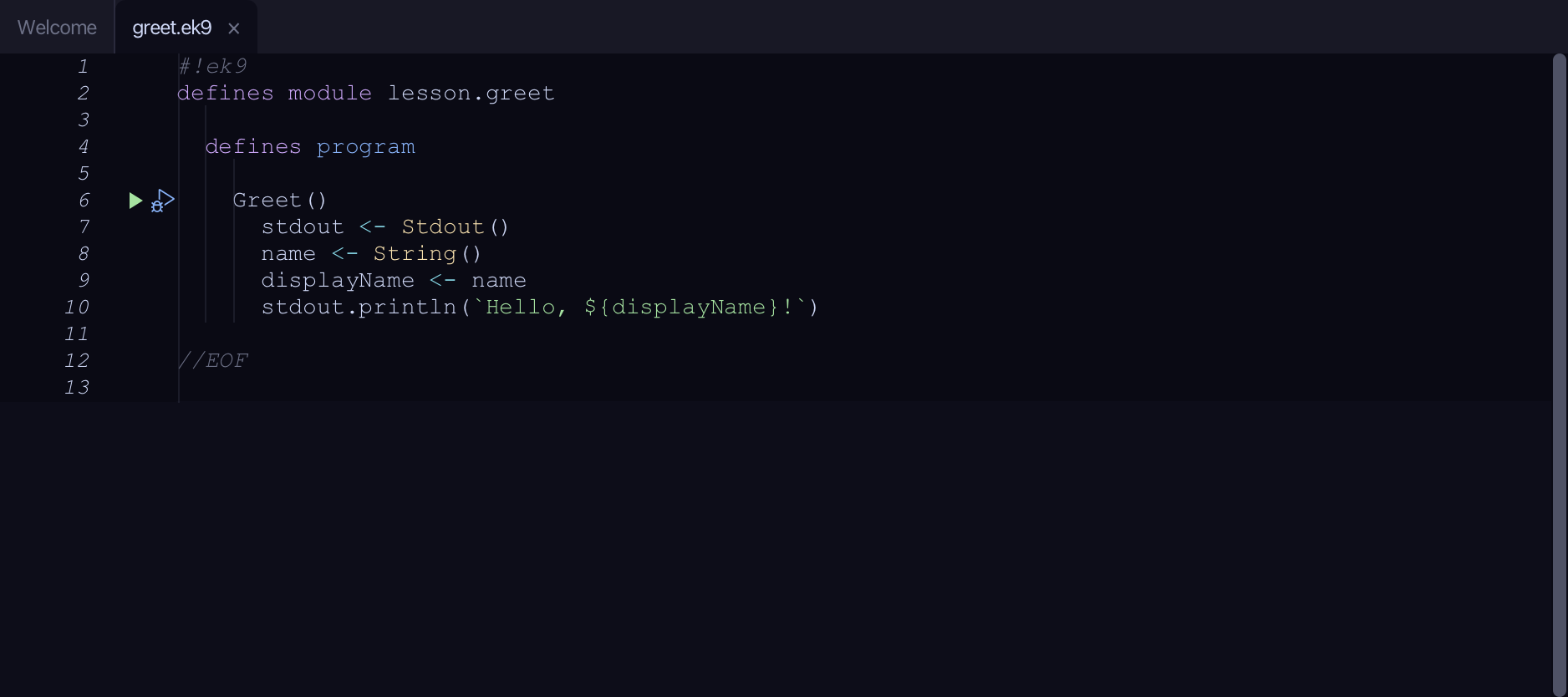
Start from
The code the lesson starts from: copy it into a file of your own and follow the steps.
#!ek9
defines module lesson.greet

  defines program

    Greet()
      stdout <- Stdout()
      name <- String()
      displayName <- name
      stdout.println(`Hello, ${displayName}!`)

//EOF
Step 1: The expression
Select name, on line 9.
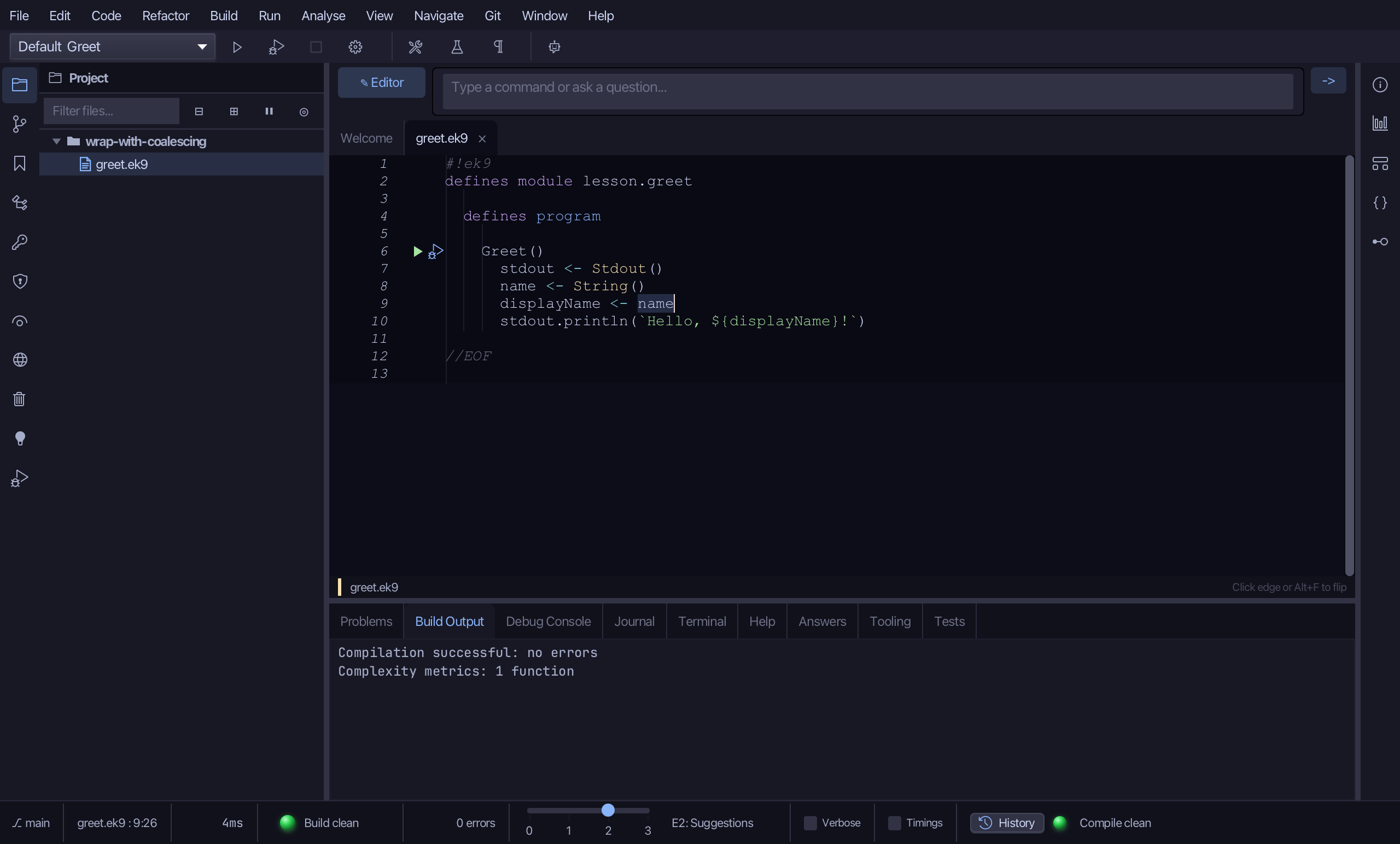
Step 2: Wrap with coalescing
Right-click it - or choose Refactor > Refactor This… - and choose Wrap with coalescing…
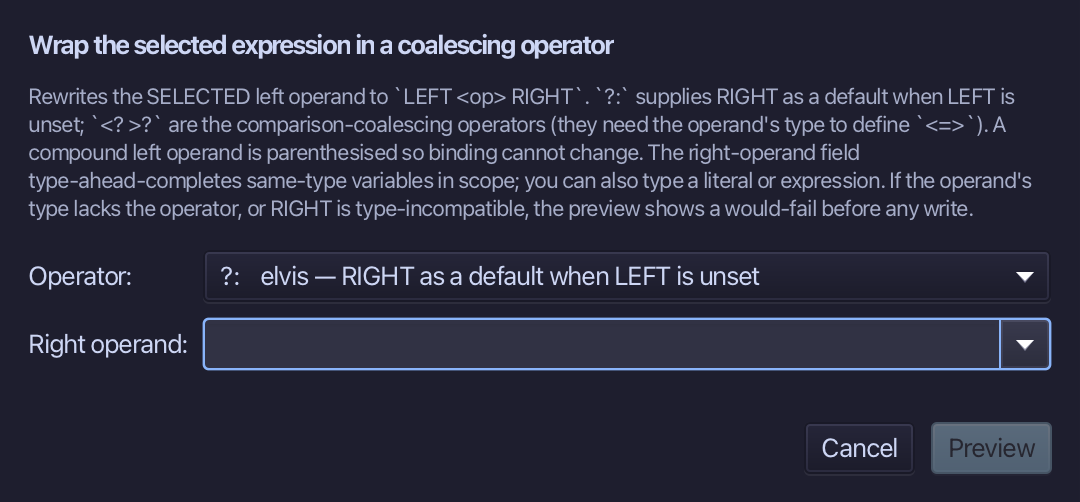
Choose ?: - elvis, a default when the left is unset - type "Anonymous" for the right operand, and choose Preview.
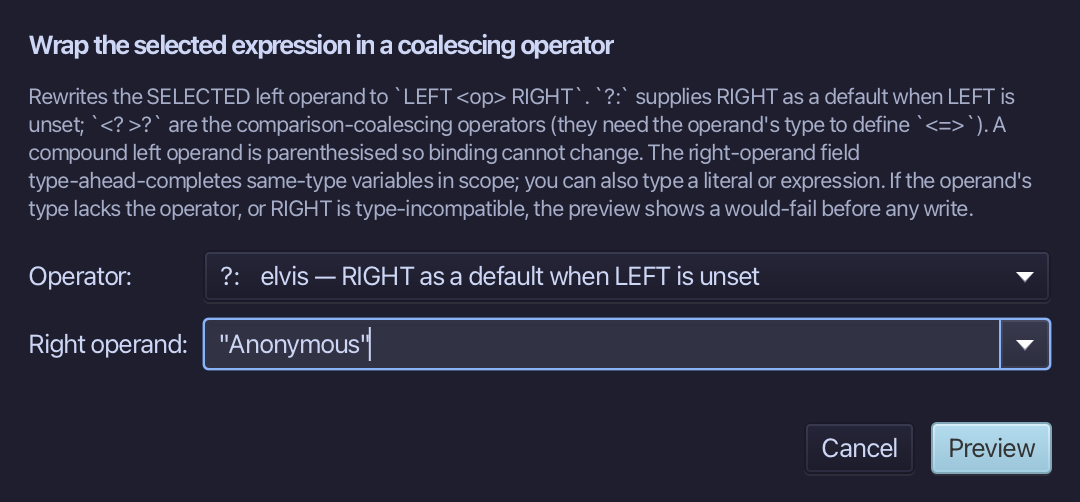
Step 3: Preview and apply
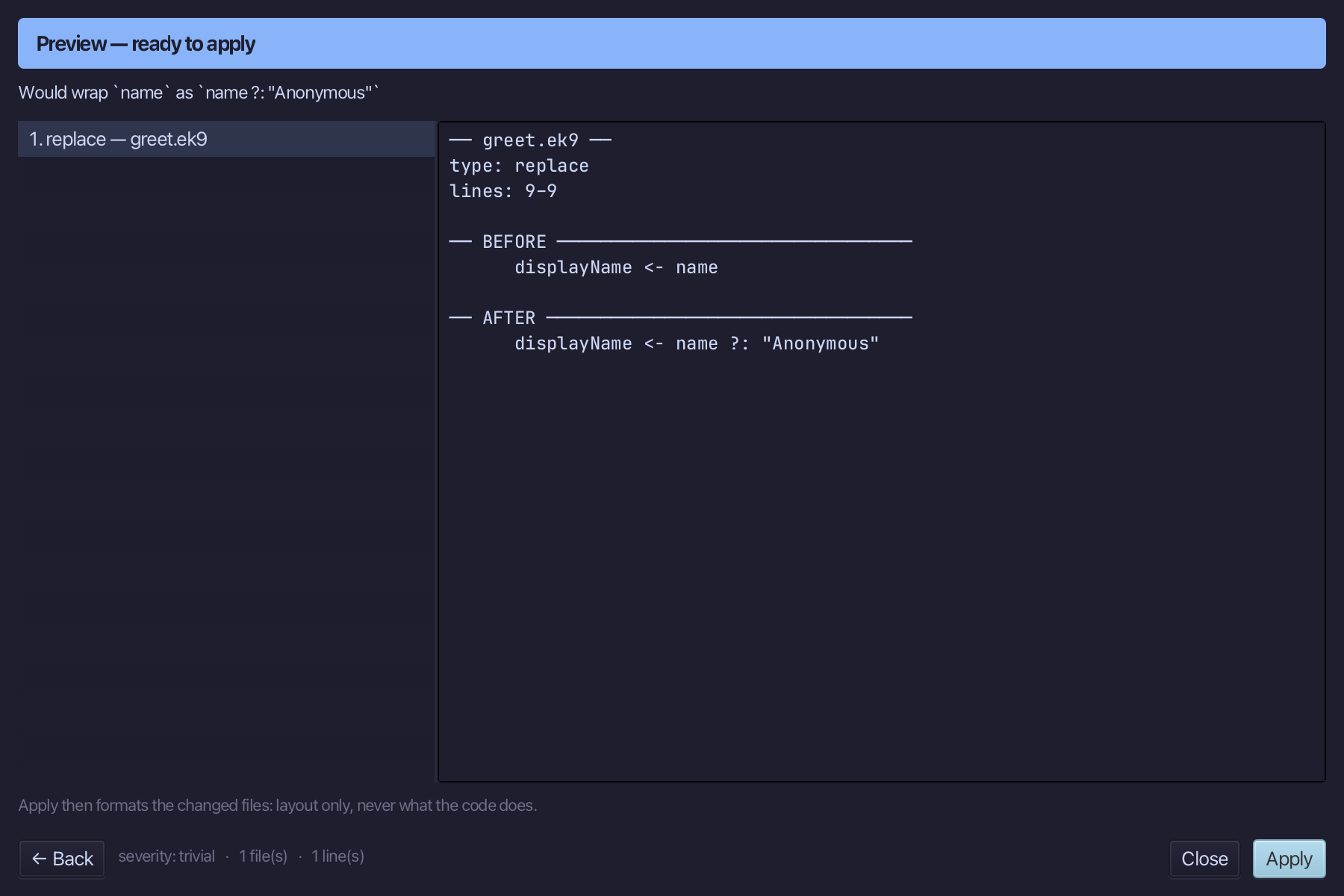
The preview shows every change the refactoring makes; then the IDE formats each file it changed. Choose Apply.
The result
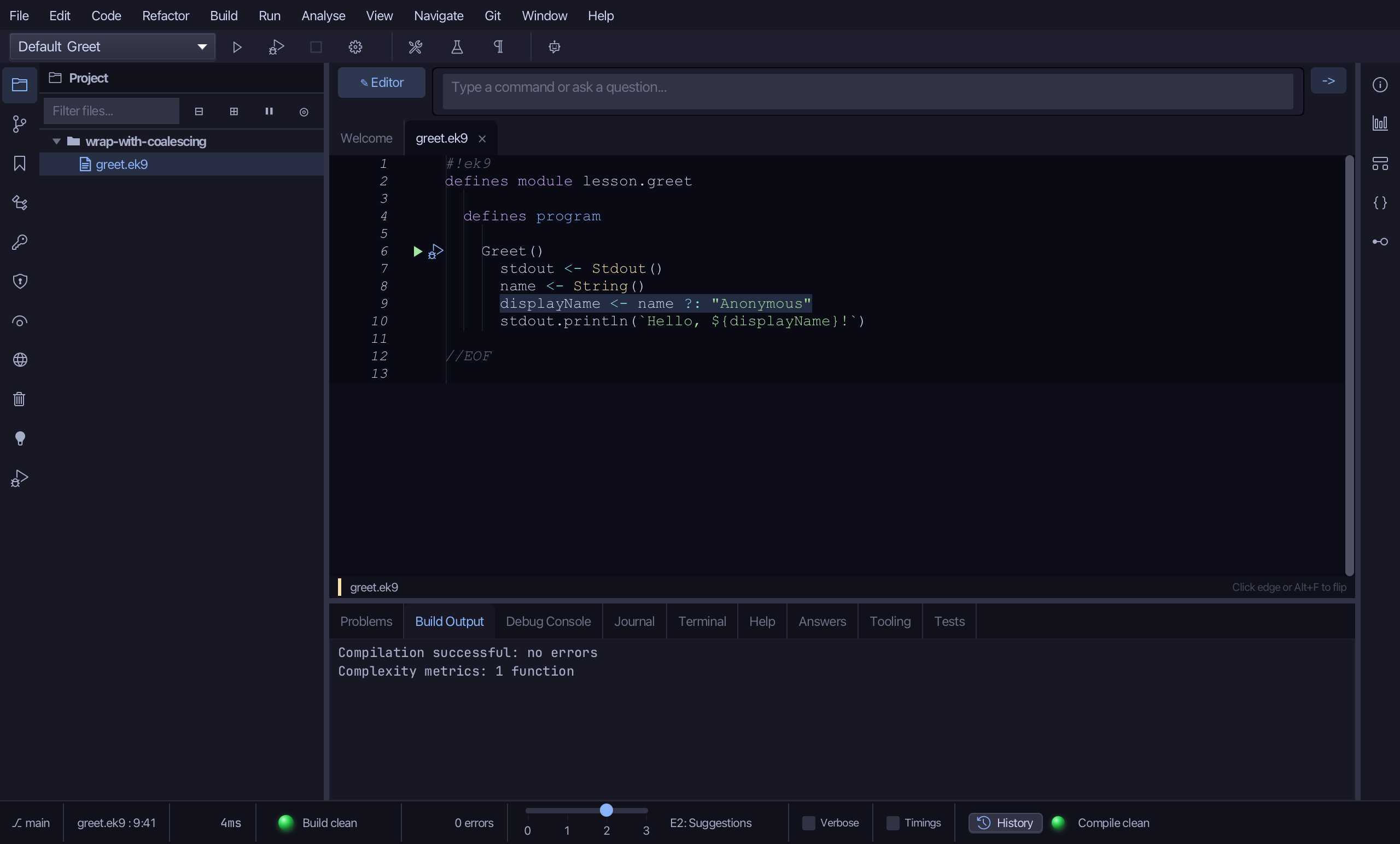
That is Wrap with coalescing: displayName is name ?: "Anonymous" - "Anonymous" only when name is unset, name itself otherwise. <? and >? wrap the same way, returning whichever operand is set, or the lesser/greater when both are. It is on the right-click menu whenever a single-line expression is selected; AI assistants use the ek9_insert_coalescing tool.
Where this lesson comes from
- Answers -
ek9 -qand the IDE's Answers tab: 243, 1059, 1067. - For AI assistants - the MCP tool
ek9_insert_coalescing.