Chapter 30: a generic constrained by a trait, built
An unconstrained T is an Any: you can hold it and pass it, and little else. Ledger of type T constrain by Priced says every T must be a Priced, so the body may call price() on a T and compare two of them with >. The chapter's trait declares the ordering, and the compiler holds it to a standard - a Money orders only within one currency, so the version that compares the currency first is the one that is accepted. The IDE writes the trait's method, the two unrelated classes (Ticket and Meal, each with the trait adopted and a field), the generic Ledger and the program's shell; you type the ordering, the constructors and what each method does. To play it in the IDE: Help > Lessons > EK9 in Depth…, or ek9 -ide -lesson depth-priced-ledger.
What you'll build
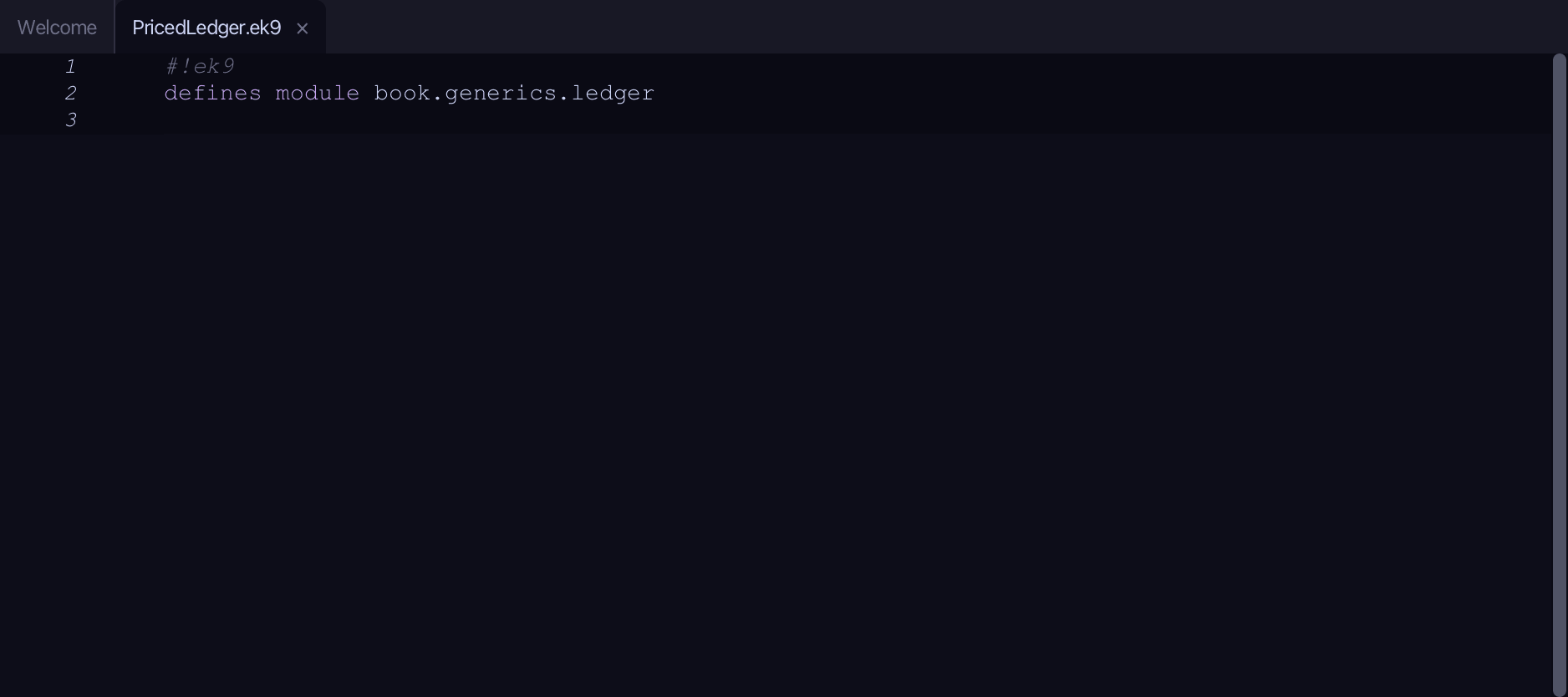
The lesson builds this program from a file holding only its module line - the finished file, as the book prints it.
#!ek9
defines module book.generics.ledger

  defines trait

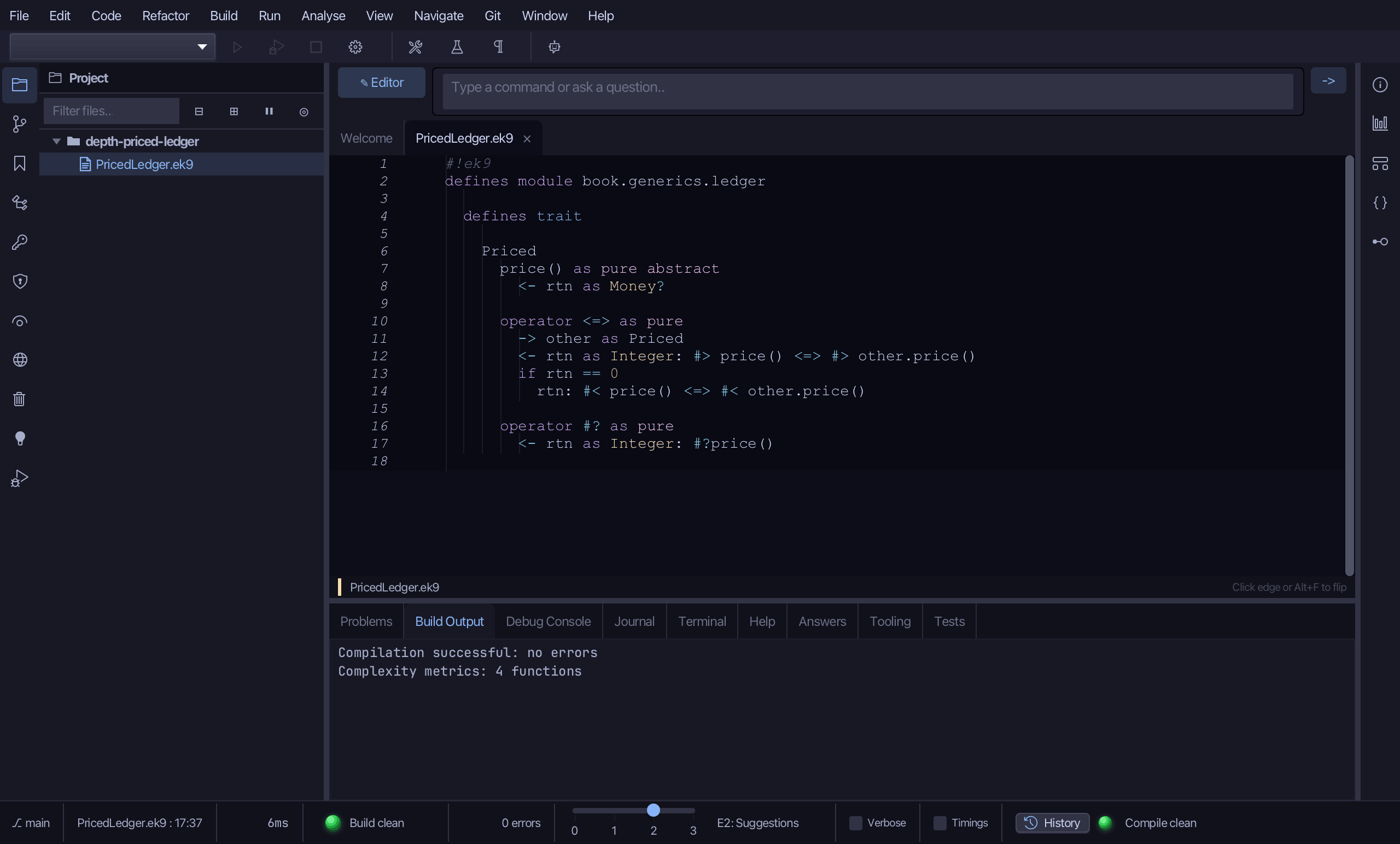
    Priced
      price() as pure abstract
        <- rtn as Money?

      operator <=> as pure
        -> other as Priced
        <- rtn as Integer: #> price() <=> #> other.price()
        if rtn == 0
          rtn: #< price() <=> #< other.price()

      operator #? as pure
        <- rtn as Integer: #?price()

  defines class

    Ticket with trait of Priced
      fare <- Money()

      default Ticket() as pure

      Ticket() as pure
        -> amount as Money
        fare :=? amount

      override price() as pure
        <- rtn as Money: fare

      default operator ?

    Meal with trait of Priced
      cost <- Money()

      default Meal() as pure

      Meal() as pure
        -> amount as Money
        cost :=? amount

      override price() as pure
        <- rtn as Money: cost

      default operator ?

    Ledger of type T constrain by Priced
      items as List of T: List()

      default Ledger()

      Ledger()
        -> first as T
        items += first

      add()
        -> item as T
        items += item

      total()
        <- rtn as Money: 0#GBP
        for item in items
          rtn += item.price()

      dearest()
        <- rtn as Optional of T: Optional()
        for item in items
          keep as Boolean: true
          if rtn?
            current as T: rtn.get()
            keep := item > current
          if keep
            rtn: Optional(item)

      default operator ?

  defines program

    PricedLedgers()
      stdout <- Stdout()

      tickets <- Ledger(Ticket(45#GBP))
      tickets.add(Ticket(12#GBP))
      stdout.println(`tickets total: ${tickets.total()}`)

      meals <- Ledger() of Meal
      meals.add(Meal(9#GBP))
      meals.add(Meal(31#GBP))
      meals.add(Meal(18#GBP))
      stdout.println(`meals total: ${meals.total()}`)
      if dearest <- meals.dearest()
        stdout.println(`dearest meal: ${dearest.get().price()}`)
Step 1: Priced — a trait whose ordering is total
Choose Code > New Construct > Trait…
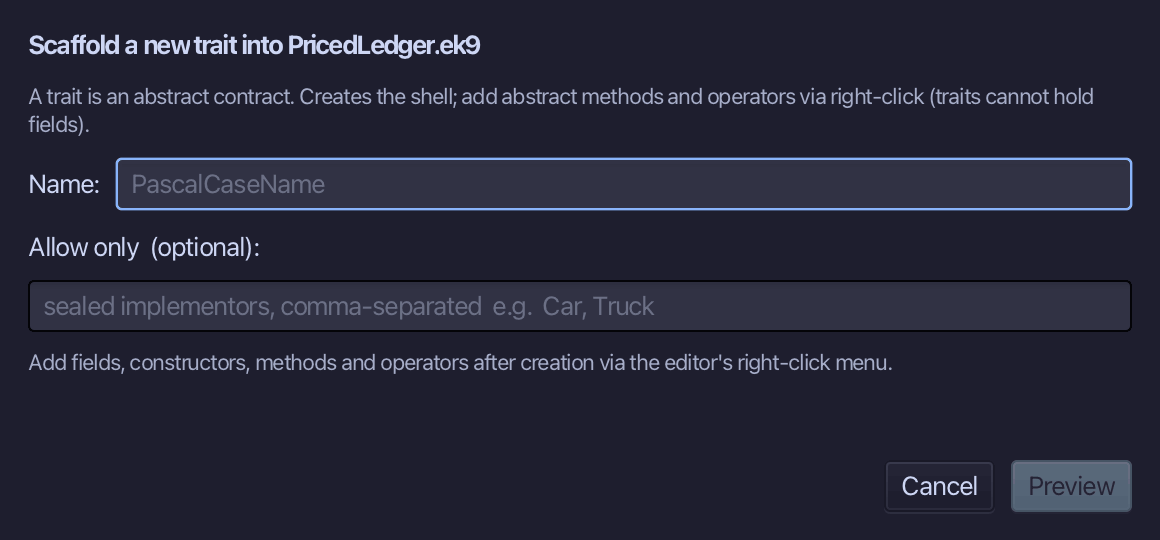
Priced is the trait's name. Choose Preview.
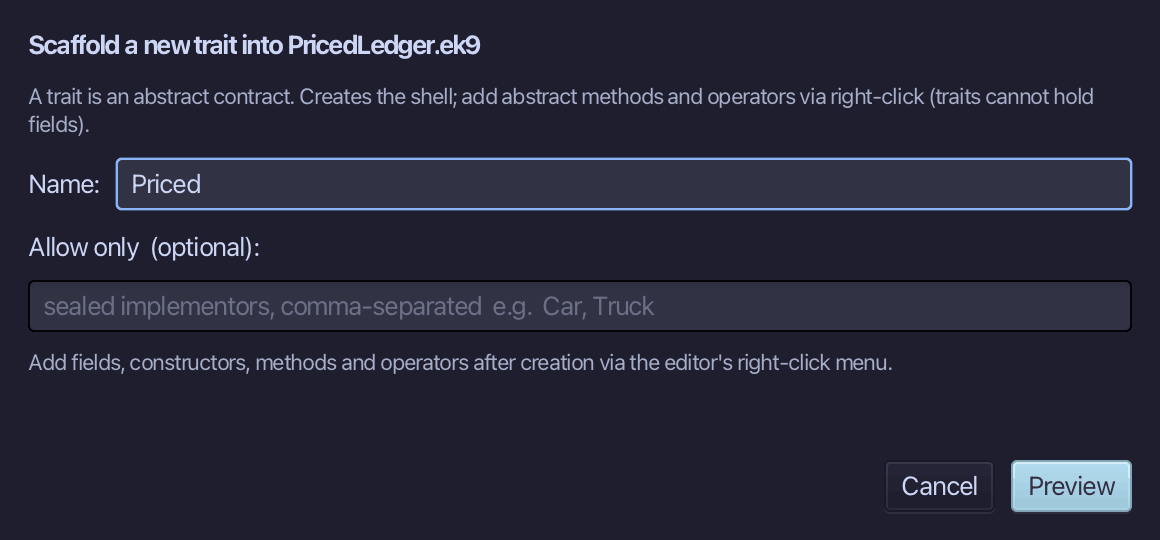
The preview shows Priced about to be written. Choose Apply.
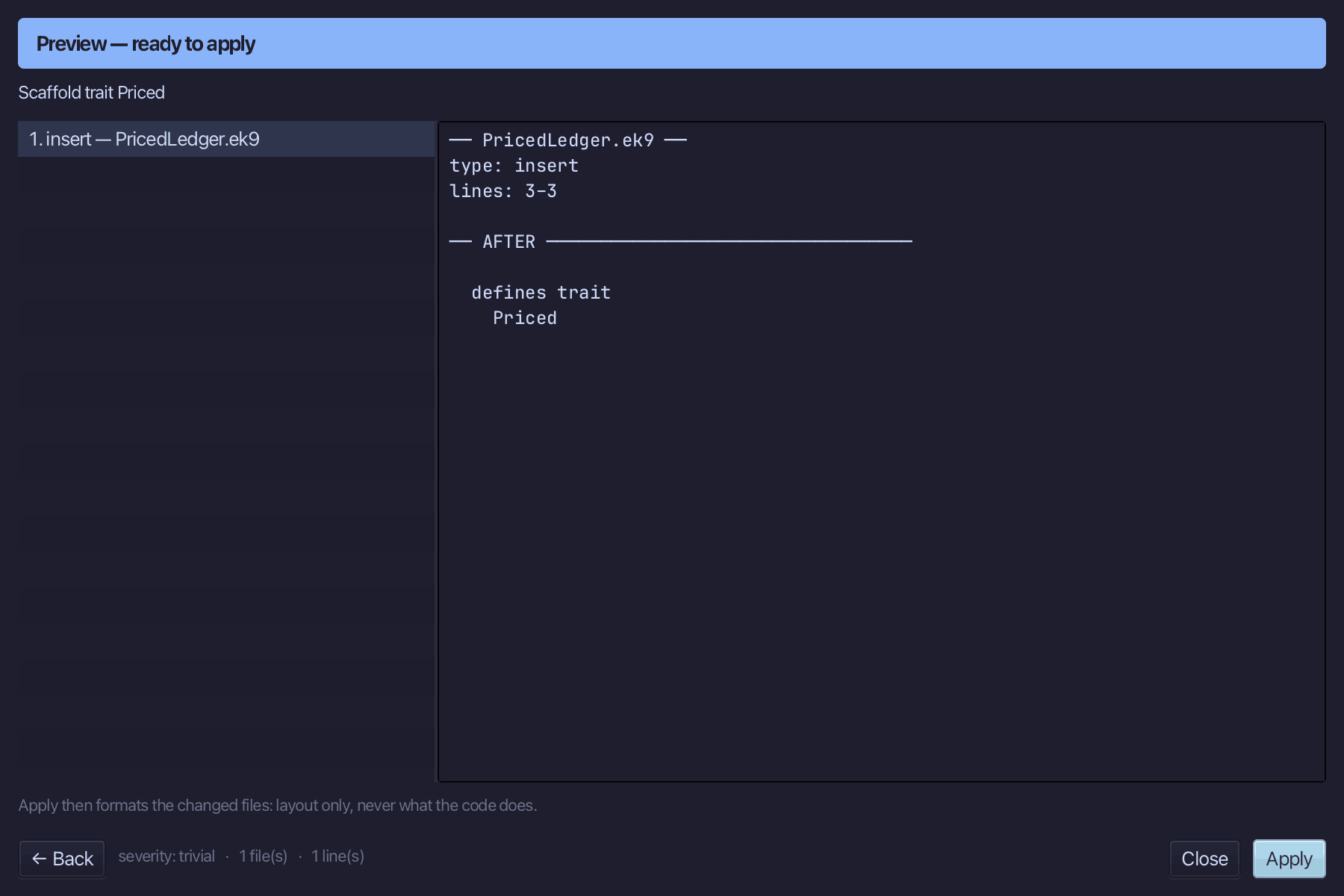
Select the Priced line and, above it, type the blank line the book opens its first trait with. Saves when typed.
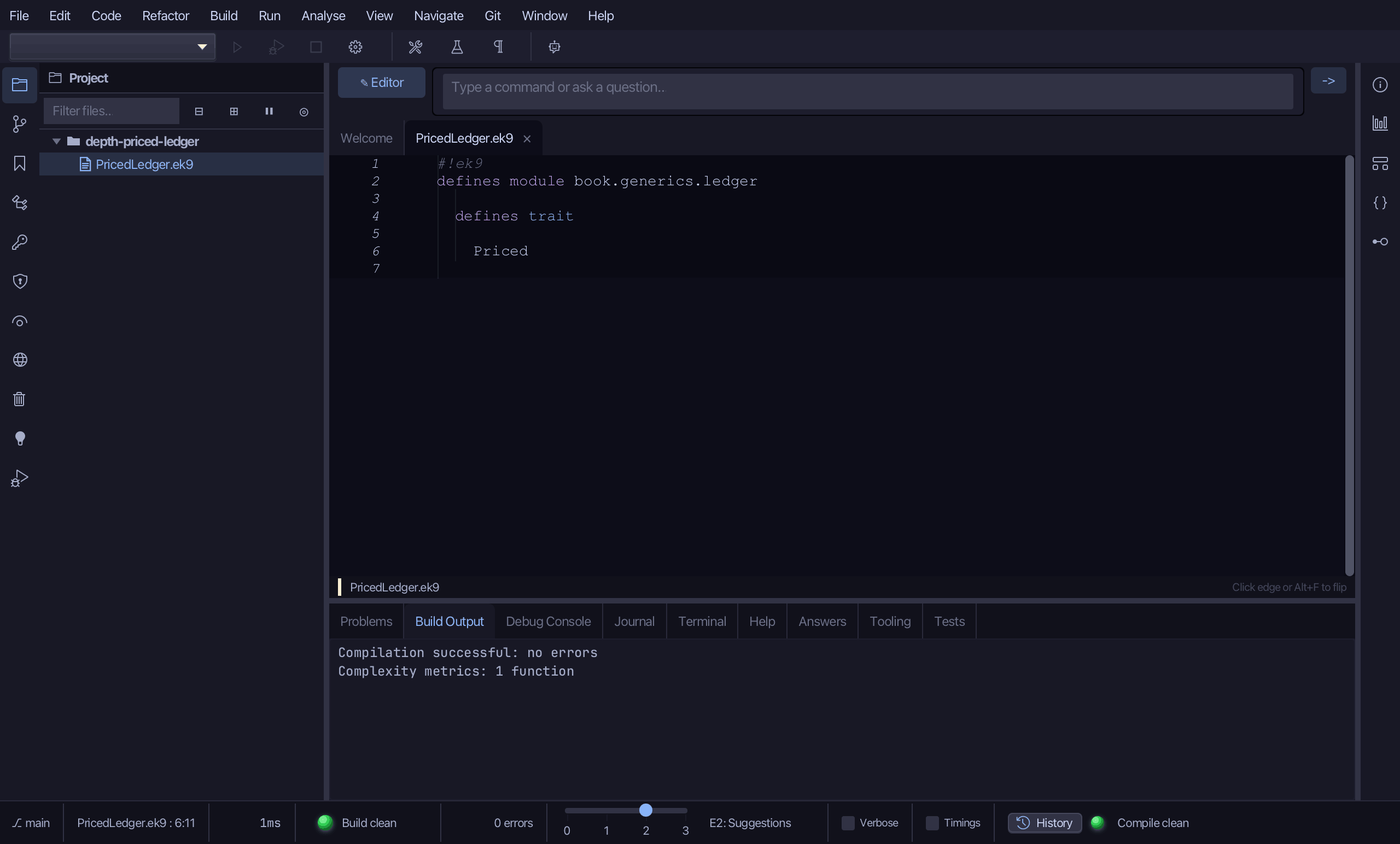
Right-click the Priced line and choose Add Method…
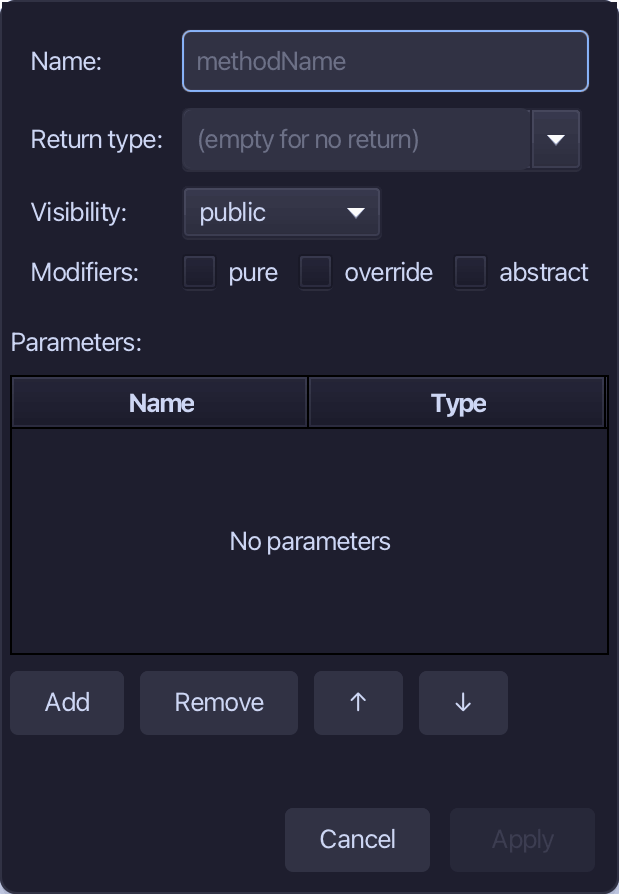
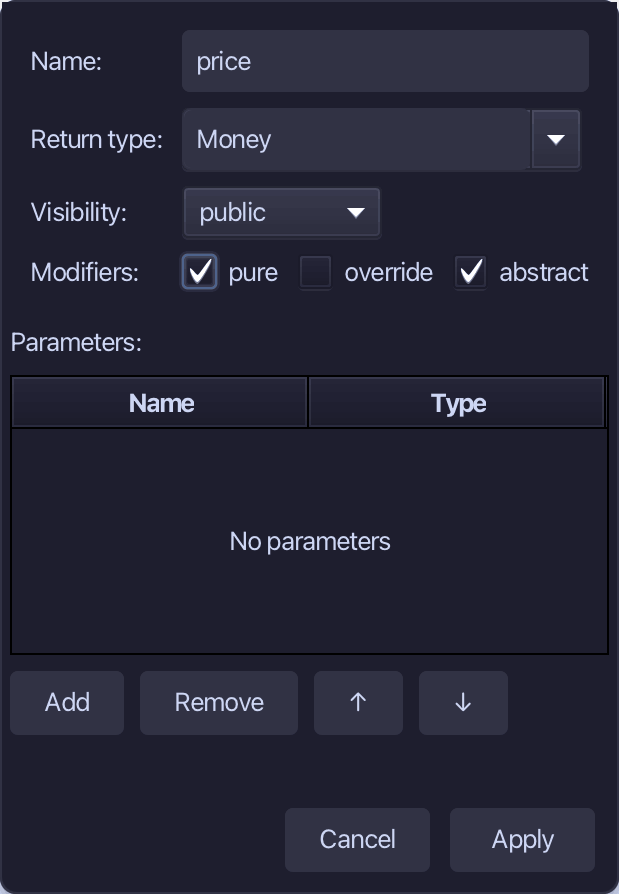
price is the method's name. Set Return type to Money, tick pure and abstract - a contract with no body. Choose Apply.
Below price, type the trait's ordering - a trait with no fields has no skeleton to start from. It compares the currency first (#>) and the amount second (#<), so it answers for every pair of prices; and the hash the ordering needs. Saves when typed.
Step 2: Ticket — a class that is Priced
Choose Code > New Construct > Class…
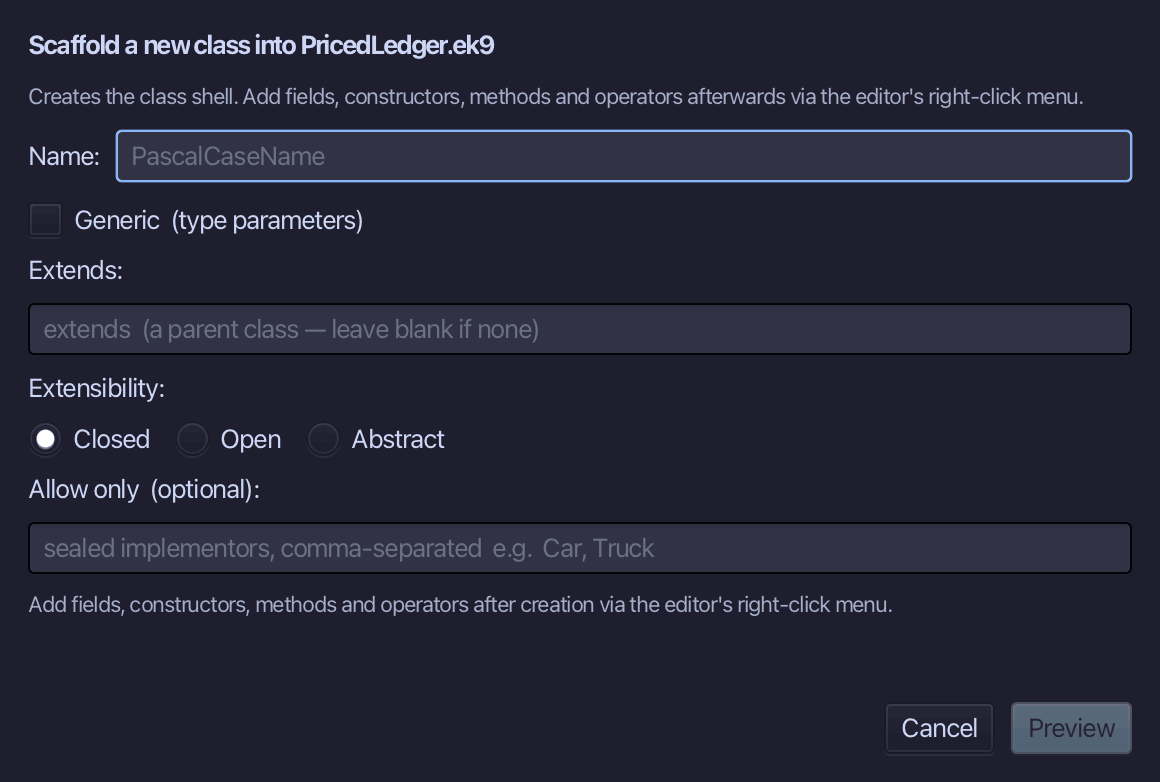
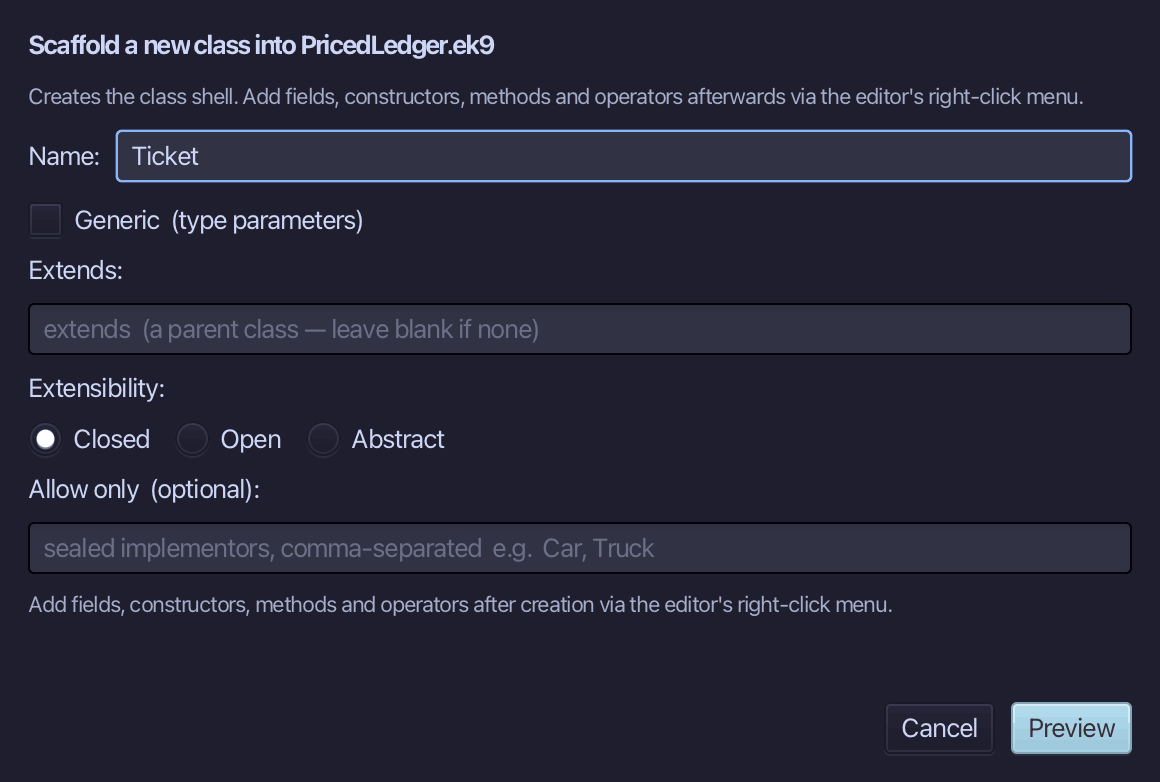
Ticket is the class's name. Choose Preview.
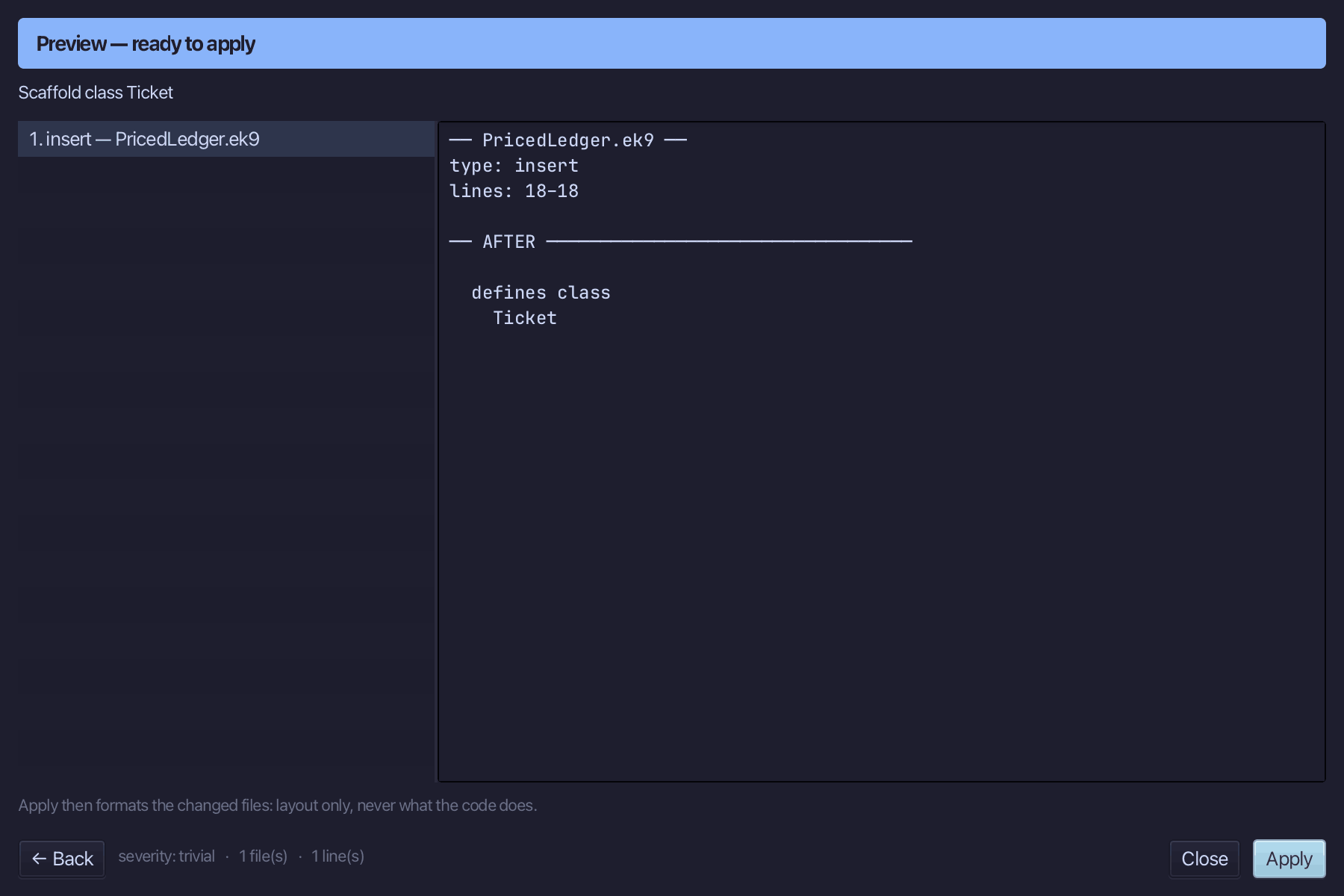
The preview shows Ticket about to be written. Choose Apply.
Select the Ticket line and, above it, type the blank line the book opens its first class with. Saves when typed.
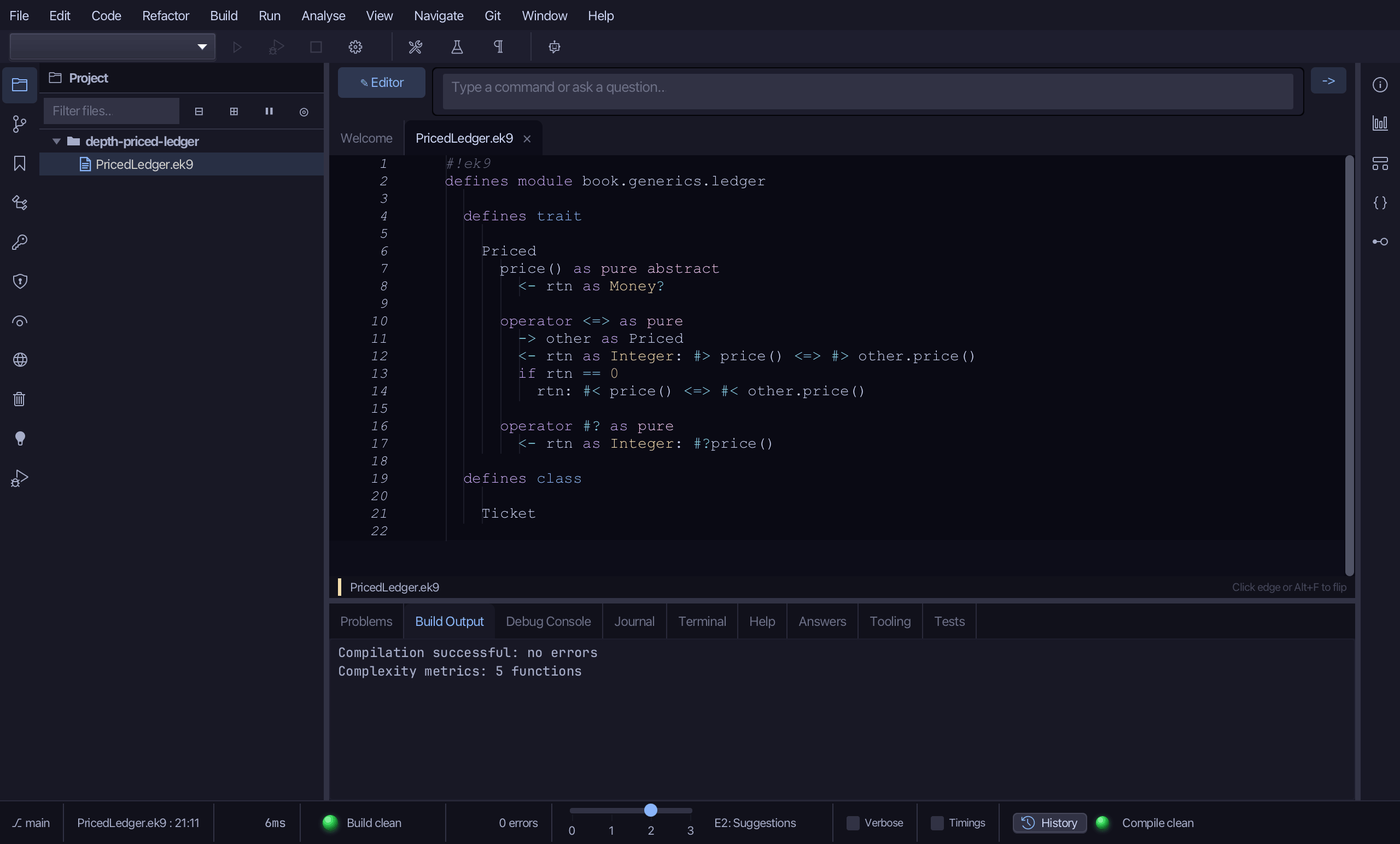
Right-click the Ticket line and choose Adopt Trait…
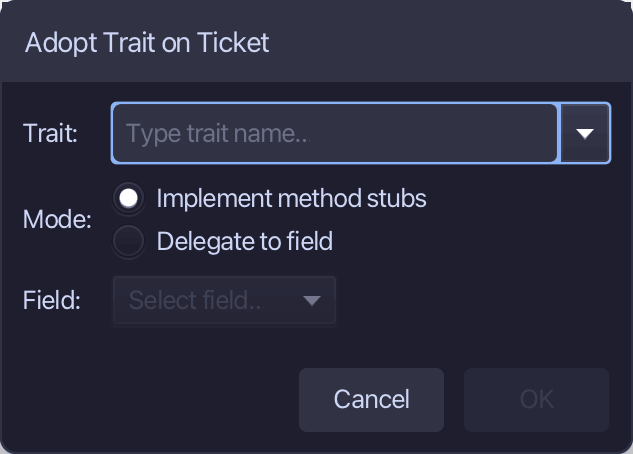
Type Priced as the trait - Implement method stubs is already chosen - and choose OK.
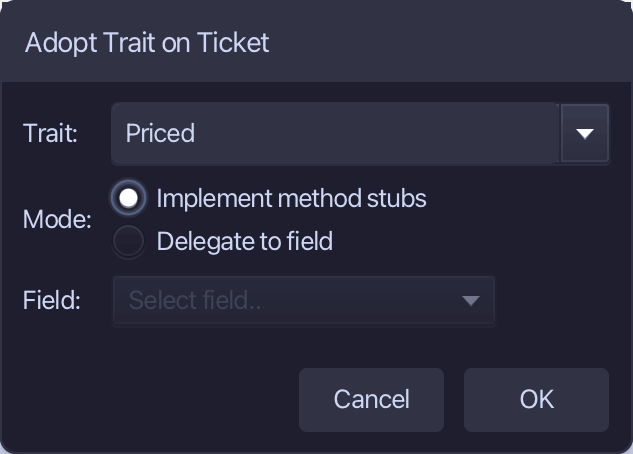
Adopt Trait changes the open file in the editor, not yet saved. Choose File > Save.
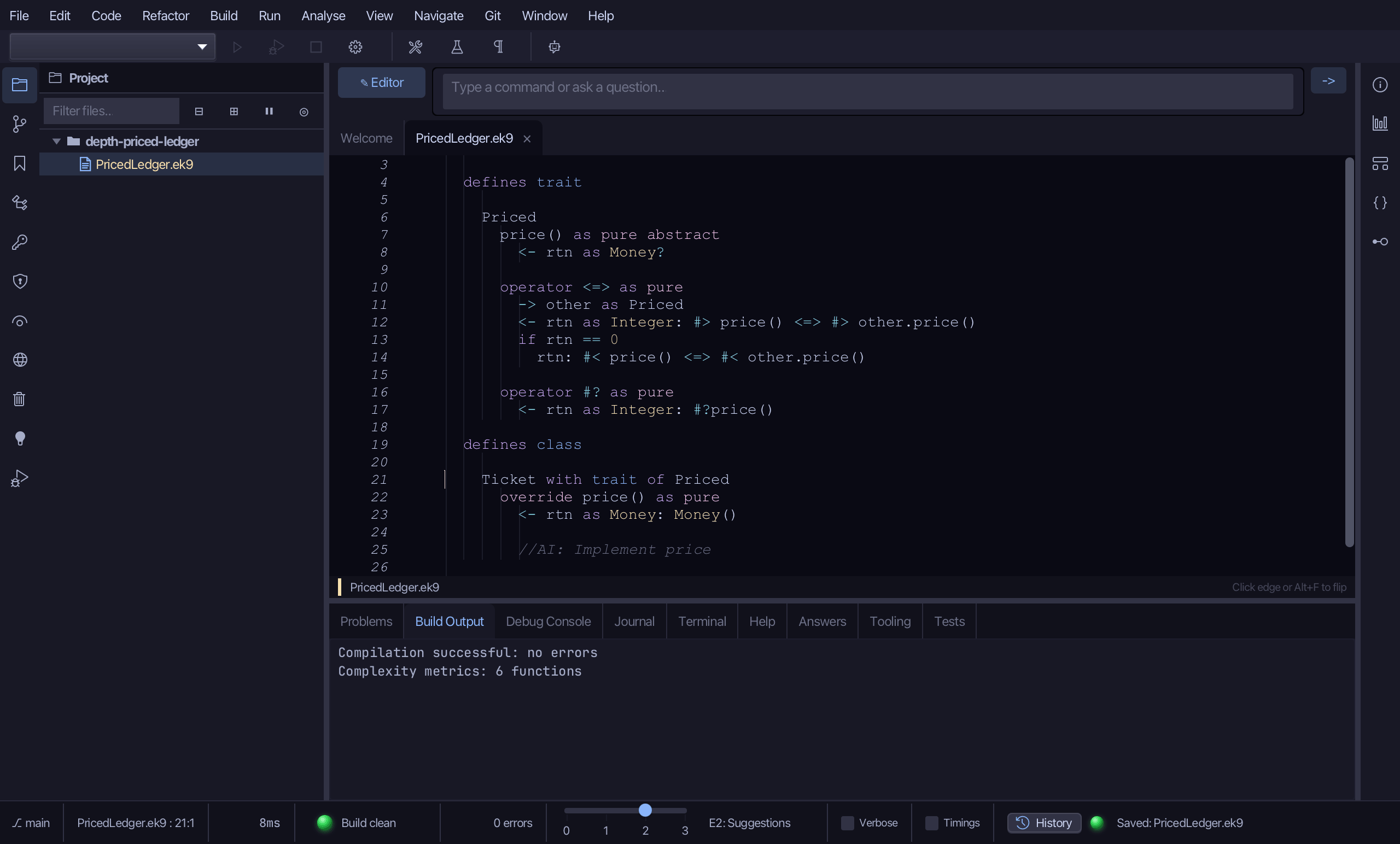
Right-click the Ticket line and choose Add Field…
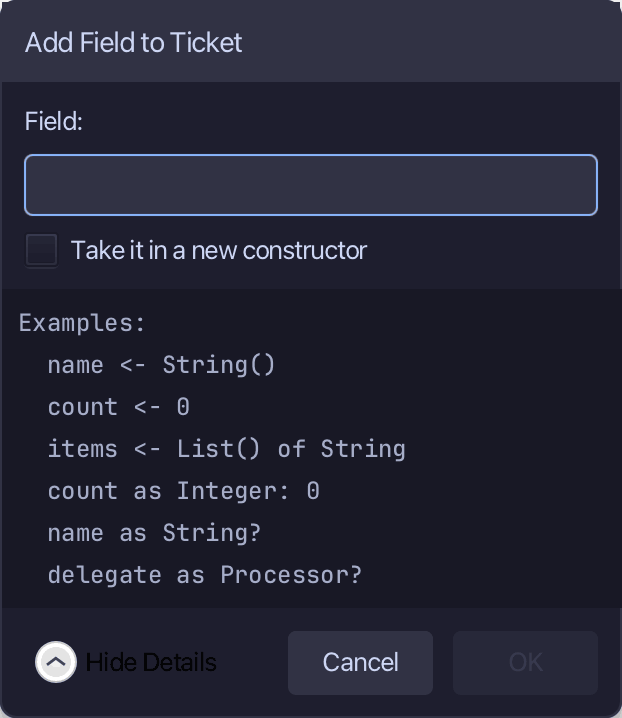
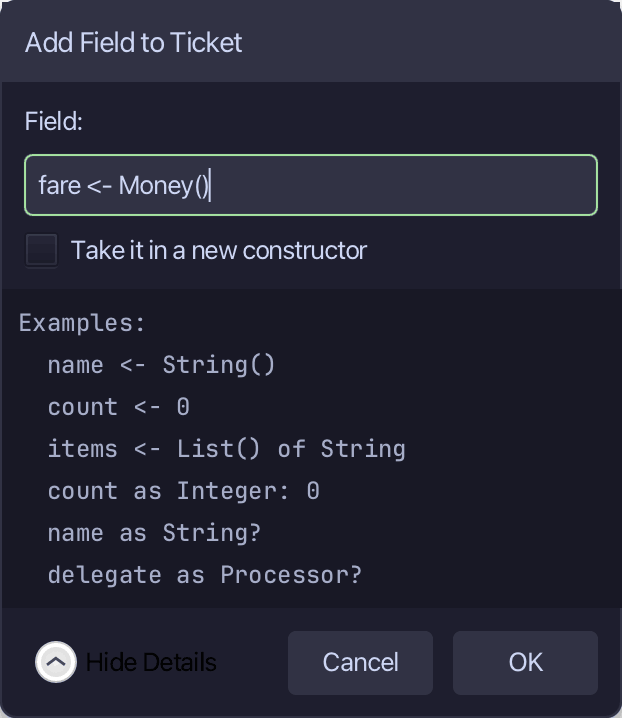
Type fare <- Money() - the field and the value it starts with. Choose OK.
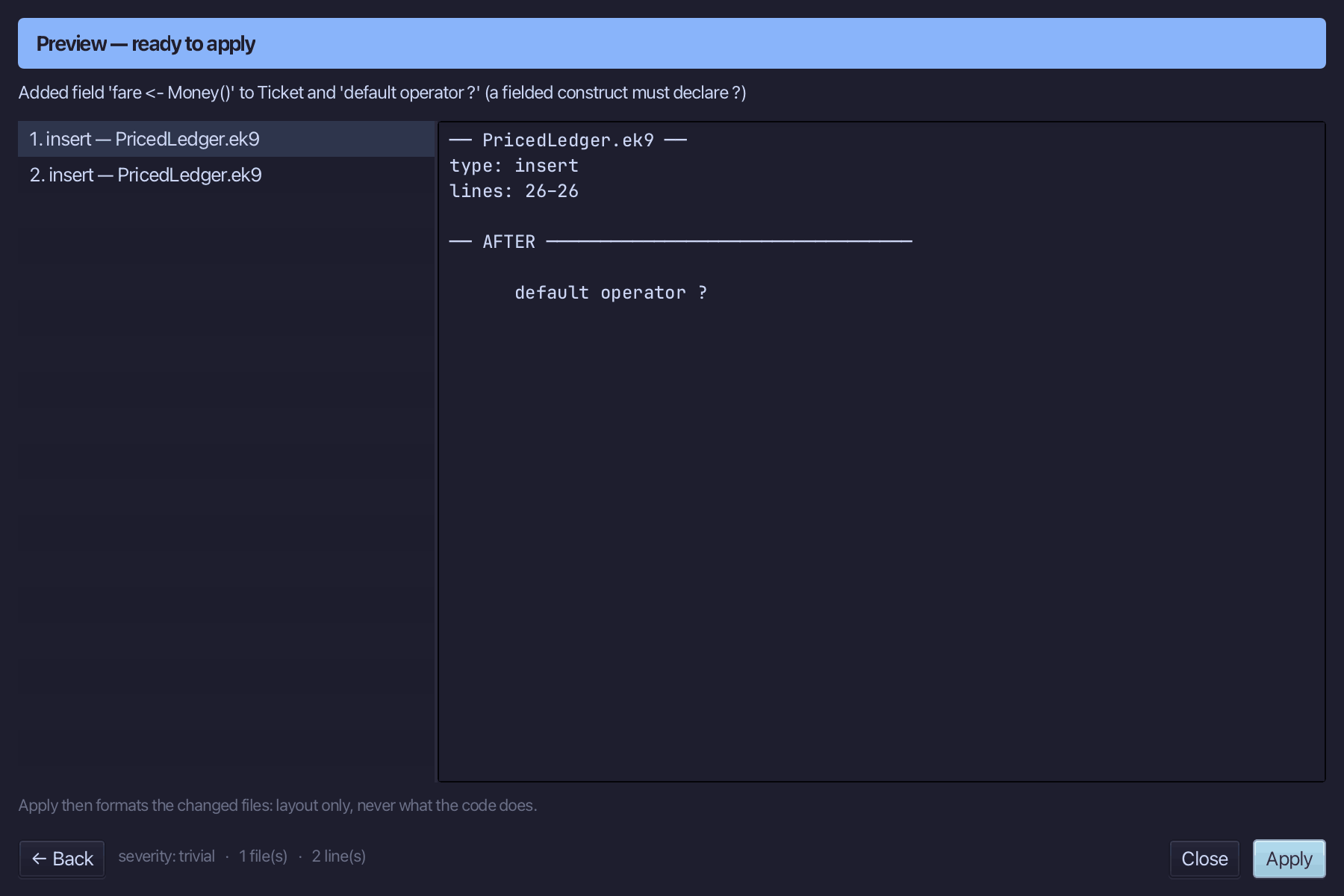
The preview shows fare added - and default operator ? with it, Ticket's first field. Choose Apply.
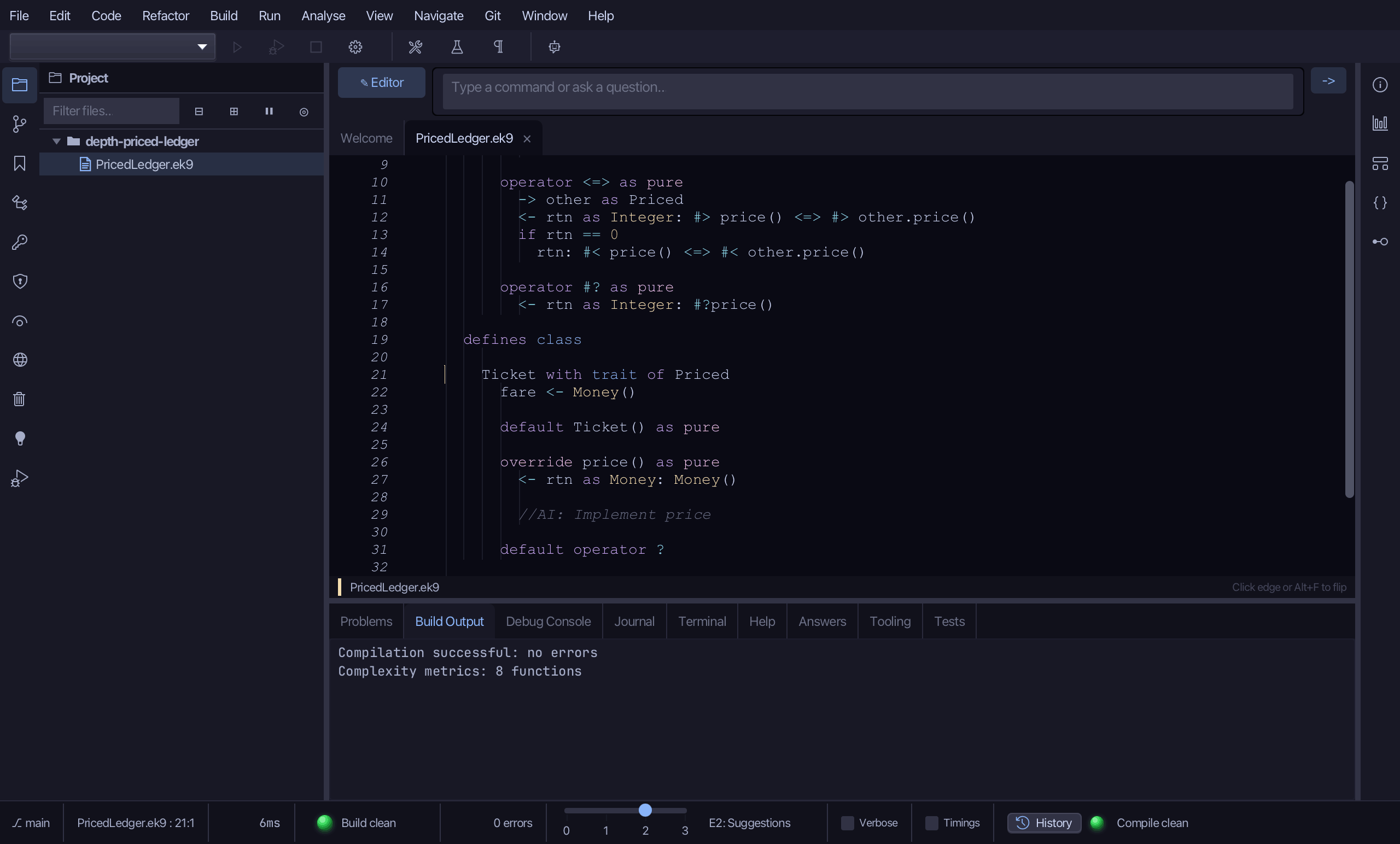
Right-click the Ticket line and choose Add Constructor > No-Arg (default, pure).
Right-click the Ticket line and choose Add Constructor > From All Fields (pure) - a constructor that takes every field.
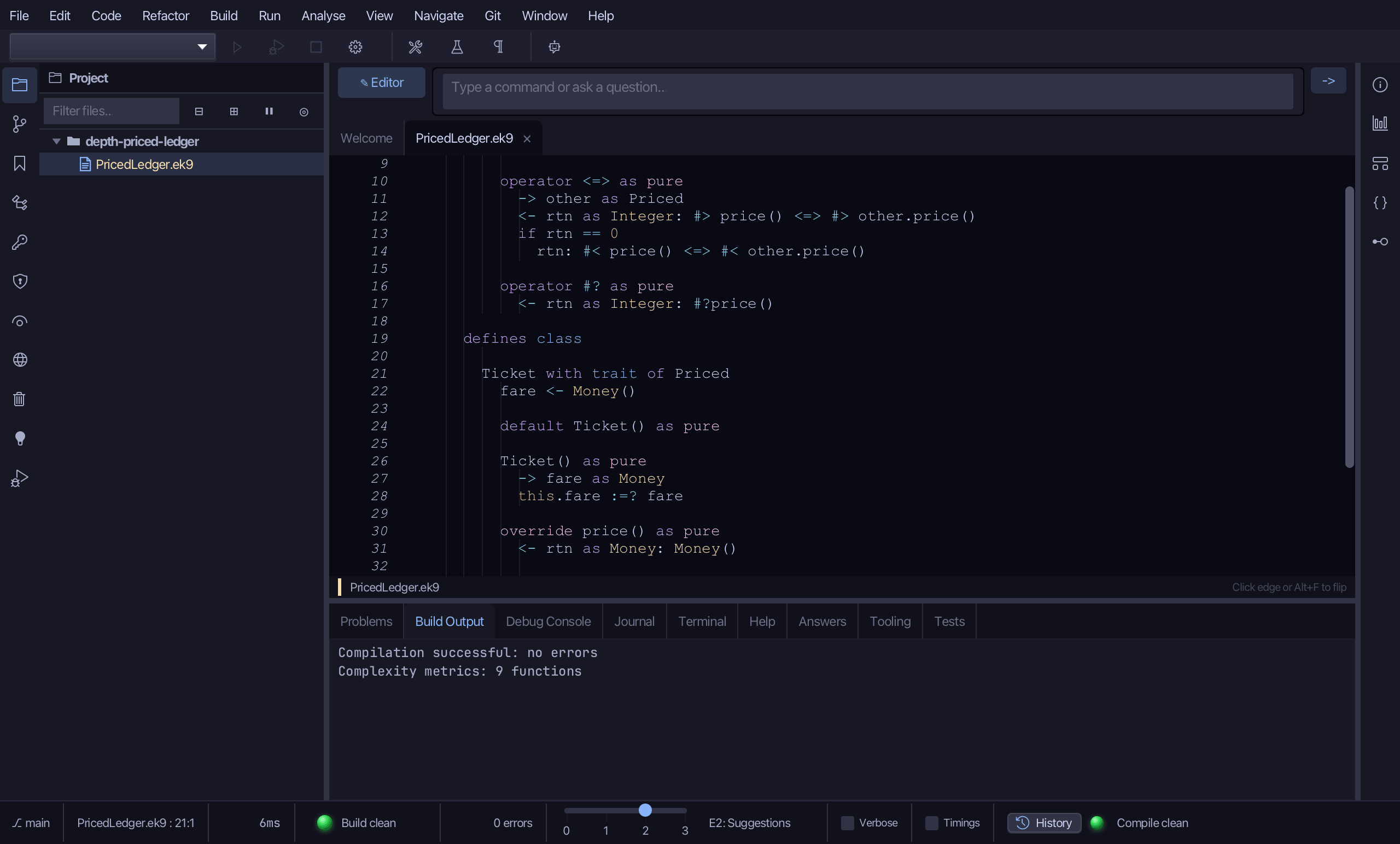
Select the constructor and type the book's: amount in, fare set with :=?. Saves when typed.
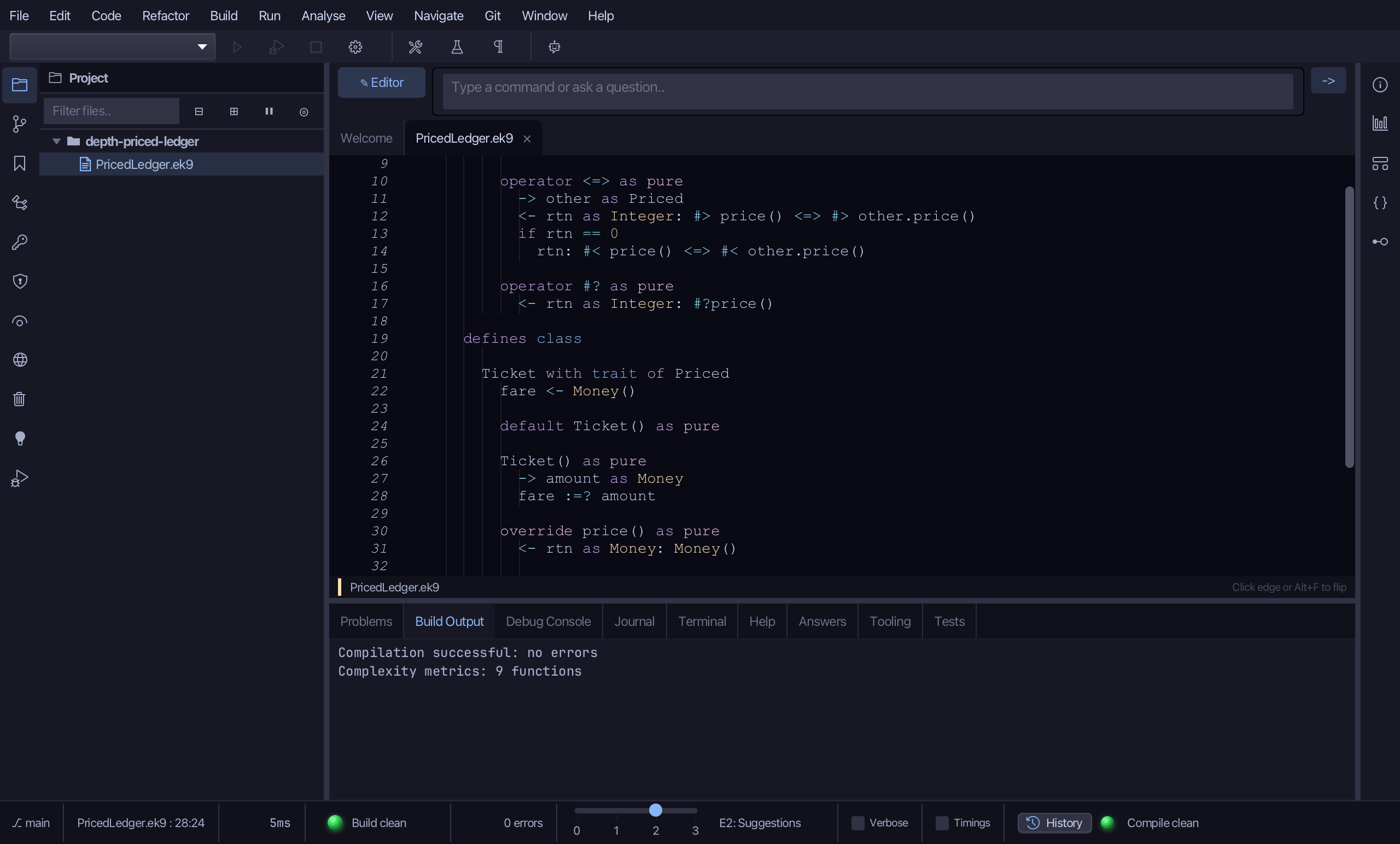
Select the override's stub and type price's answer: the fare. Saves when typed.
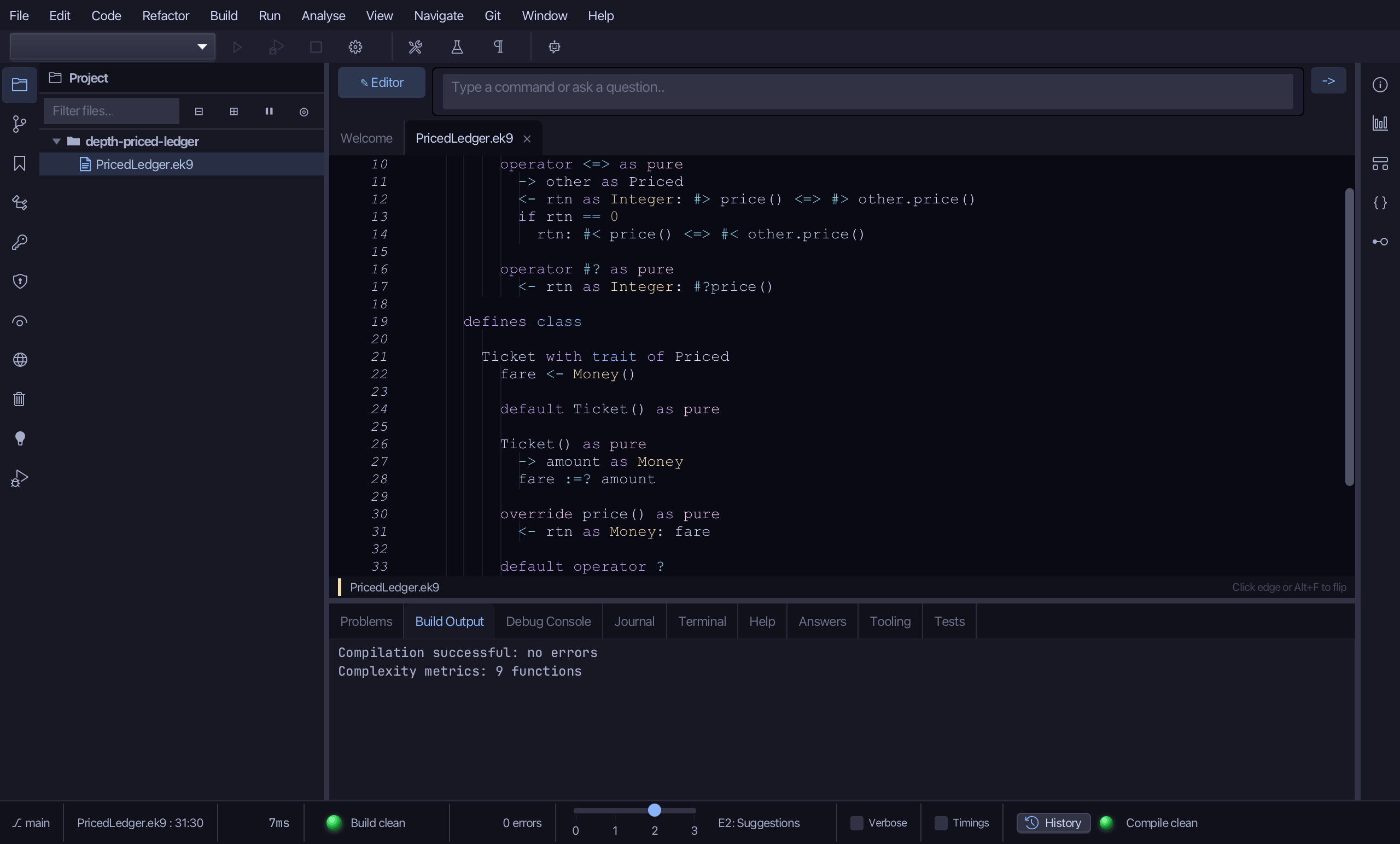
Step 3: Meal — another class that is Priced
Choose Code > New Construct > Class…
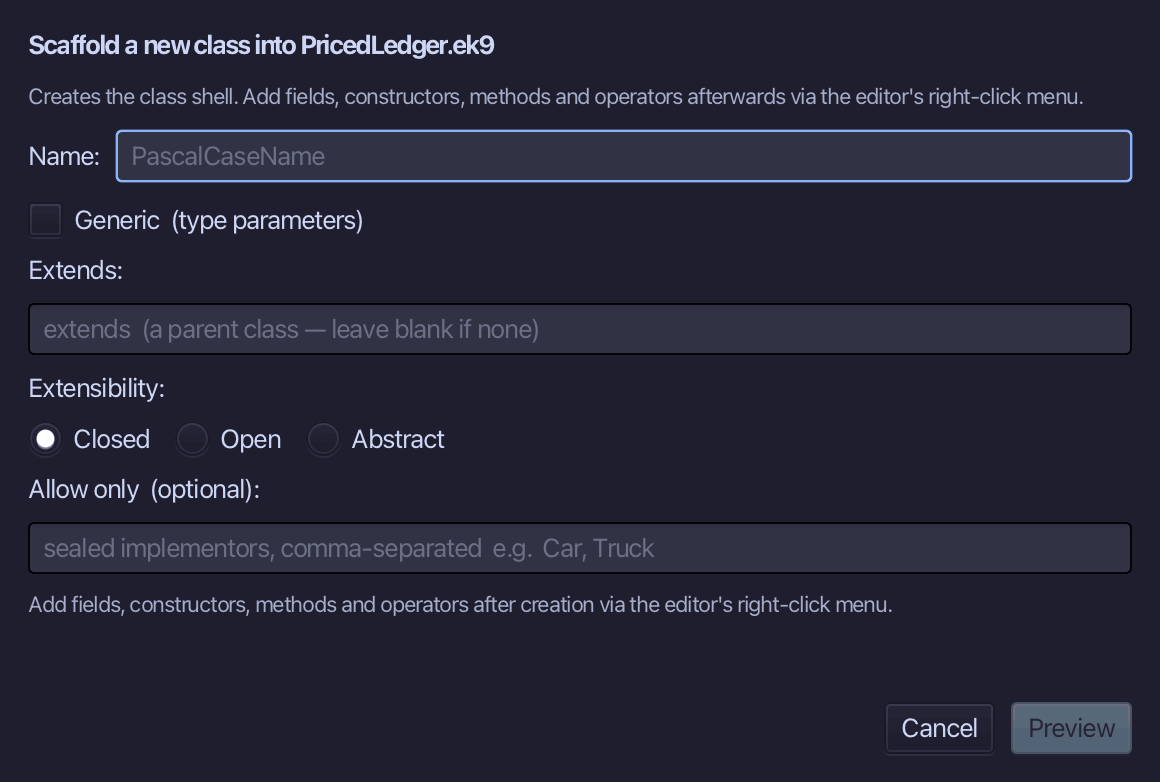
Meal is the class's name. Choose Preview.
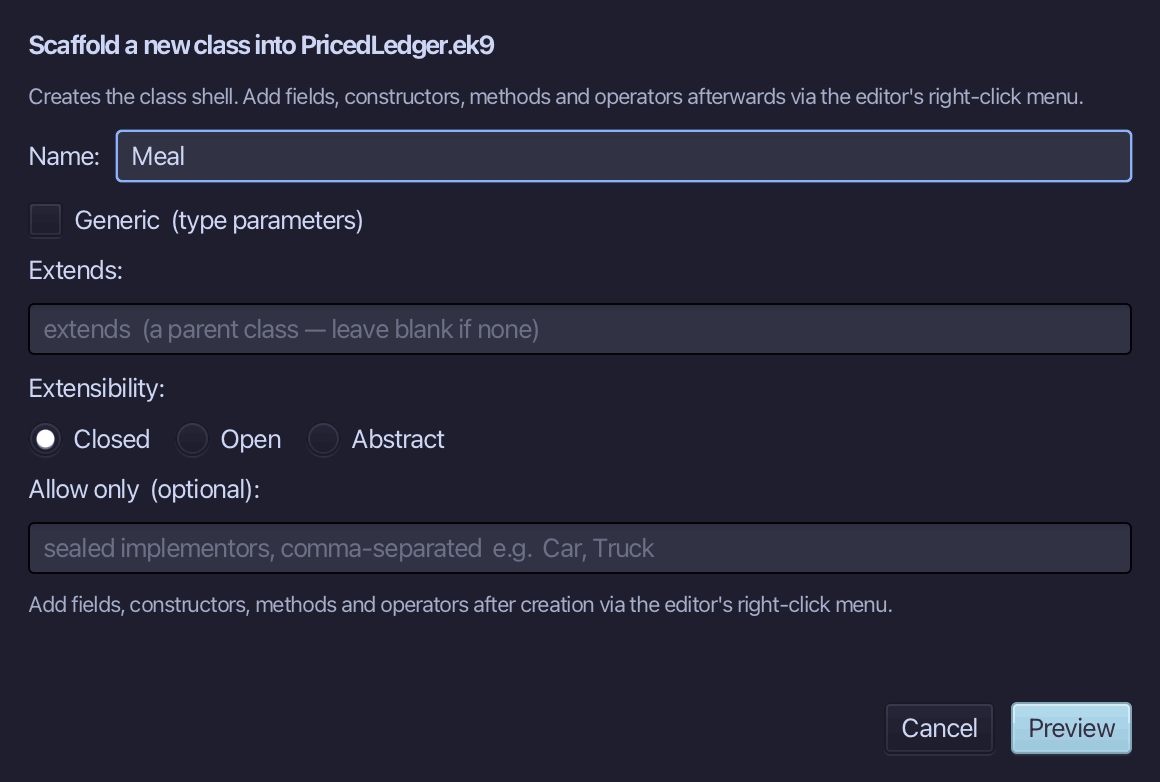
The preview shows Meal about to be written. Choose Apply.
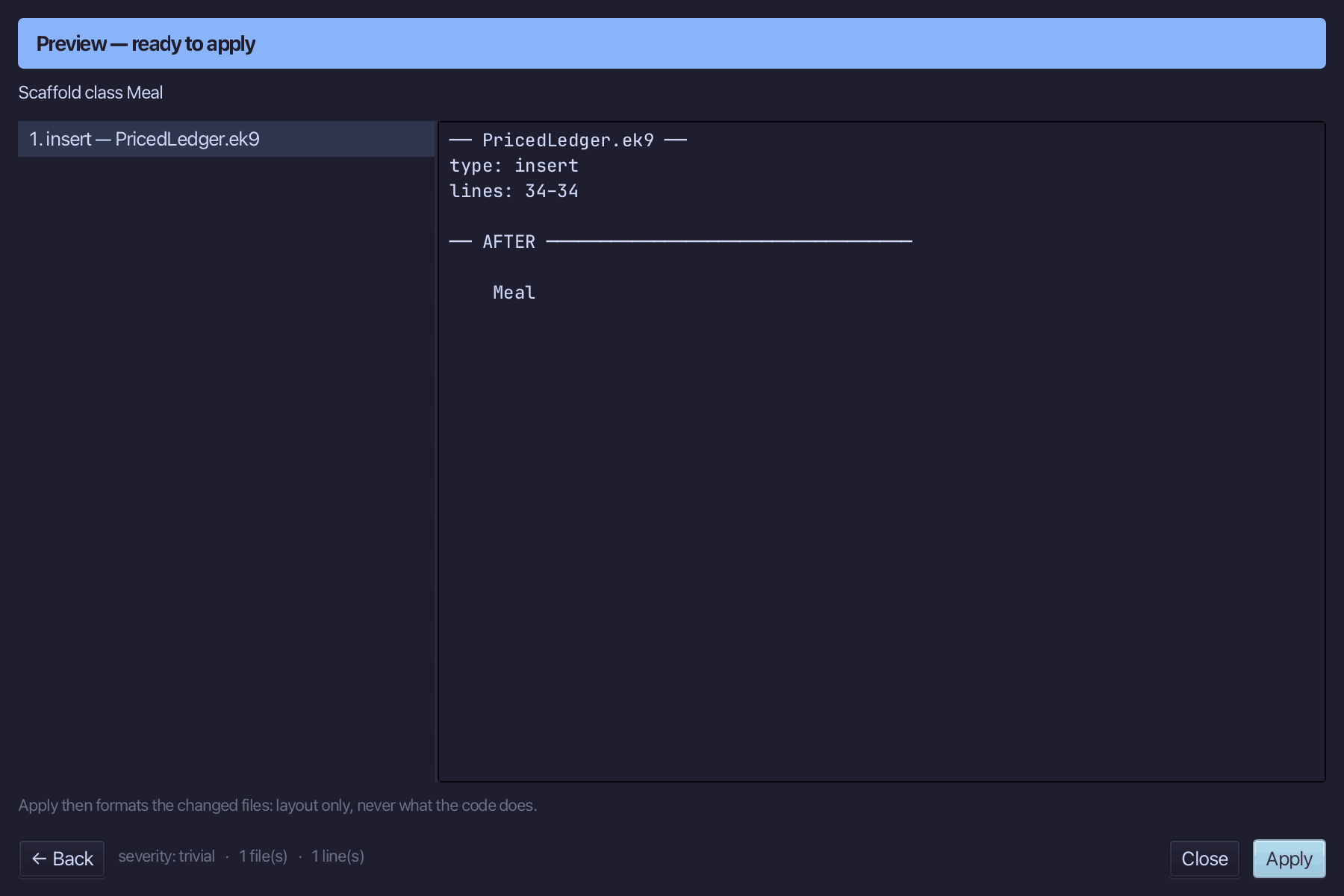
Right-click the Meal line and choose Adopt Trait…
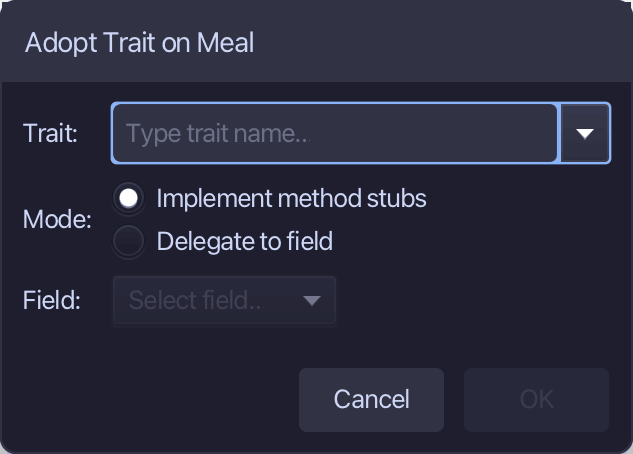
Type Priced as the trait - Implement method stubs is already chosen - and choose OK.
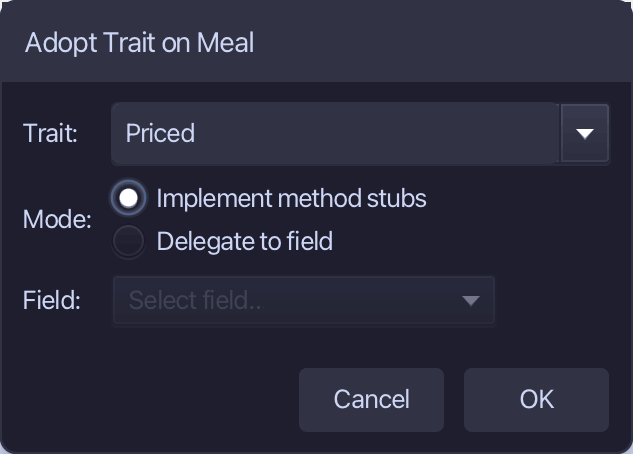
Adopt Trait changes the open file in the editor, not yet saved. Choose File > Save.
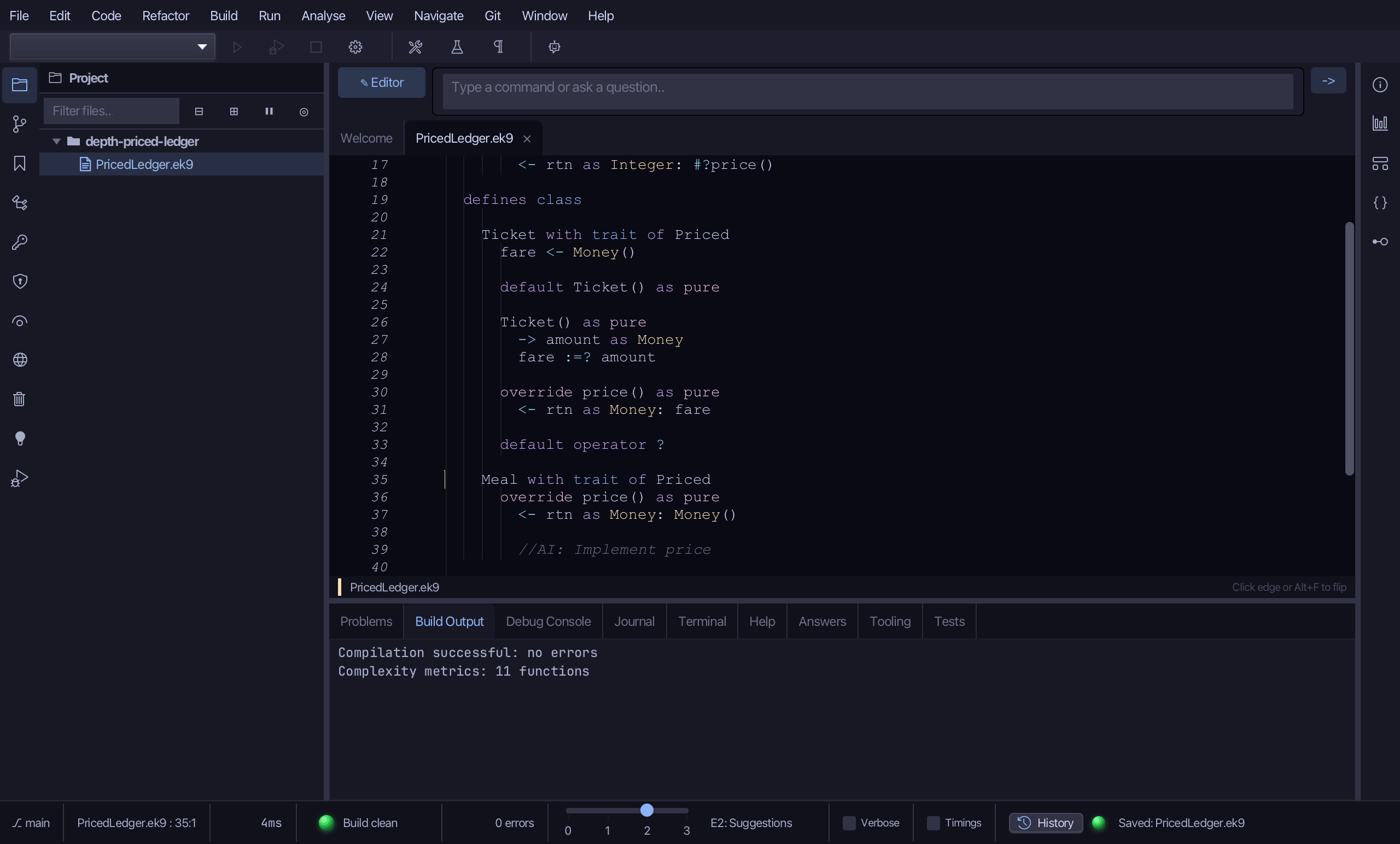
Right-click the Meal line and choose Add Field…
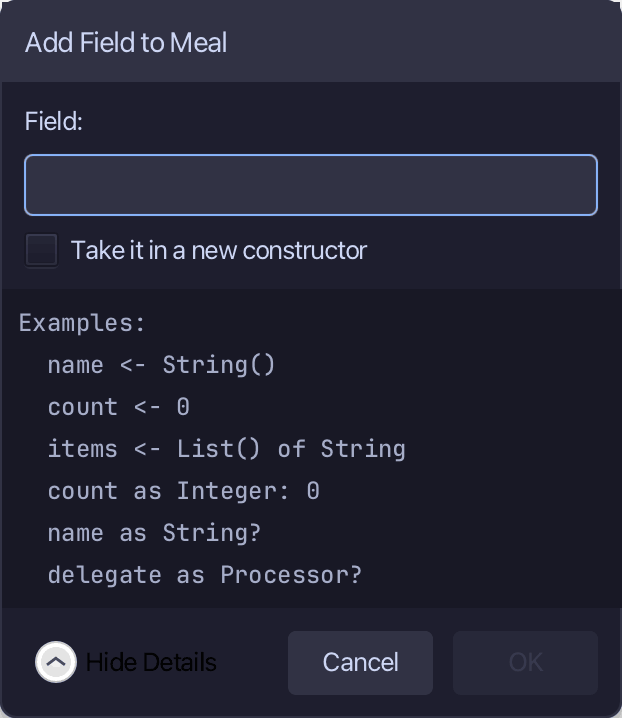
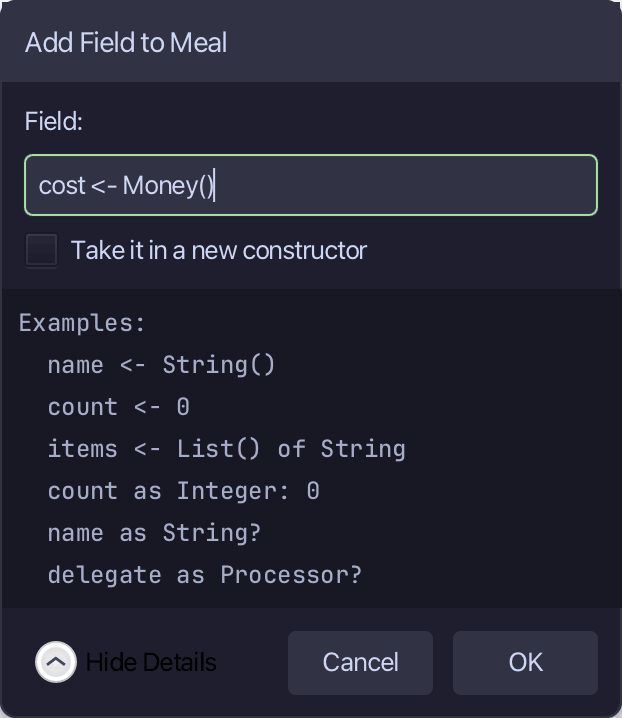
Type cost <- Money() - the field and the value it starts with. Choose OK.
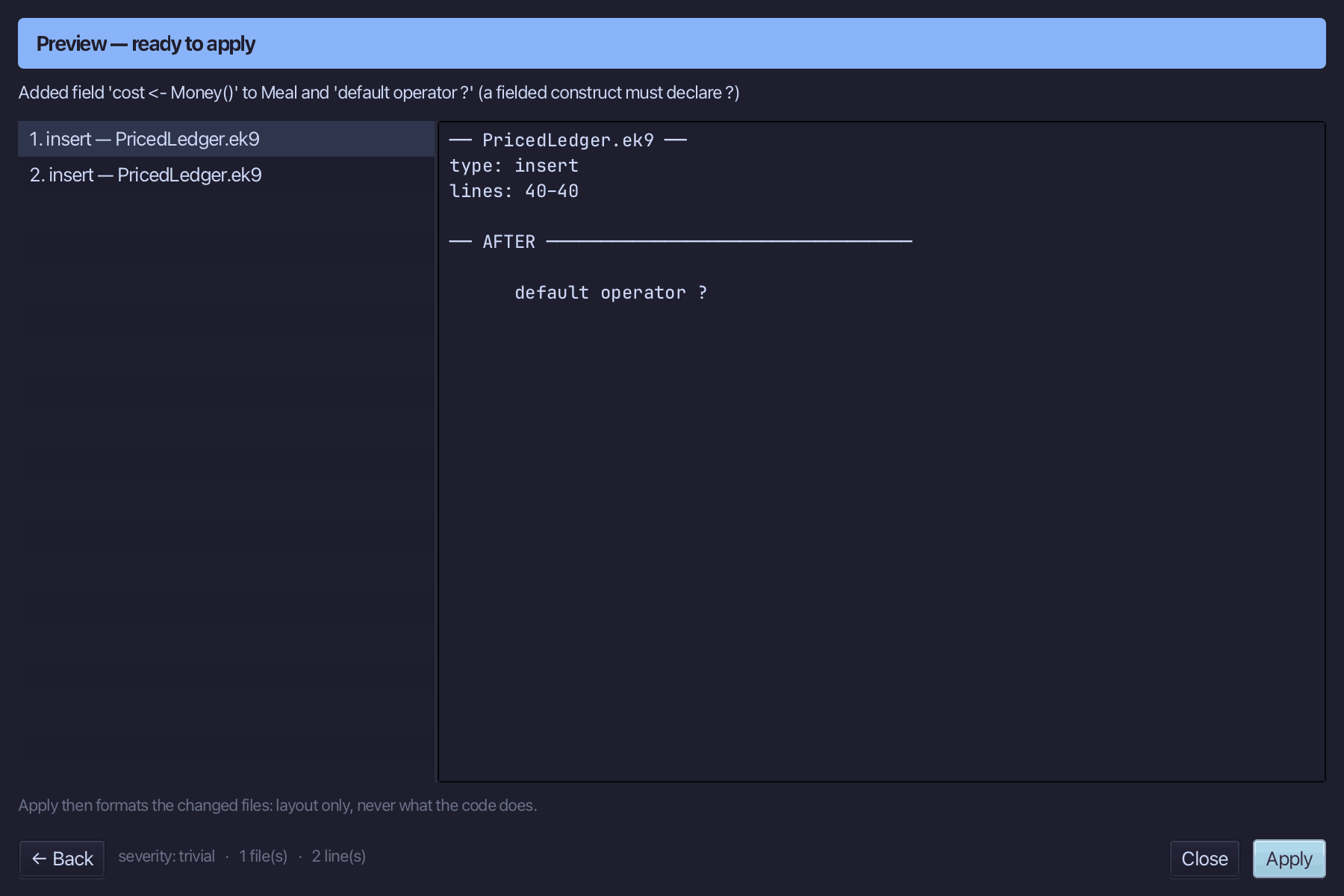
The preview shows cost added - and default operator ? with it, Meal's first field. Choose Apply.
Right-click the Meal line and choose Add Constructor > No-Arg (default, pure).
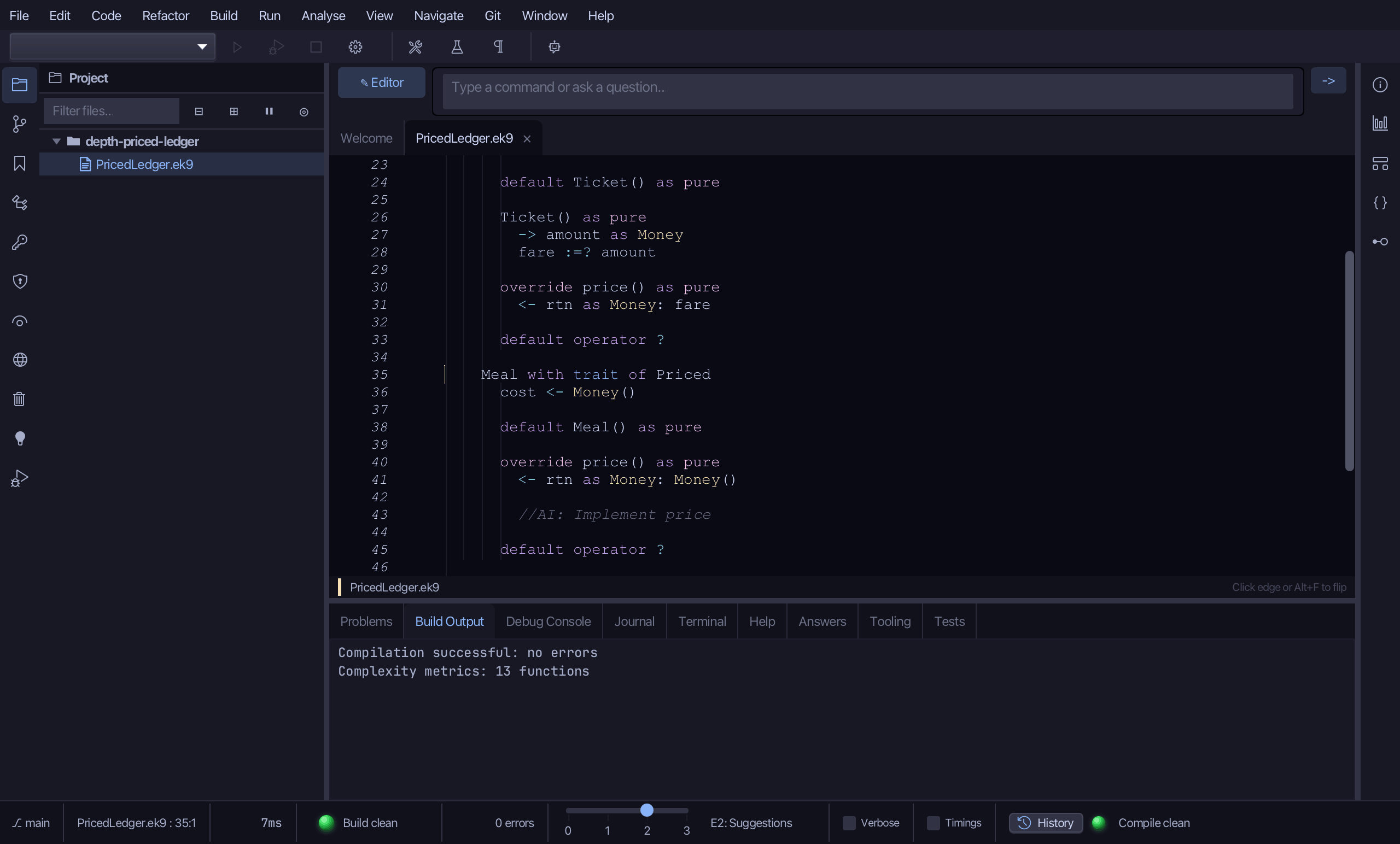
Right-click the Meal line and choose Add Constructor > From All Fields (pure) - a constructor that takes every field.
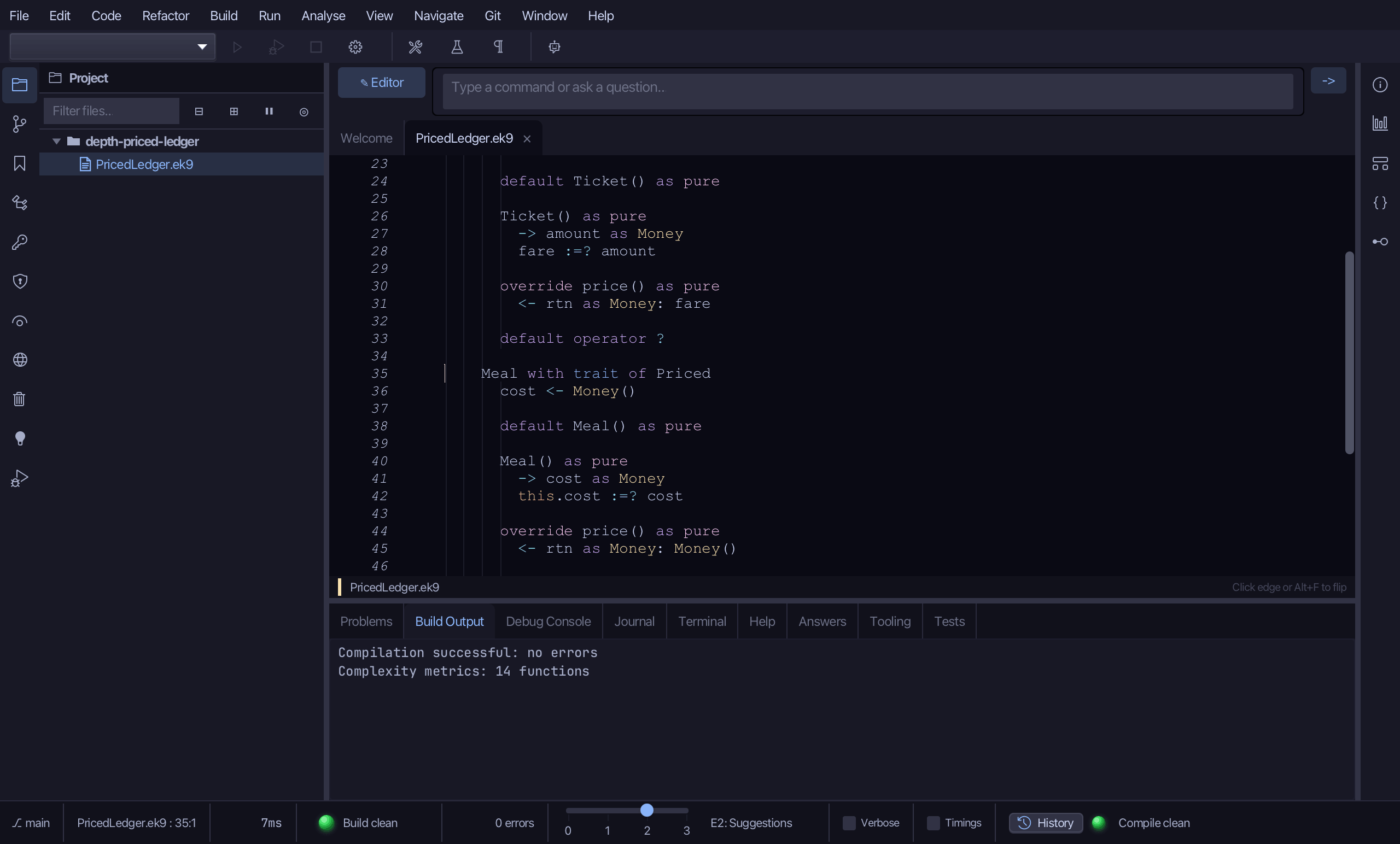
Select the constructor and type the book's: amount in, cost set with :=?. Saves when typed.
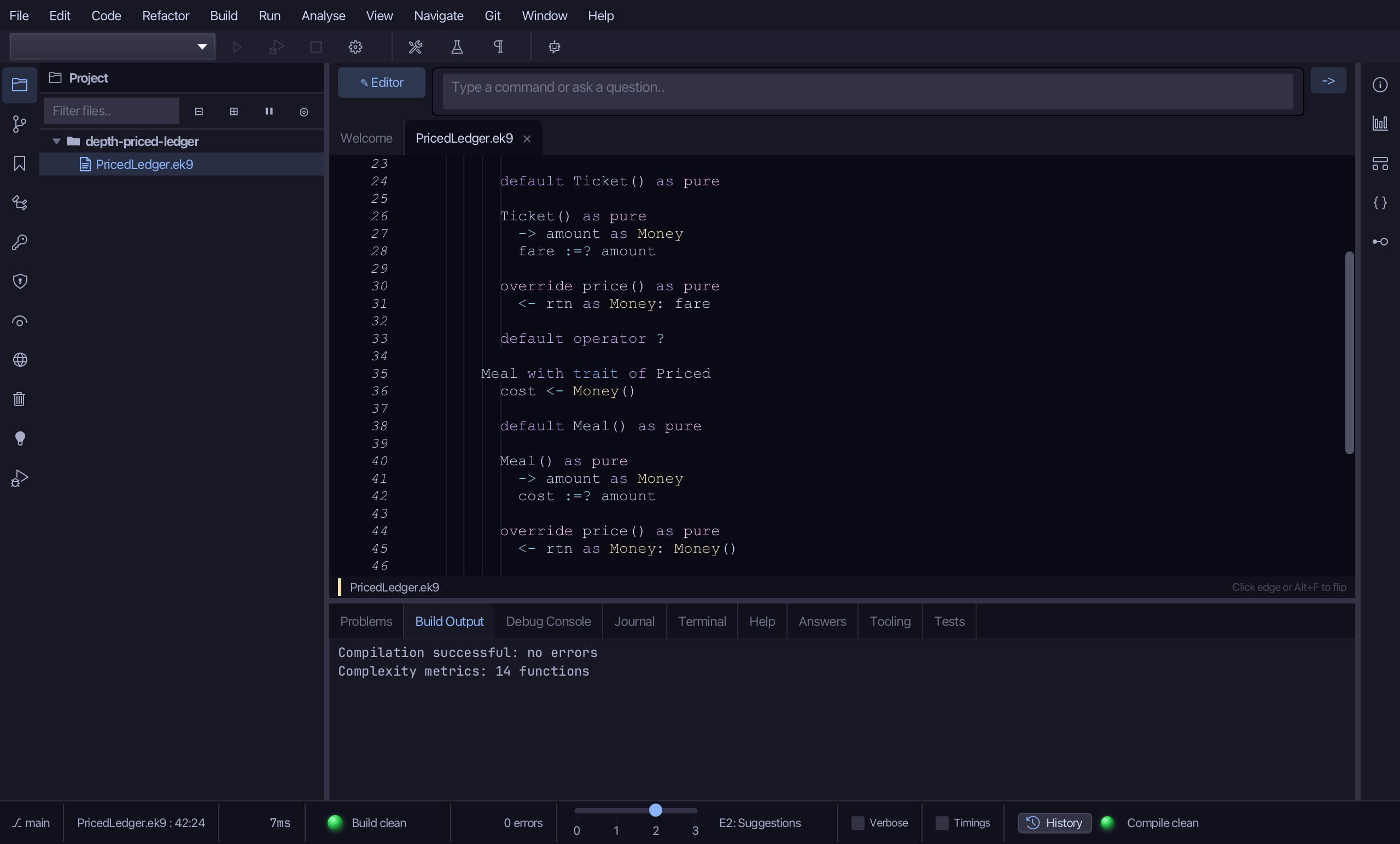
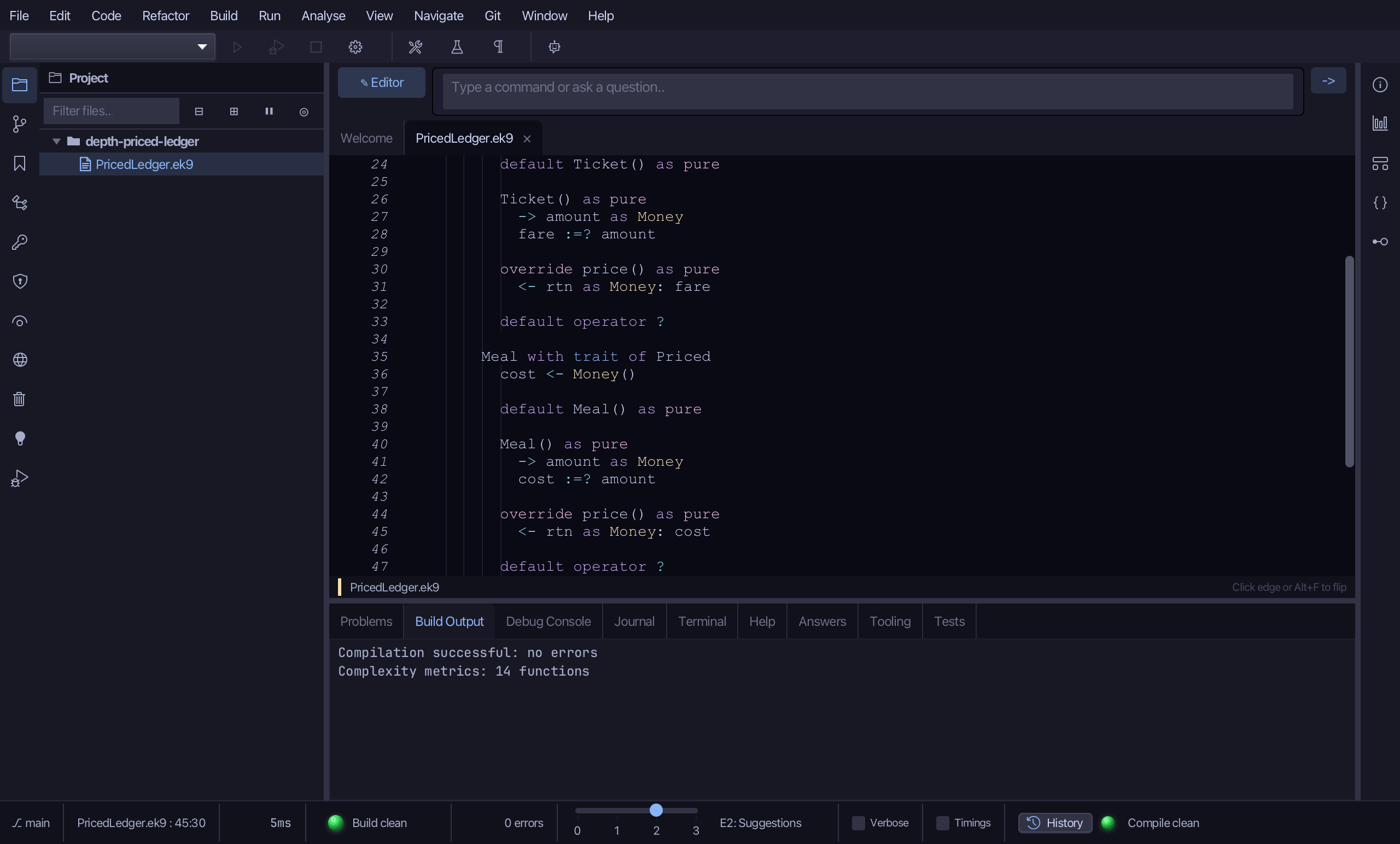
Select the override's stub and type price's answer: the cost. Saves when typed.
Step 4: Ledger — generic, but only over a Priced
Choose Code > New Construct > Class…
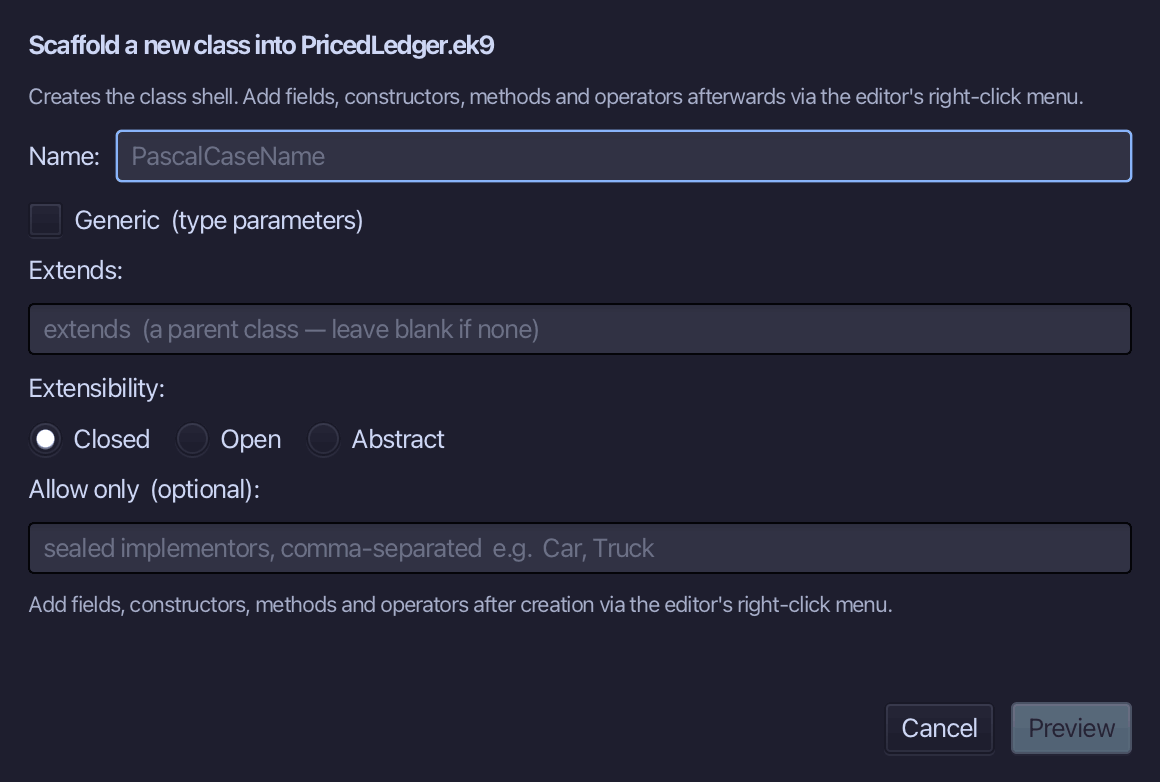
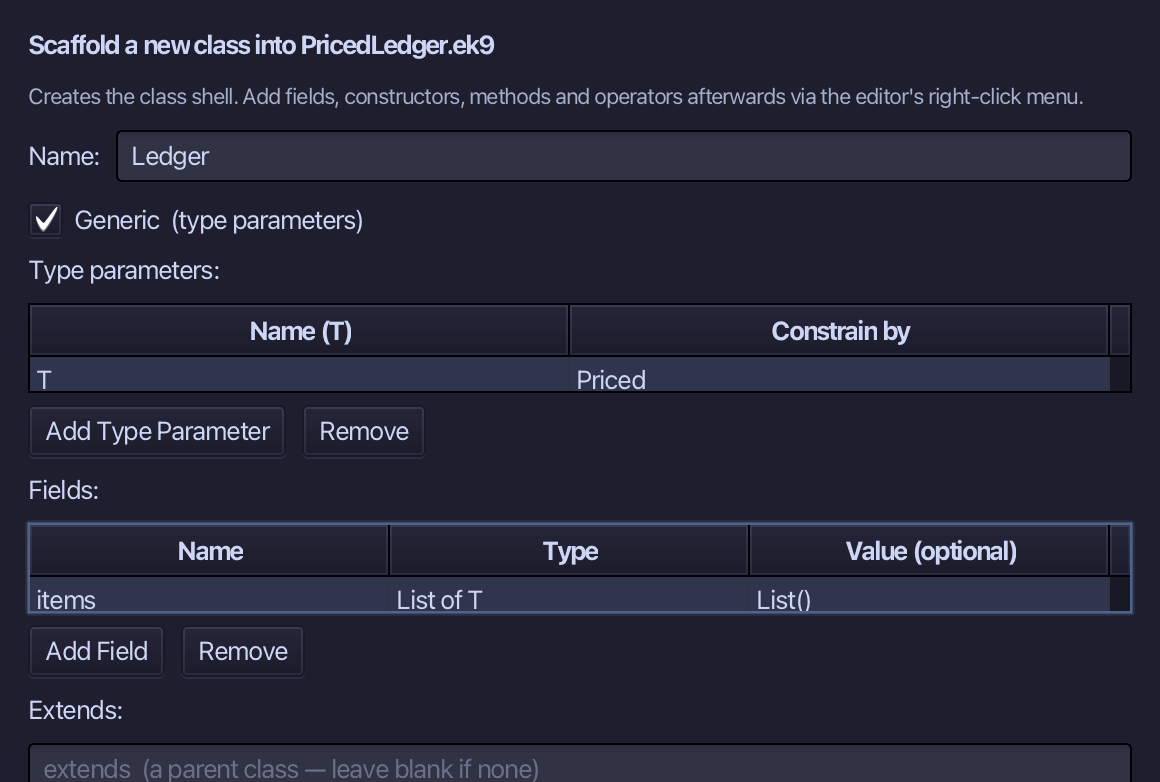
Ledger is the class's name. Tick Generic and give the type parameter T (constrain by Priced). The Fields table holds items of type List of T, starting at List(). Choose Preview.
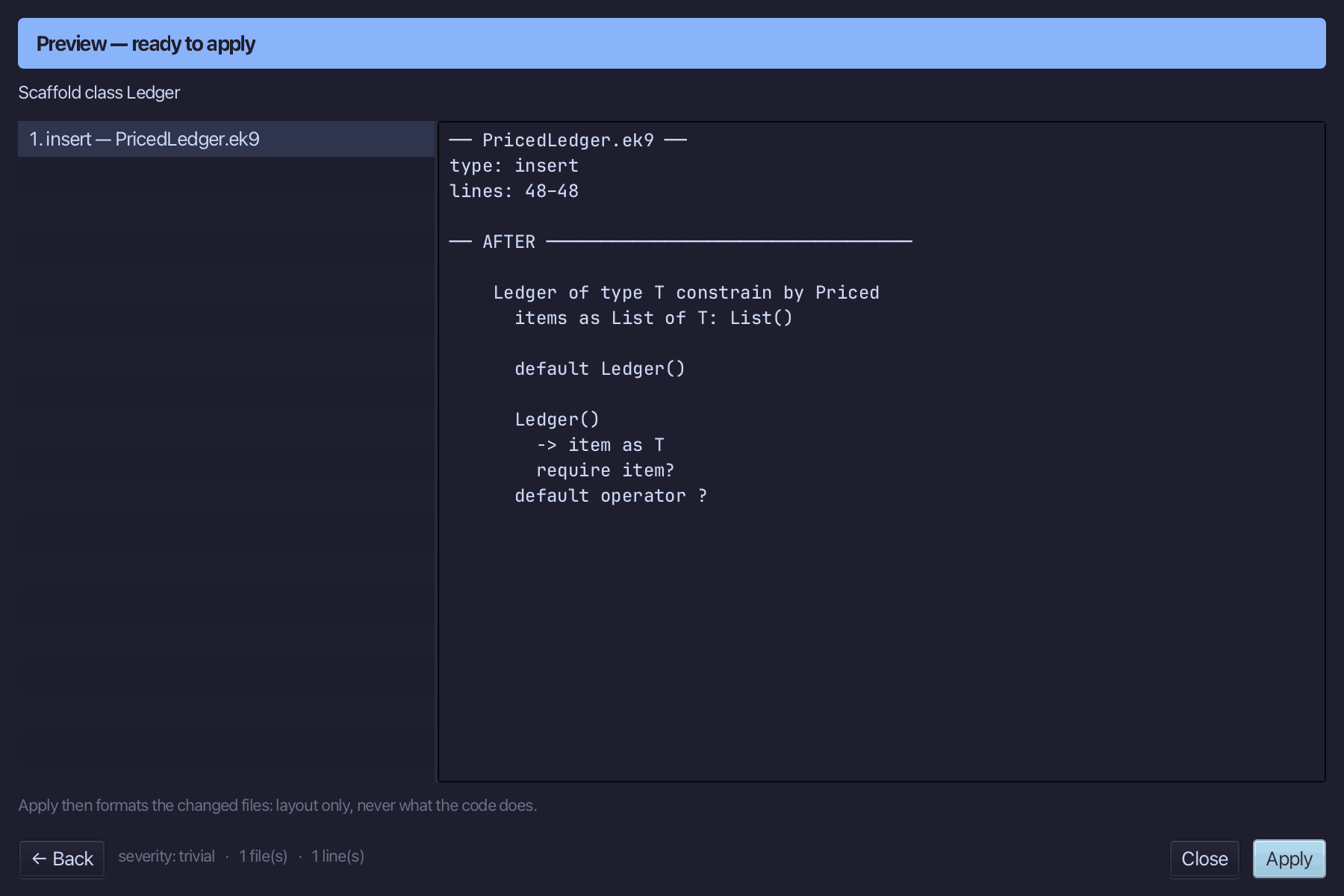
The preview shows Ledger about to be written. Choose Apply.
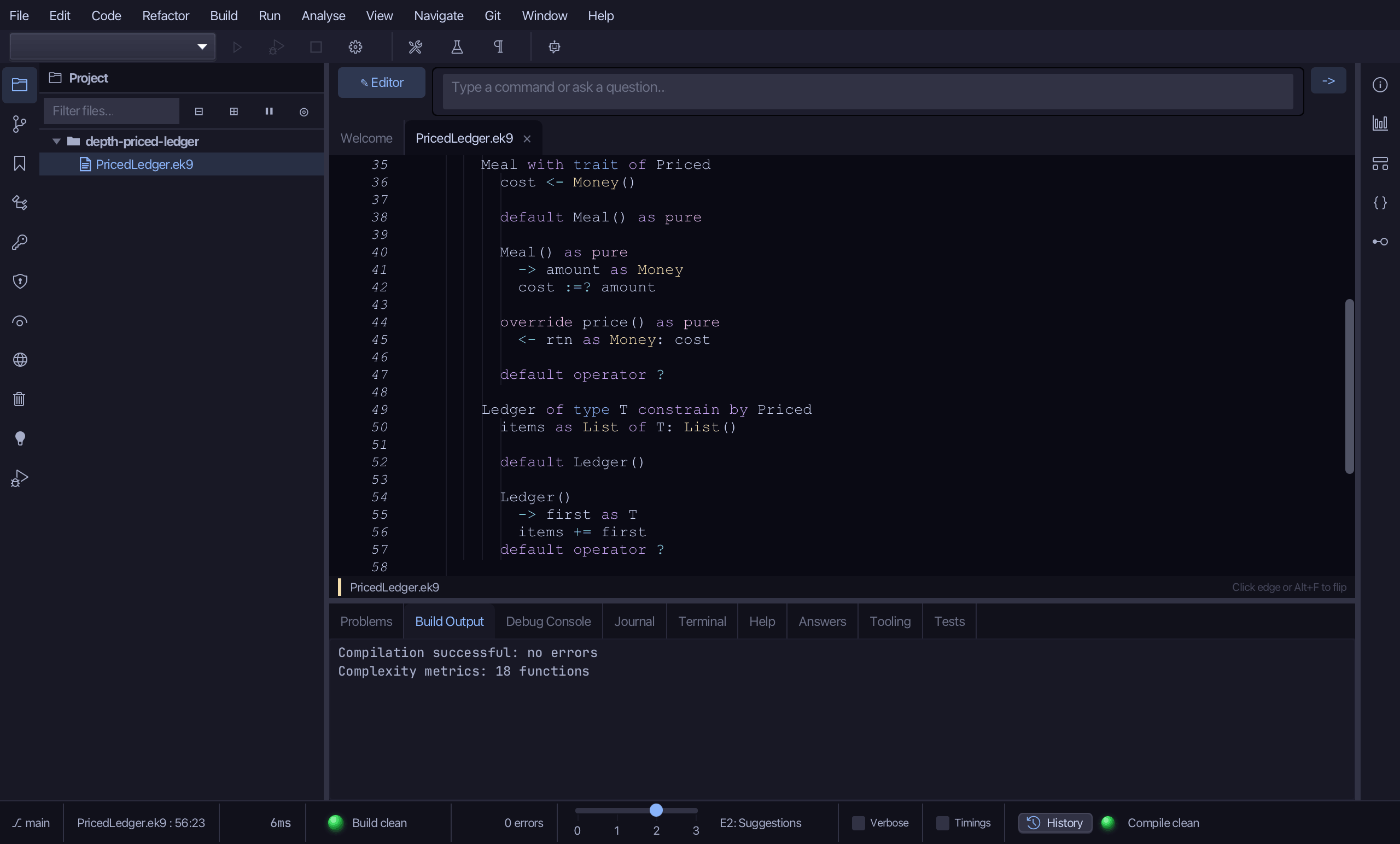
Select the stub of the one-item constructor and type the book's: first in, the ledger starting with it. Saves when typed.
Right-click the Ledger line and choose Add Method…
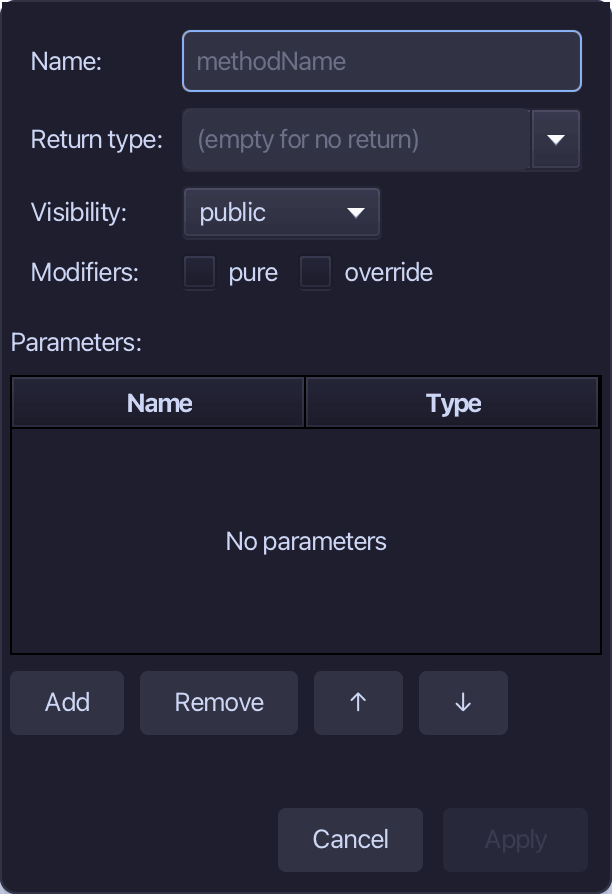
add is the method's name. Add one parameter, item of type T. Choose Apply.
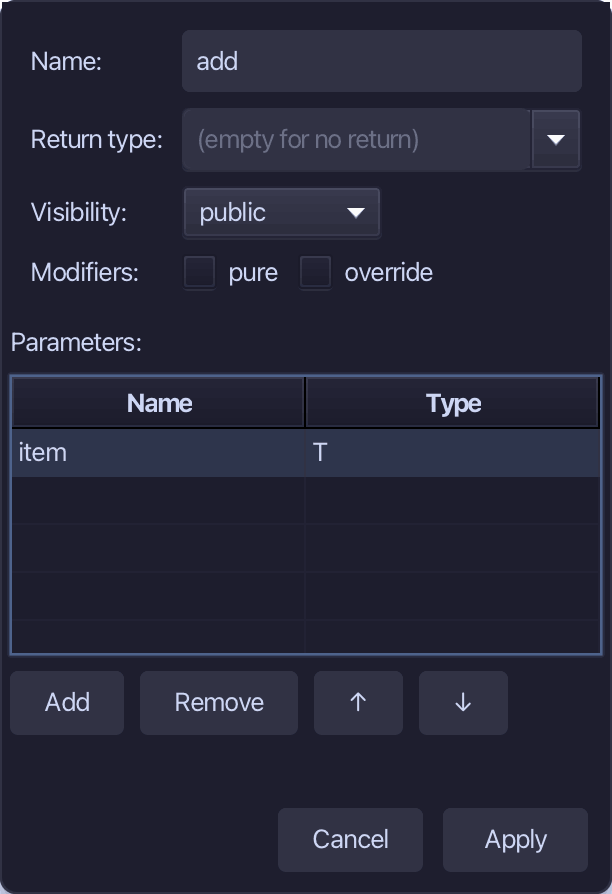
Select the stub and type add's work. Saves when typed.
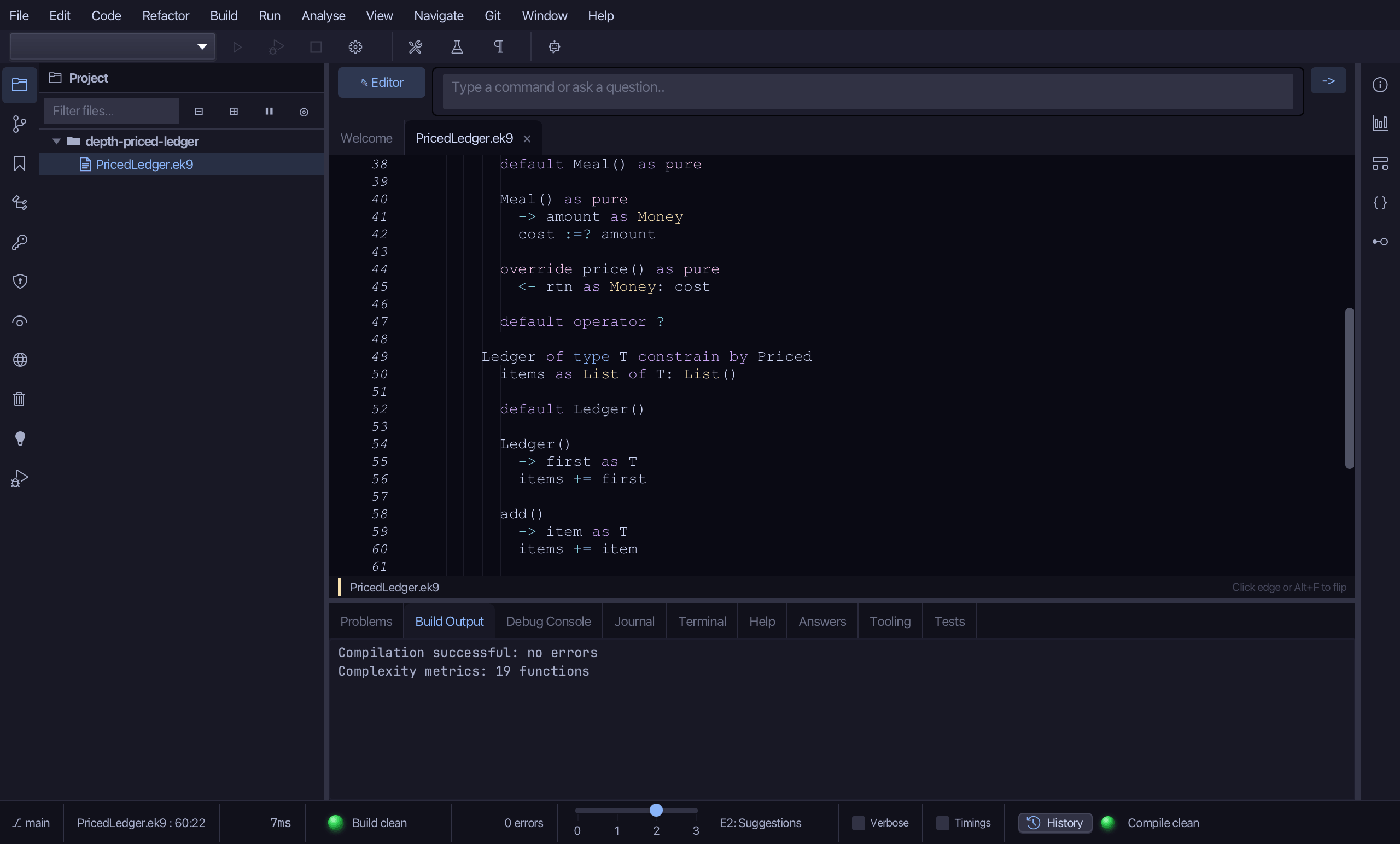
Right-click the Ledger line and choose Add Method…
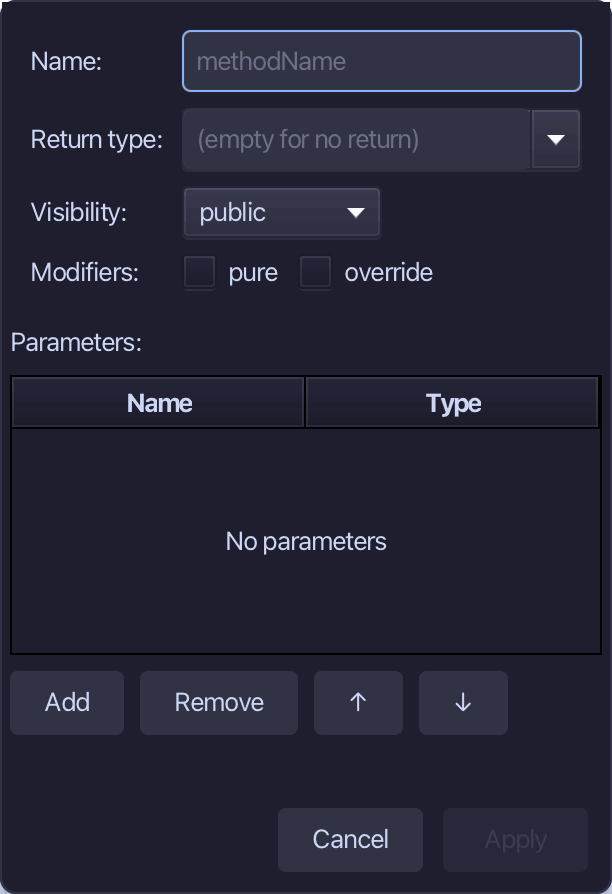
total is the method's name. Set Return type to Money. Choose Apply.
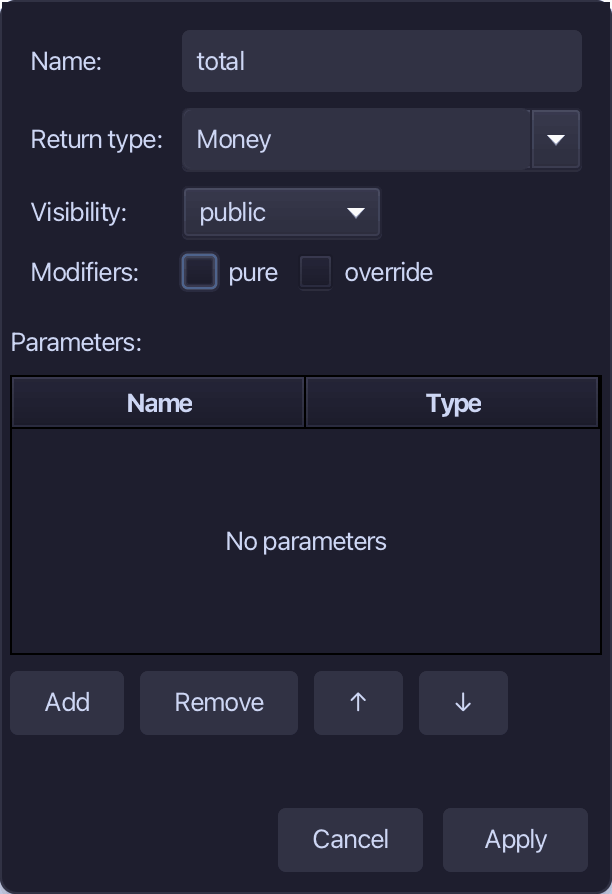
Select the stub and type total's work: price() is callable on every T, because T is Priced. Saves when typed.
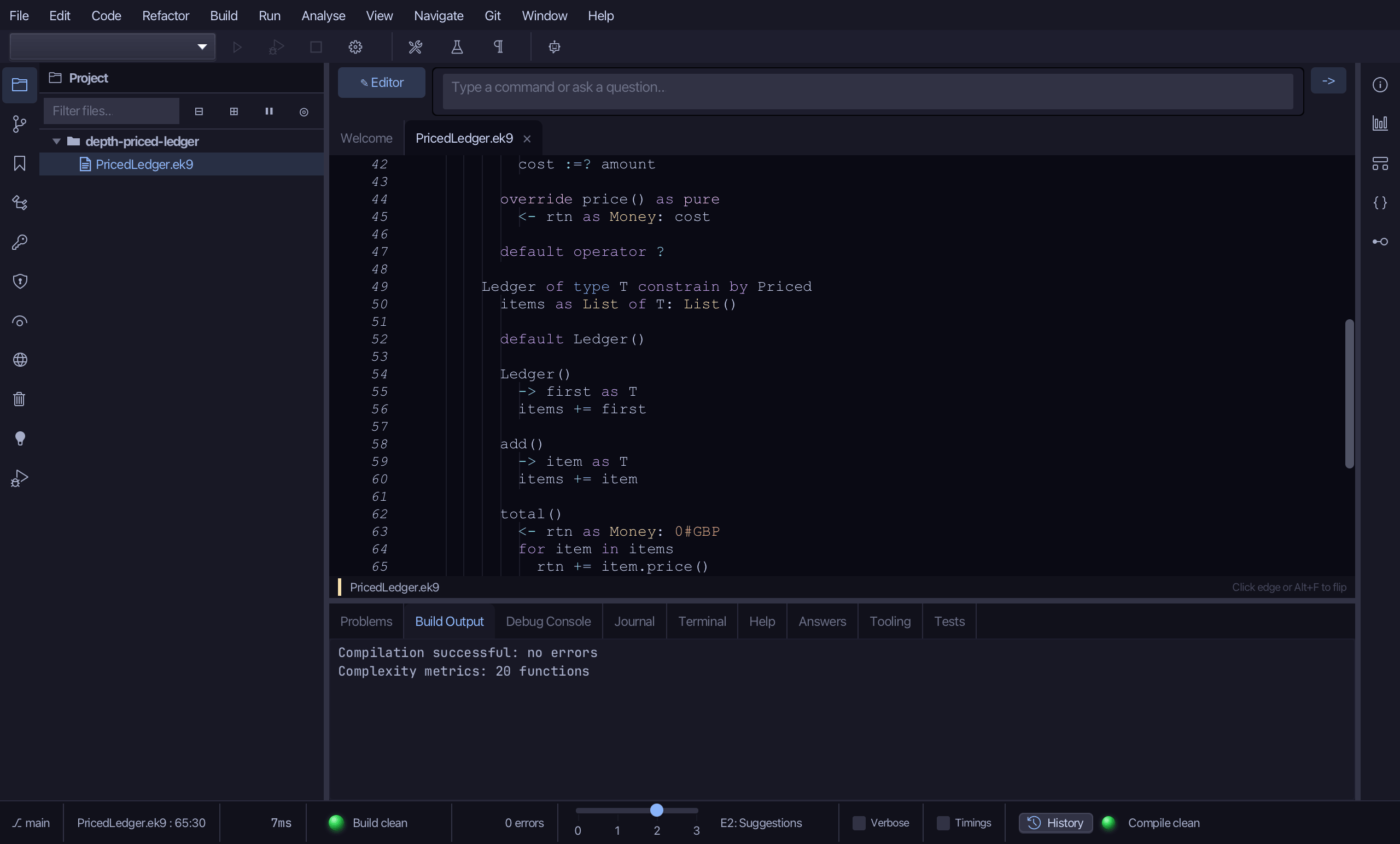
Right-click the Ledger line and choose Add Method…
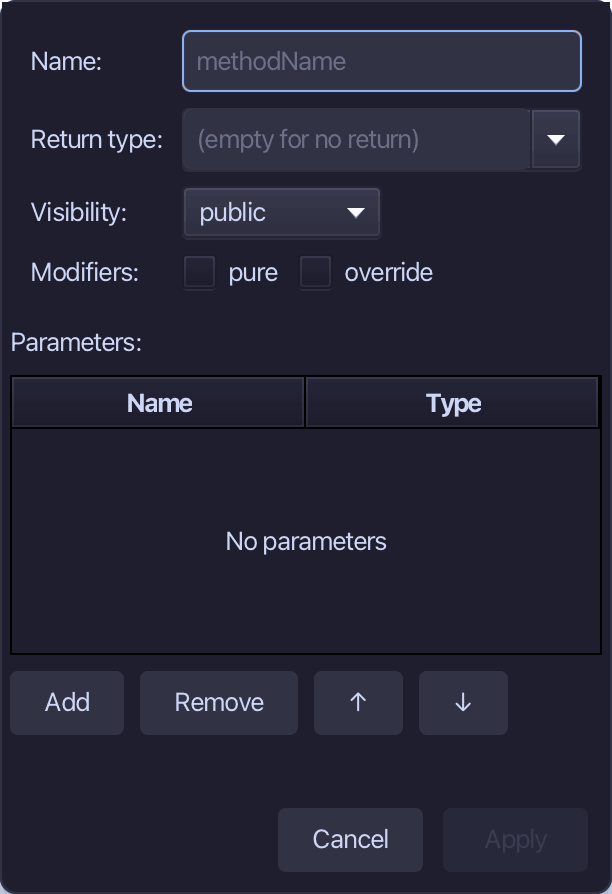
dearest is the method's name. Set Return type to Optional of T. Choose Apply.
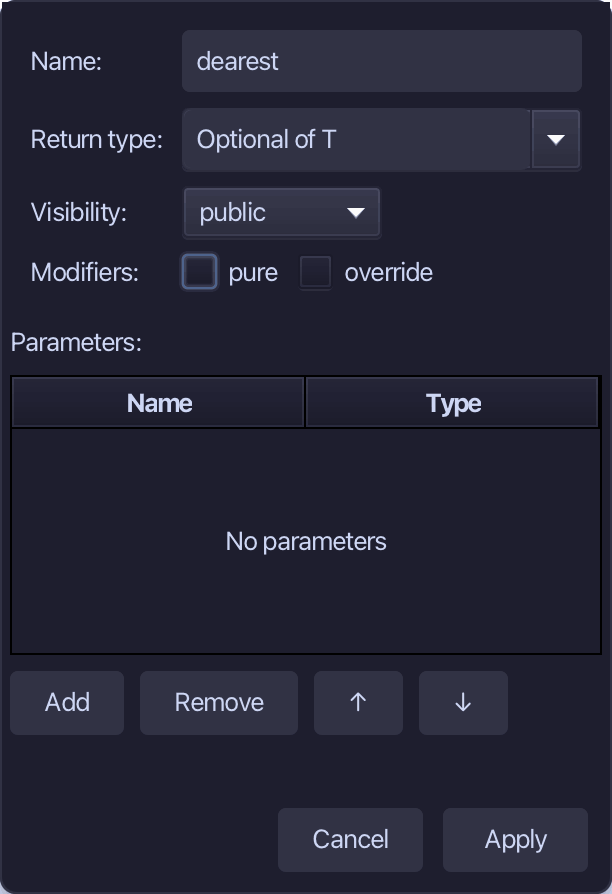
Select the stub and type dearest's work: the > on two Ts is the trait's ordering. Saves when typed.
Step 5: The program
Choose Code > New Construct > Program…
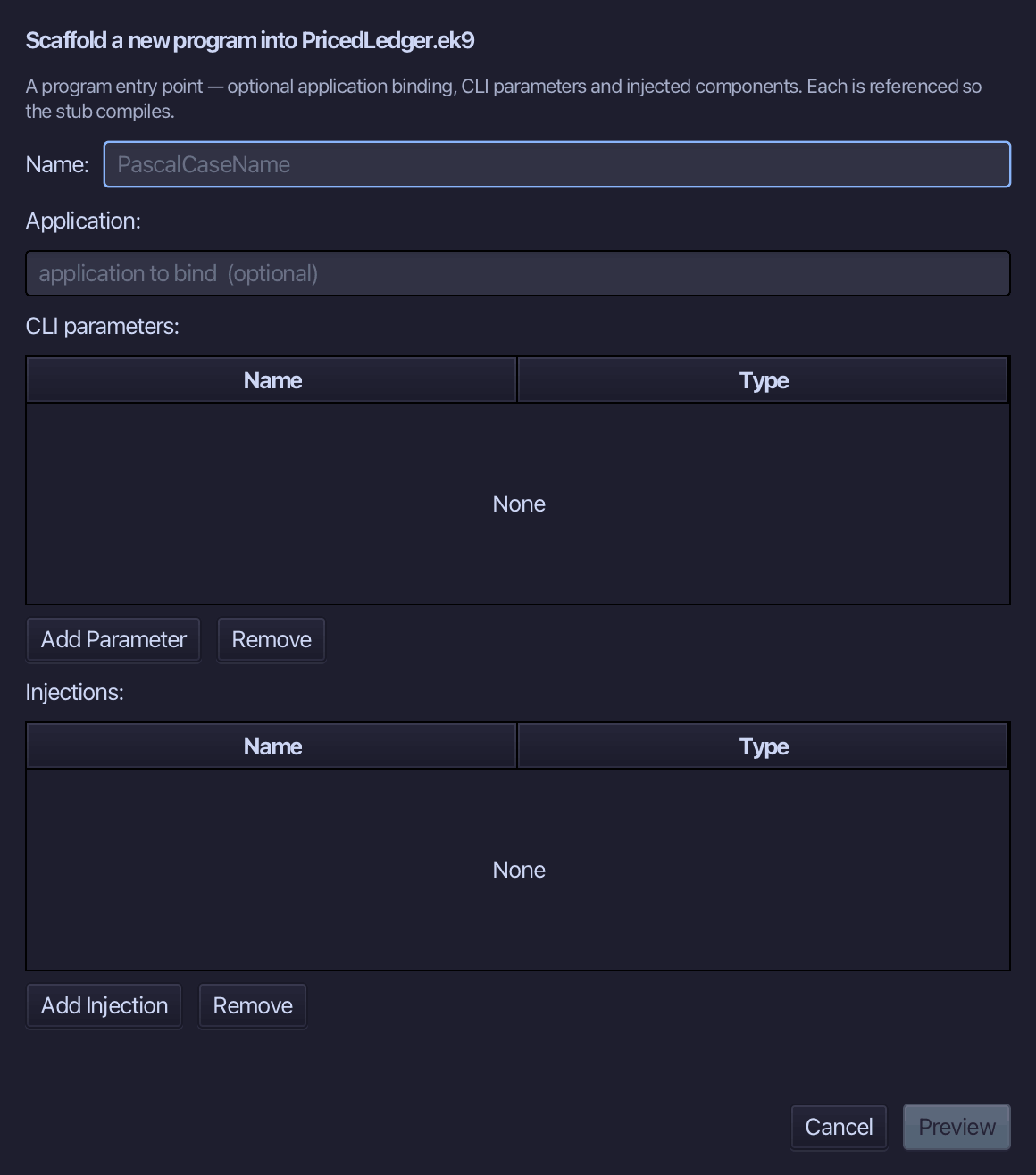
PricedLedgers is the program's name. Choose Preview.
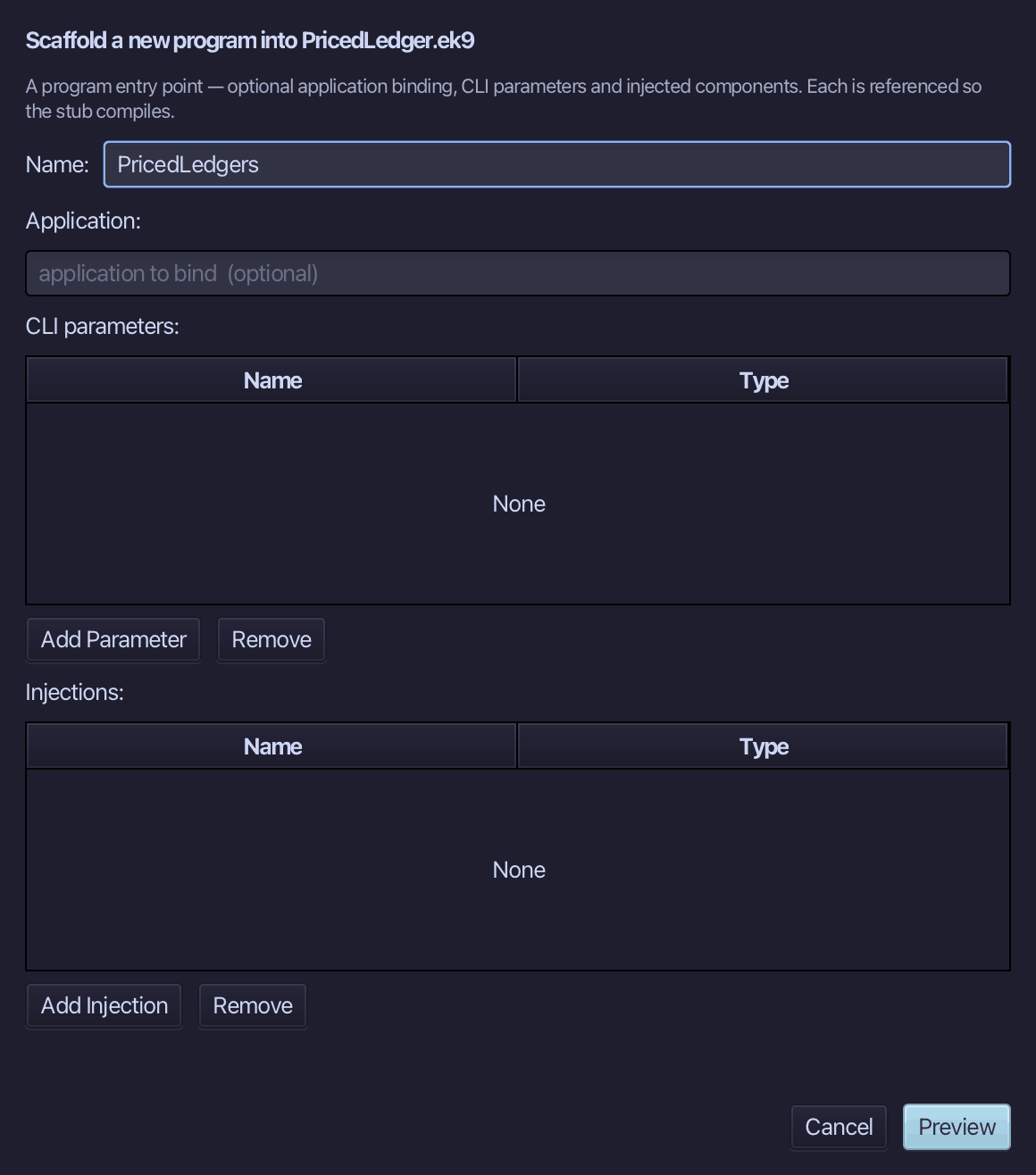
The preview shows PricedLedgers about to be written. Choose Apply.
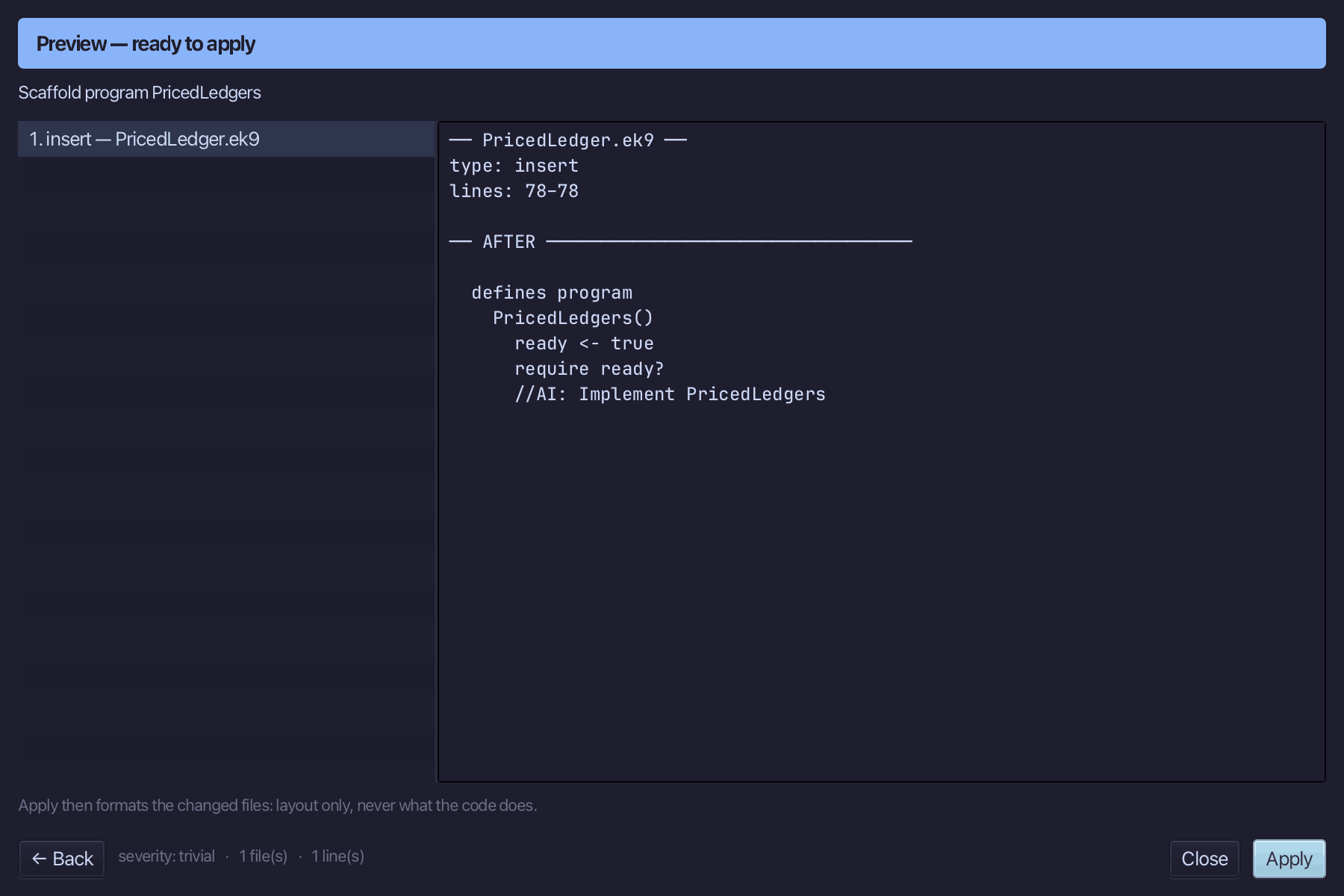
Select the PricedLedgers() line and, above it, type the blank line the book opens the program with. Saves when typed.
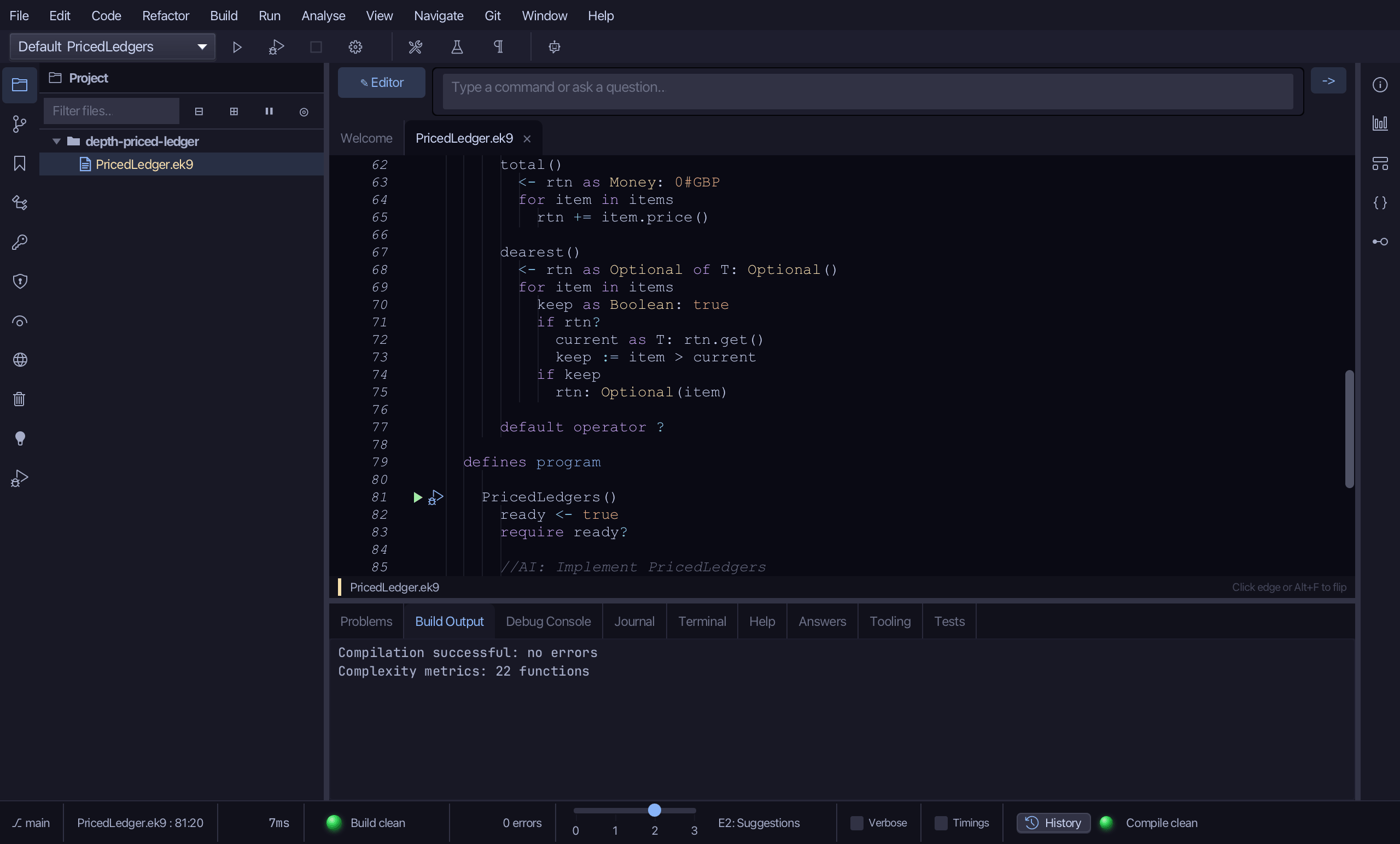
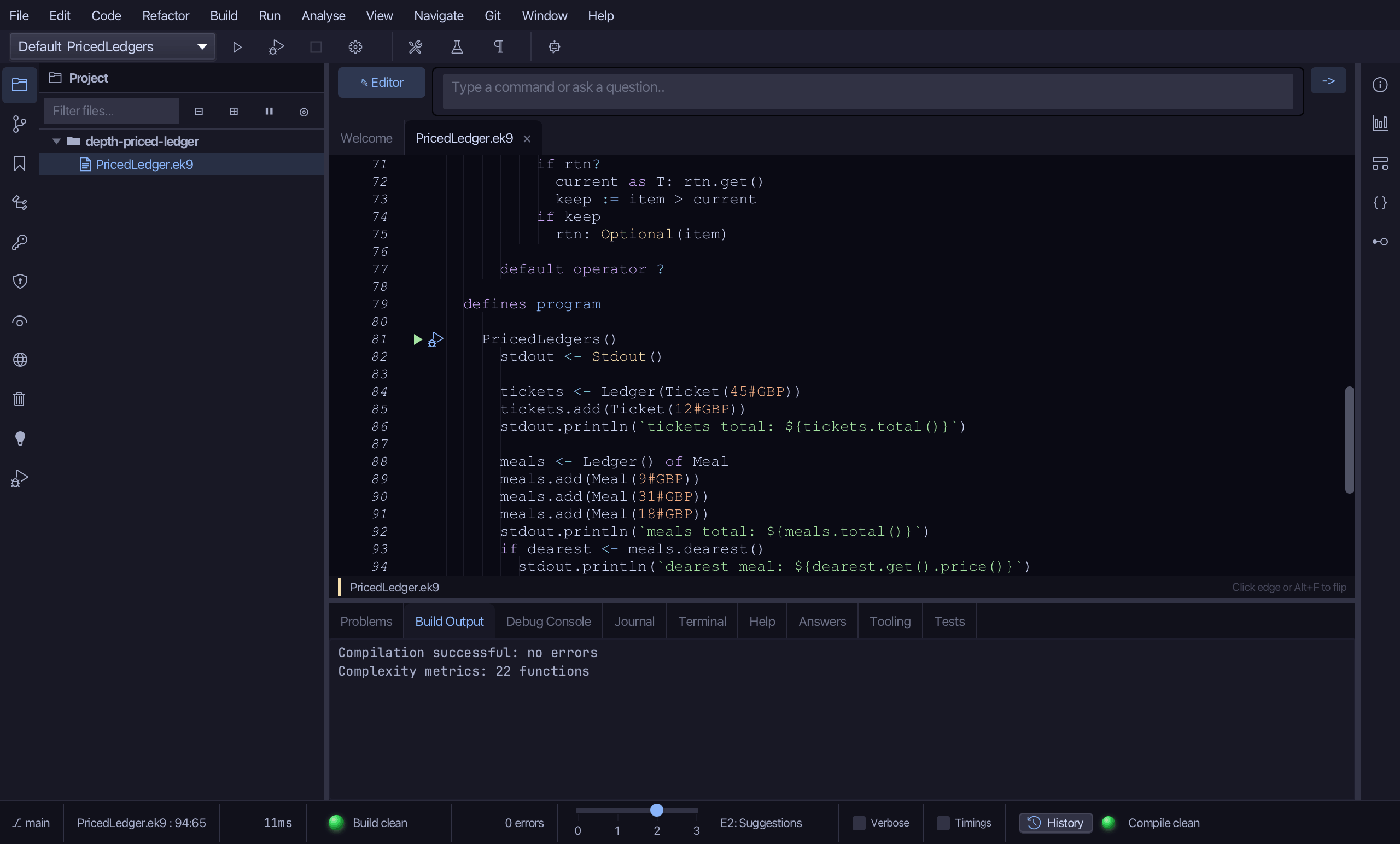
Select the stub, from ready <- true down to its //AI line, and type PricedLedgers's body exactly as the chapter shows it. Saves when typed.
Step 6: Run it
Choose Run > Run Program…
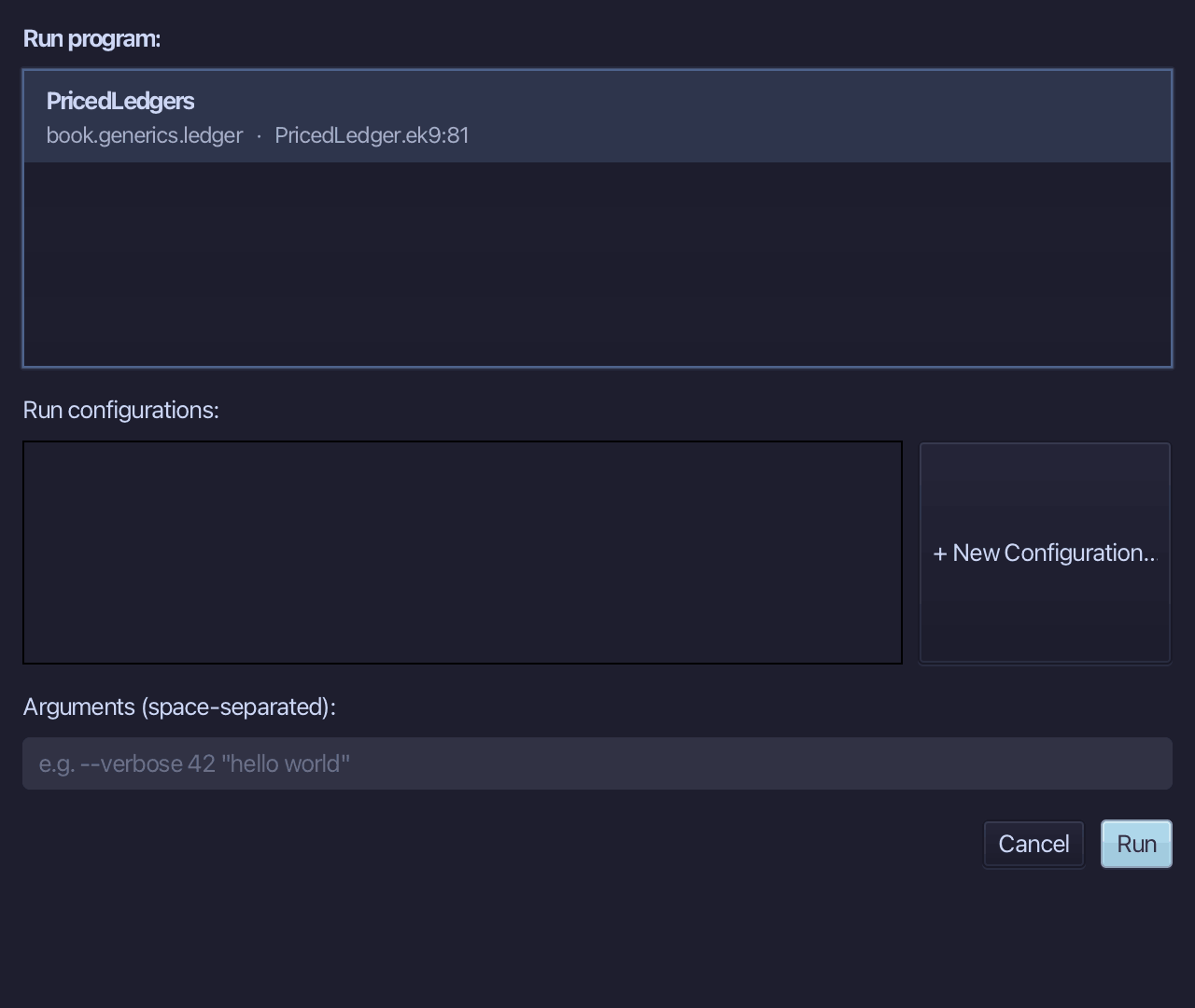
The project's only program is already chosen. Choose Run.
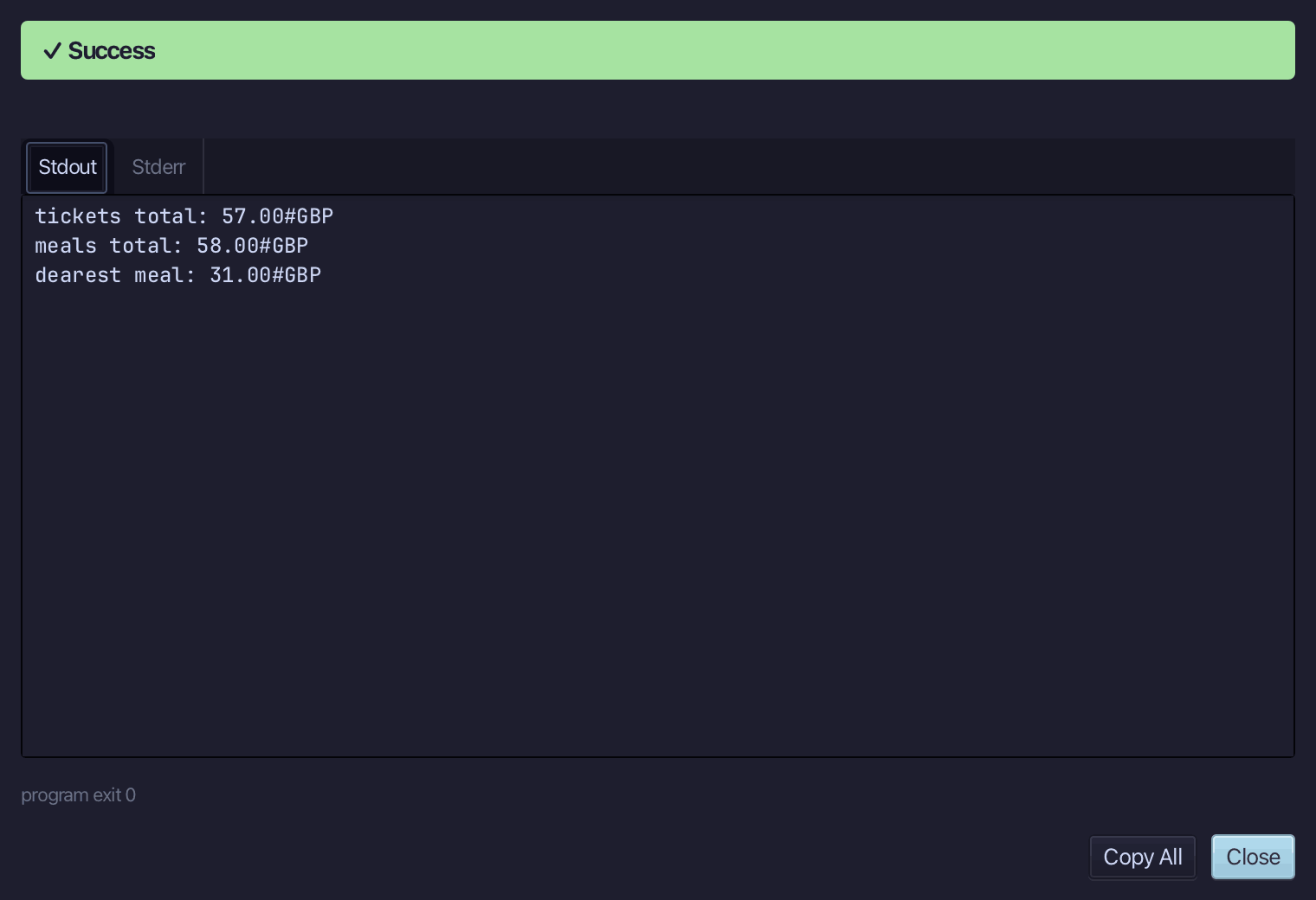
tickets total: 57.00#GBP, meals total: 58.00#GBP, then dearest meal: 31.00#GBP. Choose Close.
The result
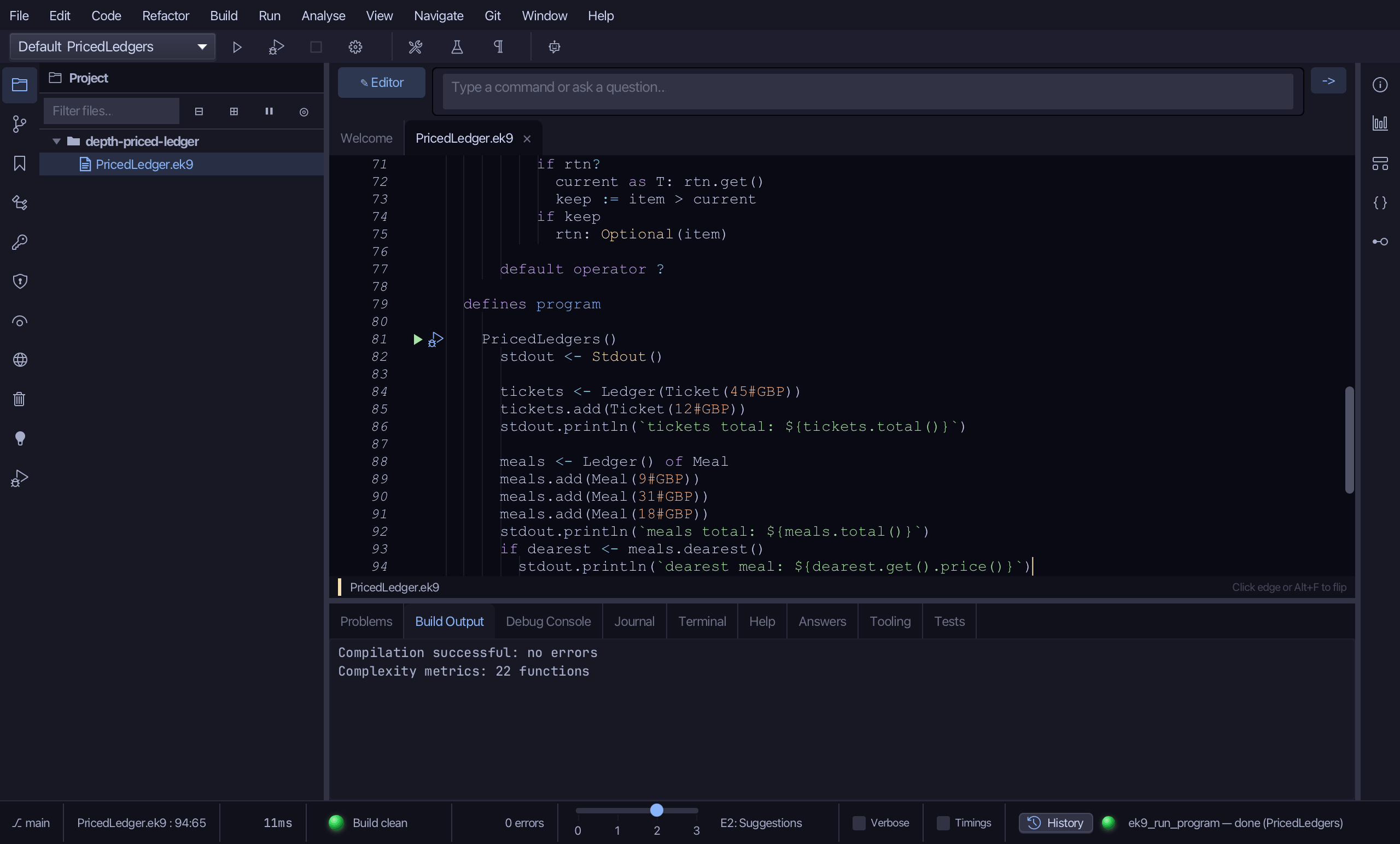
PricedLedger.ek9 now reads exactly as chapter 30 of EK9 in Depth shows it. Ticket and Meal are unrelated classes that share one trait, and Ledger works for either - total() calls price() and dearest() compares with >, both of which the constraint put in reach of every T. Ledger of Ticket and Ledger of Meal are two types the compiler made from the one template.
Where this lesson comes from
- Answers -
ek9 -qand the IDE's Answers tab: 195. - For AI assistants - the MCP tool
ek9_new_construct,ek9_adopt_trait,ek9_add_field,ek9_add_constructor,ek9_add_method,ek9_add_program.