New Construct: the dialogs
Fleet is a module with one small program in it. Code > New Construct writes a new class, record, trait, function, program or other construct into the open file - a dialog asks for what that kind needs, Preview shows the text, Apply writes it. To play it in the IDE: Help > Lessons > Writing code…, or ek9 -ide -lesson new-constructs.
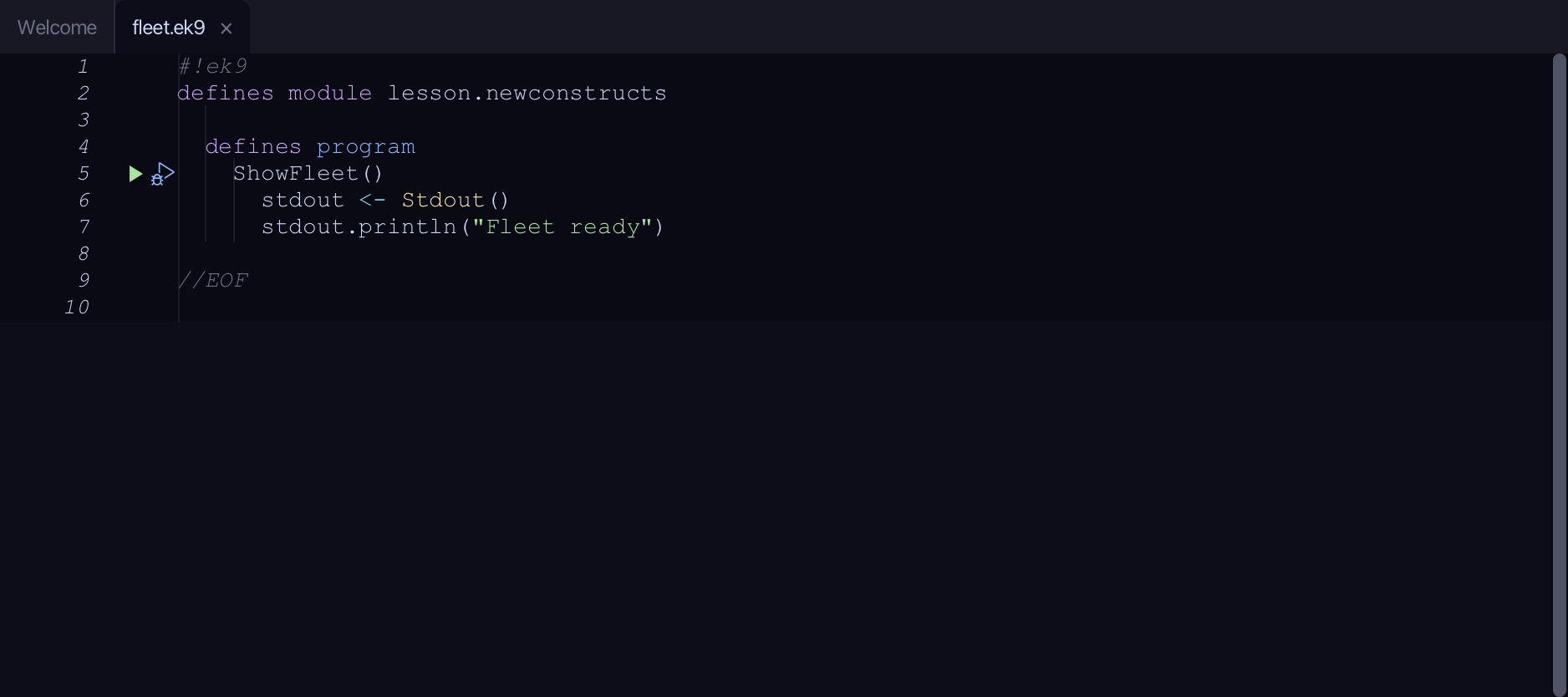
Start from
The code the lesson starts from: copy it into a file of your own and follow the steps.
#!ek9
defines module lesson.newconstructs

  defines program
    ShowFleet()
      stdout <- Stdout()
      stdout.println("Fleet ready")

//EOF
Step 1: A class that may be extended
Choose Code > New Construct > Class…
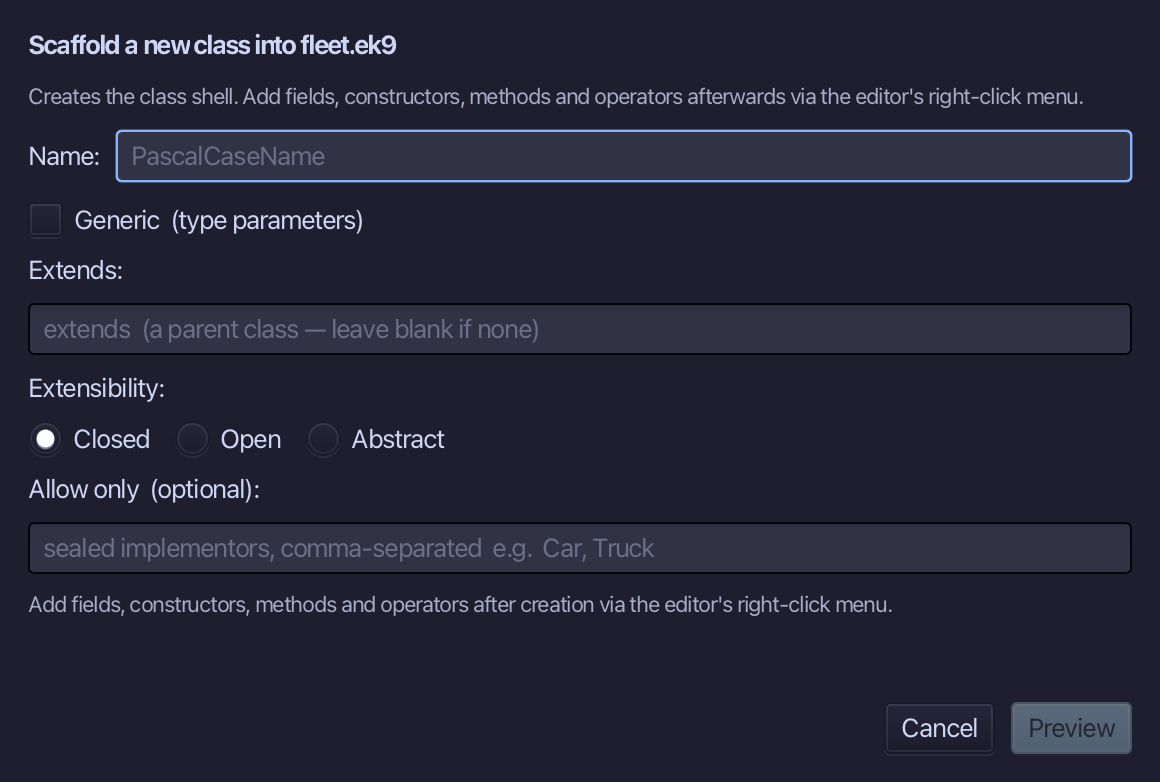
Vehicle is the class's name. Closed is already selected - EK9's default, a class nobody can extend. Select Open instead, so Vehicle can be a parent, and choose Preview.
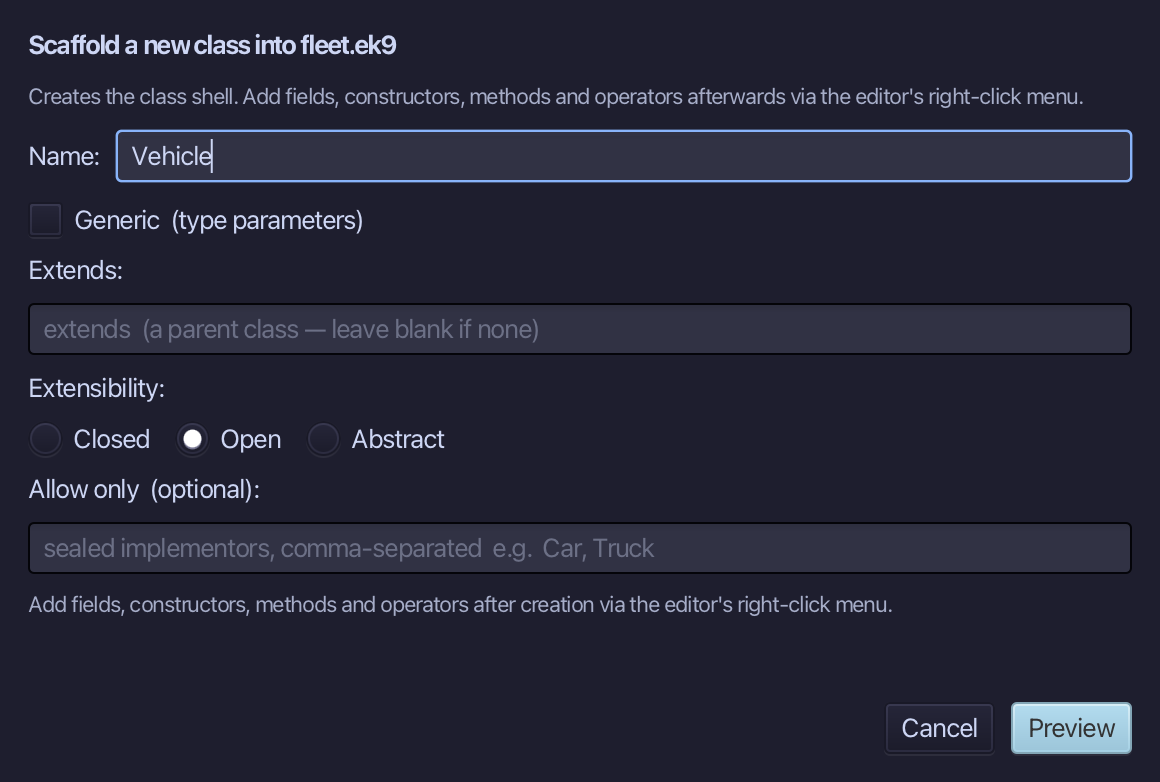
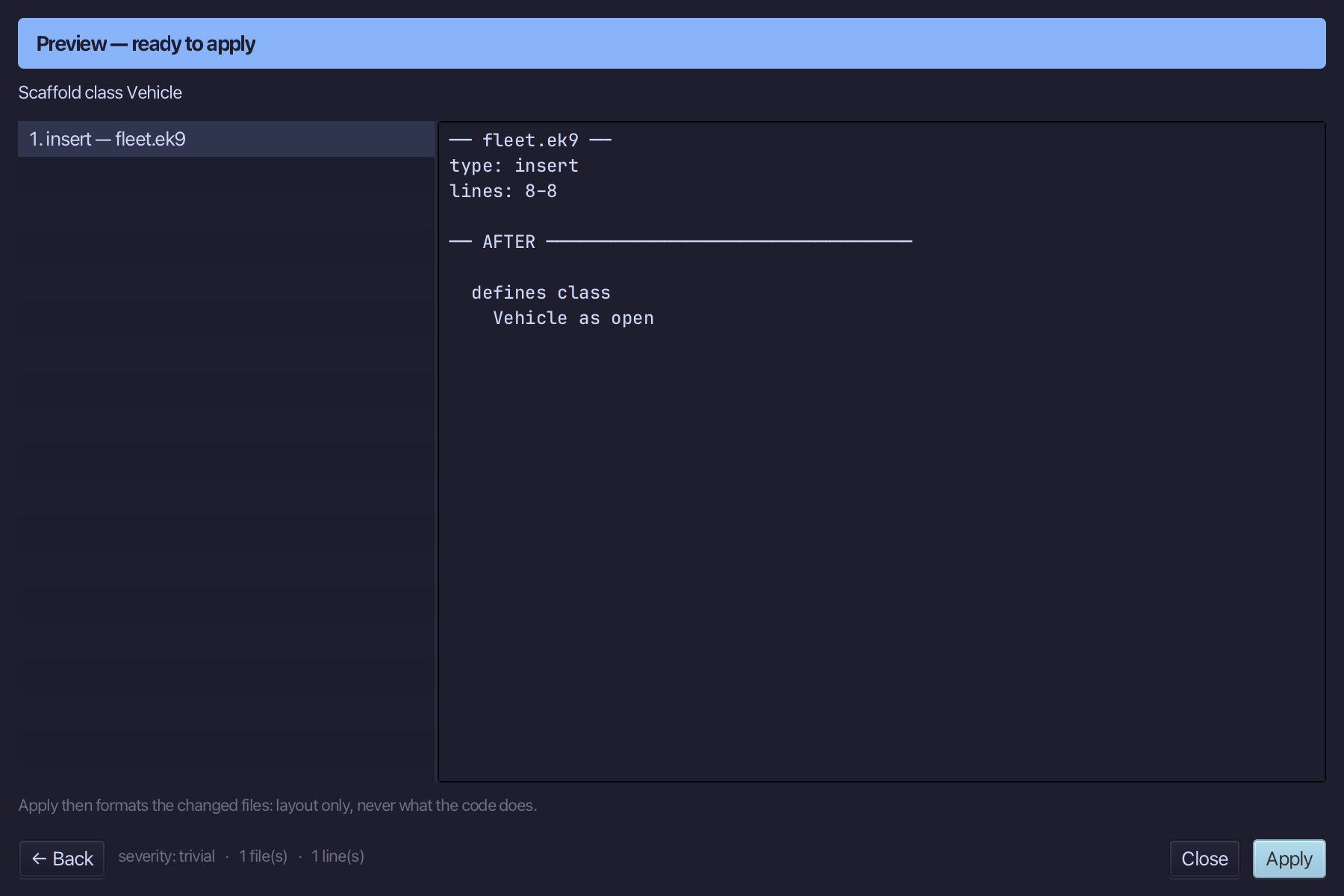
The preview shows Vehicle as open, in a defines class block of its own. Choose Apply.
Step 2: A class that extends it
Choose Code > New Construct > Class…
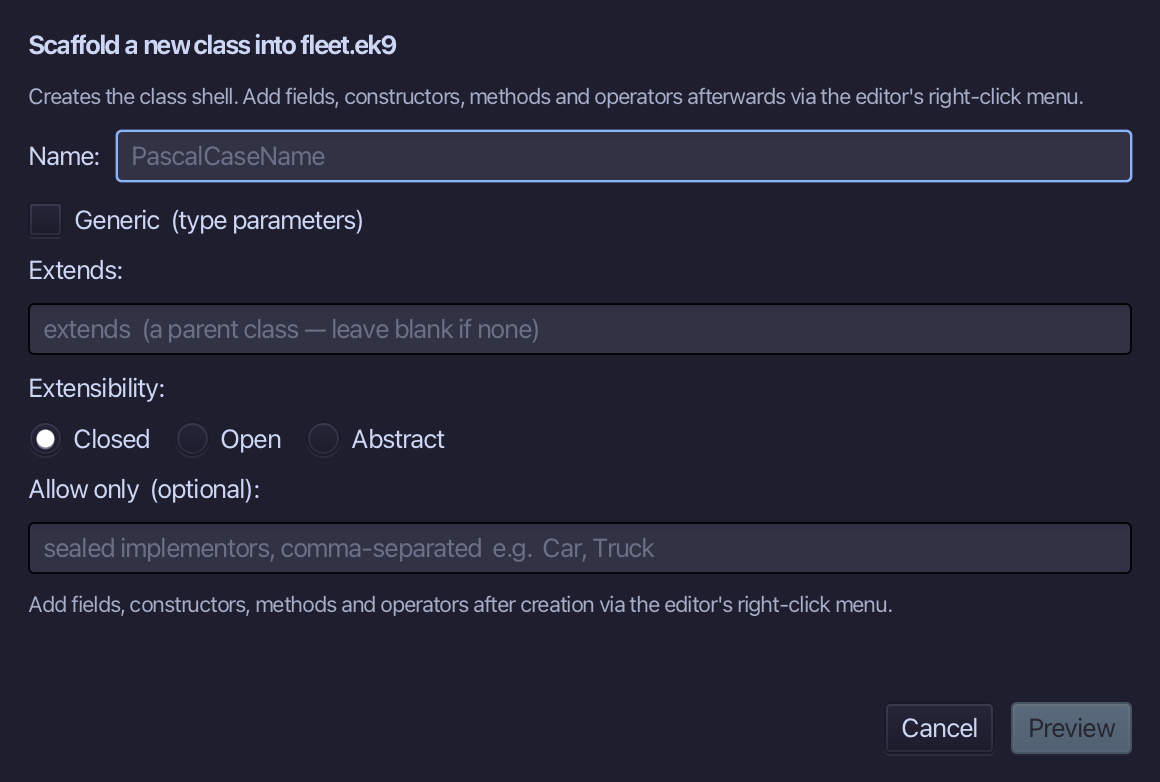
Truck is the name. Type Vehicle into the Extends: field - the field turns red for a type that does not exist, and Preview stays grey until it does. Leave Closed selected and choose Preview.
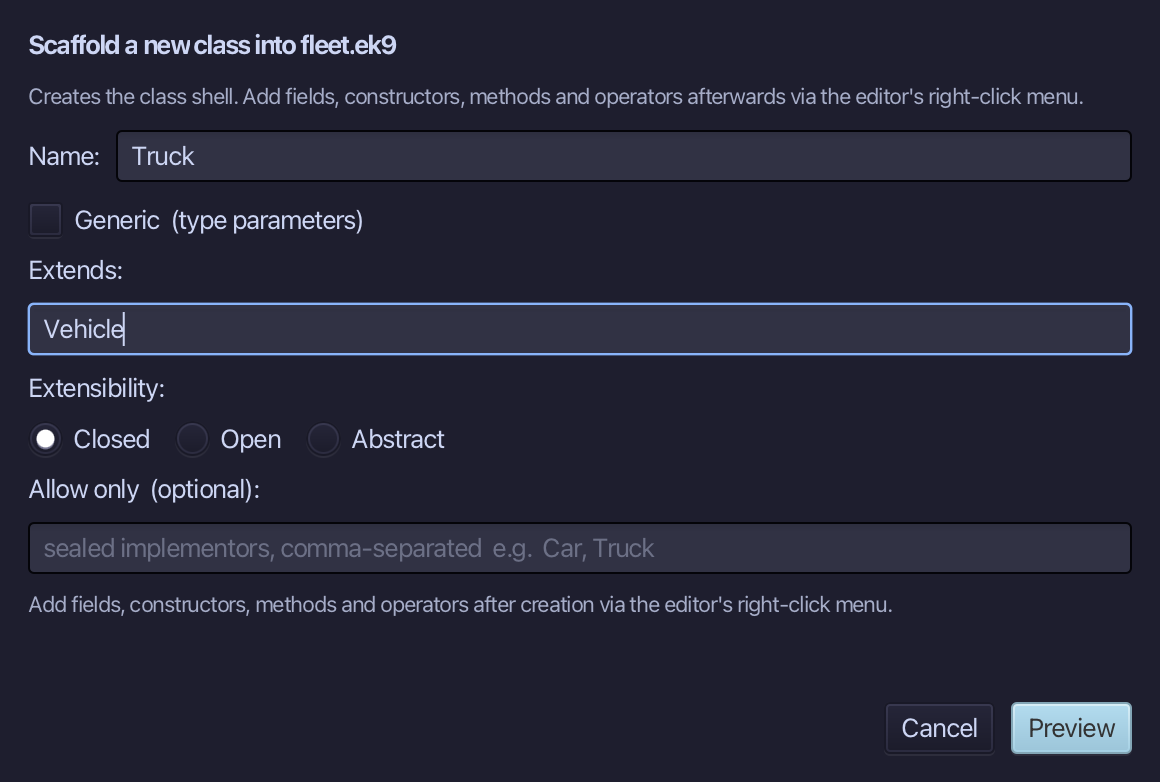
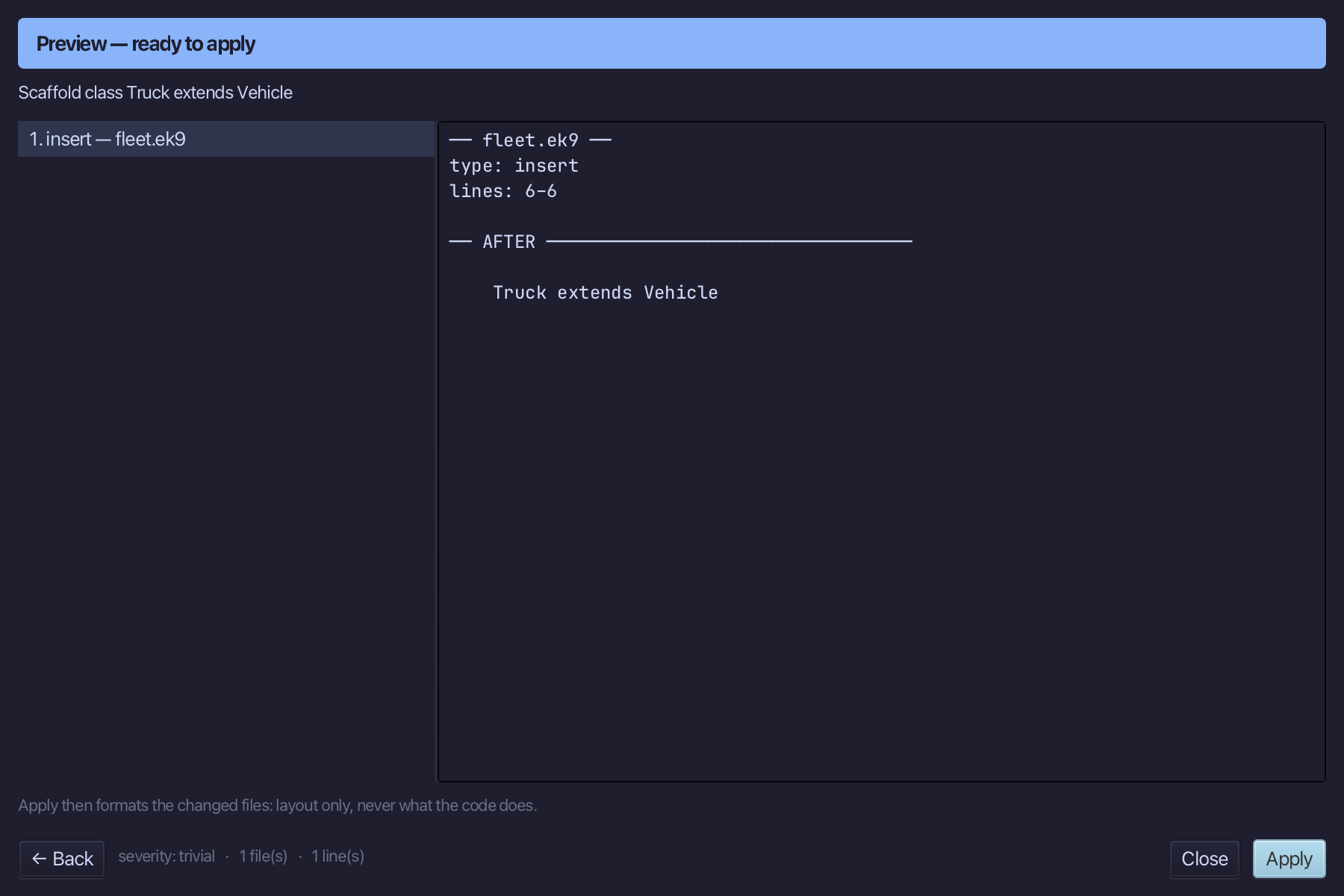
The preview shows Truck extends Vehicle. Choose Apply.
Step 3: A trait
Choose Code > New Construct > Trait…
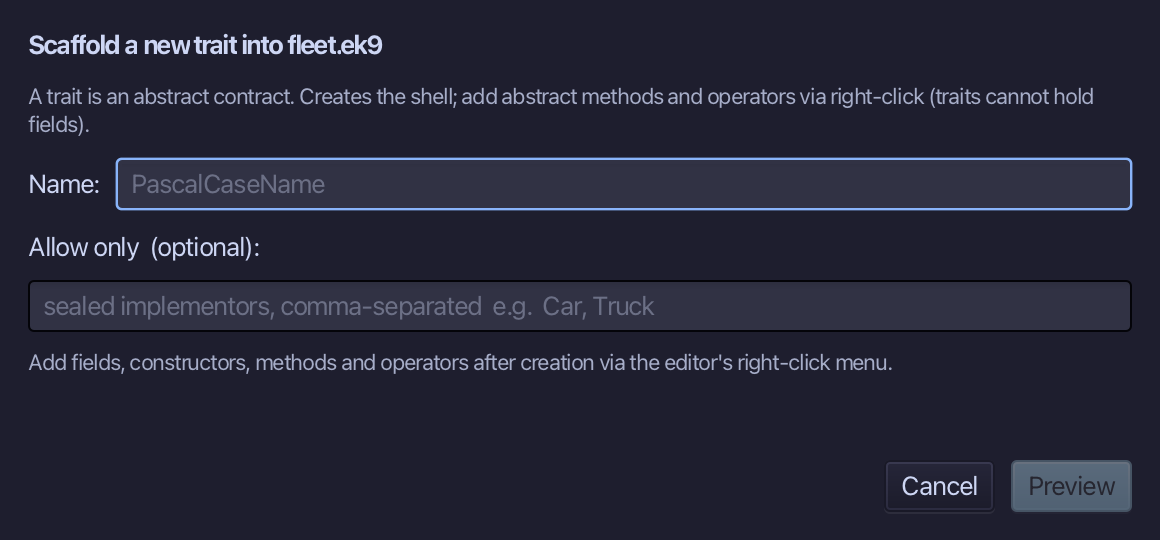
Describable is the trait's name. There is no Closed, Open or Abstract choice and no Extends: field here - a trait is a contract, never extended the way a class is. Type Describable and choose Preview.
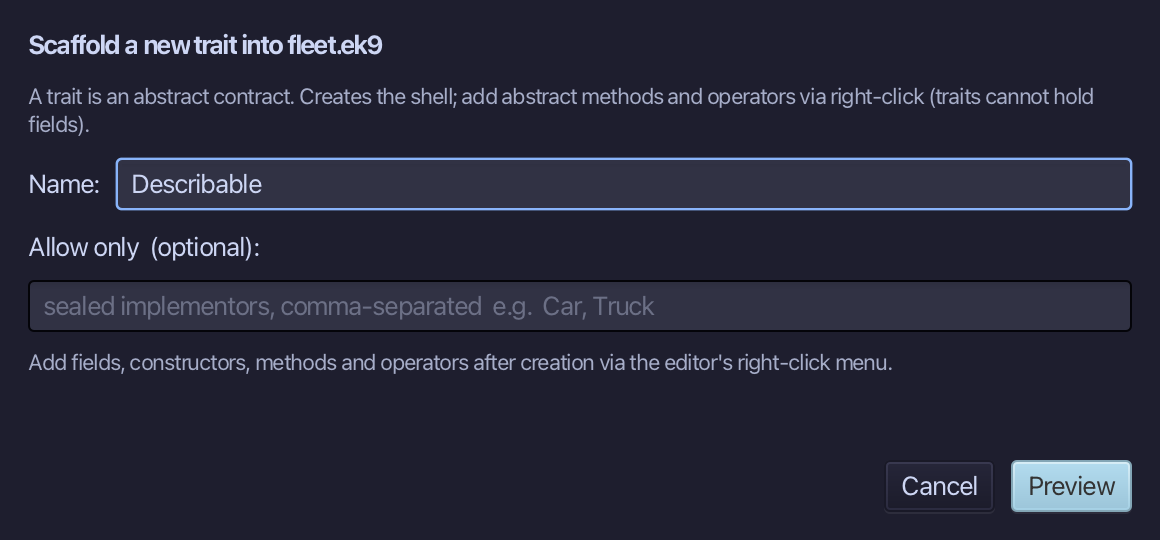
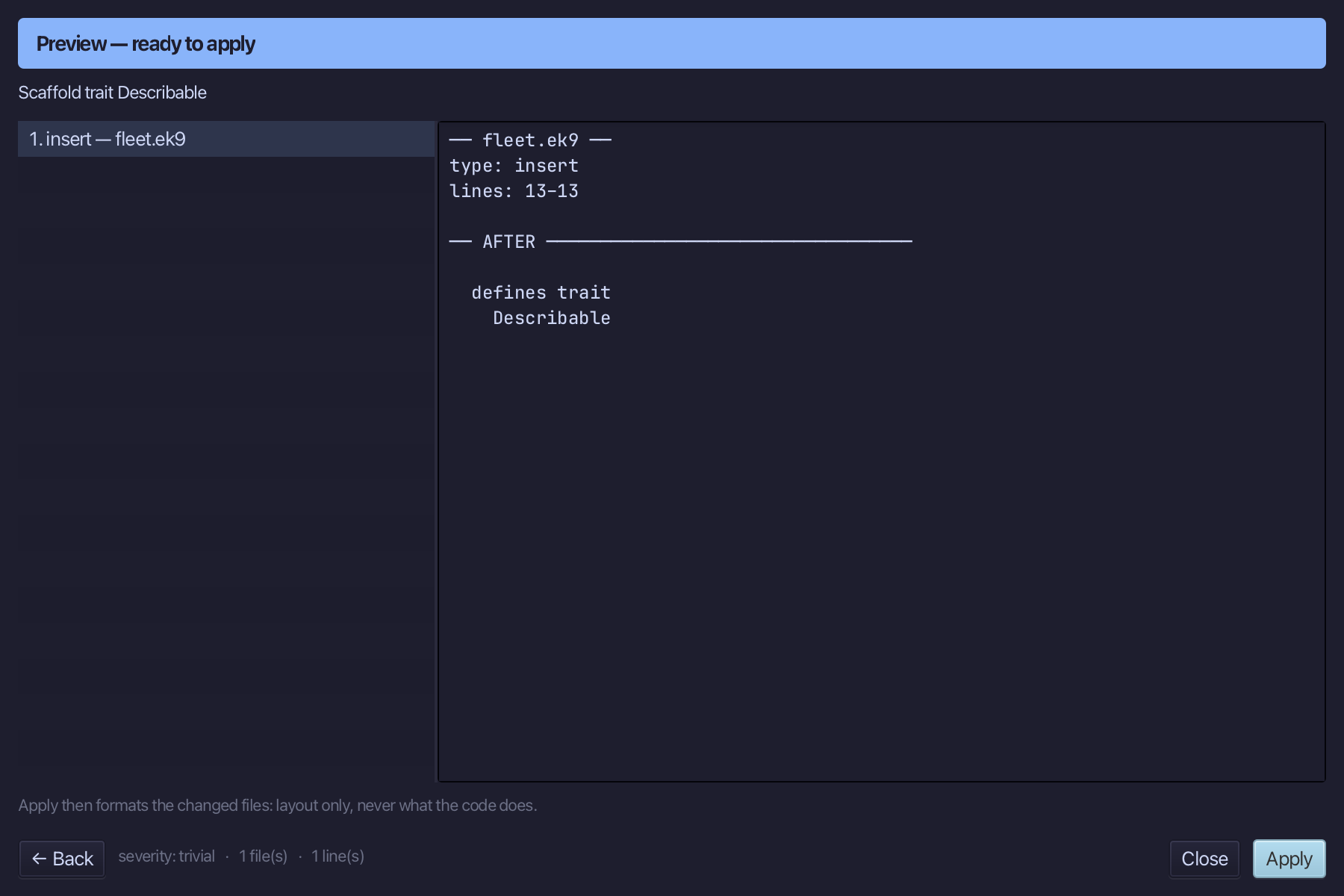
The preview shows Describable in a defines trait block. Choose Apply.
Step 4: A package
Choose Code > New Package…
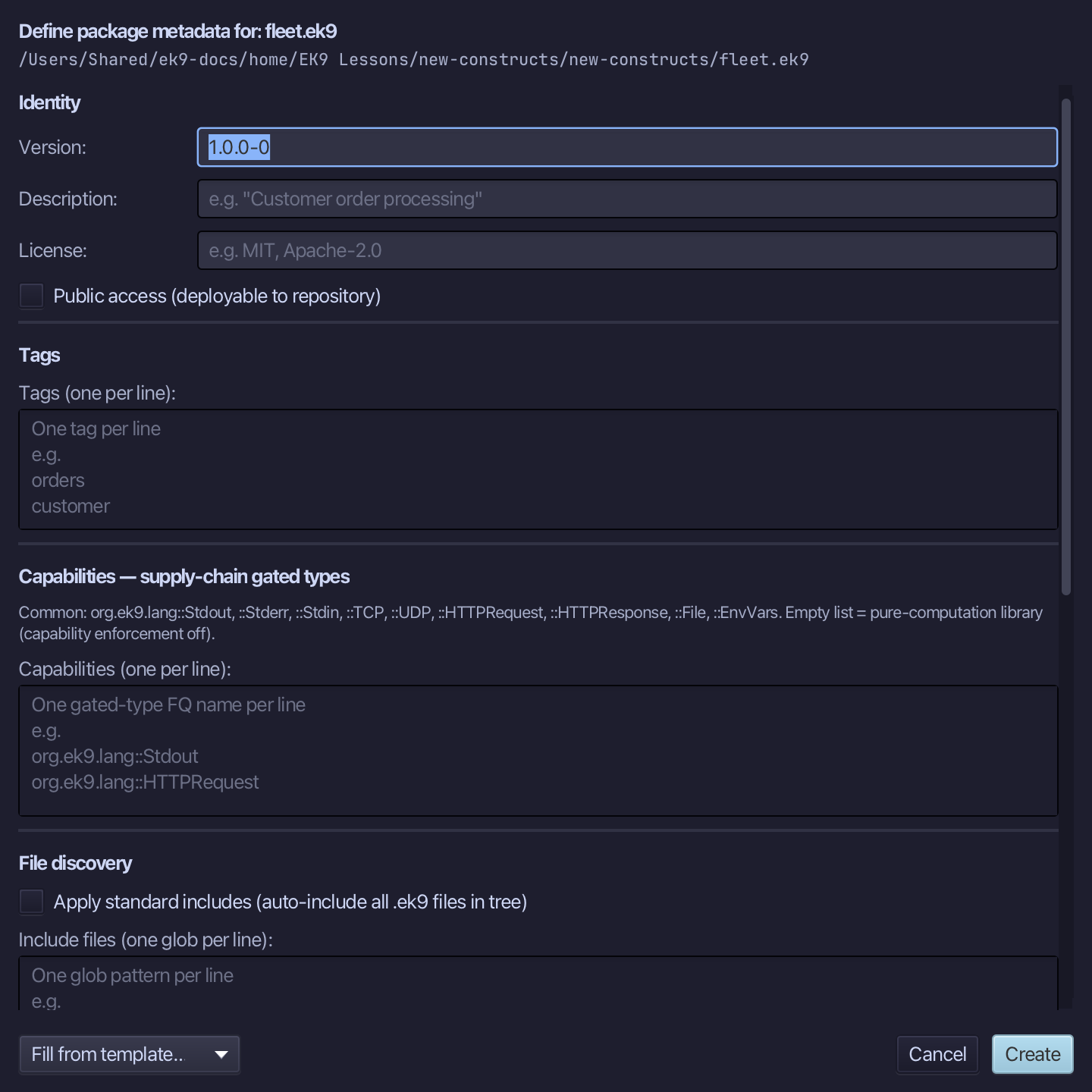
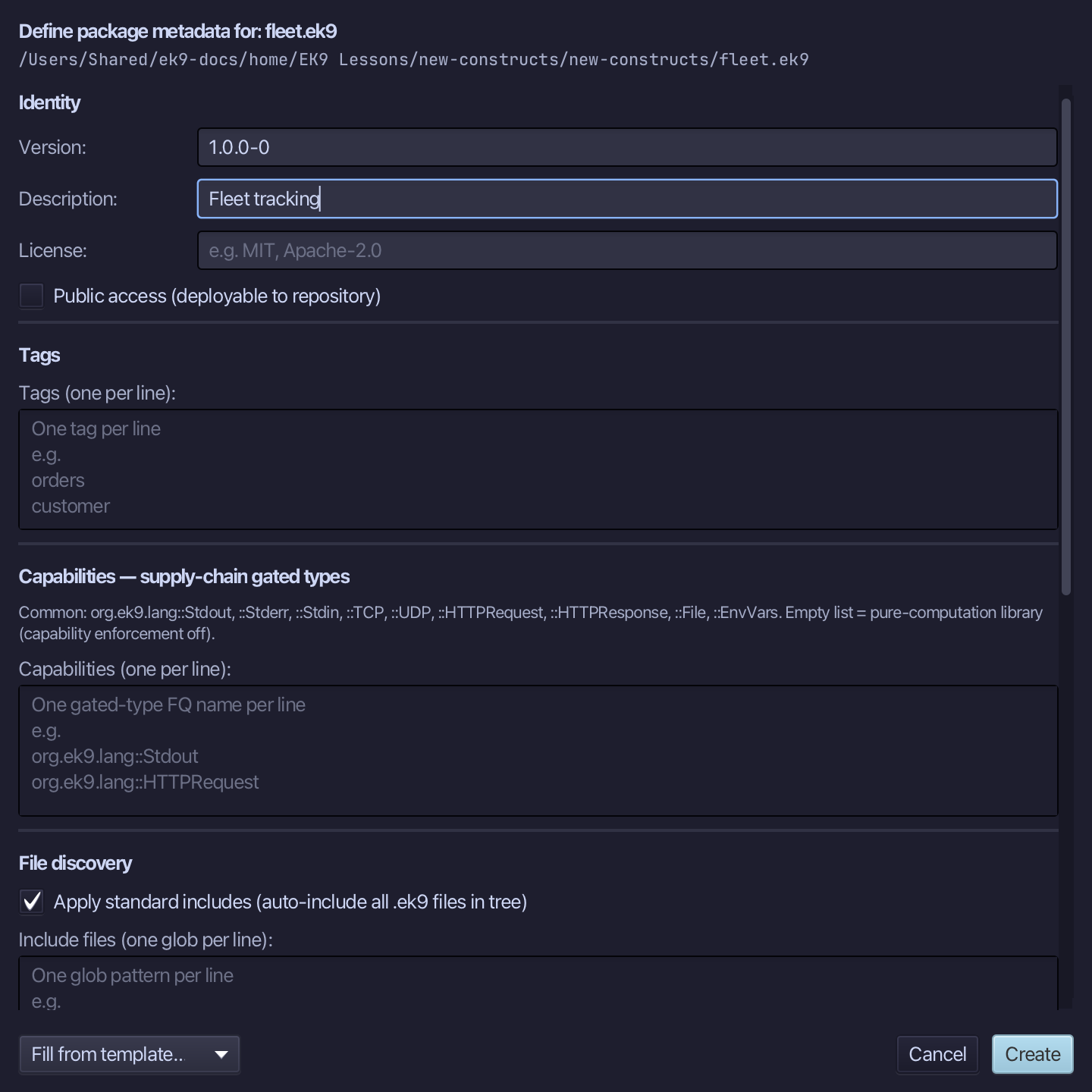
A package block holds the module's version, description and what to include. Type a description, tick Apply standard includes so every .ek9 file in the tree is part of the package, and choose Create.
The result
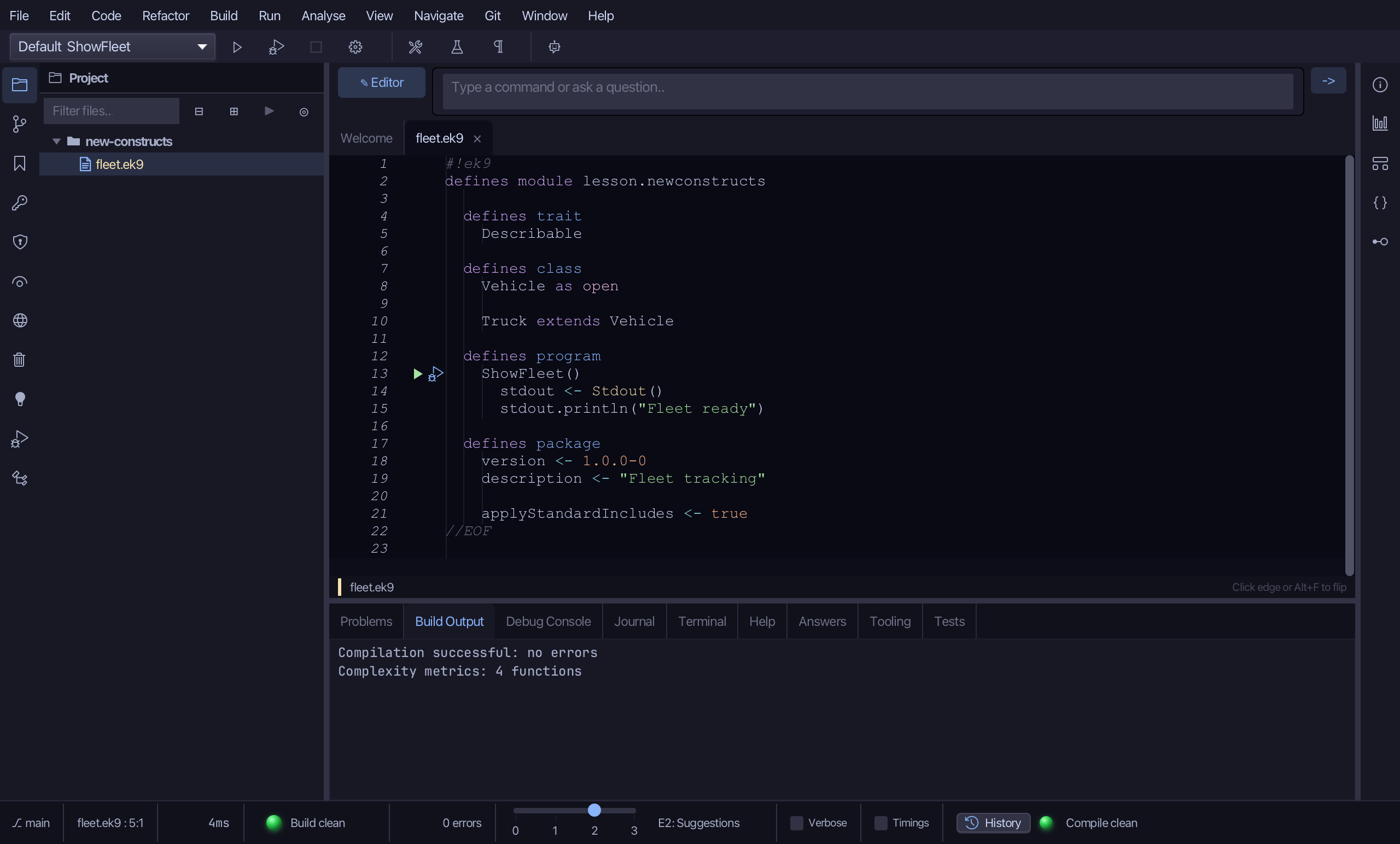
That is New Construct: every dialog asks for a name and the few choices that kind of construct has - Closed, Open or Abstract and an Extends: for a class, none of either for a trait - then Preview shows the exact text before Apply writes it, and Apply is refused if it would leave an error. Record… (with its Fields table), Function… (parameters, return, pure), Type ▸, Constant…, Program… and Test… work the same way - the Getting Started lessons use them. New Package… writes a package block into the open file. AI assistants use ek9_new_construct (and ek9_add_program for a program or test).
Where this lesson comes from
- Answers -
ek9 -qand the IDE's Answers tab: 102. - For AI assistants - the MCP tool
ek9_new_construct.
In the EK9 reference: Structure of EK9