Chapter 30: the copy a generic asks every T for, built
Chapter 30 starts with a Shelf that holds Books and is written once over any T, as Shelf of type T. Each filling, Shelf of Book, is a real type the compiler checks - its T is never erased to Object, as Java's is - and the template may only do to a T what every T can do. The IDE writes the Book class, the generic Shelf with its type parameter and its field, the methods' shapes and the program's shell; you type the constructors' logic and what each method does. To play it in the IDE: Help > Lessons > EK9 in Depth…, or ek9 -ide -lesson depth-shelf.
What you'll build
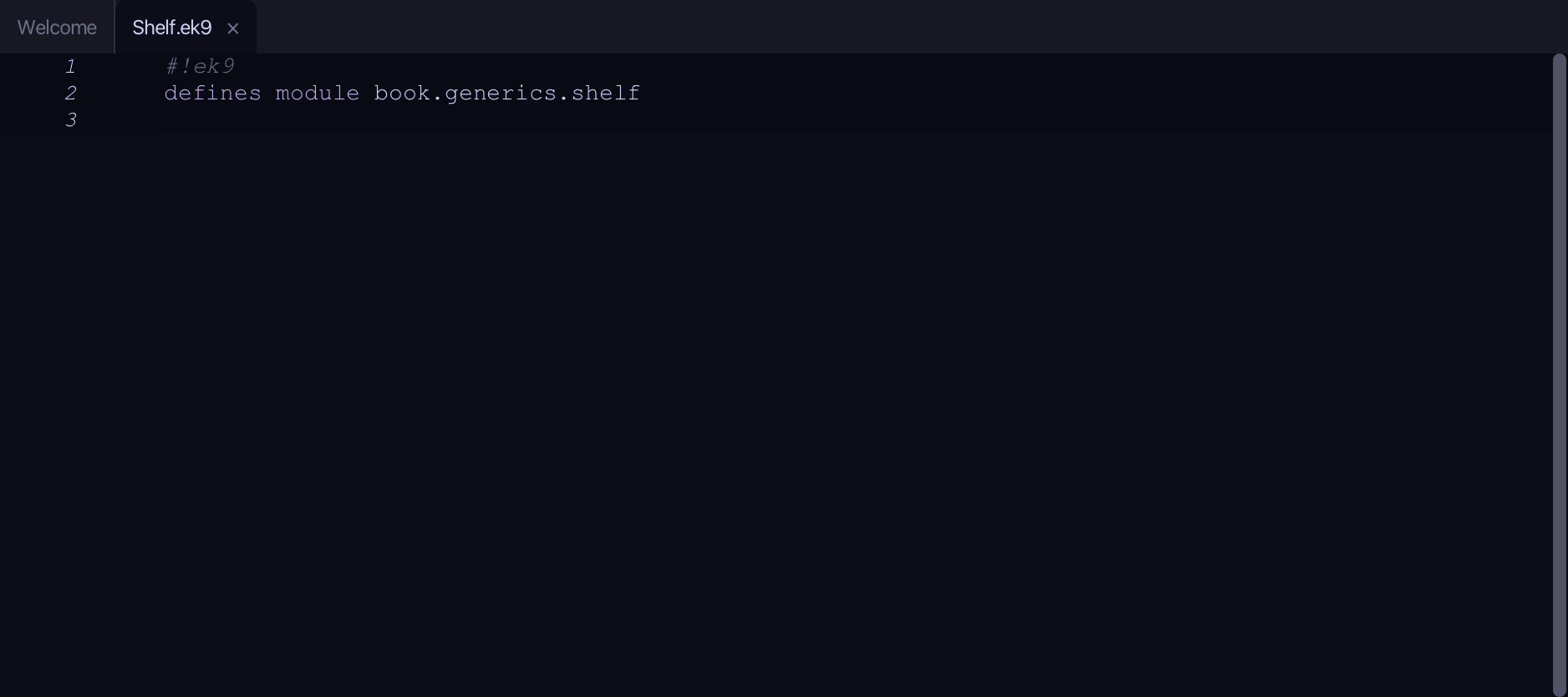
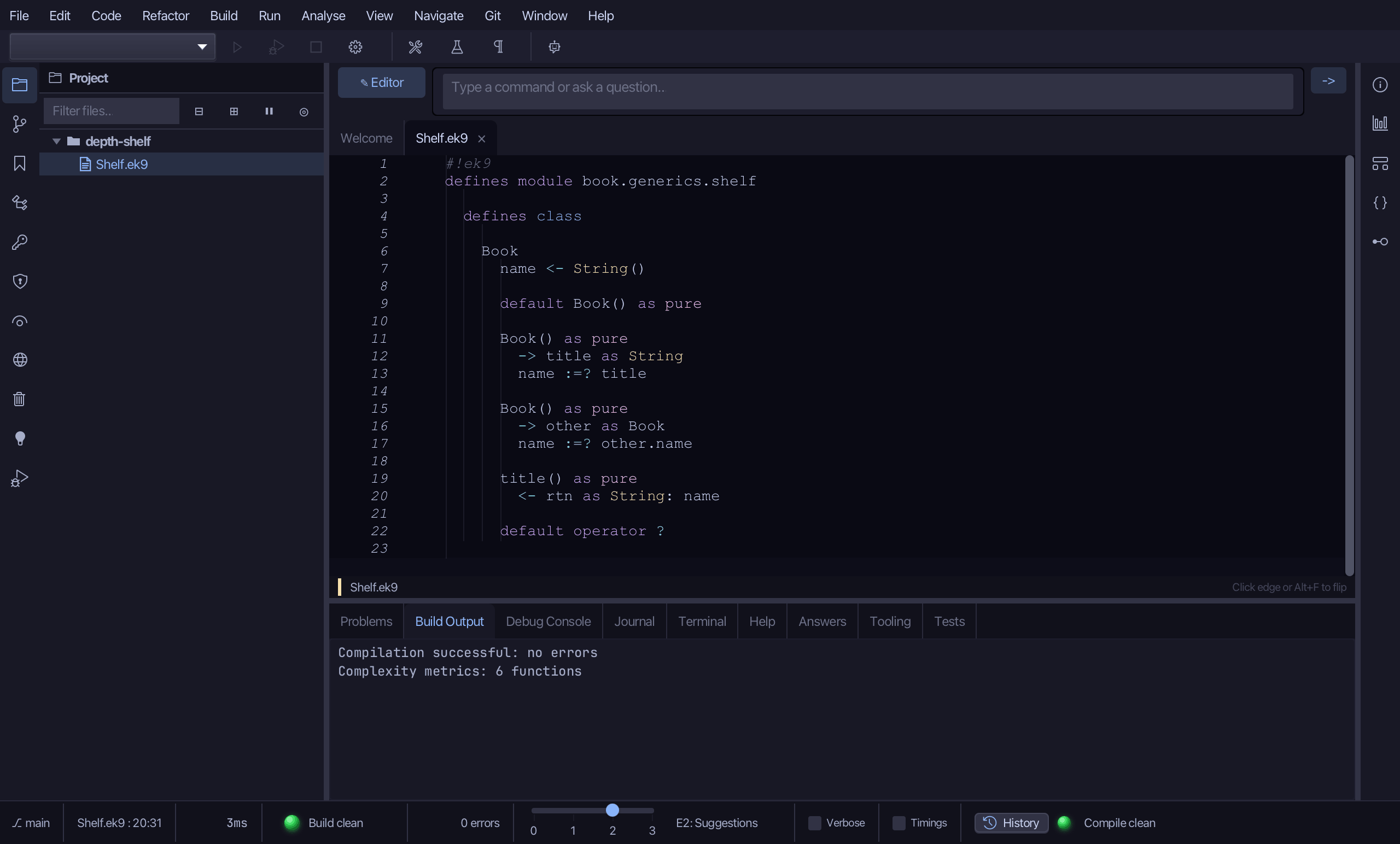
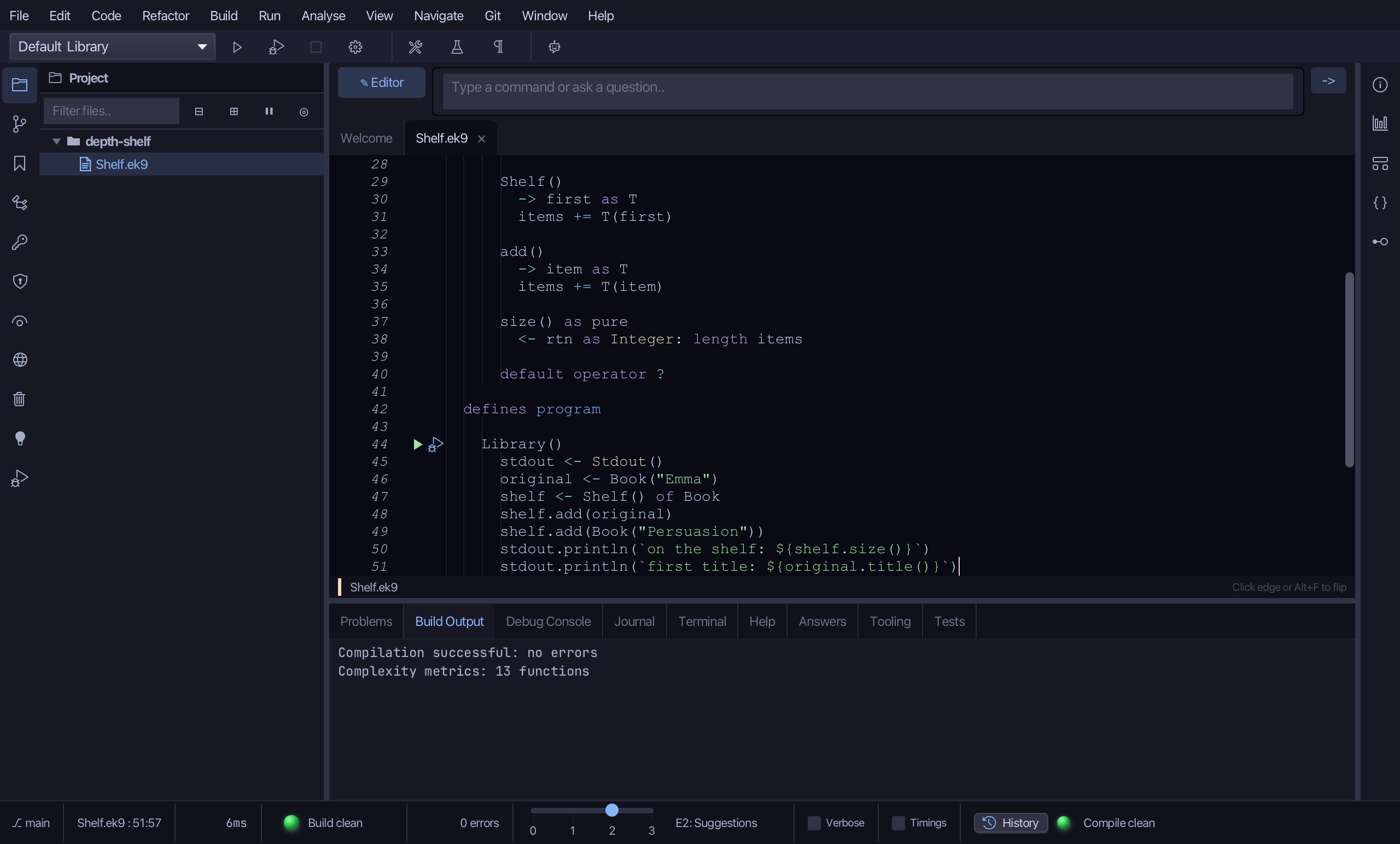
The lesson builds this program from a file holding only its module line - the finished file, as the book prints it.
#!ek9
defines module book.generics.shelf

  defines class

    Book
      name <- String()

      default Book() as pure

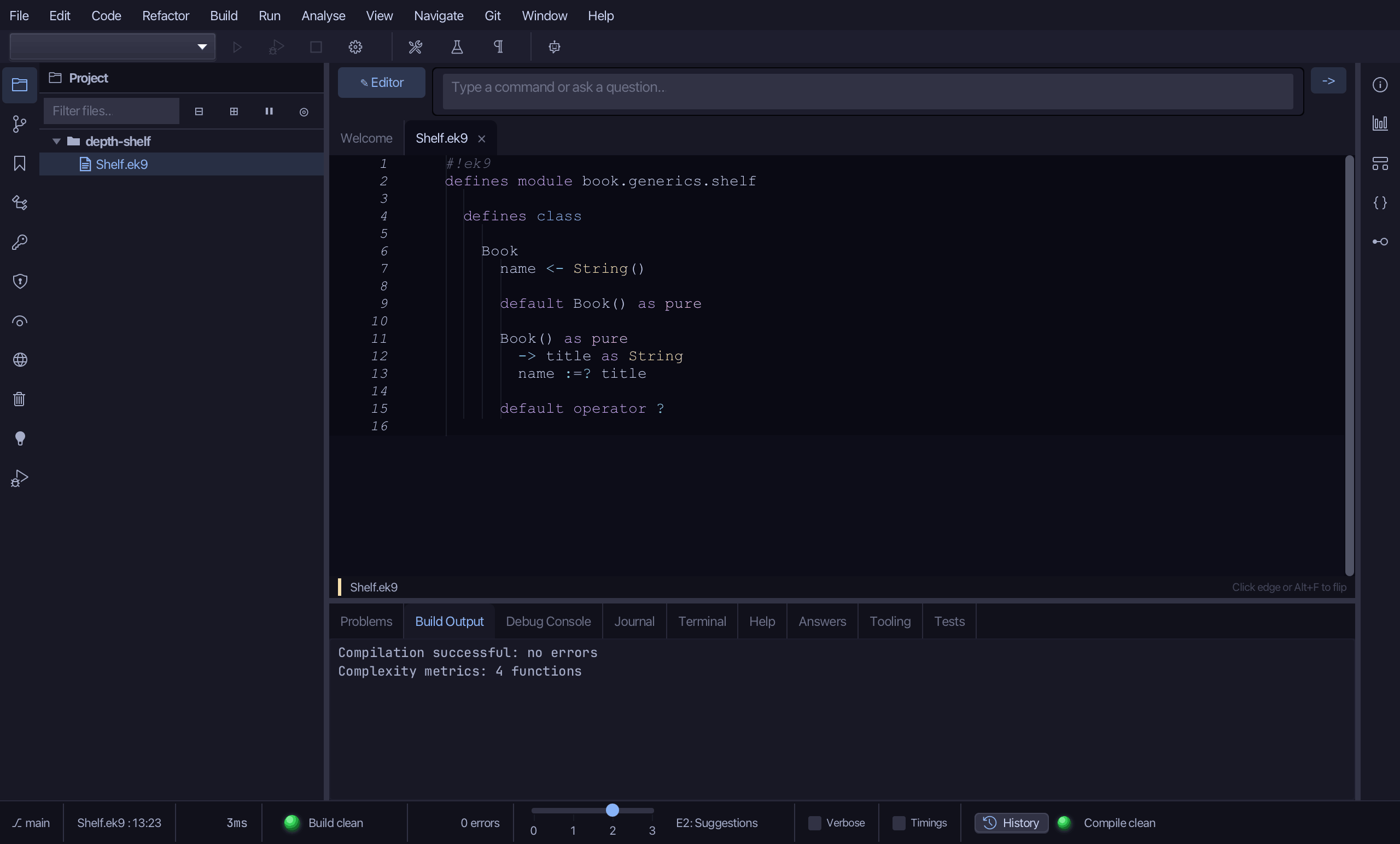
      Book() as pure
        -> title as String
        name :=? title

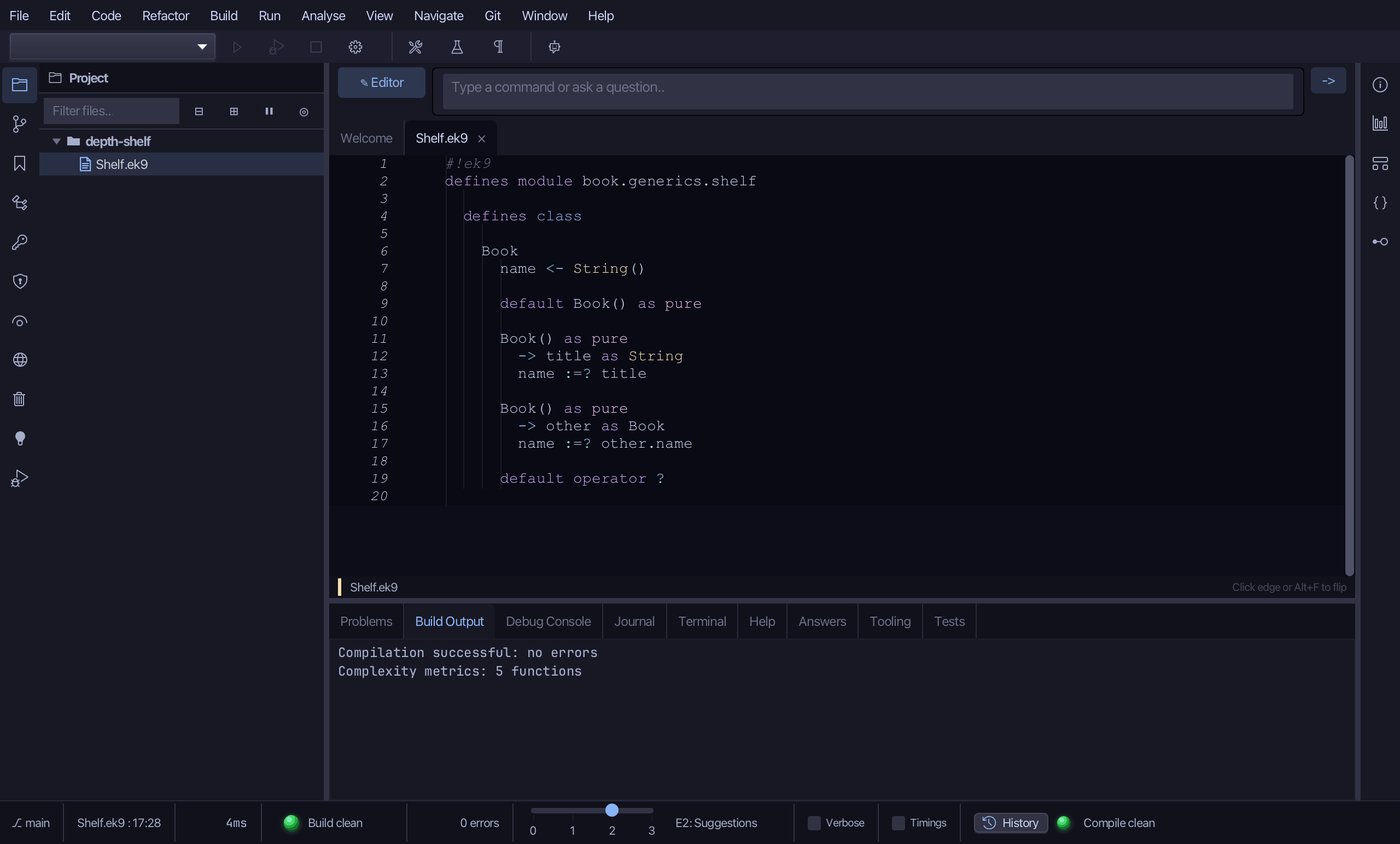
      Book() as pure
        -> other as Book
        name :=? other.name

      title() as pure
        <- rtn as String: name

      default operator ?

    Shelf of type T
      items as List of T: List()

      default Shelf()

      Shelf()
        -> first as T
        items += T(first)

      add()
        -> item as T
        items += T(item)

      size() as pure
        <- rtn as Integer: length items

      default operator ?

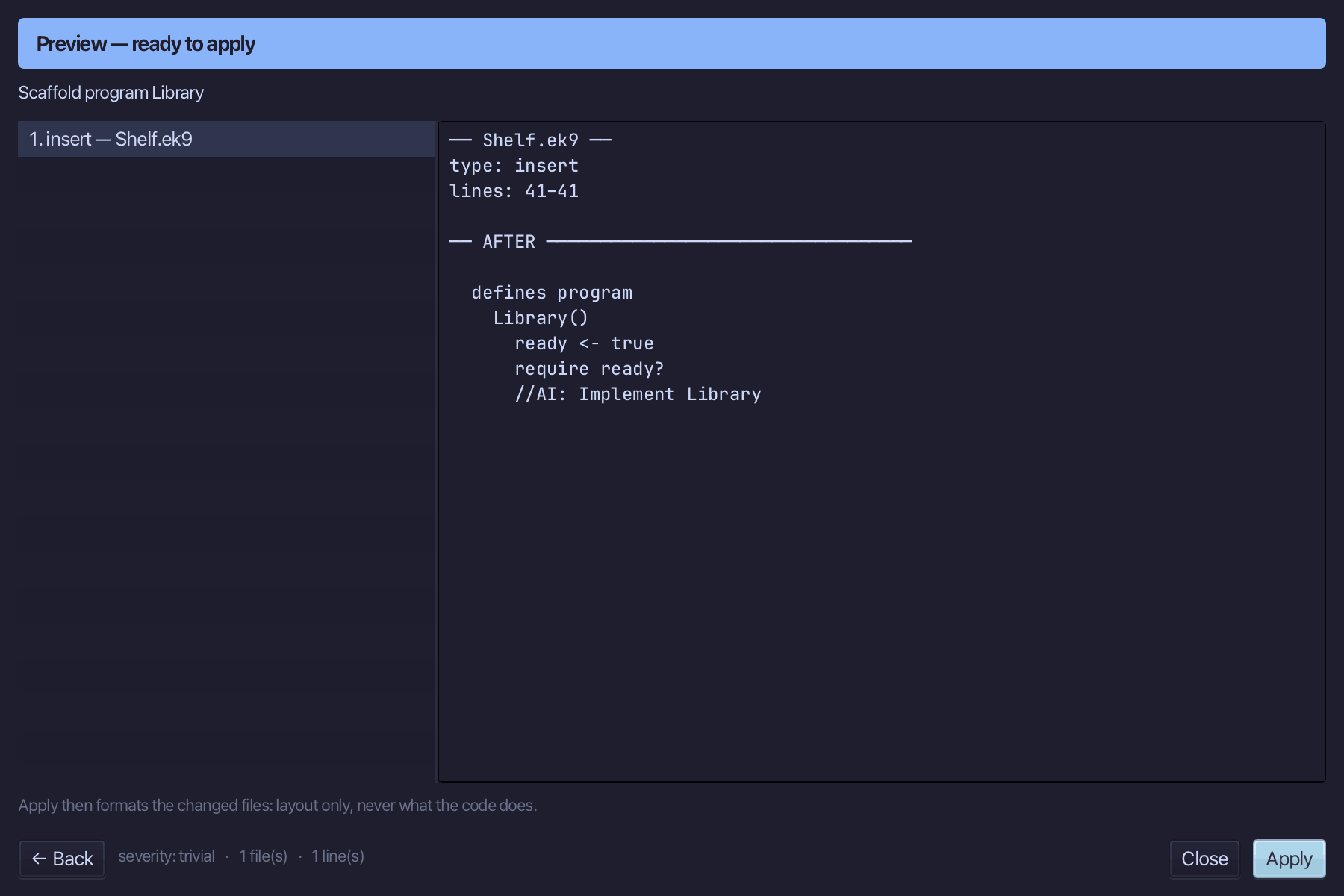
  defines program

    Library()
      stdout <- Stdout()
      original <- Book("Emma")
      shelf <- Shelf() of Book
      shelf.add(original)
      shelf.add(Book("Persuasion"))
      stdout.println(`on the shelf: ${shelf.size()}`)
      stdout.println(`first title: ${original.title()}`)
Step 1: Book — an ordinary class
Choose Code > New Construct > Class…
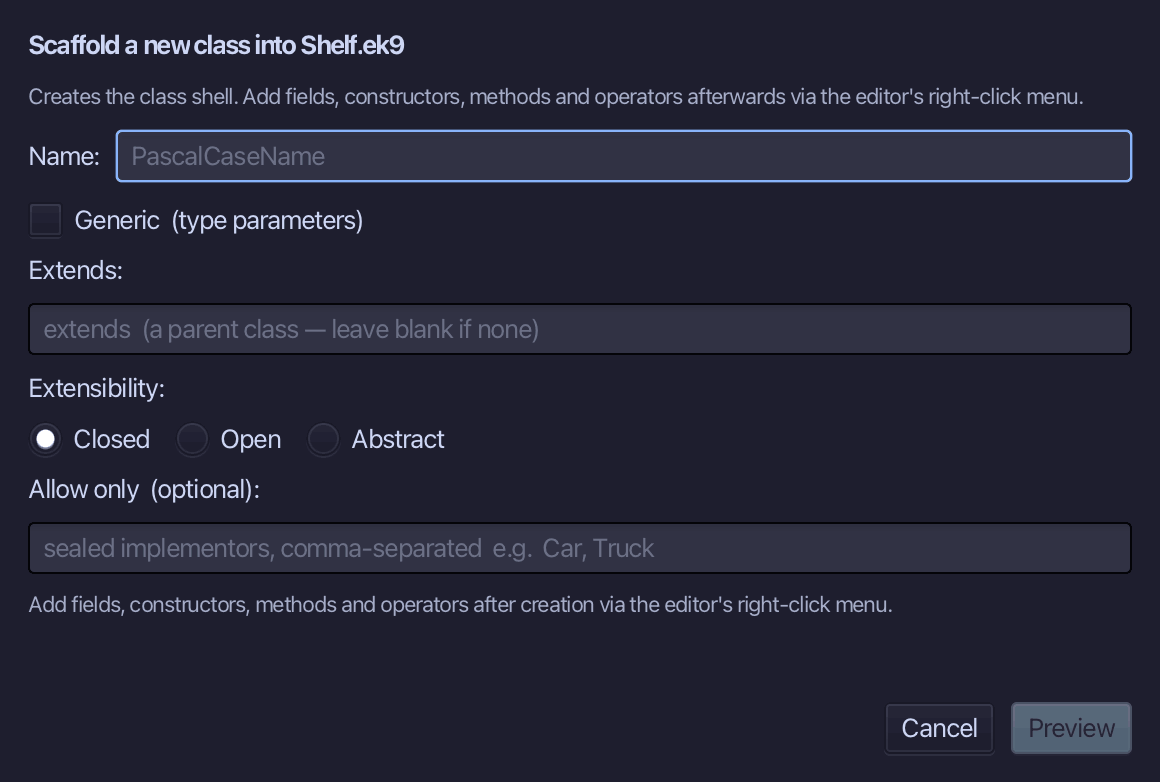
Book is the class's name. Choose Preview.
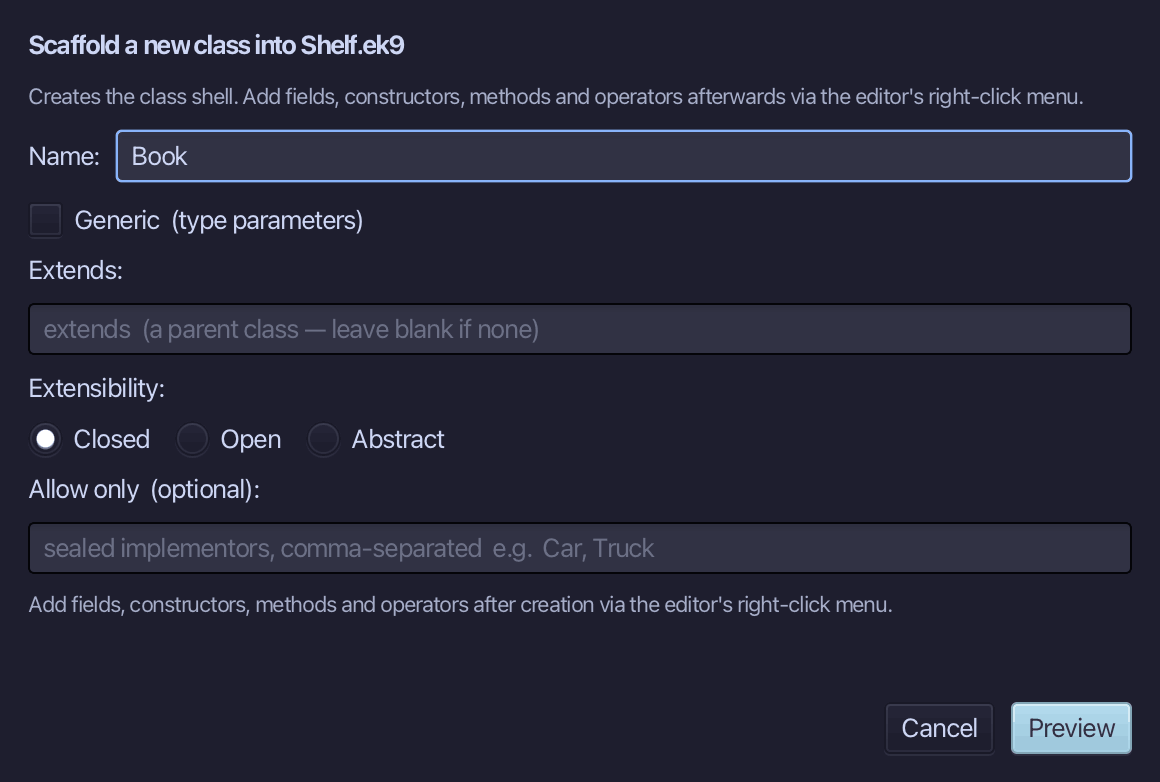
The preview shows Book about to be written. Choose Apply.
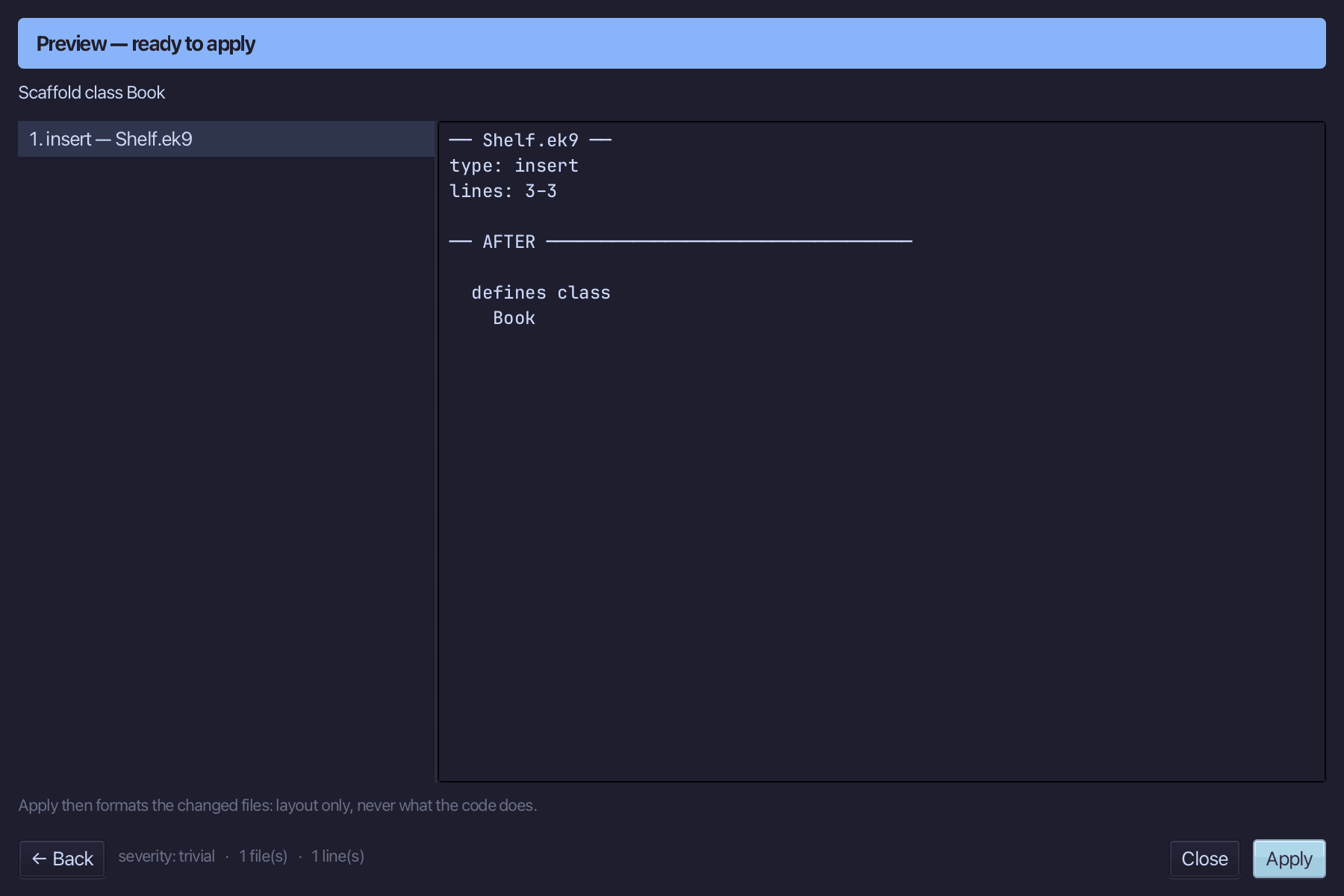
Select the Book line and, above it, type the blank line the book opens its first class with. Saves when typed.
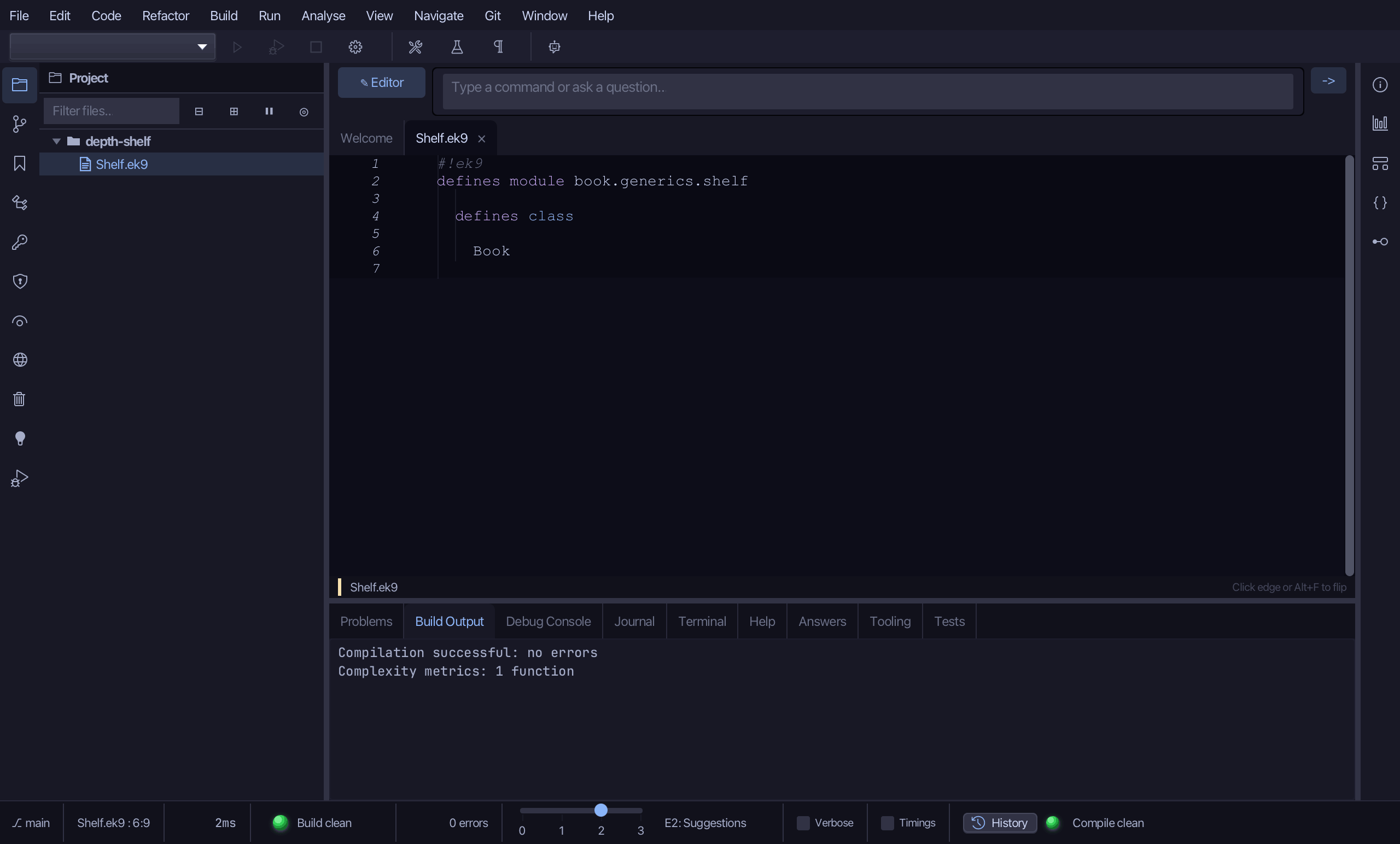
Right-click the Book line and choose Add Field…
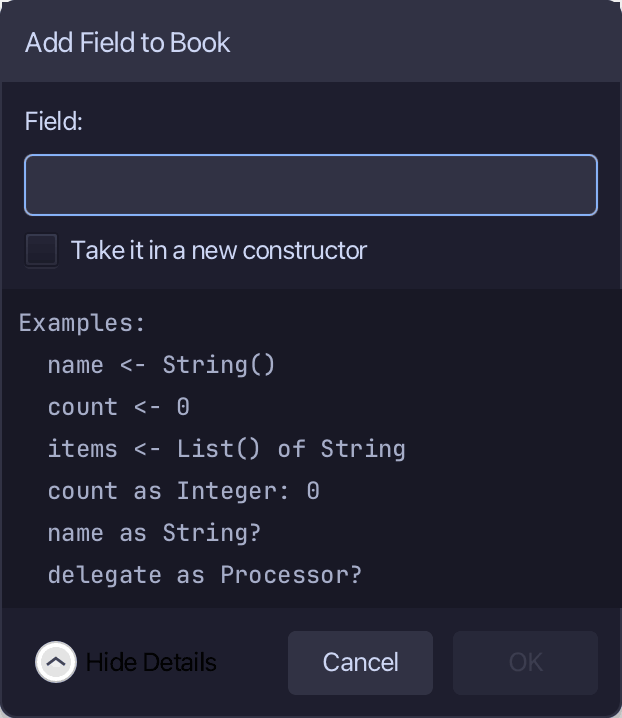
Type name <- String() - the field and the value it starts with. Choose OK.
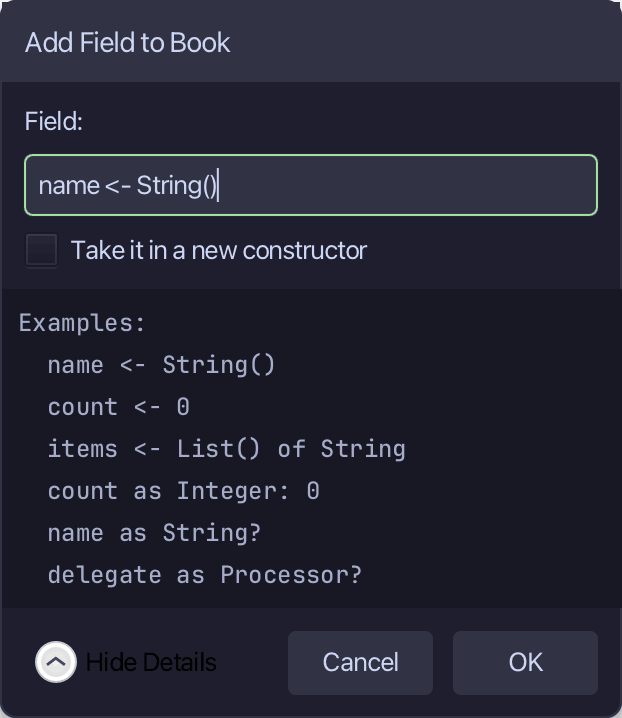
The preview shows name added - and default operator ? with it, Book's first field. Choose Apply.
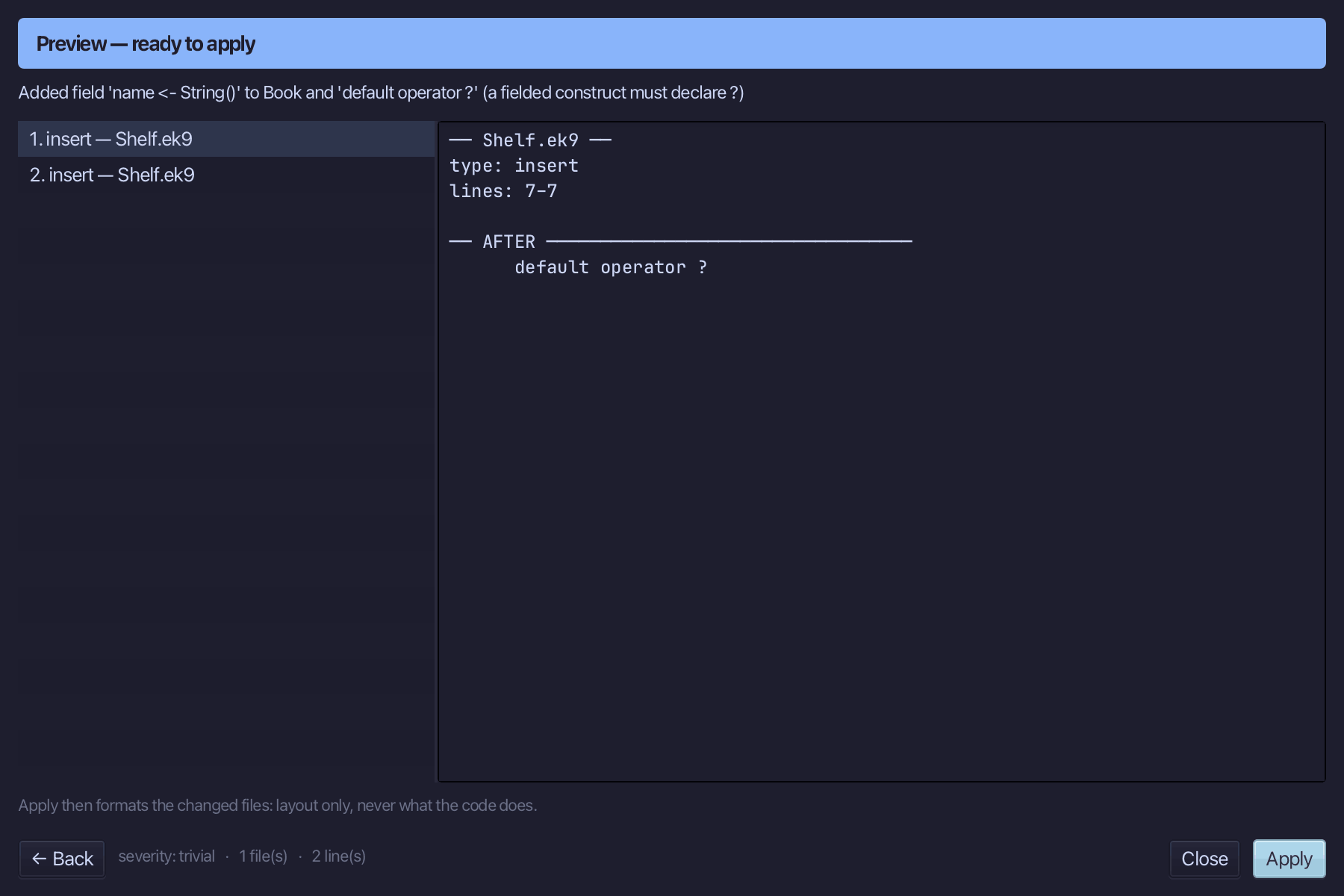
Right-click the Book line and choose Add Constructor > No-Arg (default, pure).
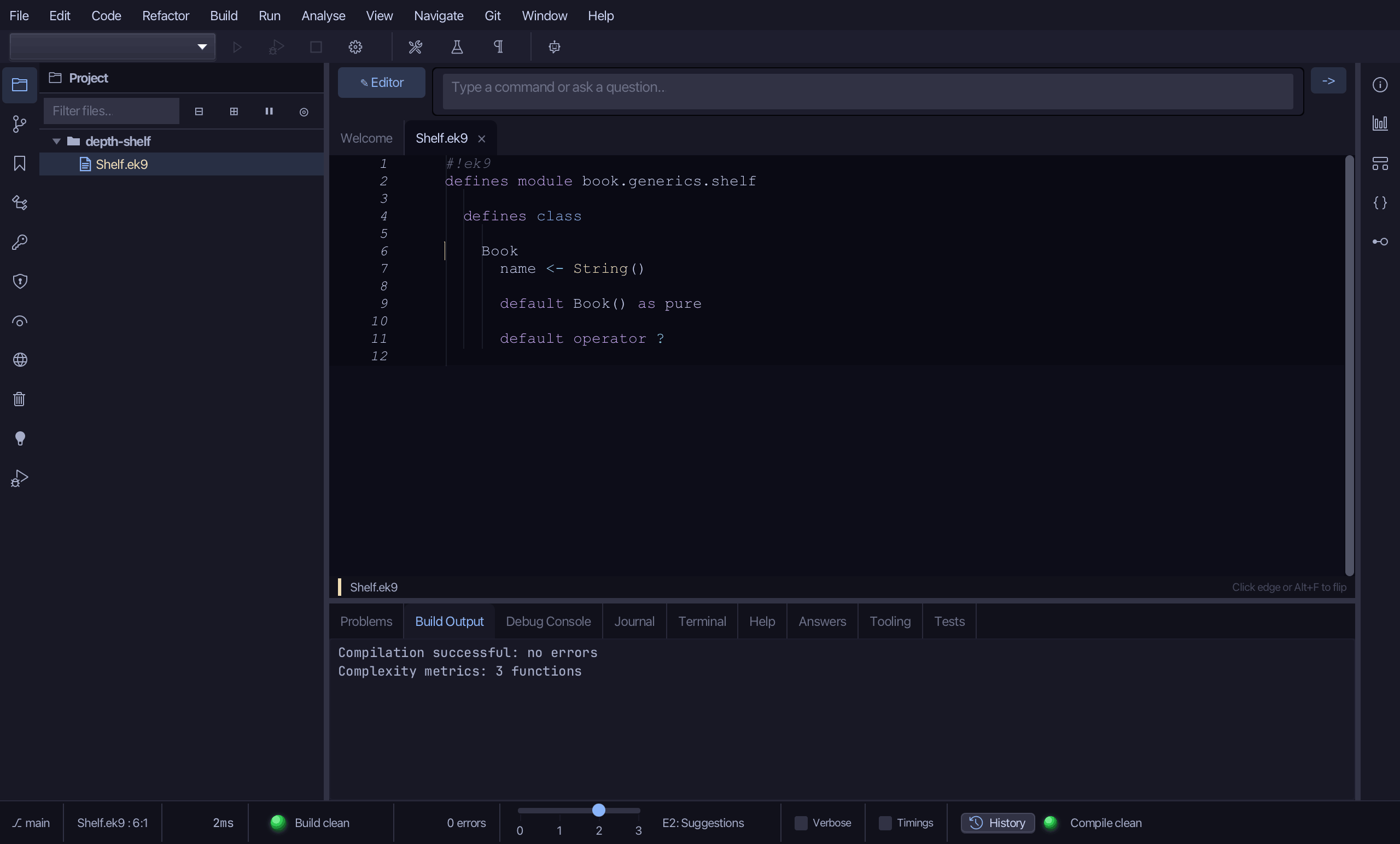
Right-click the Book line and choose Add Constructor > From All Fields (pure) - a constructor that takes every field.
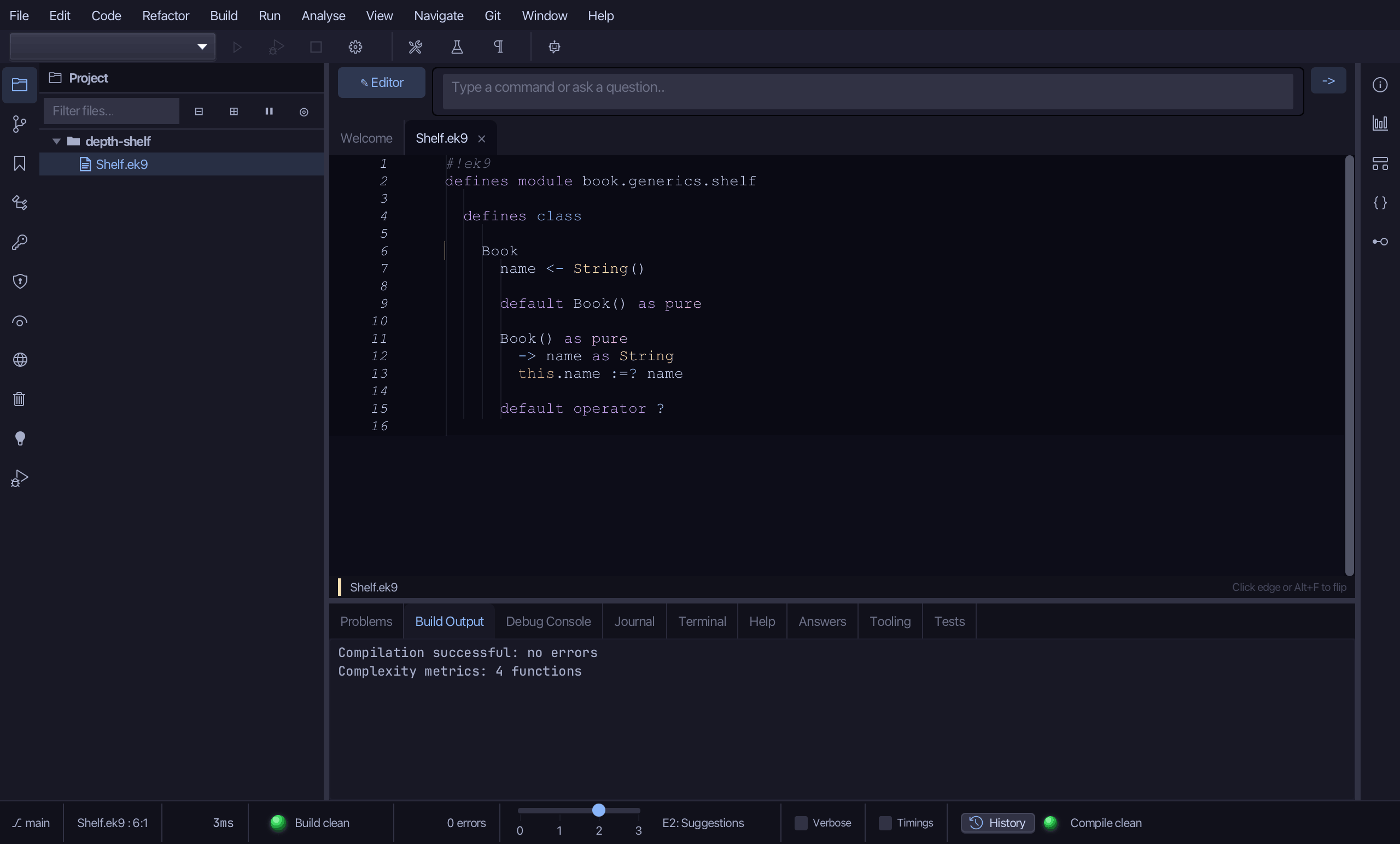
Select the stub, from Book() as pure down to its assignment, and type the constructor the book shows: title in, name set with :=?. Saves when typed.
Below it, type the copy constructor: a Book in, its name taken. A generic Shelf will rely on T having exactly this. Saves when typed.
Right-click the Book line and choose Add Method…
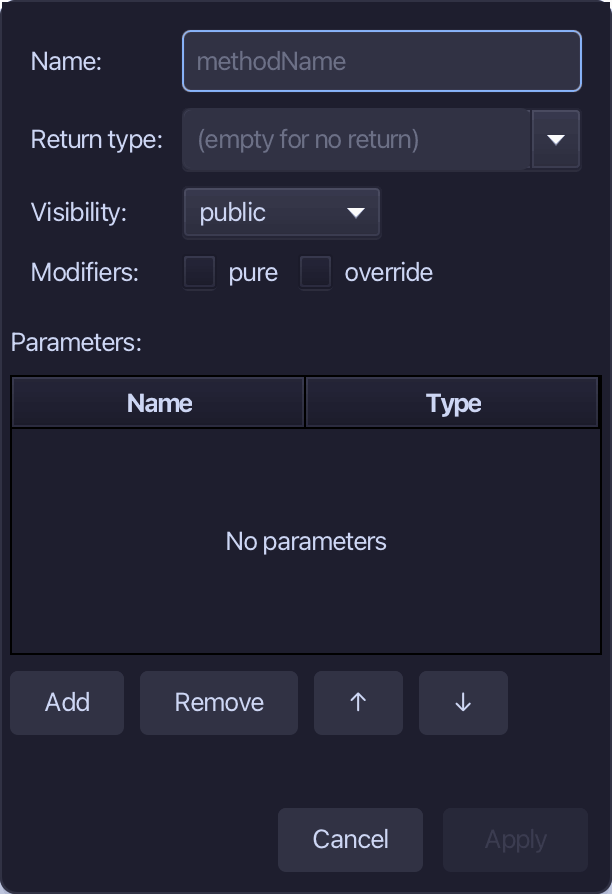
title is the method's name. Set Return type to String and tick pure. Choose Apply.
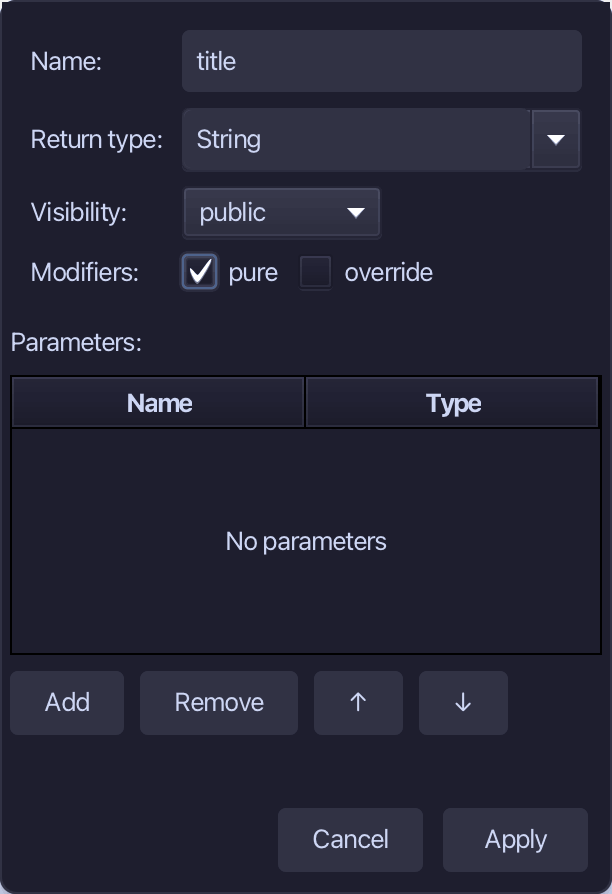
Select the stub and type title's answer. Saves when typed.
Step 2: Shelf — a generic class
Choose Code > New Construct > Class…
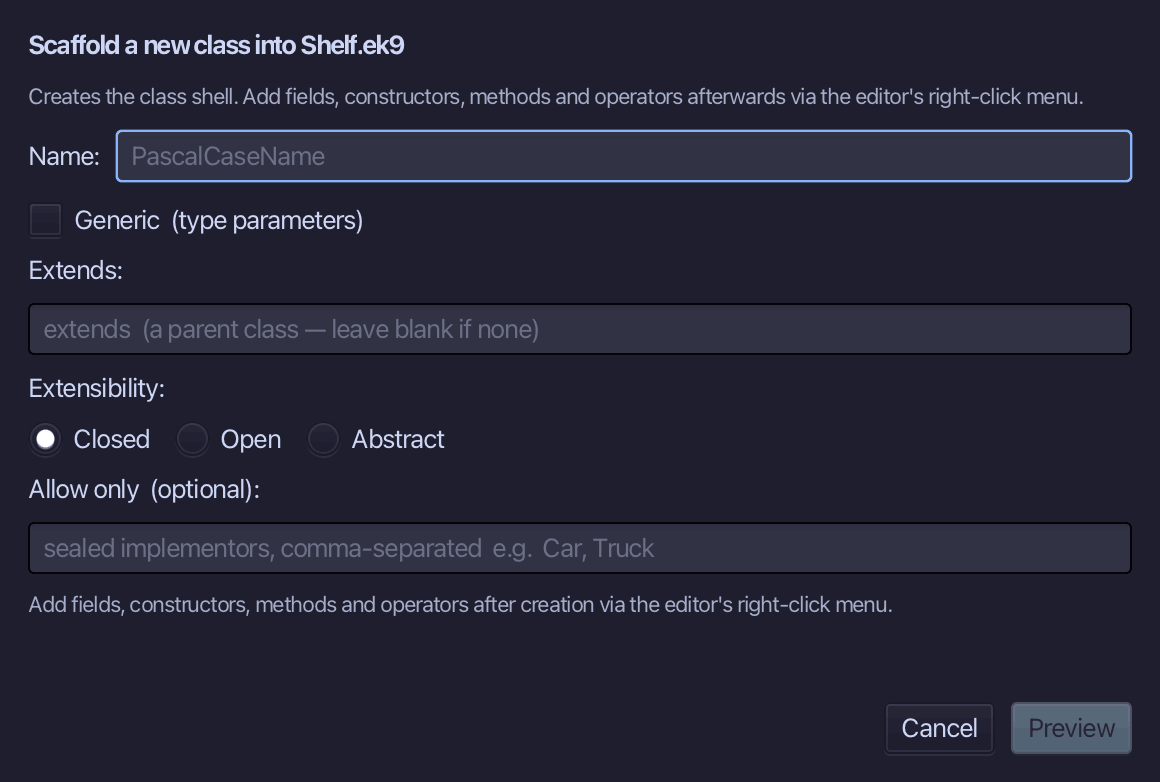
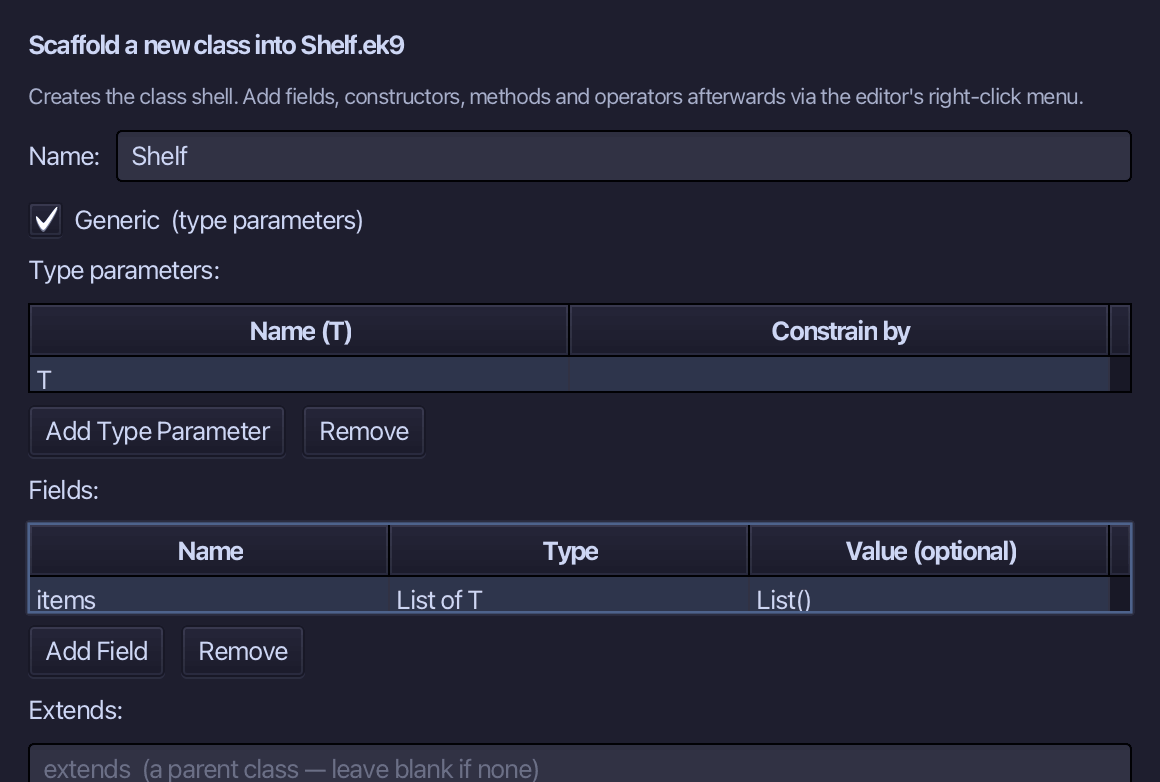
Shelf is the class's name. Tick Generic and give the type parameter T. The Fields table holds items of type List of T, starting at List(). Choose Preview.
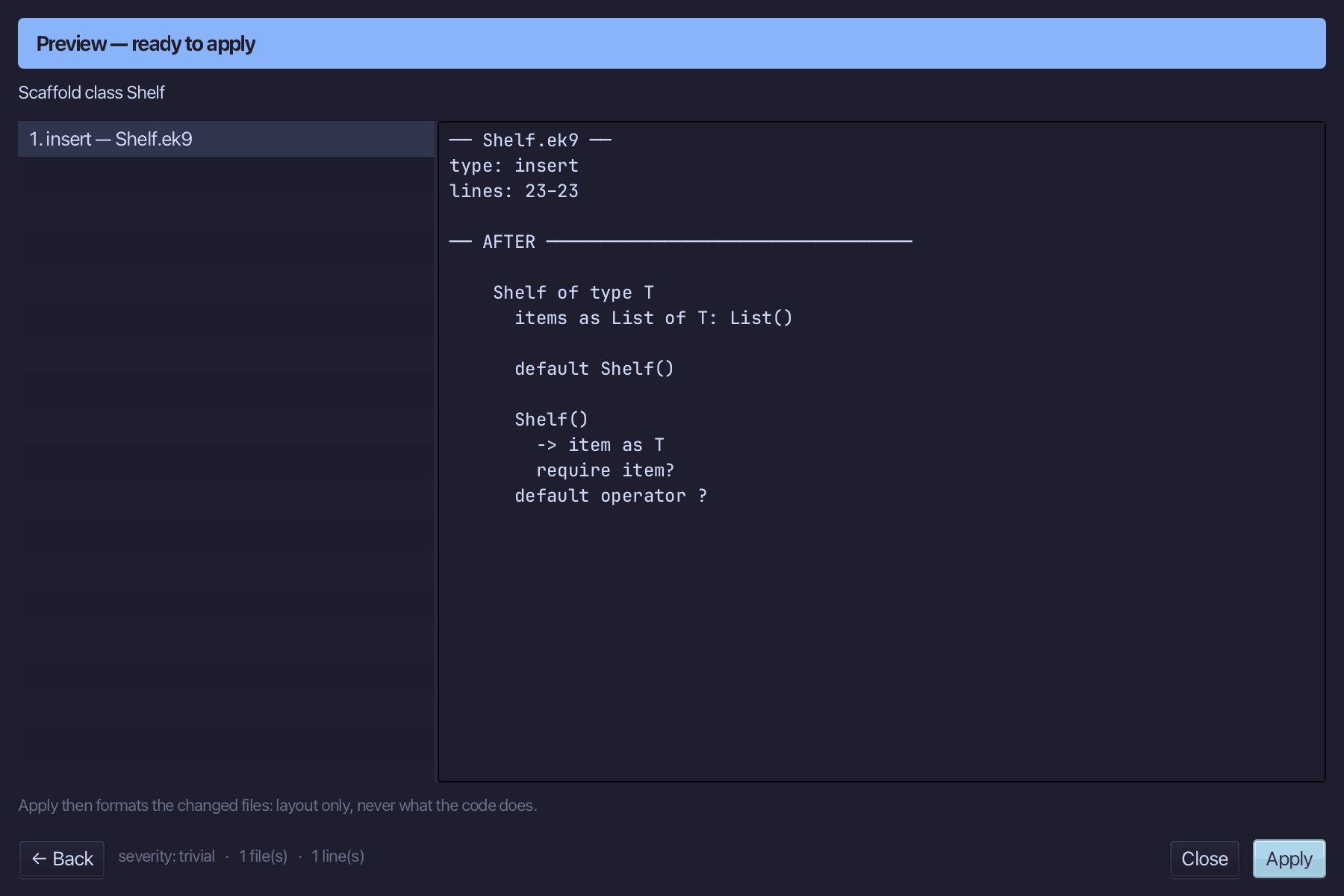
The preview shows Shelf about to be written. Choose Apply.
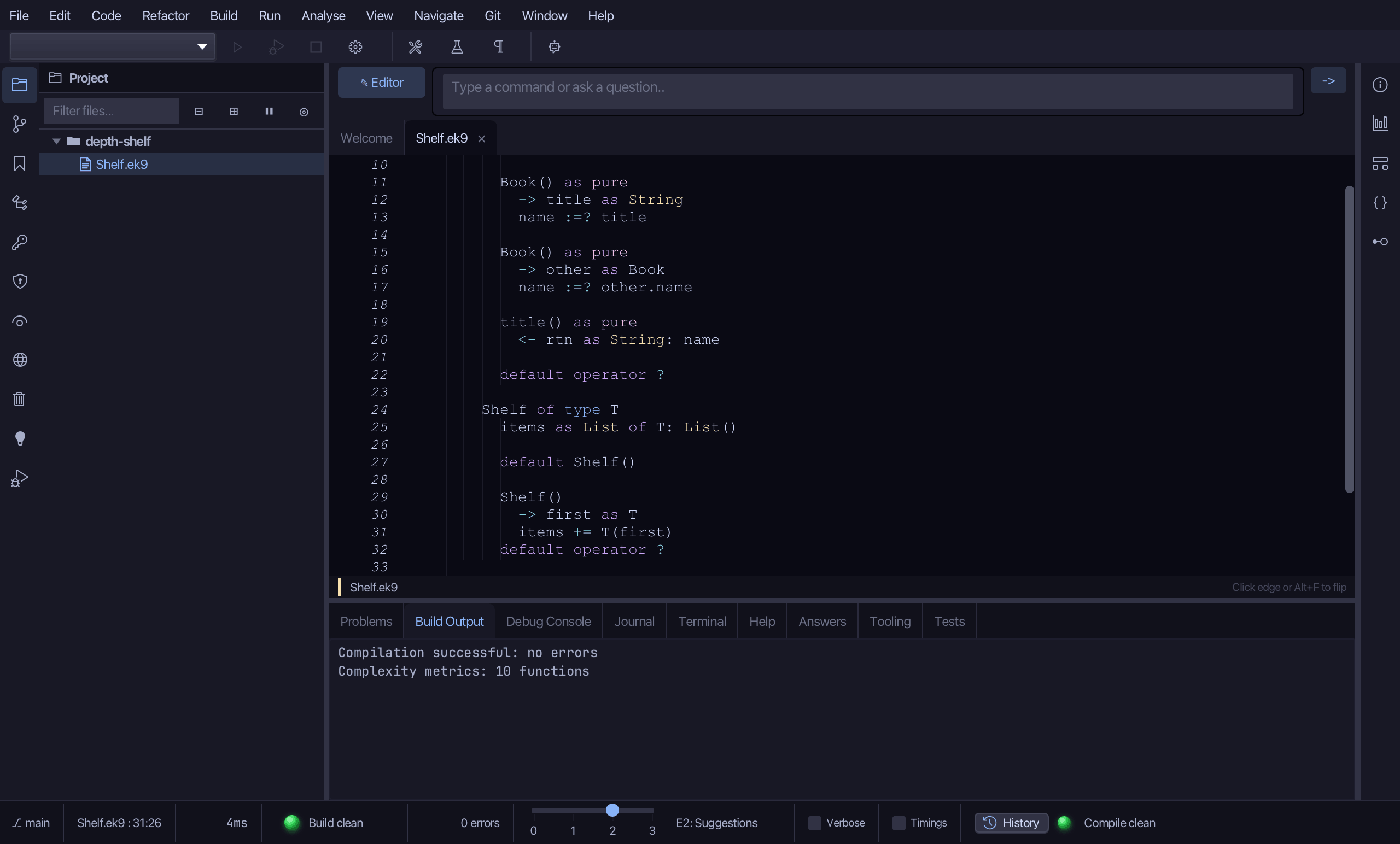
Select the stub of the one-item constructor and type the book's: first in, the shelf starting with a copy of it. Saves when typed.
Right-click the Shelf line and choose Add Method…
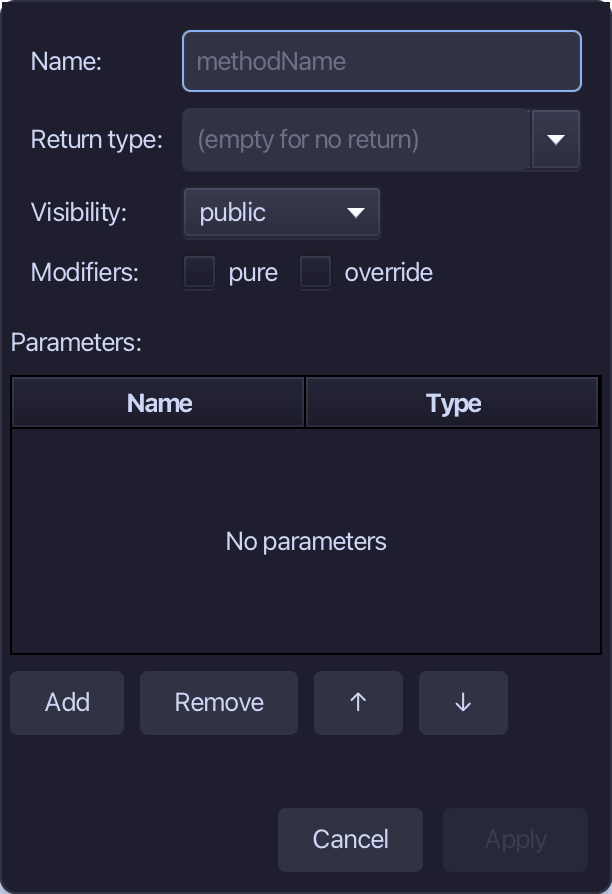
add is the method's name. Add one parameter, item of type T. Choose Apply.
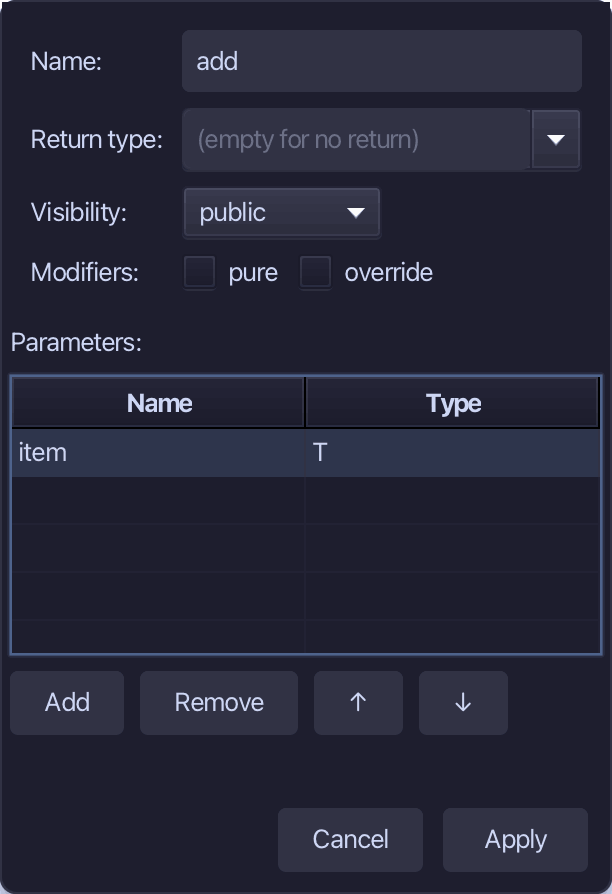
Select the stub and type add's work: the item, copied in. Saves when typed.
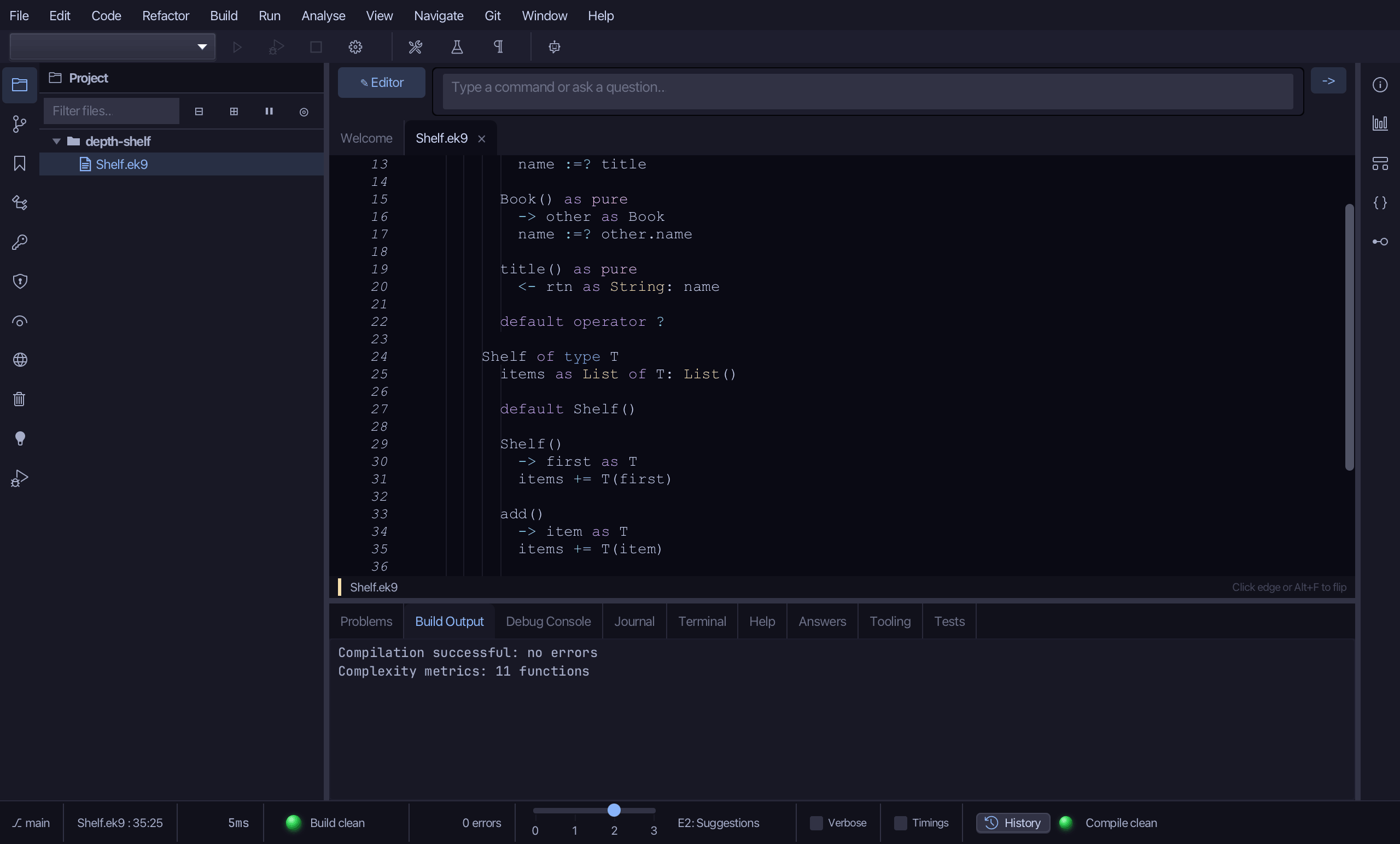
Right-click the Shelf line and choose Add Method…
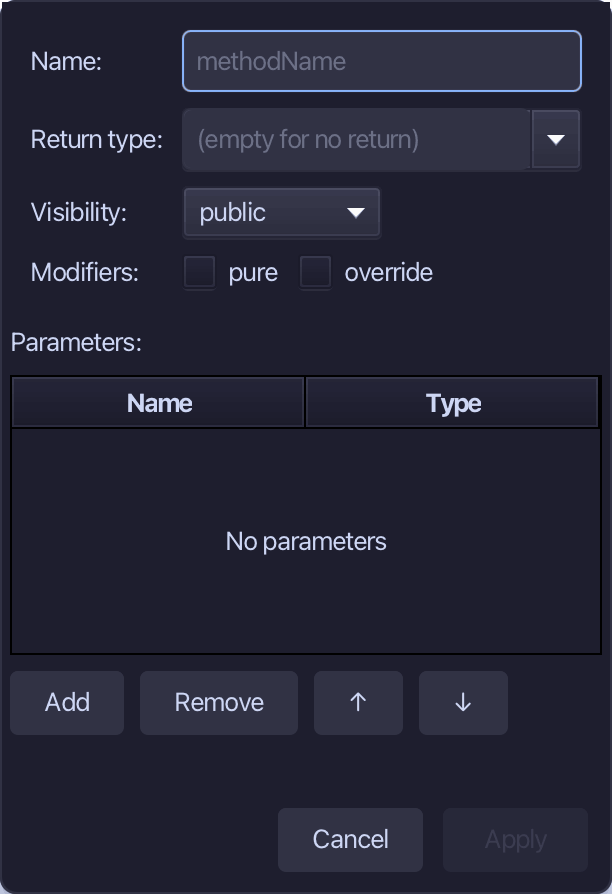
size is the method's name. Set Return type to Integer and tick pure. Choose Apply.
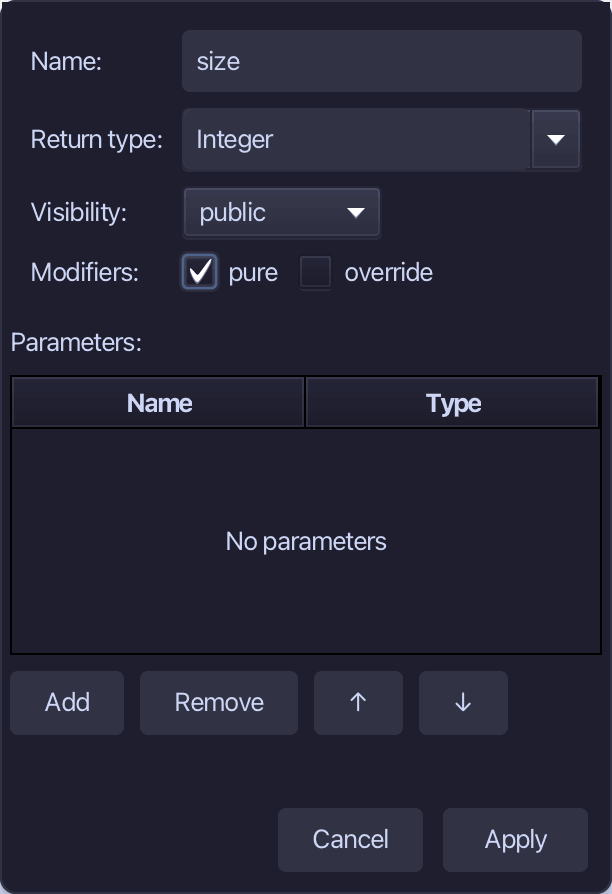
Select the stub and type size's answer. Saves when typed.
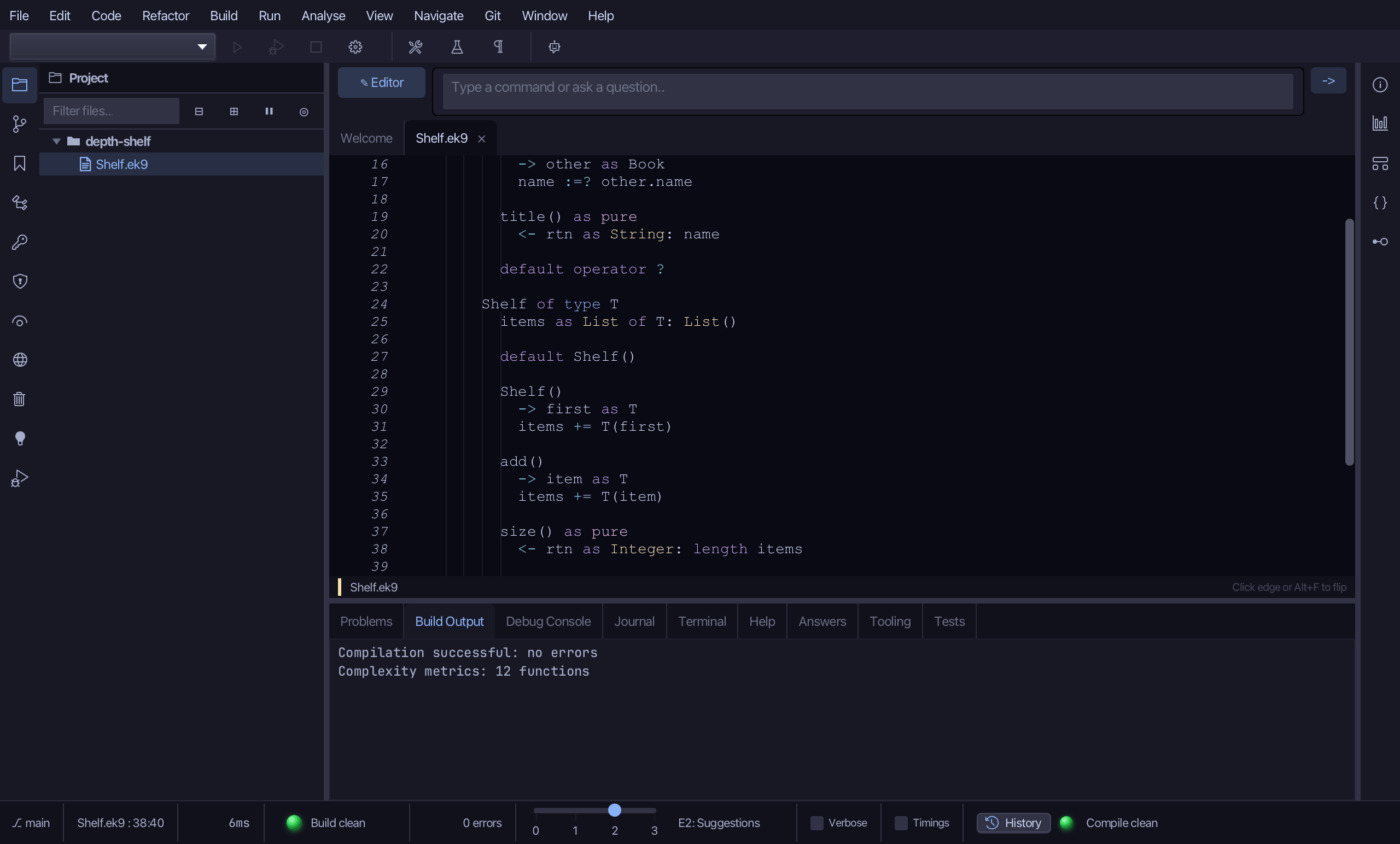
Step 3: The program
Choose Code > New Construct > Program…
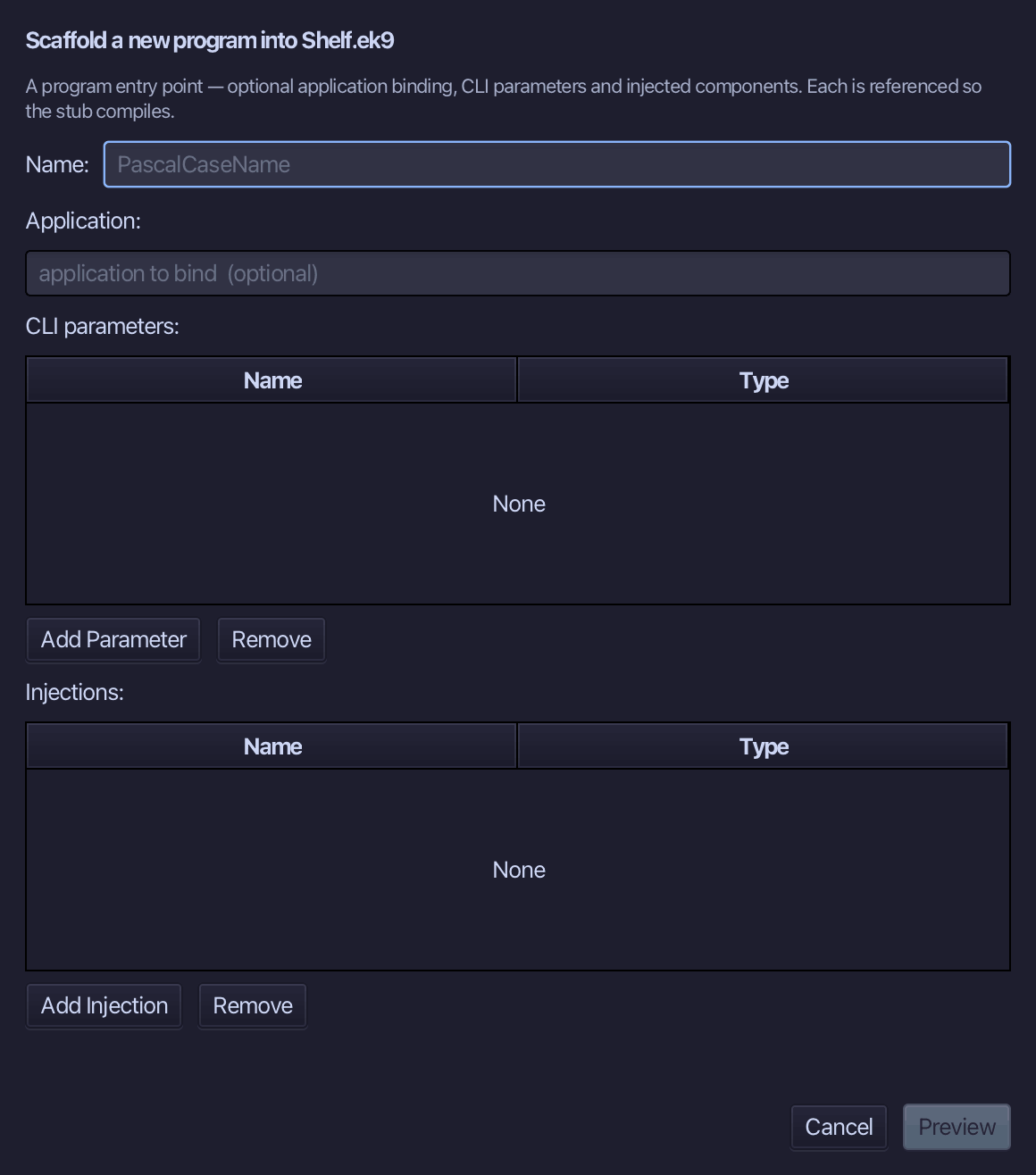
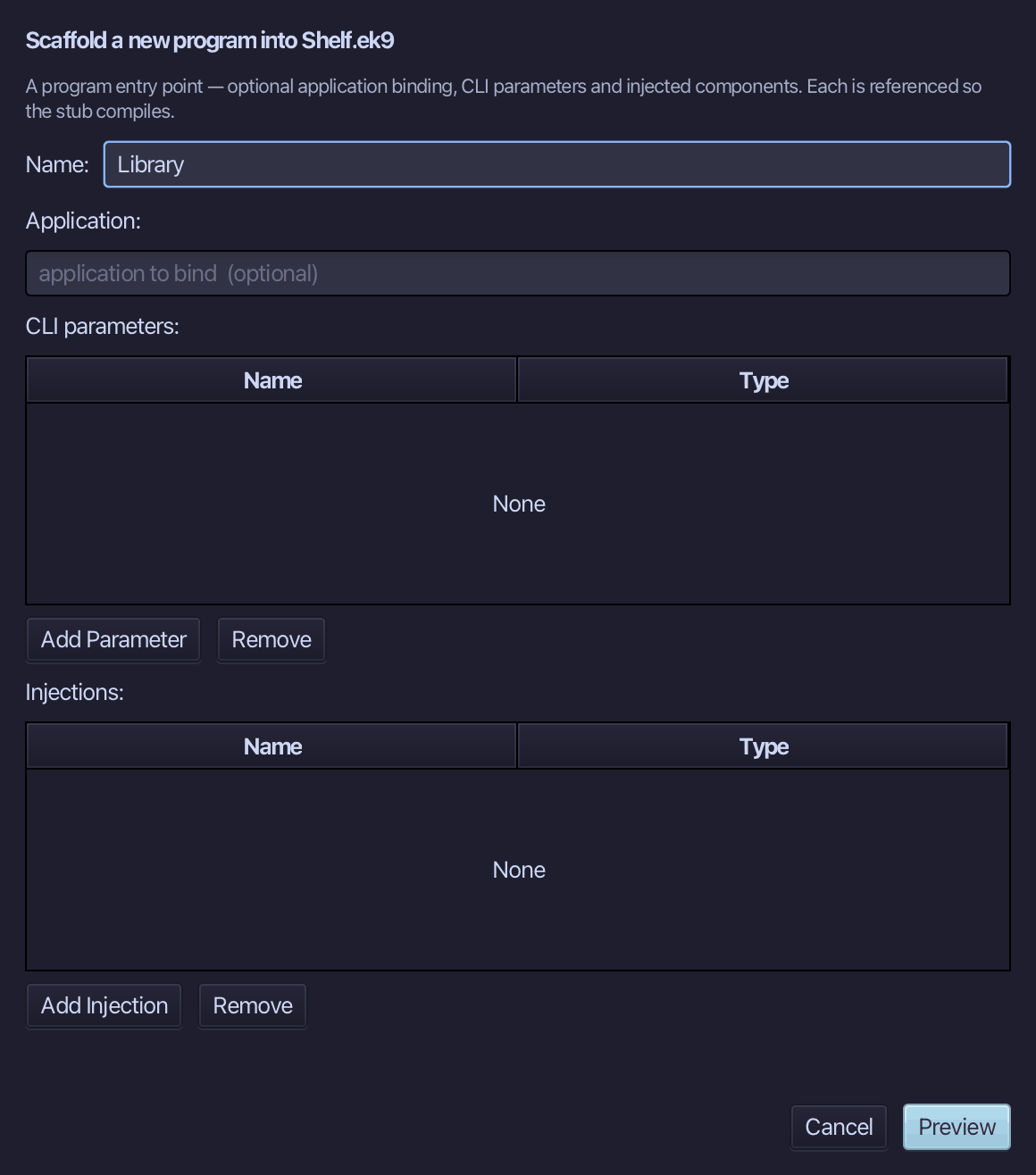
Library is the program's name. Choose Preview.
The preview shows Library about to be written. Choose Apply.
Select the Library() line and, above it, type the blank line the book opens the program with. Saves when typed.
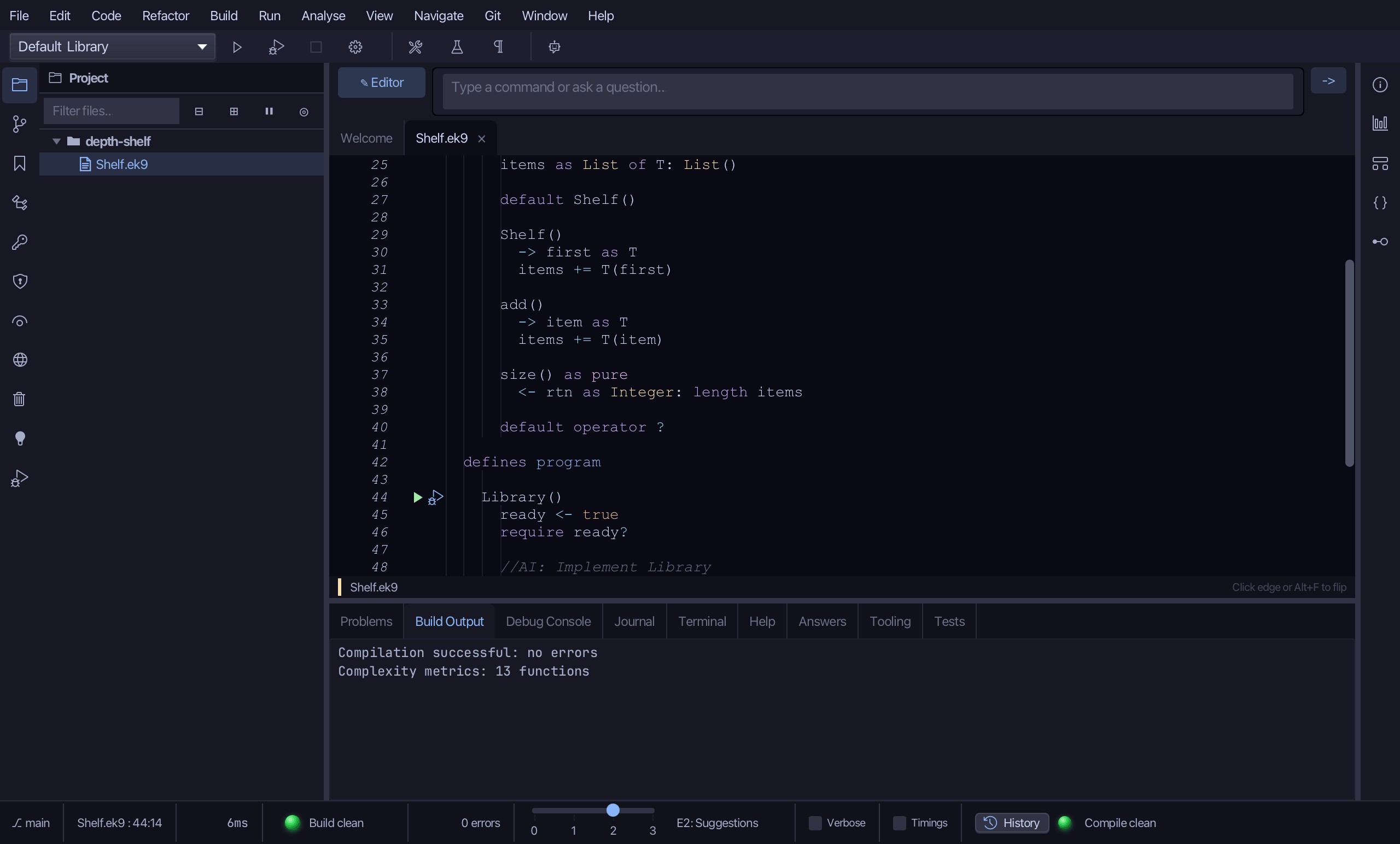
Select the stub, from ready <- true down to its //AI line, and type Library's body exactly as the chapter shows it. Saves when typed.
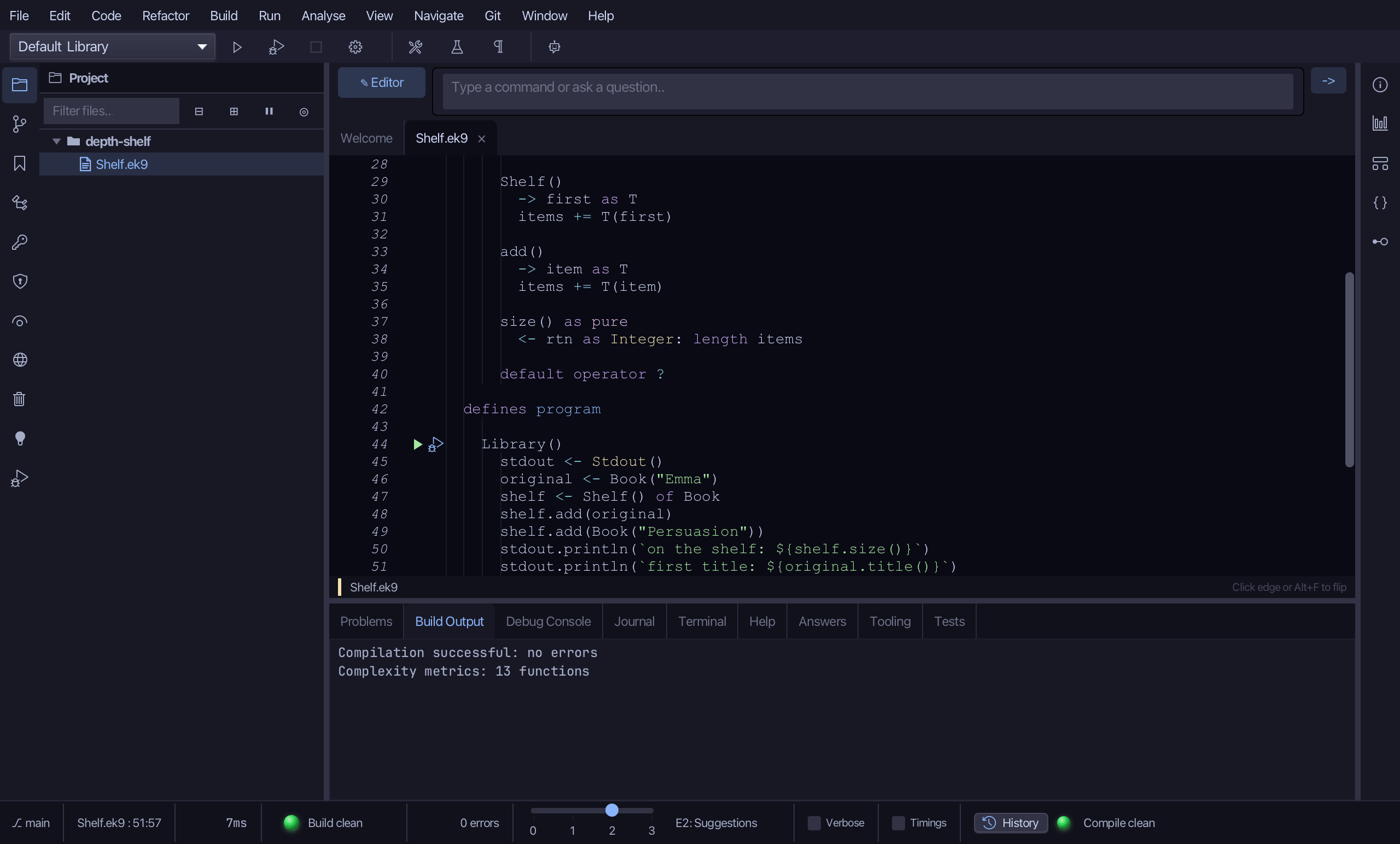
Step 4: Run it
Choose Run > Run Program…
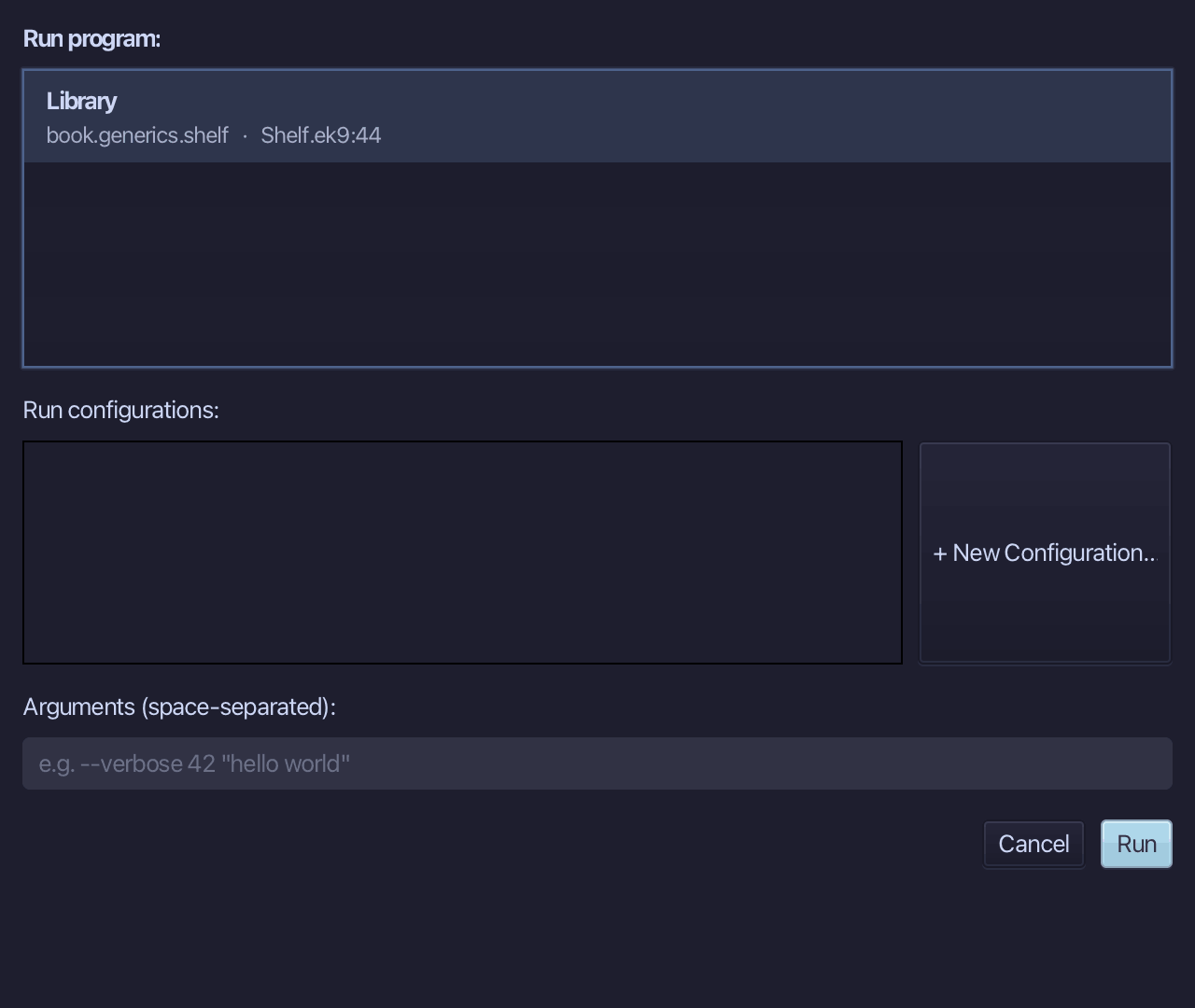
The project's only program is already chosen. Choose Run.
on the shelf: 2, then first title: Emma. Choose Close.
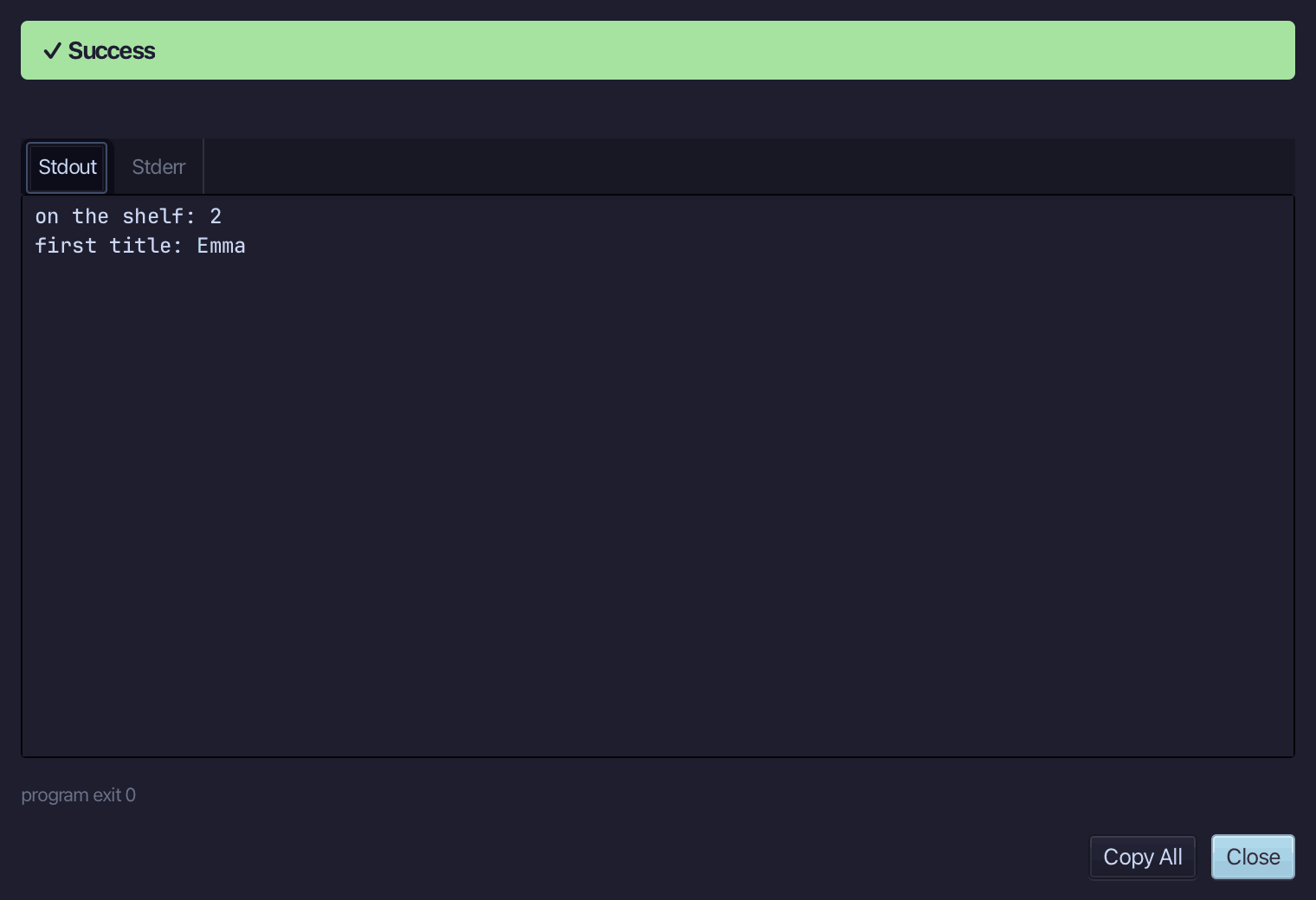
The result
Shelf.ek9 now reads exactly as chapter 30 of EK9 in Depth shows it. A generic class must say how it is built both empty and from one T, and the copy it makes of the item - T(item) - is why Book has a copy constructor: the template asks every T for one.
Where this lesson comes from
- Answers -
ek9 -qand the IDE's Answers tab: 194. - For AI assistants - the MCP tool
ek9_new_construct,ek9_add_field,ek9_add_constructor,ek9_add_method,ek9_add_program.