Chapter 36: a TCP line server and its client, built
Chapter 36's line server is two programs in two files: one listens, the other connects, and the word shutdown ends the server. The port is a constant in both files and the server listens on the loopback address alone. This lesson builds both. To play it in the IDE: Help > Lessons > EK9 in Depth…, or ek9 -ide -lesson depth-line-echo.
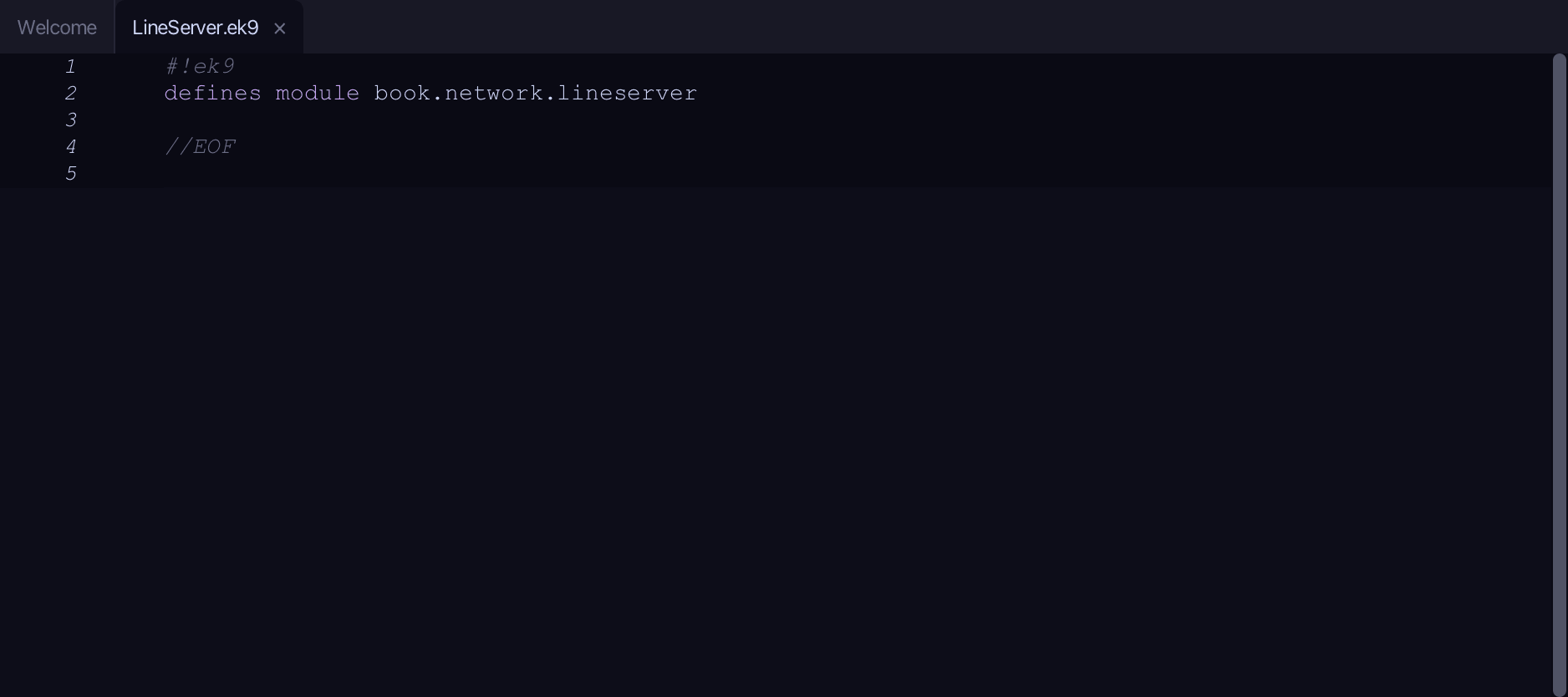
What you'll build
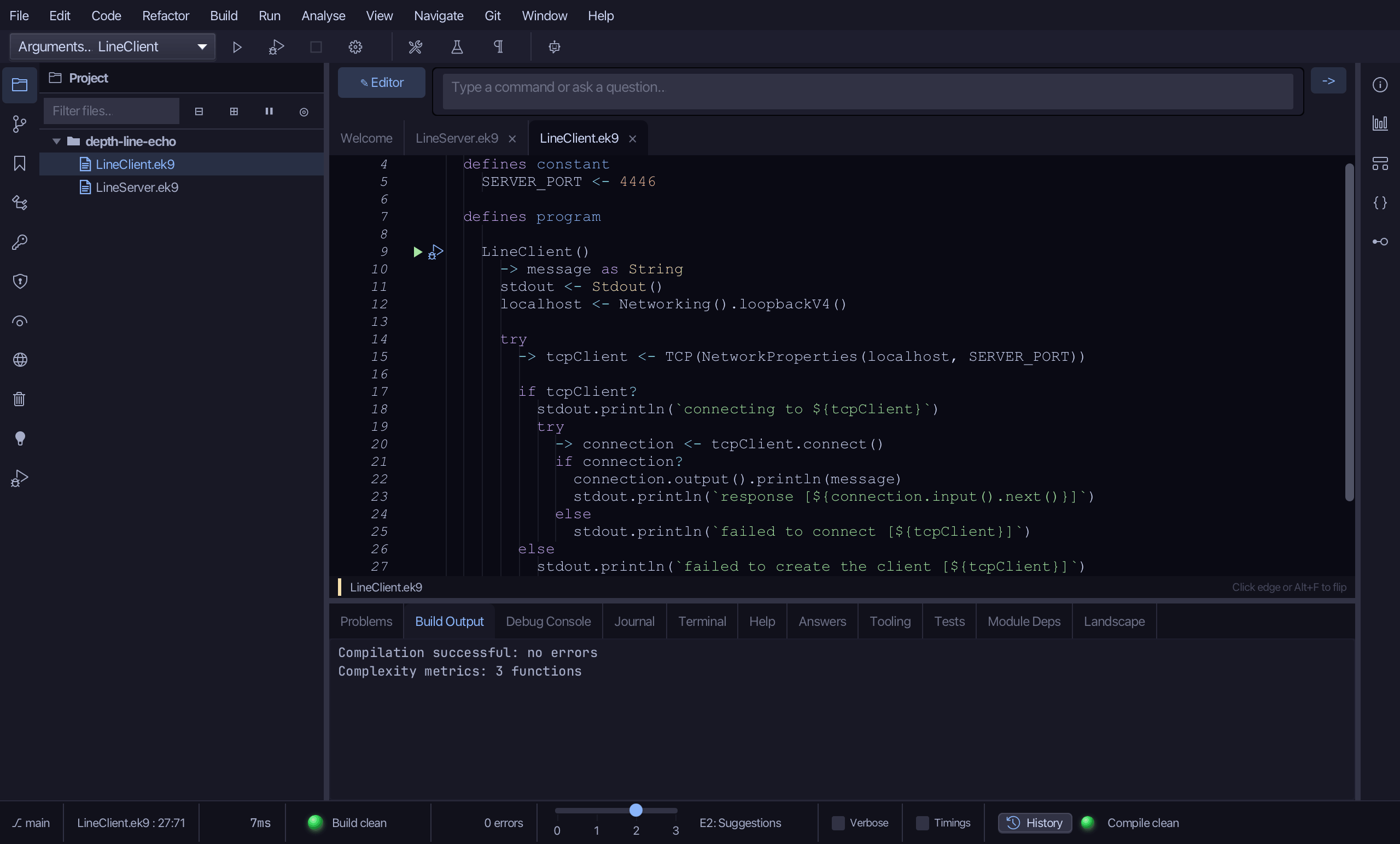
The lesson builds this program from a file holding only its module line - the finished file, as the book prints it.
LineServer.ek9
#!ek9
defines module book.network.lineserver

  defines constant
    SERVER_PORT <- 4446

    SHUTDOWN_COMMAND <- "shutdown"

  defines program

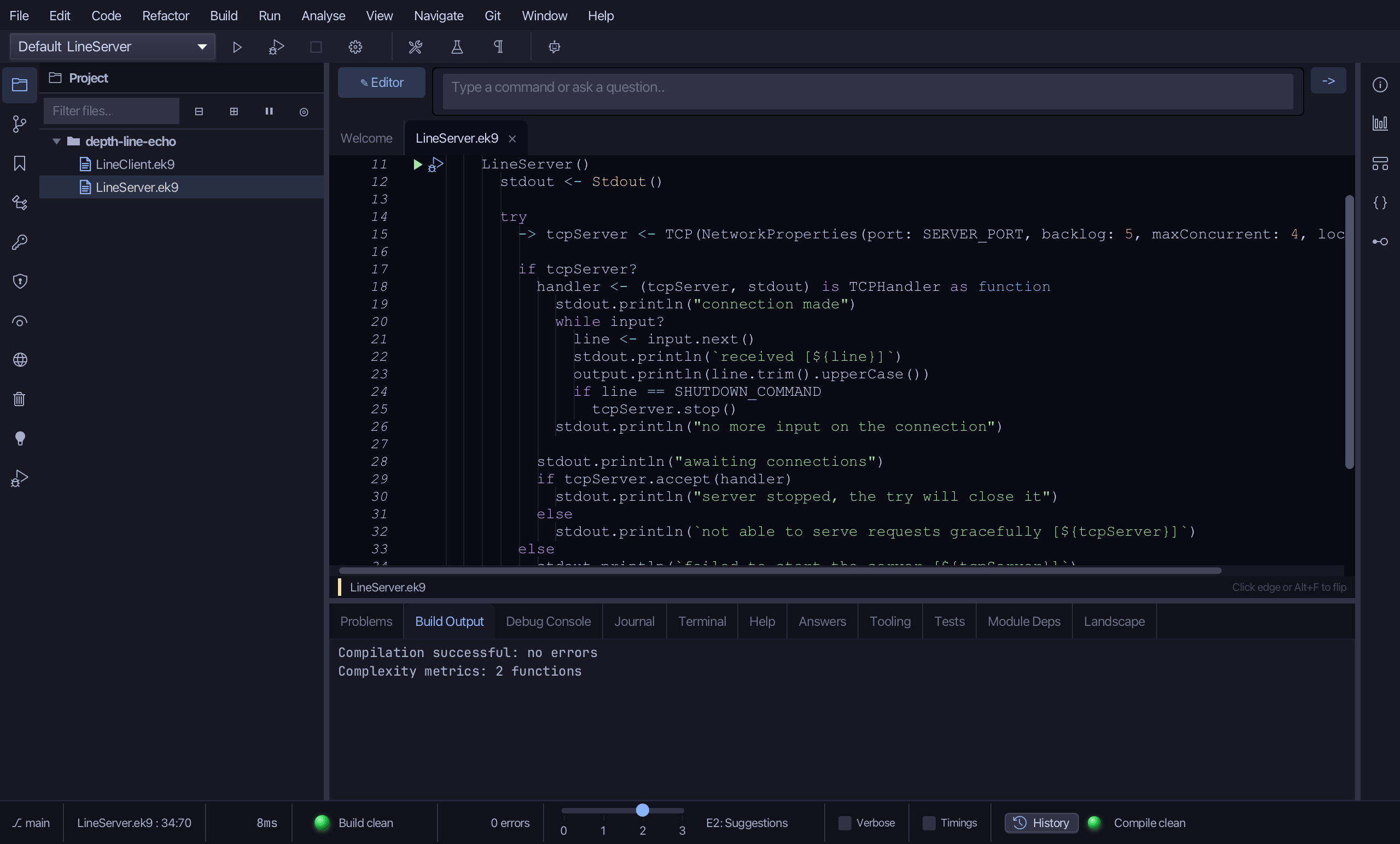
    LineServer()
      stdout <- Stdout()

      try
        -> tcpServer <- TCP(NetworkProperties(port: SERVER_PORT, backlog: 5, maxConcurrent: 4, localOnly: true))

        if tcpServer?
          handler <- (tcpServer, stdout) is TCPHandler as function
            stdout.println("connection made")
            while input?
              line <- input.next()
              stdout.println(`received [${line}]`)
              output.println(line.trim().upperCase())
              if line == SHUTDOWN_COMMAND
                tcpServer.stop()
            stdout.println("no more input on the connection")

          stdout.println("awaiting connections")
          if tcpServer.accept(handler)
            stdout.println("server stopped, the try will close it")
          else
            stdout.println(`not able to serve requests gracefully [${tcpServer}]`)
        else
          stdout.println(`failed to start the server [${tcpServer}]`)

//EOF
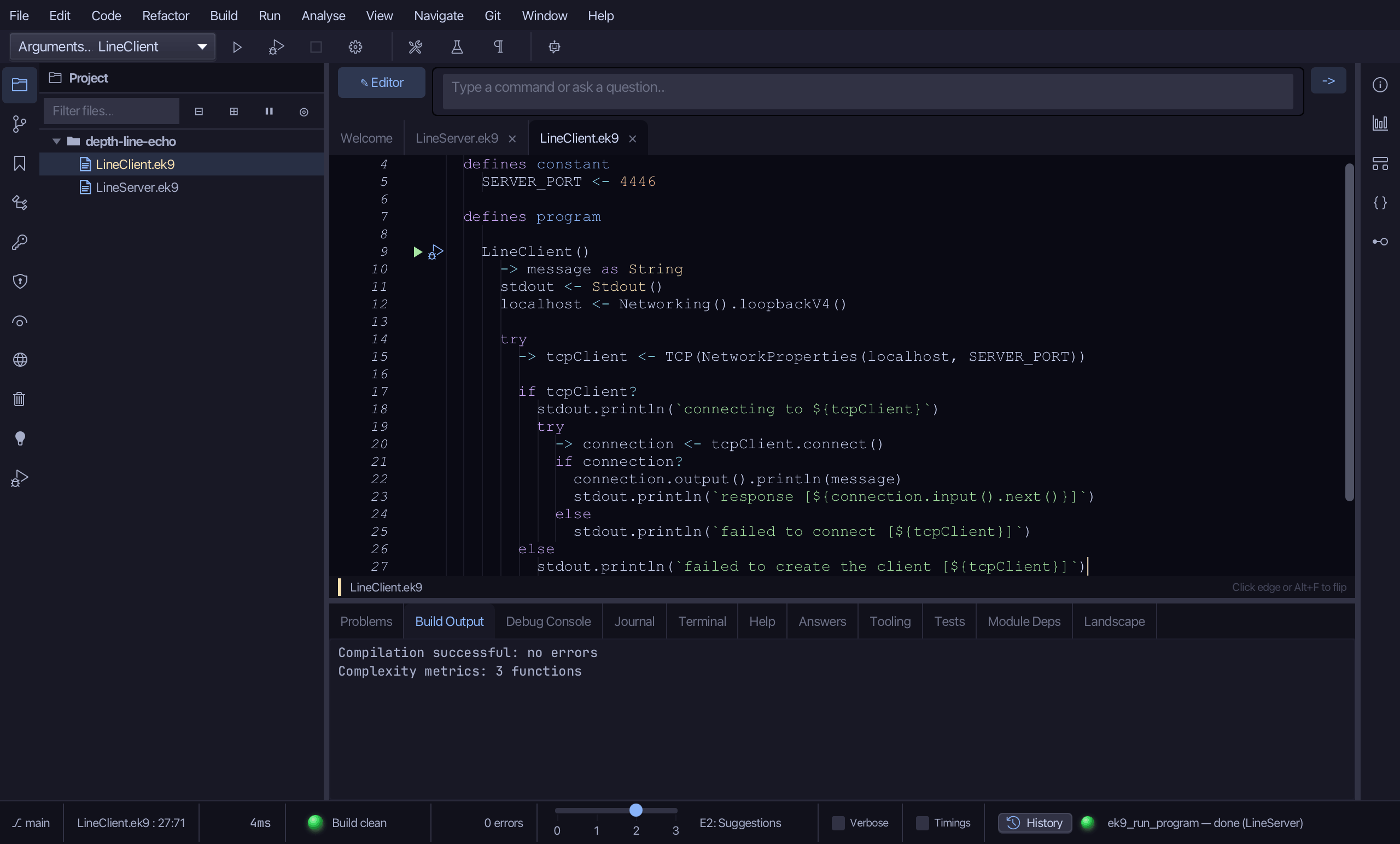
LineClient.ek9
#!ek9
defines module book.network.lineclient

  defines constant
    SERVER_PORT <- 4446

  defines program

    LineClient()
      -> message as String
      stdout <- Stdout()
      localhost <- Networking().loopbackV4()

      try
        -> tcpClient <- TCP(NetworkProperties(localhost, SERVER_PORT))

        if tcpClient?
          stdout.println(`connecting to ${tcpClient}`)
          try
            -> connection <- tcpClient.connect()
            if connection?
              connection.output().println(message)
              stdout.println(`response [${connection.input().next()}]`)
            else
              stdout.println(`failed to connect [${tcpClient}]`)
        else
          stdout.println(`failed to create the client [${tcpClient}]`)

//EOF
Step 1: Constants
Choose Code > New Construct > Constant…
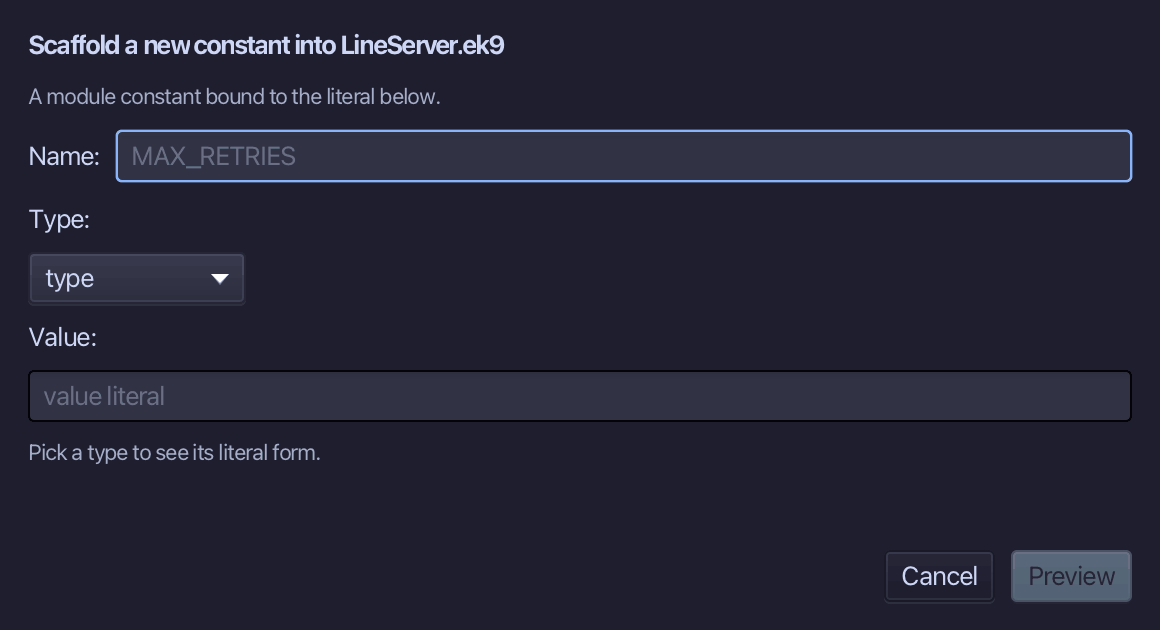
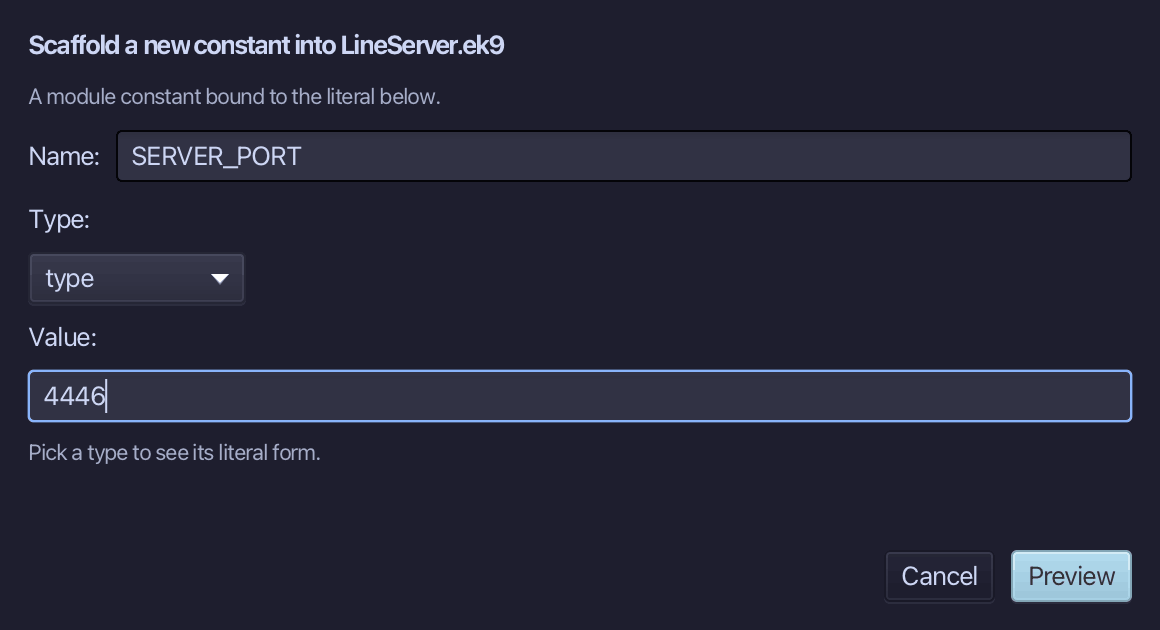
SERVER_PORT is the constant's name and 4446 its value - a literal in the Value field, from which the type is inferred. Type both and choose Preview.
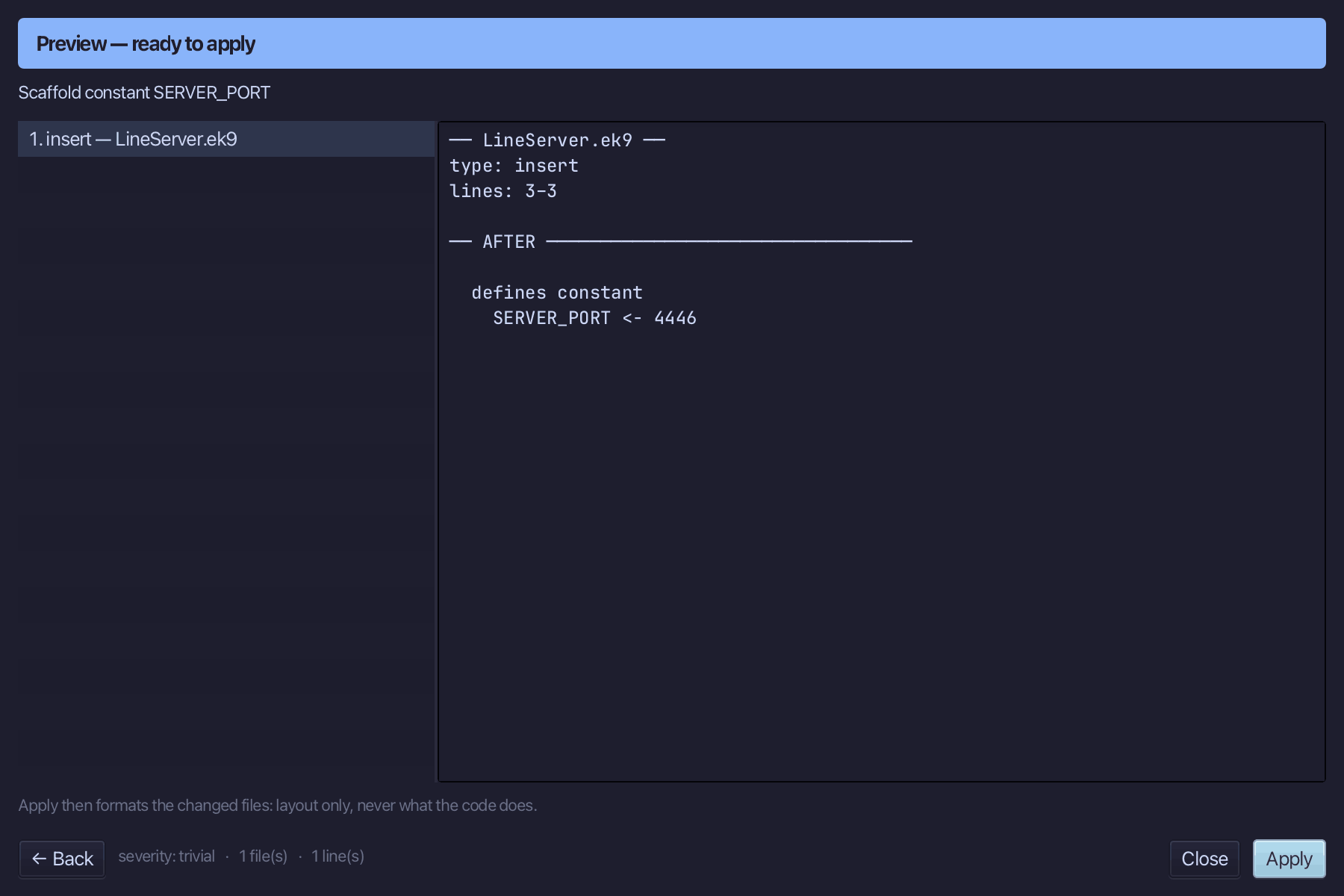
The preview shows SERVER_PORT about to be written. Choose Apply.
Choose Code > New Construct > Constant…
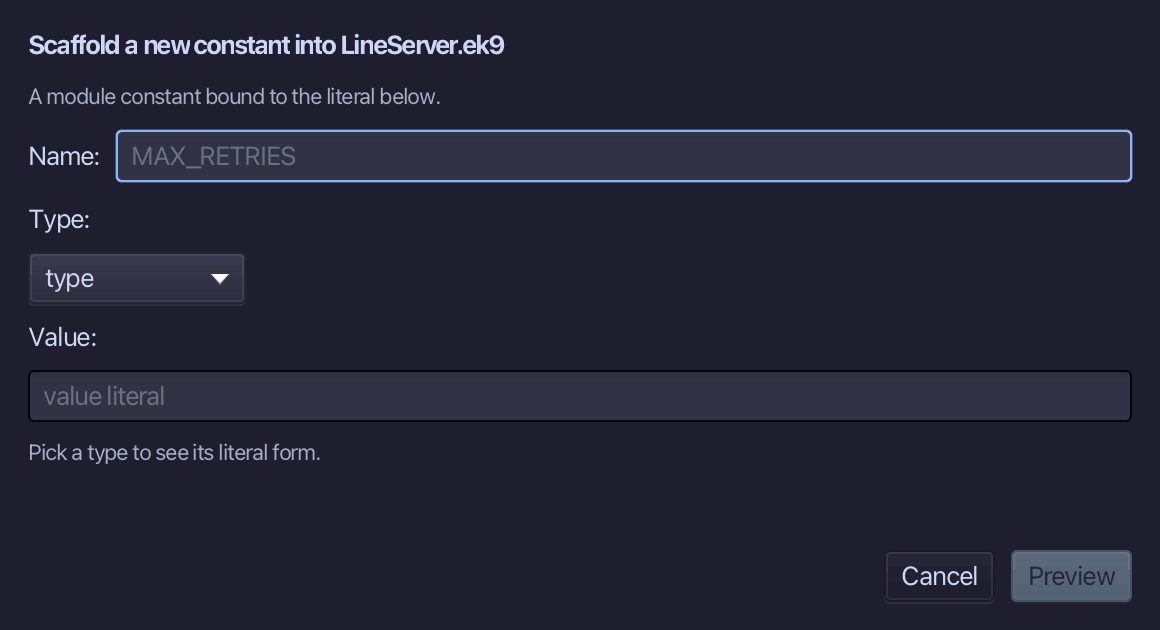
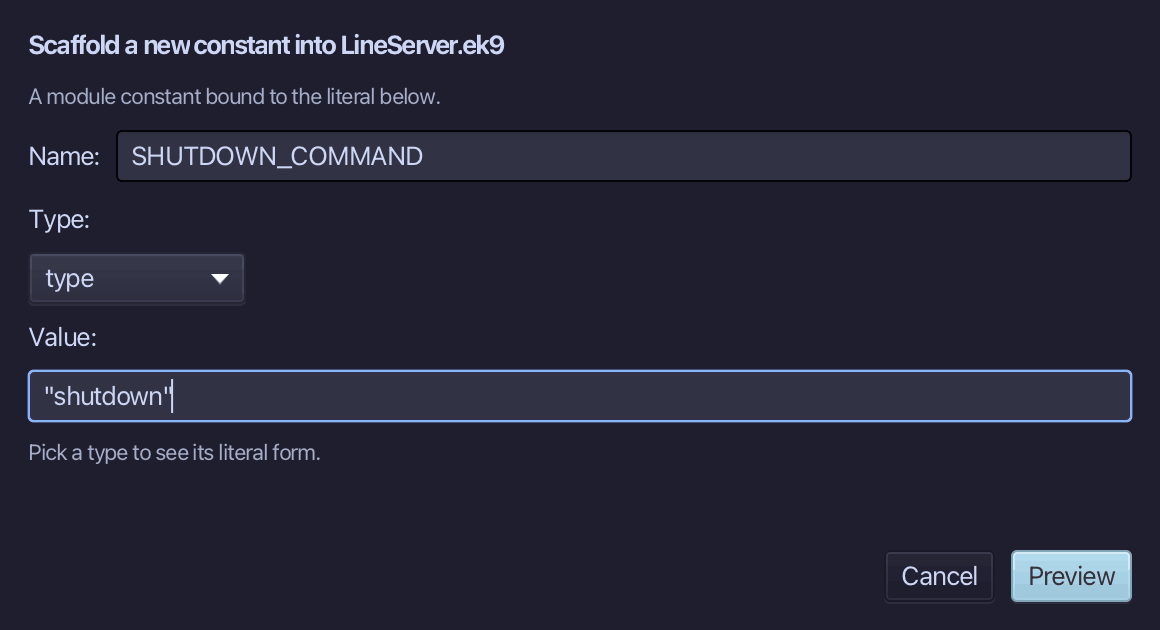
SHUTDOWN_COMMAND is the constant's name and "shutdown" its value - a literal in the Value field, from which the type is inferred. Type both and choose Preview.
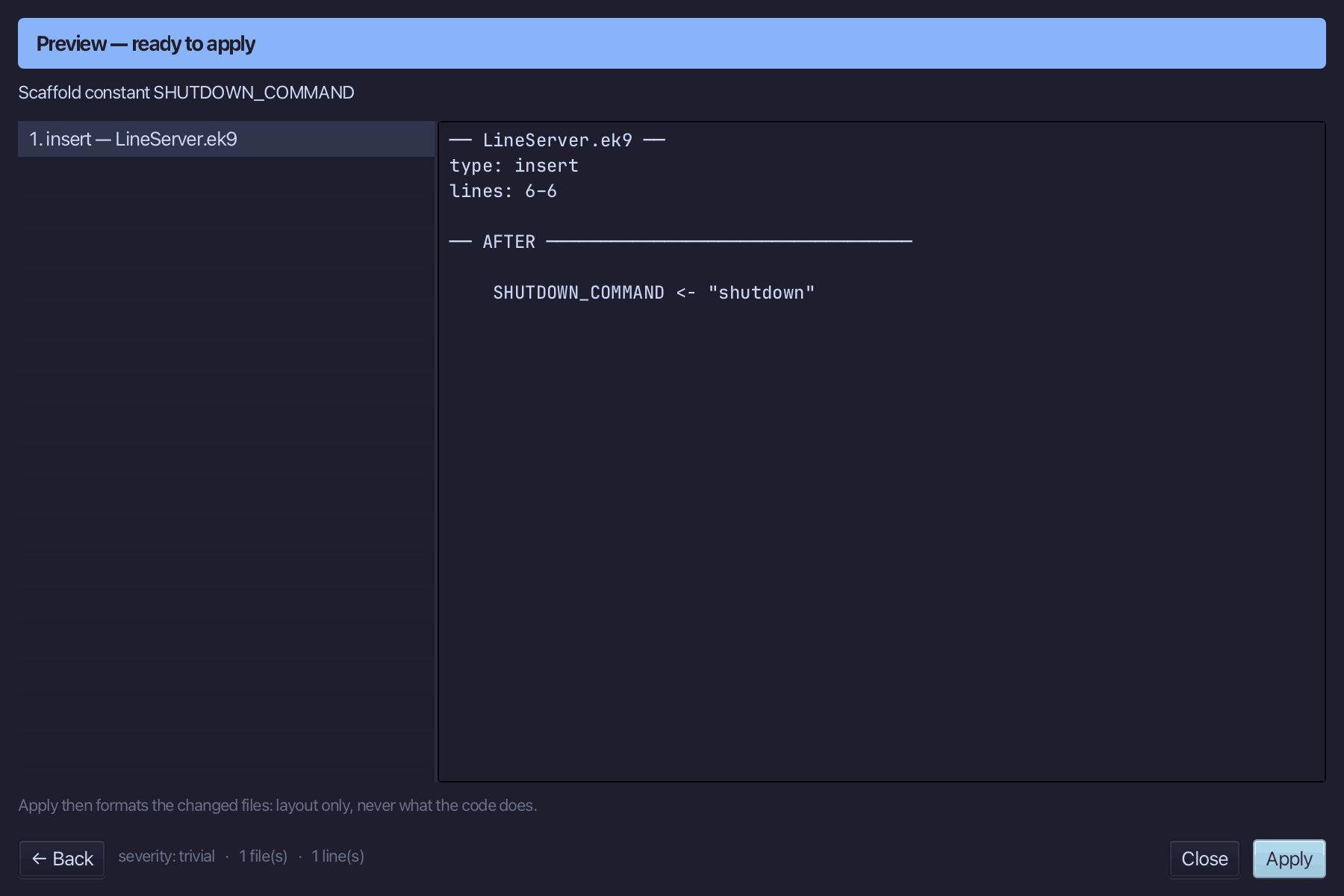
The preview shows SHUTDOWN_COMMAND about to be written. Choose Apply.
Step 2: LineServer — a program
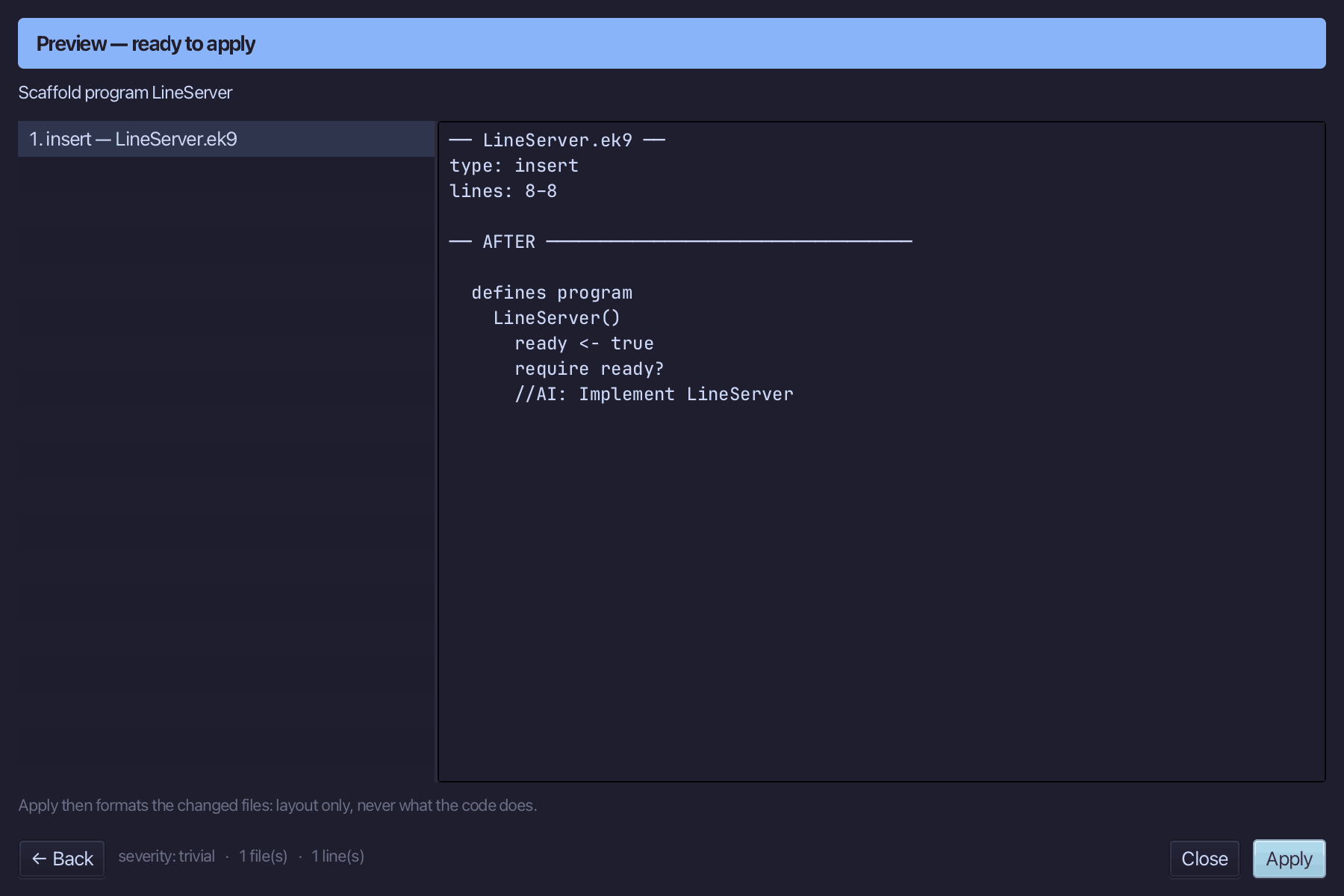
Choose Code > New Construct > Program…
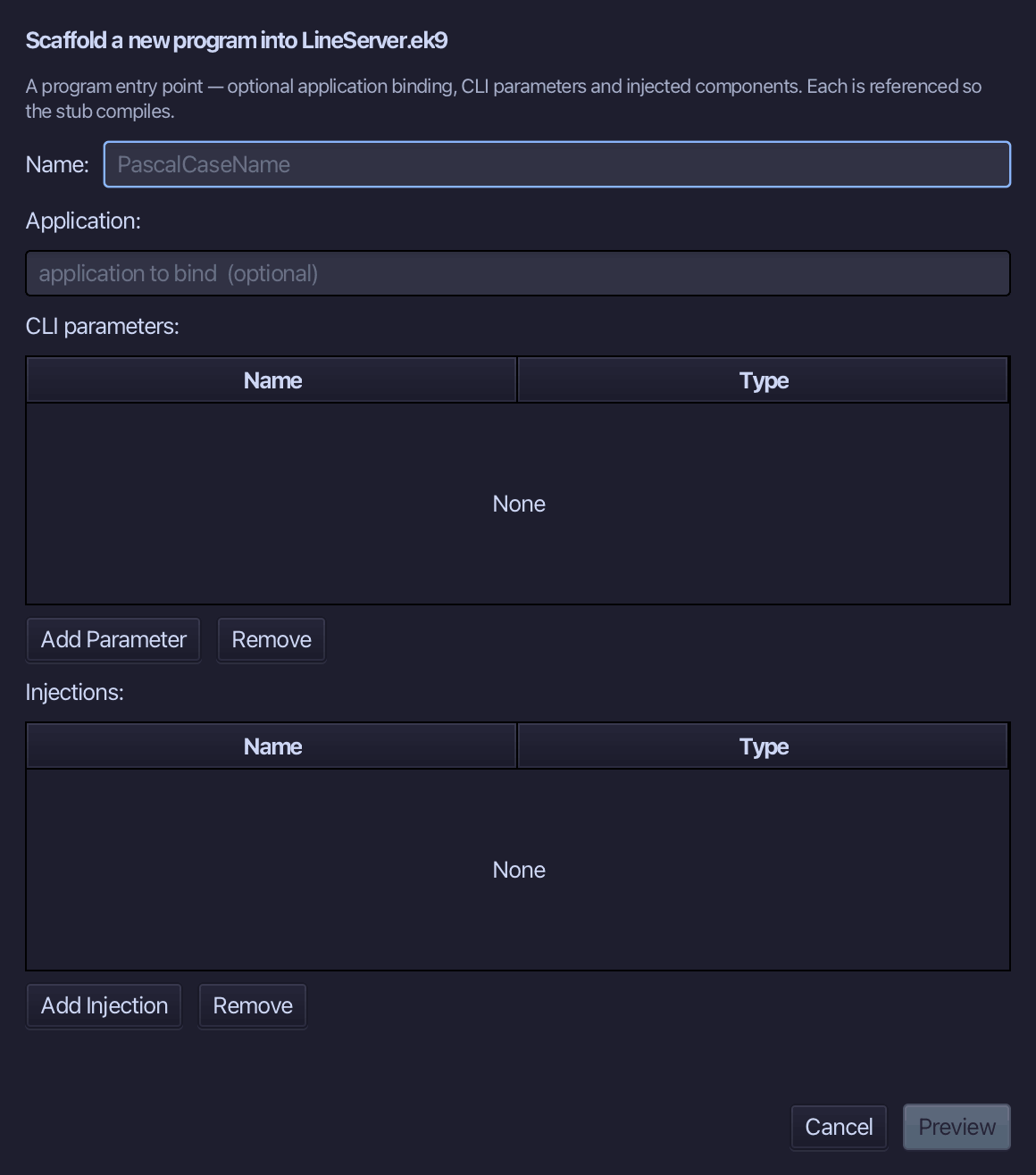
LineServer is the program's name. Choose Preview.
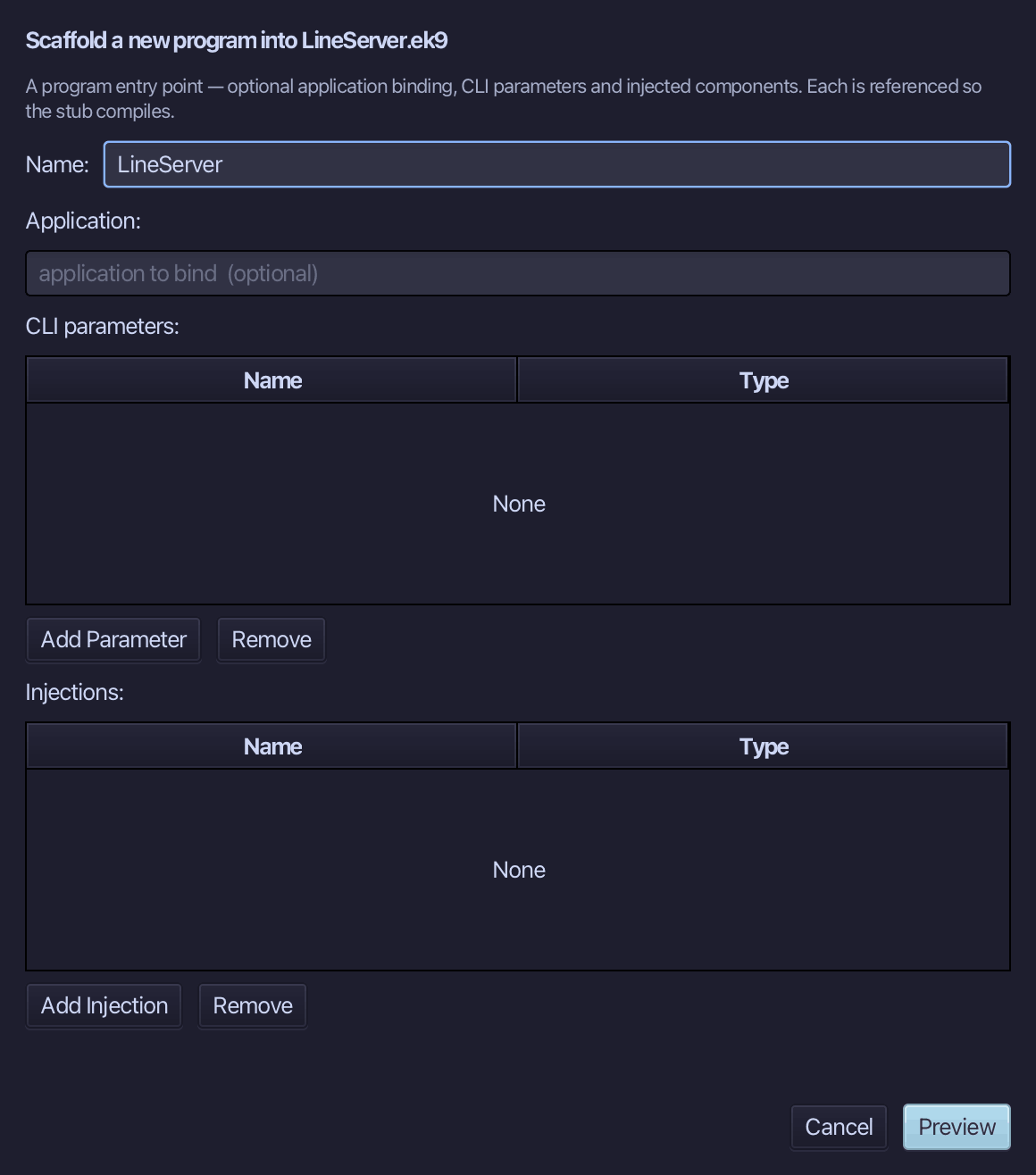
The preview shows LineServer about to be written. Choose Apply.
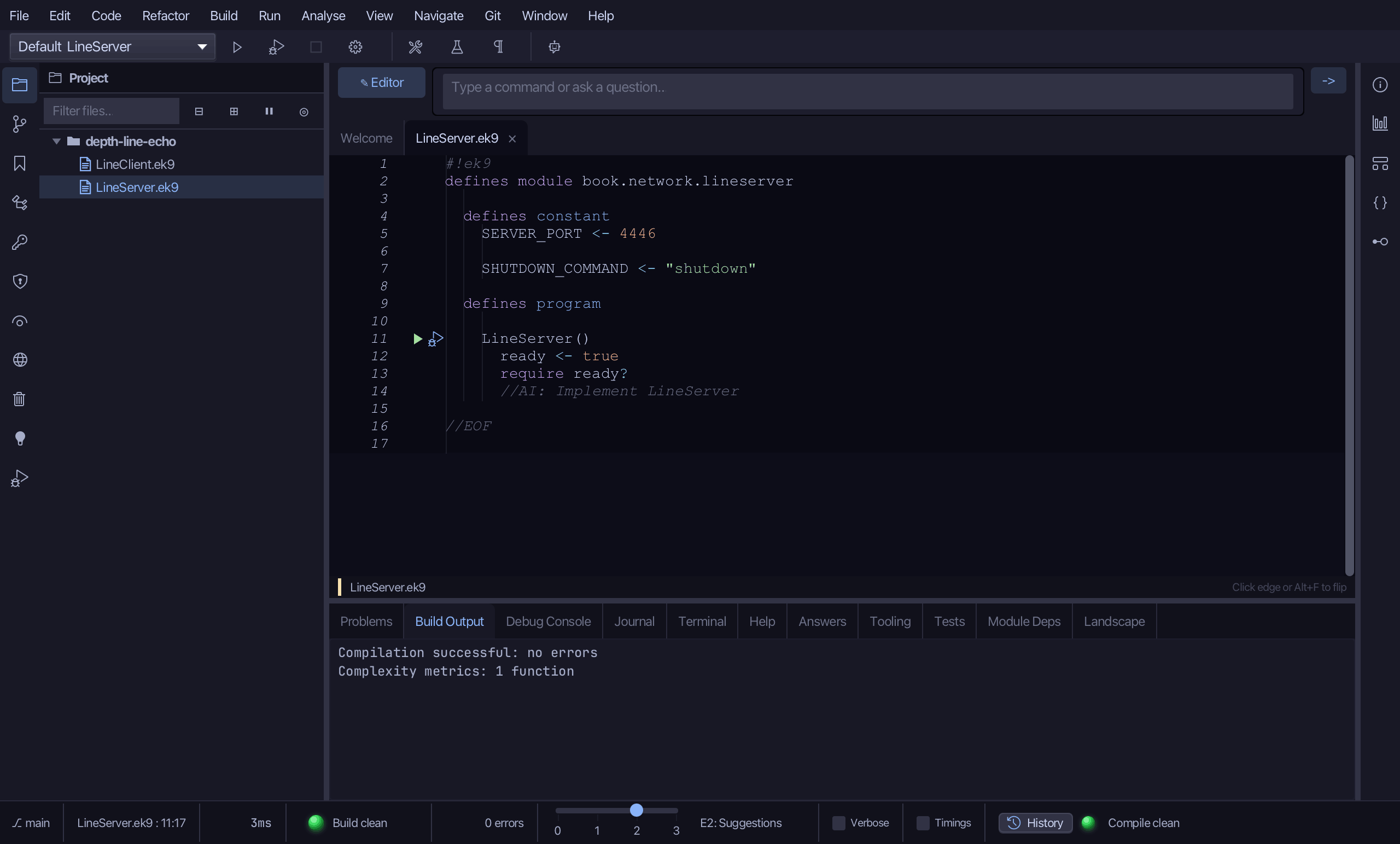
Select the LineServer line and, above it, type the blank line the book opens the block with. Saves when typed.
Select the stub, from ready <- true down to its //AI line, and type the program exactly as the chapter shows it. Saves when typed.
Step 3: LineClient.ek9
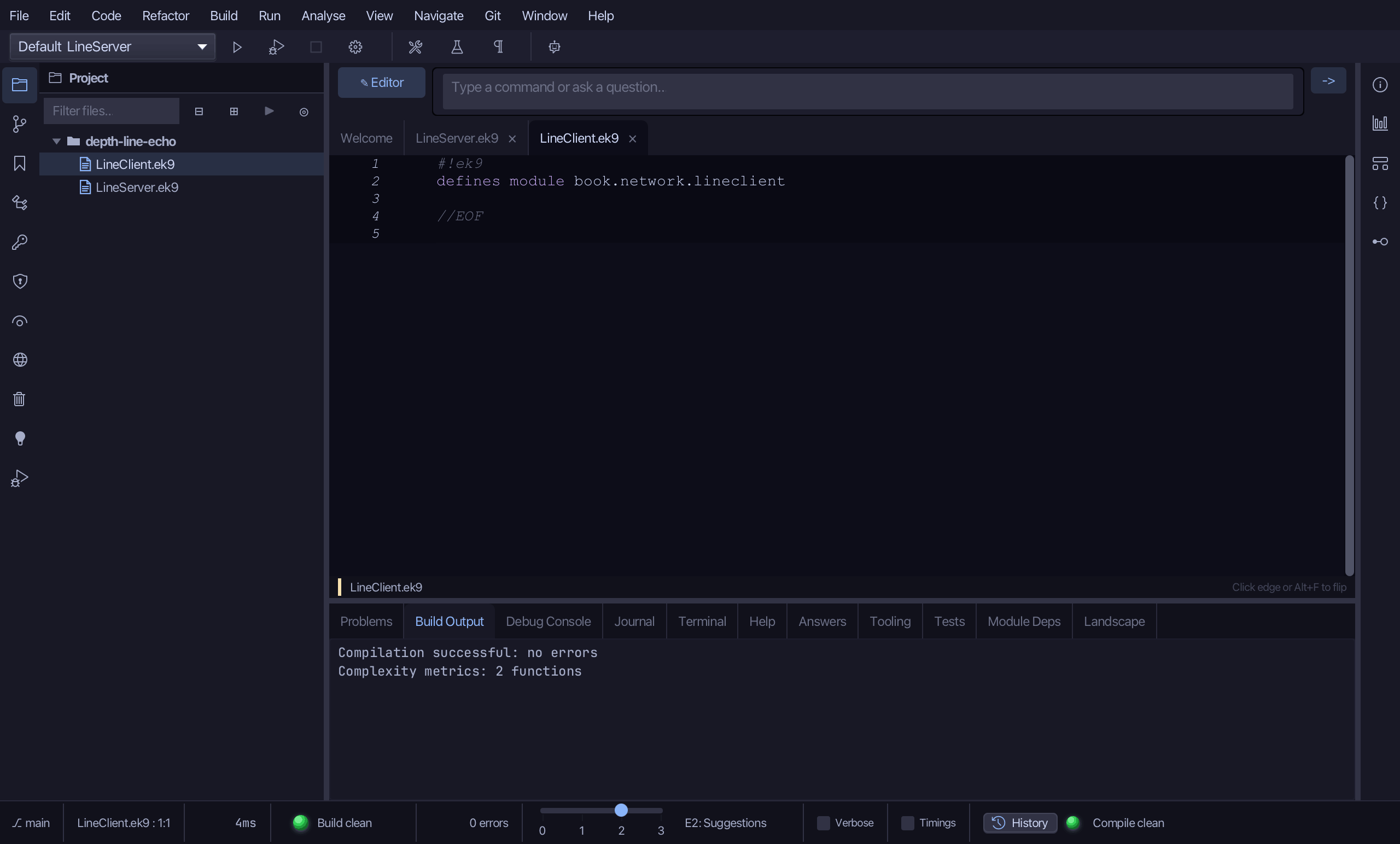
Open LineClient.ek9 in the Project panel - it is already there, with just its module line.
Step 4: A constant
Choose Code > New Construct > Constant…
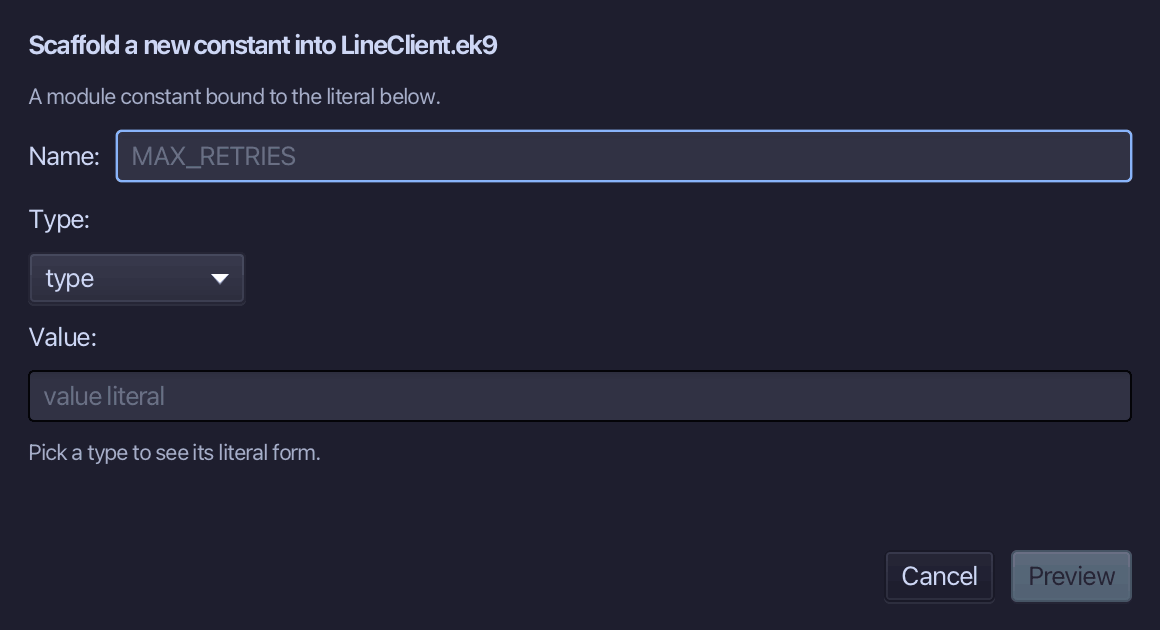
SERVER_PORT is the constant's name and 4446 its value - a literal in the Value field, from which the type is inferred. Type both and choose Preview.
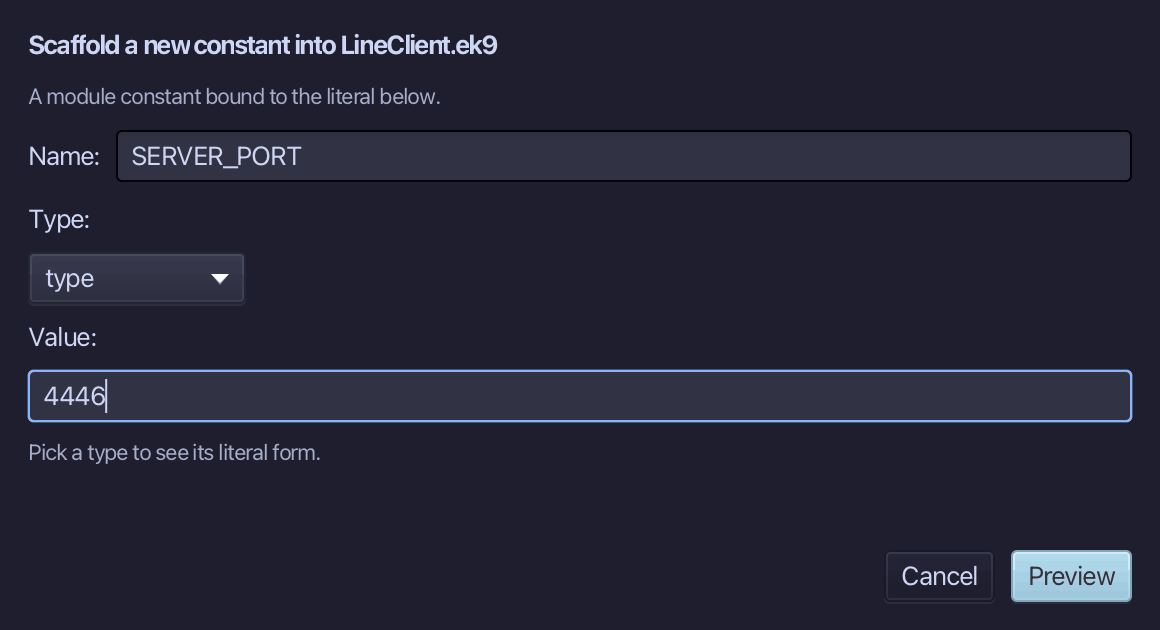
The preview shows SERVER_PORT about to be written. Choose Apply.
Step 5: LineClient — a program
Choose Code > New Construct > Program…
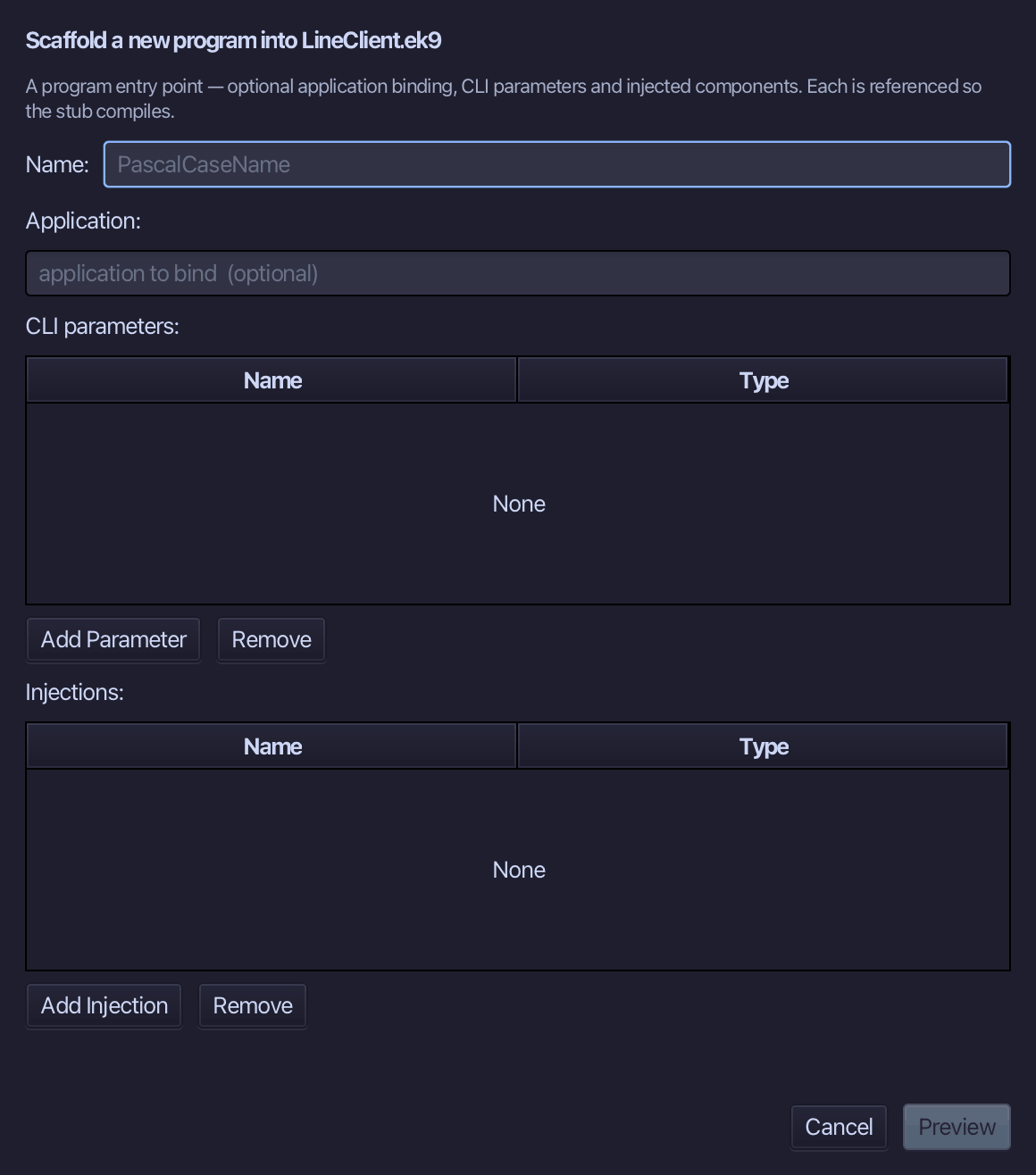
LineClient is the program's name. It takes the message as its argument. Add one parameter, message of type String. Choose Preview.
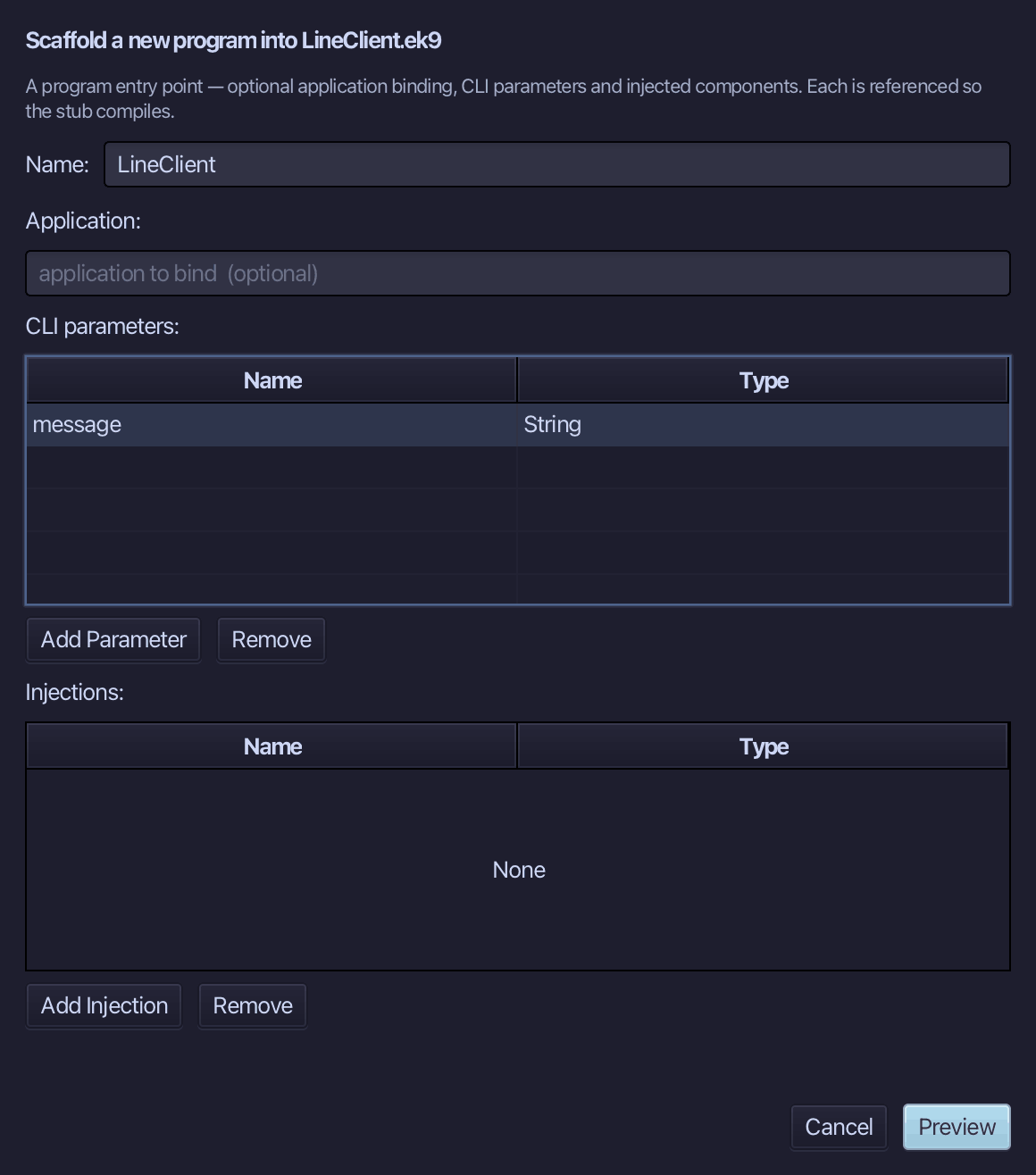
The preview shows LineClient about to be written. Choose Apply.
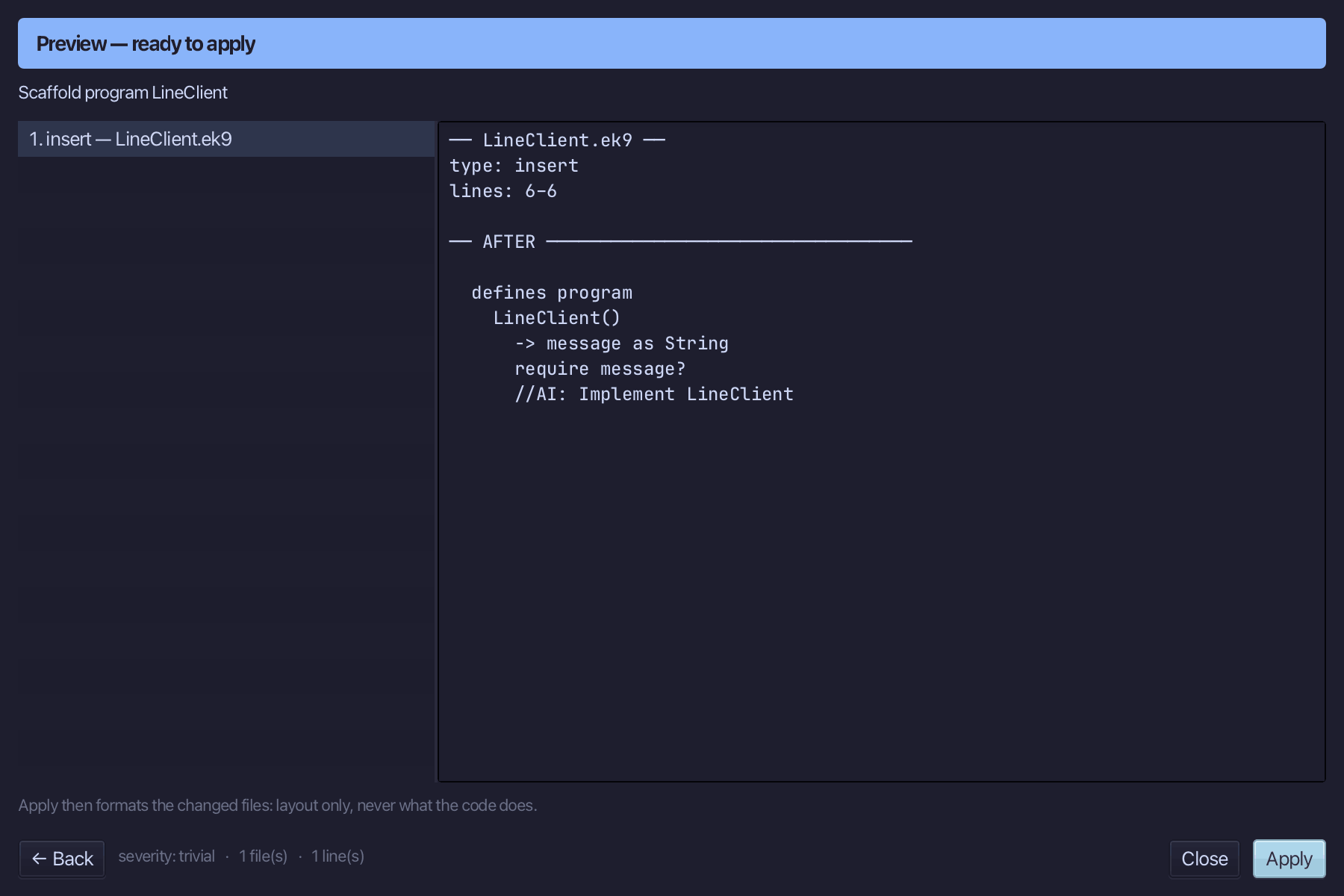
Select the LineClient line and, above it, type the blank line the book opens the block with. Saves when typed.
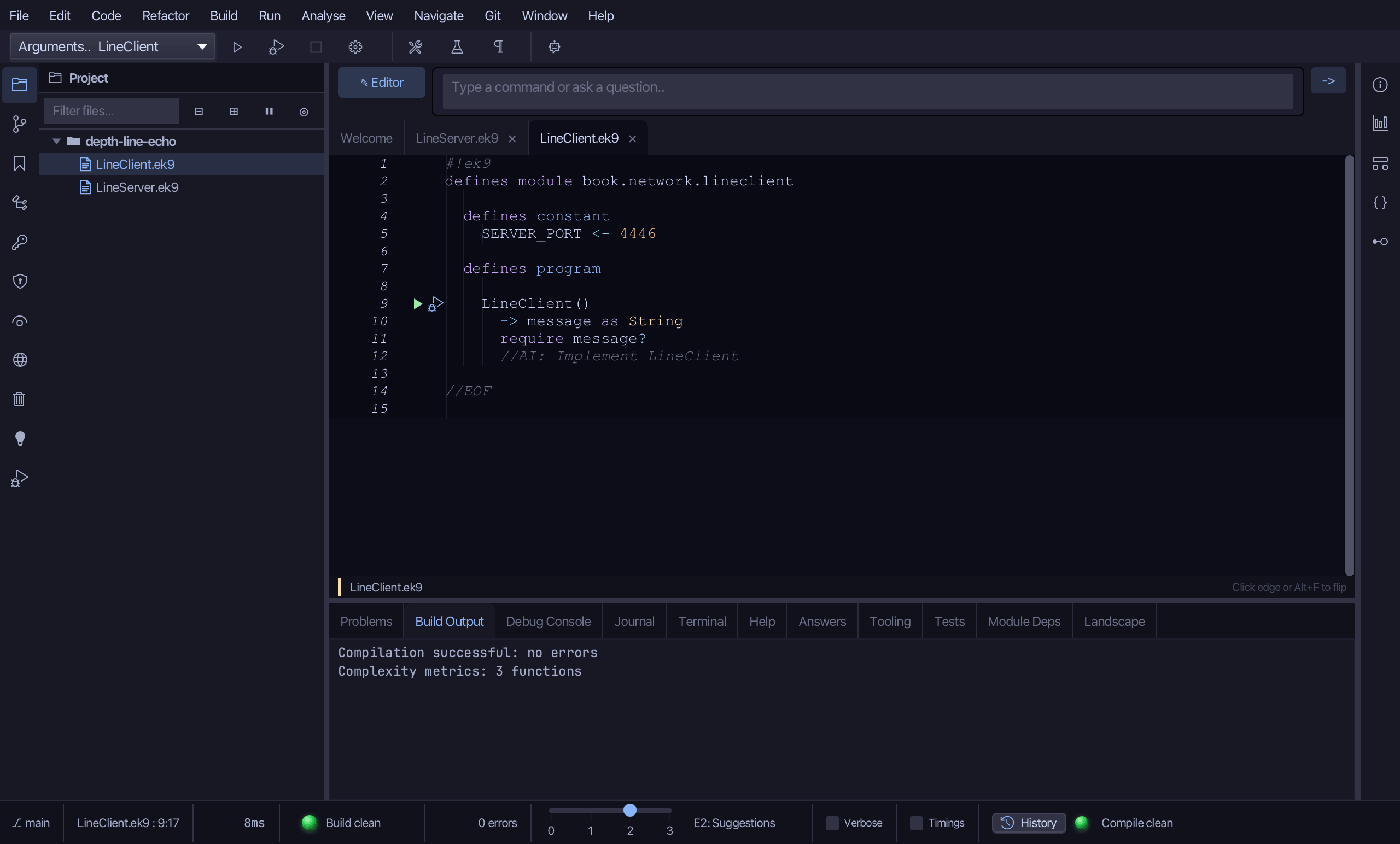
Select the stub, from require message? down to its //AI line, and type the program exactly as the chapter shows it. Saves when typed.
Step 6: Run it
Choose Run > Run Program…
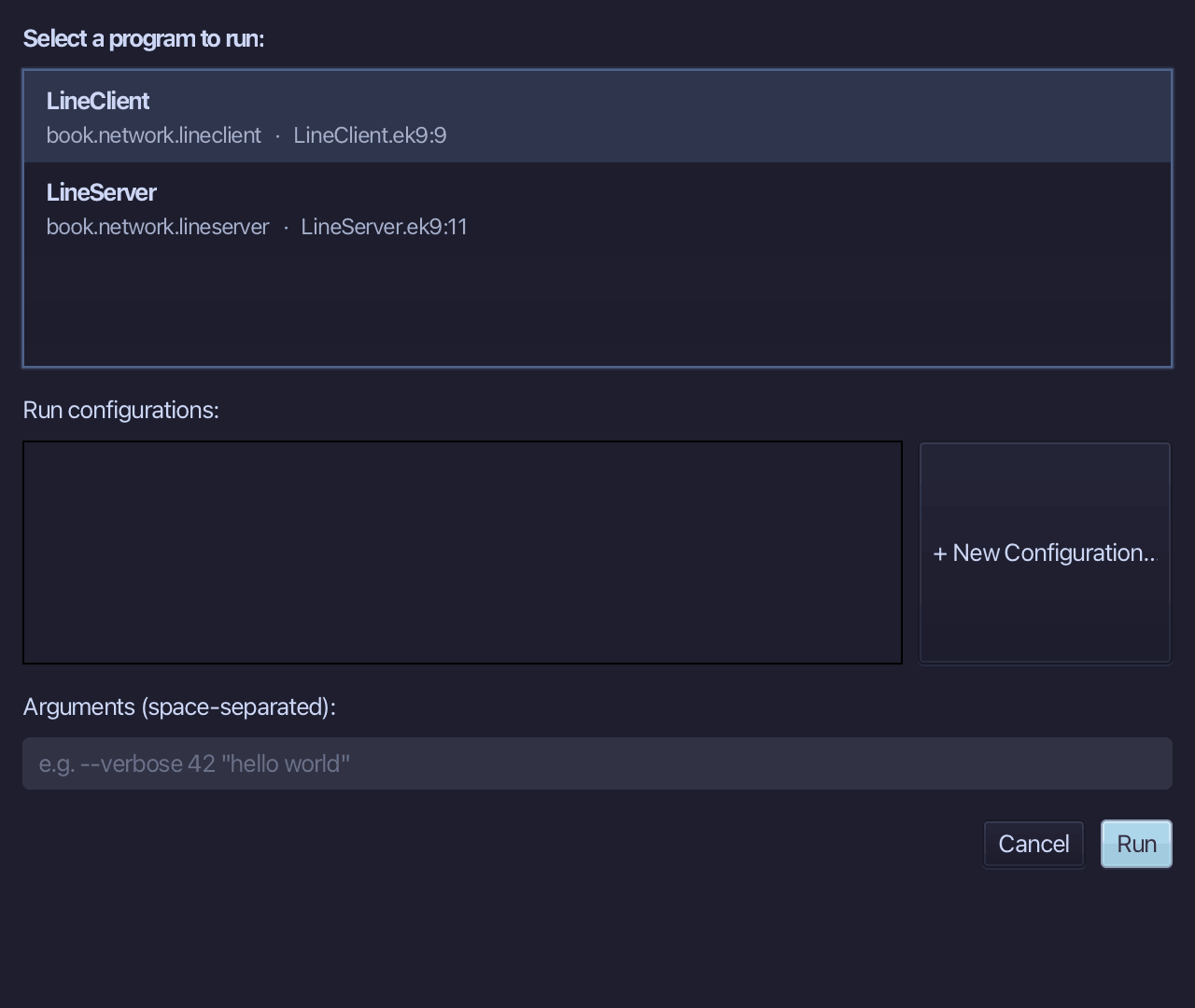
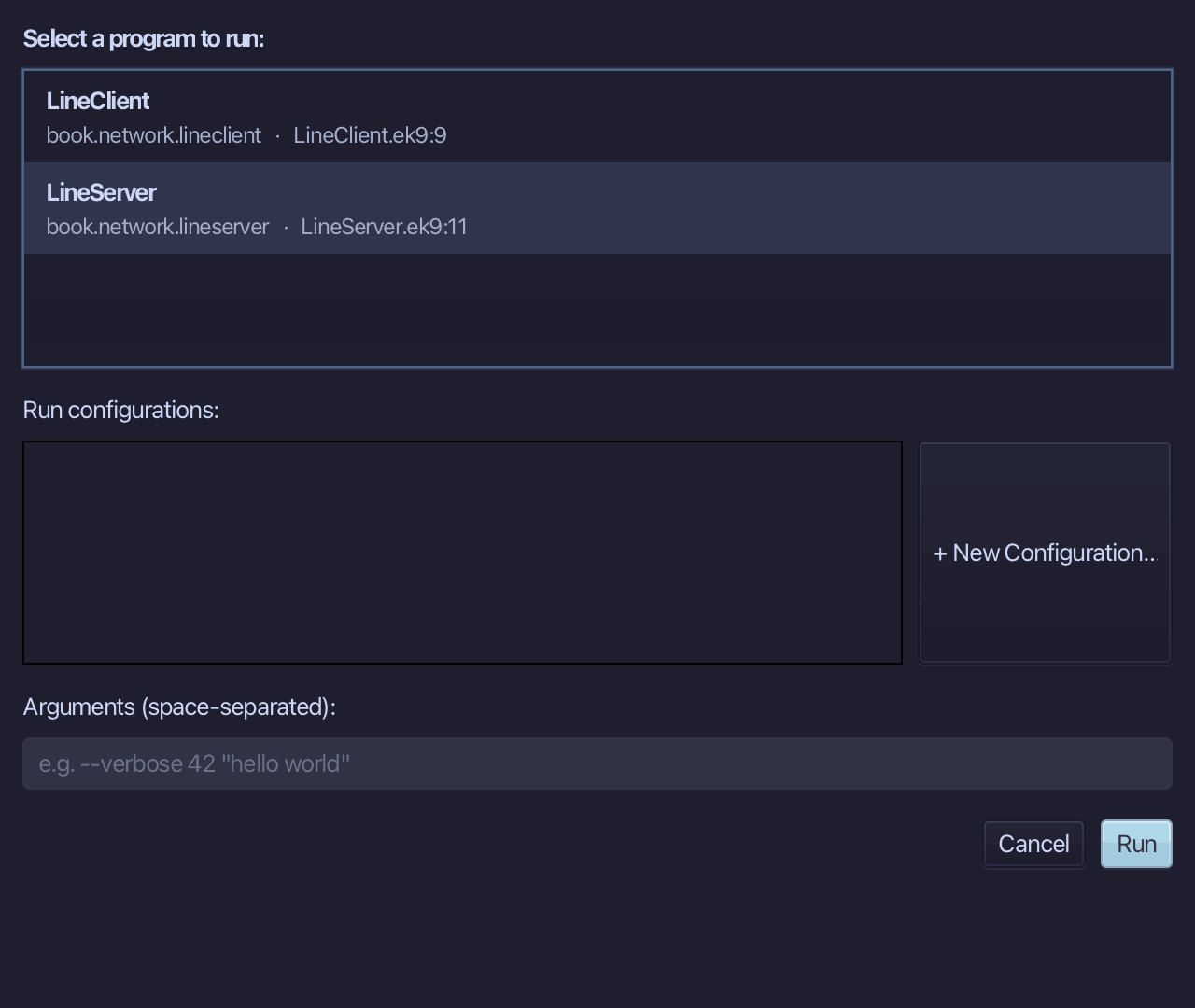
Choose LineServer from the list, then choose Run. The program starts and stays running: its window opens, blank until it ends - a run's output arrives when the program finishes. It listens on this machine's loopback address, port 4446, and nowhere else.
Choose Run > Run Program…
Choose LineClient from the list, type "Short Message" into Arguments, then choose Run.
The client's window: the connection it made, and the server's answer in capitals - the server upper-cases every line.
Choose Close.
Choose Run > Run Program…
Choose LineClient from the list, type shutdown into Arguments, then choose Run.
The same client, with the word that stops the server: SHUTDOWN comes back, and the server's handler has called stop().
Choose Close.
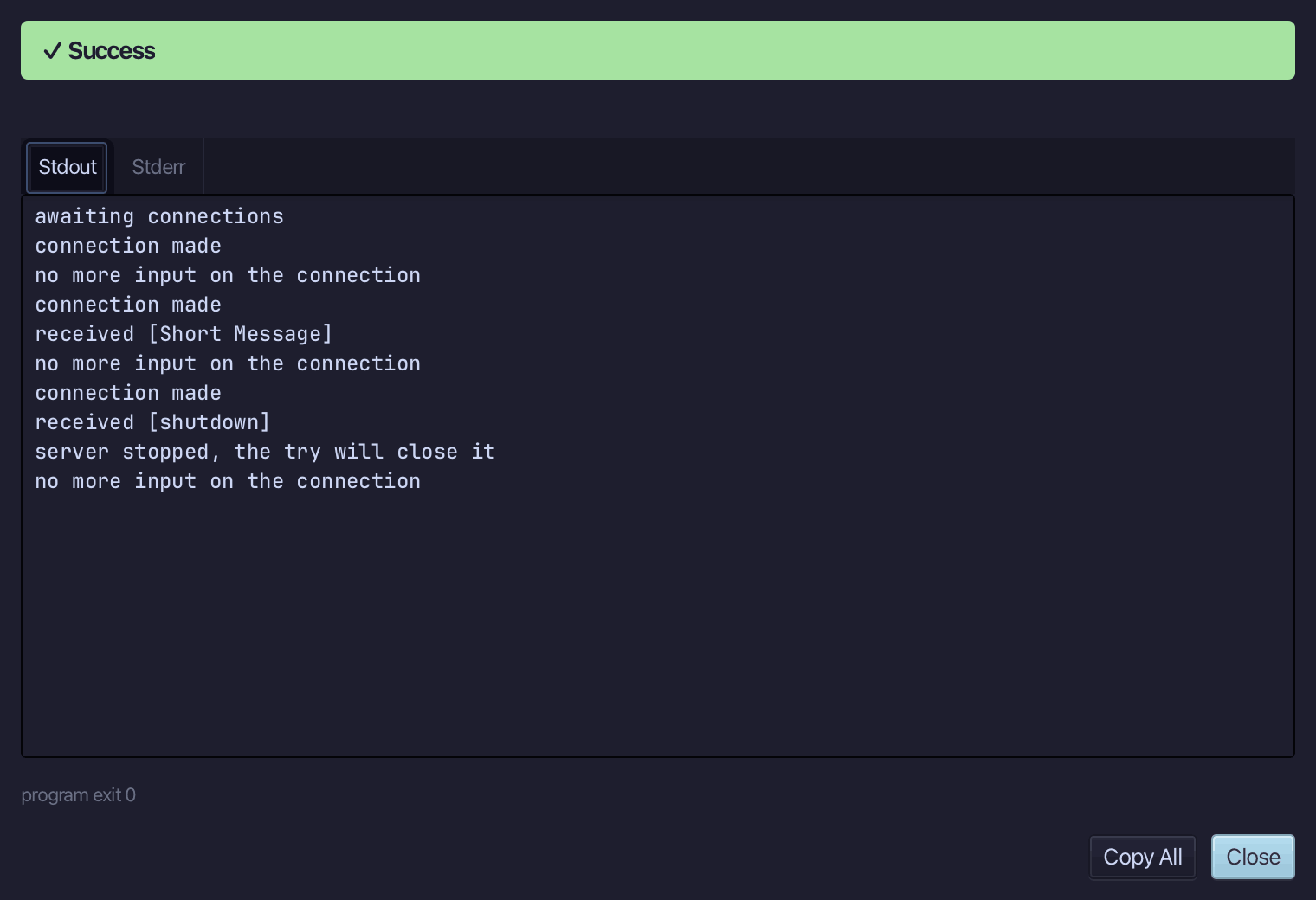
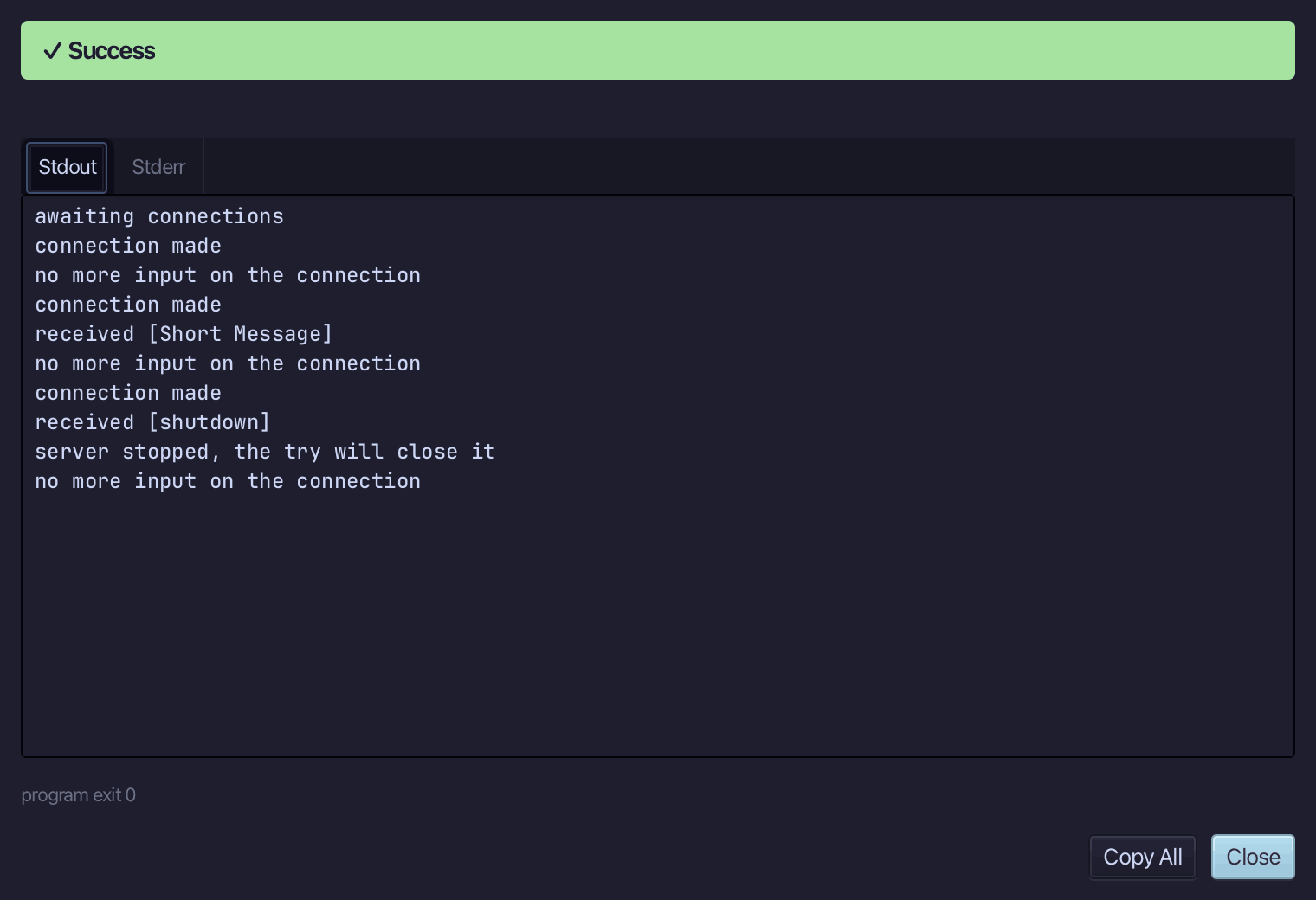
The server's window now shows what it saw: awaiting connections, each connection, the two lines received, and that it stopped by itself. Nothing is listening on the port any more.
Choose Close.
The result
LineServer.ek9 and LineClient.ek9 now read exactly as chapter 36 of EK9 in Depth shows them. The handler captures the server it belongs to, which is how the word shutdown can stop it without closing it - only the try that owns a server closes it.
Where this lesson comes from
- For AI assistants - the MCP tool
ek9_new_construct,ek9_add_program.