Build: package, install, sign, deploy
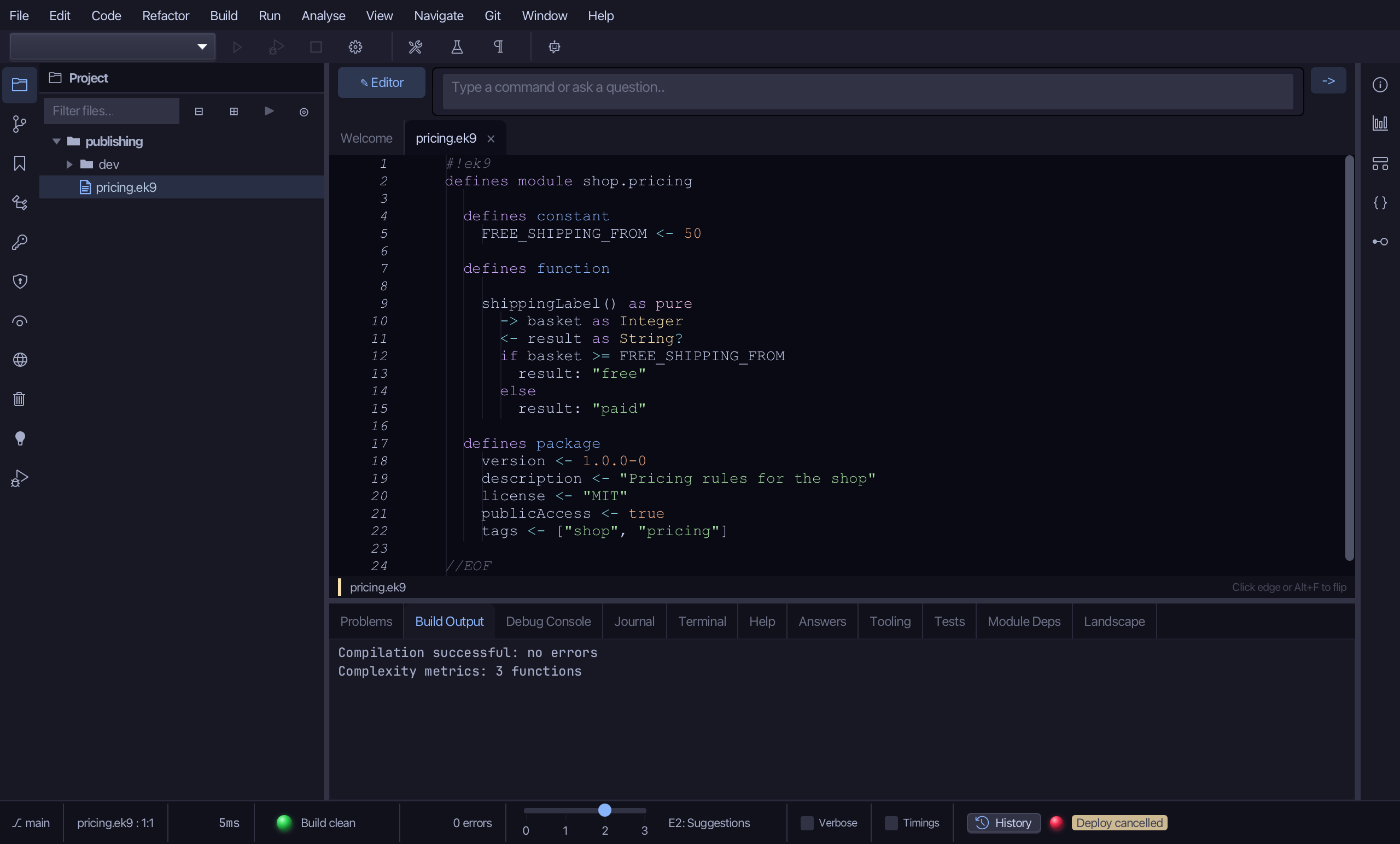
pricing.ek9 holds one function, shippingLabel, and a package block that says what a package needs to be published: a version, a licence and publicAccess. Its two tests, in dev/tests.ek9, cover both branches - packaging refuses a package whose tests fail or whose coverage is too low. The Build menu does the rest, and this lesson runs it all in a home folder of its own, beside the project (publishing-home), so the library it installs into and the keys it makes are never your own ~/.ek9. To play it in the IDE: Help > Lessons > Security, packages and Git…, or ek9 -ide -lesson build-and-deploy.
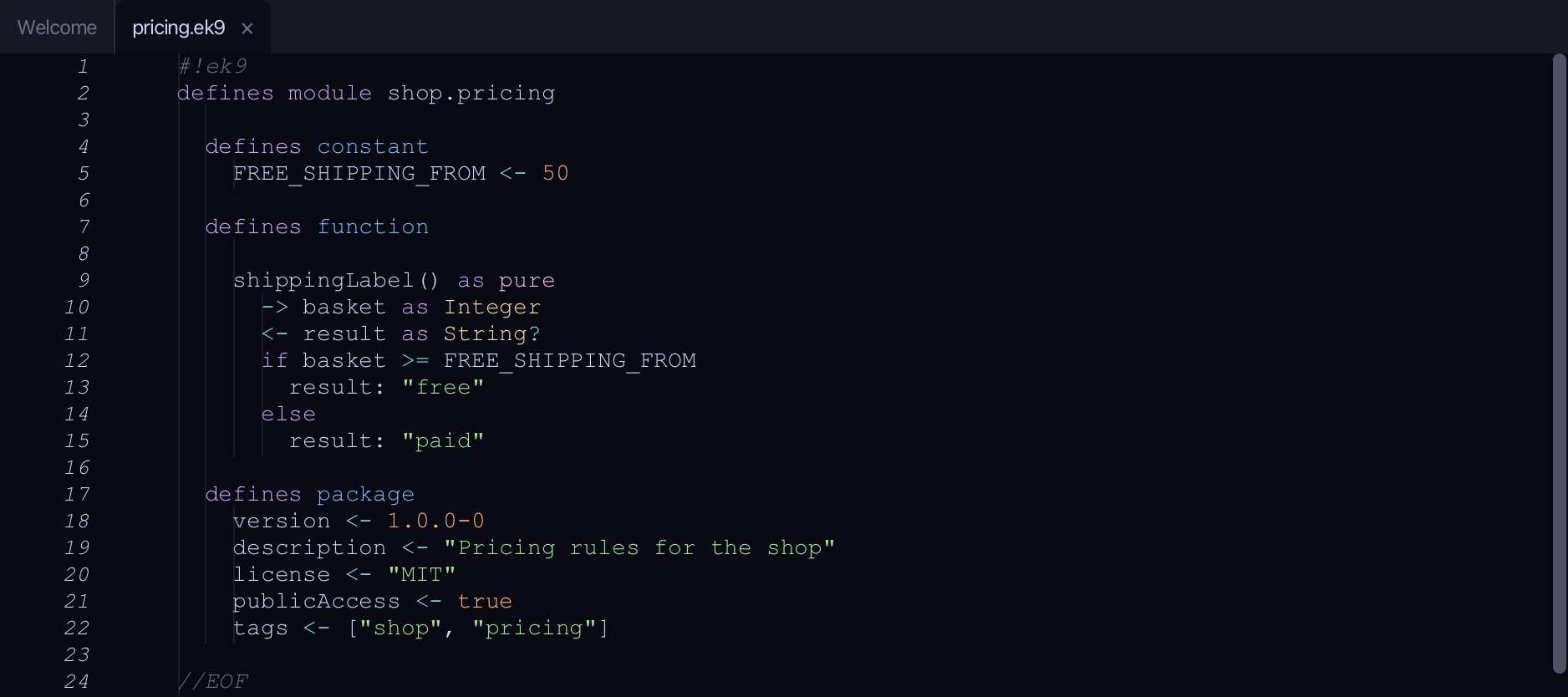
Start from
The code the lesson starts from: copy it into a file of your own and follow the steps.
pricing.ek9
#!ek9
defines module shop.pricing

  defines constant
    FREE_SHIPPING_FROM <- 50

  defines function

    shippingLabel() as pure
      -> basket as Integer
      <- result as String?
      if basket >= FREE_SHIPPING_FROM
        result: "free"
      else
        result: "paid"

  defines package
    version <- 1.0.0-0
    description <- "Pricing rules for the shop"
    license <- "MIT"
    publicAccess <- true
    tags <- ["shop", "pricing"]

//EOF
dev/tests.ek9
#!ek9
defines module shop.pricing.tests

  references
    shop.pricing::shippingLabel

  defines program

    @Test
    FreeShippingTest()
      assert shippingLabel(60) == "free"

    @Test
    PaidShippingTest()
      assert shippingLabel(10) == "paid"

//EOF
Step 1: Resolve dependencies
Choose Build ▸ Resolve Dependencies.
The package declares no dependencies, so there is nothing to fetch and the report is short. With deps declared, this is where each is found in the library - or reported missing. Choose Close.
Step 2: Package
Choose Build ▸ Package….
The report says Success, with nothing more to say: packaging compiled the module, ran its two tests, checked the coverage and wrote shop.pricing-1.0.0-0.zip and its checksum into the project's .ek9 folder. Choose Close.
Step 3: Install
Choose Build ▸ Install Package.
Install copied the package into the library, publishing-home/.ek9/lib here - ~/.ek9/lib for you outside this lesson - where another project's dependencies would find it. Choose Close.
Step 4: Signing keys
Choose Build ▸ Generate Signing Keys.
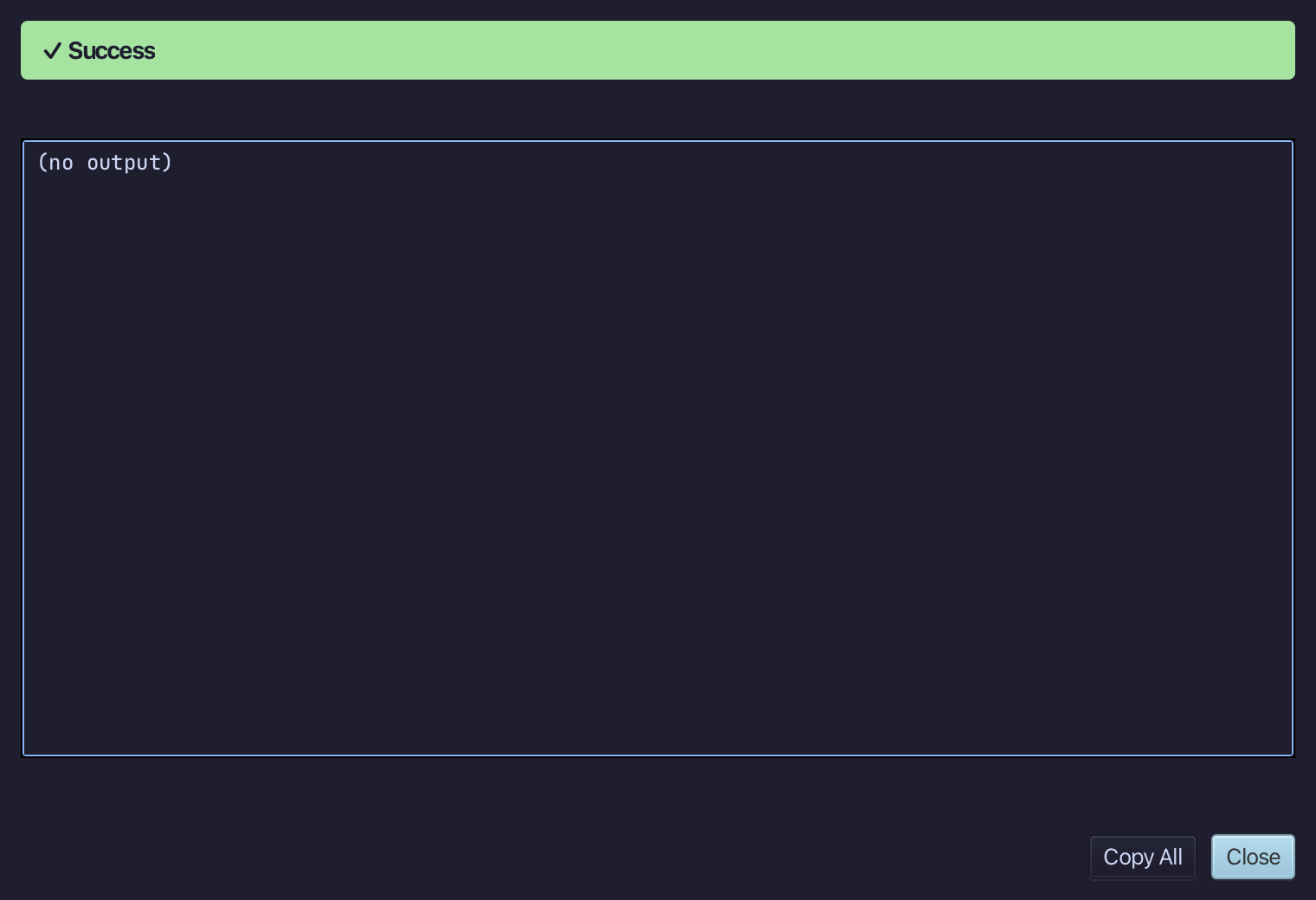
A key pair now sits in publishing-home/.ek9: the private key signs what you deploy, and stays with you; the public key is what a repository would be given to check it. Had keys already existed, you would have been asked first - a new pair makes an old public key useless. Choose Close.
Step 5: Deploy, and think twice
Choose Build ▸ Deploy Package….
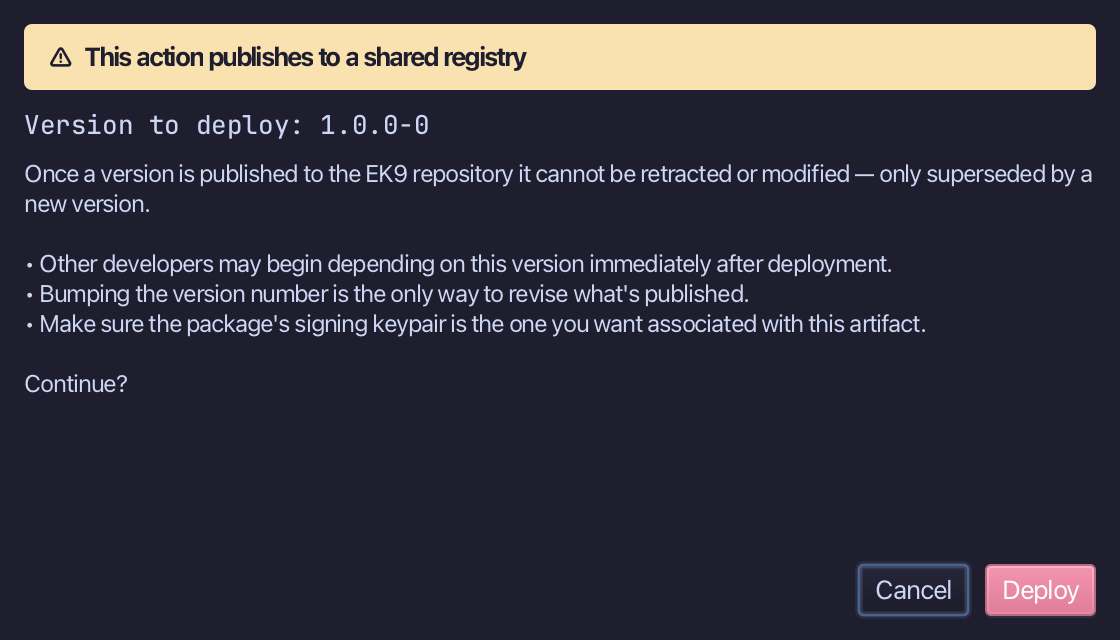
A published version cannot be retracted or changed - only superseded - so Deploy asks first, with the version it would publish. This lesson never deploys: choose Cancel. Nothing is sent and no tool has run.
The result
That is the road from source to a published package. Resolve Dependencies found nothing to fetch; Package… ran the tests, checked their coverage and wrote shop.pricing-1.0.0-0.zip and its checksum into the project's .ek9 folder; Install Package copied them into the library; Generate Signing Keys made the pair a deployment is signed with - and Deploy Package… stopped at its confirmation, because a published version cannot be taken back. All of it went to a home folder made for this lesson, beside the project: your own ~/.ek9 was never touched. AI assistants do the same with ek9_resolve_dependencies, ek9_package, ek9_install_package, ek9_generate_signing_keys and ek9_deploy_package.
Where this lesson comes from
- Answers -
ek9 -qand the IDE's Answers tab: 7, 14. - For AI assistants - the MCP tool
ek9_resolve_dependencies,ek9_package,ek9_install_package,ek9_generate_signing_keys,ek9_deploy_package.