Chapter 2: escapes in a string, typed
Chapter 2 ends its strings with escapes: \n for a new line, \t for a tab, \u followed by four hex digits for any character. No tool writes them - they are typed - so the IDE writes the program's shell and you type the body. To play it in the IDE: Help > Lessons > Getting Started with EK9…, or ek9 -ide -lesson book-escapes.
What you'll build
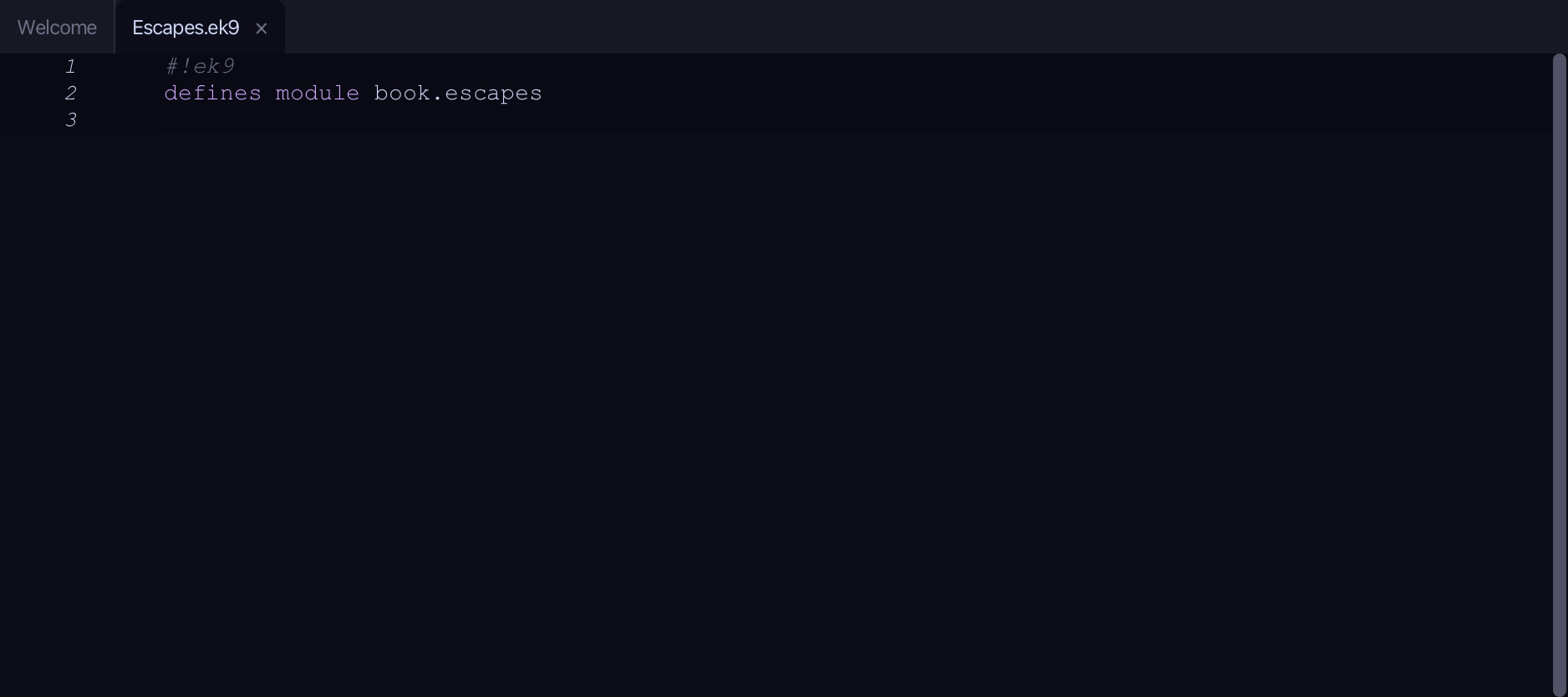
The lesson builds this program from a file holding only its module line - the finished file, as the book prints it.
#!ek9
defines module book.escapes

  defines program
    Show()
      stdout <- Stdout()

      stdout.println("Roses are red,\nViolets are blue")
      stdout.println(`Name:\tAda`)
      stdout.println(`Caf\u00E9 costs \u00A31`)
      stdout.println(`Café costs £1`)
Step 1: The program's shell
Choose Code > New Construct > Program…
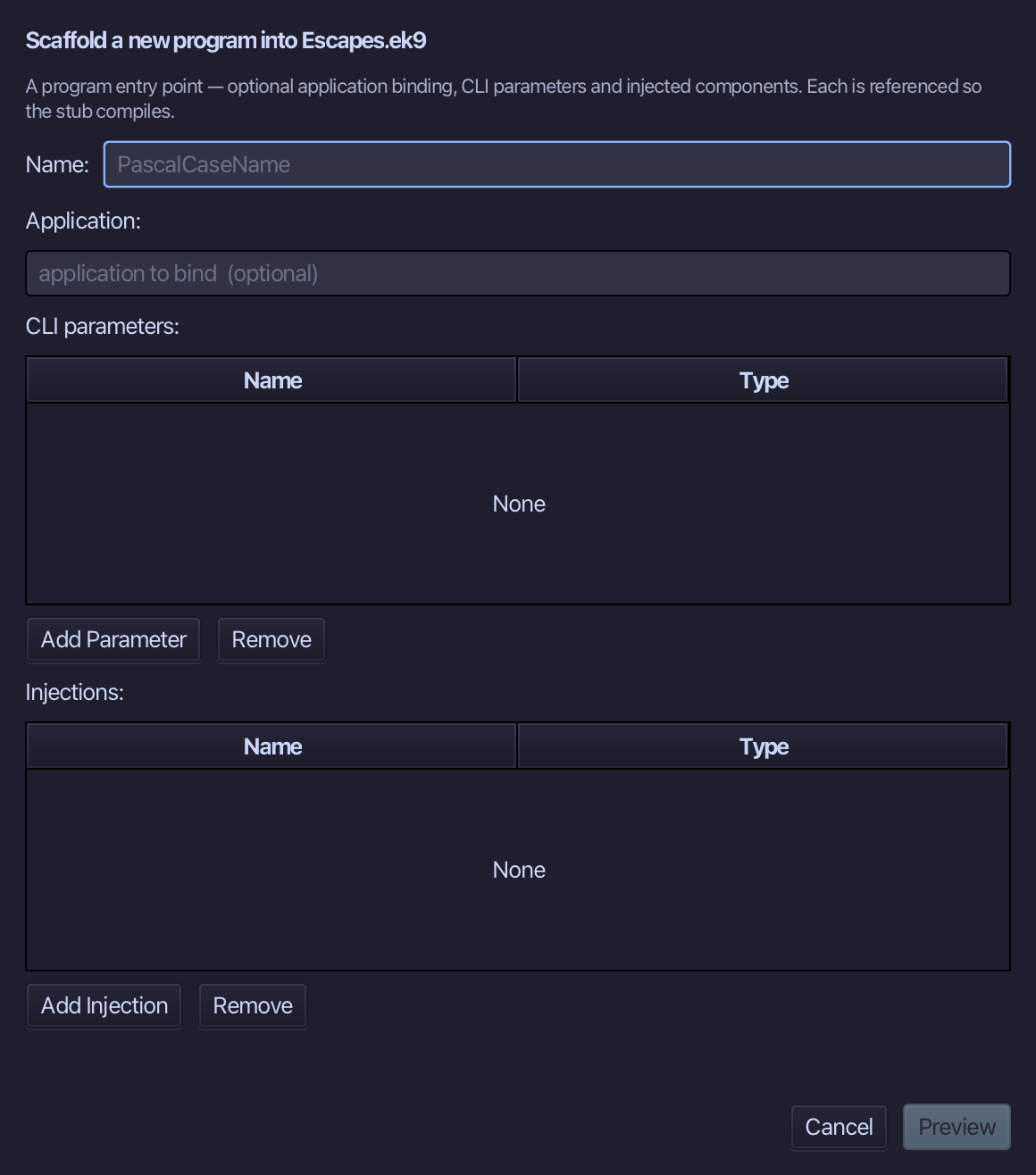
Show is the program's name. Type it and choose Preview.
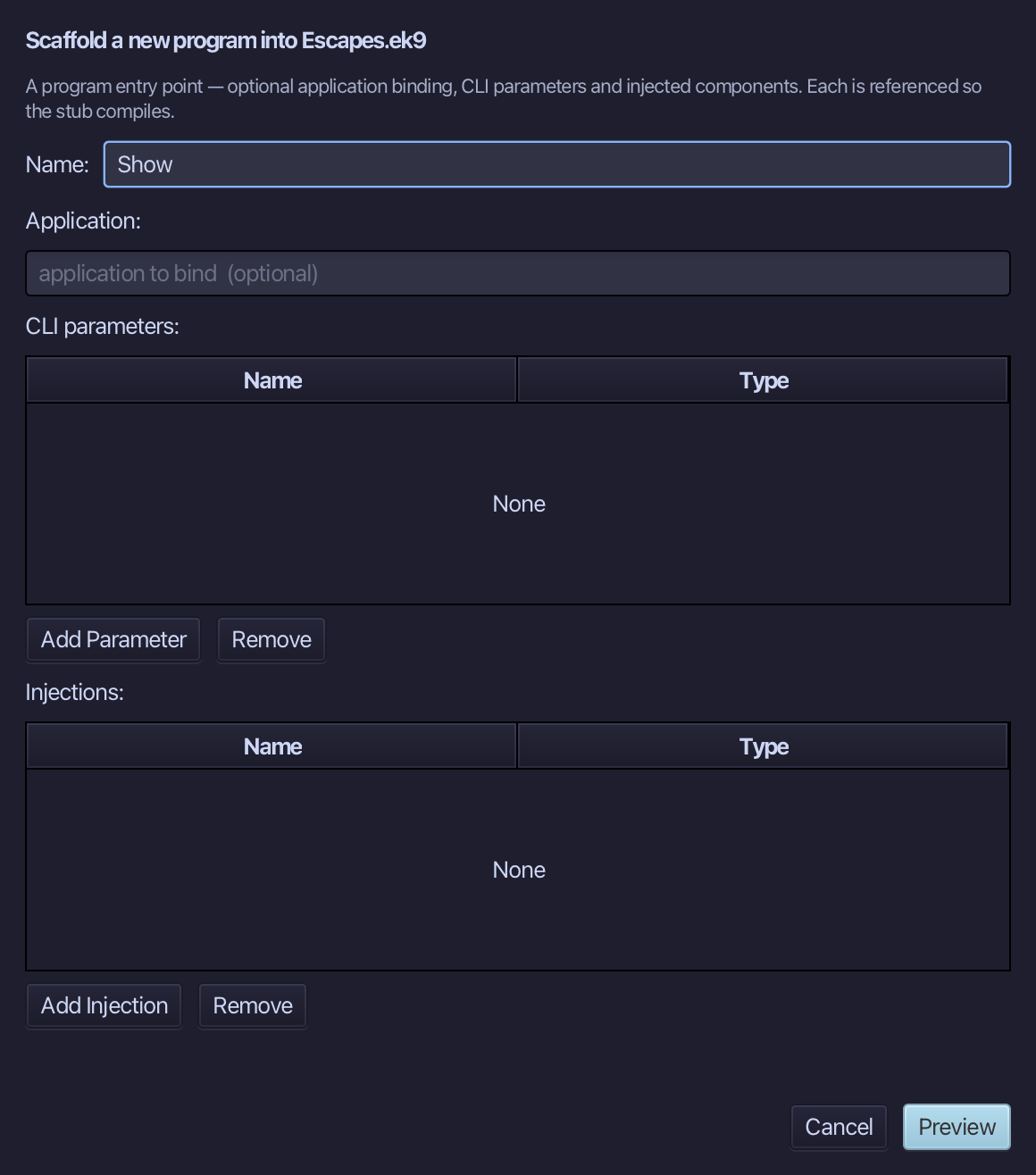
The preview shows Show about to be written. Choose Apply.
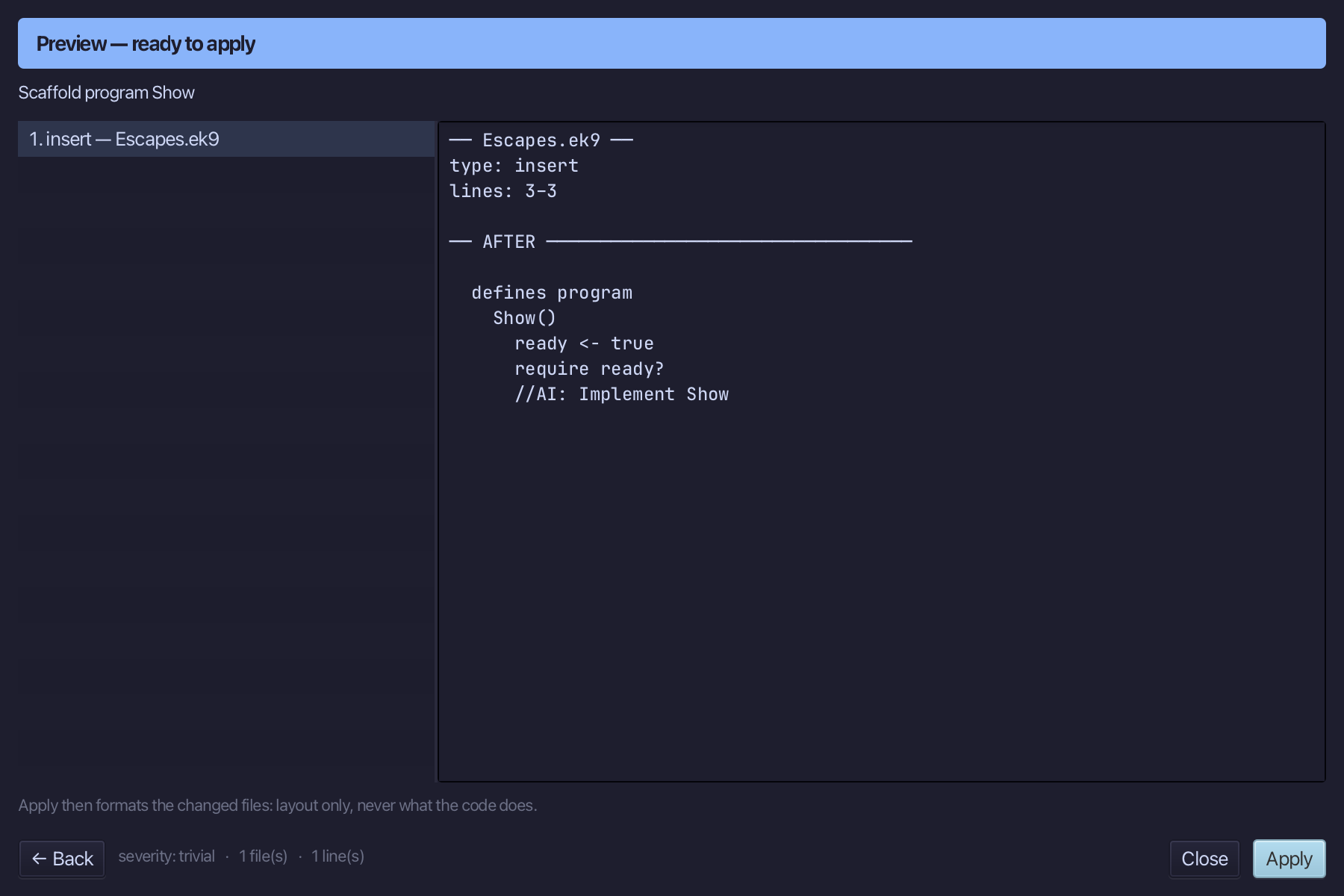
Step 2: The body, typed
Select the stub, from ready <- true down to its //AI line, and type the body exactly as the chapter shows it. Saves when typed.
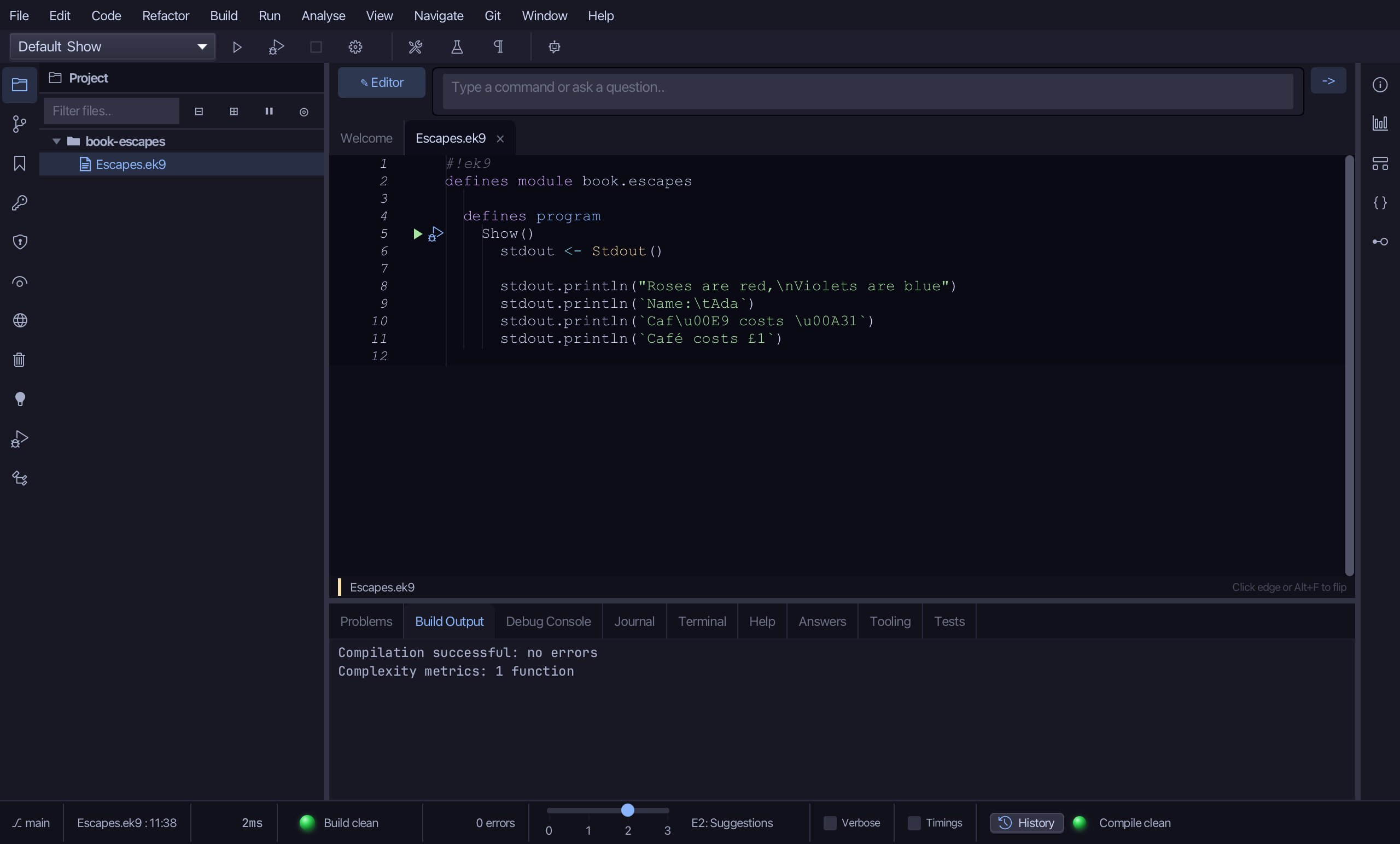
Step 3: Run it
Choose Run > Run Program…
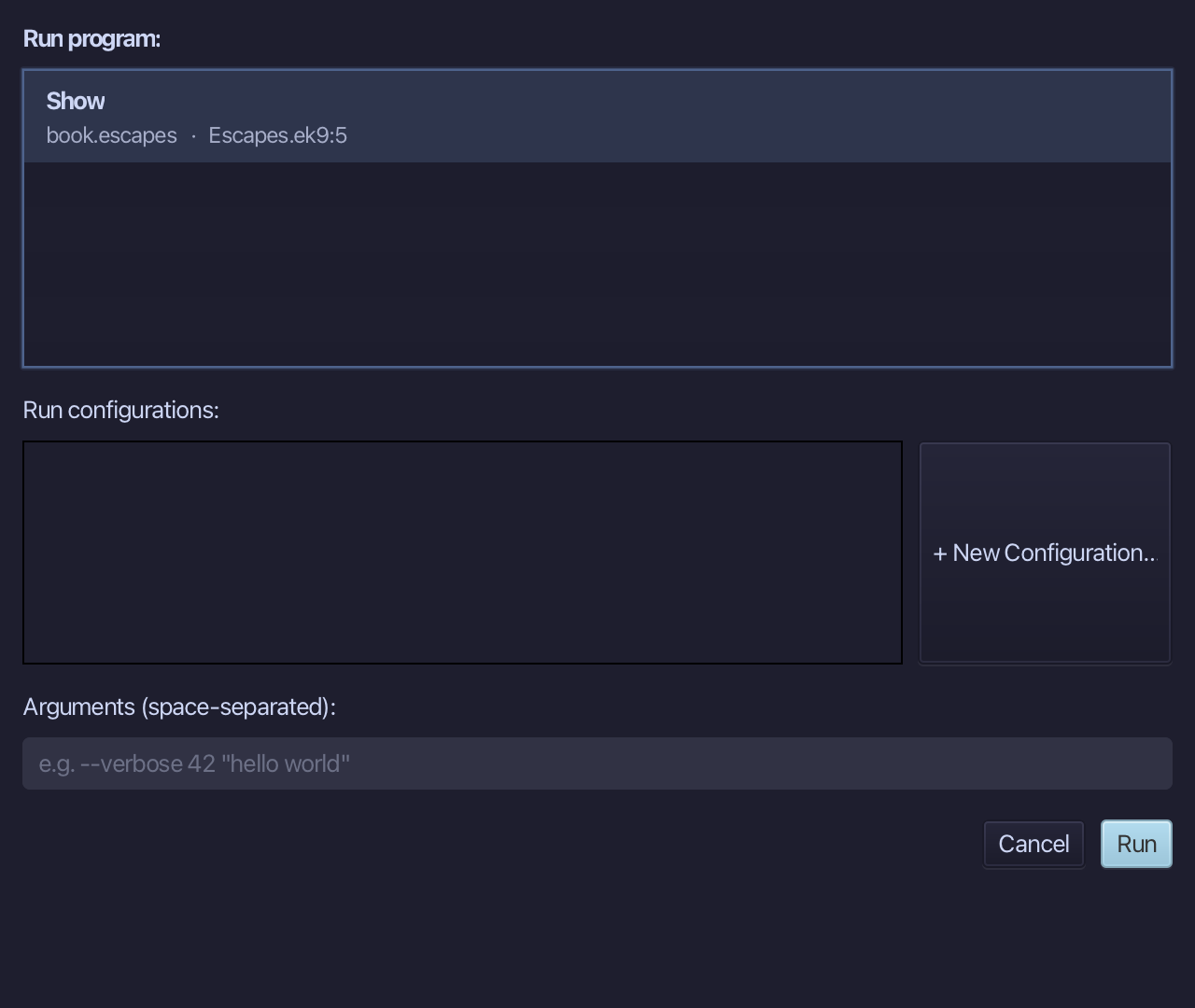
The project's only program is already chosen. Choose Run.
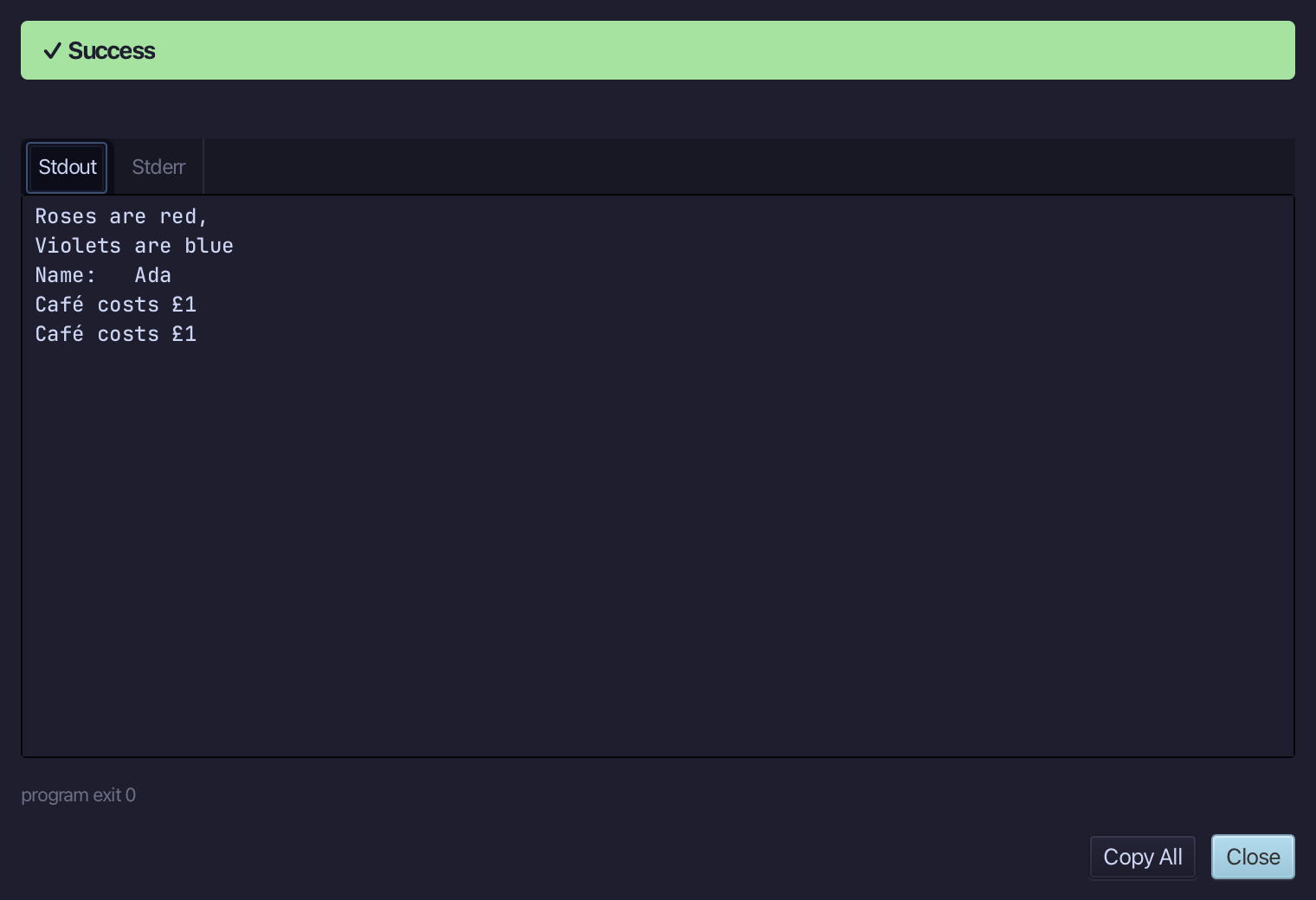
Two lines of verse, a tab between Name: and Ada, then Café costs £1 twice - once from escapes, once typed directly. Choose Close.
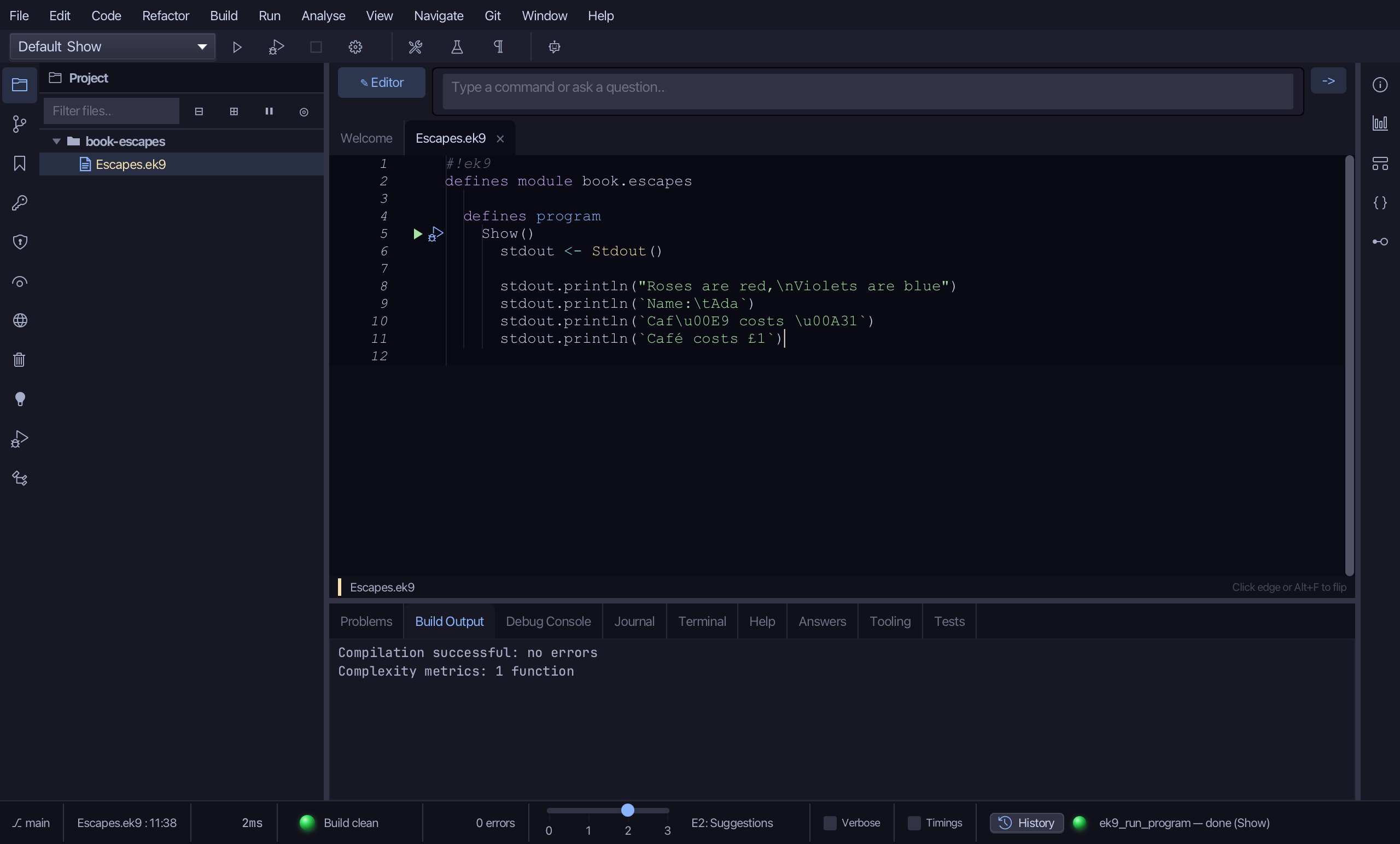
The result
Escapes.ek9 now reads exactly as chapter 2 of Getting Started with EK9 shows it: a new line and a tab by escape, and the same accented letter and pound sign written both as \u escapes and as the characters themselves - the last two lines print the same.
Where this lesson comes from
- For AI assistants - the MCP tool
ek9_add_program.
In the EK9 reference: EK9 Basics