Chapter 36: where a program's URLs come from, built
Where does a program's URL come from? Chapter 36 reads it from an environment variable, and the answer is an unset URL when the value is missing, malformed or refused by policy - never an exception. This lesson builds the small program that reports three destinations. To play it in the IDE: Help > Lessons > EK9 in Depth…, or ek9 -ide -lesson depth-check-destinations.
What you'll build
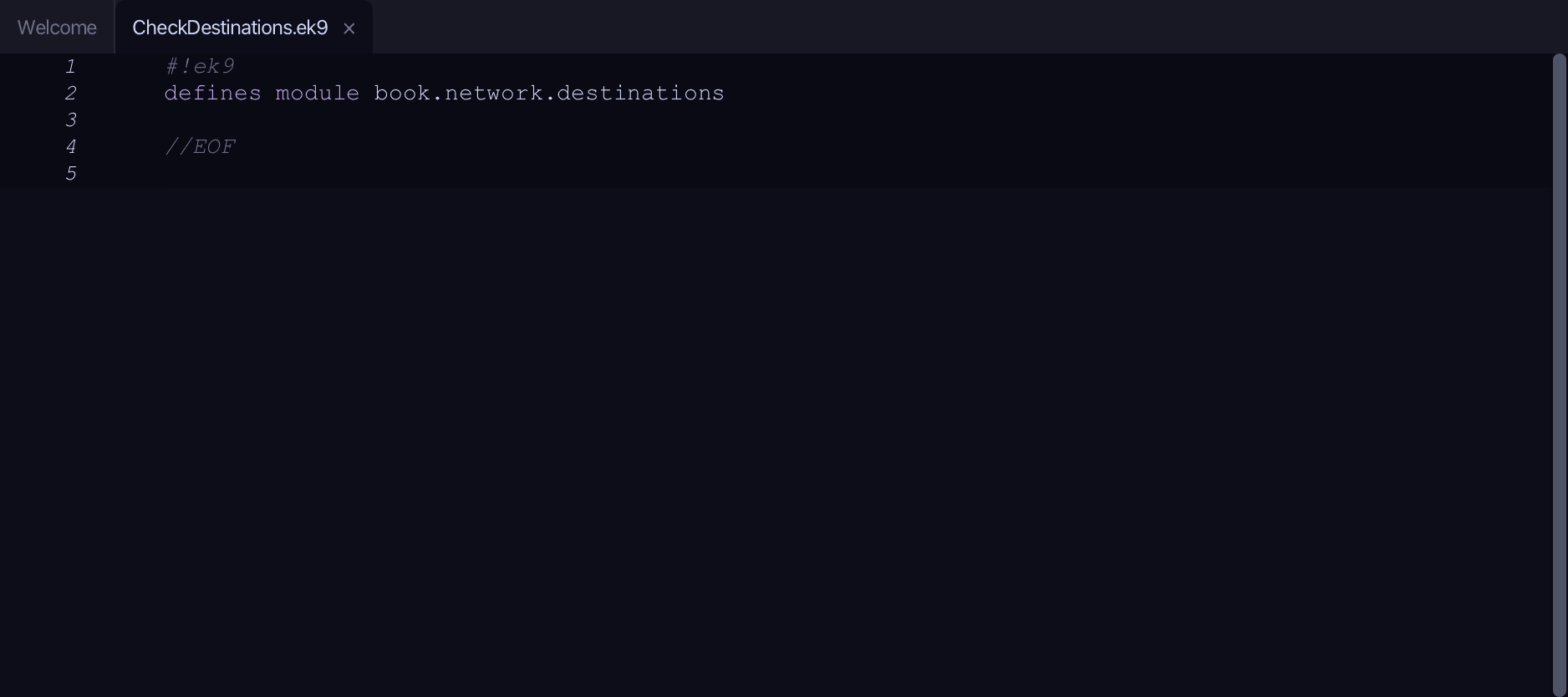
The lesson builds this program from a file holding only its module line - the finished file, as the book prints it.
#!ek9
defines module book.network.destinations

  defines function

    report()
      -> variableName as String
      stdout <- Stdout()
      destination <- Networking().urlFromEnv(variableName)
      if destination?
        stdout.println(`${variableName}: ${destination}`)
      else
        stdout.println(`${variableName}: refused or not set`)

  defines program

    CheckDestinations()
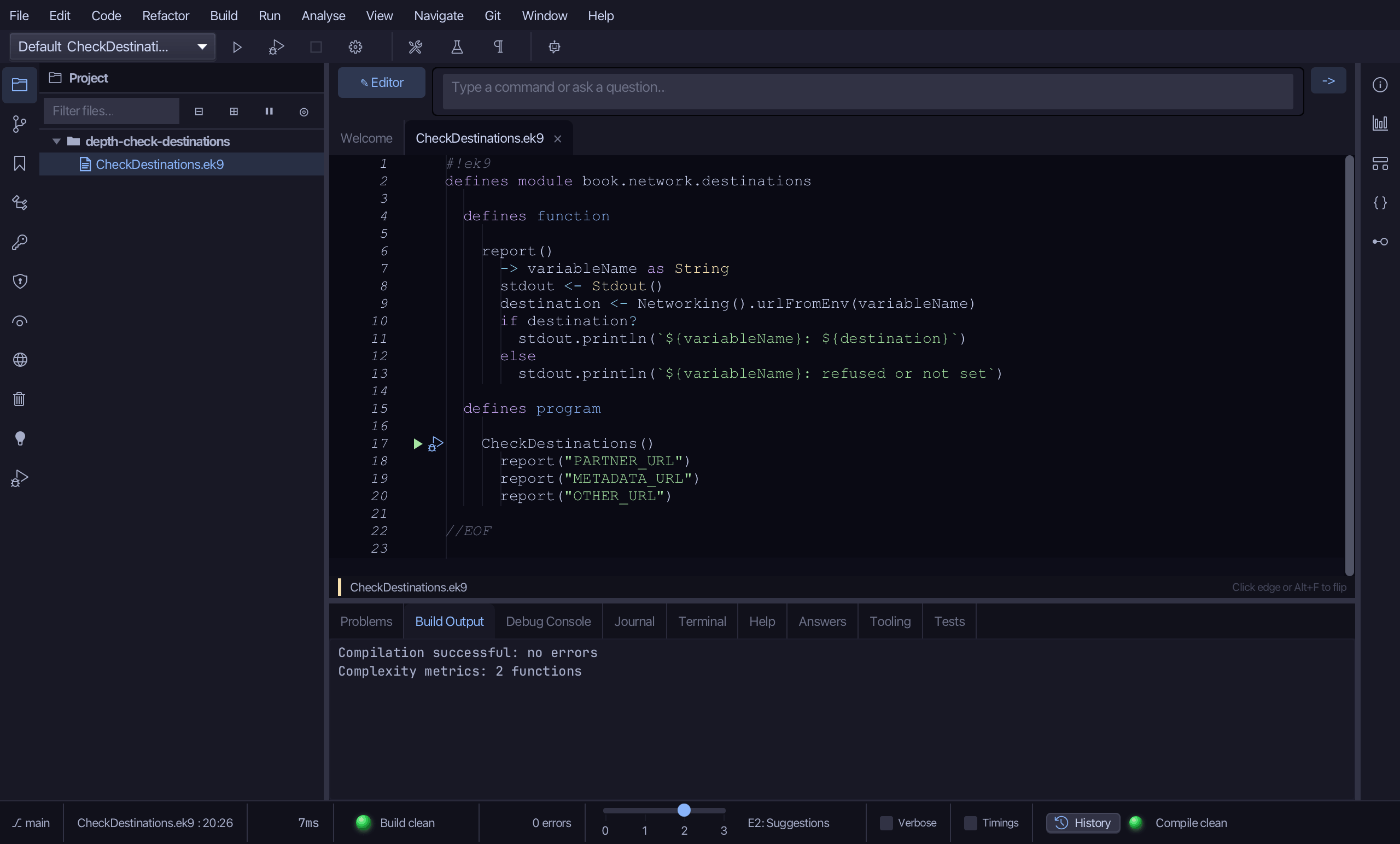
      report("PARTNER_URL")
      report("METADATA_URL")
      report("OTHER_URL")

//EOF
Step 1: report — a function
Choose Code > New Construct > Function…
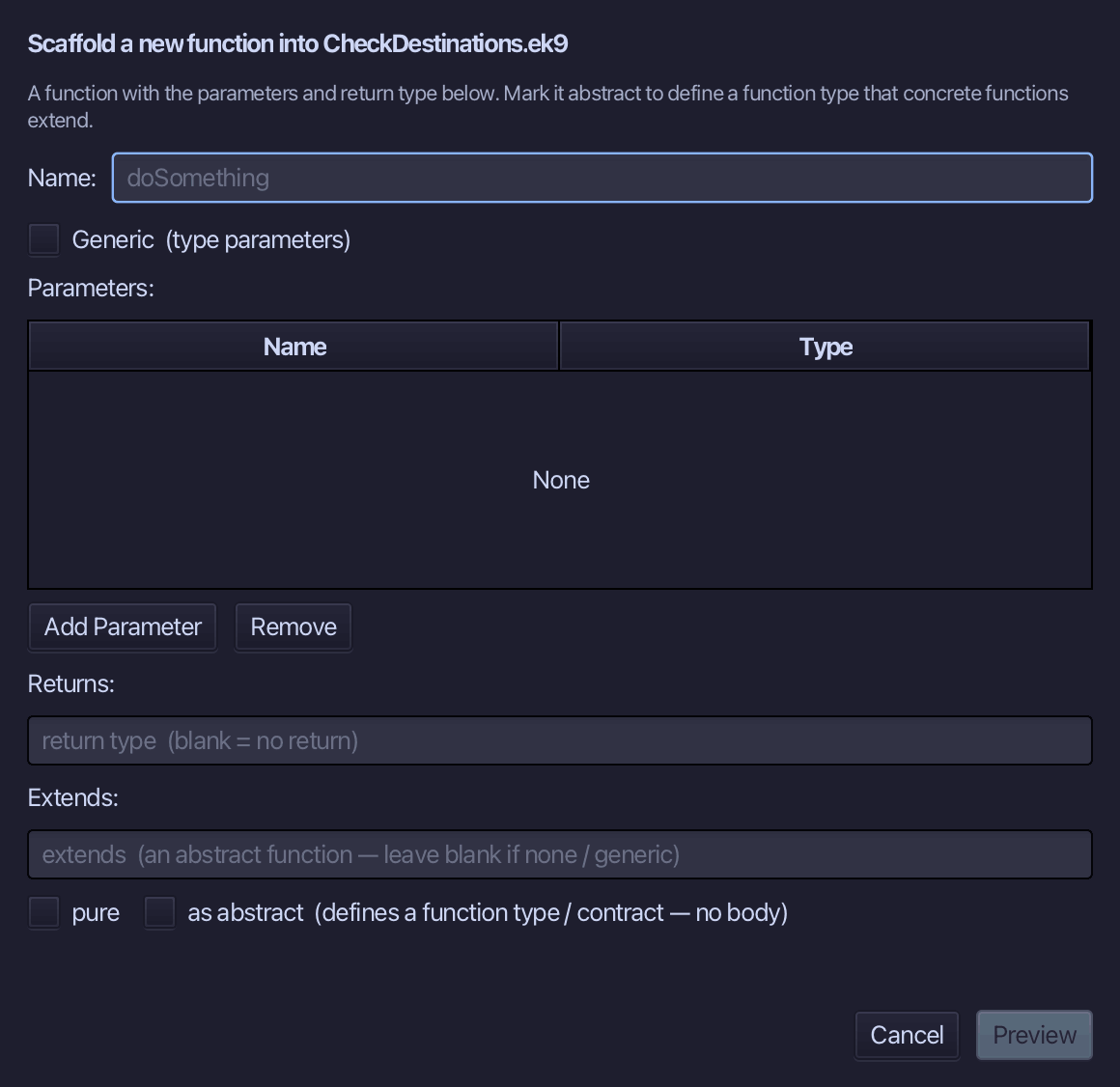
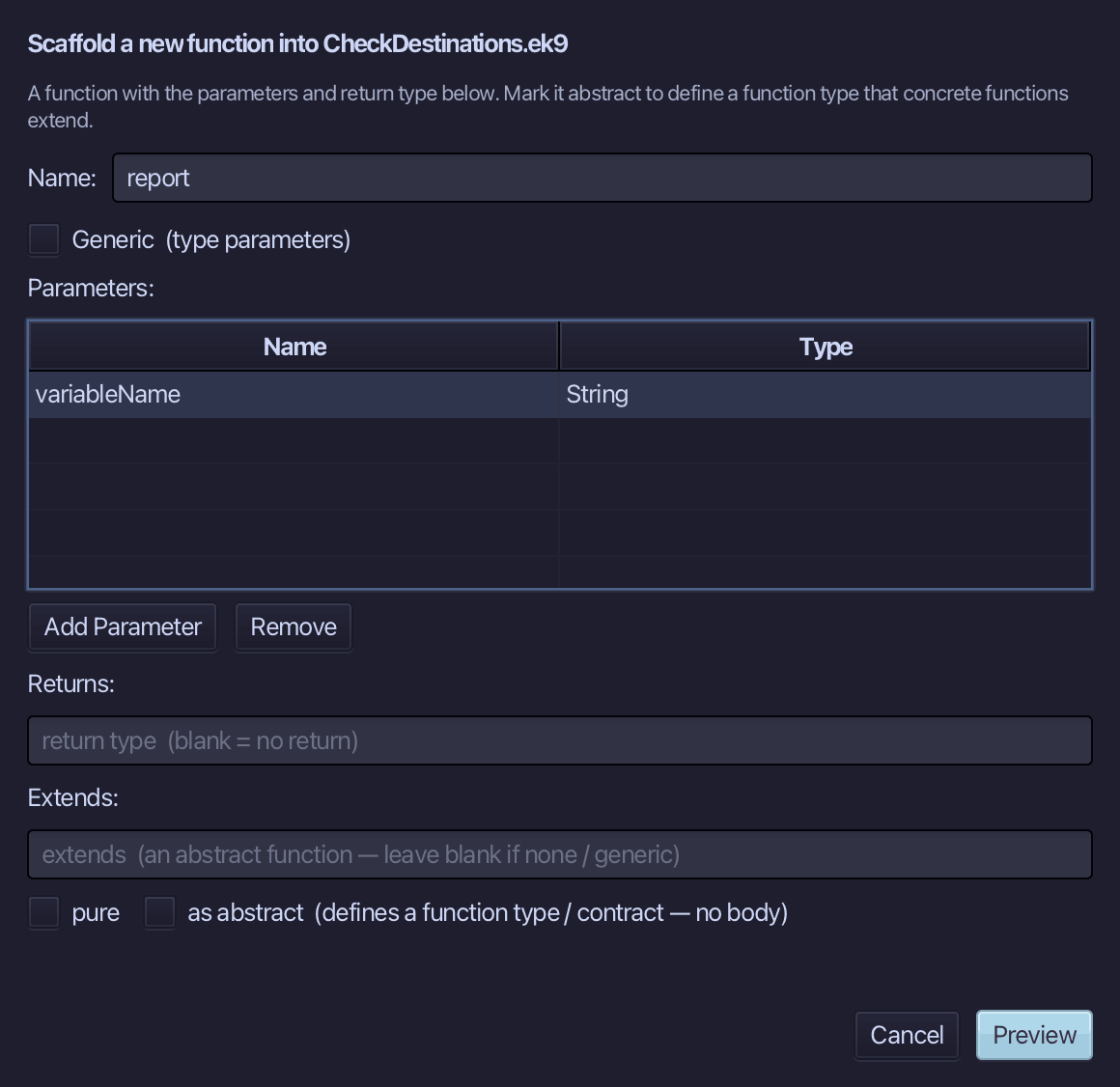
report is the function's name. Add one parameter, variableName of type String. Choose Preview.
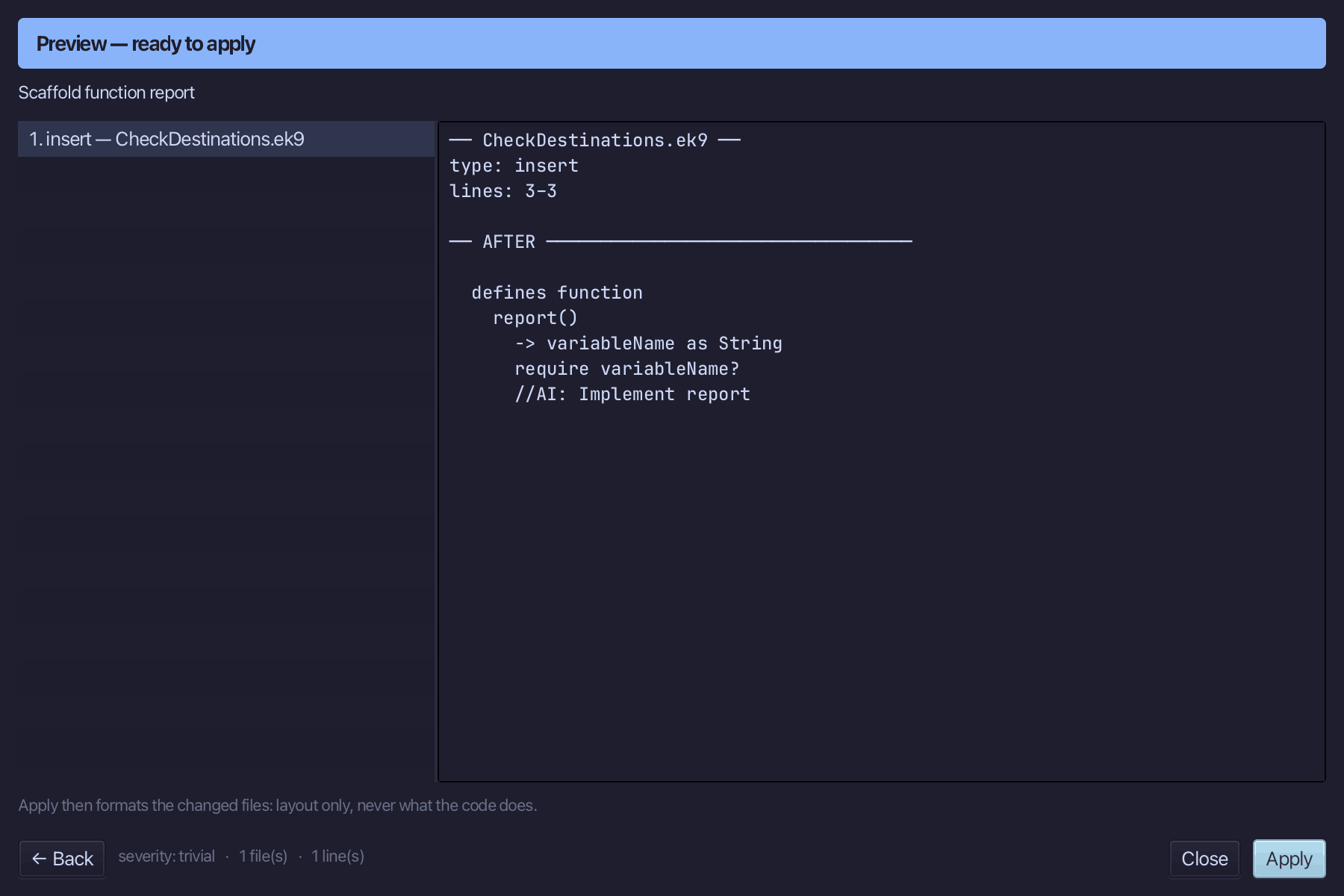
The preview shows report about to be written. Choose Apply.
Select the report() line and, above it, type the blank line the book opens its first function with. Saves when typed.
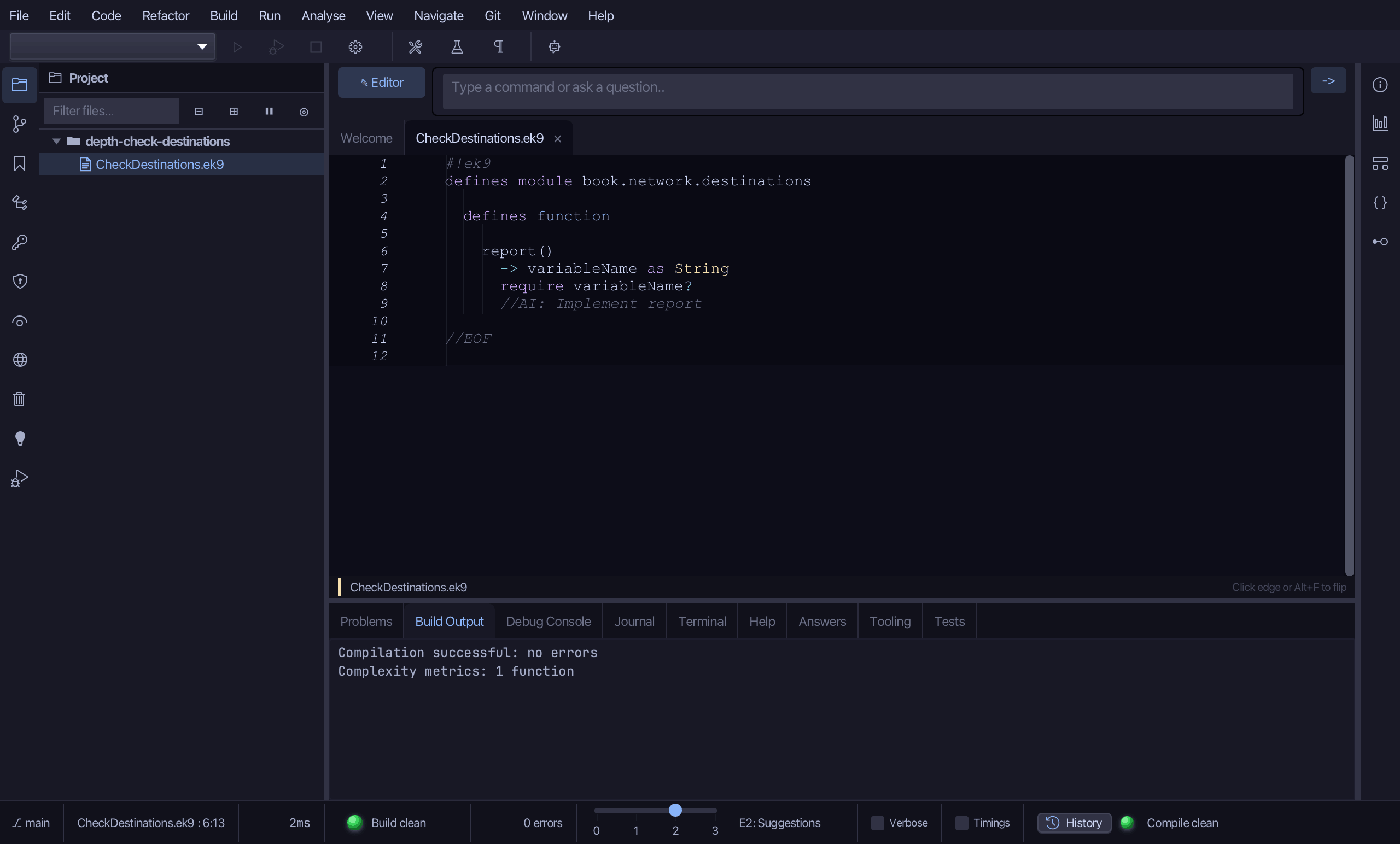
Select the stub, from require variableName? down to its //AI line, and type report's own return and work, as the book writes them. Saves when typed.
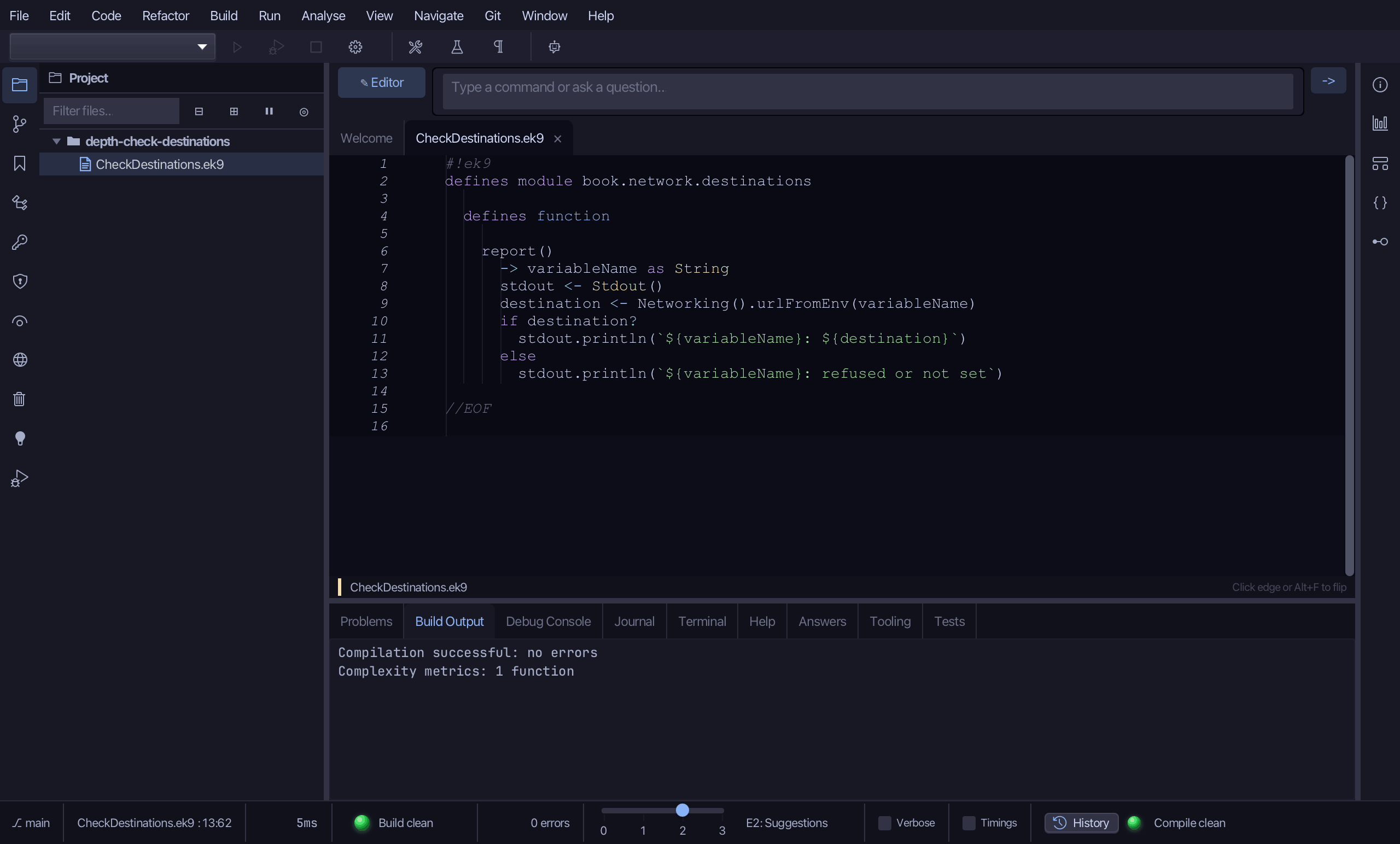
Step 2: CheckDestinations — a program
Choose Code > New Construct > Program…
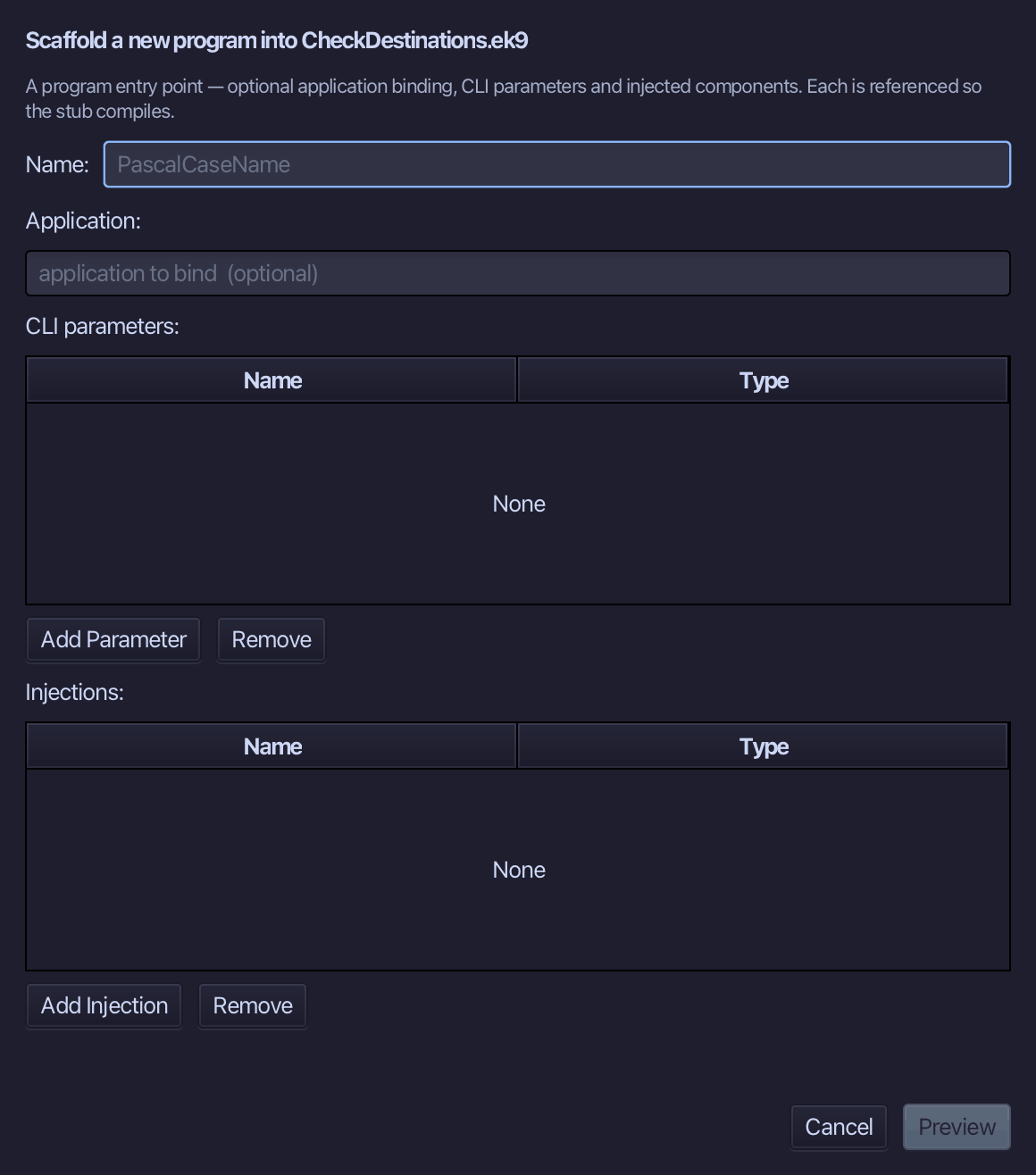
CheckDestinations is the program's name. Choose Preview.
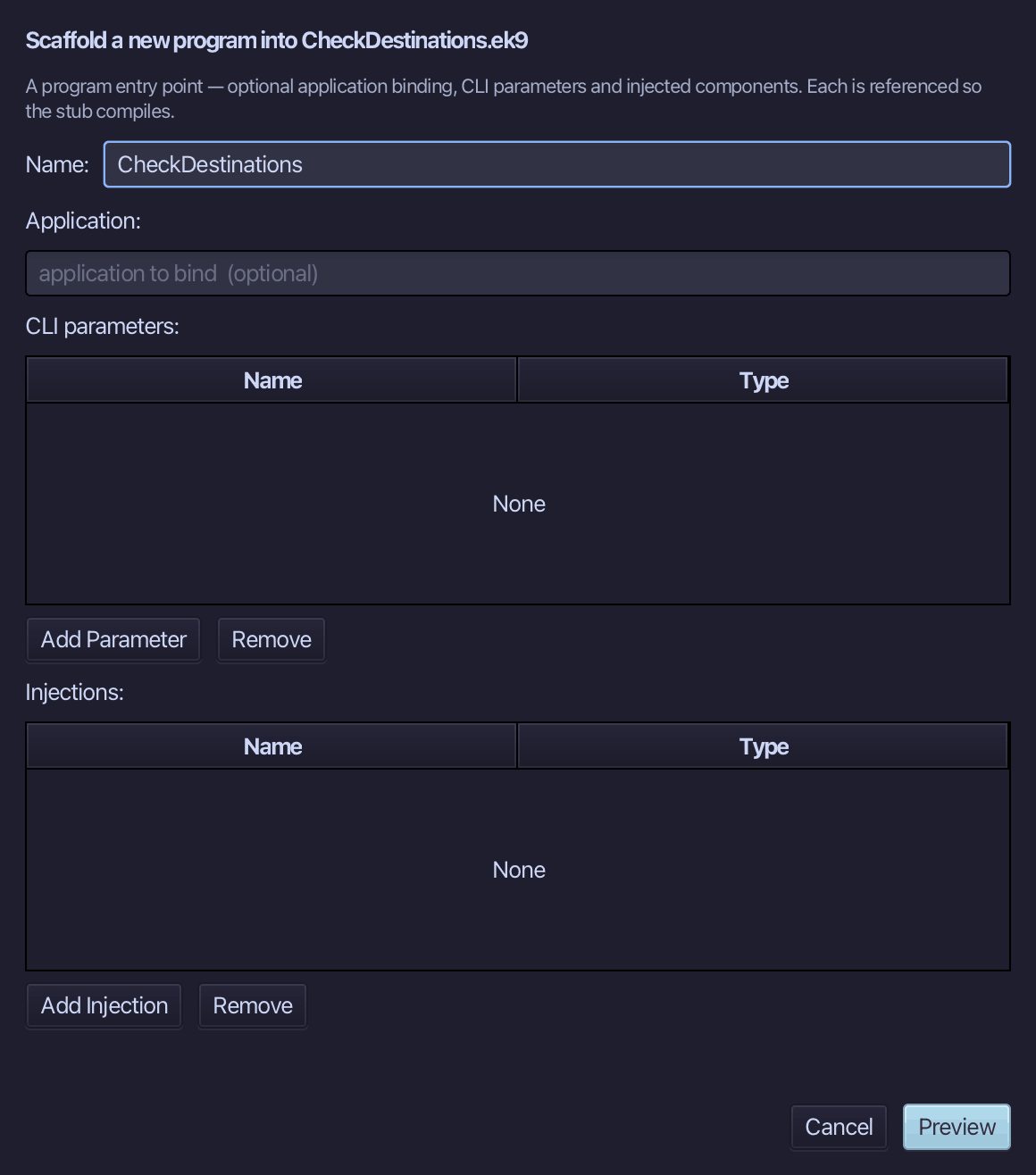
The preview shows CheckDestinations about to be written. Choose Apply.
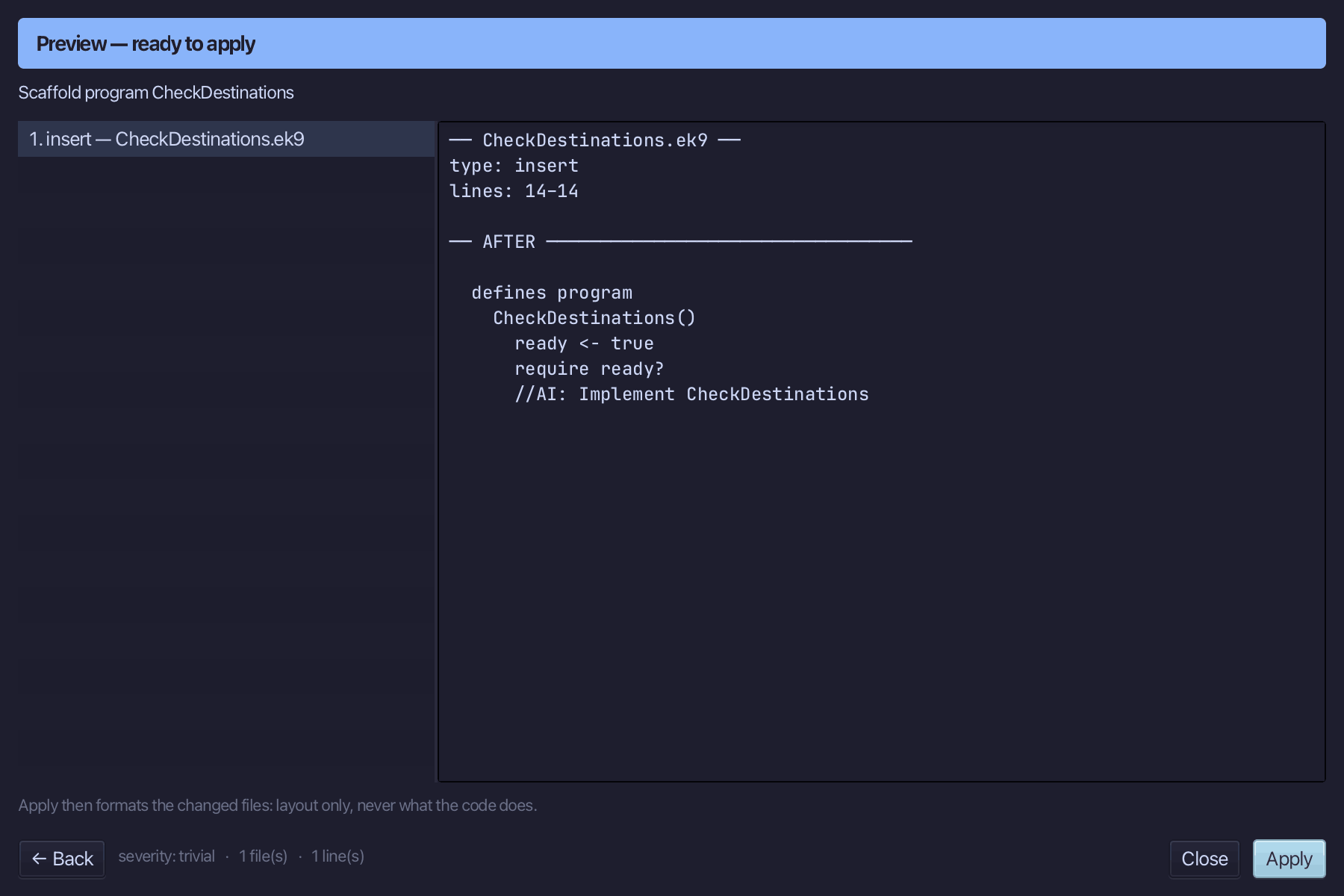
Select the CheckDestinations line and, above it, type the blank line the book opens the block with. Saves when typed.
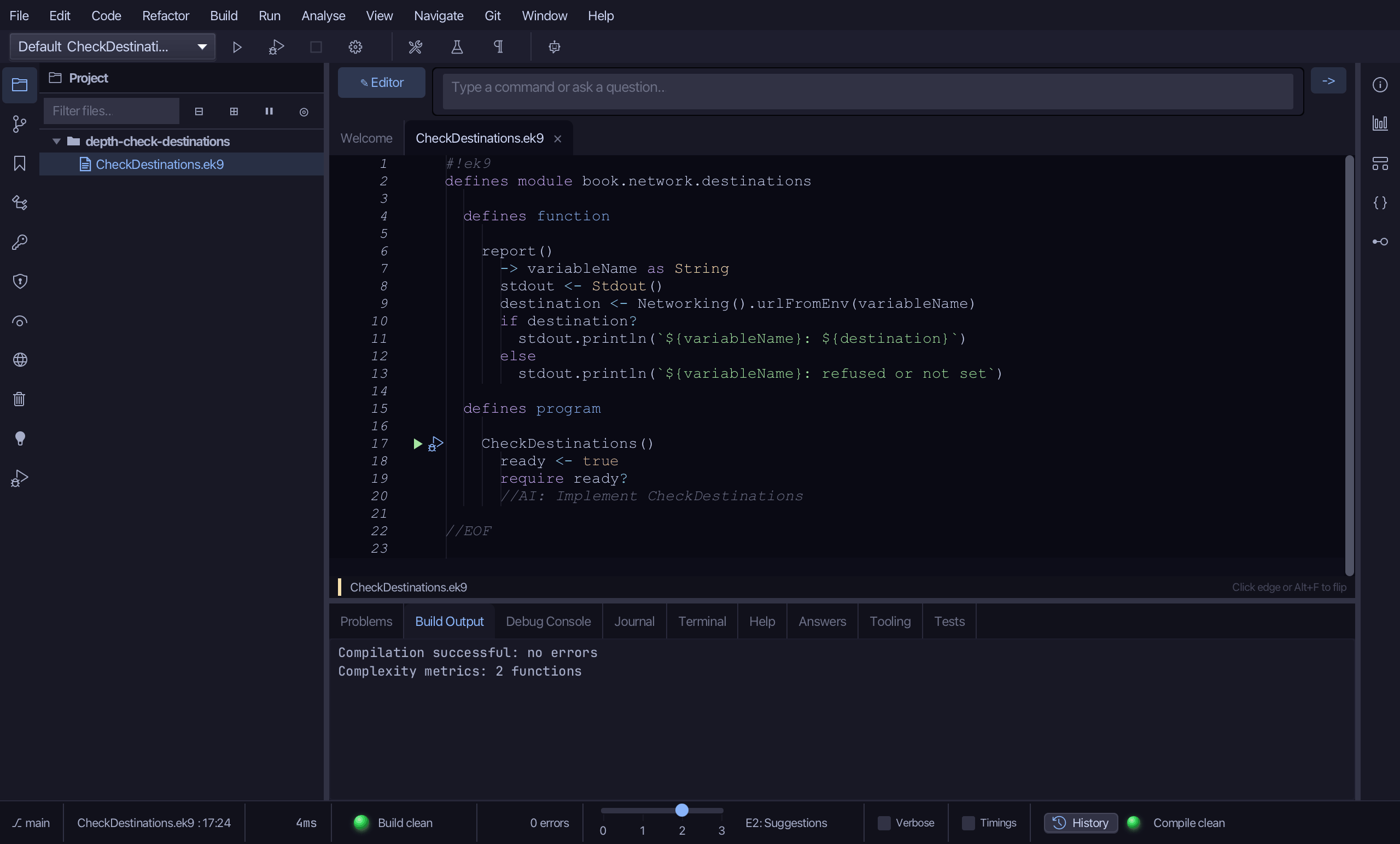
Select the stub, from ready <- true down to its //AI line, and type the program exactly as the chapter shows it. Saves when typed.
Step 3: Run it
Choose Run > Run Program…
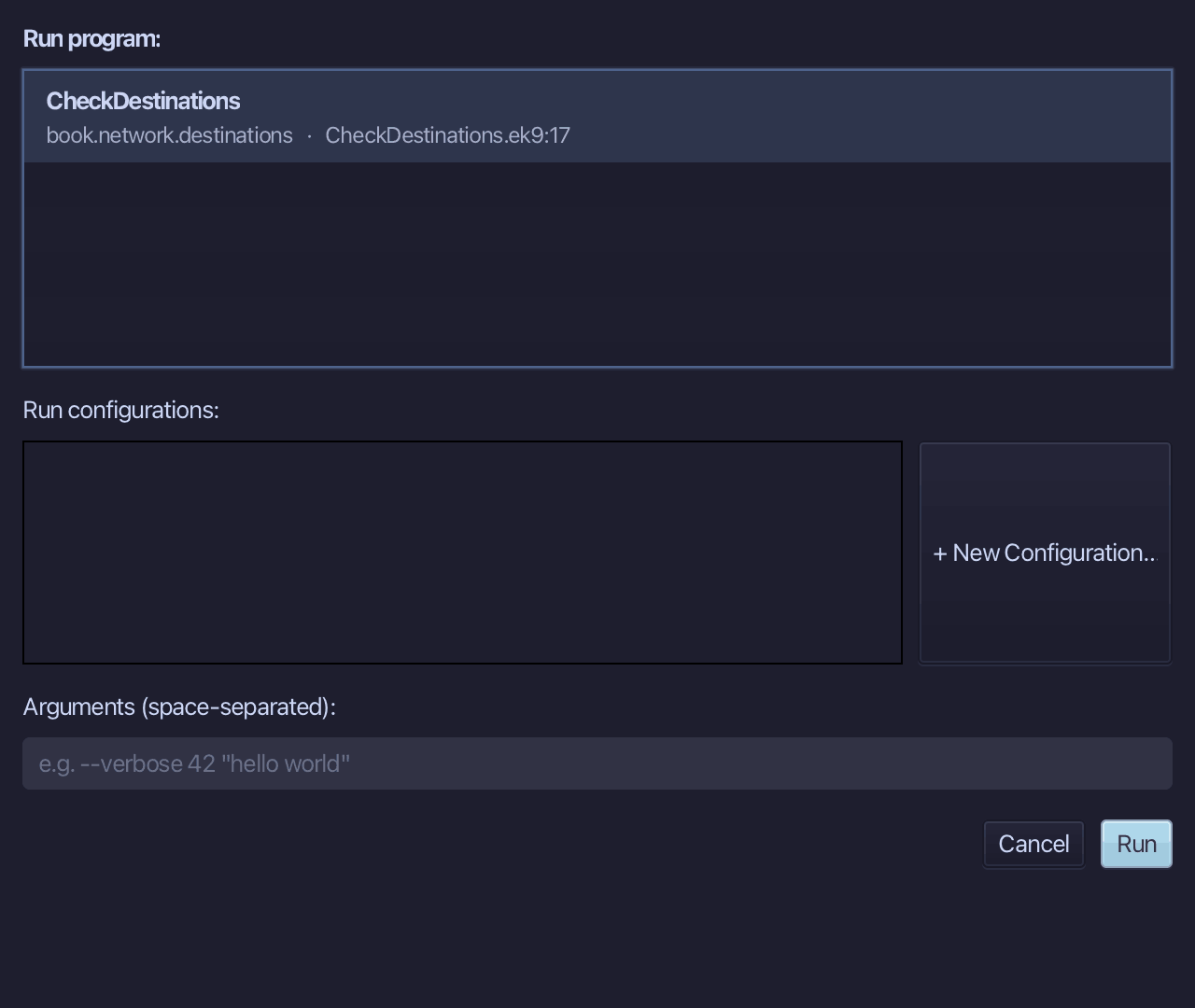
The project's only program is already chosen. Choose Run.
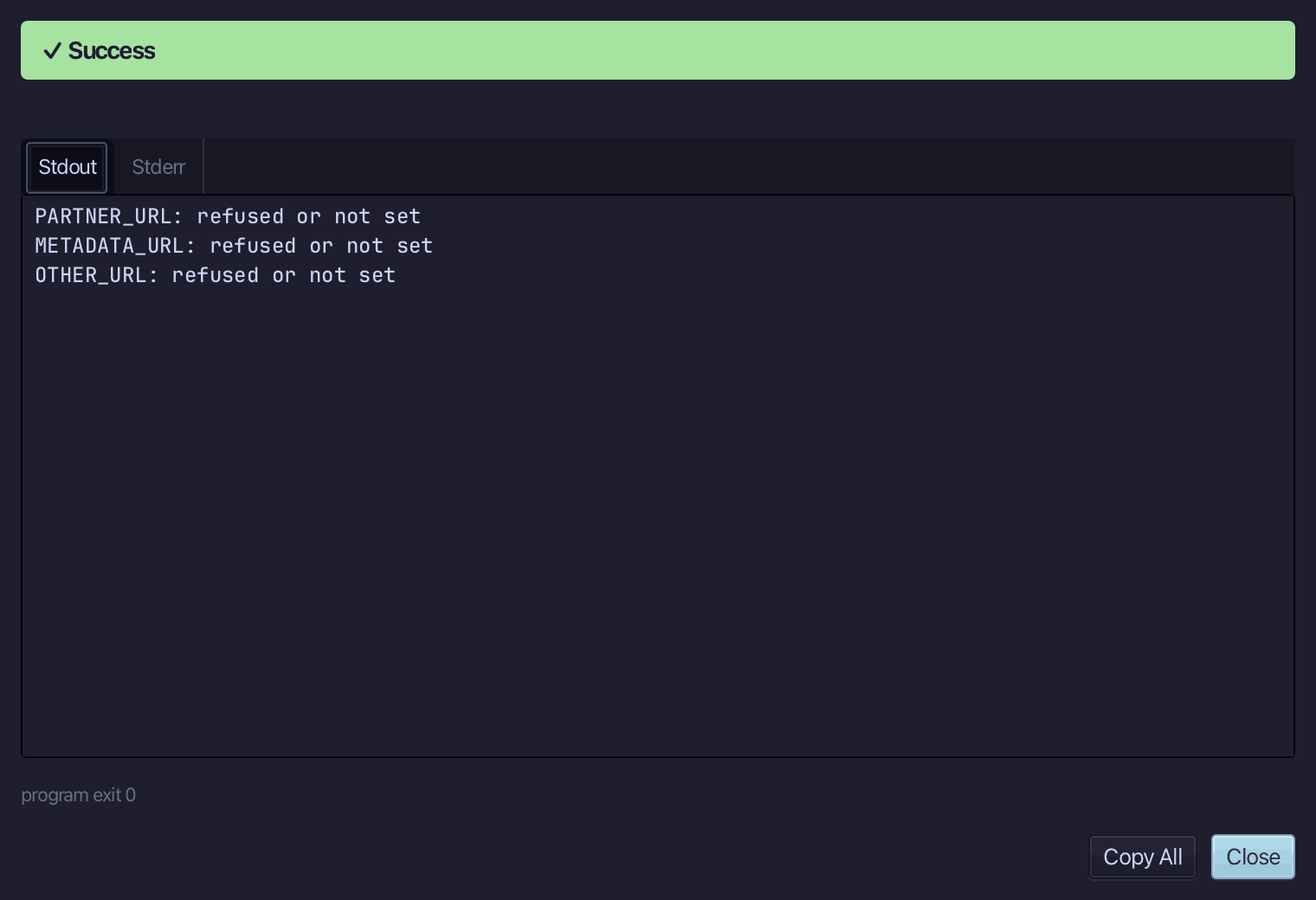
None of the three variables is set in this run, so each line says it is refused or not set - the same answer a malformed or policy-refused value would get. Choose Close.
The result
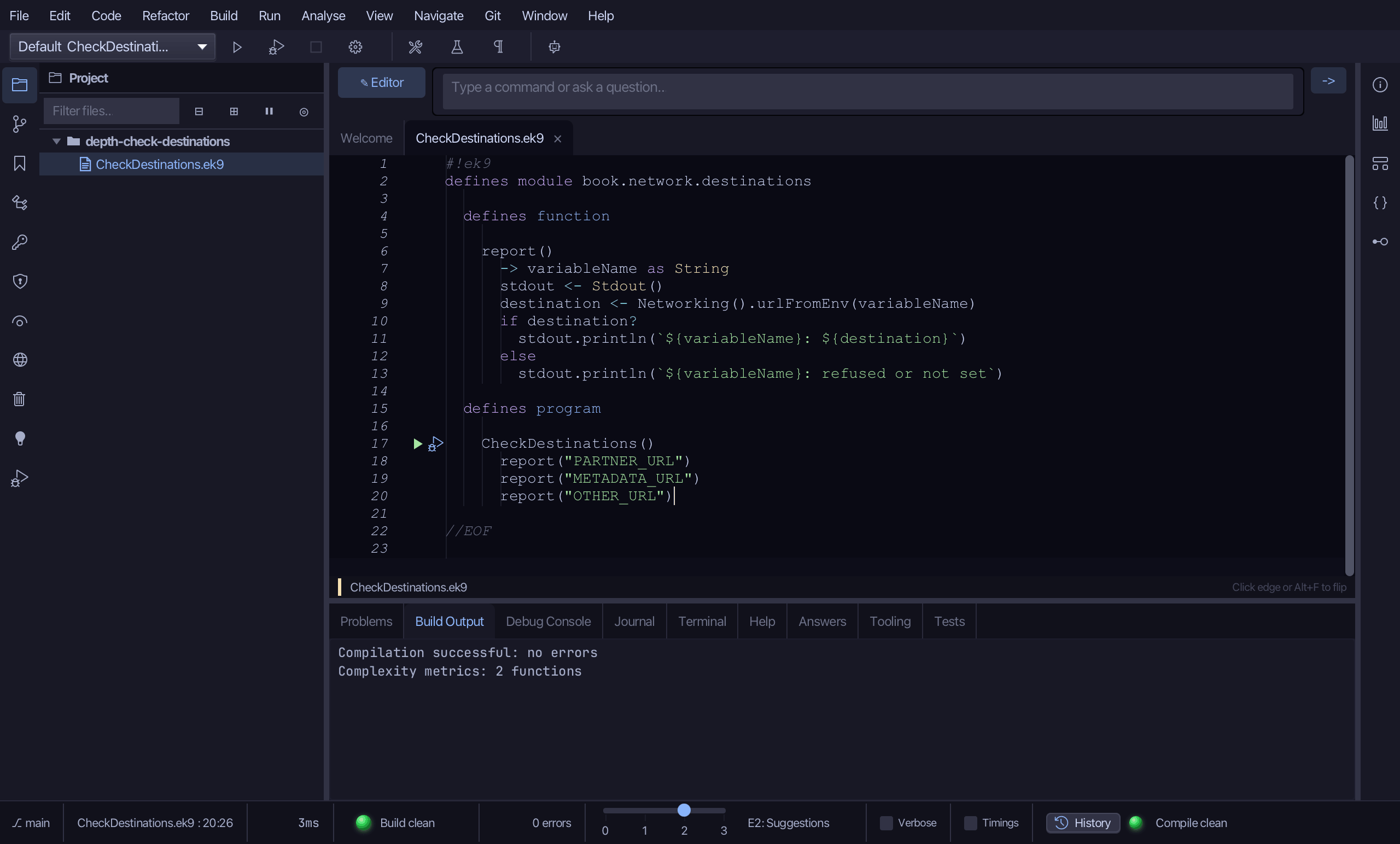
CheckDestinations.ek9 now reads exactly as chapter 36 of EK9 in Depth shows it. urlFromEnv gives a URL that is either usable or unset; one question, destination?, covers every failure.
Where this lesson comes from
- For AI assistants - the MCP tool
ek9_new_construct,ek9_add_program,ek9_run_program.