Chapter 35: a timing aspect and its own data, built
Chapter 35's PriceBook is the full example: two aspects on one component, the second one timing each call and passing a TimerData from its before advice to its after advice. The lesson builds the logging aspect, the TimerData and TimerAspect classes, a clock that stands still, the PriceBook component, the application that applies both aspects and the program. To play it in the IDE: Help > Lessons > EK9 in Depth…, or ek9 -ide -lesson depth-price-book.
What you'll build
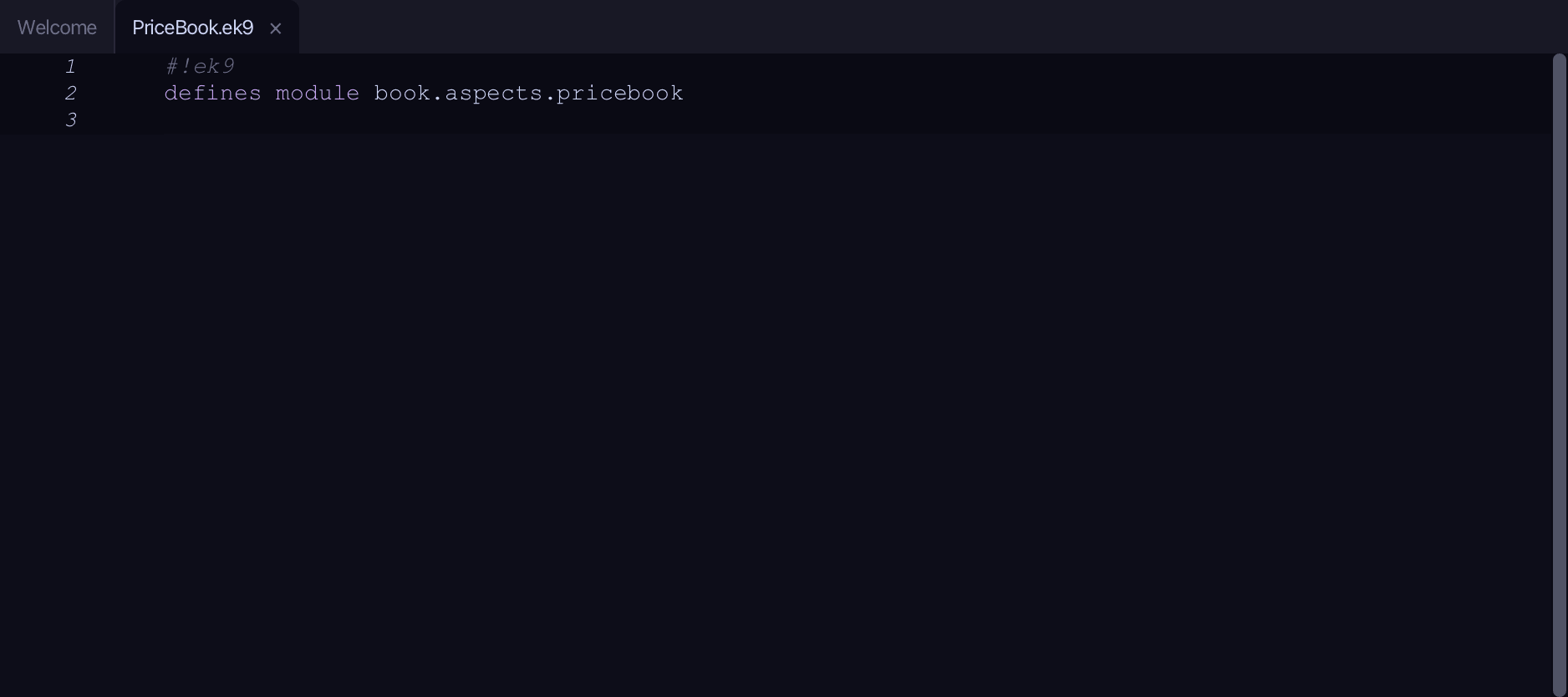
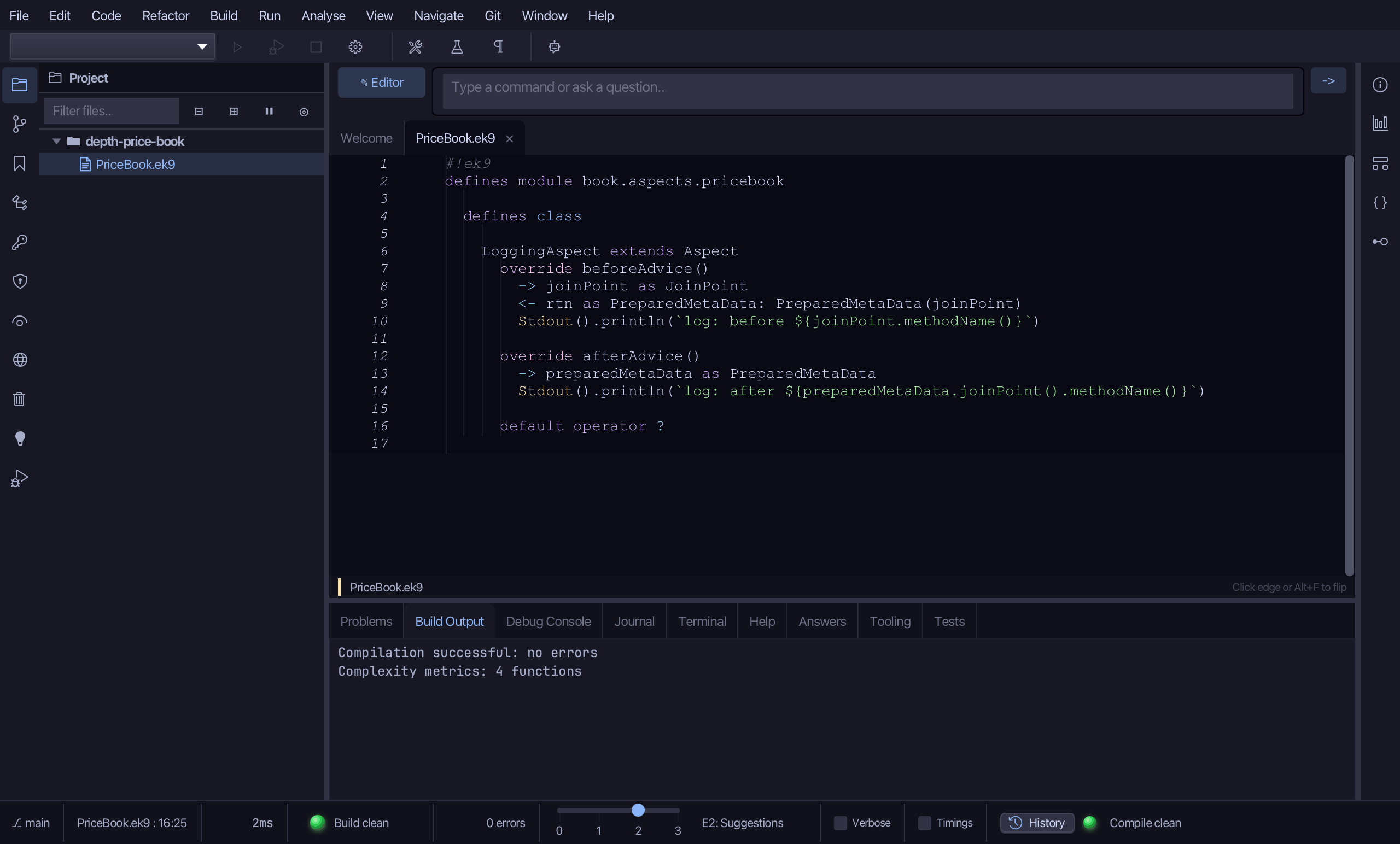
The lesson builds this program from a file holding only its module line - the finished file, as the book prints it.
#!ek9
defines module book.aspects.pricebook

  defines class

    LoggingAspect extends Aspect
      override beforeAdvice()
        -> joinPoint as JoinPoint
        <- rtn as PreparedMetaData: PreparedMetaData(joinPoint)
        Stdout().println(`log: before ${joinPoint.methodName()}`)

      override afterAdvice()
        -> preparedMetaData as PreparedMetaData
        Stdout().println(`log: after ${preparedMetaData.joinPoint().methodName()}`)

      default operator ?

    TimerData extends PreparedMetaData
      started as Millisecond?

      default private TimerData()

      TimerData()
        ->
          started as Millisecond
          joinPoint as JoinPoint

        super(joinPoint)
        this.started: started

      started()
        <- rtn as Millisecond: started

      default operator ?
      default operator $
      default operator :=:
      default operator <=>

    TimerAspect extends Aspect
      clock as Clock?

      default private TimerAspect()

      TimerAspect()
        -> clock as Clock
        this.clock: clock

      override beforeAdvice()
        -> joinPoint as JoinPoint
        <- rtn as TimerData: TimerData(clock.millisecond(), joinPoint)

      afterAdvice()
        -> timerData as TimerData
        elapsed <- clock.millisecond() - timerData.started()
        Stdout().println(`timer: ${timerData.joinPoint().methodName()} took ${elapsed}`)

      default operator ?

    StandStillClock with trait of Clock
      override millisecond() as pure
        <- rtn as Millisecond: 1000ms

  defines component

    PriceBook as abstract
      priceOf() as abstract
        -> item as String
        <- rtn as Money?

      reload() as abstract

    SimplePriceBook is PriceBook
      override priceOf()
        -> item as String
        <- rtn as Money: 12.50#GBP

      override reload()
        Stdout().println("  (price book reloaded)")

  defines application

    shopApp
      register SimplePriceBook() as PriceBook with aspect of LoggingAspect(), TimerAspect(StandStillClock())

  defines program

    Shop() with application of shopApp
      stdout <- Stdout()
      prices as PriceBook!

      stdout.println("-- a call that returns a value")
      stdout.println(`kettle: ${prices.priceOf("kettle")}`)

      stdout.println("-- a call that returns nothing")
      prices.reload()
Step 1: LoggingAspect — a class
Choose Code > New Construct > Class…
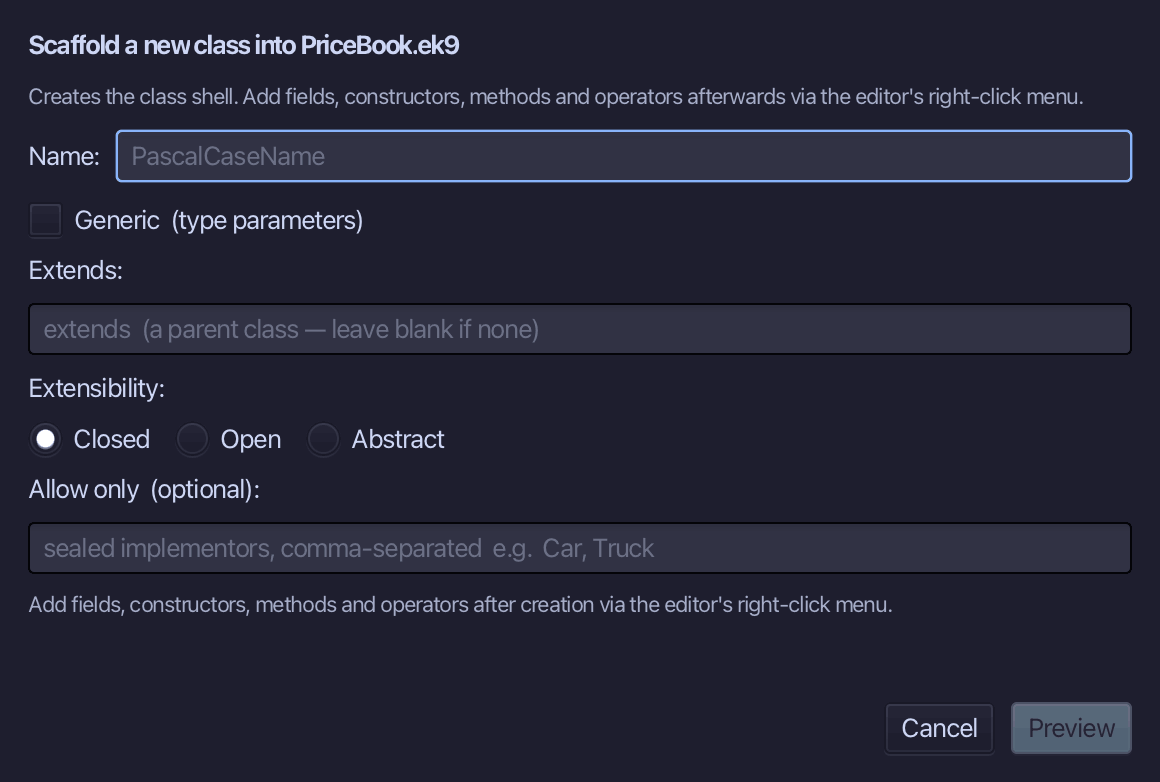
LoggingAspect is the class's name. An aspect is a class that extends Aspect - no annotation, no pointcut language. Type Aspect into Extends. Choose Preview.
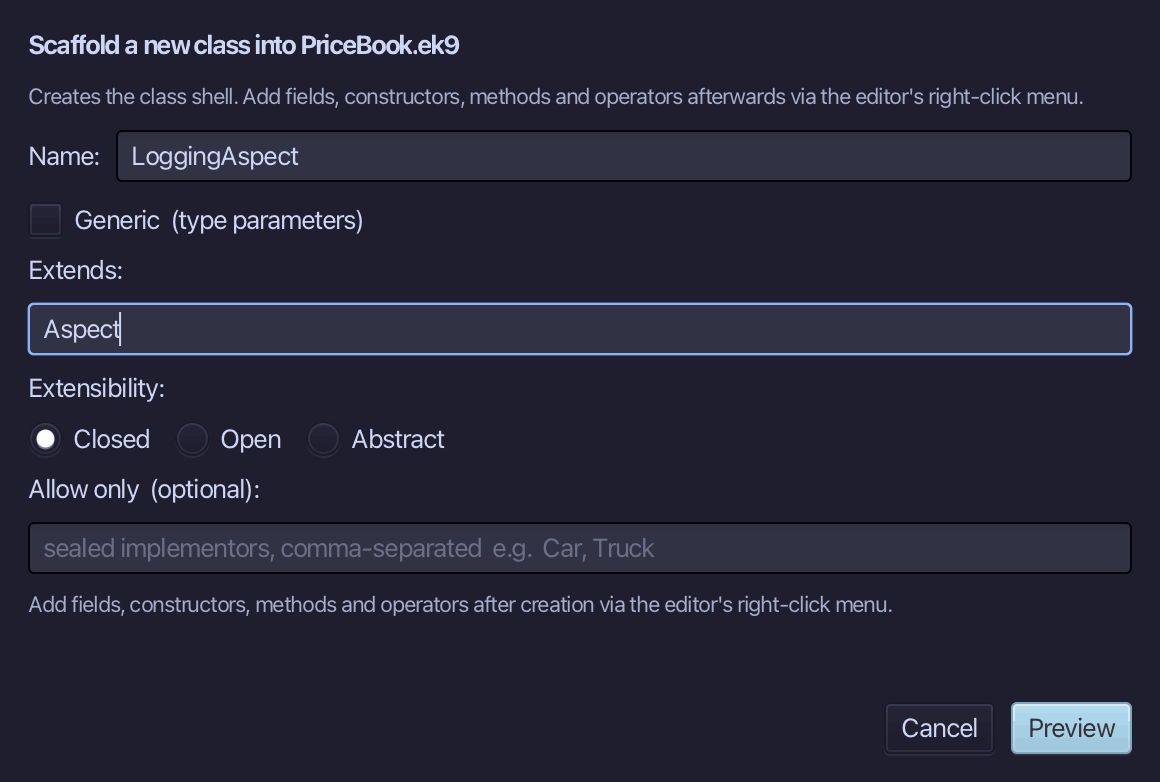
The preview shows LoggingAspect about to be written - and, if Aspect owes any methods, an override stub for each. Choose Apply.
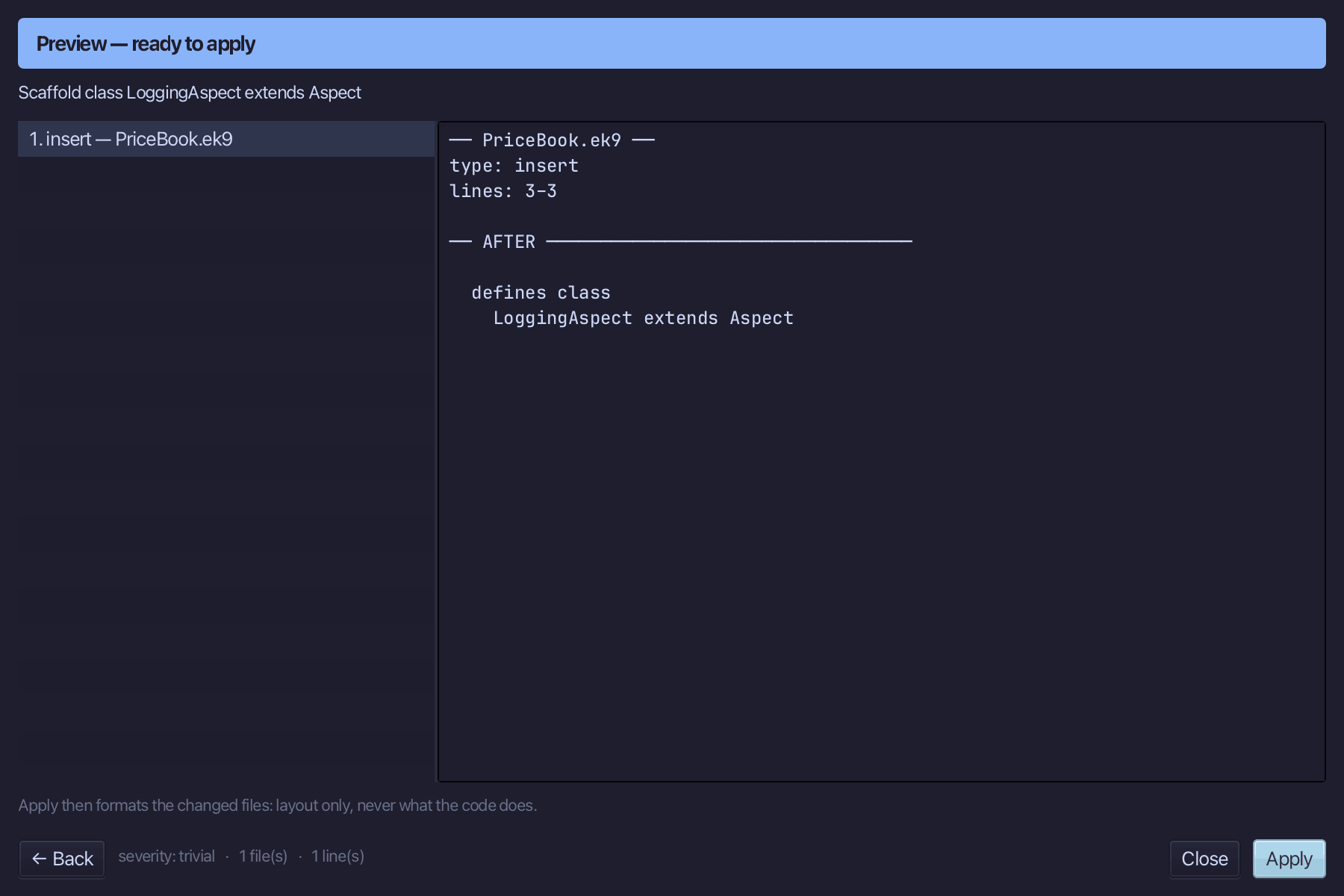
Select the LoggingAspect line and, above it, type the blank line the book opens the block with. Saves when typed.
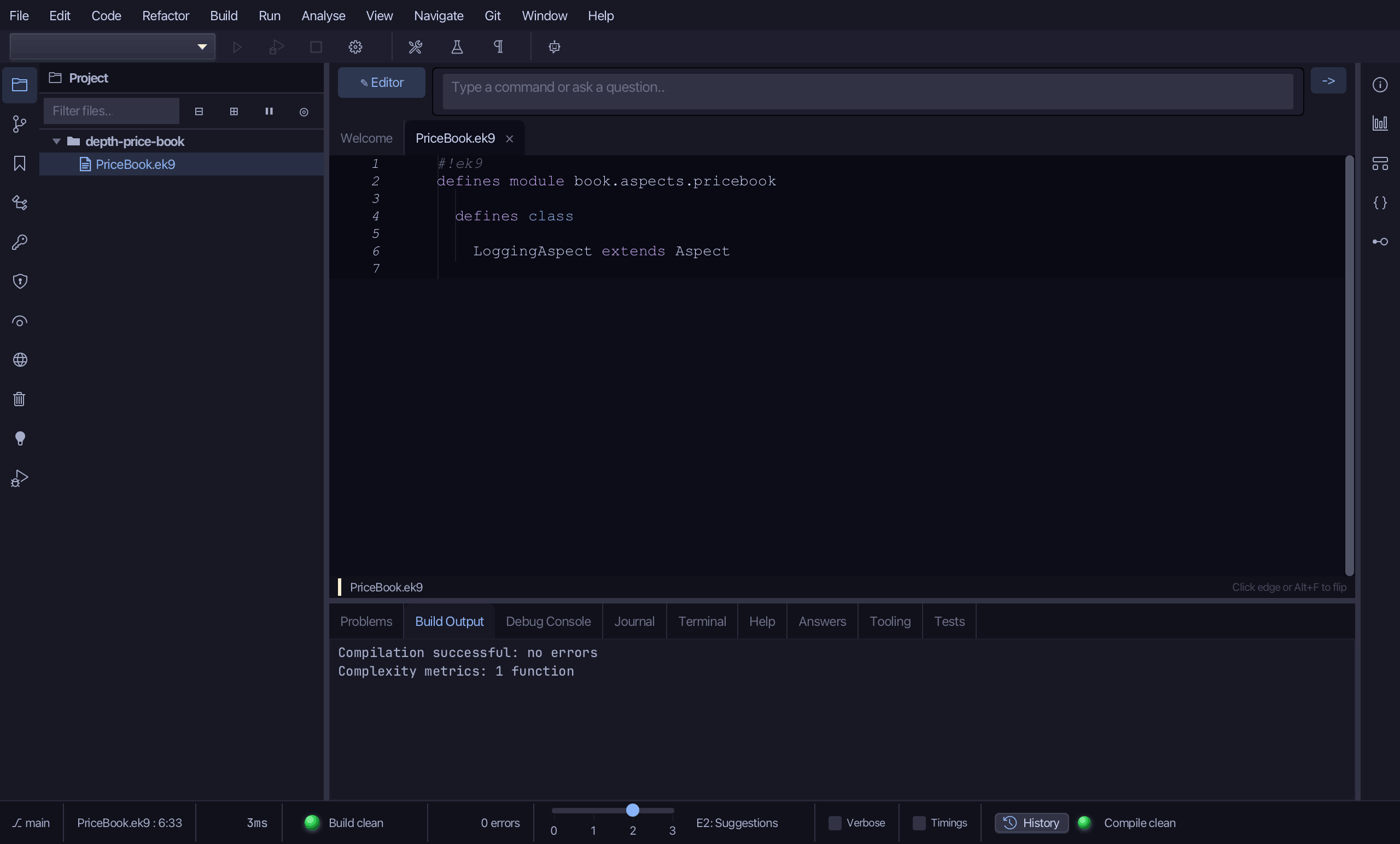
Right-click the LoggingAspect line and choose Add Method…
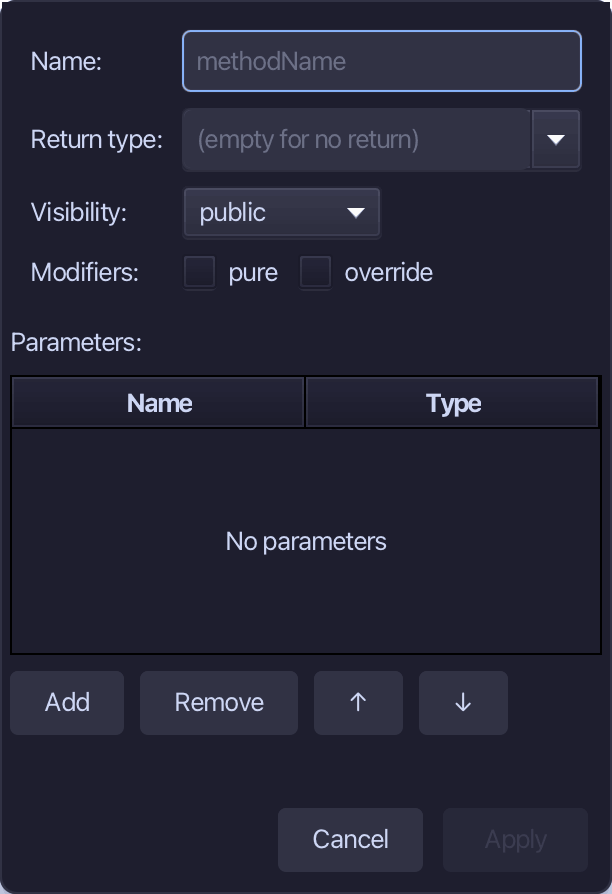
beforeAdvice is the method's name. It runs before each call and is handed a JoinPoint - which component and which method - and it answers with a PreparedMetaData that afterAdvice receives. Aspect already has it, so it is an override. Add one parameter, joinPoint of type JoinPoint, set Return type to PreparedMetaData and tick override. Choose Apply.
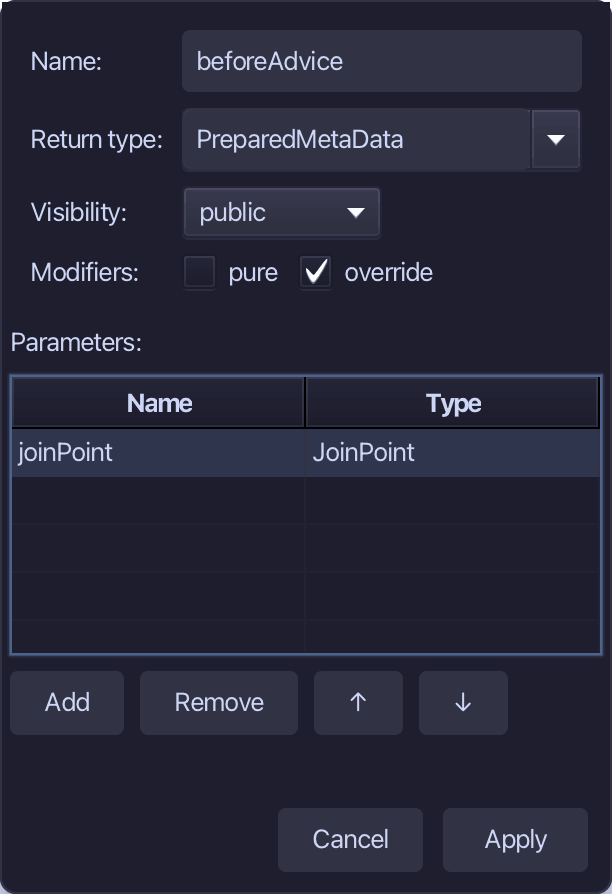
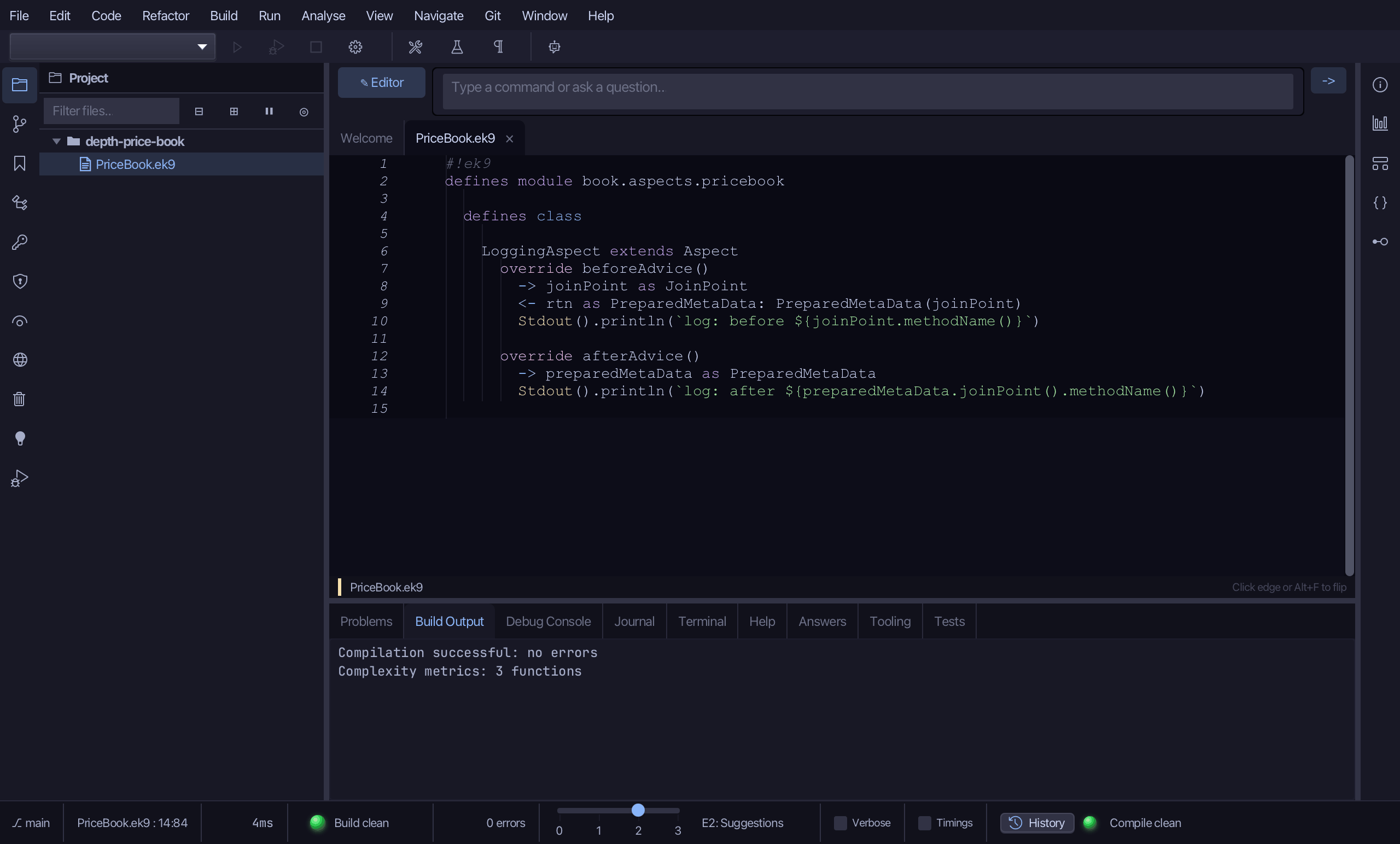
Select the stub and type the advice: log the method about to run. Saves when typed.
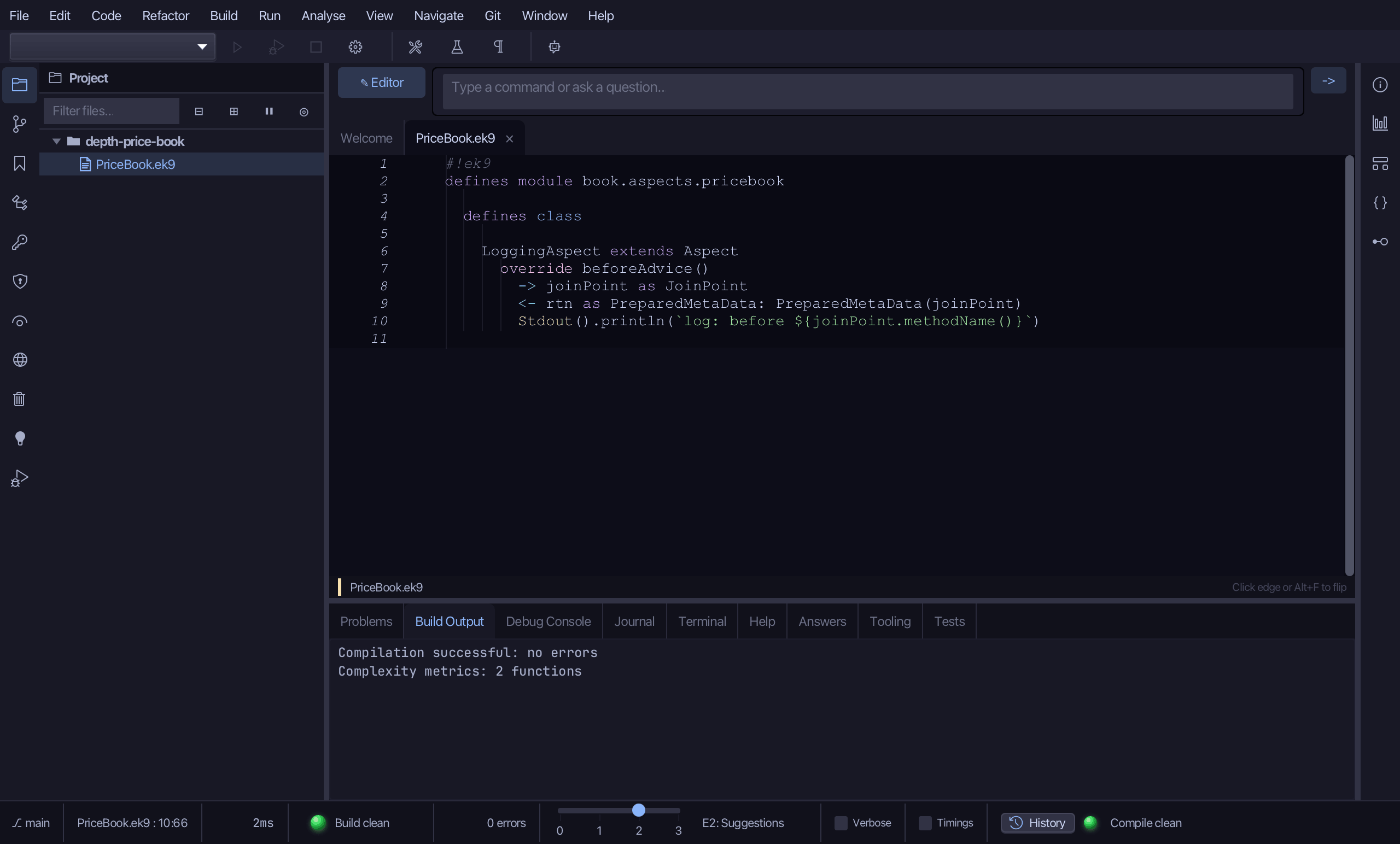
Right-click the LoggingAspect line and choose Add Method…
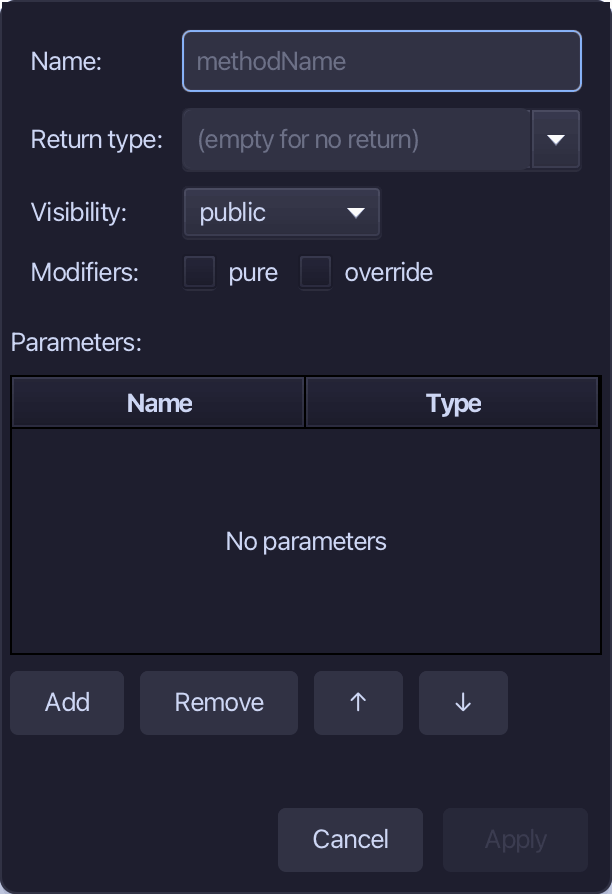
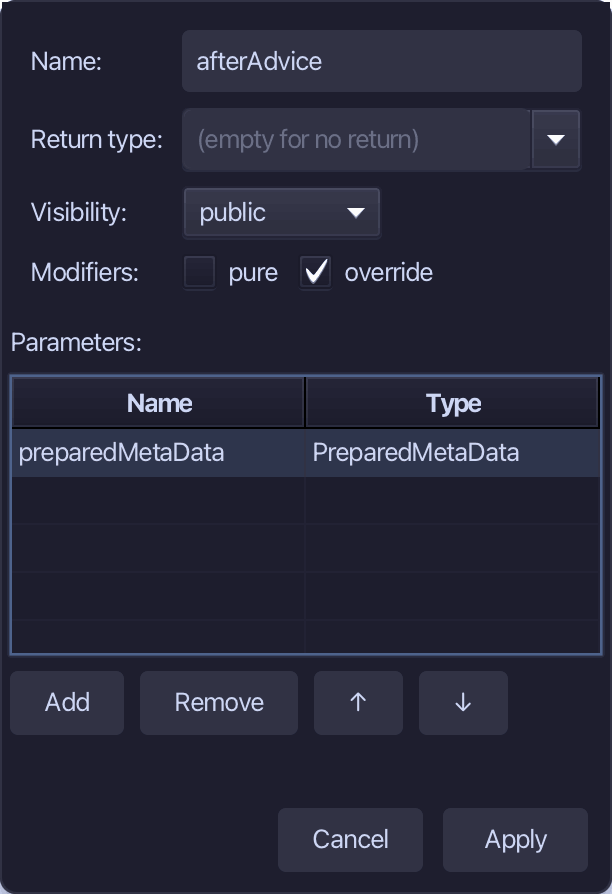
afterAdvice is the method's name. It runs after the call and is handed that PreparedMetaData back. Aspect already has it, so it is an override. Add one parameter, preparedMetaData of type PreparedMetaData and tick override. Choose Apply.
Select the stub and type the advice: log the method that finished. Saves when typed.
Right-click the LoggingAspect line and choose Add Operator > ? (isSet) > default - the compiler writes the operator from the fields. The aspect holds nothing - but a class must still say when it counts as set.
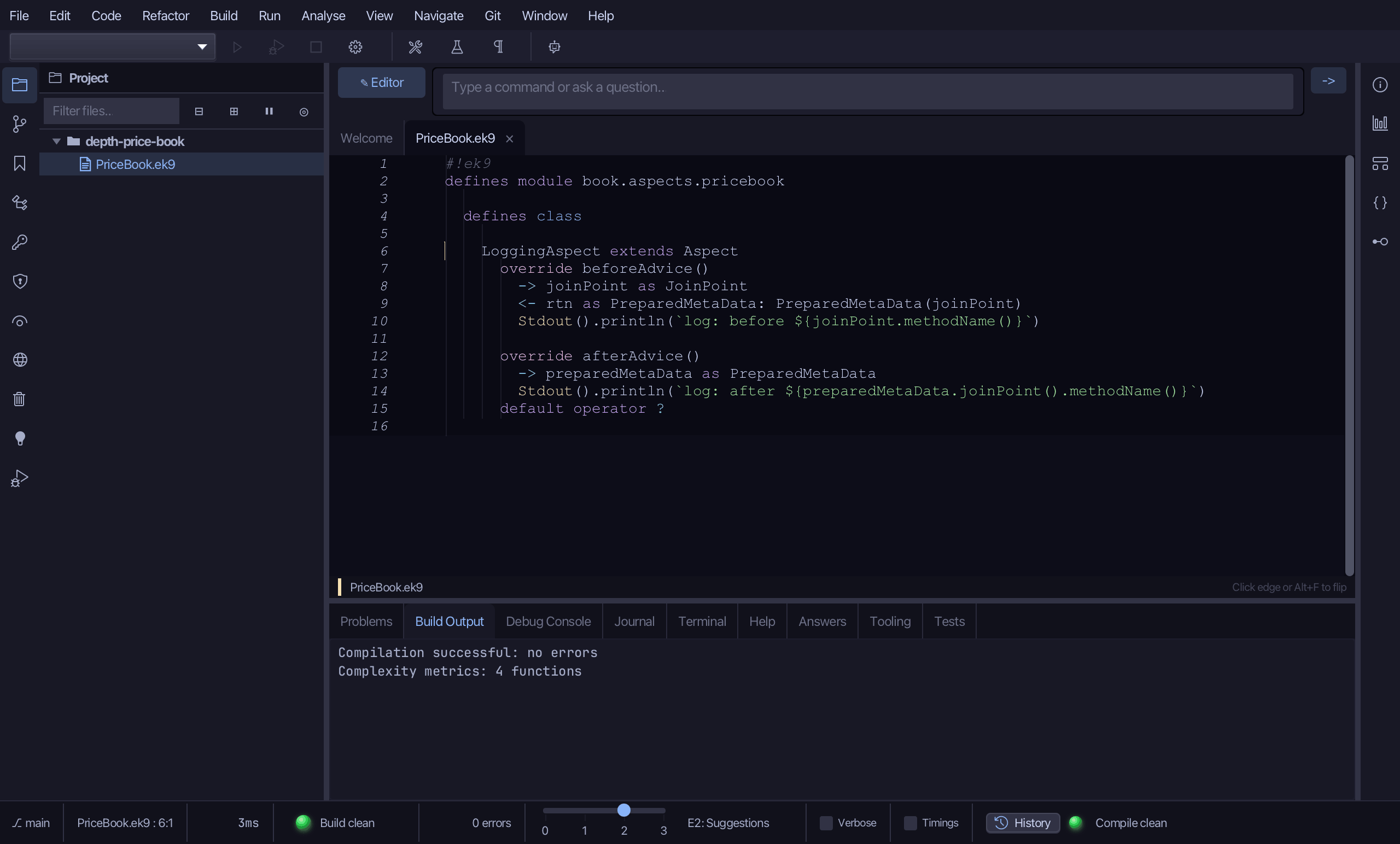
Select the default operator line and, above it, type the blank line the book keeps there. Saves when typed.
Step 2: TimerData — a class
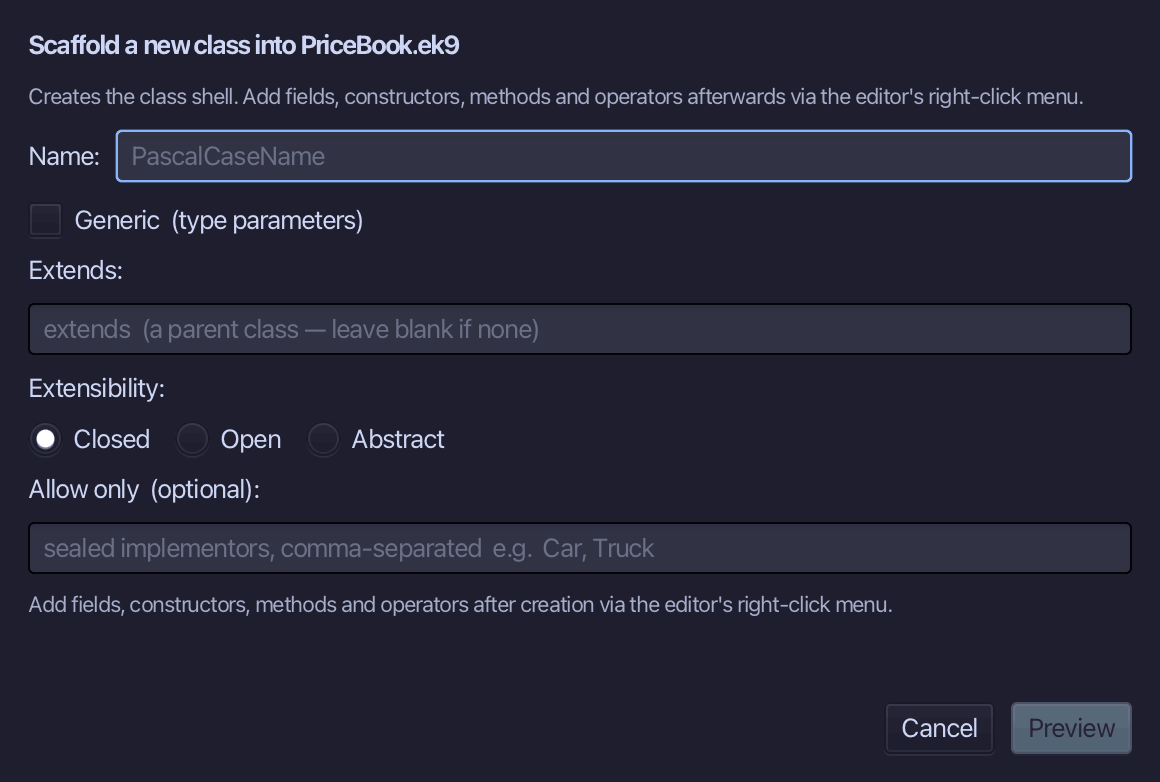
Choose Code > New Construct > Class…
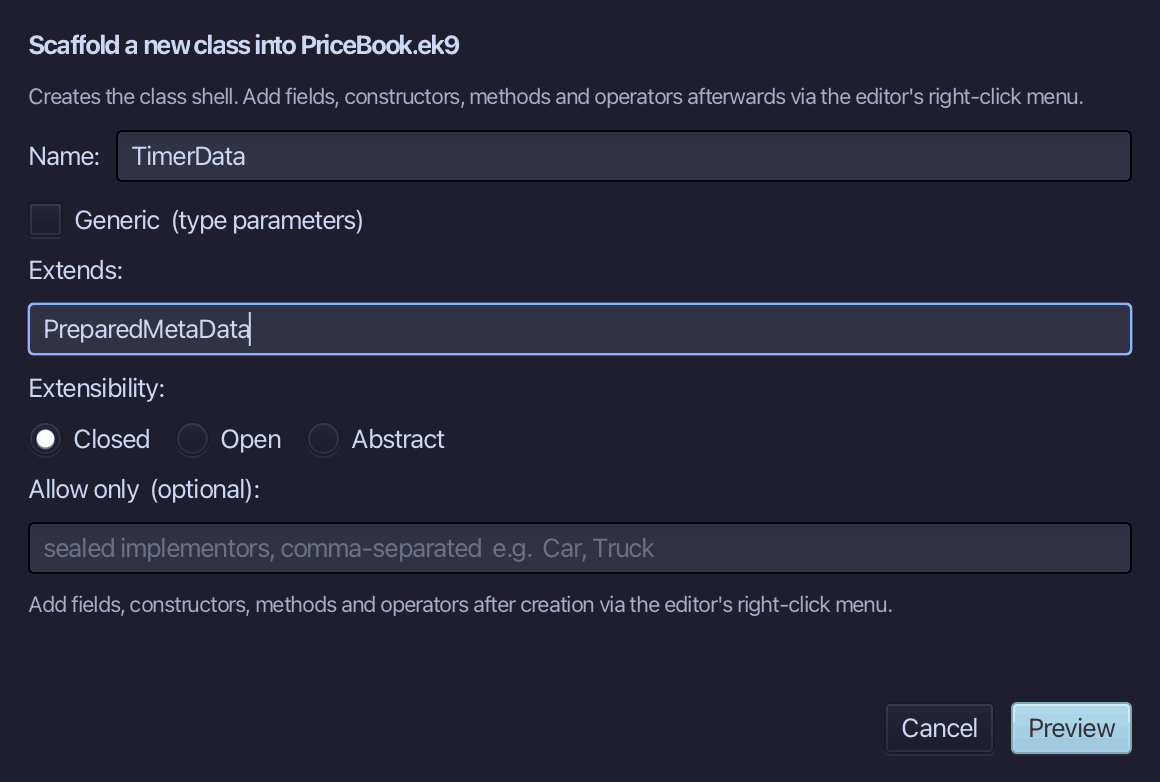
TimerData is the class's name. It is what the timer's before advice hands to its after advice: the PreparedMetaData, plus the moment the call began. Type PreparedMetaData into Extends. Choose Preview.
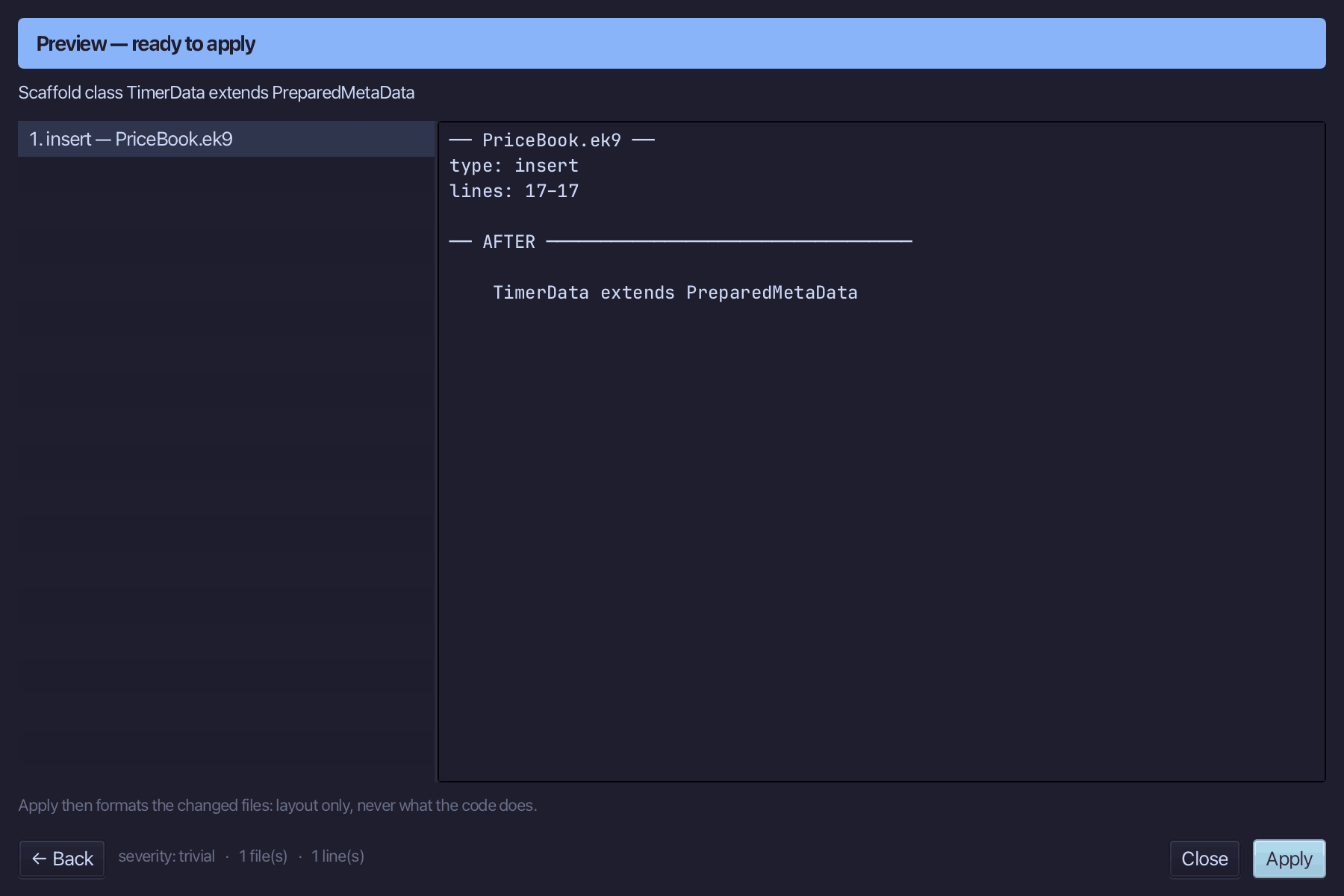
The preview shows TimerData about to be written - and, if PreparedMetaData owes any methods, an override stub for each. Choose Apply.
Right-click the TimerData line and choose Add Operator > <=> (compare) > default - the compiler writes the operator from the fields. A class that will hold a field must declare its own operators first, because it extends a class with its own. Each new operator lands above the last, so they are added in reverse of the order the book reads.
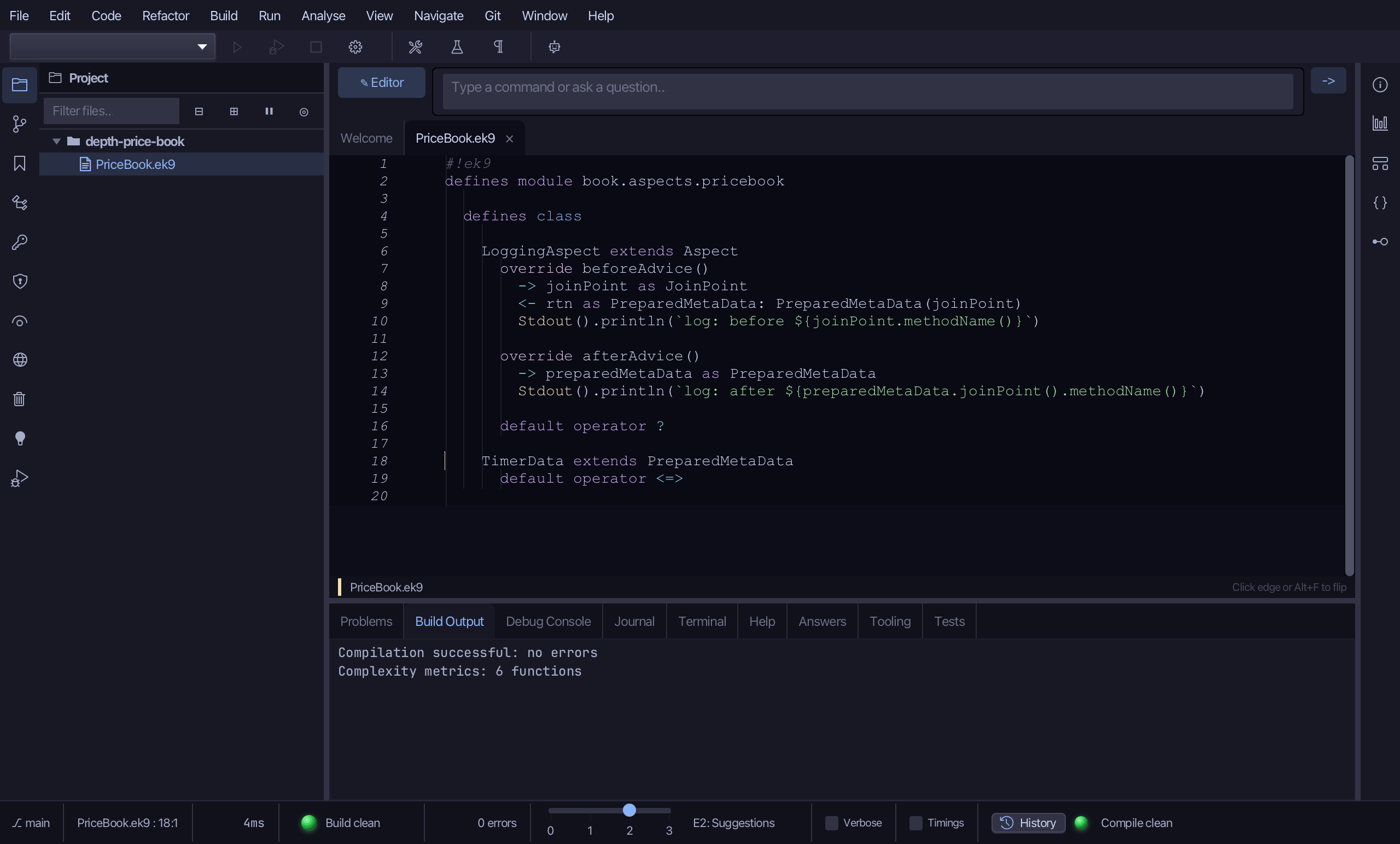
Right-click the TimerData line and choose Add Operator > :=: (copy) > default - the compiler writes the operator from the fields.
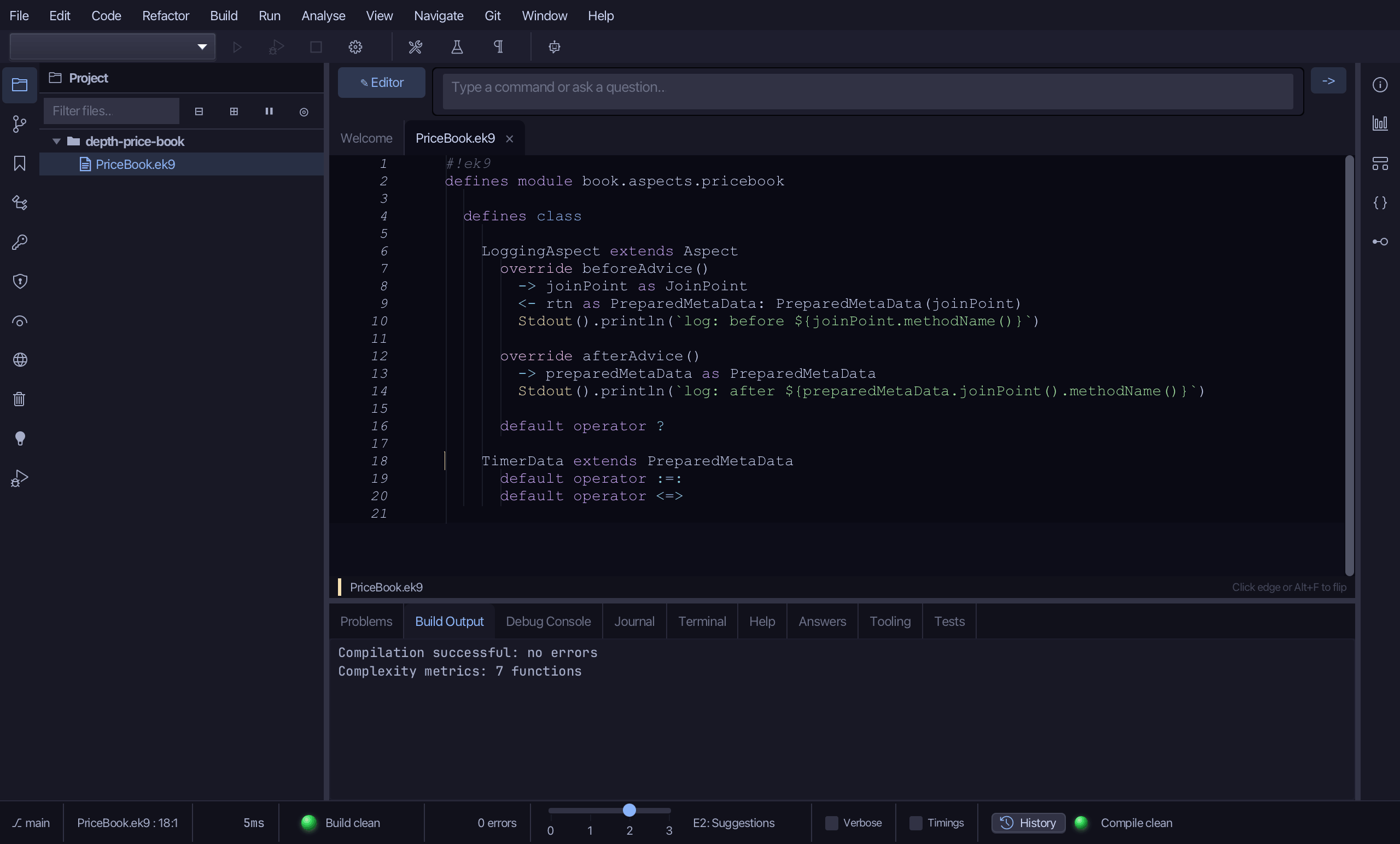
Right-click the TimerData line and choose Add Operator > $ (string) > default - the compiler writes the operator from the fields.
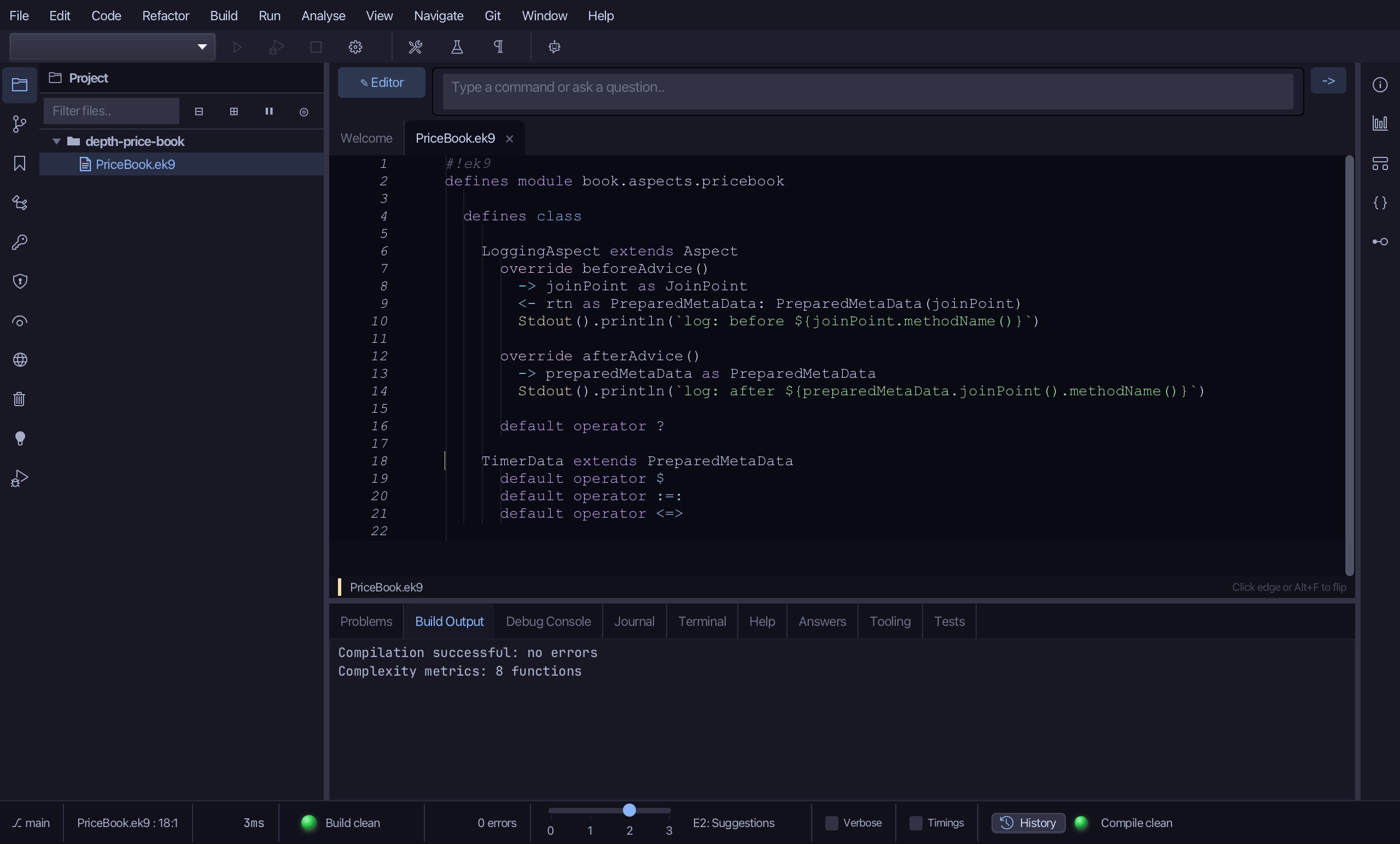
Right-click the TimerData line and choose Add Operator > ? (isSet) > default - the compiler writes the operator from the fields.
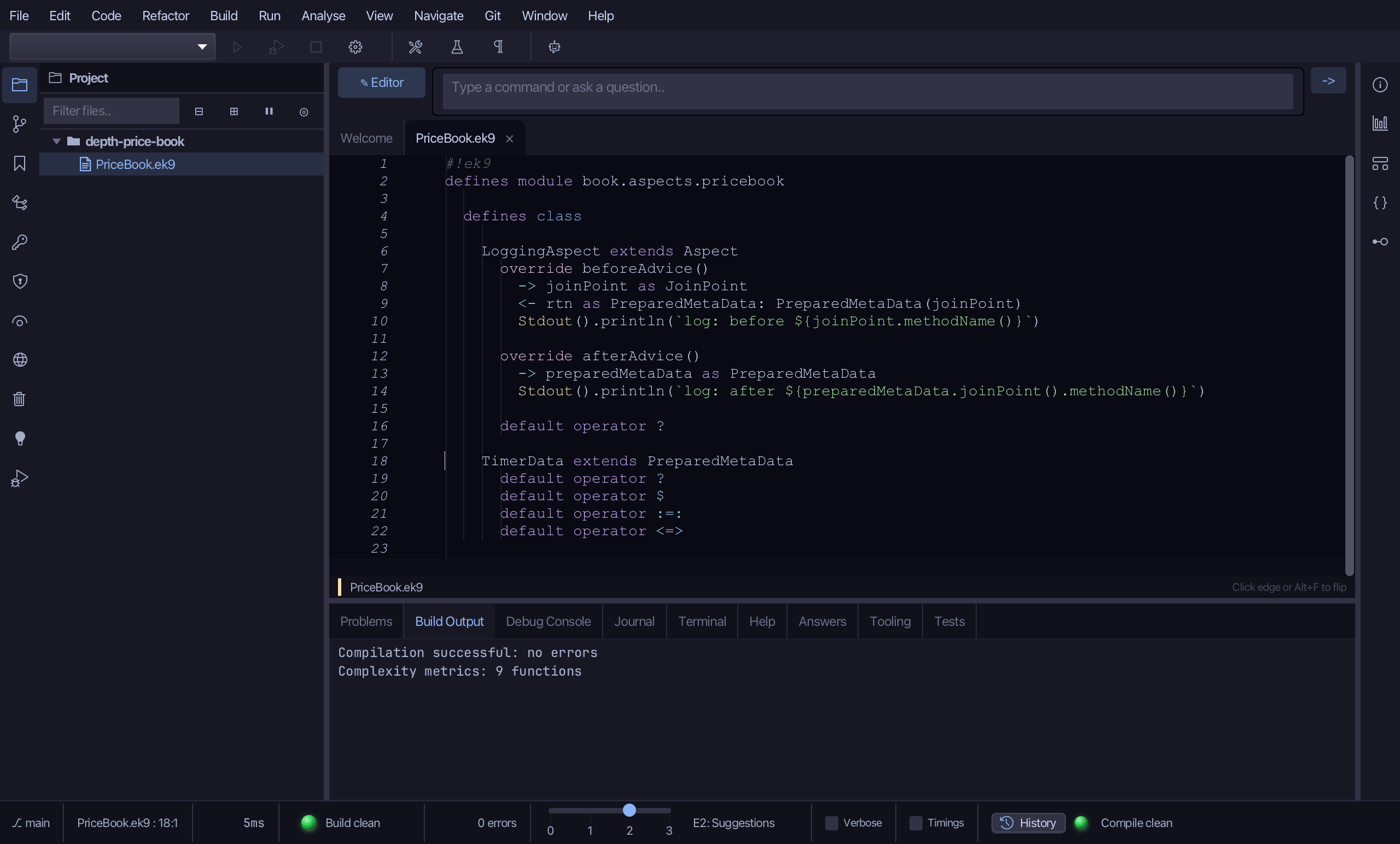
No tool writes a constructor that calls super, so type the pair under the header: the private default, and the constructor that passes the JoinPoint up and keeps the start time. They assign a field the next step declares. Saves when typed.
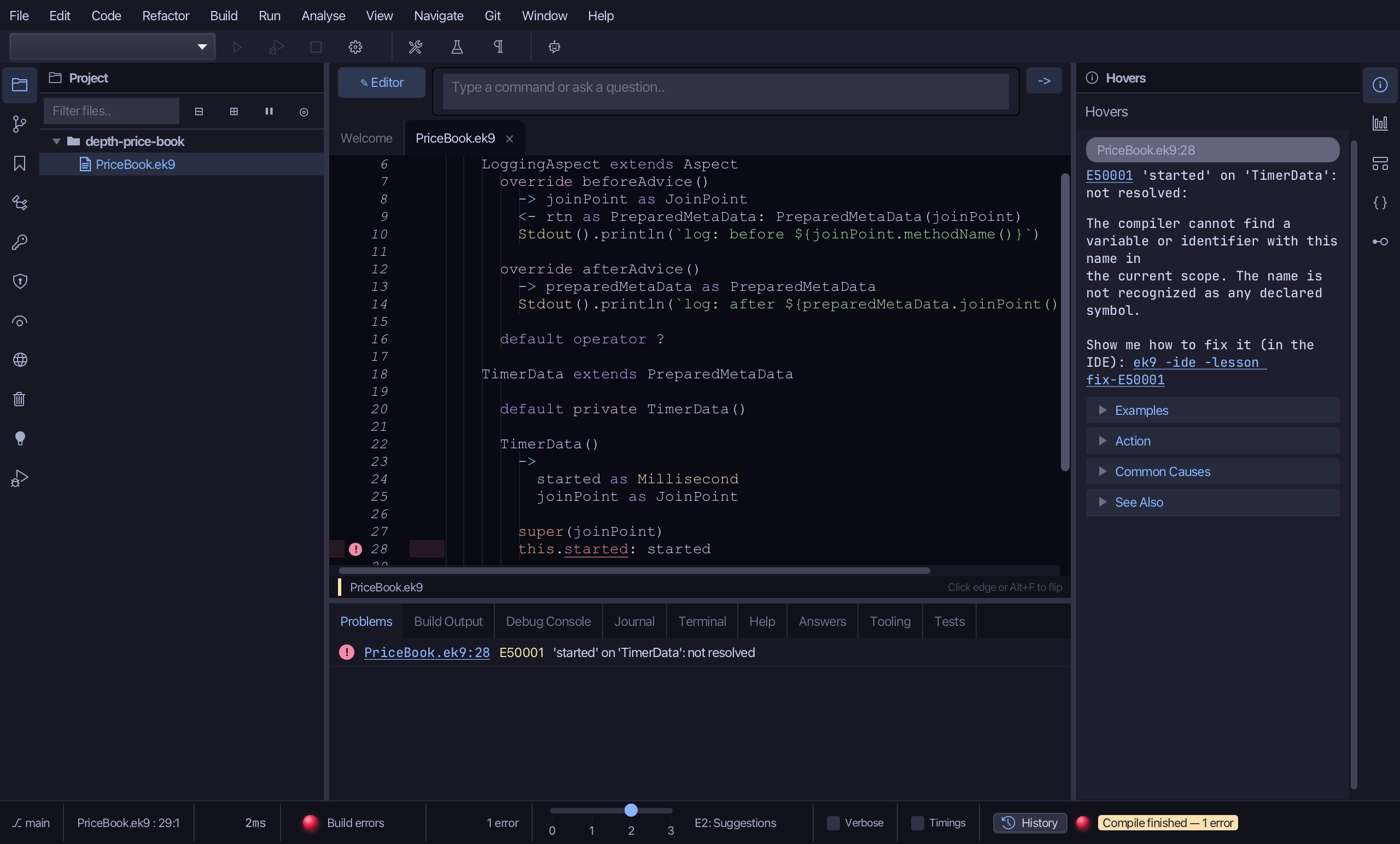
Right-click the TimerData line and choose Add Field…
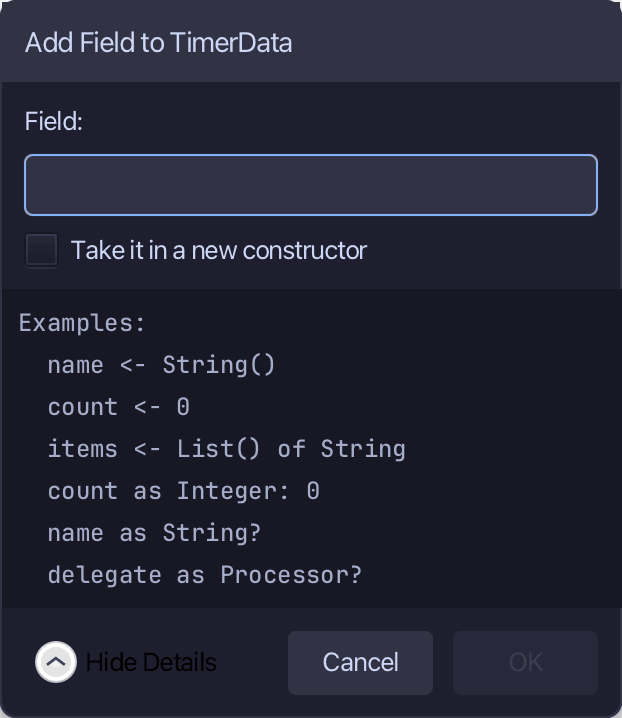
Type started as Millisecond?. The constructor assigns it, so it may be declared unset. Untick 'Take it in a new constructor' - the constructor is the book's own. Choose OK.
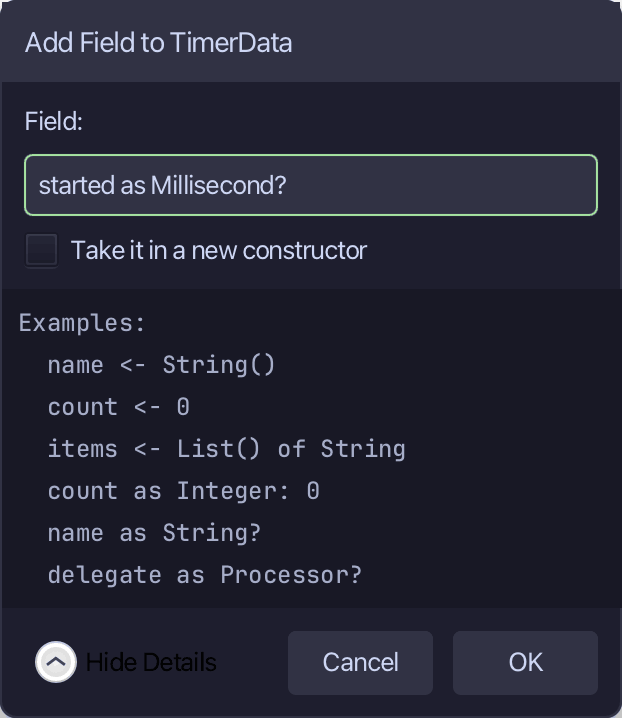
The preview shows started added. Choose Apply.
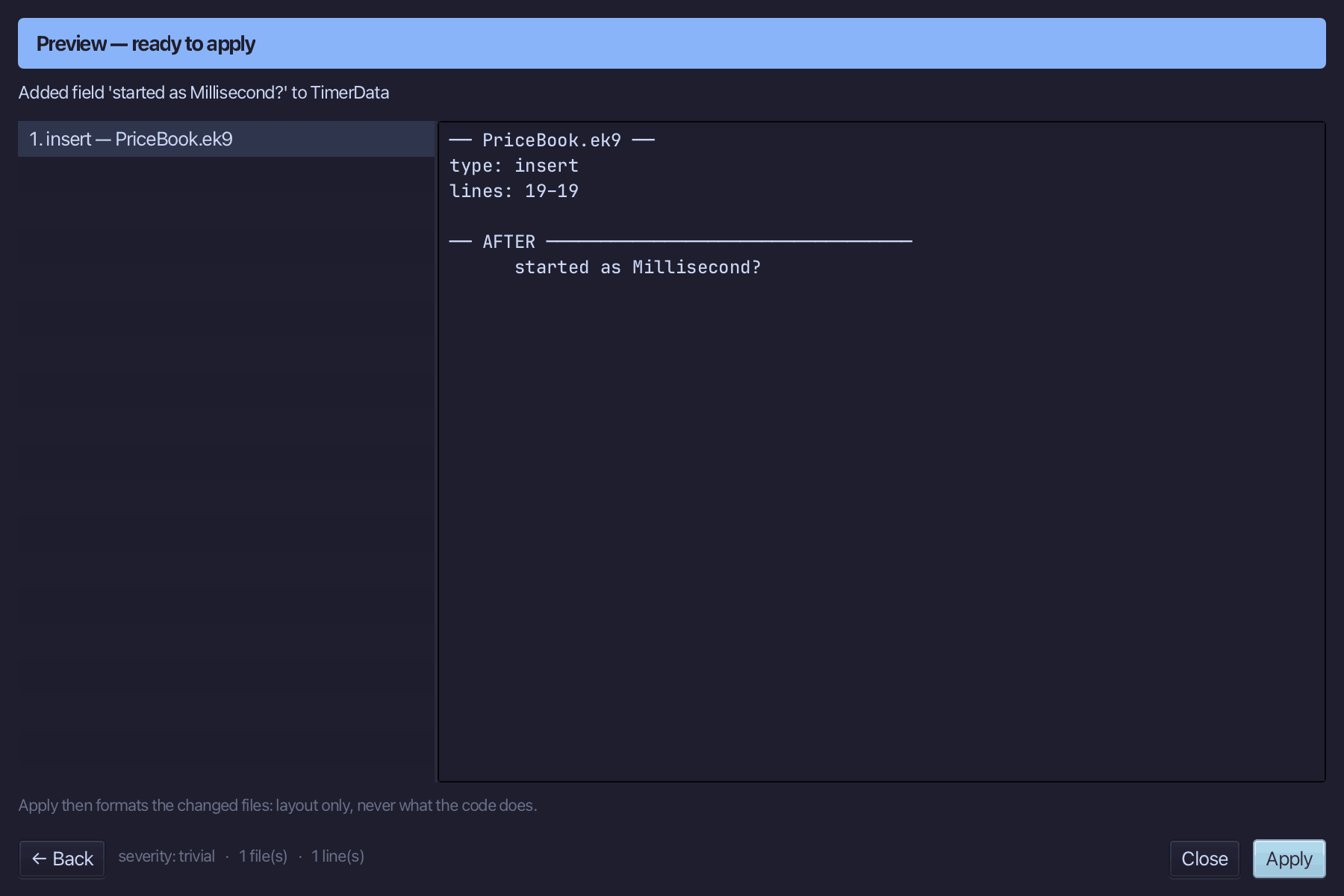
Right-click the TimerData line and choose Add Method…
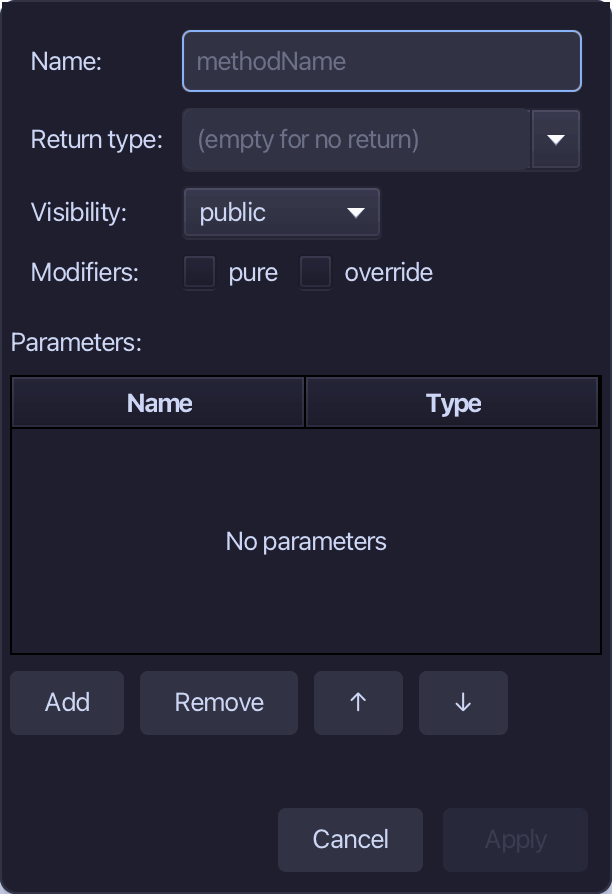
started is the method's name. It answers with the Millisecond the call began. Set Return type to Millisecond. Choose Apply.
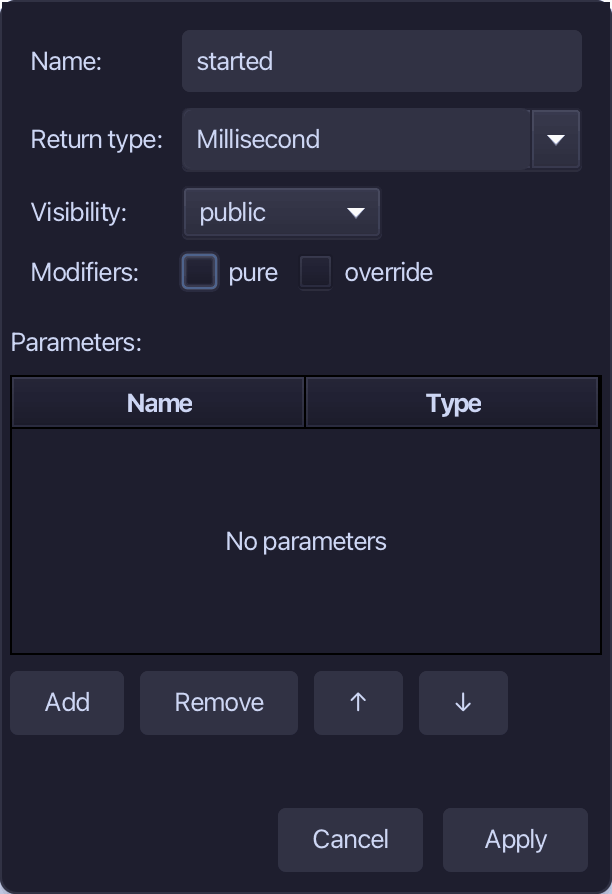
Select the stub and type the answer: the field itself. Saves when typed.
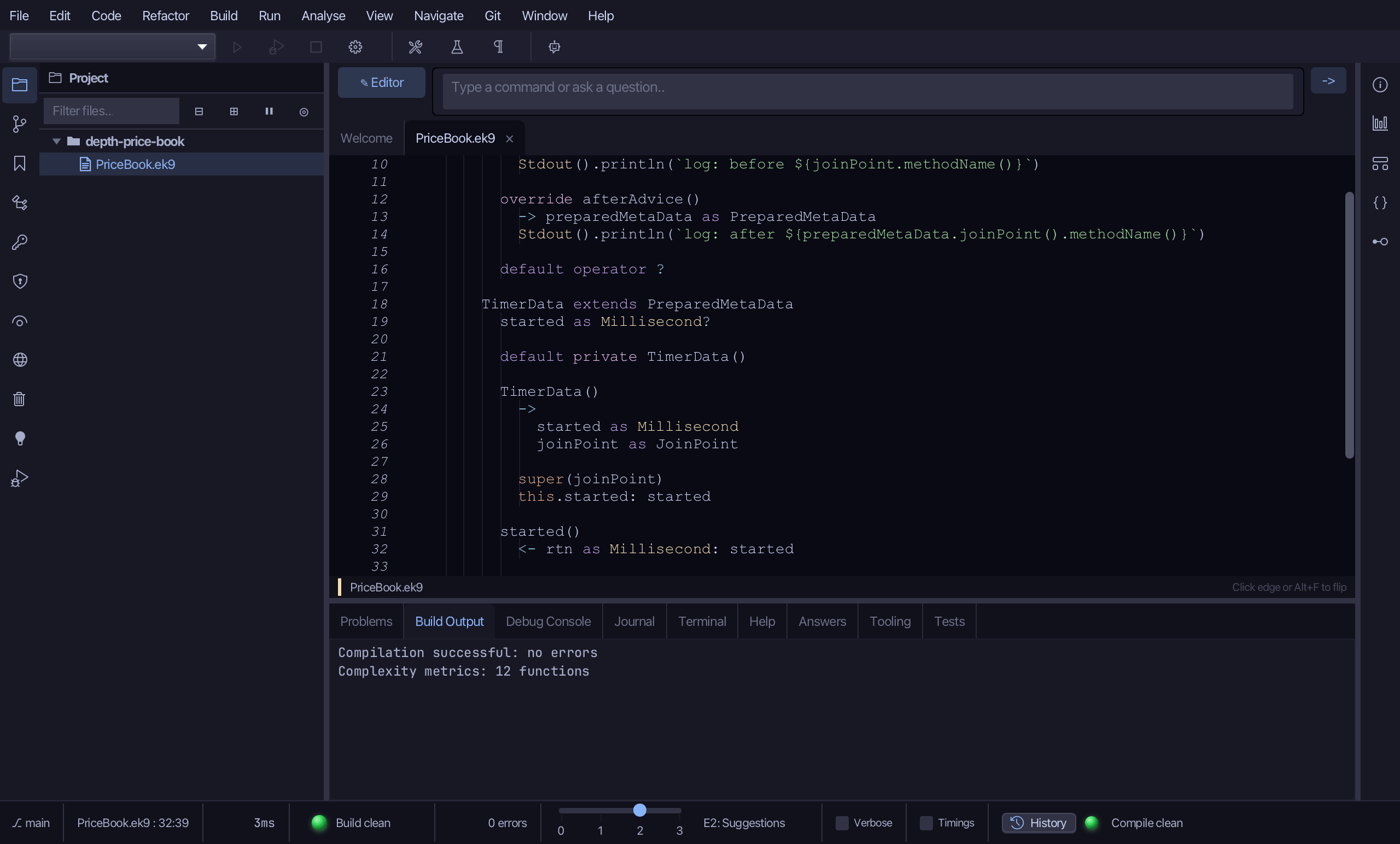
Step 3: TimerAspect — a class
Choose Code > New Construct > Class…
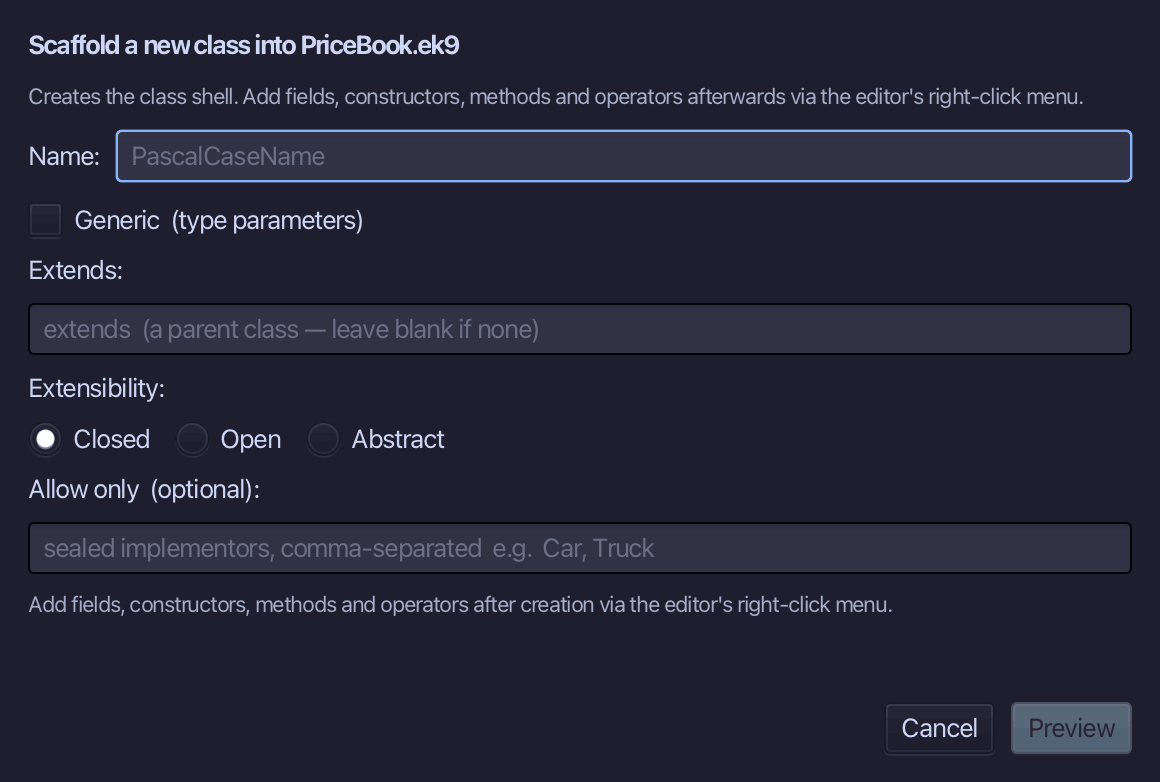
TimerAspect is the class's name. It times each call. It is given a Clock, so a test can supply one that stands still. Type Aspect into Extends. Choose Preview.
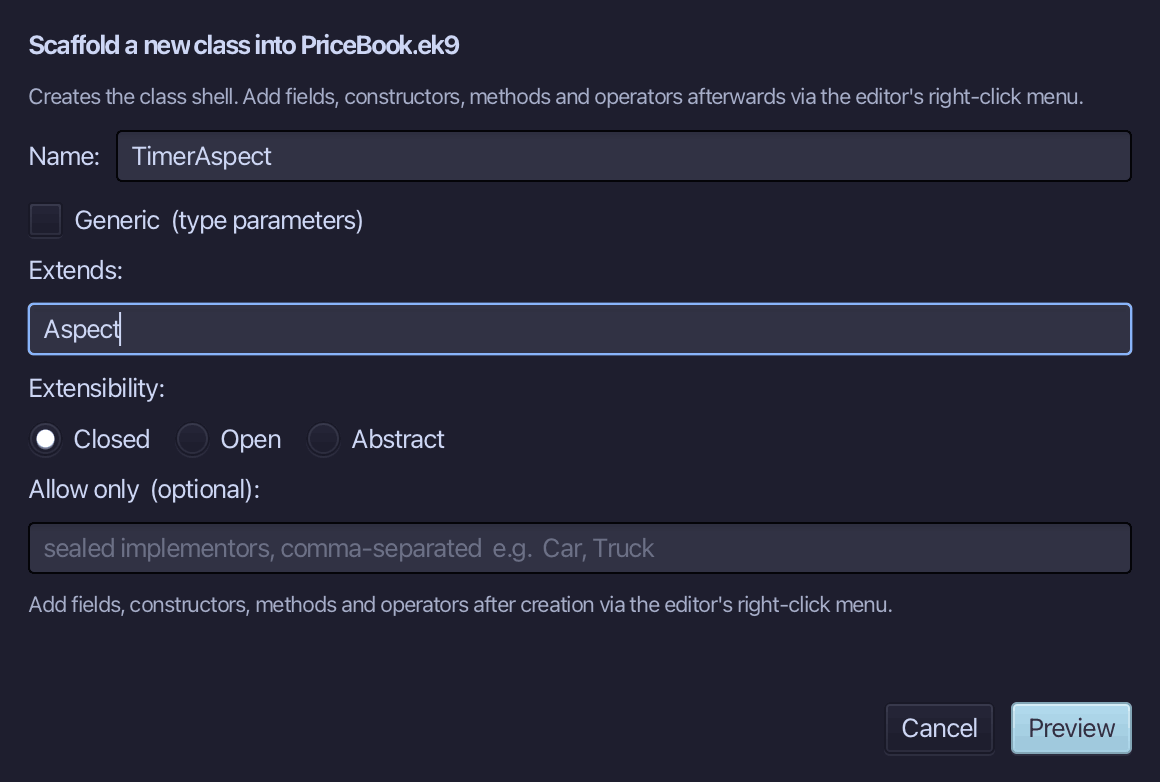
The preview shows TimerAspect about to be written - and, if Aspect owes any methods, an override stub for each. Choose Apply.
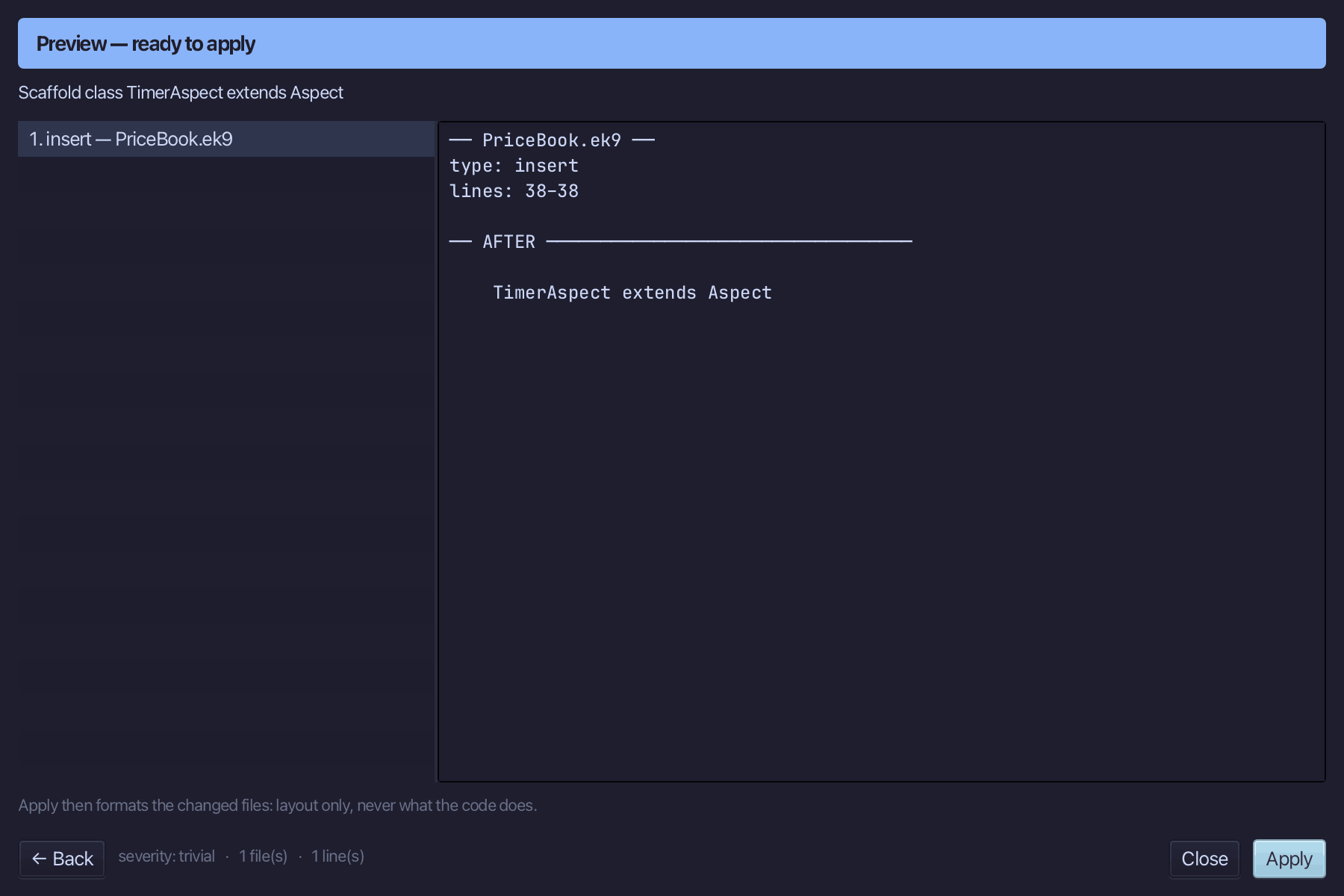
Type the constructor pair under the header: the private default, and the constructor that takes the Clock. Saves when typed.
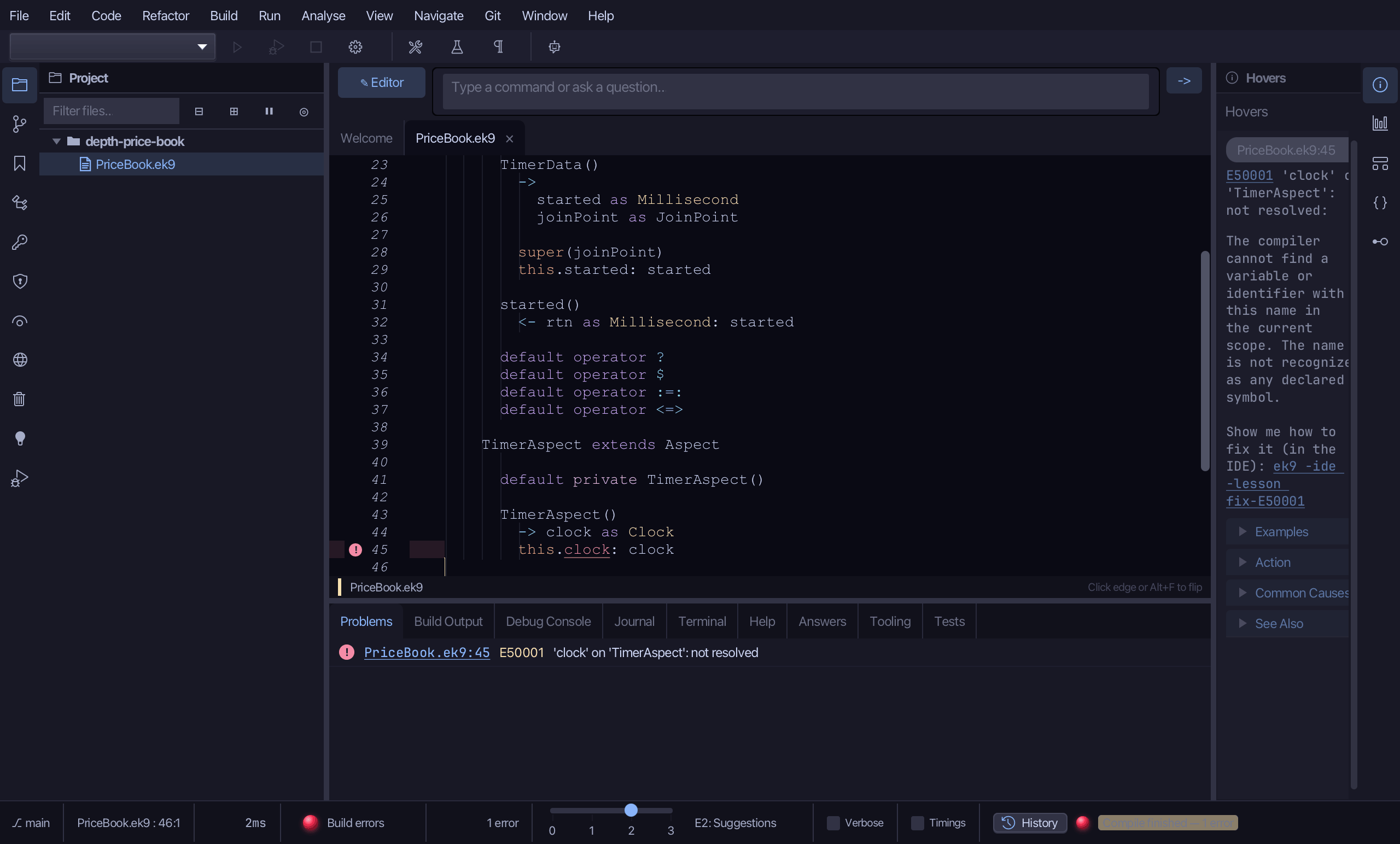
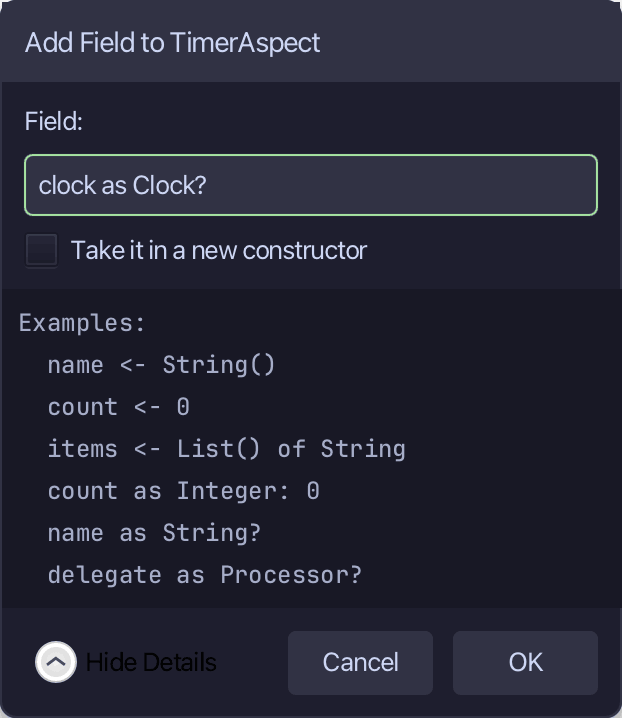
Right-click the TimerAspect line and choose Add Field…
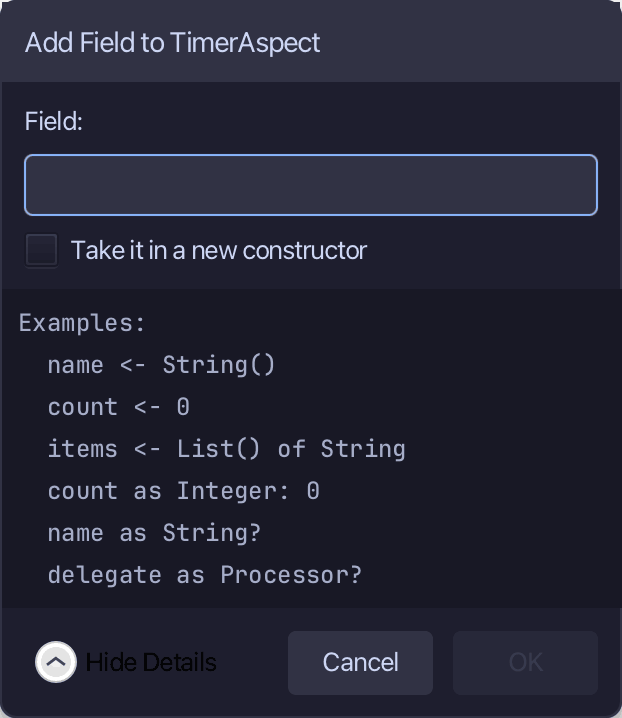
Type clock as Clock?. The constructor assigns it. Untick 'Take it in a new constructor' - the constructor is the book's own. Choose OK.
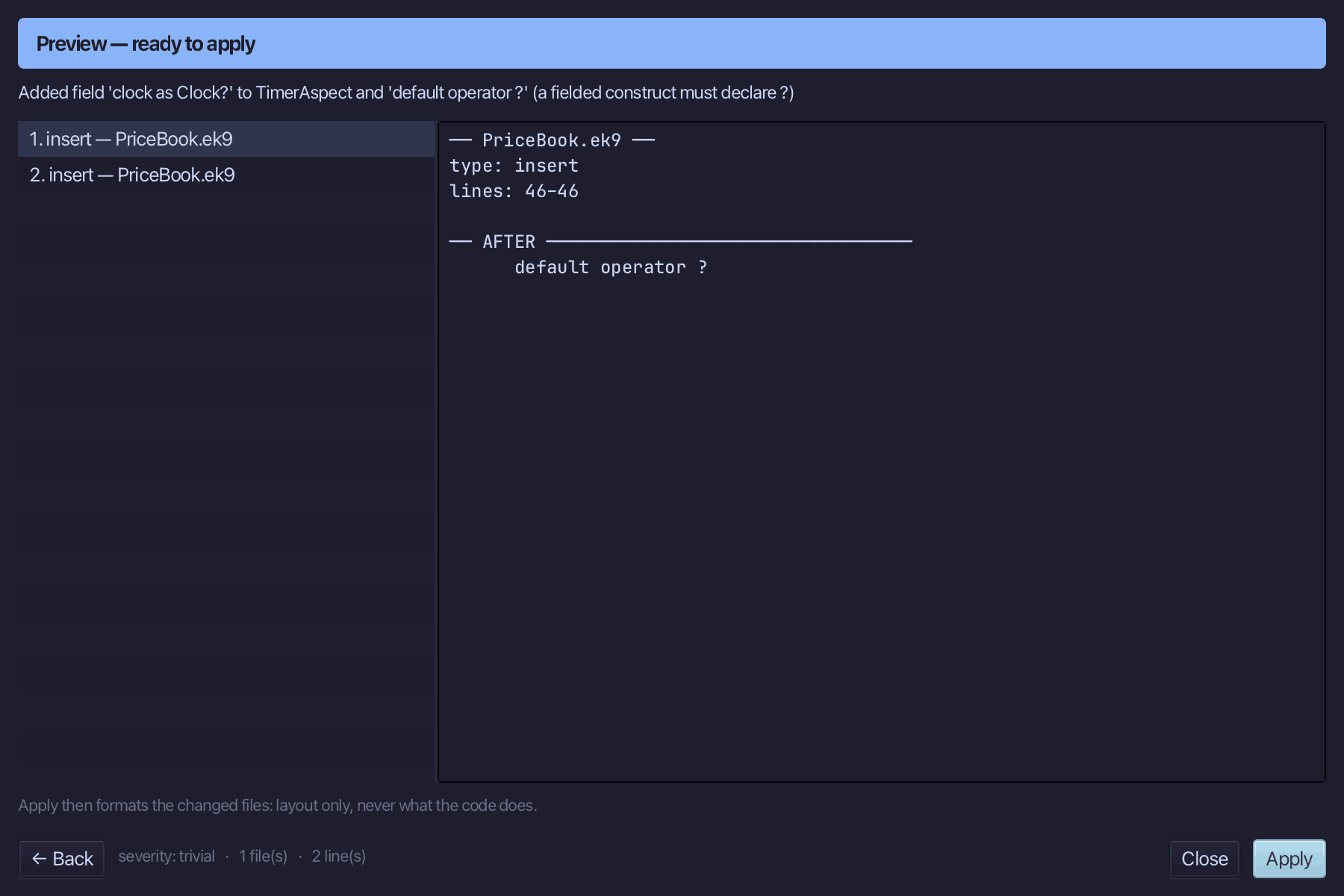
The preview shows clock added - and default operator ? with it, TimerAspect's first field. Choose Apply.
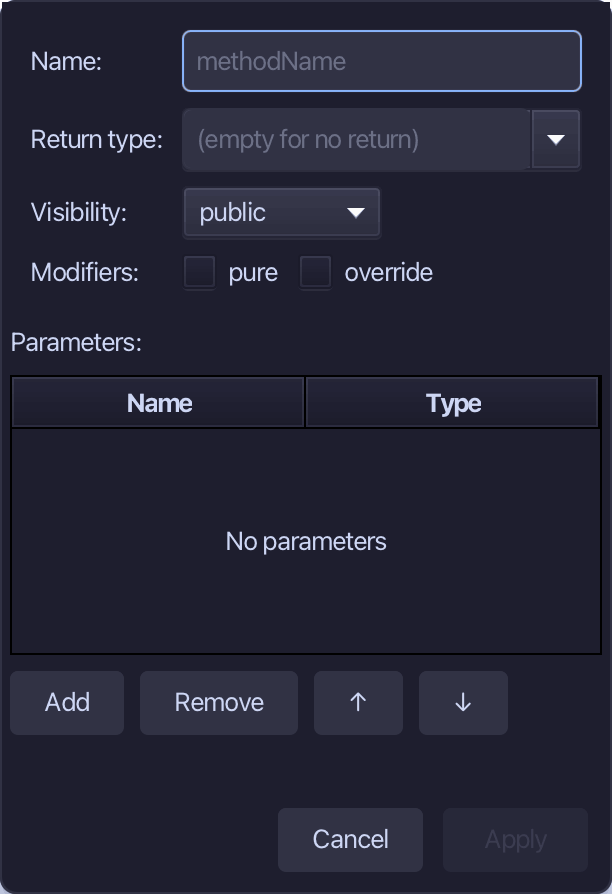
Right-click the TimerAspect line and choose Add Method…
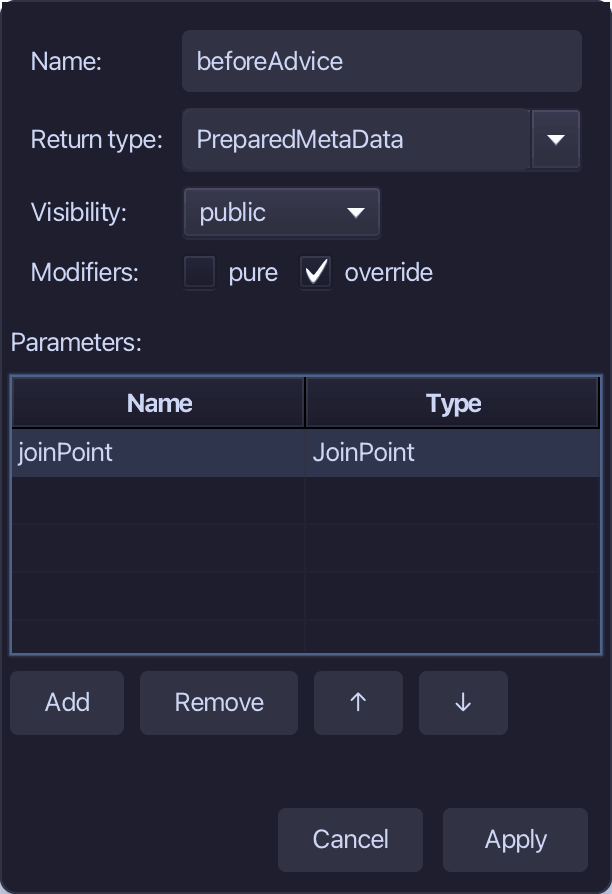
beforeAdvice is the method's name. It runs before each call and is handed a JoinPoint - which component and which method - and it answers with a PreparedMetaData that afterAdvice receives. Aspect already has it, so it is an override. (The stub is written with Aspect's own return type: TimerData's no-arg constructor is private, so the tool cannot write a placeholder TimerData for you.) Add one parameter, joinPoint of type JoinPoint, set Return type to PreparedMetaData and tick override. Choose Apply.
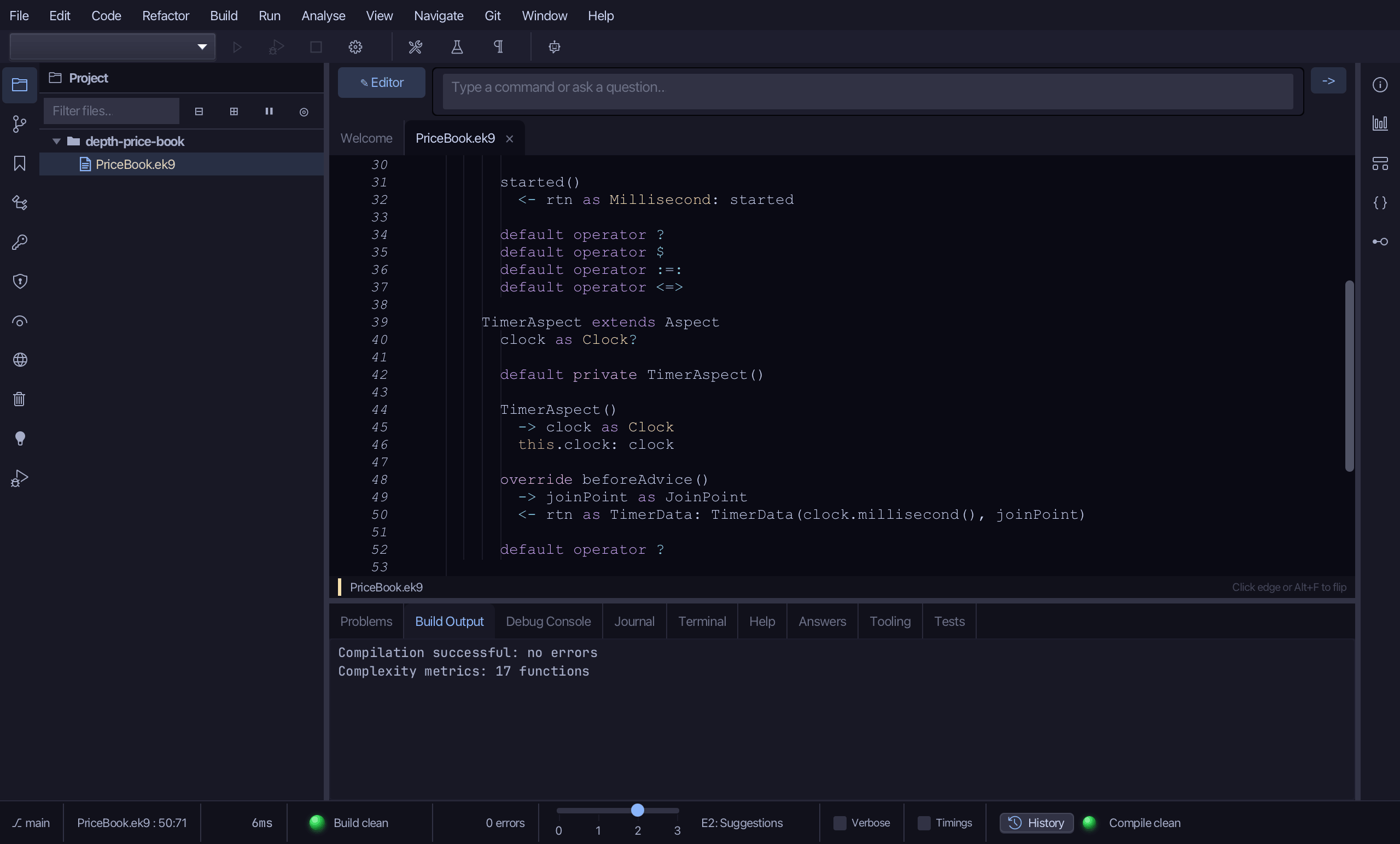
Select the stub and type the advice, narrowing the return to TimerData - a covariant return is allowed: note the time and hand it on. Saves when typed.
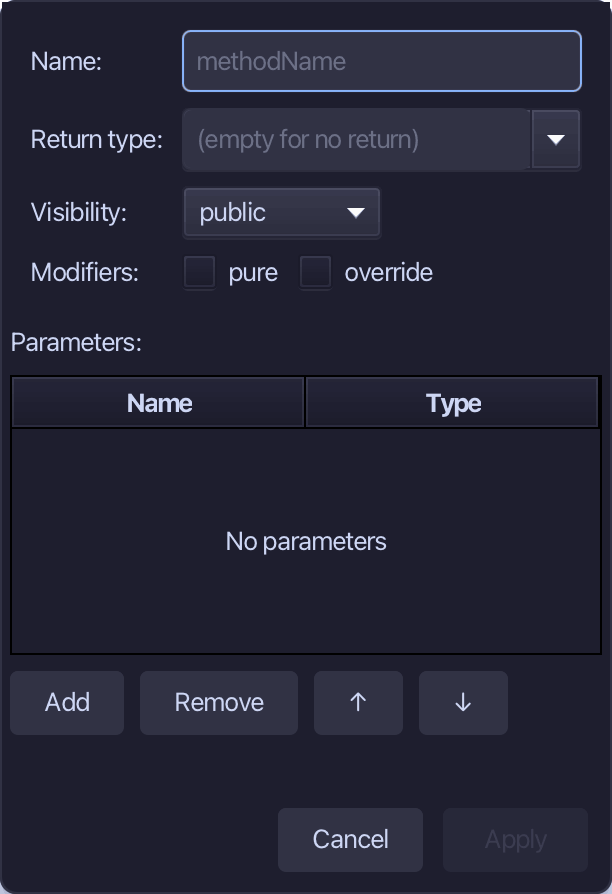
Right-click the TimerAspect line and choose Add Method…
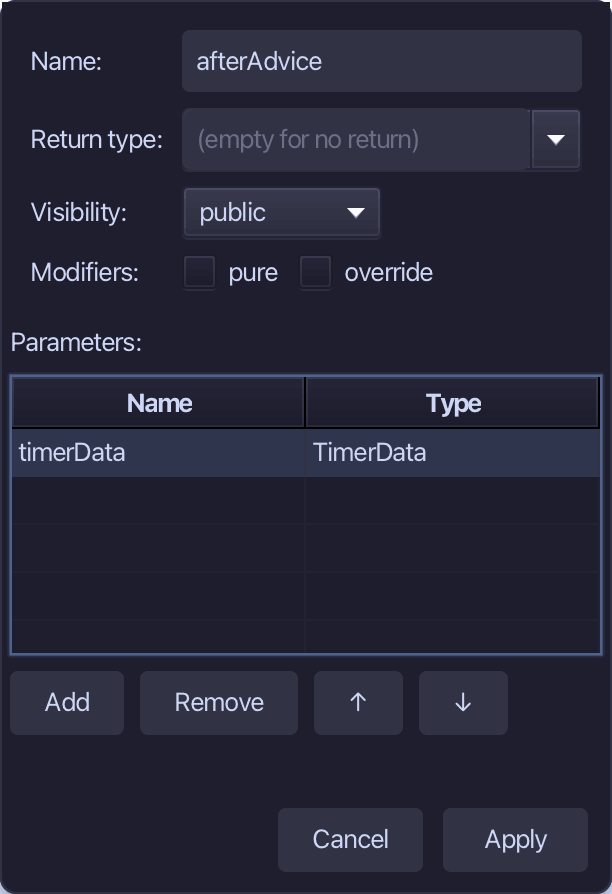
afterAdvice is the method's name. It takes the TimerData itself - the very object beforeAdvice returned, no cast - so it is not an override. Add one parameter, timerData of type TimerData. Choose Apply.
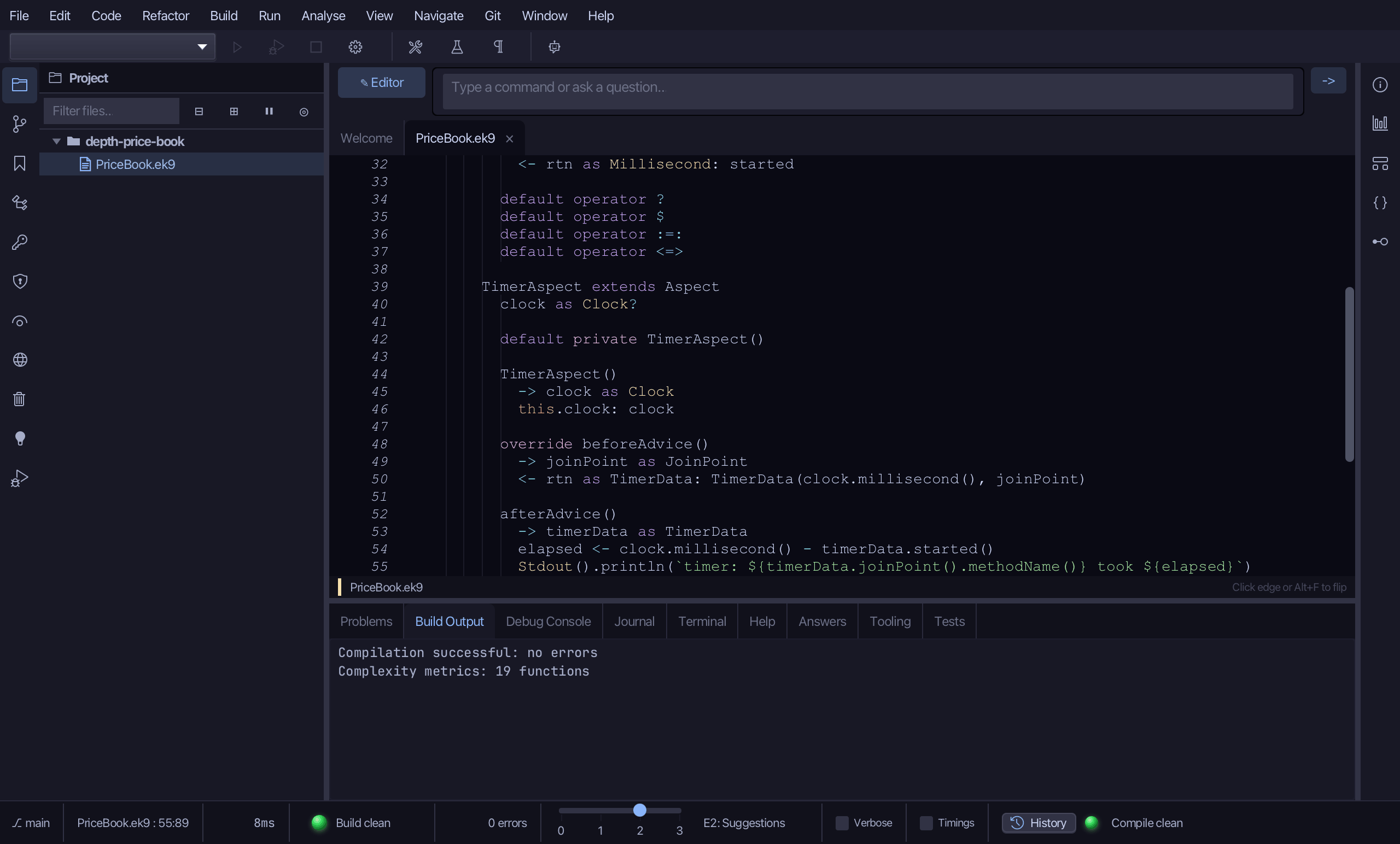
Select the stub and type the advice: the time now less the time recorded. Saves when typed.
Step 4: StandStillClock — a class
Choose Code > New Construct > Class…
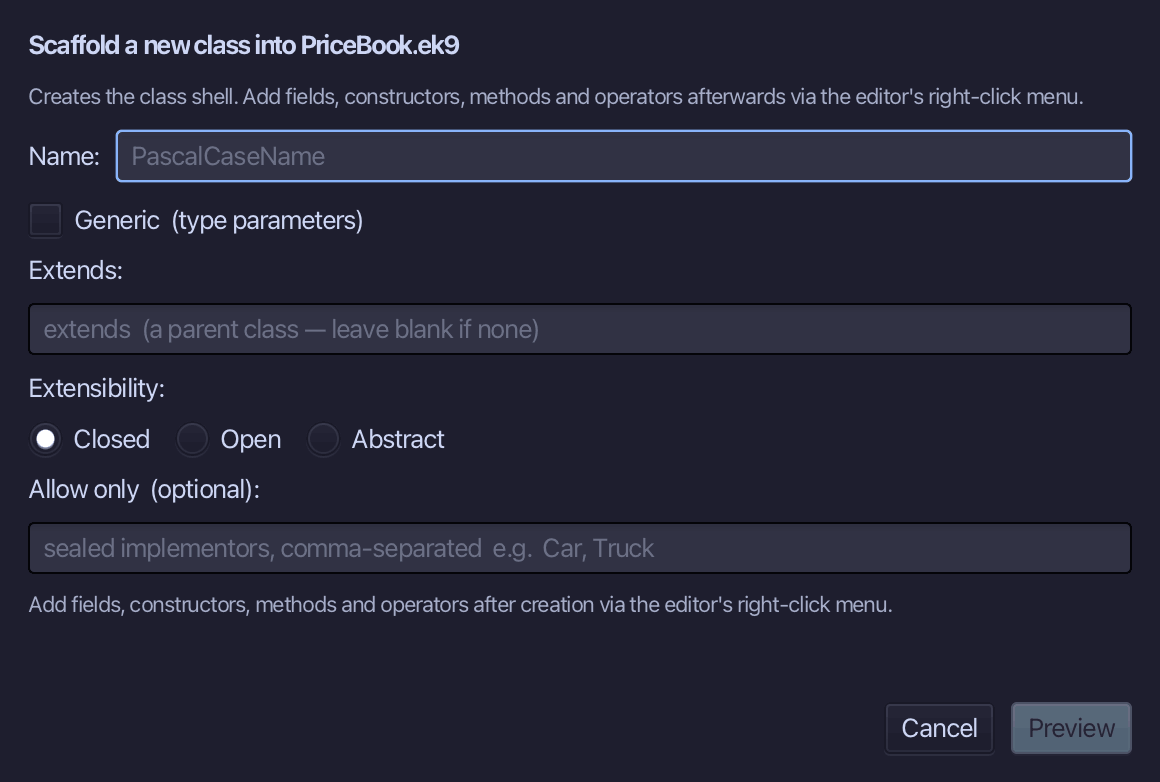
StandStillClock is the class's name. It is a Clock that never moves, so the book's output is the same every run. Choose Preview.
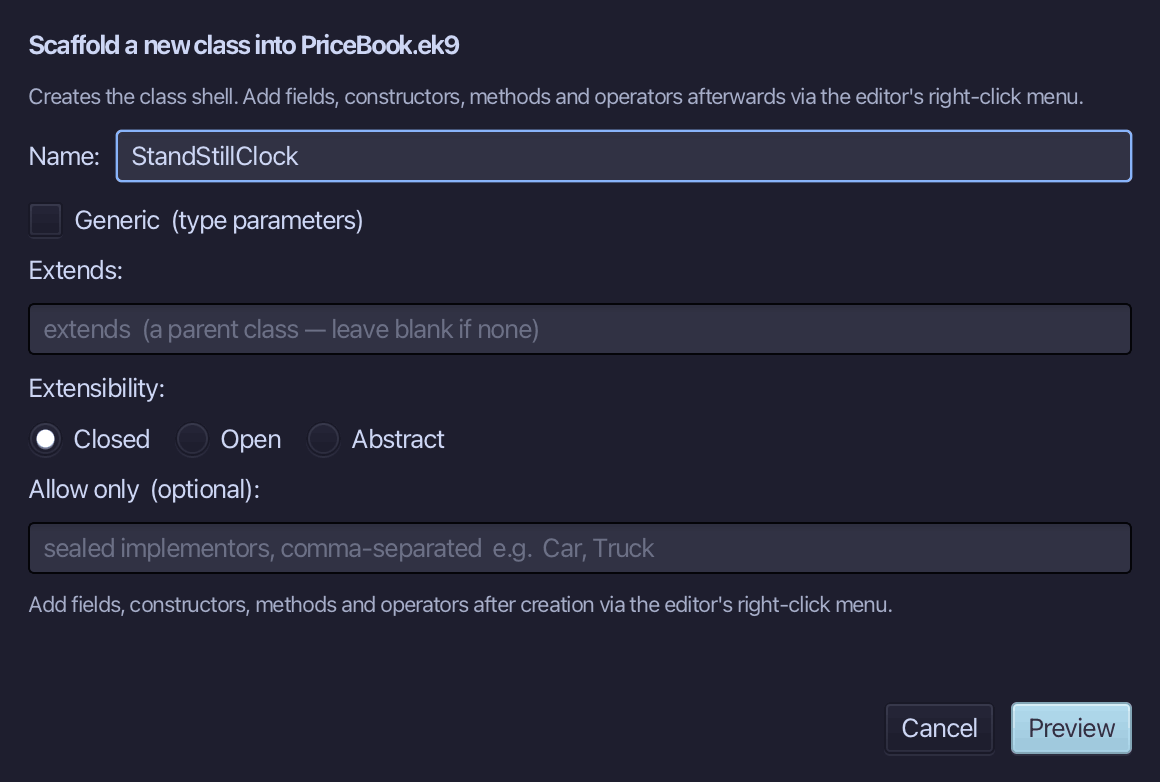
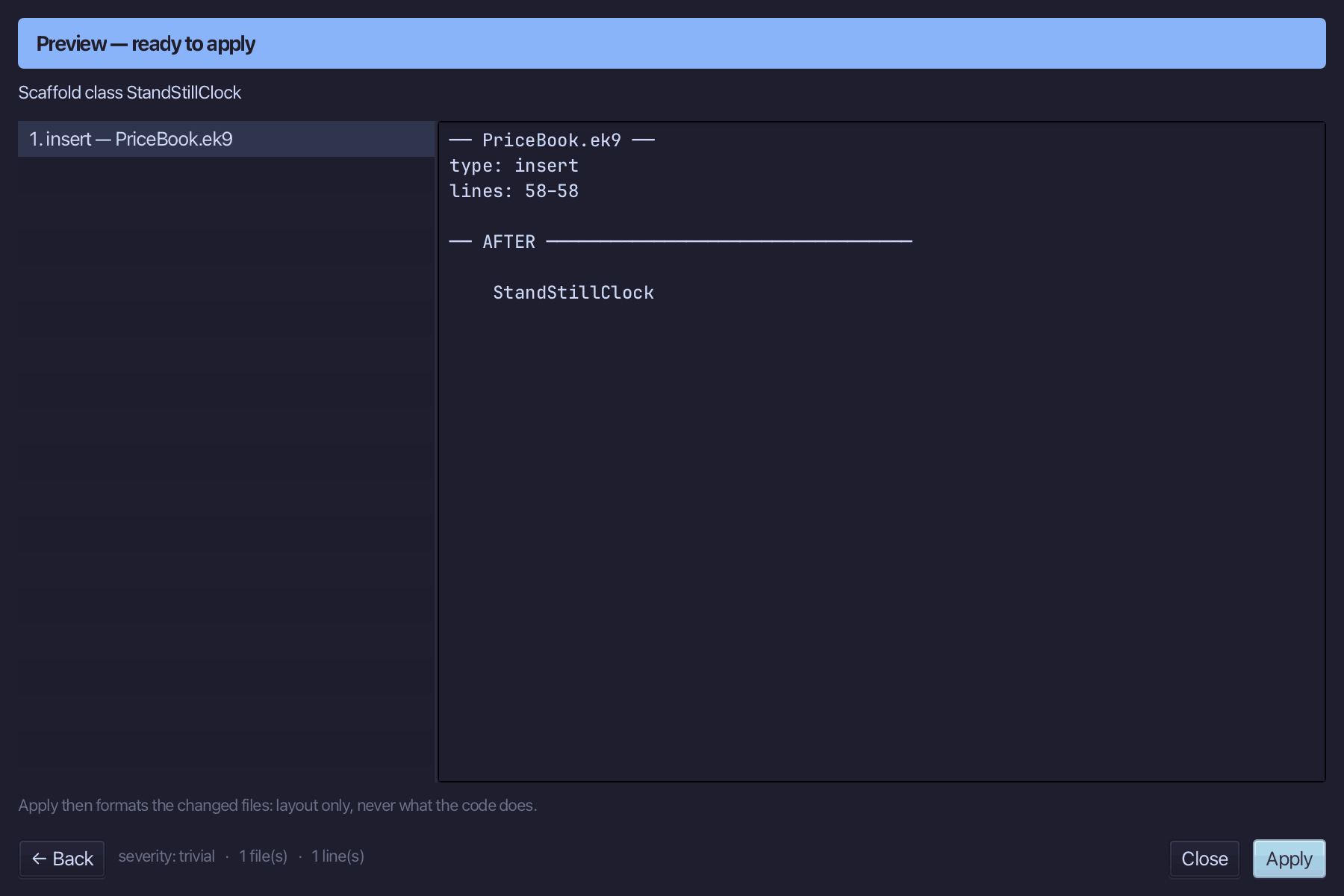
The preview shows StandStillClock about to be written. Choose Apply.
Right-click the StandStillClock line and choose Adopt Trait…
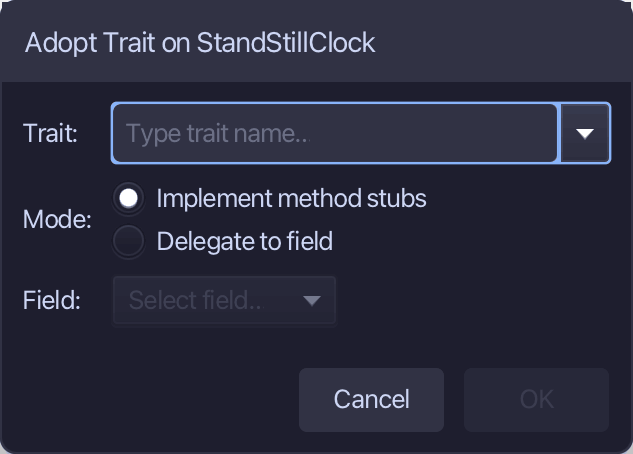
Type Clock as the trait - Implement method stubs is already chosen - and choose OK.
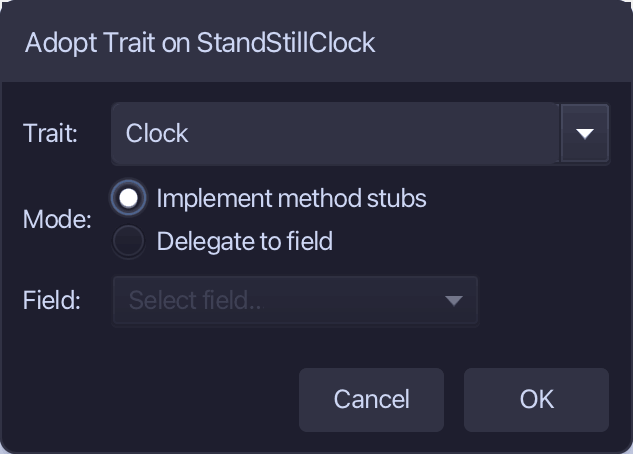
Adopt Trait changes the open file in the editor, not yet saved. Choose File > Save.
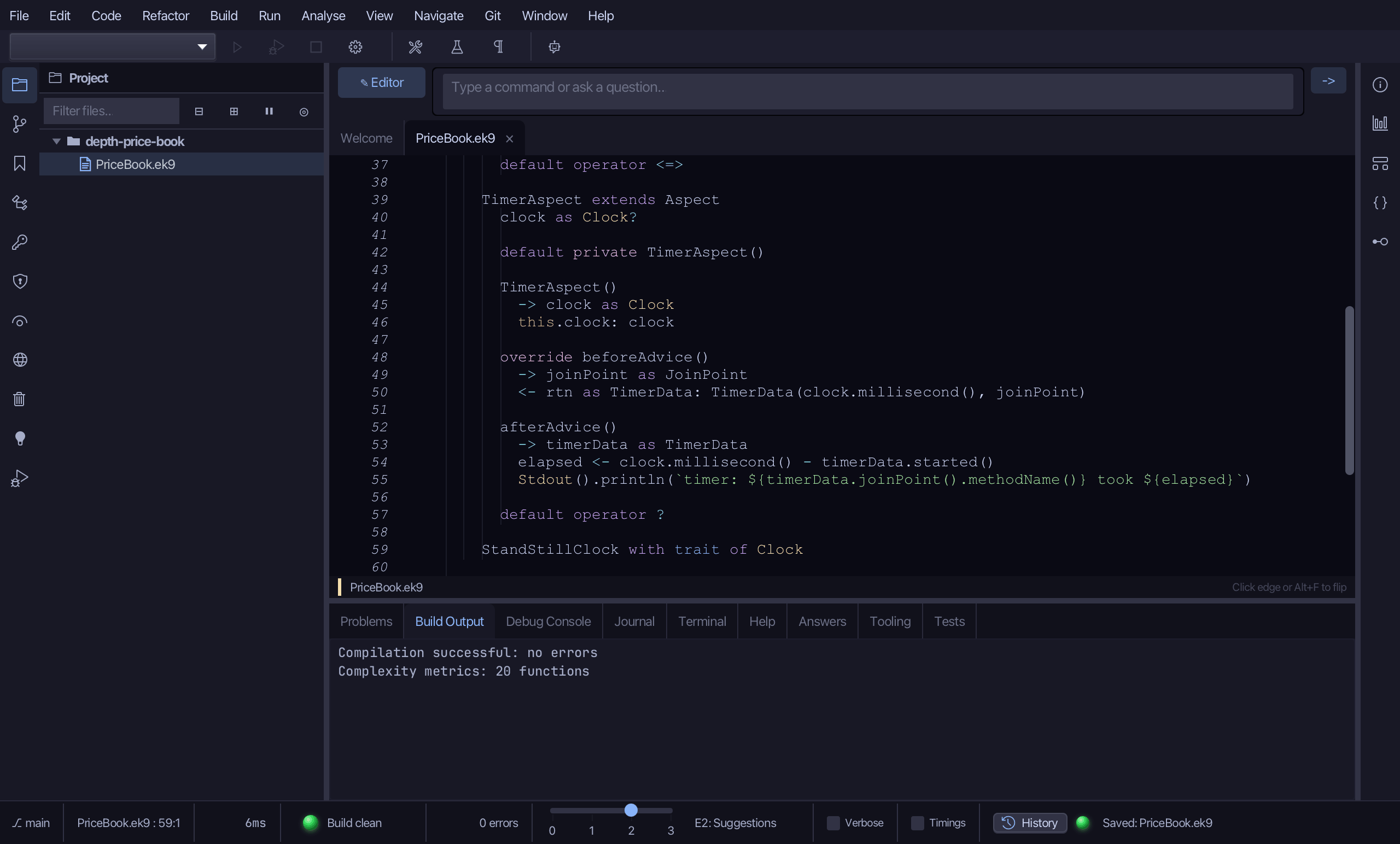
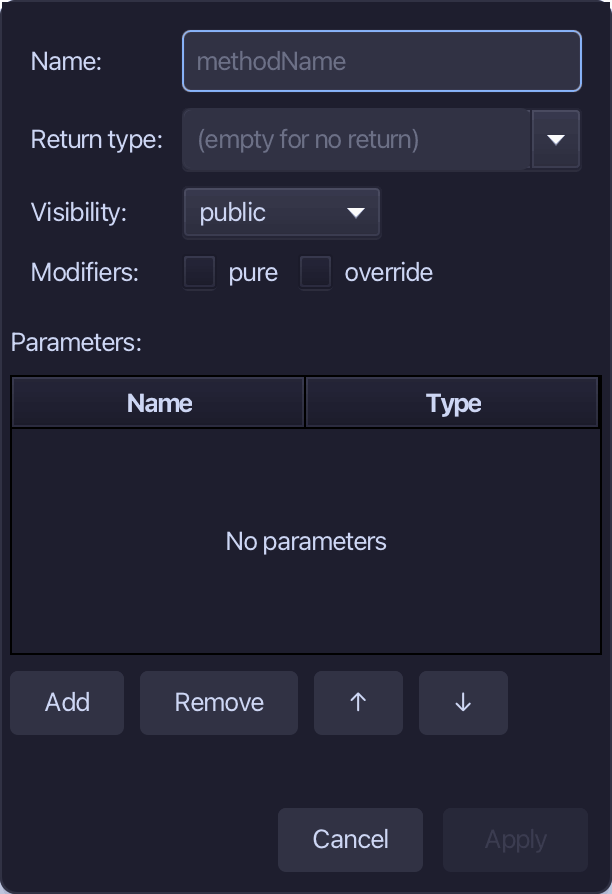
Right-click the StandStillClock line and choose Add Method…
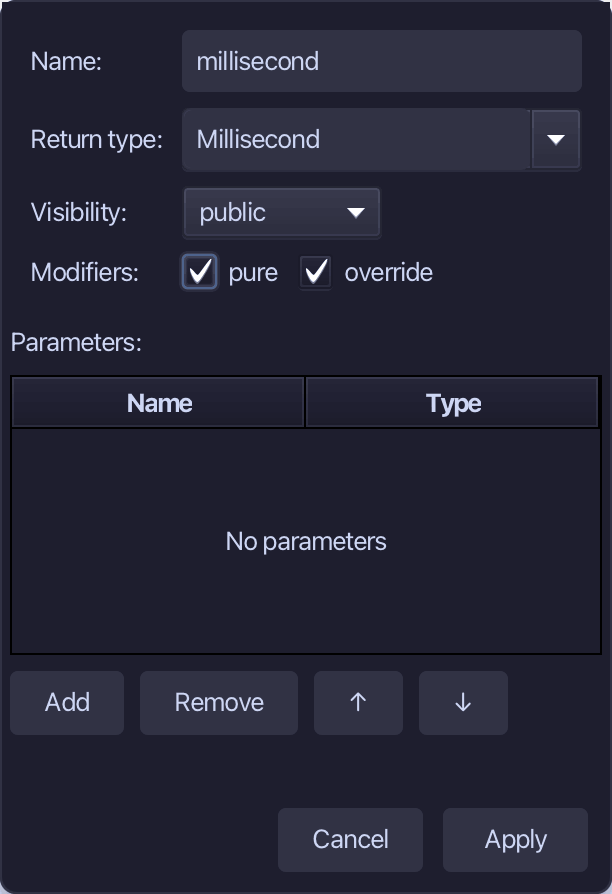
millisecond is the method's name. Clock's millisecond() is already a default, and this class overrides it to stand still. Set Return type to Millisecond, tick pure and override. Choose Apply.
Select the stub and type the answer: always 1000 milliseconds. Saves when typed.
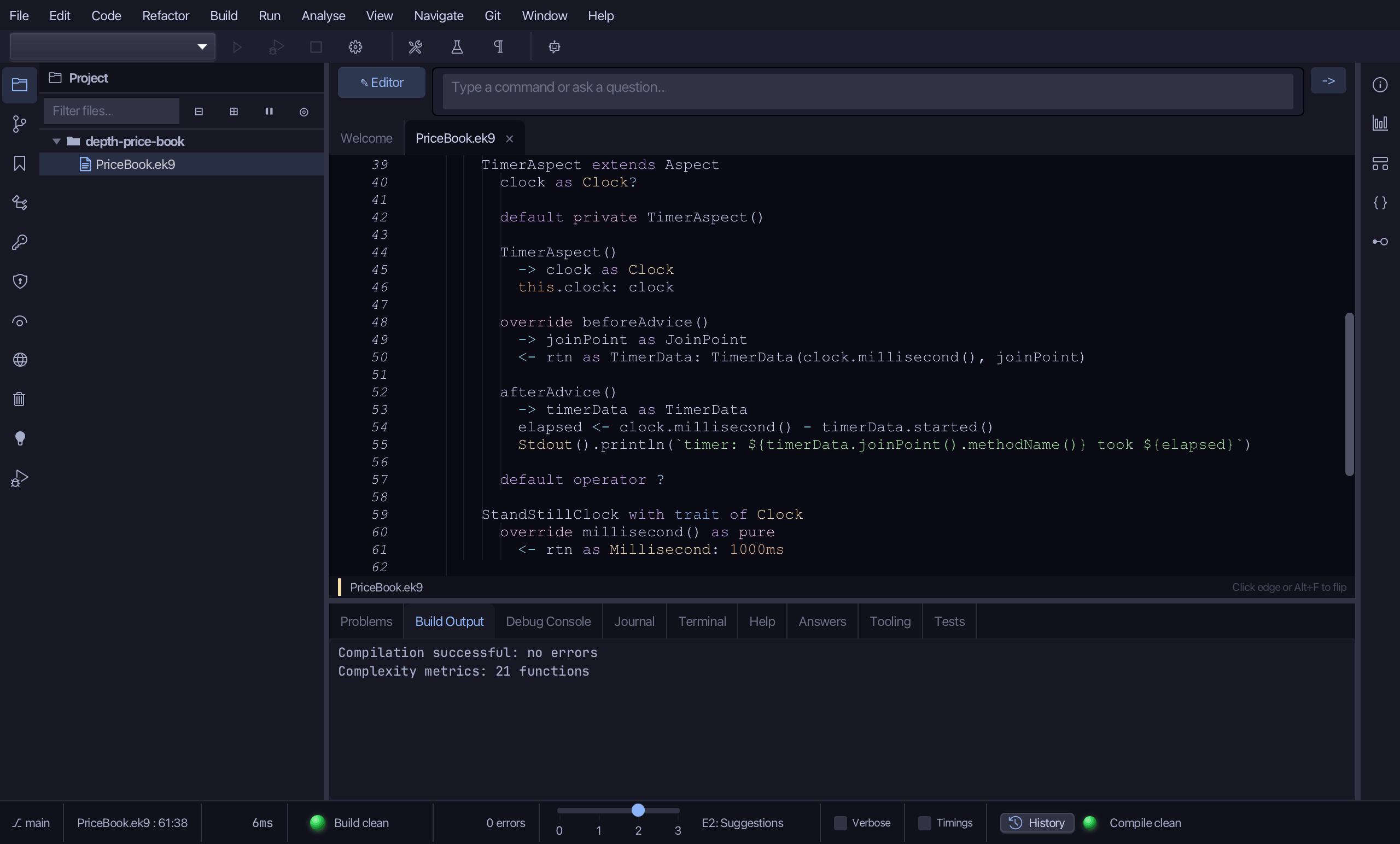
Step 5: PriceBook — a component
Choose Code > New Construct > Component…
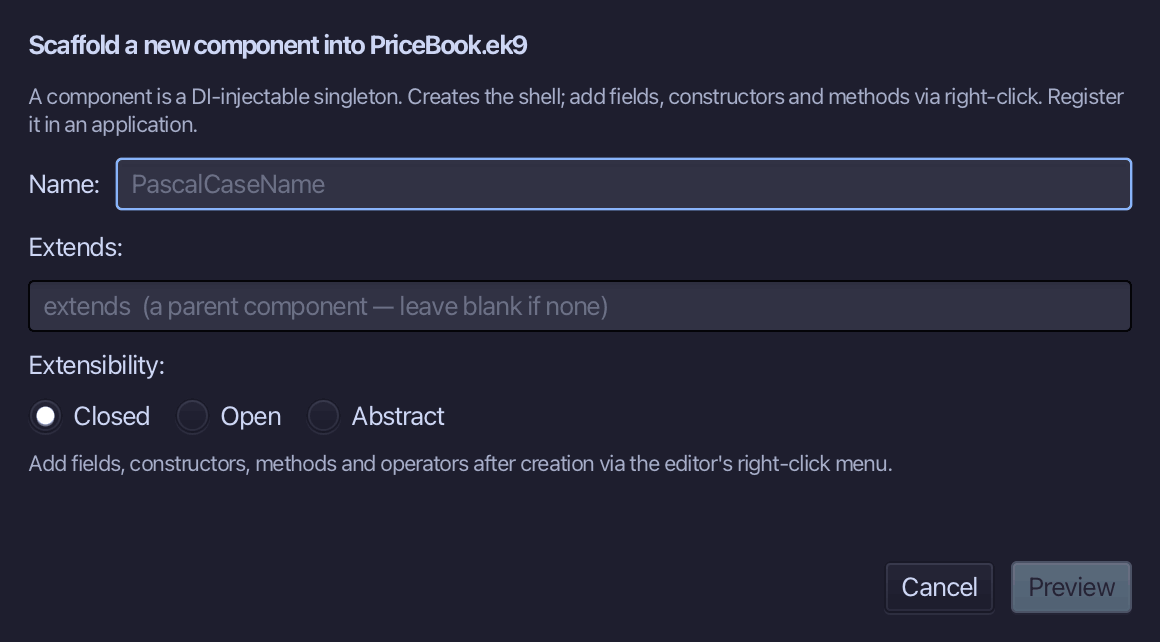
PriceBook is the component's name. It is the contract the aspects wrap. Choose Abstract under Extensibility. Choose Preview.
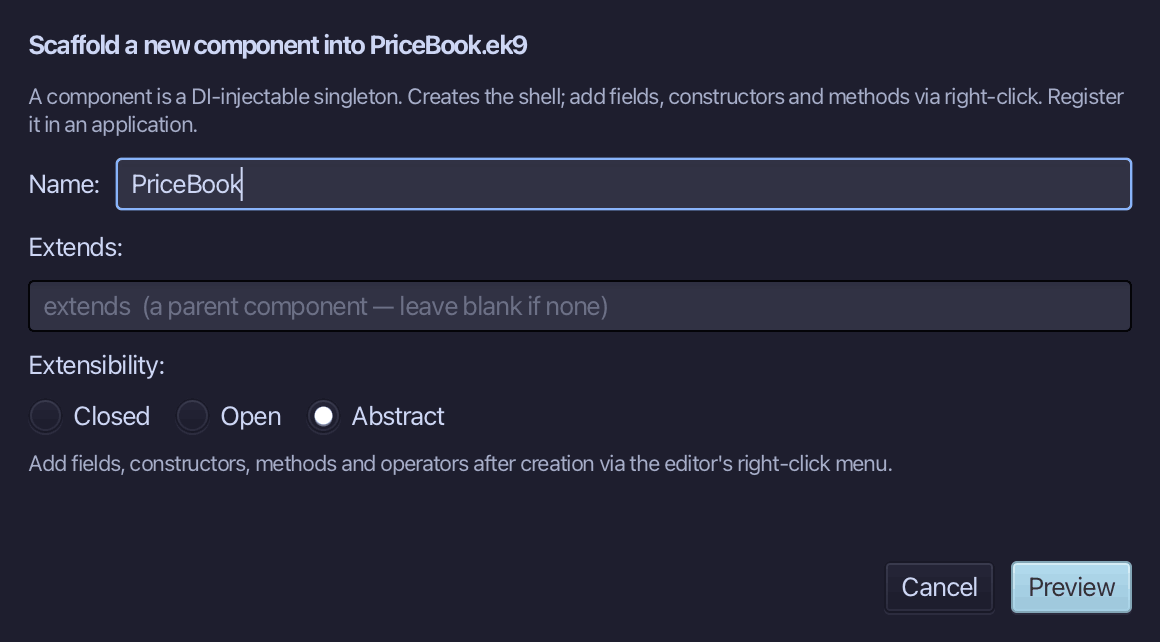
The preview shows PriceBook about to be written. Choose Apply.
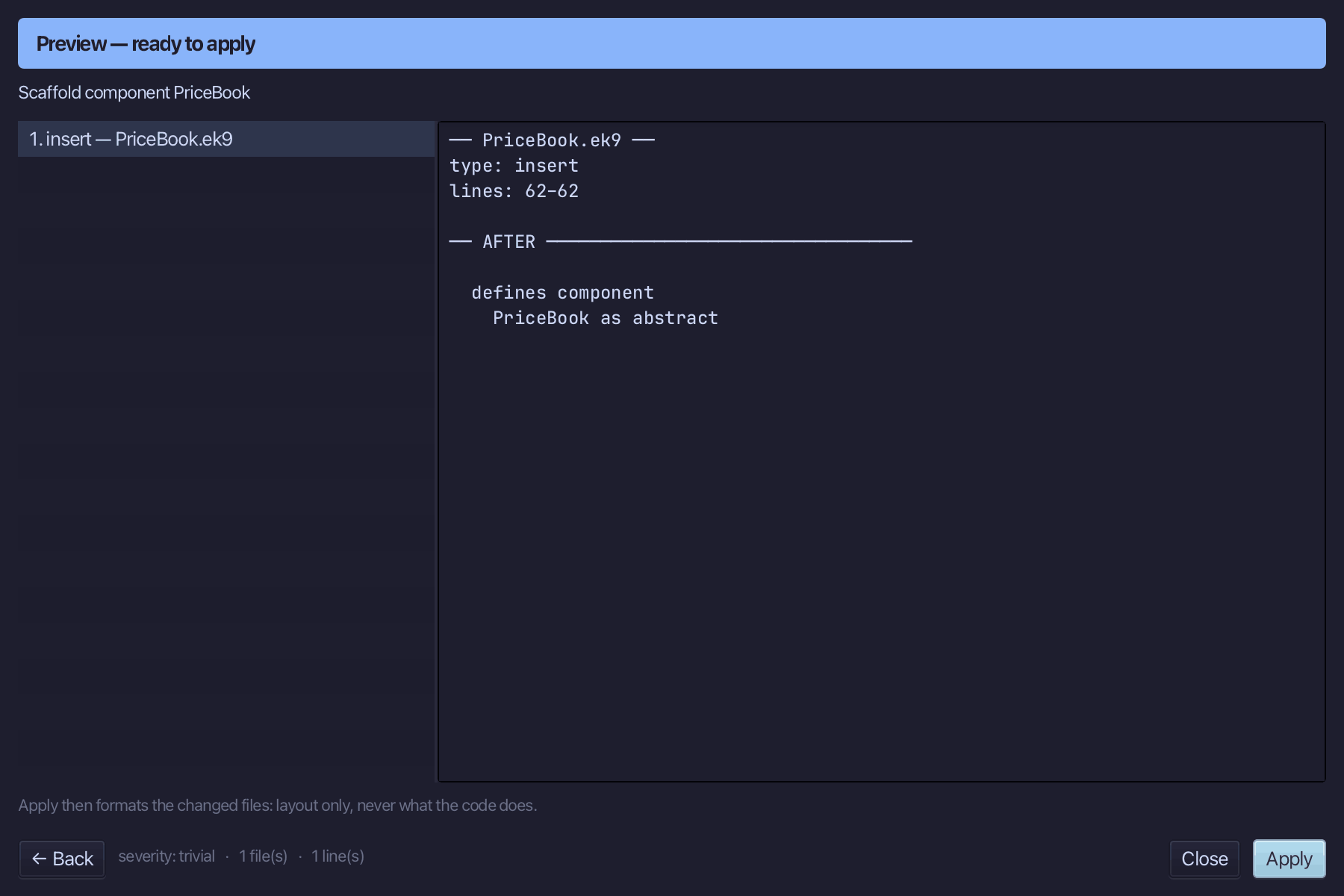
Select the PriceBook line and, above it, type the blank line the book opens the block with. Saves when typed.
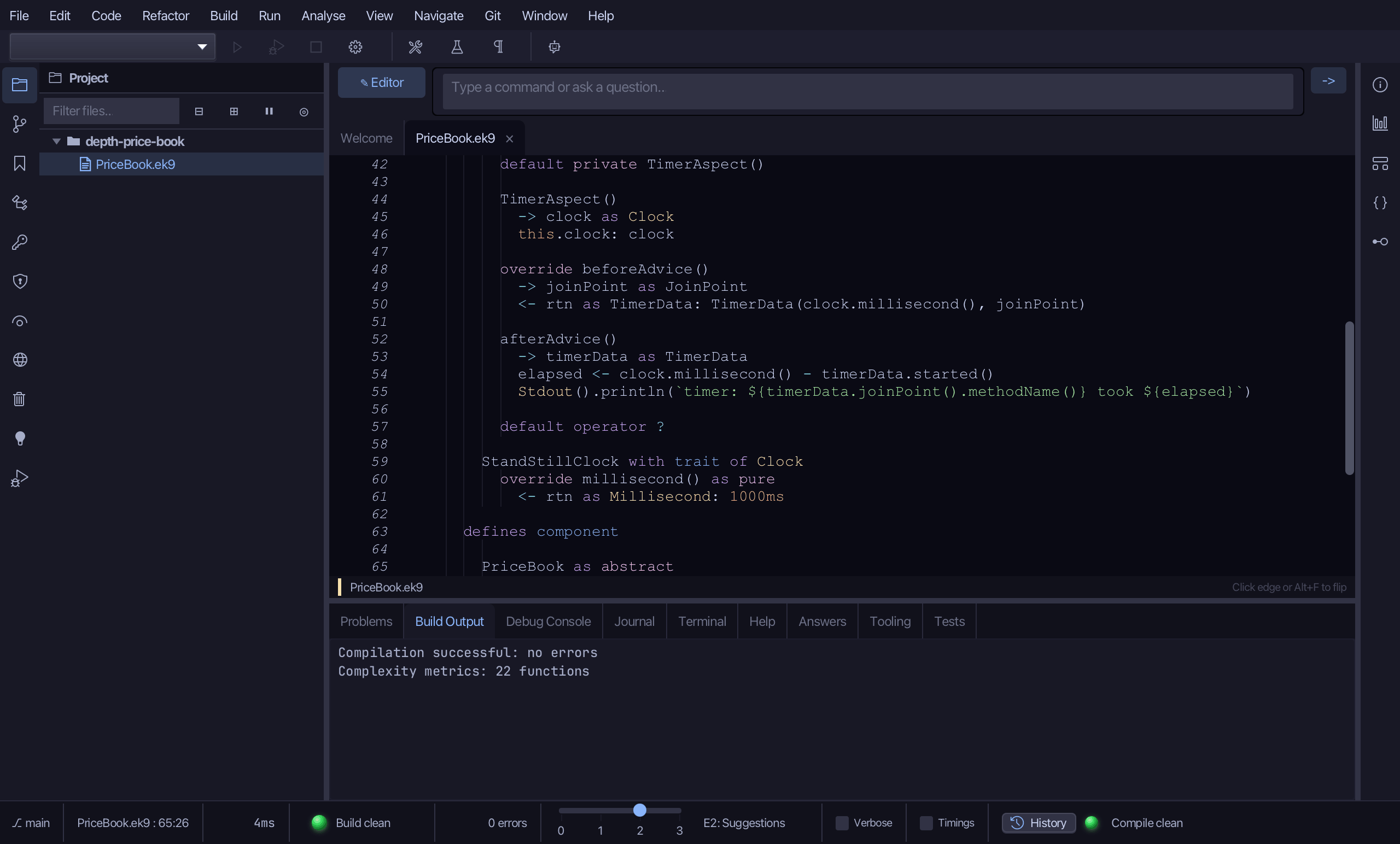
Right-click the PriceBook line and choose Add Method…
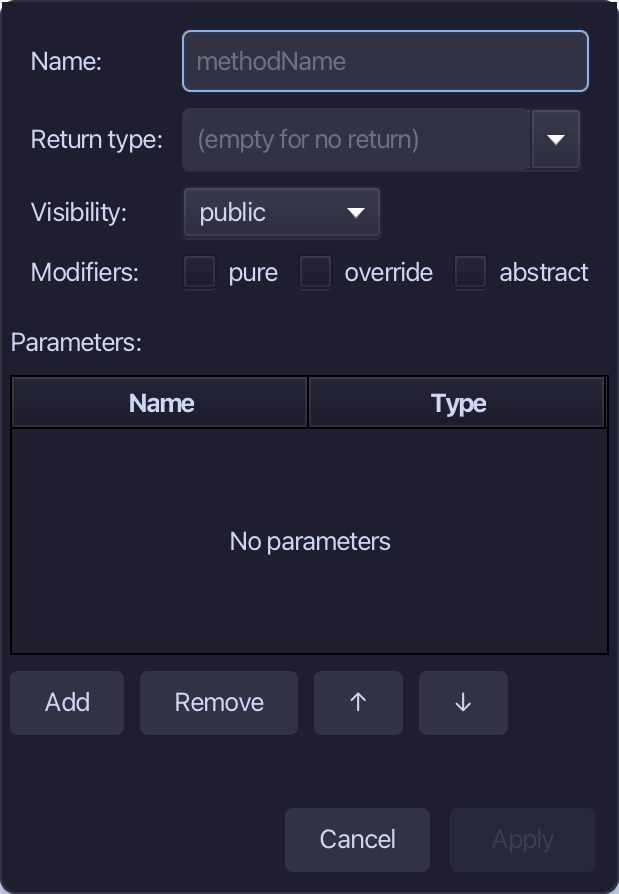
priceOf is the method's name. A call that returns a value. Add one parameter, item of type String, set Return type to Money and tick abstract - a contract with no body. Choose Apply.
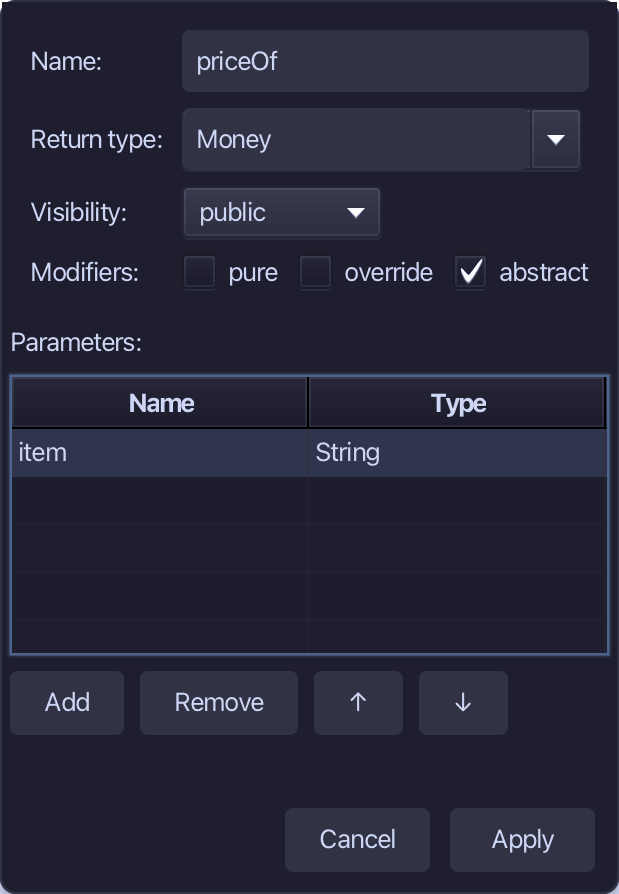
Right-click the PriceBook line and choose Add Method…
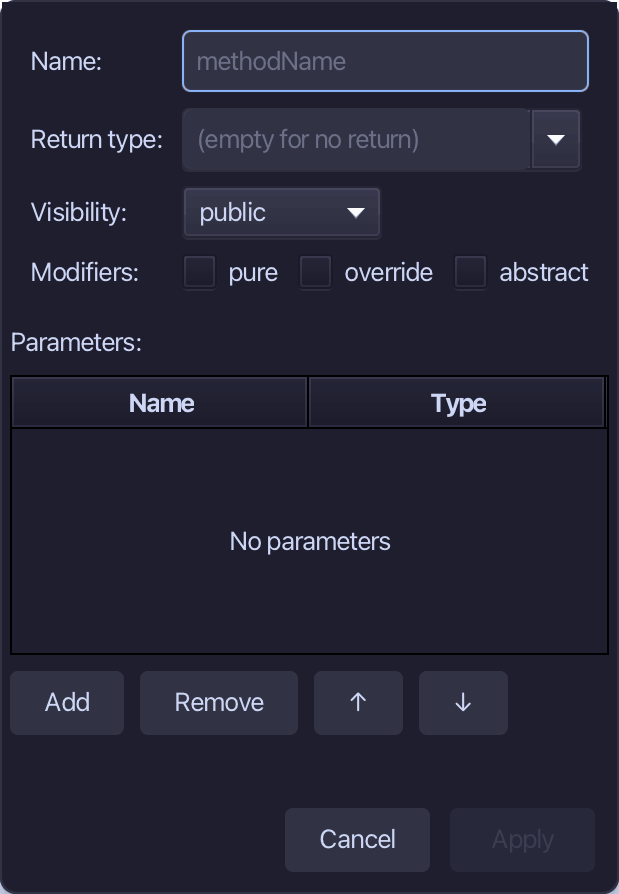
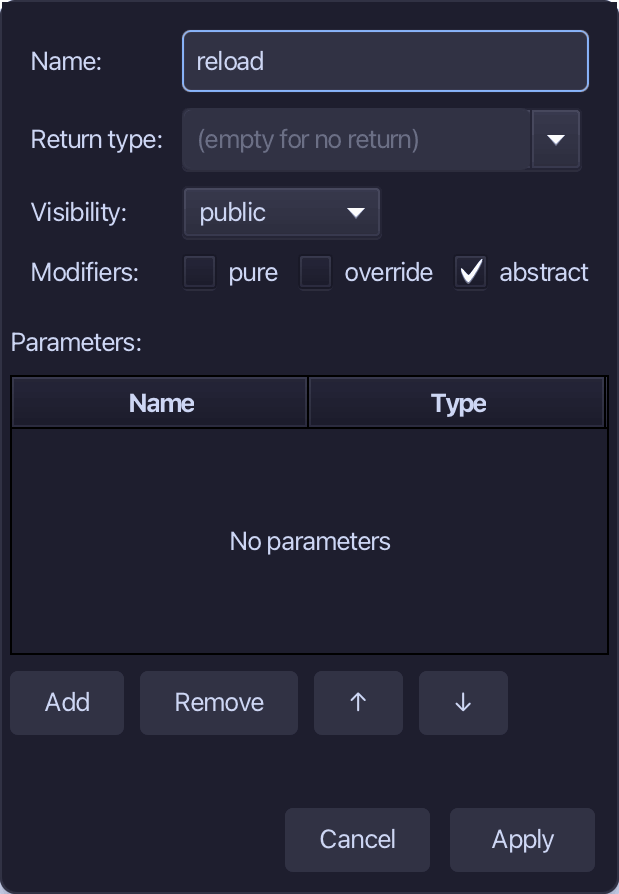
reload is the method's name. A call that returns no value. Tick abstract - a contract with no body. Choose Apply.
Step 6: SimplePriceBook — a component
Choose Code > New Construct > Component…
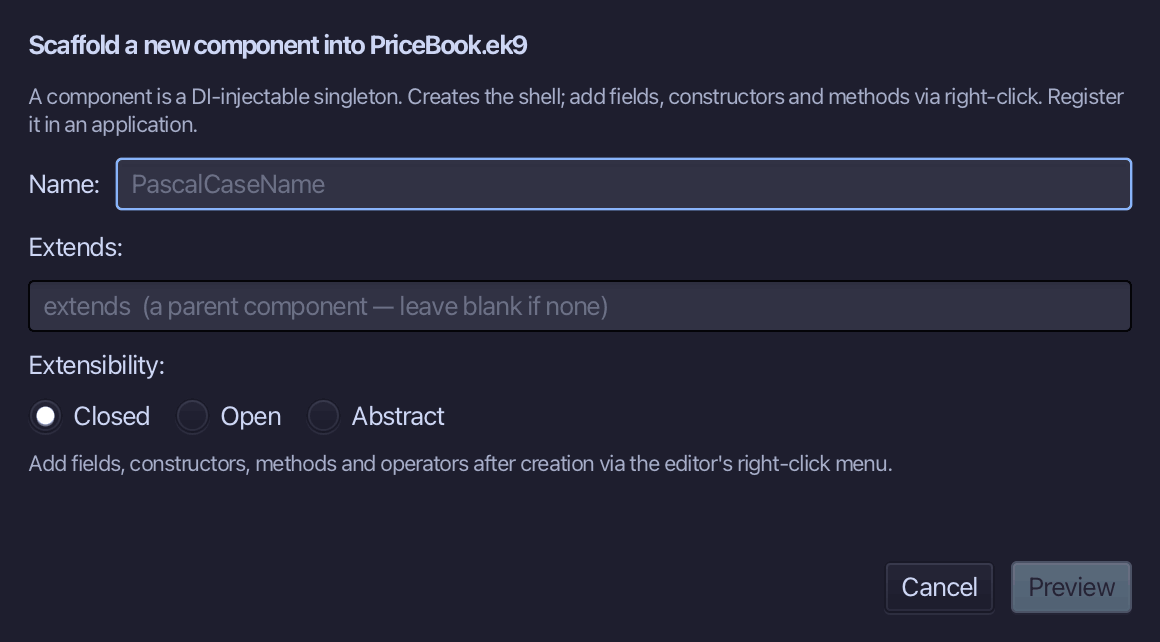
SimplePriceBook is the component's name. It answers the same price for everything. Type PriceBook into Extends. Choose Preview.
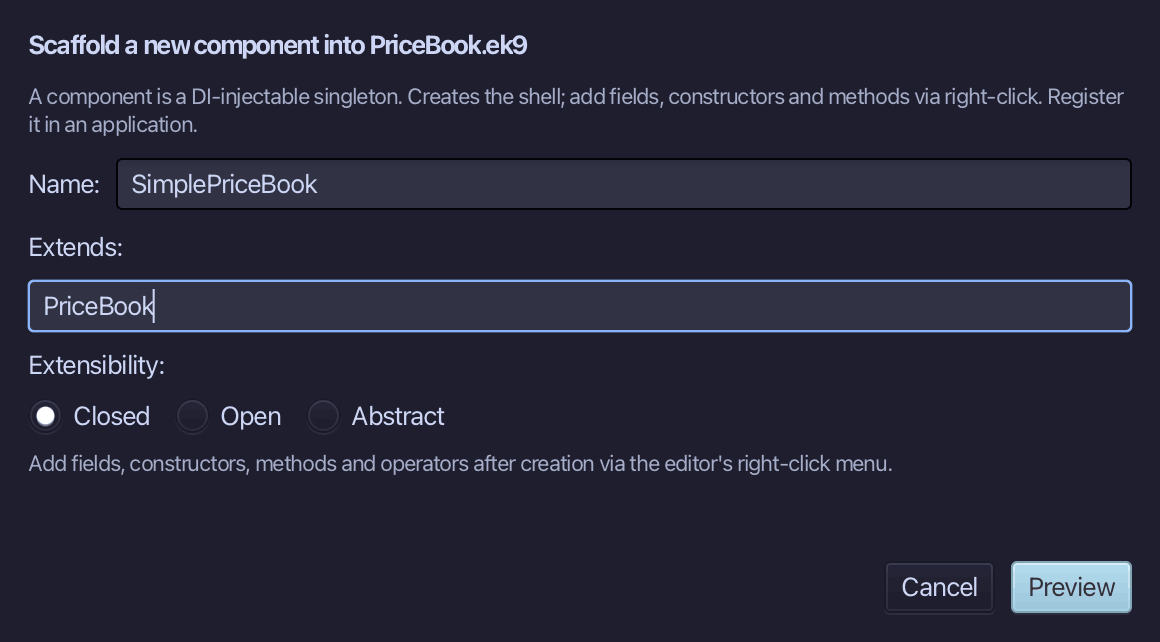
The preview shows SimplePriceBook about to be written - and, if PriceBook owes any methods, an override stub for each. Choose Apply.
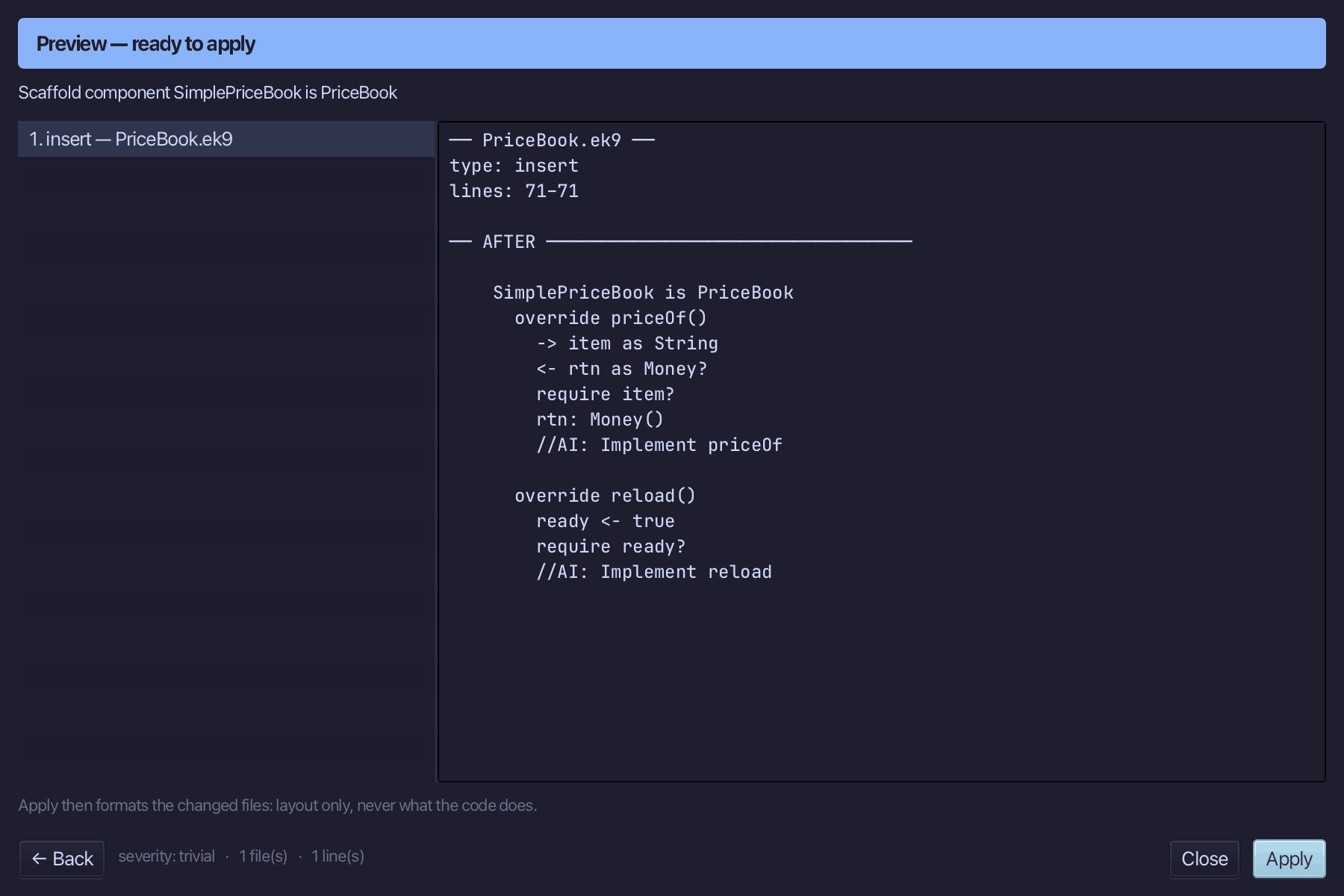
Select the stub and type the price. Saves when typed.
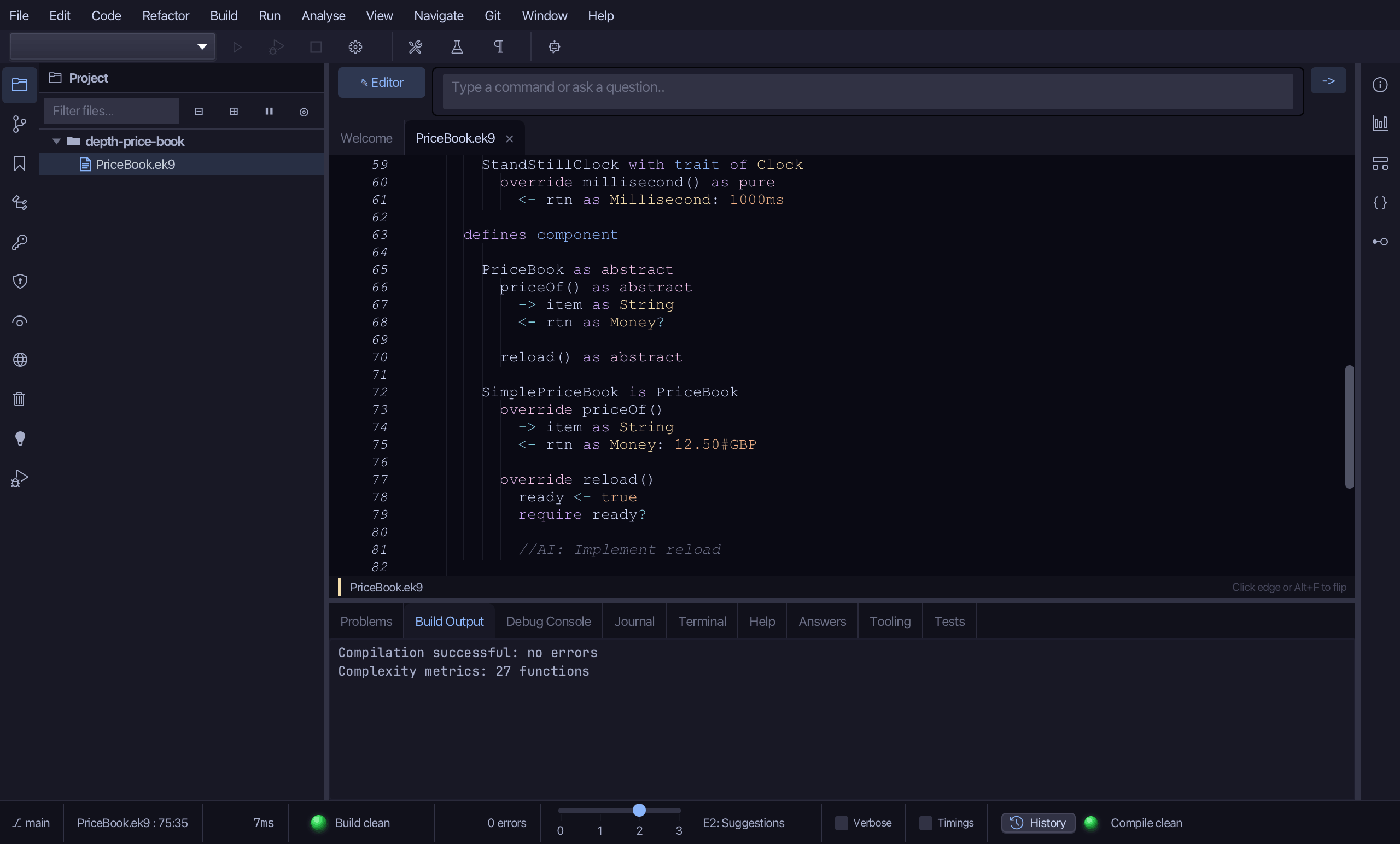
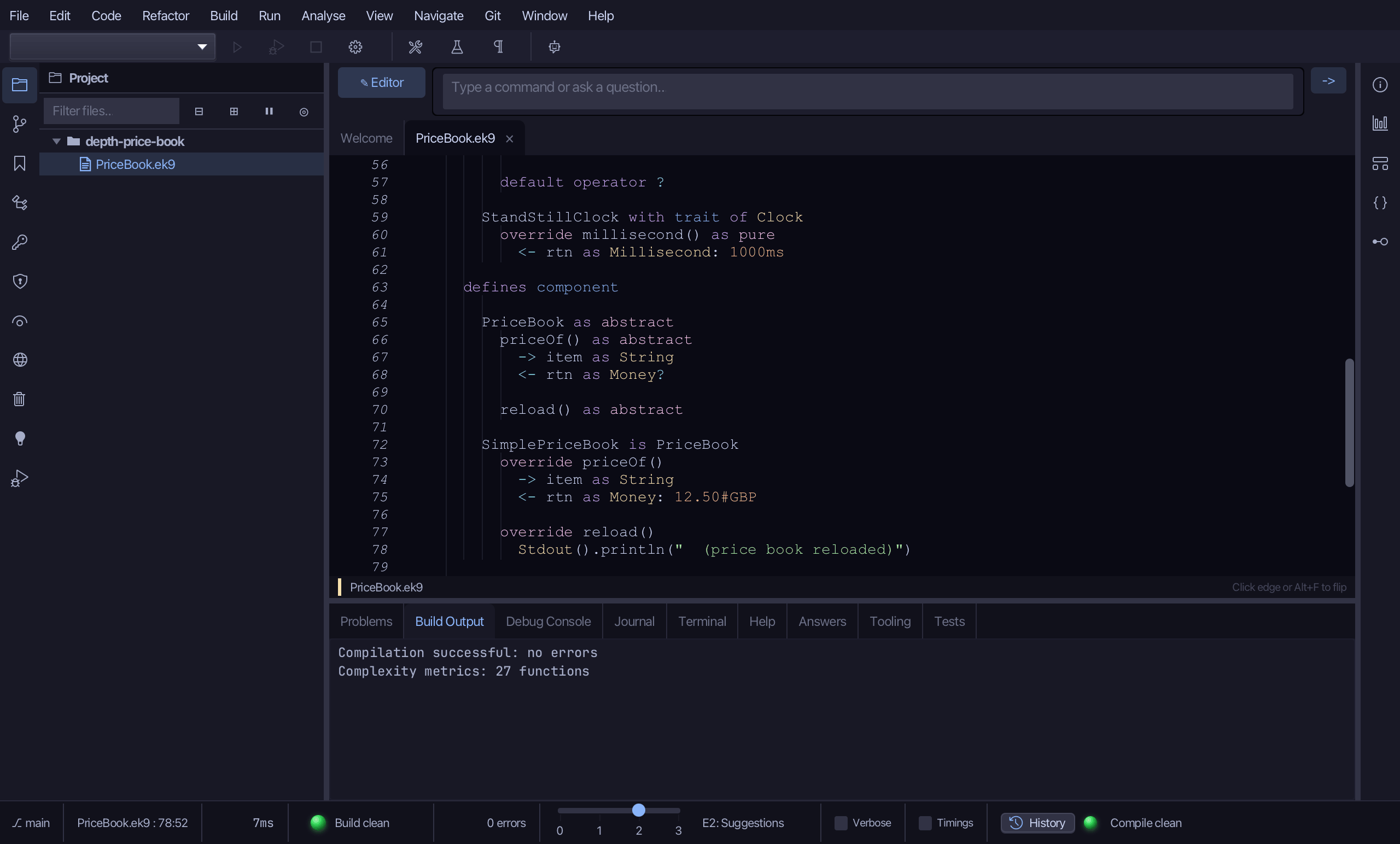
Select the reload stub and type what it does. Saves when typed.
Step 7: shopApp — an application
Choose Code > New Construct > Application…
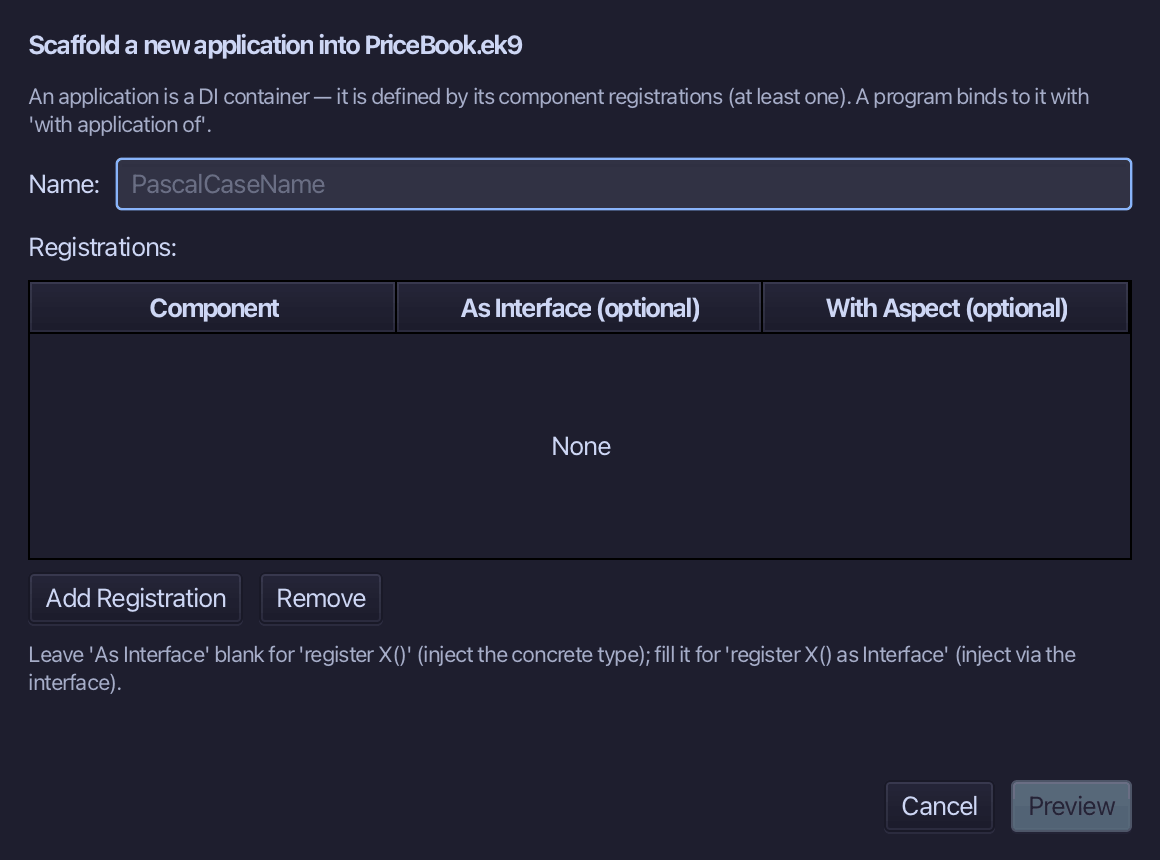
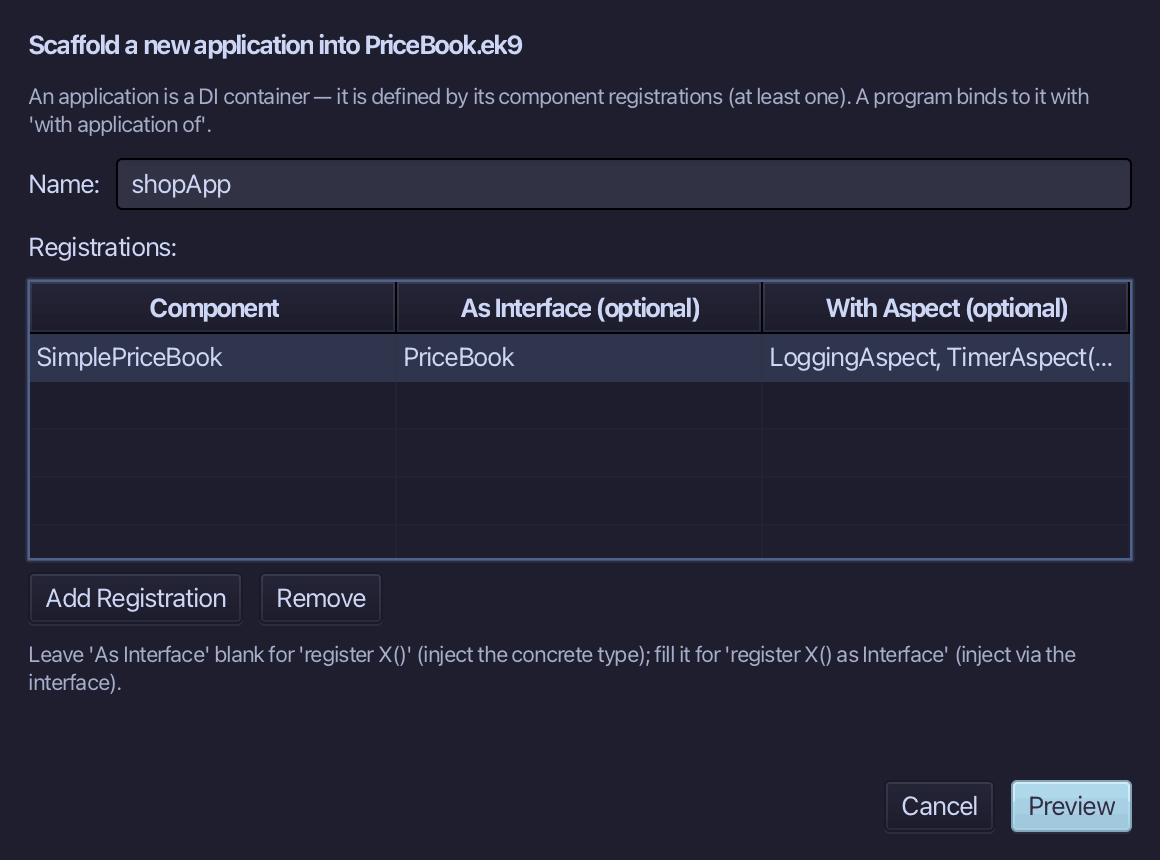
shopApp is the application's name. It registers SimplePriceBook with two aspects, one cell with a comma between: the second is given its clock right there, TimerAspect(StandStillClock()). The Registrations table holds SimplePriceBook as PriceBook, with the aspects LoggingAspect and TimerAspect(StandStillClock()). Choose Preview.
The preview shows shopApp about to be written, with its register line. Choose Apply.
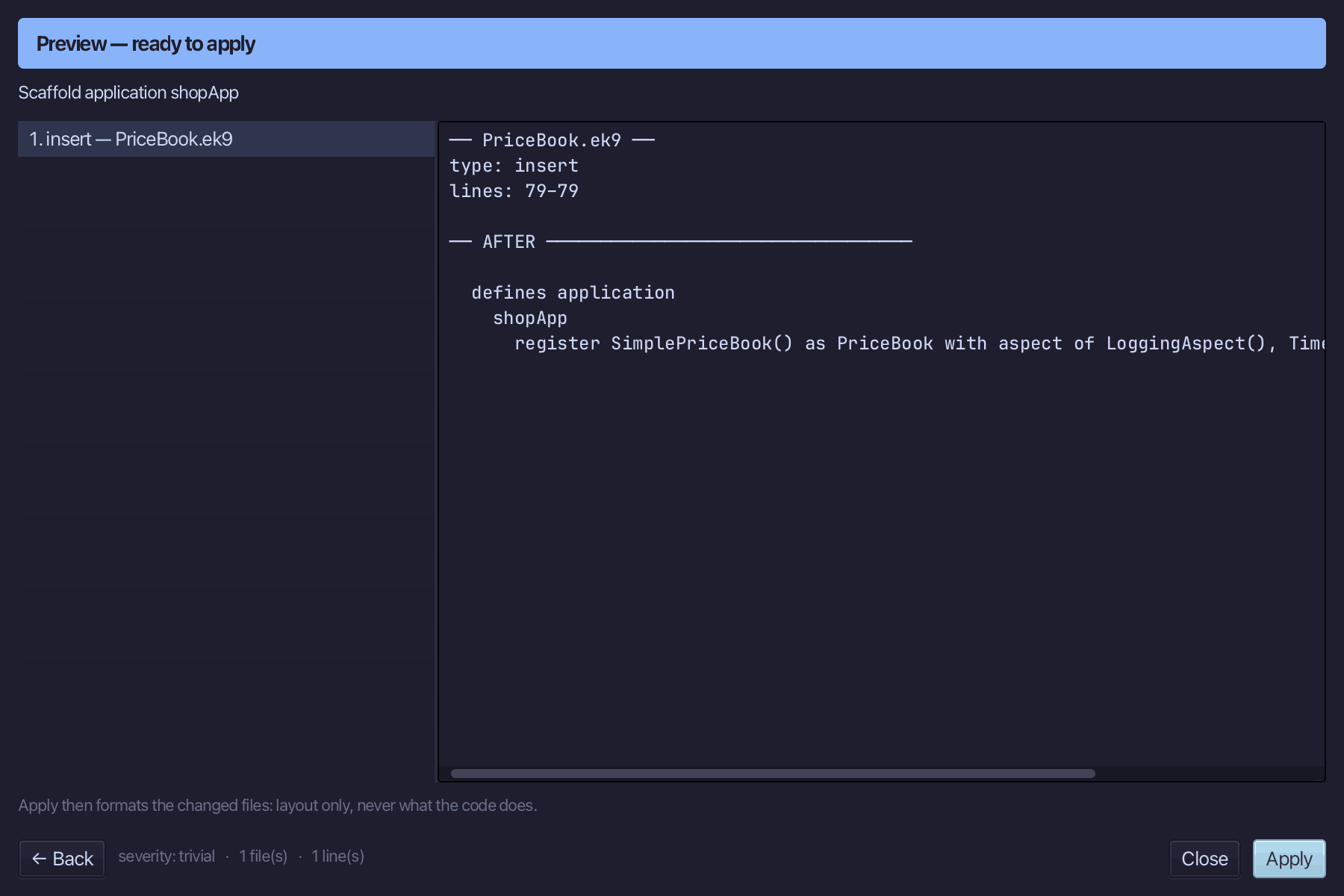
Select the shopApp line and, above it, type the blank line the book opens the block with. Saves when typed.
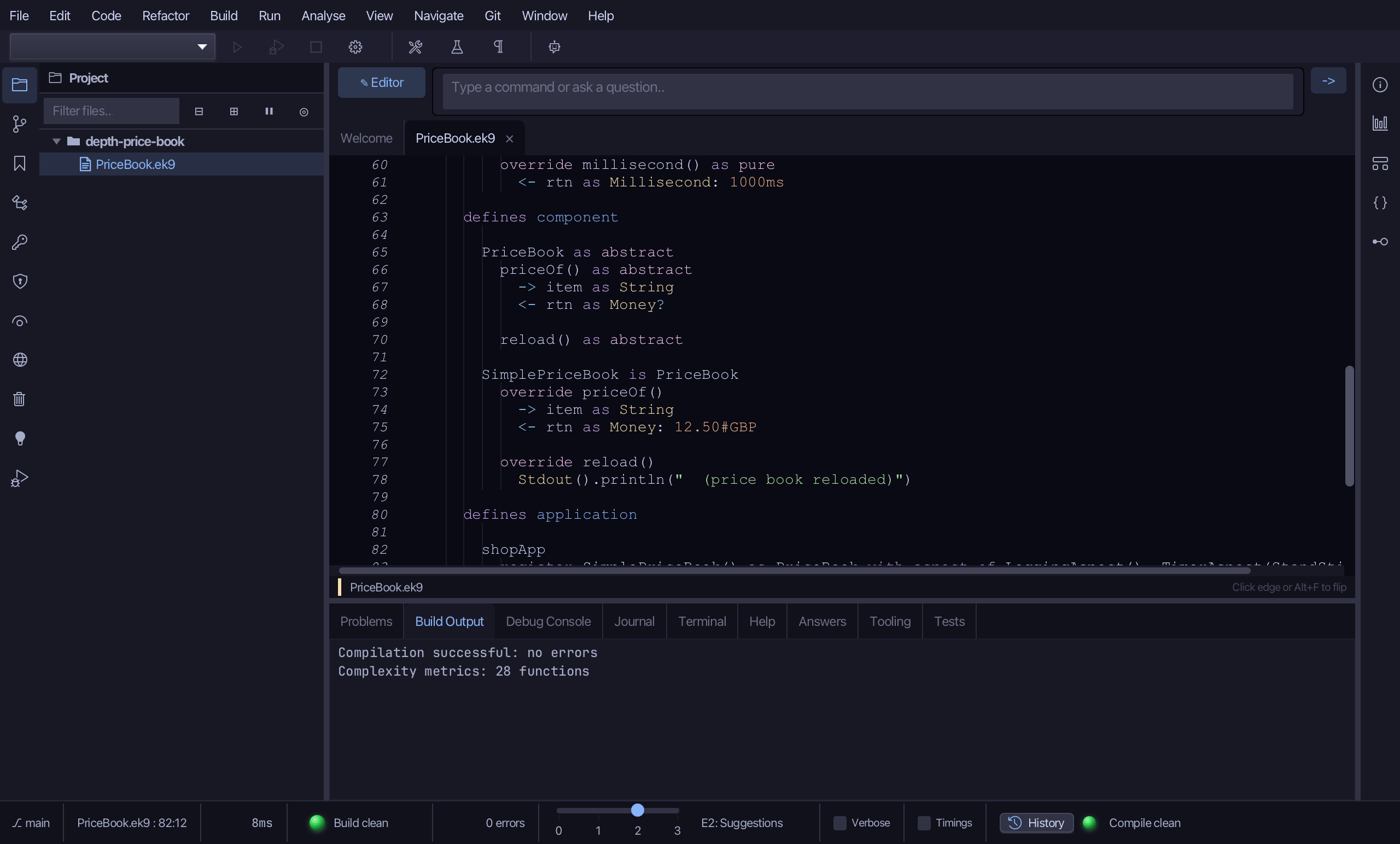
Step 8: Shop — a program
Choose Code > New Construct > Program…
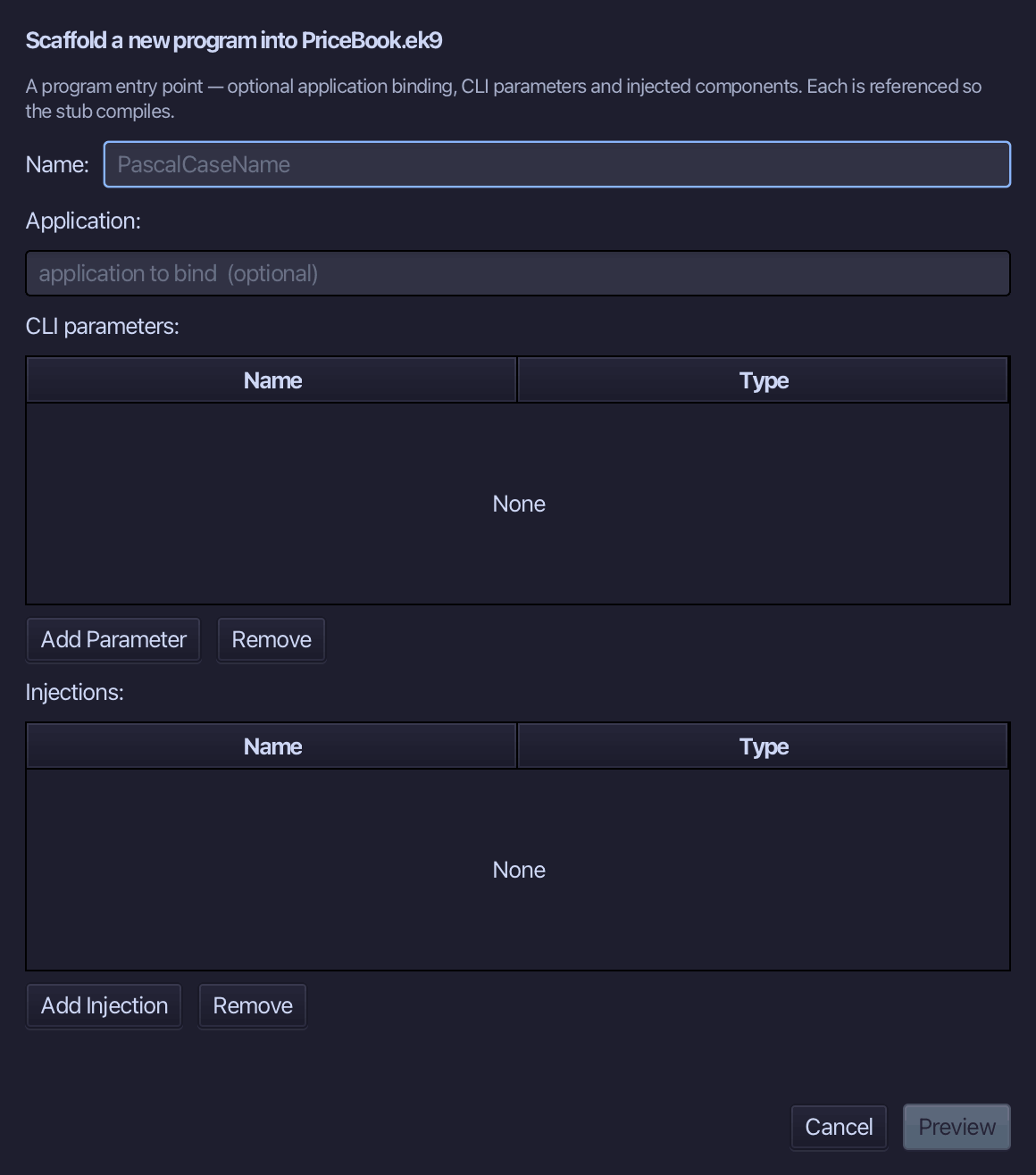
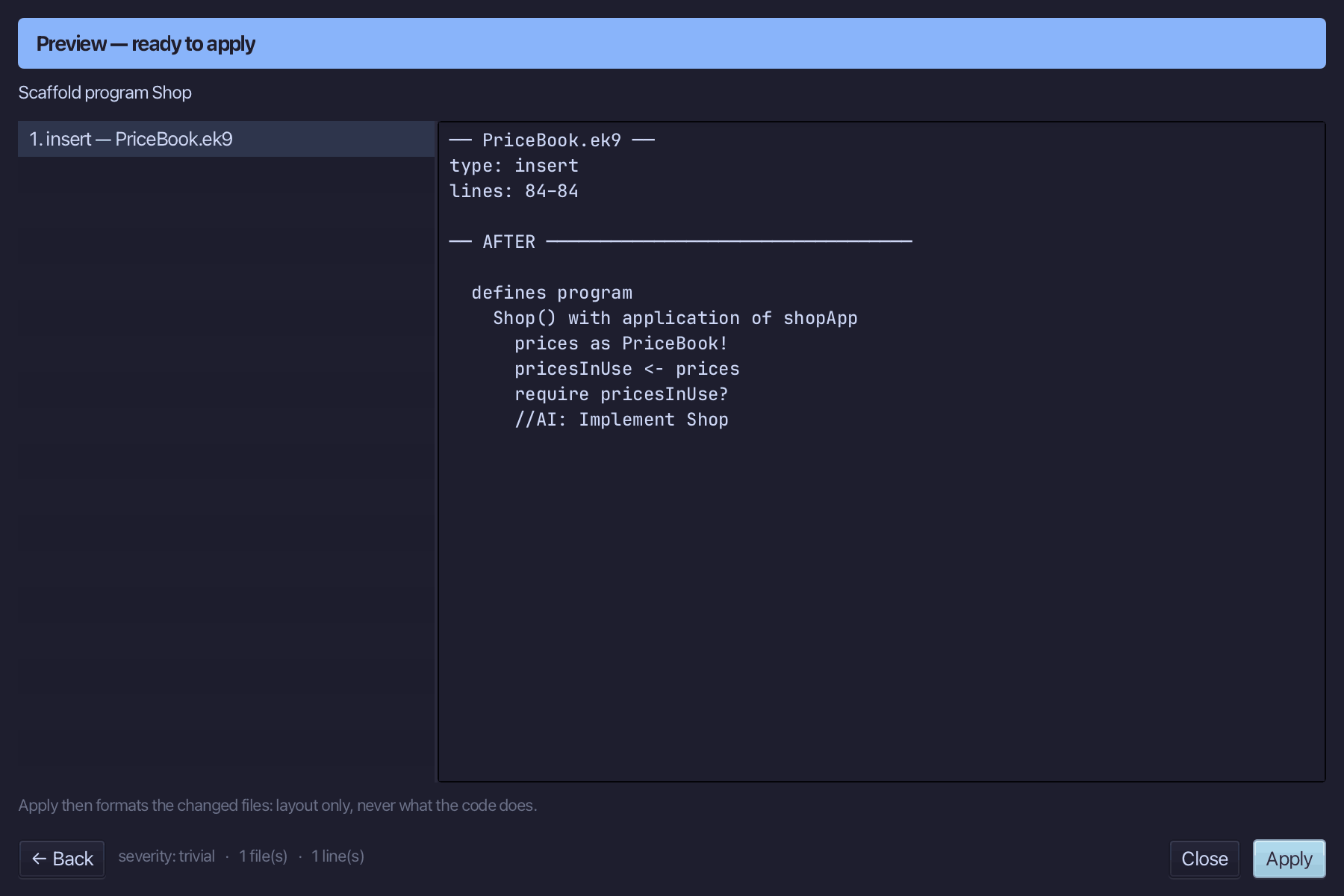
Shop is the program's name. It runs under shopApp and asks for a PriceBook. Type shopApp into Application. Add the injection prices of type PriceBook. Choose Preview.
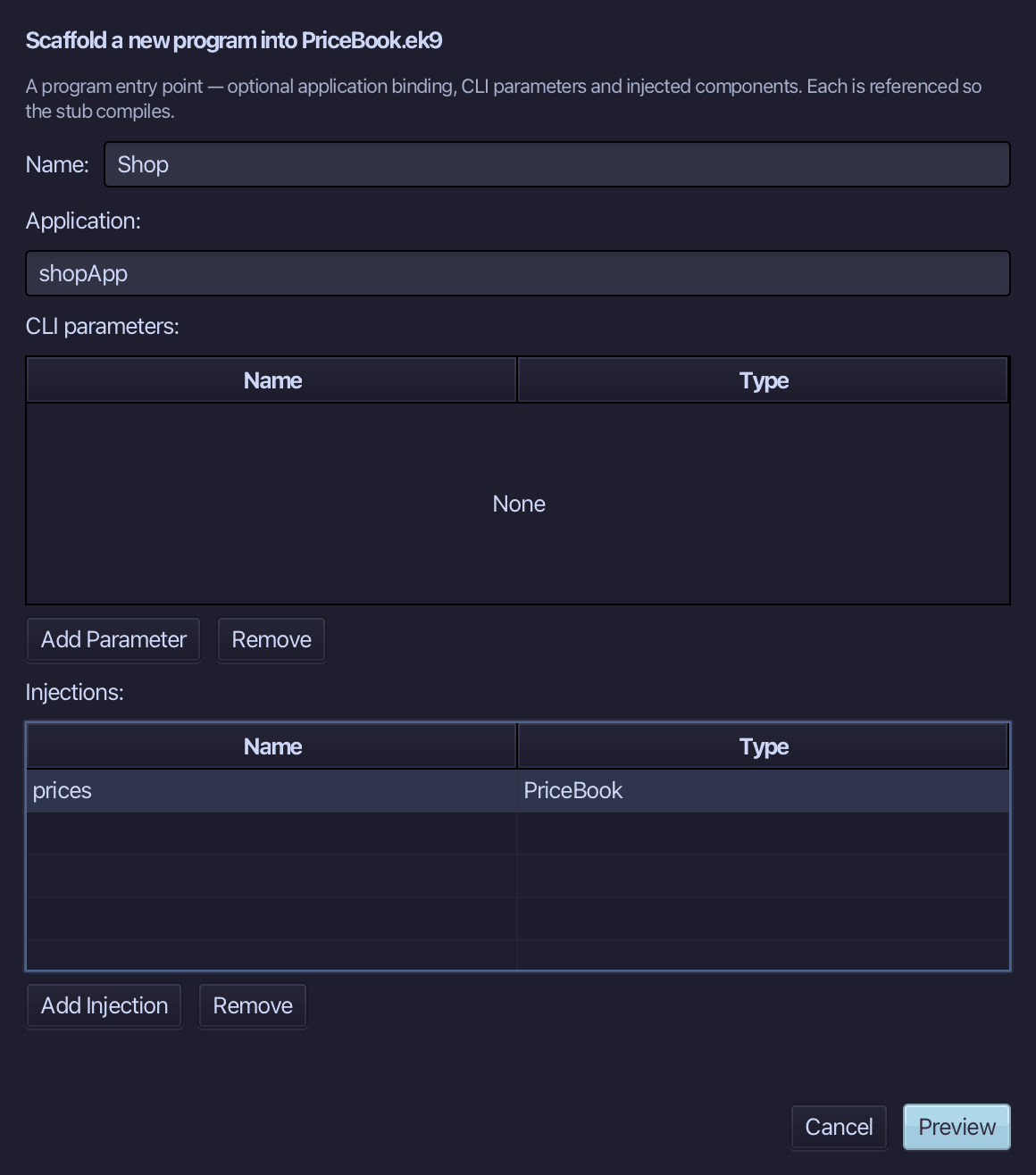
The preview shows Shop about to be written, with application of shopApp. Choose Apply.
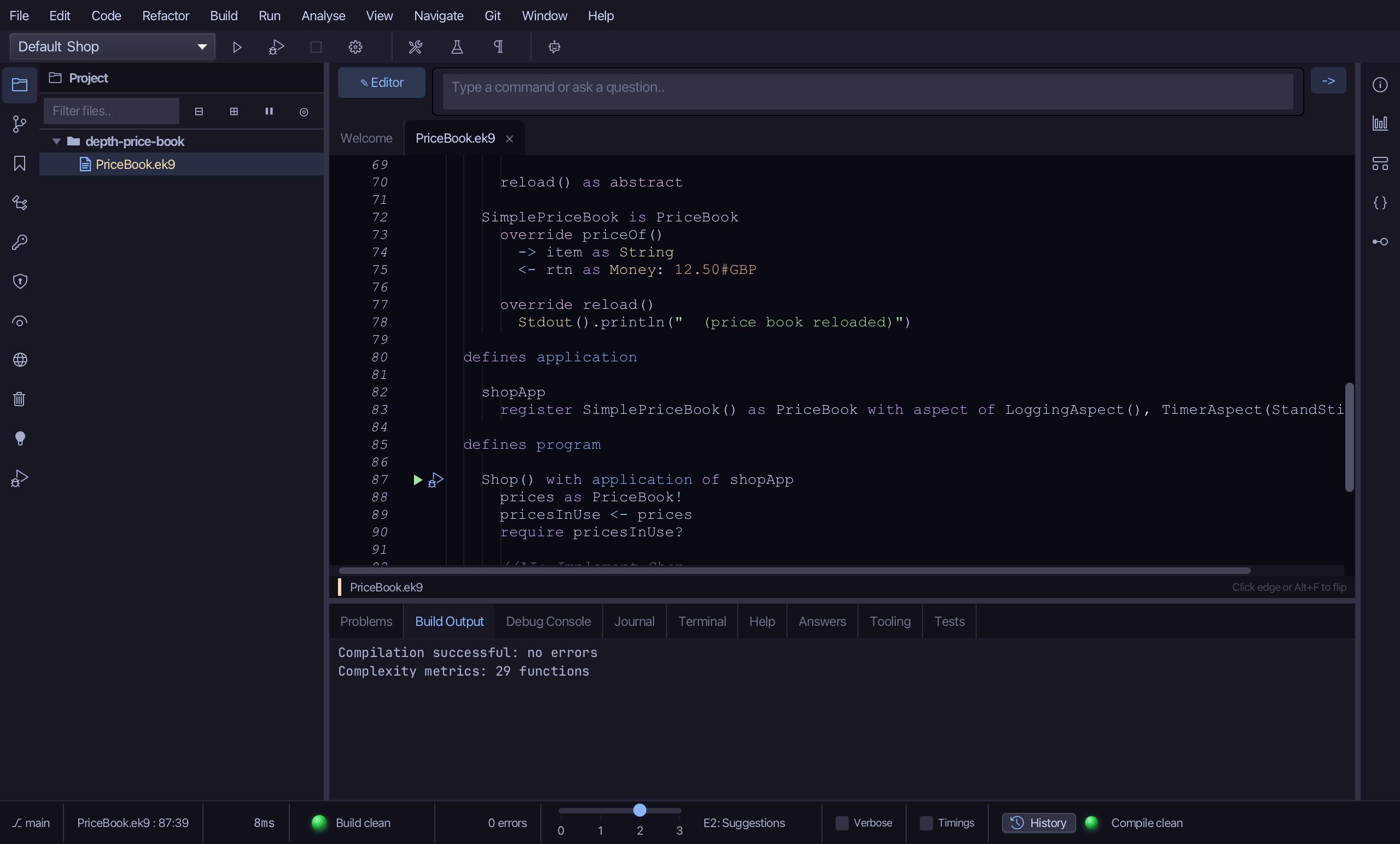
Select the Shop line and, above it, type the blank line the book opens the block with. Saves when typed.
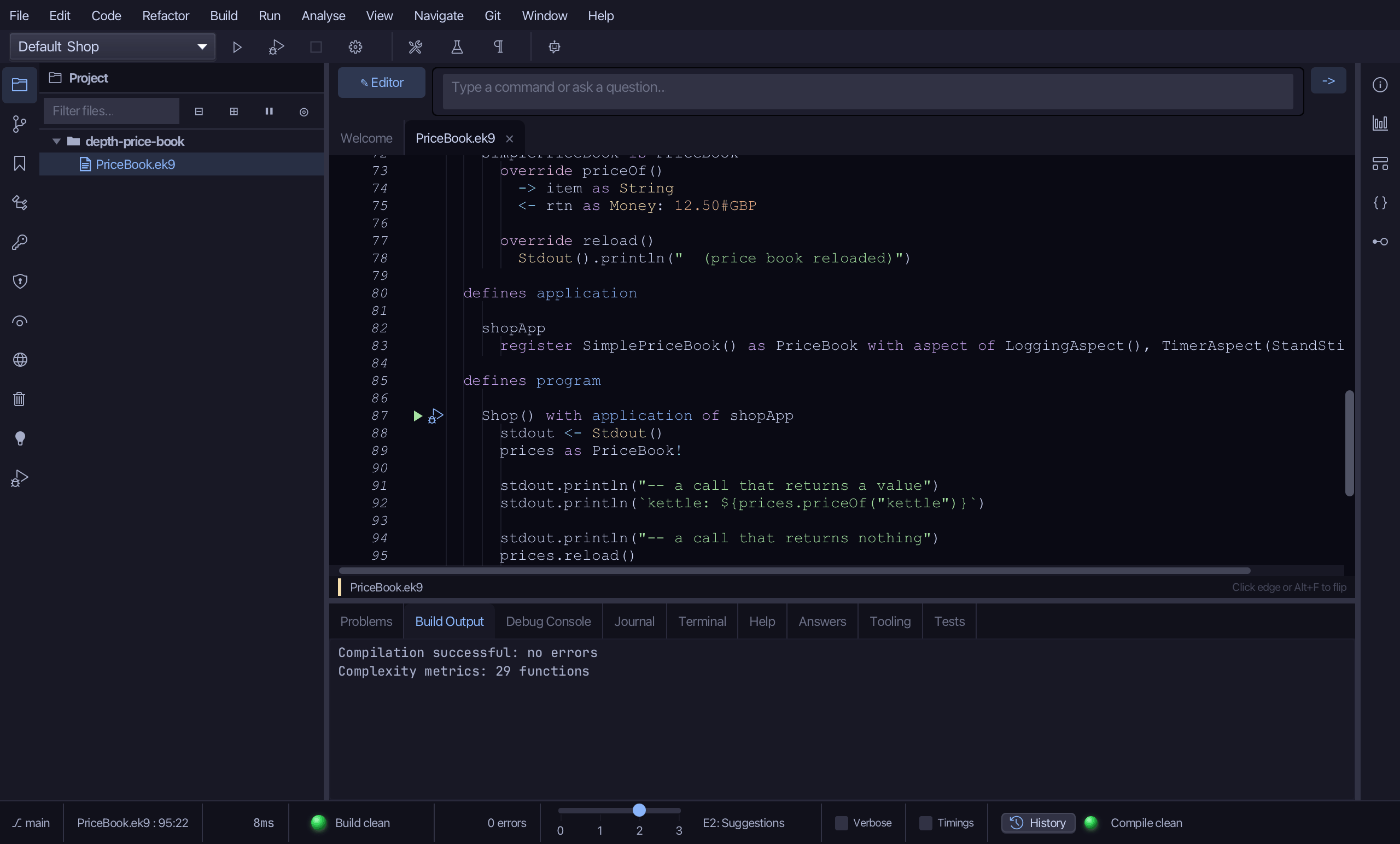
Select from the injection line down to the //AI line and type the program: a call that returns a value and one that returns nothing. Saves when typed.
Step 9: Run it
Choose Run > Run Program…
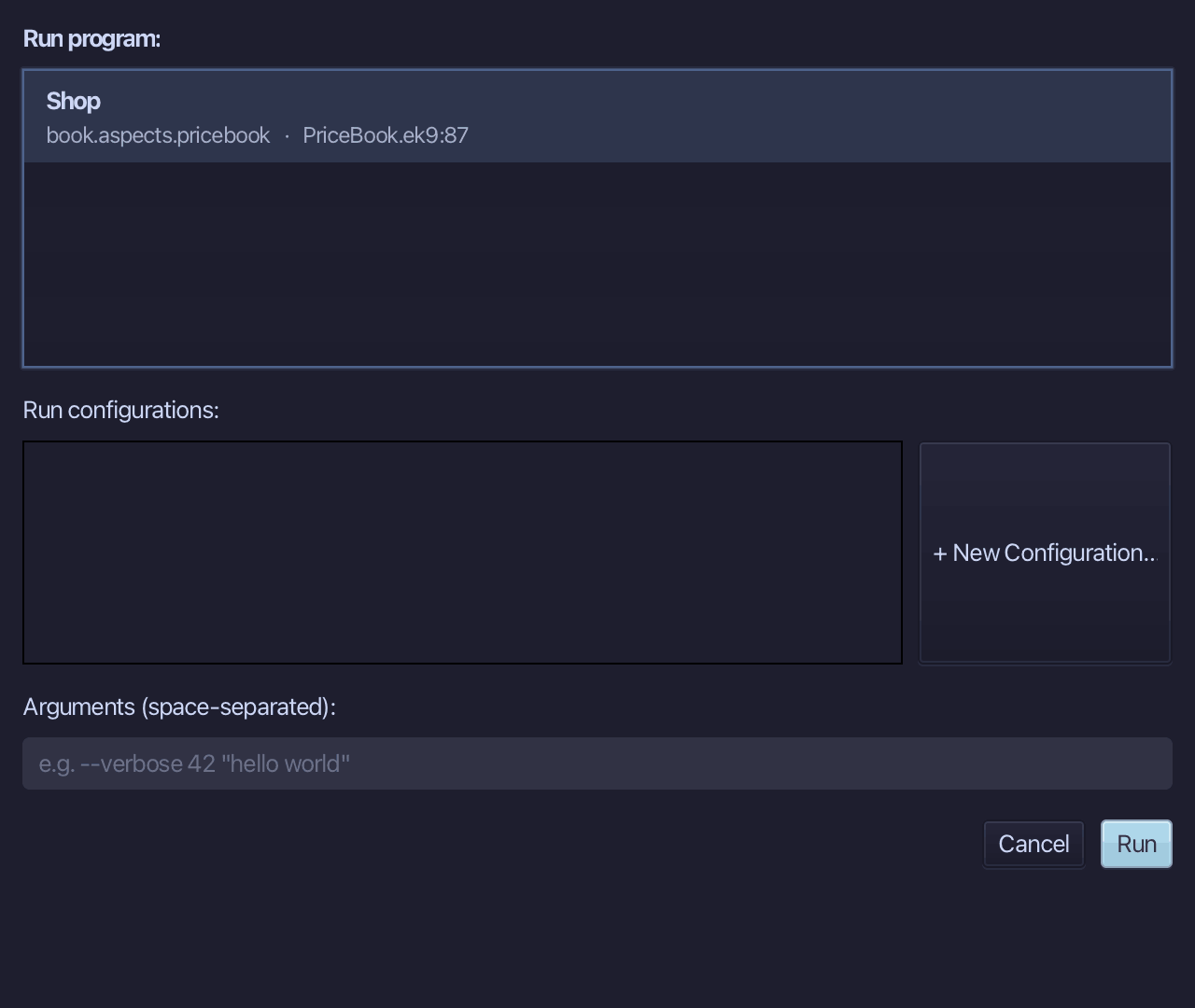
The project's only program is already chosen. Choose Run.
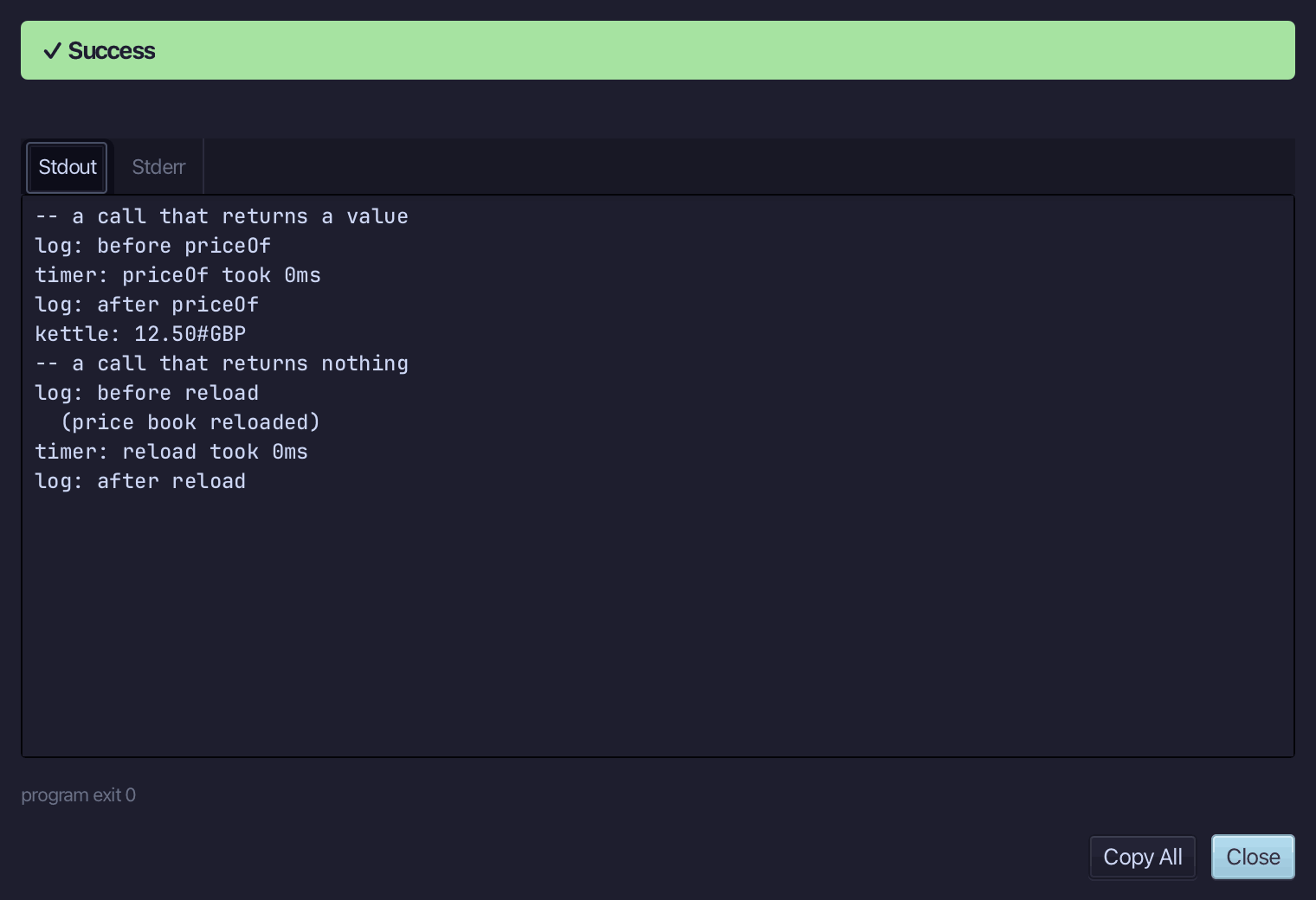
The log and timer lines around each call, the timer always reporting the same elapsed time because the clock stands still. Choose Close.
The result
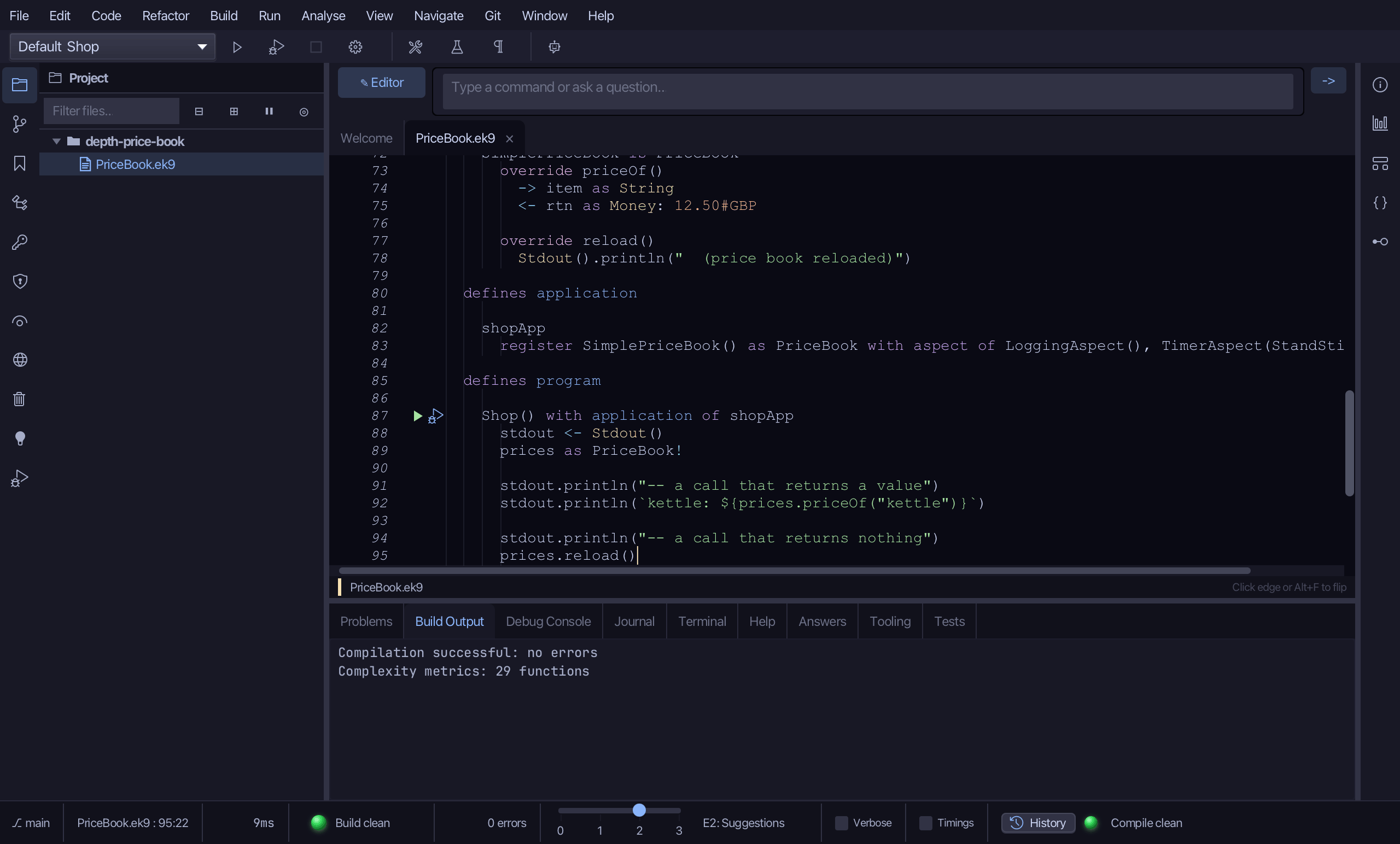
PriceBook.ek9 now reads exactly as chapter 35 of EK9 in Depth shows it. The same pair of aspects wrapped a call with a result and a call without, and neither the component nor the program mentions either.
Where this lesson comes from
- For AI assistants - the MCP tool
ek9_new_construct,ek9_add_field,ek9_add_method,ek9_add_operator,ek9_adopt_trait,ek9_add_application,ek9_add_program.