Chapter 10: guards, reshaped
Chapter 10 is about guards: a value declared and checked in one breath, so code only runs once something is known to be set. Rather than type the guard directly, this lesson writes the plainer, two-statement form first - a declaration, then a separate check right after it, chapter 10's own "declare-then-check" pattern - and uses Lift into Guard to fold the two into one guarded head, the same tool a right-click offers wherever the caret is on a liftable control. To play it in the IDE: Help > Lessons > Writing code…, or ek9 -ide -lesson book-guards.
What you'll build
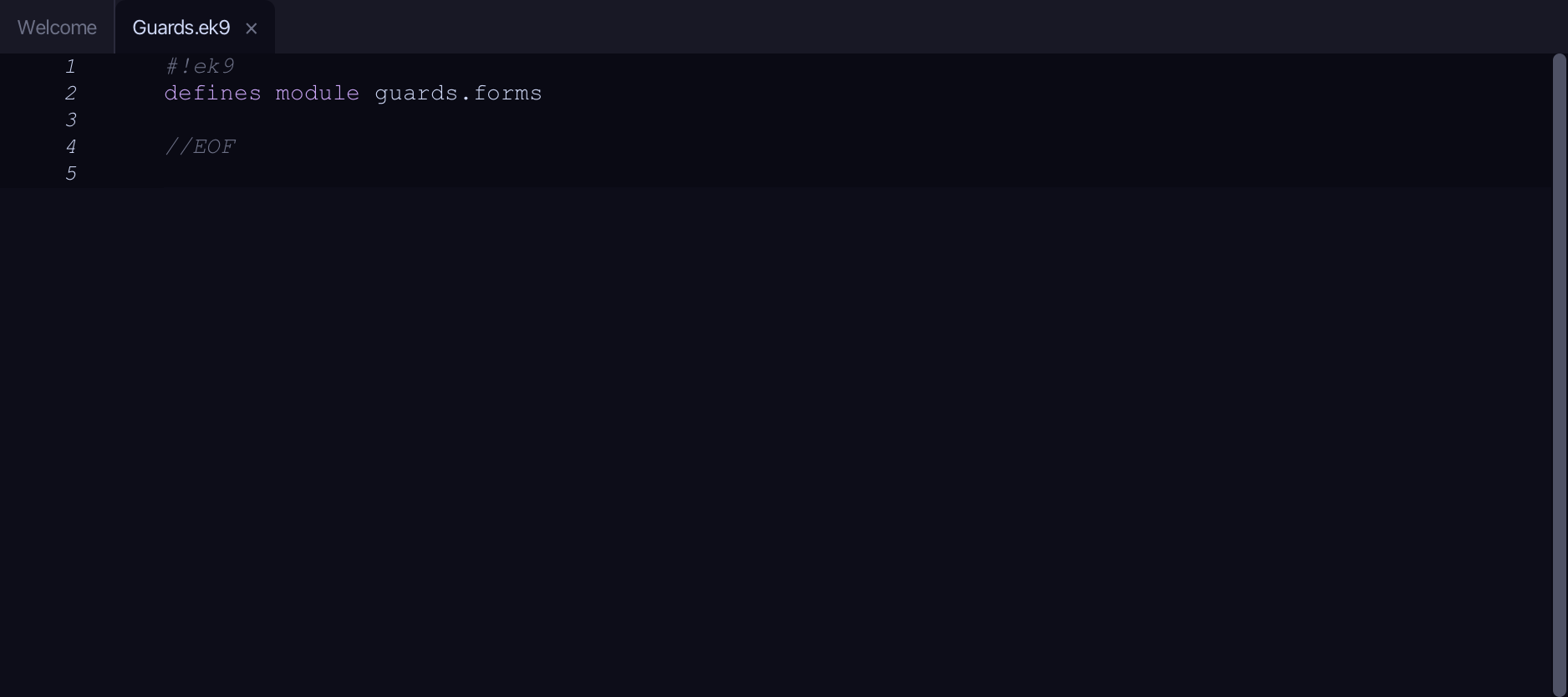
The lesson builds this program from a file holding only its module line - the finished file, as the book prints it.
#!ek9
defines module guards.forms

  defines function

    //Returns an unset String: there is no name to give.
    lookupName() as pure
      <- rtn as String: String()

    //Returns a set String.
    storedName() as pure
      <- rtn as String: "Ada"

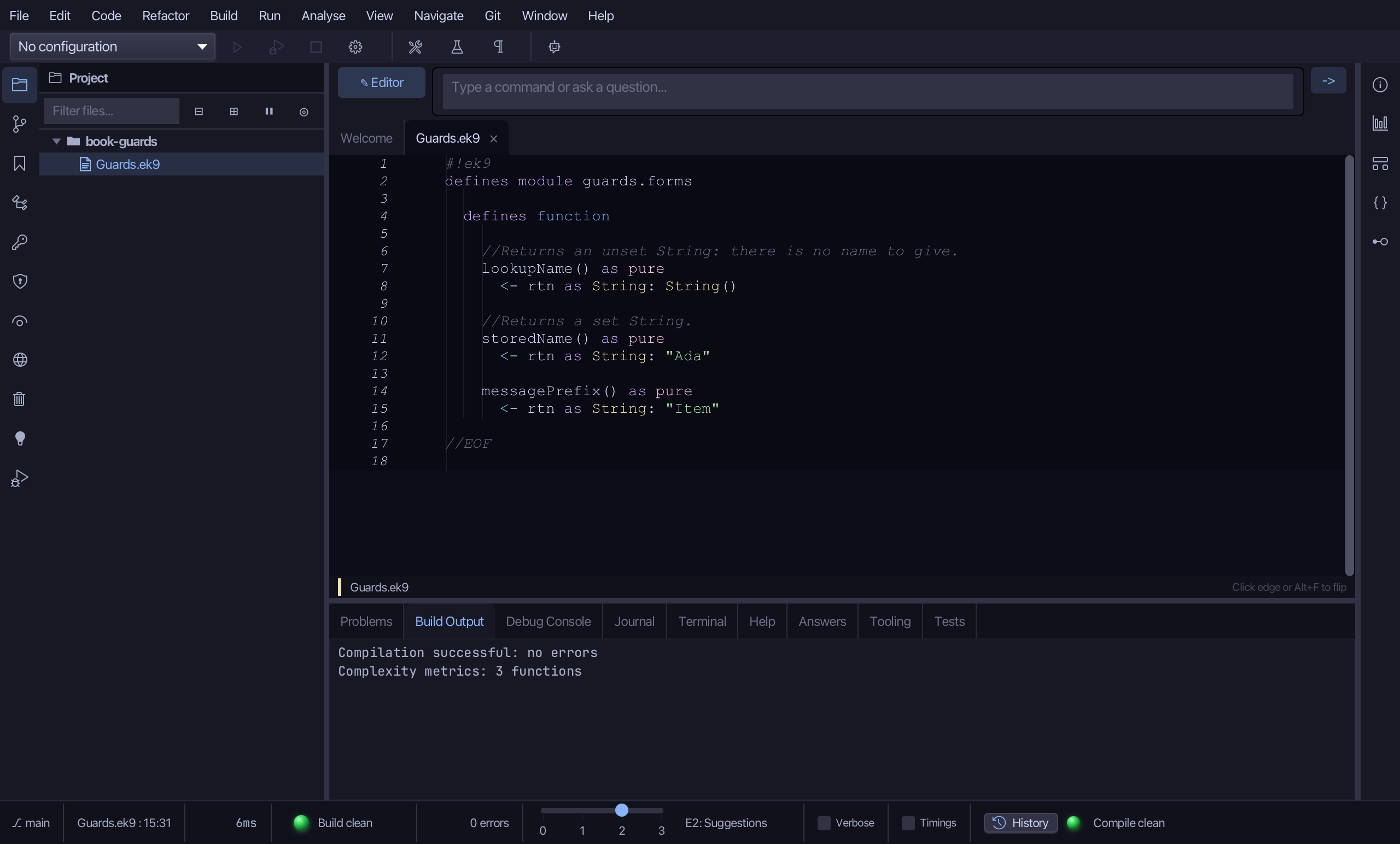
    messagePrefix() as pure
      <- rtn as String: "Item"

  defines program

    //The guard: declare a value and run the block only if it is set.
    //lookupName() gives nothing, so the first block is skipped.
    Greet()
      stdout <- Stdout()
      if name <- lookupName()
        stdout.println(`Hello, ${name}`)
      if name <- storedName()
        stdout.println(`Hello, ${name}`)

    //A guard with an extra condition after 'then'.
    GreetLongNames()
      stdout <- Stdout()
      minLen <- 2
      if name <- storedName() then length name > minLen
        stdout.println(`Hello, ${name}`)

    //The same guard in a 'while' loop: the iterator is fetched once, hasNext() checked each time.
    Echo()
      stdout <- Stdout()
      lines <- ["red", "amber", "green"]
      while iter <- lines.iterator() then iter.hasNext()
        line <- iter.next()
        stdout.println(line)

    //The same guard as a one-off setup step before a 'for' loop.
    Numbered()
      stdout <- Stdout()
      for prefix <- messagePrefix() then i in 1 ... 3
        stdout.println(`${prefix} ${i}`)

//EOF
Step 1: lookupName
Choose Code > New Construct > Function…
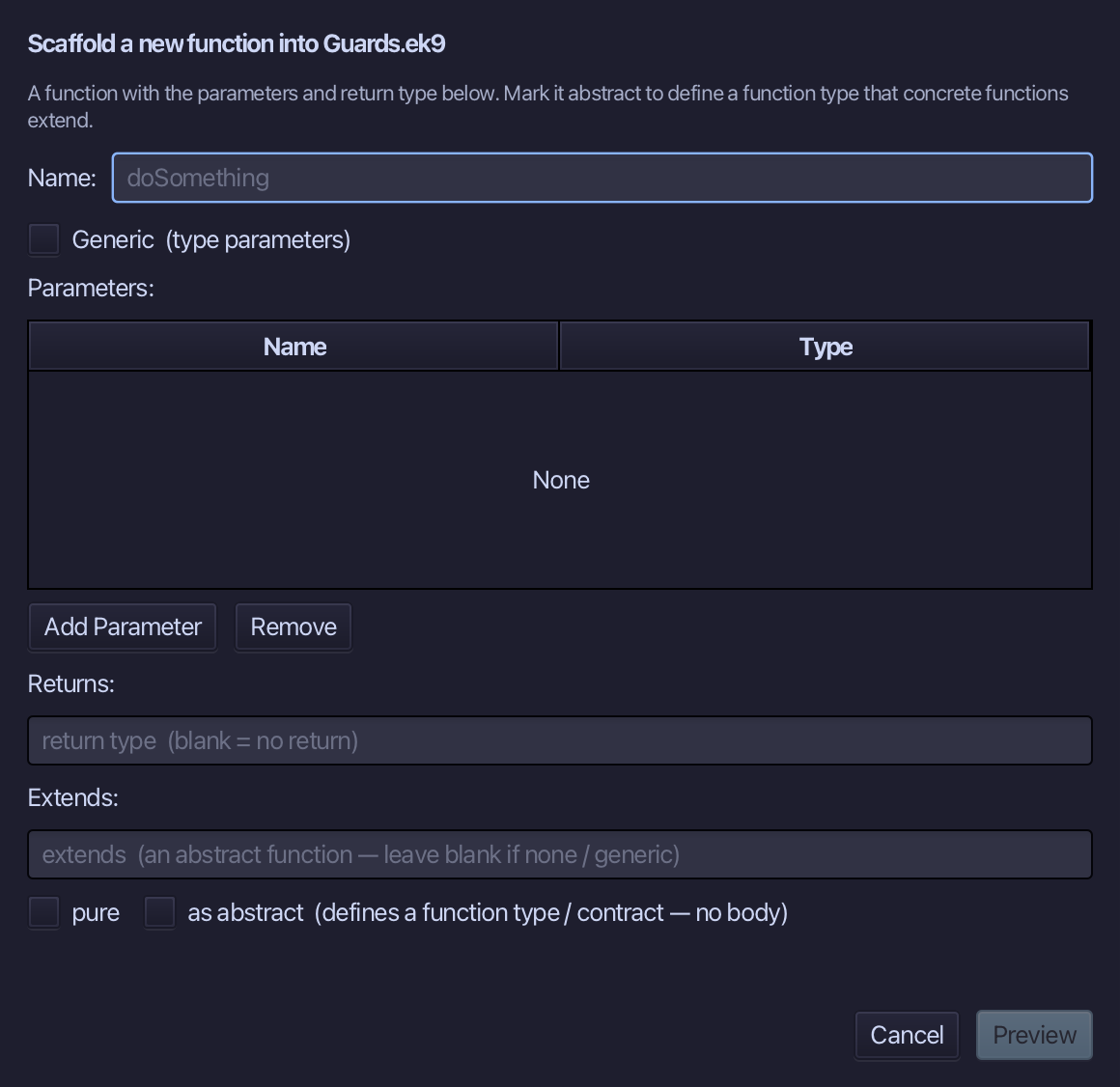
lookupName is the function's name - no parameters. Set Returns to String and tick pure. Choose Preview.
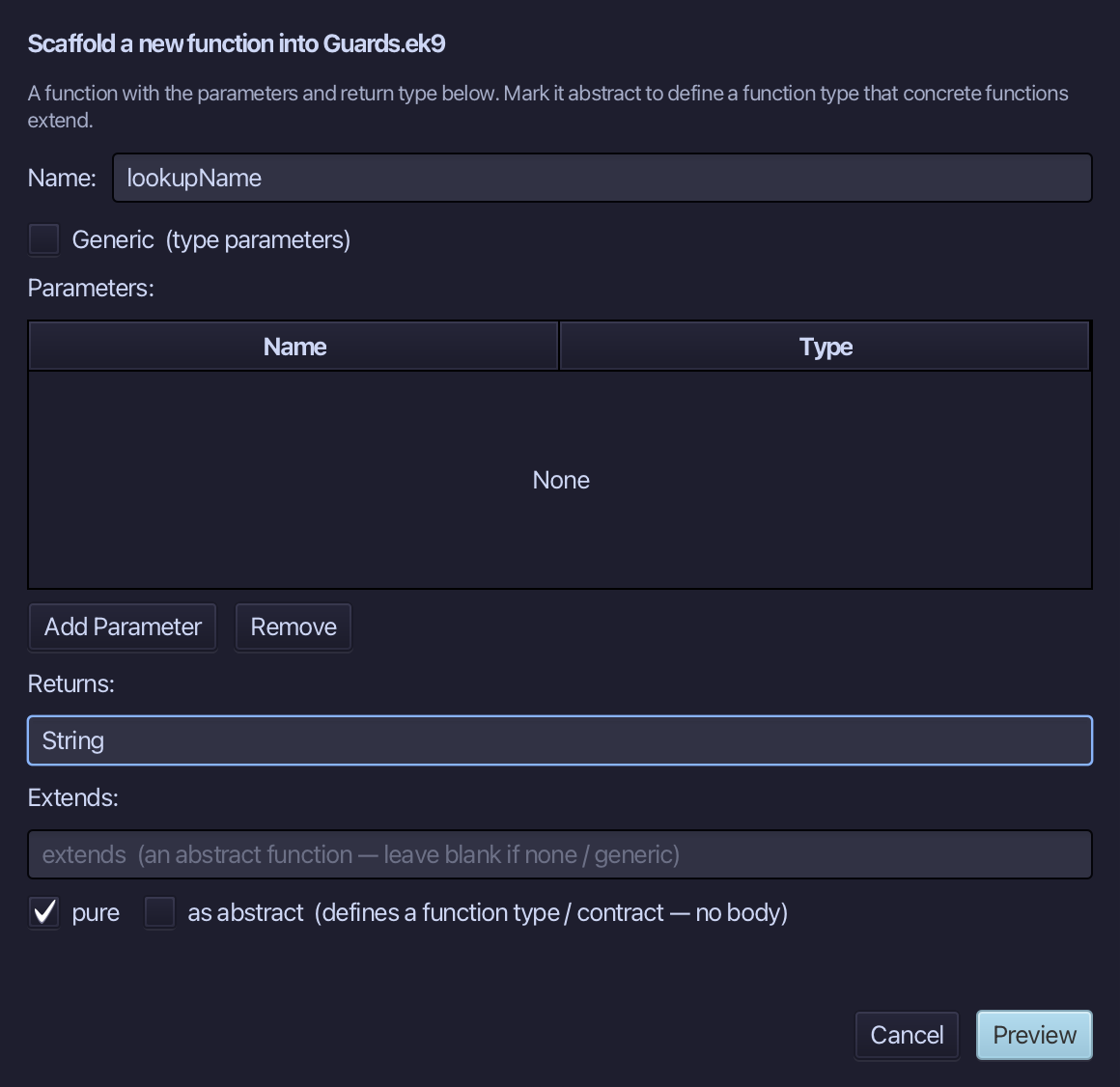
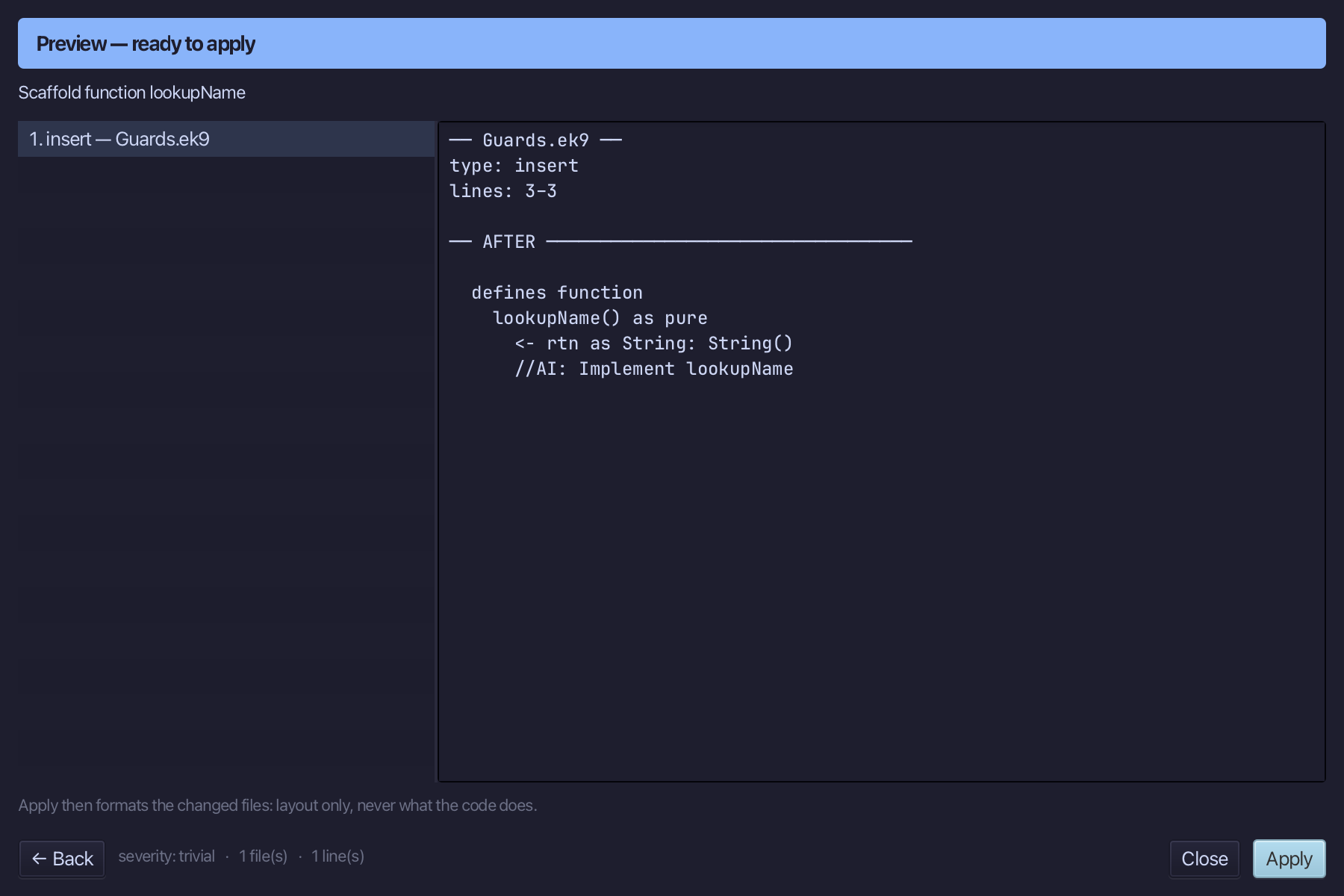
The preview shows lookupName about to be written, pure, returning String. Choose Apply.
Select the lookupName() as pure line, and above it type the comment explaining why it returns nothing. Saves when typed.
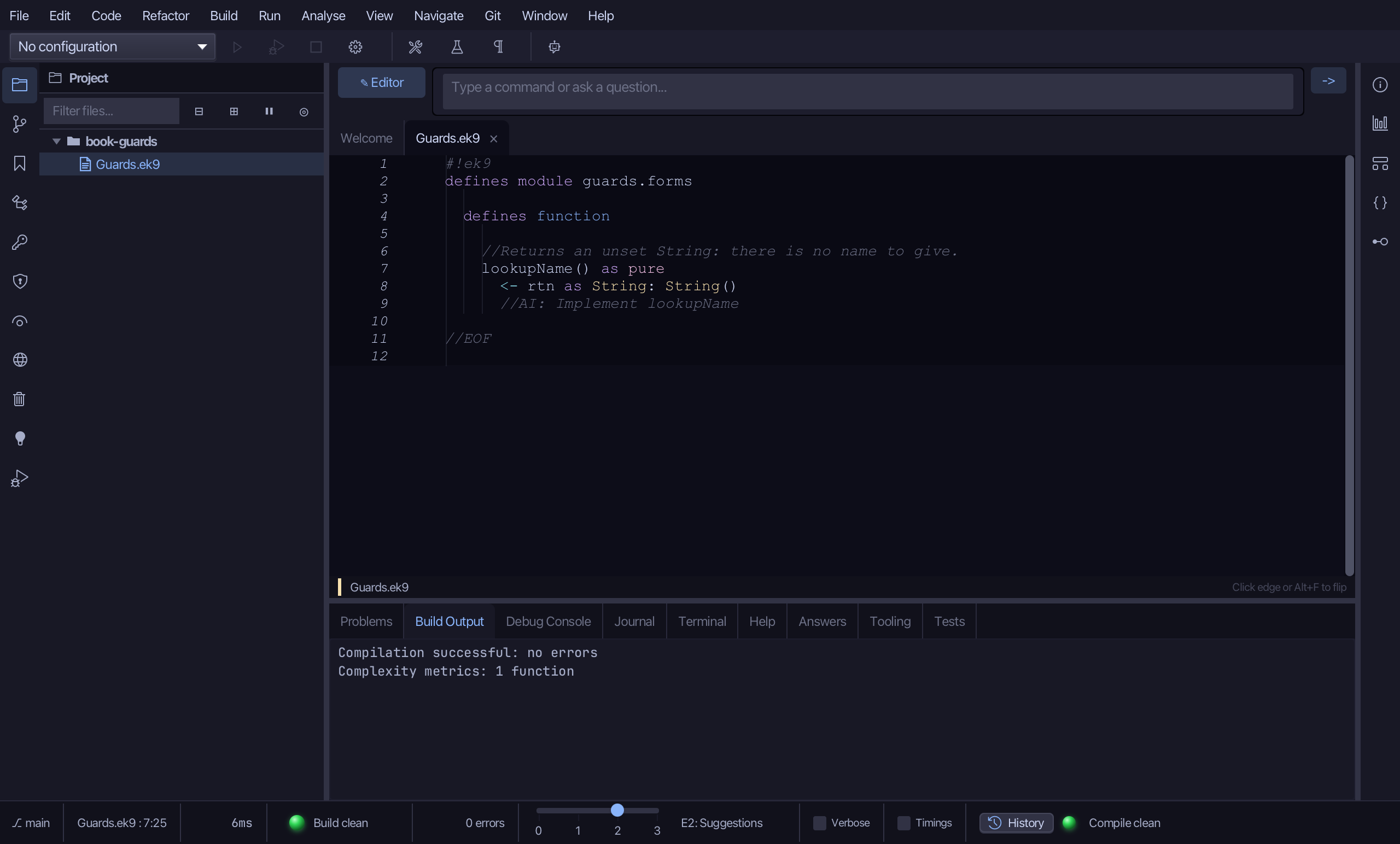
Select the stub, from <- rtn as String: String() down to its //AI line, and type the unset String it already returns - the same text, its //AI marker gone. Saves when typed.
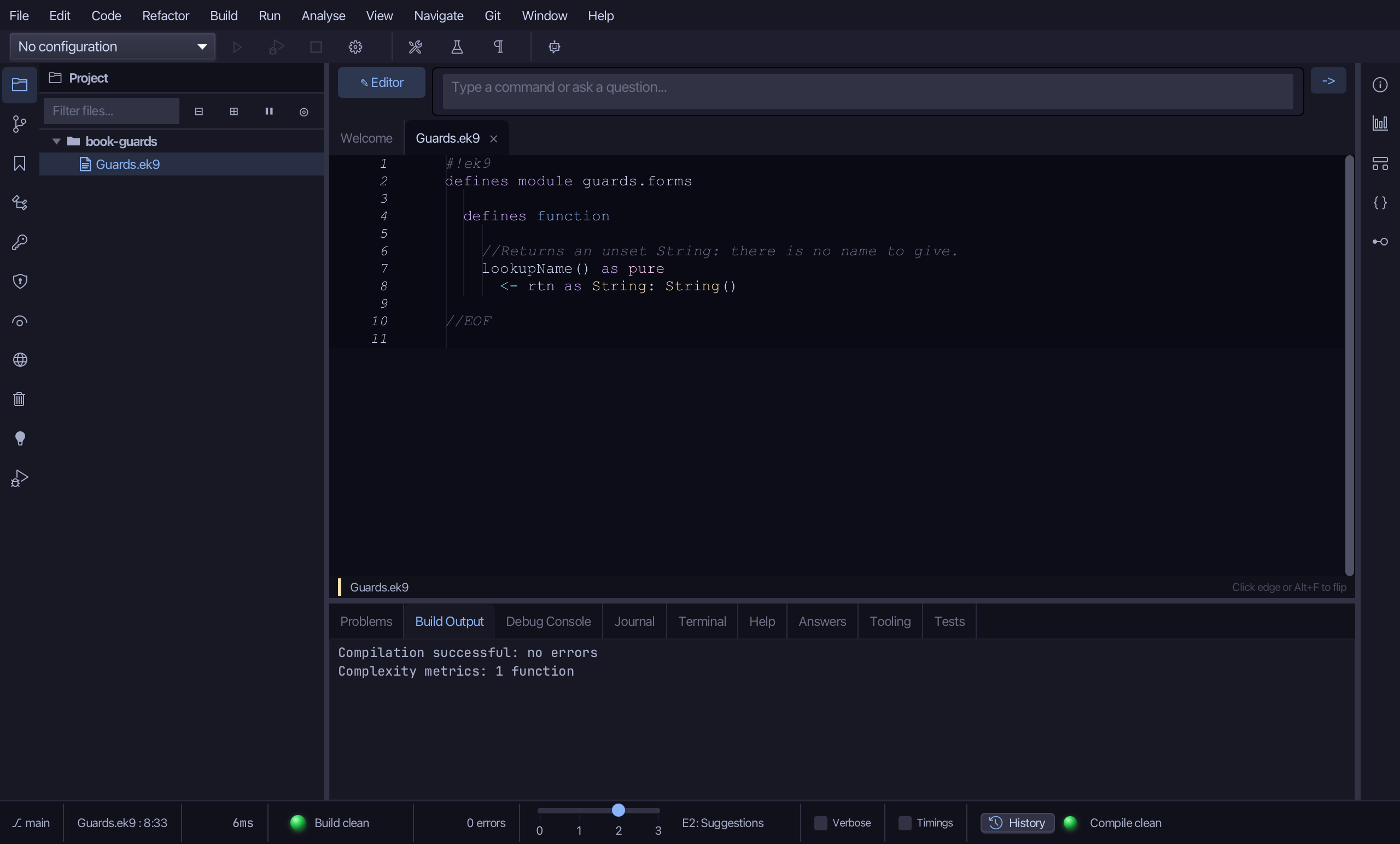
Step 2: storedName
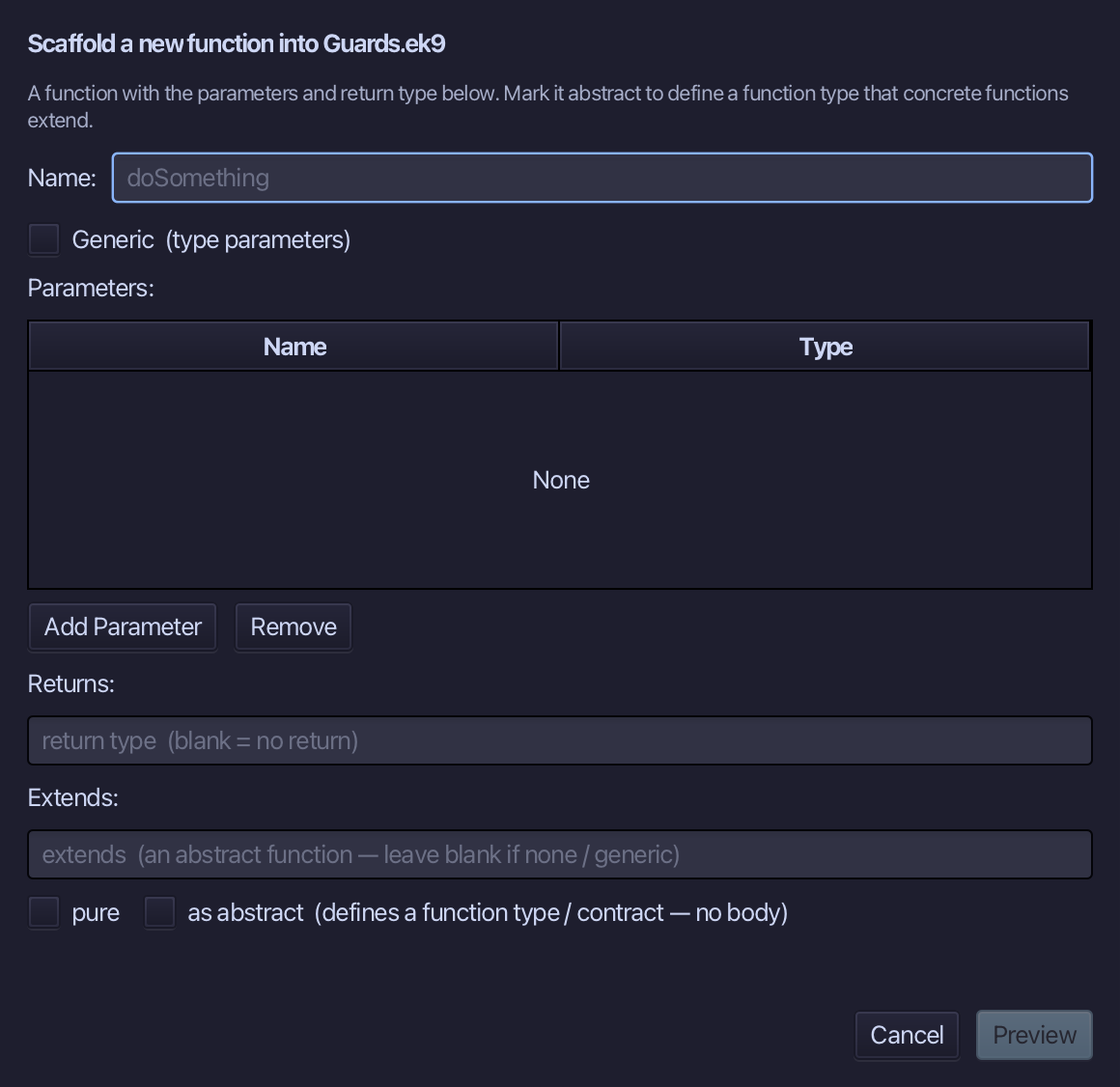
Choose Code > New Construct > Function…
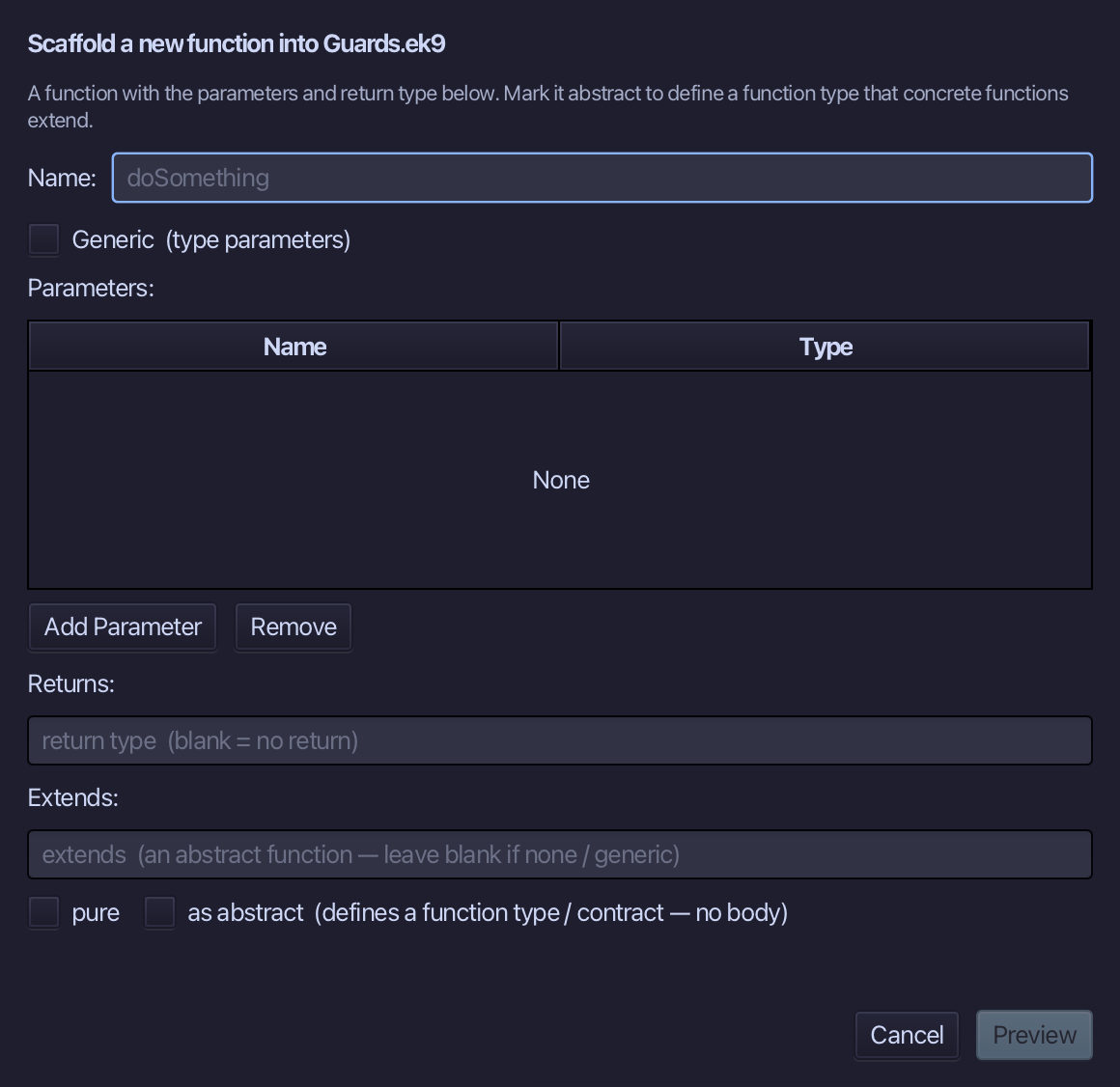
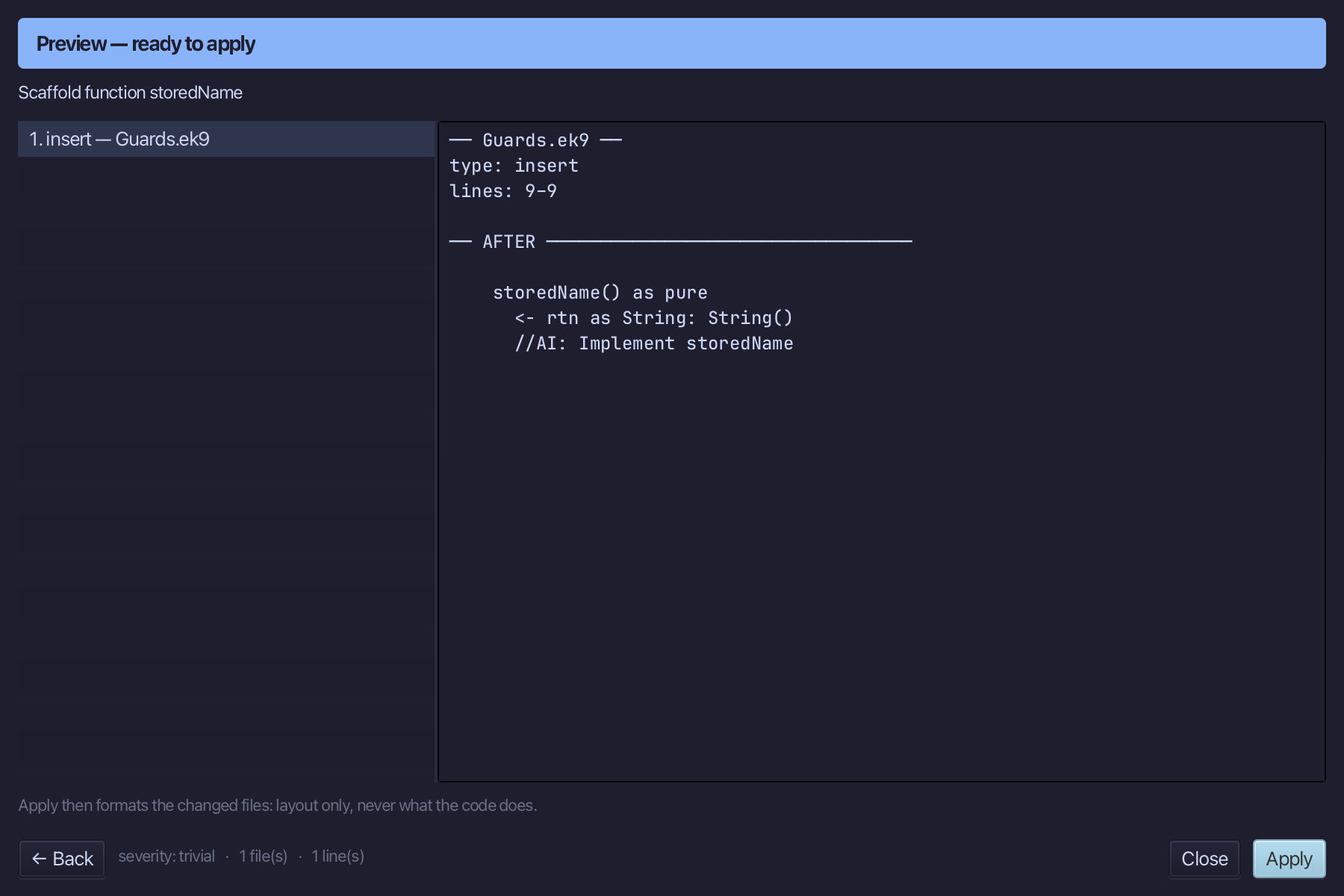
storedName is the function's name - no parameters. Set Returns to String, tick pure, and choose Preview.
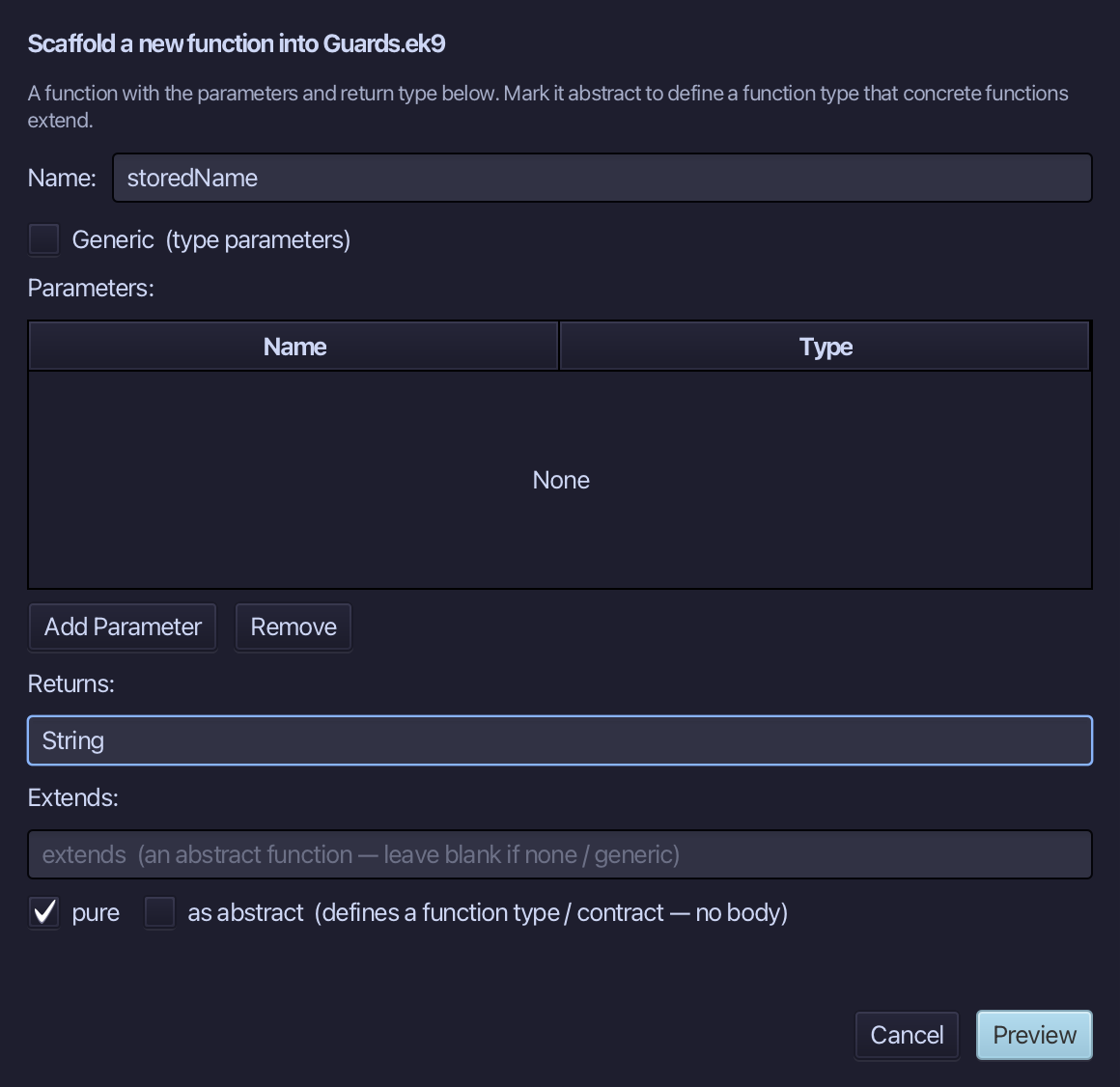
The preview shows storedName about to be written, pure, returning String; then the IDE formats the file it writes - a blank line already sets it apart from lookupName. Choose Apply.
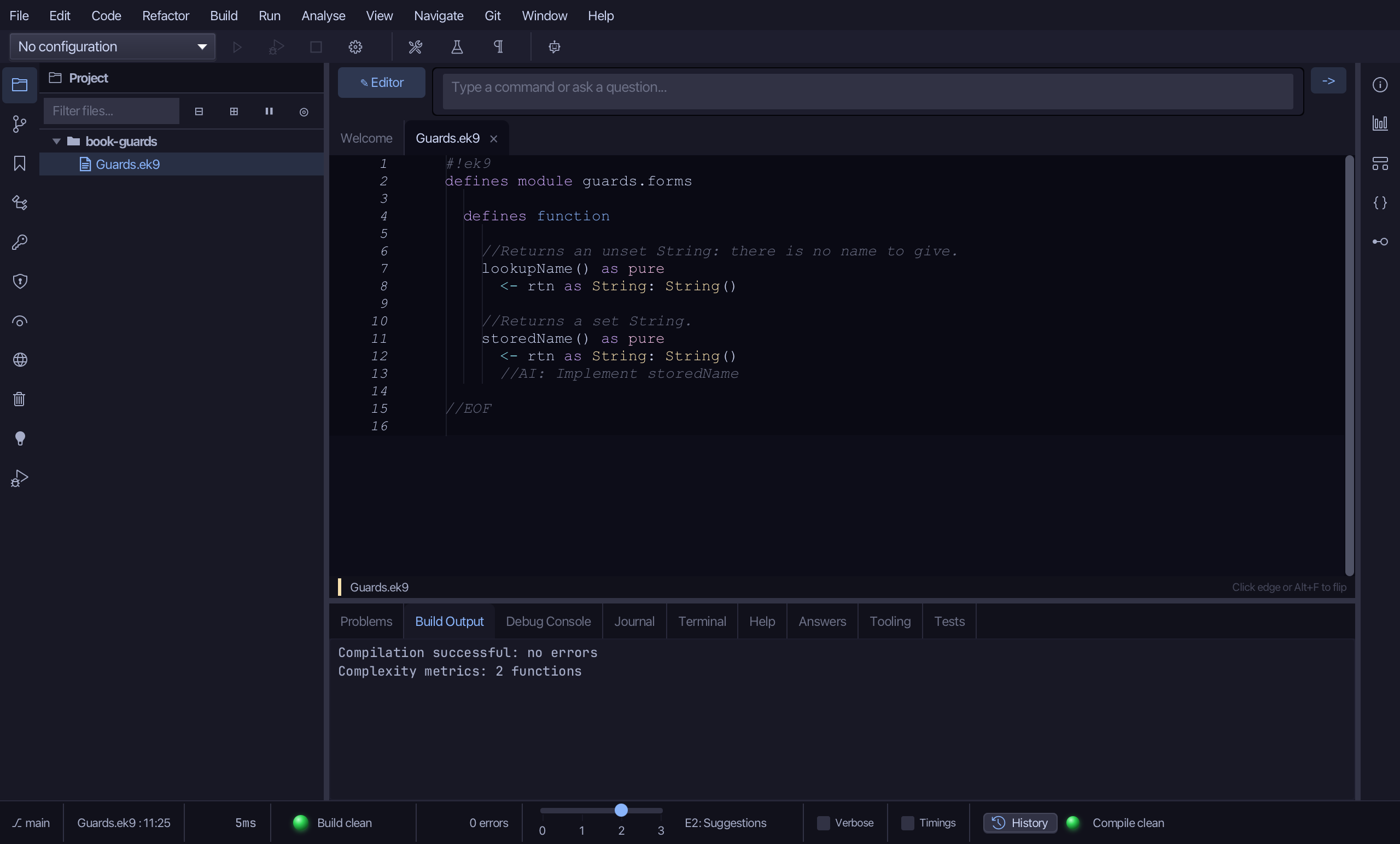
Select the storedName() as pure line, and above it type the comment explaining what it returns - the blank line above it is already there. Saves when typed.
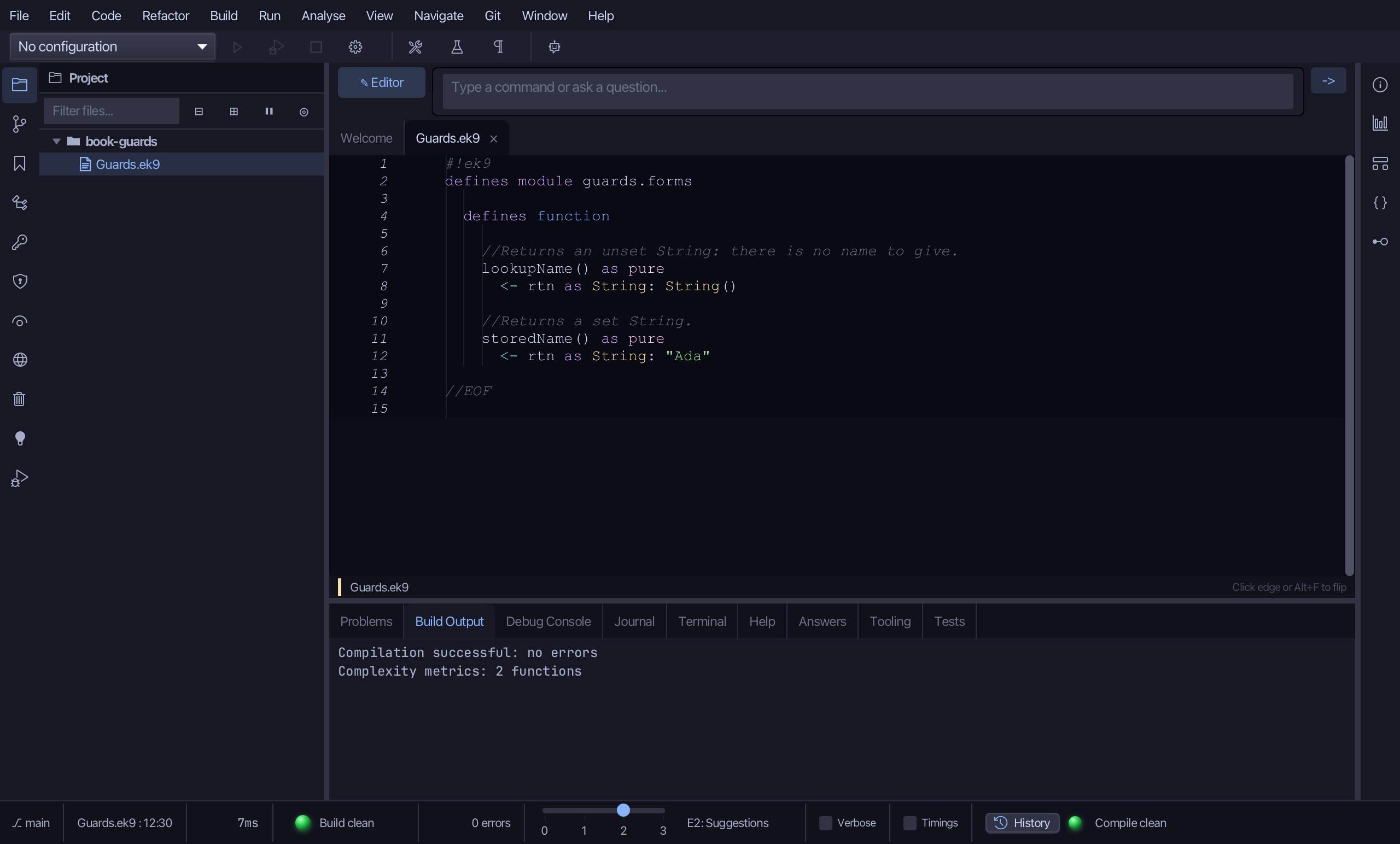
Select the stub, from <- rtn as String: String() down to its //AI line, and type the set String it really returns, "Ada". Saves when typed.
Step 3: messagePrefix
Choose Code > New Construct > Function…
messagePrefix is the function's name - no parameters. Set Returns to String, tick pure, and choose Preview.
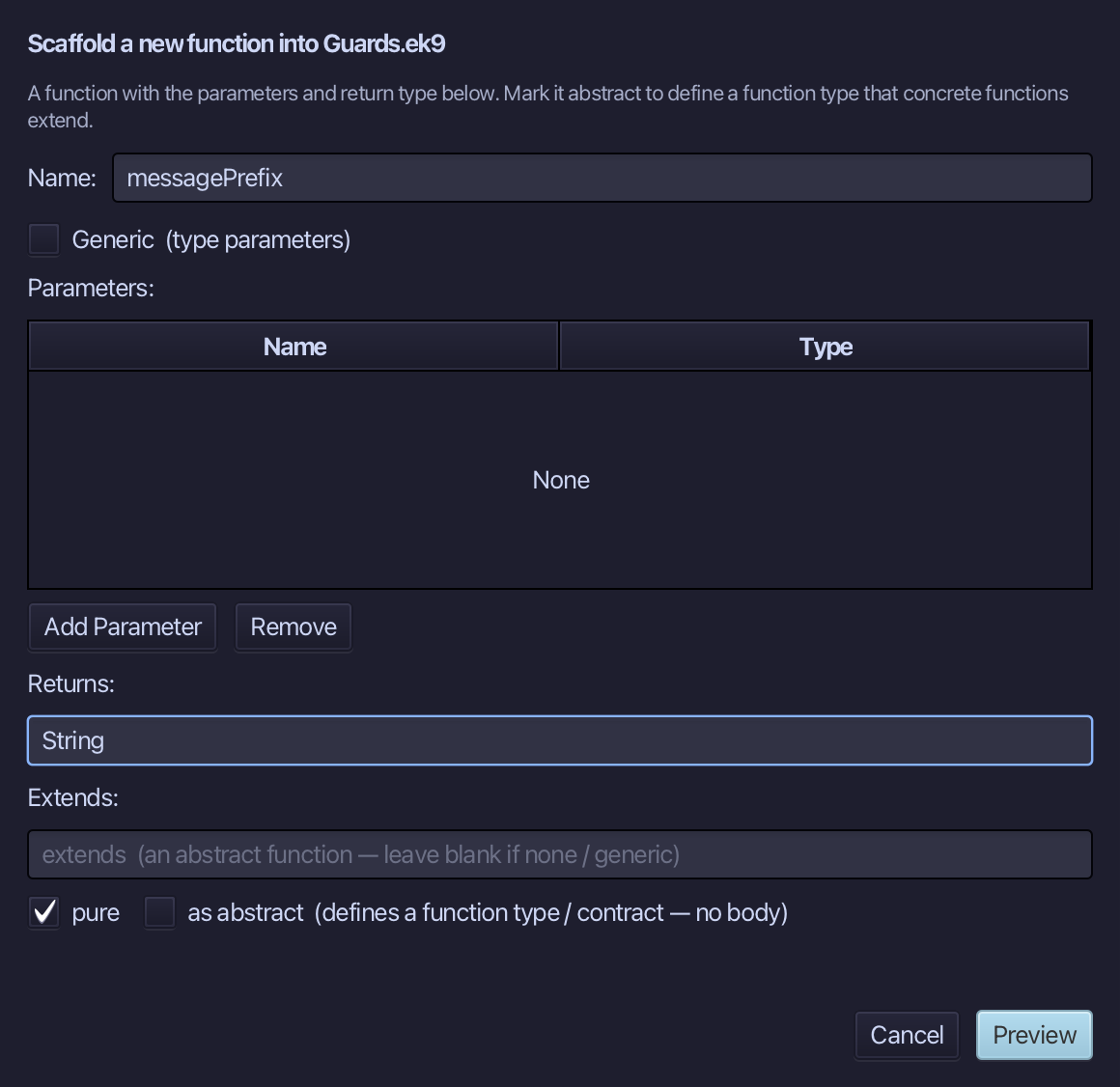
The preview shows messagePrefix about to be written, pure. messagePrefix needs no comment of its own - the blank line a tool leaves before every member after the first is all that sets it apart. Choose Apply.
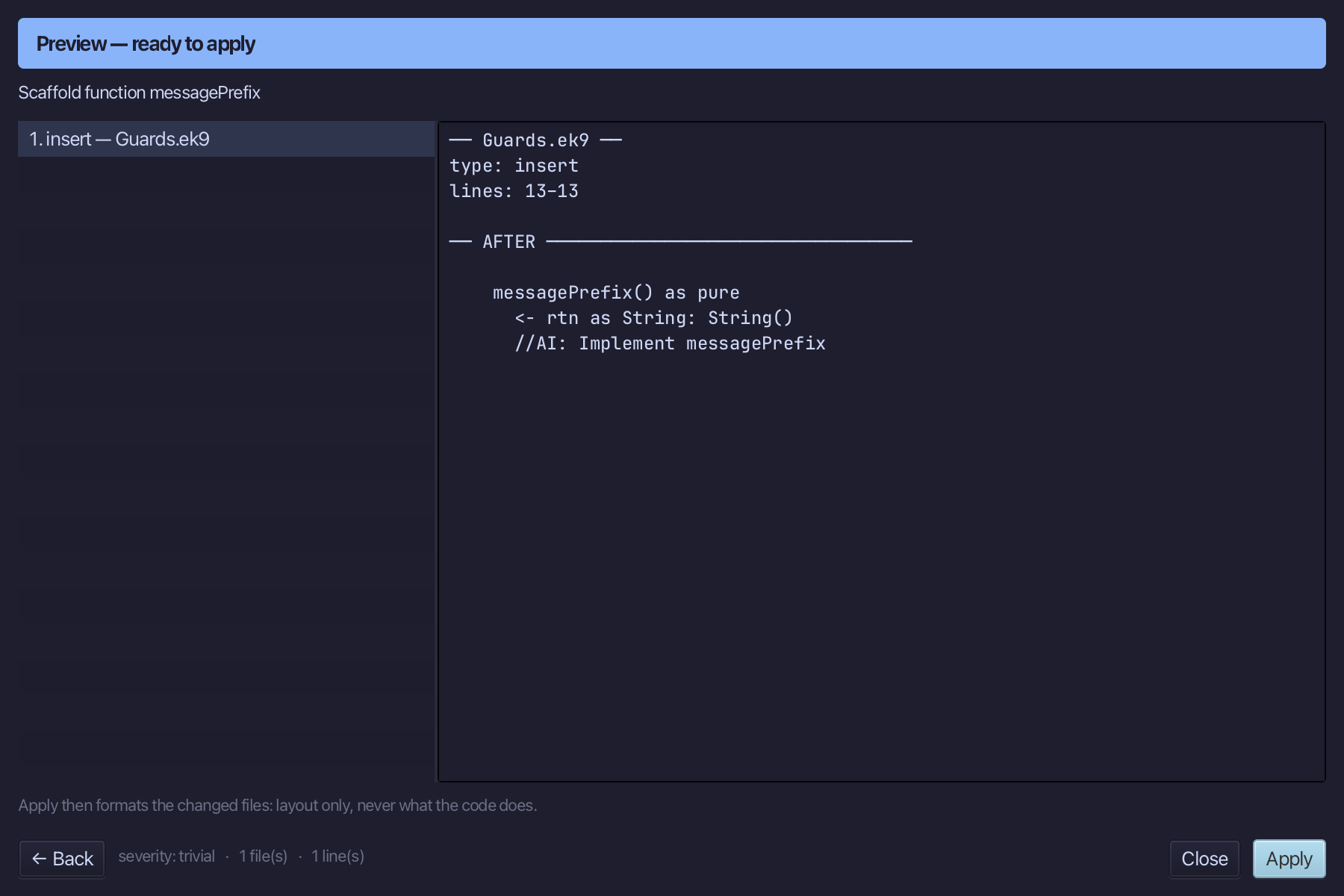
Select the stub, from <- rtn as String: String() down to its //AI line, and type the set String it really returns, "Item". Saves when typed.
Step 4: Greet — a guard, twice
Choose Code > New Construct > Program…
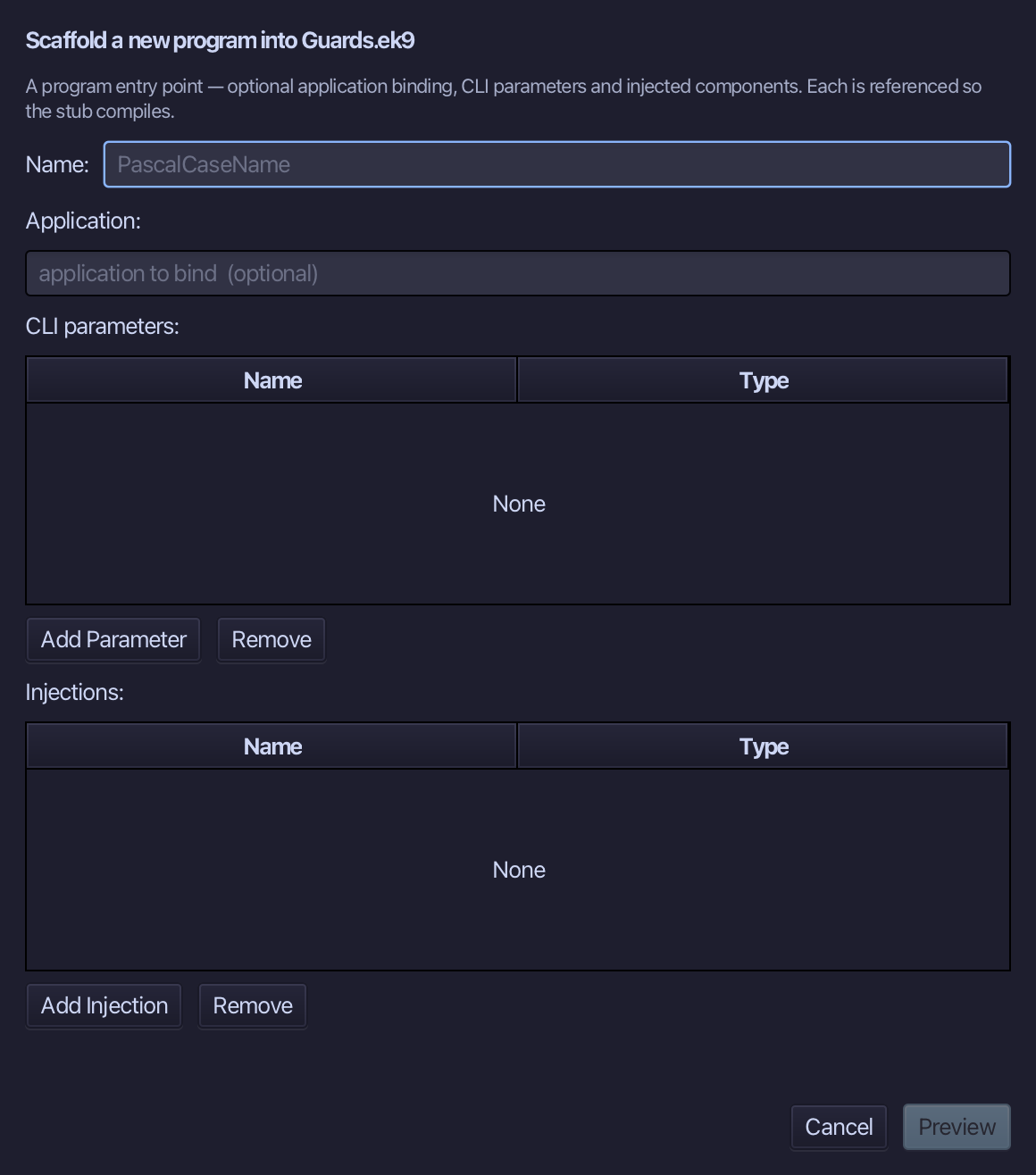
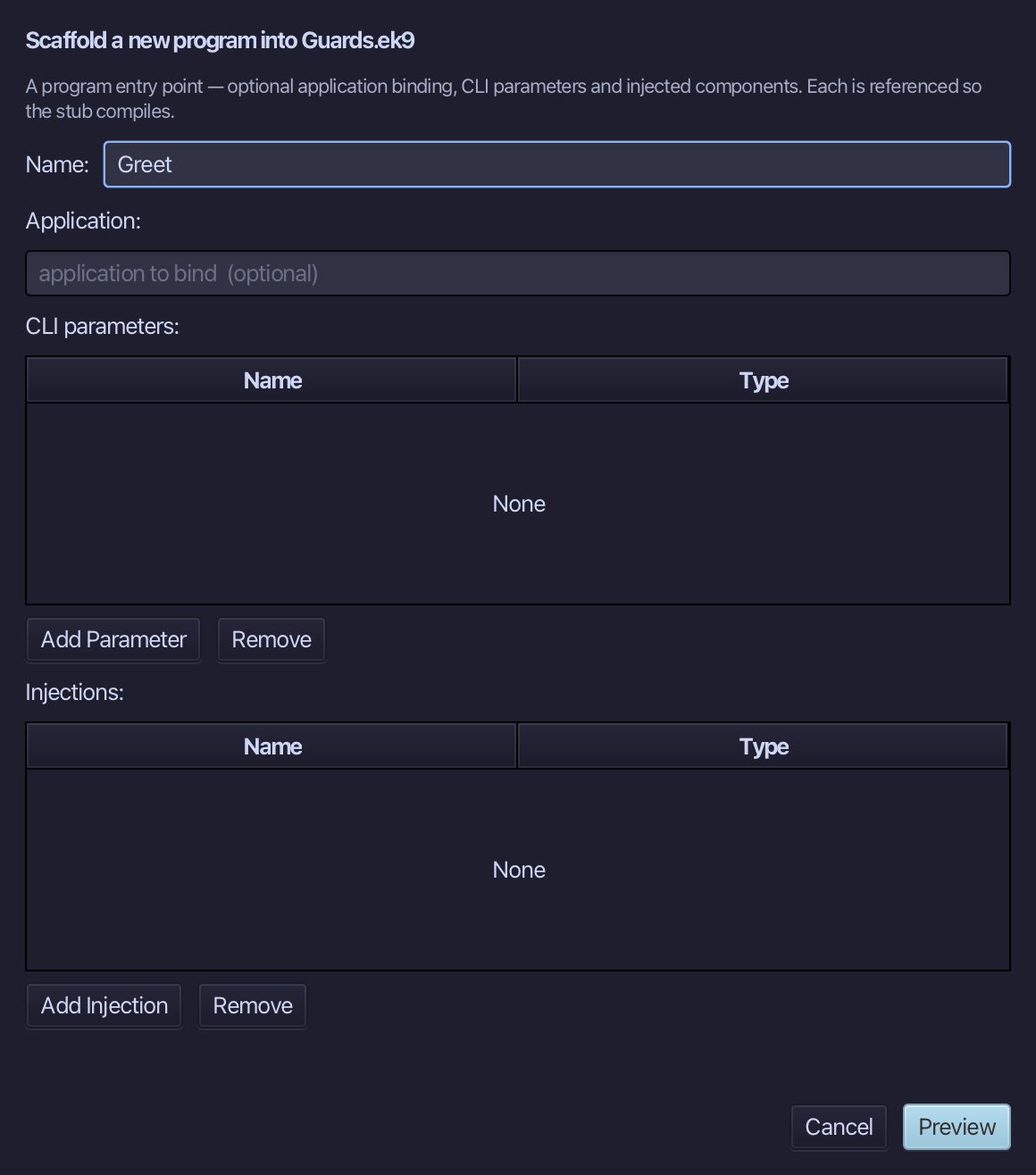
Greet is the program's name - no application to bind, no parameters, nothing injected. Type Greet and choose Preview.
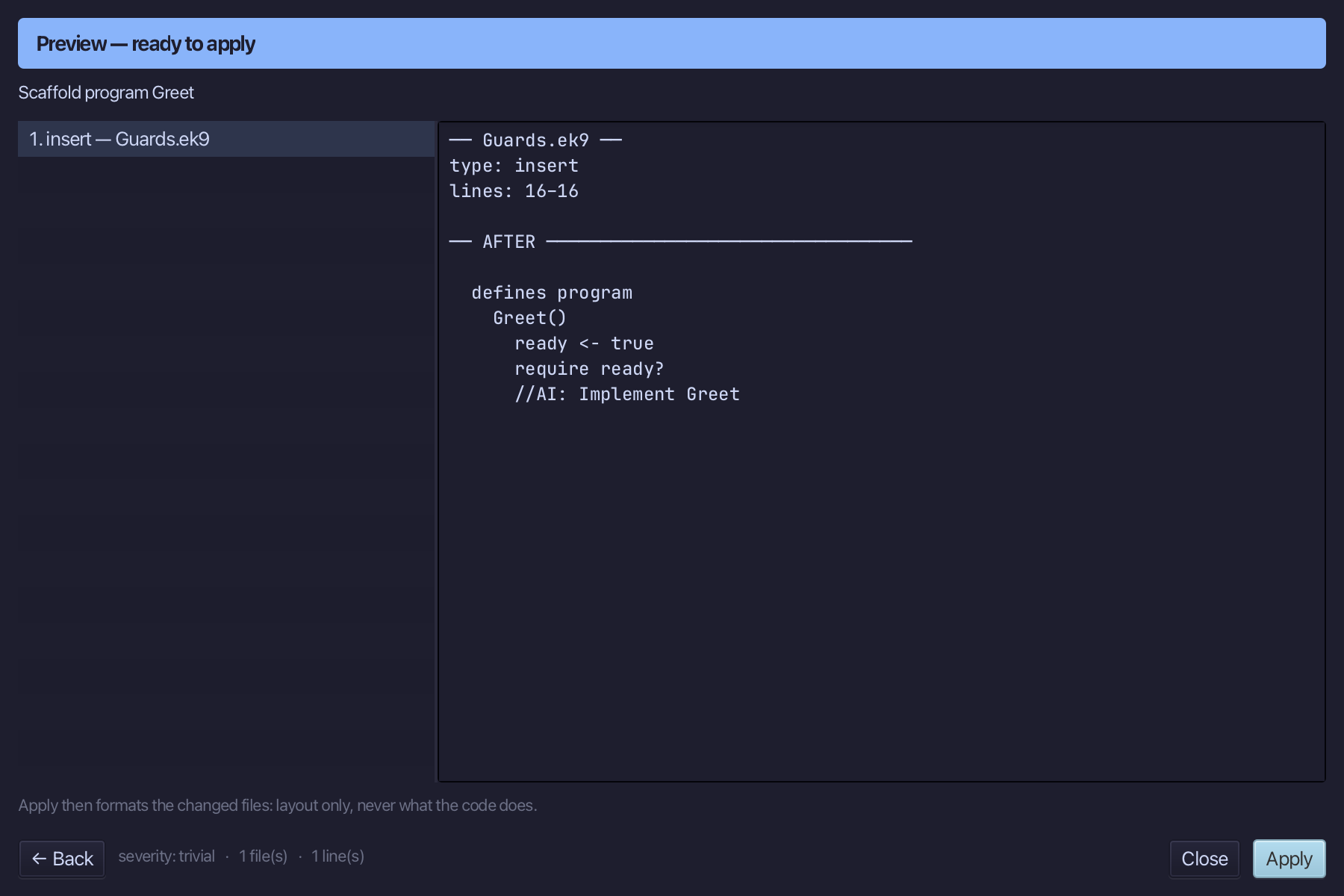
The preview shows Greet about to be written. Choose Apply.
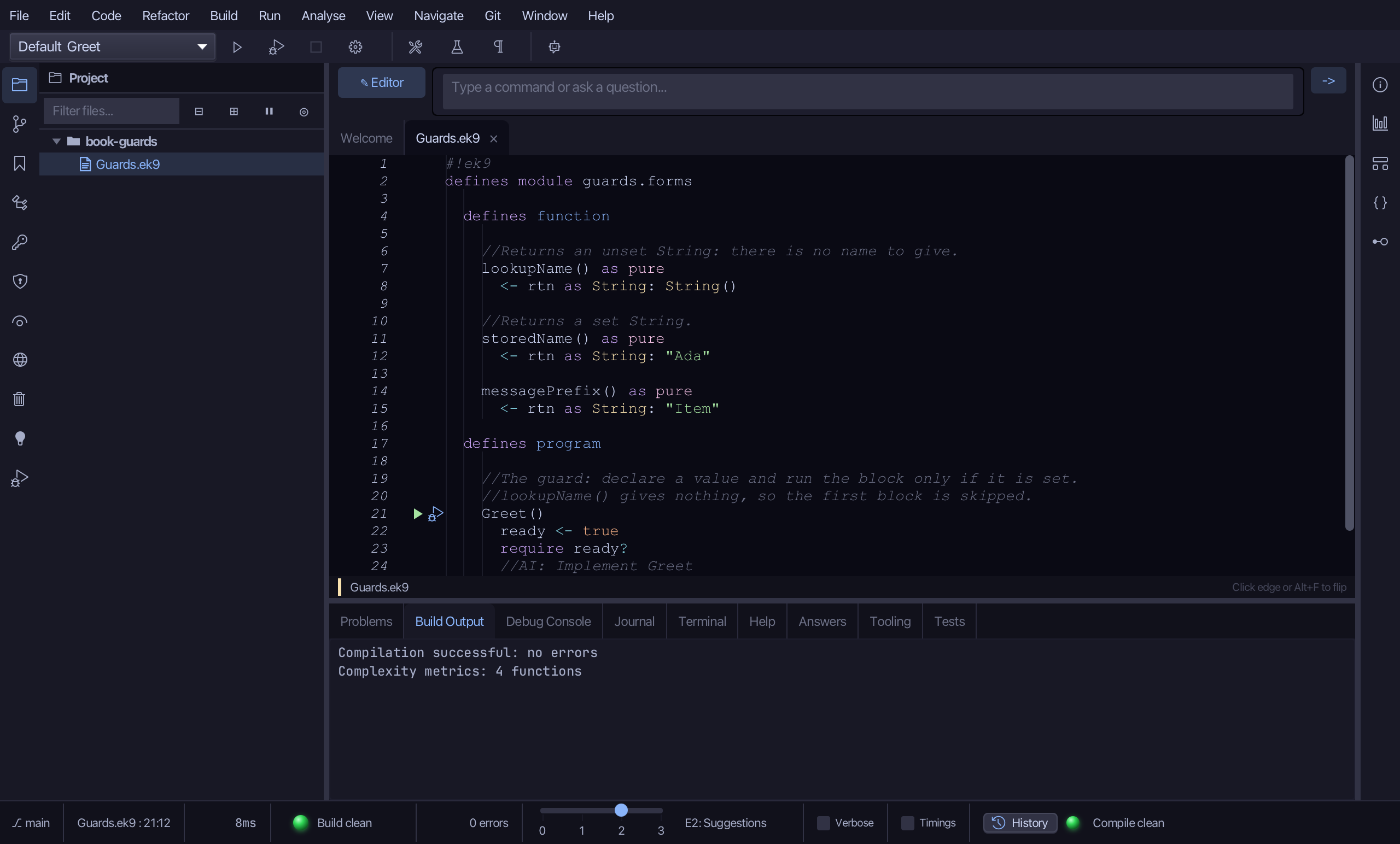
Select the Greet() line, and above it type the two-line comment explaining what a guard does and why the first block below is skipped. Saves when typed.
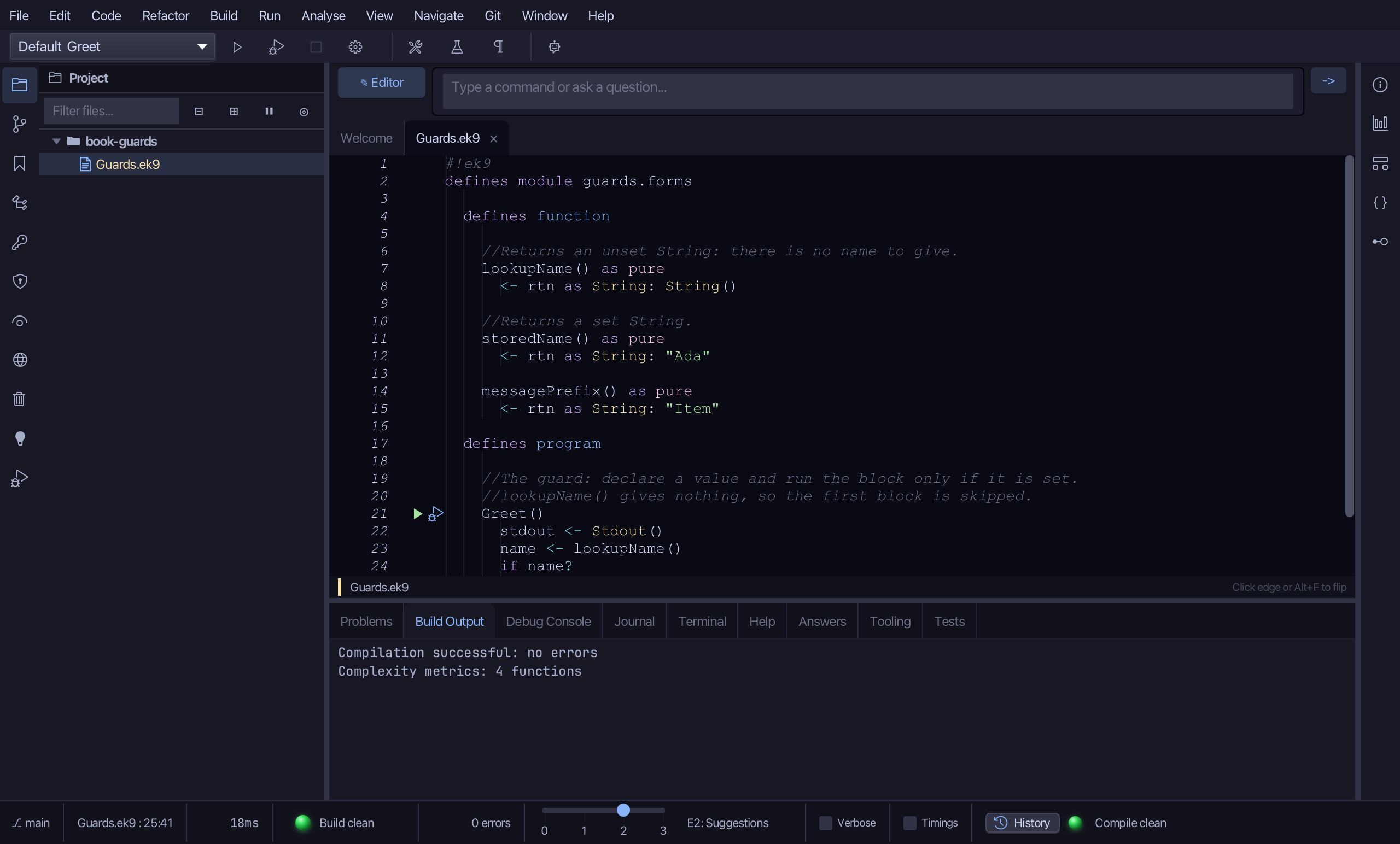
Select the stub, from ready <- true down to its //AI line, and type the plain, pre-lift form: a Stdout, name declared from lookupName(), then a SEPARATE check, if name?, before the greeting. Saves when typed.
Put the caret on if name? - the first one - and right-click, or choose Refactor > Refactor This…, and choose Lift into Guard…
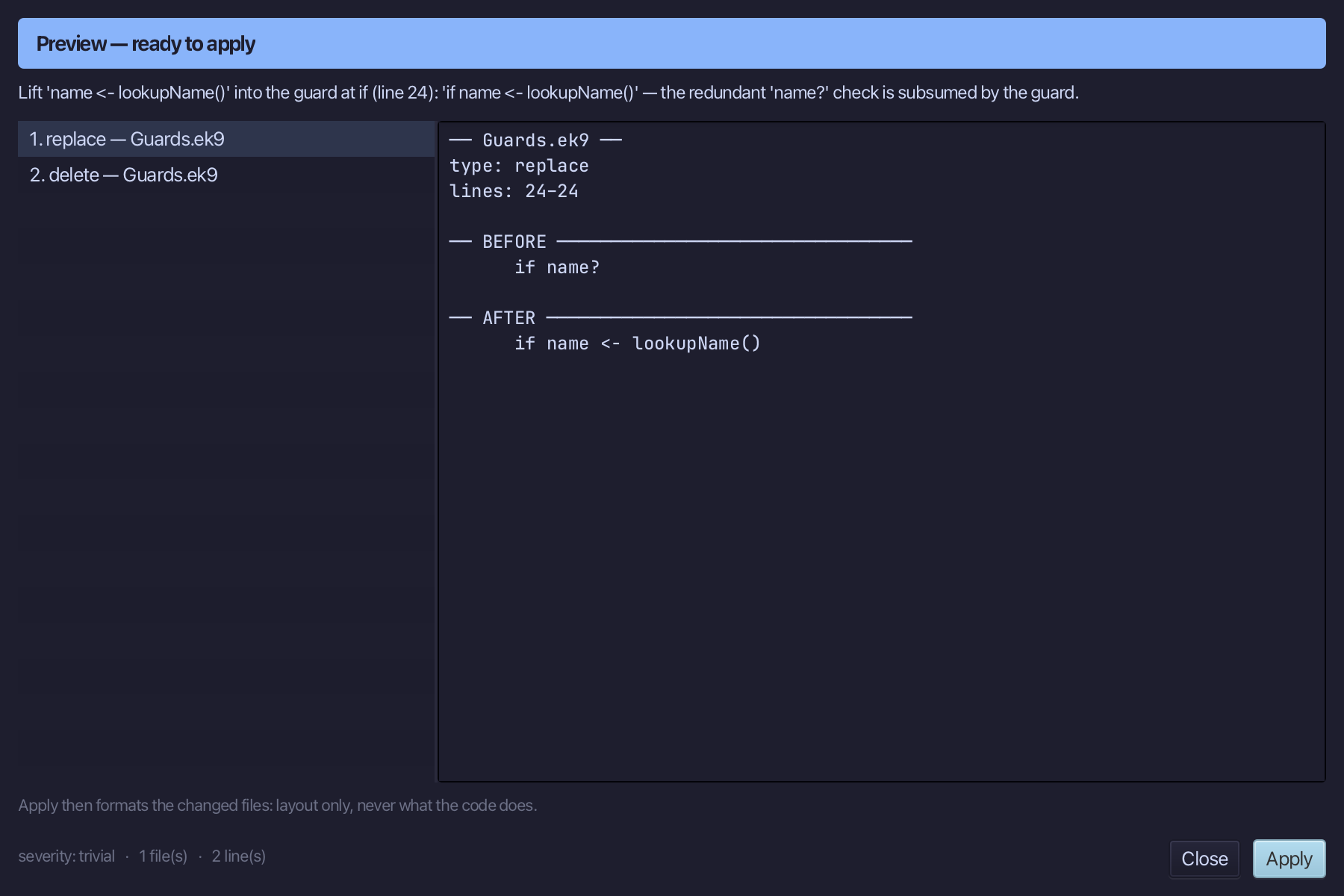
The preview shows name <- lookupName() and if name? folded into if name <- lookupName() - the separate check gone. Choose Apply.
Select the greeting line already there, and below it type storedName's own plain, pre-lift form - a second, independent name, then a separate if name? check - now that lookupName's own guard has already taken name's first life. Saves when typed.
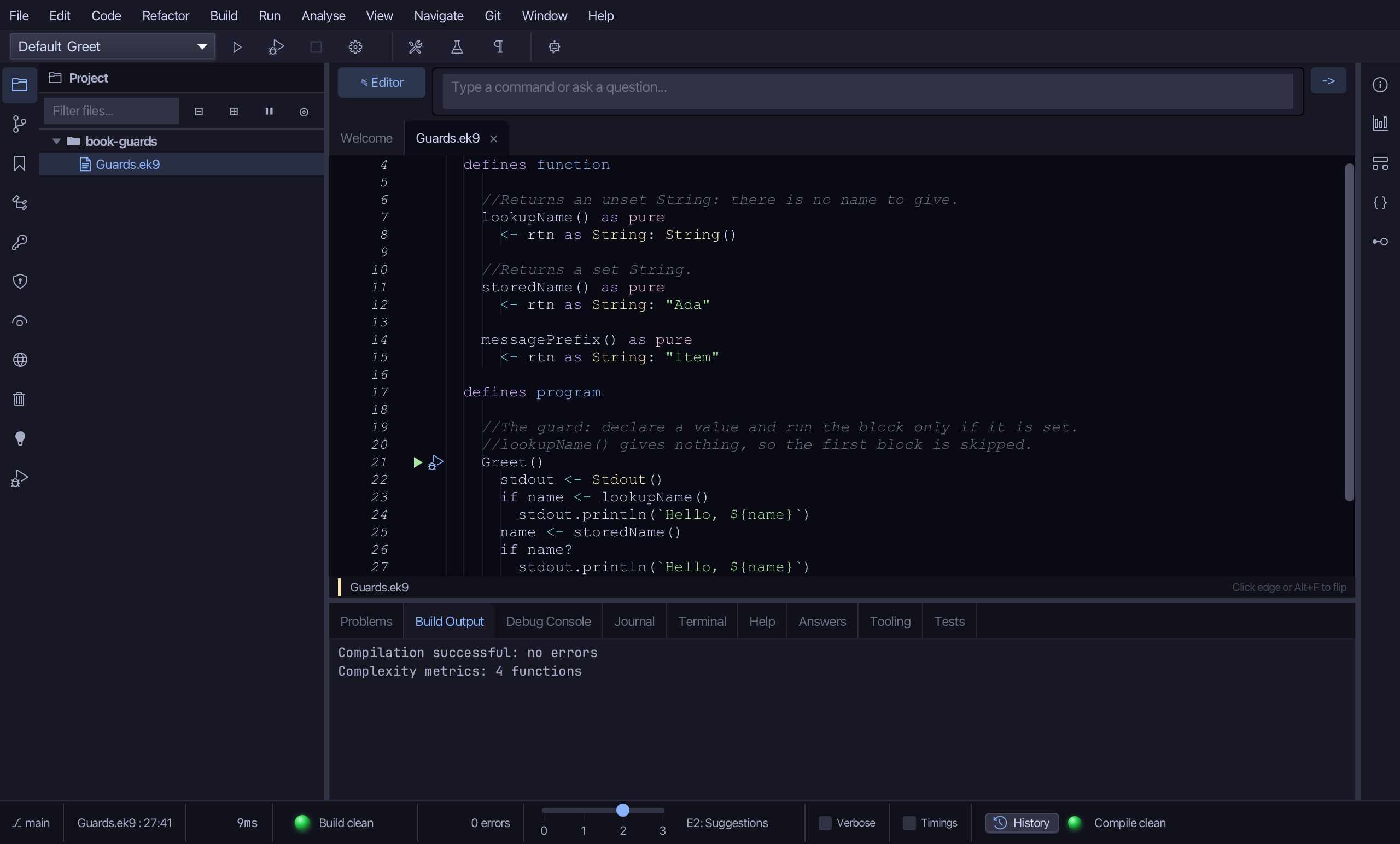
Put the caret on if name? - now the only one left - and right-click, or choose Refactor > Refactor This…, and choose Lift into Guard…
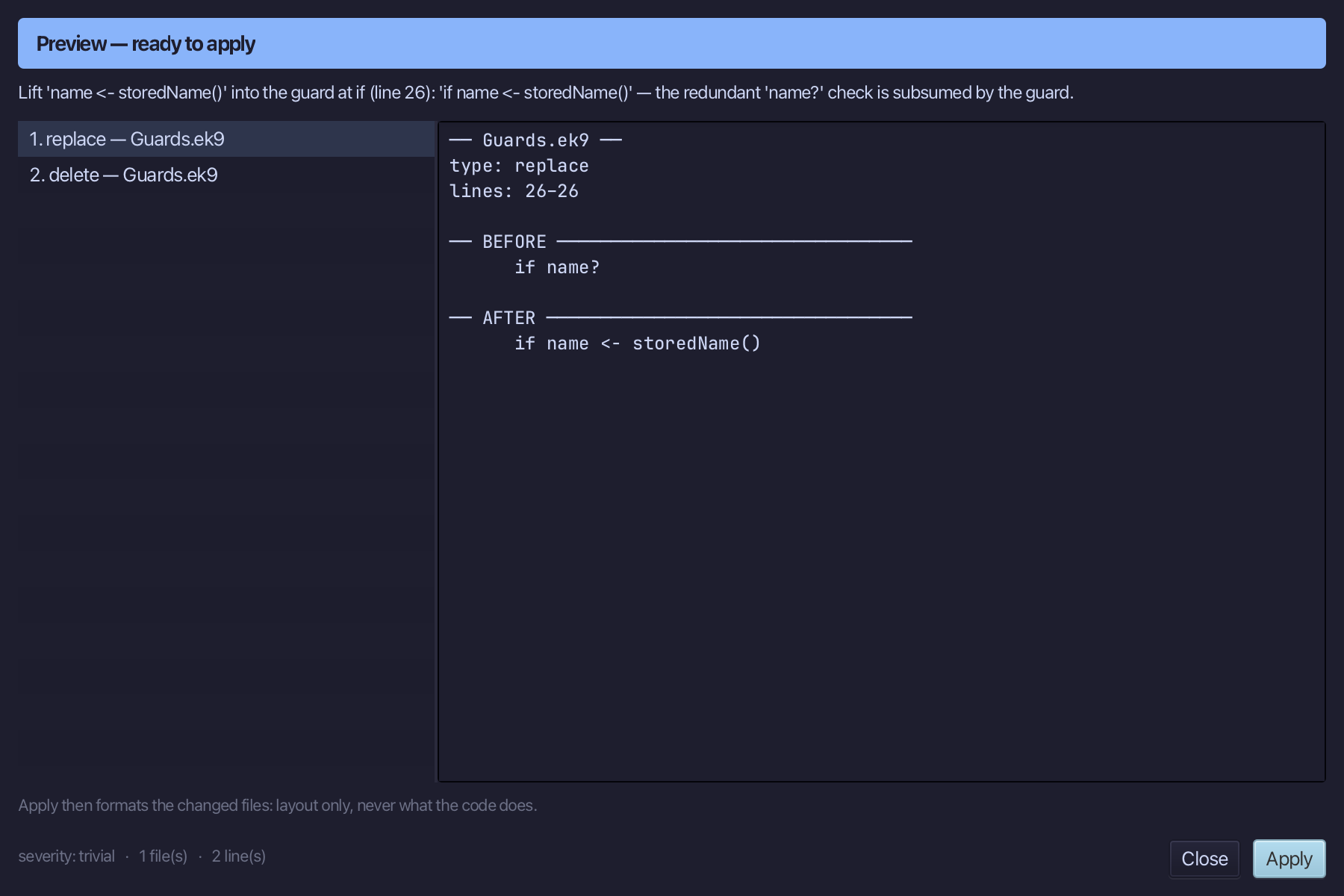
The preview shows name <- storedName() and if name? folded the same way: if name <- storedName(). Choose Apply.
Step 5: GreetLongNames — a guard with a condition
Choose Code > New Construct > Program…
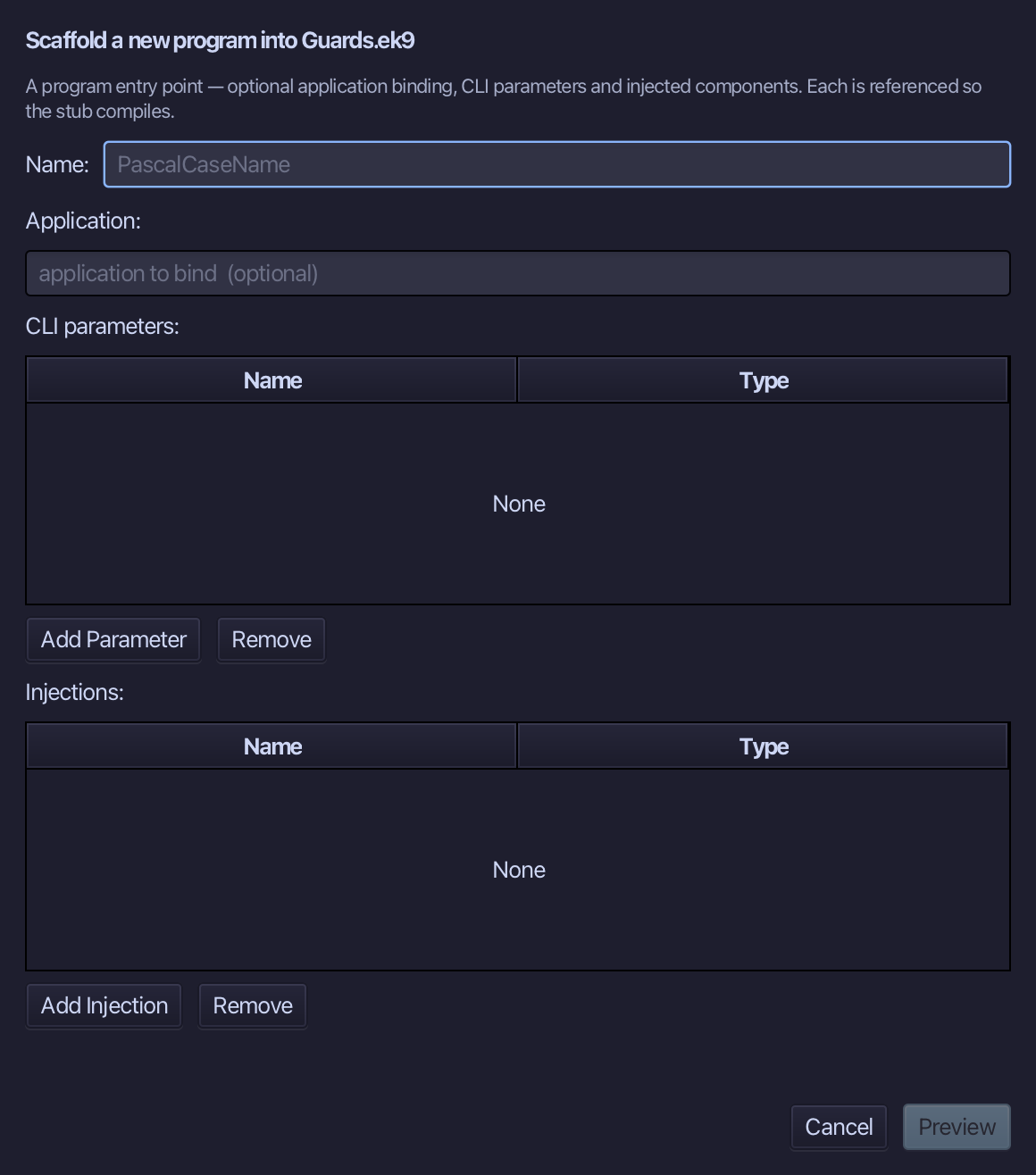
GreetLongNames is the program's name. Type it and choose Preview.
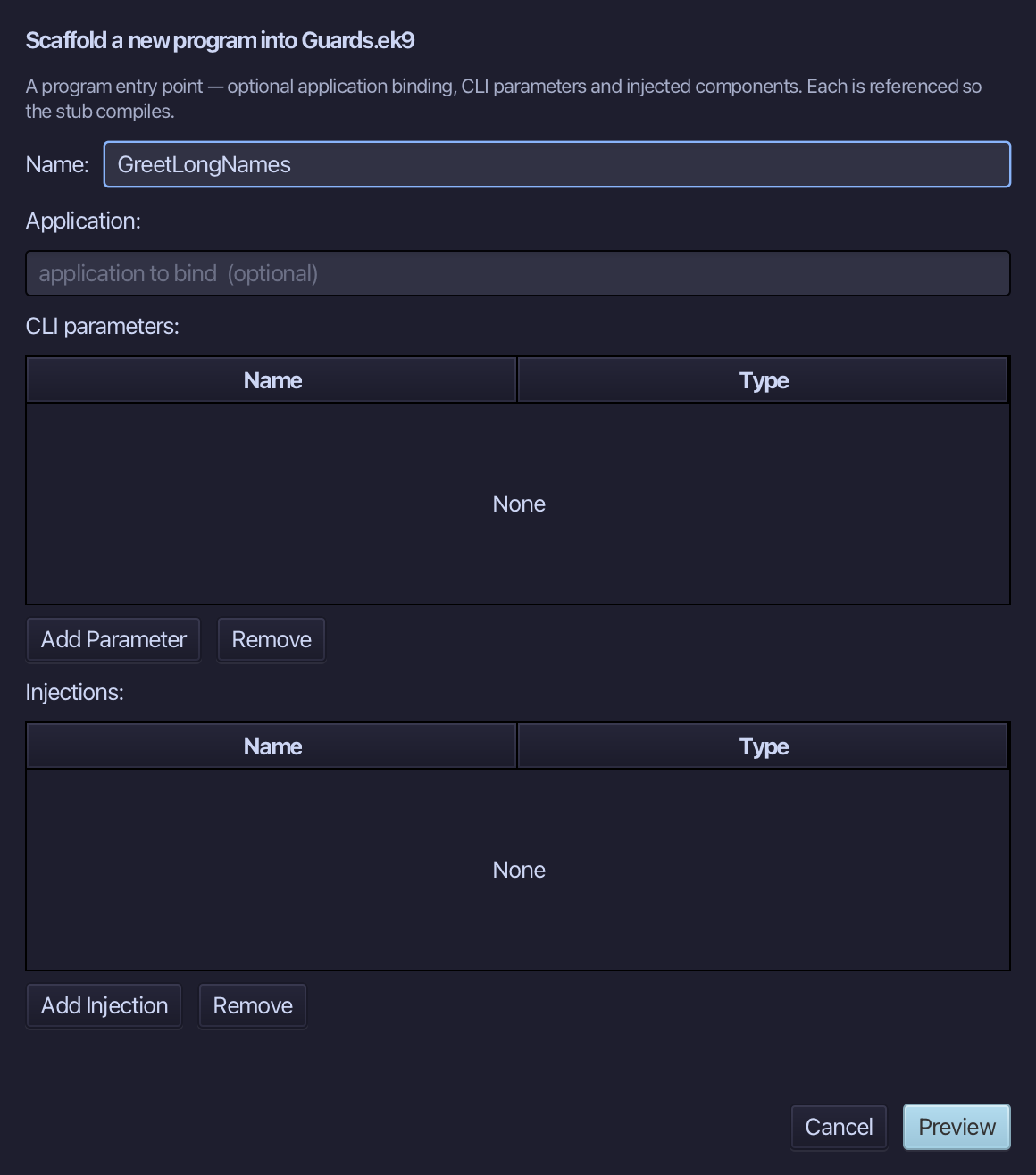
The preview shows GreetLongNames about to be written. Choose Apply.
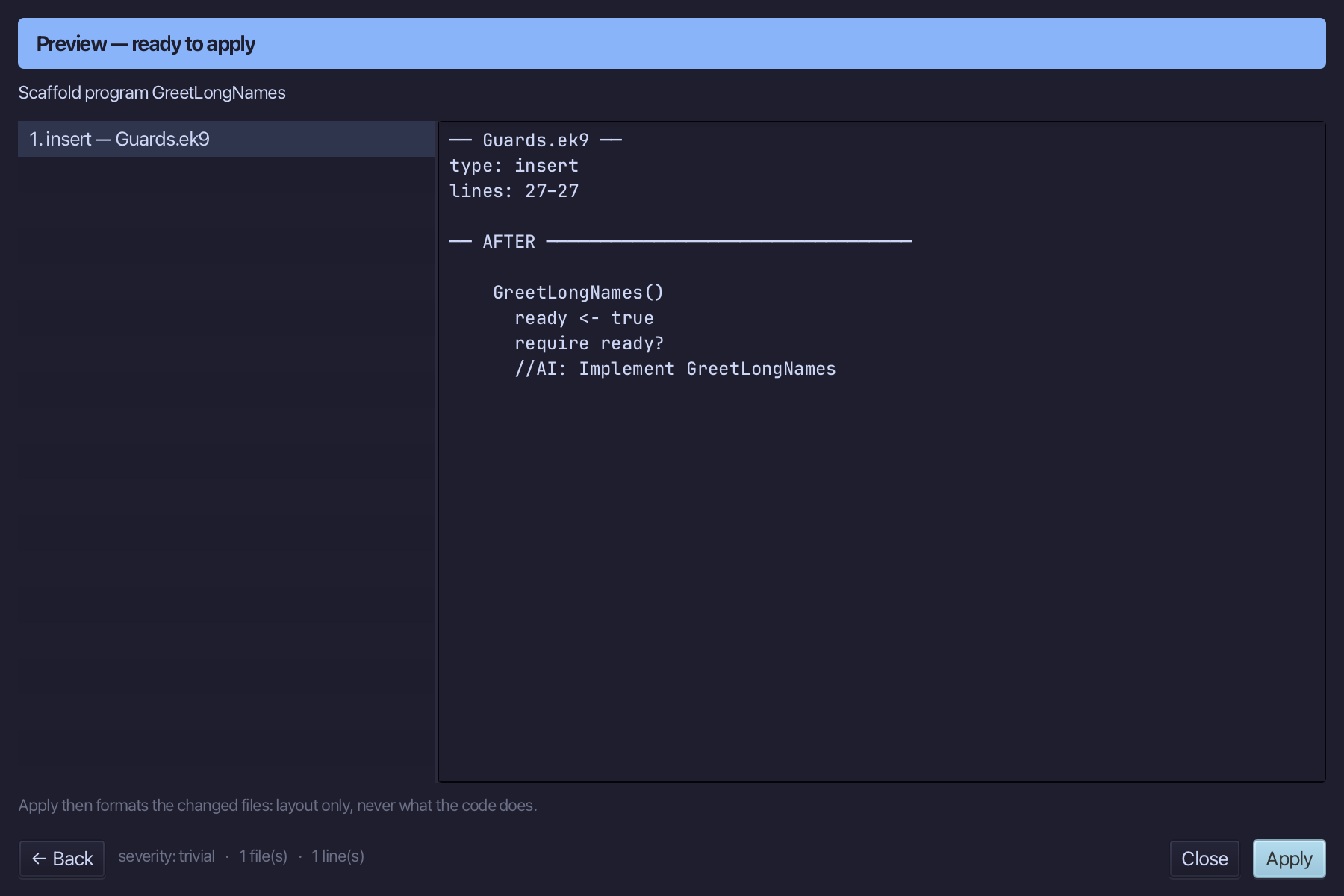
Select GreetLongNames() and above it type the comment - the blank line above it is already there. Saves when typed.
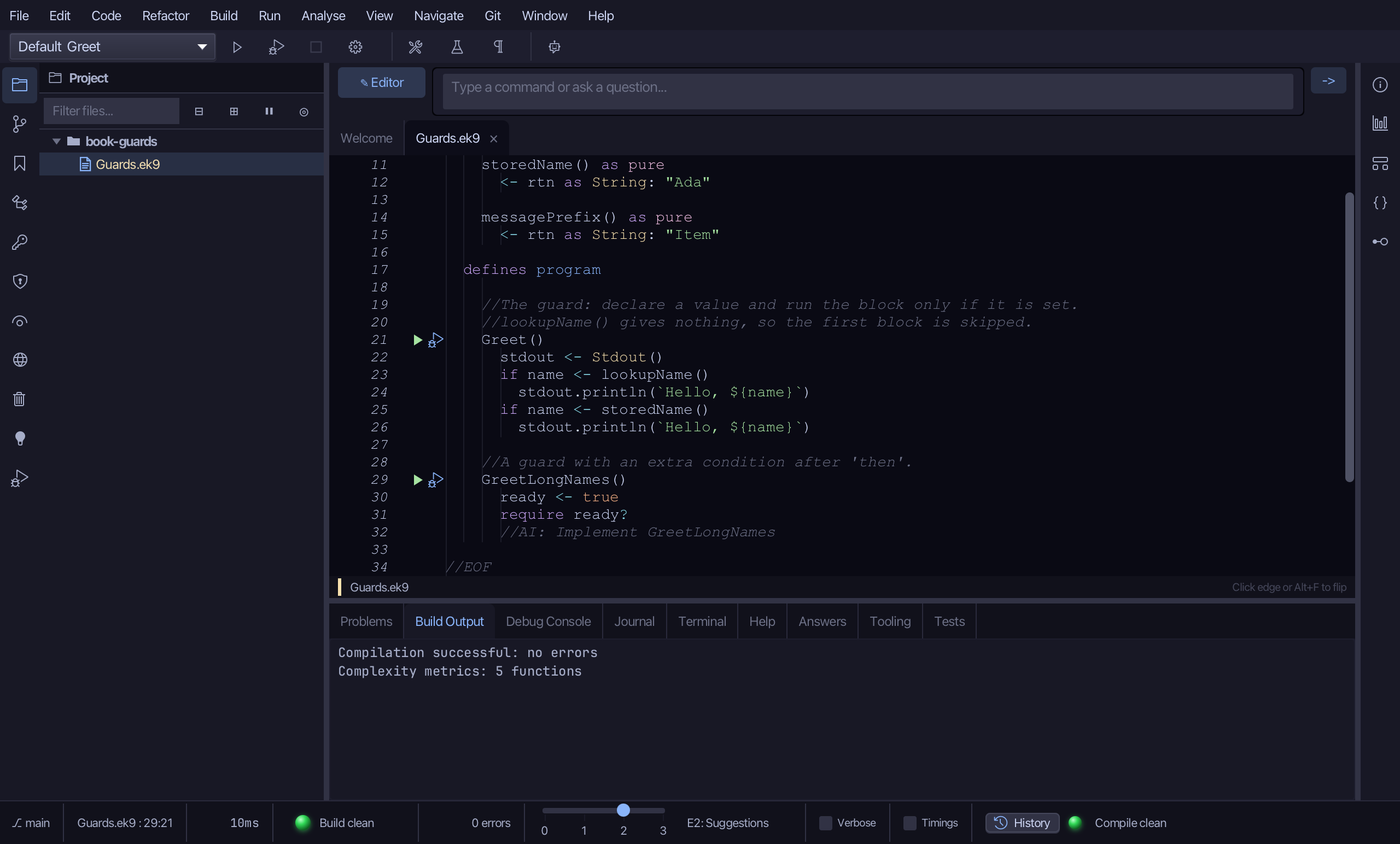
Select the stub, from ready <- true down to its //AI line, and type the plain, pre-lift form: name declared from storedName(), then if name? AND an extra condition on the name's length. Saves when typed.
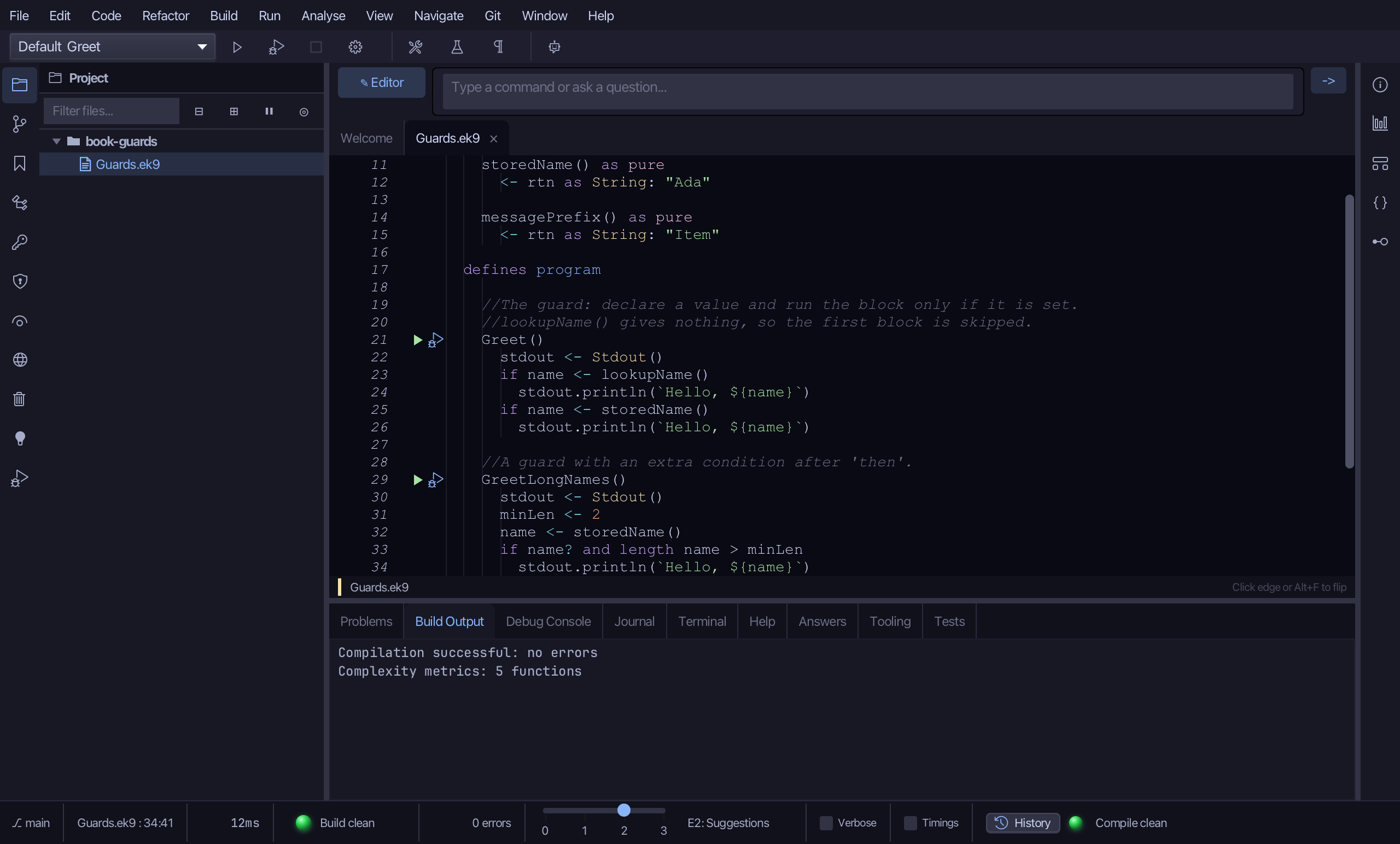
Put the caret on if name? and length name > minLen, and right-click, or choose Refactor > Refactor This…, and choose Lift into Guard…
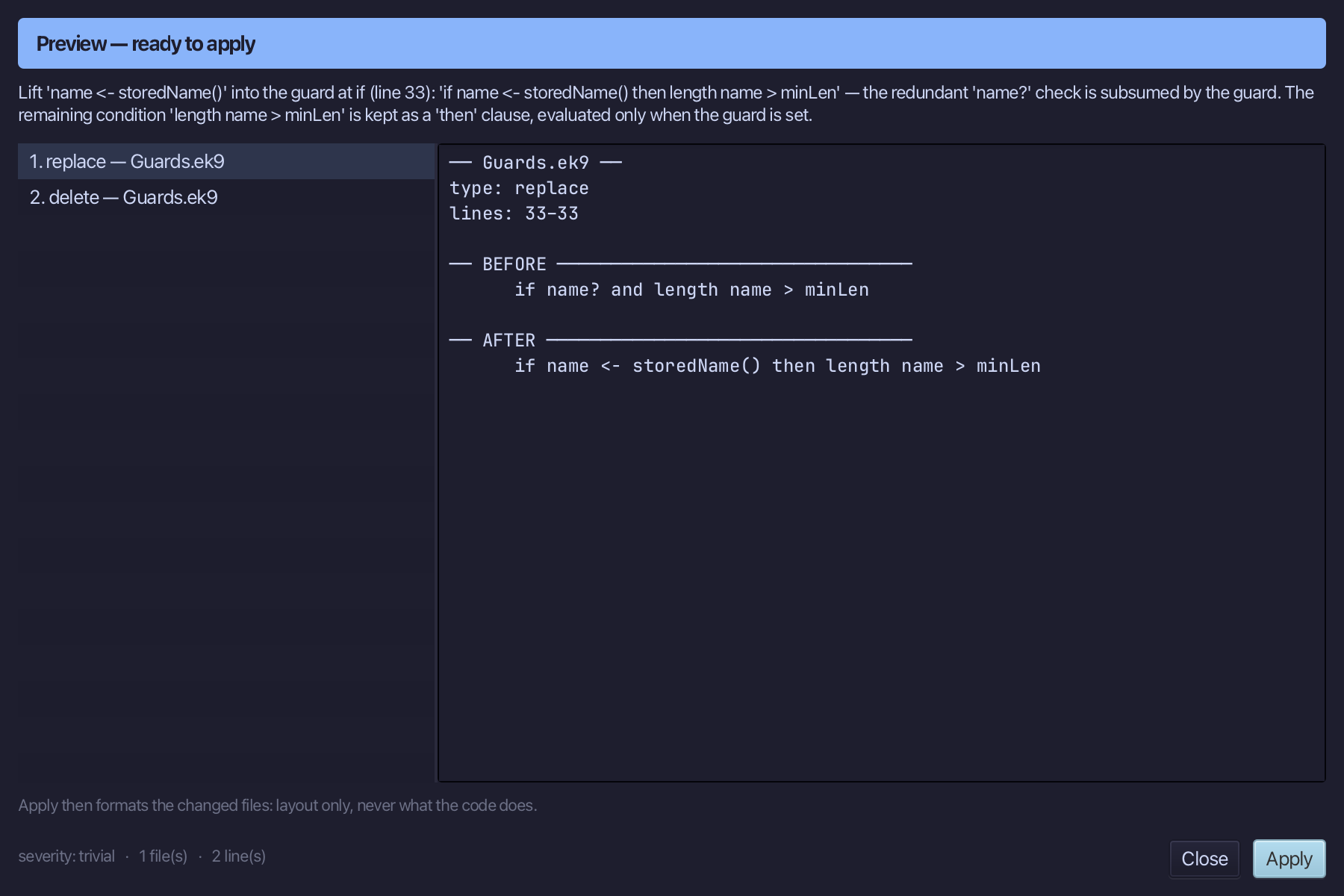
The preview shows the guard subsuming the redundant name? check, with the OTHER half of the condition - length name > minLen - kept as a 'then' clause: if name <- storedName() then length name > minLen. Choose Apply.
Step 6: Echo — the same guard in a 'while'
Choose Code > New Construct > Program…
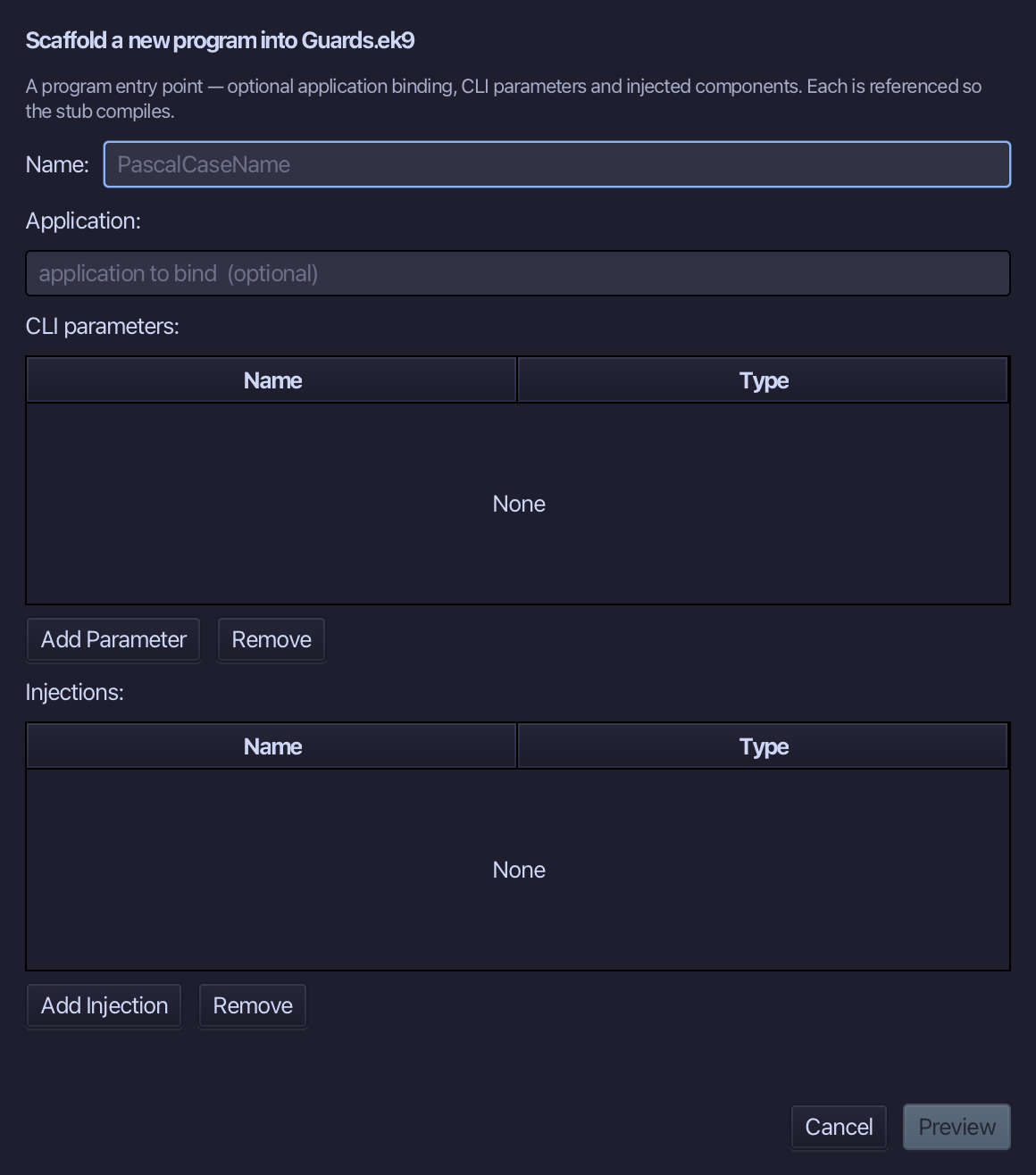
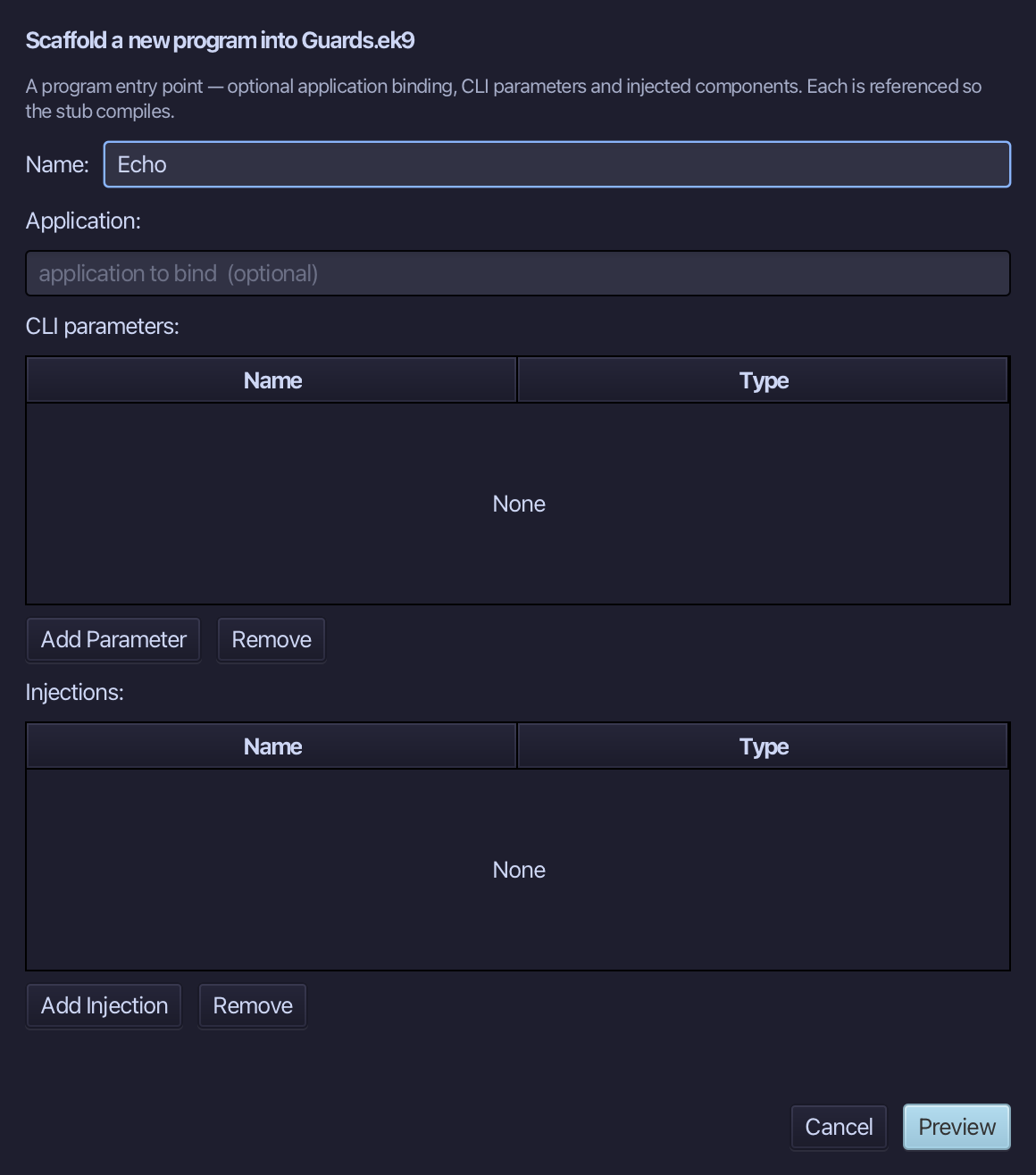
Echo is the program's name. Type it and choose Preview.
The preview shows Echo about to be written. Choose Apply.
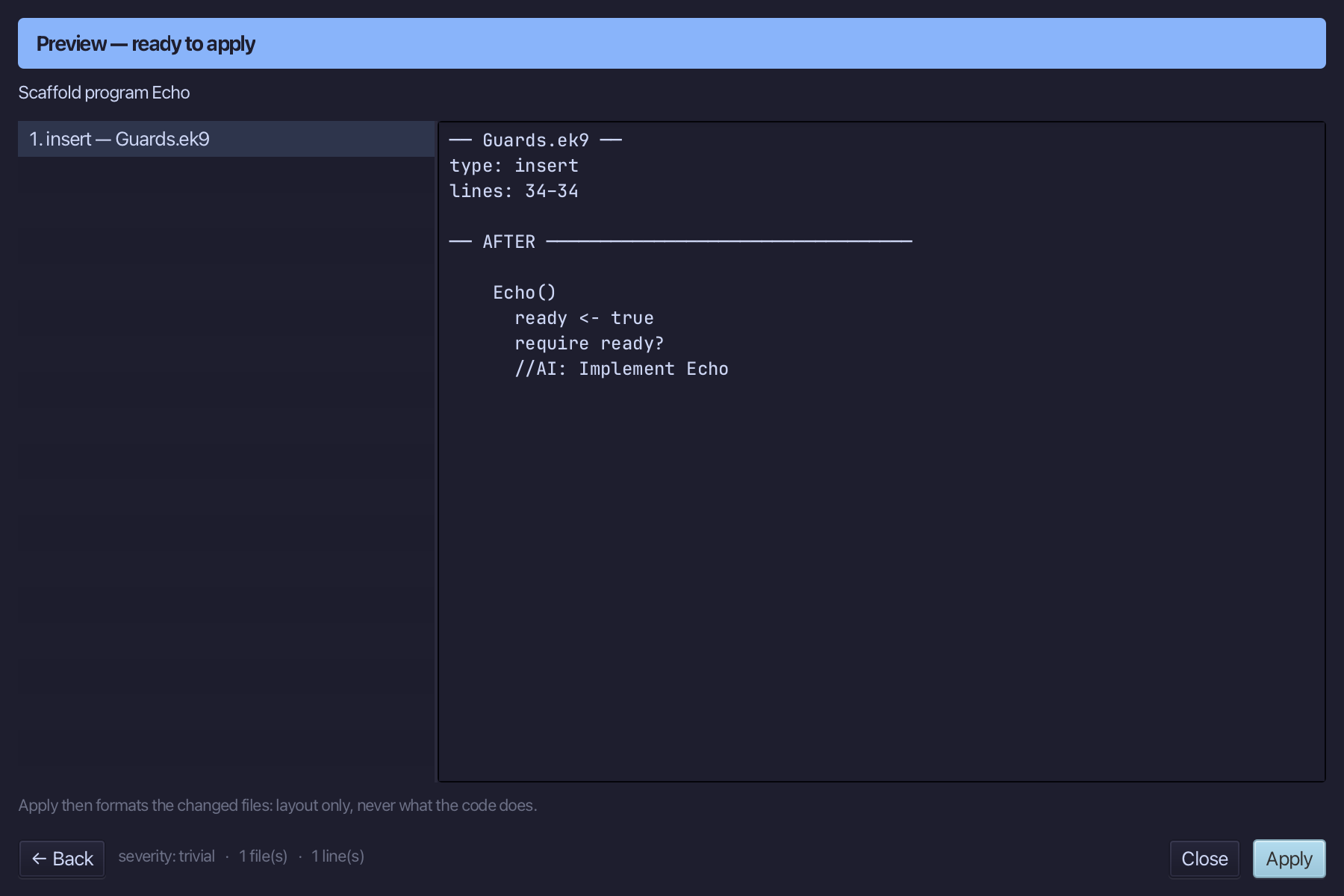
Select Echo() and above it type the comment - the blank line above it is already there. Saves when typed.
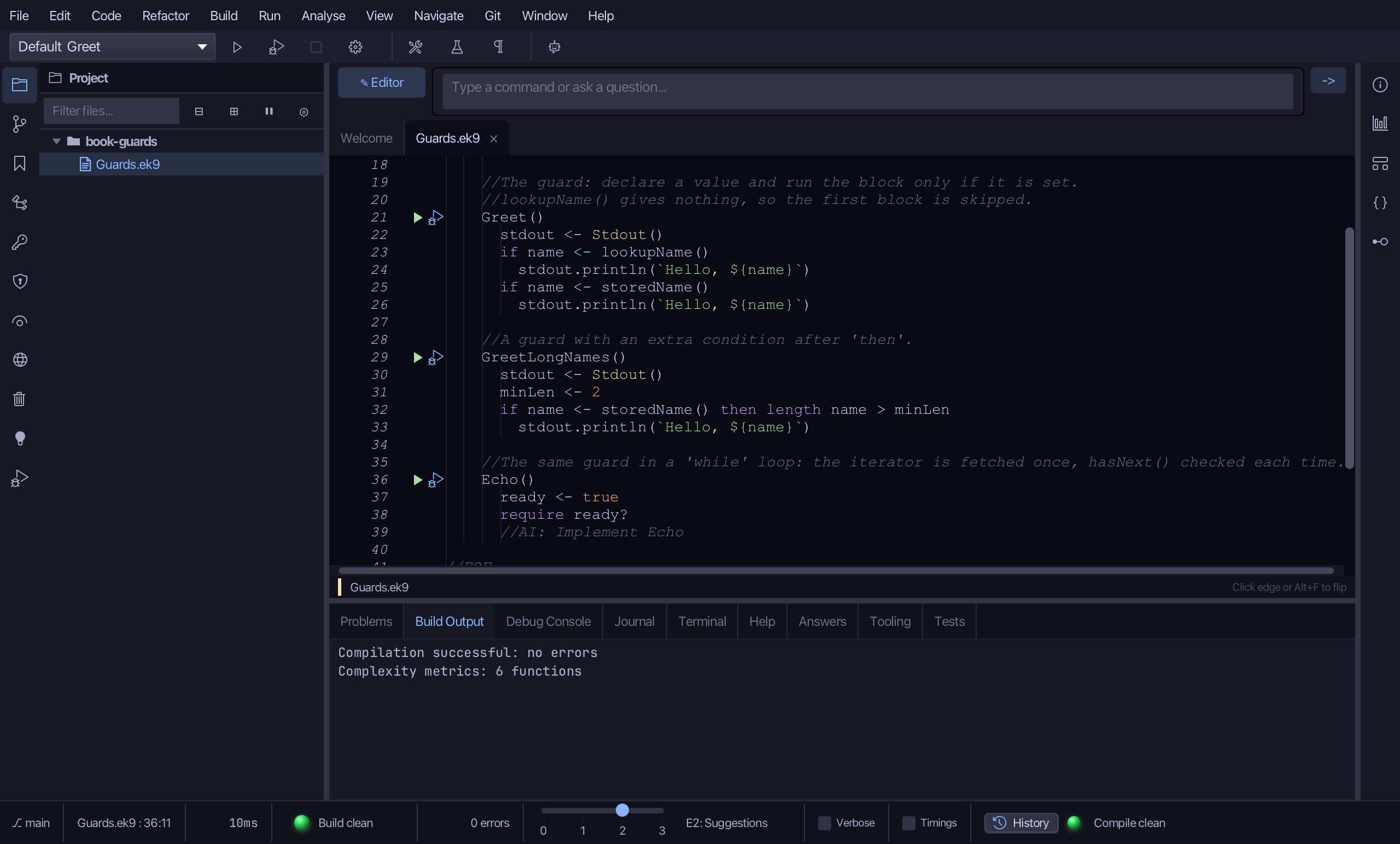
Select the stub, from ready <- true down to its //AI line, and type the plain, pre-lift form: an iterator fetched once, into iter, then a while loop reading iter.hasNext() as its own, separate condition. Saves when typed.
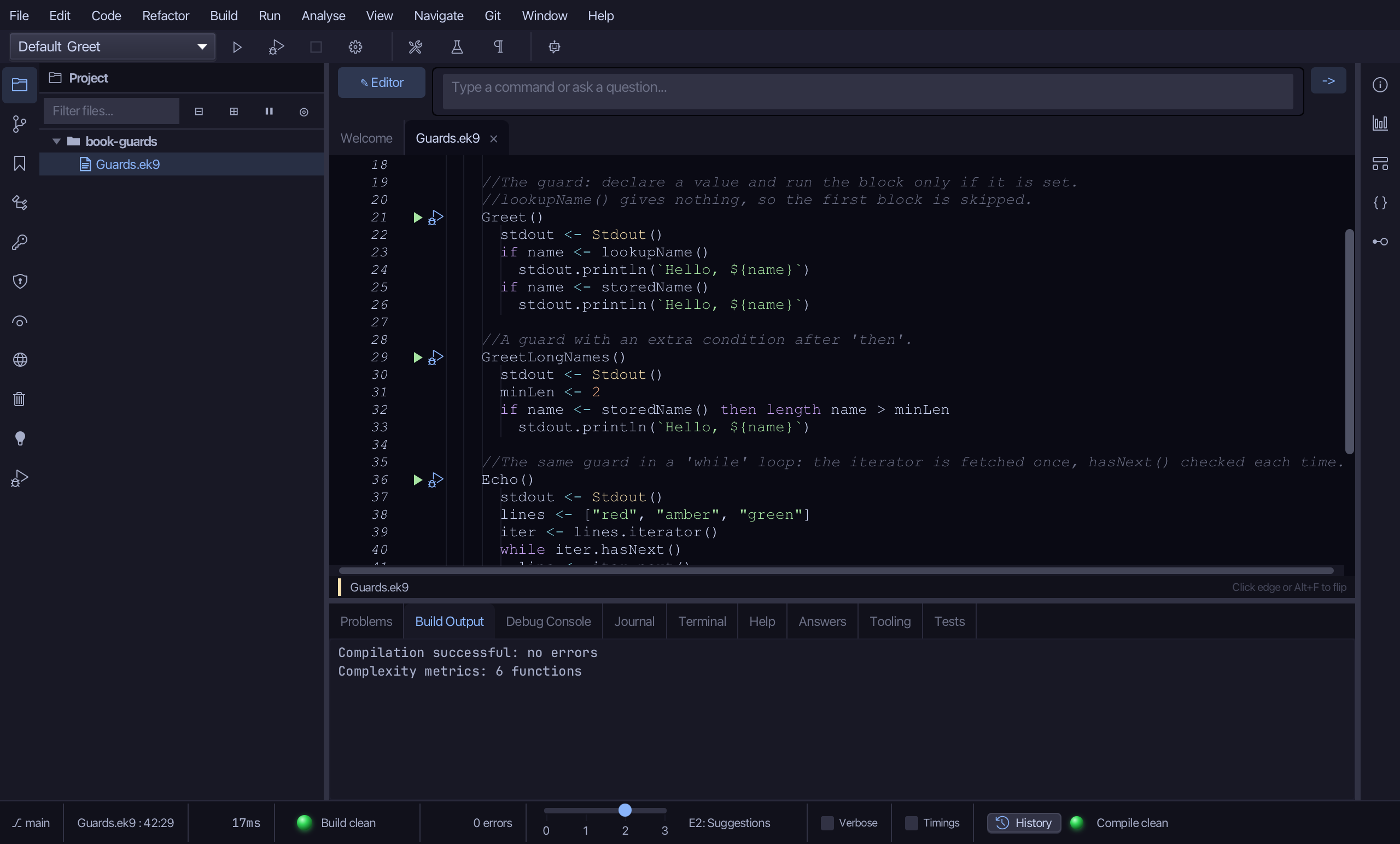
Put the caret on while iter.hasNext(), and right-click, or choose Refactor > Refactor This…, and choose Lift into Guard…
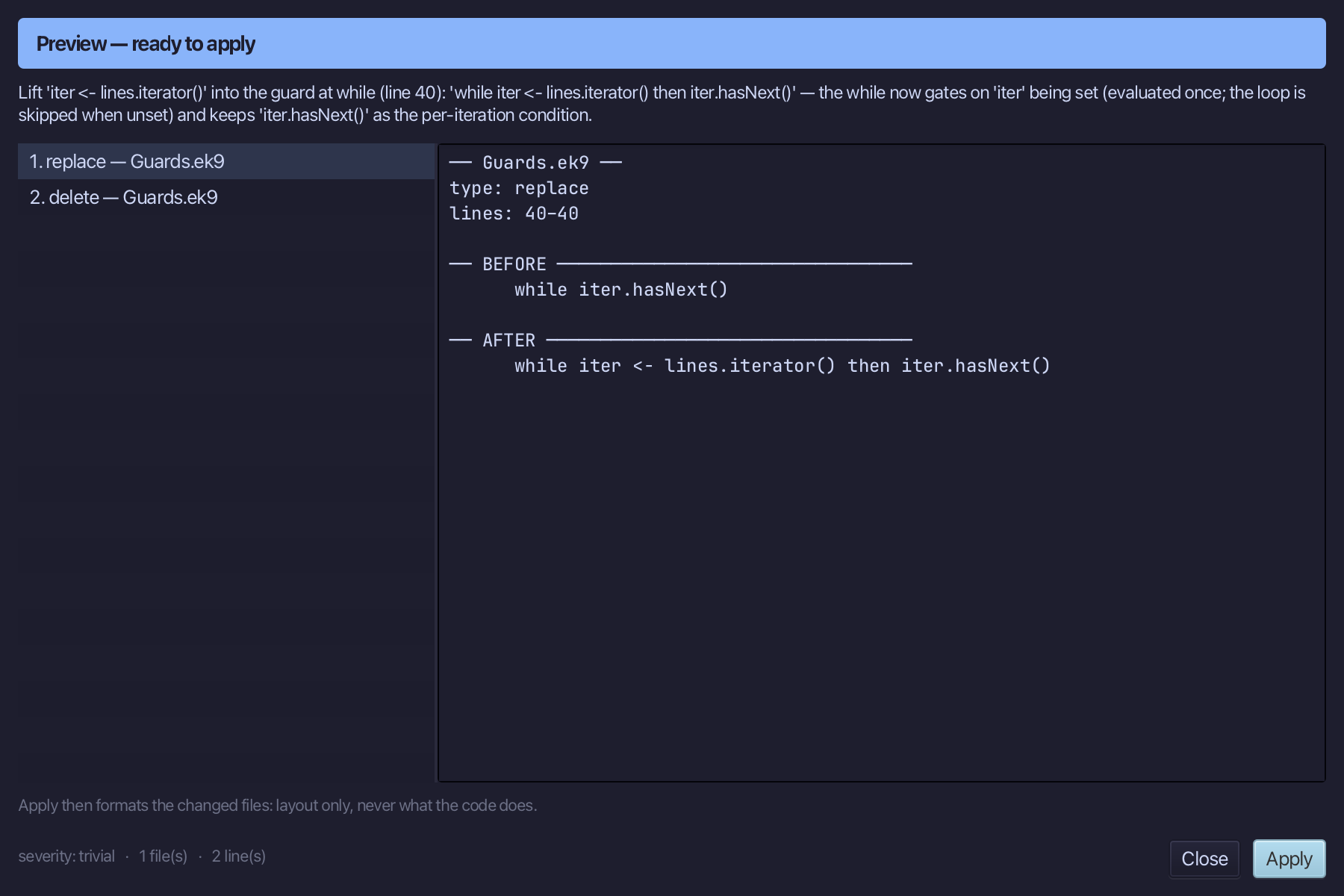
The preview shows iter <- lines.iterator() folded into the while head, evaluated once; the loop's own condition, iter.hasNext(), survives as a 'then' clause: while iter <- lines.iterator() then iter.hasNext(). Choose Apply.
Step 7: Numbered — the same guard before a 'for'
Choose Code > New Construct > Program…
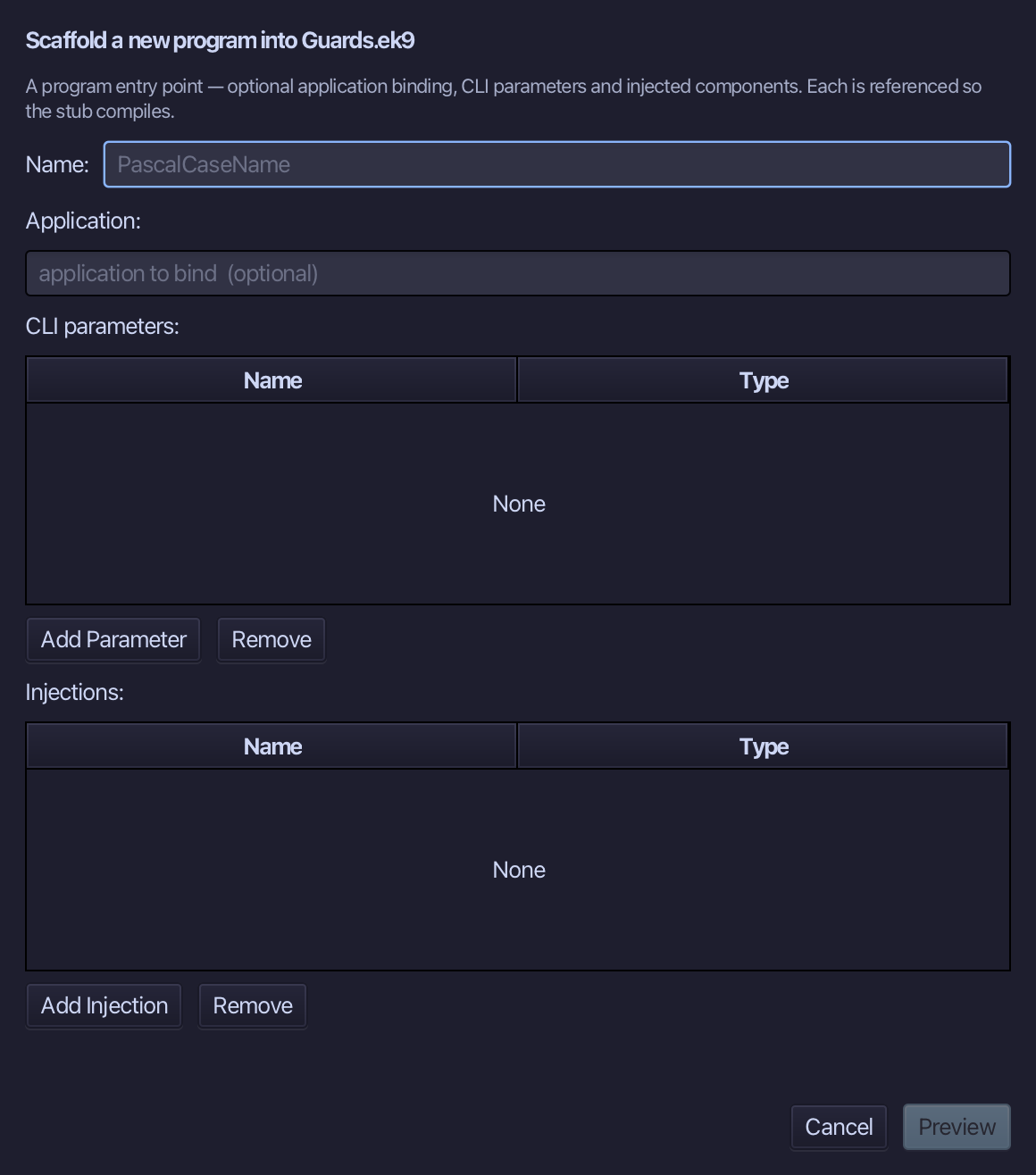
Numbered is the program's name. Type it and choose Preview.
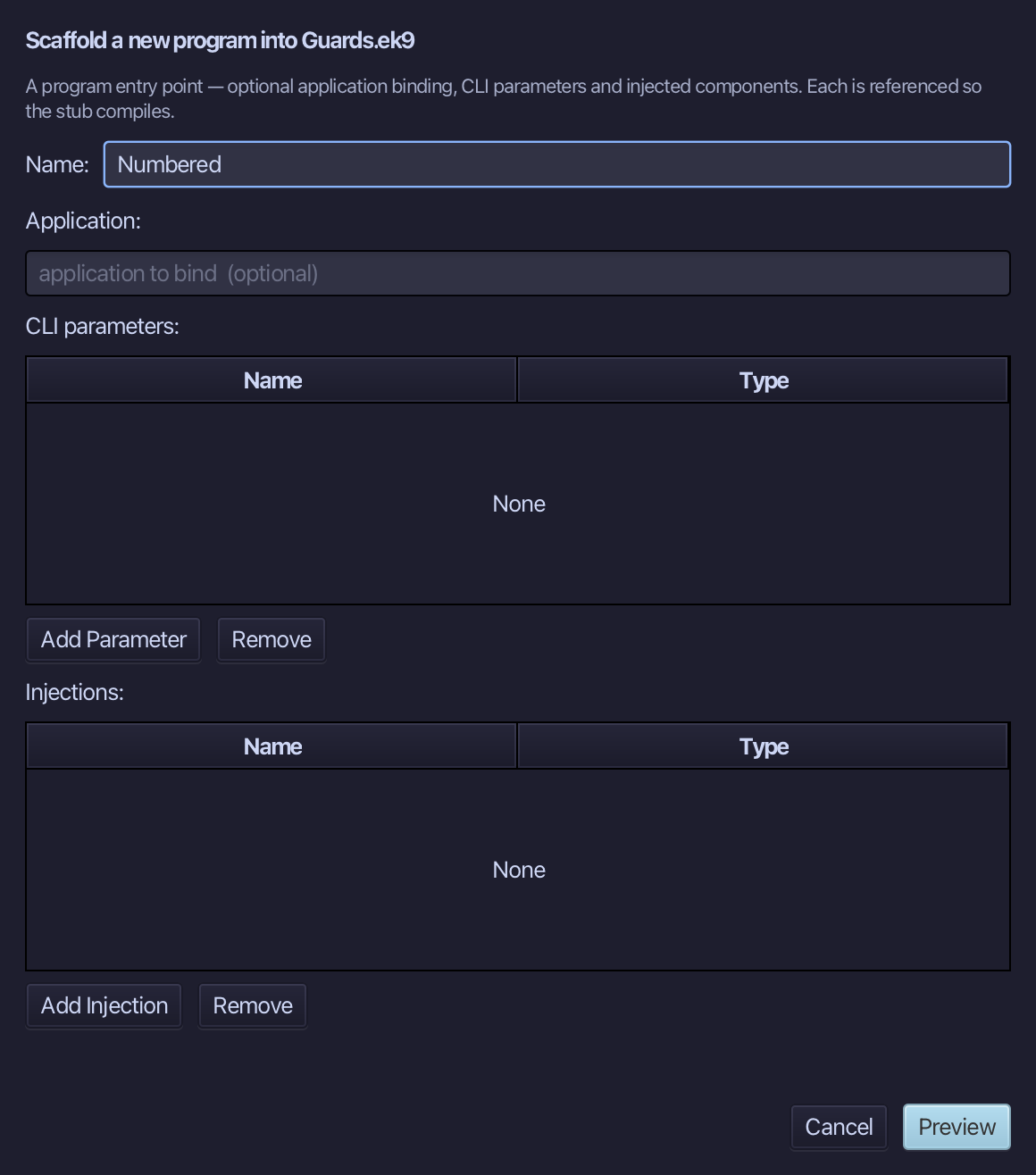
The preview shows Numbered about to be written. Choose Apply.
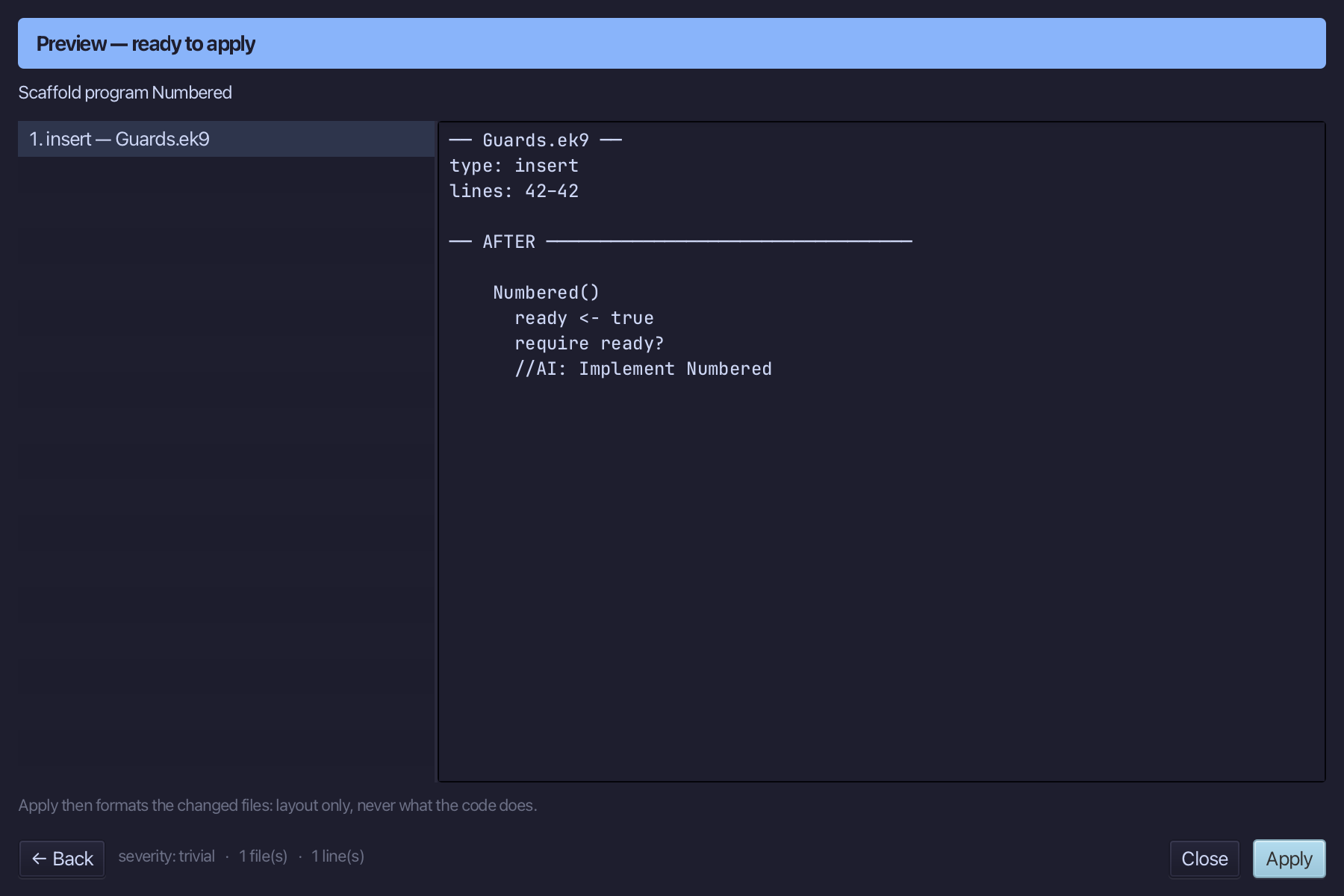
Select Numbered() and above it type the comment - the blank line above it is already there. Saves when typed.
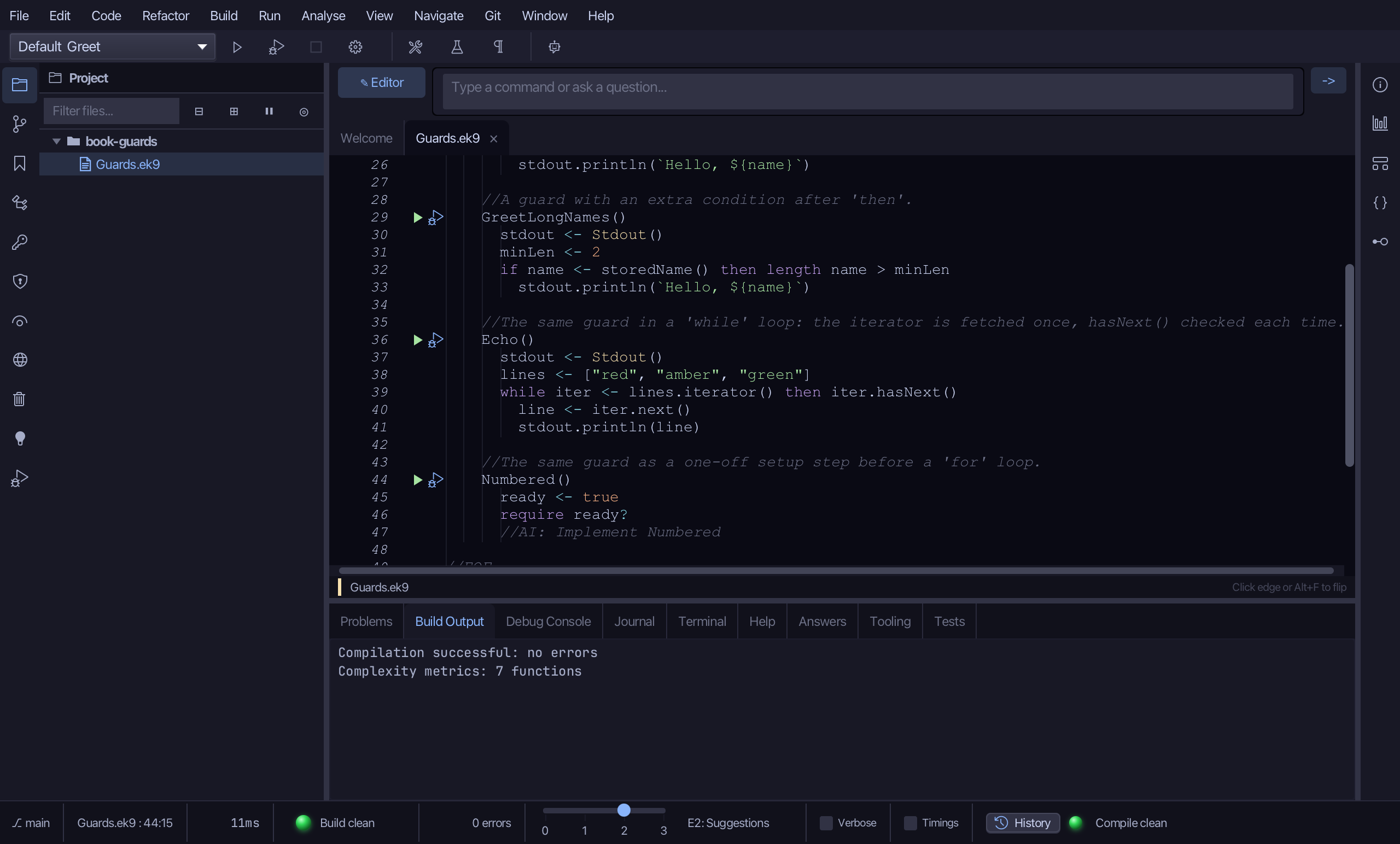
Select the stub, from ready <- true down to its //AI line, and type the plain, pre-lift form: prefix declared from messagePrefix() as a one-off setup step, then a for loop with its own, separate iteration. Saves when typed.
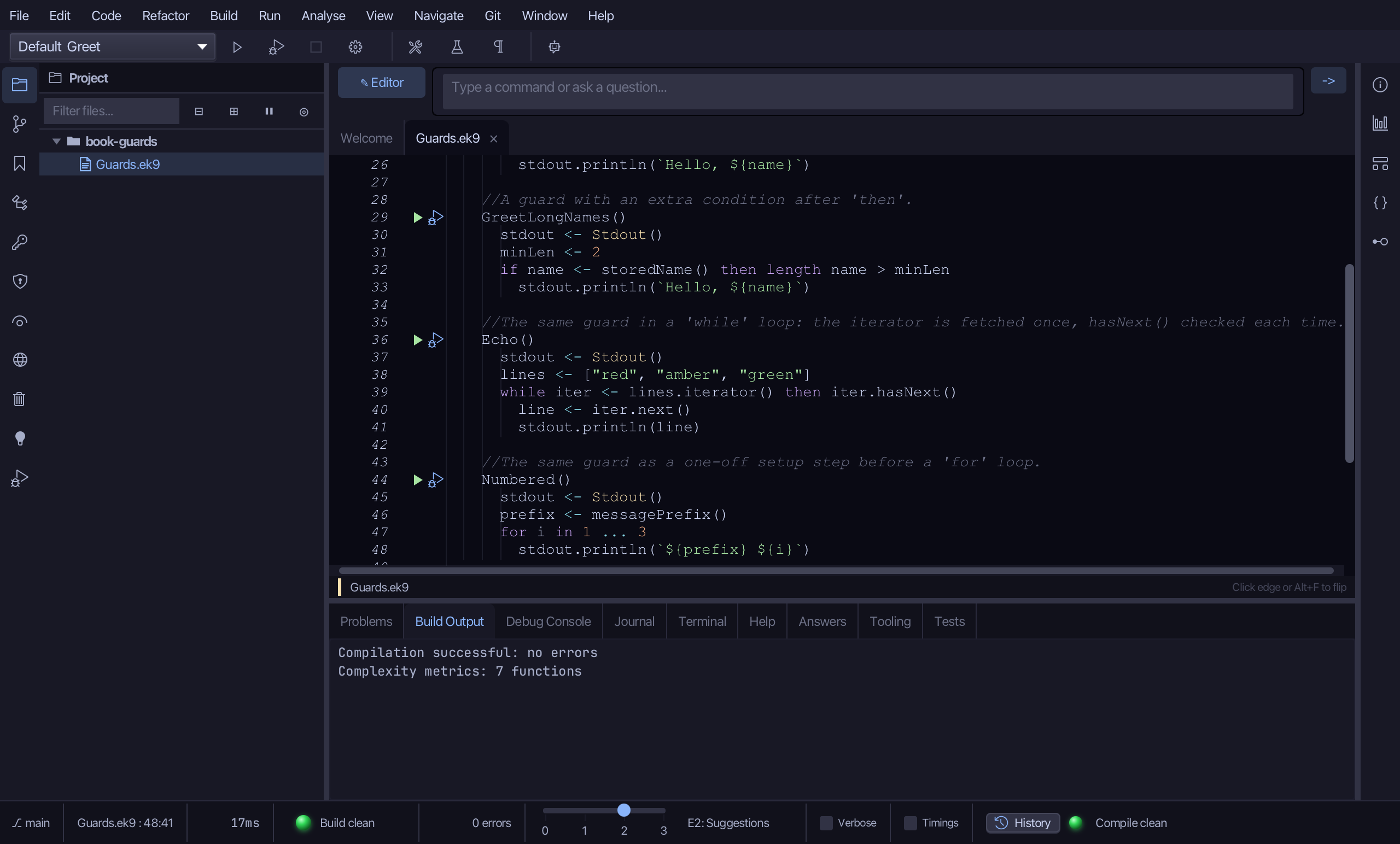
Put the caret on for i in 1 ... 3, and right-click, or choose Refactor > Refactor This…, and choose Lift into Guard…
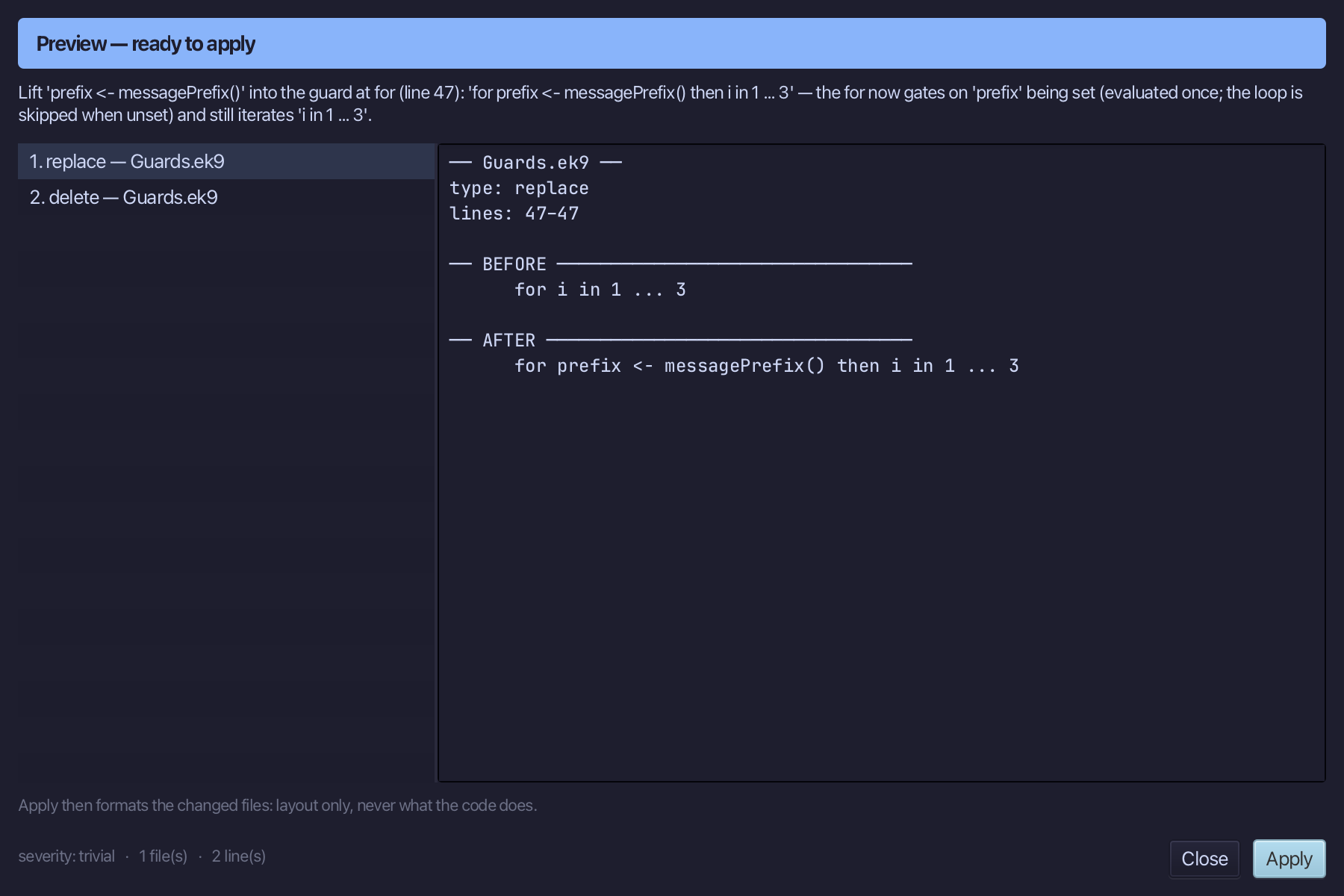
The preview shows prefix <- messagePrefix() folded into the for head, evaluated once; the loop's own iteration, i in 1 ... 3, survives as a 'then' clause: for prefix <- messagePrefix() then i in 1 ... 3. Choose Apply.
Step 8: Run it
Choose Run > Run Program…
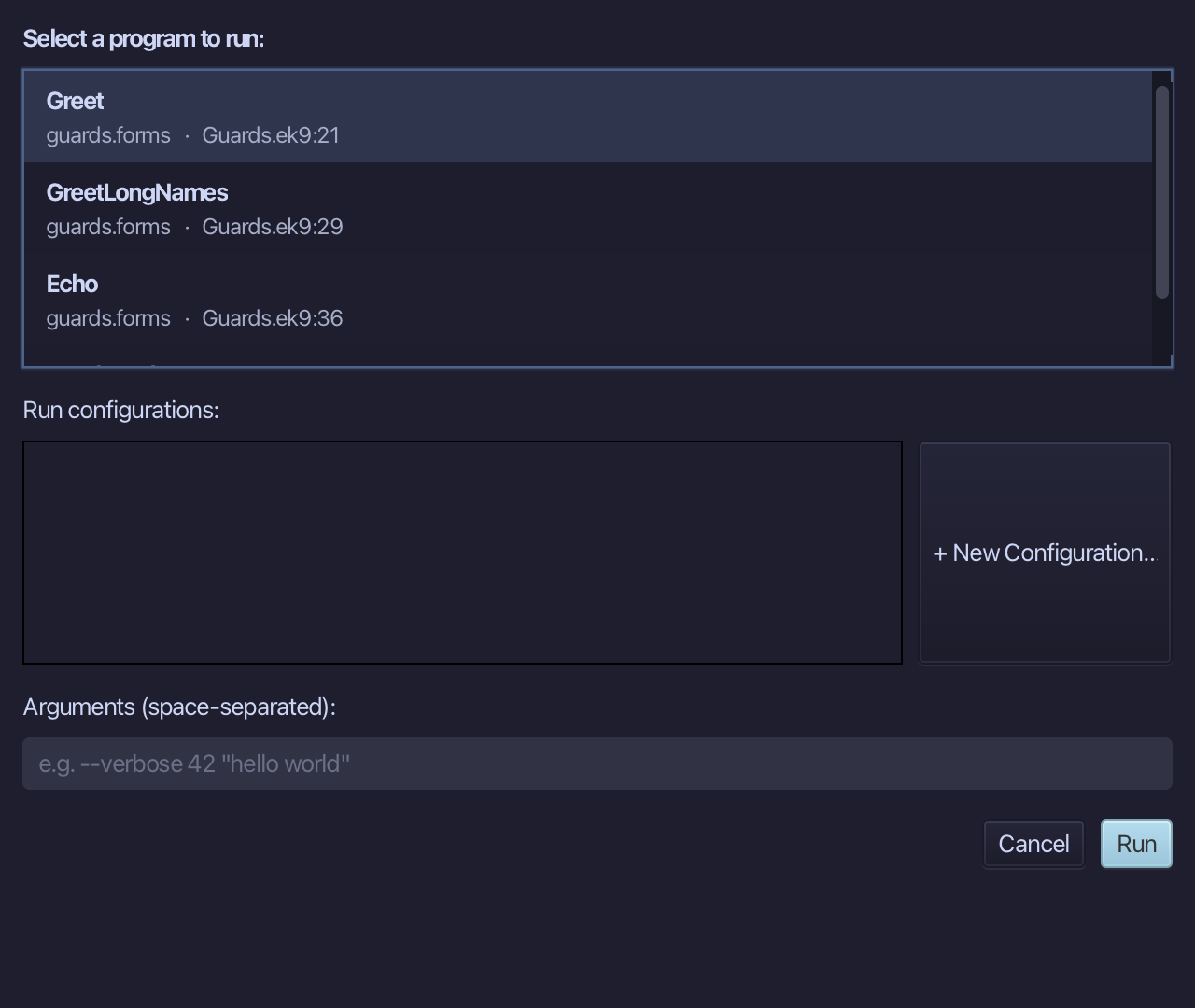
Choose Greet from the list, then choose Run.
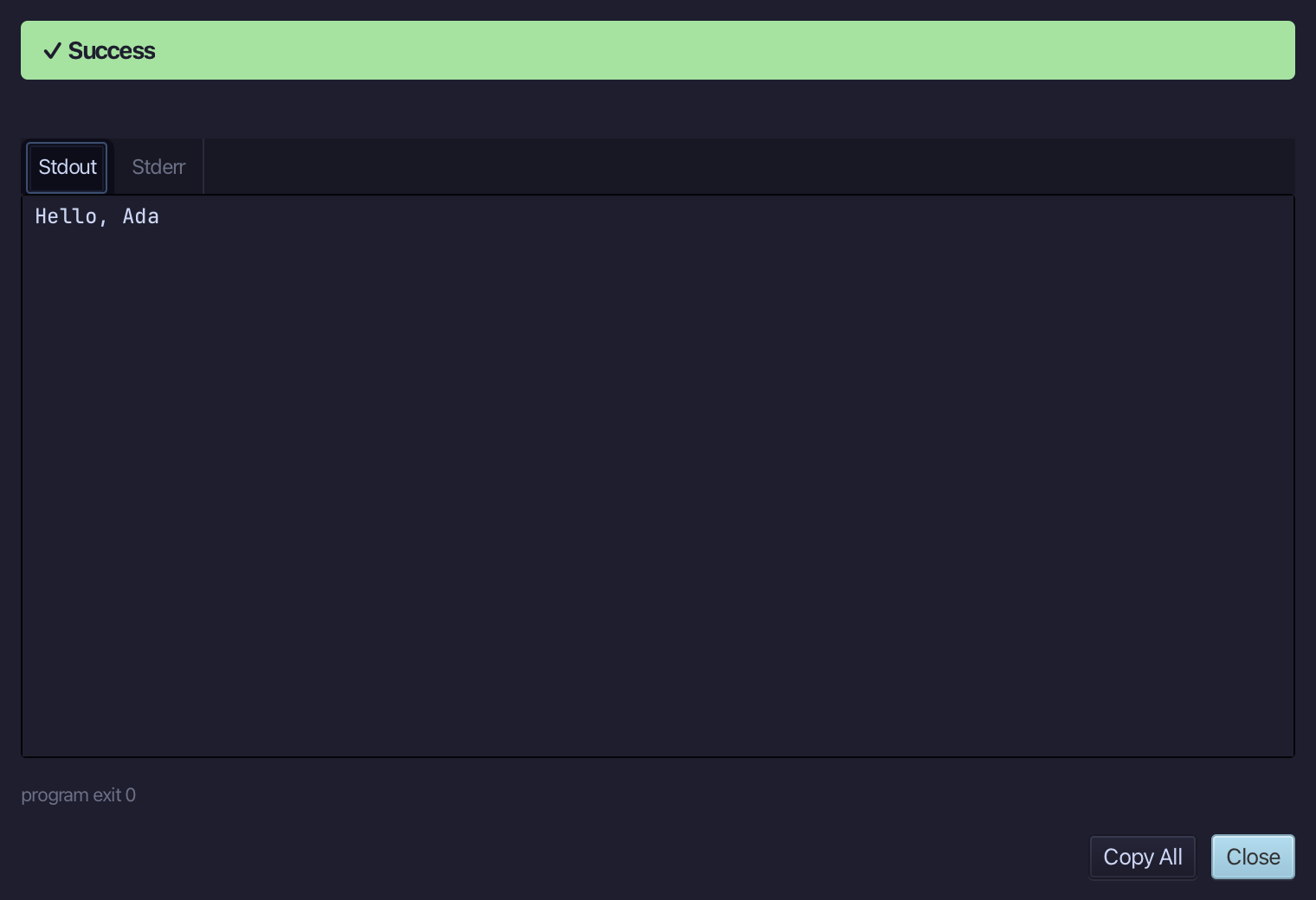
Hello, Ada - lookupName() gave nothing, so its guard never ran; storedName() gave Ada, so its guard did. Choose Close.
The result
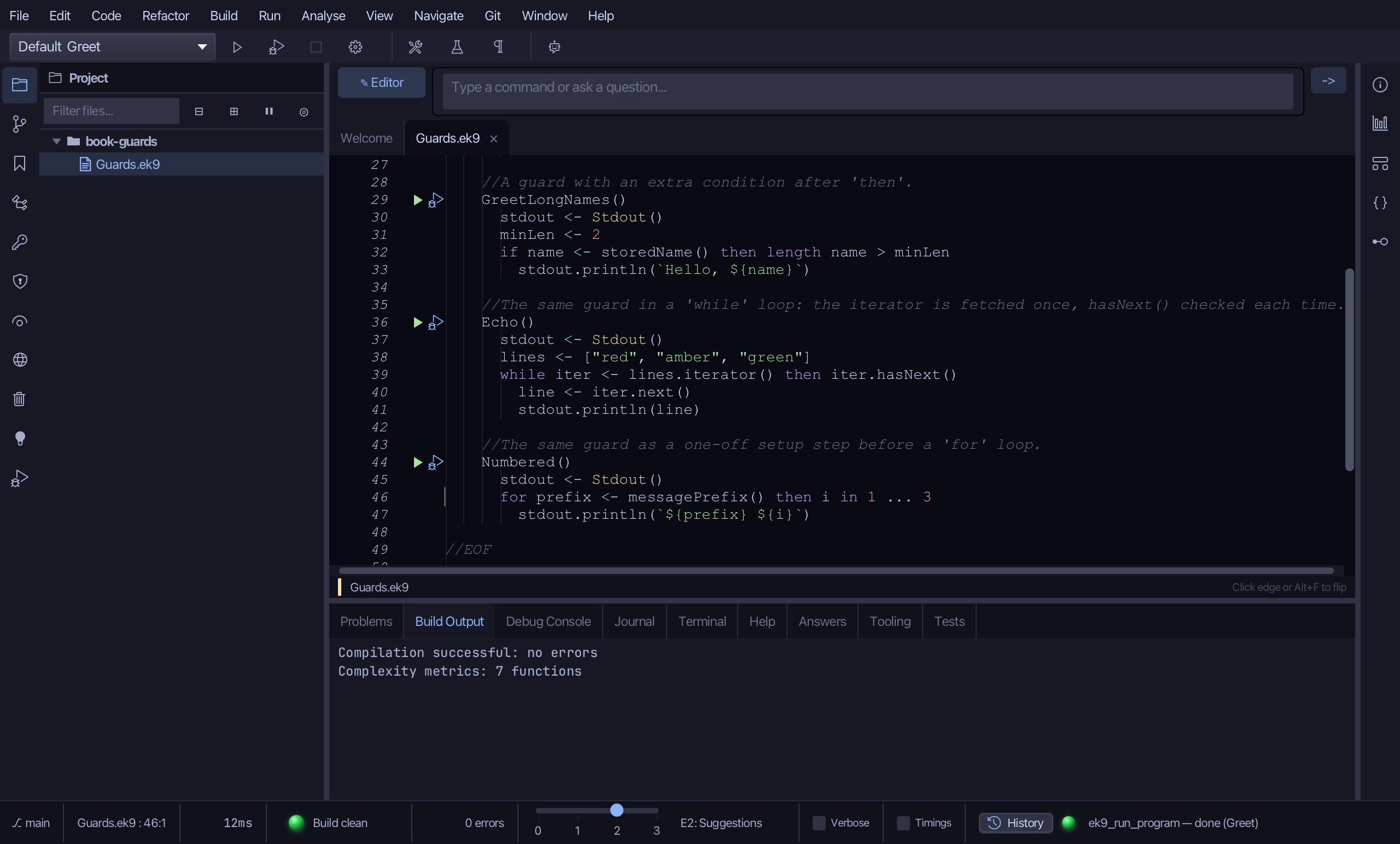
Guards.ek9 now reads exactly as chapter 10 of Getting Started with EK9 shows it: three functions a program can ask for a name, and four programs that each declare one, check it is set, and act on it - written here plainer first, a declaration then a separate check right after it - and Lift into Guard folds the two into the construct's own guarded head every time: a plain if, an if with an extra condition kept as 'then', a while and a for whose own loop condition and iteration survive the fold the same way. The same tool - ek9_apply_guard_pattern - is what an AI assistant calls to do the same thing.
Where this lesson comes from
- For AI assistants - the MCP tool
ek9_new_construct,ek9_add_program,ek9_apply_guard_pattern.