Chapter 10: three ways to default a name, built
Sometimes a value is simply not there, and you want a default. Chapter 10 gives three answers that read from explicit to terse: check then assign, assign only if unset (:=?), and the coalescing expression (?:). The IDE's tools build the constant, the function and the three programs, and Wrap with coalescing… writes the third answer for you from a plain draft. To play it in the IDE: Help > Lessons > Getting Started with EK9…, or ek9 -ide -lesson book-defaulting.
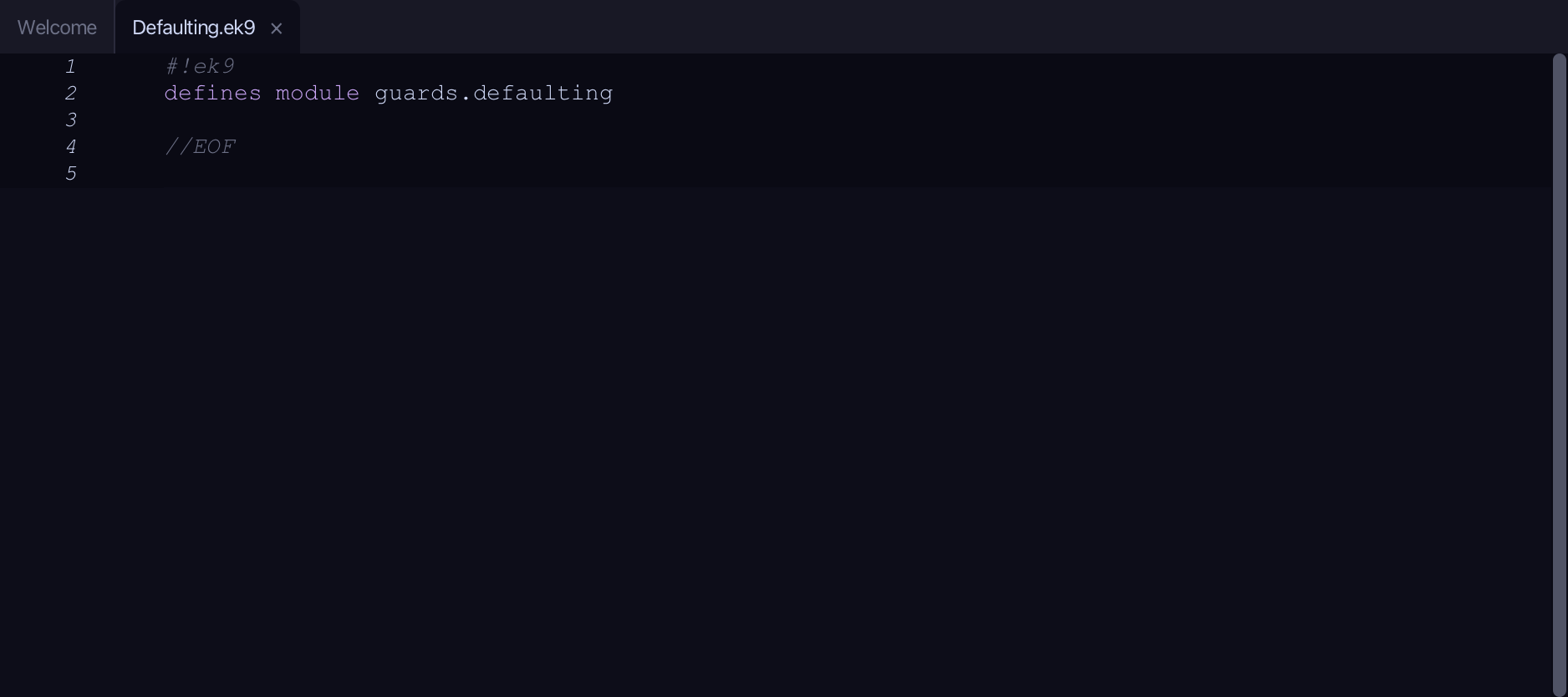
What you'll build
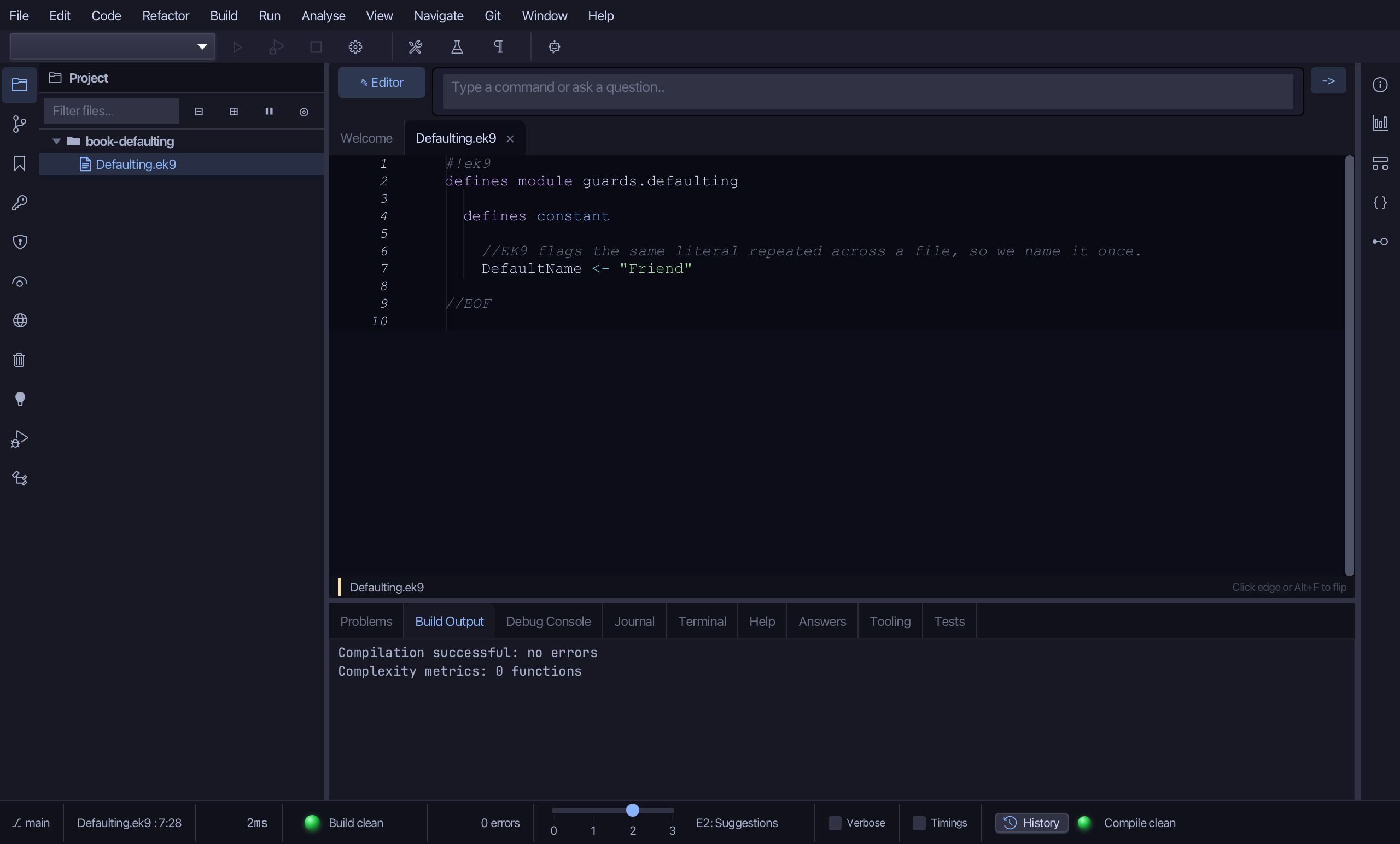
The lesson builds this program from a file holding only its module line - the finished file, as the book prints it.
#!ek9
defines module guards.defaulting

  defines constant

    //EK9 flags the same literal repeated across a file, so we name it once.
    DefaultName <- "Friend"

  defines function

    //Returns a name, or an unset String when there isn't one.
    lookupName() as pure
      <- rtn as String: String()

  defines program

    //Step 1 — plain: check, then assign a default.
    PlainDefault()
      stdout <- Stdout()
      name <- lookupName()
      if not name?
        name := DefaultName
      stdout.println(`Hello, ${name}`)

    //Step 2 — assign-if-unset: set only if unset.
    GuardedDefault()
      stdout <- Stdout()
      name <- lookupName()
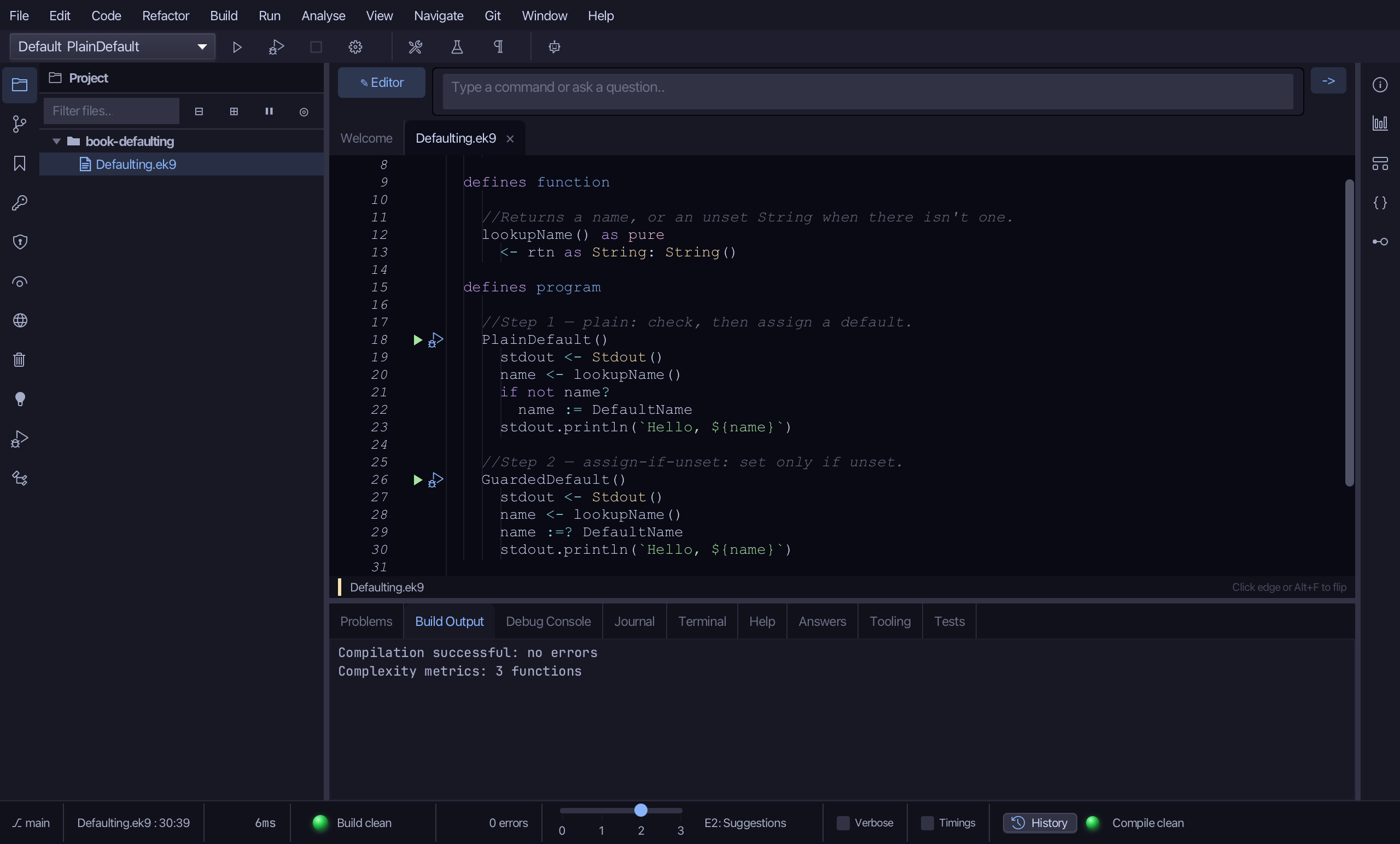
      name :=? DefaultName
      stdout.println(`Hello, ${name}`)

    //Step 3 — coalescing: choose the set one, as an expression.
    CoalescingDefault()
      stdout <- Stdout()
      name <- lookupName() ?: DefaultName
      stdout.println(`Hello, ${name}`)

//EOF
Step 1: A name for the default
Choose Code > New Construct > Constant…
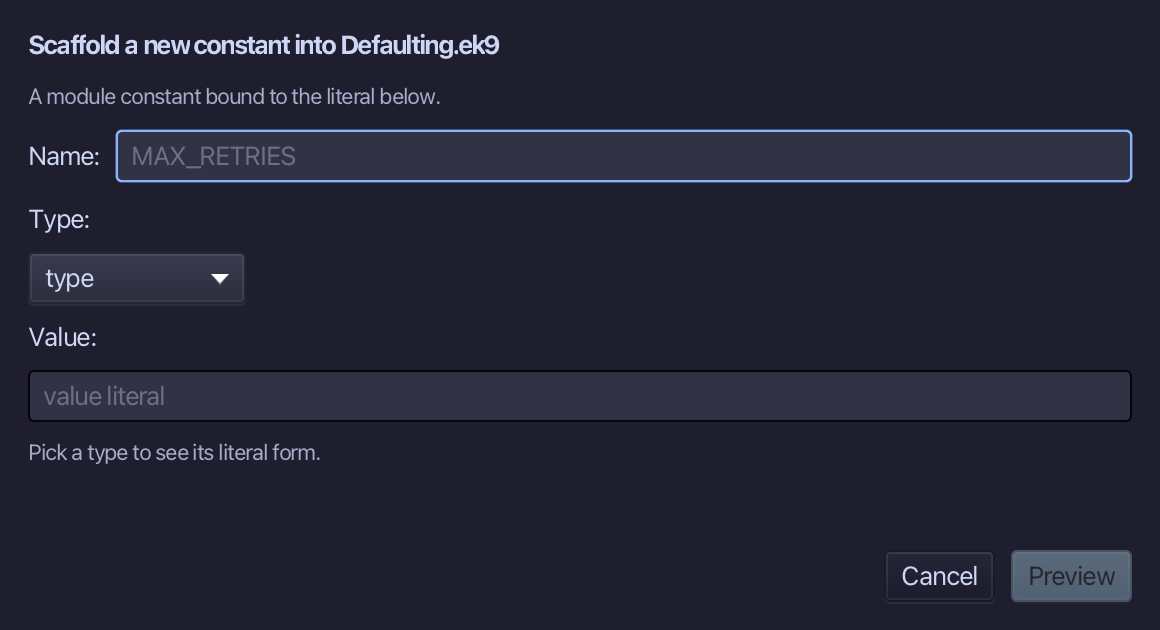
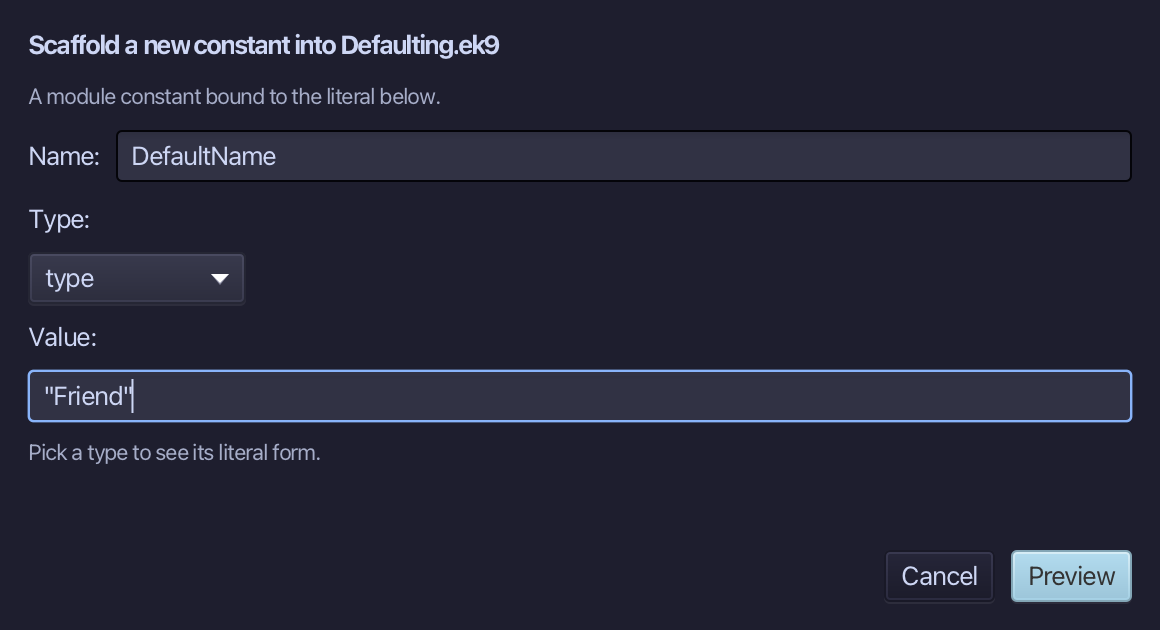
DefaultName is the constant's name, and "Friend" its value - a String literal, typed into the Value field below it. Type DefaultName, then the value, and choose Preview.
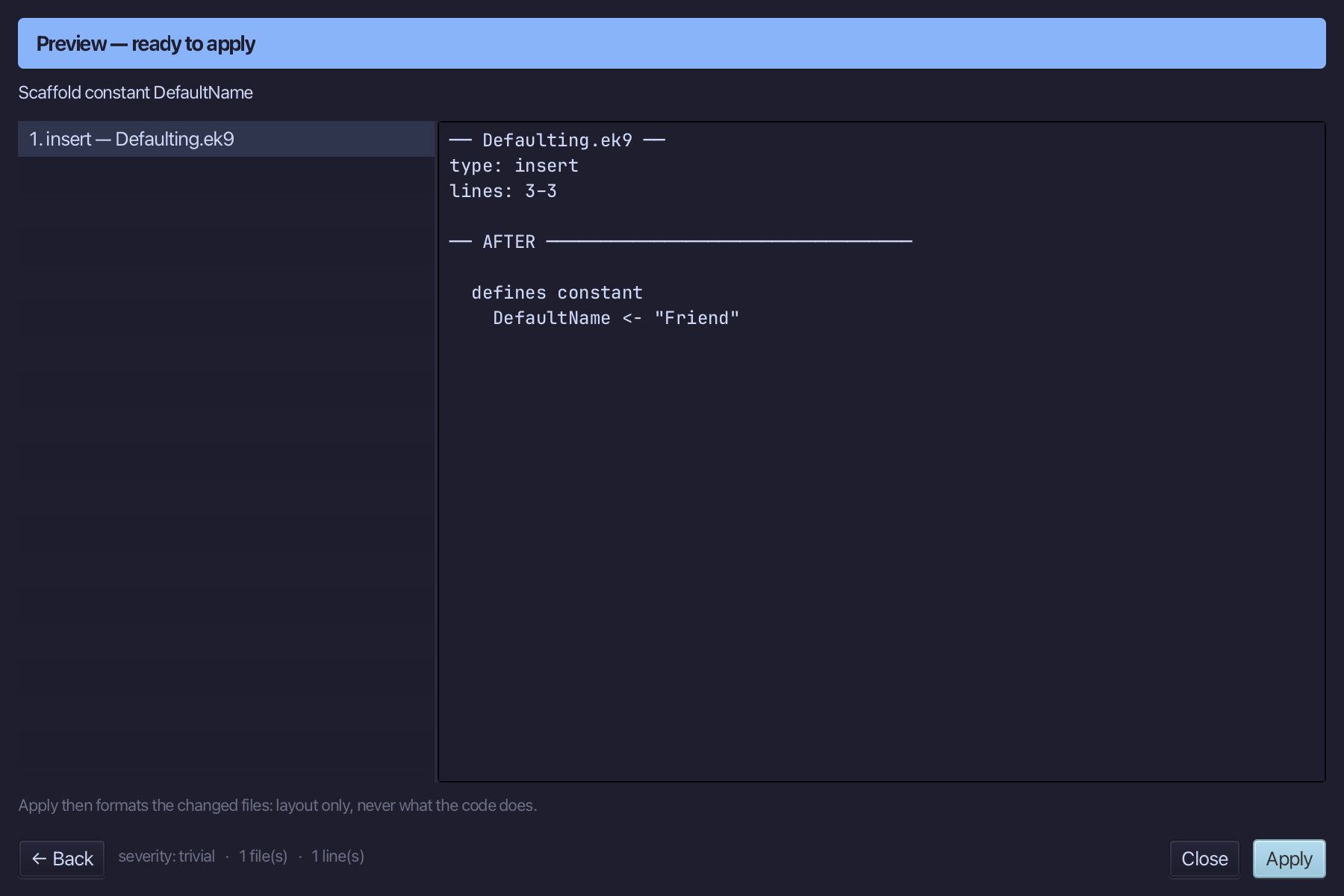
The preview shows DefaultName about to be written. Choose Apply.
Select the DefaultName line, and above it type the comment explaining why the literal has a name. Saves when typed.
Step 2: lookupName - a name that may be unset
Choose Code > New Construct > Function…
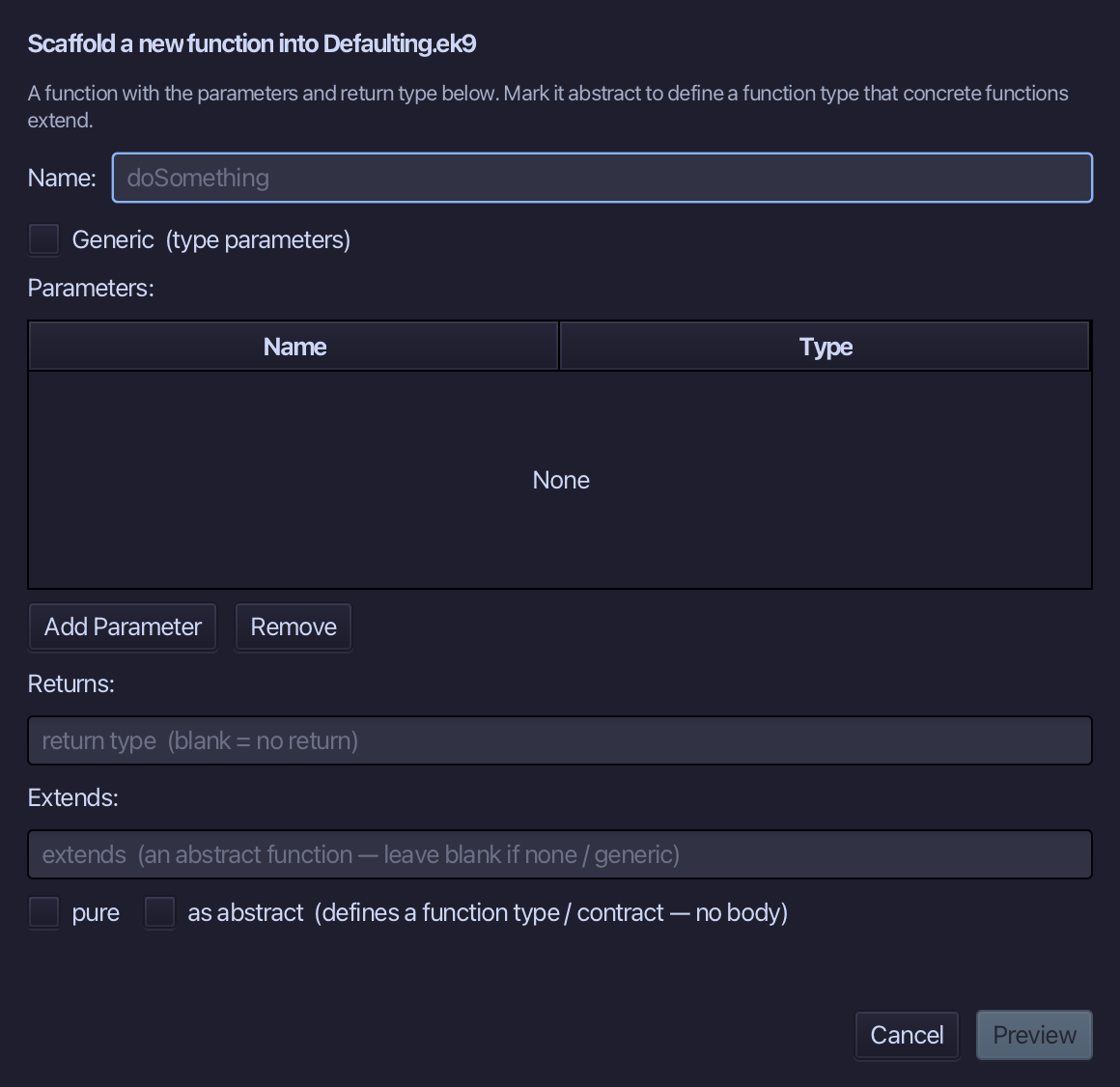
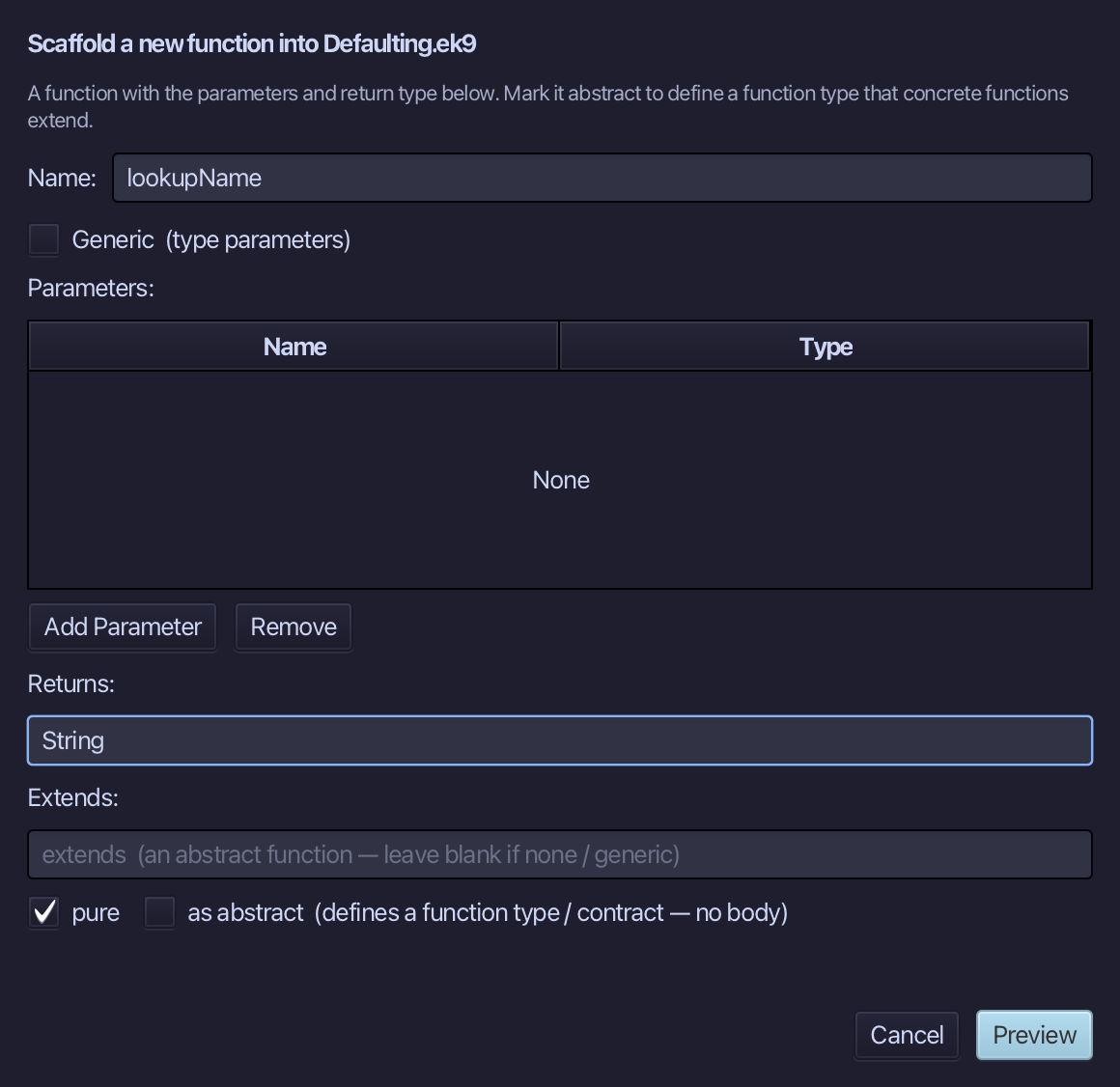
lookupName is the function's name - no parameters, set Returns to String and tick pure. Choose Preview.
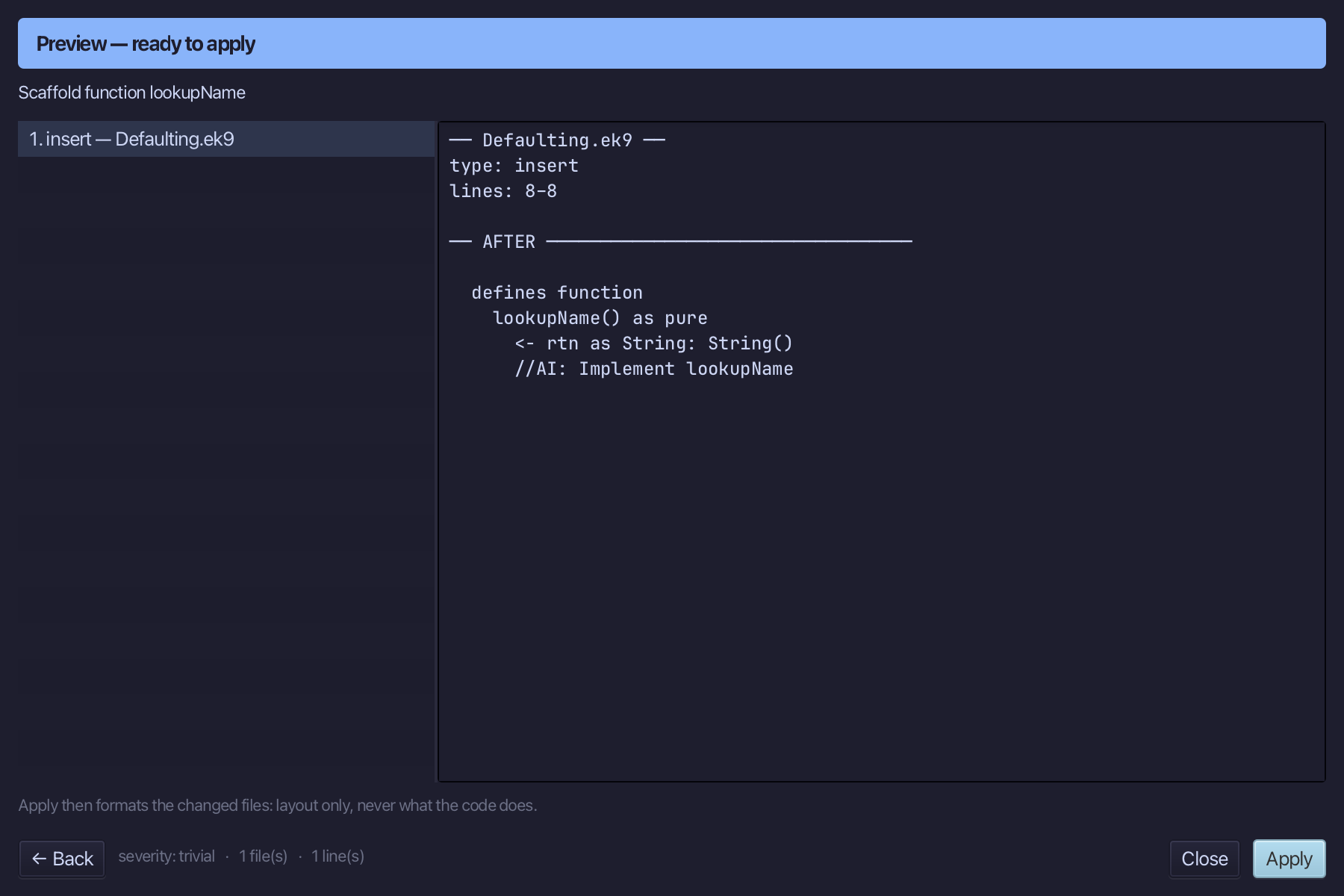
The preview shows lookupName about to be written, pure, returning String. Choose Apply.
Select the lookupName() as pure line, and above it type the comment explaining it. Saves when typed.
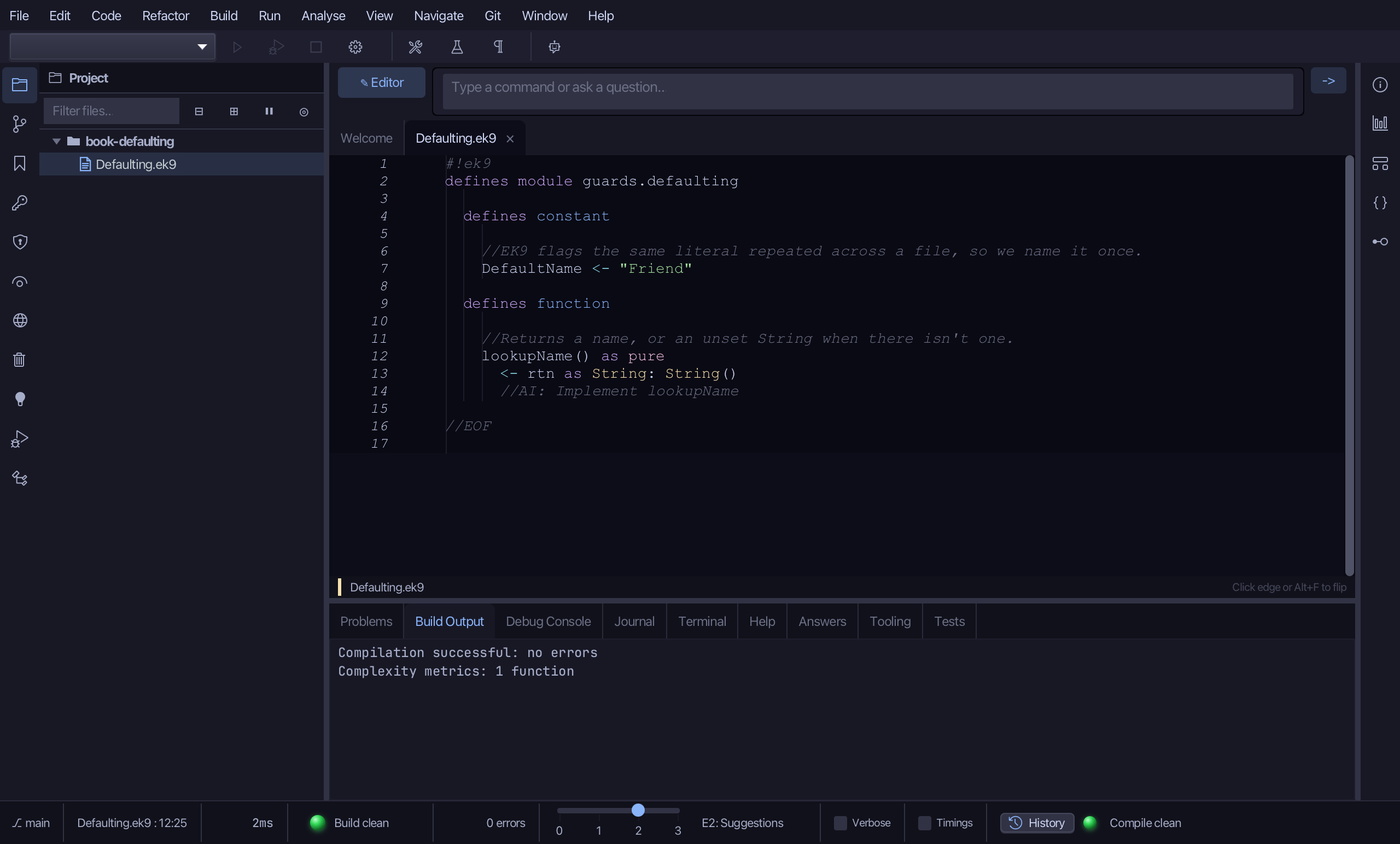
Select the stub, from <- rtn as String: String() down to its //AI line, and type the unset String it already returns - the same text, its //AI marker gone. Saves when typed.
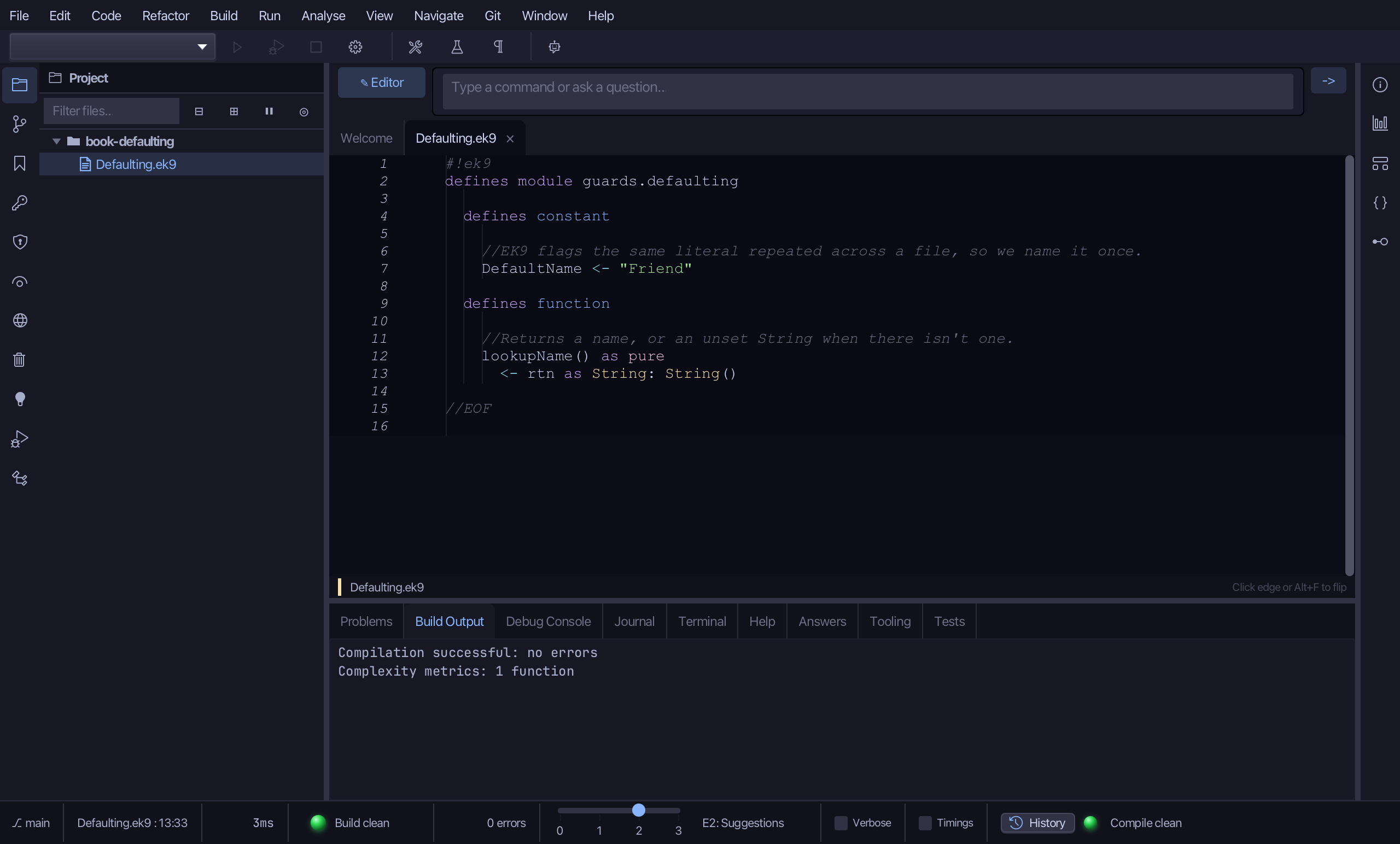
Step 3: Step 1 - check, then assign
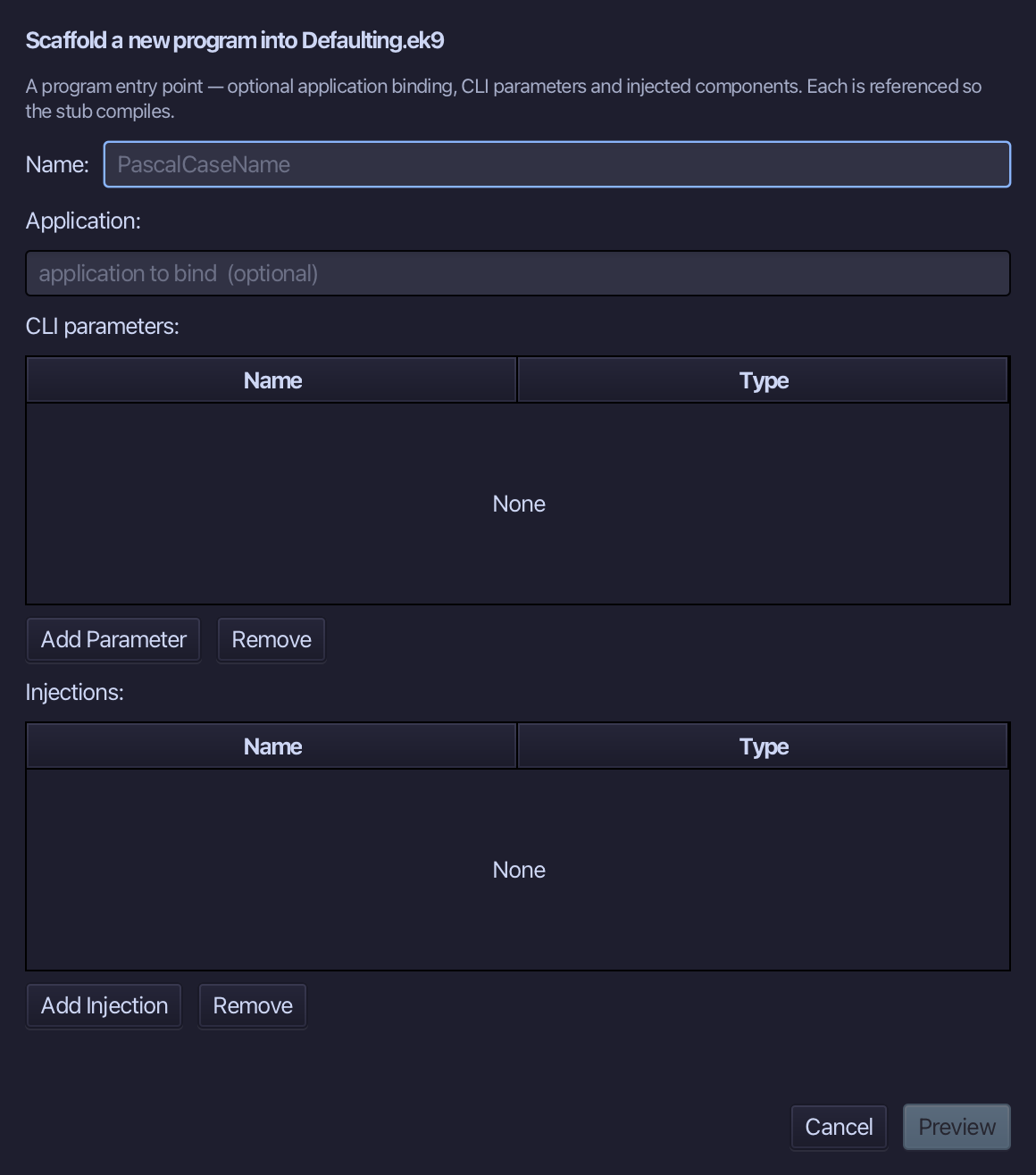
Choose Code > New Construct > Program…
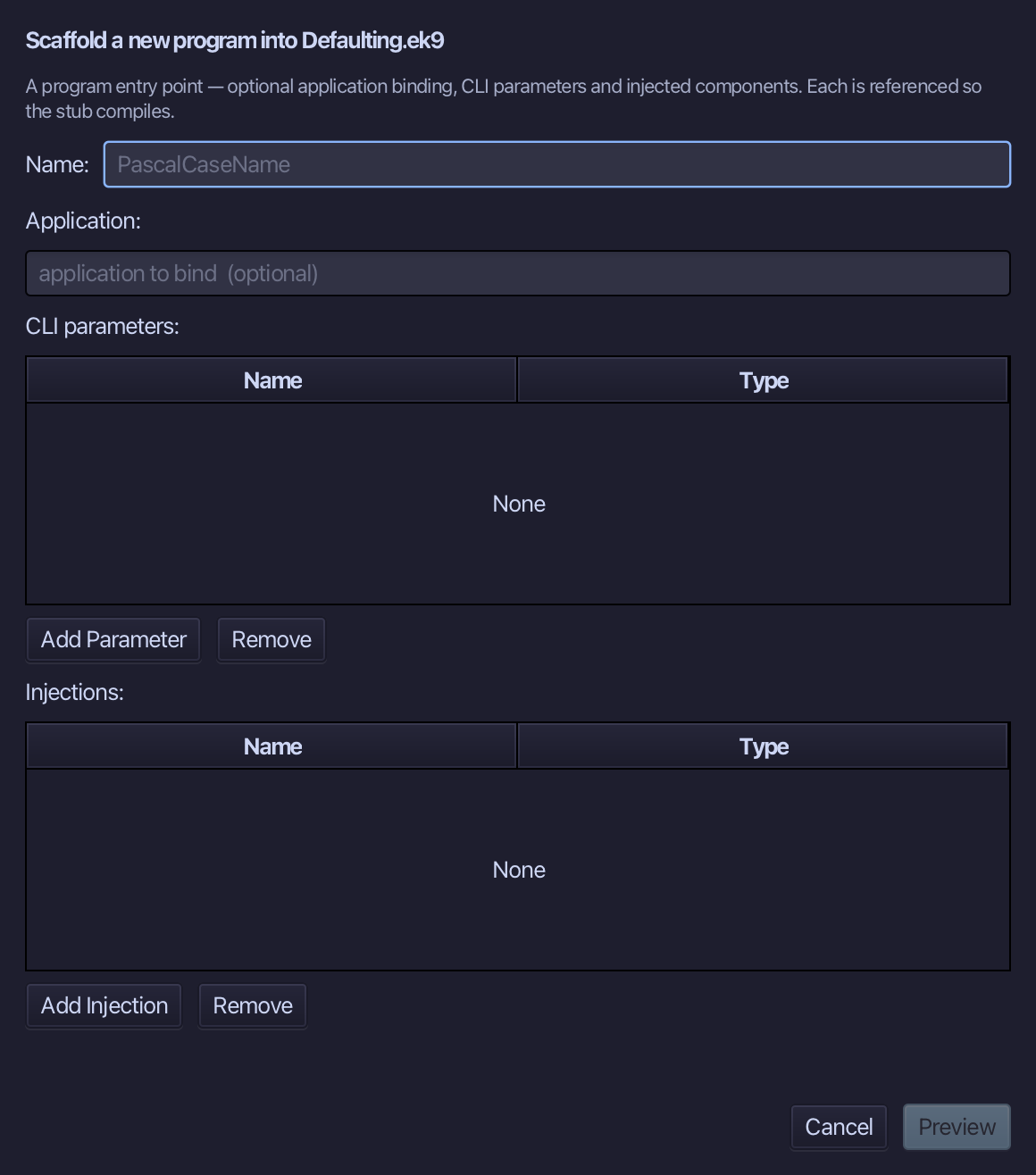
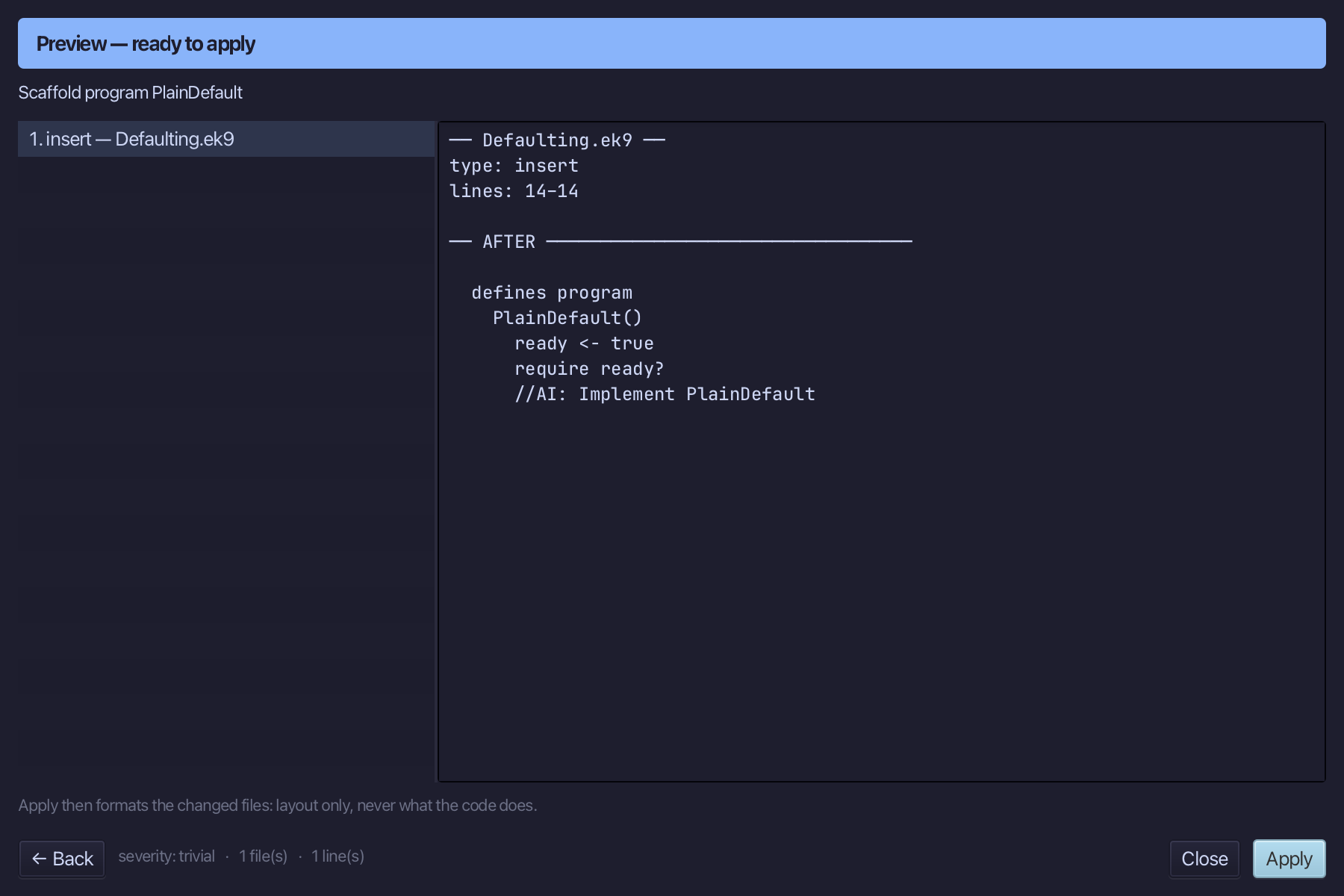
PlainDefault is the program's name - no application, no parameters. Type PlainDefault and choose Preview.
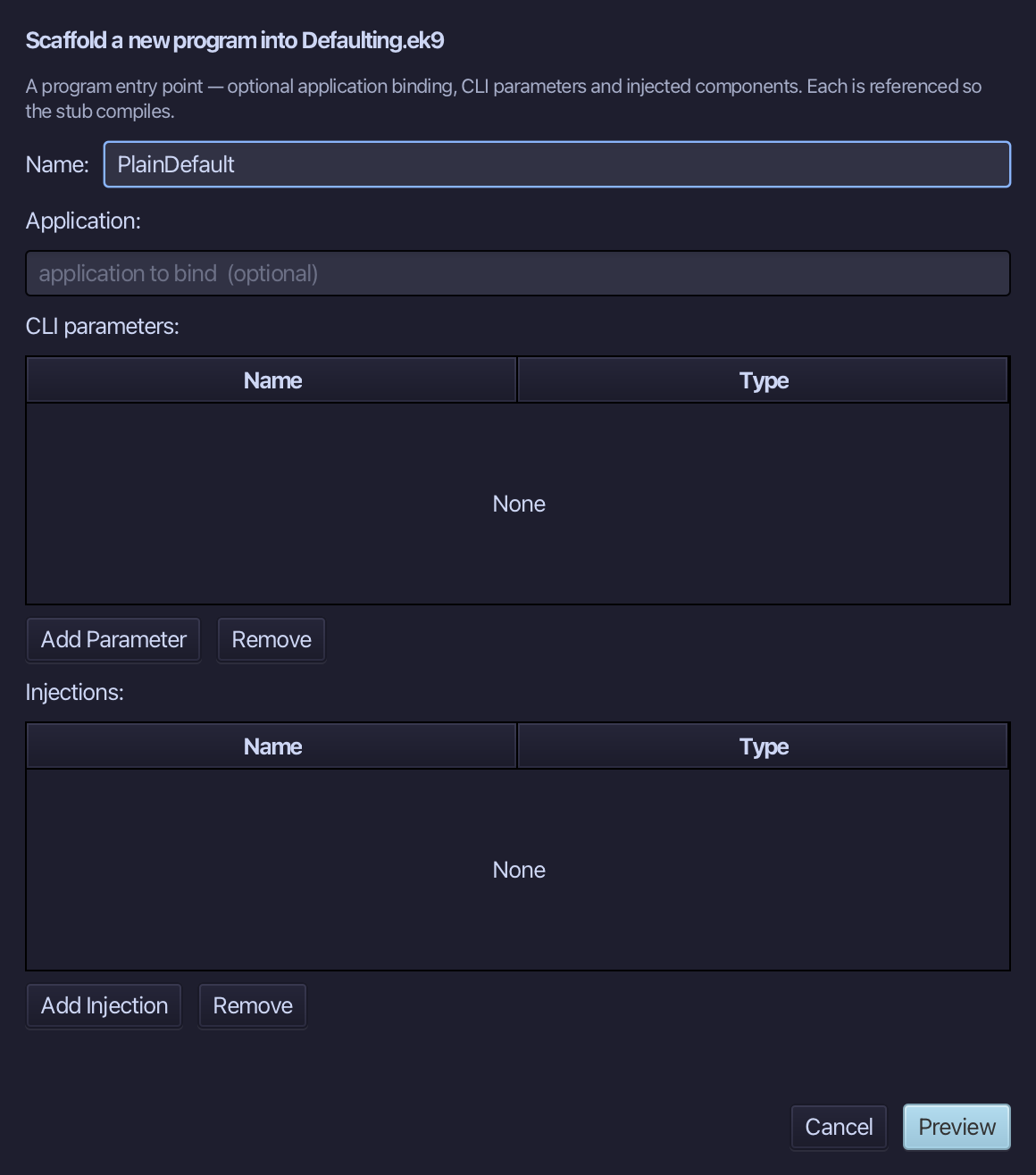
The preview shows PlainDefault about to be written. Choose Apply.
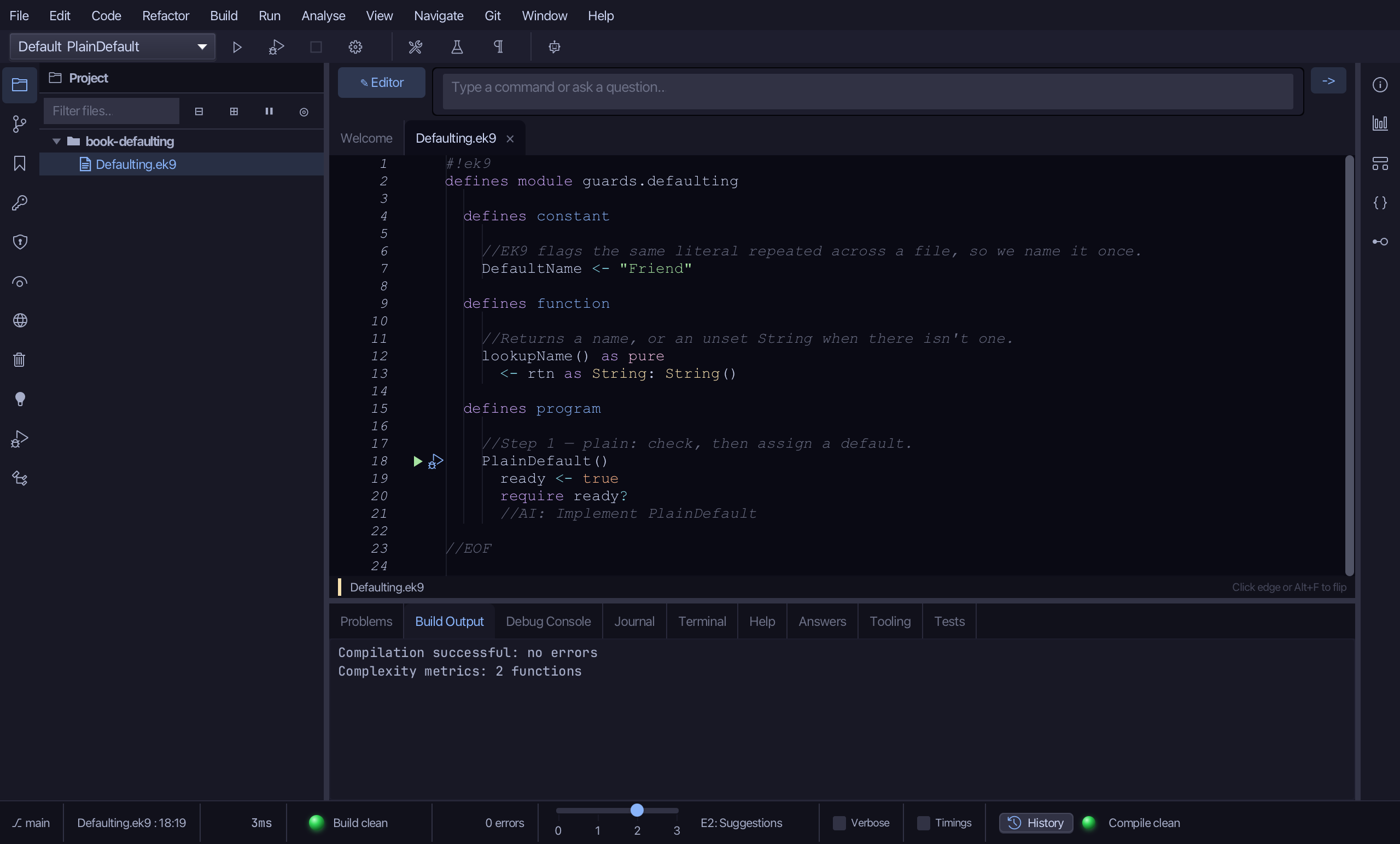
Select the PlainDefault() line, and above it type the step's comment. Saves when typed.
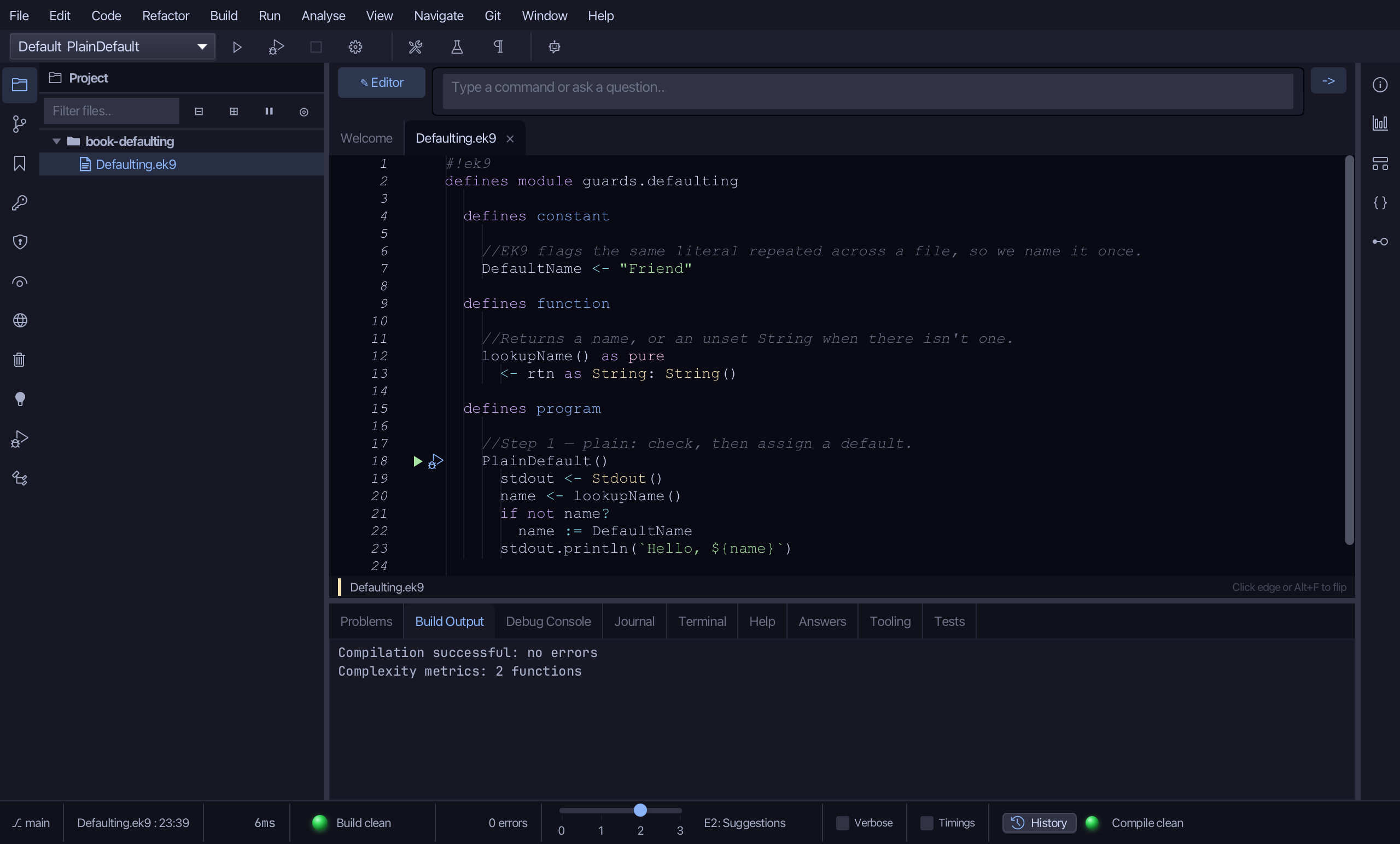
Select the stub, from ready <- true down to its //AI line. Type PlainDefault's body: a Stdout, the looked-up name, a check for unset that assigns DefaultName, and the greeting. Saves when typed.
Step 4: Step 2 - assign only if unset
Choose Code > New Construct > Program…
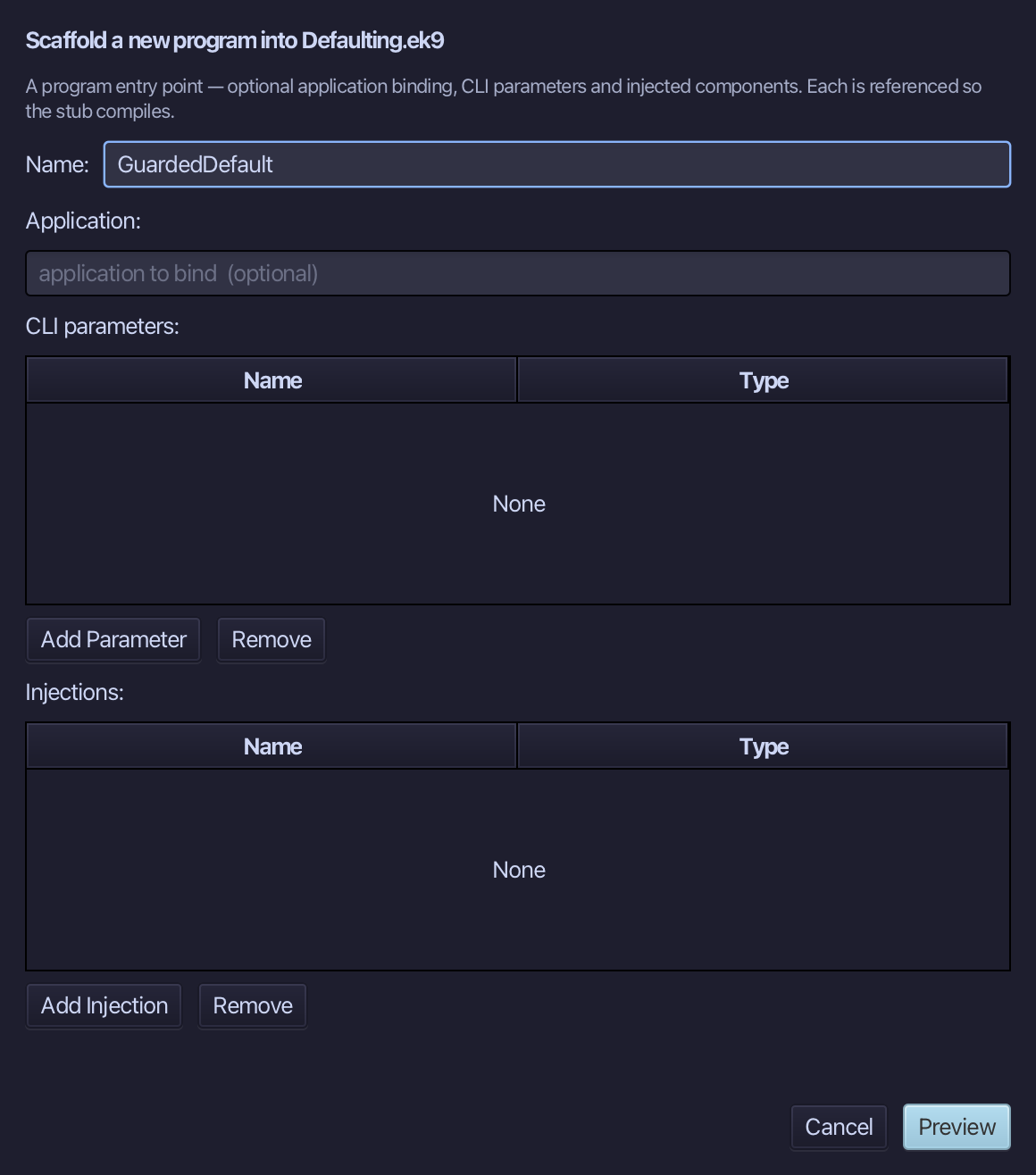
GuardedDefault is the program's name - no application, no parameters. Type GuardedDefault and choose Preview.
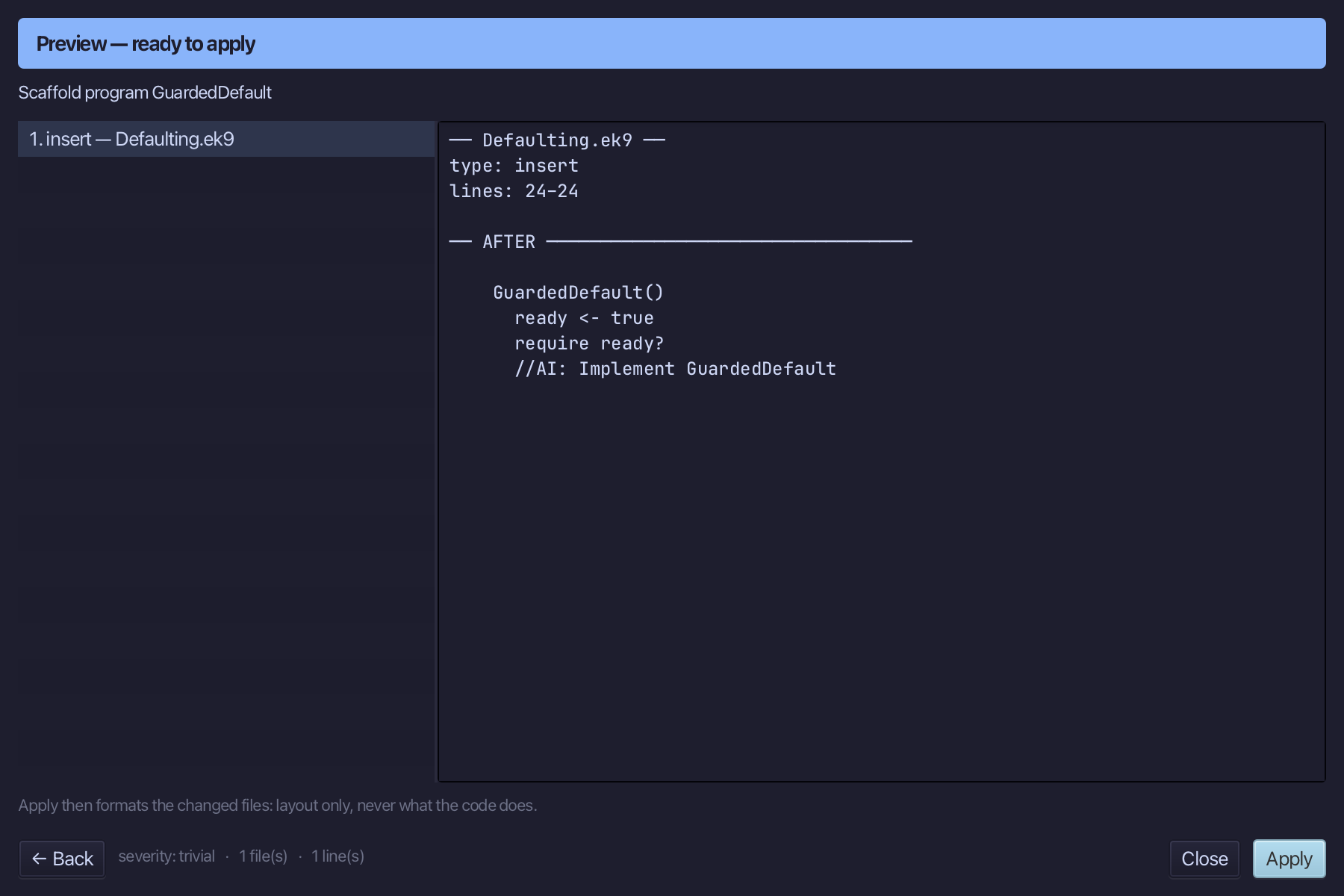
The preview shows GuardedDefault about to be written. Choose Apply.
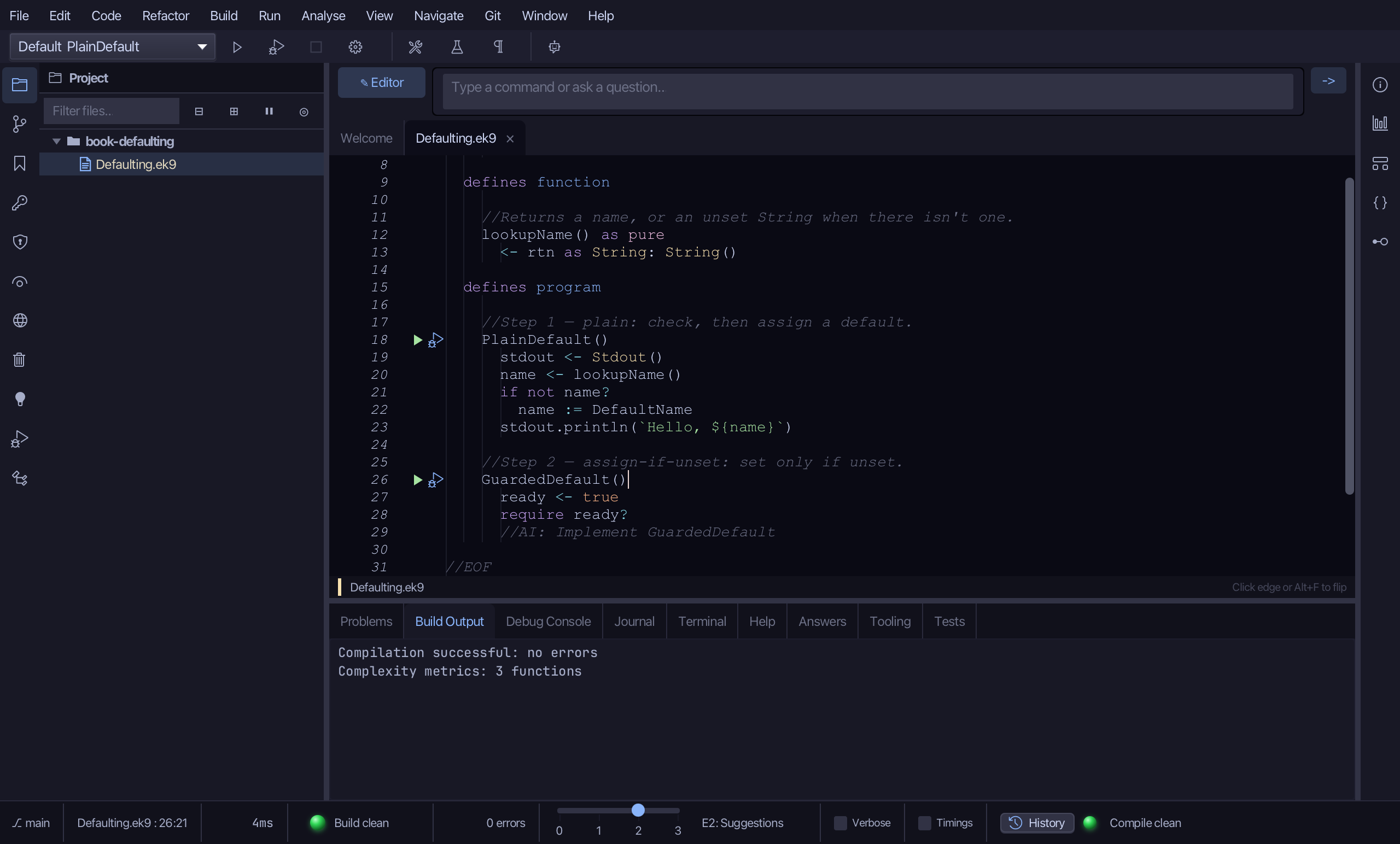
Select the GuardedDefault() line, and above it type the step's comment. Saves when typed.
Select the stub, from ready <- true down to its //AI line. Type GuardedDefault's body: the same, with the check and the assignment collapsed into :=?. Saves when typed.
Step 5: Step 3 - an expression
Choose Code > New Construct > Program…
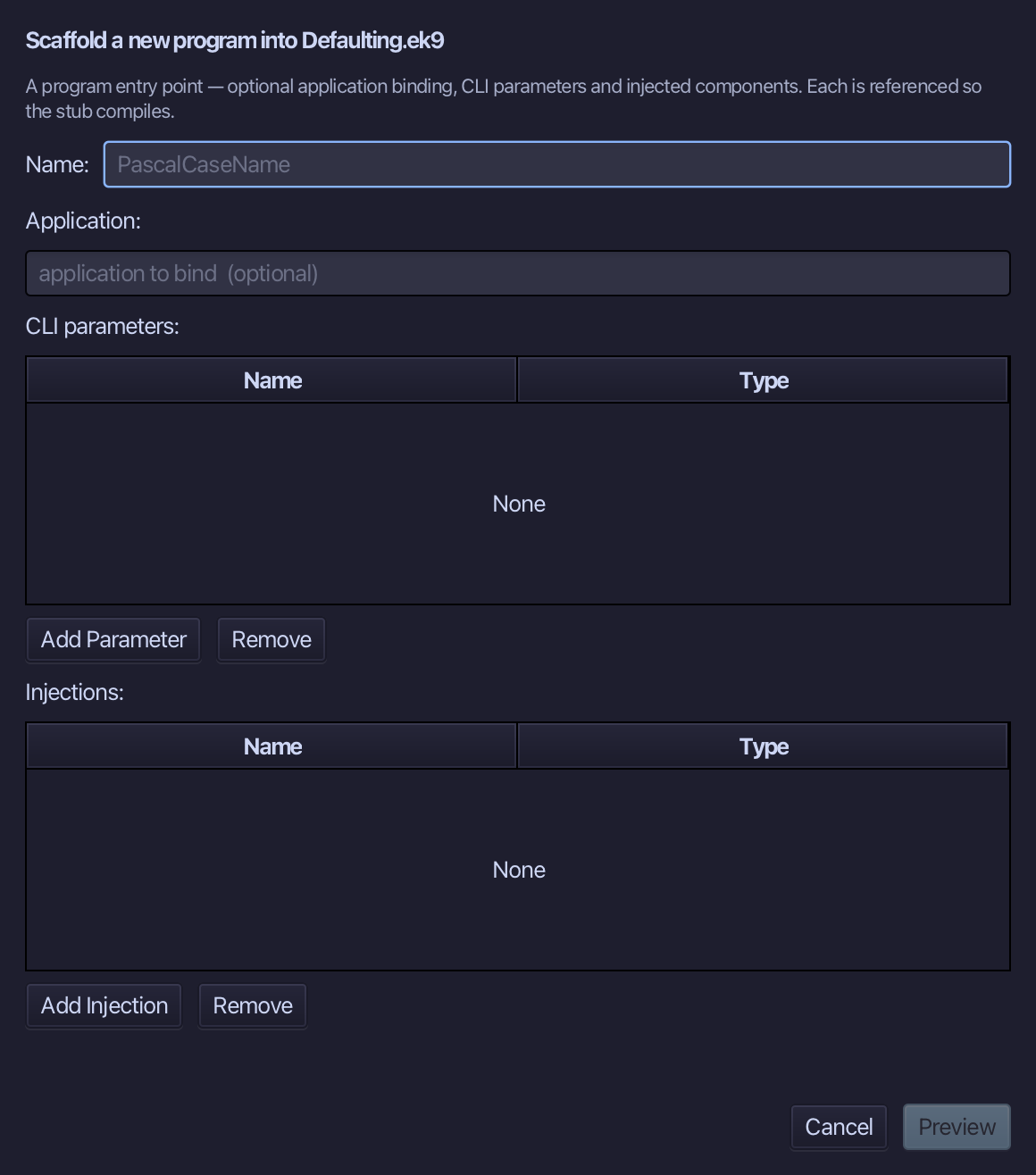
CoalescingDefault is the program's name - no application, no parameters. Type CoalescingDefault and choose Preview.
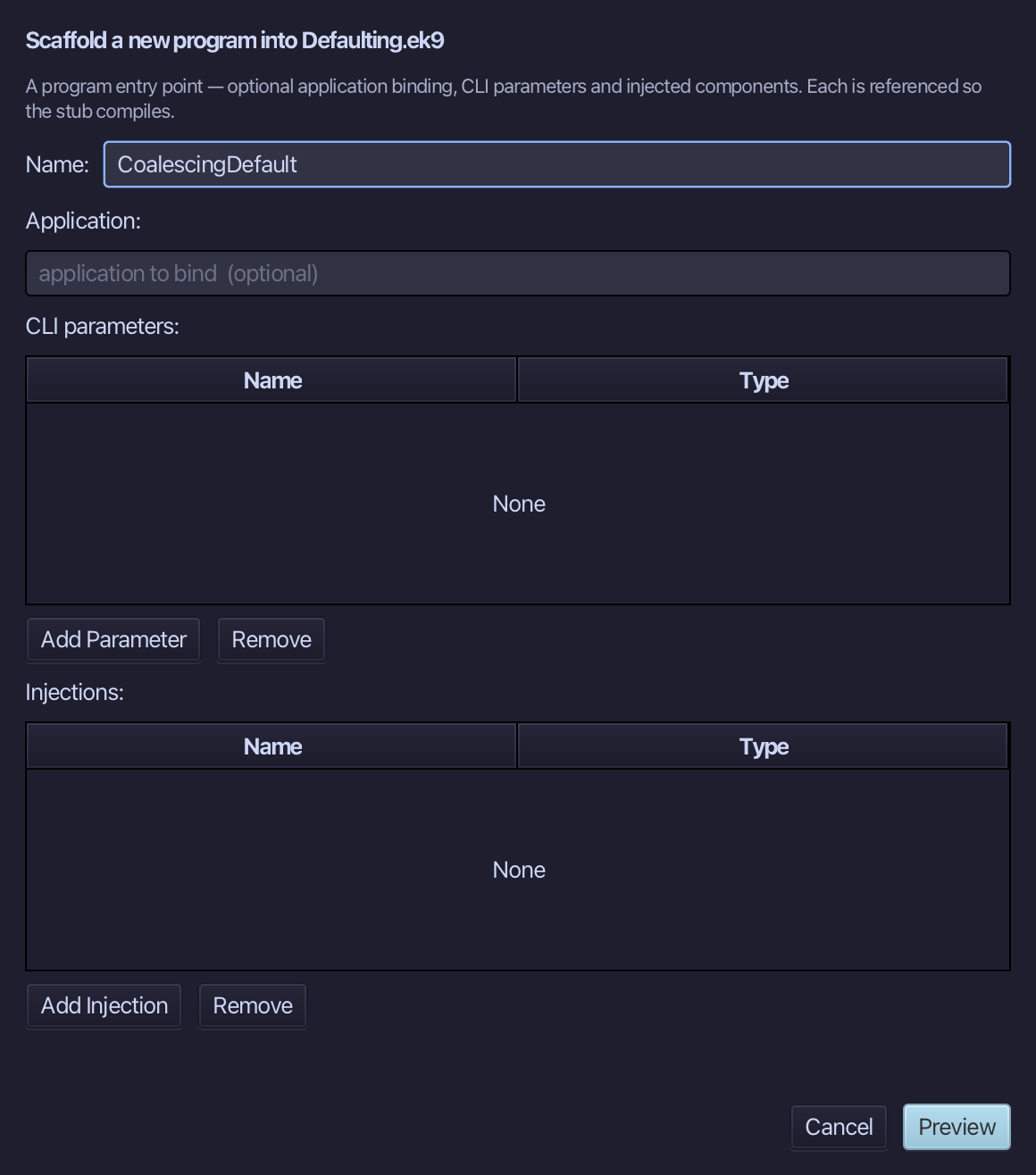
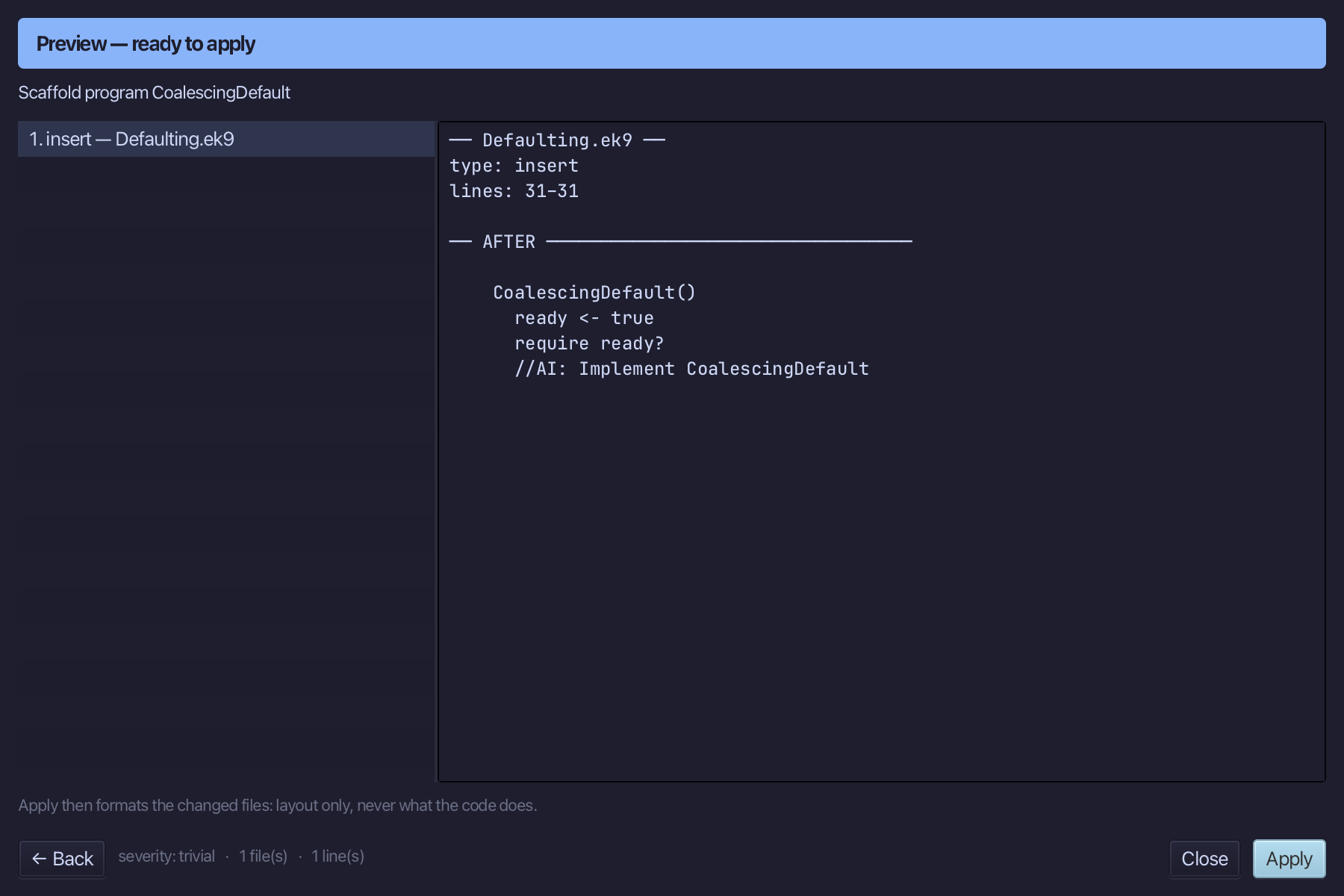
The preview shows CoalescingDefault about to be written. Choose Apply.
Select the CoalescingDefault() line, and above it type the step's comment. Saves when typed.
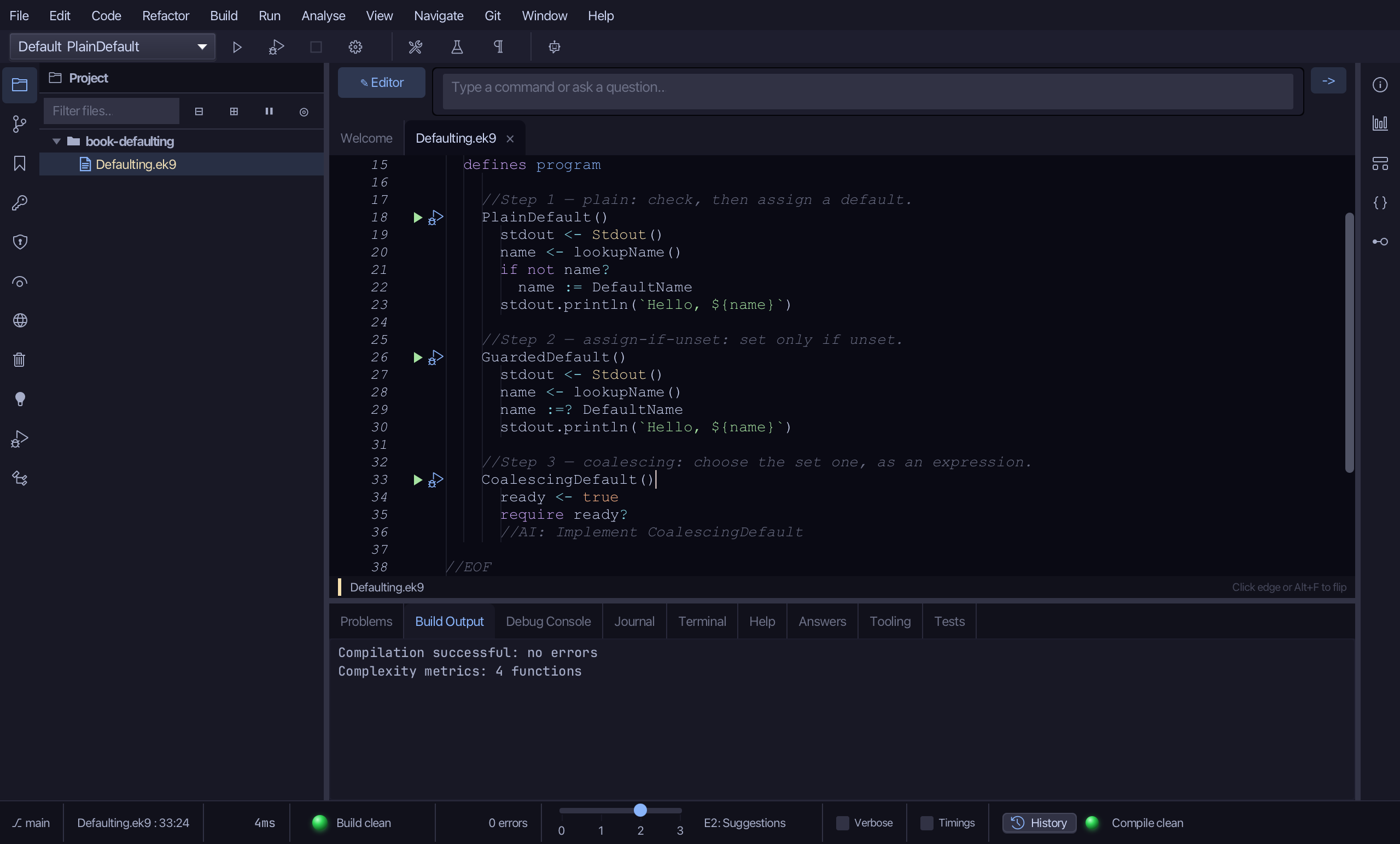
Select the stub, from ready <- true down to its //AI line. Type CoalescingDefault's plain draft: the looked-up name, and the greeting. No default yet. Saves when typed.
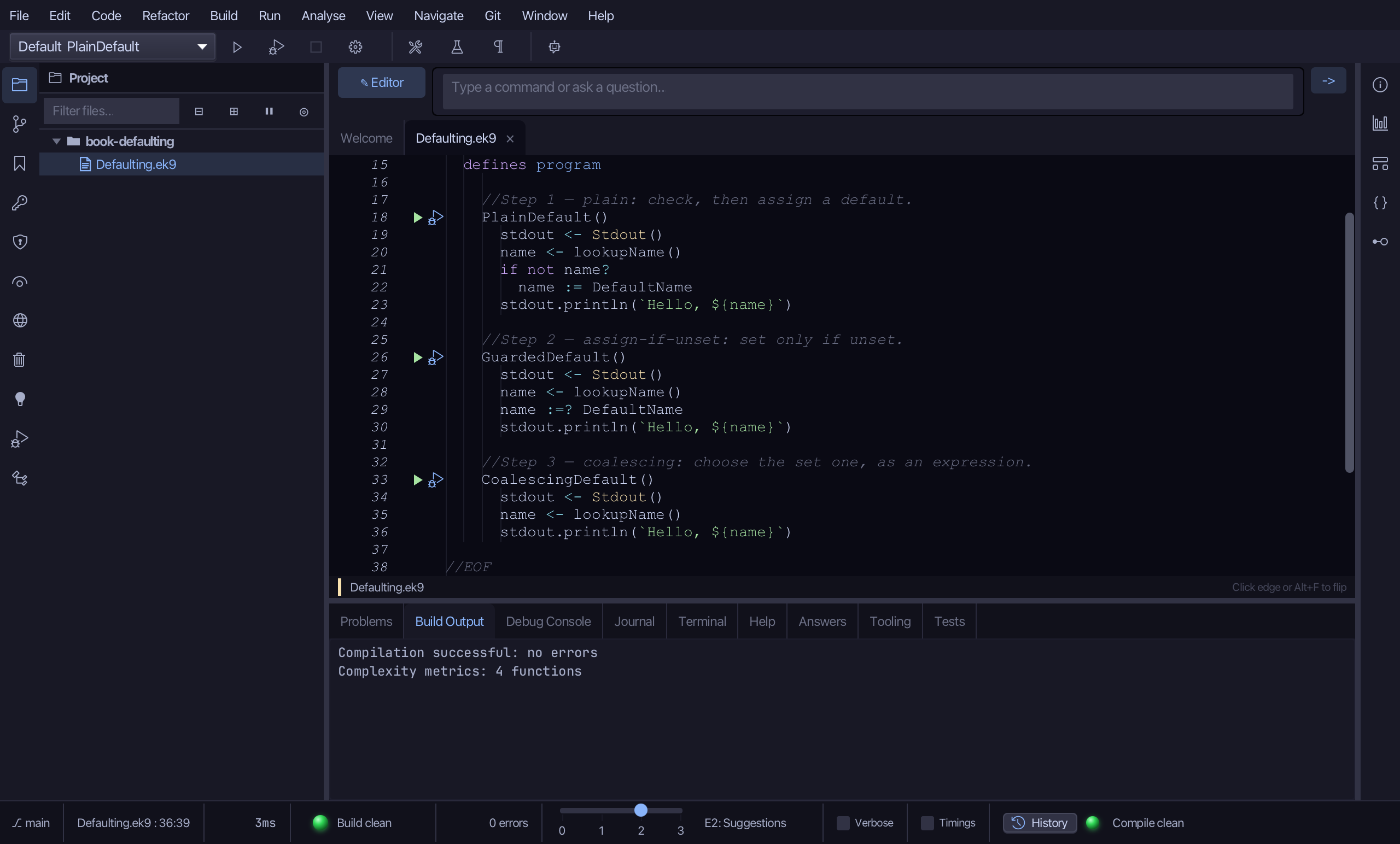
Select lookupName() on the last name line and wrap it with ?: DefaultName - "this value, or that one if the first is not set".
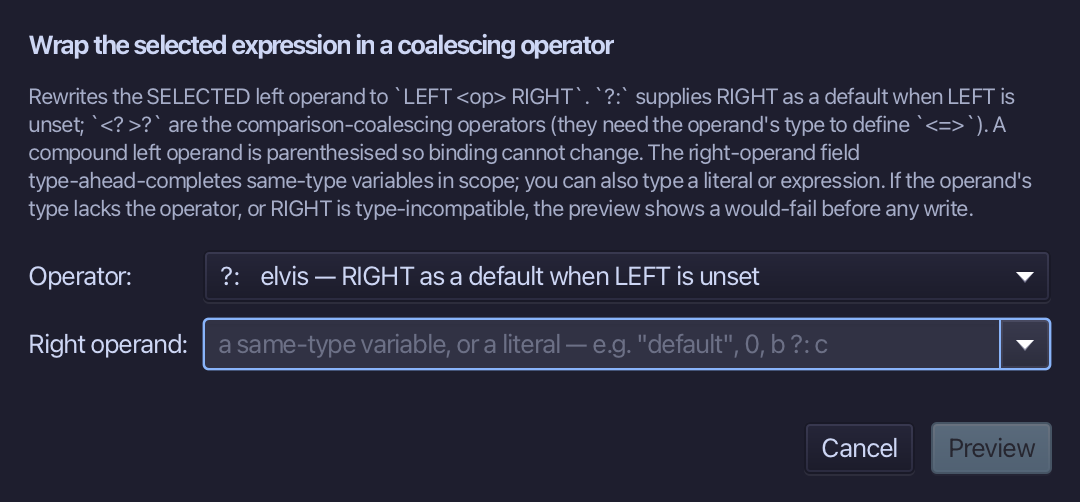
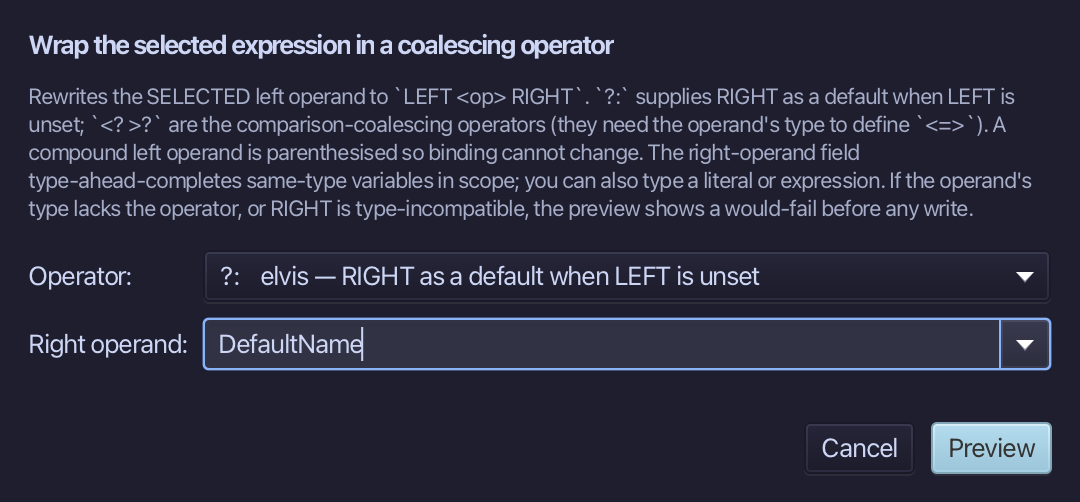
Choose ?:, type DefaultName as the right operand, and choose Preview.
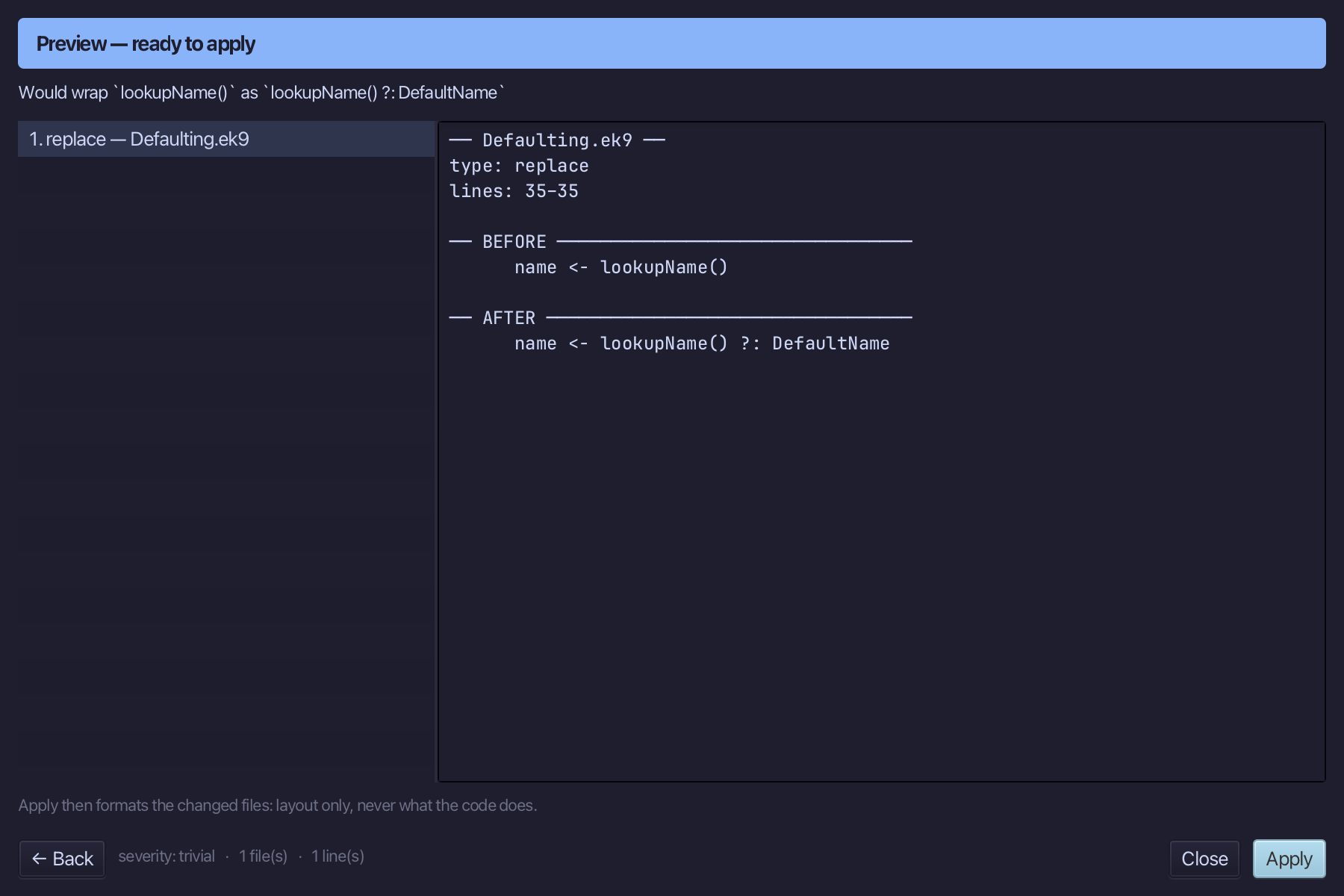
The preview shows the line becoming name <- lookupName() ?: DefaultName. Choose Apply.
Step 6: Run it
Choose Run > Run Program…
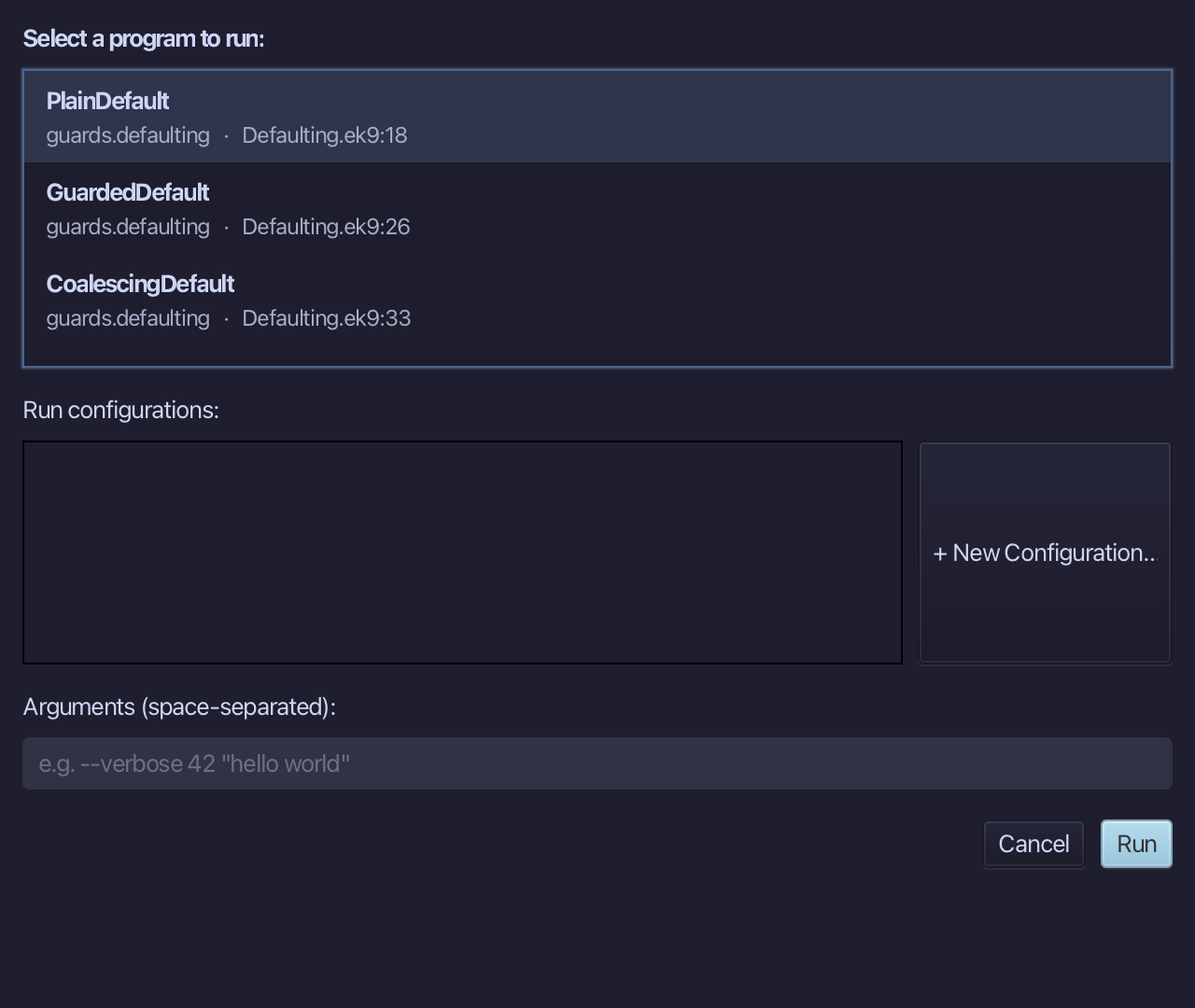
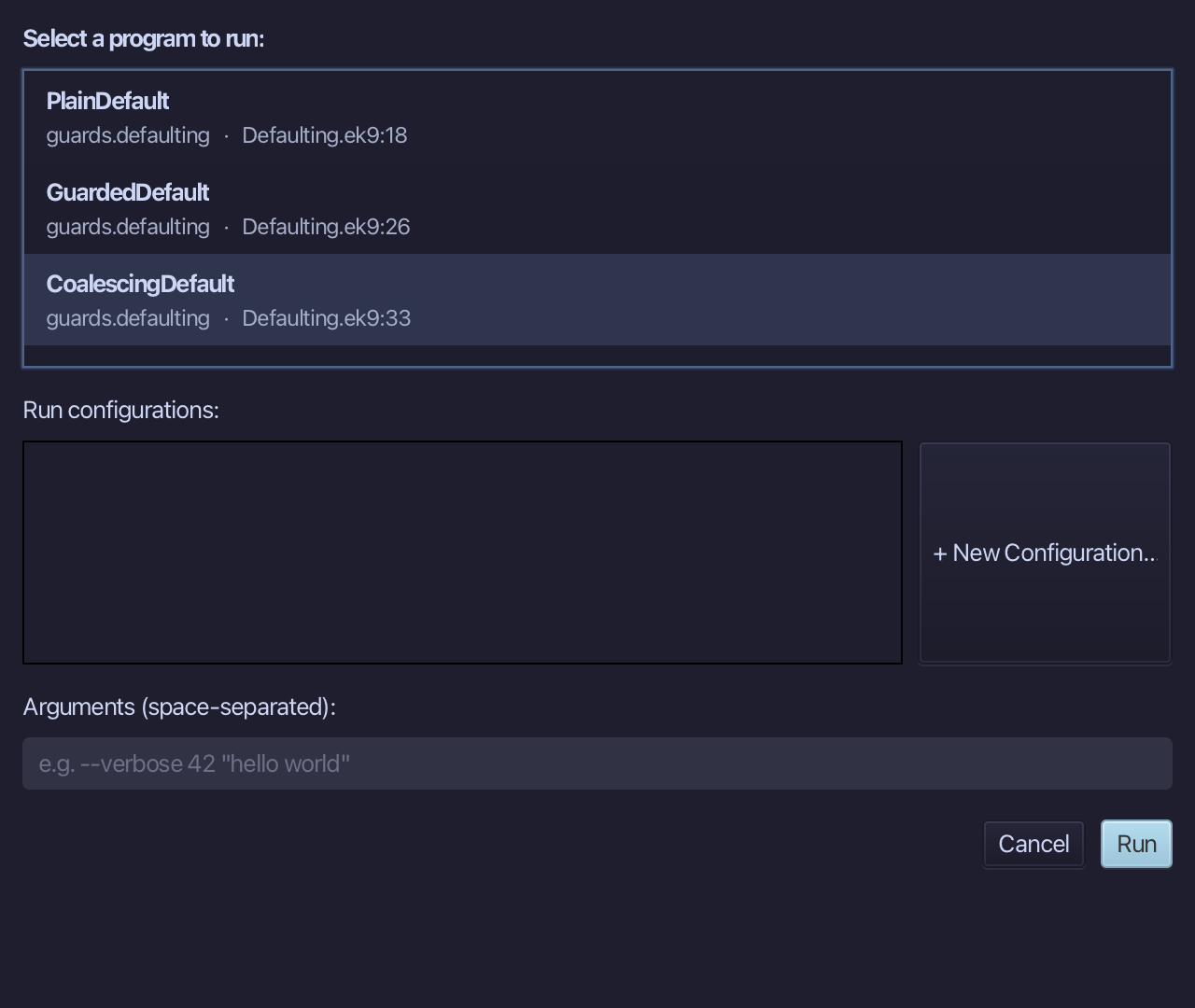
Choose CoalescingDefault from the list, then choose Run.
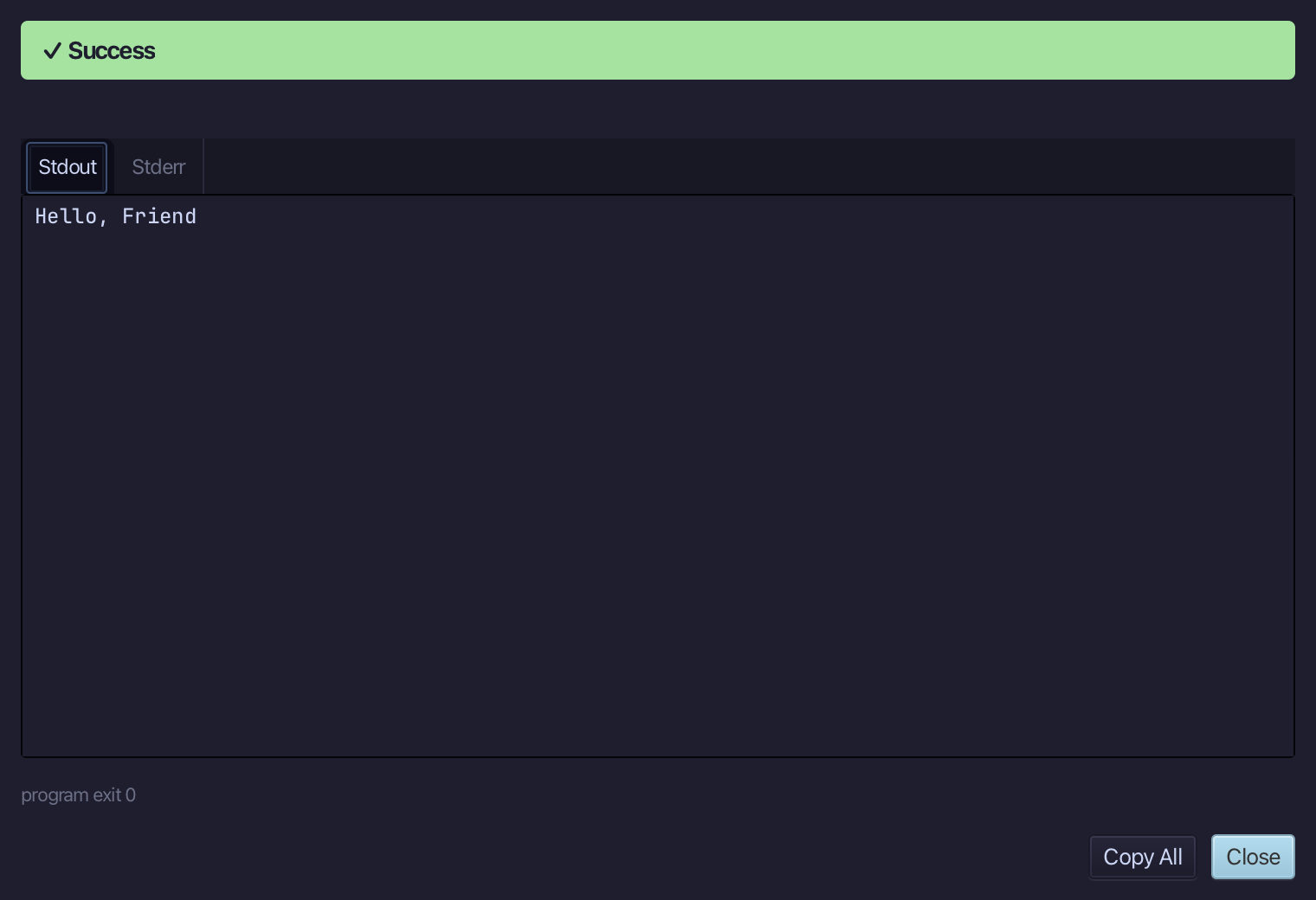
Hello, Friend - lookupName() gave nothing, so the default stood in. PlainDefault and GuardedDefault print the same. Choose Close.
Step 7: Ask: /q 1059
Type /q 1059 into the input bar above the editor and choose -> to send it - a direct lookup, by the question's own number, into the Answers tab.
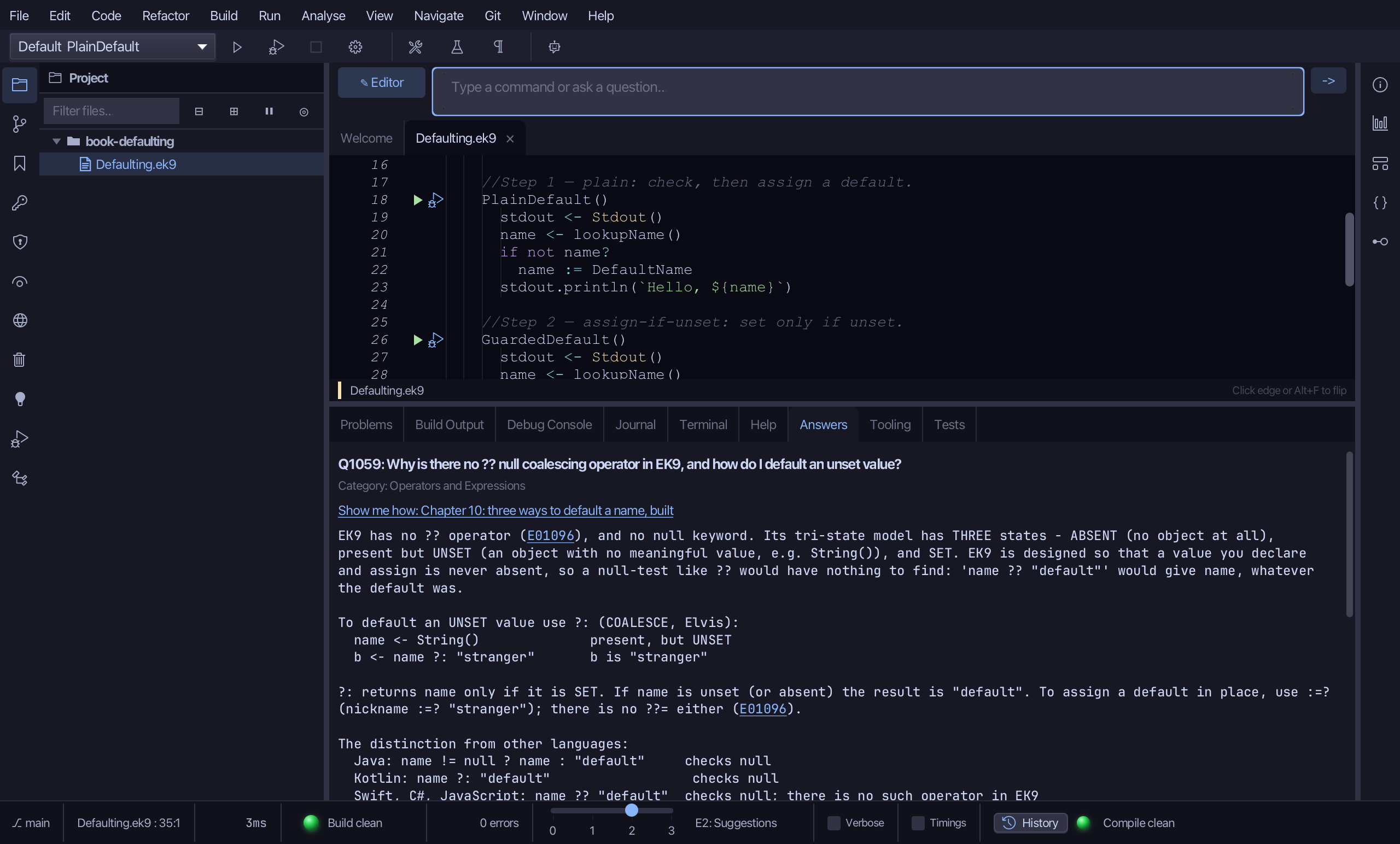
The Answers tab shows Q1059: EK9 has no ?? - a value you declare and assign is never absent, so what EK9 asks is whether it is UNSET - and the ?: coalescing operator, with :=? beside it, is how an unset value gets a default.
The result
Defaulting.ek9 now reads exactly as chapter 10 of Getting Started with EK9 shows it: one name that may be unset and three answers, each printing Hello, Friend - spelled out, assigned only if unset, and as a single expression. The constant, the function and the programs came from the New Construct tools, and Wrap with coalescing… wrote the last answer's ?: so no one had to type it. The same tools - ek9_new_construct, ek9_add_program and ek9_insert_coalescing - are what an AI assistant calls to do the same thing.
Where this lesson comes from
- Answers -
ek9 -qand the IDE's Answers tab: 1059. - For AI assistants - the MCP tool
ek9_new_construct,ek9_add_program,ek9_insert_coalescing,ek9_ask.
In the EK9 reference: Flow Control in EK9