Chapter 25: copy, merge and replace, built
Three mutating operators move one object's state into another: :=: copies, :~: merges and :^: replaces. In Java that is a clone, a merge helper and a setter loop; here they are operators, and for a type of your own the merge and the replace are always yours to write. Chapter 25's CopyMergeReplace builds a configuration record, Profile, with all three. The IDE writes the record, each operator's signature and the shown helper; you type what each operator means. To play it in the IDE: Help > Lessons > EK9 in Depth…, or ek9 -ide -lesson depth-copy-merge-replace.
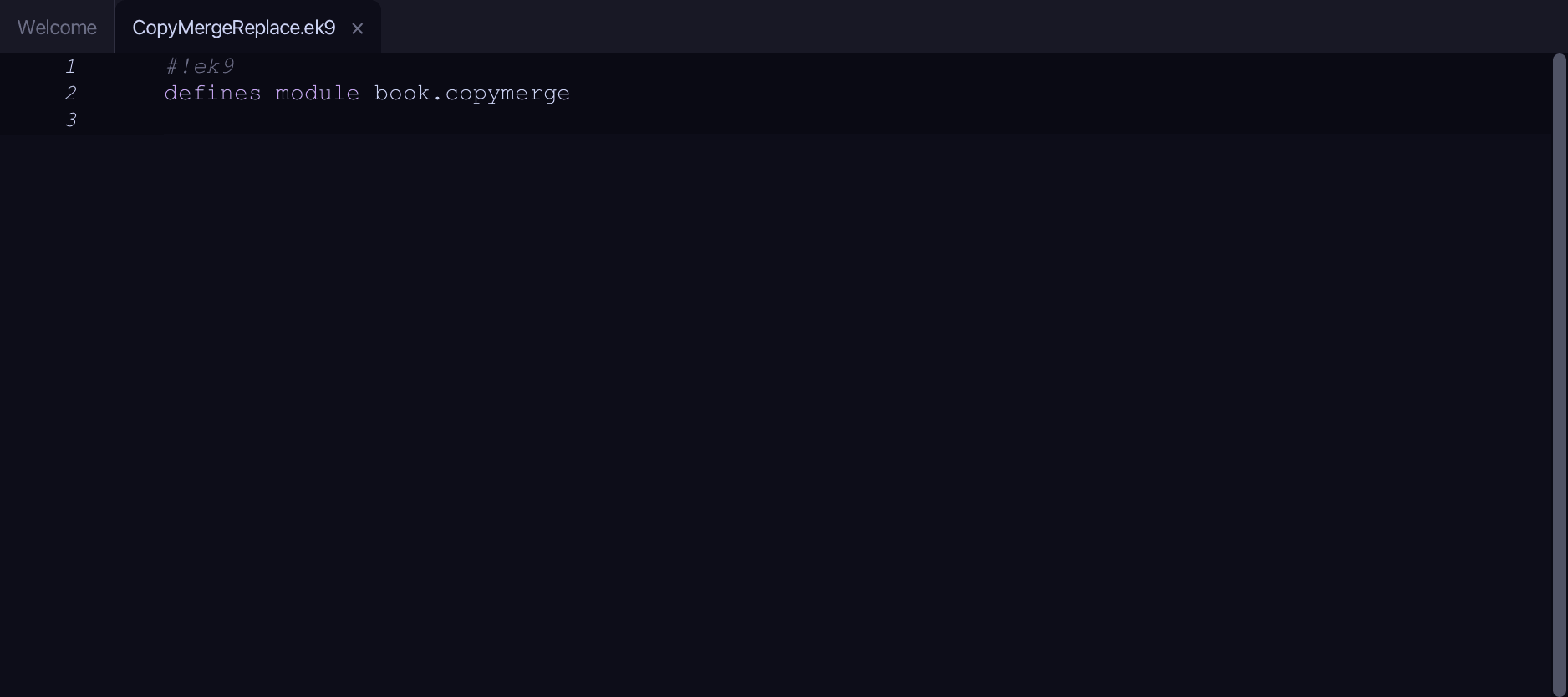
What you'll build
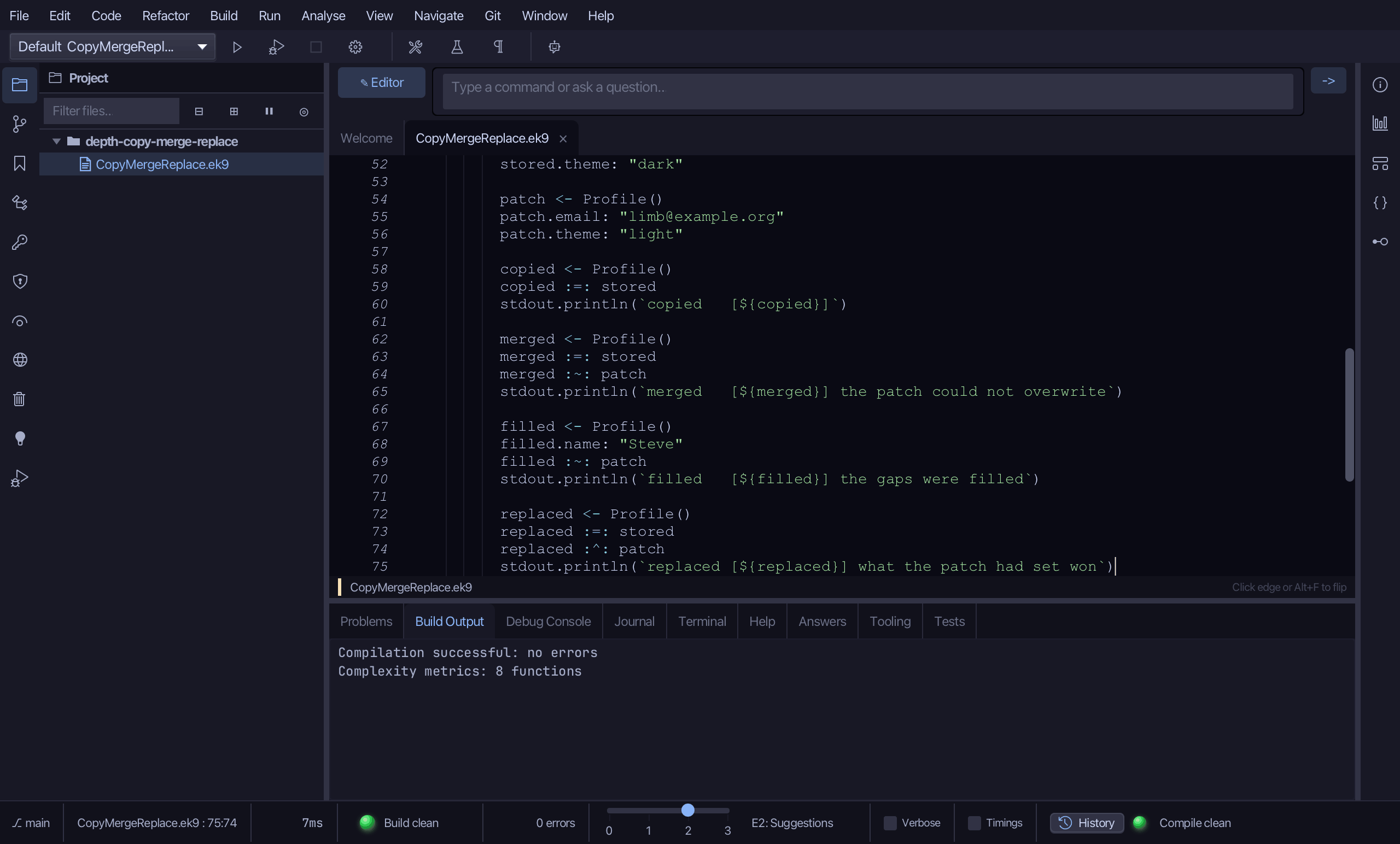
The lesson builds this program from a file holding only its module line - the finished file, as the book prints it.
#!ek9
defines module book.copymerge

  defines record

    Profile
      name <- String()
      email <- String()
      theme <- String()

      operator :=:
        -> other as Profile
        name :=: other.name
        email :=: other.email
        theme :=: other.theme

      operator :~:
        -> other as Profile
        name :=? String(other.name)
        email :=? String(other.email)
        theme :=? String(other.theme)

      operator :^:
        -> other as Profile
        if other.name?
          name :=: other.name
        if other.email?
          email :=: other.email
        if other.theme?
          theme :=: other.theme

      operator $ as pure
        <- rtn as String: `${shown(name)} ${shown(email)} ${shown(theme)}`

      override operator ? as pure
        <- rtn as Boolean: name? and email? and theme?

  defines function

    shown() as pure
      -> text as String
      <- rtn as String: text? <- text else "-"

  defines program

    CopyMergeReplace()
      stdout <- Stdout()

      stored <- Profile()
      stored.name: "Steve"
      stored.email: "steve@example.org"
      stored.theme: "dark"

      patch <- Profile()
      patch.email: "limb@example.org"
      patch.theme: "light"

      copied <- Profile()
      copied :=: stored
      stdout.println(`copied   [${copied}]`)

      merged <- Profile()
      merged :=: stored
      merged :~: patch
      stdout.println(`merged   [${merged}] the patch could not overwrite`)

      filled <- Profile()
      filled.name: "Steve"
      filled :~: patch
      stdout.println(`filled   [${filled}] the gaps were filled`)

      replaced <- Profile()
      replaced :=: stored
      replaced :^: patch
      stdout.println(`replaced [${replaced}] what the patch had set won`)
Step 1: Profile — a record
Choose Code > New Construct > Record…
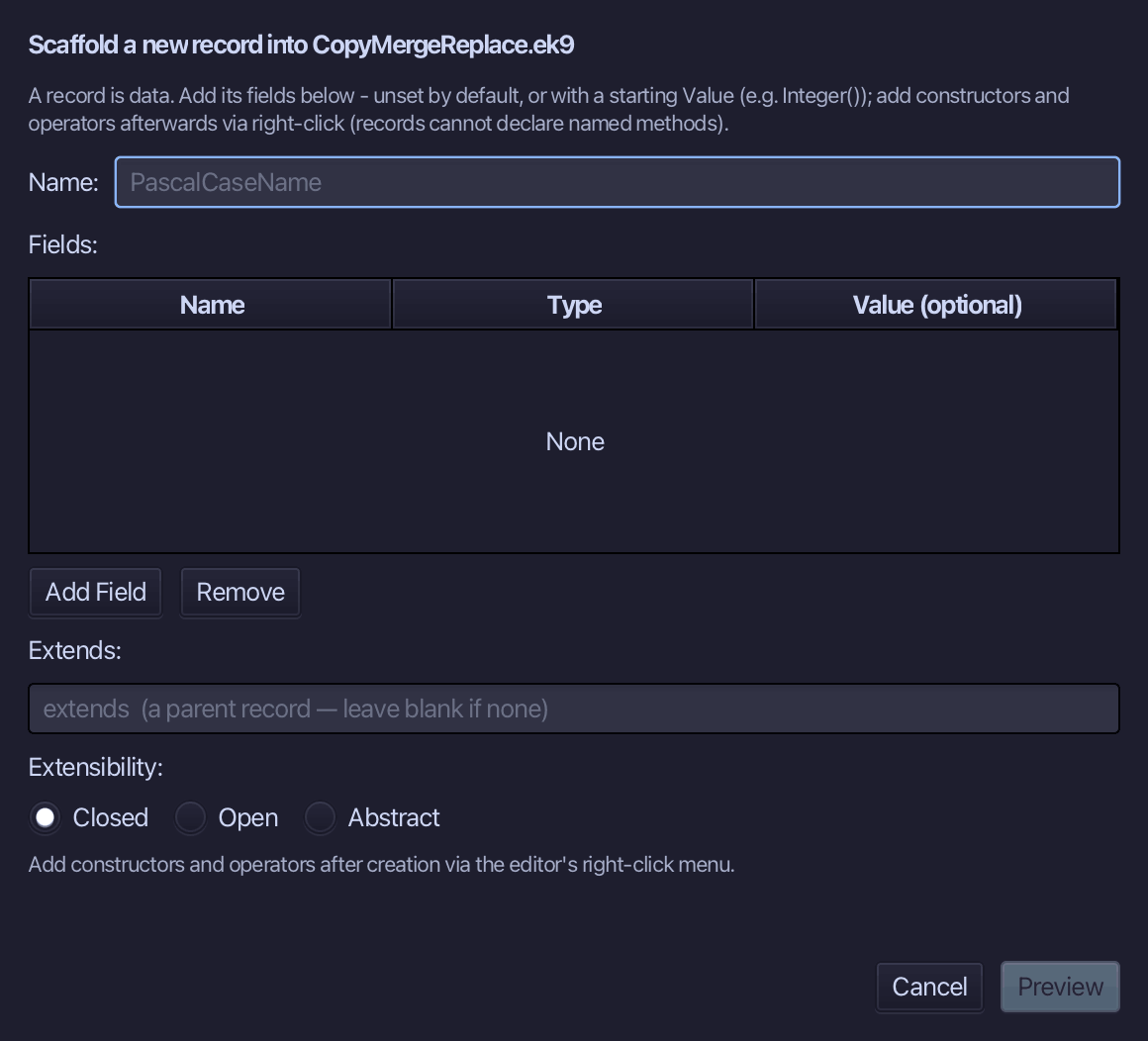
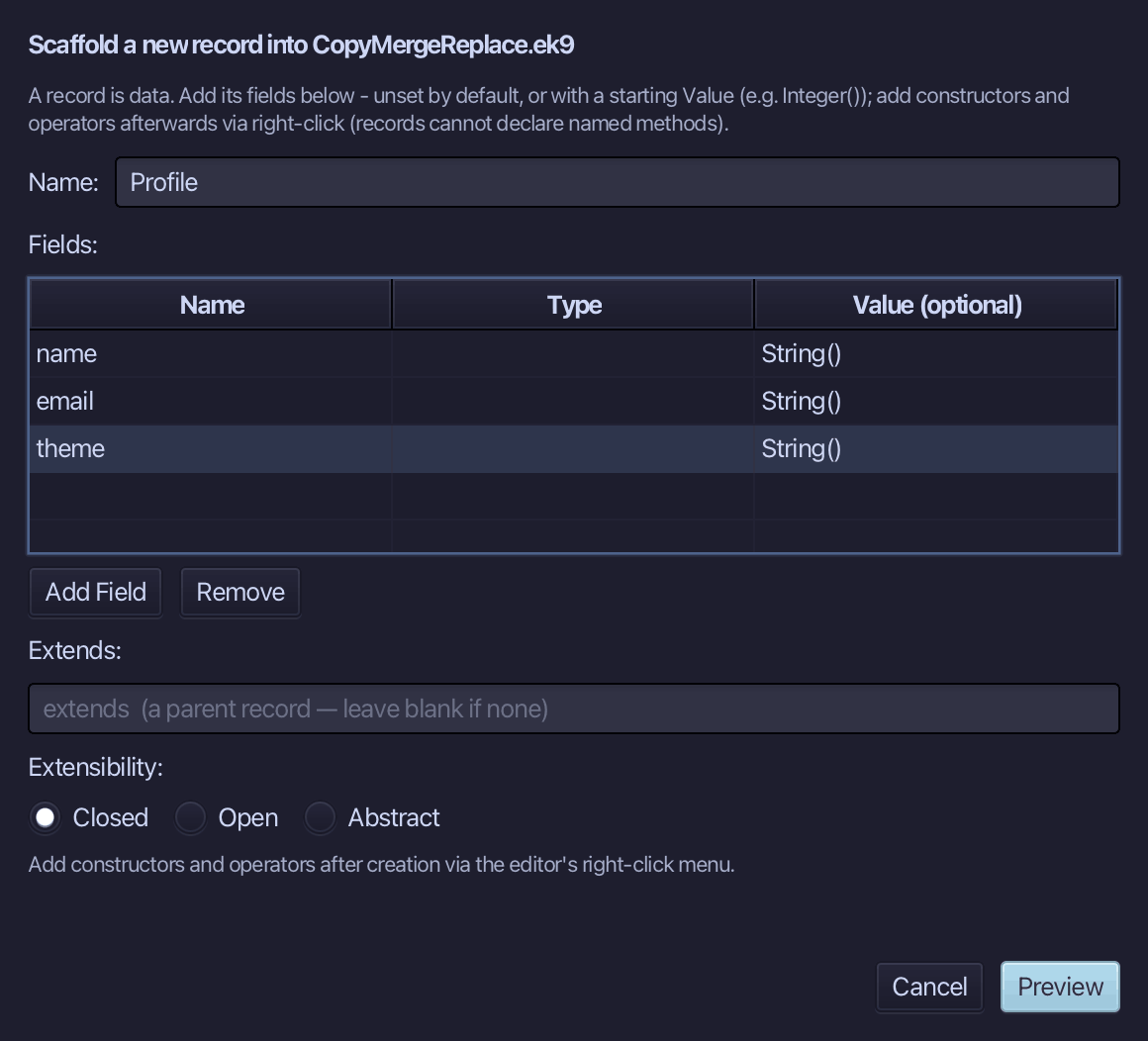
Profile is the record's name. The Fields table holds name, starting at String(); email, starting at String(); theme, starting at String(). A Type left blank is taken from the value. Choose Preview.
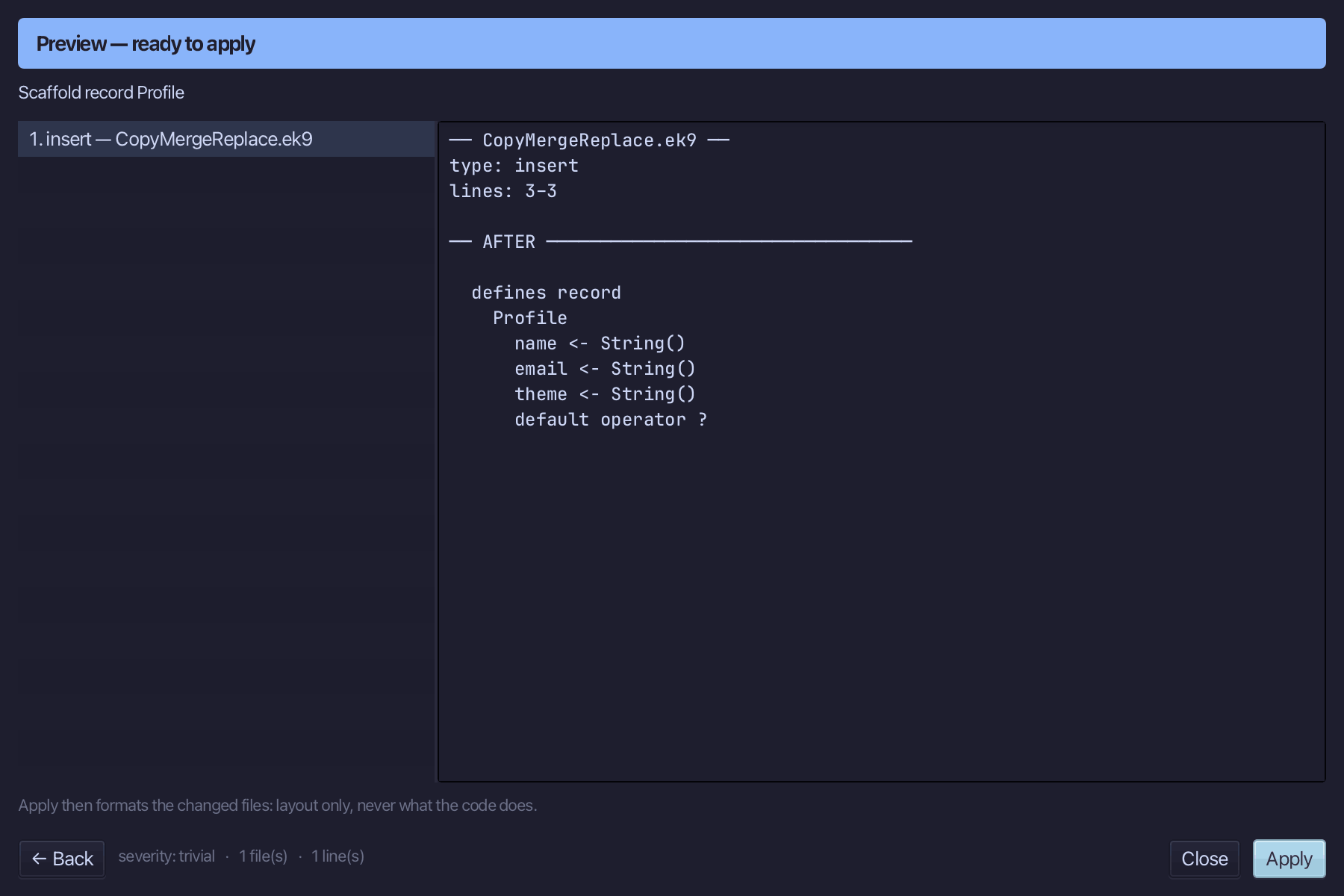
The preview shows Profile about to be written - and default operator ? with them: a record that holds fields must say when it counts as set. Choose Apply.
Select the Profile line and, above it, type the blank line the book opens its records with. Saves when typed.
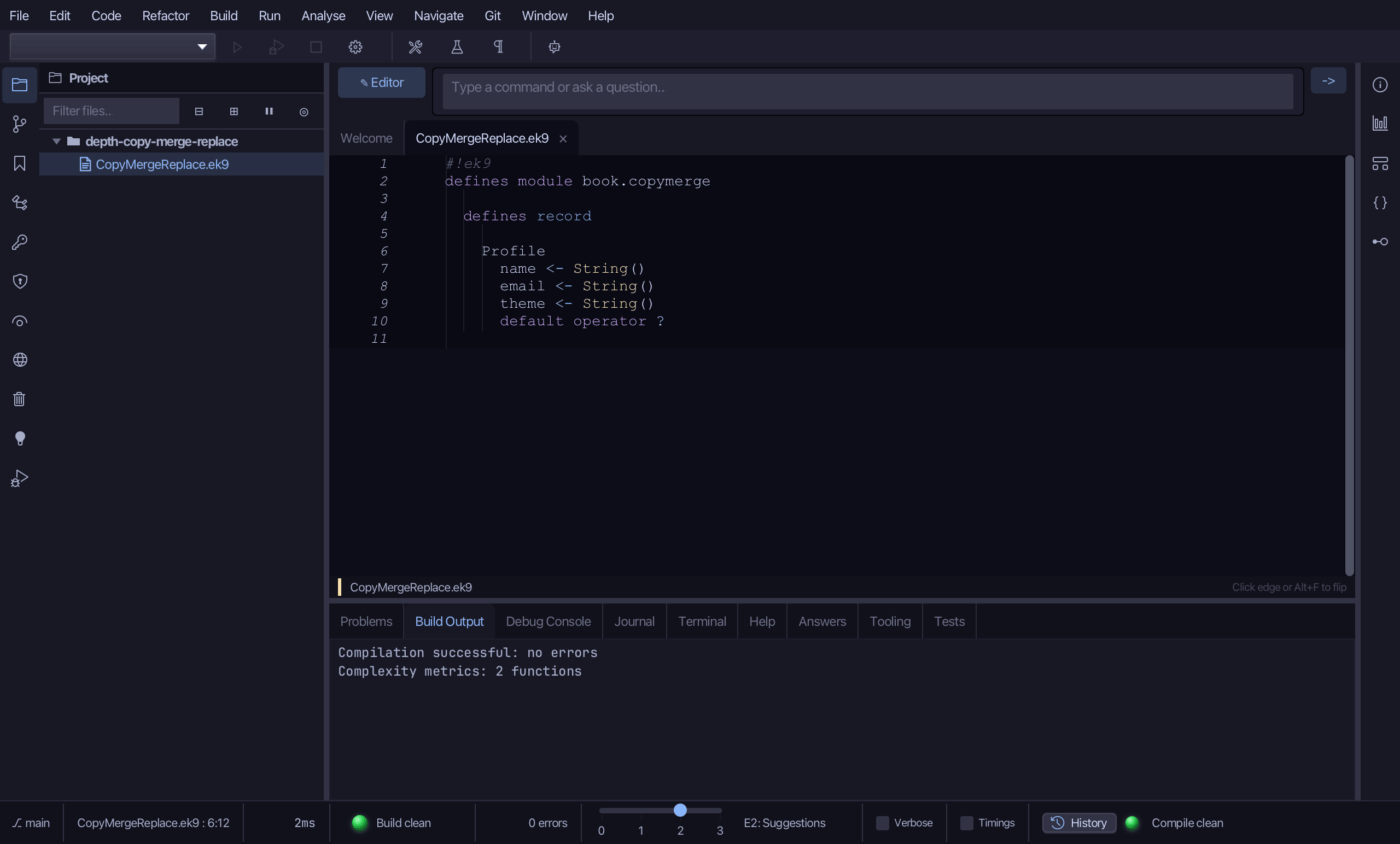
Right-click the Profile line and choose Add Operator > :=: (copy) > skeleton.
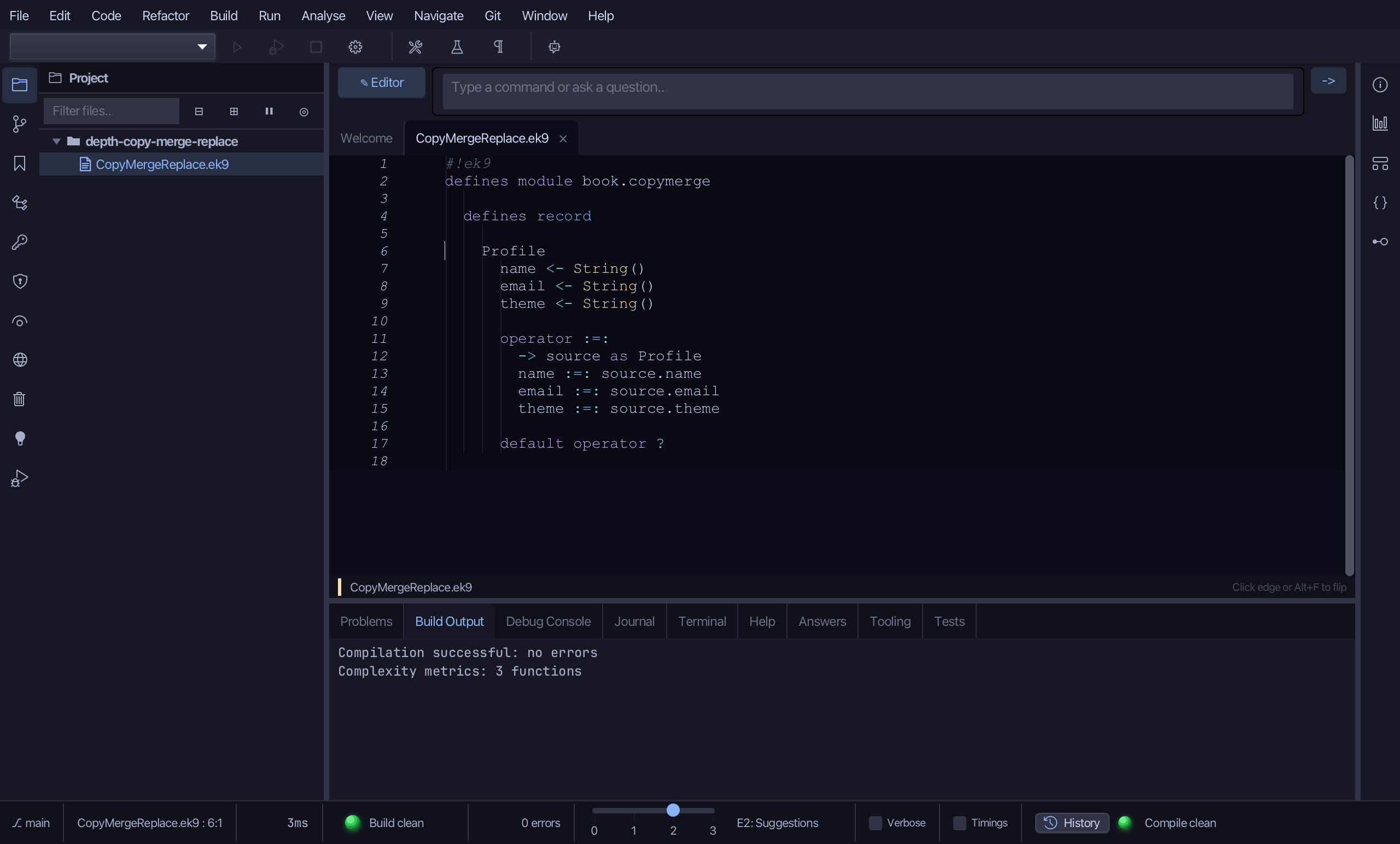
Select the stub, from the -> line down to the last assignment, and type the copy: every field takes the source's state, set or not. The tool names the parameter source; the book reads other. Saves when typed.
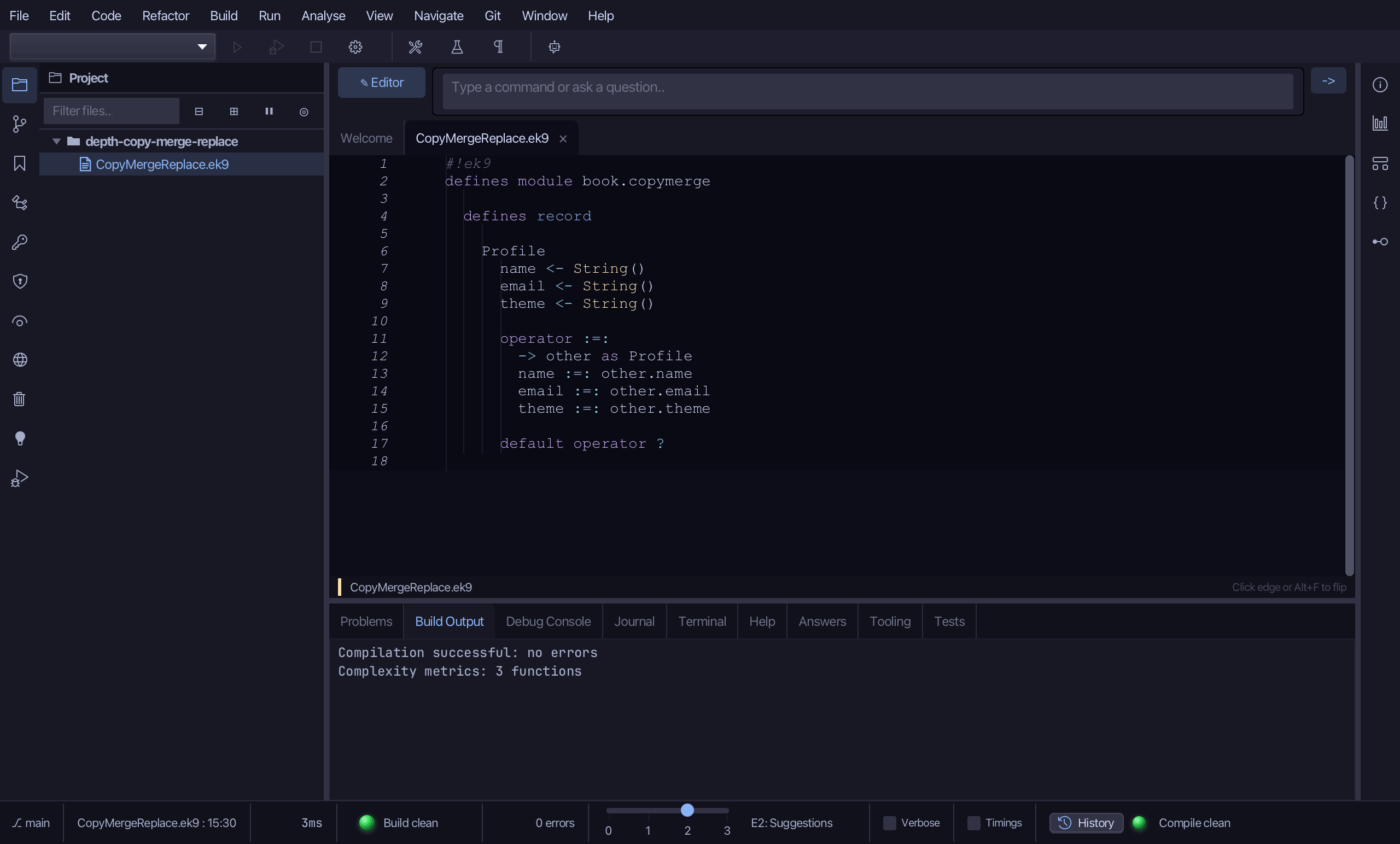
Right-click the Profile line and choose Add Operator > Custom Operator…
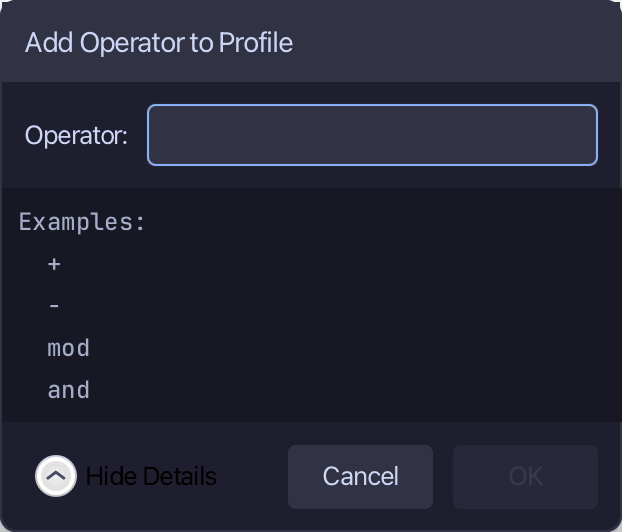
:~: is not one of the eight operators with their own menu entry - type it here, in Custom Operator…'s one field. Choose OK.
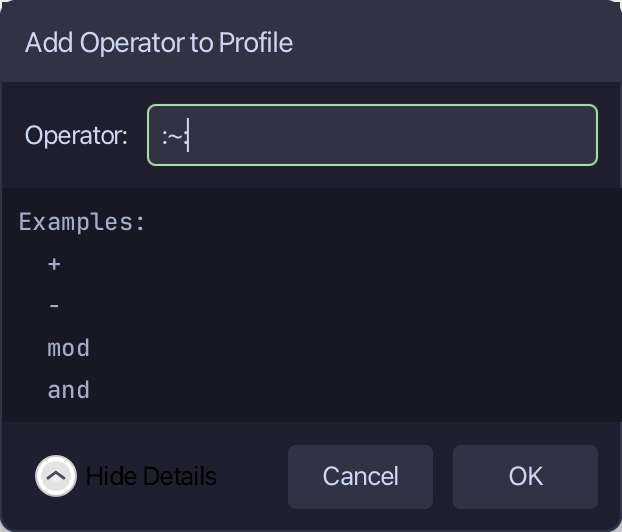
Select the stub and type the merge: := ? per field, which never overwrites a value that is already set. Saves when typed.
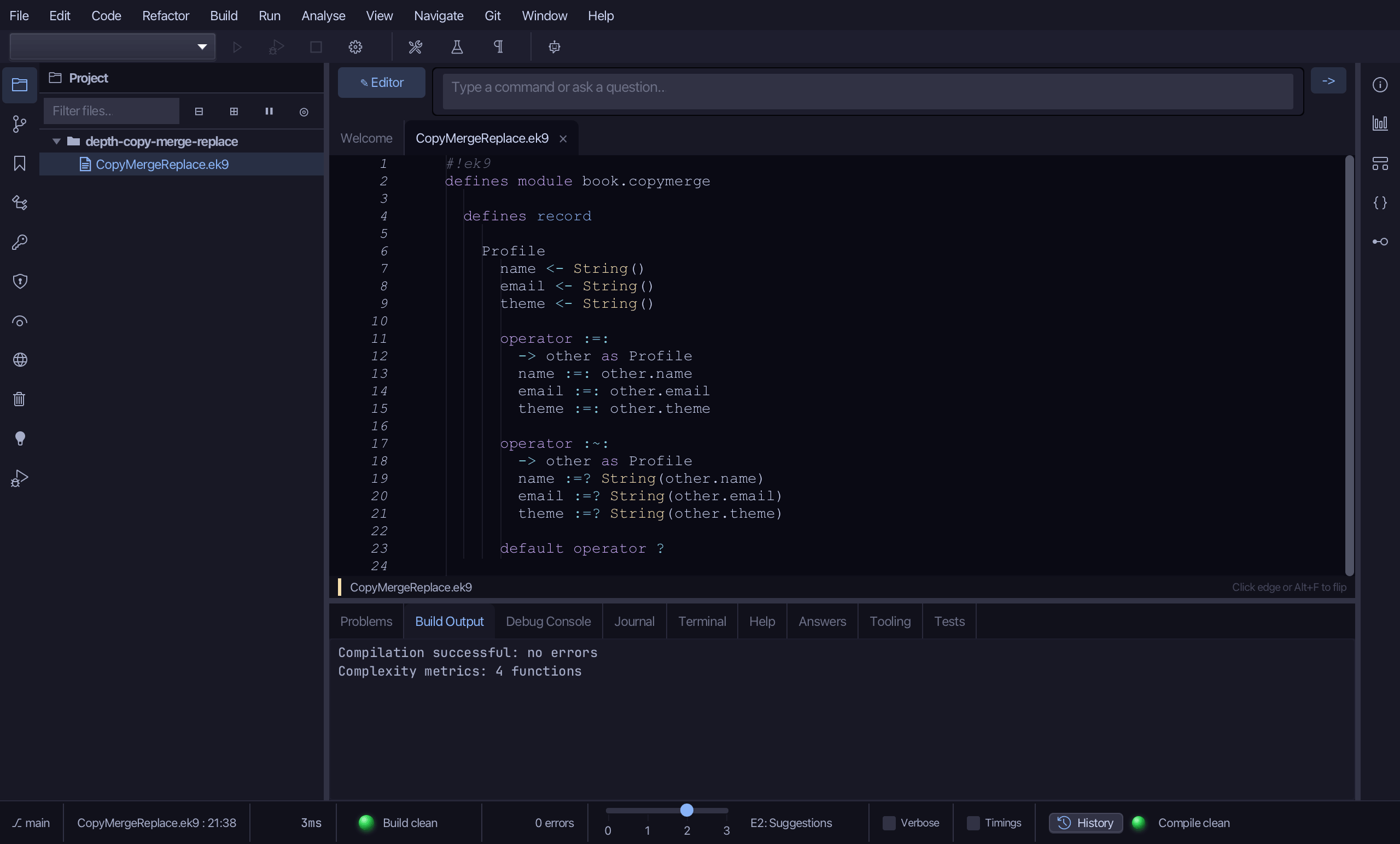
Right-click the Profile line and choose Add Operator > Custom Operator…
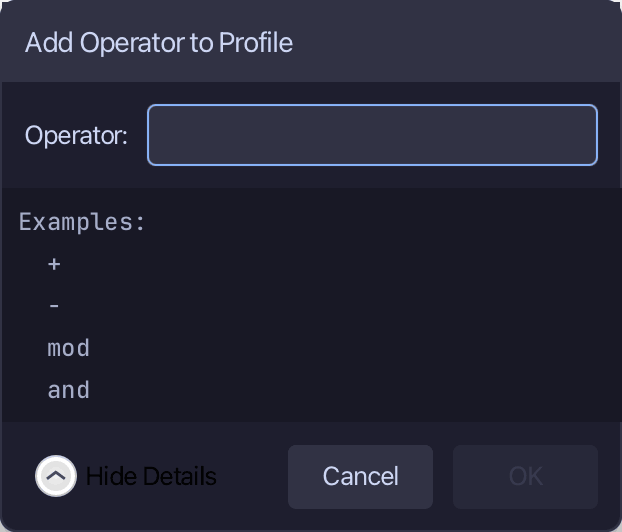
:^: is not one of the eight operators with their own menu entry - type it here, in Custom Operator…'s one field. Choose OK.
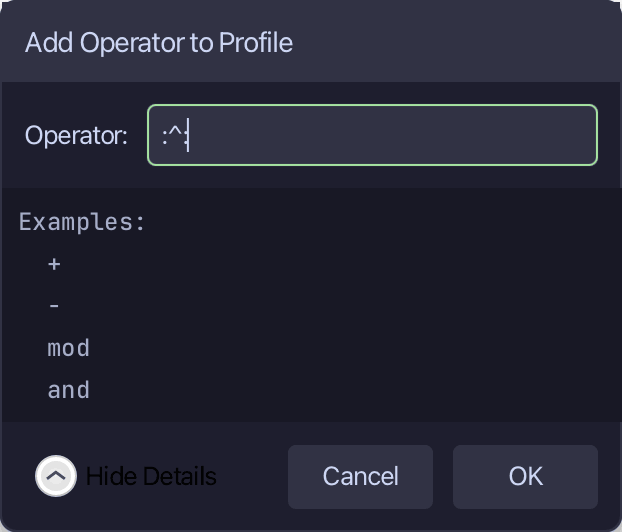
Select the stub and type the replace: each field takes what the other has SET, overwriting what this one holds. Saves when typed.
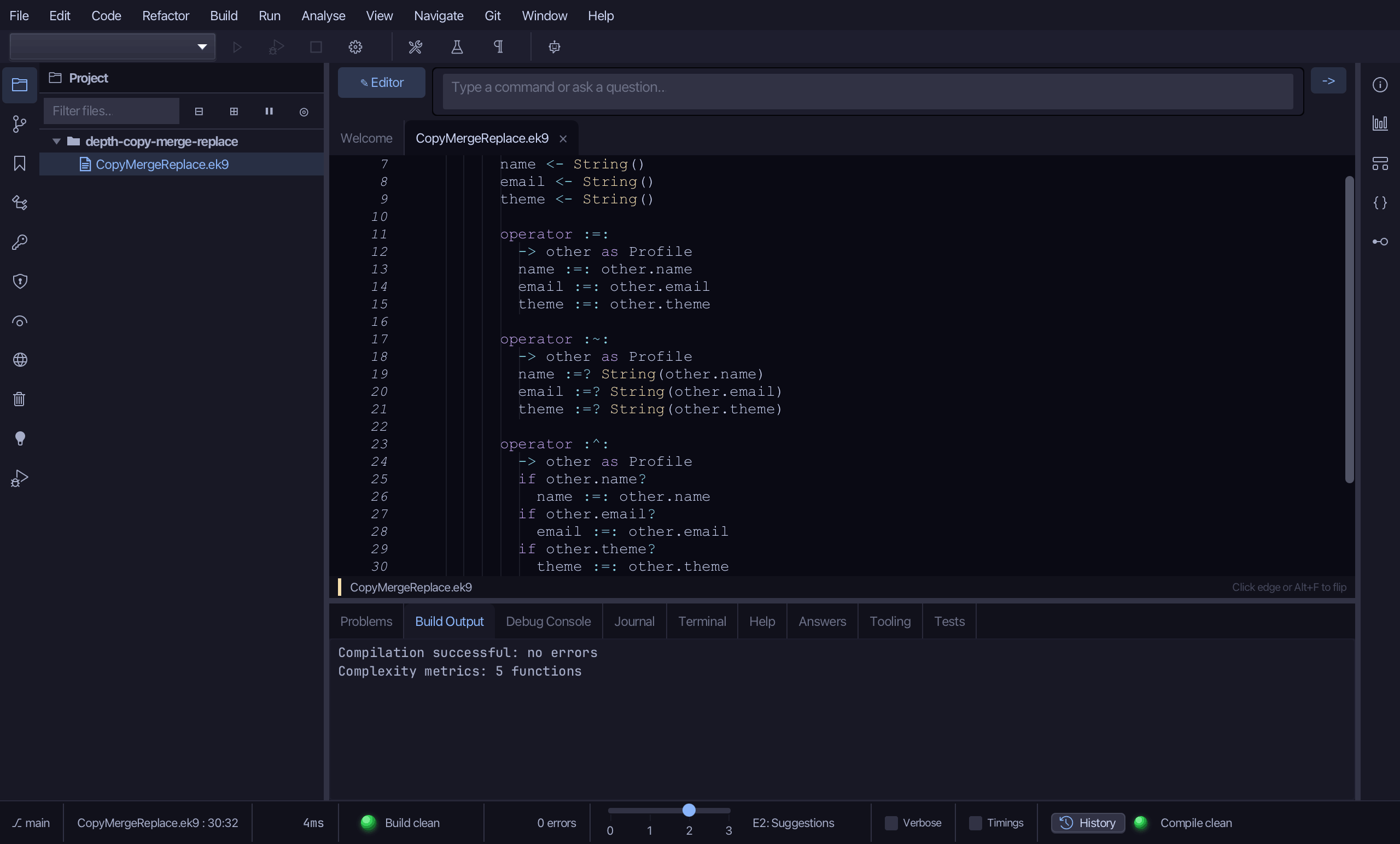
Right-click the Profile line and choose Add Operator > $ (string) > skeleton.
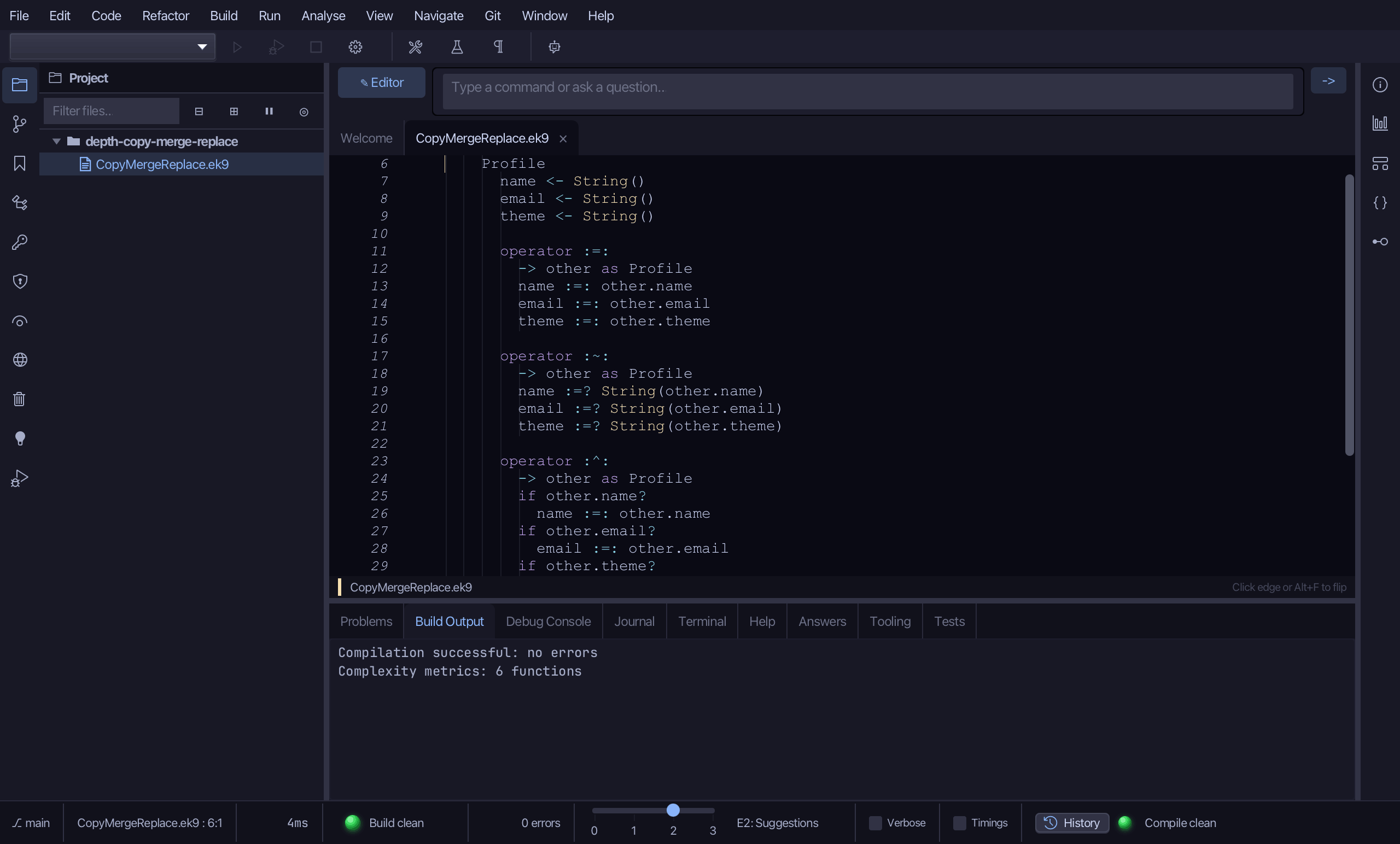
Select the stub line and type $'s text form: each field through the shown helper - which the next part writes. Saves when typed.
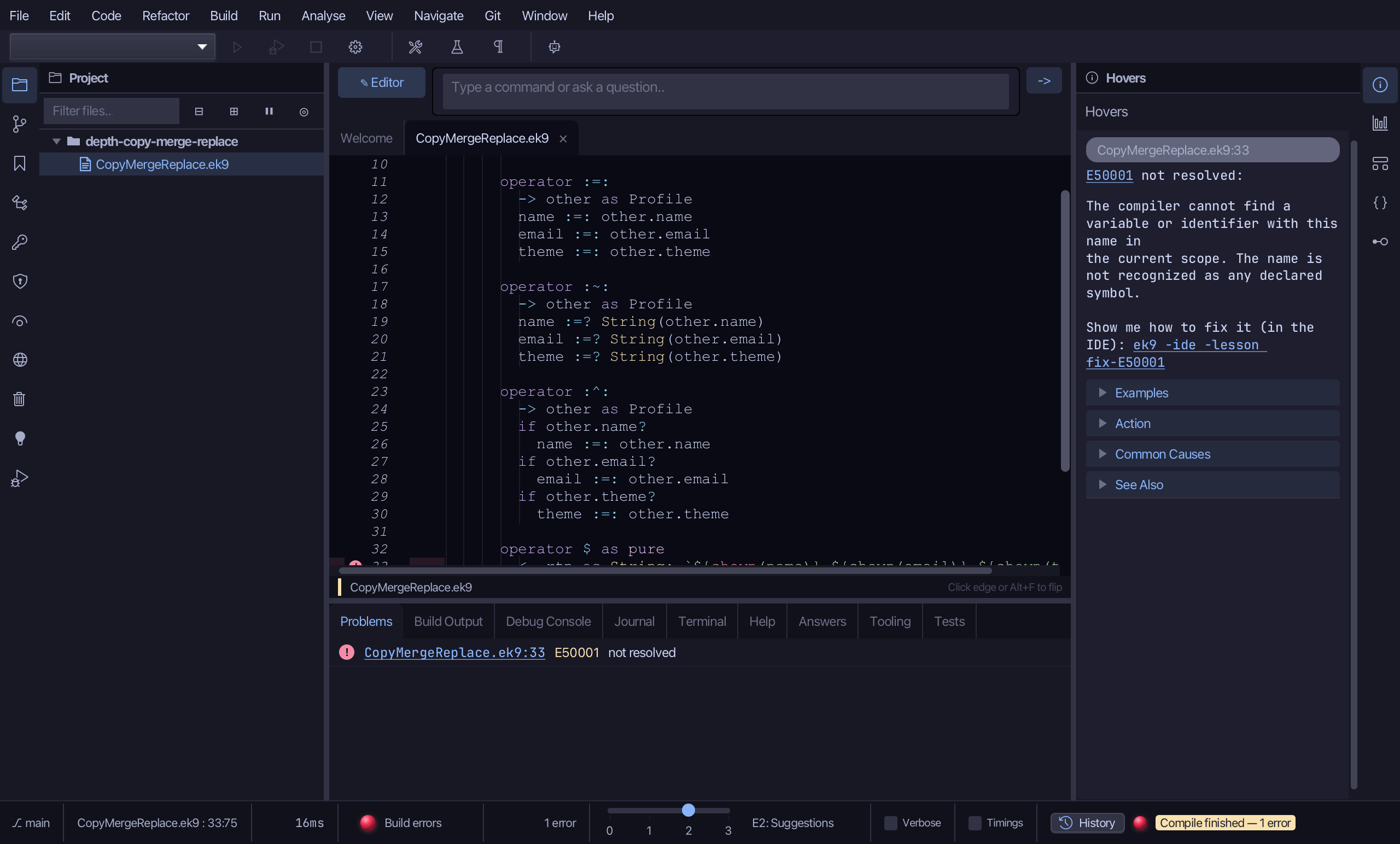
Select the default operator ? line and type the book's own: a Profile is set only when all three fields are. Saves when typed.
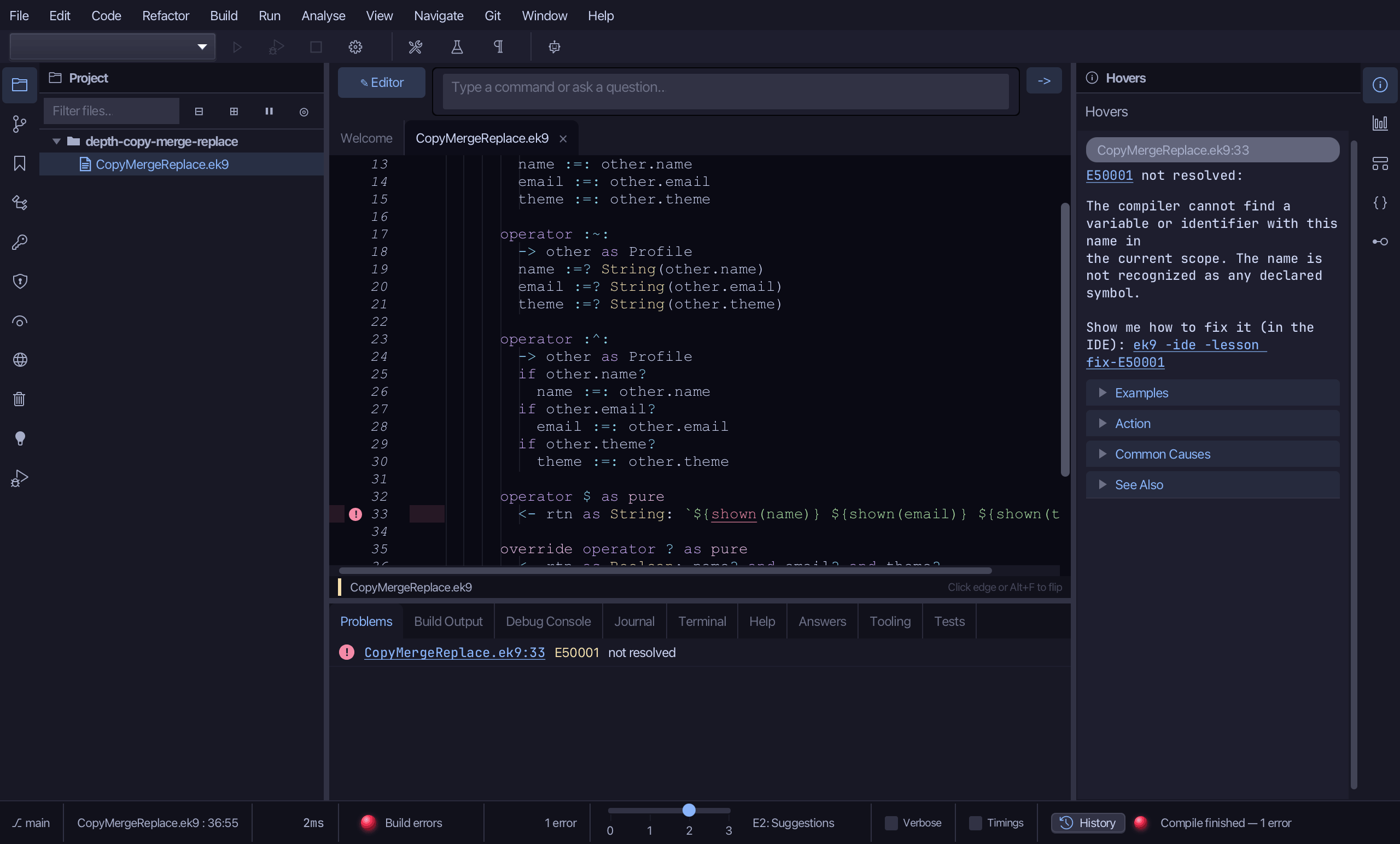
Step 2: shown — a pure function
Choose Code > New Construct > Function…
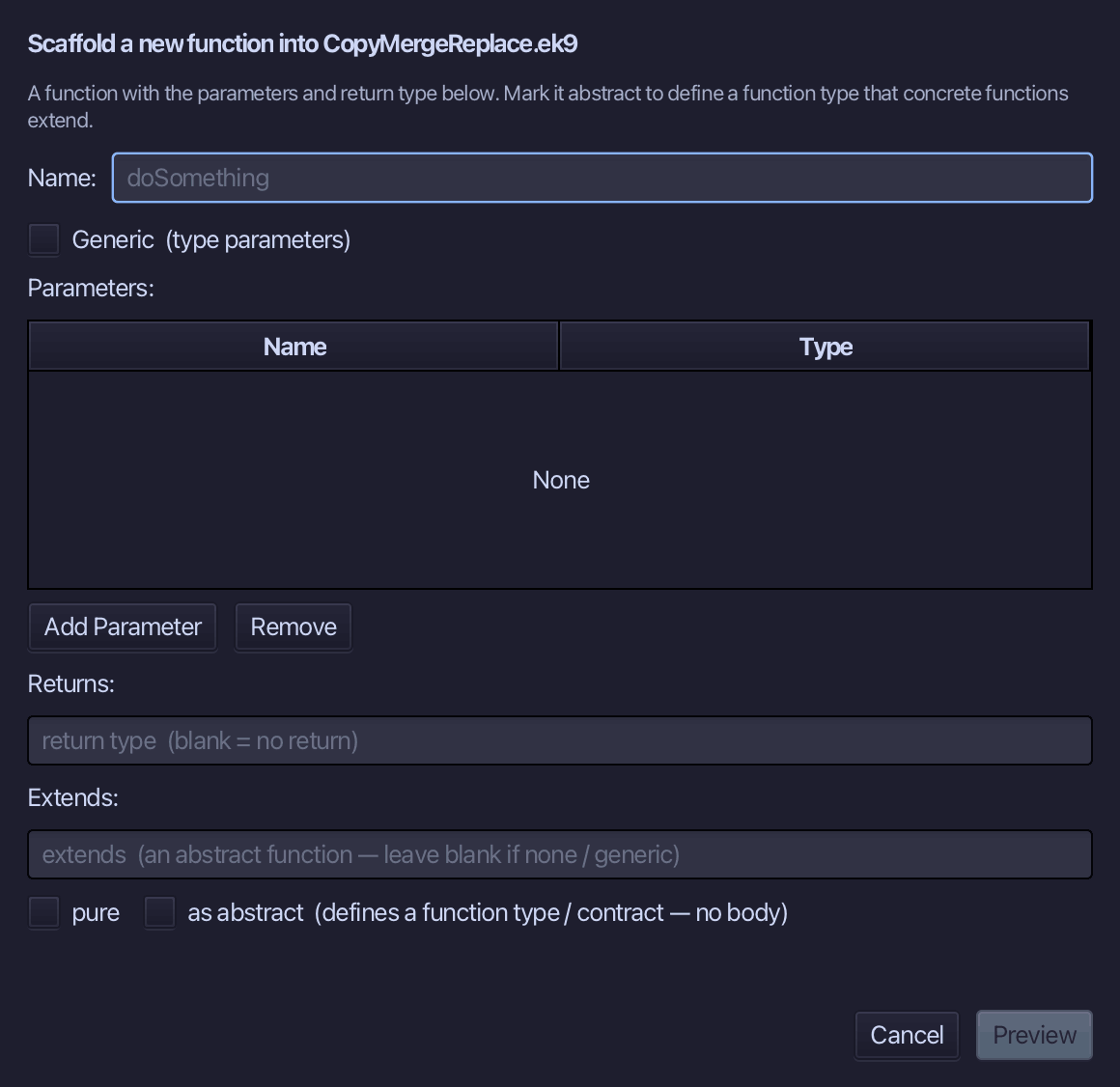
shown is the function's name. Add one parameter, text of type String, set Returns to String and tick pure. Choose Preview.
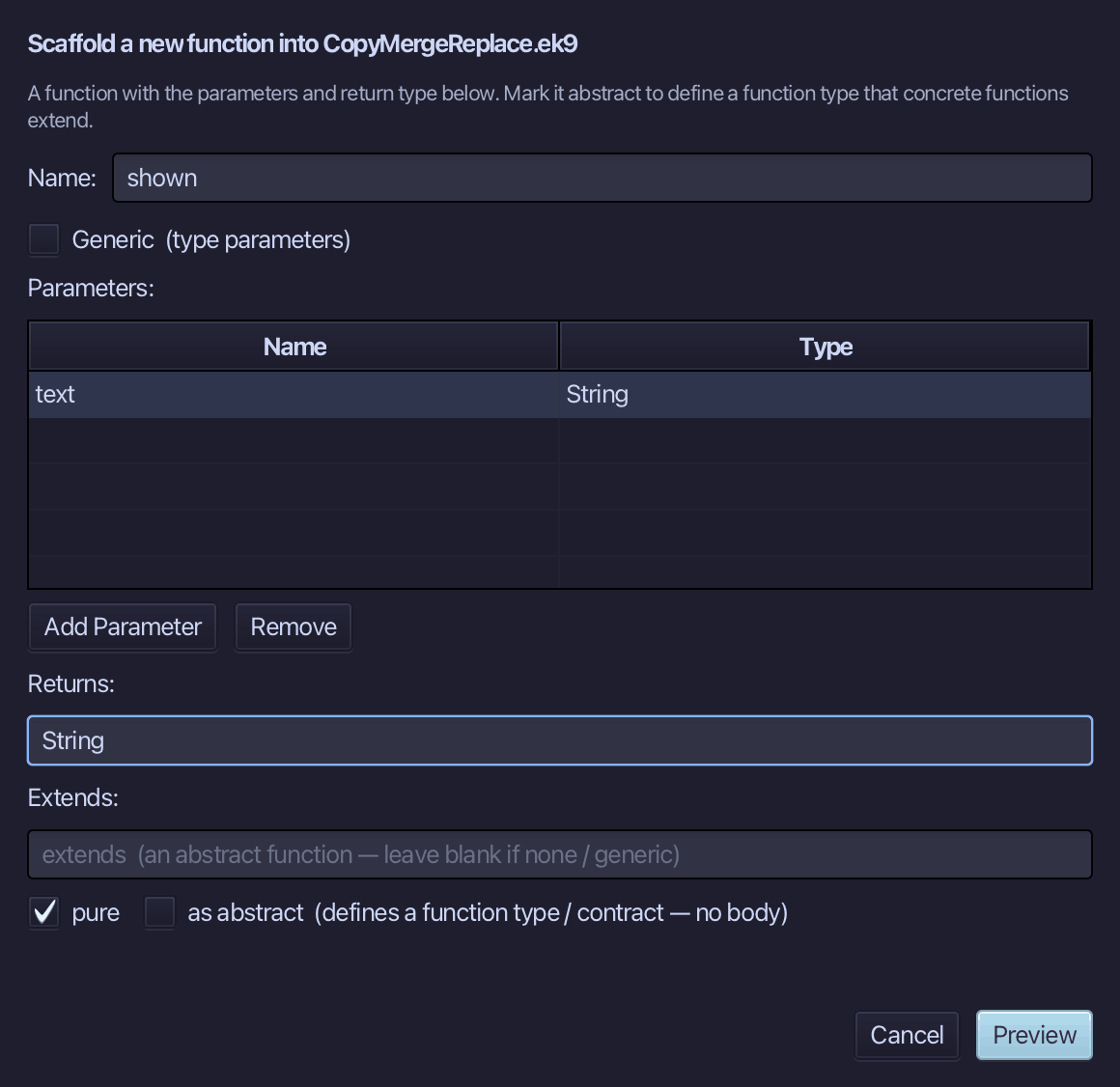
The preview shows shown about to be written. Choose Apply.
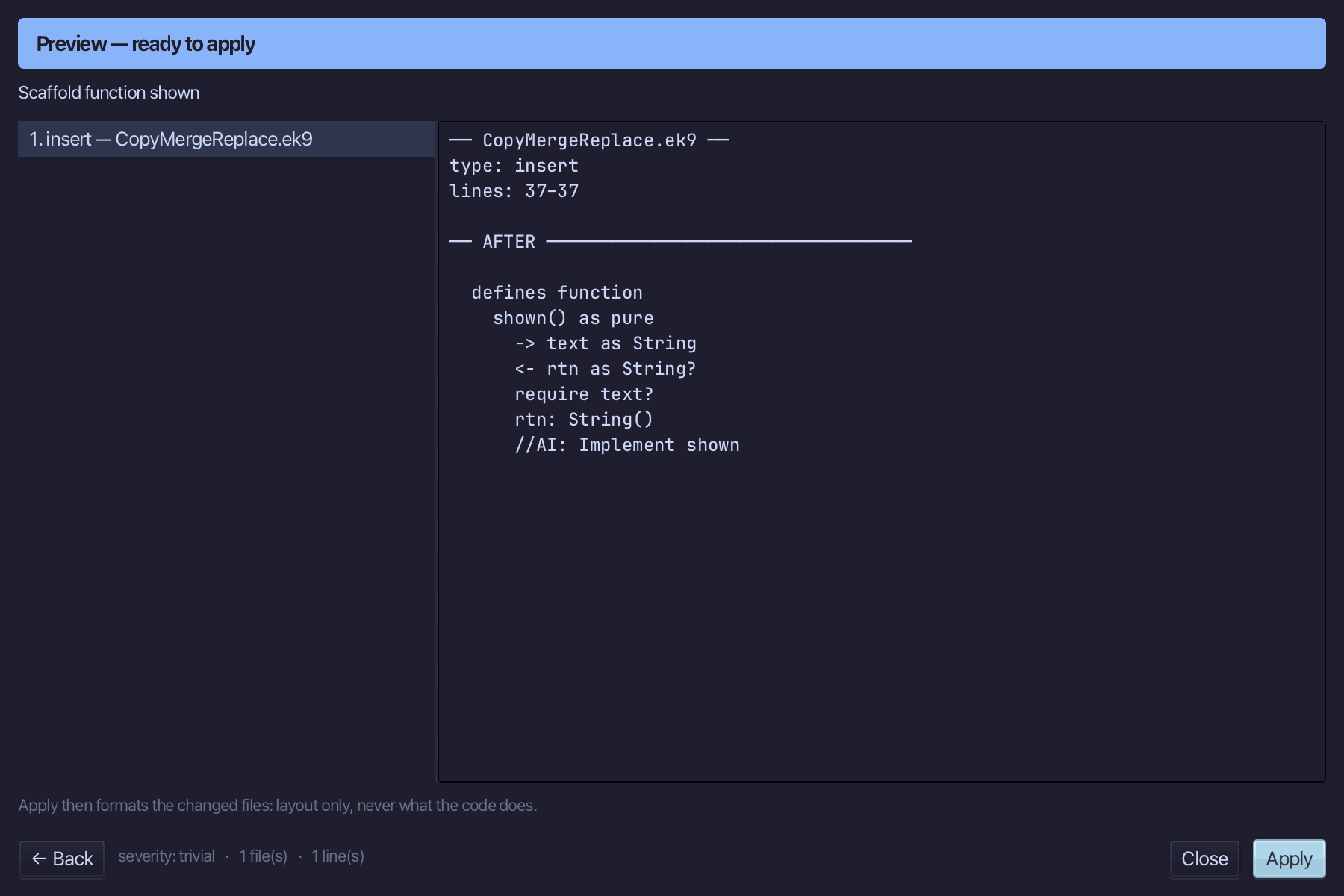
Select the shown() as pure line and, above it, type the blank line the book opens its first function with. Saves when typed.
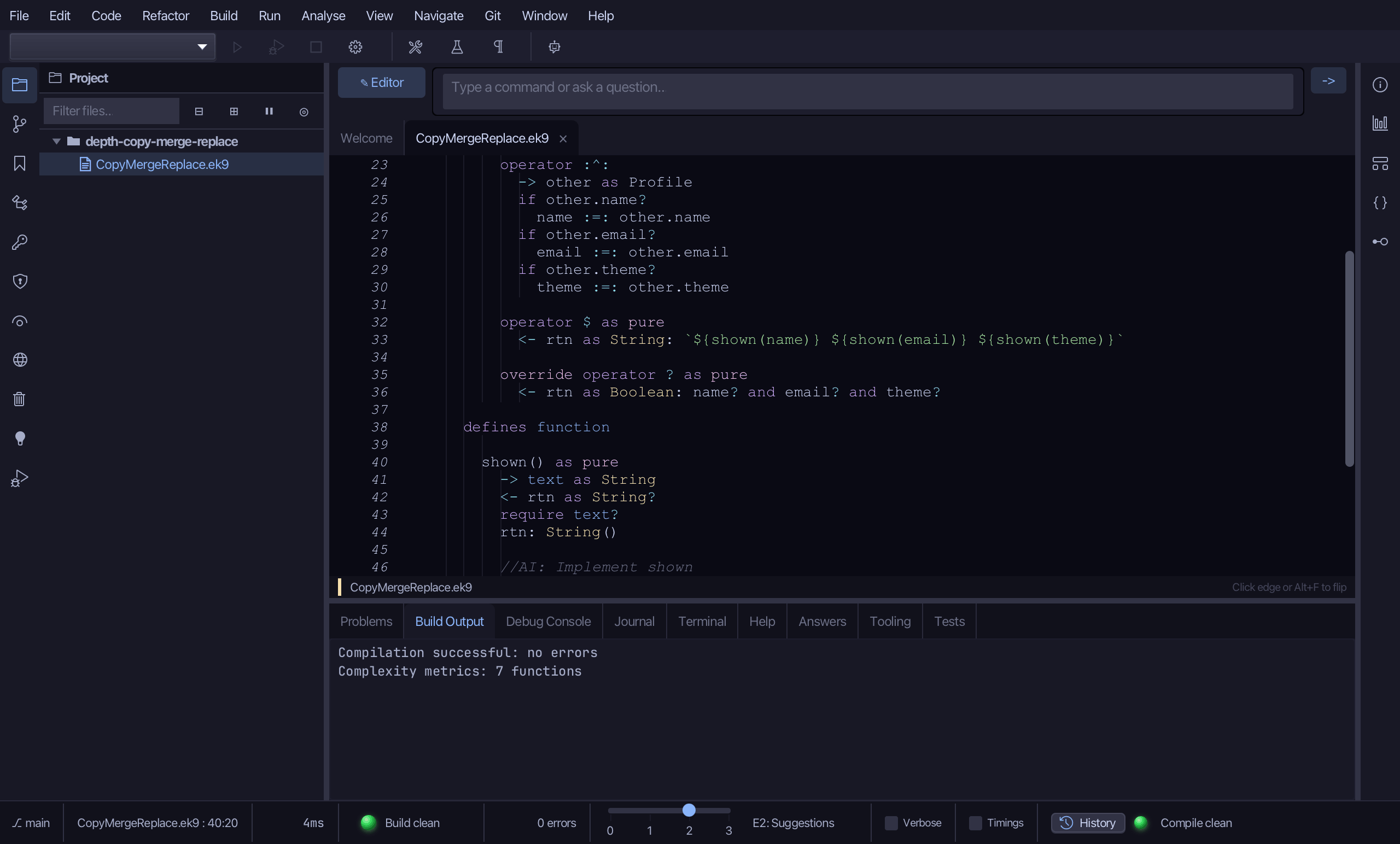
Select the stub, from <- rtn as String? down to its //AI line, and type shown's own return and work, as the book writes them. Saves when typed.
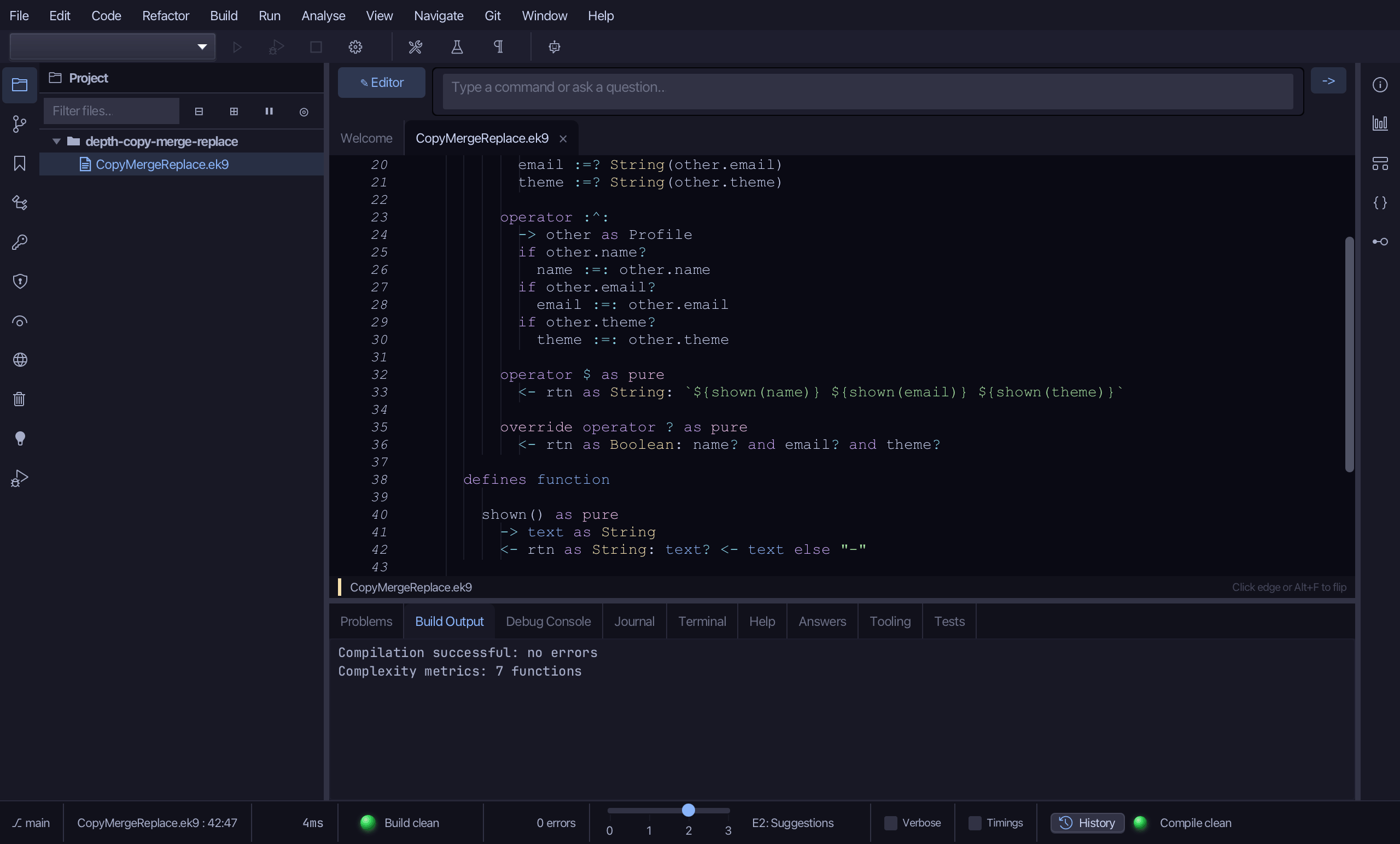
Step 3: The program
Choose Code > New Construct > Program…
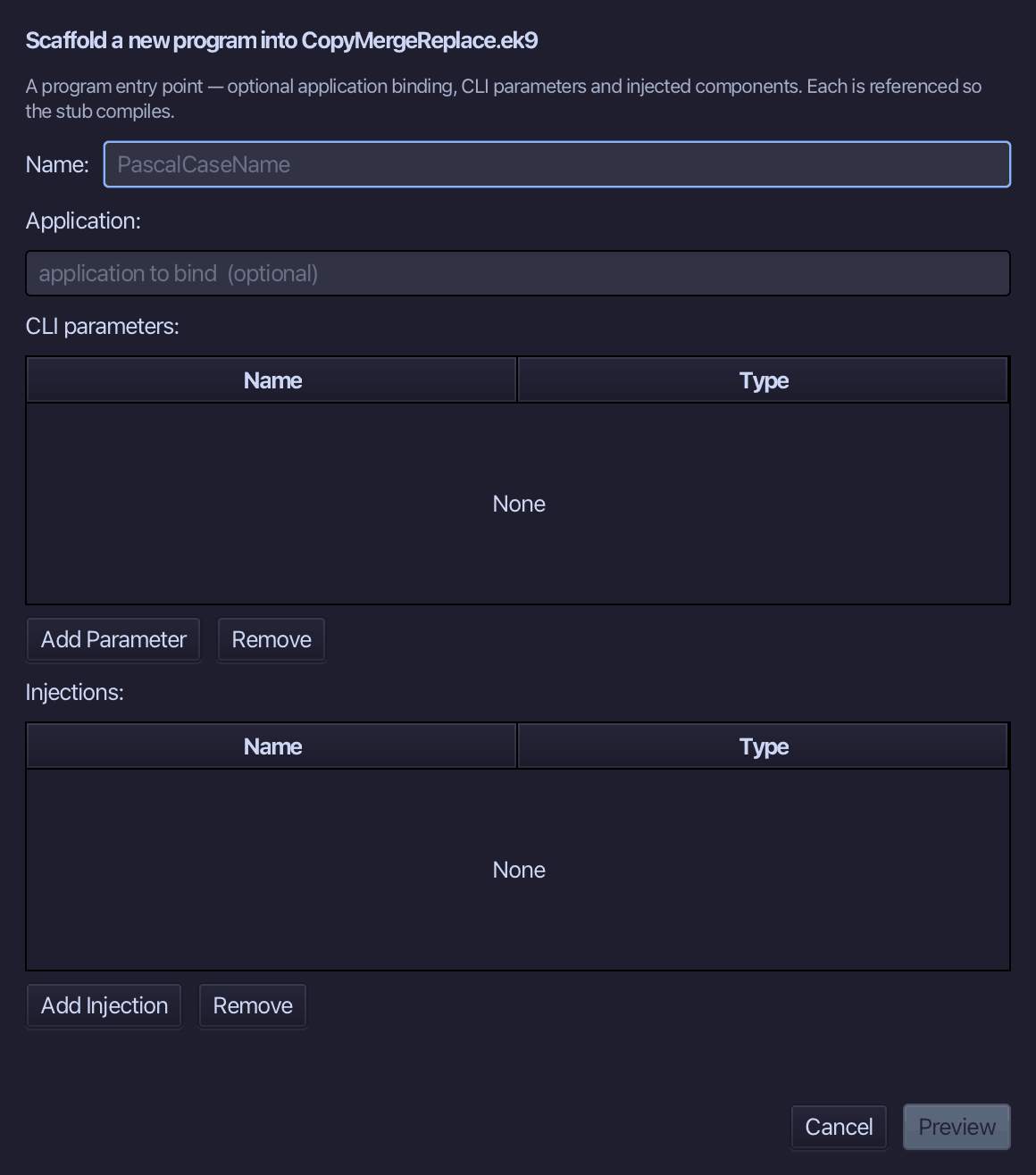
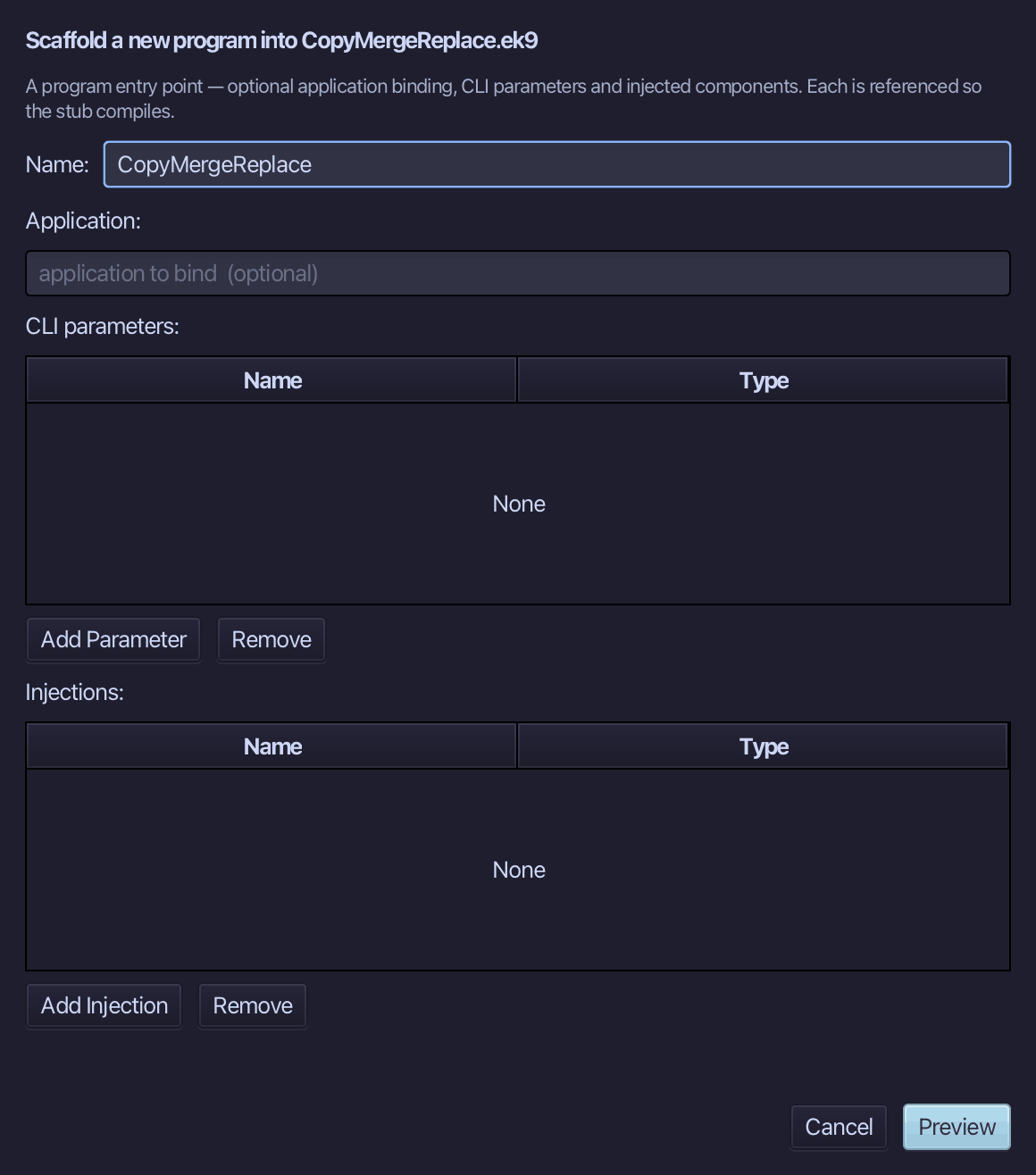
CopyMergeReplace is the program's name. Choose Preview.
The preview shows CopyMergeReplace about to be written. Choose Apply.
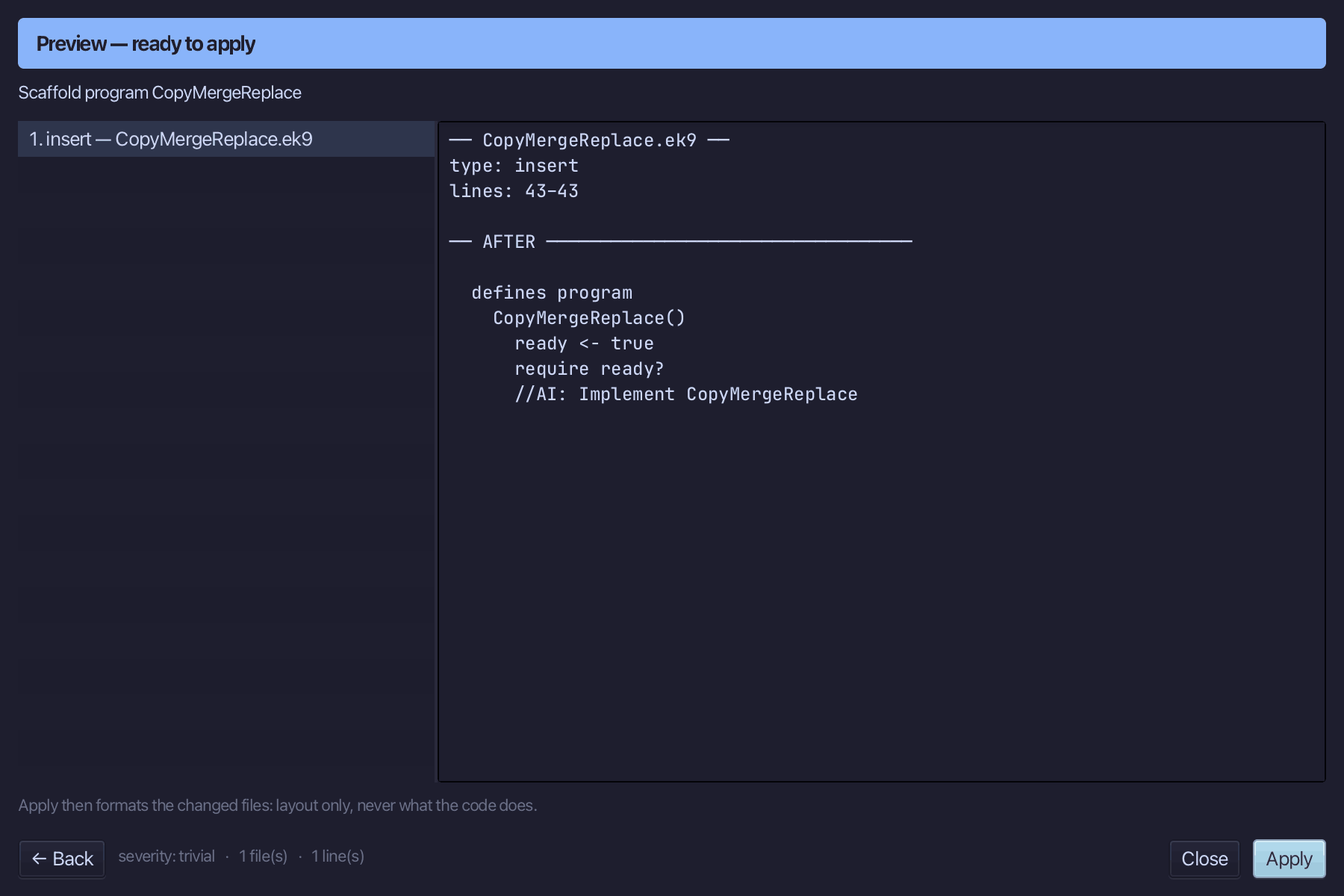
Select the CopyMergeReplace() line and, above it, type the blank line the book opens the program with. Saves when typed.
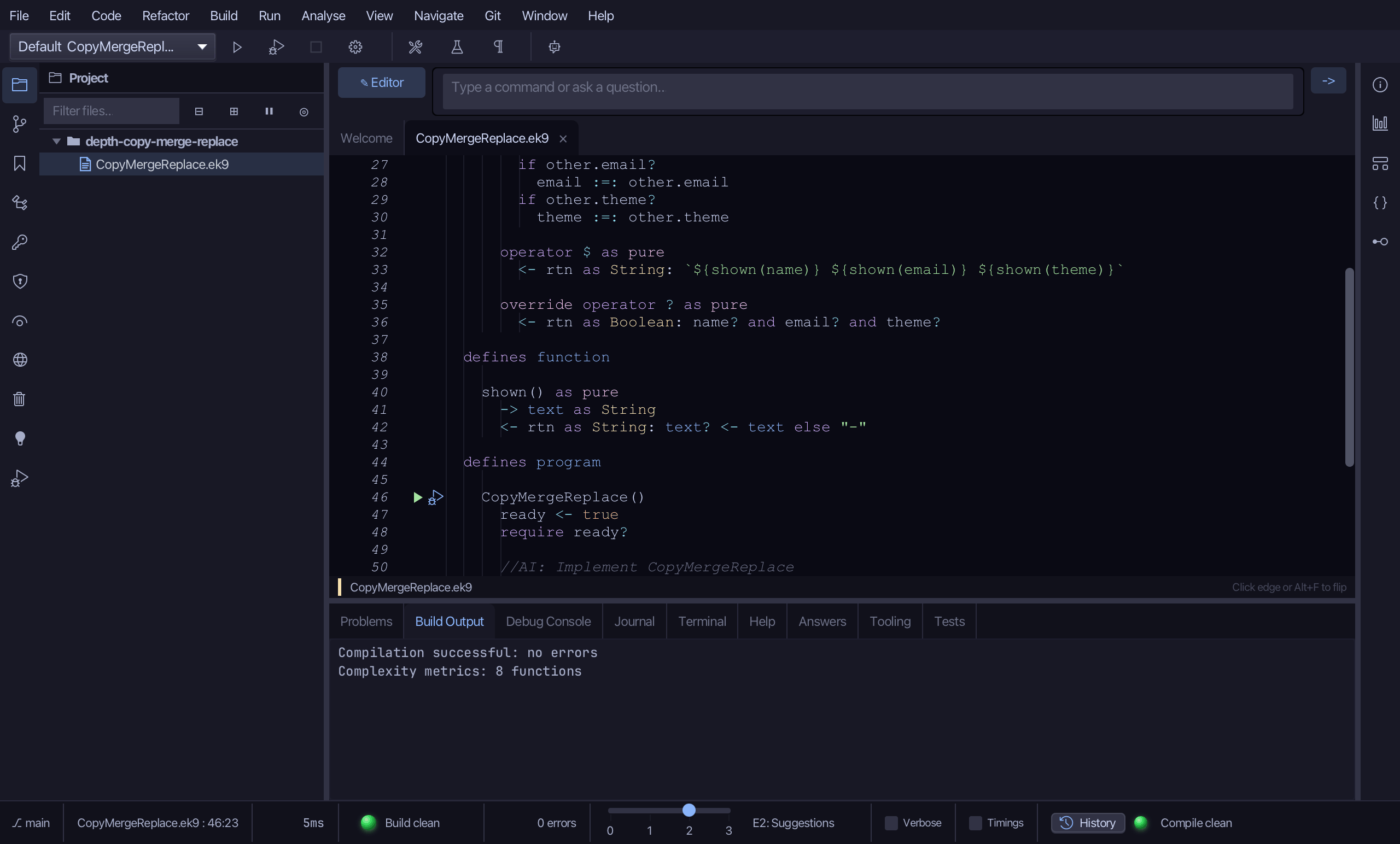
Select the stub, from ready <- true down to its //AI line, and type CopyMergeReplace's body exactly as the chapter shows it. Saves when typed.
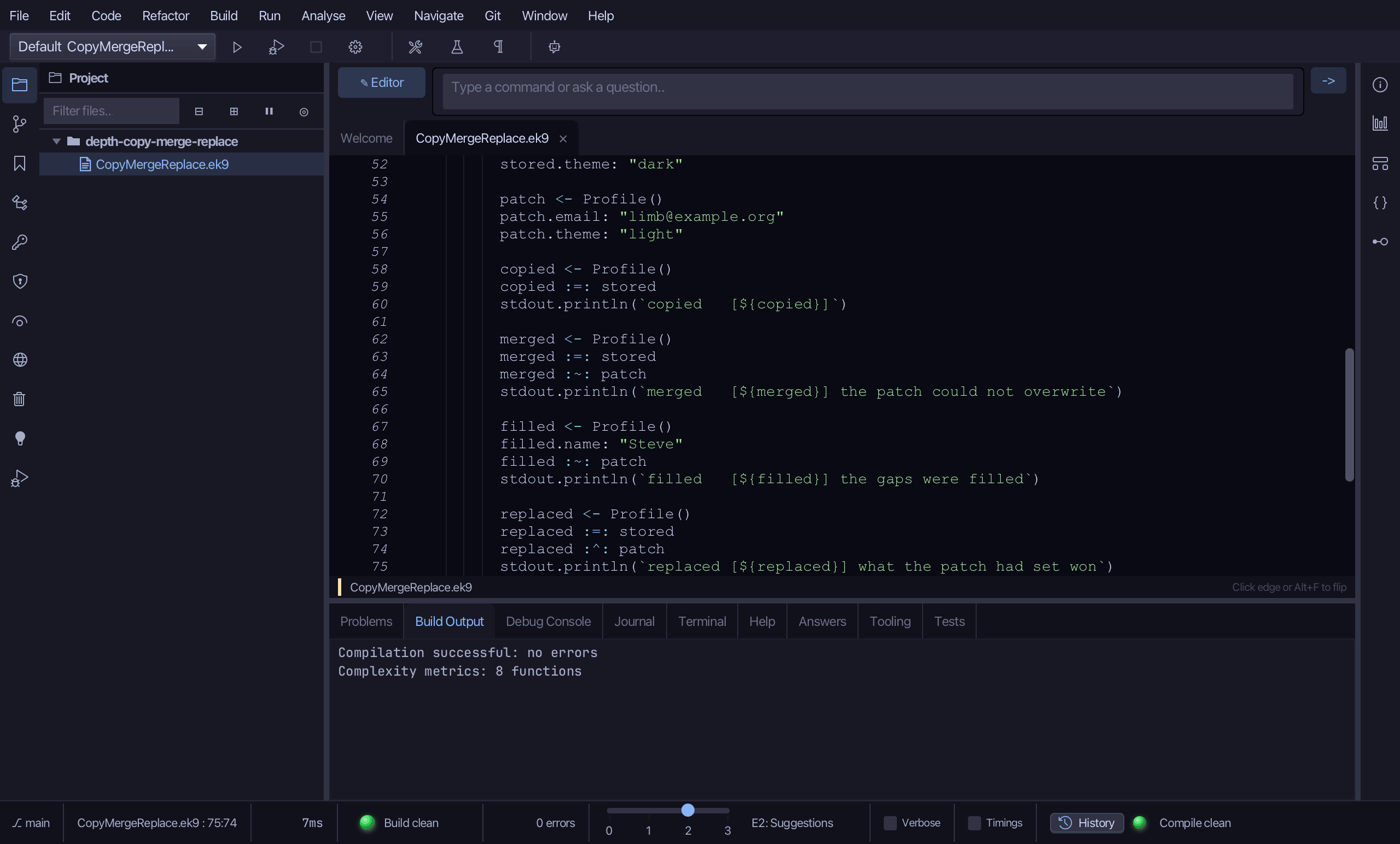
Step 4: Run it
Choose Run > Run Program…
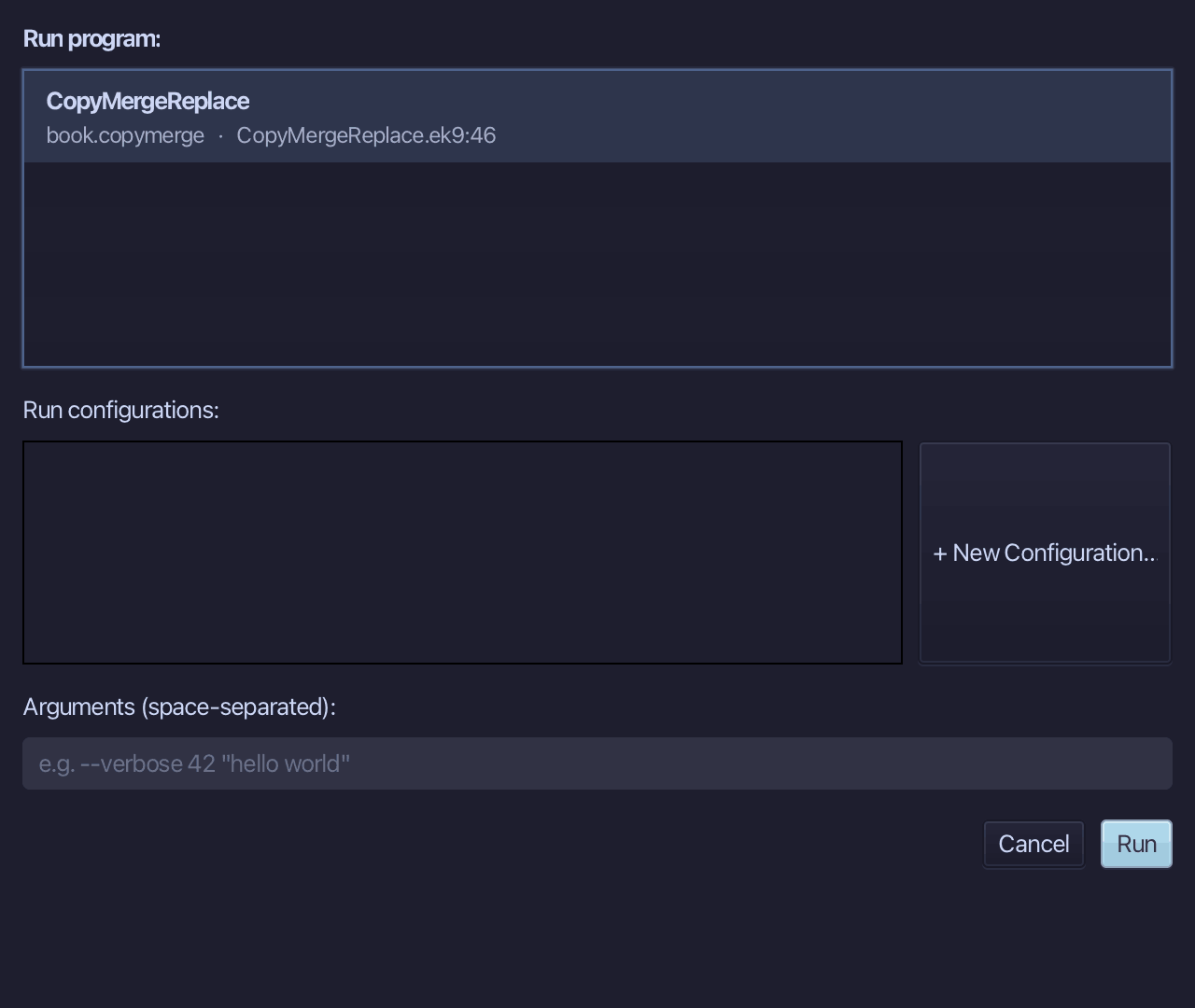
The project's only program is already chosen. Choose Run.
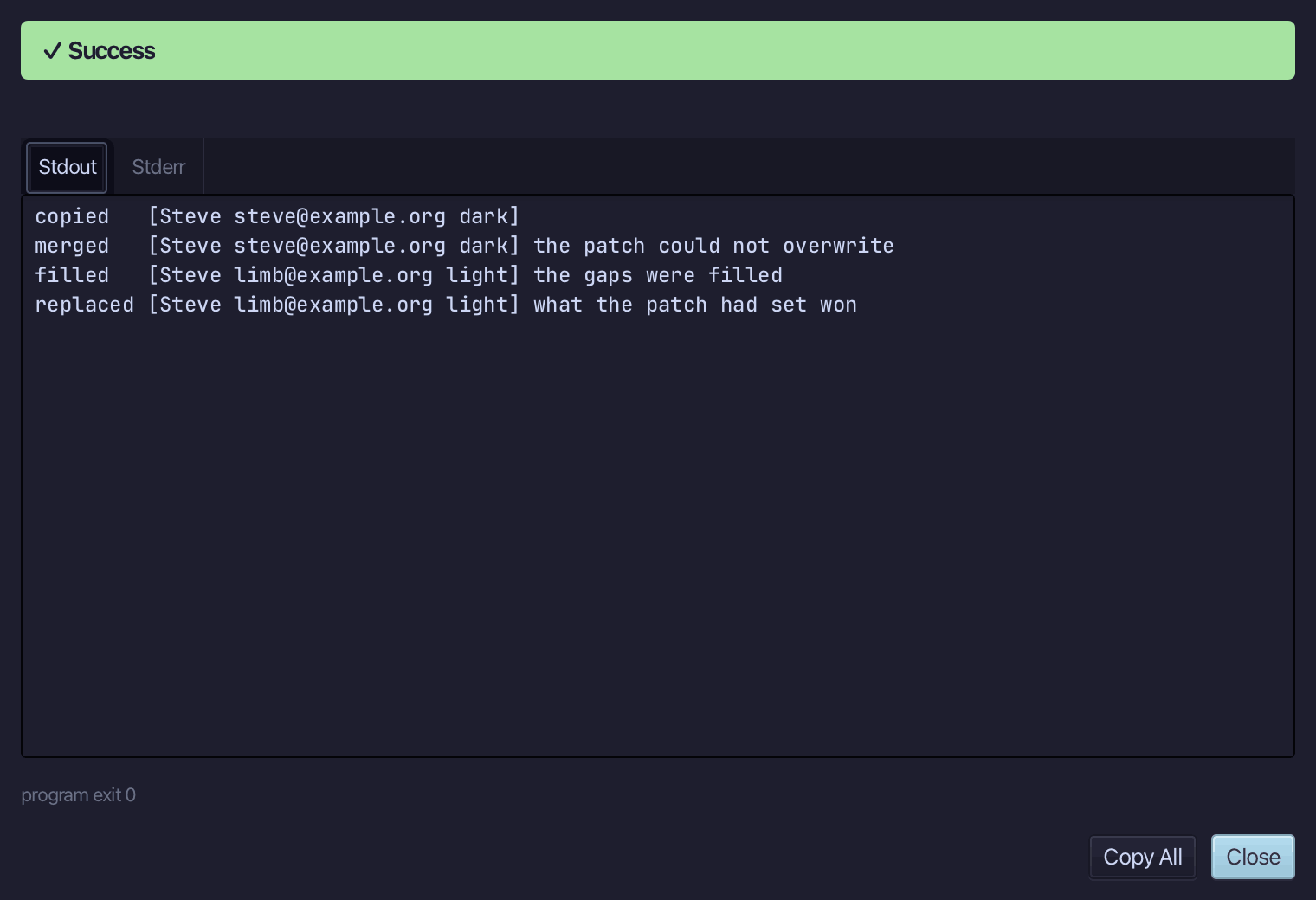
copied Steve steve@example.org dark; merged the same, the patch could not overwrite; filled Steve limb@example.org light, the gaps were filled; replaced Steve limb@example.org light. Choose Close.
The result
CopyMergeReplace.ek9 now reads exactly as chapter 25 of EK9 in Depth shows it. Merging into a full profile changed nothing, merging into a partial one filled only its gaps, and replace let what the patch had set win - three different answers from three operators on the same fields.
Where this lesson comes from
- For AI assistants - the MCP tool
ek9_new_construct,ek9_add_operator,ek9_add_program.