Chapter 2: values, reshaped
Chapter 2 is about values: names for them, EK9's built-in types, and the idea that a value can be set, unset, or briefly absent. Its own closing example - an unset chosenAge, and later, the arithmetic on it, still unset too - is written here plainer first: one extra name that adds nothing over the literal it holds, and the arithmetic written straight into its println rather than named. Inline Variable and Extract Variable, the tools a right-click or the Refactor menu offer wherever the caret is on a local or an expression is selected, reshape it into the book's own line. To play it in the IDE: Help > Lessons > Writing code…, or ek9 -ide -lesson book-values.
What you'll build
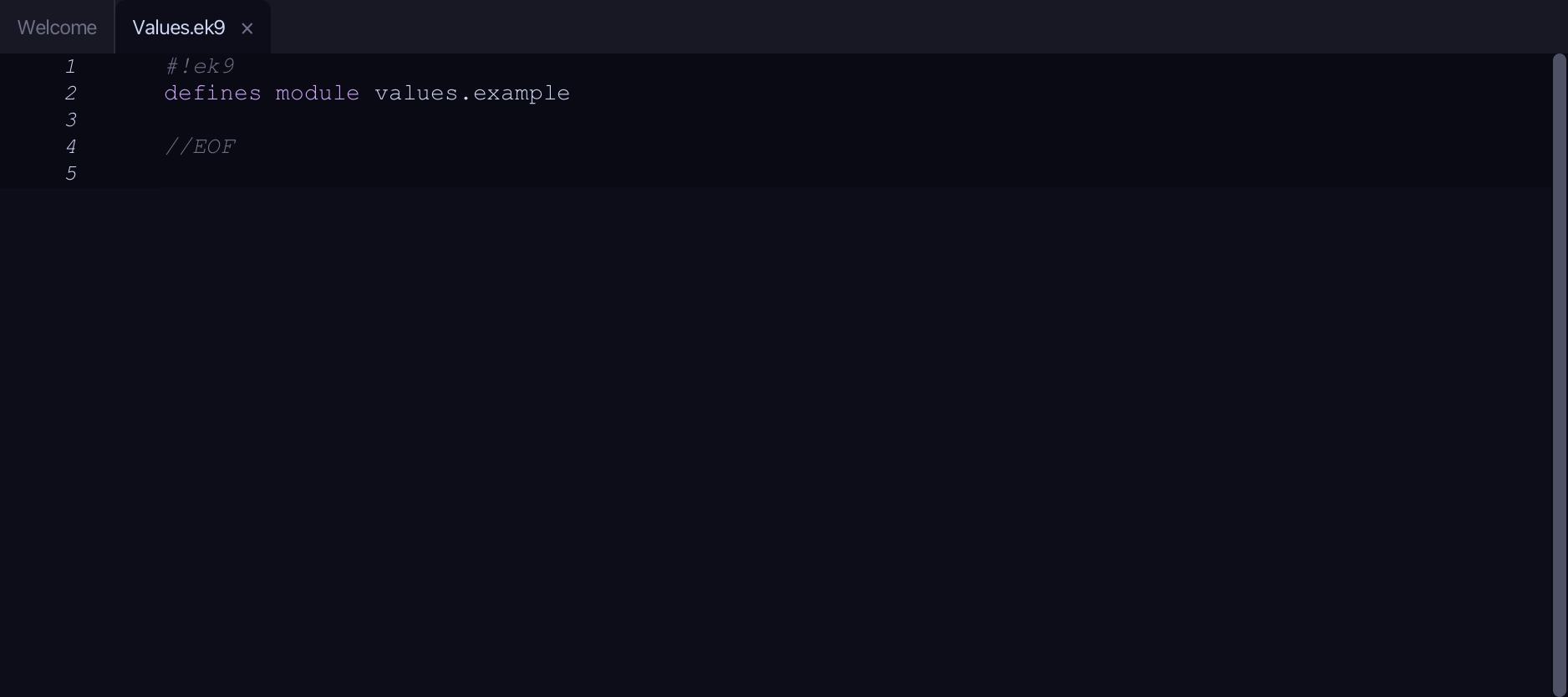
The lesson builds this program from a file holding only its module line - the finished file, as the book prints it.
#!ek9
defines module values.example

  defines program

    Values()
      stdout <- Stdout()

      name <- "Ada"
      age <- 36
      pi <- 3.142

      greeting <- "Hello, " + name
      total <- age + 4
      stdout.println(greeting)
      stdout.println(`In four years Ada will be ${total}`)
      stdout.println(`${name} is ${age} years old`)
      stdout.println(`pi is roughly ${pi}`)

      //An unset value: it exists but holds nothing meaningful yet.
      selectedName <- String()
      stdout.println(`Is selectedName set? ${selectedName?}`)

      //Now give it a meaningful value and ask again.
      selectedName := "Grace"
      stdout.println(`Is selectedName set? ${selectedName?}`)

      //Arithmetic on an unset number gives an unset result.
      chosenAge <- Integer()
      later <- chosenAge + 4
      stdout.println(`Is later set? ${later?}`)

//EOF
Step 1: The program
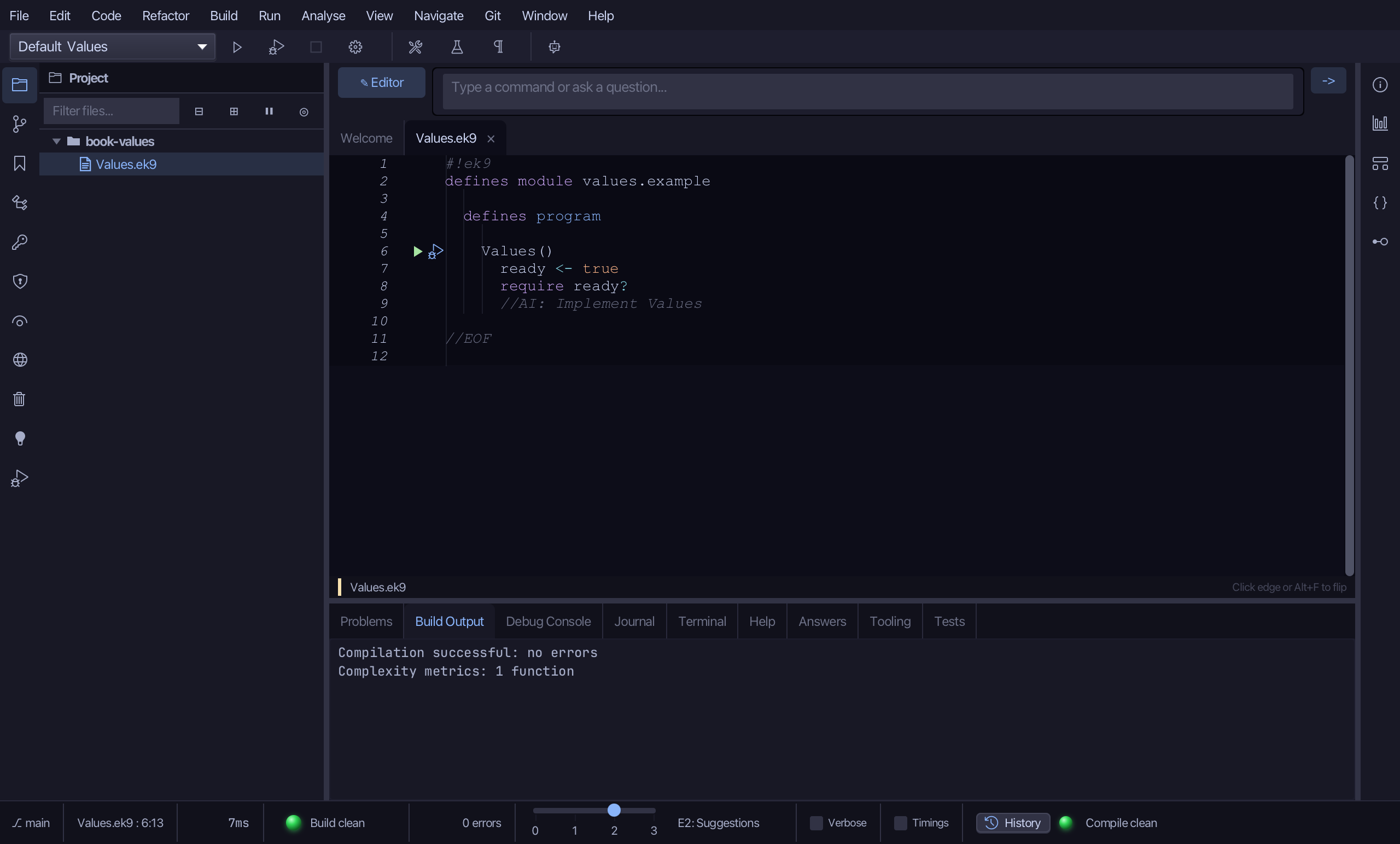
Choose Code > New Construct > Program…
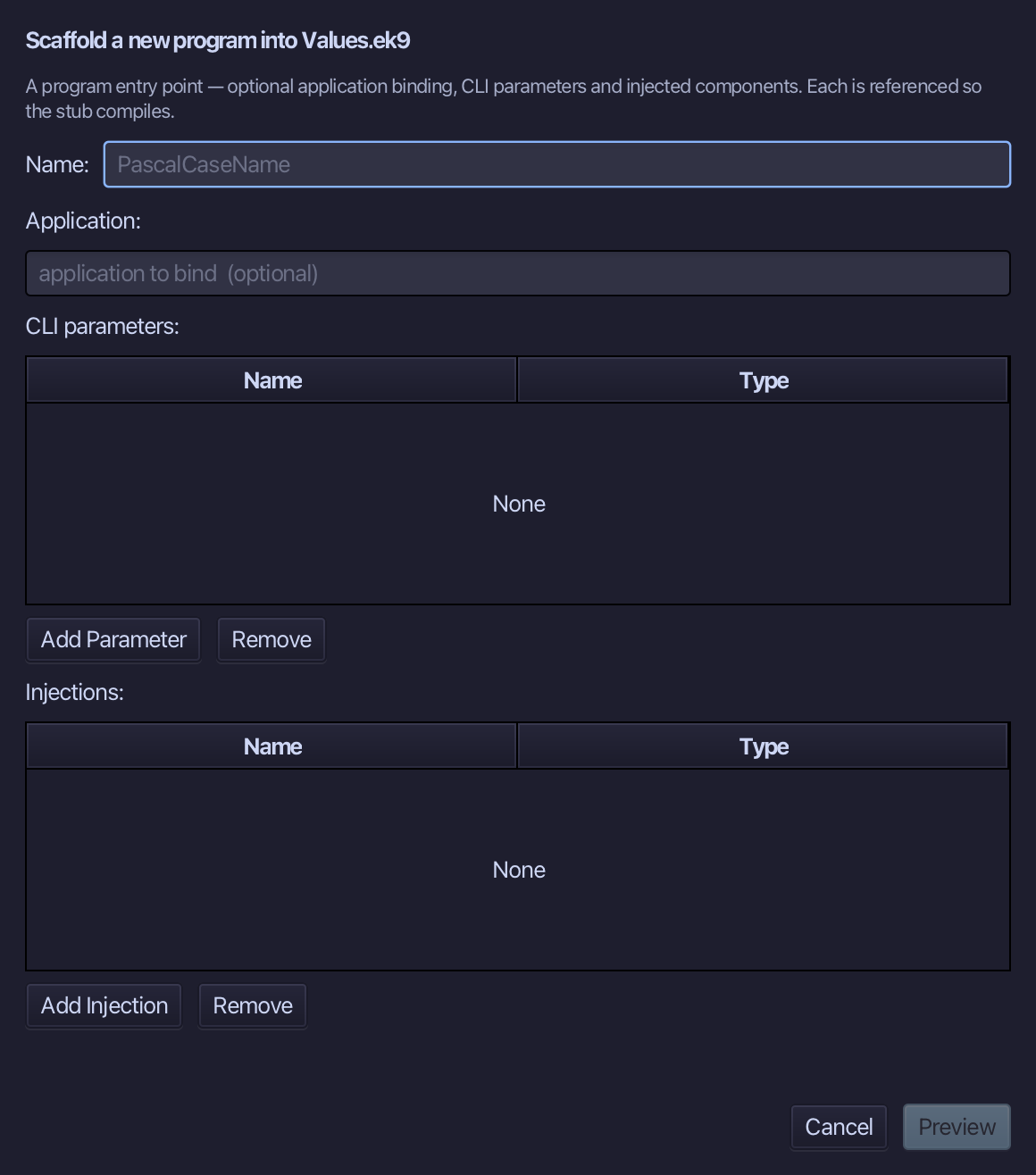
Values is the program's name - no application to bind, no parameters, nothing injected. Type Values and choose Preview.
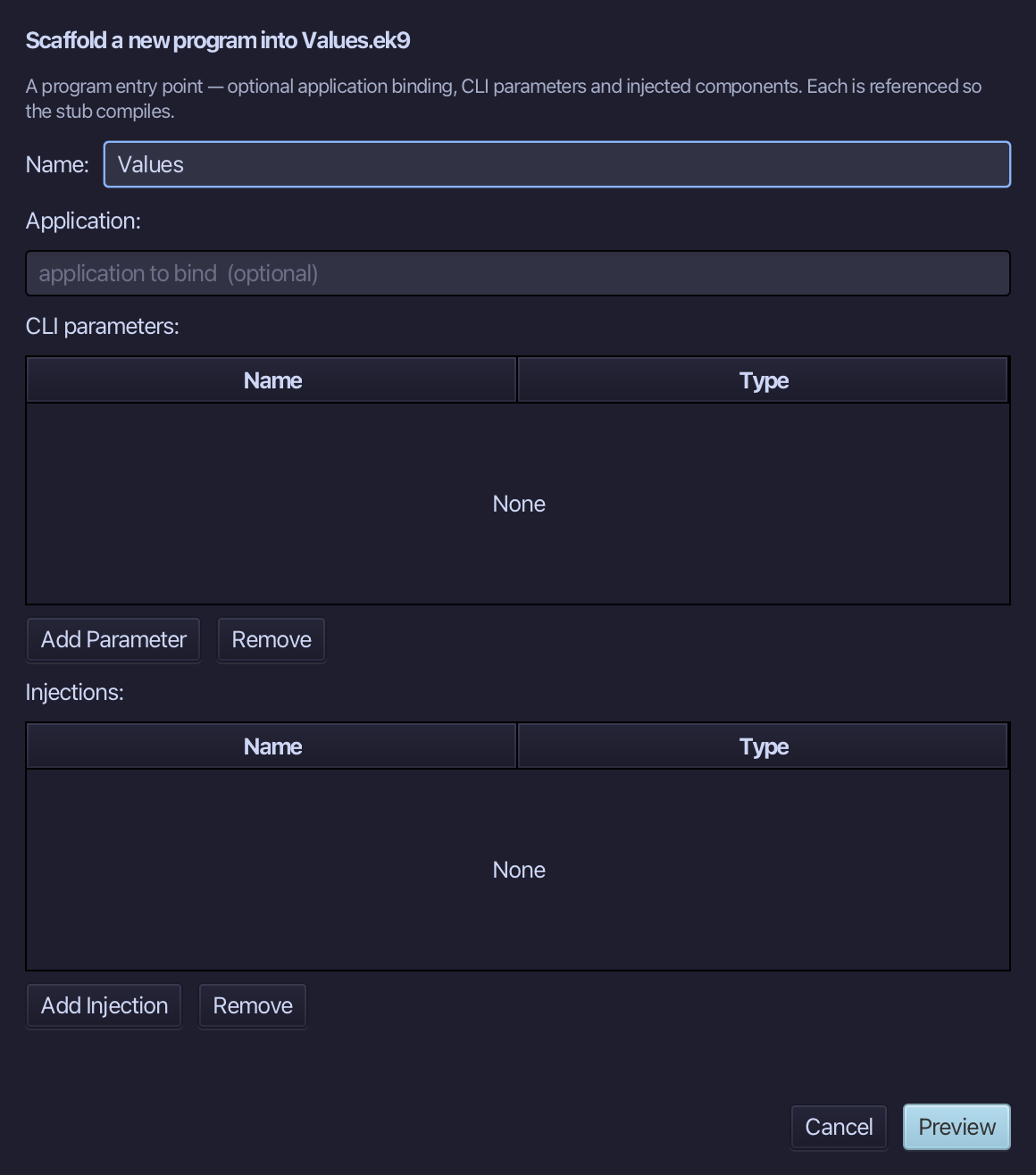
The preview shows Values about to be written. Choose Apply.
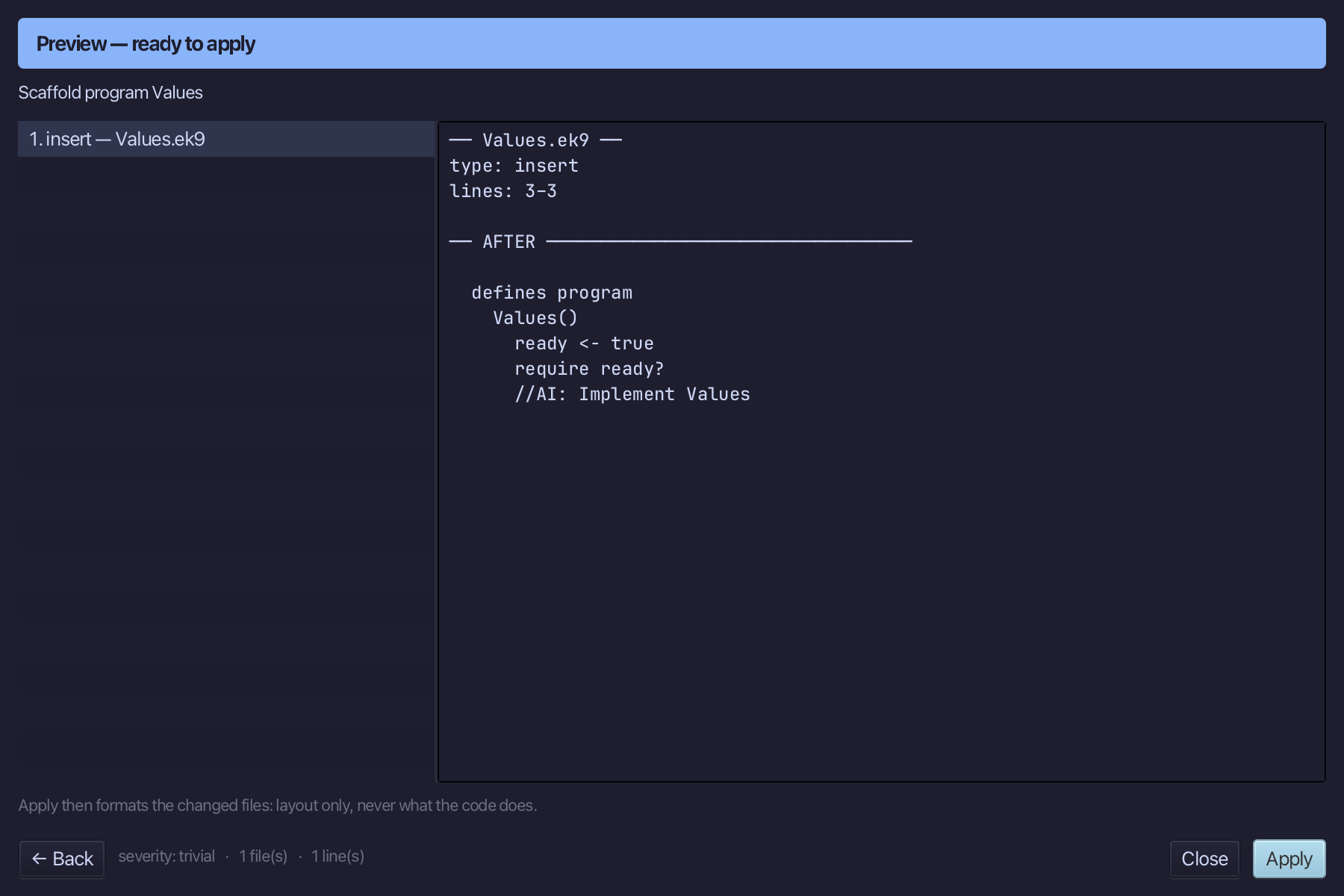
Select the Values() line, and above it type the blank line every chapter example opens its first member with. Saves when typed.
Step 2: A plain start
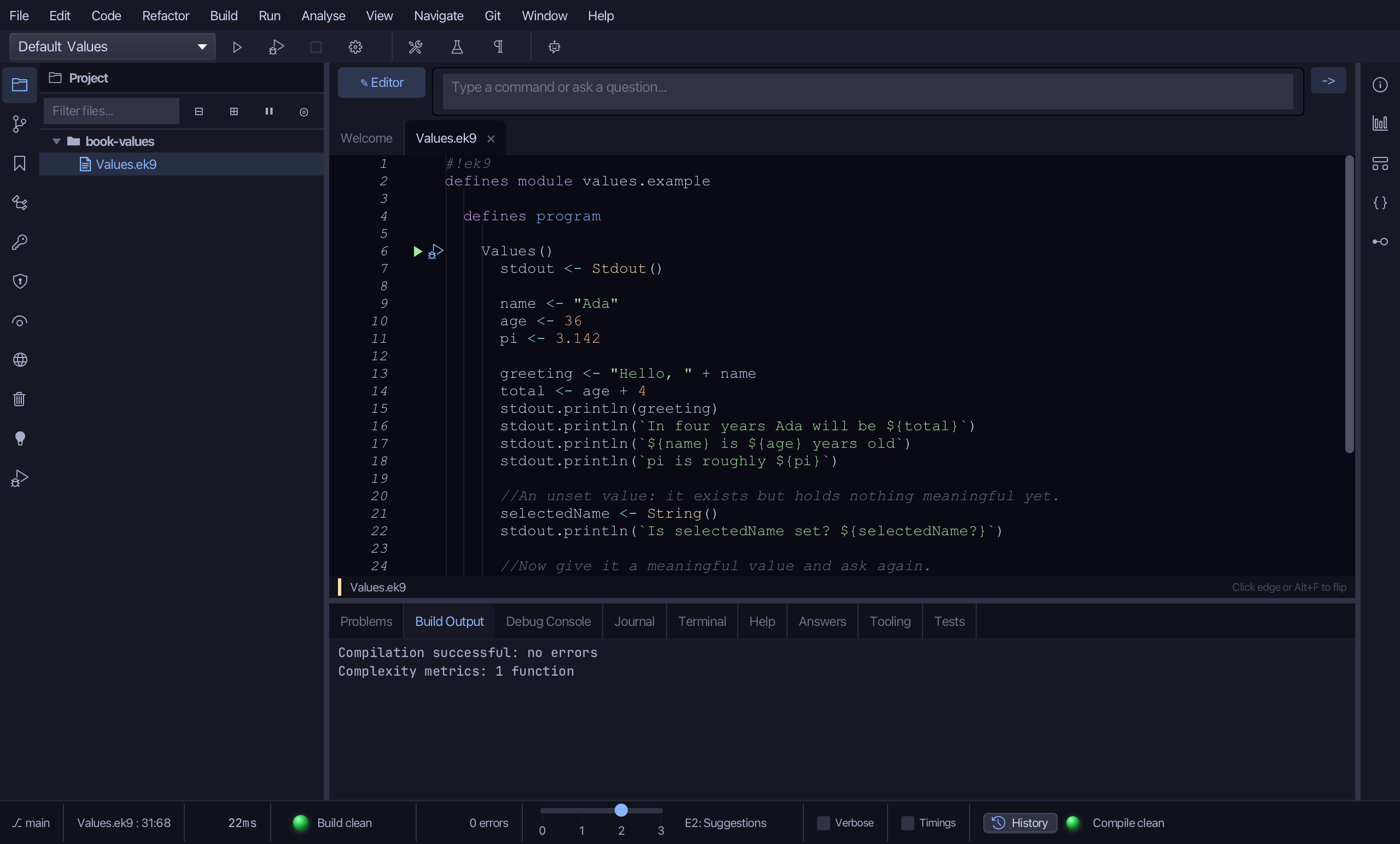
Select the stub, from ready <- true down to its //AI line, and type the book's own lines - name, age, pi, greeting and total, the four prints that follow, the selectedName checks - plainer only at the very end: chosenAge, one extra name, laterOffset, that only gets in the way, and the arithmetic on it written straight into the last println rather than named. Saves when typed.
Step 3: Inline Variable
Put the caret on laterOffset <- 4 - a name that adds nothing over the literal it holds, read only once, on the very next line.
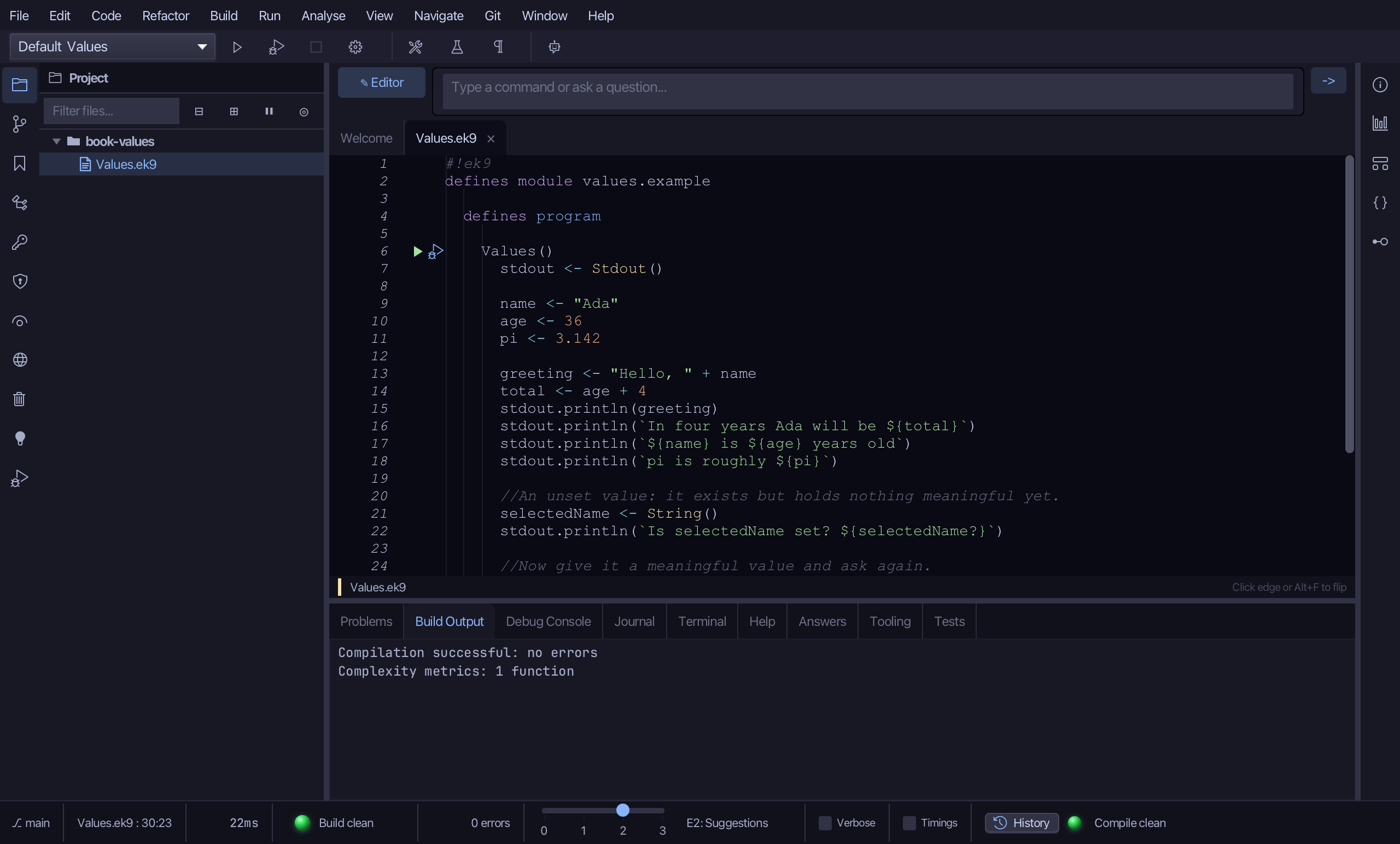
Choose Refactor > Inline Variable
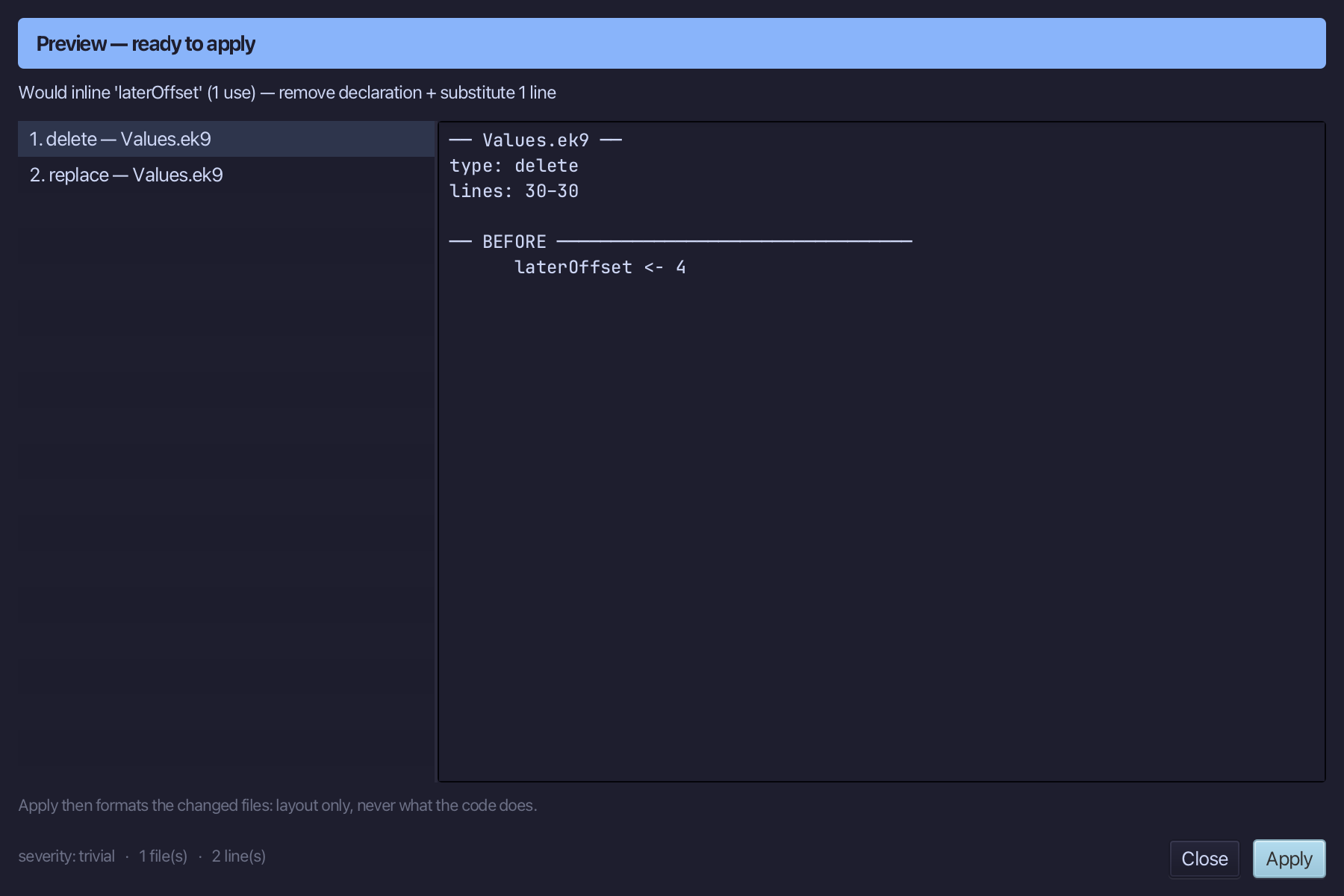
There is nothing to fill in - Inline Variable needs only the declaration, so choosing it went straight to the preview. It shows laterOffset gone and (chosenAge + 4)? in its place. Choose Apply.
Step 4: Extract Variable
Select chosenAge + 4 - chosenAge + 4 itself, not the brackets or the ? around it - inside the last println.
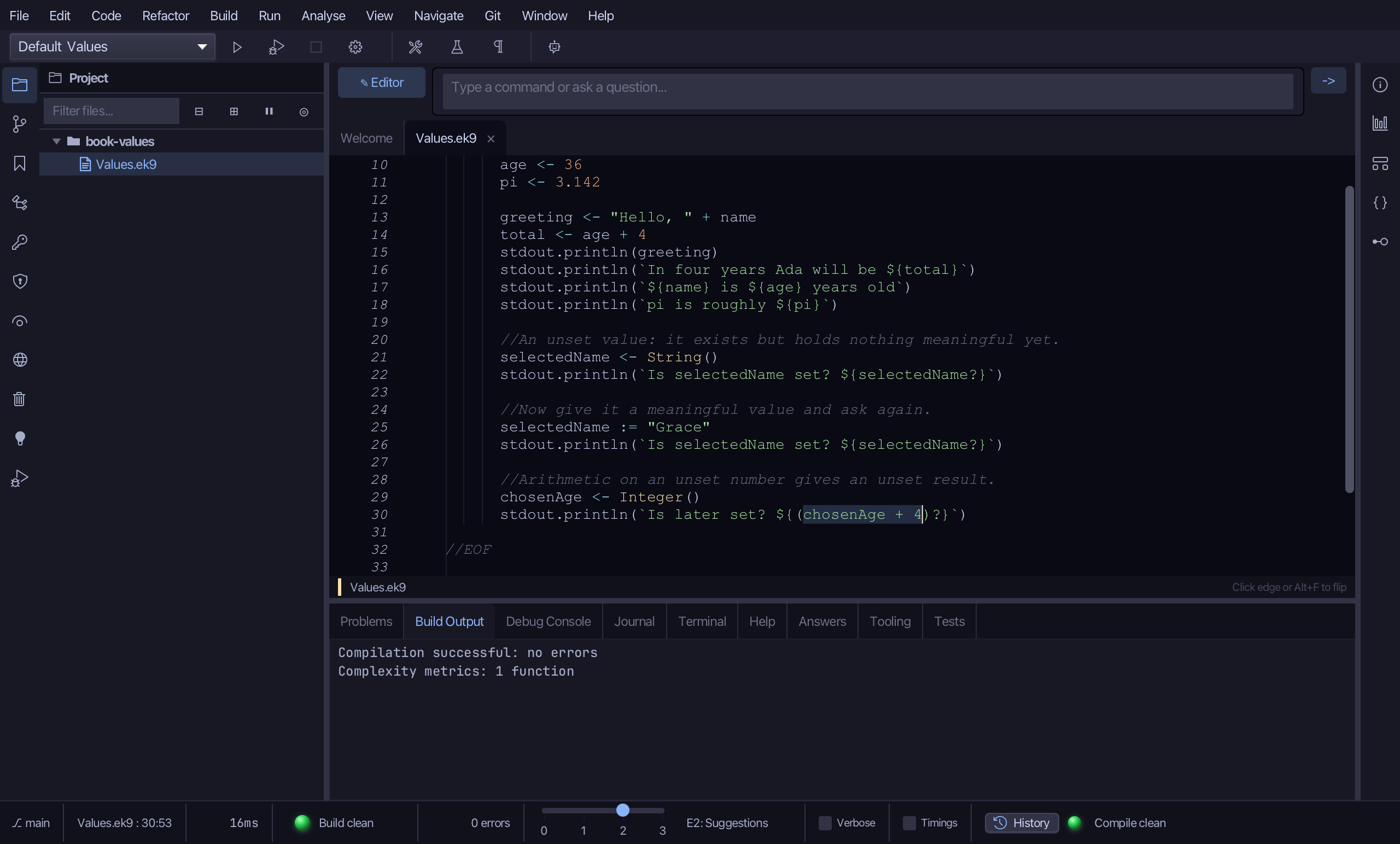
Choose Refactor > Extract Variable…
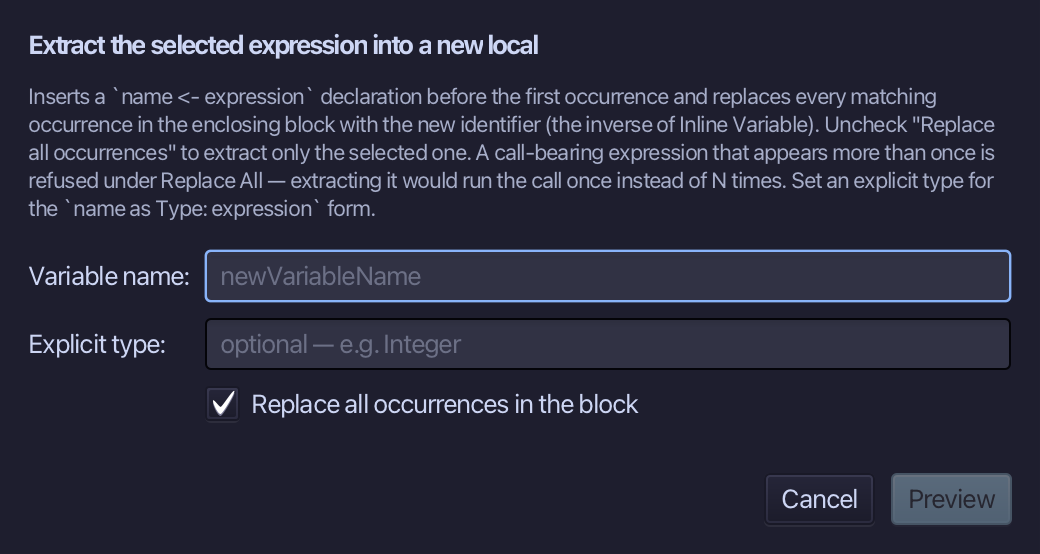
Name it later - what chosenAge, four years on, would be - and choose Preview.
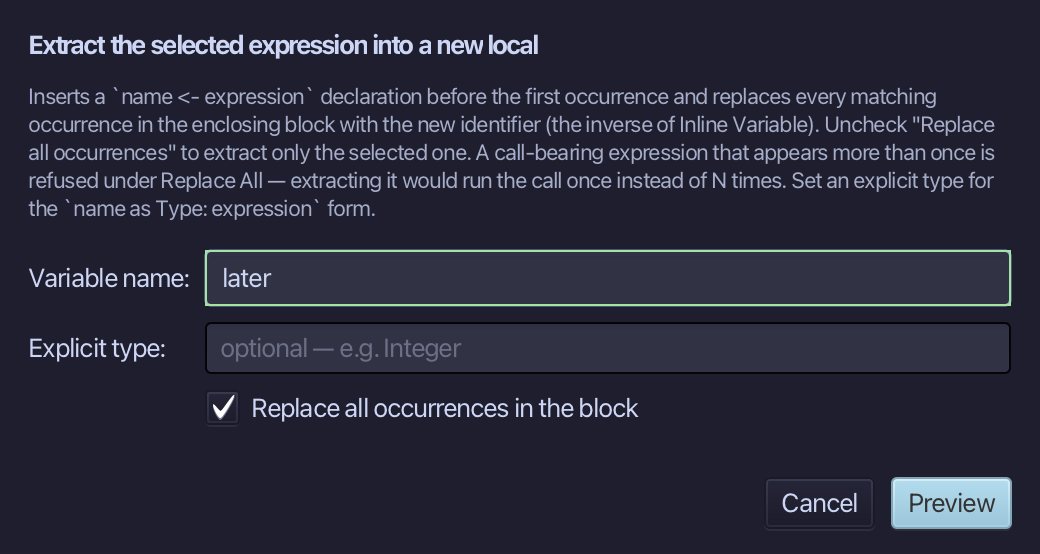
The preview shows later declared above, and the println reading ${later?} - the brackets that grouped chosenAge + 4 for the ? gone with the expression they held. Choose Apply.
Step 5: Run it
Choose Run > Run Program…
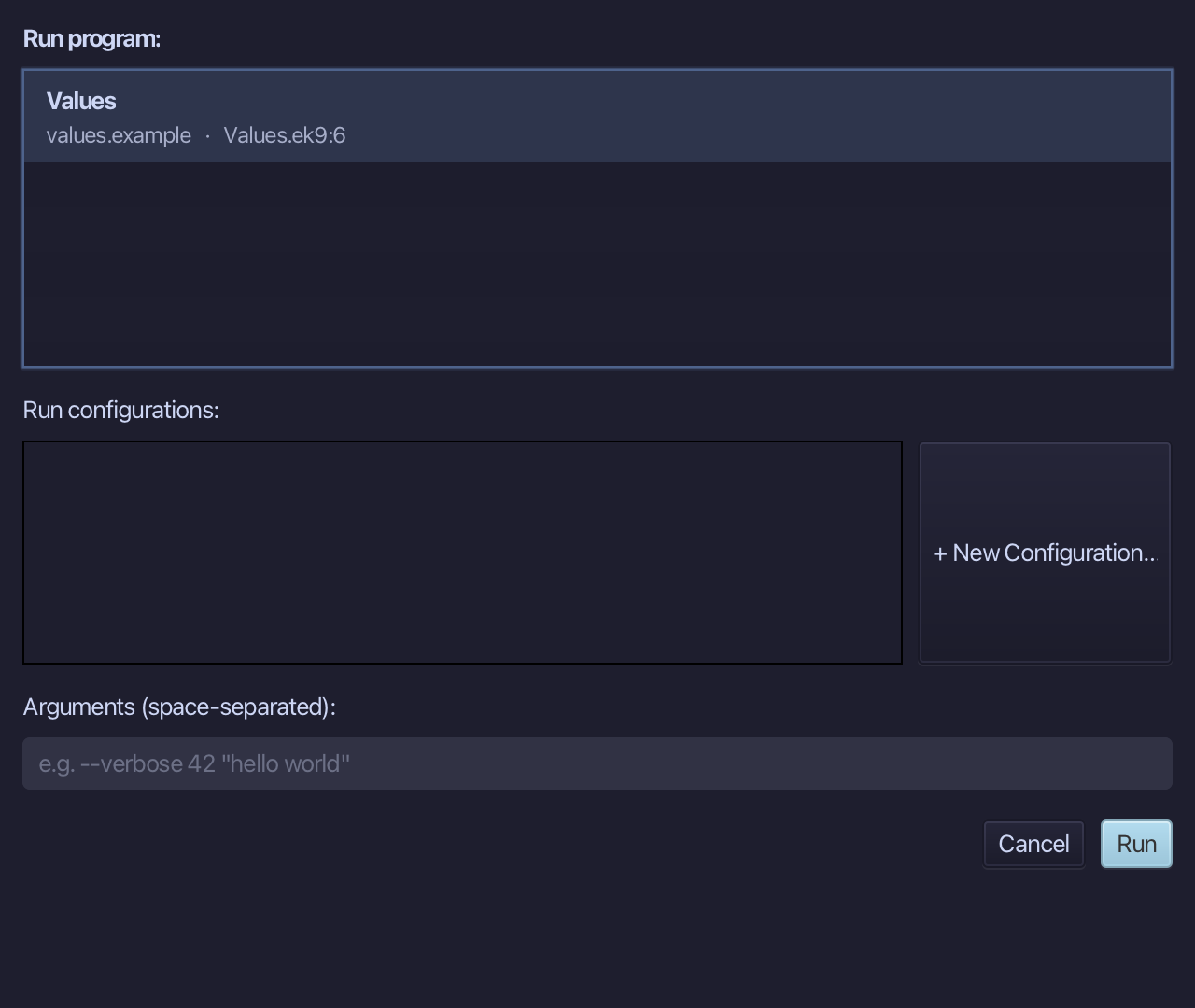
The project's only program is already chosen. Choose Run.
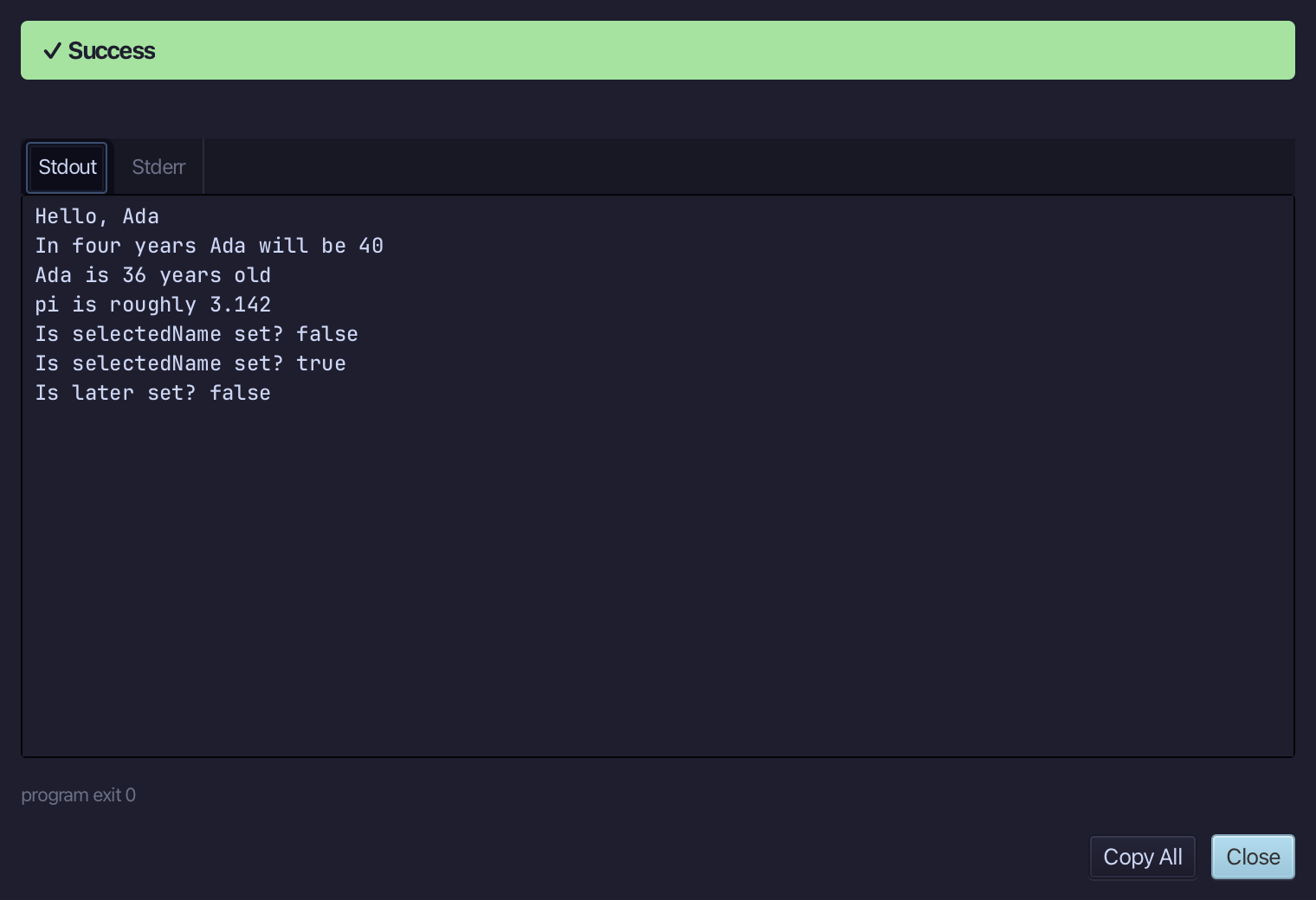
Hello, Ada, then In four years Ada will be 40, then Ada is 36 years old and pi is roughly 3.142 - then selectedName? reads false, then true once it is given a value, and later? reads false: arithmetic on an unset number stays unset. Choose Close.
The result
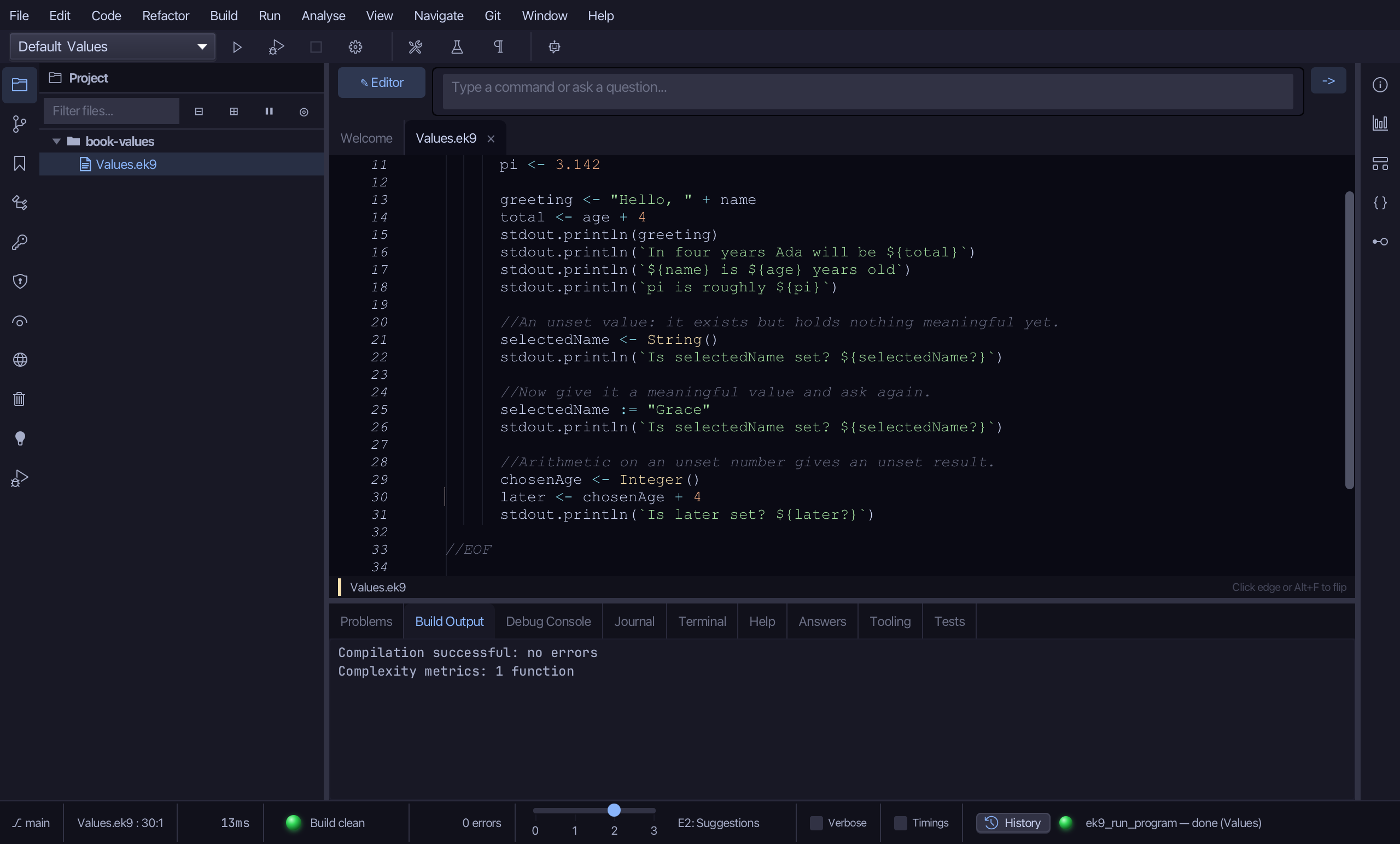
Values.ek9 now reads exactly as chapter 2 of Getting Started with EK9 shows it. greeting and total were typed straight in - ordinary logic, not a tool's job - but the chapter's own closing example, chosenAge and later, started plainer: a stray local, laterOffset, saying nothing 4 did not, written straight into the println that used it. Inline Variable removed laterOffset; Extract Variable then named chosenAge + 4 itself - later - dropping the now-redundant brackets around it along the way. The same tools - ek9_add_program, ek9_inline_variable, ek9_extract_variable - are what an AI assistant calls to do the same thing.
Where this lesson comes from
- For AI assistants - the MCP tool
ek9_add_program,ek9_inline_variable,ek9_extract_variable.