Chapter 17: a family of records, built
Chapter 17's Contacts shows polymorphism with records: Contact says every contact can print itself but not how; Email and Phone each say how. The IDE builds the records, the operators' shapes and the constructors; you type only what no tool can. To play it in the IDE: Help > Lessons > Getting Started with EK9…, or ek9 -ide -lesson book-contacts.
What you'll build
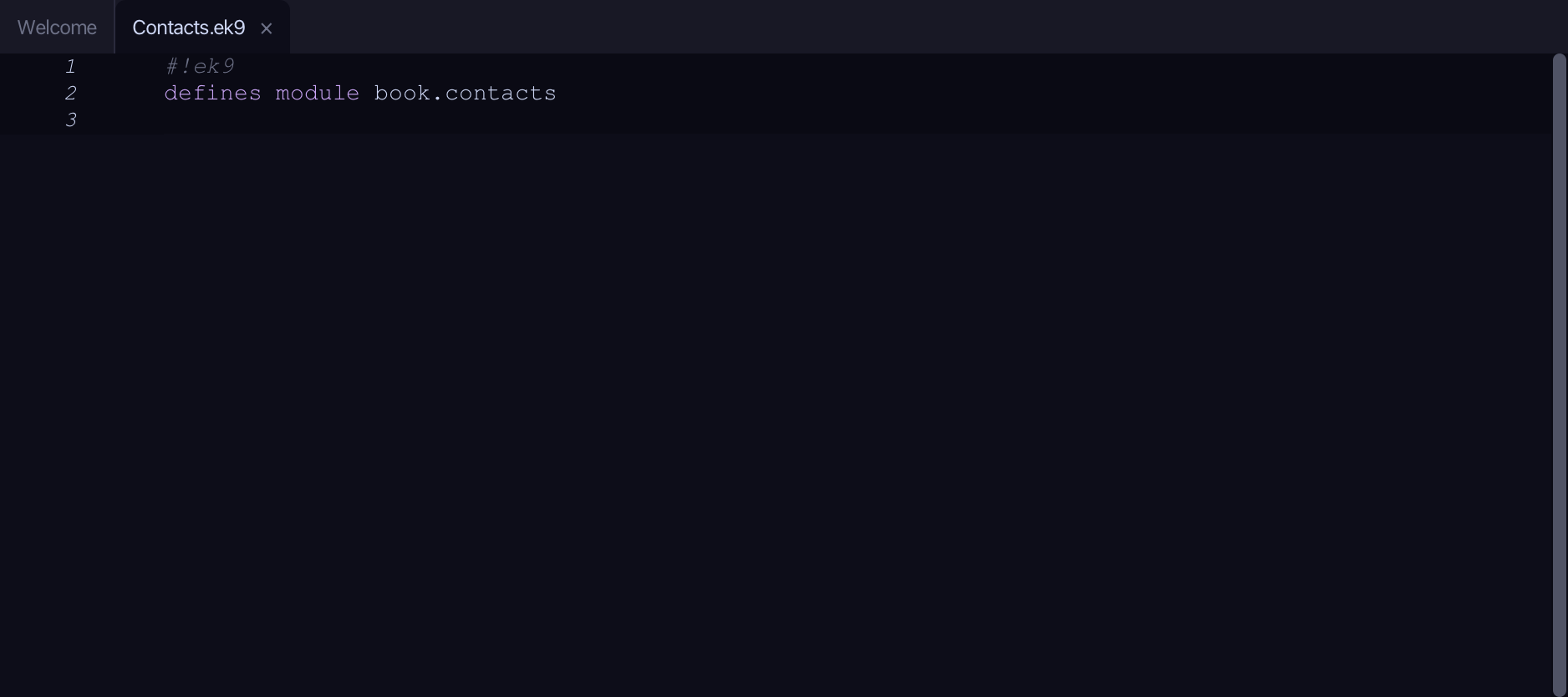
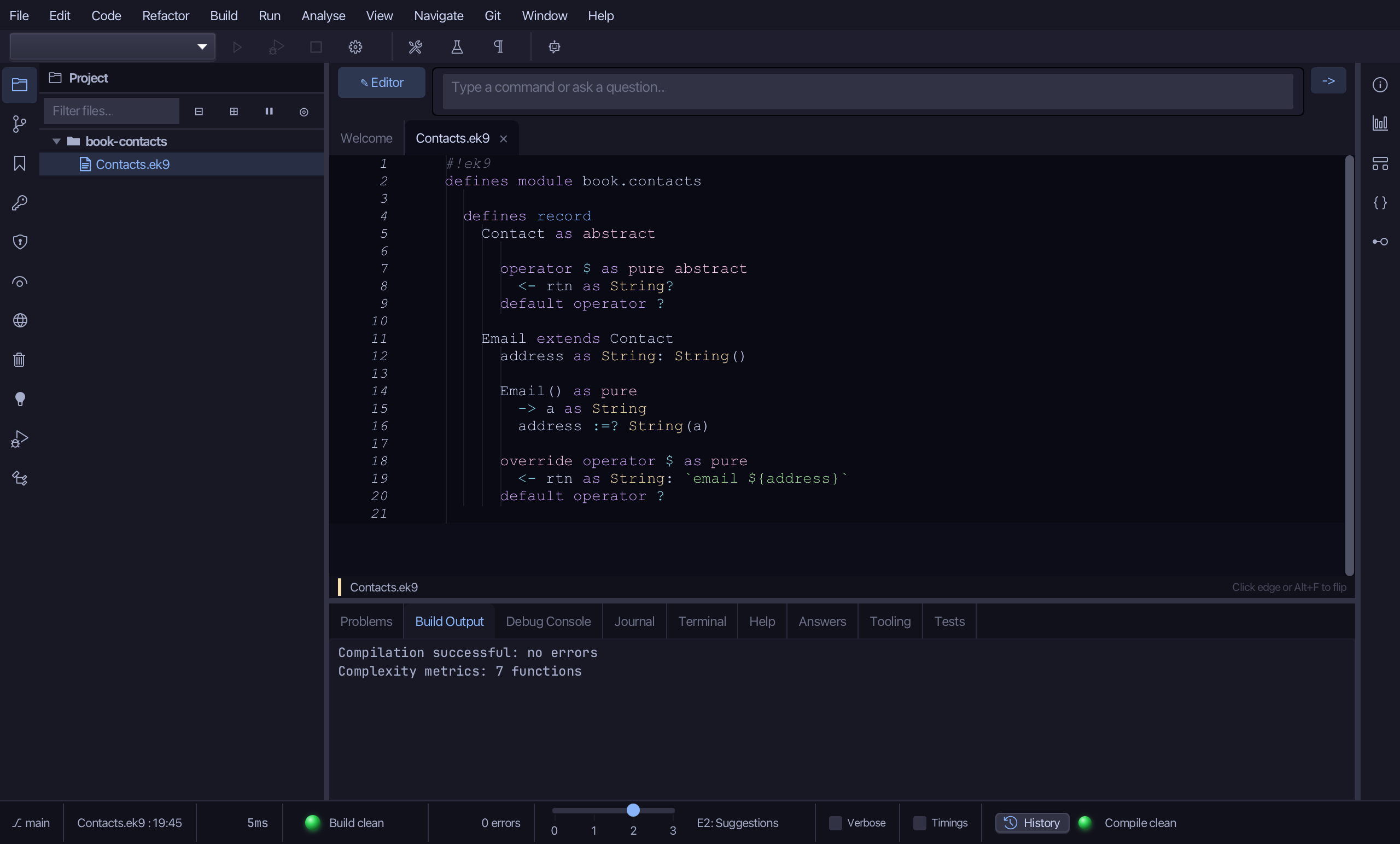
The lesson builds this program from a file holding only its module line - the finished file, as the book prints it.
#!ek9
defines module book.contacts

  defines record
    Contact as abstract

      operator $ as pure abstract
        <- rtn as String?
      default operator ?

    Email extends Contact
      address as String: String()

      Email() as pure
        -> a as String
        address :=? String(a)

      override operator $ as pure
        <- rtn as String: `email ${address}`
      default operator ?

    Phone extends Contact
      number as String: String()

      Phone() as pure
        -> n as String
        number :=? String(n)

      override operator $ as pure
        <- rtn as String: `phone ${number}`
      default operator ?

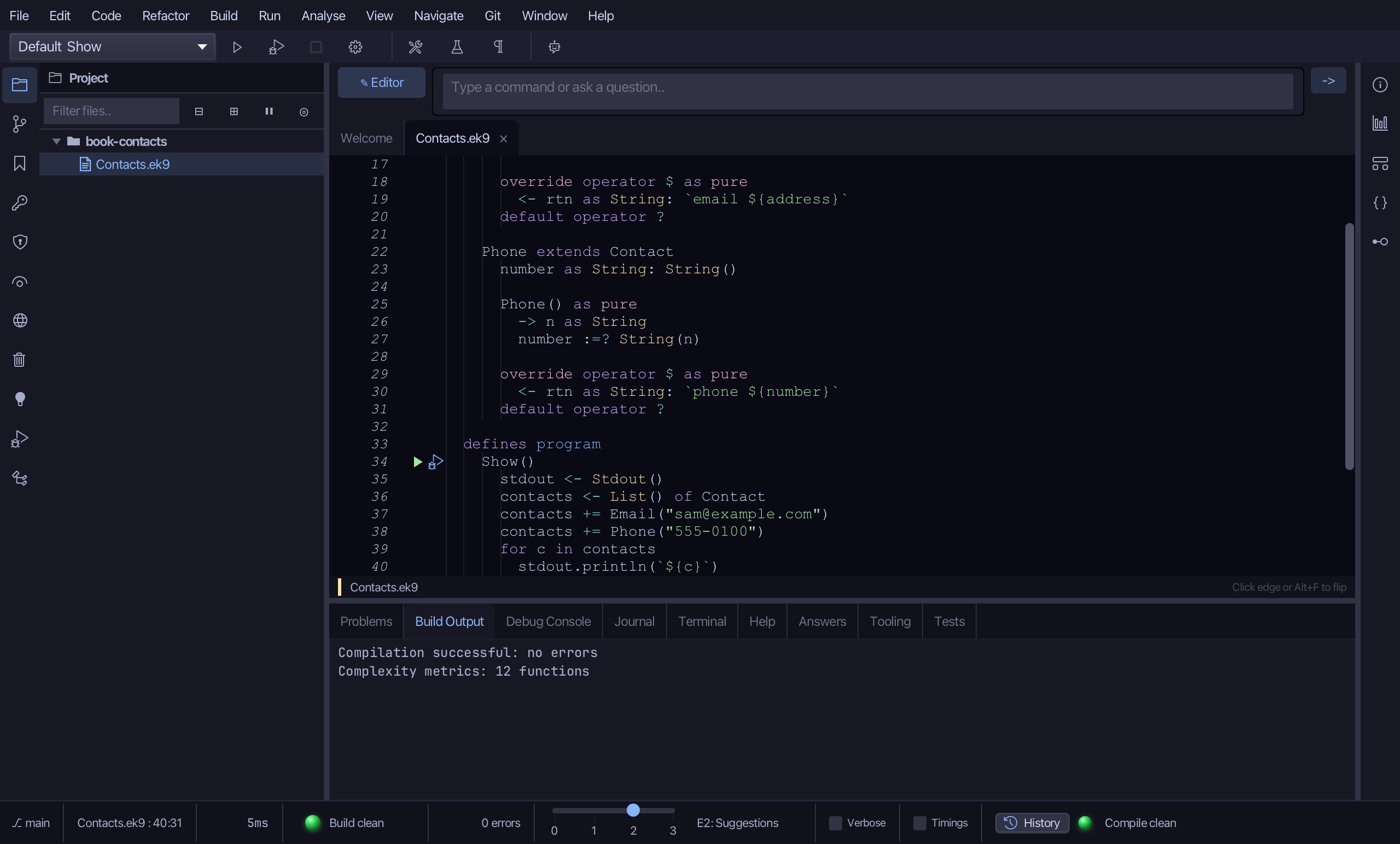
  defines program
    Show()
      stdout <- Stdout()
      contacts <- List() of Contact
      contacts += Email("sam@example.com")
      contacts += Phone("555-0100")
      for c in contacts
        stdout.println(`${c}`)
Step 1: An abstract record with an abstract operator
Choose Code > New Construct > Record…
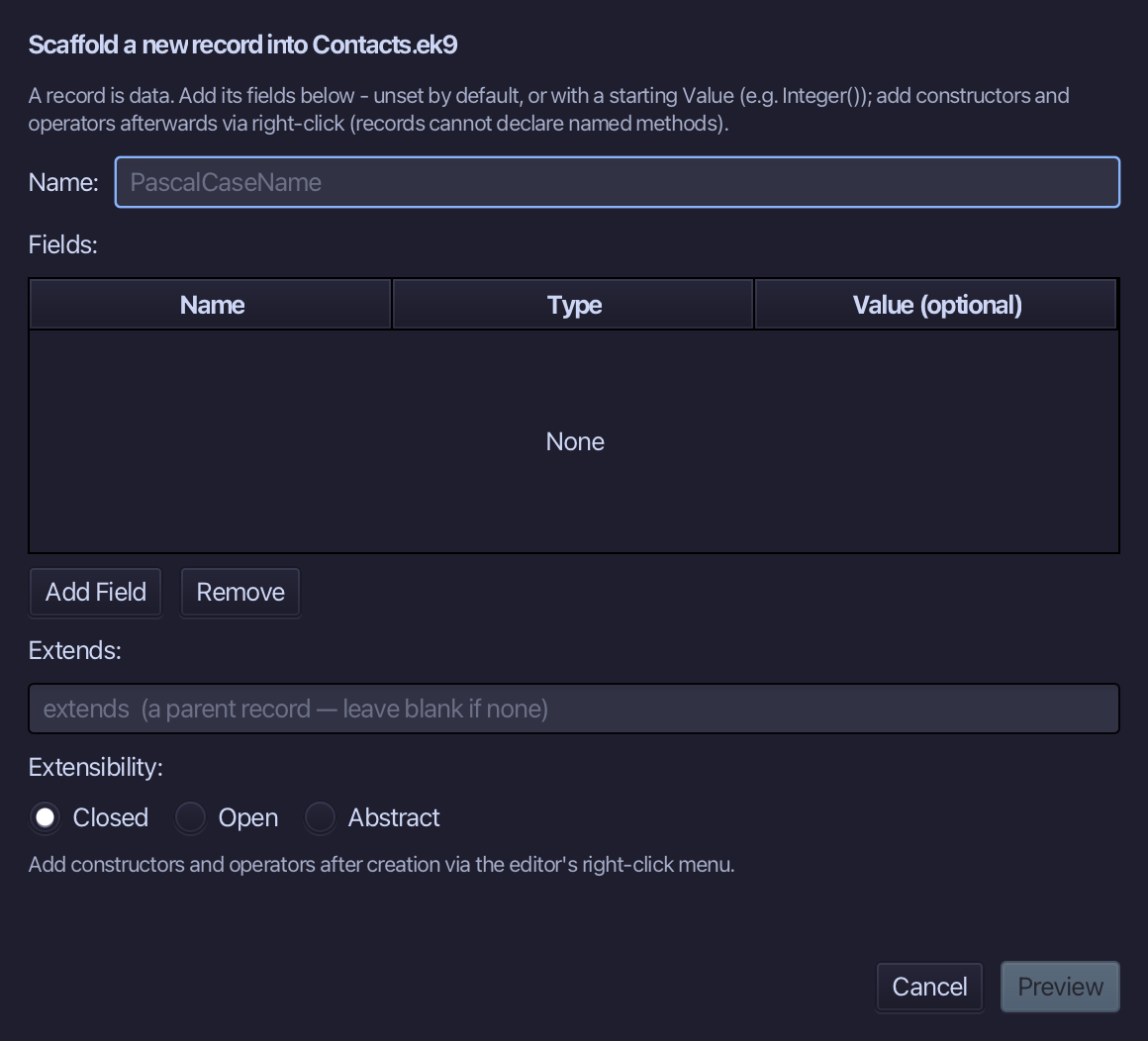
Contact is the record's name. A record that is abstract needs no fields: select Abstract, then choose Preview.
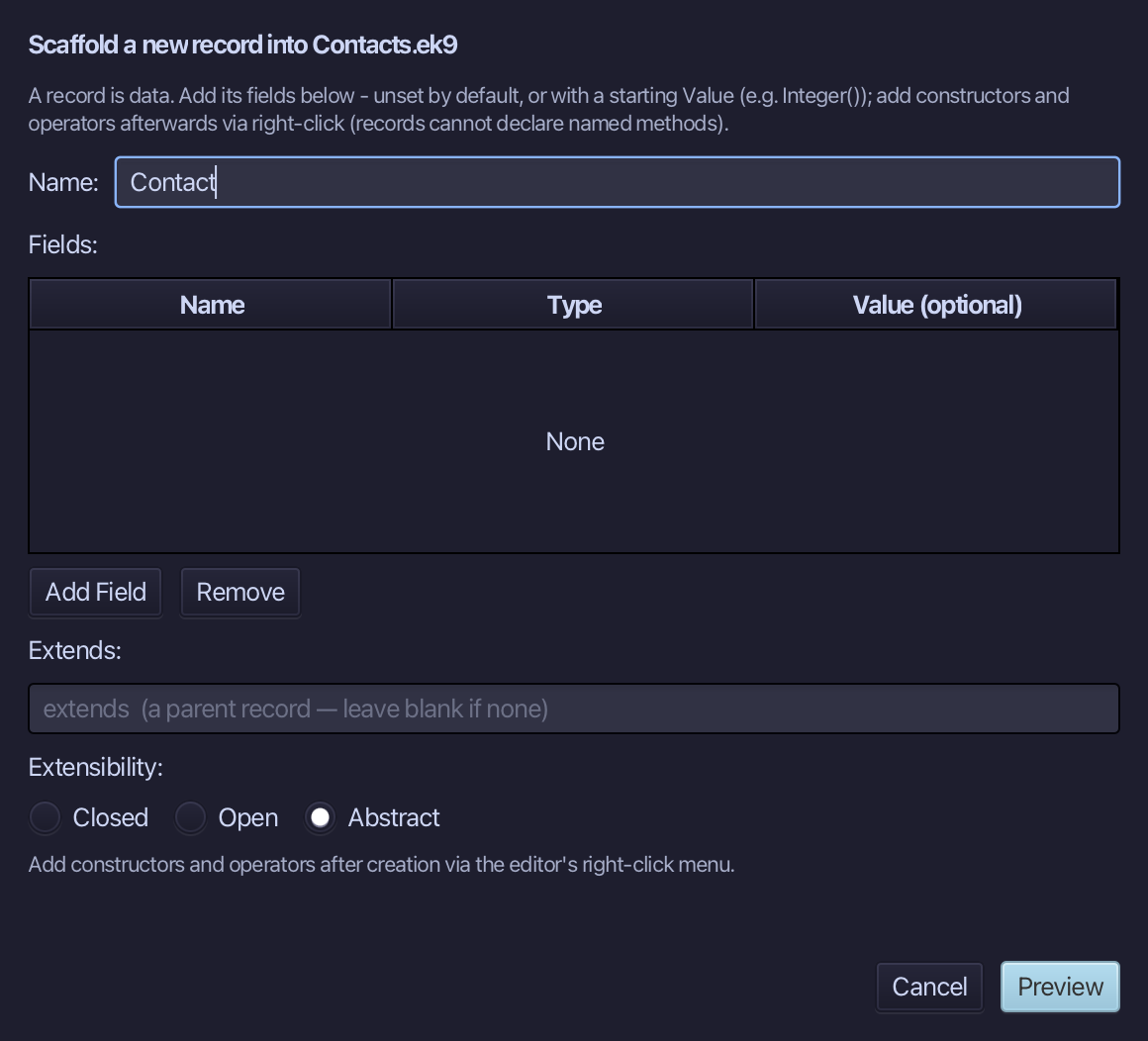
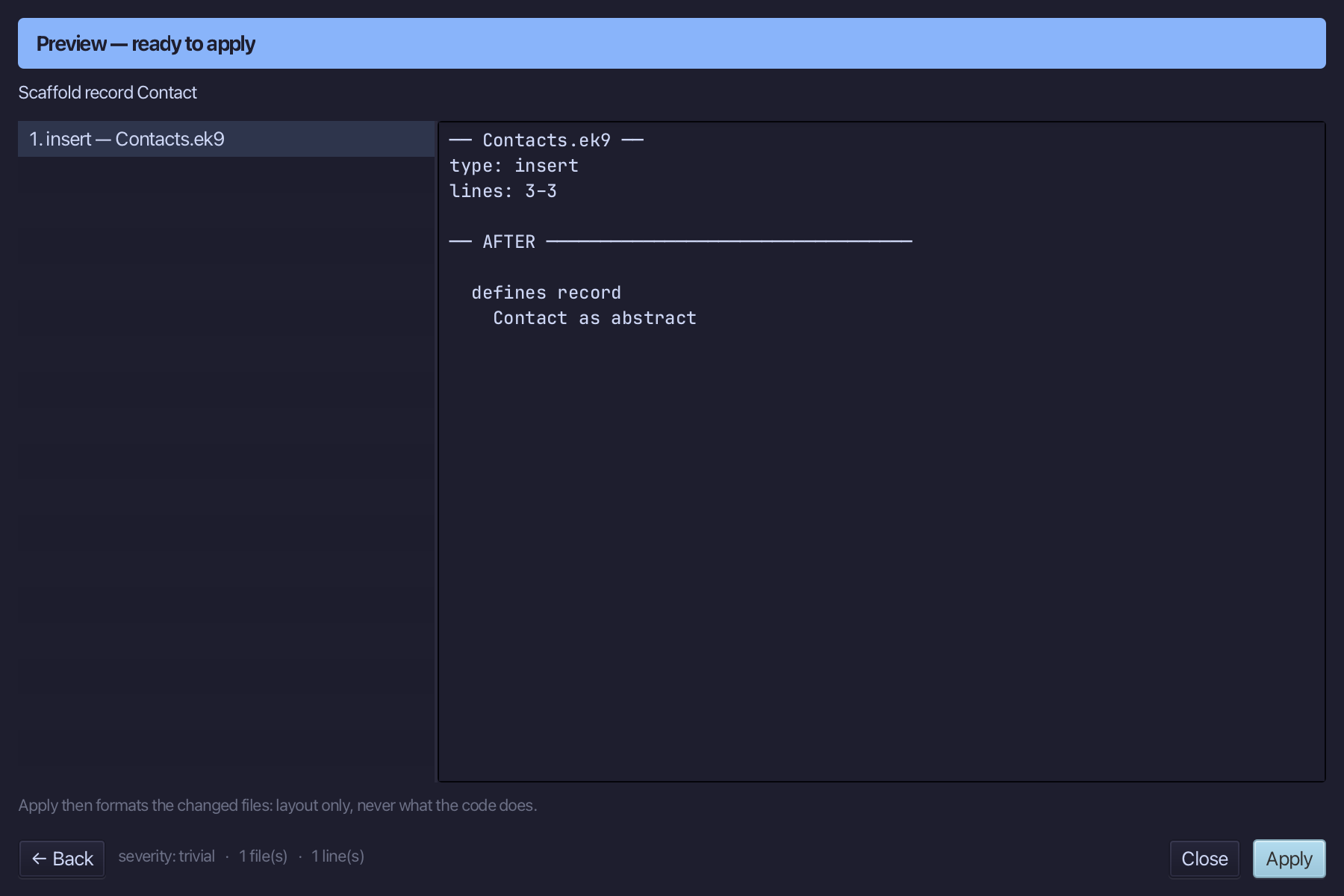
The preview shows Contact as abstract. Choose Apply.
Right-click the Contact line and choose Add Operator > $ (string) > skeleton.
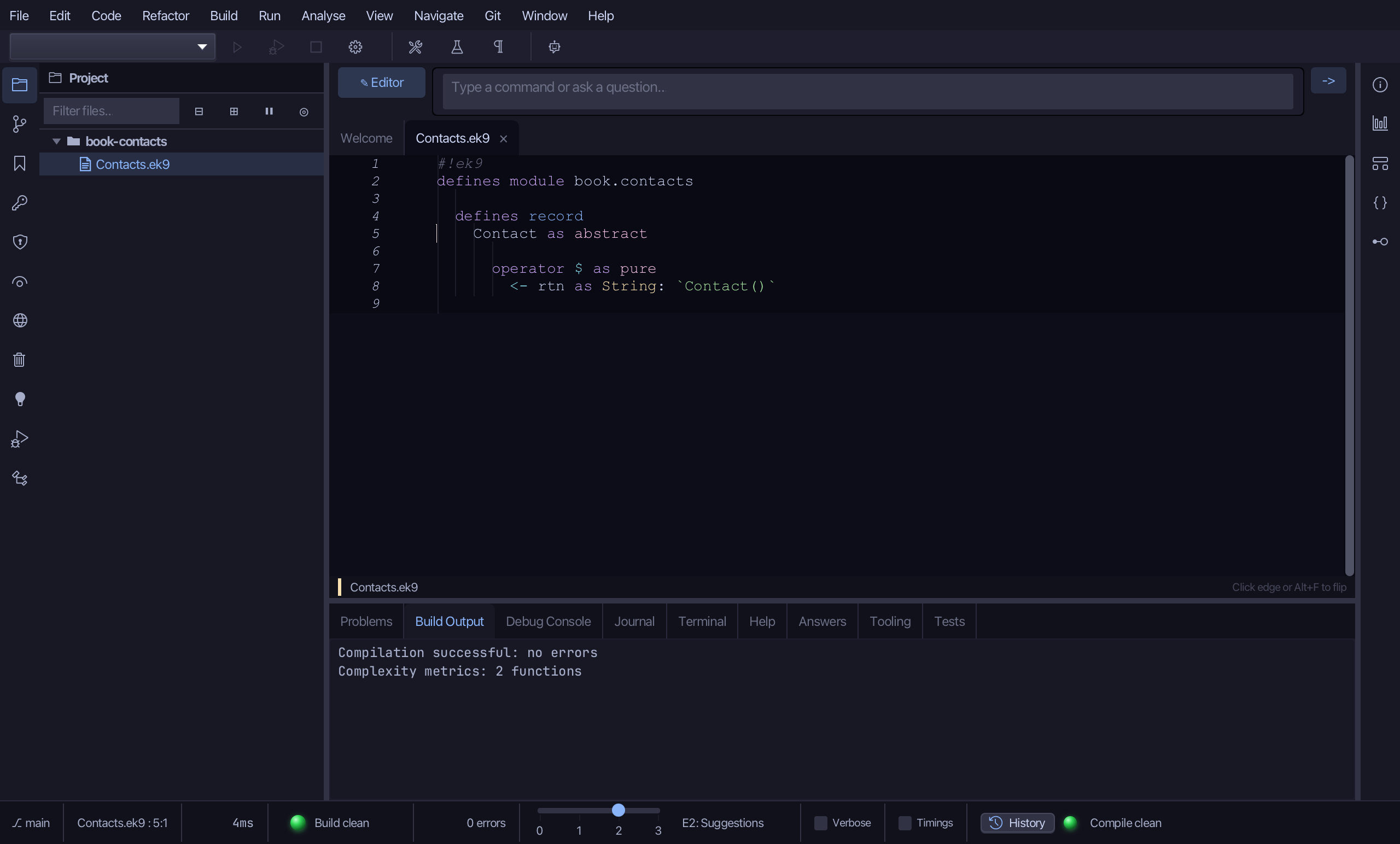
Select the operator, from operator $ as pure down to its body line, and type the abstract form: marked abstract, with a return that has no value. Saves when typed.
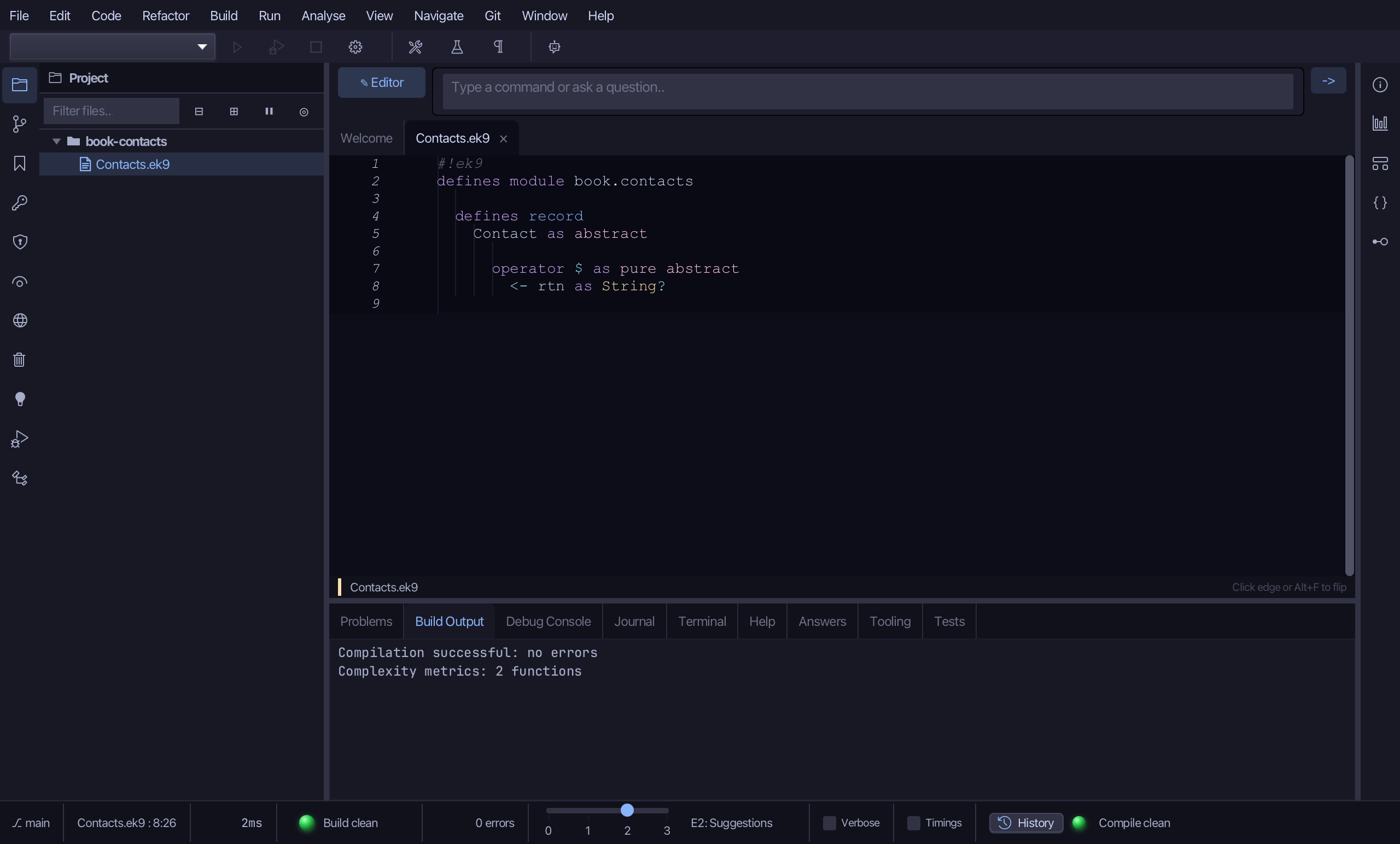
Right-click the Contact line and choose Add Operator > ? (isSet) > default - the root every Contact below it relies on.
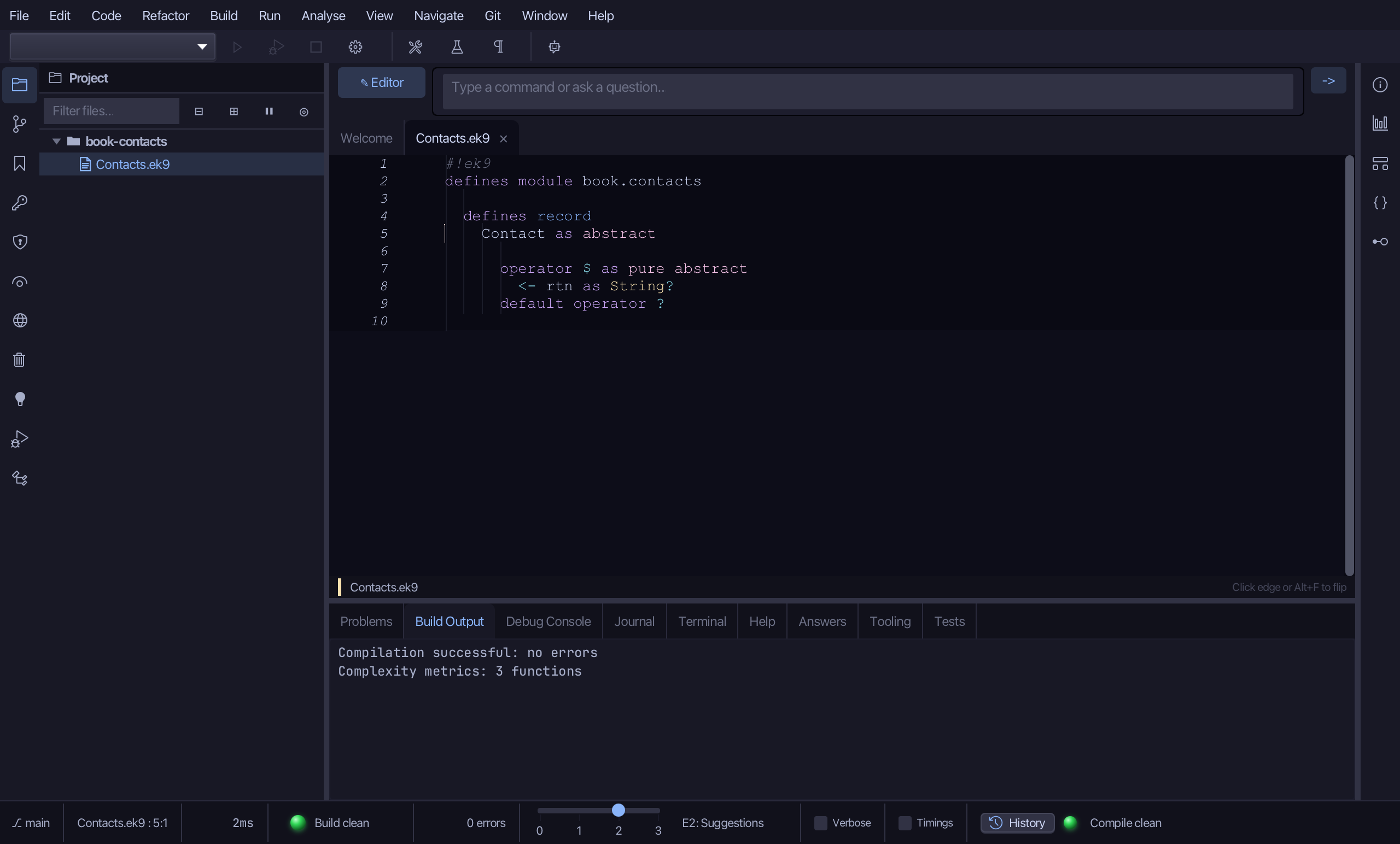
Step 2: Email — extends it
Choose Code > New Construct > Record…
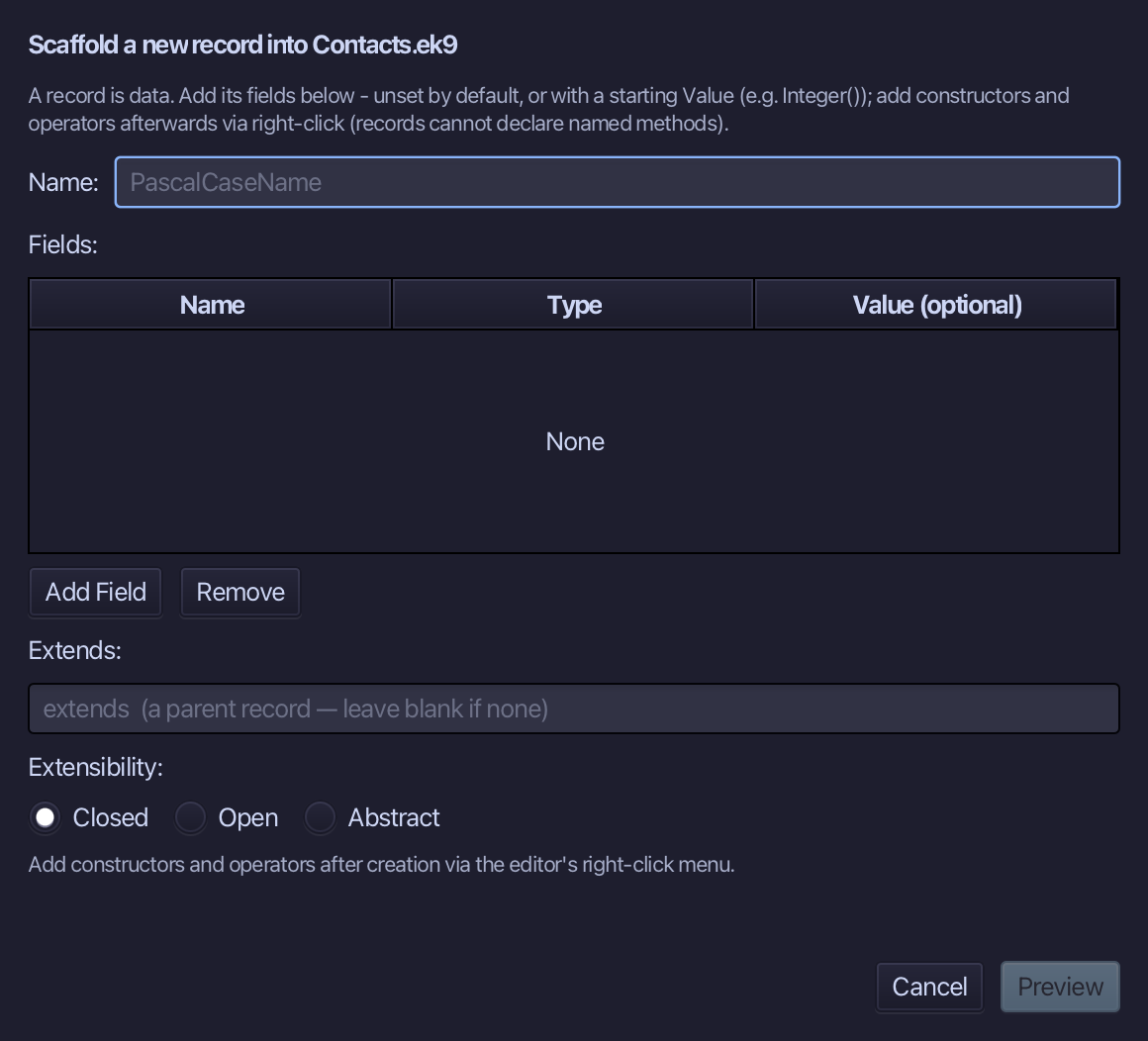
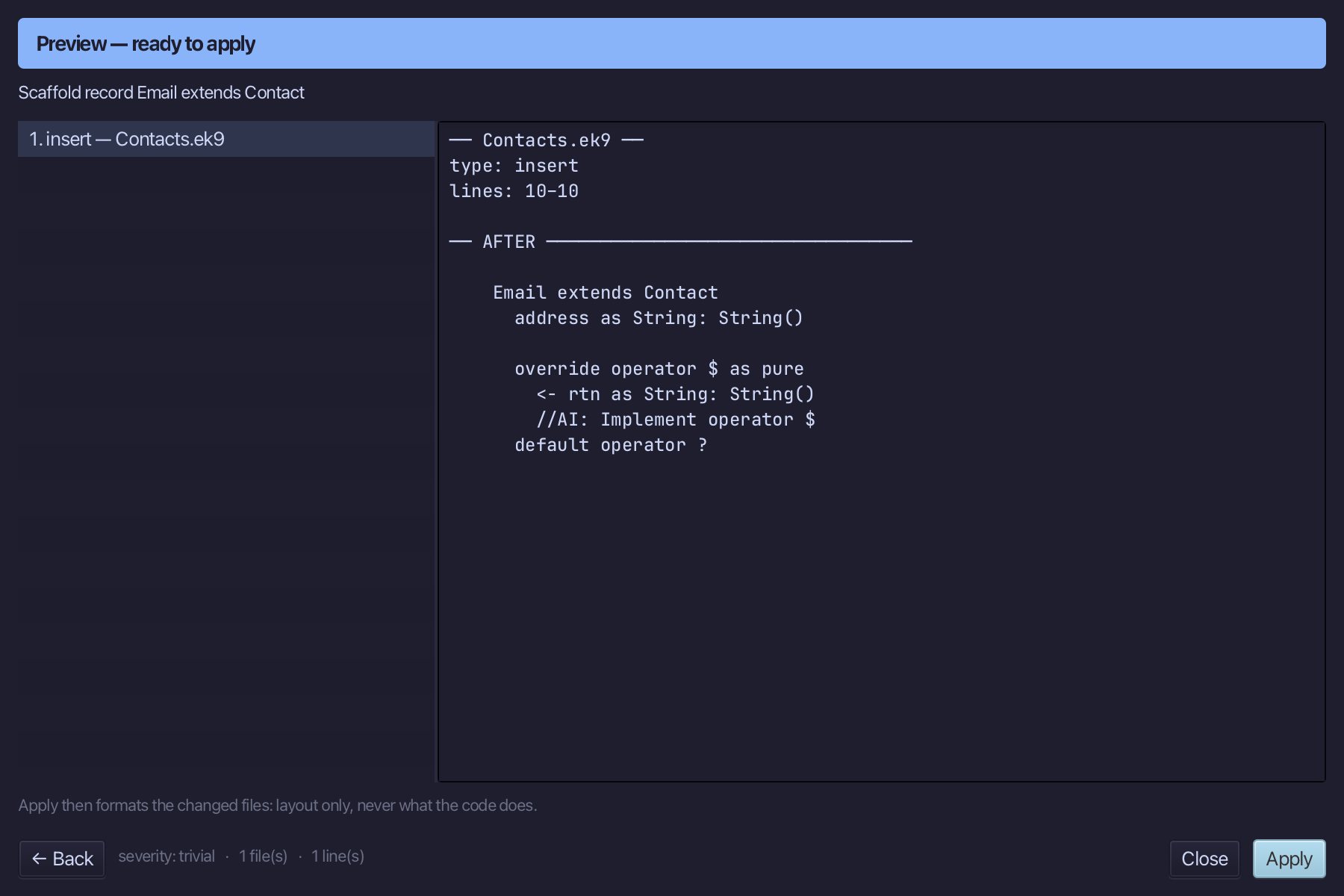
Email is the name. Type Contact into the Extends: field, and add address, a String starting at String(). Choose Preview.
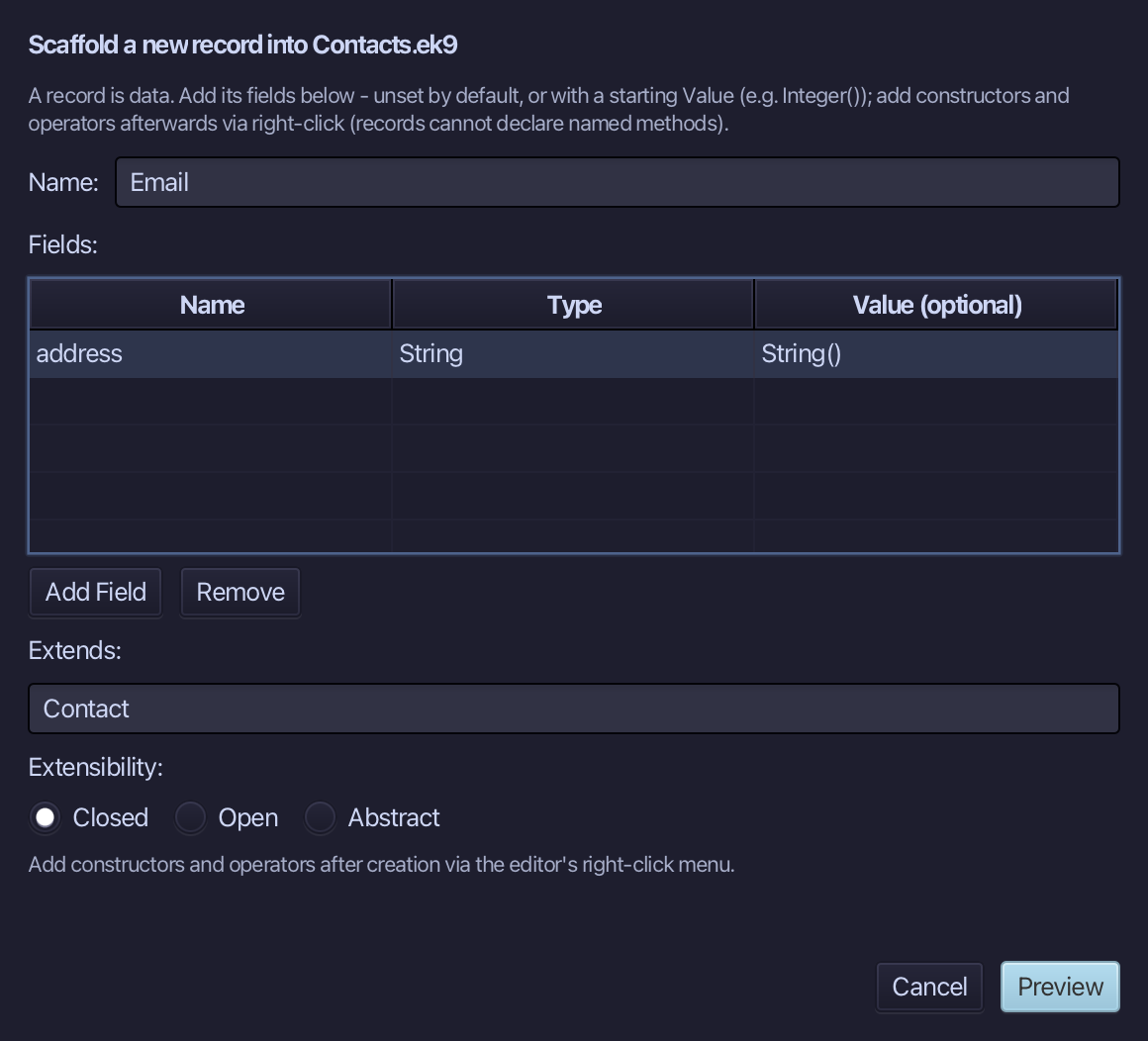
The preview shows Email extends Contact - and an override operator $ already written, because Contact leaves it abstract. Choose Apply.
Right-click the Email line and choose Add Constructor > From All Fields (pure).
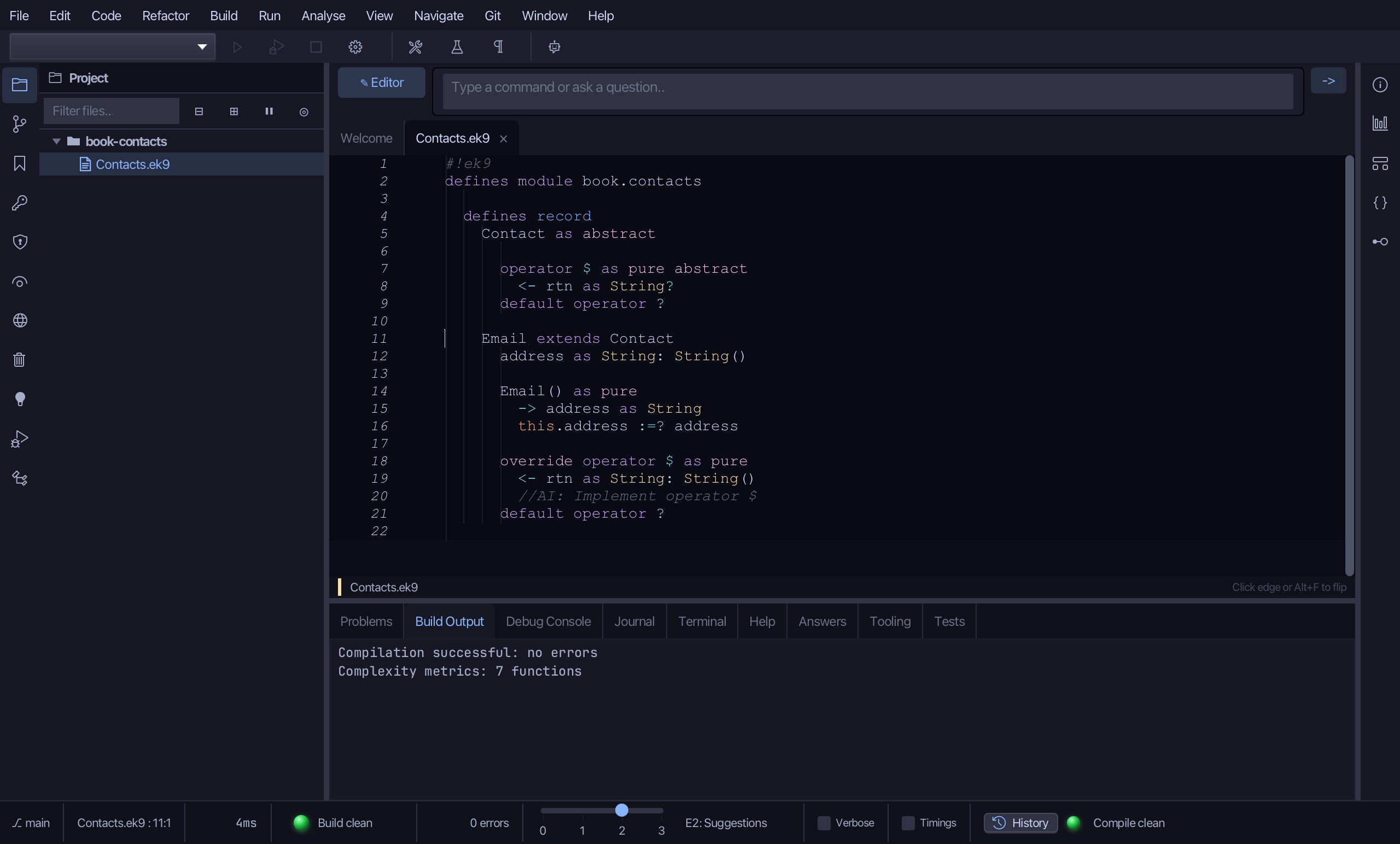
Select the stub, from Email() as pure down to its assignment, and type the constructor the book shows: a in, address set with :=?. Saves when typed.
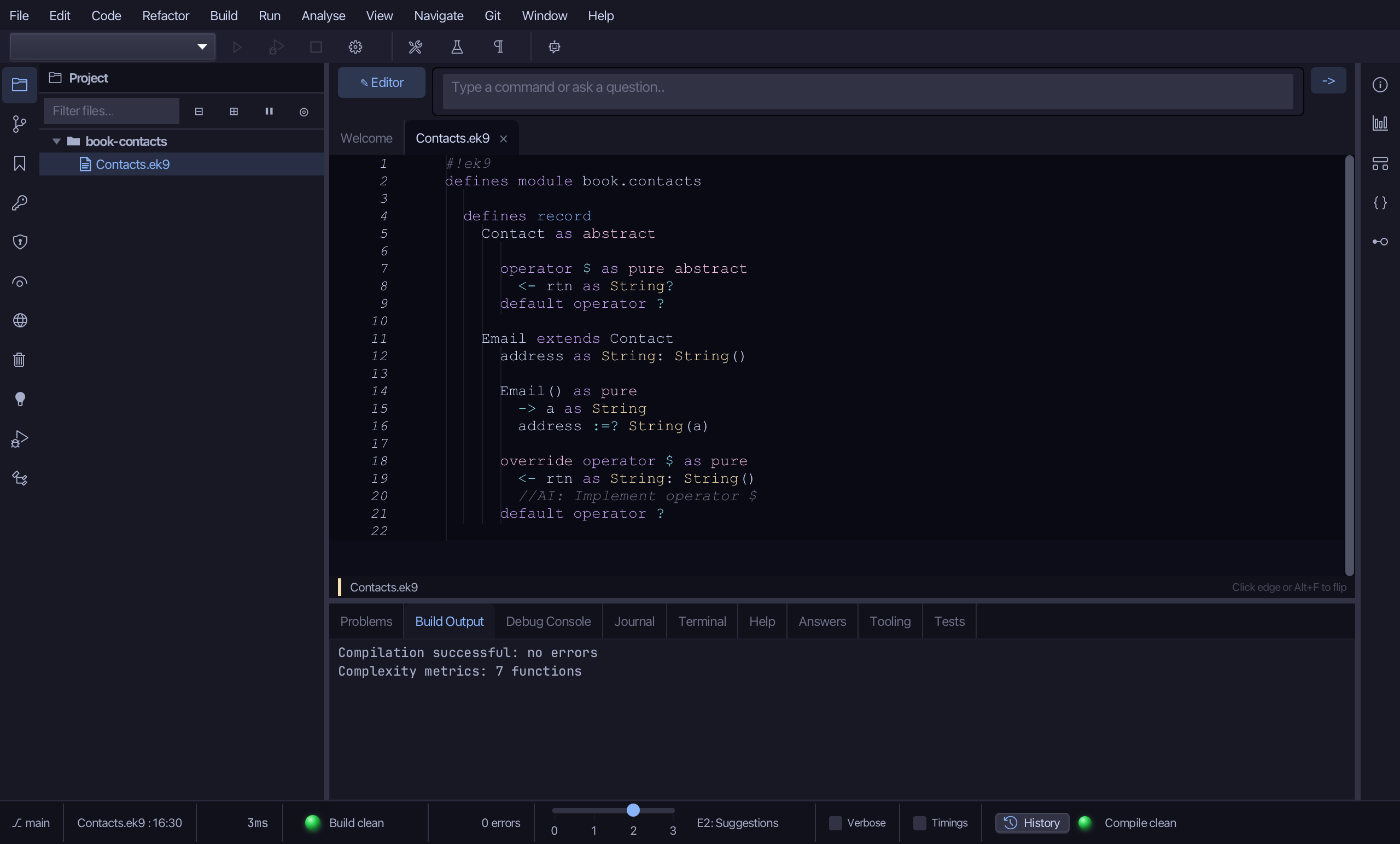
Select the $ stub, from <- rtn as String: String() down to its //AI line, and type how an email prints. Saves when typed.
Step 3: Phone — extends it too
Choose Code > New Construct > Record…
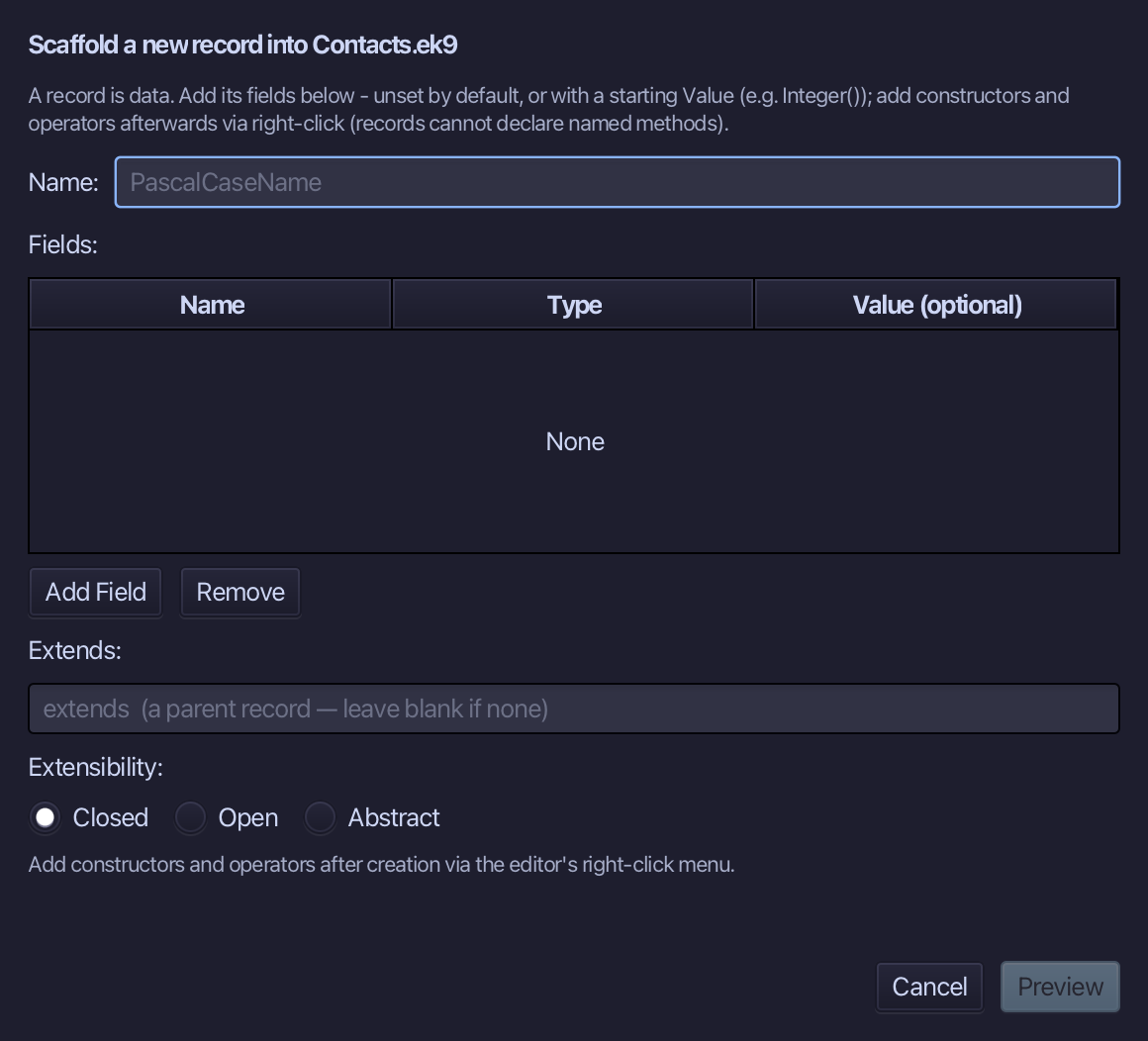
Phone is the name. Contact is the parent again, and number is a String starting at String(). Choose Preview.
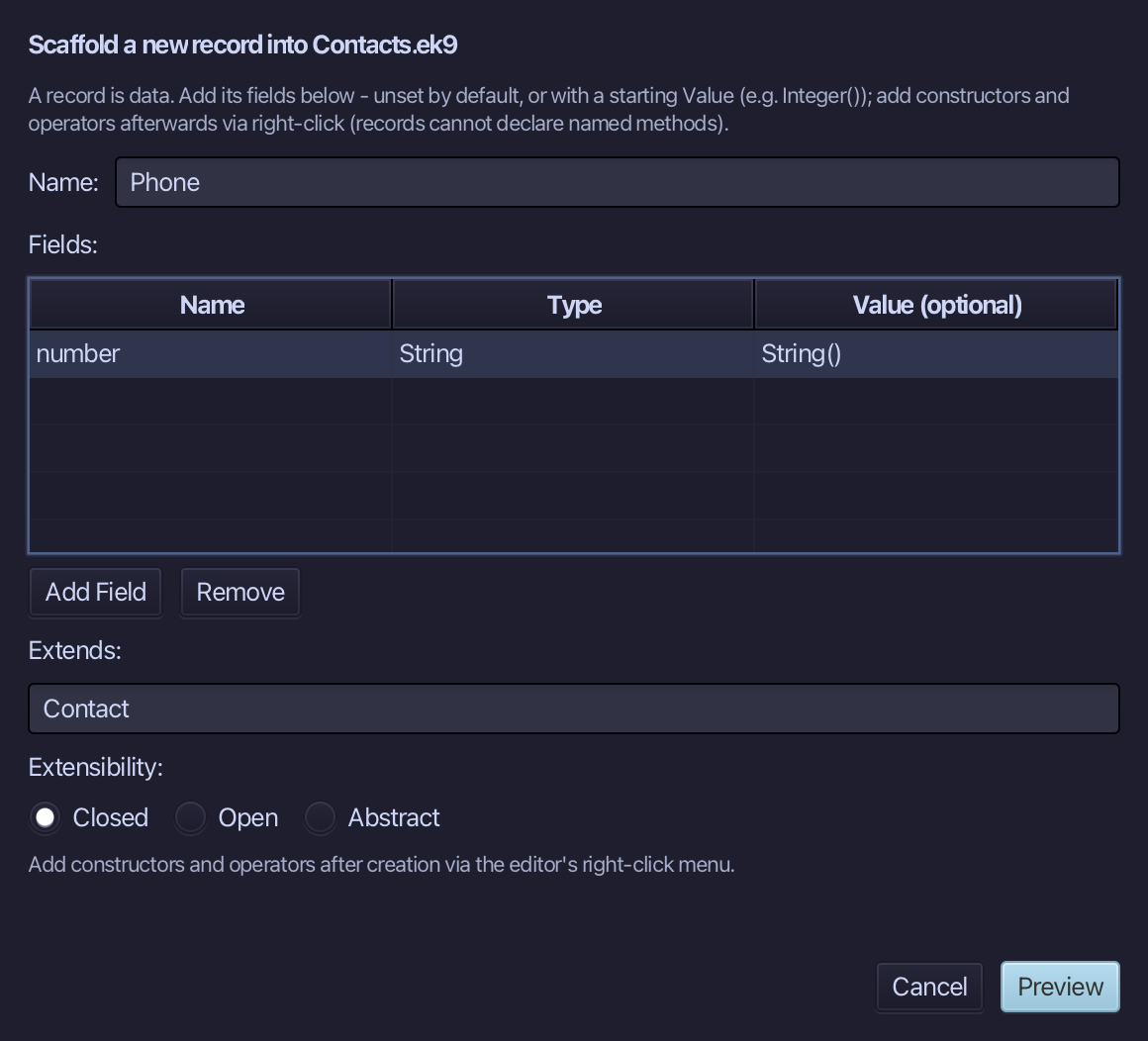
The preview shows Phone extends Contact, with its own override operator $. Choose Apply.
Right-click the Phone line and choose Add Constructor > From All Fields (pure).
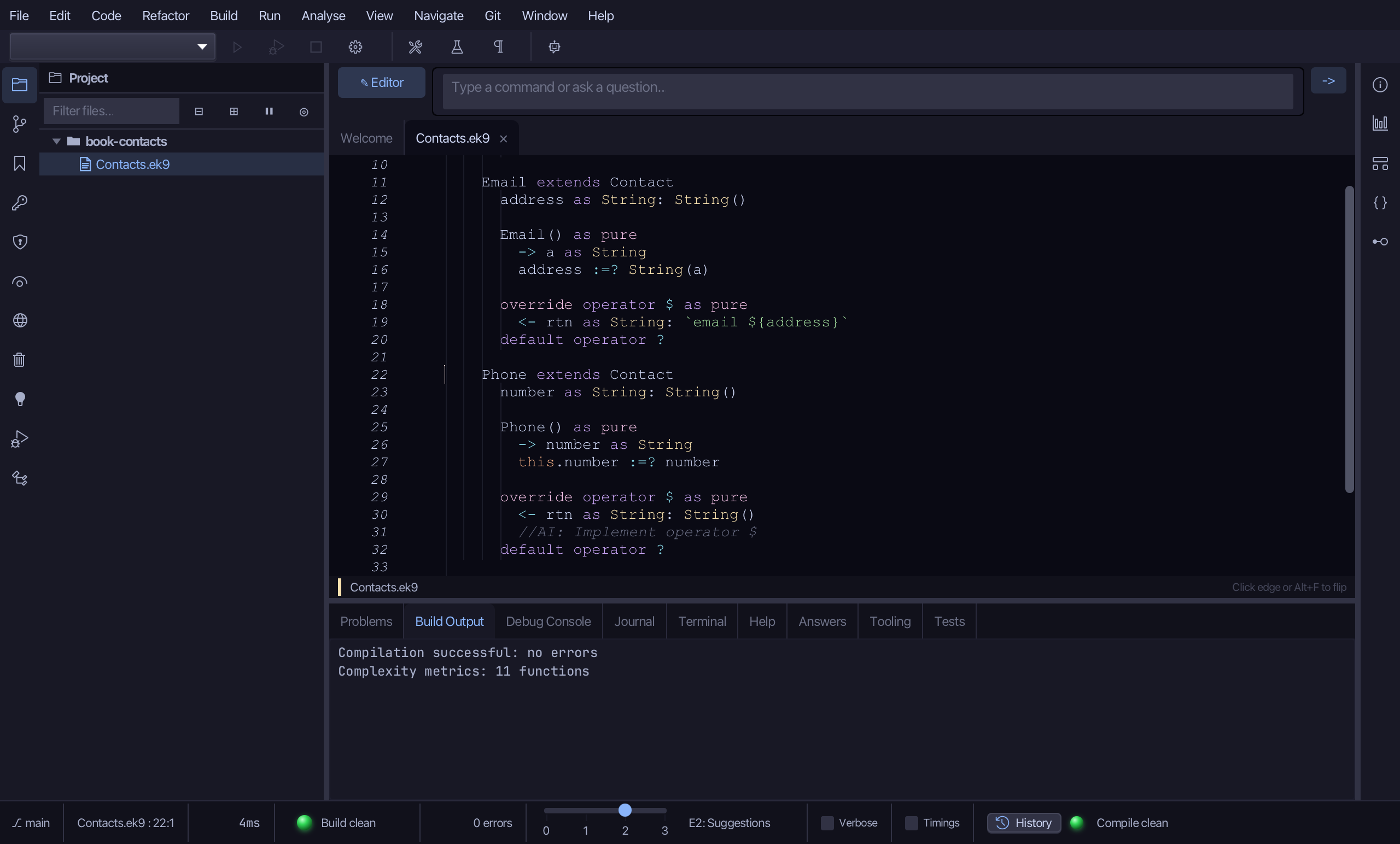
Select the stub, from Phone() as pure down to its assignment, and type the constructor: n in, number set with :=?. Saves when typed.
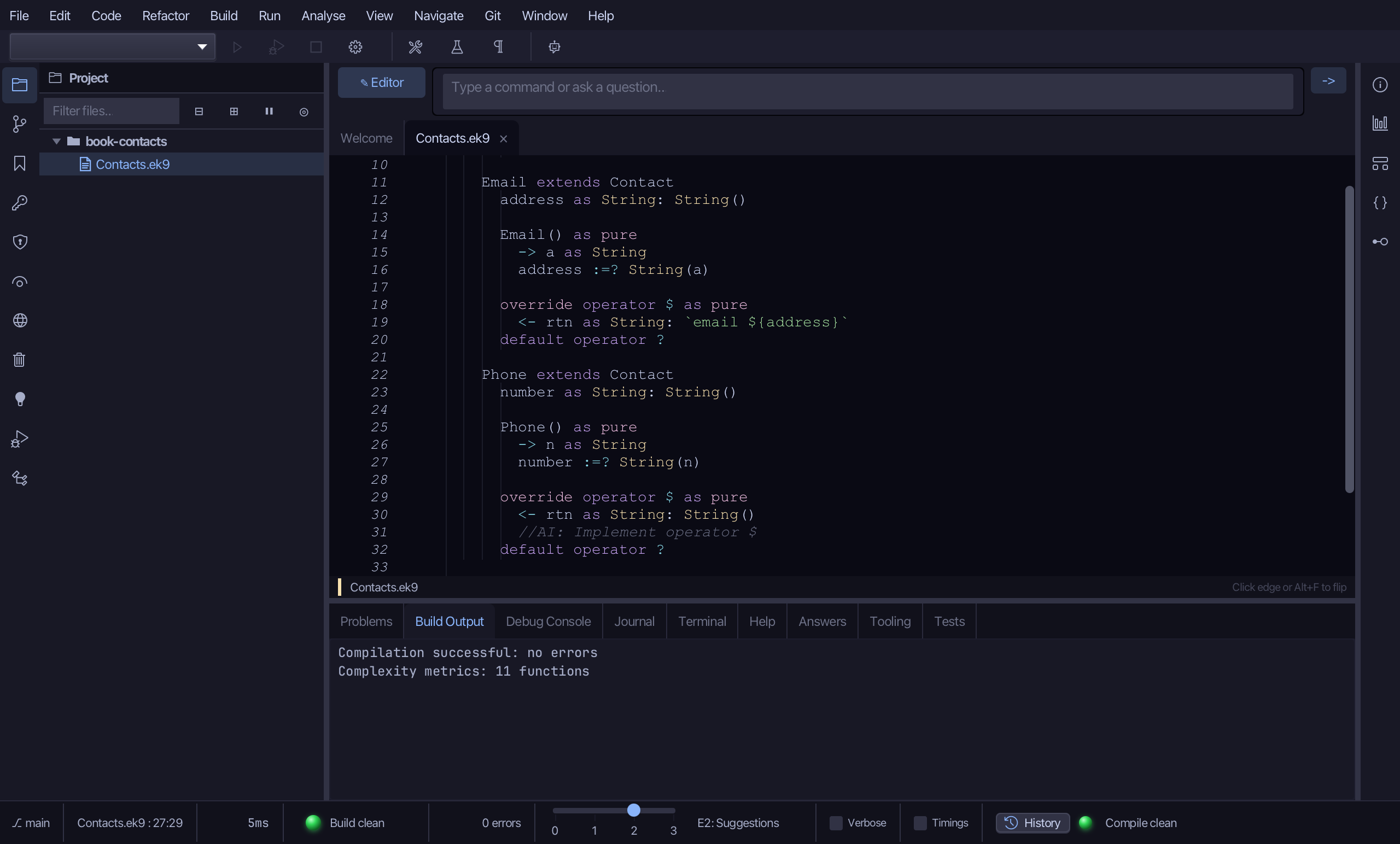
Select the $ stub and type how a phone number prints. Saves when typed.
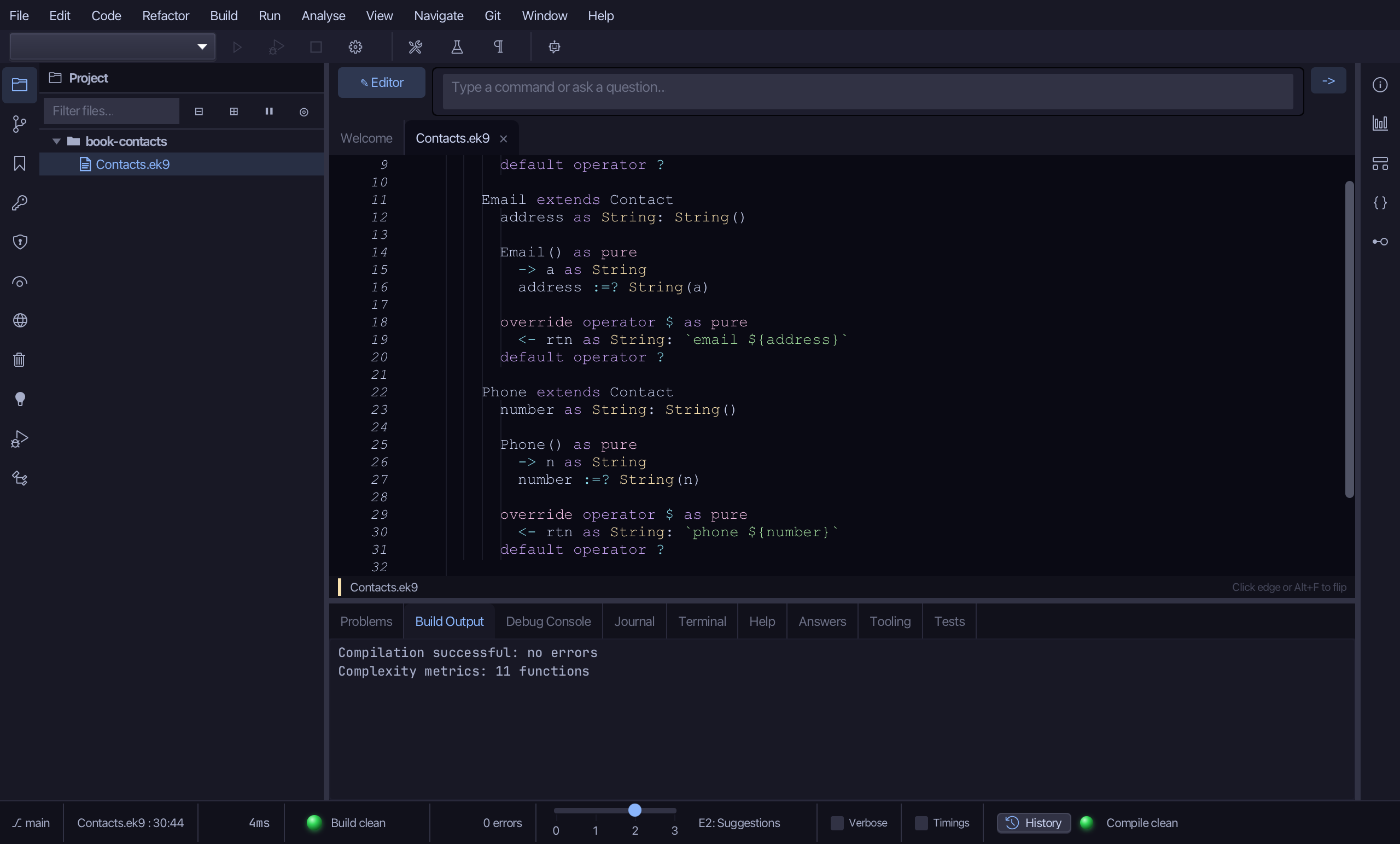
Step 4: One list, two kinds
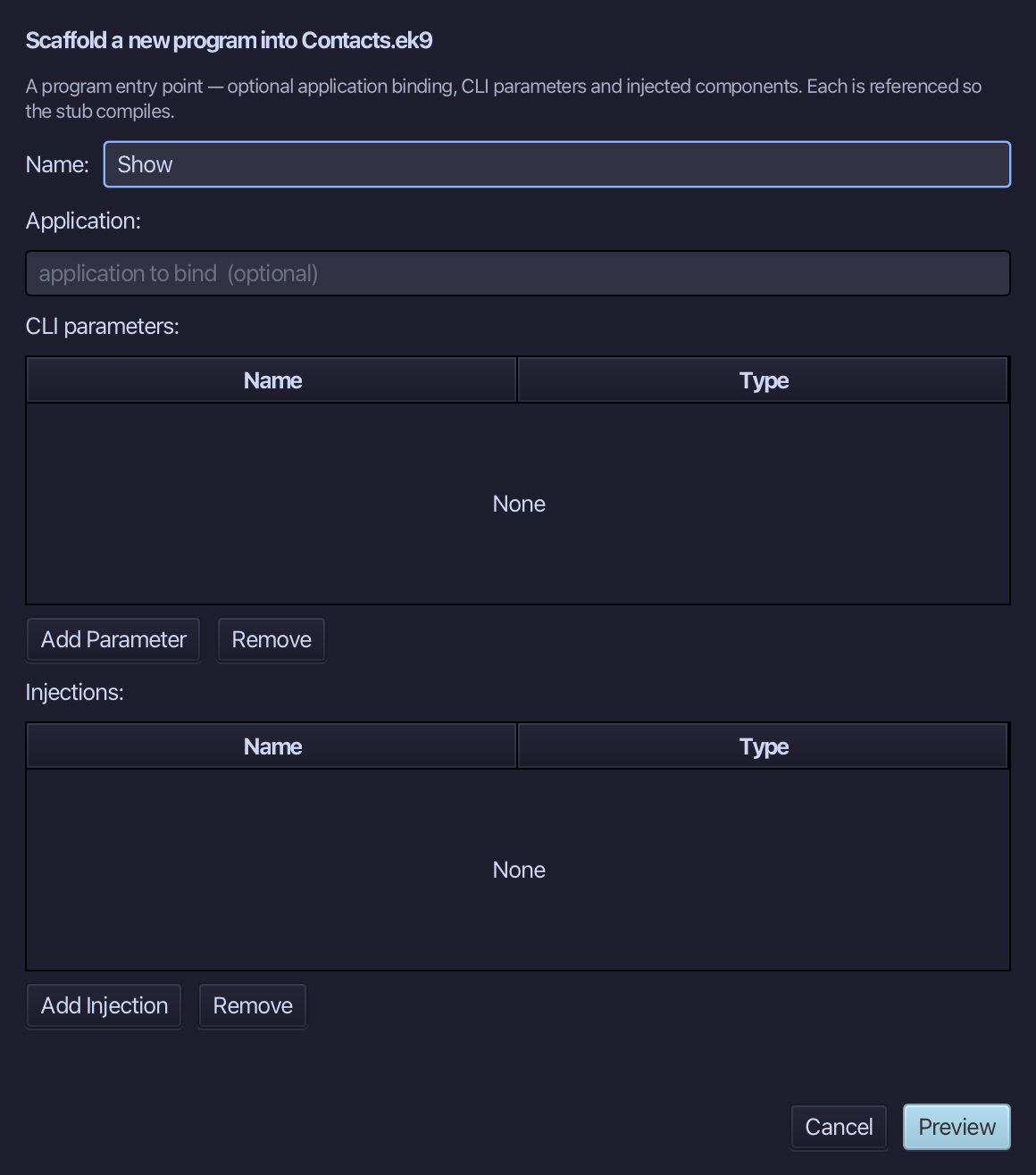
Choose Code > New Construct > Program…
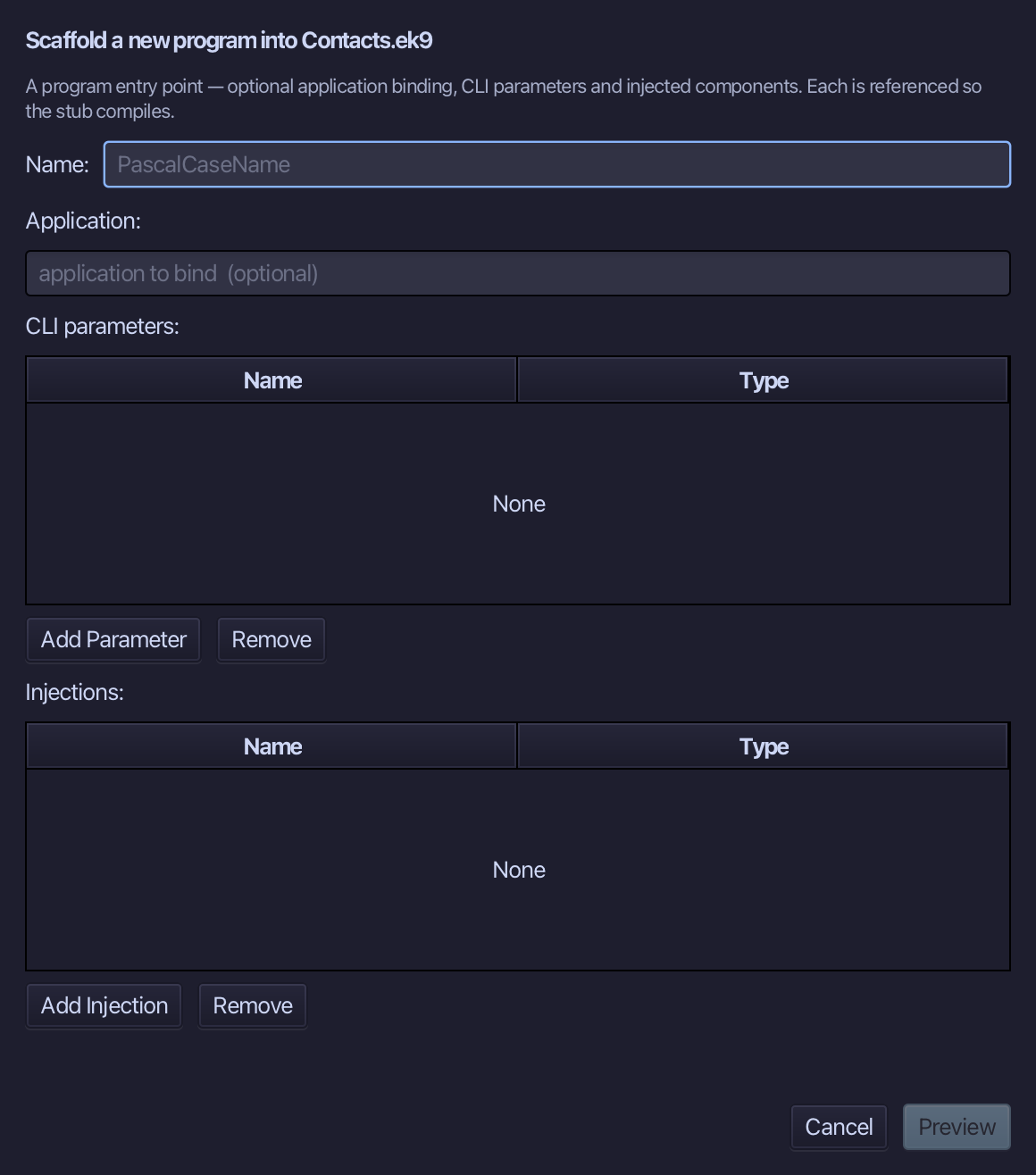
Show is the program's name. Type Show and choose Preview.
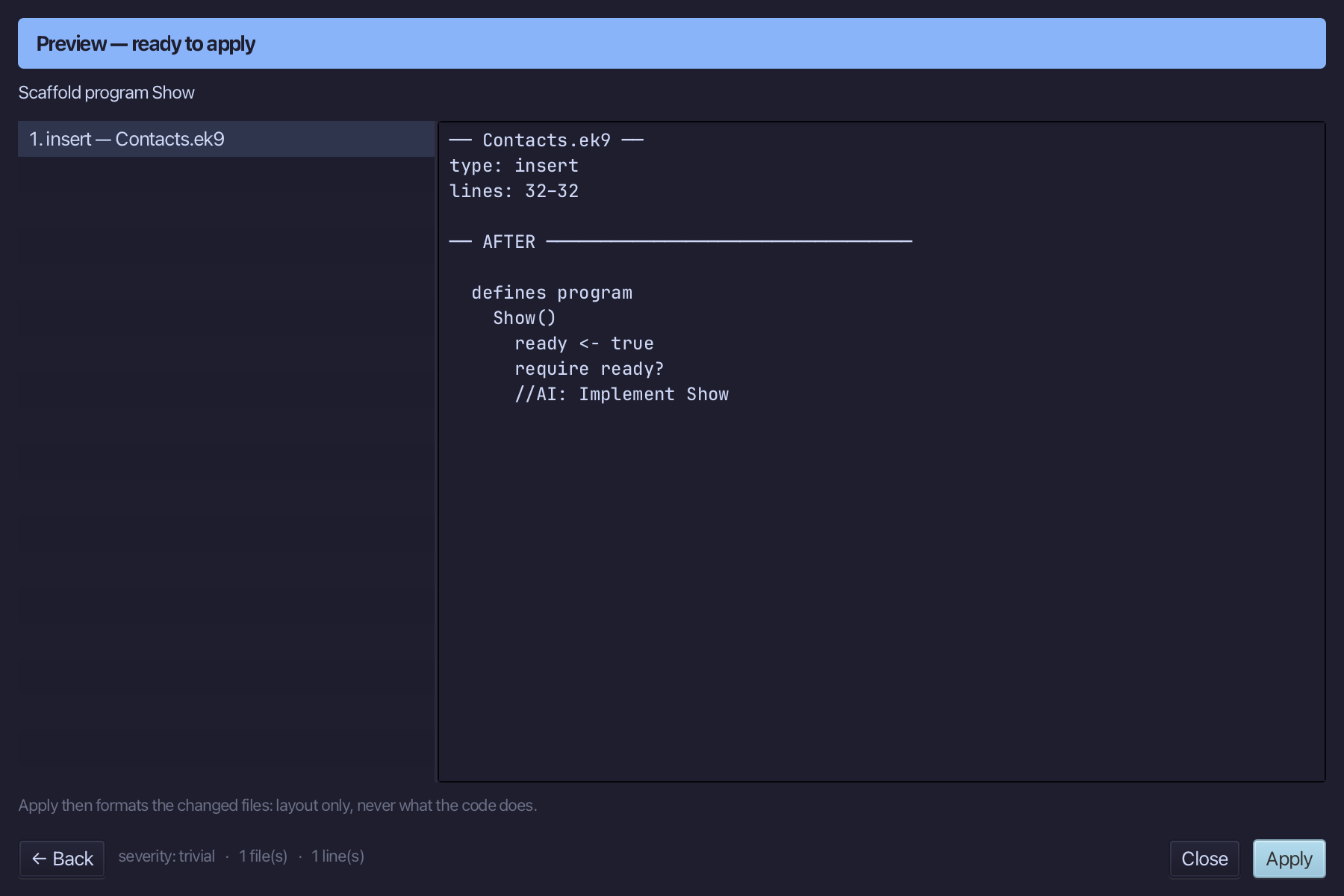
The preview shows Show about to be written. Choose Apply.
Select the stub, from ready <- true down to its //AI line, and type Show's body: a List of Contact holding an Email and a Phone, printed in a loop. Saves when typed.
Step 5: Run it
Choose Run > Run Program…
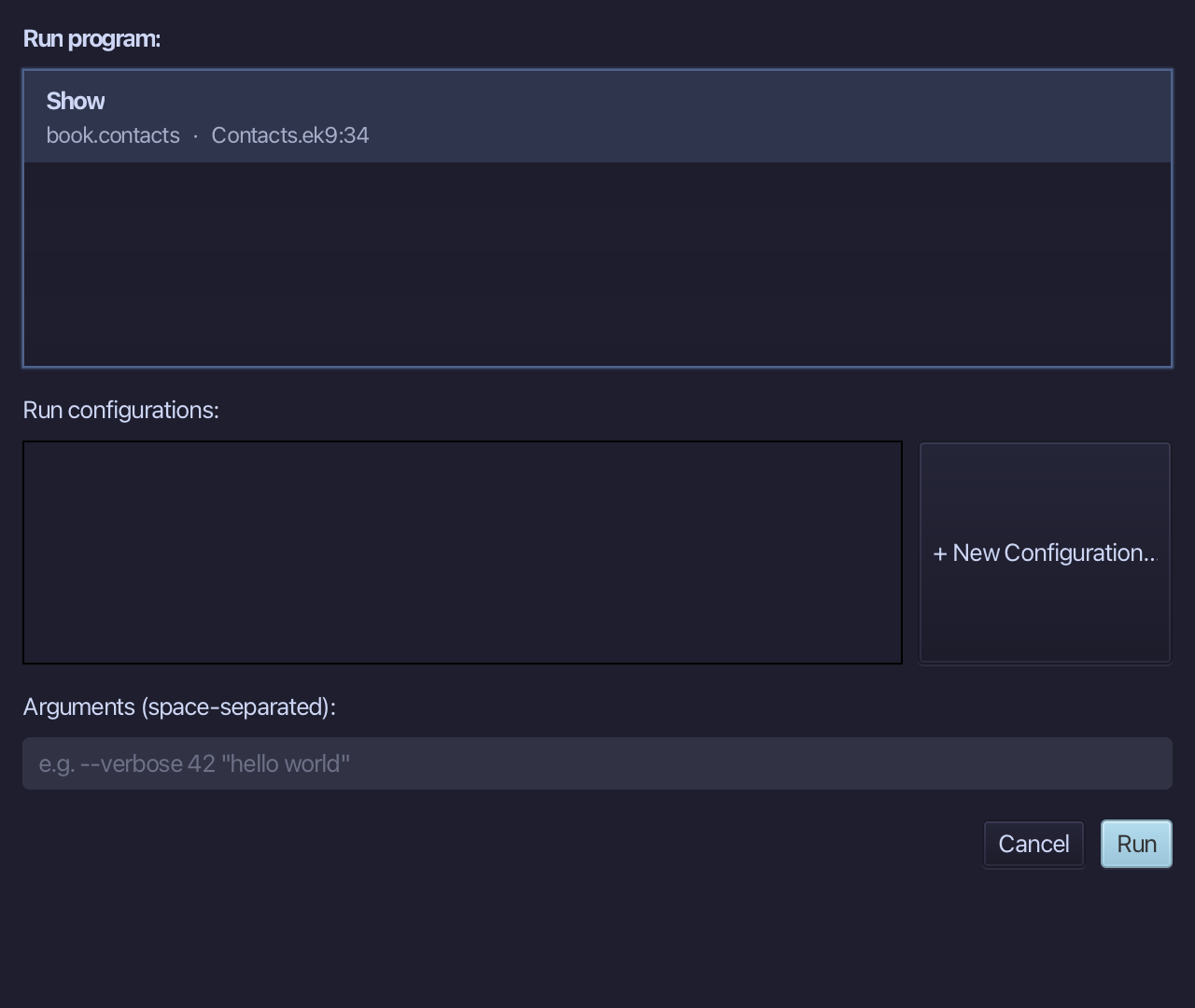
The project's only program is already chosen. Choose Run.
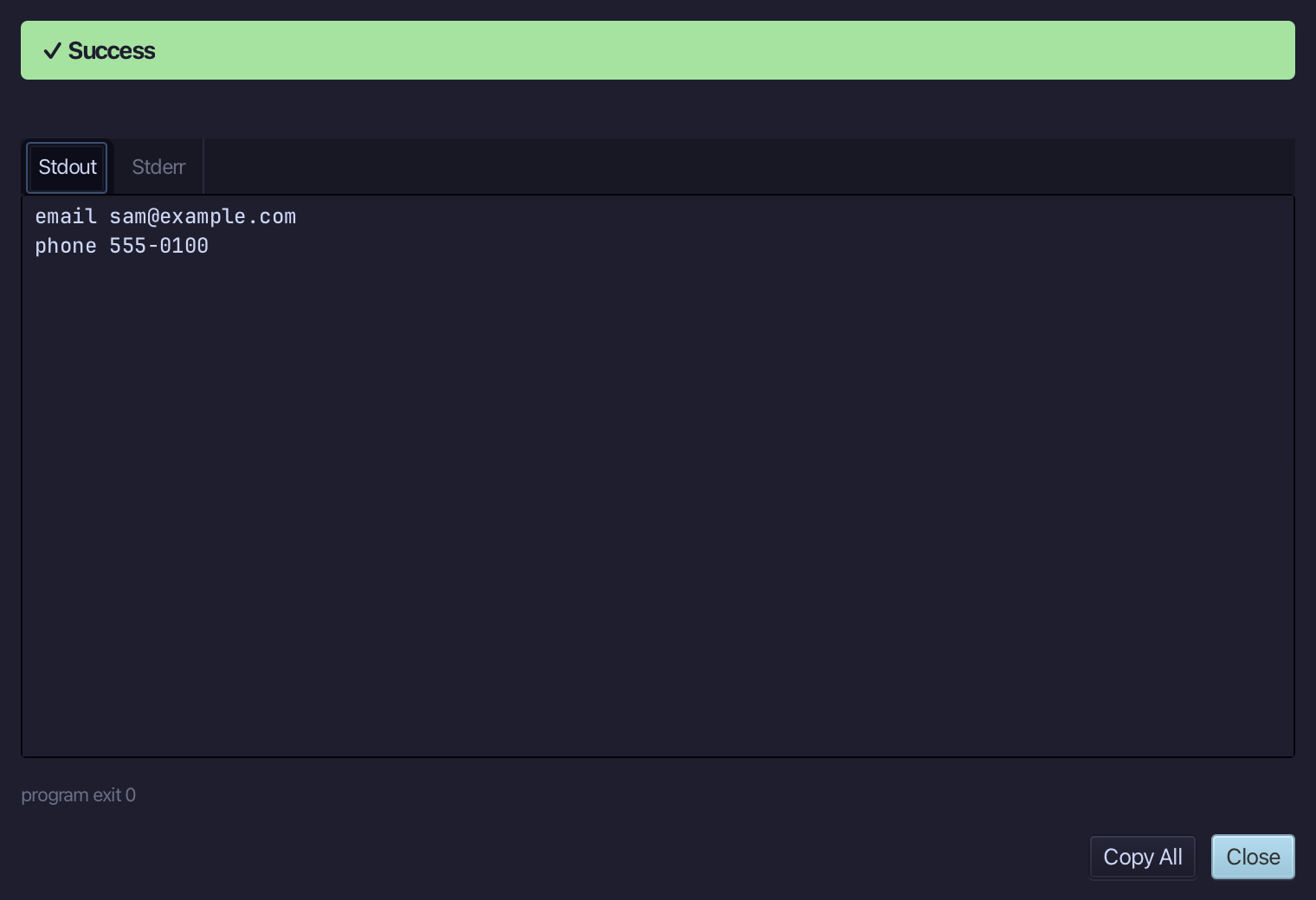
email sam@example.com, then phone 555-0100 - one List of Contact, each element printing itself its own way. Choose Close.
The result
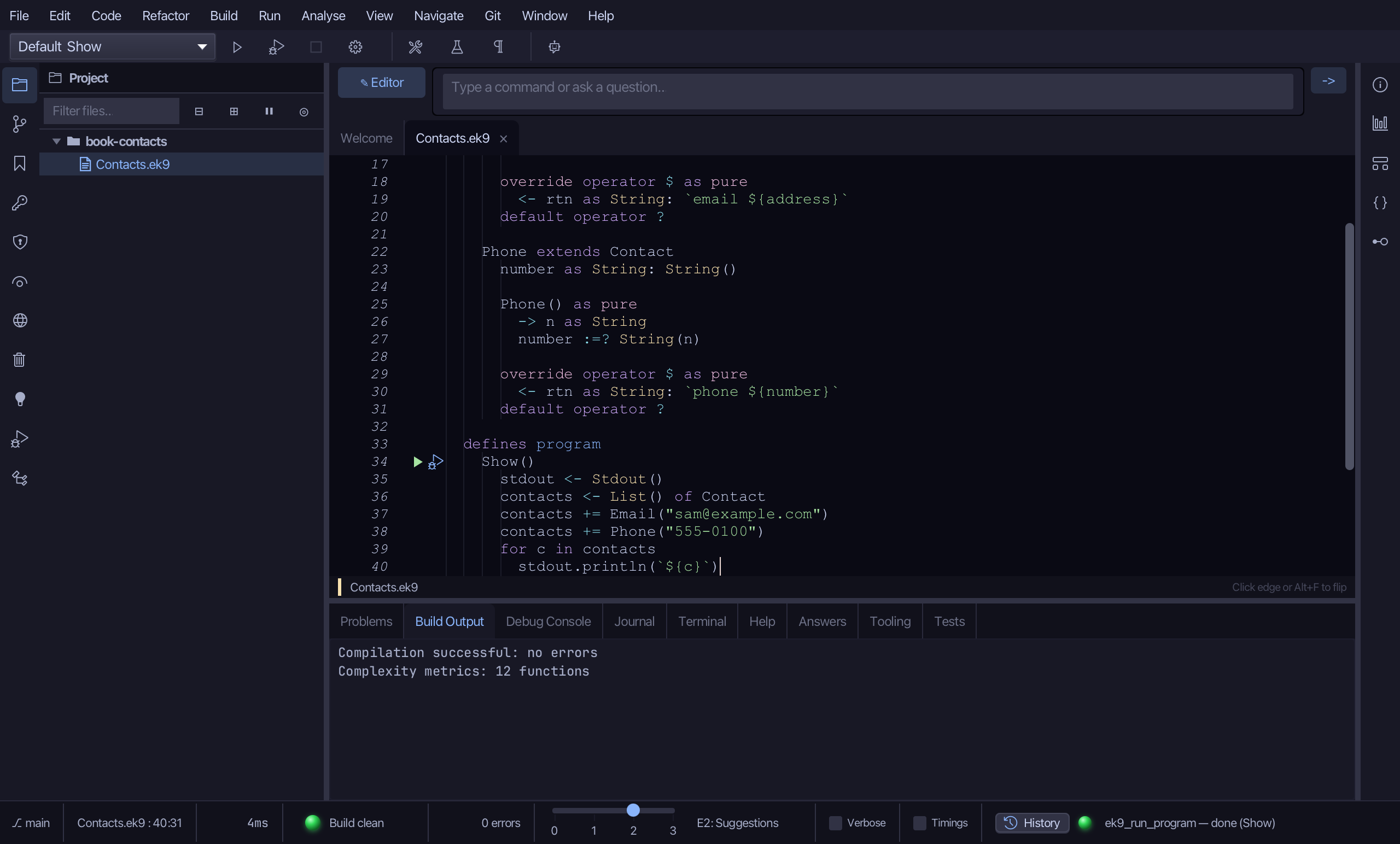
Contacts.ek9 now reads exactly as chapter 17 of Getting Started with EK9 shows it: Contact is an abstract record whose $ every subtype must supply, and one List of Contact holds an Email and a Phone that each print their own way. New Construct ▸ Record… with an Extends: parent wrote each subtype's override operator $ itself, so the subtype compiled the moment it existed. AI assistants use ek9_new_construct, ek9_add_operator, ek9_add_constructor and ek9_add_program.
Where this lesson comes from
- For AI assistants - the MCP tool
ek9_new_construct,ek9_add_operator,ek9_add_constructor,ek9_add_program.
In the EK9 reference: Inheritance in EK9