Rename File / Move File
Rename File and Move File relocate a file on disk, contents untouched - Rename edits the basename in place and enforces the .ek9 extension; Move edits the whole workspace-relative path, into another directory if you like, for any file. Here caller.ek9 references greet() from greeting.ek9; watch it keep resolving as greeting.ek9 is renamed, then moved. To play it in the IDE: Help > Lessons > Refactoring…, or ek9 -ide -lesson rename-and-move-file.
Start from
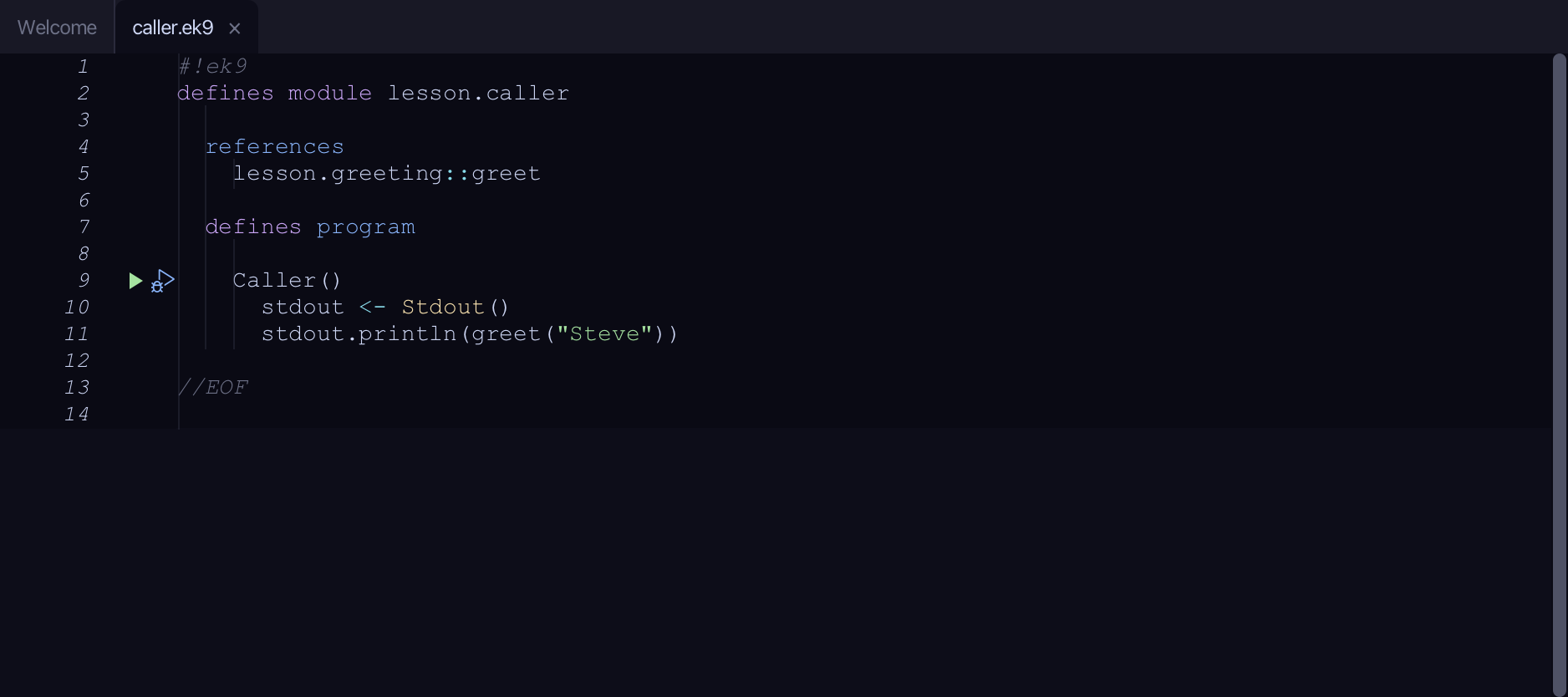
The code the lesson starts from: copy it into a file of your own and follow the steps.
caller.ek9
#!ek9
defines module lesson.caller

  references
    lesson.greeting::greet

  defines program

    Caller()
      stdout <- Stdout()
      stdout.println(greet("Steve"))

//EOF
greeting.ek9
#!ek9
defines module lesson.greeting

  defines function

    greet() as pure
      -> name as String
      <- rtn as String: `Hello, ${name}!`

//EOF
Step 1: Rename it
In the Project panel, right-click greeting.ek9, choose Rename File…, replace the name with greetings.ek9 and choose OK.

Step 2: Move it
In the Project panel, right-click greetings.ek9, choose Move File…, replace the path with lib/greetings.ek9 and choose OK.

The result
That is Rename File and Move File: greeting.ek9 is now lib/greetings.ek9, and caller.ek9 - which never changed - still resolves greet() exactly as before. EK9 module identity comes from the file's own 'defines module' line, never its name or directory, so neither tool touches a single byte of content; renaming enforces the .ek9 extension on both ends, moving any file does not. Both commit the instant you choose OK - the path you typed is the confirmation, with no further preview - except the one hard block neither offers a way round: a dev/ file still holding @Test or assert cannot leave for production*. They are on the Project panel's right-click menu for any file; AI assistants use the ek9_rename_file / ek9_move_file tools.
Where this lesson comes from
- For AI assistants - the MCP tool
ek9_rename_file,ek9_move_file.