Chapter 32: a catch that names its type, built
A catch names the type it handles, and only that type - and what it does not name goes on to the next enclosing try. Here charge throws a plain Exception for a negative amount and a CardDeclined for zero; the inner catch takes only the second, so the first escalates to the outer one. The IDE writes the class (as open, extending Exception), its default isSet operator, charge's signature and the program's shell; you type the constructor that hands its reason to Exception, the two throws and the two tries. To play it in the IDE: Help > Lessons > EK9 in Depth…, or ek9 -ide -lesson depth-narrow-catch.
What you'll build
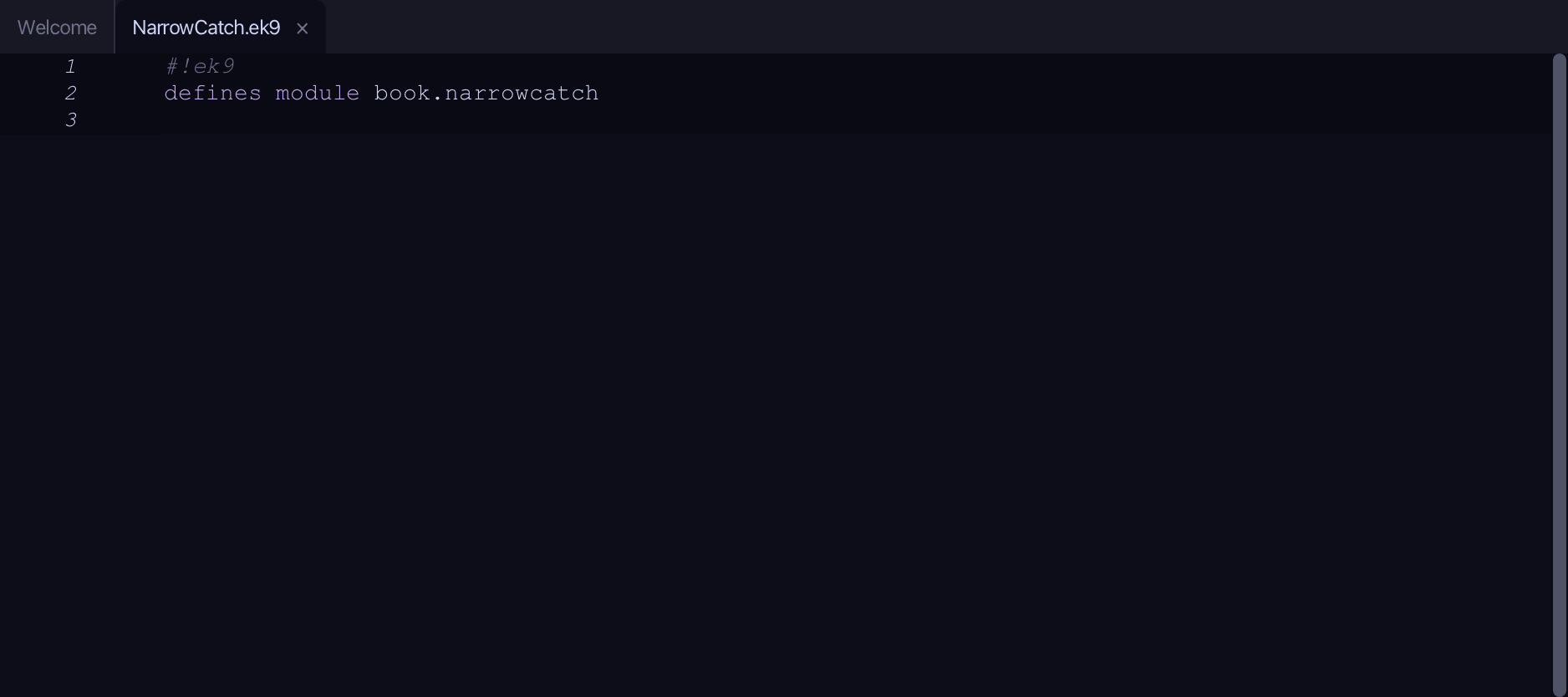
The lesson builds this program from a file holding only its module line - the finished file, as the book prints it.
#!ek9
defines module book.narrowcatch

  defines class

    CardDeclined extends Exception as open
      CardDeclined()
        -> reason as String
        super(reason)

      default operator ?

  defines function

    charge()
      -> amount as Integer
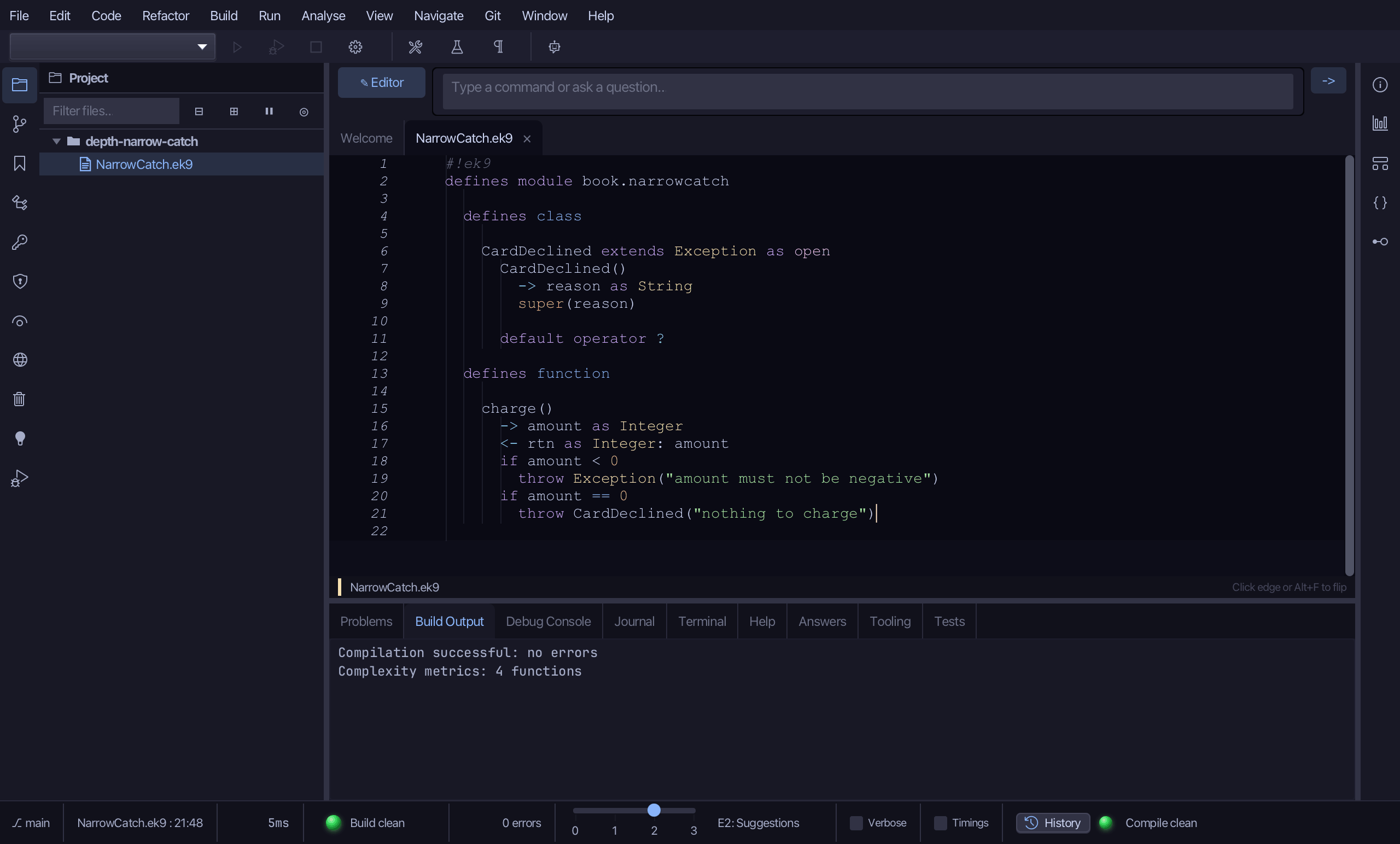
      <- rtn as Integer: amount
      if amount < 0
        throw Exception("amount must not be negative")
      if amount == 0
        throw CardDeclined("nothing to charge")

  defines program

    NarrowCatch()
      stdout <- Stdout()
      try
        for amount in [0, -1, 5]
          try
            stdout.println(`charged ${charge(amount)}`)
          catch
            -> ex as CardDeclined
            stdout.println(`declined here: ${ex.reason()}`)
      catch
        -> ex as Exception
        stdout.println(`escalated: ${ex.reason()}`)
Step 1: CardDeclined — an exception of our own
Choose Code > New Construct > Class…
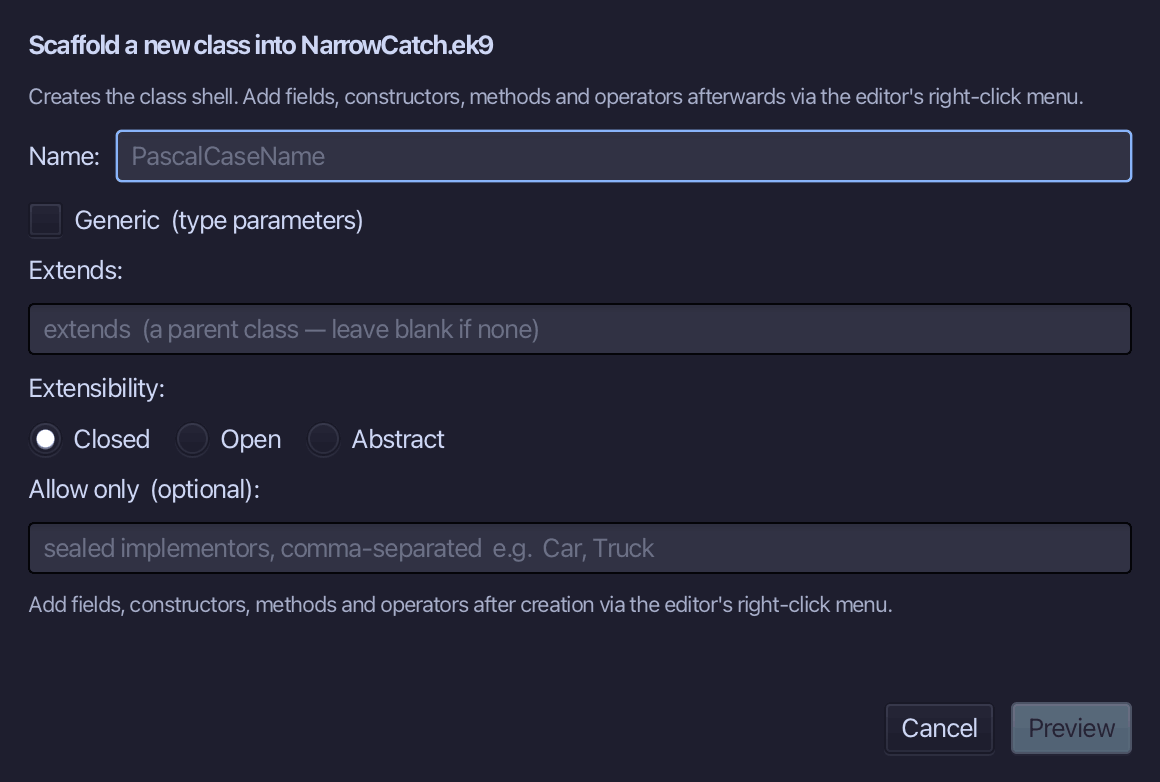
CardDeclined is the class's name. Choose Open under Extensibility - a class is closed to extension unless it says so. Type Exception into Extends. Choose Preview.
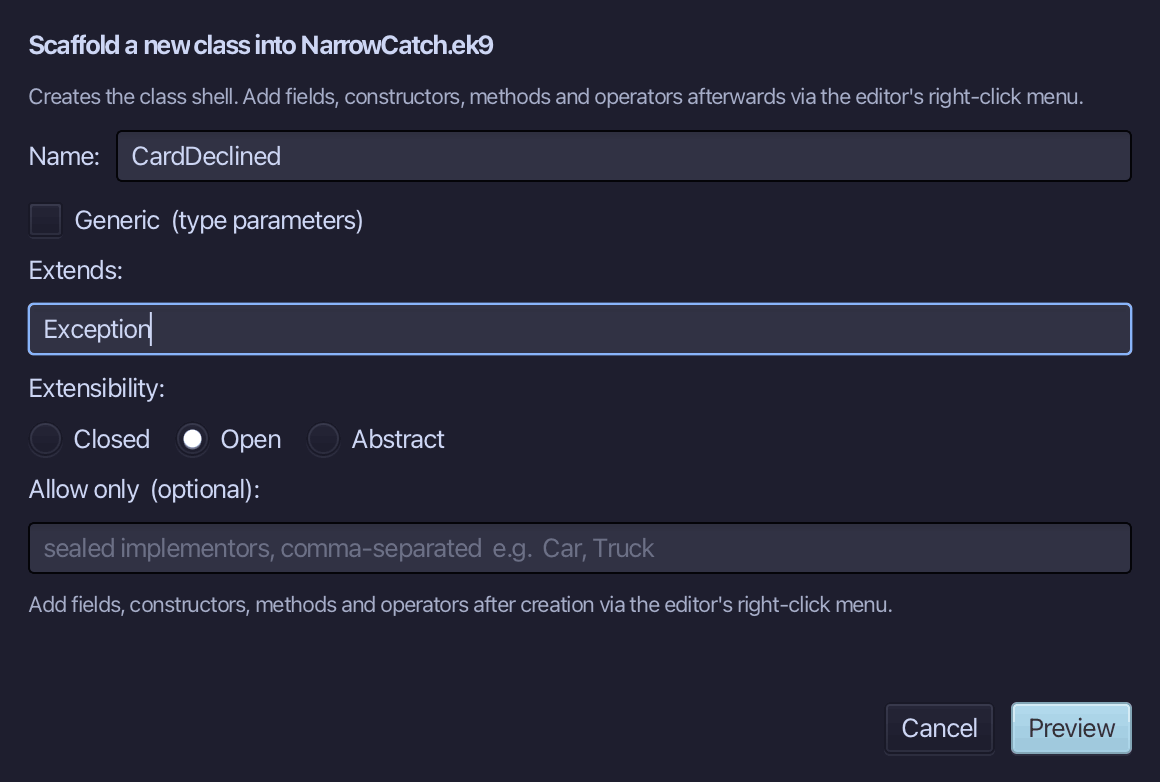
The preview shows CardDeclined about to be written - and, if Exception owes any methods, an override stub for each. Choose Apply.
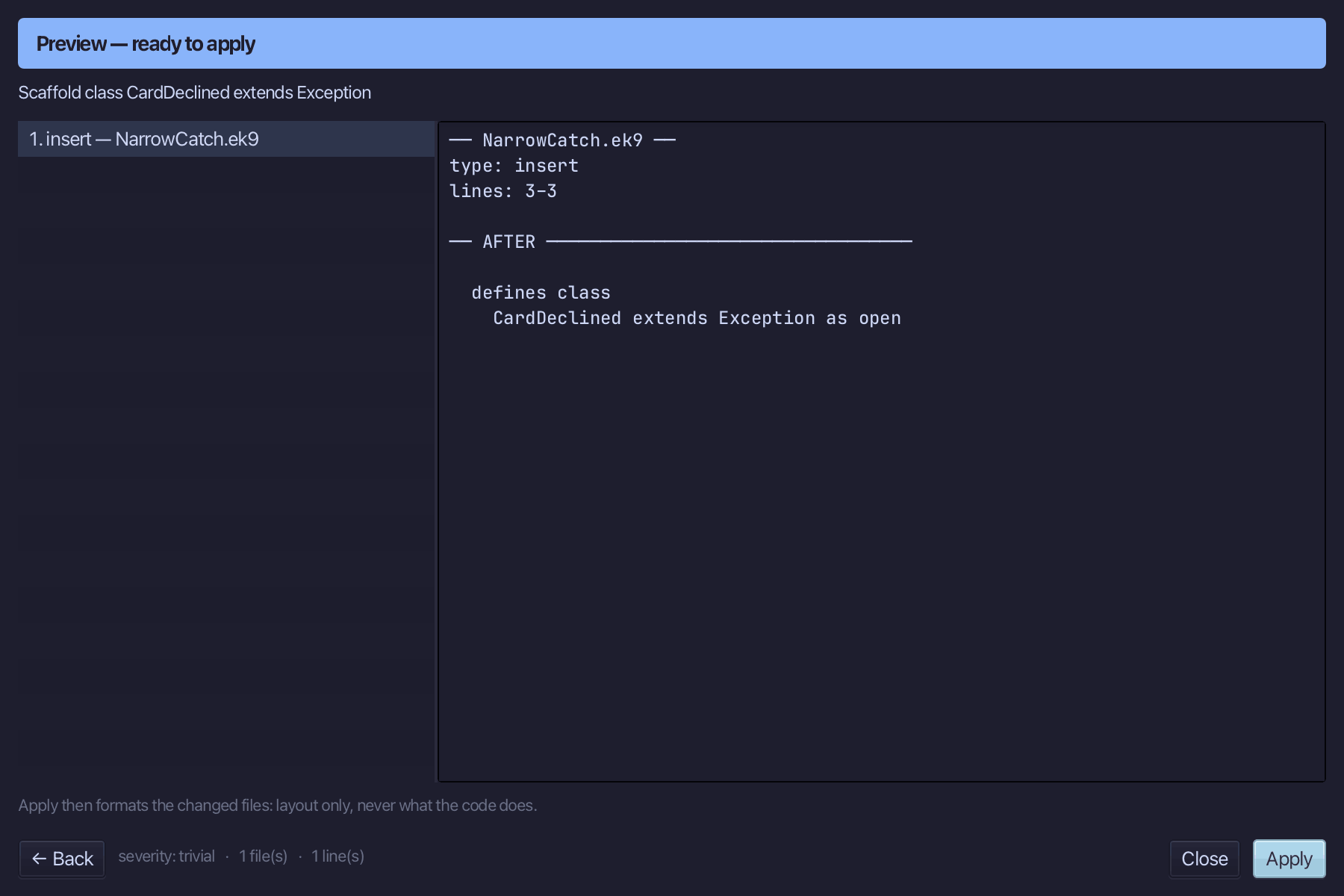
Select the CardDeclined line and, above it, type the blank line the book opens its first class with. Saves when typed.
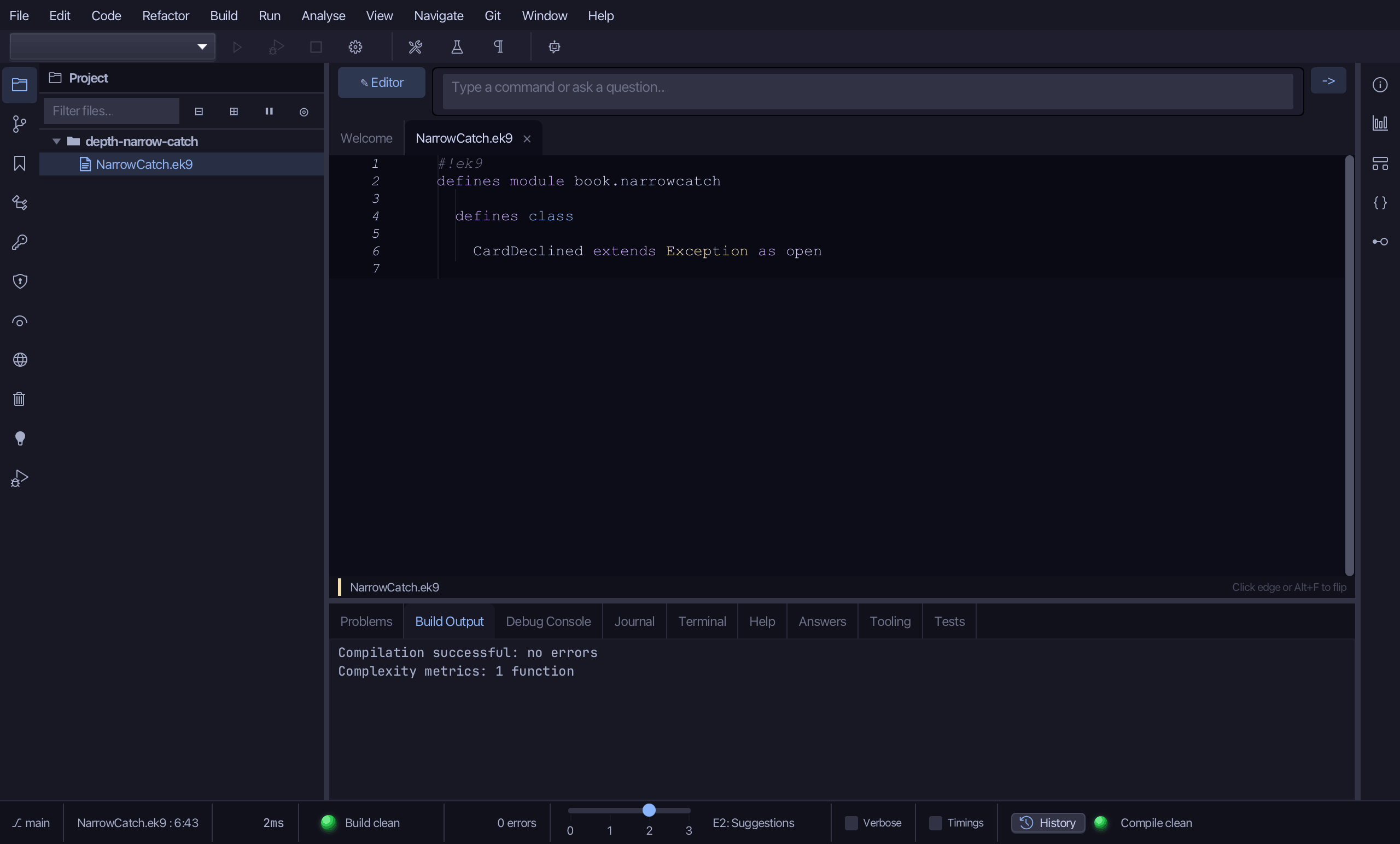
Right-click the CardDeclined line and choose Add Operator > ? (isSet) > default - the compiler writes the operator from the fields.
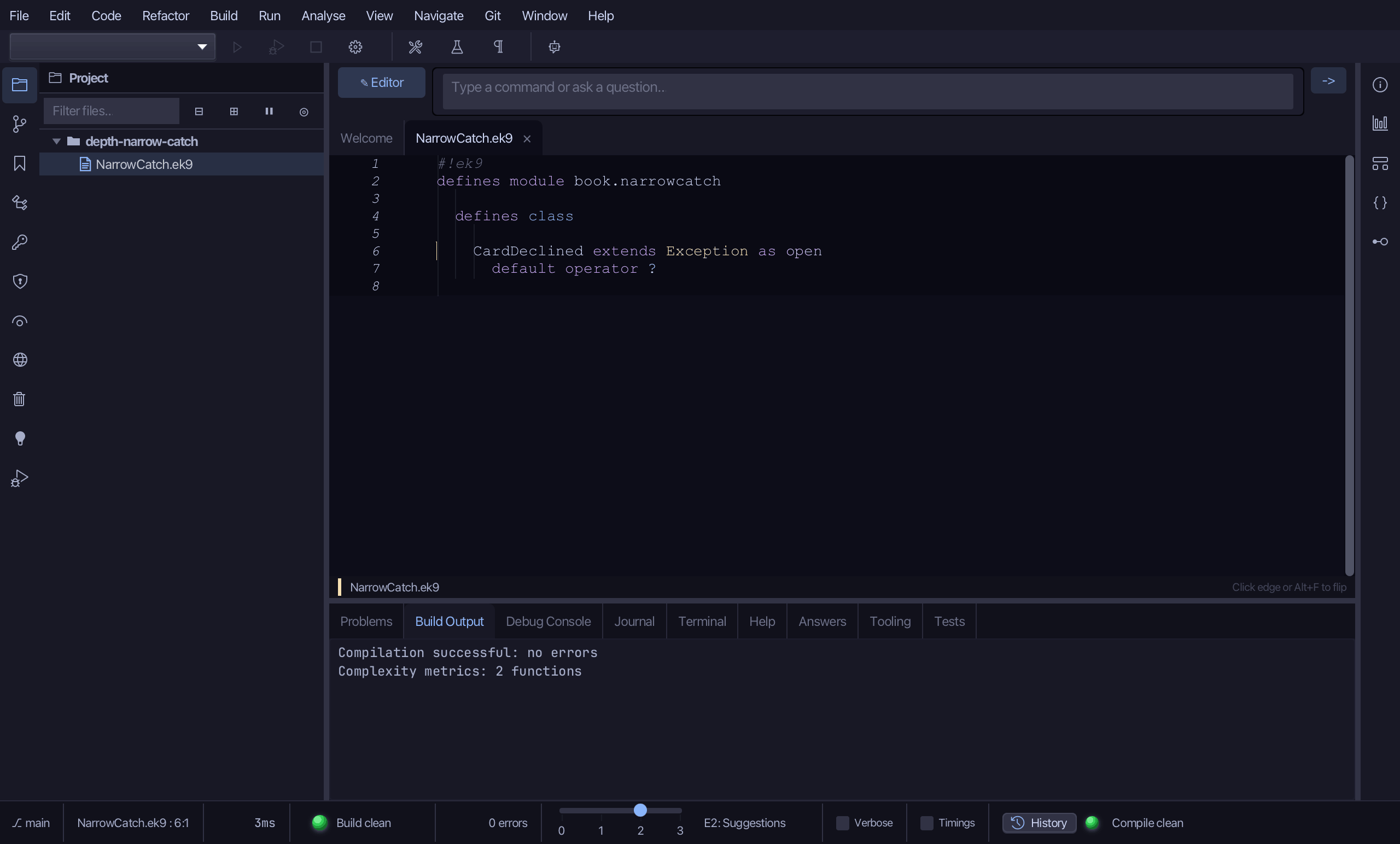
Below the class line, type the constructor: a reason in, handed to Exception's own constructor with super(...). No tool writes a constructor whose parameter is not a field. Saves when typed.
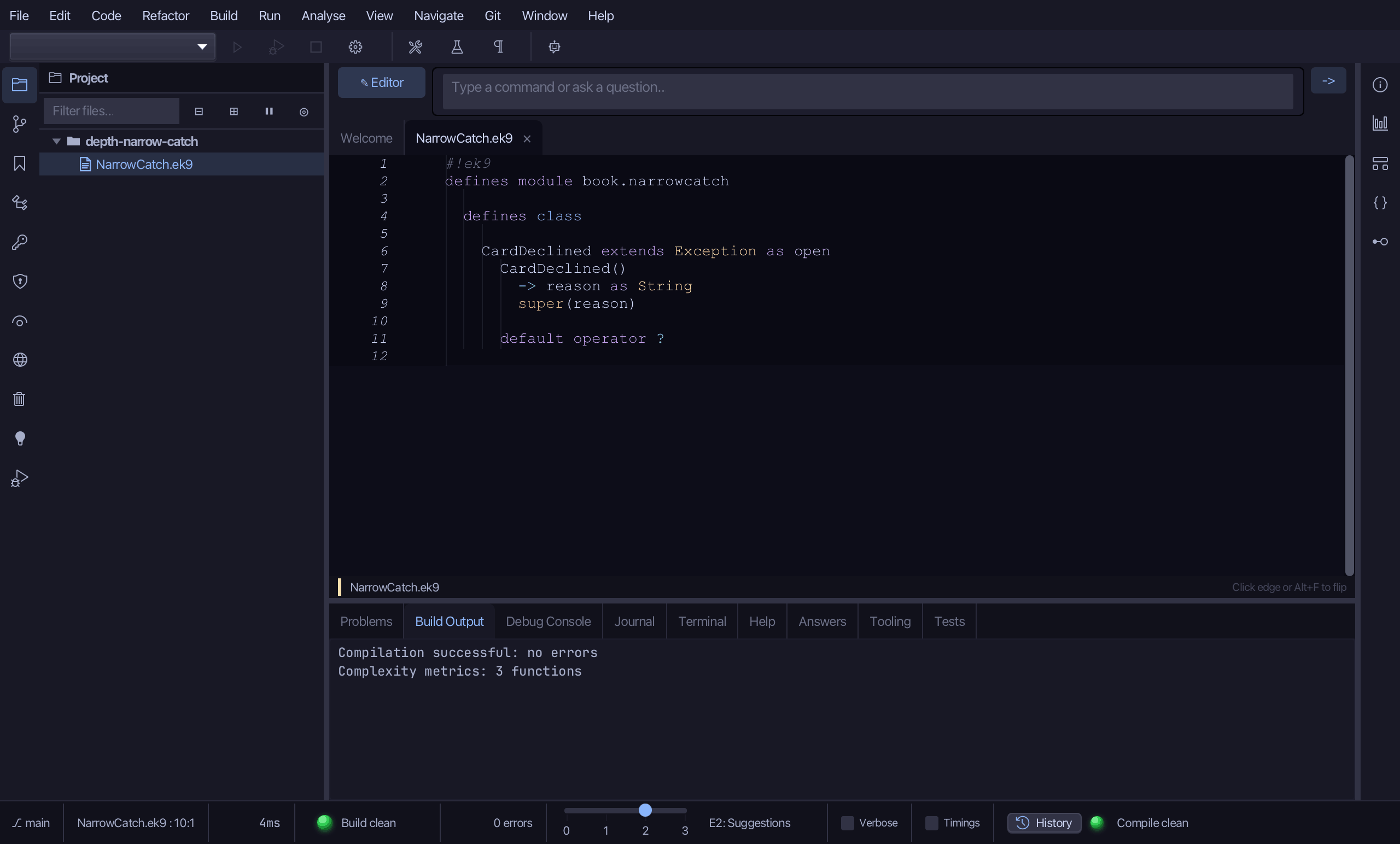
Step 2: charge — it throws two ways
Choose Code > New Construct > Function…
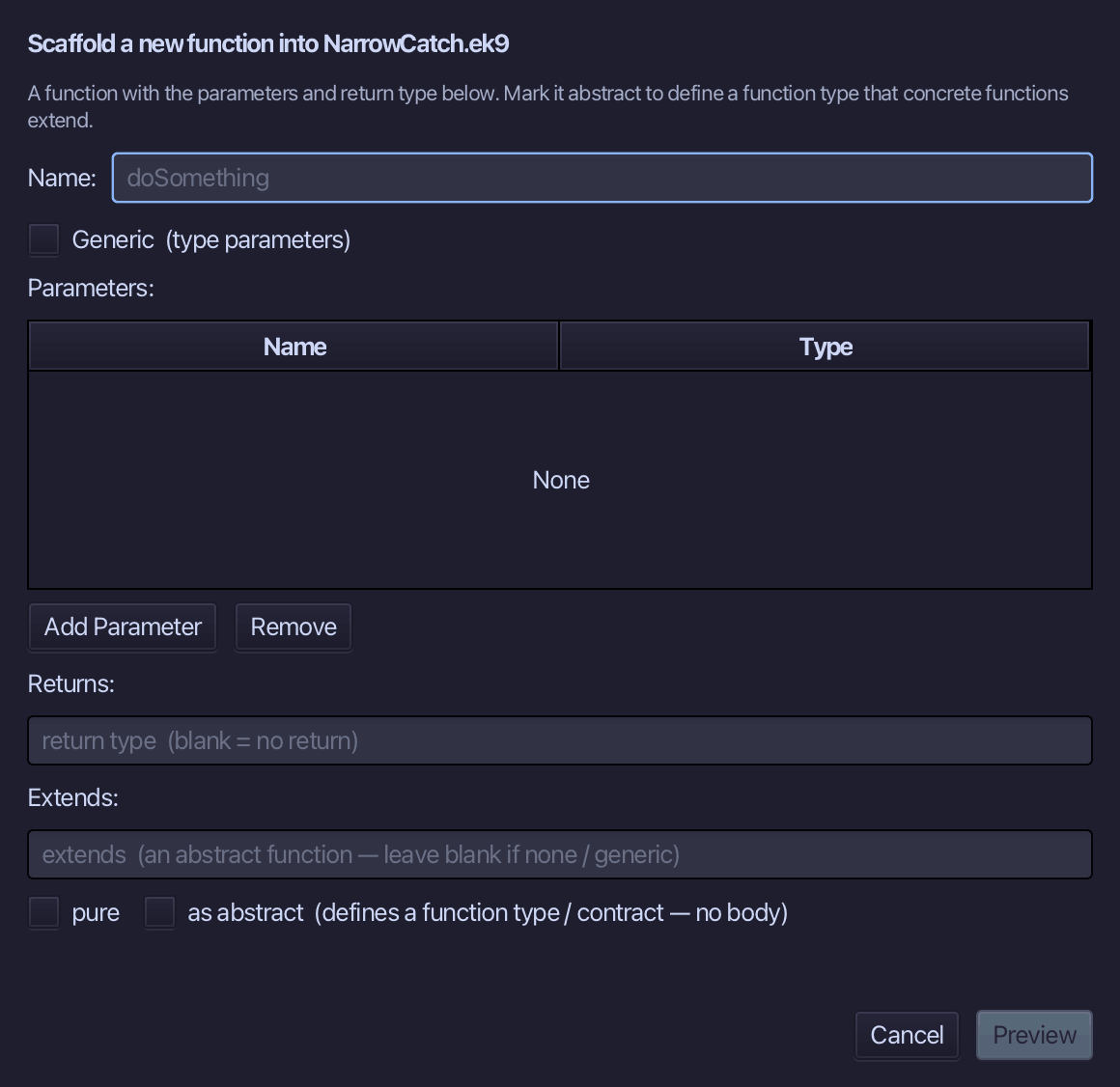
charge is the function's name. Add one parameter, amount of type Integer, set Returns to Integer. Choose Preview.
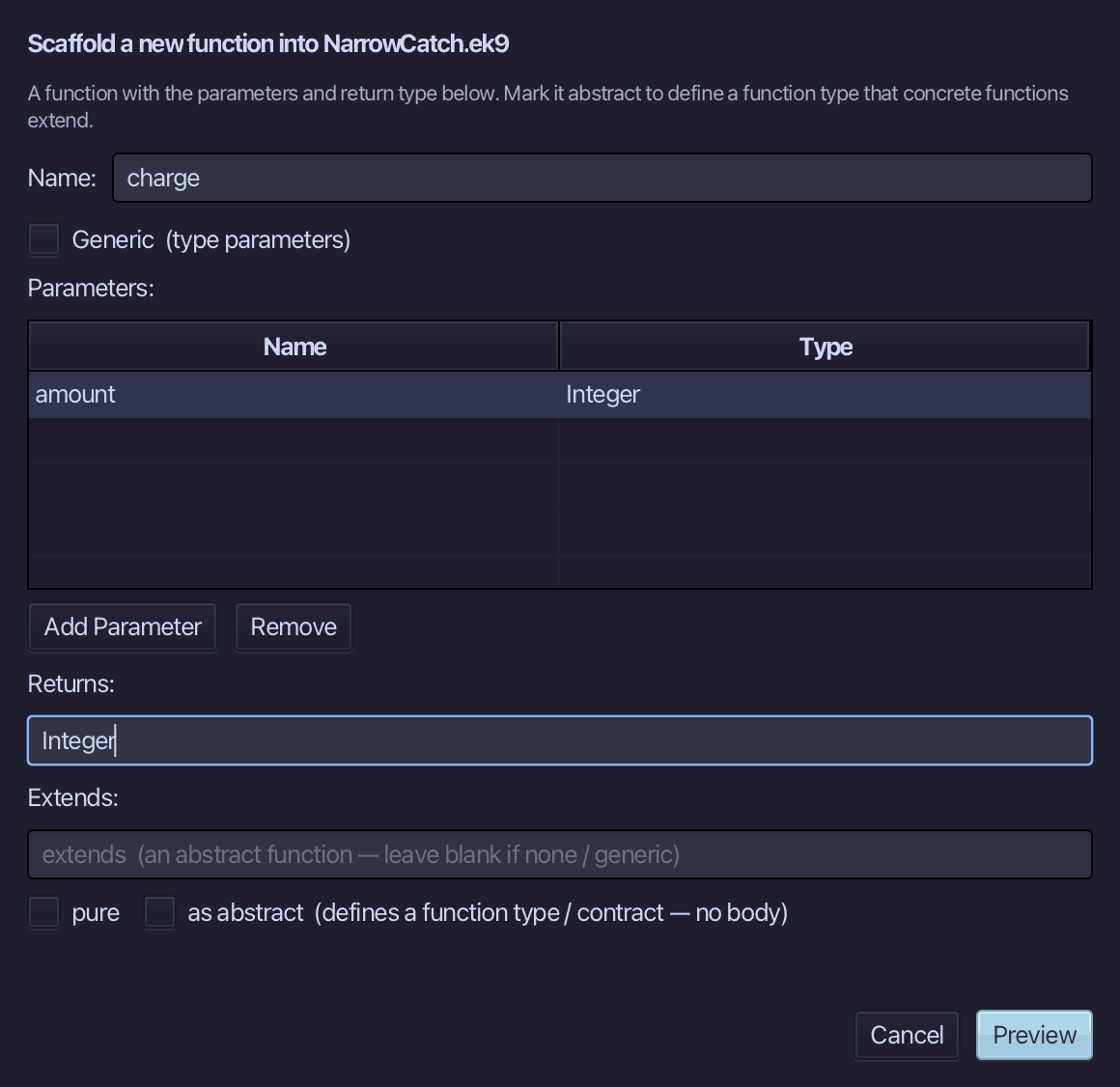
The preview shows charge about to be written. Choose Apply.
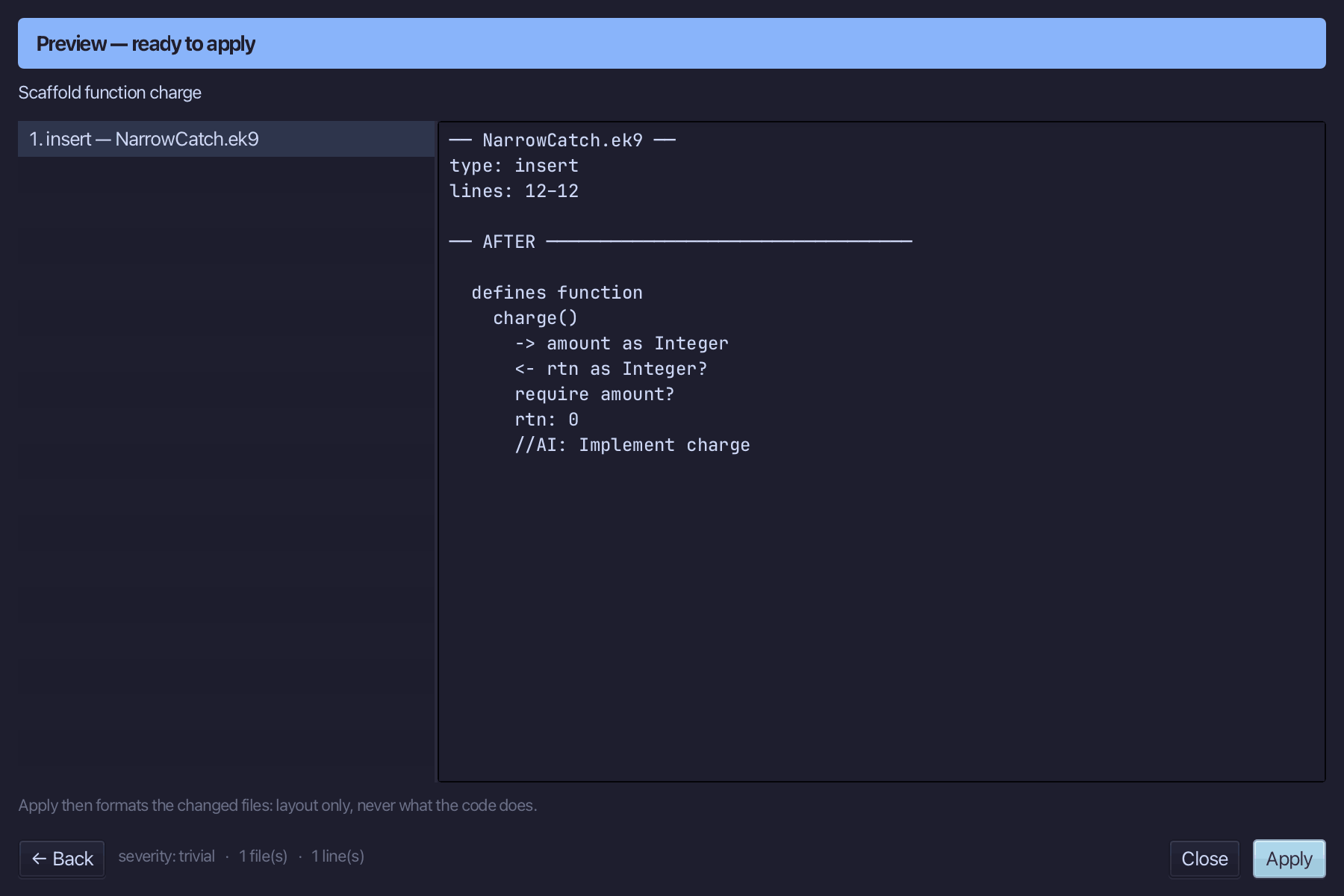
Select the charge() line and, above it, type the blank line the book opens its first function with. Saves when typed.
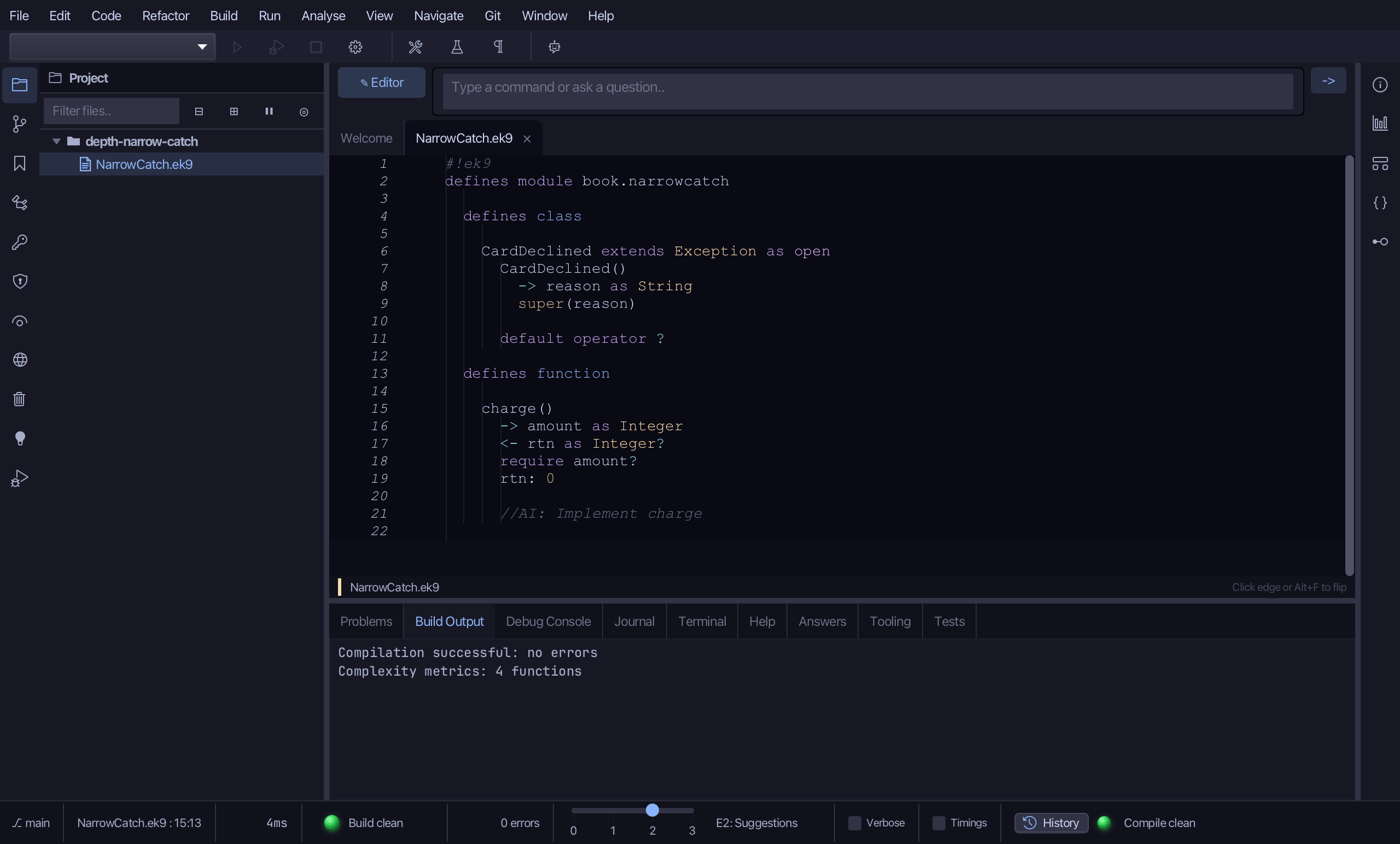
Select the stub, from <- rtn as Integer? down to its //AI line, and type charge's own return and work, as the book writes them. Saves when typed.
Step 3: The program
Choose Code > New Construct > Program…
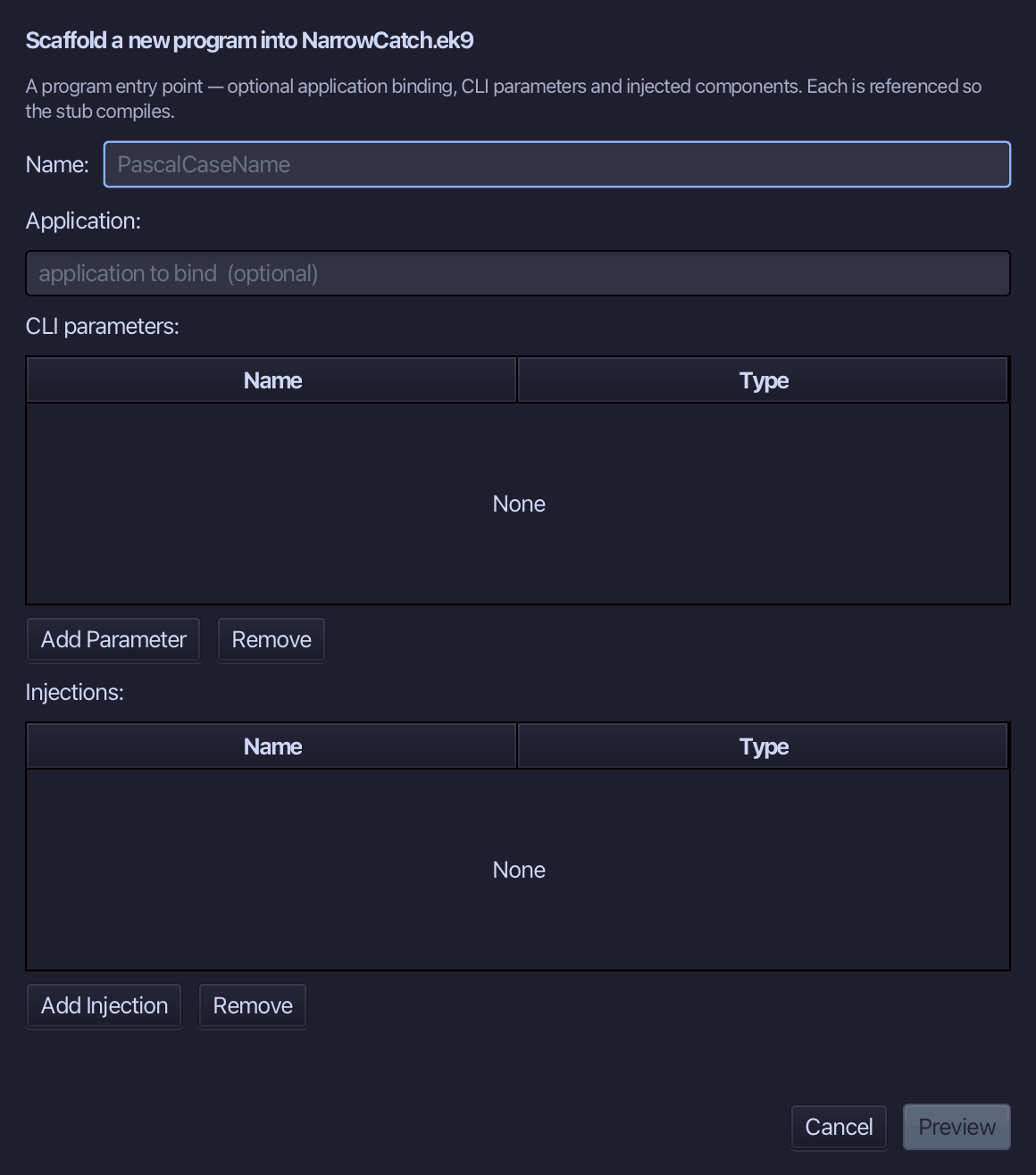
NarrowCatch is the program's name. Choose Preview.
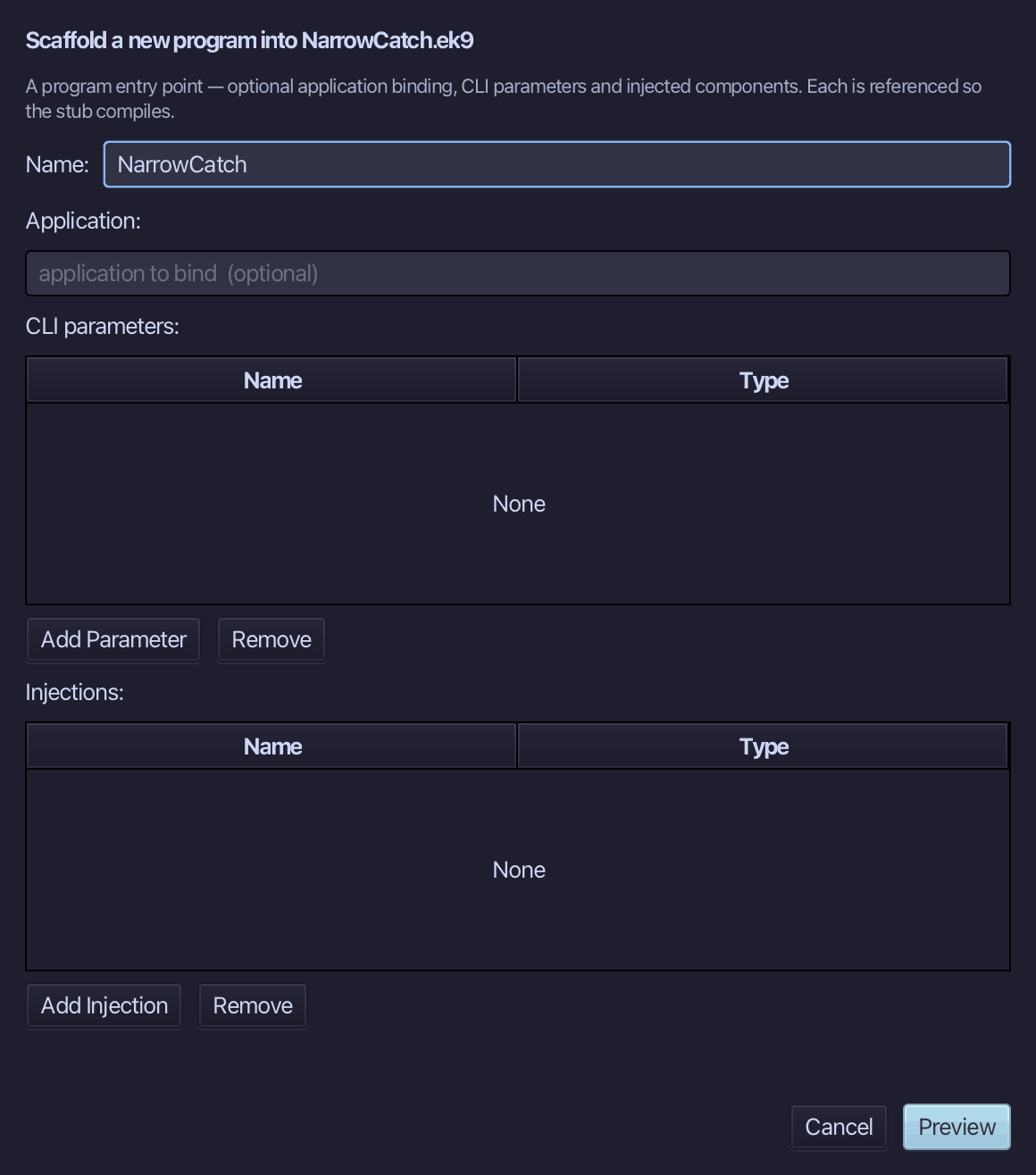
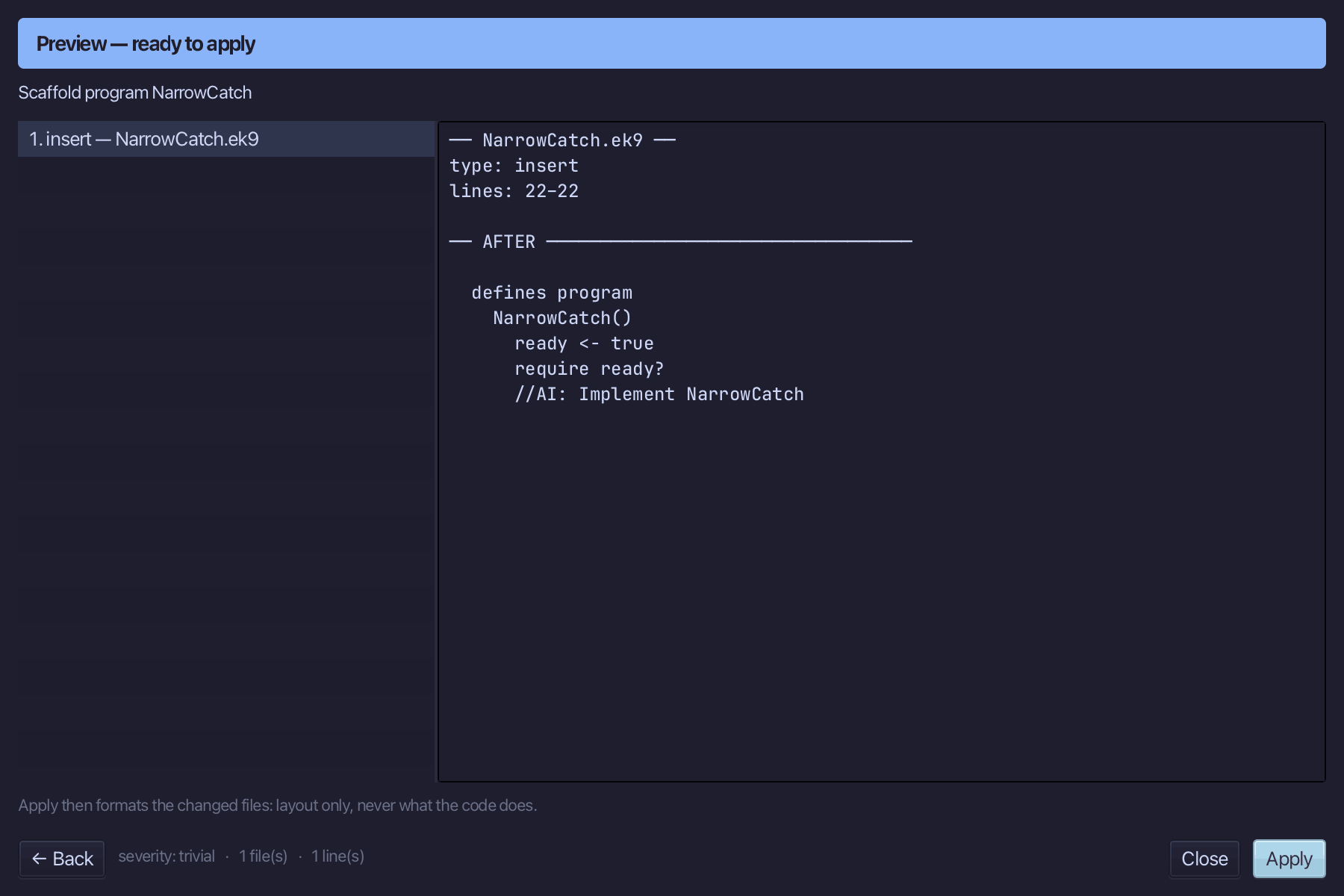
The preview shows NarrowCatch about to be written. Choose Apply.
Select the NarrowCatch() line and, above it, type the blank line the book opens the program with. Saves when typed.
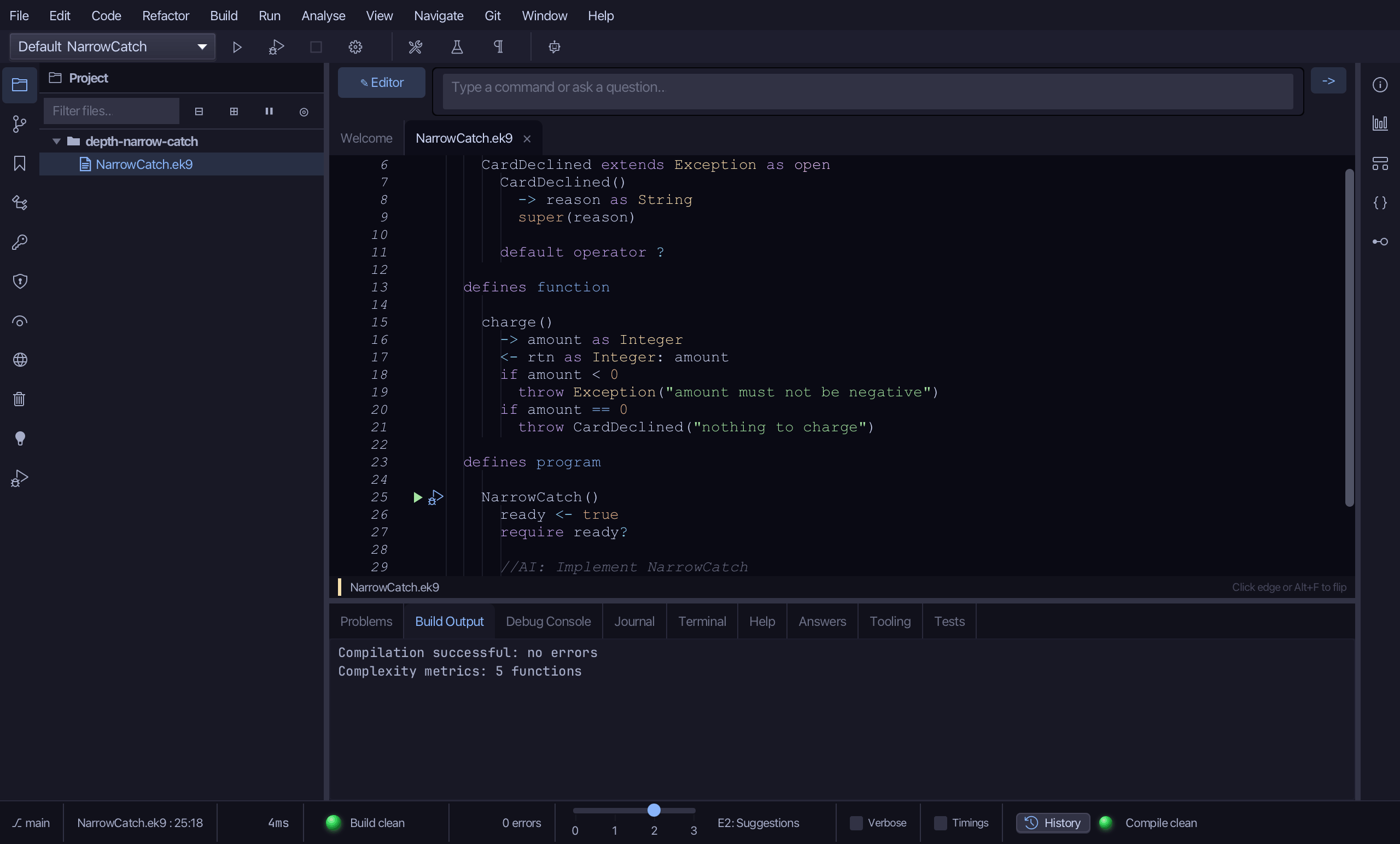
Select the stub, from ready <- true down to its //AI line, and type NarrowCatch's body exactly as the chapter shows it. Saves when typed.
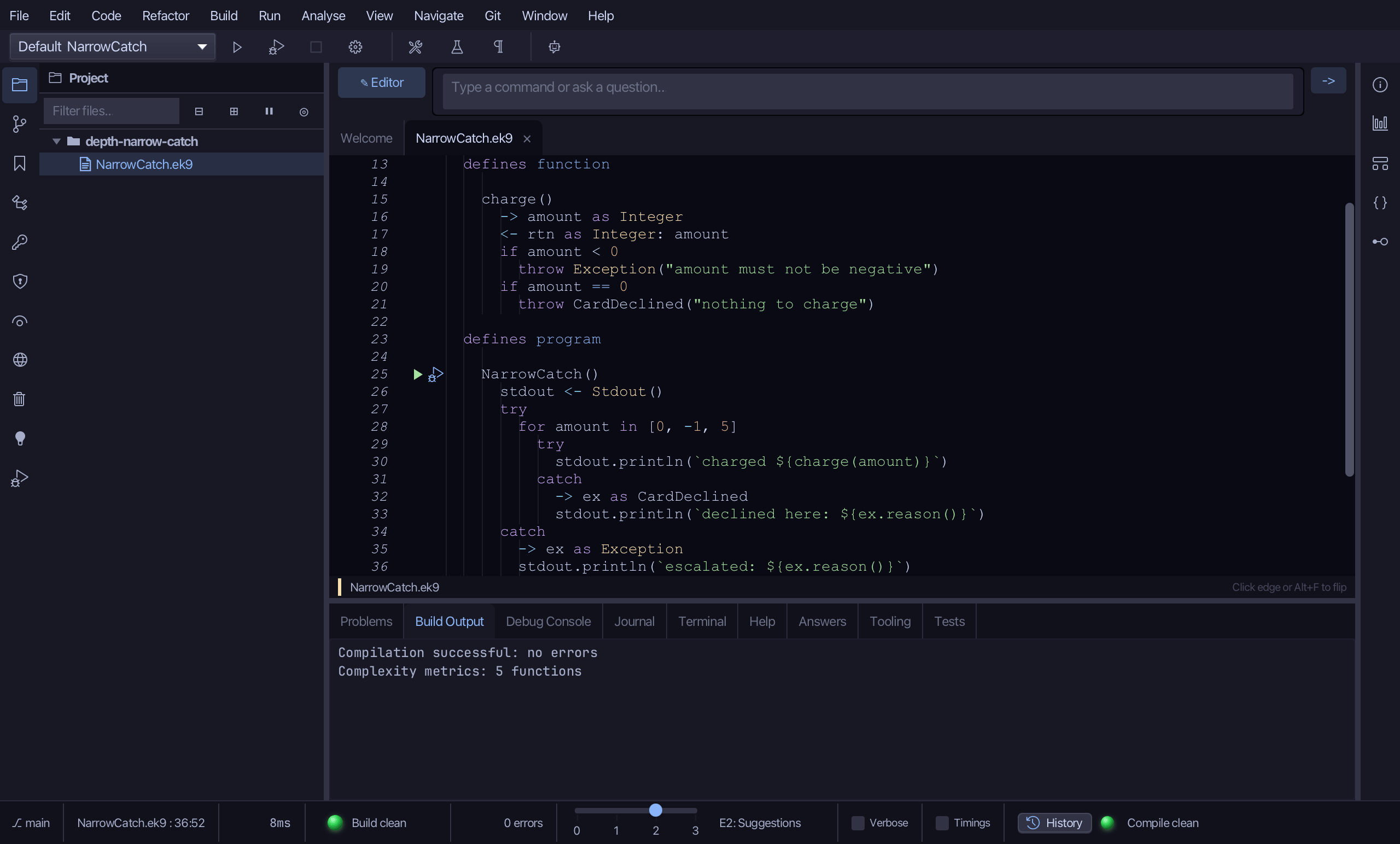
Step 4: Run it
Choose Run > Run Program…
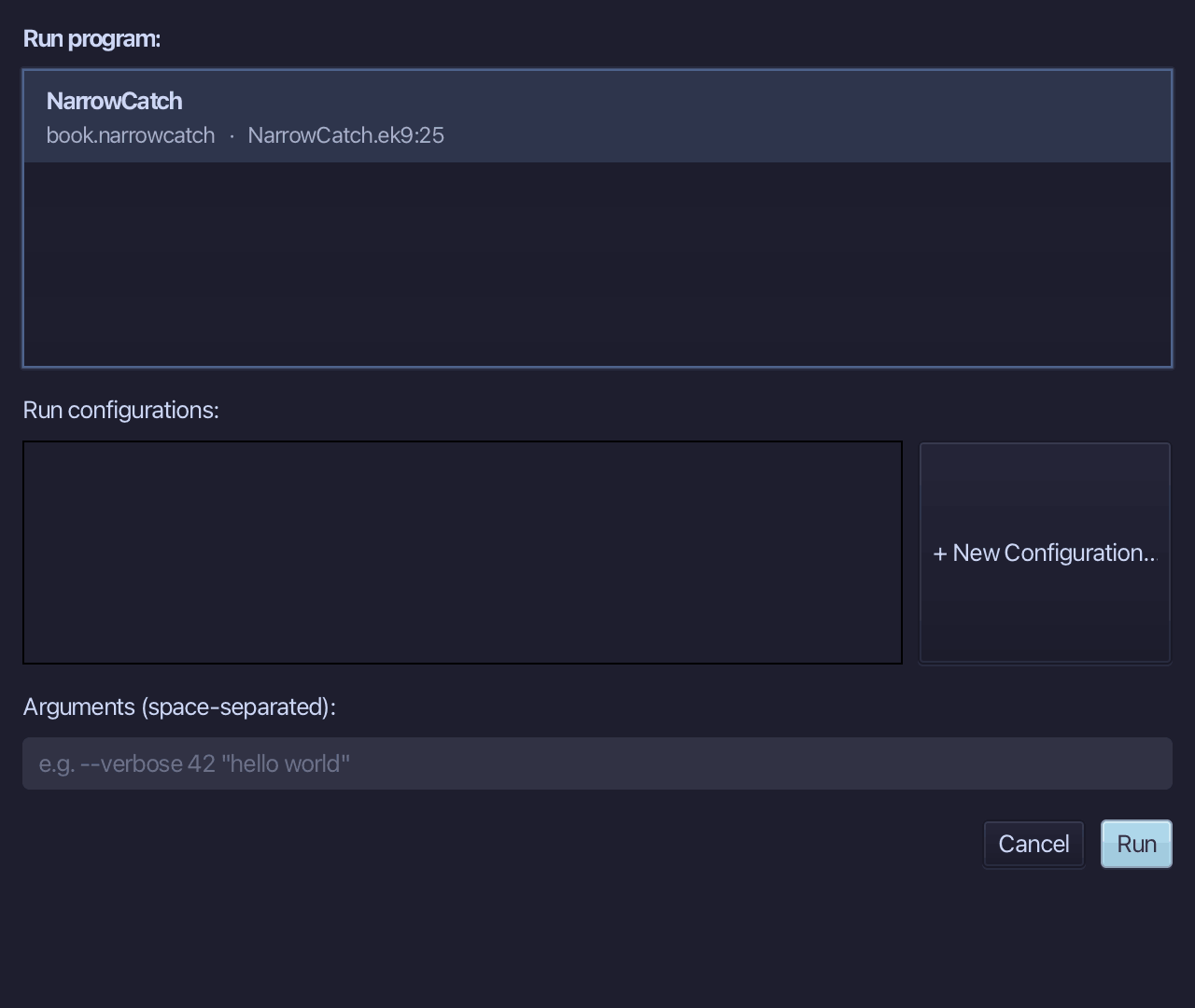
The project's only program is already chosen. Choose Run.
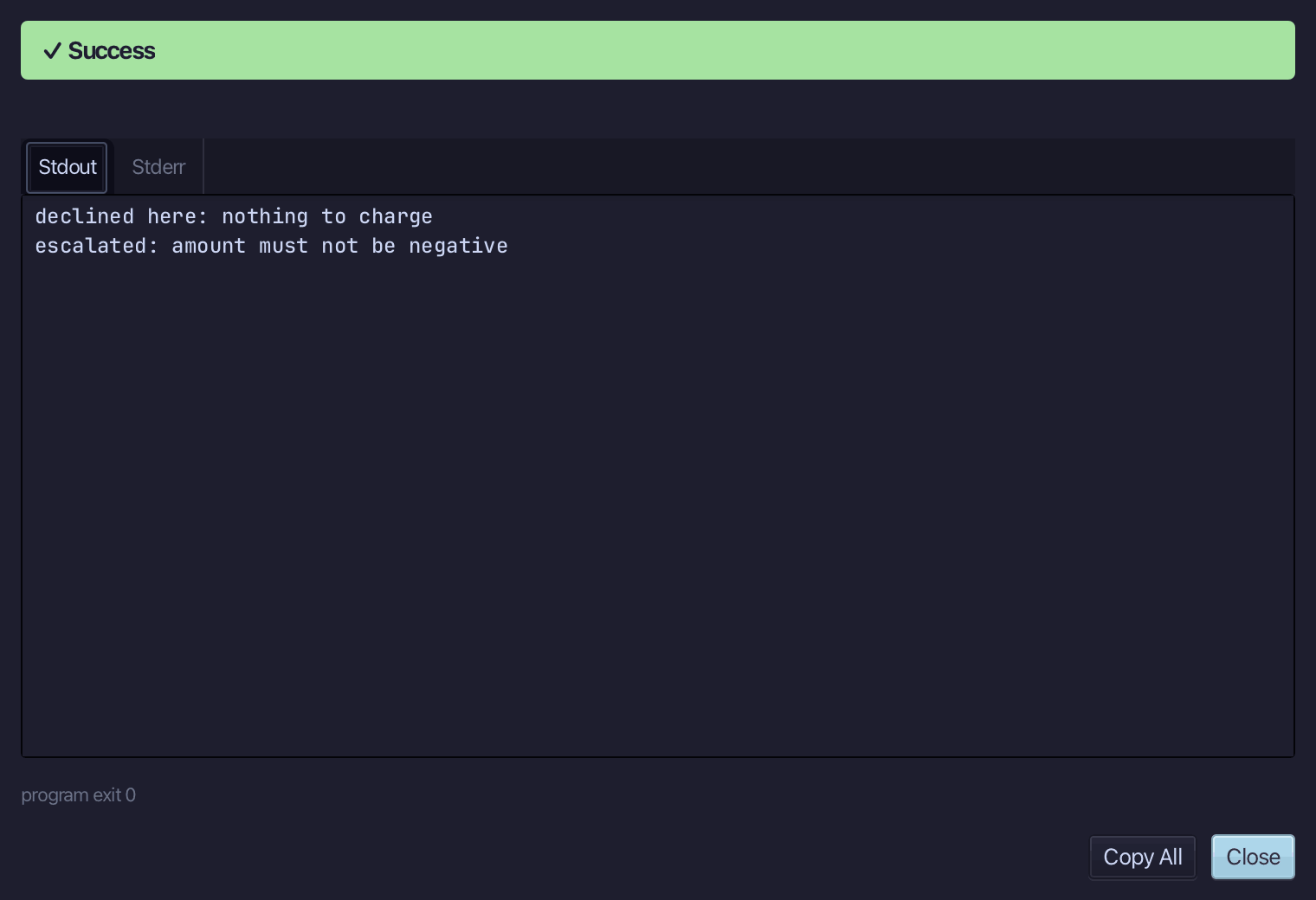
declined here: nothing to charge, then escalated: amount must not be negative - the 5 never ran. Choose Close.
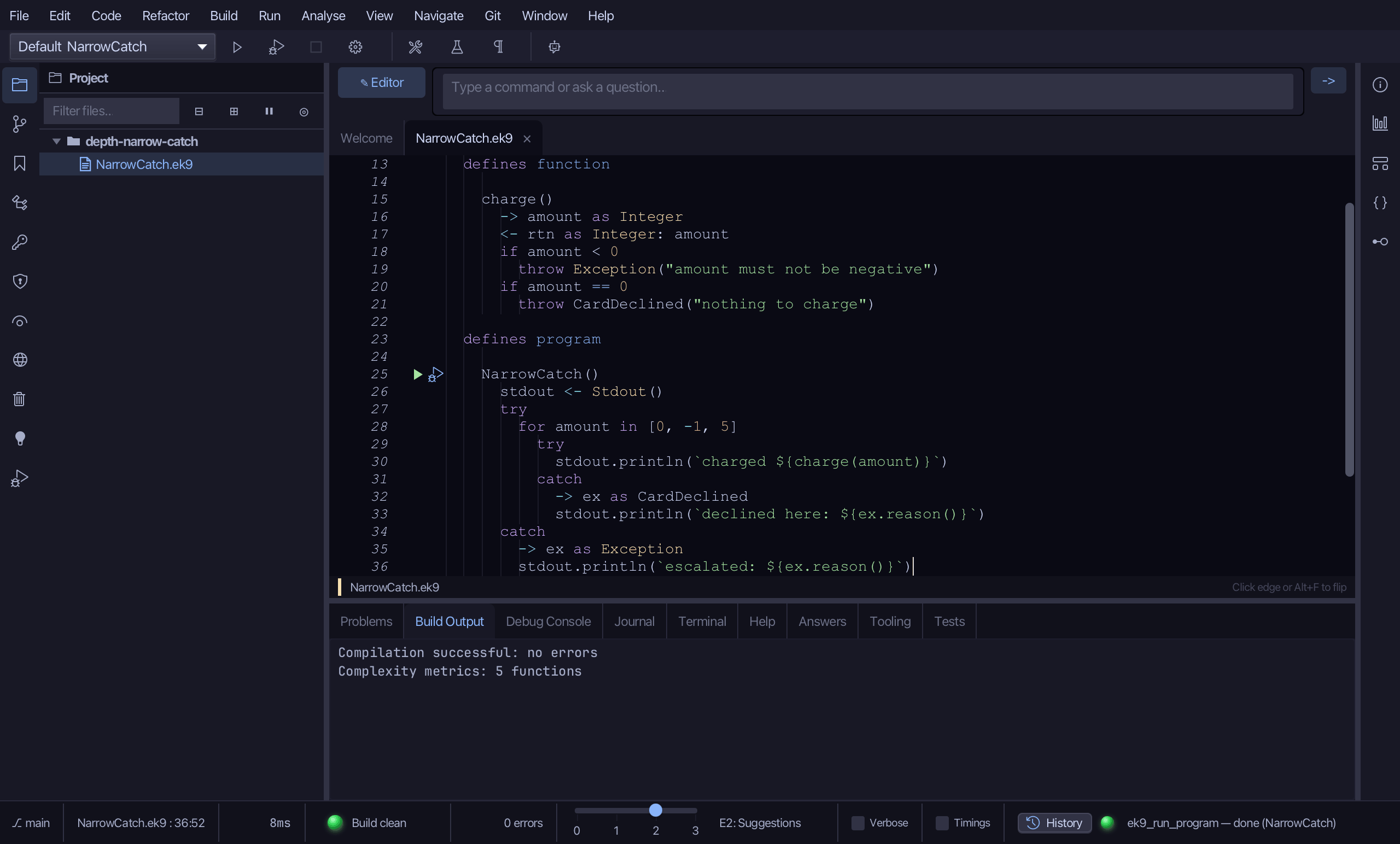
The result
NarrowCatch.ek9 now reads exactly as chapter 32 of EK9 in Depth shows it. The CardDeclined for 0 was caught where it happened, the loop went on, and the plain Exception for -1 went past the inner catch to the outer one and ended the loop.
Where this lesson comes from
- Answers -
ek9 -qand the IDE's Answers tab: 138, 1156. - For AI assistants - the MCP tool
ek9_new_construct,ek9_add_operator,ek9_add_program.