Chapter 12: a pipeline, and its tests, built
Chapter 12 puts the shopping basket from Collections into a pipeline: price each name, drop the ones the shop does not stock, add up the rest - and then tests every stage and the whole. The IDE makes each function's signature and each test's shell; you type what no tool can write: the price list, the pipeline, and what each test claims. To play it in the IDE: Help > Lessons > Getting Started with EK9…, or ek9 -ide -lesson book-shop.
What you'll build
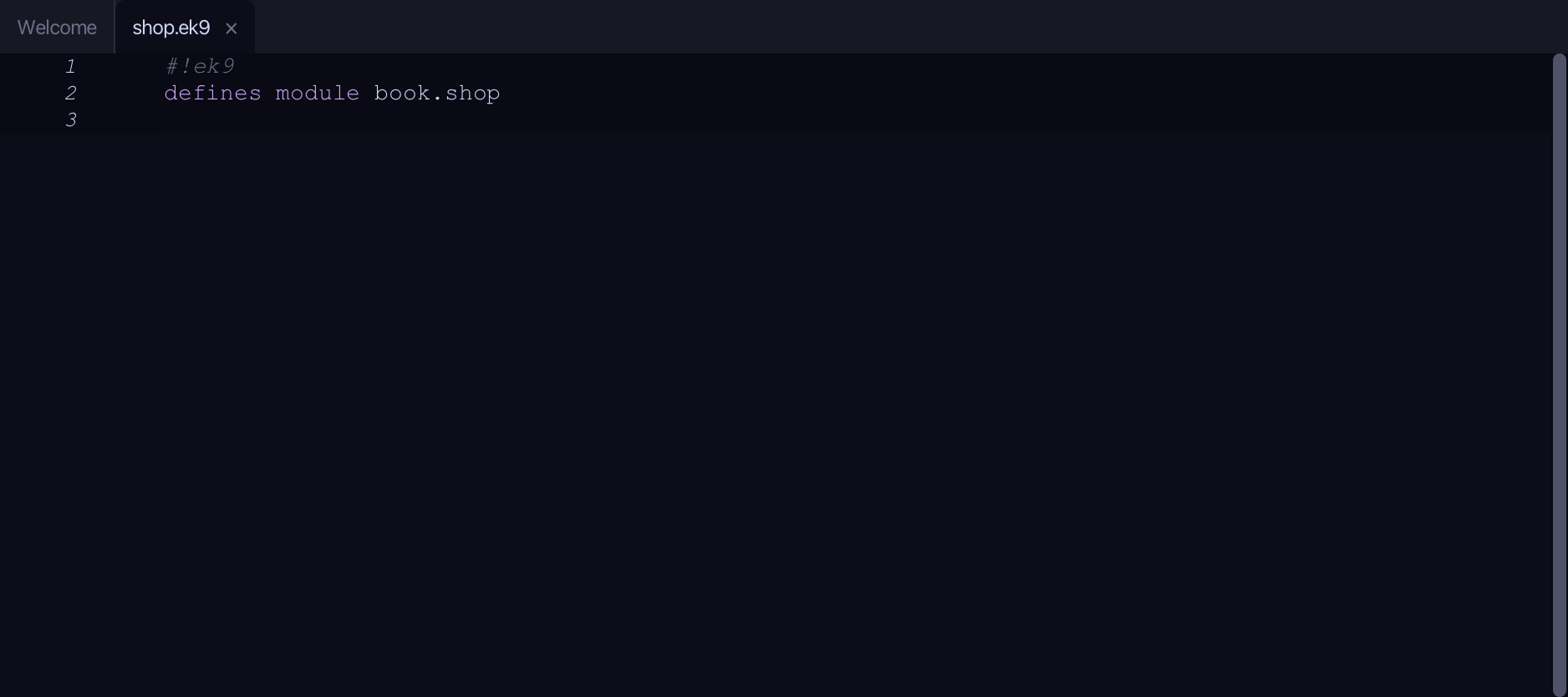
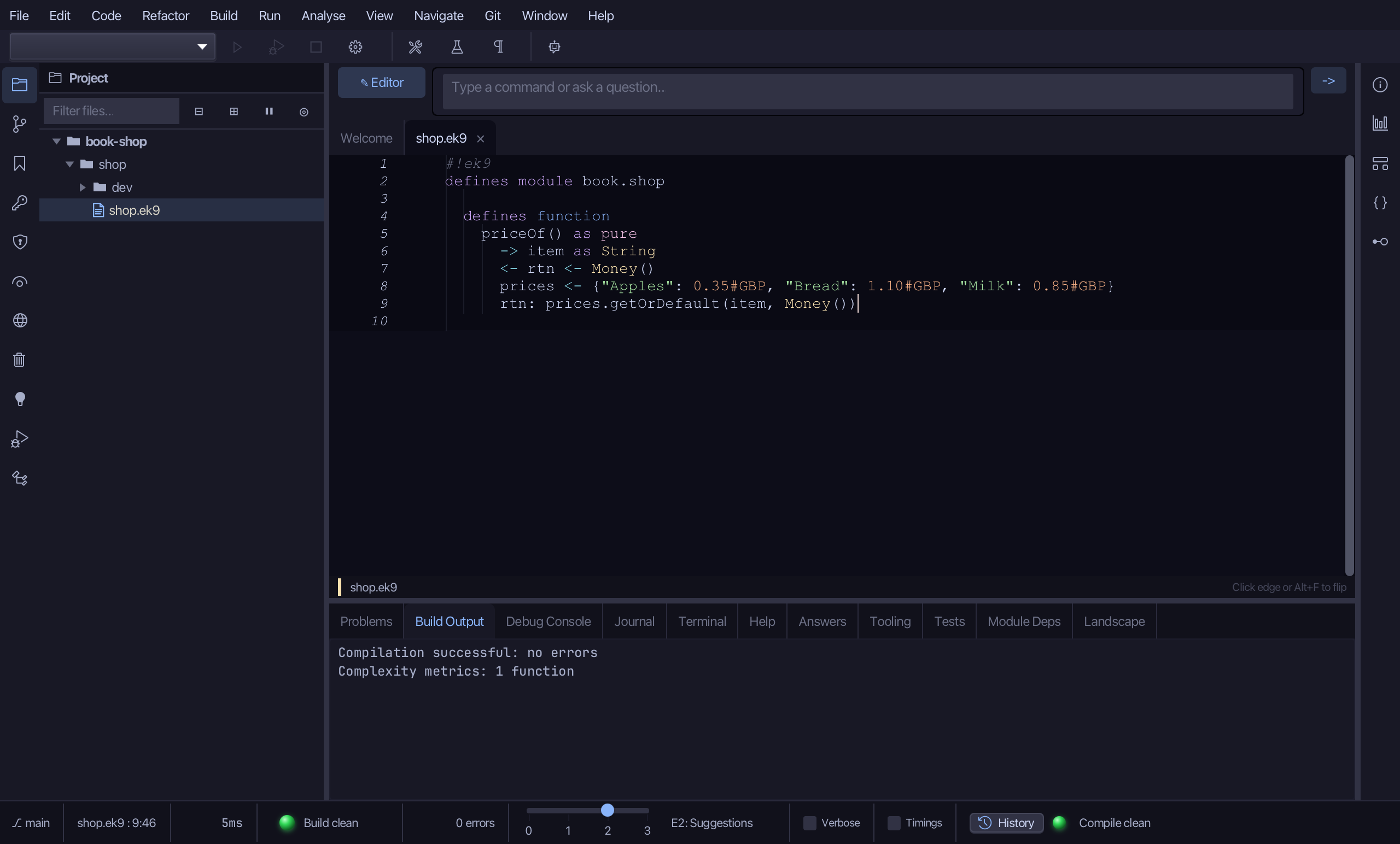
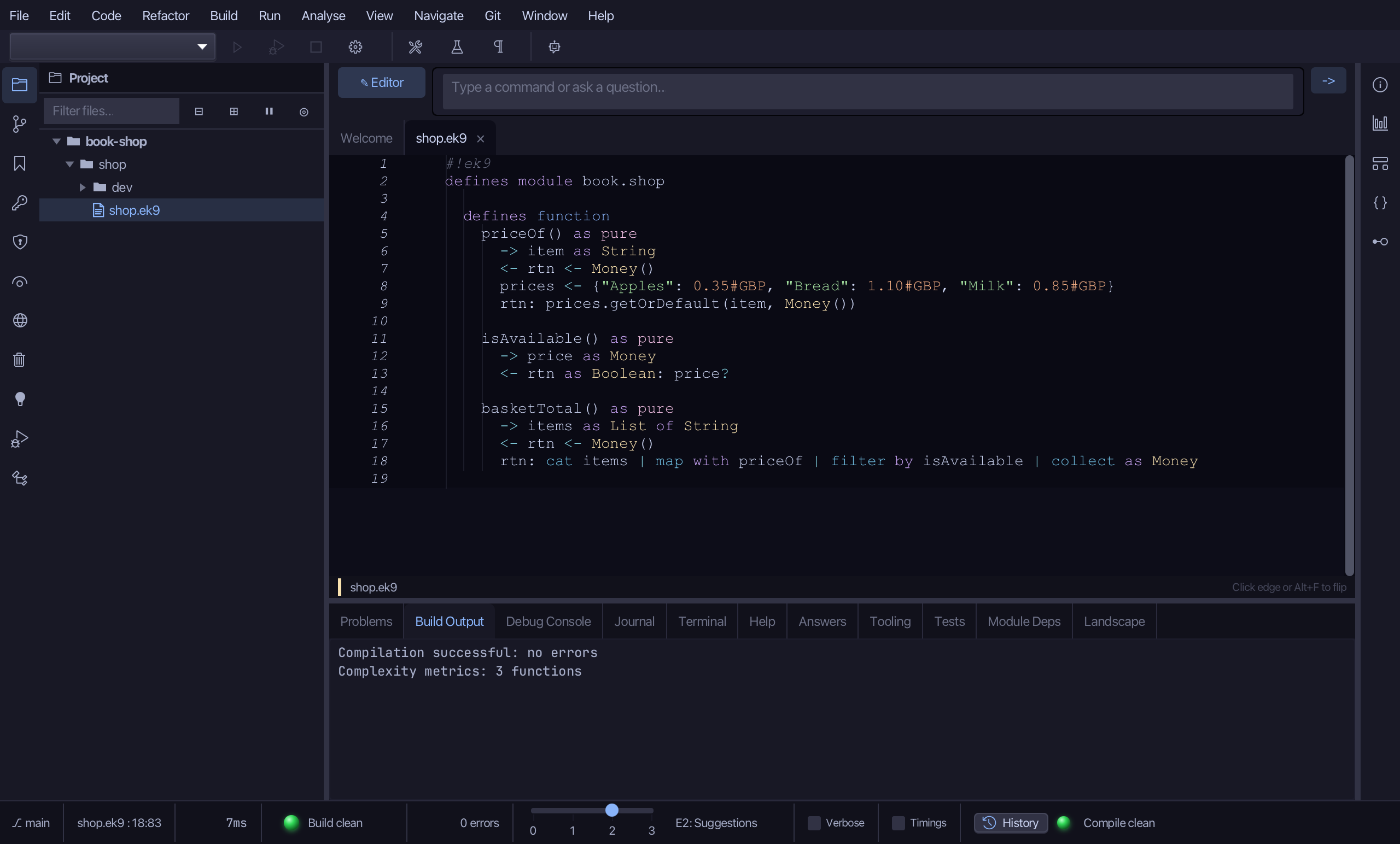
The lesson builds this program from a file holding only its module line - the finished file, as the book prints it.
shop/shop.ek9
#!ek9
defines module book.shop

  defines function
    priceOf() as pure
      -> item as String
      <- rtn <- Money()
      prices <- {"Apples": 0.35#GBP, "Bread": 1.10#GBP, "Milk": 0.85#GBP}
      rtn: prices.getOrDefault(item, Money())

    isAvailable() as pure
      -> price as Money
      <- rtn as Boolean: price?

    basketTotal() as pure
      -> items as List of String
      <- rtn <- Money()
      rtn: cat items | map with priceOf | filter by isAvailable | collect as Money
shop/dev/tests.ek9
#!ek9
defines module book.shop.tests

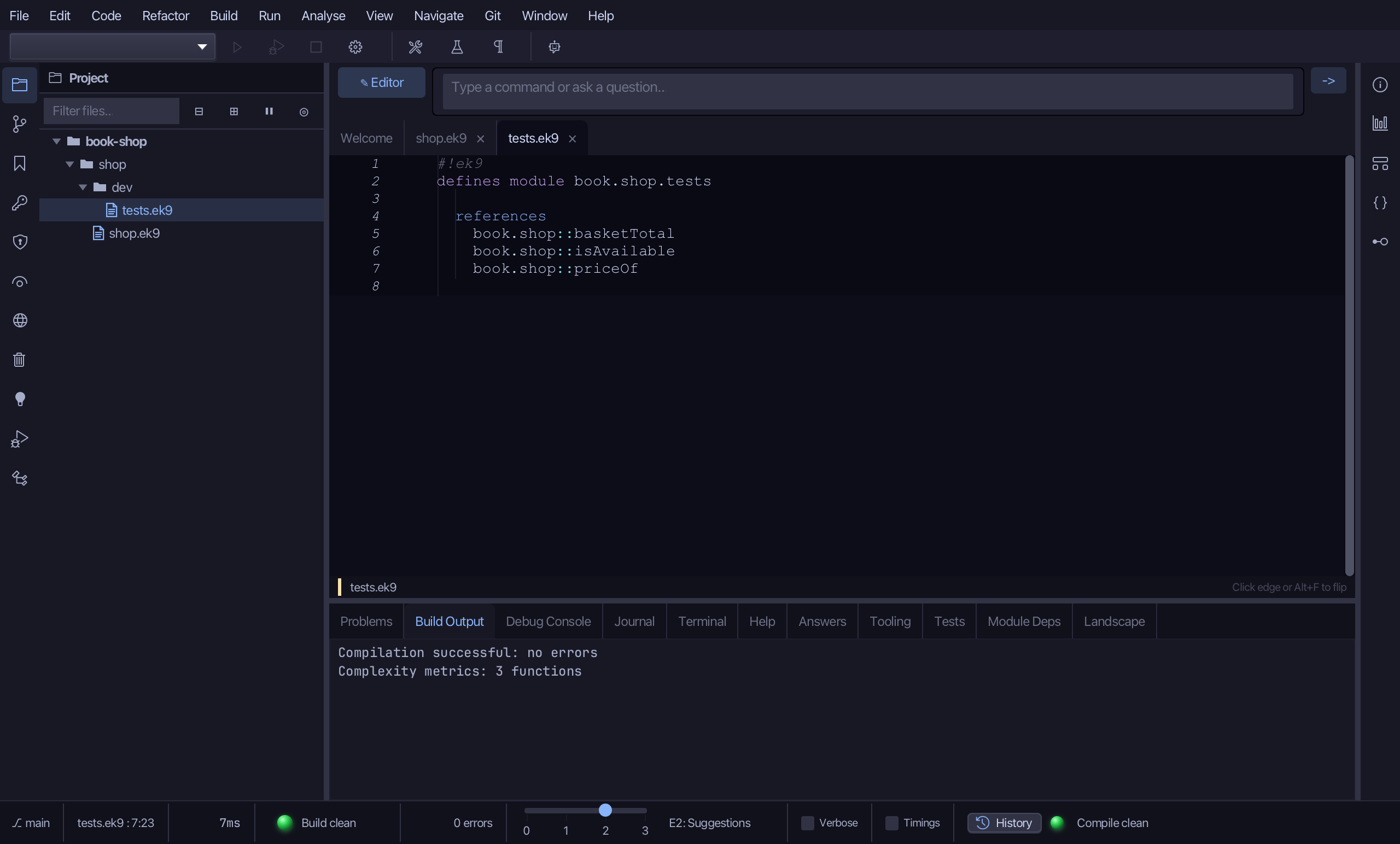
  references
    book.shop::basketTotal
    book.shop::isAvailable
    book.shop::priceOf

  defines program

    @Test
    PriceOfTest()
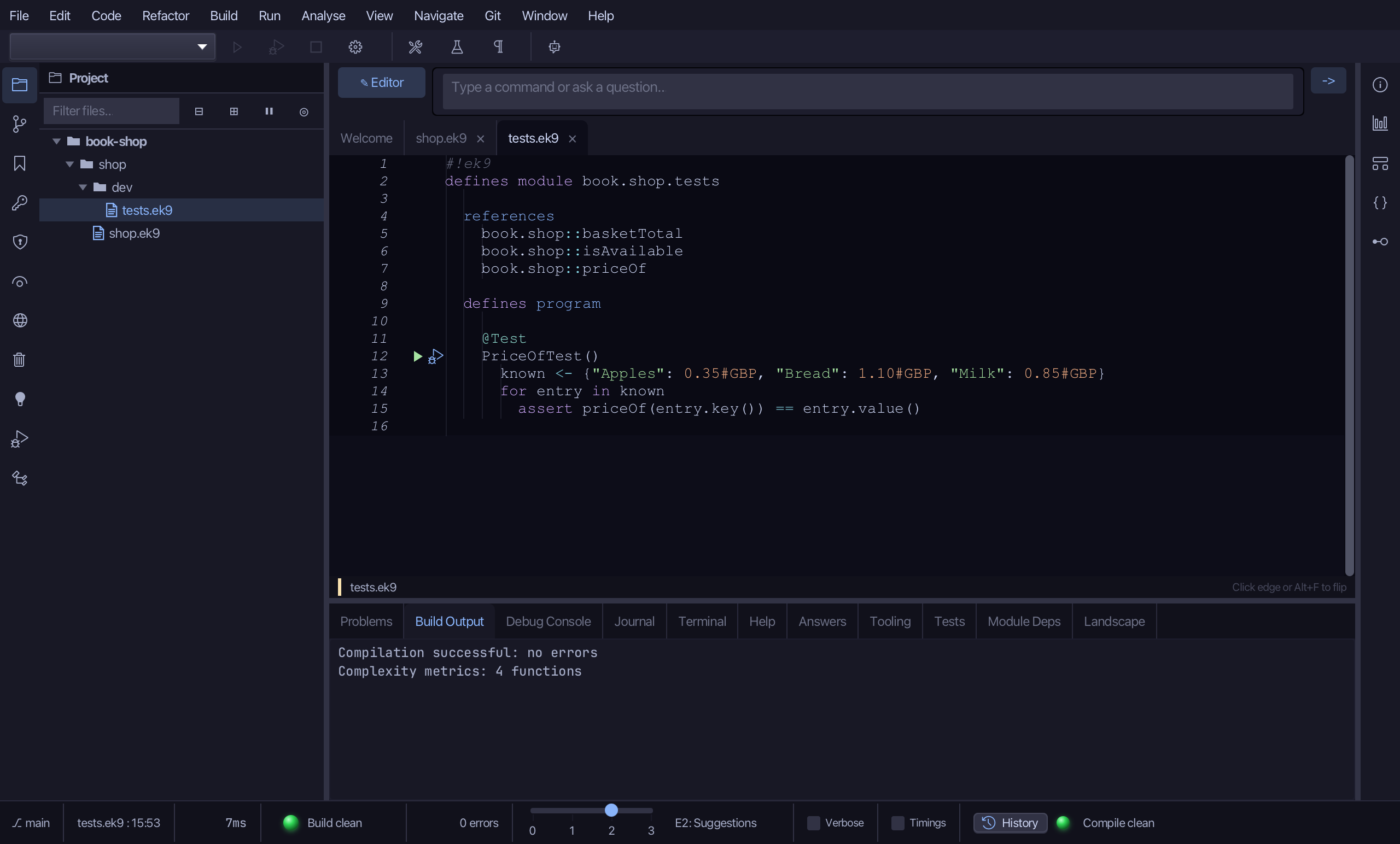
      known <- {"Apples": 0.35#GBP, "Bread": 1.10#GBP, "Milk": 0.85#GBP}
      for entry in known
        assert priceOf(entry.key()) == entry.value()

    @Test
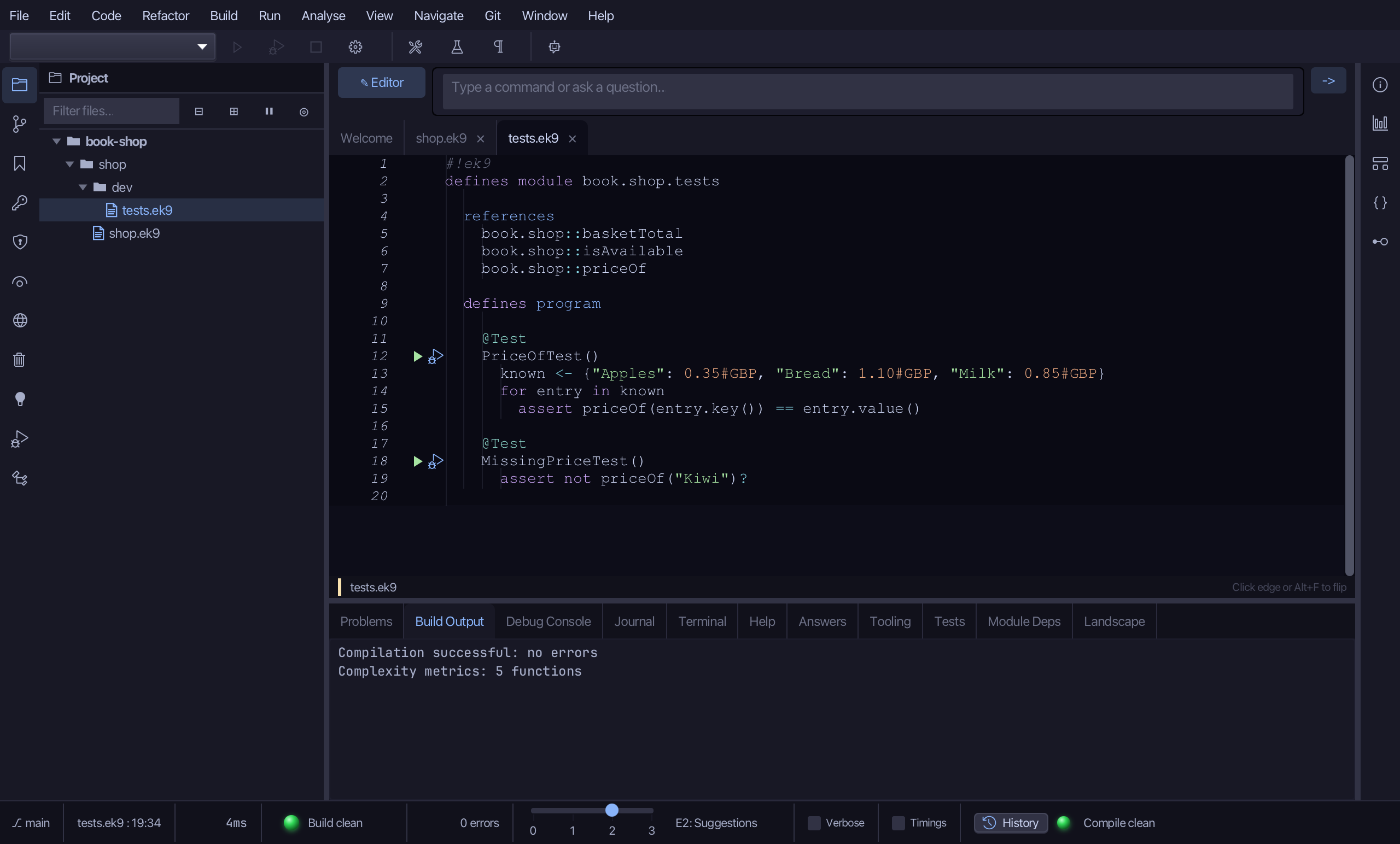
    MissingPriceTest()
      assert not priceOf("Kiwi")?

    @Test
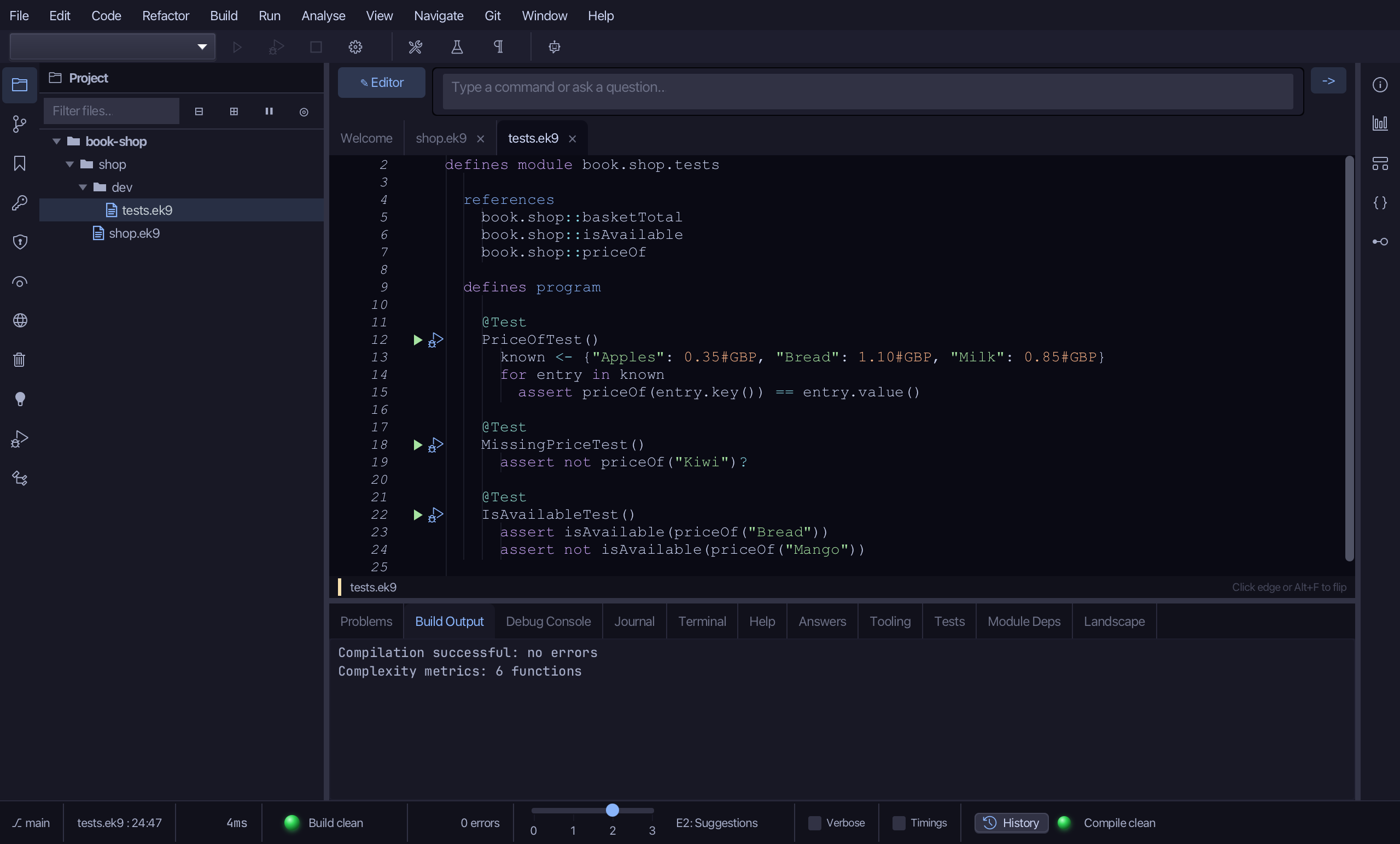
    IsAvailableTest()
      assert isAvailable(priceOf("Bread"))
      assert not isAvailable(priceOf("Mango"))

    @Test
    BasketTotalTest()
      expected <- 2.30#GBP
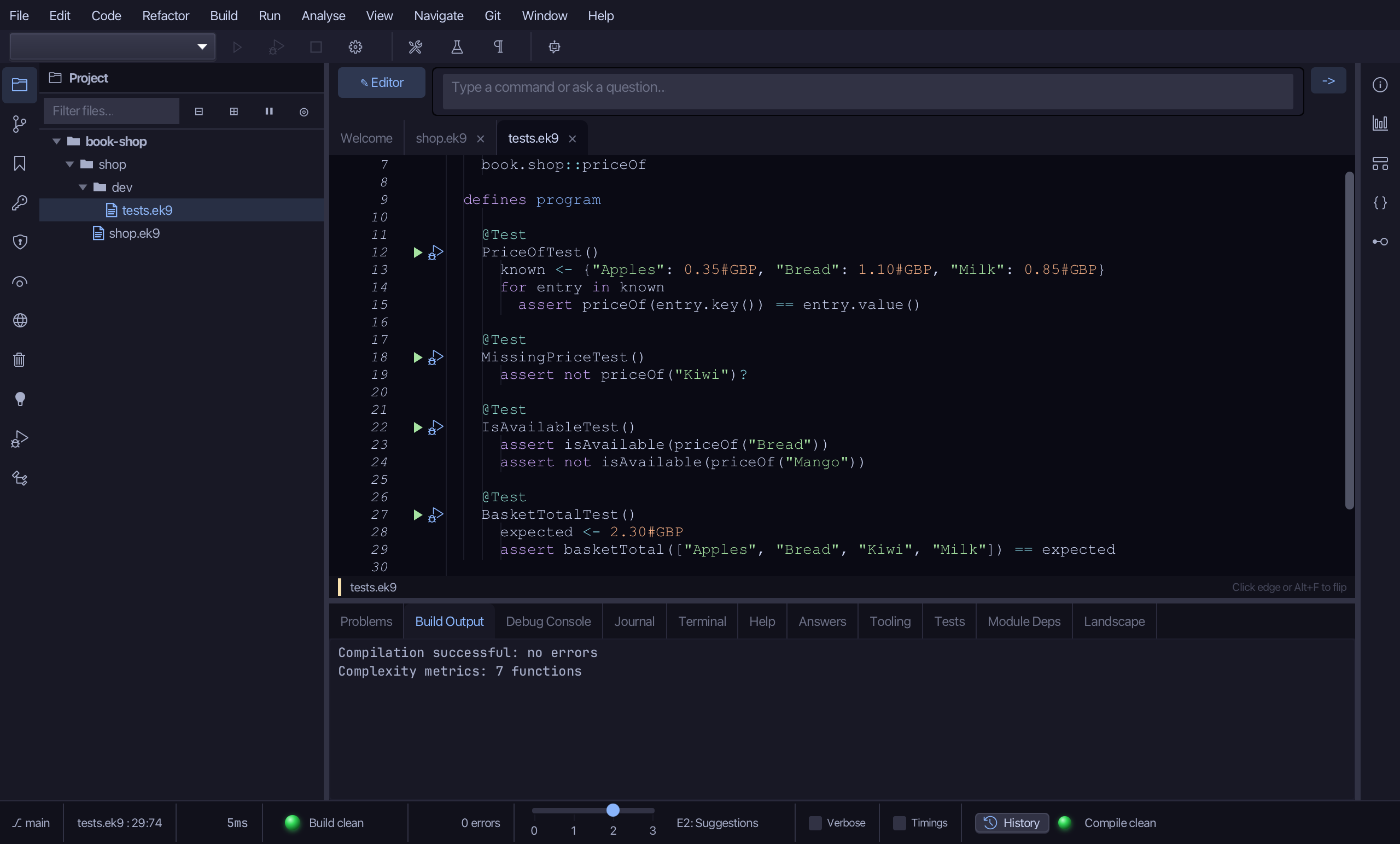
      assert basketTotal(["Apples", "Bread", "Kiwi", "Milk"]) == expected
Step 1: priceOf — a price list lookup
Choose Code > New Construct > Function…
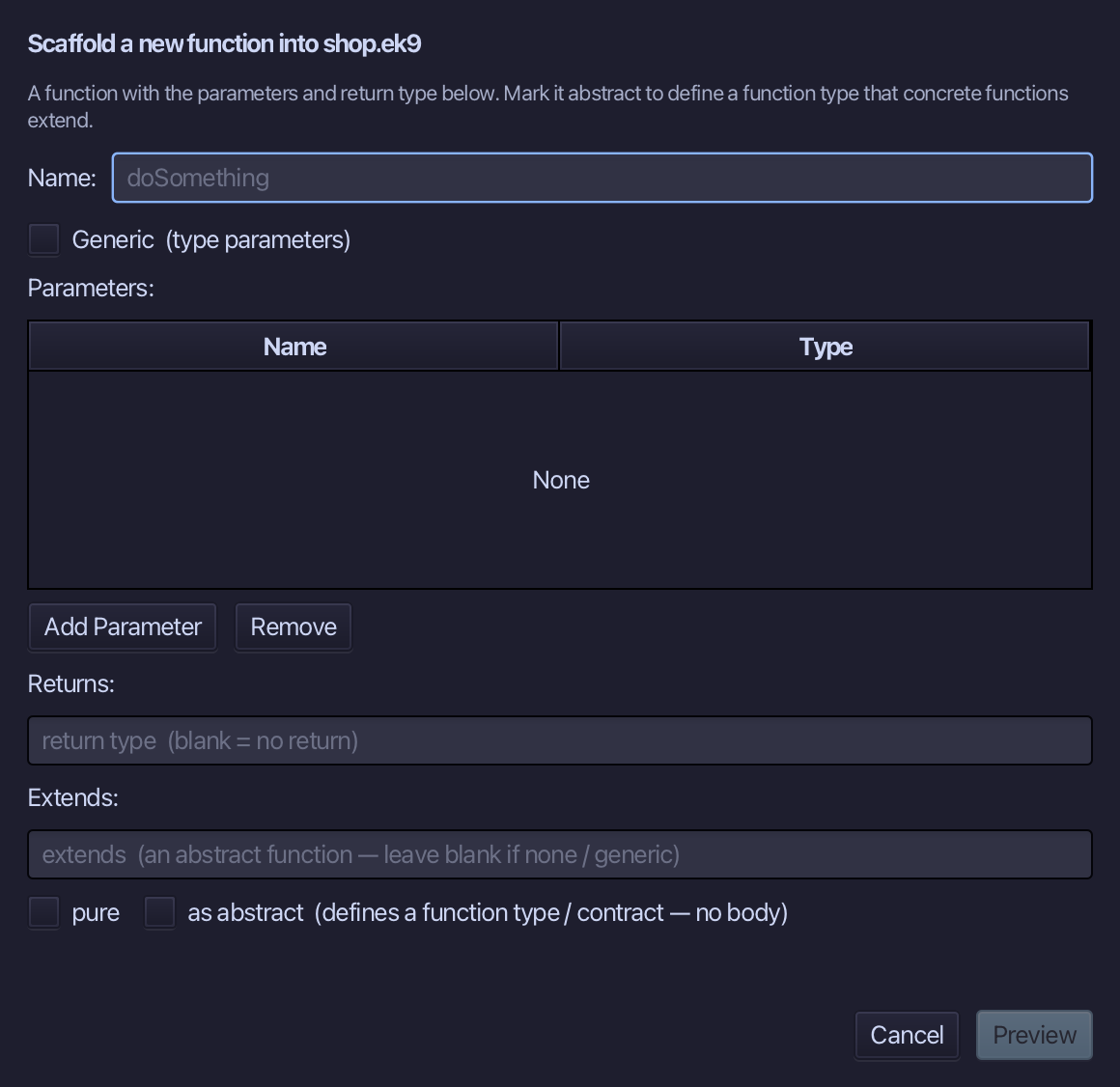
priceOf is the function's name. Add one parameter, item of type String, set Returns to Money, and tick pure. Choose Preview.
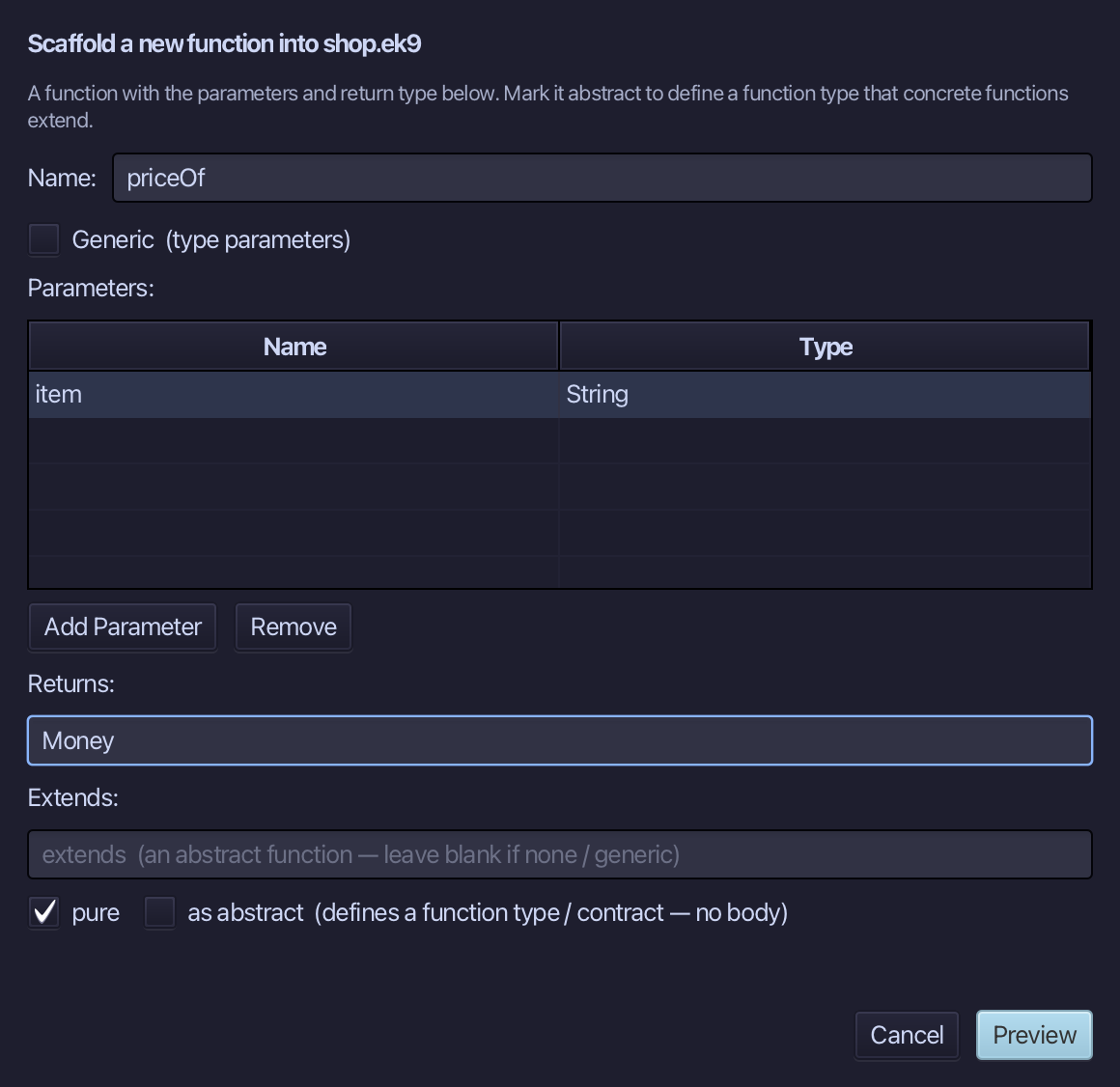
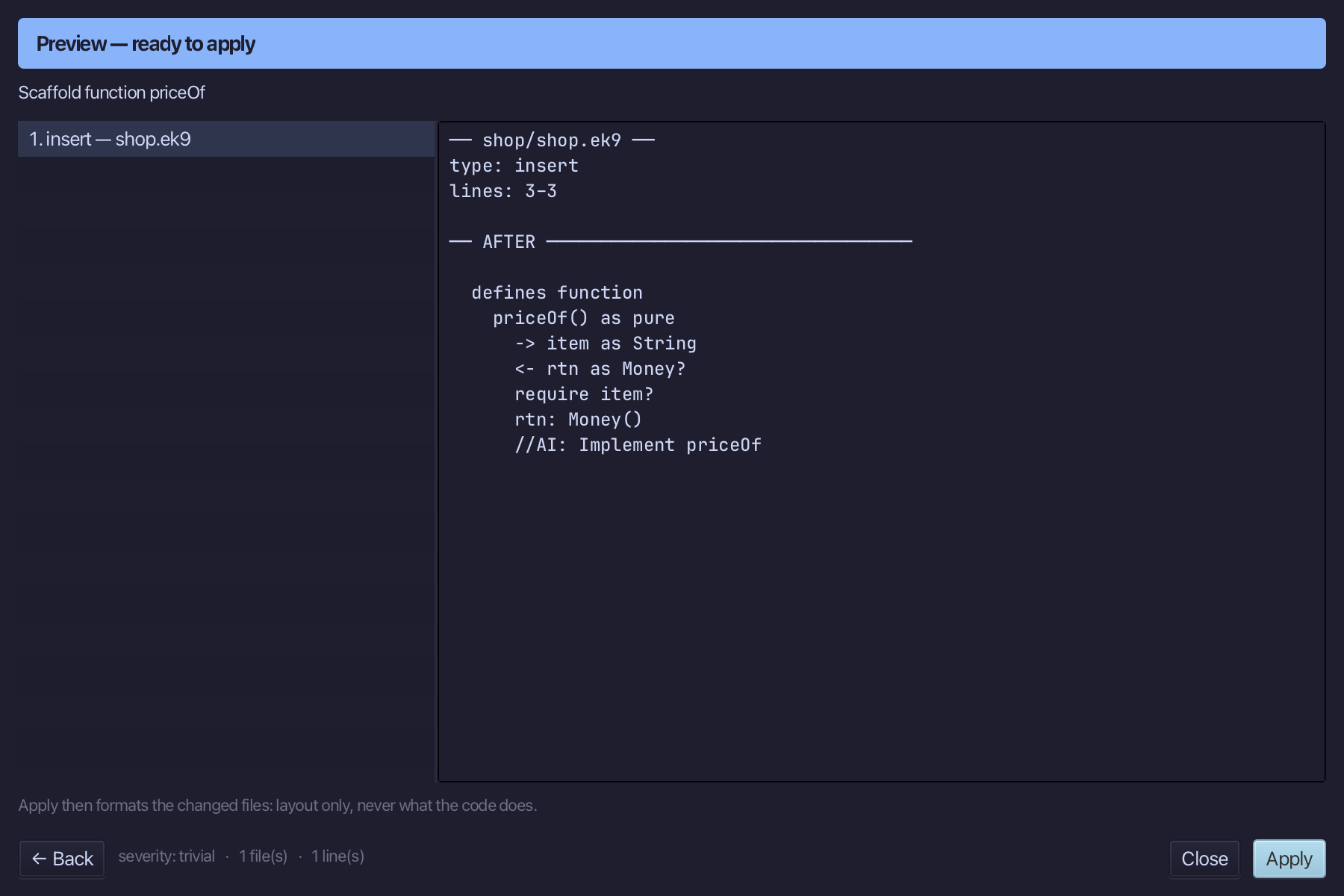
The preview shows priceOf about to be written, pure, item in and Money out. Choose Apply.
Select the stub, from <- rtn as Money? down to its //AI line, and type the price list, and a lookup that gives back an unset Money for a name the shop does not stock. Saves when typed.
Step 2: isAvailable — is there a price
Choose Code > New Construct > Function…
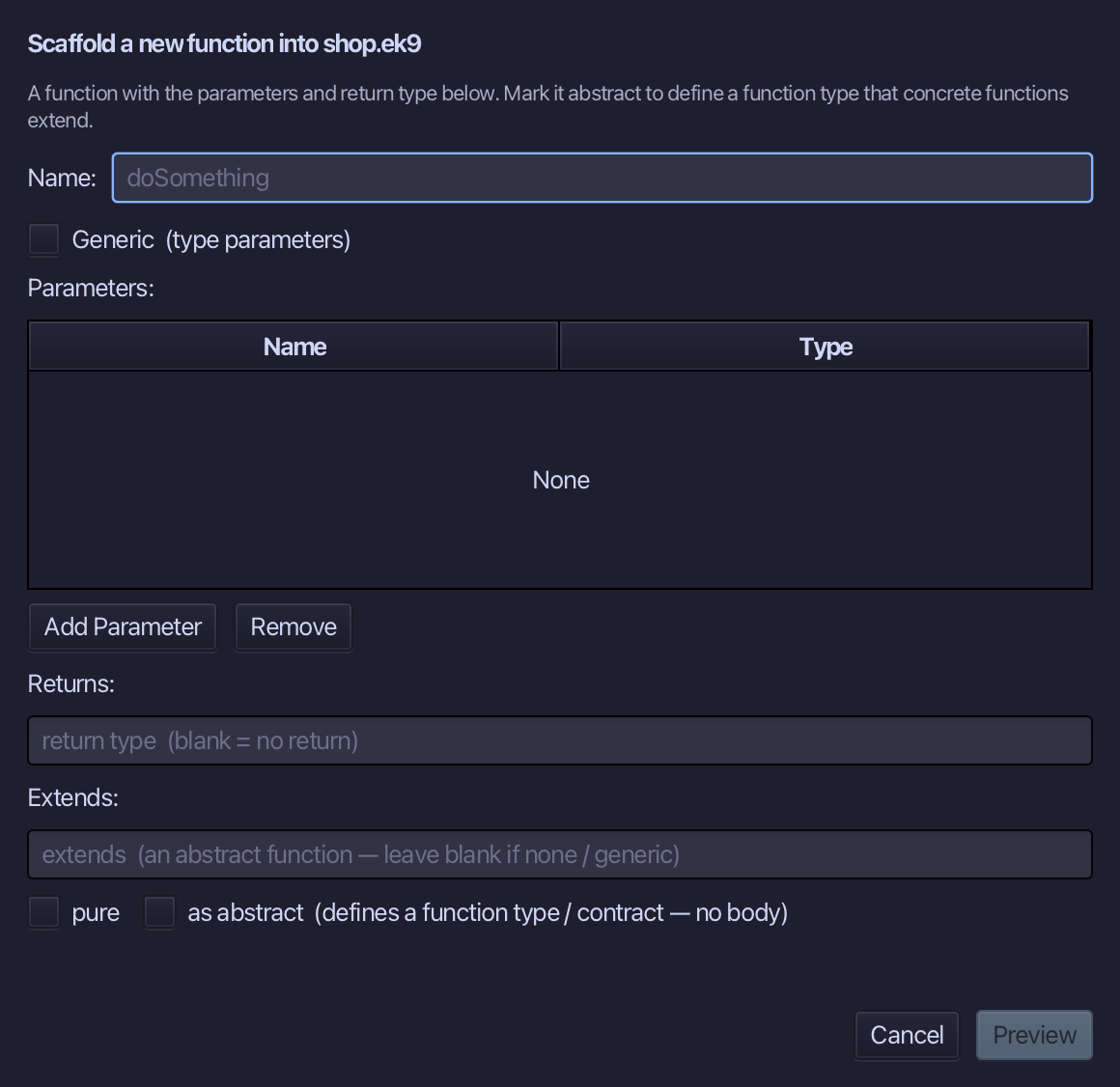
isAvailable is the function's name. Add one parameter, price of type Money, set Returns to Boolean, and tick pure. Choose Preview.
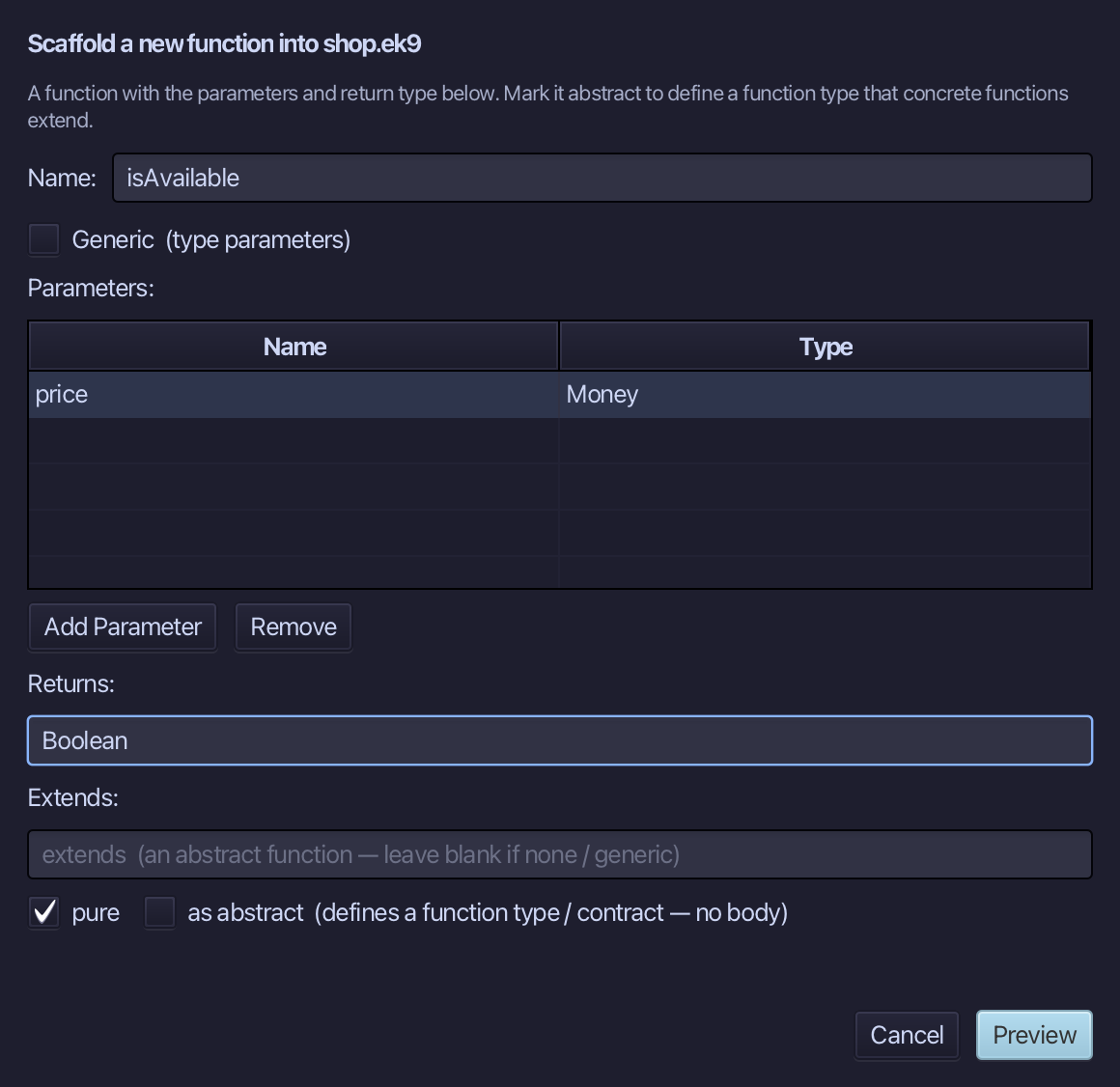
The preview shows isAvailable about to be written, pure, price in and Boolean out. Choose Apply.
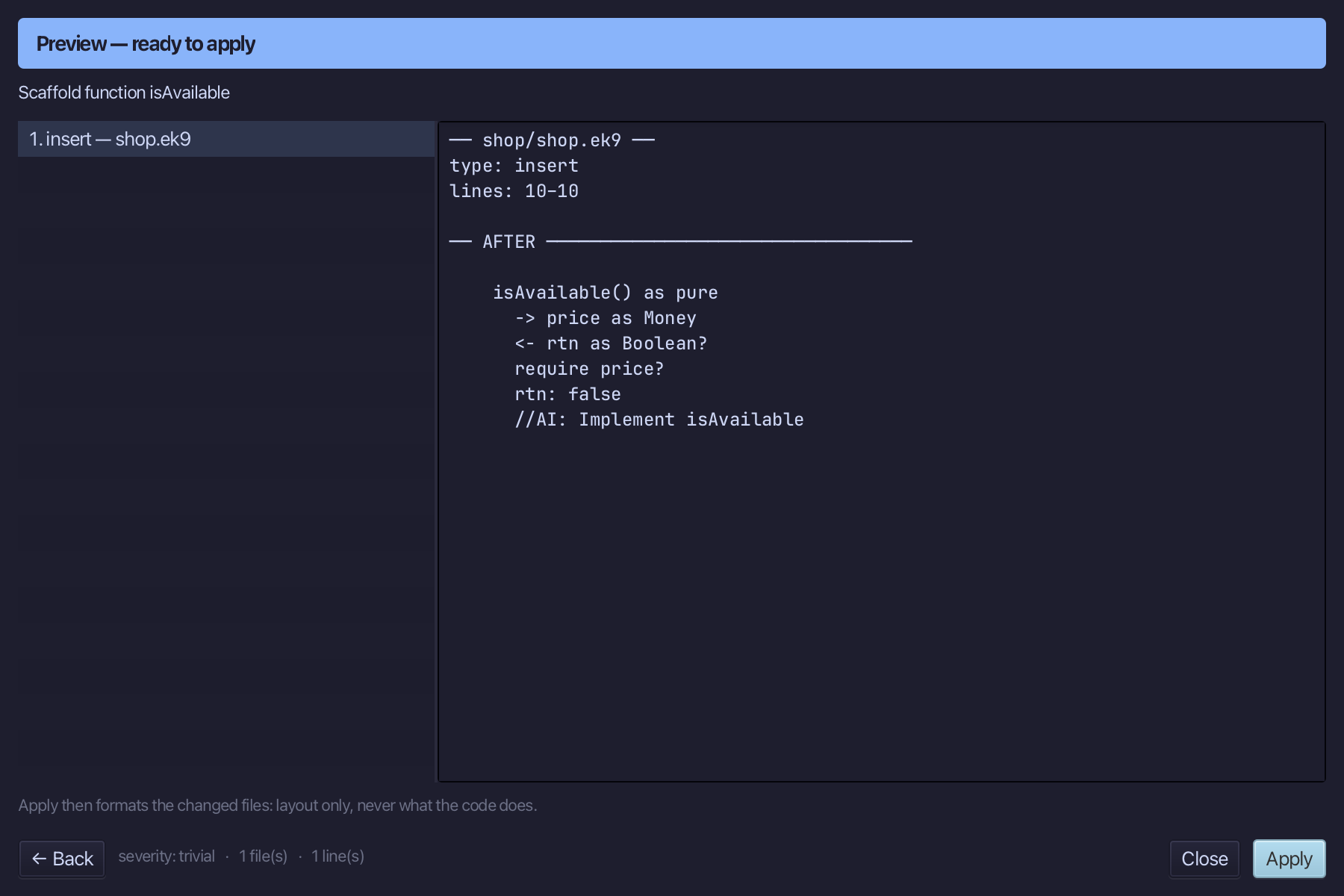
Select the stub, from <- rtn as Boolean? down to its //AI line, and type the answer: a price is available when it is set. Saves when typed.
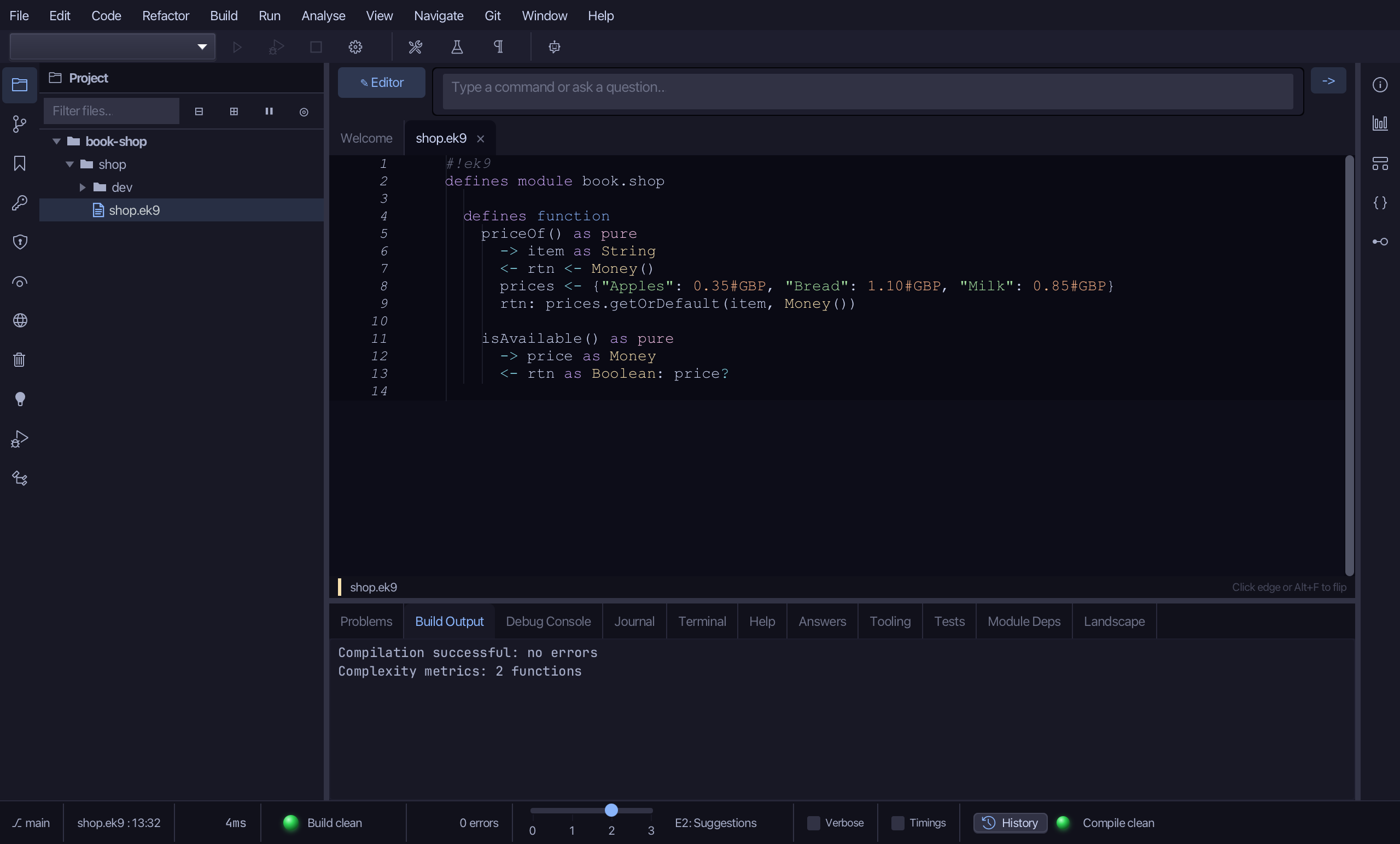
Step 3: basketTotal — the pipeline
Choose Code > New Construct > Function…
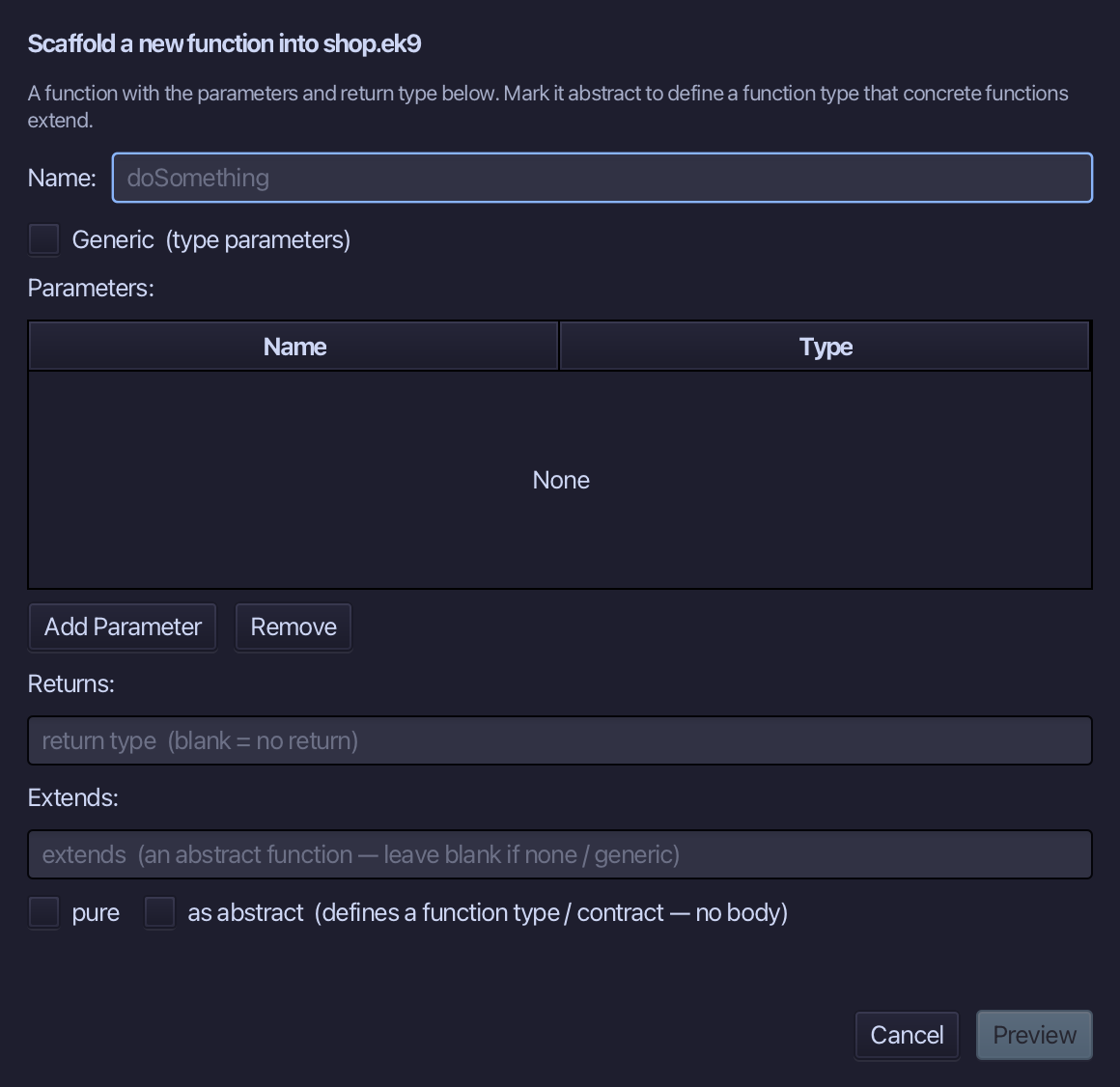
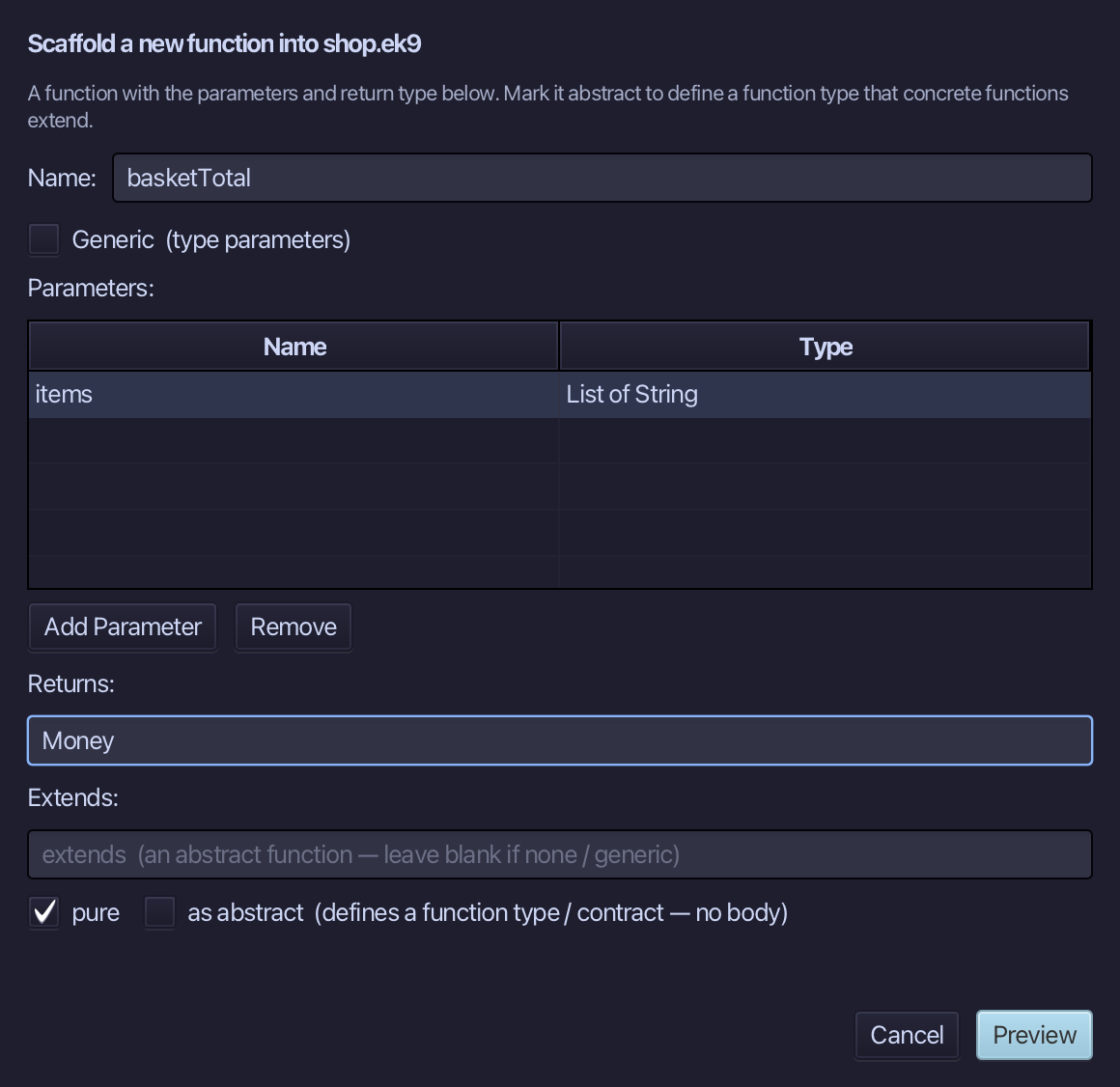
basketTotal is the function's name. Add one parameter, items of type List of String, set Returns to Money, and tick pure. Choose Preview.
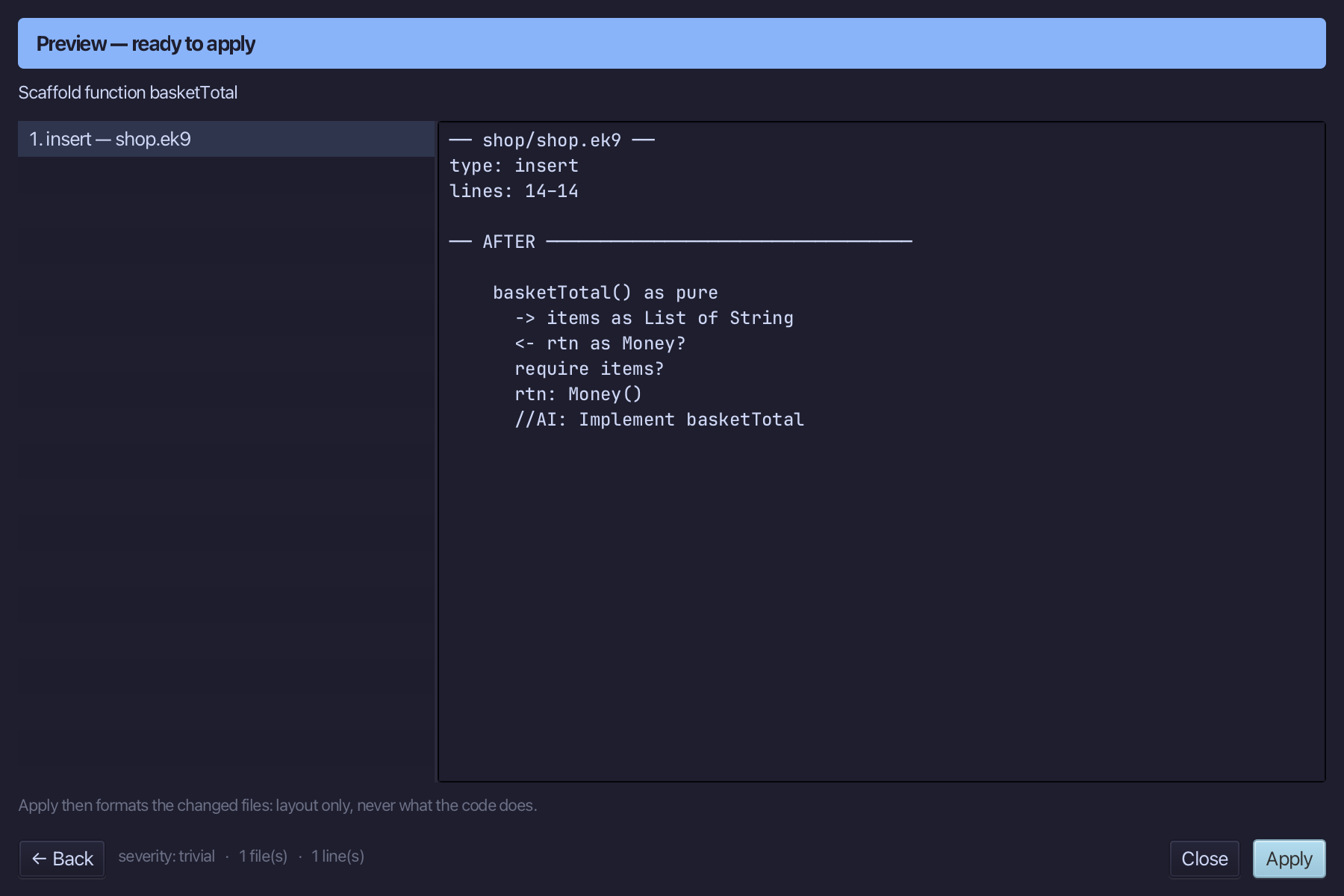
The preview shows basketTotal about to be written, pure, items in and Money out. Choose Apply.
Select the stub, from <- rtn as Money? down to its //AI line, and type the pipeline: cat the names, map each to its price, filter the unset ones out, collect the total. Saves when typed.
Step 4: The tests' file
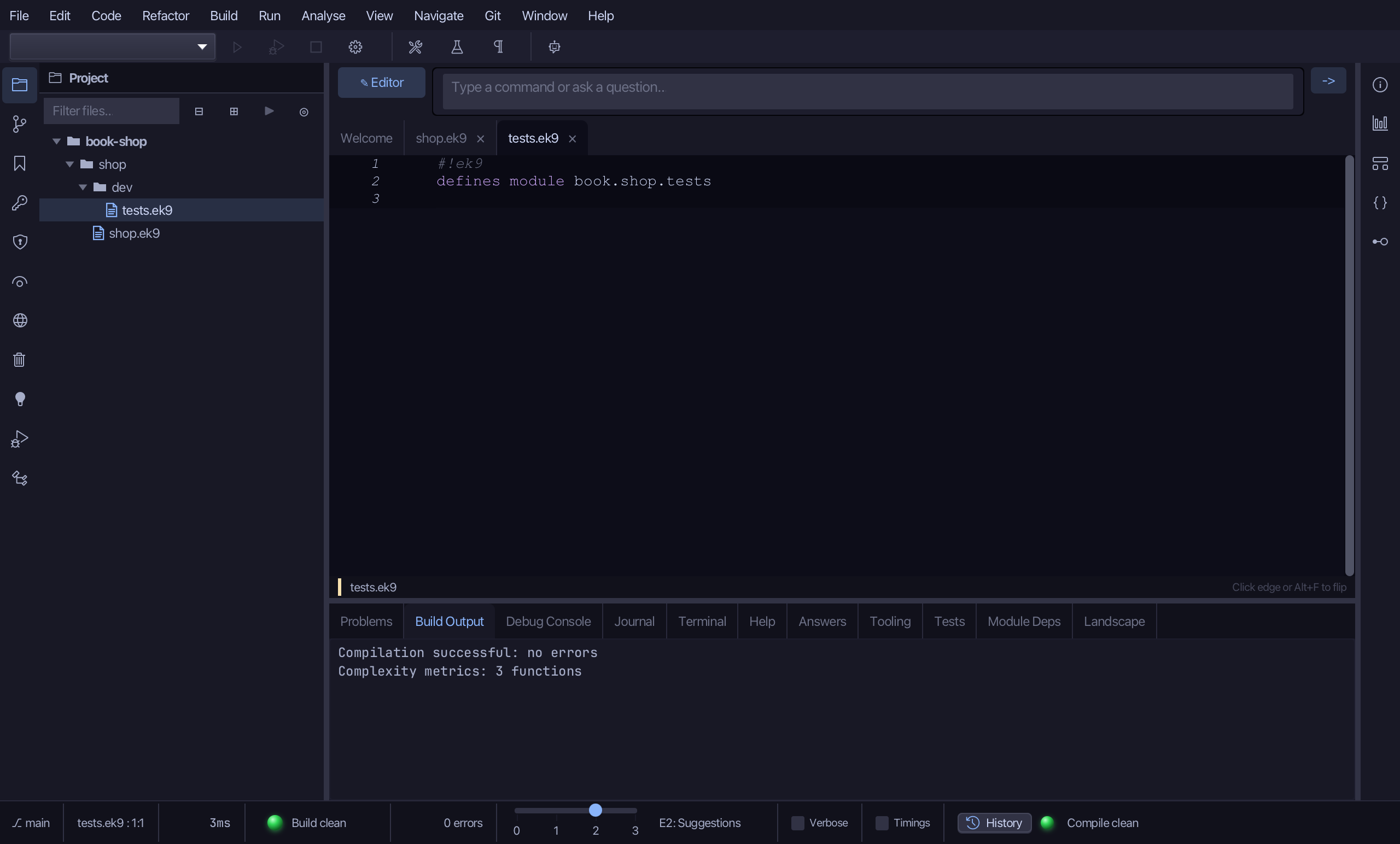
Open shop/dev/tests.ek9 - already there, with just its own module line.
Select the module line, and below it type a references block bringing in the three functions, in alphabetical order. Saves when typed.
Step 5: PriceOfTest
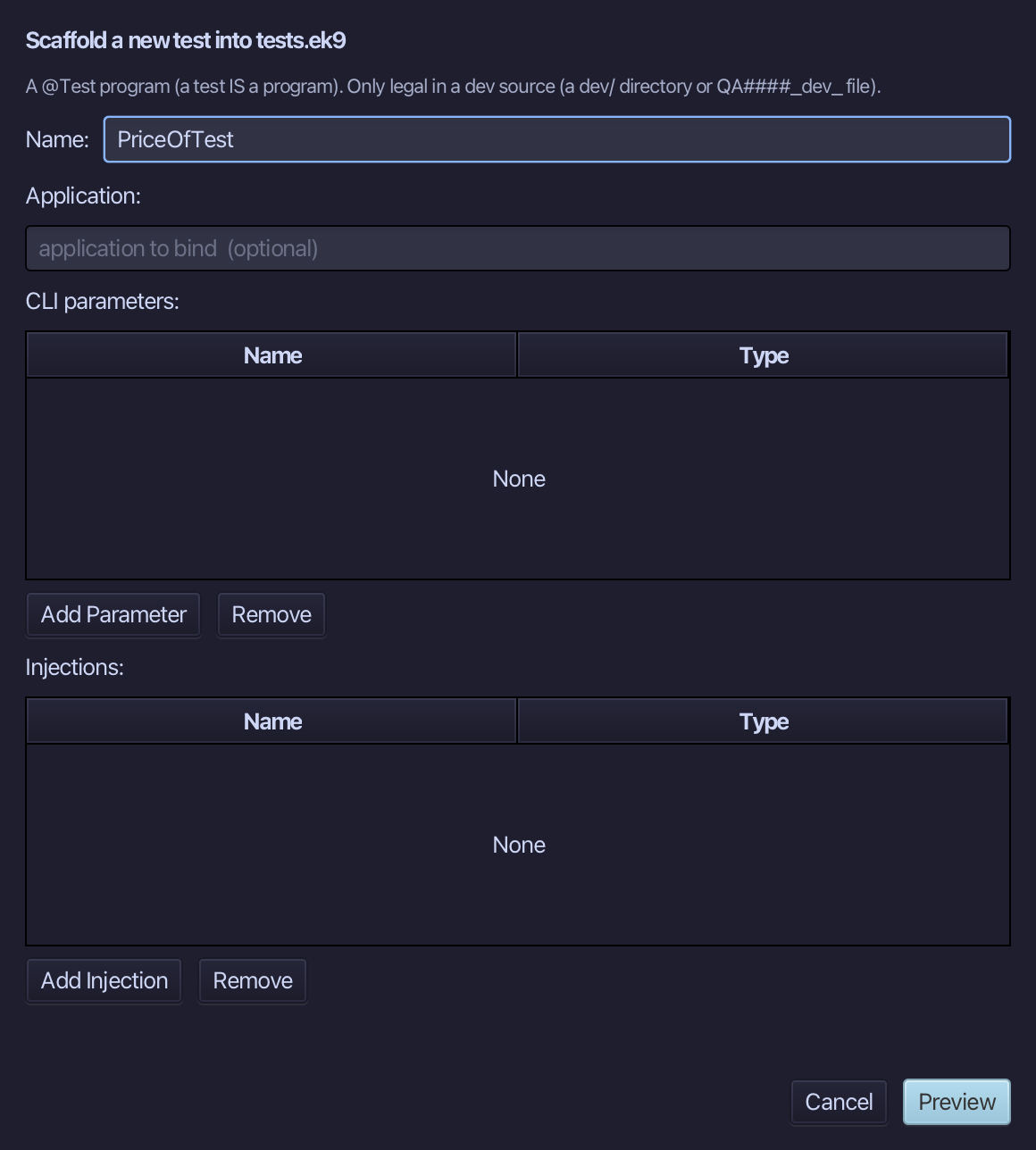
Choose Code > New Construct > Test…
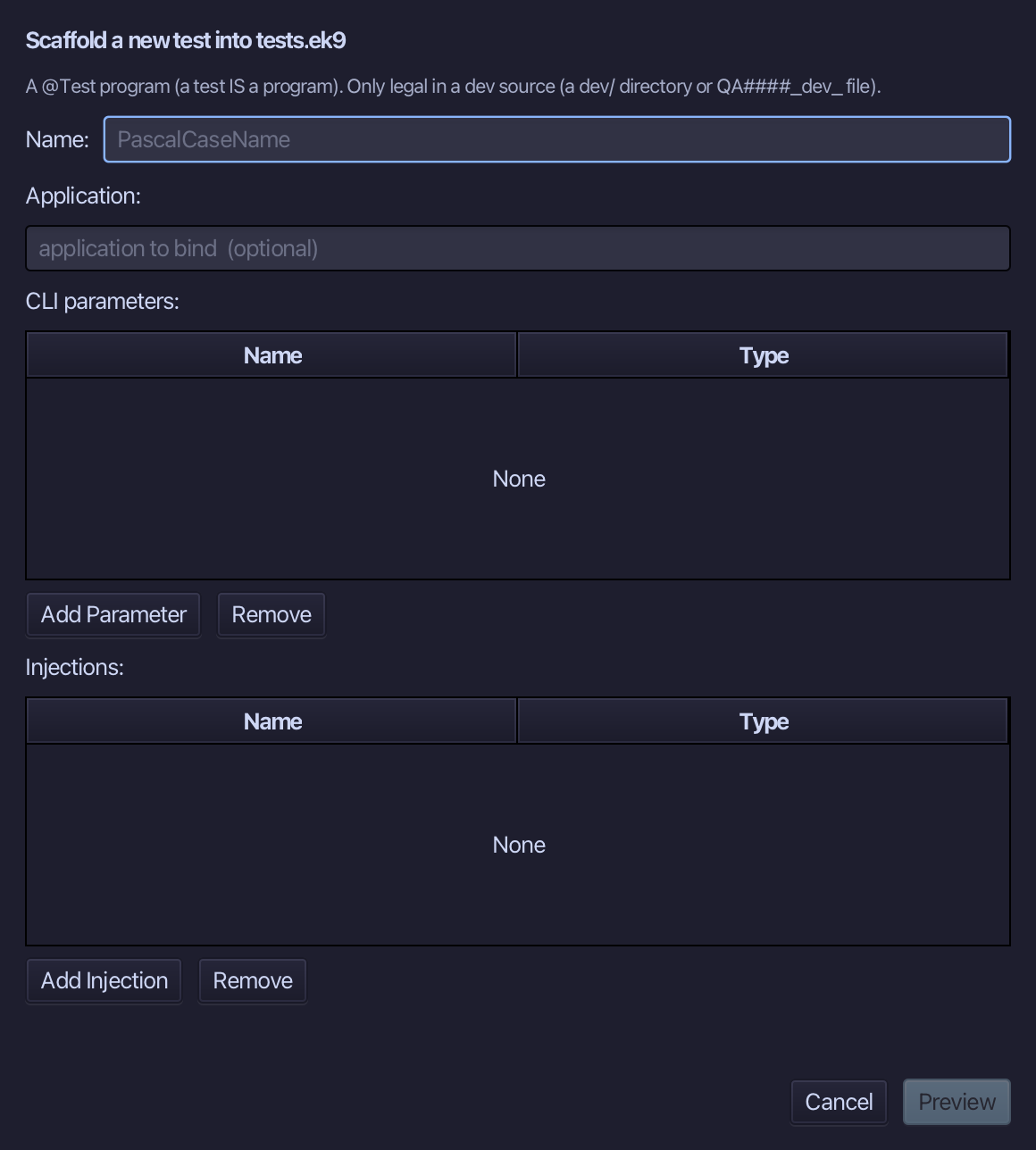
Type PriceOfTest as the test's name and choose Preview.
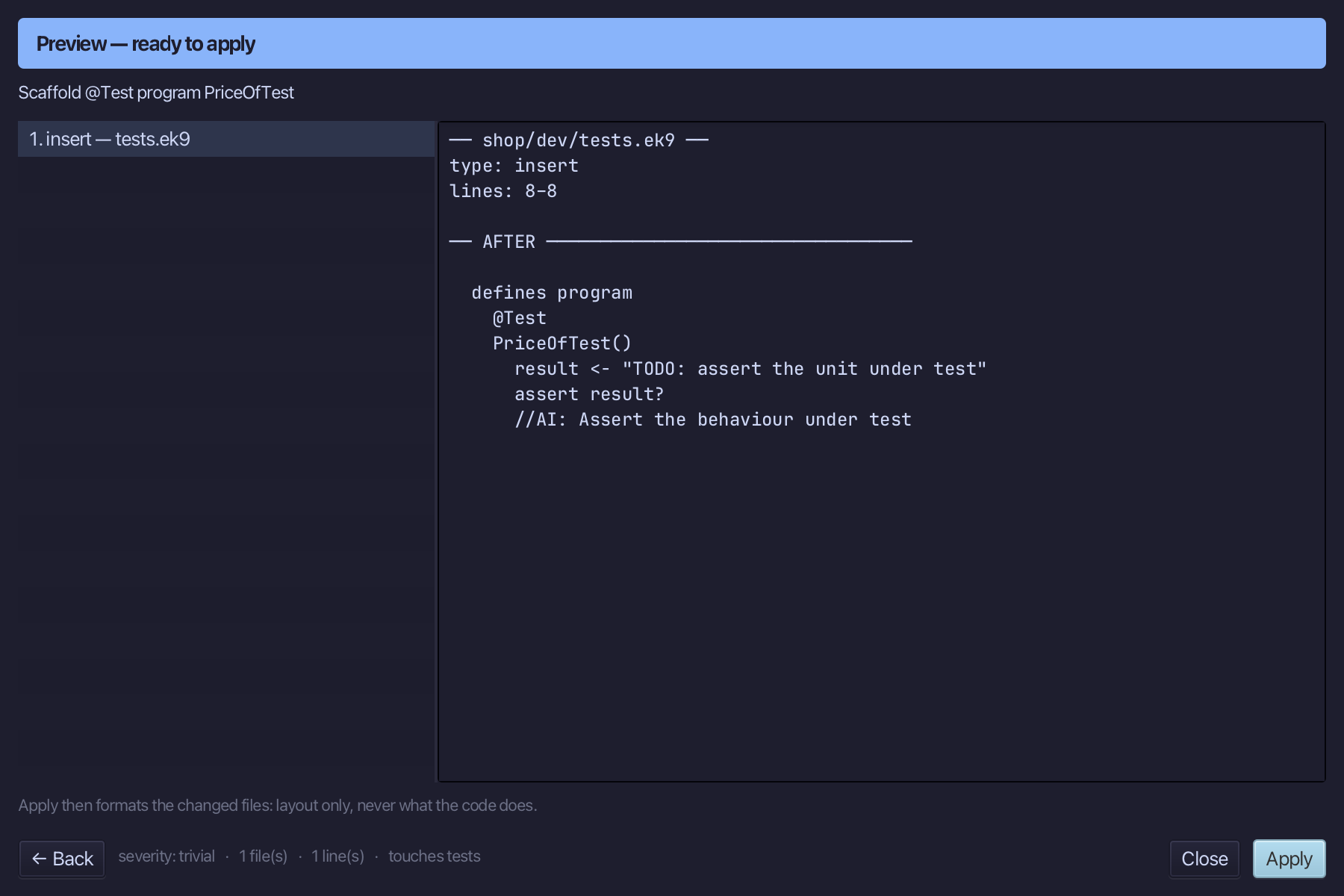
The preview shows PriceOfTest about to be written, marked @Test, with a placeholder assertion. Choose Apply.
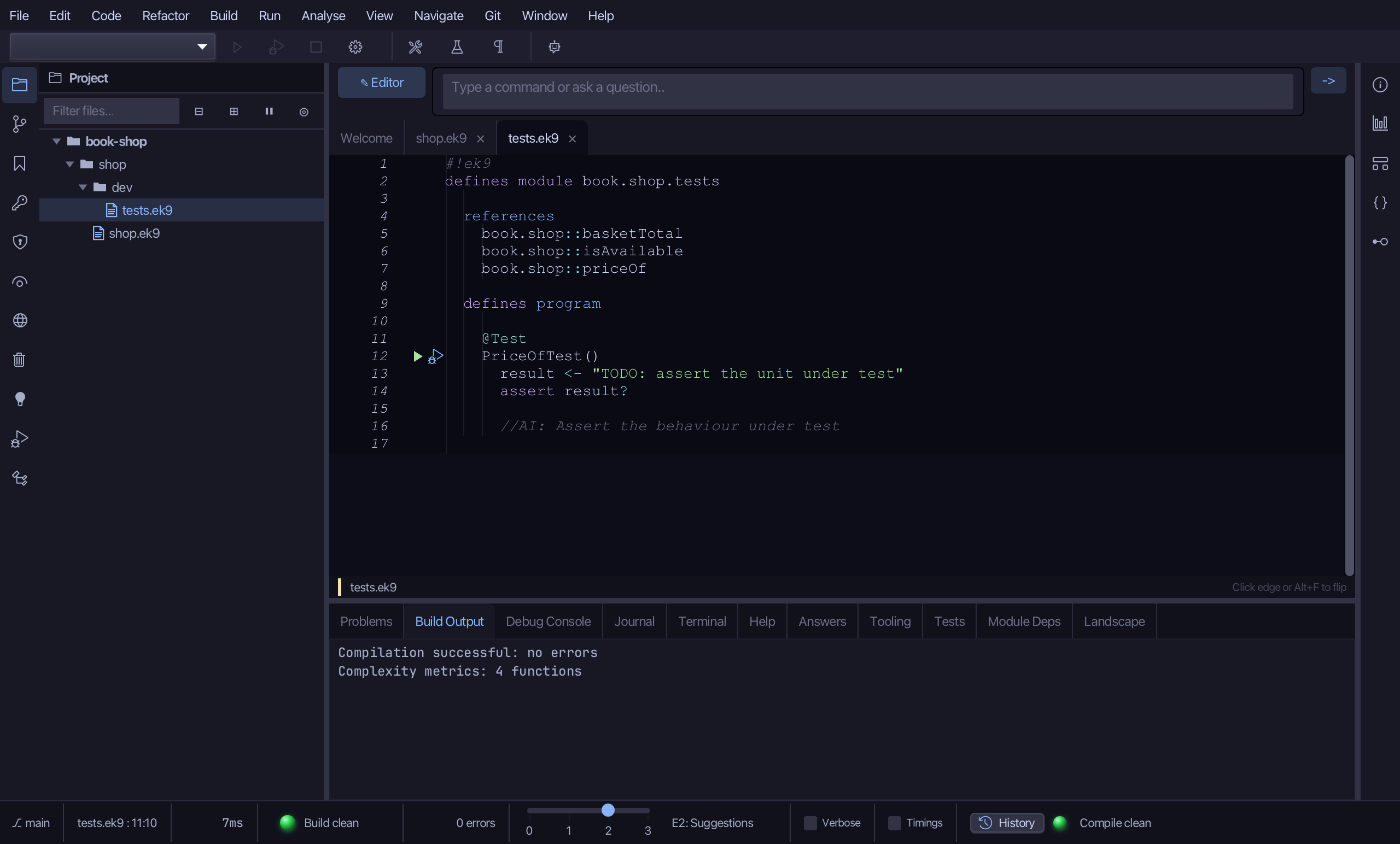
Select the @Test line, and above it type the blank line every chapter example opens its first member with. Saves when typed.
Select the stub, from result <- "TODO: assert the unit under test" down to its //AI line, and type the real claim: every name in the price list gives its price. Saves when typed.
Step 6: MissingPriceTest
Choose Code > New Construct > Test…
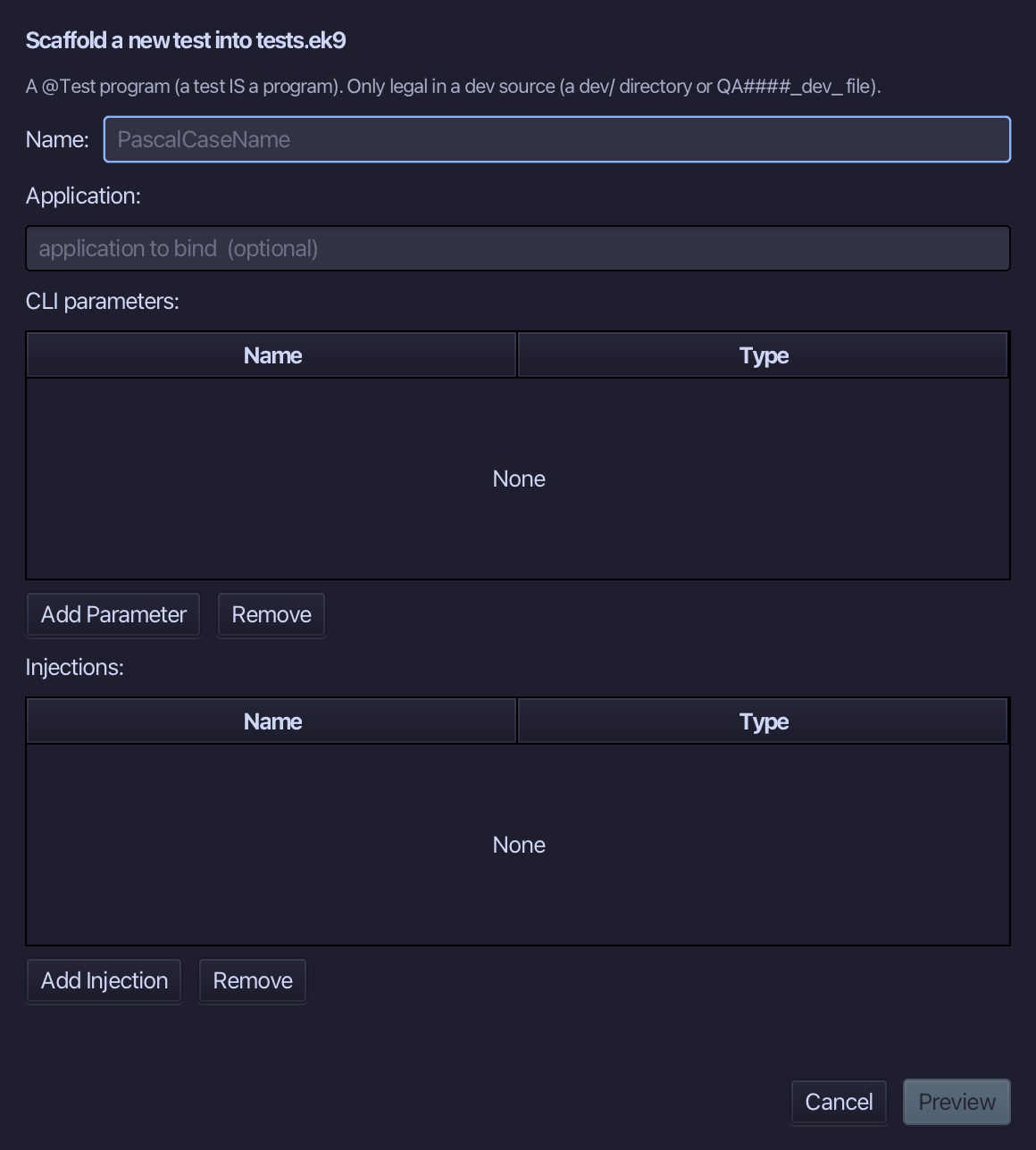
Type MissingPriceTest as the test's name and choose Preview.
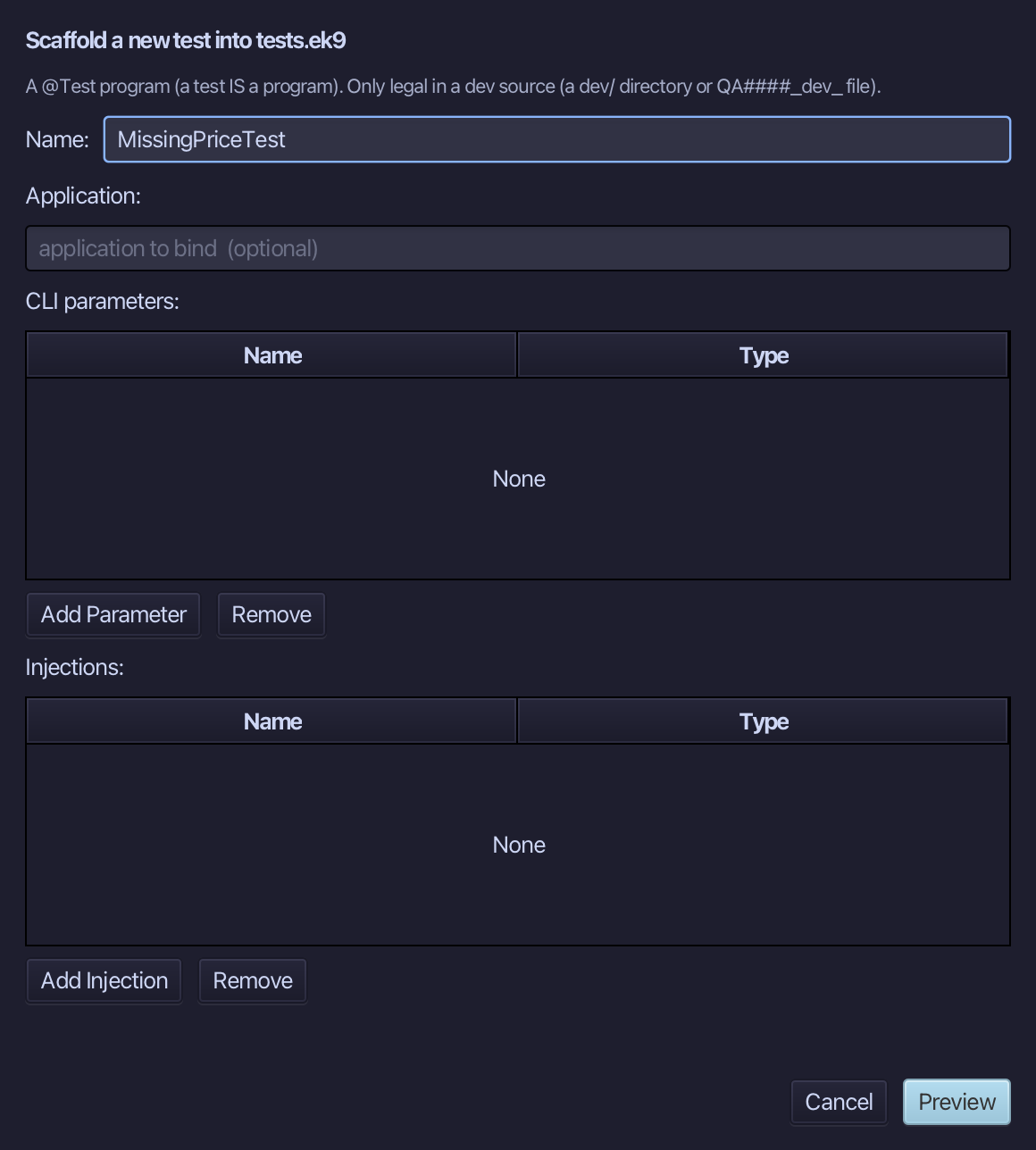
The preview shows MissingPriceTest about to be written, marked @Test, with a placeholder assertion. Choose Apply.
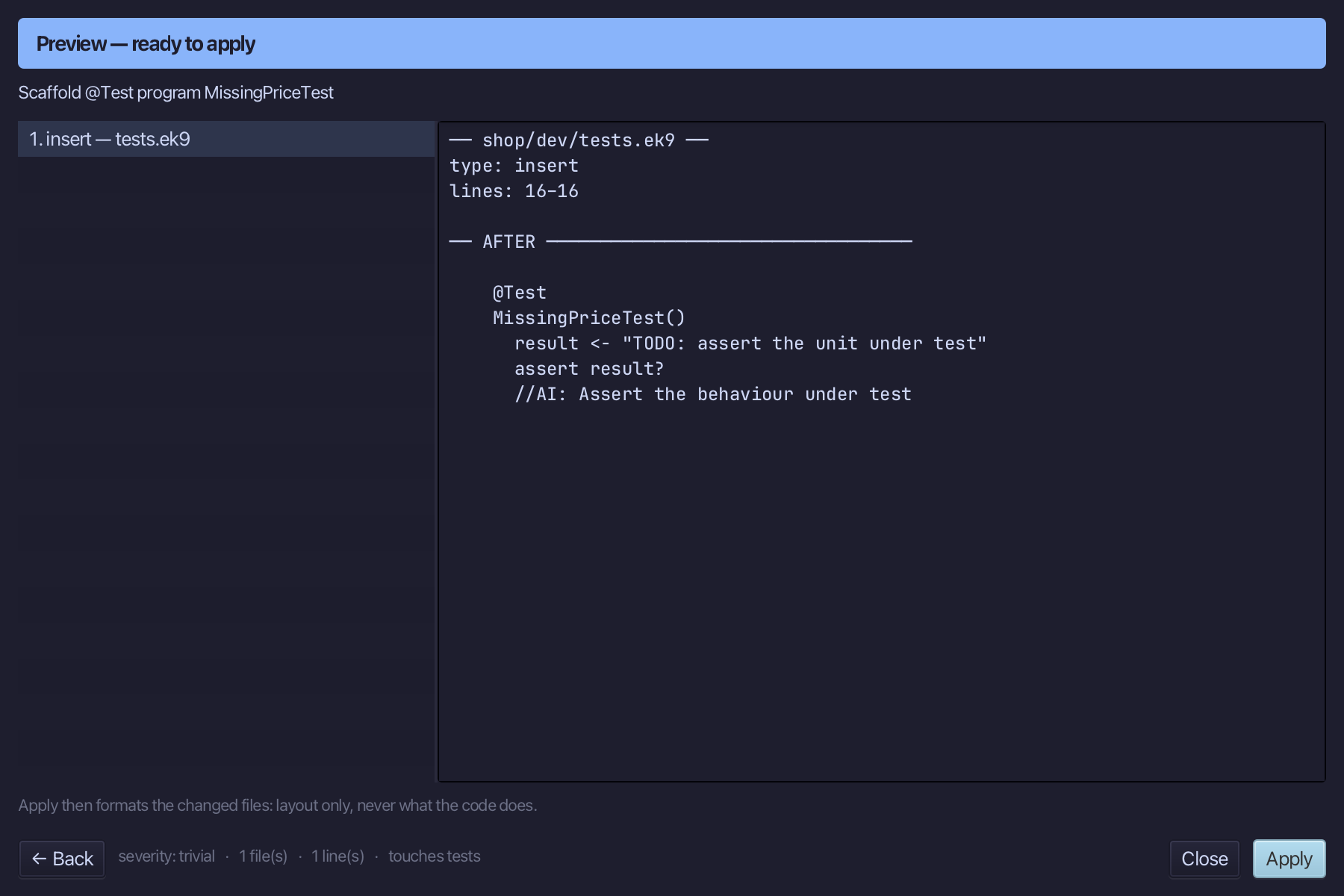
Select the stub, from result <- "TODO: assert the unit under test" down to its //AI line, and type the real claim: a name the shop does not stock has no price. Saves when typed.
Step 7: IsAvailableTest
Choose Code > New Construct > Test…
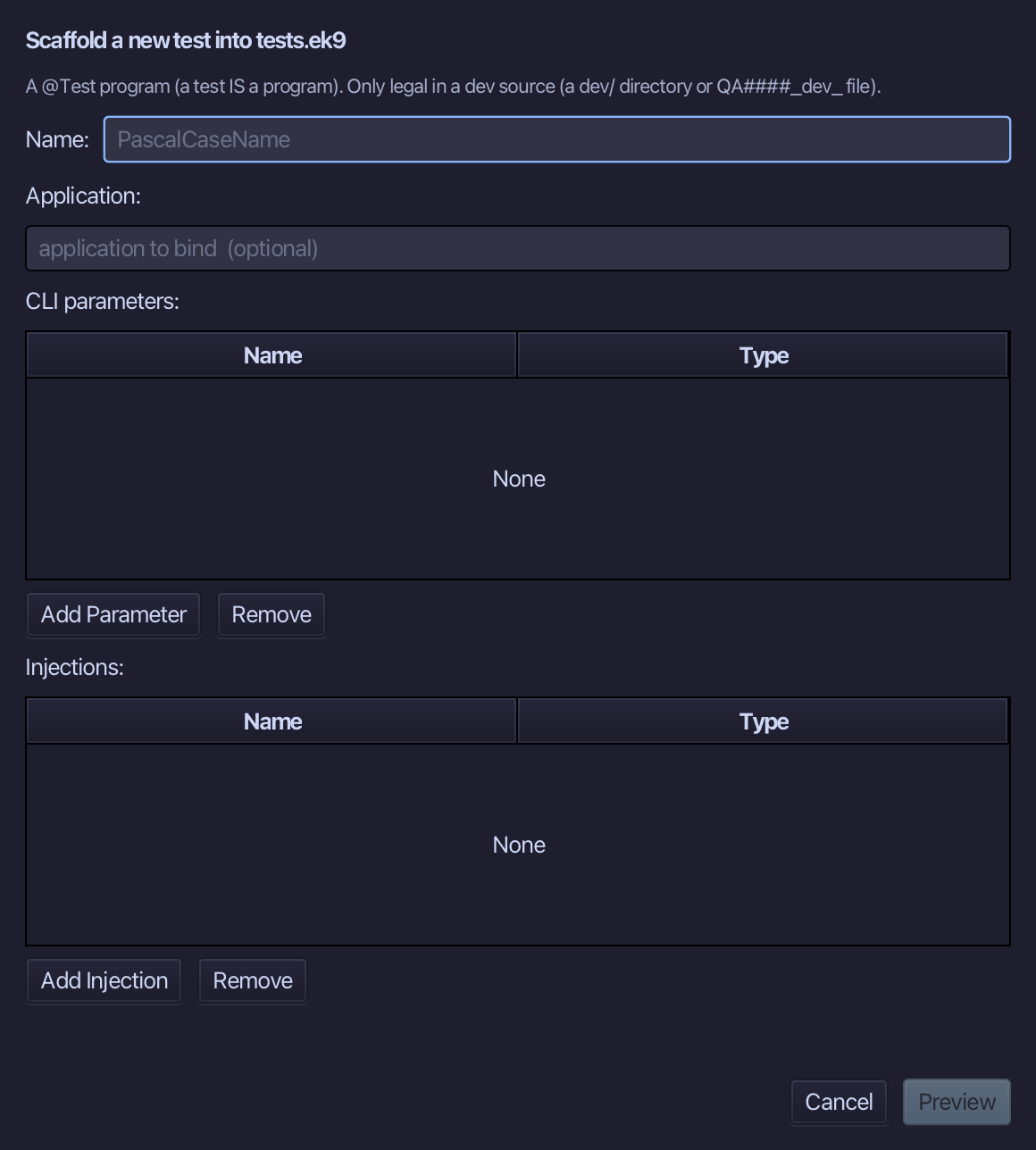
Type IsAvailableTest as the test's name and choose Preview.
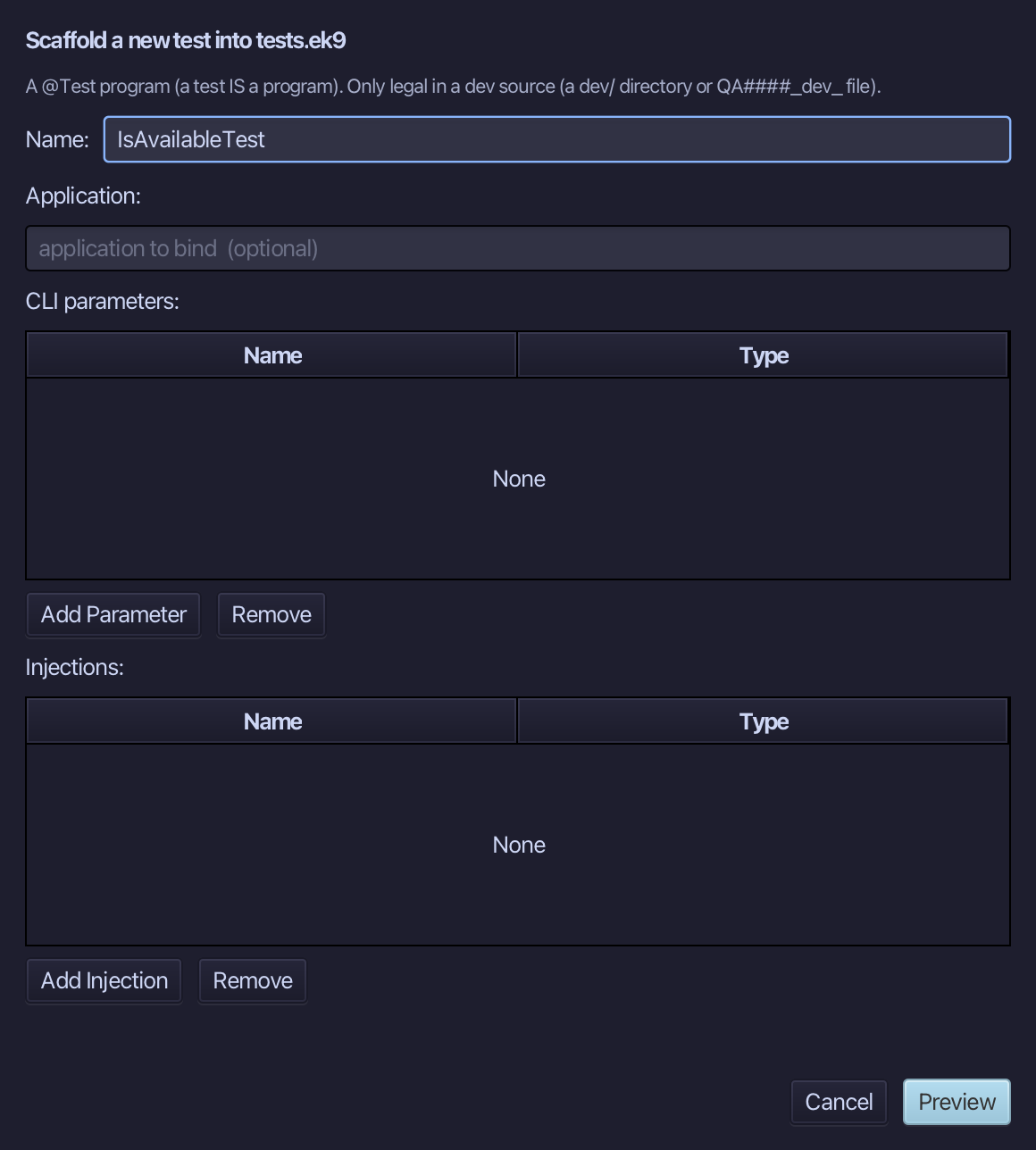
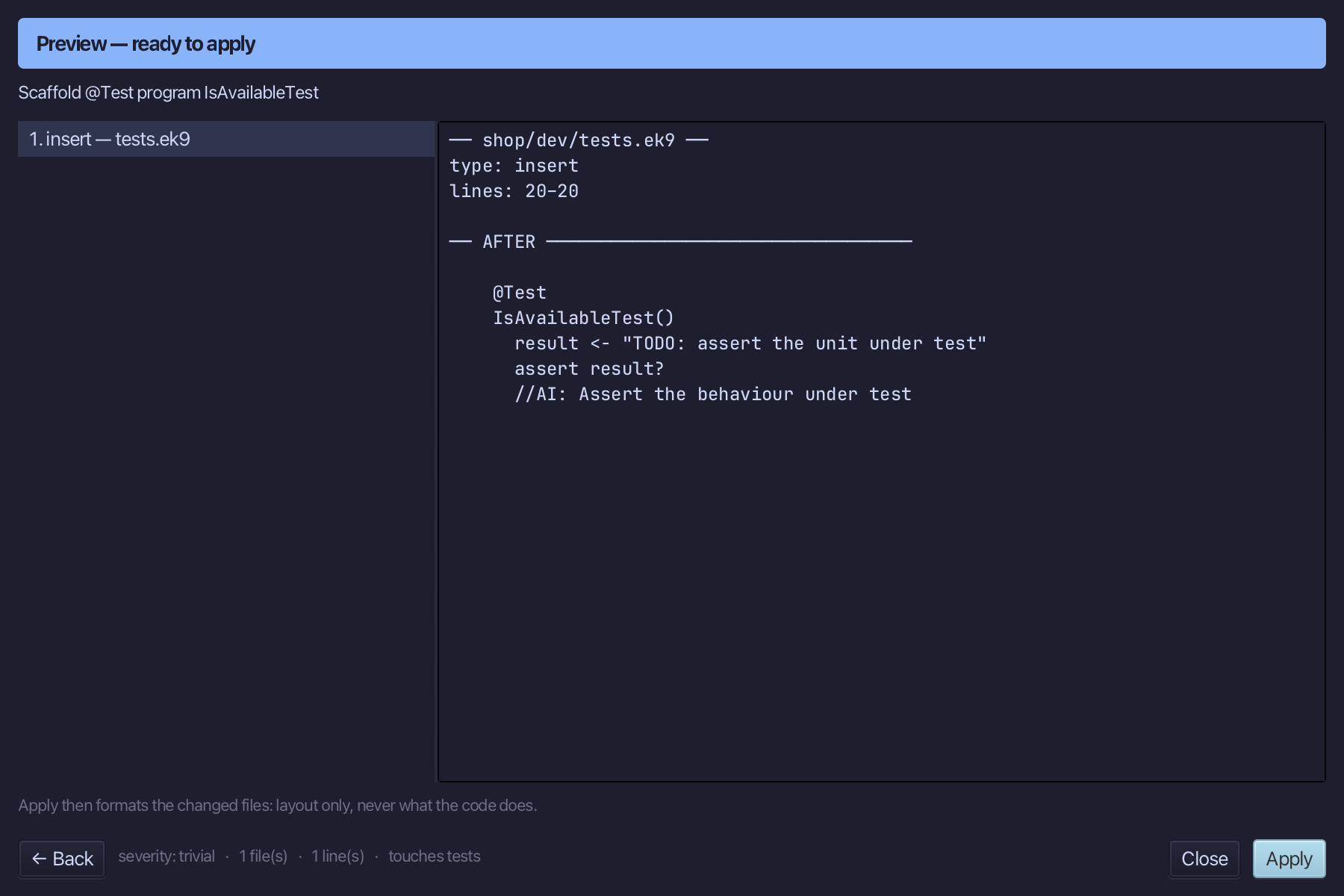
The preview shows IsAvailableTest about to be written, marked @Test, with a placeholder assertion. Choose Apply.
Select the stub, from result <- "TODO: assert the unit under test" down to its //AI line, and type the real claim: a stocked item is available, an unstocked one is not. Saves when typed.
Step 8: BasketTotalTest — the whole pipeline
Choose Code > New Construct > Test…
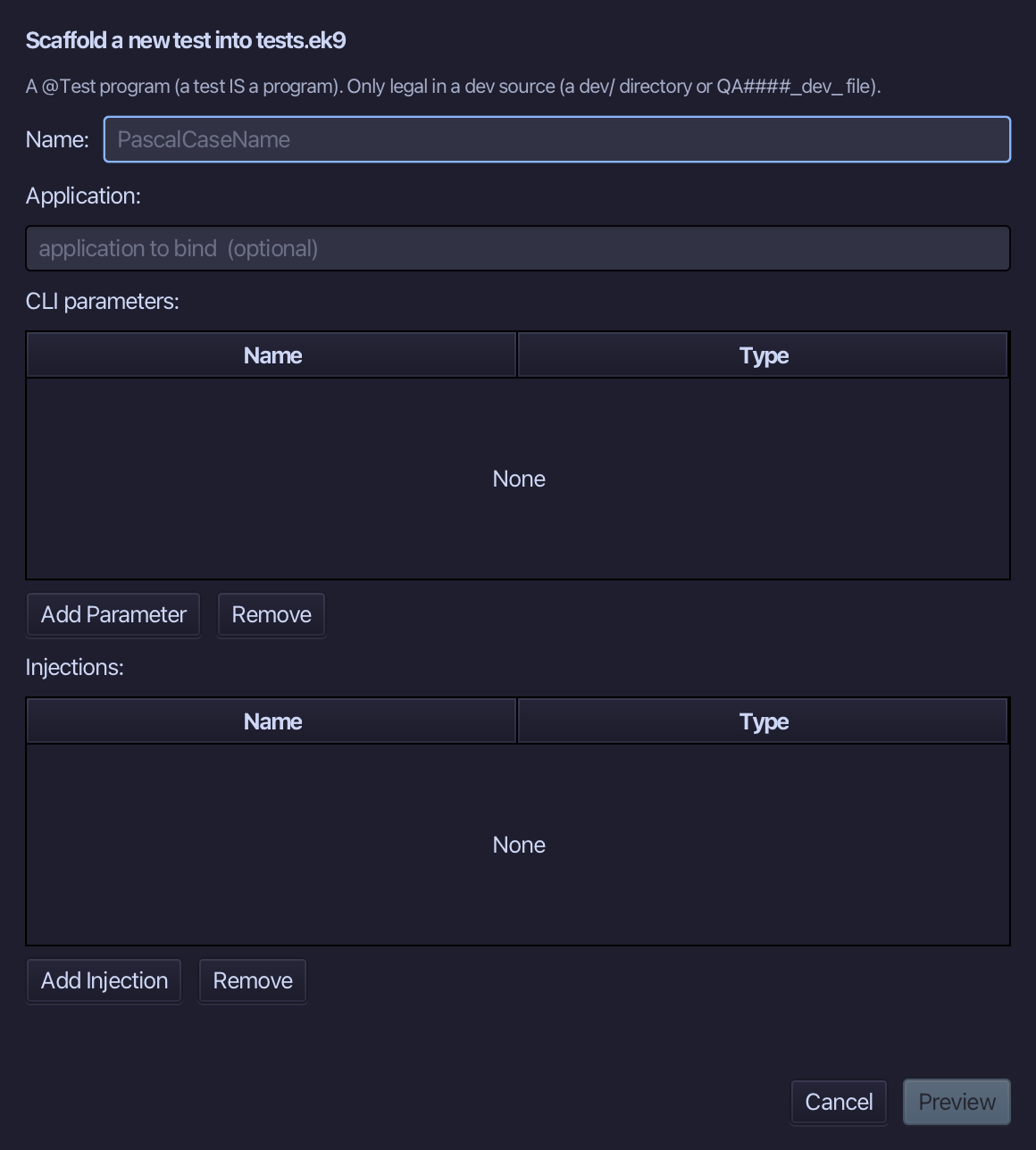
Type BasketTotalTest as the test's name and choose Preview.
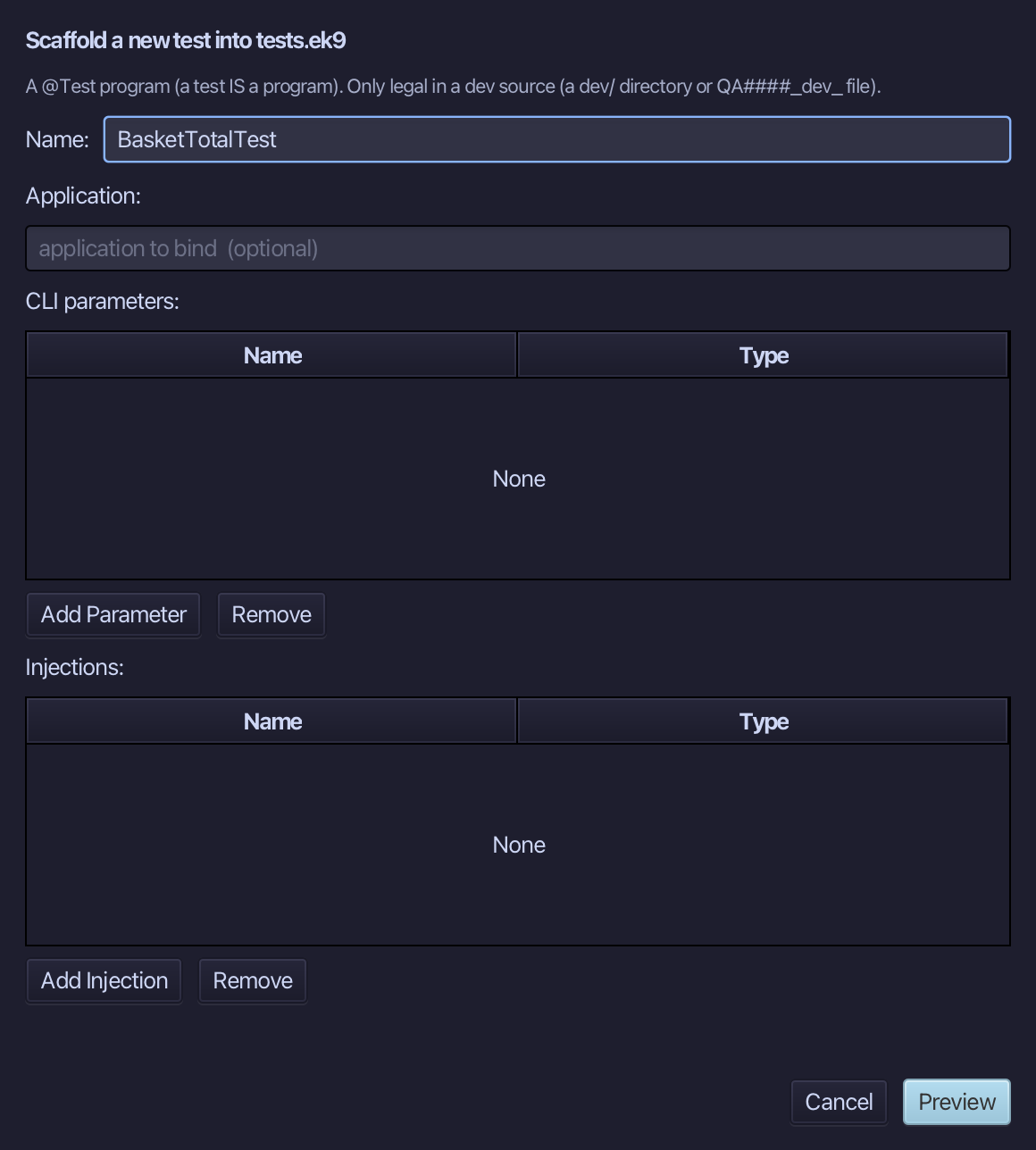
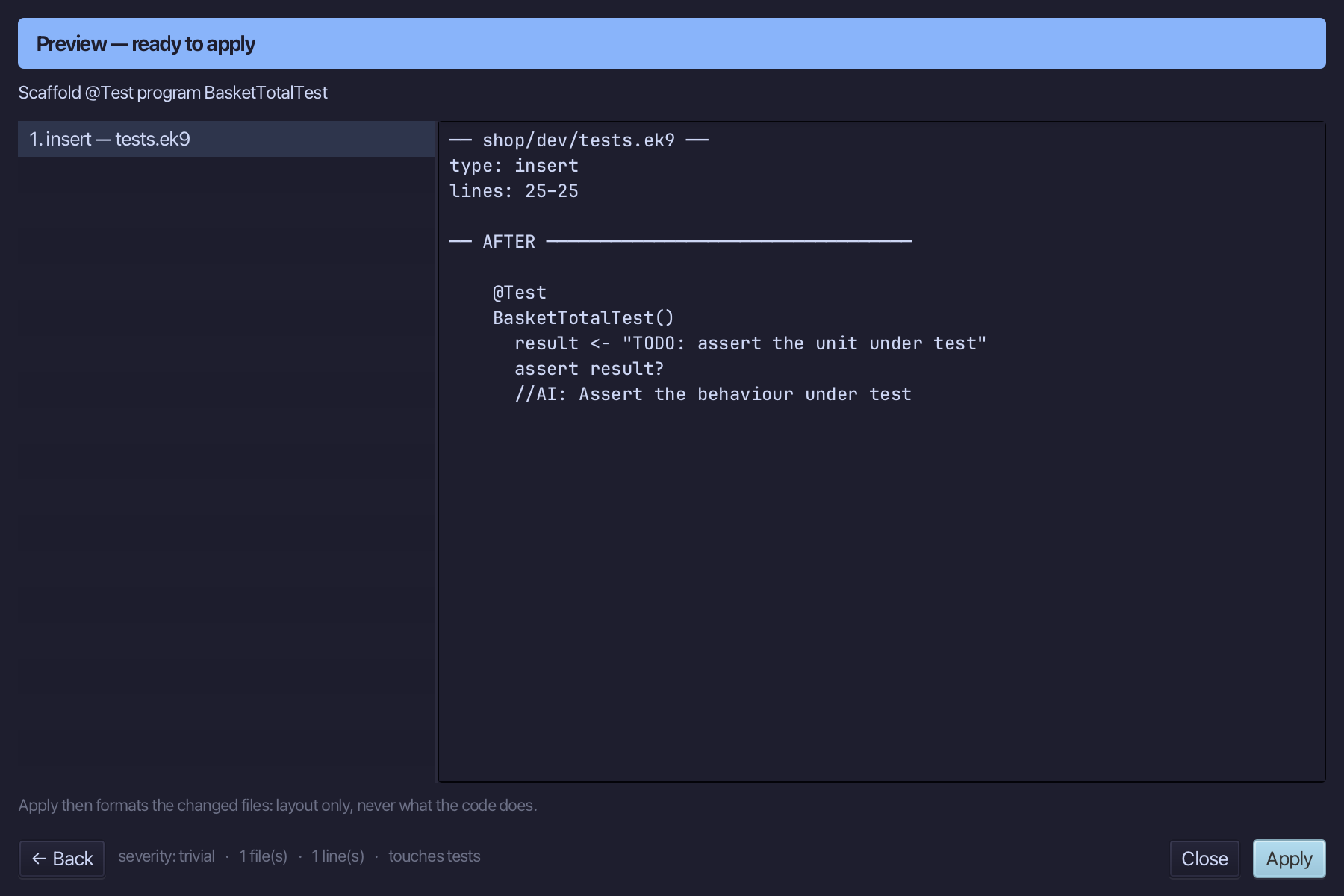
The preview shows BasketTotalTest about to be written, marked @Test, with a placeholder assertion. Choose Apply.
Select the stub, from result <- "TODO: assert the unit under test" down to its //AI line, and type the real claim: four names, one not stocked, total only what the shop sells. Saves when typed.
Step 9: Run the tests
Run ▸ Run Tests (⌘T) runs every @Test in the project, all four, and reports pass or fail - the same as ek9 -t at the command line. Choose Run Tests.
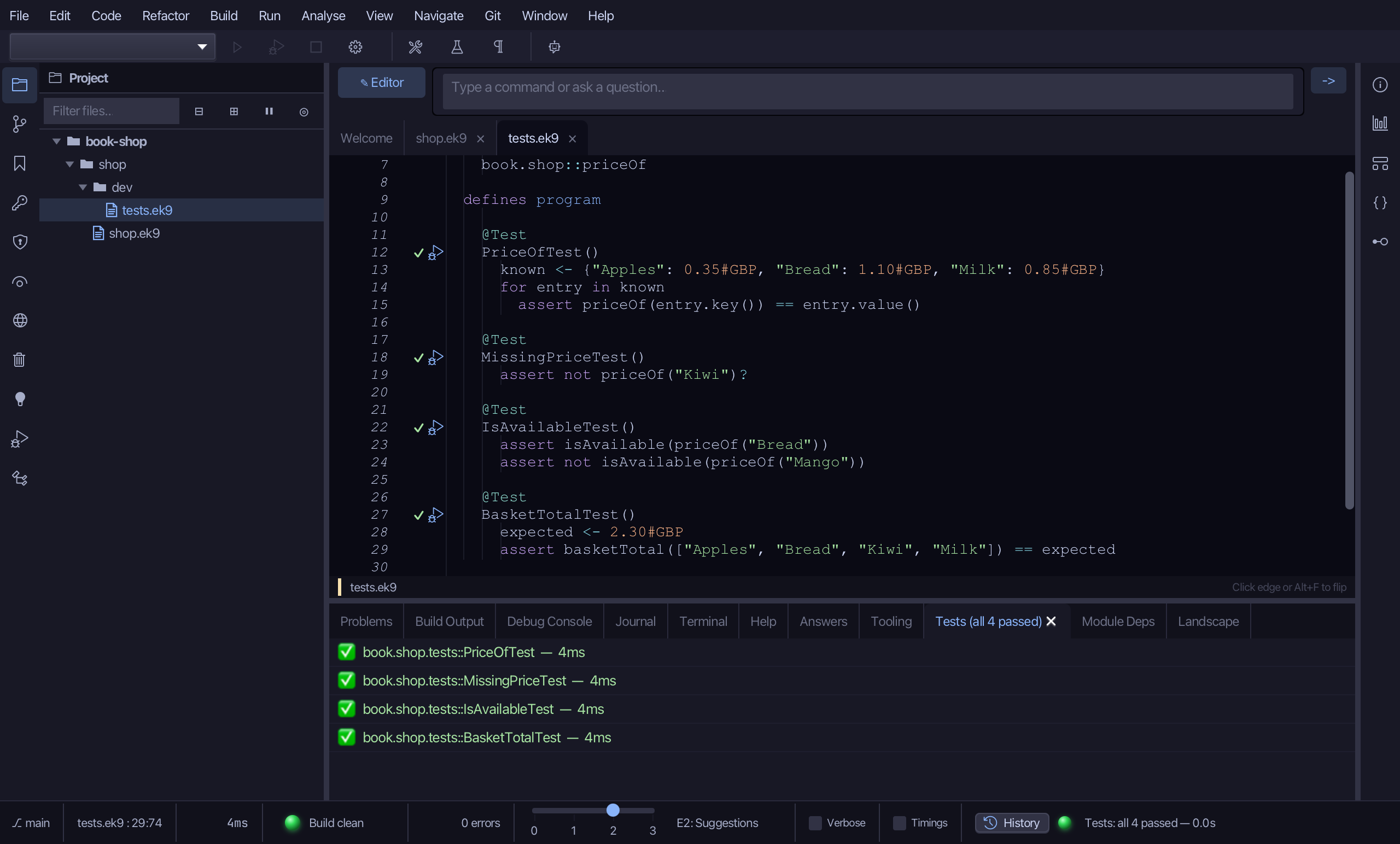
The Tests tab lists all four tests, each with a green tick. Each stage is checked on its own, and then BasketTotalTest checks how they combine: Kiwi is not stocked, so a basket of four names totals only what the shop sells - 2.30 pounds.
The result
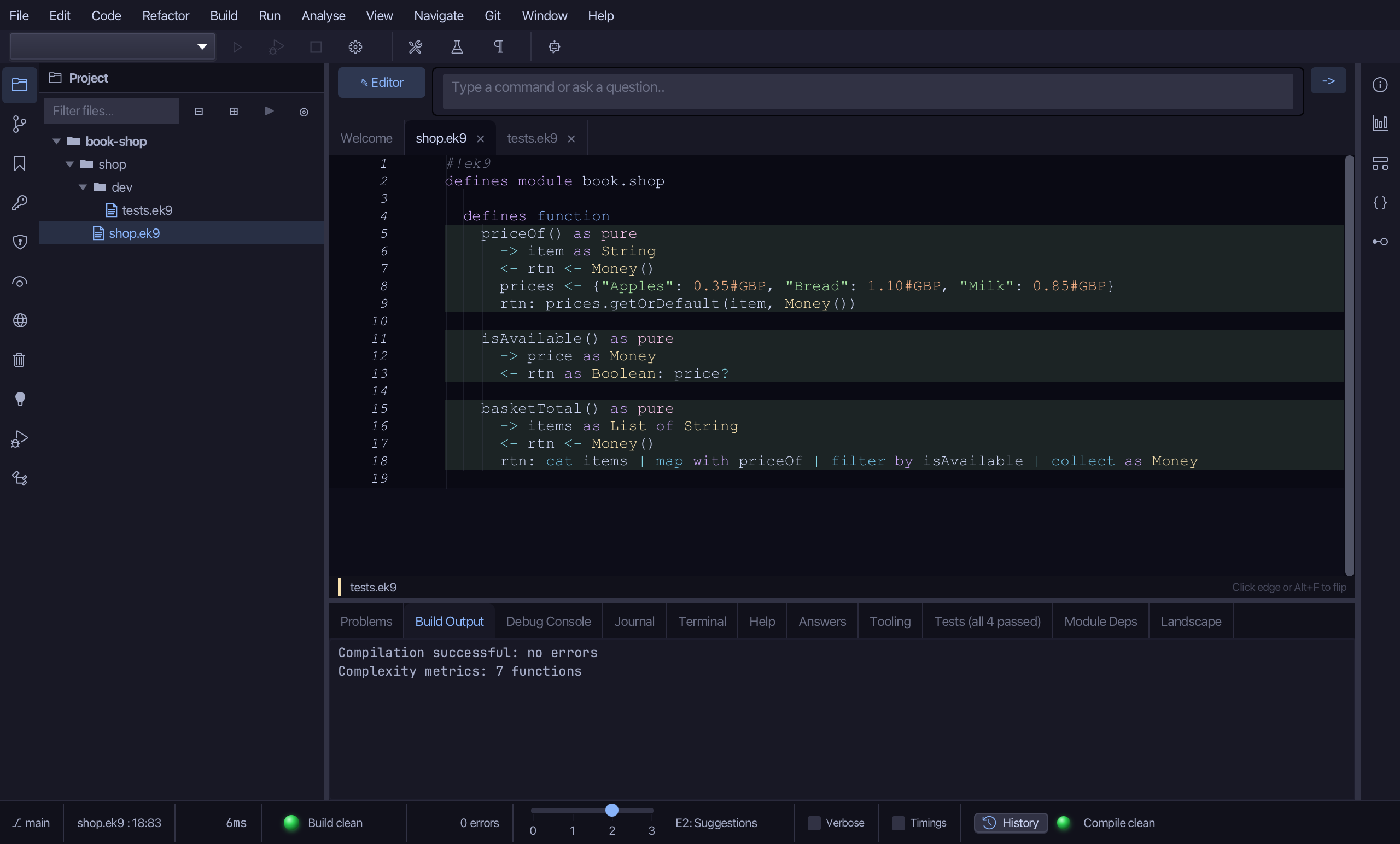
shop.ek9 and shop/dev/tests.ek9 now read exactly as chapter 12 of Getting Started with EK9 shows them: three pure functions, the last a stream pipeline, and four @Test programs - one for each stage and one for the stages together. ek9_new_construct and ek9_add_program are what an AI assistant calls to make the same shells.
Where this lesson comes from
- For AI assistants - the MCP tool
ek9_new_construct,ek9_add_program,ek9_run_tests.
In the EK9 reference: Streams and Pipelines in EK9