Chapter 36: links from a base URL, built
A service builds links from a base URL it was configured with, not from the request. Chapter 36's NoteLinks resolves a path, appends a segment and a query parameter, and prints them. To play it in the IDE: Help > Lessons > EK9 in Depth…, or ek9 -ide -lesson depth-note-links.
What you'll build
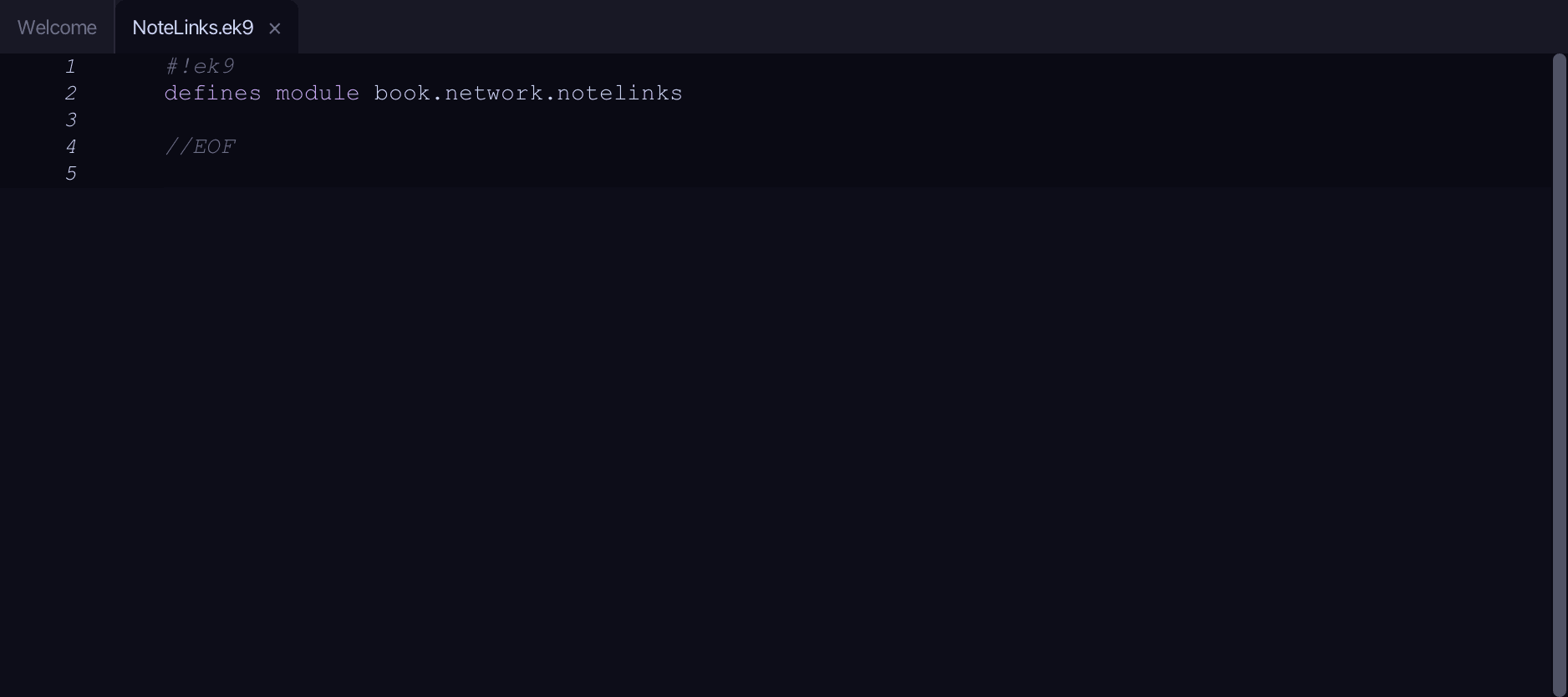
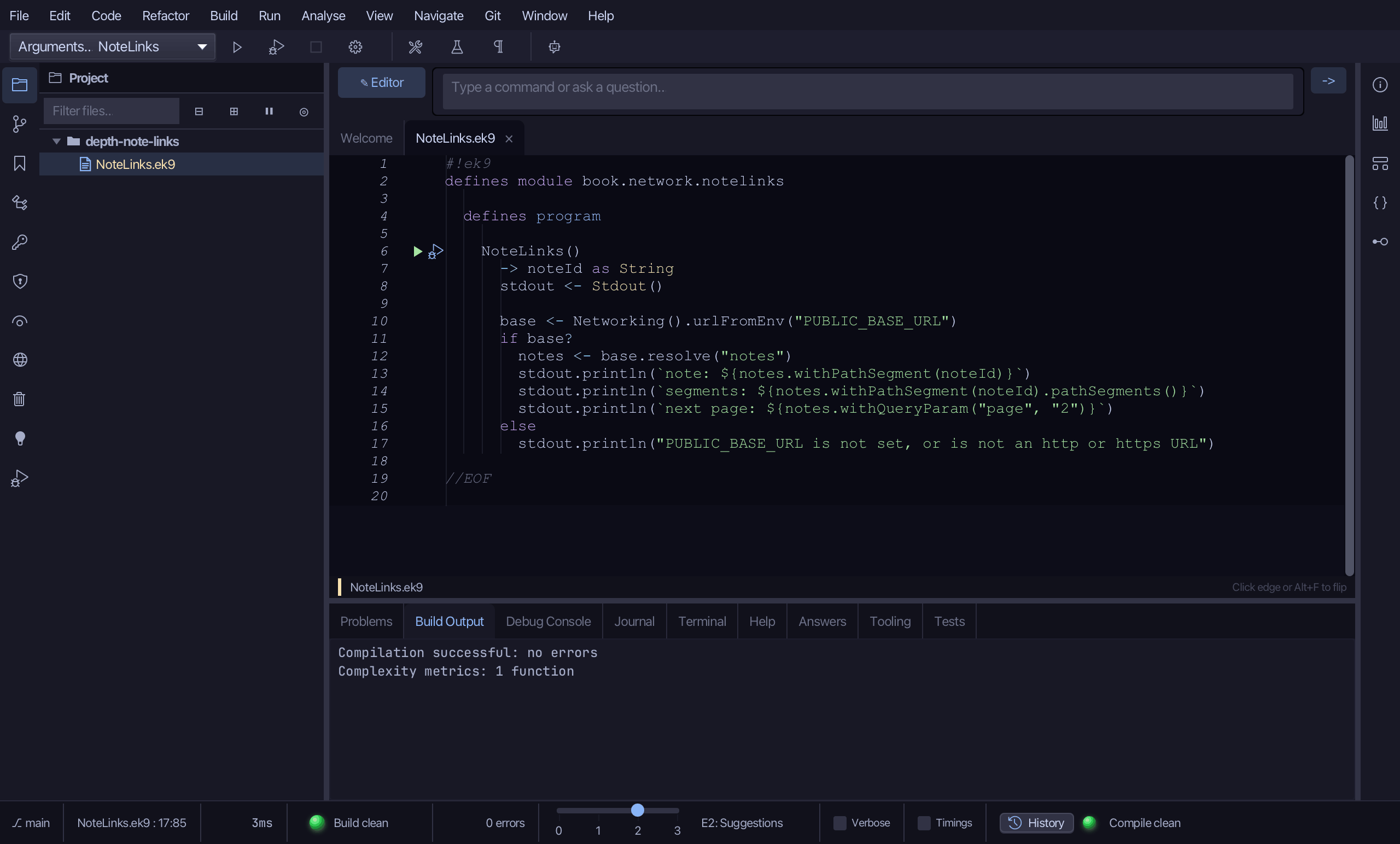
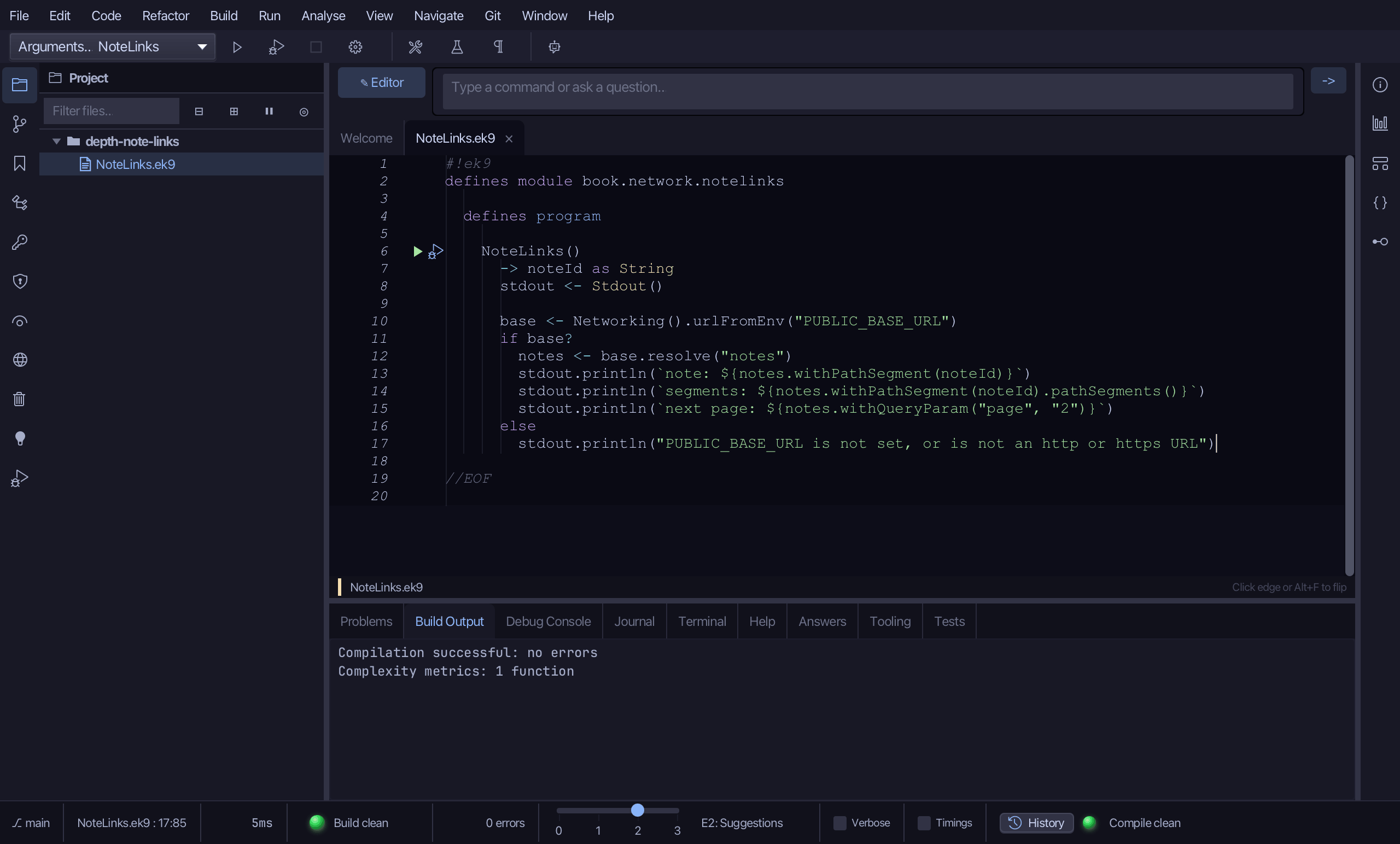
The lesson builds this program from a file holding only its module line - the finished file, as the book prints it.
#!ek9
defines module book.network.notelinks

  defines program

    NoteLinks()
      -> noteId as String
      stdout <- Stdout()

      base <- Networking().urlFromEnv("PUBLIC_BASE_URL")
      if base?
        notes <- base.resolve("notes")
        stdout.println(`note: ${notes.withPathSegment(noteId)}`)
        stdout.println(`segments: ${notes.withPathSegment(noteId).pathSegments()}`)
        stdout.println(`next page: ${notes.withQueryParam("page", "2")}`)
      else
        stdout.println("PUBLIC_BASE_URL is not set, or is not an http or https URL")

//EOF
Step 1: NoteLinks — a program
Choose Code > New Construct > Program…
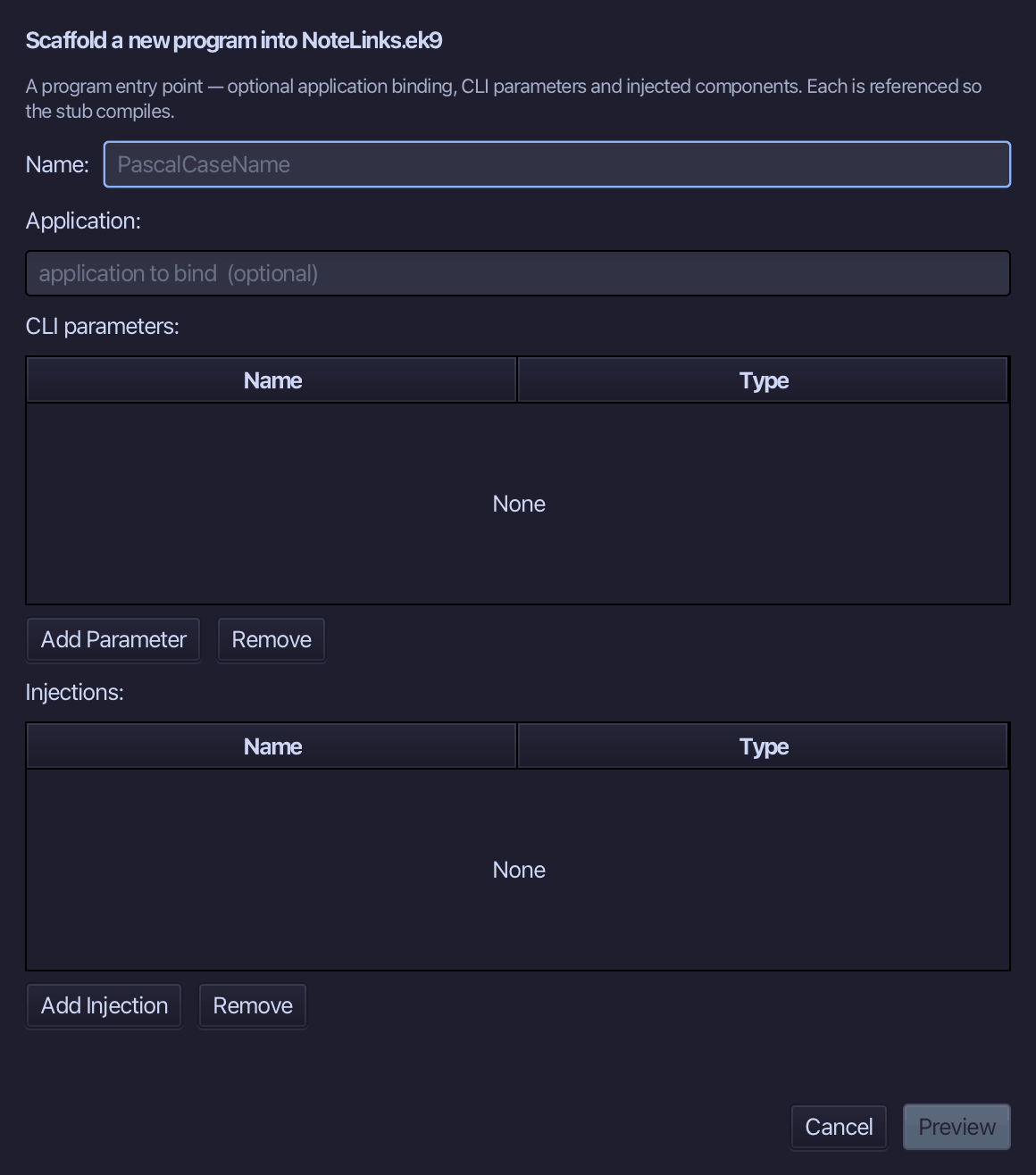
NoteLinks is the program's name. It takes the note's id as its argument. Add one parameter, noteId of type String. Choose Preview.
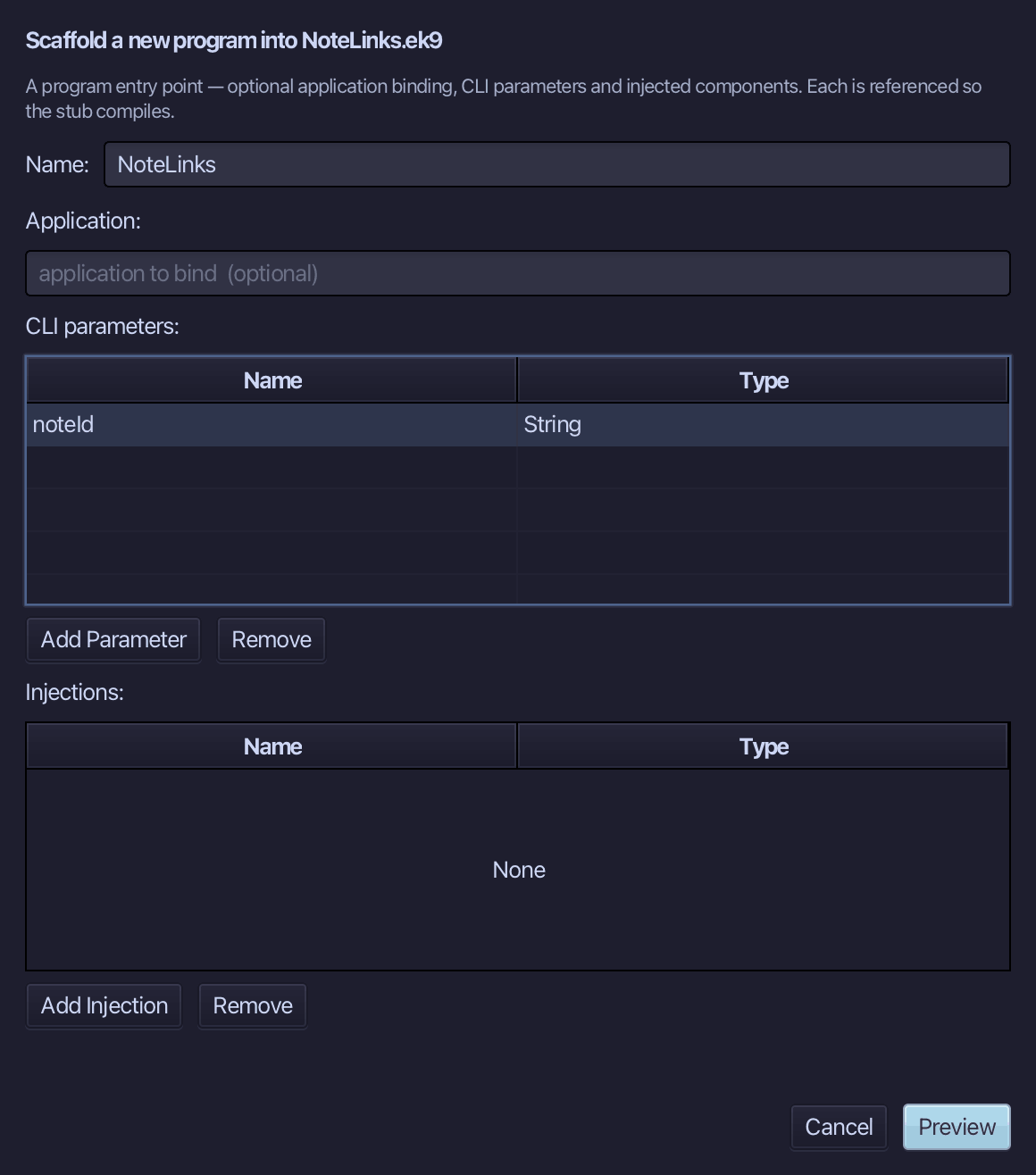
The preview shows NoteLinks about to be written. Choose Apply.
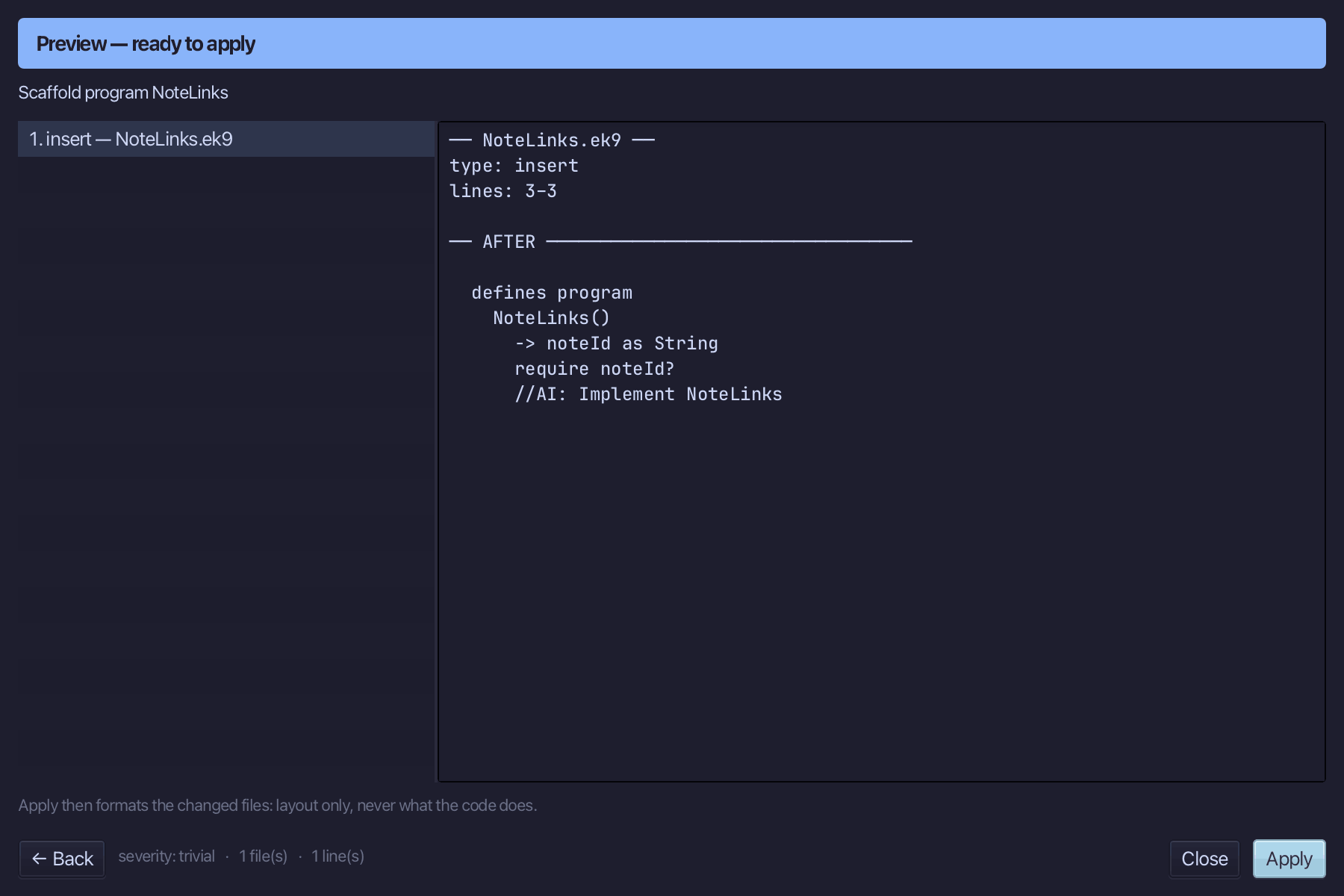
Select the NoteLinks line and, above it, type the blank line the book opens the block with. Saves when typed.
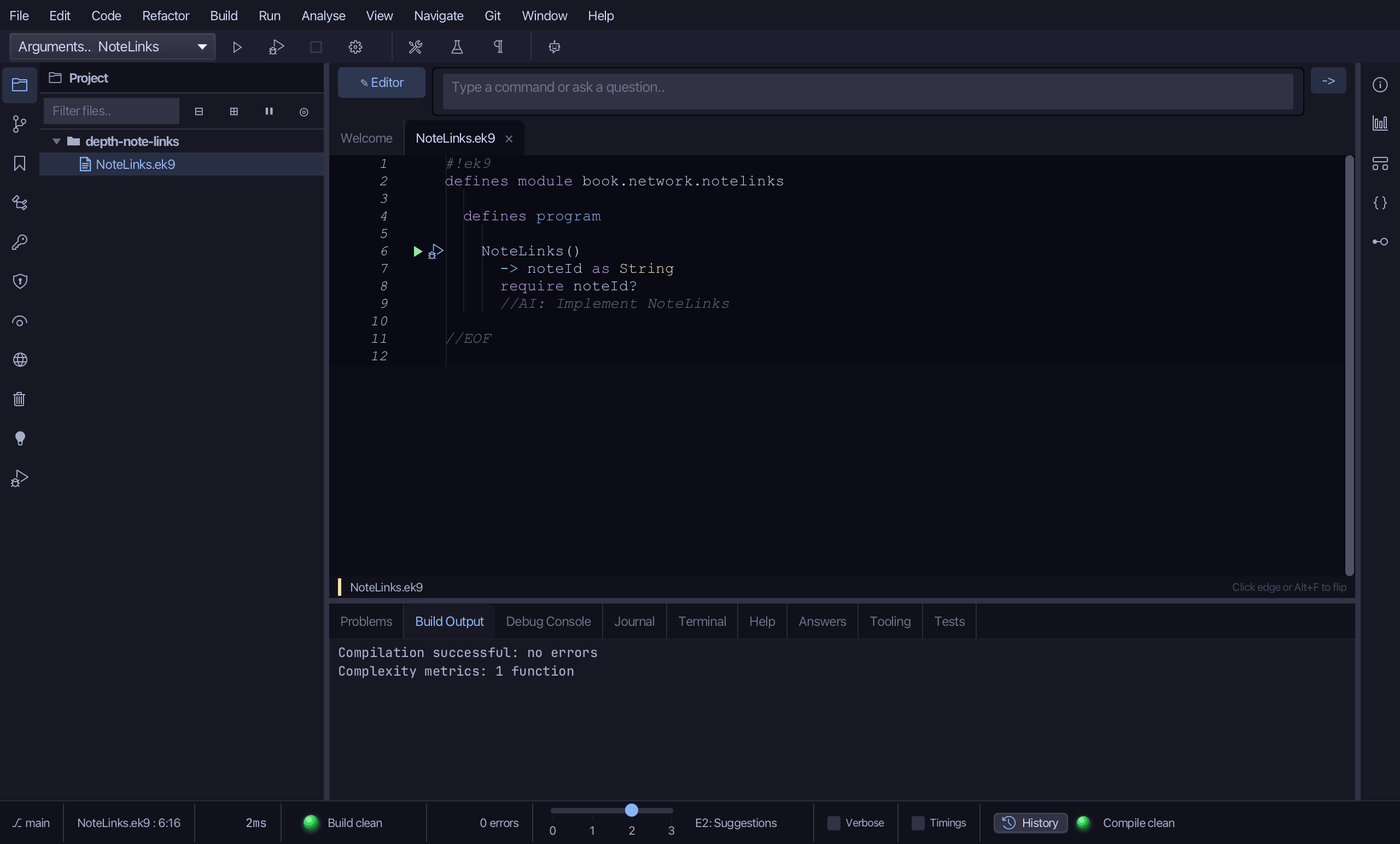
Select the stub, from require noteId? down to its //AI line, and type the program exactly as the chapter shows it. Saves when typed.
Step 2: Run it
Choose Run > Run Program…
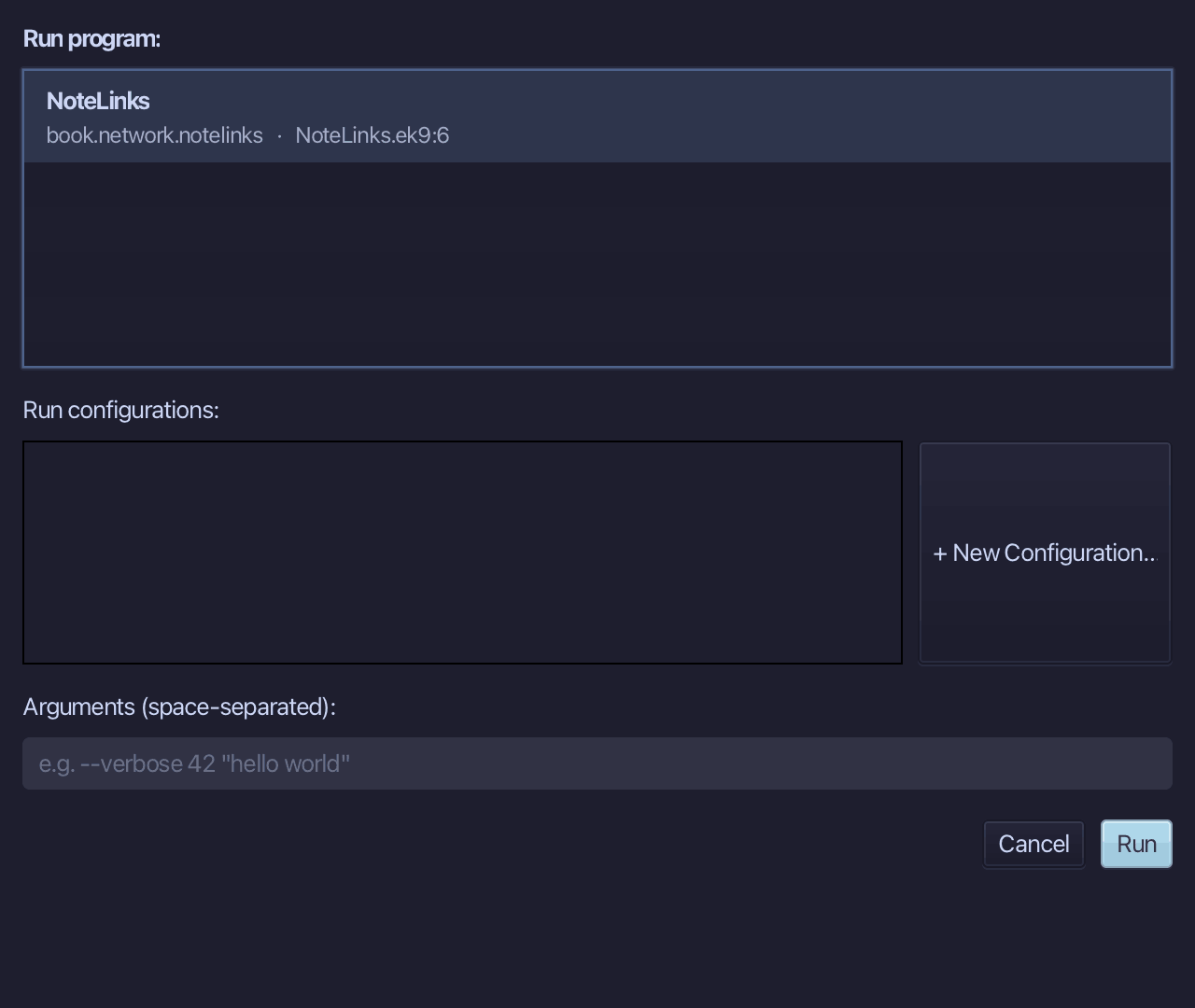
Type 42 into Arguments (space-separated), then choose Run.
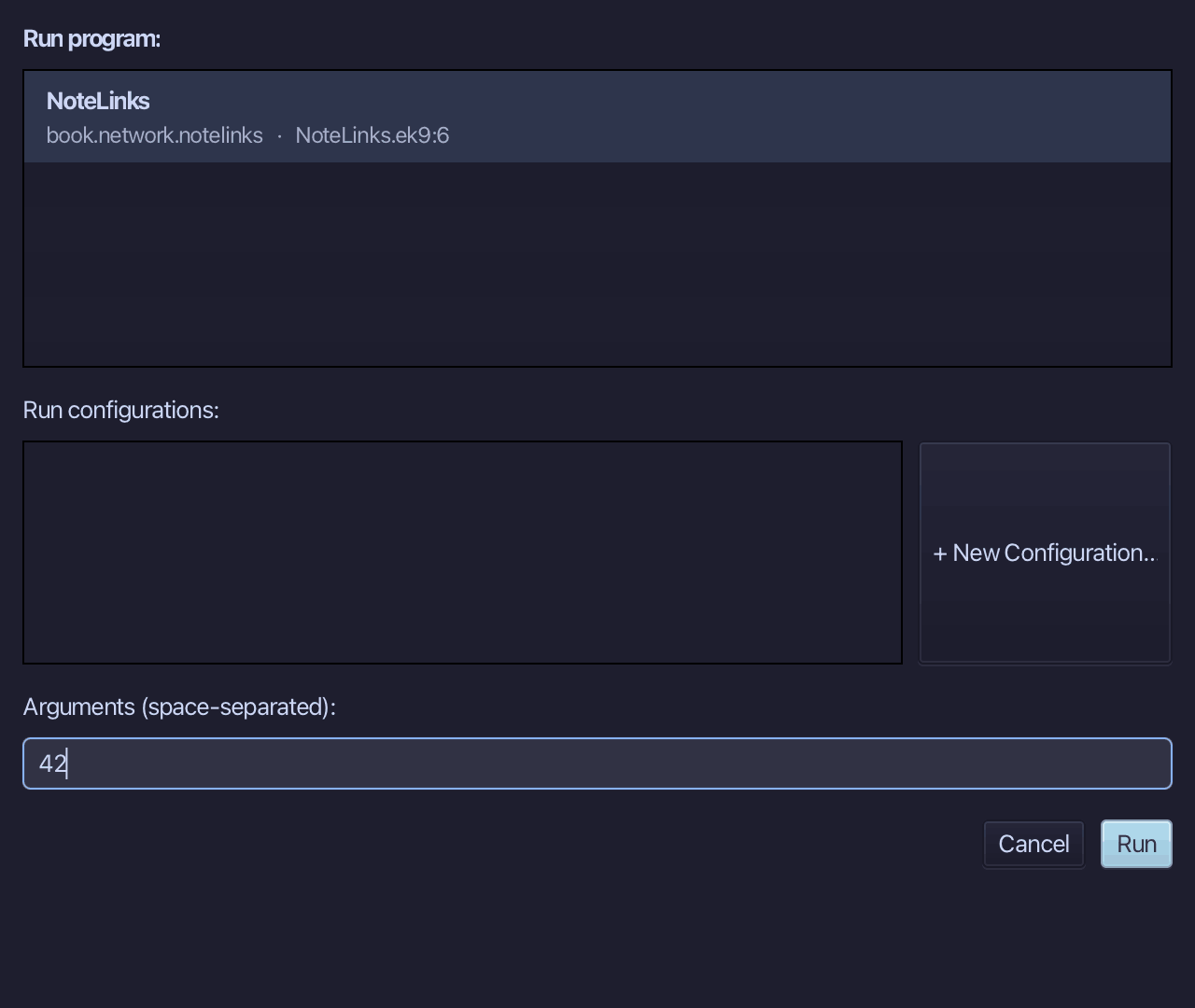
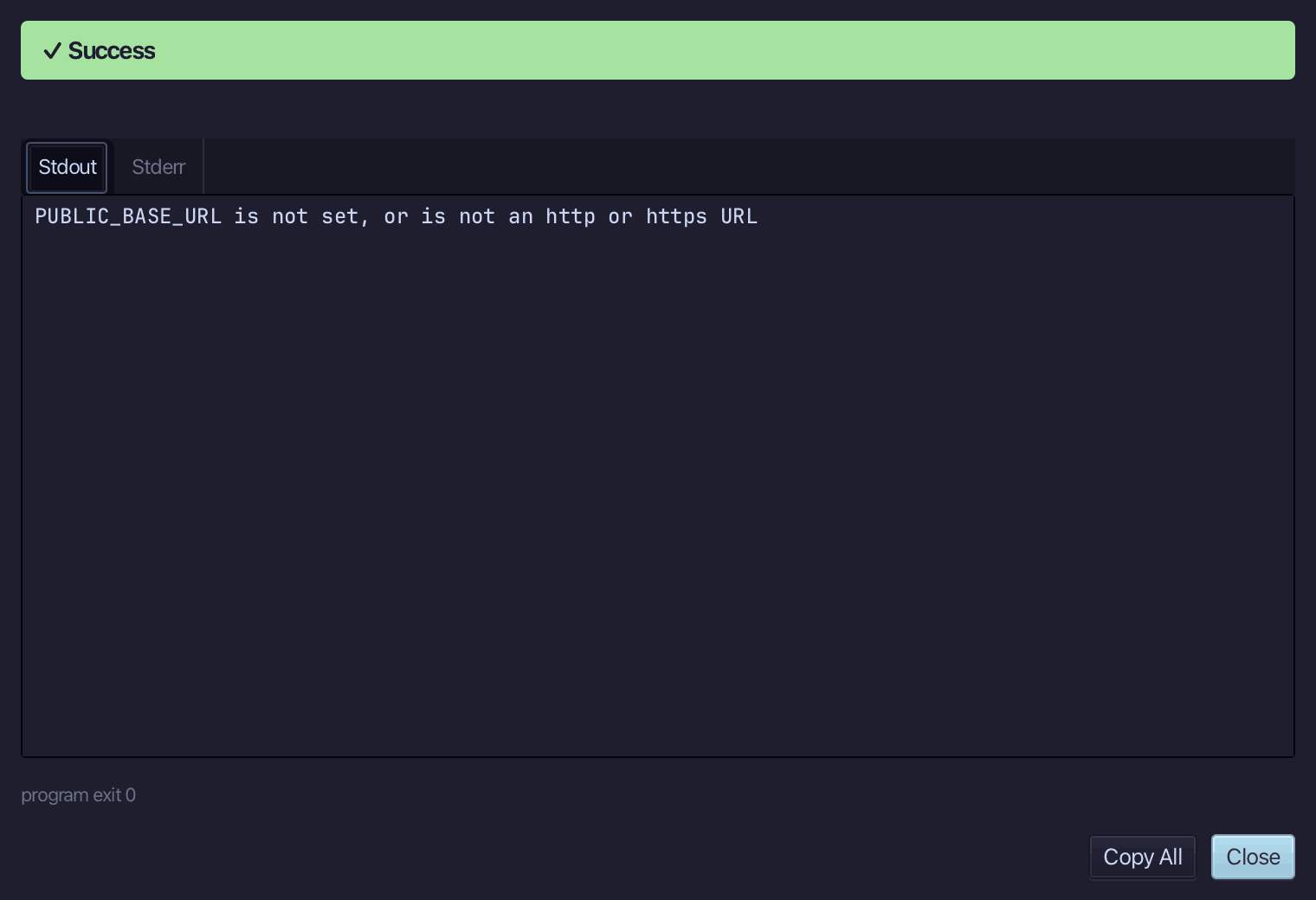
PUBLIC_BASE_URL is not set in this run, so the program takes its else branch and says so. Choose Close.
The result
NoteLinks.ek9 now reads exactly as chapter 36 of EK9 in Depth shows it. The URL type builds the links; no string is joined by hand.
Where this lesson comes from
- For AI assistants - the MCP tool
ek9_add_program,ek9_run_program.