A web service, built and served
A web service in EK9 is a construct, like a class: no annotations, no scanning, no framework to configure - the compiler knows its routes, checks them, and refuses a program that registers a service without serving it. greeter.ek9 is an empty module. The IDE's own tools write the service and its routes; you type one line of the logic they cannot know, then serve it - on this machine's loopback address only, port 8731 - ask it two questions from the Terminal and stop it. To play it in the IDE: Help > Lessons > Applications and services…, or ek9 -ide -lesson web-services.
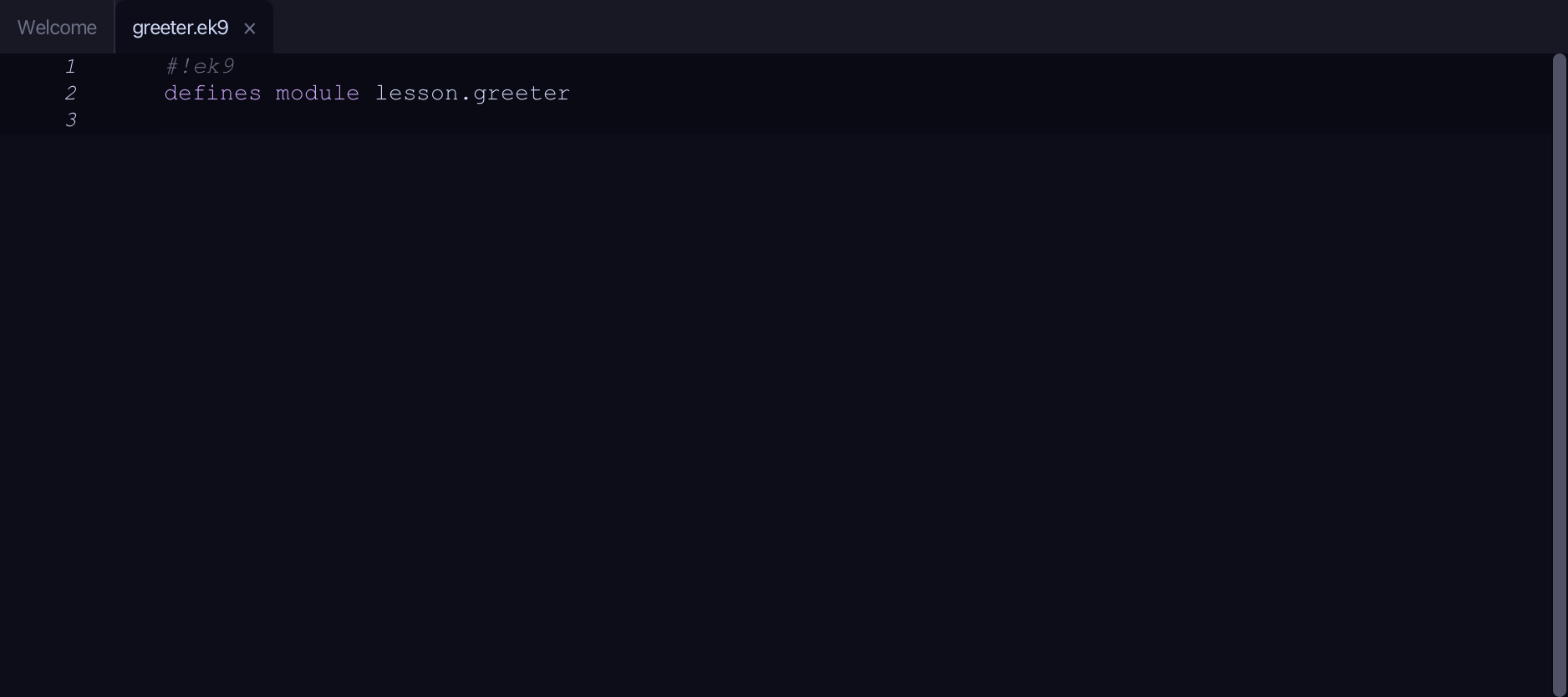
Start from
The code the lesson starts from: copy it into a file of your own and follow the steps.
#!ek9
defines module lesson.greeter
Step 1: The service — New Construct ▸ Service…
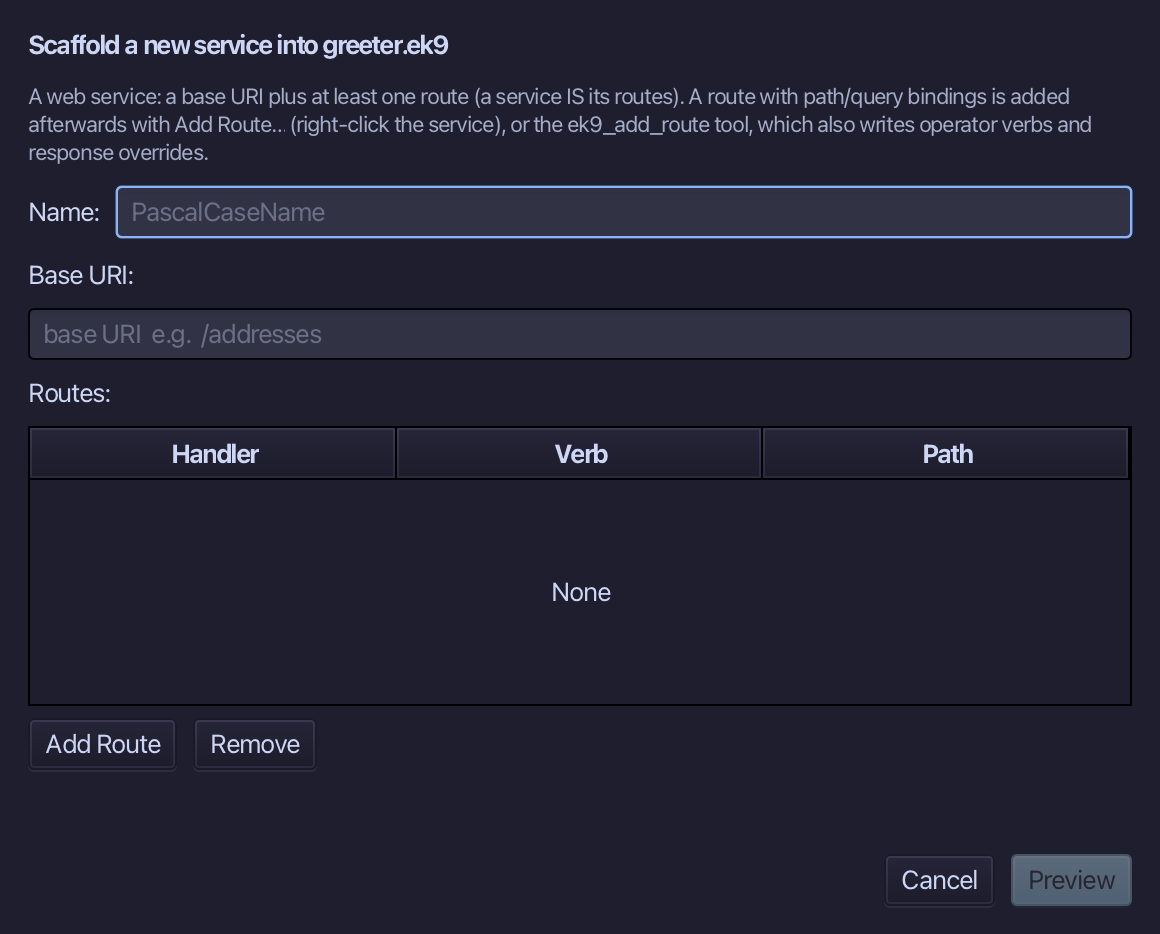
Choose Code > New Construct > Service…
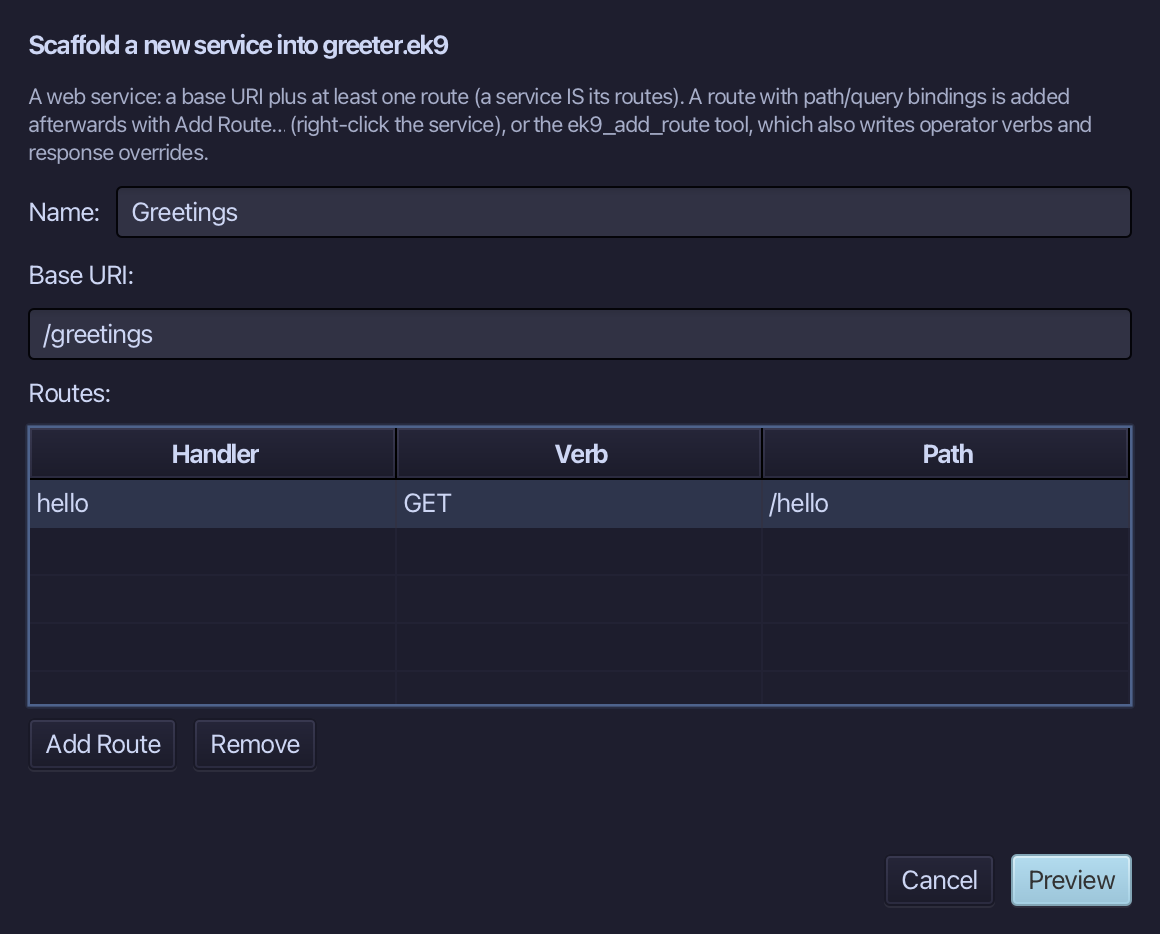
Greetings is the service's name, /greetings the base URI every route sits under. Add one route: hello, a GET for /hello. Fill them in and choose Preview.
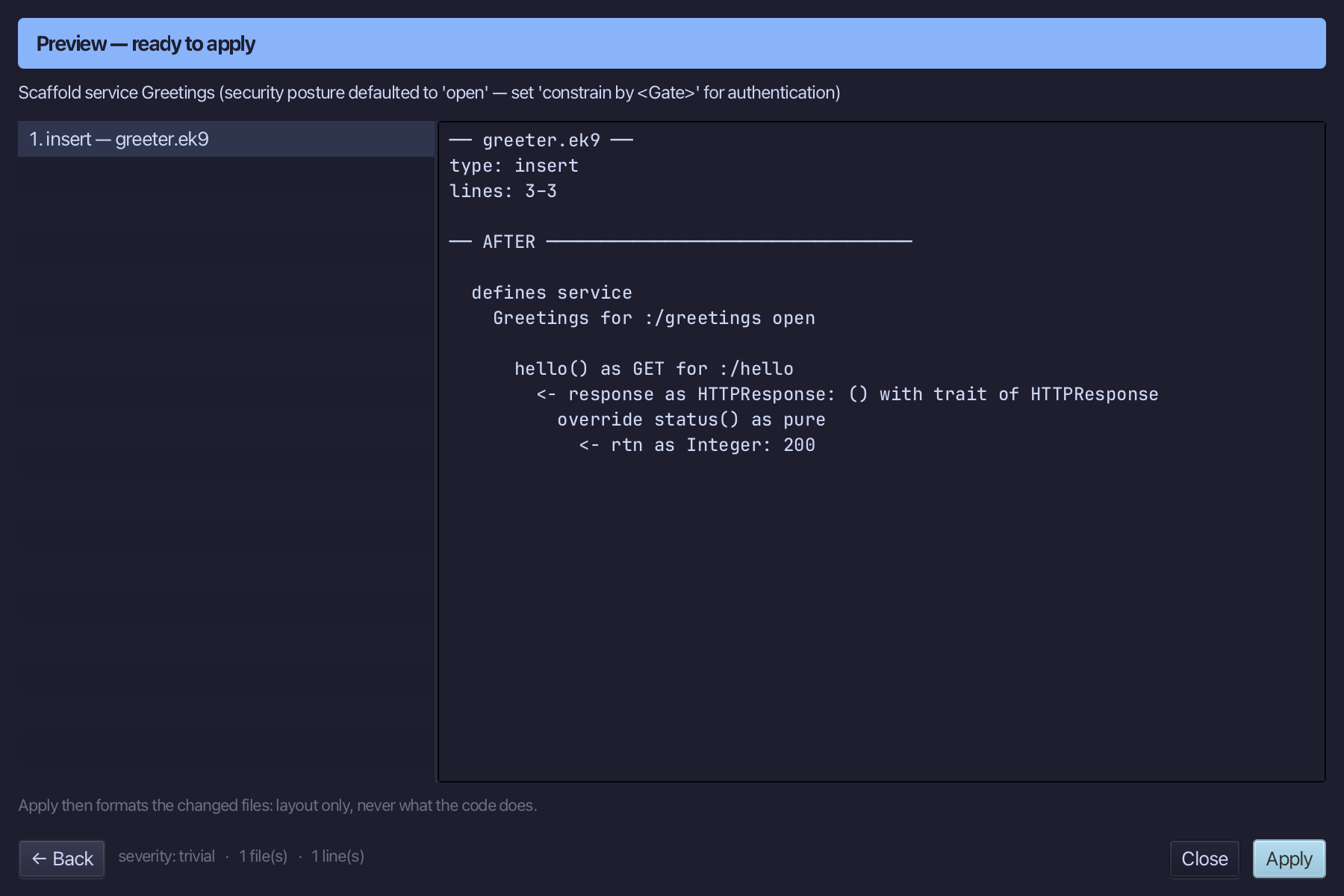
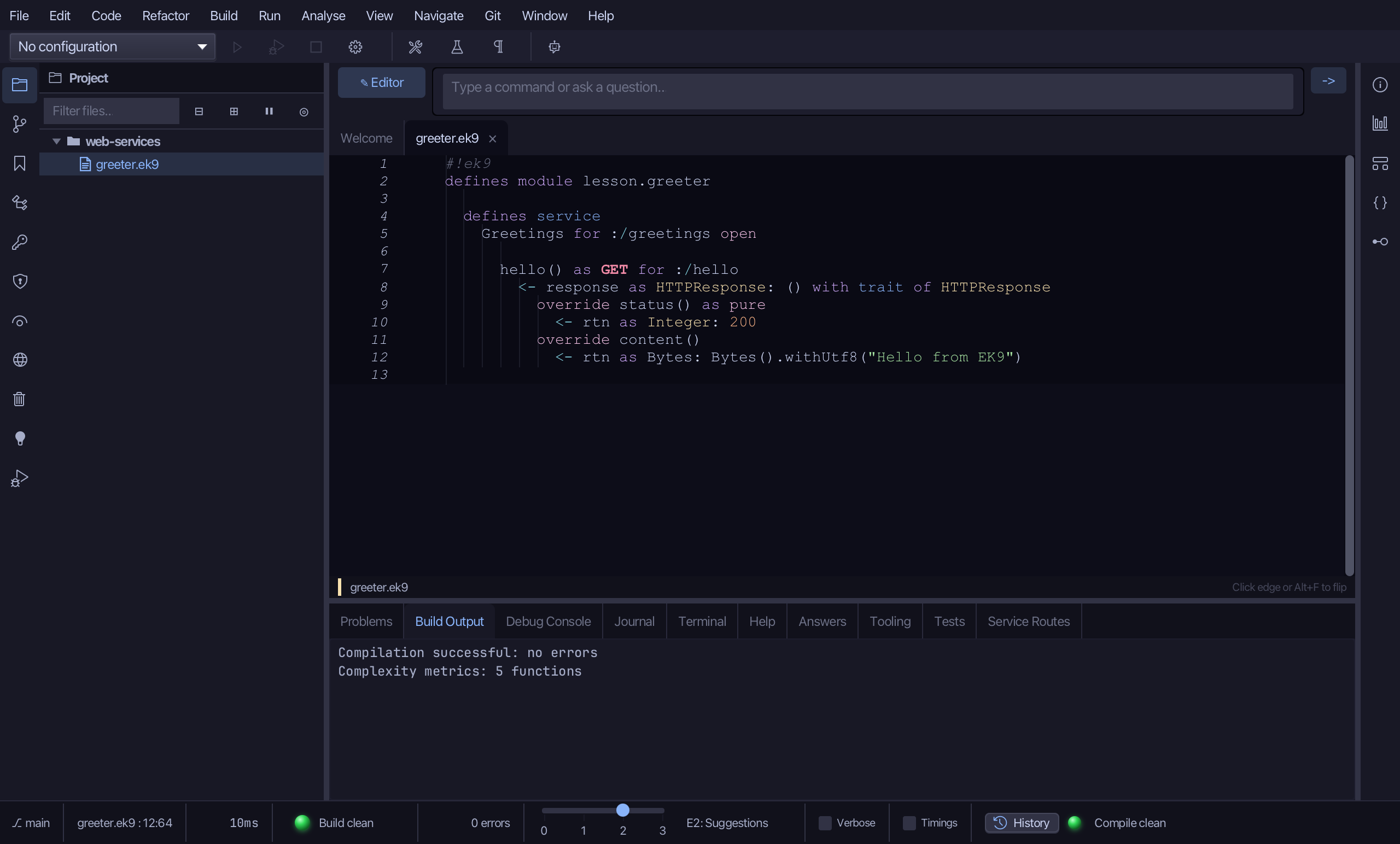
The preview shows Greetings with its one route: hello() as GET for :/hello, answering with an HTTPResponse whose status is 200 - and nothing else yet. Choose Apply.
The tool wrote the status; what the route SAYS is yours to write. Select the status line and type hello's content, a line of text as Bytes. Saves when typed.
Step 2: A second route — Add Route…
Right-click the Greetings line and choose Add Route…
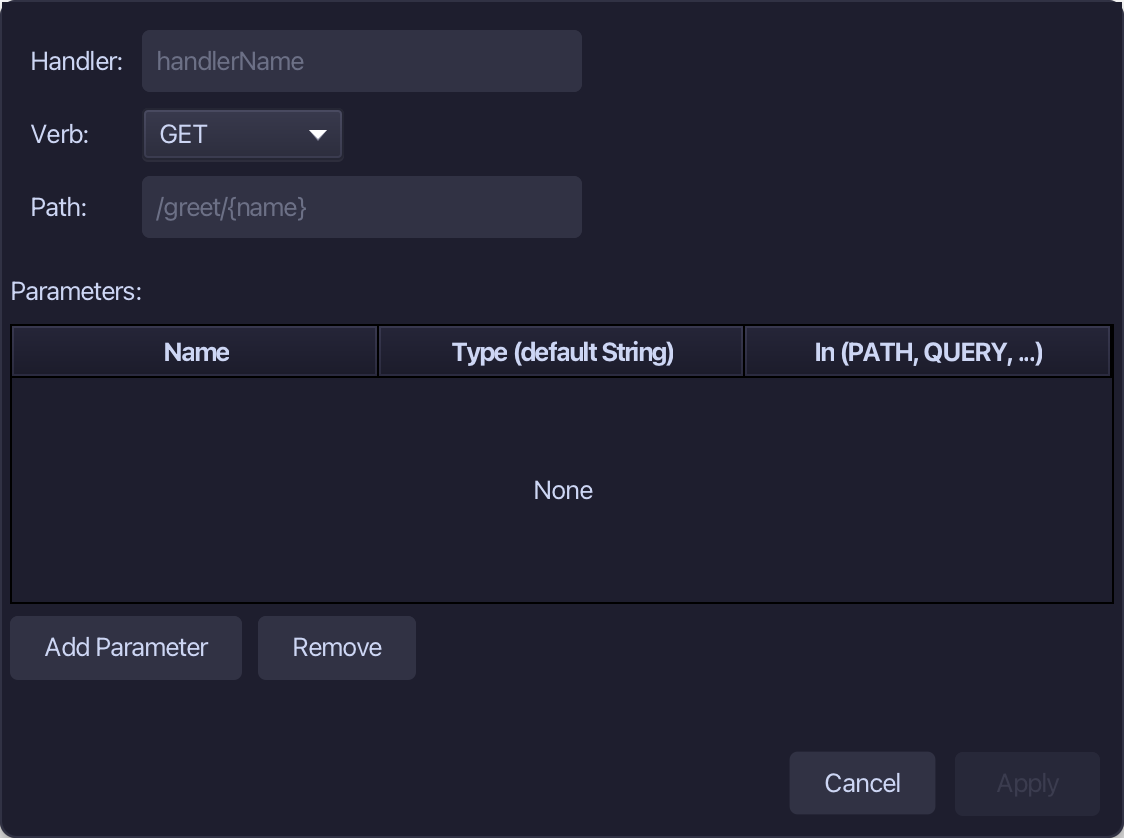
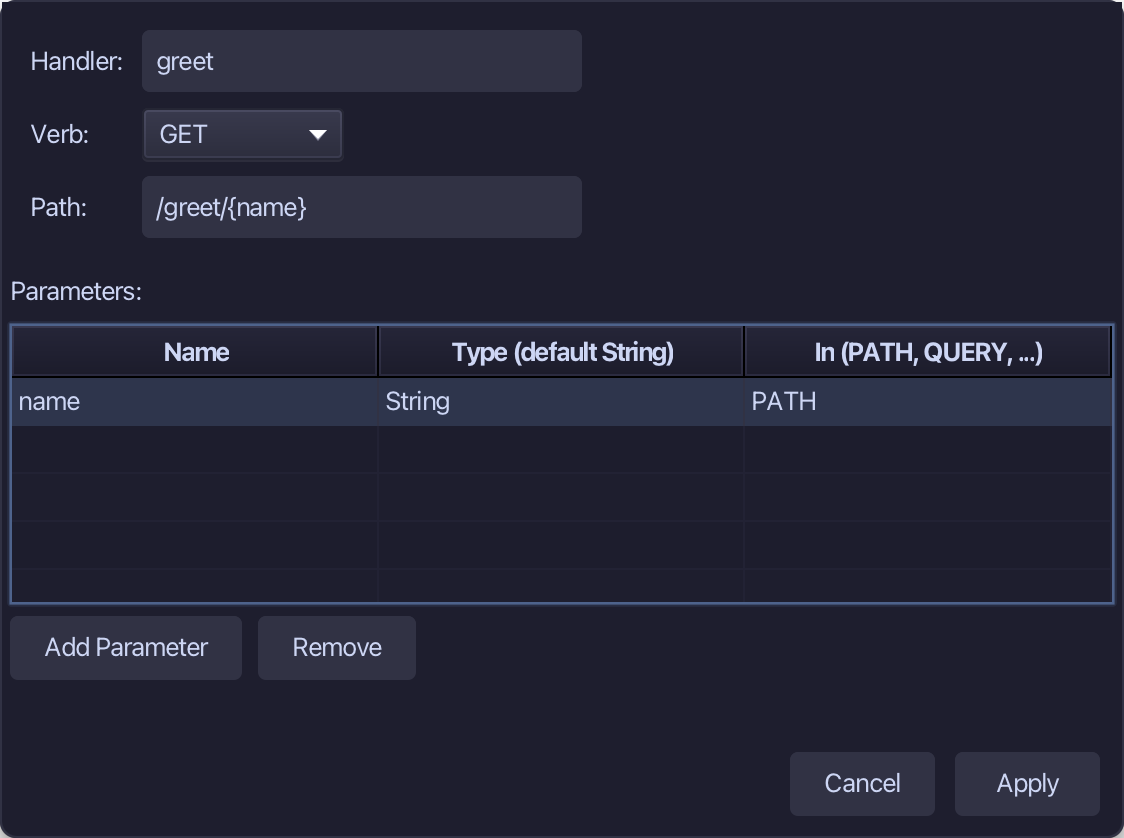
A second route, whose path holds a variable: greet, a GET for /greet/{name}. The parameter name is bound by PATH - the {name} in the path arrives as the String name. Fill them in and choose Apply.
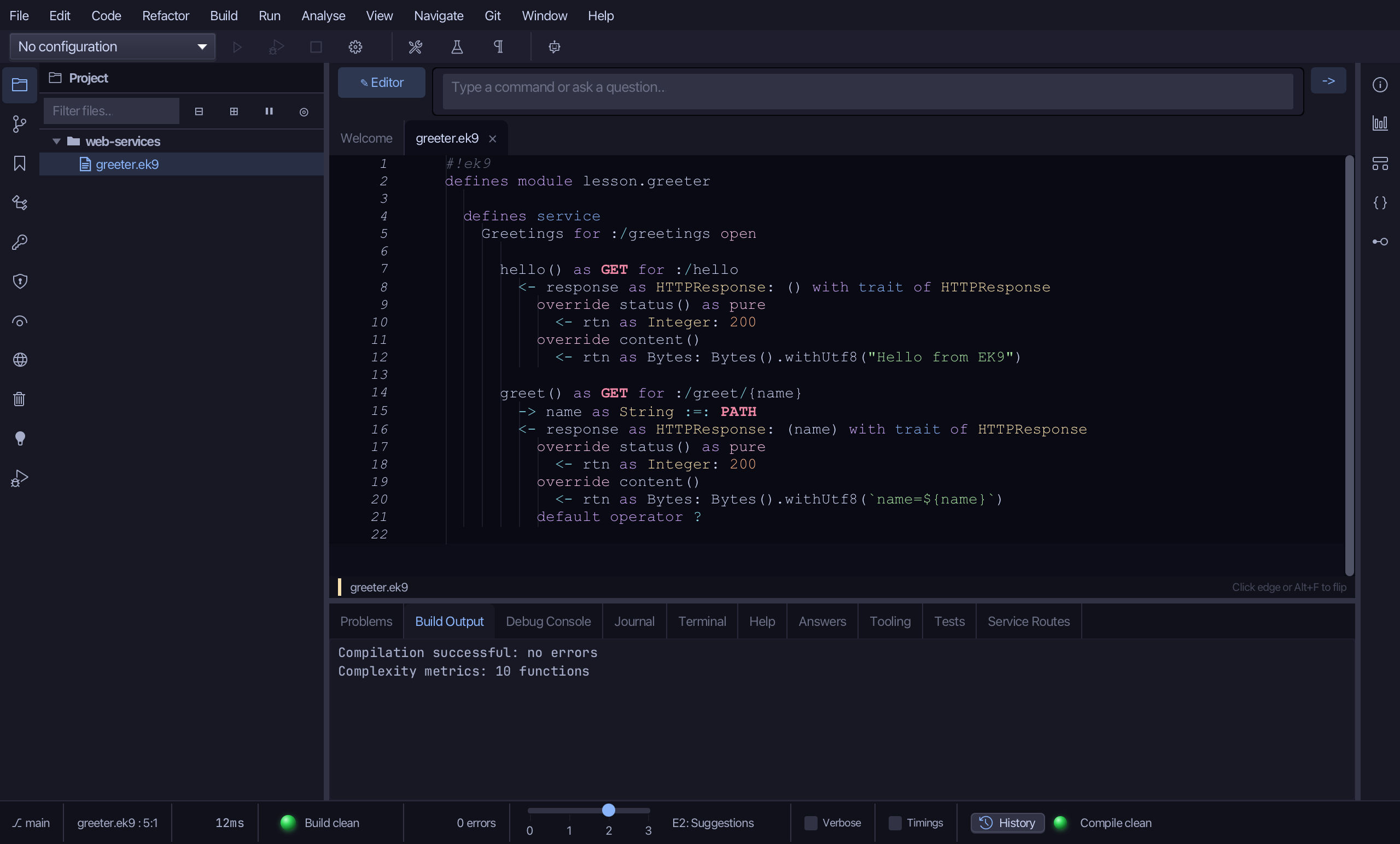
Add Route… wrote the whole route: the declaration, the PATH parameter (-> name as String :=: PATH), and a response that echoes it back - name=, then the value. It is the same tool an AI assistant calls, ek9_add_route.
Step 3: Service Routes
Choose Analyse > Service Routes.
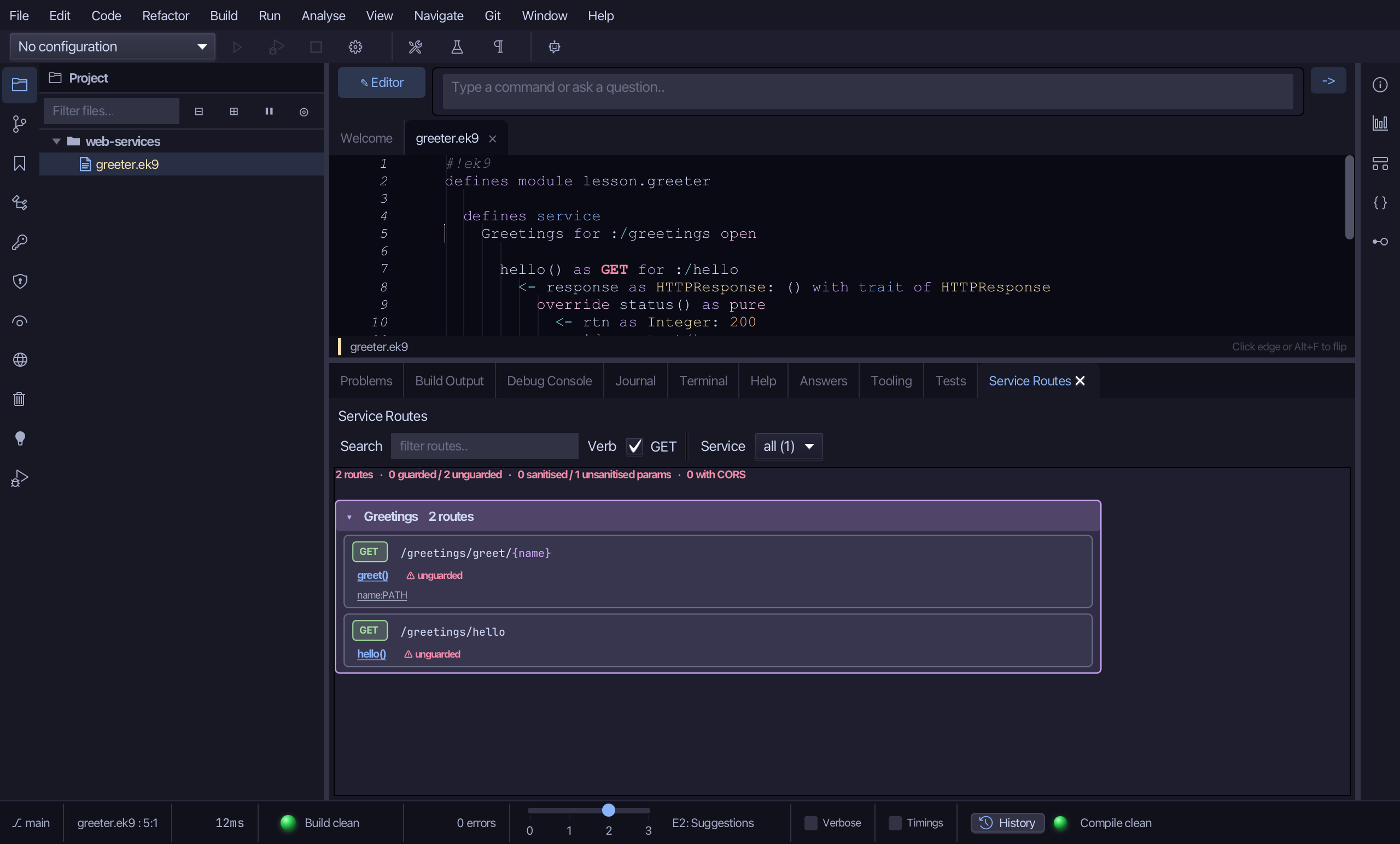
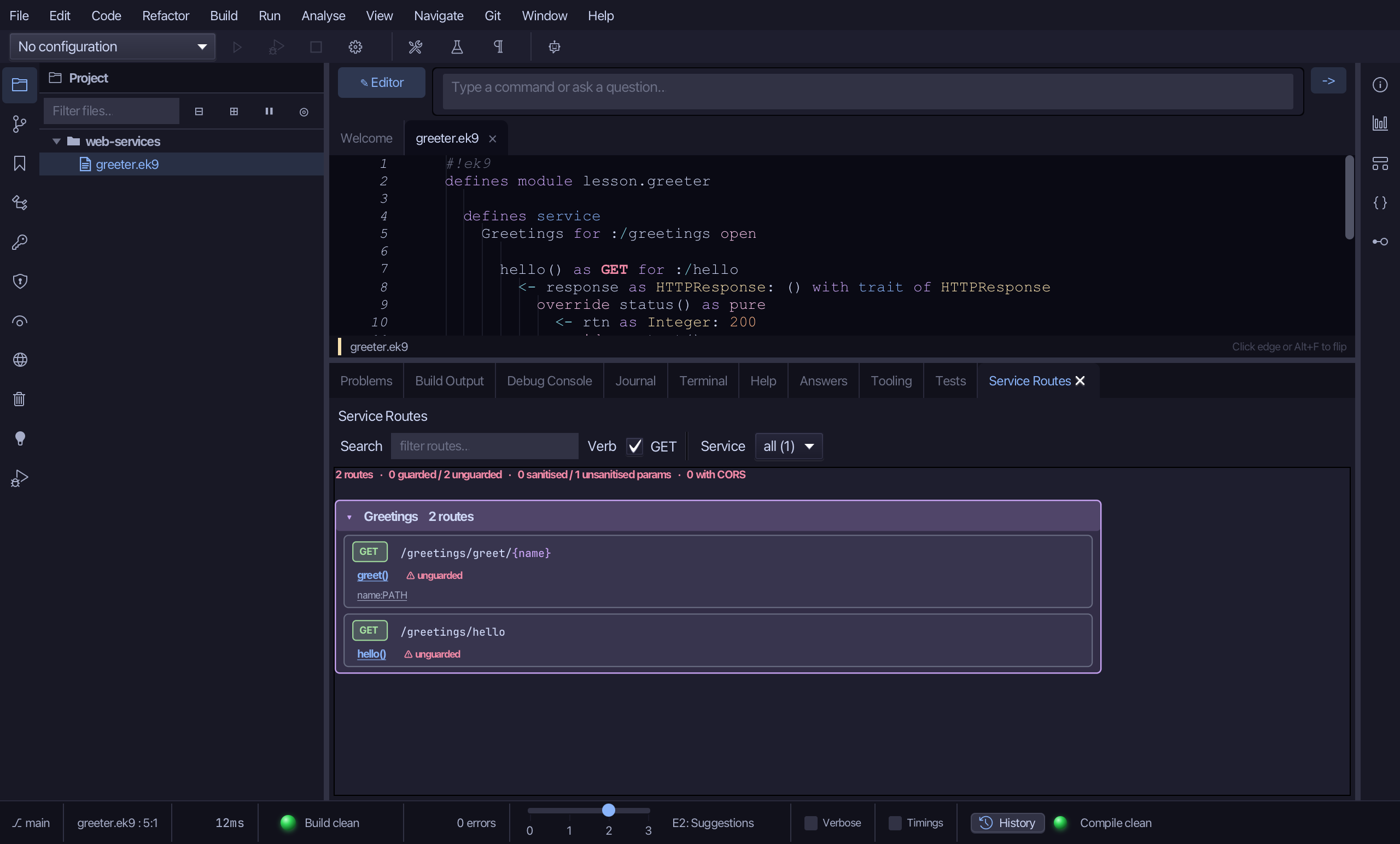
Both routes of Greetings, read from the compiled program: GET /greetings/hello and GET /greetings/greet/{name}, the second with its name:PATH parameter. Greetings is declared open, so the table marks both unguarded - a decision you can see rather than an oversight to hunt for; this service is only served on this machine.
Step 4: Serve it — on localhost only
Choose Code > New Construct > Constant…
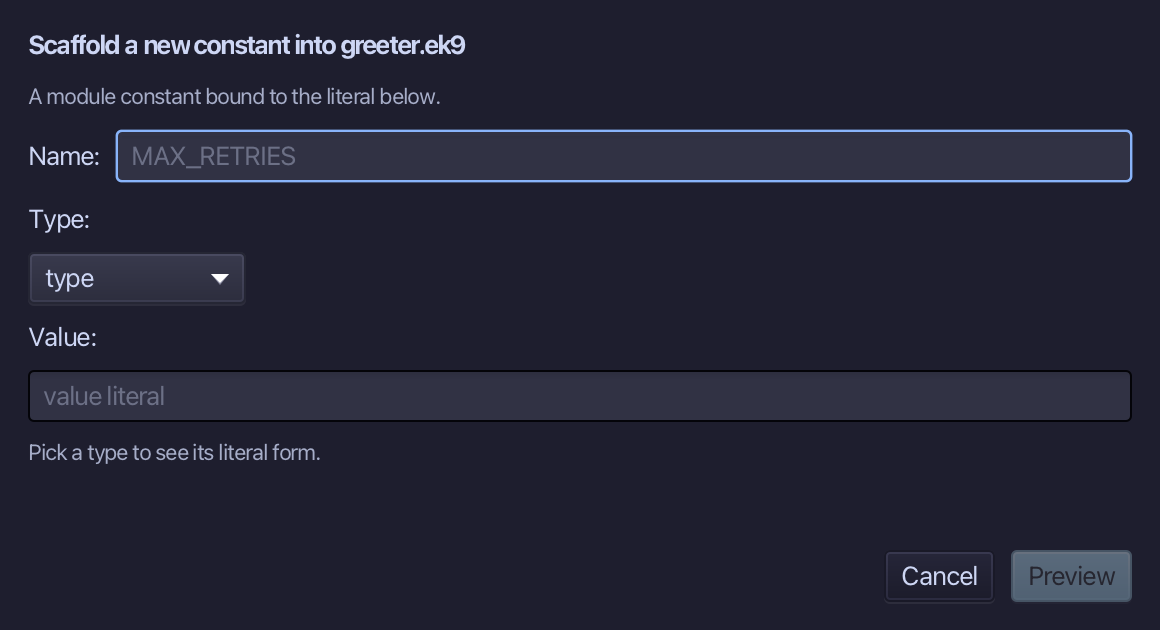
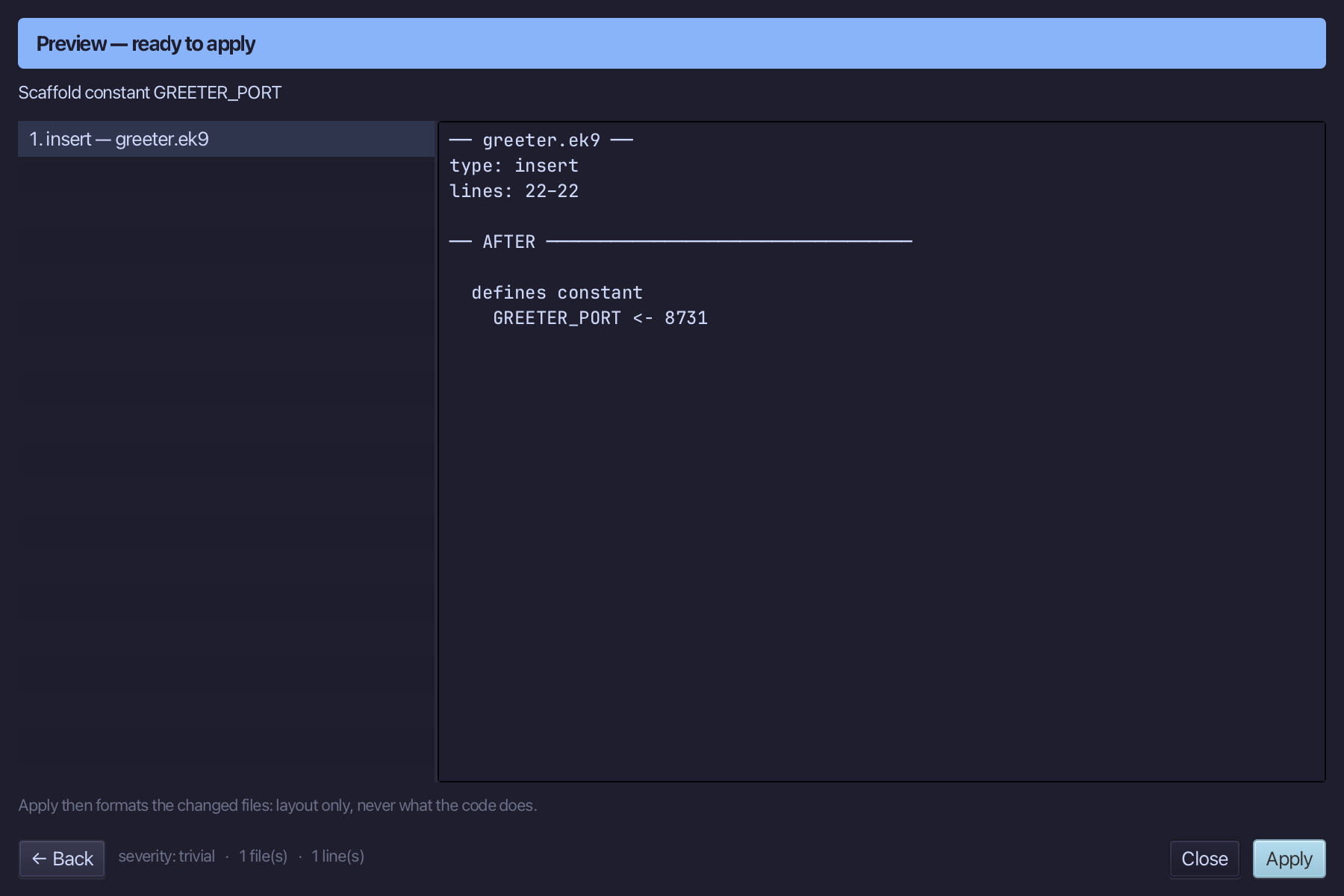
The port is a constant, in one place: GREETER_PORT, 8731. Fill them in and choose Preview.
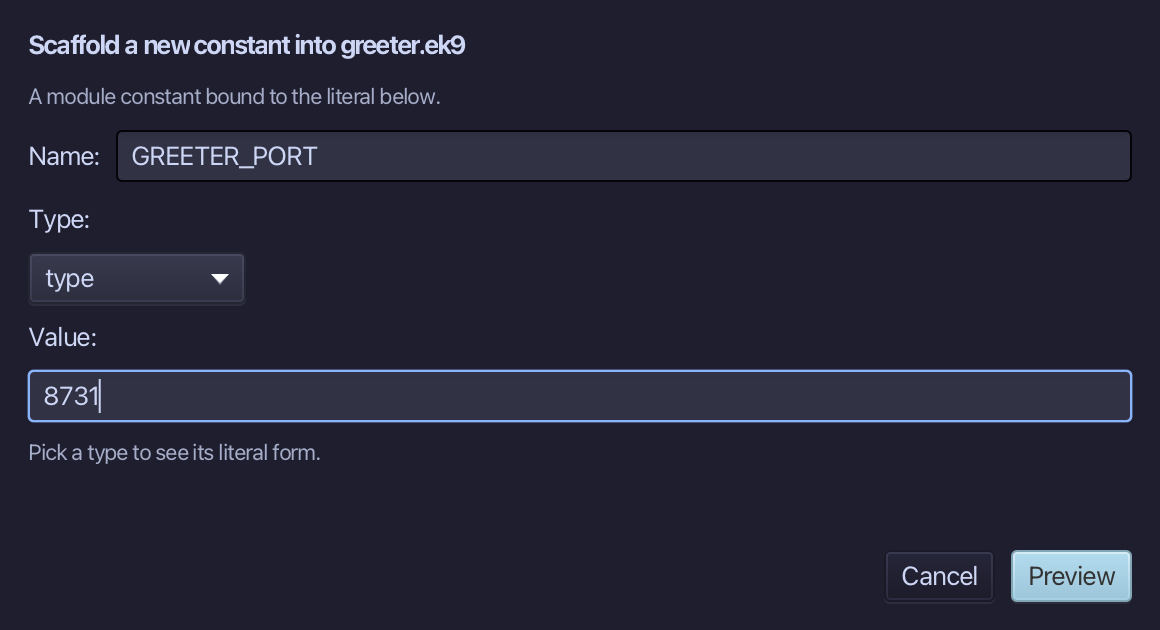
The preview shows GREETER_PORT <- 8731. Choose Apply.
Choose Code > New Construct > Application…
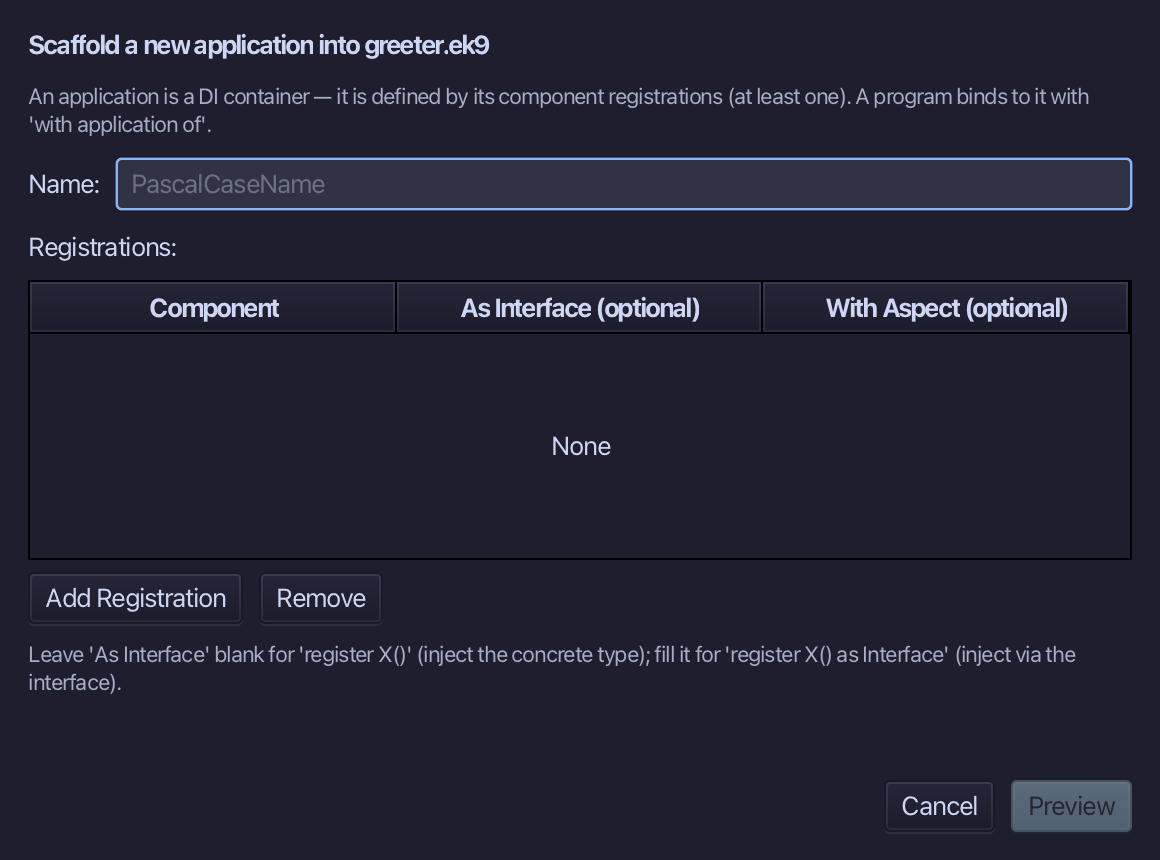
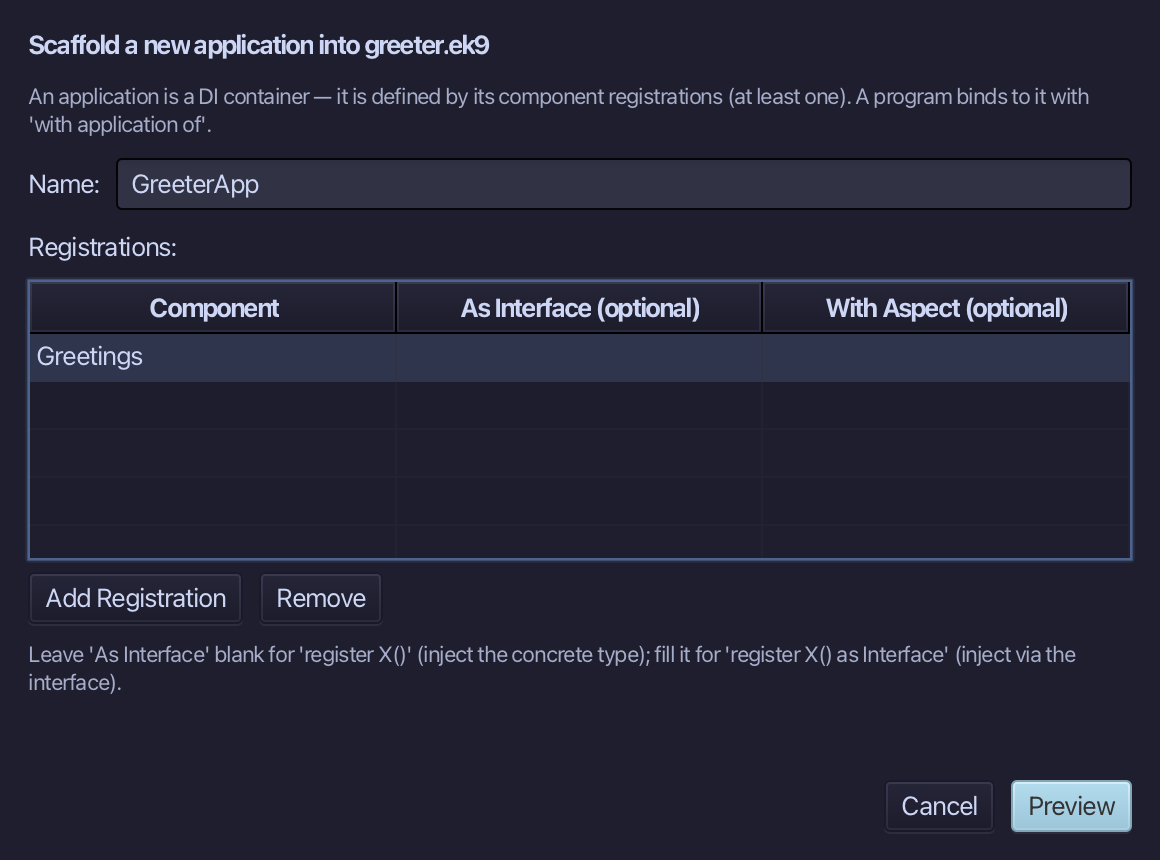
An application registers what exists when the program runs - here the service. GreeterApp registers Greetings; leave As Interface blank. There is no scanning: a service not registered is not served. Fill them in and choose Preview.
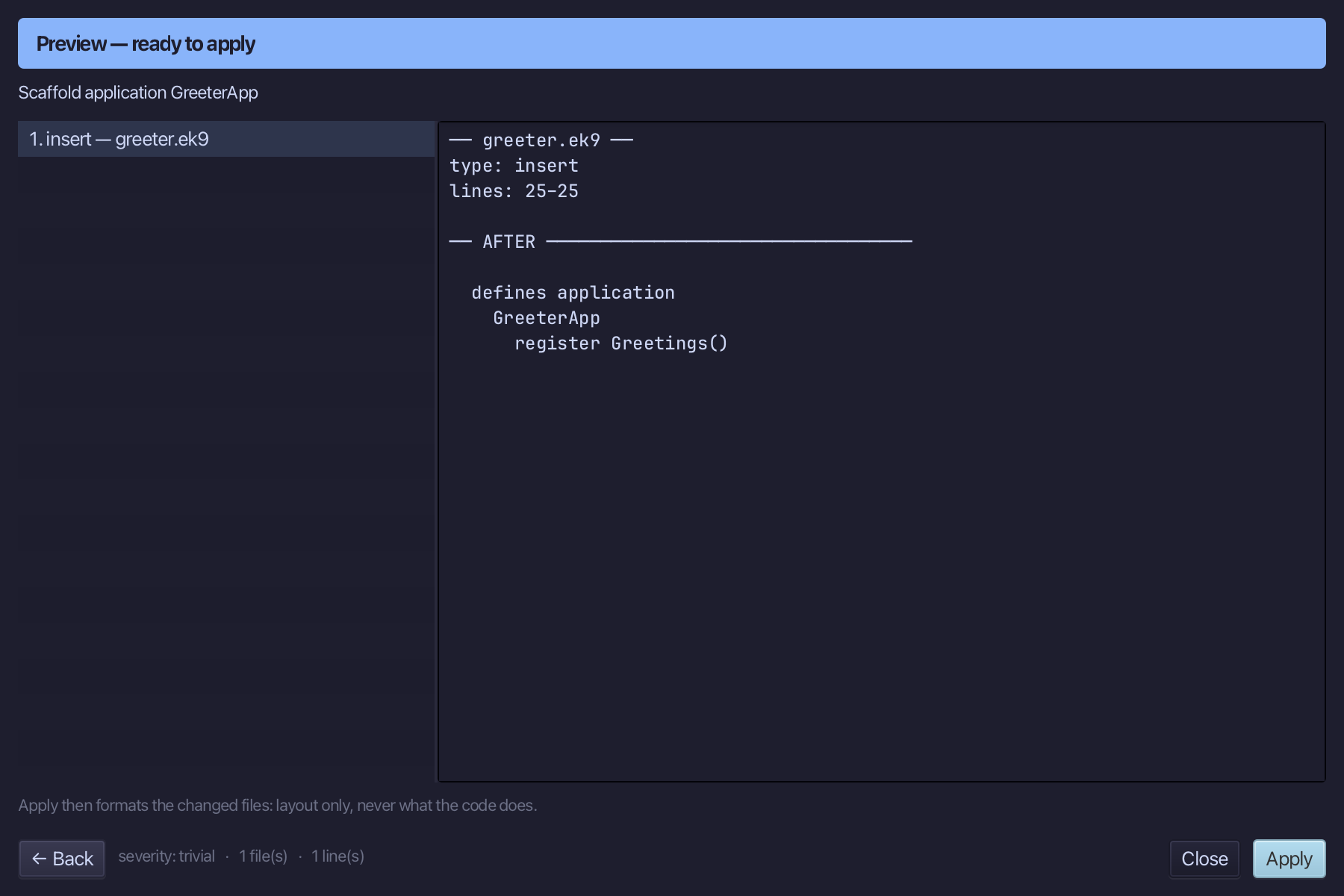
The preview shows GreeterApp with register Greetings(). Choose Apply.
Choose Code > New Construct > Program…
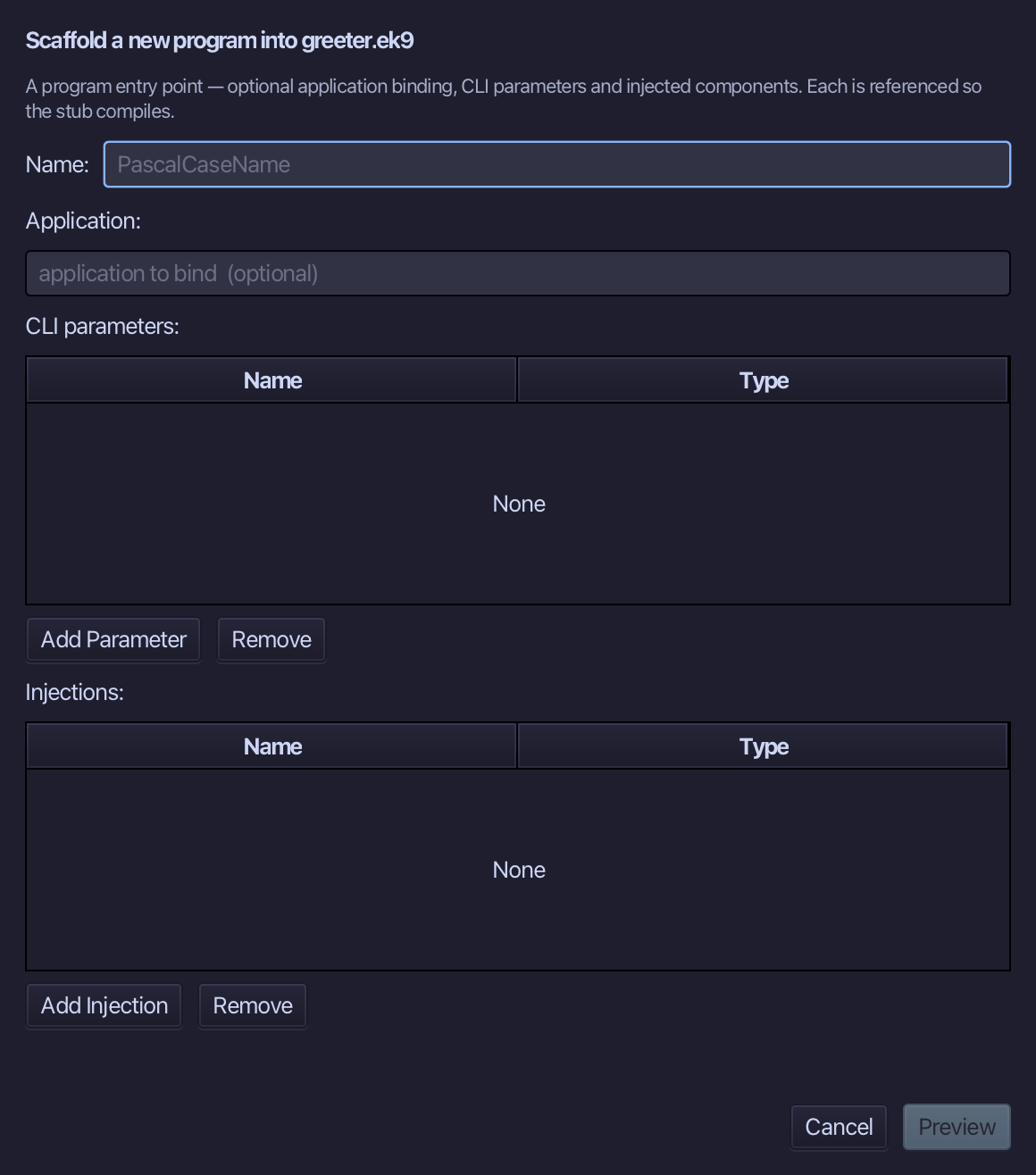
ServeGreetings is the program's name - leave the application to bind empty. Type ServeGreetings and choose Preview.
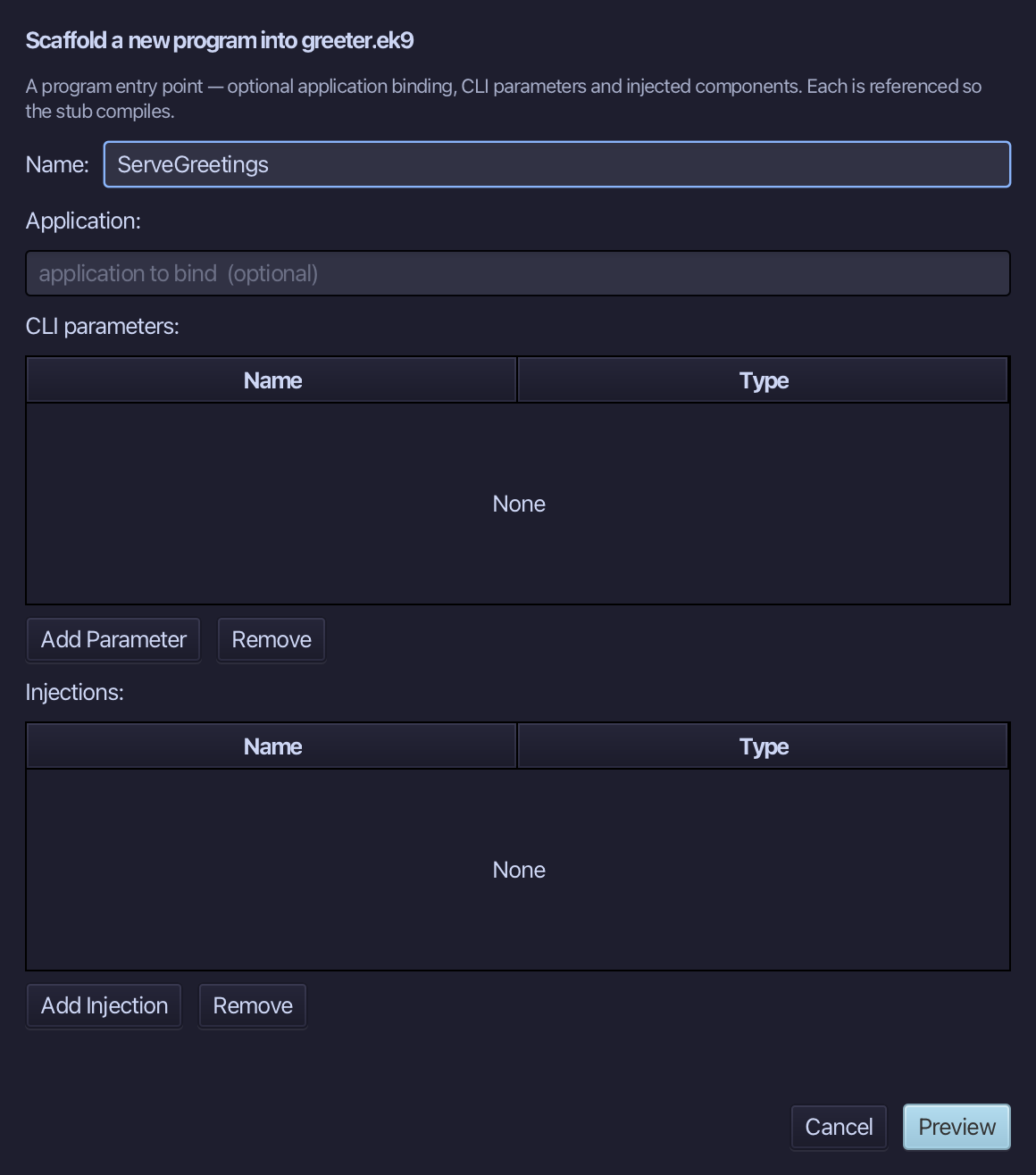
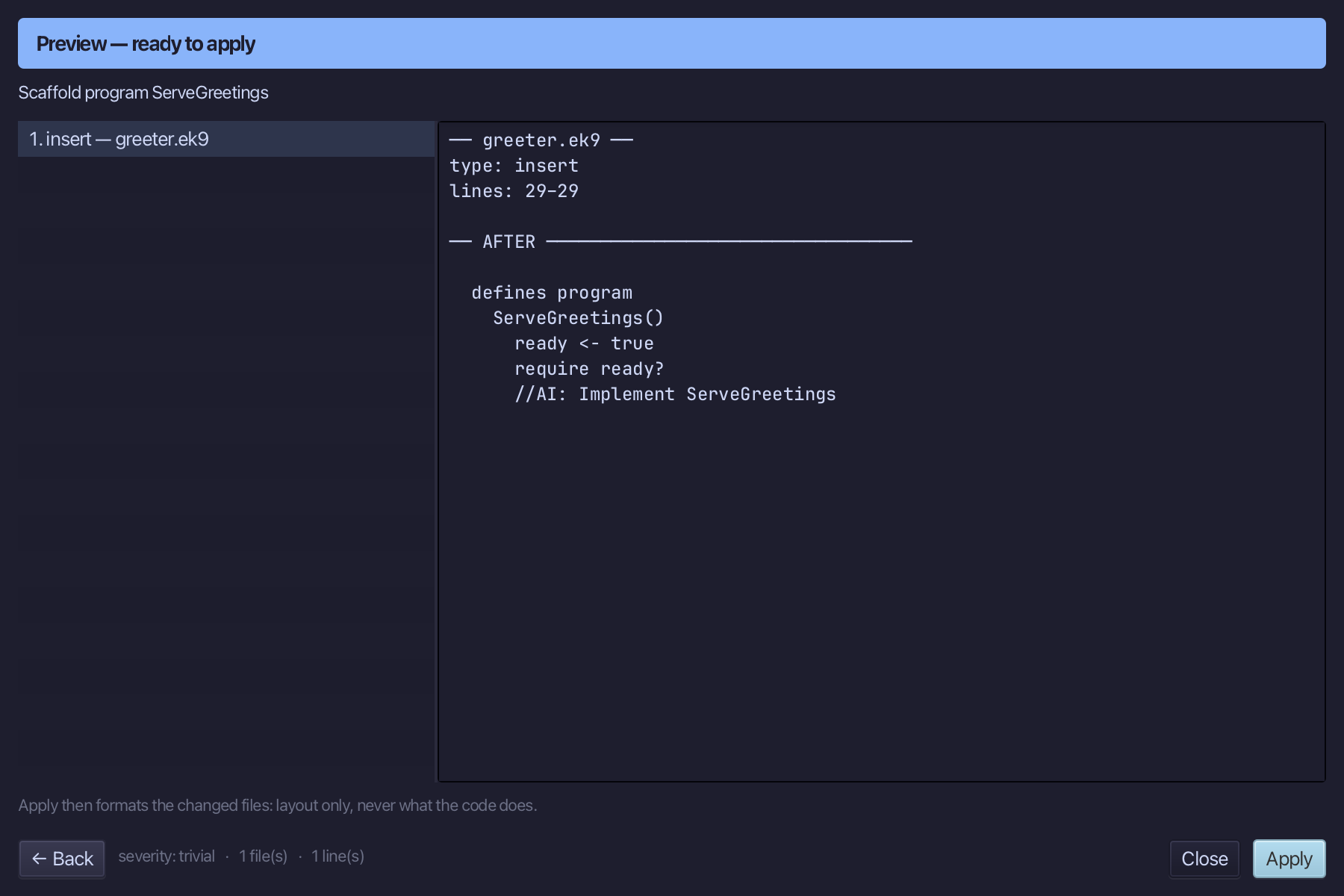
The preview shows ServeGreetings about to be written. Choose Apply.
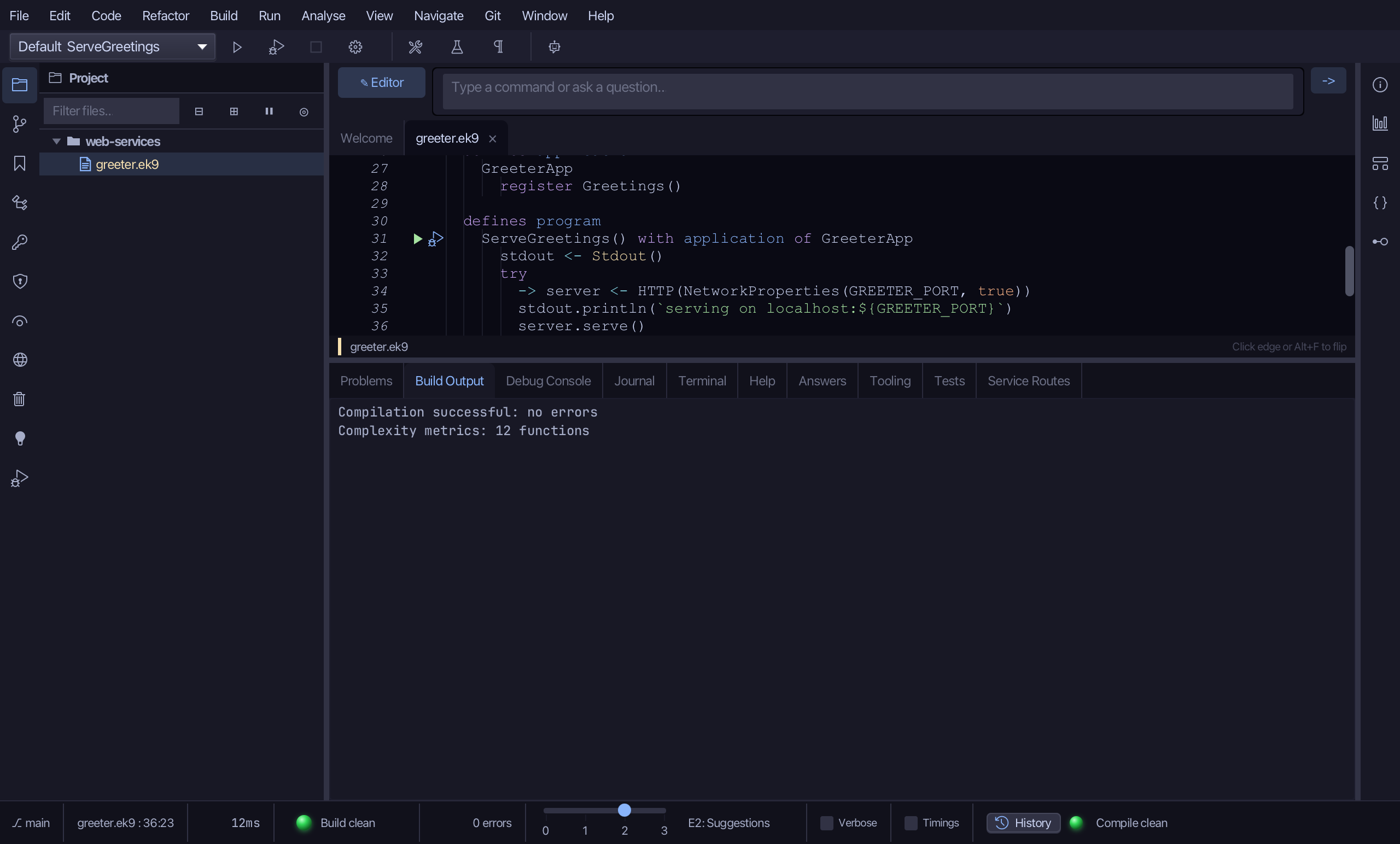
A program that serves the application: select the stub and type it. The header gains with application of GreeterApp, and the body creates the HTTP server from NetworkProperties(GREETER_PORT, true) - the true is localOnly, so it listens on 127.0.0.1 and nowhere else - and serves. (The program is made unbound and bound here because a bound program must create the HTTP server its service needs, which no tool stub can.) Saves when typed.
Step 5: Ask it, then stop it
Run it under the debugger: click the debug (bug) icon beside ServeGreetings - the Run window waits for a program to END and has no Stop, the Debug window has.
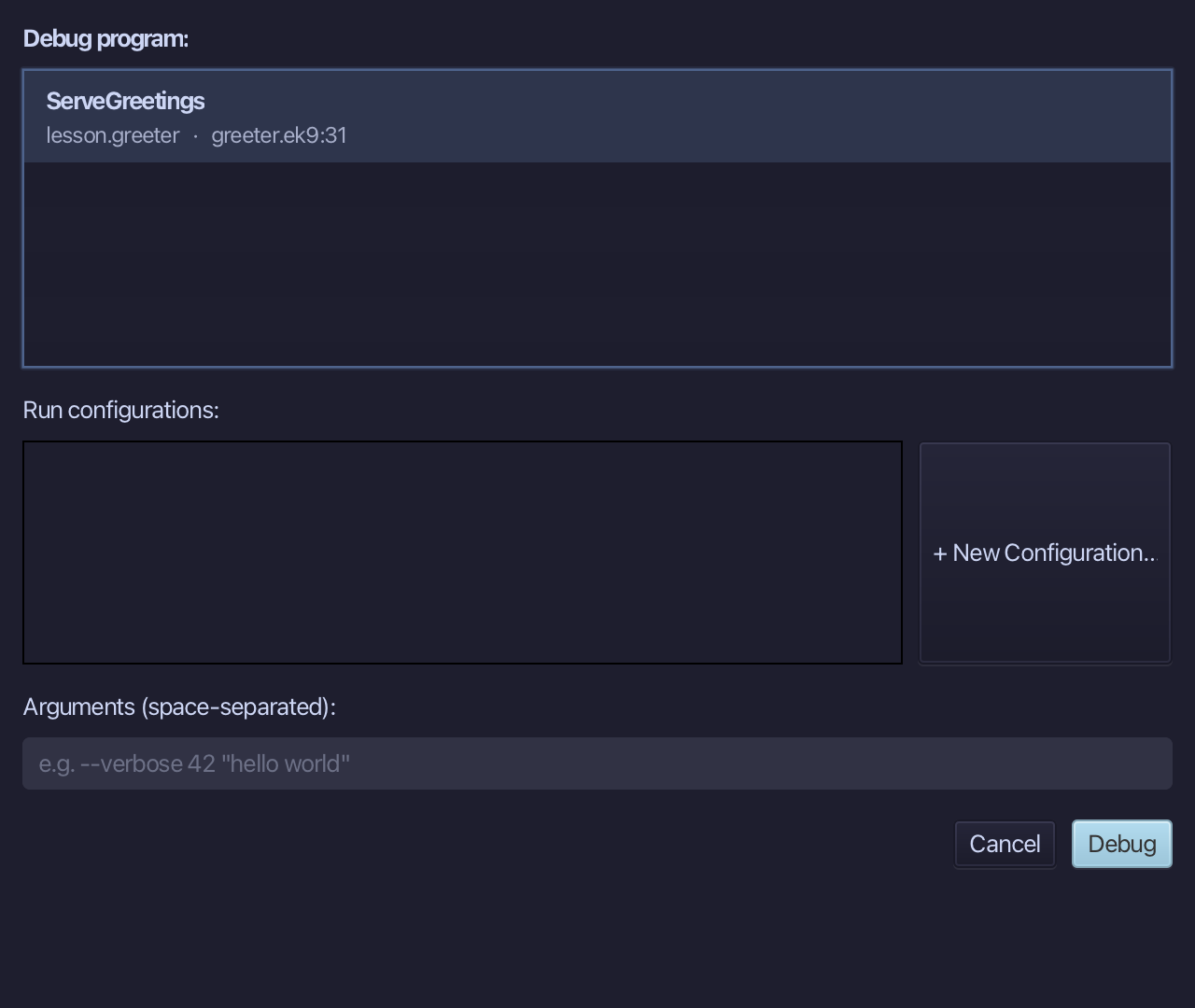
The program is already chosen. Choose Debug.
The server starts, on port 8731, on this machine only - the Debug Console shows serving on localhost:8731.
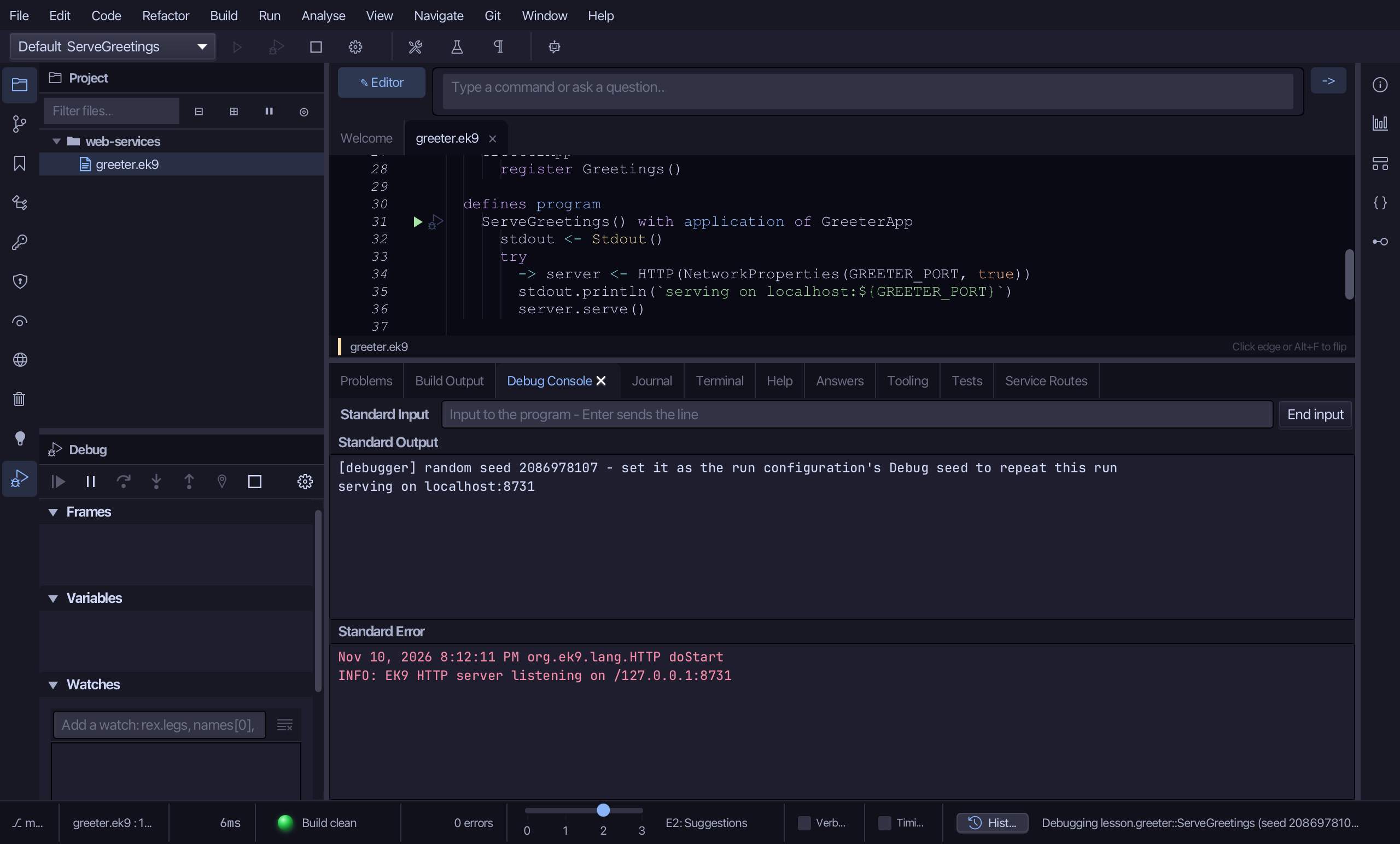
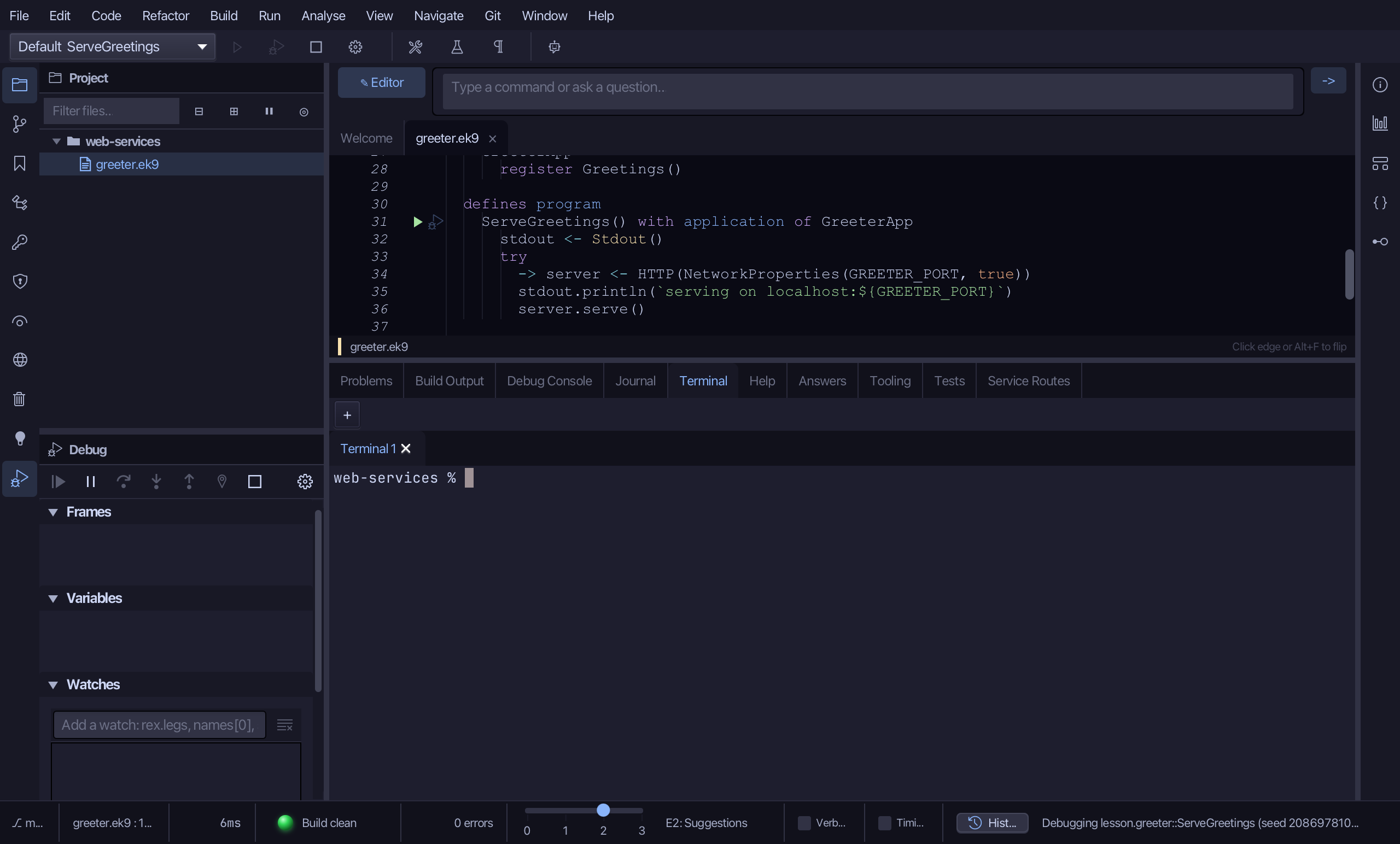
Choose View > Bottom Panes > Terminal
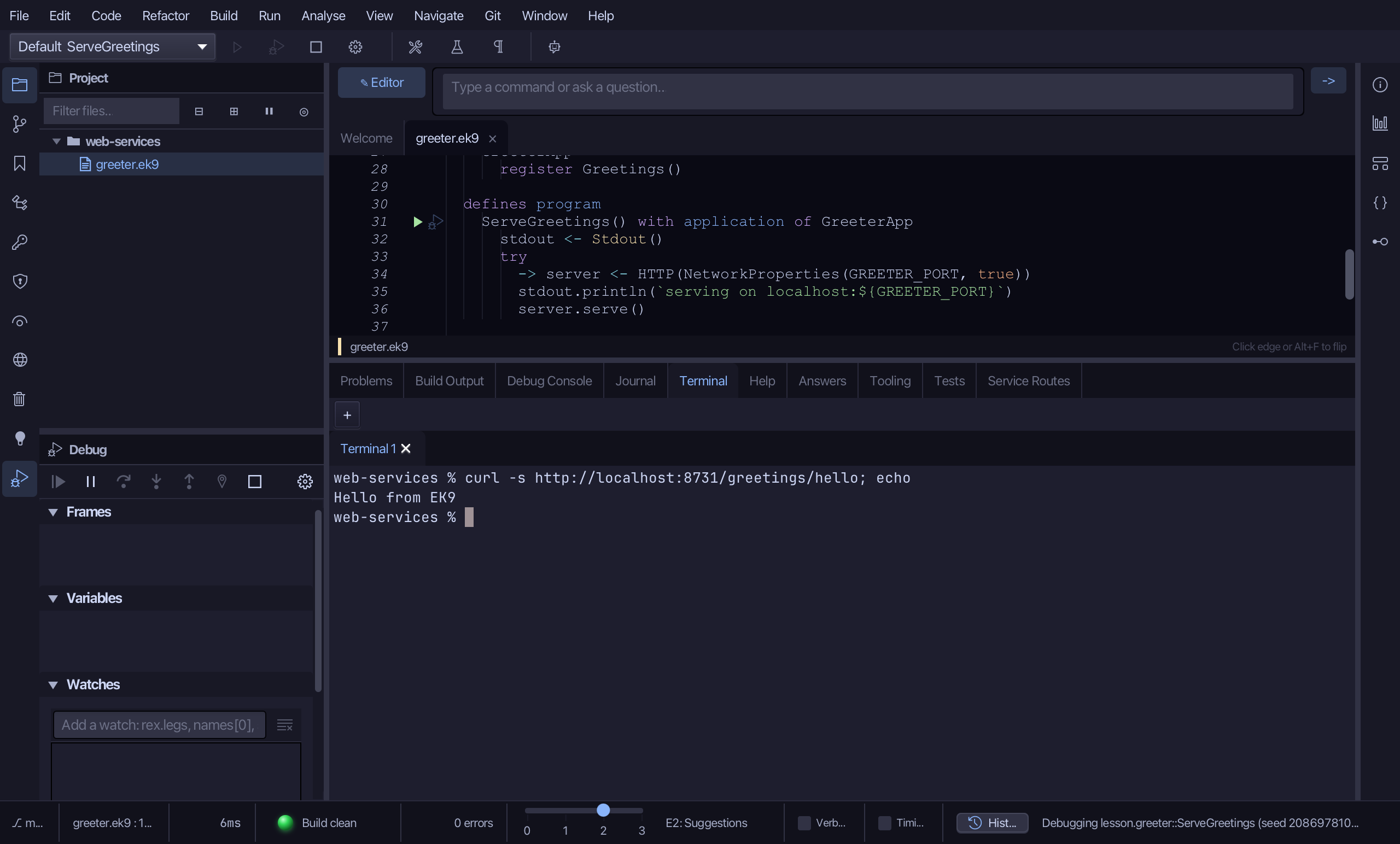
In the Terminal, ask the first route: type curl -s http://localhost:8731/greetings/hello; echo and press Enter.
Now the second, with a name in the path: type curl -s http://localhost:8731/greetings/greet/Ada; echo and press Enter.
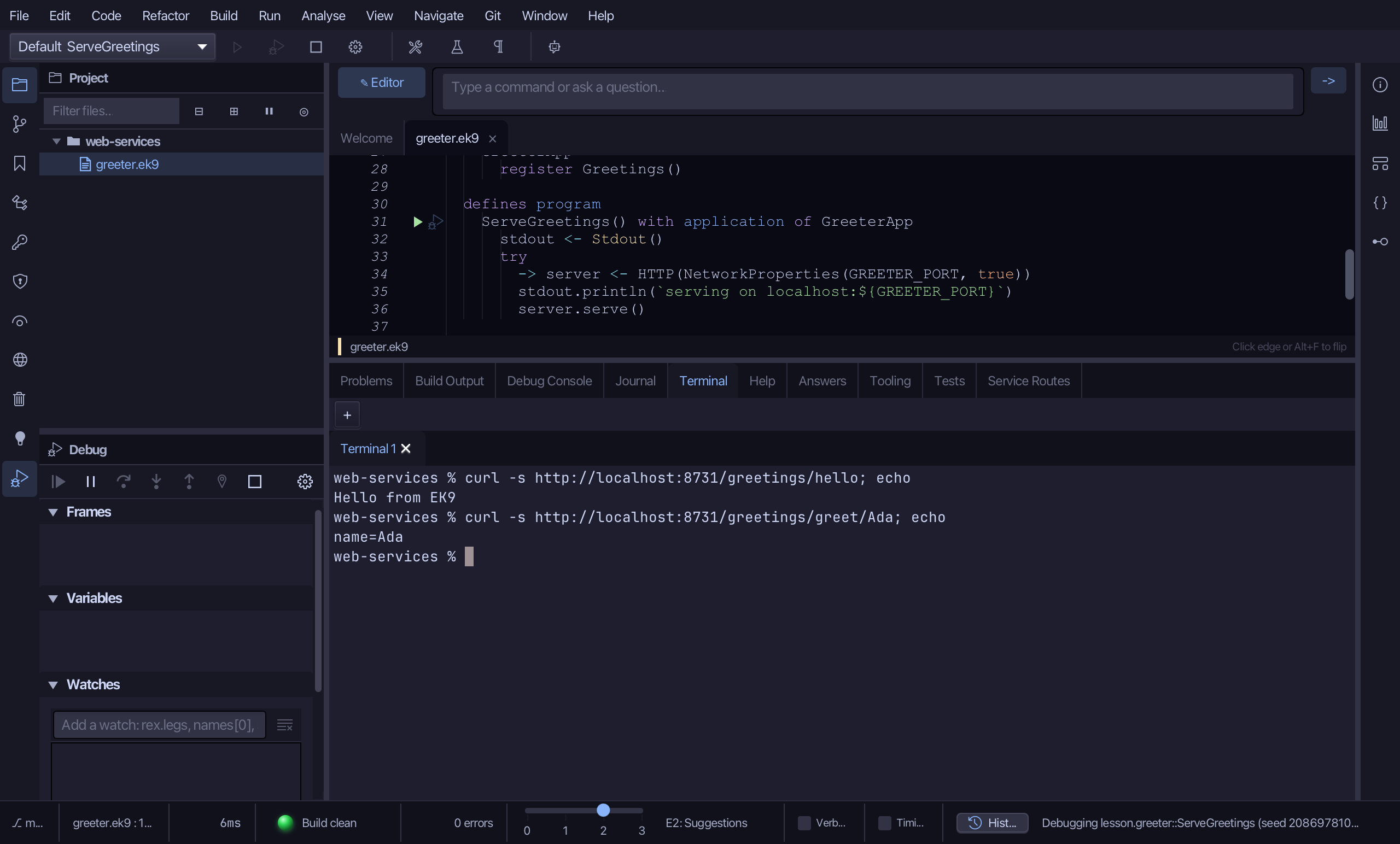
Two routes, two answers: Hello from EK9, and name=Ada - the Ada in the path became the parameter name. The Debug Console would show the program's own line too. Nothing outside this machine could have asked: the server listens on 127.0.0.1 only.
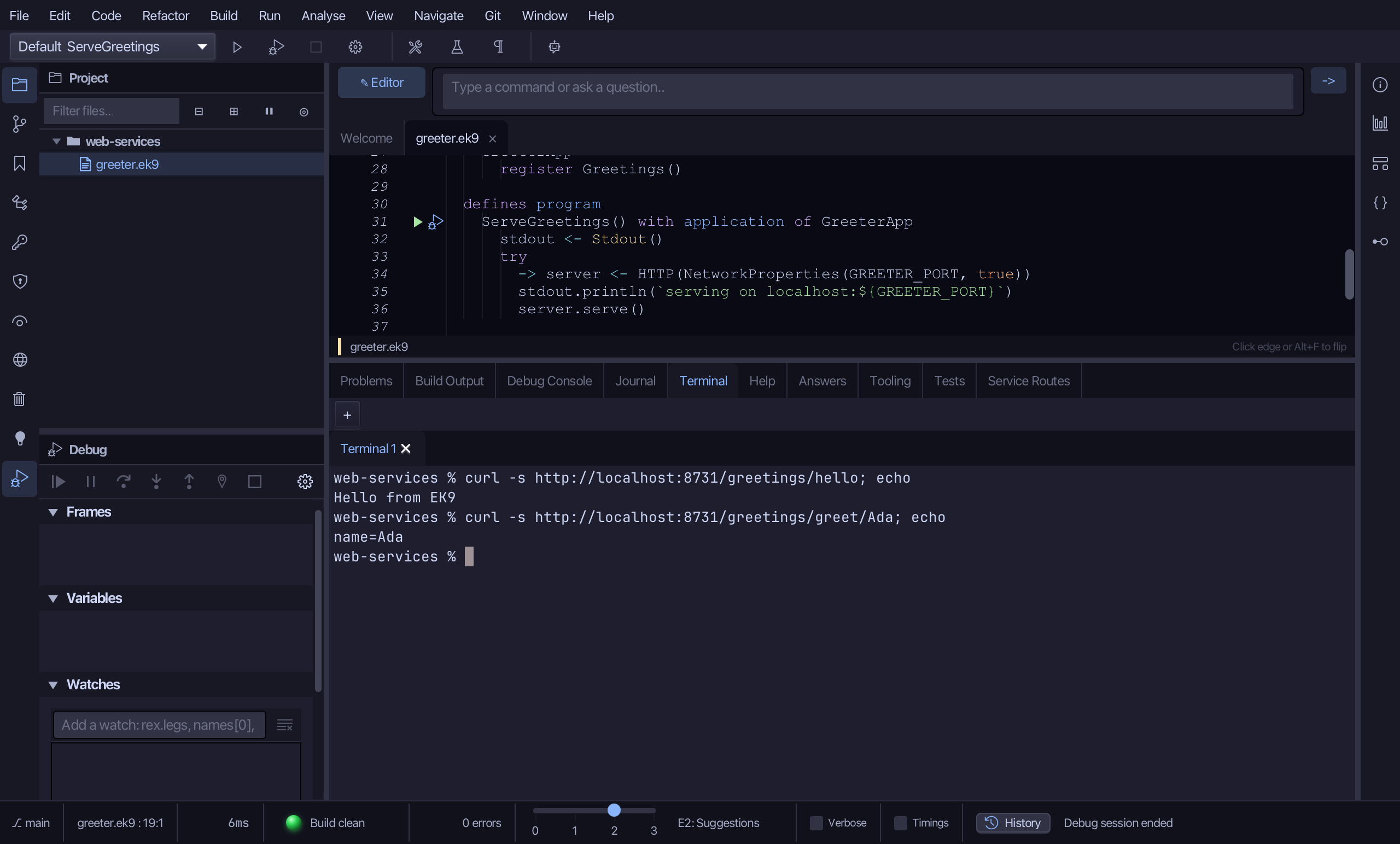
In the Debug window, choose Stop. Leaving a server running is never how a session ends. Nothing listens on port 8731 afterwards.
The result
That is a web service from nothing: a service construct with two routes - one written by New Construct, one by Add Route…, whose {name} path variable arrives as a parameter - read in Service Routes, registered in an application and served by a program that listens on this machine's loopback address and nowhere else. There was no framework to configure: the compiler checked that the service is registered, that the program creates the HTTP server it needs, and that every path variable is bound. Stop ended the server, and nothing listens on the port now. AI assistants add the same route with ek9_add_route and read the same table with ek9_query_service_routes.
Where this lesson comes from
- Answers -
ek9 -qand the IDE's Answers tab: 657, 1760. - For AI assistants - the MCP tool
ek9_new_construct,ek9_add_route,ek9_query_service_routes,ek9_add_application,ek9_add_program.
In the EK9 reference: Design note: from components to microservices, Web Services in EK9