Chapter 40: what coverage cannot say, built
Chapter 40's closing section asks what coverage cannot say. A small function, postage, has three branches; a first test takes one of them. Coverage gates - the build stops under 80% - but it is easy to meet with tests that ask one easy question, so the quality report joins it to HEX: hazard (how much a change can break) times exposure (how little the tests would notice). The IDE writes the constants, the function and every test's shell; you type the answers and the claims. To play it in the IDE: Help > Lessons > EK9 in Depth…, or ek9 -ide -lesson depth-postage.
What you'll build
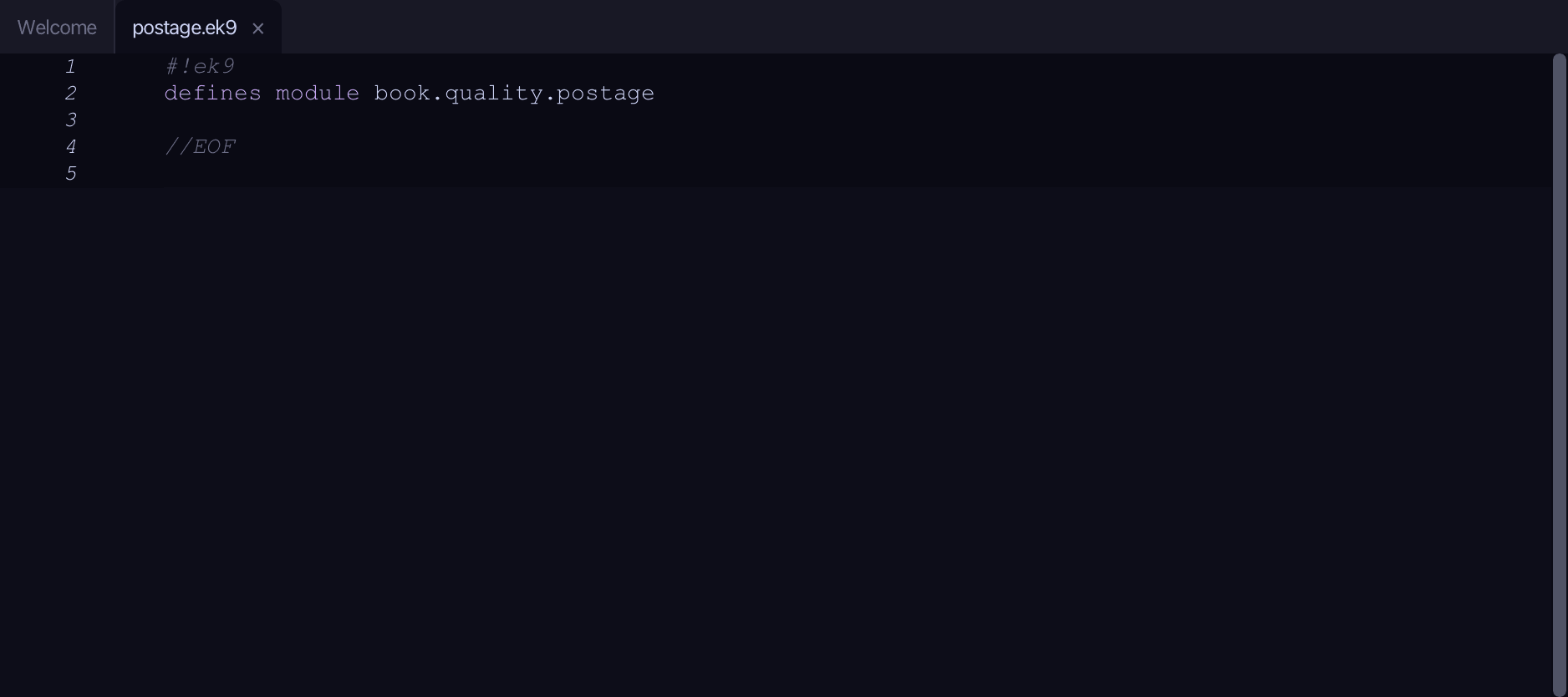
The lesson builds this program from a file holding only its module line - the finished file, as the book prints it.
postage/postage.ek9
#!ek9
defines module book.quality.postage

  defines constant
    LIGHT_LIMIT <- 500

    HEAVY_LIMIT <- 5000

    LIGHT_PRICE <- 300

    STANDARD_PRICE <- 450

    HEAVY_PRICE <- 900

    EXPRESS_SURCHARGE <- 250

  defines function

    postage() as pure
      ->
        grams as Integer
        express as Boolean
      <- rtn as Integer: STANDARD_PRICE

      if grams <= LIGHT_LIMIT
        rtn: LIGHT_PRICE
      else if grams > HEAVY_LIMIT
        rtn: HEAVY_PRICE

      if express
        rtn: rtn + EXPRESS_SURCHARGE

//EOF
postage/dev/tests.ek9
#!ek9
defines module book.quality.postage.tests

  references
    book.quality.postage::postage

  defines program

    @Test
    LetterByStandardPost()
      assert postage(100, false) == 300

    @Test
    ParcelByStandardPost()
      assert postage(2000, false) == 450

    @Test
    HeavyByStandardPost()
      assert postage(9000, false) == 900

    @Test
    LetterByExpress()
      assert postage(100, true) == 550

    @Test
    NothingToSend()
      assert postage(0, false) == 300

    @Test
    NegativeWeightIsALetter()
      assert postage(-5, false) == 300

//EOF
Step 1: Constants
Choose Code > New Construct > Constant…
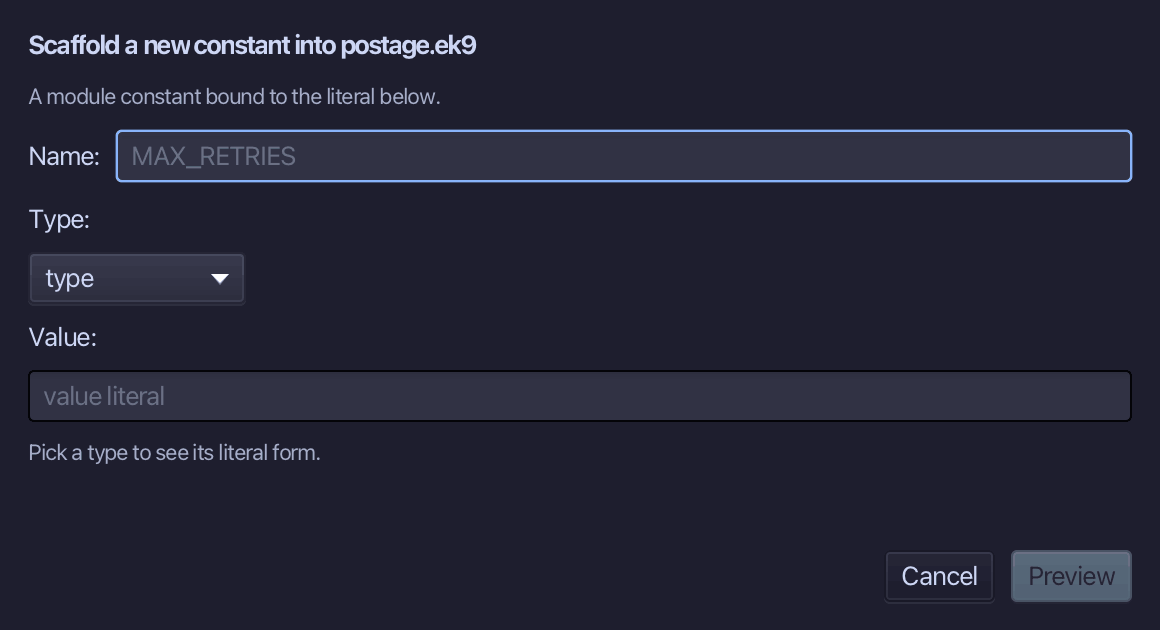
LIGHT_LIMIT is the constant's name and 500 its value - a literal in the Value field, from which the type is inferred. Type both and choose Preview.
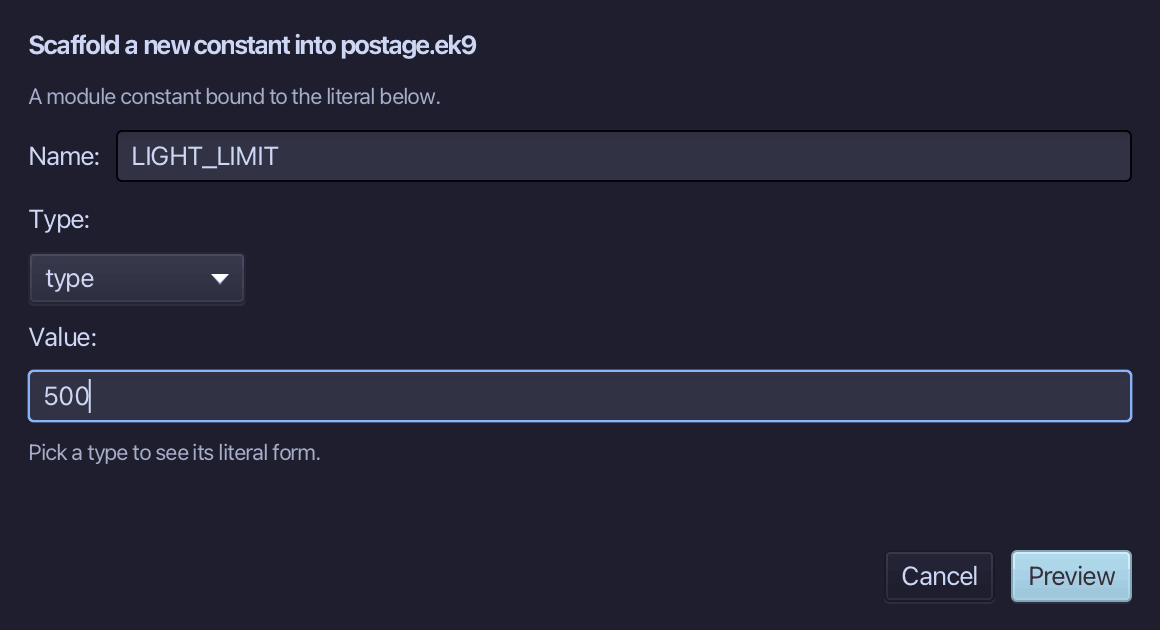
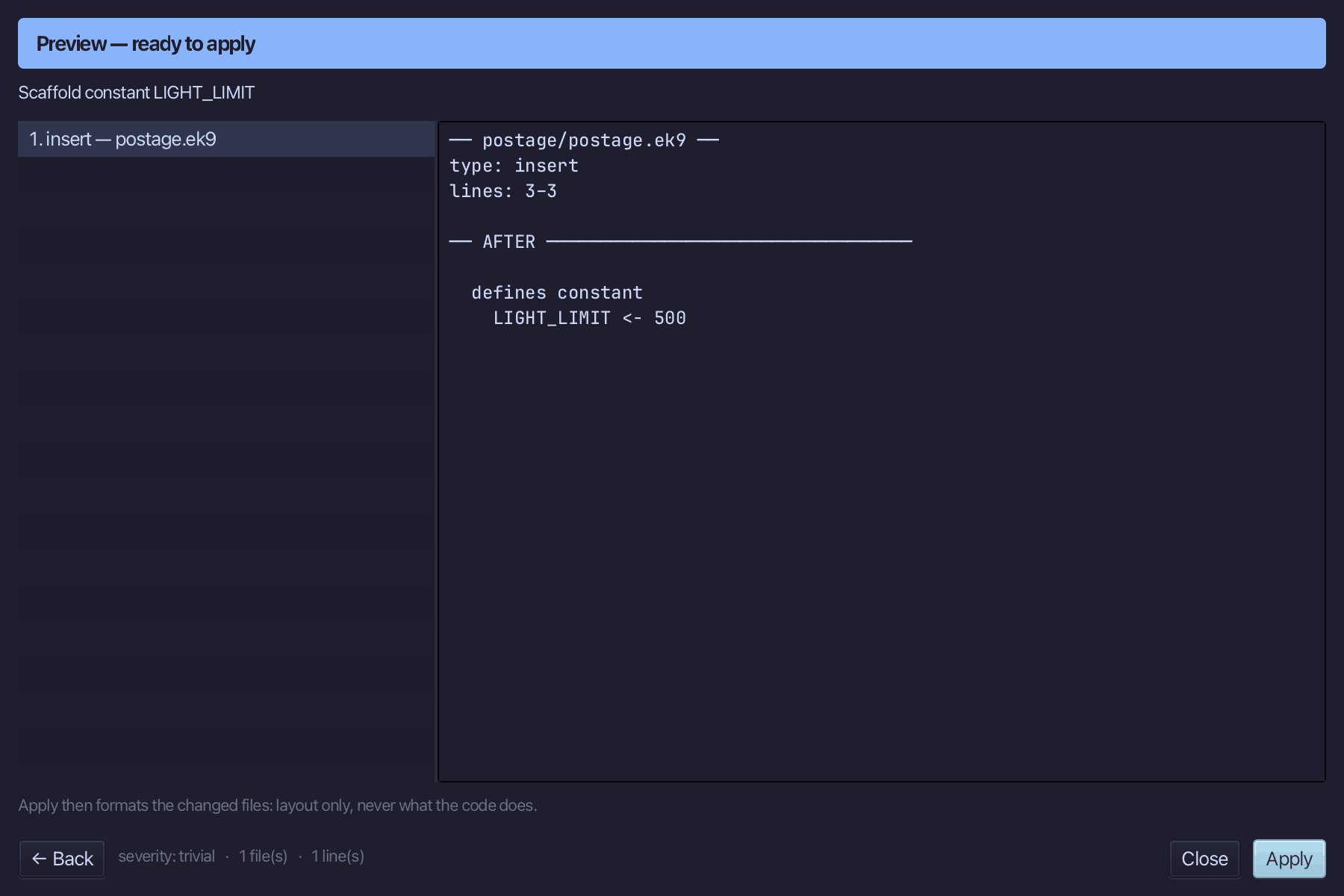
The preview shows LIGHT_LIMIT about to be written. Choose Apply.
Choose Code > New Construct > Constant…
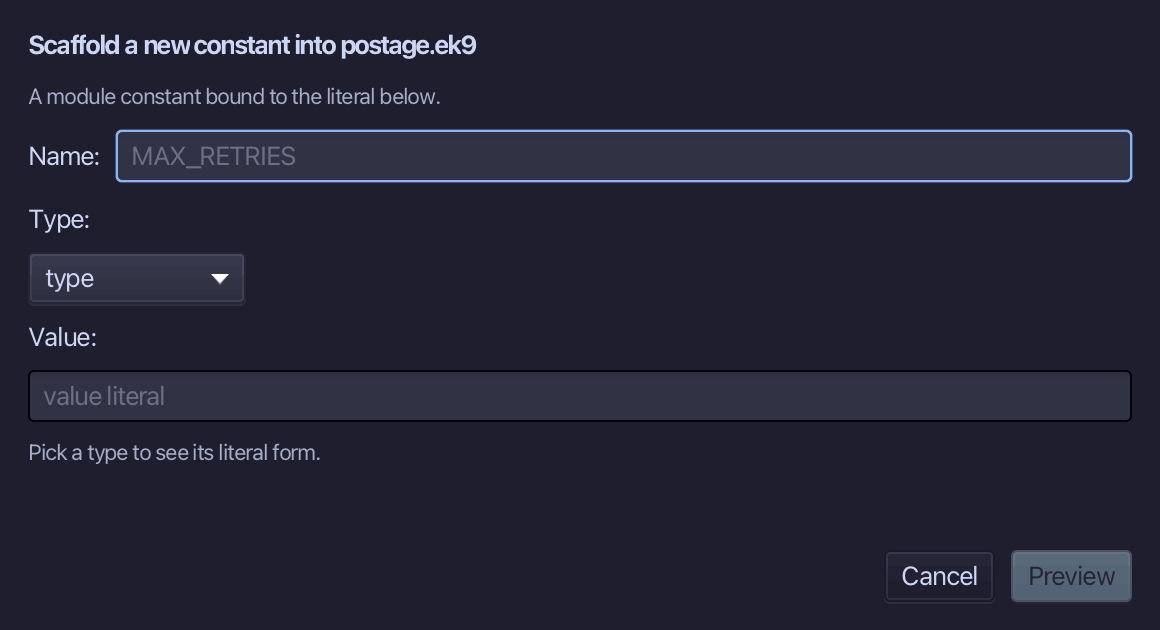
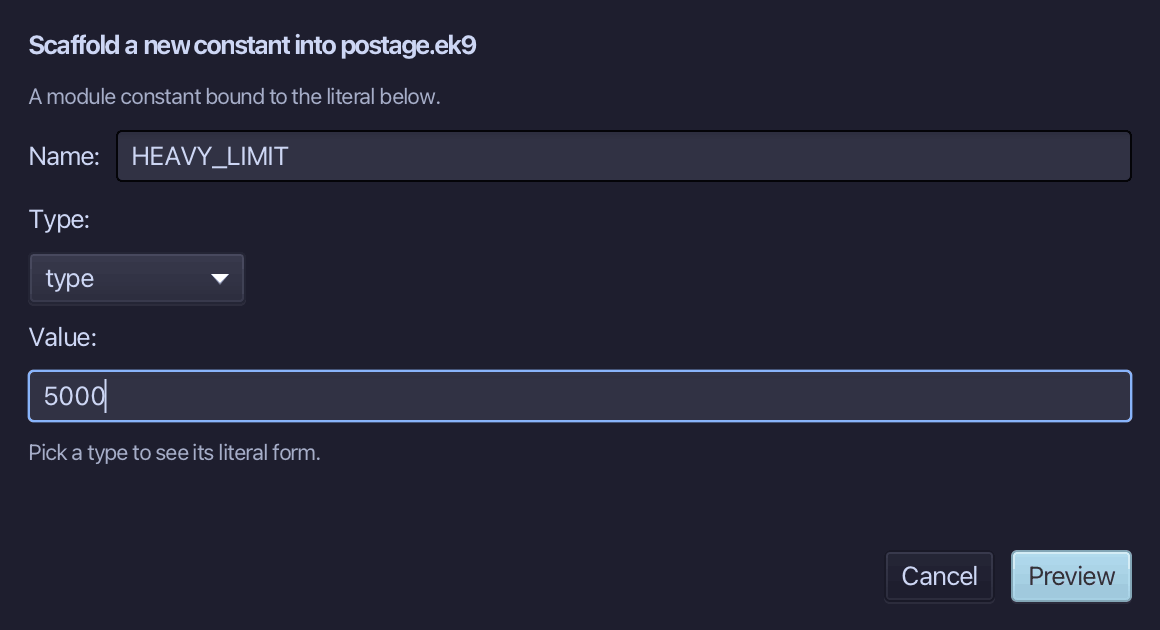
HEAVY_LIMIT is the constant's name and 5000 its value - a literal in the Value field, from which the type is inferred. Type both and choose Preview.
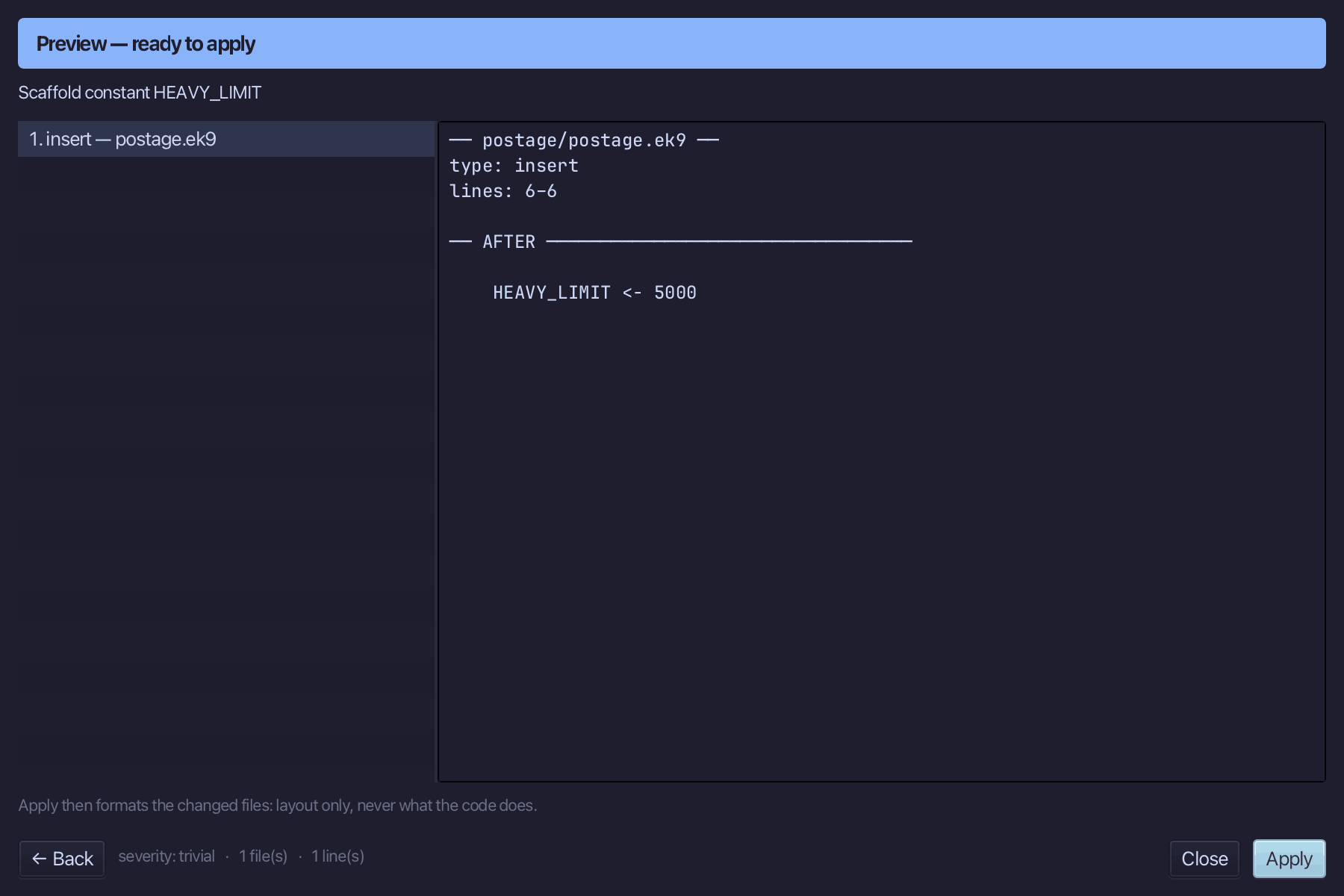
The preview shows HEAVY_LIMIT about to be written. Choose Apply.
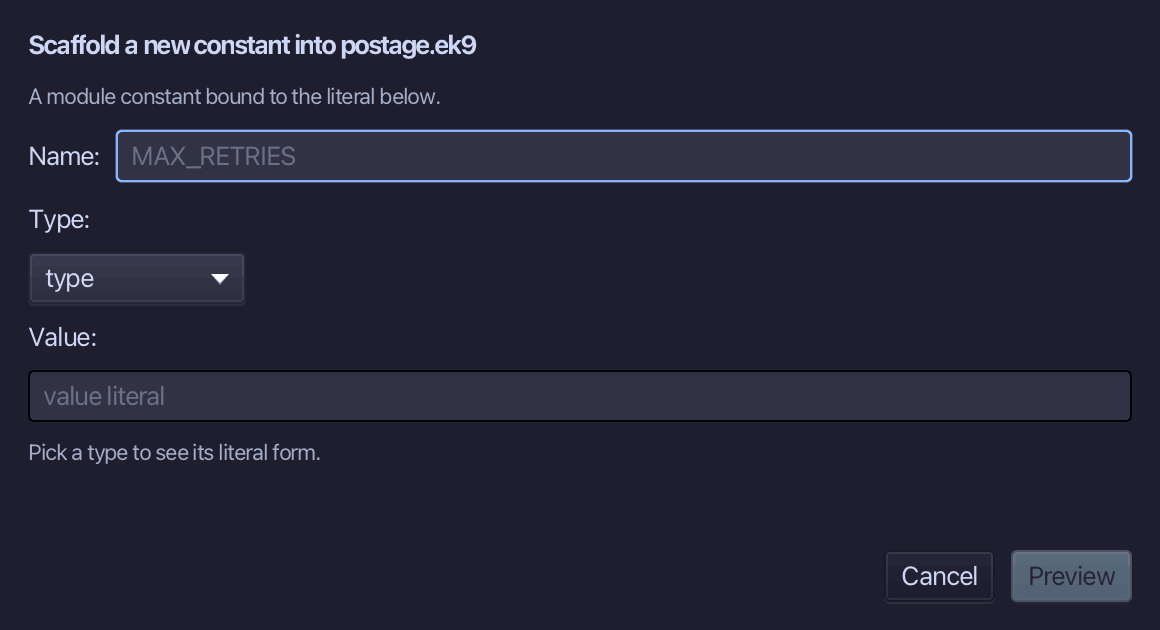
Choose Code > New Construct > Constant…
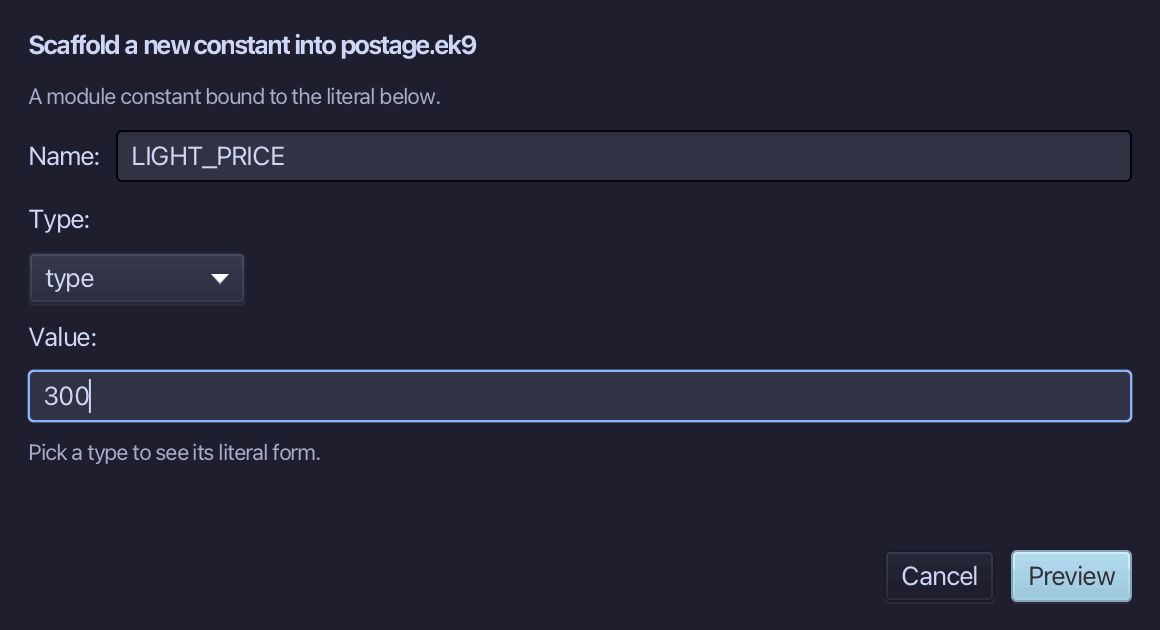
LIGHT_PRICE is the constant's name and 300 its value - a literal in the Value field, from which the type is inferred. Type both and choose Preview.
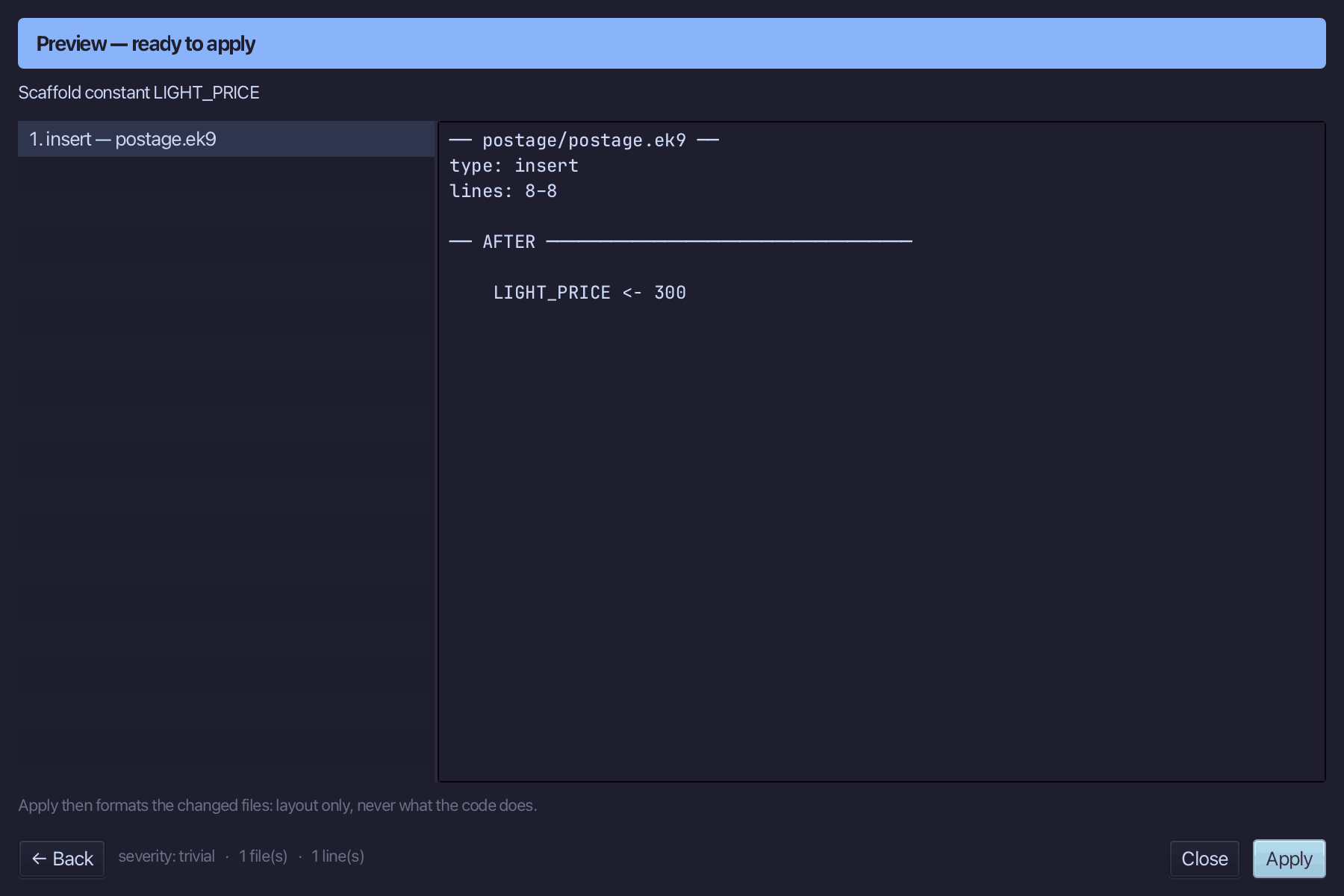
The preview shows LIGHT_PRICE about to be written. Choose Apply.
Choose Code > New Construct > Constant…
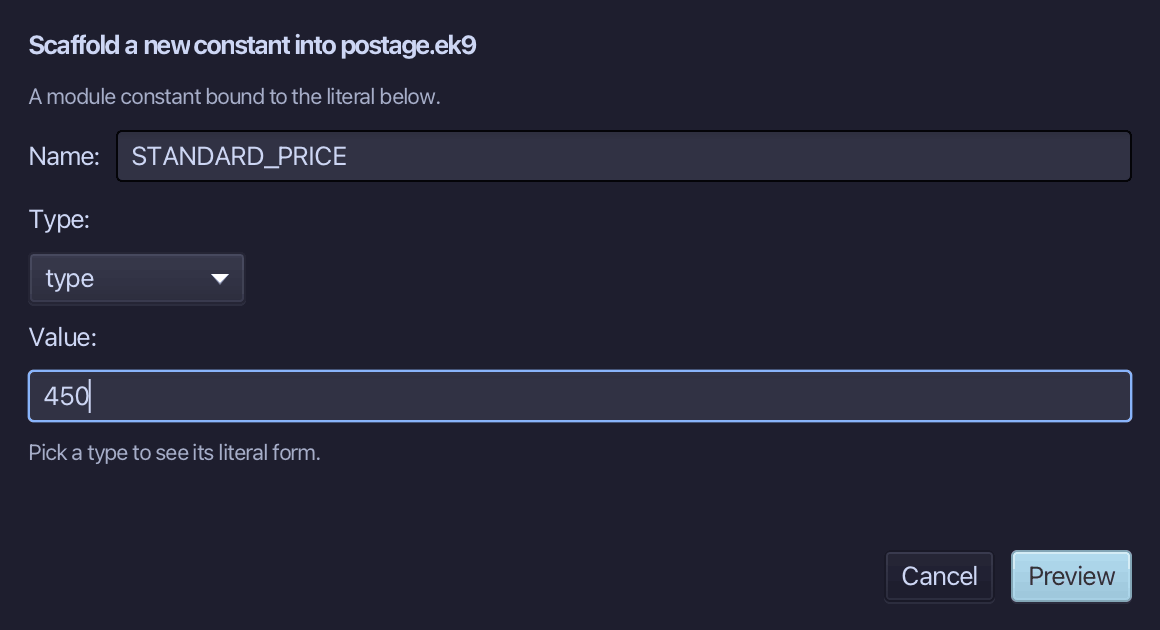
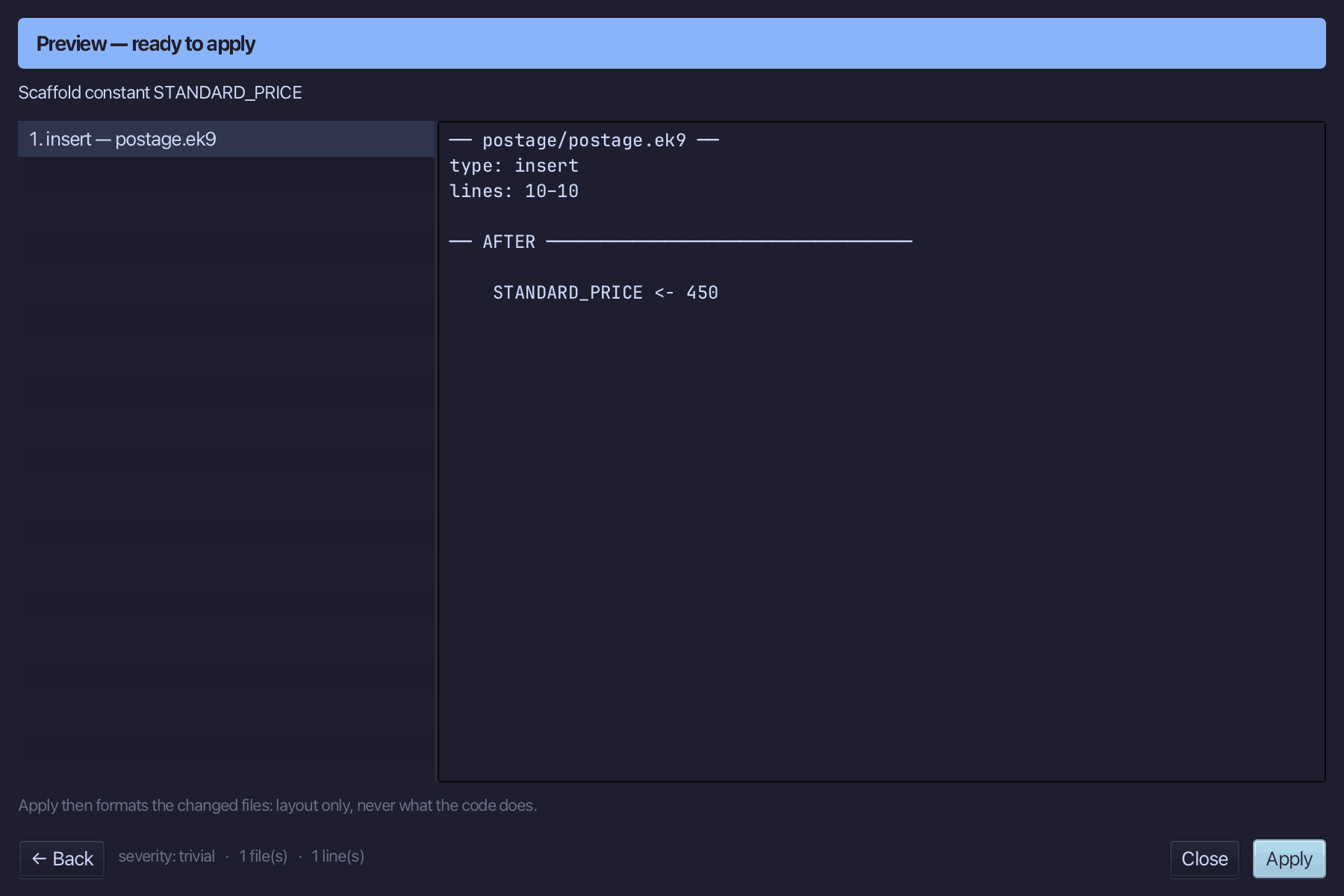
STANDARD_PRICE is the constant's name and 450 its value - a literal in the Value field, from which the type is inferred. Type both and choose Preview.
The preview shows STANDARD_PRICE about to be written. Choose Apply.
Choose Code > New Construct > Constant…
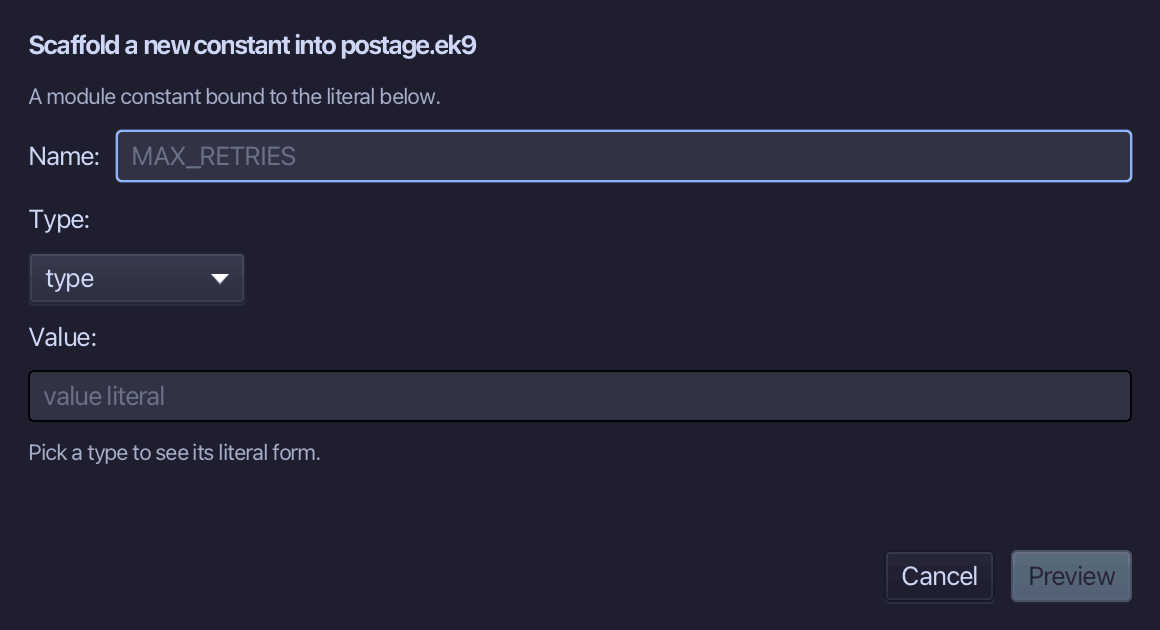
HEAVY_PRICE is the constant's name and 900 its value - a literal in the Value field, from which the type is inferred. Type both and choose Preview.
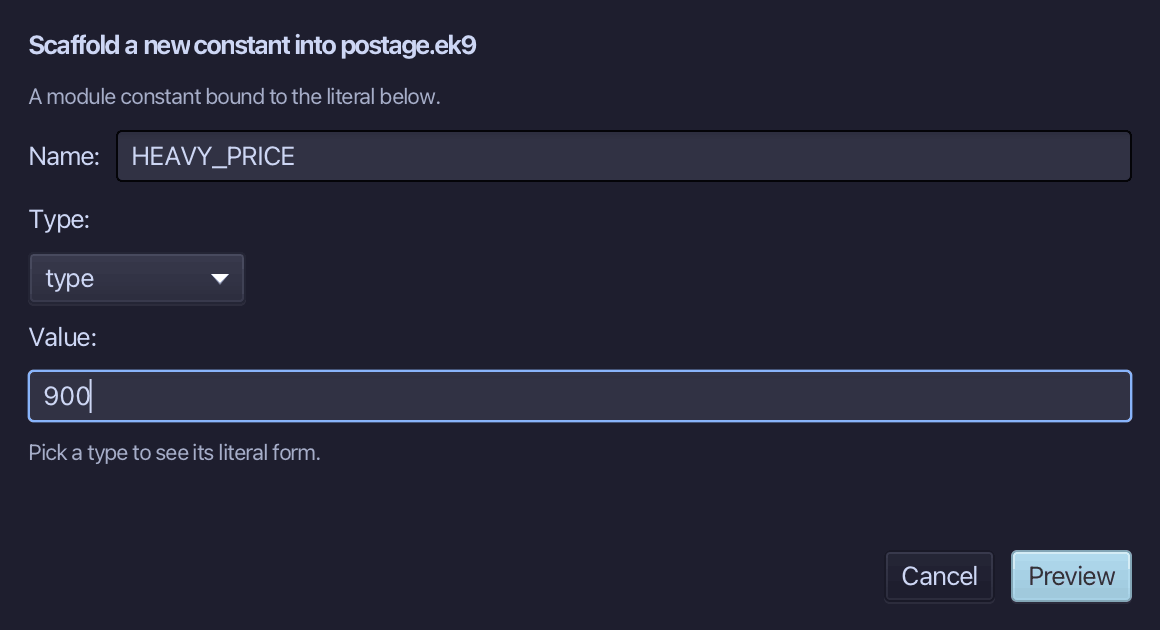
The preview shows HEAVY_PRICE about to be written. Choose Apply.
Choose Code > New Construct > Constant…
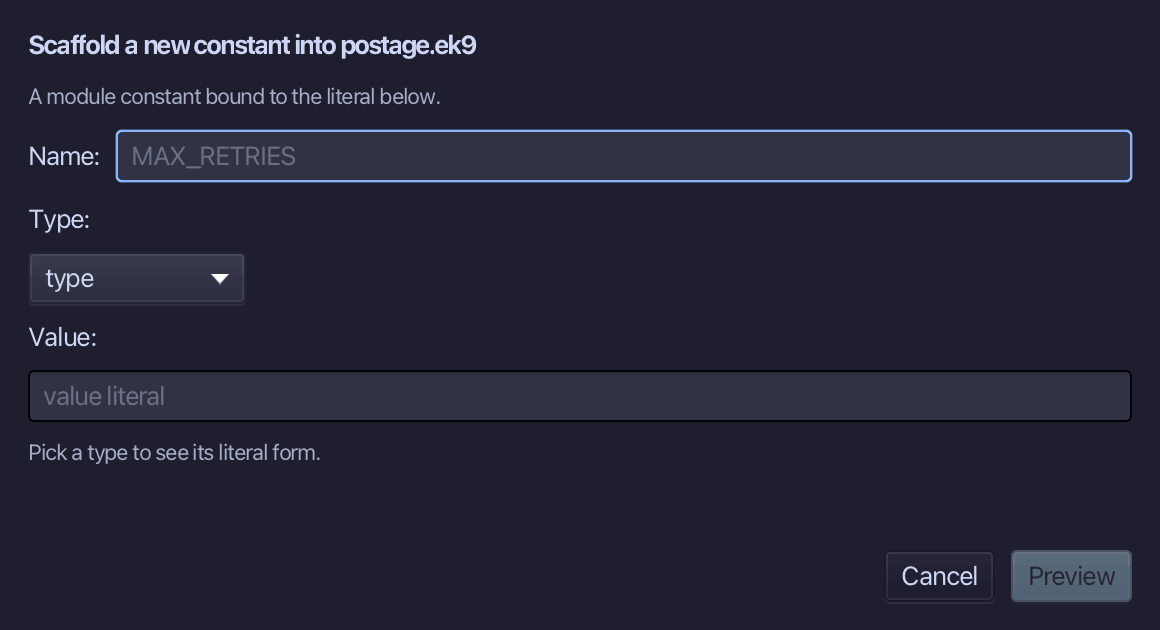
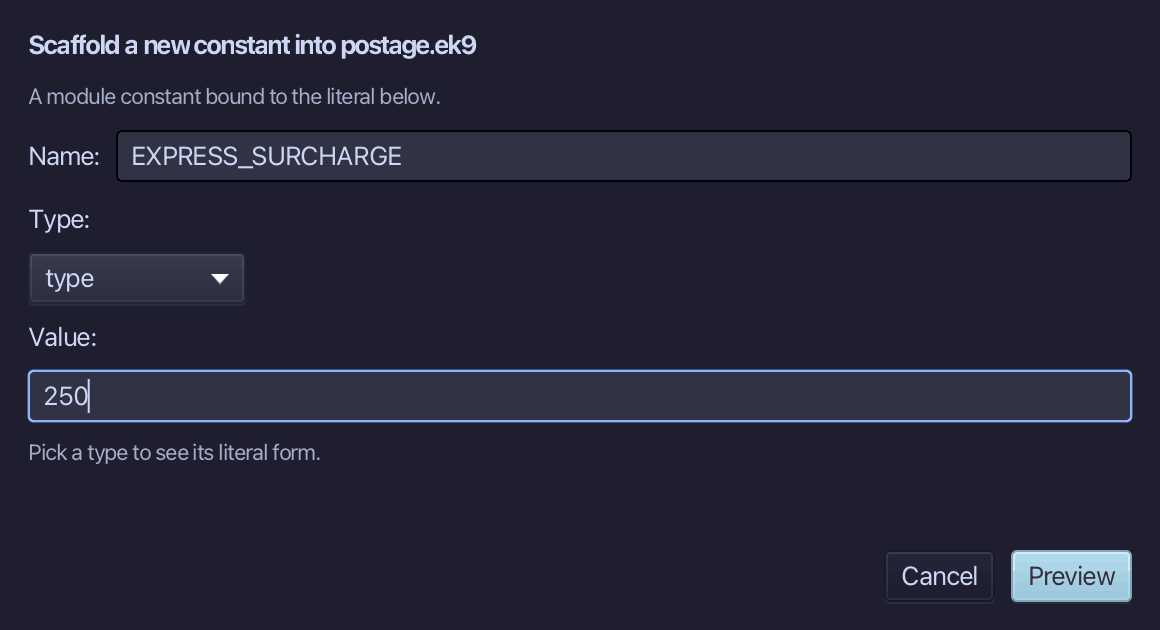
EXPRESS_SURCHARGE is the constant's name and 250 its value - a literal in the Value field, from which the type is inferred. Type both and choose Preview.
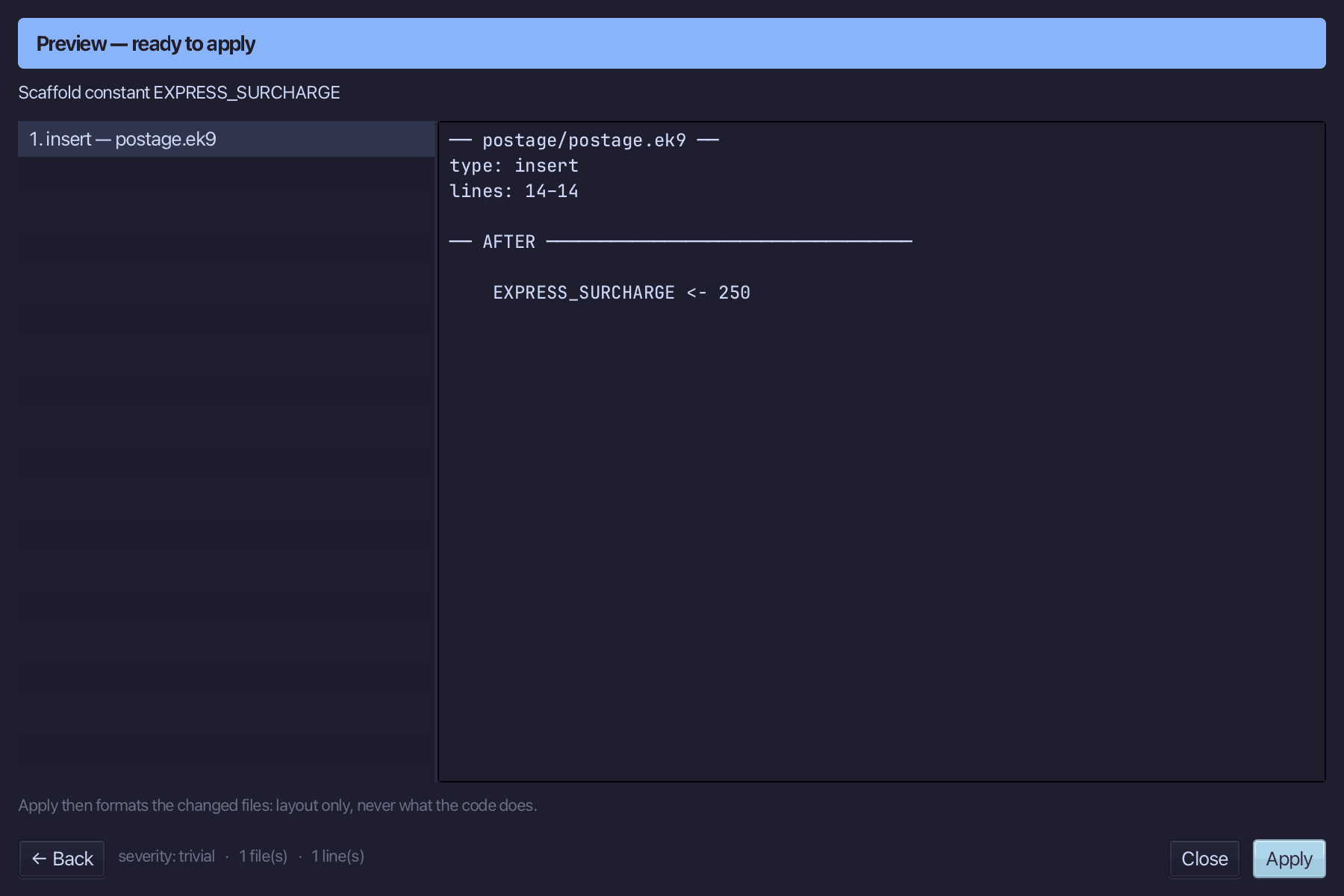
The preview shows EXPRESS_SURCHARGE about to be written. Choose Apply.
Step 2: postage — a pure function
Choose Code > New Construct > Function…
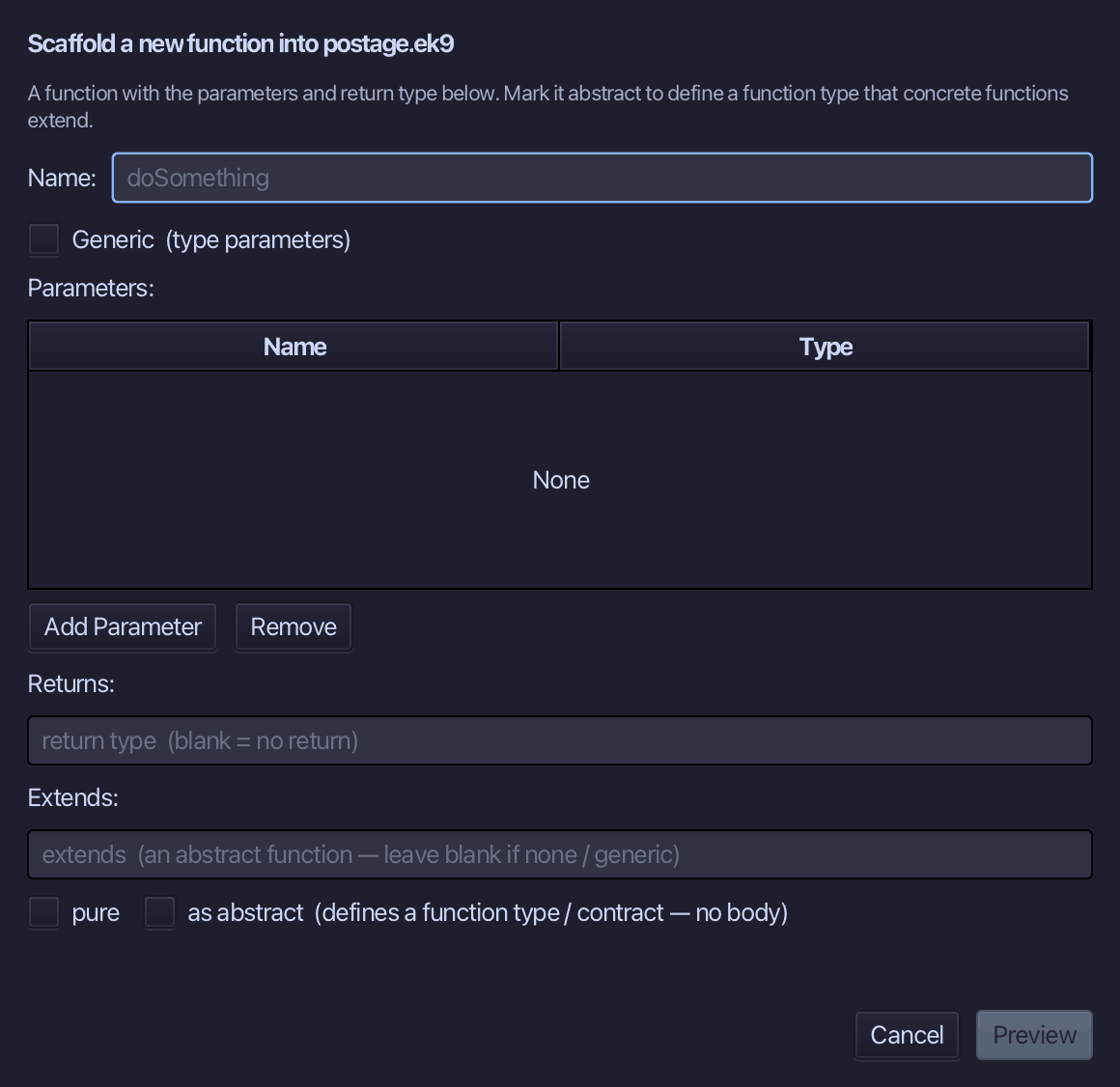
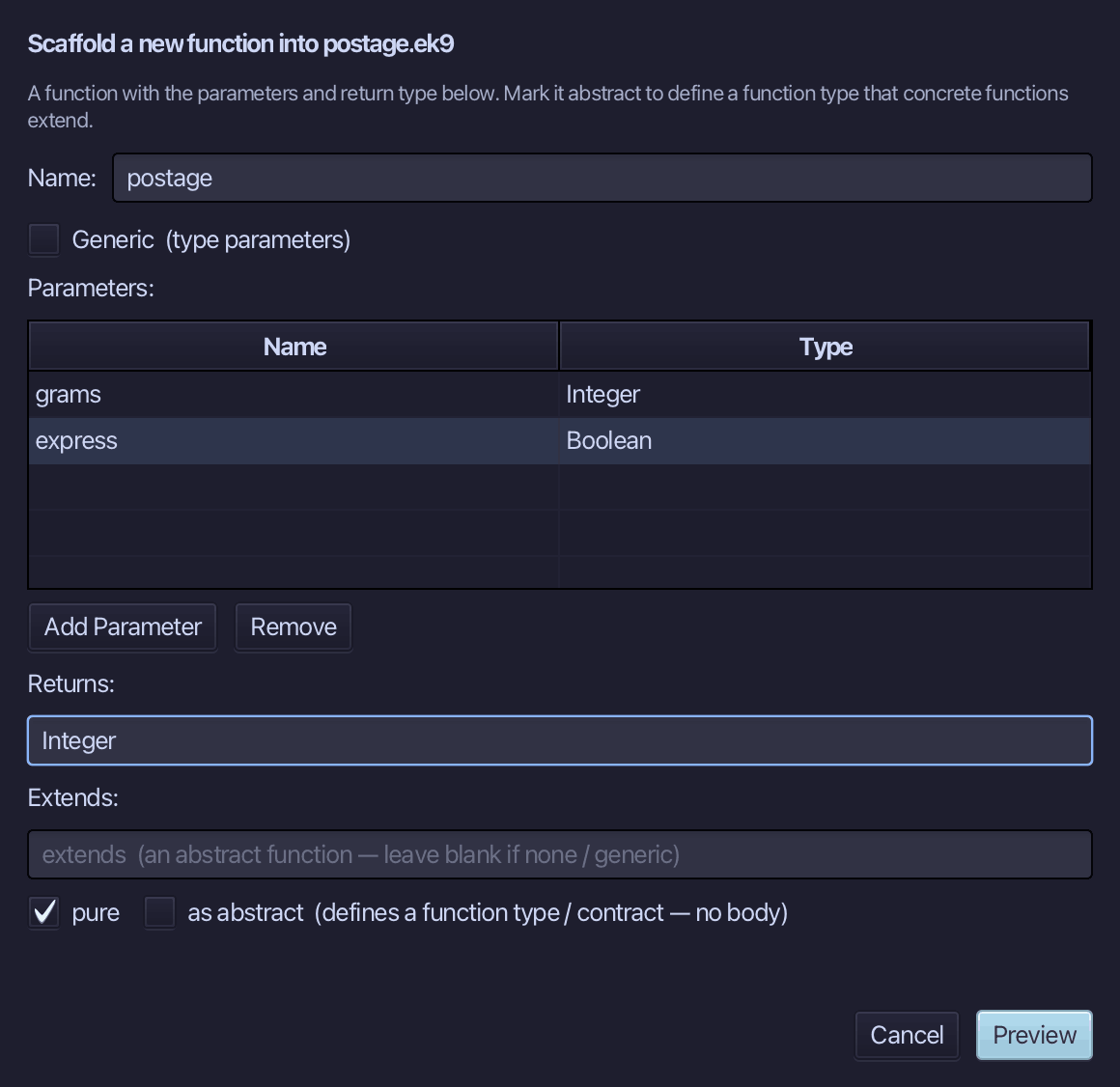
postage is the function's name. Add the parameters grams of type Integer and express of type Boolean, set Returns to Integer and tick pure. Choose Preview.
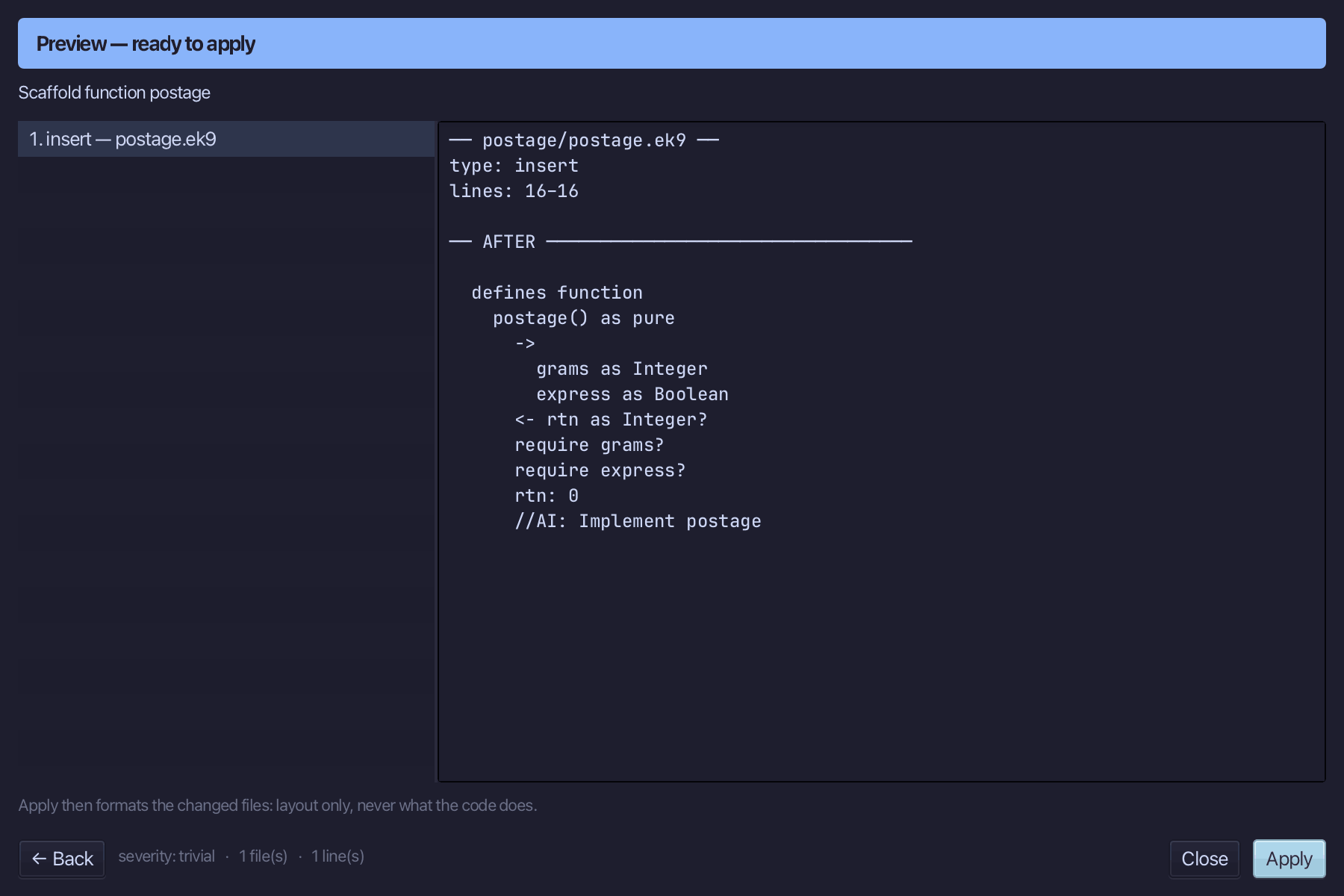
The preview shows postage about to be written. Choose Apply.
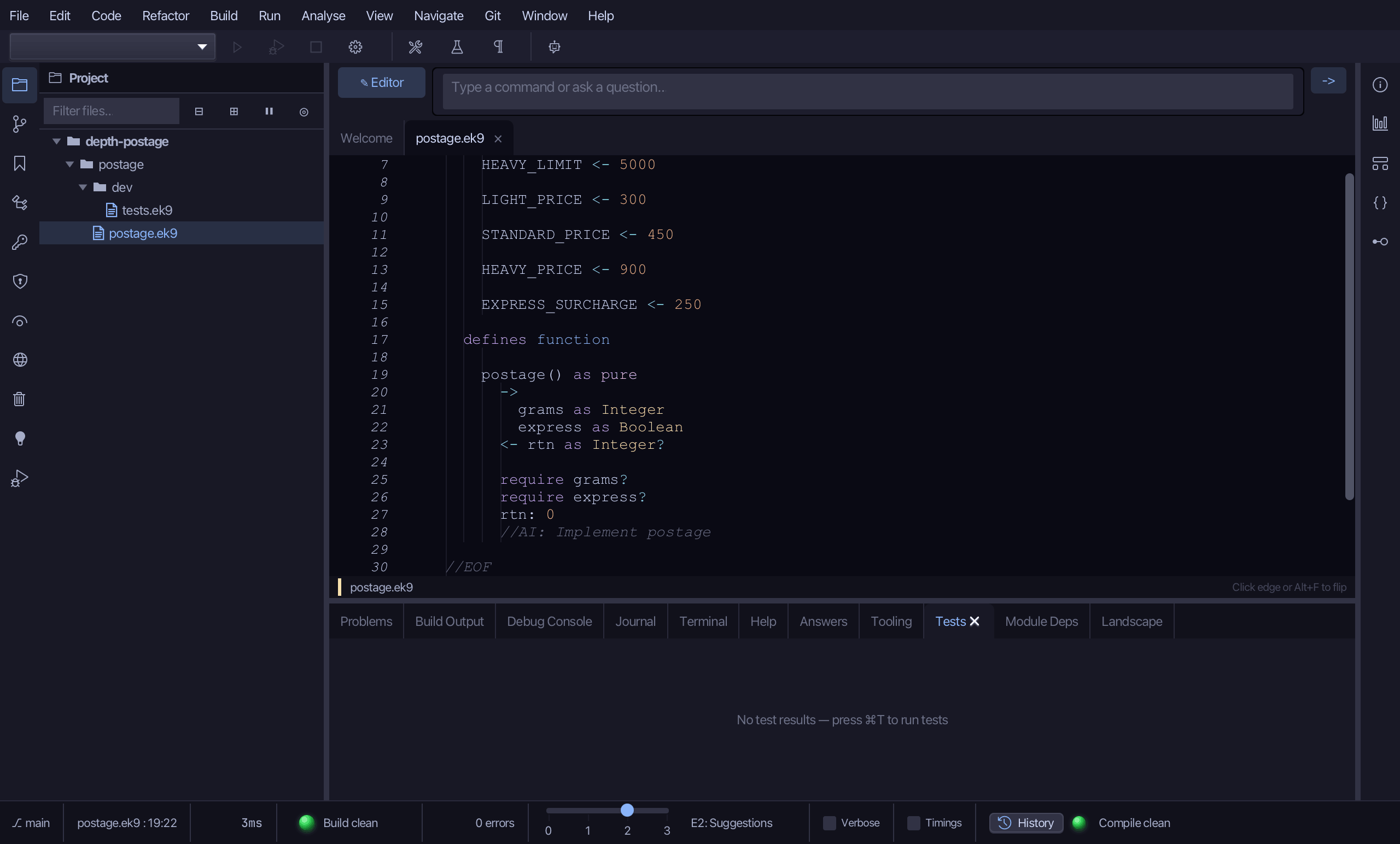
Select the postage() as pure line and, above it, type the blank line the book opens its first function with. Saves when typed.
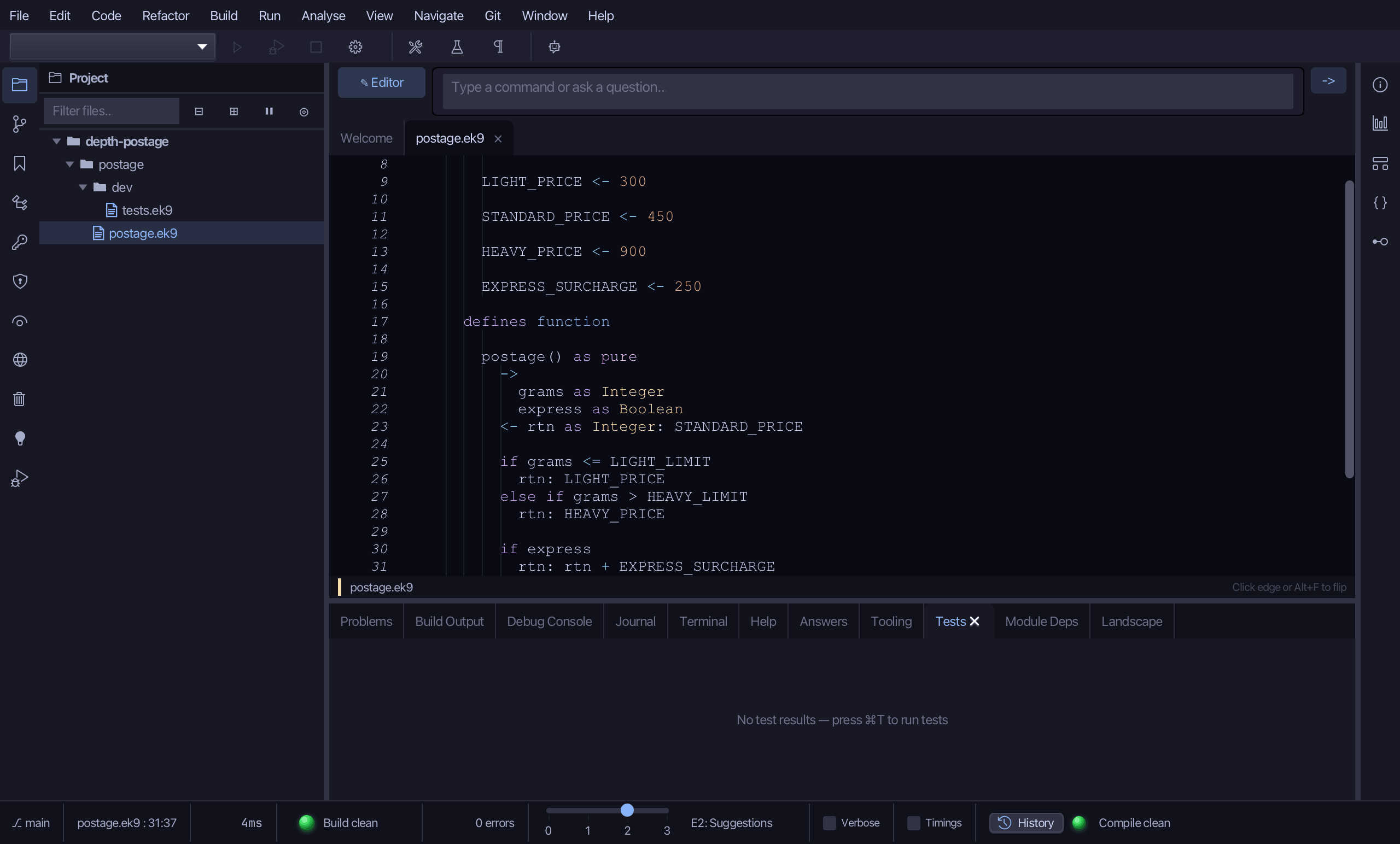
Select the stub, from <- rtn as Integer? down to its //AI line, and type postage's own return and work, as the book writes them. Saves when typed.
Step 3: The tests' file
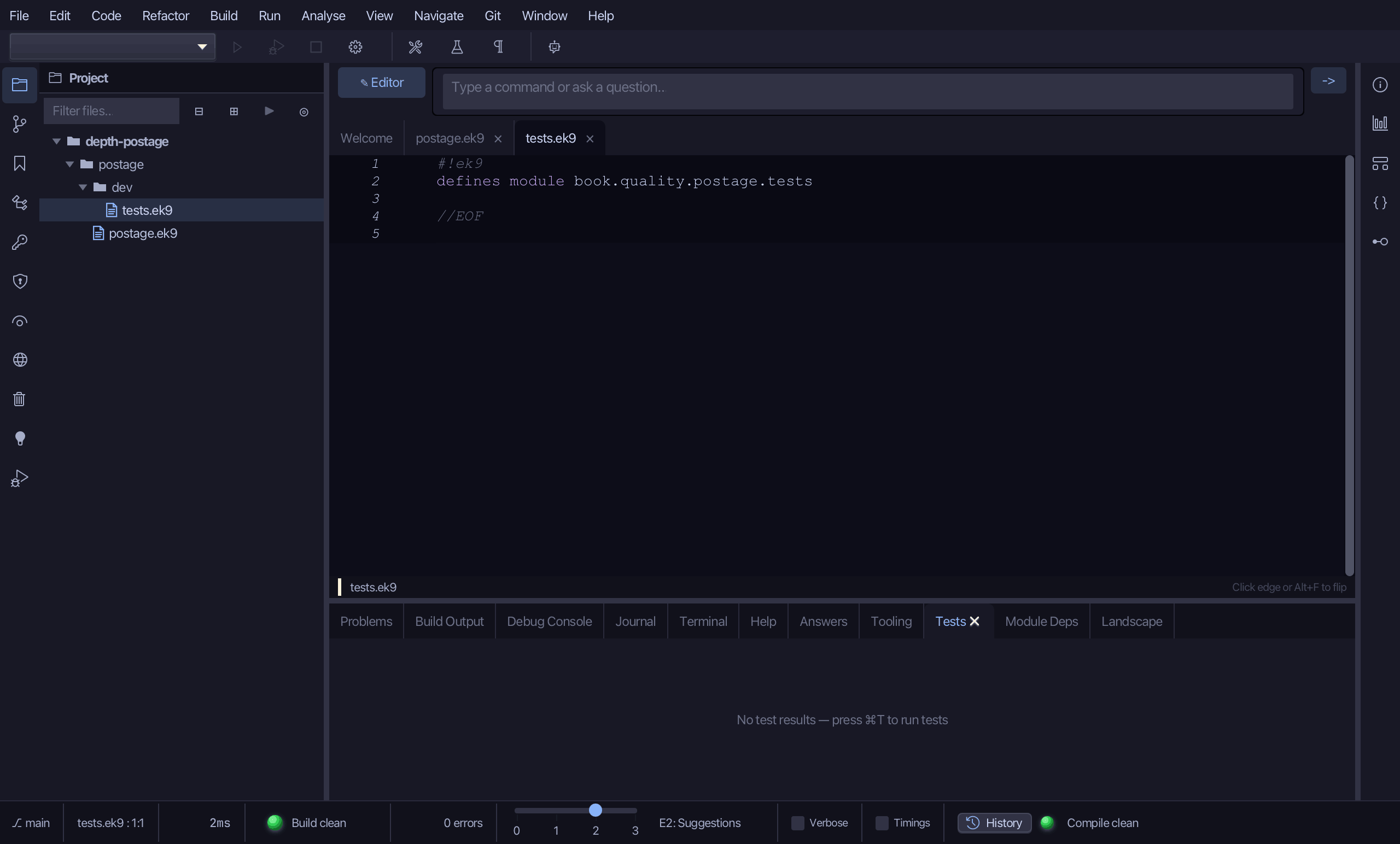
Open postage/dev/tests.ek9 - already there, with just its own module line.
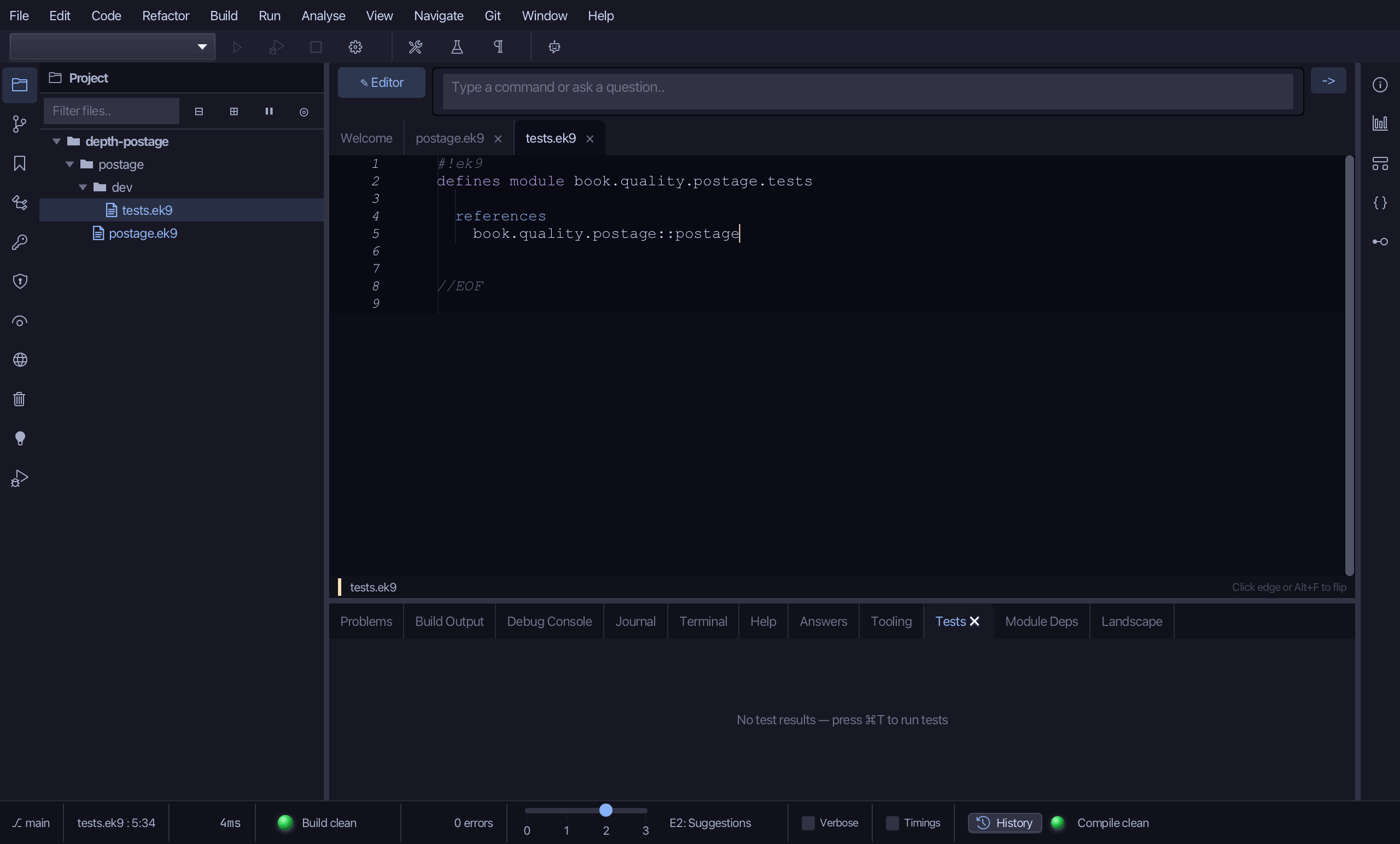
Select the module line, and below it type a references block bringing in postage. Saves when typed.
Step 4: One test, and the report
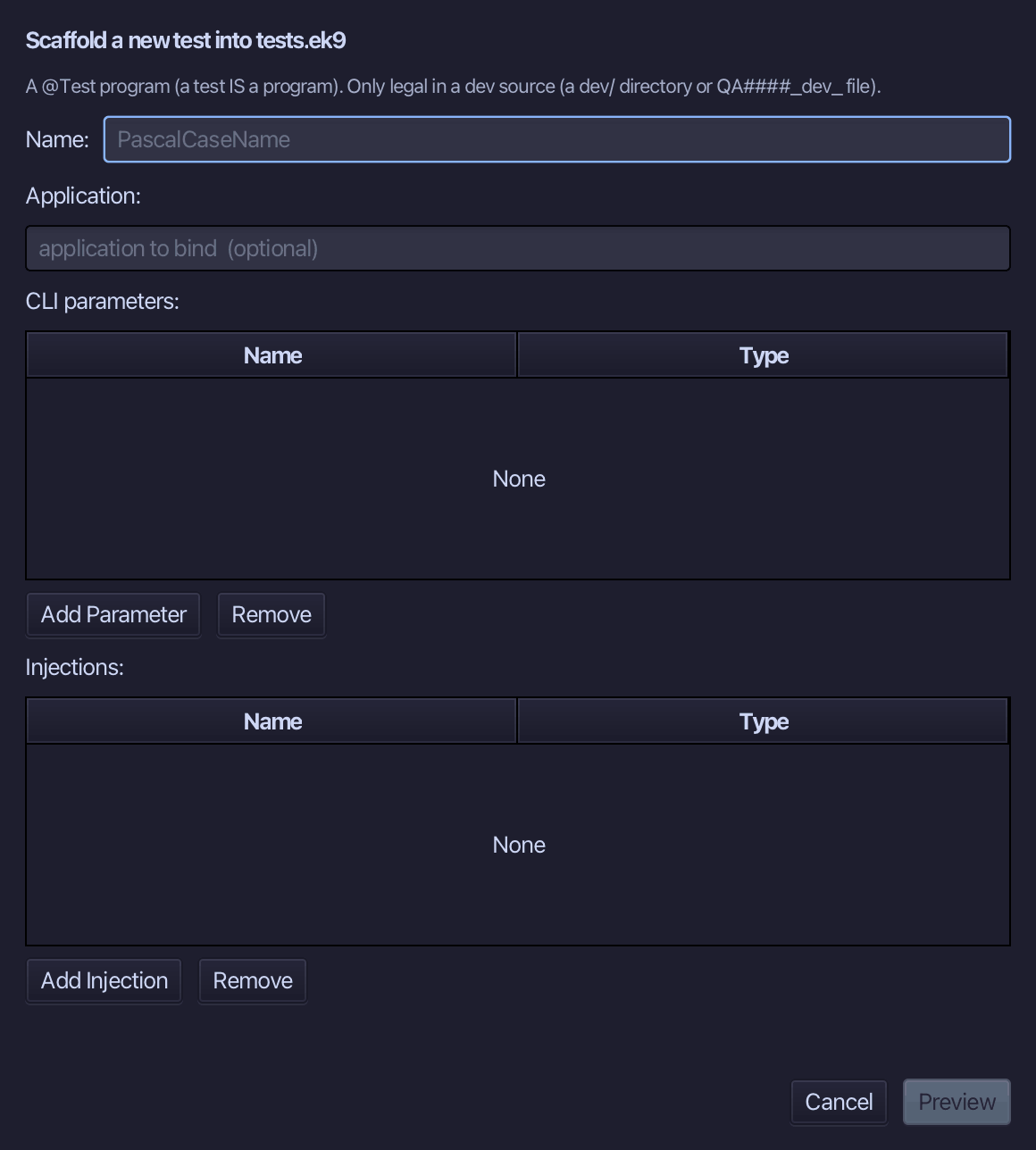
Choose Code > New Construct > Test…
LetterByStandardPost is the test's name. Choose Preview.
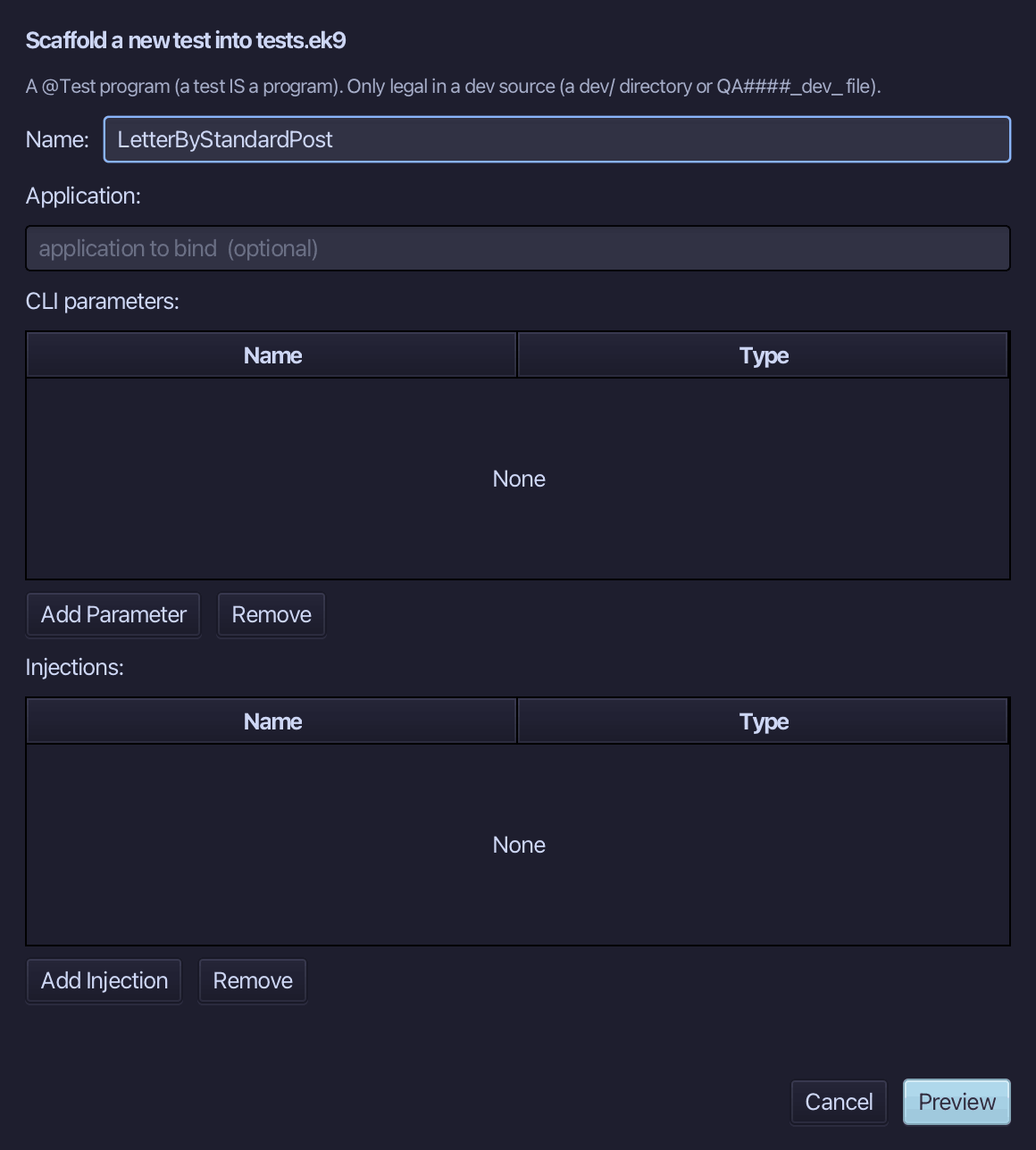
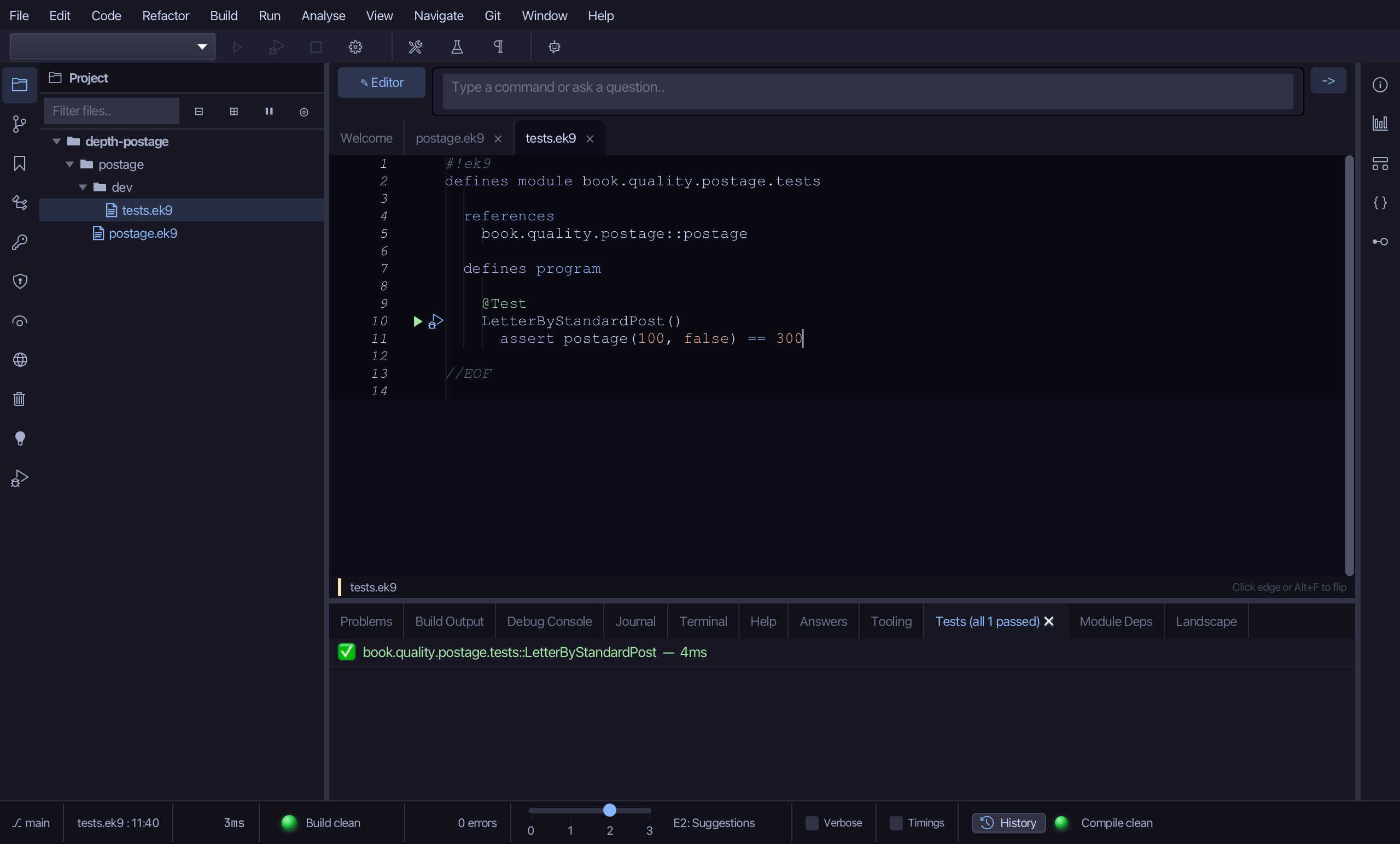
The preview shows LetterByStandardPost about to be written, marked @Test, with a placeholder assertion. Choose Apply.
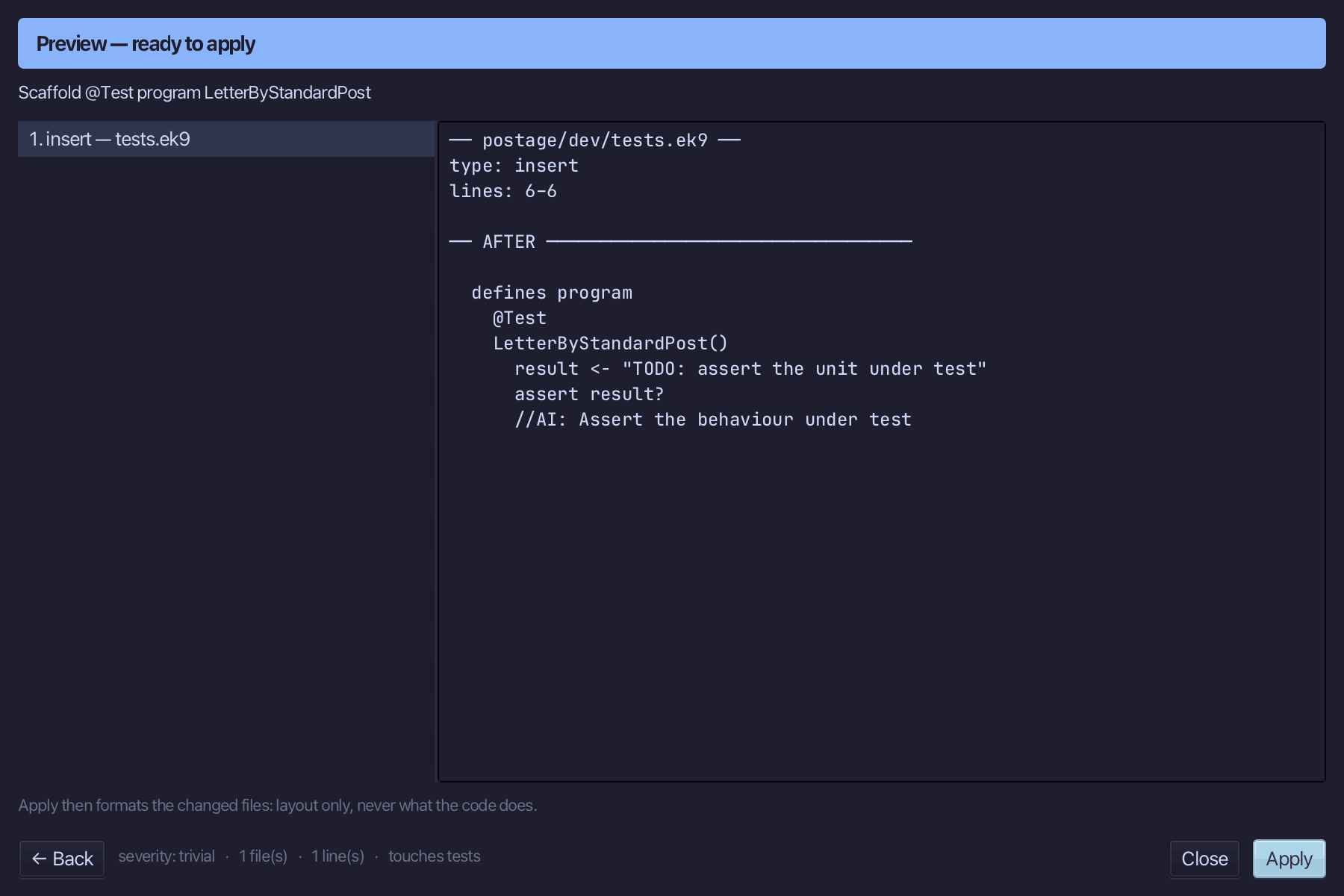
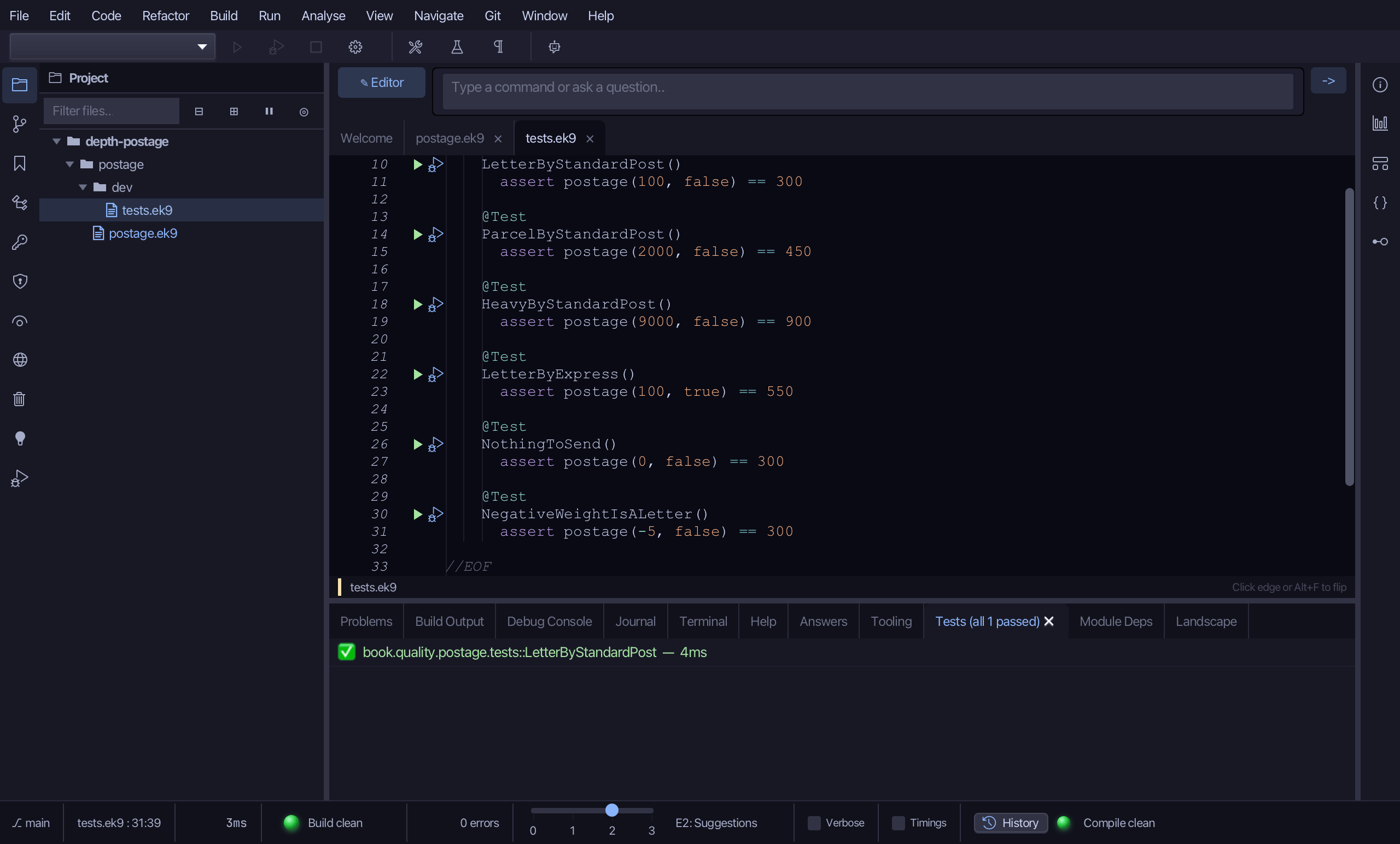
Select the @Test line, and above it type the blank line every chapter example opens its first member with. Saves when typed.
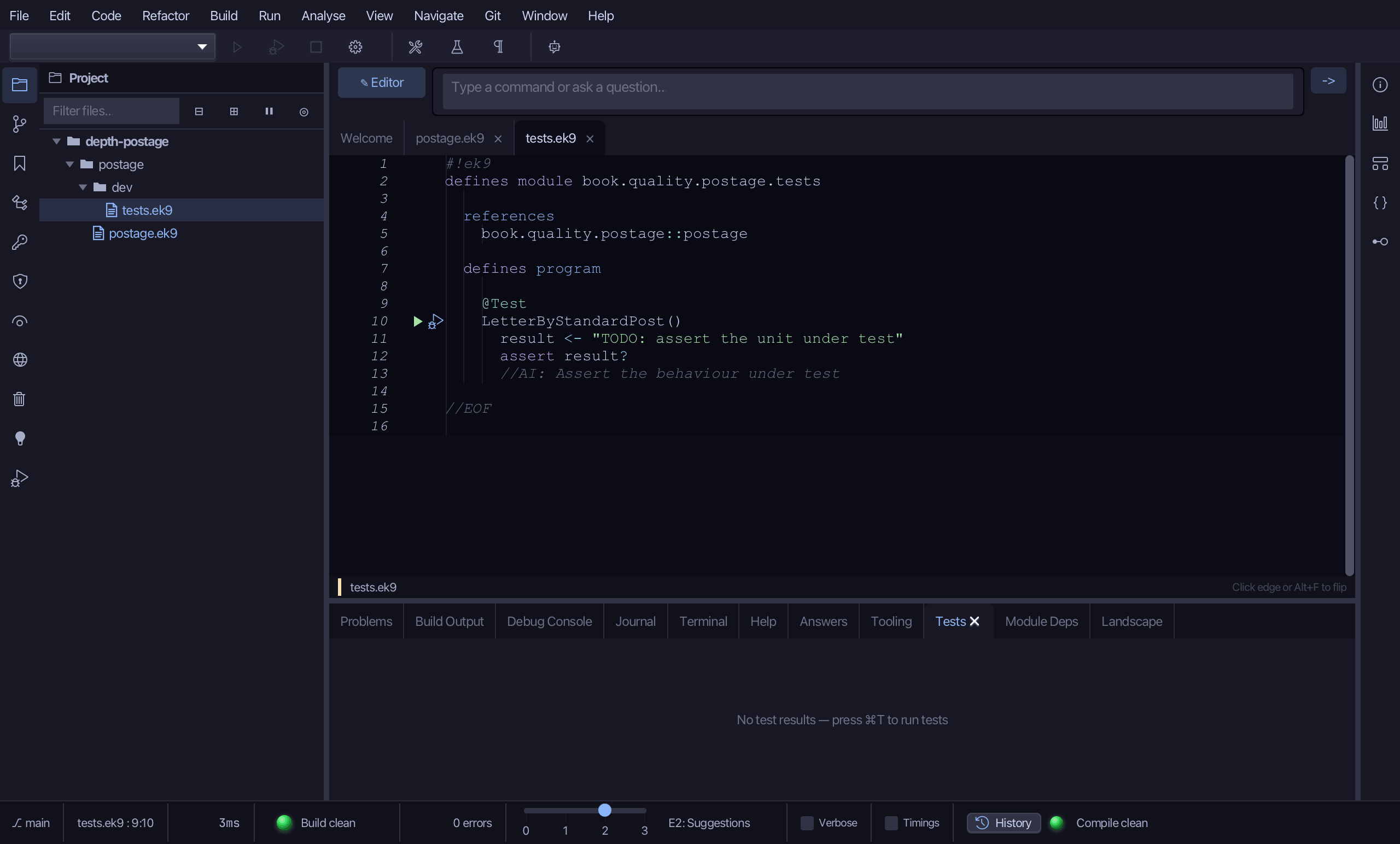
Select the stub, from result <- "TODO: assert the unit under test" down to its //AI line, and type the real claim: a 100 gram letter by standard post costs the light price, 300. Saves when typed.
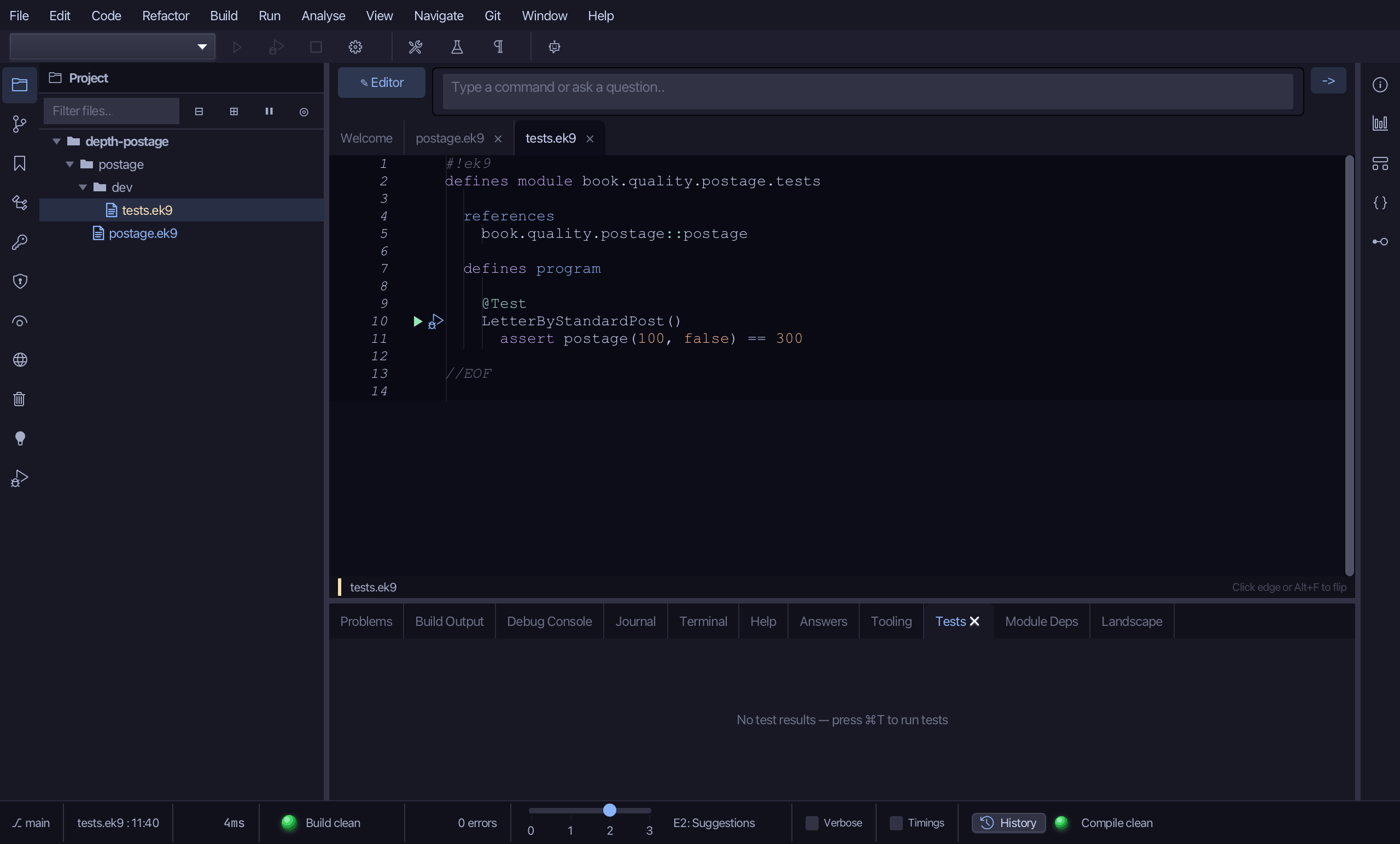
Run > Quality Report (Shift+Cmd+R) runs the tests and writes the report ek9 -t6 writes - opened in your own browser when you play this for real, suppressed here. Choose Quality Report.
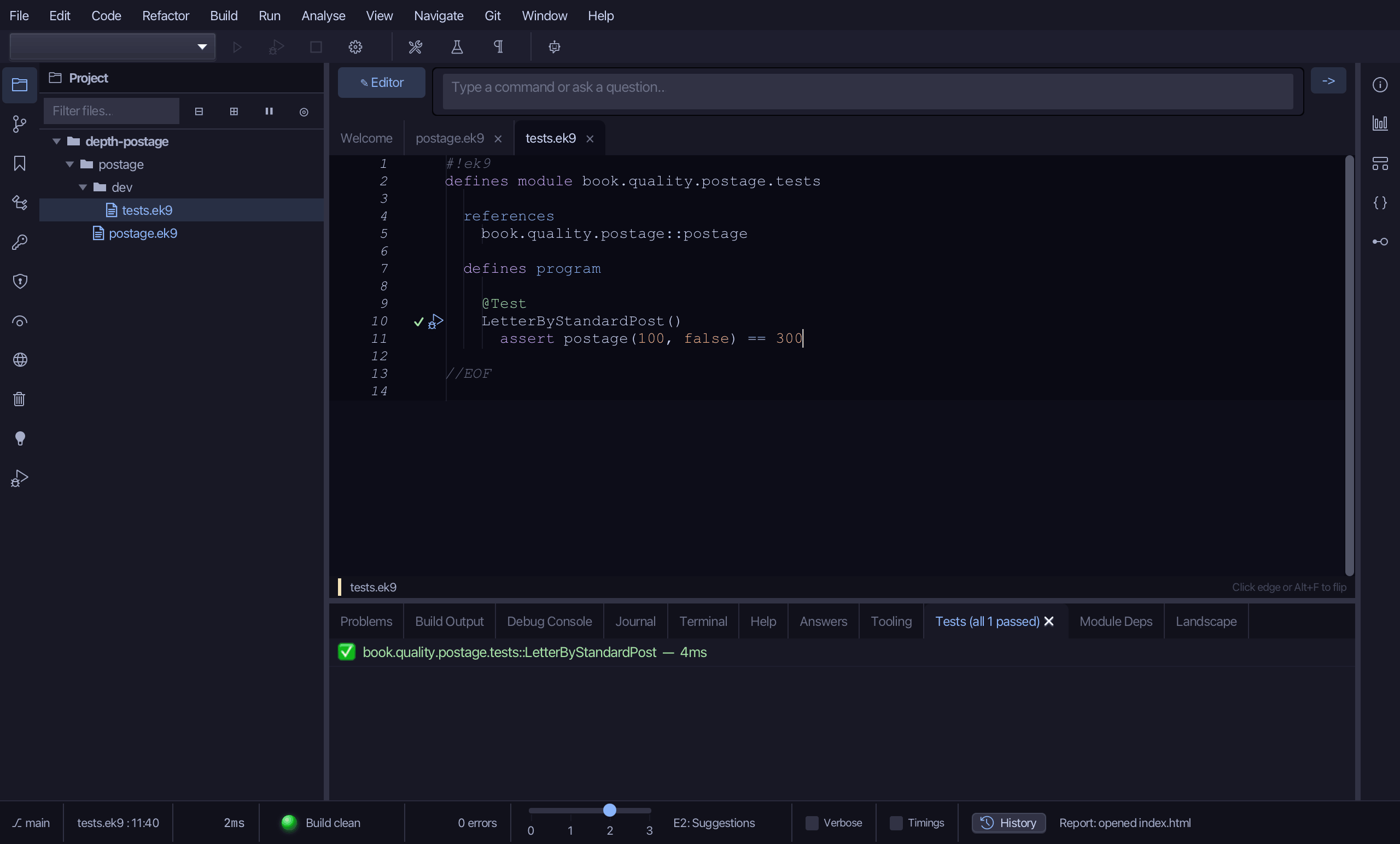
With one test the report finds coverage short of the gate: 6 of the 10 lines and only 1 of the 3 branches ran, which is the E83001 the command line prints at 60%. On postage's own entry, the cyclomatic complexity is 6 and the cognitive 3 - hazard 9% - while only 2 of the 12 input classes were driven, so exposure is 83% and the change-risk score, HEX, is 7. It is a LOW score for an untested function: HEX is not a verdict on the tests, it is what a mistake here would cost and whether anything would notice.
Step 5: Five more tests
Choose Code > New Construct > Test…
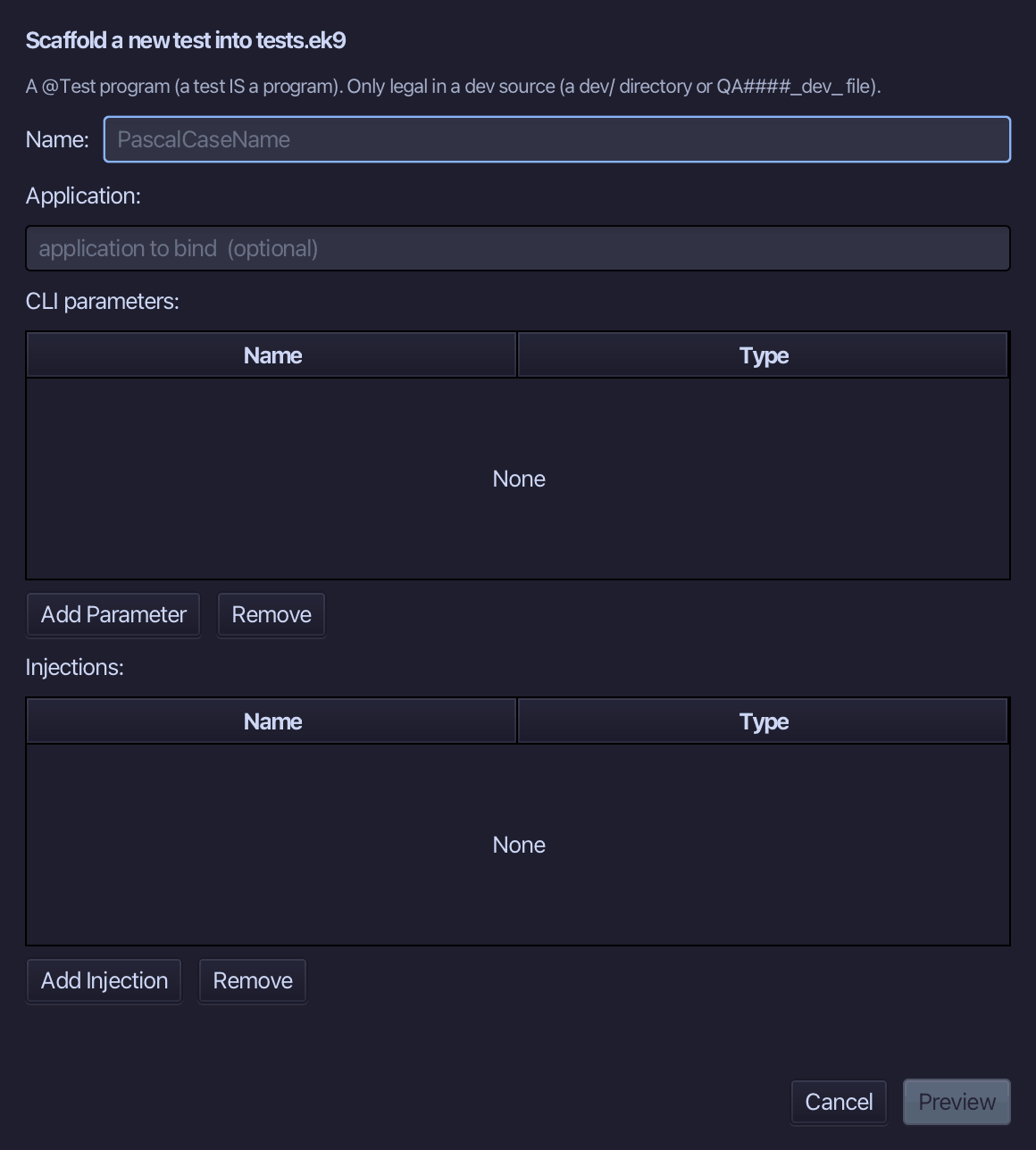
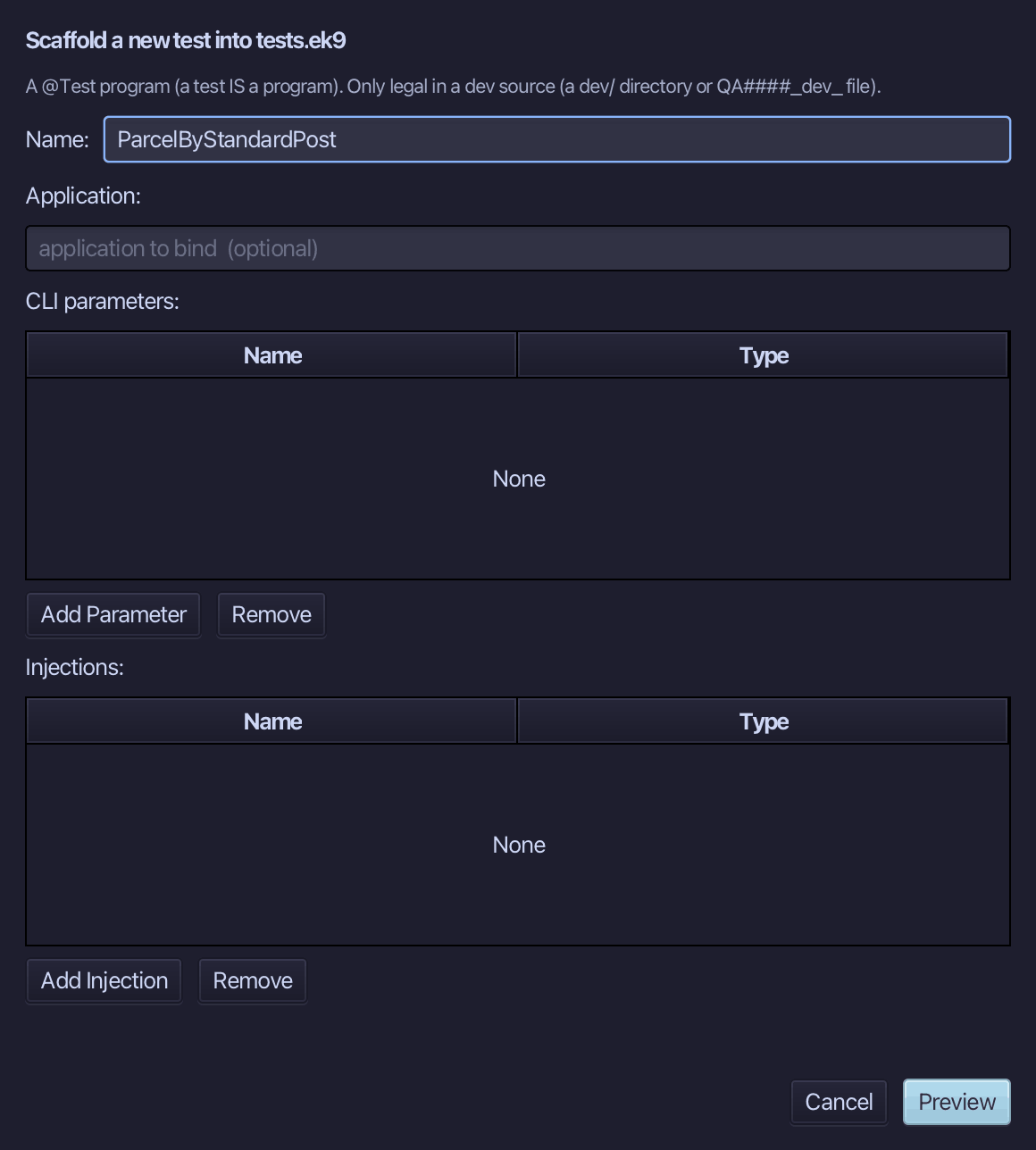
ParcelByStandardPost is the test's name. Choose Preview.
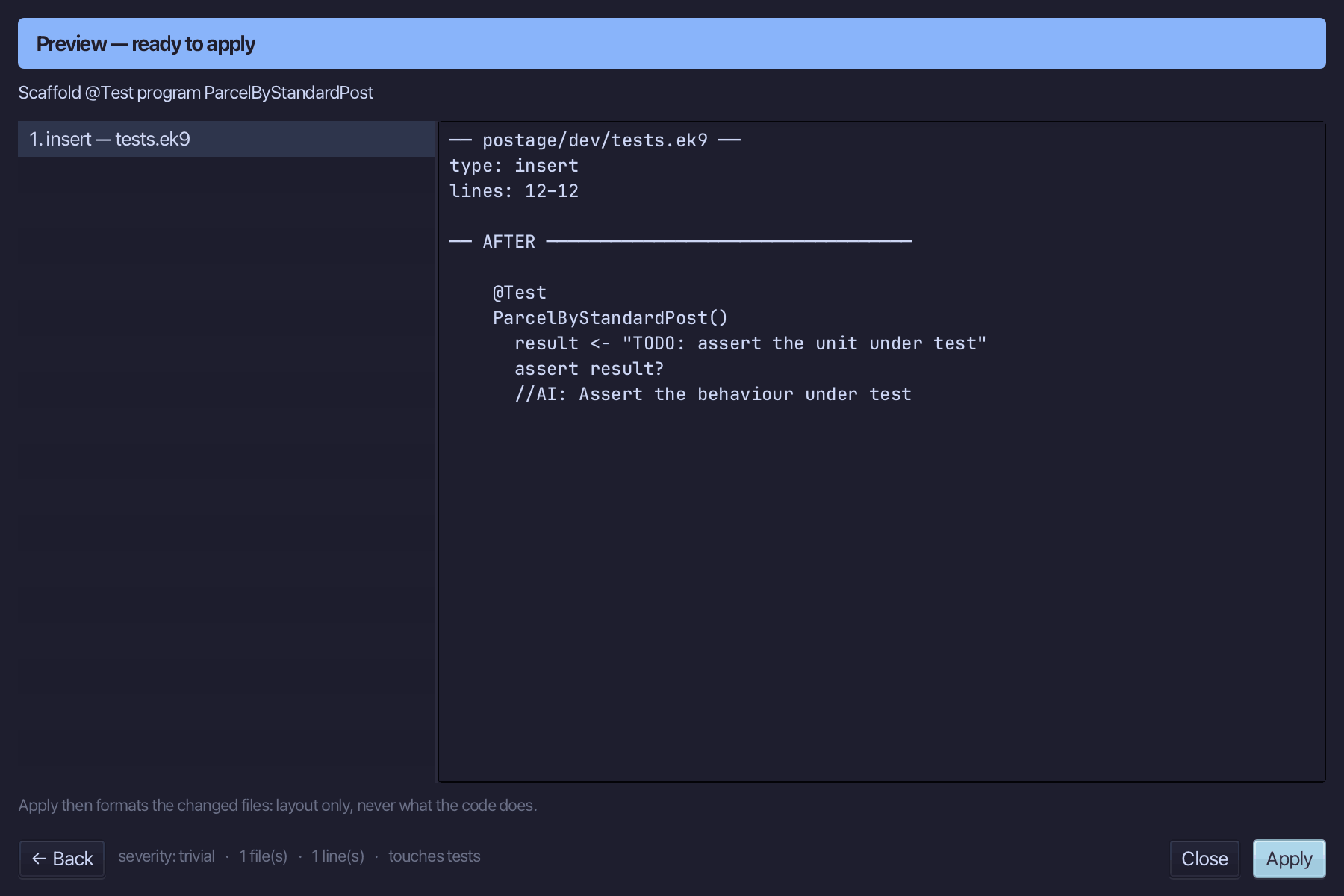
The preview shows ParcelByStandardPost about to be written, marked @Test, with a placeholder assertion. Choose Apply.
Select the stub, from result <- "TODO: assert the unit under test" down to its //AI line, and type the real claim: a 2000 gram parcel costs the standard price, 450. Saves when typed.
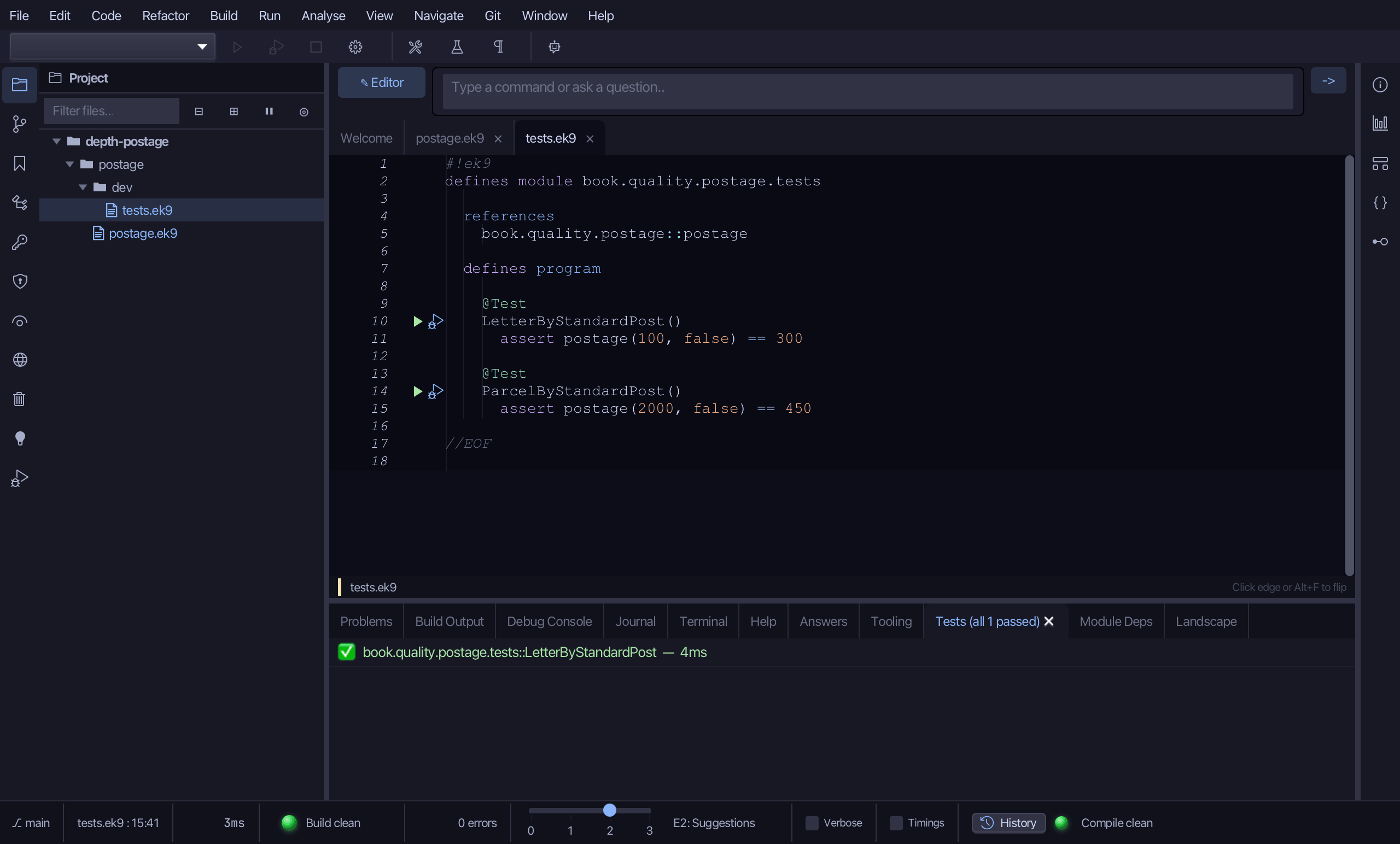
Choose Code > New Construct > Test…
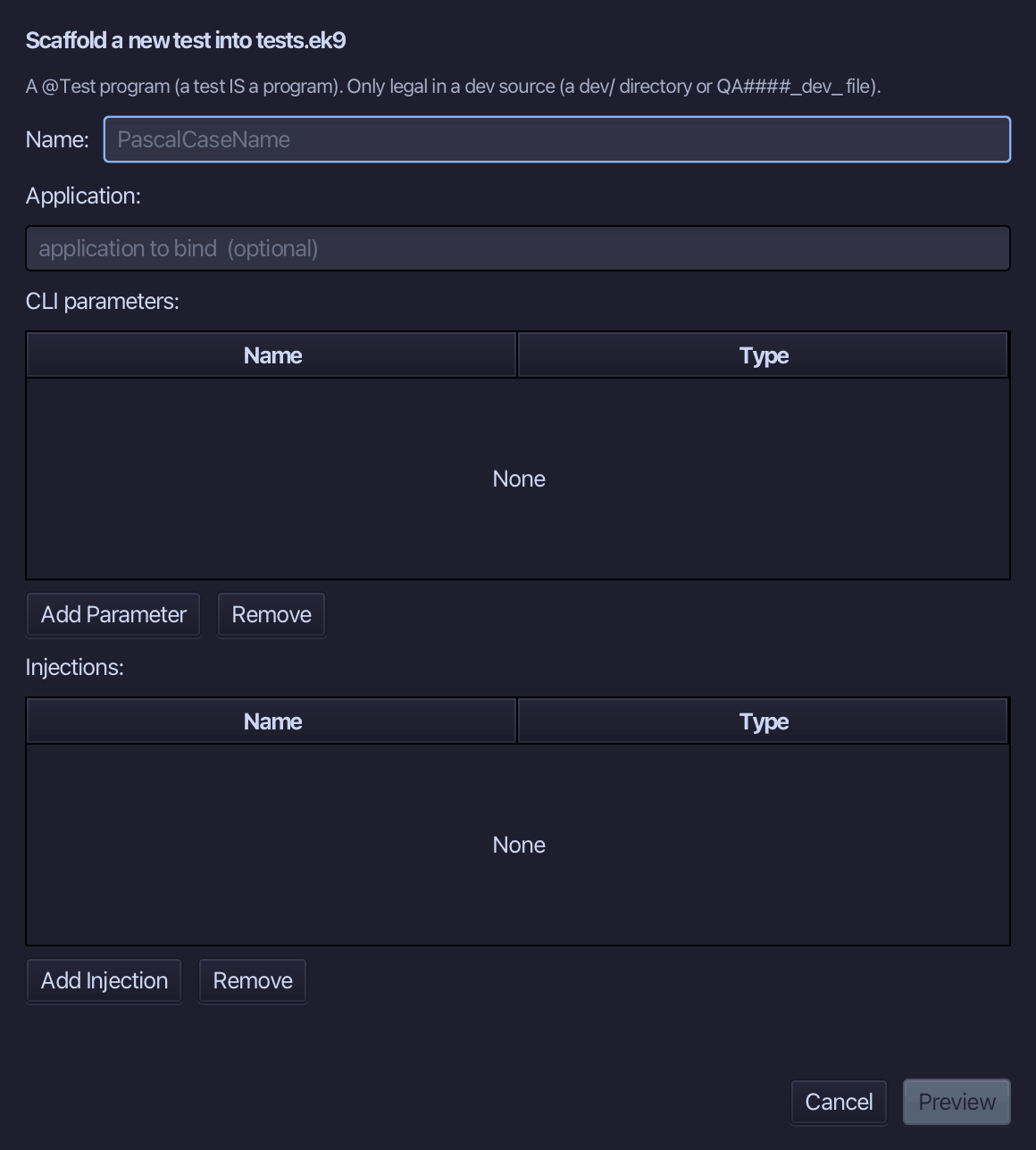
HeavyByStandardPost is the test's name. Choose Preview.
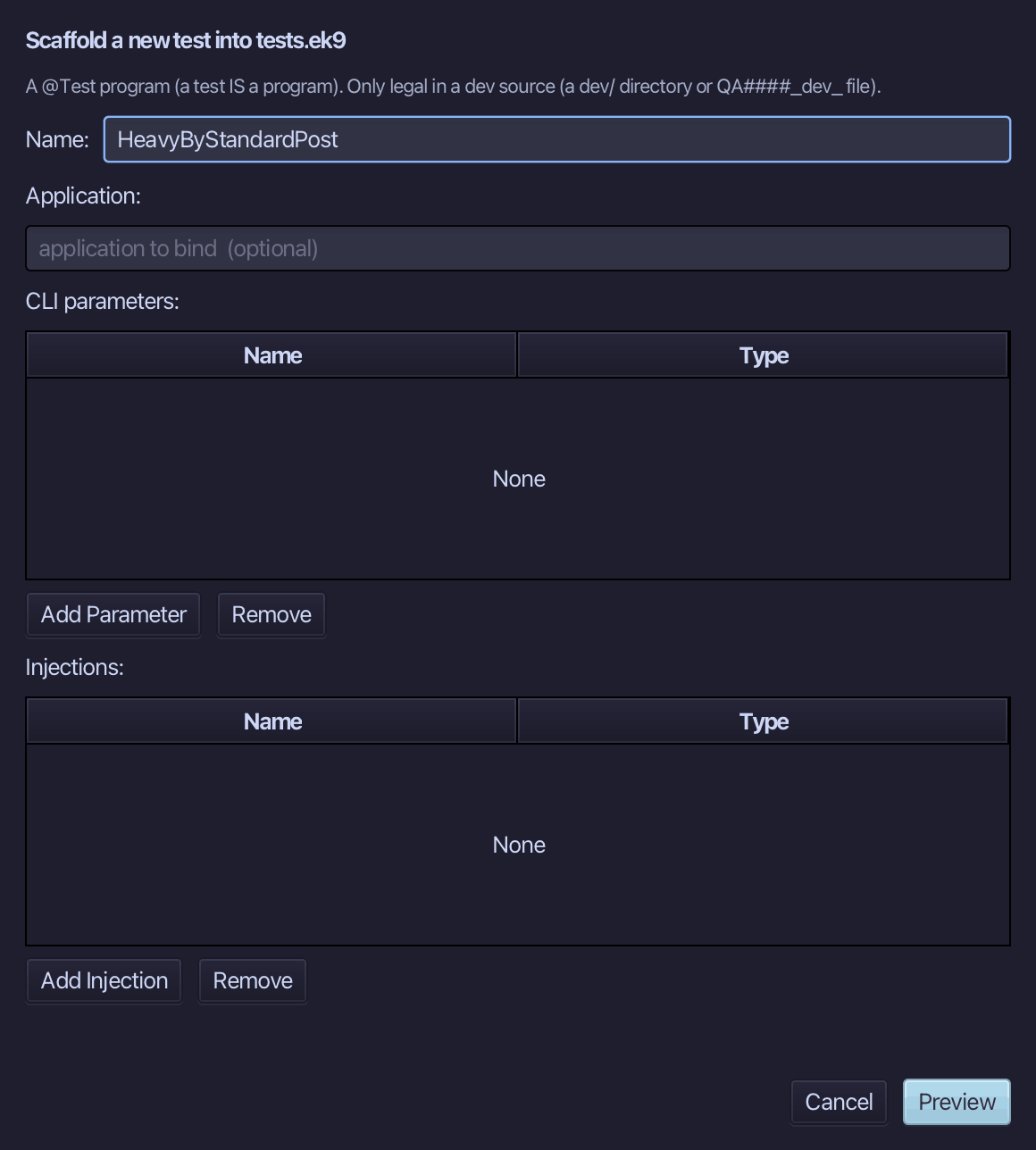
The preview shows HeavyByStandardPost about to be written, marked @Test, with a placeholder assertion. Choose Apply.
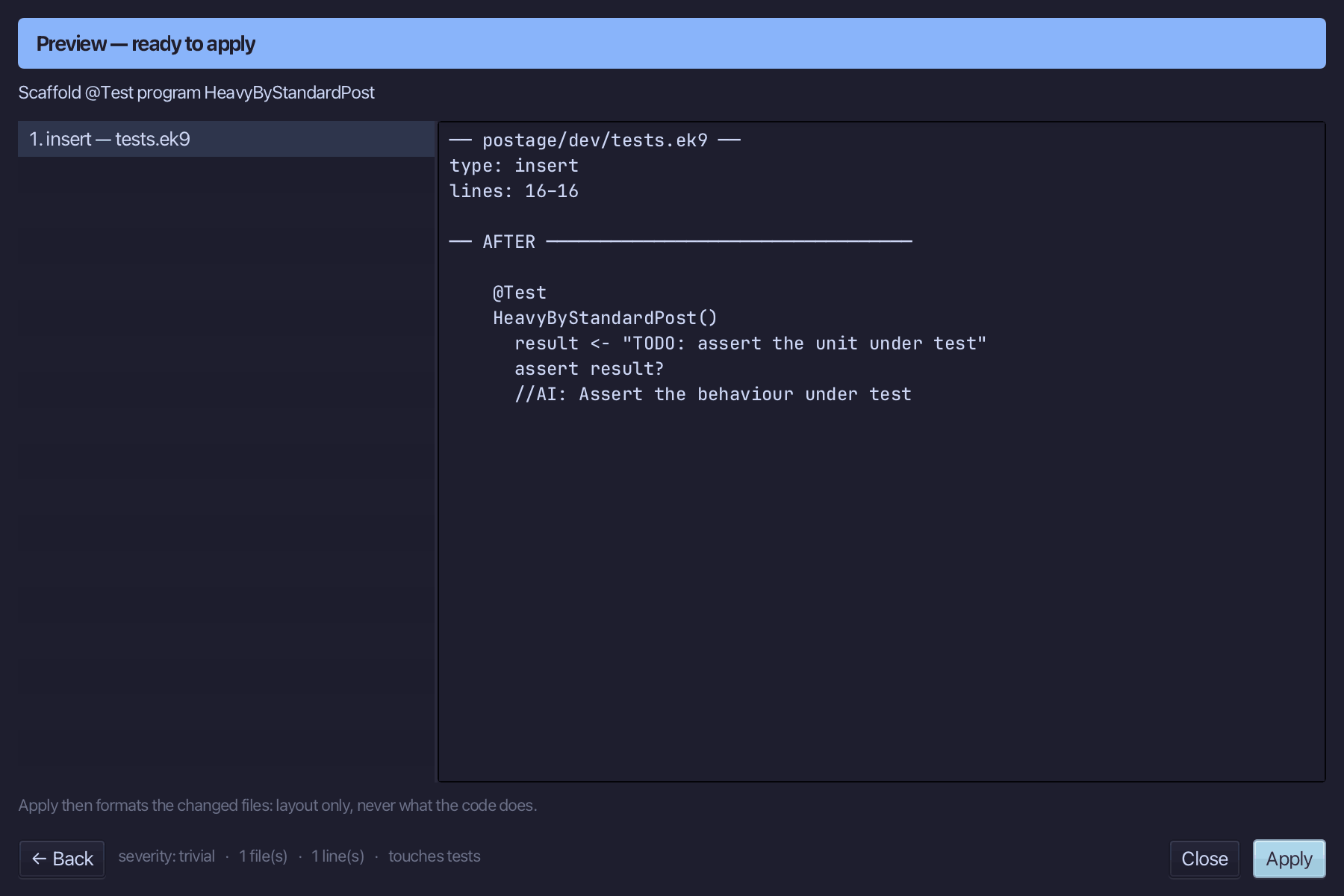
Select the stub, from result <- "TODO: assert the unit under test" down to its //AI line, and type the real claim: a 9000 gram package costs the heavy price, 900. Saves when typed.
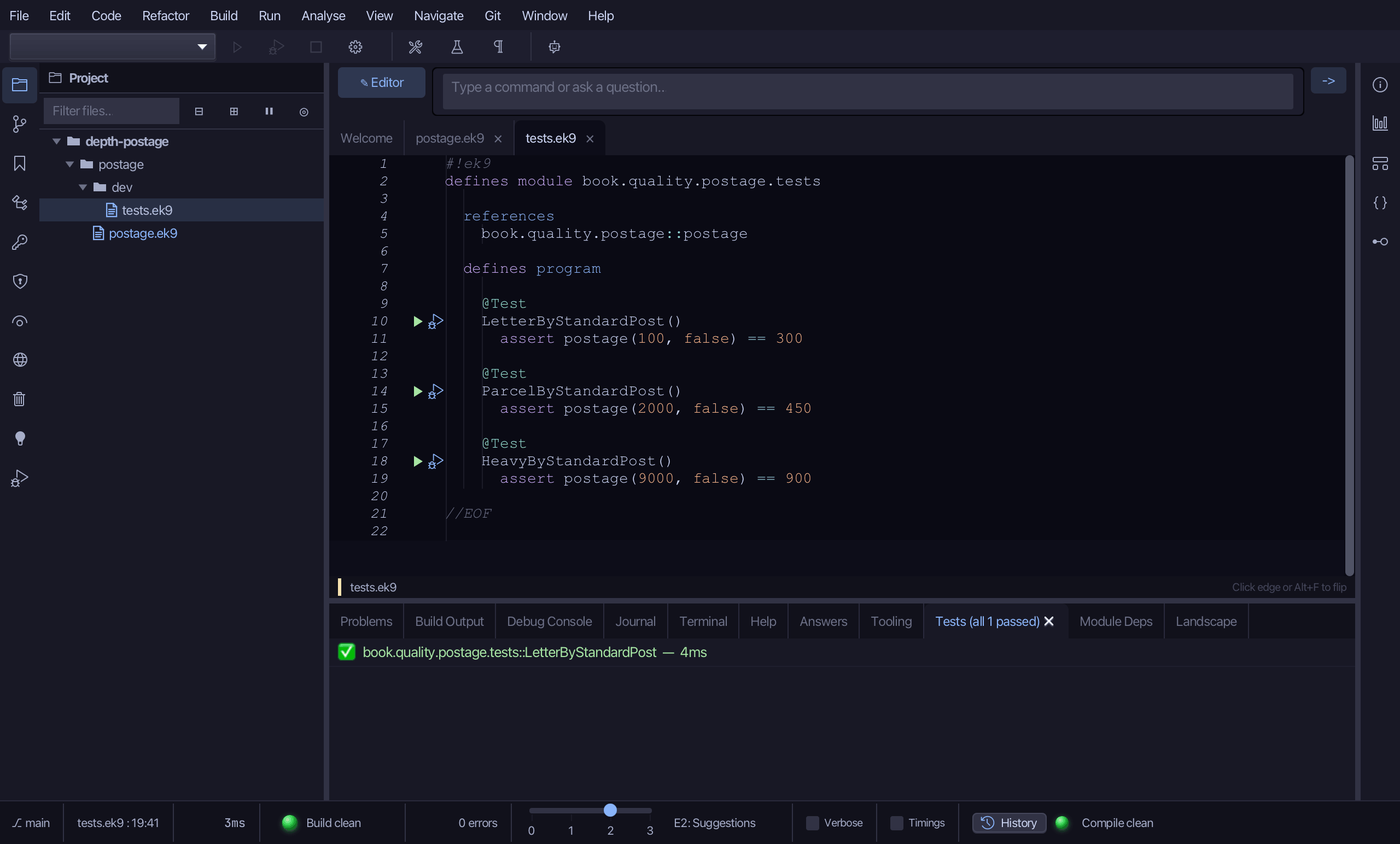
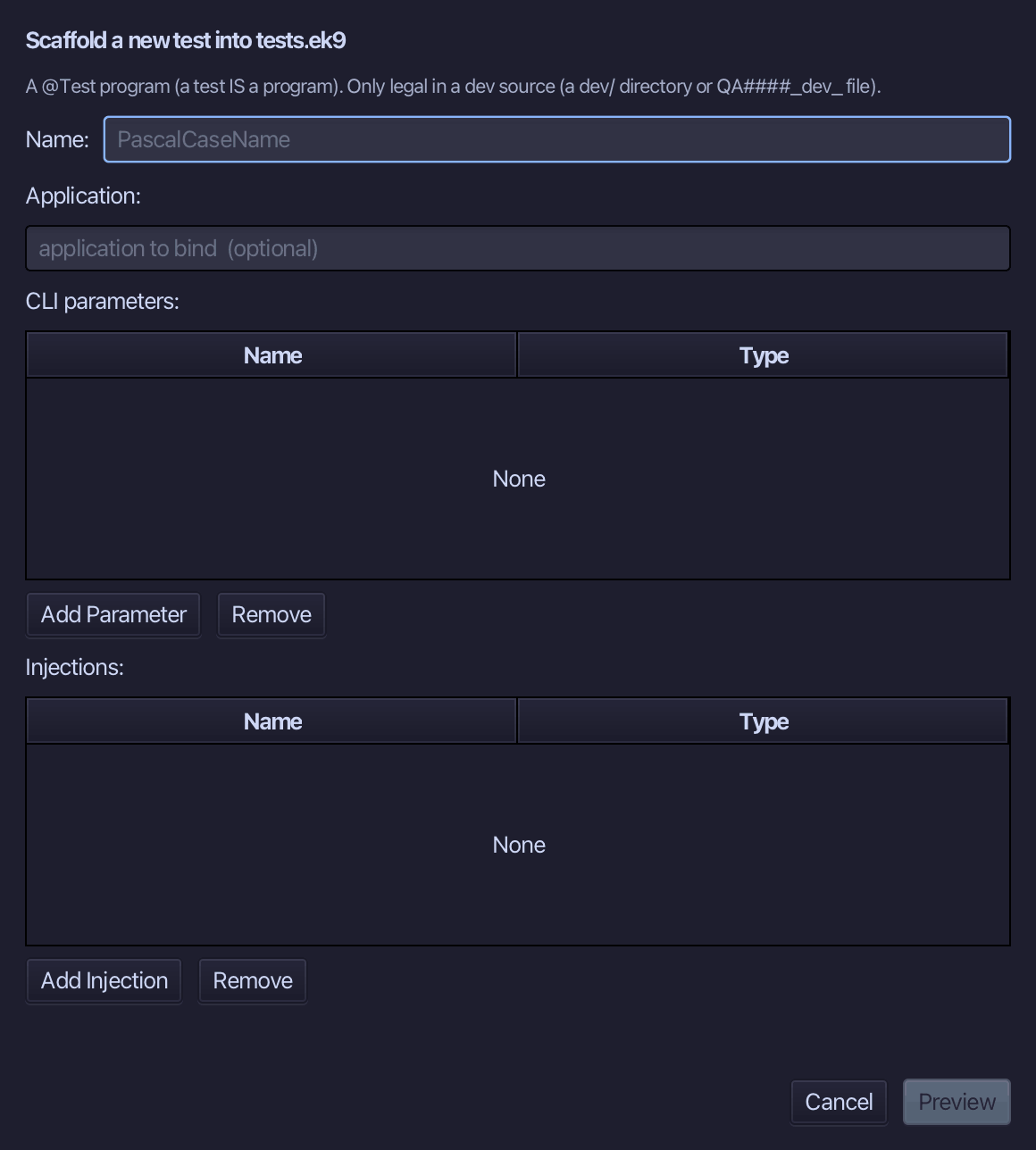
Choose Code > New Construct > Test…
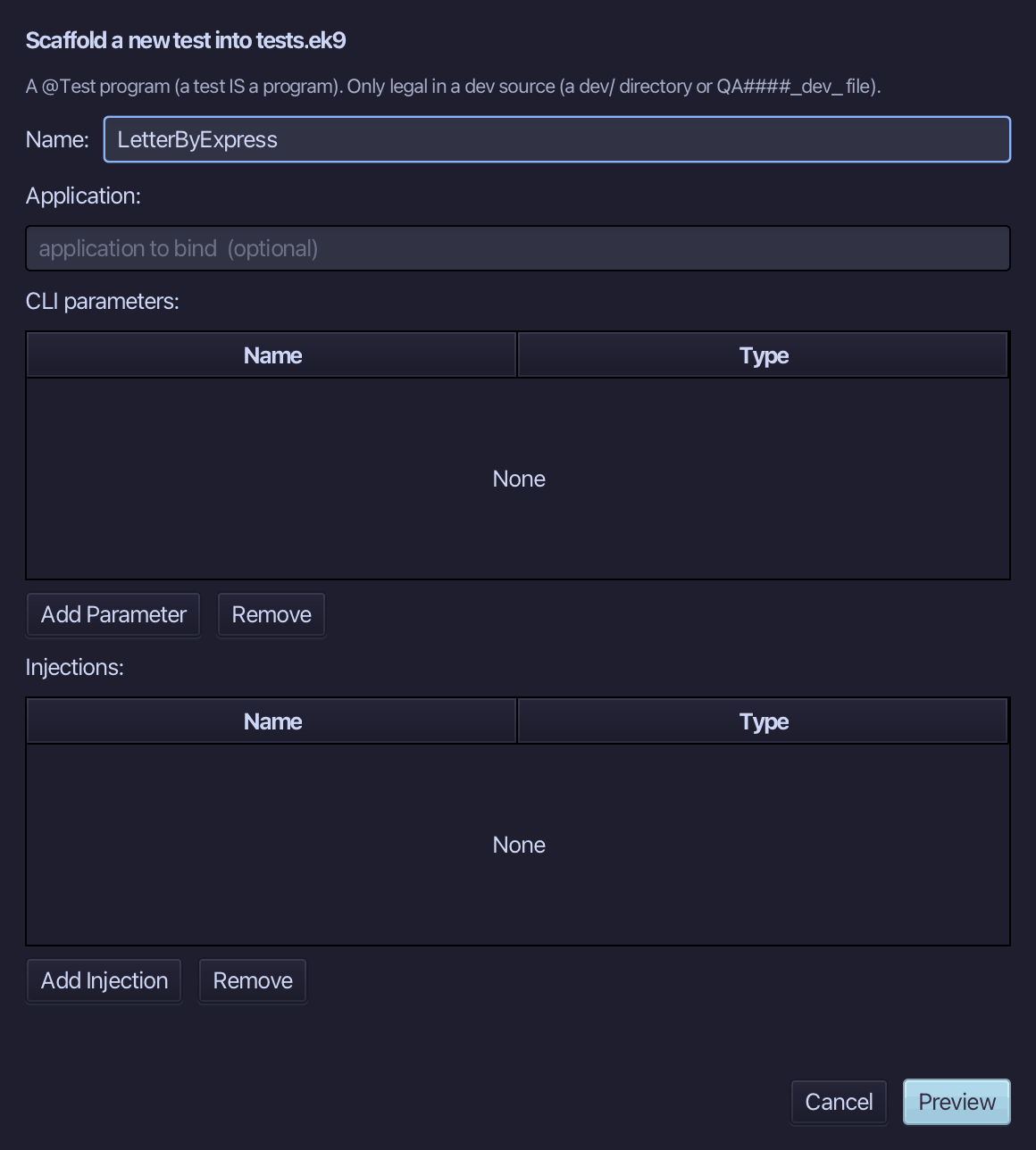
LetterByExpress is the test's name. Choose Preview.
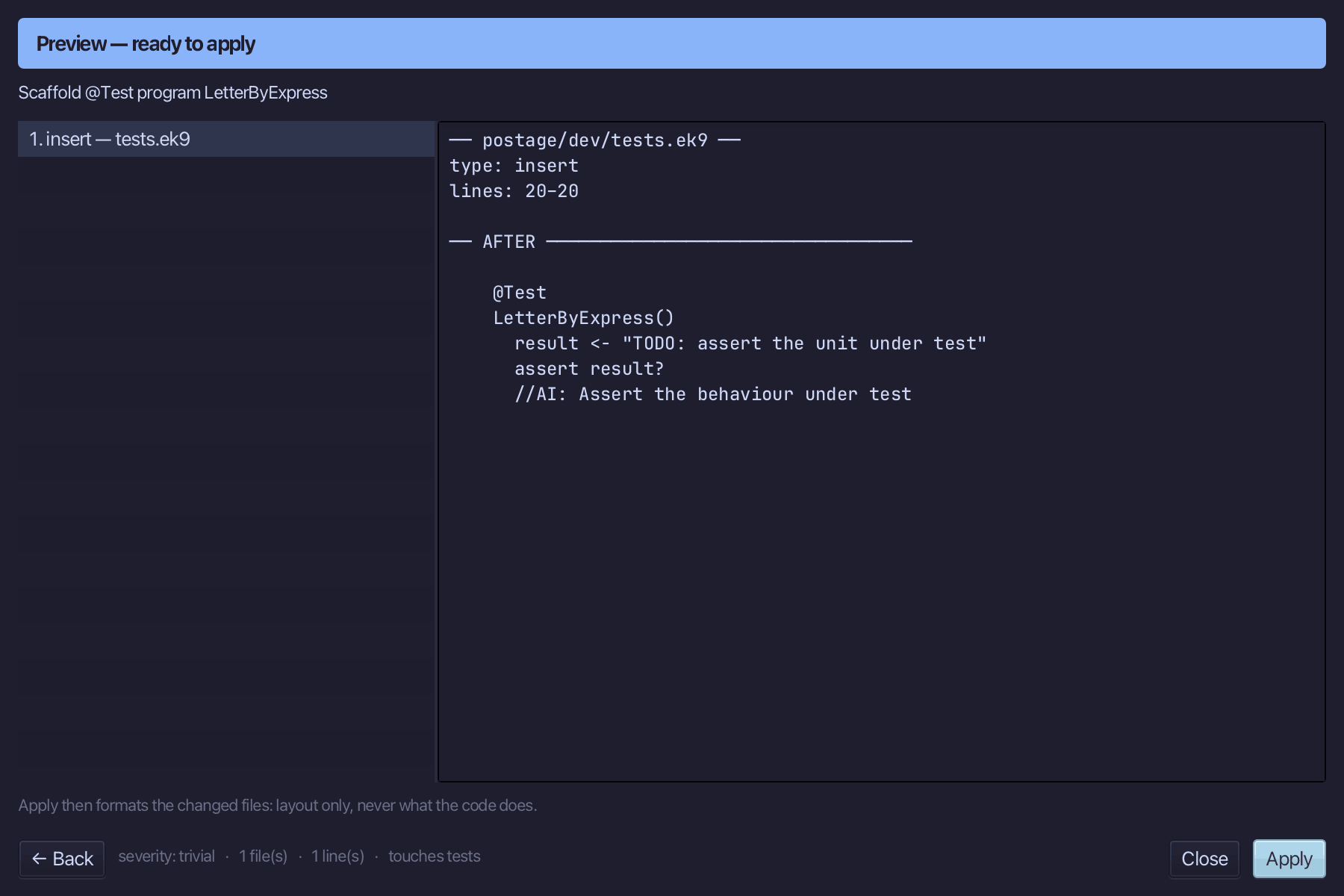
The preview shows LetterByExpress about to be written, marked @Test, with a placeholder assertion. Choose Apply.
Select the stub, from result <- "TODO: assert the unit under test" down to its //AI line, and type the real claim: express adds the surcharge to a letter: 300 and 250 make 550. Saves when typed.
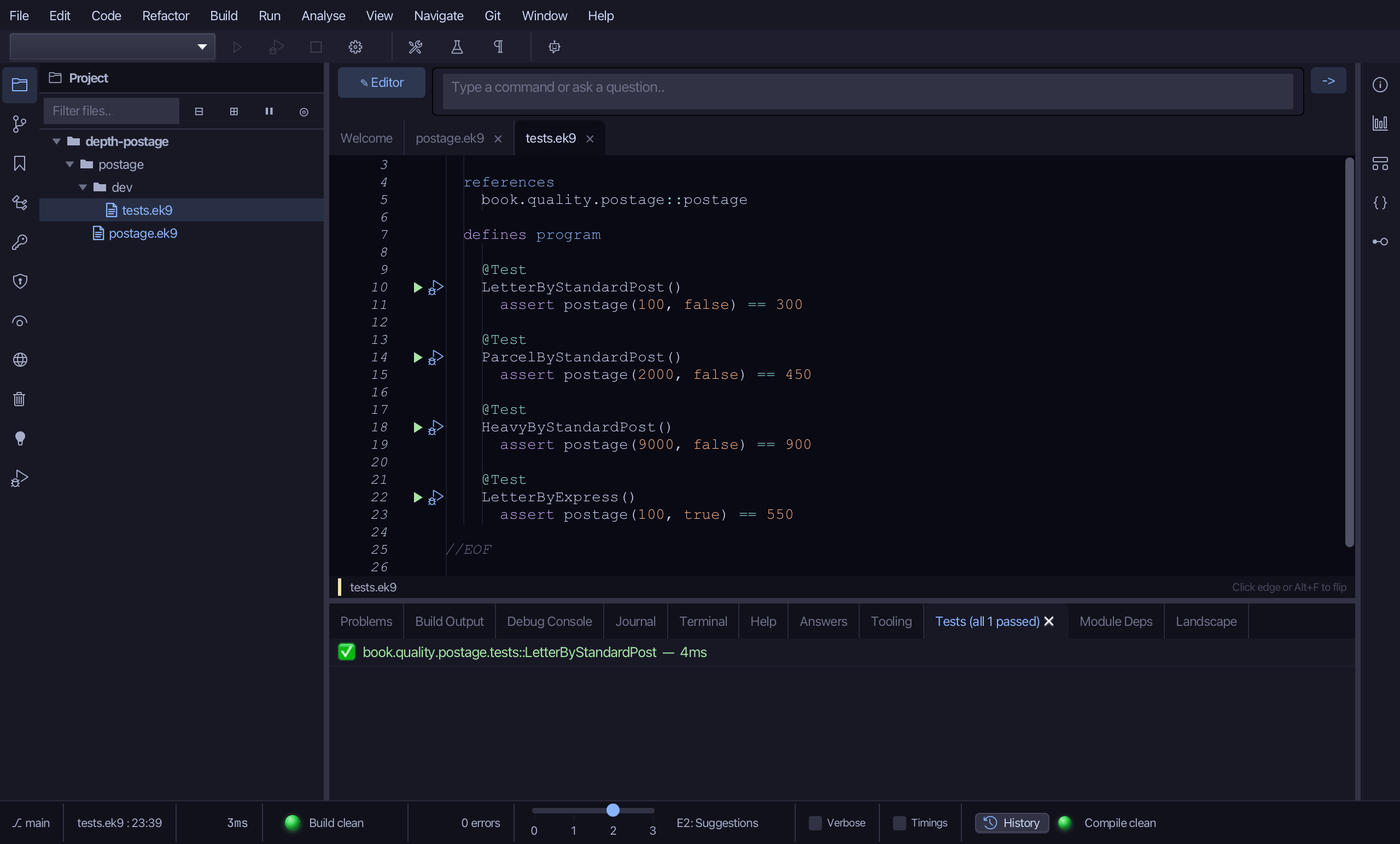
Choose Code > New Construct > Test…
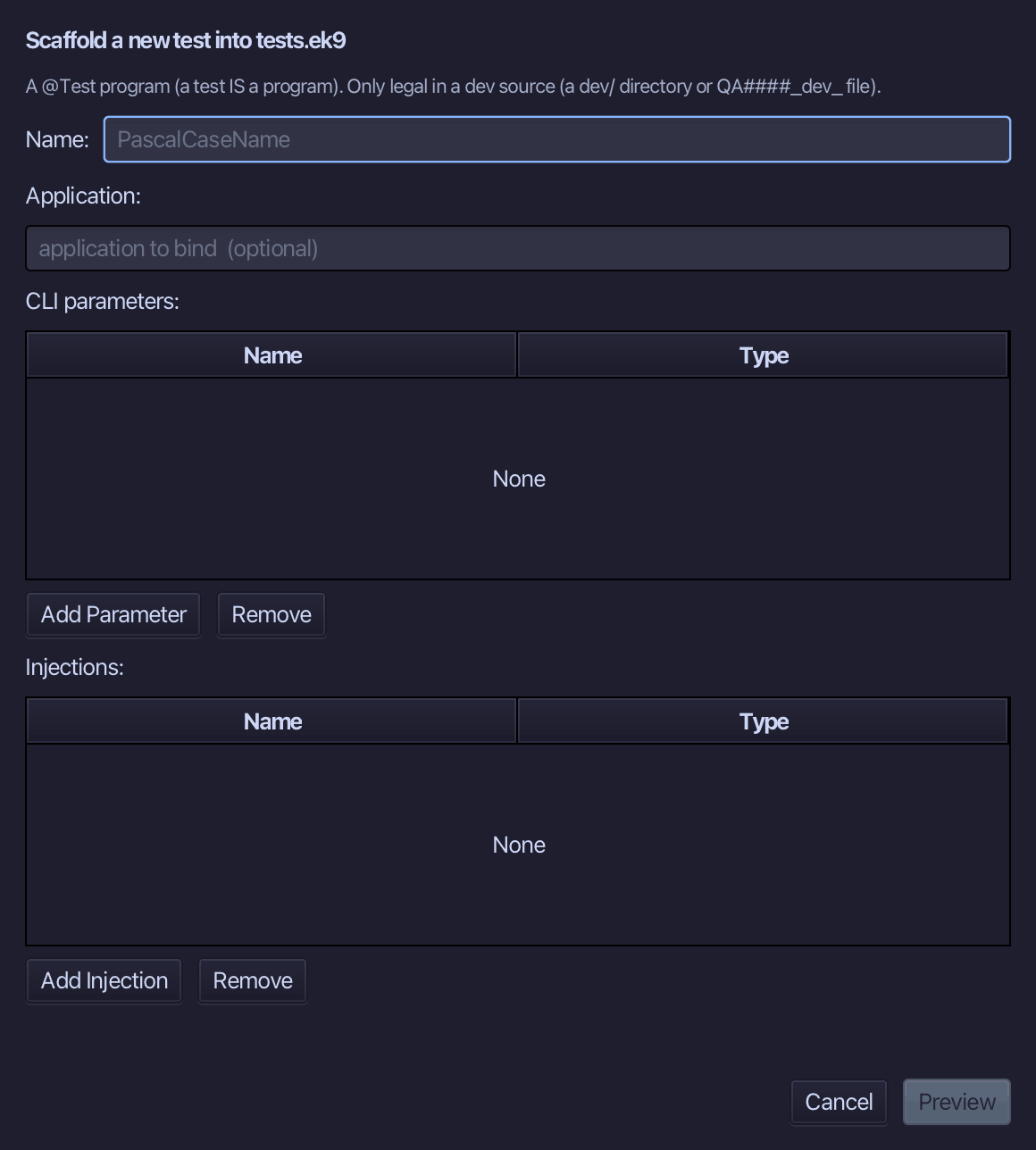
NothingToSend is the test's name. Choose Preview.
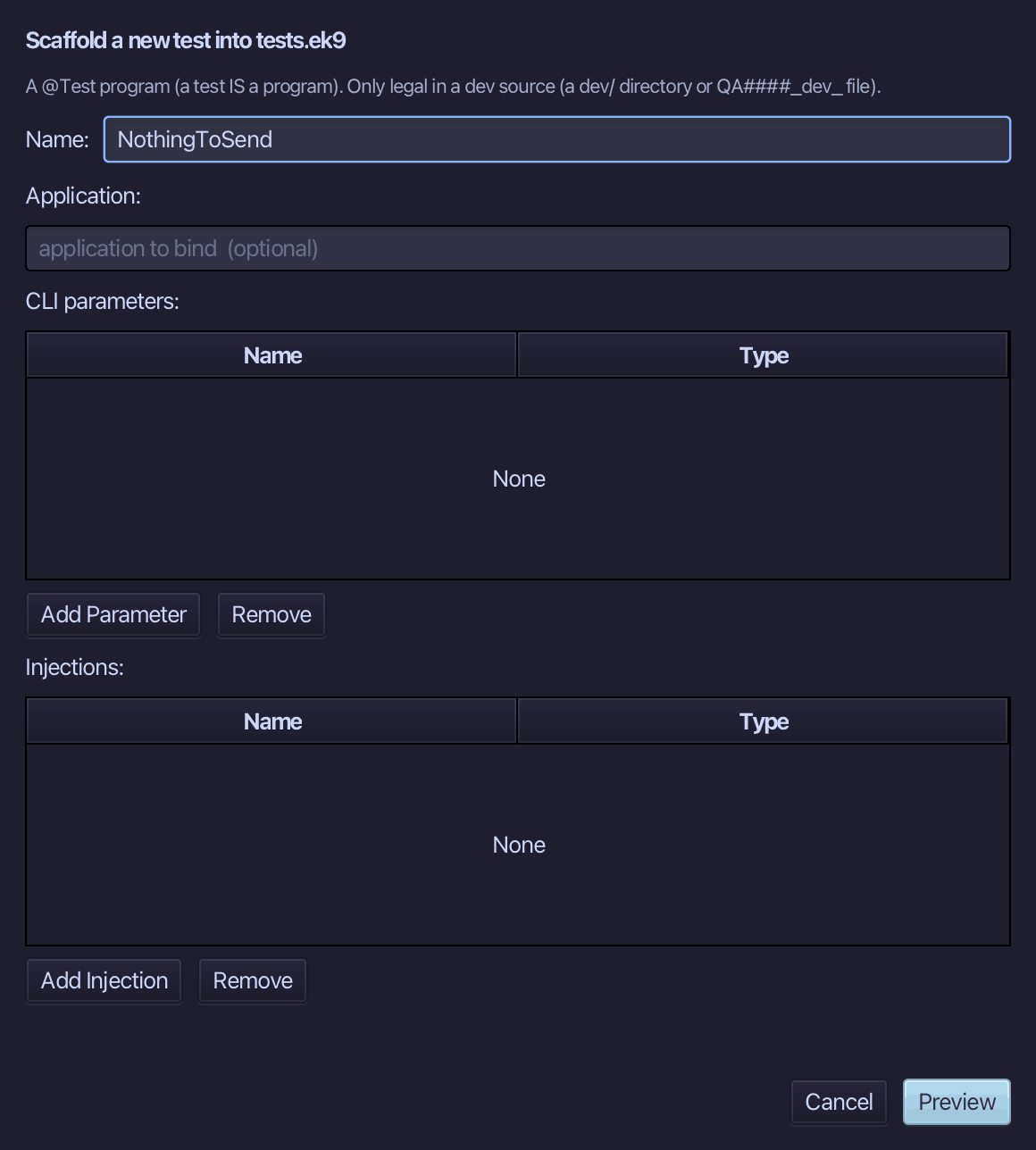
The preview shows NothingToSend about to be written, marked @Test, with a placeholder assertion. Choose Apply.
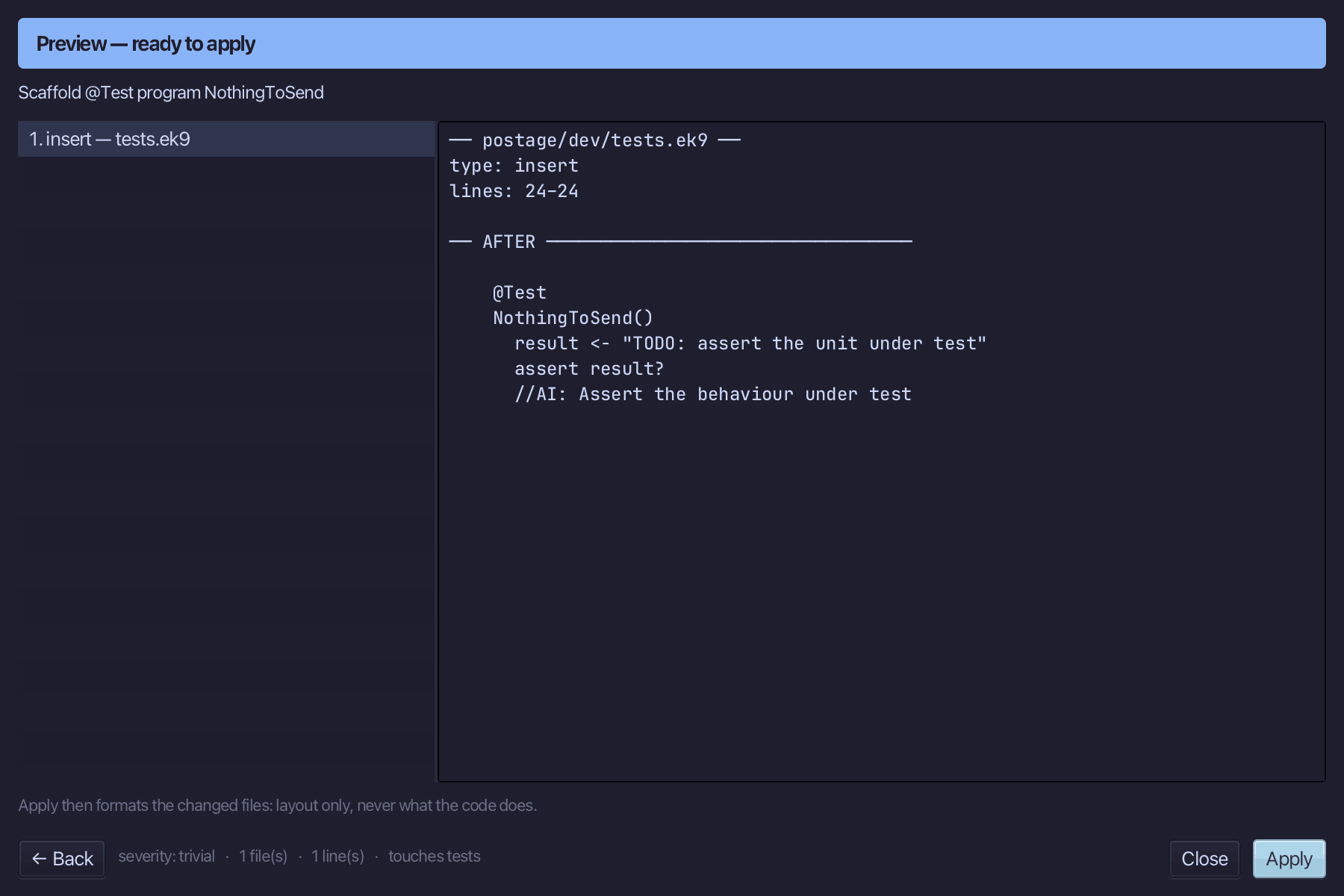
Select the stub, from result <- "TODO: assert the unit under test" down to its //AI line, and type the real claim: zero grams is still a letter, 300. Saves when typed.
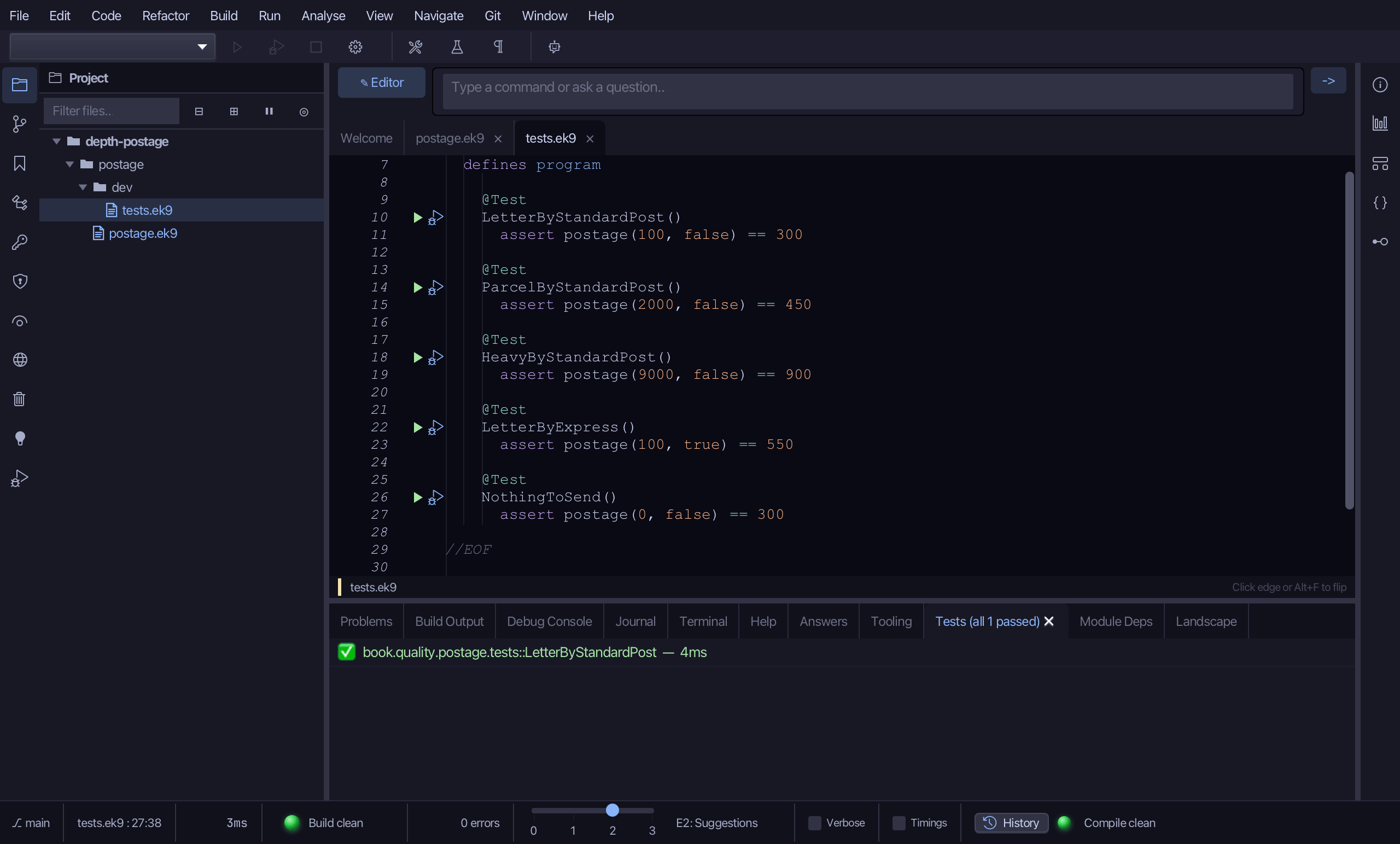
Choose Code > New Construct > Test…
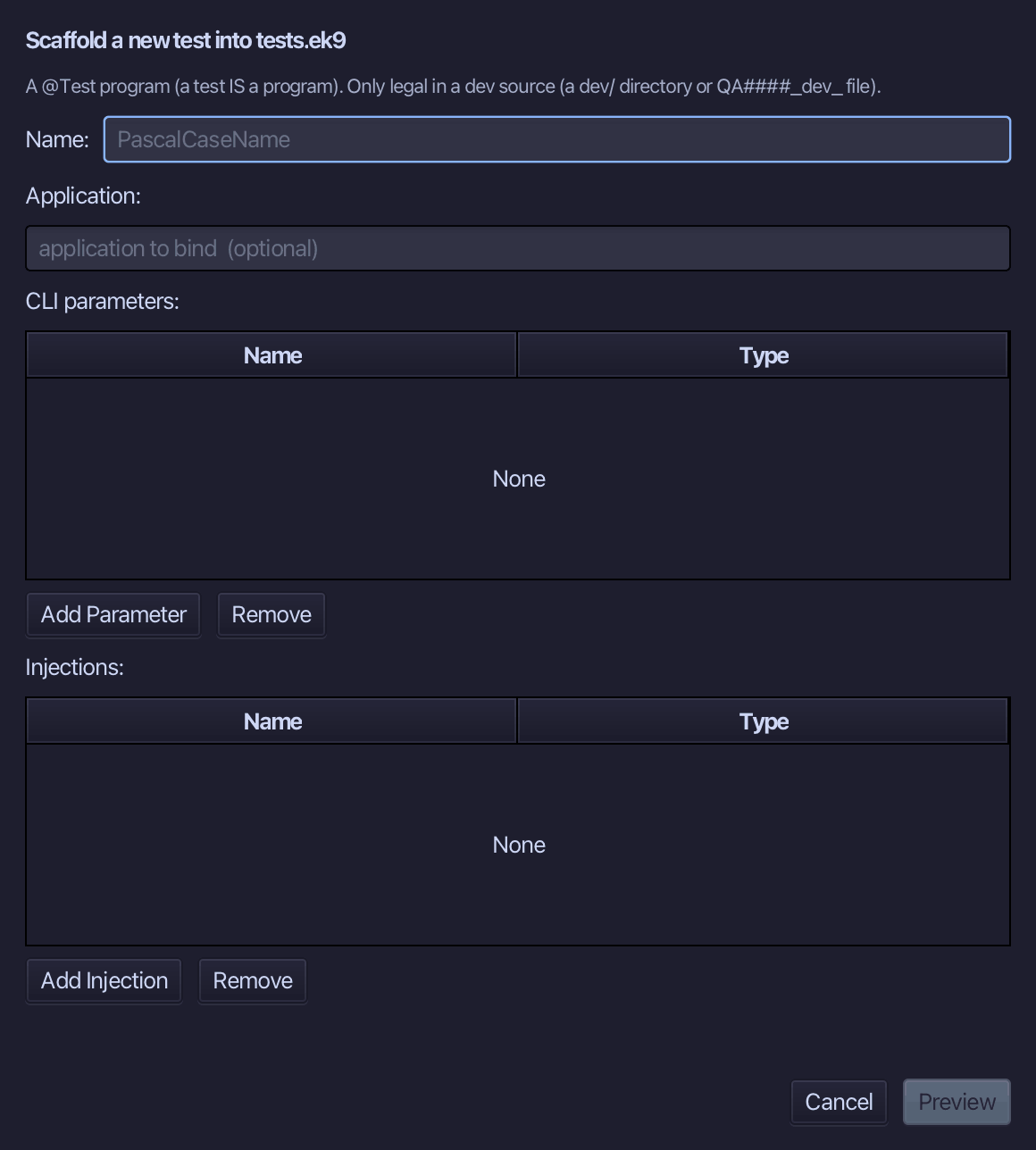
NegativeWeightIsALetter is the test's name. Choose Preview.
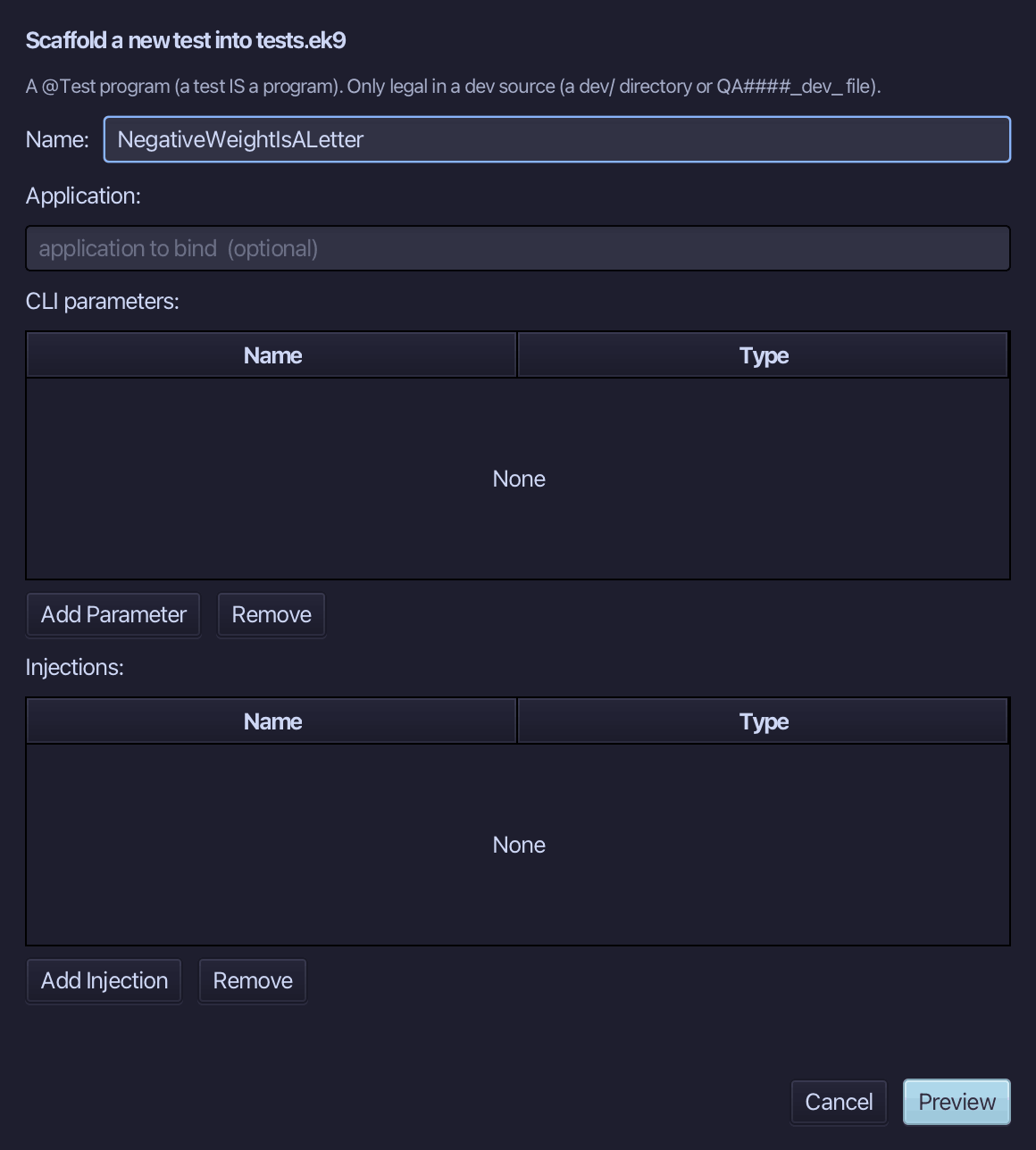
The preview shows NegativeWeightIsALetter about to be written, marked @Test, with a placeholder assertion. Choose Apply.
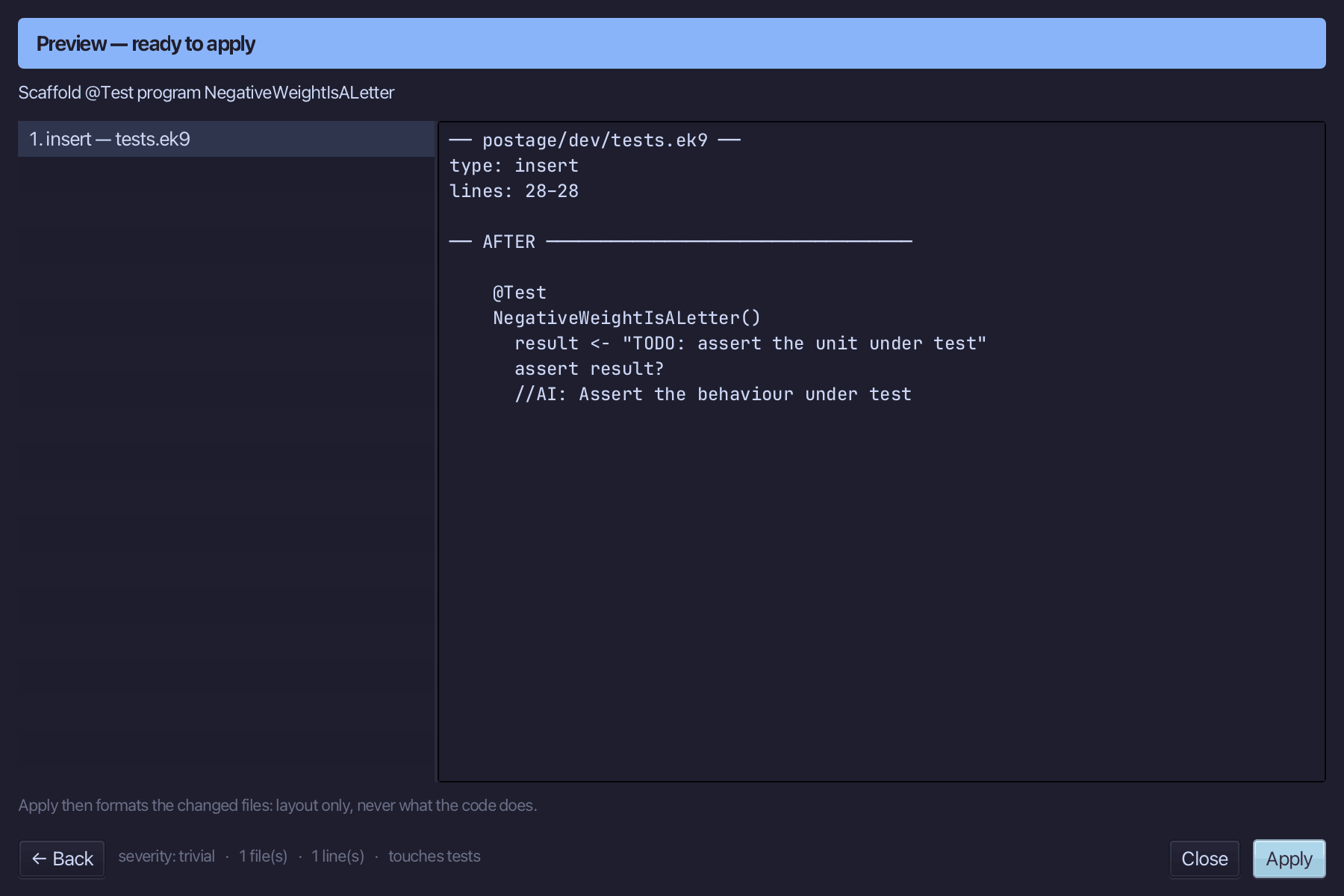
Select the stub, from result <- "TODO: assert the unit under test" down to its //AI line, and type the real claim: a negative weight is a letter too, 300. Saves when typed.
Step 6: The report again
Choose Run > Quality Report again: the six tests take every branch, and a spread of weights - among them zero and a negative one.
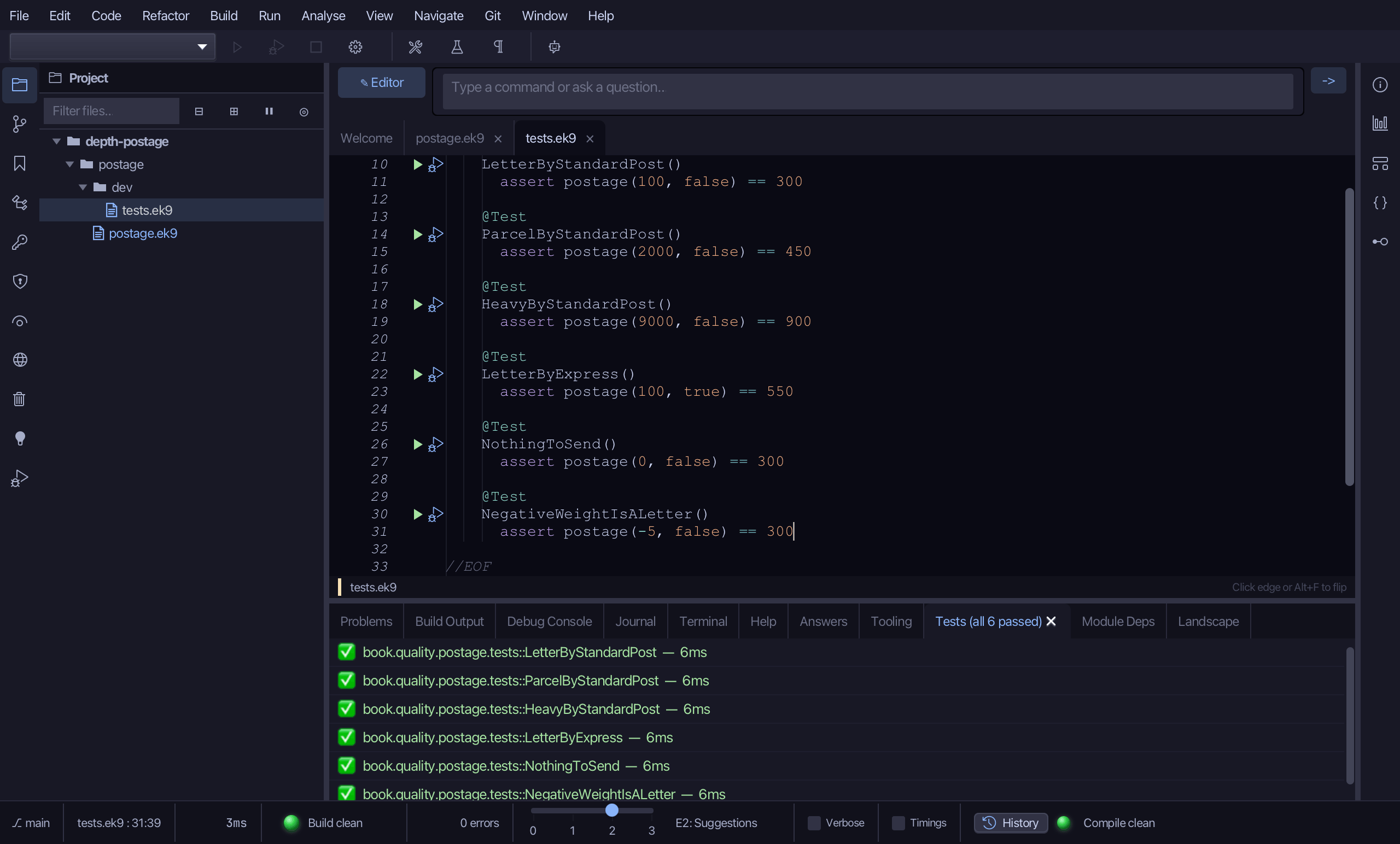
Now every line (10 of 10) and every branch (3 of 3) ran, so the gate is satisfied. The entry for postage has the same hazard, 9%, but 6 of the 12 input classes were driven and asserted - zero, negative, typical and positive weights, both Booleans - so exposure fell from 83% to 50% and HEX from 7 to 4. It fell no further because six of twelve is what these six tests reach: every line ran, and half the input classes did not.
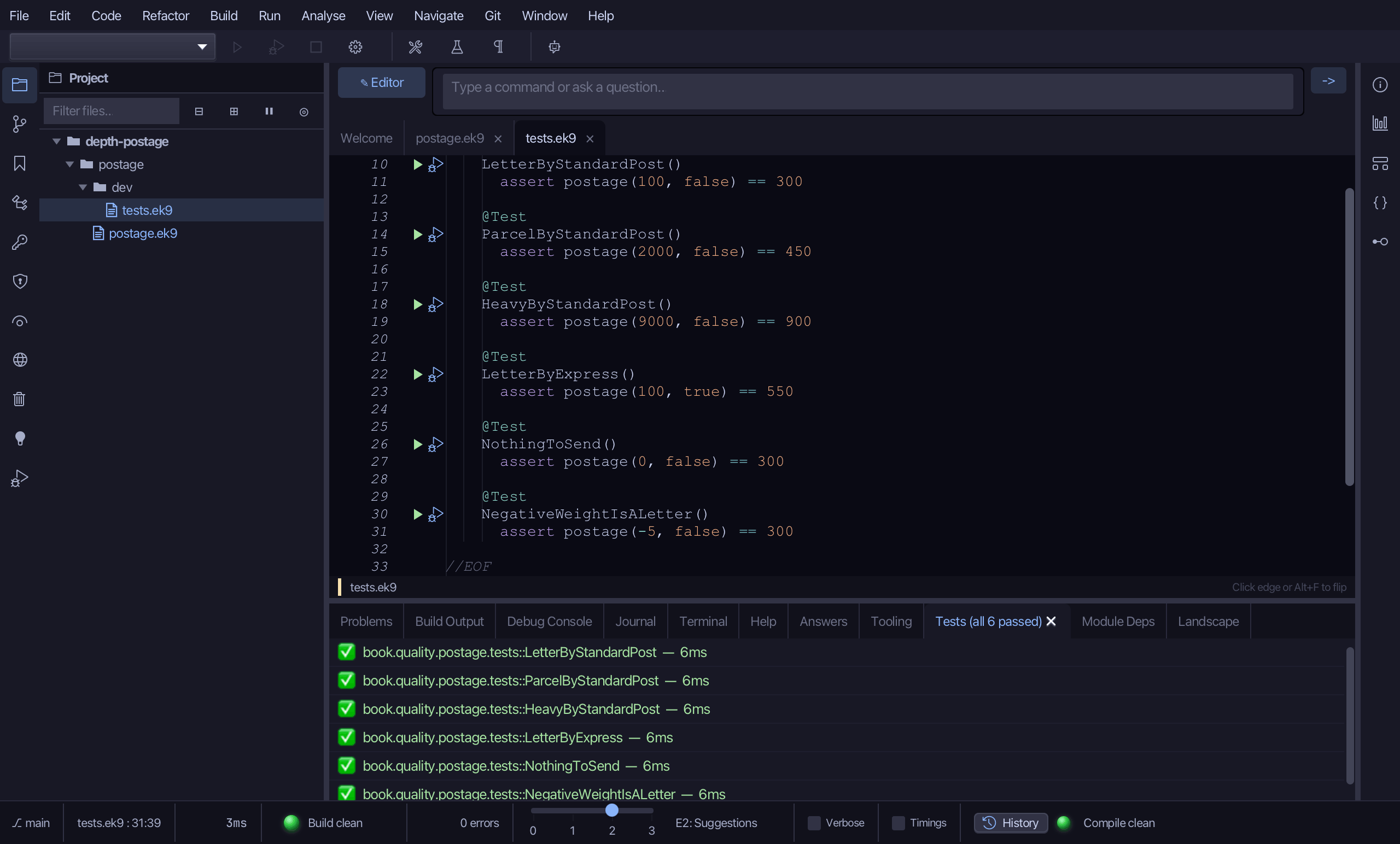
Step 7: Reading HEX
Three rules from ek9 -h hex keep the score honest. Read the mean and the maximum together: a calm average over one dangerous outlier is the usual misreading. A construct whose parameter is a bare String has no exact input space, so it is counted apart as approximate - tighten the type to measure it. And afferent coupling is deliberately not in the score: how many callables depend on a construct is reported on its own. HEX is advisory and never a gate; coverage gates.
The result
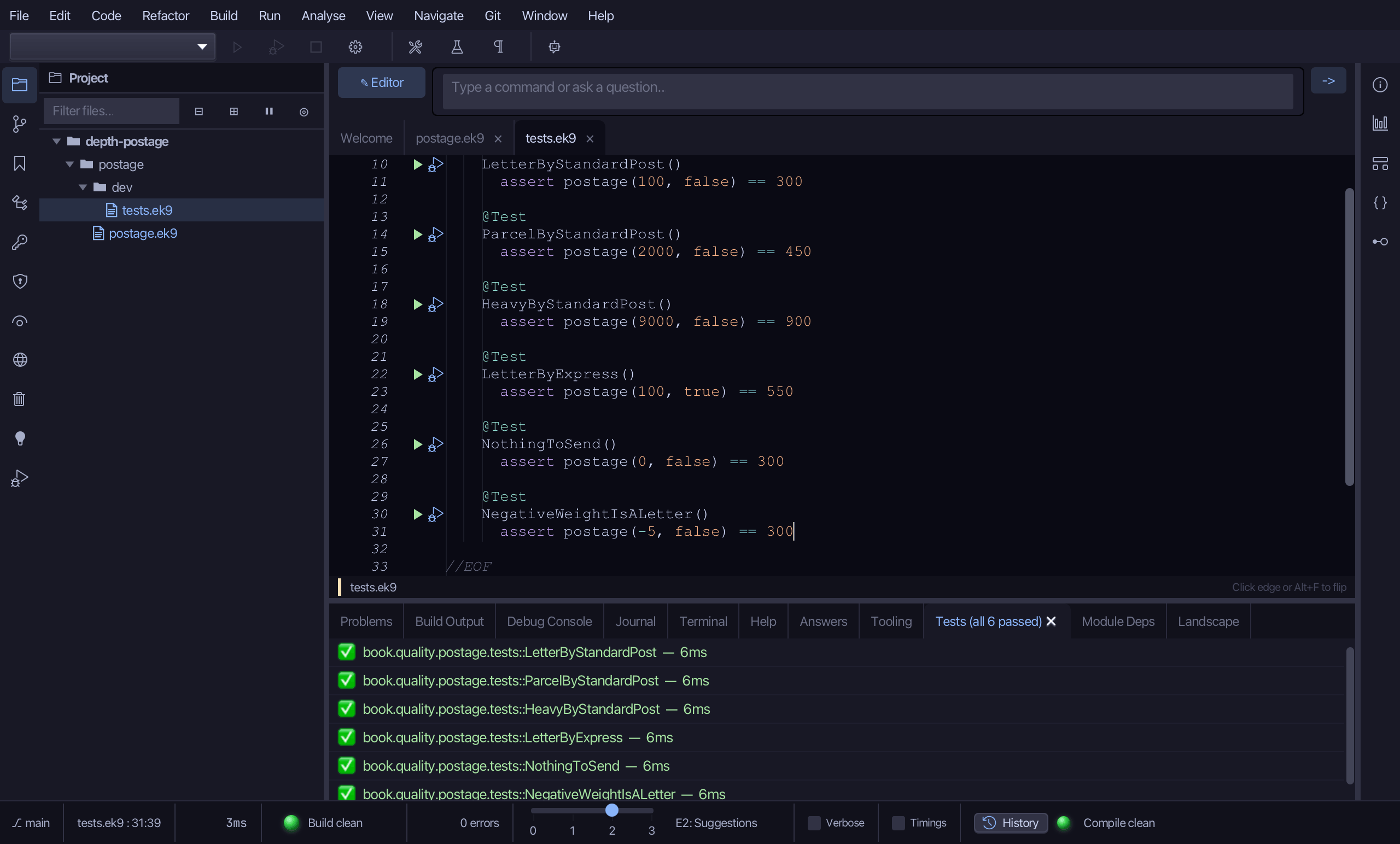
postage.ek9 and dev/tests.ek9 now read exactly as chapter 40 of EK9 in Depth shows them. The same report, twice: after one test the function was untested in two of its three branches and its exposure was high; after six, every branch ran and the exposure fell - but only to the share of the input classes the tests drove. HEX is advisory and never a gate. AI assistants get the same figures from ek9_run_quality_checks.
Where this lesson comes from
- For AI assistants - the MCP tool
ek9_new_construct,ek9_add_program,ek9_run_quality_checks.