Introduce Parameter
Introduce Parameter turns a value a function uses into one its callers pass - and passes the old value at every call, so nothing changes until a caller wants something else. Here discounted always uses STANDARD_RATE; a caller that needs another rate cannot ask for one. To play it in the IDE: Help > Lessons > Refactoring…, or ek9 -ide -lesson introduce-parameter.
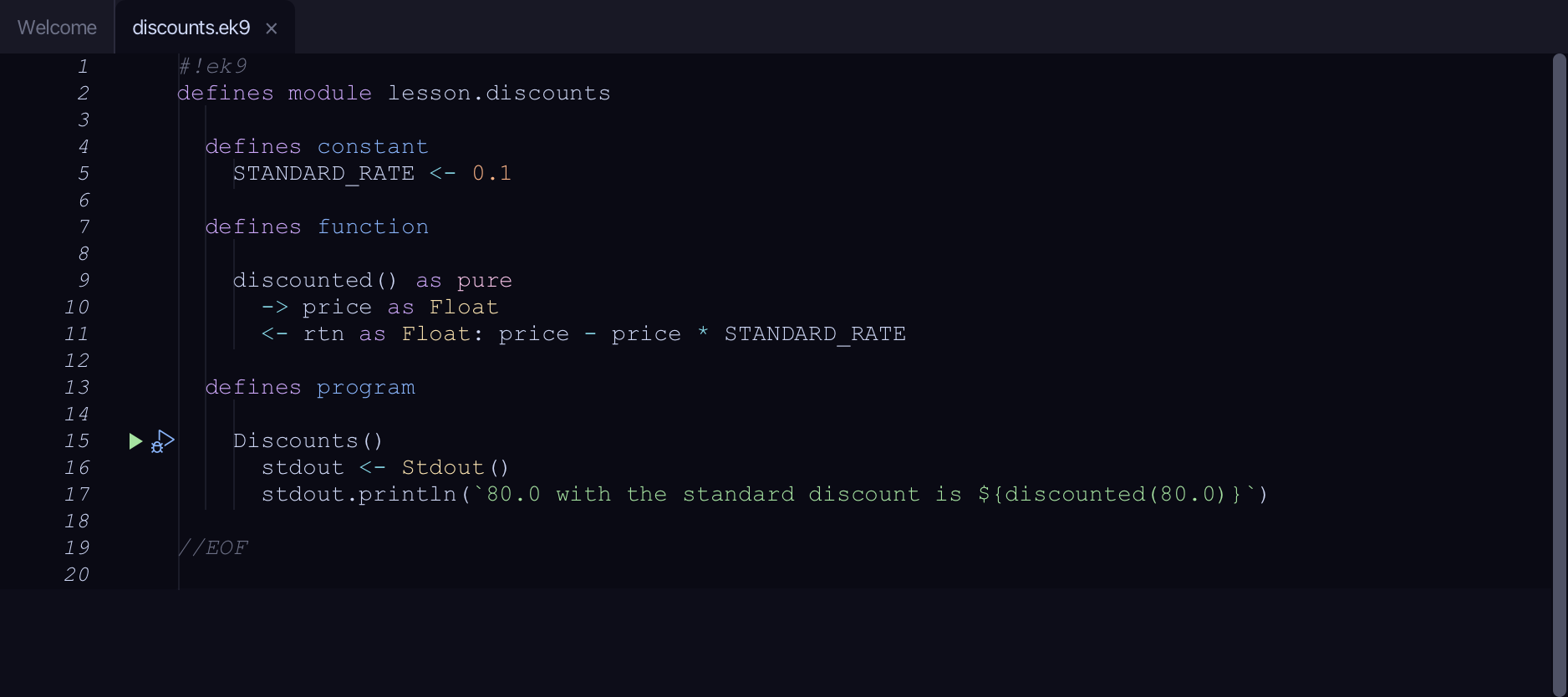
Start from
The code the lesson starts from: copy it into a file of your own and follow the steps.
#!ek9
defines module lesson.discounts

  defines constant
    STANDARD_RATE <- 0.1

  defines function

    discounted() as pure
      -> price as Float
      <- rtn as Float: price - price * STANDARD_RATE

  defines program

    Discounts()
      stdout <- Stdout()
      stdout.println(`80.0 with the standard discount is ${discounted(80.0)}`)

//EOF
Step 1: The expression
Select STANDARD_RATE, on line 11.
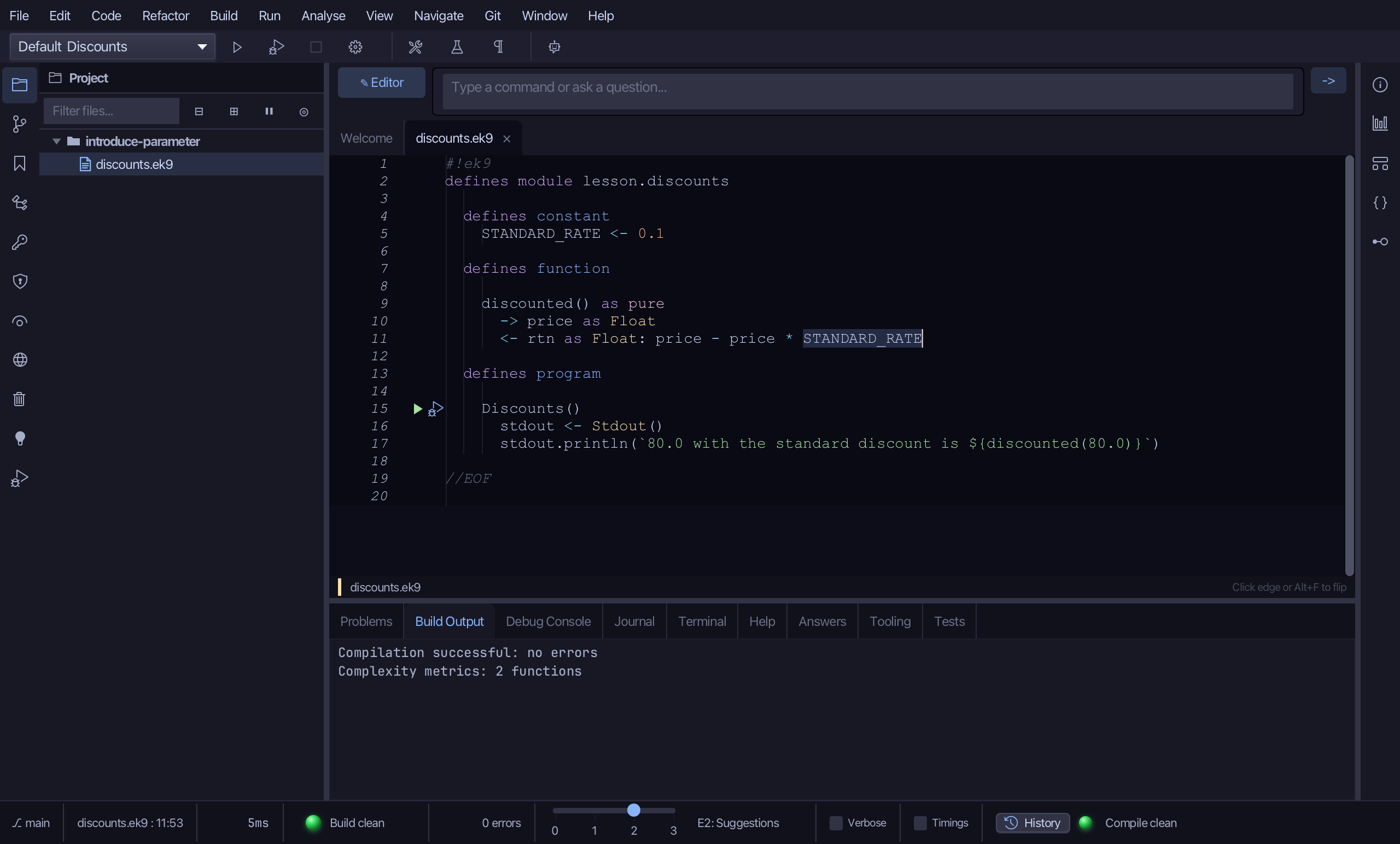
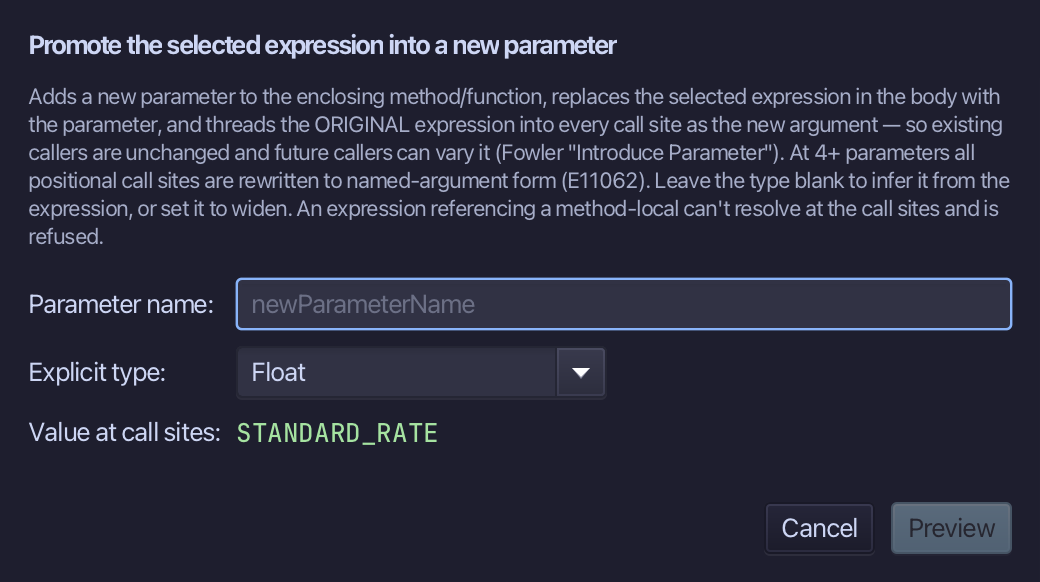
Step 2: Introduce Parameter
Choose Refactor > Introduce Parameter…
Name it rate - what a caller now chooses - and choose Preview.
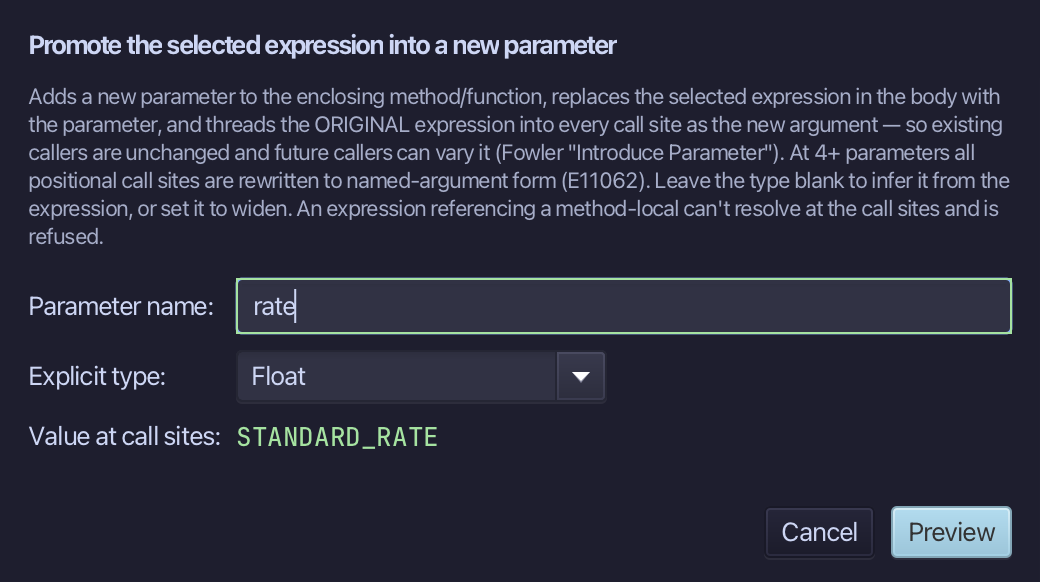
Step 3: Preview and apply
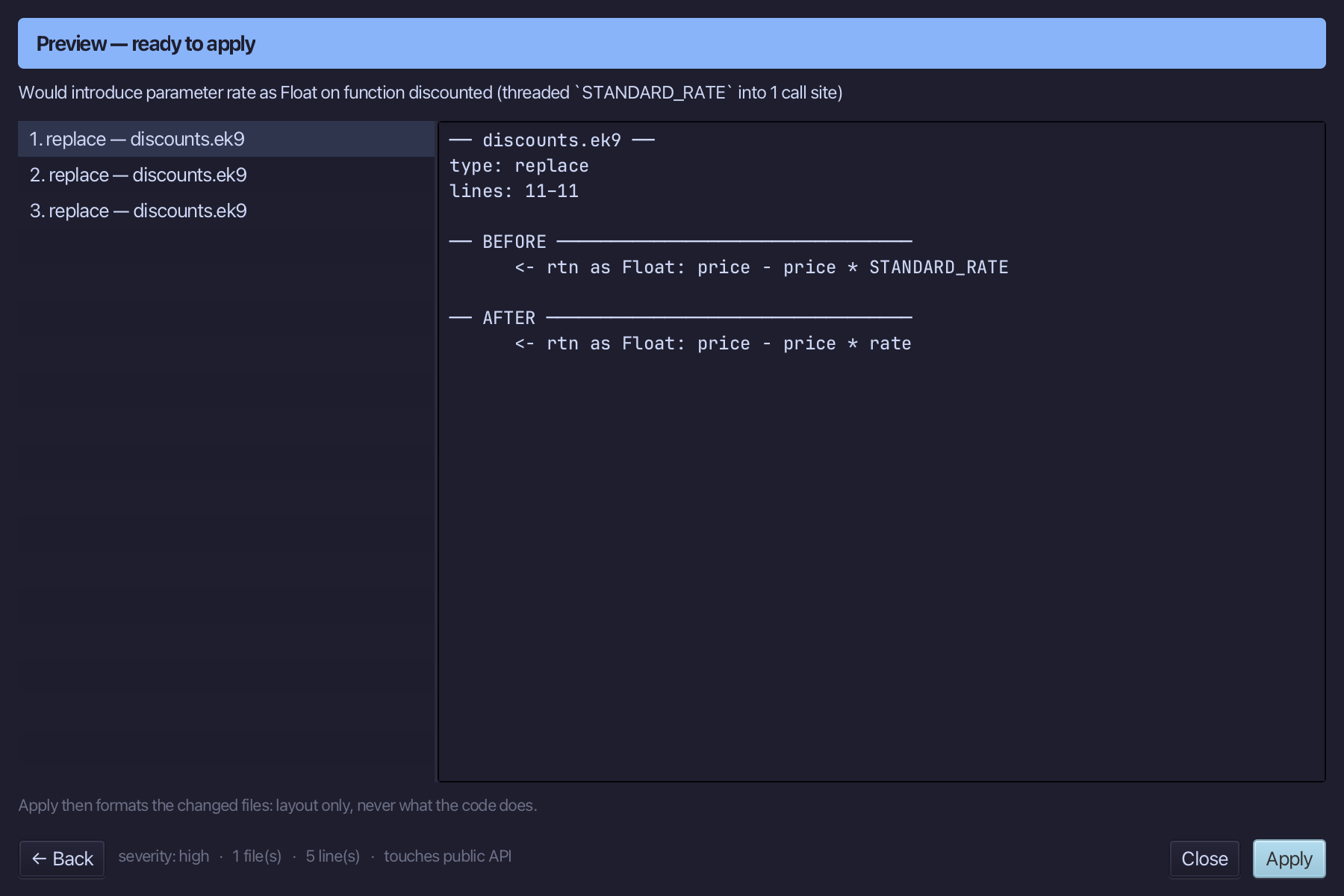
The preview shows every change the refactoring makes; then the IDE formats each file it changed. Choose Apply.
The result
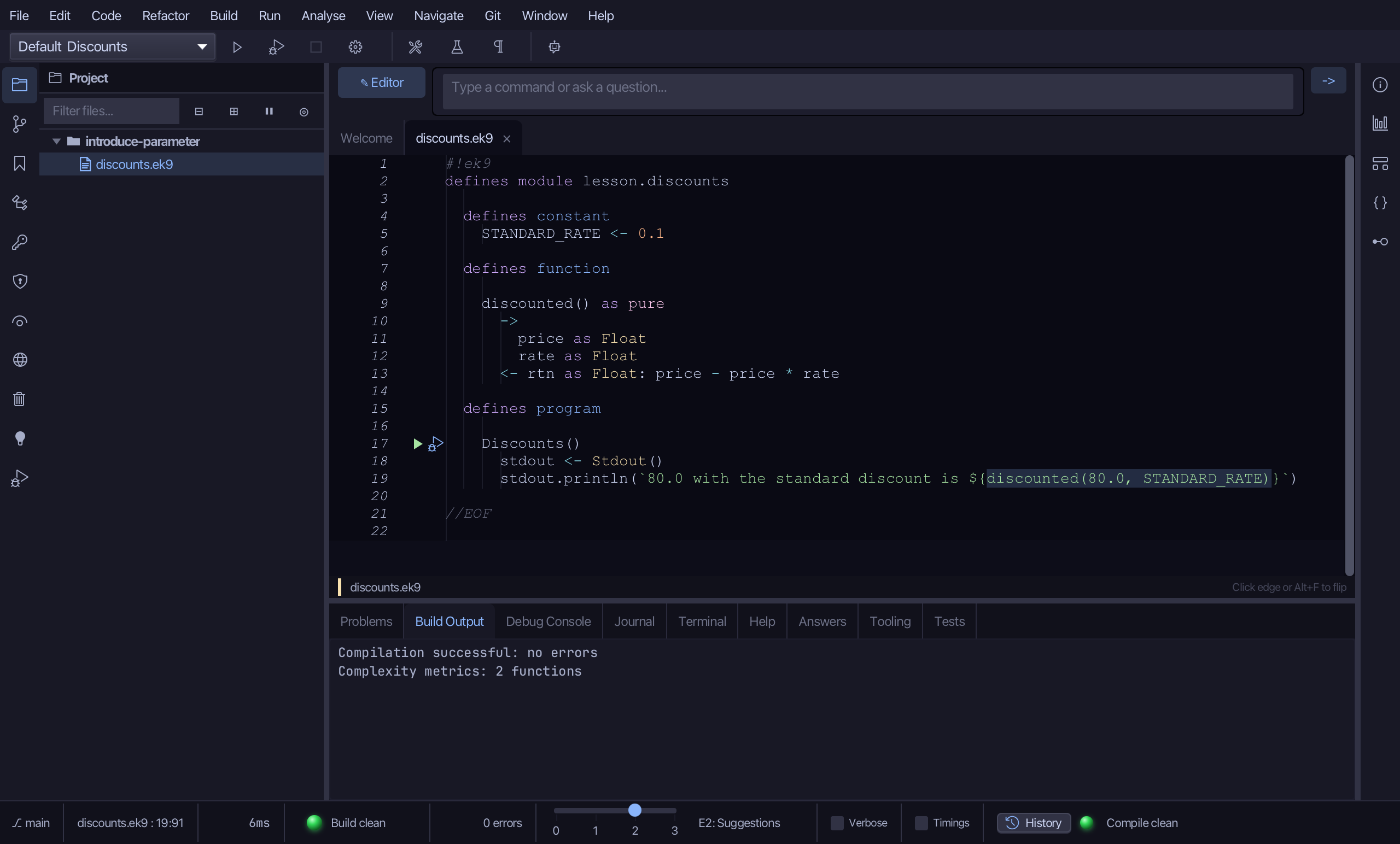
That is Introduce Parameter: discounted takes rate, and the call in Discounts passes STANDARD_RATE - what it used before, so the program prints the same. Another caller can now pass another rate. At four parameters or more the calls are given named arguments (E11062). Cmd+Option+P opens it (Ctrl+Alt+P elsewhere); AI assistants use the ek9_introduce_parameter tool.
Where this lesson comes from
- For AI assistants - the MCP tool
ek9_introduce_parameter.