Lift into Guard
Lift into Guard turns a declare-then-check pattern into one guarded head: a variable declared, then immediately tested with '?', becomes the control construct's own guard - entering only when the value is set, the separate check gone. Here greeting is declared, then checked with greeting? before it is printed. To play it in the IDE: Help > Lessons > Refactoring…, or ek9 -ide -lesson lift-into-guard.
Start from
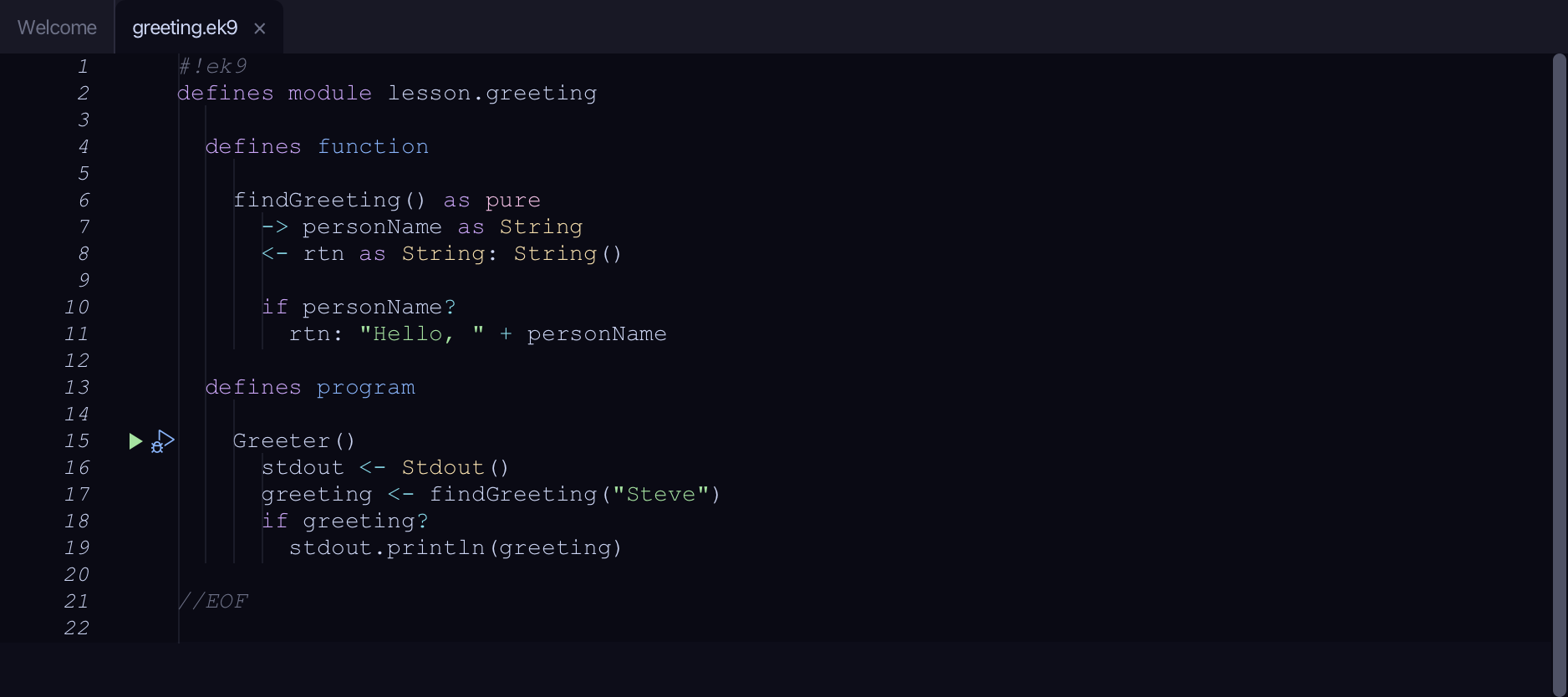
The code the lesson starts from: copy it into a file of your own and follow the steps.
#!ek9
defines module lesson.greeting

  defines function

    findGreeting() as pure
      -> personName as String
      <- rtn as String: String()

      if personName?
        rtn: "Hello, " + personName

  defines program

    Greeter()
      stdout <- Stdout()
      greeting <- findGreeting("Steve")
      if greeting?
        stdout.println(greeting)

//EOF
Step 1: Where it is
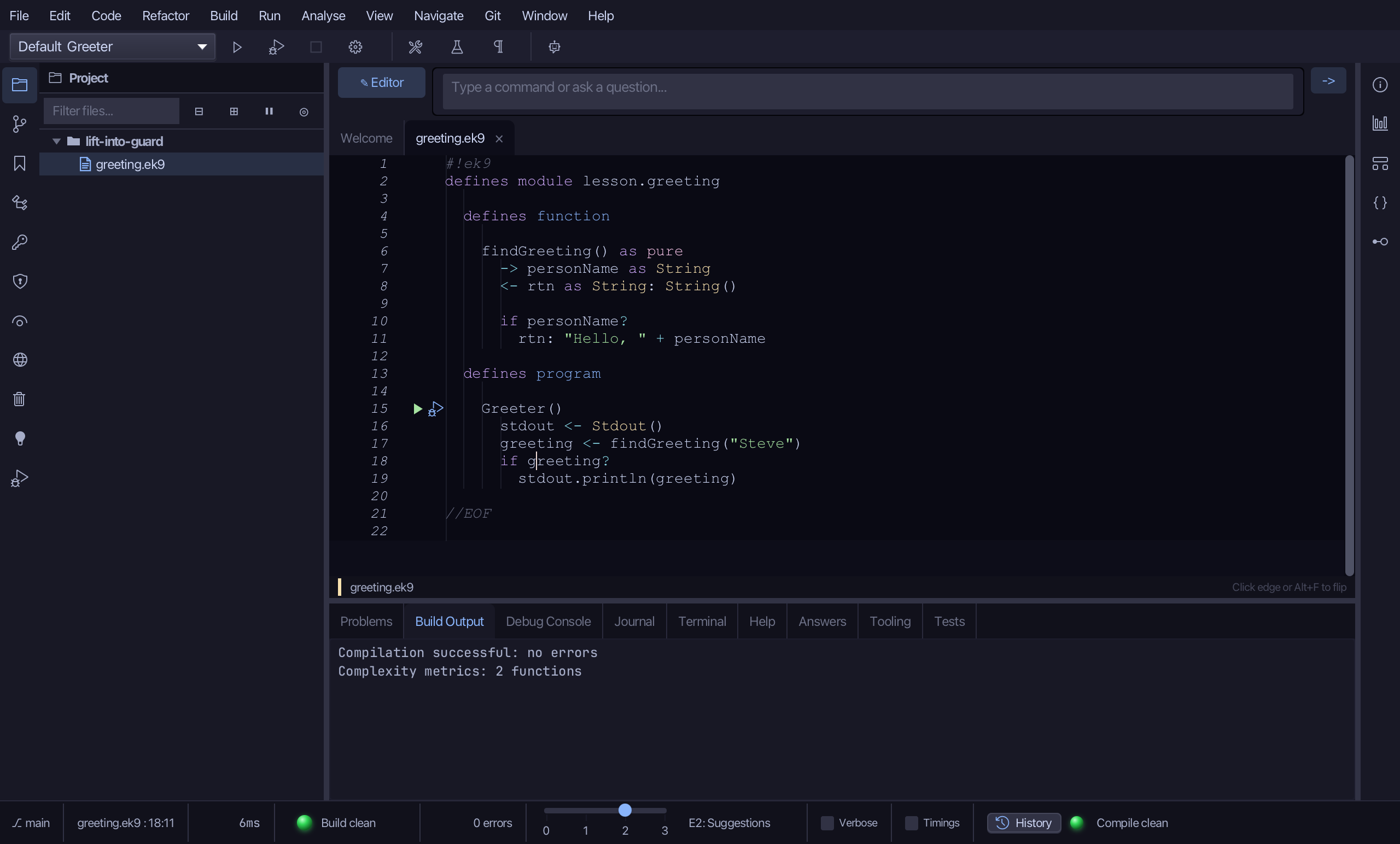
Put the caret on greeting?, on line 18.
Step 2: Lift into Guard
Right-click it - or choose Refactor > Refactor This… - and choose Lift into Guard…
Step 3: Preview and apply
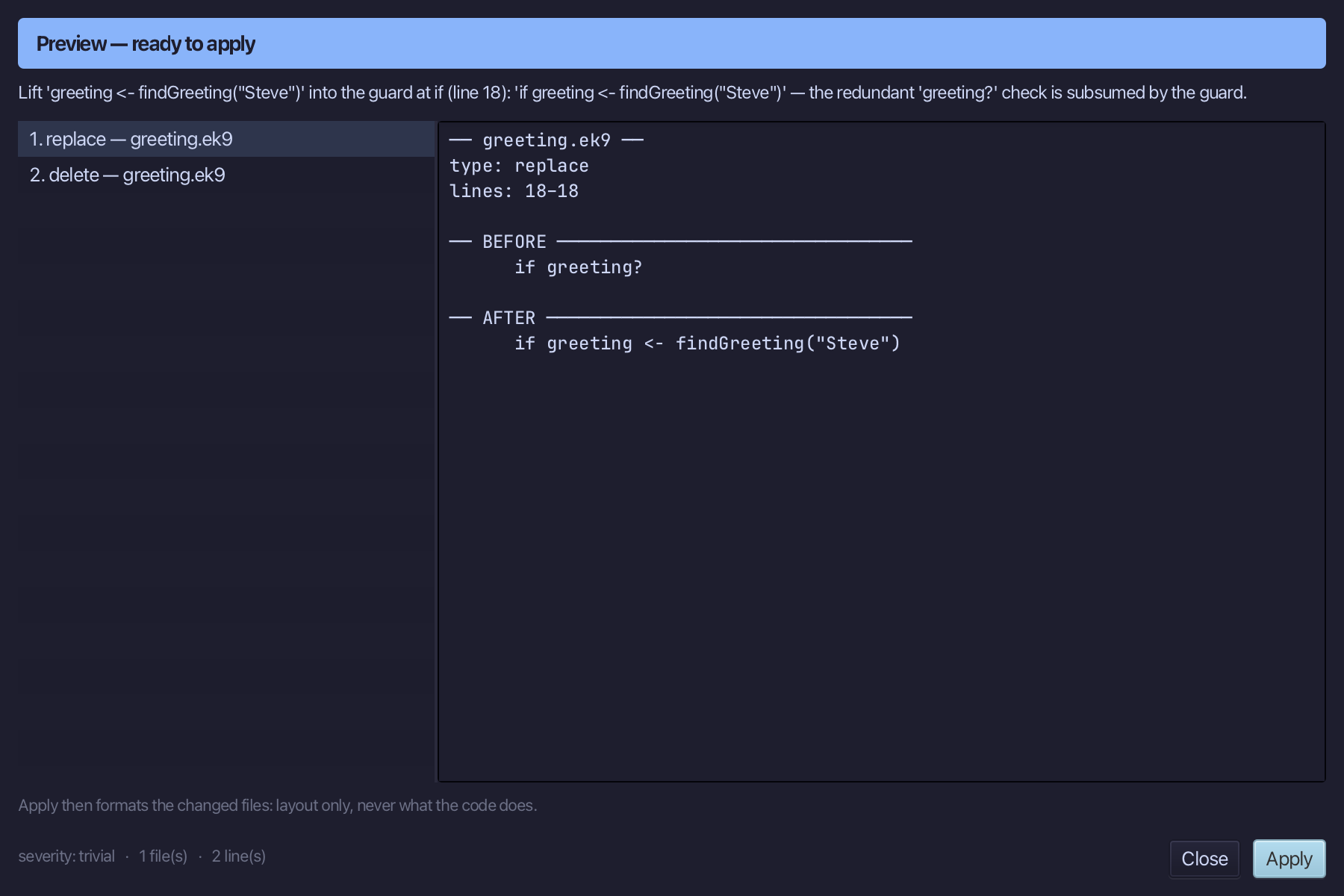
The preview shows every change the refactoring makes; then the IDE formats each file it changed. Choose Apply.
The result
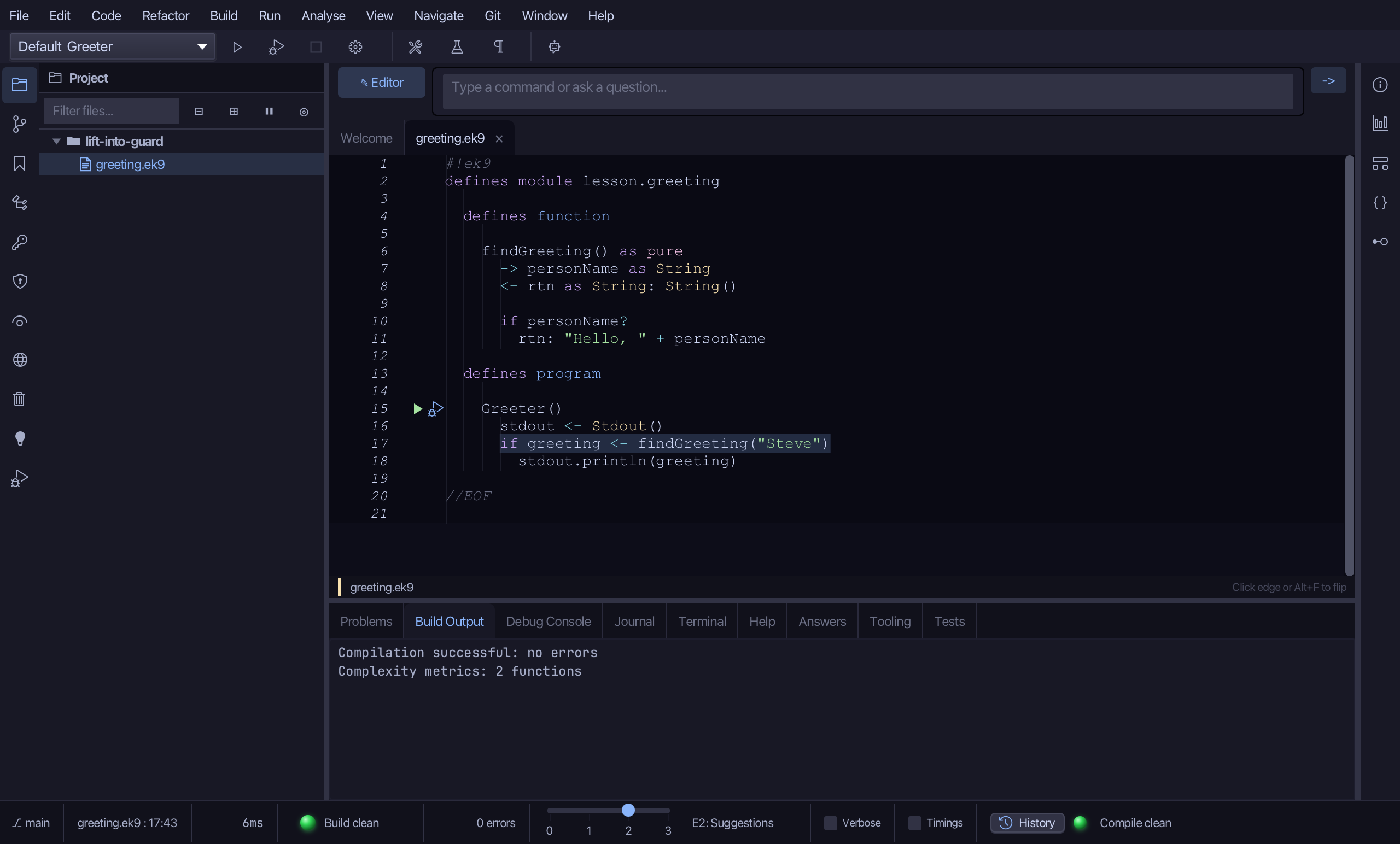
That is Lift into Guard: greeting <- findGreeting("Steve") and if greeting? become one line, if greeting <- findGreeting("Steve") - the redundant greeting? check subsumed into the guard. It folds switch, try, while, do and for heads the same way, keeping a loop's own condition or iteration as a 'then' clause. It is on the right-click menu wherever the caret is on a liftable control head; AI assistants use the ek9_apply_guard_pattern tool.
Where this lesson comes from
- Answers -
ek9 -qand the IDE's Answers tab: 971, 1146. - For AI assistants - the MCP tool
ek9_apply_guard_pattern.