Chapter 33: two locks, one order, built
Two locks are not a problem. Two locks taken in OPPOSITE orders on two paths are, and the compiler builds one graph of 'holding this, acquiring that' edges for the whole program and finds the cycles. A single direction is not an error. This CacheService nests the log inside the cache in both refresh and evict, so it compiles and runs. The IDE writes the class, its two locks and each method's shape; you type the keys. To play it in the IDE: Help > Lessons > EK9 in Depth…, or ek9 -ide -lesson depth-consistent-order.
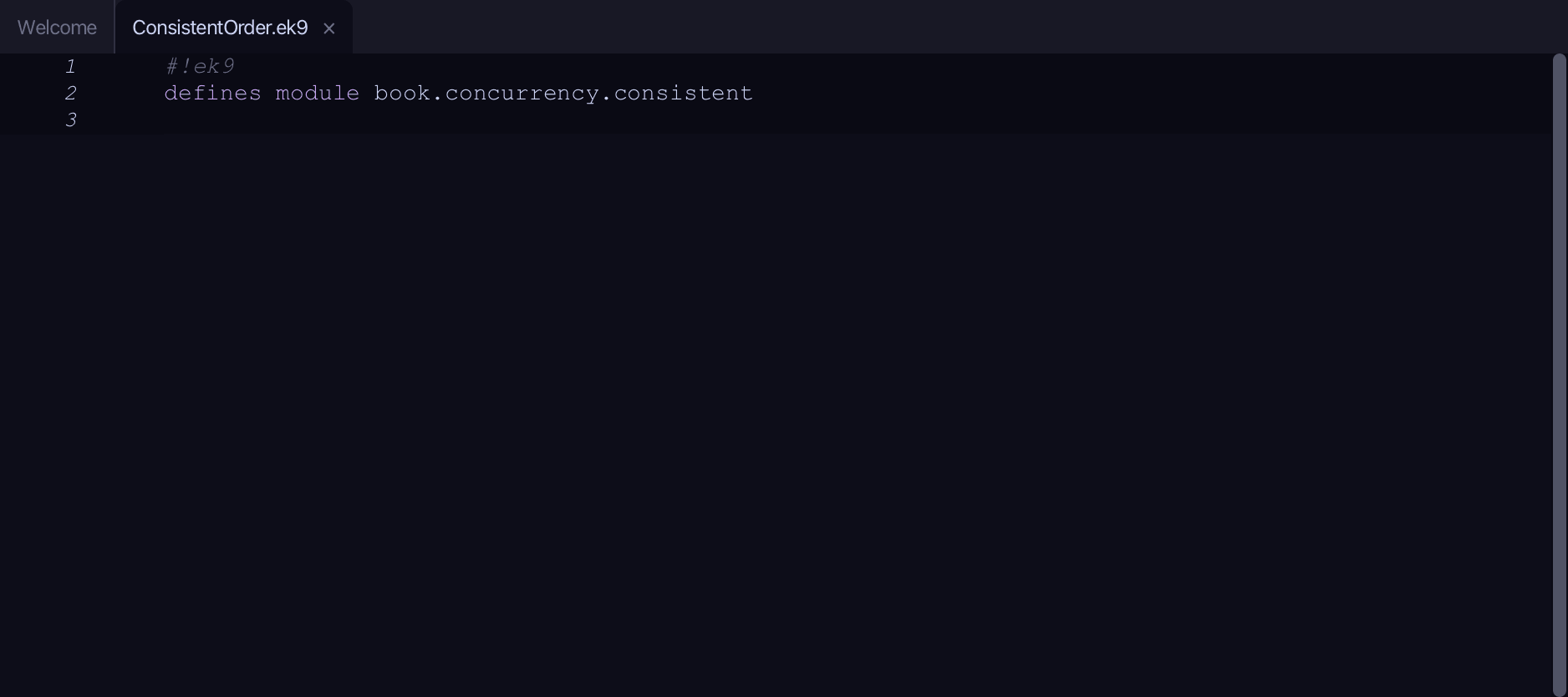
What you'll build
The lesson builds this program from a file holding only its module line - the finished file, as the book prints it.
#!ek9
defines module book.concurrency.consistent

  defines class

    CacheService
      lockedCache as MutexLock of List of String: MutexLock(List() of String)
      lockedLog as MutexLock of List of String: MutexLock(List() of String)

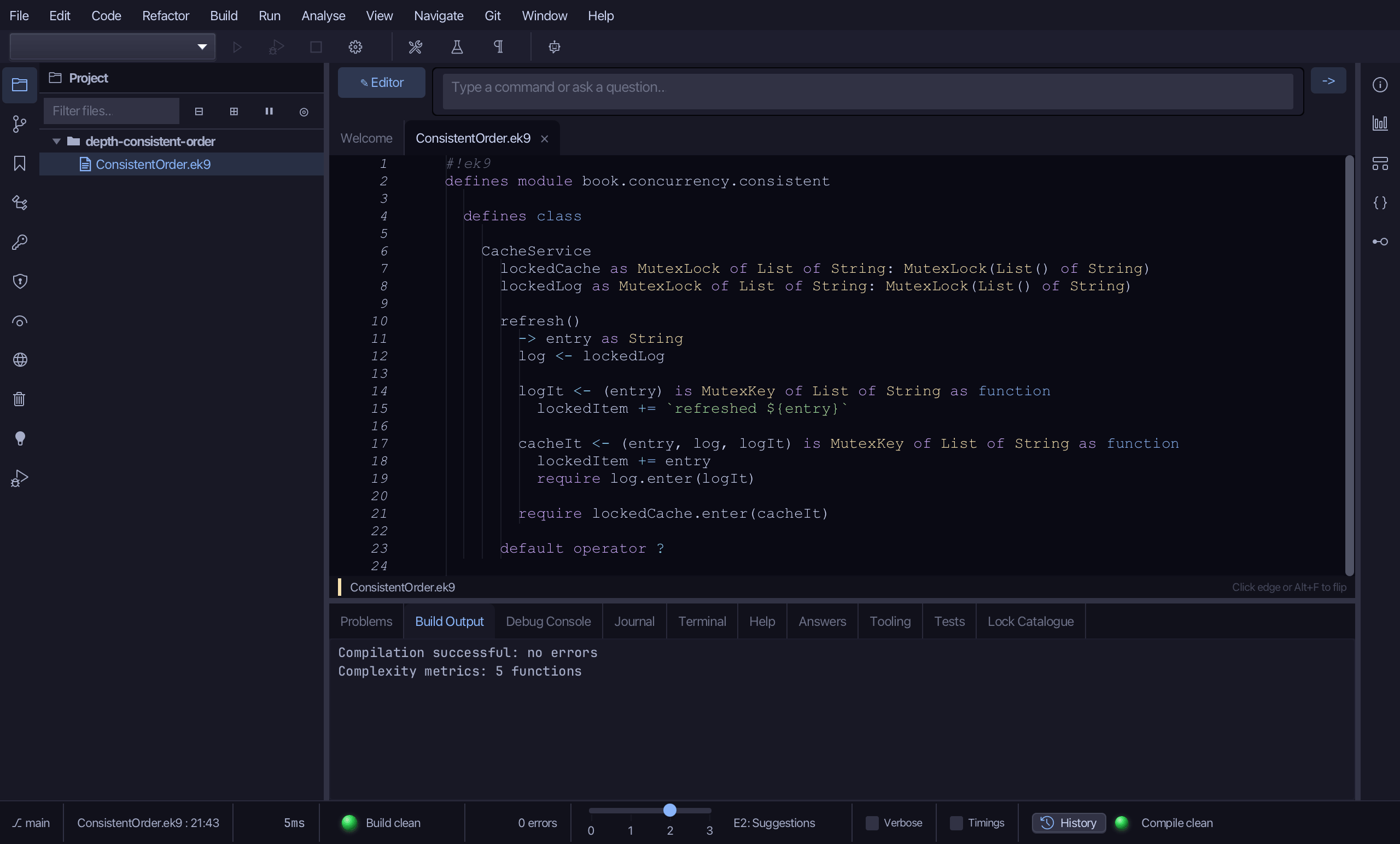
      refresh()
        -> entry as String
        log <- lockedLog

        logIt <- (entry) is MutexKey of List of String as function
          lockedItem += `refreshed ${entry}`

        cacheIt <- (entry, log, logIt) is MutexKey of List of String as function
          lockedItem += entry
          require log.enter(logIt)

        require lockedCache.enter(cacheIt)

      evict()
        -> entry as String
        log <- lockedLog

        logIt <- (entry) is MutexKey of List of String as function
          lockedItem += `evicted ${entry}`

        cacheIt <- (log, logIt) is MutexKey of List of String as function
          lockedItem :=: List() of String
          require log.enter(logIt)

        require lockedCache.enter(cacheIt)

      report()
        <- rtn as List of String: List() of String
        reader <- (rtn) is MutexKey of List of String as function
          rtn :=: lockedItem
        require lockedLog.enter(reader)

      default operator ?

  defines program

    ConsistentOrder()
      stdout <- Stdout()
      service <- CacheService()
      service.refresh("alpha")
      service.evict("alpha")
      stdout.println(`${service.report()}`)
Step 1: CacheService — two locks, one order
Choose Code > New Construct > Class…
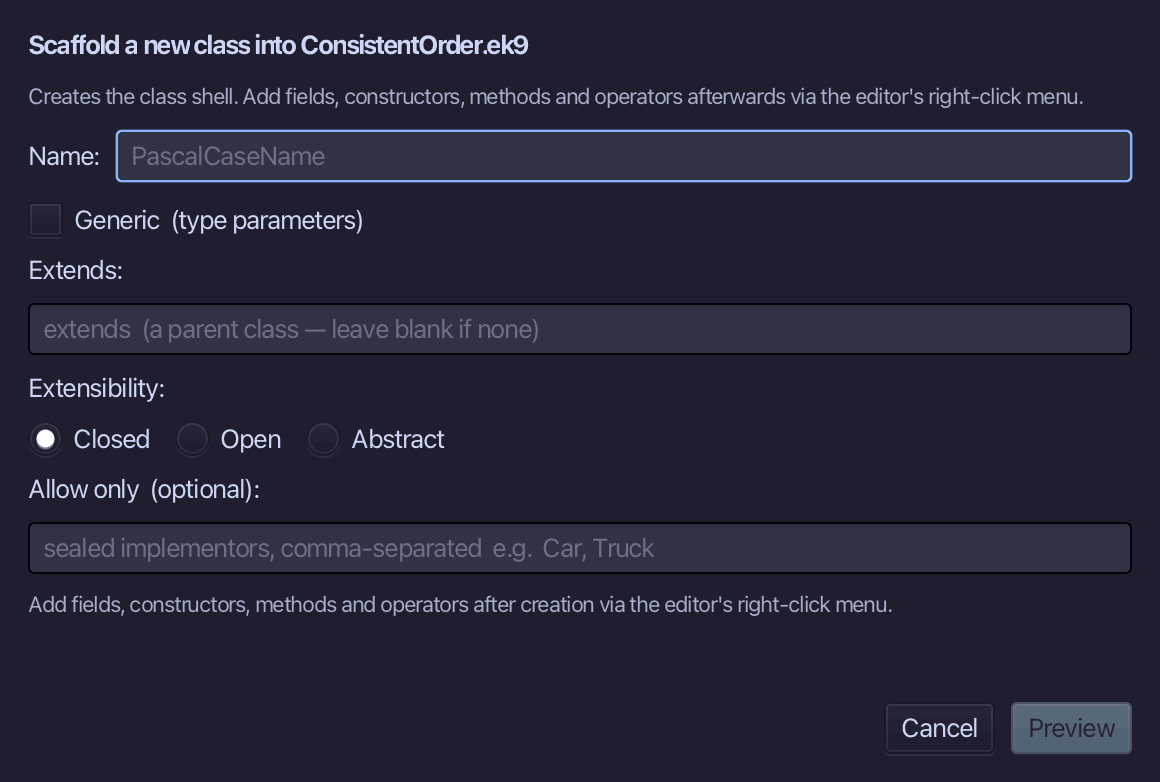
CacheService is the class's name. Choose Preview.
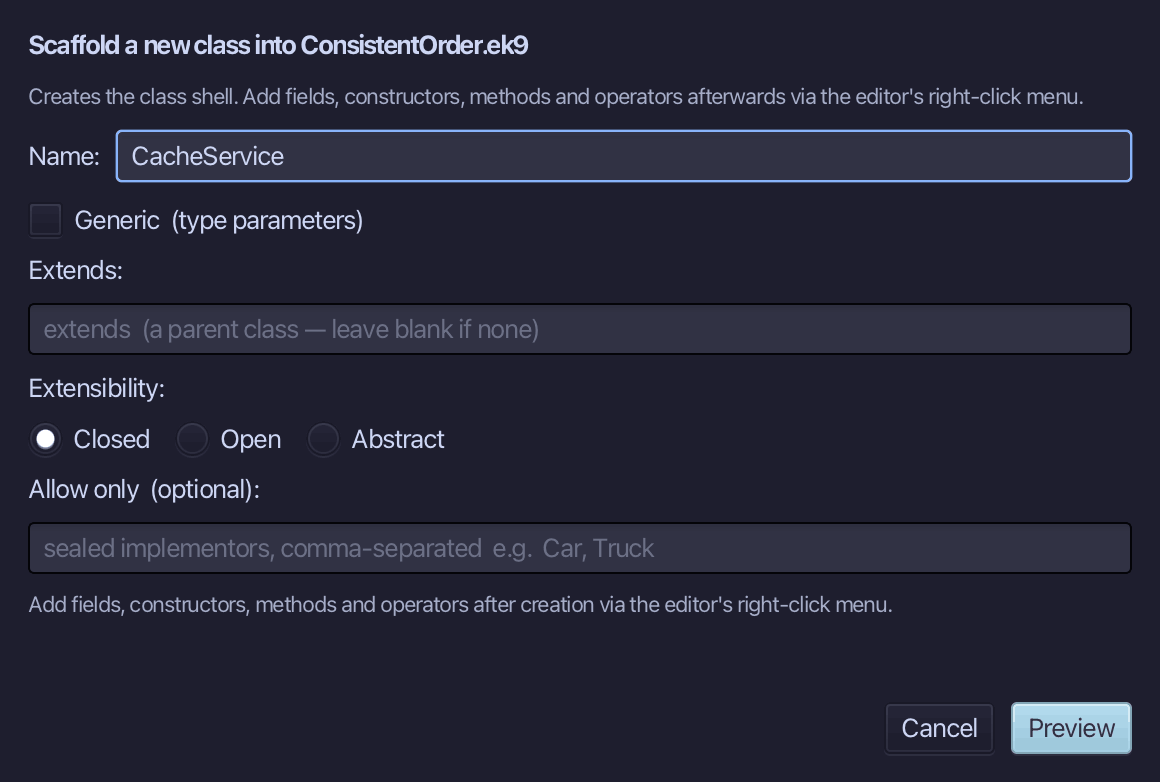
The preview shows CacheService about to be written. Choose Apply.
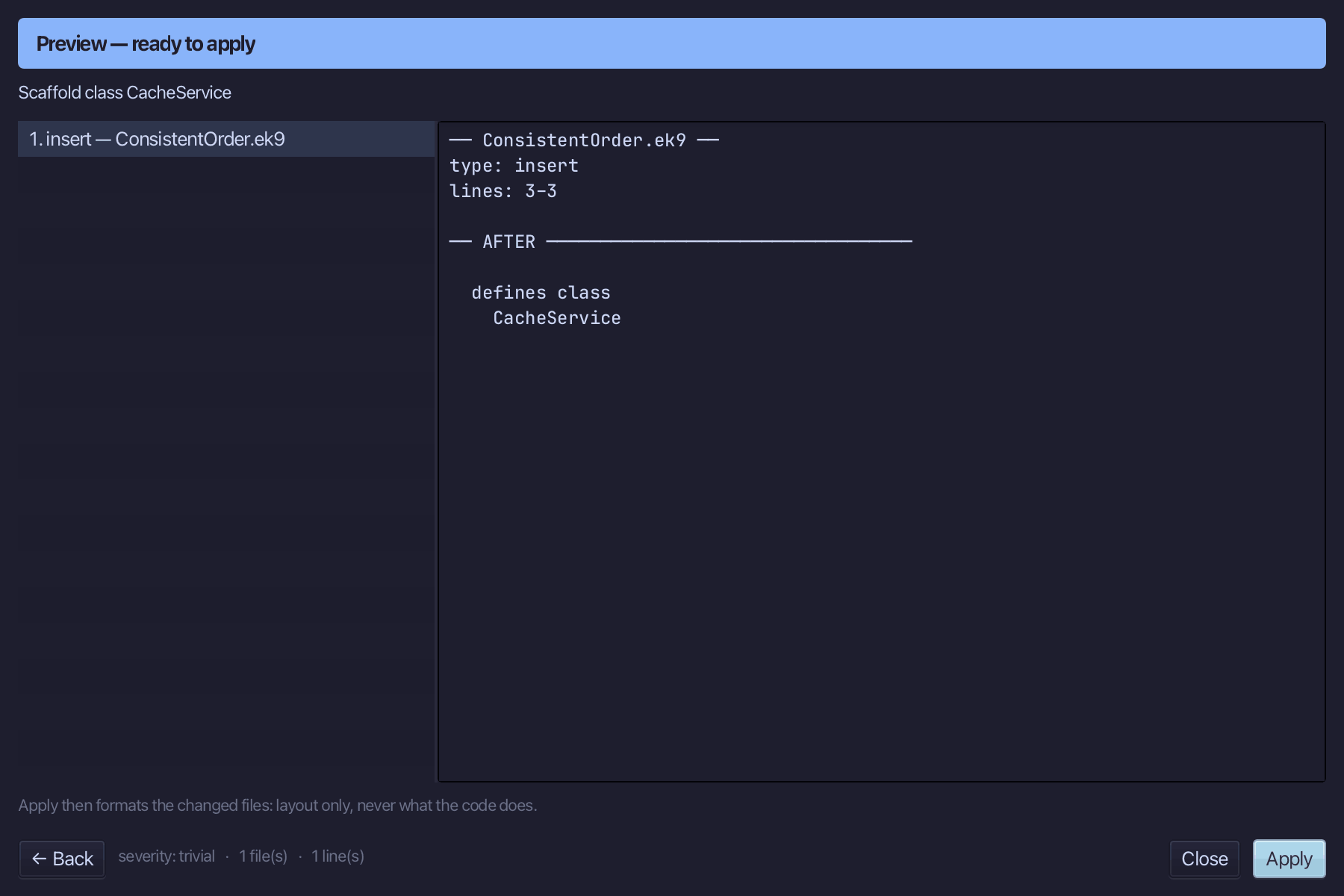
Select the CacheService line and, above it, type the blank line the book opens its first class with. Saves when typed.
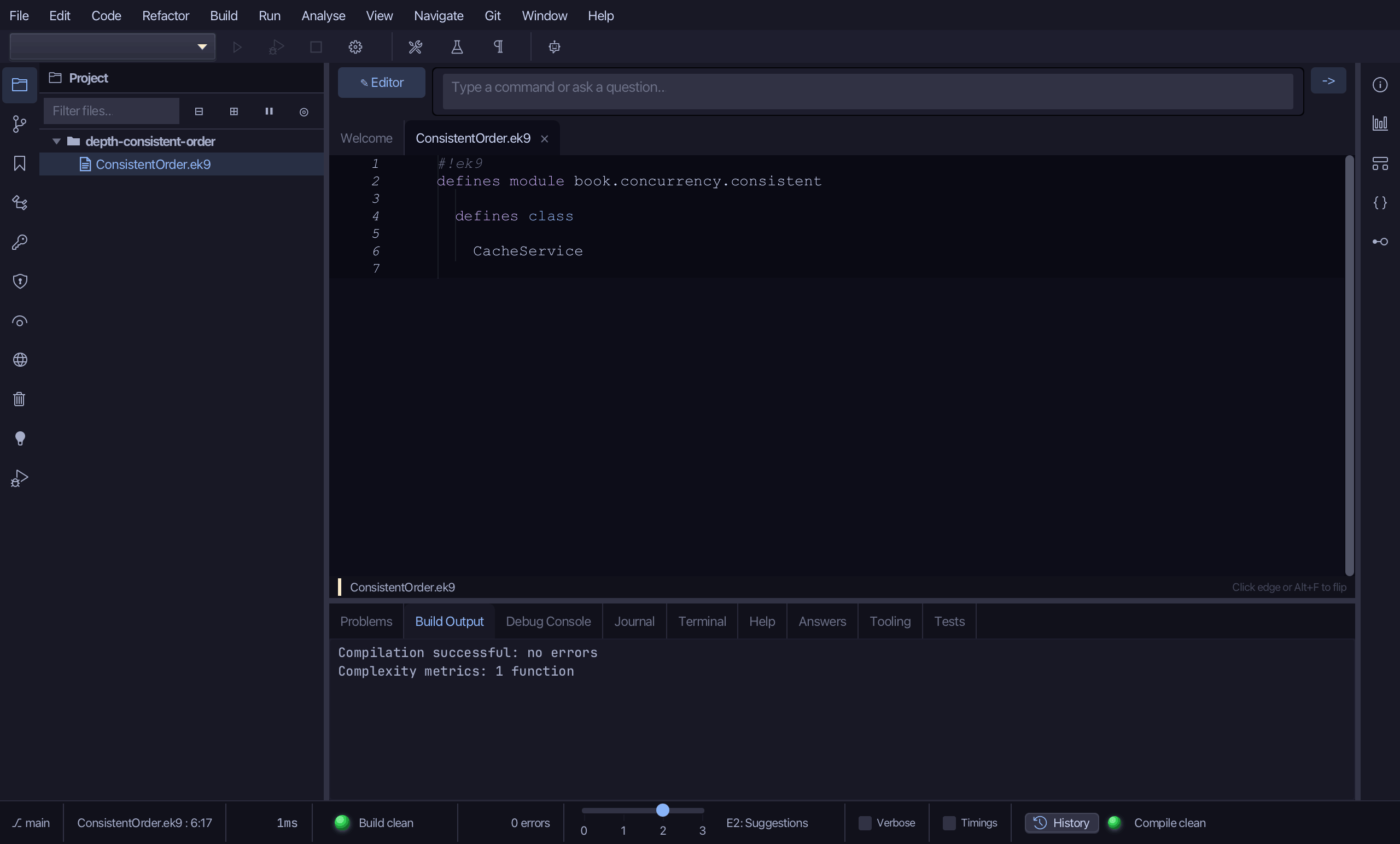
Right-click the CacheService line and choose Add Field…
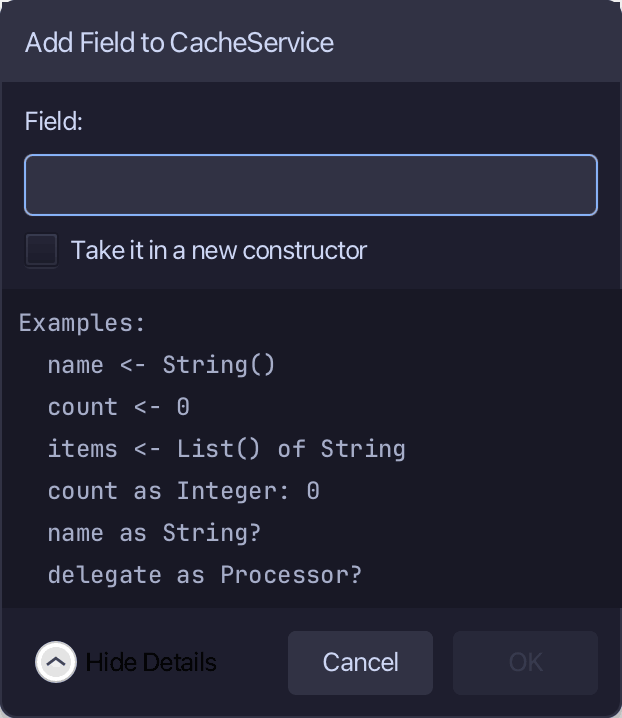
Type lockedCache as MutexLock of List of String: MutexLock(List() of String) - the field, its type and the value it starts with. Choose OK.
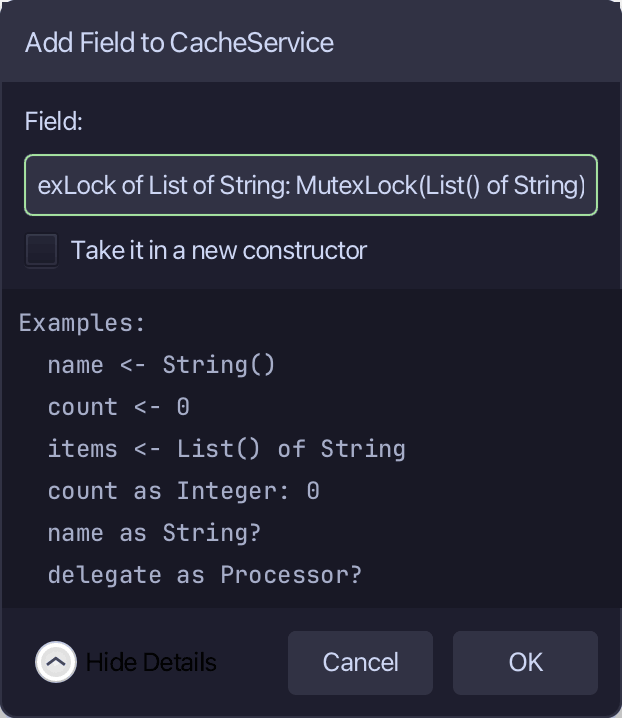
The preview shows lockedCache added - and default operator ? with it, CacheService's first field. Choose Apply.
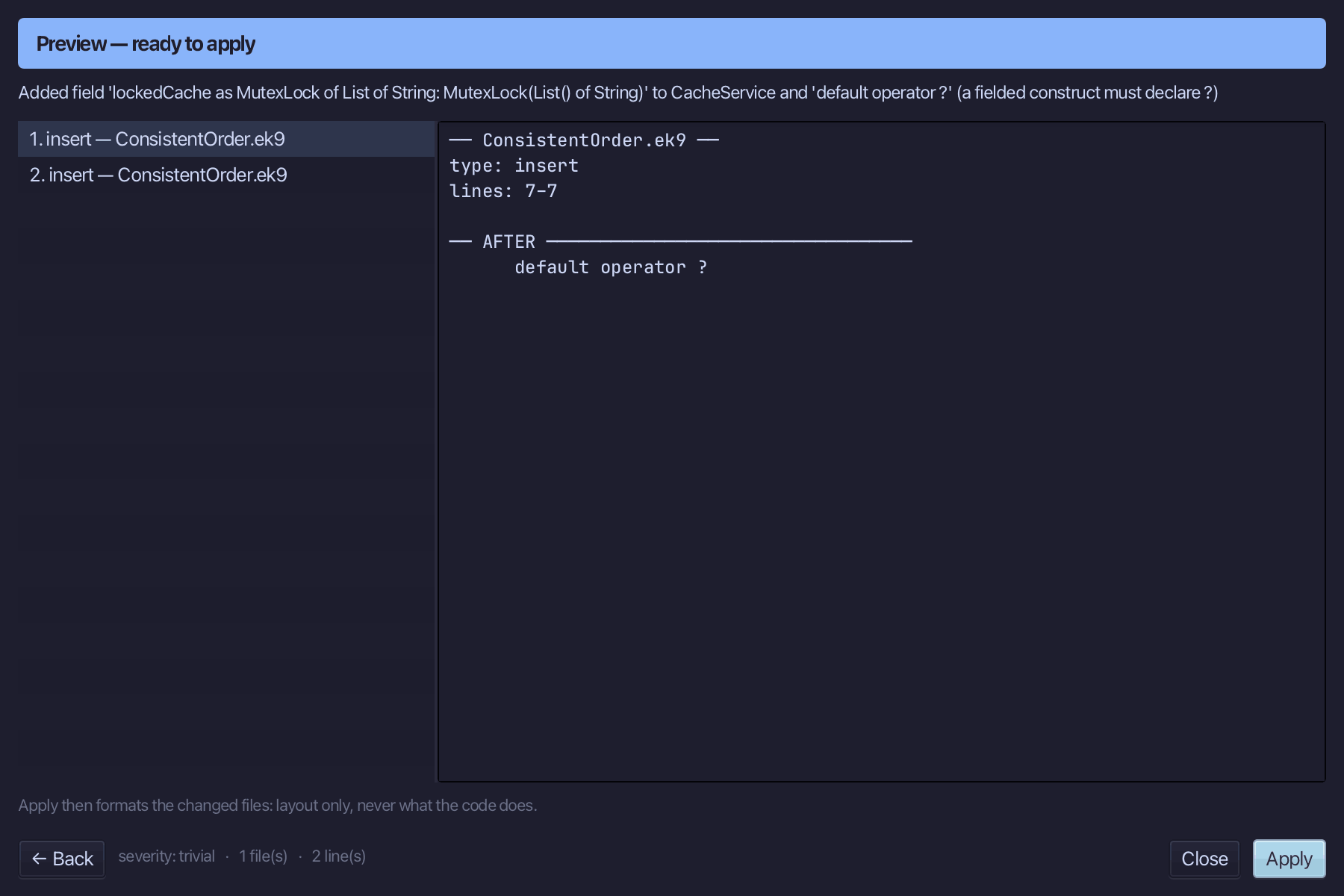
Right-click the CacheService line and choose Add Field…
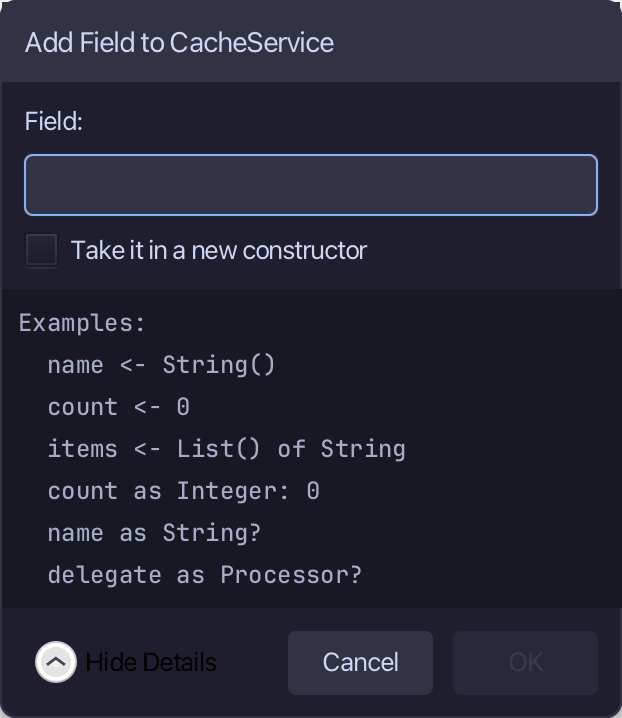
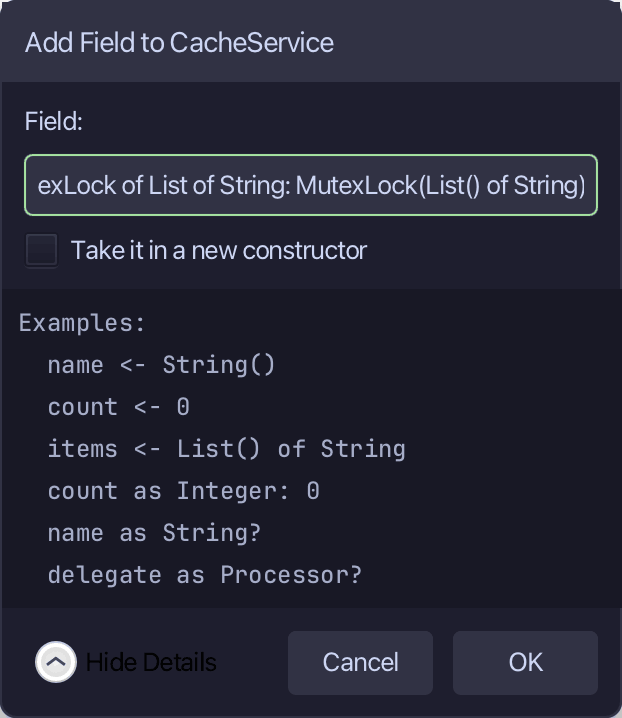
Type lockedLog as MutexLock of List of String: MutexLock(List() of String) - the field, its type and the value it starts with. Choose OK.
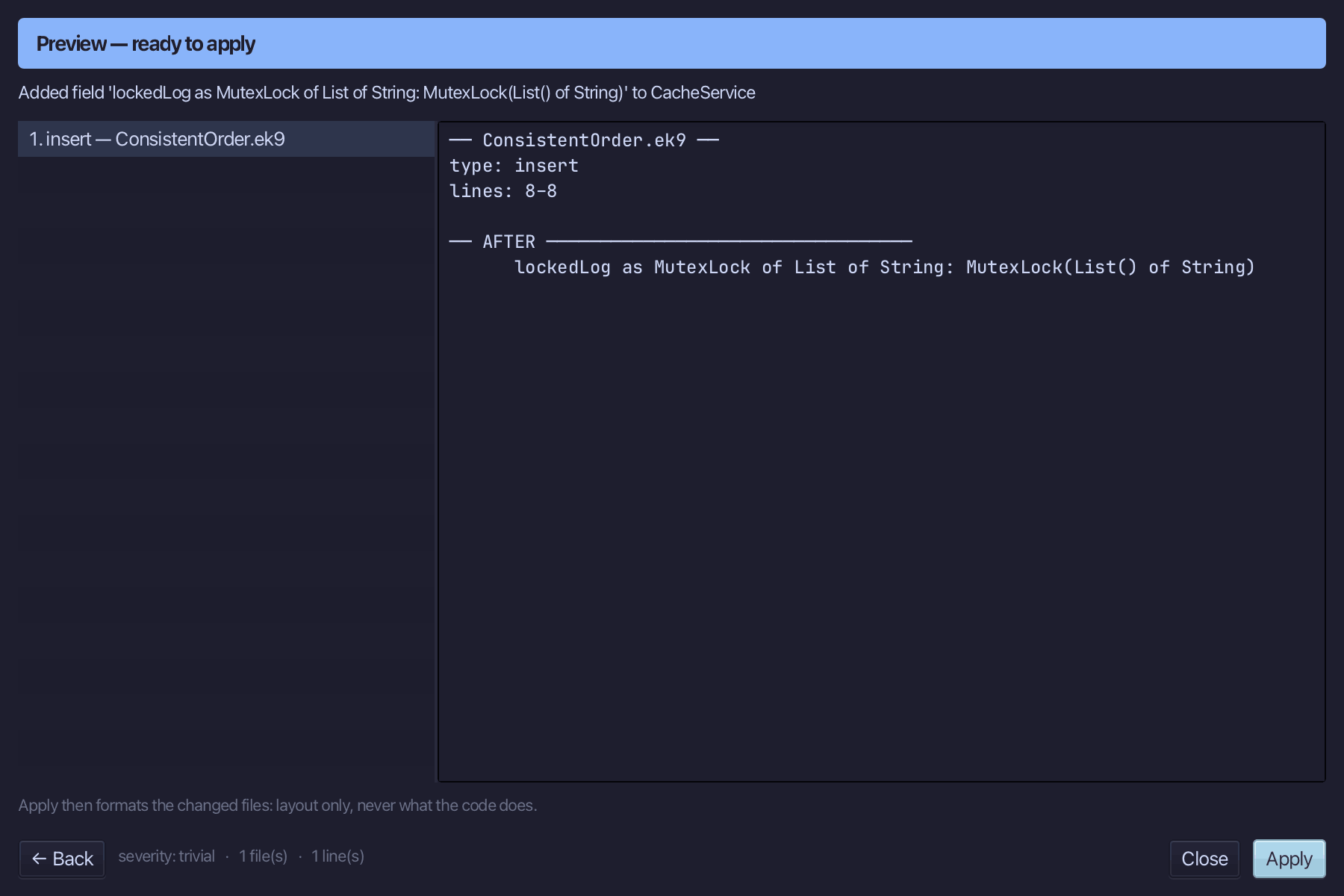
The preview shows lockedLog added. Choose Apply.
Right-click the CacheService line and choose Add Method…
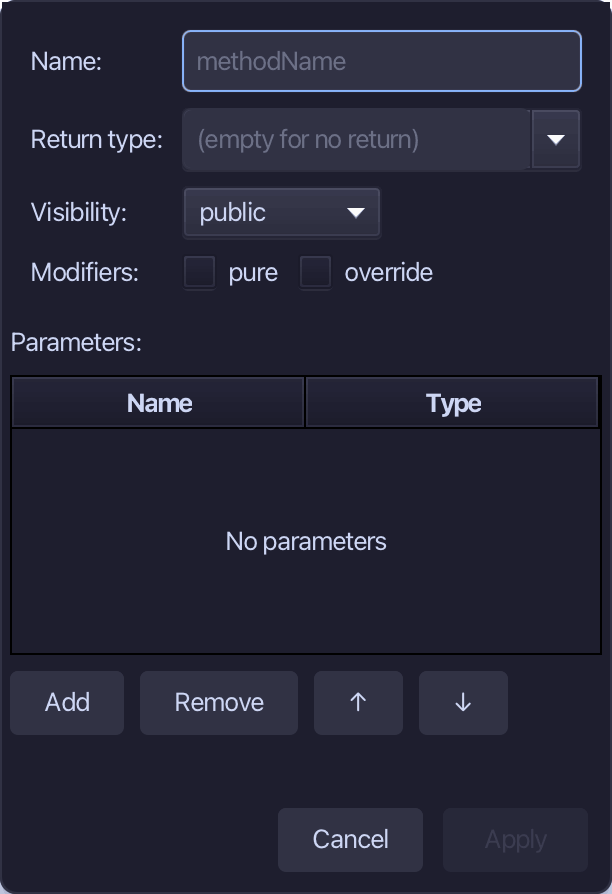
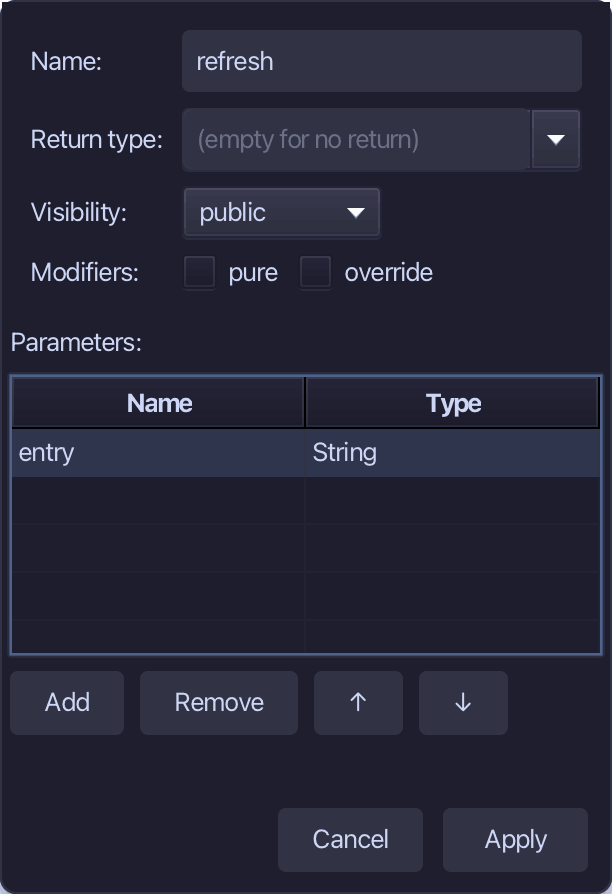
refresh is the method's name. Add one parameter, entry of type String. Choose Apply.
Select the stub and type refresh: the log is nested INSIDE the cache - always cache first, then log. Saves when typed.
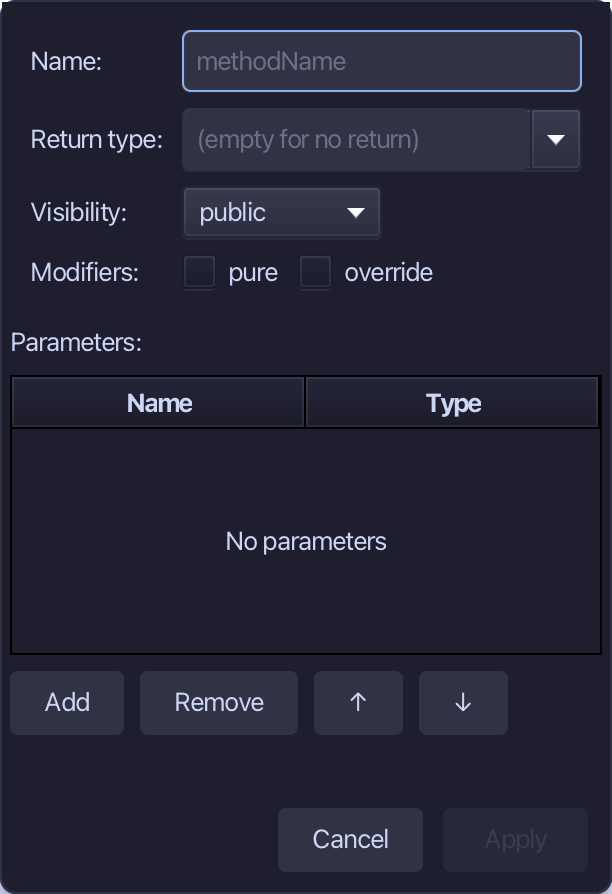
Right-click the CacheService line and choose Add Method…
evict is the method's name. Add one parameter, entry of type String. Choose Apply.
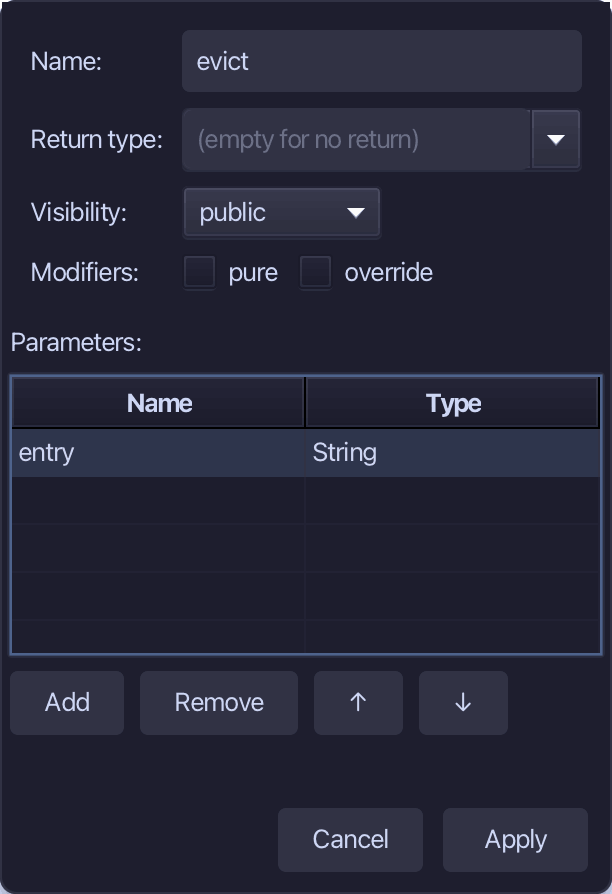
Select the stub and type evict: the same order as refresh - one direction is not an error, only two opposite ones are. Saves when typed.
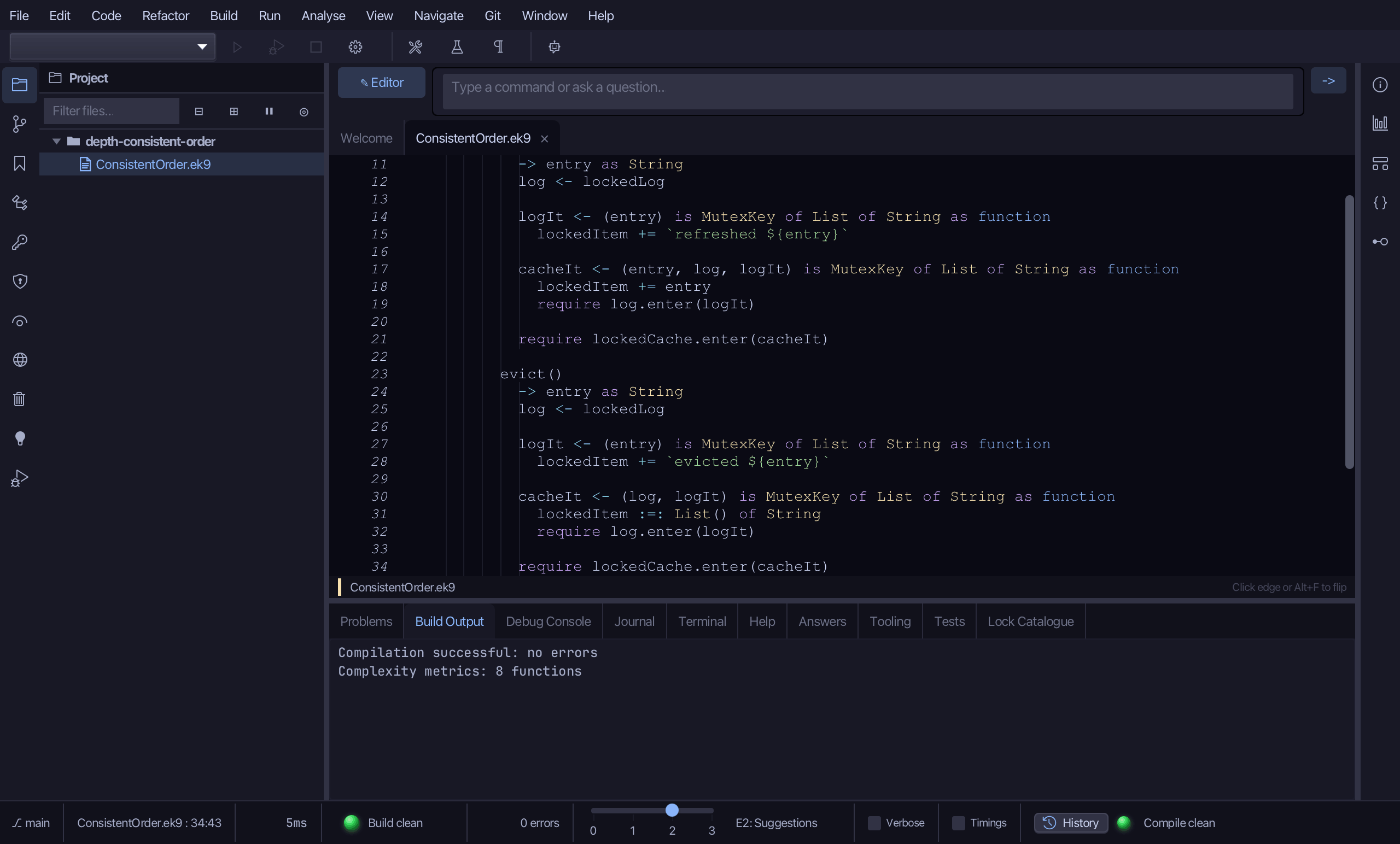
Right-click the CacheService line and choose Add Method…
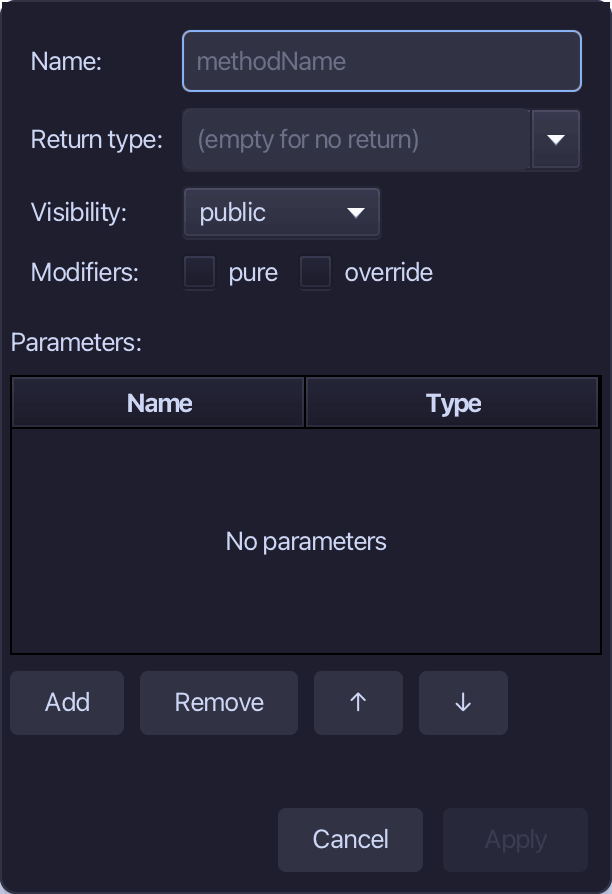
report is the method's name. Set Return type to List of String. Choose Apply.
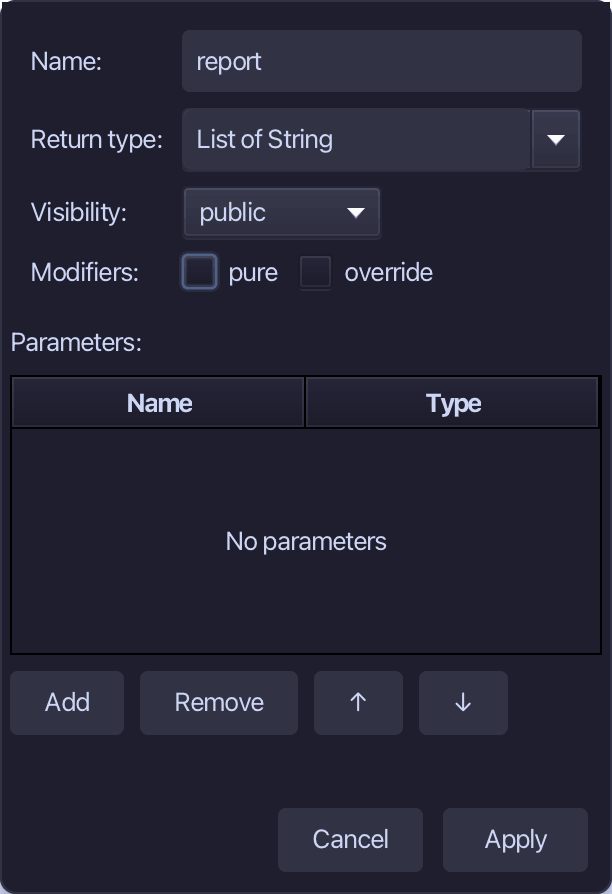
Select the stub and type report's key. Saves when typed.
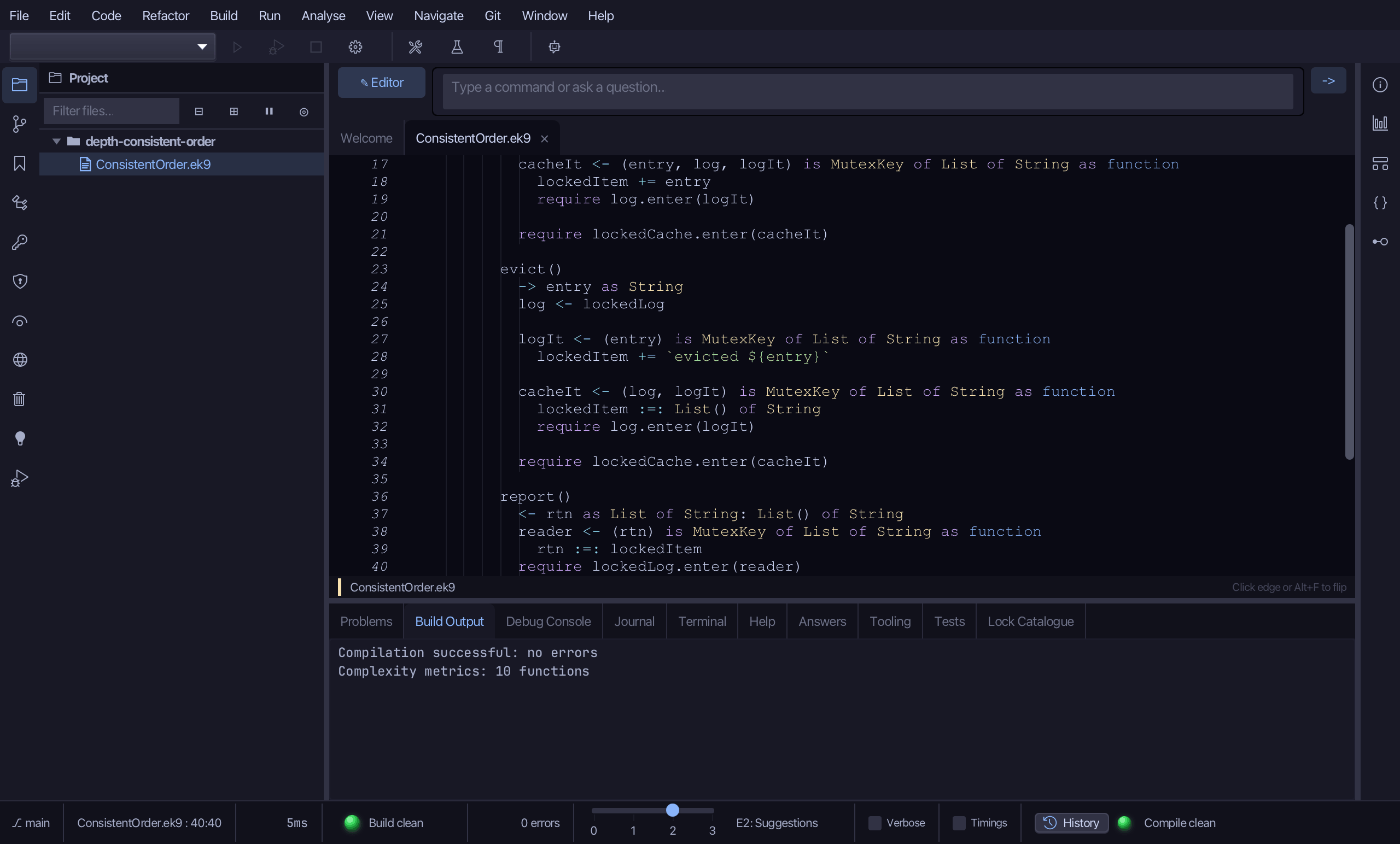
Step 2: The program
Choose Code > New Construct > Program…
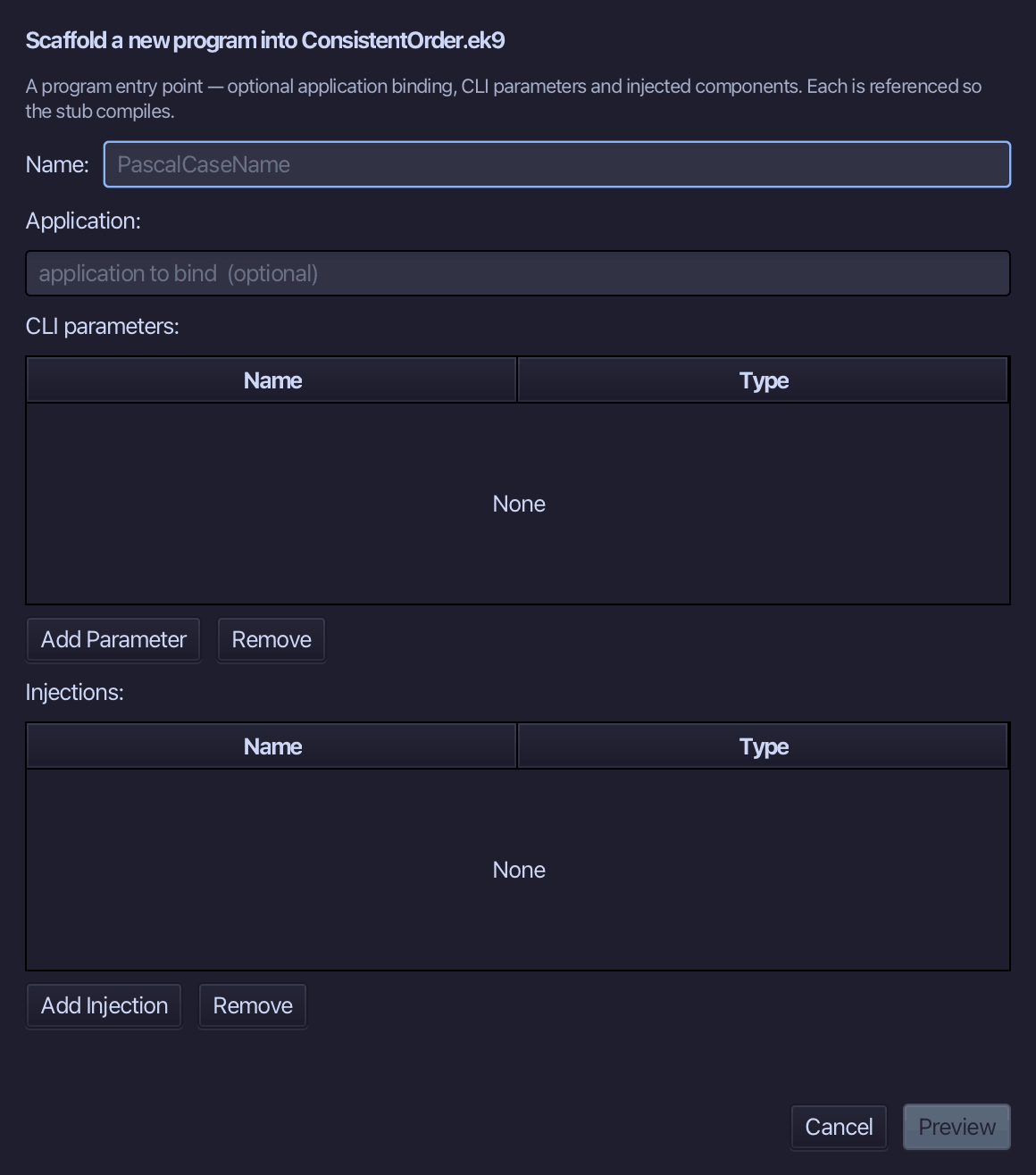
ConsistentOrder is the program's name. Choose Preview.
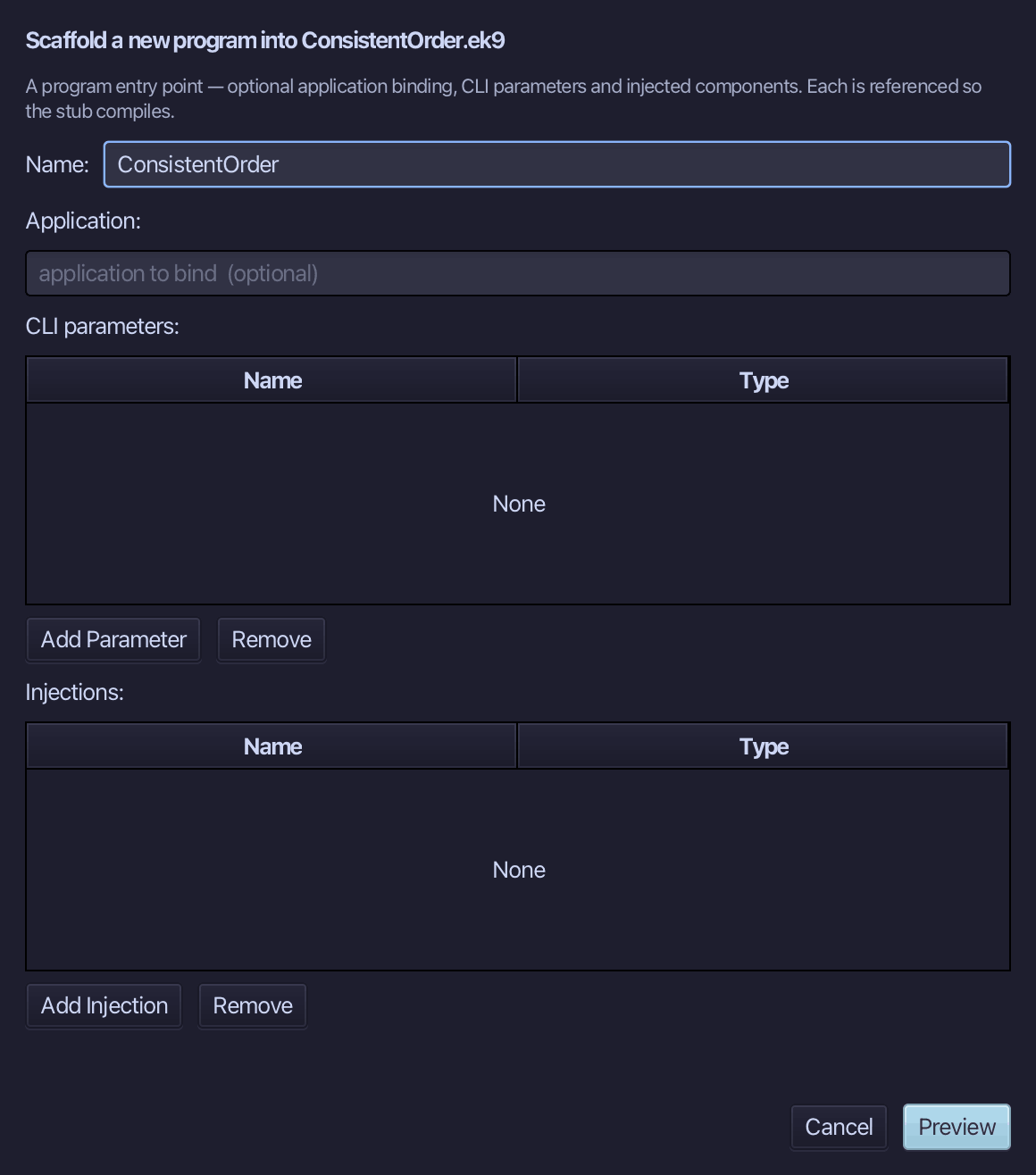
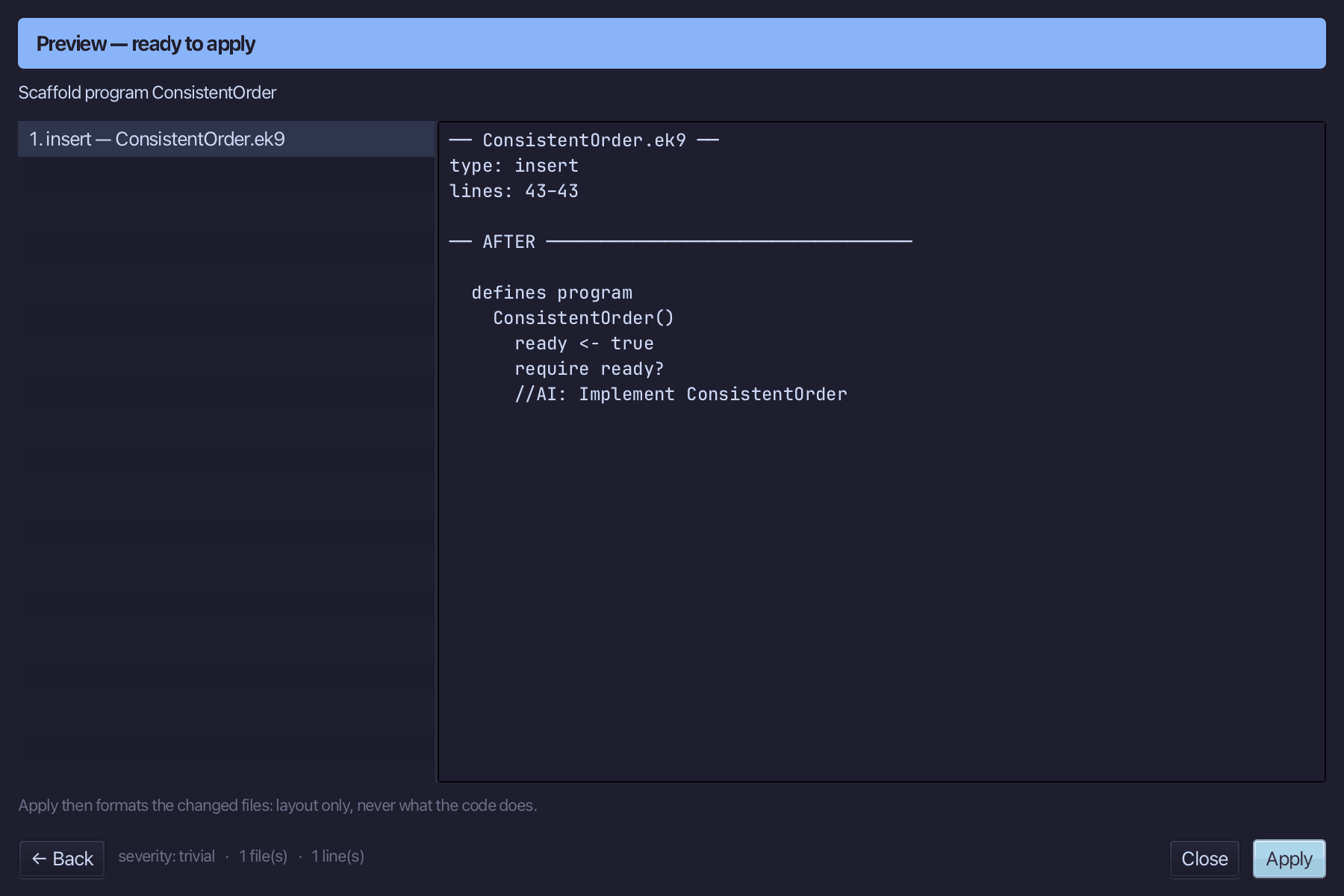
The preview shows ConsistentOrder about to be written. Choose Apply.
Select the ConsistentOrder() line and, above it, type the blank line the book opens the program with. Saves when typed.
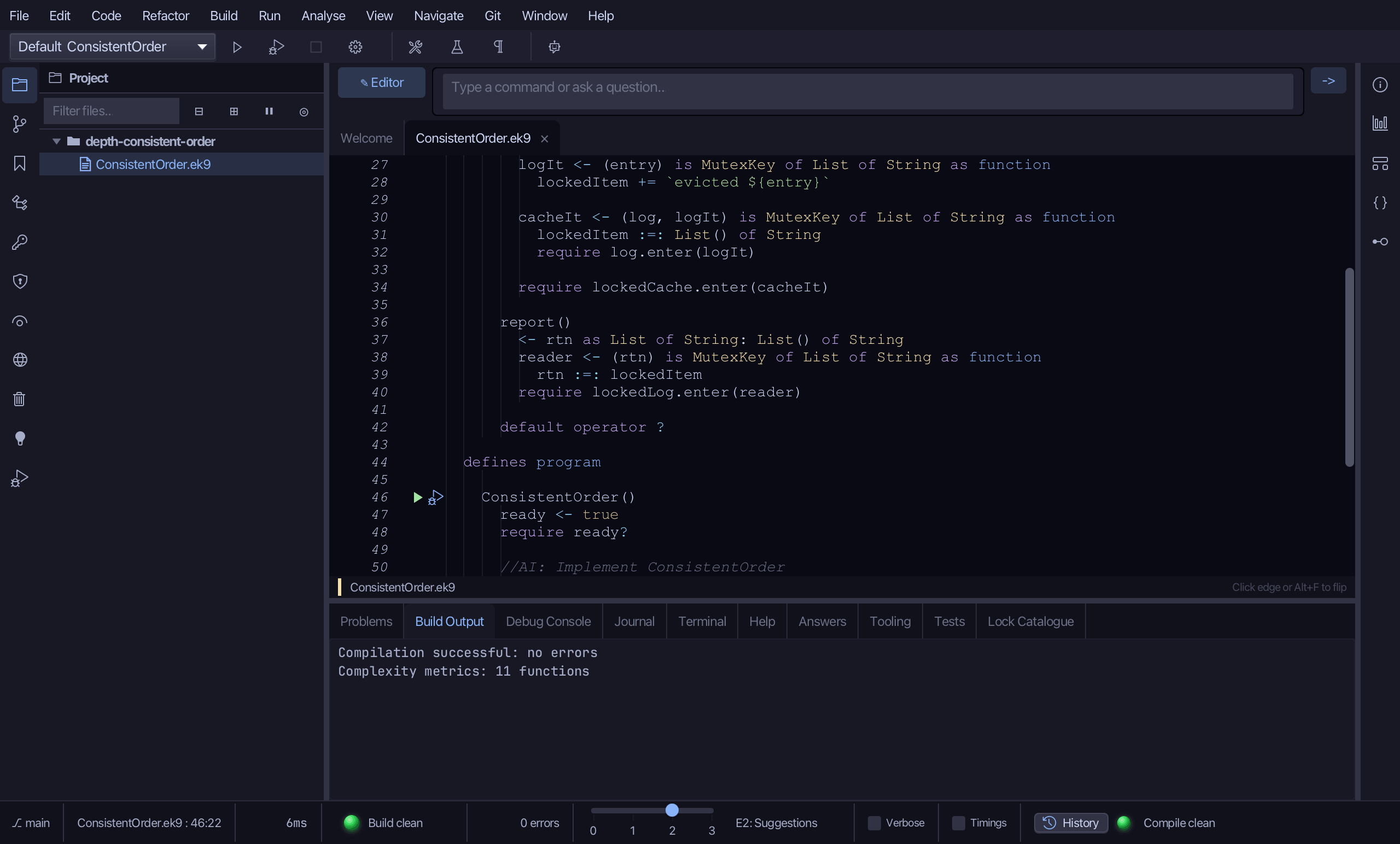
Select the stub, from ready <- true down to its //AI line, and type ConsistentOrder's body exactly as the chapter shows it. Saves when typed.
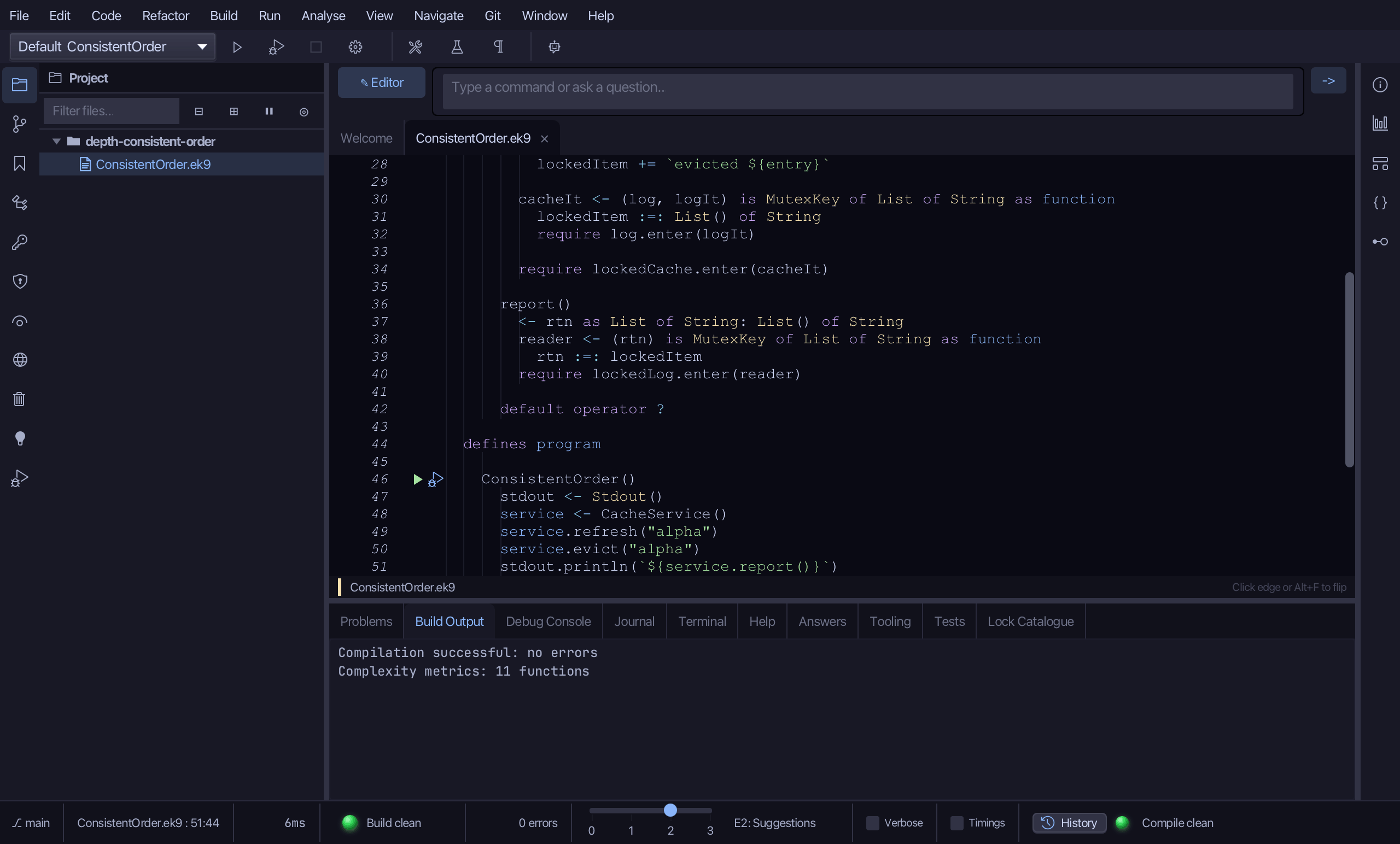
Step 3: Run it
Choose Run > Run Program…
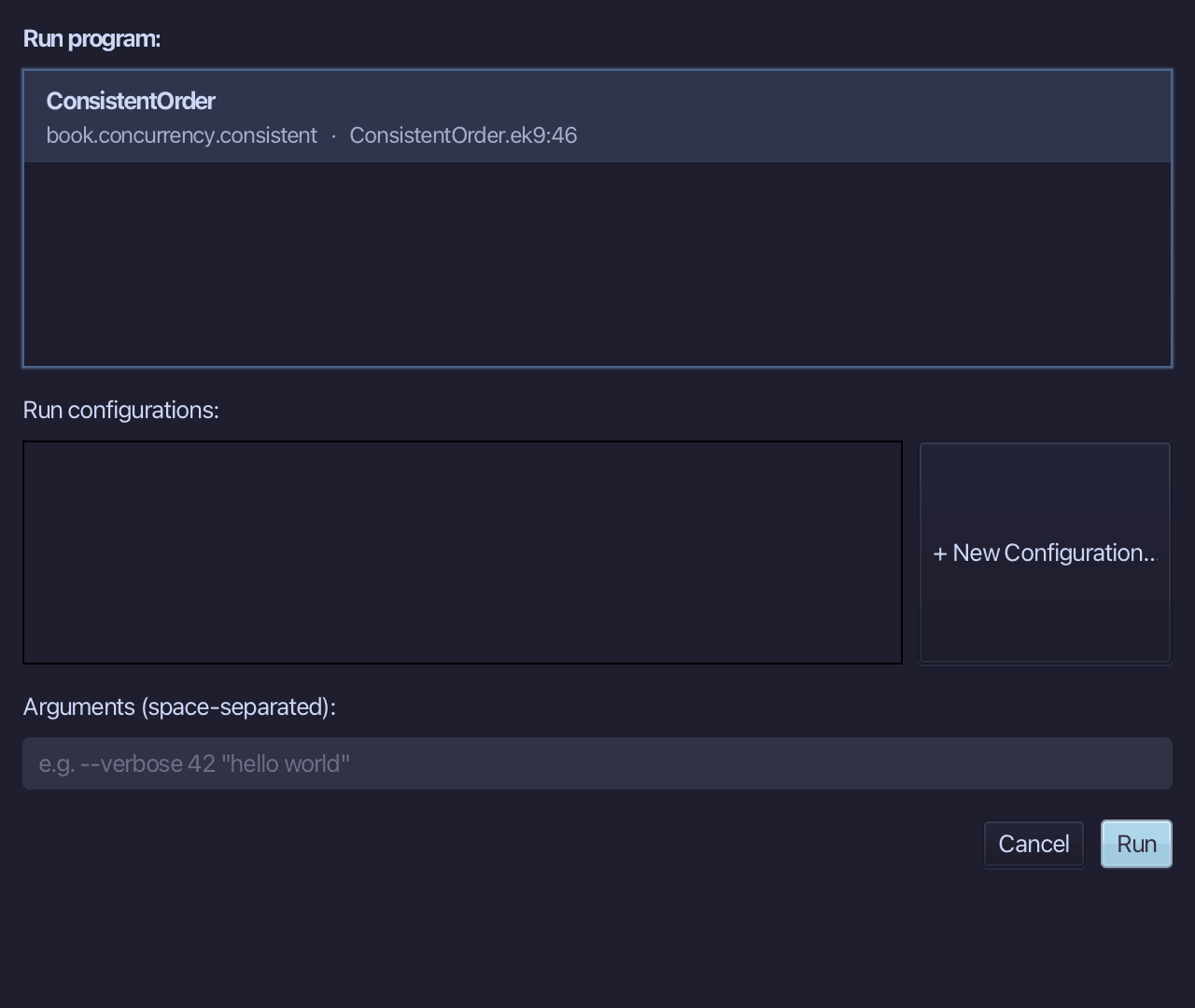
The project's only program is already chosen. Choose Run.
["refreshed alpha", "evicted alpha"]. Choose Close.
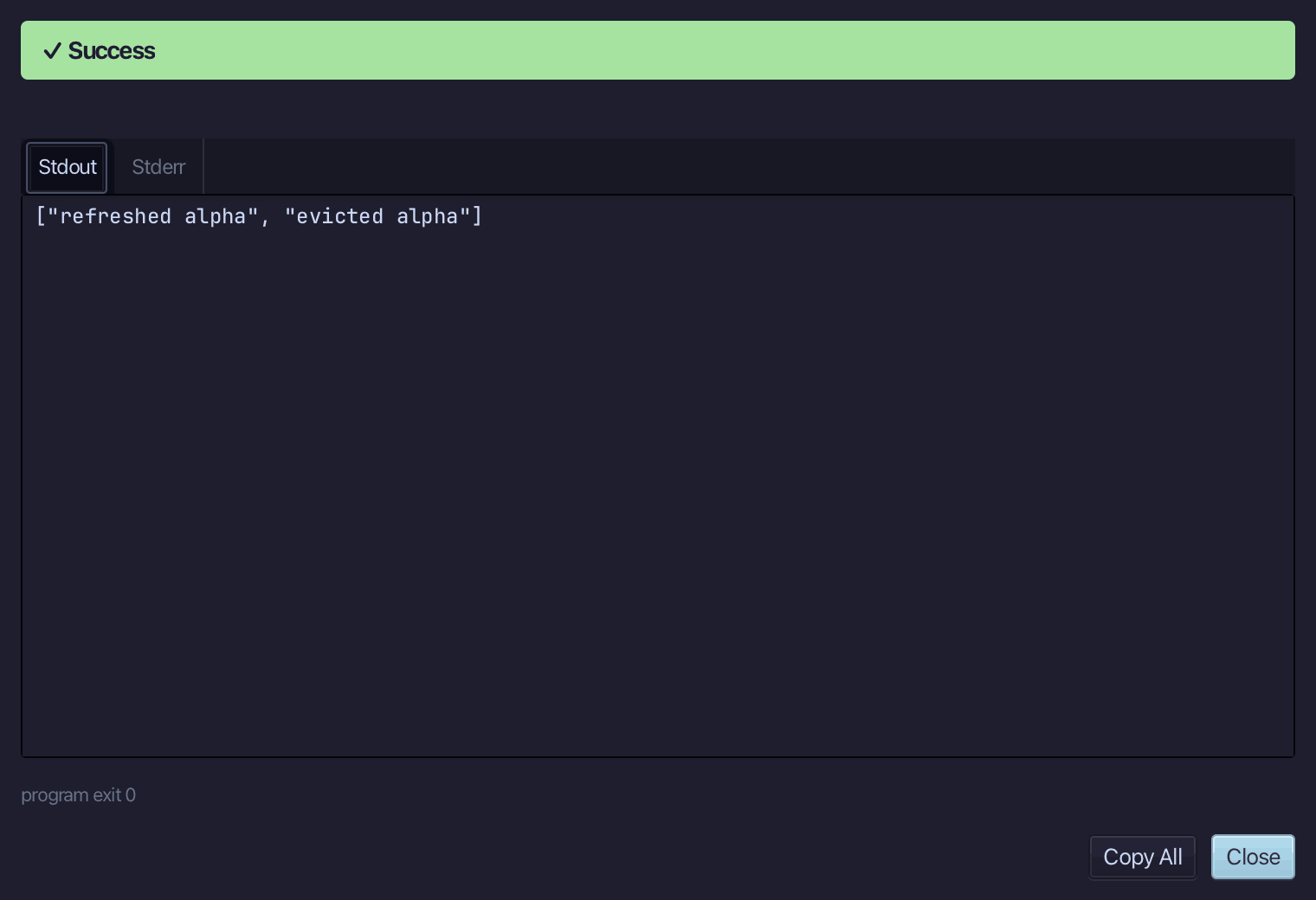
The result
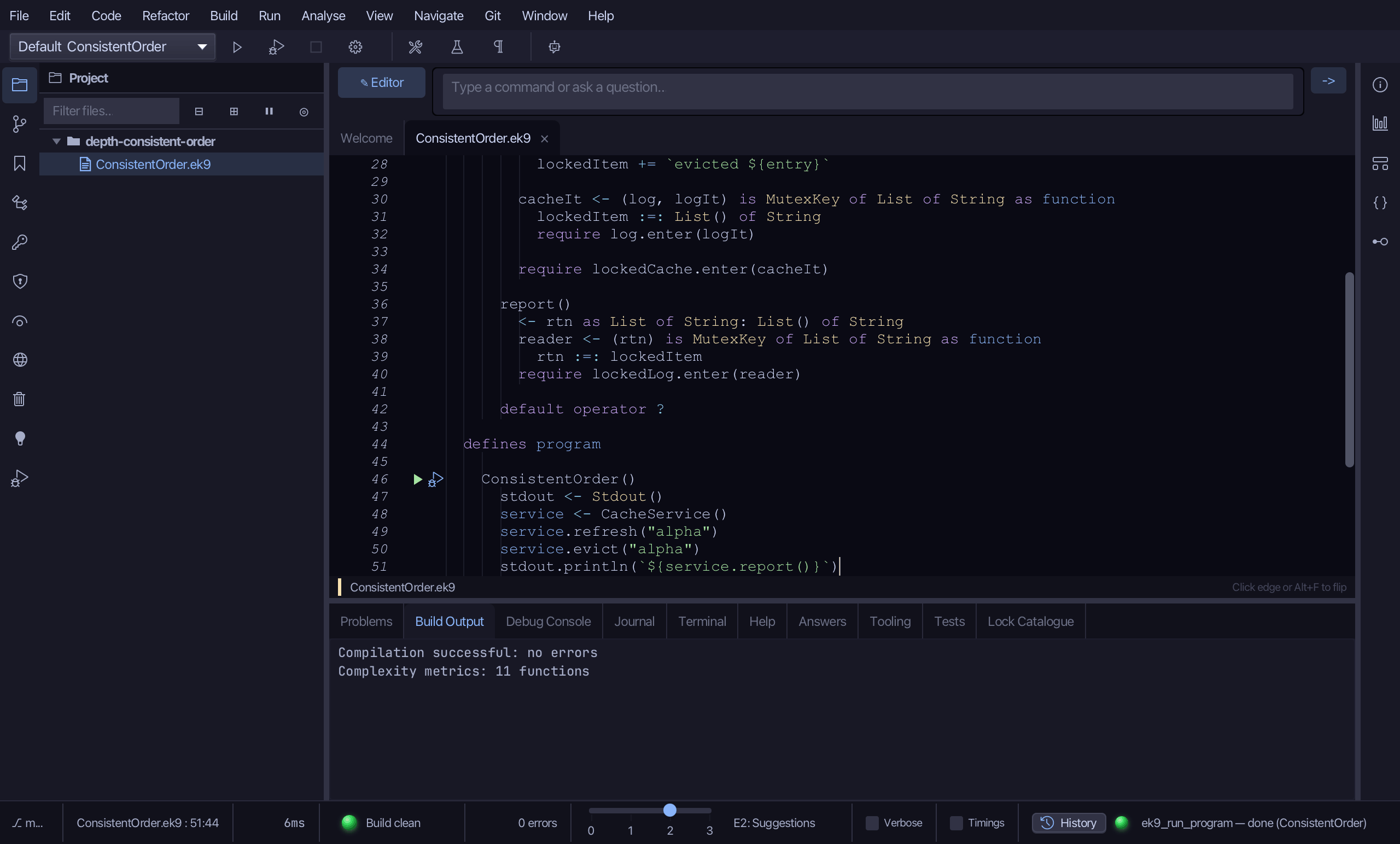
ConsistentOrder.ek9 now reads exactly as chapter 33 of EK9 in Depth shows it. refresh and evict both take the cache and then the log, so the graph has one edge and no cycle - the program that nests them the other way in a second method is refused with E08252.
Where this lesson comes from
- Answers -
ek9 -qand the IDE's Answers tab: 213. - For AI assistants - the MCP tool
ek9_new_construct,ek9_add_field,ek9_add_method,ek9_add_program.