Create Dynamic Function
Create Dynamic Function authors a closure - a local variable holding a small function, declared where you are, with no construct of its own to name - extending a base function you pick; the compiler validates the result in the same preview every refactoring opens. Here Checker has nothing to decide whether a number is positive. To play it in the IDE: Help > Lessons > Writing code…, or ek9 -ide -lesson create-dynamic-function.
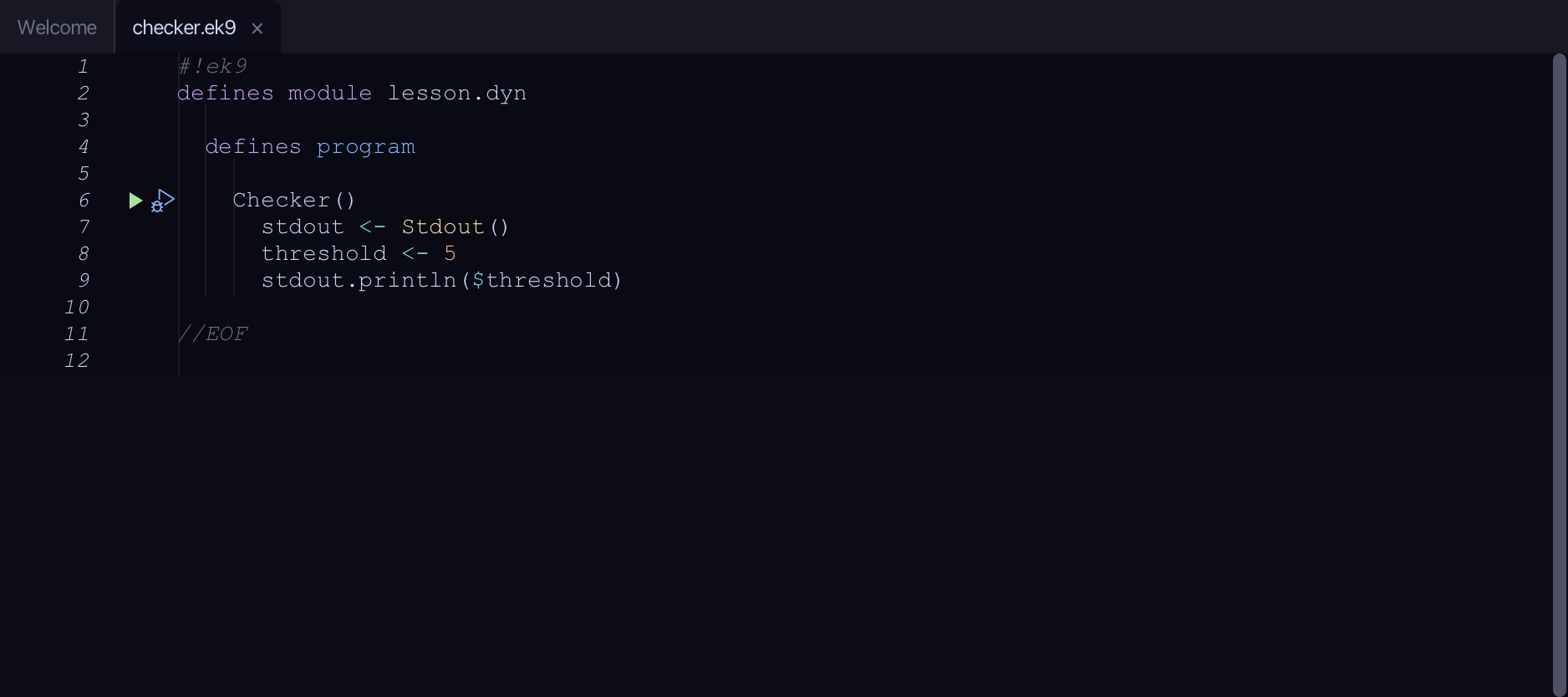
Start from
The code the lesson starts from: copy it into a file of your own and follow the steps.
#!ek9
defines module lesson.dyn

  defines program

    Checker()
      stdout <- Stdout()
      threshold <- 5
      stdout.println($threshold)

//EOF
Step 1: Where it goes
Put the caret at the end of the threshold <- 5 line - the closure is inserted straight after it.
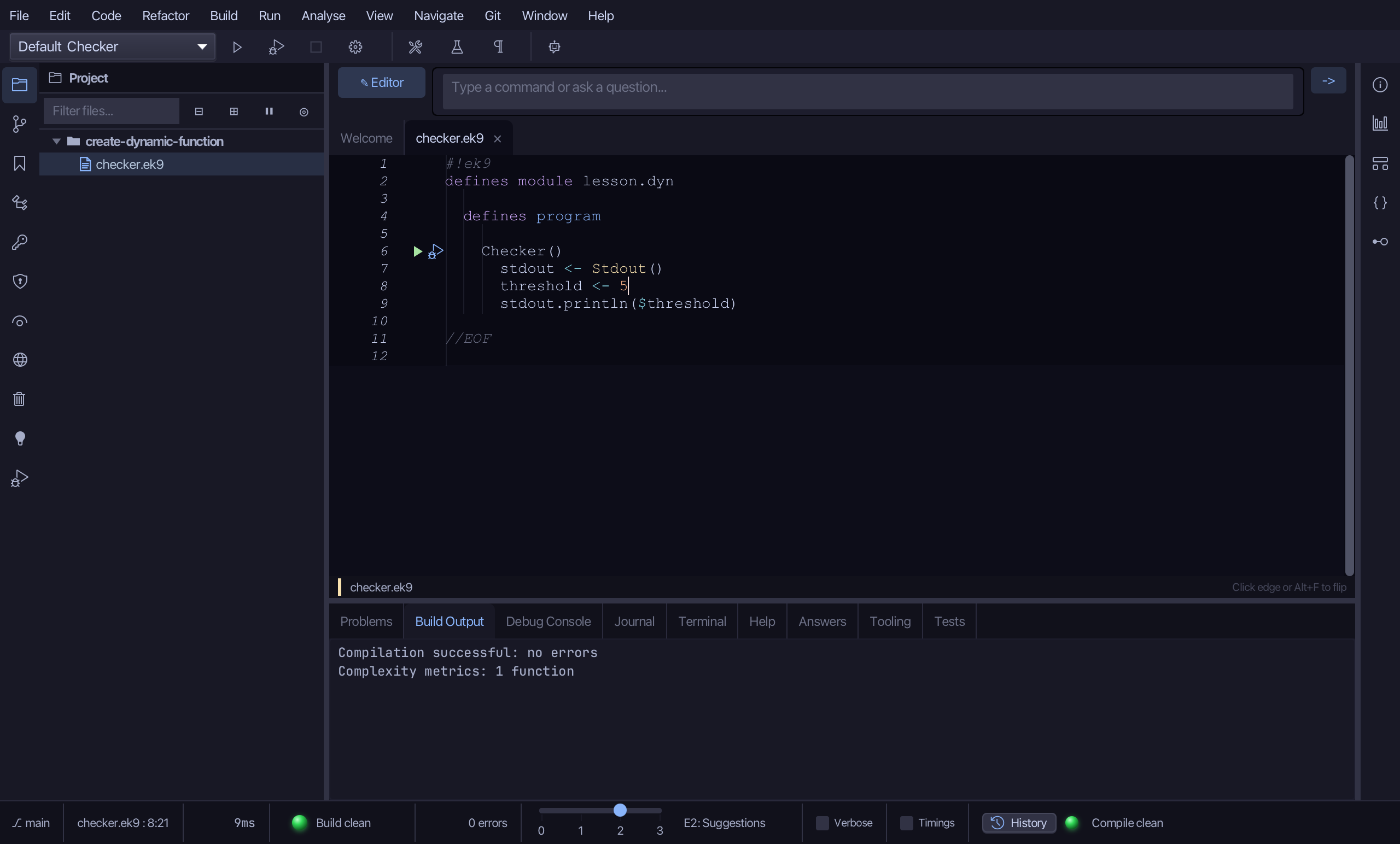
Step 2: Create the closure
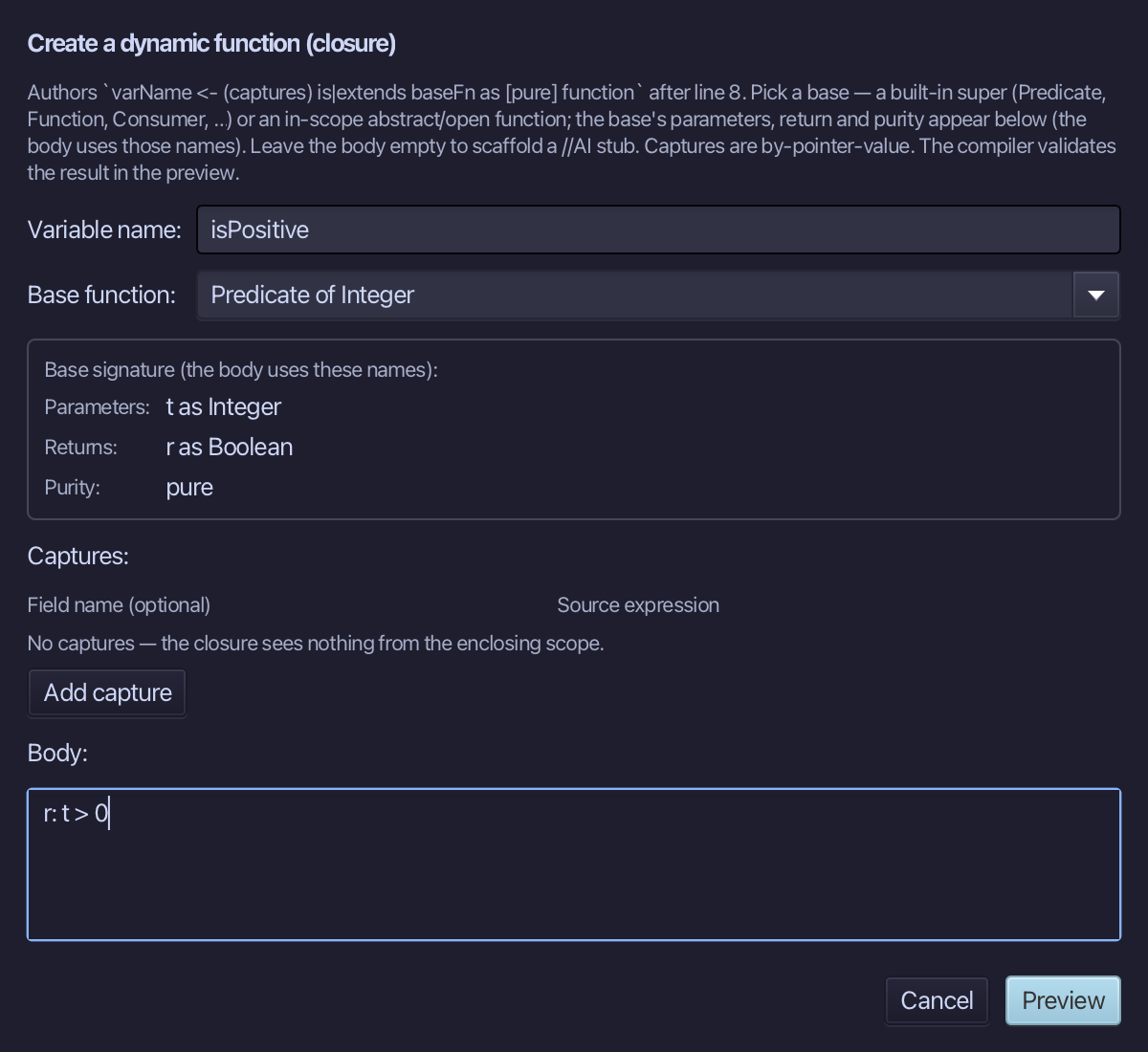
Right-click it - or choose Refactor > Refactor This… - and choose Create Dynamic Function…. Name the variable isPositive, pick Predicate of Integer as the base function - its parameter t and return r appear read-only below - type r: t > 0 as the body, and choose Preview.
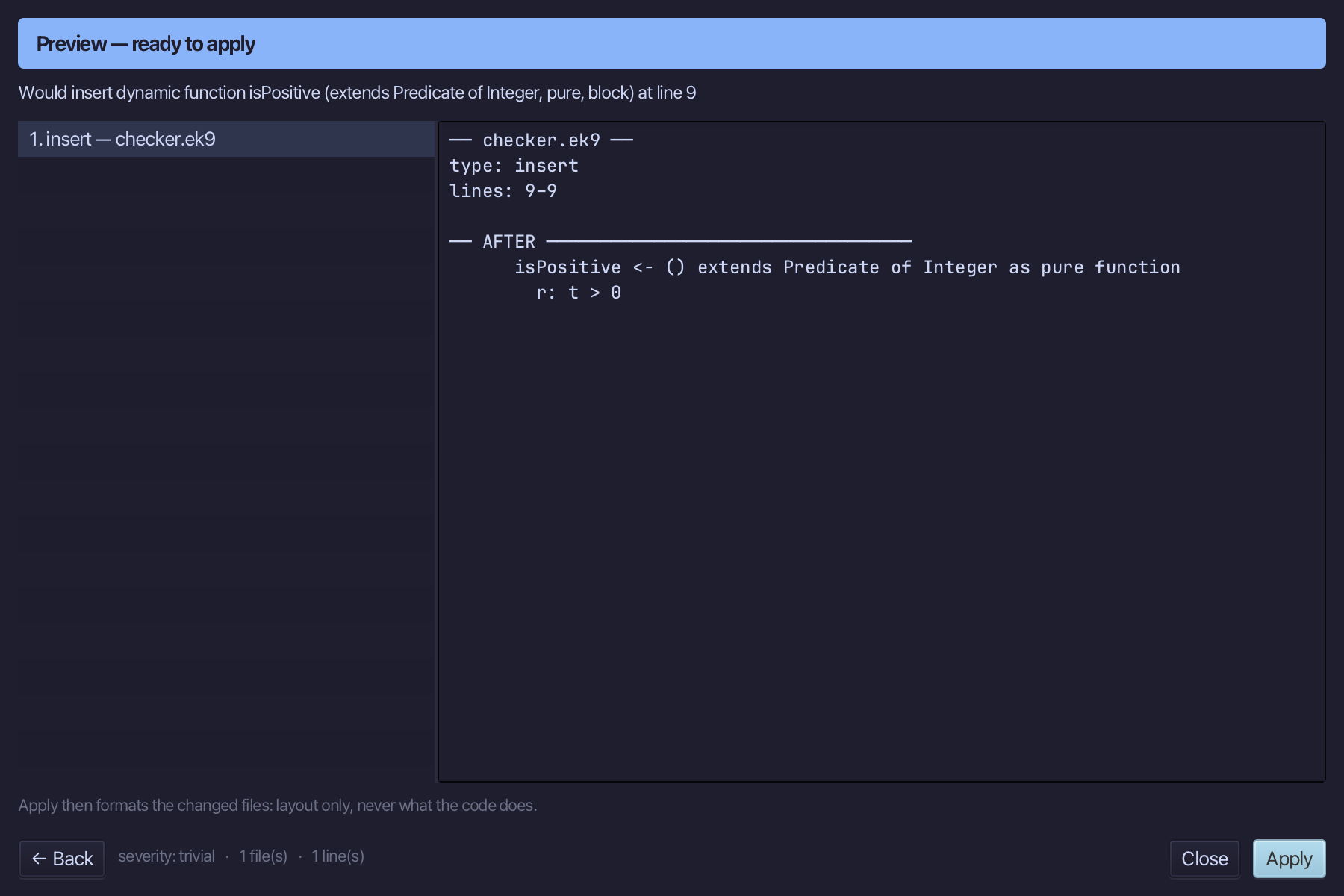
Step 3: Preview and apply
The preview shows the closure; then the IDE formats the file it changed. Choose Apply.
Step 4: Use it
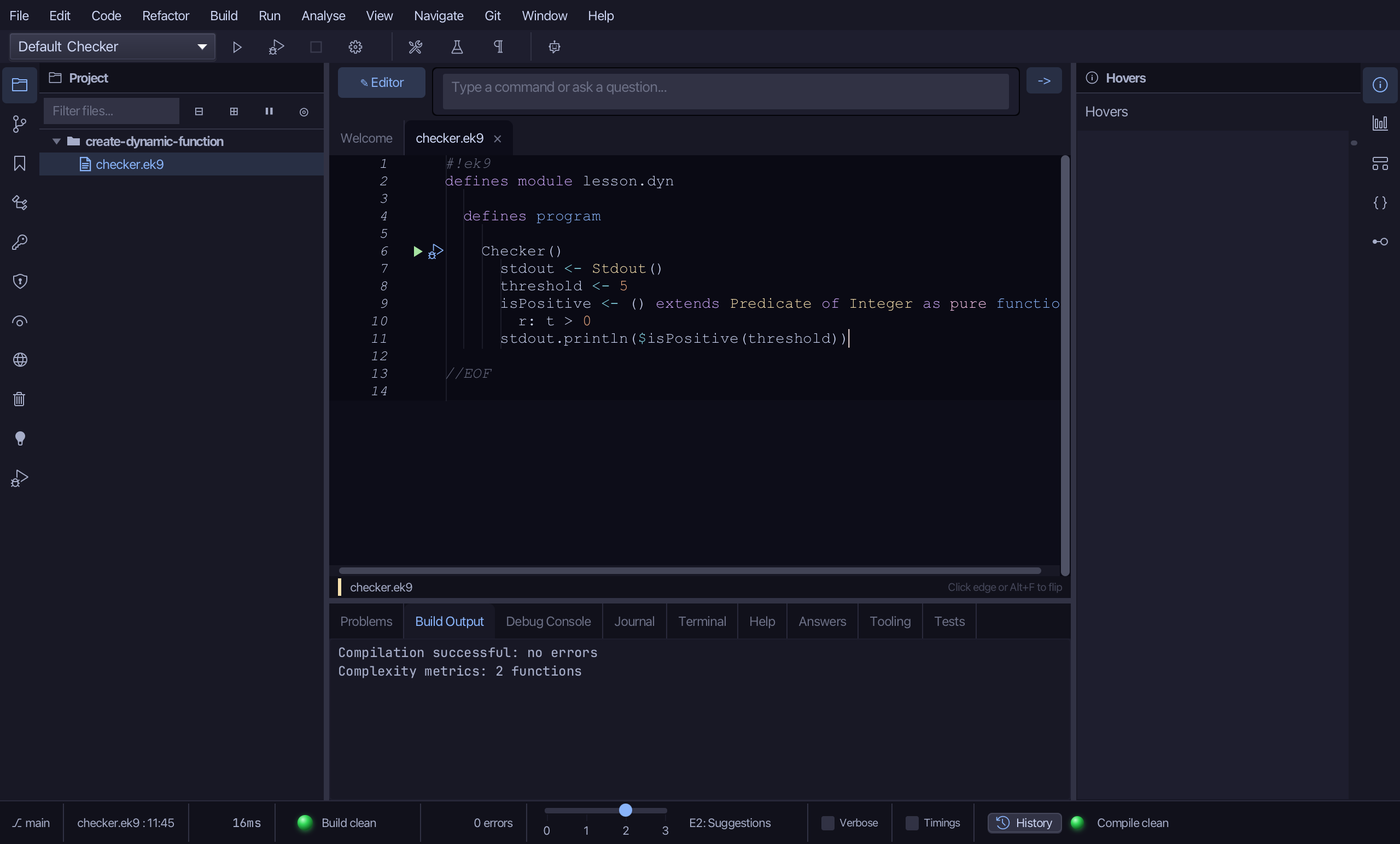
A closure never called is a local EK9 refuses (E08090) - replace stdout.println($threshold) with stdout.println($isPositive(threshold)) and save.
The result
That is Create Dynamic Function: isPositive is a closure extending Predicate of Integer, its body r: t > 0 - t and r are the base's own parameter and return names, shown read-only once the base is picked - and threshold's println now calls it. Leave the body empty and the tool scaffolds a //AI stub instead of refusing the dialog; a user-declared function works as the base the same way a built-in one does. It is on the right-click menu, and on Code ▸ Create Dynamic Function…, wherever the caret is inside a function, program or method body; AI assistants use the ek9_create_dynamic_function tool.
Where this lesson comes from
- Answers -
ek9 -qand the IDE's Answers tab: 52. - For AI assistants - the MCP tool
ek9_create_dynamic_function.