Chapter 13: data, an object and a function, built
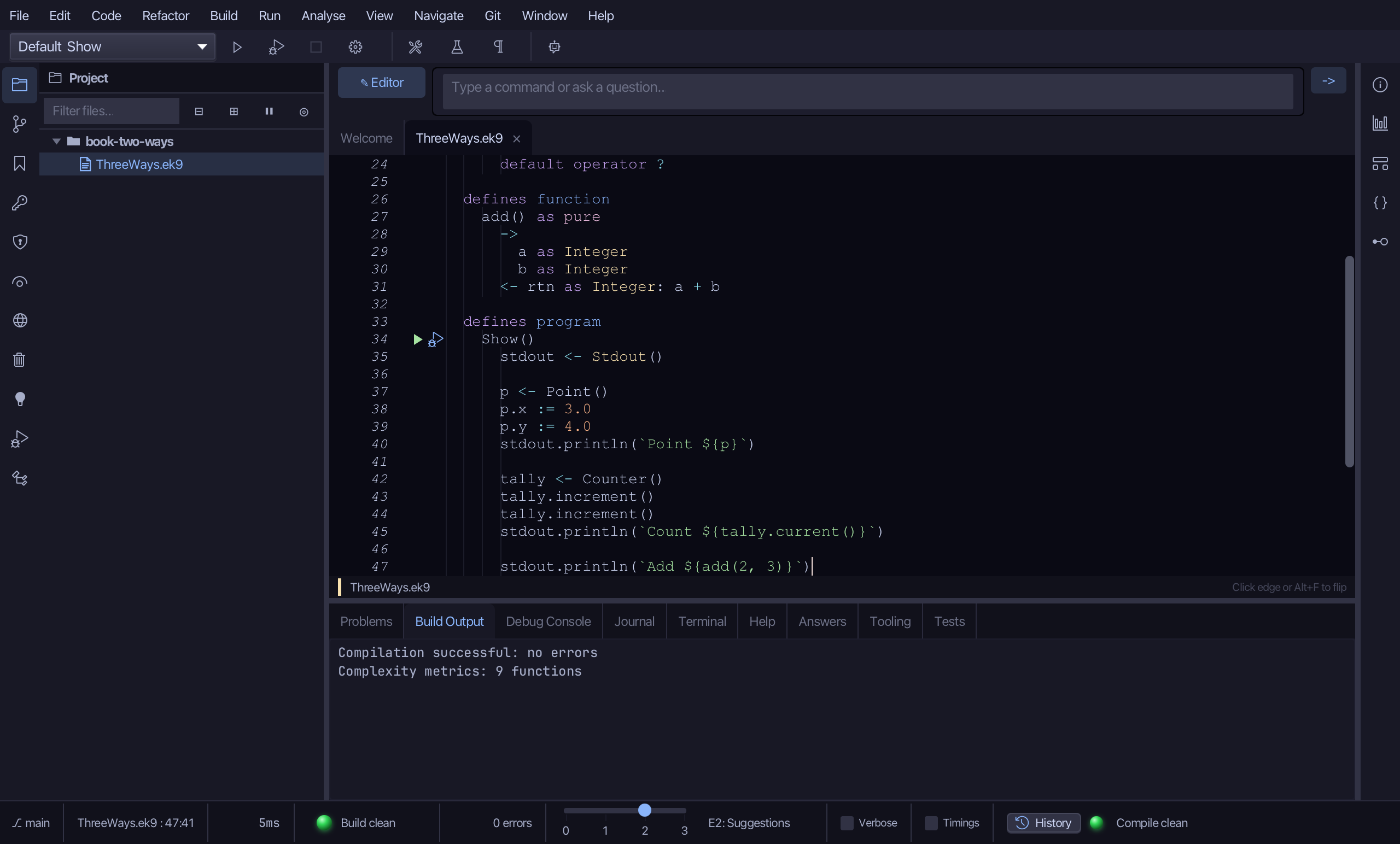
Chapter 13 sets out three ways to build: a record for data, a class for an object that looks after its data, and a function for behaviour with no state. This lesson builds one of each, side by side in one file, and a program that uses all three. The IDE's tools make each shell and signature; what is left to type is only the logic no tool can write. To play it in the IDE: Help > Lessons > Getting Started with EK9…, or ek9 -ide -lesson book-two-ways.
What you'll build
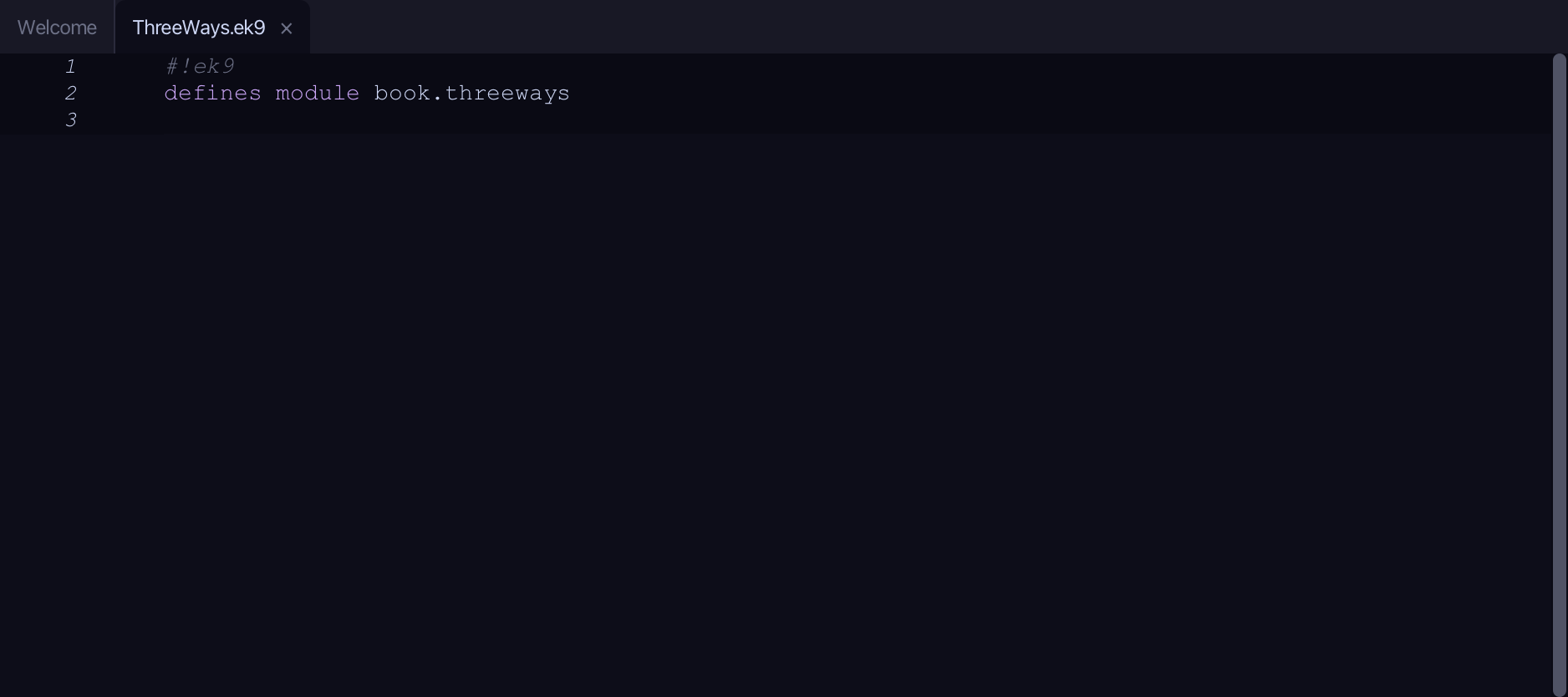
The lesson builds this program from a file holding only its module line - the finished file, as the book prints it.
#!ek9
defines module book.threeways

  defines record
    Point
      x as Float: 0.0
      y as Float: 0.0

      operator $ as pure
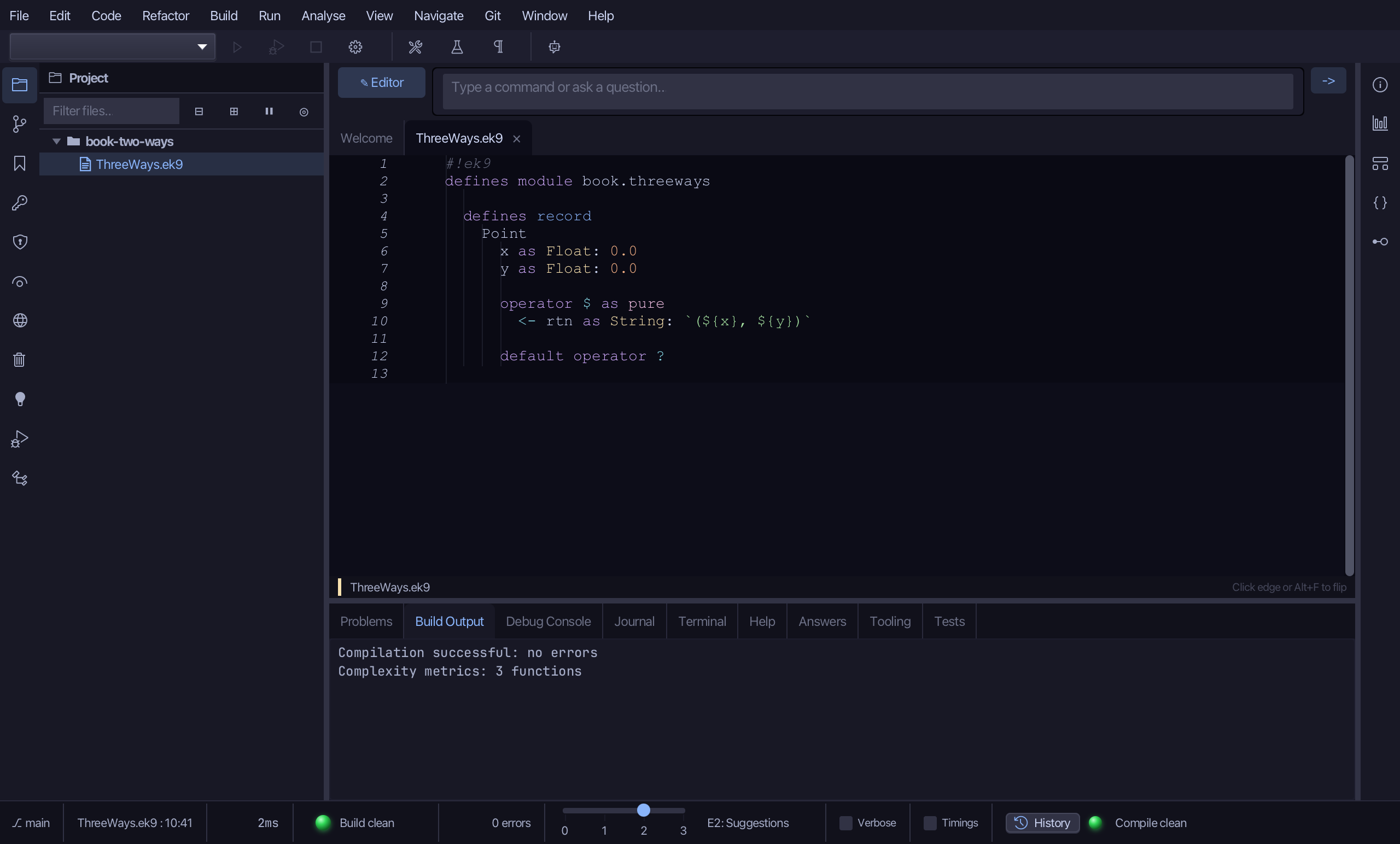
        <- rtn as String: `(${x}, ${y})`

      default operator ?

  defines class
    Counter
      count as Integer: 0

      increment()
        count += 1

      current() as pure
        <- rtn <- Integer(count)

      default operator ?

  defines function
    add() as pure
      ->
        a as Integer
        b as Integer
      <- rtn as Integer: a + b

  defines program
    Show()
      stdout <- Stdout()

      p <- Point()
      p.x := 3.0
      p.y := 4.0
      stdout.println(`Point ${p}`)

      tally <- Counter()
      tally.increment()
      tally.increment()
      stdout.println(`Count ${tally.current()}`)

      stdout.println(`Add ${add(2, 3)}`)
Step 1: Data: a record
Choose Code > New Construct > Record…
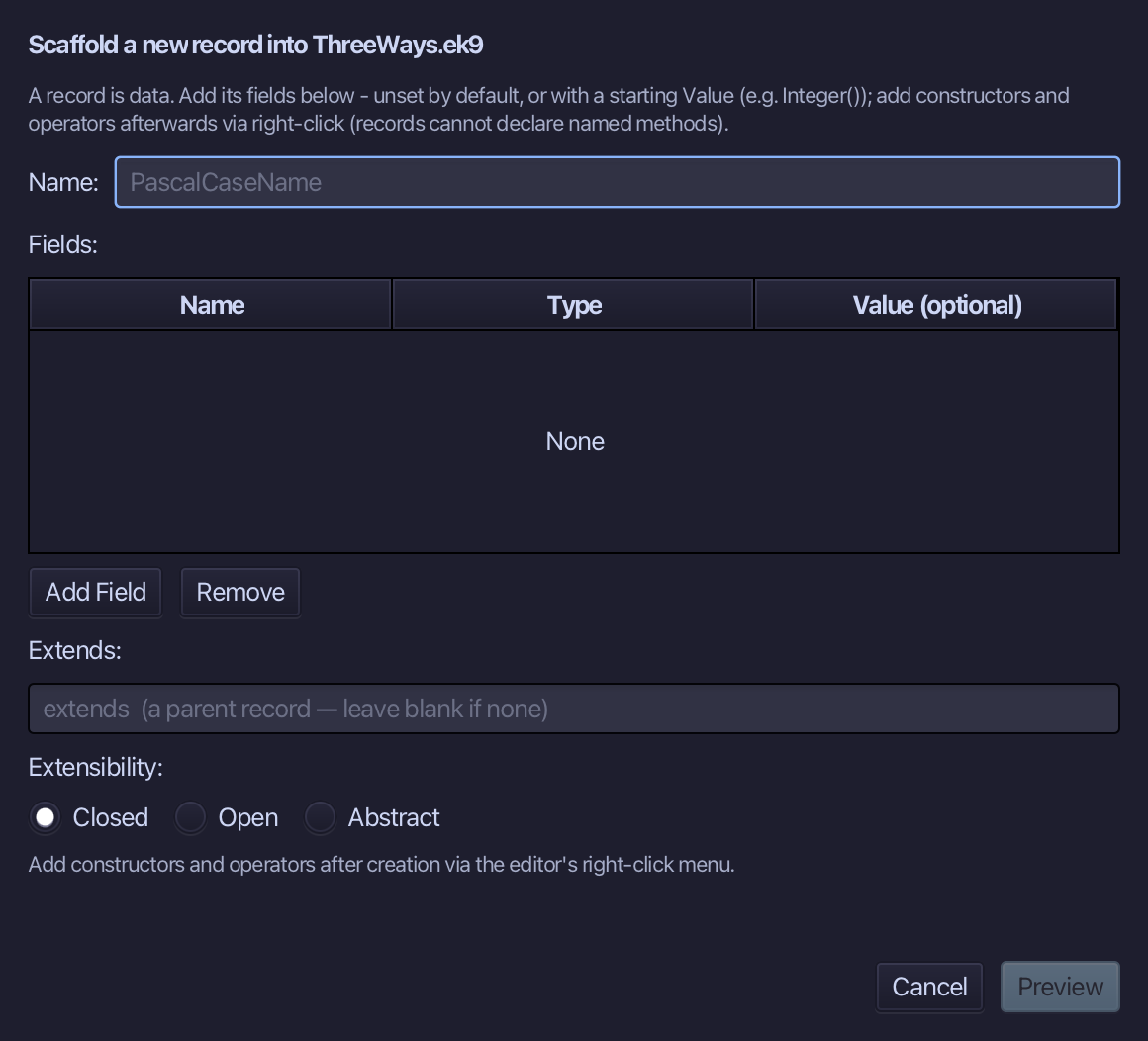
Point is the record's name. Add x and y, both Float, each starting at 0.0 - a record is just named data. Choose Preview.
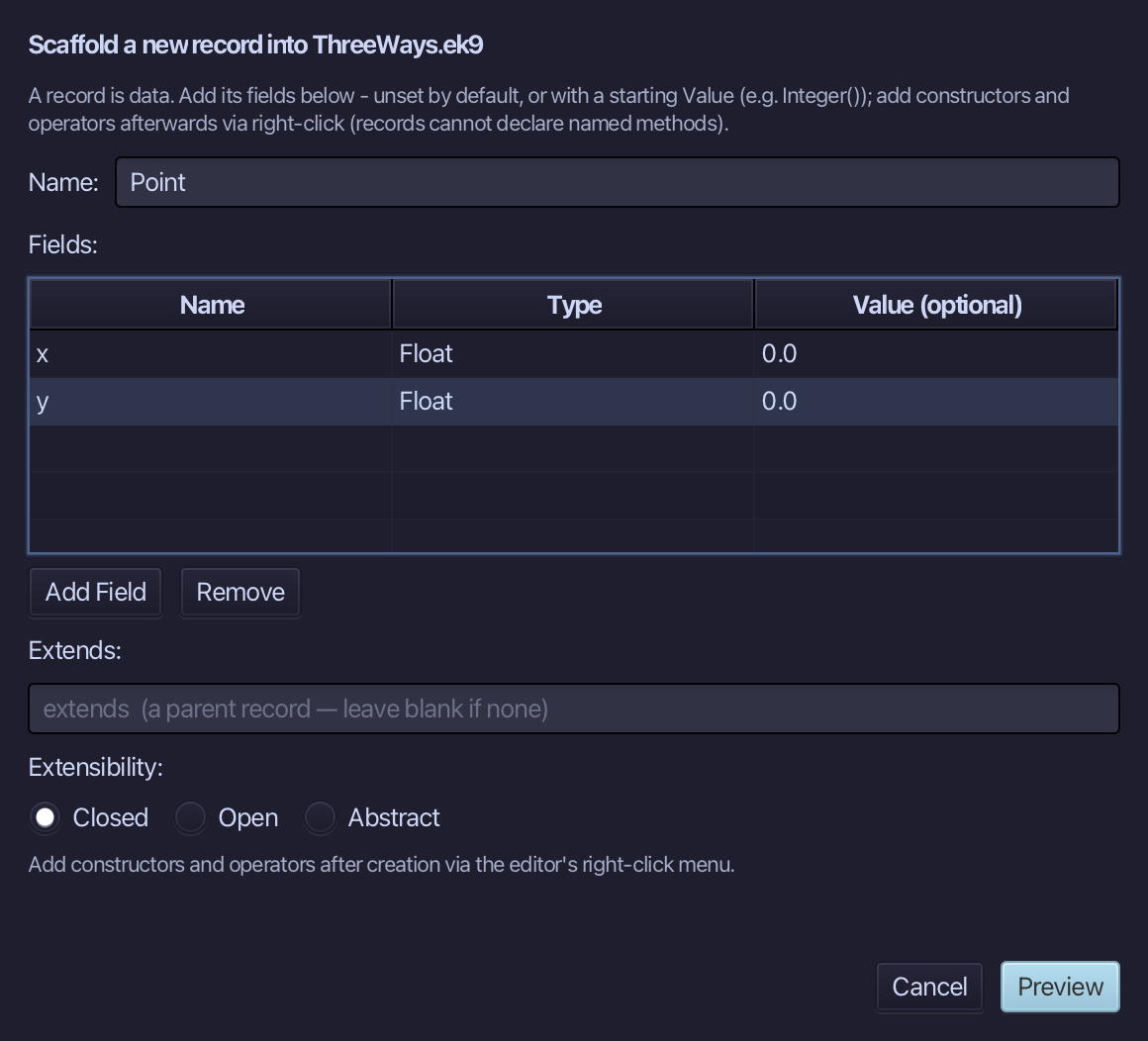
The preview shows Point with both fields - and default operator ? with them: a record that holds fields must say when it counts as set. Choose Apply.
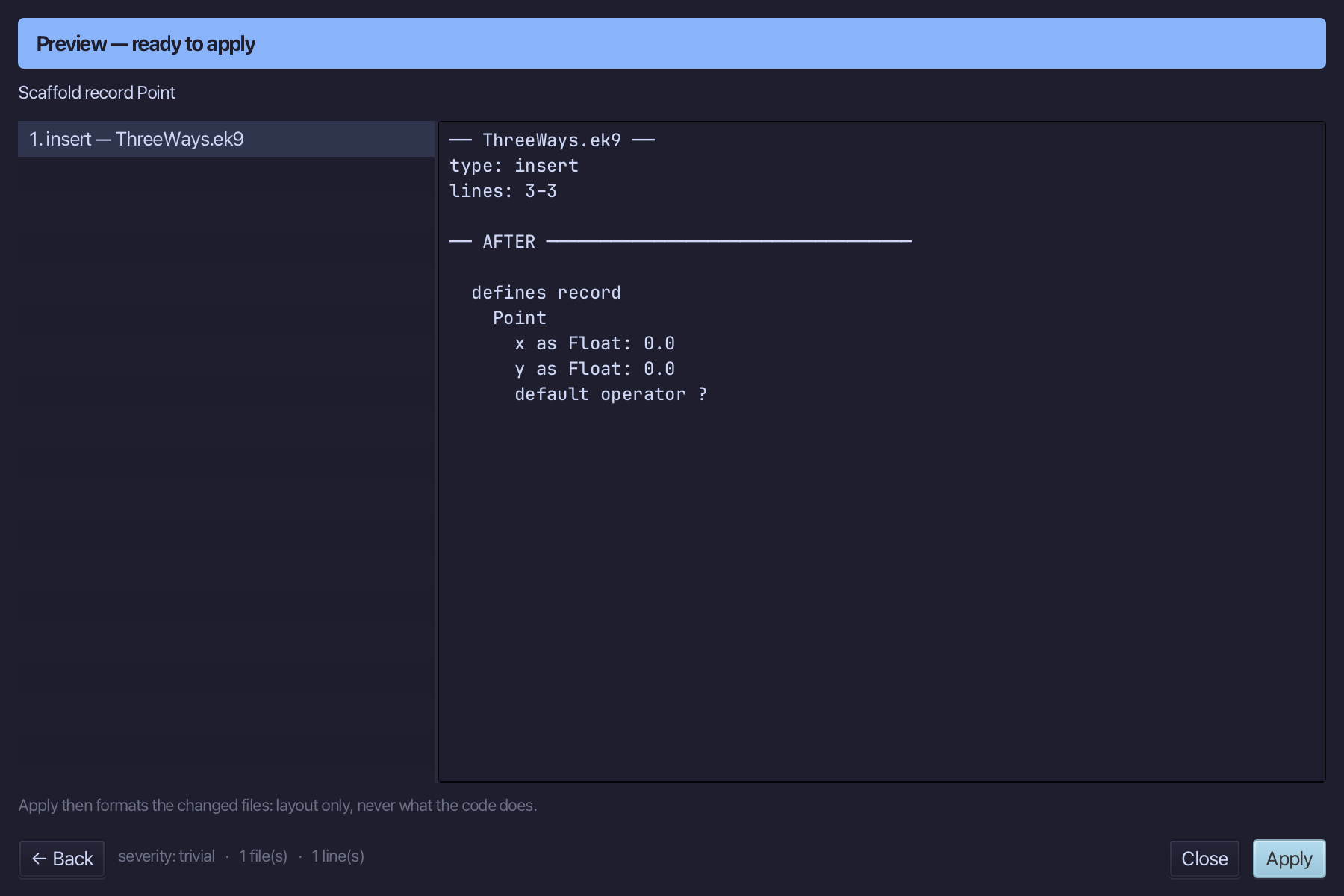
Right-click the Point line and choose Add Operator > $ (string) > skeleton - a text form for a point.
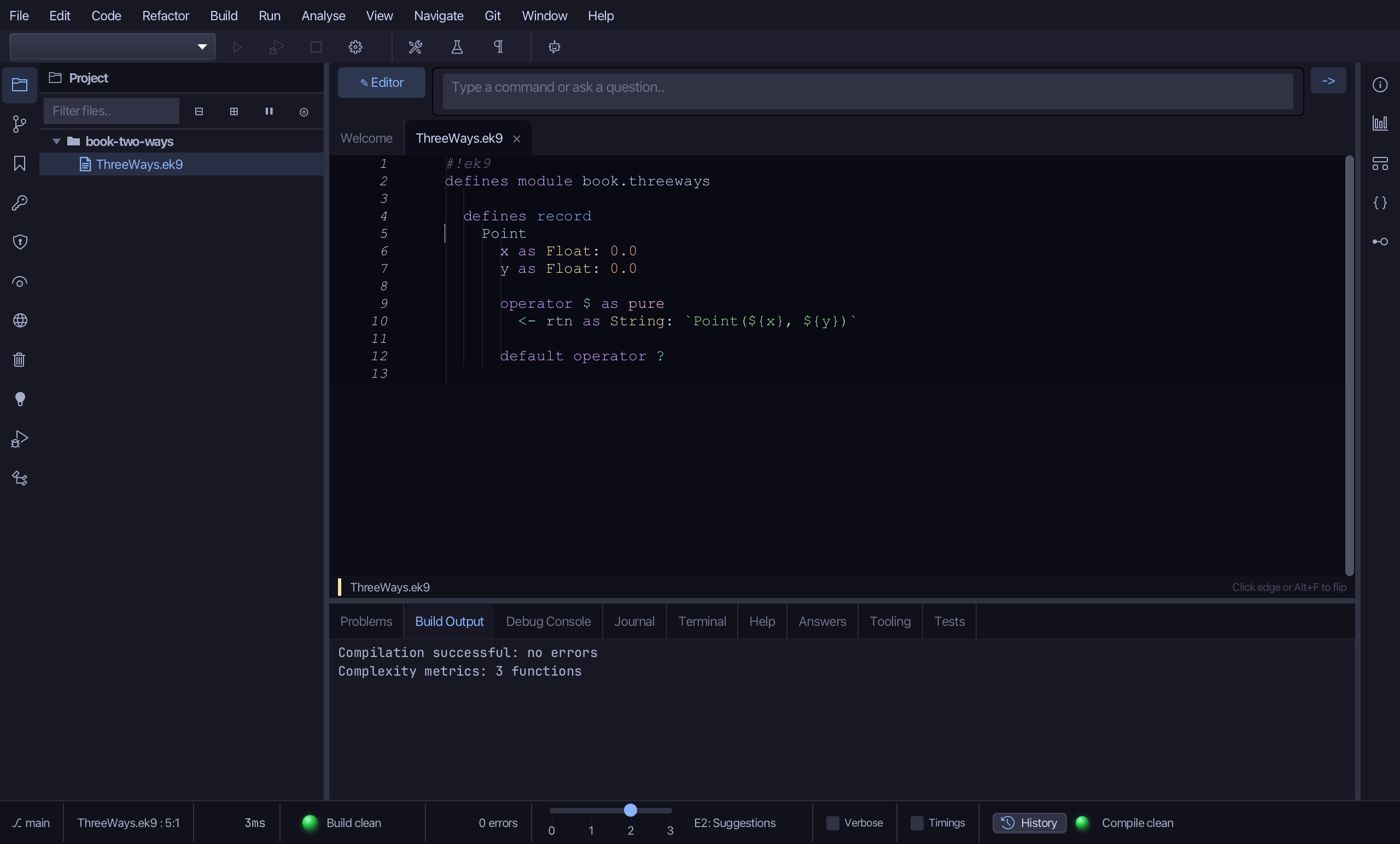
Select the stub line and type $'s own text form - just the two numbers in parentheses. Saves when typed.
Step 2: An object: a class
Choose Code > New Construct > Class…
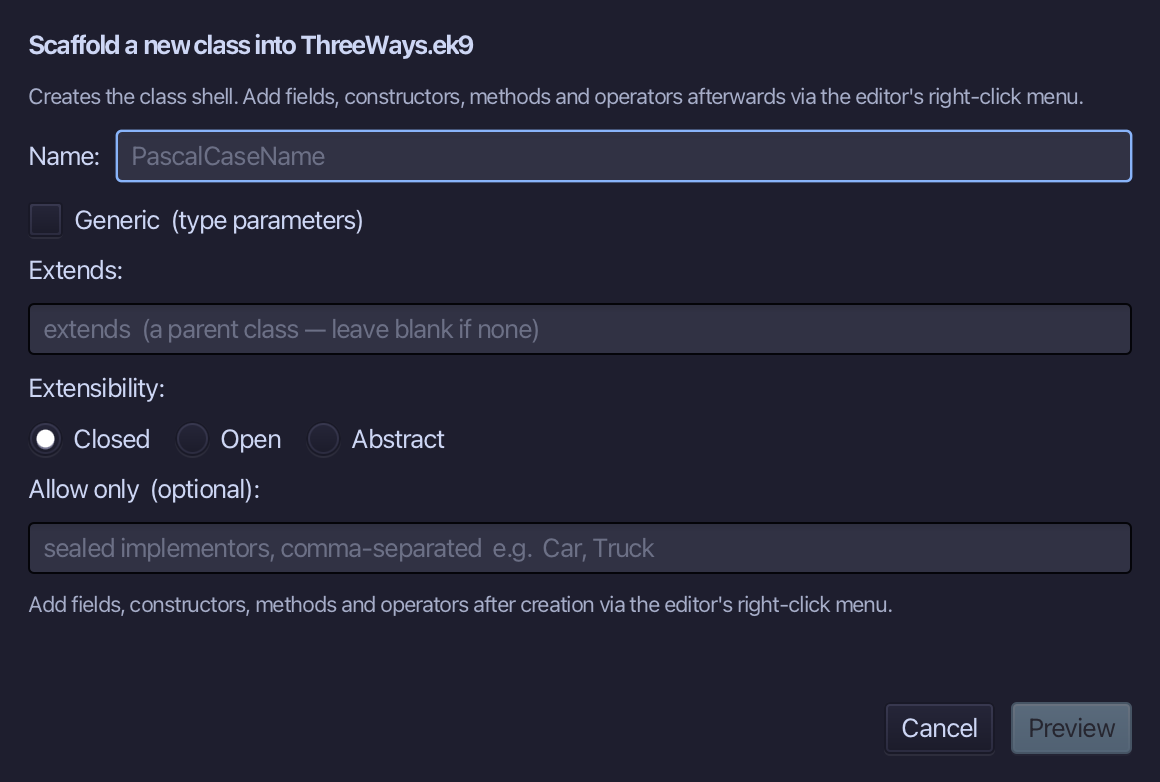
Counter is the class's name. Closed is already selected - EK9's default. Type Counter and choose Preview.
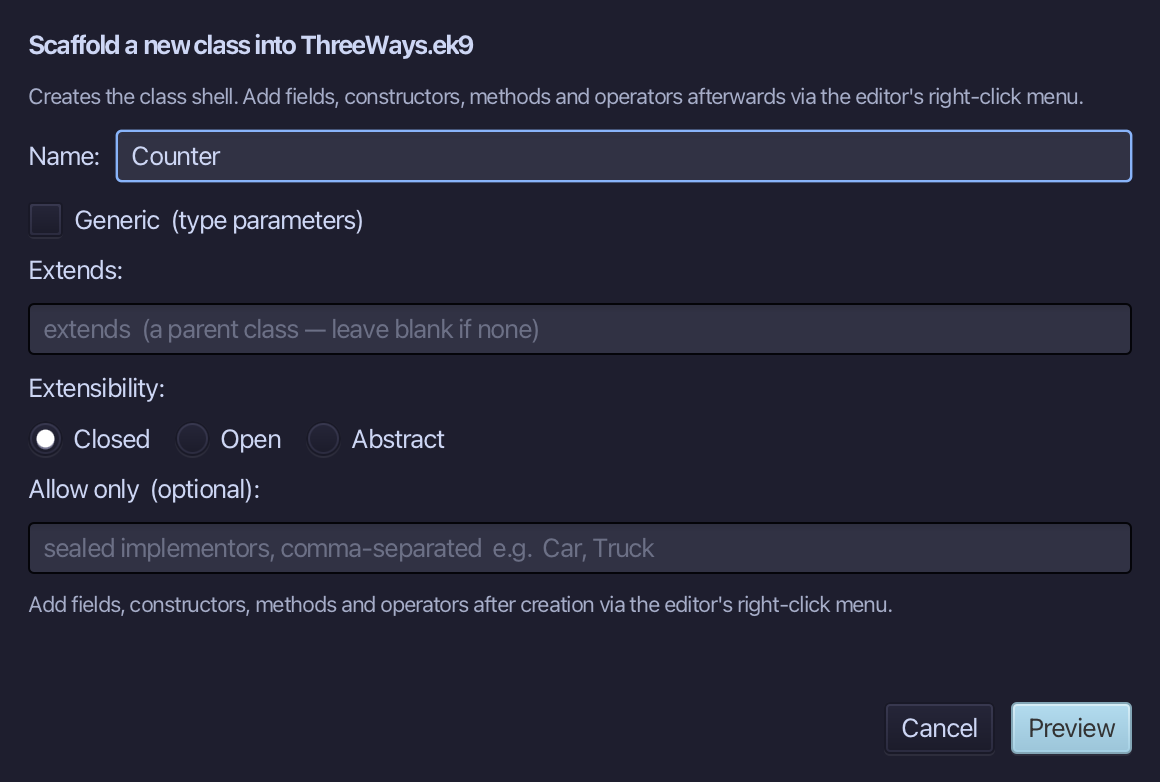
The preview shows Counter about to be written, in a defines class block of its own beside the record. Choose Apply.
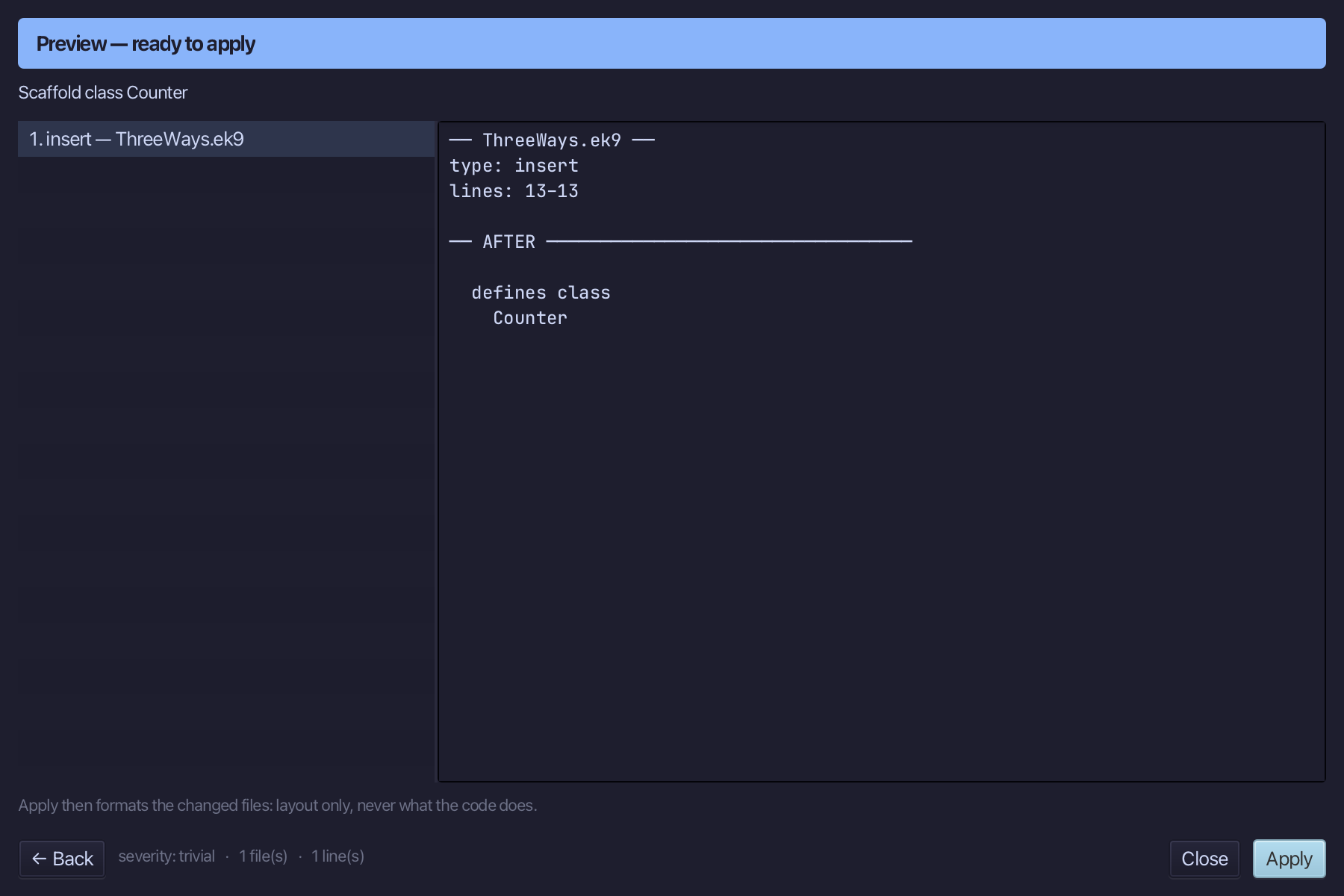
Right-click the Counter line and choose Add Field…
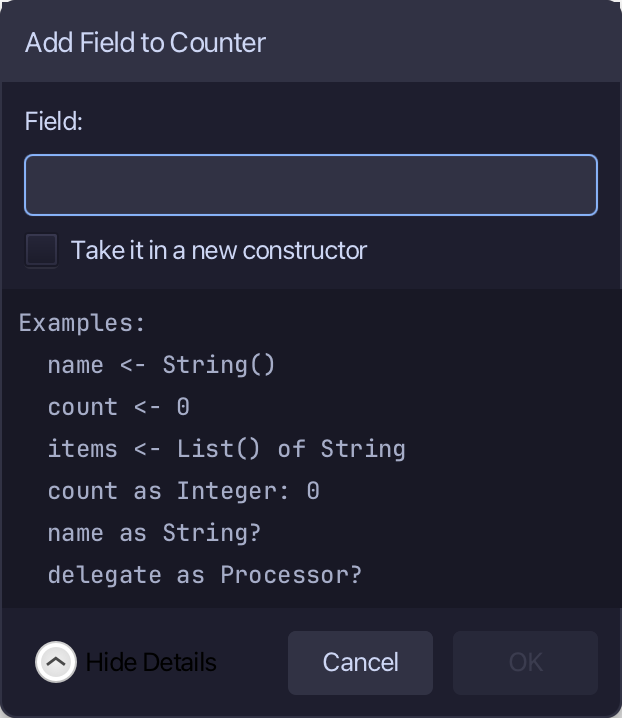
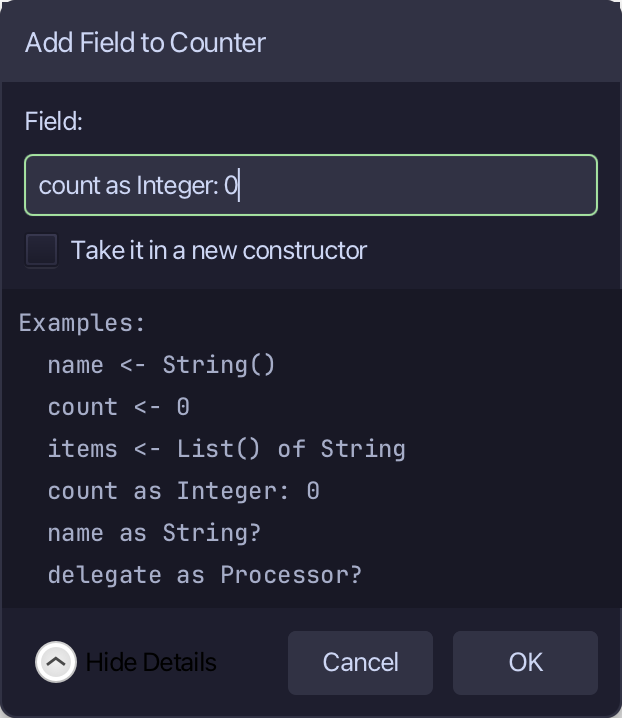
Type count as Integer: 0 - the data the object looks after. Choose OK.
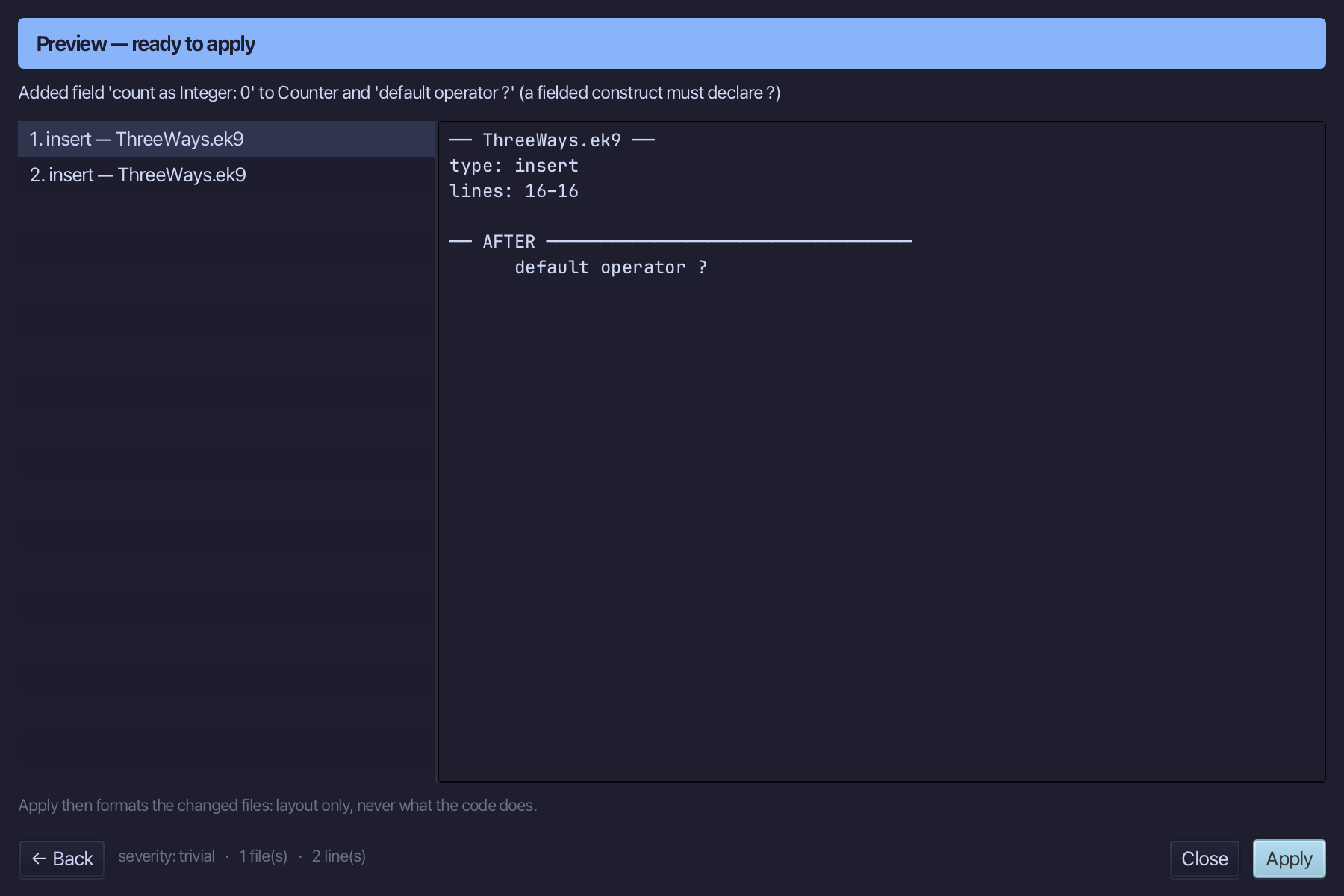
The preview shows count added - and default operator ? with it. Choose Apply.
Right-click the Counter line and choose Add Method…
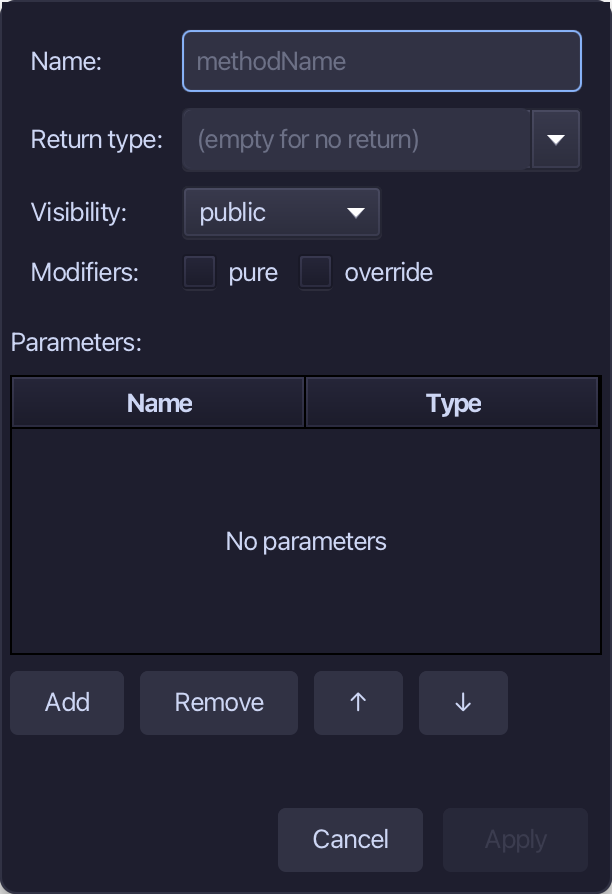
increment is the method's name - no return, not pure: it changes count. Type increment and choose Apply.
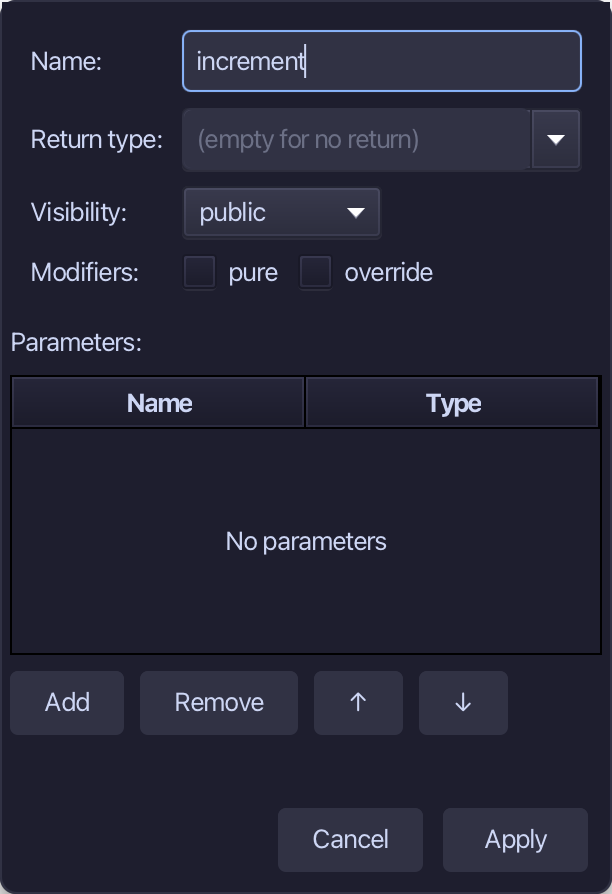
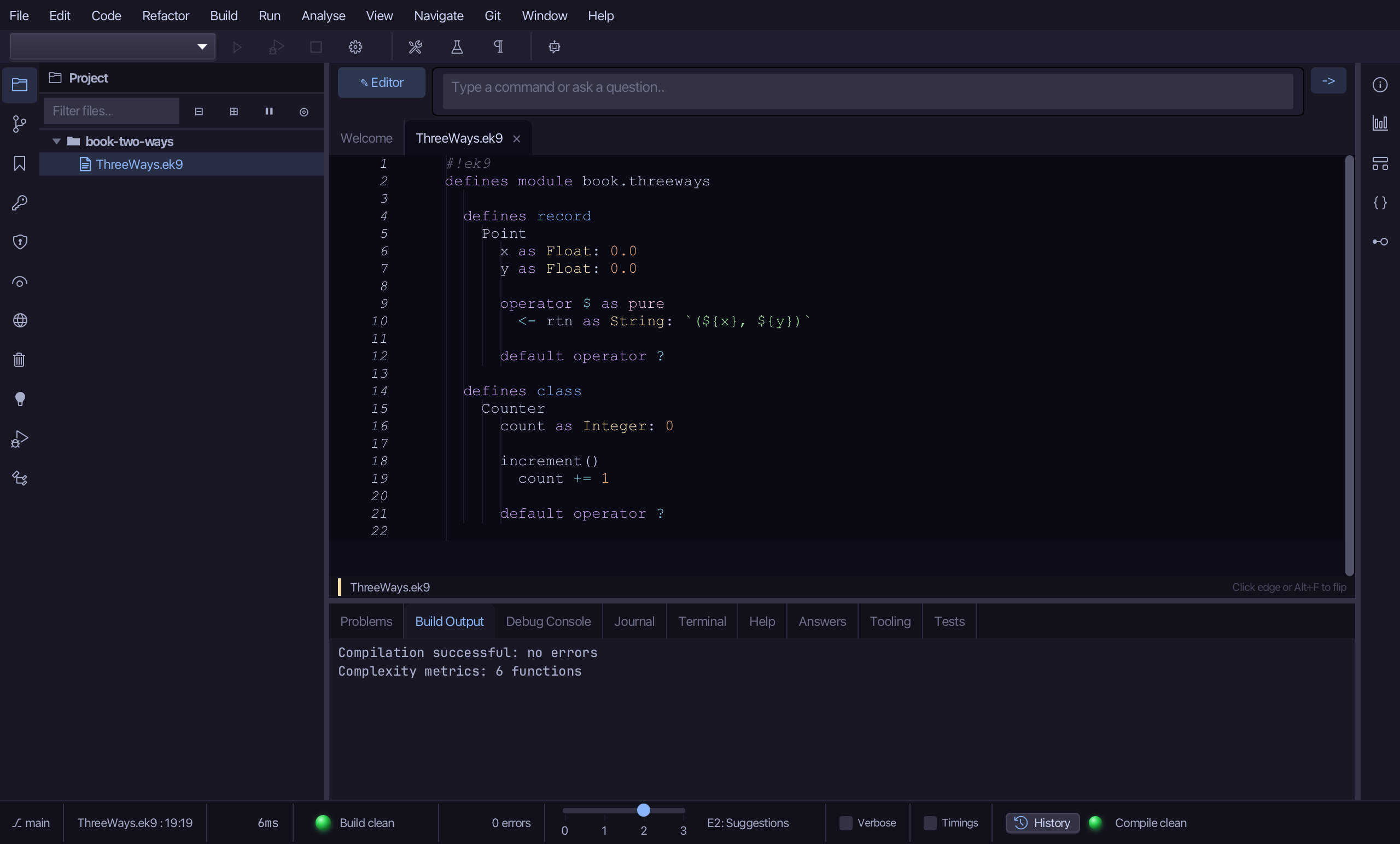
Select the stub, from ready <- true down to its //AI line, and type count += 1. Saves when typed.
Right-click the Counter line and choose Add Method…
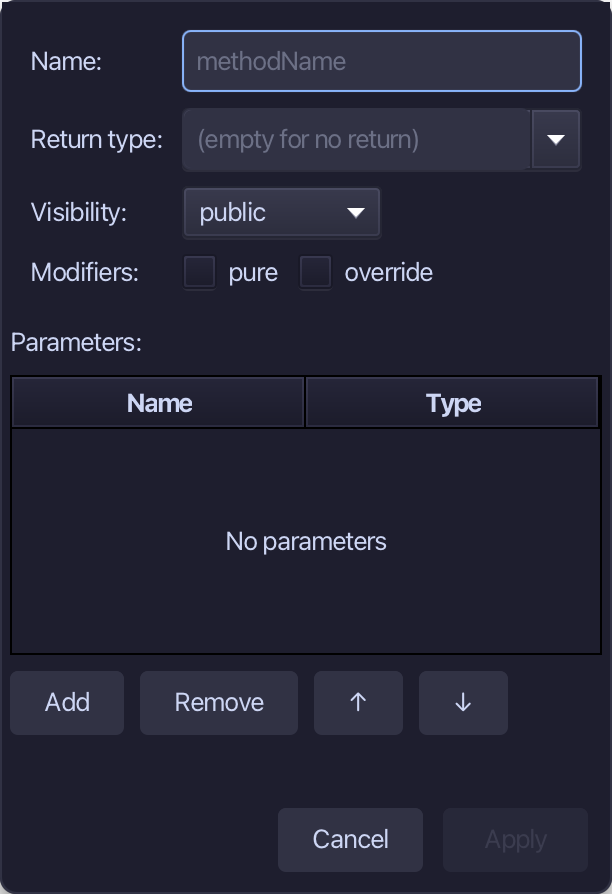
current is the name, Integer the return type, and pure ticked - it only reads count. Fill them in and choose Apply.
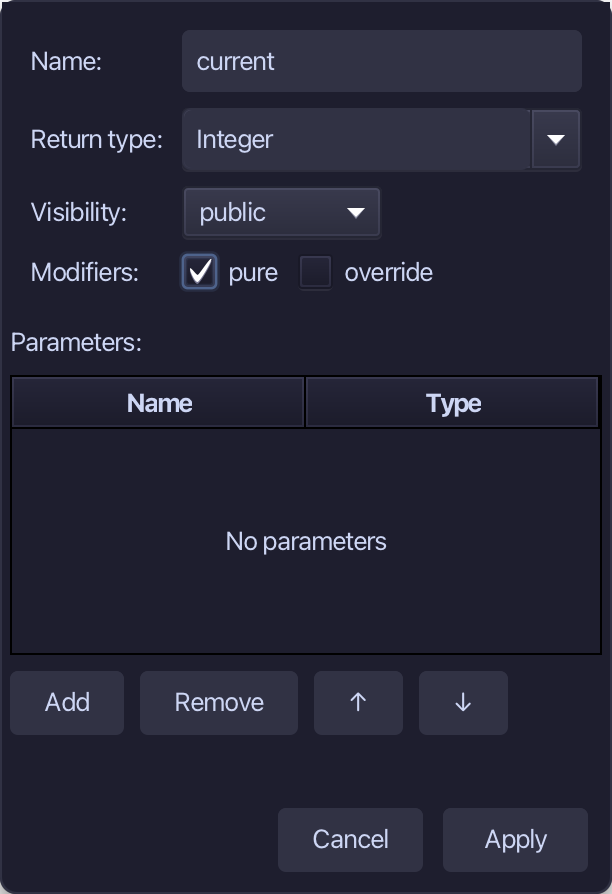
Select the stub, from <- rtn as Integer: 0 down to its //AI line, and type <- rtn <- Integer(count) - a copy of the count, not the field itself. Saves when typed.
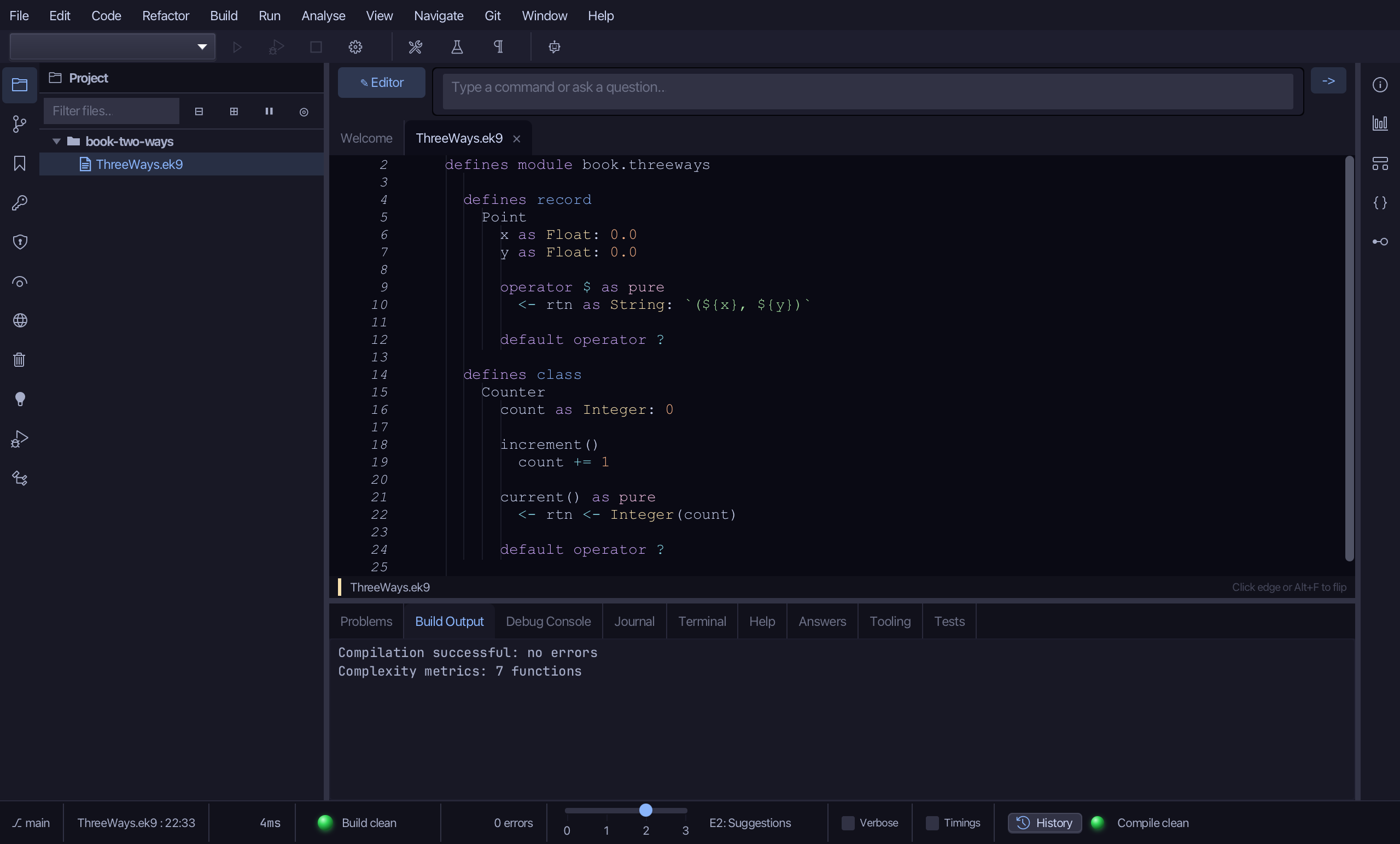
Step 3: Behaviour: a function
Choose Code > New Construct > Function…
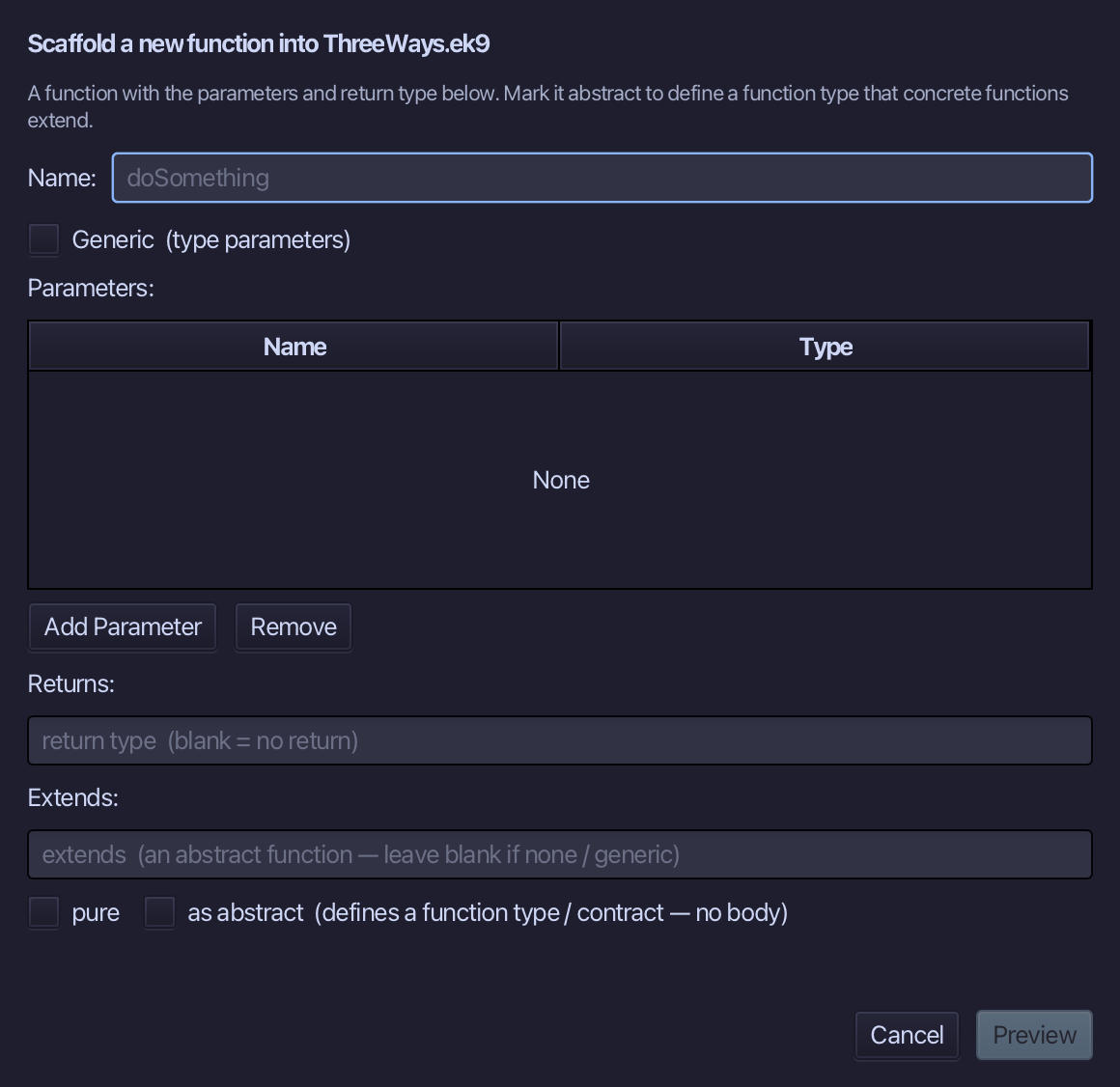
add is the function's name. Add two parameters, a and b, both Integer, set Returns to Integer and tick pure. Choose Preview.
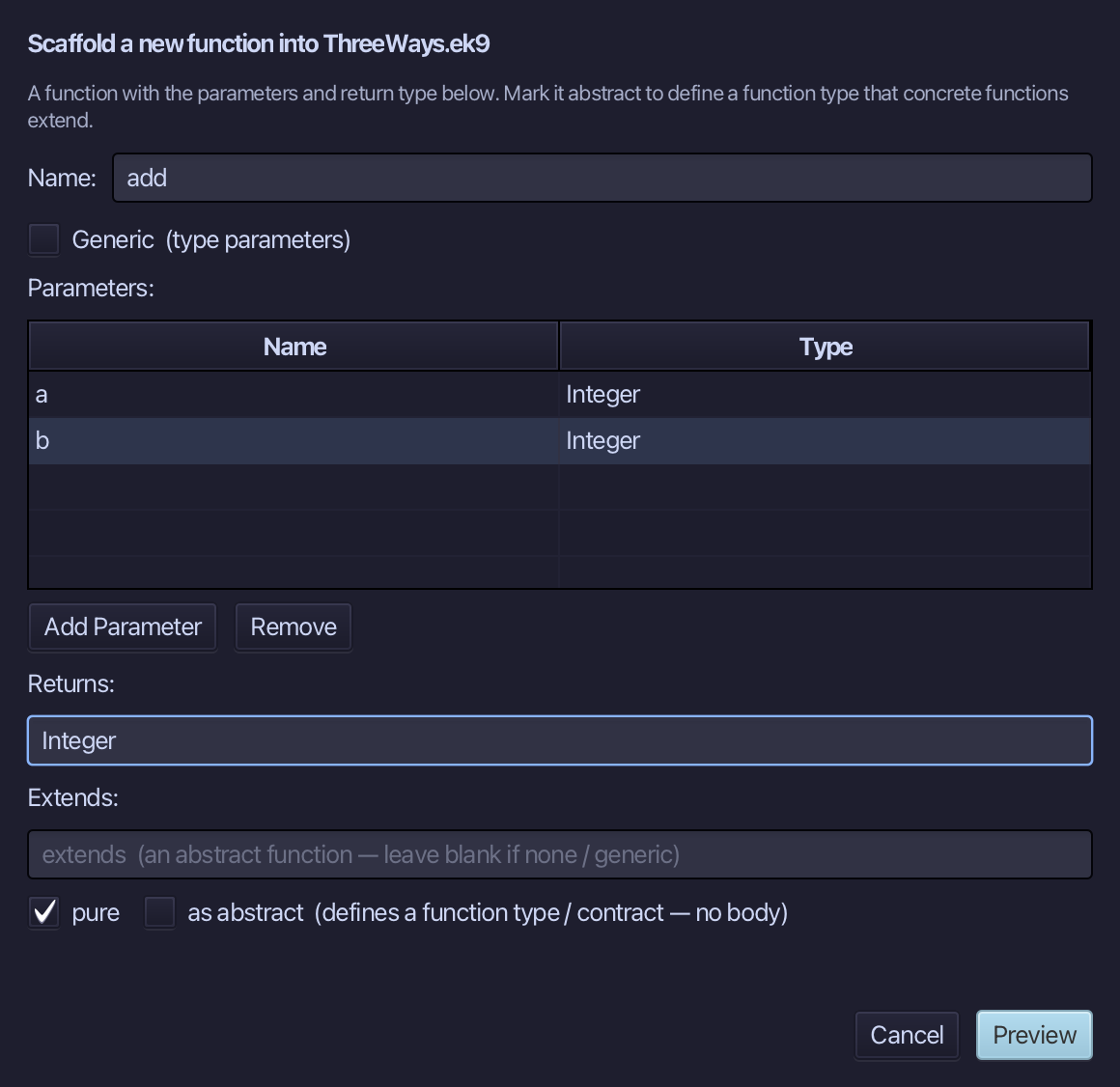
The preview shows add about to be written, pure, a and b in and an Integer out. Choose Apply.
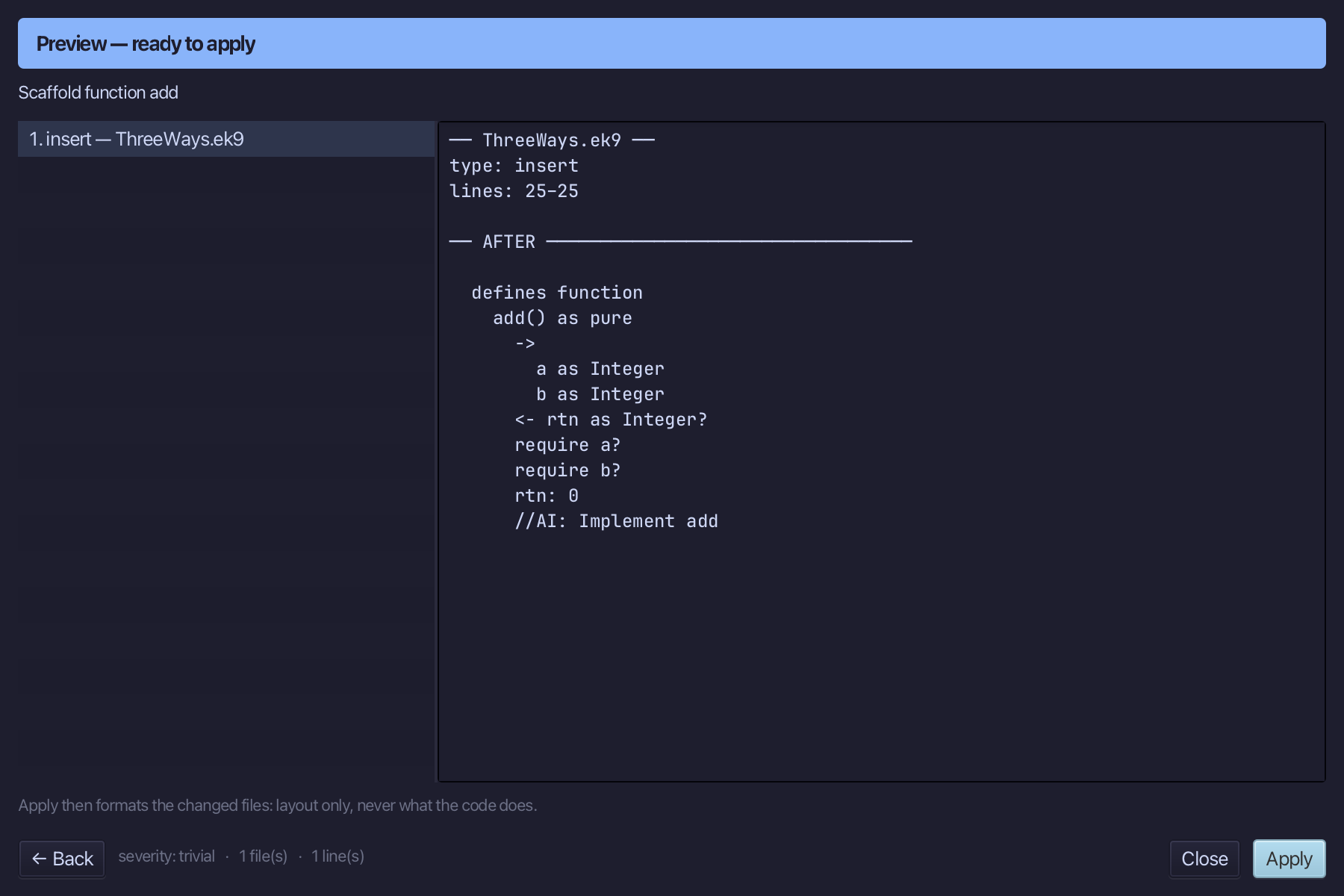
Select the stub, from <- rtn as Integer? down to its //AI line, and type the sum, returned as rtn: a + b. Saves when typed.
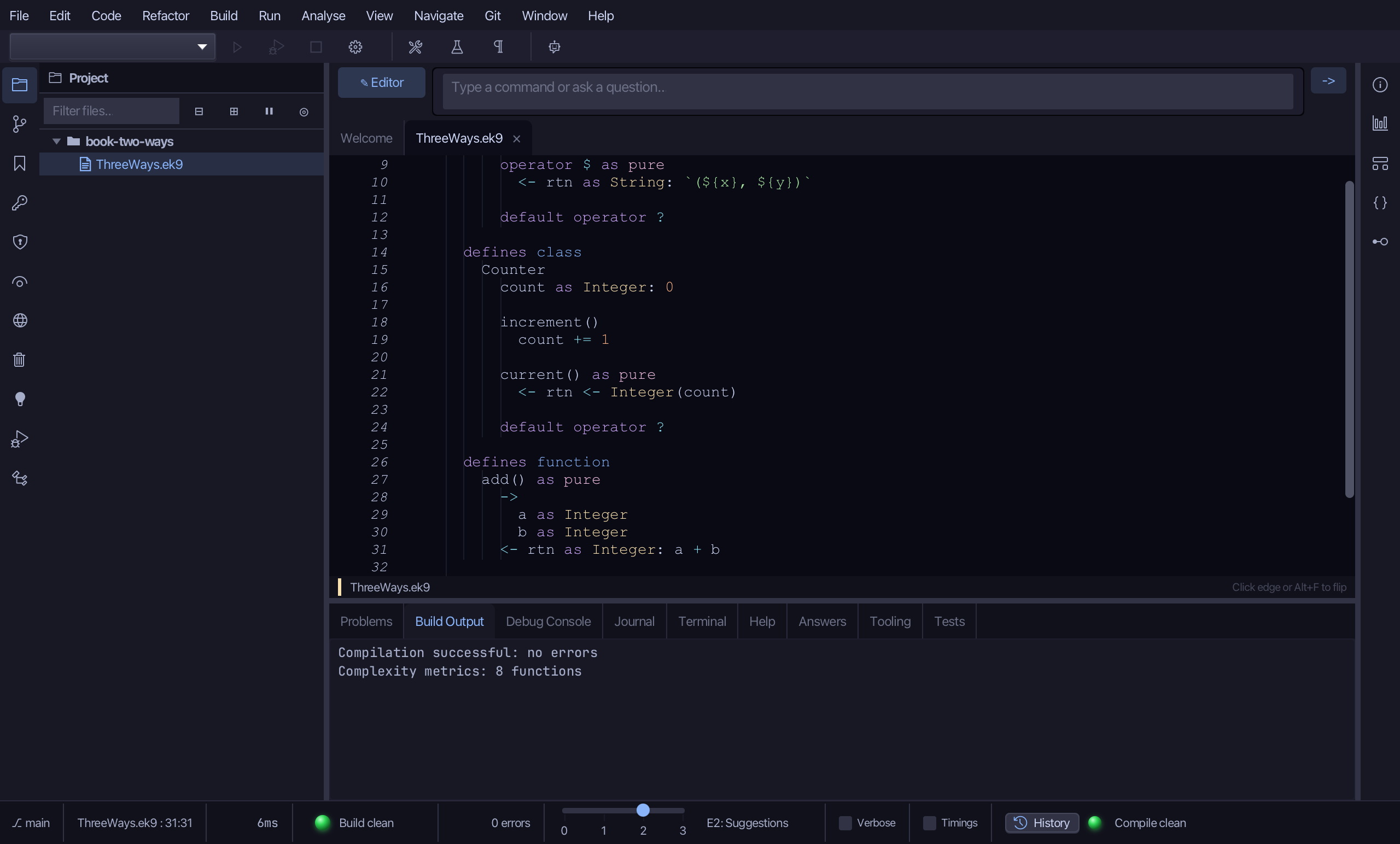
Step 4: One program, all three
Choose Code > New Construct > Program…
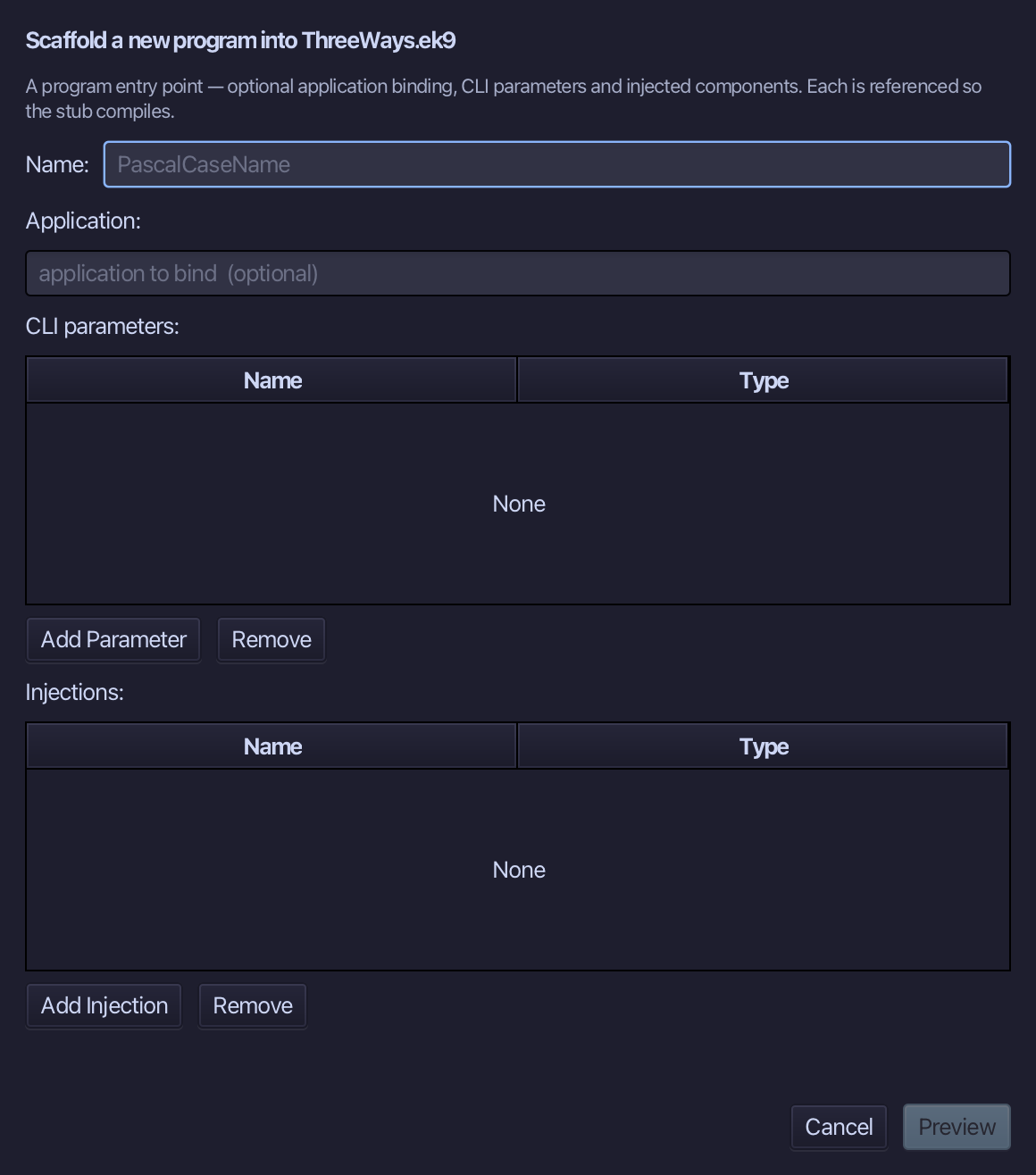
Show is the program's name. Type Show and choose Preview.
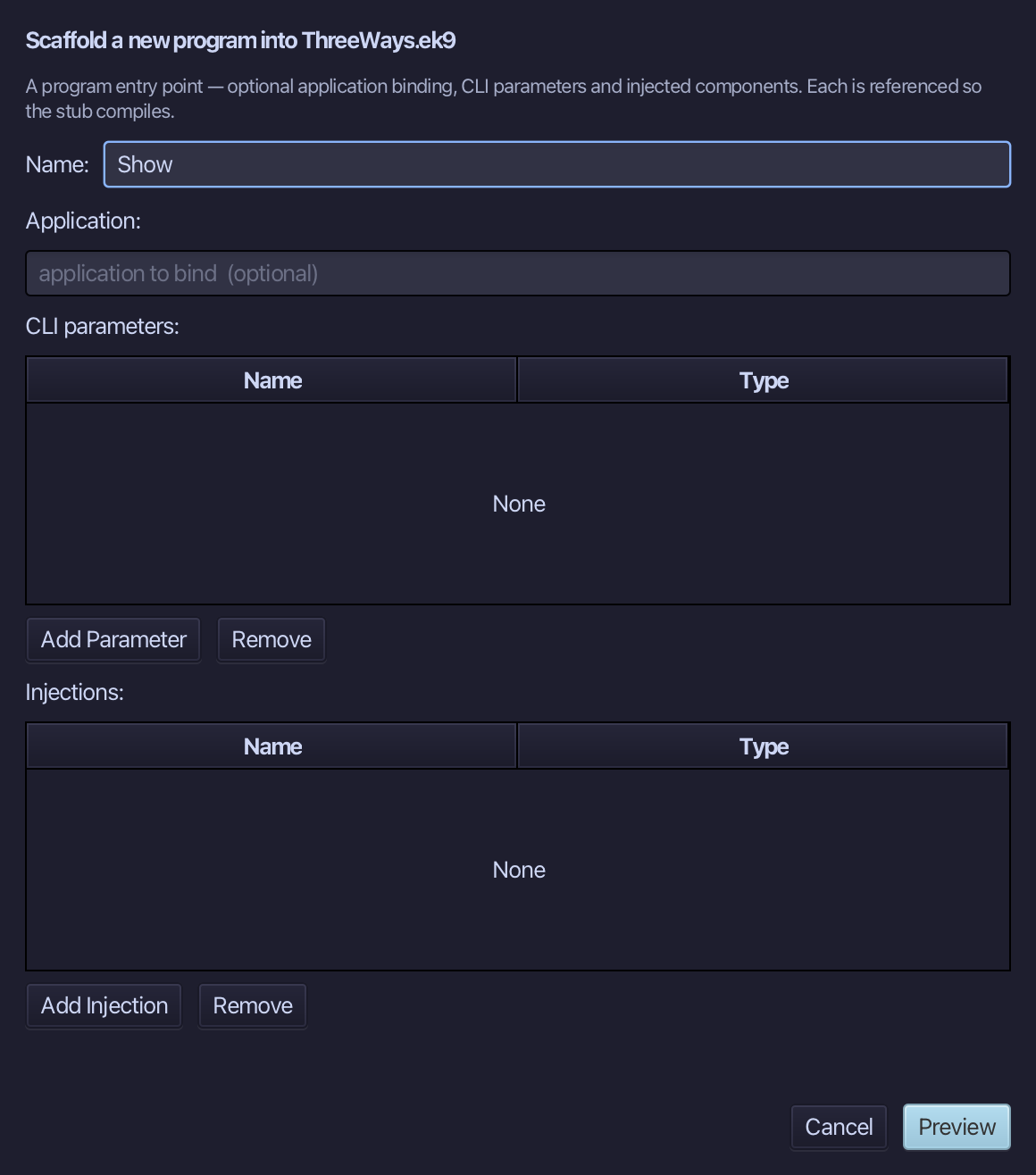
The preview shows Show about to be written. Choose Apply.
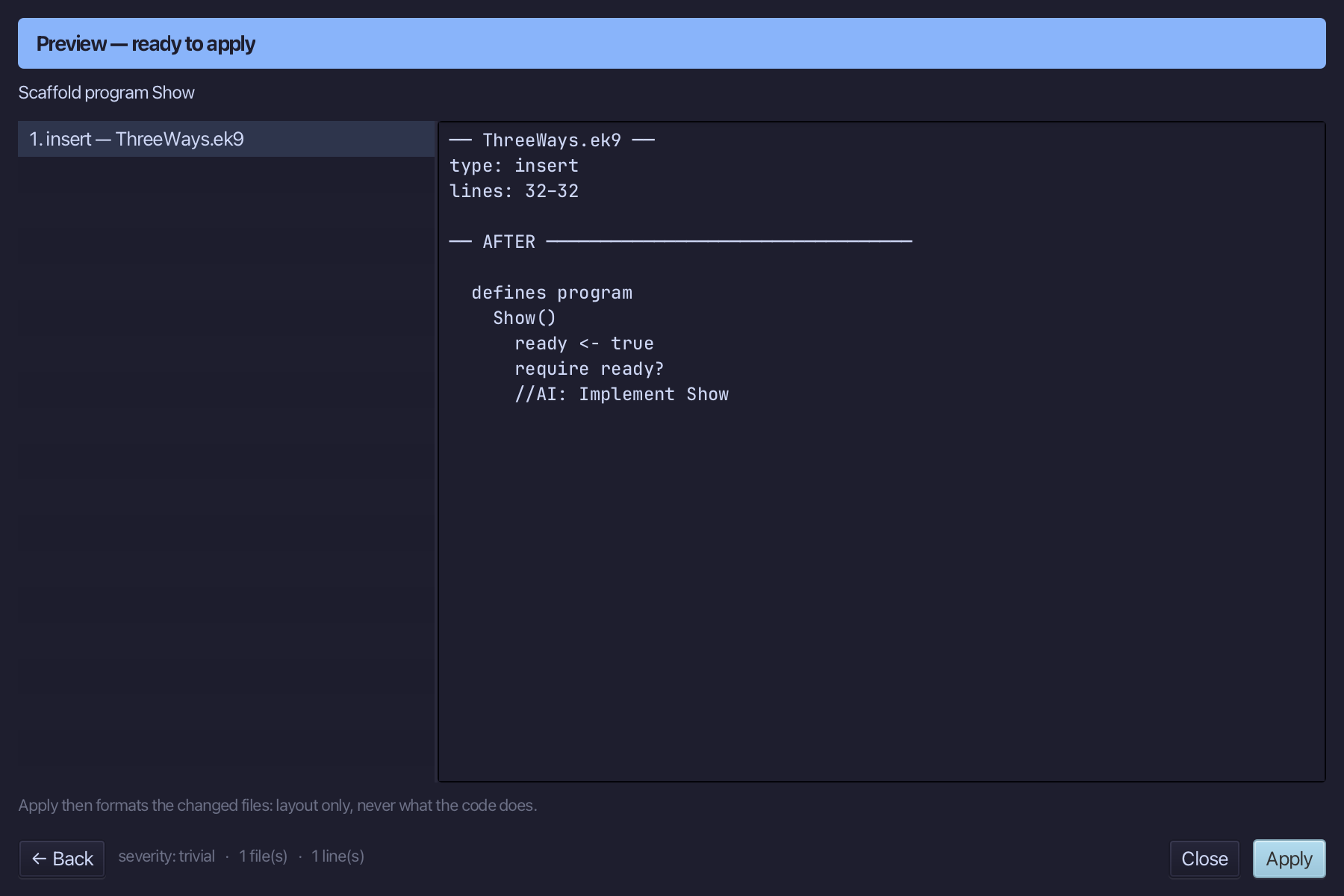
Select the stub, from ready <- true down to its //AI line, and type Show's body: a Point filled in, a Counter ticked twice, and add called once. Saves when typed.
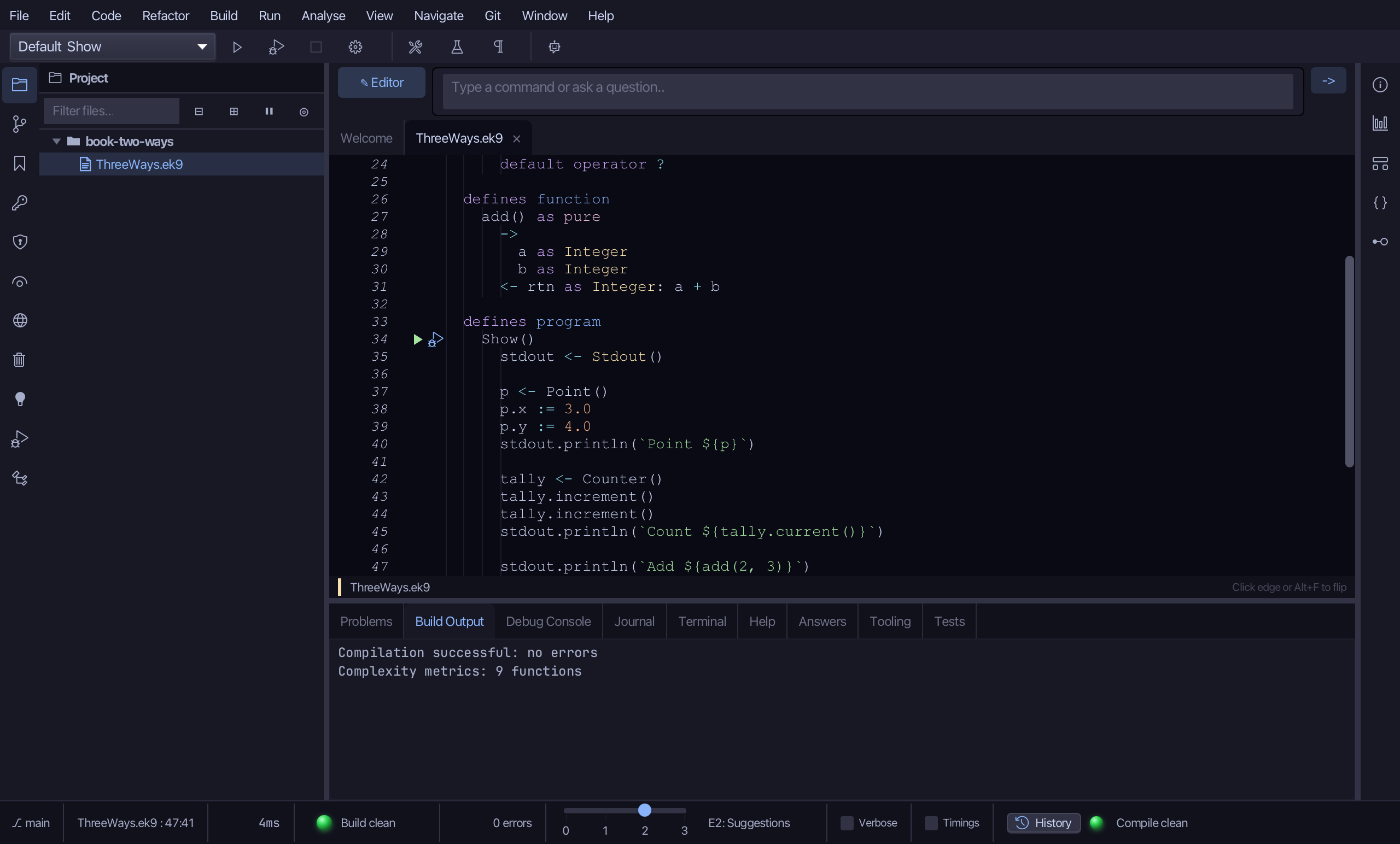
Step 5: Run it
Choose Run > Run Program…
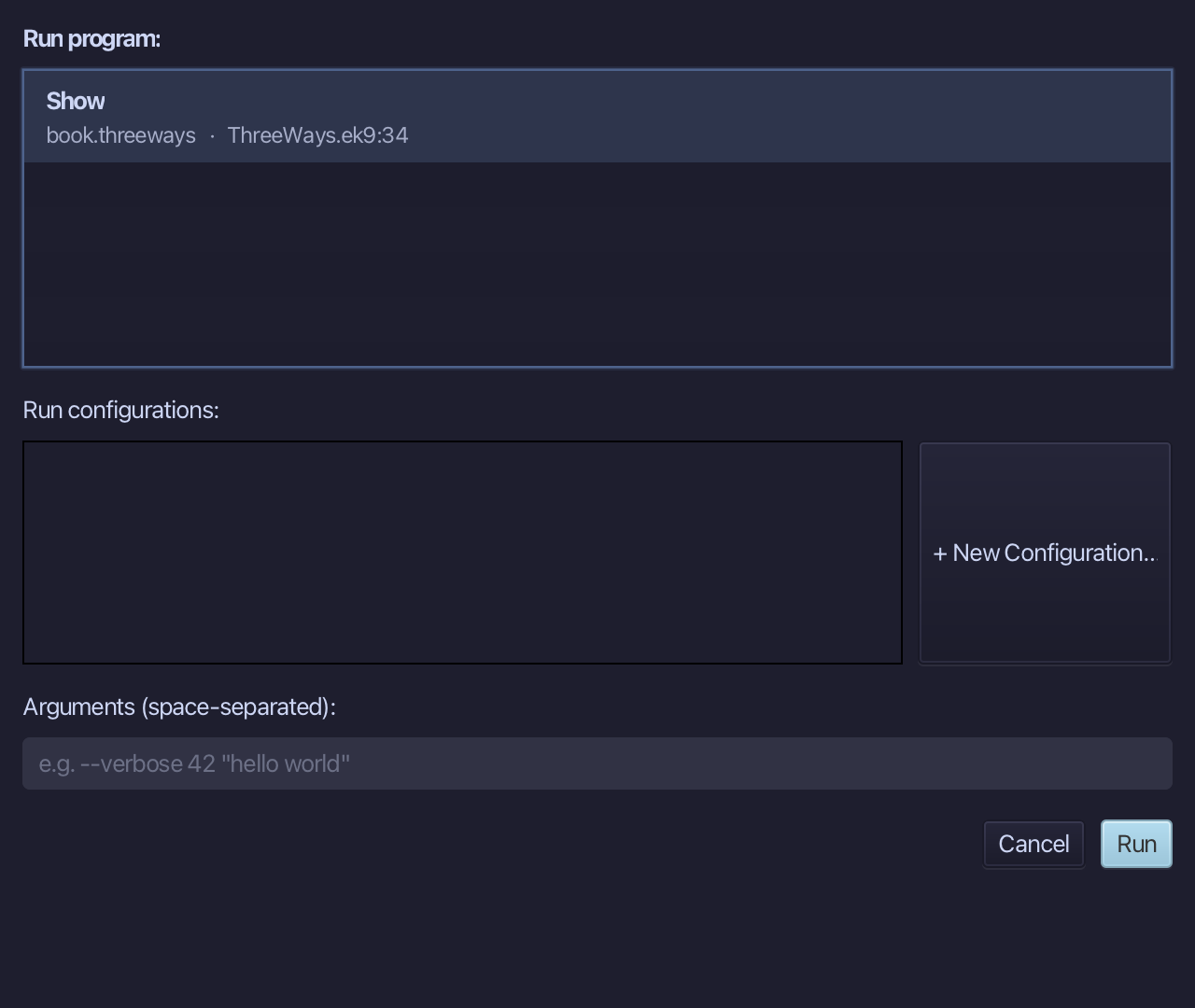
The project's only program is already chosen. Choose Run.
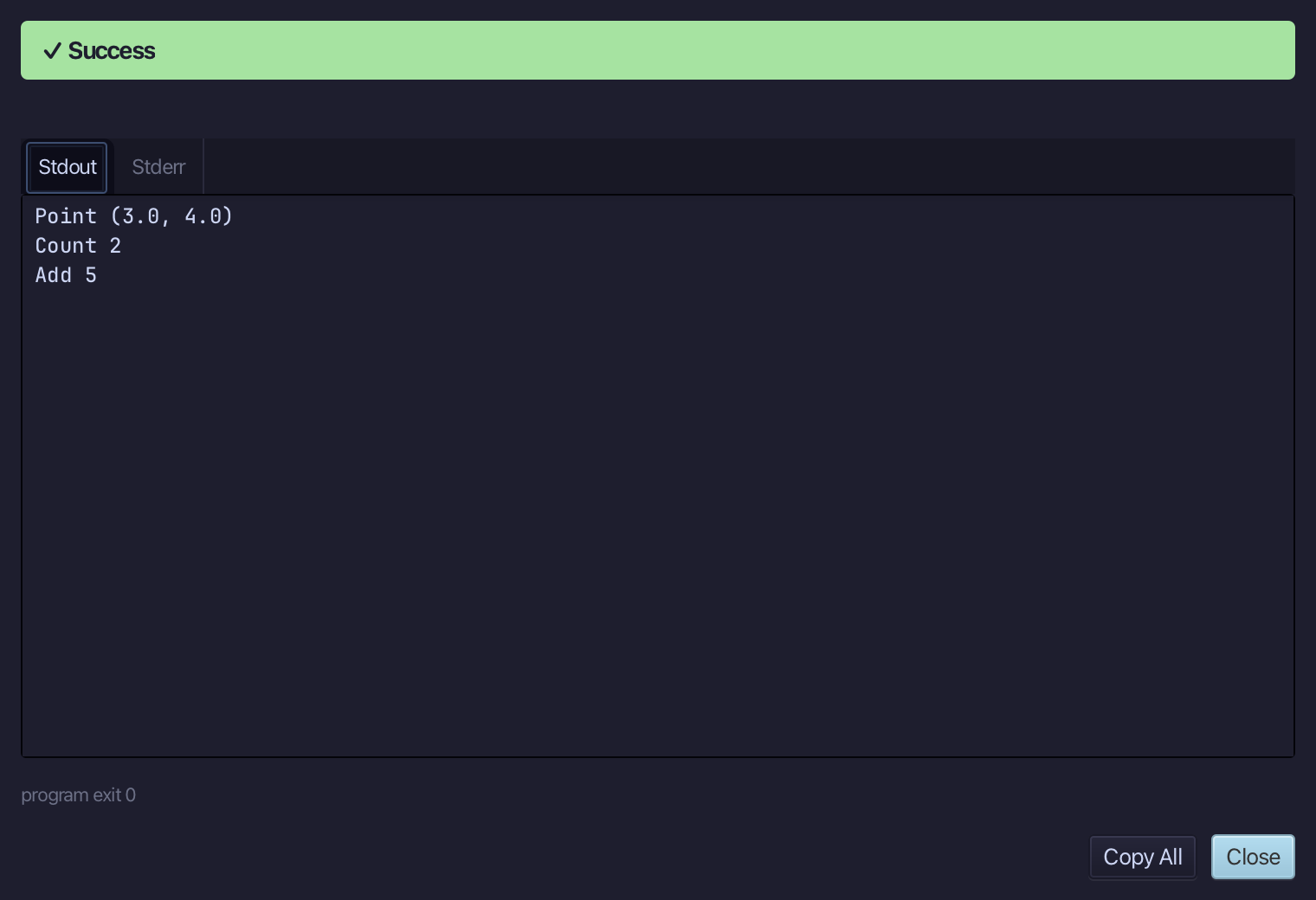
Point (3.0, 4.0), Count 2, Add 5 - the record, the class and the function, each doing its own job. Choose Close.
The result
ThreeWays.ek9 now reads exactly as chapter 13 of Getting Started with EK9 shows it: data, an object and a behaviour of its own, side by side in one file and used by one program - built by the tools, logic you typed. ek9_new_construct made the record, class, function and program shells; ek9_add_operator, ek9_add_field and ek9_add_method filled them in, the same doors an AI assistant calls directly.
Where this lesson comes from
- For AI assistants - the MCP tool
ek9_new_construct,ek9_add_operator,ek9_add_field,ek9_add_method,ek9_add_program.
In the EK9 reference: Classes in EK9, Functions in EK9, Records in EK9