Chapter 36: UDP as a stream pipeline, built
A UDP connection is a stream source and a stream sink, so a server can be one pipeline: cat the connection, map each packet through a handler, send the results on. The client is the same shape in the other direction. Both programs are built here; the server is stopped by a signal, so this lesson builds them and does not run them. To play it in the IDE: Help > Lessons > EK9 in Depth…, or ek9 -ide -lesson depth-udp-pipeline.
What you'll build
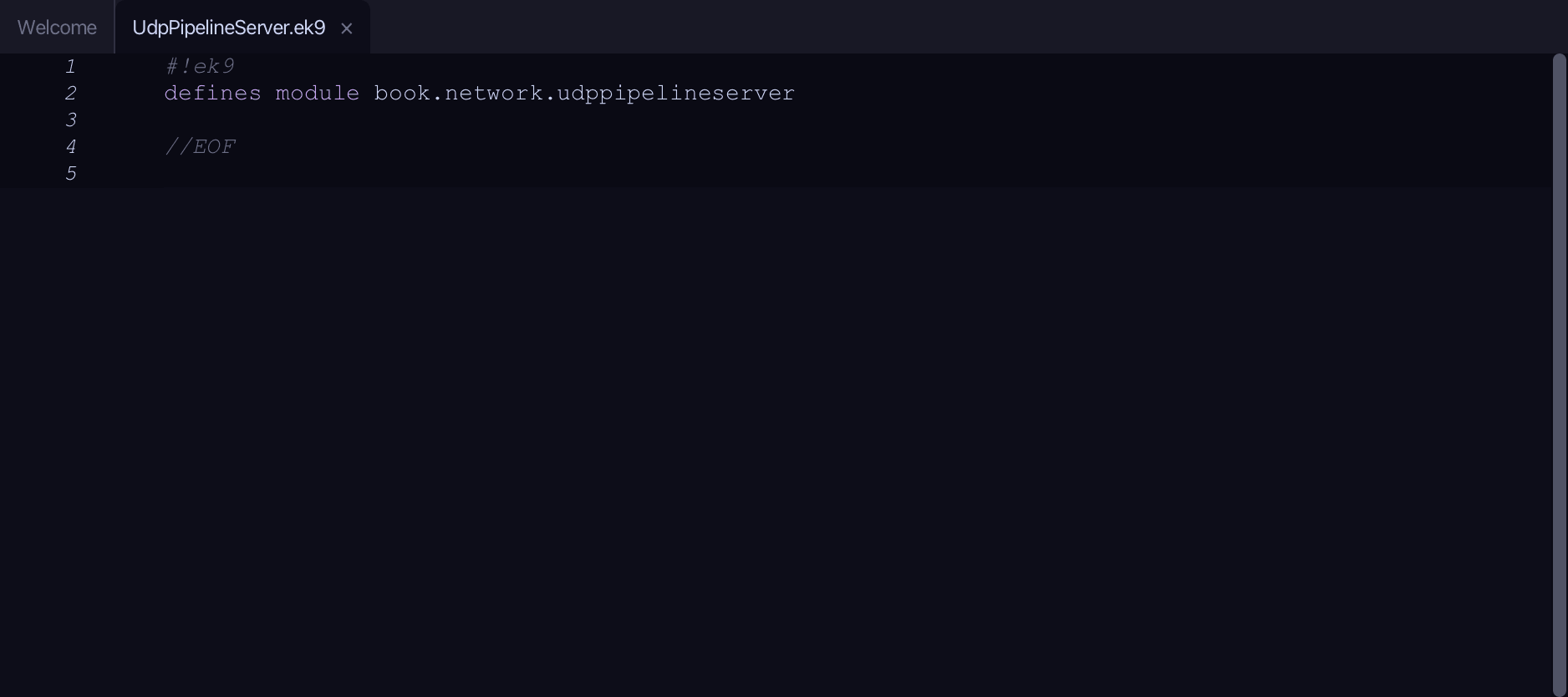
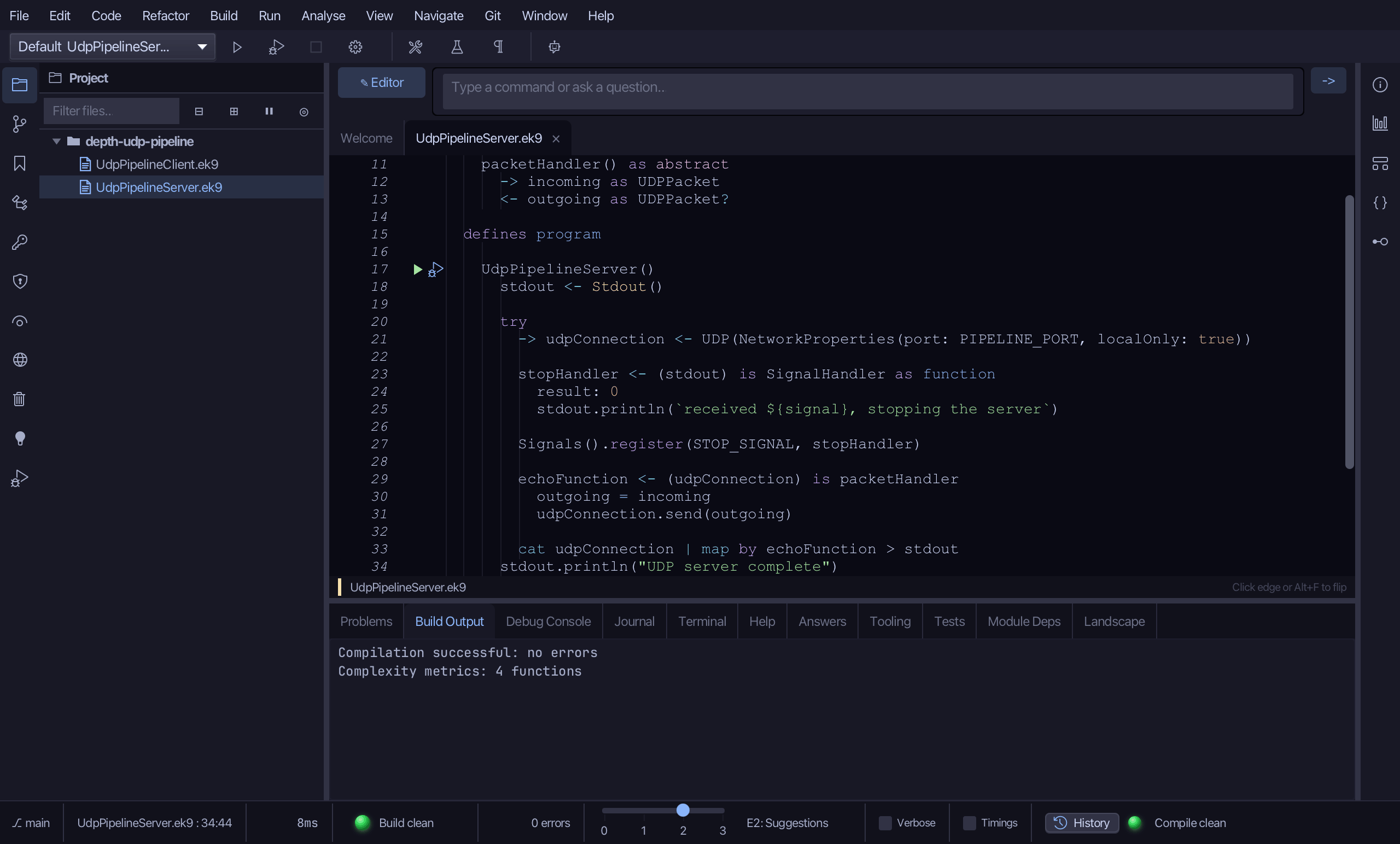
The lesson builds this program from a file holding only its module line - the finished file, as the book prints it.
UdpPipelineServer.ek9
#!ek9
defines module book.network.udppipelineserver

  defines constant
    PIPELINE_PORT <- 4448

    STOP_SIGNAL <- "TERM"

  defines function

    packetHandler() as abstract
      -> incoming as UDPPacket
      <- outgoing as UDPPacket?

  defines program

    UdpPipelineServer()
      stdout <- Stdout()

      try
        -> udpConnection <- UDP(NetworkProperties(port: PIPELINE_PORT, localOnly: true))

        stopHandler <- (stdout) is SignalHandler as function
          result: 0
          stdout.println(`received ${signal}, stopping the server`)

        Signals().register(STOP_SIGNAL, stopHandler)

        echoFunction <- (udpConnection) is packetHandler
          outgoing = incoming
          udpConnection.send(outgoing)

        cat udpConnection | map by echoFunction > stdout
      stdout.println("UDP server complete")

//EOF
UdpPipelineClient.ek9
#!ek9
defines module book.network.udppipelineclient

  defines constant
    PIPELINE_PORT <- 4448

  defines function

    packetConverter() as abstract
      -> content as String
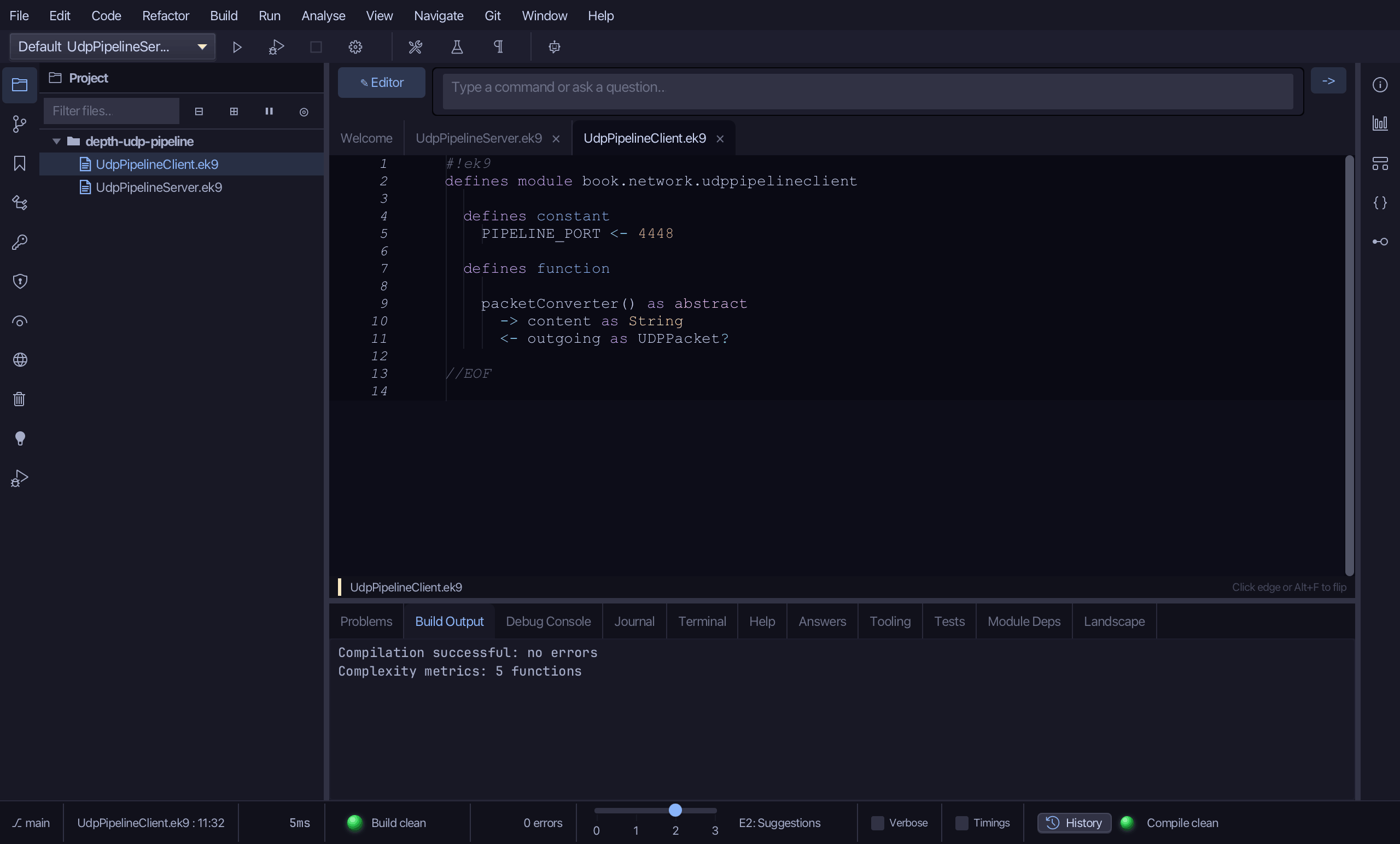
      <- outgoing as UDPPacket?

  defines program

    UdpPipelineClient()
      host <- Networking().loopbackV4()

      try
        -> udpConnection <- UDP(NetworkProperties(timeout: 250ms))

        cat ["first", "second", "third"]
          | map (host) extends packetConverter(outgoing: UDPPacket(NetworkProperties(host, PIPELINE_PORT), content))
          > udpConnection

      Stdout().println("UDP client complete")

//EOF
Step 1: Constants
Choose Code > New Construct > Constant…
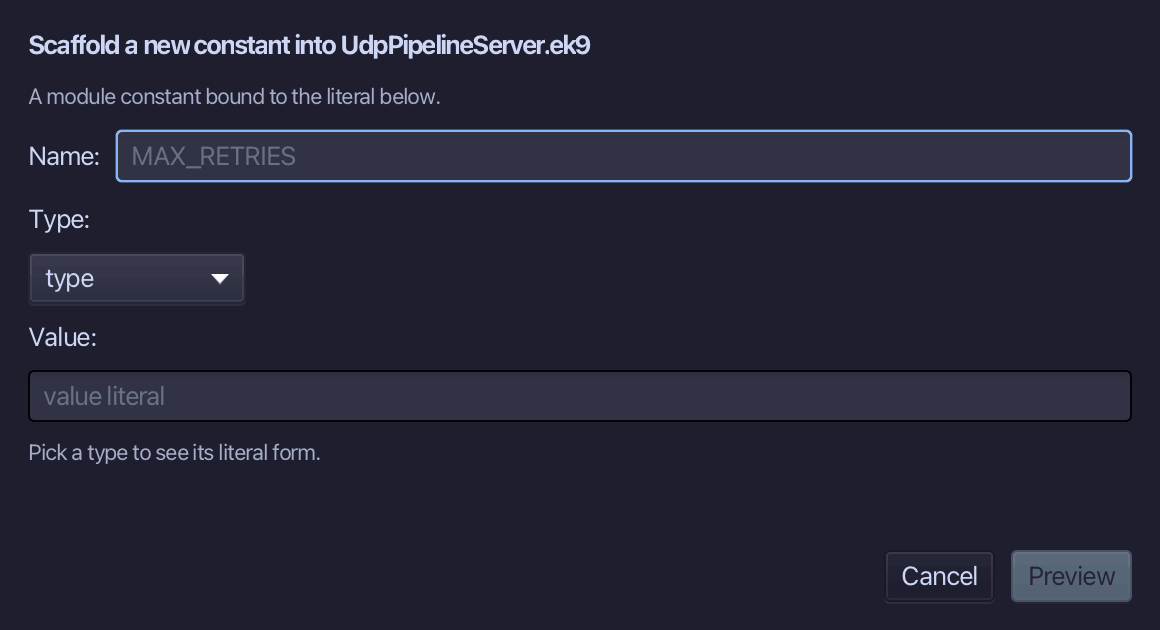
PIPELINE_PORT is the constant's name and 4448 its value - a literal in the Value field, from which the type is inferred. Type both and choose Preview.
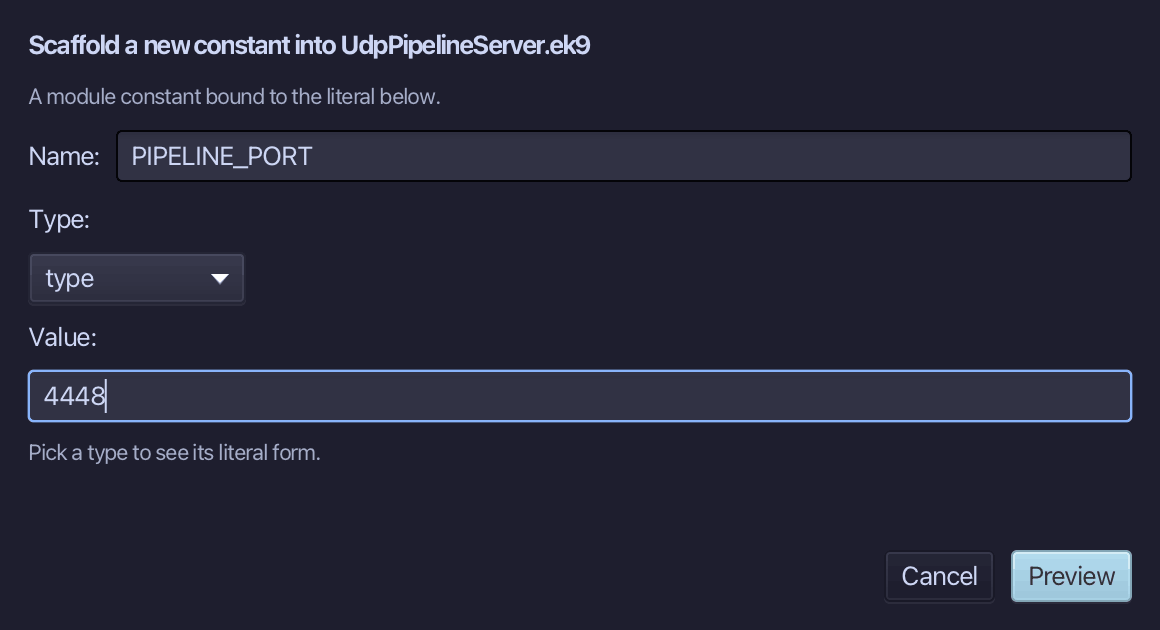
The preview shows PIPELINE_PORT about to be written. Choose Apply.
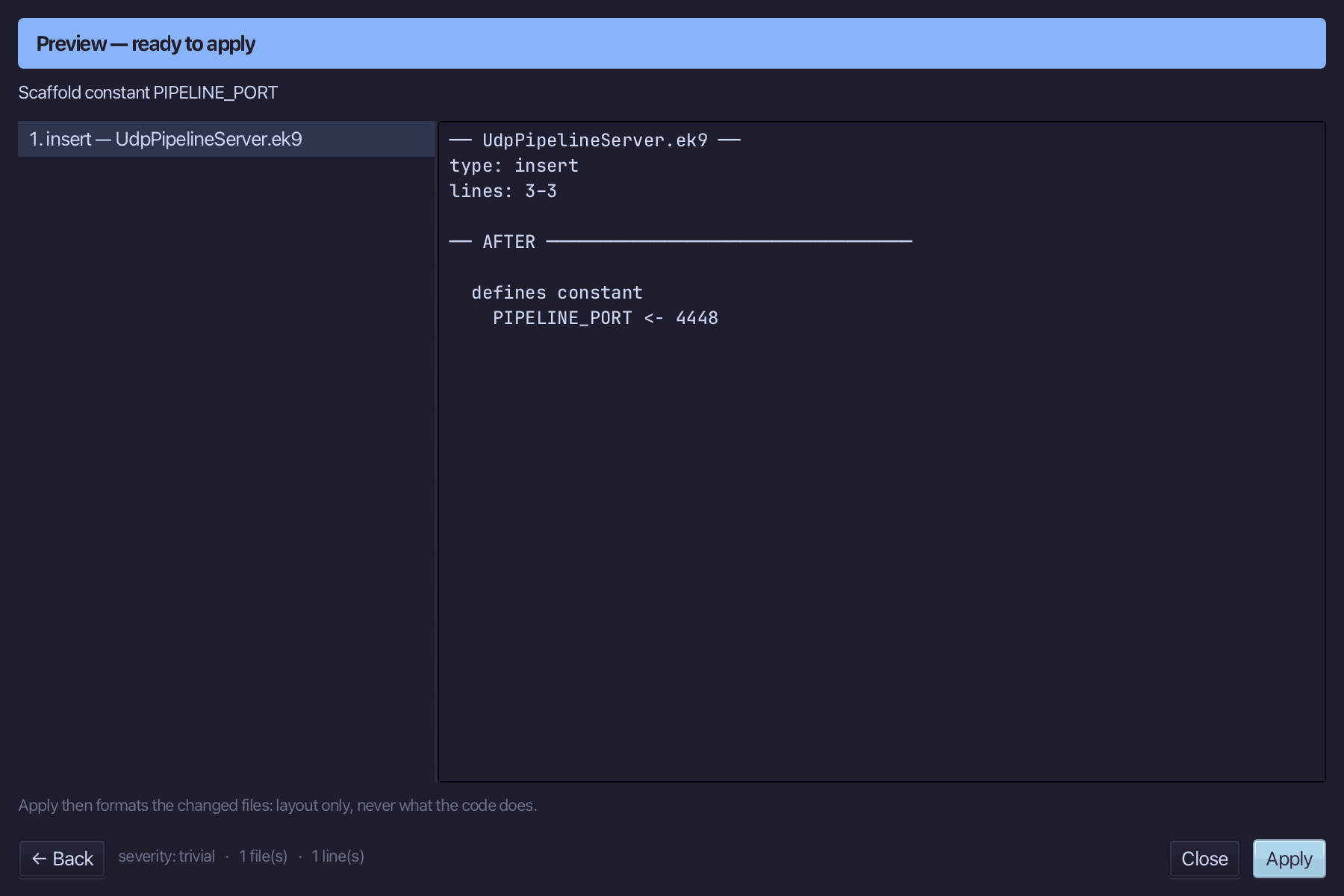
Choose Code > New Construct > Constant…
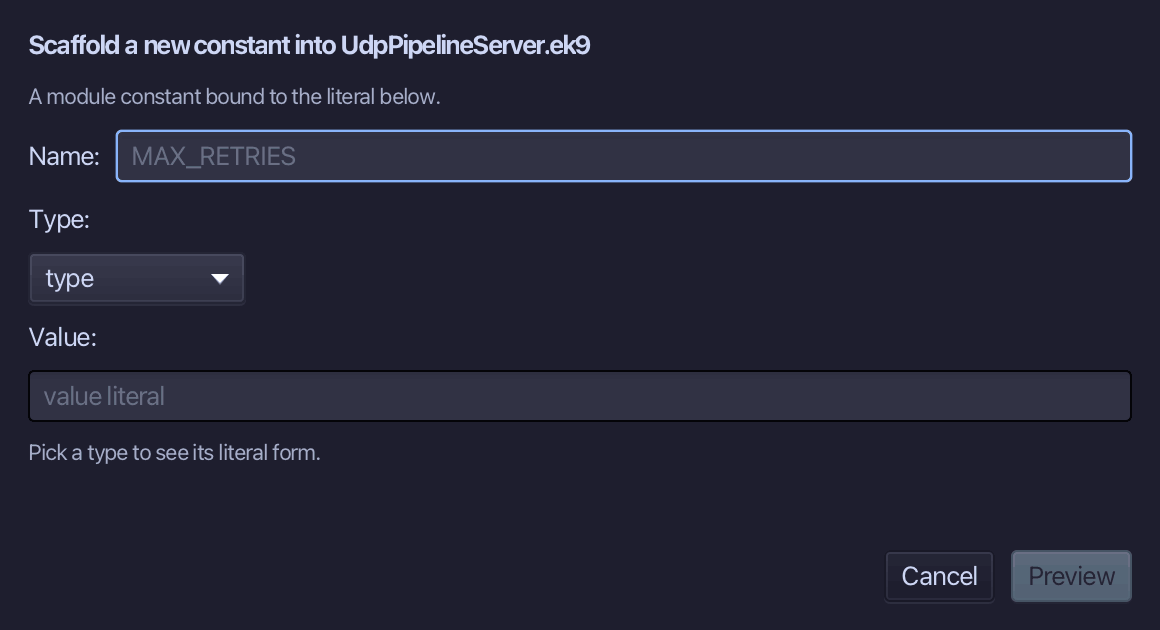
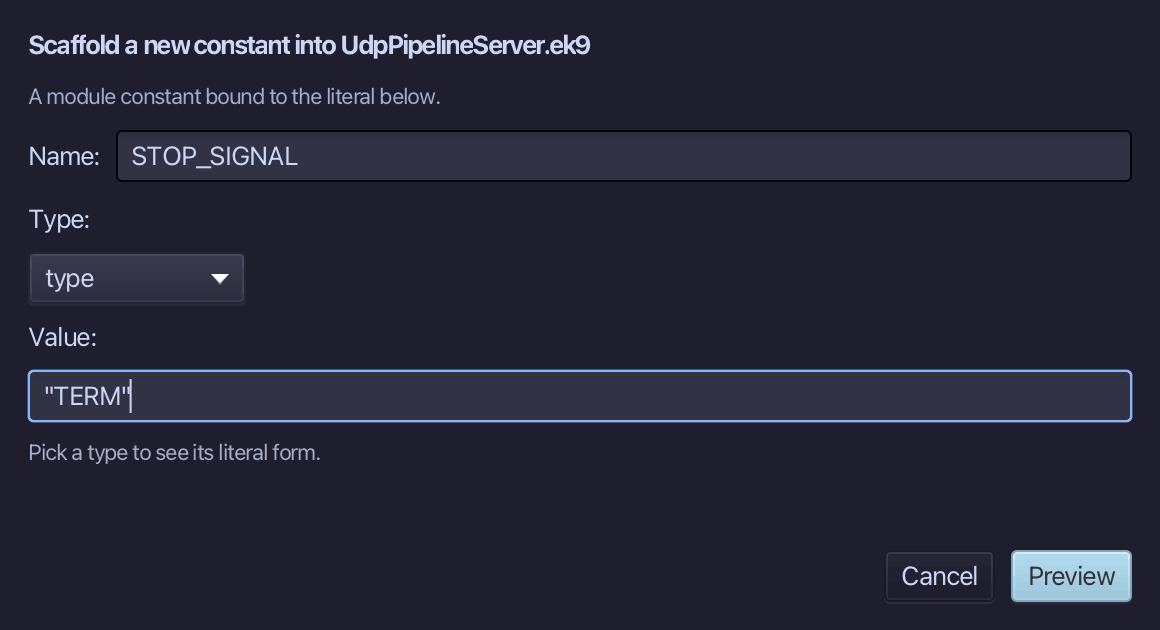
STOP_SIGNAL is the constant's name and "TERM" its value - a literal in the Value field, from which the type is inferred. Type both and choose Preview.
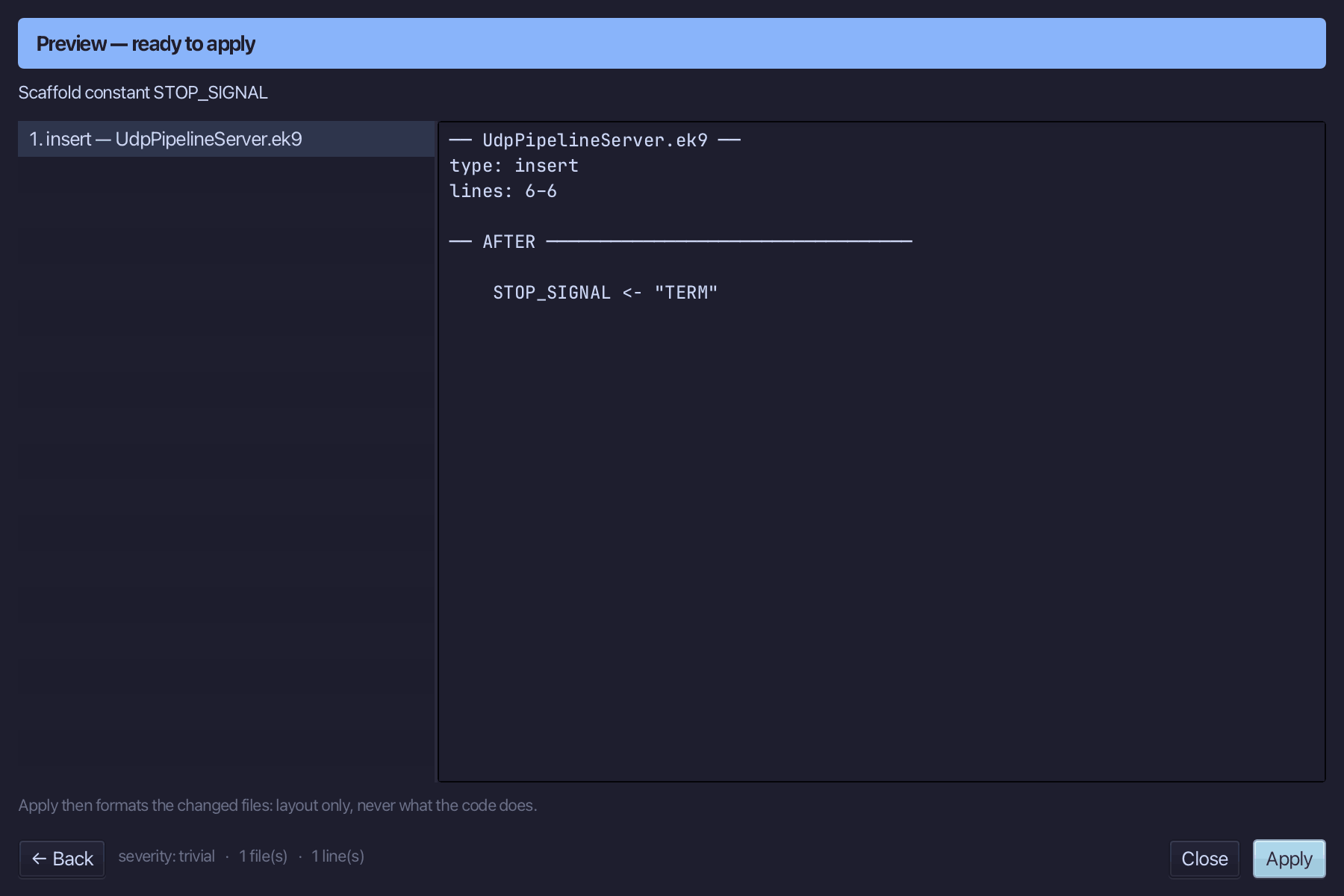
The preview shows STOP_SIGNAL about to be written. Choose Apply.
Step 2: packetHandler — a function
Choose Code > New Construct > Function…
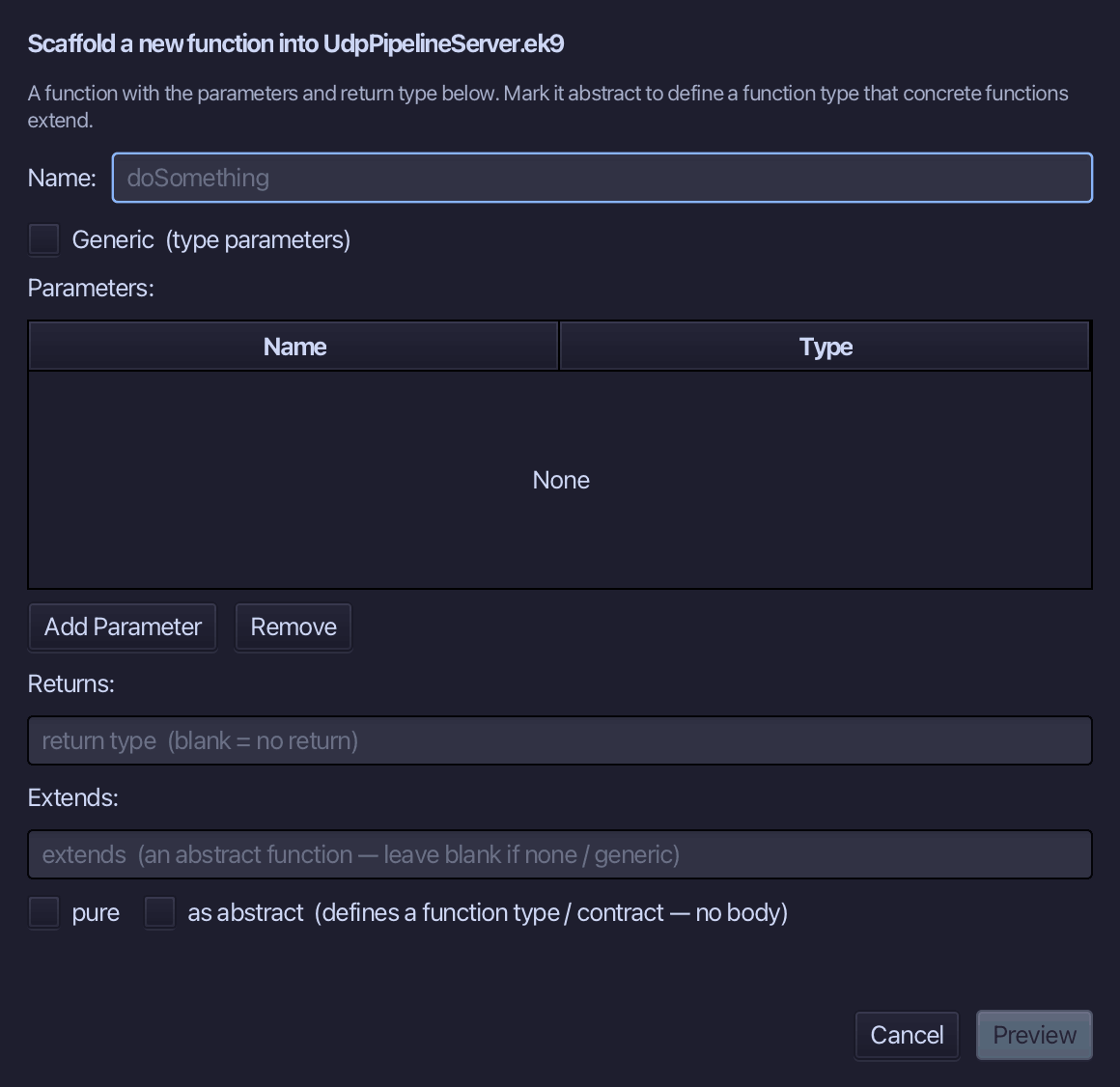
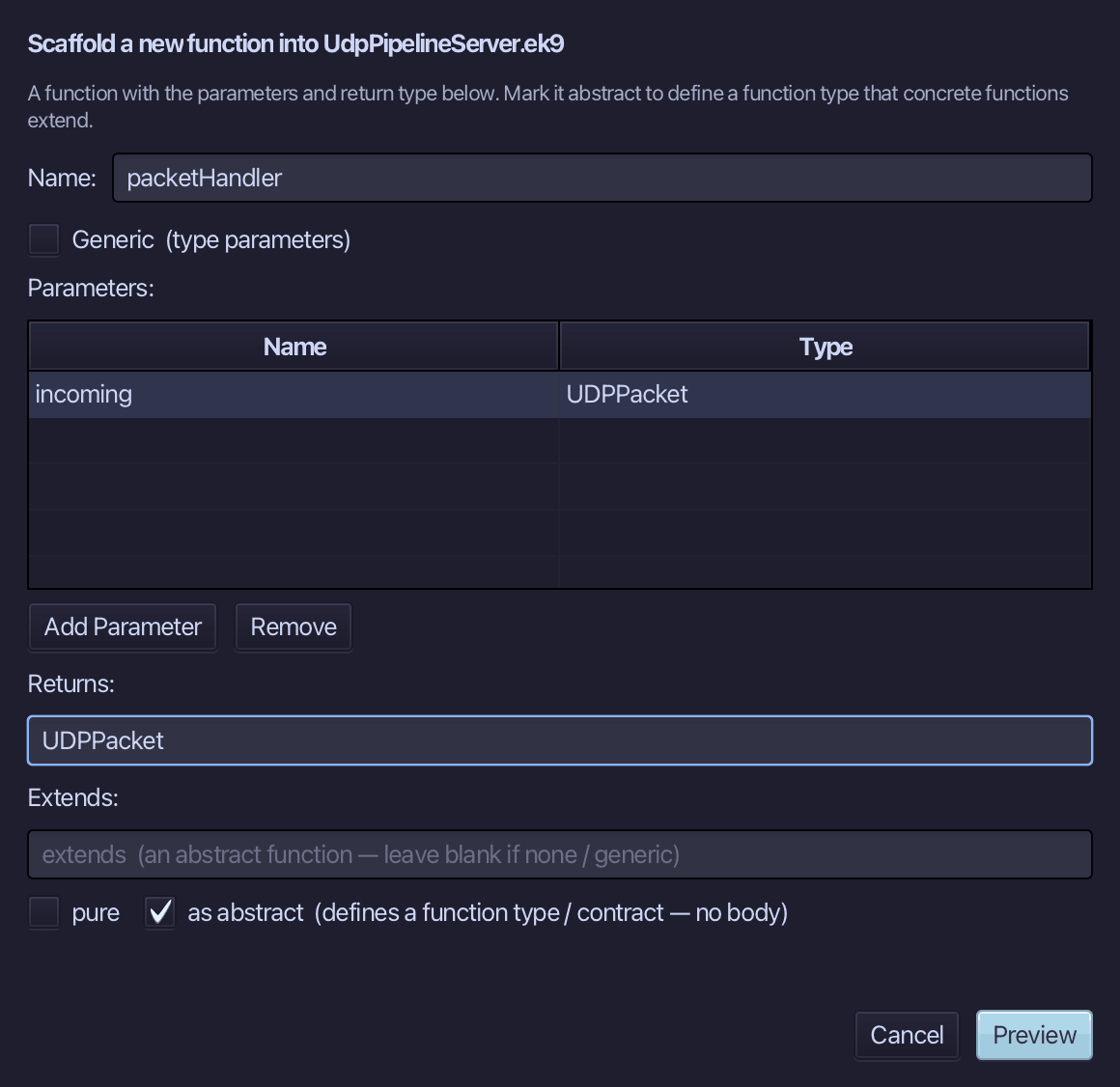
packetHandler is the function's name. Add one parameter, incoming of type UDPPacket, set Returns to UDPPacket and tick as abstract - a function type: a contract with no body. Choose Preview.
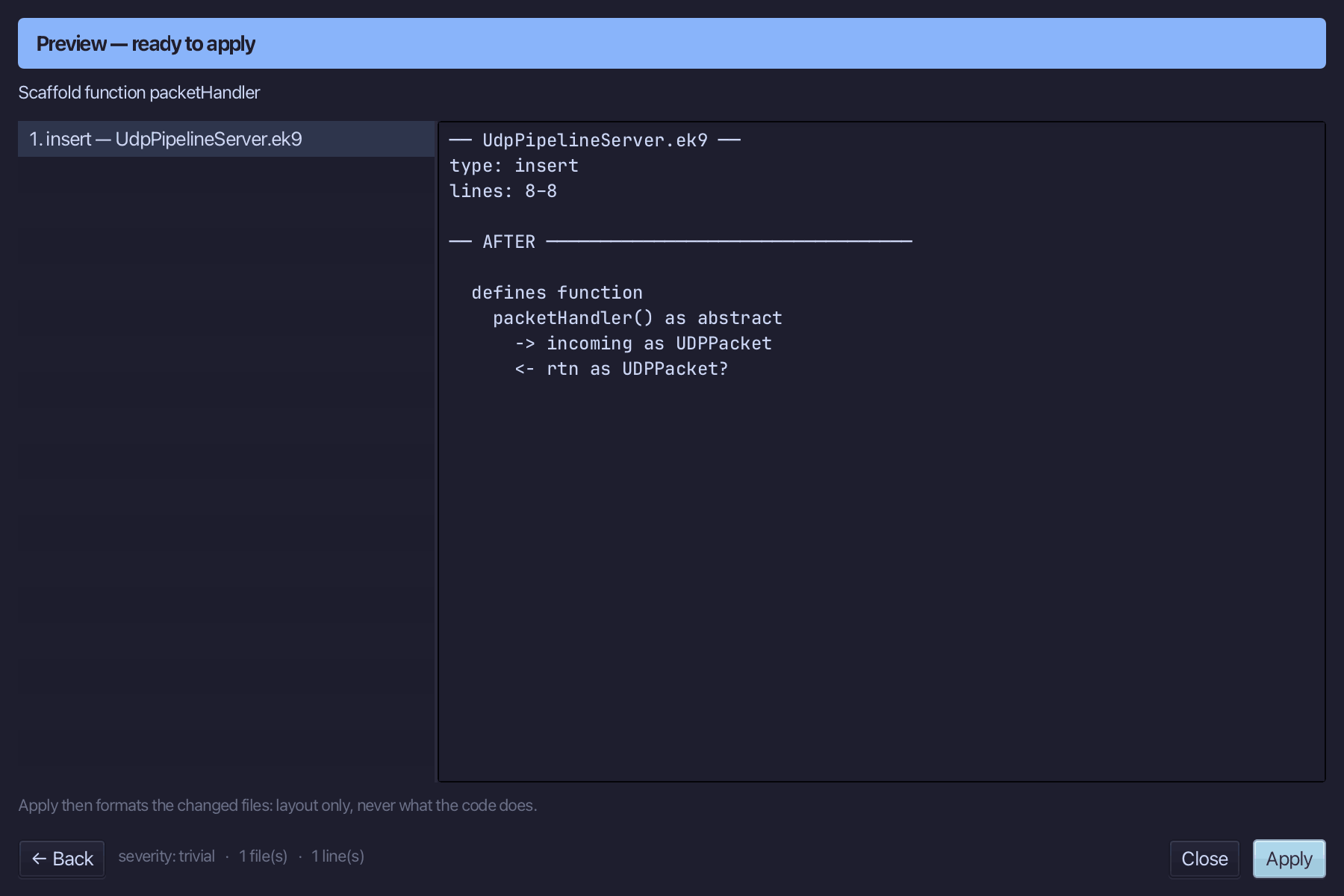
The preview shows packetHandler about to be written. Choose Apply.
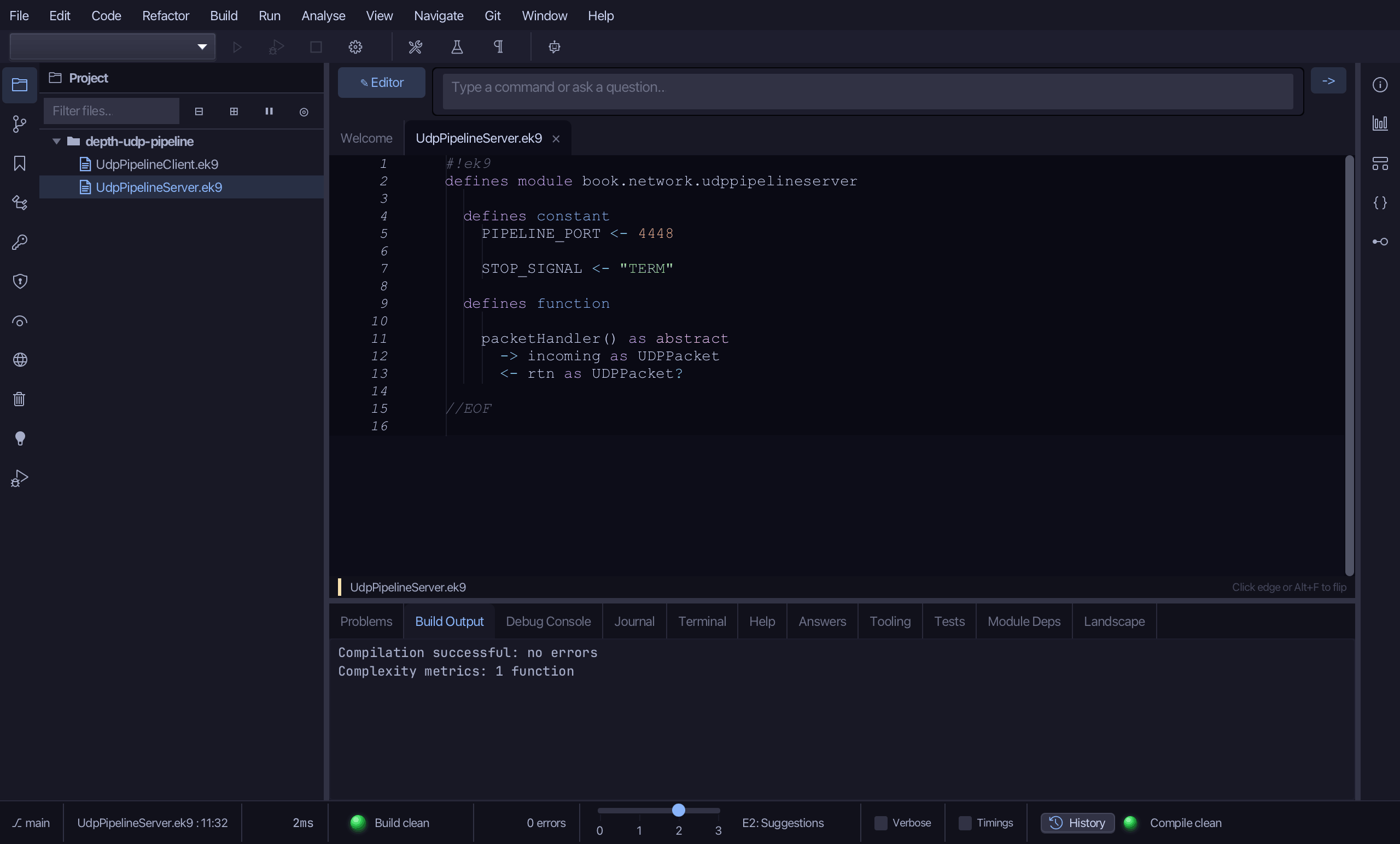
Select the packetHandler() as abstract line and, above it, type the blank line the book opens its first function with. Saves when typed.
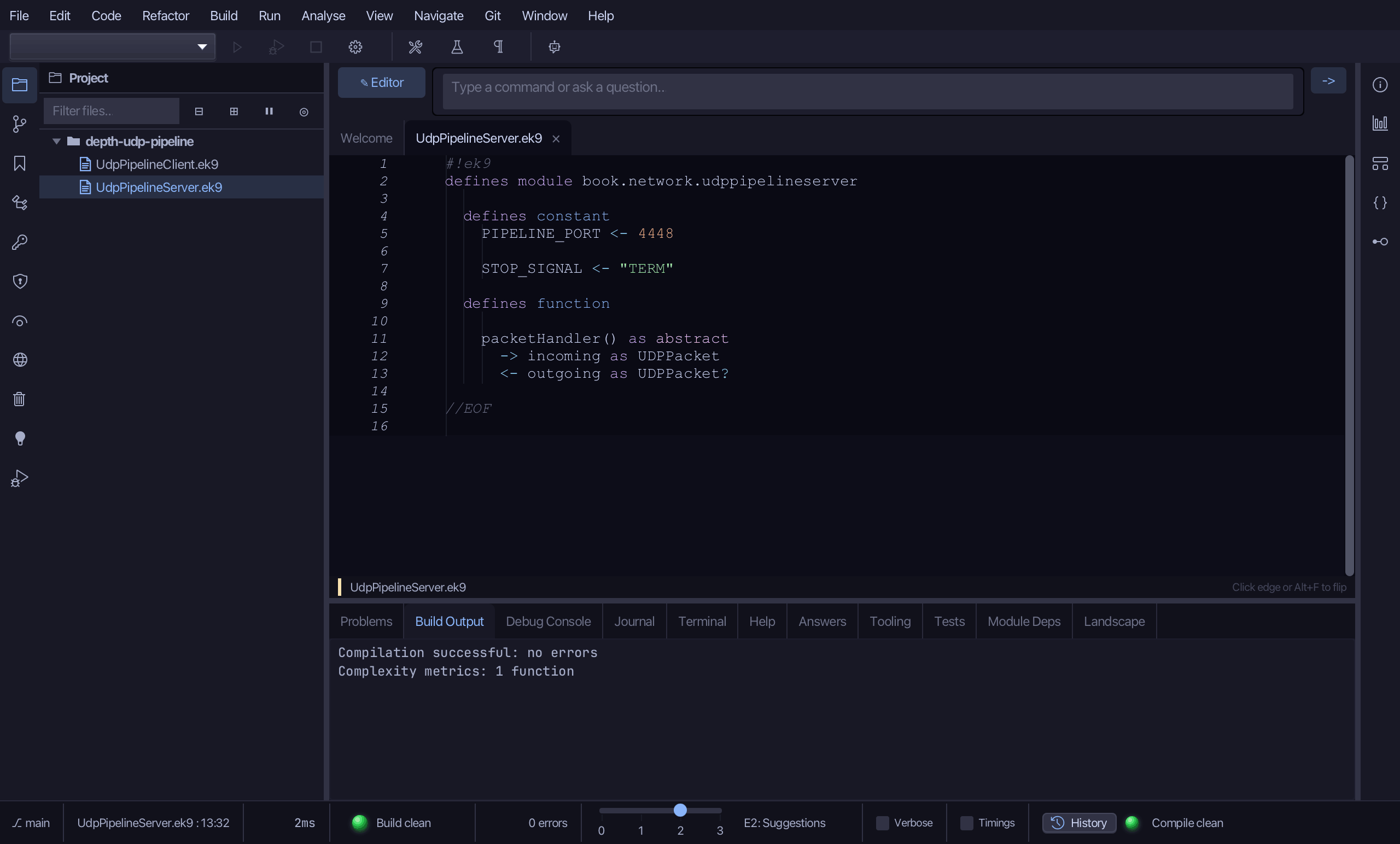
The dialog names a return variable rtn; the book names it outgoing. Select the line and retype it. Saves when typed.
Step 3: UdpPipelineServer — a program
Choose Code > New Construct > Program…
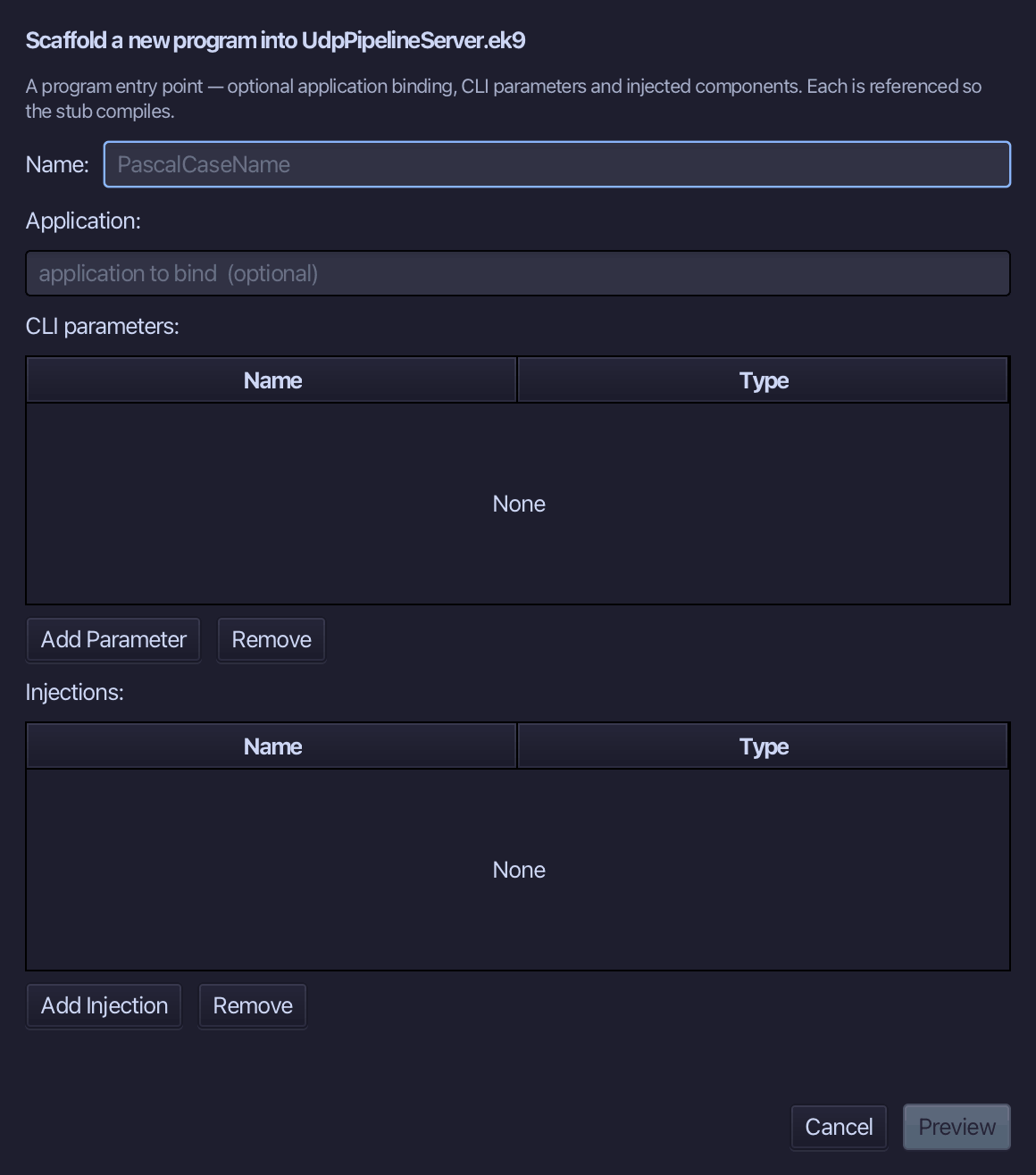
UdpPipelineServer is the program's name. Choose Preview.
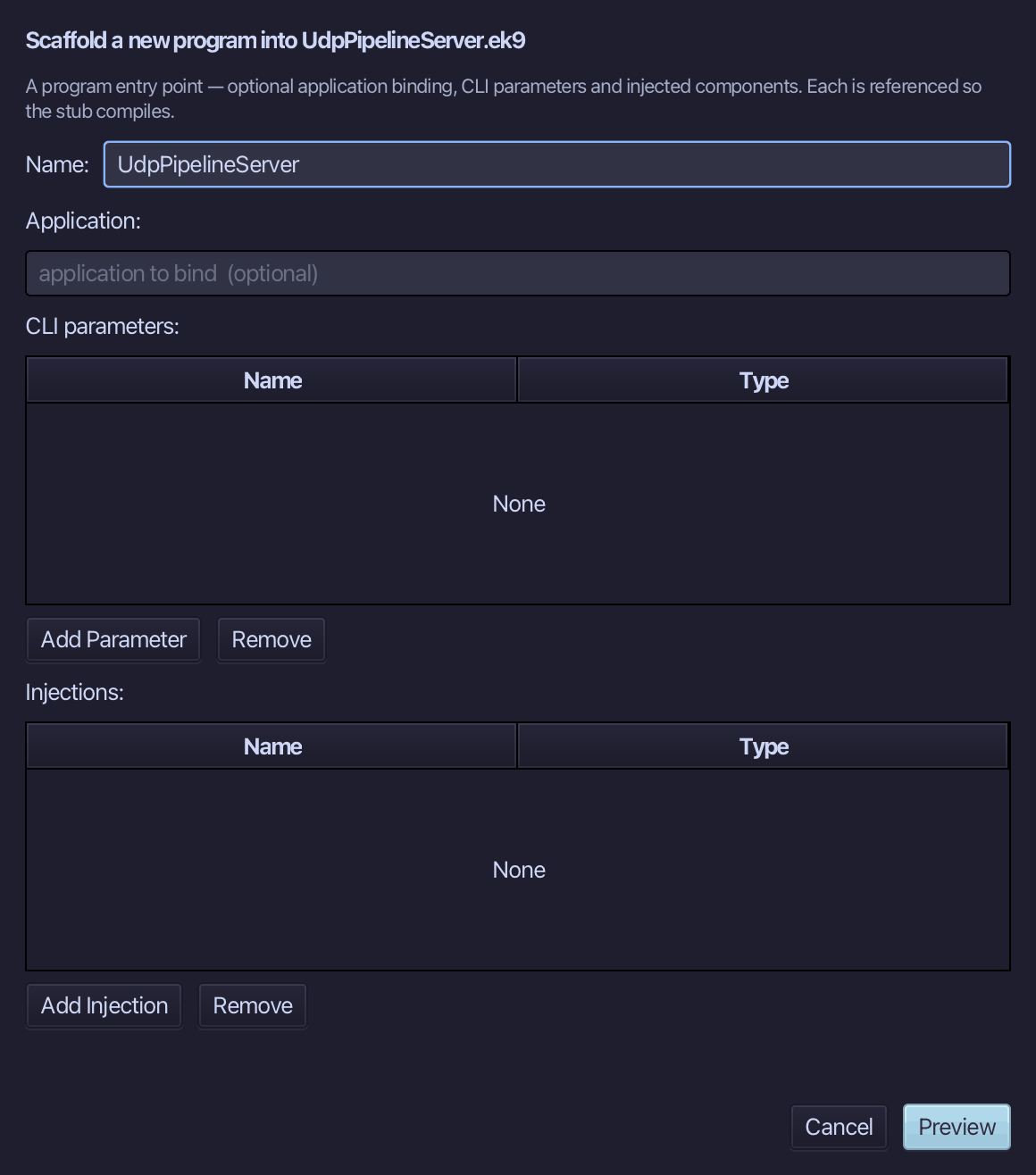
The preview shows UdpPipelineServer about to be written. Choose Apply.
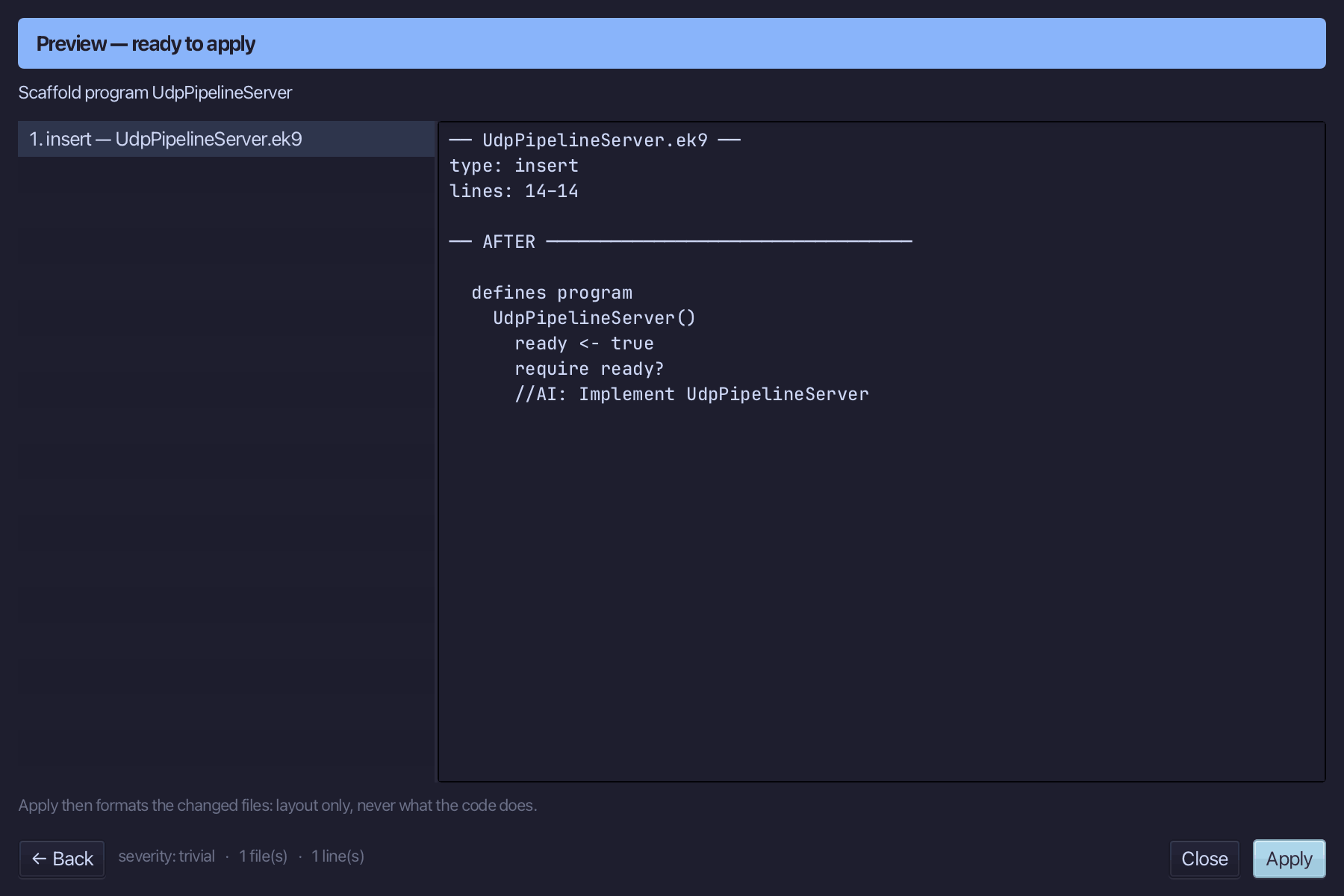
Select the UdpPipelineServer line and, above it, type the blank line the book opens the block with. Saves when typed.
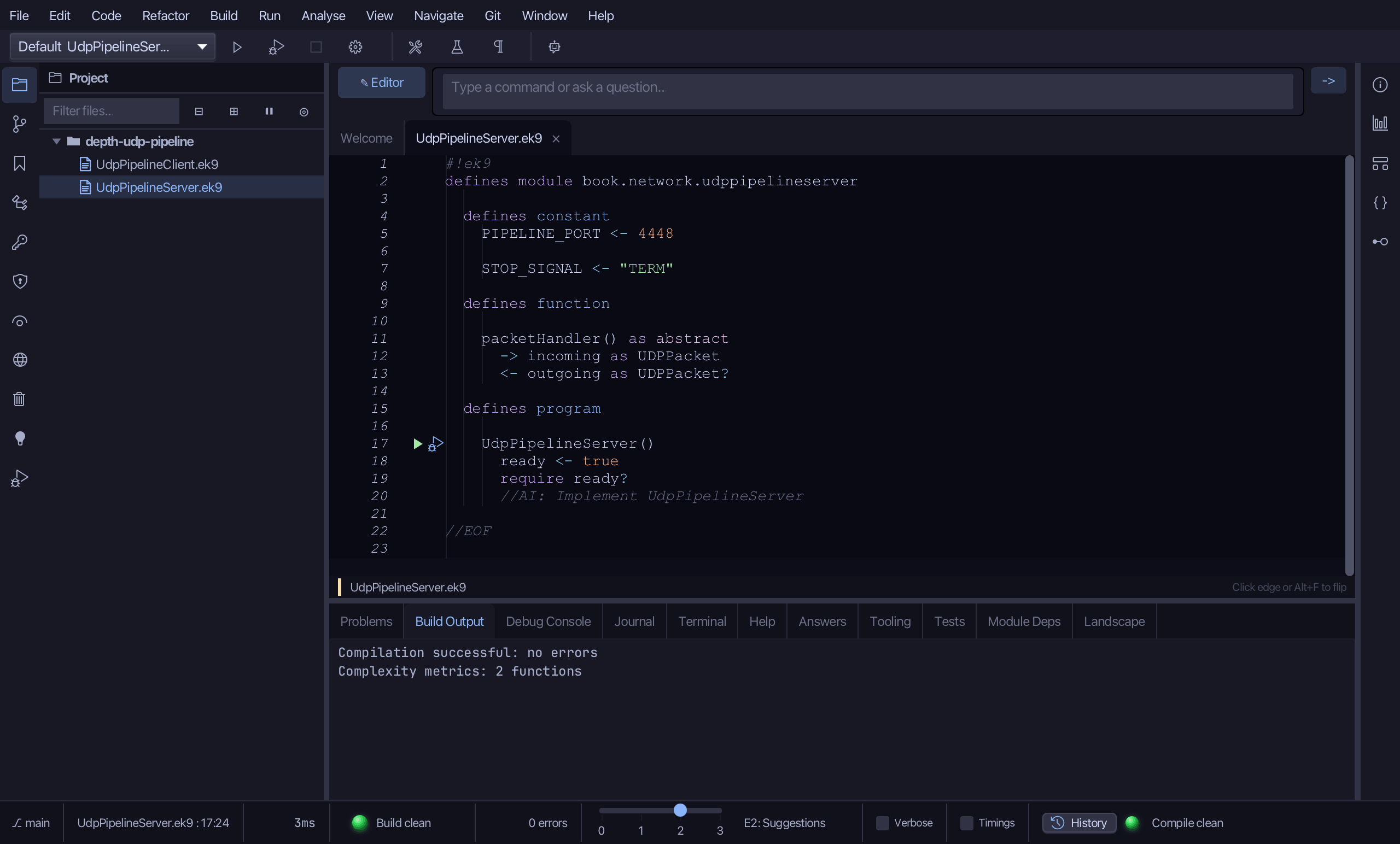
Select the stub, from ready <- true down to its //AI line, and type the program exactly as the chapter shows it. Saves when typed.
Step 4: UdpPipelineClient.ek9
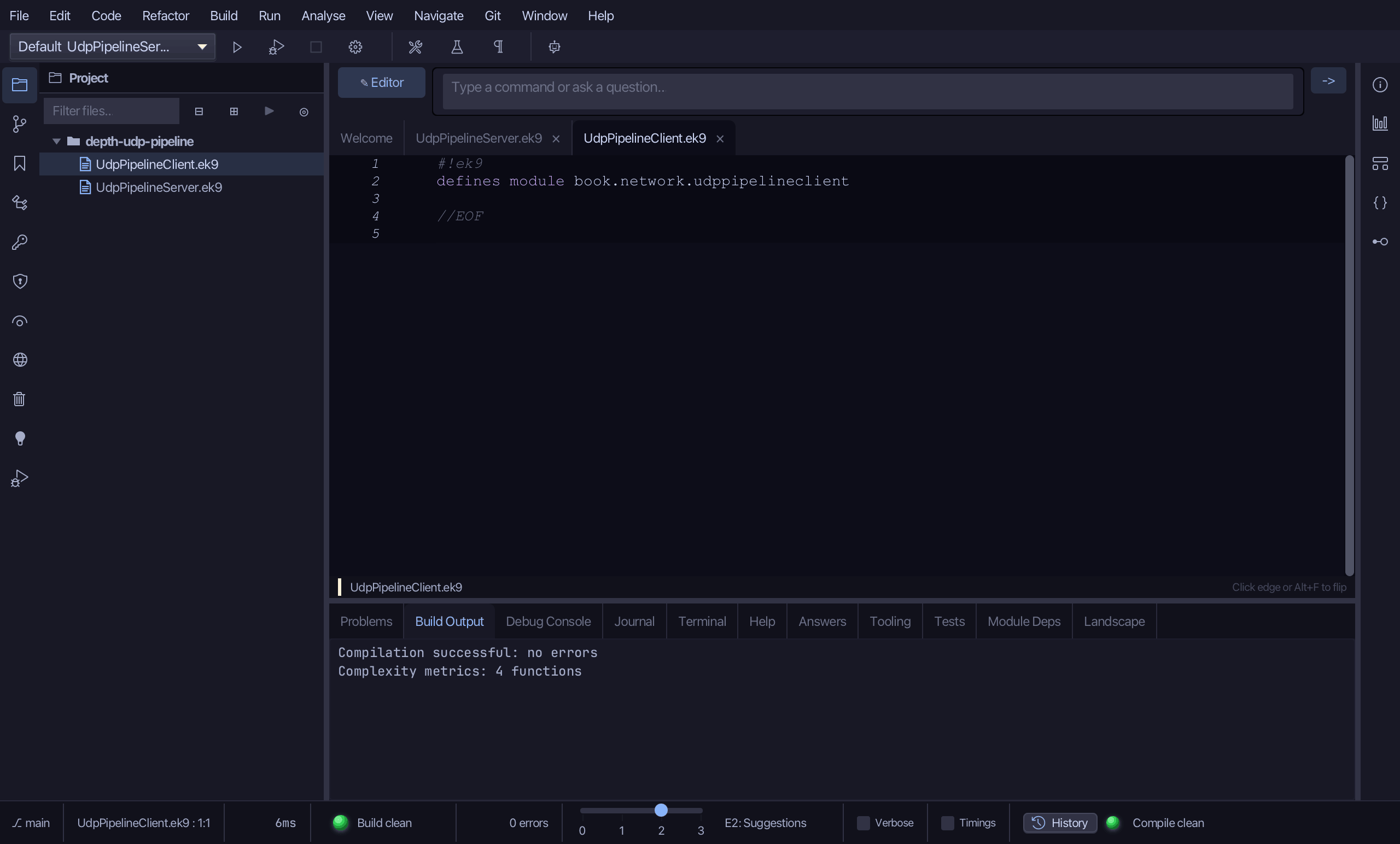
Open UdpPipelineClient.ek9 in the Project panel - it is already there, with just its module line.
Step 5: A constant
Choose Code > New Construct > Constant…
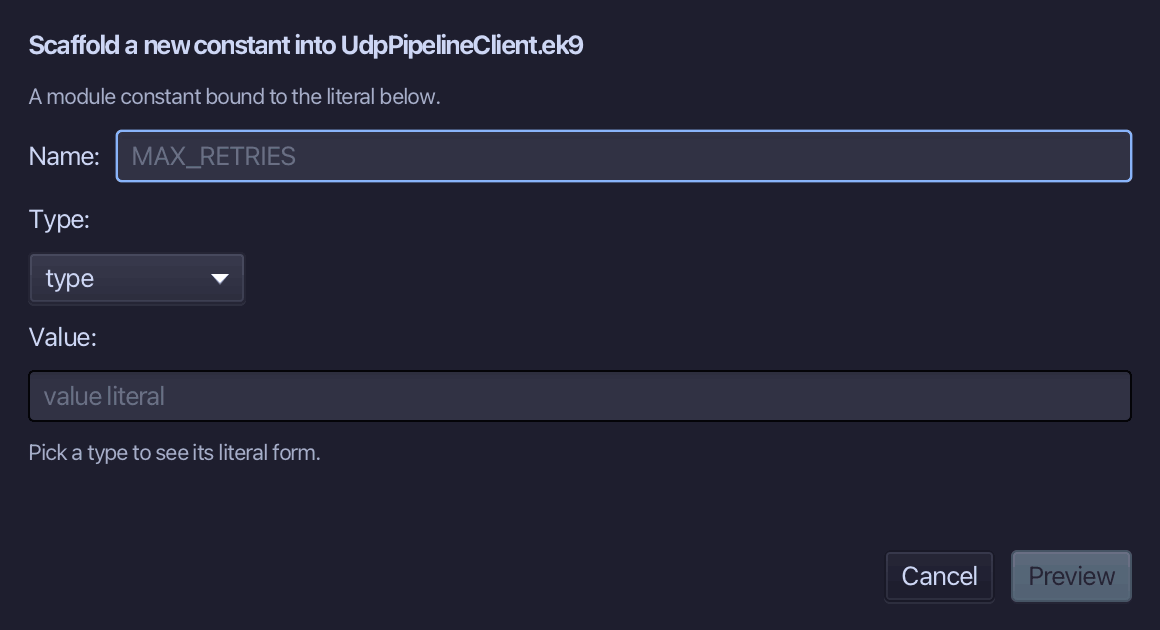
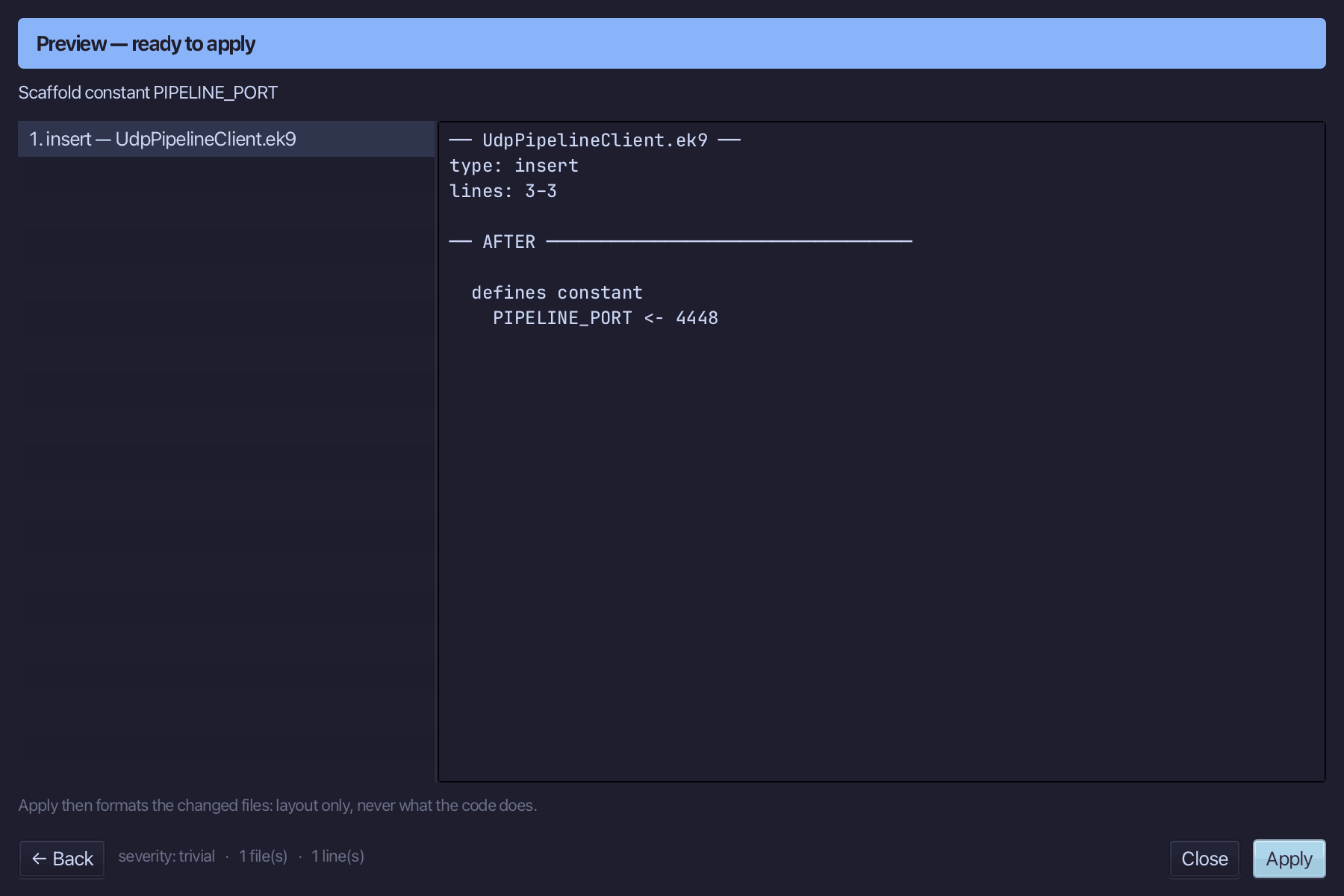
PIPELINE_PORT is the constant's name and 4448 its value - a literal in the Value field, from which the type is inferred. Type both and choose Preview.
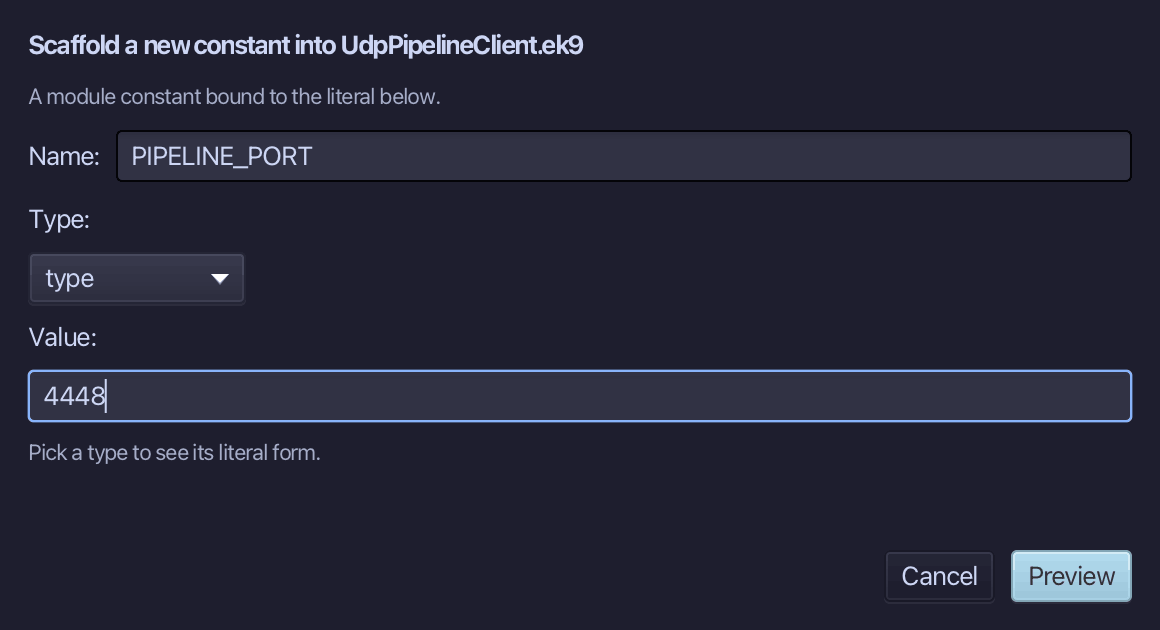
The preview shows PIPELINE_PORT about to be written. Choose Apply.
Step 6: packetConverter — a function
Choose Code > New Construct > Function…
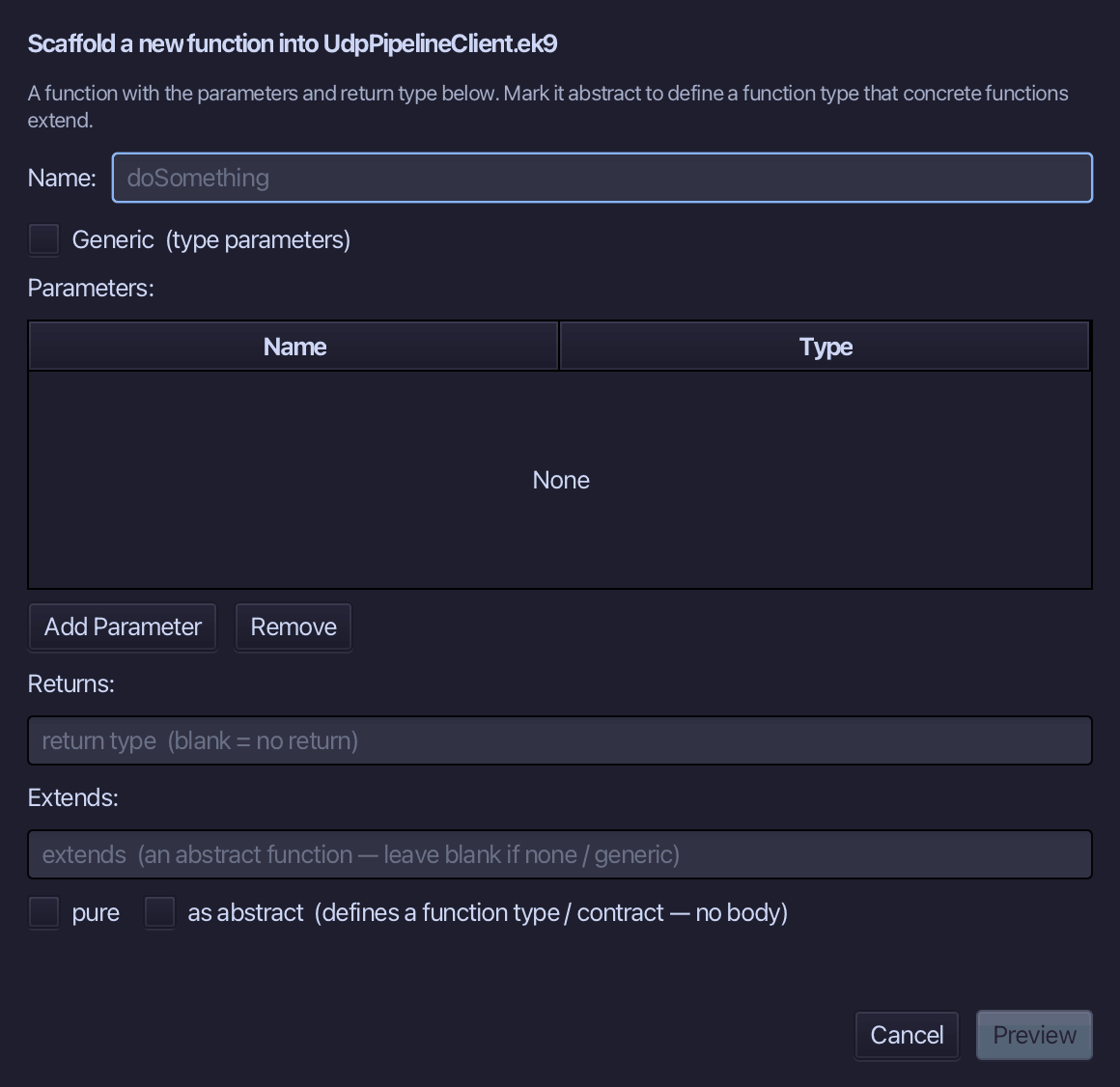
packetConverter is the function's name. Add one parameter, content of type String, set Returns to UDPPacket and tick as abstract - a function type: a contract with no body. Choose Preview.
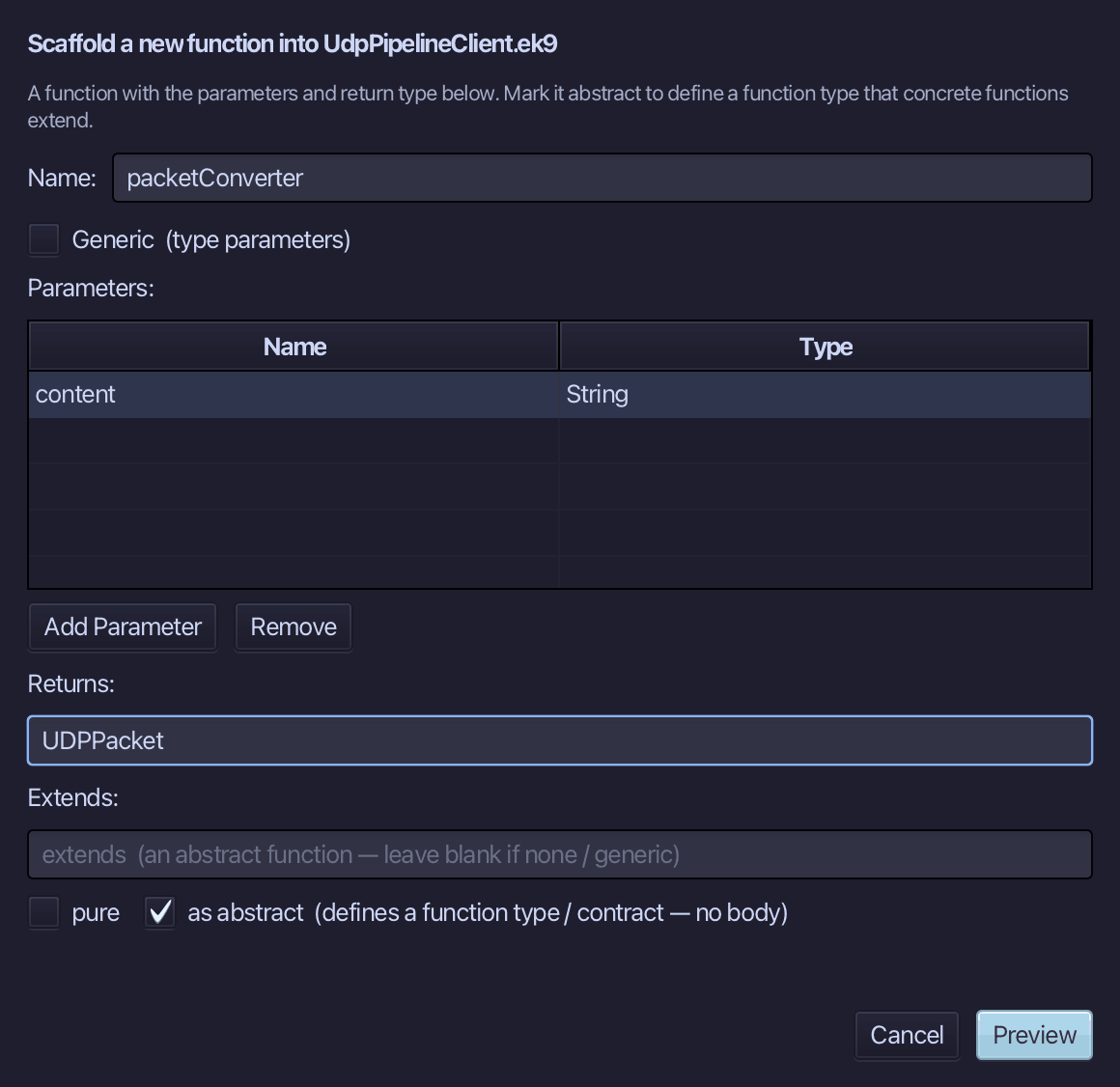
The preview shows packetConverter about to be written. Choose Apply.
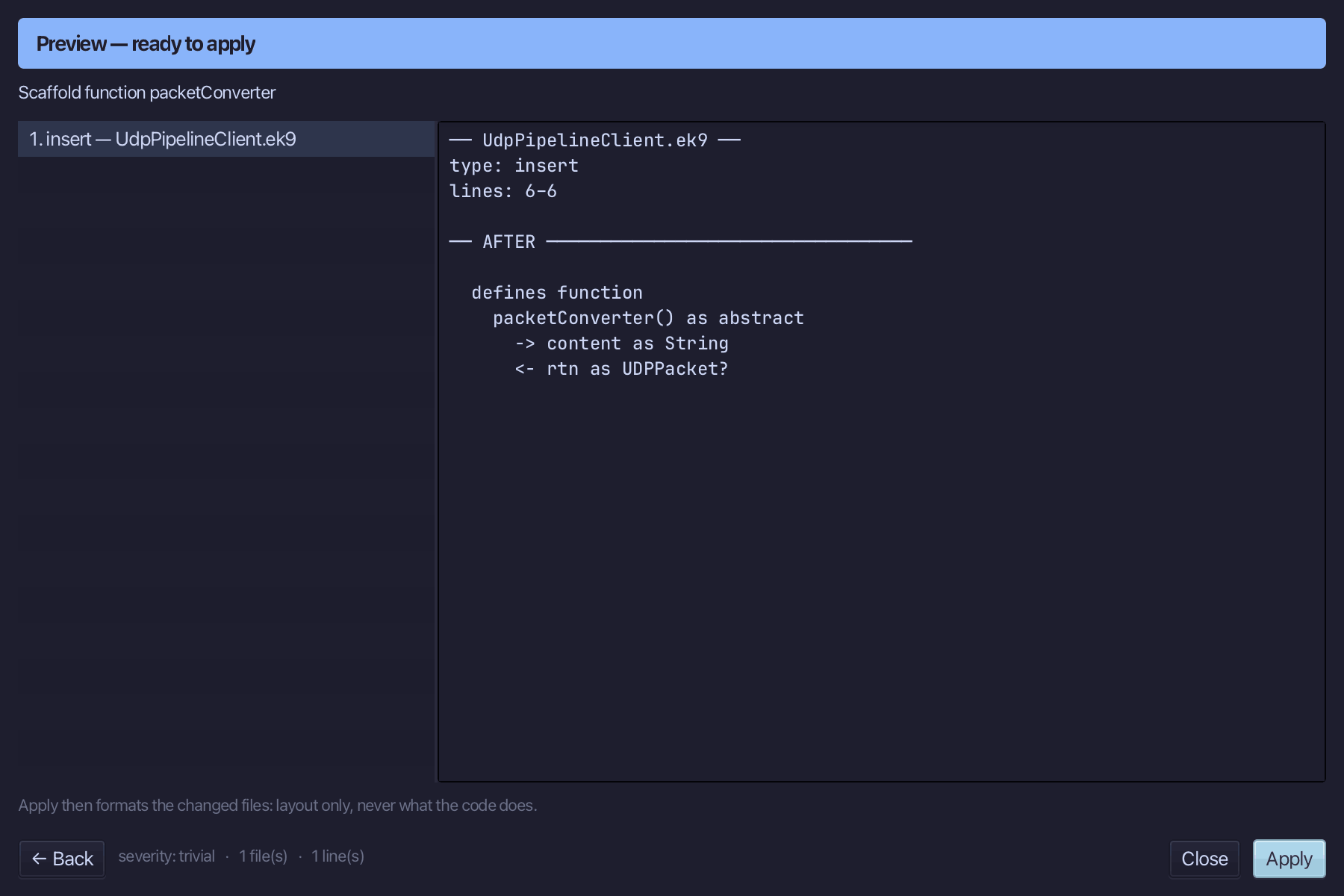
Select the packetConverter() as abstract line and, above it, type the blank line the book opens its first function with. Saves when typed.
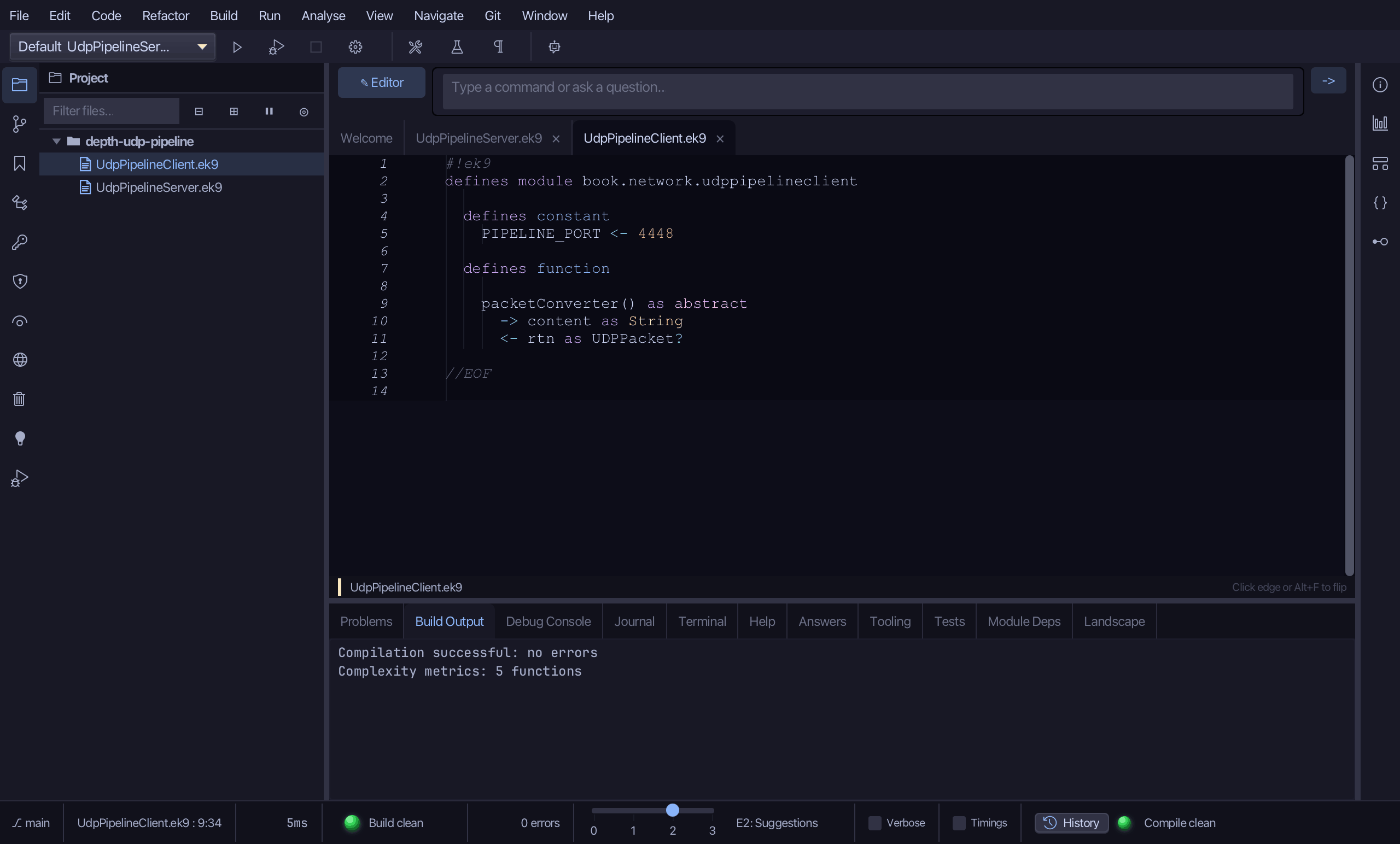
Select the return line and retype it as the book names it. Saves when typed.
Step 7: UdpPipelineClient — a program
Choose Code > New Construct > Program…
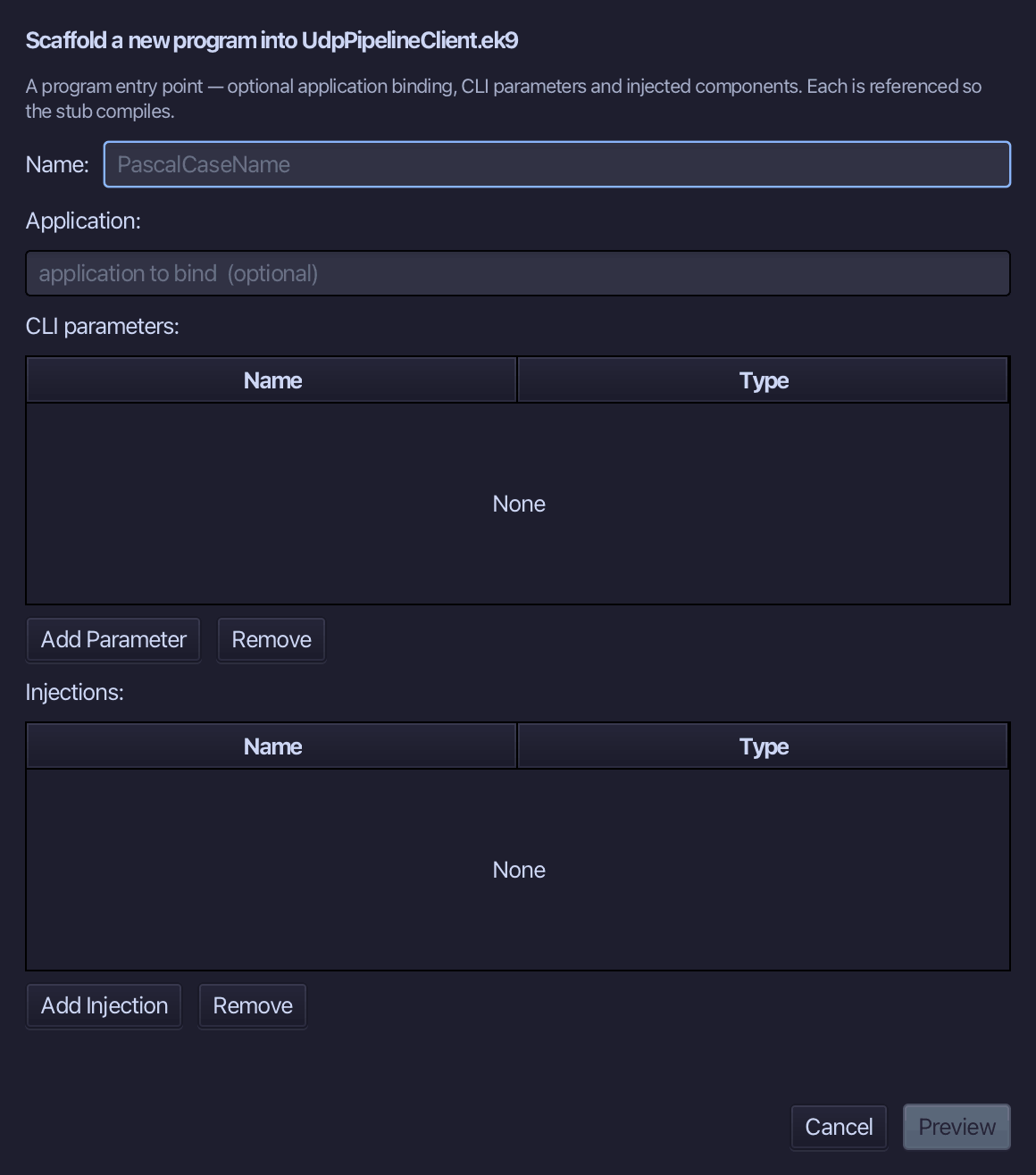
UdpPipelineClient is the program's name. Choose Preview.
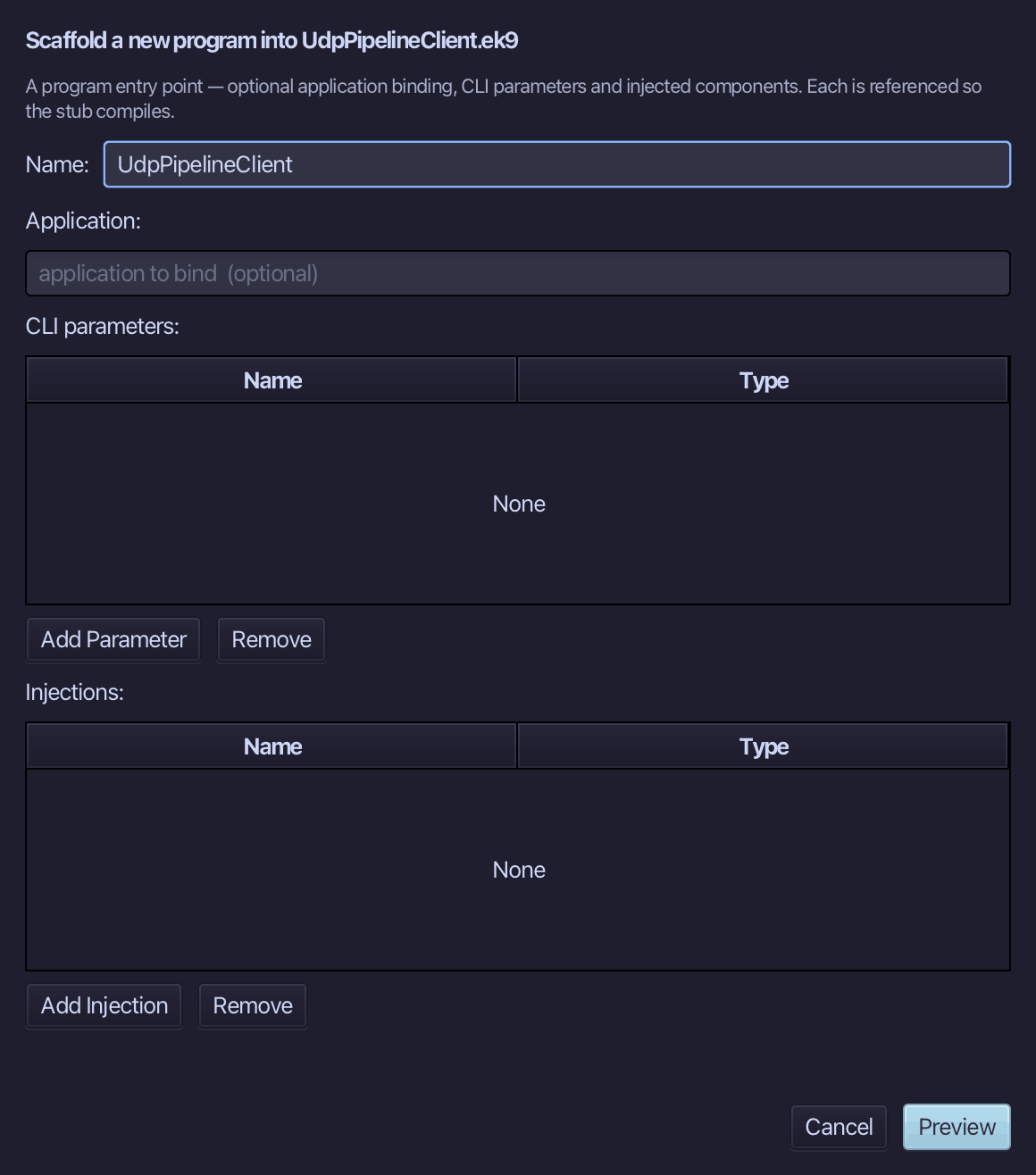
The preview shows UdpPipelineClient about to be written. Choose Apply.
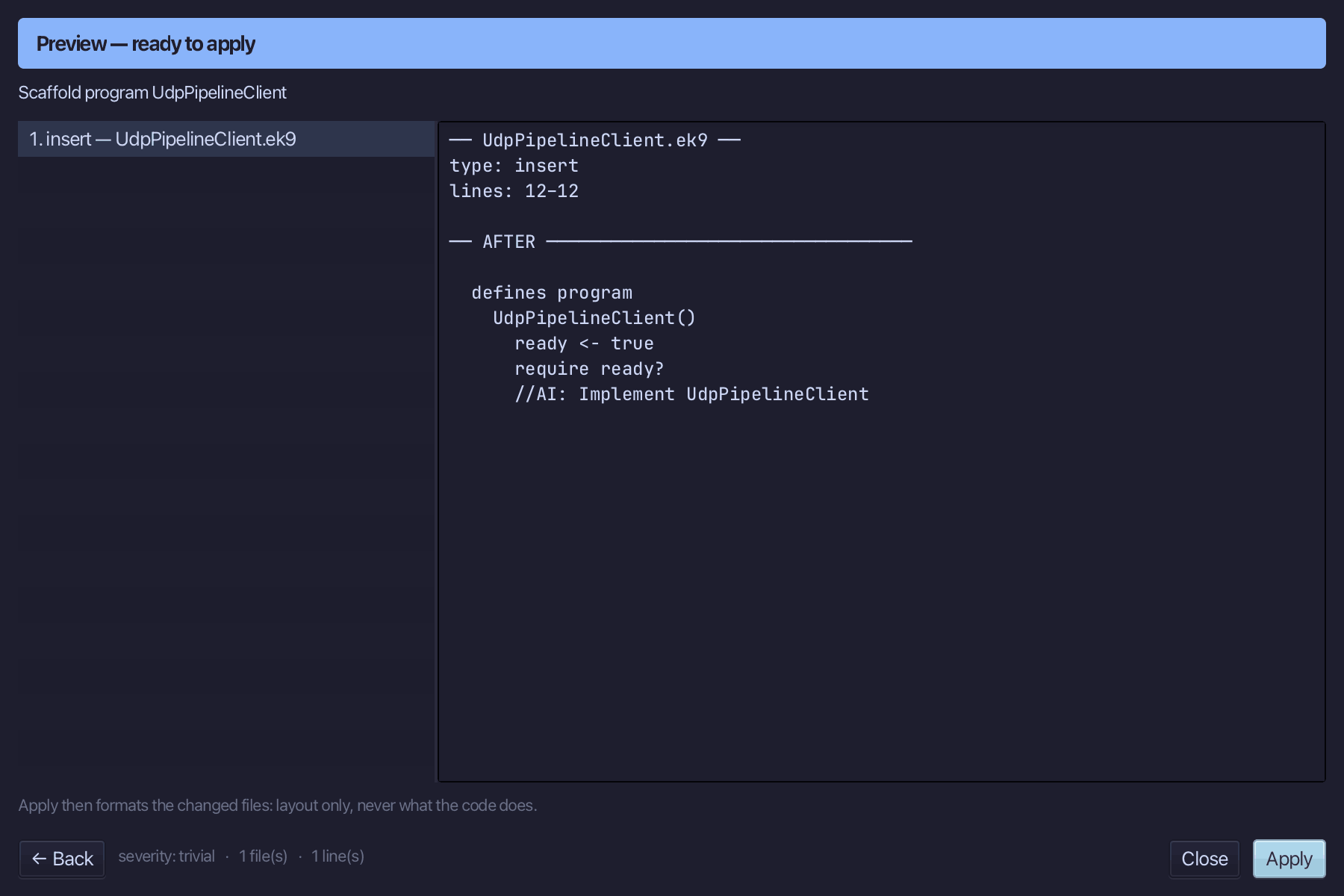
Select the UdpPipelineClient line and, above it, type the blank line the book opens the block with. Saves when typed.
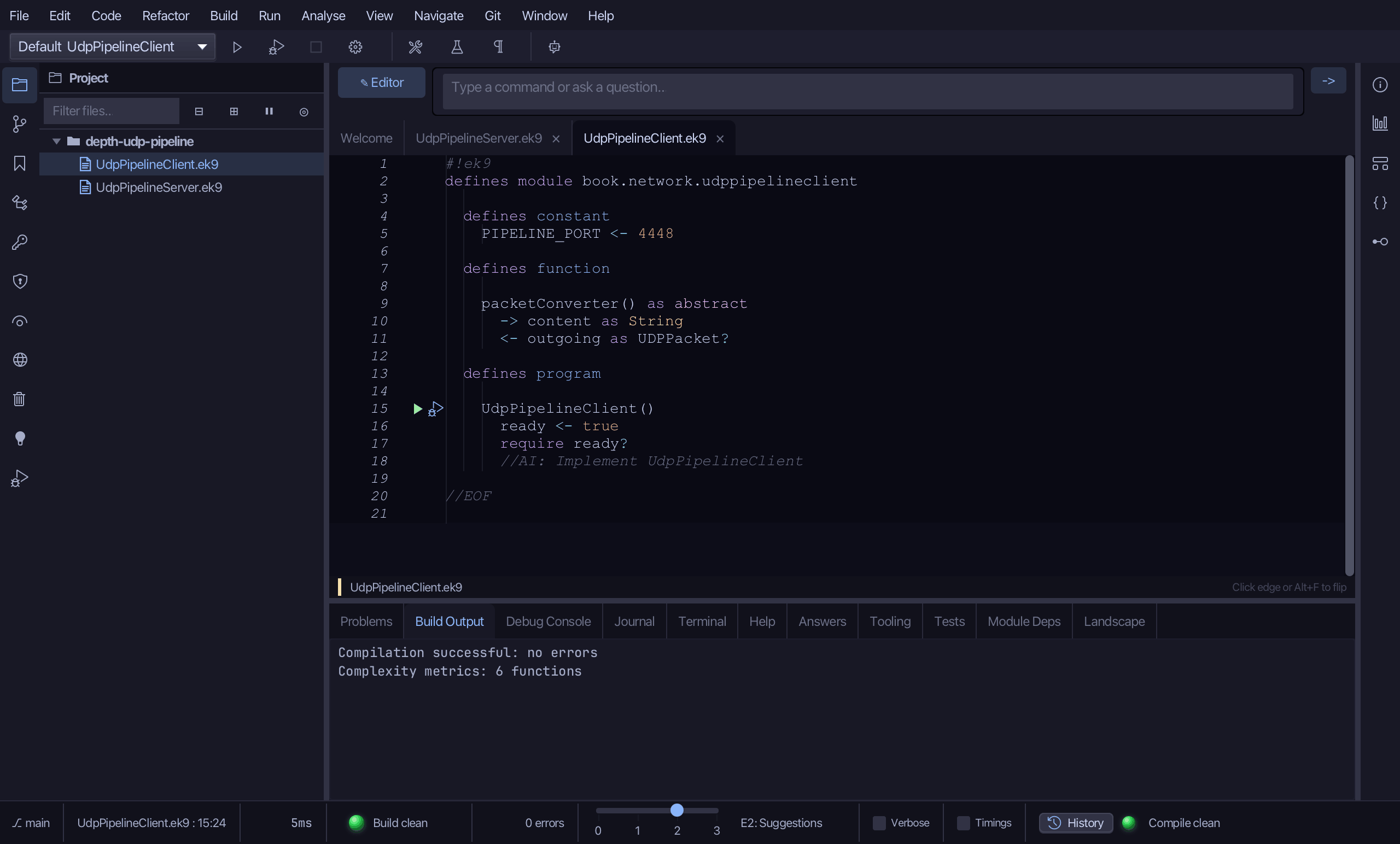
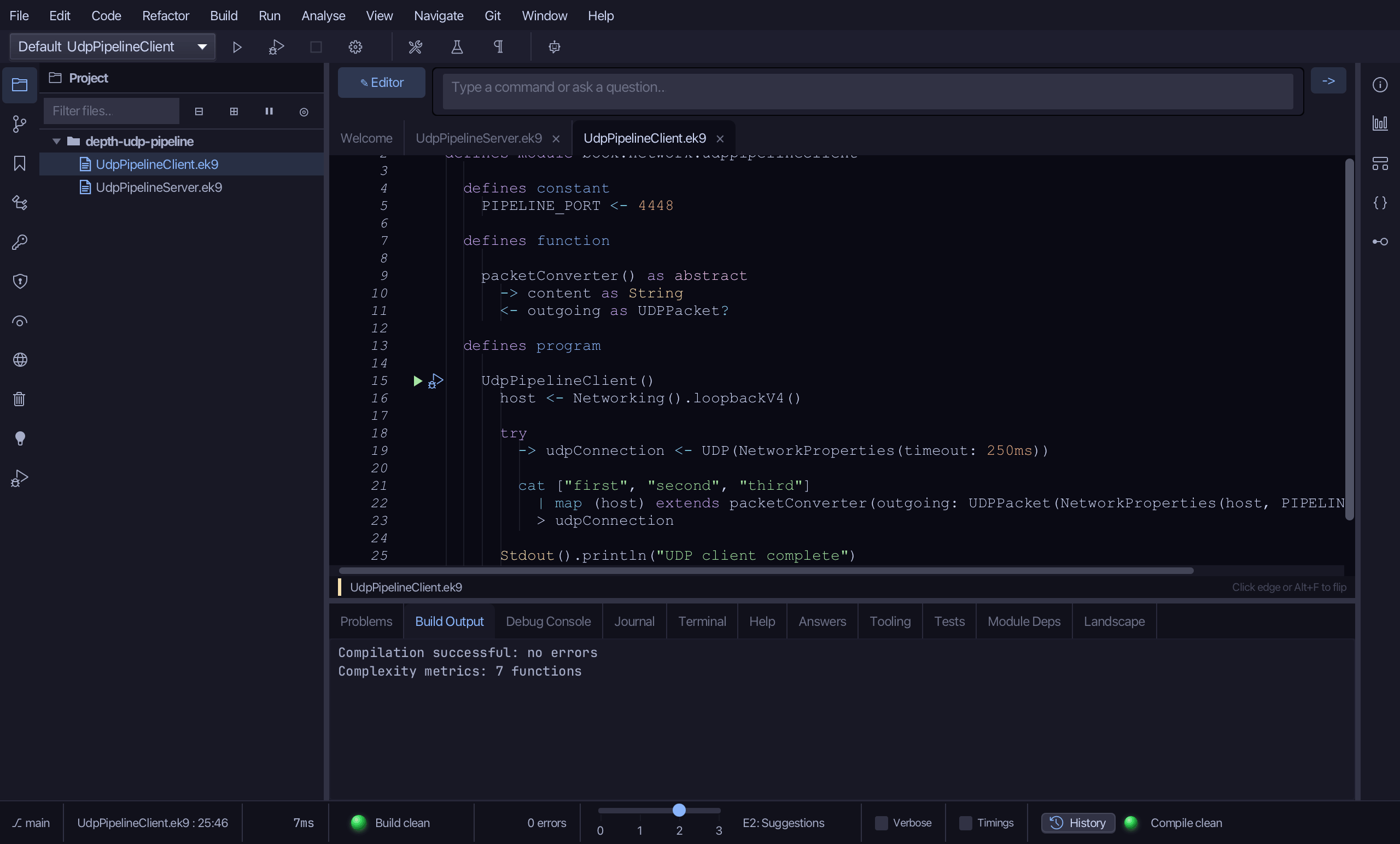
Select the stub, from ready <- true down to its //AI line, and type the program exactly as the chapter shows it. Saves when typed.
The result
UdpPipelineServer.ek9 and UdpPipelineClient.ek9 now read exactly as chapter 36 of EK9 in Depth shows them: an abstract function as the contract, a dynamic function that implements it, and a pipeline.
Where this lesson comes from
- For AI assistants - the MCP tool
ek9_new_construct,ek9_add_program.