Chapter 28: async is a stage, built
Put async in a pipeline whose elements are functions and each one is called concurrently. Chapter 28's AsyncLookups declares one abstract function, priceLookup, four lookups that are priceLookup, and a program that sends them through async three ways. The IDE writes the function type and the four lookups' signatures; you type each answer and the pipelines. To play it in the IDE: Help > Lessons > EK9 in Depth…, or ek9 -ide -lesson depth-async-lookups.
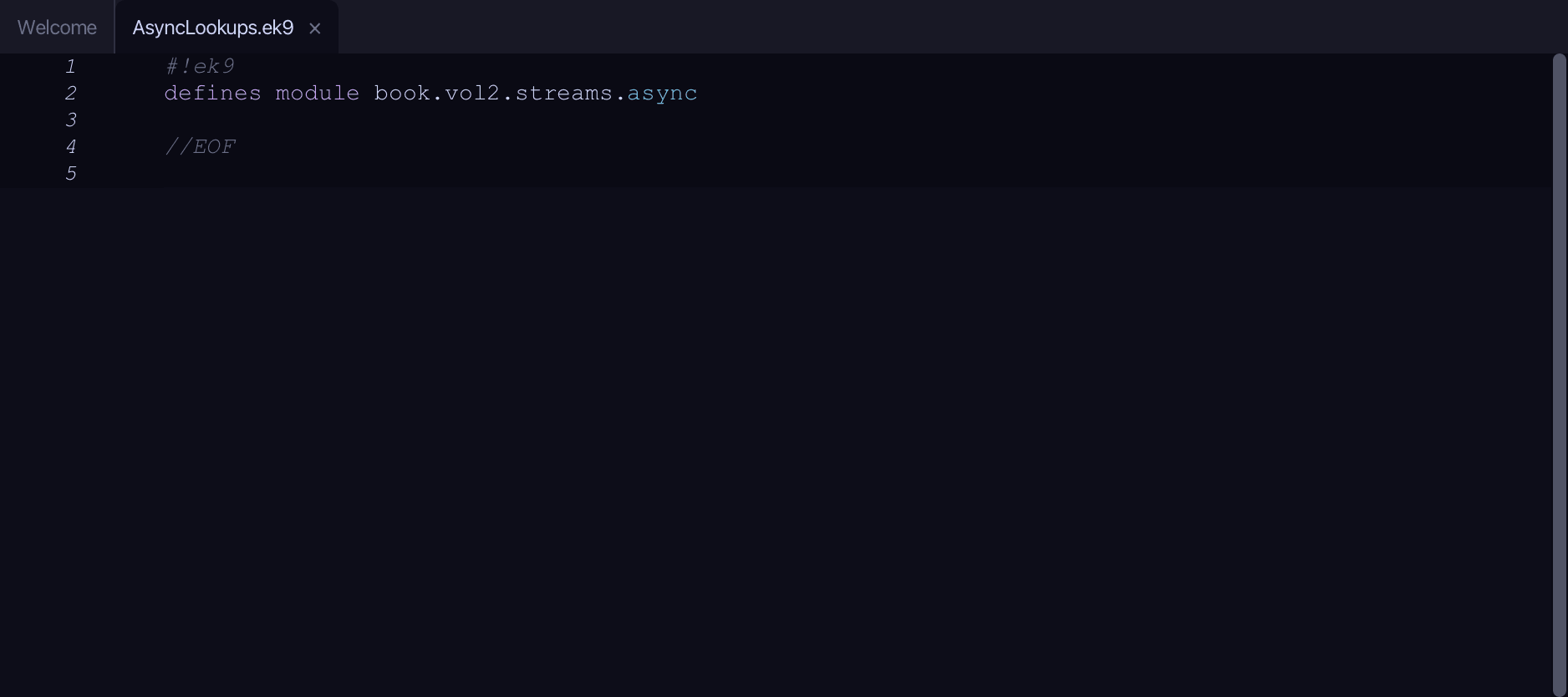
What you'll build
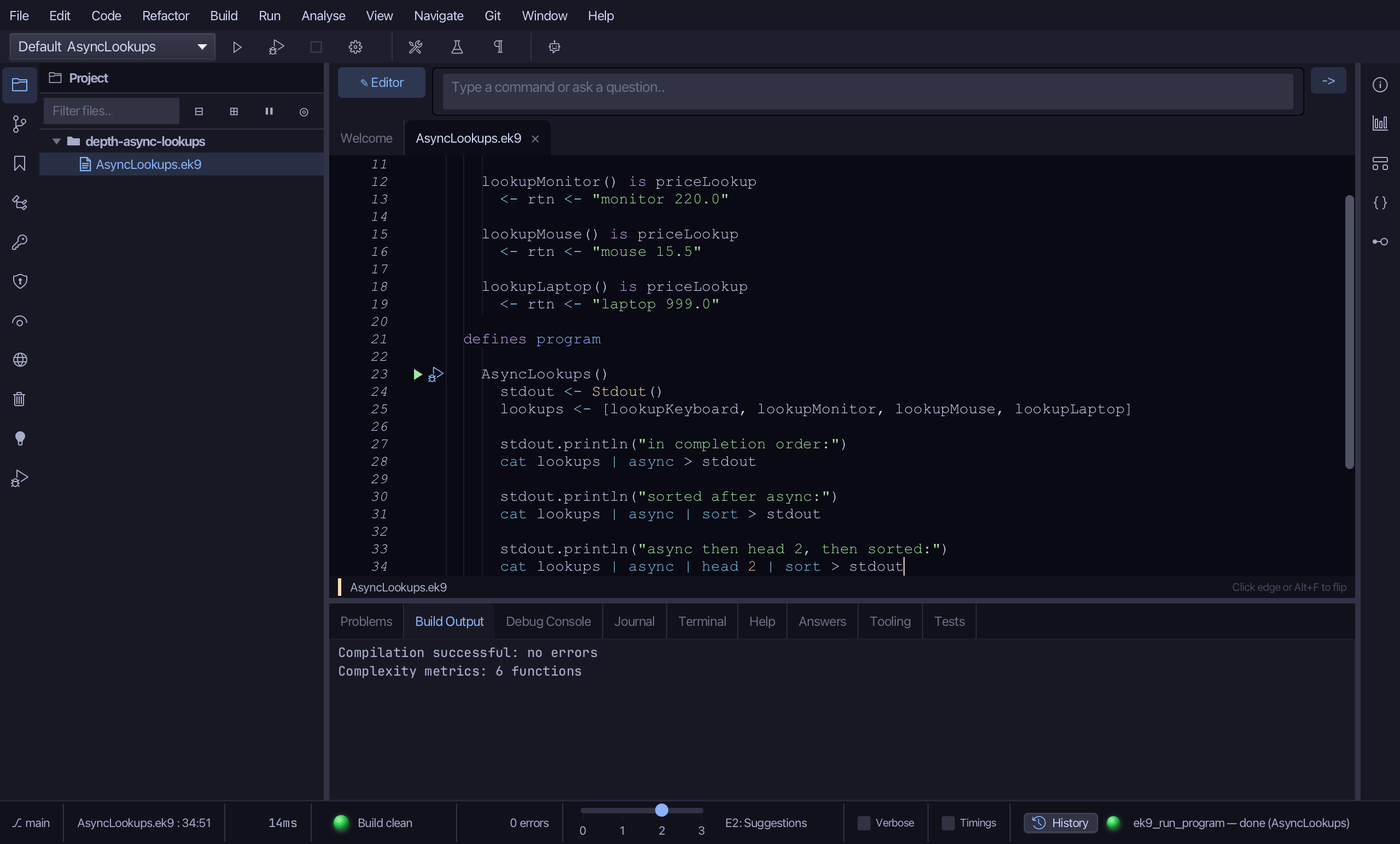
The lesson builds this program from a file holding only its module line - the finished file, as the book prints it.
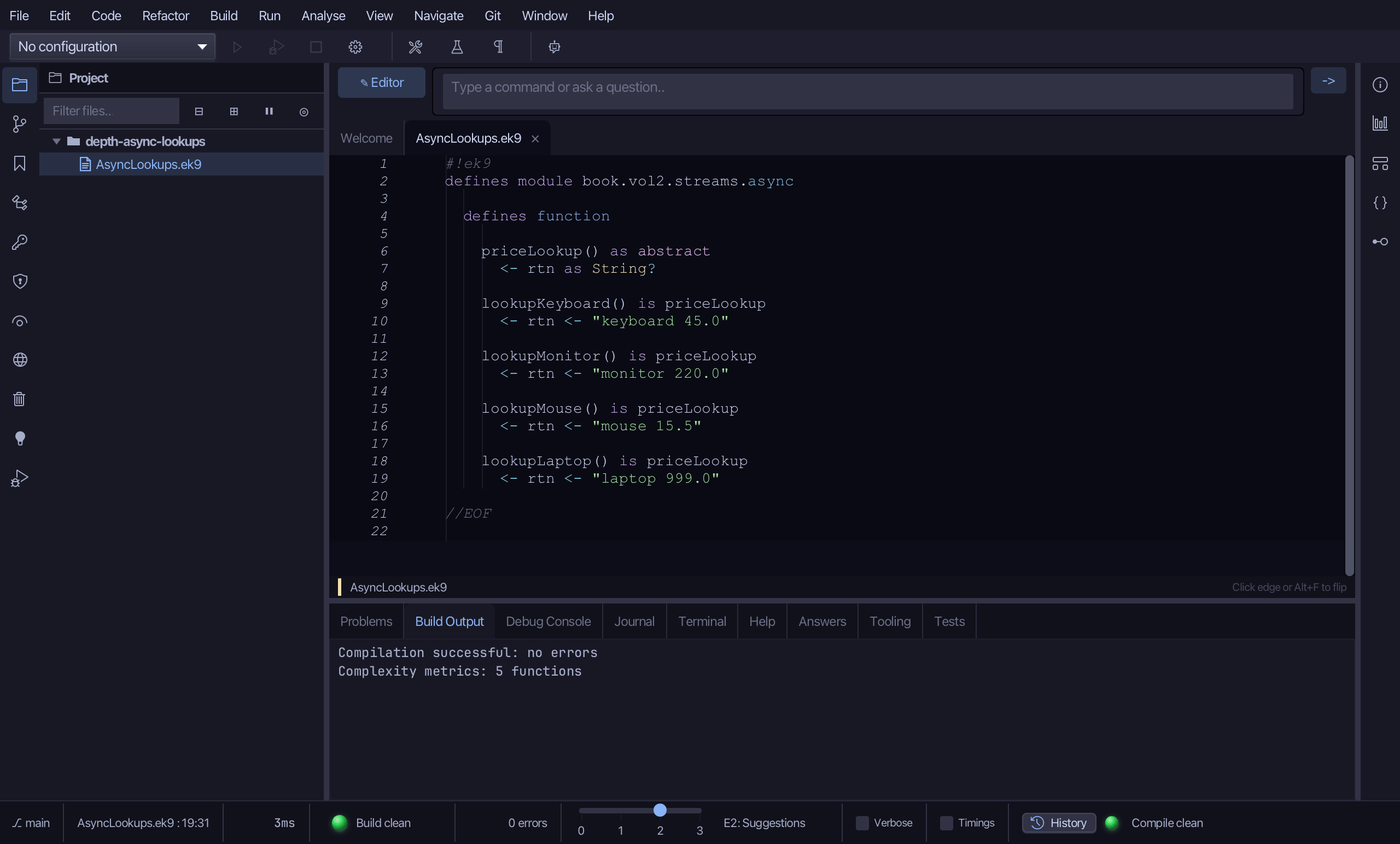
#!ek9
defines module book.vol2.streams.async

  defines function

    priceLookup() as abstract
      <- rtn as String?

    lookupKeyboard() is priceLookup
      <- rtn <- "keyboard 45.0"

    lookupMonitor() is priceLookup
      <- rtn <- "monitor 220.0"

    lookupMouse() is priceLookup
      <- rtn <- "mouse 15.5"

    lookupLaptop() is priceLookup
      <- rtn <- "laptop 999.0"

  defines program

    AsyncLookups()
      stdout <- Stdout()
      lookups <- [lookupKeyboard, lookupMonitor, lookupMouse, lookupLaptop]

      stdout.println("in completion order:")
      cat lookups | async > stdout

      stdout.println("sorted after async:")
      cat lookups | async | sort > stdout

      stdout.println("async then head 2, then sorted:")
      cat lookups | async | head 2 | sort > stdout

//EOF
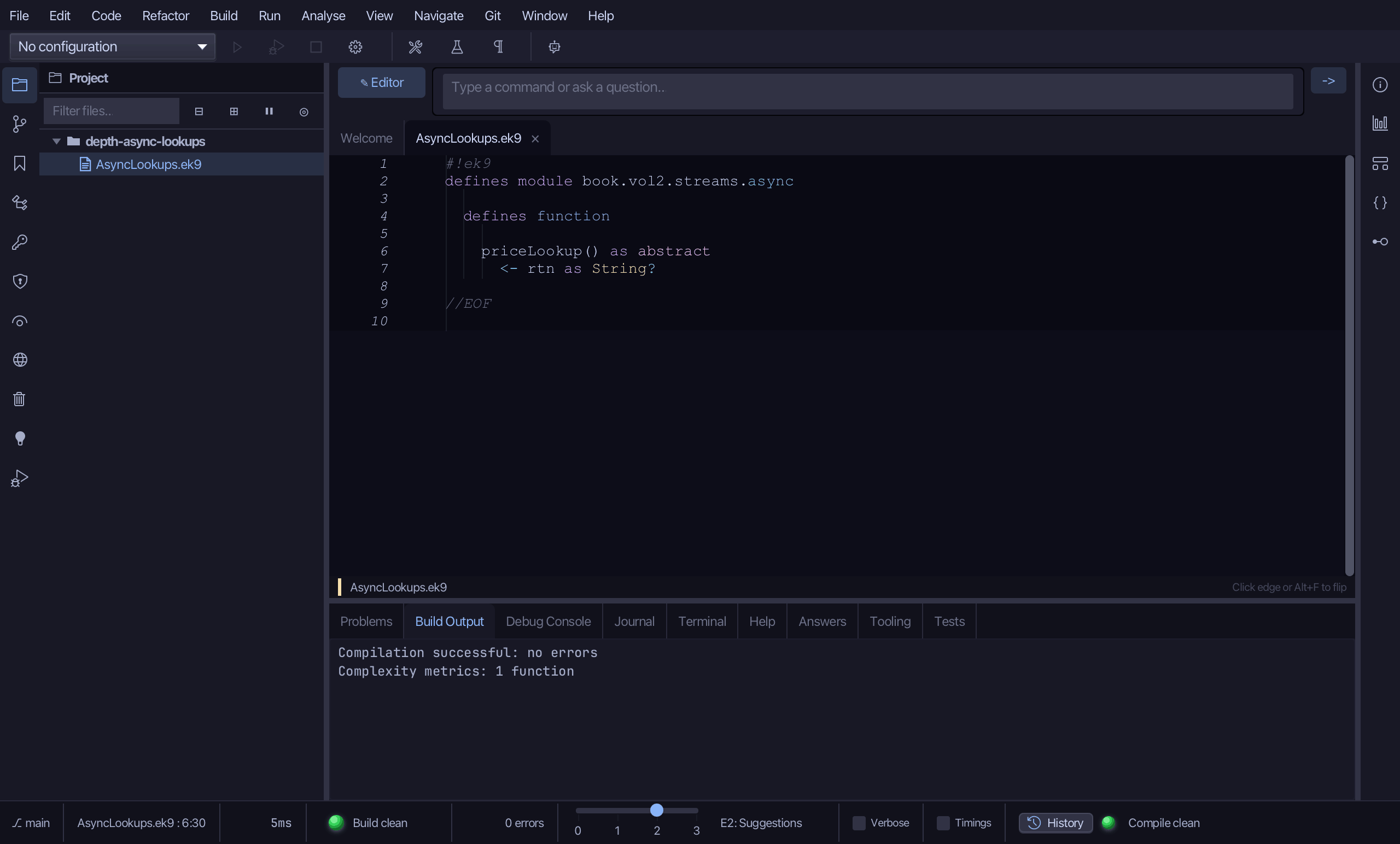
Step 1: priceLookup — a function
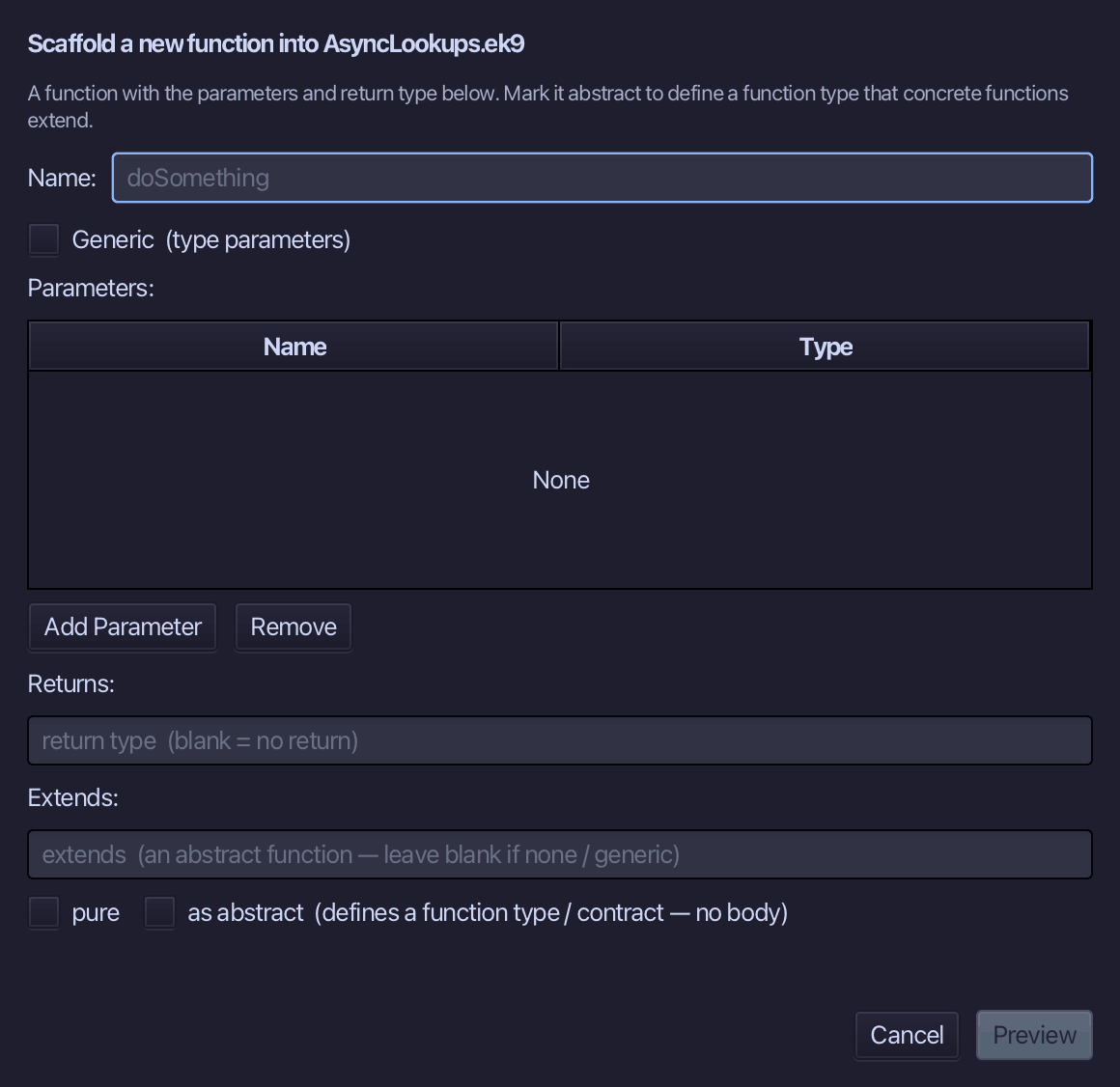
Choose Code > New Construct > Function…
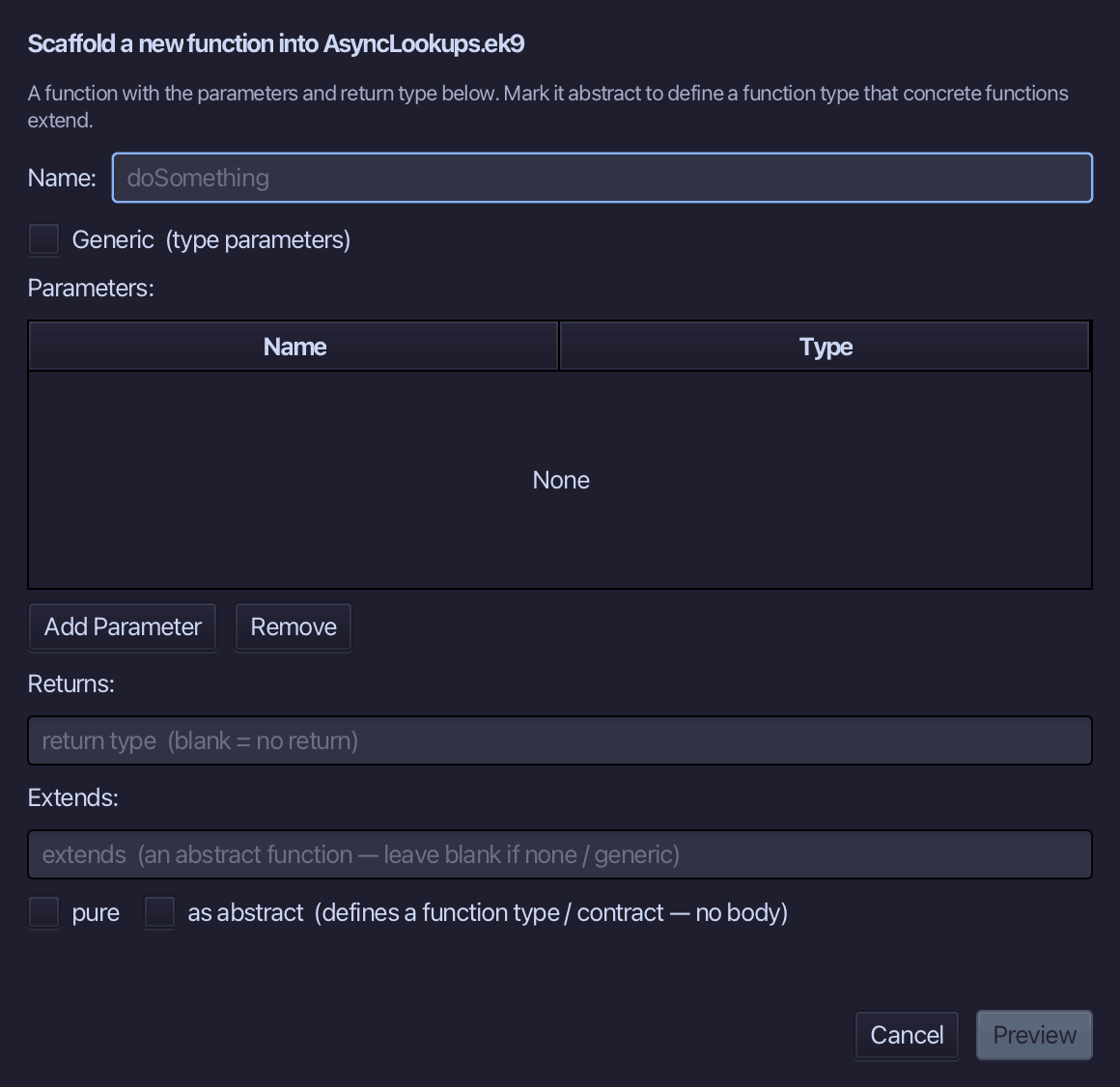
priceLookup is the function's name. Set Returns to String and tick as abstract - a function type: a contract with no body. Choose Preview.
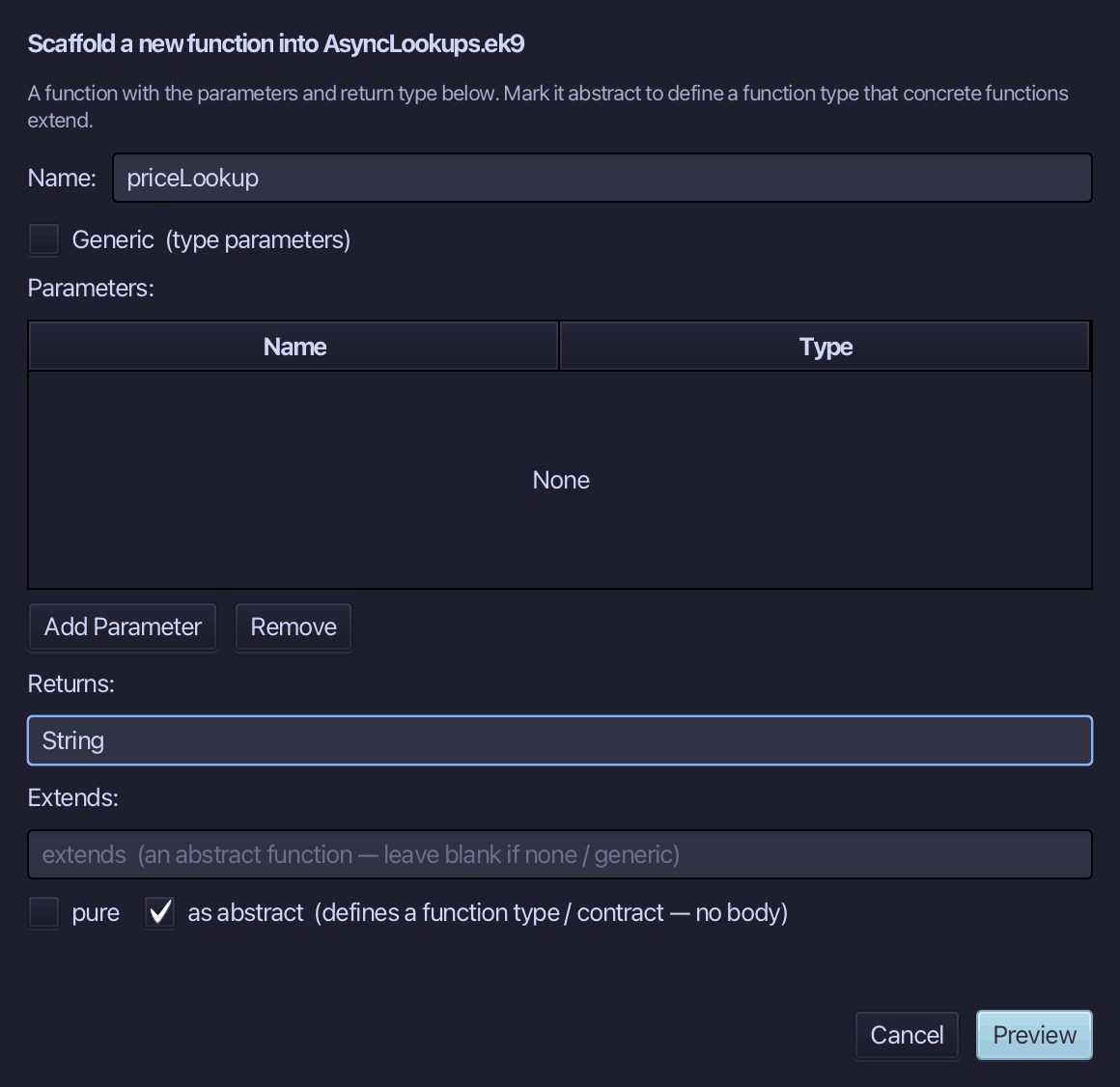
The preview shows priceLookup about to be written. Choose Apply.
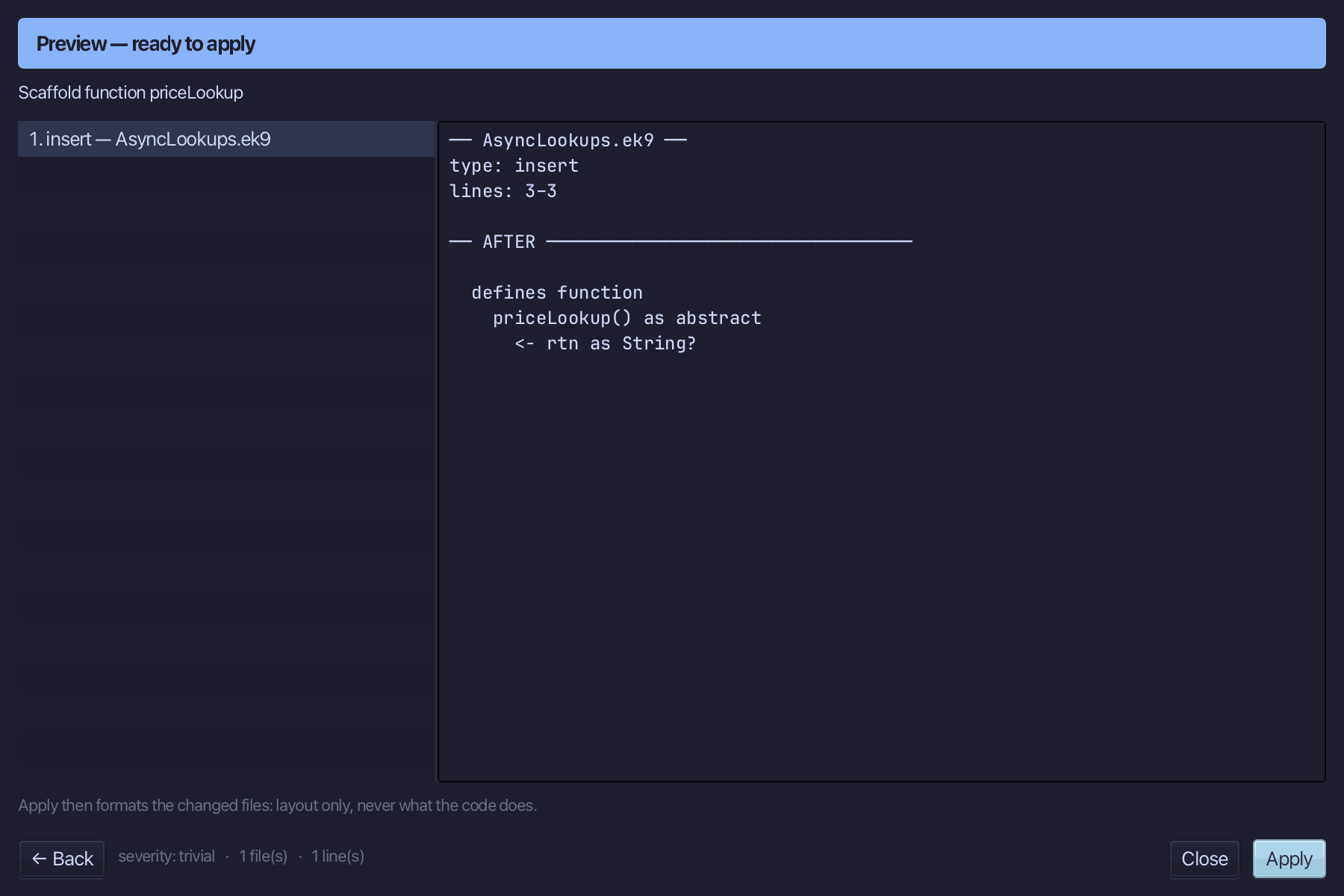
Select the priceLookup() as abstract line and, above it, type the blank line the book opens its first function with. Saves when typed.
Step 2: lookupKeyboard — a function
Choose Code > New Construct > Function…
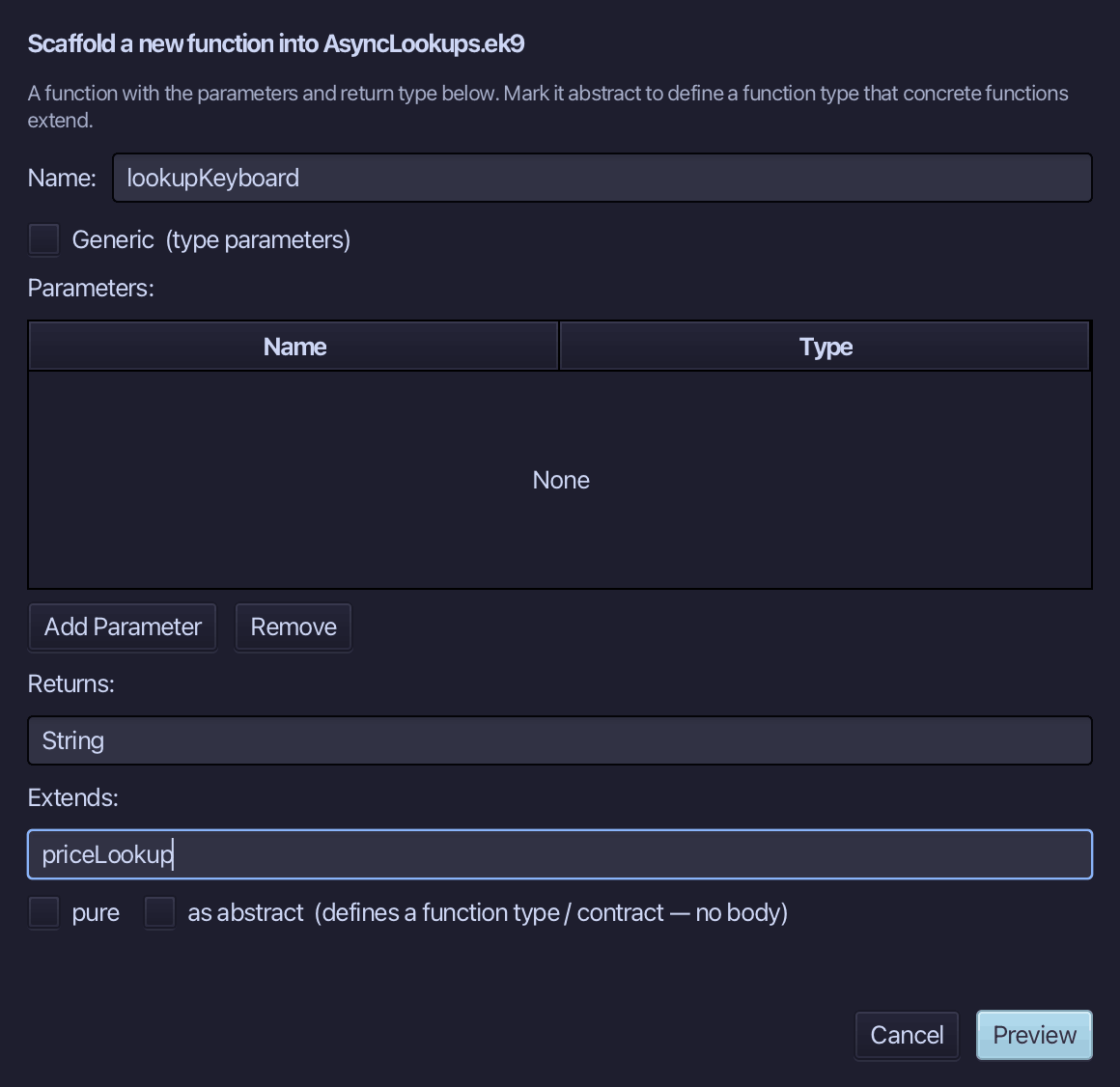
lookupKeyboard is the function's name. Set Returns to String, type priceLookup into Extends. Choose Preview.
The preview shows lookupKeyboard about to be written. Choose Apply.
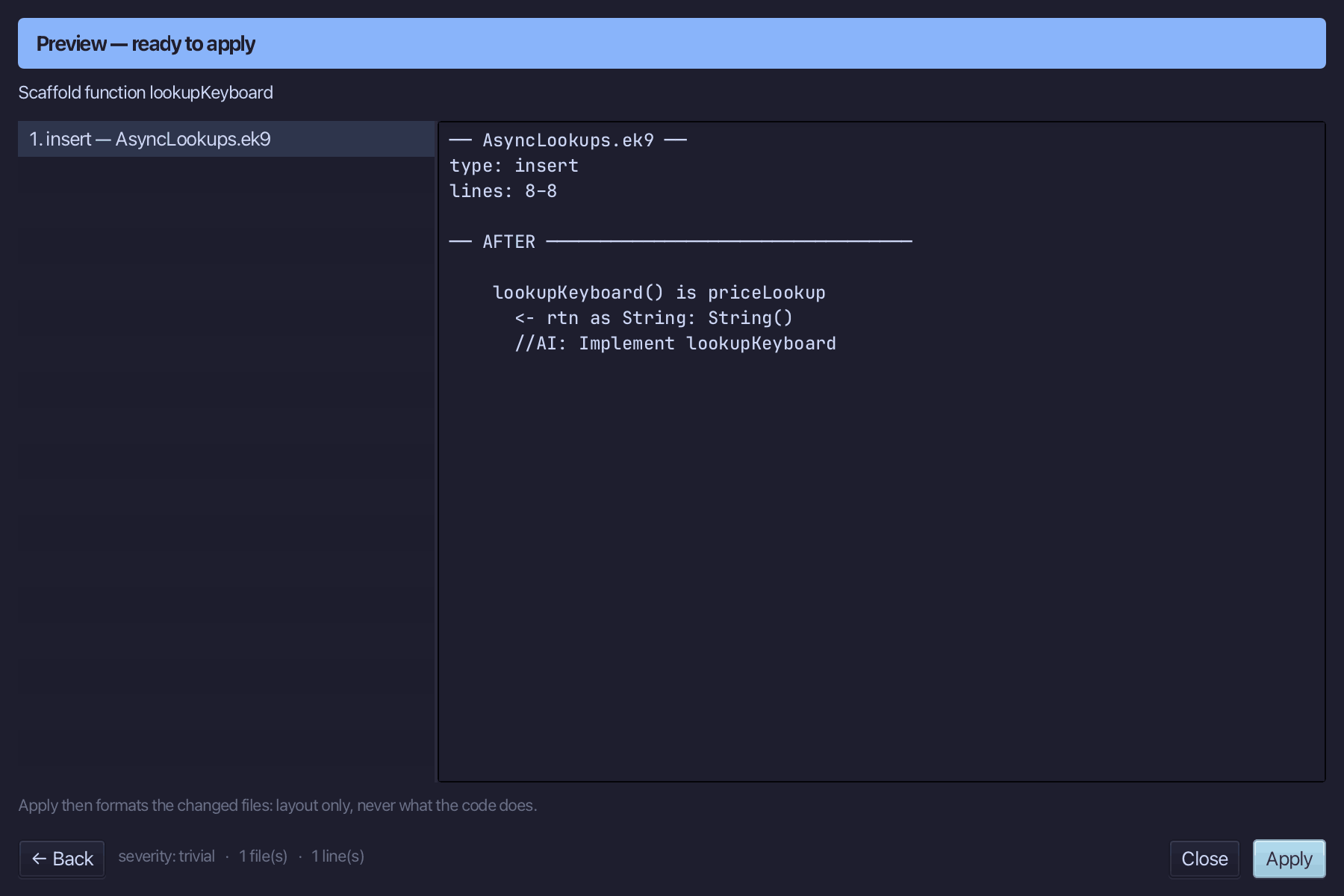
Select the stub, from <- rtn as String: String() down to its //AI line, and type lookupKeyboard's own return and work, as the book writes them. Saves when typed.
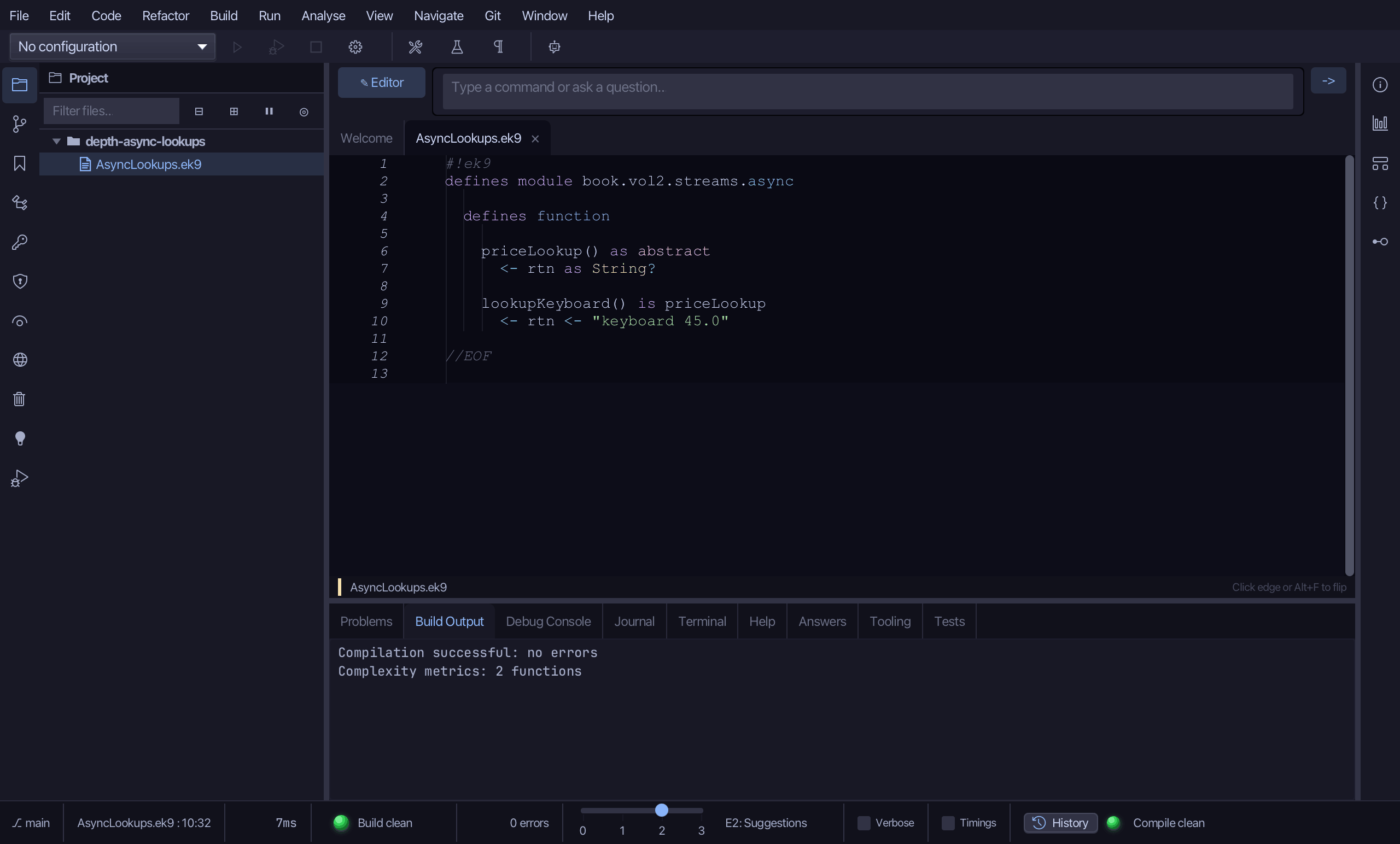
Step 3: lookupMonitor — a function
Choose Code > New Construct > Function…
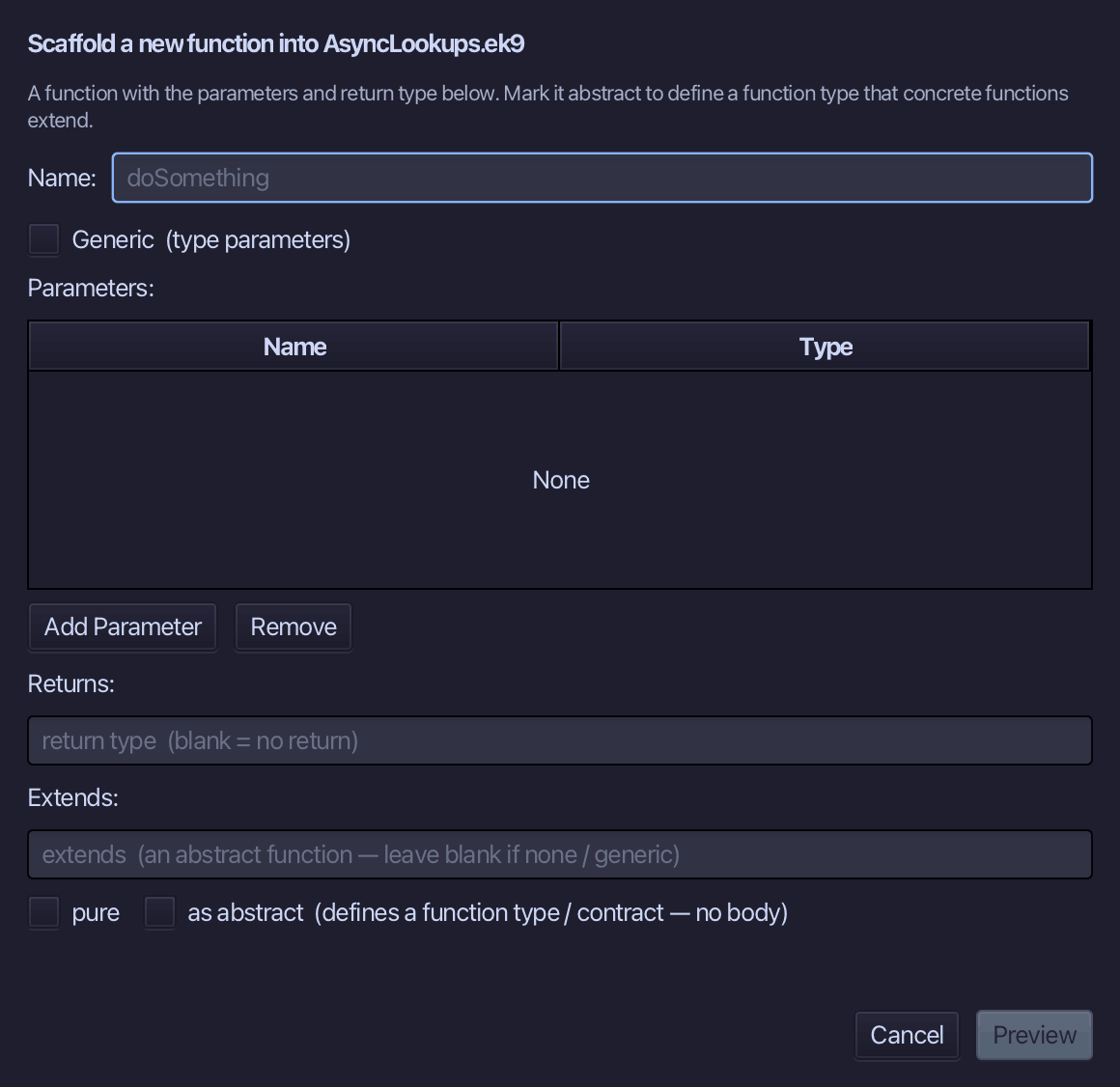
lookupMonitor is the function's name. Set Returns to String, type priceLookup into Extends. Choose Preview.
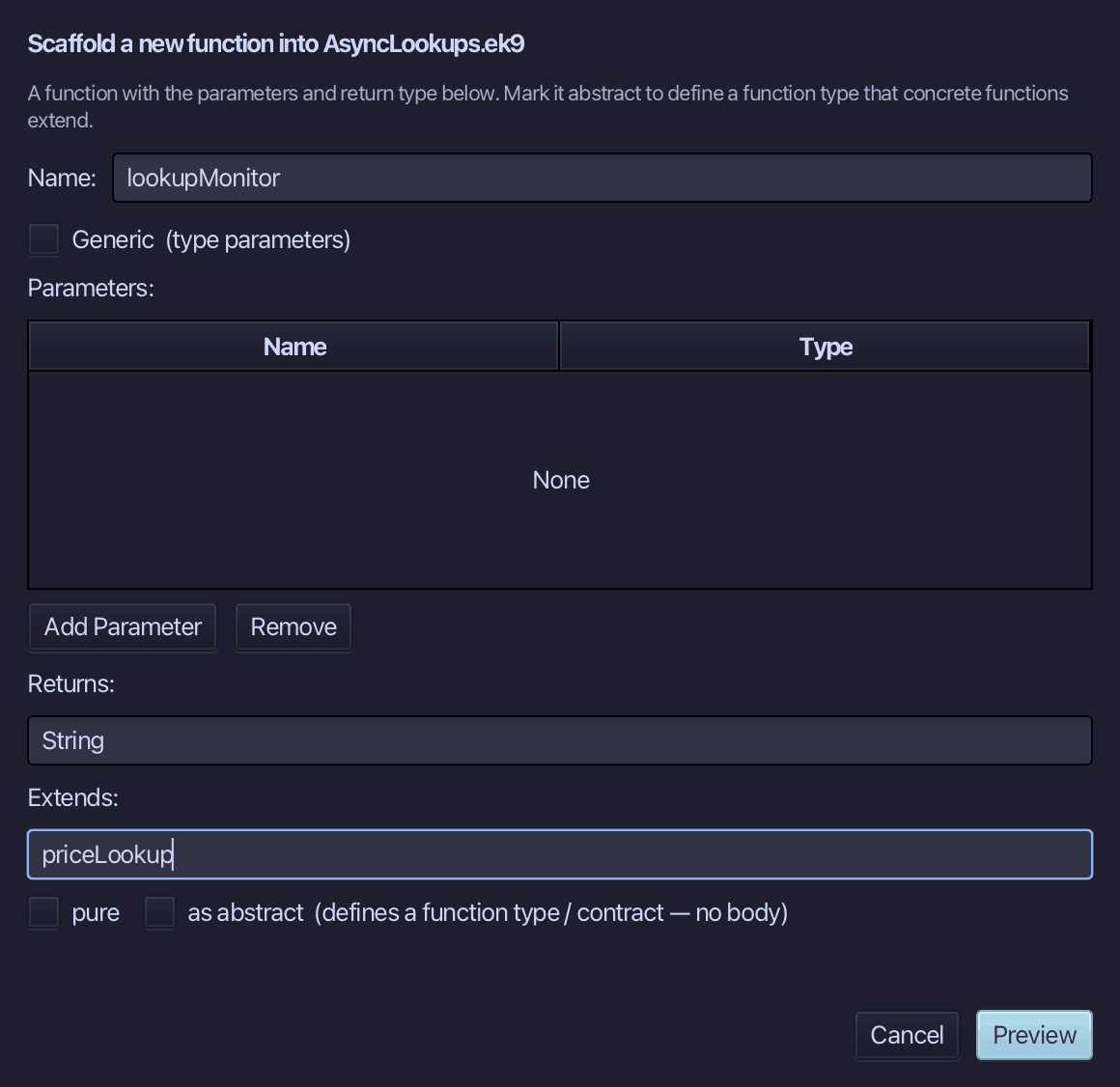
The preview shows lookupMonitor about to be written. Choose Apply.
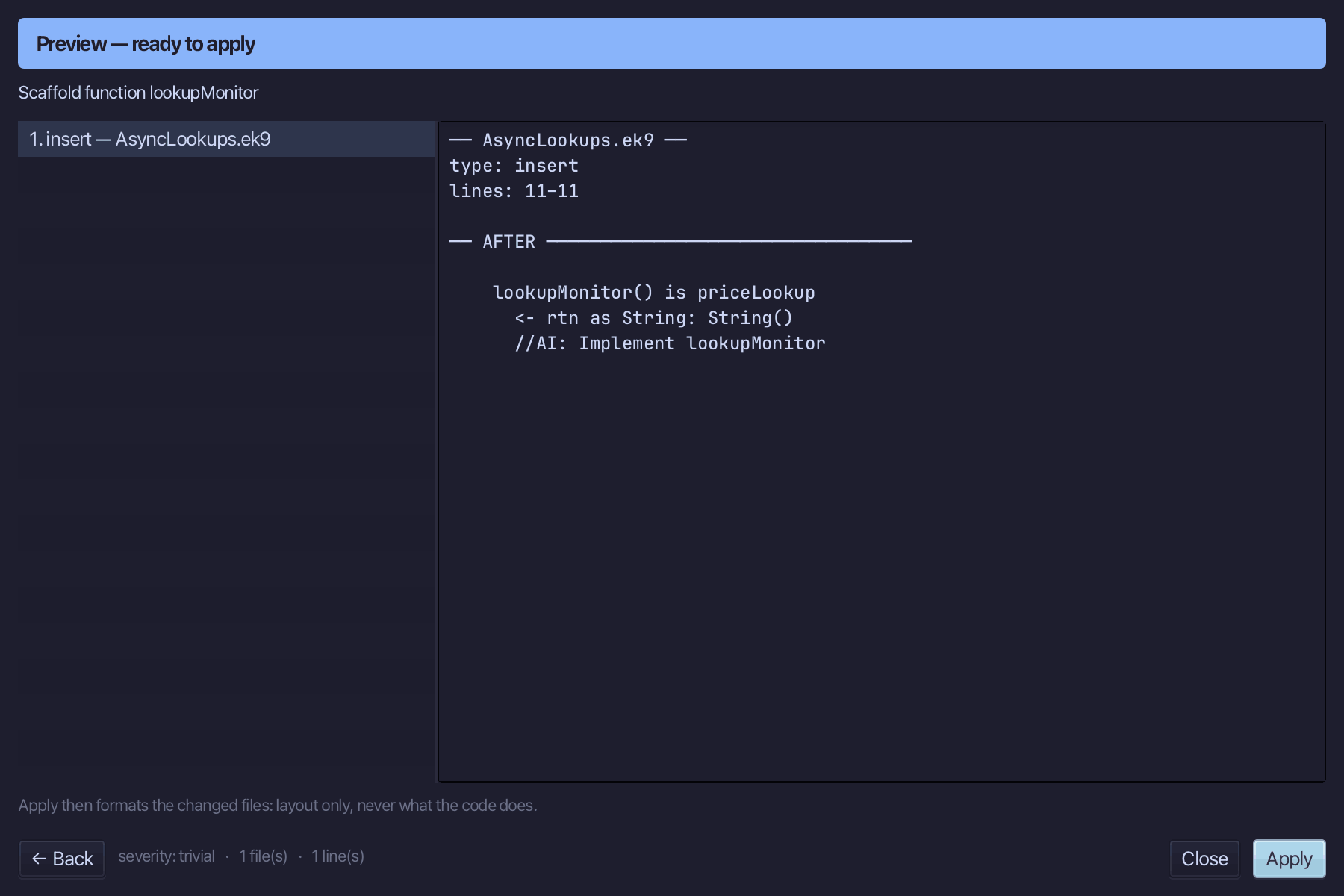
Select the stub, from <- rtn as String: String() down to its //AI line, and type lookupMonitor's own return and work, as the book writes them. Saves when typed.
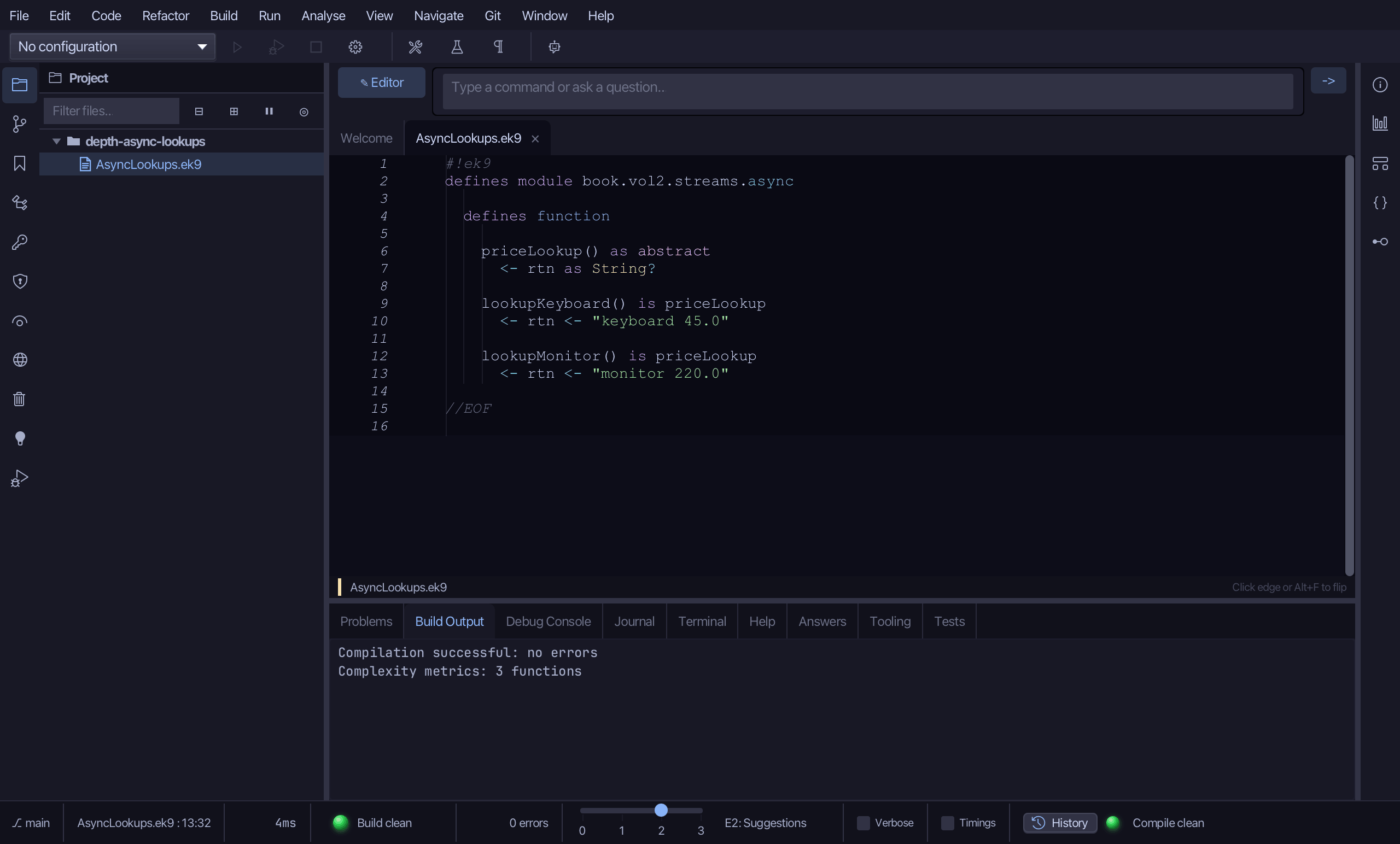
Step 4: lookupMouse — a function
Choose Code > New Construct > Function…
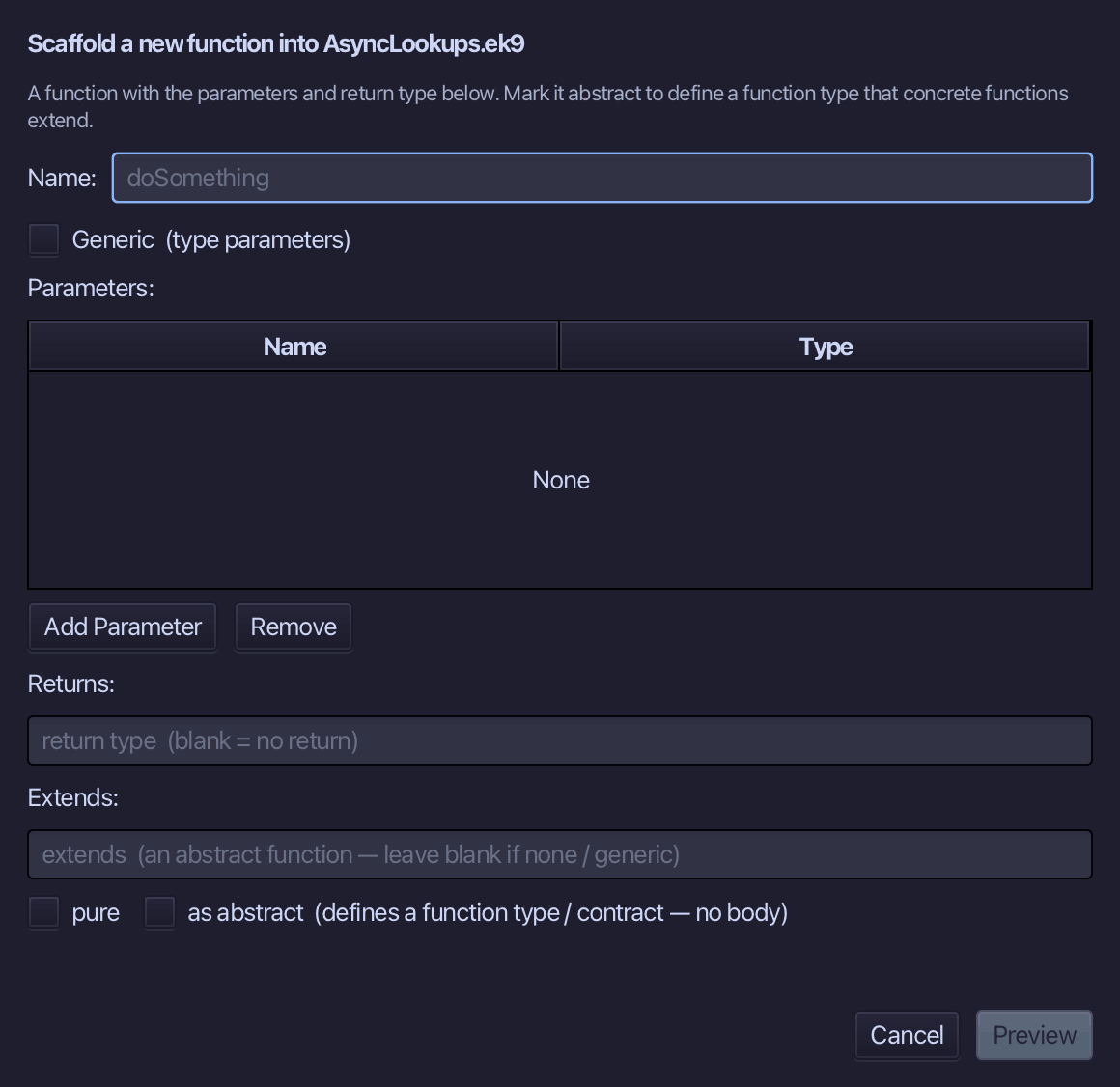
lookupMouse is the function's name. Set Returns to String, type priceLookup into Extends. Choose Preview.
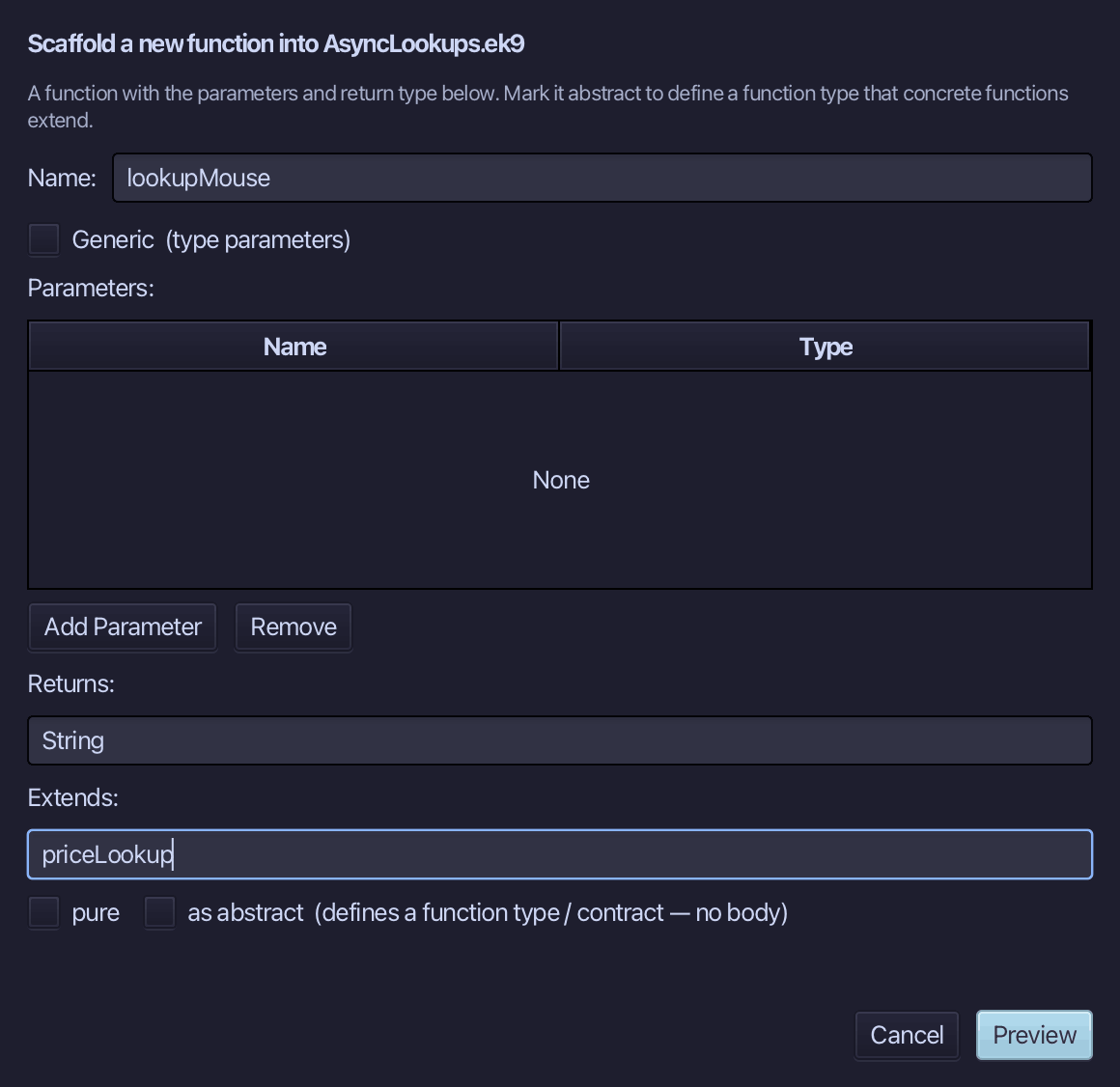
The preview shows lookupMouse about to be written. Choose Apply.
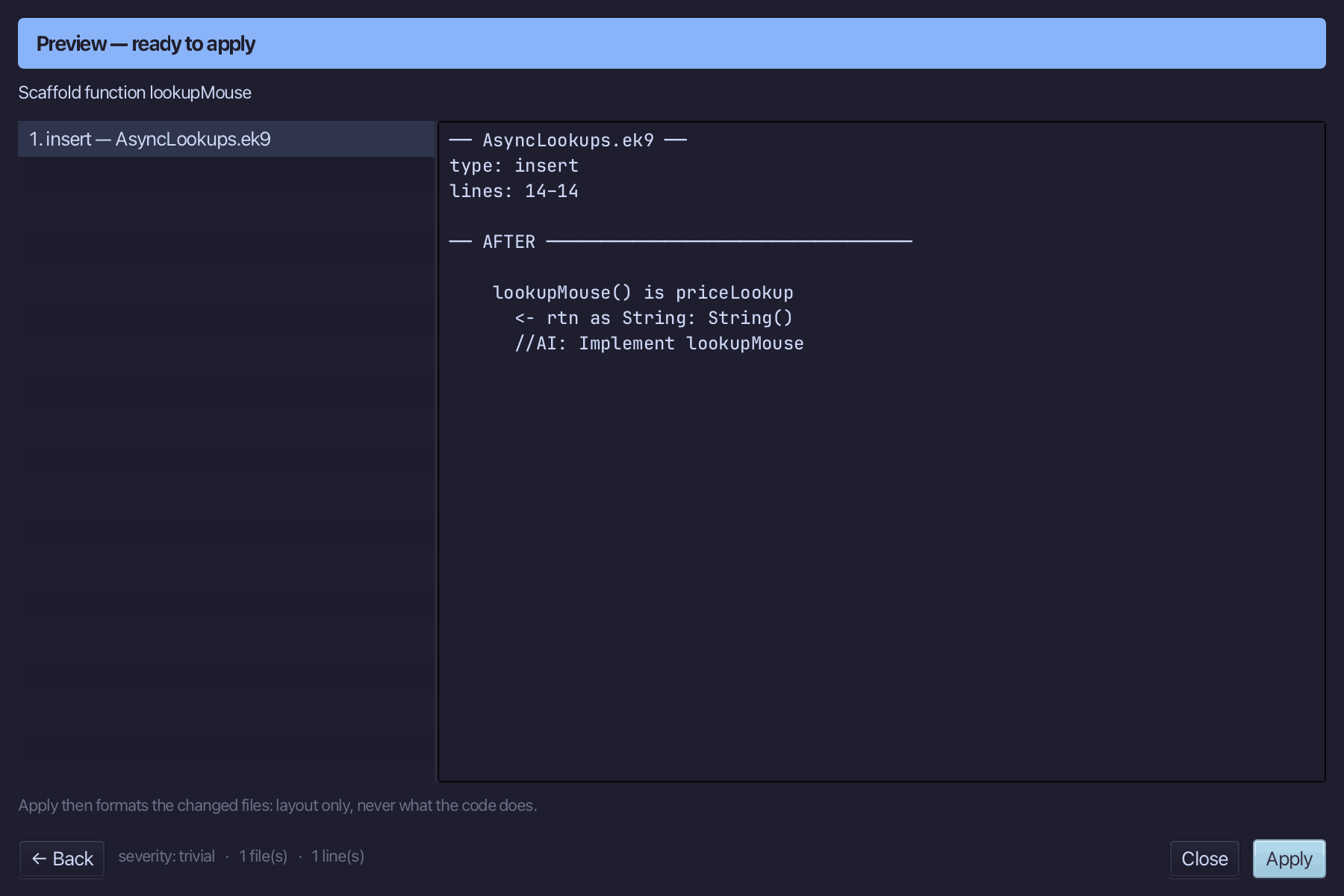
Select the stub, from <- rtn as String: String() down to its //AI line, and type lookupMouse's own return and work, as the book writes them. Saves when typed.
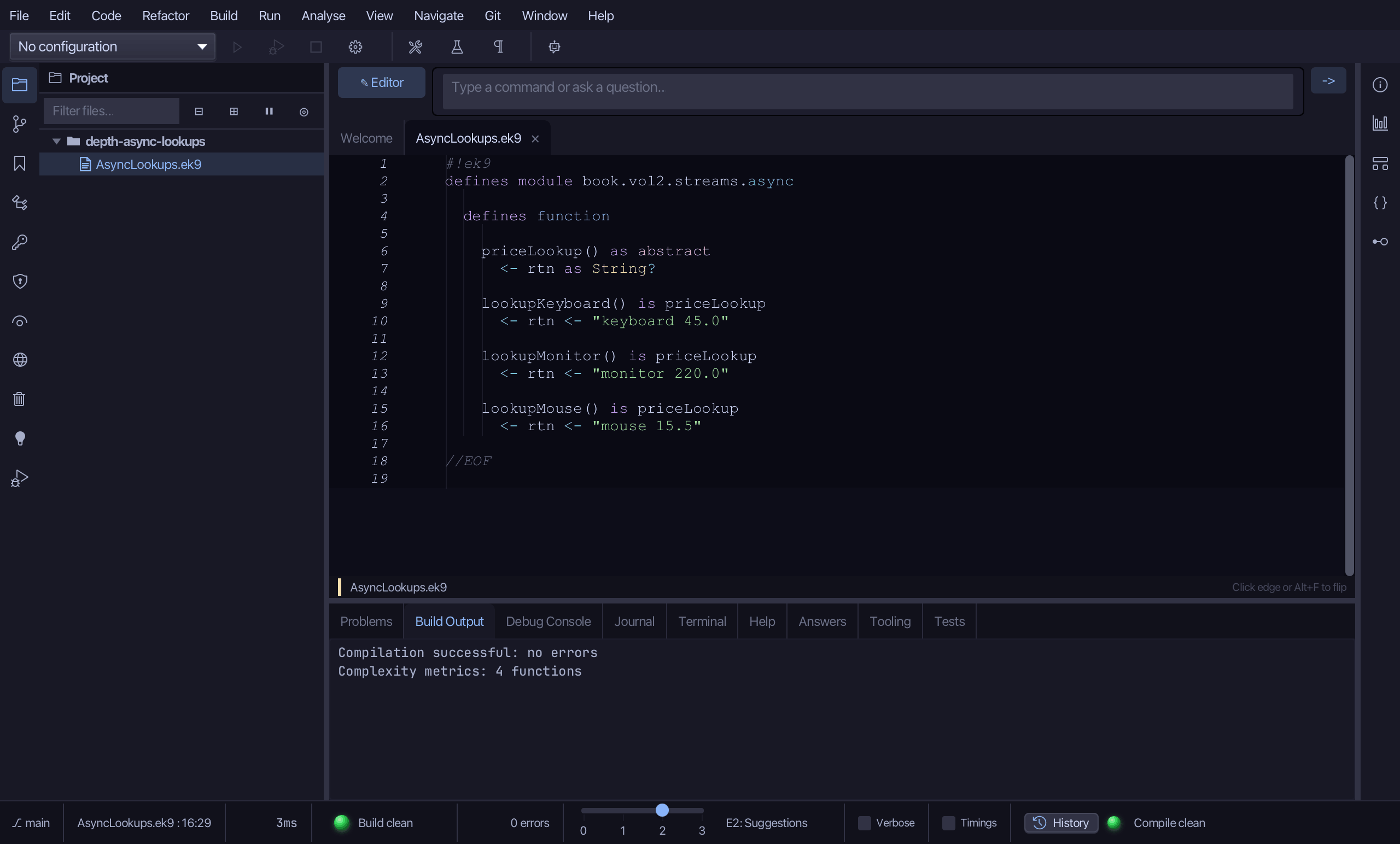
Step 5: lookupLaptop — a function
Choose Code > New Construct > Function…
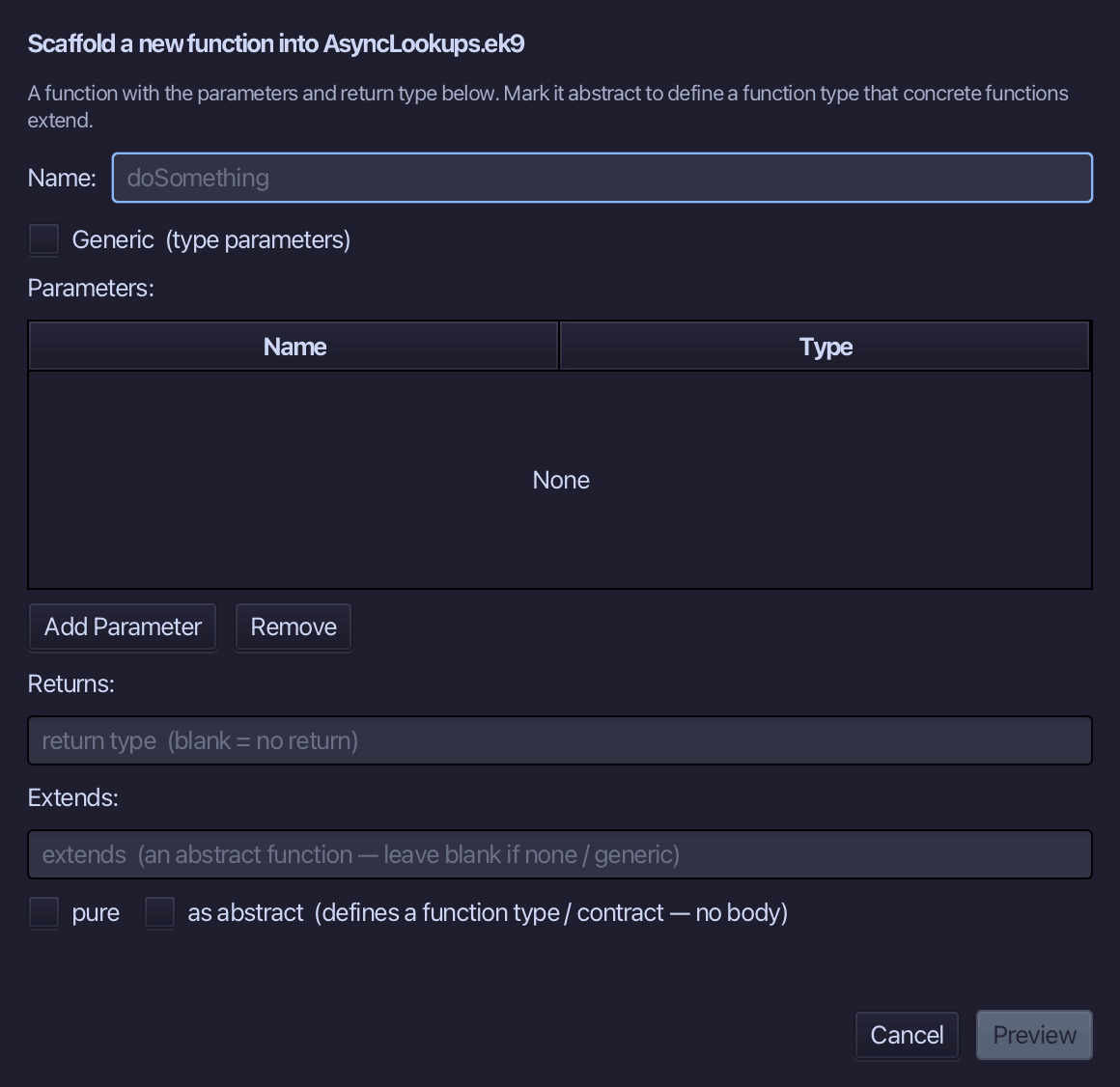
lookupLaptop is the function's name. Set Returns to String, type priceLookup into Extends. Choose Preview.
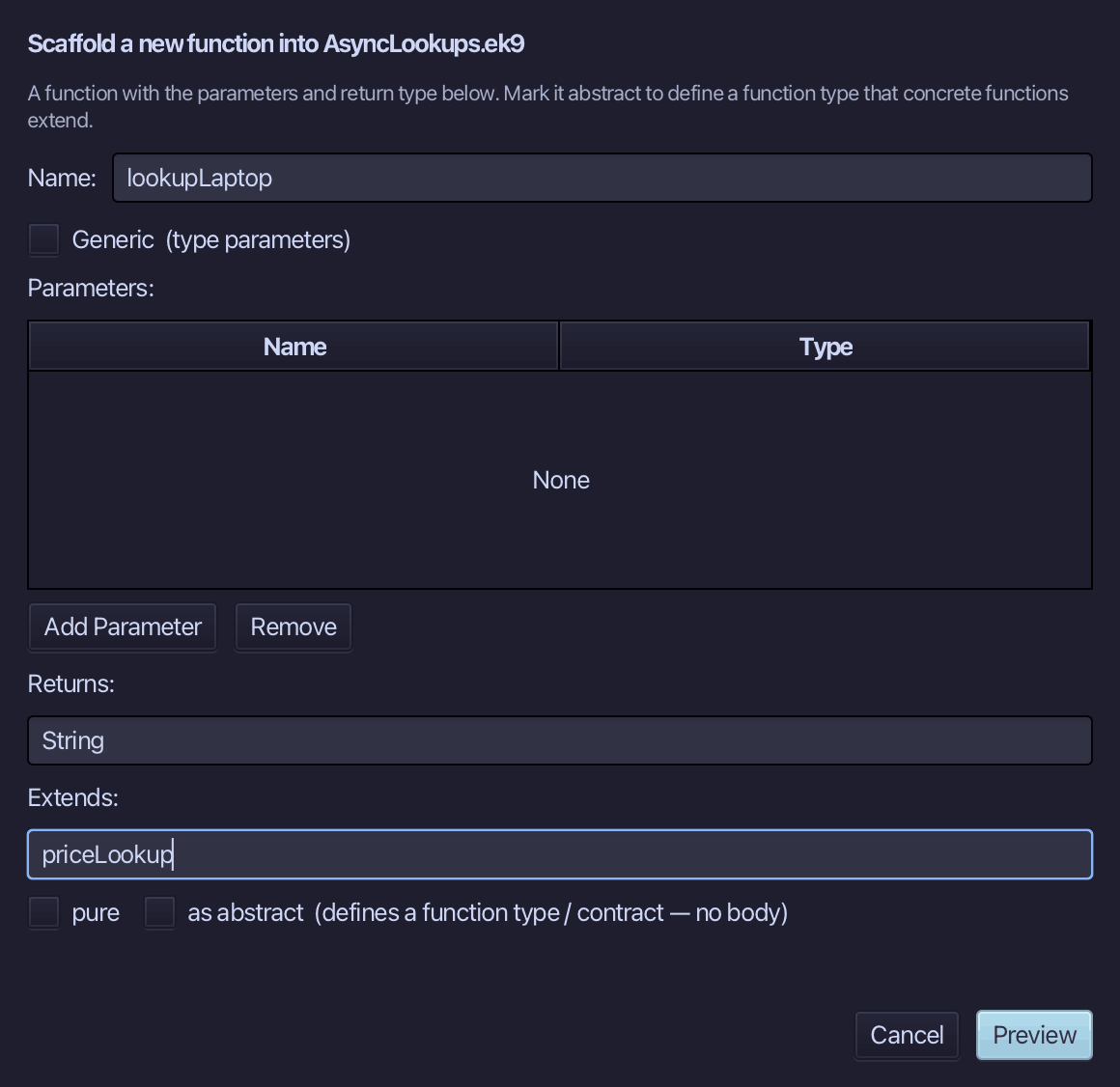
The preview shows lookupLaptop about to be written. Choose Apply.
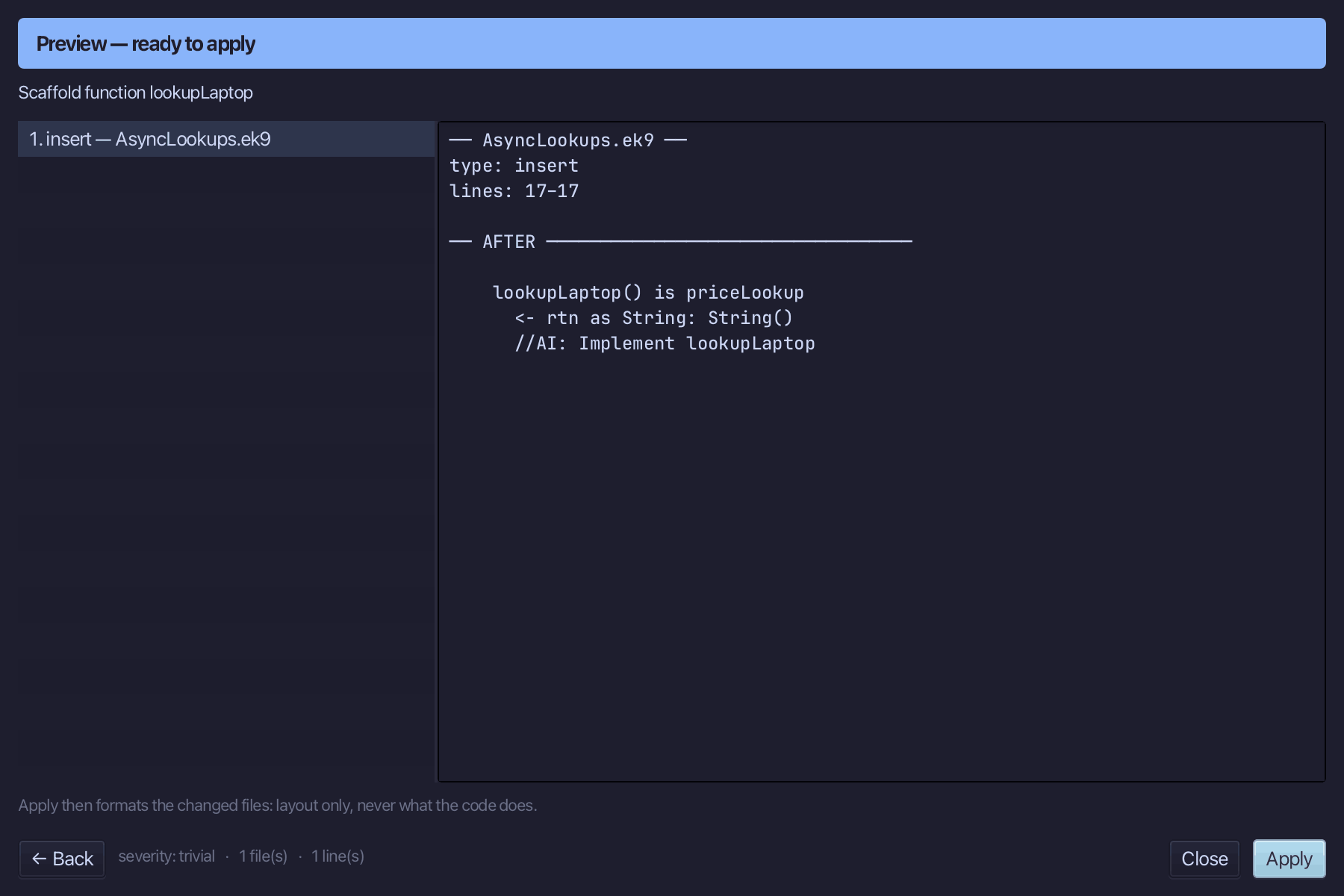
Select the stub, from <- rtn as String: String() down to its //AI line, and type lookupLaptop's own return and work, as the book writes them. Saves when typed.
Step 6: The program
Choose Code > New Construct > Program…
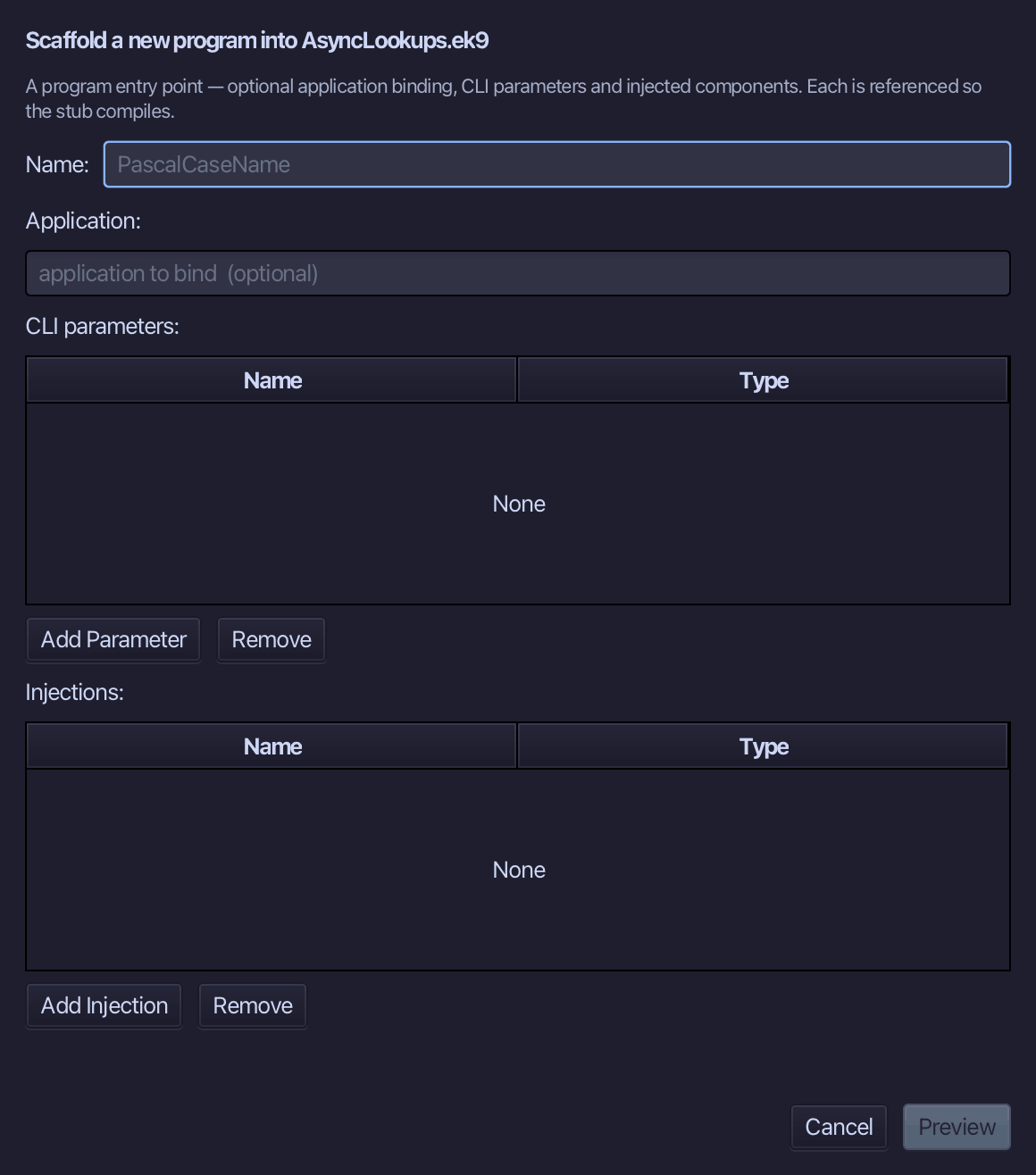
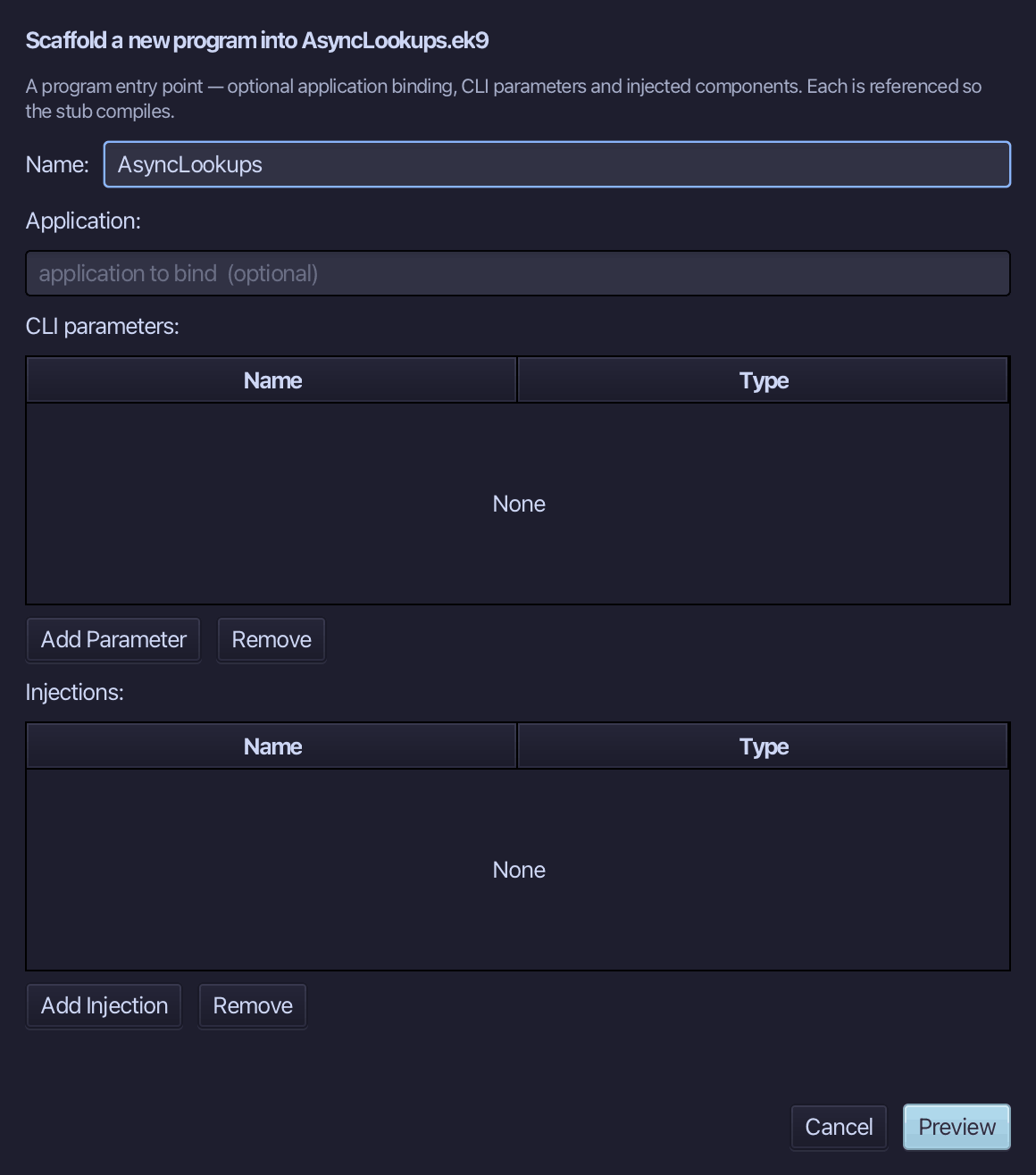
AsyncLookups is the program's name. Choose Preview.
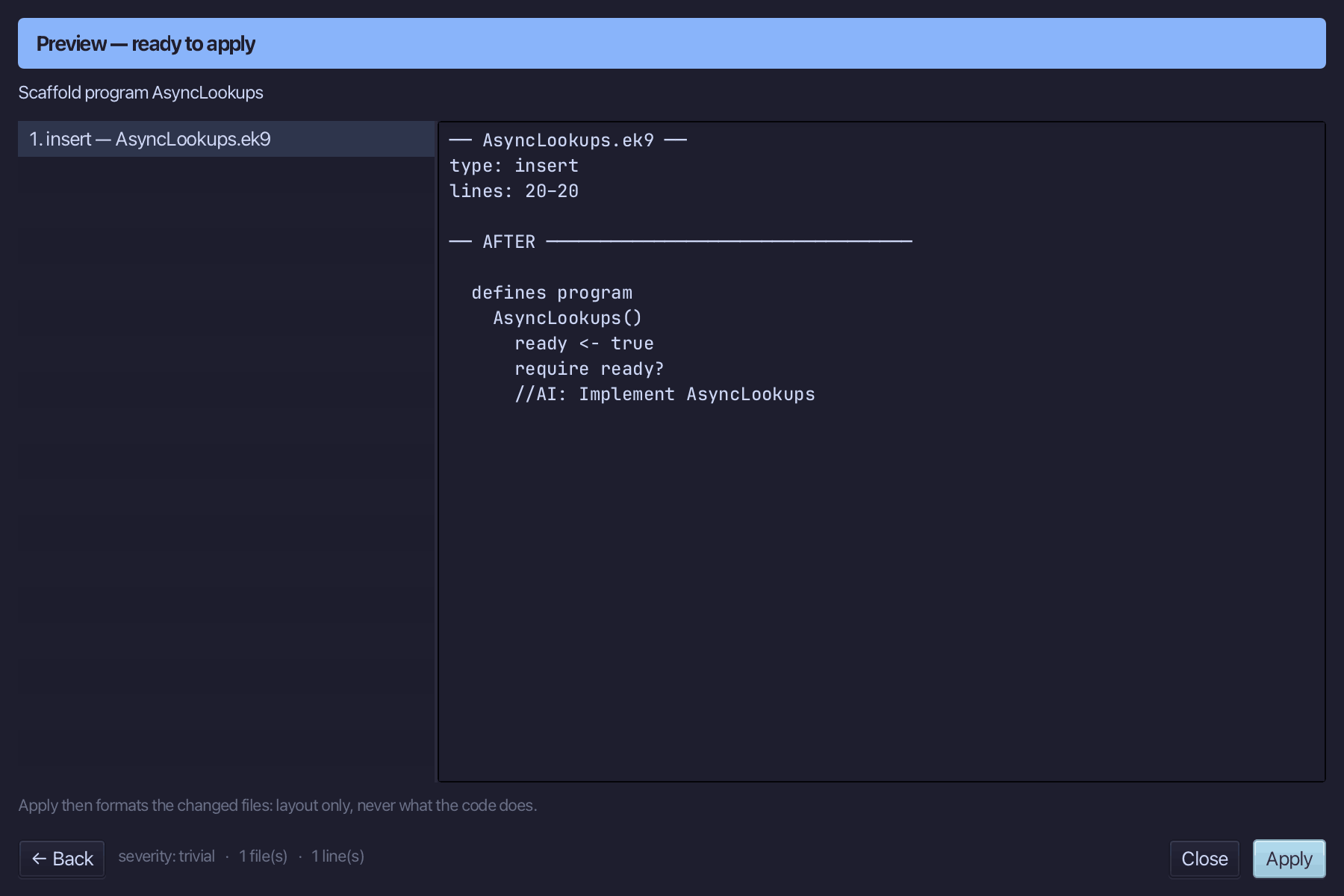
The preview shows AsyncLookups about to be written. Choose Apply.
Select the AsyncLookups() line and, above it, type the blank line the book opens the program with. Saves when typed.
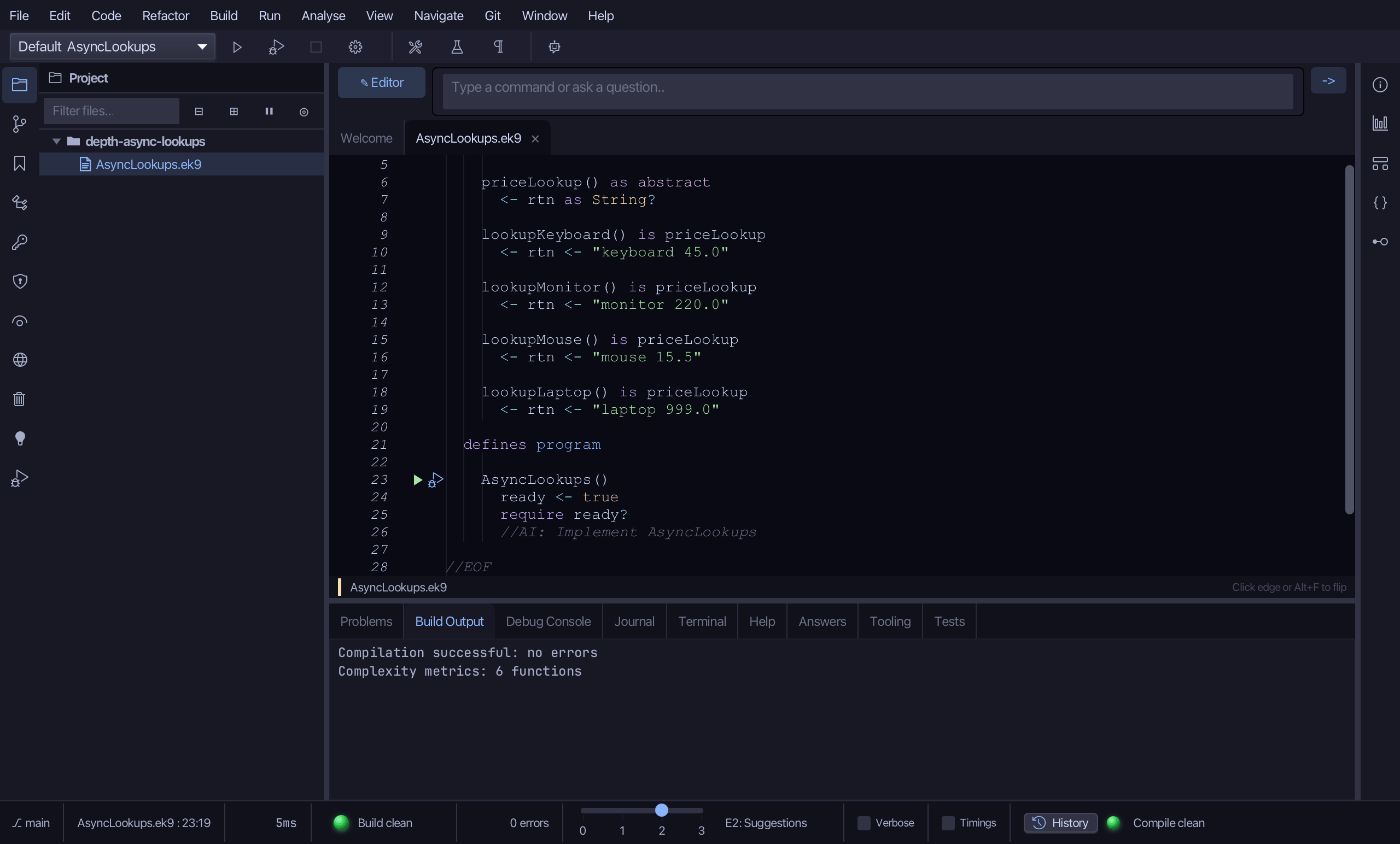
Select the stub, from ready <- true down to its //AI line, and type AsyncLookups's body exactly as the chapter shows it. Saves when typed.
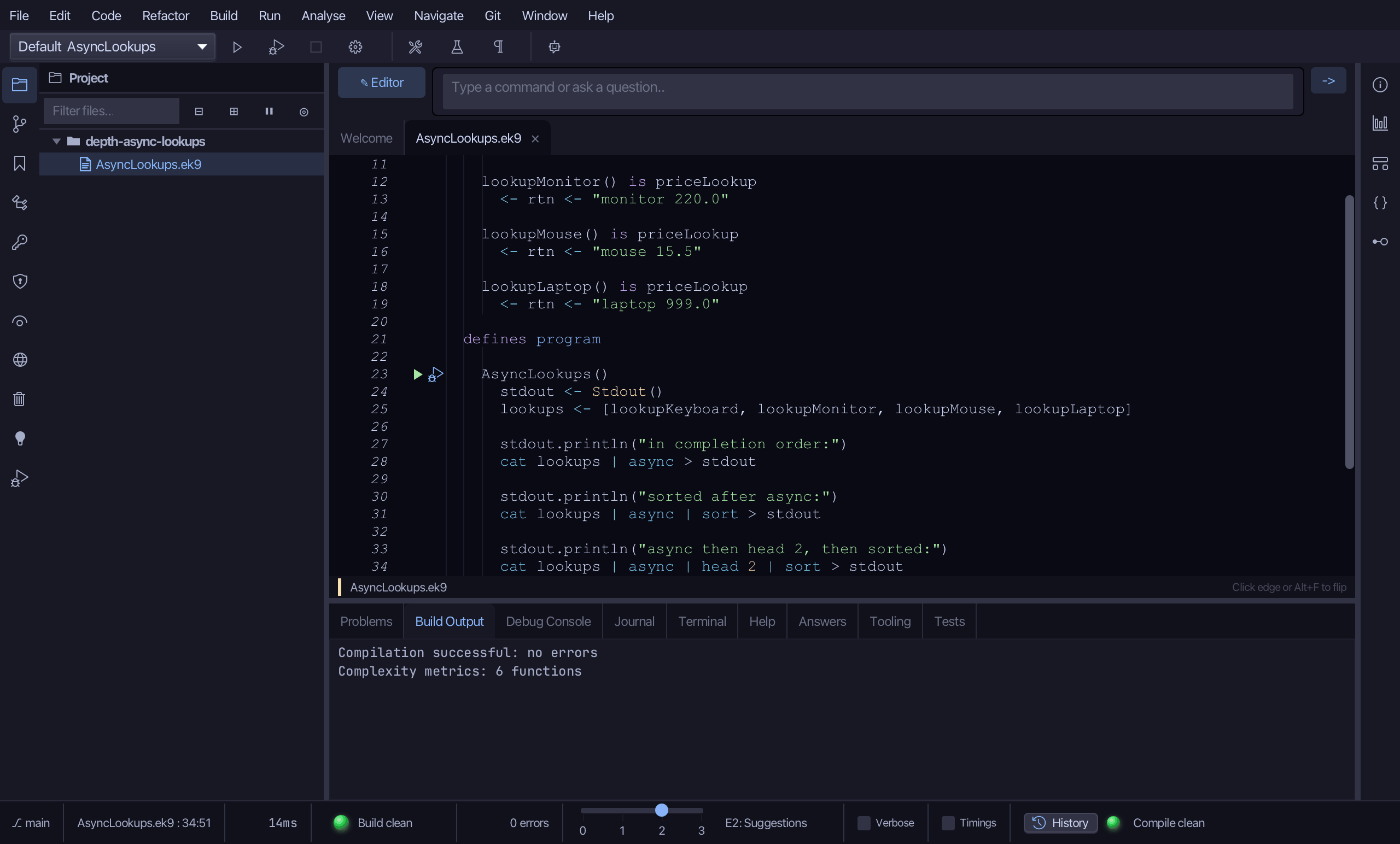
Step 7: Run it
Choose Run > Run Program…
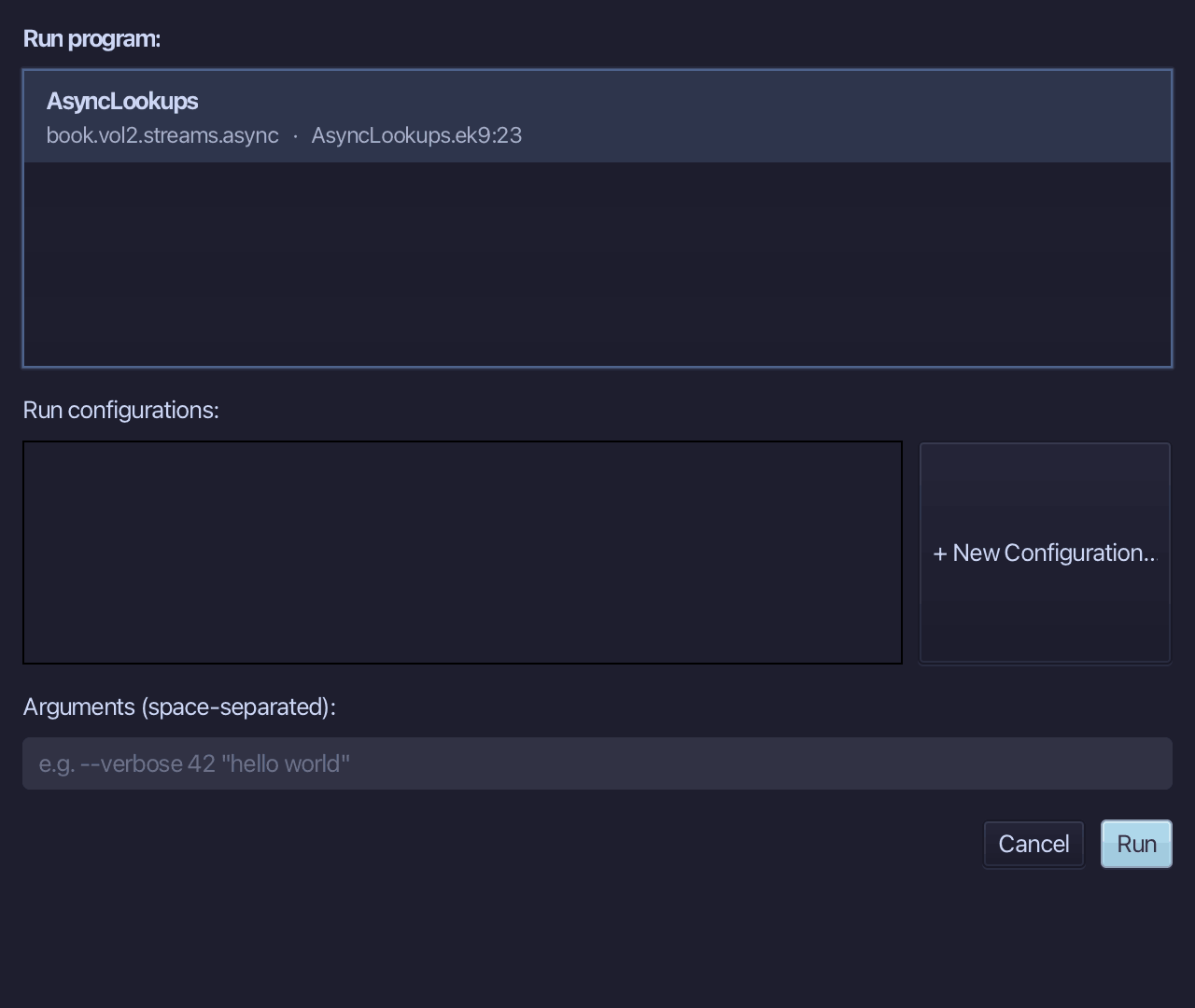
The project's only program is already chosen. Choose Run.
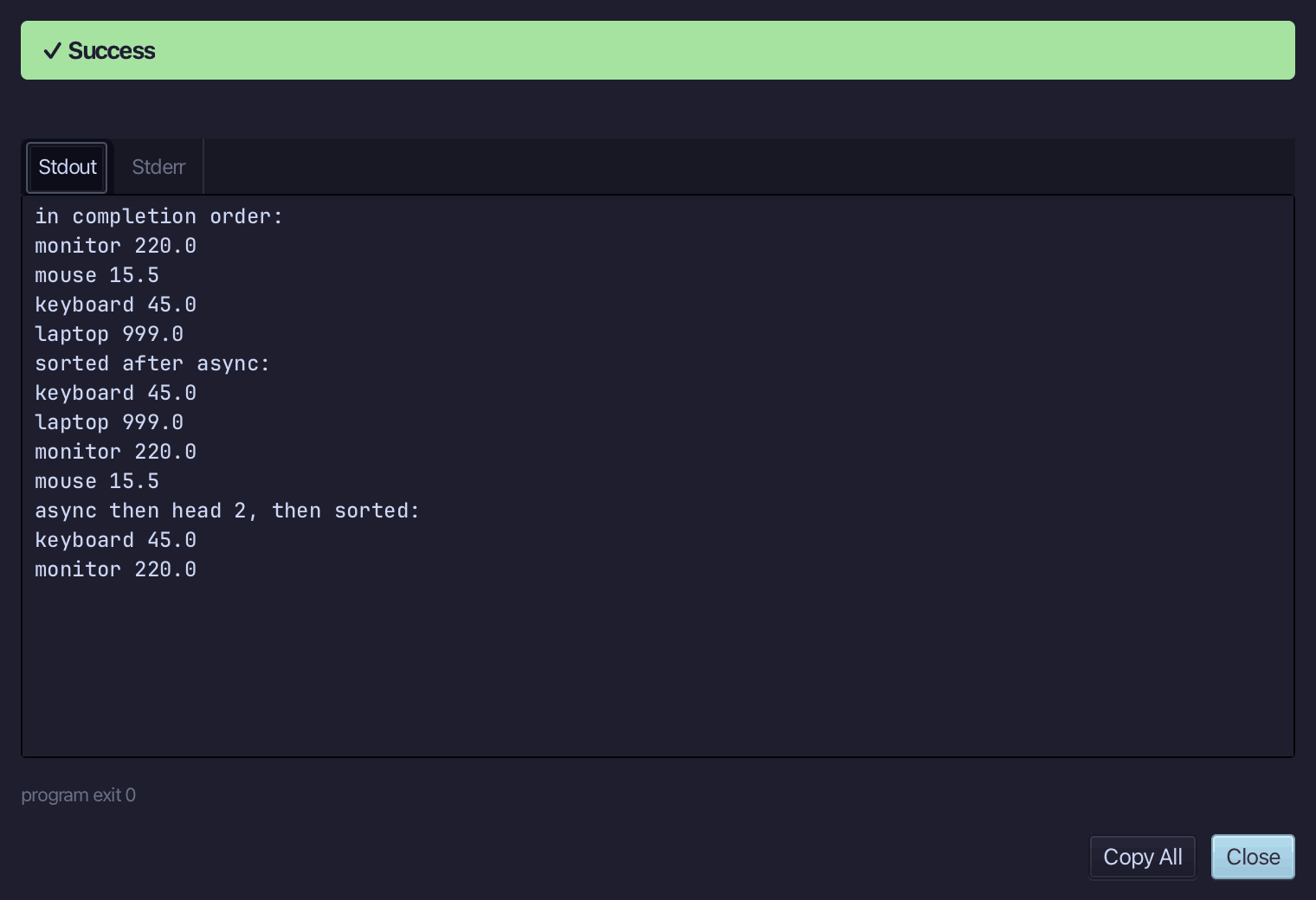
The four lookups in the order they finished - which can differ from run to run - then the same four sorted, then the first two started, sorted: keyboard 45.0 and monitor 220.0. Choose Close.
The result
AsyncLookups.ek9 now reads exactly as chapter 28 of EK9 in Depth shows it. async is a stage in the pipeline, not a thread you manage: the first block's order is whichever call finished first, sort puts an order back, and head 2 after async starts only two calls.
Where this lesson comes from
- For AI assistants - the MCP tool
ek9_new_construct,ek9_add_program.