Localisations
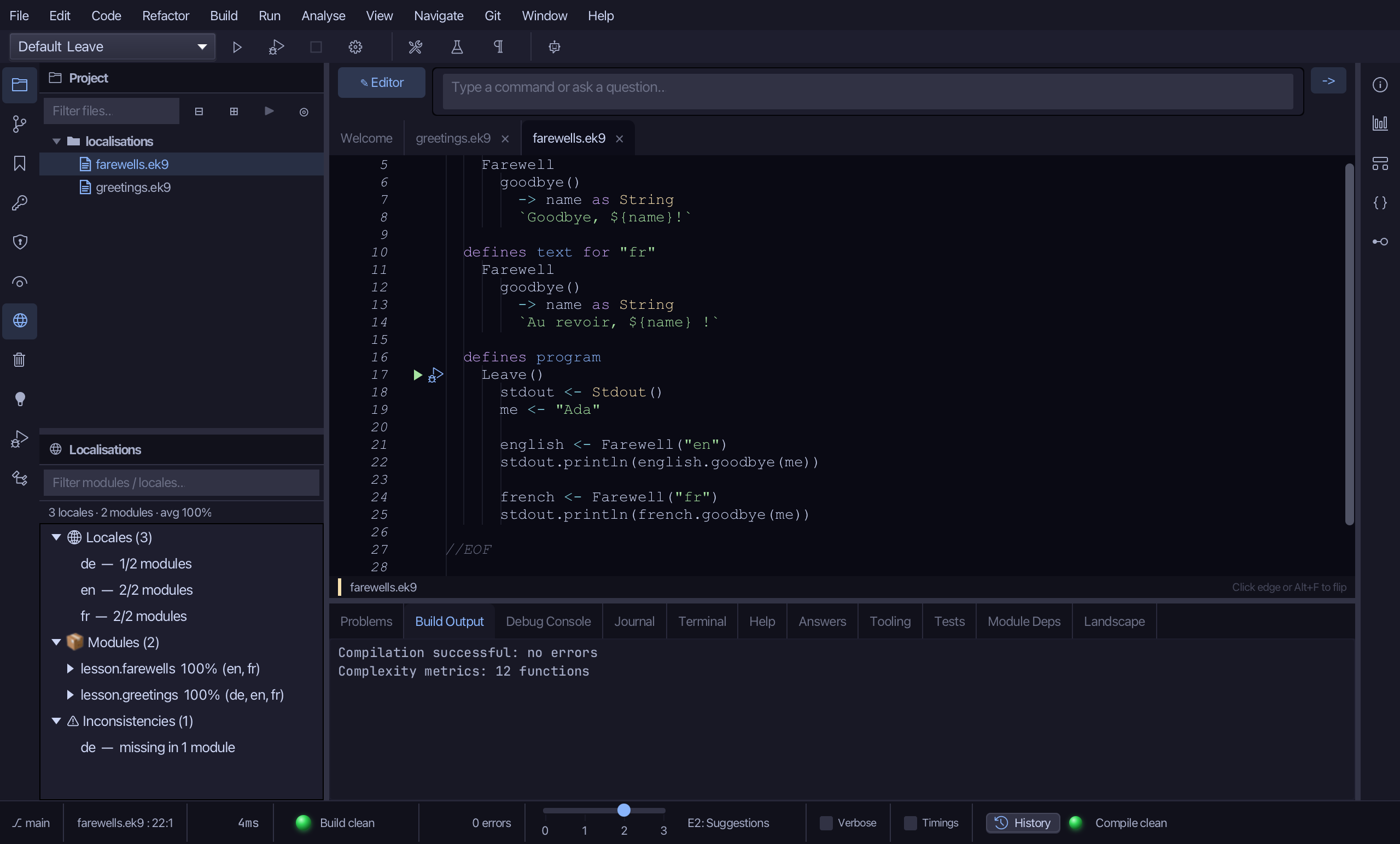
Two modules each speak in more than one language. lesson.greetings has its Greeting text in en, fr and de; lesson.farewells has its Farewell text in en and fr. The Localisations window draws that picture across the project. Read greetings.ek9. To play it in the IDE: Help > Lessons > Understanding a codebase…, or ek9 -ide -lesson localisations.
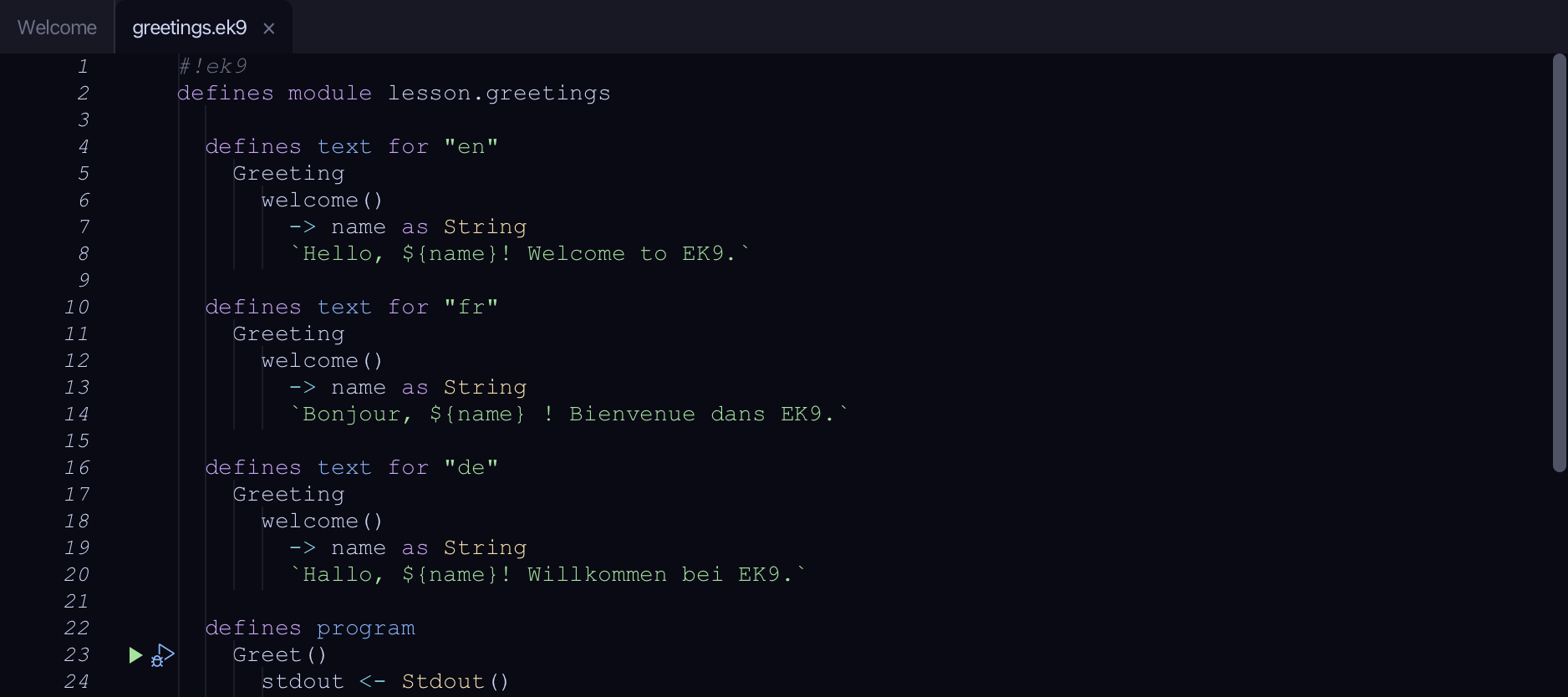
Start from
The code the lesson starts from: copy it into a file of your own and follow the steps.
greetings.ek9
#!ek9
defines module lesson.greetings

  defines text for "en"
    Greeting
      welcome()
        -> name as String
        `Hello, ${name}! Welcome to EK9.`

  defines text for "fr"
    Greeting
      welcome()
        -> name as String
        `Bonjour, ${name} ! Bienvenue dans EK9.`

  defines text for "de"
    Greeting
      welcome()
        -> name as String
        `Hallo, ${name}! Willkommen bei EK9.`

  defines program
    Greet()
      stdout <- Stdout()
      me <- "Ada"

      english <- Greeting("en")
      stdout.println(english.welcome(me))

      french <- Greeting("fr")
      stdout.println(french.welcome(me))

      german <- Greeting("de")
      stdout.println(german.welcome(me))

//EOF
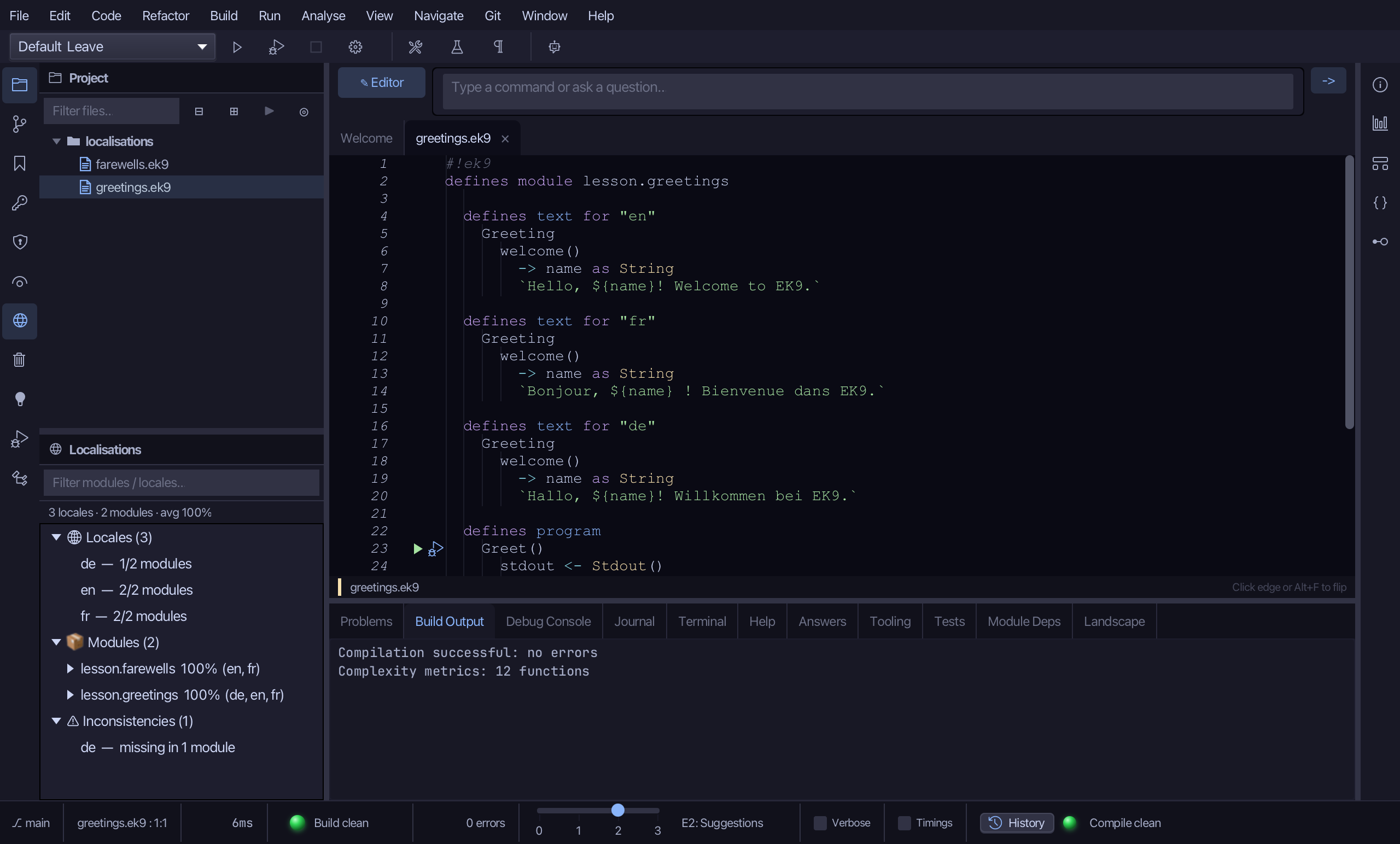
farewells.ek9
#!ek9
defines module lesson.farewells

  defines text for "en"
    Farewell
      goodbye()
        -> name as String
        `Goodbye, ${name}!`

  defines text for "fr"
    Farewell
      goodbye()
        -> name as String
        `Au revoir, ${name} !`

  defines program
    Leave()
      stdout <- Stdout()
      me <- "Ada"

      english <- Farewell("en")
      stdout.println(english.goodbye(me))

      french <- Farewell("fr")
      stdout.println(french.goodbye(me))

//EOF
Step 1: The Localisations window
Choose View > Tool Windows > Localisations (Cmd+8). The window opens beside the editor.
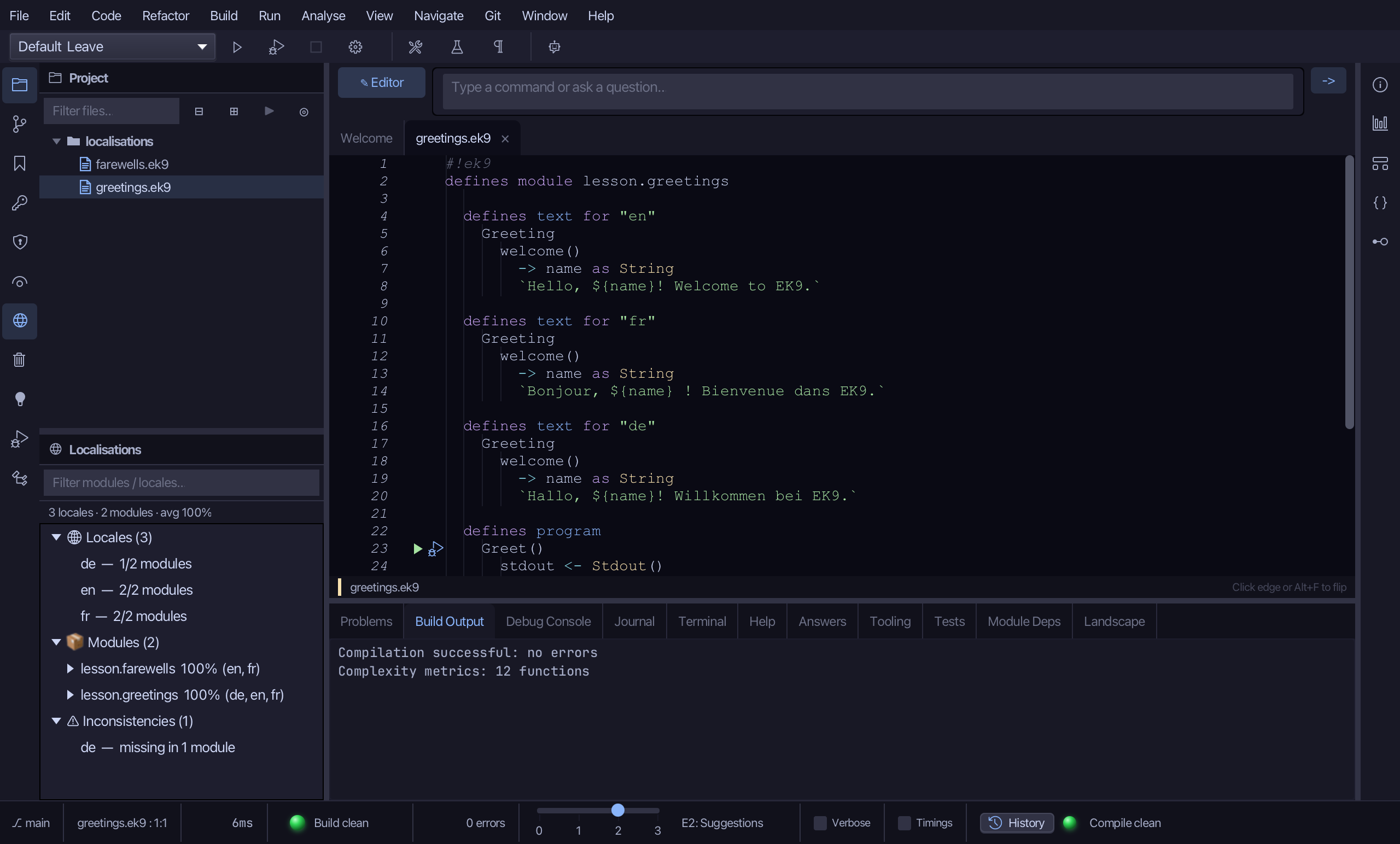
Under Locales it lists en, fr and de, each with how many modules have it. Under Modules it gives each module's share translated and its locales. Under Inconsistencies it says de is missing in 1 module: lesson.farewells has en and fr only.
Step 2: Add the missing locale
Open farewells.ek9 in the Project panel. Add Locale works on the module of the file in front.
Choose Code > Localisation > Add Locale…
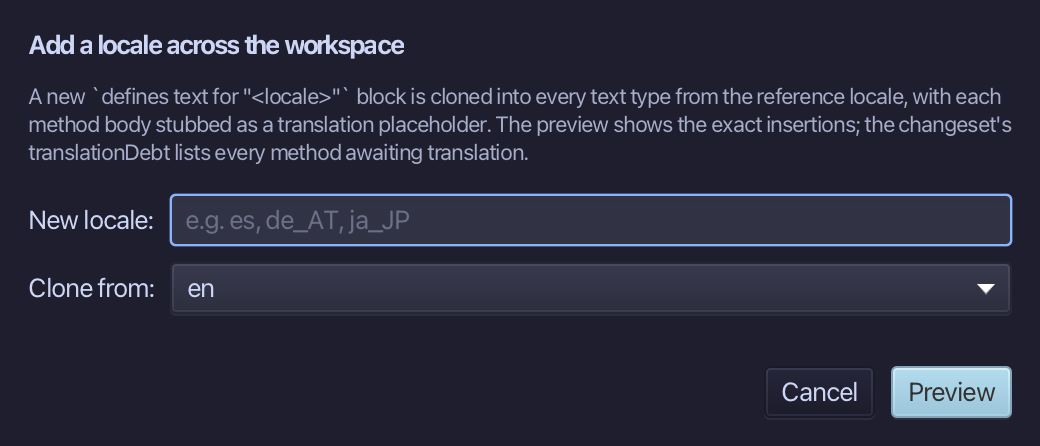
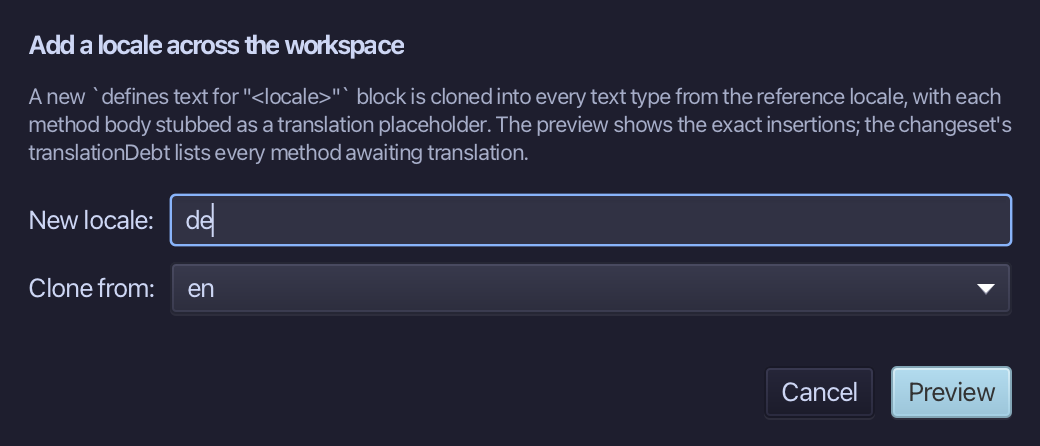
Type de as the new locale - it is what the other module has. The Clone from list holds this module's own locales, and en is already chosen. Choose Preview.
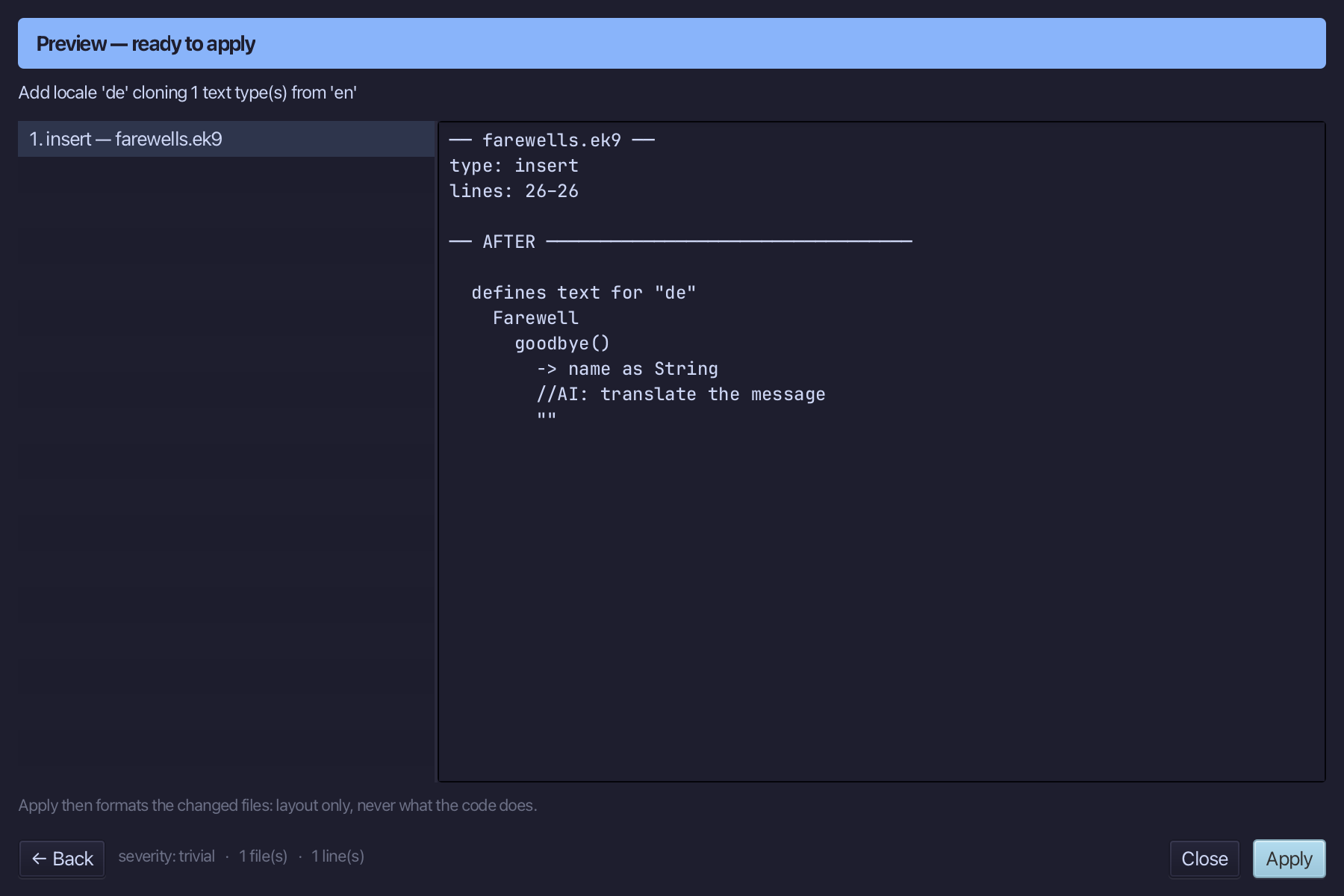
The preview shows de cloned from en into every text type of the module, each body stubbed for translation. Choose Apply.
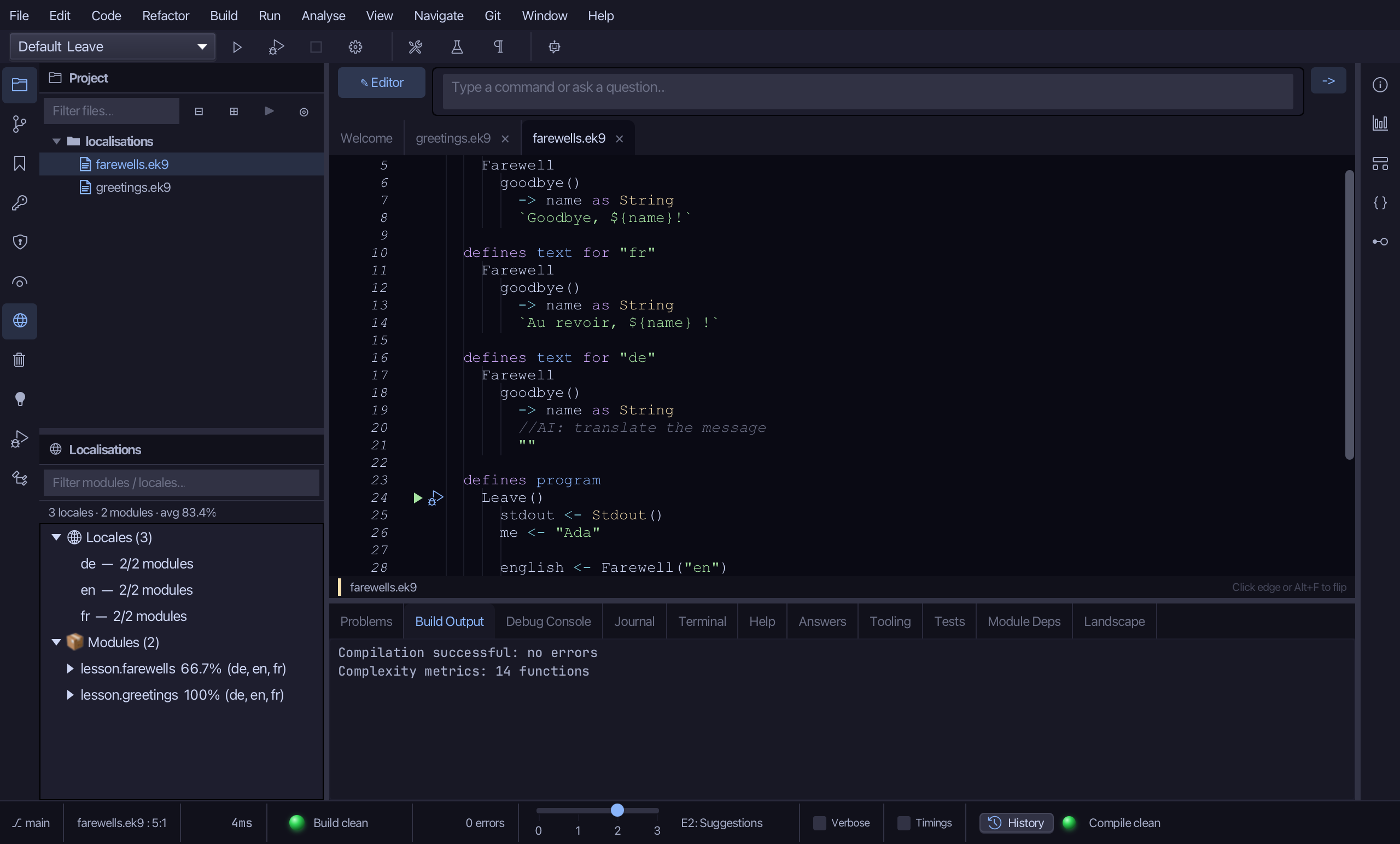
The inconsistency is gone: de is now in both modules. The stub is the translation still owed - the window shows lesson.farewells at 66.7% translated until someone writes it, and ek9_query_translation_completeness lists each method waiting.
Step 3: Remove a locale
Choose Code > Localisation > Remove Locale…
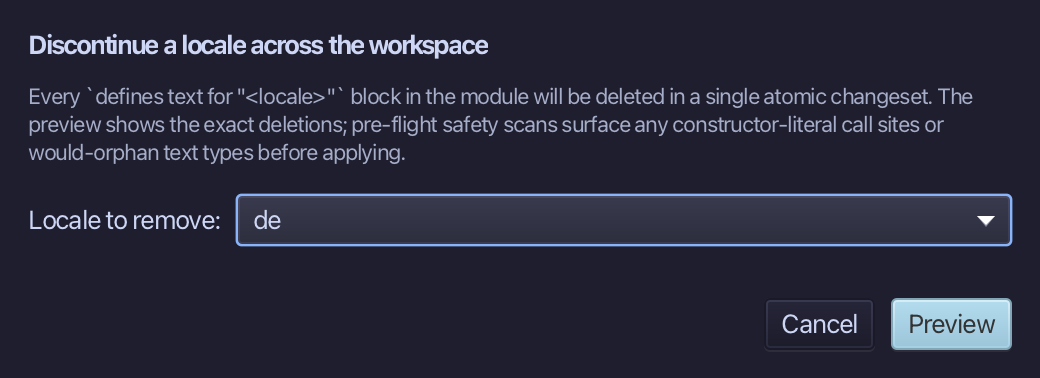
Choose de as the locale to remove, then Preview.
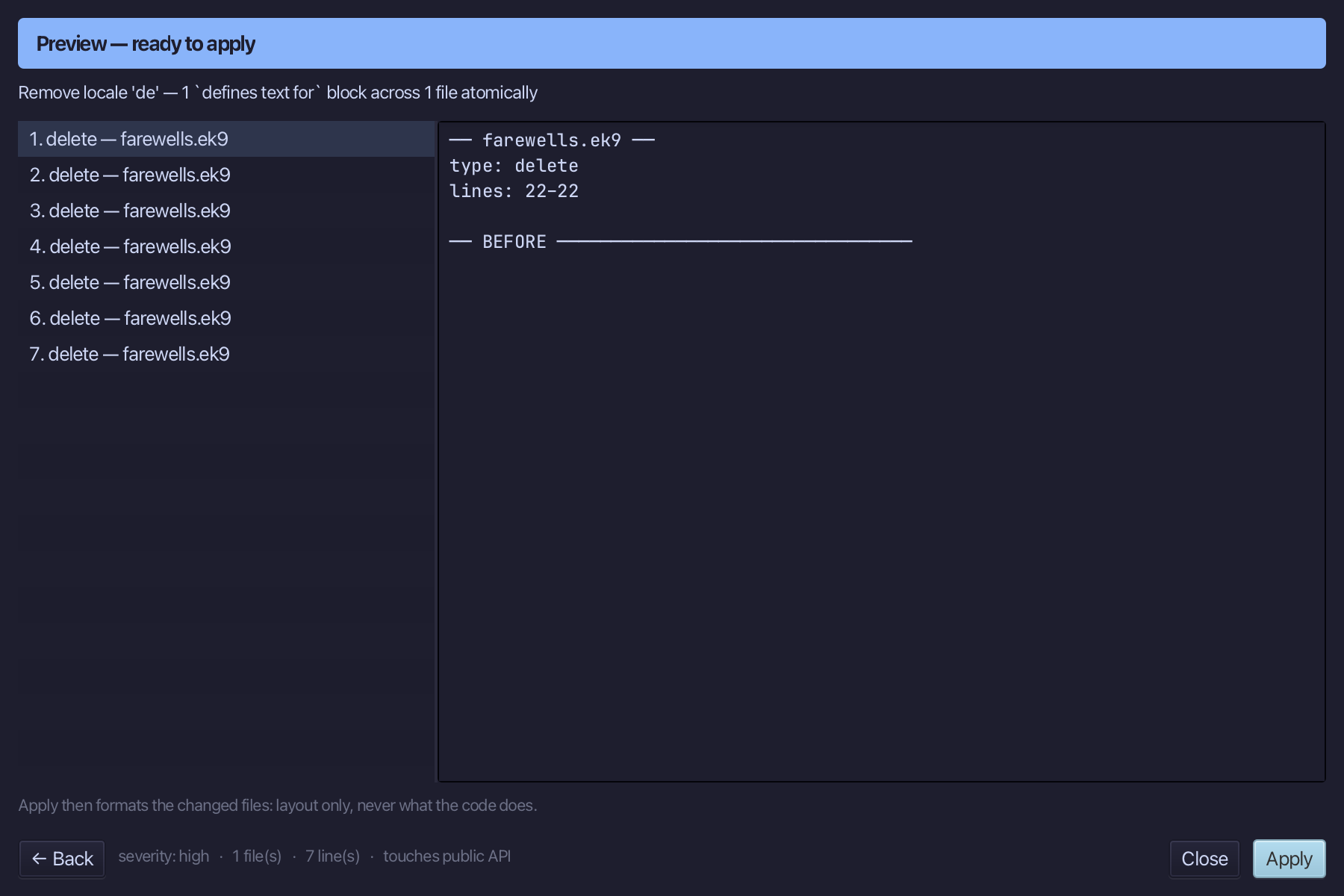
The preview shows the de block deleted from lesson.farewells - and from no other module. Choose Apply.
The result
The Localisations window shows the locales in play, how far each module is translated and where a locale is missing. Add Locale… cloned de into lesson.farewells from en, stubbed for translation - the stubs are the translation still owed, which ek9_query_translation_completeness counts and the window shows - and Remove Locale… took it out again, in one preview each. AI assistants read the same picture with ek9_query_localisations and change it with ek9_edit_localized_text.
Where this lesson comes from
- Answers -
ek9 -qand the IDE's Answers tab: 113. - For AI assistants - the MCP tool
ek9_edit_localized_text,ek9_query_localisations,ek9_query_translation_completeness.
In the EK9 reference: Text Properties in EK9