Chapter 4: a function, built
Chapter 4 meets a function with nothing to return: announce, which prints a greeting and hands nothing back, and the program that calls it twice. Leaving out a function's '<-' line is how EK9 says "returns nothing" - there is no separate keyword for it. The IDE's own tools make the structure - the function's whole signature, the program's shell - so what is left to type is the logic no tool can write, and the short line explaining why there is no return. To play it in the IDE: Help > Lessons > Writing code…, or ek9 -ide -lesson book-functions.
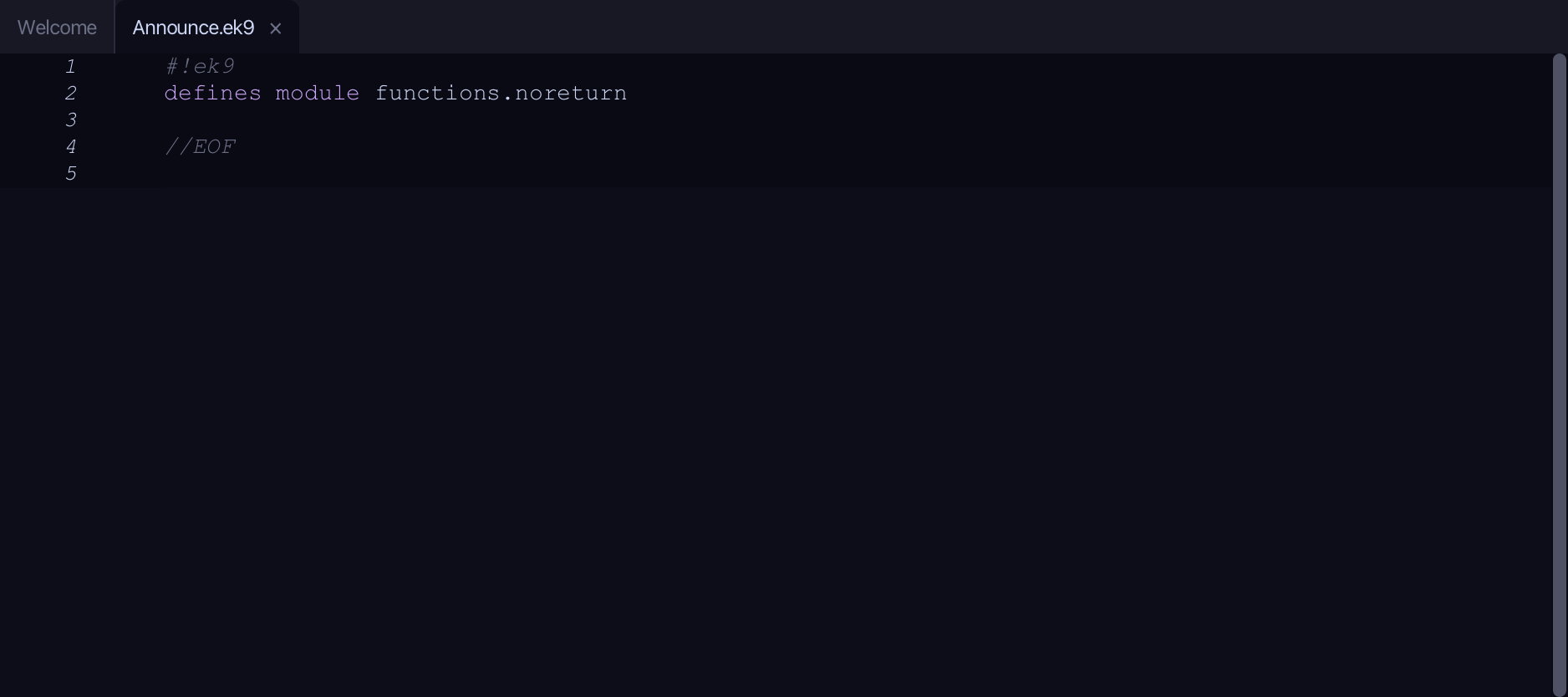
What you'll build
The lesson builds this program from a file holding only its module line - the finished file, as the book prints it.
#!ek9
defines module functions.noreturn

  defines function

    //No '<-' line: this function does its work and returns nothing.
    announce()
      -> name as String
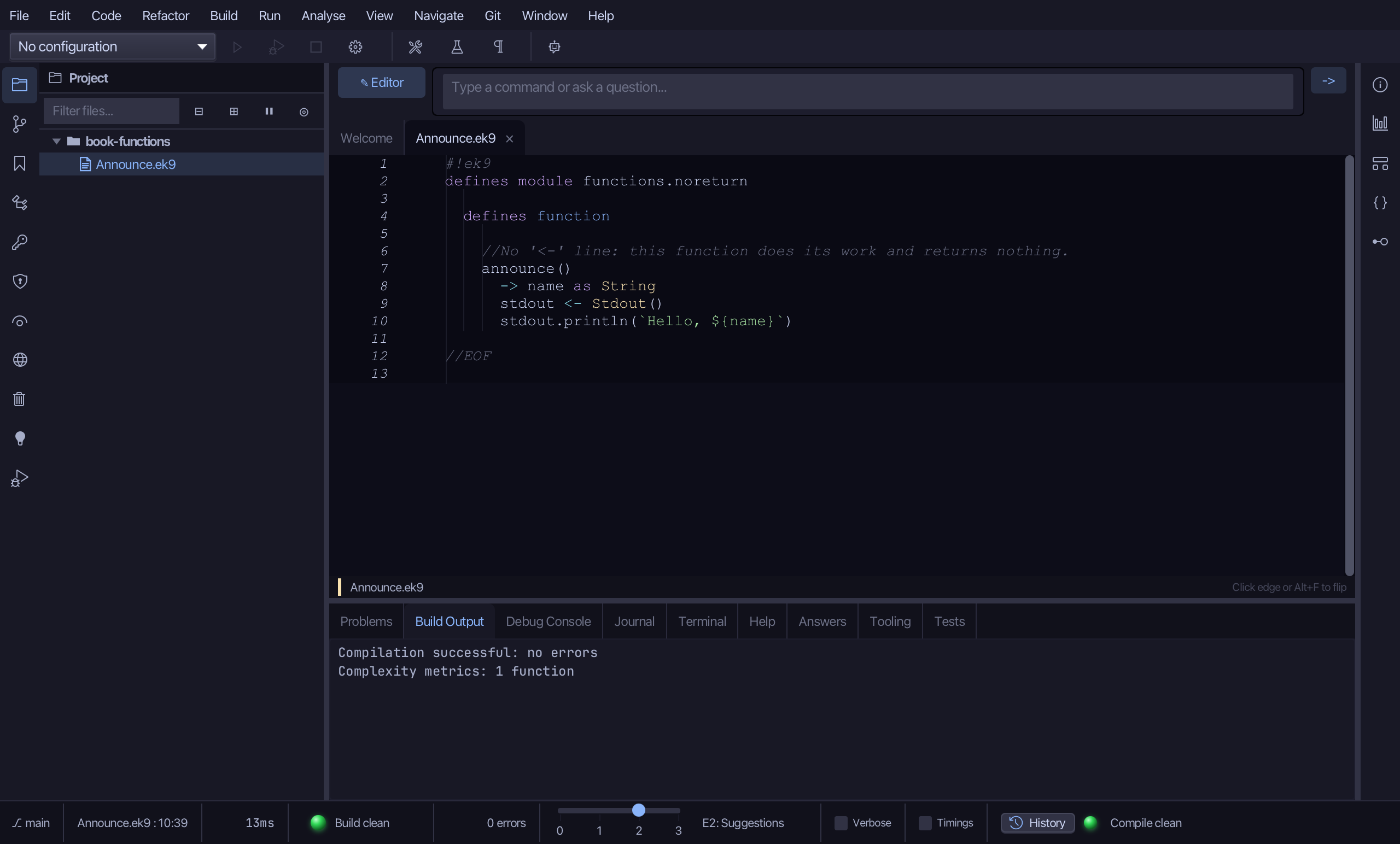
      stdout <- Stdout()
      stdout.println(`Hello, ${name}`)

  defines program

    Demo()
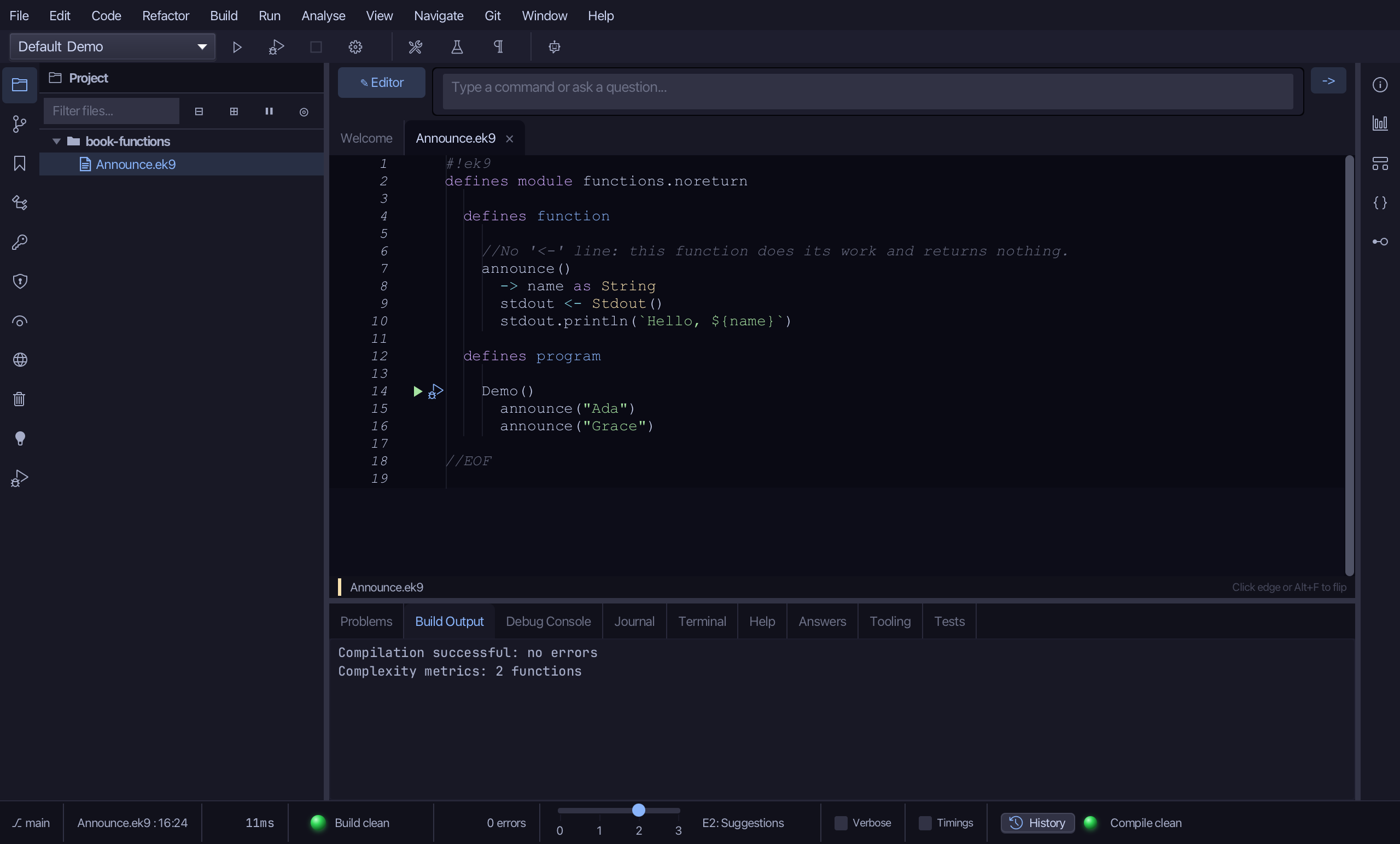
      announce("Ada")
      announce("Grace")

//EOF
Step 1: A function
Choose Code > New Construct > Function…
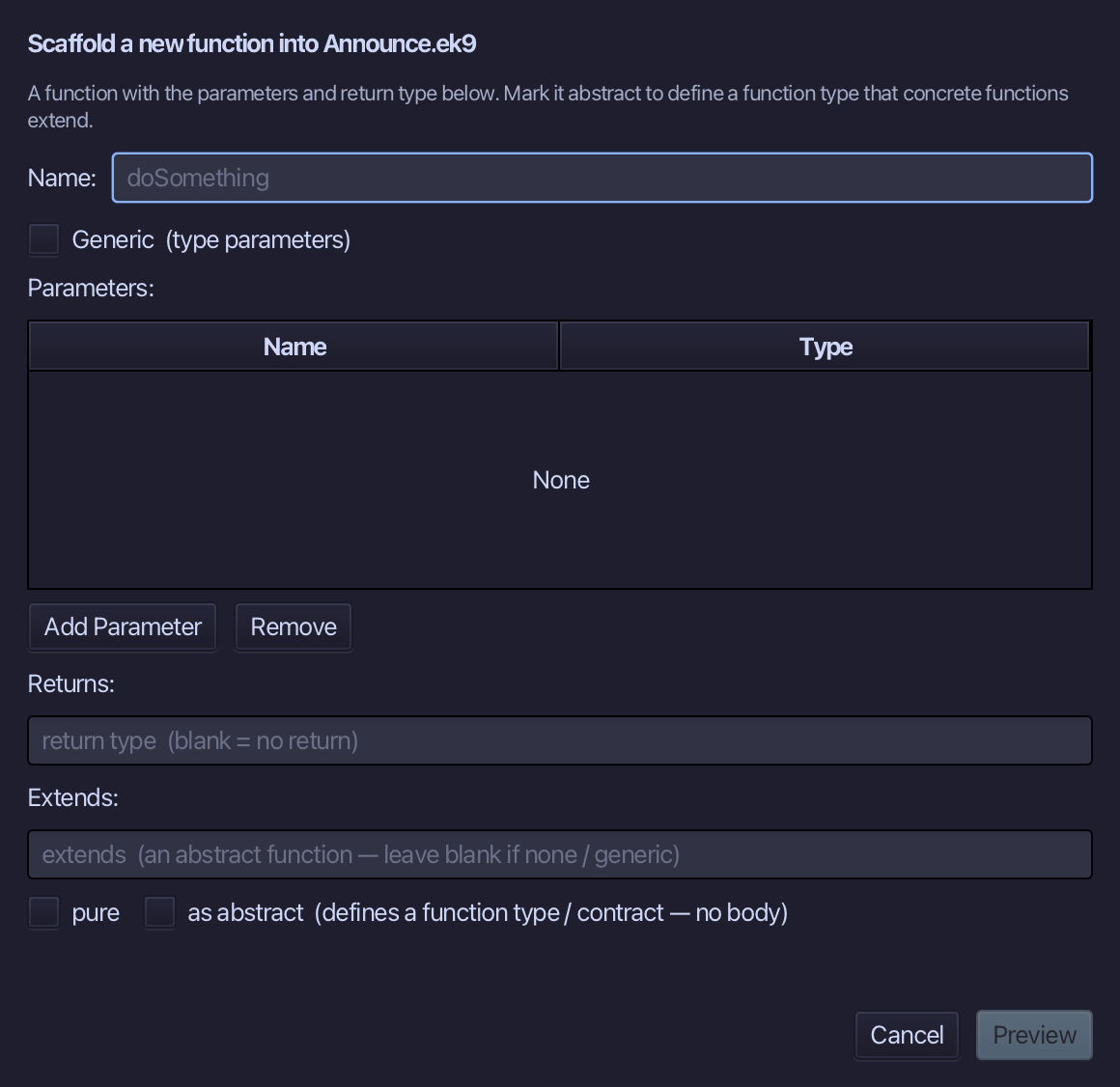
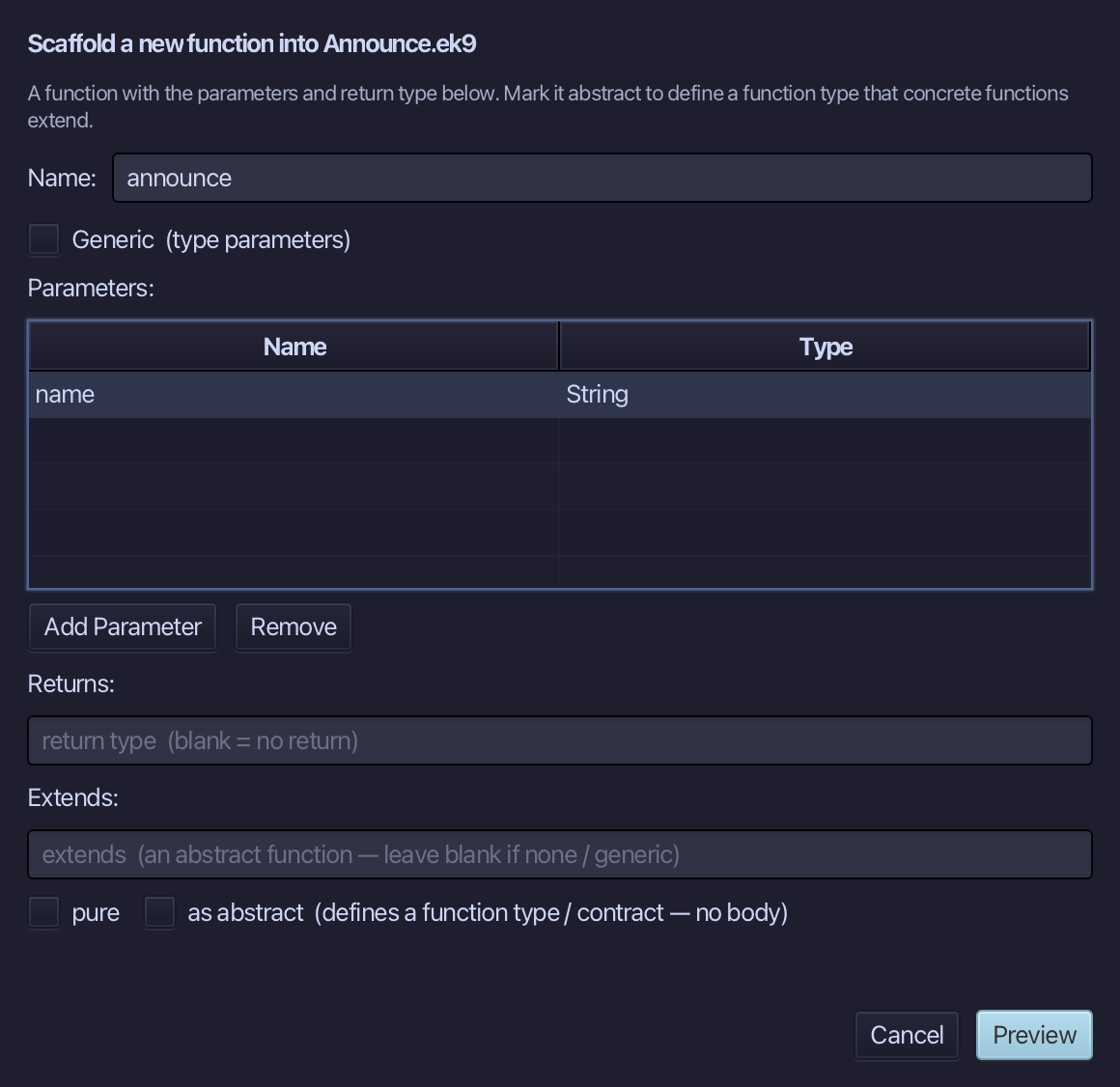
announce is the function's name - doSomething hints that a function's name should say what it does. Add one parameter, name as String, and choose Preview.
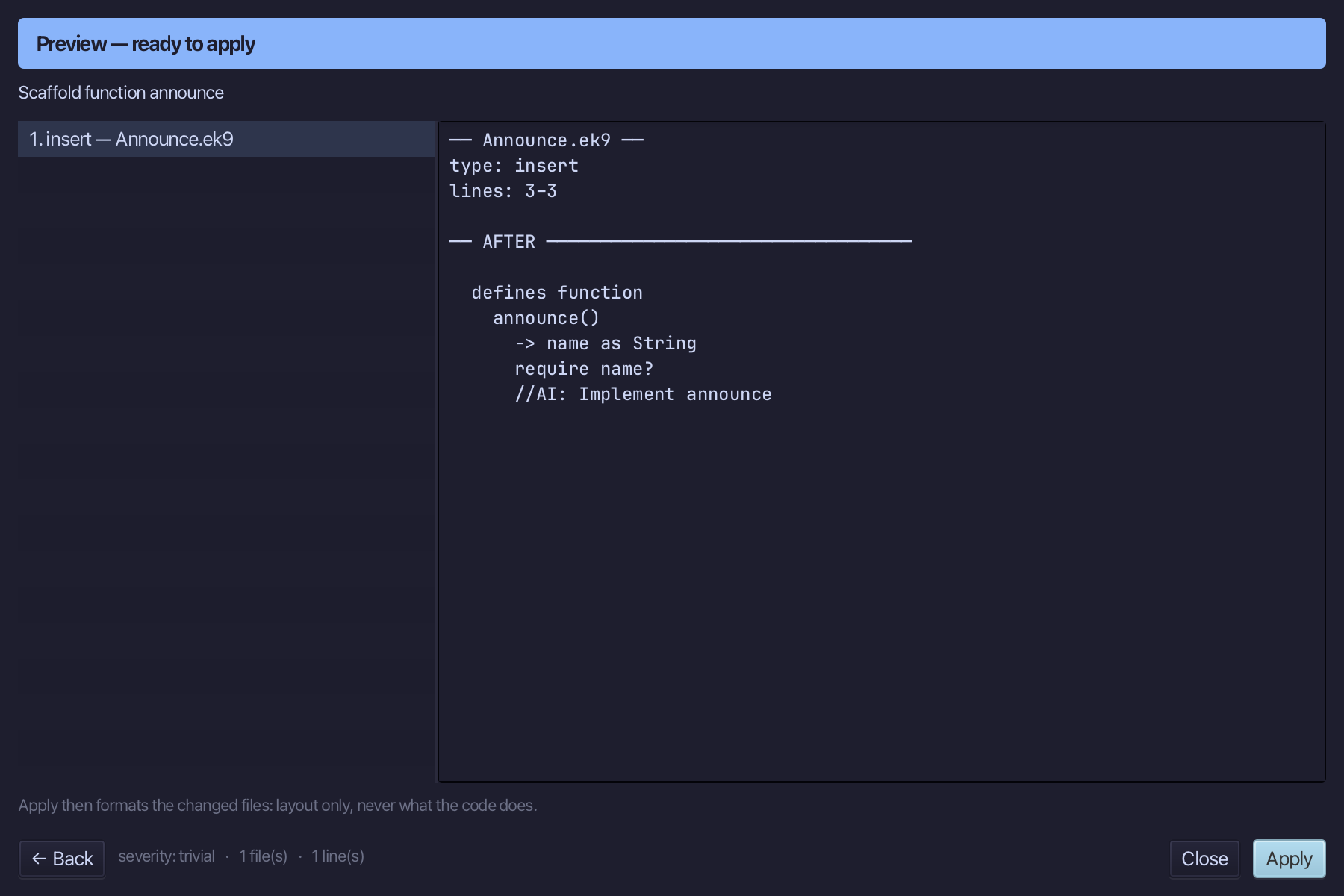
The preview shows announce about to be written, with its one parameter - no return line at all. Choose Apply.
Step 2: Its comment, and its logic
Select the announce() line, and above it type a blank line and //No '<-' line: this function does its work and returns nothing. - why there is no '<-' line. Saves when typed.
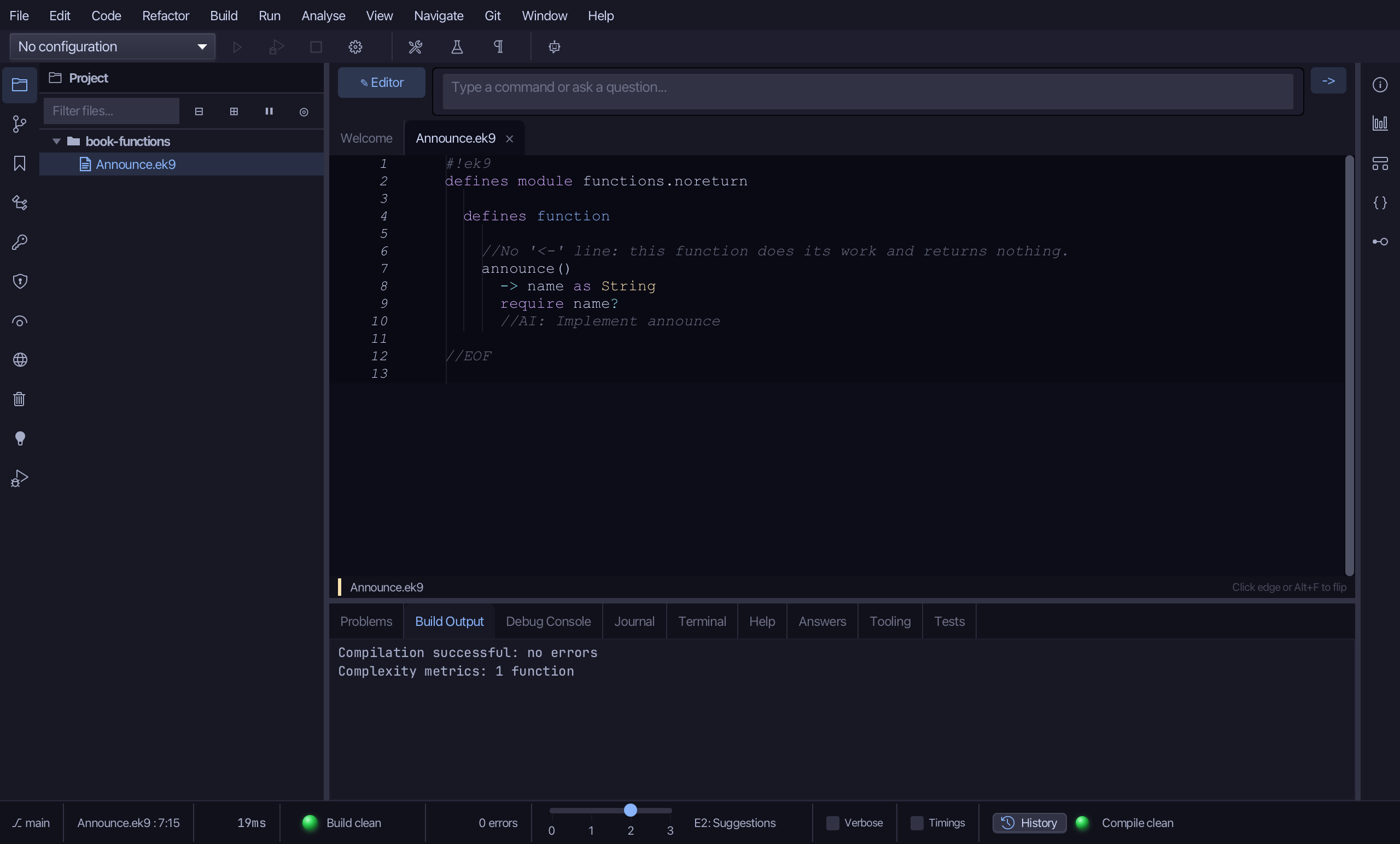
Select the stub, from require name? down to its //AI line, and type announce's whole job: a Stdout, and a line printing the greeting. Saves when typed.
Step 3: The program
Choose Code > New Construct > Program…
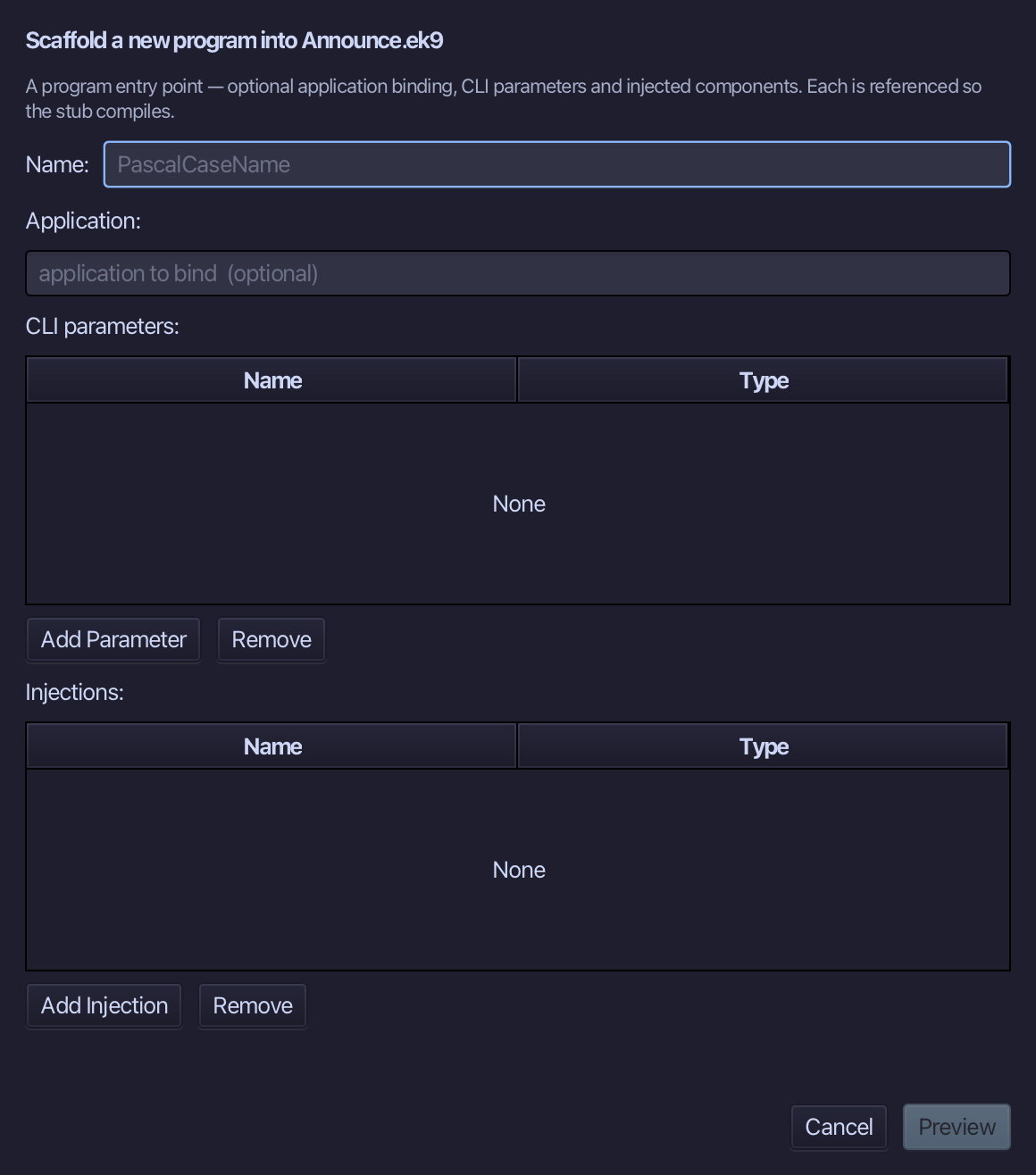
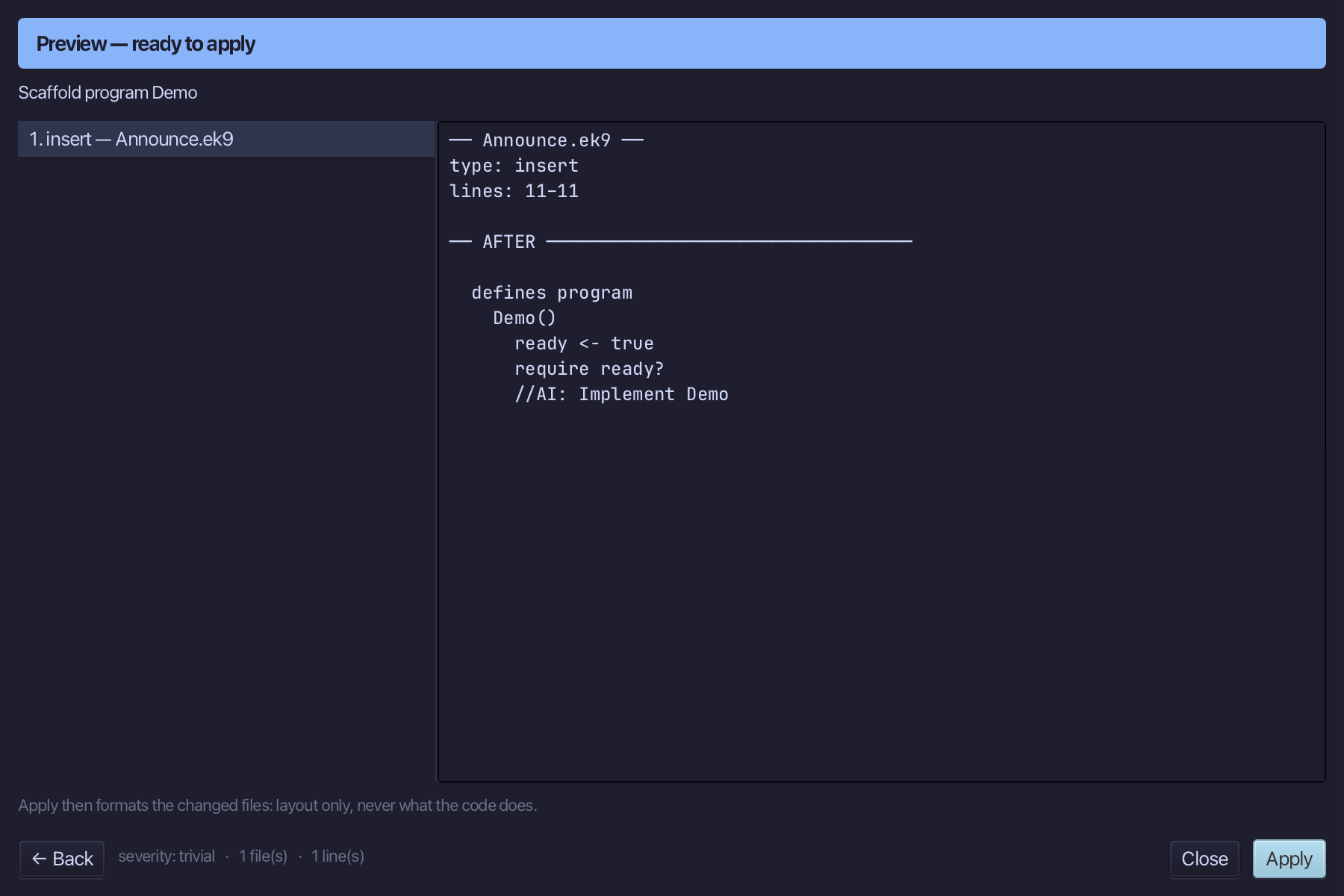
Demo is the program's name - no application to bind, no parameters, nothing injected. Type Demo and choose Preview.
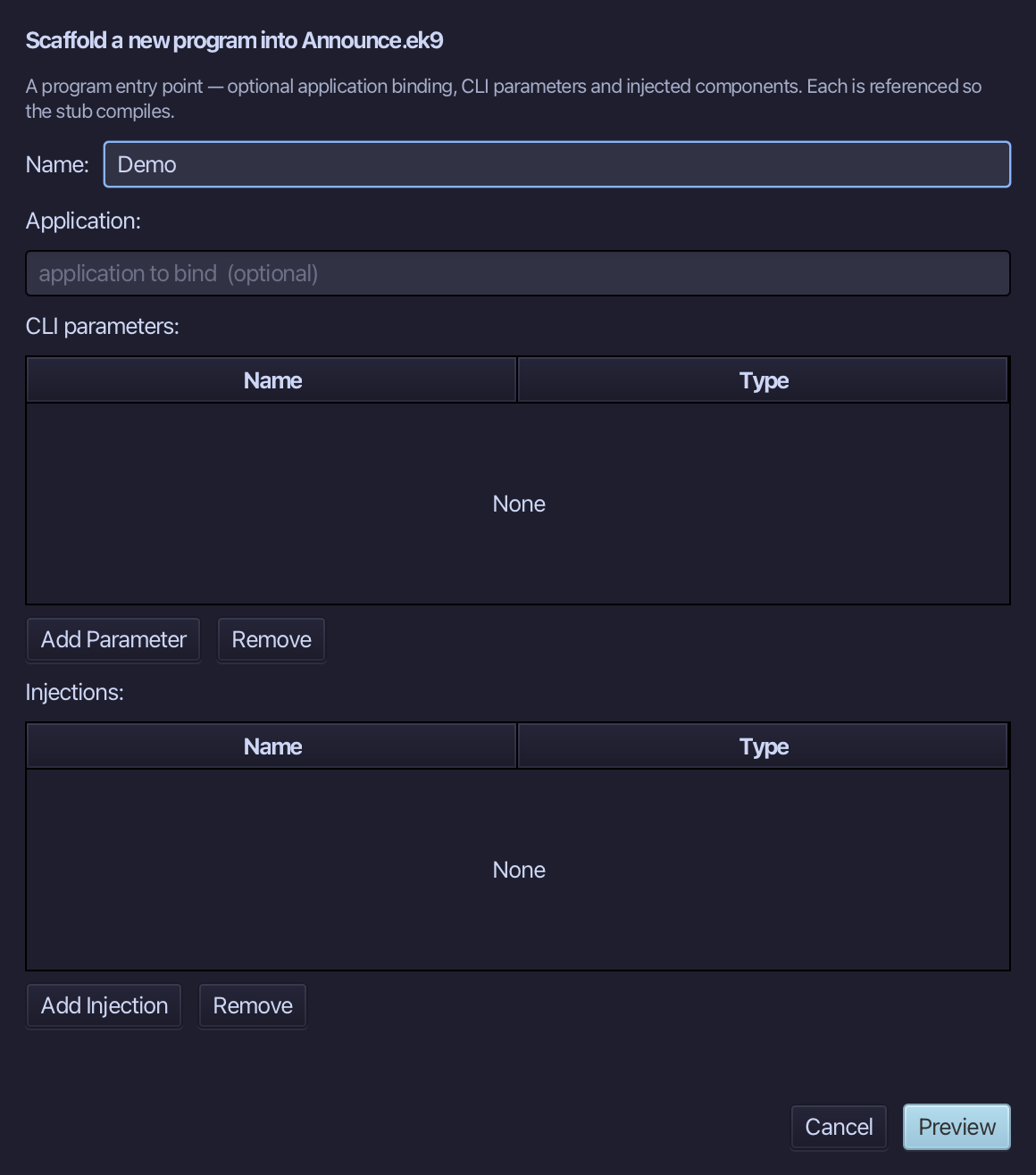
The preview shows Demo about to be written. Choose Apply.
Select the Demo() line, and above it type the blank line every chapter example opens its first member with. Saves when typed.
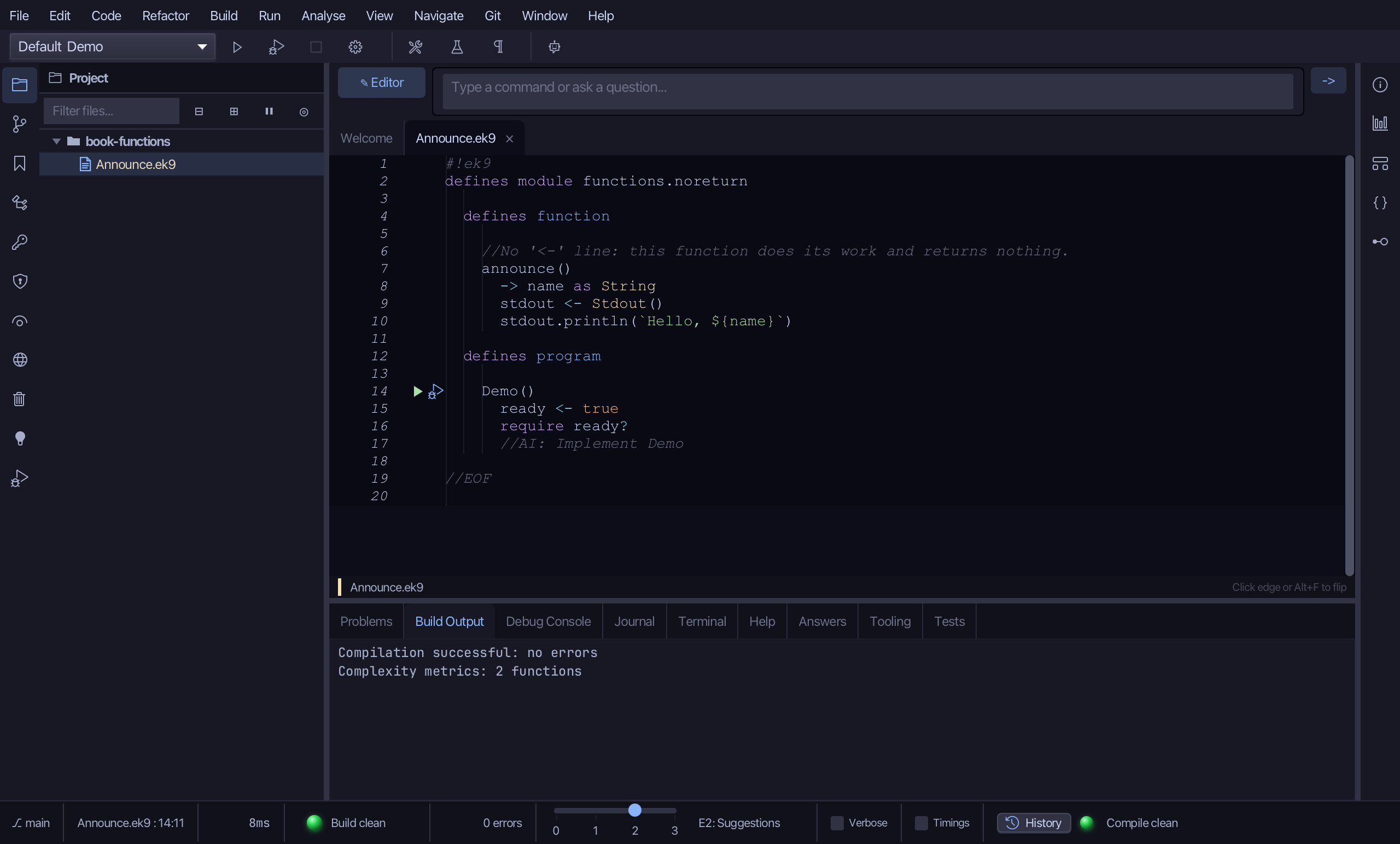
Select the stub, from ready <- true down to its //AI line, and type Demo's body: two calls to announce, with no value to use each is a line on its own. Saves when typed.
Step 4: Run it
Choose Run > Run Program…
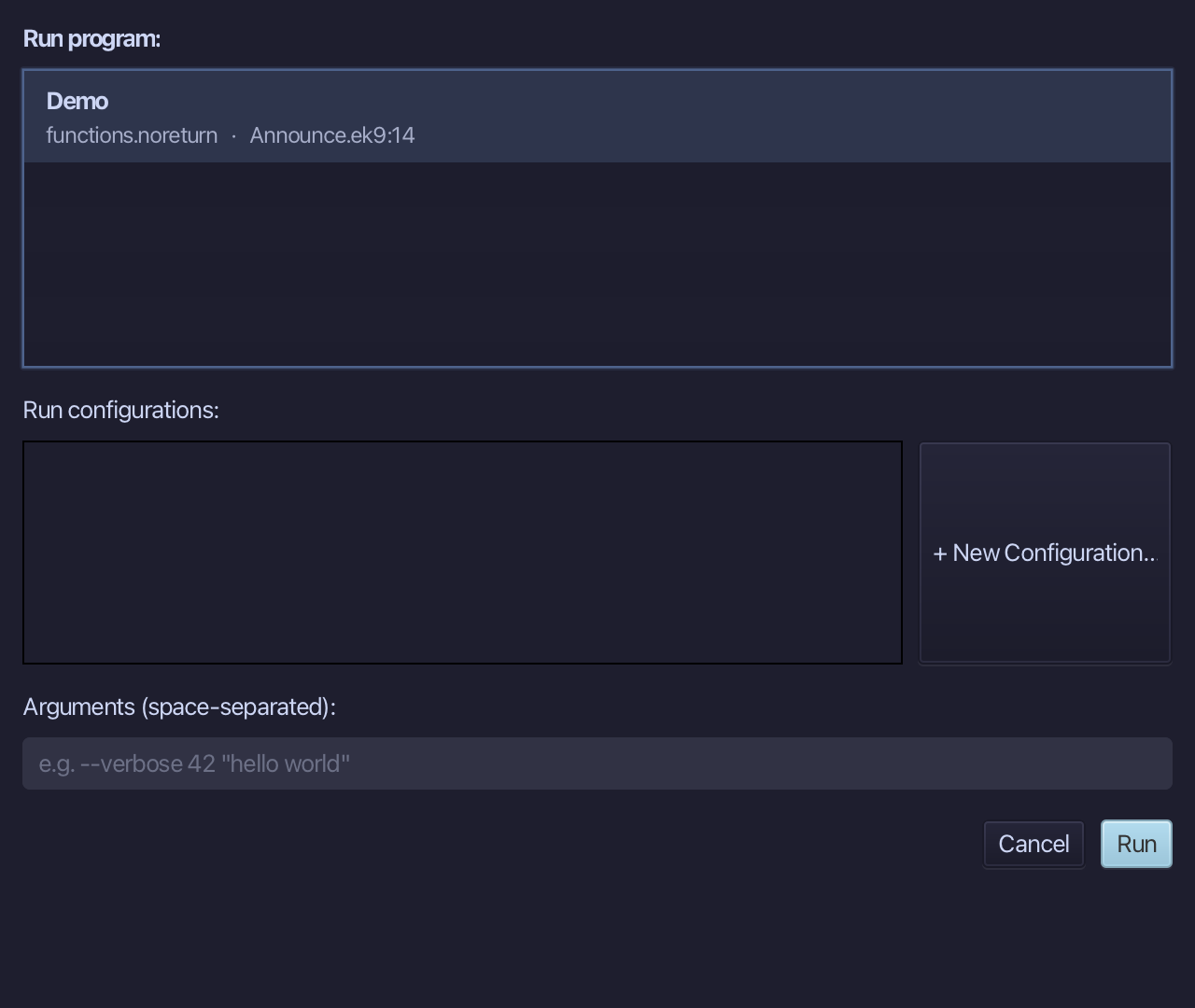
The project's only program is already chosen. Choose Run.
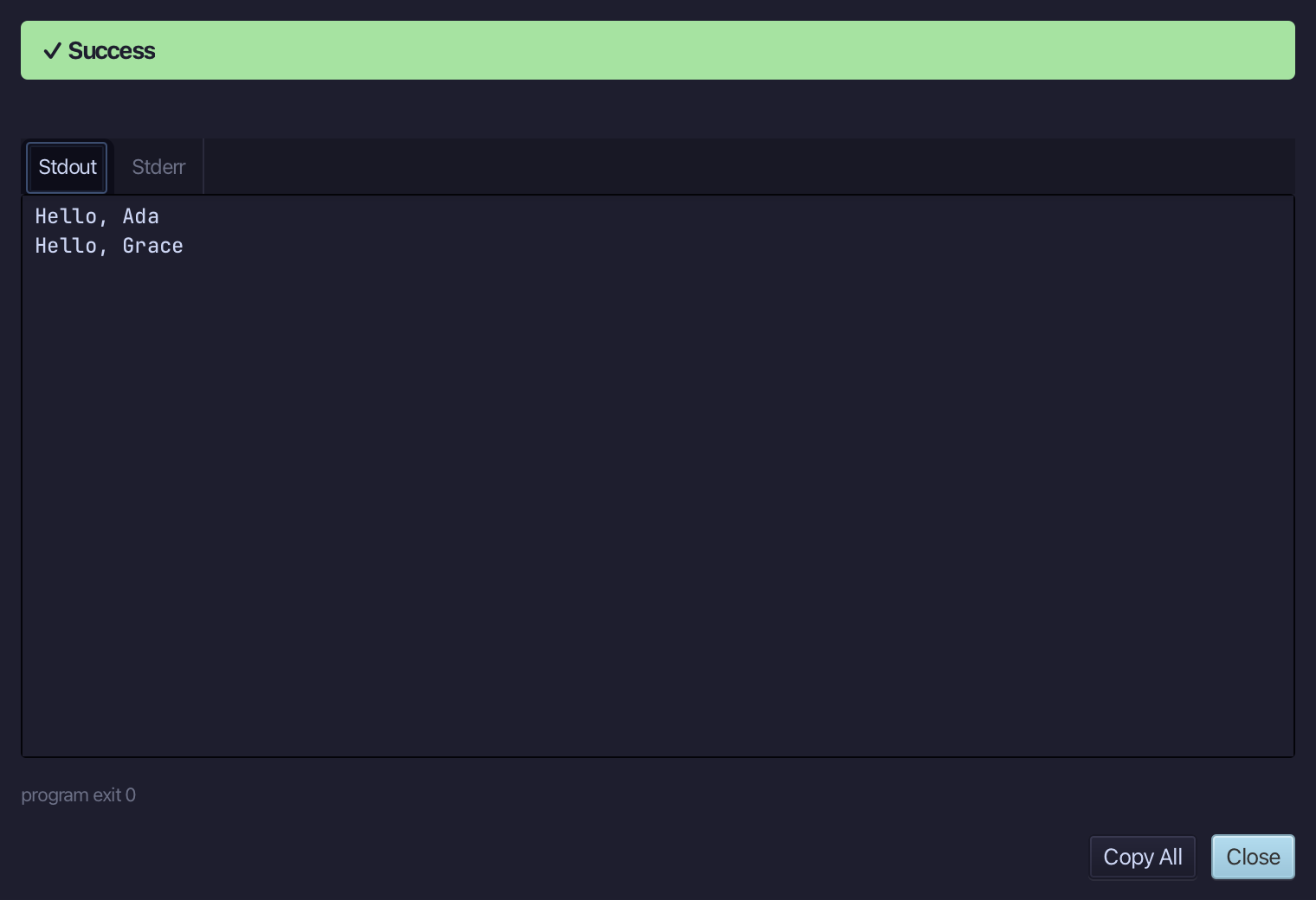
Hello, Ada then Hello, Grace - announce ran once for each name Demo called it with. Choose Close.
The result
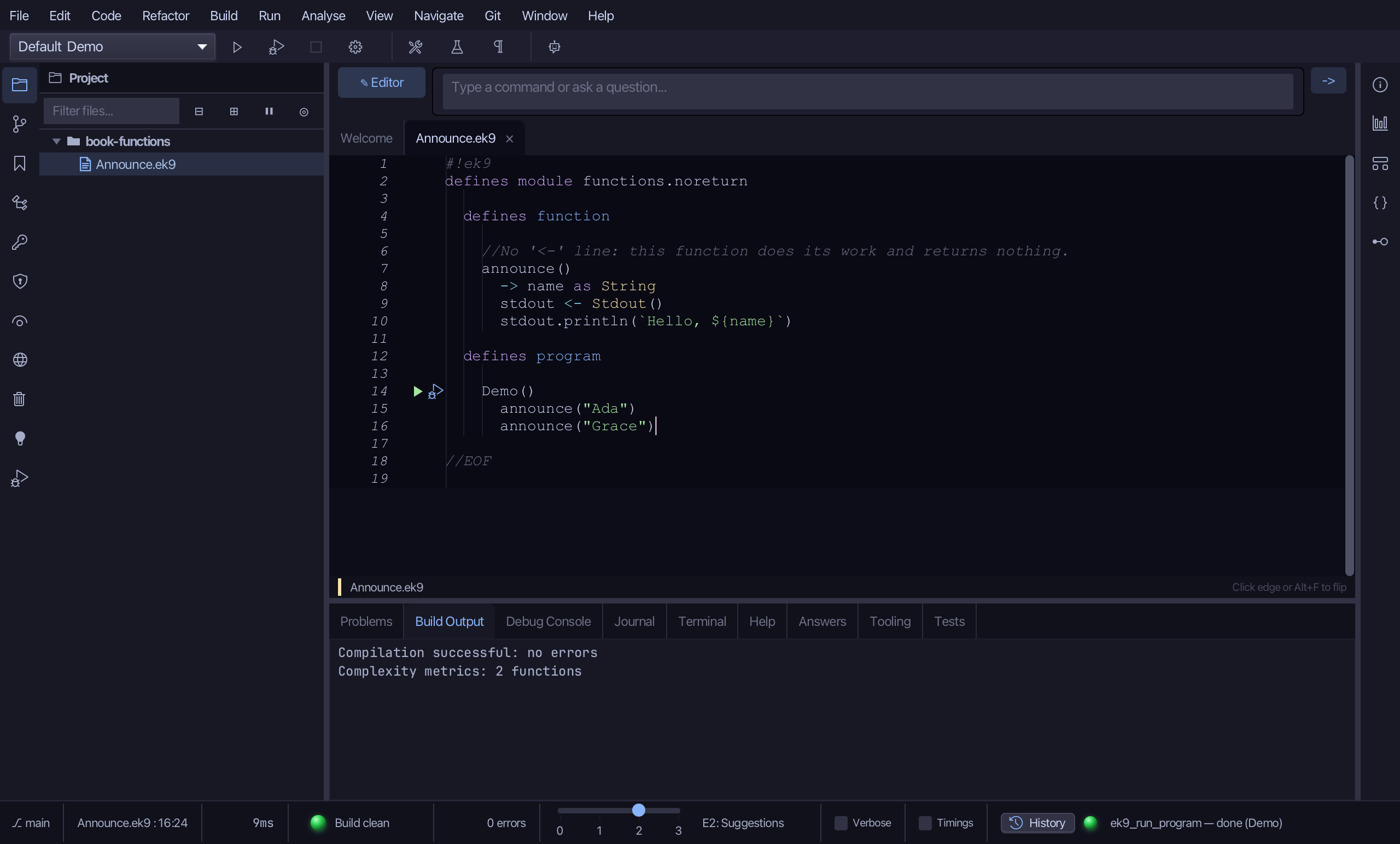
Announce.ek9 now reads exactly as chapter 4 of Getting Started with EK9 shows it: a function with no return value - leaving out the '<-' line says it - built by the tools, its logic and the teaching line above it typed. The same two tools - ek9_new_construct and ek9_add_program - are what an AI assistant calls to do the same thing.
Where this lesson comes from
- For AI assistants - the MCP tool
ek9_new_construct,ek9_add_program.