Expand Default Operator
Expand Default Operator replaces a 'default operator' line (default operator $, == and the like) with the explicit body the compiler would synthesise from the fields - ready to customise. Here Point's default operator $ gives a string form nobody has looked at yet. To play it in the IDE: Help > Lessons > Refactoring…, or ek9 -ide -lesson expand-default-operator.
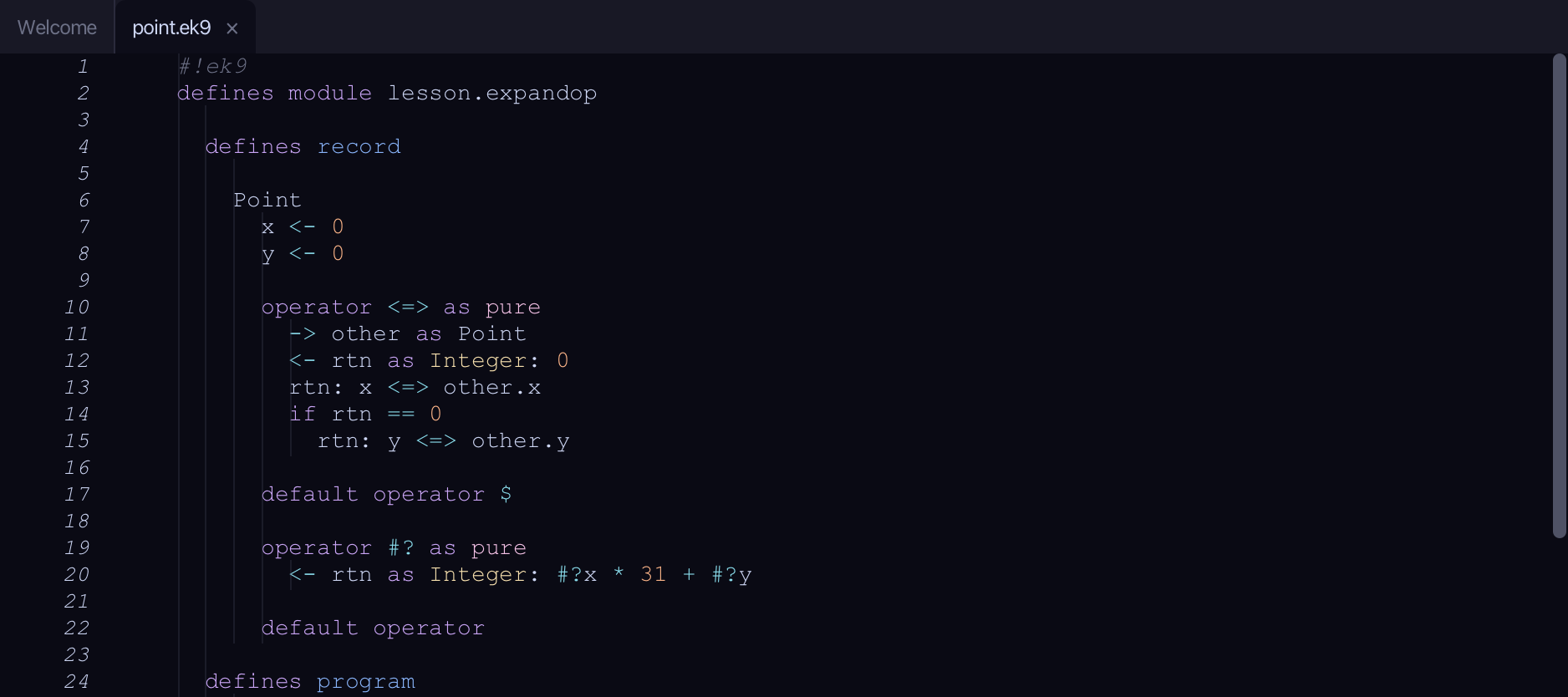
Start from
The code the lesson starts from: copy it into a file of your own and follow the steps.
#!ek9
defines module lesson.expandop

  defines record

    Point
      x <- 0
      y <- 0

      operator <=> as pure
        -> other as Point
        <- rtn as Integer: 0
        rtn: x <=> other.x
        if rtn == 0
          rtn: y <=> other.y

      default operator $

      operator #? as pure
        <- rtn as Integer: #?x * 31 + #?y

      default operator

  defines program

    ShowPoint()
      stdout <- Stdout()
      point <- Point()
      stdout.println($point)

//EOF
Step 1: The default operator
Put the caret on the default operator $ line.
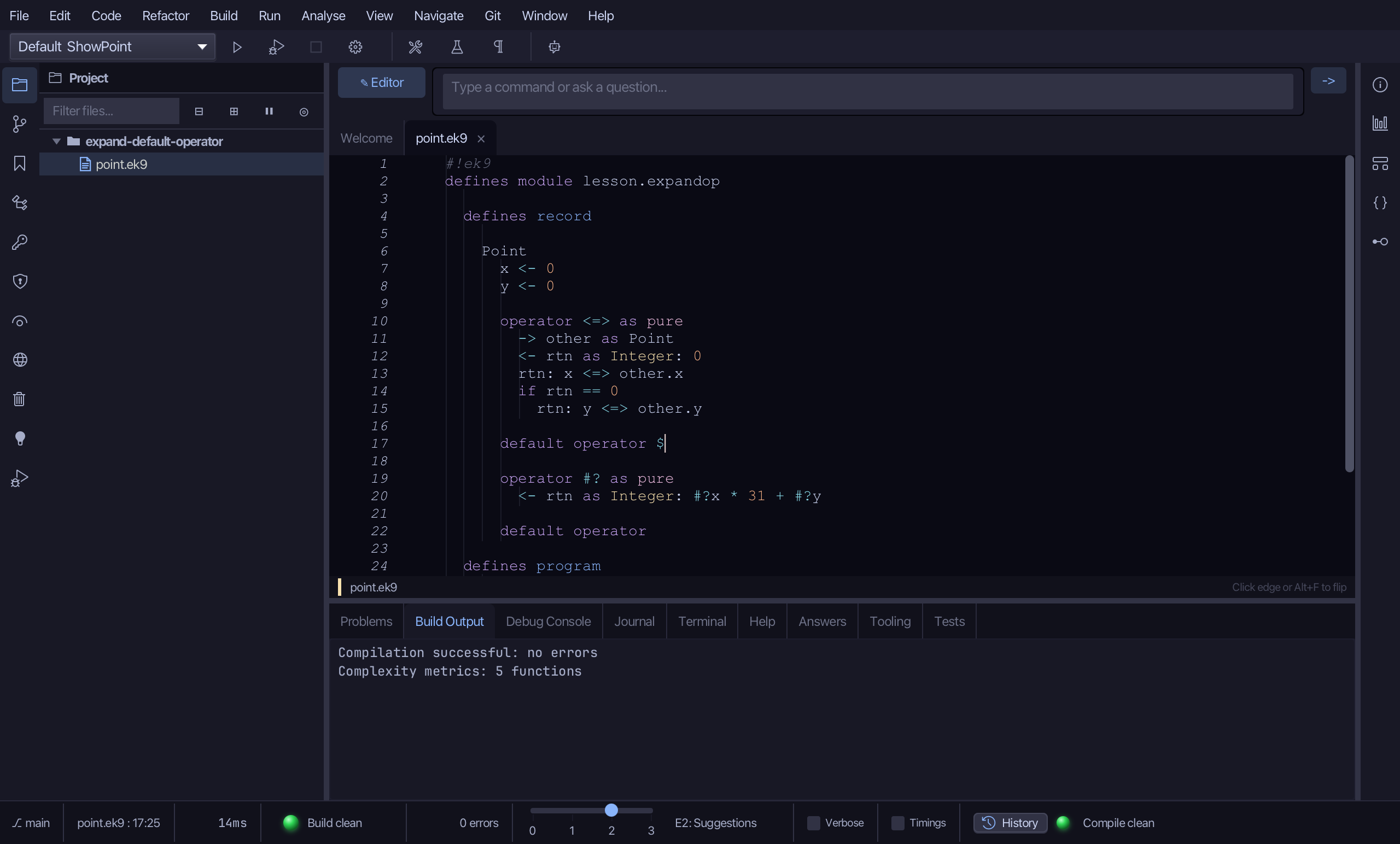
Step 2: Expand it
Right-click it and choose Expand 'default operator $' to Skeleton.
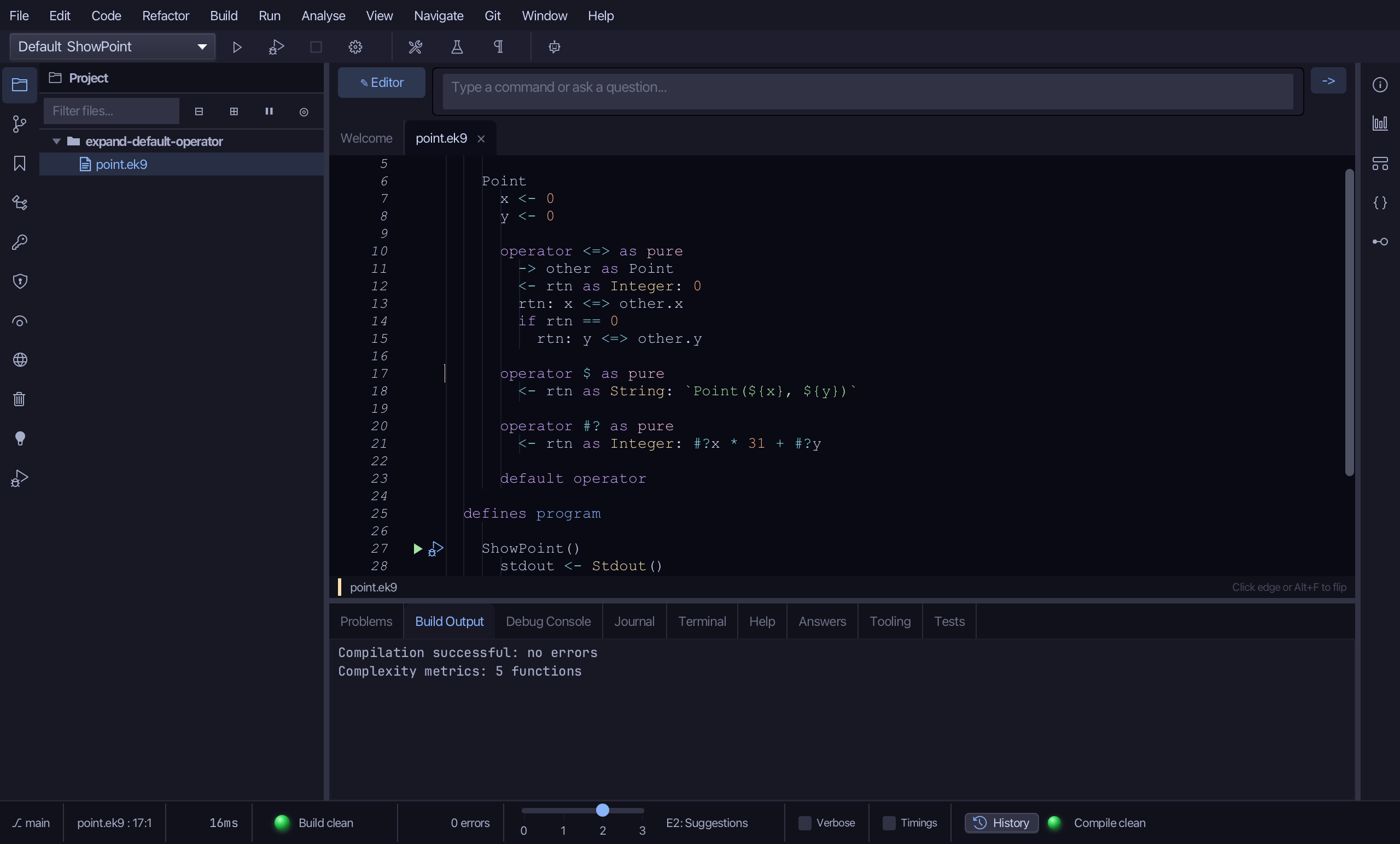
The change is in the open file, not yet saved. Choose File > Save.
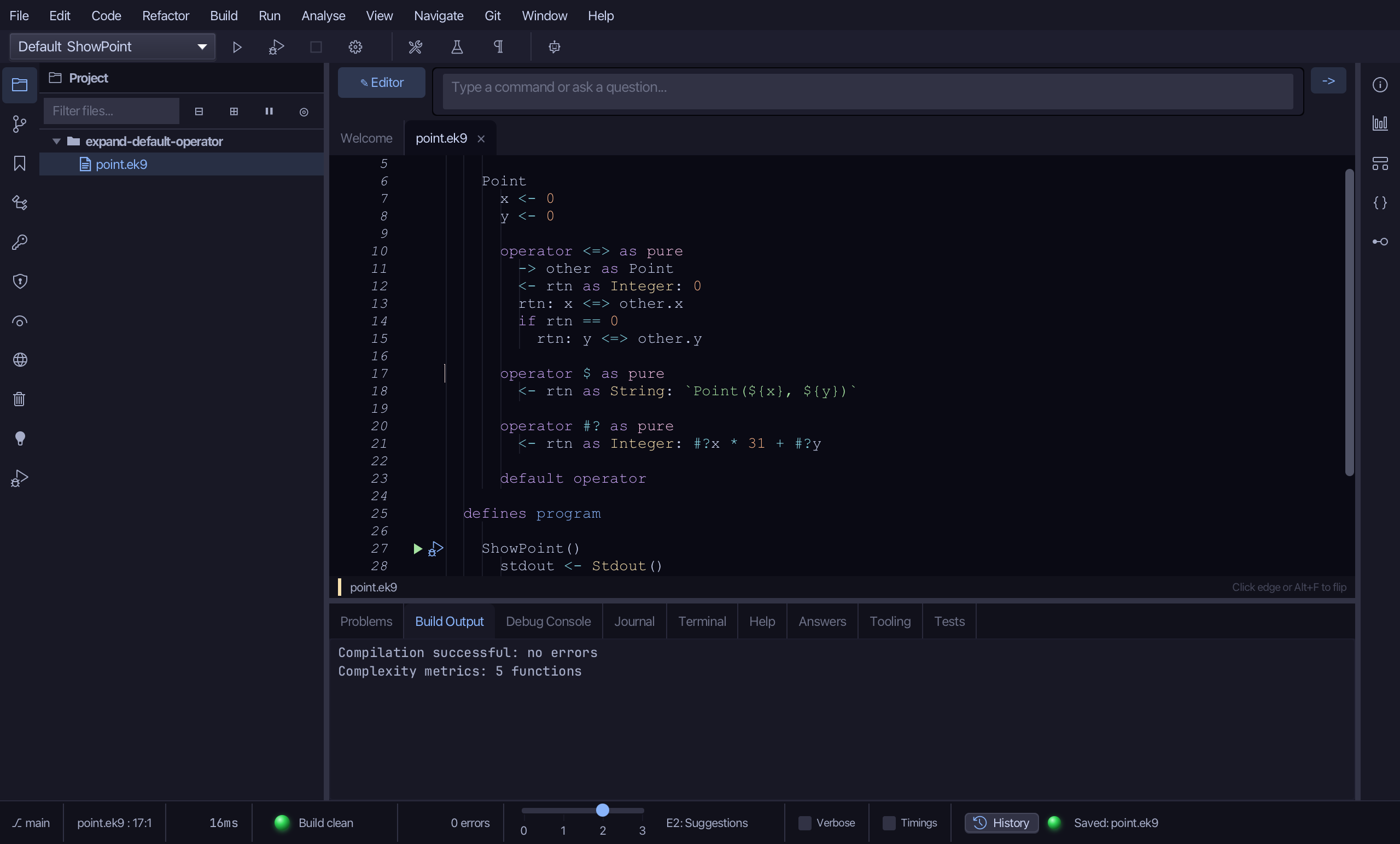
The result
That is Expand Default Operator: Point's default operator $ is now an explicit body - operator $ as pure, interpolating every field in declaration order - ready to customise (a different format, say). Collapse to Default Operator is the exact reverse, offered instead on an explicit defaultable operator once its body has converged back to the synthesis; Expand All Default Operators to Skeletons expands a whole bare 'default operator' block the same way, one explicit operator per line. All three sit on the right-click menu wherever the caret is on the matching declaration; AI assistants use the ek9_expand_default_operator / ek9_collapse_to_default_operator tools.
Where this lesson comes from
- For AI assistants - the MCP tool
ek9_expand_default_operator,ek9_collapse_to_default_operator.