New EK9 File, New Directory, Delete File, Delete Directory
The Project panel's own right-click menu makes and removes files and directories directly on disk - no dialog preview, no changeset. New EK9 File… writes the three-part EK9 boilerplate before you type a line of your own; New Directory… just makes a folder; Delete File… and Delete Directory… each check first - a file nothing else references, or a directory with nothing left inside it. Here archive holds one old, stale file - watch a new one arrive beside it, a scratch folder come and go, and the old one leave. To play it in the IDE: Help > Lessons > Refactoring…, or ek9 -ide -lesson project-files.
Start from
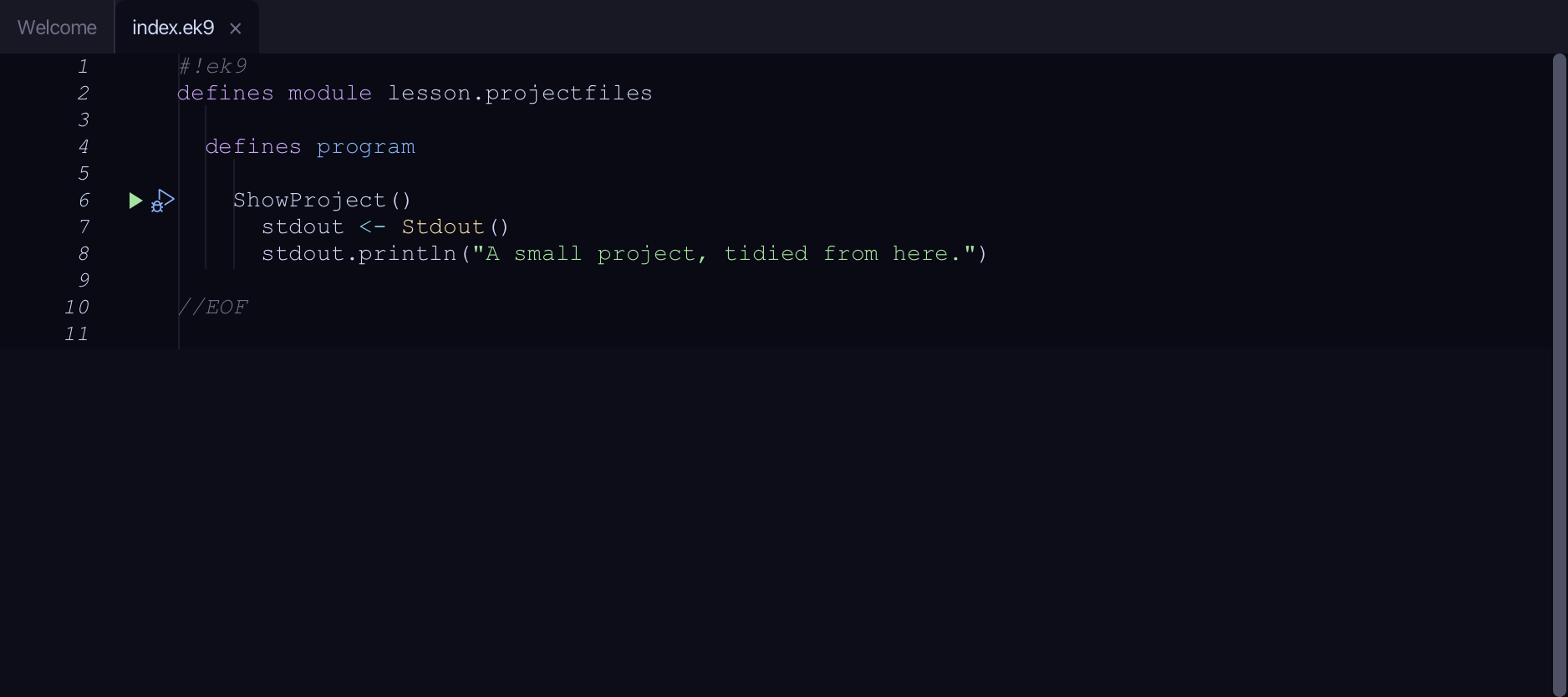
The code the lesson starts from: copy it into a file of your own and follow the steps.
index.ek9
#!ek9
defines module lesson.projectfiles

  defines program

    ShowProject()
      stdout <- Stdout()
      stdout.println("A small project, tidied from here.")

//EOF
archive/old_notes.ek9
#!ek9
defines module lesson.archive.oldnotes

  defines program

    OldNotes()
      stdout <- Stdout()
      stdout.println("draft notes - superseded")

//EOF
Step 1: A new file
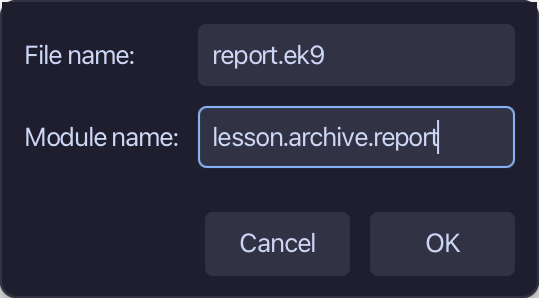
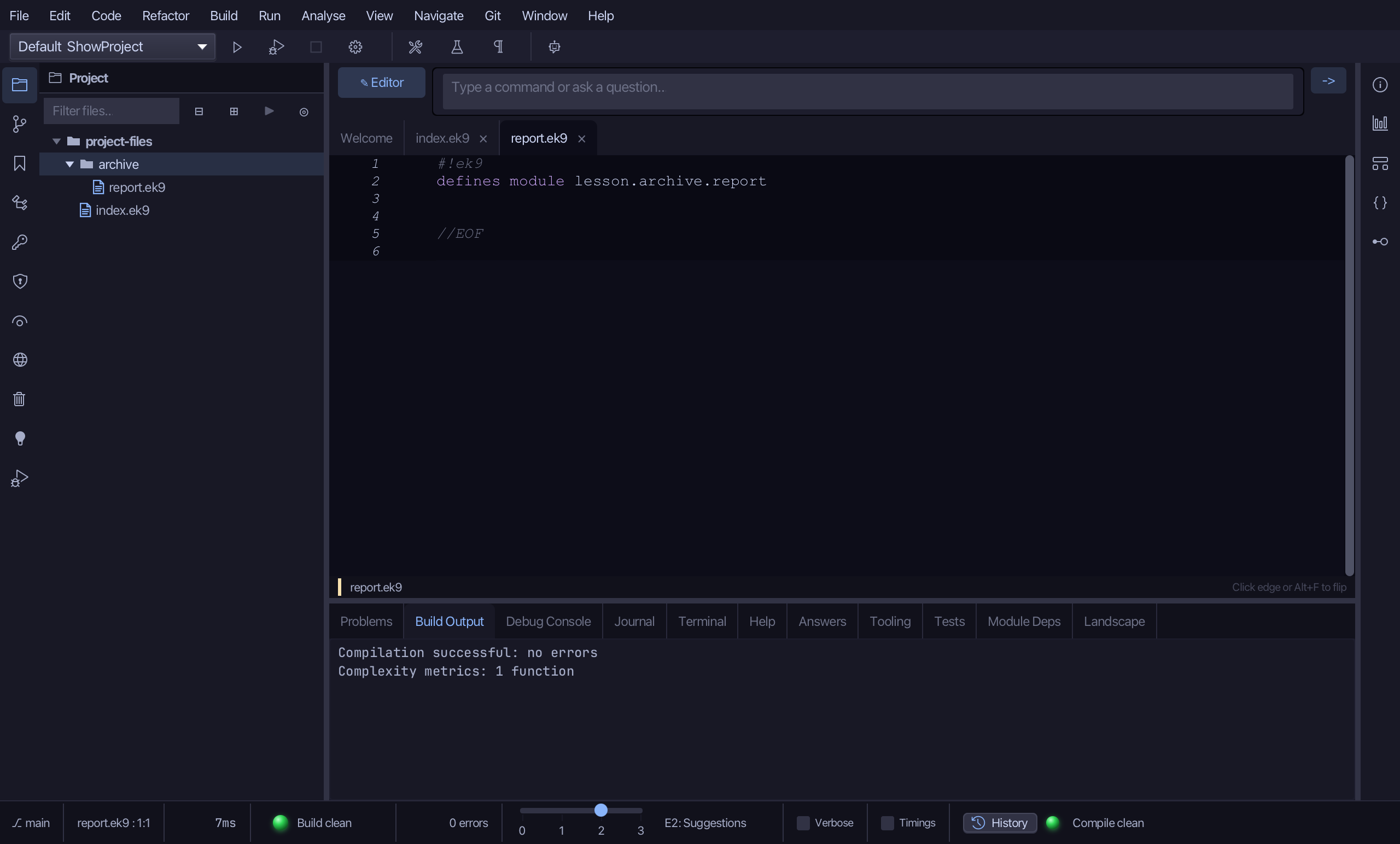
Right-click archive in the Project panel, choose New EK9 File…, name it report.ek9, name its module lesson.archive.report, and choose OK.
Step 2: A new directory
Right-click archive again, choose New Directory…, name it scratch, and choose OK.

Step 3: Delete it again
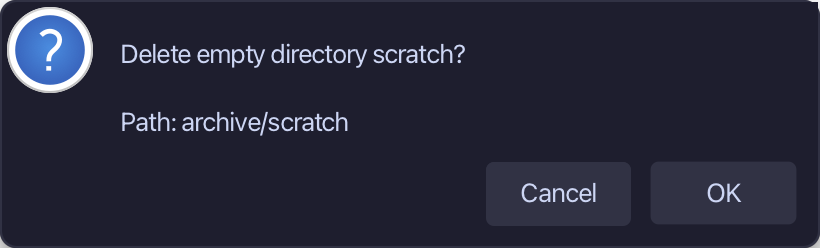
Right-click scratch and choose Delete Directory… - enabled only because it is empty - then choose OK.
Step 4: Delete the old file
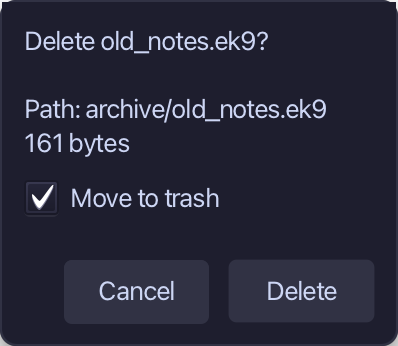
Right-click old_notes.ek9 and choose Delete File…, then choose Delete.
The result
That is the Project panel's own file operations: report.ek9 is new in archive, scratch existed only long enough to prove Delete Directory… only ever removes an EMPTY one, and old_notes.ek9 - no longer needed - is gone too. New EK9 File… writes the same three-part boilerplate ek9_write_file does - shebang, defines module, //EOF; Delete File… and Delete Directory… are ek9_delete_file and ek9_delete_directory, each refusing what would break the workspace - a file something still references, a directory that still holds something. New Directory… is the one item here with no MCP-tool equivalent at all - it is nothing more than a folder on disk, nothing for the compiler to know about. None of the four opens a preview, and none needs a Save afterwards - each writes straight to disk.
Where this lesson comes from
- For AI assistants - the MCP tool
ek9_write_file,ek9_delete_file,ek9_delete_directory.