Introduce Field
Introduce Field lifts a local and its initialiser up to a field of the enclosing class, record or component, keeping the same name - the field-level sibling of Introduce Parameter: Introduce Parameter turns a value a function uses into one its CALLERS pass; Introduce Field turns a value a METHOD uses into state the WHOLE CONSTRUCT shares, living on past that one call. Here balance is a fresh local every time show() runs; lifting it to a field lets any method Account gains later read or change it too. To play it in the IDE: Help > Lessons > Refactoring…, or ek9 -ide -lesson introduce-field.
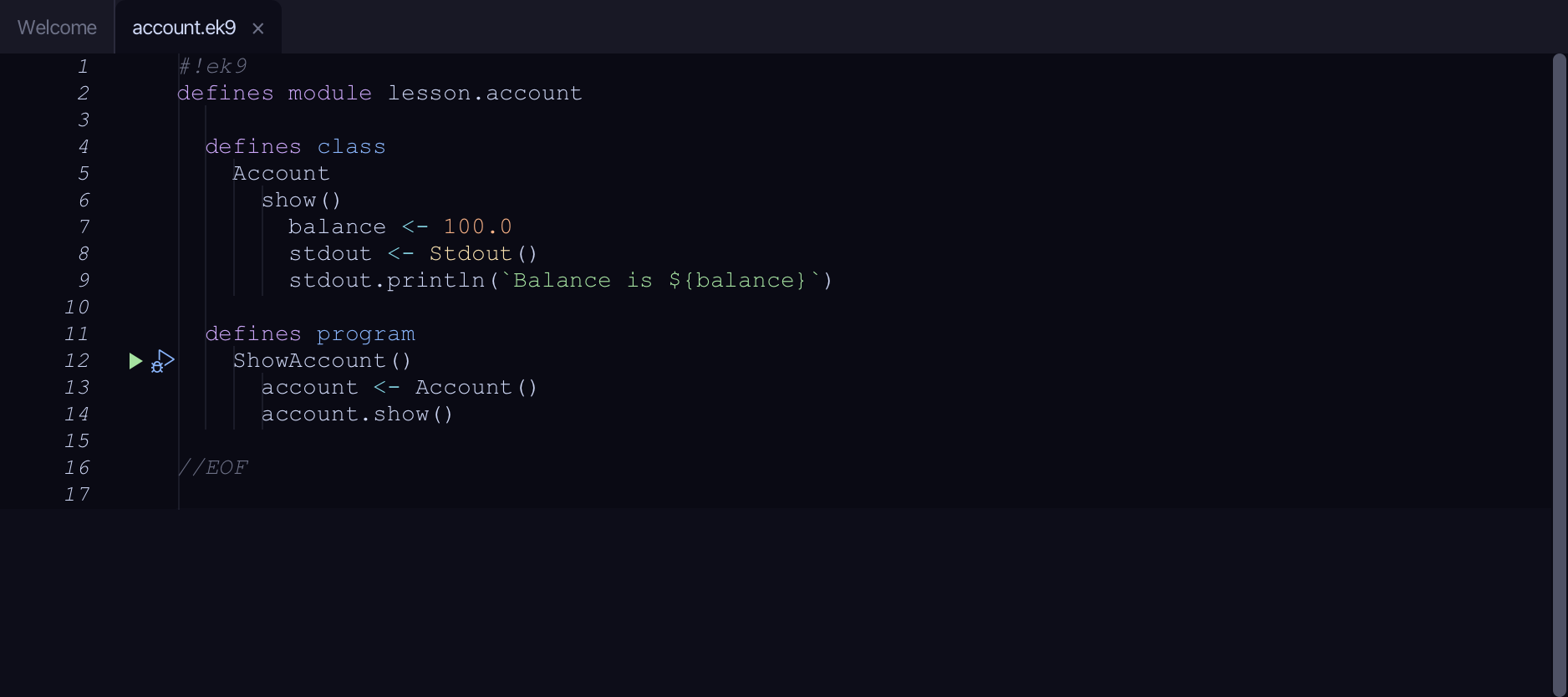
Start from
The code the lesson starts from: copy it into a file of your own and follow the steps.
#!ek9
defines module lesson.account

  defines class
    Account
      show()
        balance <- 100.0
        stdout <- Stdout()
        stdout.println(`Balance is ${balance}`)

  defines program
    ShowAccount()
      account <- Account()
      account.show()

//EOF
Step 1: Where it is
Put the caret on balance, on line 7.
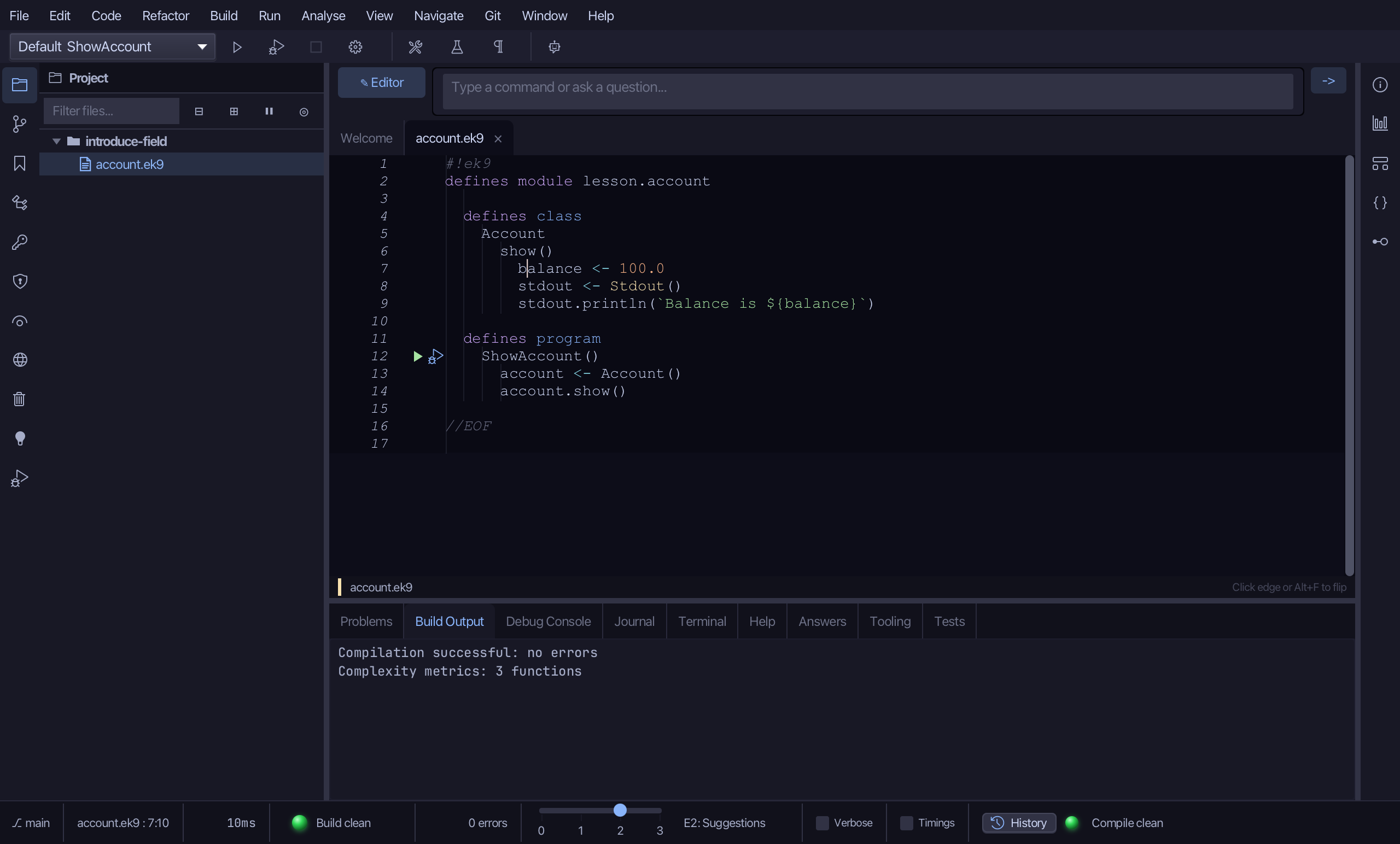
Step 2: Introduce Field
Right-click it - or choose Refactor > Refactor This… - and choose Introduce Field…
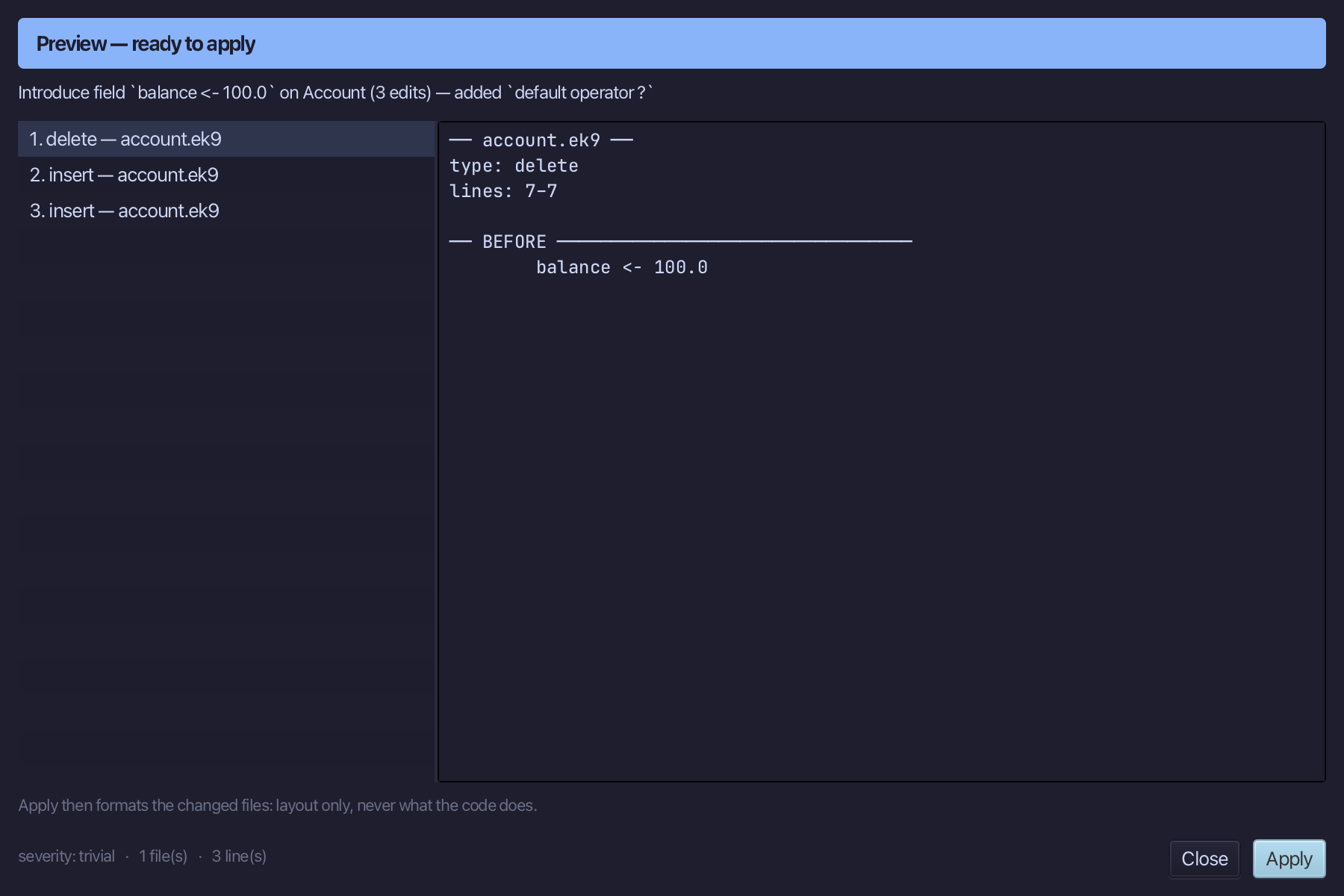
Step 3: Preview and apply
The preview shows every change the refactoring makes; then the IDE formats each file it changed. Choose Apply.
The result
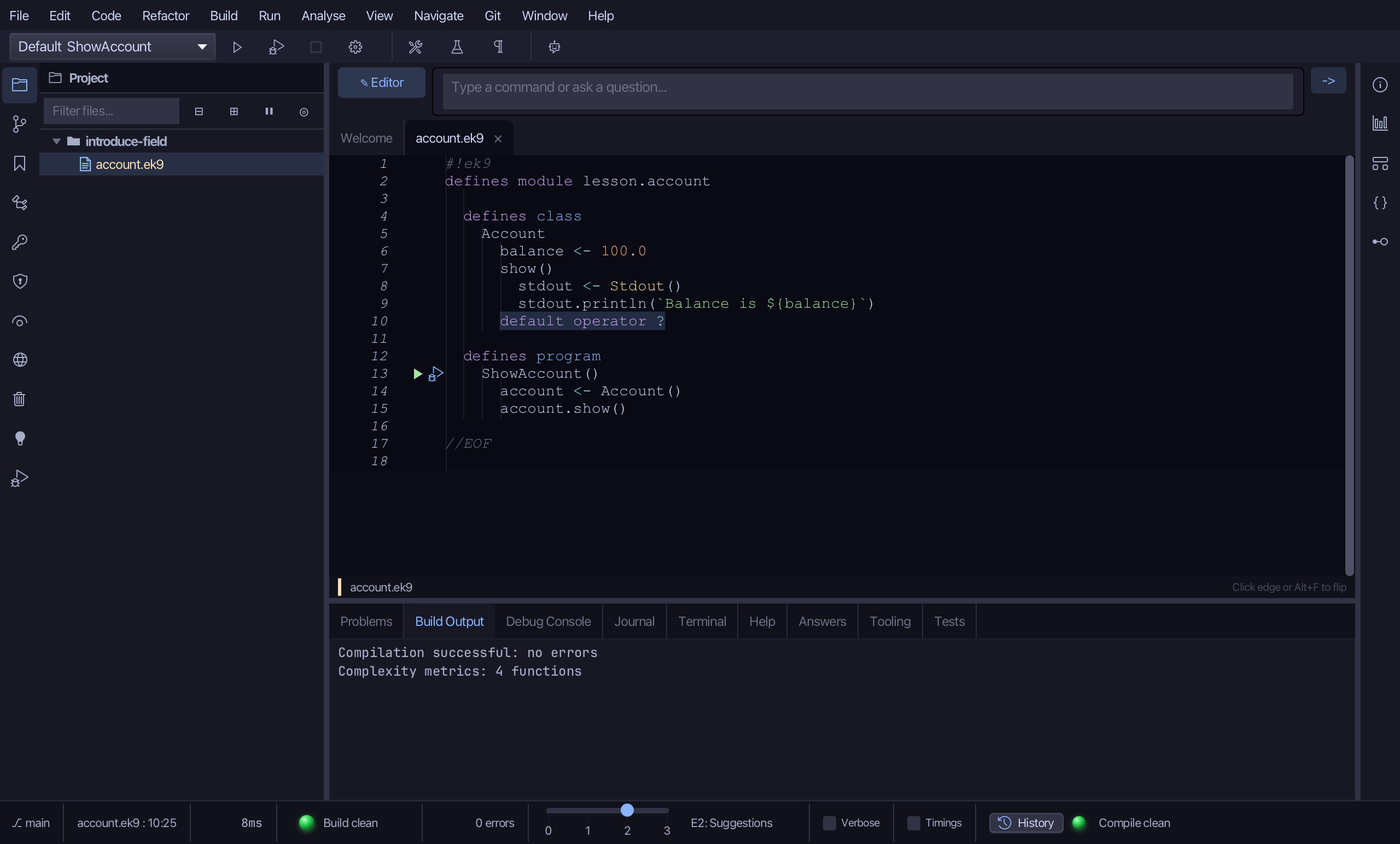
That is Introduce Field: balance is now a field of Account, set once when the object is created and shared by every method after it - today just show(). Because this is Account's first field, the tool also appends default operator ? (EK9's tri-state requirement, E07235) so the result compiles in one shot. Rename it afterwards with Rename Symbol, or with Rename Field below if the new name only needs to be known inside this one construct. It is on the right-click menu wherever the caret is on a liftable local declaration inside a class, record or component; AI assistants use the ek9_introduce_field tool.
Where this lesson comes from
- For AI assistants - the MCP tool
ek9_introduce_field.