Find your way
Find Construct… jumps straight to a class, function or program by name, anywhere in the project. Find References jumps the other way - from a symbol to every place it is used. To play it in the IDE: Help > Lessons > Finding…, or ek9 -ide -lesson find-your-way.
Start from
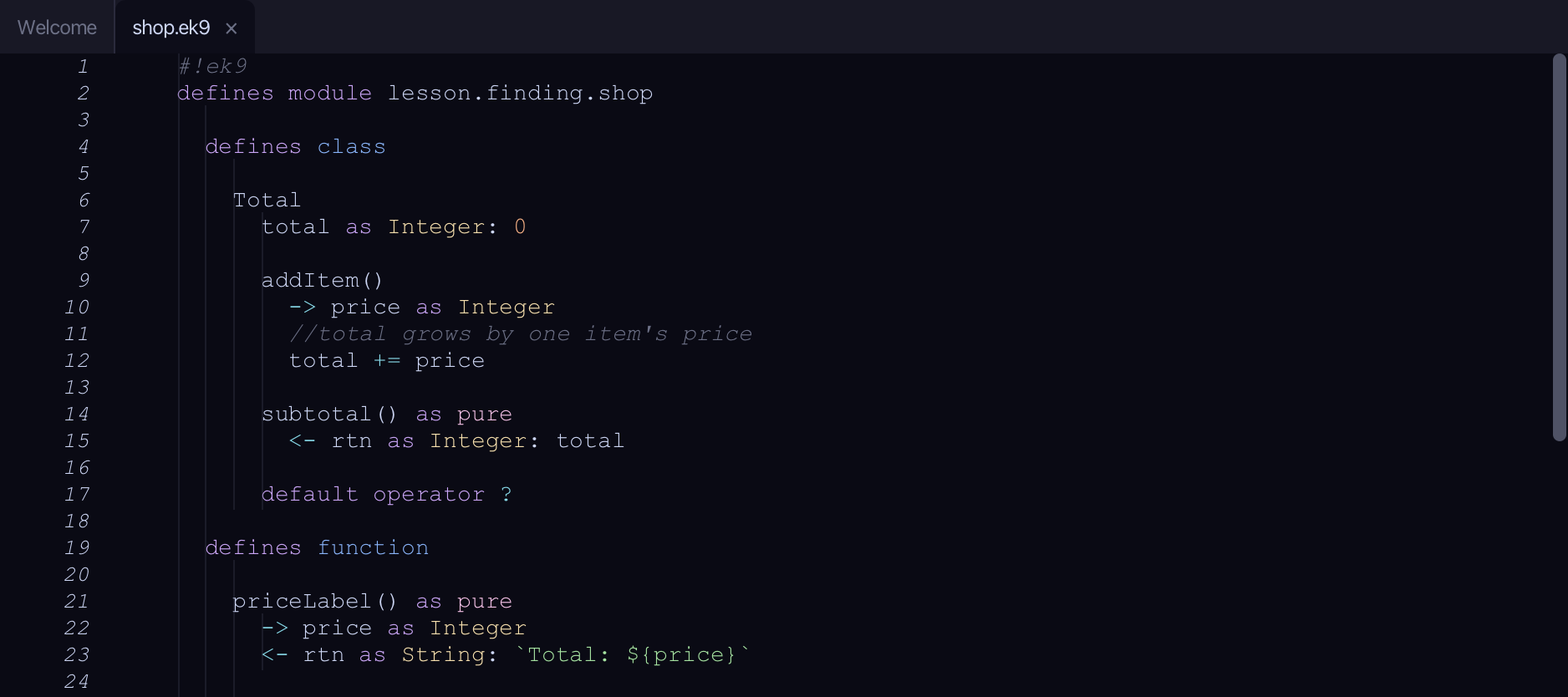
The code the lesson starts from: copy it into a file of your own and follow the steps.
shop.ek9
#!ek9
defines module lesson.finding.shop

  defines class

    Total
      total as Integer: 0

      addItem()
        -> price as Integer
        //total grows by one item's price
        total += price

      subtotal() as pure
        <- rtn as Integer: total

      default operator ?

  defines function

    priceLabel() as pure
      -> price as Integer
      <- rtn as String: `Total: ${price}`

    doubled() as pure
      -> price as Integer
      <- rtn as Integer: price * 2

  defines program

    ShowTotal()
      stdout <- Stdout()
      total <- Total()
      total.addItem(5)
      total.addItem(10)
      stdout.println(priceLabel(total.subtotal()))
      stdout.println("The running total is shown above")

//EOF
receipt.ek9
#!ek9
defines module lesson.finding.shop

  defines function

    receiptFooter() as pure
      -> grandTotal as Integer
      <- rtn as String: `Grand total: ${grandTotal}`

  defines program

    ShowReceipt()
      stdout <- Stdout()
      total <- Total()
      total.addItem(20)
      stdout.println(receiptFooter(total.subtotal()))

//EOF
till.ek9
#!ek9
defines module lesson.finding.till

  defines program

    ShowTill()
      stdout <- Stdout()
      total <- 0
      total += 15
      stdout.println(`Till total: ${total}`)

//EOF
Step 1: Find Construct…
Choose Navigate > Find Construct…
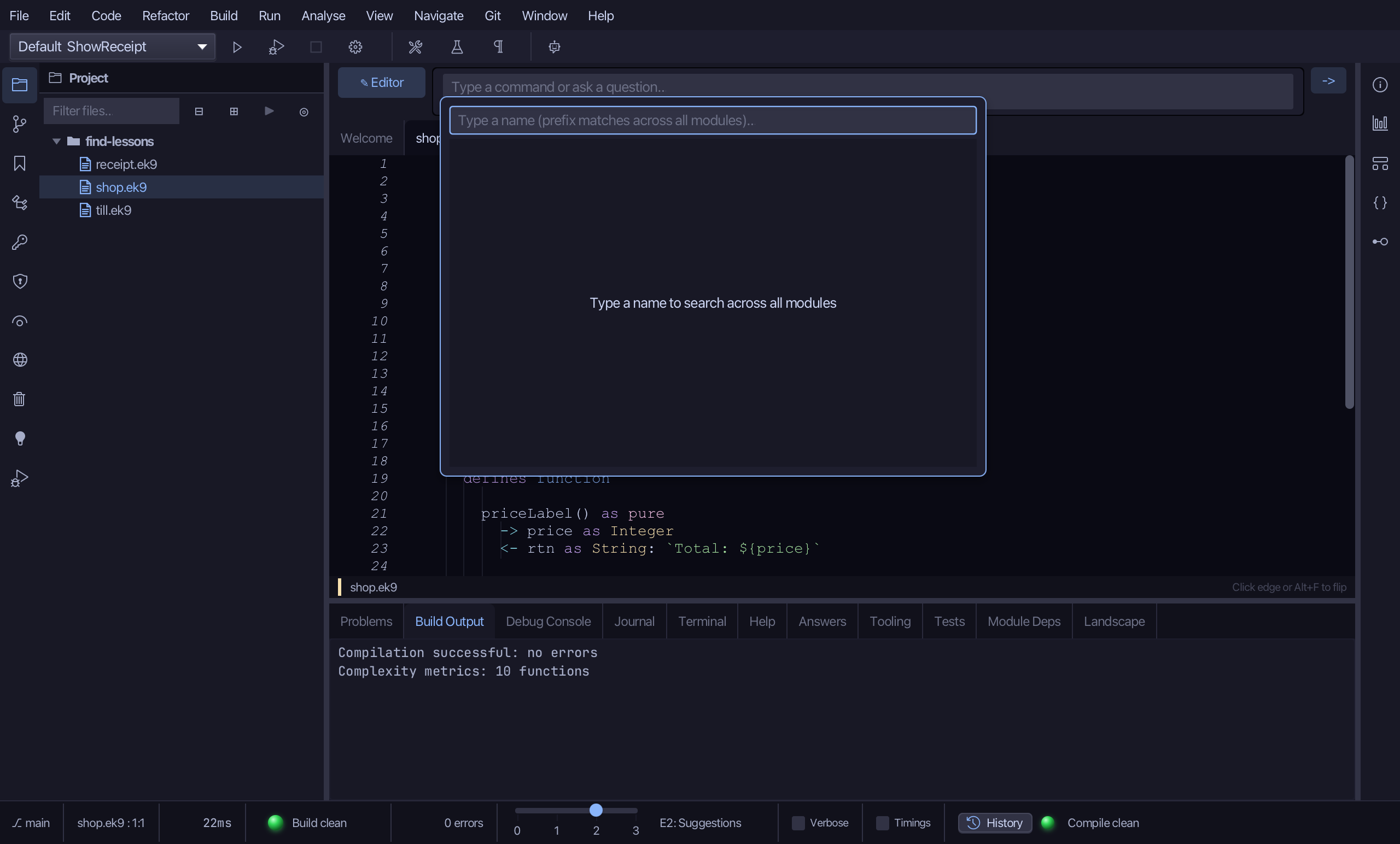
Type Total.
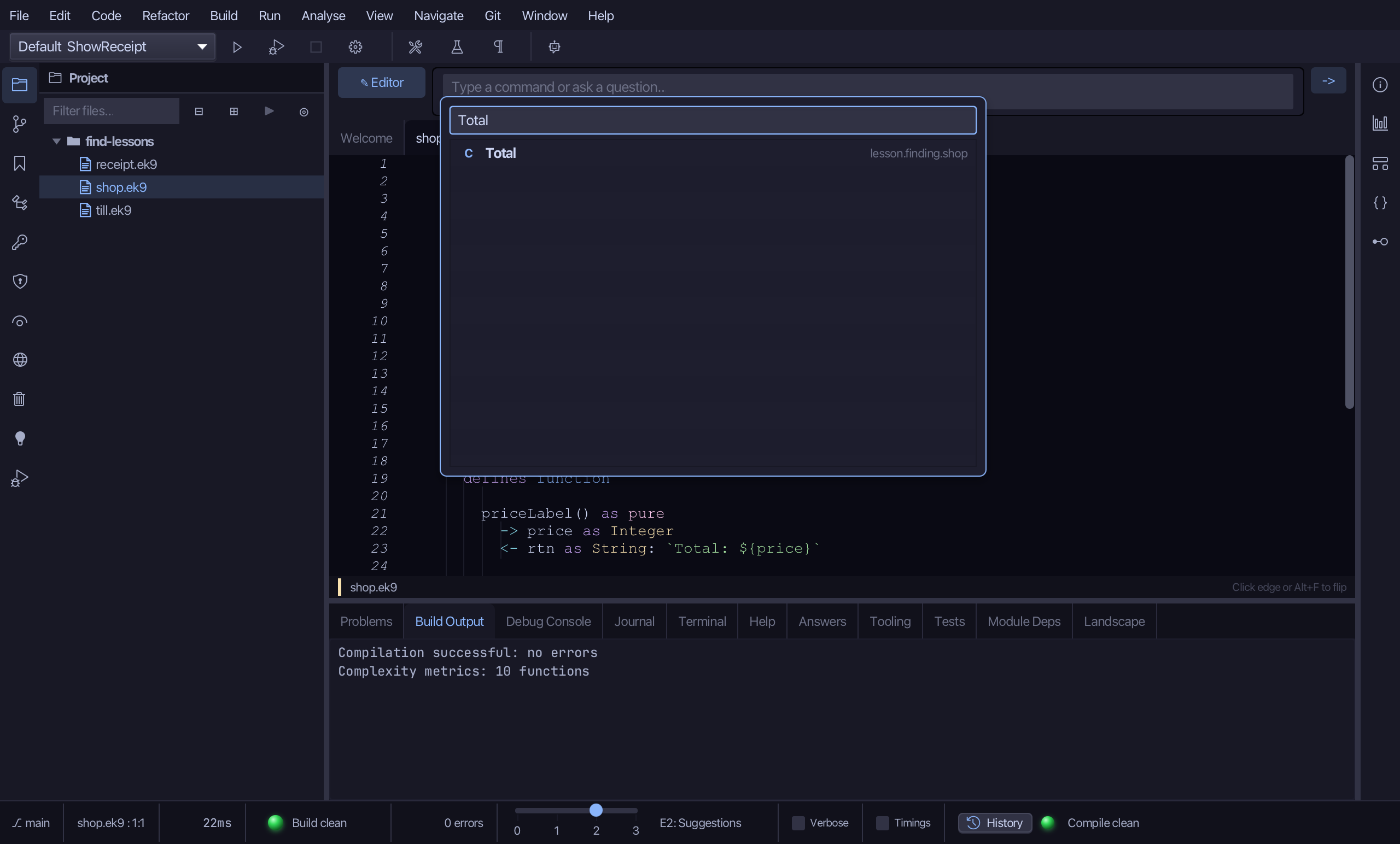
Click Total, the class. The editor jumps to its declaration.
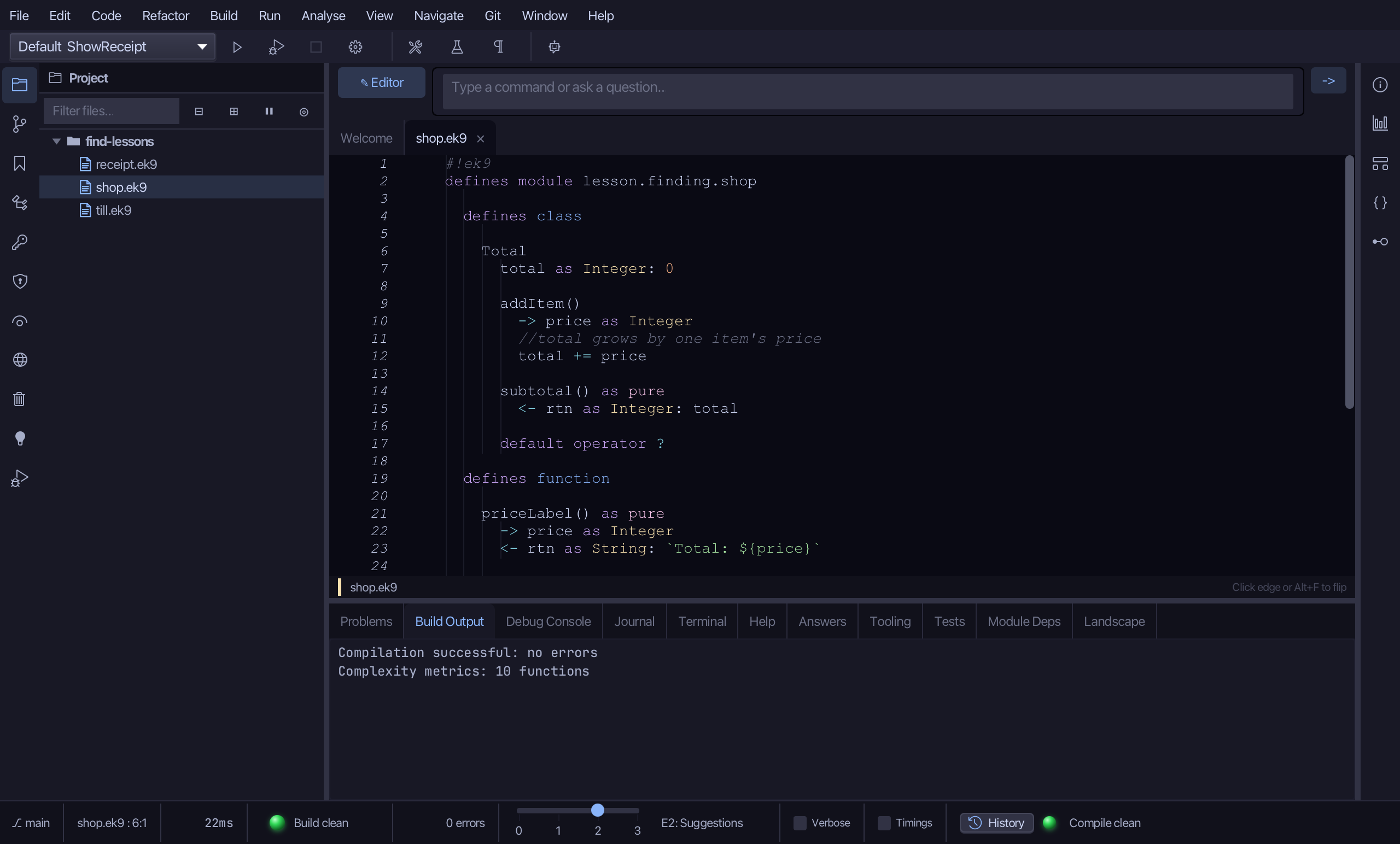
Step 2: Find References
Put the caret on the total field's own declaration, on line 7.
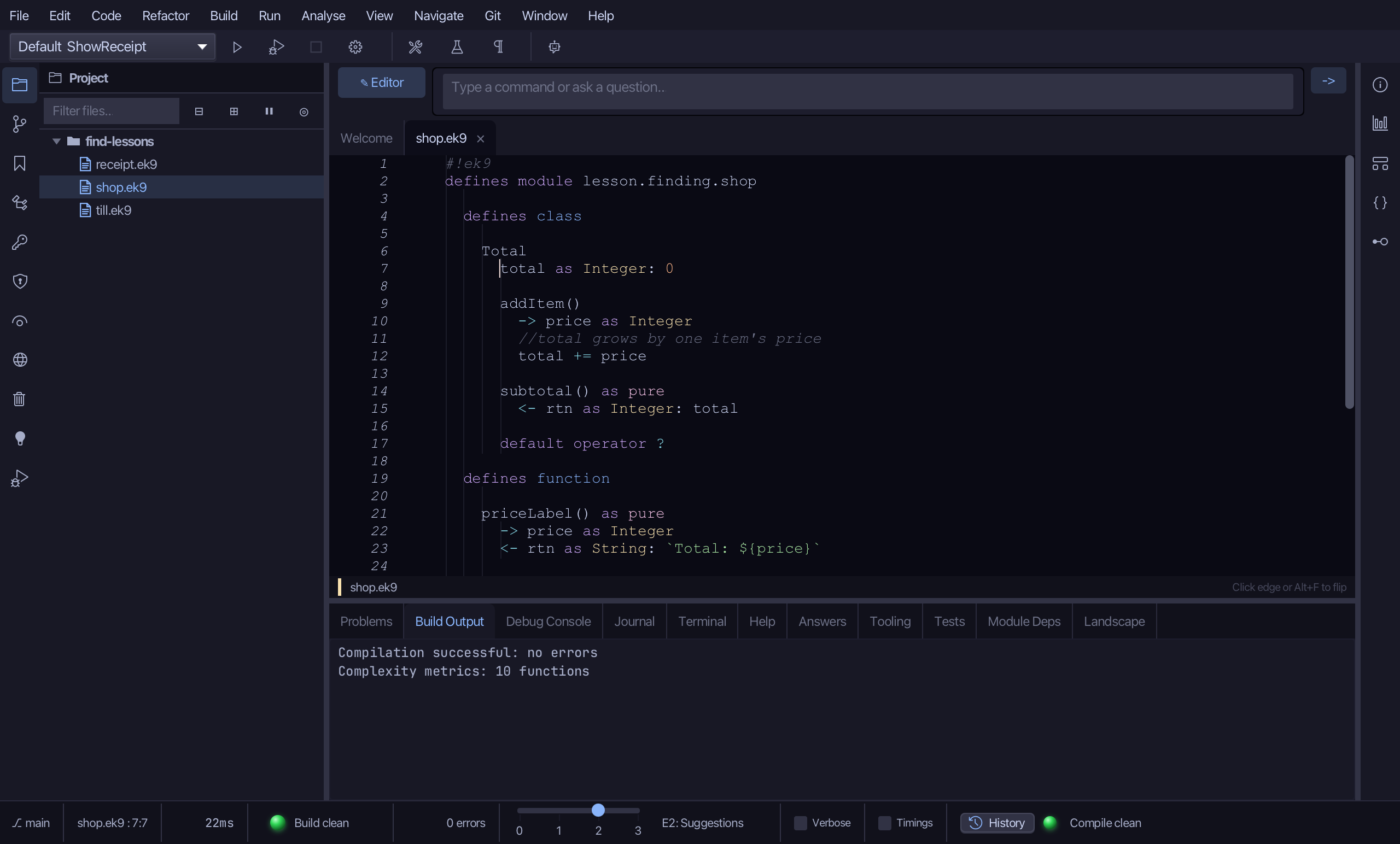
Choose Navigate > Find References. The References pane lists its declaration, a write and a read.
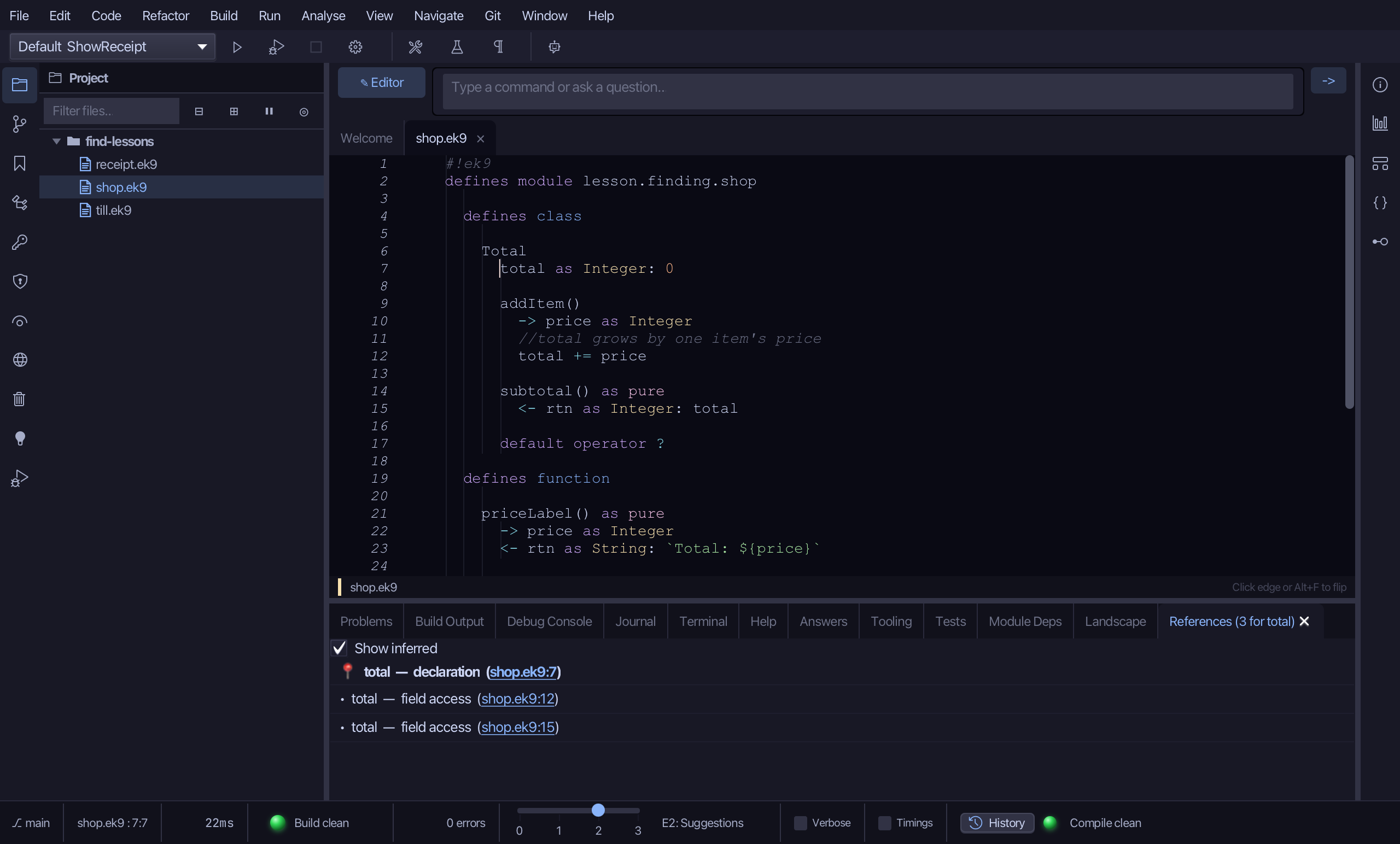
Click the write - total += price, on line 12. The editor jumps there.
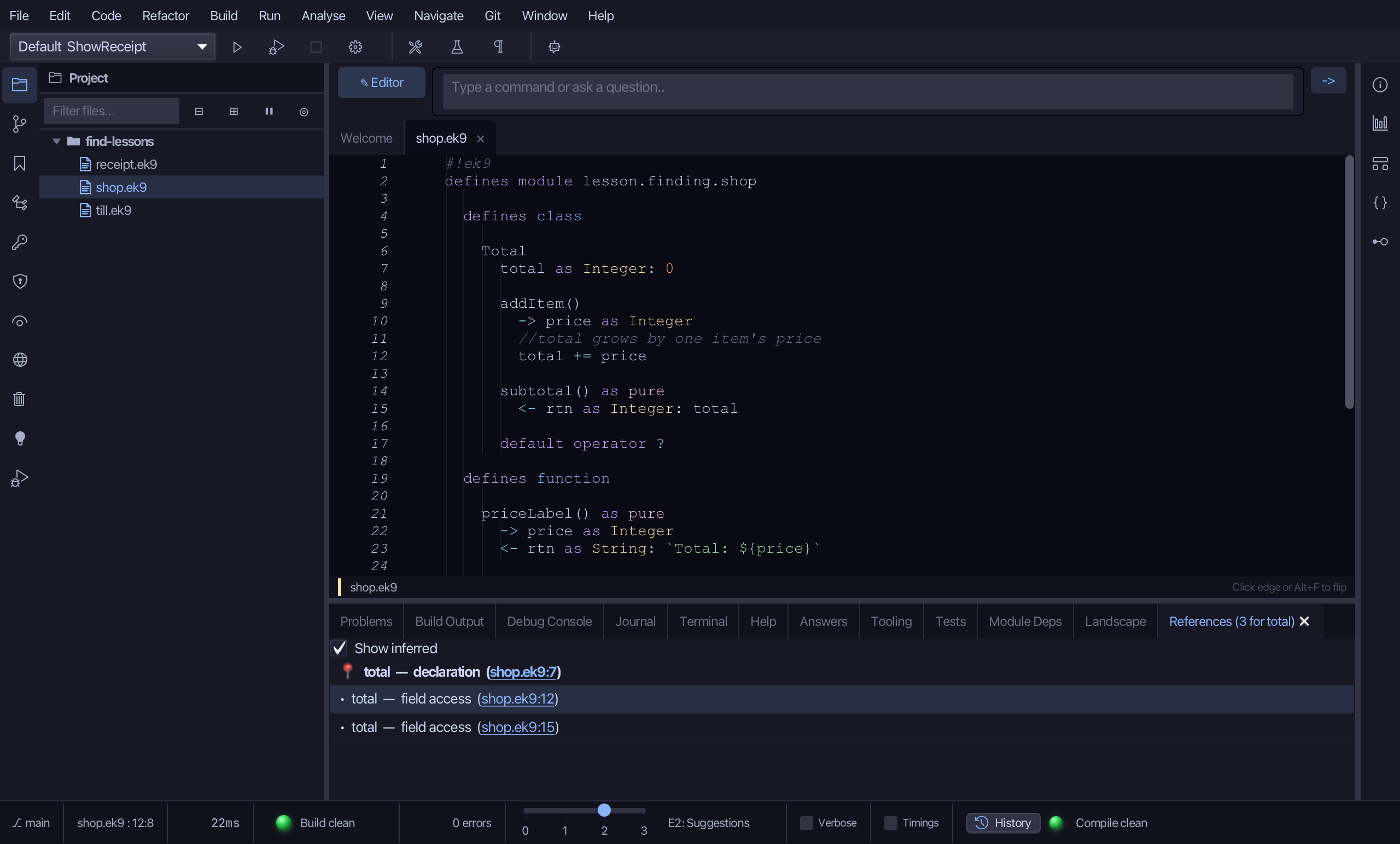
The result
Find Construct jumps to a class, function or program by name, anywhere in the project; Find References jumps from a symbol to every place it is used. Neither looks inside text - both ask the compiler, the way Symbols mode does.