Chapter 11: an Optional, built
Chapter 11's Phone looks a name up in a small phone book. A name that is not there is not an error - it is just no answer - so lookupNumber returns an Optional of String: a box that holds a number or holds nothing, and the compiler refuses a get() that skips the check. The IDE's tools make the function and the program; Surround With folds the lookup under its test, and Analyse ▸ Effective API reads Optional's surface. To play it in the IDE: Help > Lessons > Getting Started with EK9…, or ek9 -ide -lesson book-phone.
What you'll build
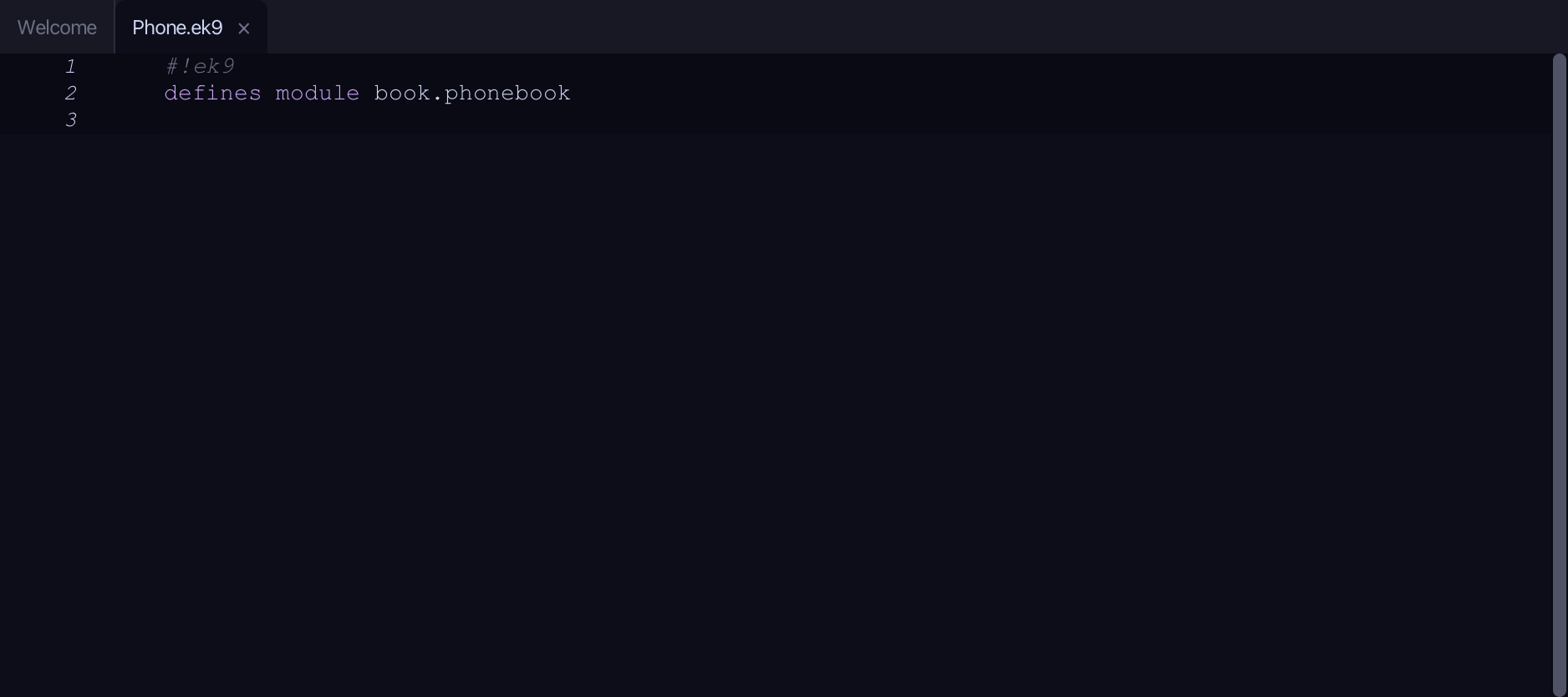
The lesson builds this program from a file holding only its module line - the finished file, as the book prints it.
#!ek9
defines module book.phonebook

  defines function
    lookupNumber() as pure
      -> name as String
      <- rtn <- Optional() of String
      book <- {"Ada": "0100 111", "Grace": "0100 222"}
      if book contains name
        rtn: Optional(book.getOrDefault(name, String()))

  defines program
    Phone()
      stdout <- Stdout()

      ada <- lookupNumber("Ada")
      if ada?
        stdout.println(`Ada: ${ada.get()}`)

      zara <- lookupNumber("Zara")
      if zara?
        stdout.println(`Zara: ${zara.get()}`)
      else
        stdout.println("No number for Zara")
Step 1: lookupNumber — a pure function returning Optional
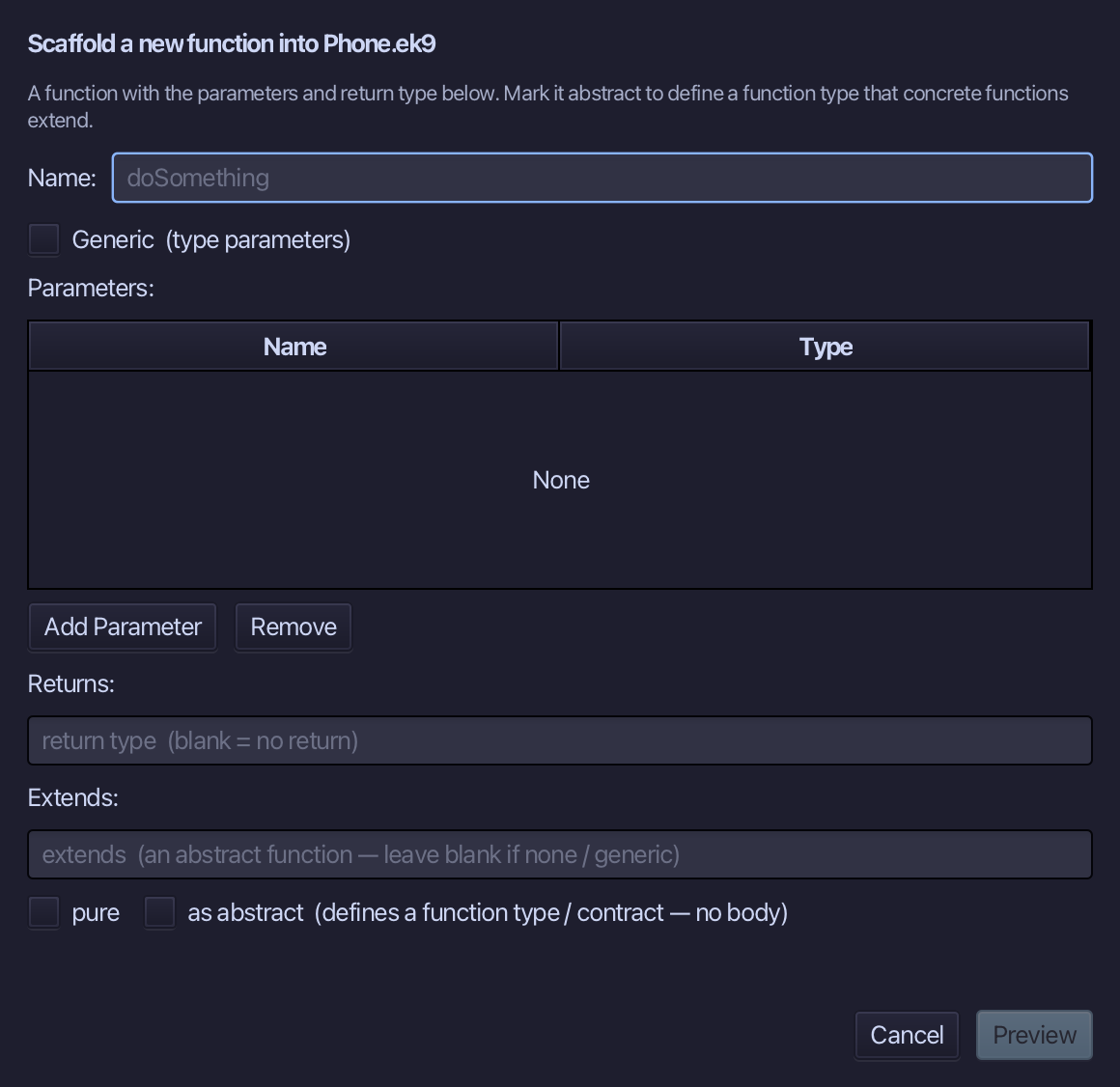
Choose Code > New Construct > Function…
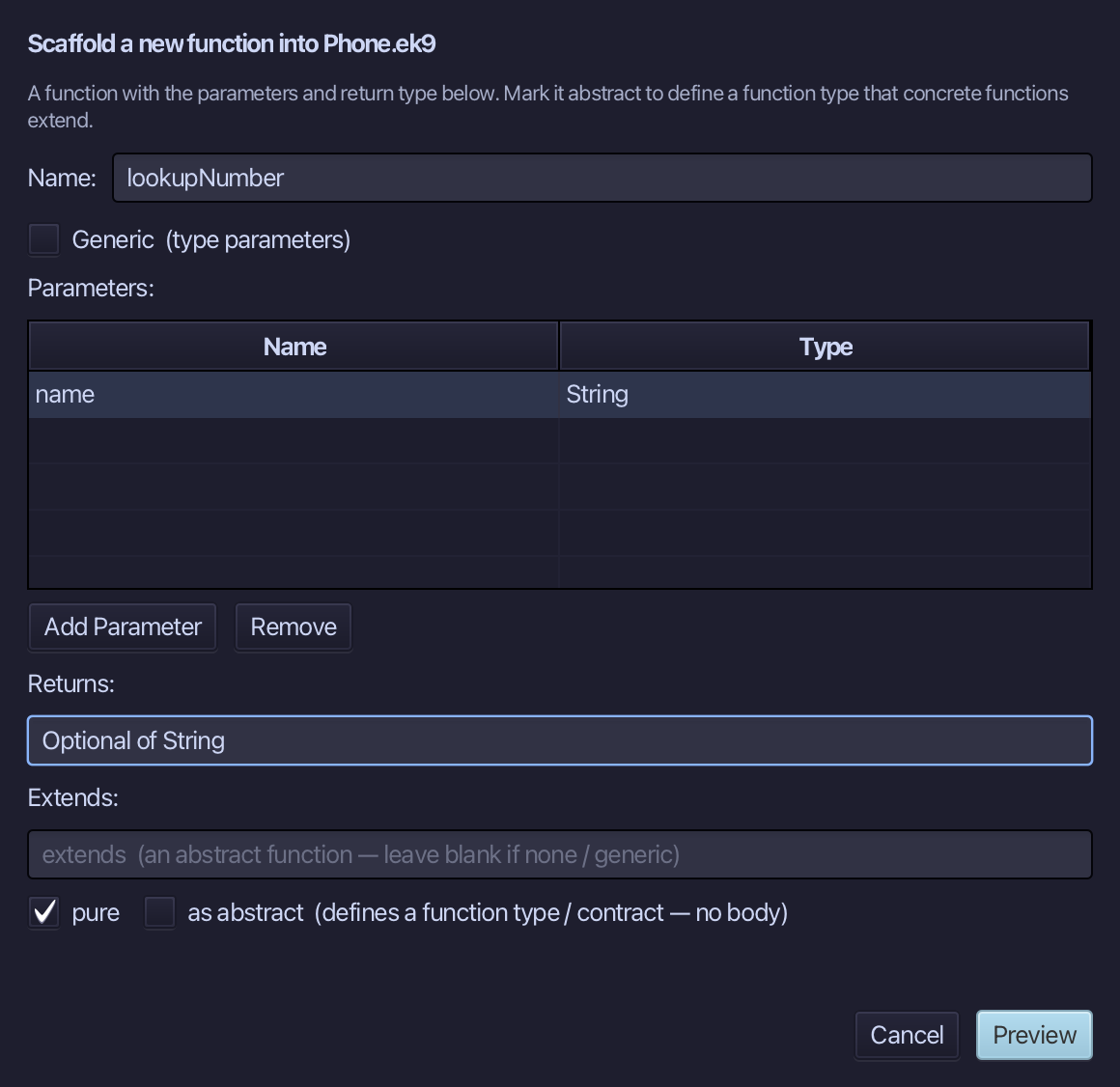
lookupNumber is the function's name. Add one parameter, name of type String, set Returns to Optional of String, and tick pure. Choose Preview.
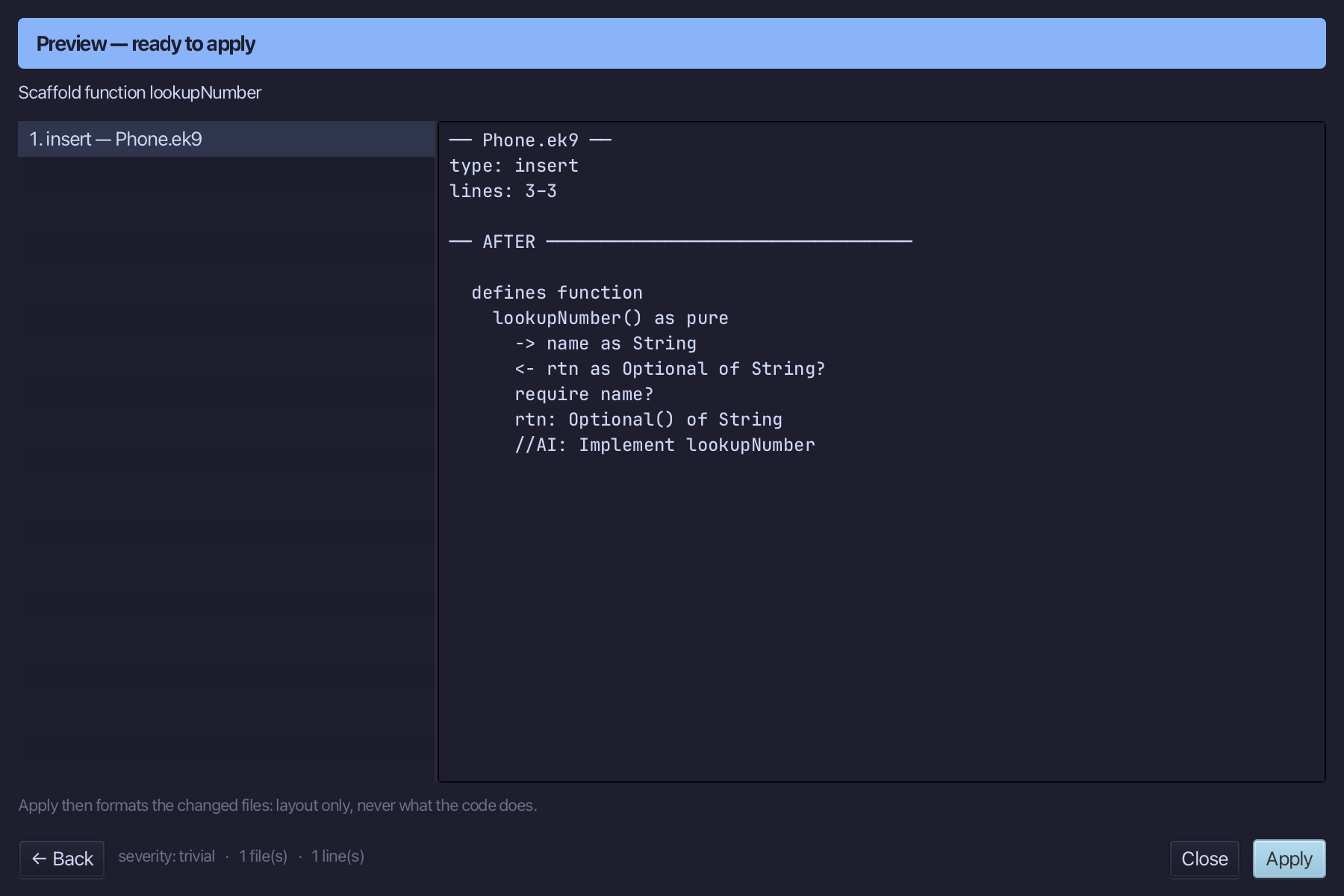
The preview shows lookupNumber about to be written, pure, name in and Optional of String out. Choose Apply.
Select the stub, from <- rtn as Optional of String? down to its //AI line, and type the phone book and a plain answer - it hands back whatever the book holds, present or not. Saves when typed.
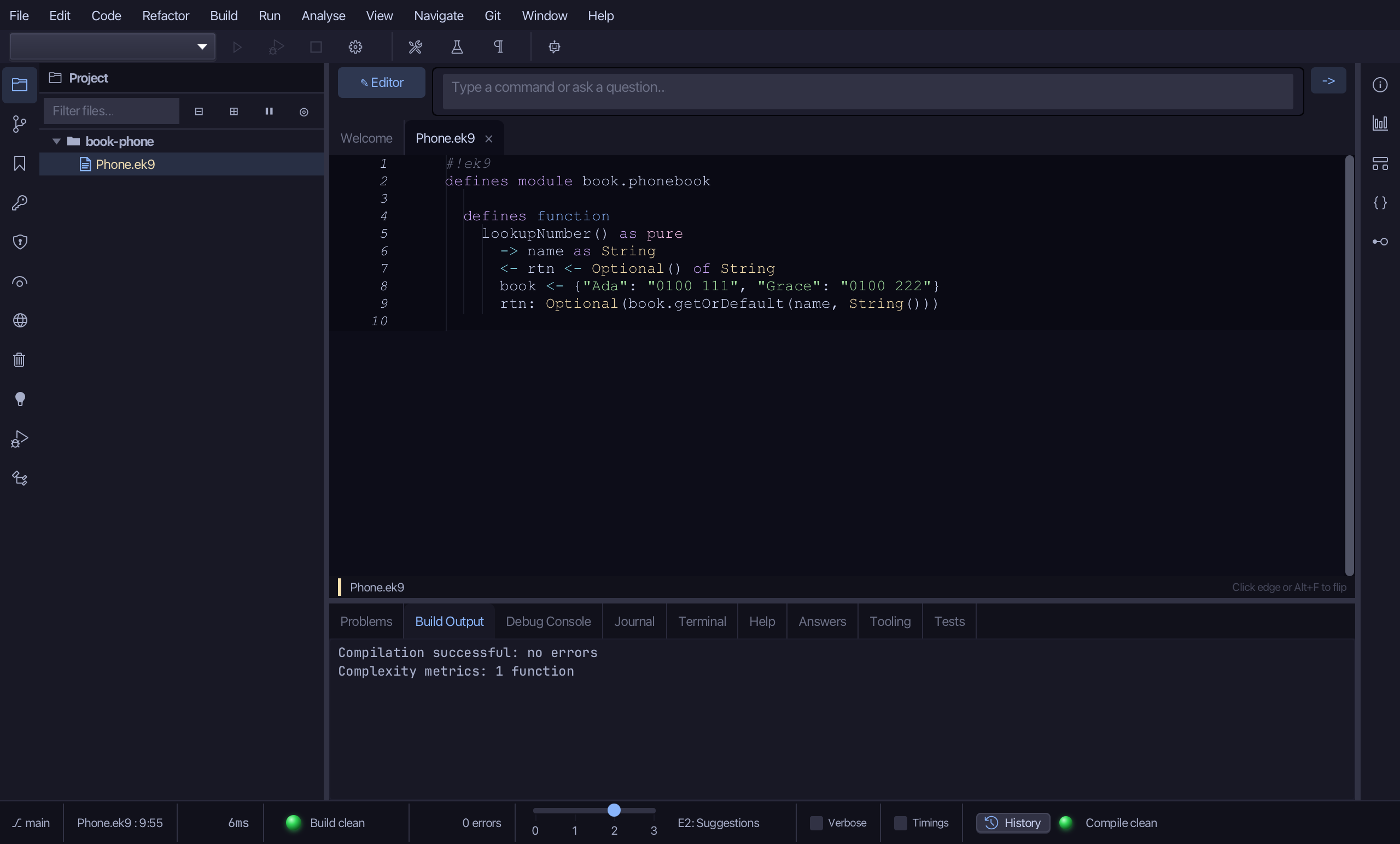
Step 2: Only when the name is there, with Surround With
Put the caret on the rtn line, right-click - or choose Refactor > Refactor This… - and choose Surround With ▸ if ....
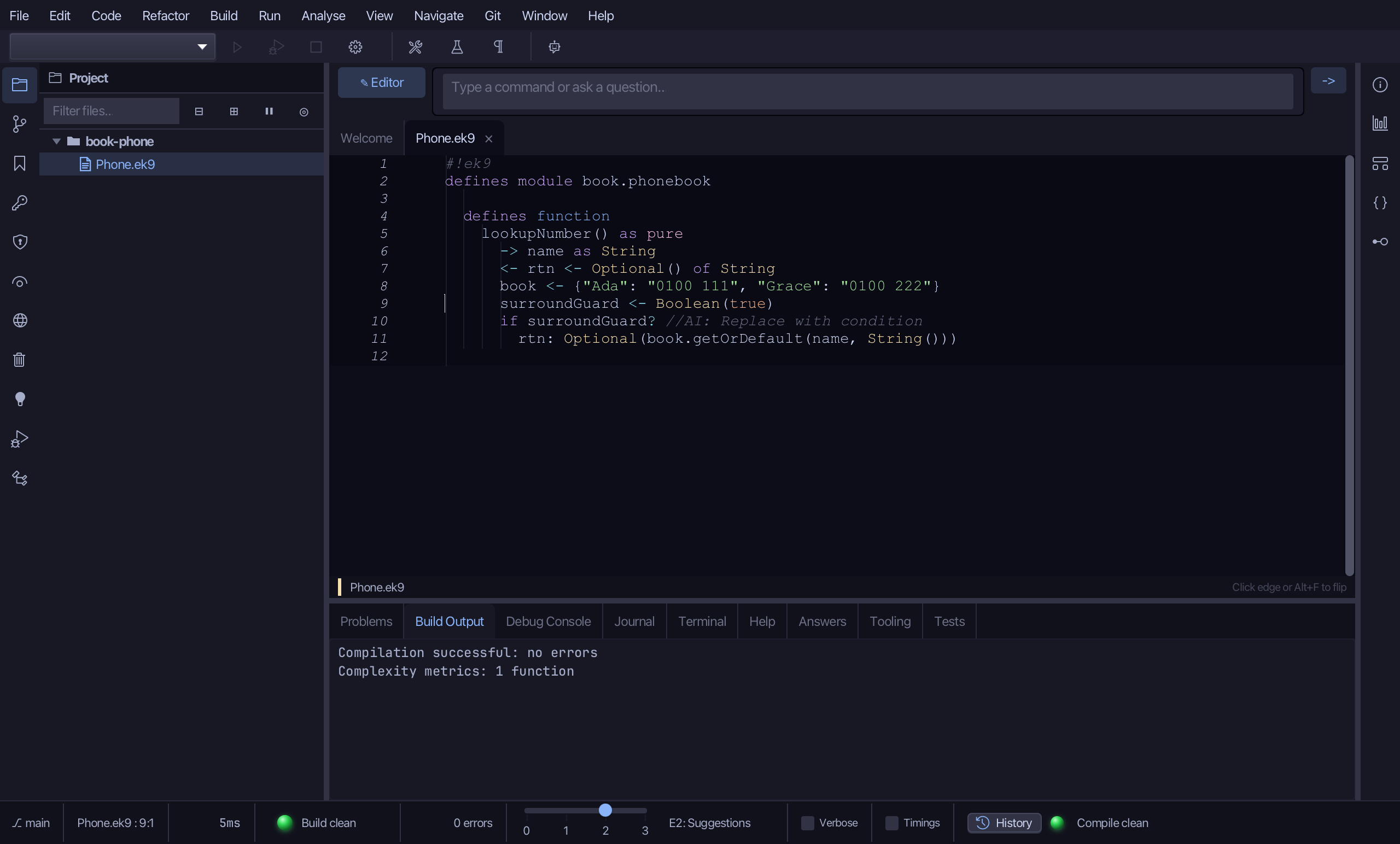
Select the stub, from surroundGuard <- Boolean(true) down to its //AI line, and type the real test: only answer when the book contains the name. Saves when typed.
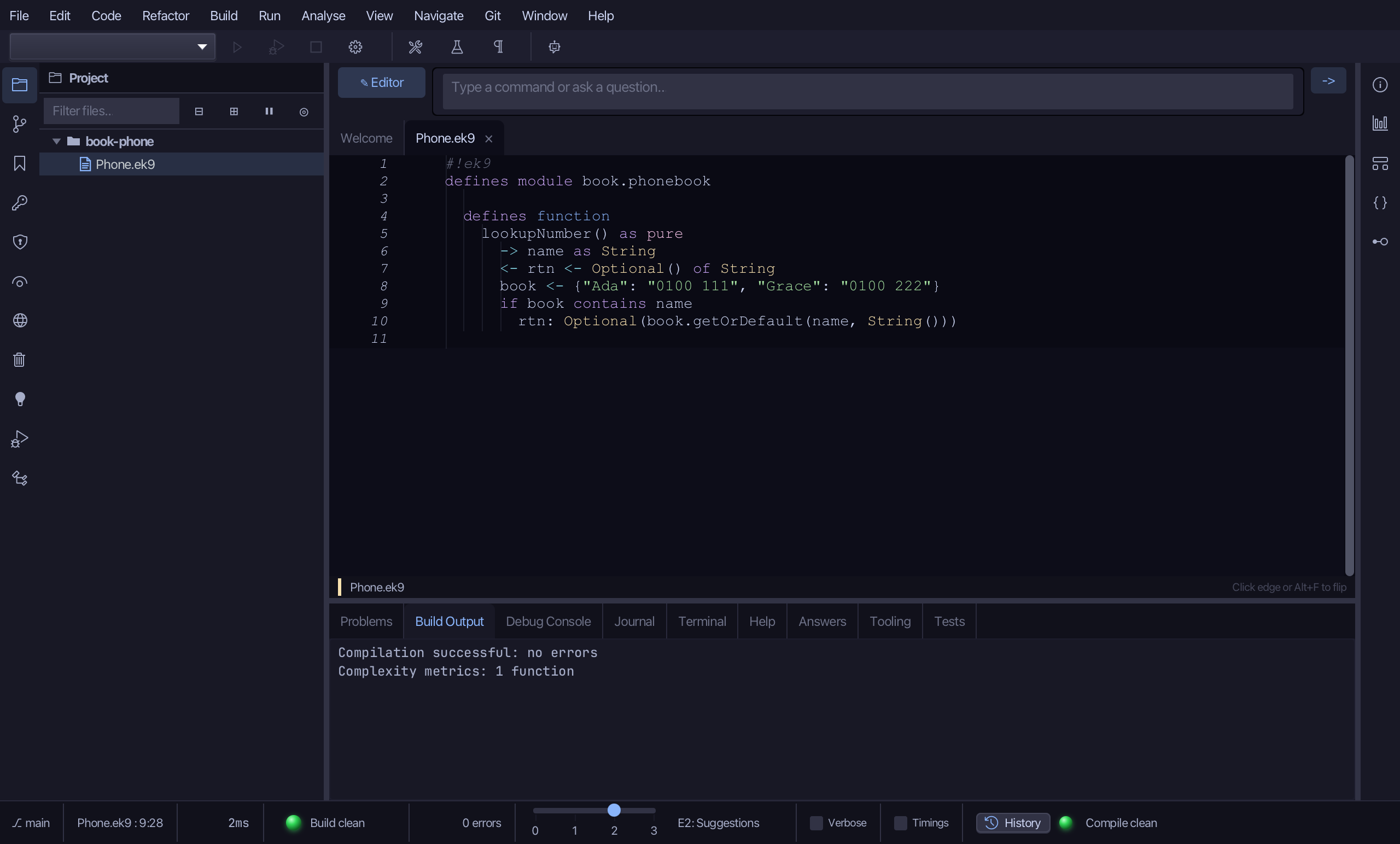
Step 3: The program
Choose Code > New Construct > Program…
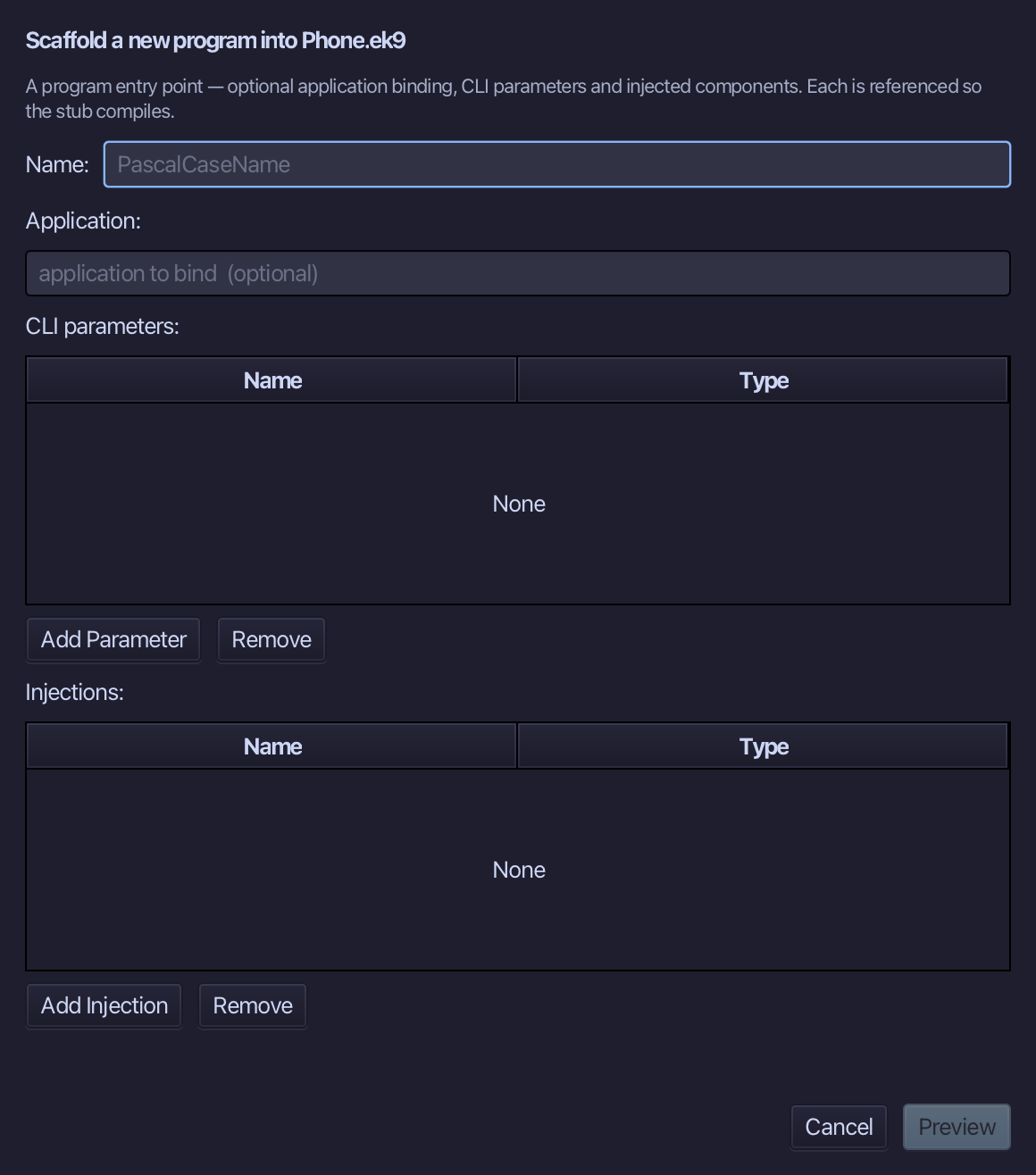
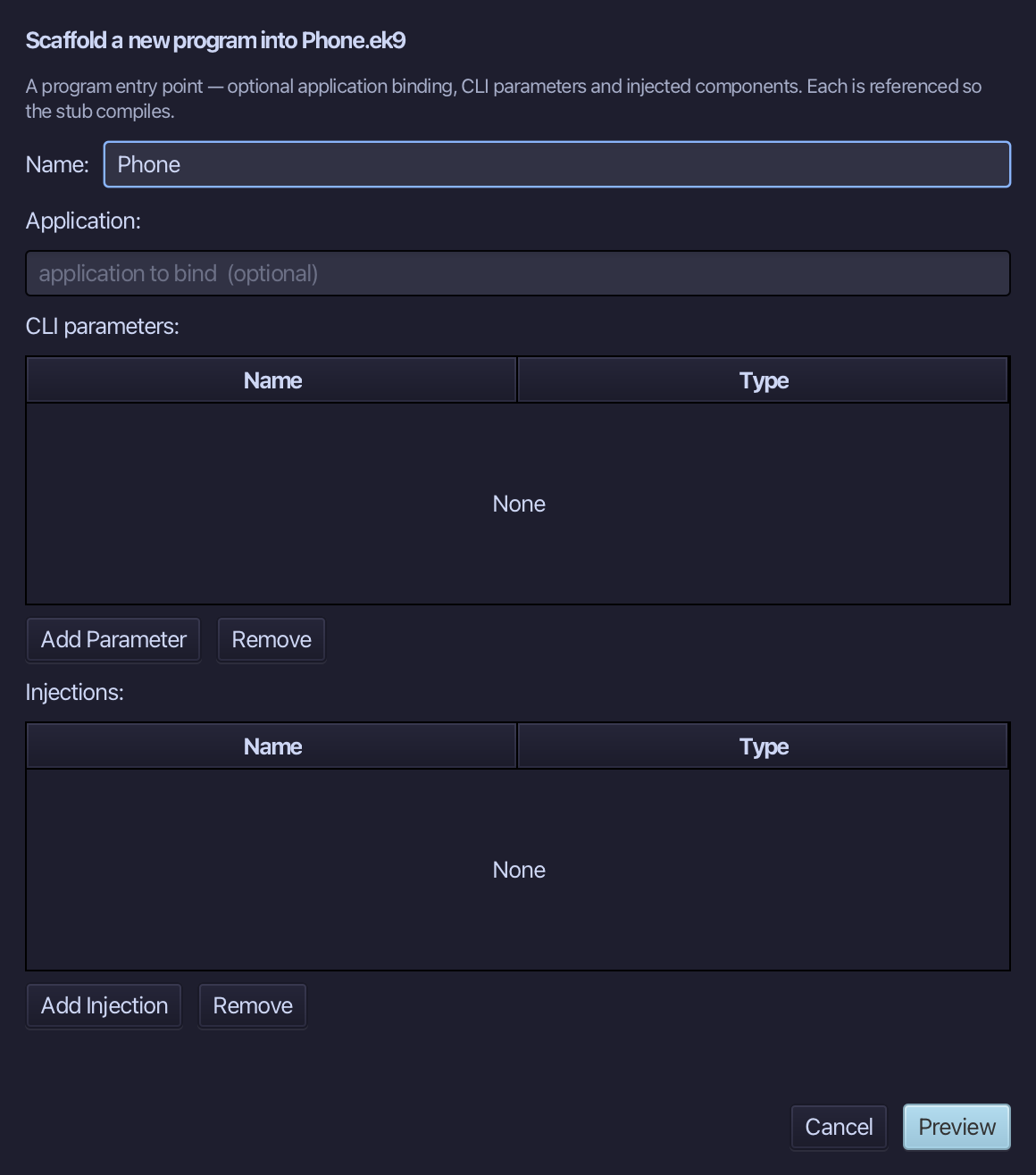
Phone is the program's name - nothing to bind, no parameters. Type Phone and choose Preview.
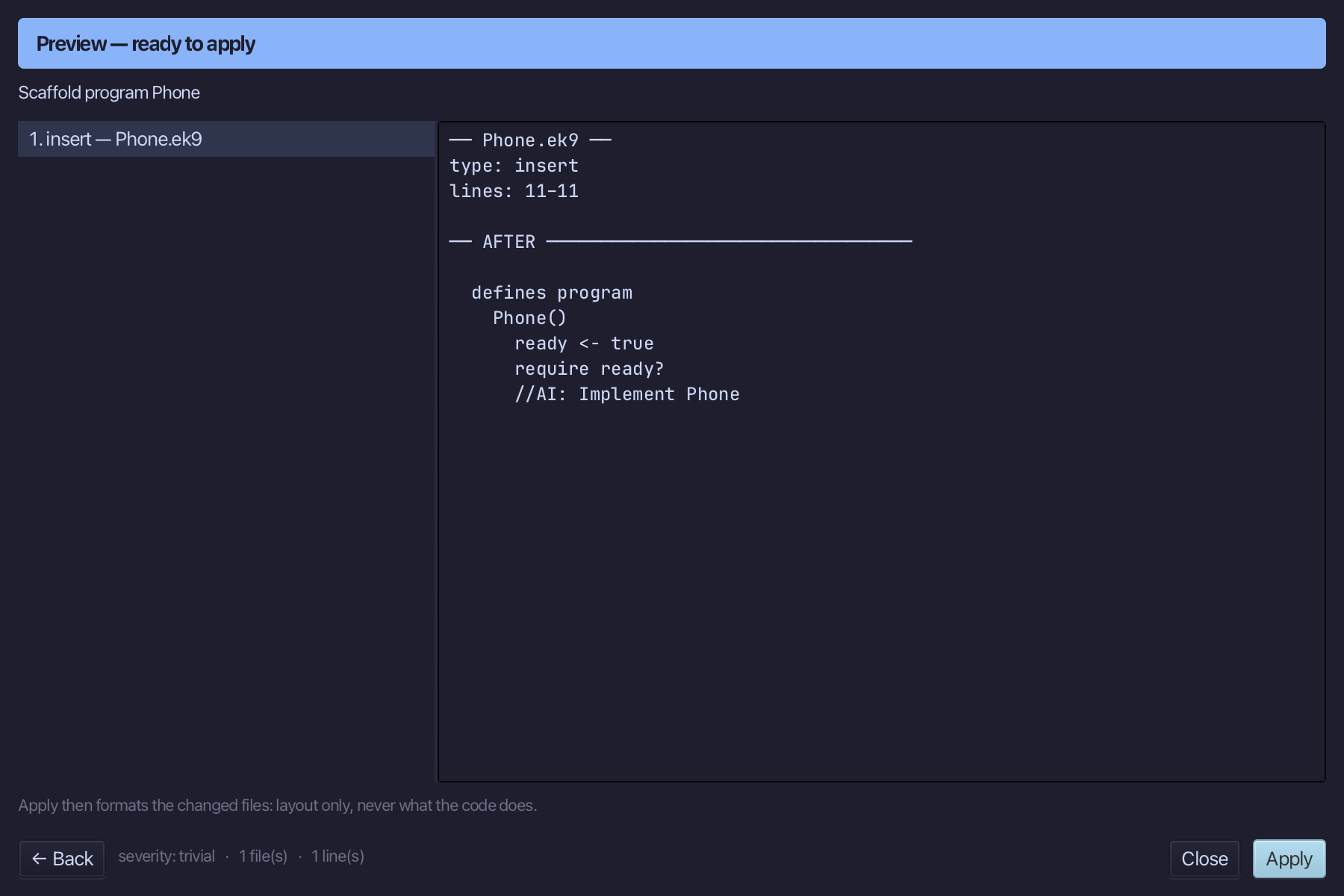
The preview shows Phone about to be written. Choose Apply.
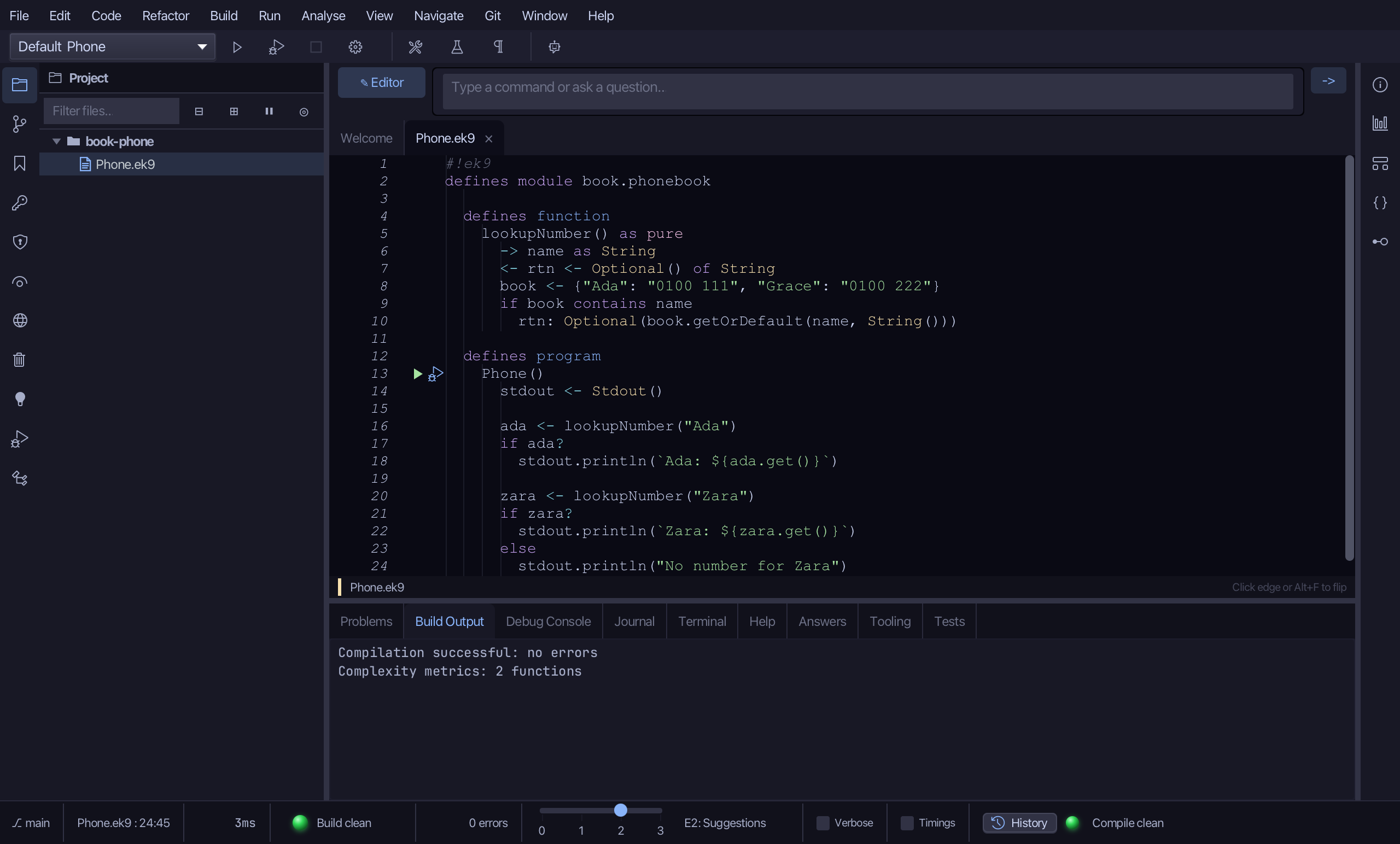
Select the stub, from ready <- true down to its //AI line, and type Phone's whole job: look up Ada and Zara, reading a number only after asking if it is there. Saves when typed.
Step 4: Read Optional's effective API
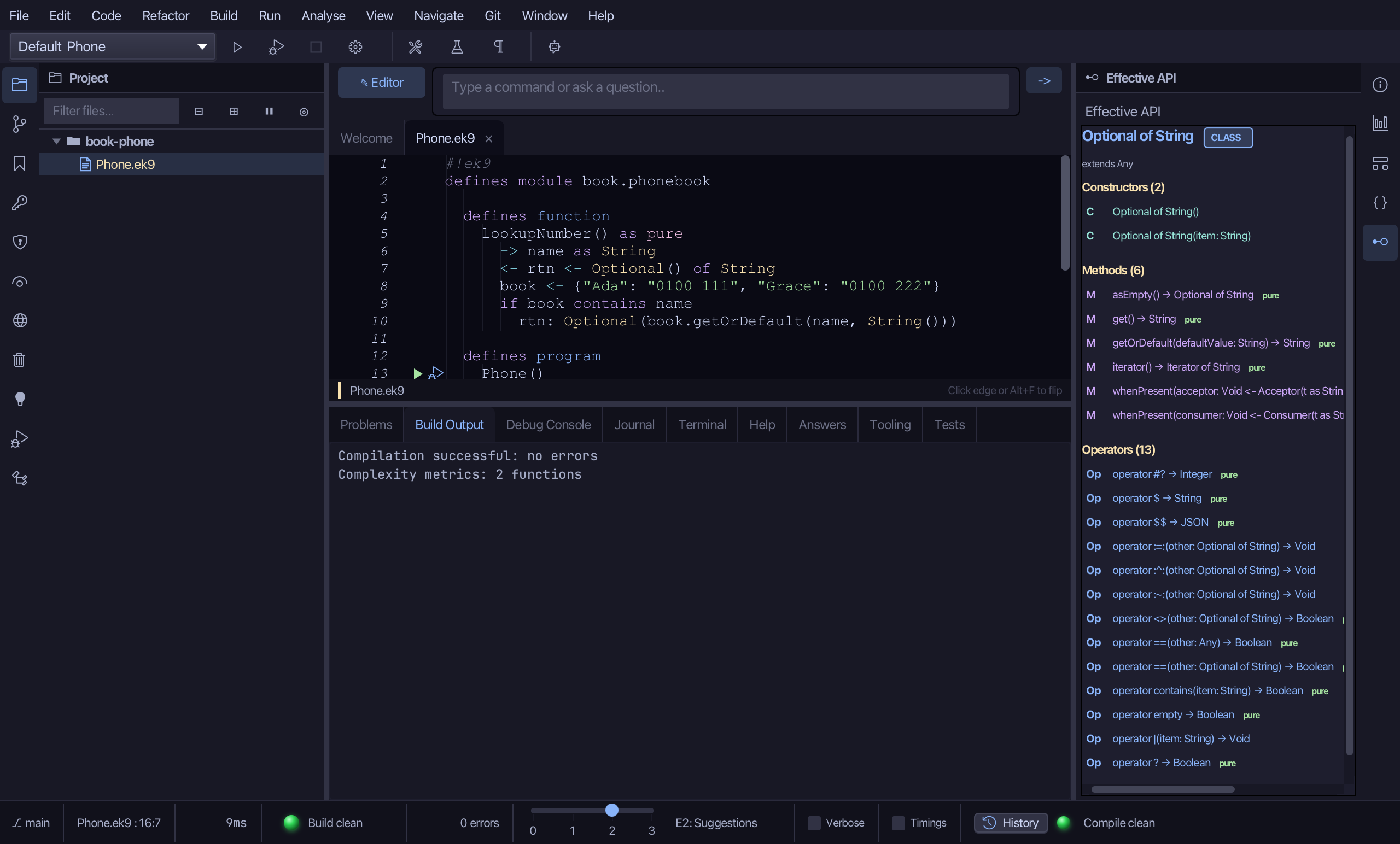
Select ada, on the line that declares it, then choose Analyse ▸ Effective API.
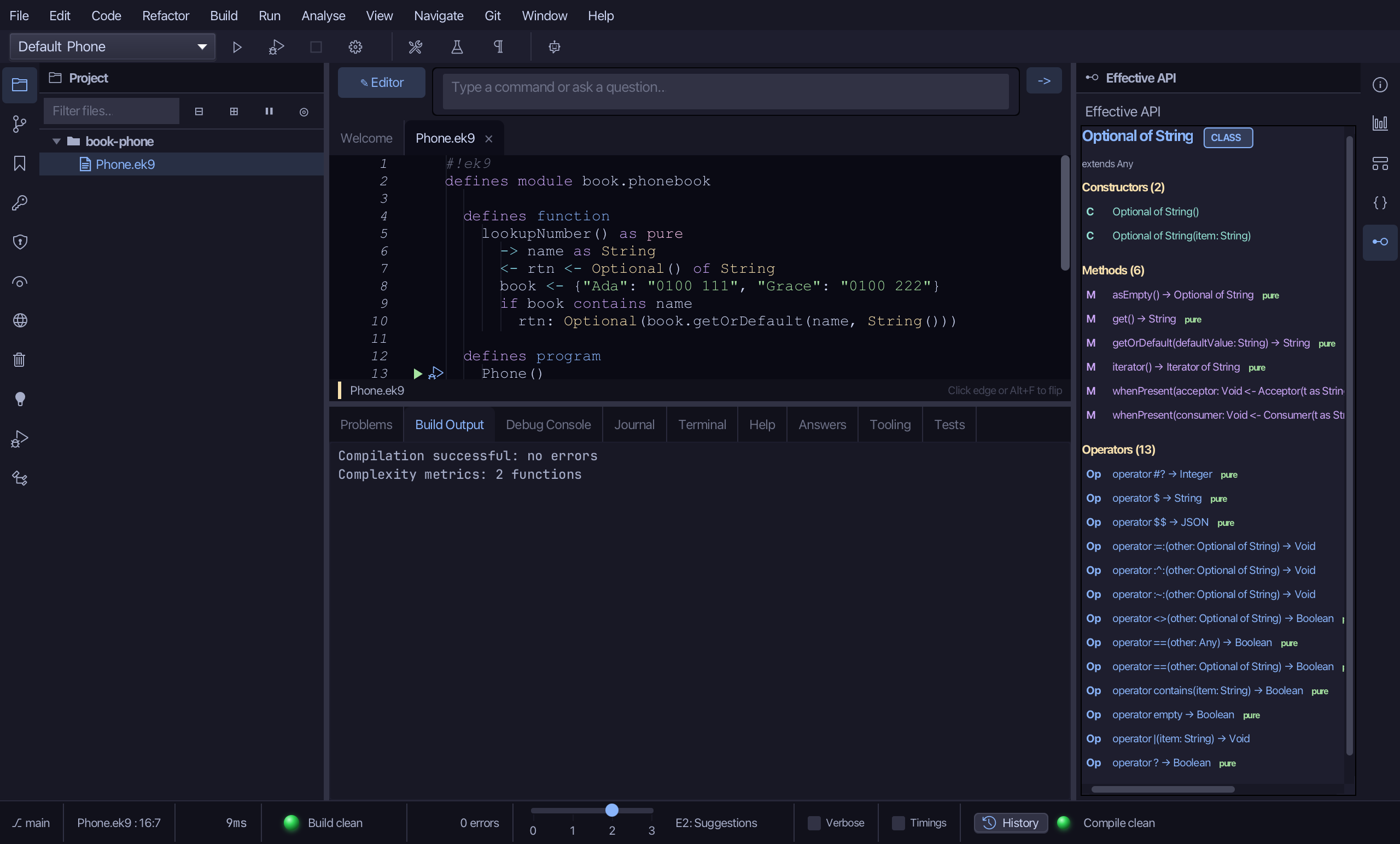
The pane draws Optional of String's own surface: its Constructors, then its Methods and Operators, each section counted. Among them are the two Phone leans on - ? asks whether a value is set, and get() hands it over - alongside what every EK9 type carries, such as $ for a string form.
Step 5: Run it
Choose Run > Run Program…
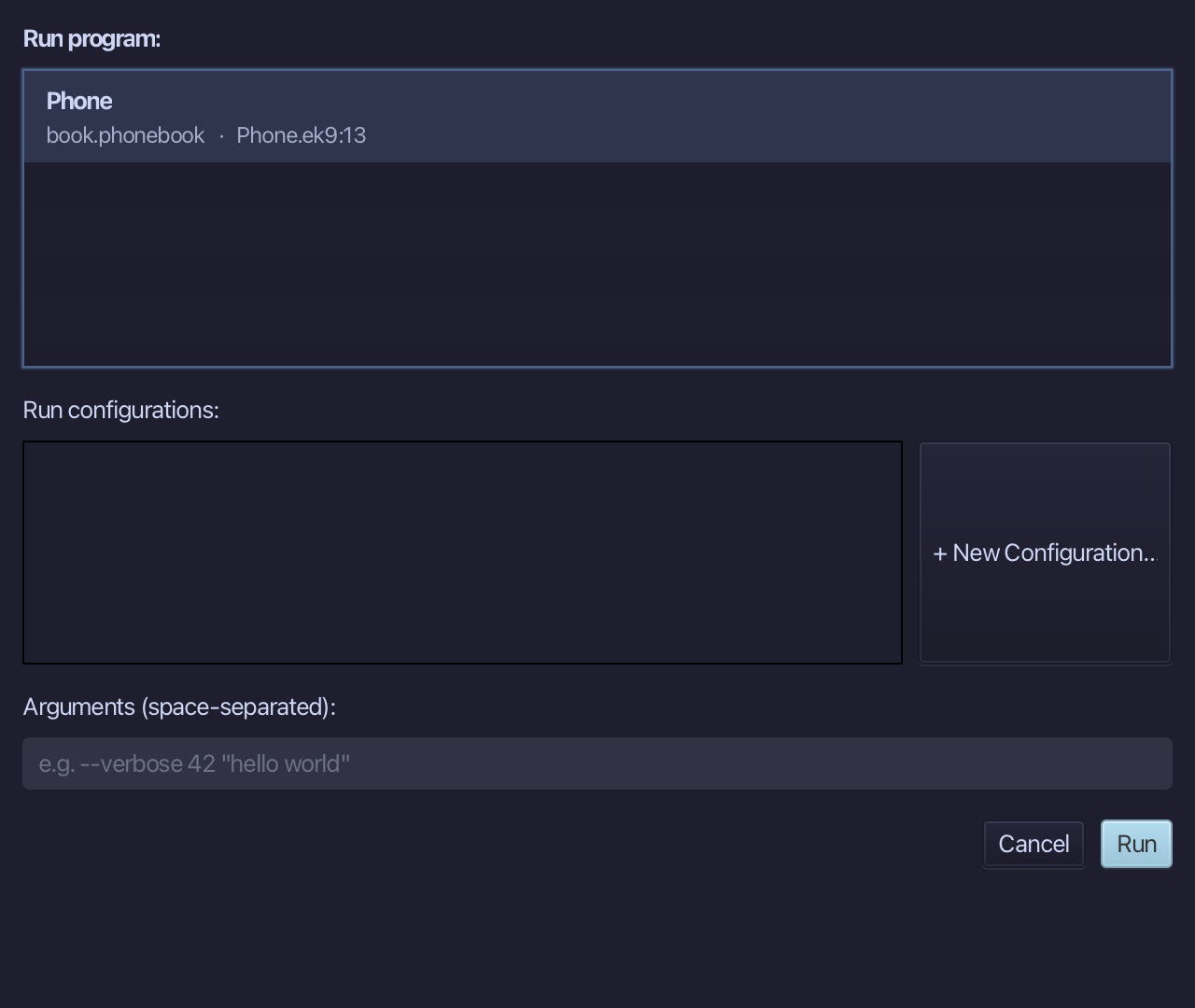
The project's only program is already chosen. Choose Run.
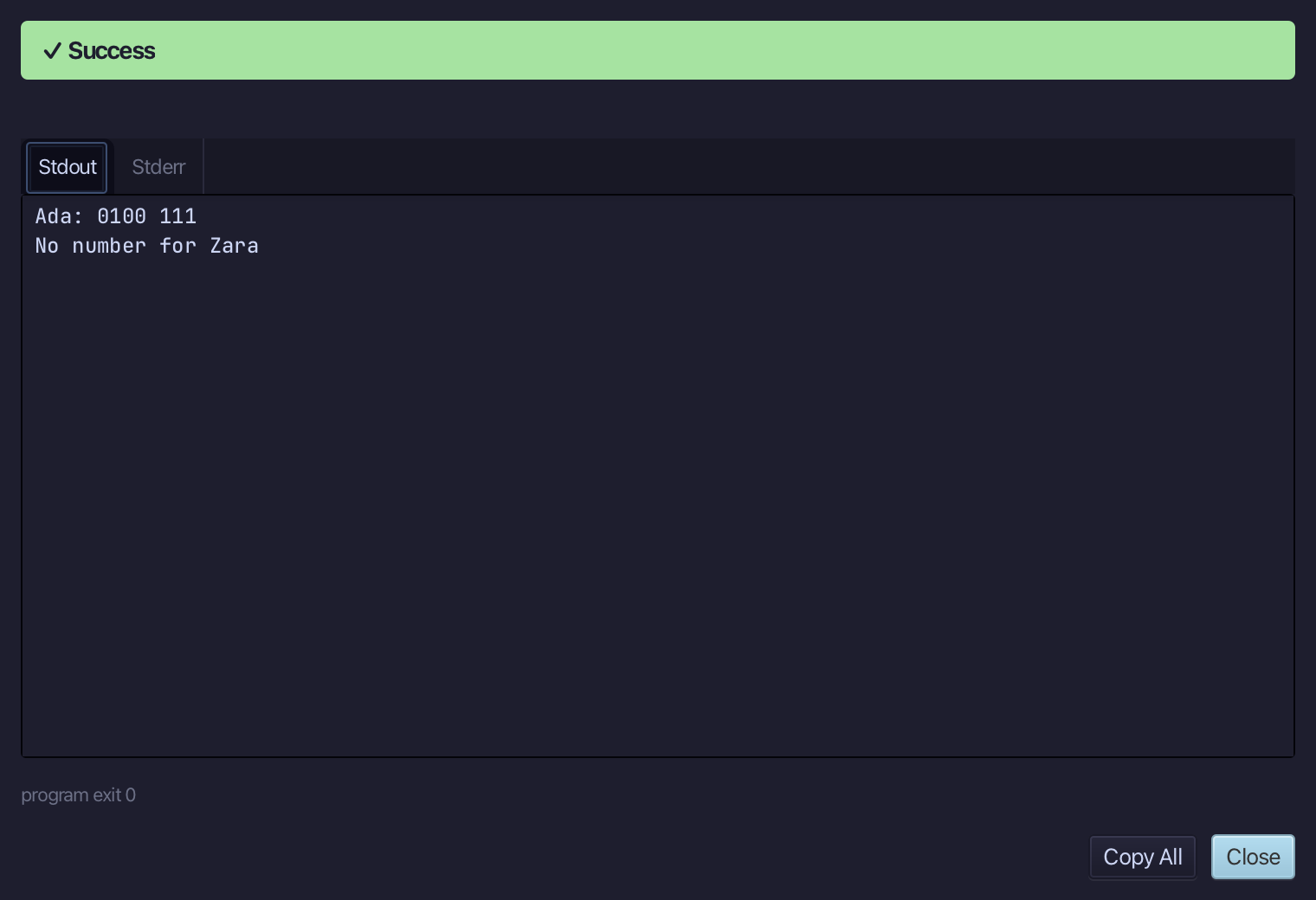
Ada: 0100 111, then No number for Zara - the second lookup came back empty, and the program said so instead of reading nothing. Choose Close.
The result
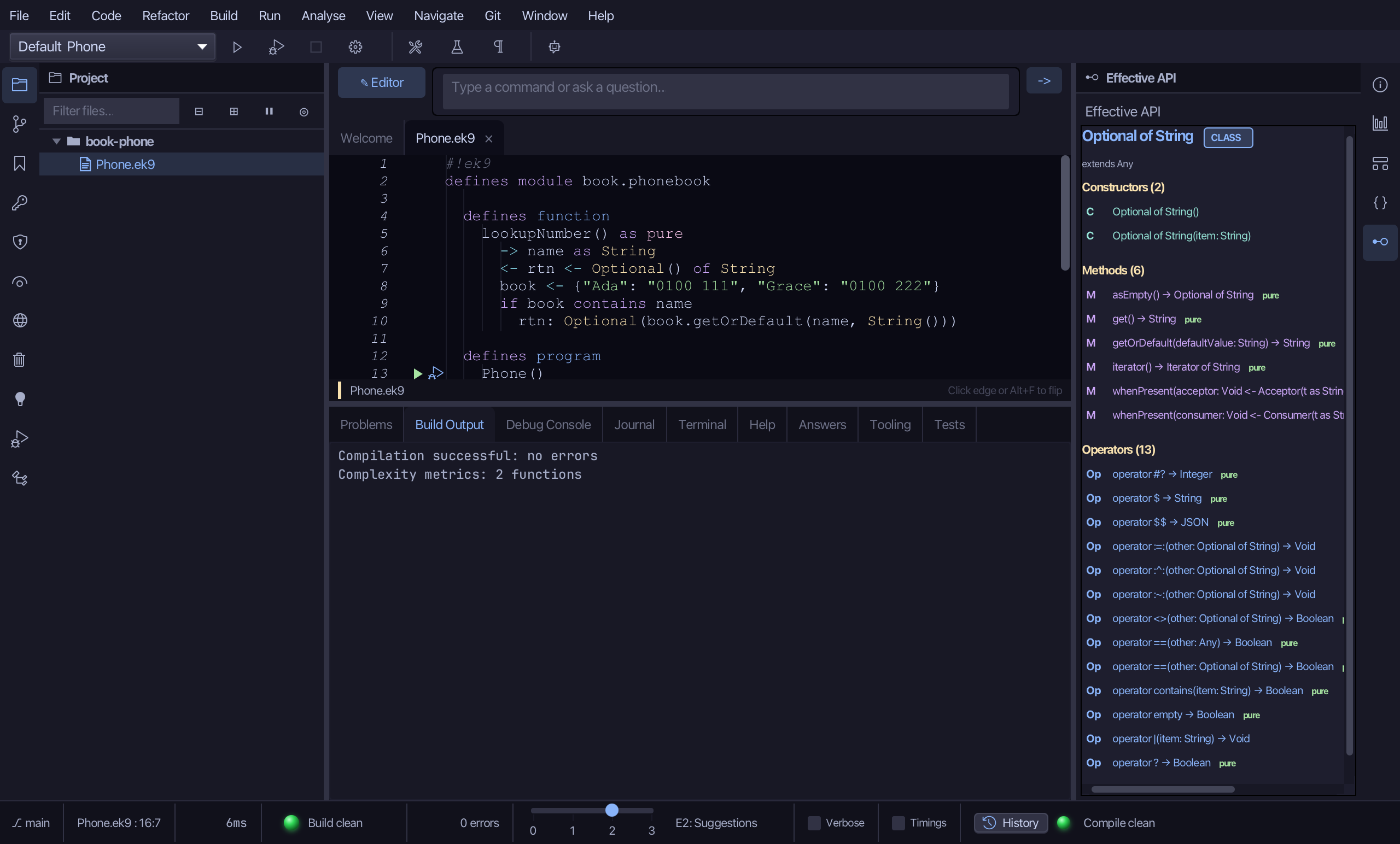
Phone.ek9 now reads exactly as chapter 11 of Getting Started with EK9 shows it: a pure function that hands back an Optional - set when the name is in the book, empty when it is not - and a program that only reads a number after asking if one is there. Surround With ▸ if folded the lookup itself under its test; Analyse ▸ Effective API then read Optional of String's own surface.
Where this lesson comes from
- For AI assistants - the MCP tool
ek9_new_construct,ek9_surround_with,ek9_add_program,ek9_query_effective_api.
In the EK9 reference: EK9 Standard Types