Chapter 33: the answer a key would lose, built
Inside a key you carry a result out by changing a captured variable, and the verb that changes it is :=:, not :. A capture shares the caller's object, so reassigning it with : would point only the key's own name at another object, and the caller would never see the answer. This lesson types it that way on purpose and lets the compiler refuse it, then puts it right. The IDE writes the constant, the class with its lock, hasFunds' shape and the program's shell; you type the key, its fix and the call. To play it in the IDE: Help > Lessons > EK9 in Depth…, or ek9 -ide -lesson depth-lost-result.
What you'll build
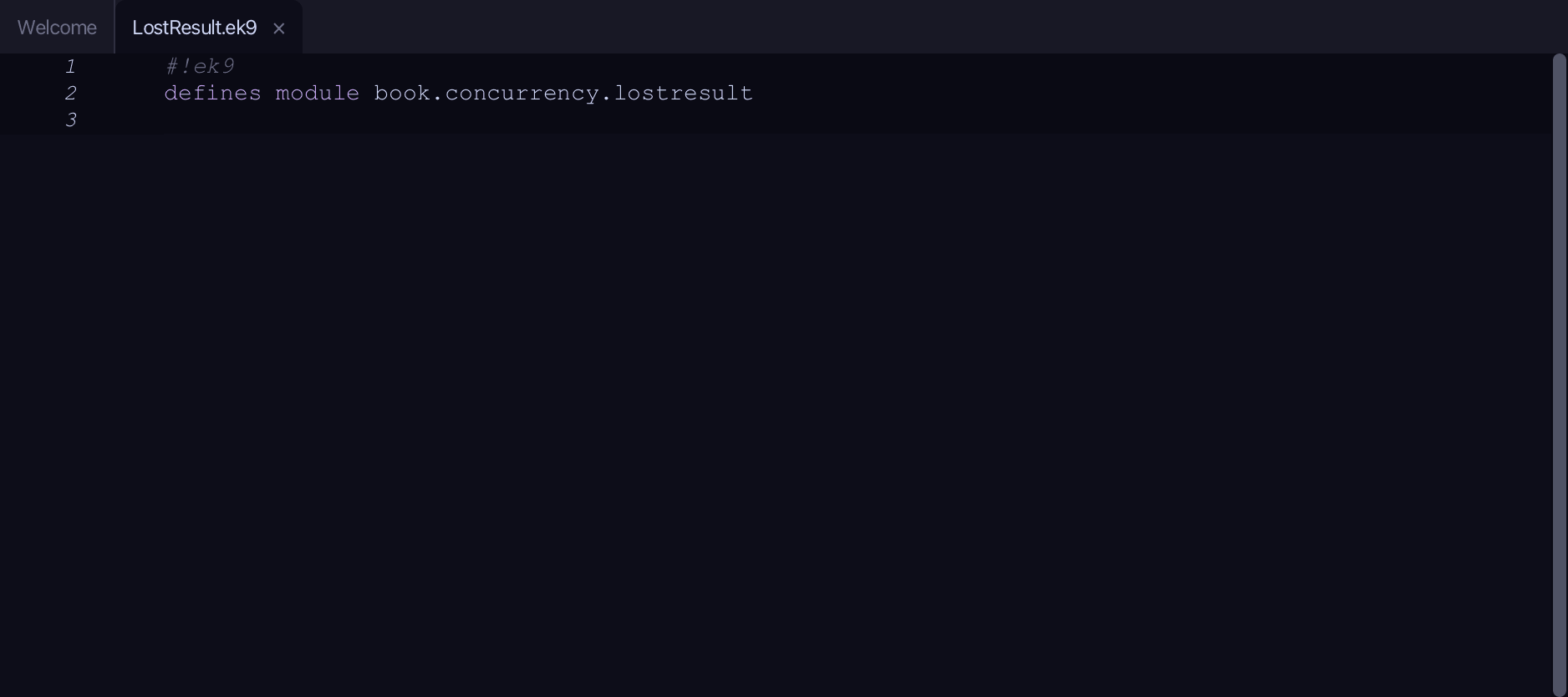
The lesson builds this program from a file holding only its module line - the finished file, as the book prints it.
#!ek9
defines module book.concurrency.lostresult

  defines constant
    withdrawal <- 80

  defines class

    Account
      lockedBalance <- MutexLock(100)

      hasFunds()
        -> amount as Integer
        <- rtn as Boolean: false
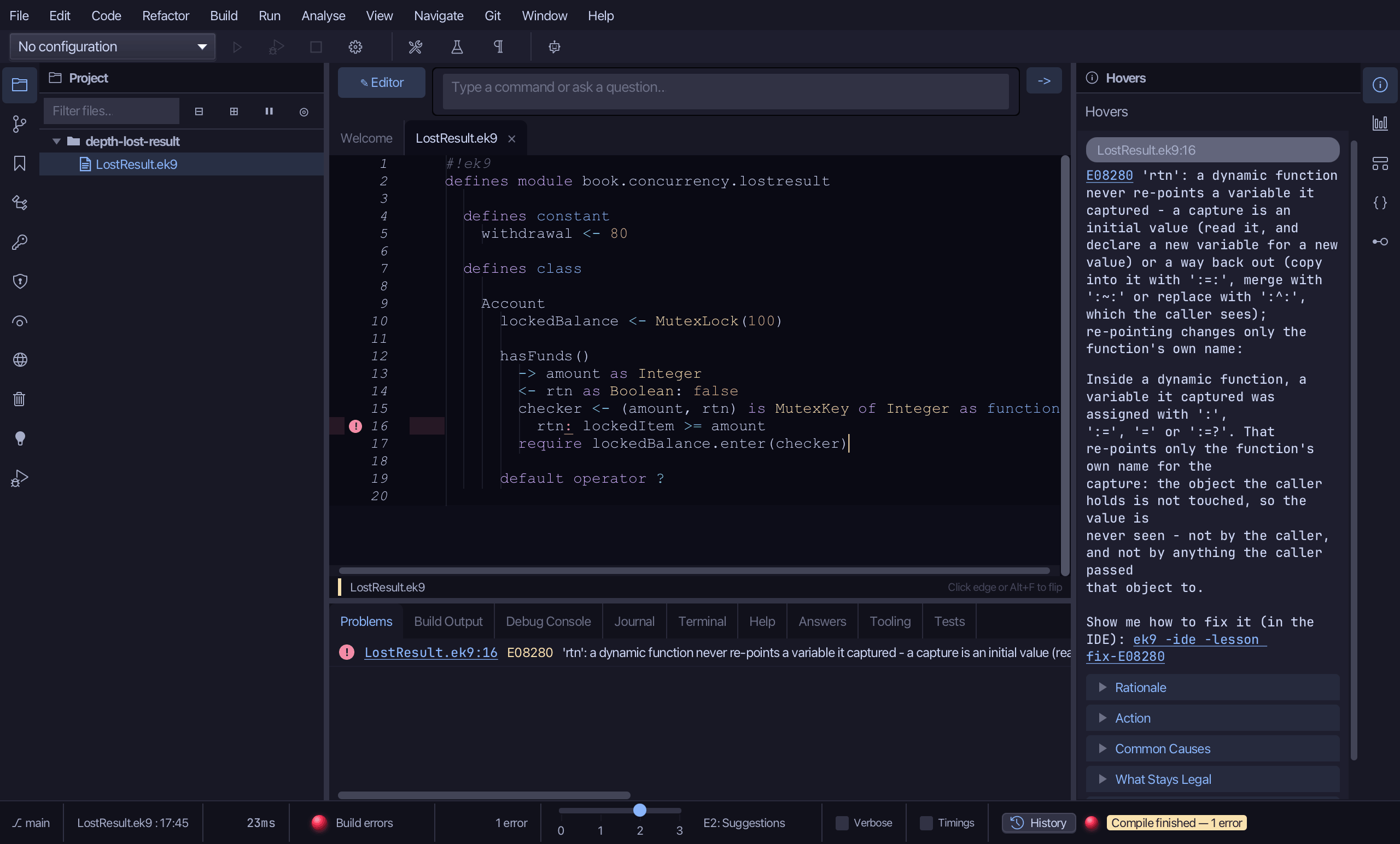
        checker <- (amount, rtn) is MutexKey of Integer as function
          rtn :=: lockedItem >= amount
        require lockedBalance.enter(checker)

      default operator ?

  defines program

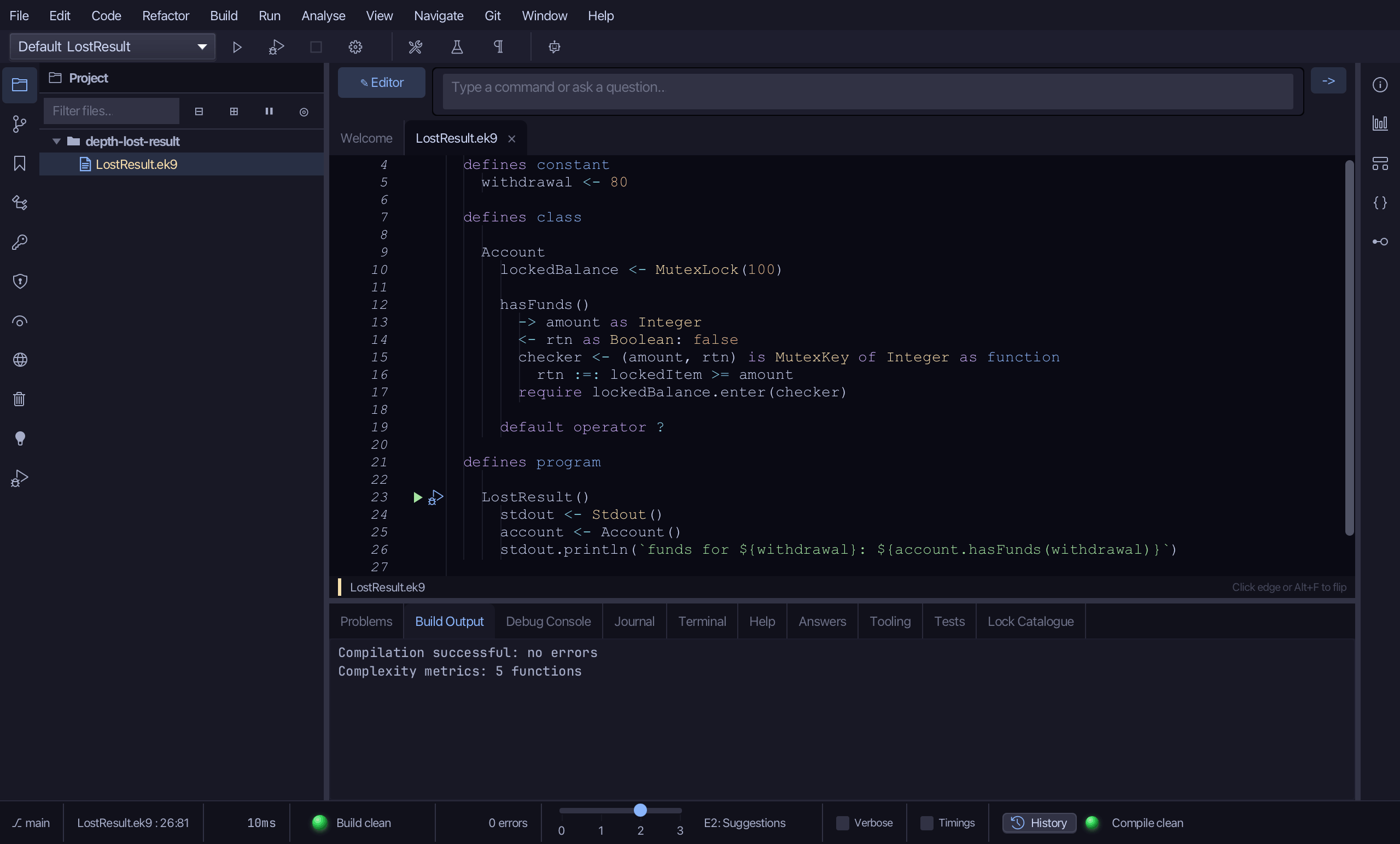
    LostResult()
      stdout <- Stdout()
      account <- Account()
      stdout.println(`funds for ${withdrawal}: ${account.hasFunds(withdrawal)}`)
Step 1: A constant
Choose Code > New Construct > Constant…
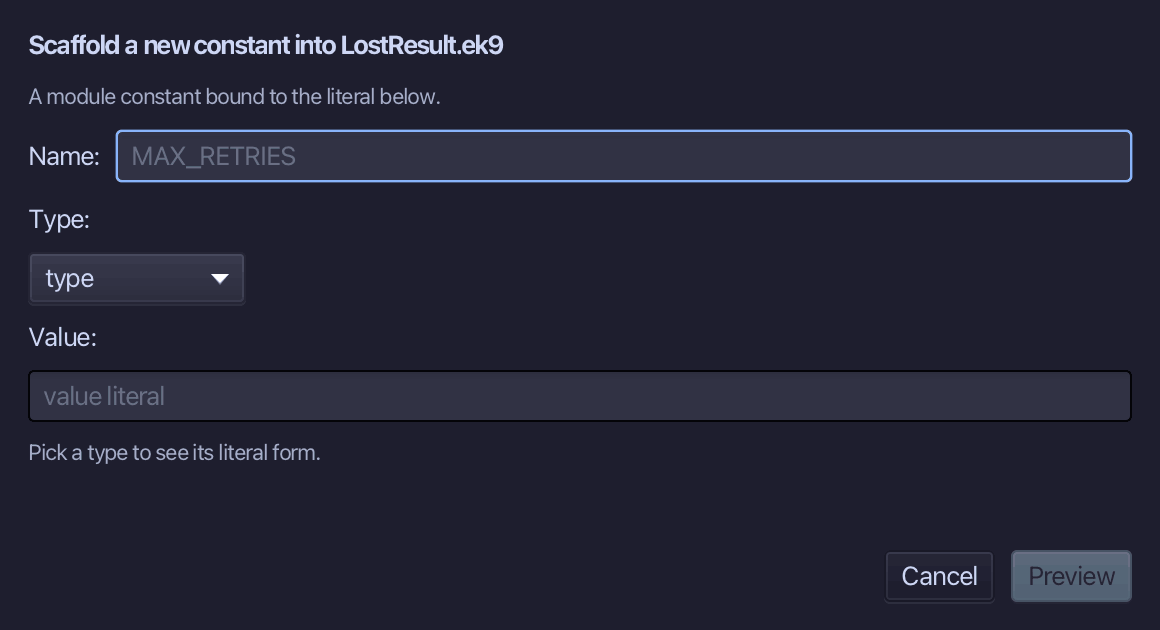
withdrawal is the constant's name and 80 its value - a literal in the Value field, from which the type is inferred. Type both and choose Preview.
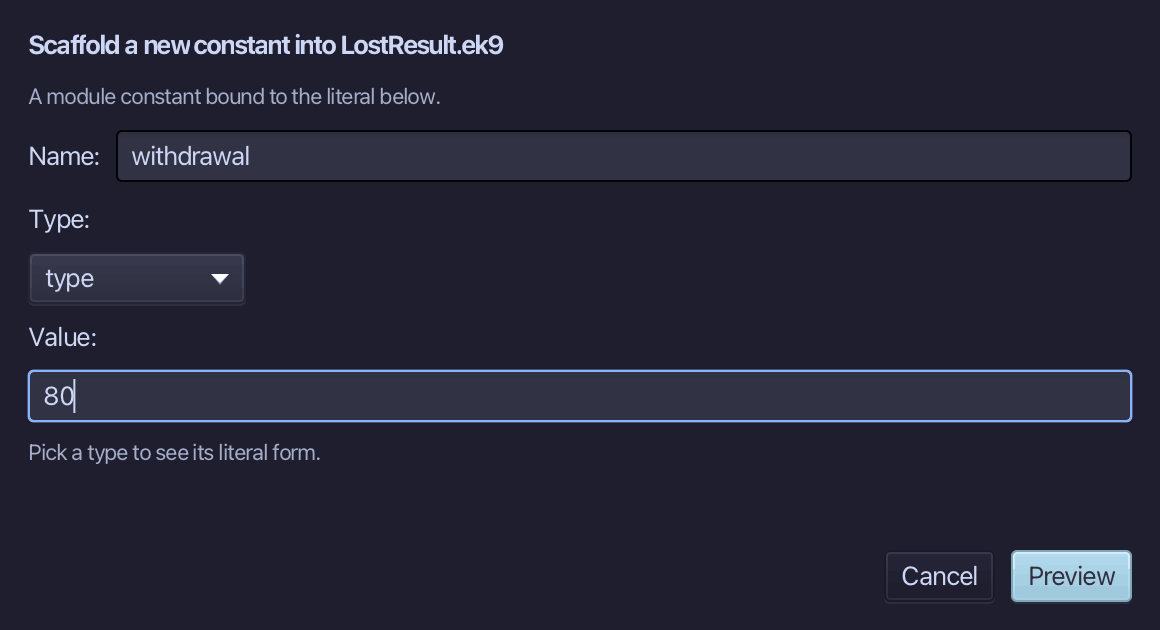
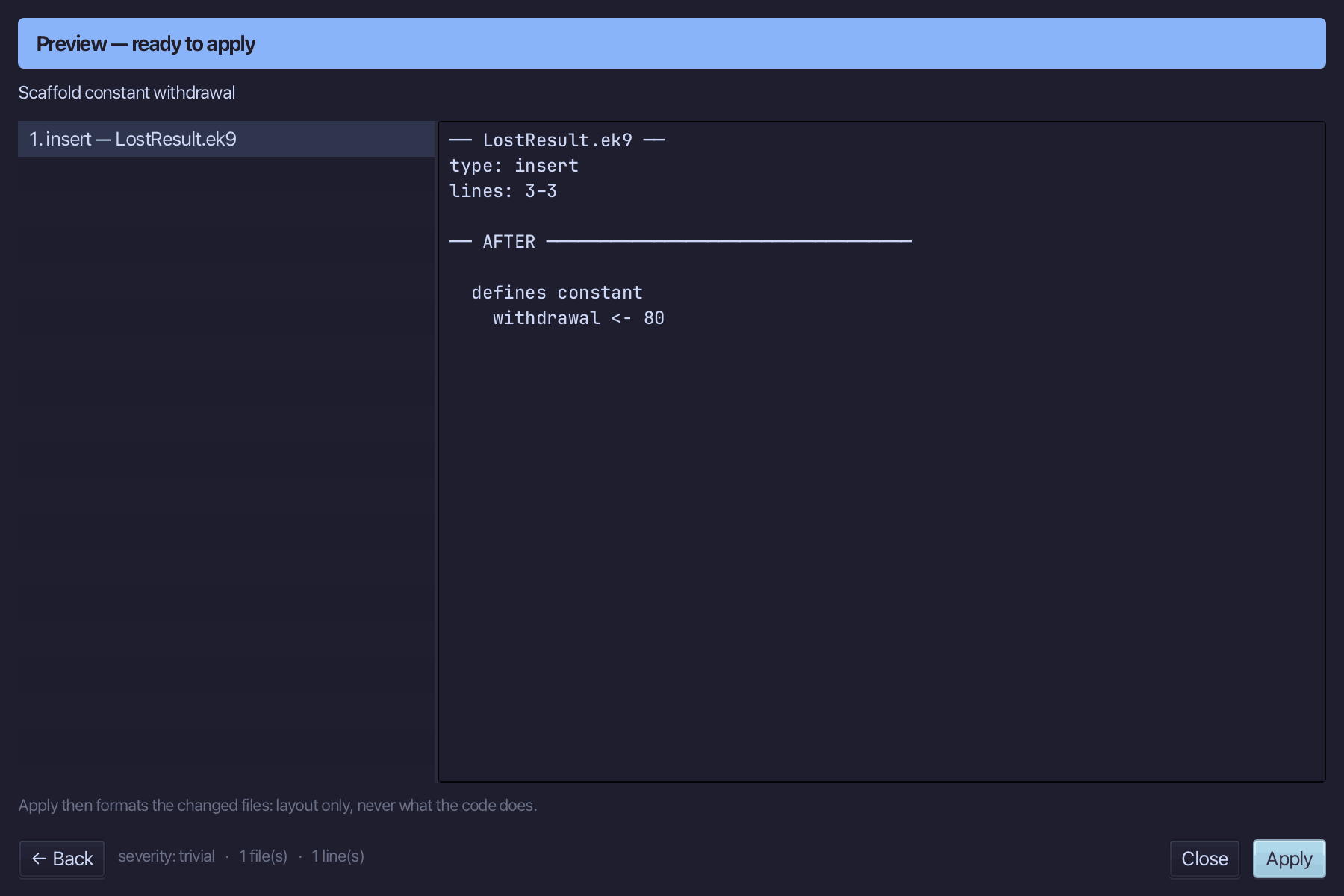
The preview shows withdrawal about to be written. Choose Apply.
Step 2: Account — a balance under a lock
Choose Code > New Construct > Class…
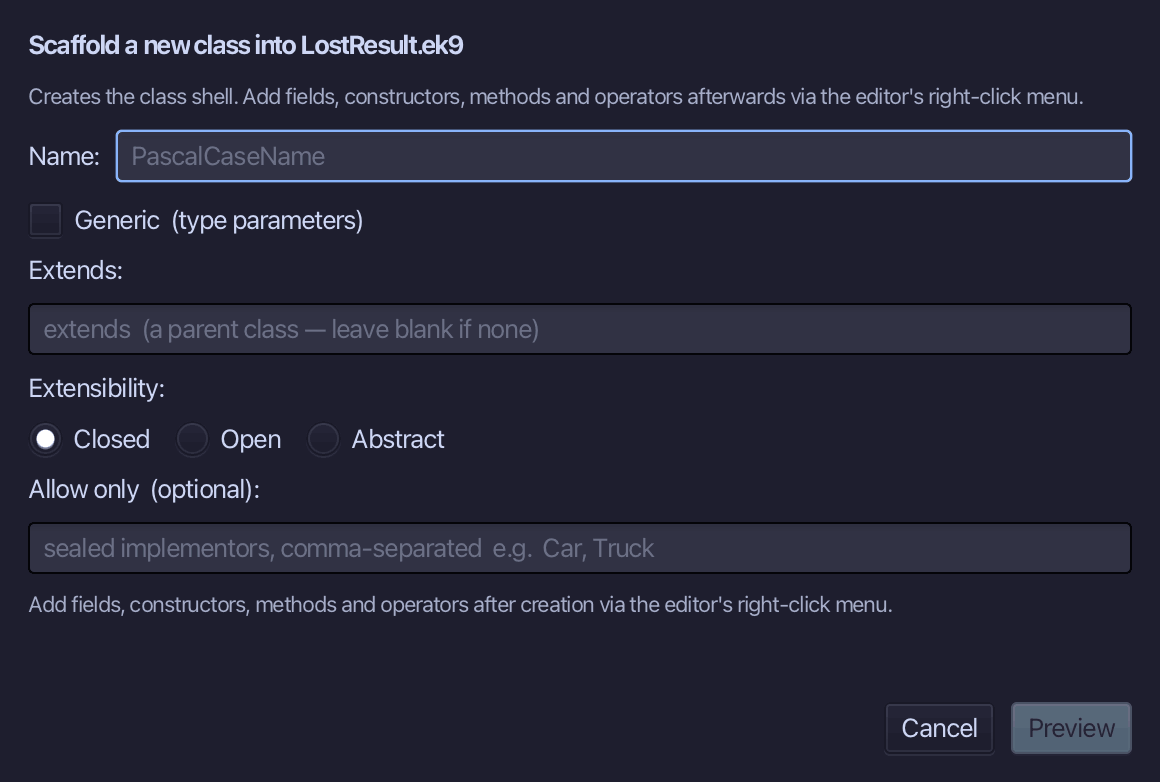
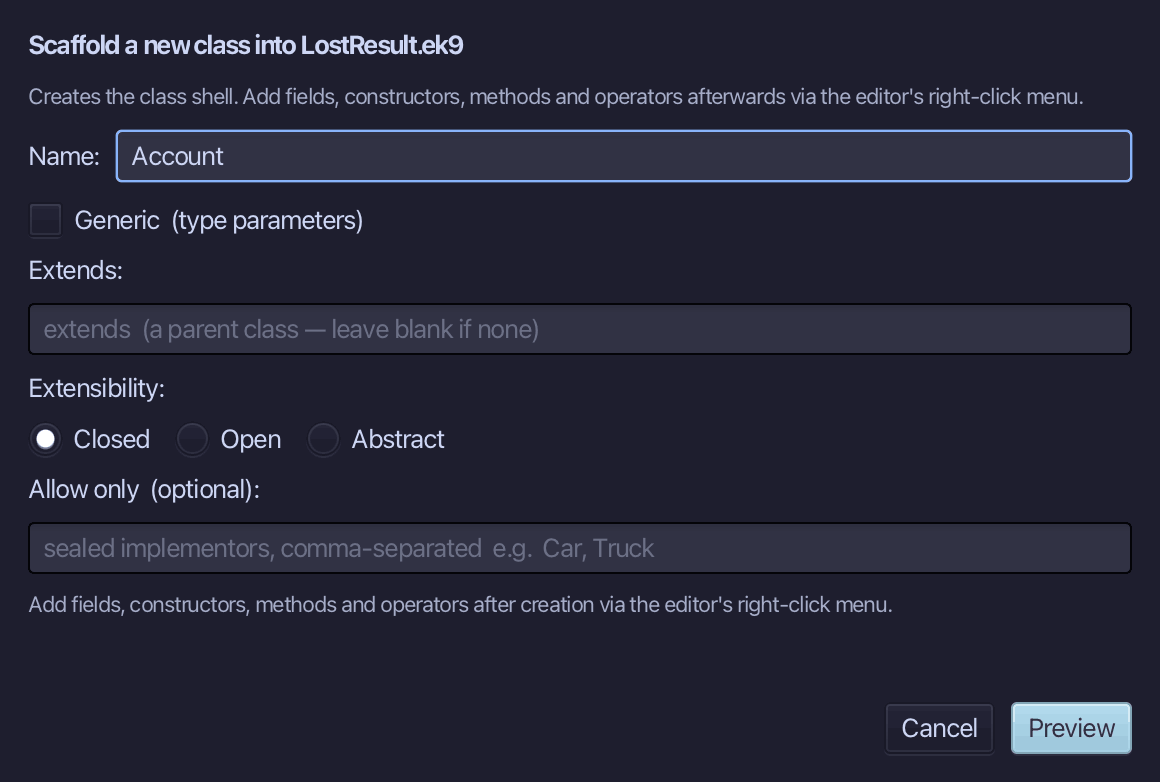
Account is the class's name. Choose Preview.
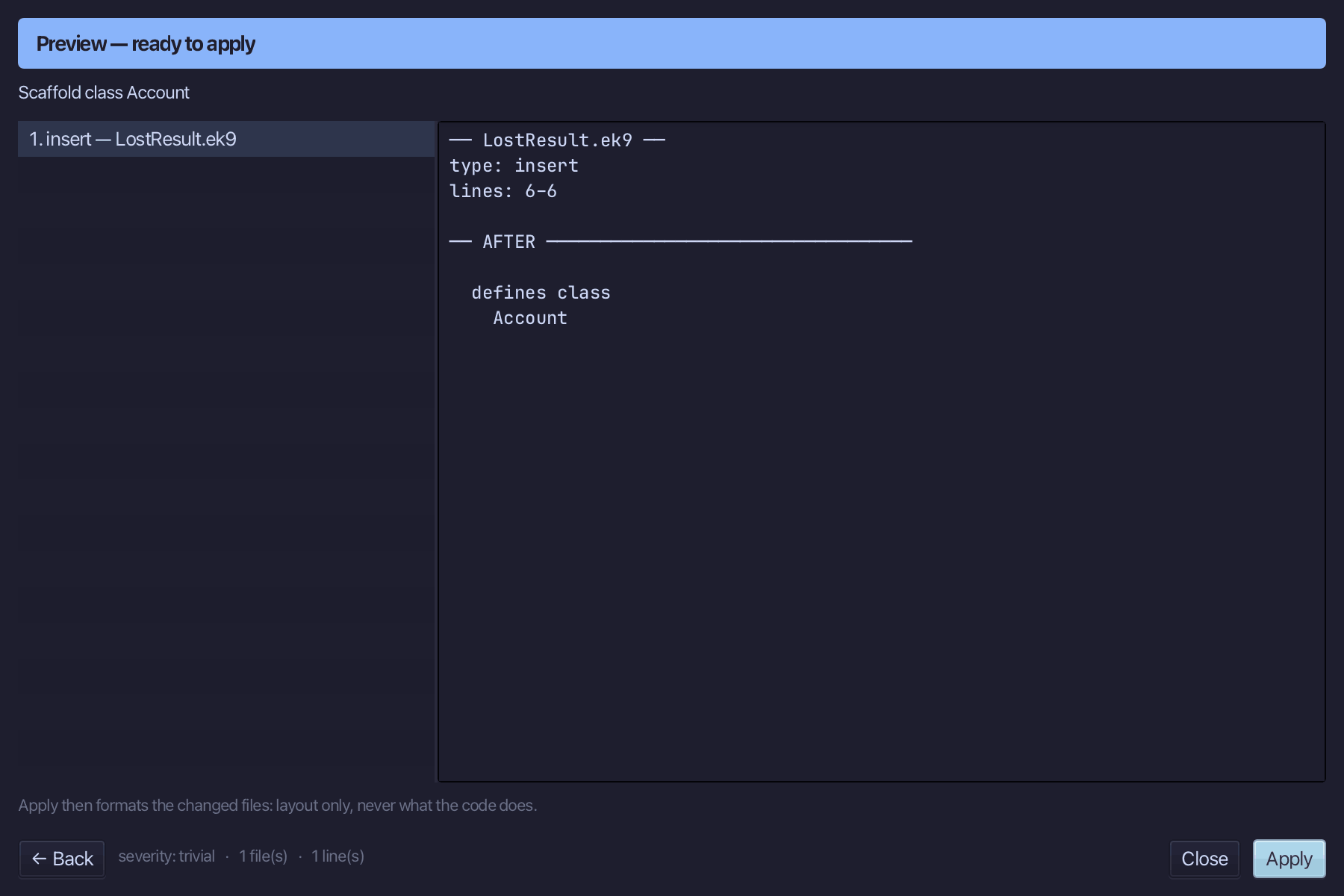
The preview shows Account about to be written. Choose Apply.
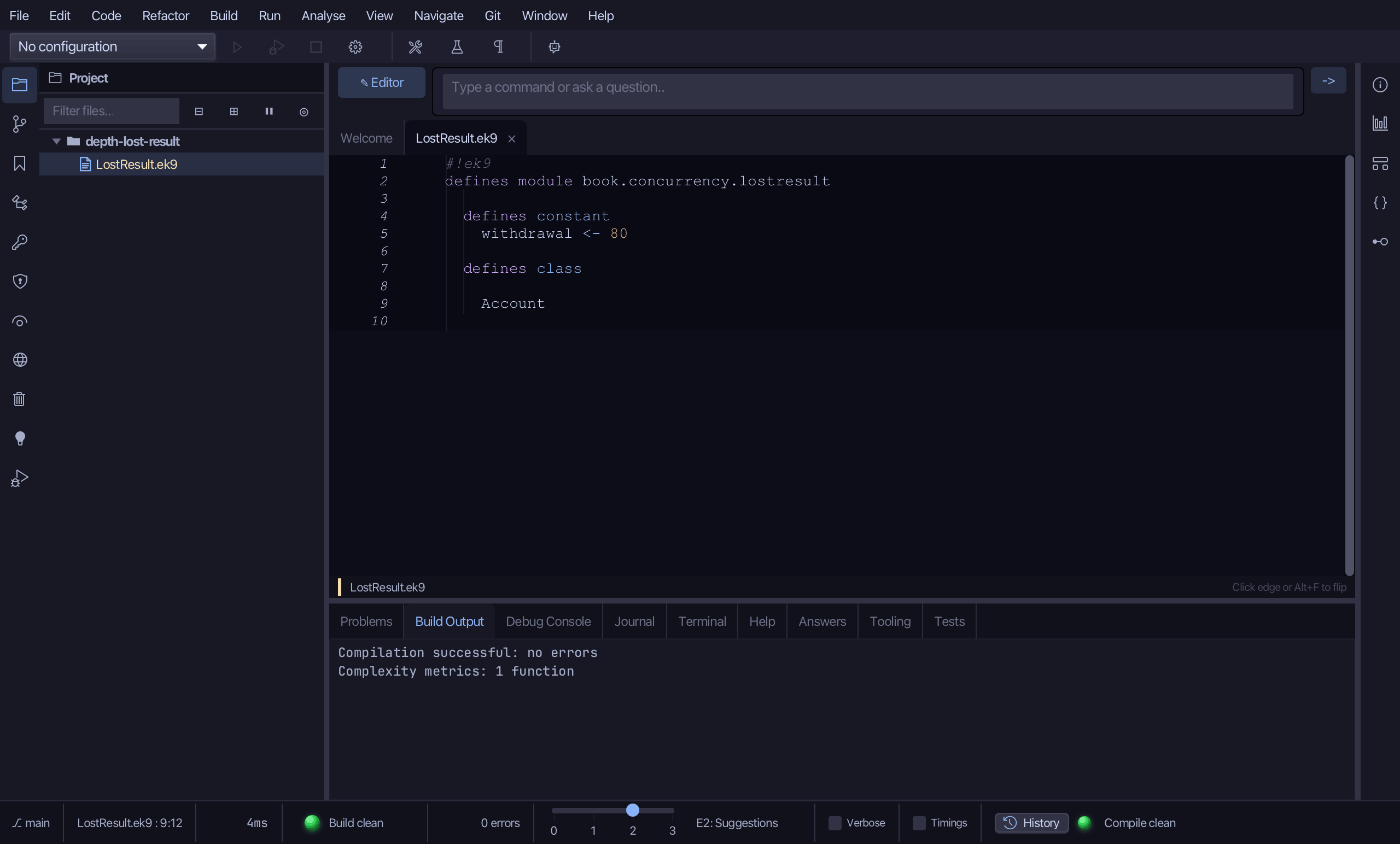
Select the Account line and, above it, type the blank line the book opens its first class with. Saves when typed.
Right-click the Account line and choose Add Field…
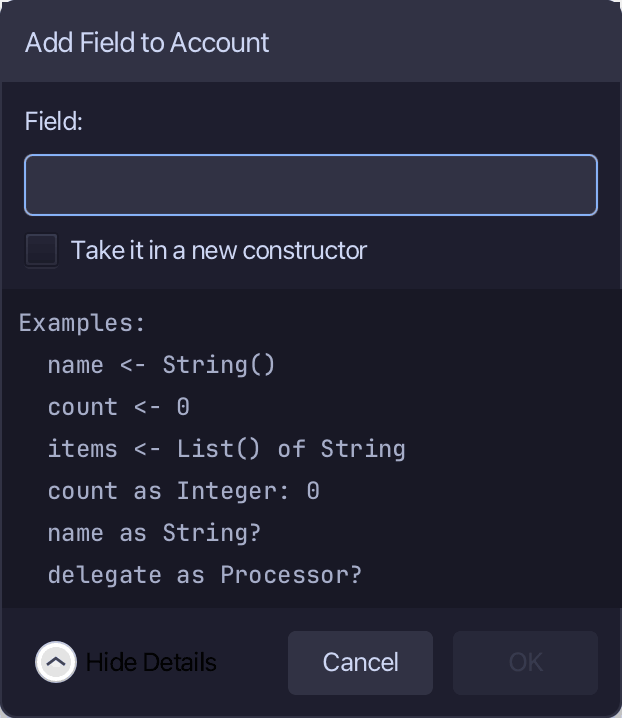
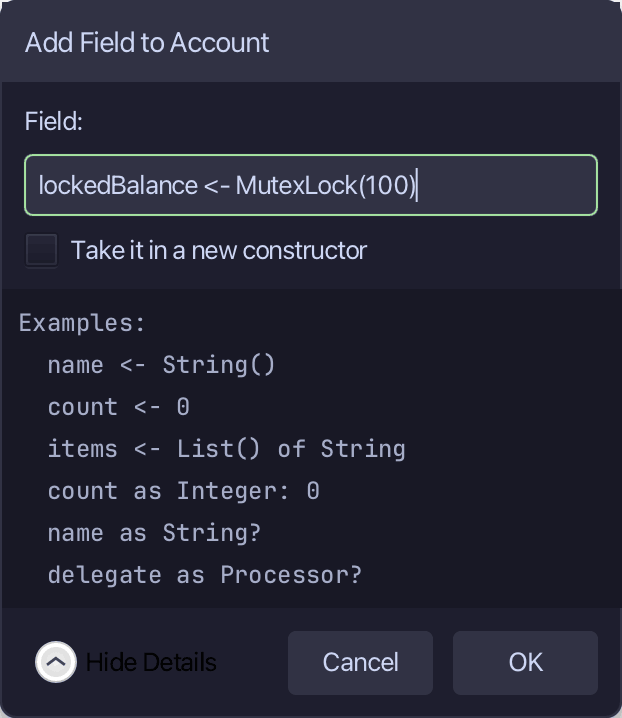
Type lockedBalance <- MutexLock(100) - the field and the value it starts with. Choose OK.
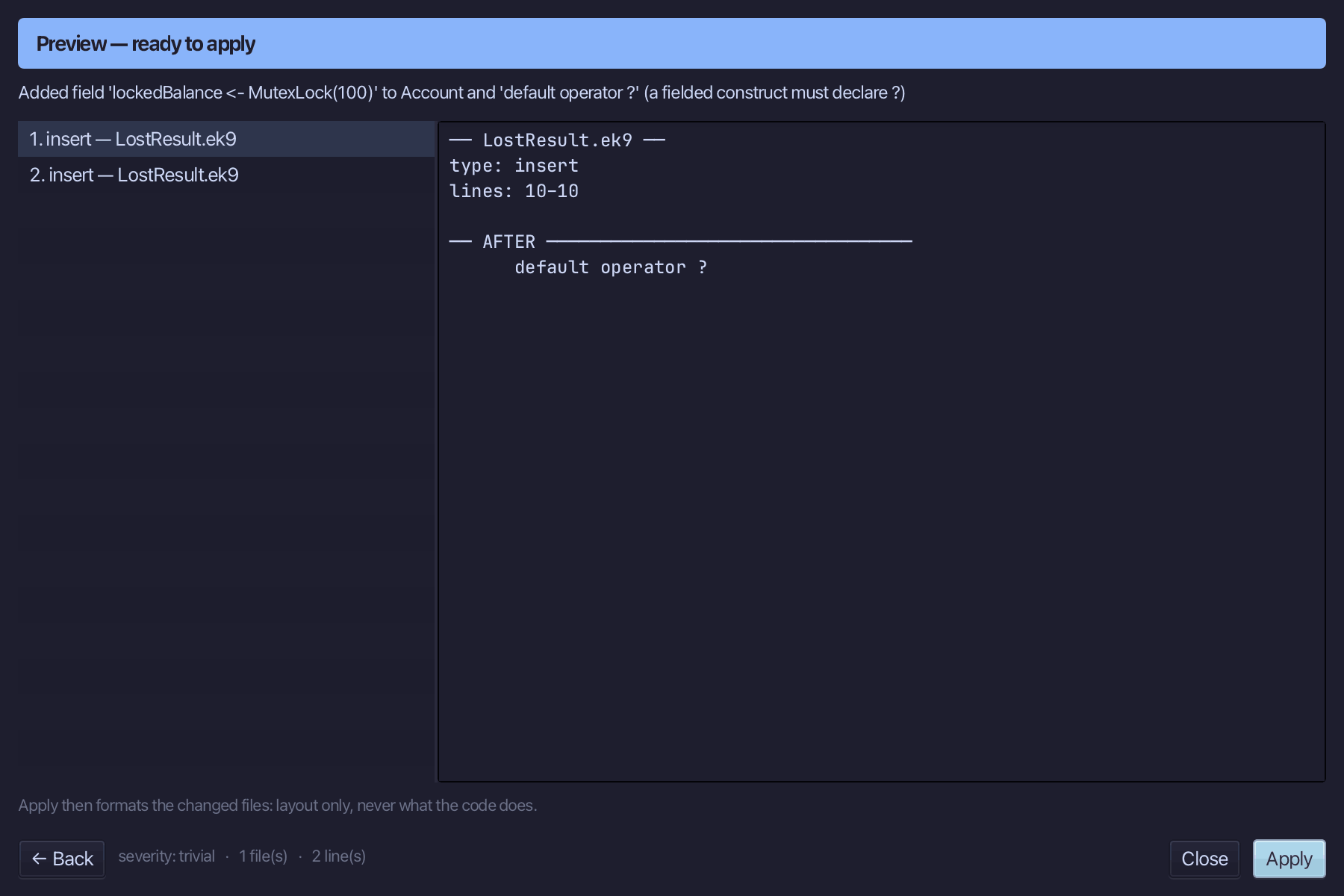
The preview shows lockedBalance added - and default operator ? with it, Account's first field. Choose Apply.
Right-click the Account line and choose Add Method…
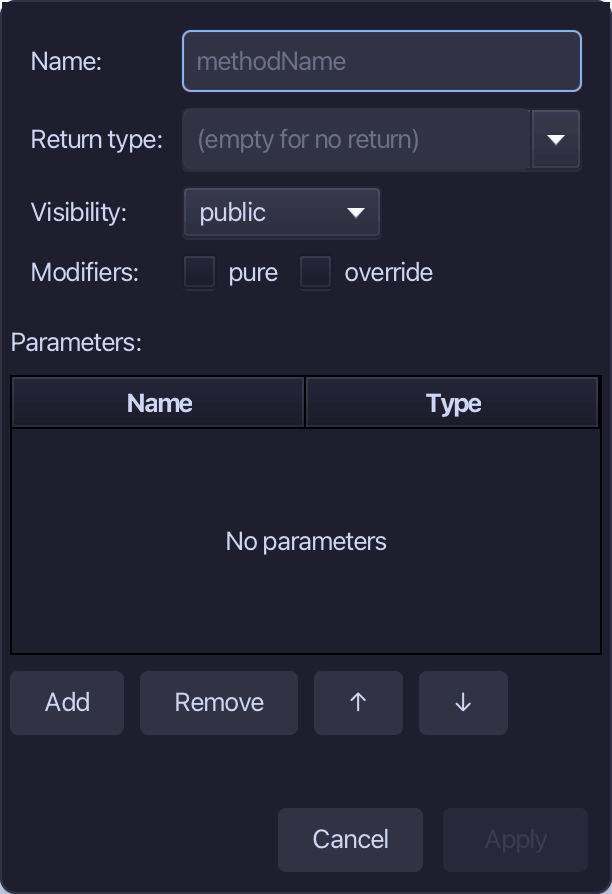
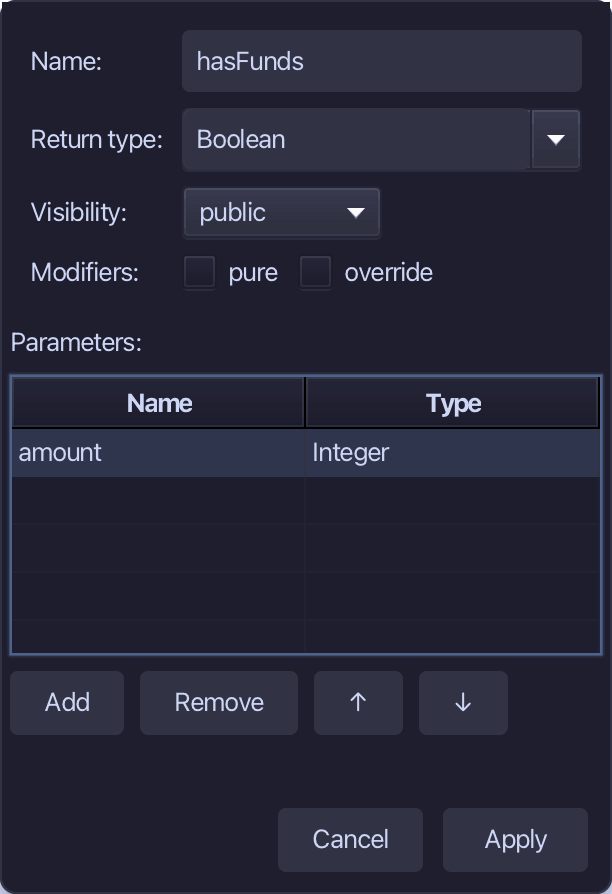
hasFunds is the method's name. Add one parameter, amount of type Integer, set Return type to Boolean. Choose Apply.
Select the stub and type hasFunds' key the WRONG way, on purpose: rtn: would point the key's own name for rtn at another object, and the caller would never see it. Saves when typed; the compile then reports E08280, a dynamic function re-pointing a variable it captured.
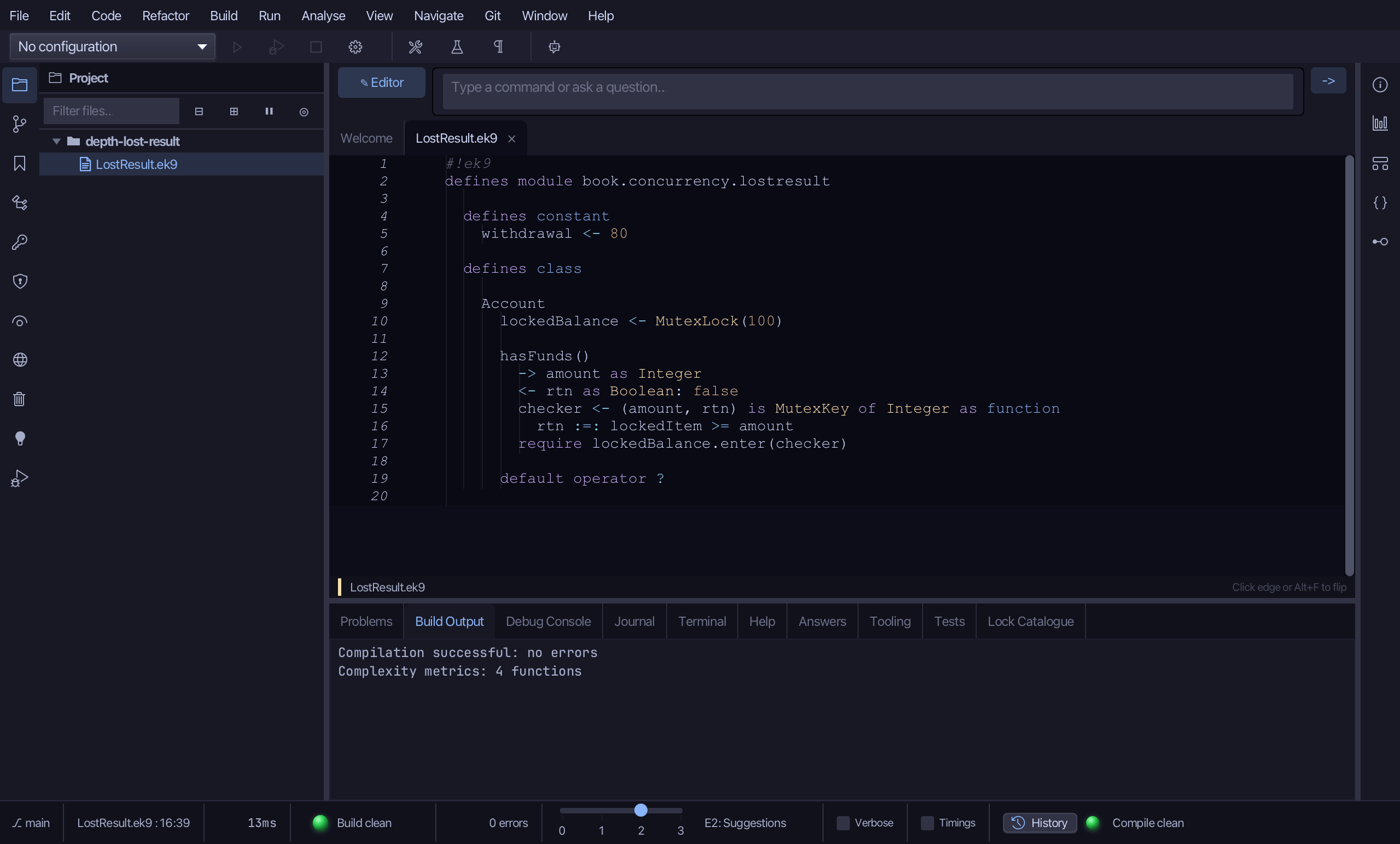
Select the re-point and type the fix: rtn :=: copies the answer into the Boolean the caller holds, the one object both names share. Saves when typed, and the compile is clean.
Step 3: The program
Choose Code > New Construct > Program…
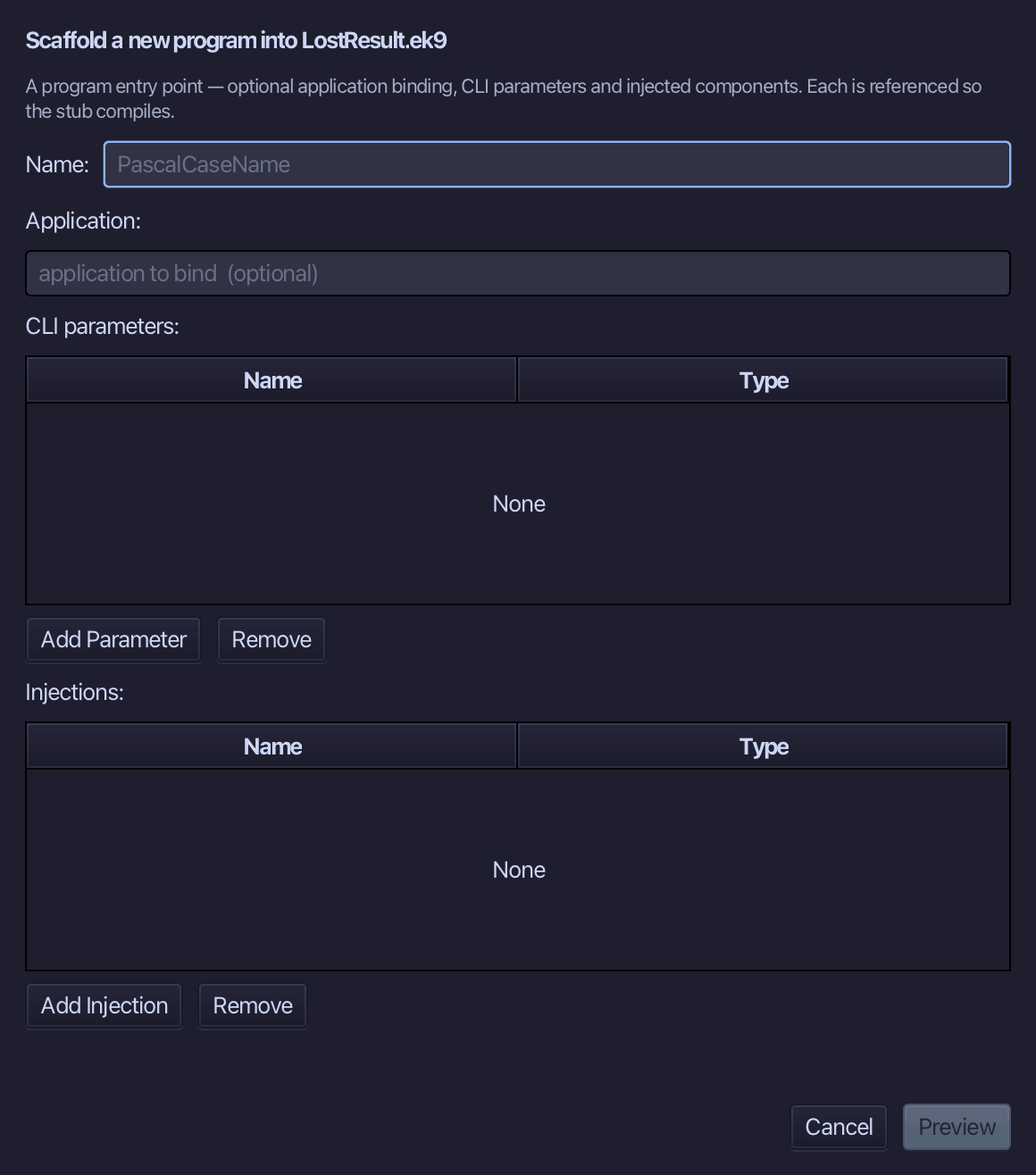
LostResult is the program's name. Choose Preview.
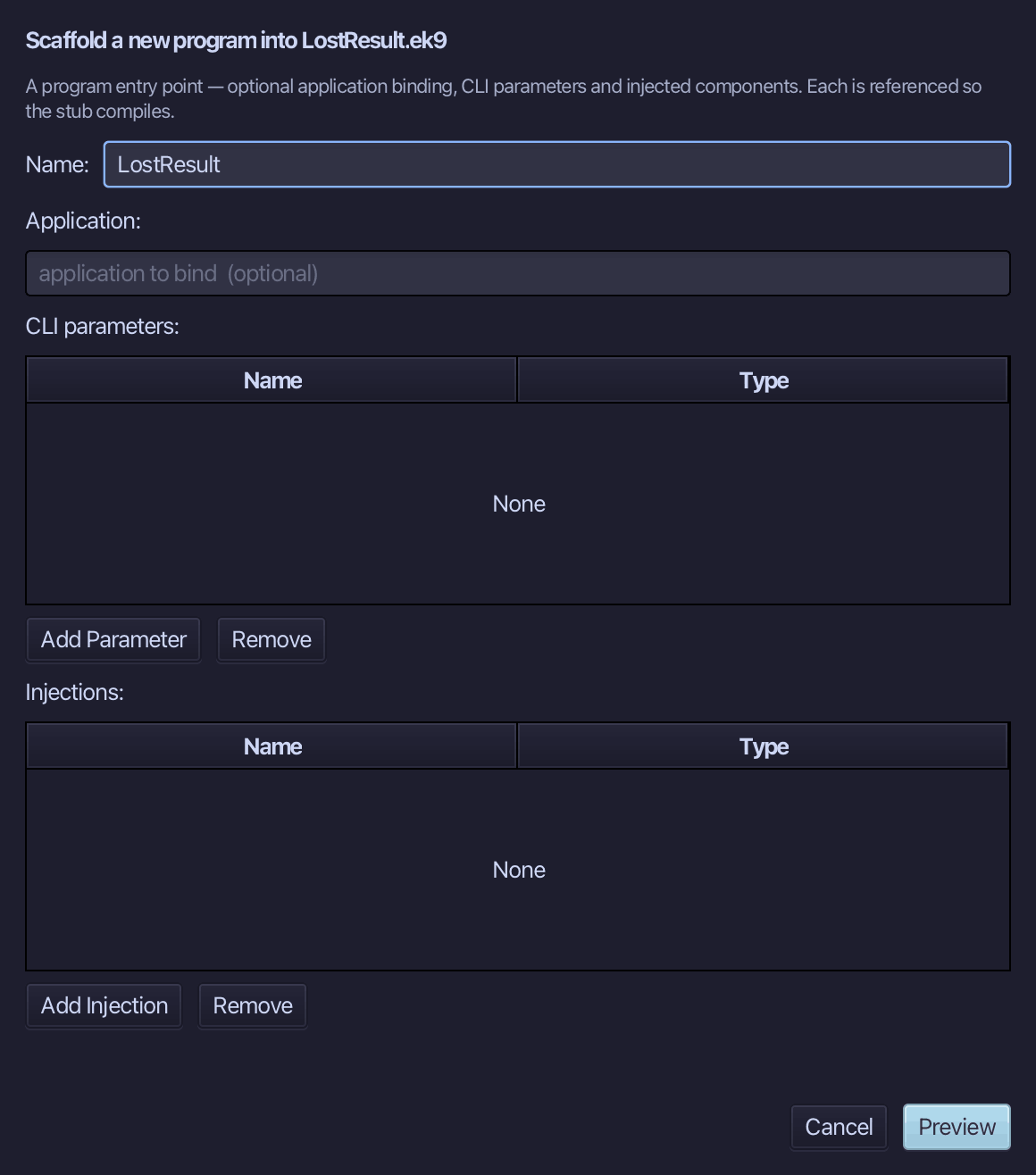
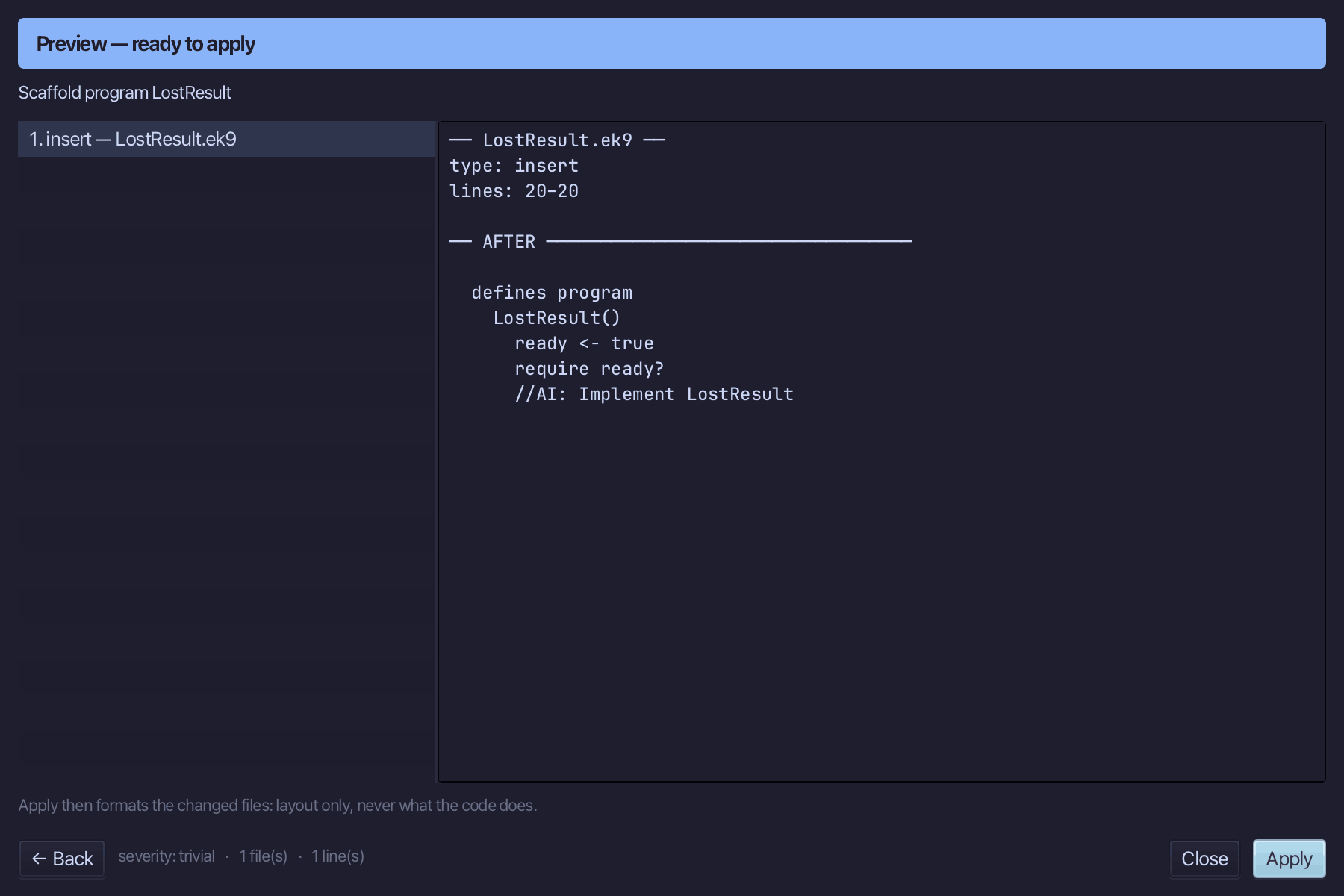
The preview shows LostResult about to be written. Choose Apply.
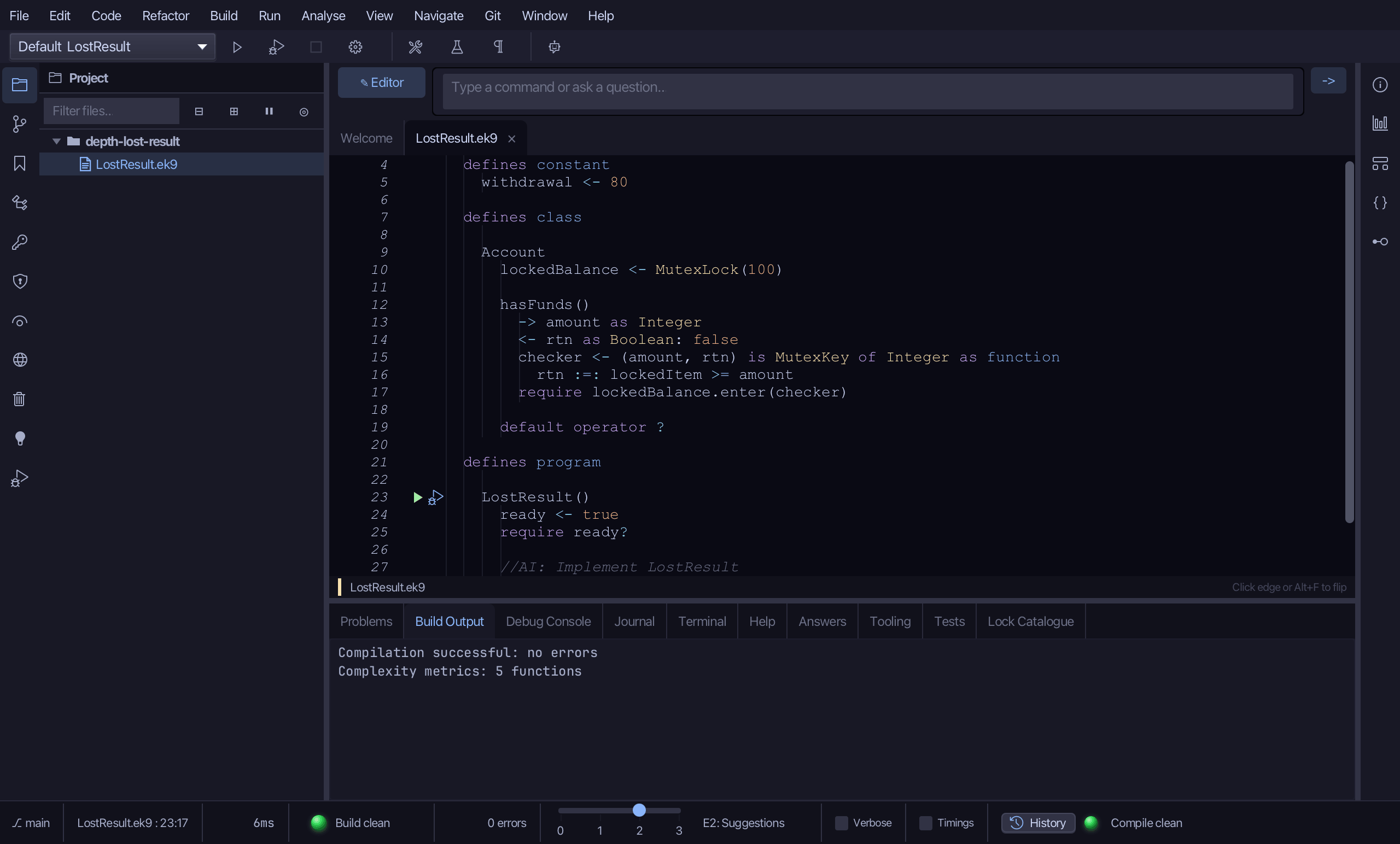
Select the LostResult() line and, above it, type the blank line the book opens the program with. Saves when typed.
Select the stub, from ready <- true down to its //AI line, and type LostResult's body exactly as the chapter shows it. Saves when typed.
Step 4: Run it
Choose Run > Run Program…
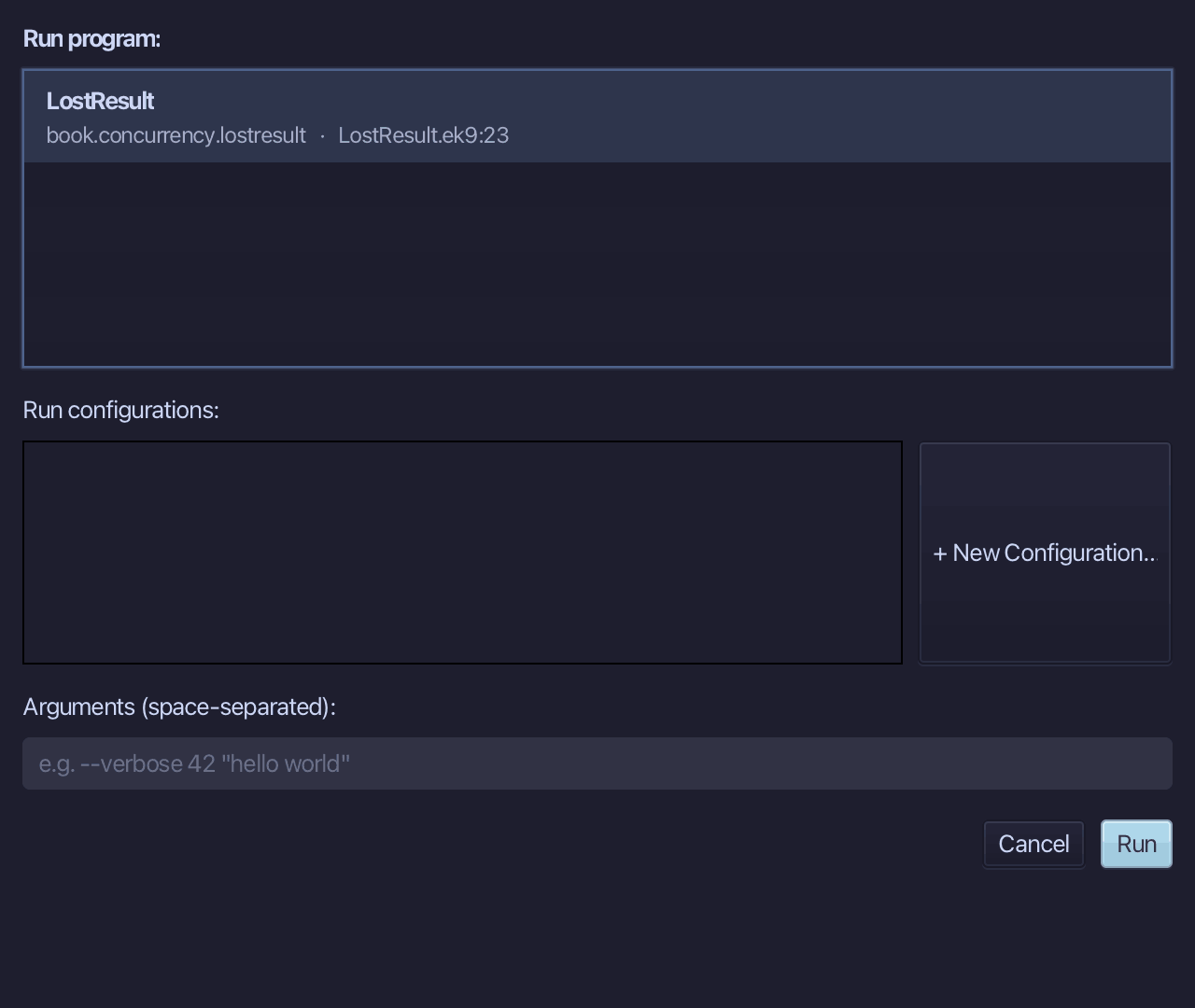
The project's only program is already chosen. Choose Run.
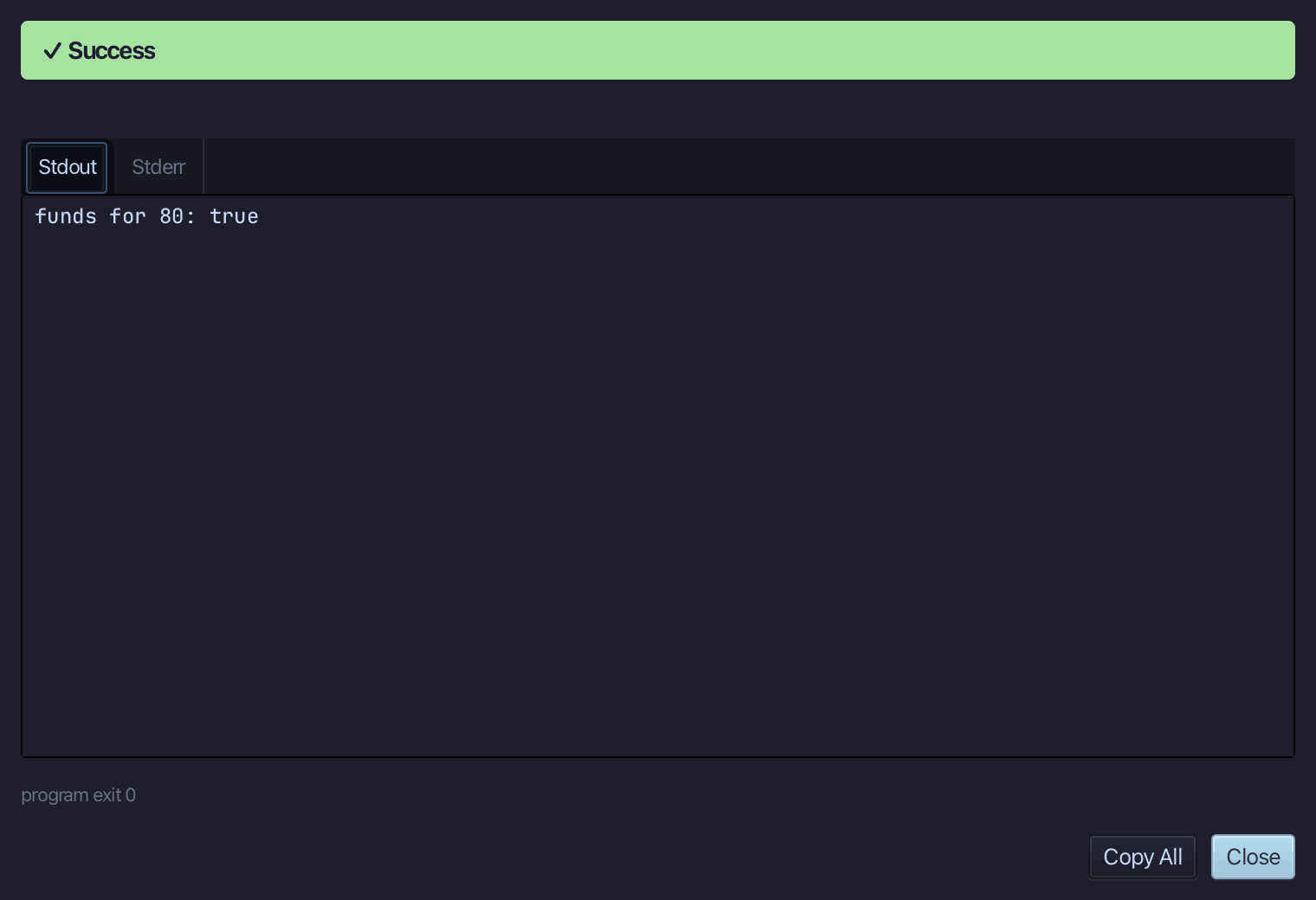
funds for 80: true - the answer reached the caller. Choose Close.
The result
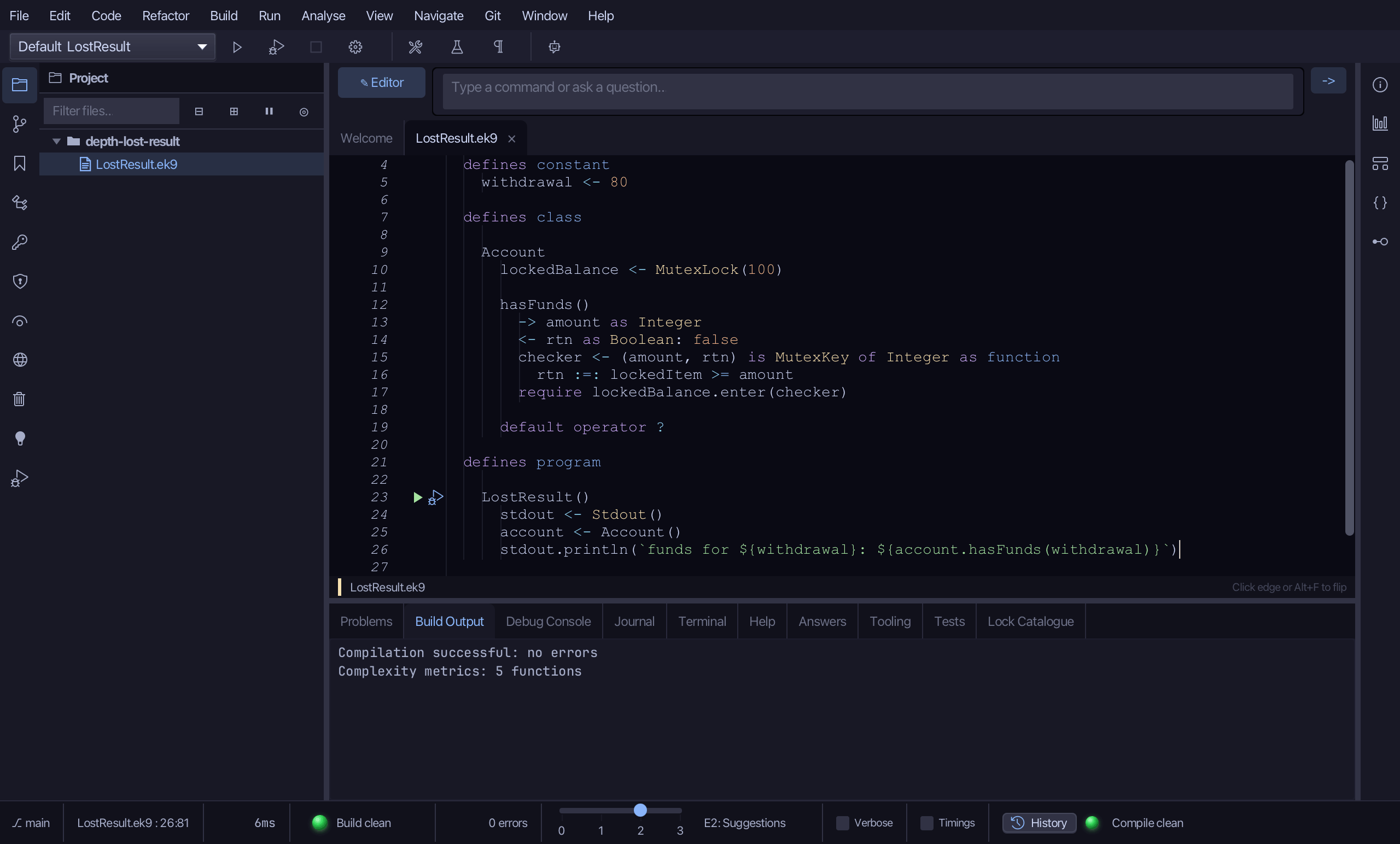
LostResult.ek9 now reads exactly as chapter 33 of EK9 in Depth shows it: the compiler refused the re-point with E08280, and rtn :=: lockedItem >= amount changed the one object both names share, so the run shows that a balance of 100 covers the request for 80.
Where this lesson comes from
- Answers -
ek9 -qand the IDE's Answers tab: 213. - For AI assistants - the MCP tool
ek9_new_construct,ek9_add_field,ek9_add_method,ek9_add_program.