Chapter 28: one data set, every verb, built
Chapter 28 uses one data set - eight orders, each a customer, a product and an amount - to use every stream verb once: sort, tee, group, map, flatten, tail, skip, reject, uniq, the two sinks, join, split and call. The IDE writes the constants, the Order record with its constructor and $, and the small pure functions the verbs take (their signatures; you type each answer), plus the abstract summaryLine that call's elements will be; the pipelines themselves are yours to type. To play it in the IDE: Help > Lessons > EK9 in Depth…, or ek9 -ide -lesson depth-order-pipelines.
What you'll build
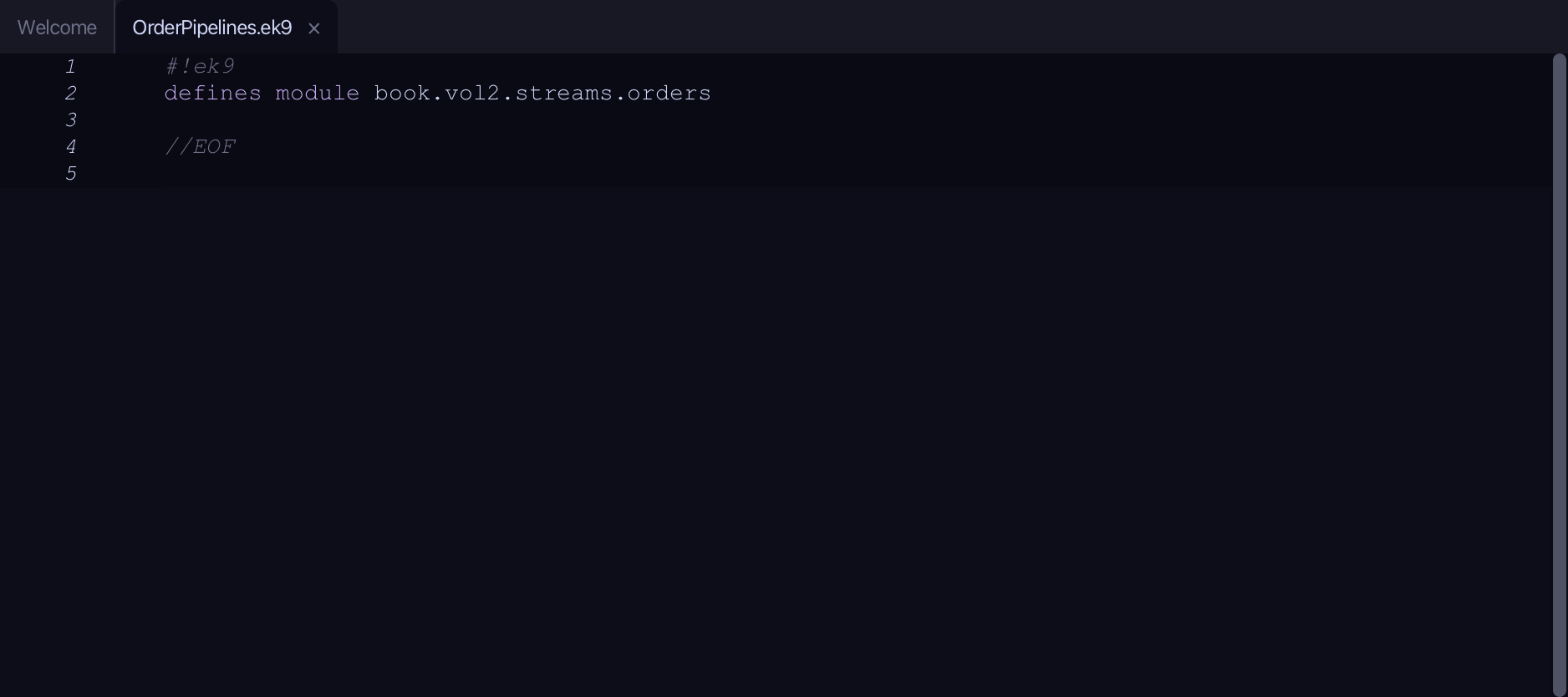
The lesson builds this program from a file holding only its module line - the finished file, as the book prints it.
#!ek9
defines module book.vol2.streams.orders

  defines constant
    LARGE_ORDER <- 100.0

    TOP_PER_CUSTOMER <- 2

  defines record

    Order
      customer <- String()
      product <- String()
      amount <- Float()

      Order() as pure
        ->
          customer as String
          product as String
          amount as Float

        this.customer :=? String(customer)
        this.product :=? String(product)
        this.amount :=? Float(amount)

      operator $ as pure
        <- rtn as String: `${customer} ${product} ${amount}`

      default operator ?

  defines function

    byCustomerThenAmount() as pure
      ->
        first as Order
        second as Order
      <-
        rtn as Integer: first.customer <=> second.customer

      if rtn == 0
        rtn: first.amount <=> second.amount

    byAmountDescending() as pure
      ->
        first as Order
        second as Order
      <-
        rtn as Integer: second.amount <=> first.amount

    customerOf() as pure
      -> order as Order
      <- rtn as String: order.customer

    productOf() as pure
      -> order as Order
      <- rtn as String: order.product

    amountOf() as pure
      -> order as Order
      <- rtn as Float: order.amount

    isLarge() as pure
      -> order as Order
      <- rtn as Boolean: order.amount >= LARGE_ORDER

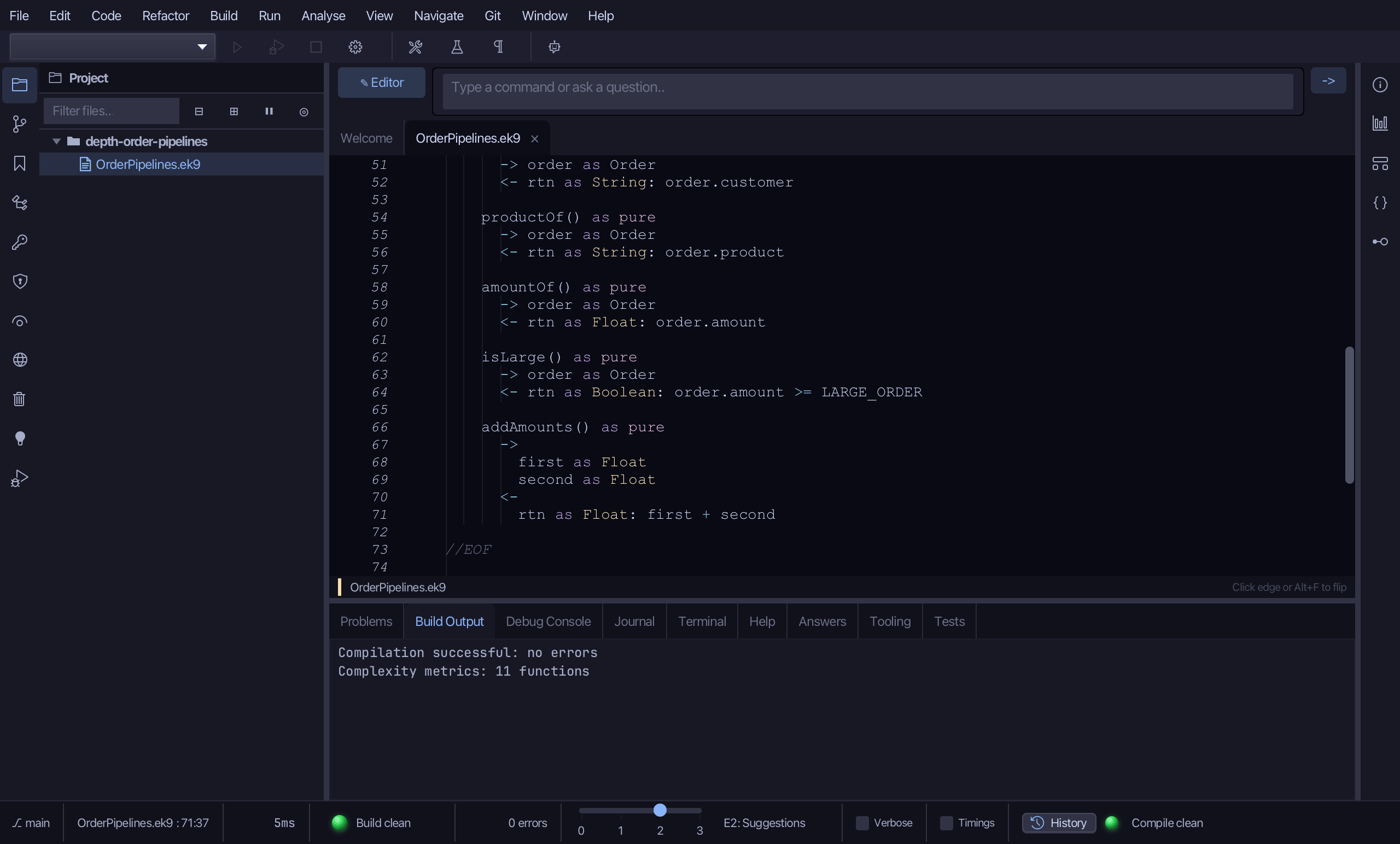
    addAmounts() as pure
      ->
        first as Float
        second as Float
      <-
        rtn as Float: first + second

    topOfGroup() as pure
      -> group as List of Order
      <- rtn as List of Order: cat group | sort by byAmountDescending | head TOP_PER_CUSTOMER | collect as List of Order

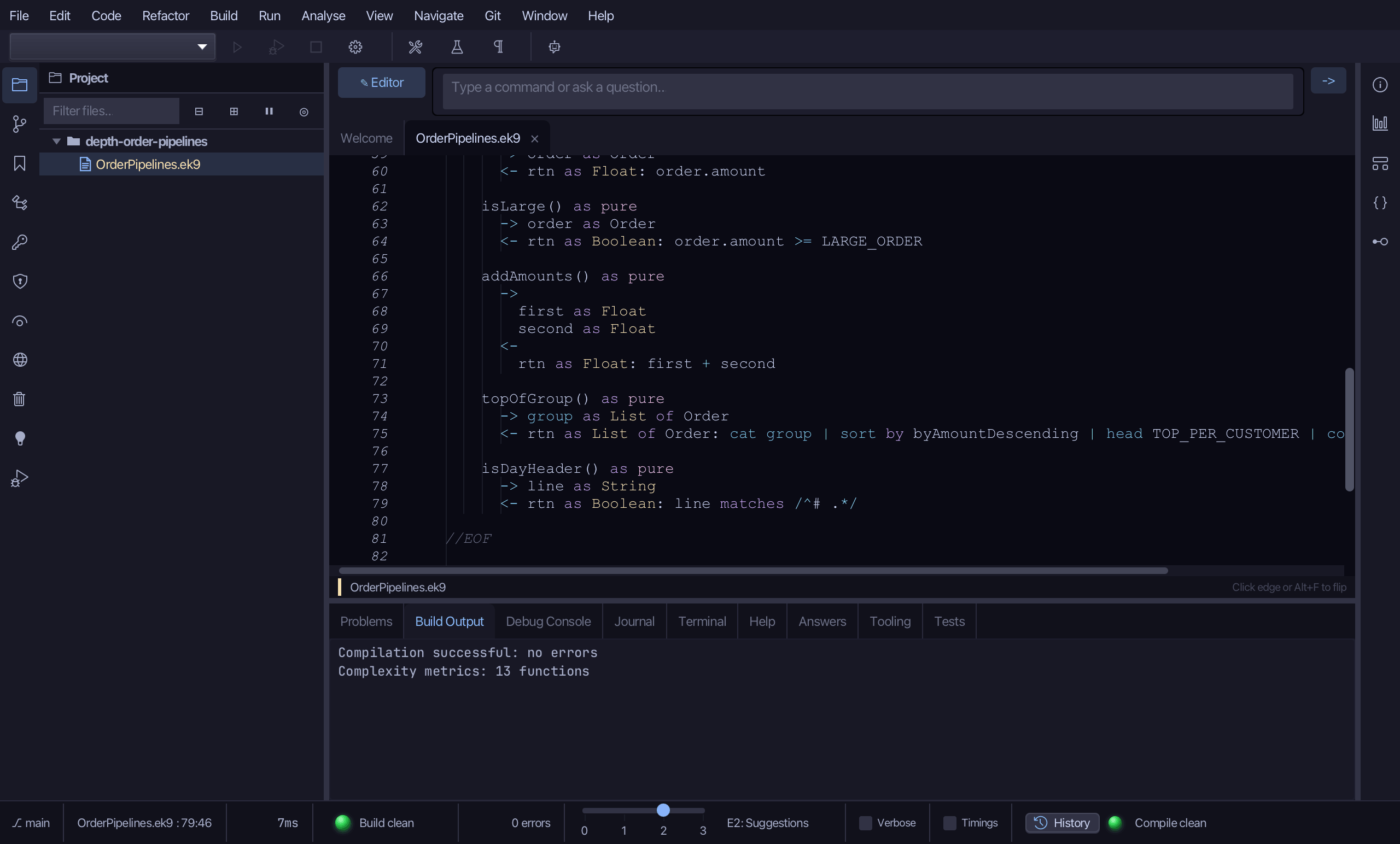
    isDayHeader() as pure
      -> line as String
      <- rtn as Boolean: line matches /^# .*/

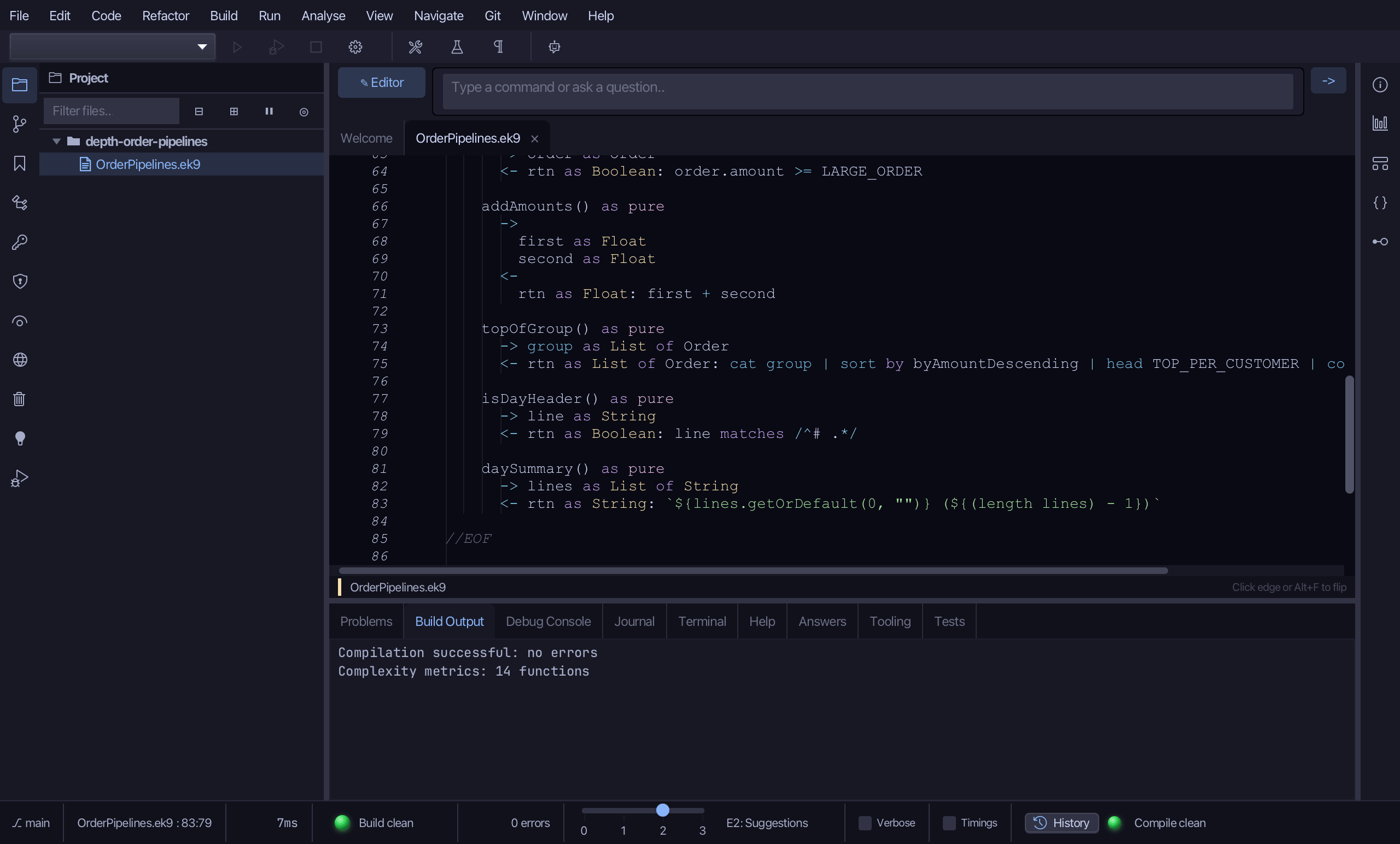
    daySummary() as pure
      -> lines as List of String
      <- rtn as String: `${lines.getOrDefault(0, "")} (${(length lines) - 1})`

    summaryLine() as pure abstract
      <- rtn as String?

  defines program

    OrderReport()
      stdout <- Stdout()

      orders <- [
        Order("ada", "keyboard", 45.0),
        Order("bob", "monitor", 220.0),
        Order("ada", "mouse", 15.5),
        Order("cy", "laptop", 999.0),
        Order("bob", "cable", 9.0),
        Order("ada", "monitor", 180.0),
        Order("cy", "mouse", 12.0),
        Order("bob", "keyboard", 60.0)
      ]

      stdout.println("Top orders per customer:")
      sorted <- List() of Order
      cat orders
        | sort by byCustomerThenAmount
        | tee in sorted
        | group by customerOf
        | map with topOfGroup
        | flatten
        > stdout

      stdout.println("Three smallest:")
      cat sorted | sort by byAmountDescending | tail 3 > stdout
      stdout.println("All but the first in customer order:")
      cat sorted | skip 1 | map with productOf > stdout

      products <- List() of String
      cat orders | reject by isLarge | map with productOf | uniq | sort > products
      stdout.println(`small-order products: ${products}`)
      cat orders | filter by isLarge | map with productOf | uniq | sort >> products
      stdout.println(`after adding large-order products: ${products}`)

      grandTotal <- cat orders | map with amountOf | join with addAmounts | collect as Float

      manifest <- ["# Monday", "ada keyboard", "bob monitor", "# Tuesday", "cy laptop", "# Wednesday", "bob cable", "ada mouse"]
      cat manifest | split with isDayHeader | map with daySummary > stdout

      countLine <- (orders) is summaryLine as pure function
        rtn: `${length orders} orders in total`
      totalLine <- (grandTotal) is summaryLine as pure function
        rtn: `grand total ${grandTotal}`
      cat [countLine, totalLine] | call > stdout

//EOF
Step 1: Constants
Choose Code > New Construct > Constant…
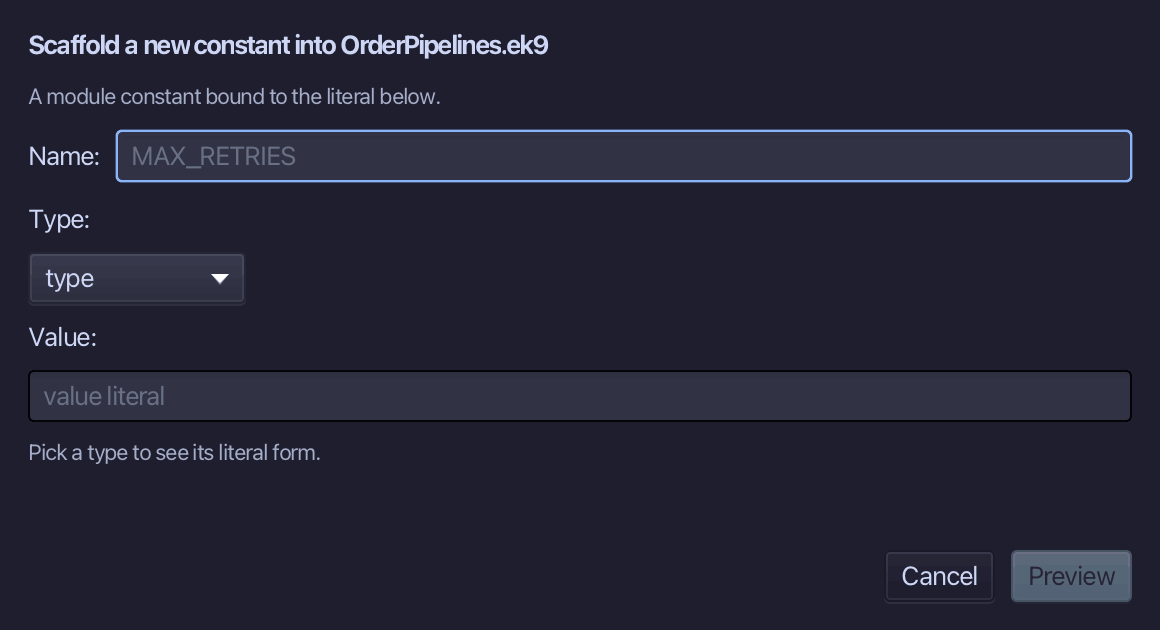
LARGE_ORDER is the constant's name and 100.0 its value - a literal in the Value field, from which the type is inferred. Type both and choose Preview.
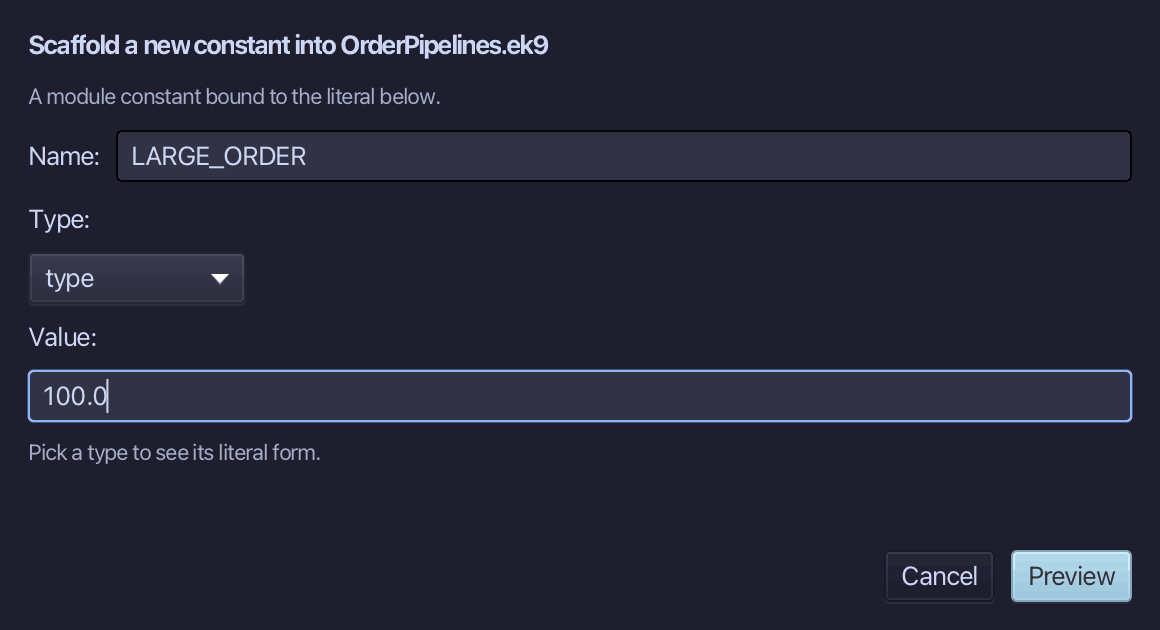
The preview shows LARGE_ORDER about to be written. Choose Apply.
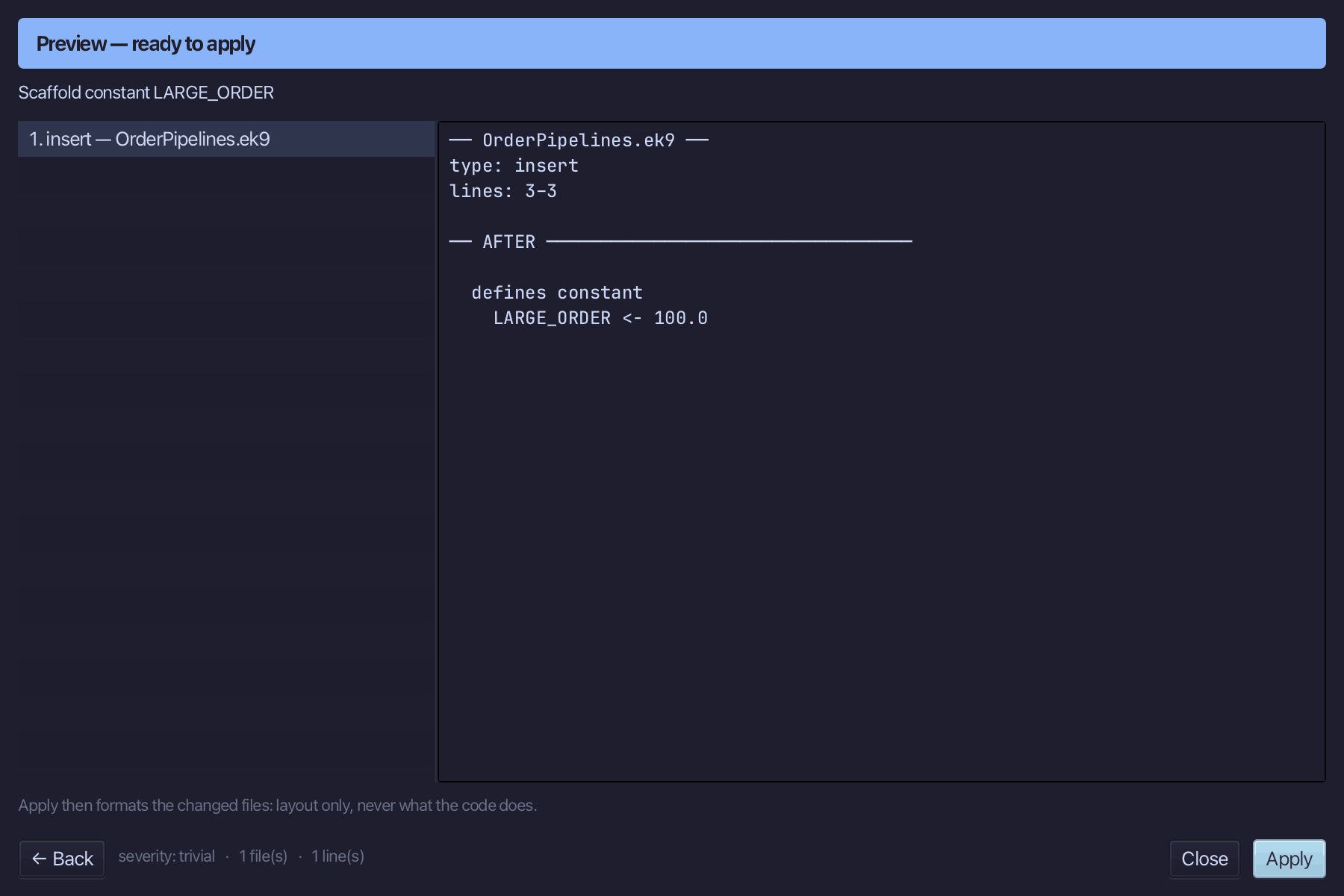
Choose Code > New Construct > Constant…
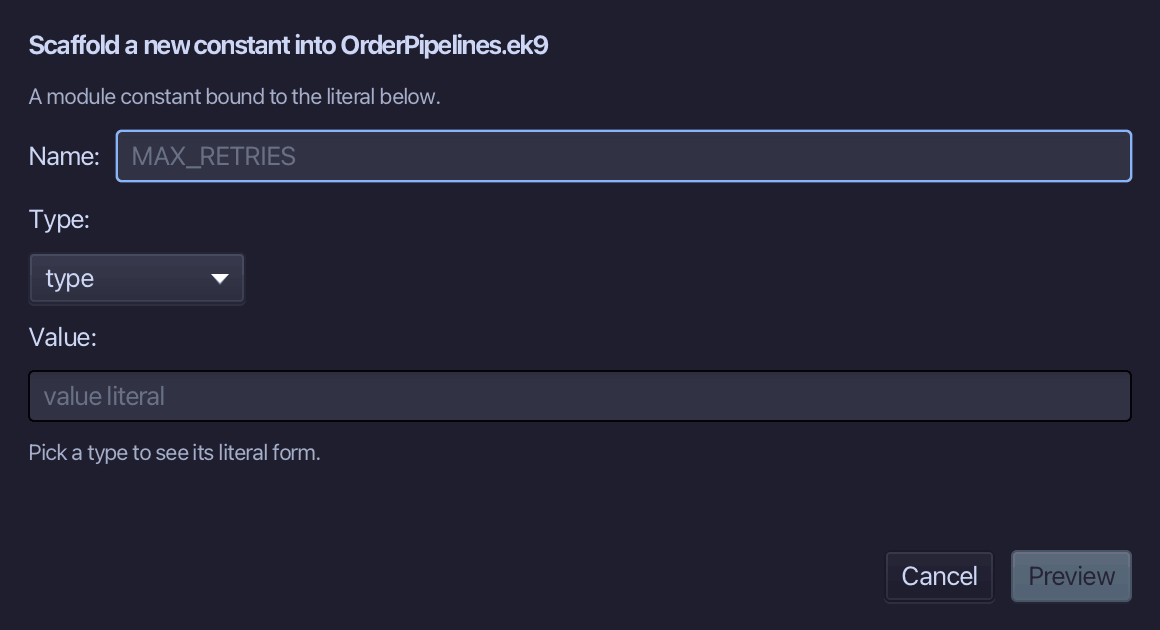
TOP_PER_CUSTOMER is the constant's name and 2 its value - a literal in the Value field, from which the type is inferred. Type both and choose Preview.
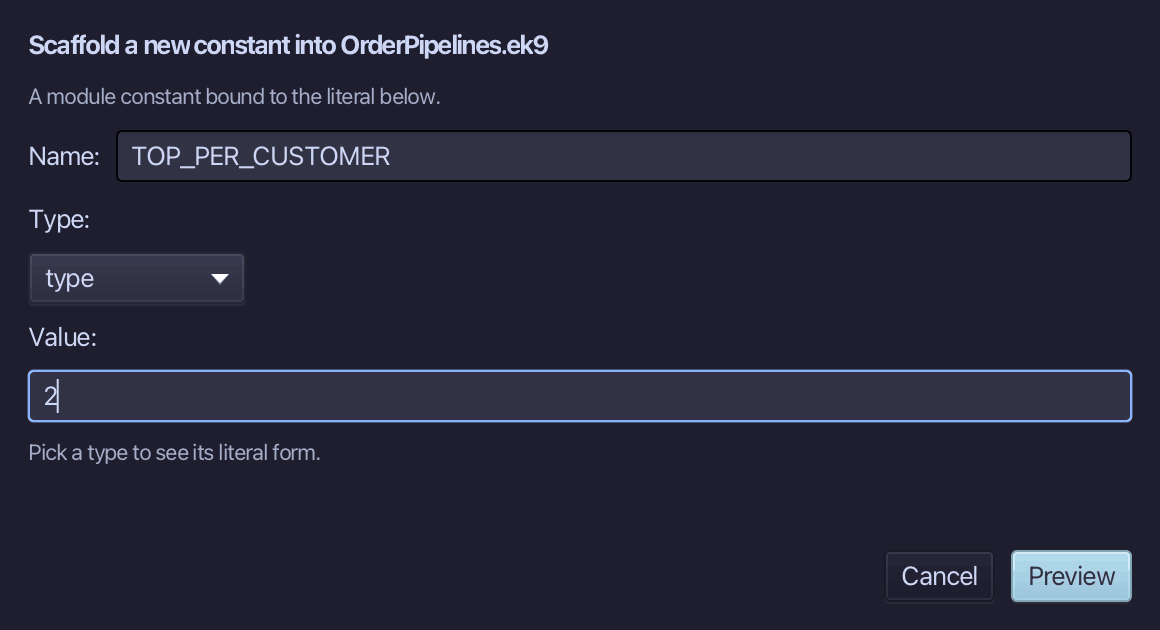
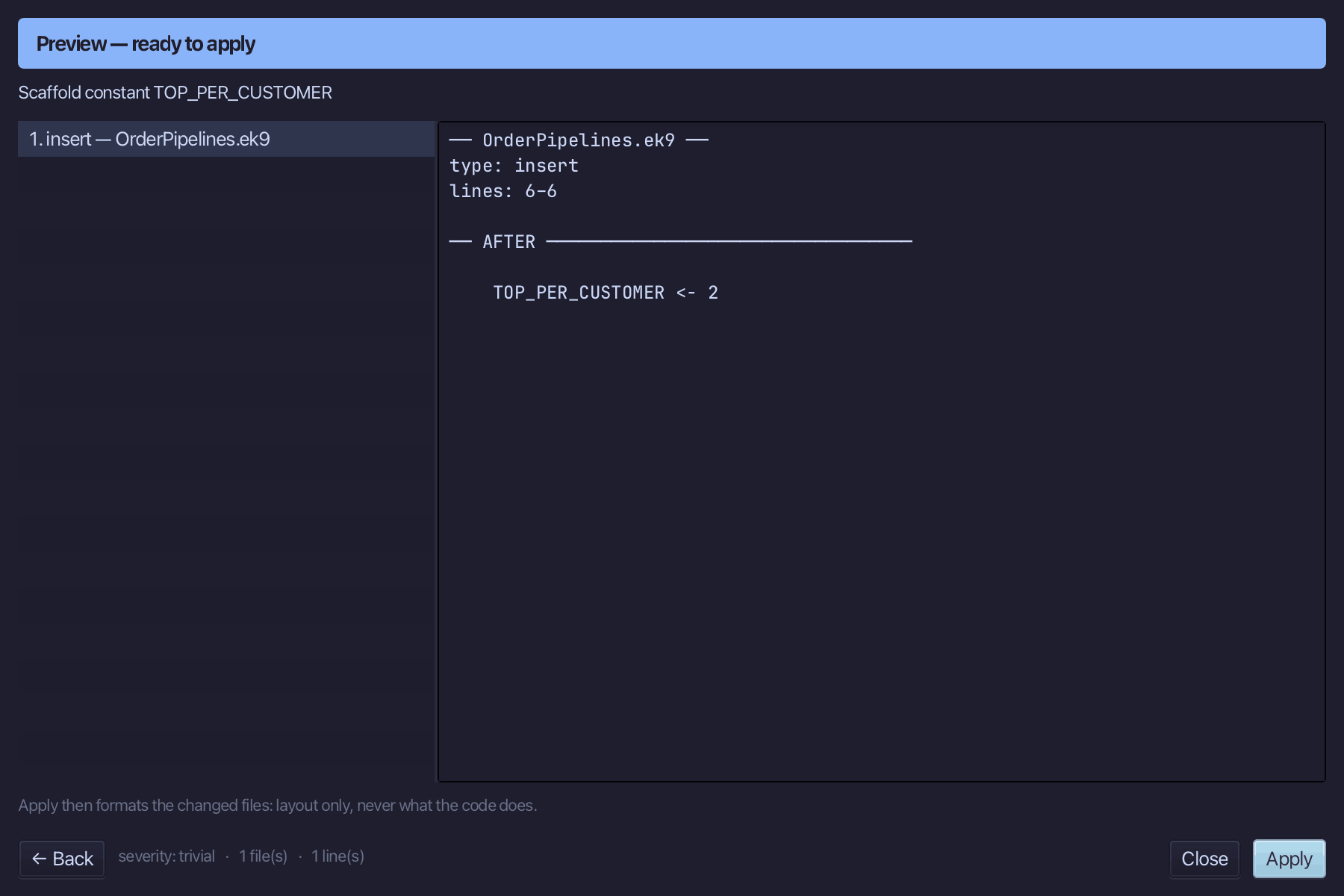
The preview shows TOP_PER_CUSTOMER about to be written. Choose Apply.
Step 2: Order — a record
Choose Code > New Construct > Record…
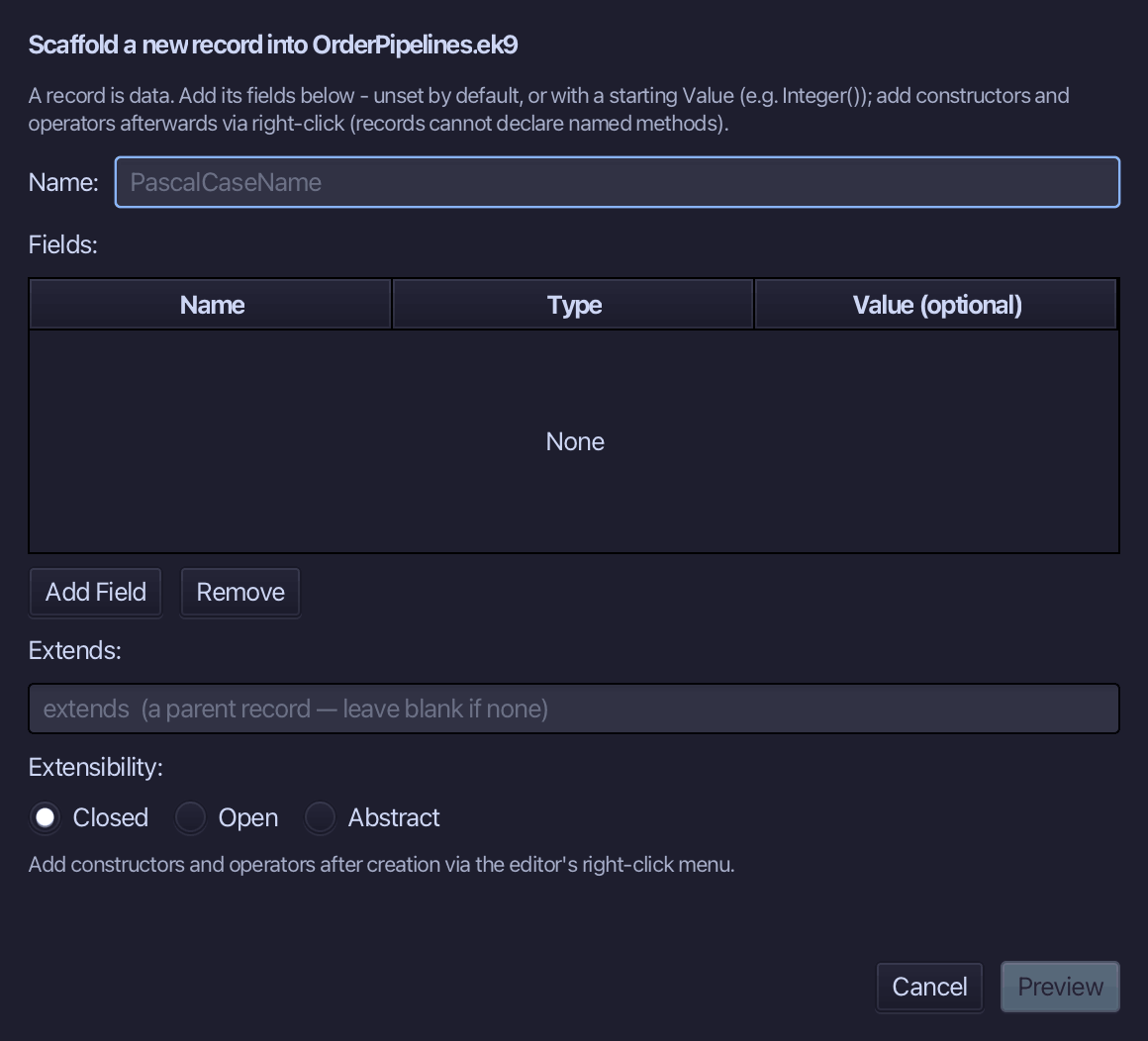
Order is the record's name. The Fields table holds customer, starting at String(); product, starting at String(); amount, starting at Float(). A Type left blank is taken from the value. Choose Preview.
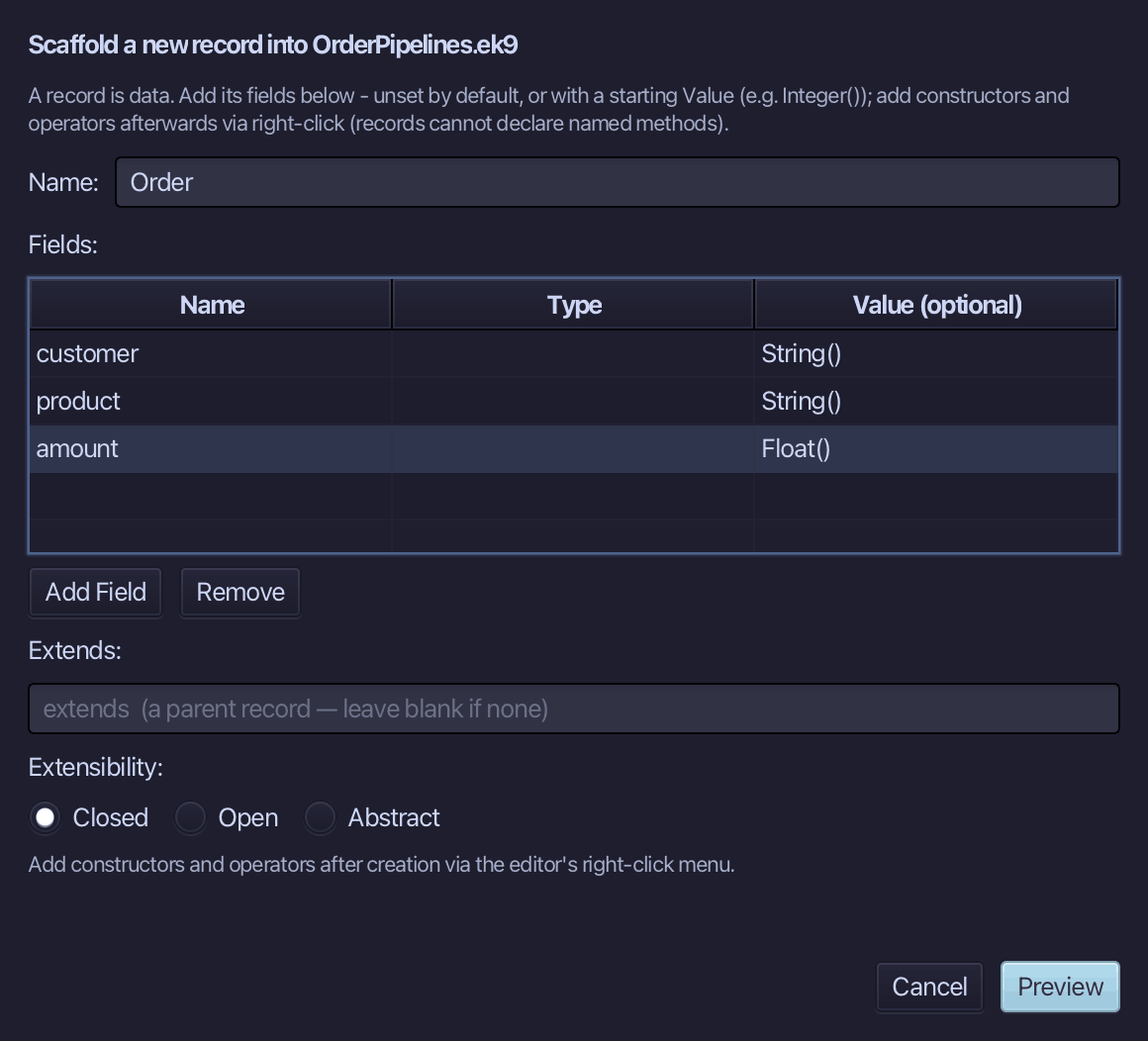
The preview shows Order about to be written - and default operator ? with them: a record that holds fields must say when it counts as set. Choose Apply.
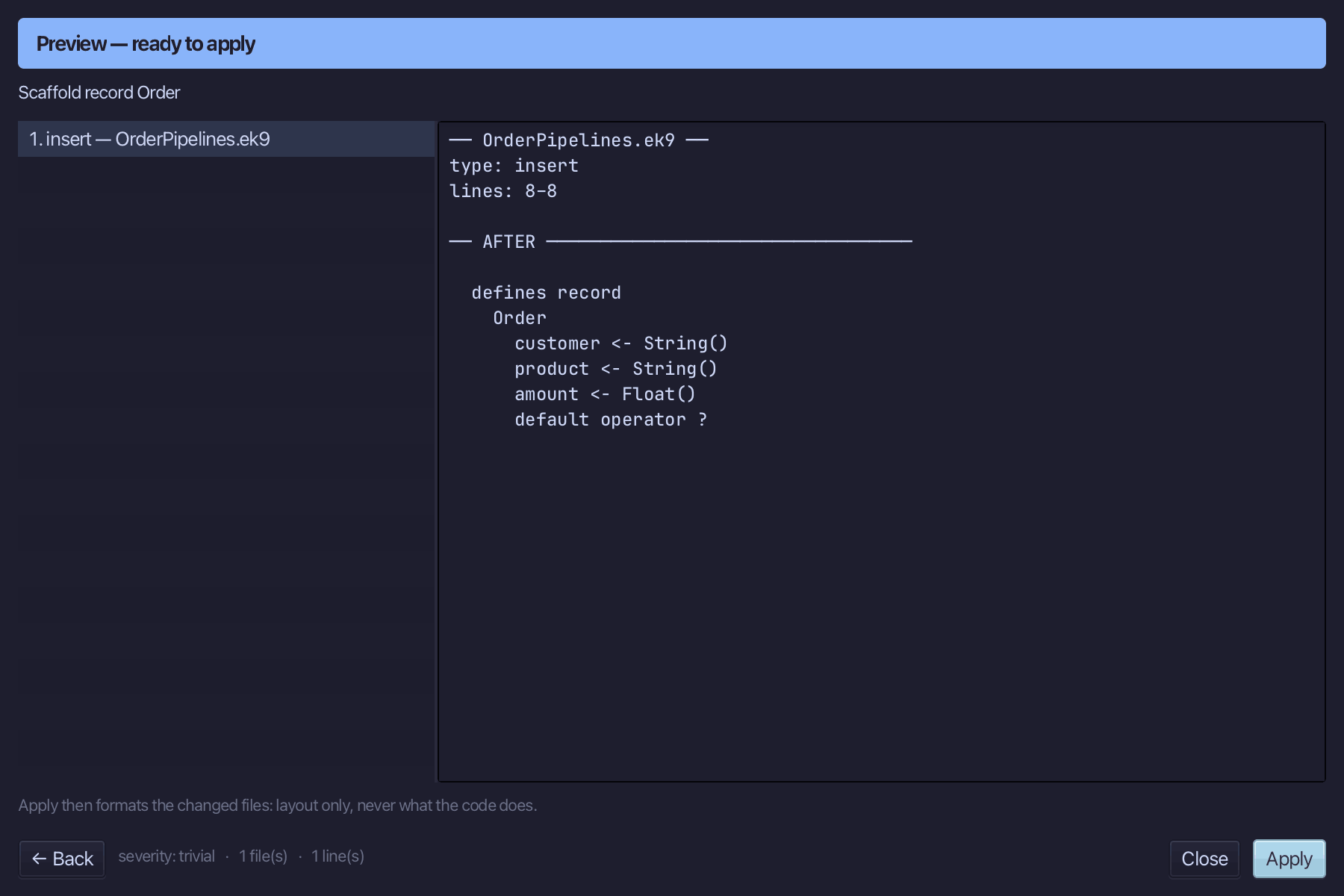
Select the Order line and, above it, type the blank line the book opens its records with. Saves when typed.
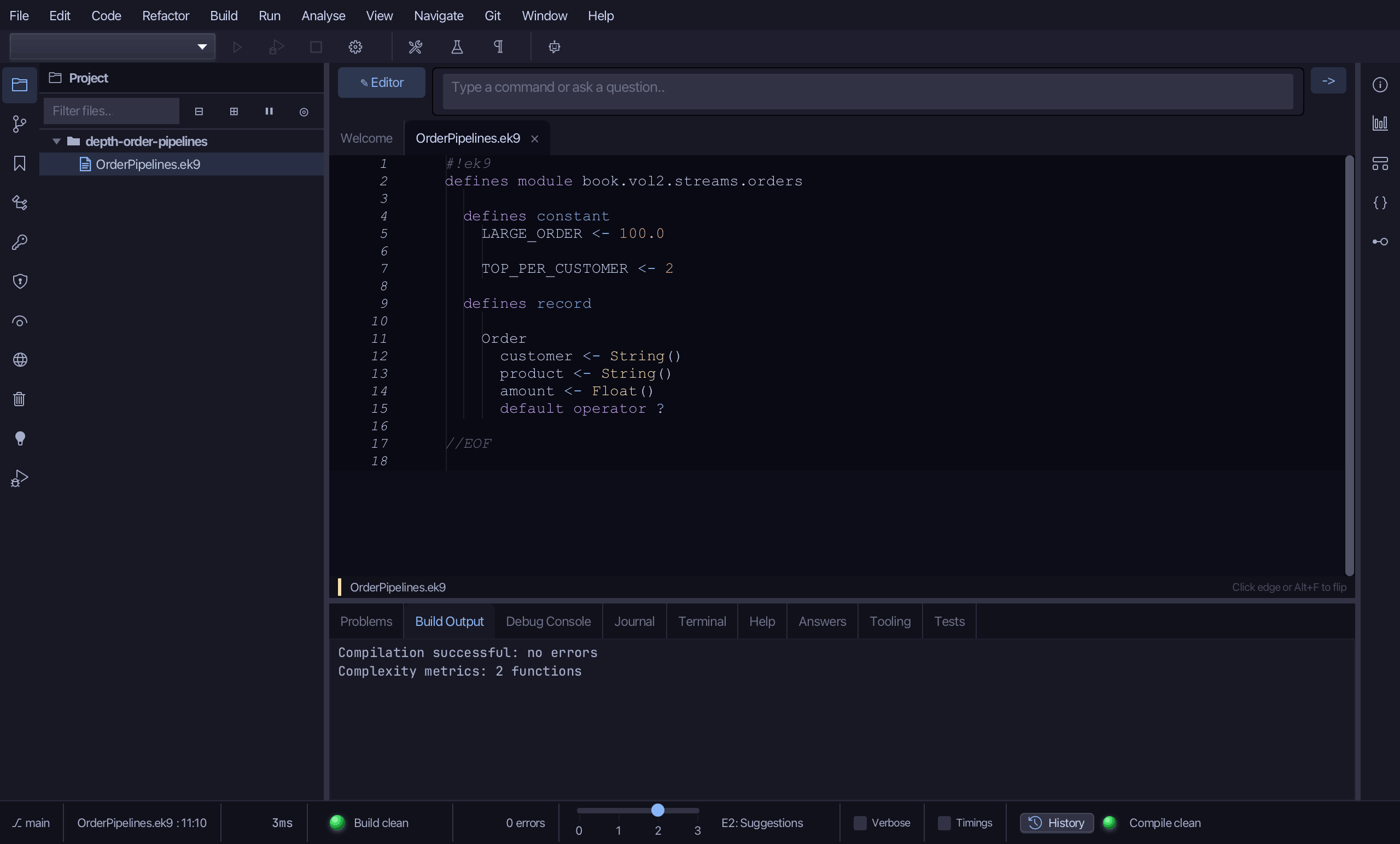
Right-click the Order line and choose Add Constructor > From All Fields (pure) - a constructor that takes every field.
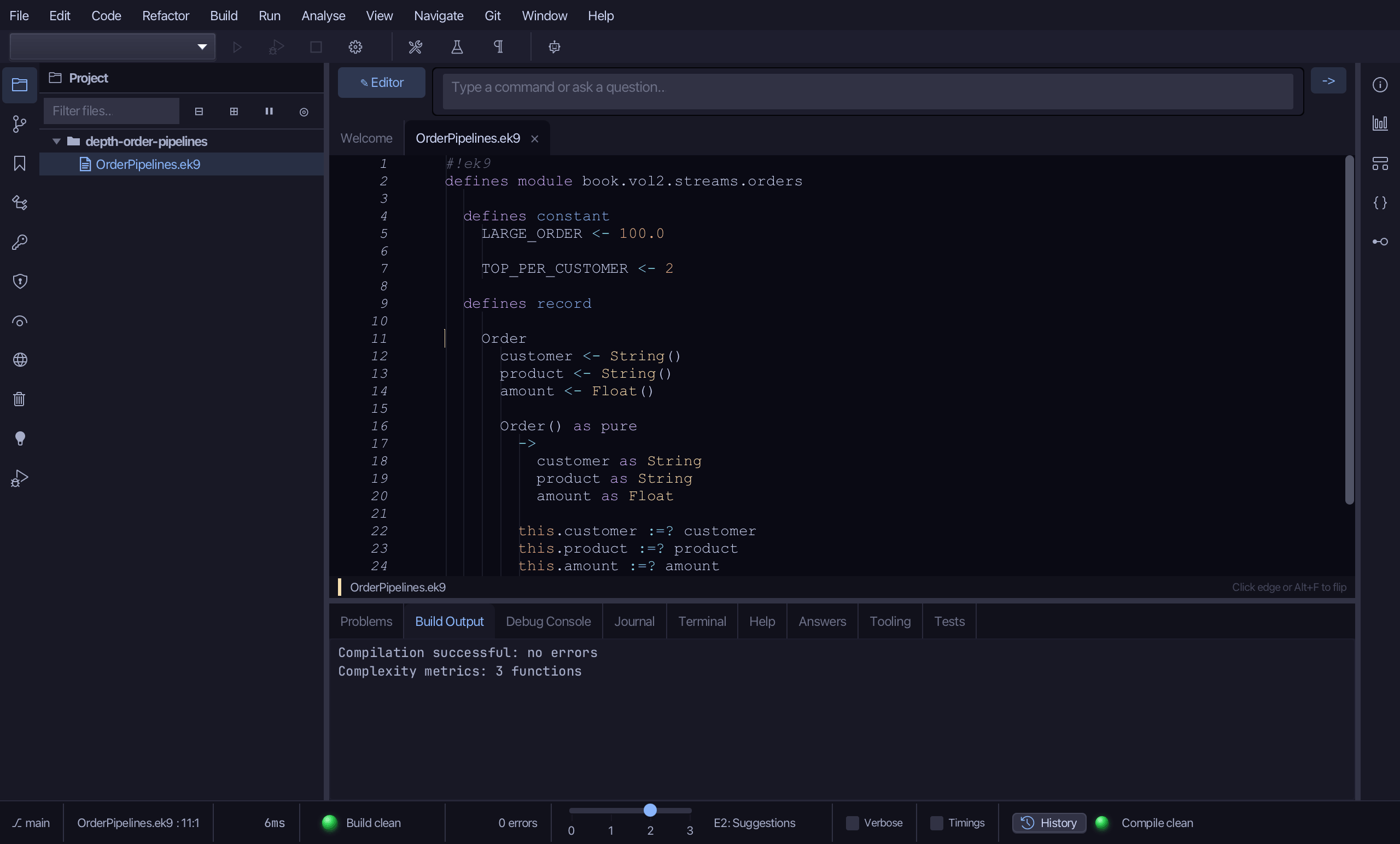
Select the stub, from Order() as pure down to its last assignment, and type the constructor's whole job as the book writes it. Saves when typed.
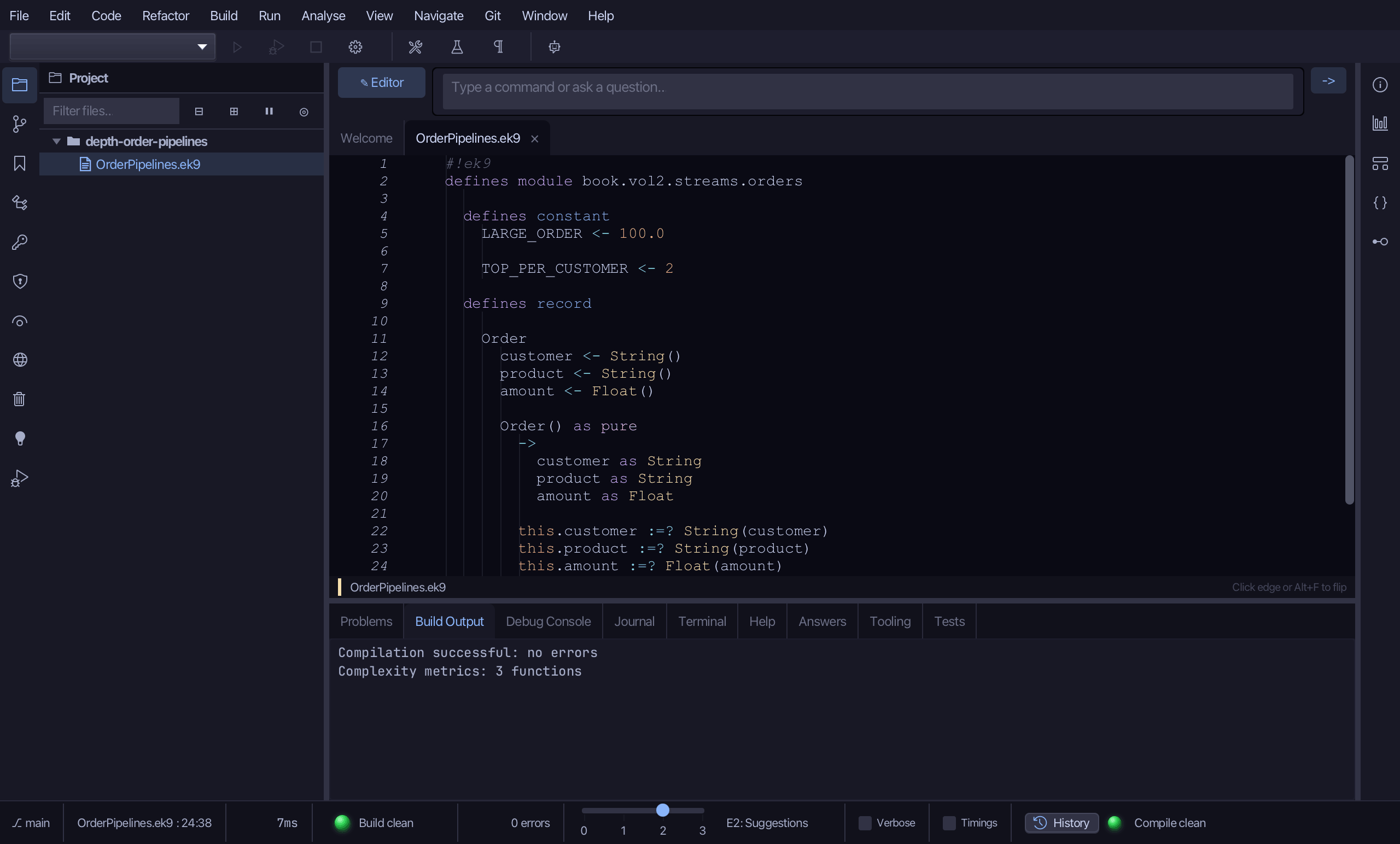
Right-click the Order line and choose Add Operator > $ (string) > skeleton.
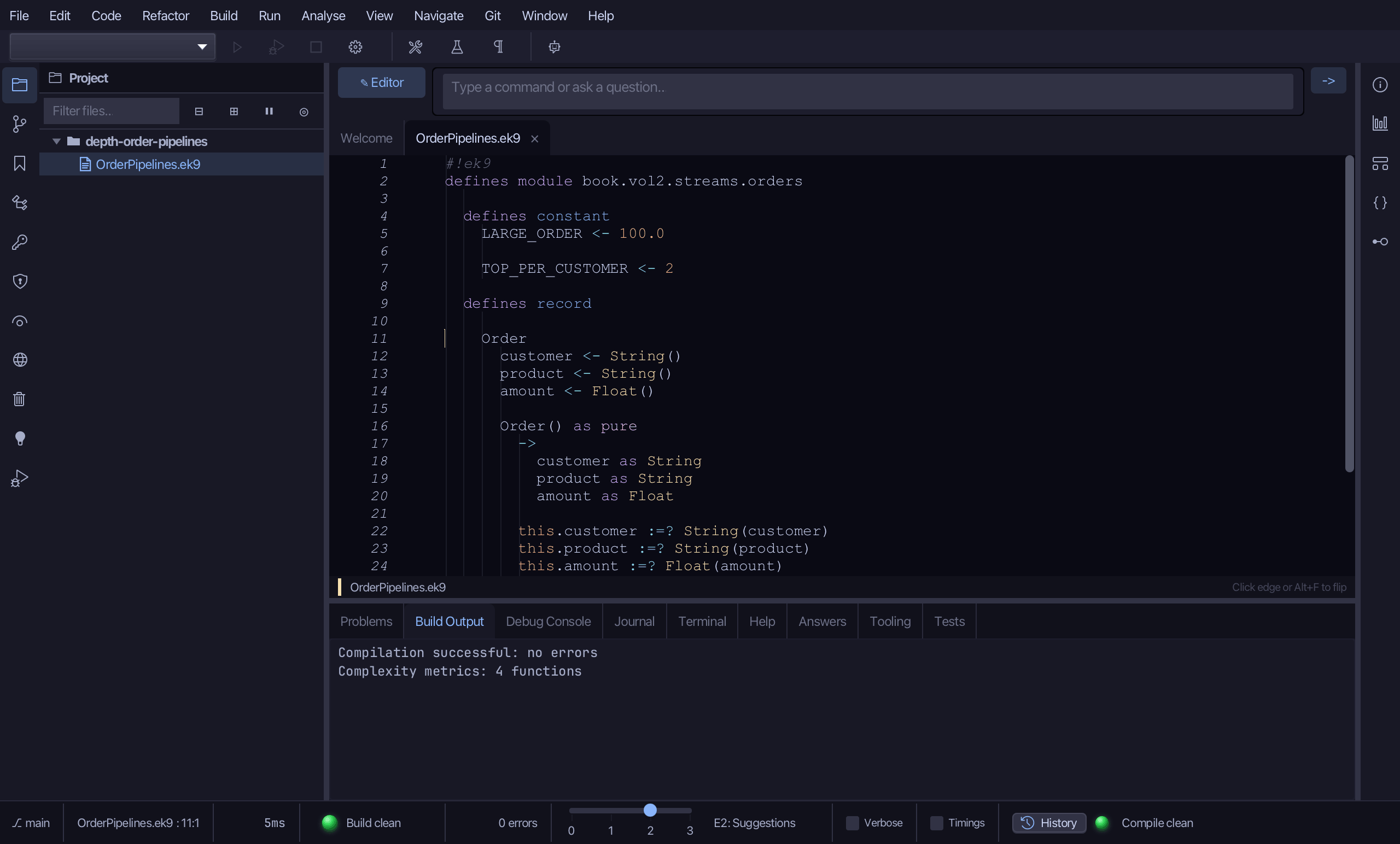
Select the stub line and type $'s text form: customer, product and amount, space separated. Saves when typed.
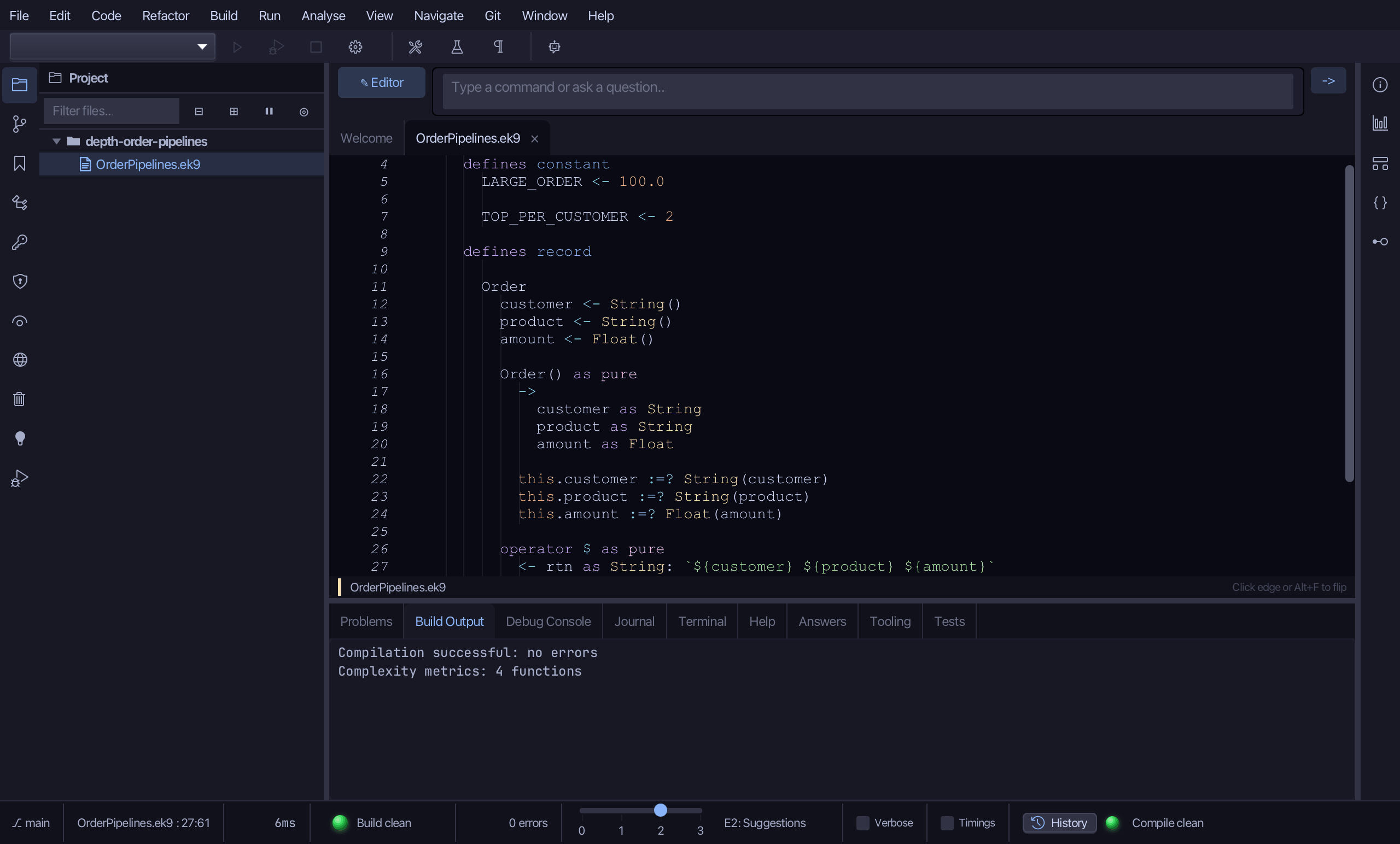
Step 3: byCustomerThenAmount — a pure function
Choose Code > New Construct > Function…
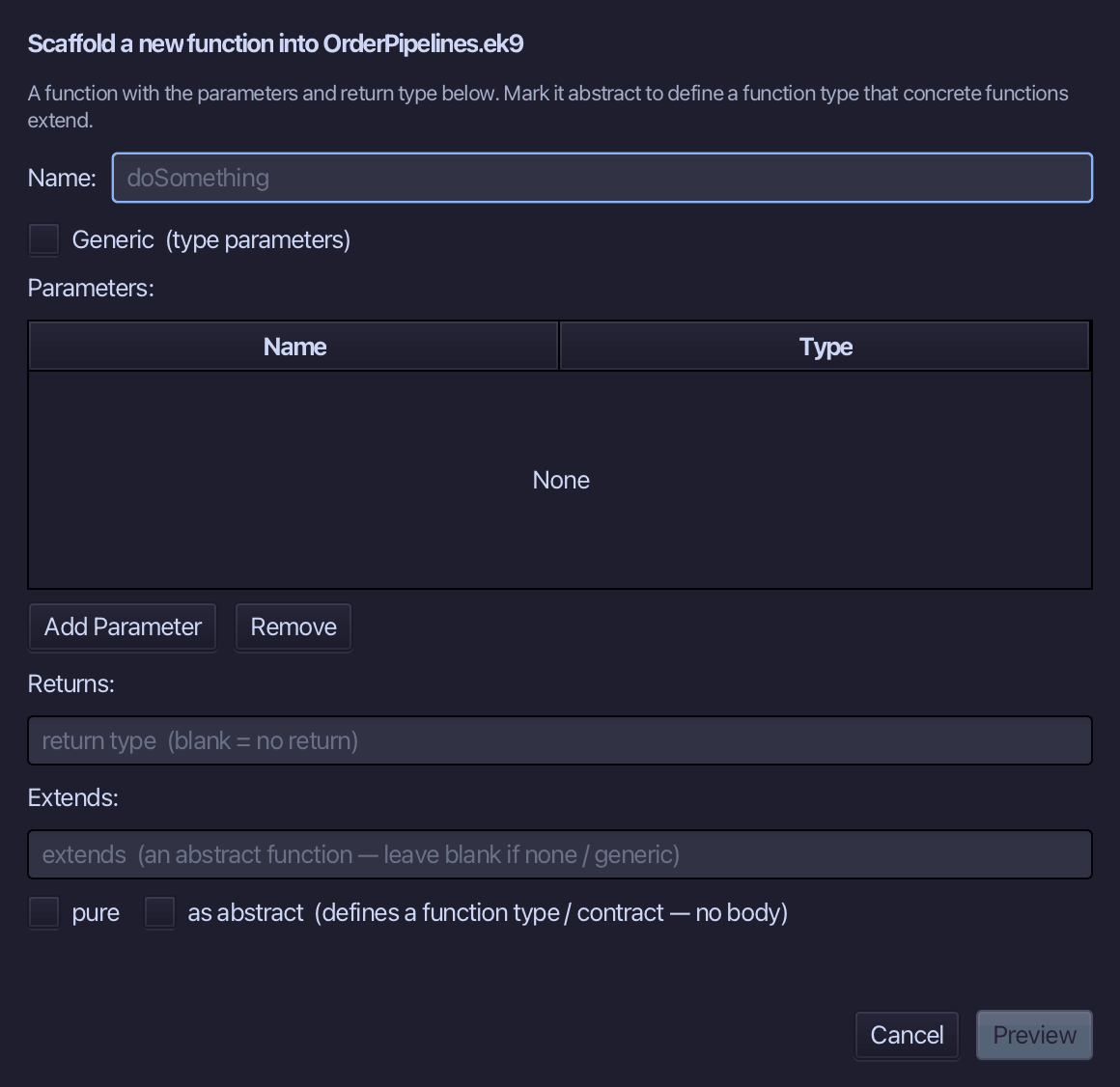
byCustomerThenAmount is the function's name. Add the parameters first of type Order and second of type Order, set Returns to Integer and tick pure. Choose Preview.
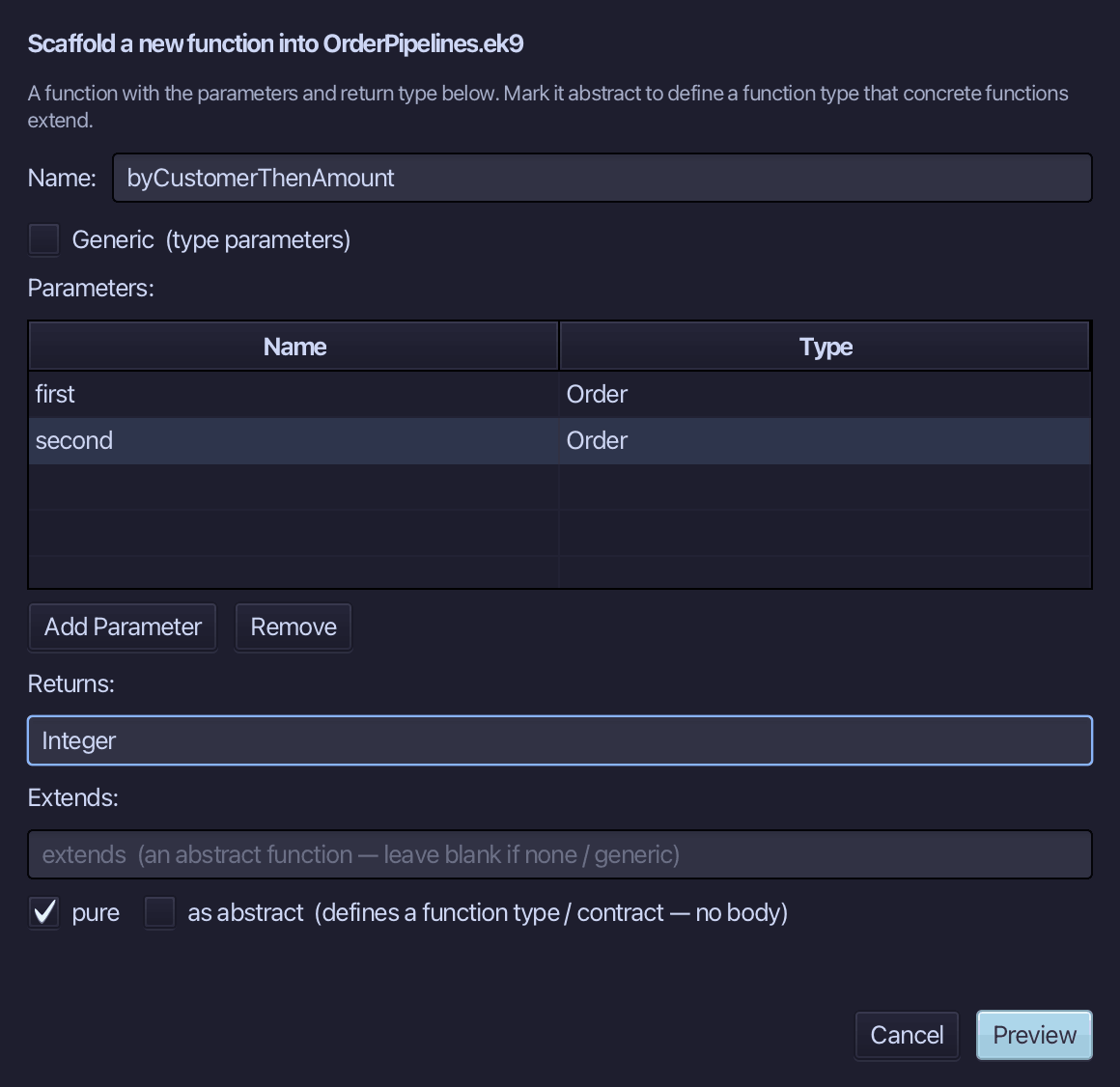
The preview shows byCustomerThenAmount about to be written. Choose Apply.
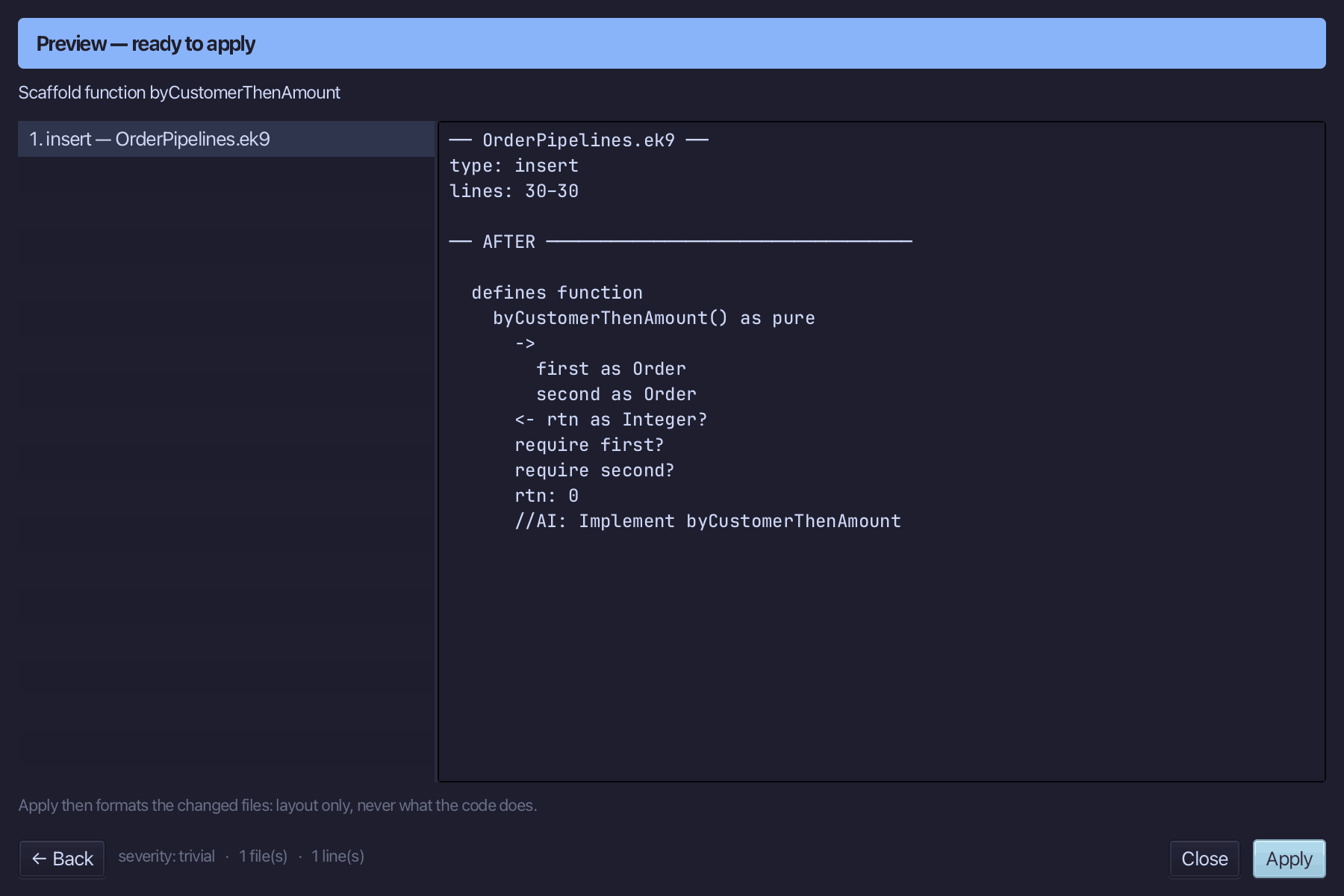
Select the byCustomerThenAmount() as pure line and, above it, type the blank line the book opens its first function with. Saves when typed.
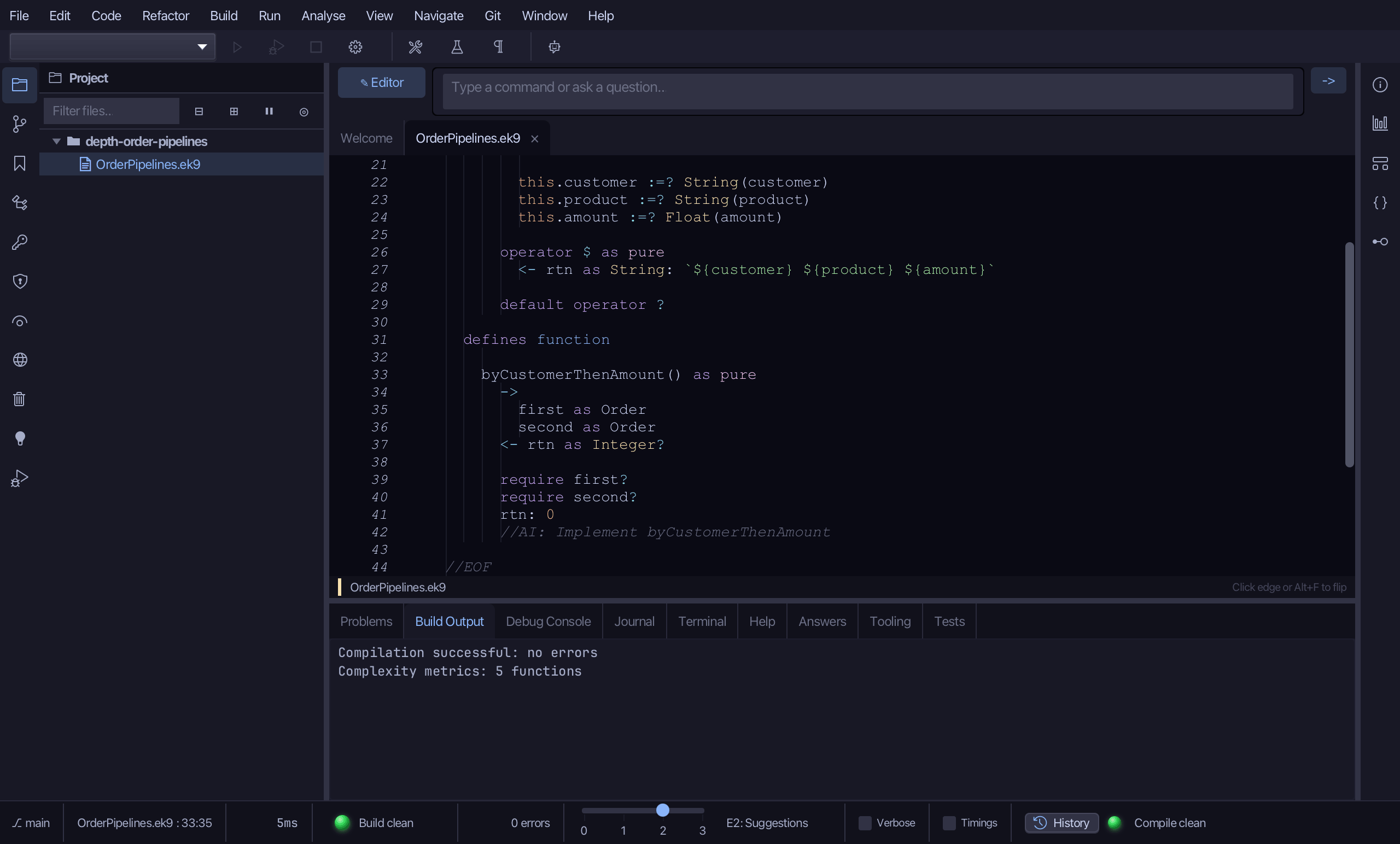
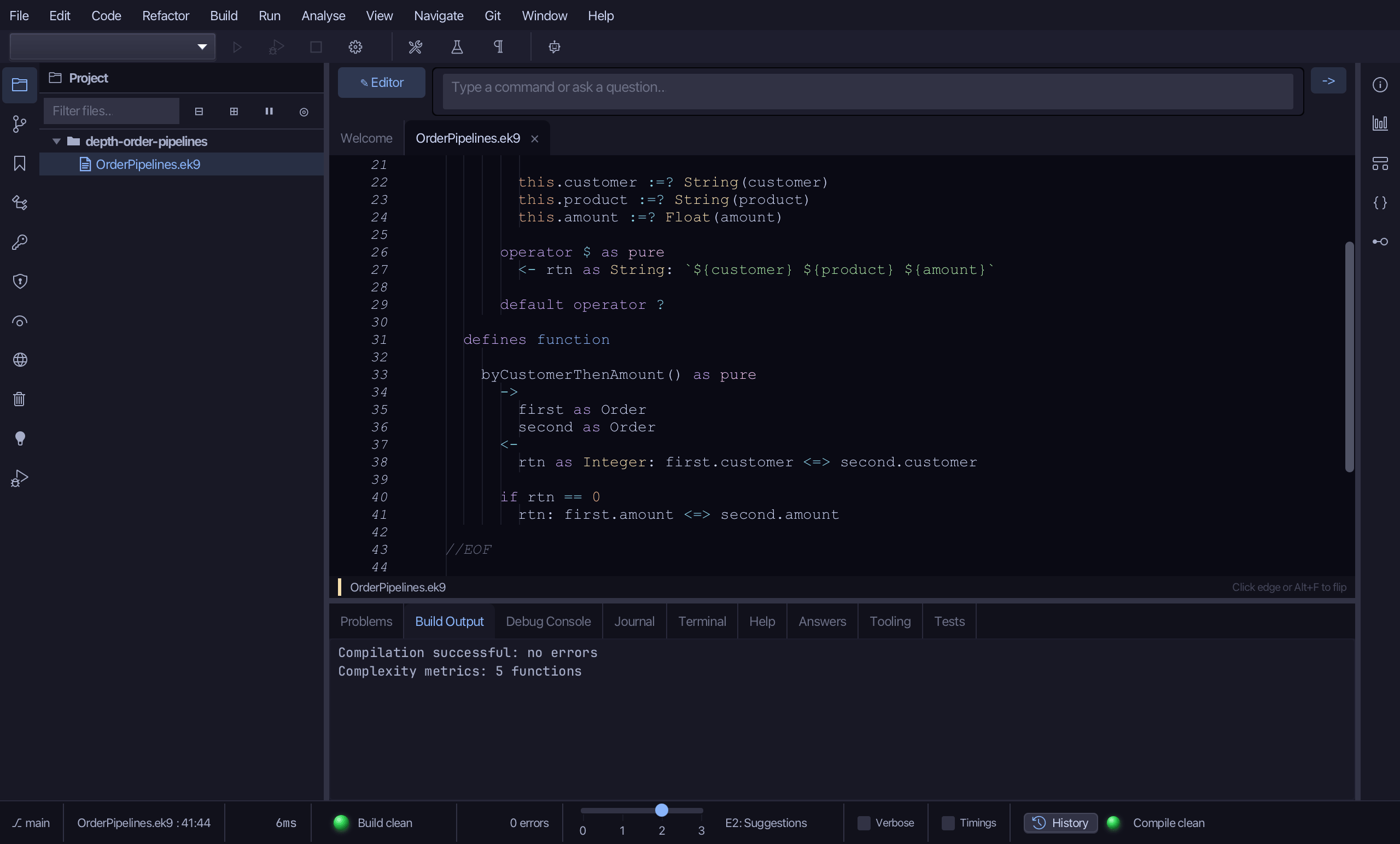
Select the stub, from <- rtn as Integer? down to its //AI line, and type byCustomerThenAmount's own return and work, as the book writes them. Saves when typed.
Step 4: byAmountDescending — a pure function
Choose Code > New Construct > Function…
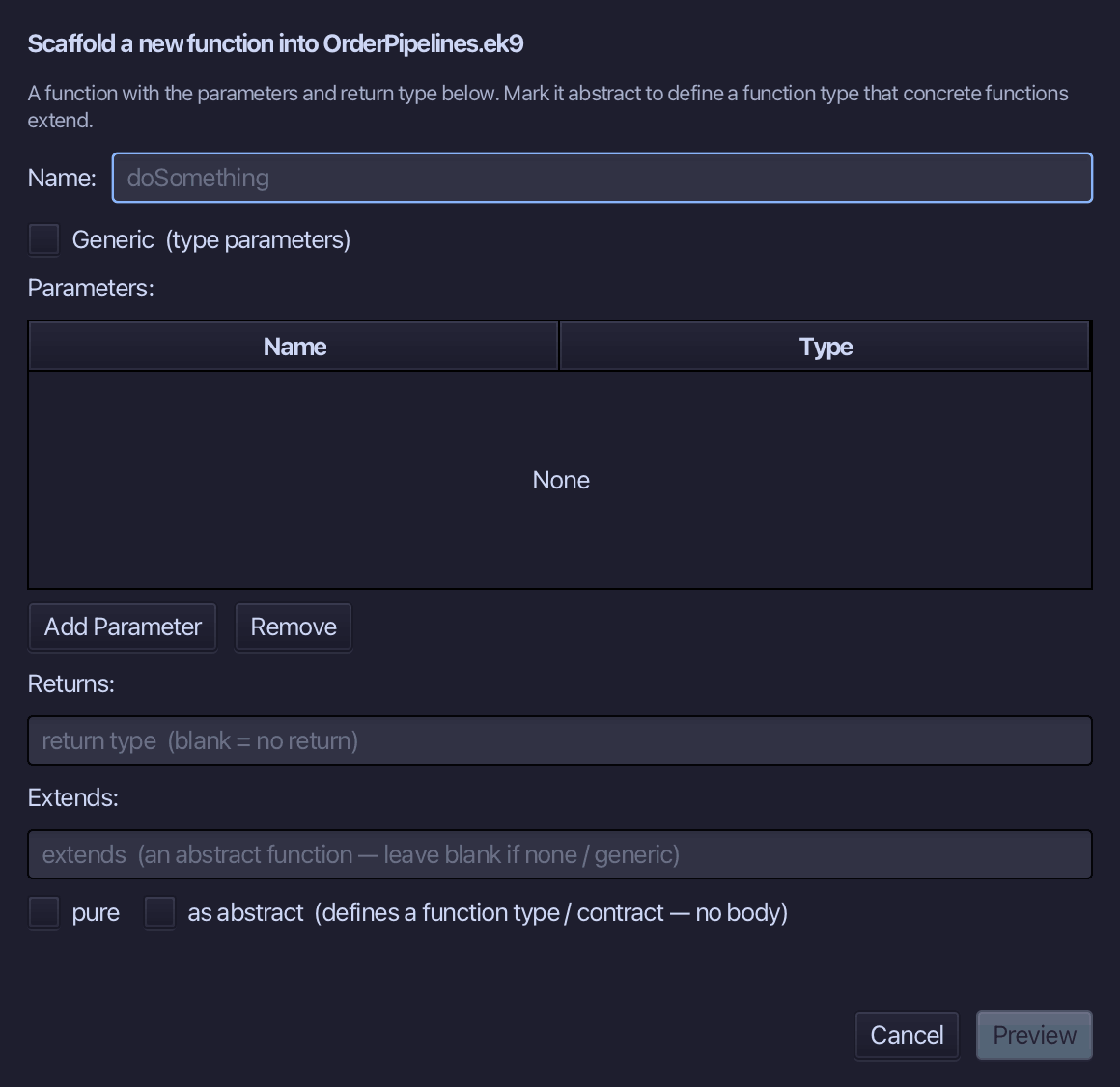
byAmountDescending is the function's name. Add the parameters first of type Order and second of type Order, set Returns to Integer and tick pure. Choose Preview.
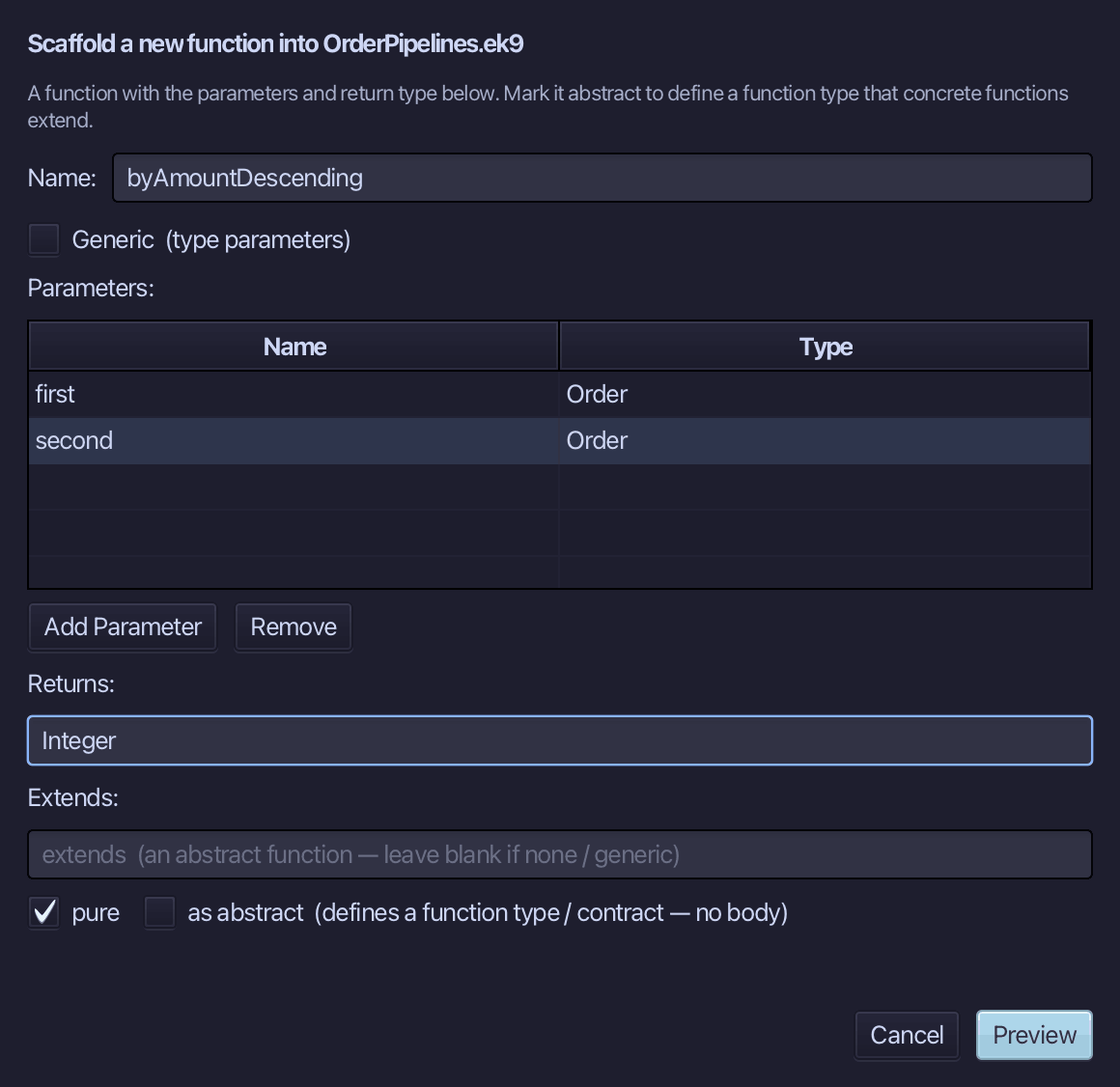
The preview shows byAmountDescending about to be written. Choose Apply.
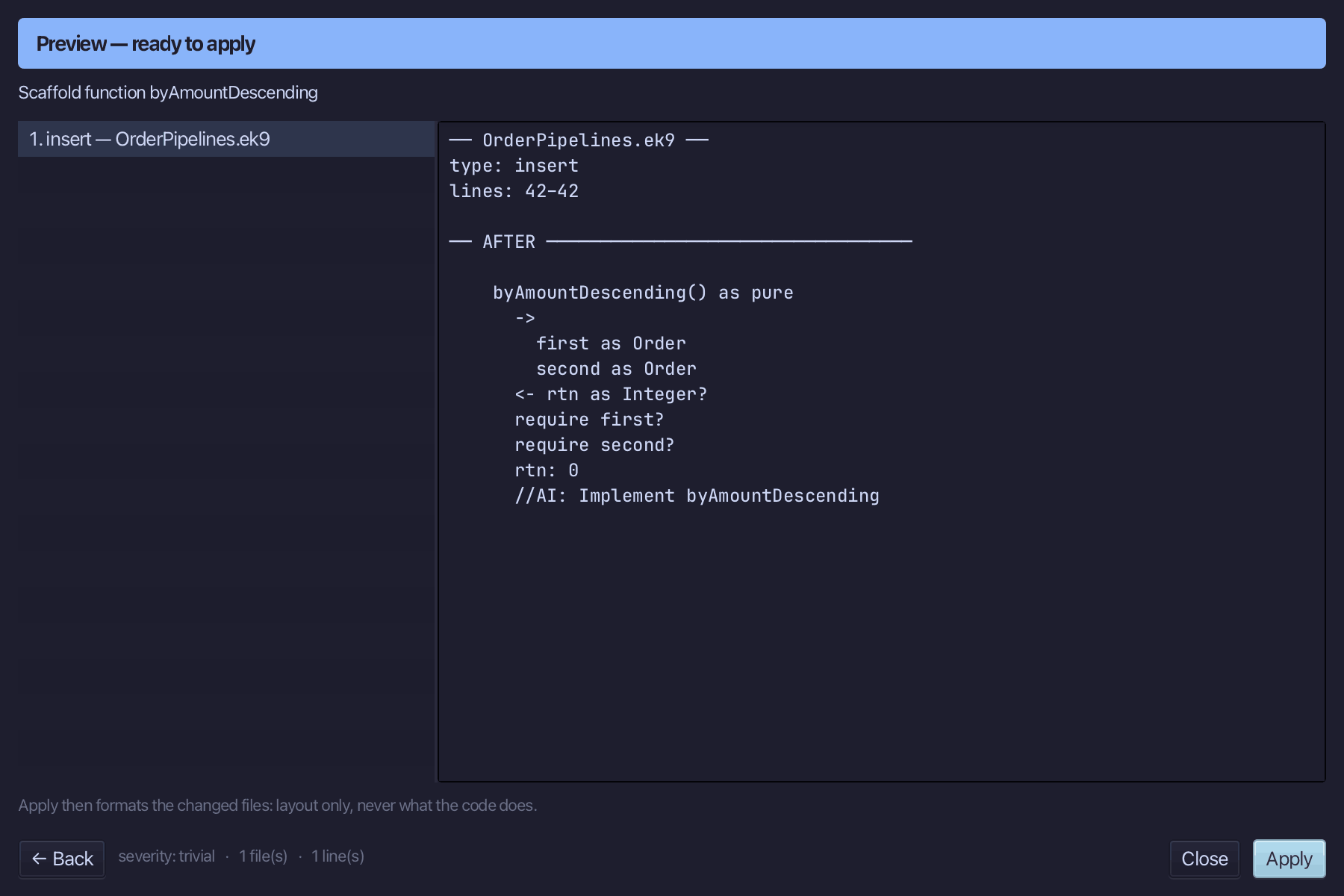
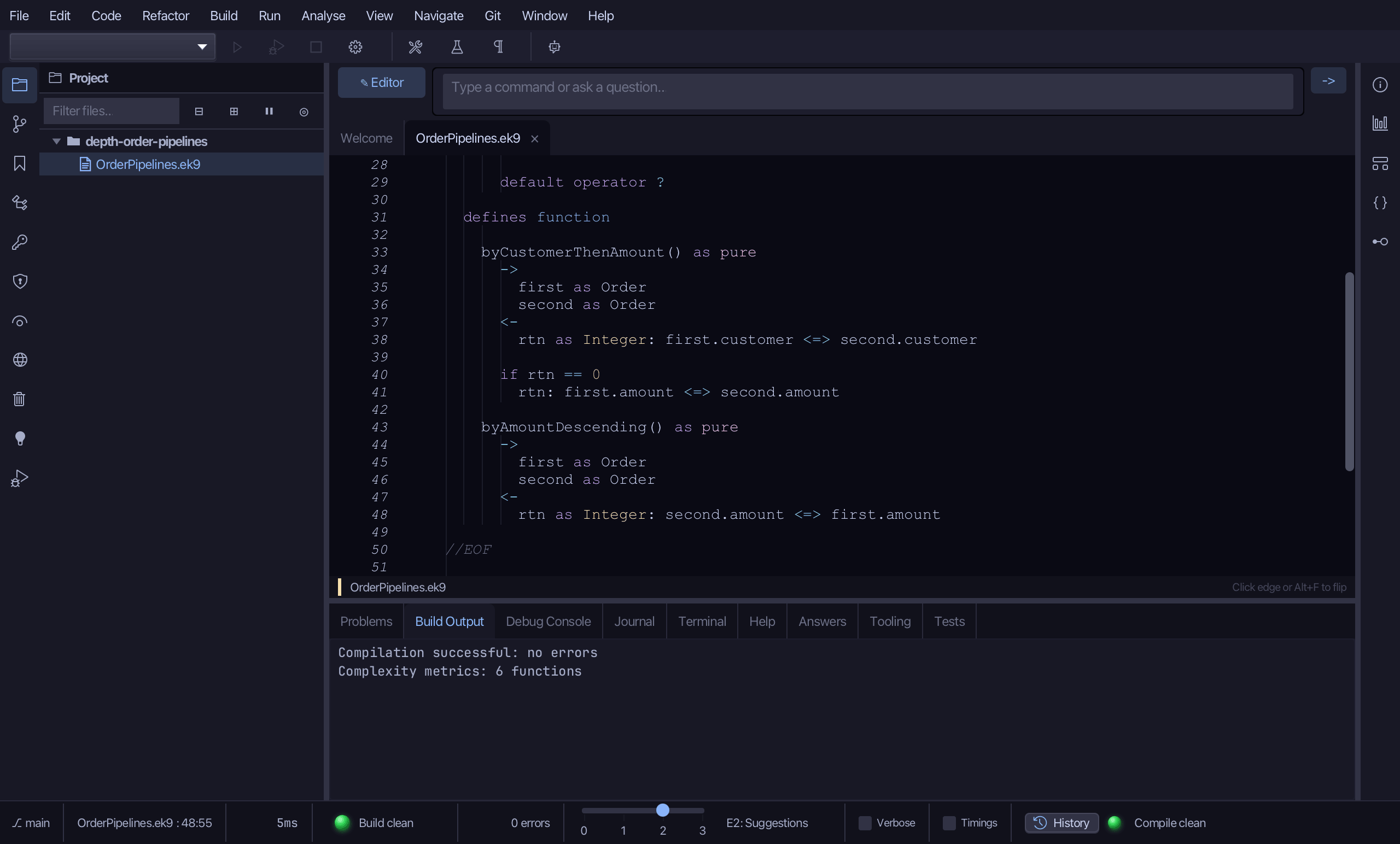
Select the stub, from <- rtn as Integer? down to its //AI line, and type byAmountDescending's own return and work, as the book writes them. Saves when typed.
Step 5: customerOf — a pure function
Choose Code > New Construct > Function…
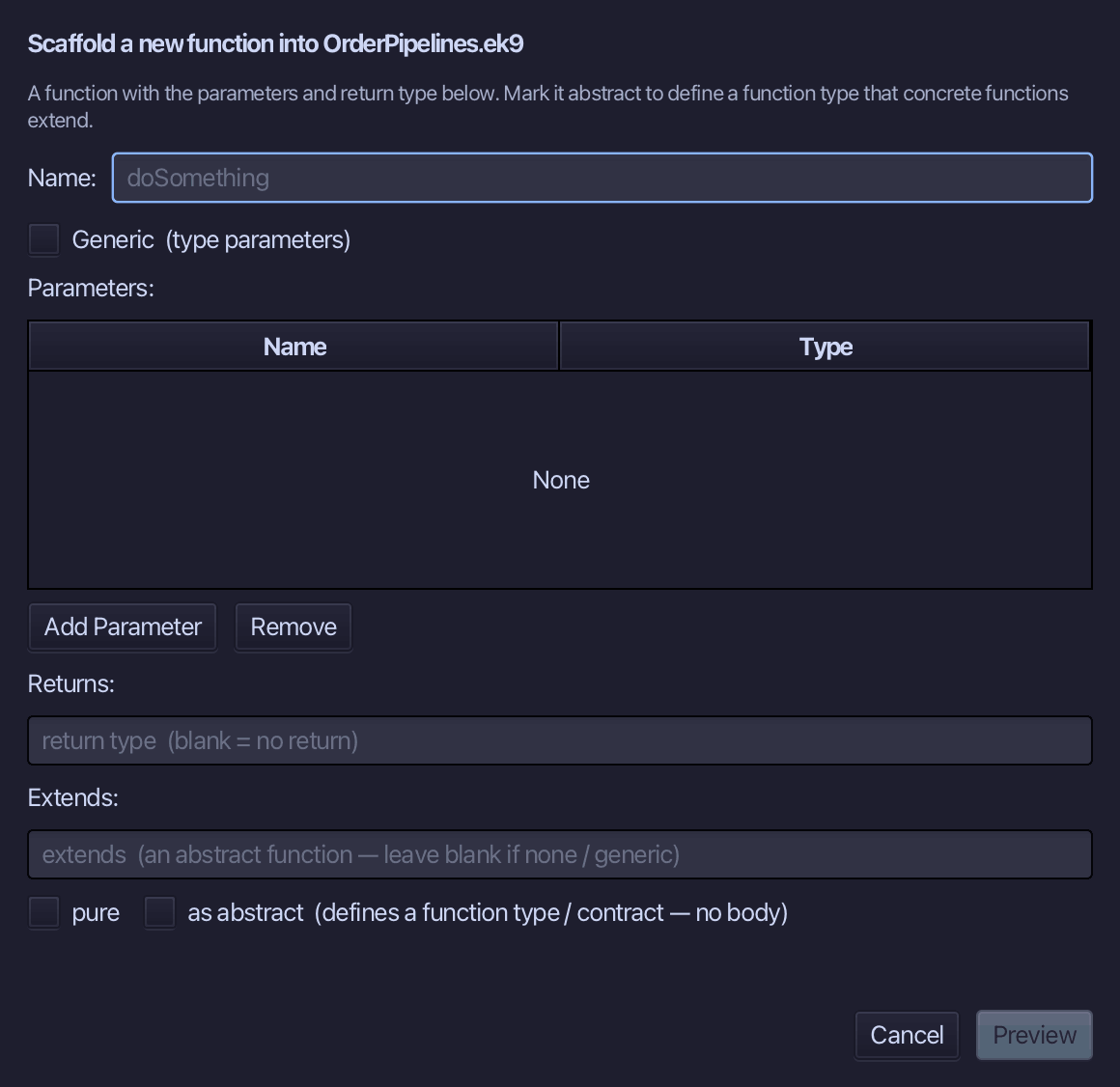
customerOf is the function's name. Add one parameter, order of type Order, set Returns to String and tick pure. Choose Preview.
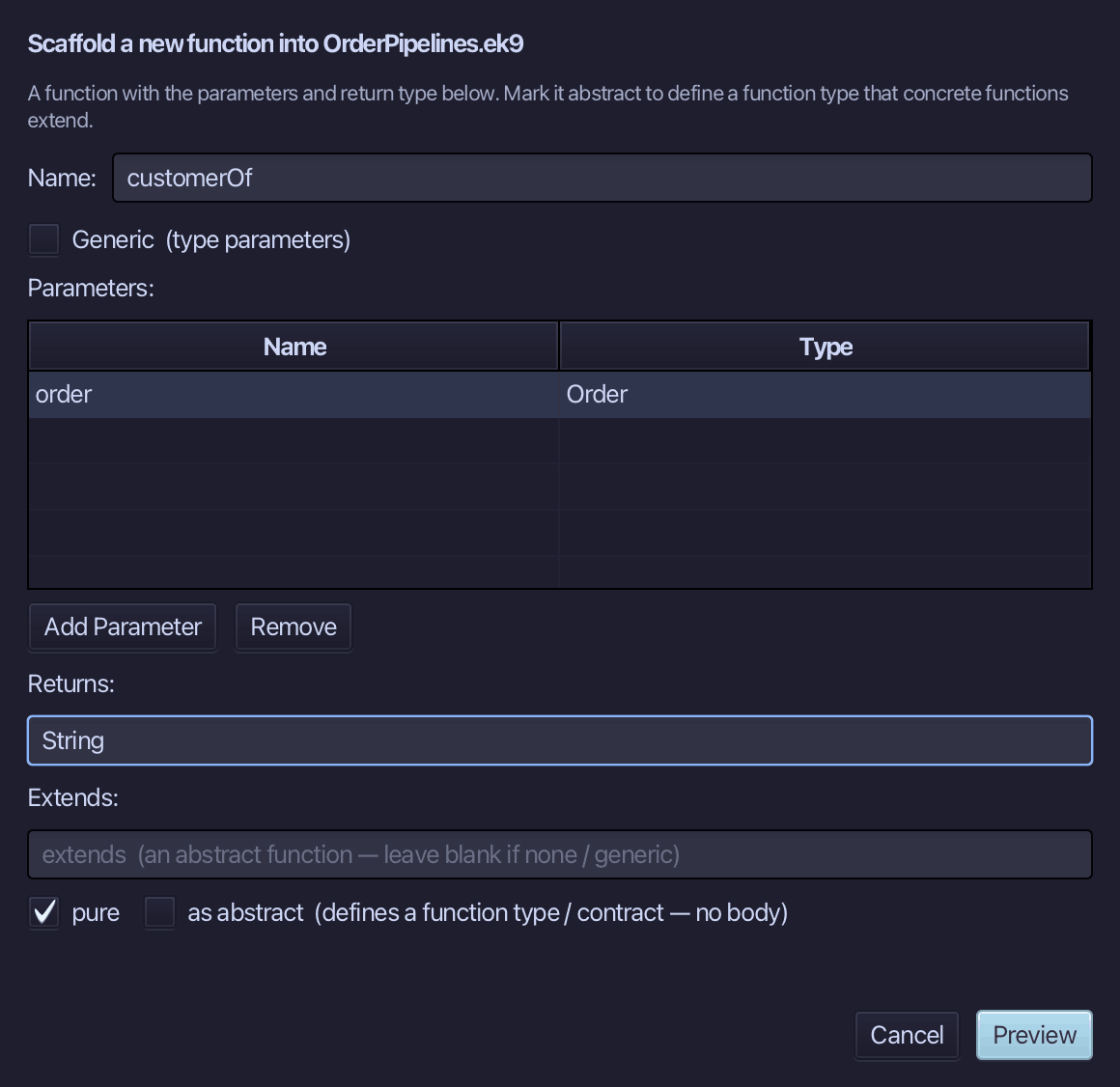
The preview shows customerOf about to be written. Choose Apply.
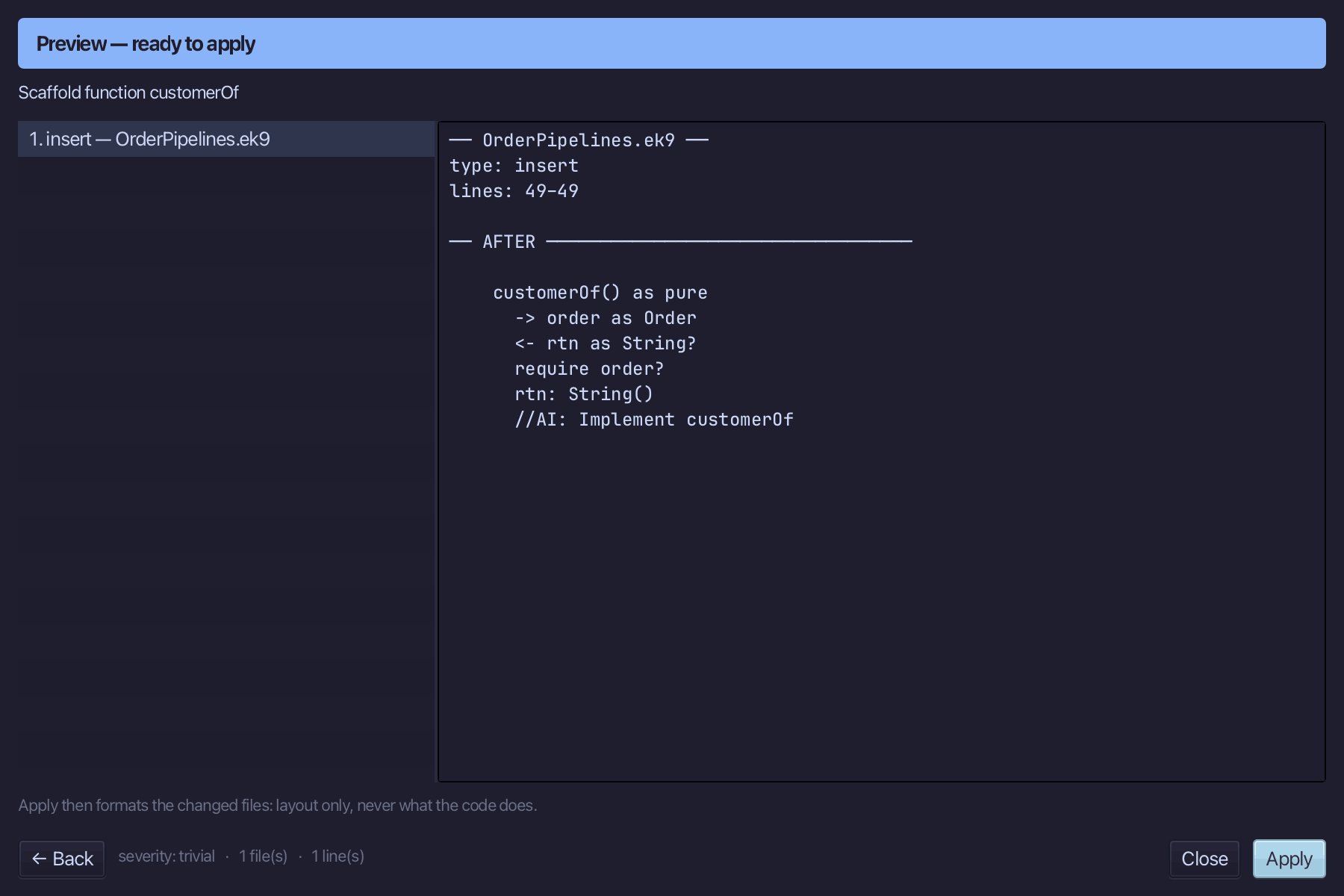
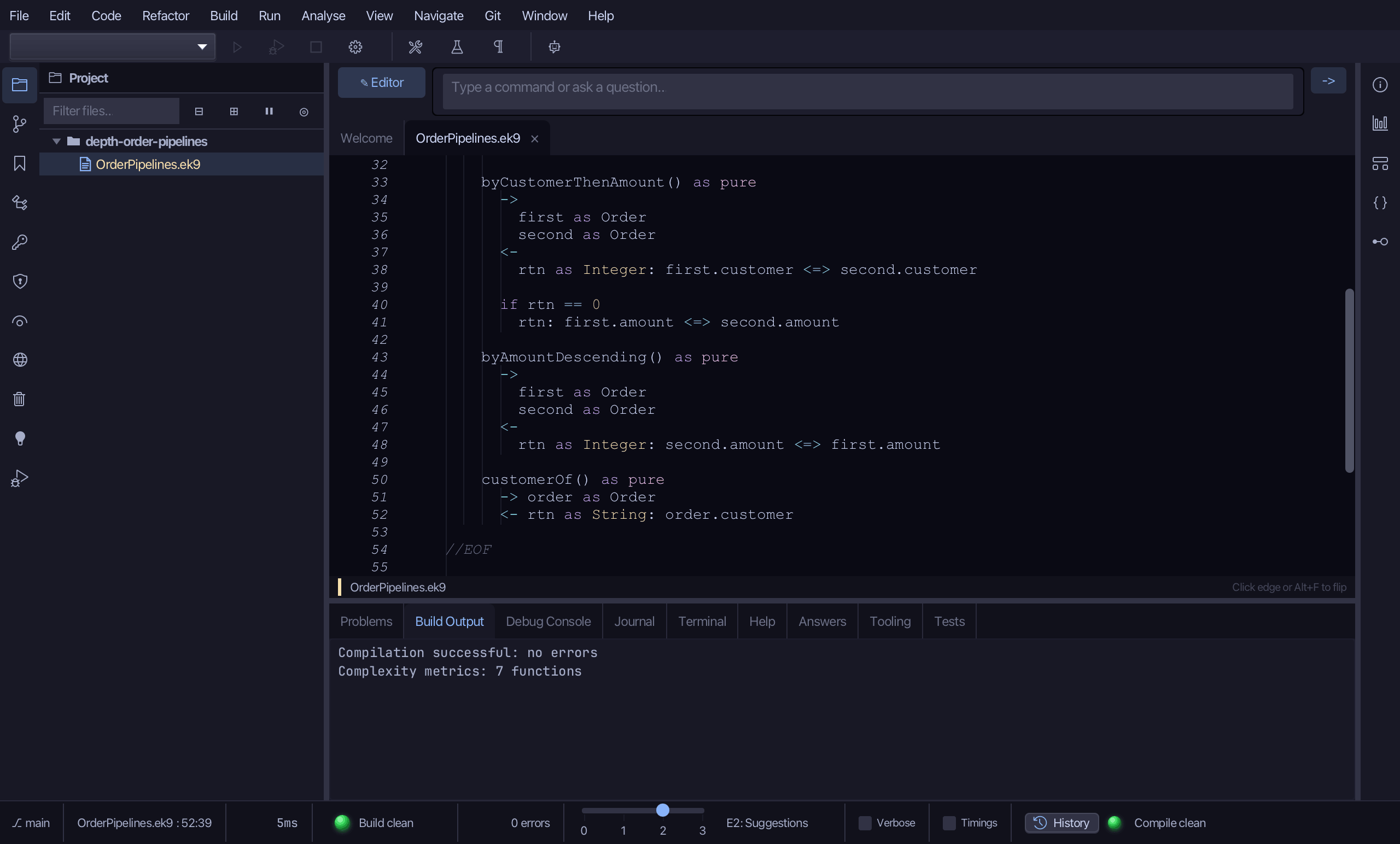
Select the stub, from <- rtn as String? down to its //AI line, and type customerOf's own return and work, as the book writes them. Saves when typed.
Step 6: productOf — a pure function
Choose Code > New Construct > Function…
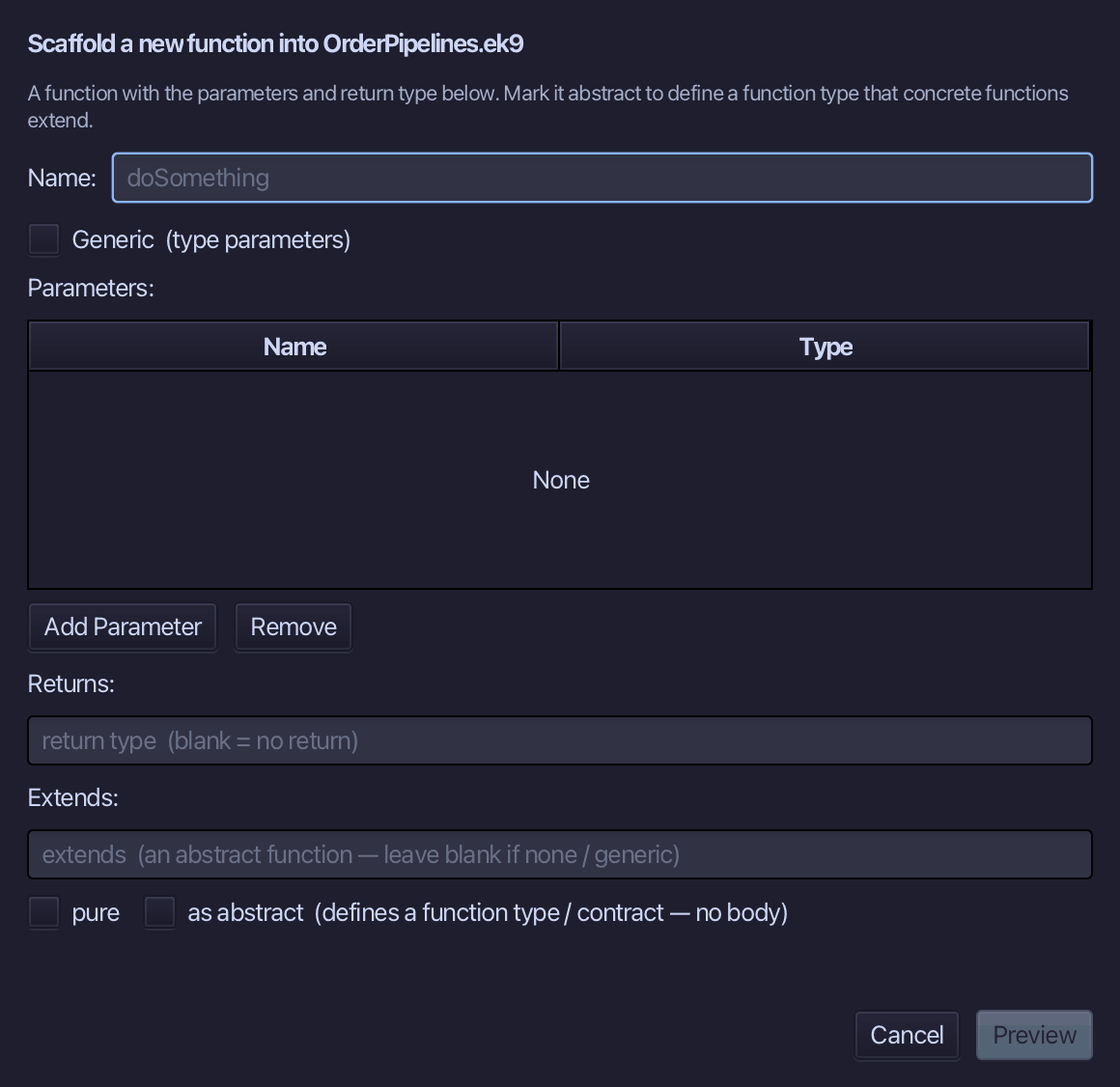
productOf is the function's name. Add one parameter, order of type Order, set Returns to String and tick pure. Choose Preview.
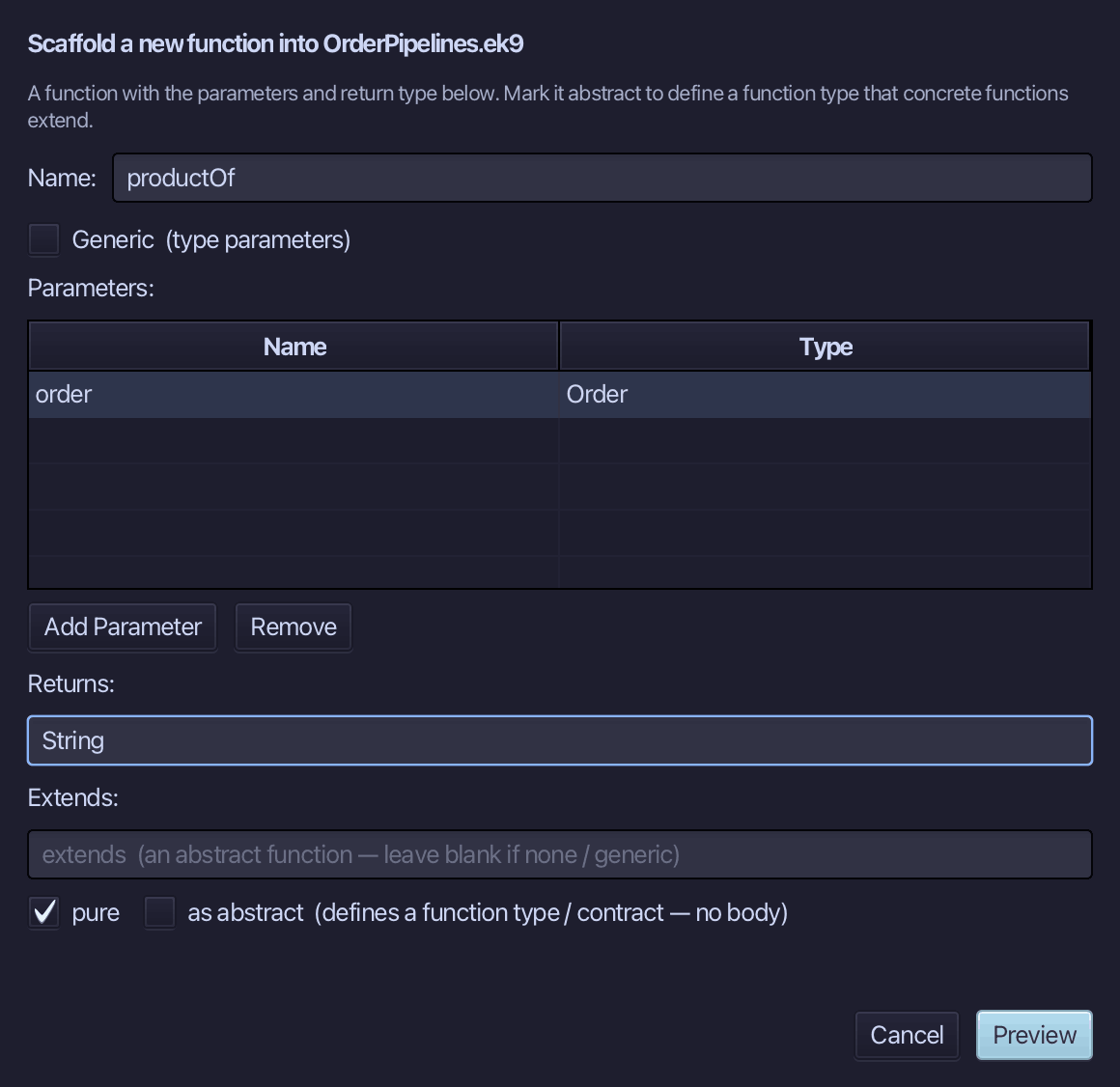
The preview shows productOf about to be written. Choose Apply.
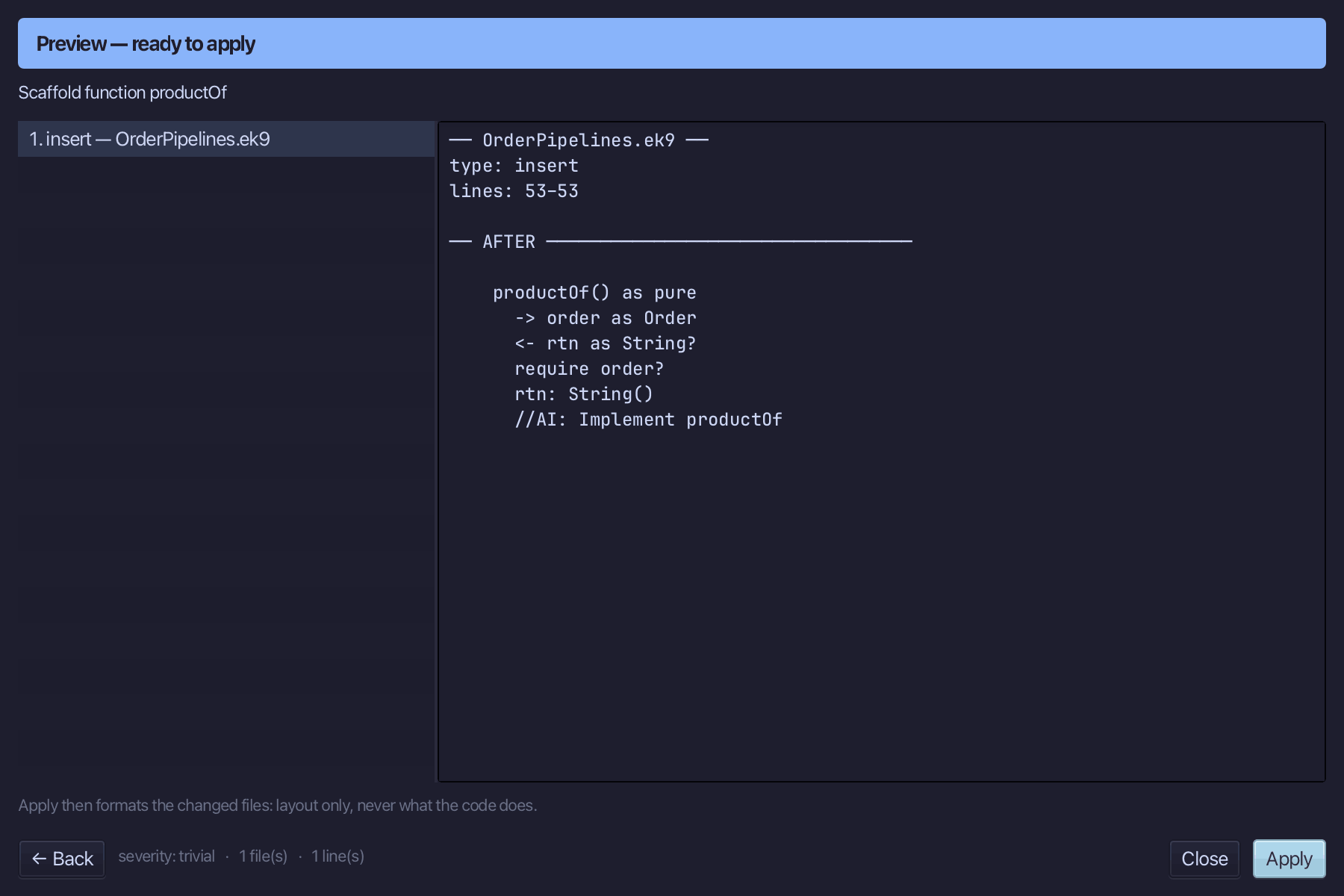
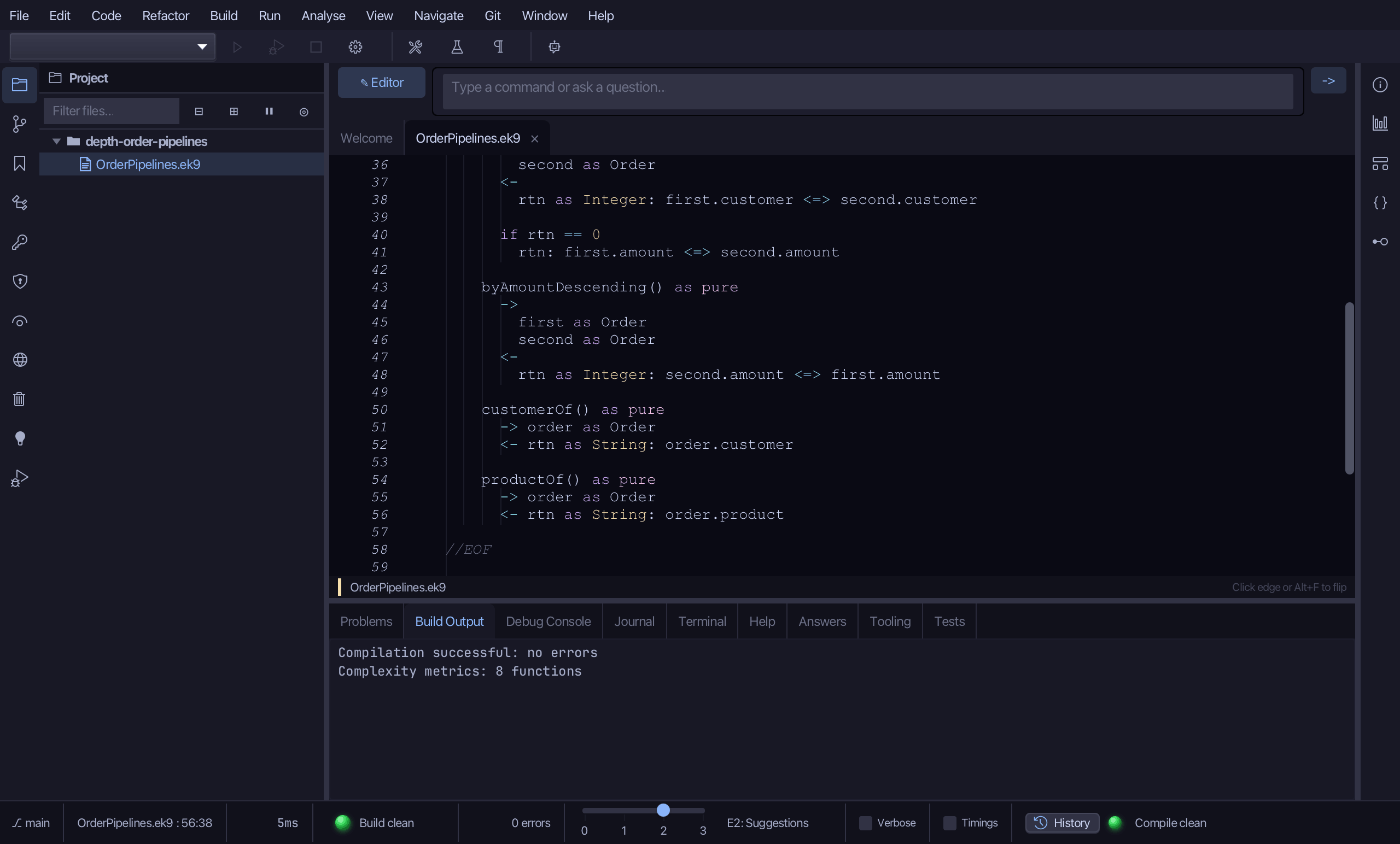
Select the stub, from <- rtn as String? down to its //AI line, and type productOf's own return and work, as the book writes them. Saves when typed.
Step 7: amountOf — a pure function
Choose Code > New Construct > Function…
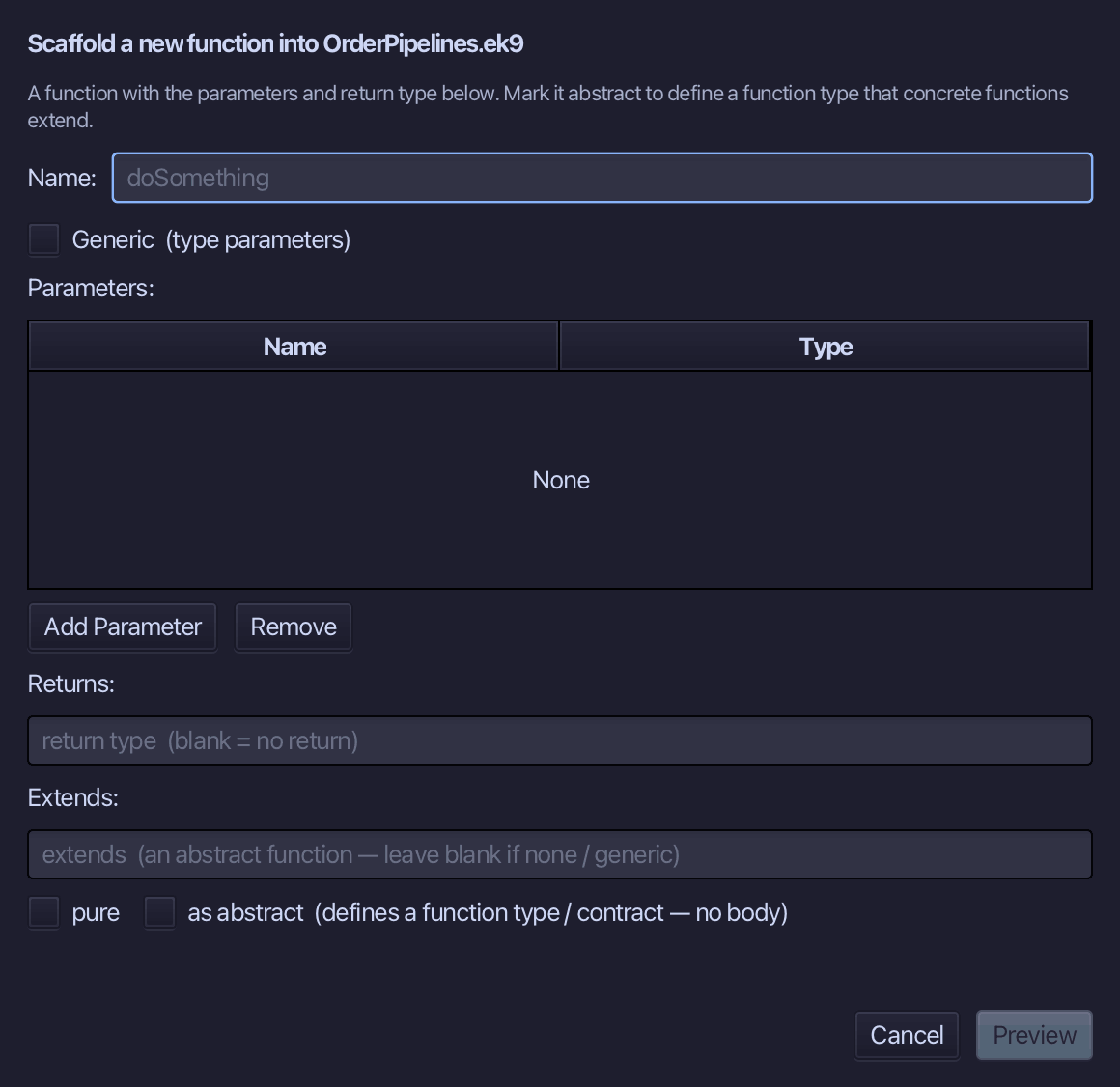
amountOf is the function's name. Add one parameter, order of type Order, set Returns to Float and tick pure. Choose Preview.
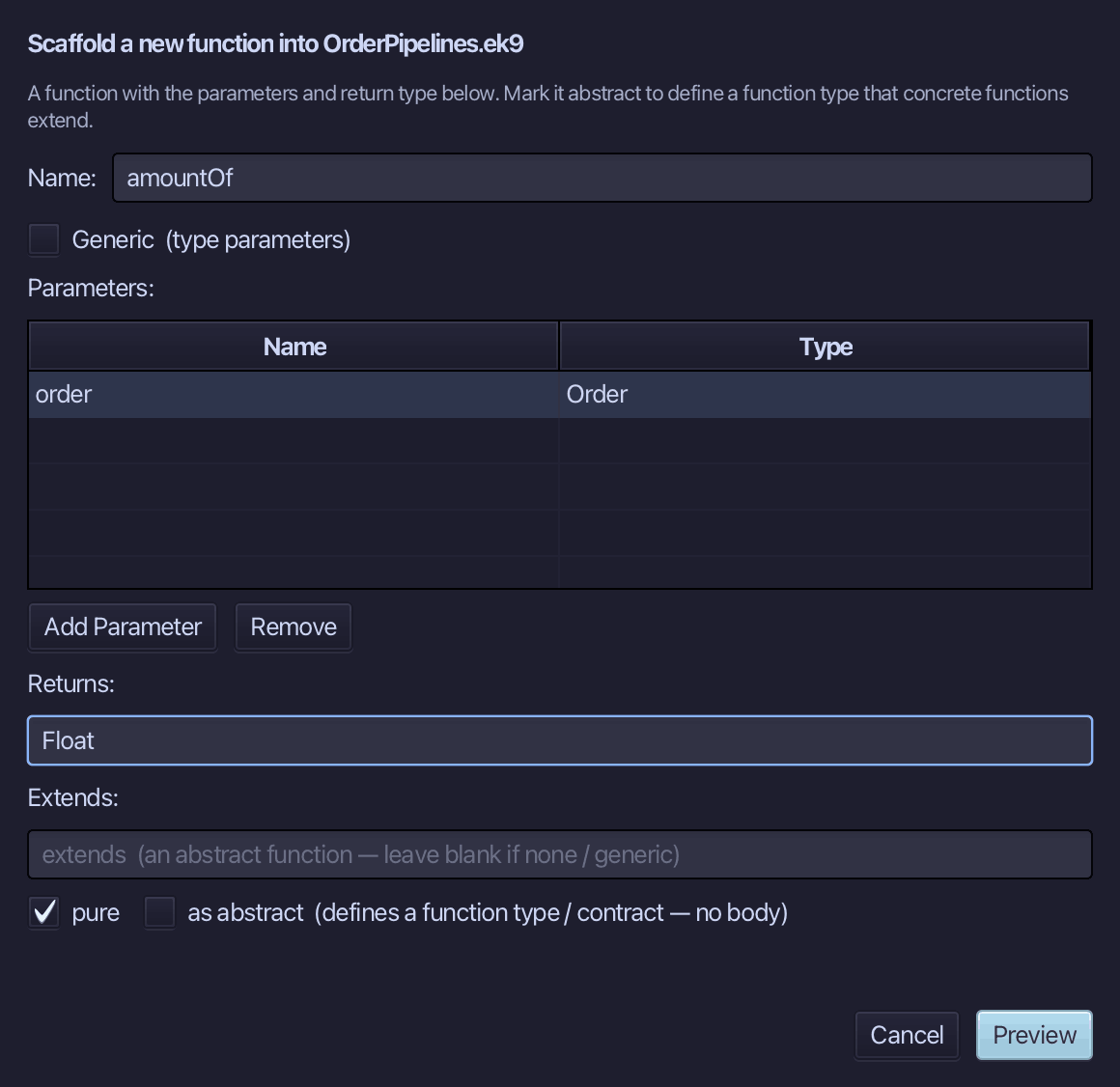
The preview shows amountOf about to be written. Choose Apply.
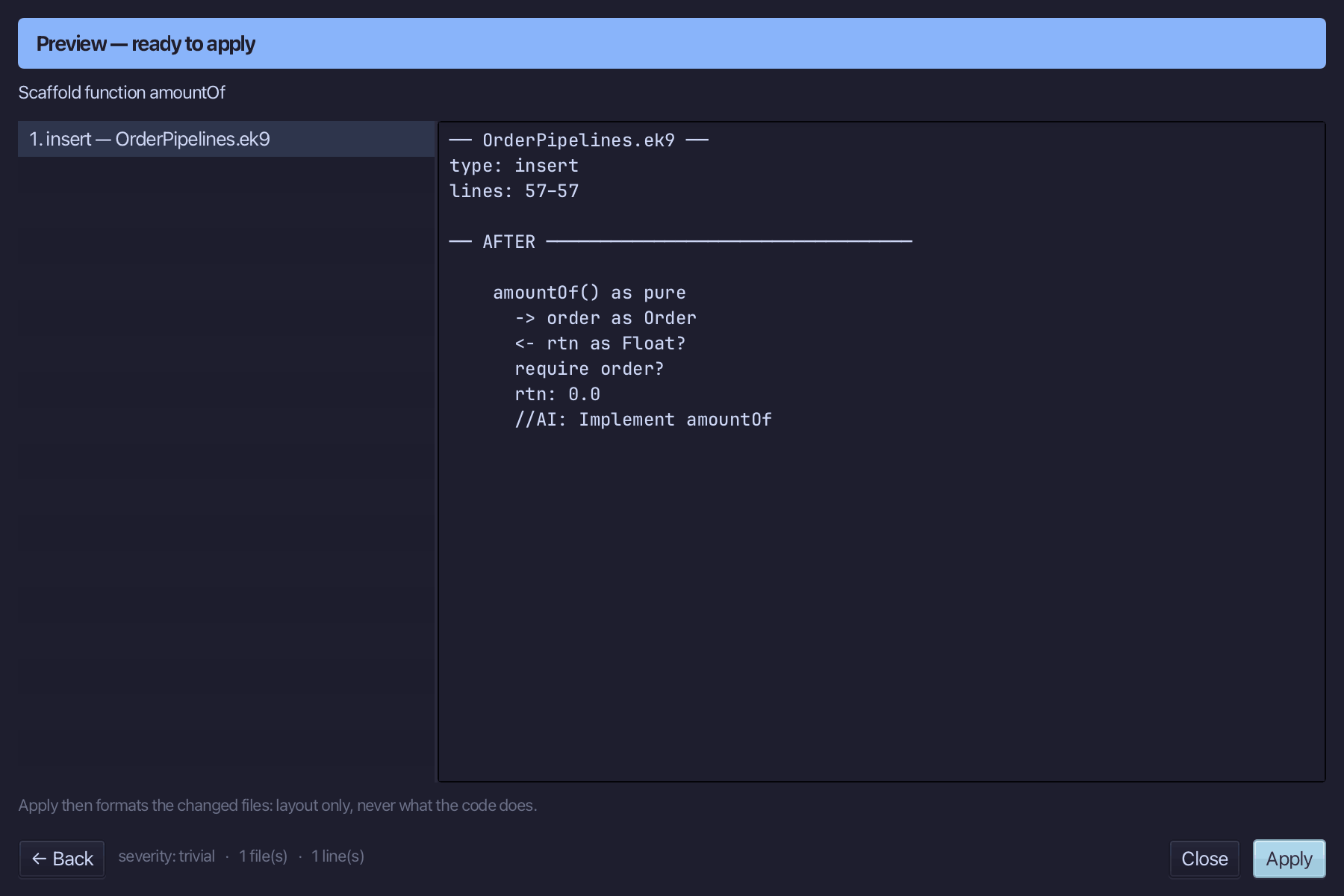
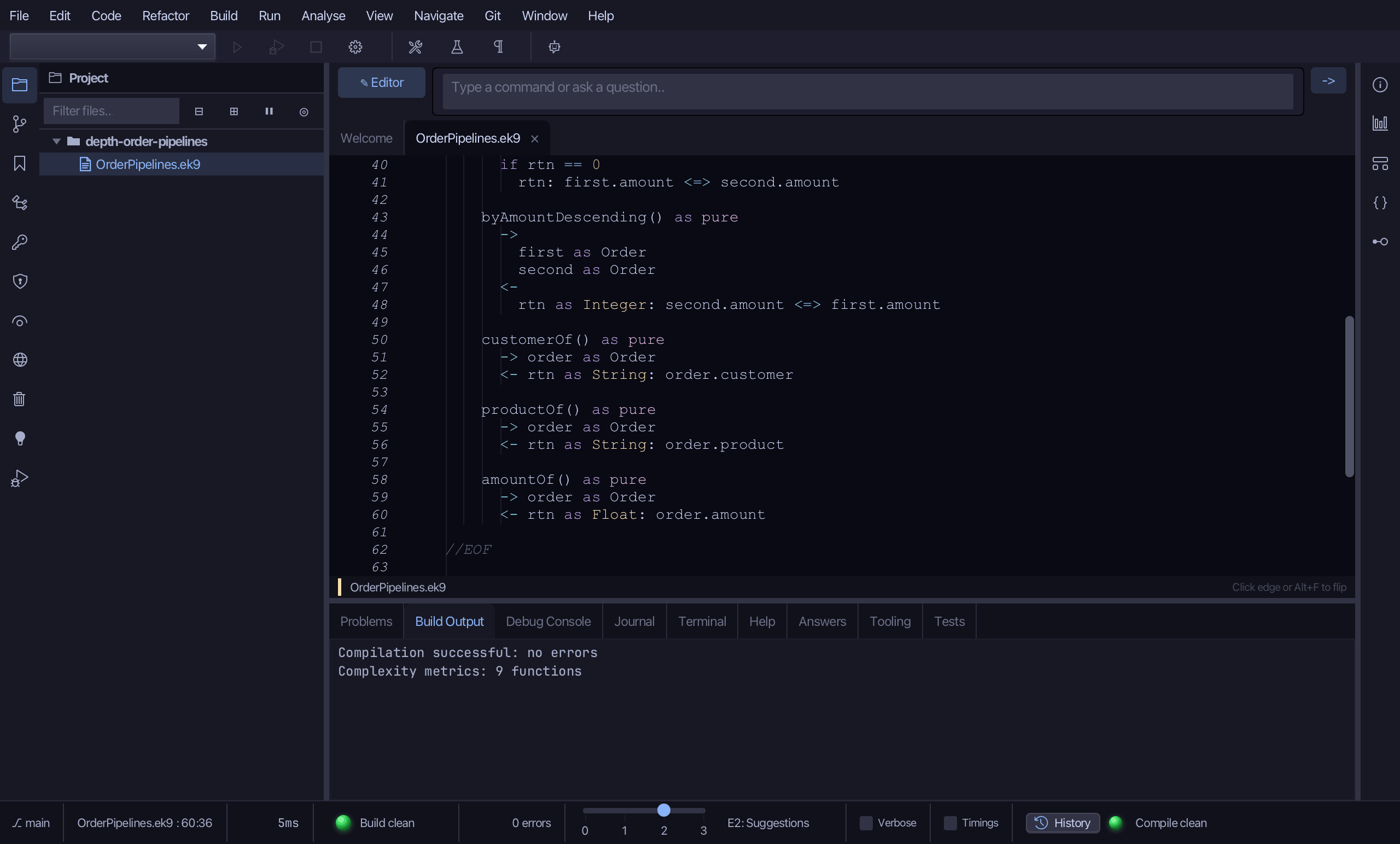
Select the stub, from <- rtn as Float? down to its //AI line, and type amountOf's own return and work, as the book writes them. Saves when typed.
Step 8: isLarge — a pure function
Choose Code > New Construct > Function…
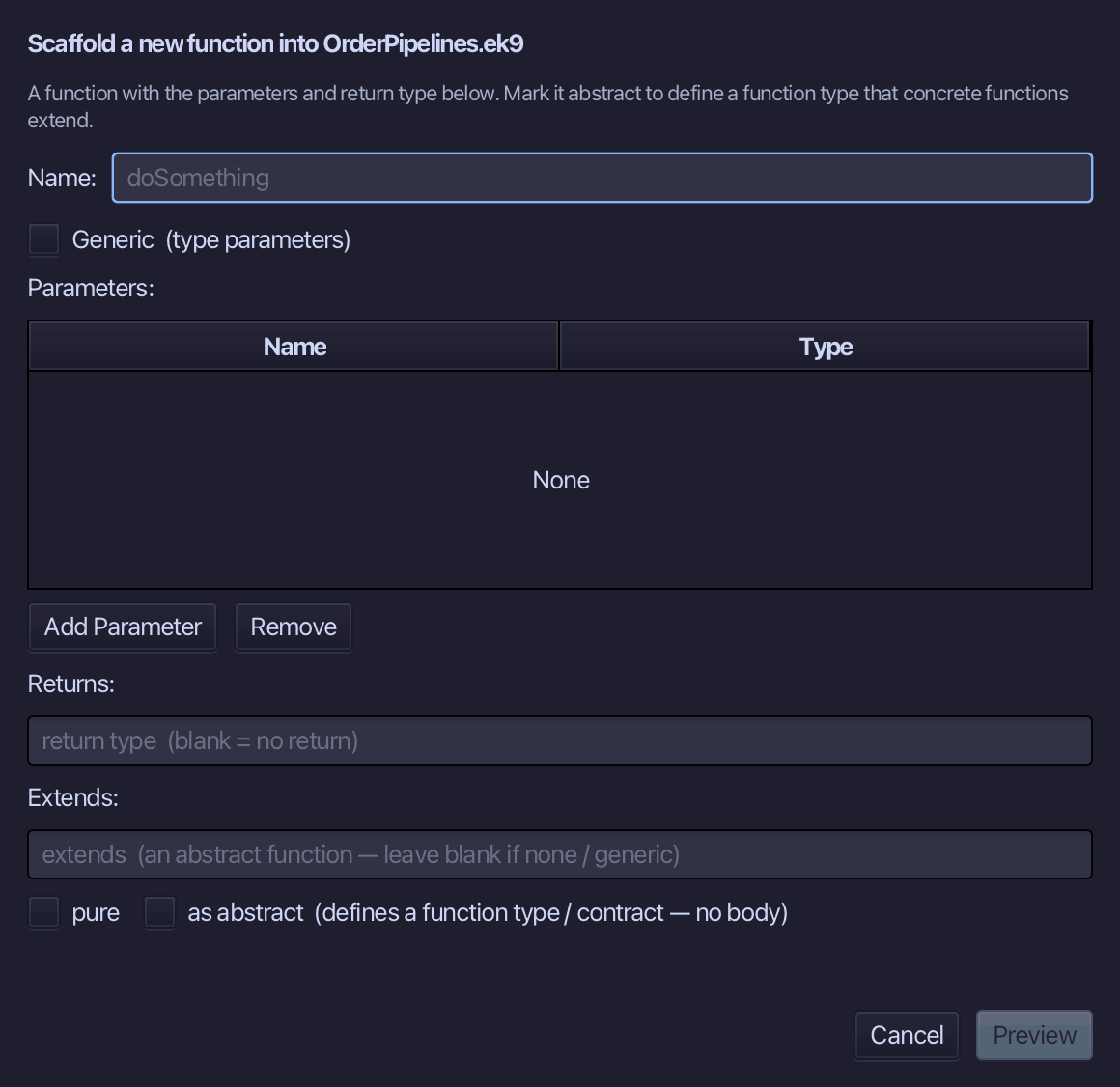
isLarge is the function's name. Add one parameter, order of type Order, set Returns to Boolean and tick pure. Choose Preview.
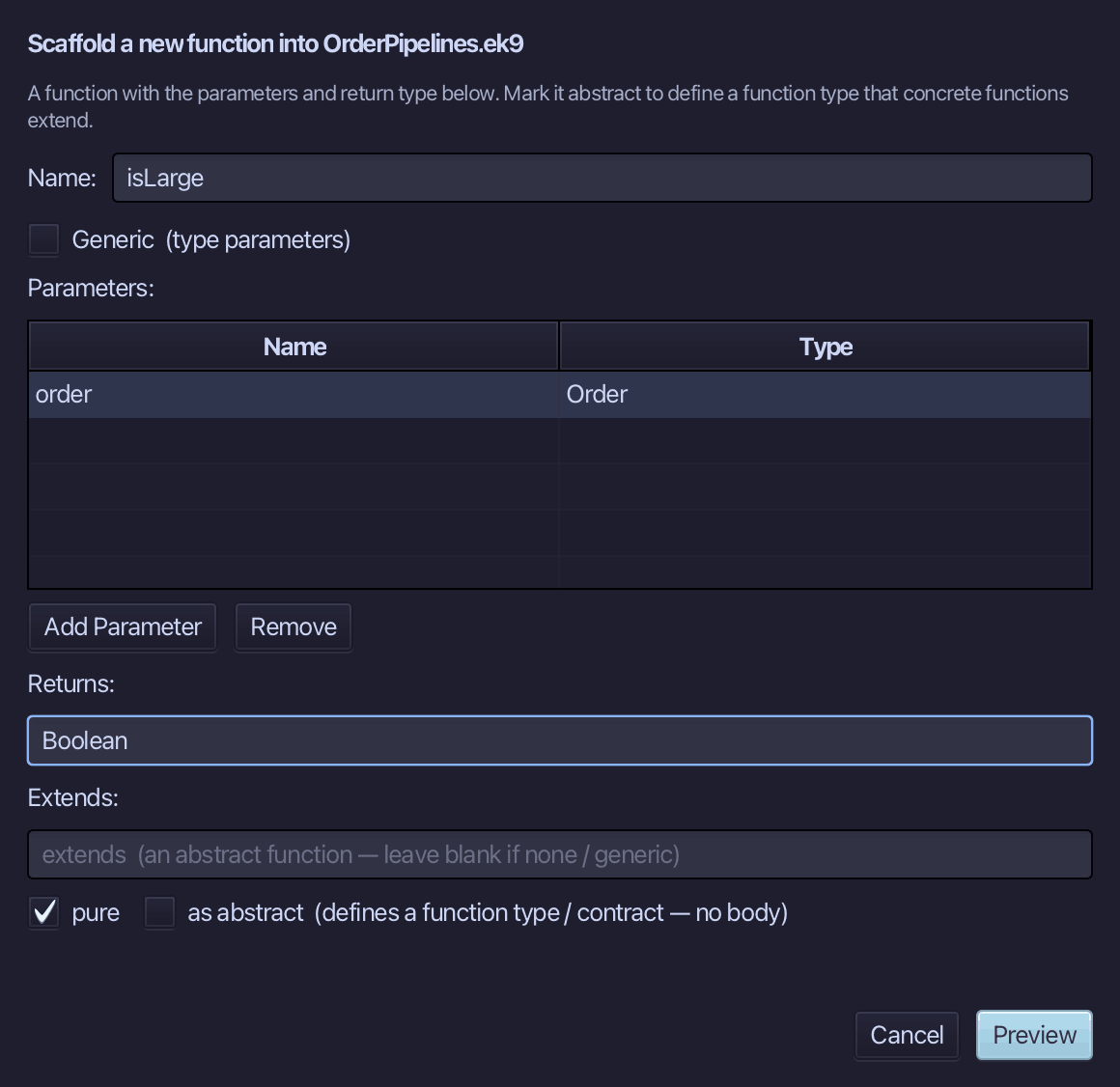
The preview shows isLarge about to be written. Choose Apply.
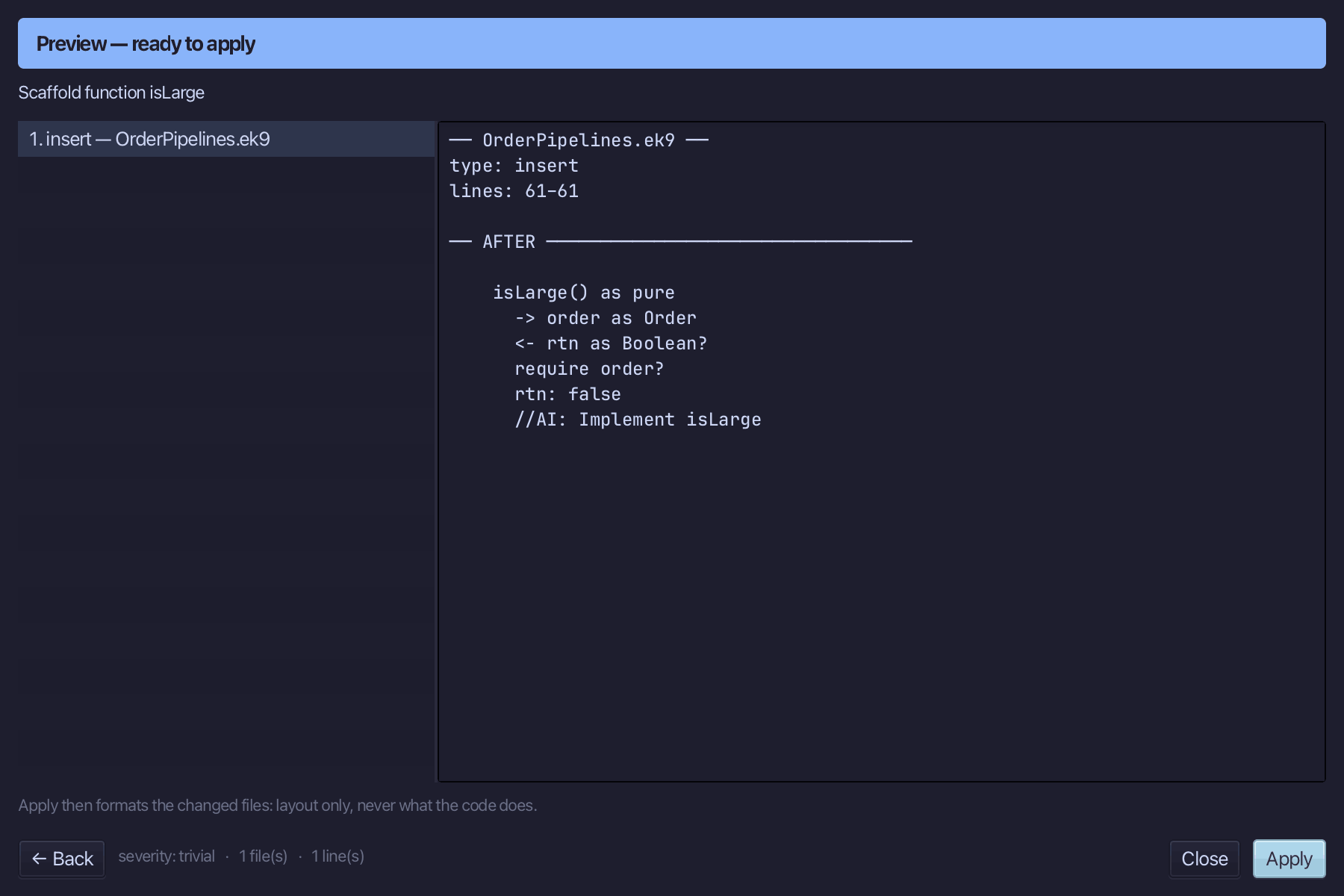
Select the stub, from <- rtn as Boolean? down to its //AI line, and type isLarge's own return and work, as the book writes them. Saves when typed.
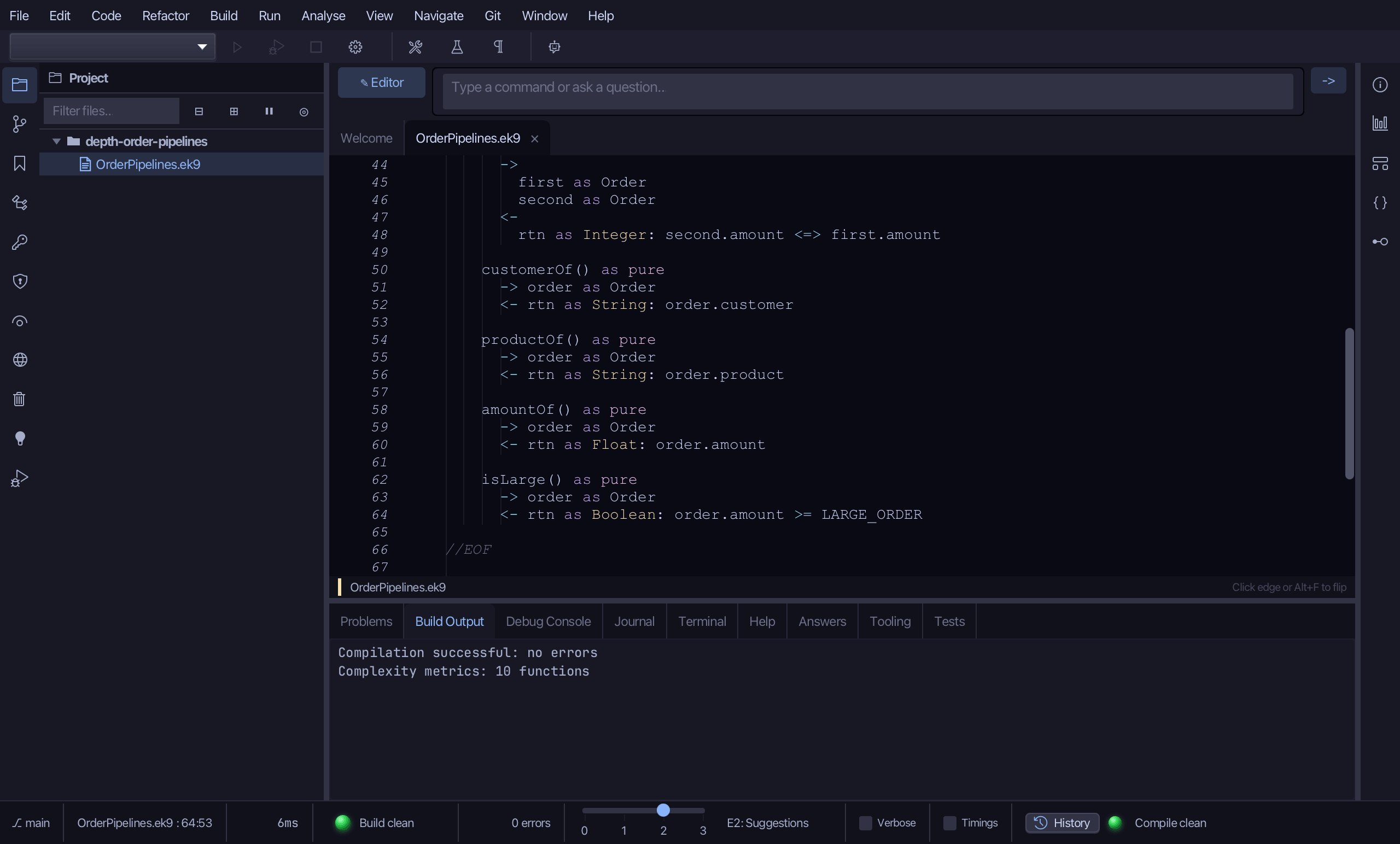
Step 9: addAmounts — a pure function
Choose Code > New Construct > Function…
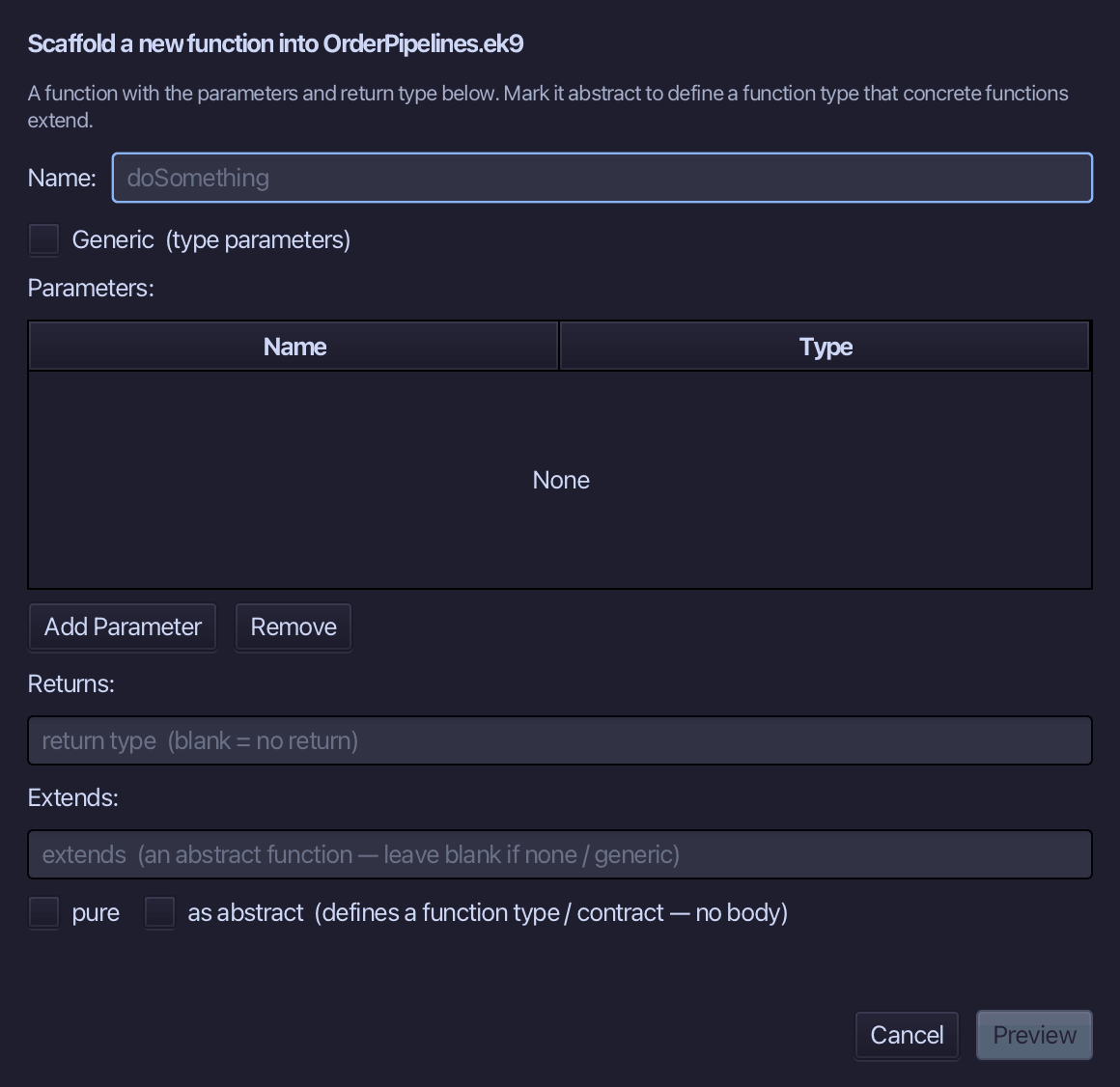
addAmounts is the function's name. Add the parameters first of type Float and second of type Float, set Returns to Float and tick pure. Choose Preview.
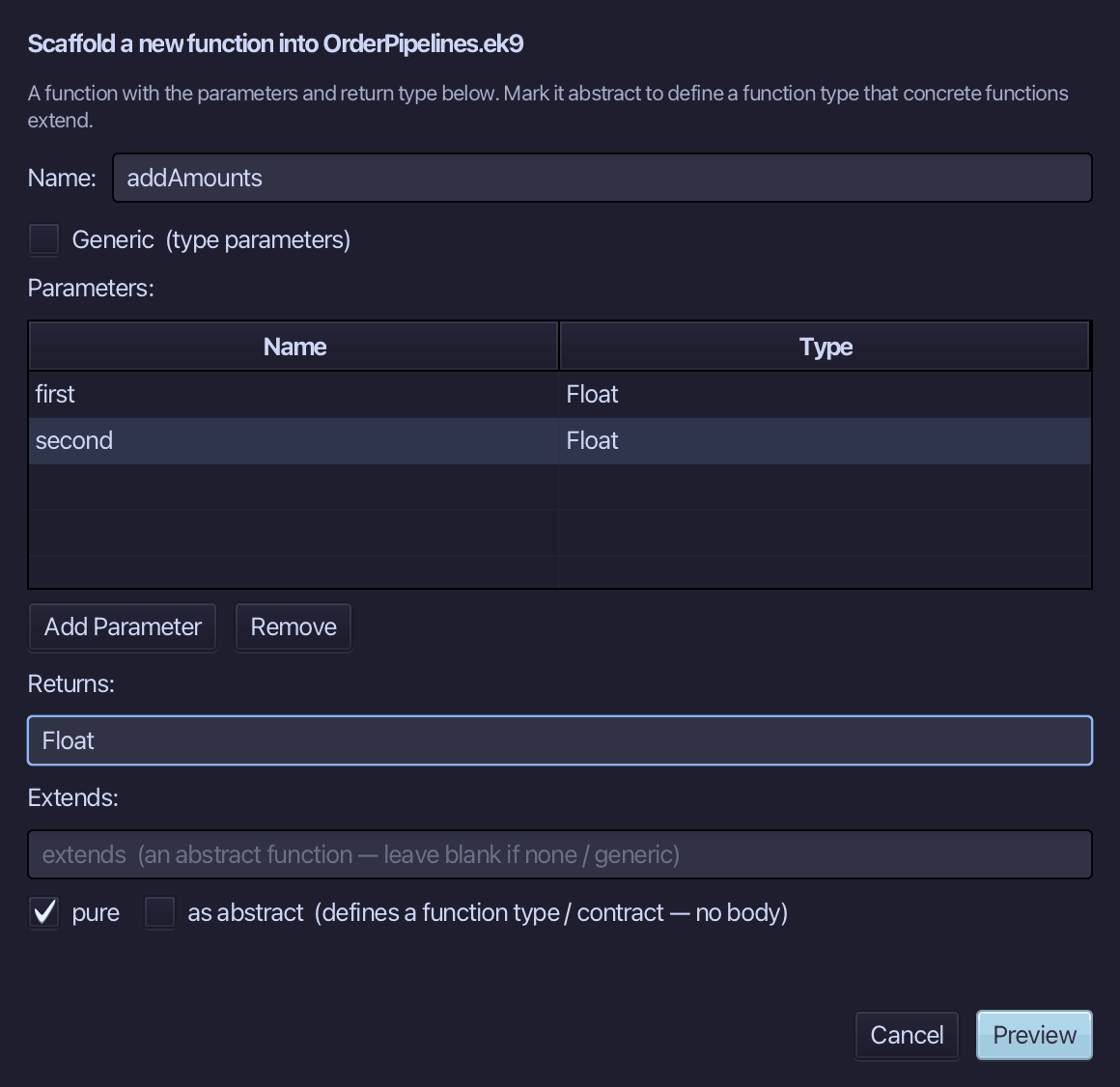
The preview shows addAmounts about to be written. Choose Apply.
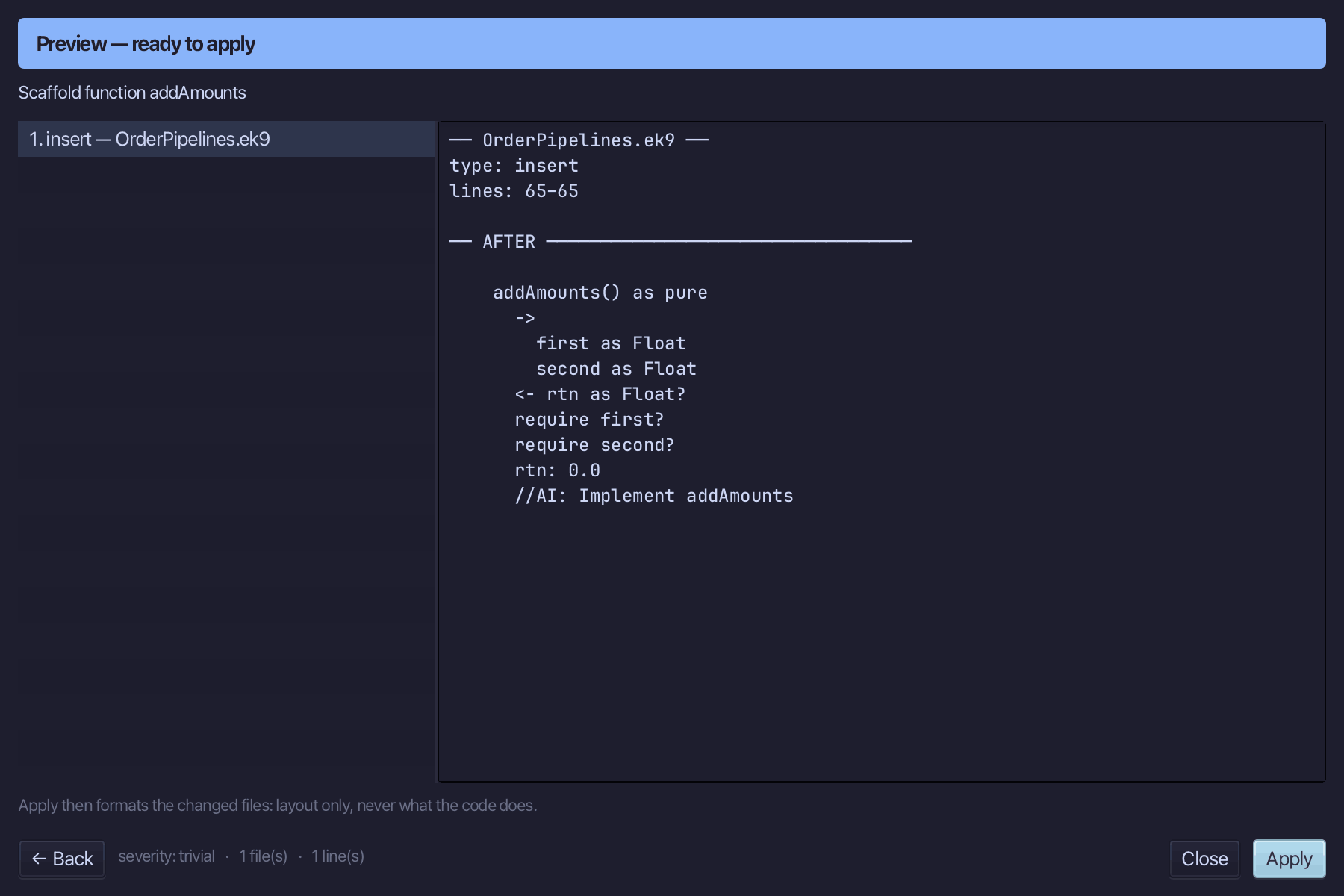
Select the stub, from <- rtn as Float? down to its //AI line, and type addAmounts's own return and work, as the book writes them. Saves when typed.
Step 10: topOfGroup — a pure function
Choose Code > New Construct > Function…
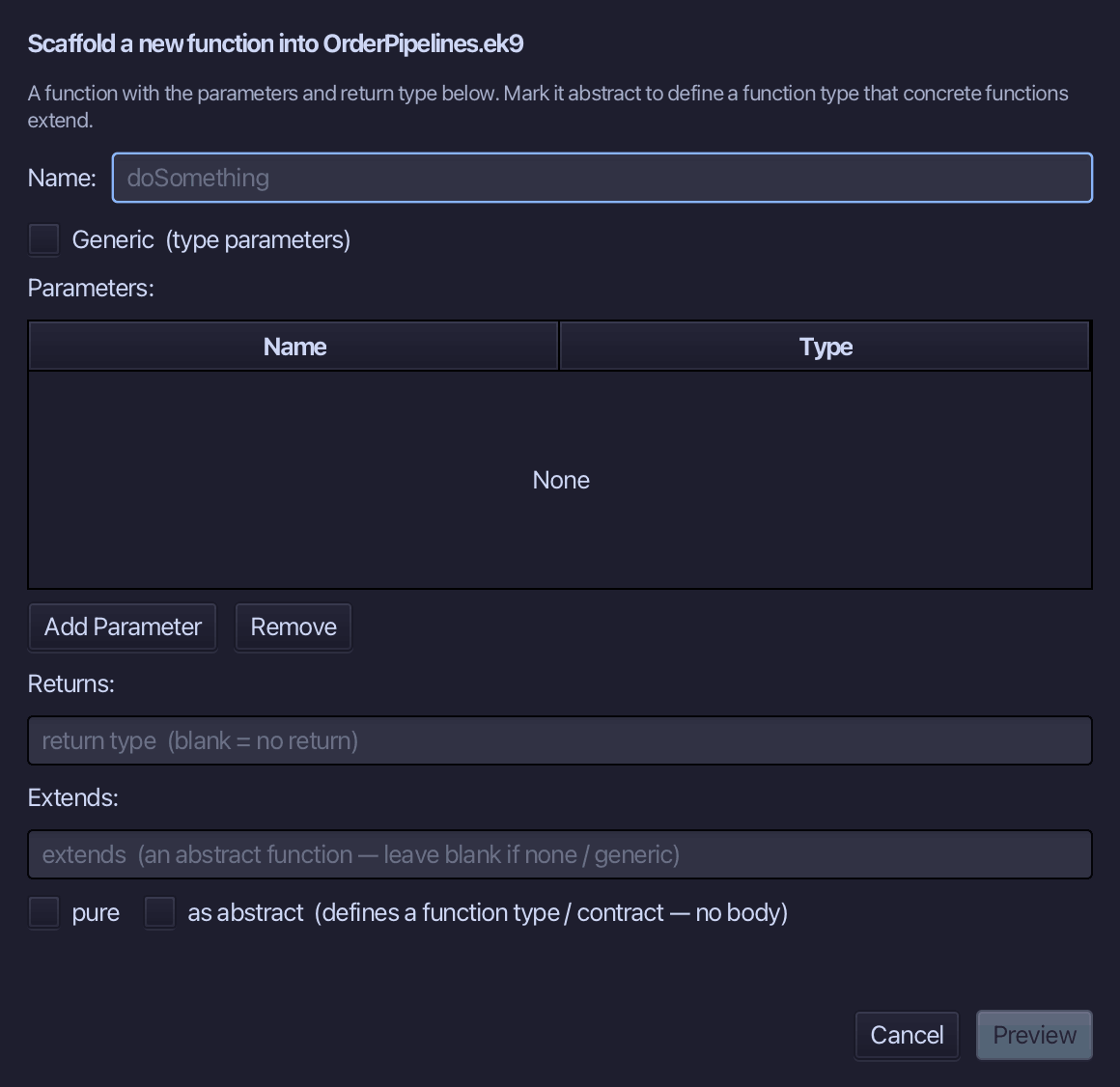
topOfGroup is the function's name. Add one parameter, group of type List of Order, set Returns to List of Order and tick pure. Choose Preview.
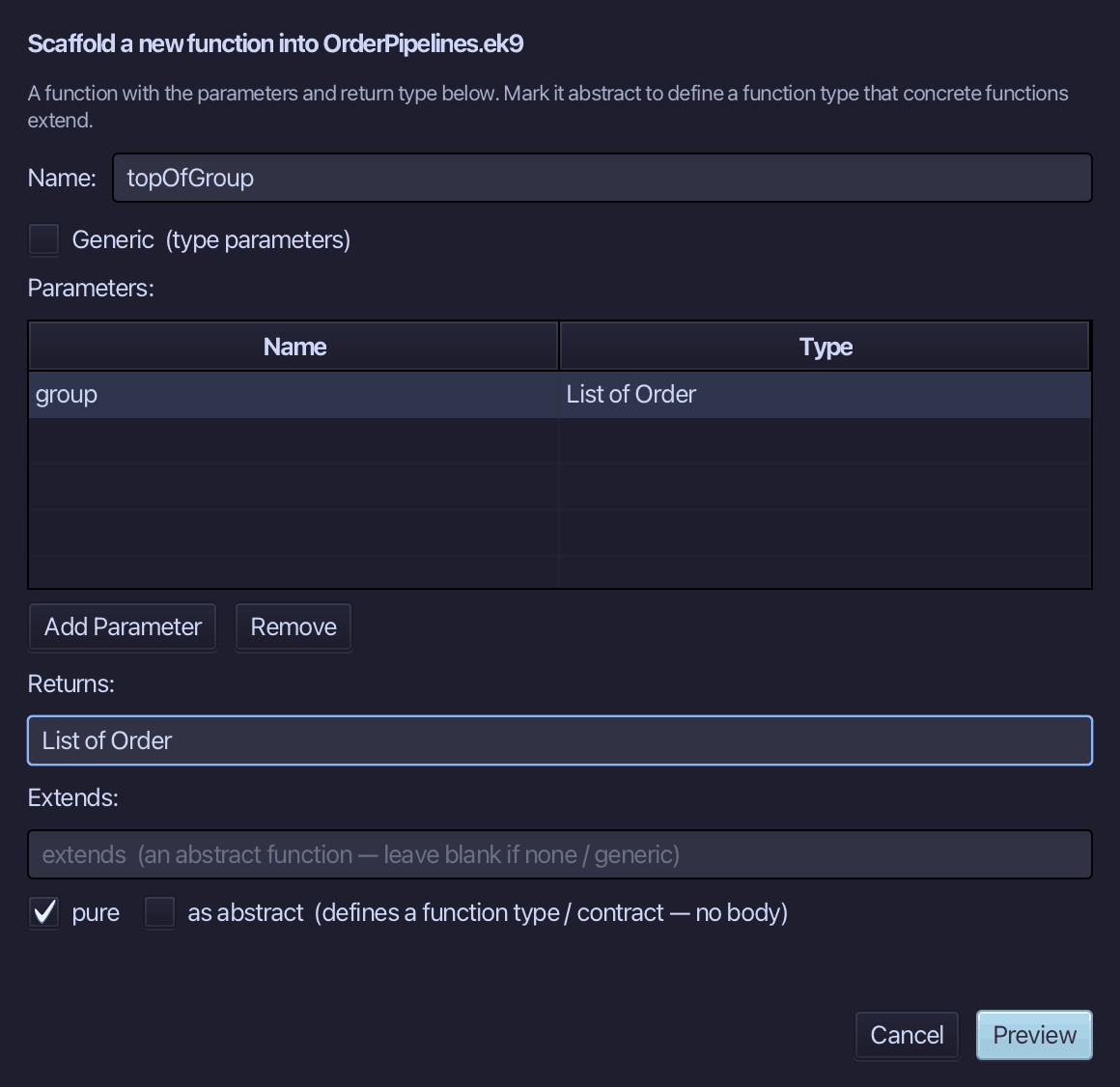
The preview shows topOfGroup about to be written. Choose Apply.
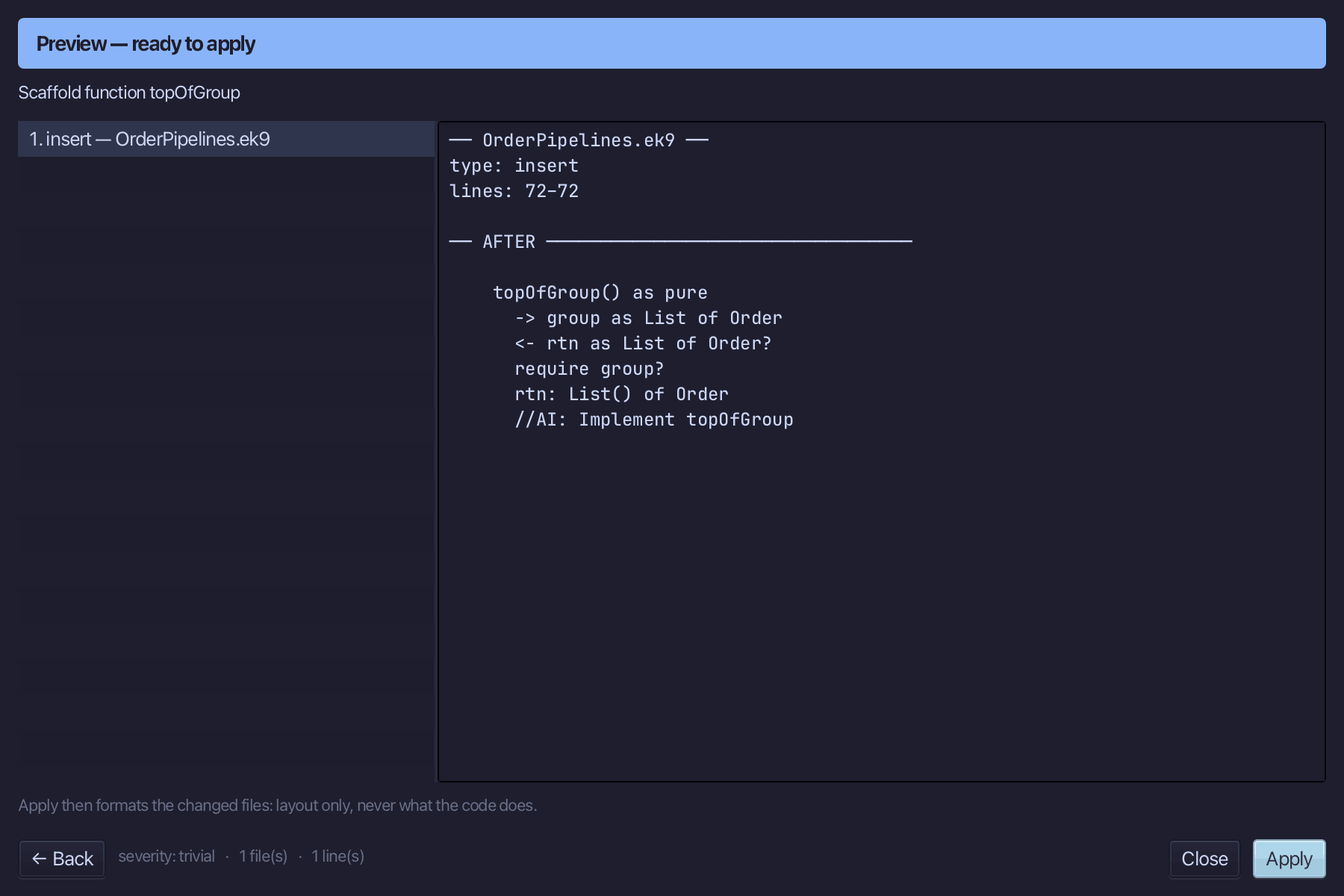
Select the stub, from <- rtn as List of Order? down to its //AI line, and type topOfGroup's own return and work, as the book writes them. Saves when typed.
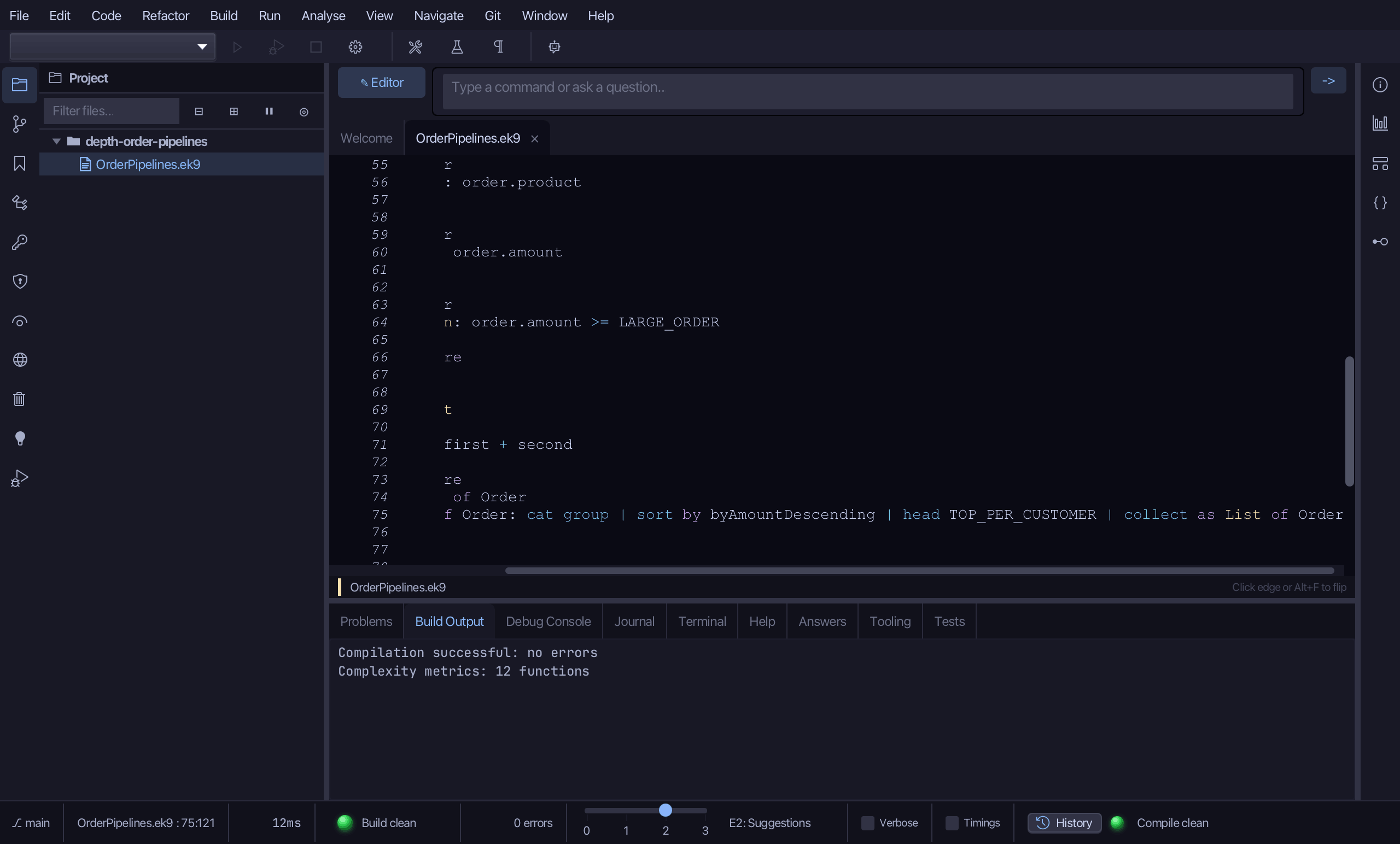
Step 11: isDayHeader — a pure function
Choose Code > New Construct > Function…
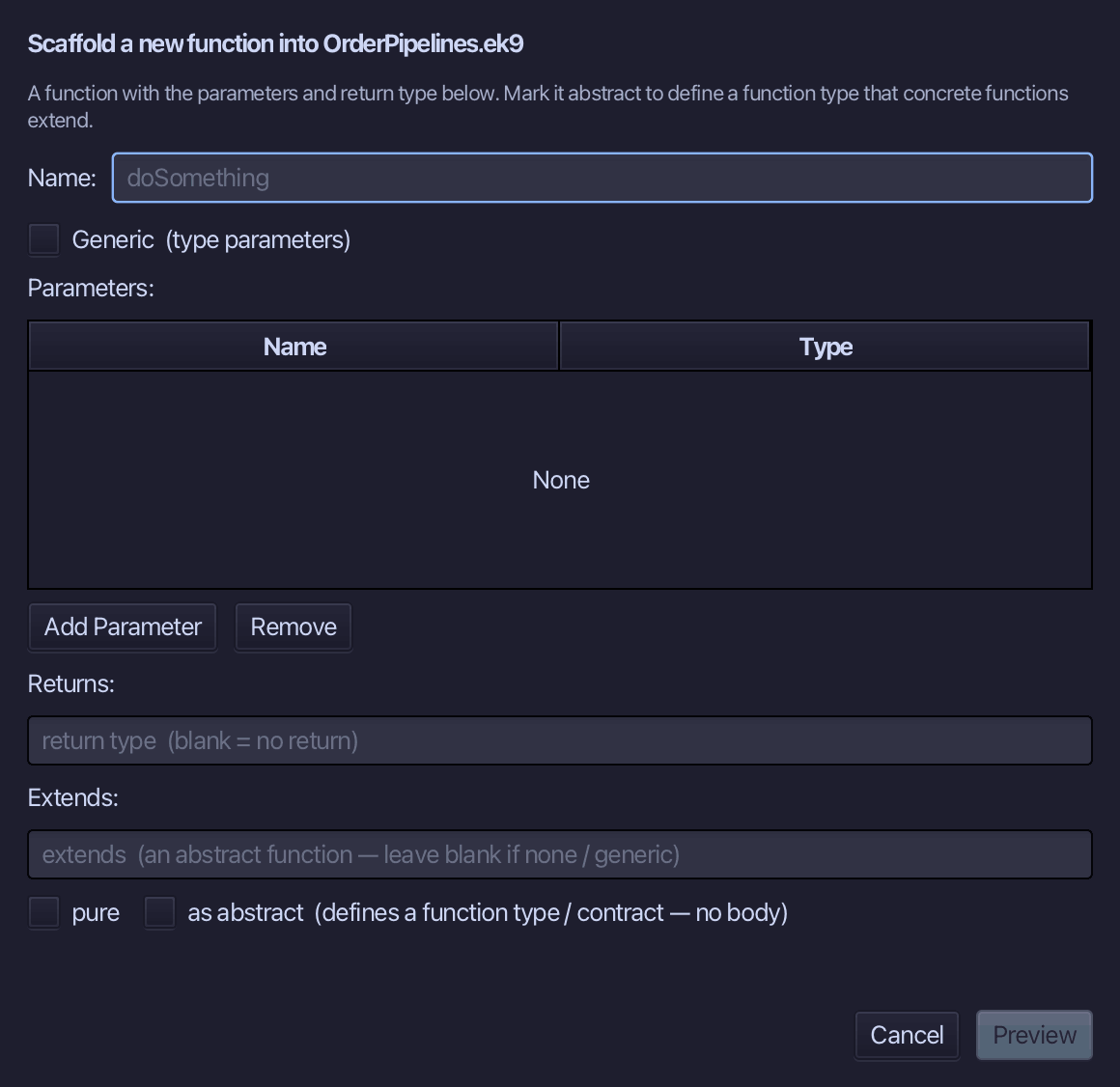
isDayHeader is the function's name. Add one parameter, line of type String, set Returns to Boolean and tick pure. Choose Preview.
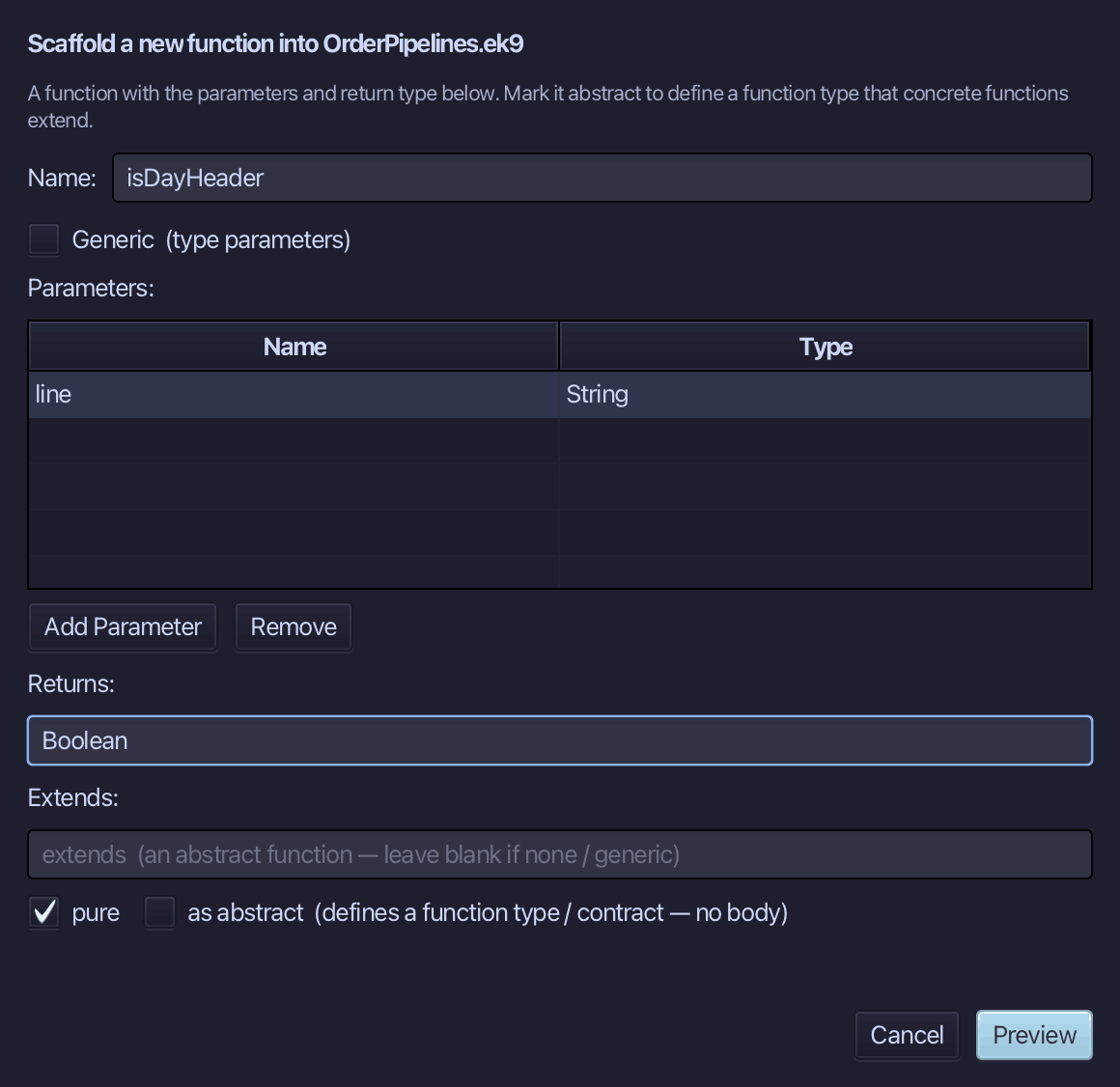
The preview shows isDayHeader about to be written. Choose Apply.
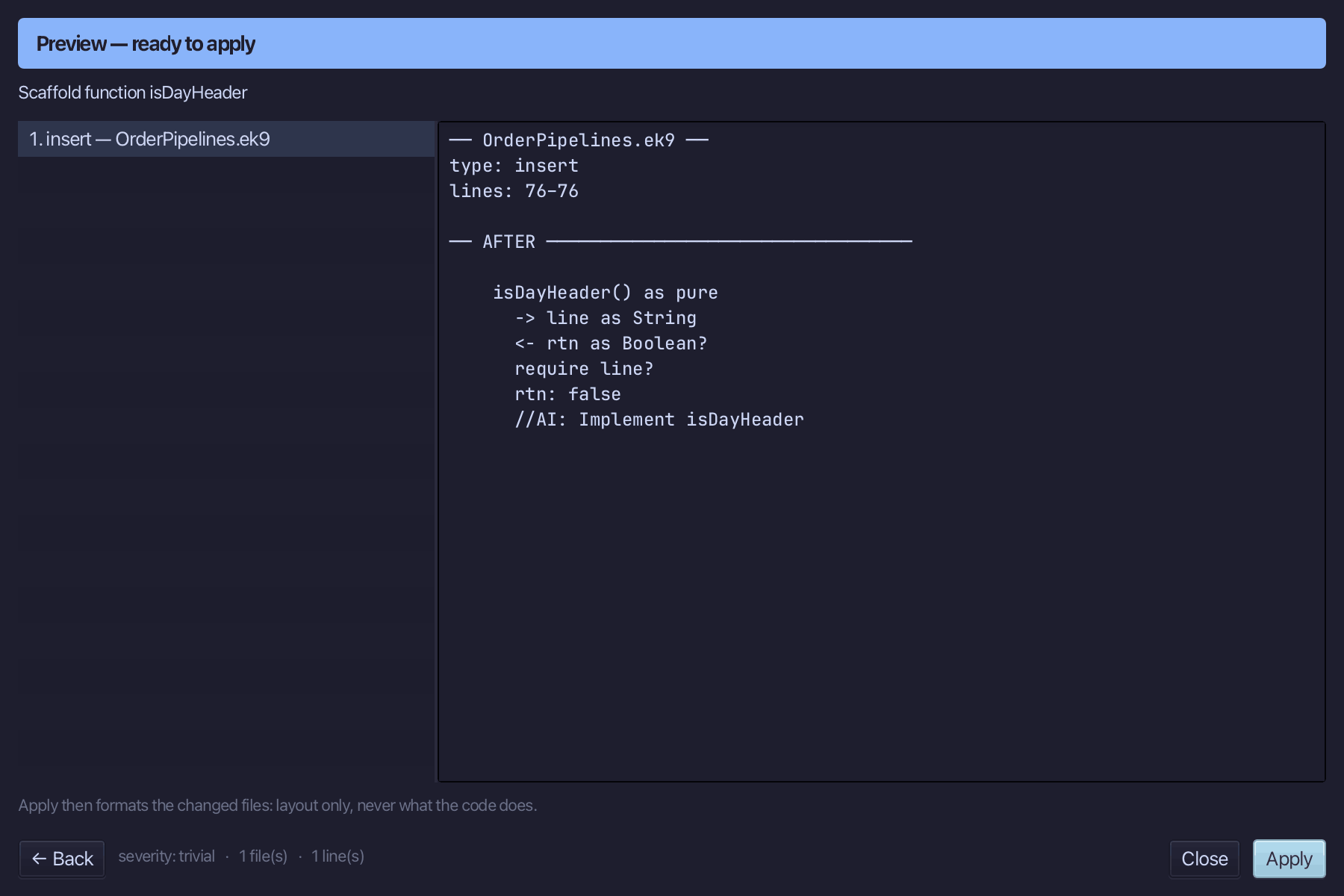
Select the stub, from <- rtn as Boolean? down to its //AI line, and type isDayHeader's own return and work, as the book writes them. Saves when typed.
Step 12: daySummary — a pure function
Choose Code > New Construct > Function…
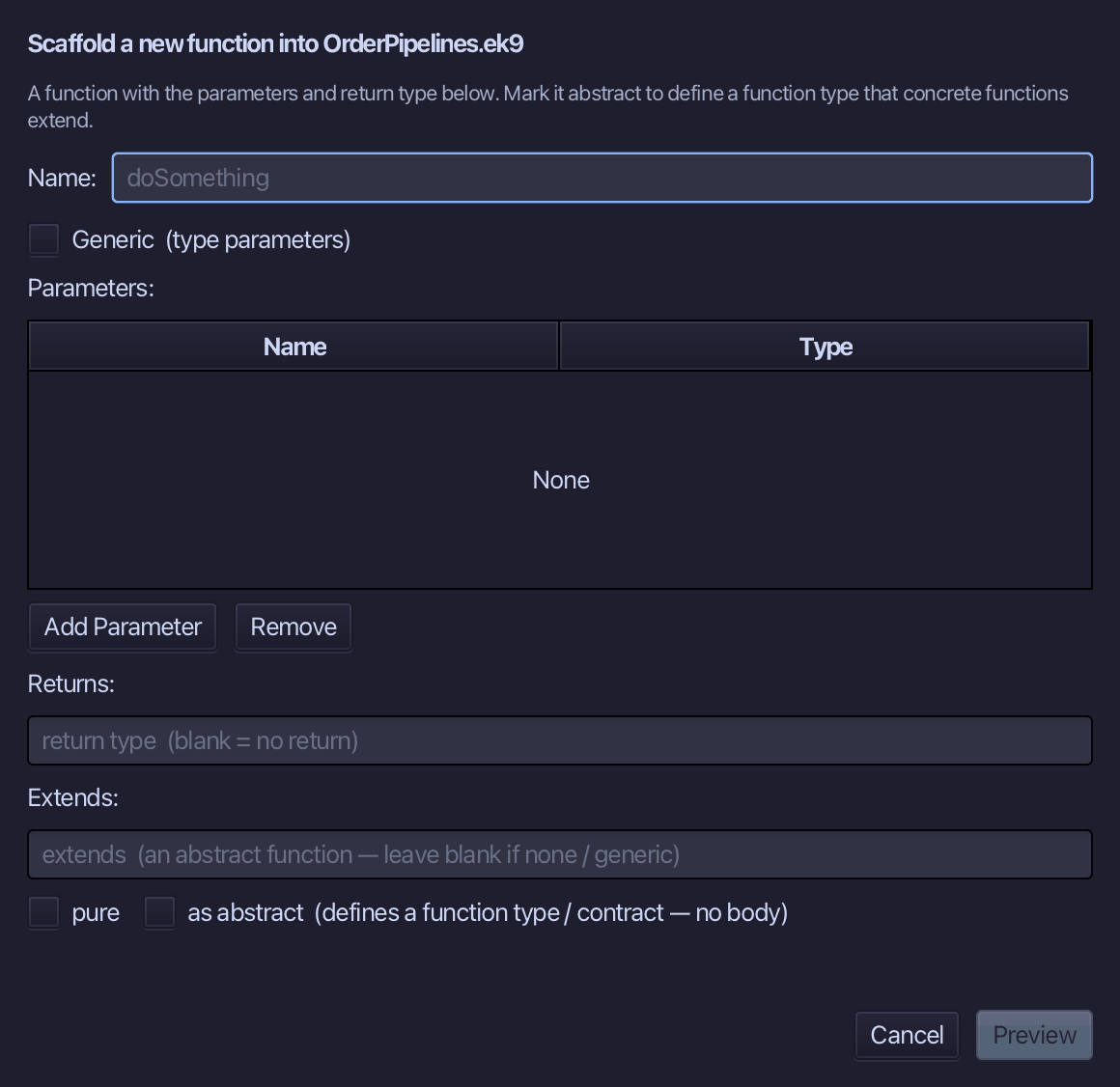
daySummary is the function's name. Add one parameter, lines of type List of String, set Returns to String and tick pure. Choose Preview.
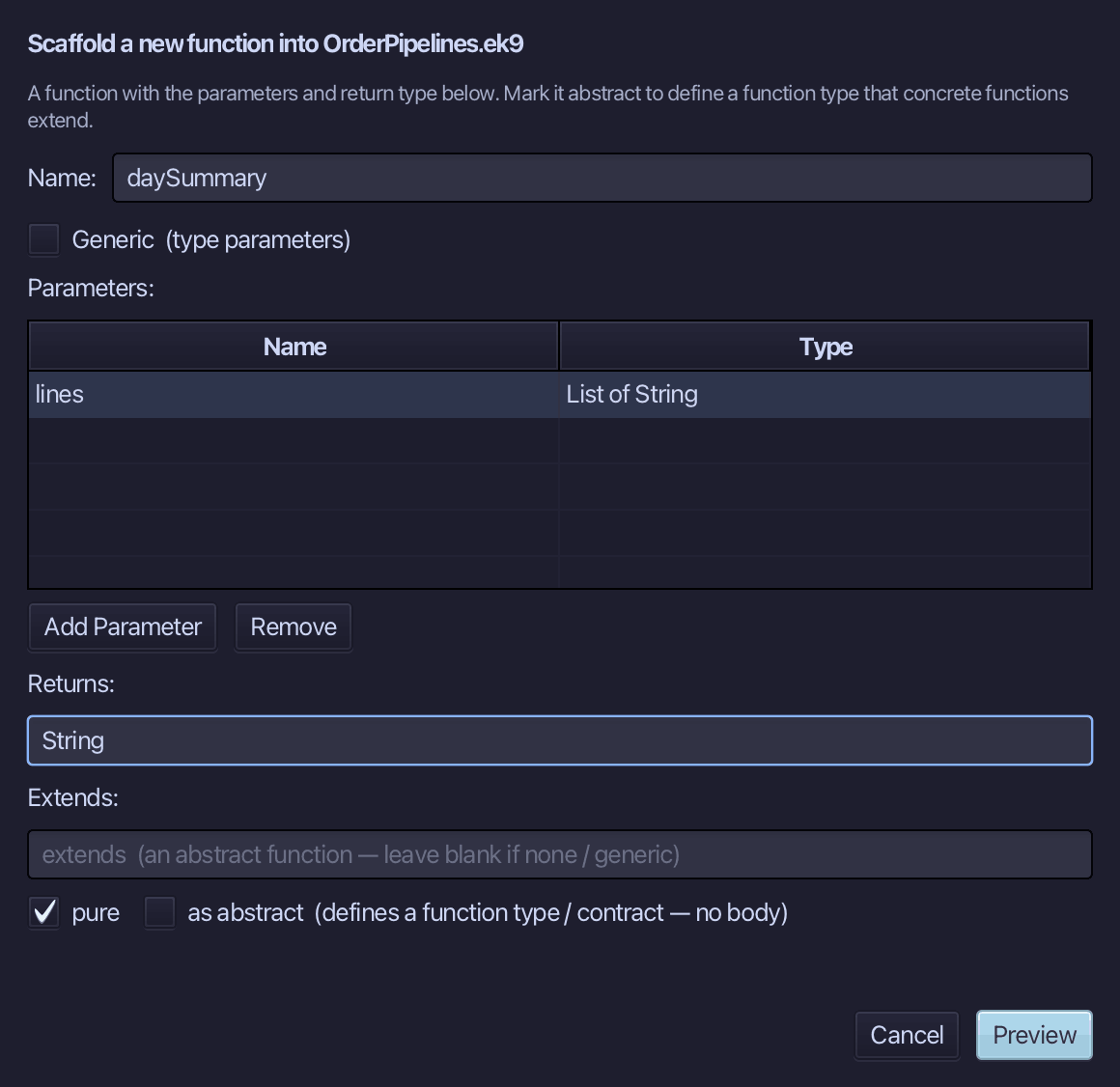
The preview shows daySummary about to be written. Choose Apply.
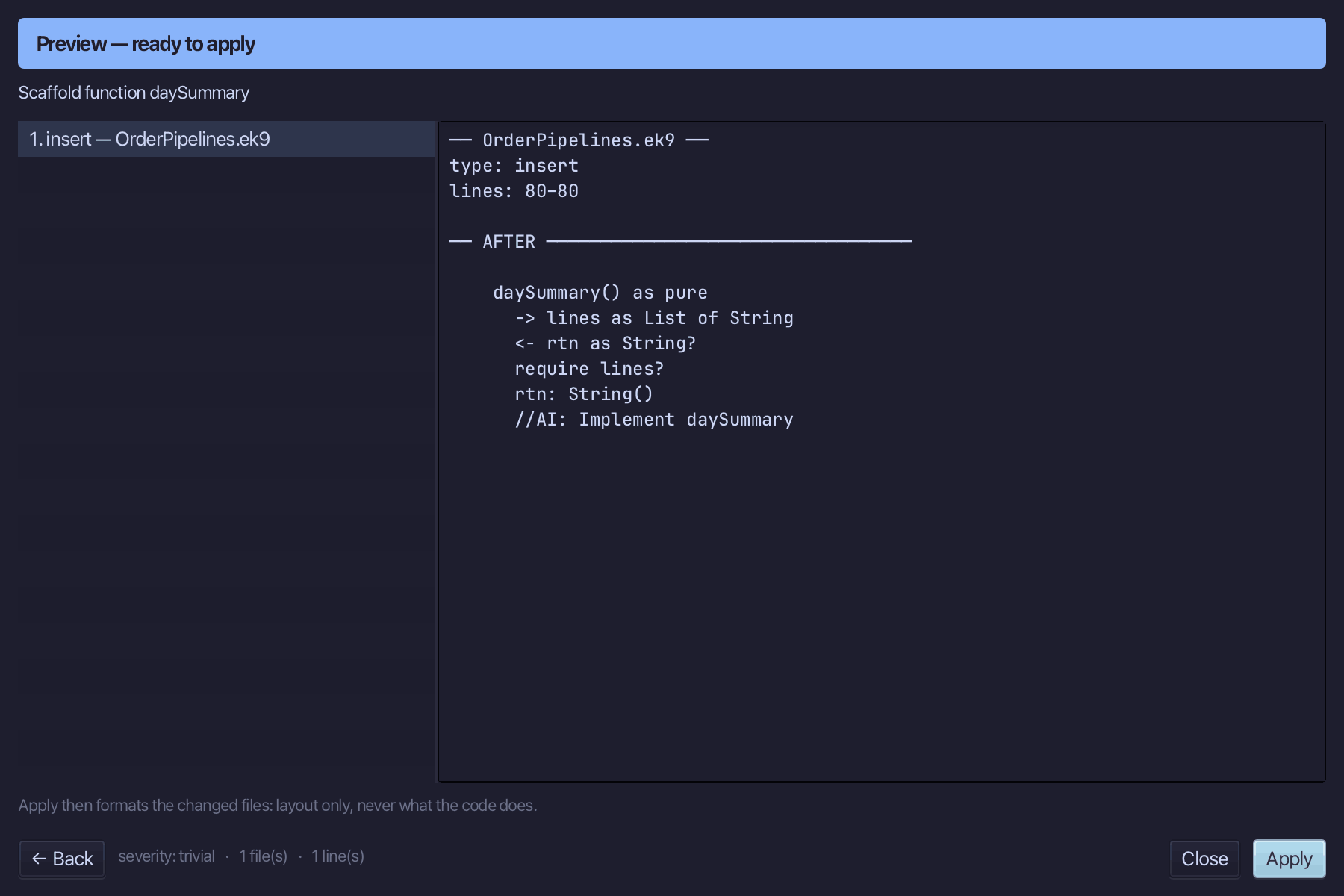
Select the stub, from <- rtn as String? down to its //AI line, and type daySummary's own return and work, as the book writes them. Saves when typed.
Step 13: summaryLine — a pure function
Choose Code > New Construct > Function…
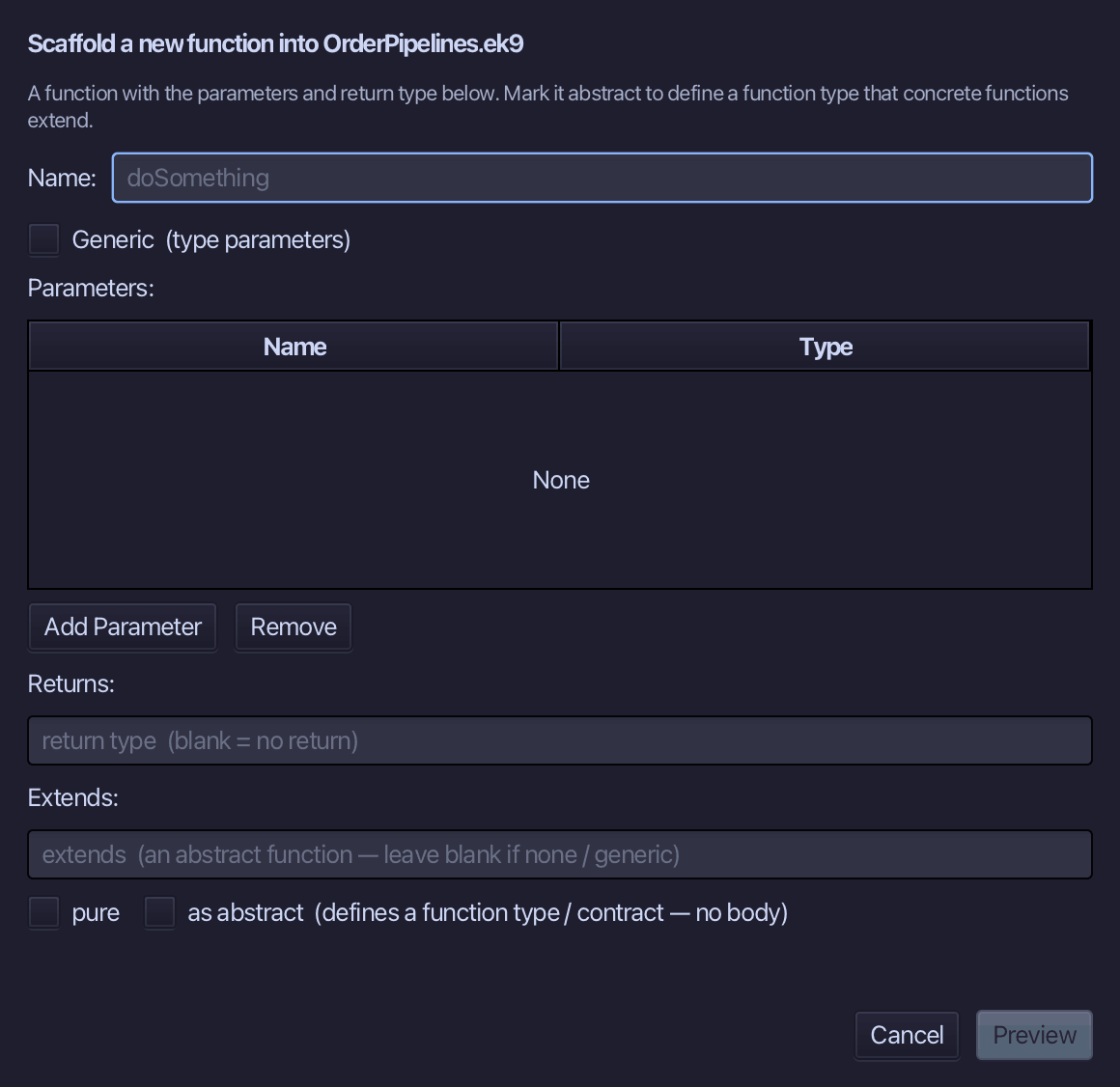
summaryLine is the function's name. Set Returns to String, tick pure and as abstract - a function type: a contract with no body. Choose Preview.
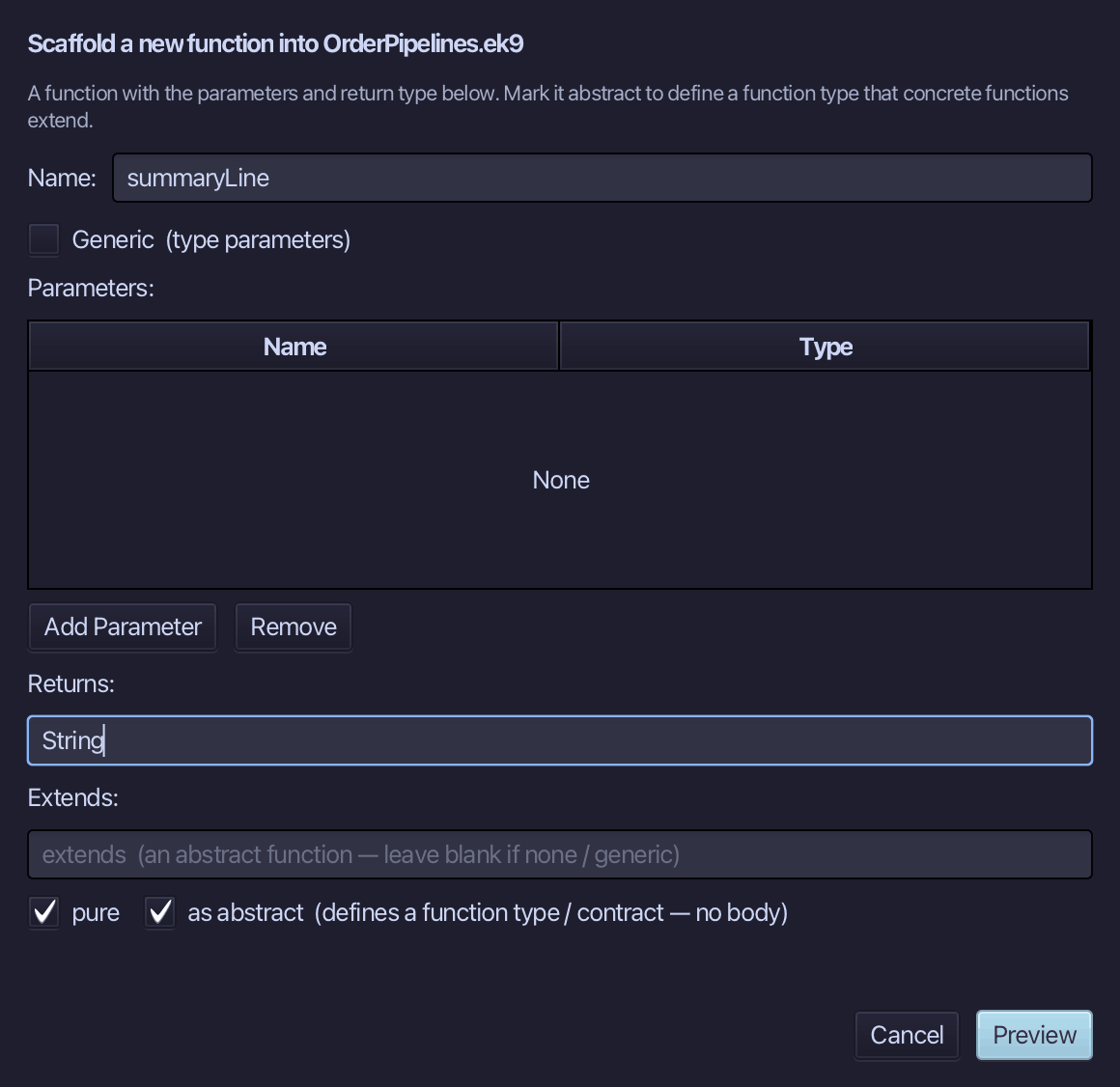
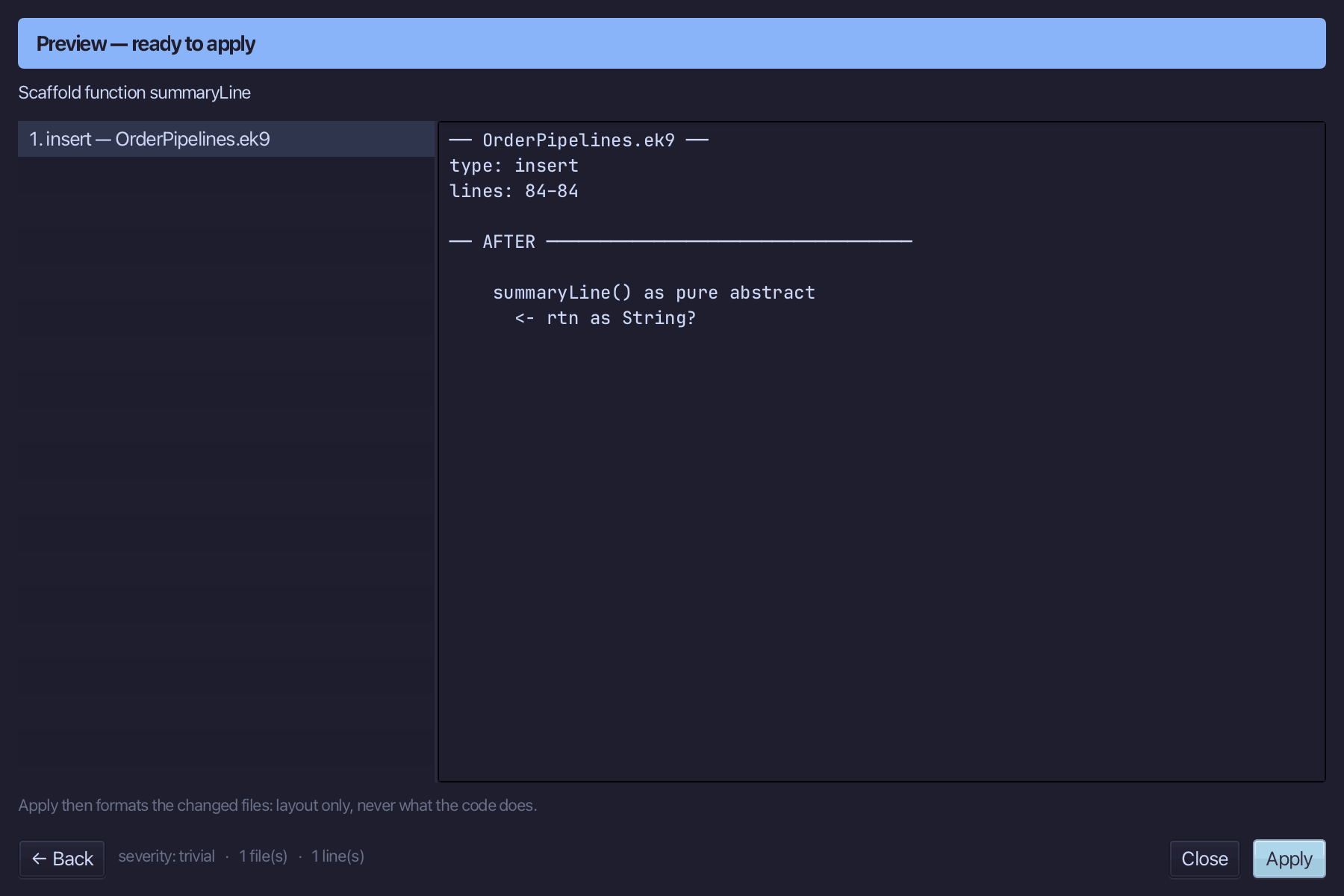
The preview shows summaryLine about to be written. Choose Apply.
Step 14: The program
Choose Code > New Construct > Program…
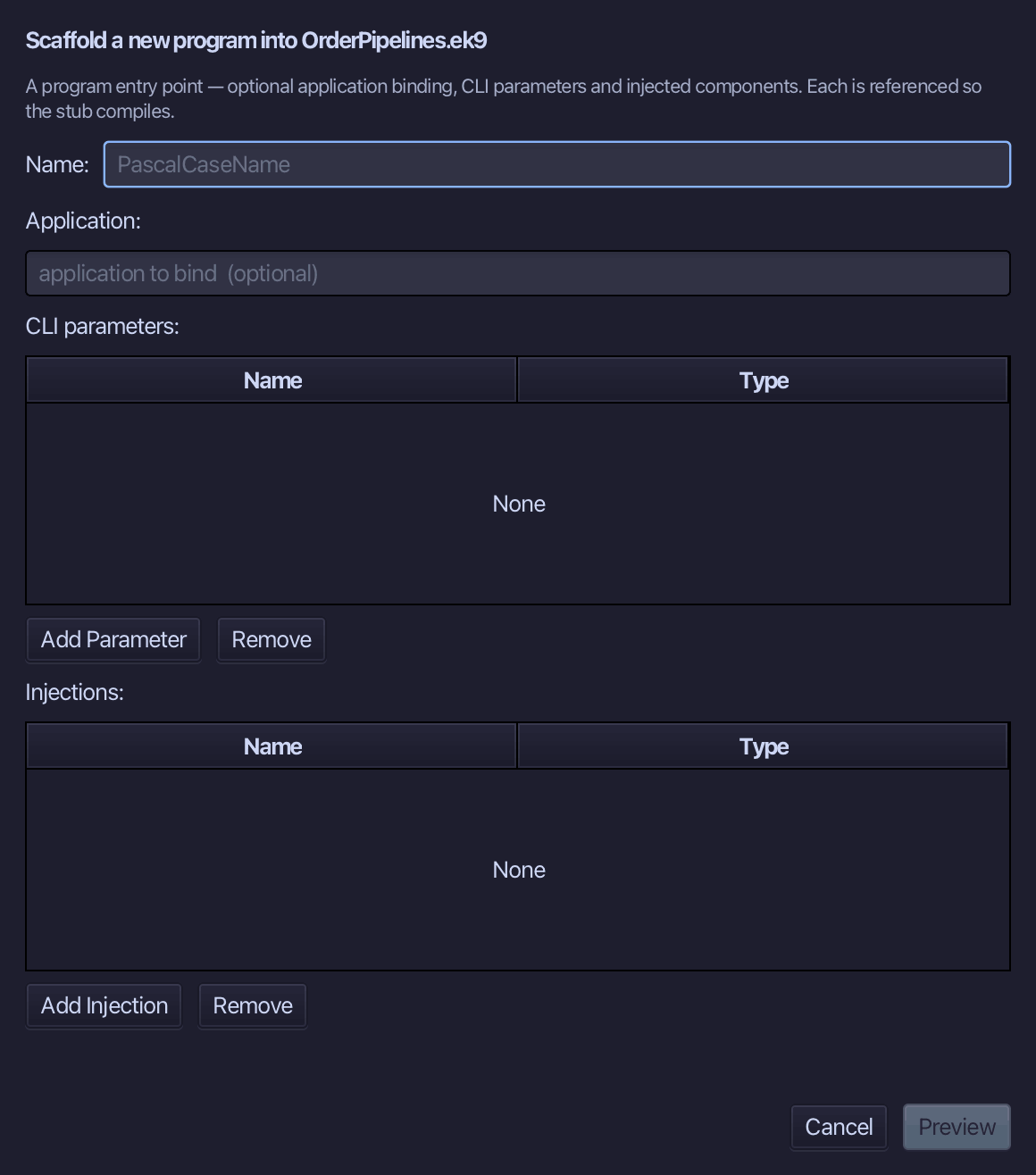
OrderReport is the program's name. Choose Preview.
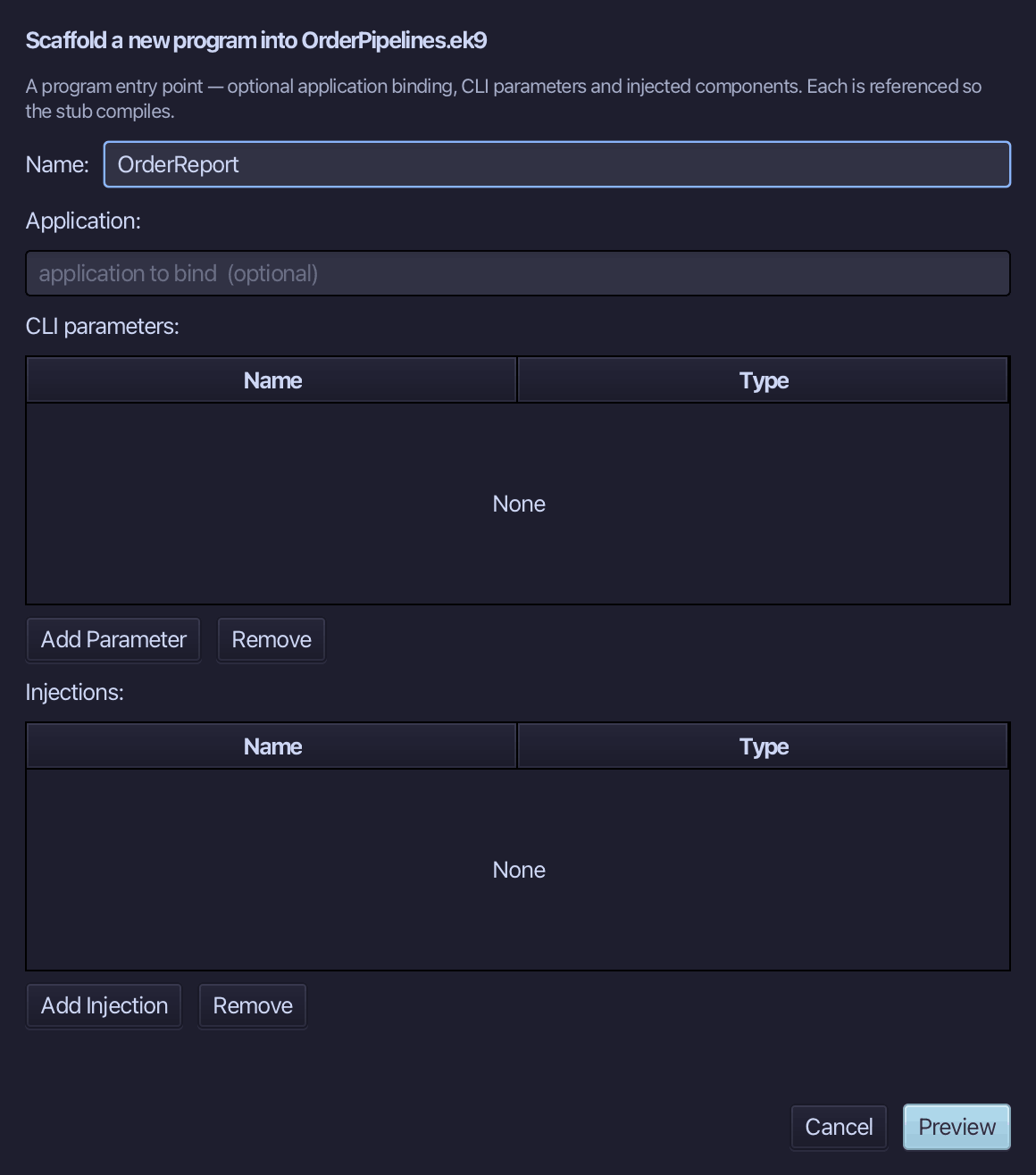
The preview shows OrderReport about to be written. Choose Apply.
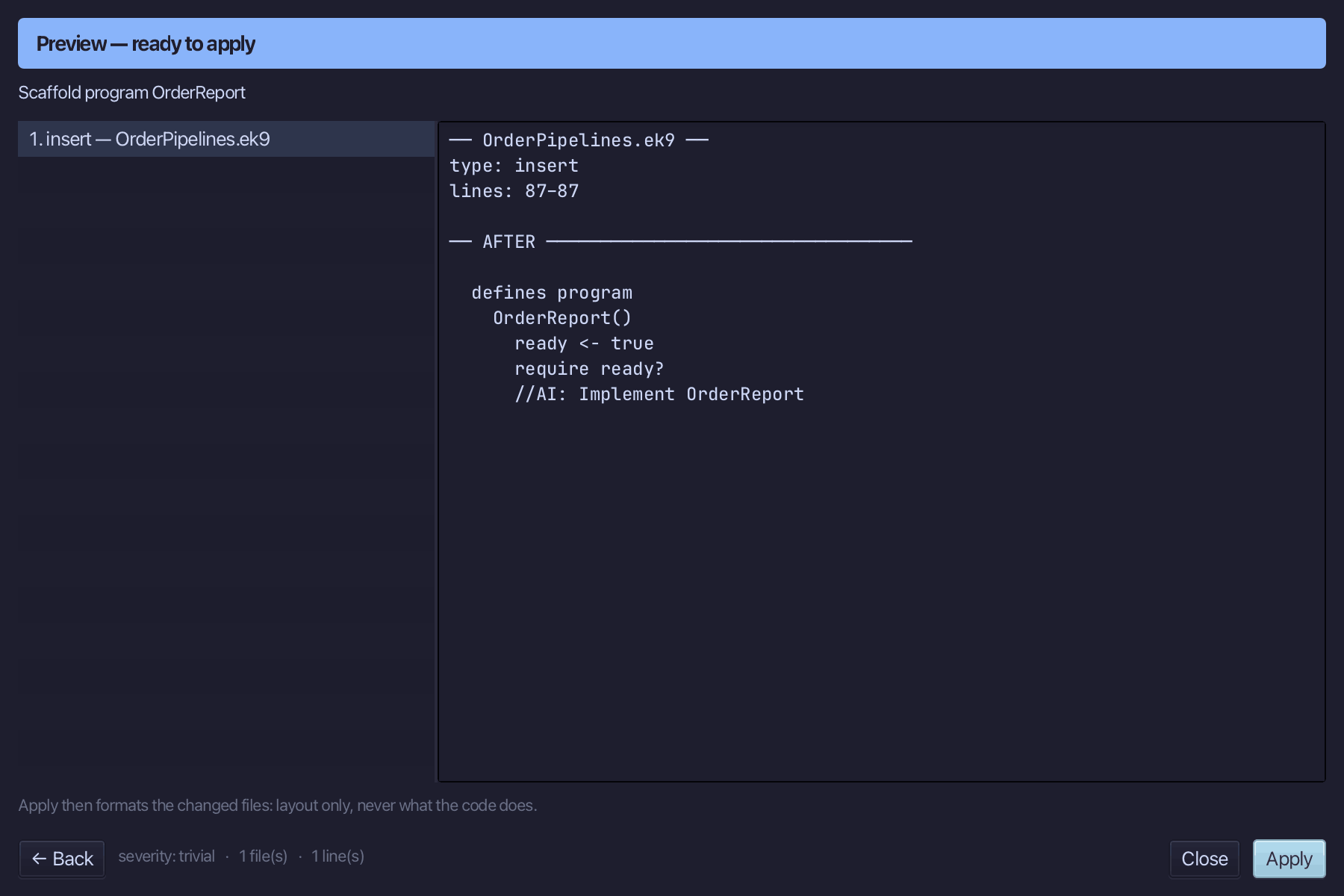
Select the OrderReport() line and, above it, type the blank line the book opens the program with. Saves when typed.
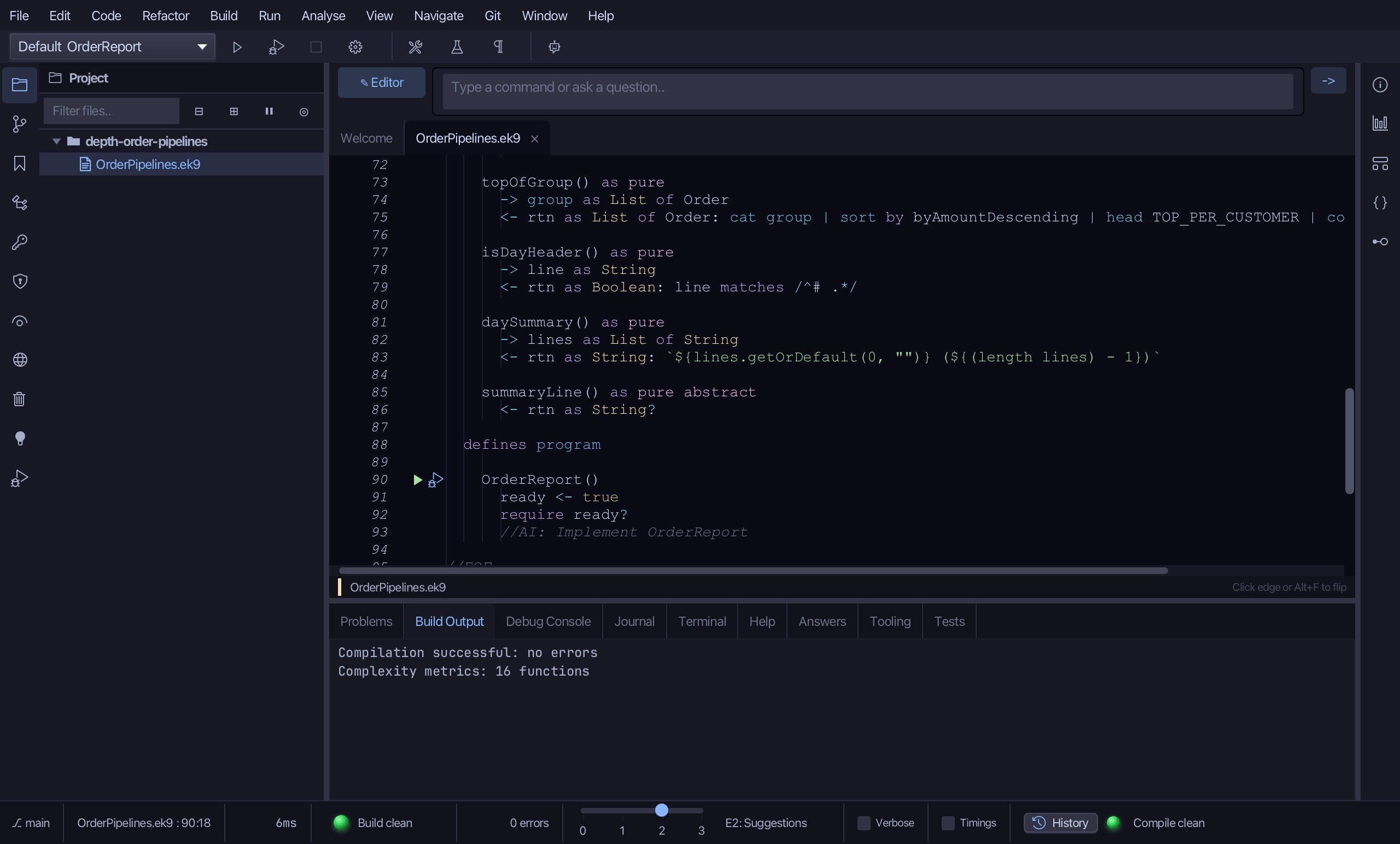
Select the stub, from ready <- true down to its //AI line, and type OrderReport's body exactly as the chapter shows it. Saves when typed.
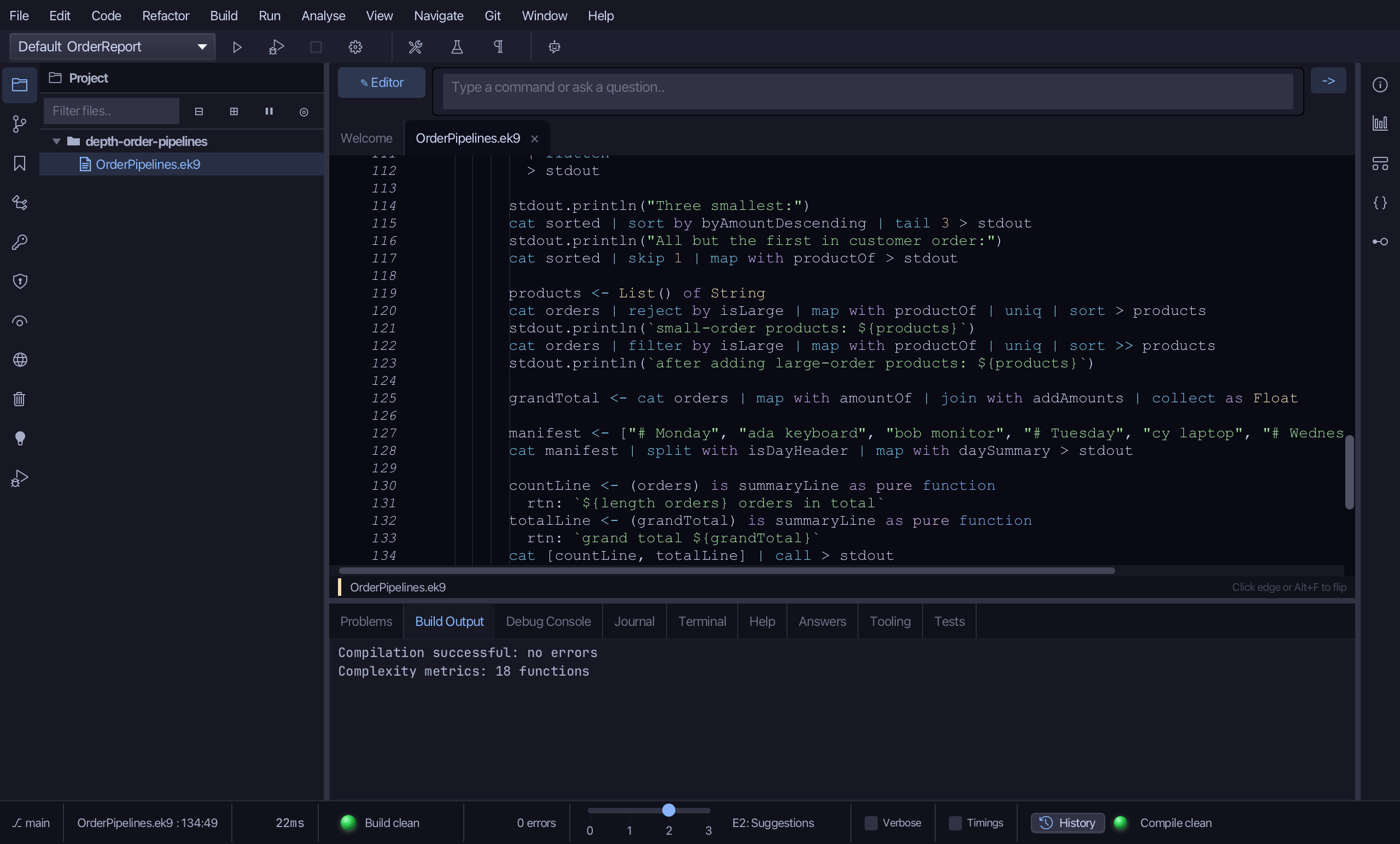
Step 15: Run it
Choose Run > Run Program…
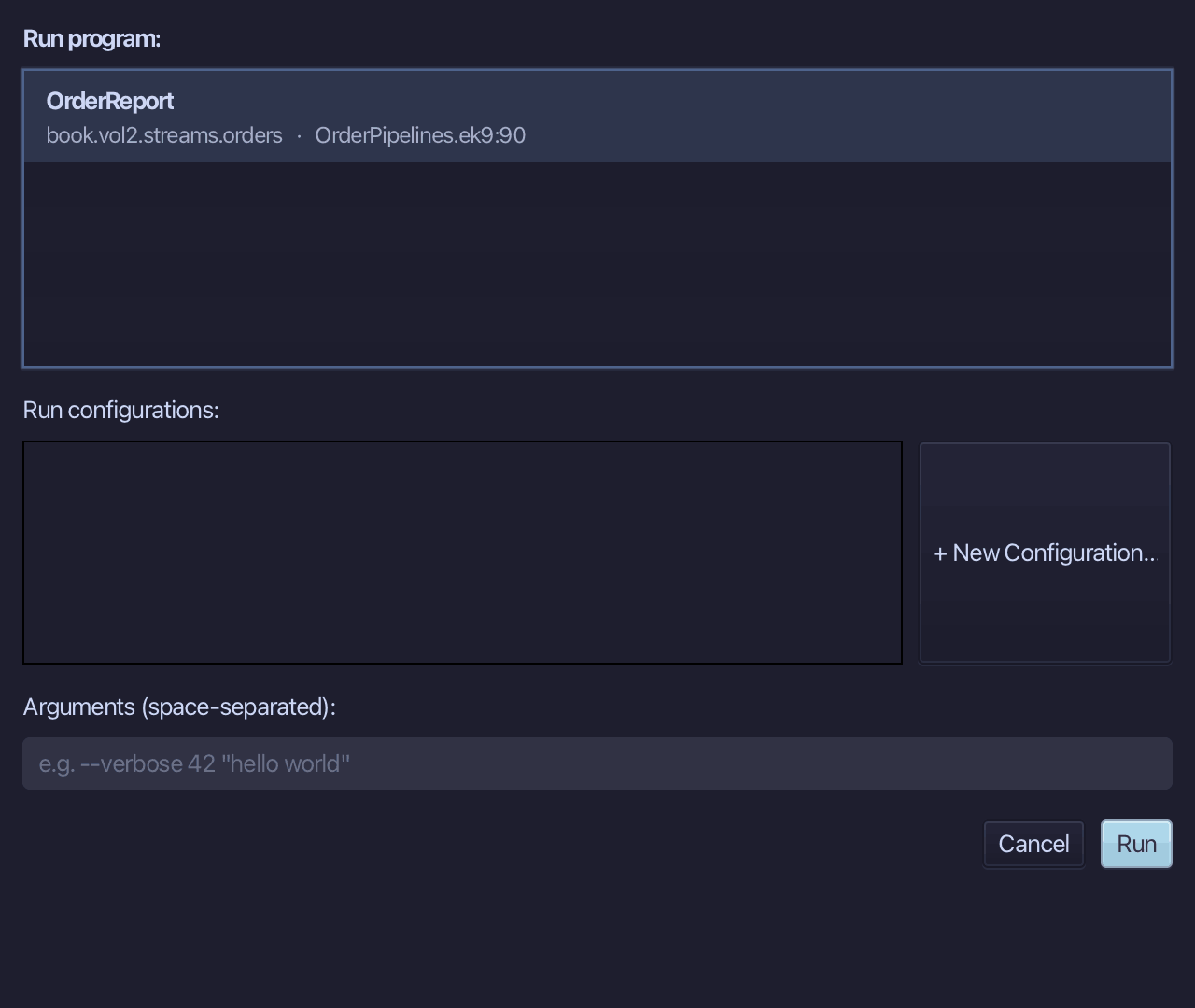
The project's only program is already chosen. Choose Run.
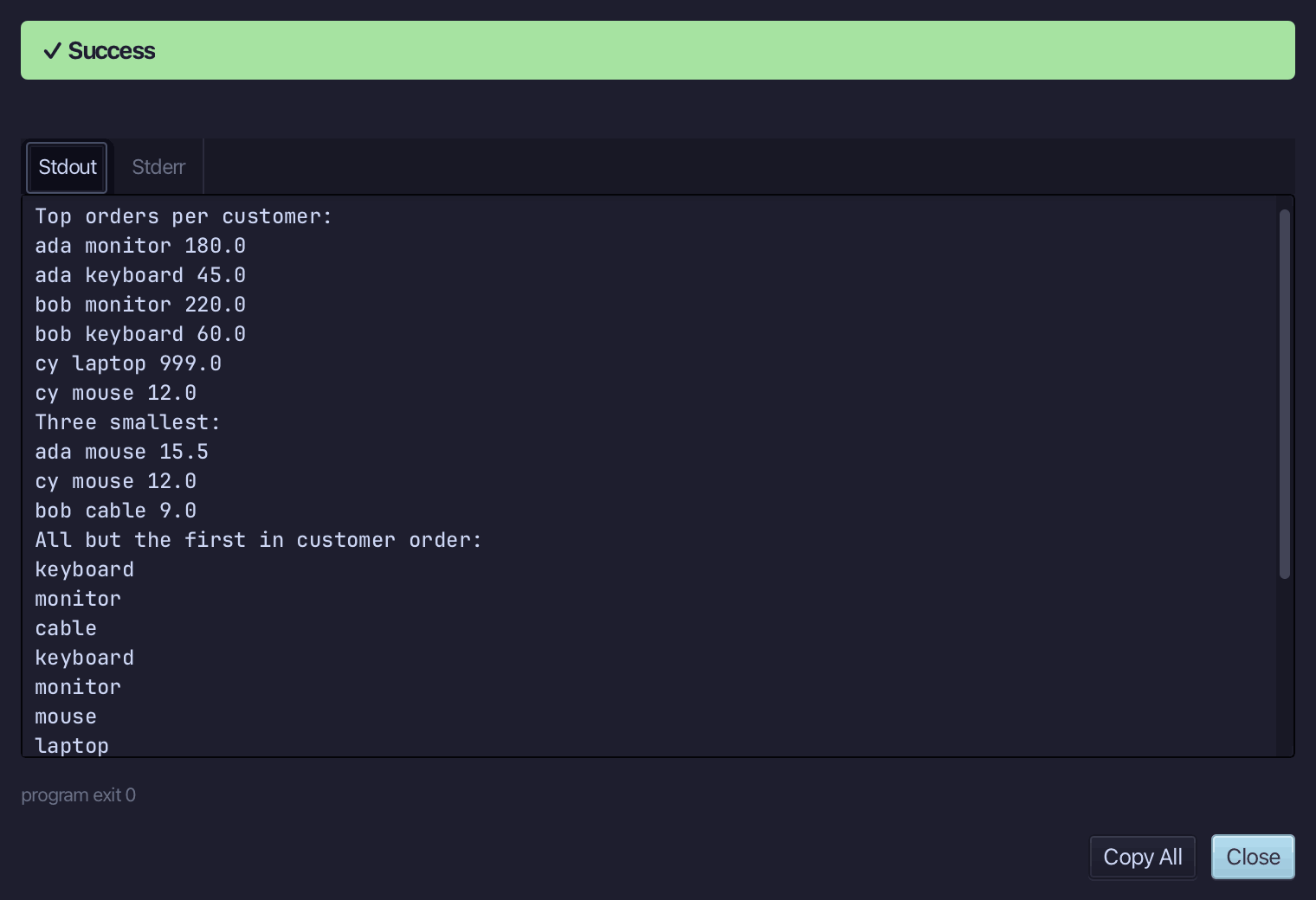
Top orders per customer, then the three smallest and all but the first in customer order, the small-order products before and after the large ones were added, three day summaries, and the two summary lines of the called functions: 8 orders in total, then the grand total 1540.5. Choose Close.
The result
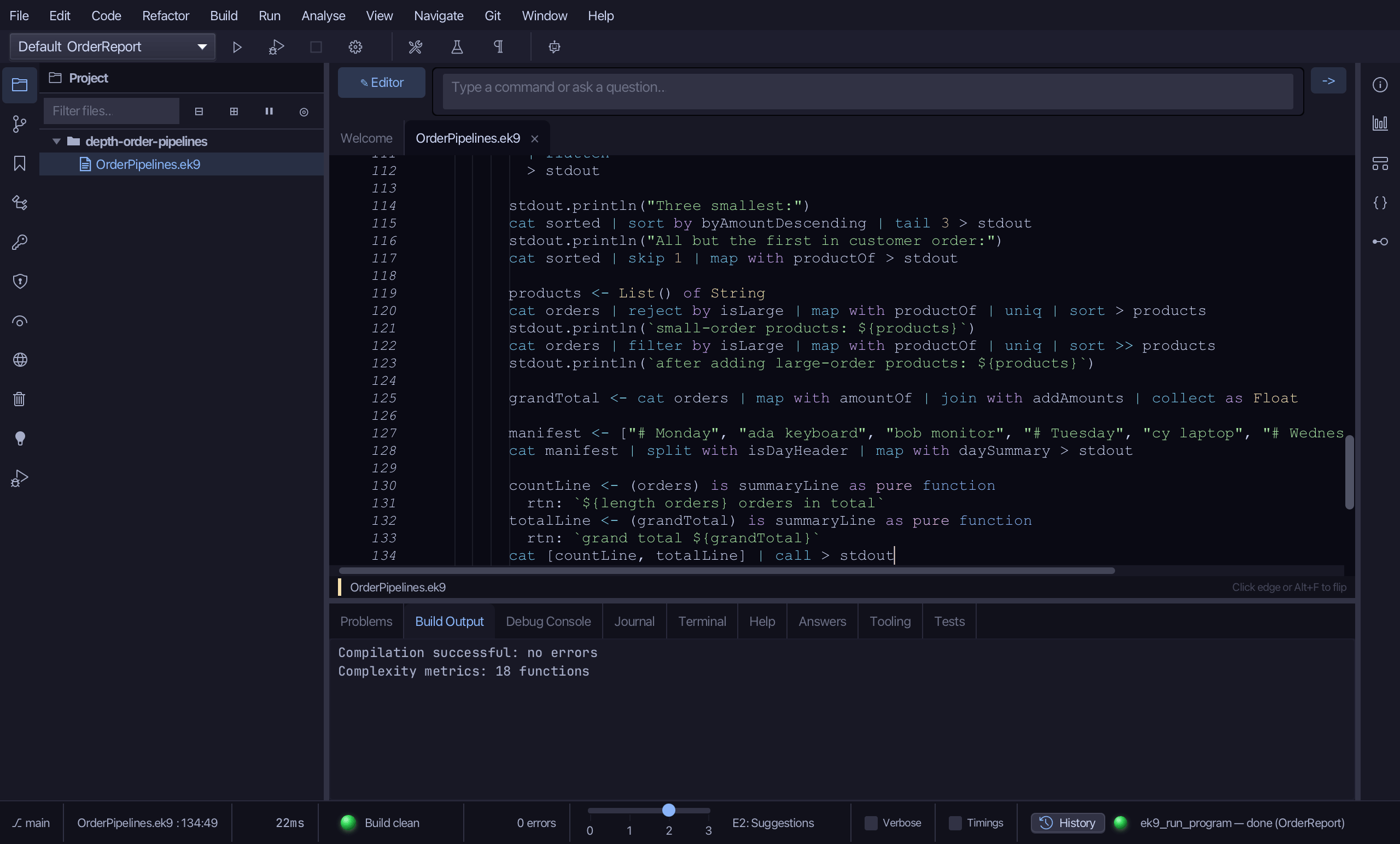
OrderPipelines.ek9 now reads exactly as chapter 28 of EK9 in Depth shows it. Every function in it is small and pure, so the verbs can be moved around freely, and the abstract summaryLine is what let the two dynamic functions at the end be elements of a stream that call runs in order.
Where this lesson comes from
- For AI assistants - the MCP tool
ek9_new_construct,ek9_add_constructor,ek9_add_operator,ek9_add_program.