Chapter 7: asking about a type
Chapter 7 gives real-world values real types: Money, dates and durations, and Dimension - a measurement with a unit, 20cm or 3px. Measures doubles one, widens it by another of the same unit, then adds one of a DIFFERENT unit - centimetres and pixels do not mix, so EK9 gives back not a wrong number but an unset value, the same safety money gets when currencies do not match. The IDE's own tools make the program's whole structure, so what is left to type is the arithmetic itself - then two ways to ask the IDE what a Dimension is before the program runs: /h Dimension in the input bar, and Analyse ▸ Effective API with the caret on width. To play it in the IDE: Help > Lessons > Writing code…, or ek9 -ide -lesson book-data-types.
What you'll build
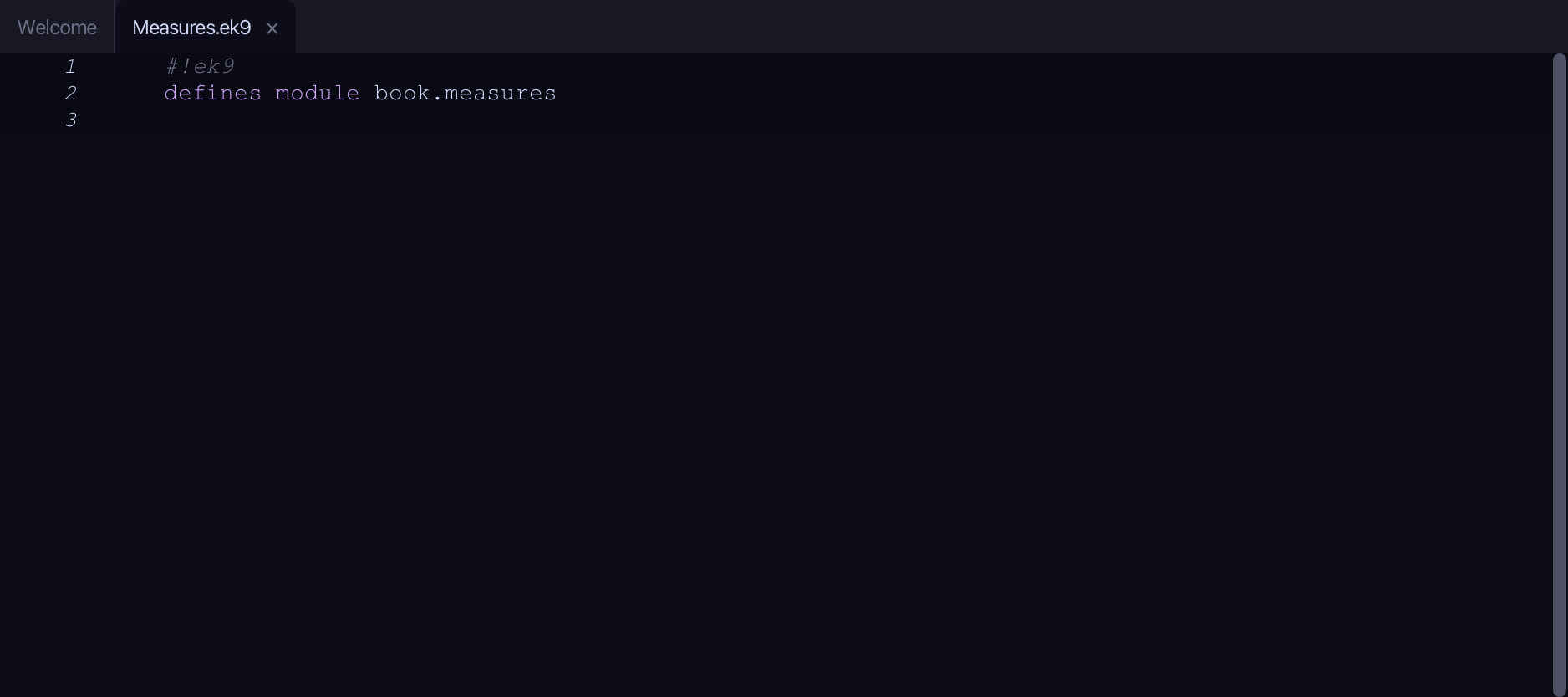
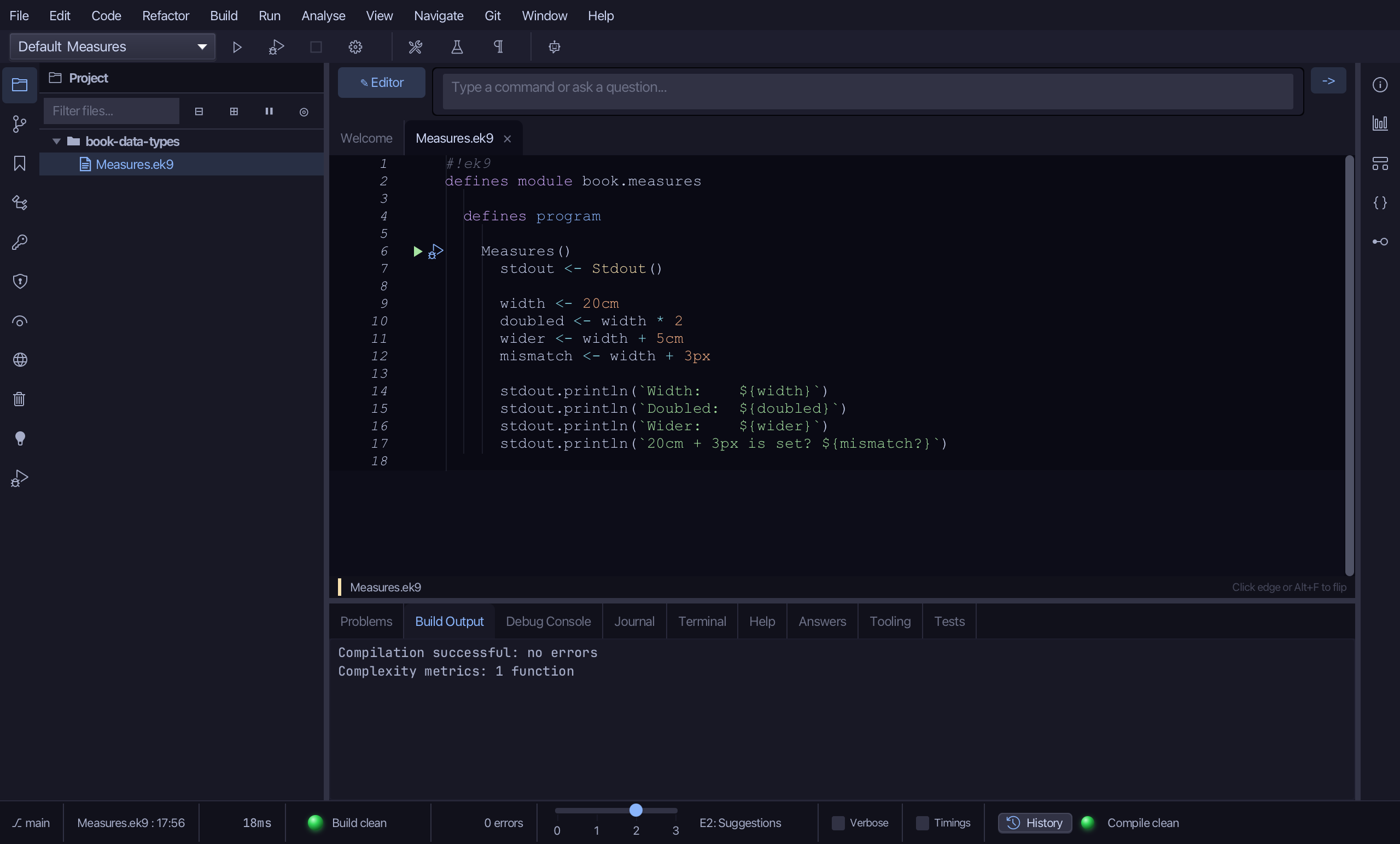
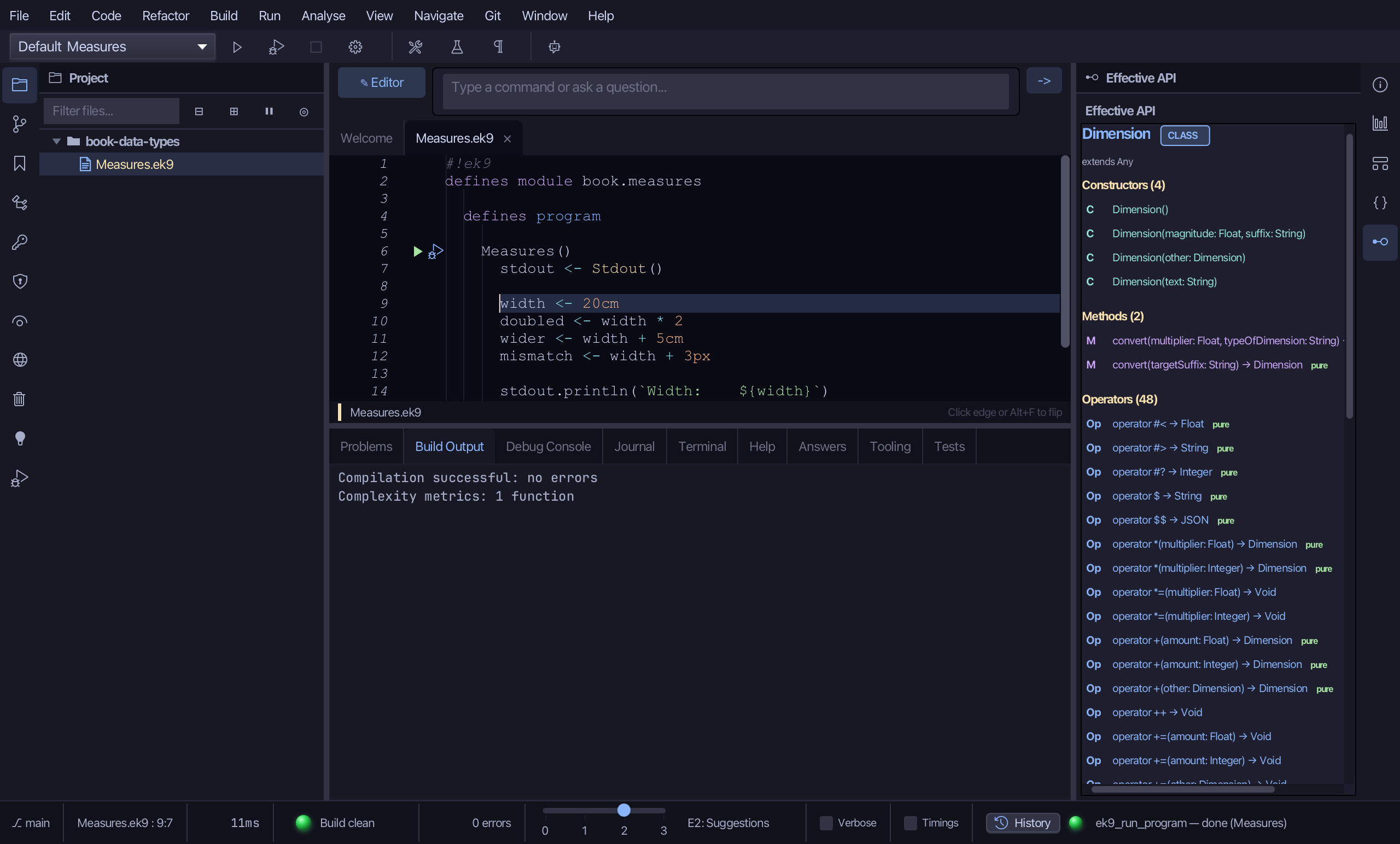
The lesson builds this program from a file holding only its module line - the finished file, as the book prints it.
#!ek9
defines module book.measures

  defines program

    Measures()
      stdout <- Stdout()

      width <- 20cm
      doubled <- width * 2
      wider <- width + 5cm
      mismatch <- width + 3px

      stdout.println(`Width:    ${width}`)
      stdout.println(`Doubled:  ${doubled}`)
      stdout.println(`Wider:    ${wider}`)
      stdout.println(`20cm + 3px is set? ${mismatch?}`)
Step 1: The program
Choose Code > New Construct > Program…
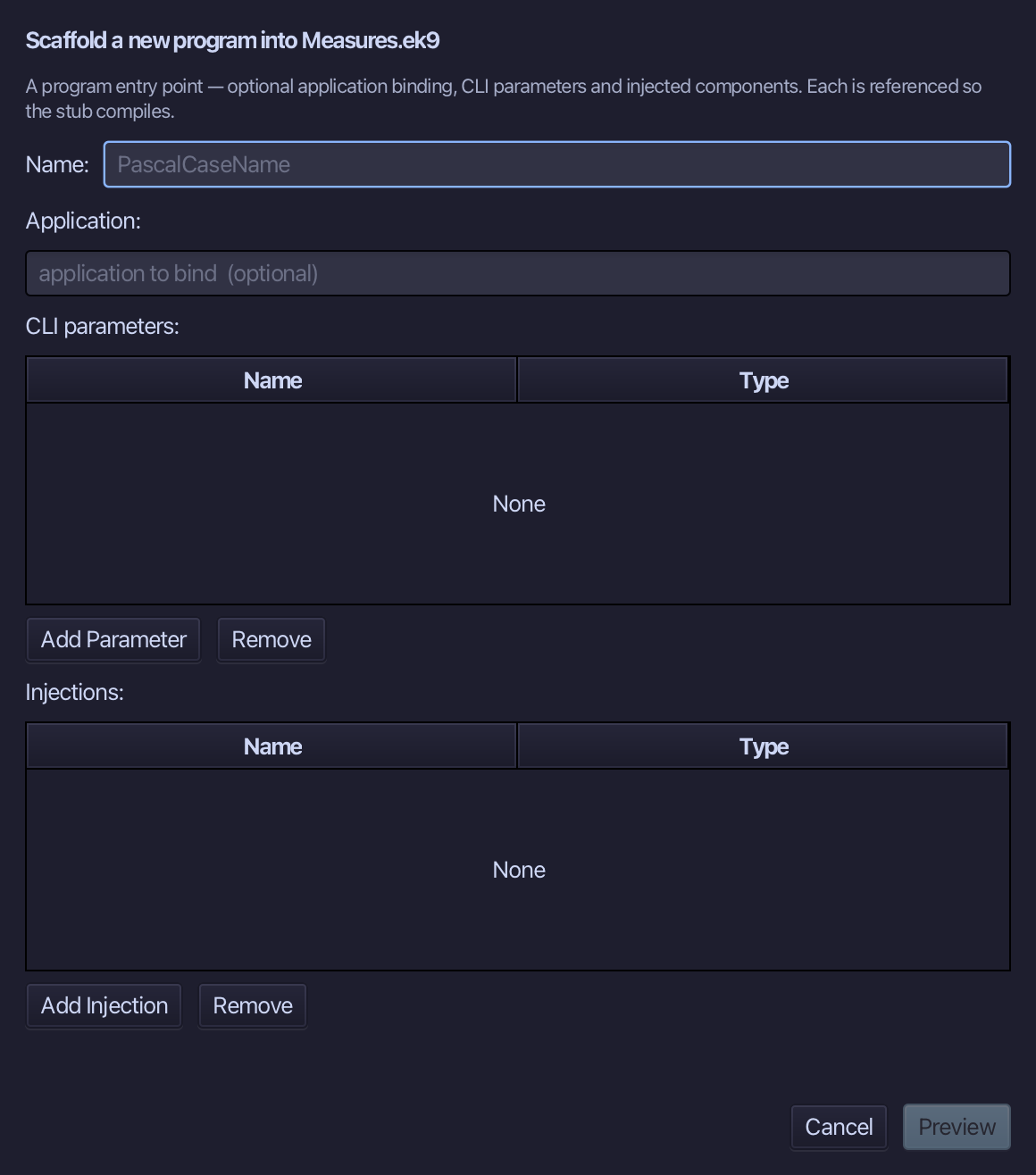
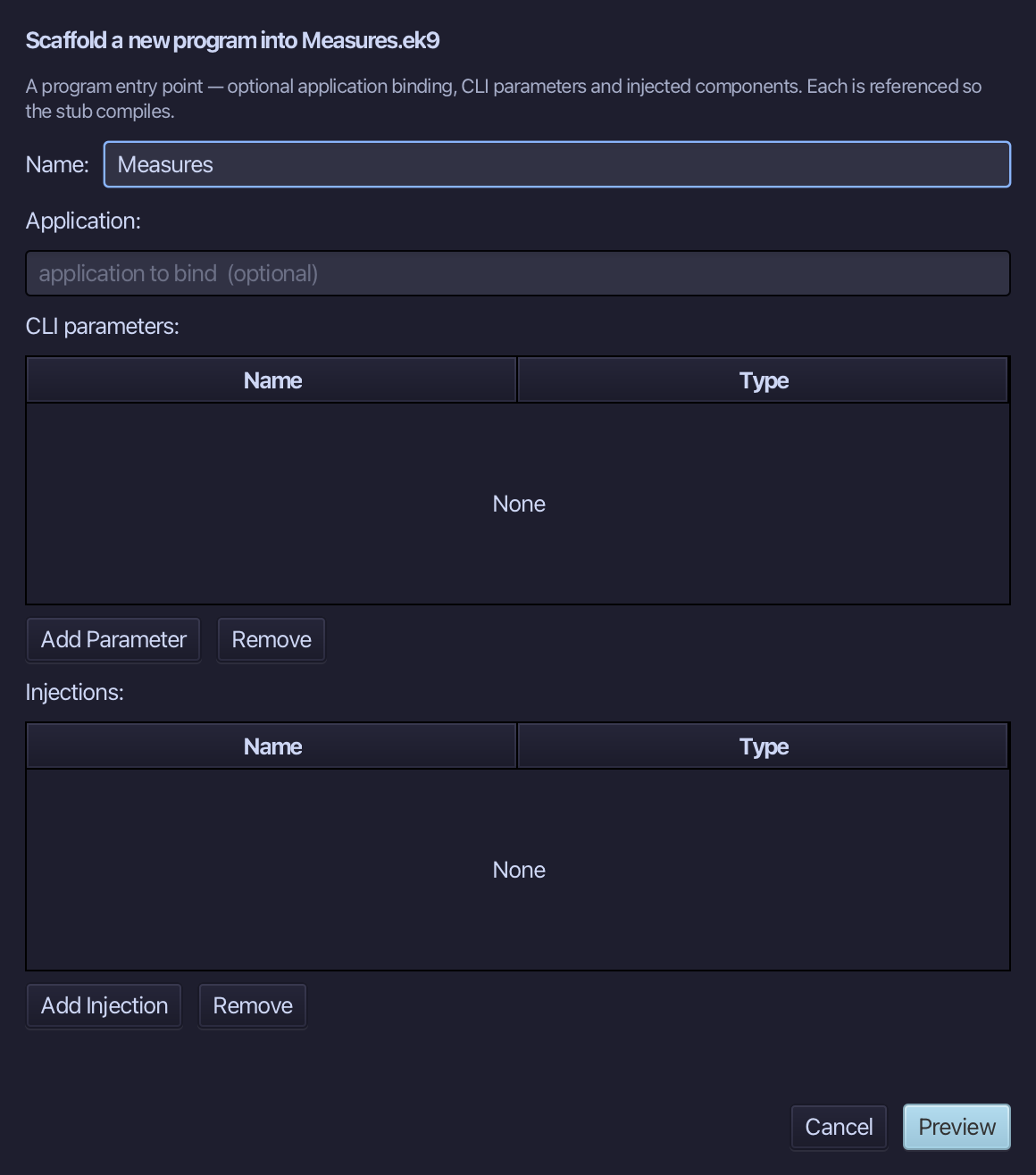
Measures is the program's name - no application to bind, no parameters, nothing injected. Type Measures and choose Preview.
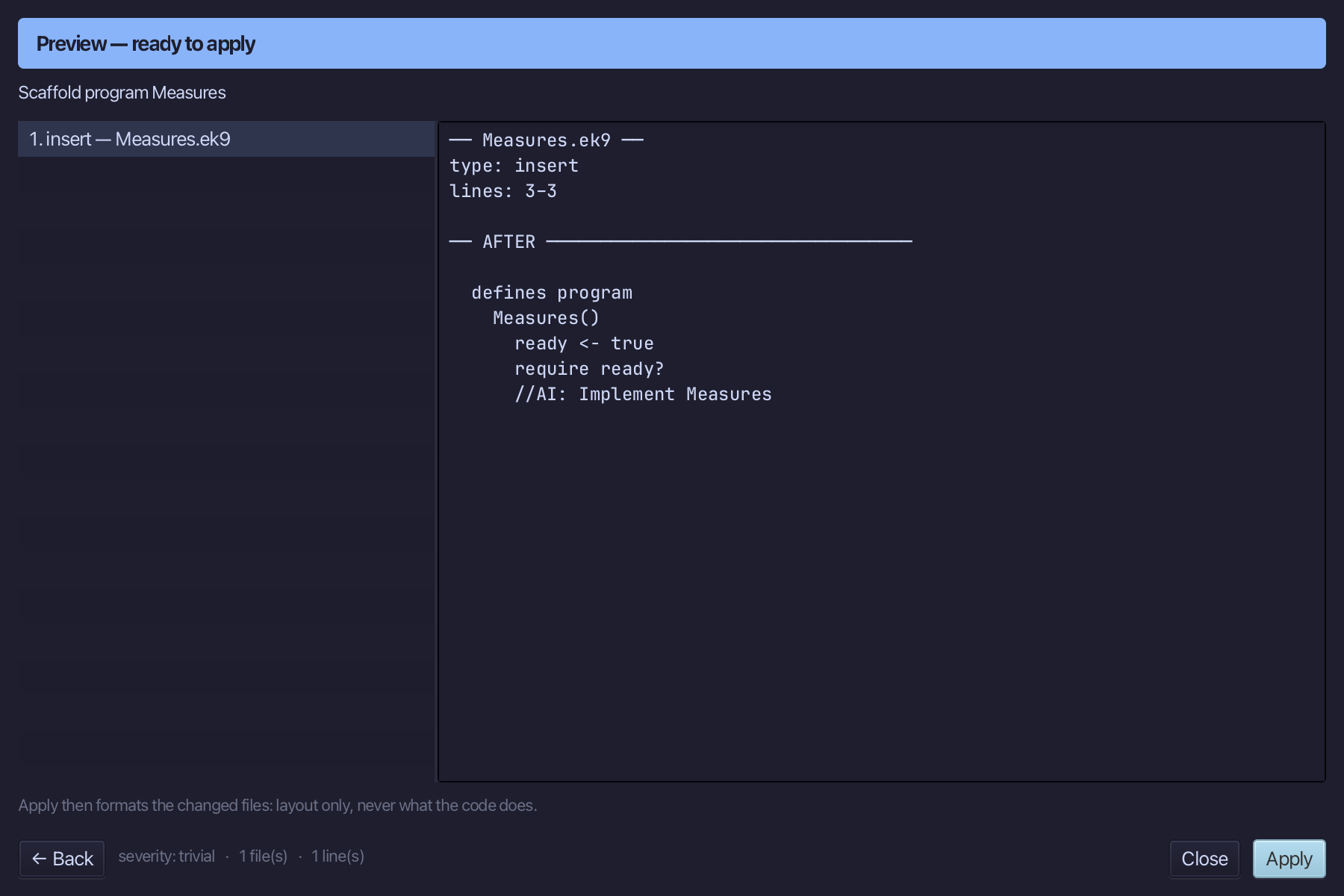
The preview shows Measures about to be written. Choose Apply.
Select the Measures() line, and above it type the blank line every chapter example opens its first member with. Saves when typed.
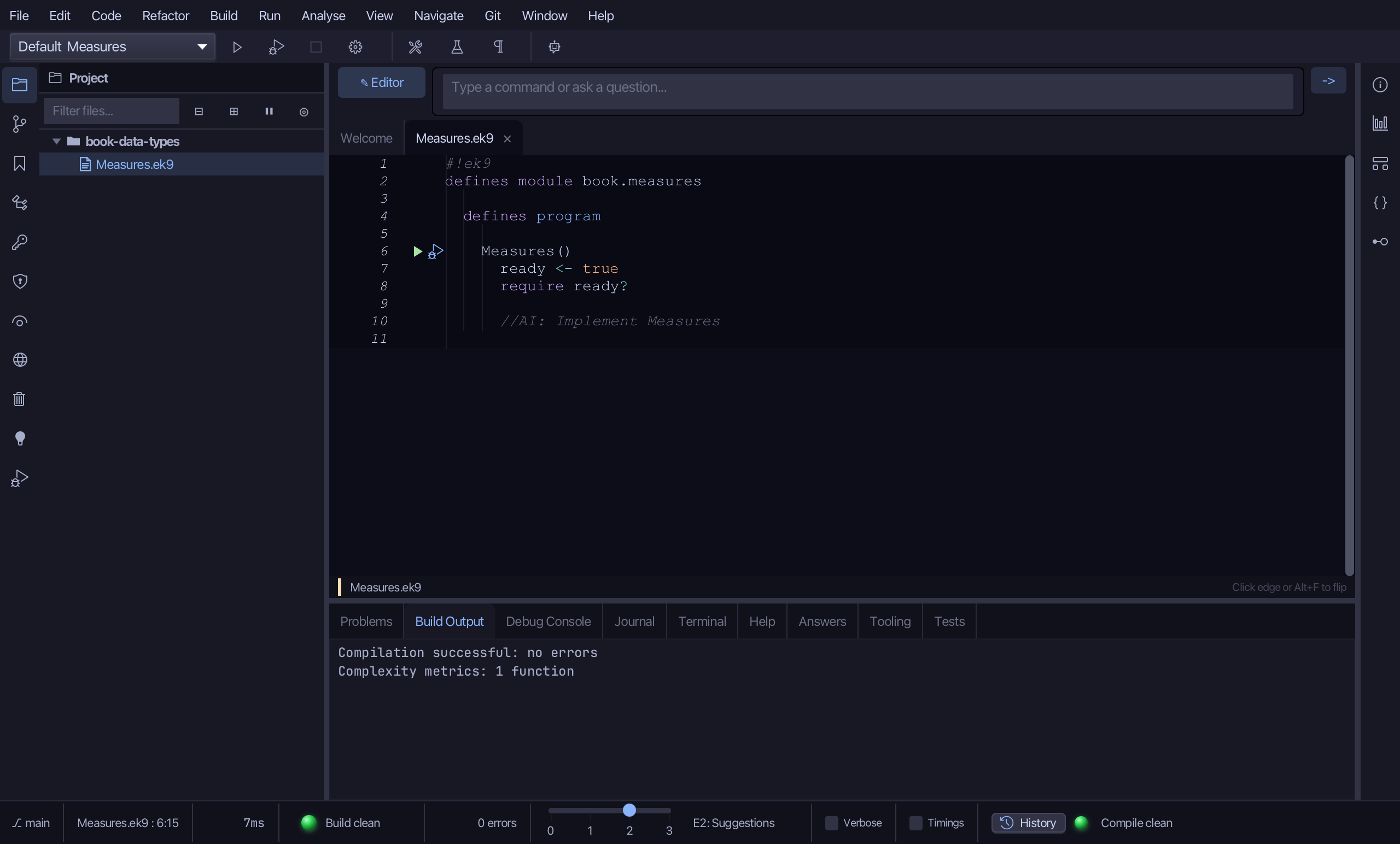
Select the stub, from ready <- true down to its //AI line, and type Measures' whole job: a Stdout, width and three values worked out from it - doubled, wider, and mismatch, the one that mixes units - then the four lines that print them. Saves when typed.
Step 2: Ask: /h Dimension
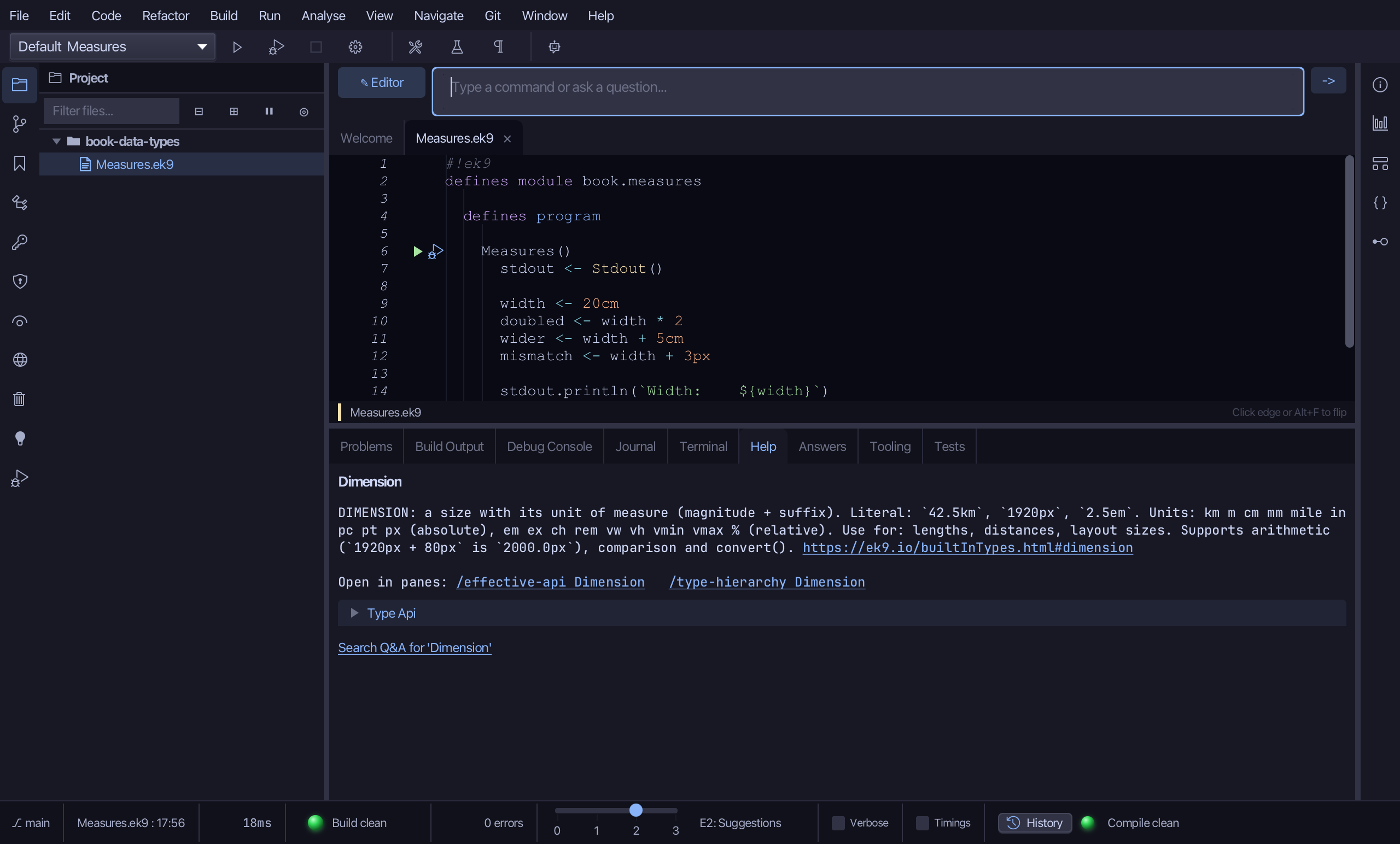
Type /h Dimension into the input bar above the editor and choose -> to send it - the same /h this chapter's own types answer to at a terminal.
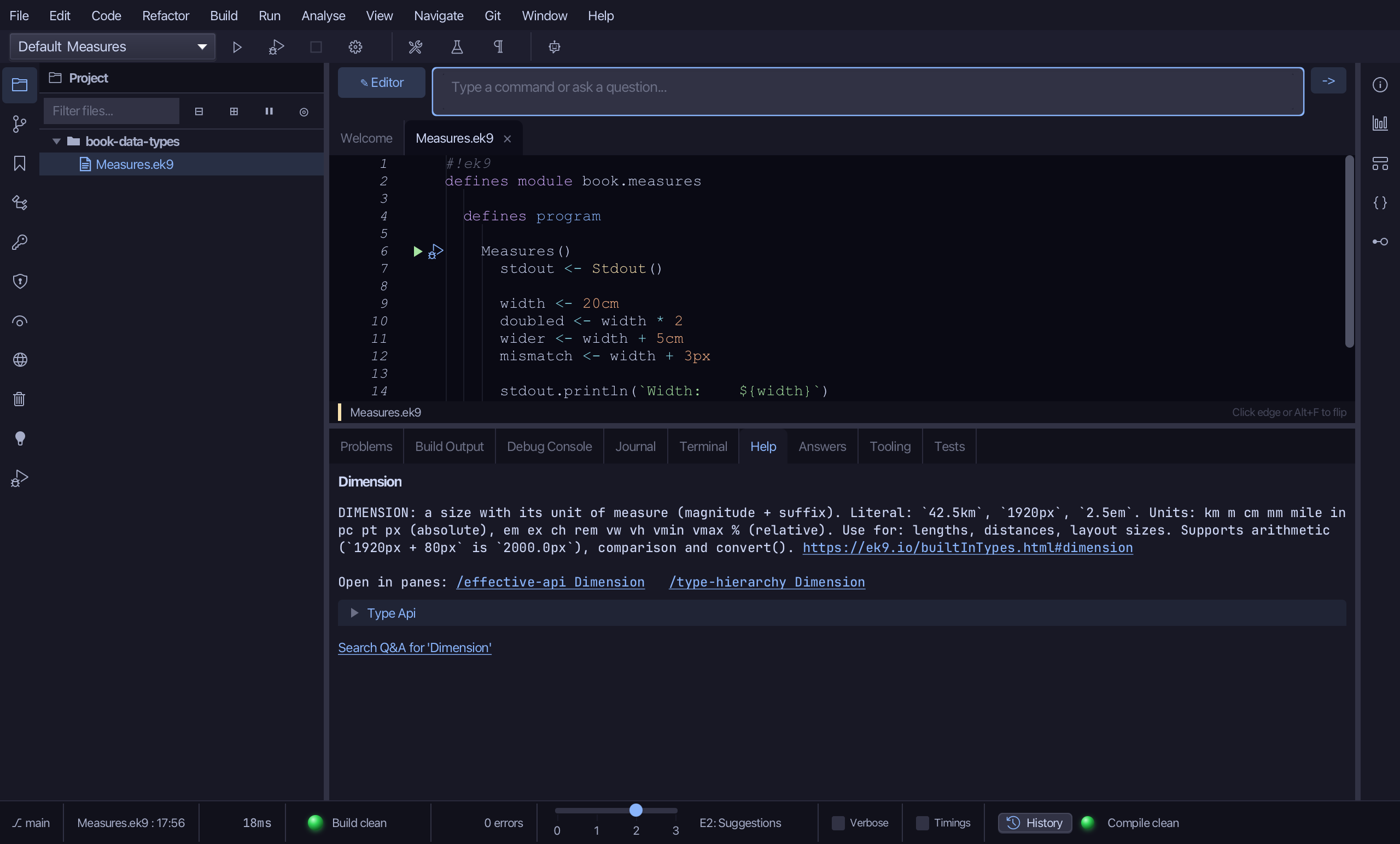
The Help tab shows Dimension's hover summary first - what it is for, its literal form (20cm, 1920px), the units it accepts - then its whole type API as plain lines, constructors through every operator: the same listing ek9 -h Dimension prints at a terminal. A "Search Q&A for Dimension" link sits beneath it, Help's own door into Answers.
Step 3: Ask: Effective API
Select width, on the line that declares it, then choose Analyse ▸ Effective API: cursor-anchored, the same way /h just answered from the input bar instead.
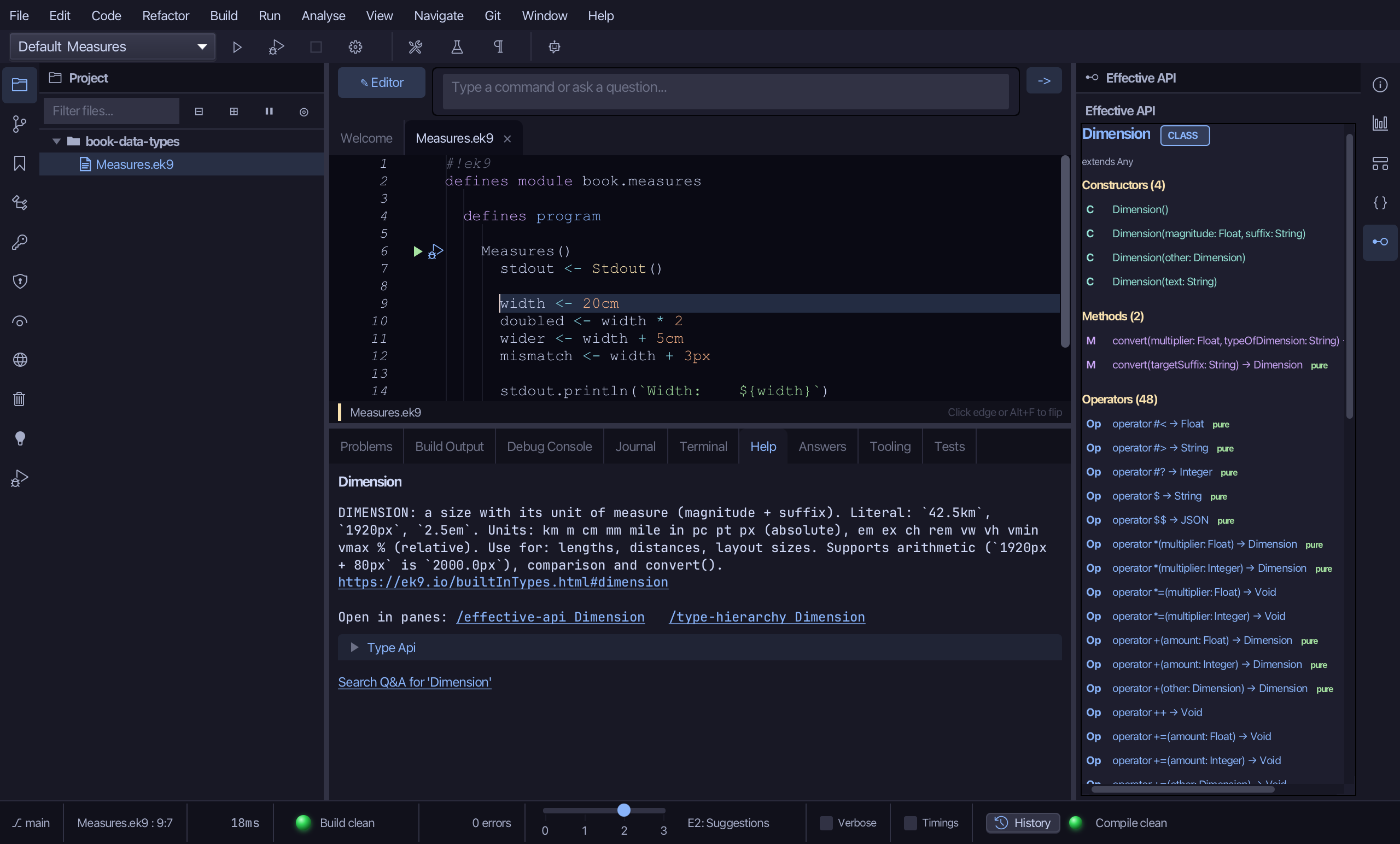
The pane draws Dimension's own surface a different way: a Constructors section (four ways to build one), a Methods section (convert(), twice overloaded), and a long Operators section, each counted. Among the operators are the three Measures itself calls - + and * for the arithmetic, ? for the mismatch check - alongside what every EK9 type carries, $ for a string form and <=> for ordering; the rest covers the remaining arithmetic (-, /, ^, abs, sqrt), the compound-assignment forms and the rest of comparison.
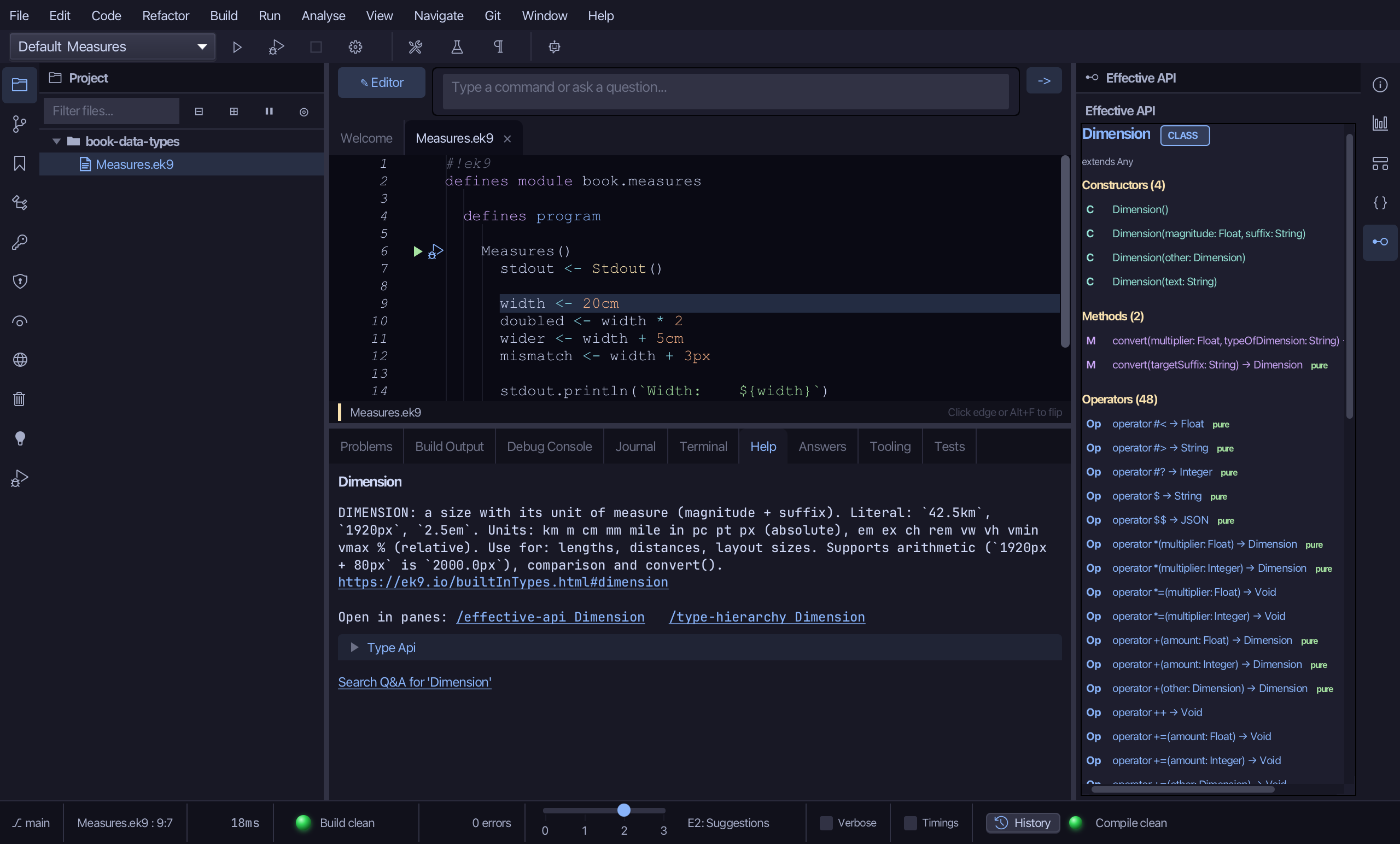
Step 4: Run it
Choose Run > Run Program…
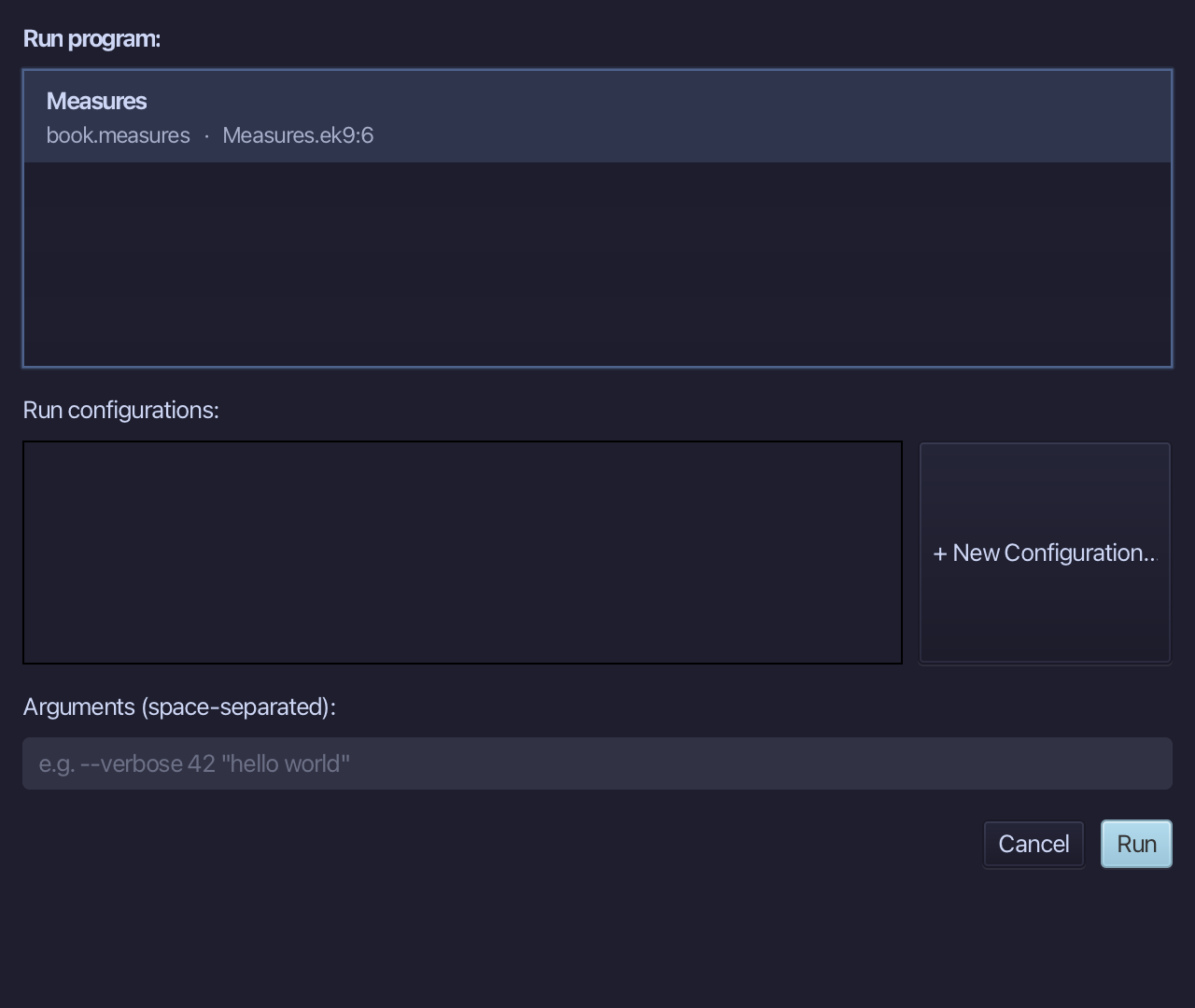
The project's only program is already chosen. Choose Run.
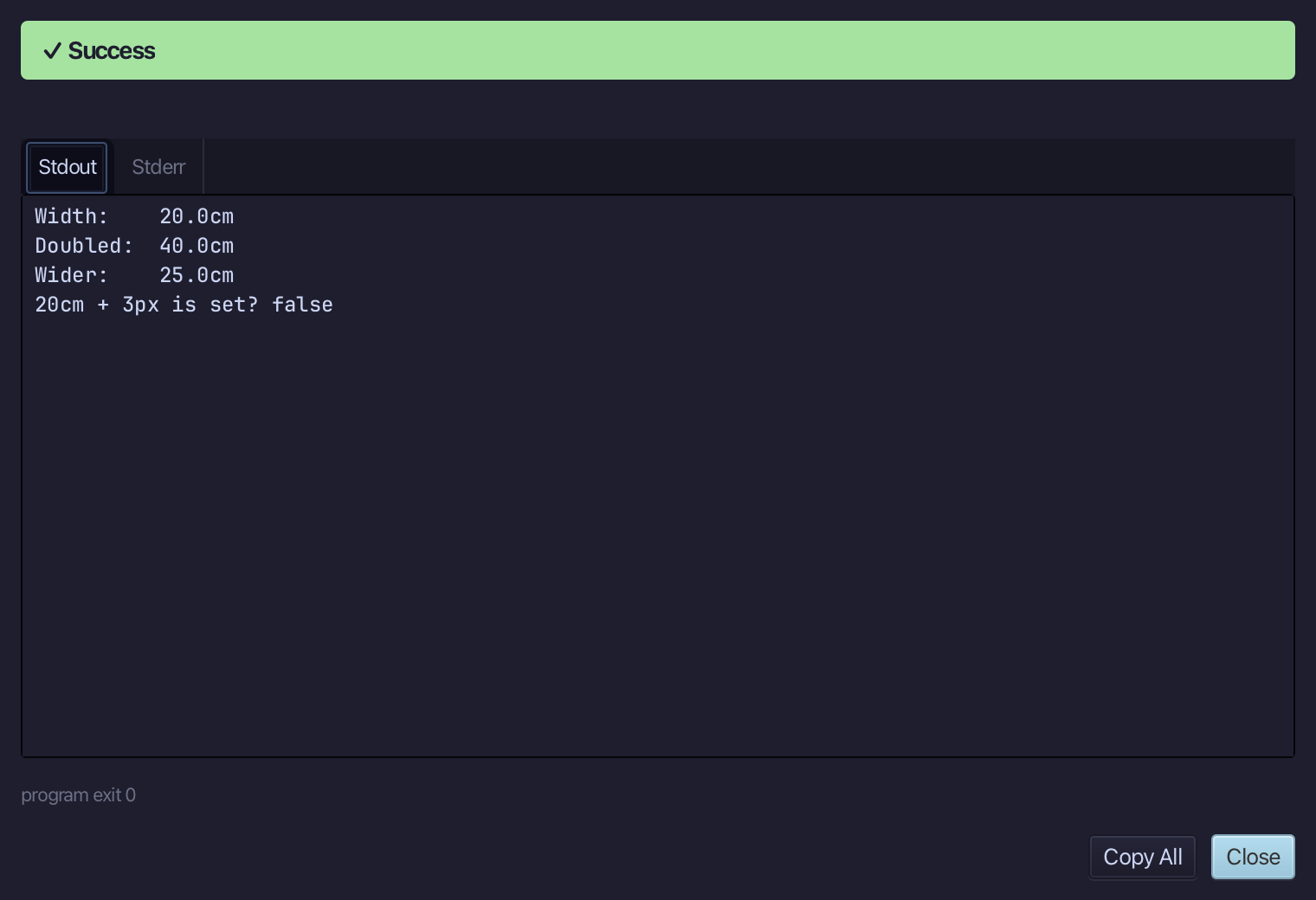
20.0cm, then 40.0cm doubled, then 25.0cm wider - then 20cm + 3px is set? reads false: centimetres and pixels do not mix. Choose Close.
The result
Measures.ek9 now reads exactly as chapter 7 of Getting Started with EK9 shows it: a Dimension doubled, widened by the same unit, and mixed with the wrong one - unset, never a wrong number. /h Dimension and Analyse ▸ Effective API then answered the same question about Dimension two ways - the Help tab's plain API text, and Effective API's own counted Constructors, Methods and Operators - before the program ran.
Where this lesson comes from
- For AI assistants - the MCP tool
ek9_new_construct,ek9_add_program,ek9_help,ek9_query_effective_api.