Your own generic class and function
List of String is one generic filled in with String; this lesson WRITES one. The project has a trait Named and two classes that adopt it, Book and Mug. You will write a Shelf that holds one thing of some type T - any T that is Named, so the Shelf itself may ask its contents for their name - and a generic function, describe, with the same limit. Java programmers: no angle brackets and no erasure; 'of type T' is read as English, and each filling, Shelf of Book and Shelf of Mug, is a type of its own. To play it in the IDE: Help > Lessons > Writing code…, or ek9 -ide -lesson own-generics.
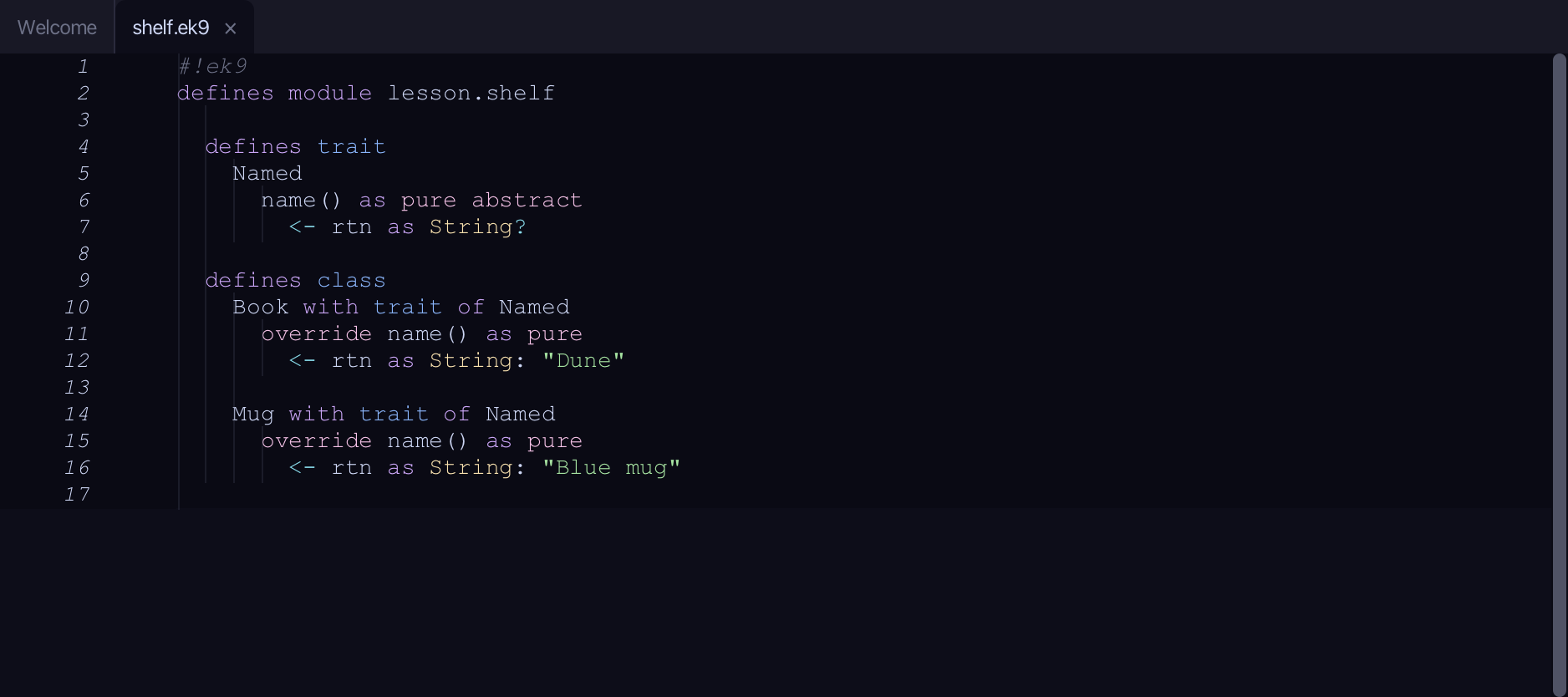
Start from
The code the lesson starts from: copy it into a file of your own and follow the steps.
#!ek9
defines module lesson.shelf

  defines trait
    Named
      name() as pure abstract
        <- rtn as String?

  defines class
    Book with trait of Named
      override name() as pure
        <- rtn as String: "Dune"

    Mug with trait of Named
      override name() as pure
        <- rtn as String: "Blue mug"
Step 1: Shelf — a generic class
Choose Code > New Construct > Class…
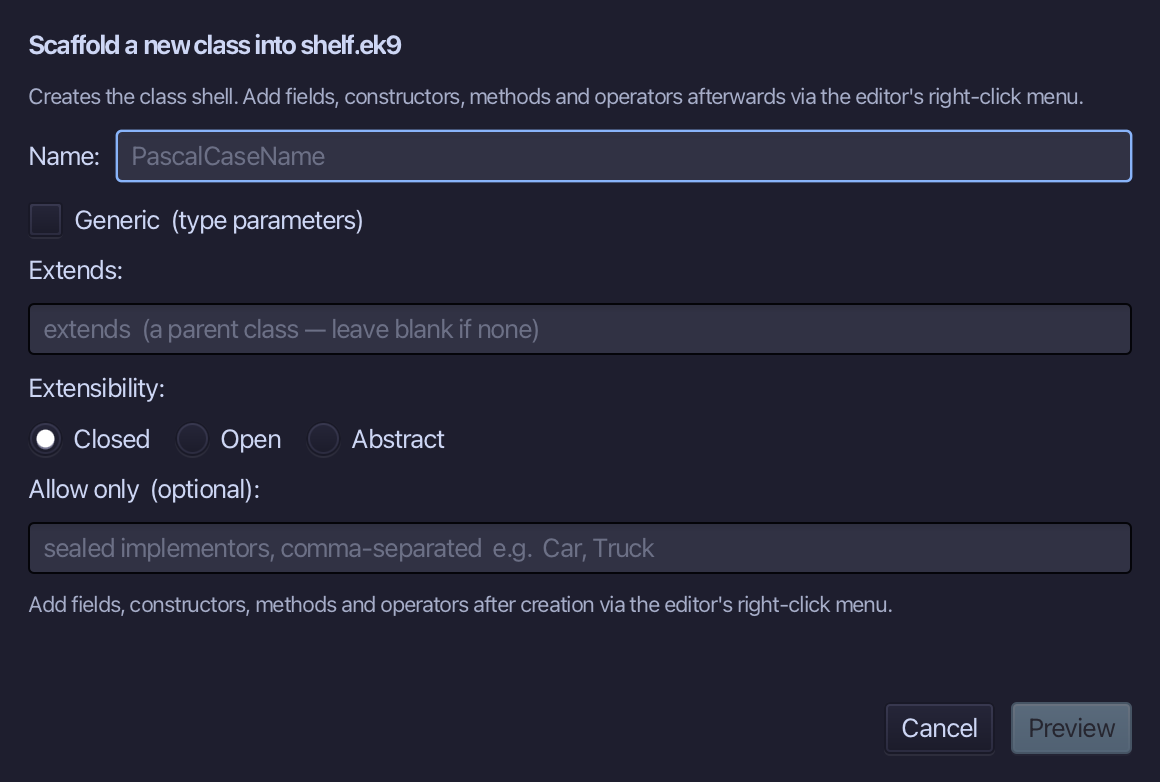
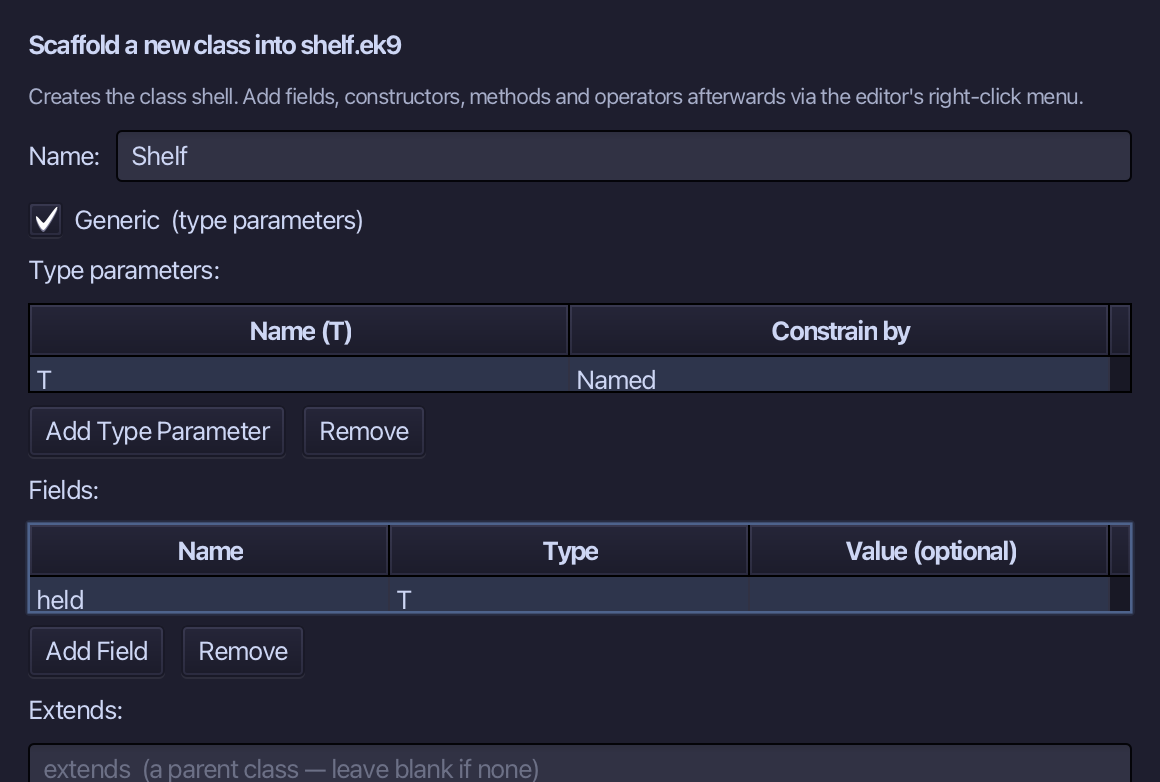
Shelf is the class's name. Tick Generic: a type-parameter row appears - T, Constrain by Named, so only a Named type can fill it - and a Fields row: held, of type T. Choose Preview.
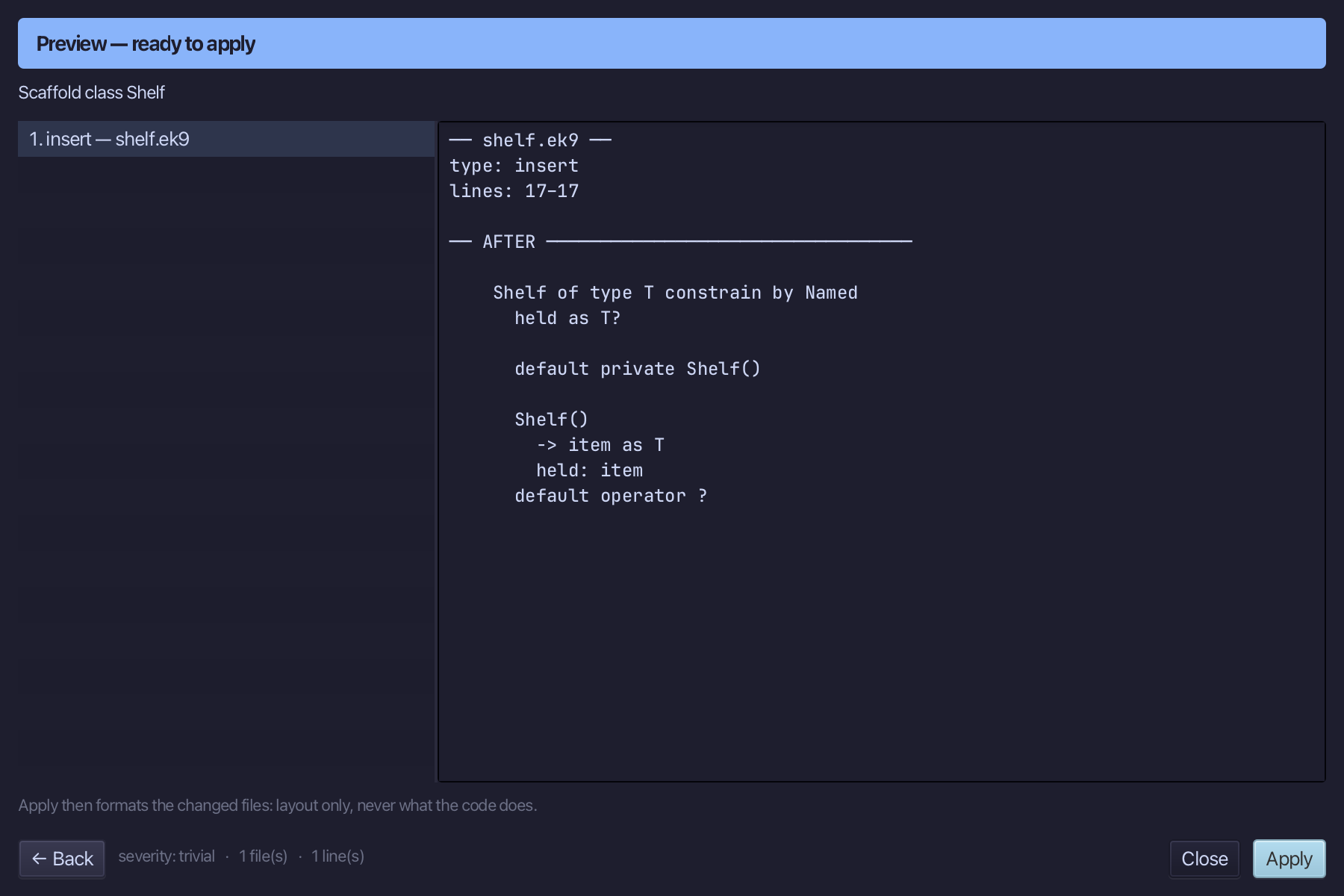
The preview shows Shelf of type T constrain by Named - and more than you asked for: a generic class must have a default constructor and one that takes a T, so the tool wrote both, the default private (held has no value yet), and the second sets held. Choose Apply.
Step 2: label — what the constraint buys
Right-click the Shelf line and choose Add Method…
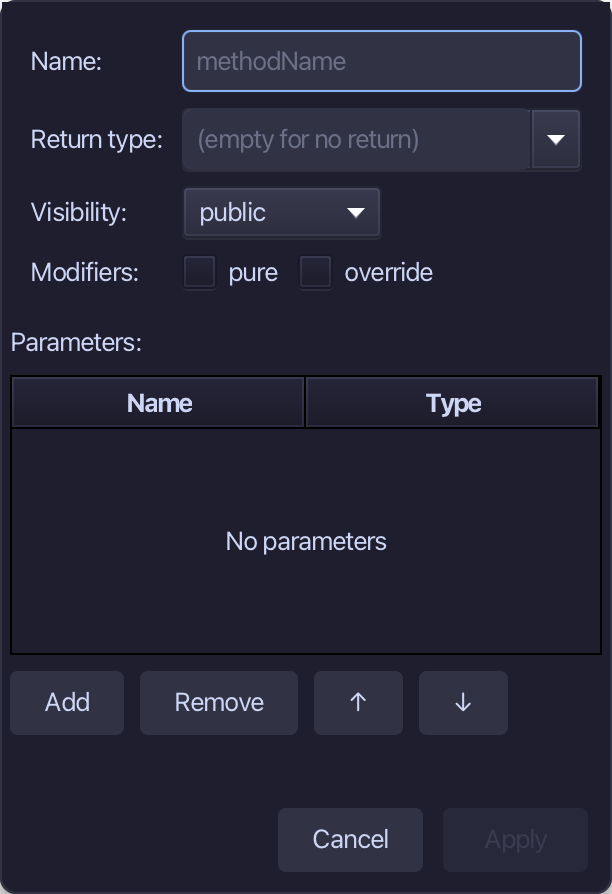
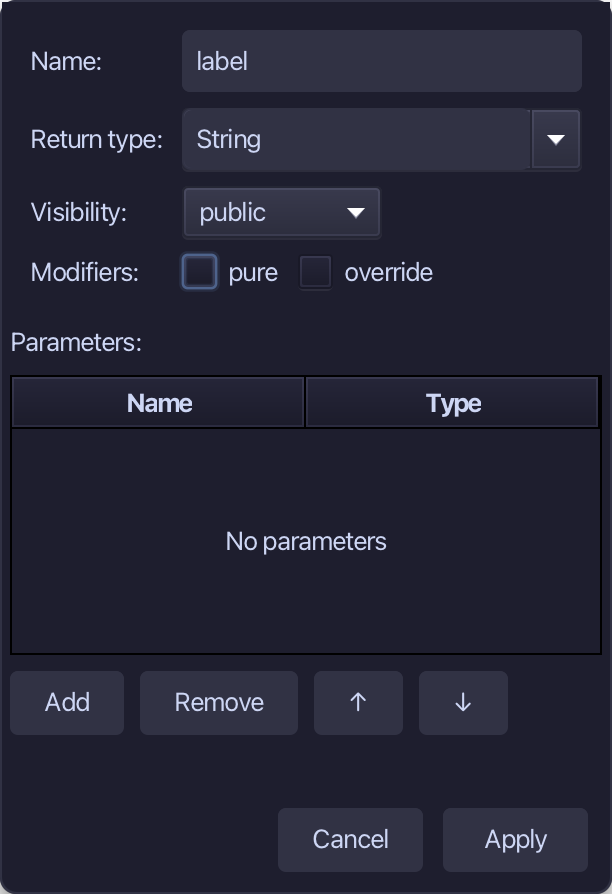
label is the method's name, String the return type. Fill them in and choose Apply.
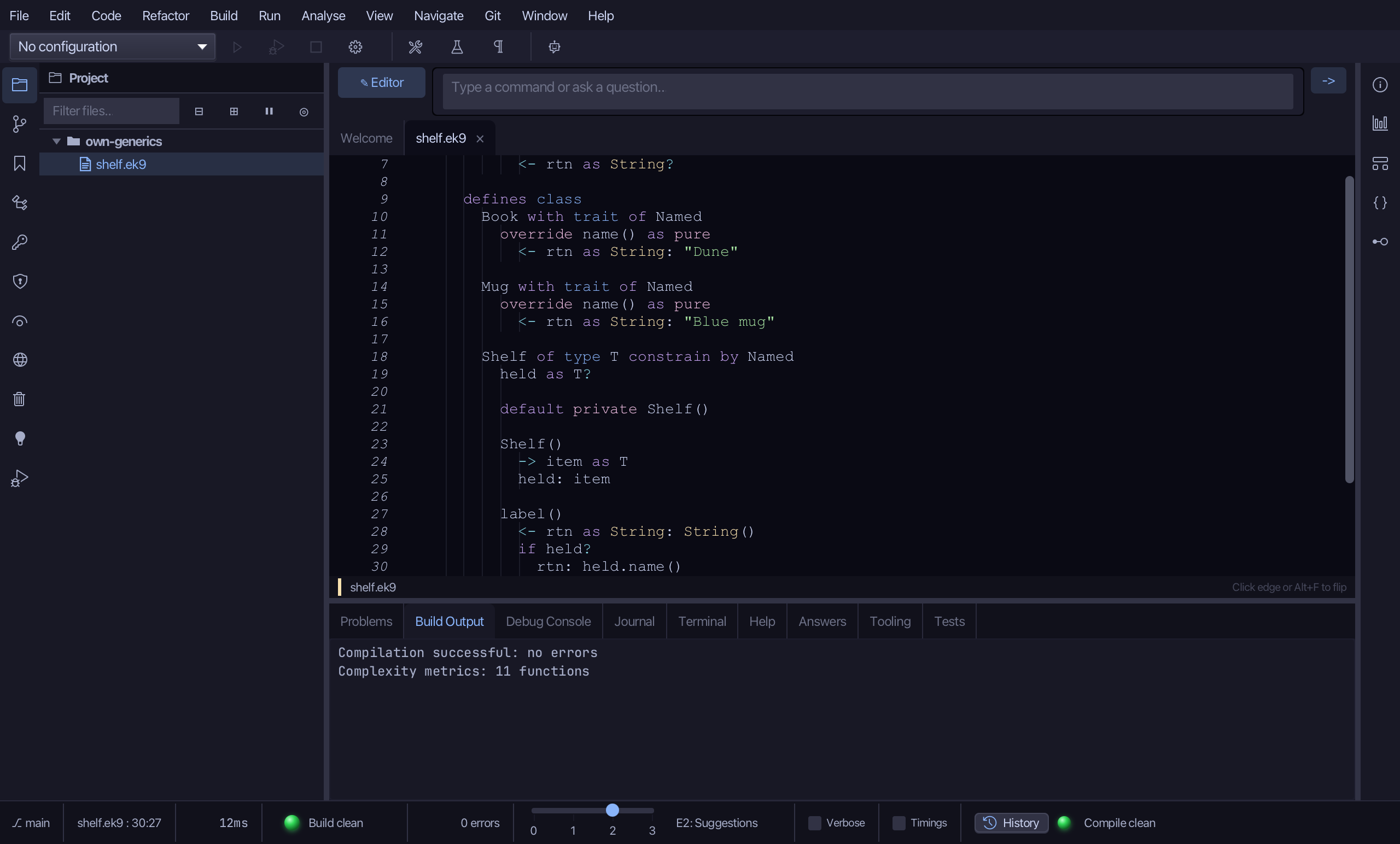
Select the stub and type label's job: if the shelf holds something, ask it for its name. held is a T, and T is constrained by Named - so held.name() compiles. Without the constraint it would not. Saves when typed.
Step 3: describe — a generic function
Choose Code > New Construct > Function…
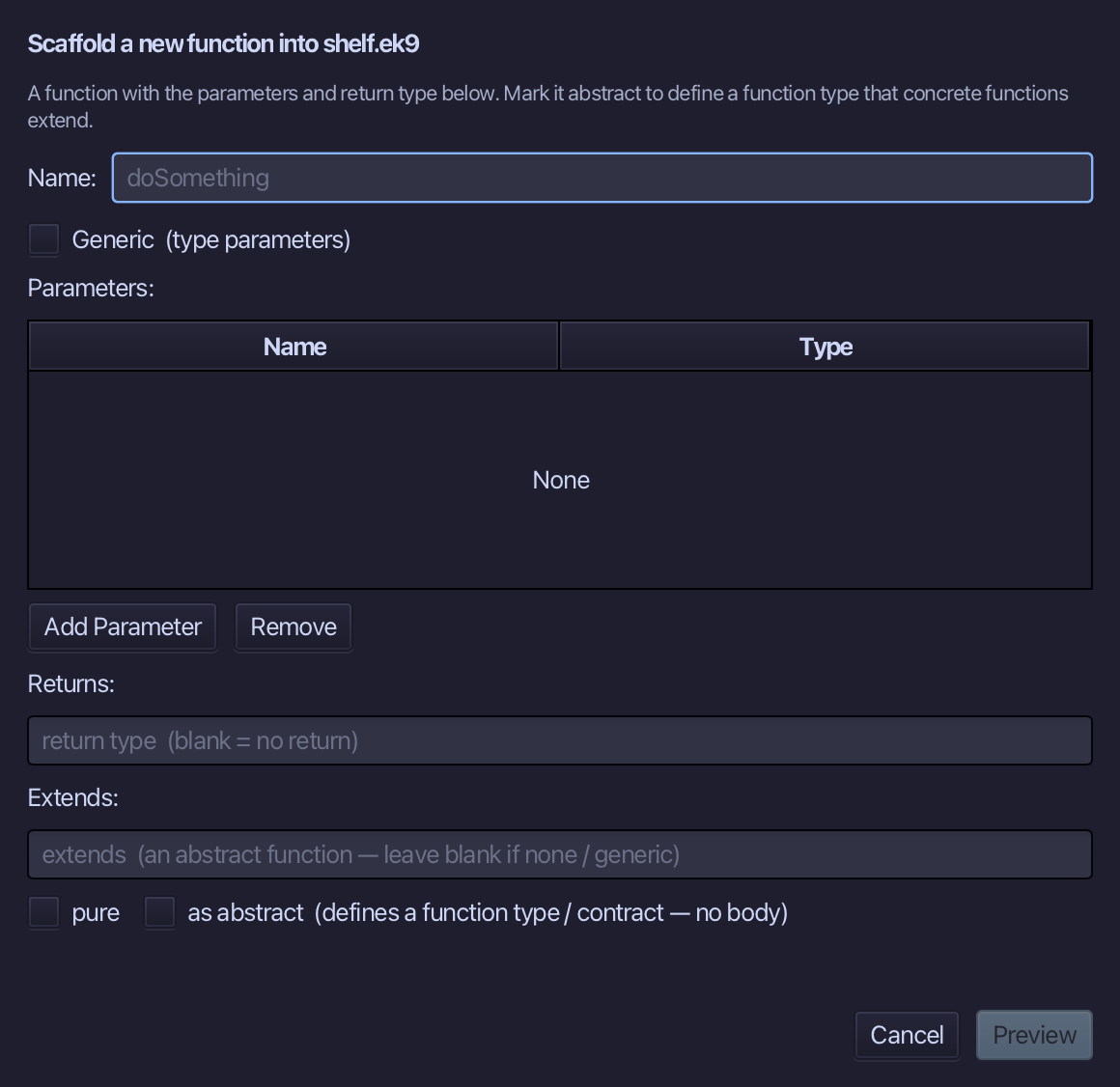
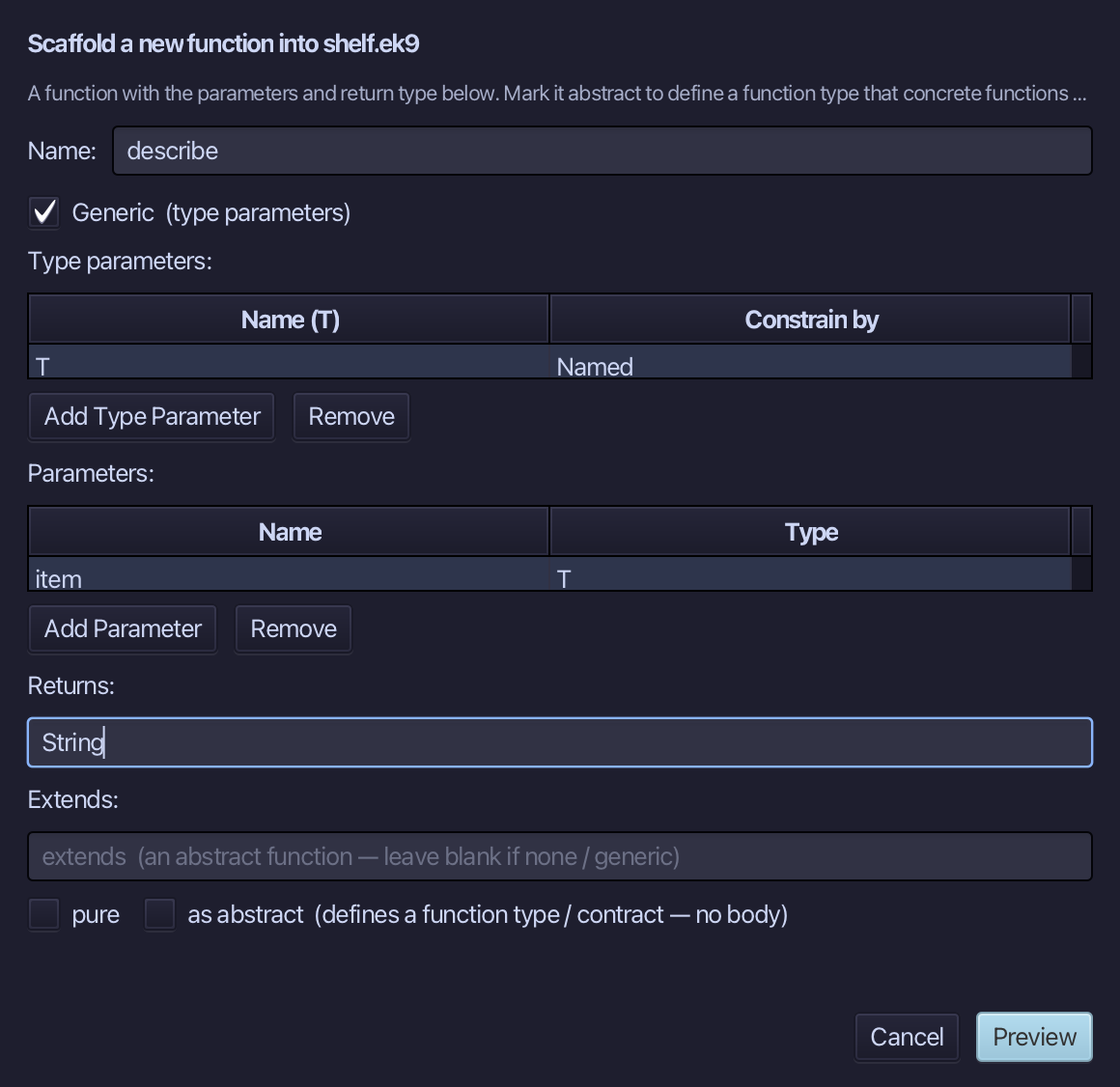
describe is the function's name. Tick Generic and give the same limit, T constrained by Named; one parameter, item of type T; Returns String. Choose Preview.
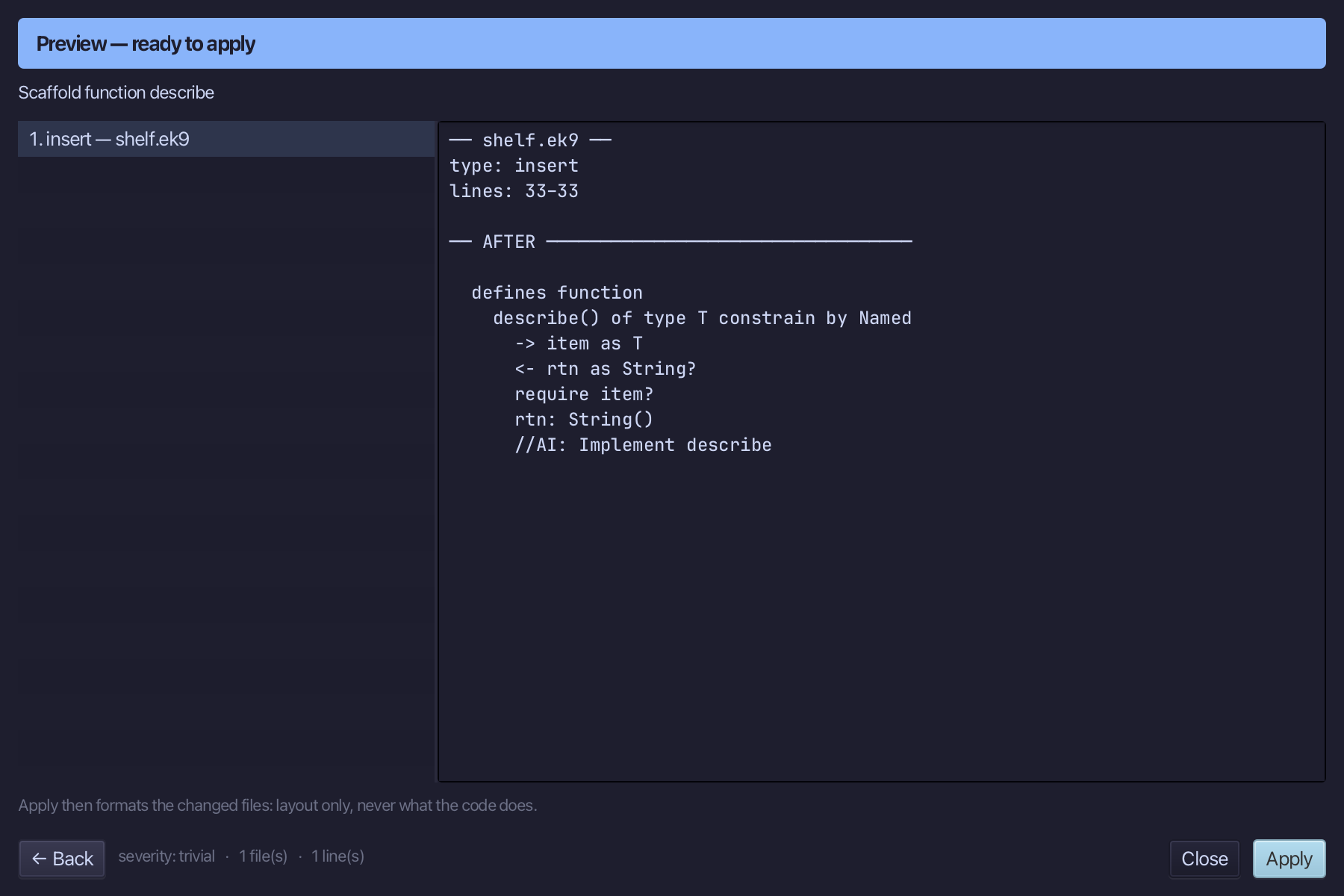
The preview shows describe() of type T constrain by Named - the function form of the same idea. Choose Apply.
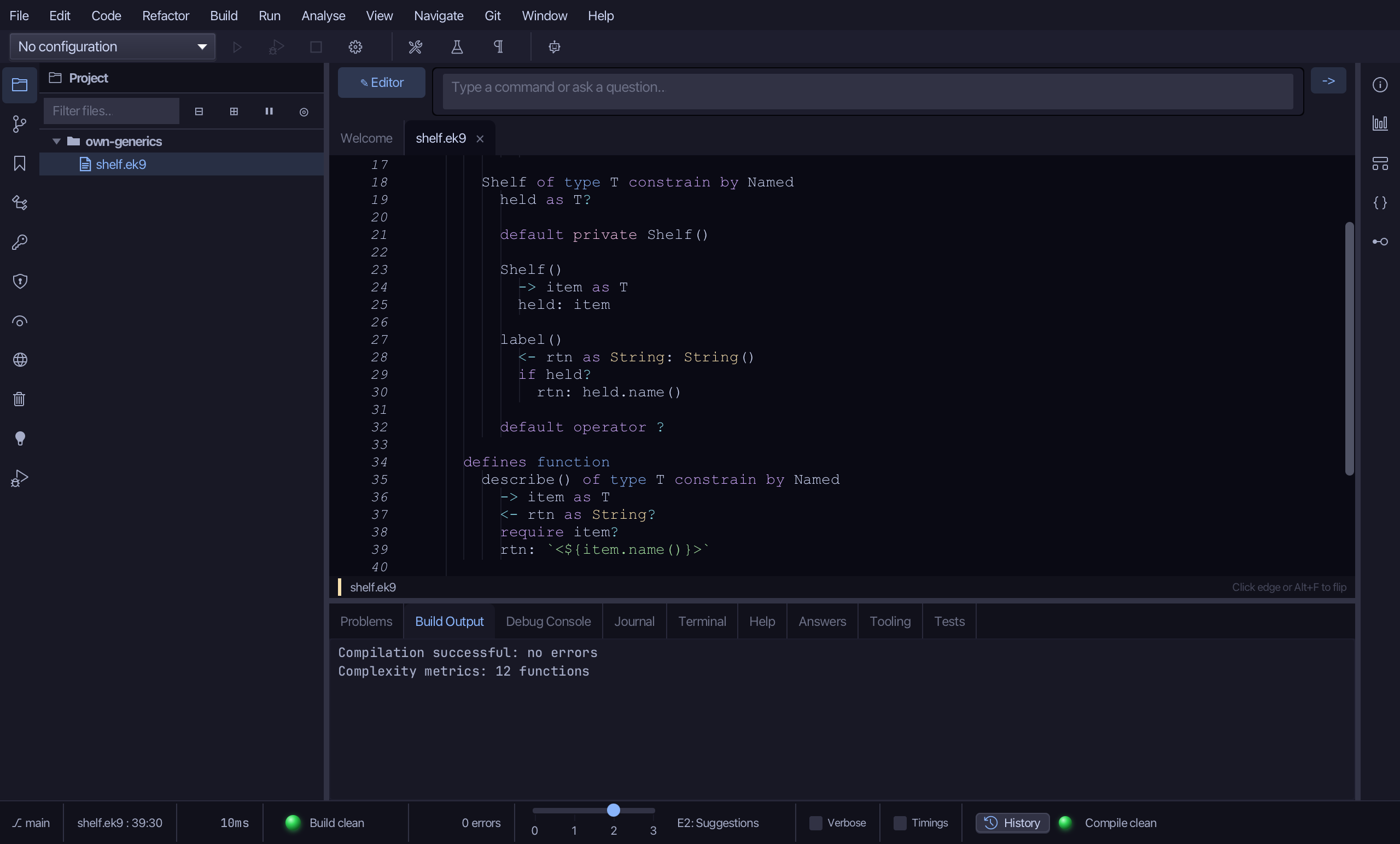
Select the line the tool left and type describe's answer: the item's name between angle brackets. Saves when typed.
Step 4: The program
Choose Code > New Construct > Program…
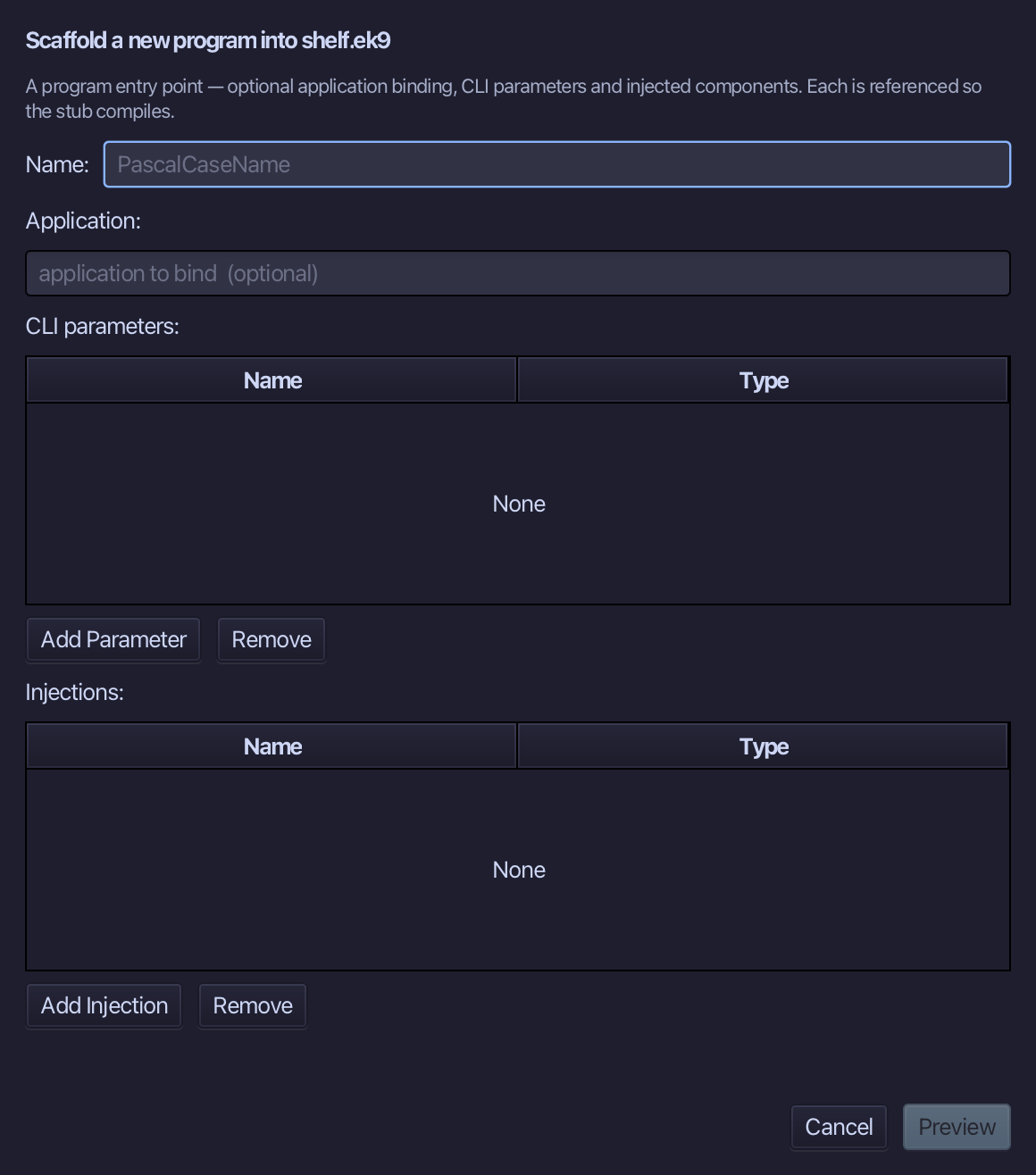
Show is the program's name - no application to bind, no parameters. Type Show and choose Preview.
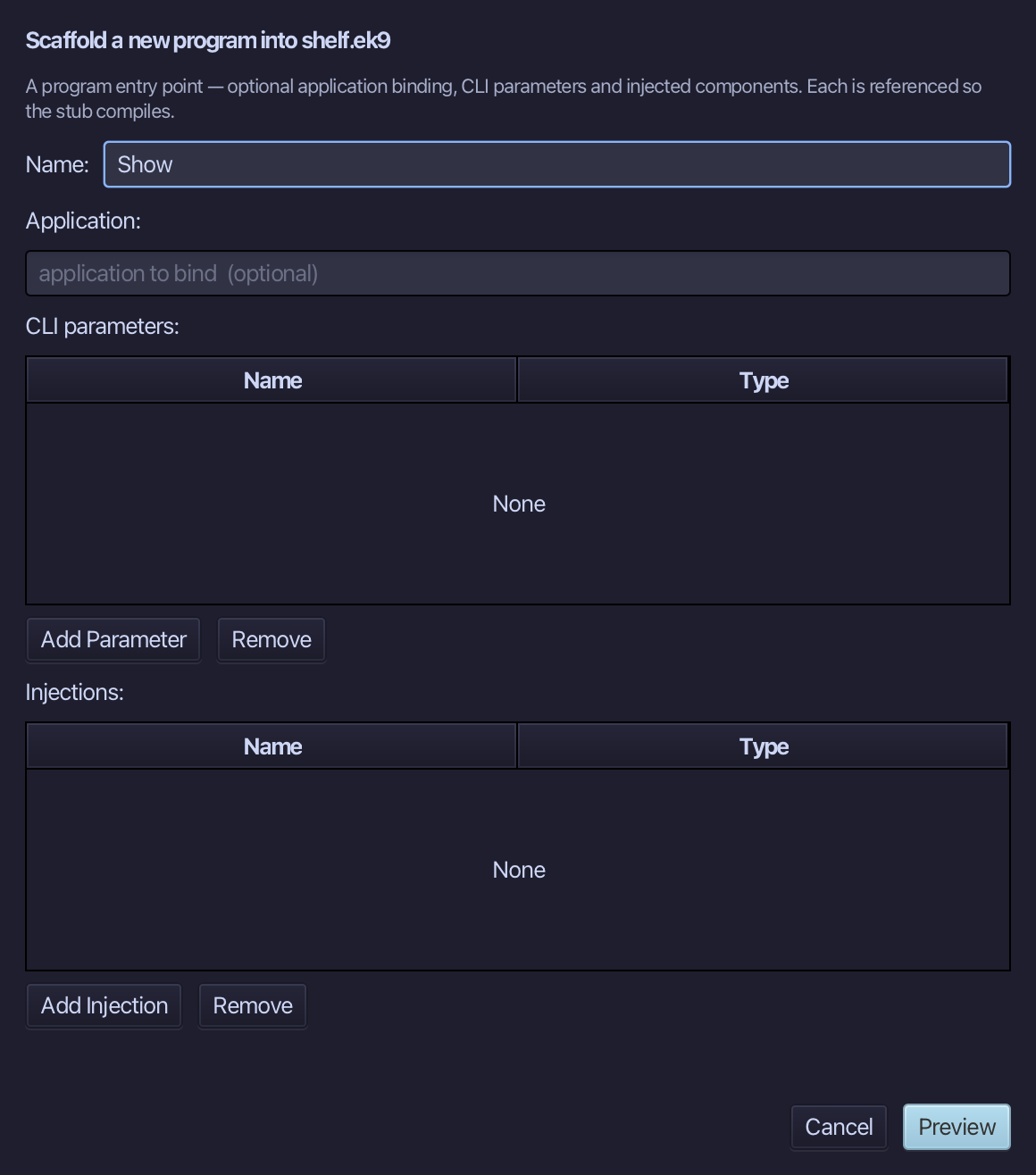
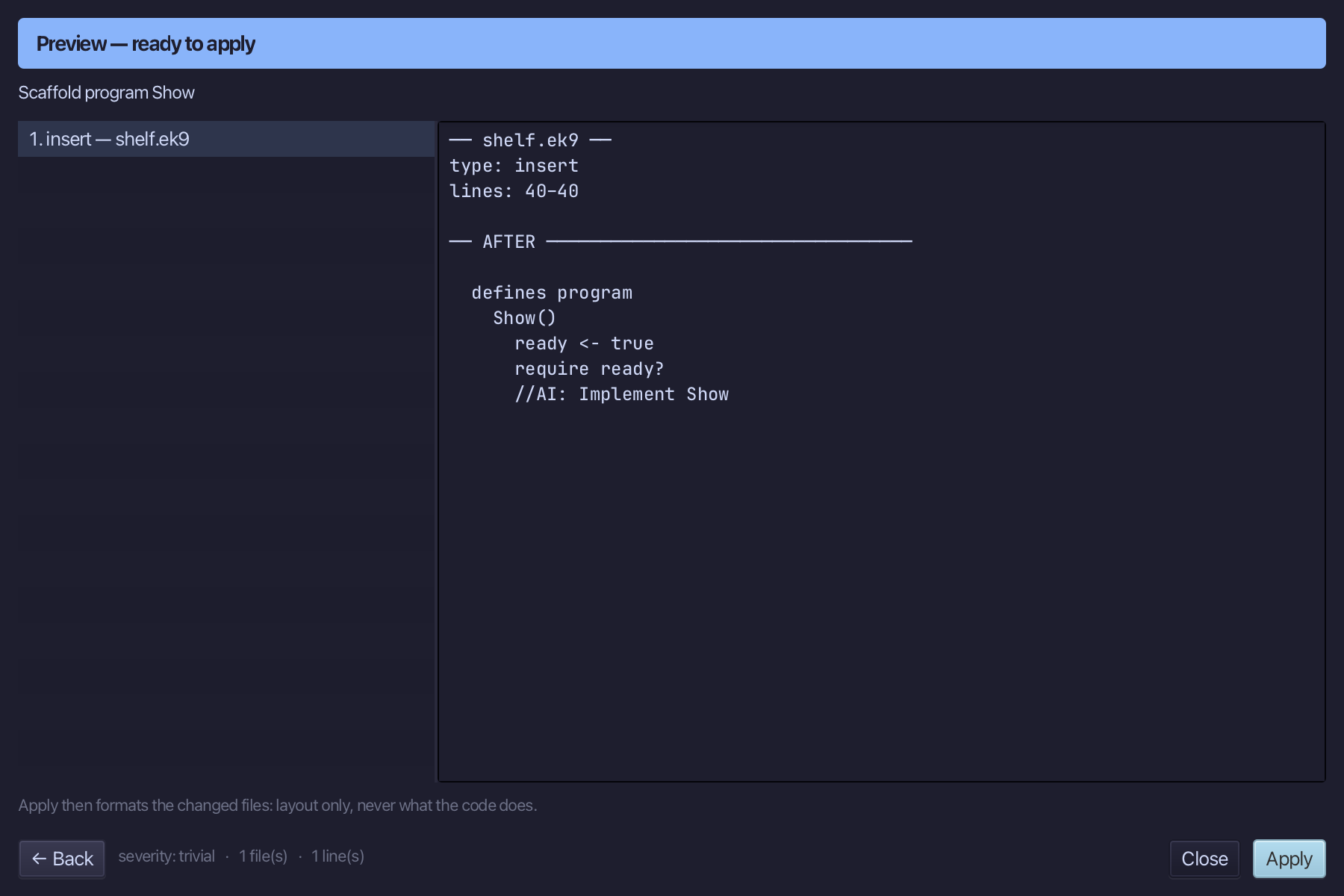
The preview shows Show about to be written. Choose Apply.
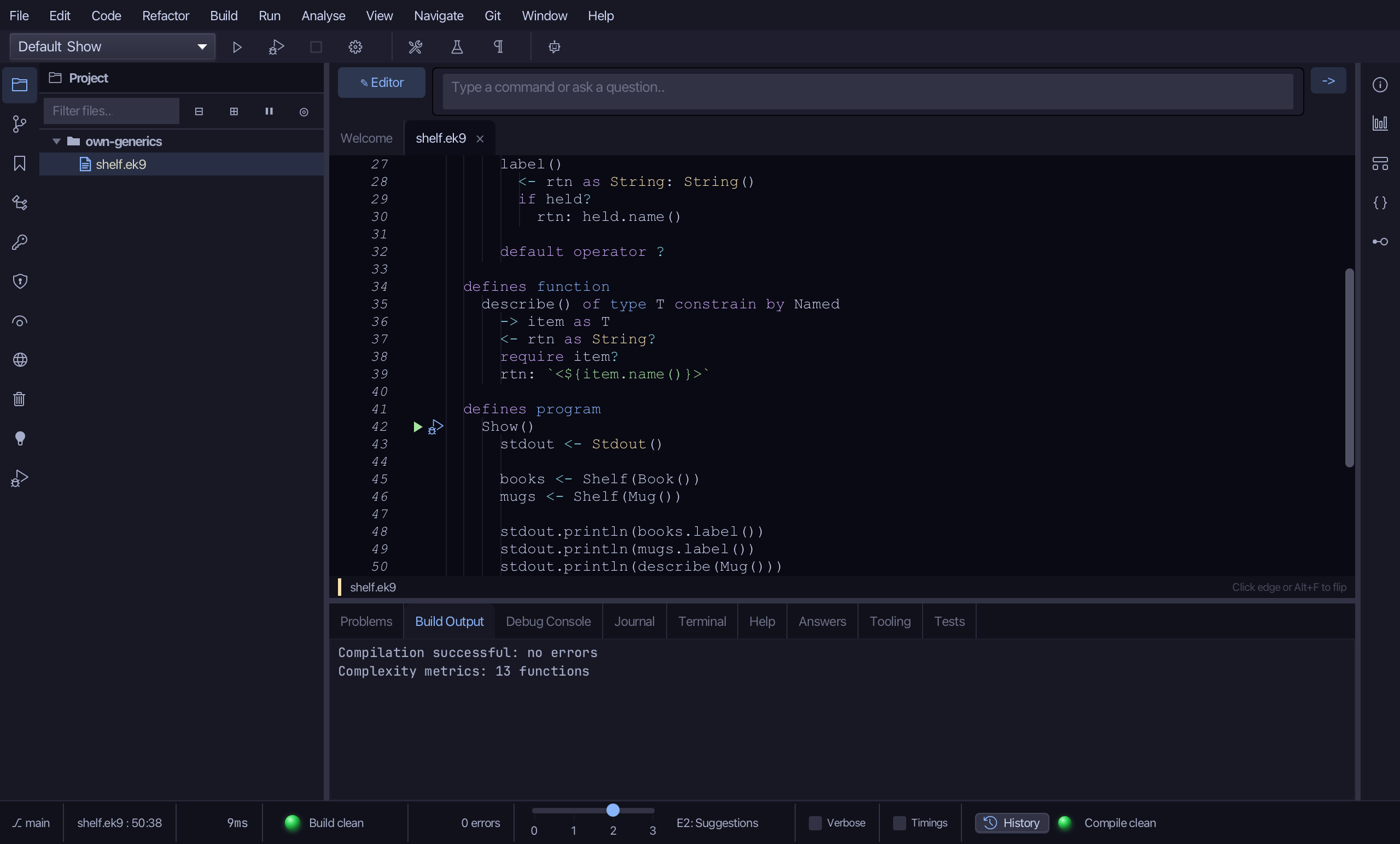
Select the stub and type Show's body: one Shelf holding a Book, another holding a Mug - EK9 works T out from the argument - and the label of each, then describe on a Mug. Saves when typed.
Step 5: Read Shelf of Book's Effective API
Select books, on the line that declares it, then choose Analyse ▸ Effective API.
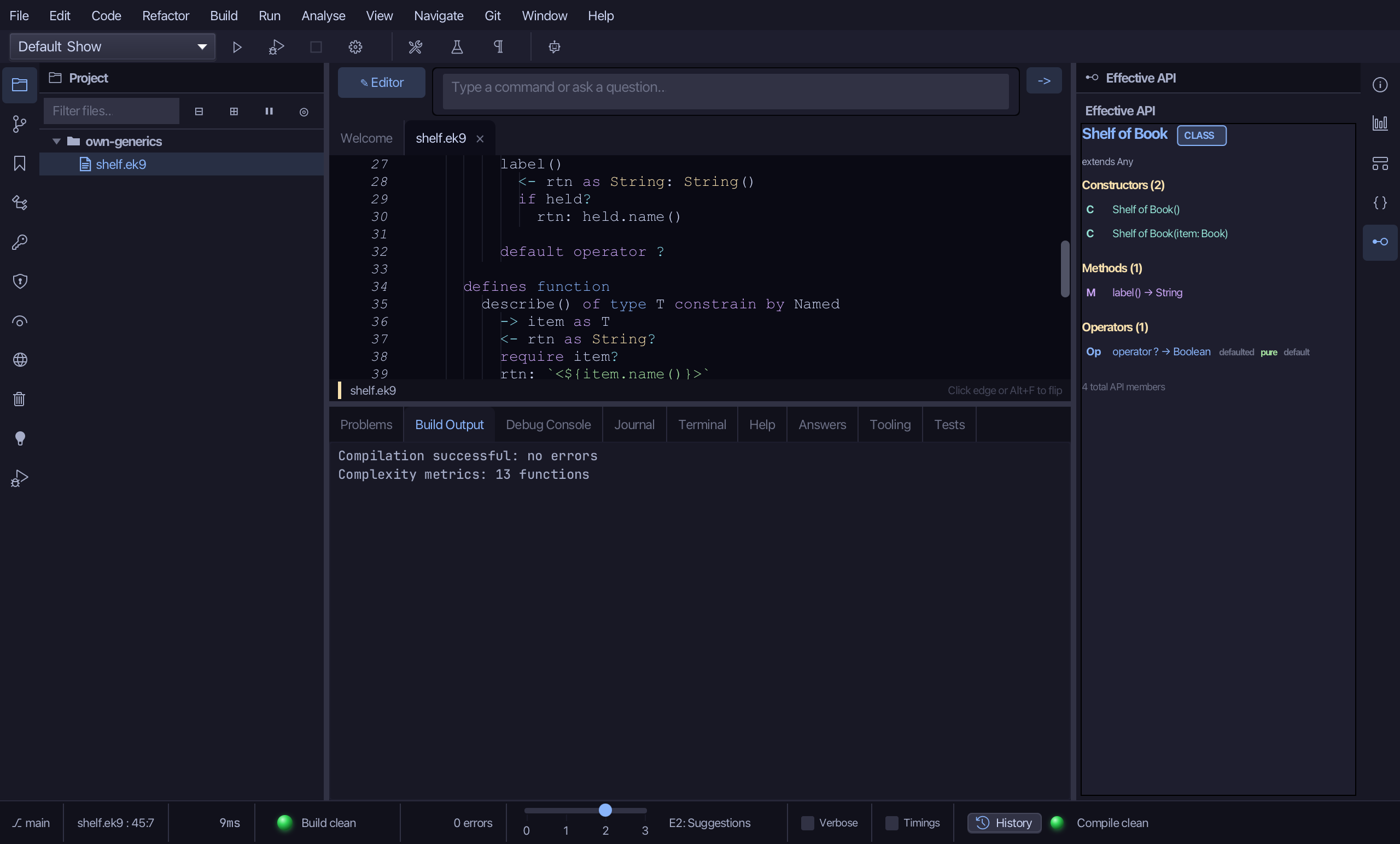
Shelf of Book is a type EK9 made from your Shelf, and it carries what you wrote with Book filled in for T: two constructors, label(), and the operator ? - 4 members. The constraint did its work at compile time: Shelf("text") is refused (E50030), because String is not Named.
Step 6: Read Shelf of Mug's Type Hierarchy
Select mugs, then choose Analyse ▸ Type Hierarchy.
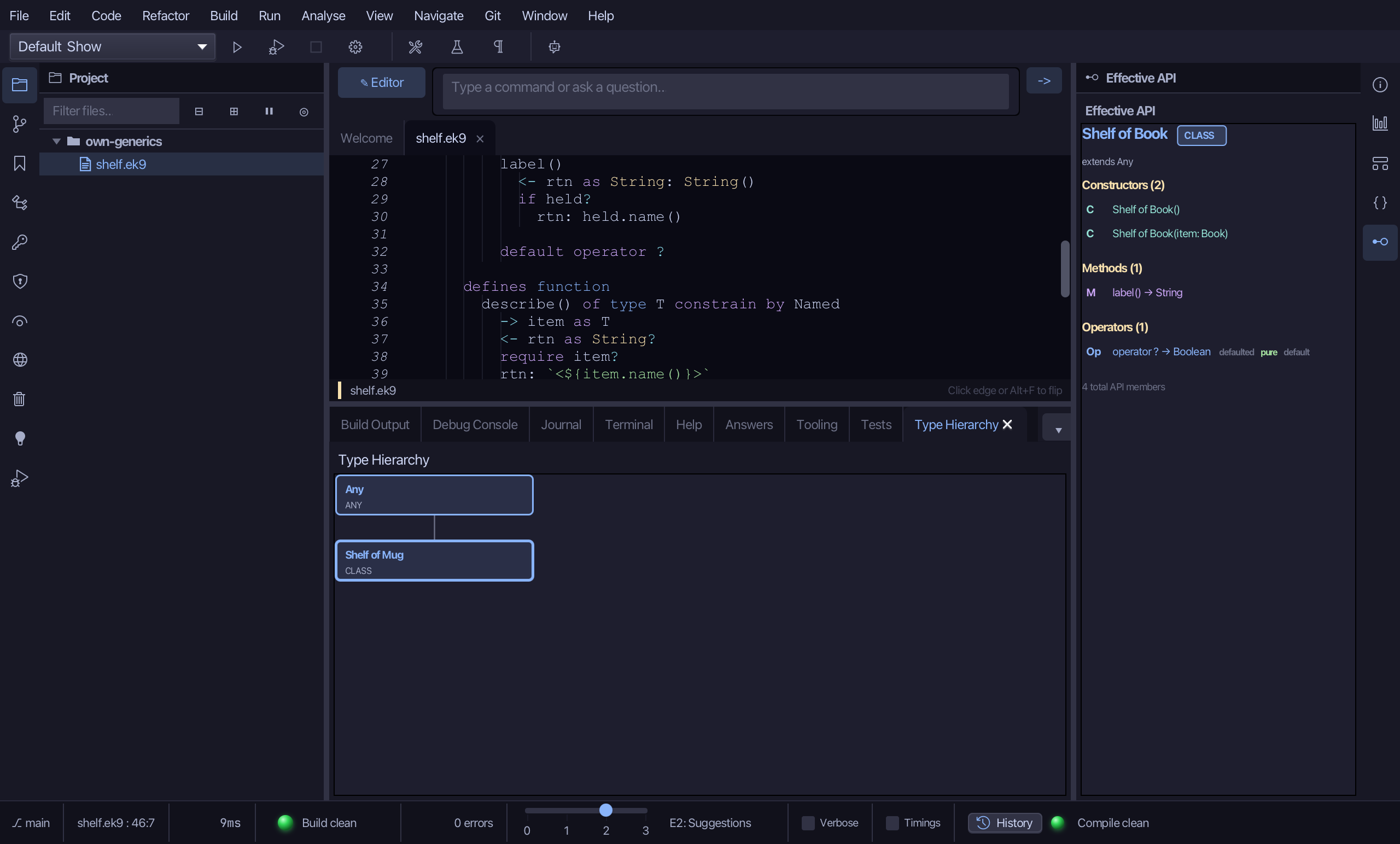
Shelf of Mug sits directly under Any - it extends nothing of yours, and is not related to Shelf of Book in the type system: two fillings of one generic are two separate types.
Step 7: Run it
Choose Run > Run Program…
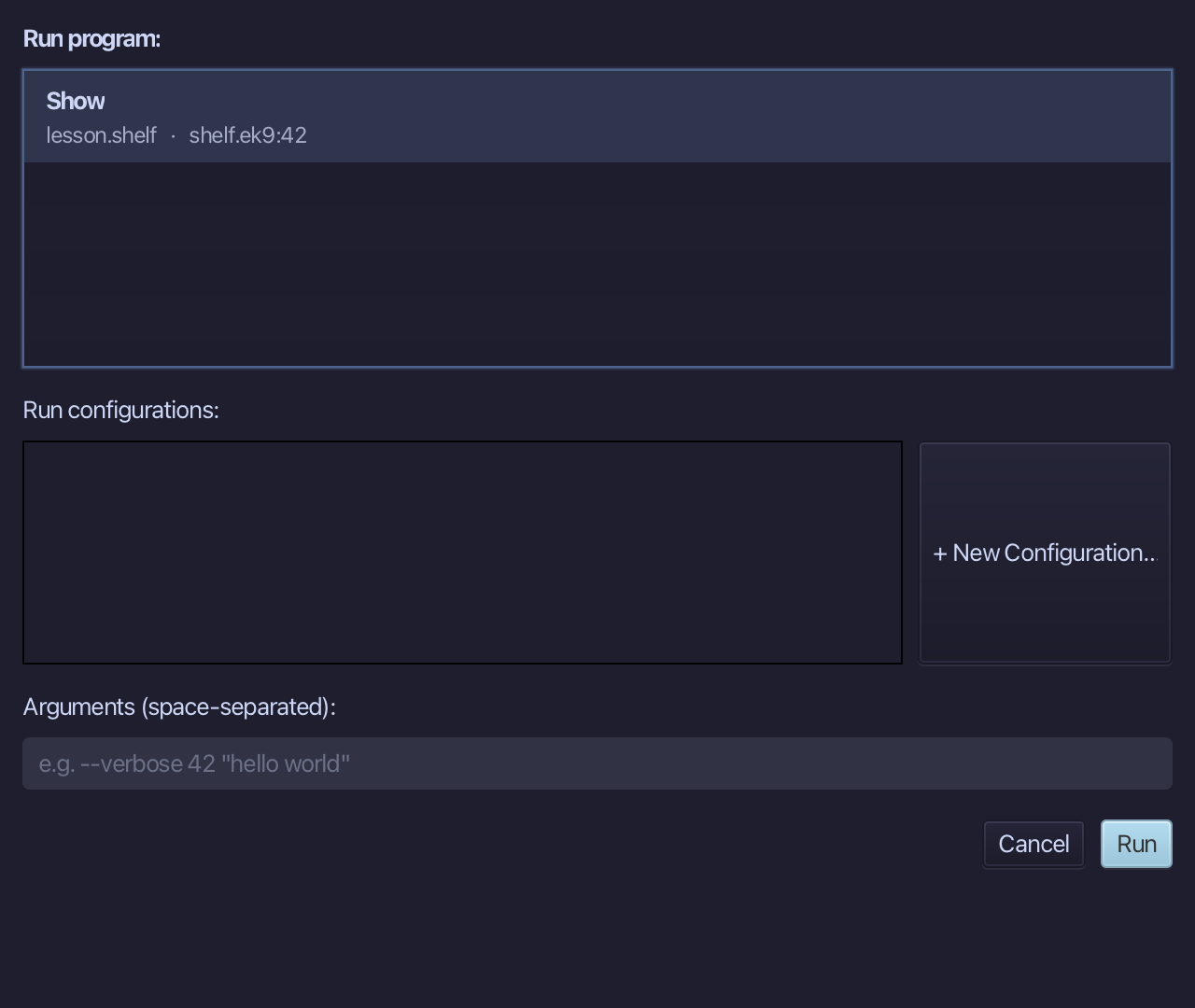
The project's only program is already chosen. Choose Run.
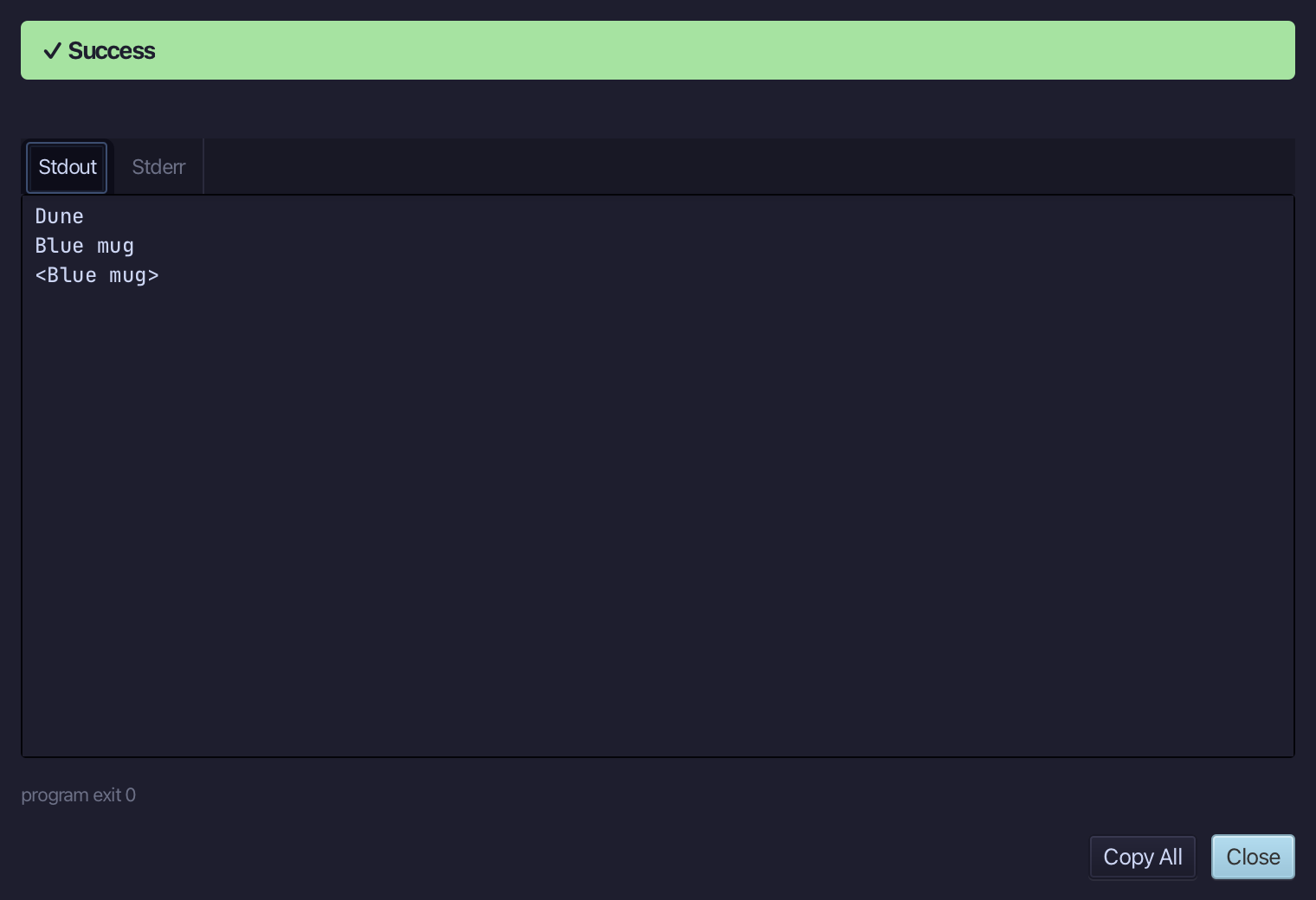
Dune, Blue mug, then Blue mug in angle brackets - each Shelf asked its own contents for a name, and describe did the same for a Mug passed straight in. Choose Close.
The result
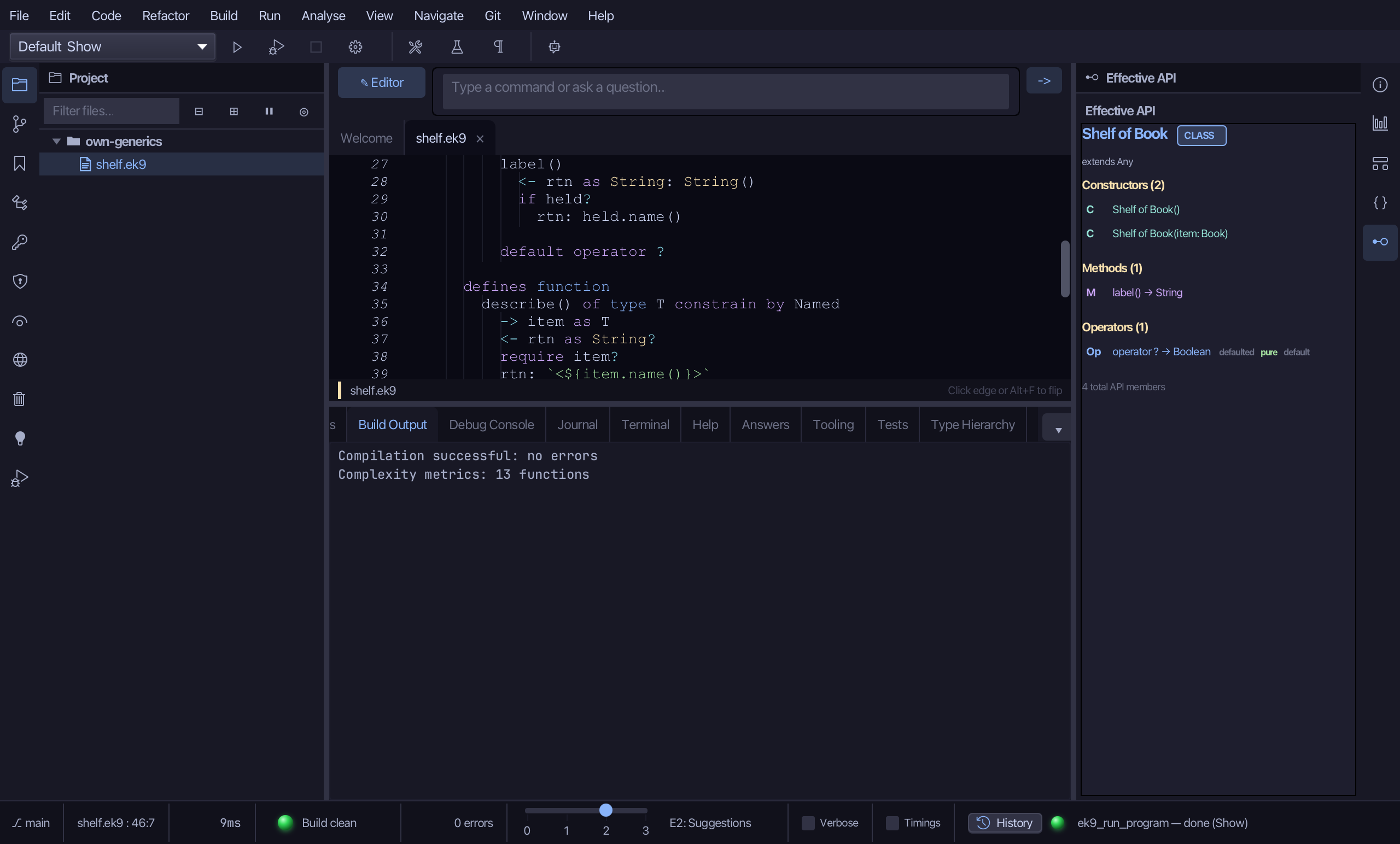
That is a generic of your own: one Shelf, written once with a type parameter T that must be Named, used with a Book and with a Mug - each a type of its own that Effective API and Type Hierarchy read, and the compiler checked every use. describe() is the same idea as a function. Java would erase T at run time; EK9 keeps each filling a real type. The tools are ek9_new_construct (class with typeParameters and fields, function with typeParameters), ek9_add_method and ek9_add_program.
Where this lesson comes from
- Answers -
ek9 -qand the IDE's Answers tab: 194, 195, 58, 196. - For AI assistants - the MCP tool
ek9_new_construct,ek9_add_method,ek9_add_program,ek9_query_effective_api,ek9_query_type_hierarchy.
In the EK9 reference: Generics/Templates in EK9