Chapter 8: a price and a date, localised
Translation is more than words: a price and a date are written differently in every country. In a text method the name locale is the locale being spoken, and locale.format and locale.mediumFormat write a Money or a Date its way. The IDE's tools build the program, the OrderText type (its Money and Date parameters inferred from your sentence) and its locales; you type the sentences. To play it in the IDE: Help > Lessons > Getting Started with EK9…, or ek9 -ide -lesson book-order.
What you'll build
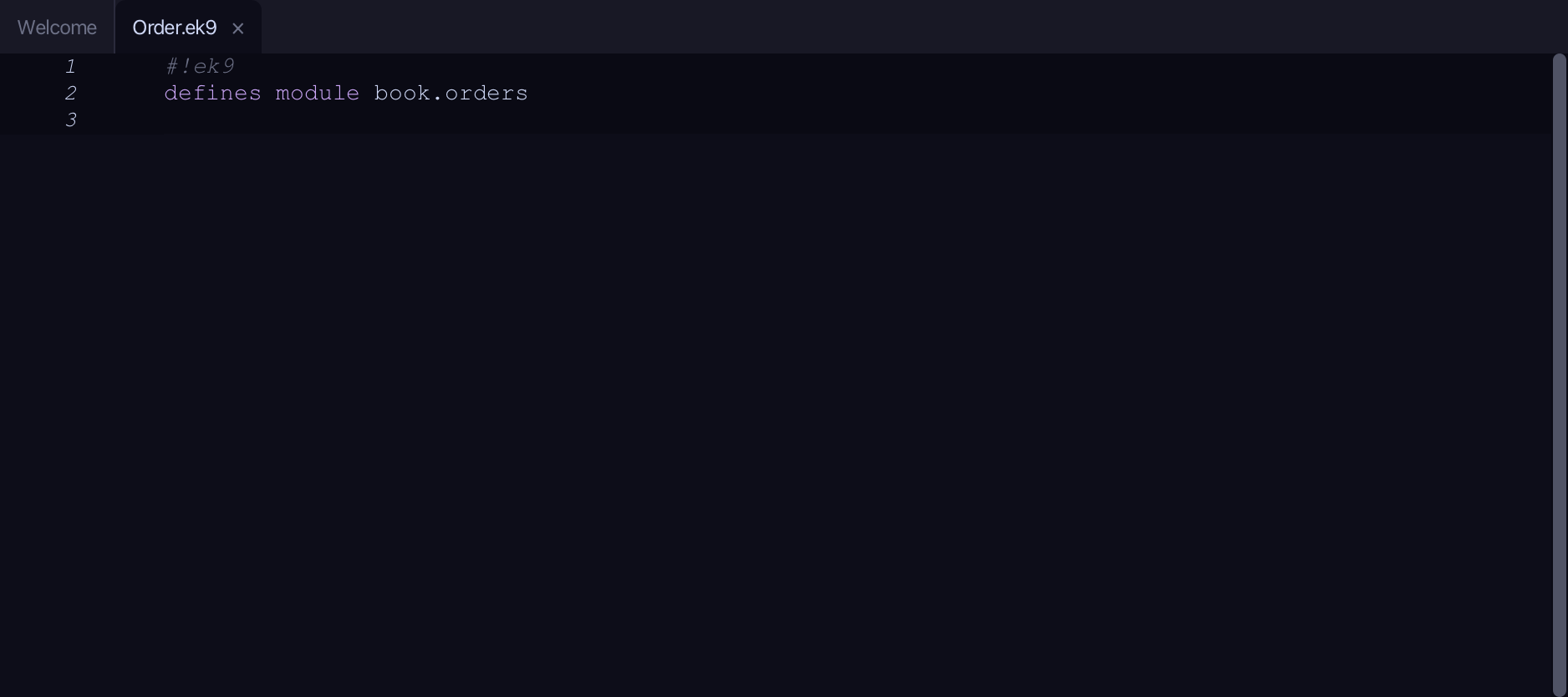
The lesson builds this program from a file holding only its module line - the finished file, as the book prints it.
#!ek9
defines module book.orders

  defines text for "en_GB"
    OrderText
      confirmation()
        ->
          total as Money
          arrival as Date
        `Your order comes to ${locale.format(total)}, arriving ${locale.mediumFormat(arrival)}.`

  defines text for "fr_FR"
    OrderText
      confirmation()
        ->
          total as Money
          arrival as Date
        `Votre commande s'élève à ${locale.format(total)}, livrée le ${locale.mediumFormat(arrival)}.`

  defines text for "de_DE"
    OrderText
      confirmation()
        ->
          total as Money
          arrival as Date
        `Ihre Bestellung beträgt ${locale.format(total)}, geliefert am ${locale.mediumFormat(arrival)}.`

  defines program
    Show()
      stdout <- Stdout()
      total <- 1234.56#EUR
      arrival <- 2026-07-15
      for lang in ["en_GB", "fr_FR", "de_DE"]
        order <- OrderText(lang)
        stdout.println(order.confirmation(total, arrival))
Step 1: The program, with a total and a date
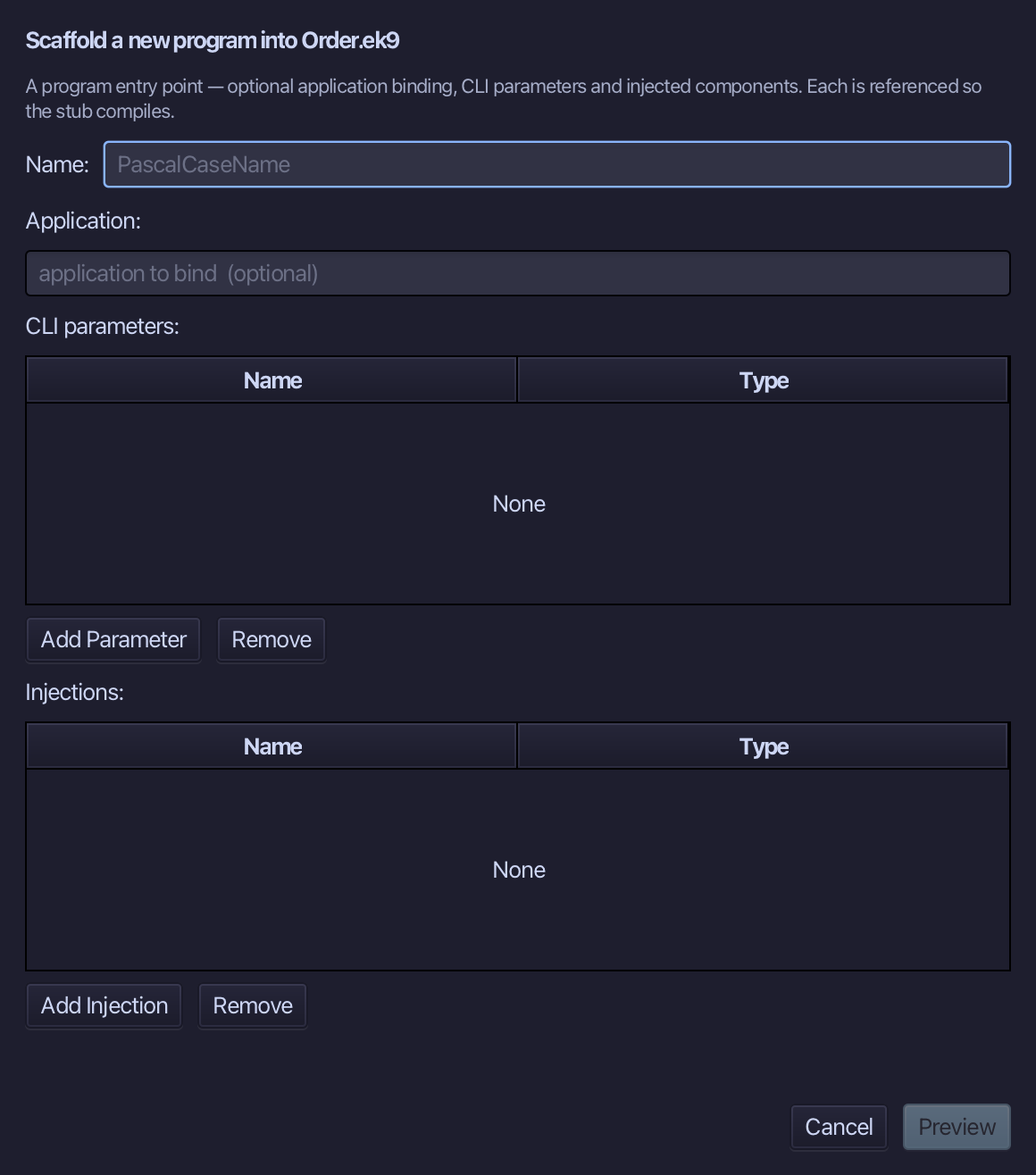
Choose Code > New Construct > Program…
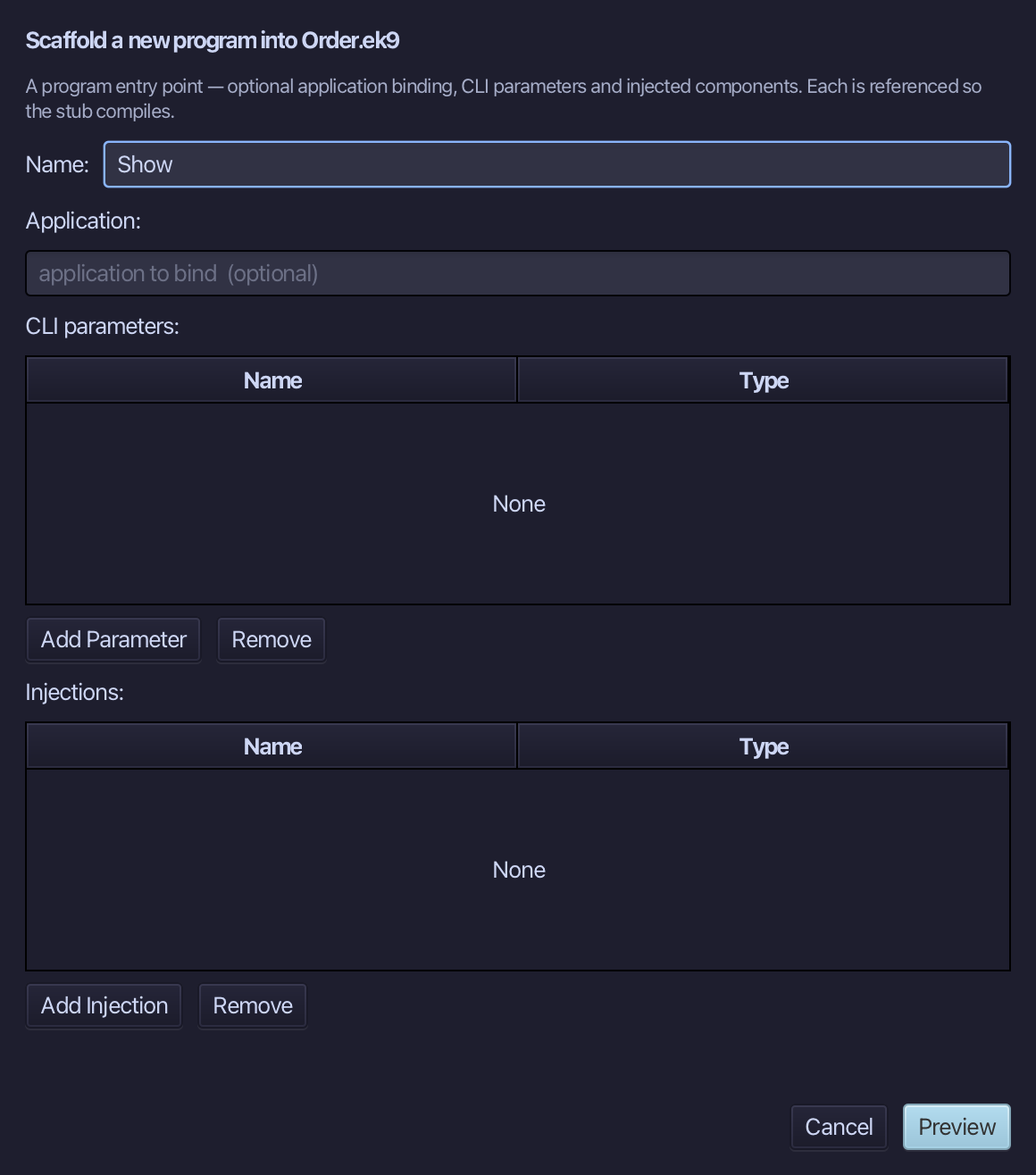
Show is the program's name - no application to bind, no parameters, nothing injected. Type Show and choose Preview.
The preview shows Show about to be written. Choose Apply.
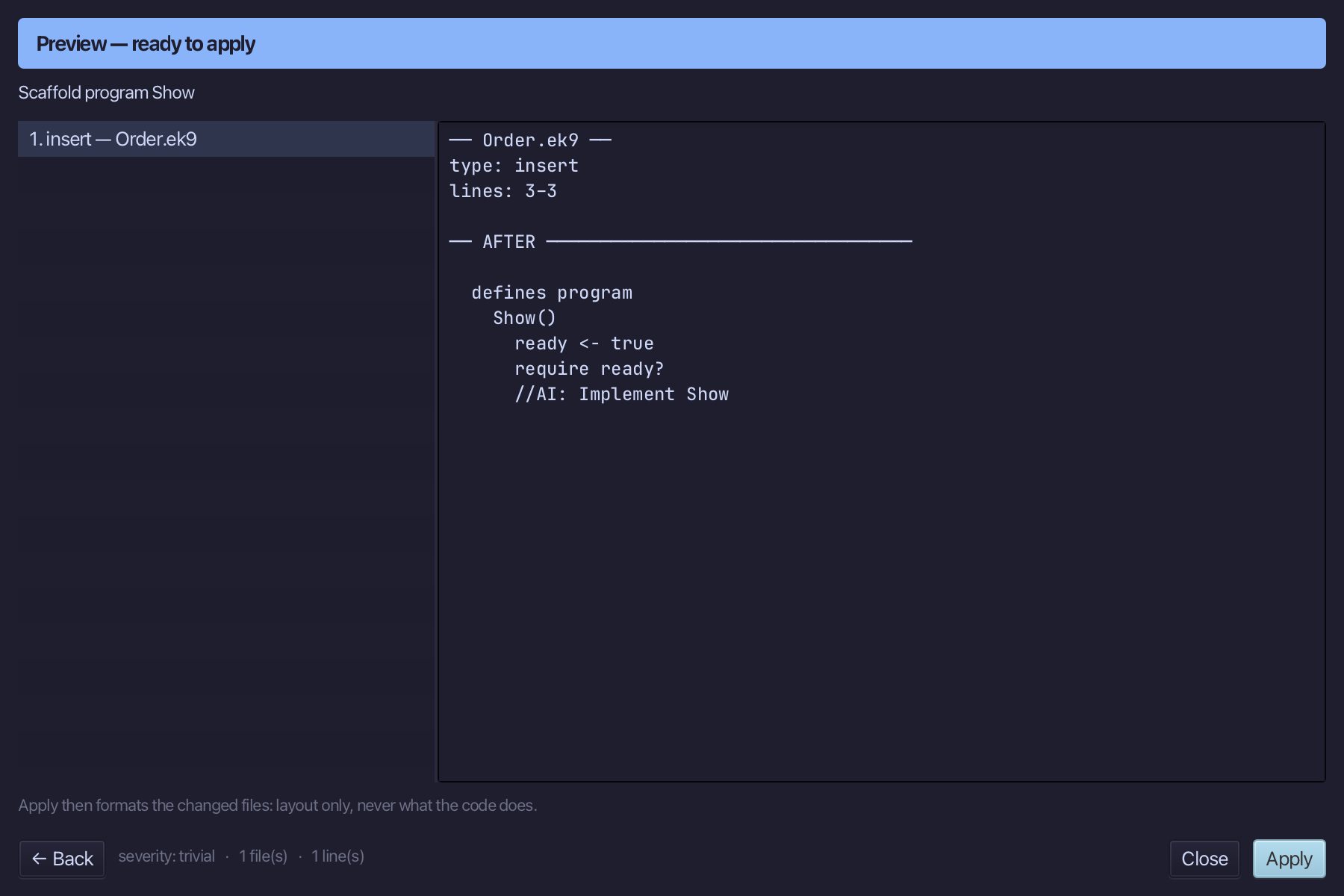
Select the stub, from ready <- true down to its //AI line, and type Show's body: a Stdout, an order total of 1234.56#EUR, an arrival date, and the English sentence naming both, hard-coded. Saves when typed.
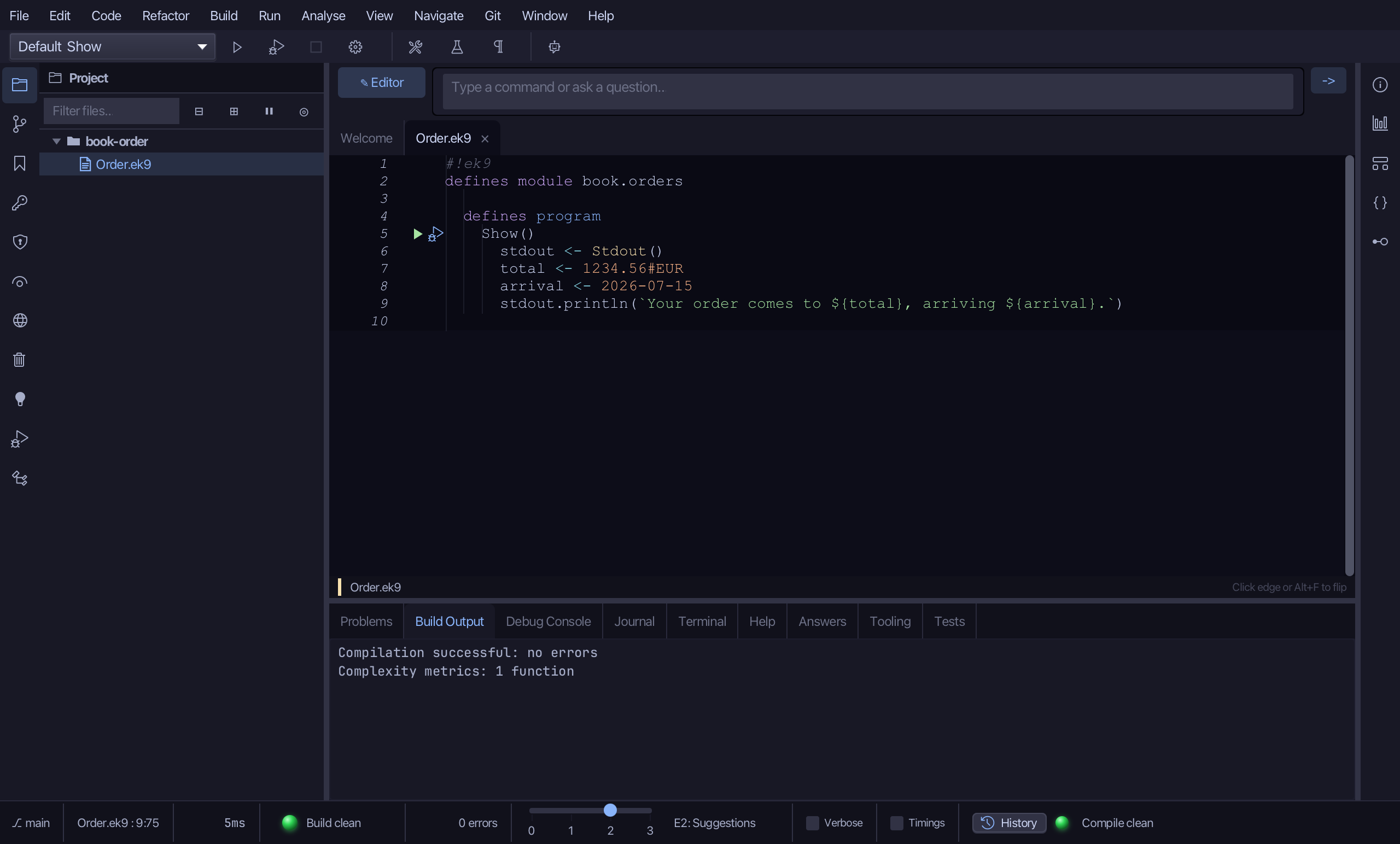
Step 2: confirmation - the real message
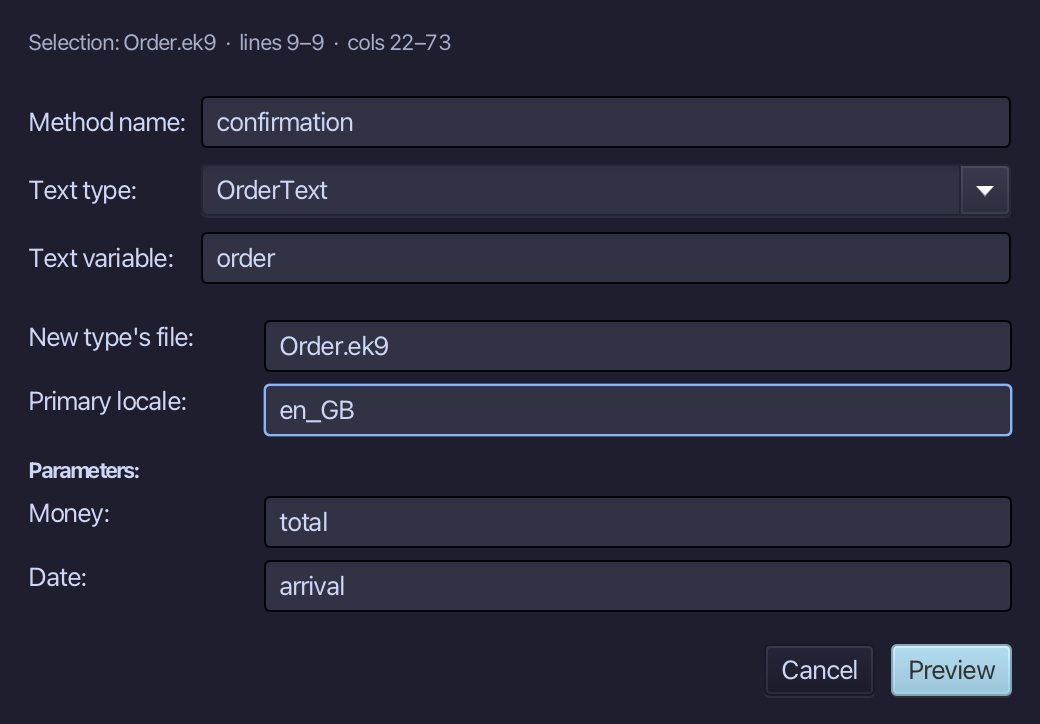
Select the sentence, right-click it and choose Localisation ▸ Extract to Localized Text…. Name the method confirmation; type OrderText as the text type - new, so the dialog offers its first locale: en_GB; name order as the text variable. The Parameters table already shows total and arrival with their types, inferred from the values. Choose Preview.
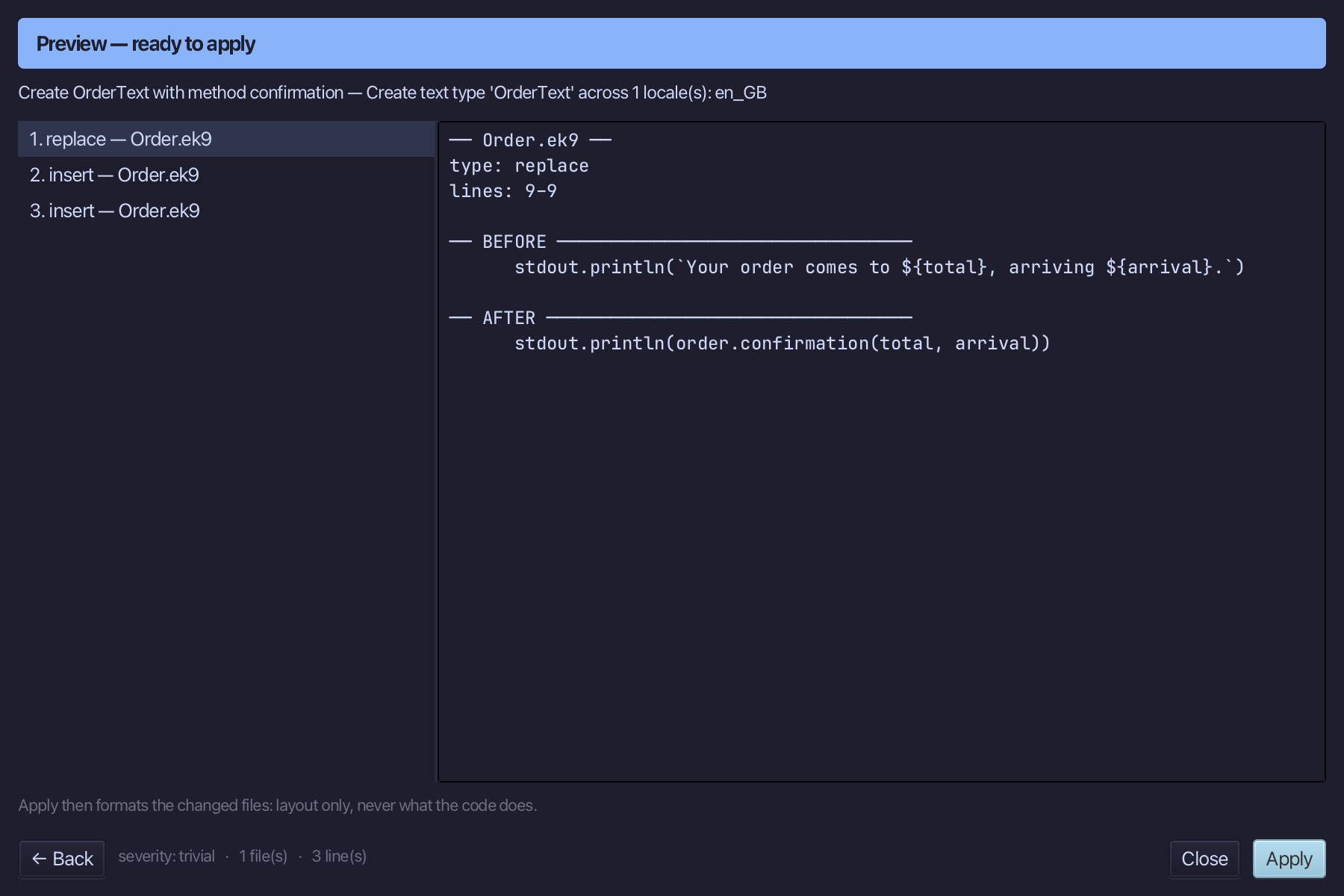
The preview shows OrderText created with confirmation() taking a Money and a Date, order declared above the statement that uses it. Choose Apply.
Step 3: Let the locale write the numbers
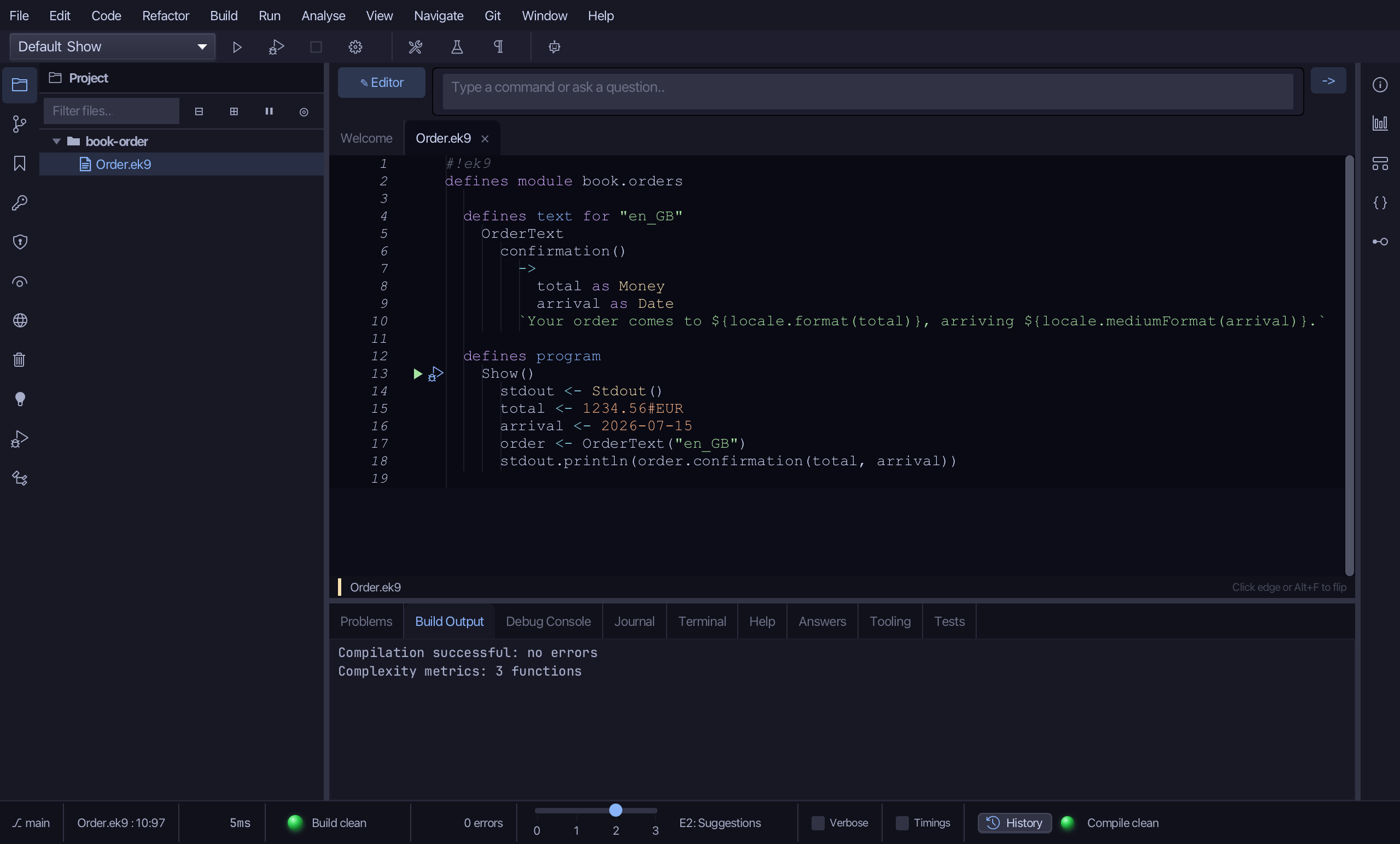
The English sentence prints the Money and the Date in their default form. Select it and retype it to ask locale to write each: locale.format(total) and locale.mediumFormat(arrival). Saves when typed.
Step 4: Adding French (France)
Choose Code > Localisation > Add Locale…
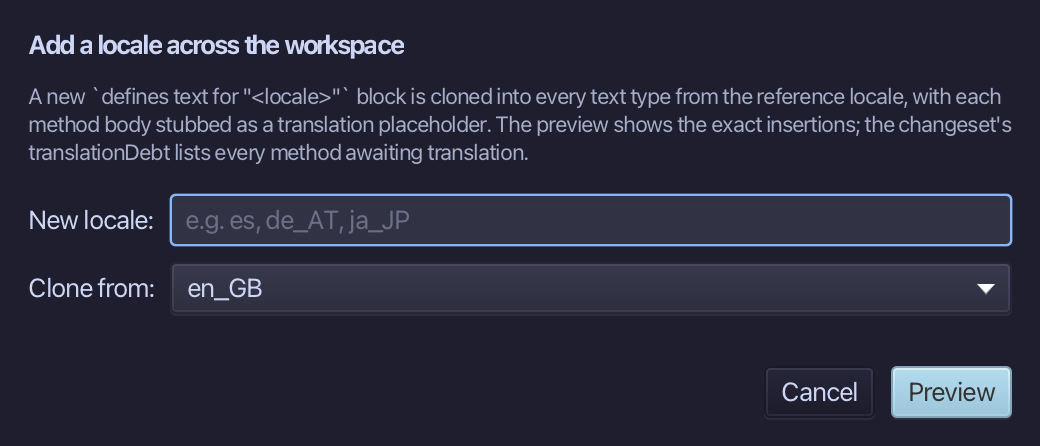
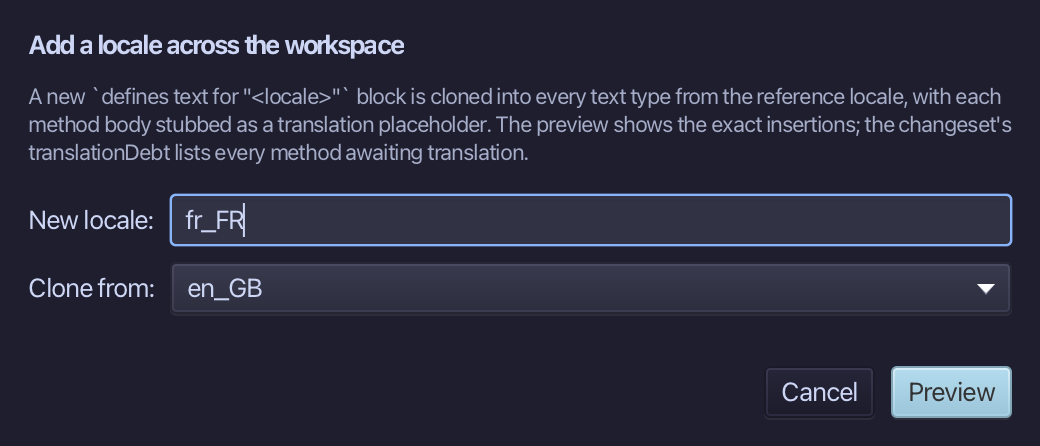
Adding French as France writes it, cloned from en_GB - a stub waits where the real words go. Type fr_FR as the new locale - en_GB is already chosen to clone from, the only locale so far. Choose Preview.
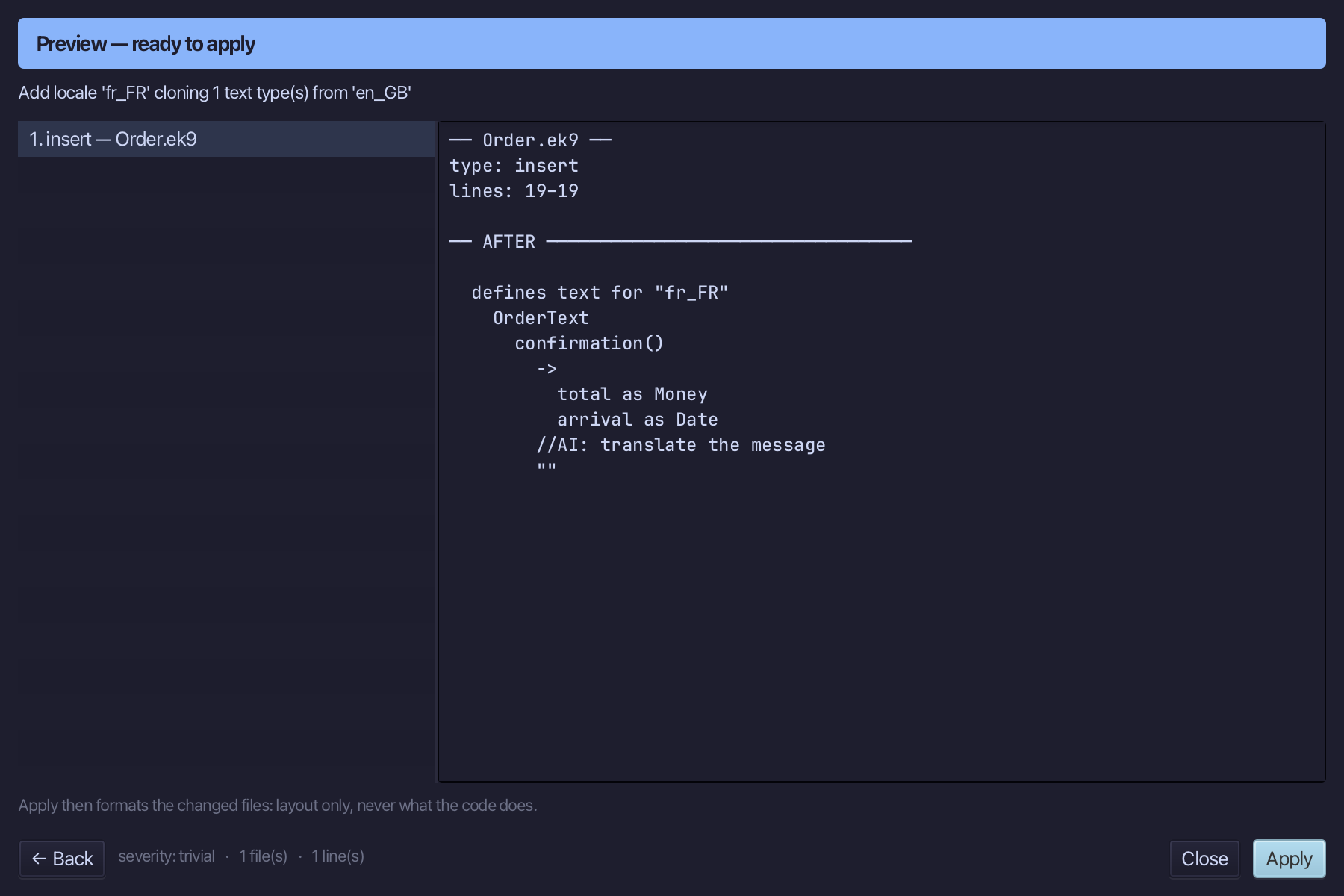
The preview shows fr_FR cloned from en_GB, stubbed for translation. Choose Apply.
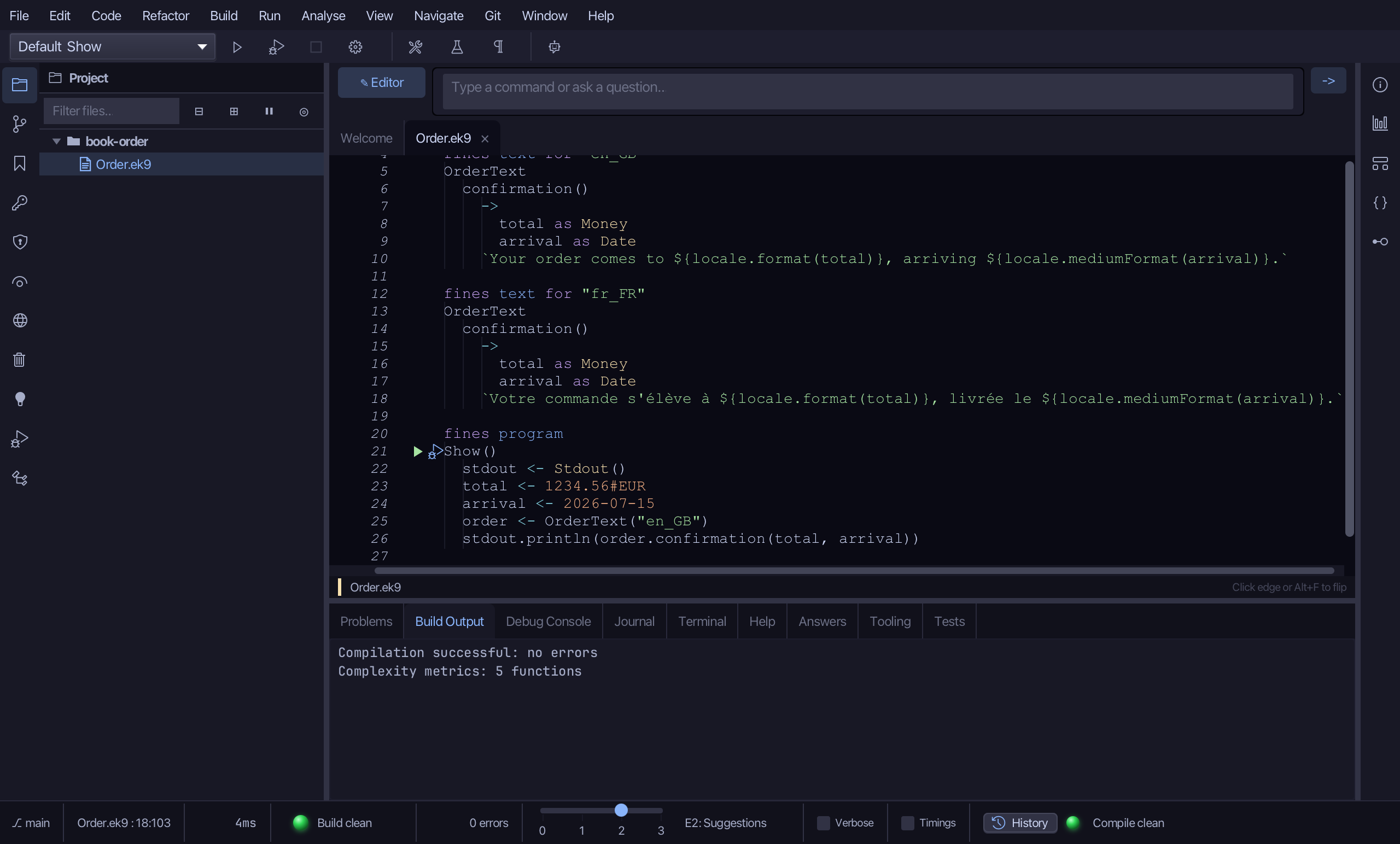
Select the stub, from //AI: translate the message down to its empty "", and type the French sentence, with the same two locale calls. Saves when typed.
Step 5: Adding German (Germany)
Choose Code > Localisation > Add Locale…
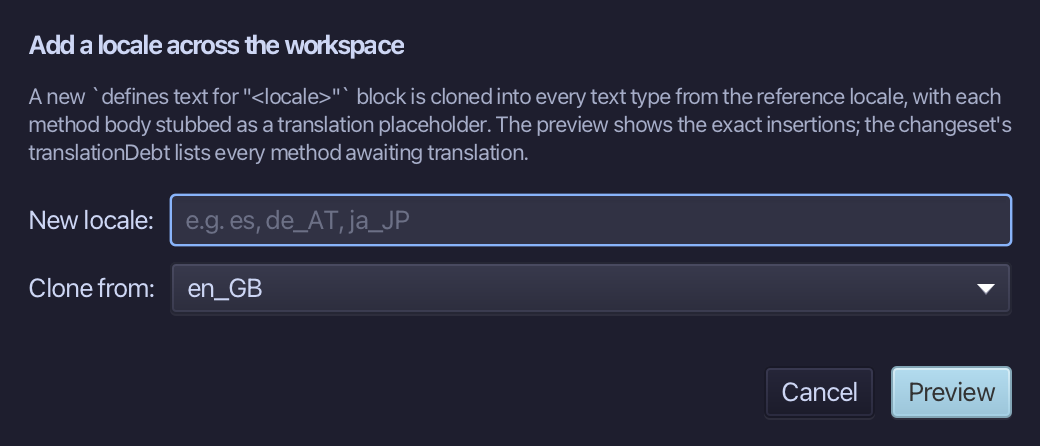
Adding German as Germany writes it, cloned from en_GB the same way. Type de_DE as the new locale - en_GB is already chosen to clone from, the only locale so far. Choose Preview.
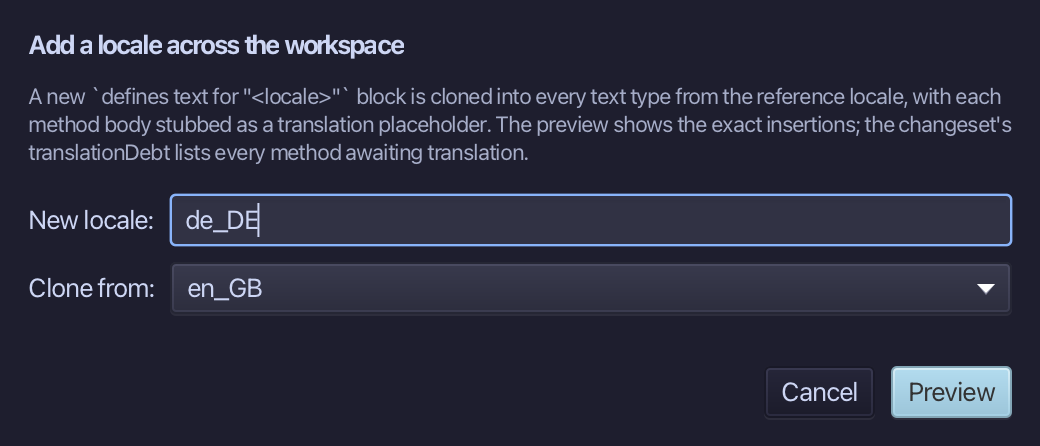
The preview shows de_DE cloned from en_GB, stubbed for translation. Choose Apply.
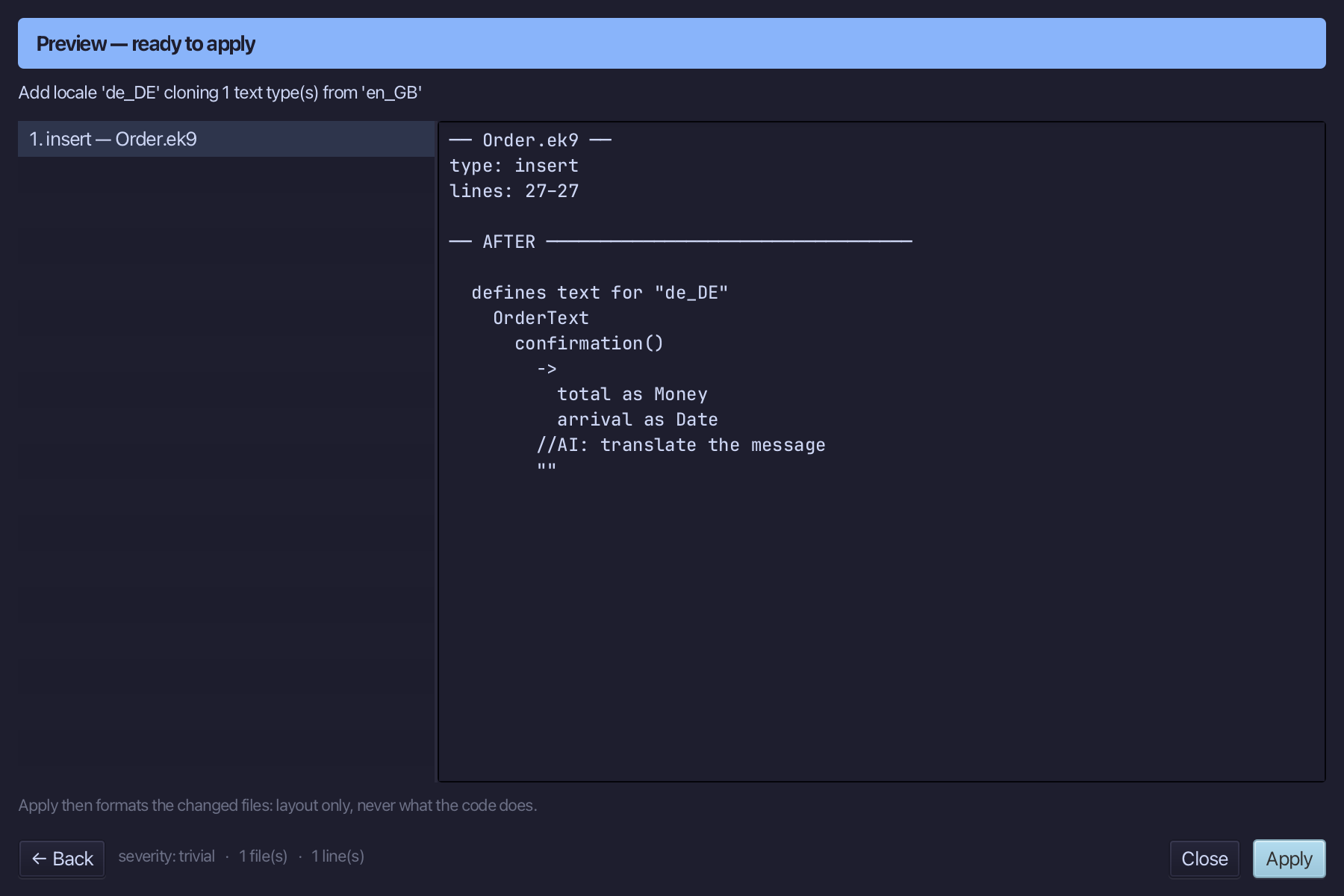
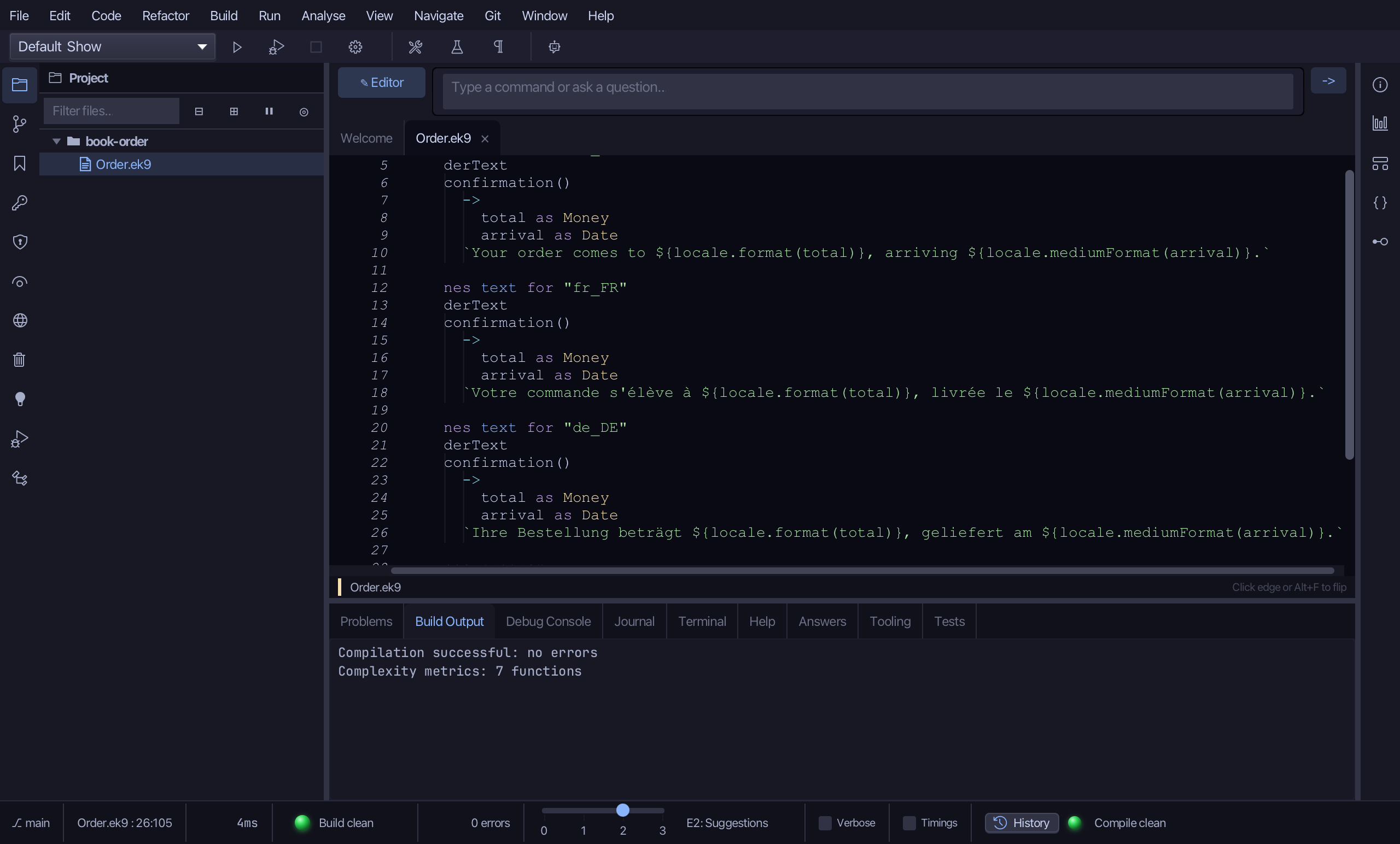
Select the stub, from //AI: translate the message down to its empty "", and type the German sentence. Saves when typed.
Step 6: Every locale
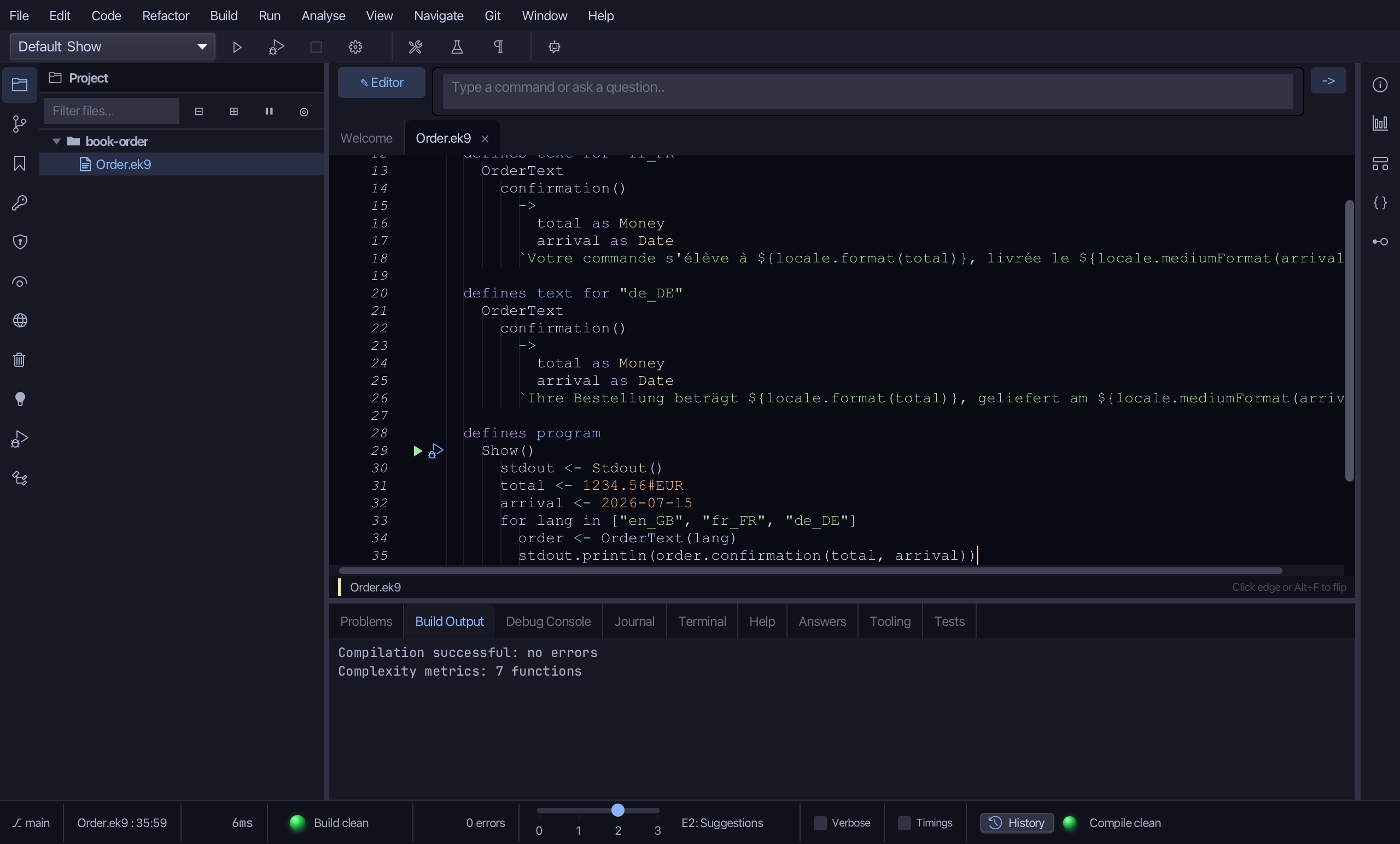
Three locales now exist; Show still only prints the British one. Replace order <- OrderText("en_GB") with a loop over all three locales, and re-indent the println inside it.
Step 7: Run it
Choose Run > Run Program…
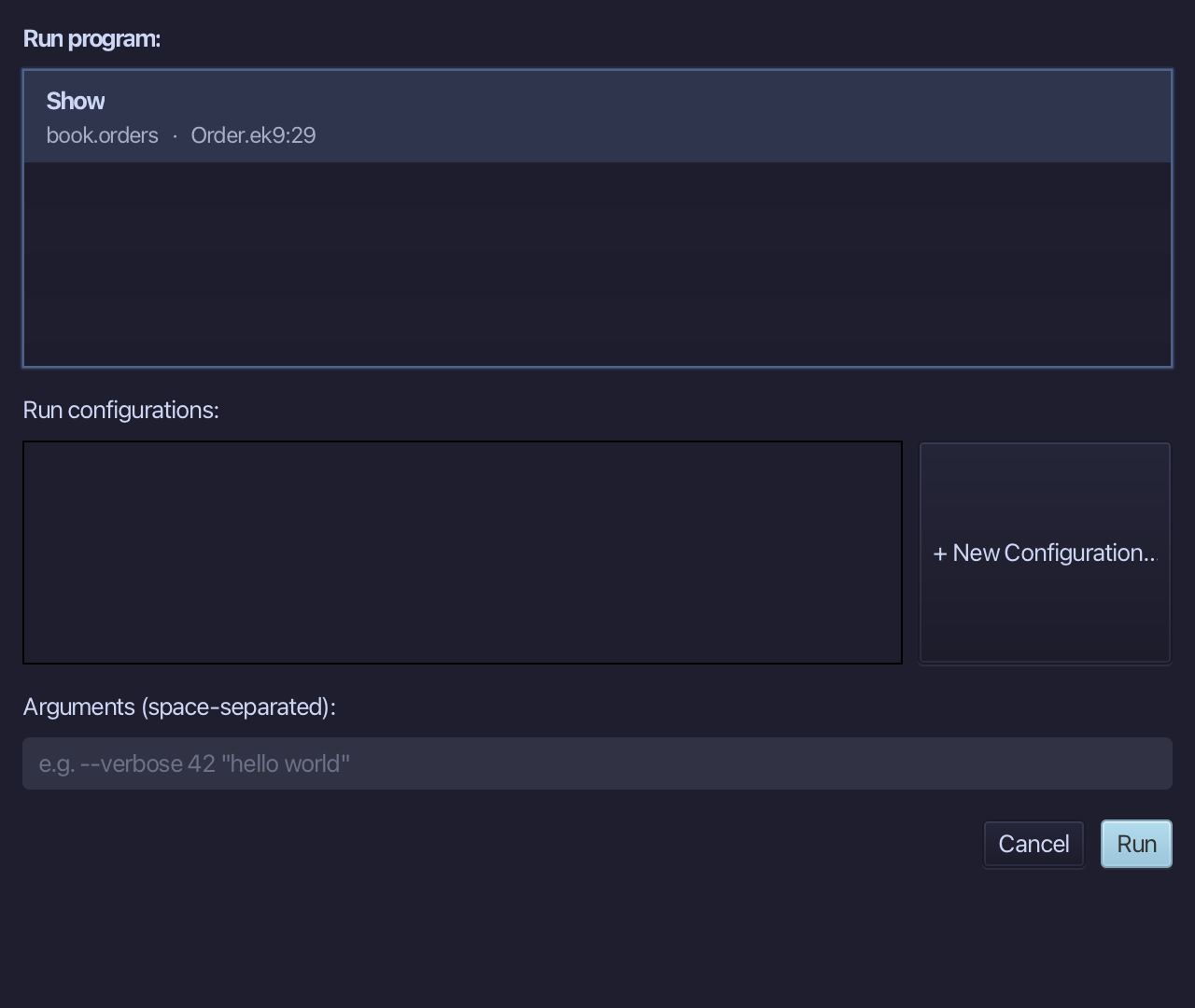
The project's only program is already chosen. Choose Run.
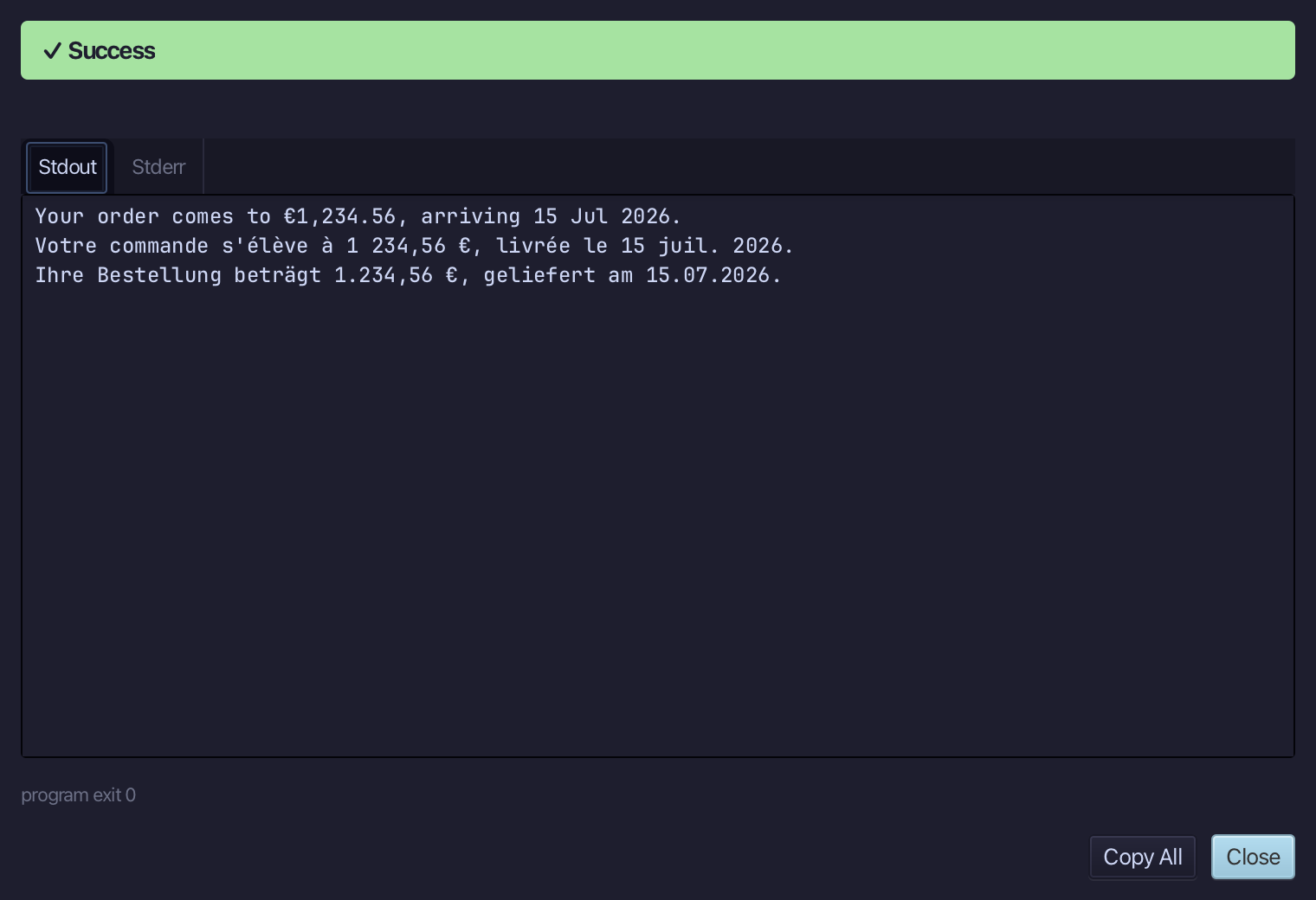
The same total and date, written three ways: €1,234.56 in Britain, 1 234,56 € in France and 1.234,56 € in Germany. Choose Close.
The result
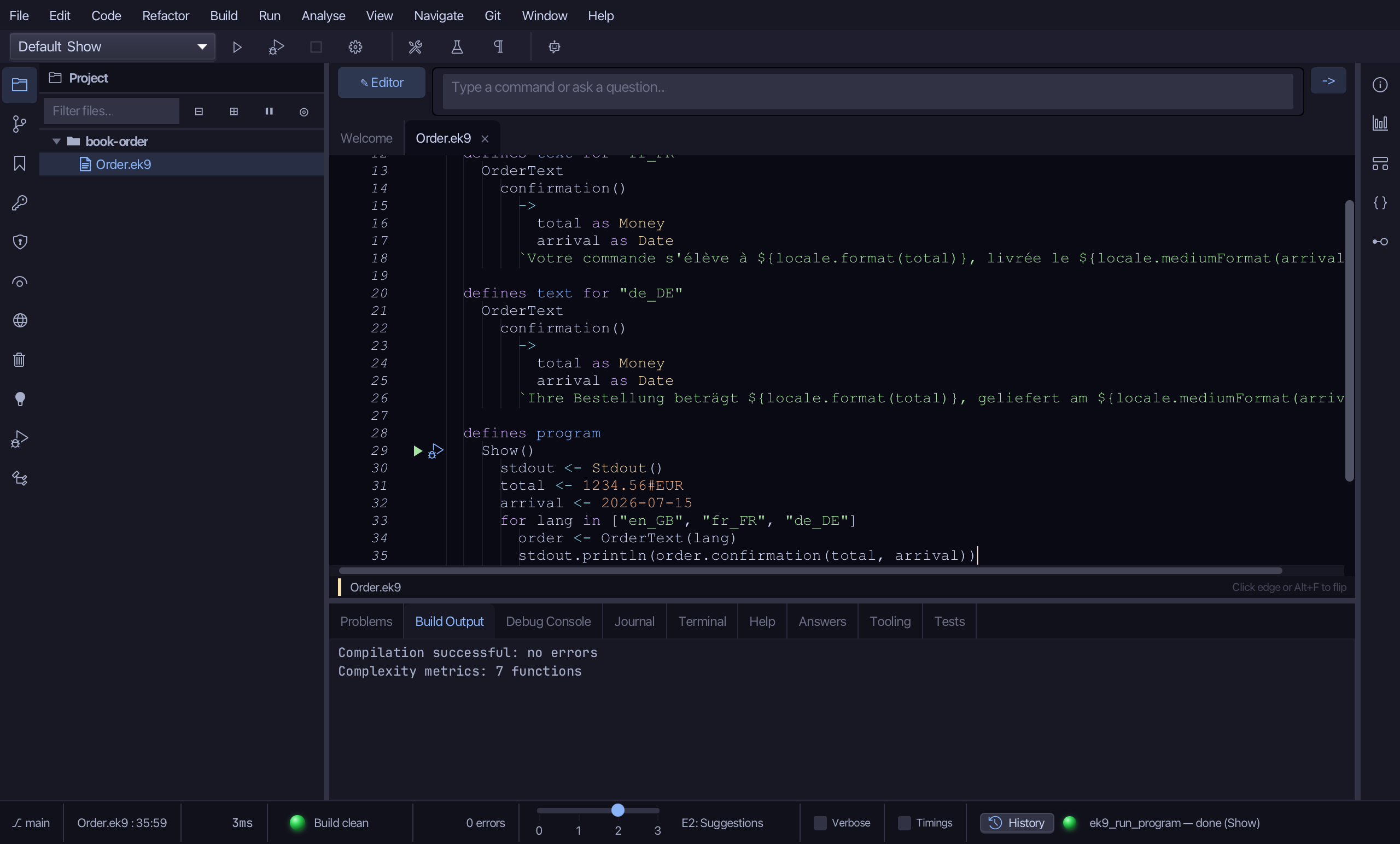
Order.ek9 now reads exactly as chapter 8 of Getting Started with EK9 shows it: one OrderText message in three locales, each asking its own locale to write the Money and the Date - so the same total reads €1,234.56 in Britain and 1.234,56 € in Germany with no formatting code in the program. The tools wrote the program, the OrderText type, its parameters and two more locales; only the wording was typed. The same tools - ek9_add_program, ek9_extract_to_localized_text and ek9_edit_localized_text - are what an AI assistant calls to do the same thing.
Where this lesson comes from
- For AI assistants - the MCP tool
ek9_add_program,ek9_extract_to_localized_text,ek9_edit_localized_text.
In the EK9 reference: Text Properties in EK9