Chapter 38: declaring what a package may do, built
A package other people will build on is, for them, a supply-chain risk: any package can open a socket or read an environment variable, and nothing in npm, Cargo or Maven makes it say so. Here a small program reads a name from the environment and greets it. The IDE writes the program's shell; you type its logic and its package block - which will forget one capability, so the compiler can show what it does about that. To play it in the IDE: Help > Lessons > EK9 in Depth…, or ek9 -ide -lesson depth-capability-greeter.
What you'll build
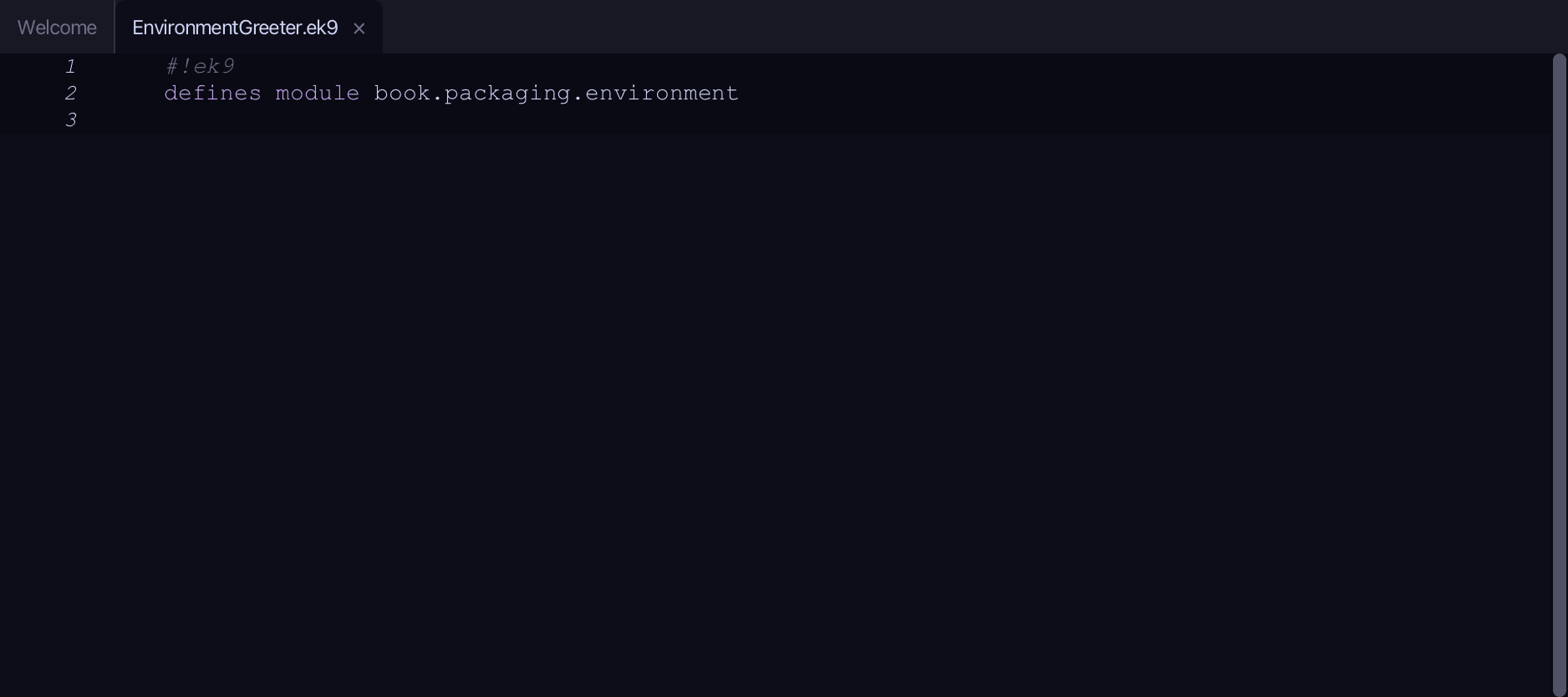
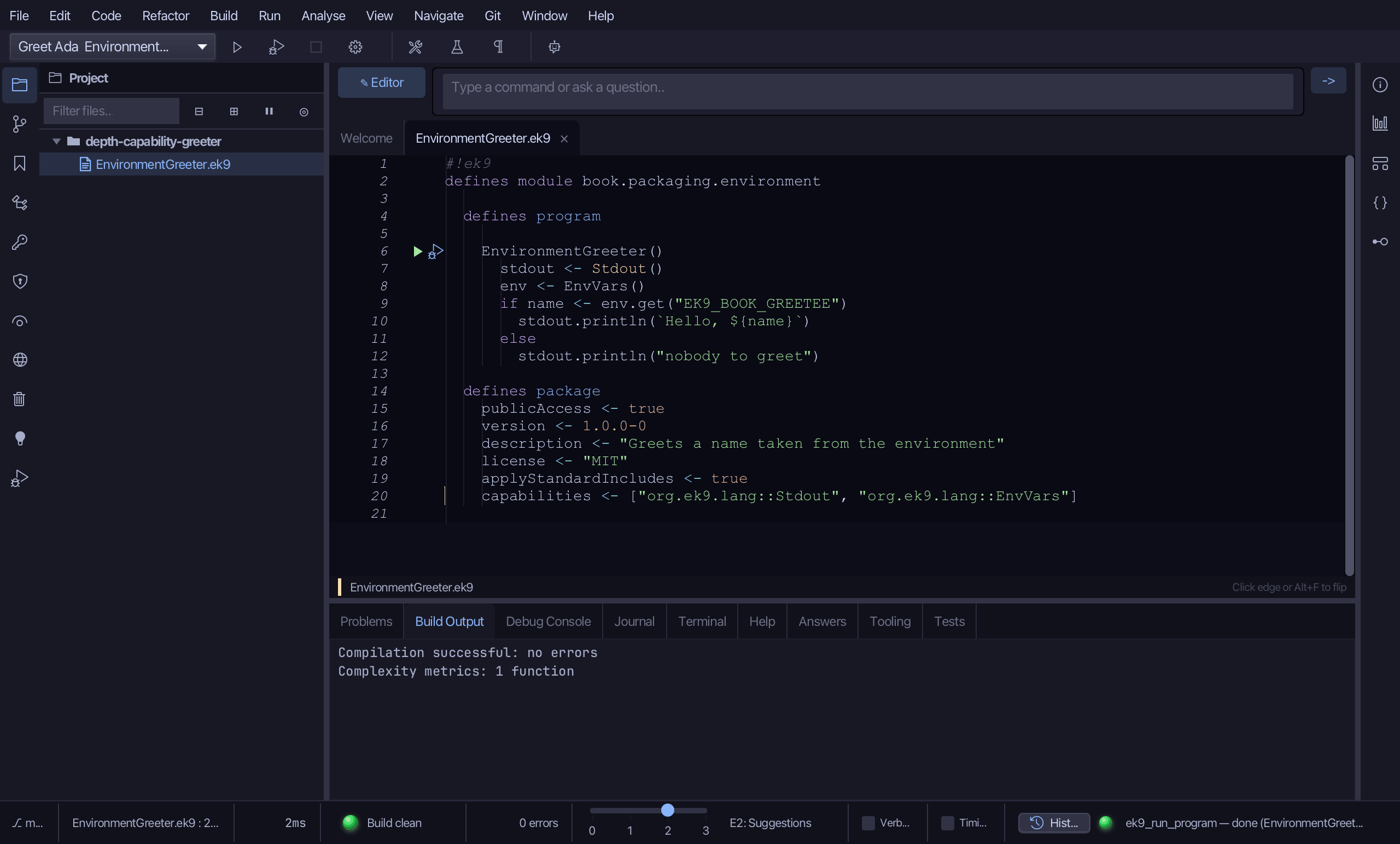
The lesson builds this program from a file holding only its module line - the finished file, as the book prints it.
#!ek9
defines module book.packaging.environment

  defines program

    EnvironmentGreeter()
      stdout <- Stdout()
      env <- EnvVars()
      if name <- env.get("EK9_BOOK_GREETEE")
        stdout.println(`Hello, ${name}`)
      else
        stdout.println("nobody to greet")

  defines package
    publicAccess <- true
    version <- 1.0.0-0
    description <- "Greets a name taken from the environment"
    license <- "MIT"
    applyStandardIncludes <- true
    capabilities <- ["org.ek9.lang::Stdout", "org.ek9.lang::EnvVars"]
Step 1: The program
Choose Code > New Construct > Program…
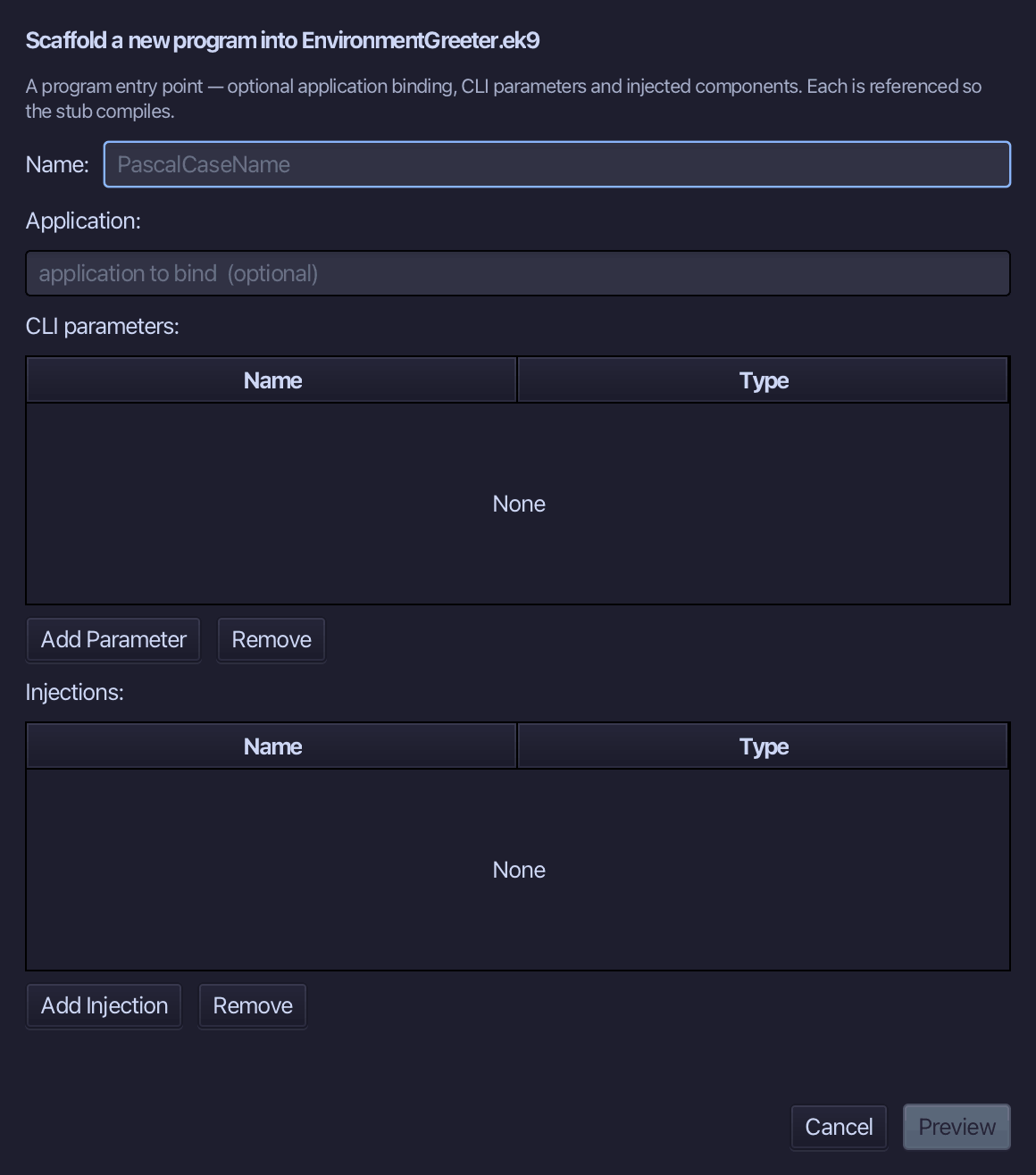
EnvironmentGreeter is the program's name. Choose Preview.
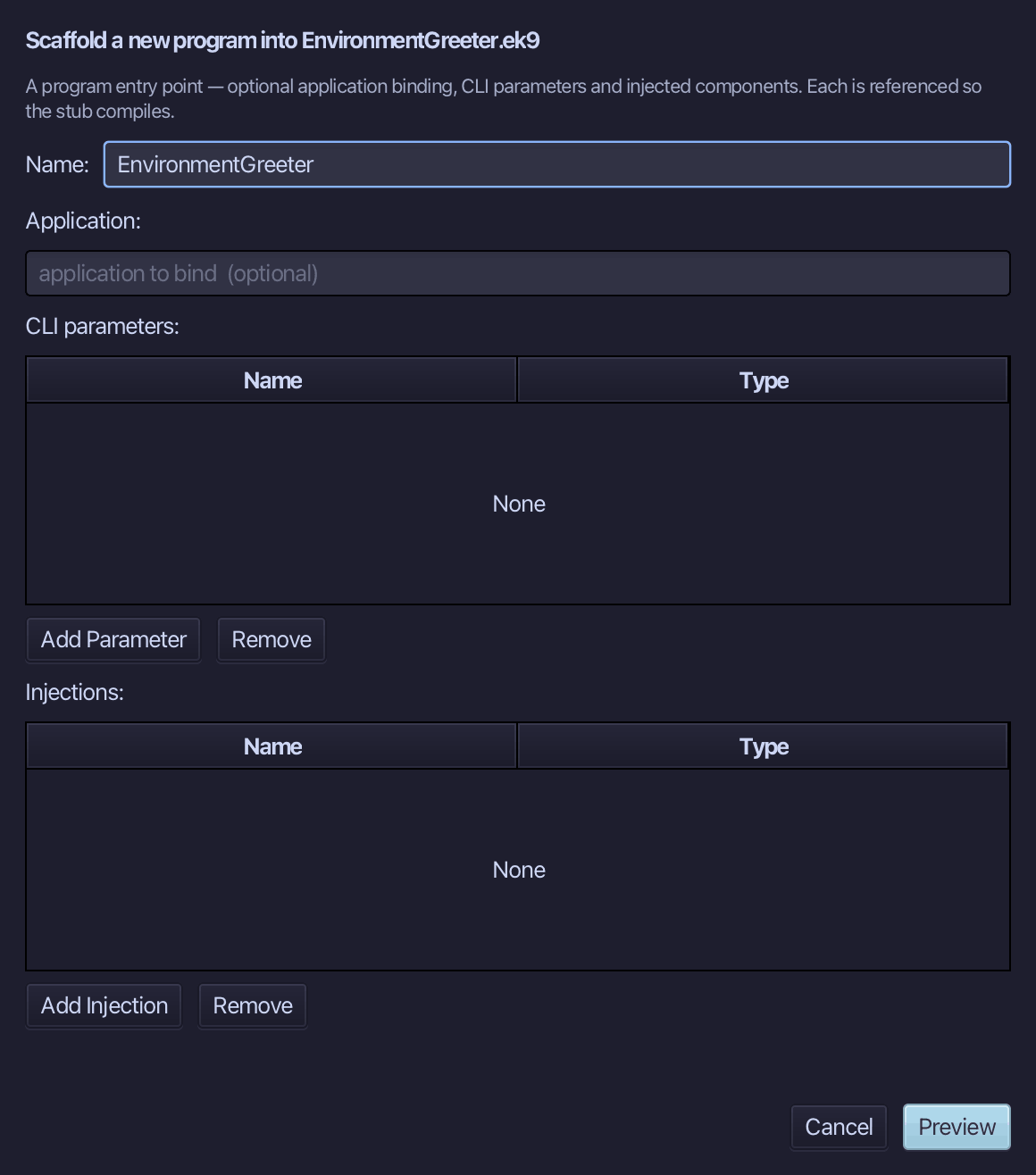
The preview shows EnvironmentGreeter about to be written. Choose Apply.
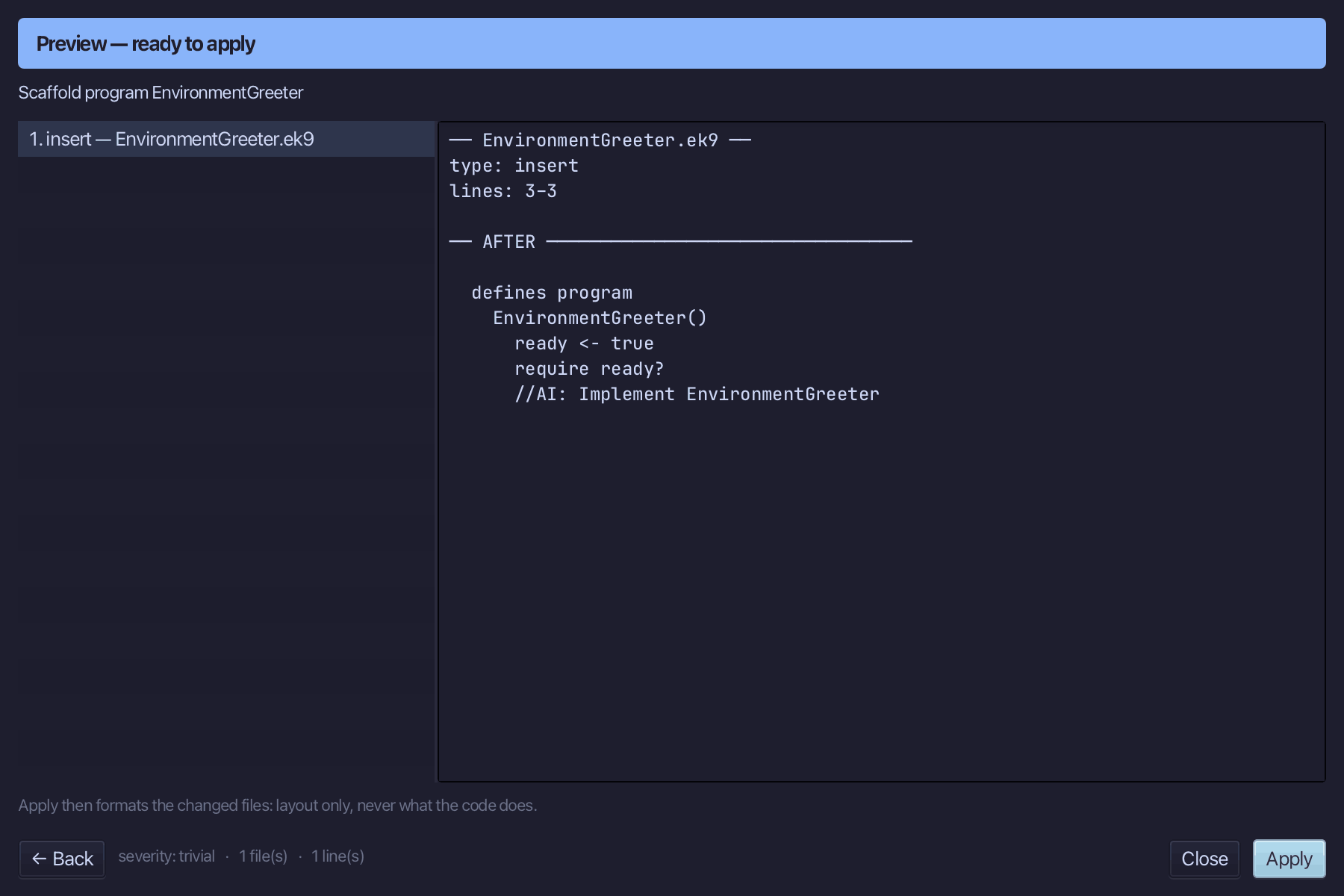
Select the EnvironmentGreeter line and, above it, type the blank line the book opens the program with. Saves when typed.
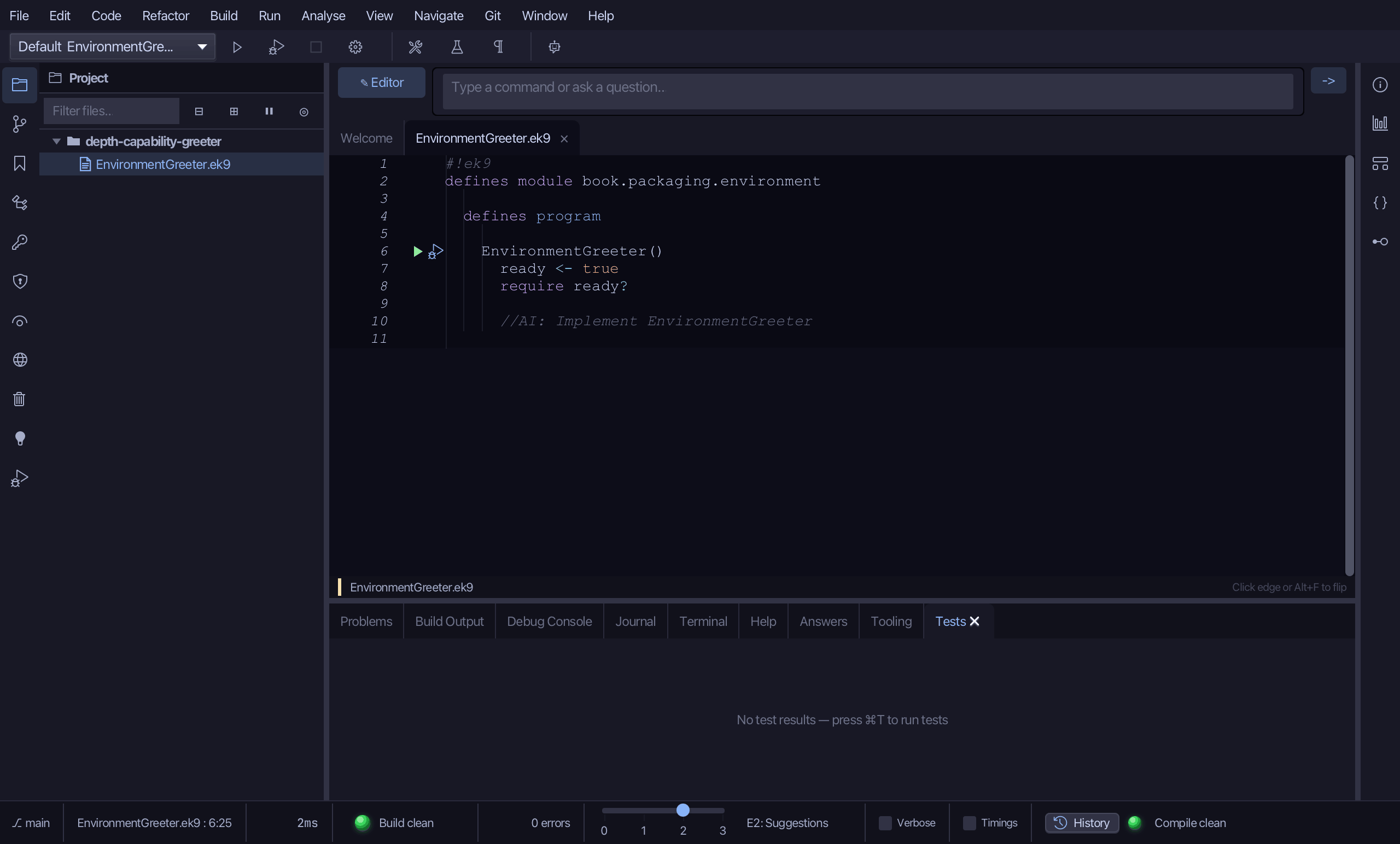
Select the stub, from ready <- true down to its //AI line, and type the body: read EK9_BOOK_GREETEE from EnvVars, greet the name if it is set, and say there is nobody to greet if it is not. Saves when typed.
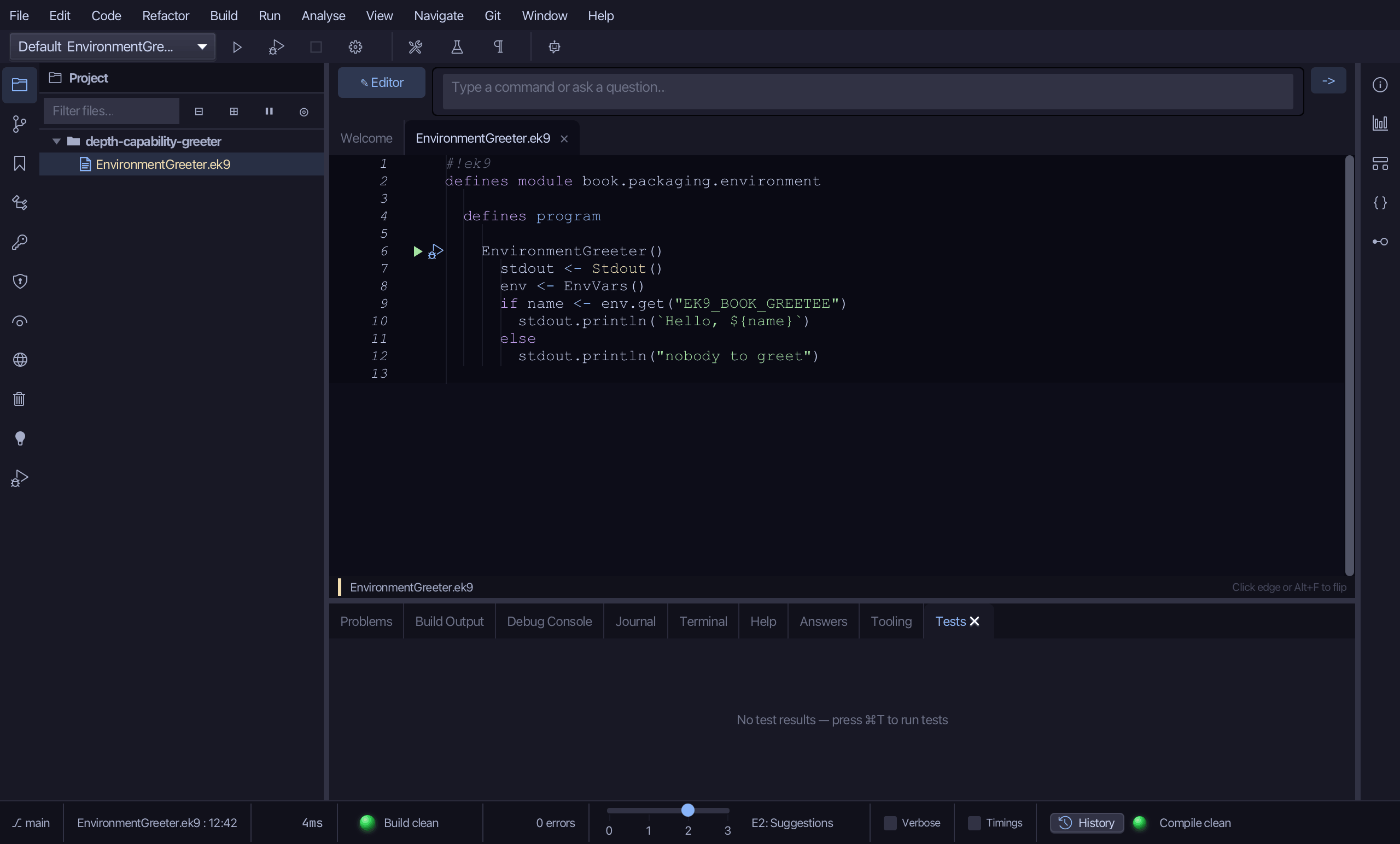
Step 2: The manifest, with a capability missing
After the last line of the program, type the package block. It declares what the package may touch - and lists Stdout only, which is true of the first line of the program and not of the second. Saves when typed.
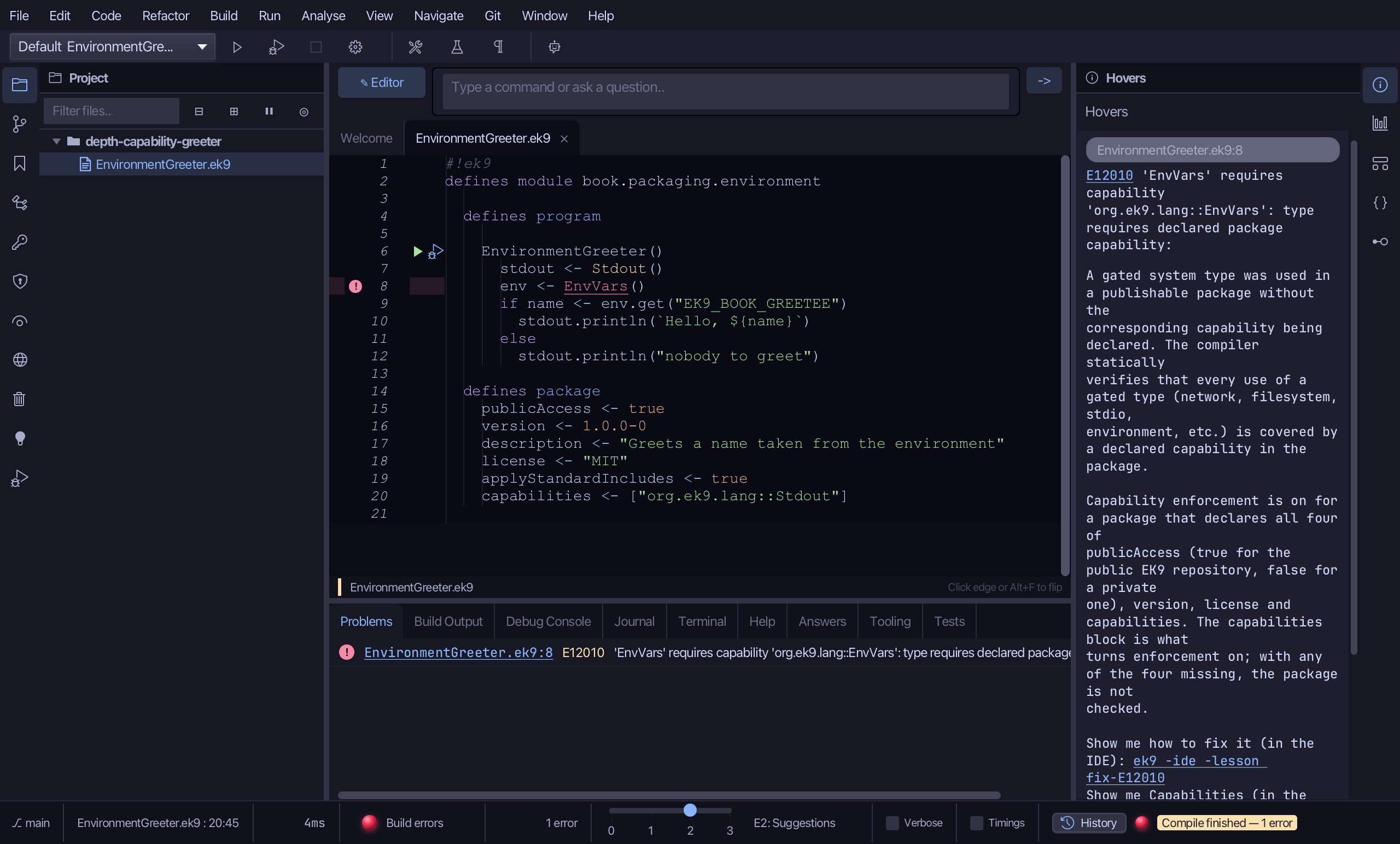
The Problems list now reports E12010: 'EnvVars' requires capability 'org.ek9.lang::EnvVars'. EnvVars is a gated type, and it is not on the list. The gated types include the standard streams, the environment, Networking, HTTP, TCP, UDP, signals, files and clocks; ek9 -h E12010 has them all.
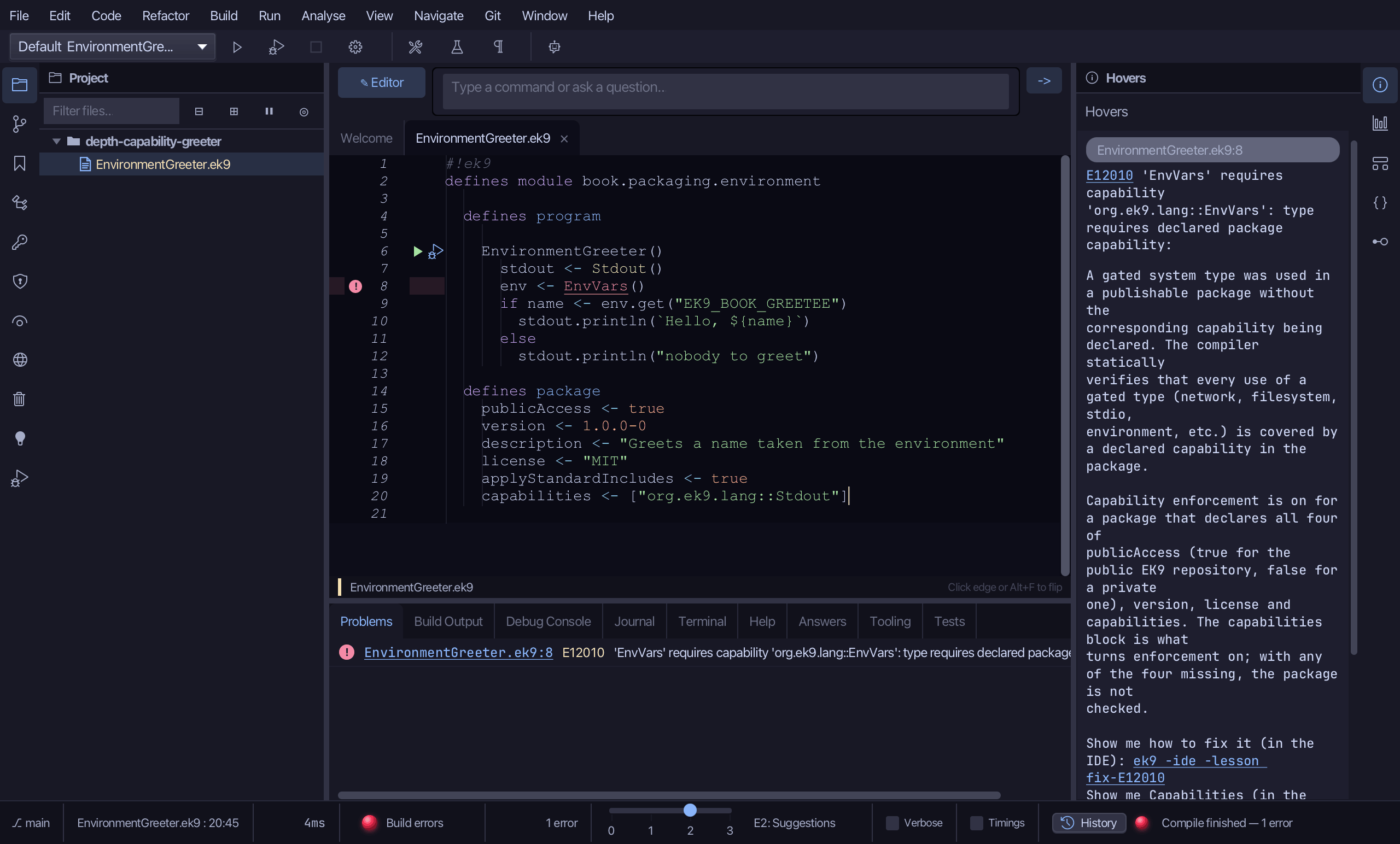
Step 3: Declare what the code uses
Right-click the EnvVars() call, where the error is, and choose Add capability 'EnvVars' to package. The same fix is in the package block's own Add Capability… item.
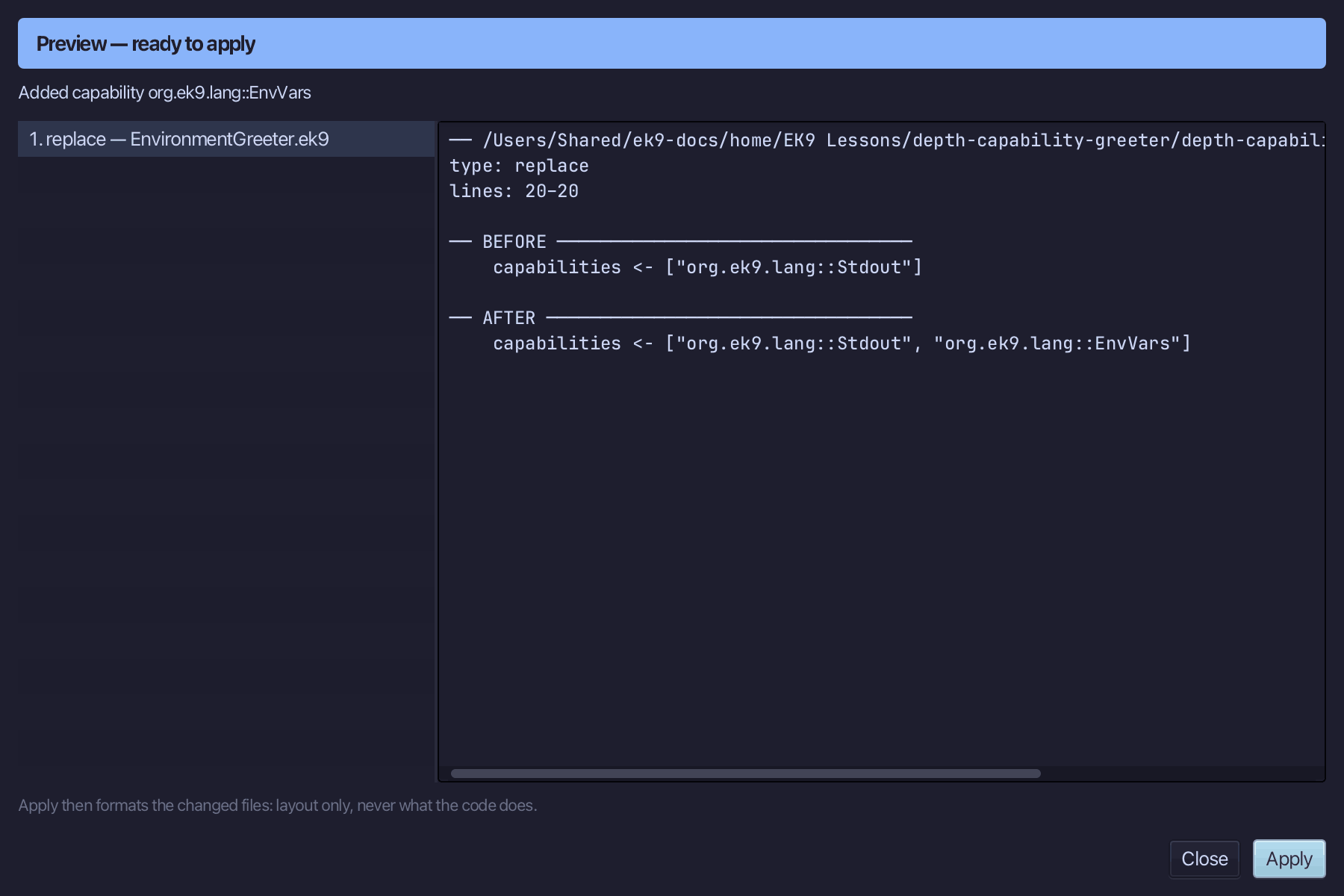
The preview shows EnvVars added to the capabilities list. Choose Apply.
Step 4: Run it, the variable unset
Choose Run > Run Program…
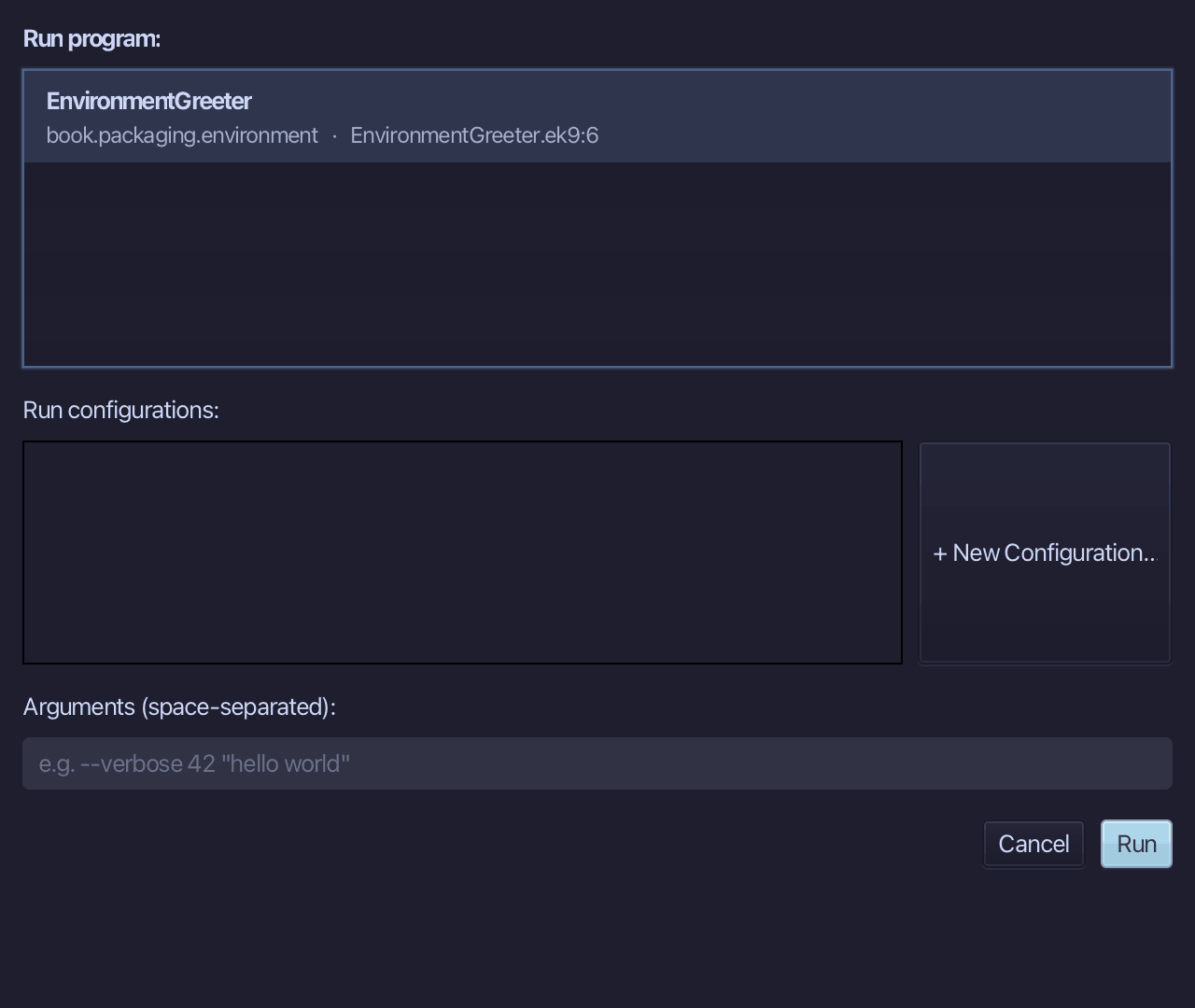
The project's only program is already chosen. Choose Run.
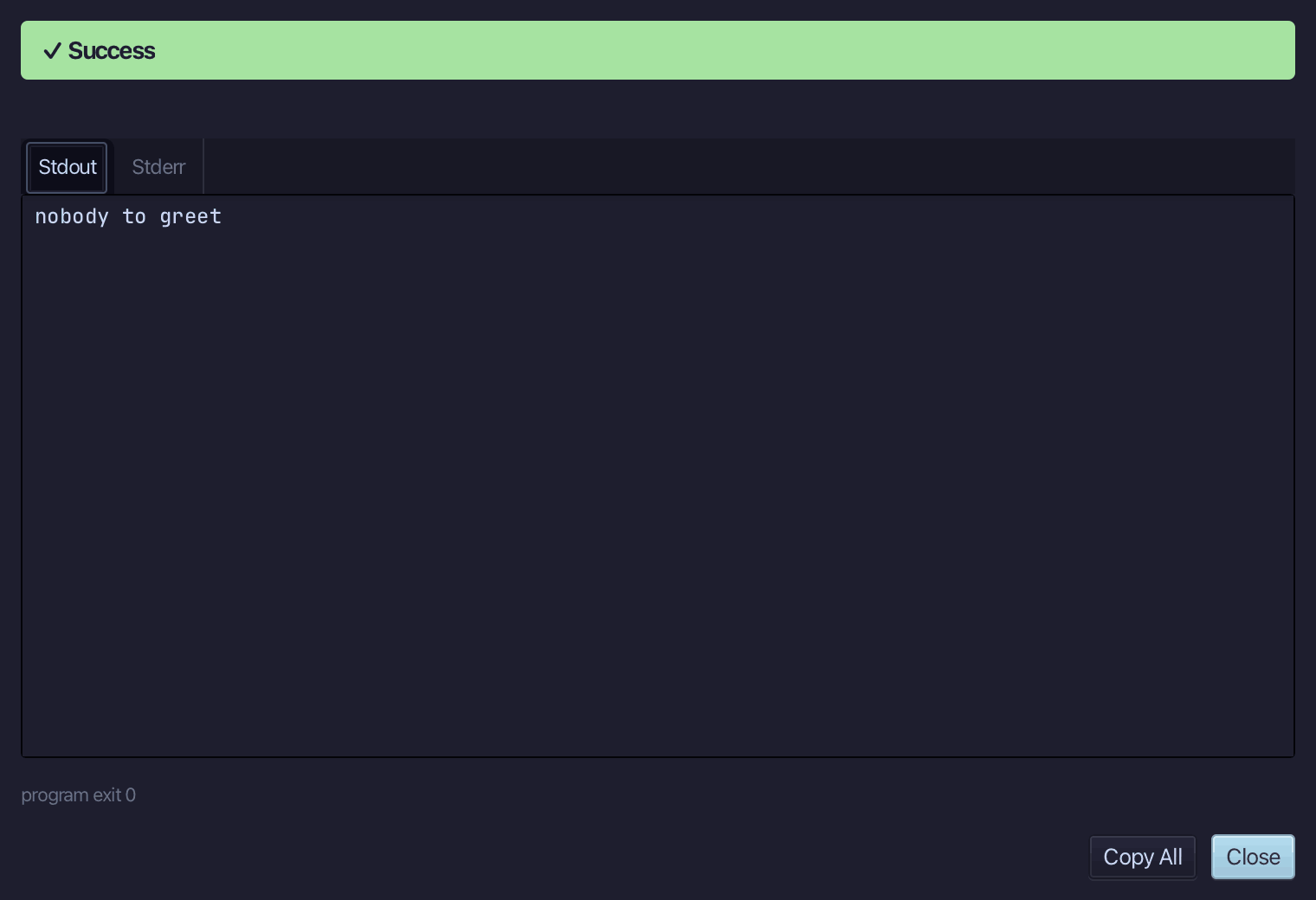
With the variable unset the guard finds nothing: nobody to greet. Choose Close.
Step 5: Run it, the variable set
Choose Run > Configurations…
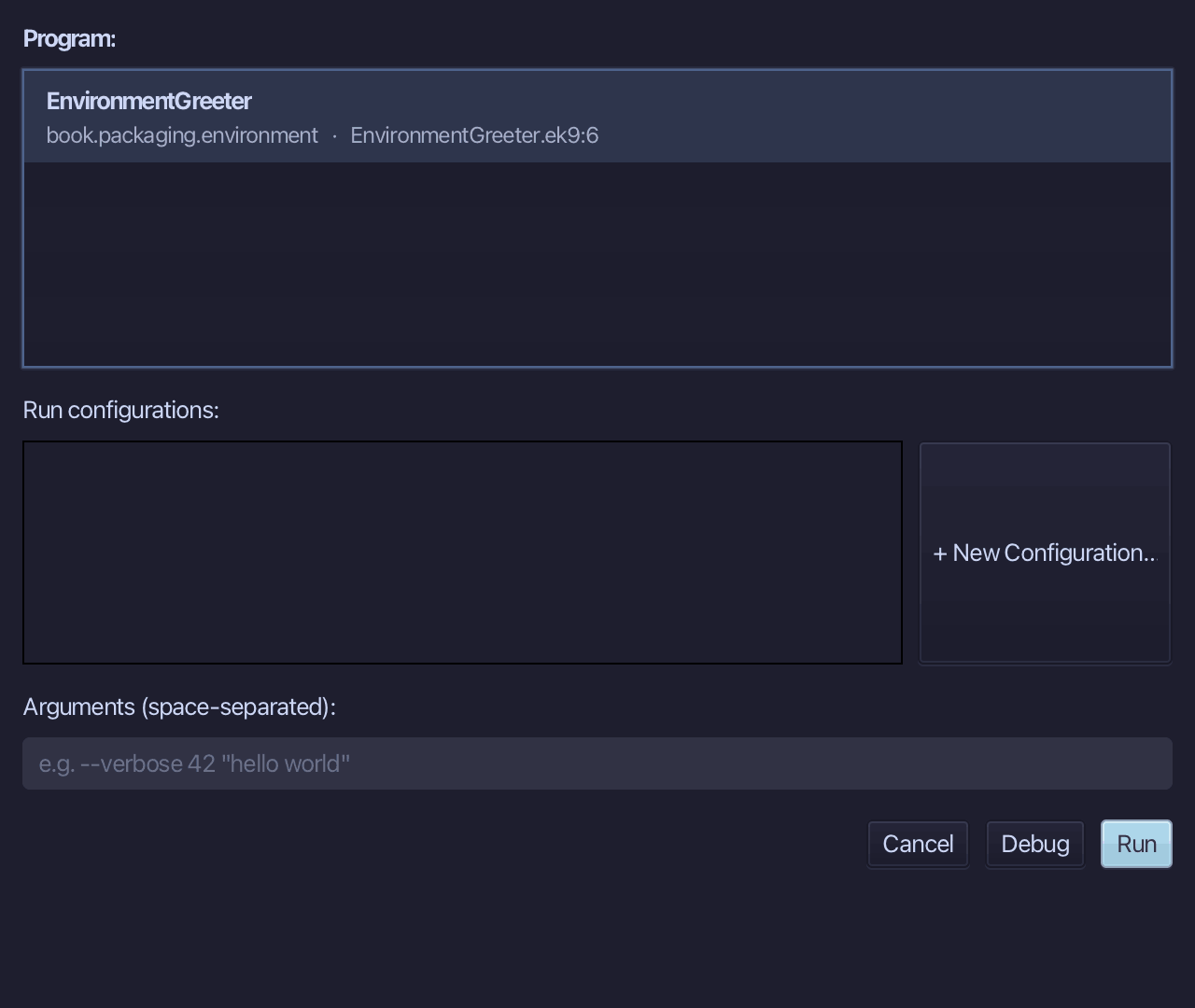
Choose + New Configuration… - the project's program is already the one it will belong to.
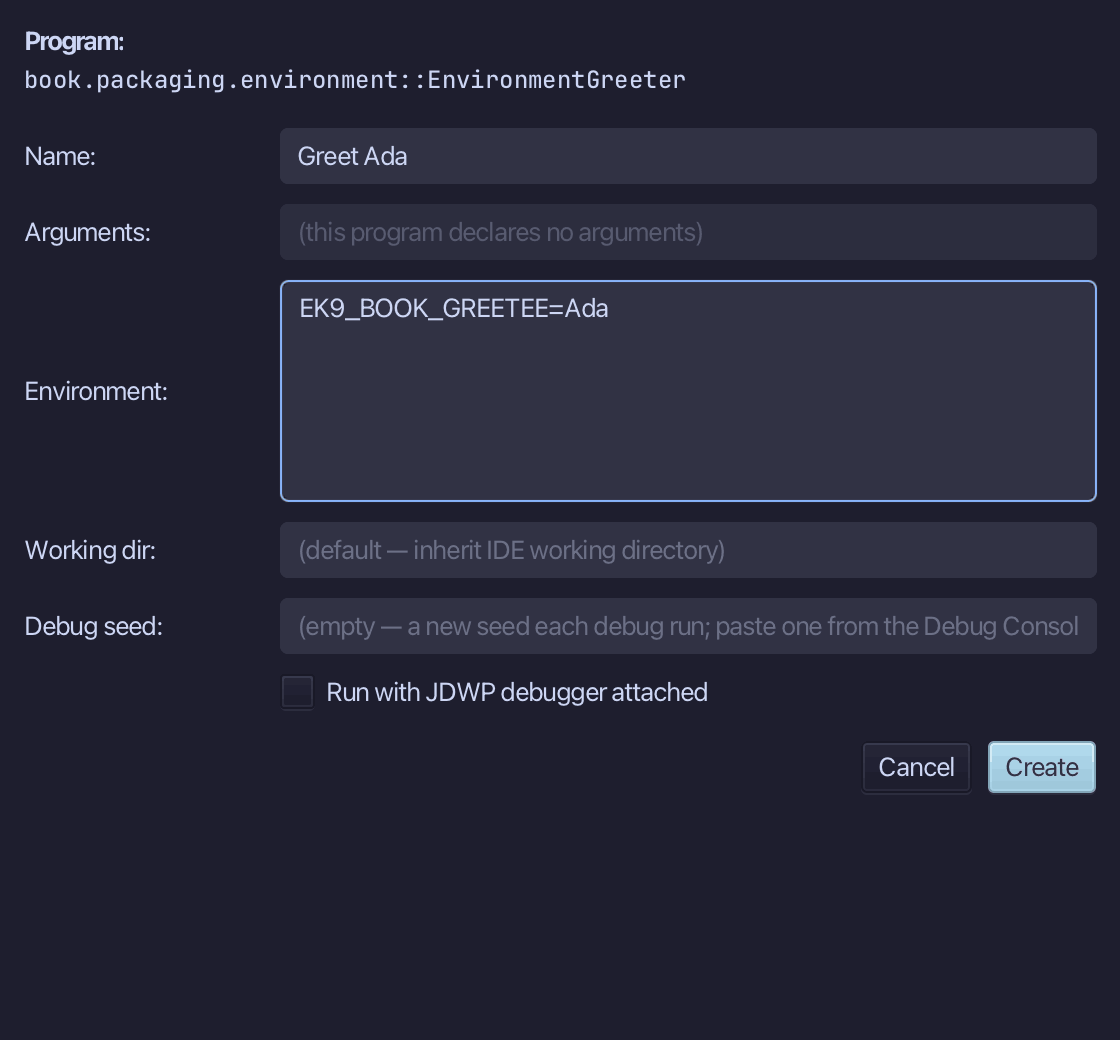
Name it Greet Ada, and into Environment type EK9_BOOK_GREETEE=Ada - the one field with anywhere to put it. Choose Create.
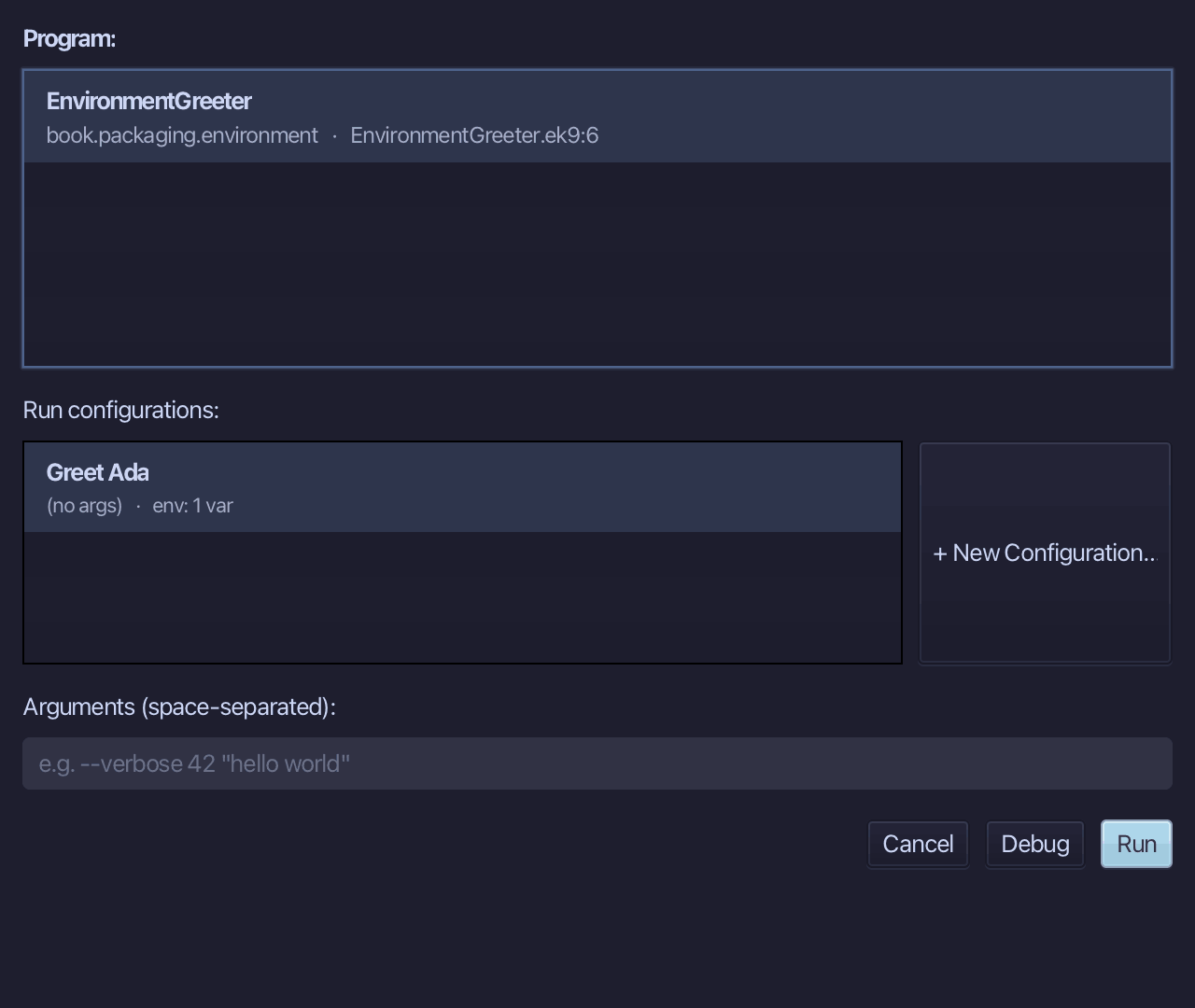
Greet Ada is already selected. Choose Run.
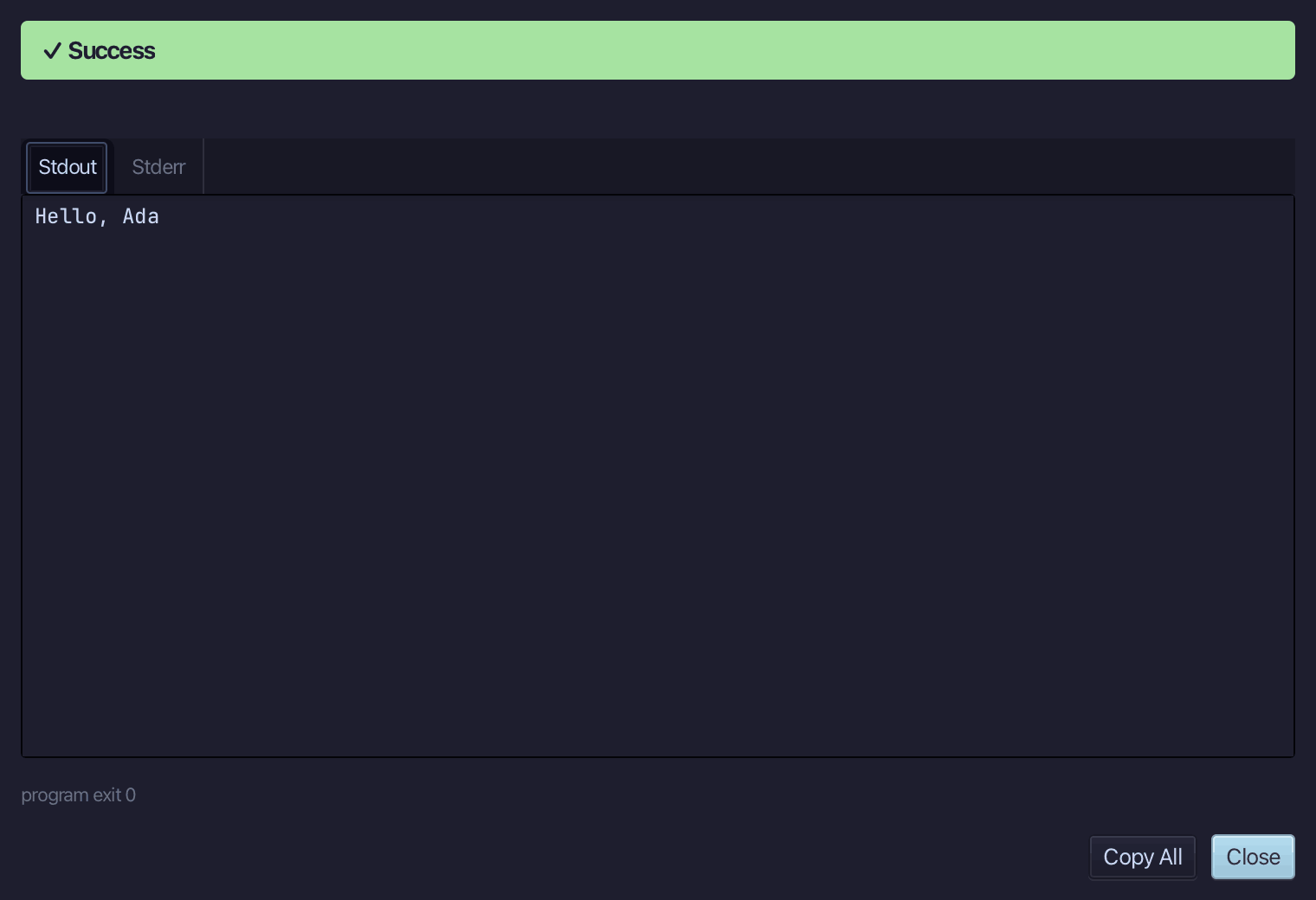
The variable reaches the program through its environment: Hello, Ada. Choose Close.
The result
EnvironmentGreeter.ek9 now reads exactly as chapter 38 of EK9 in Depth shows it, and its package block is an honest statement of what the package does: Stdout and EnvVars. npm, Cargo and Maven do not ask a package to declare that it reads the environment or opens a socket; EK9's publishable package states its capabilities and the compiler checks the package's own code against the list - for the gated types it knows about. Enforcement starts only when a package declares all four of publicAccess, version, license and capabilities, is per module, and dev code (tests, fixtures) is exempt. AI assistants declare a capability with ek9_add_capability.
Where this lesson comes from
- For AI assistants - the MCP tool
ek9_add_program,ek9_add_capability.