The Journal: a new investigation
Trying a variation of a run - a different input, everything else the same - usually means filling New Journal Investigation… from scratch. The Journal has a shortcut: run it again with one input changed. This lesson records Orders' failing scenario, then tries scenario 4 instead, with the same seed. Read Orders.ek9 first. To play it in the IDE: Help > Lessons > Debugging and the Journal…, or ek9 -ide -lesson journal-investigations.
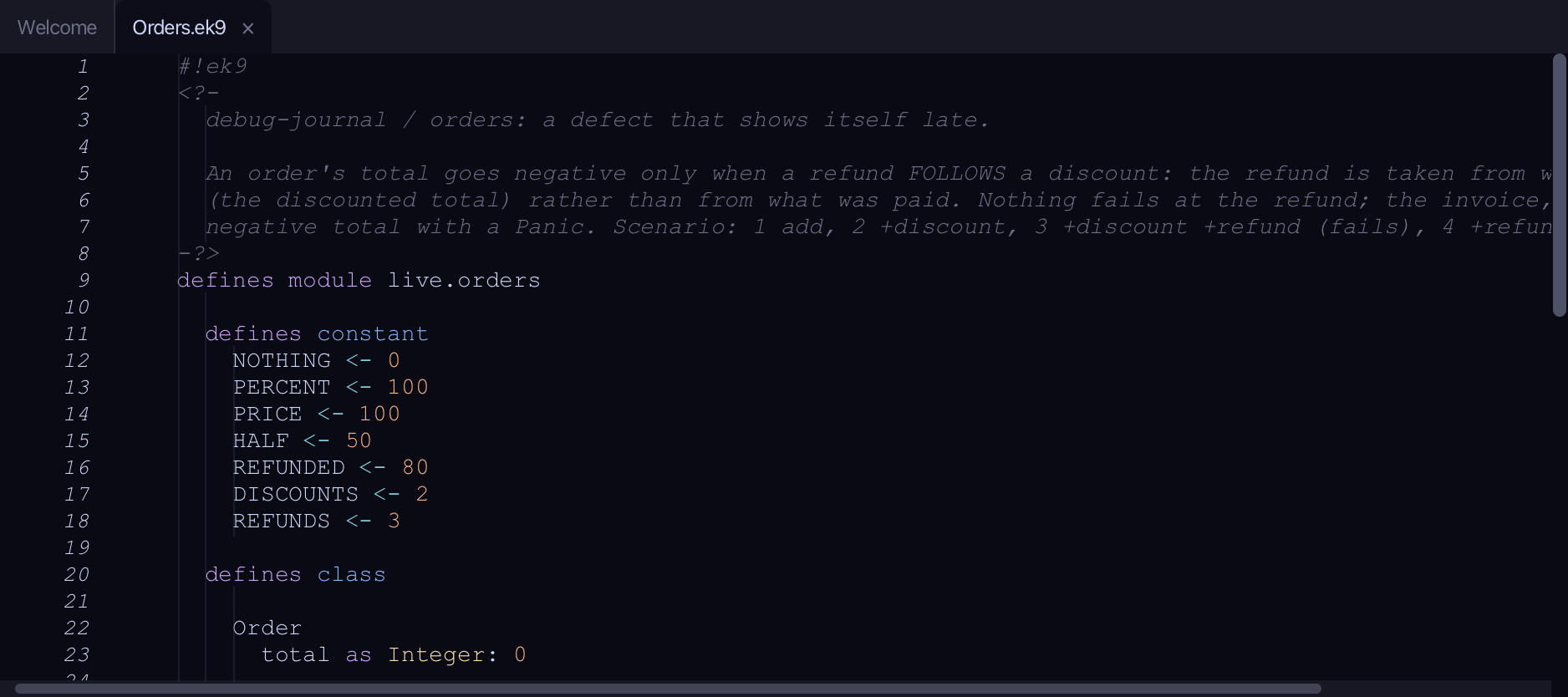
Start from
The code the lesson starts from: copy it into a file of your own and follow the steps.
Orders.ek9
#!ek9
<?-
  debug-journal / orders: a defect that shows itself late.

  An order's total goes negative only when a refund FOLLOWS a discount: the refund is taken from what is left to pay
  (the discounted total) rather than from what was paid. Nothing fails at the refund; the invoice, later, refuses a
  negative total with a Panic. Scenario: 1 add, 2 +discount, 3 +discount +refund (fails), 4 +refund (passes).
-?>
defines module live.orders

  defines constant
    NOTHING <- 0
    PERCENT <- 100
    PRICE <- 100
    HALF <- 50
    REFUNDED <- 80
    DISCOUNTS <- 2
    REFUNDS <- 3

  defines class

    Order
      total as Integer: 0

      add()
        -> amount as Integer
        total += amount

      discount()
        -> percent as Integer
        saving <- total * percent / PERCENT
        total -= saving

      invoice()
        <- rtn as String?
        require total >= NOTHING
        rtn: `invoice for ${total}`

      refund()
        -> amount as Integer
        total -= amount

      default operator ?

  defines program

    Orders()
      -> scenario as Integer
      stdout <- Stdout()
      order <- Order()
      order.add(PRICE)
      if scenario == DISCOUNTS or scenario == REFUNDS
        order.discount(HALF)
      if scenario >= REFUNDS
        order.refund(REFUNDED)
      stdout.println(order.invoice())

//EOF
dev/orders_tests.ek9
#!ek9
<?-
  debug-journal / orders: the tests, for trying coverage in the IDE (-t, the coverage toggle Alt+Cmd+F6).

  They cover adding, a discount alone and a refund alone - each passes. The defect path (a refund AFTER a discount,
  which the invoice refuses with a Panic) and the Orders program itself are deliberately left untested, so coverage
  shows what the tests do not reach.
-?>
defines module live.orders.tests

  references
    live.orders::HALF
    live.orders::Order
    live.orders::PRICE
    live.orders::REFUNDED

  defines constant
    FULL_PRICE <- "invoice for 100"
    HALF_PRICE <- "invoice for 50"
    PRICE_LESS_REFUND <- "invoice for 20"

  defines program

    @Test
    AddOnly()
      order <- Order()
      order.add(PRICE)
      assert order.invoice() == FULL_PRICE

    @Test
    HalfDiscount()
      order <- Order()
      order.add(PRICE)
      order.discount(HALF)
      assert order.invoice() == HALF_PRICE

    @Test
    RefundWithoutDiscount()
      order <- Order()
      order.add(PRICE)
      order.refund(REFUNDED)
      assert order.invoice() == PRICE_LESS_REFUND

//EOF
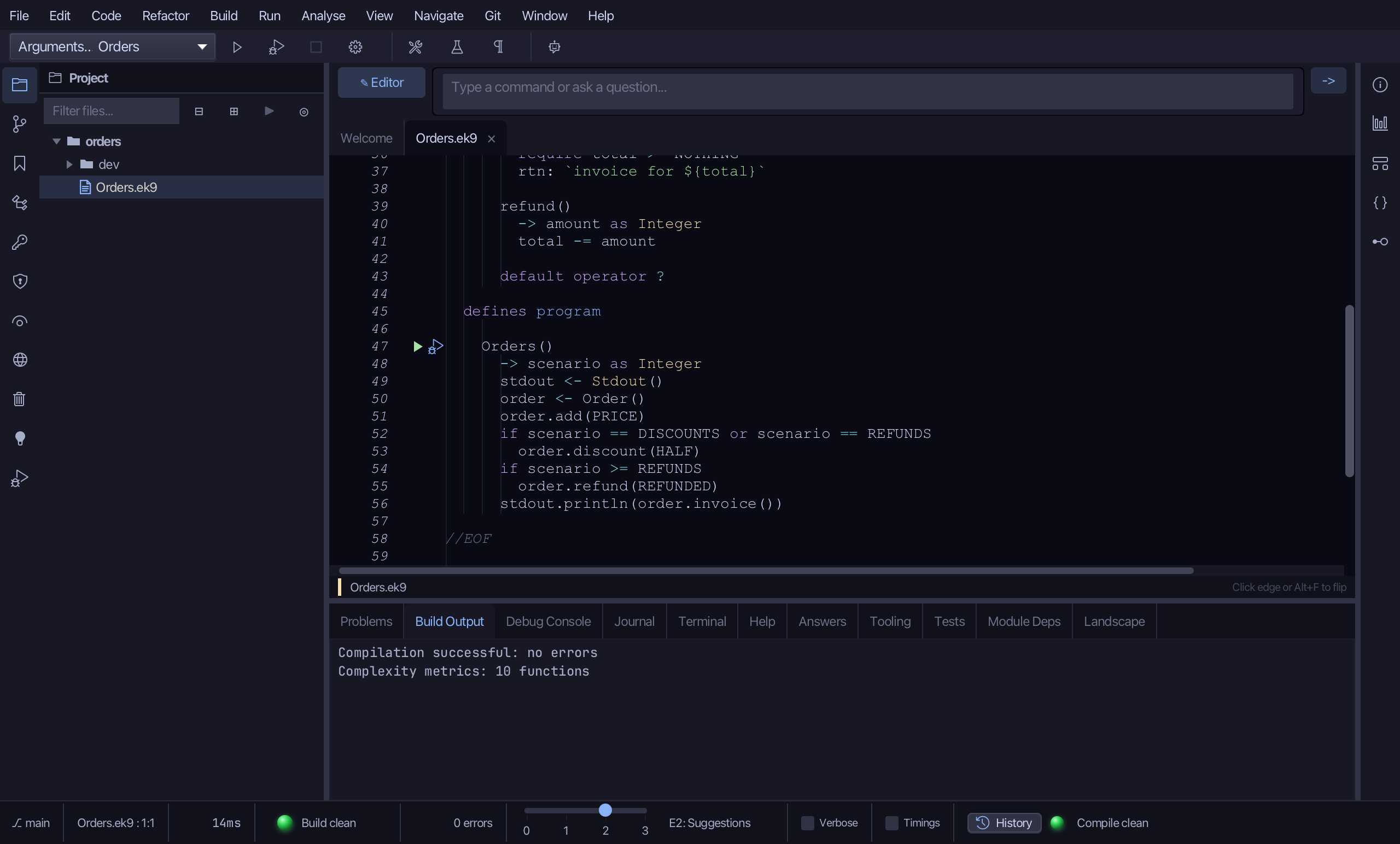
Step 1: Orders, and its defect
Orders runs scenario 1, 2, 3 or 4: an add, then (scenario 2 or 3) a discount, then (scenario 3 or 4) a refund. Only scenario 3 fails - the refund is taken from the discounted total. Scenario 4 refunds too, but with no discount first.
Step 2: Record one failing run
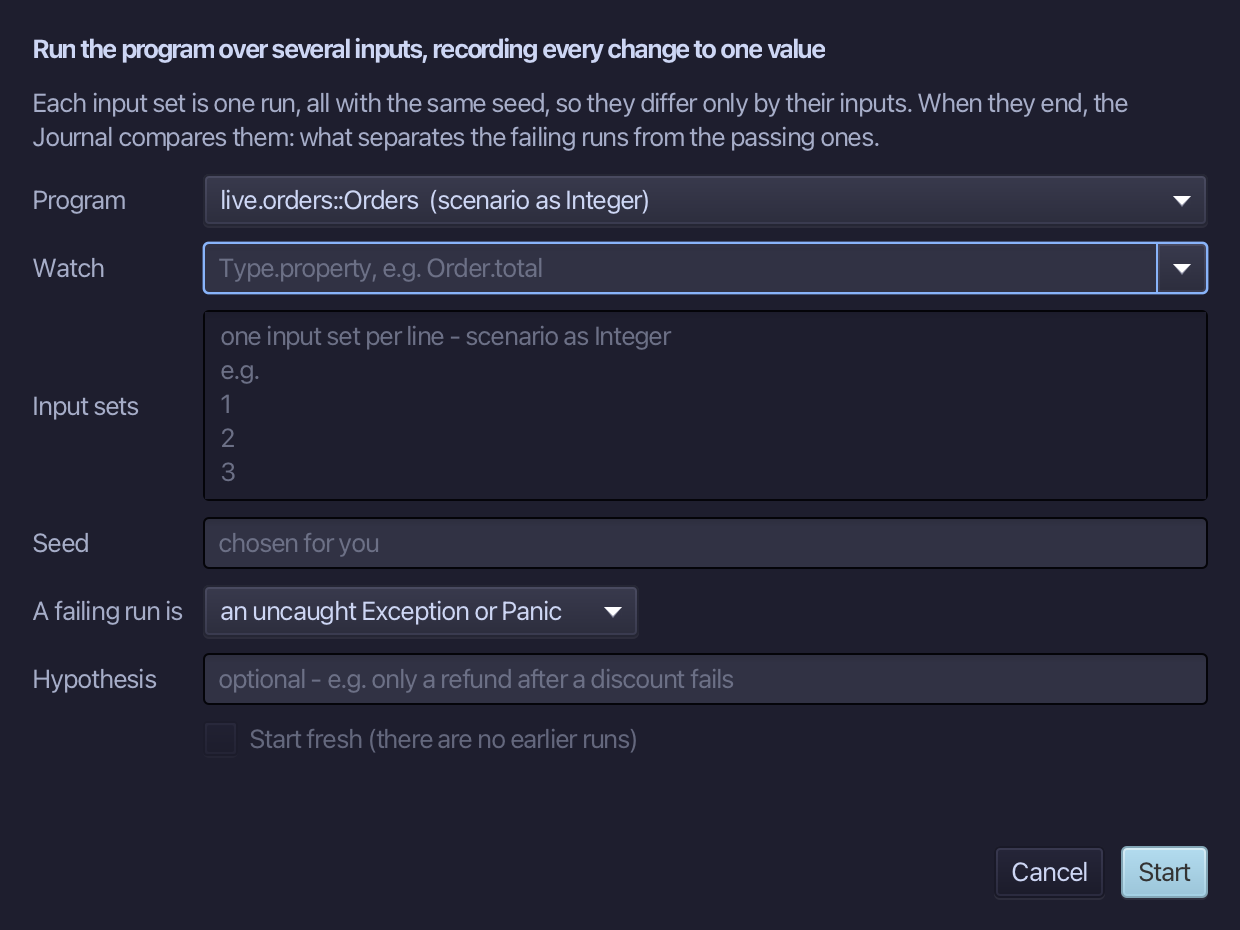
Choose Run > New Journal Investigation…
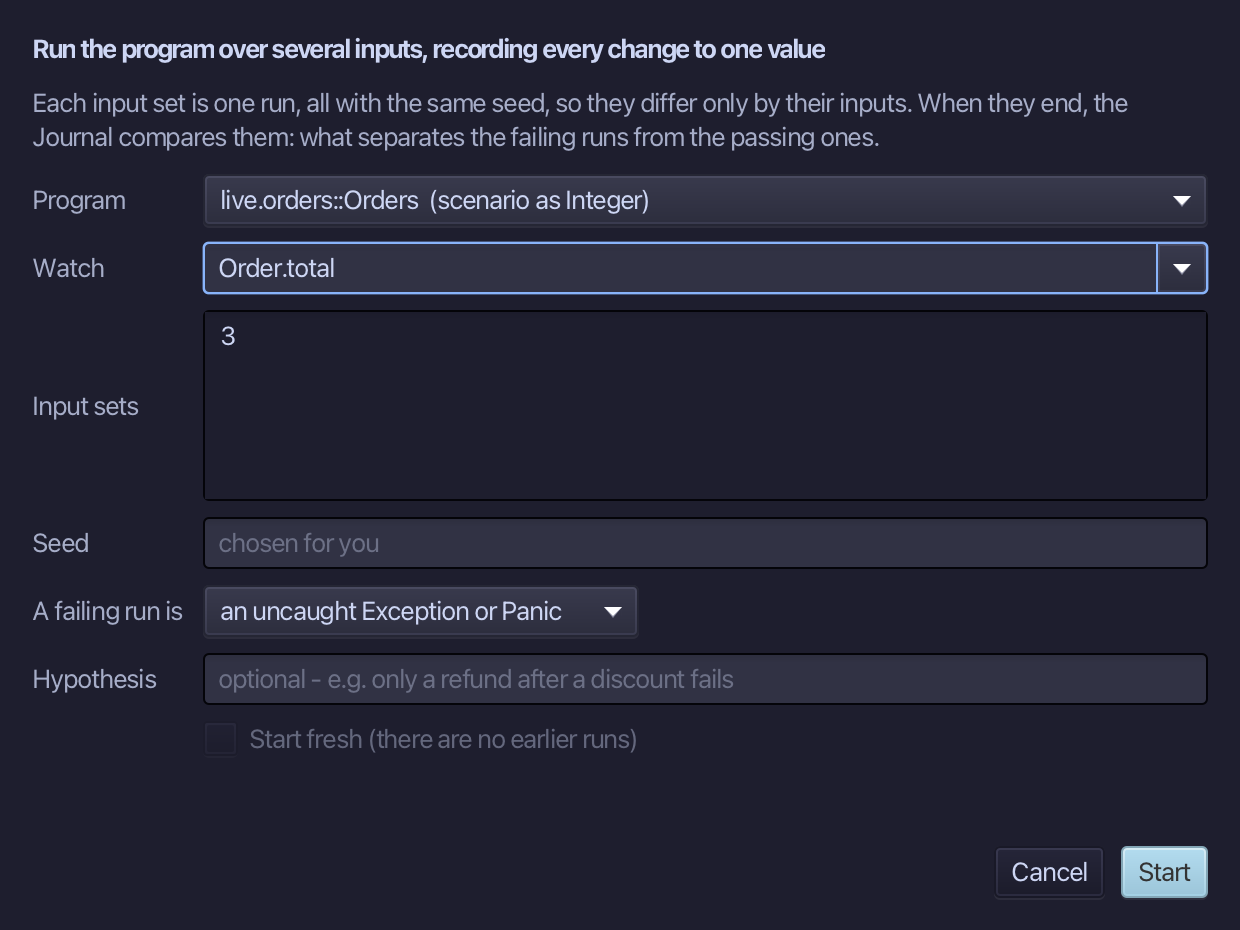
Watch Order.total, and give one input set - 3, the failing scenario. Choose Start.
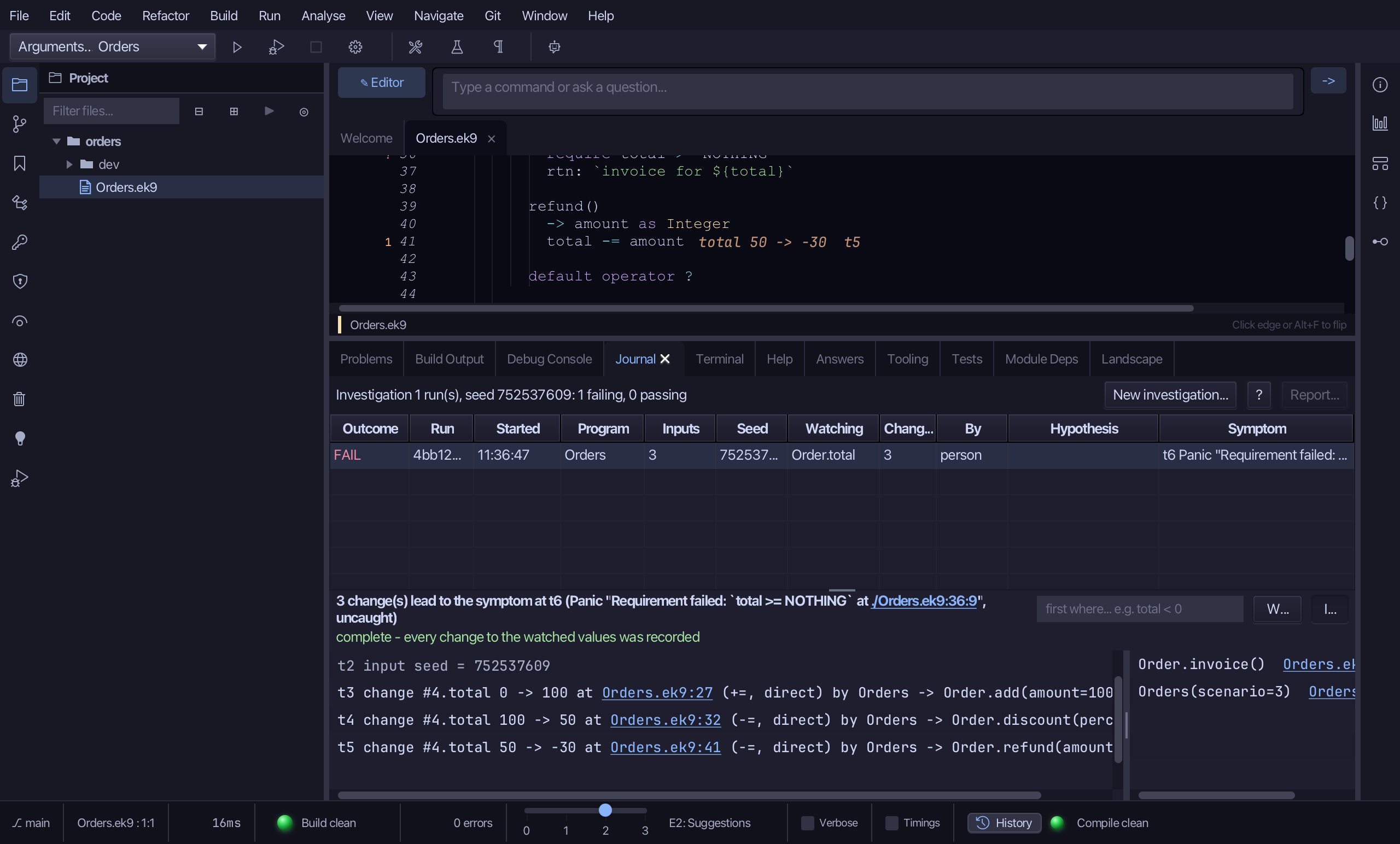
The program runs once, while the Journal records every change to Order.total. It ends with the Panic, and the run shows - already selected - in the Journal tab as FAIL.
Step 3: Try it again, one input changed
Right-click the run and choose "Again with one input changed…"
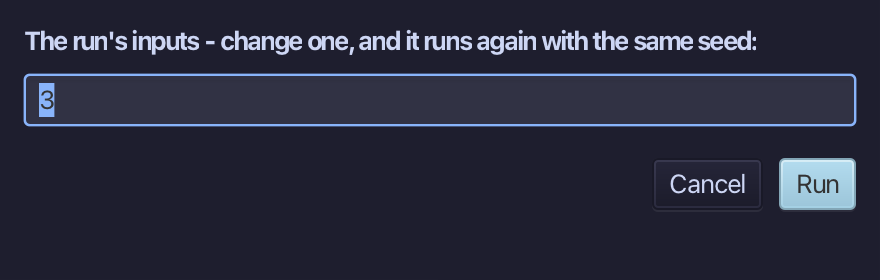
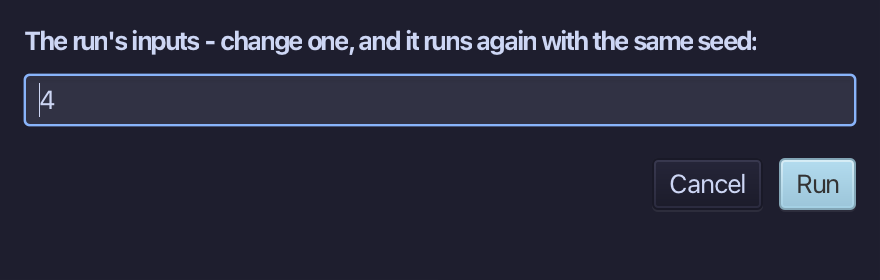
Change the input to 4 and choose Run. It runs again with the same seed, so only that input differs.
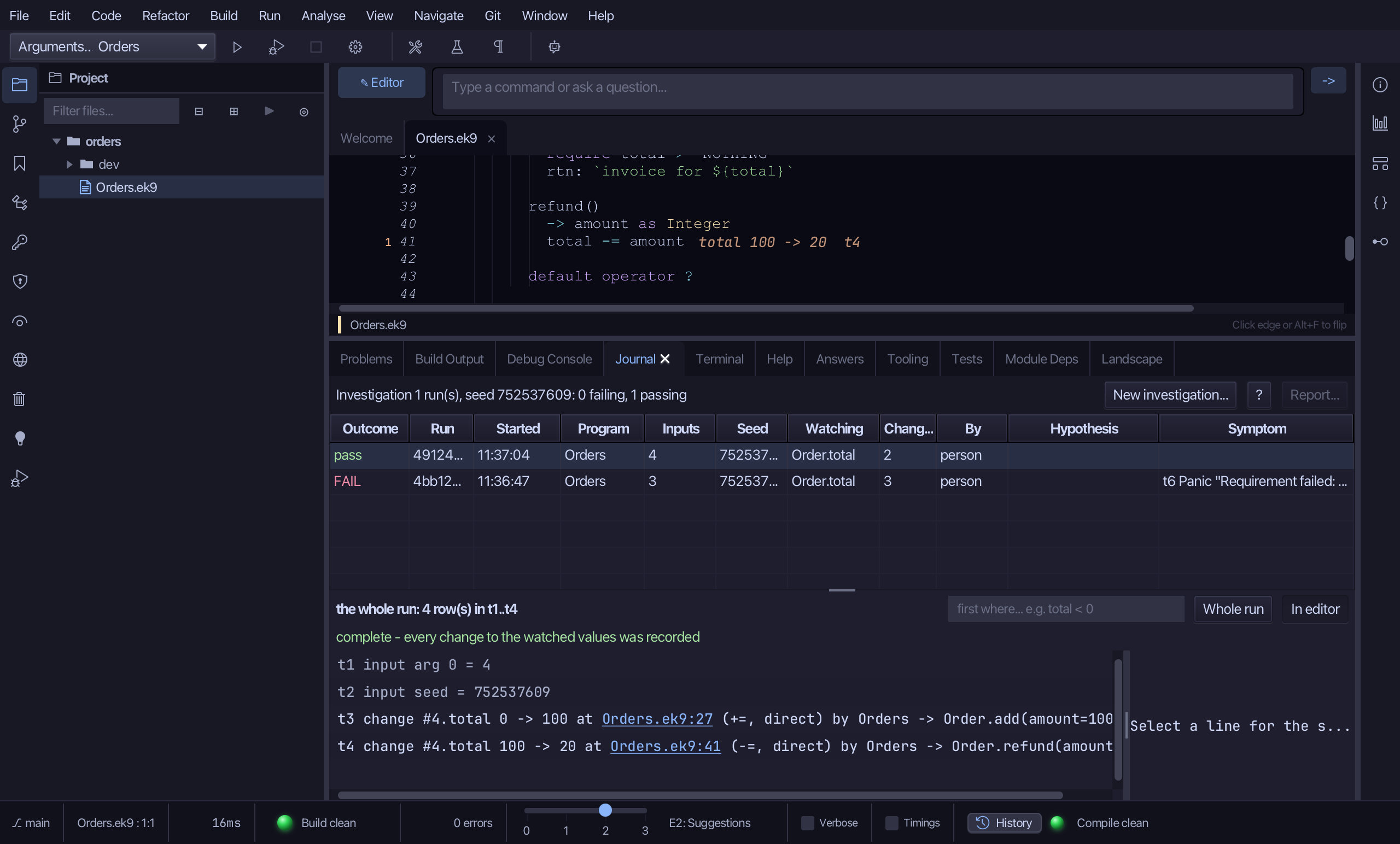
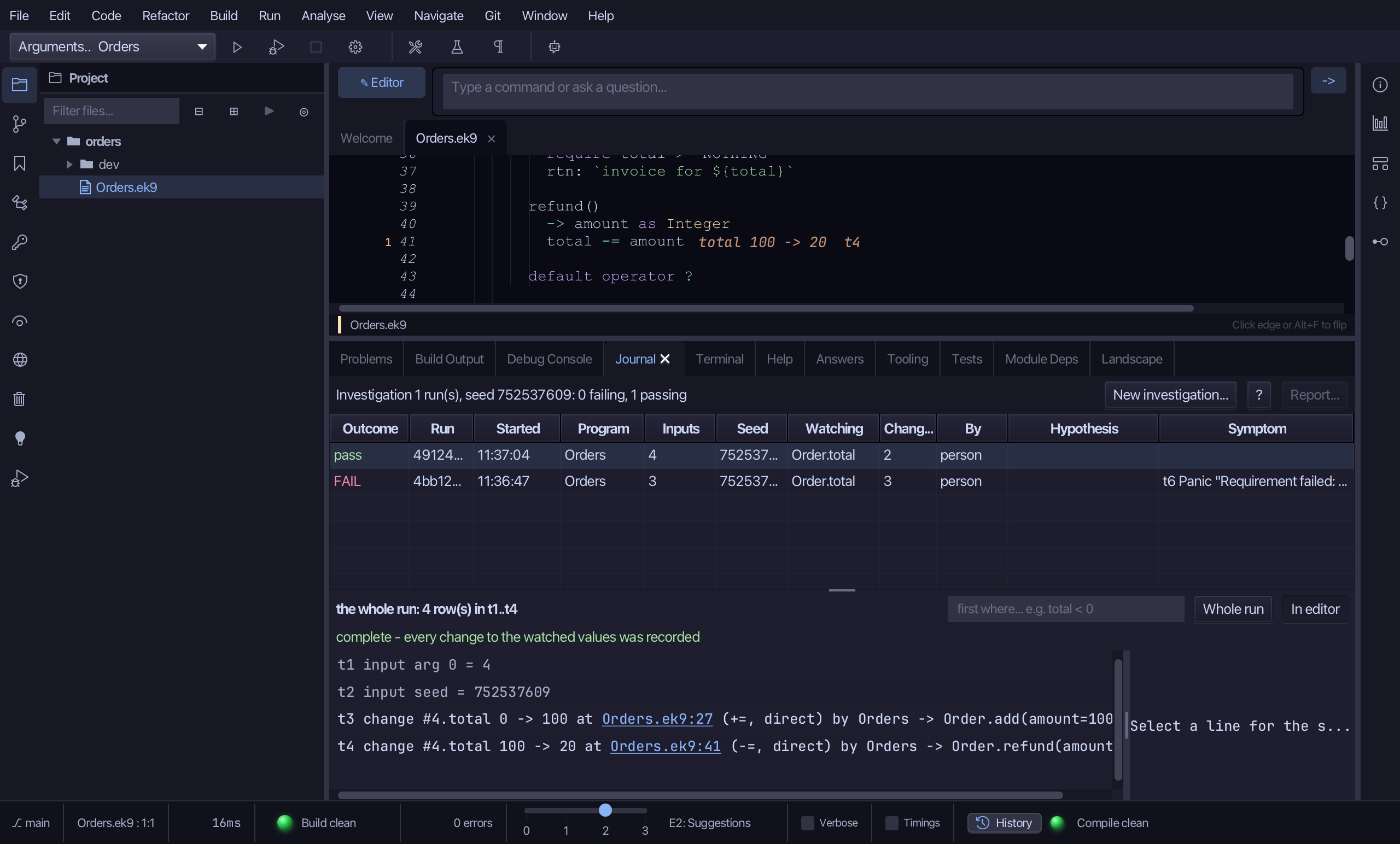
The program runs again, with 4 in place of 3. It passes, and shows beside the first run in the Journal tab.
Step 4: What changed
Both runs are in the Journal tab: scenario 3 - FAIL, with its symptom - and scenario 4 - pass, with none. Same program, same seed, one input changed: the discount is what the failing run did differently. The line above the table sums up the latest investigation only - the one run just made.
The result
That is the Journal's own way to try a variation of a run - the same seed, one input changed, without filling New Journal Investigation… again. Comparing runs deliberately, and the Journal Report, are the earlier lessons.
Where this lesson comes from
- For AI assistants - the MCP tool
ek9_debug_session.