Chapter 29: the parent's version on purpose, built
A dispatcher chooses a handler by the run-time type of its argument; an ordinary override chooses by the receiver. Chapter 29 ends on the reverse of both: a subclass that deliberately reaches the PARENT's version with super. Account is open, SavingsAccount extends it, and each override calls the parent's method and adjusts the answer. The IDE writes both classes, their fields, constructors and method signatures; you type what each one does. To play it in the IDE: Help > Lessons > EK9 in Depth…, or ek9 -ide -lesson depth-super-call.
What you'll build
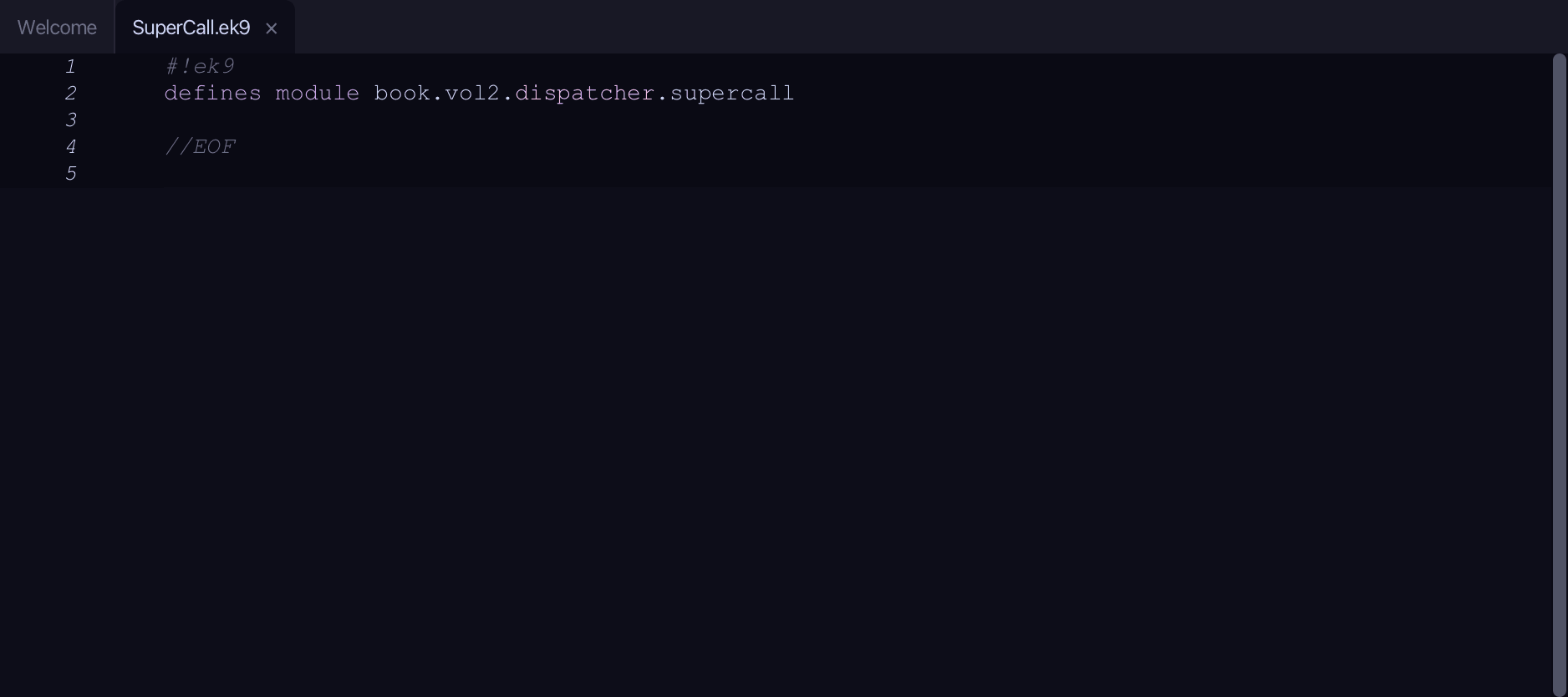
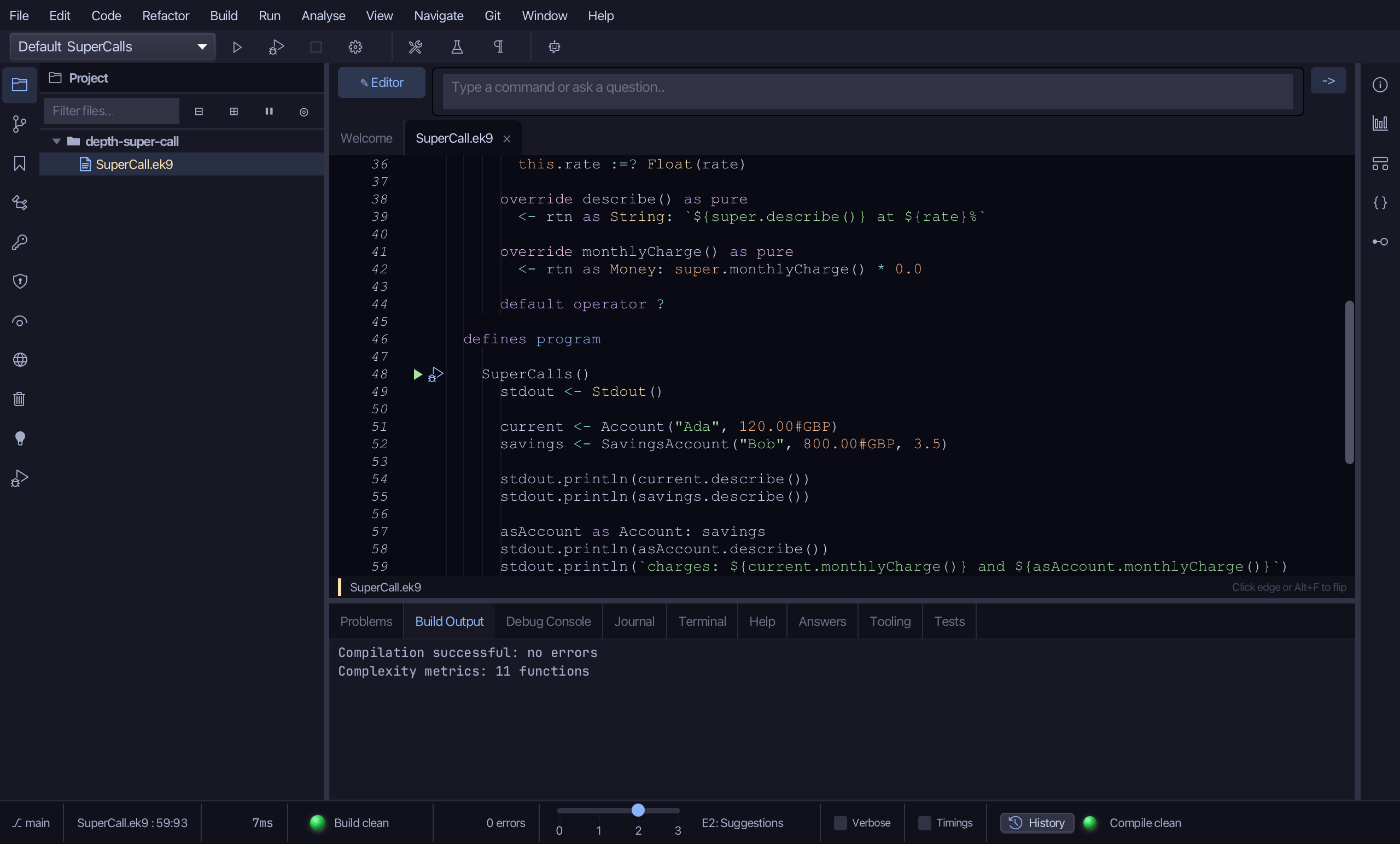
The lesson builds this program from a file holding only its module line - the finished file, as the book prints it.
#!ek9
defines module book.vol2.dispatcher.supercall

  defines class

    Account as open
      holder <- String()
      balance <- Money()

      Account() as pure
        ->
          holder as String
          balance as Money

        this.holder :=? String(holder)
        this.balance :=? Money(balance)

      describe() as pure
        <- rtn as String: `${holder} holds ${balance}`

      monthlyCharge() as pure
        <- rtn as Money: 2.50#GBP

      default operator ?

    SavingsAccount extends Account
      rate <- Float()

      SavingsAccount() as pure
        ->
          holder as String
          balance as Money
          rate as Float

        super(holder, balance)
        this.rate :=? Float(rate)

      override describe() as pure
        <- rtn as String: `${super.describe()} at ${rate}%`

      override monthlyCharge() as pure
        <- rtn as Money: super.monthlyCharge() * 0.0

      default operator ?

  defines program

    SuperCalls()
      stdout <- Stdout()

      current <- Account("Ada", 120.00#GBP)
      savings <- SavingsAccount("Bob", 800.00#GBP, 3.5)

      stdout.println(current.describe())
      stdout.println(savings.describe())

      asAccount as Account: savings
      stdout.println(asAccount.describe())
      stdout.println(`charges: ${current.monthlyCharge()} and ${asAccount.monthlyCharge()}`)

//EOF
Step 1: Account — a class
Choose Code > New Construct > Class…
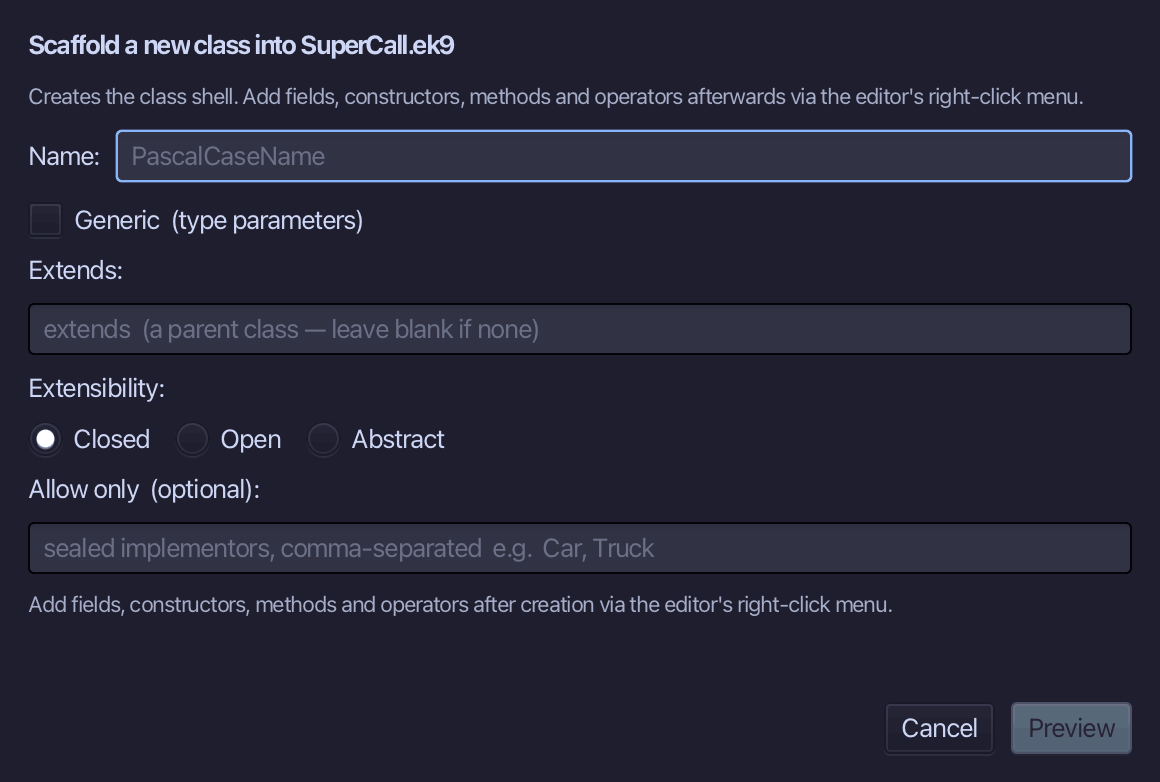
Account is the class's name. Choose Open under Extensibility - a class is closed to extension unless it says so. Choose Preview.
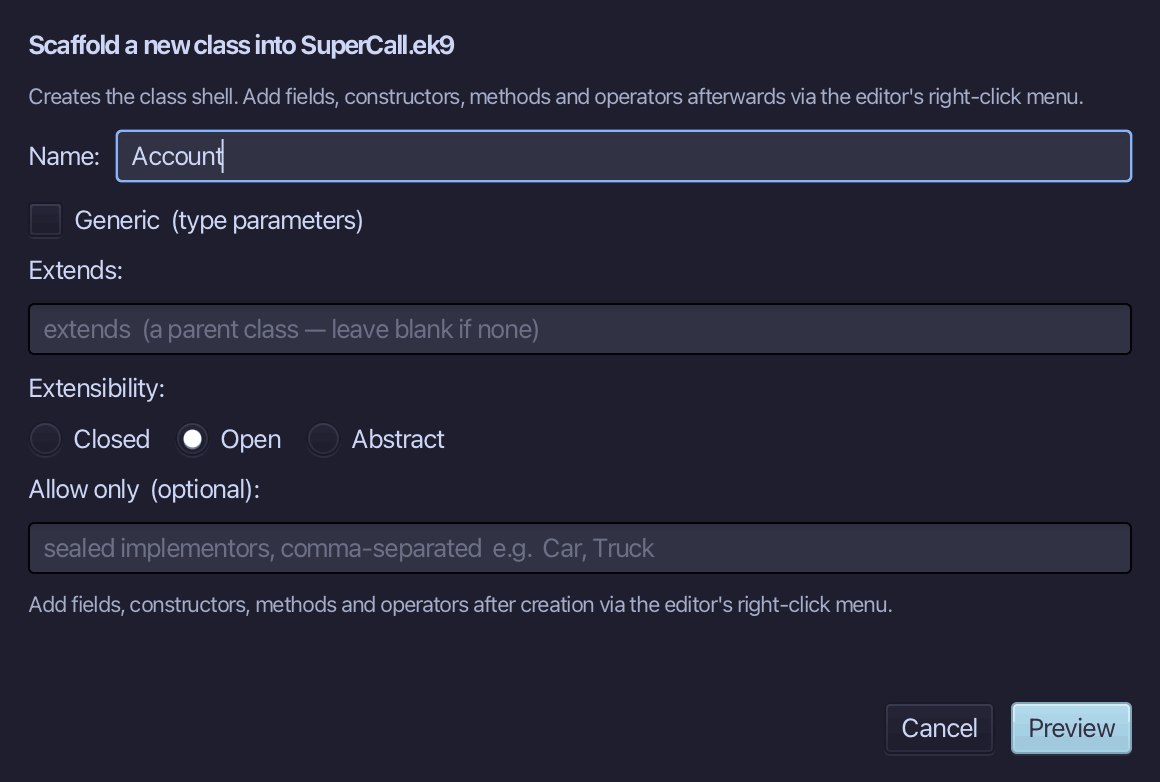
The preview shows Account about to be written. Choose Apply.
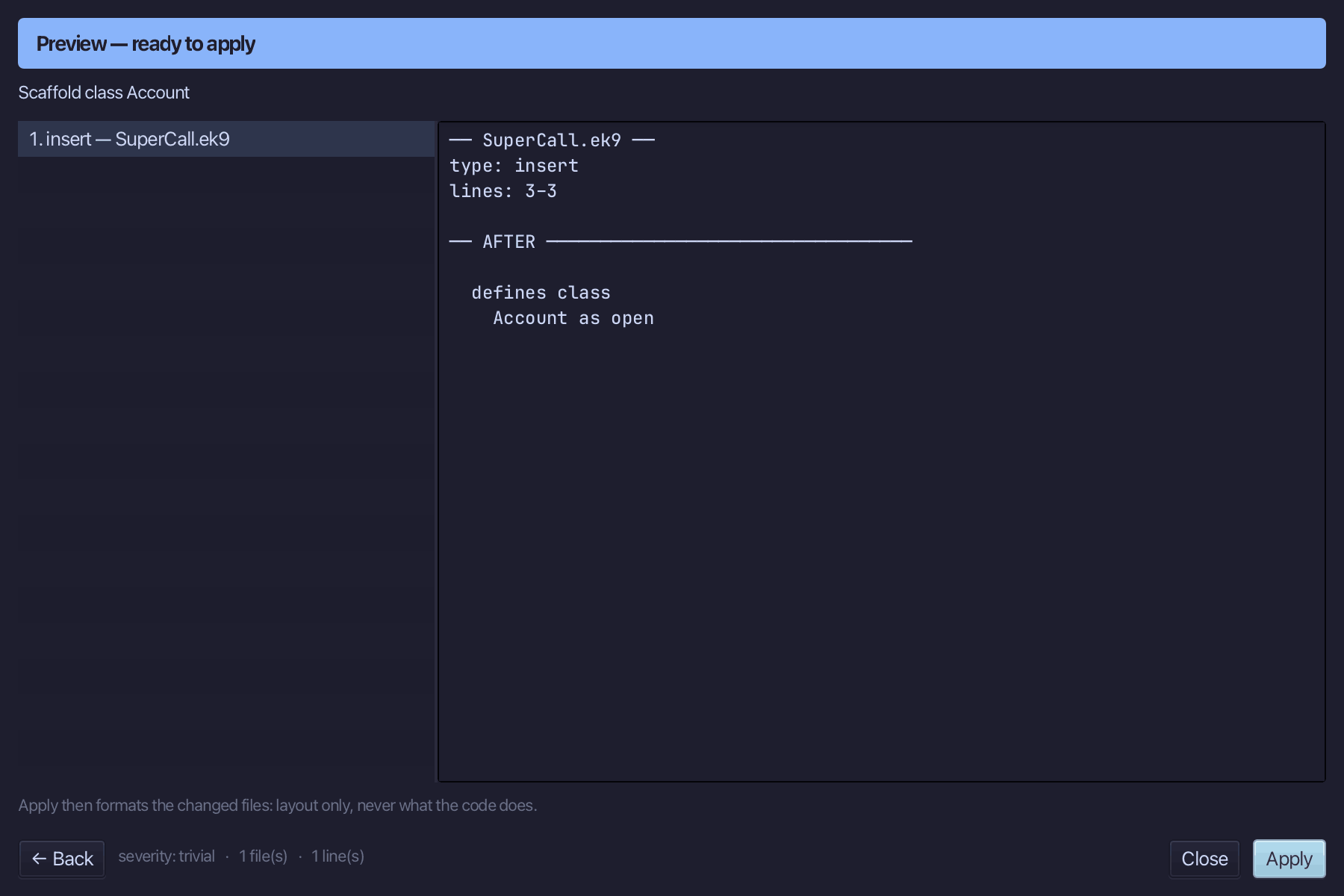
Select the Account line and, above it, type the blank line the book opens its classes with. Saves when typed.
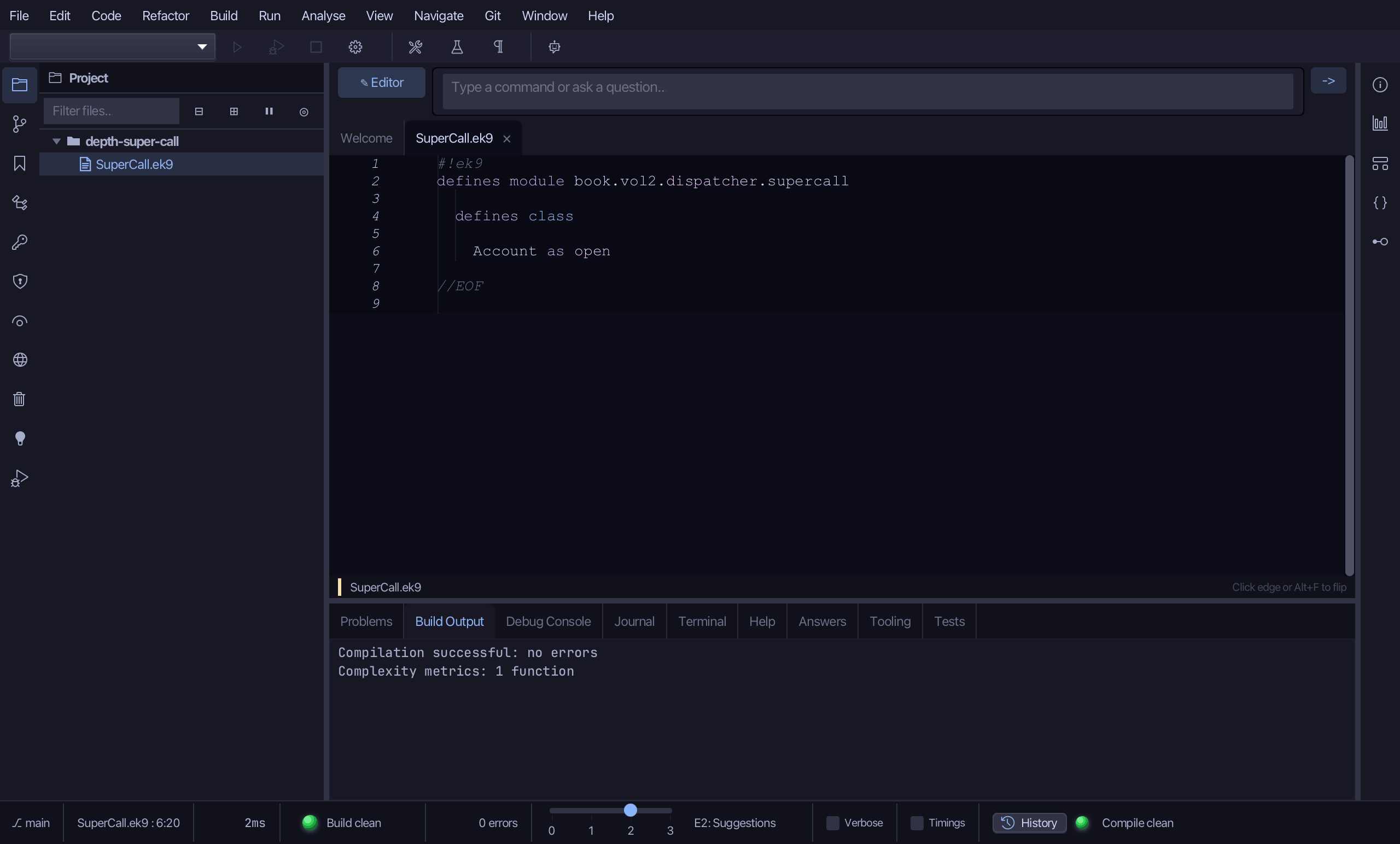
Right-click the Account line and choose Add Field…
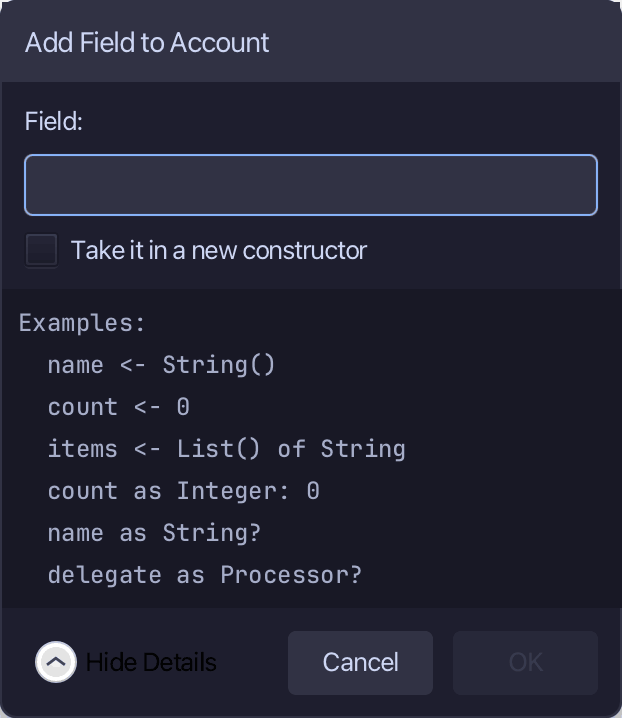
Type holder <- String() - the field and the value it starts with. Choose OK.
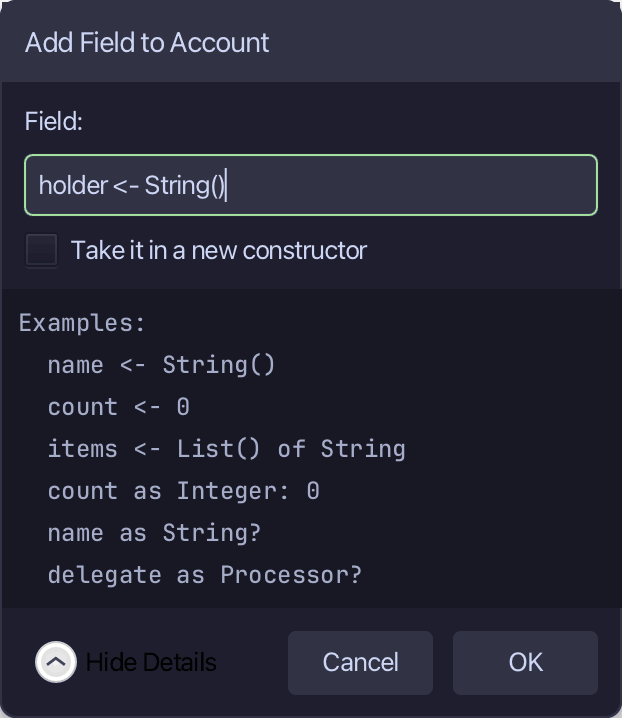
The preview shows holder added - and default operator ? with it, Account's first field. Choose Apply.
Right-click the Account line and choose Add Field…
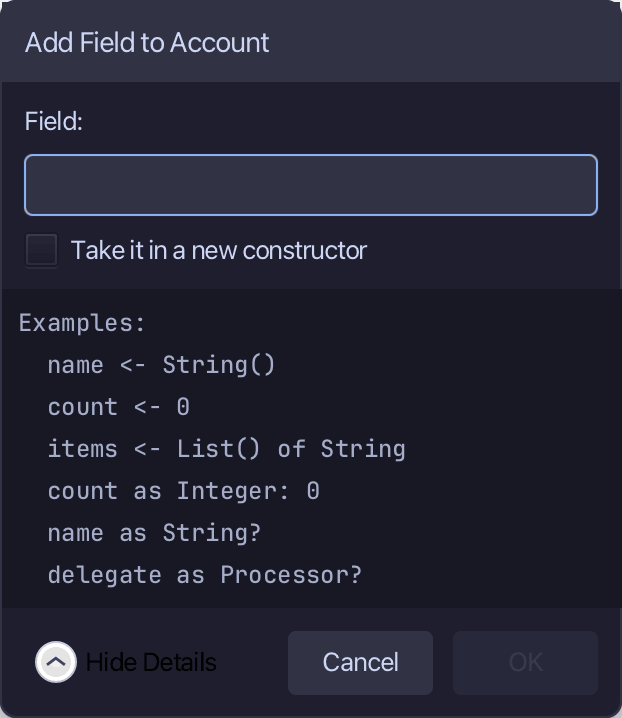
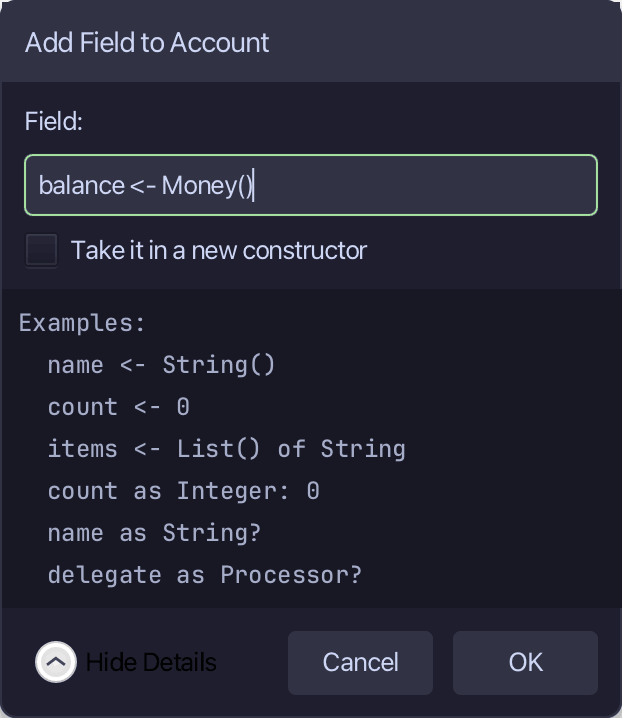
Type balance <- Money() - the field and the value it starts with. Choose OK.
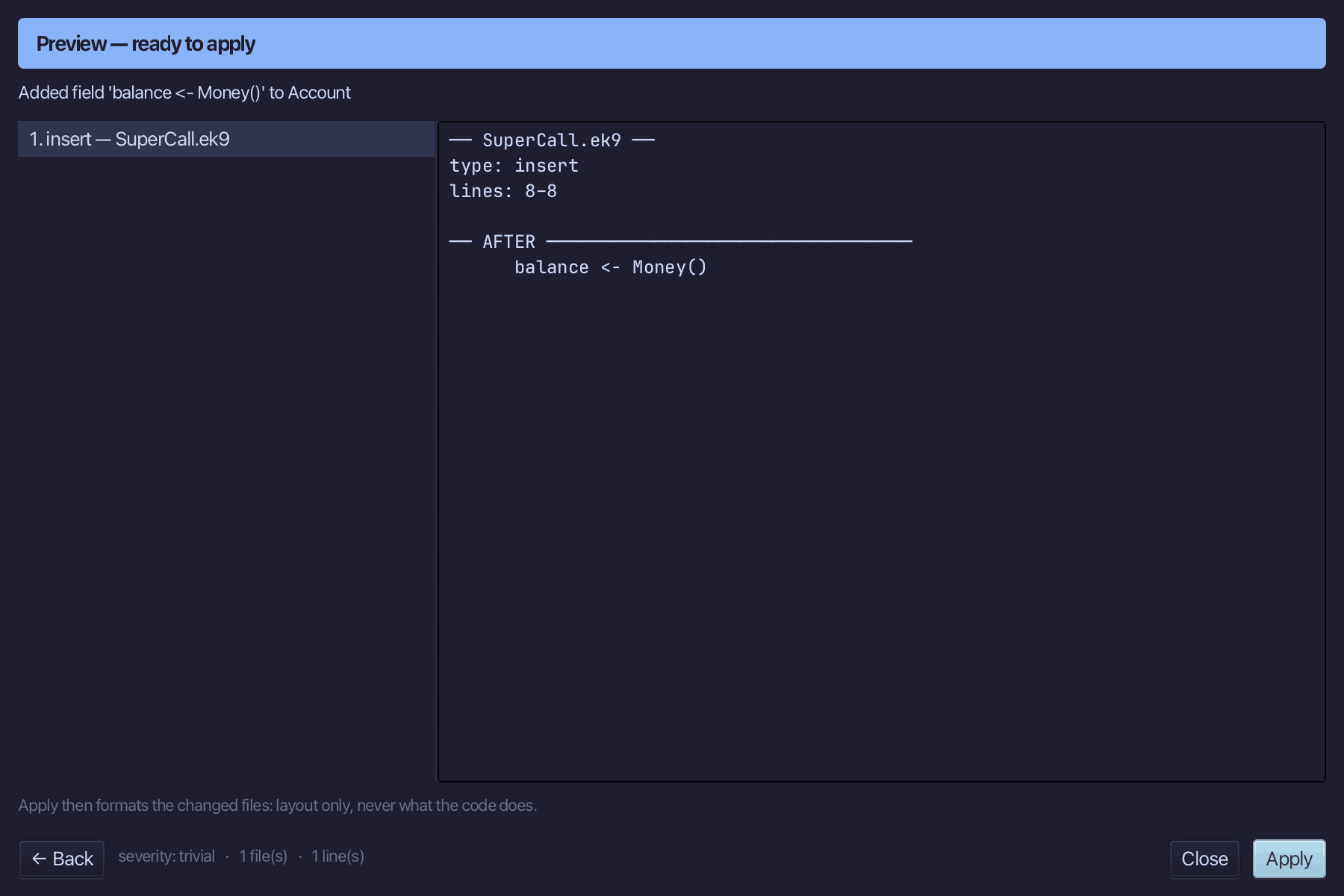
The preview shows balance added. Choose Apply.
Right-click the Account line and choose Add Constructor > From All Fields (pure) - a constructor that takes every field.
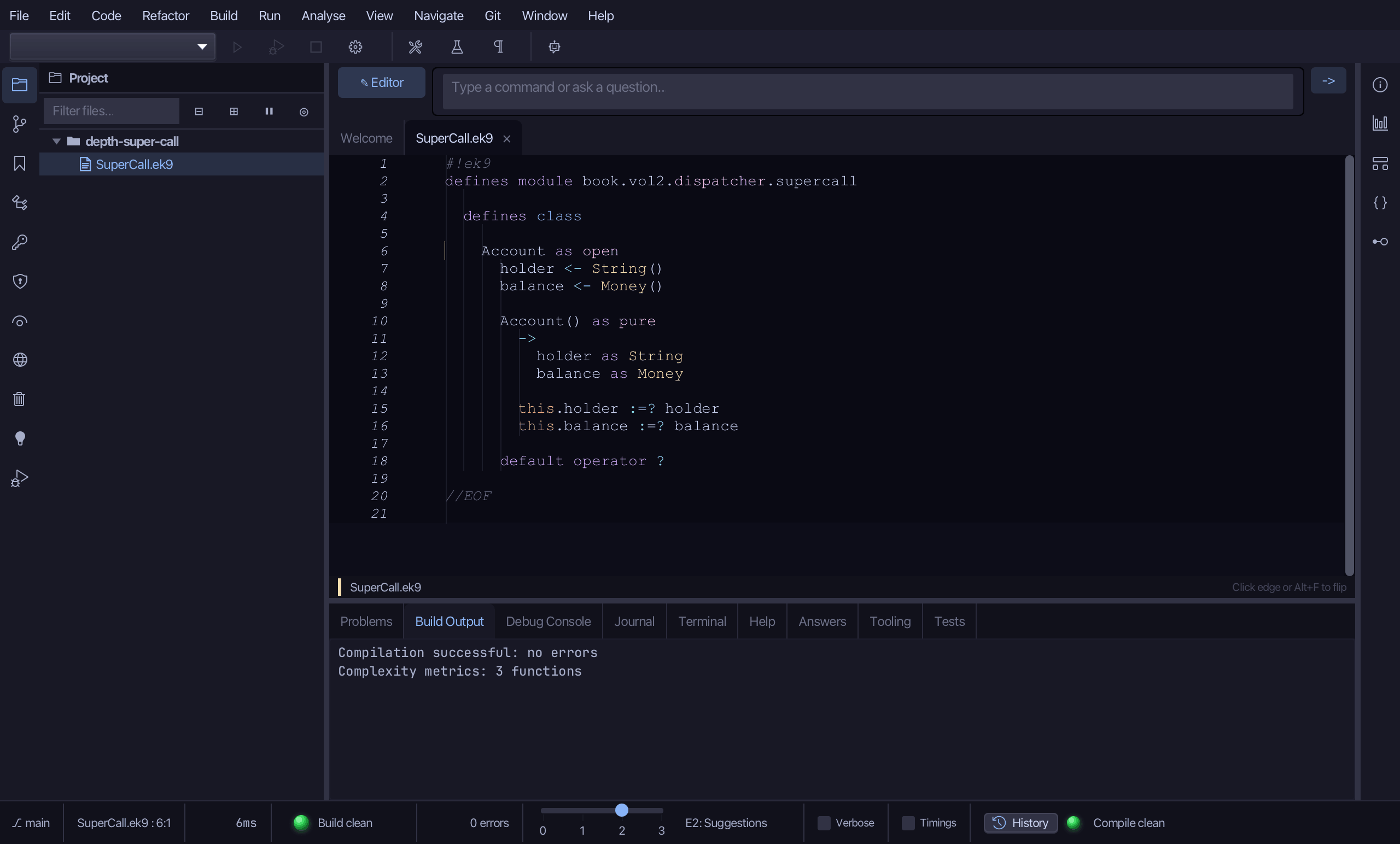
Select the stub, from Account() as pure down to its last assignment, and type the constructor's whole job as the book writes it. Saves when typed.
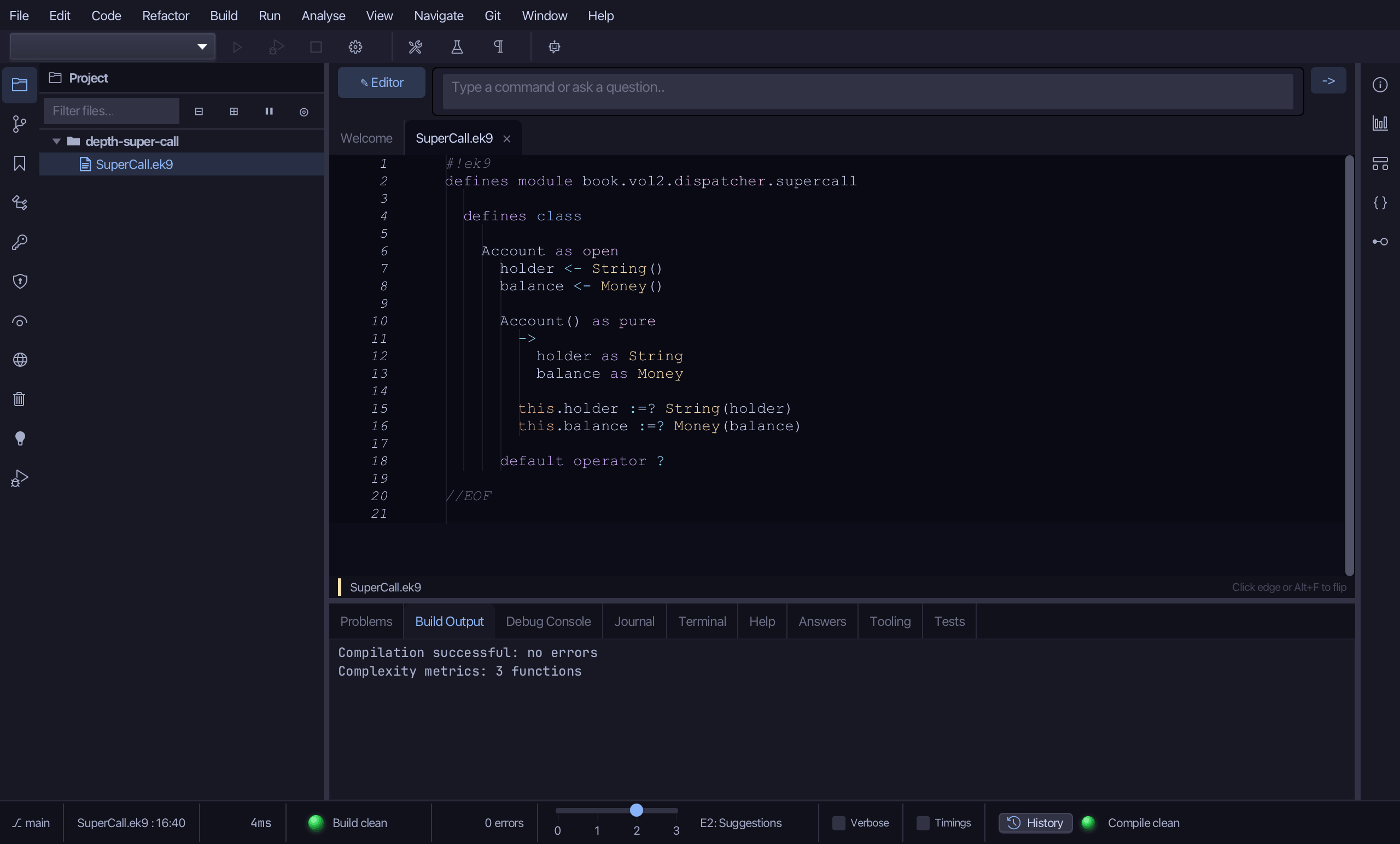
Right-click the Account line and choose Add Method…
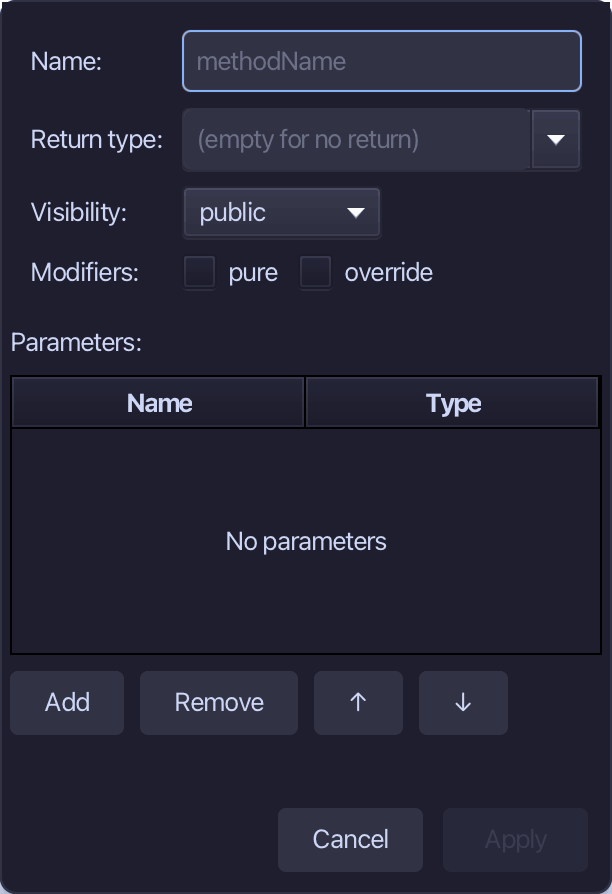
describe is the method's name. Set Return type to String and tick pure. Choose Apply.
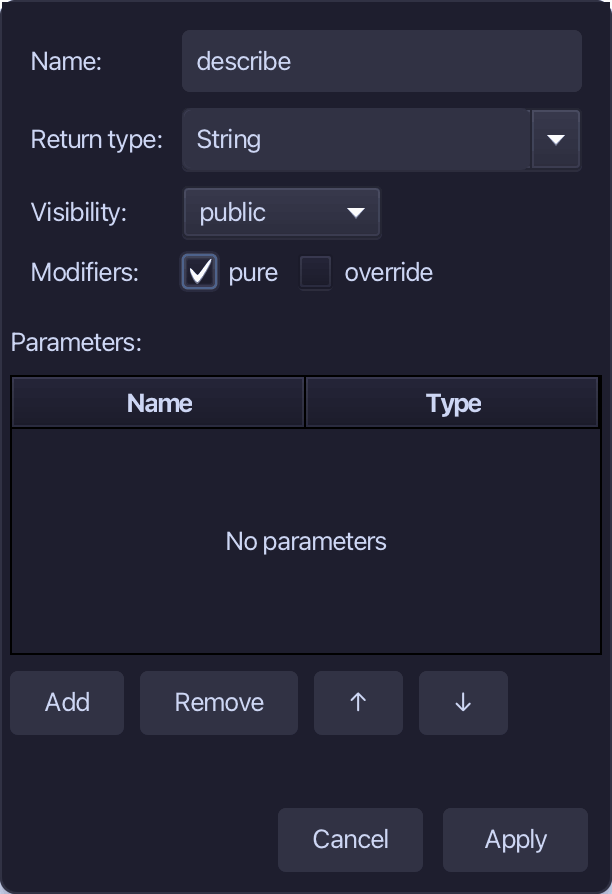
Select the stub Add Method wrote and type describe's own answer, as the book writes it. Saves when typed.
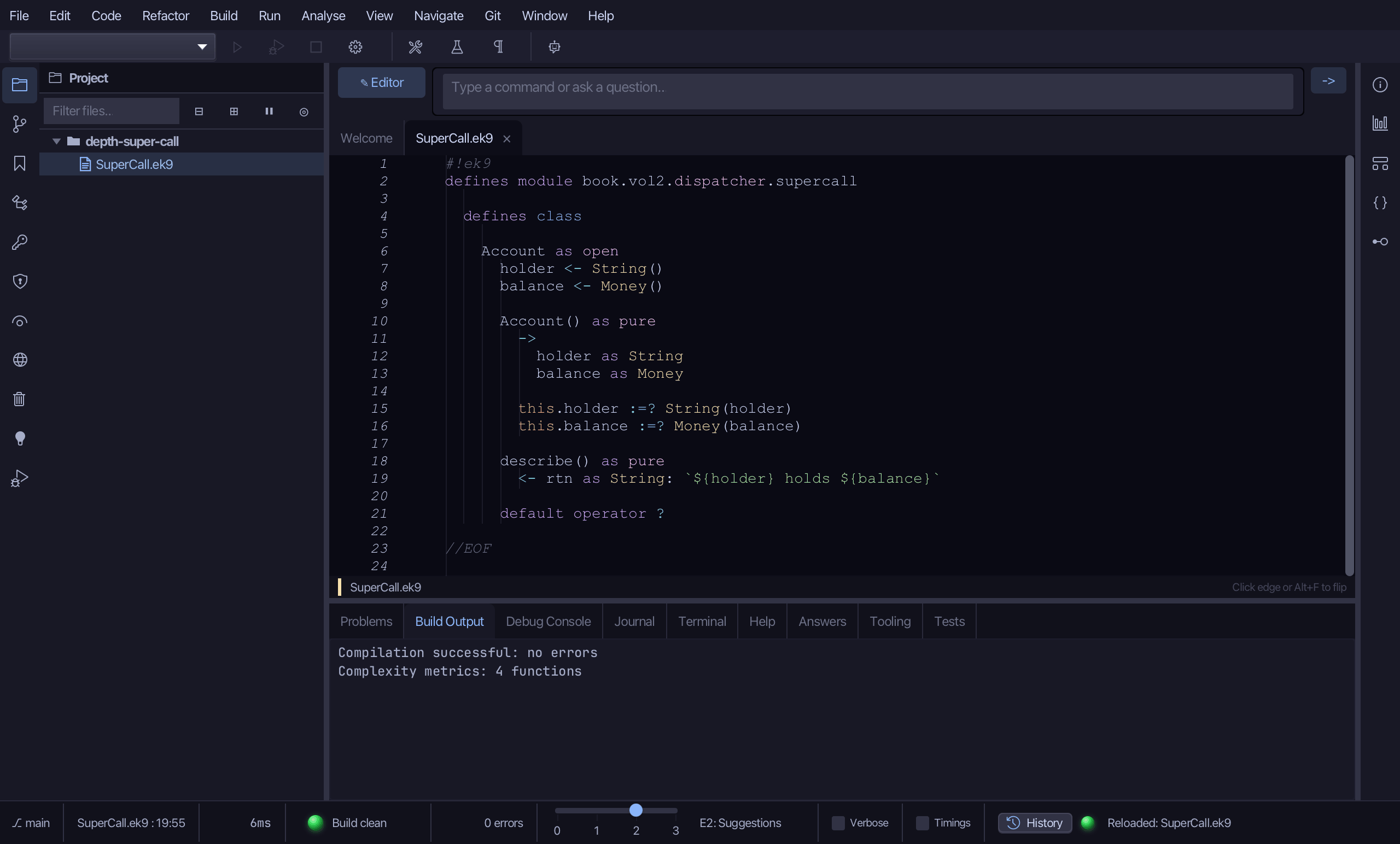
Right-click the Account line and choose Add Method…
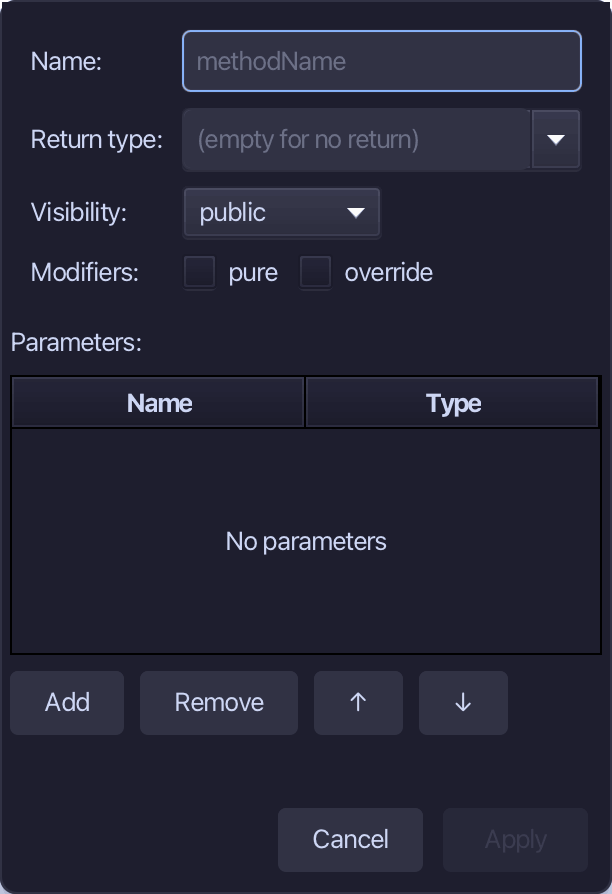
monthlyCharge is the method's name. Set Return type to Money and tick pure. Choose Apply.
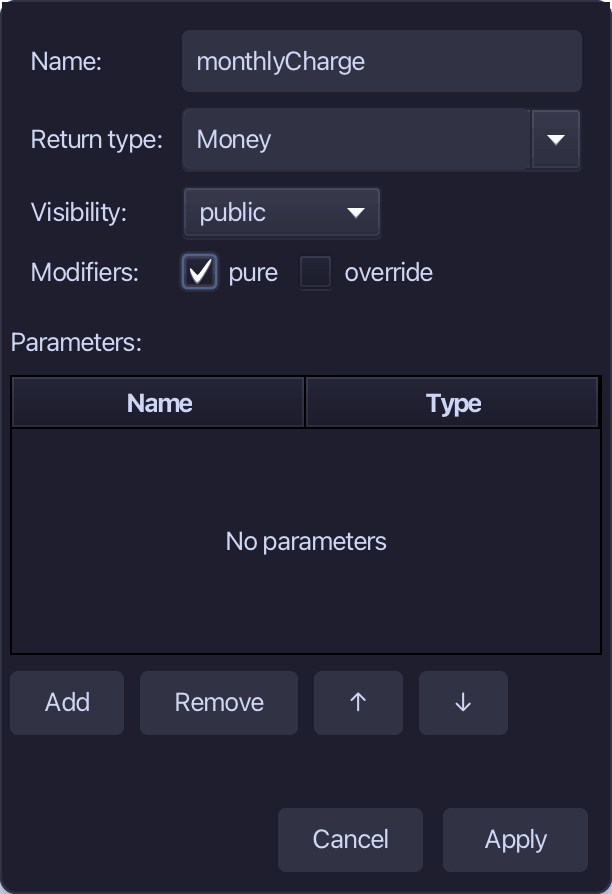
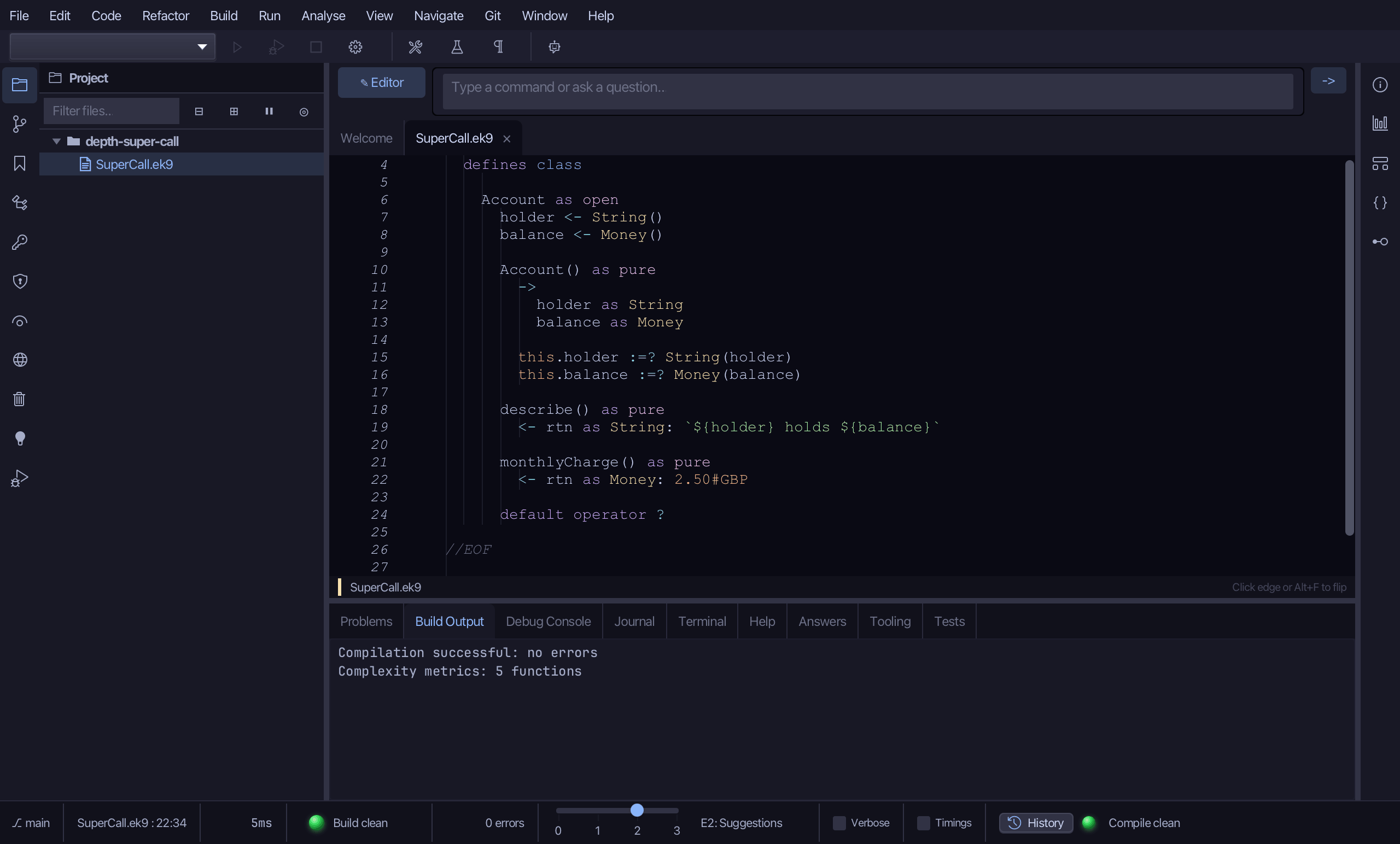
Select the stub Add Method wrote and type monthlyCharge's own answer, as the book writes it. Saves when typed.
Step 2: SavingsAccount — a class
Choose Code > New Construct > Class…
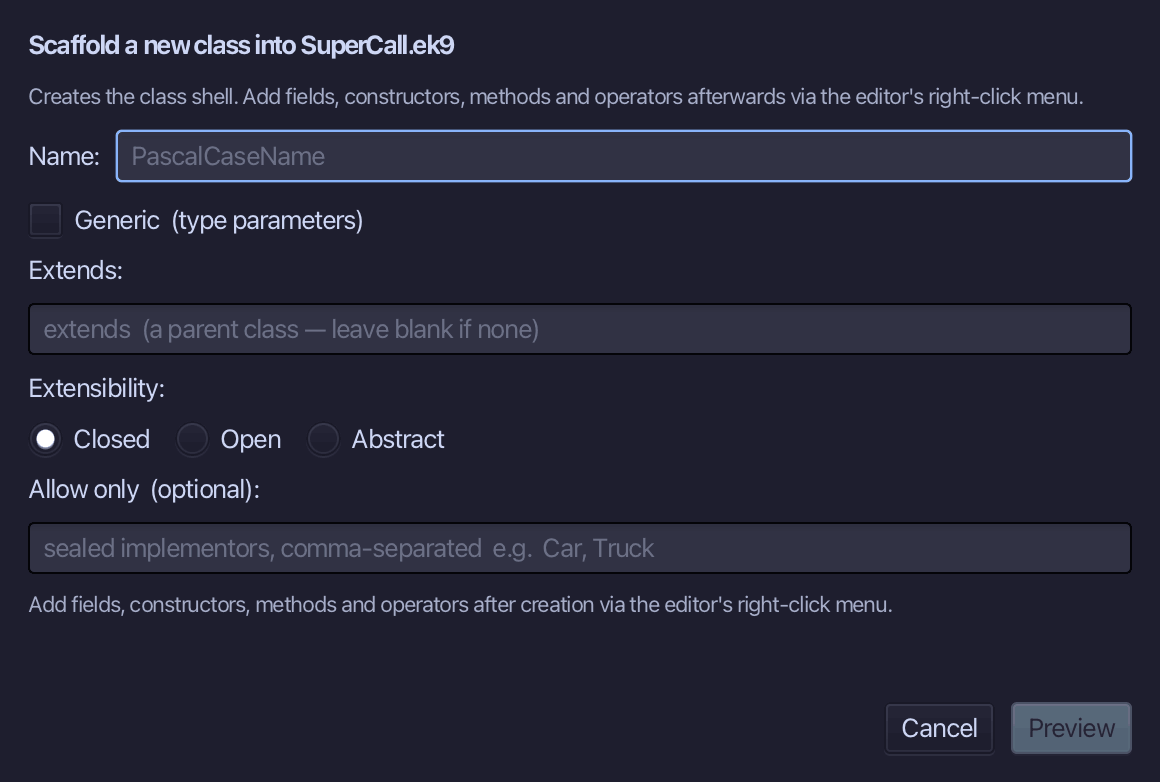
SavingsAccount is the class's name. Type Account into Extends. Choose Preview.
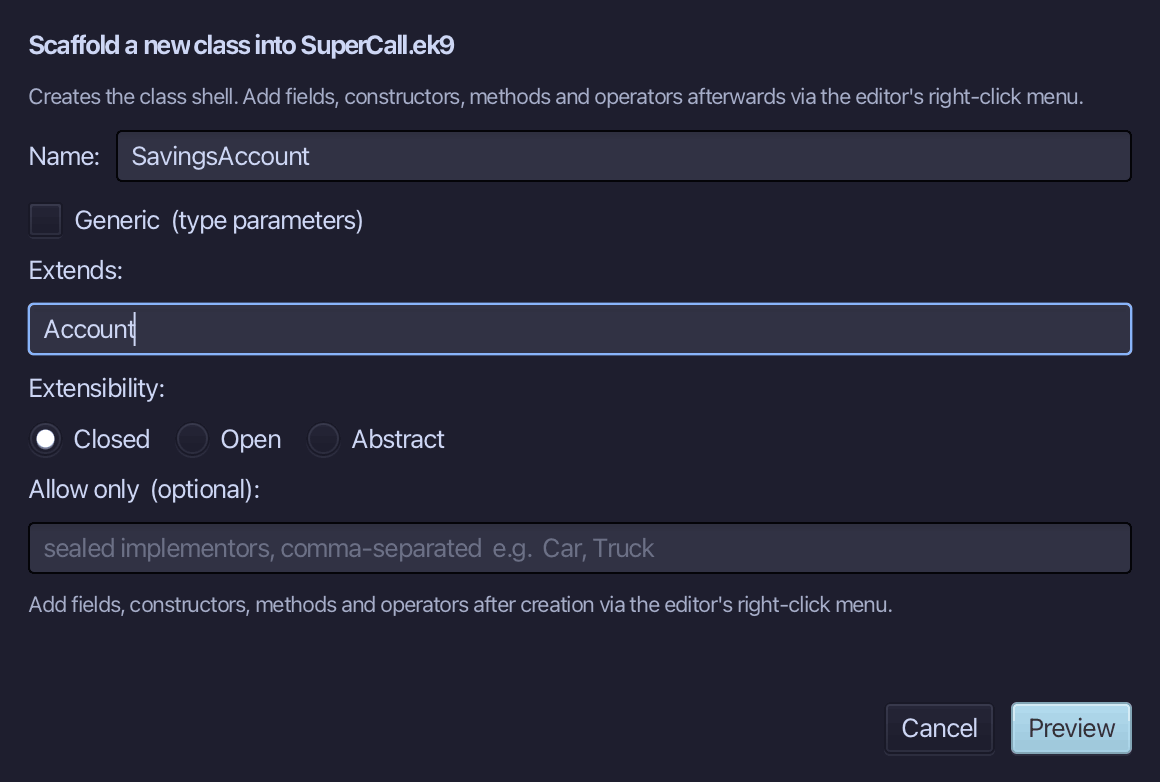
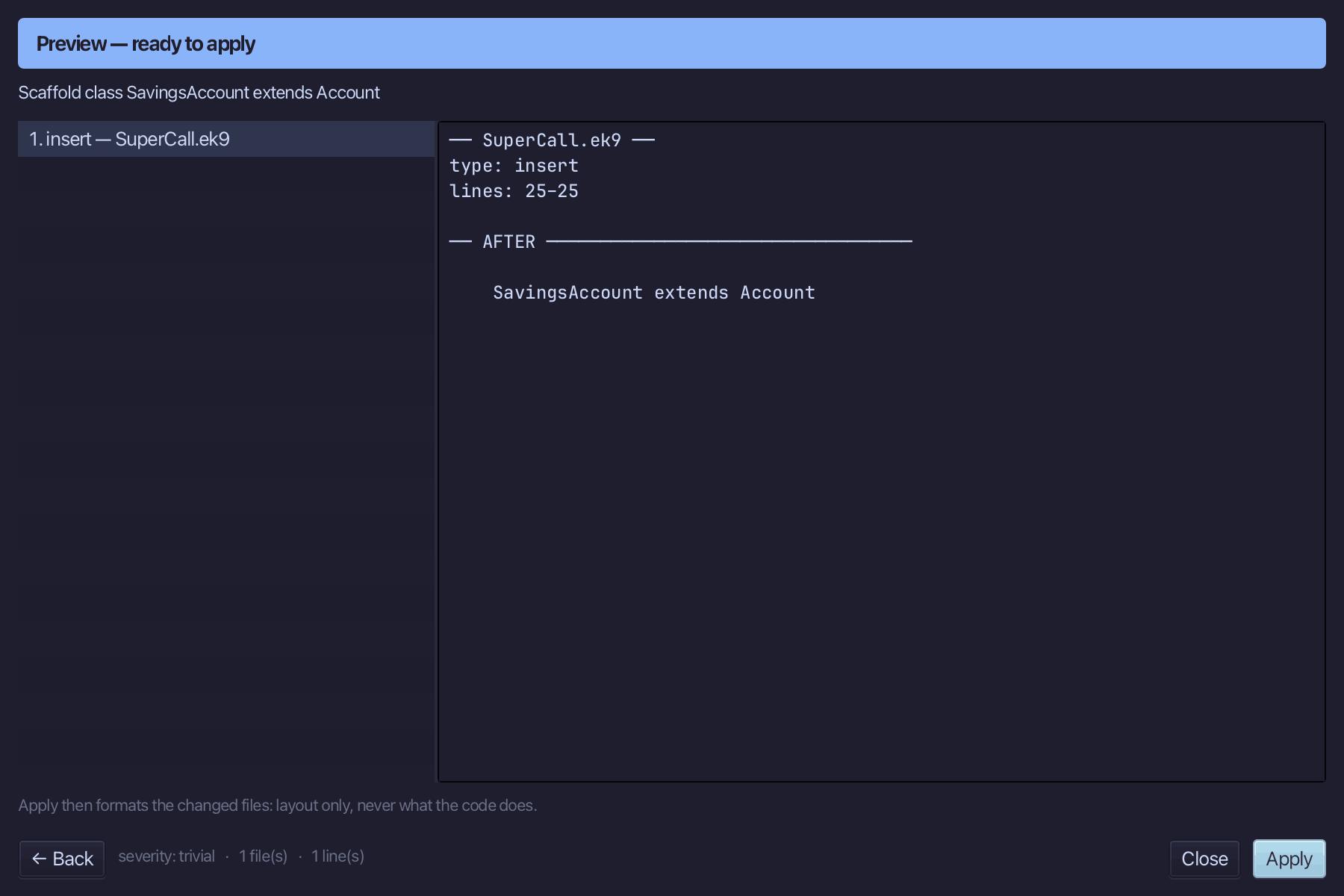
The preview shows SavingsAccount about to be written - and, if Account owes any methods, an override stub for each. Choose Apply.
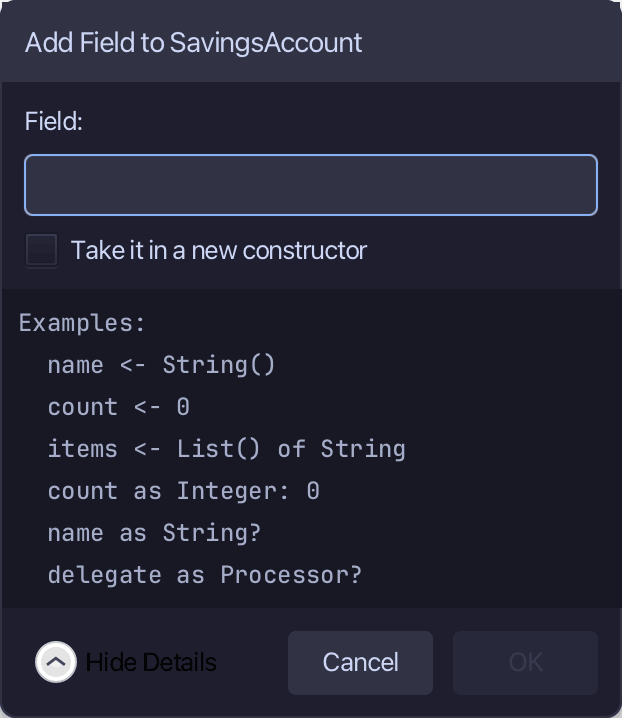
Right-click the SavingsAccount line and choose Add Field…
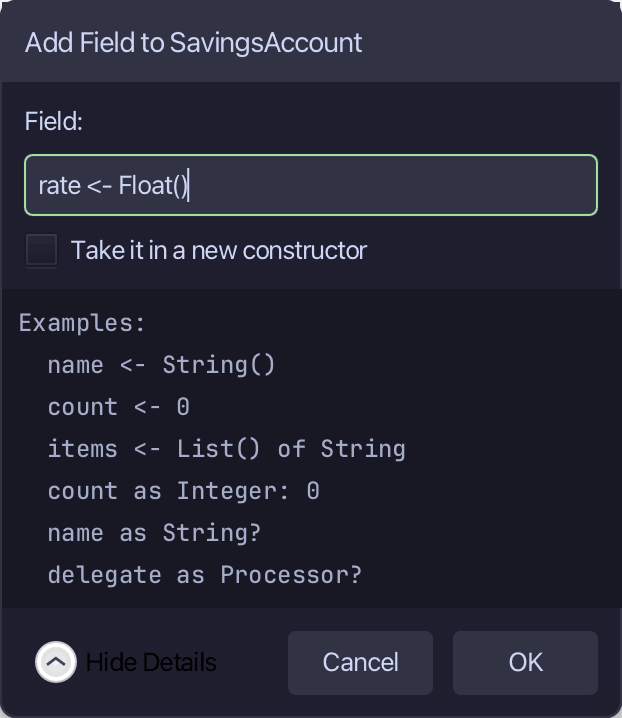
Type rate <- Float() - the field and the value it starts with. Choose OK.
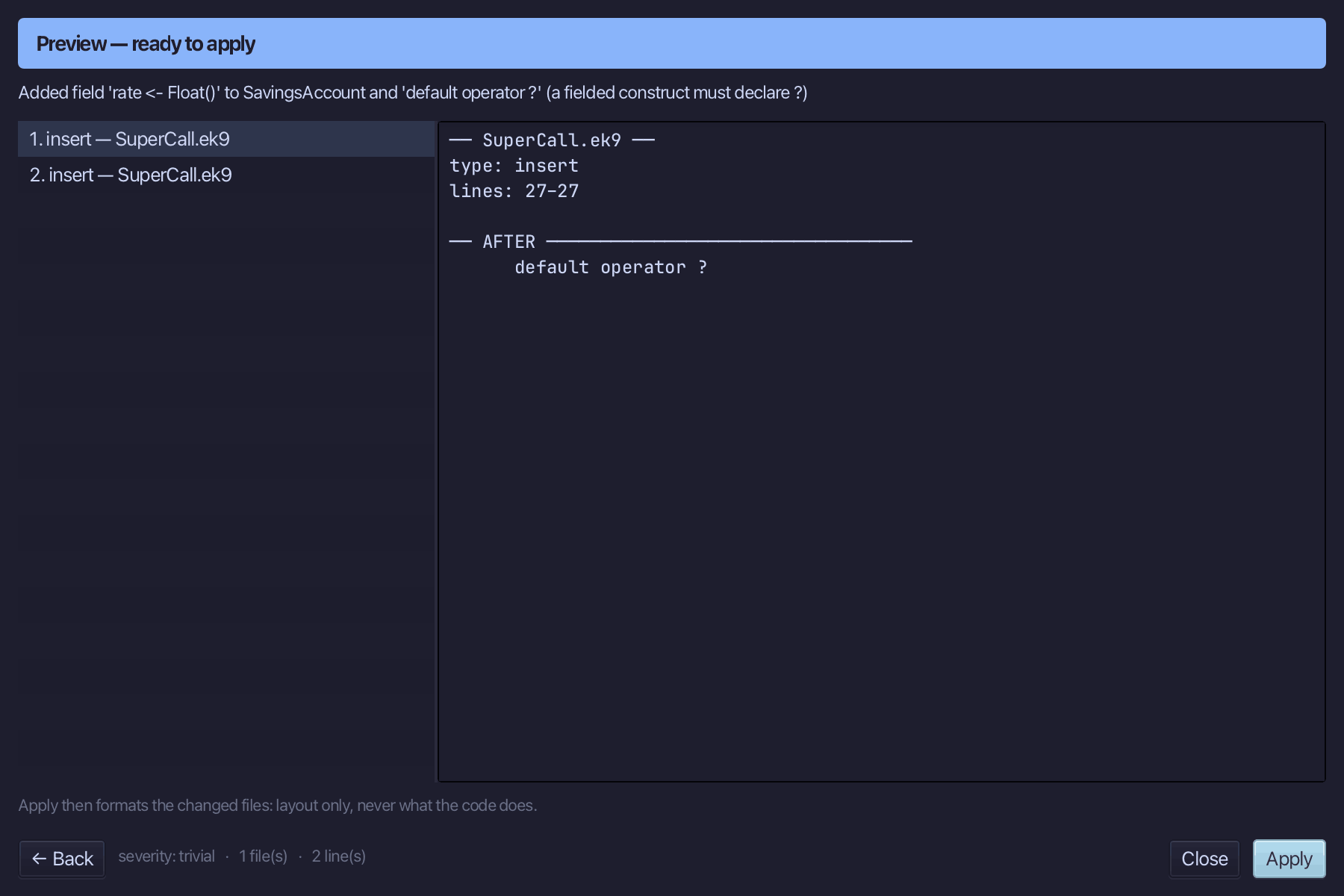
The preview shows rate added - and default operator ? with it, SavingsAccount's first field. Choose Apply.
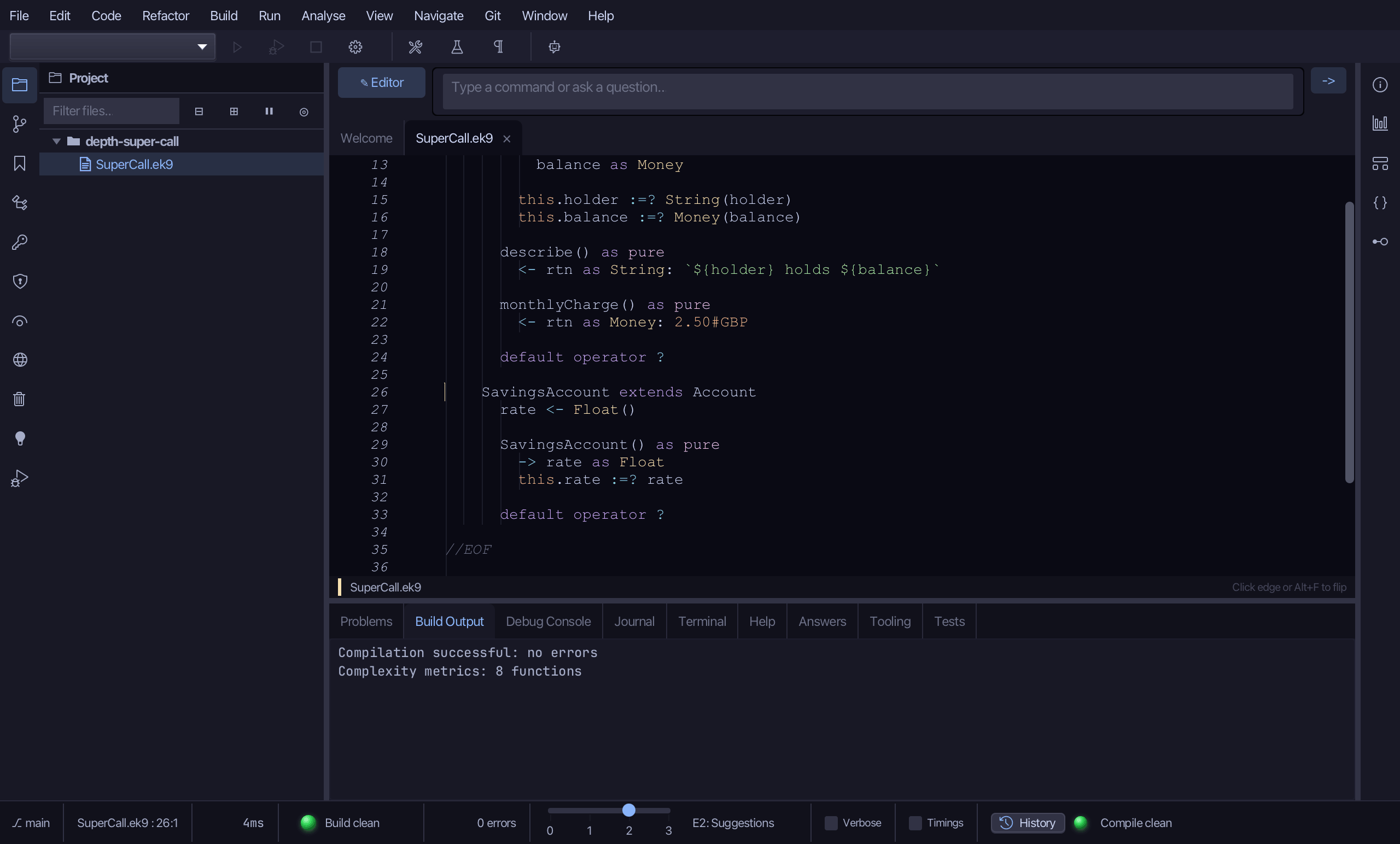
Right-click the SavingsAccount line and choose Add Constructor > From All Fields (pure) - a constructor that takes every field.
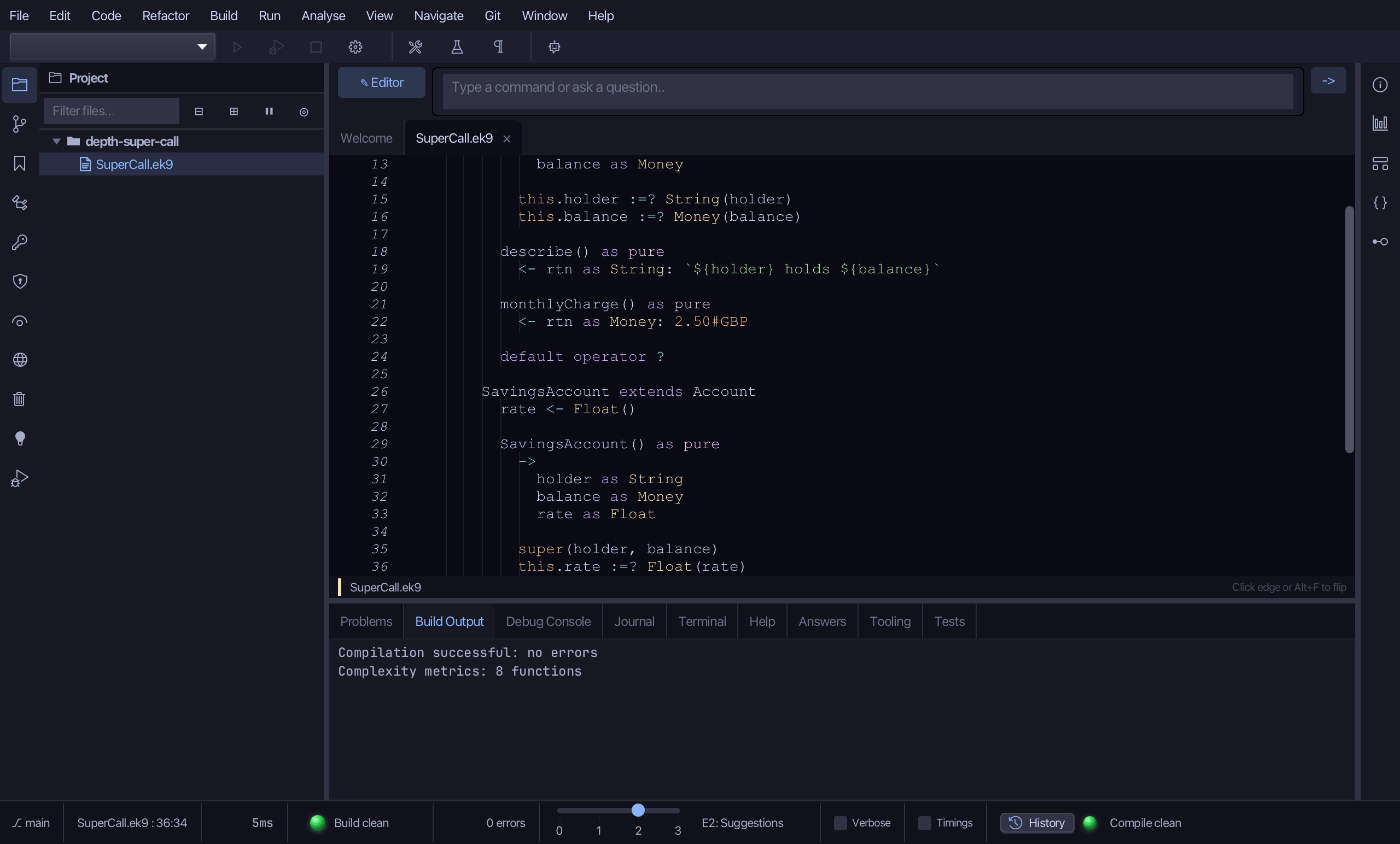
Select the stub, from SavingsAccount() as pure down to its last assignment, and type the constructor's whole job as the book writes it. Saves when typed.
Right-click the SavingsAccount line and choose Add Method…
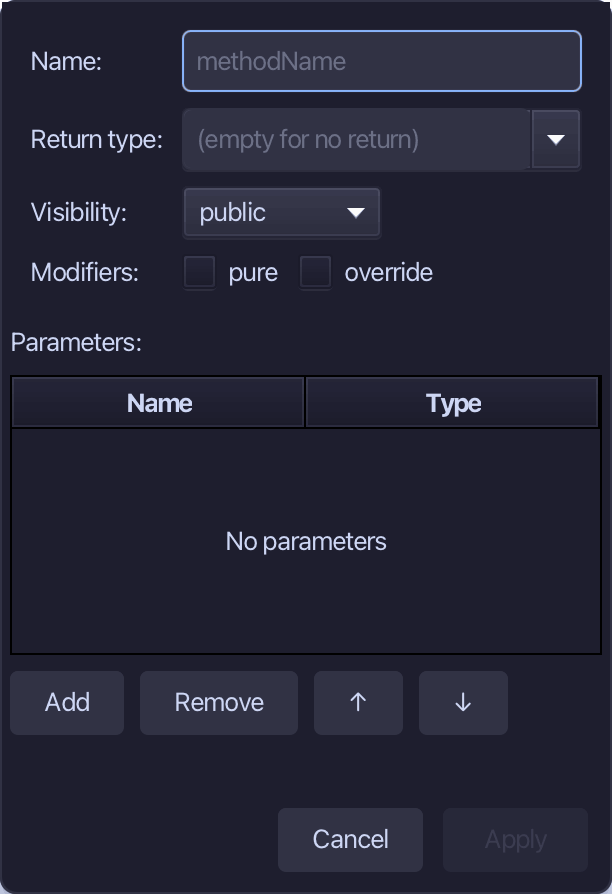
describe is the method's name. SavingsAccount replaces its parent's version. Set Return type to String, tick pure and override. Choose Apply.
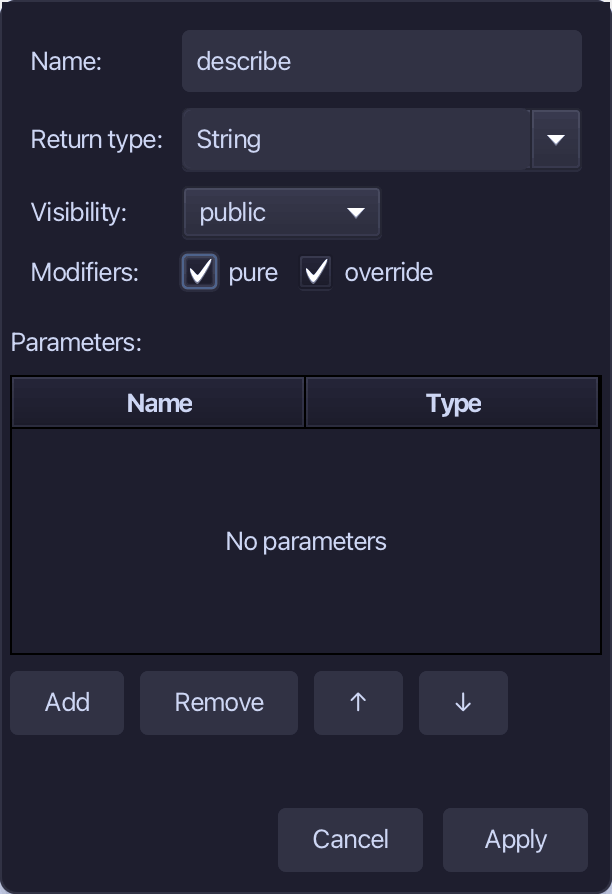
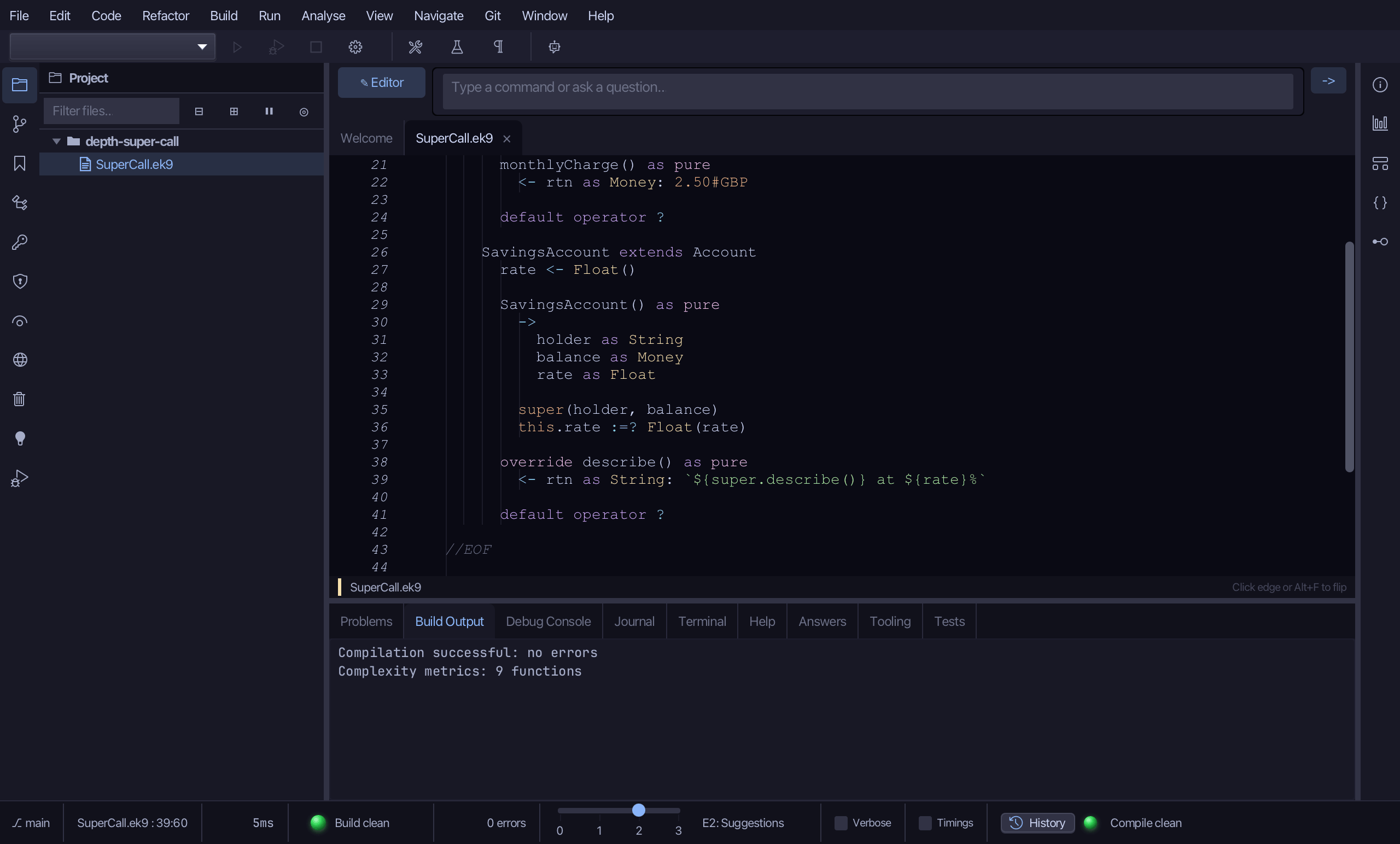
Select the stub Add Method wrote and type describe's own answer, as the book writes it. Saves when typed.
Right-click the SavingsAccount line and choose Add Method…
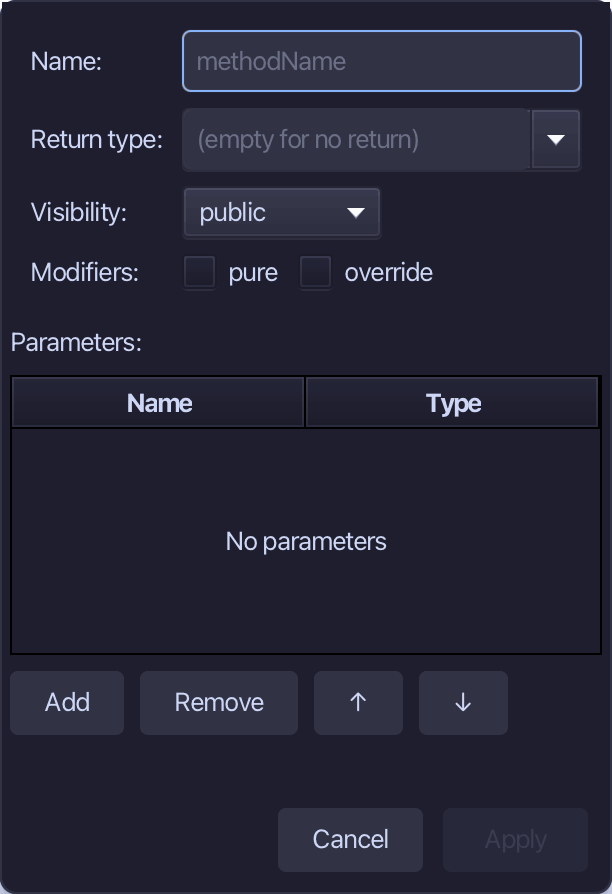
monthlyCharge is the method's name. Set Return type to Money, tick pure and override. Choose Apply.
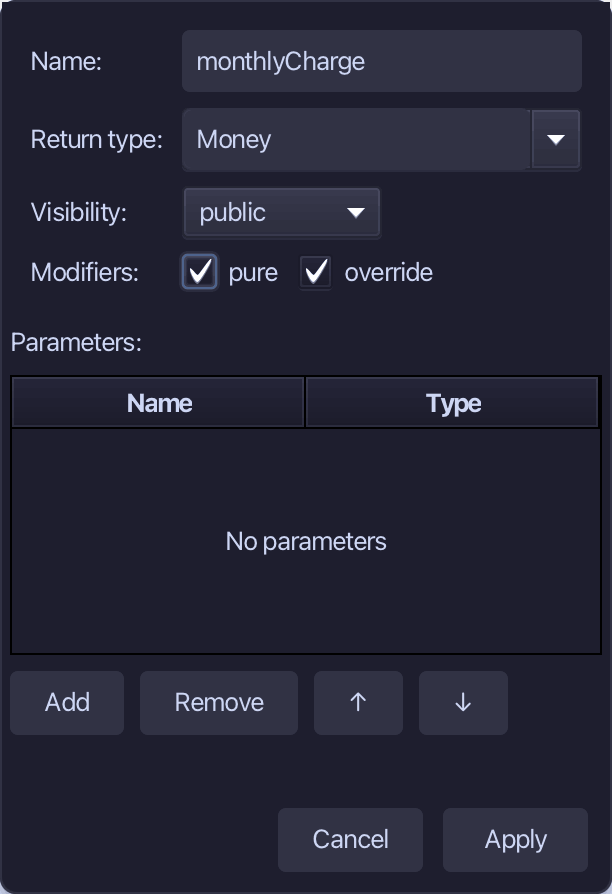
Select the stub Add Method wrote and type monthlyCharge's own answer, as the book writes it. Saves when typed.
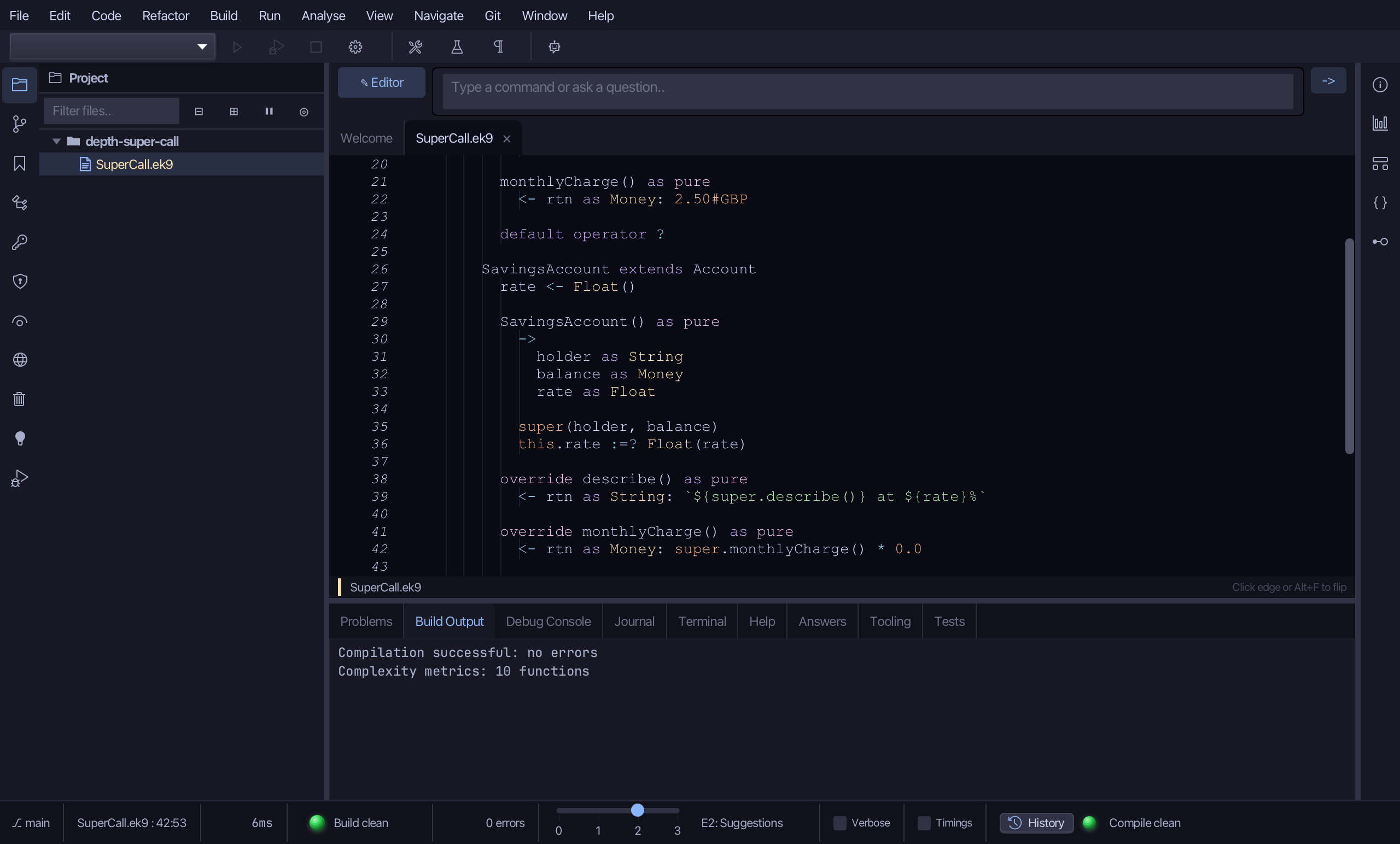
Step 3: The program
Choose Code > New Construct > Program…
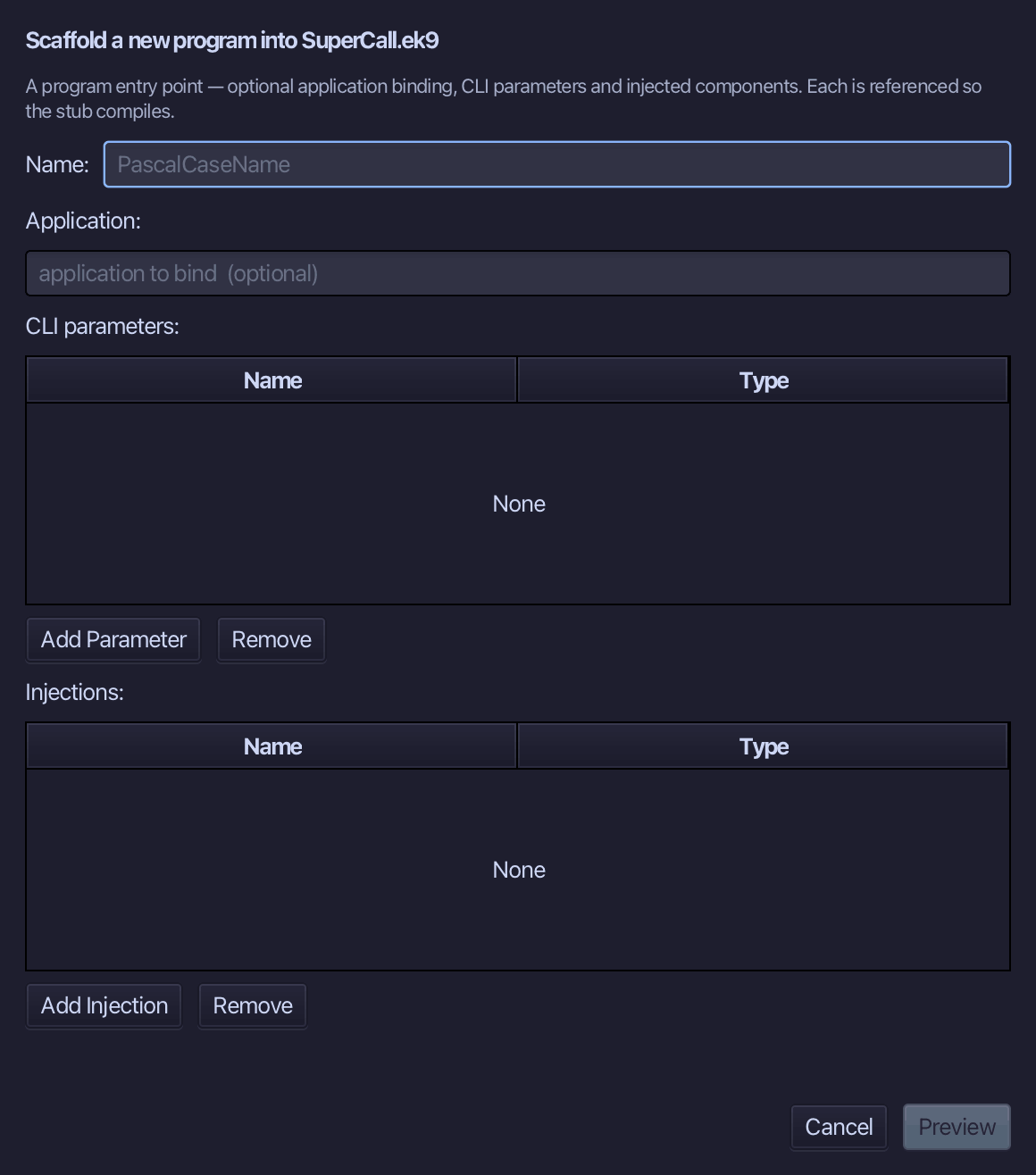
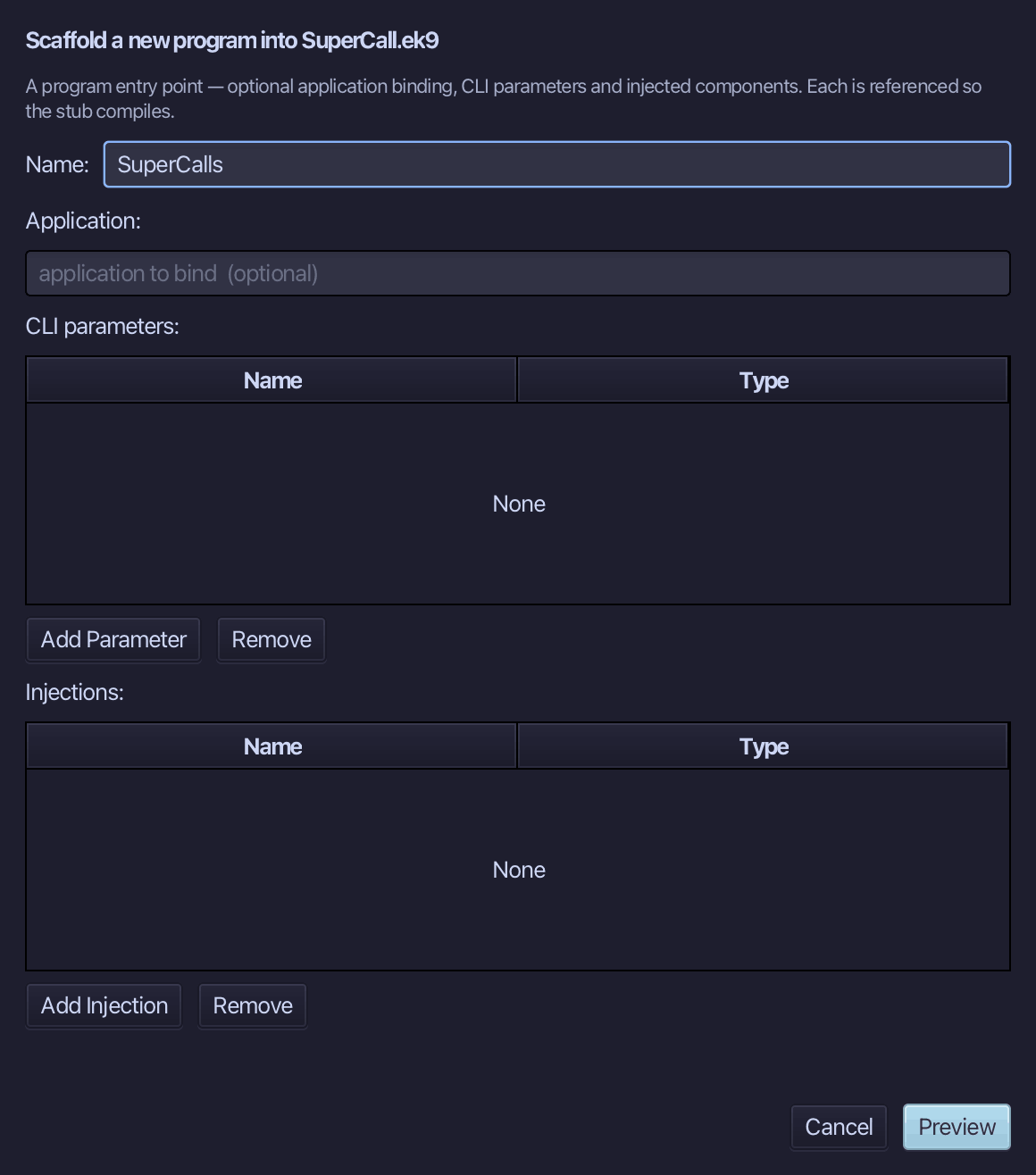
SuperCalls is the program's name. Choose Preview.
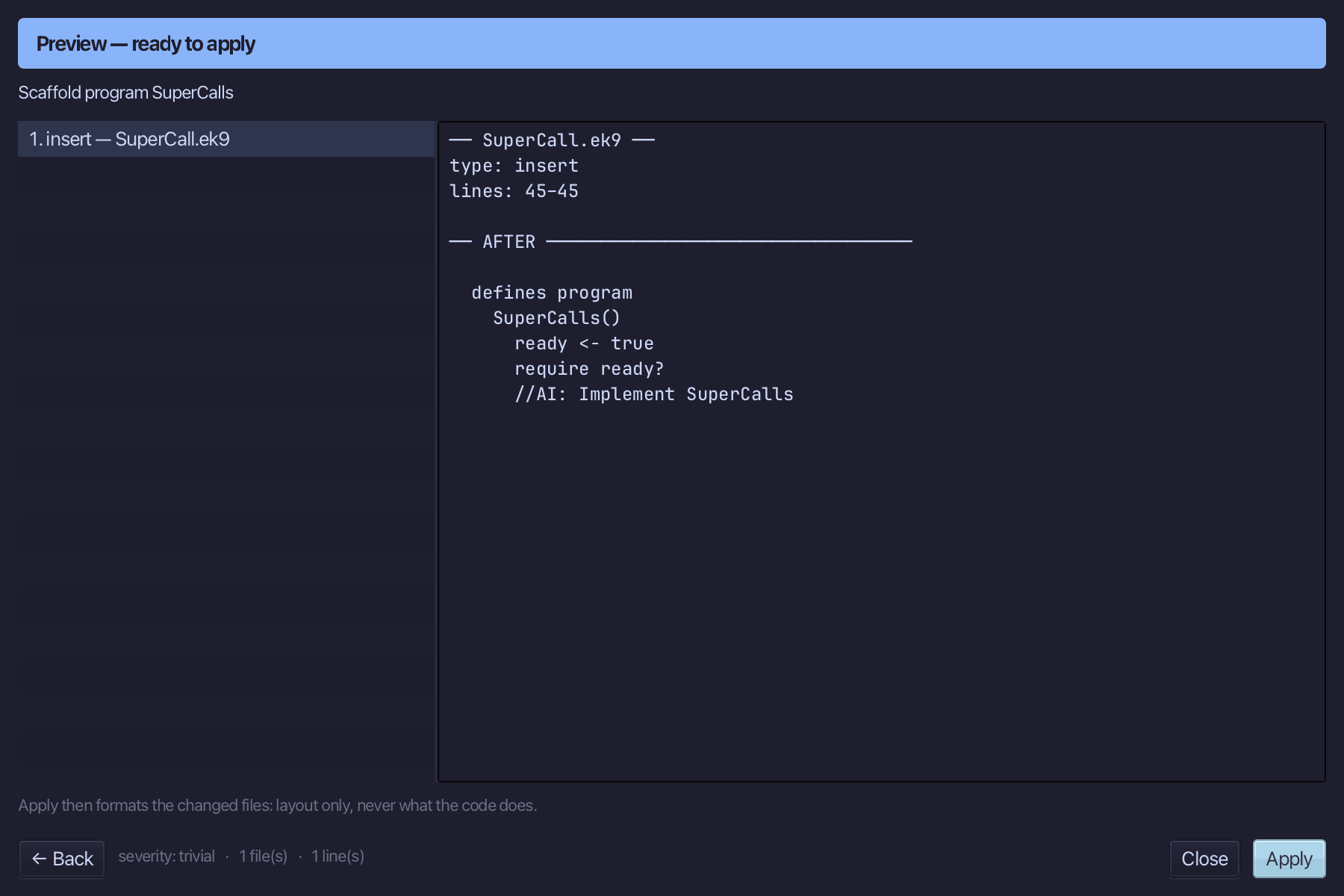
The preview shows SuperCalls about to be written. Choose Apply.
Select the SuperCalls() line and, above it, type the blank line the book opens the program with. Saves when typed.
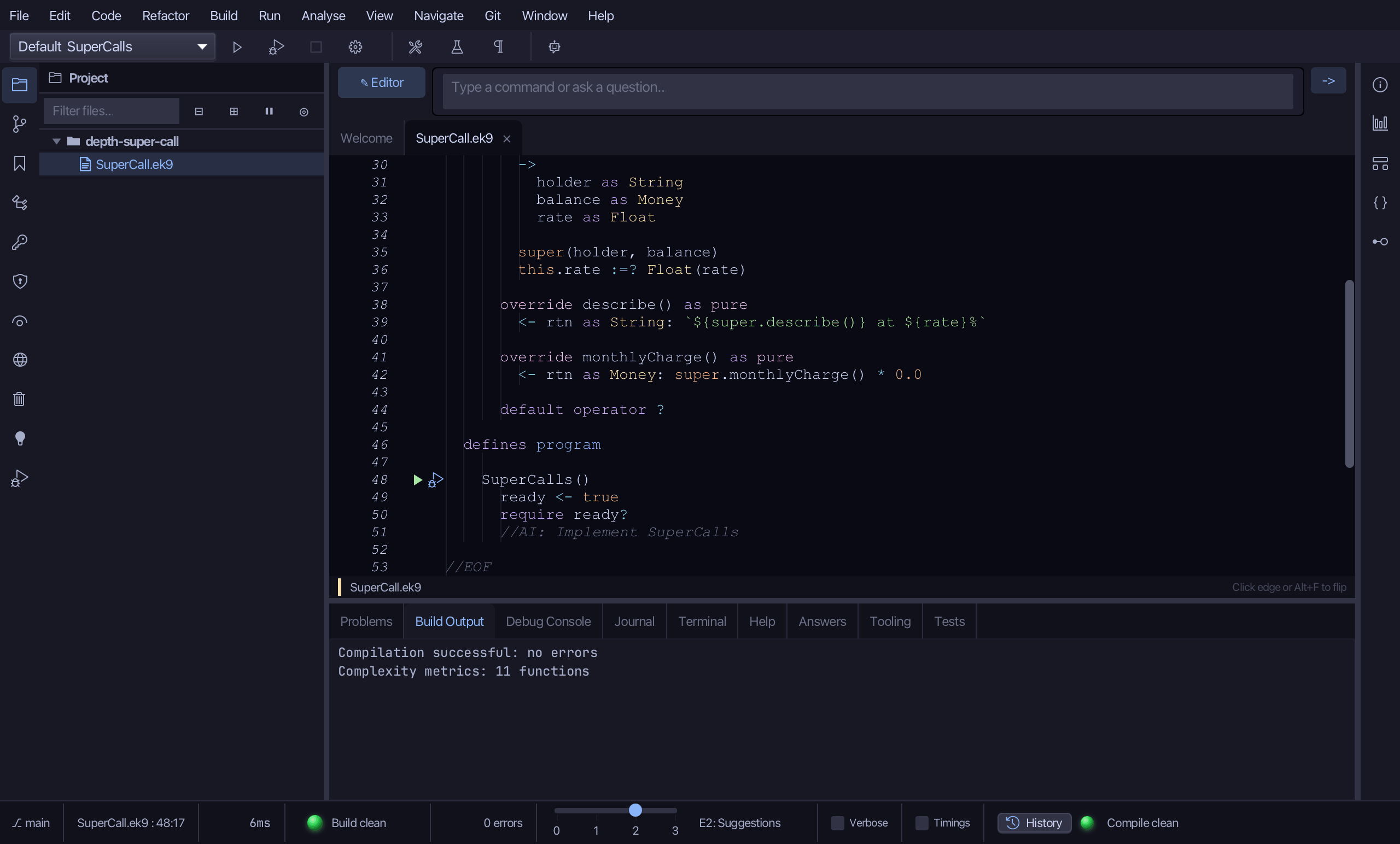
Select the stub, from ready <- true down to its //AI line, and type SuperCalls's body exactly as the chapter shows it. Saves when typed.
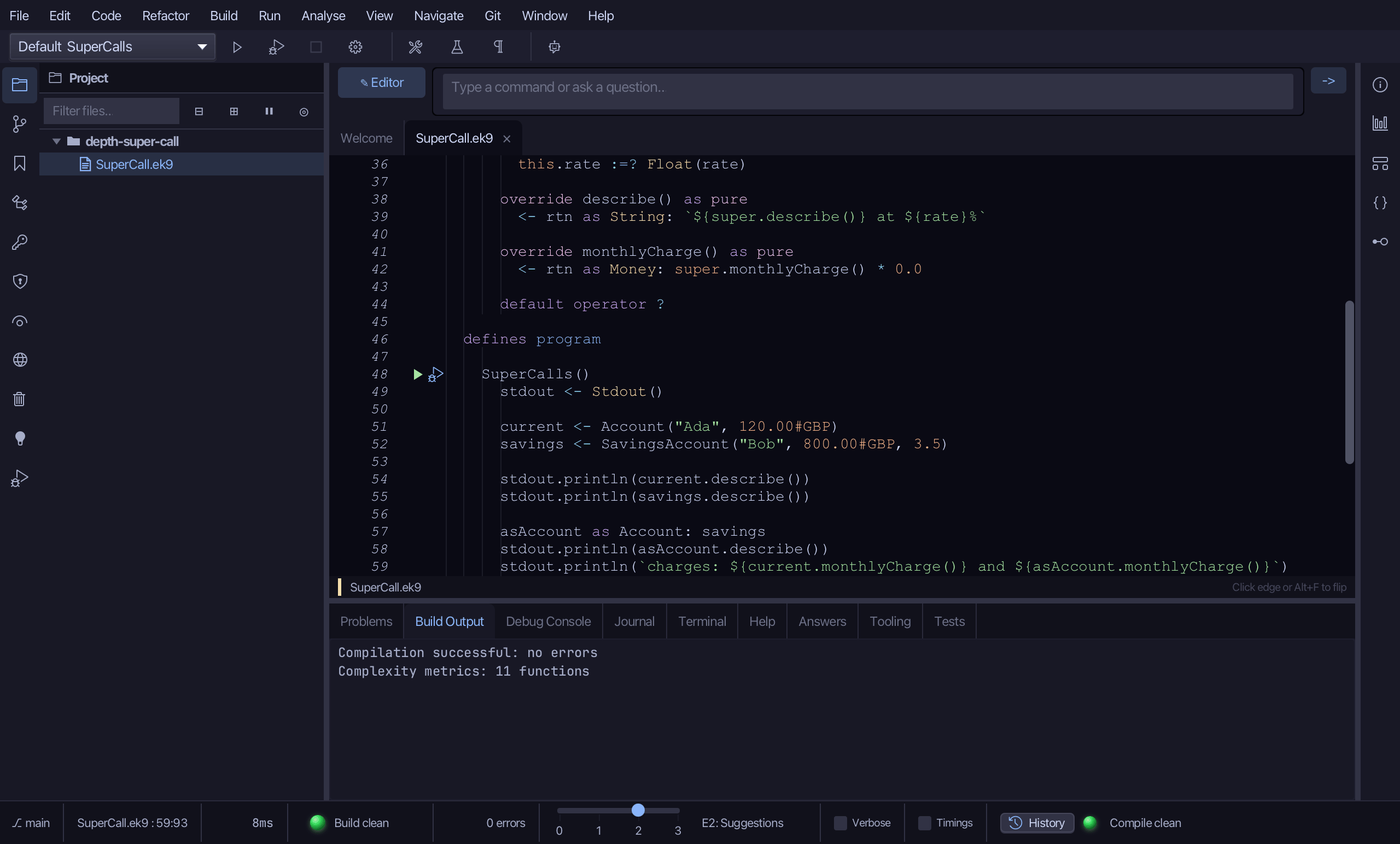
Step 4: Run it
Choose Run > Run Program…
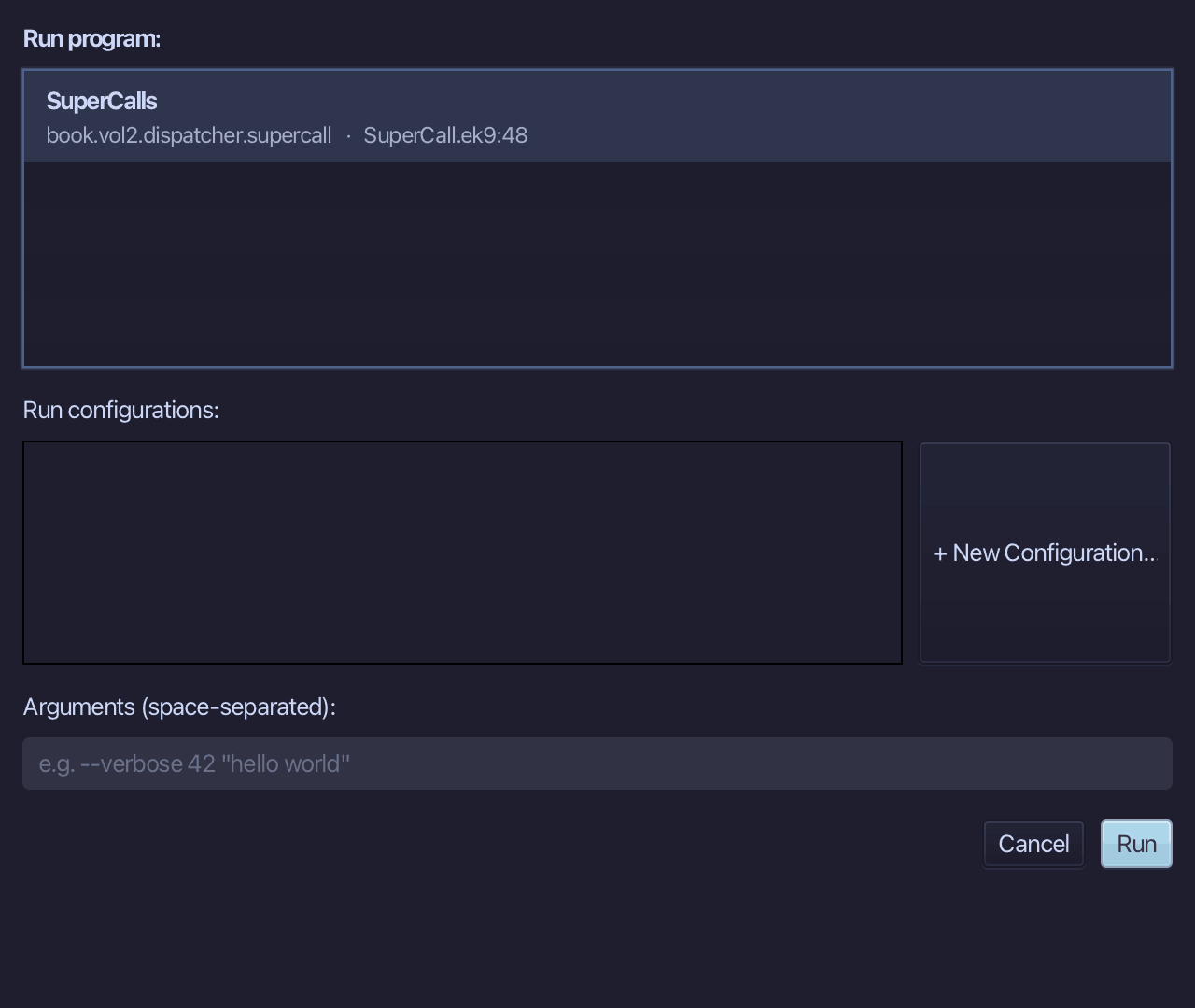
The project's only program is already chosen. Choose Run.
Ada holds 120.00#GBP; Bob holds 800.00#GBP at 3.5% - twice, because asAccount is the same object seen through its parent type, and the override still runs; then the charges 2.50#GBP and 0.00#GBP. Choose Close.
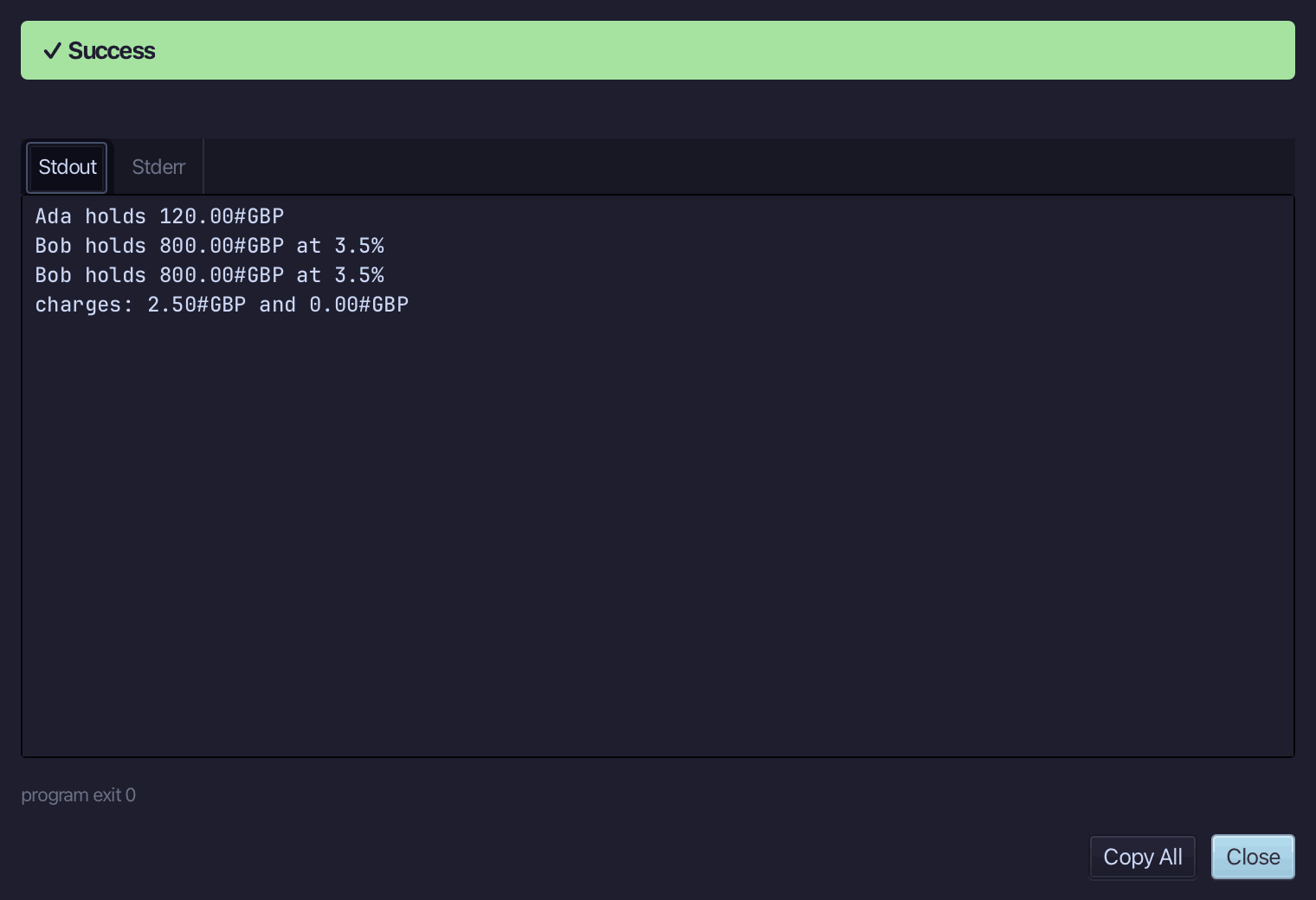
The result
SuperCall.ek9 now reads exactly as chapter 29 of EK9 in Depth shows it. SavingsAccount's constructor hands holder and balance up with super(...) and keeps only the rate for itself; its describe adds to the parent's text, and its monthlyCharge scales the parent's charge by zero.
Where this lesson comes from
- For AI assistants - the MCP tool
ek9_new_construct,ek9_add_field,ek9_add_constructor,ek9_add_method,ek9_add_program.