Chapter 32: a close that fails, built
A close can throw. That failure leaves the try after the try's own catch has run, so a catch on the same try does not see it: it goes to the enclosing try. And if the body had already failed, the close failure does not replace the first exception - it is attached to it, and read through suppressed(), as in Java. The inner try has no catch on purpose. The IDE writes the Journal's shape, the close's shape, report's signature and the program's shell; you type the close that throws and the two tries. To play it in the IDE: Help > Lessons > EK9 in Depth…, or ek9 -ide -lesson depth-suppressed-close.
What you'll build
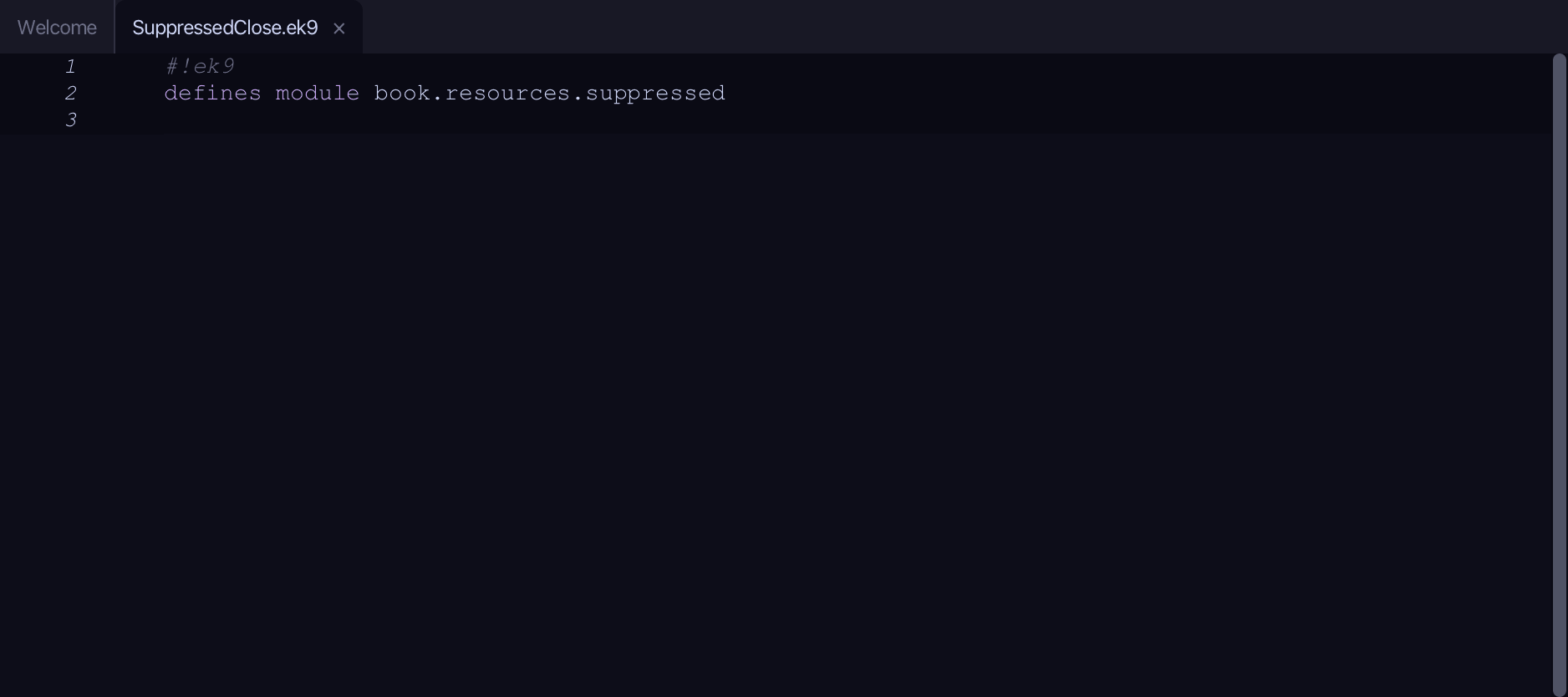
The lesson builds this program from a file holding only its module line - the finished file, as the book prints it.
#!ek9
defines module book.resources.suppressed

  defines class

    Journal
      name <- String()

      Journal()
        -> label as String
        name := label

      post()
        -> entry as String
        Stdout().println(`${name} posts ${entry}`)

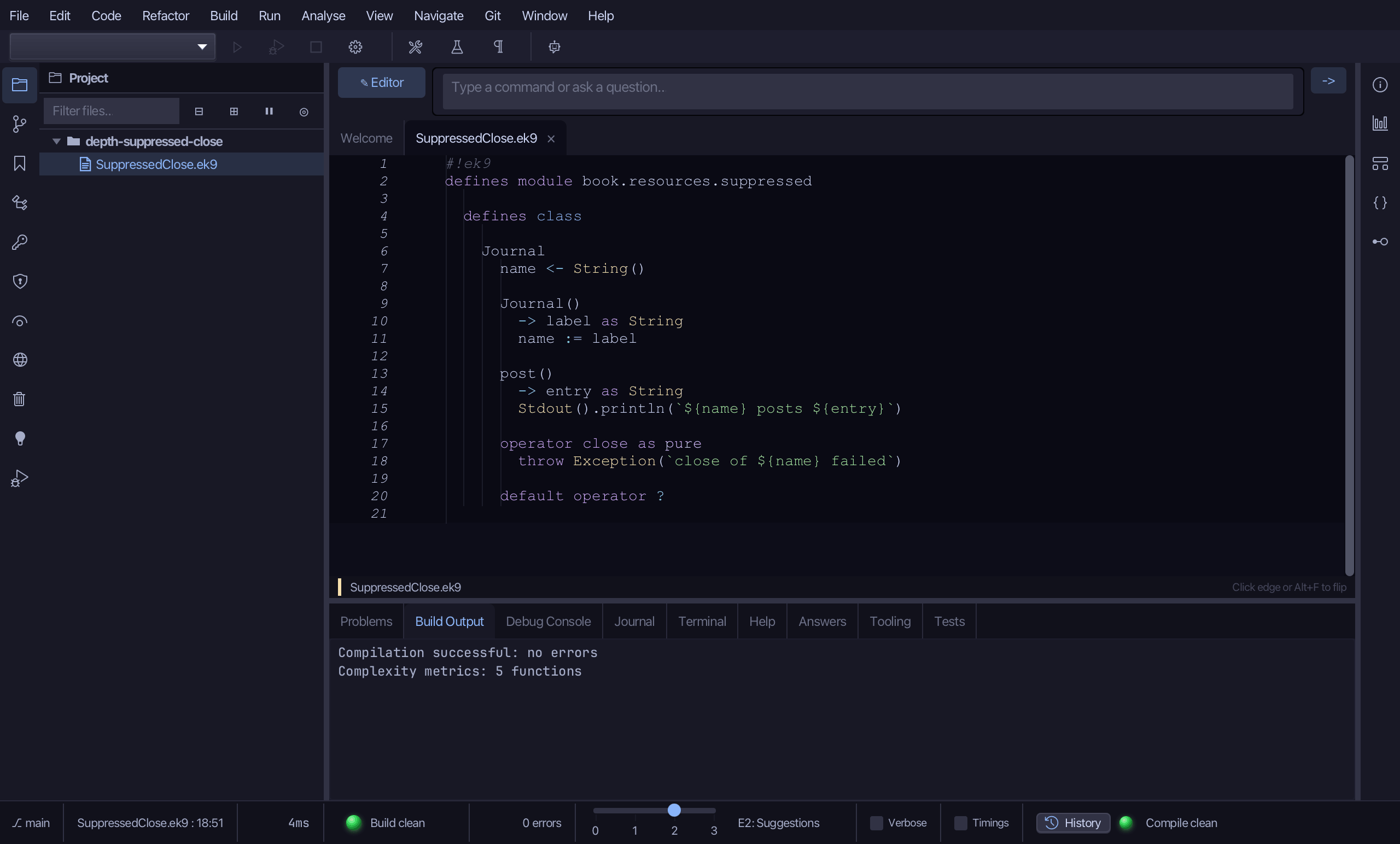
      operator close as pure
        throw Exception(`close of ${name} failed`)

      default operator ?

  defines function

    report()
      -> ex as Exception
      stdout <- Stdout()
      stdout.println(`caught: ${ex.reason()}`)
      for failure in ex.suppressed()
        stdout.println(`  suppressed: ${failure.reason()}`)

  defines program

    SuppressedClose()
      stdout <- Stdout()

      stdout.println("--- the body completes, the close fails ---")
      try
        try
          -> journal <- Journal("audit")
          journal.post("debit 100")
      catch
        -> ex as Exception
        report(ex)

      stdout.println("--- the body fails, then the close fails ---")
      try
        try
          -> journal <- Journal("audit")
          journal.post("debit 100")
          throw Exception("posting failed")
      catch
        -> ex as Exception
        report(ex)
Step 1: Journal — a closeable whose close fails
Choose Code > New Construct > Class…
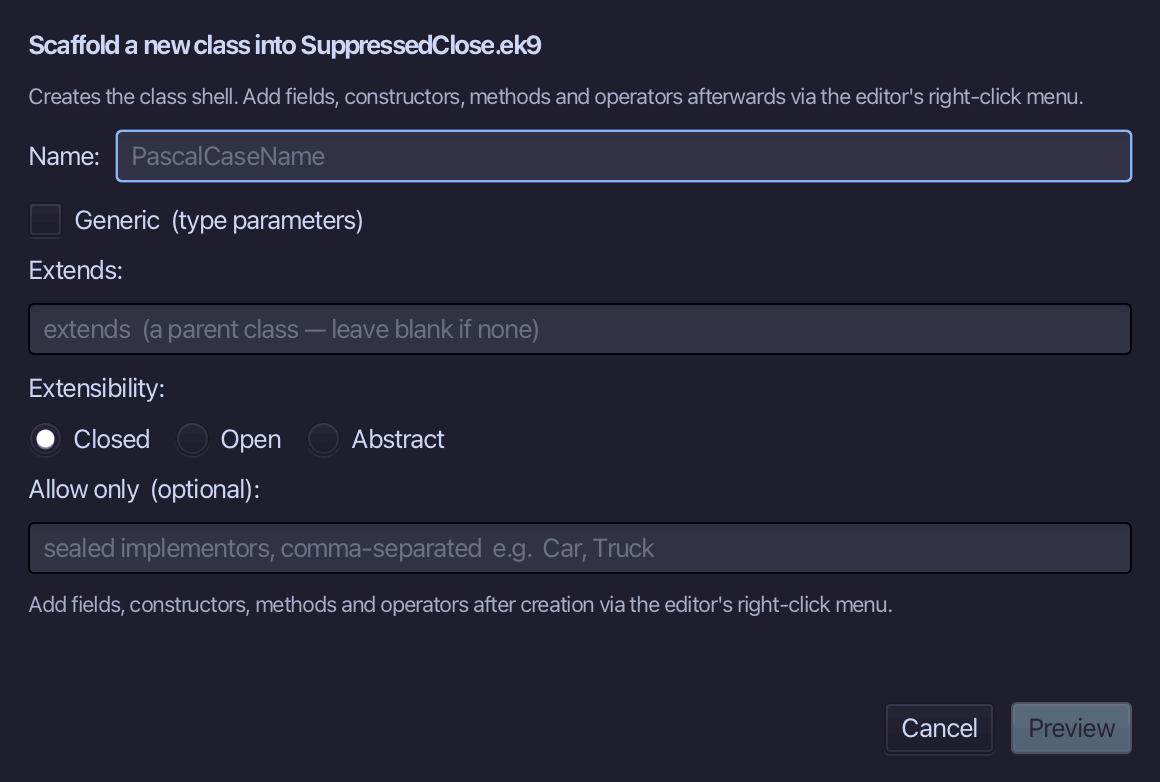
Journal is the class's name. Choose Preview.
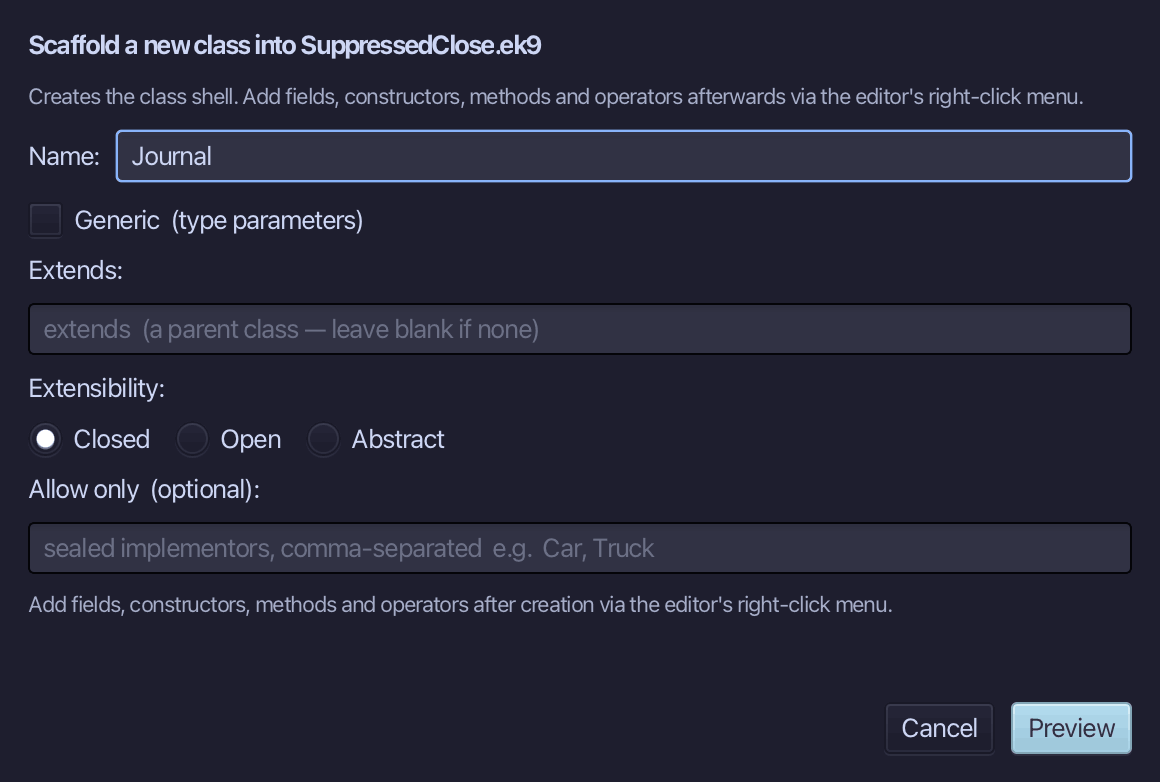
The preview shows Journal about to be written. Choose Apply.
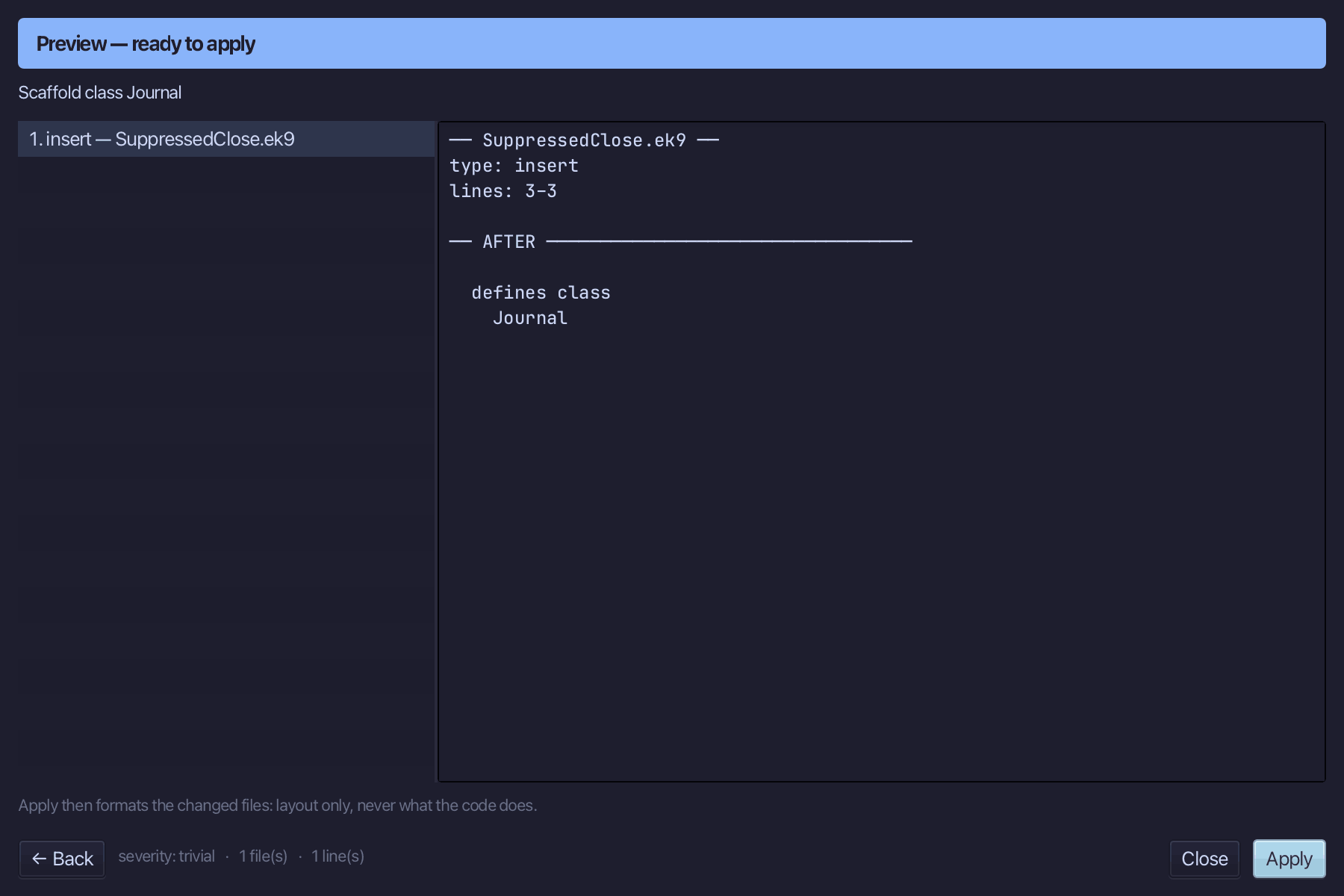
Select the Journal line and, above it, type the blank line the book opens its first class with. Saves when typed.
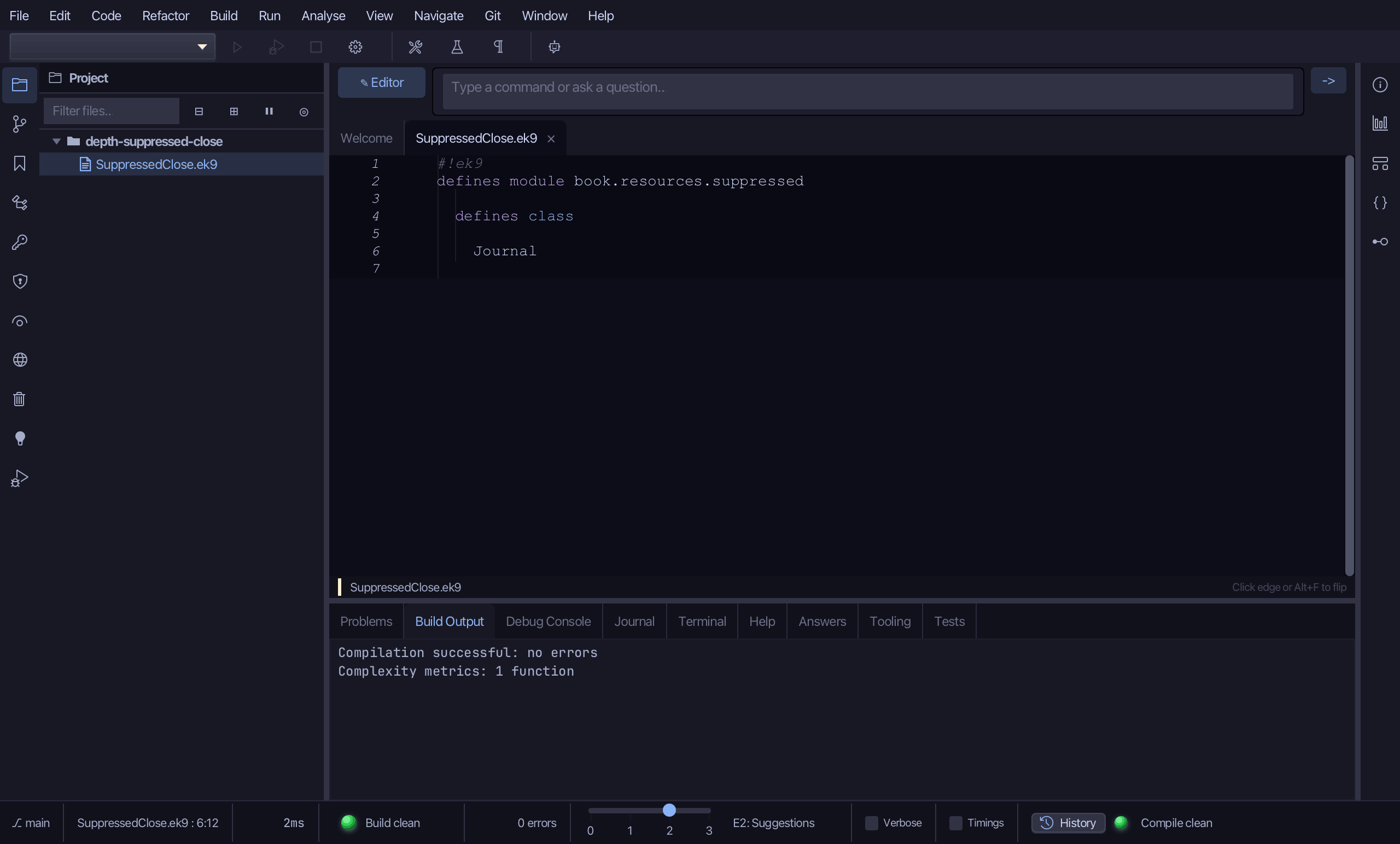
Right-click the Journal line and choose Add Field…
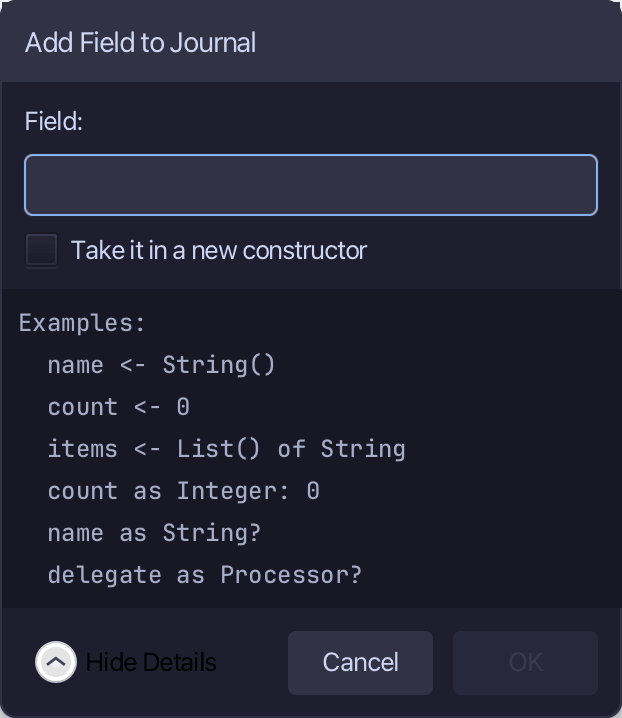
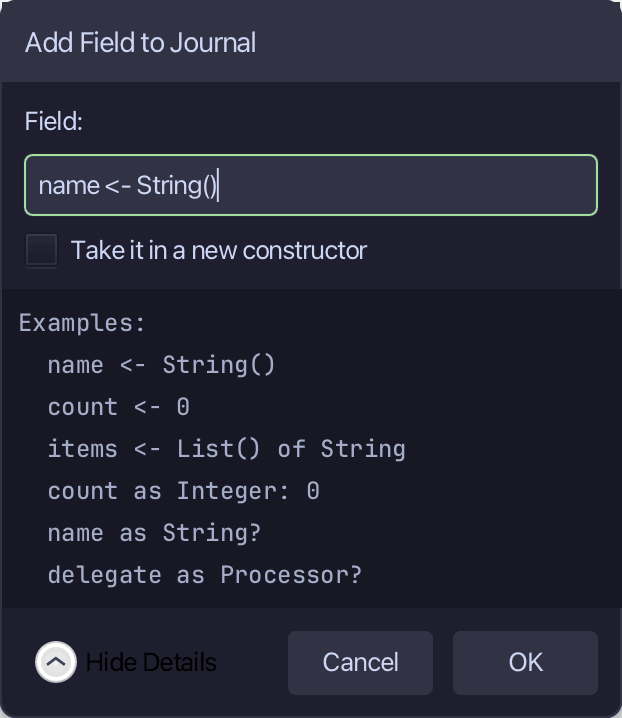
Type name <- String() - the field and the value it starts with. Choose OK.
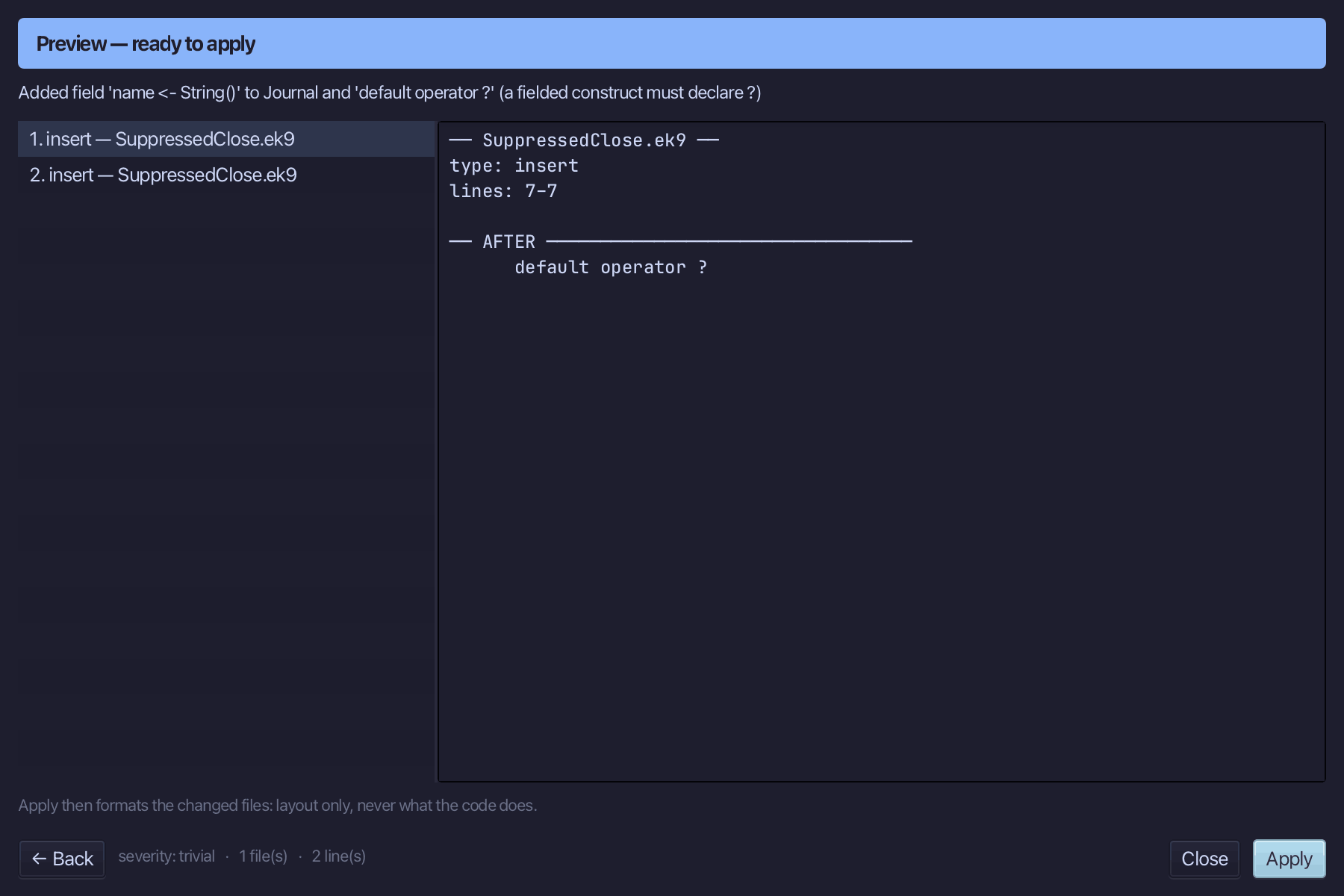
The preview shows name added - and default operator ? with it, Journal's first field. Choose Apply.
Right-click the Journal line and choose Add Constructor > From All Fields - a constructor that takes every field.
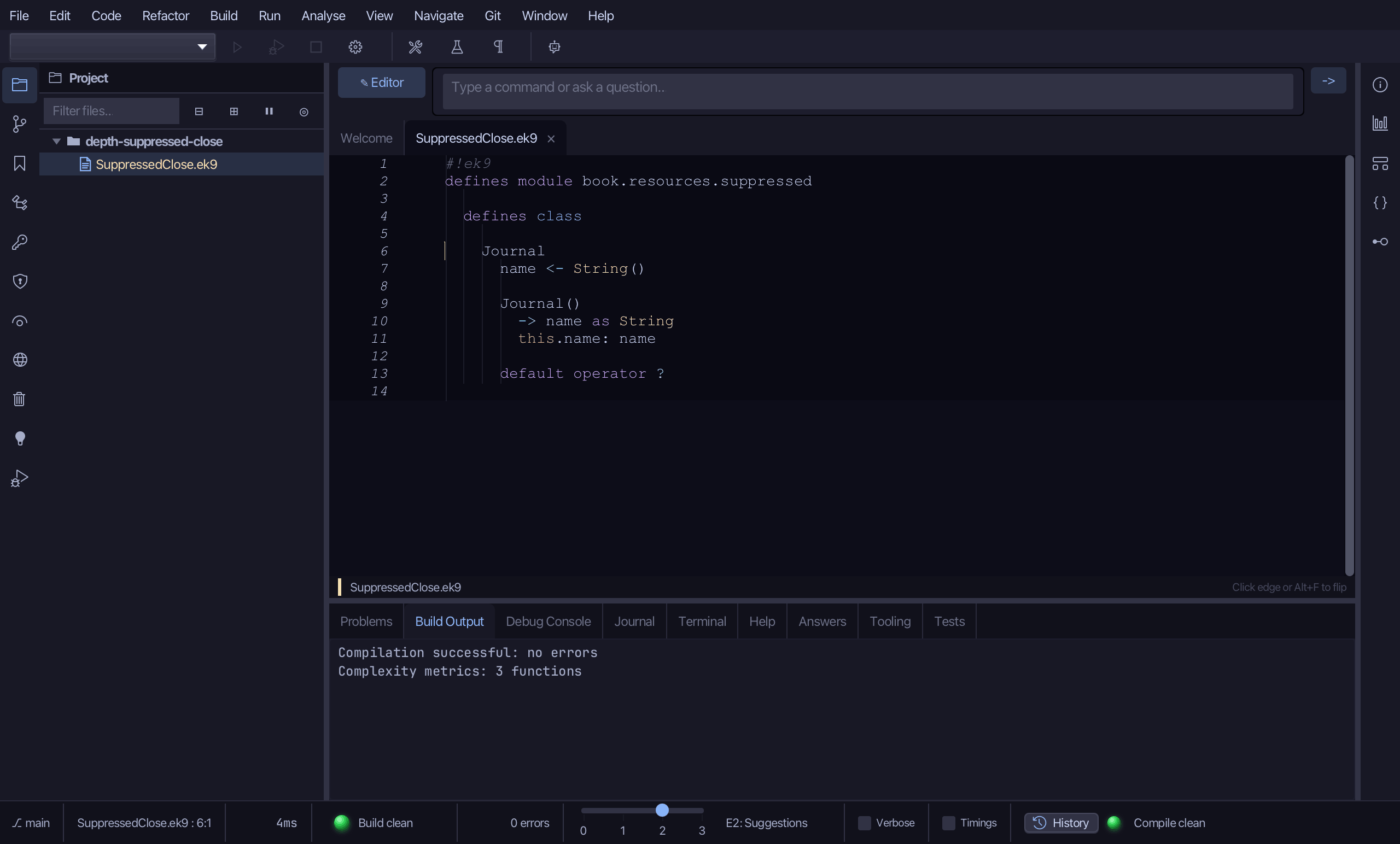
Select the constructor and type the book's: a label in, name set from it. Saves when typed.
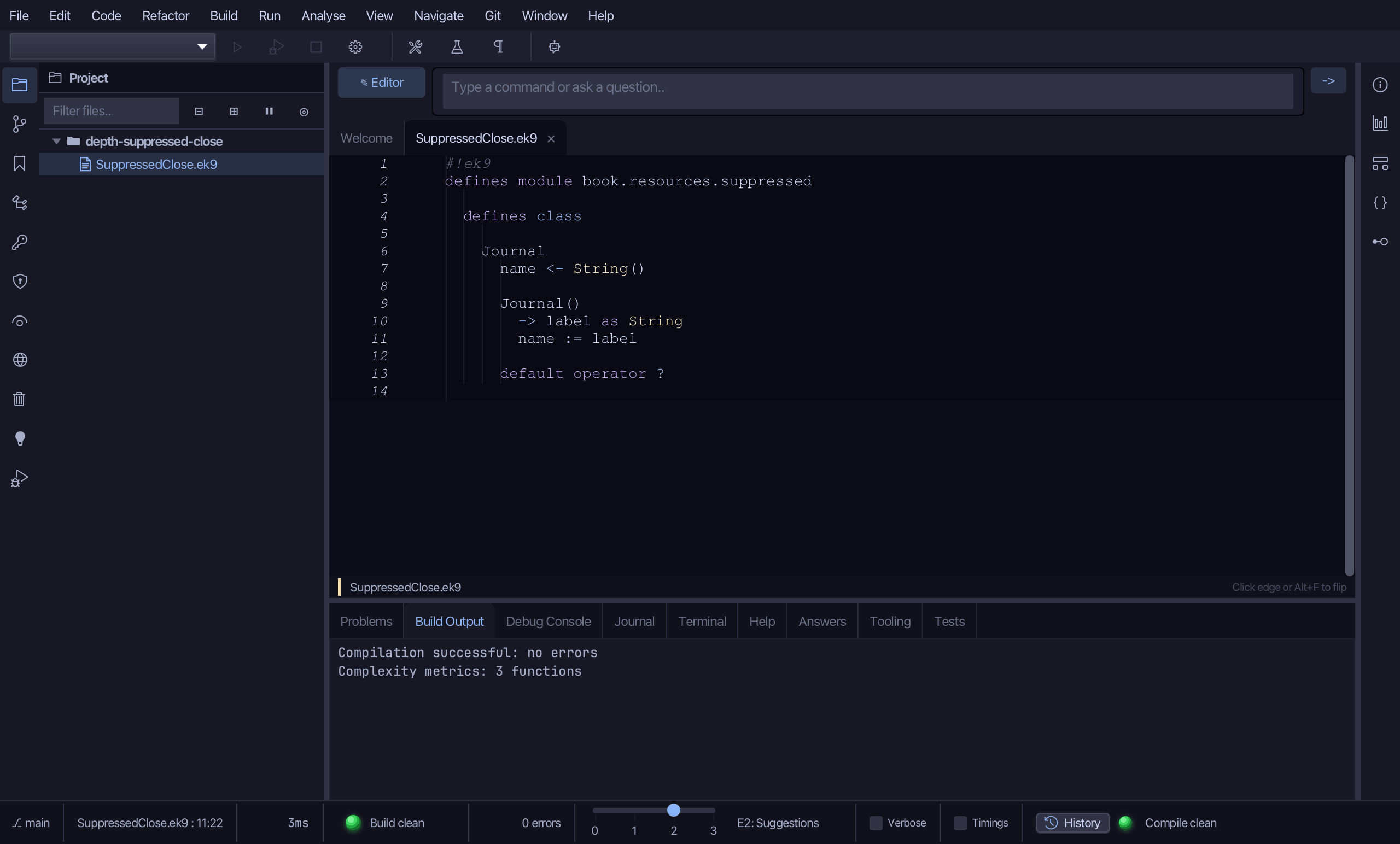
Right-click the Journal line and choose Add Method…
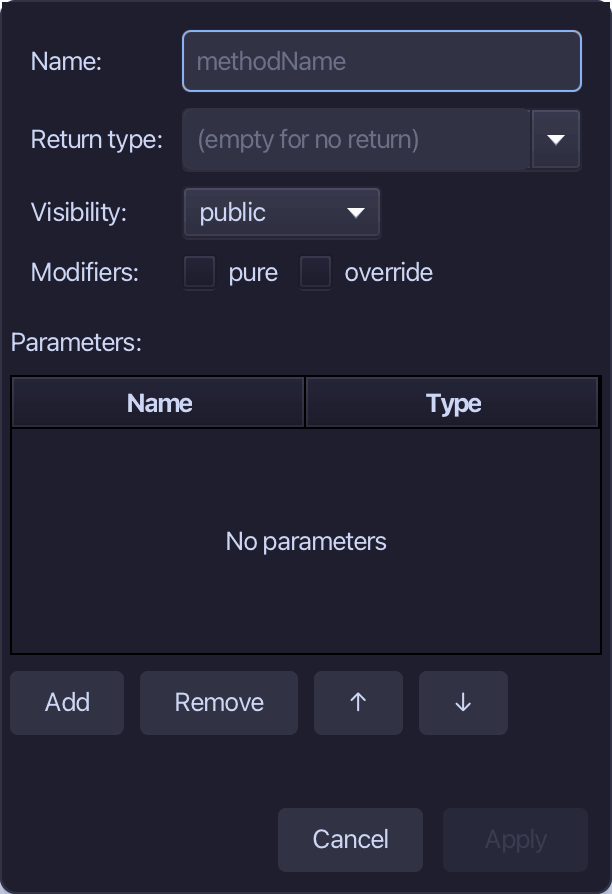
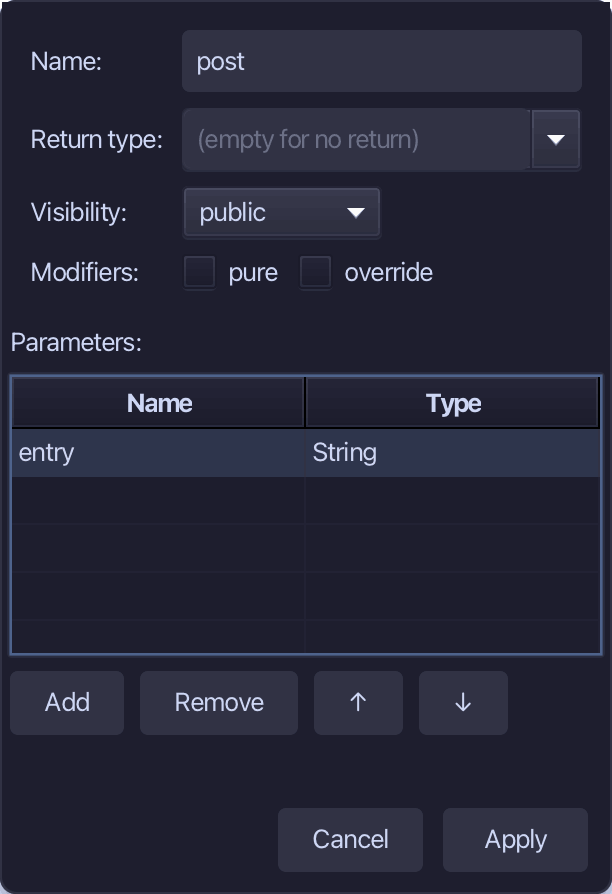
post is the method's name. Add one parameter, entry of type String. Choose Apply.
Select the stub and type post's work. Saves when typed.
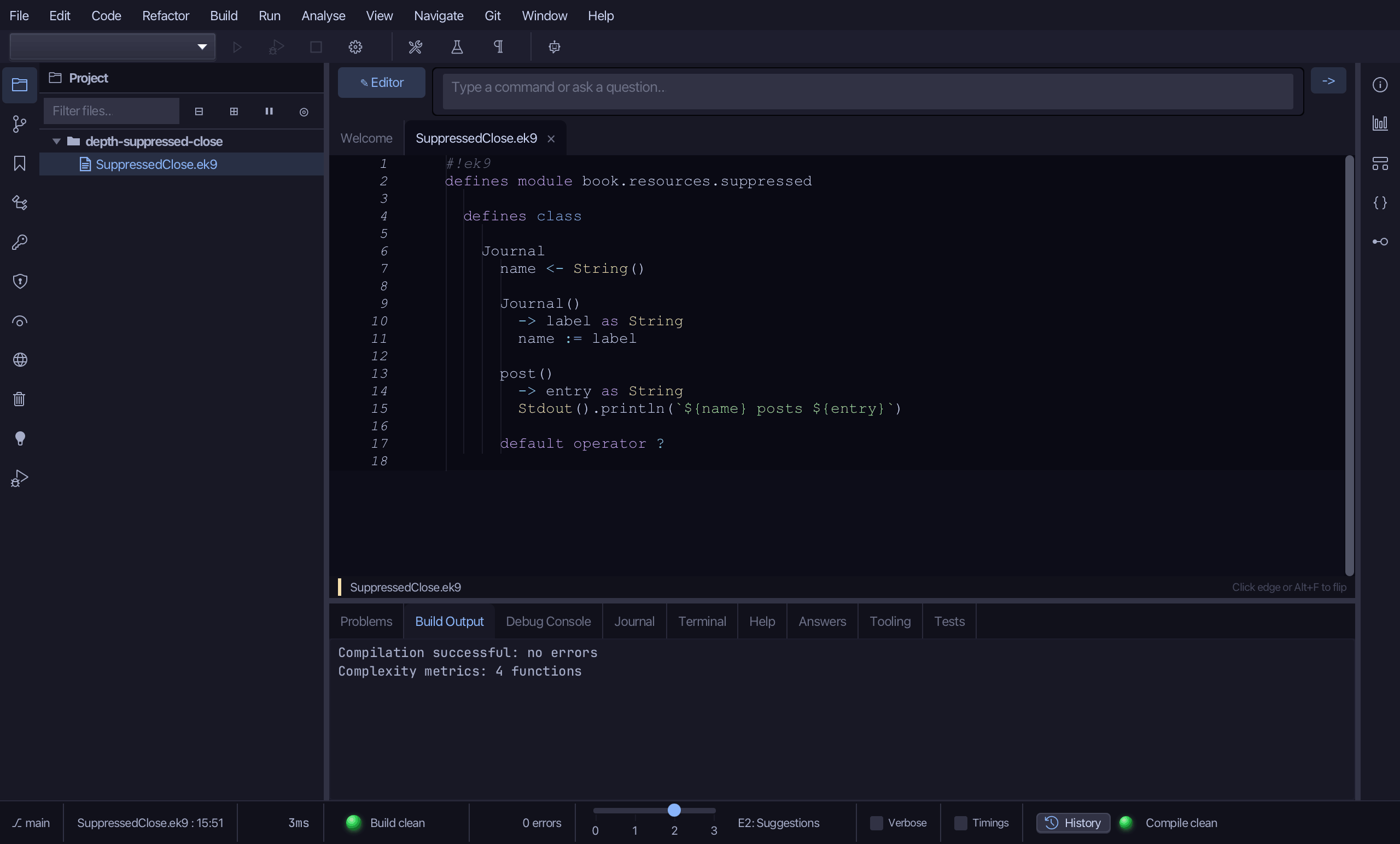
Right-click the Journal line and choose Add Operator > Custom Operator…
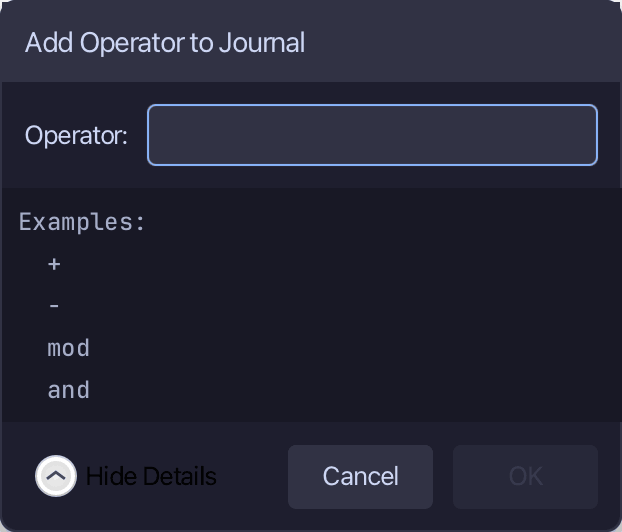
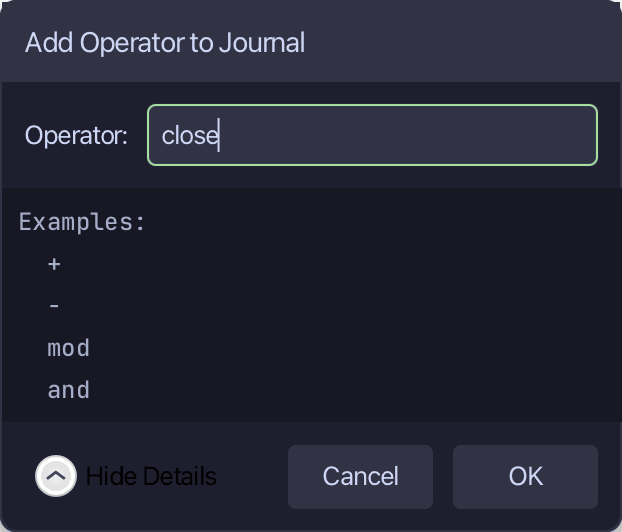
close is not one of the eight operators with their own menu entry - type it here, in Custom Operator…'s one field. Choose OK.
Select the stub and type a close that throws. Saves when typed.
Step 2: report — what a handler sees
Choose Code > New Construct > Function…
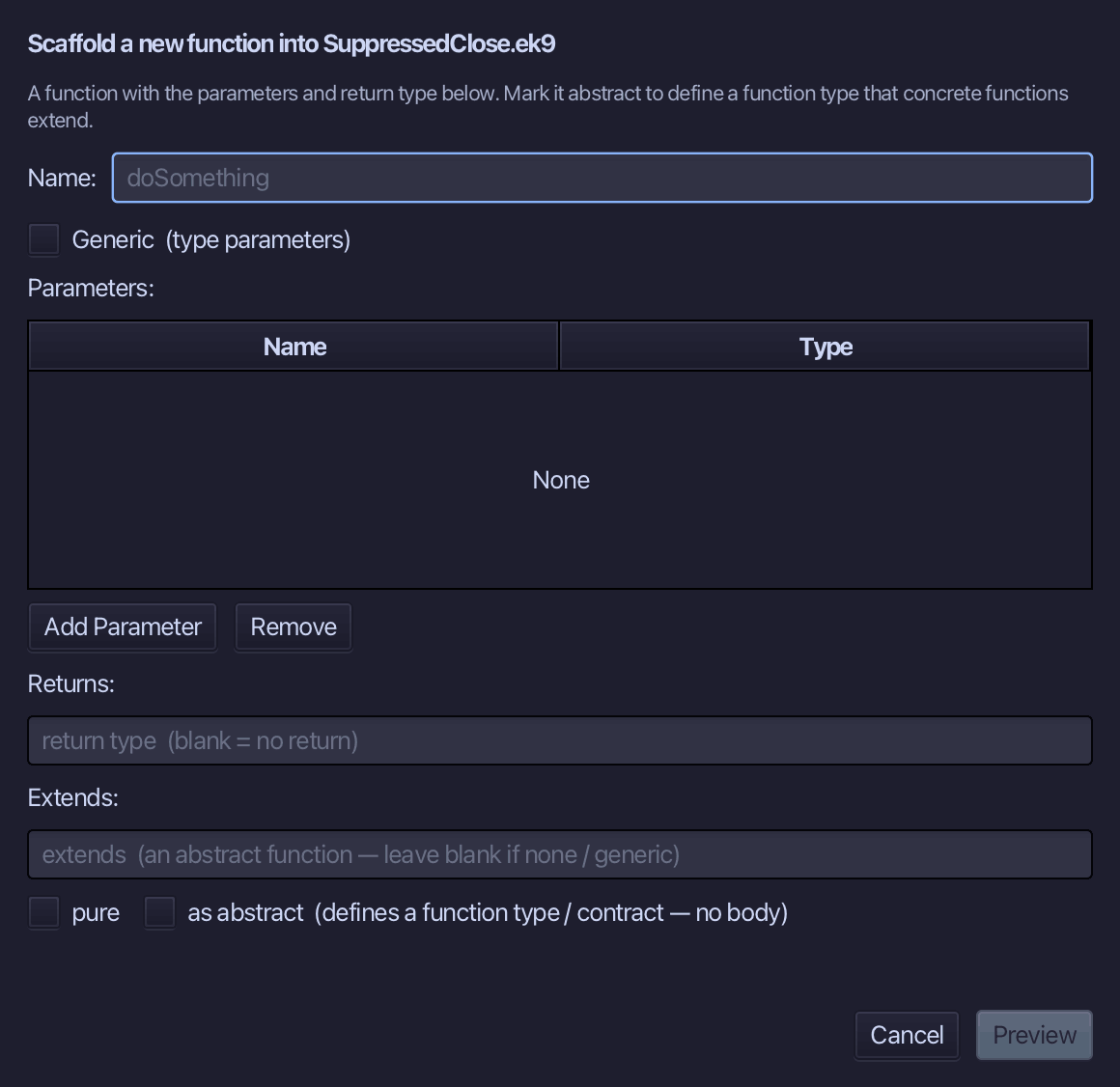
report is the function's name. Add one parameter, ex of type Exception. Choose Preview.
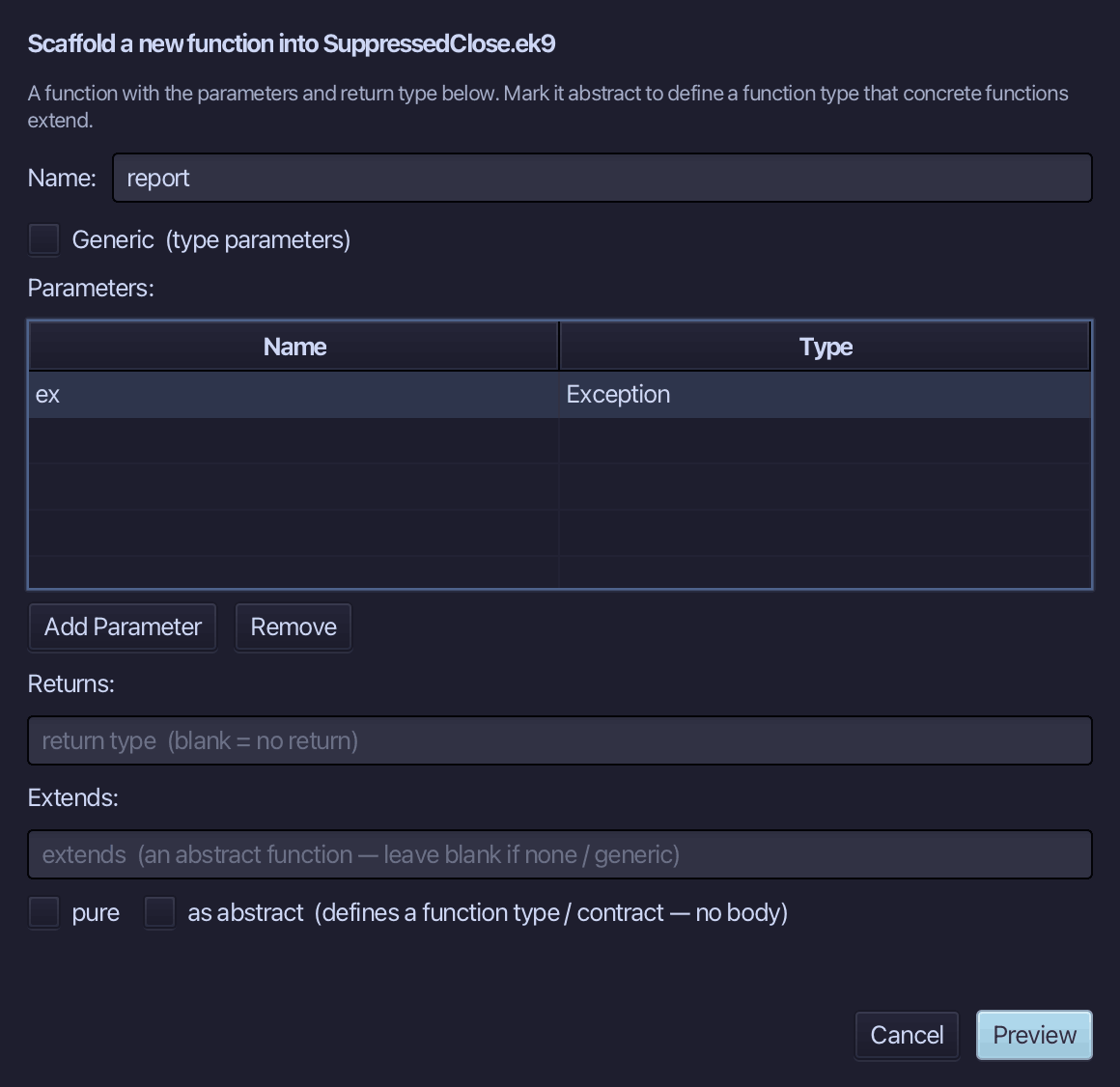
The preview shows report about to be written. Choose Apply.
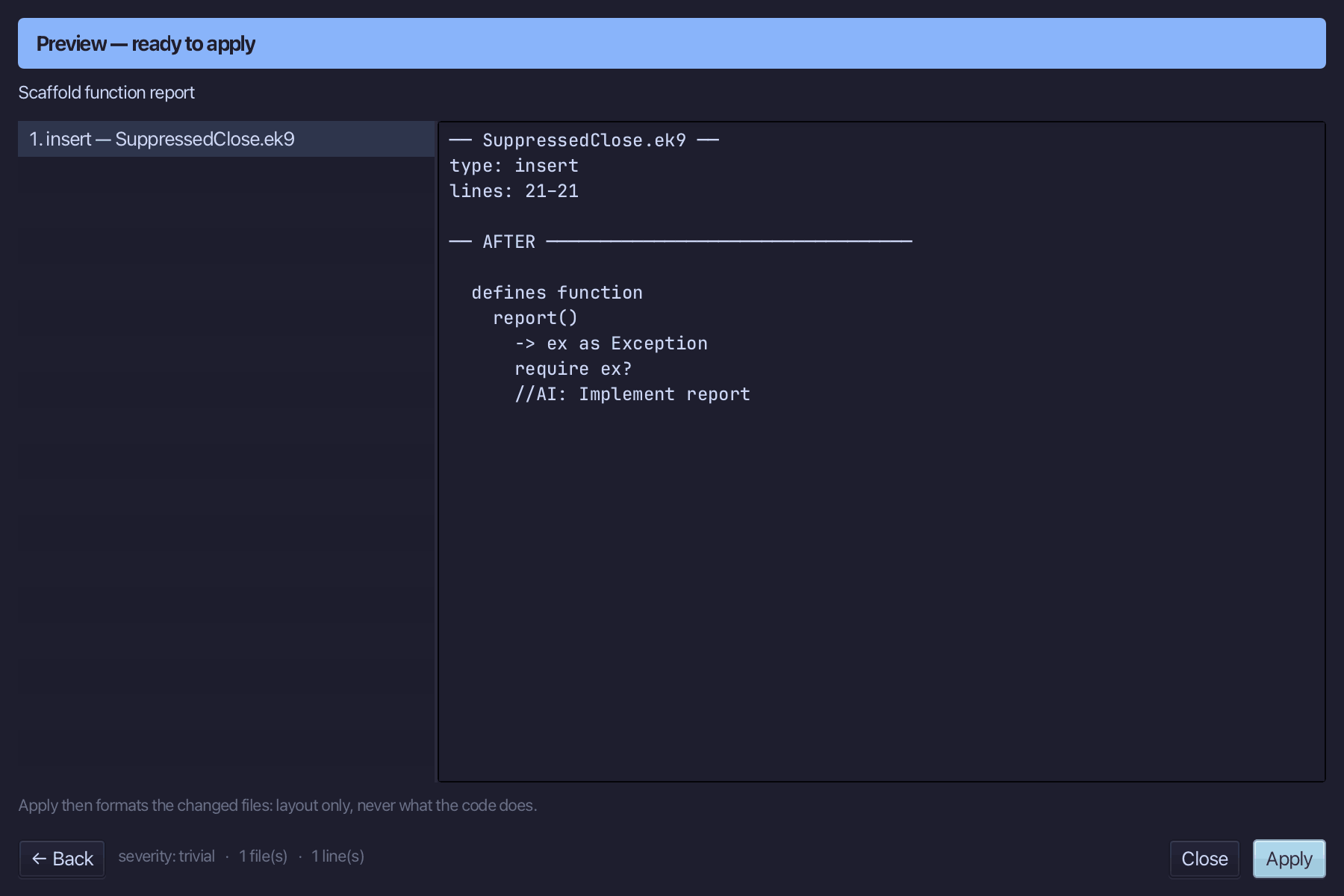
Select the report() line and, above it, type the blank line the book opens its first function with. Saves when typed.
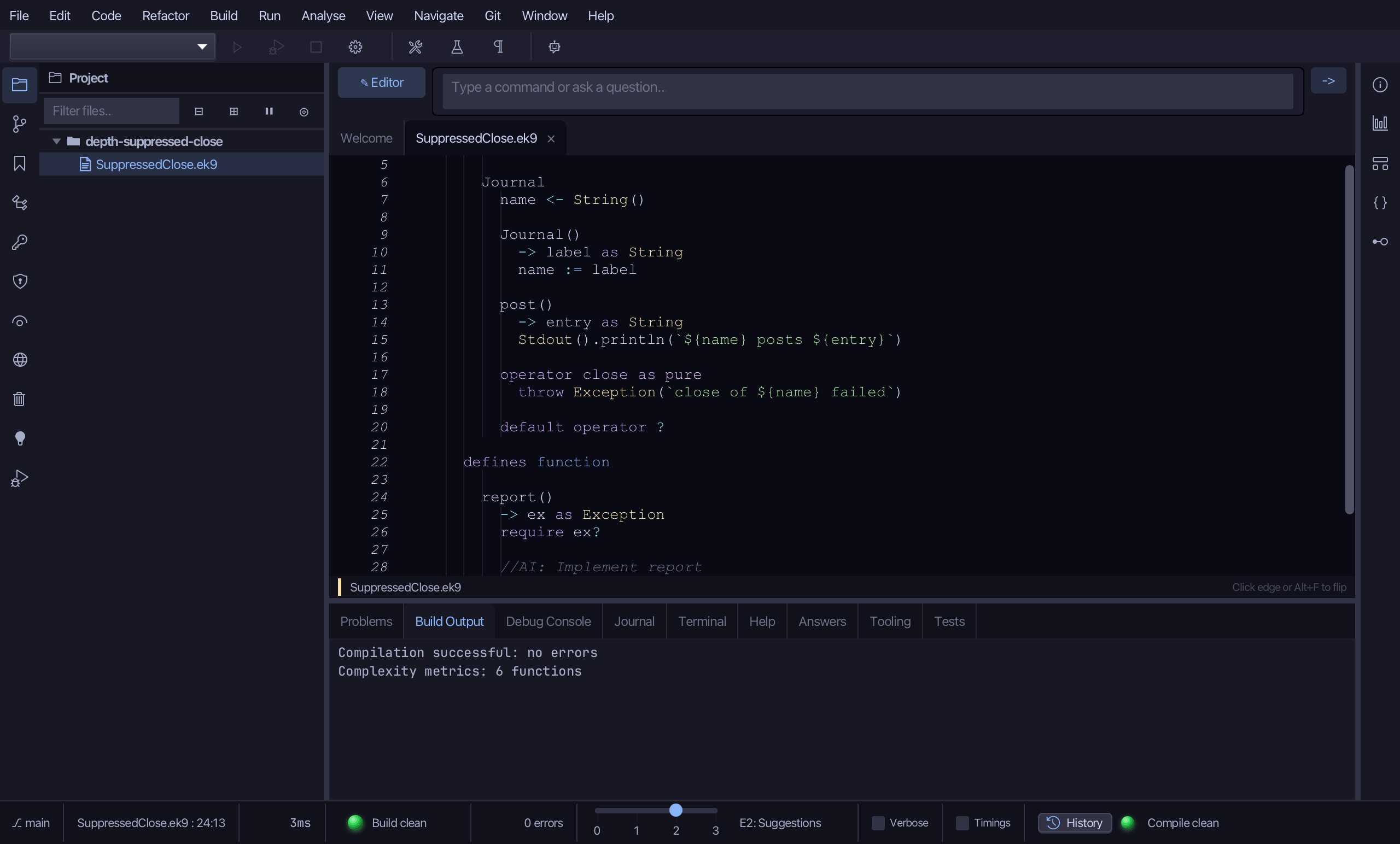
Select the stub, from require ex? down to its //AI line, and type report's own return and work, as the book writes them. Saves when typed.
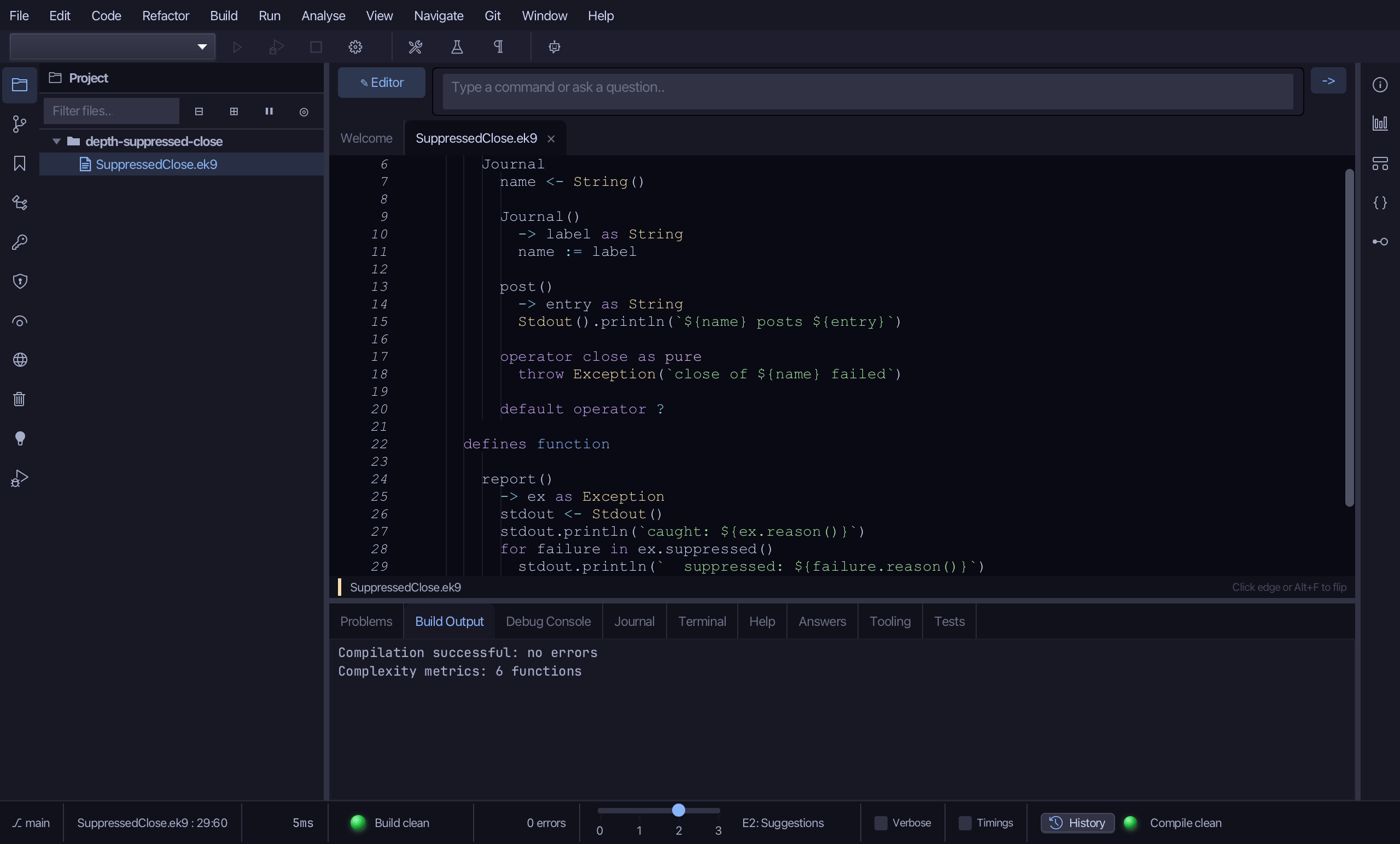
Step 3: The program
Choose Code > New Construct > Program…
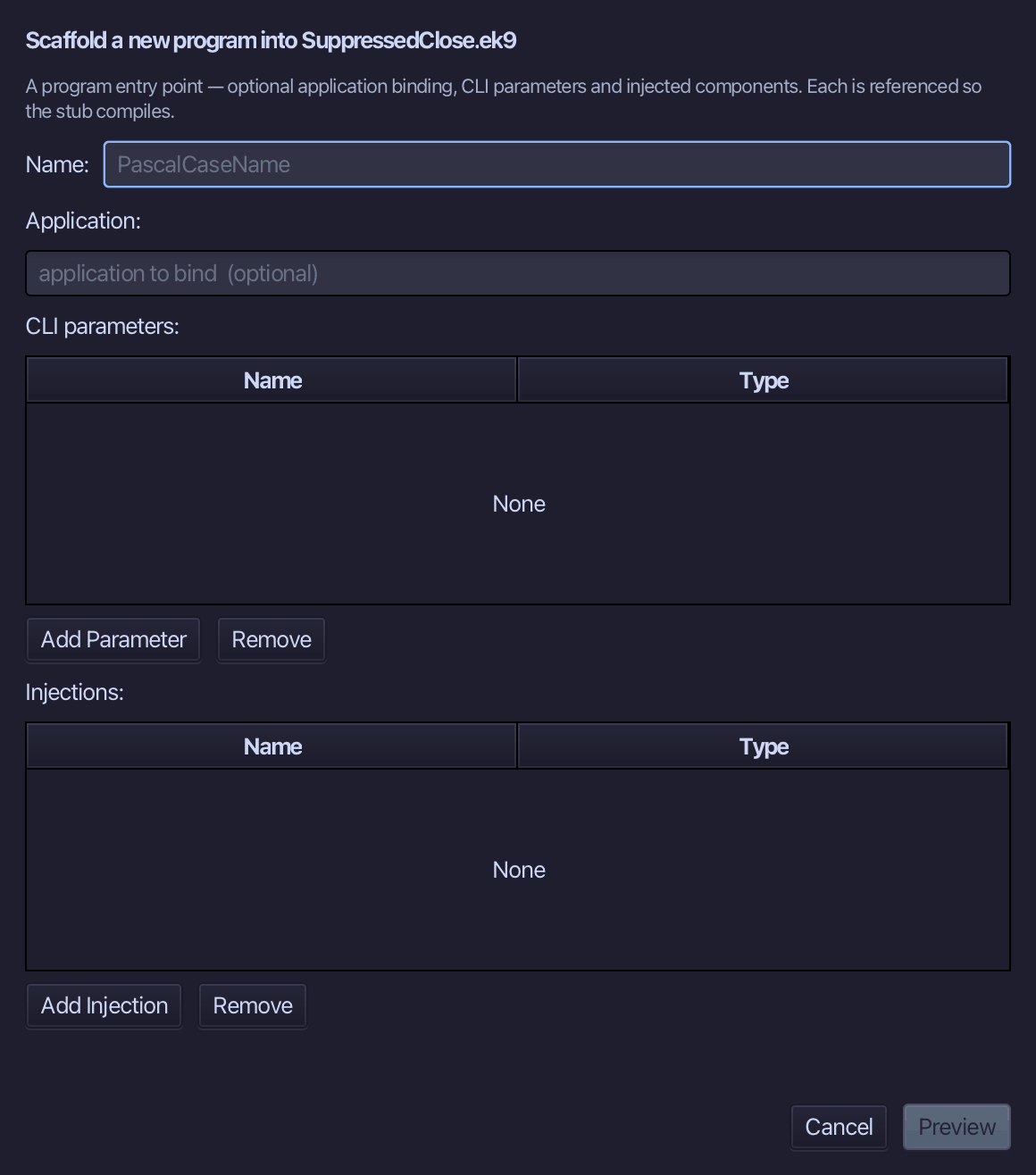
SuppressedClose is the program's name. Choose Preview.
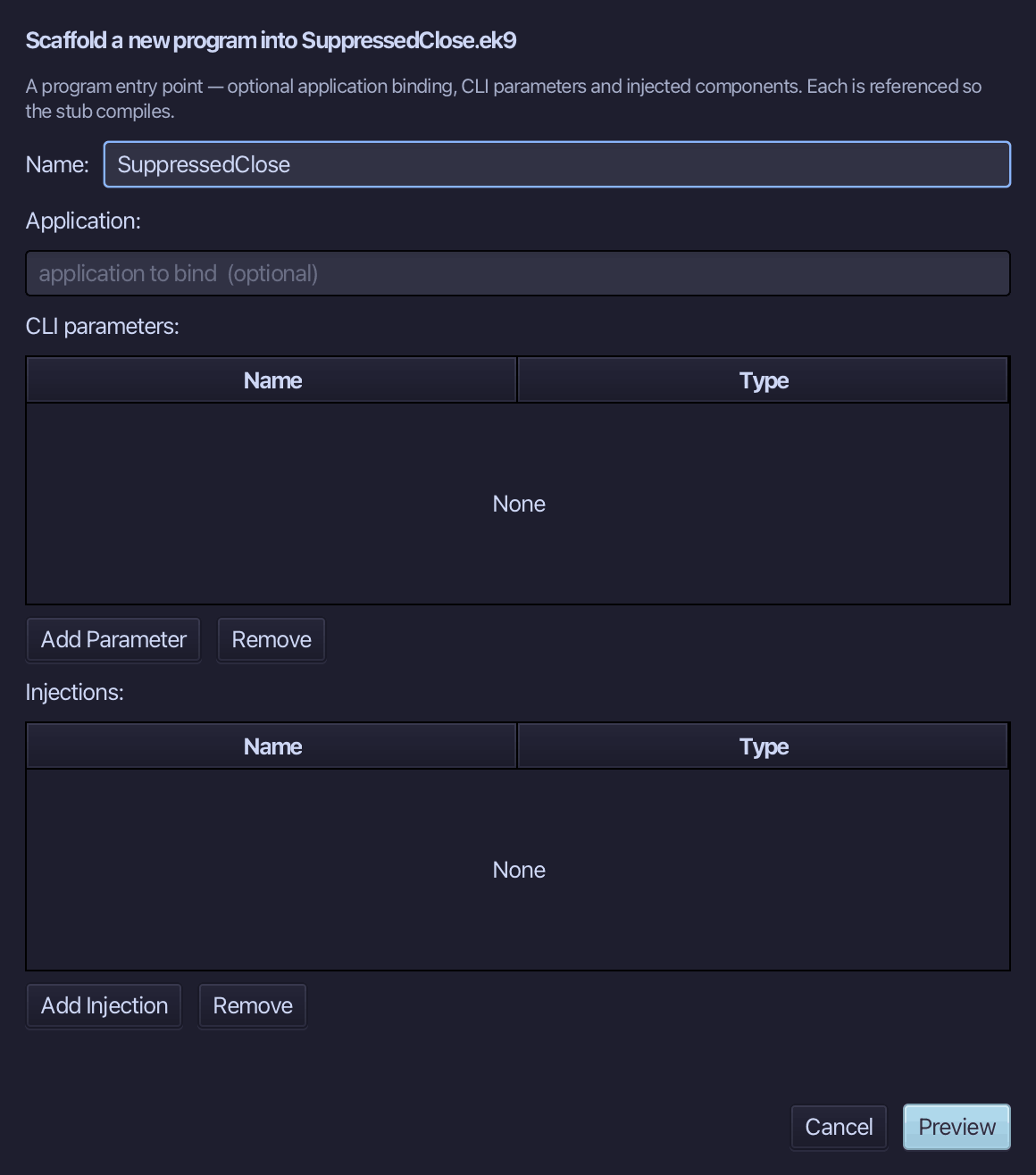
The preview shows SuppressedClose about to be written. Choose Apply.
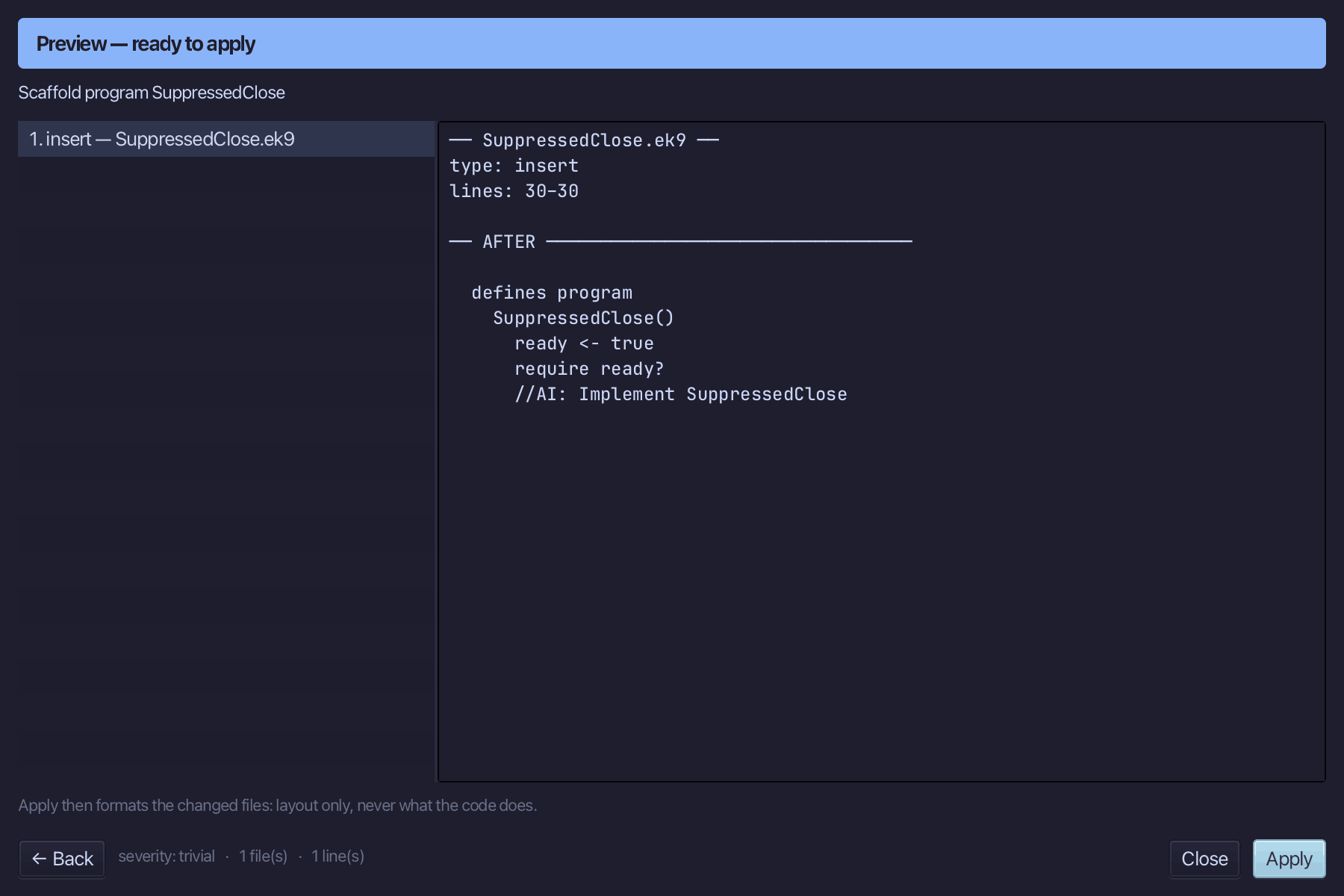
Select the SuppressedClose() line and, above it, type the blank line the book opens the program with. Saves when typed.
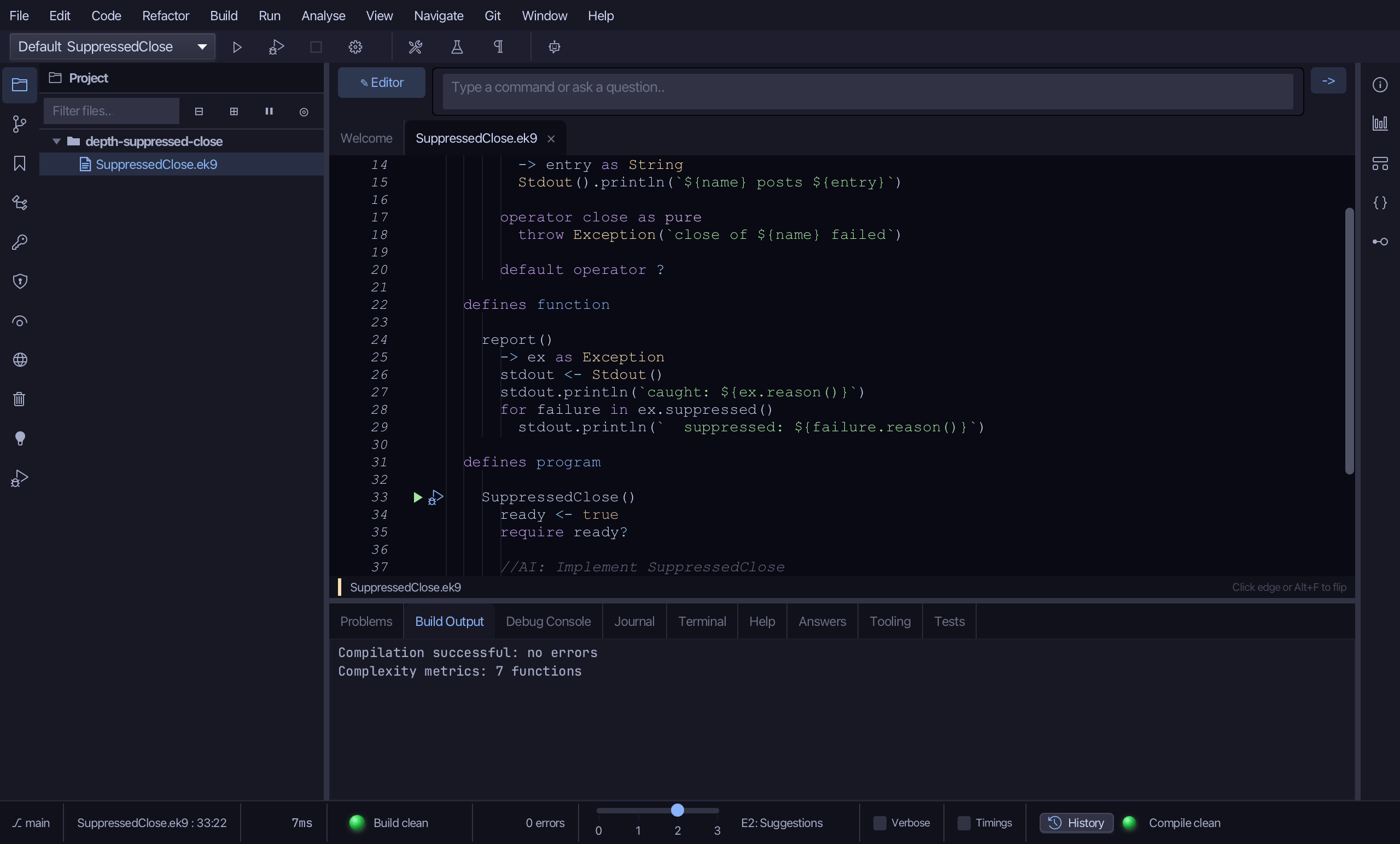
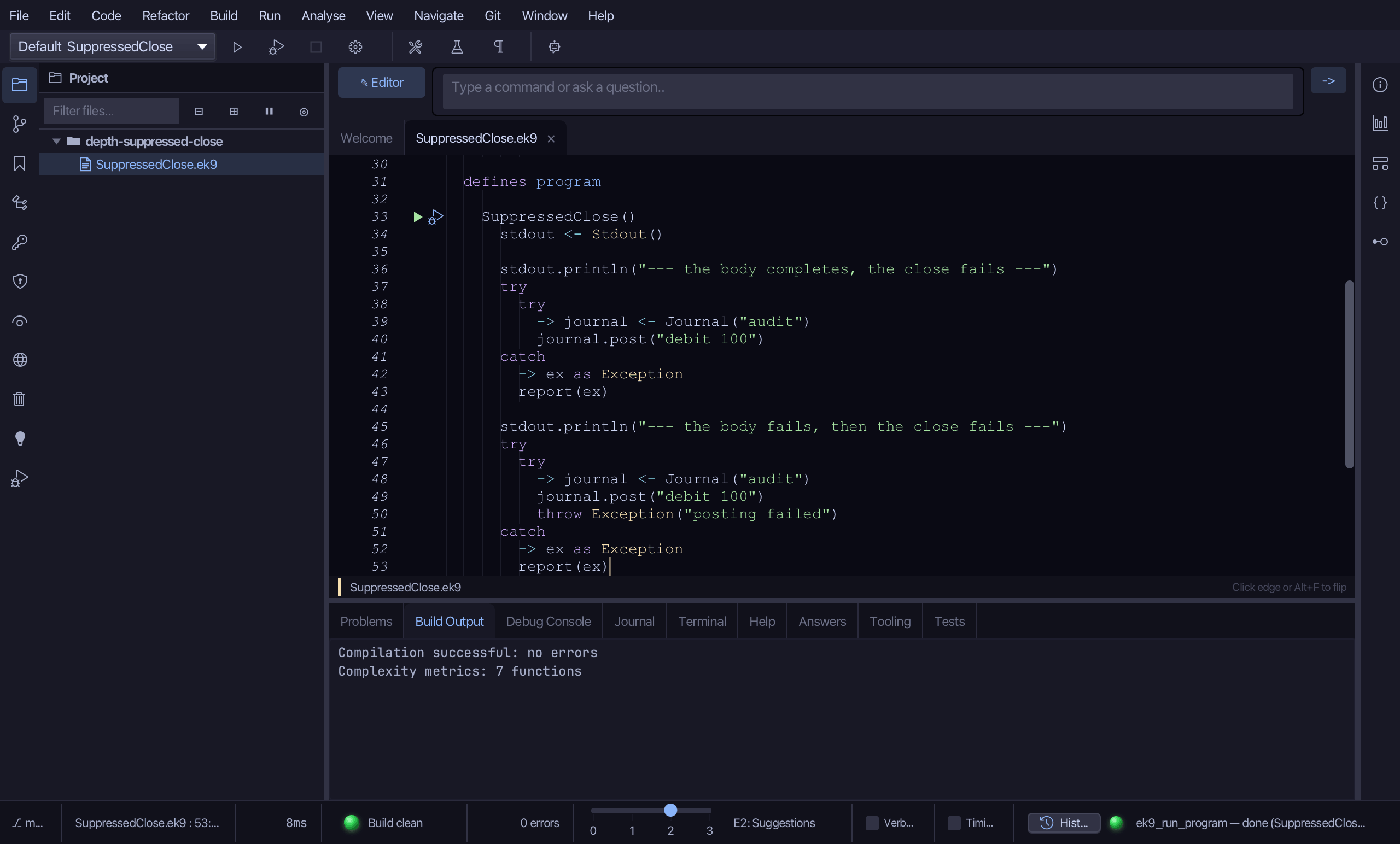
Select the stub, from ready <- true down to its //AI line, and type SuppressedClose's body exactly as the chapter shows it. Saves when typed.
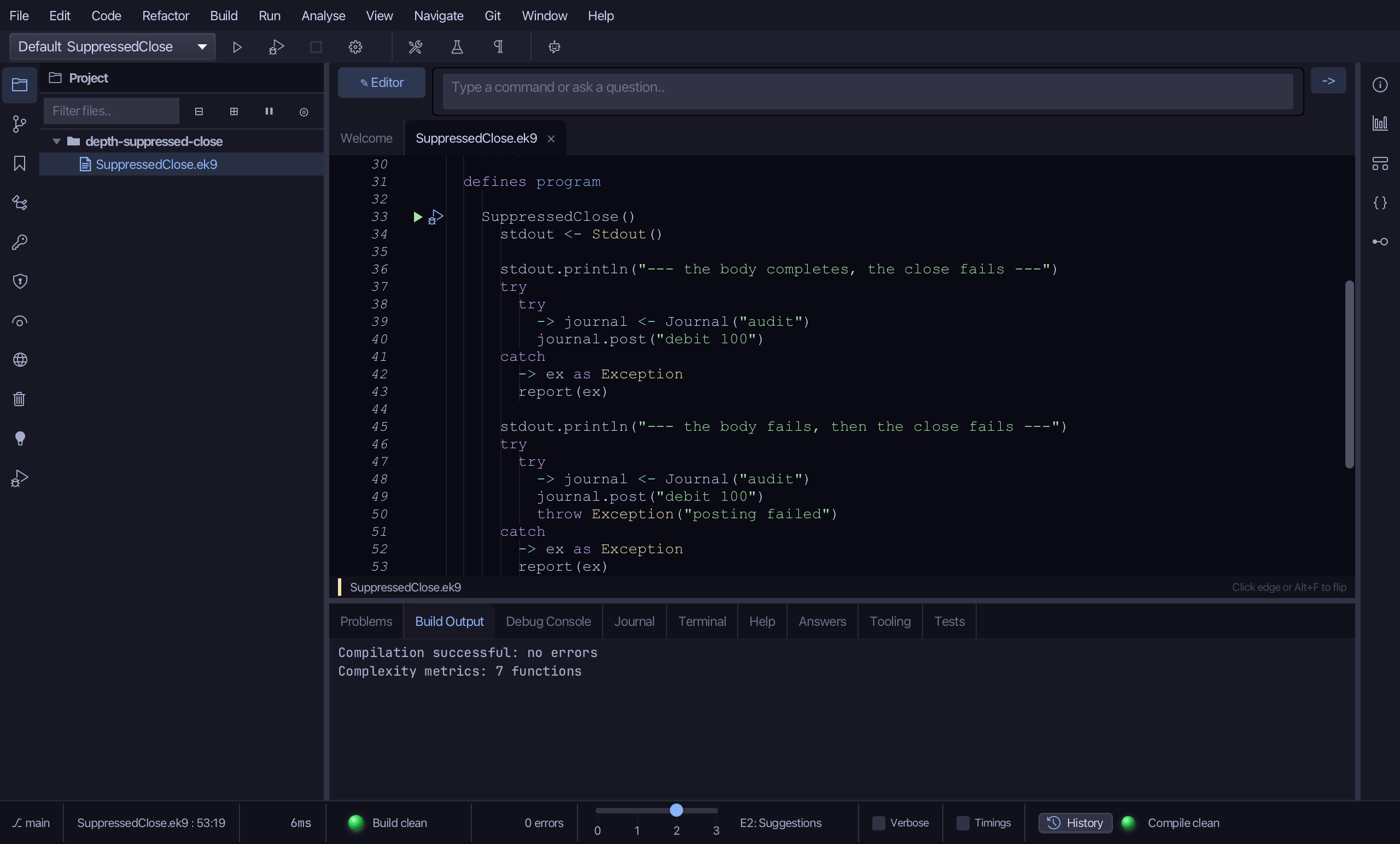
Step 4: Run it
Choose Run > Run Program…
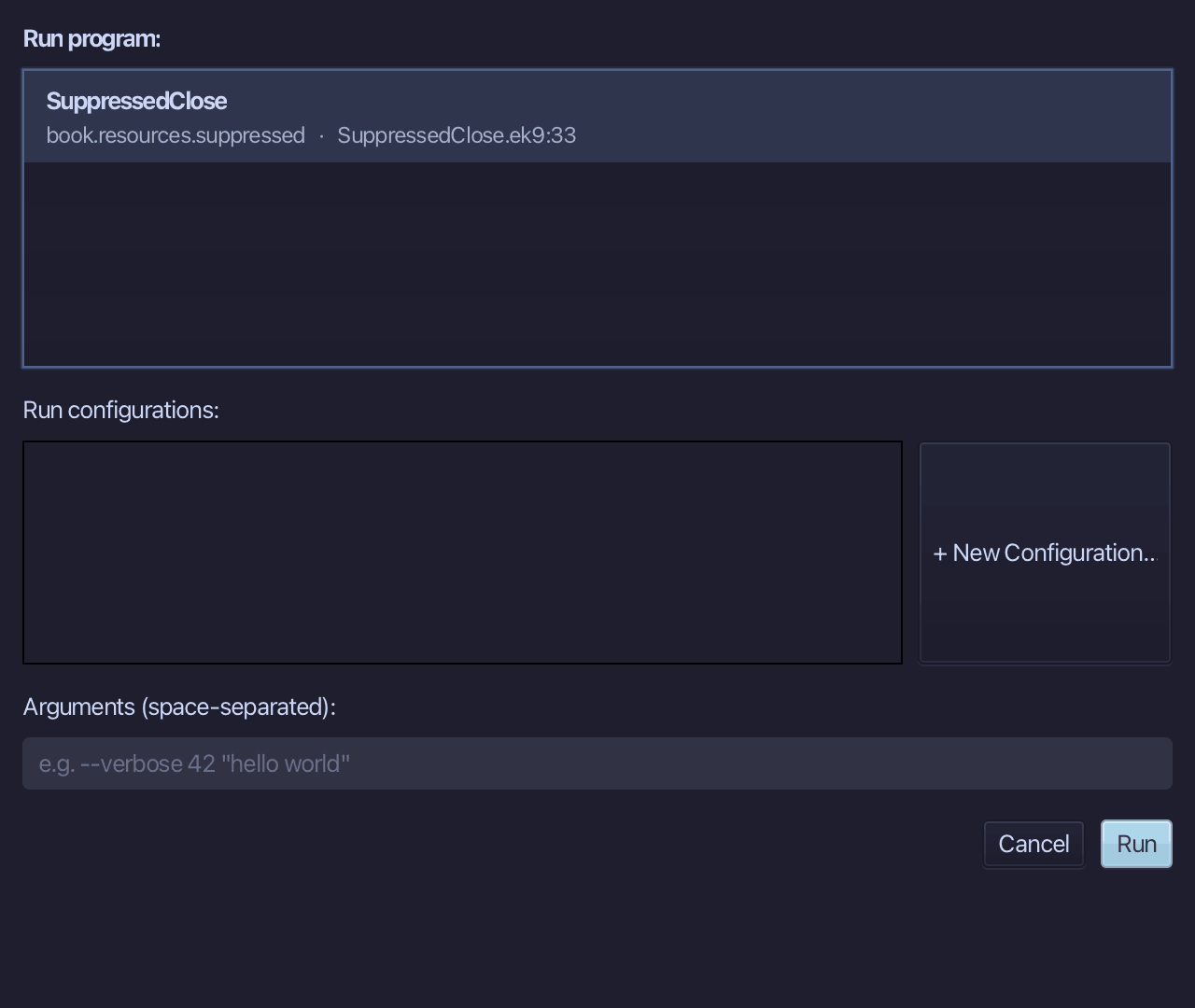
The project's only program is already chosen. Choose Run.
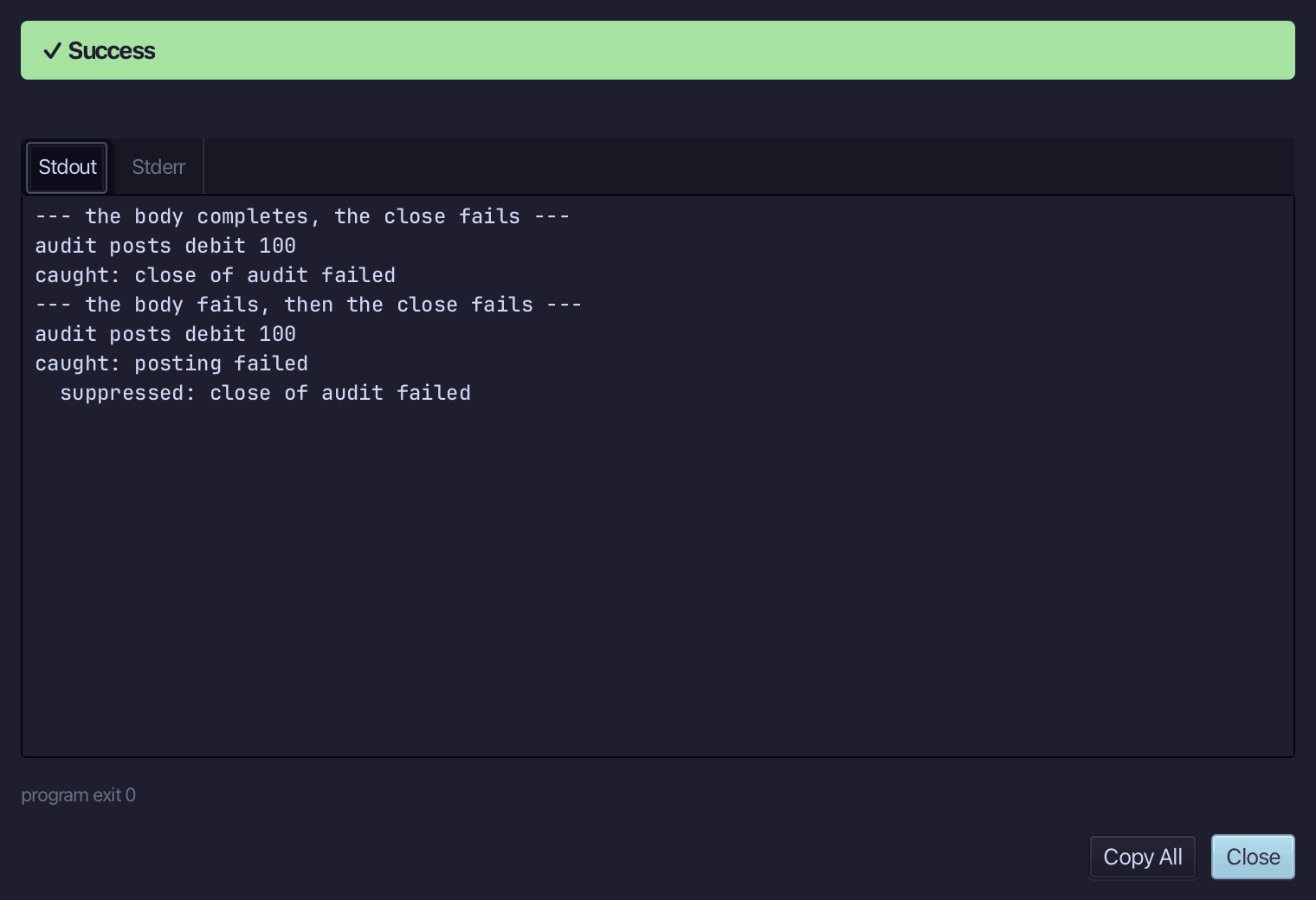
The first case ends caught: close of audit failed; the second, caught: posting failed with the close failure listed under suppressed. Choose Close.
The result
SuppressedClose.ek9 now reads exactly as chapter 32 of EK9 in Depth shows it. In the second case the handler sees the body's own exception, posting failed, and the close failure is in its suppressed() list.
Where this lesson comes from
- Answers -
ek9 -qand the IDE's Answers tab: 137. - For AI assistants - the MCP tool
ek9_new_construct,ek9_add_field,ek9_add_constructor,ek9_add_method,ek9_add_operator,ek9_add_program.