Chapter 10: a for loop that gives a value, built
Chapter 10 says control flow can give a value back. A for loop is the plainest case: it declares a result with <- rtn, adds to it on every pass, and total receives the finished rtn - assigned once, never reassigned, which is what pure code needs. The IDE makes the program's shell; you type the loop. To play it in the IDE: Help > Lessons > Getting Started with EK9…, or ek9 -ide -lesson book-for-expression.
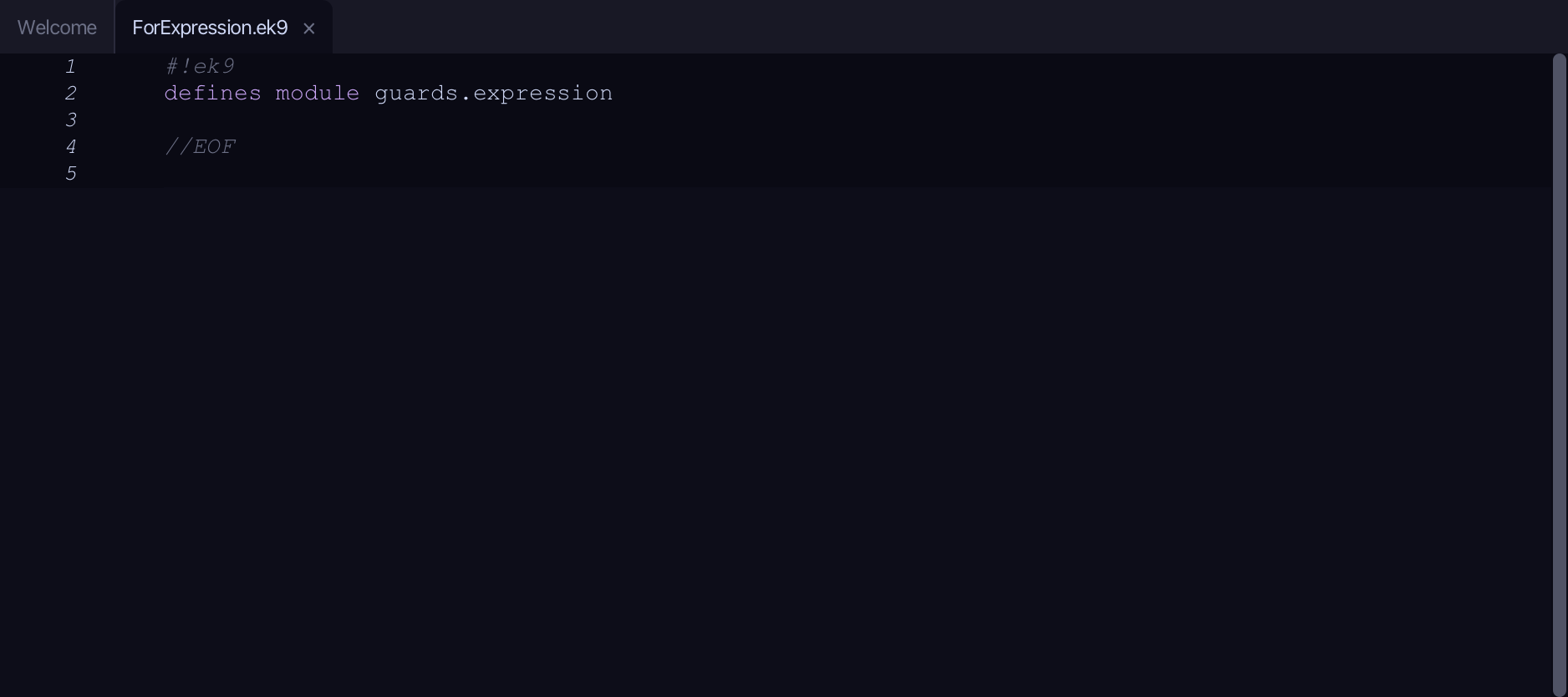
What you'll build
The lesson builds this program from a file holding only its module line - the finished file, as the book prints it.
#!ek9
defines module guards.expression

  defines program

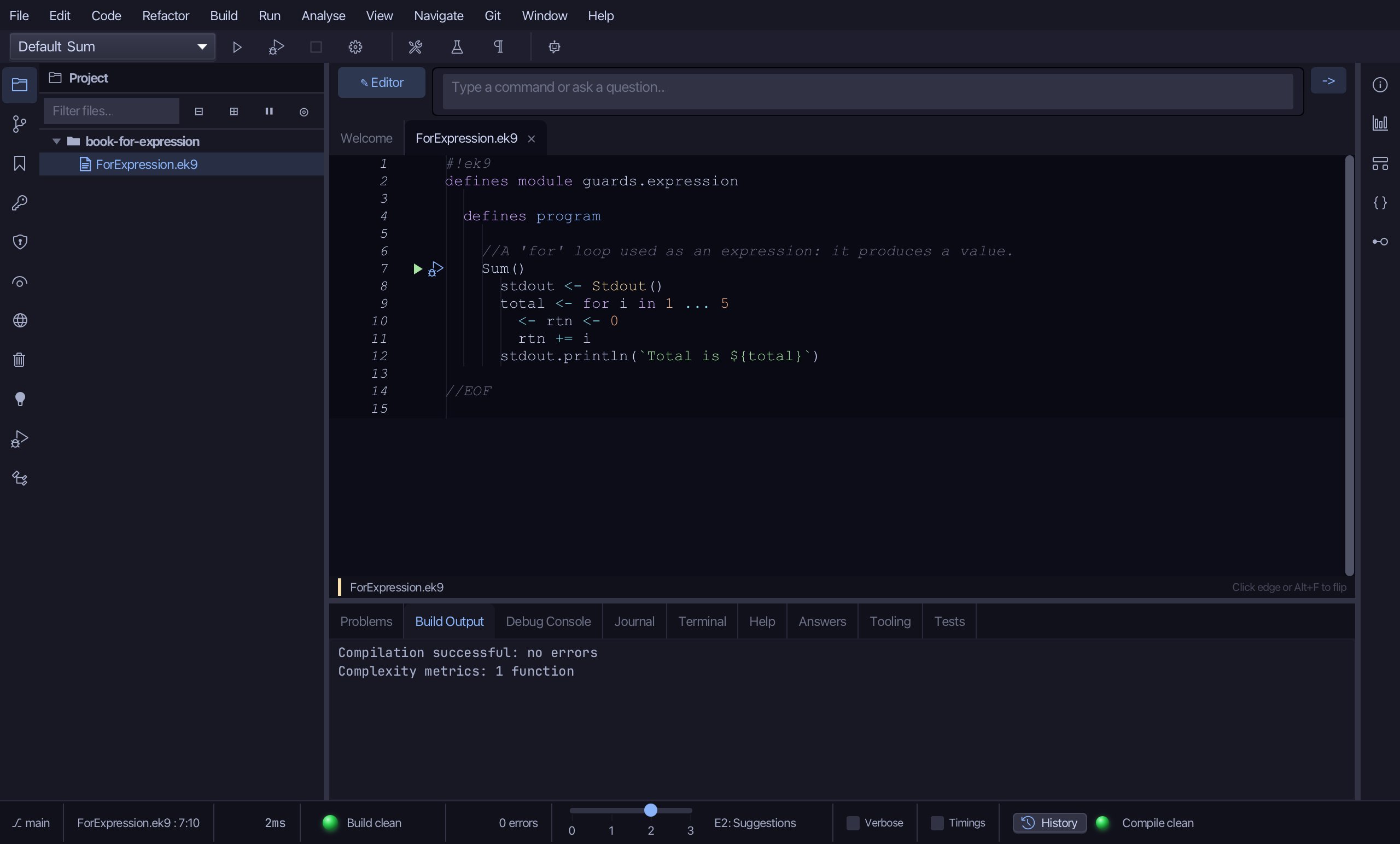
    //A 'for' loop used as an expression: it produces a value.
    Sum()
      stdout <- Stdout()
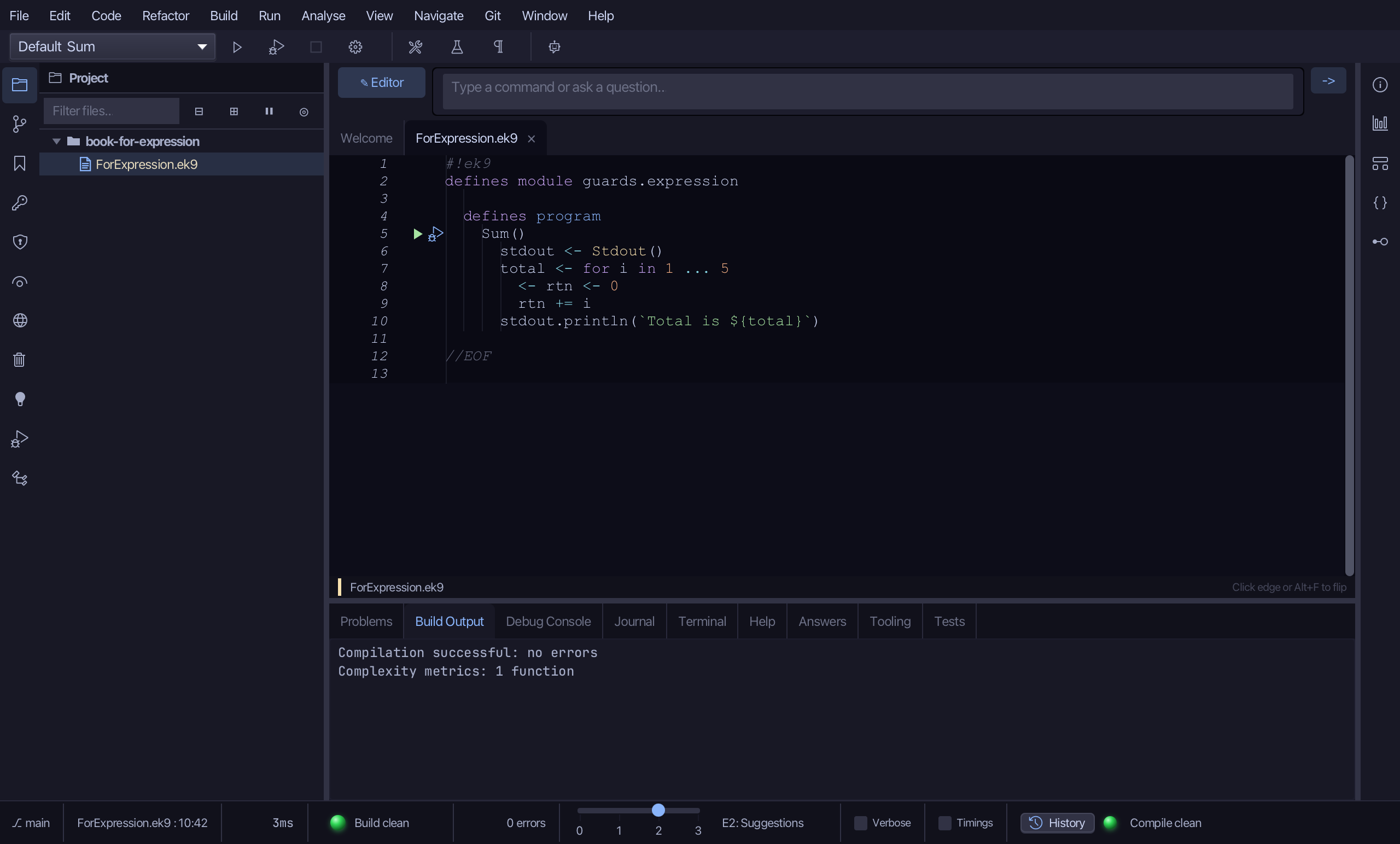
      total <- for i in 1 ... 5
        <- rtn <- 0
        rtn += i
      stdout.println(`Total is ${total}`)

//EOF
Step 1: The program
Choose Code > New Construct > Program…
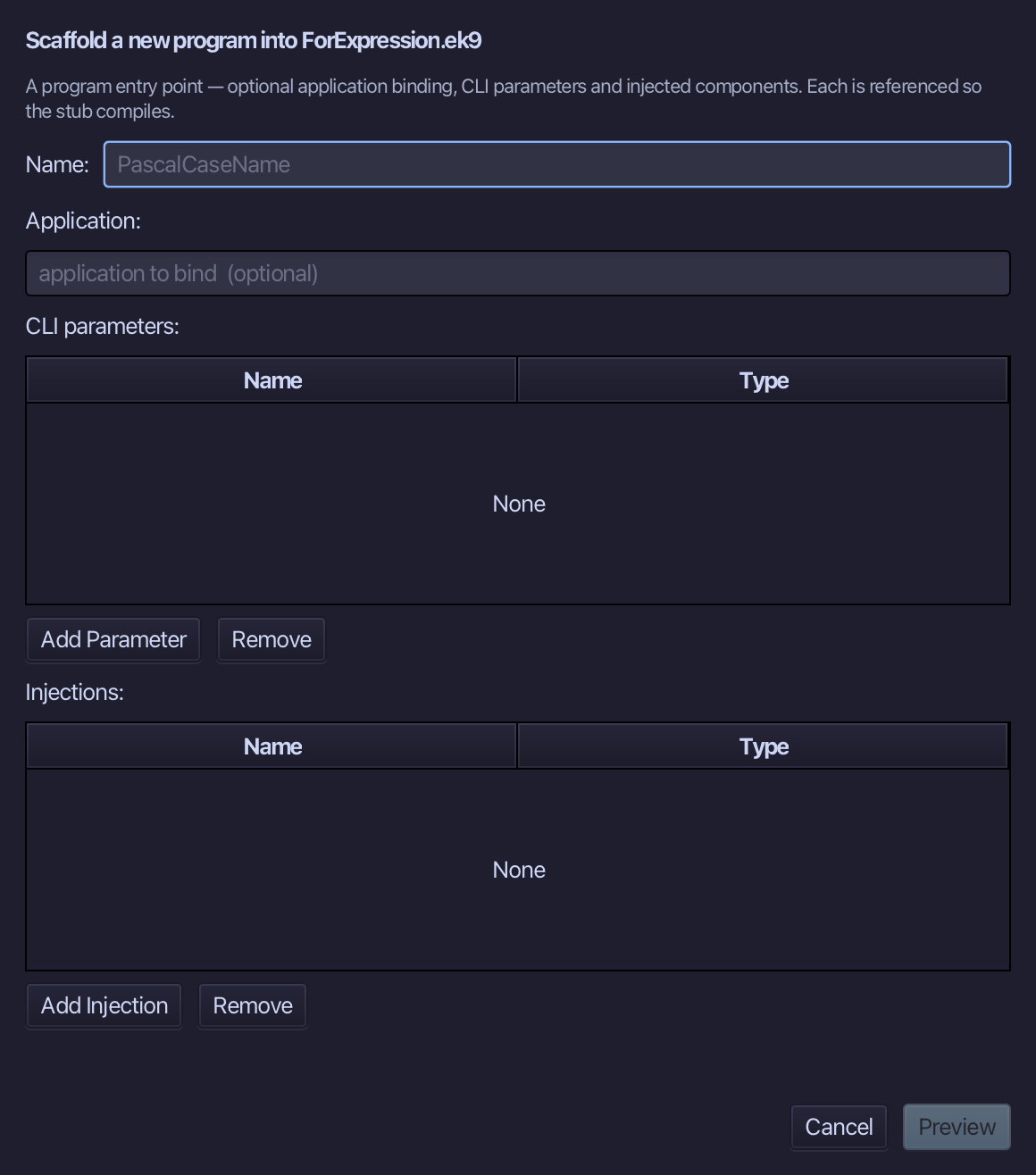
Sum is the program's name - no application to bind, no parameters, nothing injected. Type Sum and choose Preview.
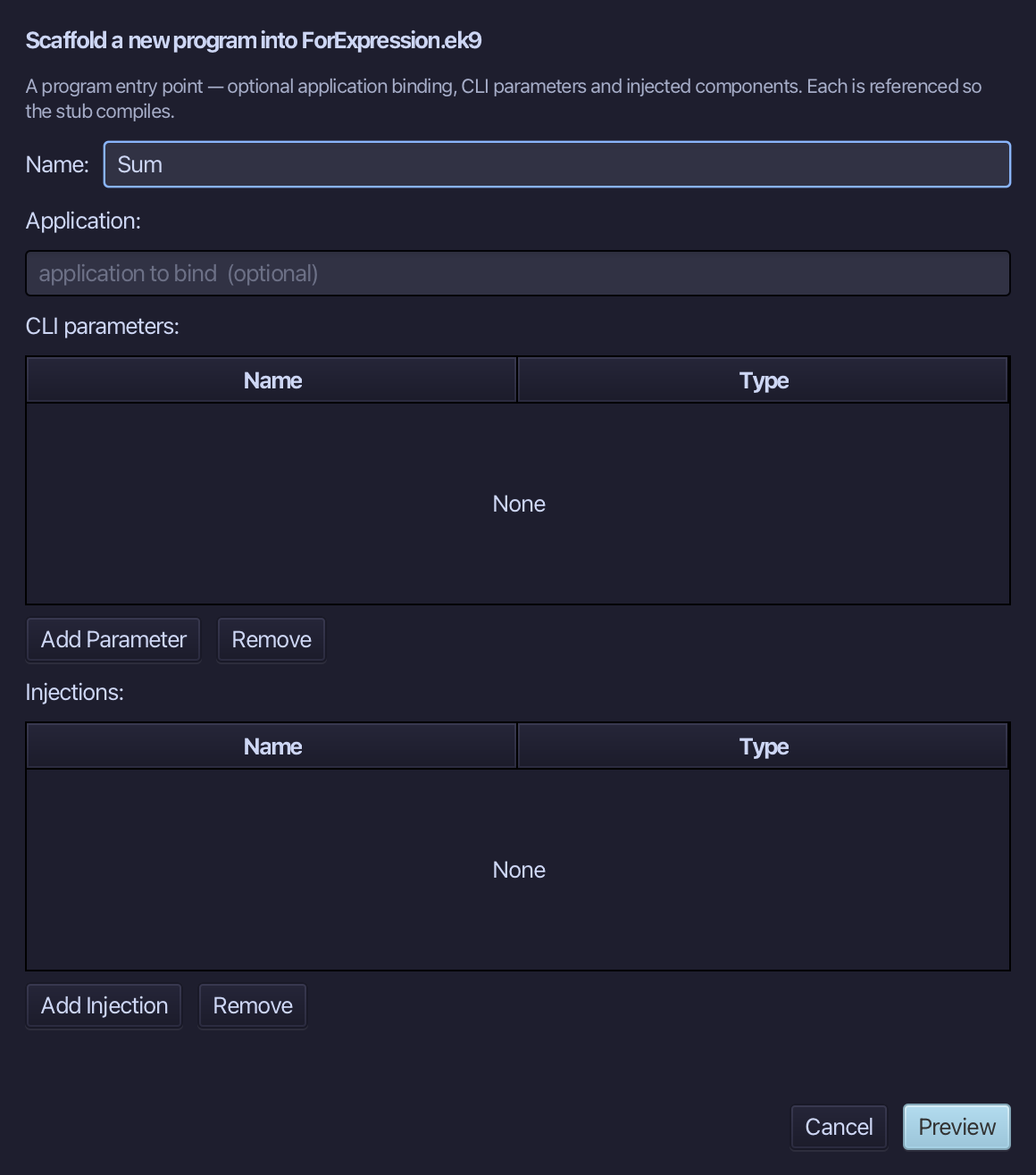
The preview shows Sum about to be written. Choose Apply.
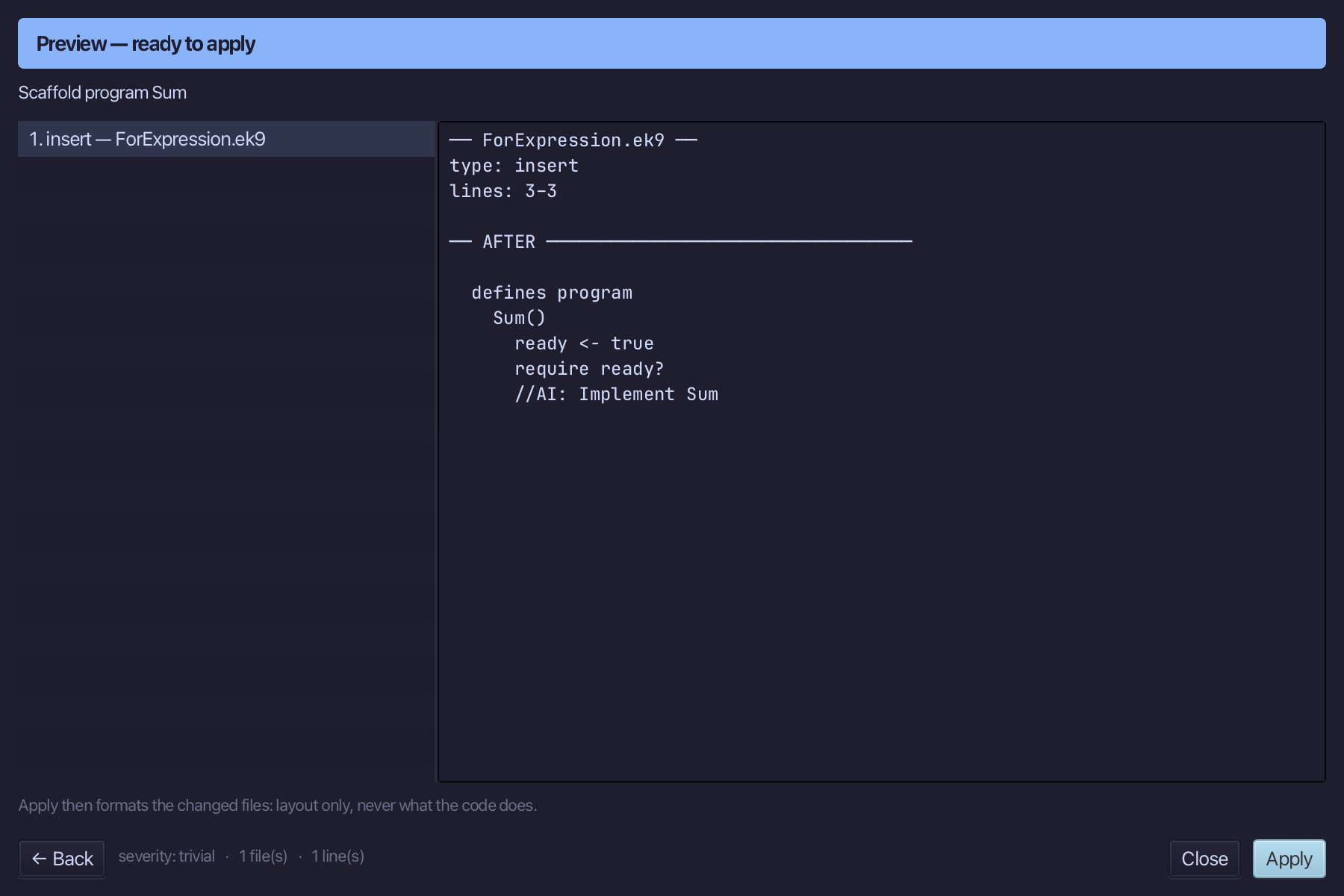
Select the stub, from ready <- true down to its //AI line, and type Sum's body: a Stdout, and total declared from a for loop over 1 ... 5 whose result, rtn, starts at 0 and has each i added to it.
Step 2: What the loop is
Select the Sum() line, and above it type the comment saying what kind of loop this is. Saves when typed.
Step 3: Run it
Choose Run > Run Program…
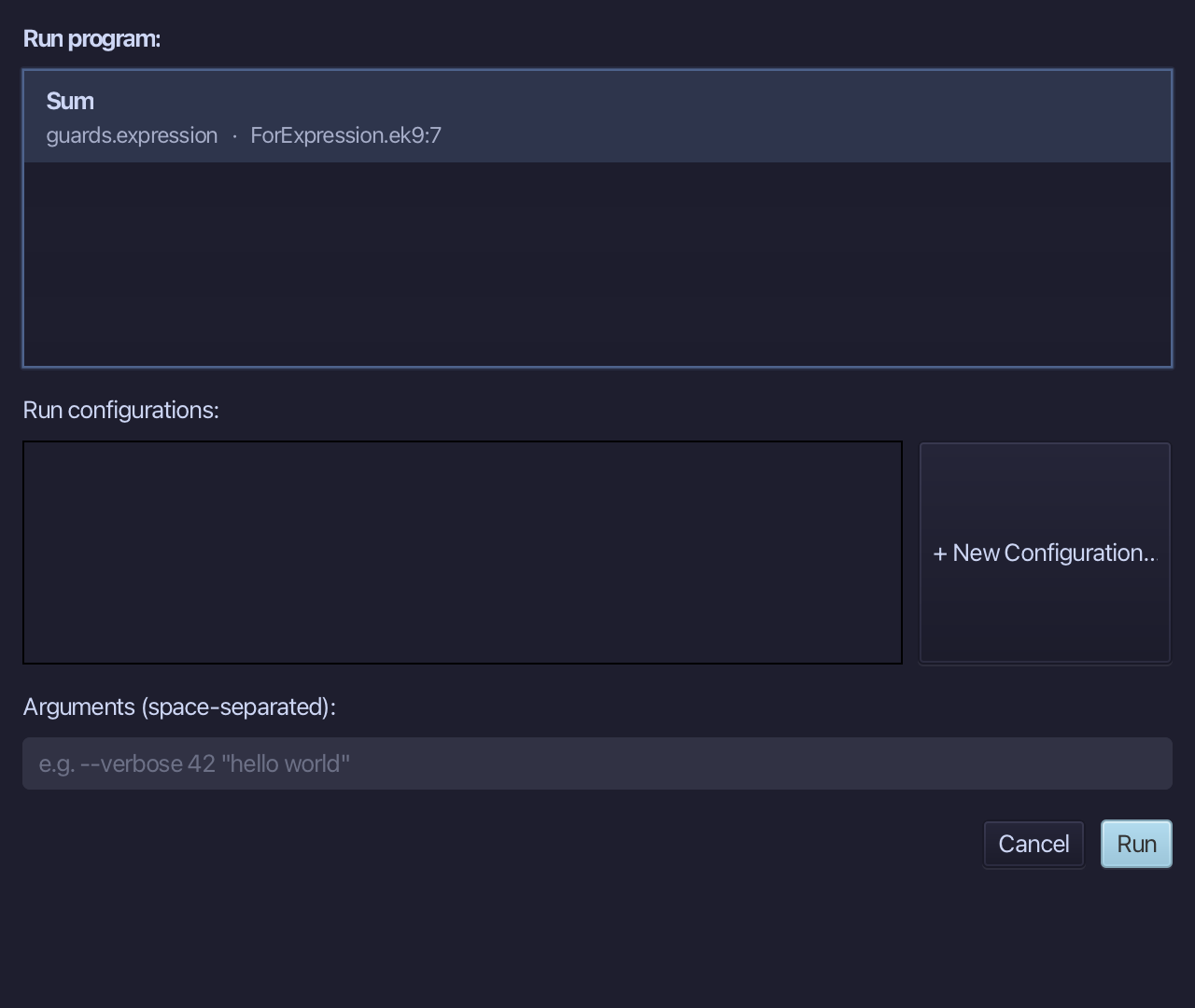
The project's only program is already chosen. Choose Run.
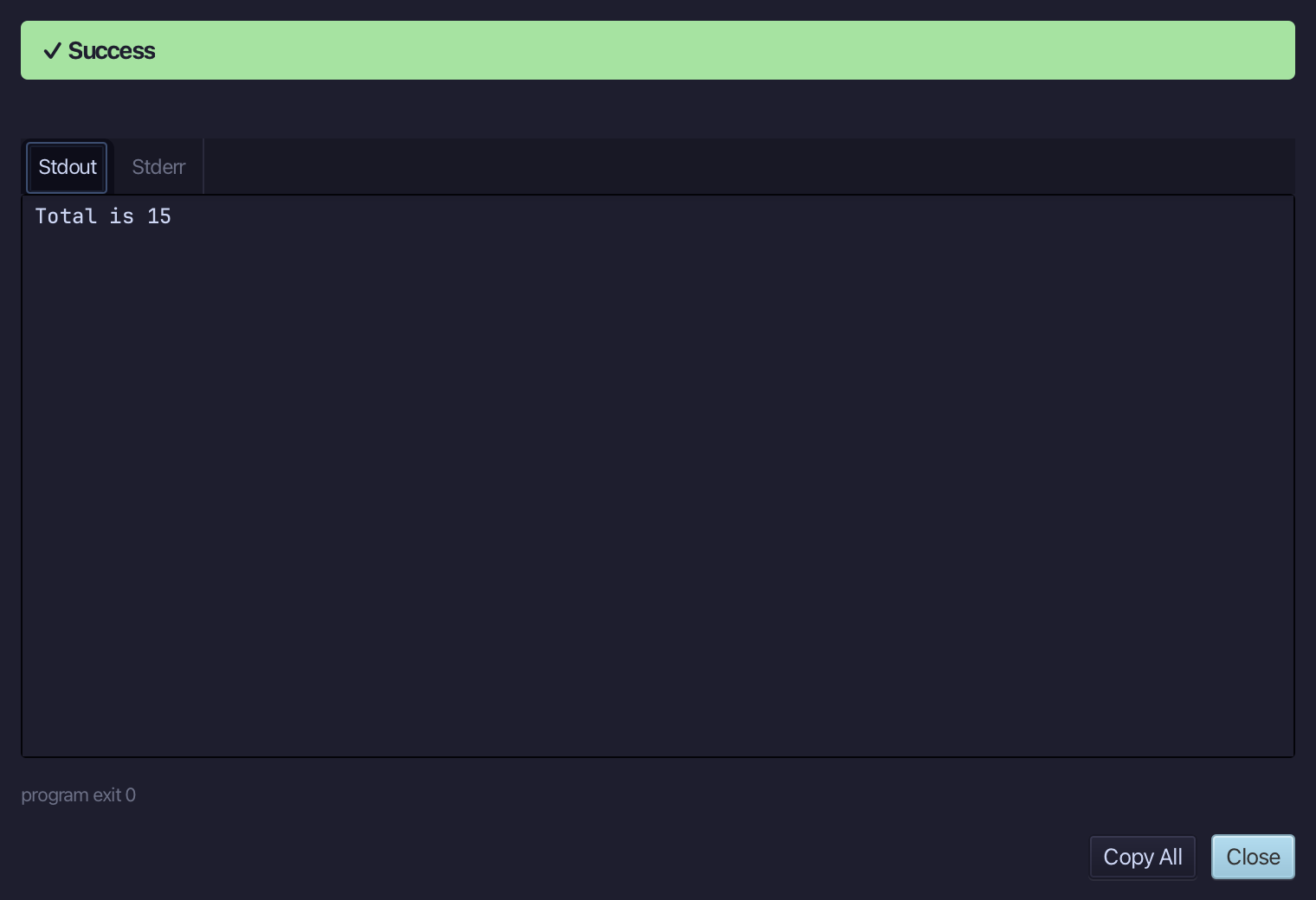
Total is 15 - one plus two plus three plus four plus five, handed back by the loop itself. Choose Close.
Step 4: Ask: /q 80
Type /q 80 into the input bar above the editor and choose -> to send it - a direct lookup, by the question's own number, into the Answers tab.
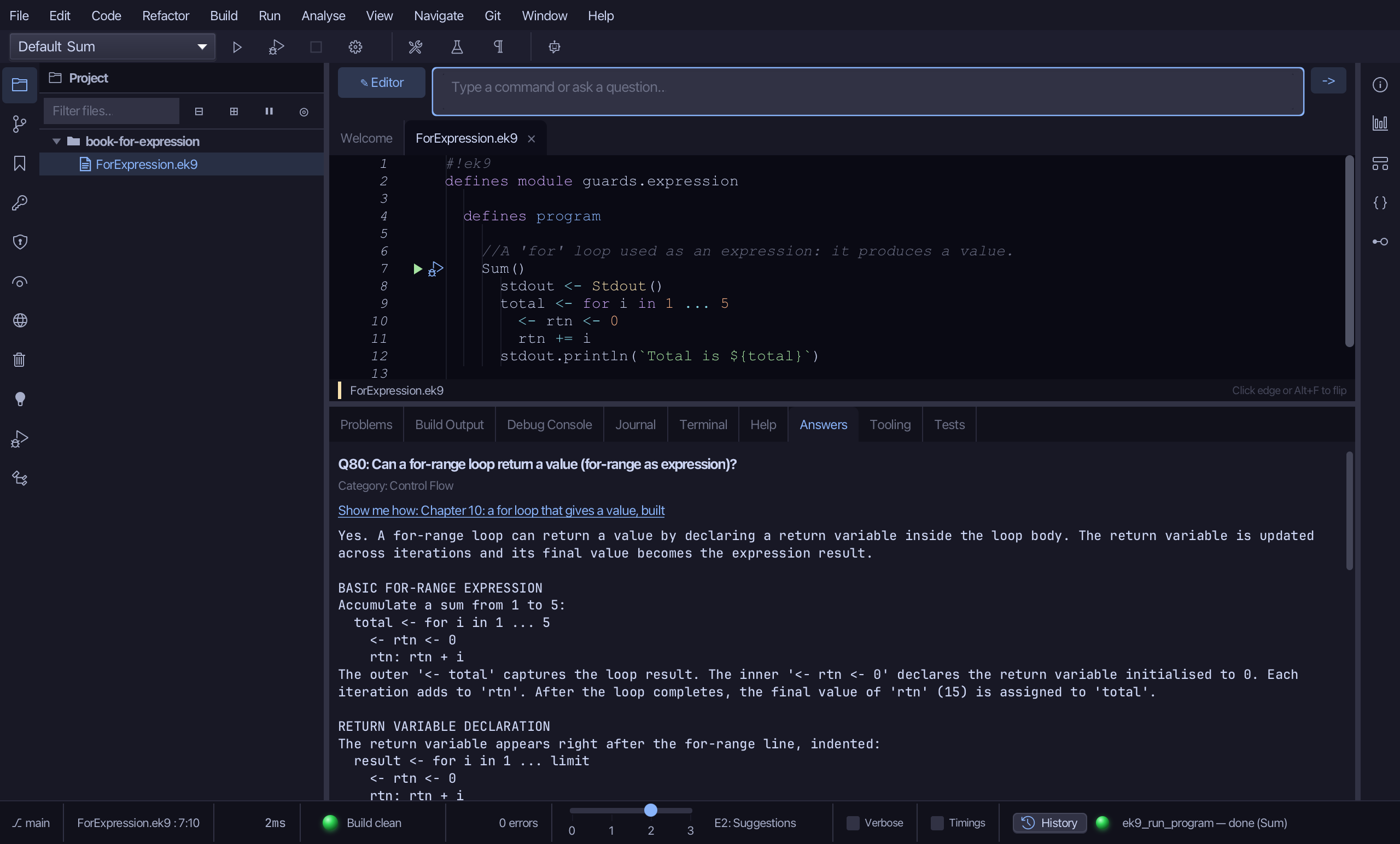
The Answers tab shows Q80: a for-range loop can return a value by declaring a return variable inside the loop body - it is updated across the iterations and its final value becomes the expression's result.
The result
ForExpression.ek9 now reads exactly as chapter 10 of Getting Started with EK9 shows it: a for loop that hands back a value, so total is assigned once, from the loop itself, instead of being declared and then changed. The IDE's tool made the program; the loop was typed and run. /q 80 then answered the for-range-as-expression question from the Q&A corpus.
Where this lesson comes from
- Answers -
ek9 -qand the IDE's Answers tab: 80. - For AI assistants - the MCP tool
ek9_add_program,ek9_ask.
In the EK9 reference: Flow Control in EK9