Chapter 24: settings, an Optional and a Result, built
Chapter 24 starts from a start-up routine that reads settings. One lookup may find nothing, so it returns an Optional; one parse may fail and says why, so it returns a Result. The program then reads them four ways: a guard, getOrDefault, matched isOk/isError checks, and callbacks. Java's get() is legal anywhere and throws when you are wrong; here the compiler refuses any read that no check in the same block has proved. The IDE writes the constants, the four function signatures and the program's shell; you type the logic. To play it in the IDE: Help > Lessons > EK9 in Depth…, or ek9 -ide -lesson depth-settings-lookup.
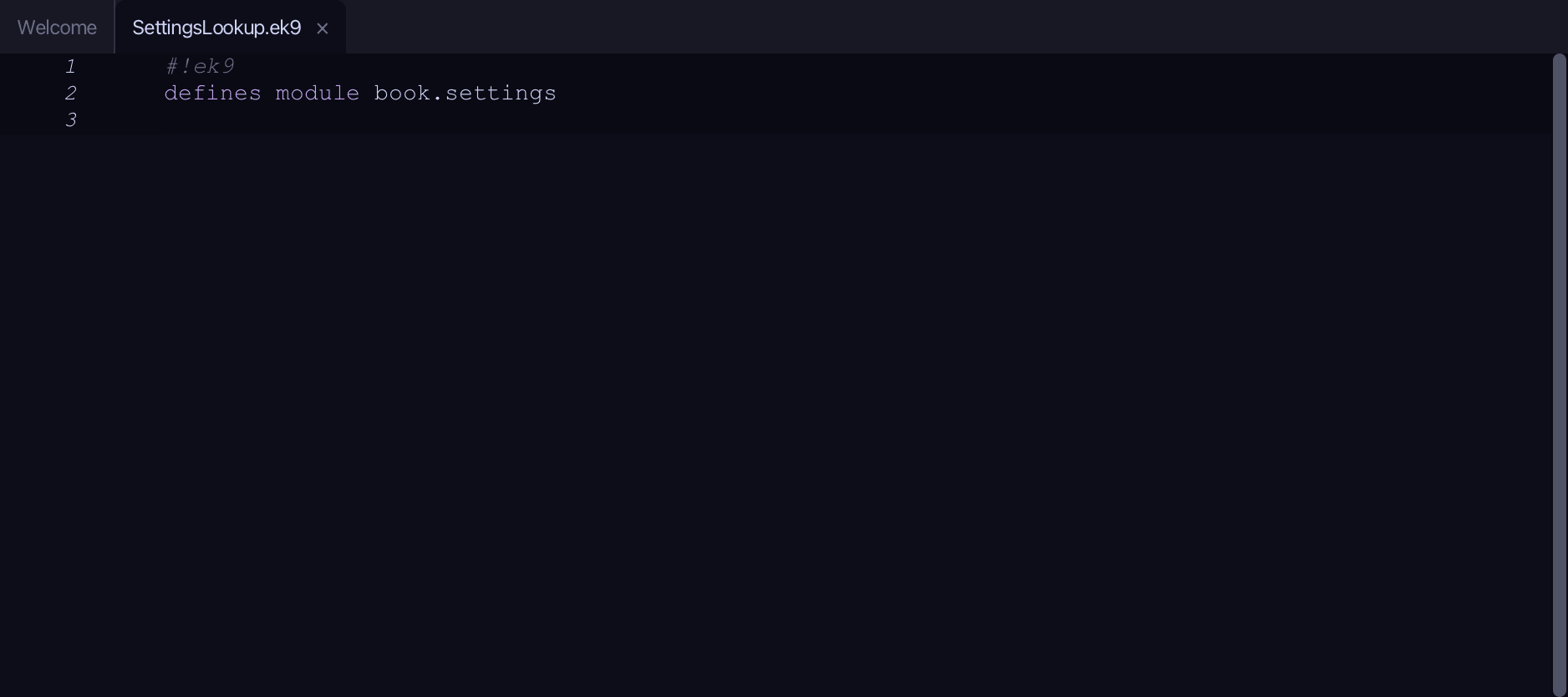
What you'll build
The lesson builds this program from a file holding only its module line - the finished file, as the book prints it.
#!ek9
defines module book.settings

  defines constant
    LOWEST_PORT <- 1024

    HIGHEST_PORT <- 65535

  defines function

    setting() as pure
      ->
        settings as Dict of (String, String)
        key as String
      <- rtn <- Optional() of String

      if settings contains key
        rtn: Optional(settings.getOrDefault(key, String()))

    parsePort() as pure
      -> text as String
      <- rtn as Result of (Integer, String)?

      port <- Integer(text)
      if not port?
        rtn: Result(Integer(), `'${text}' is not a whole number`)
      else if port < LOWEST_PORT or port > HIGHEST_PORT
        rtn: Result(Integer(), `${port} is outside ${LOWEST_PORT} ... ${HIGHEST_PORT}`)
      else
        rtn: Result(port, String())

    showPort()
      -> port as Integer
      Stdout().println(`listening on ${port}`)

    showProblem()
      -> problem as String
      Stdout().println(`cannot listen: ${problem}`)

  defines program

    StartServer()
      stdout <- Stdout()
      settings <- {"host": "example.org", "port": "8o80", "retries": "3"}

      if found <- setting(settings, "host")
        stdout.println(`host: ${found.get()}`)

      region <- setting(settings, "region").getOrDefault("eu-west-1")
      stdout.println(`region: ${region}`)

      for key in ["port", "retries", "backlog"]
        if raw <- setting(settings, key)
          parsed <- parsePort(raw.get())
          if parsed.isOk()
            stdout.println(`${key}: ok ${parsed.ok()}`)
          if parsed.isError()
            stdout.println(`${key}: error ${parsed.error()}`)
        else
          stdout.println(`${key}: not configured`)

      parsePort("8080").whenOk(showPort)
      parsePort("8080").whenError(showProblem)
      parsePort("80").whenOk(showPort)
      parsePort("80").whenError(showProblem)
Step 1: Constants
Choose Code > New Construct > Constant…
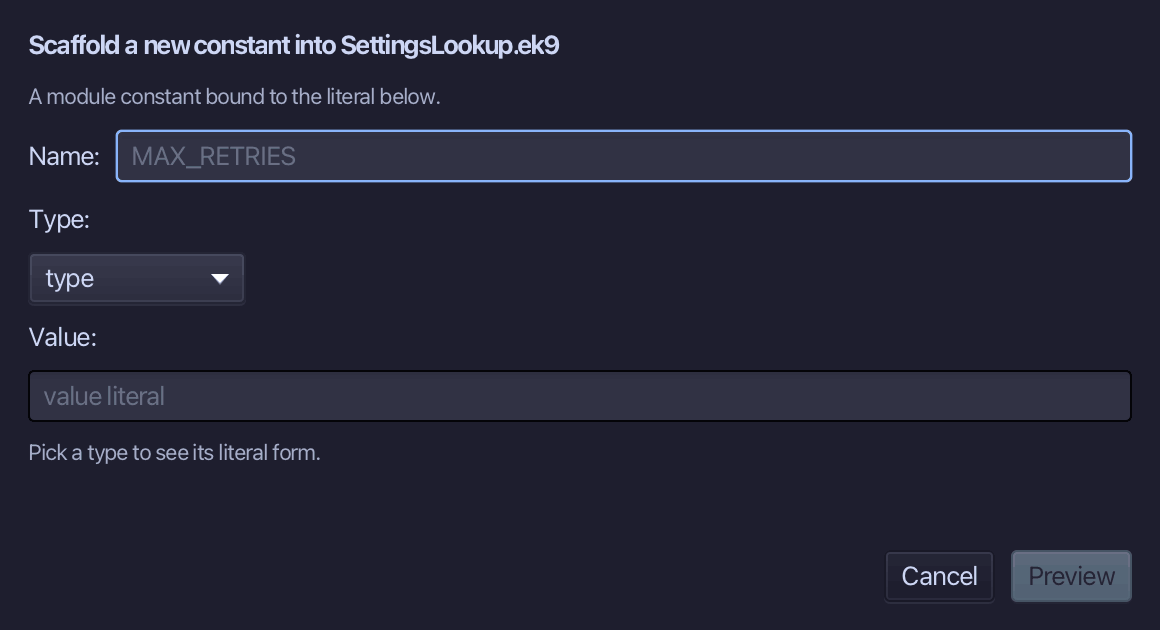
LOWEST_PORT is the constant's name and 1024 its value - a literal in the Value field, from which the type is inferred. Type both and choose Preview.
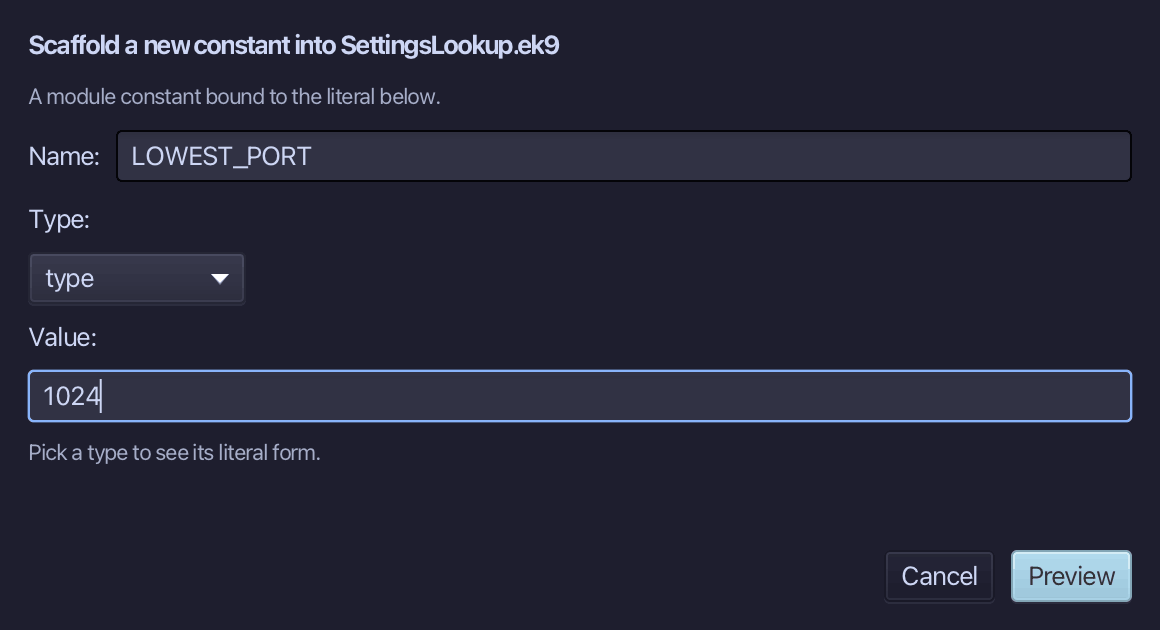
The preview shows LOWEST_PORT about to be written. Choose Apply.
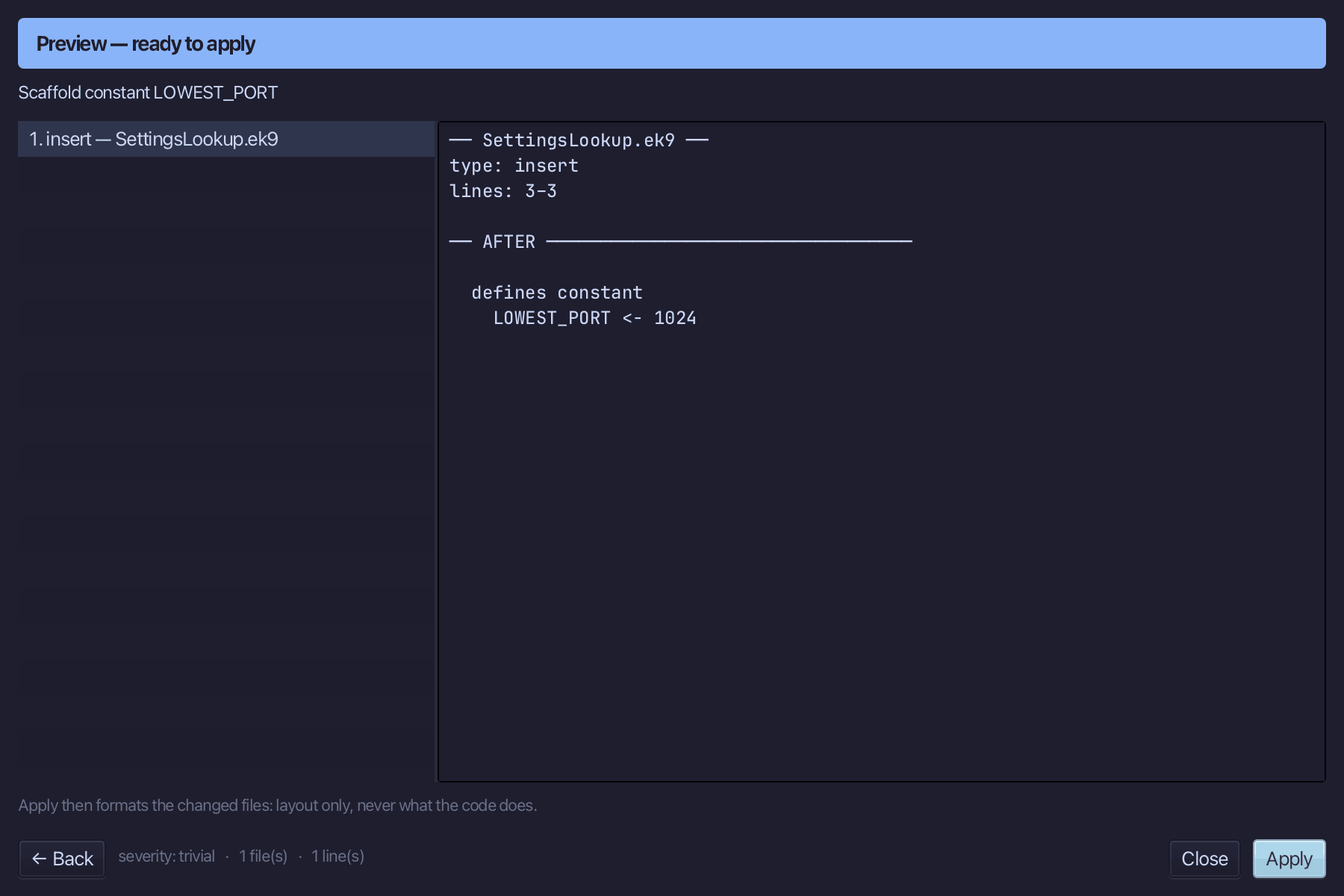
Choose Code > New Construct > Constant…
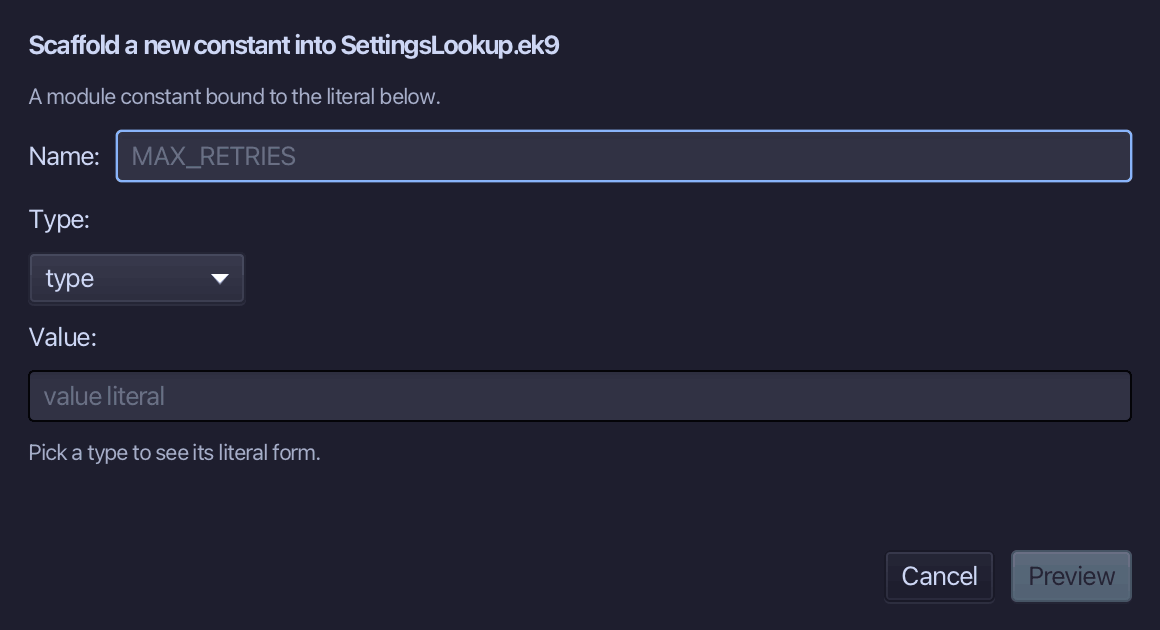
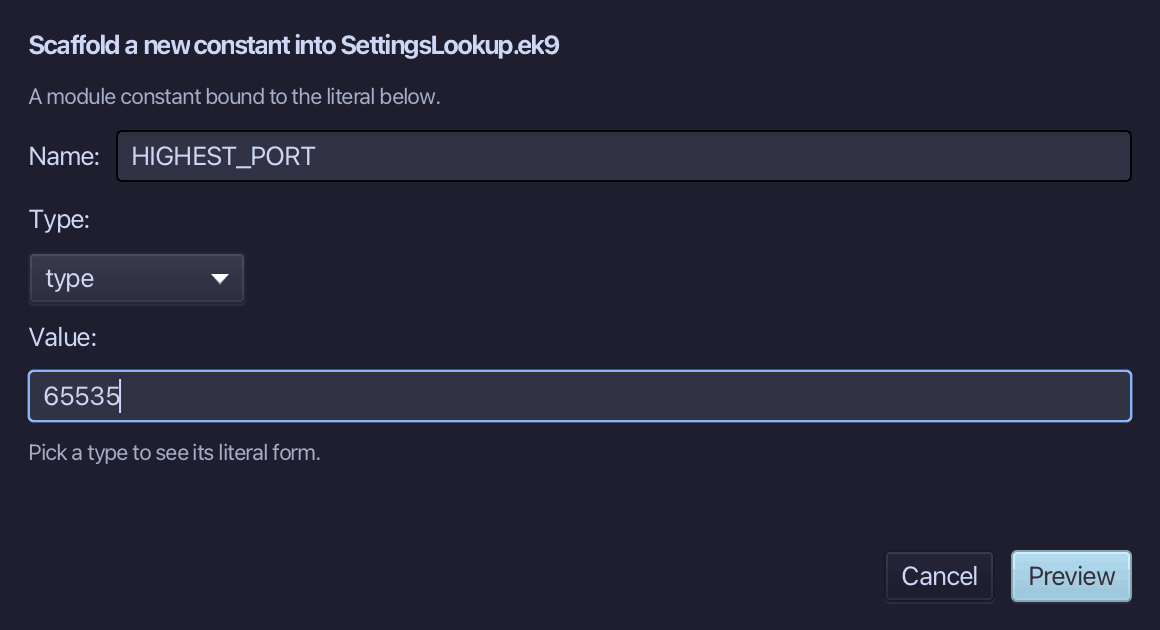
HIGHEST_PORT is the constant's name and 65535 its value - a literal in the Value field, from which the type is inferred. Type both and choose Preview.
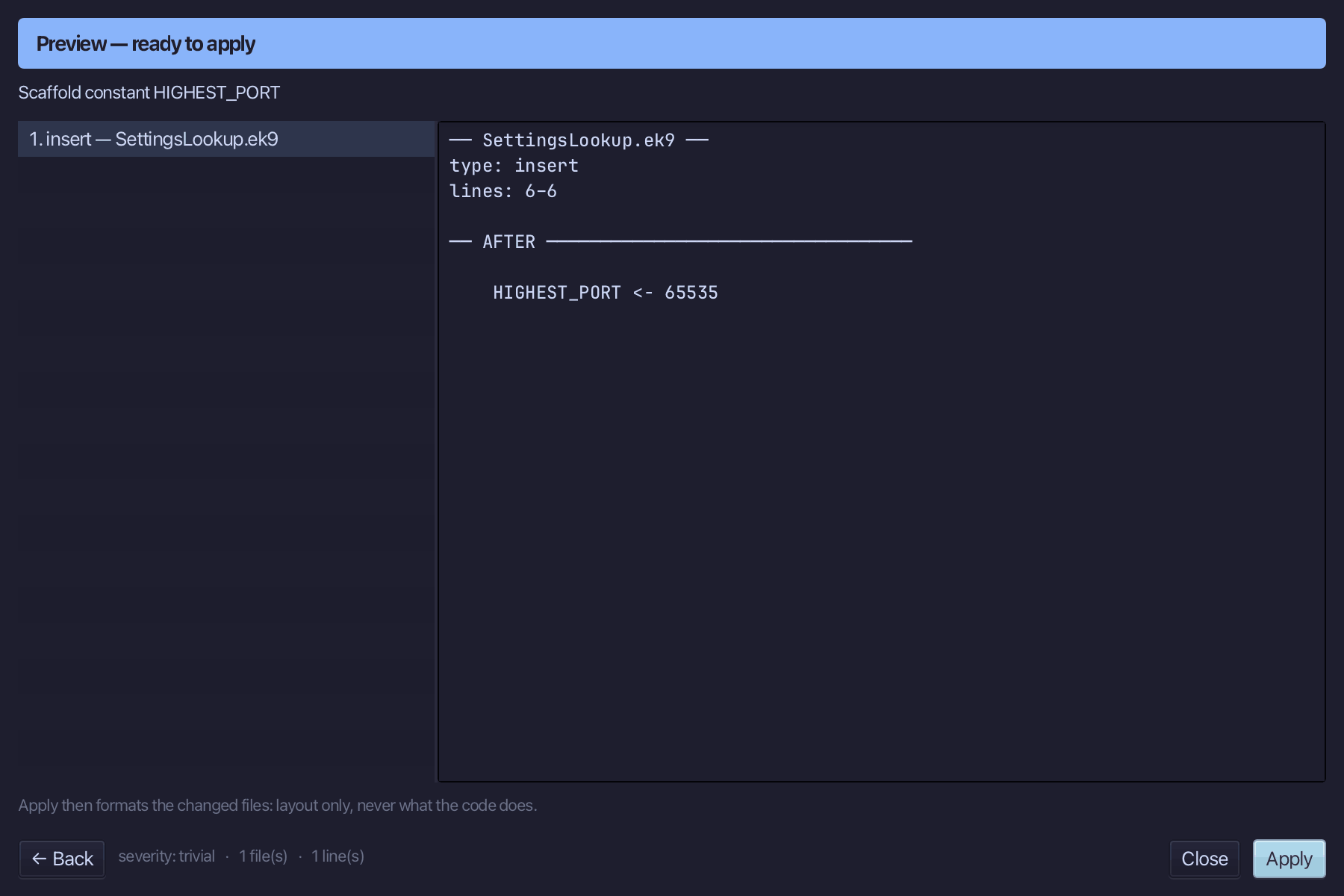
The preview shows HIGHEST_PORT about to be written. Choose Apply.
Step 2: setting — a pure function
Choose Code > New Construct > Function…
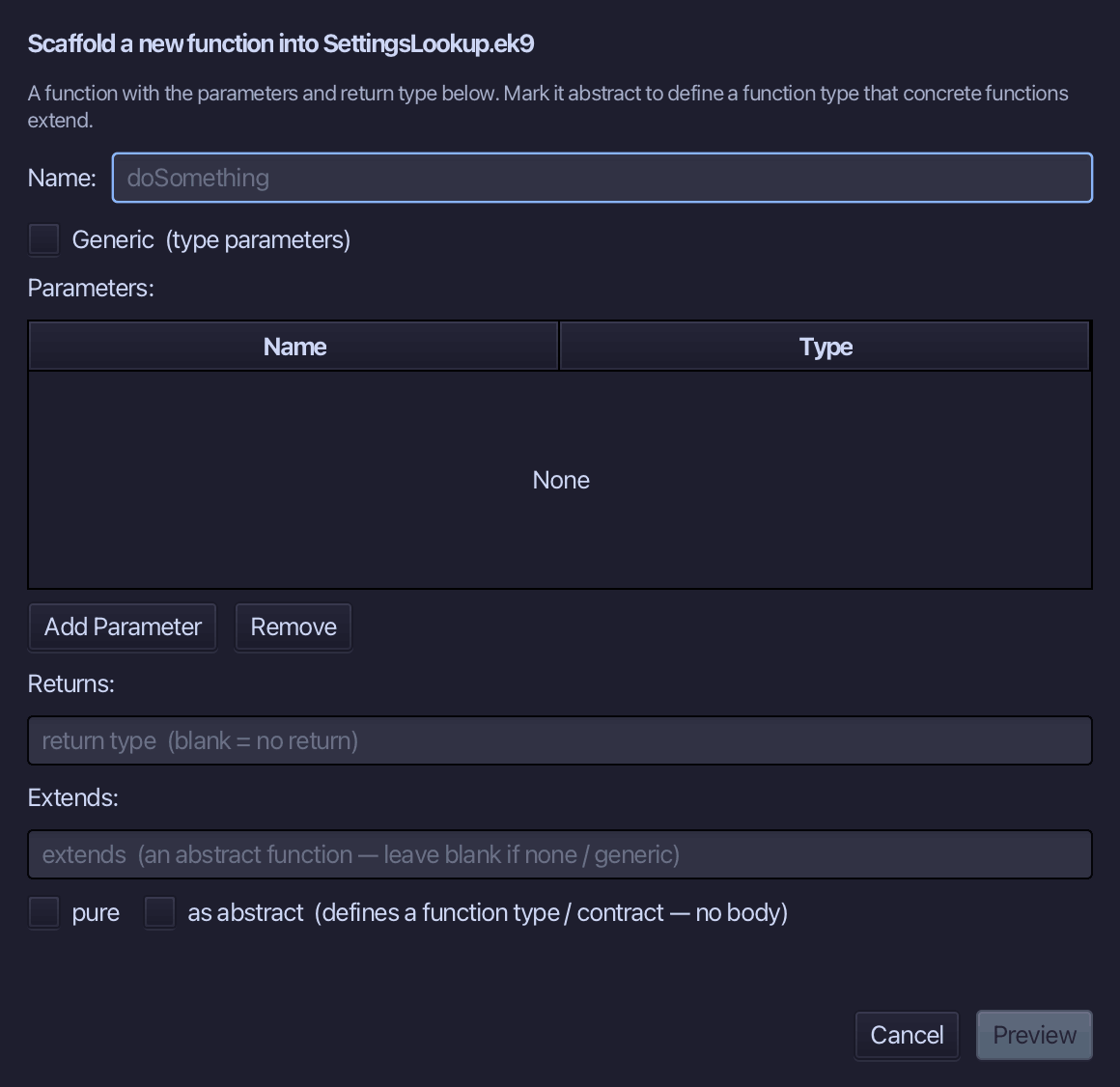
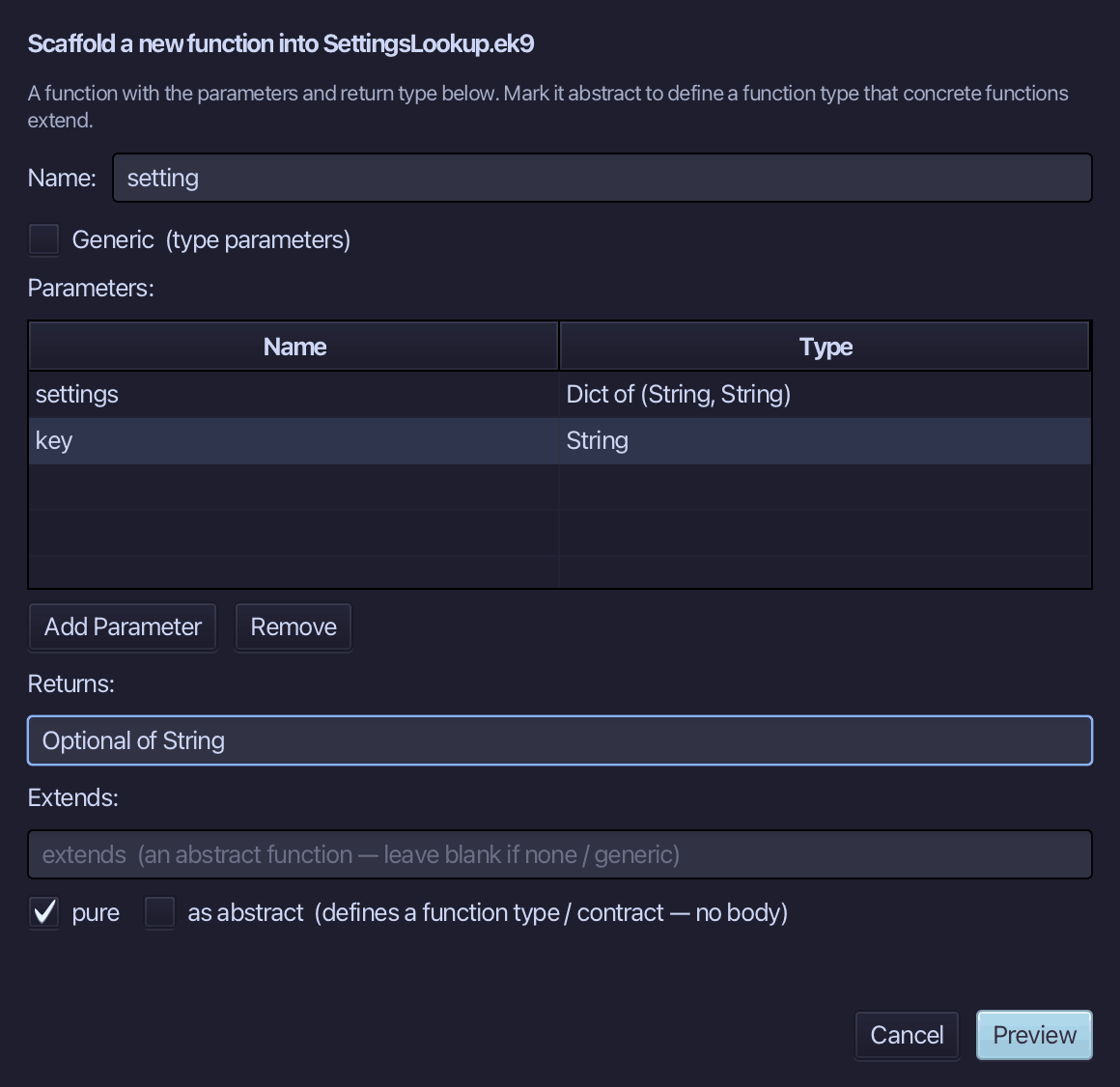
setting is the function's name. Add the parameters settings of type Dict of (String, String) and key of type String, set Returns to Optional of String and tick pure. Choose Preview.
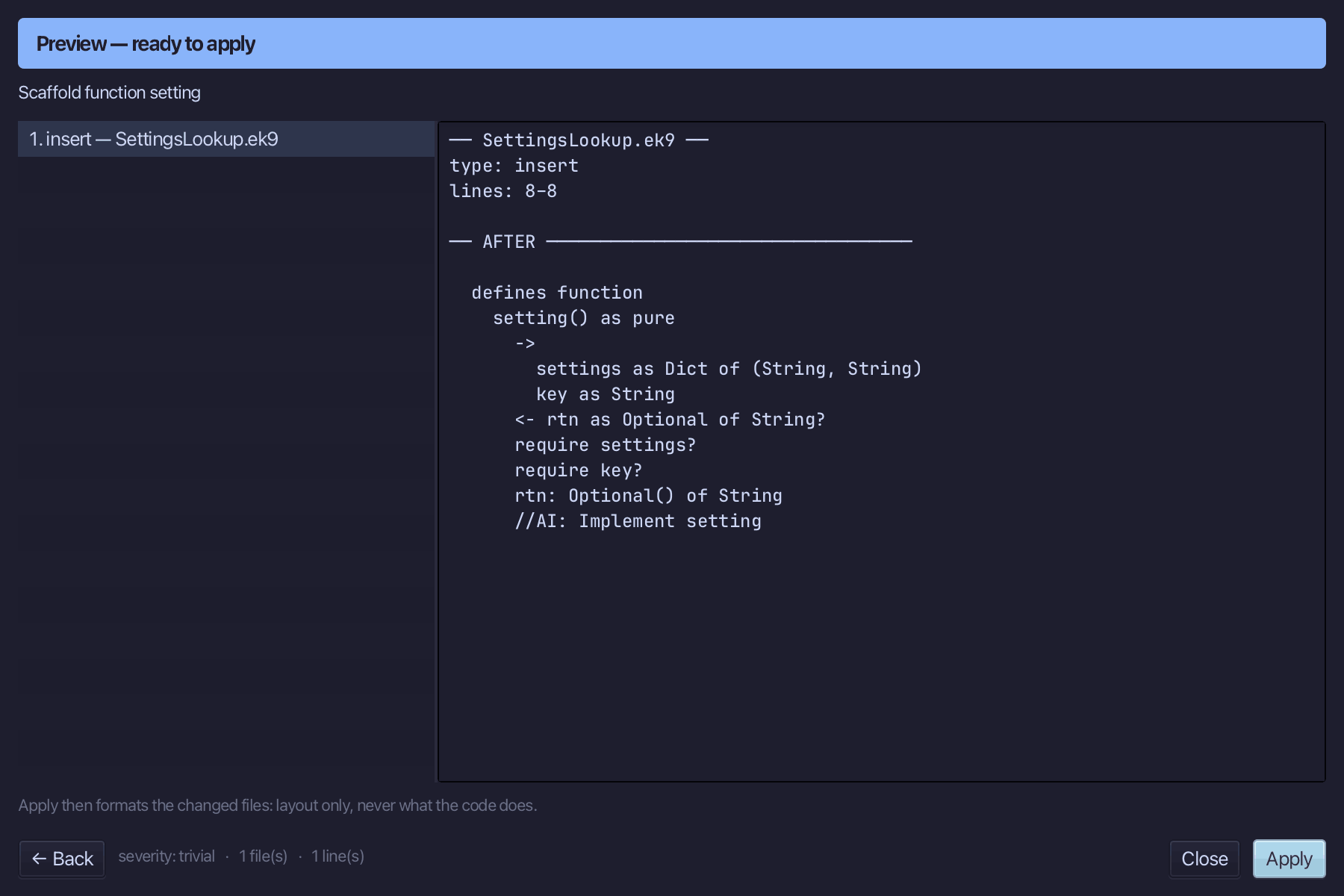
The preview shows setting about to be written. Choose Apply.
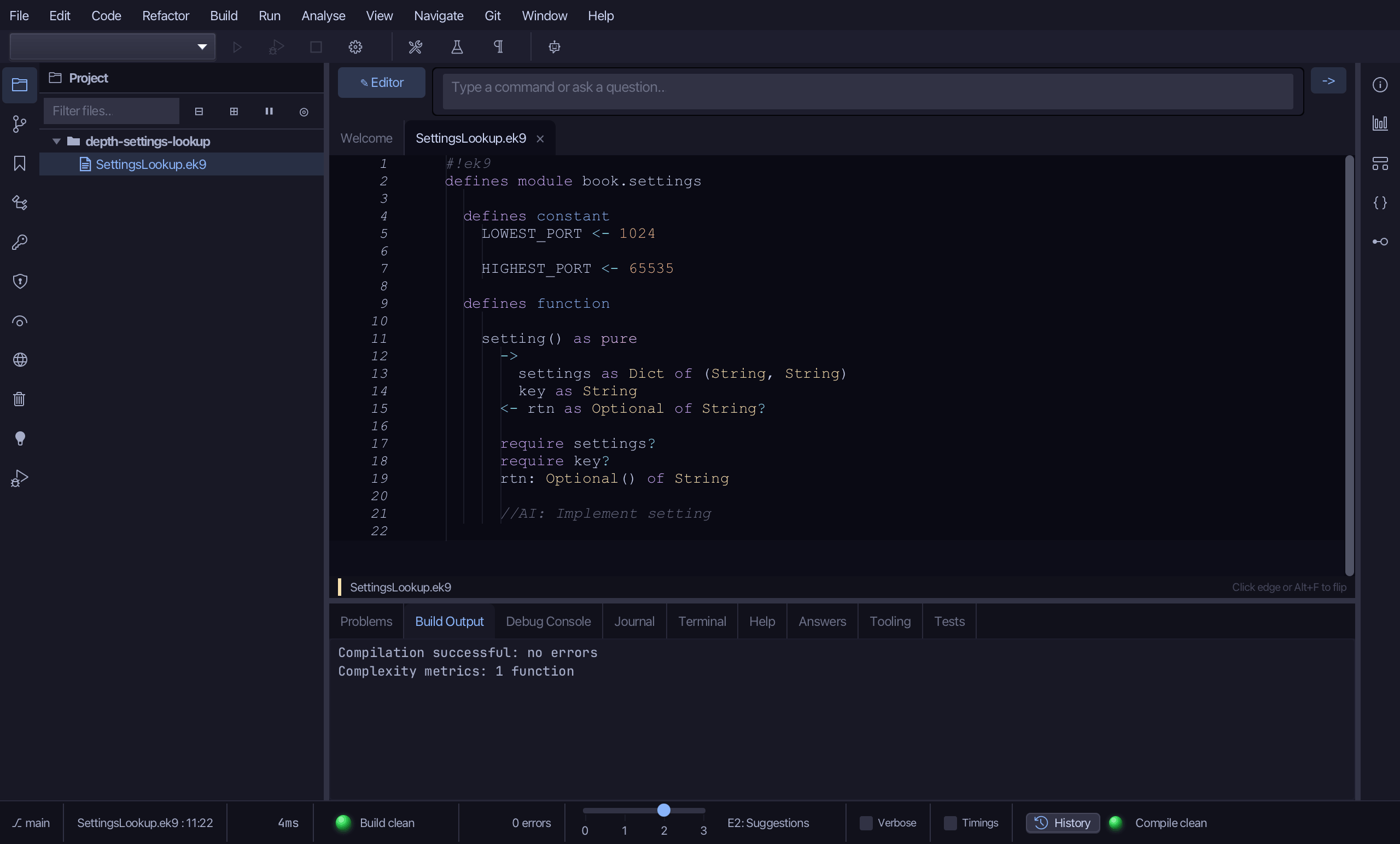
Select the setting() as pure line and, above it, type the blank line the book opens its first function with. Saves when typed.
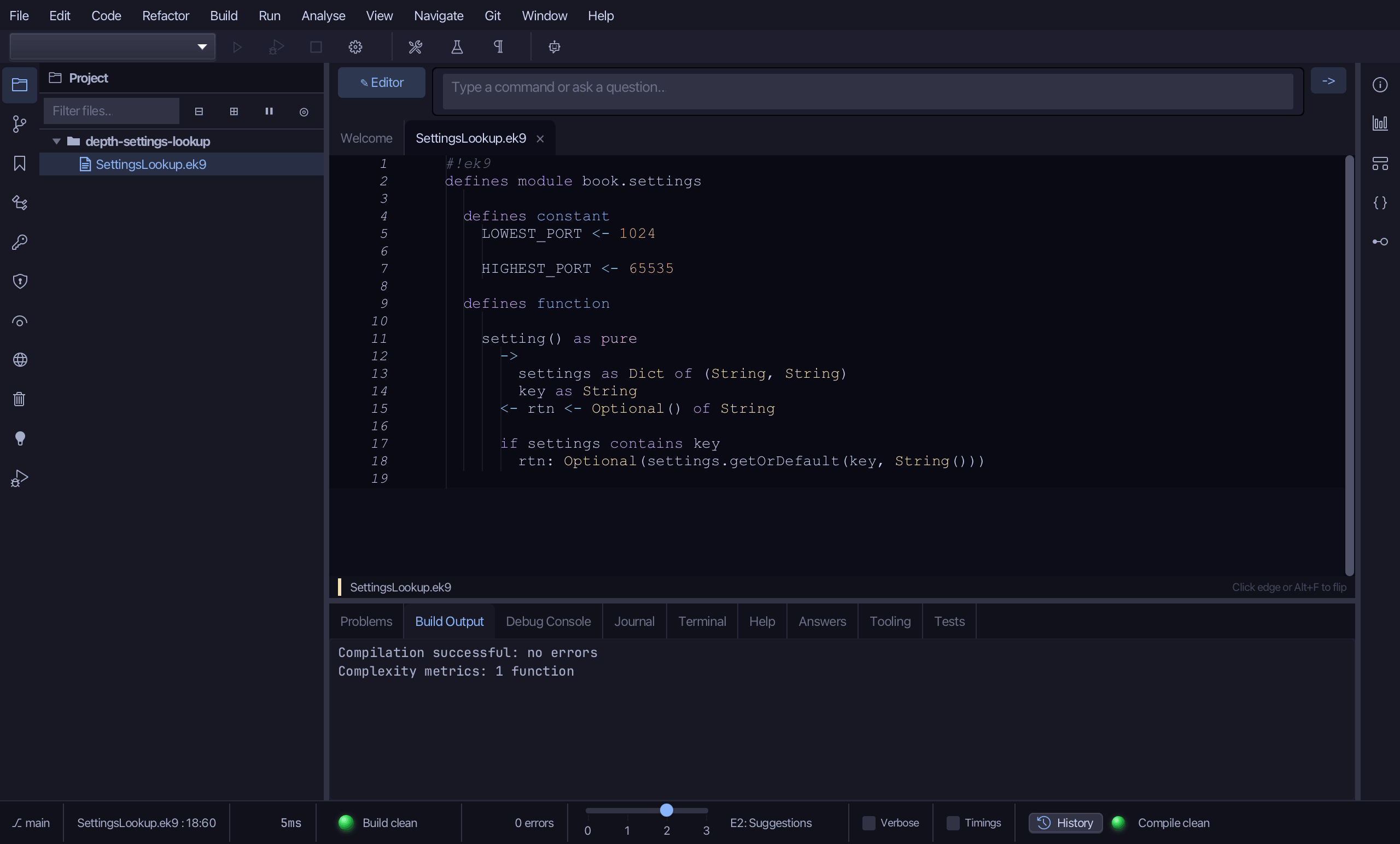
Select the stub, from <- rtn as Optional of String? down to its //AI line, and type setting's own return and work, as the book writes them. Saves when typed.
Step 3: parsePort — a pure function
Choose Code > New Construct > Function…
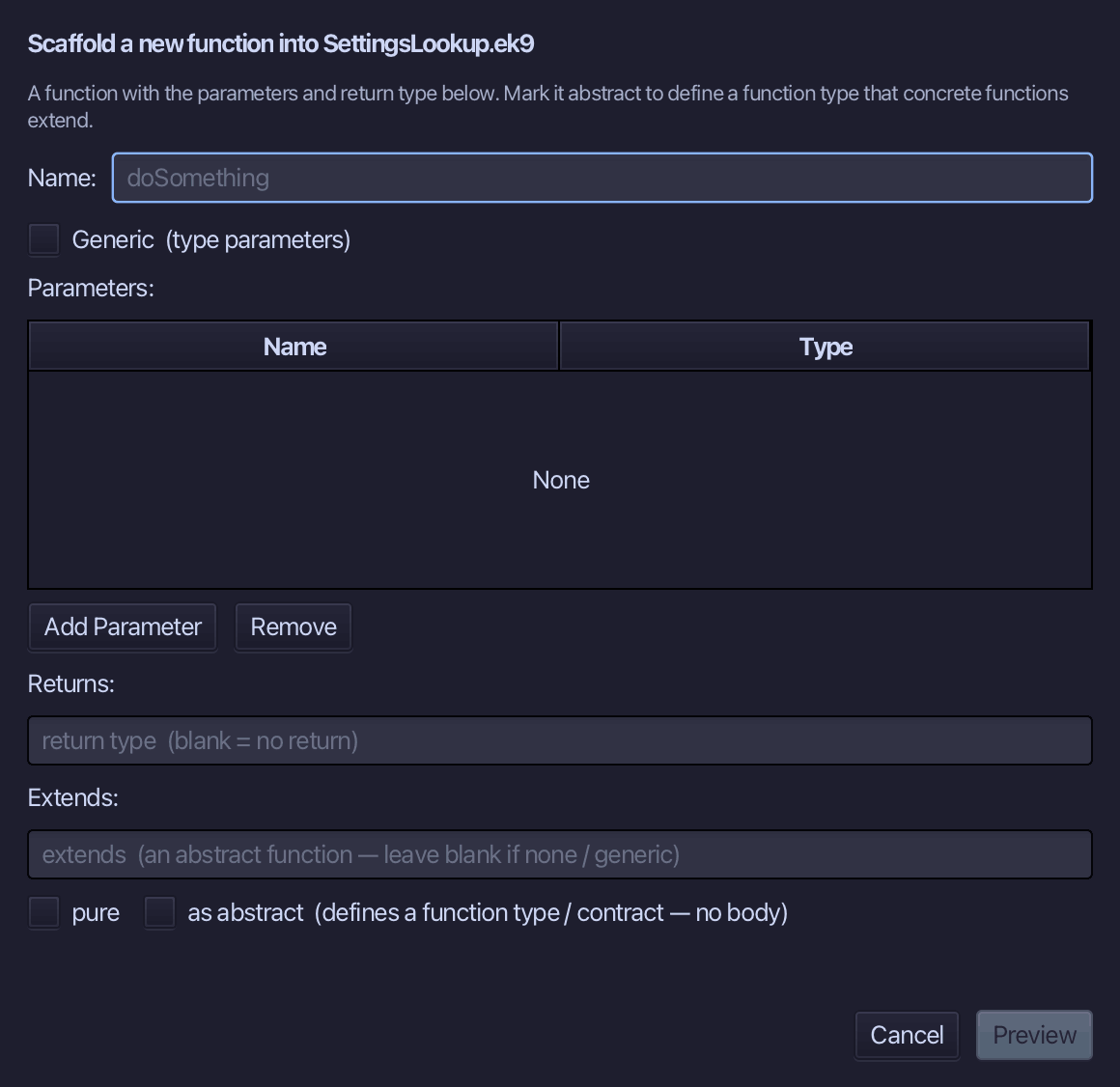
parsePort is the function's name. Add one parameter, text of type String, set Returns to Result of (Integer, String) and tick pure. Choose Preview.
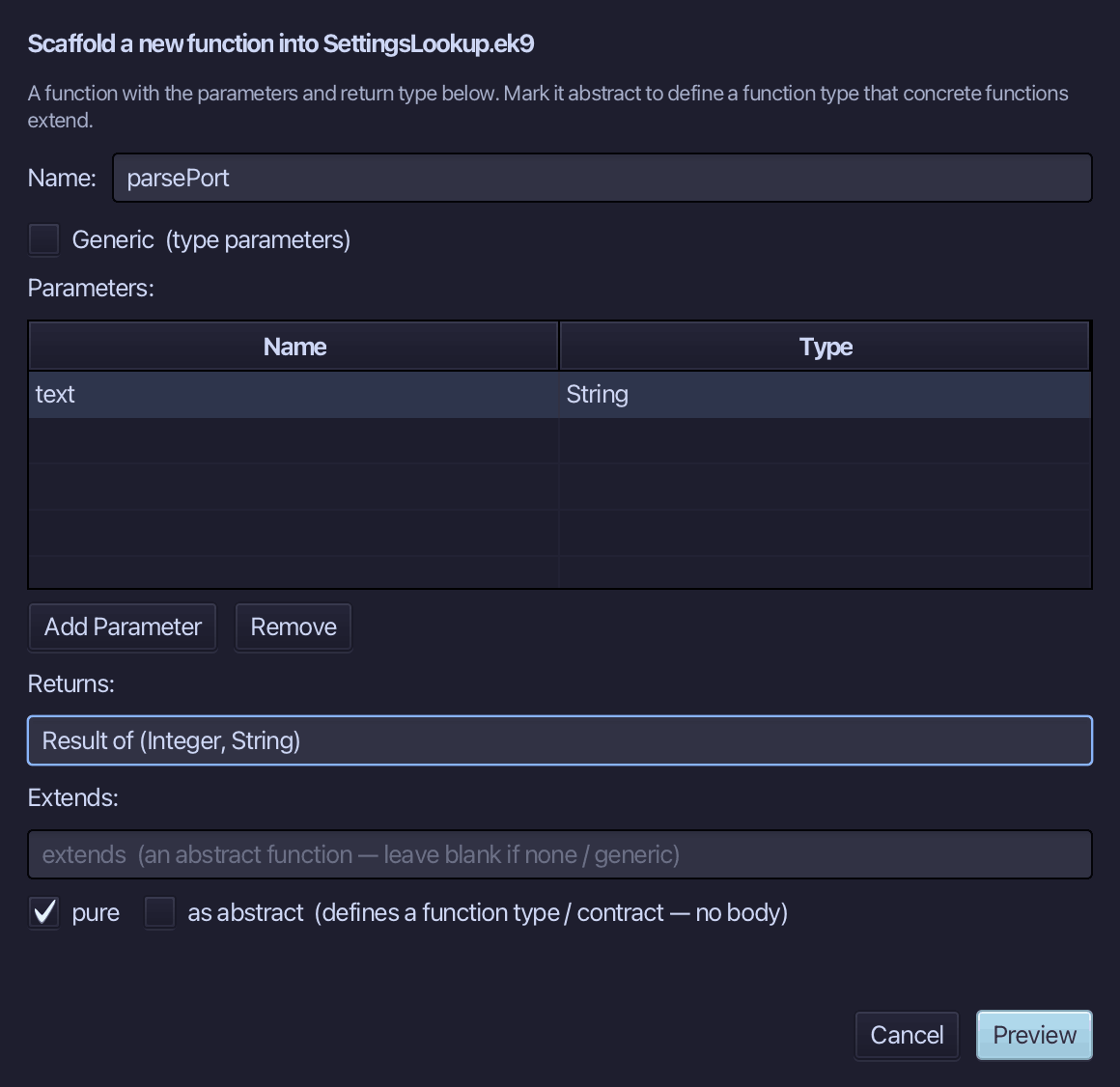
The preview shows parsePort about to be written. Choose Apply.
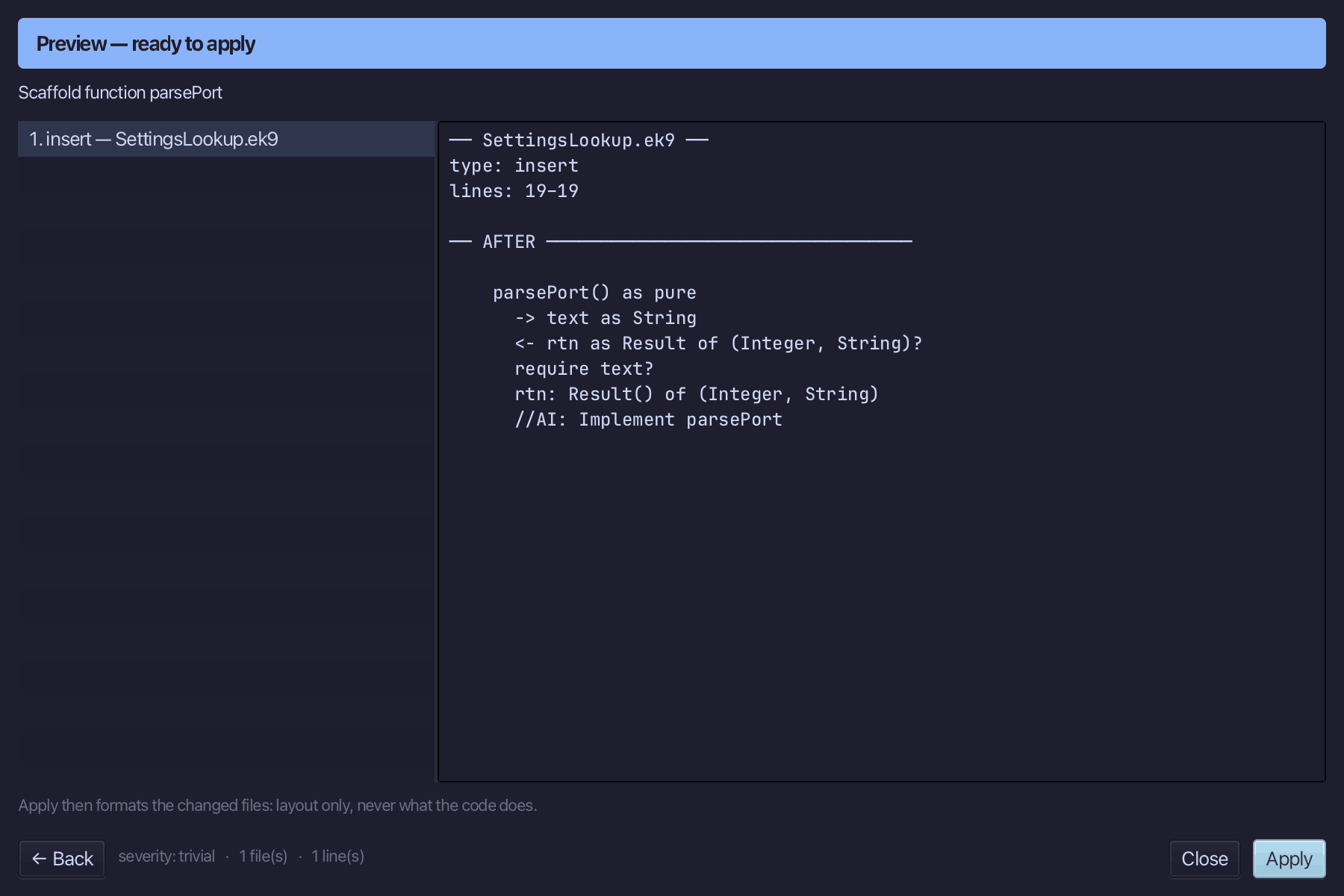
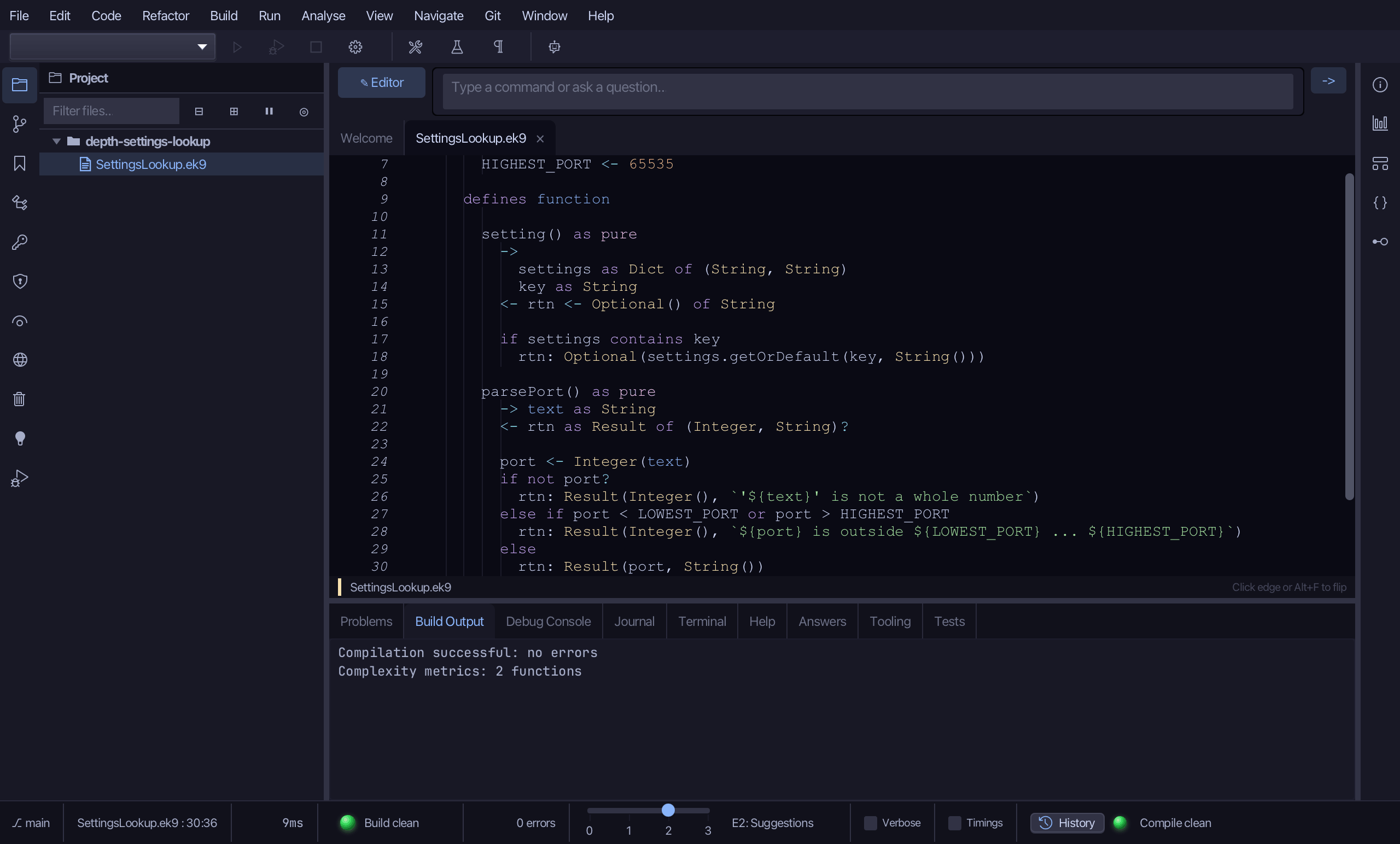
Select the stub, from <- rtn as Result of (Integer, String)? down to its //AI line, and type parsePort's own return and work, as the book writes them. Saves when typed.
Step 4: showPort — a function
Choose Code > New Construct > Function…
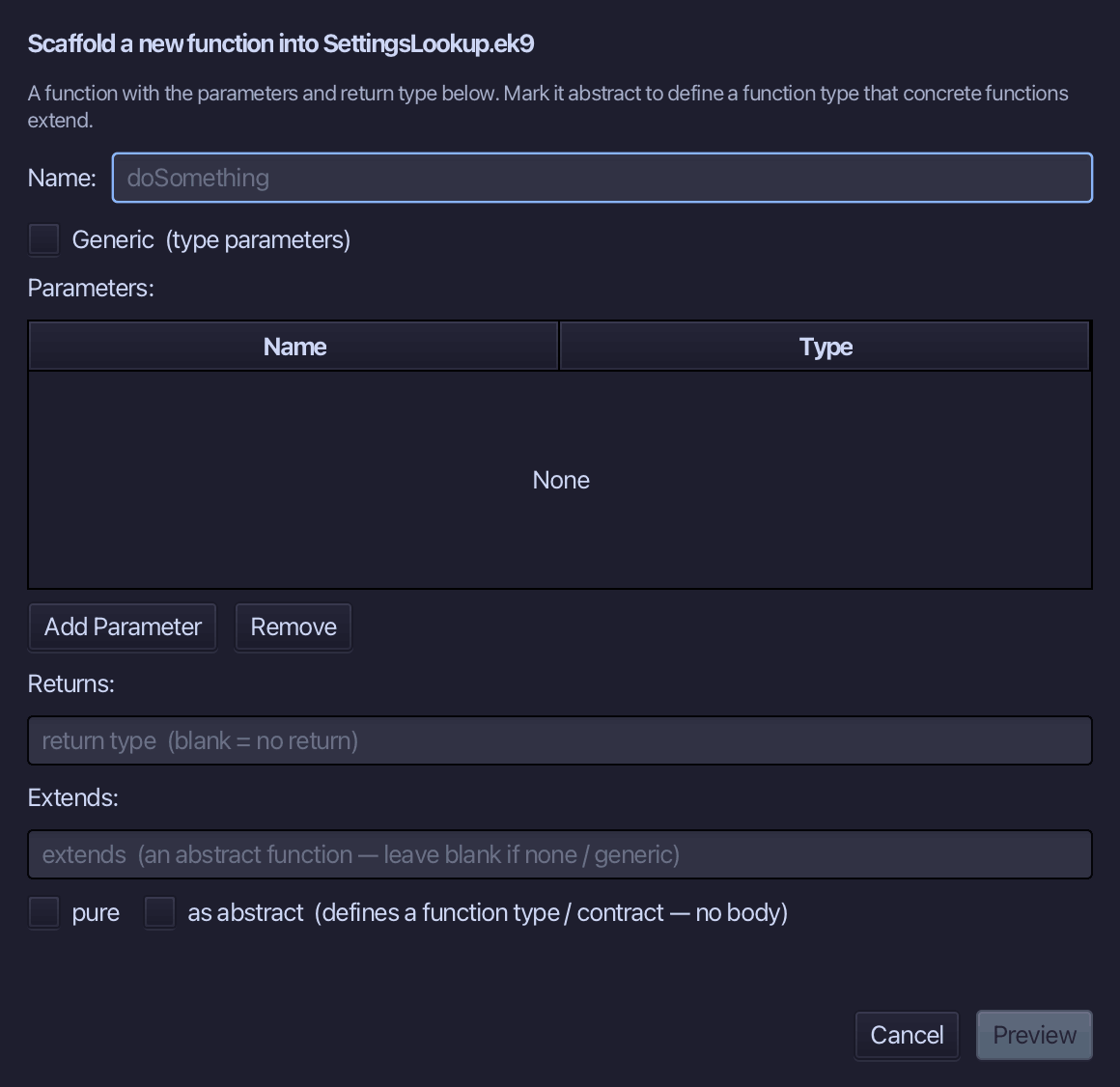
showPort is the function's name. Add one parameter, port of type Integer. Choose Preview.
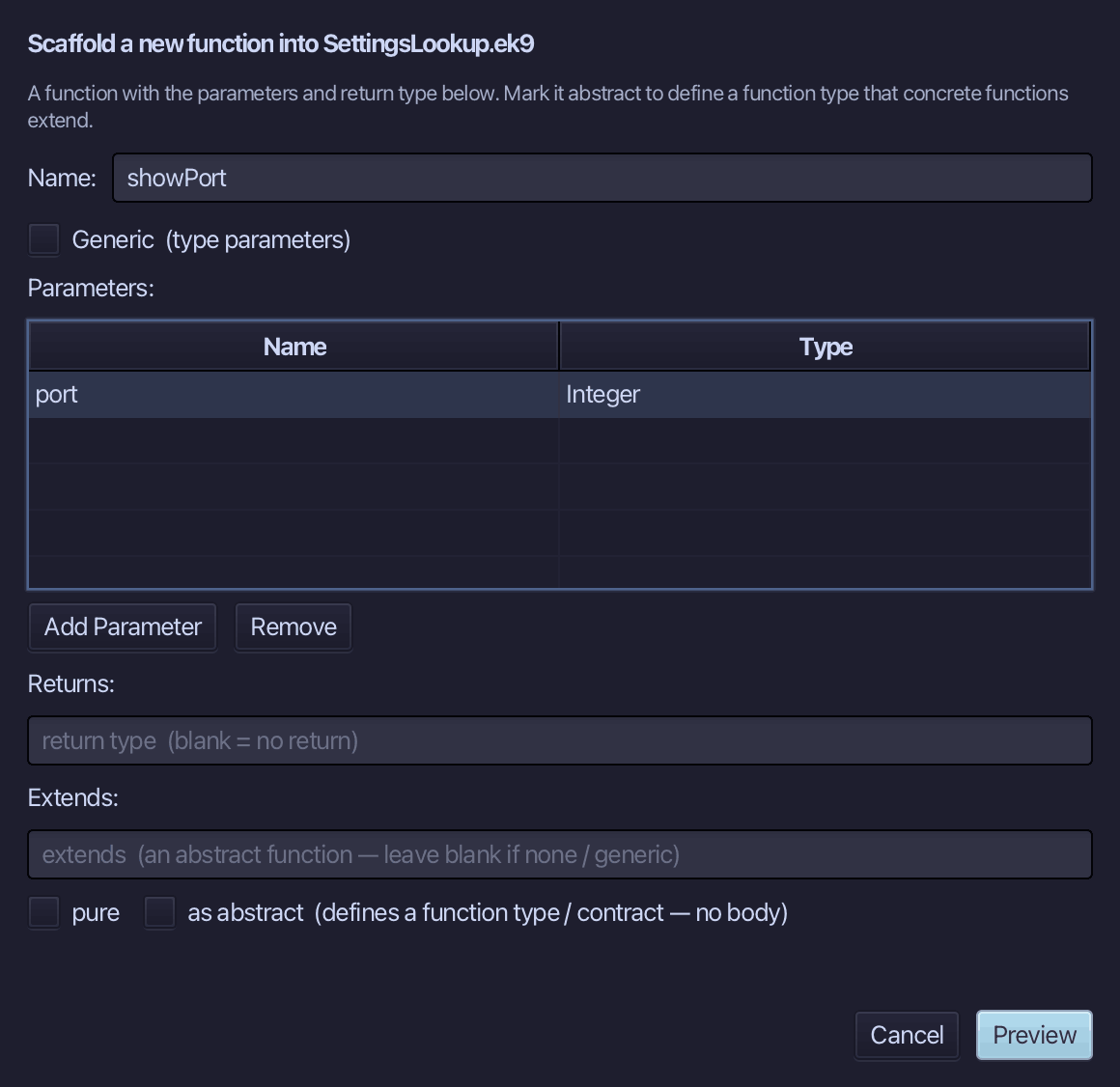
The preview shows showPort about to be written. Choose Apply.
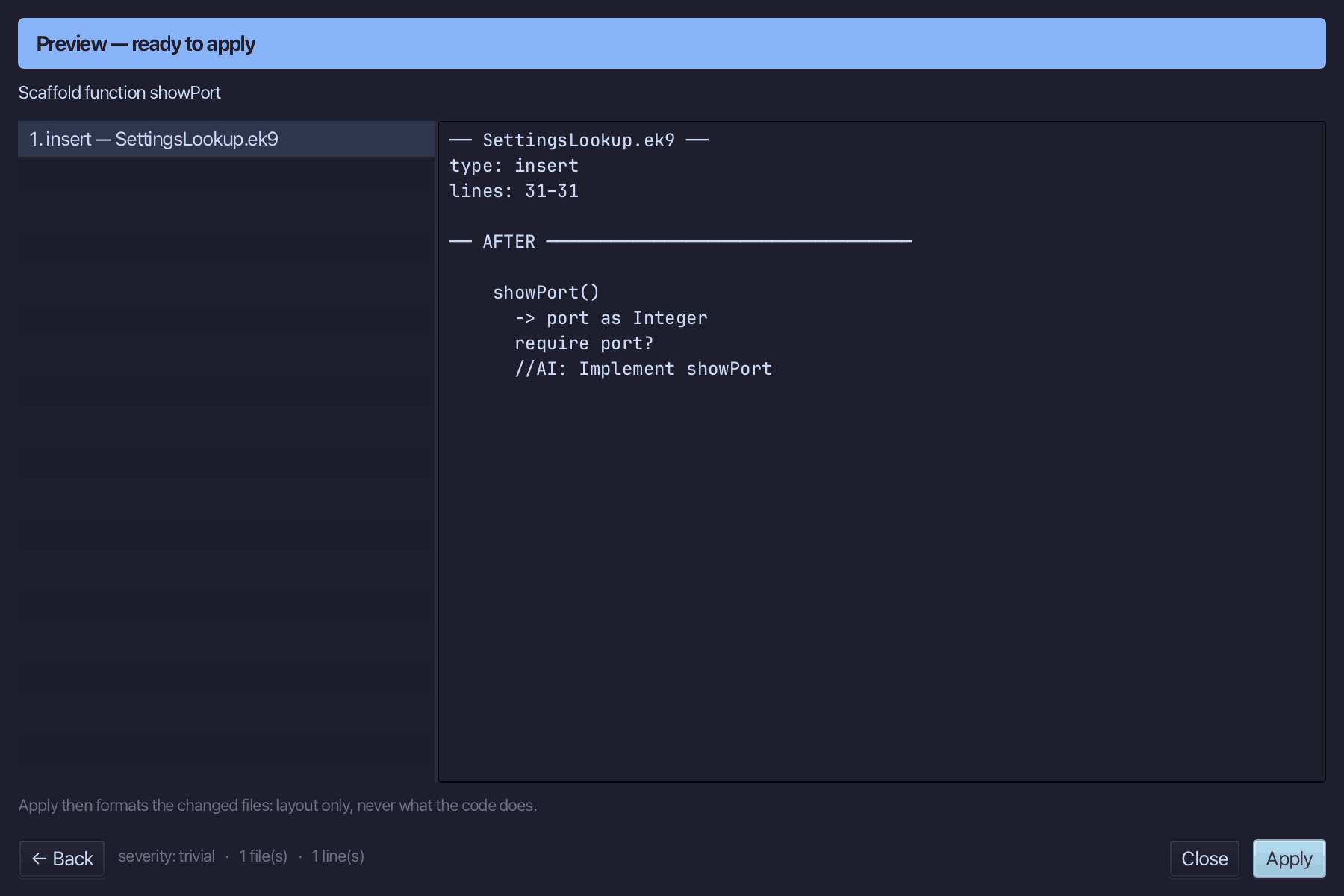
Select the stub, from require port? down to its //AI line, and type showPort's own return and work, as the book writes them. Saves when typed.
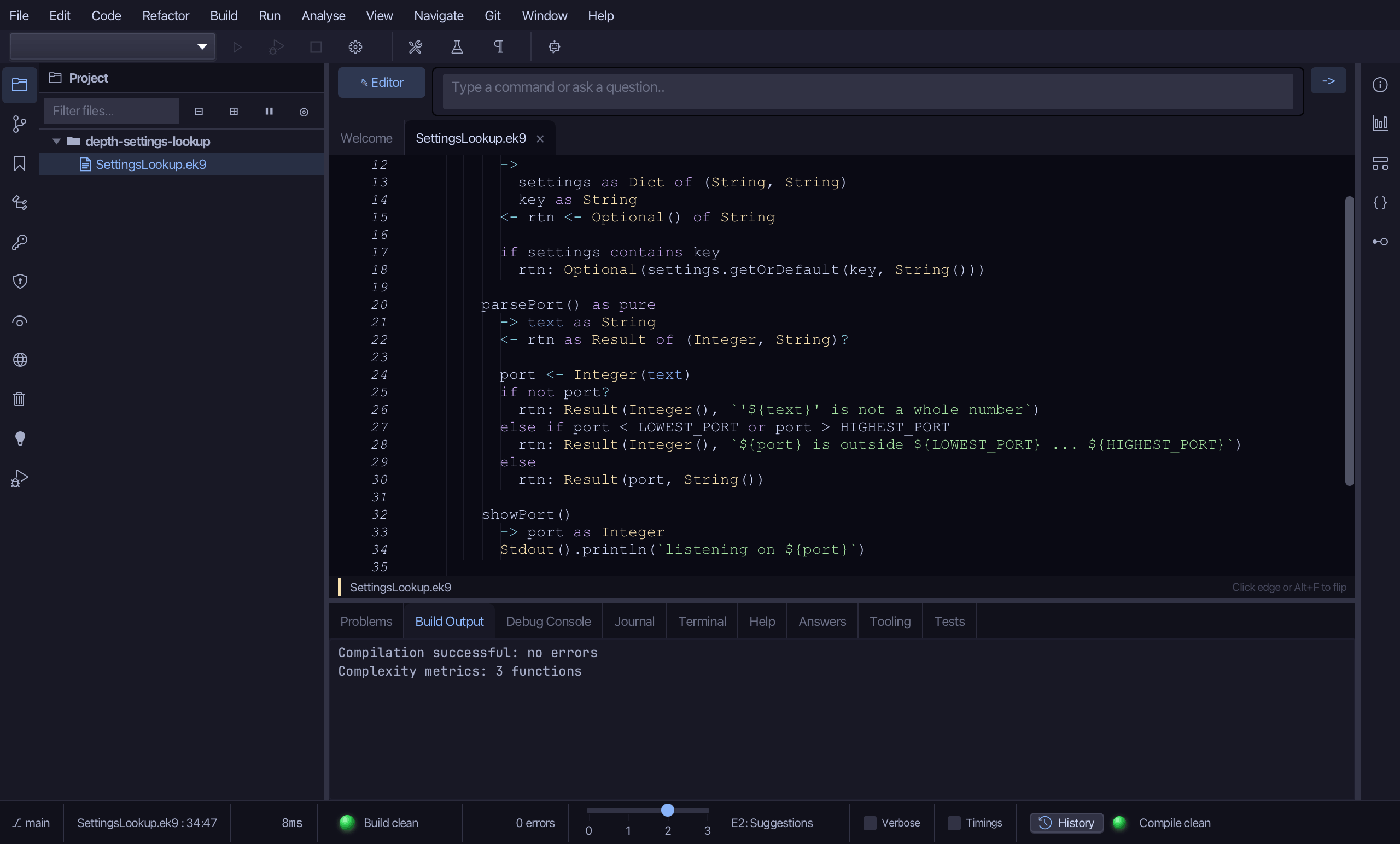
Step 5: showProblem — a function
Choose Code > New Construct > Function…
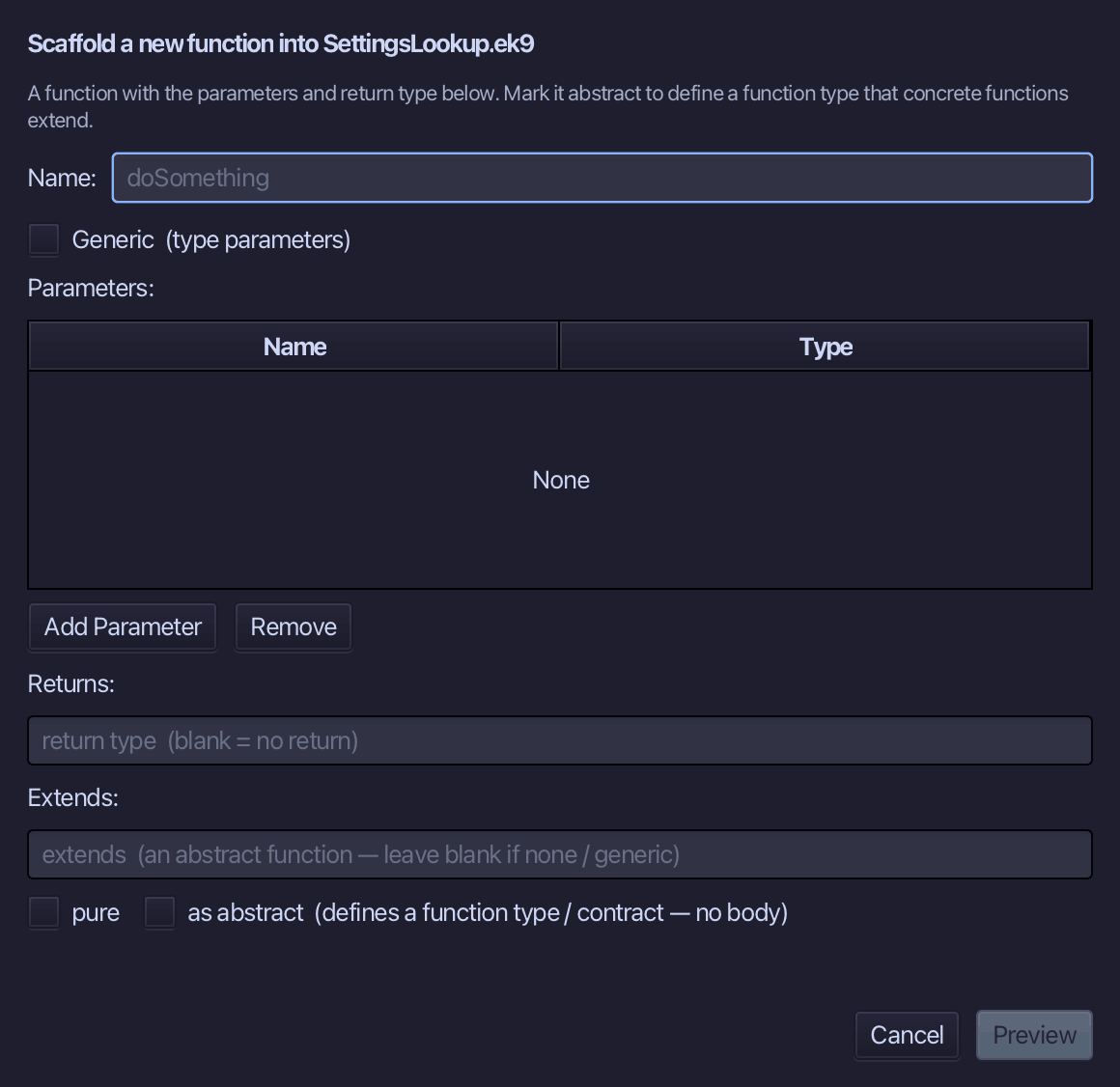
showProblem is the function's name. Add one parameter, problem of type String. Choose Preview.
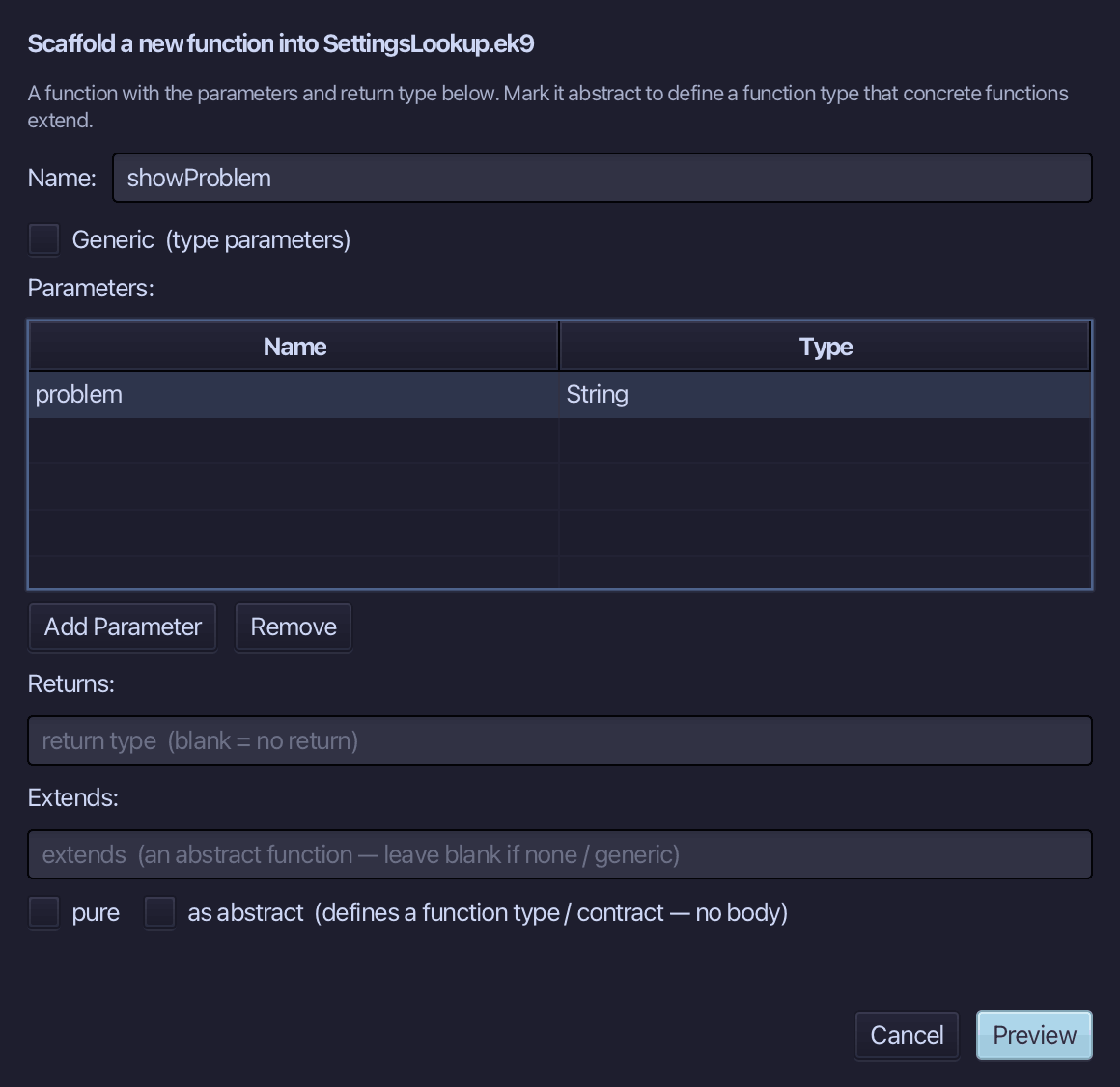
The preview shows showProblem about to be written. Choose Apply.
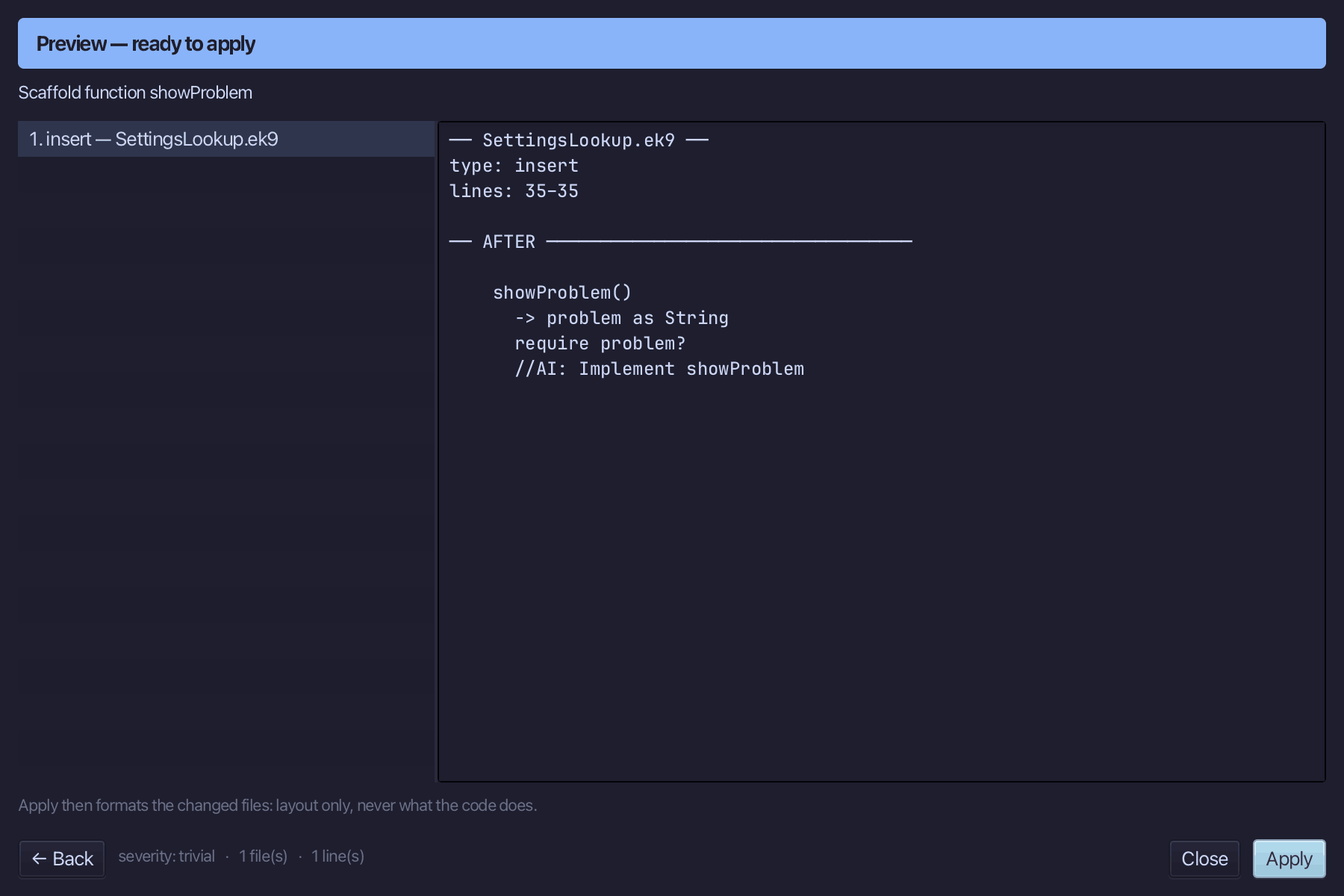
Select the stub, from require problem? down to its //AI line, and type showProblem's own return and work, as the book writes them. Saves when typed.
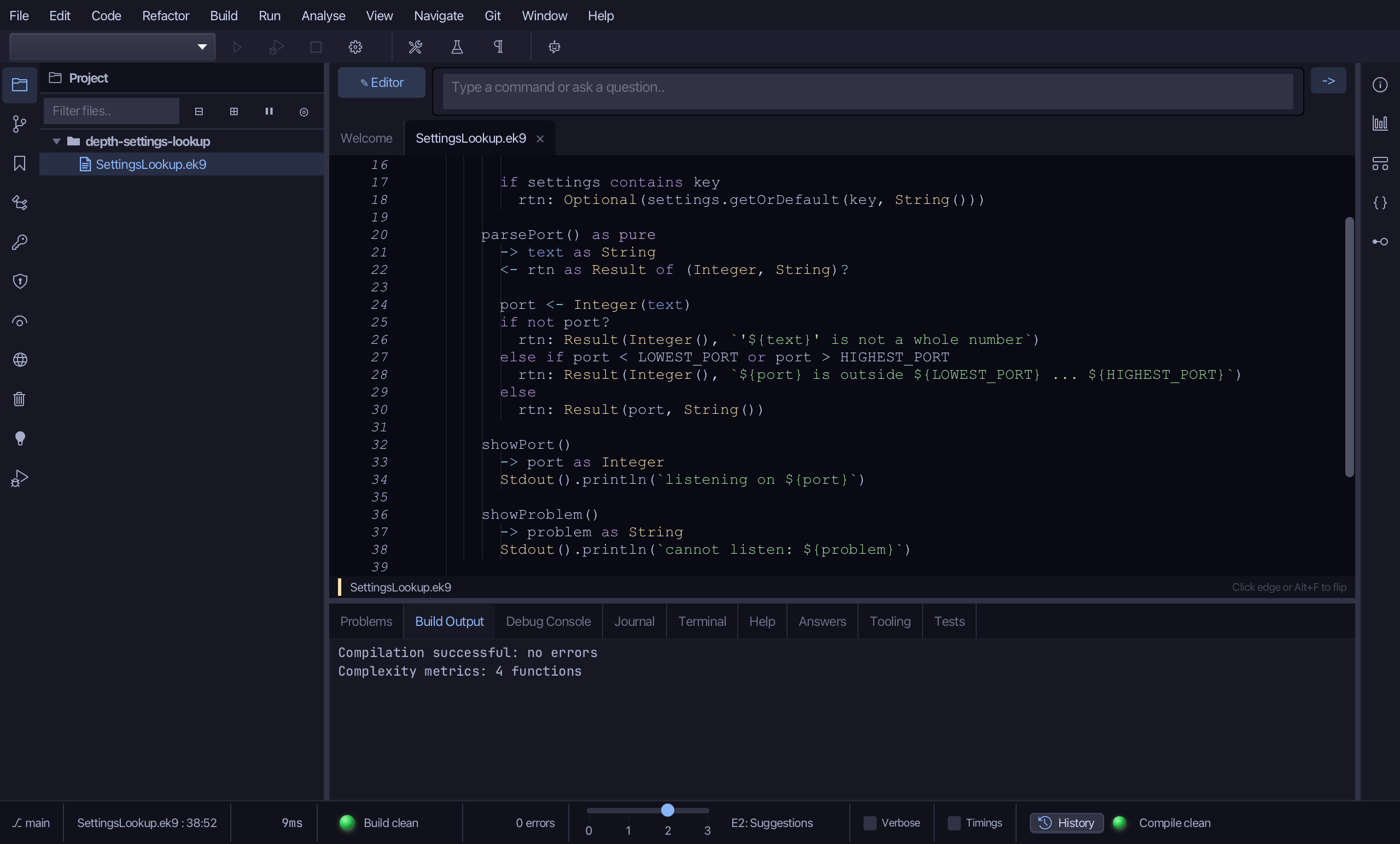
Step 6: The program
Choose Code > New Construct > Program…
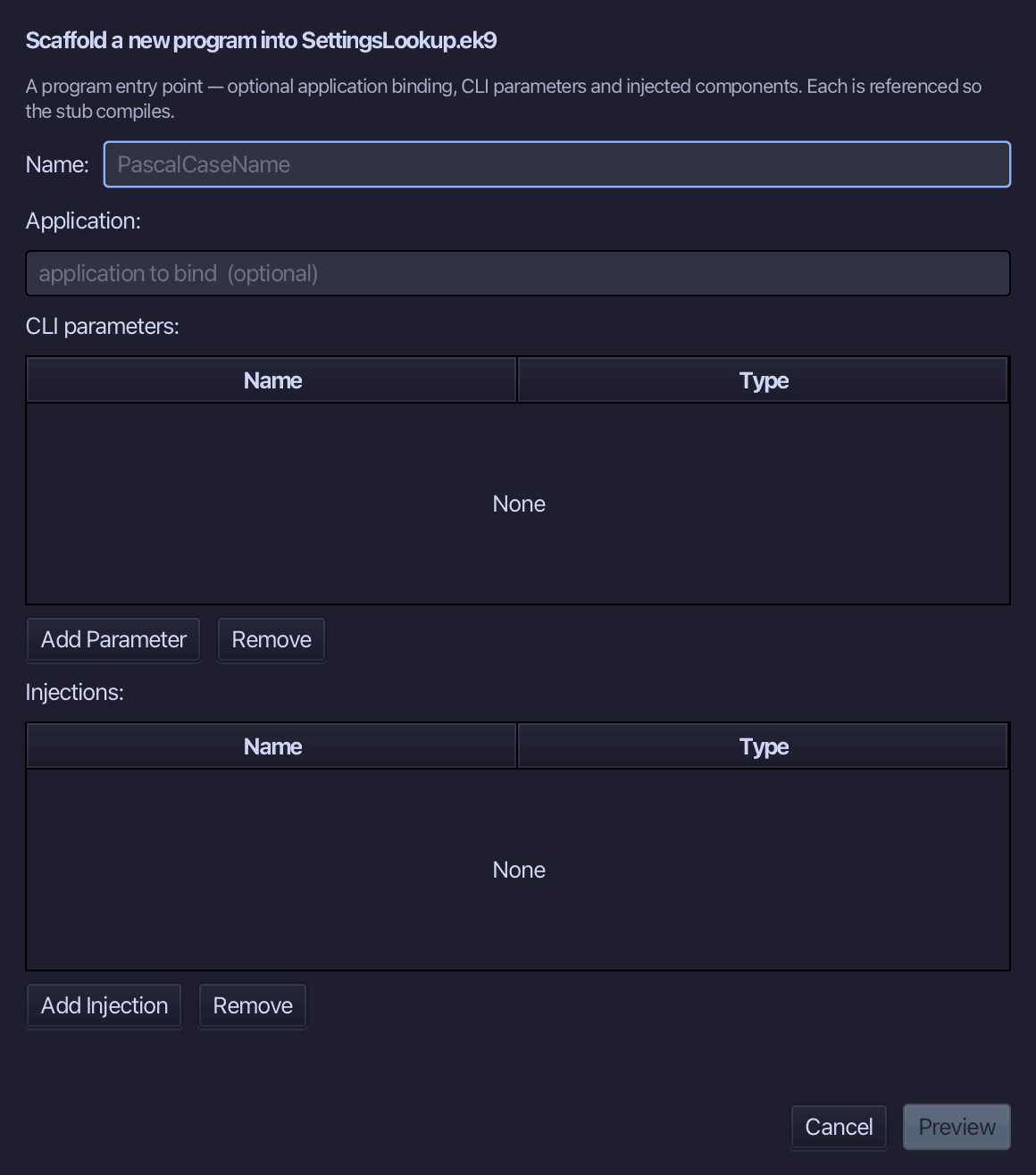
StartServer is the program's name. Choose Preview.
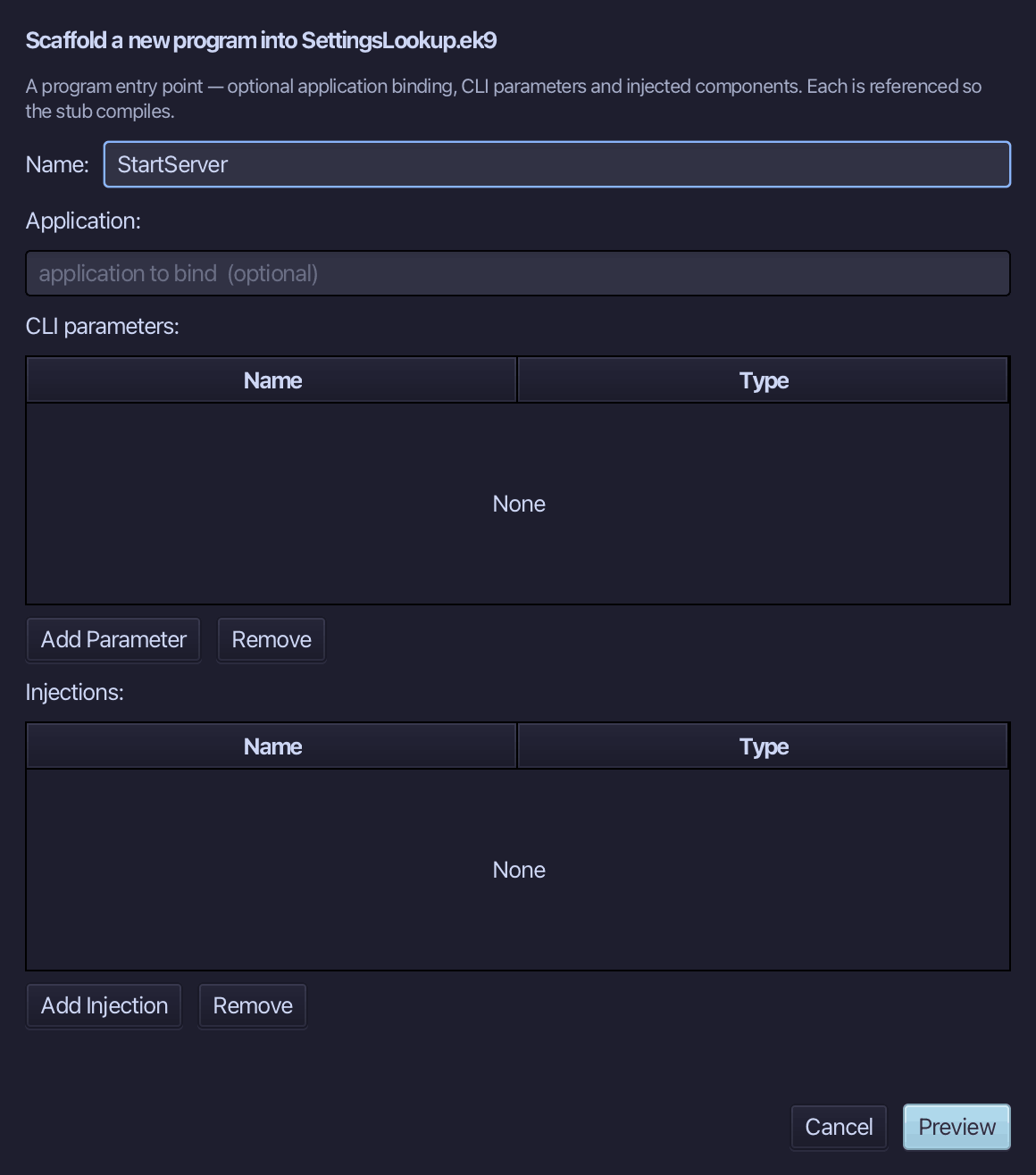
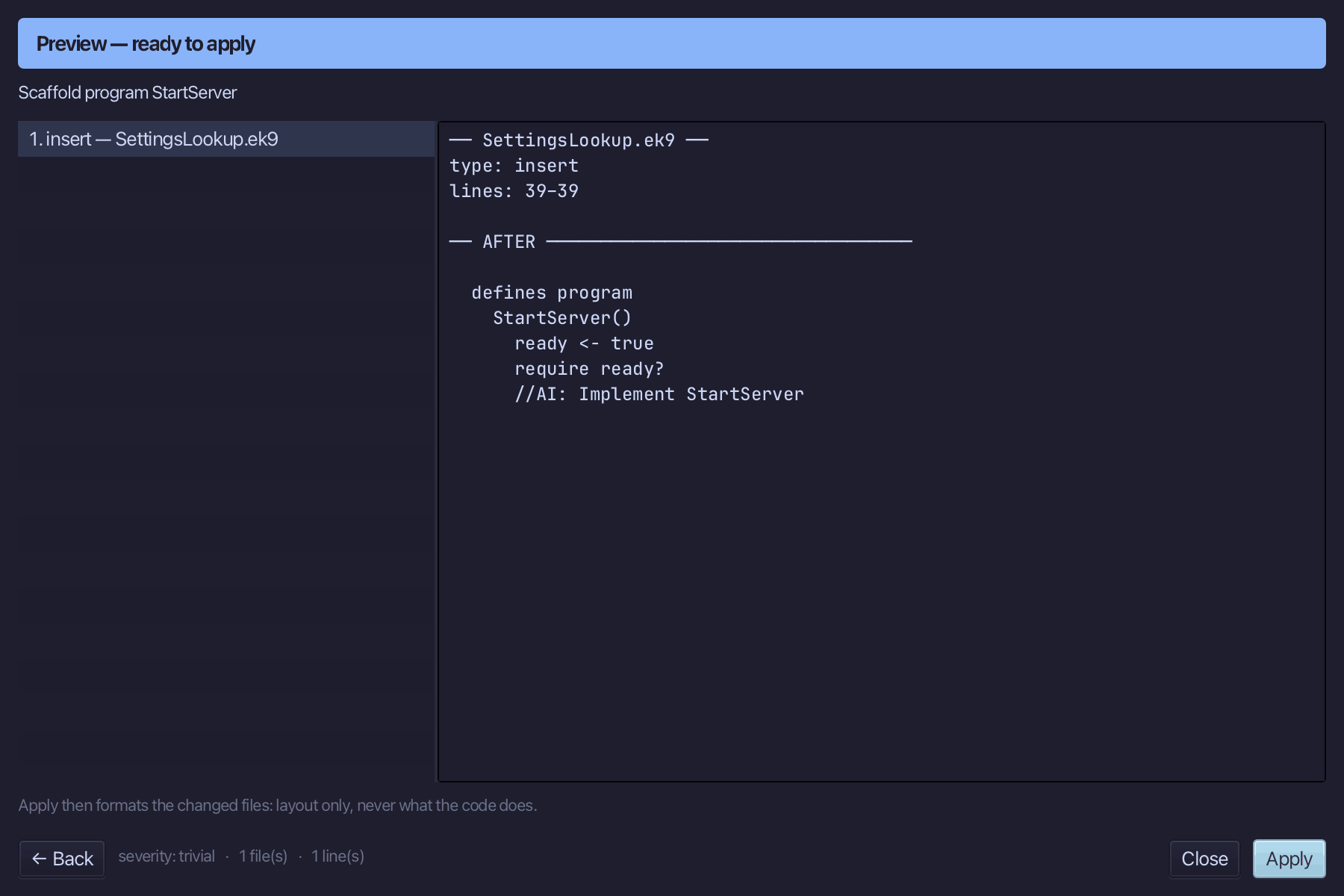
The preview shows StartServer about to be written. Choose Apply.
Select the StartServer() line and, above it, type the blank line the book opens the program with. Saves when typed.
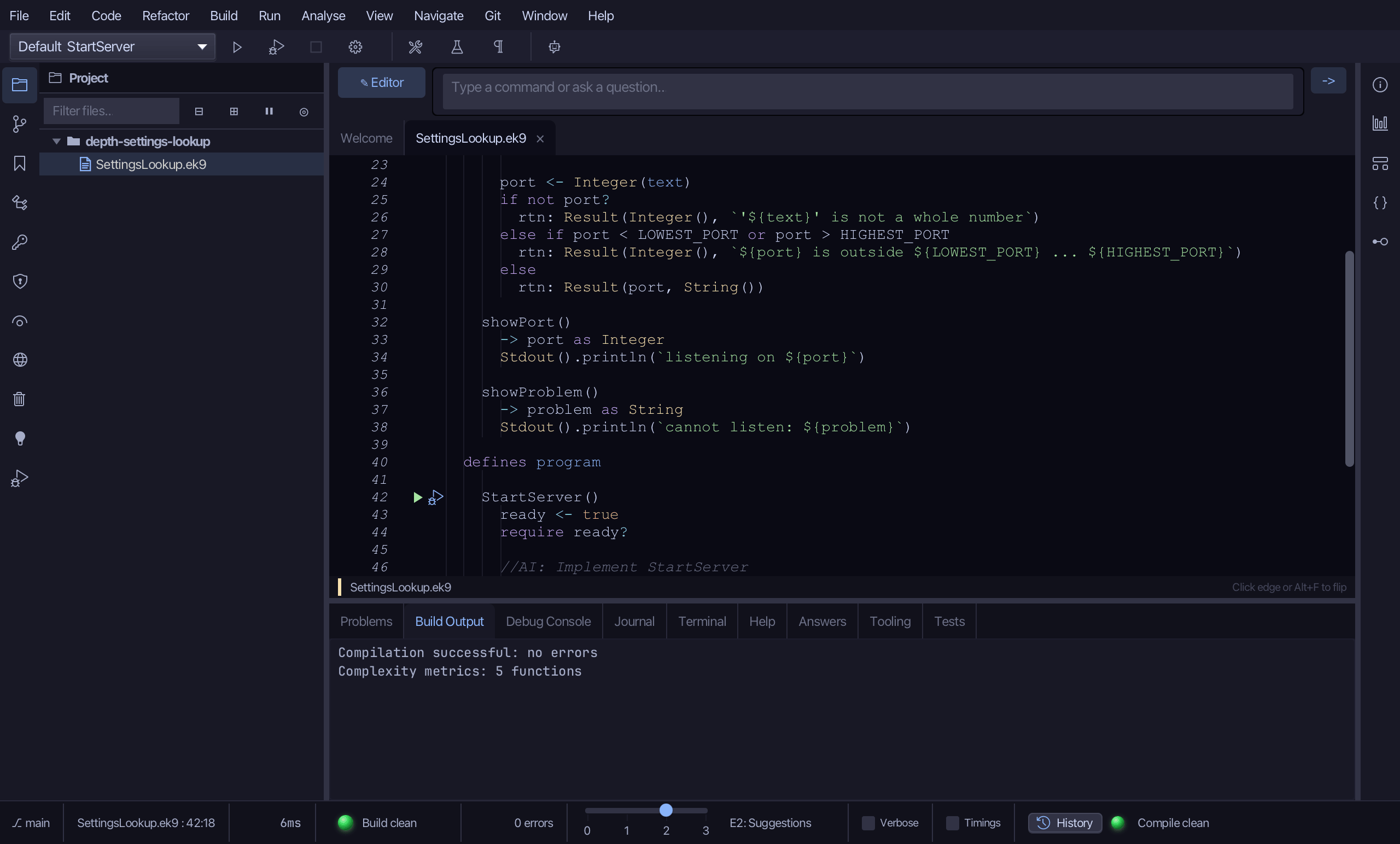
Select the stub, from ready <- true down to its //AI line, and type StartServer's body exactly as the chapter shows it. Saves when typed.
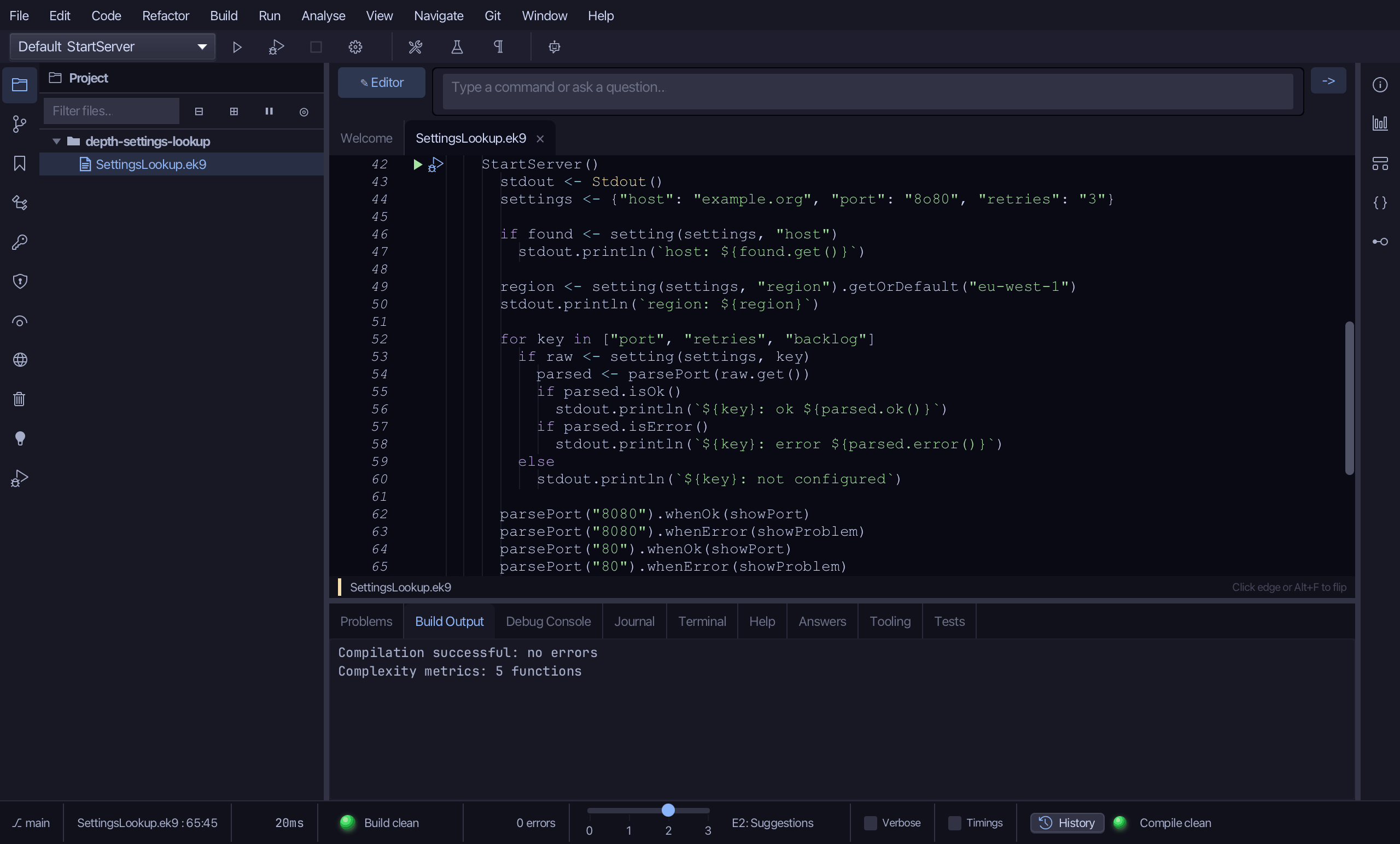
Step 7: Run it
Choose Run > Run Program…
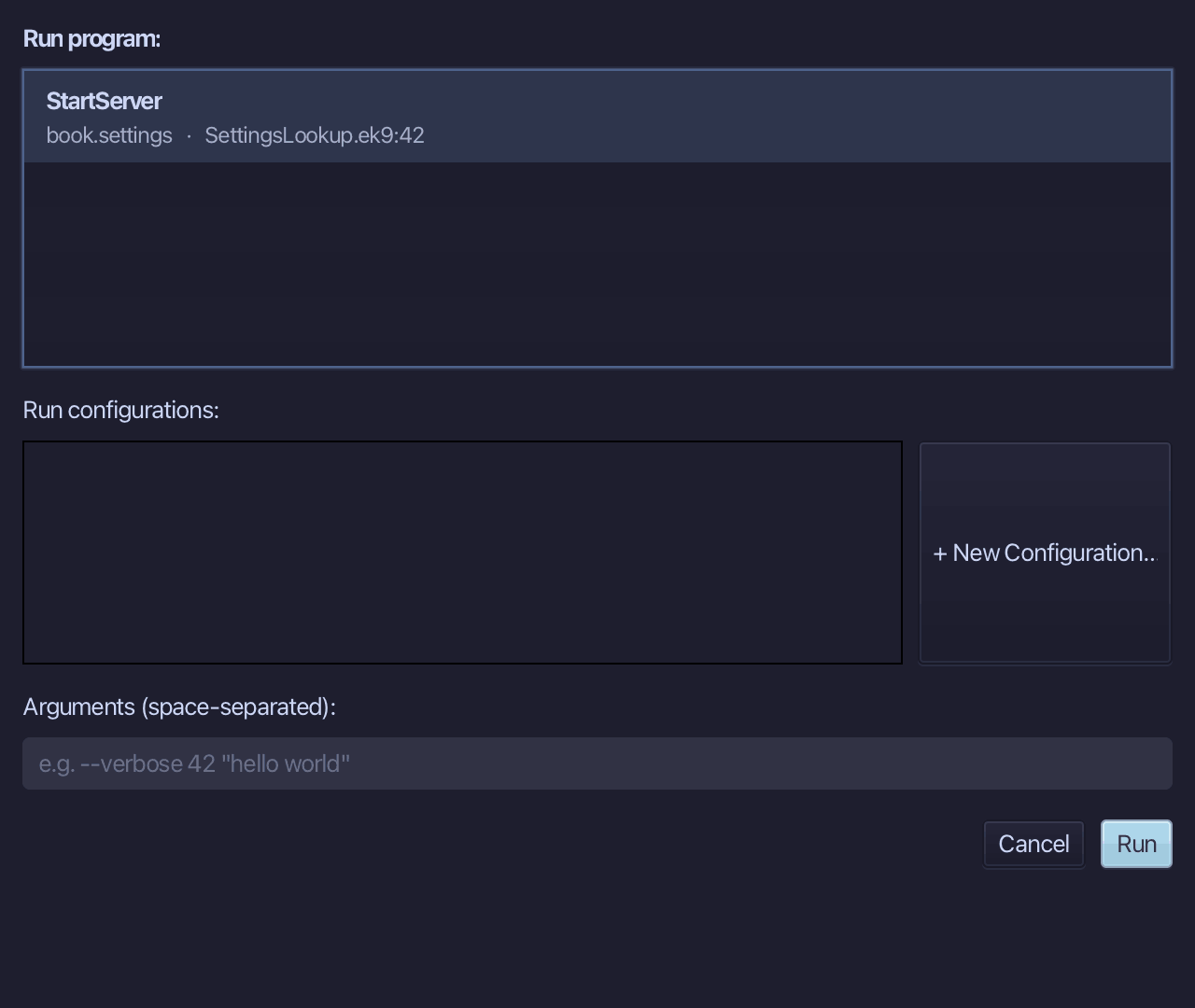
The project's only program is already chosen. Choose Run.
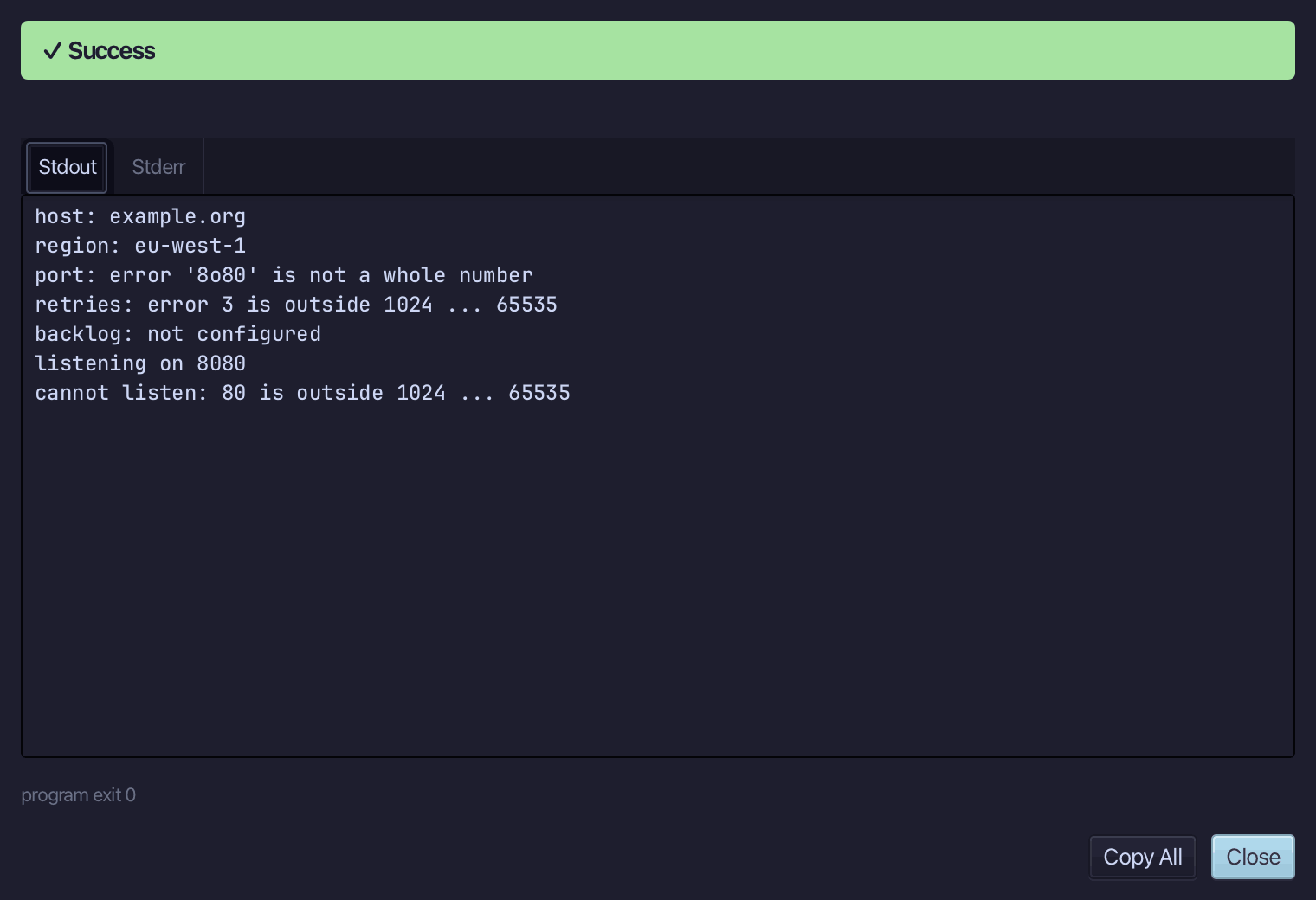
host: example.org, region: eu-west-1, then port and retries each refused with its reason, backlog not configured, and finally listening on 8080 and cannot listen: 80 is outside 1024 ... 65535. Choose Close.
The result
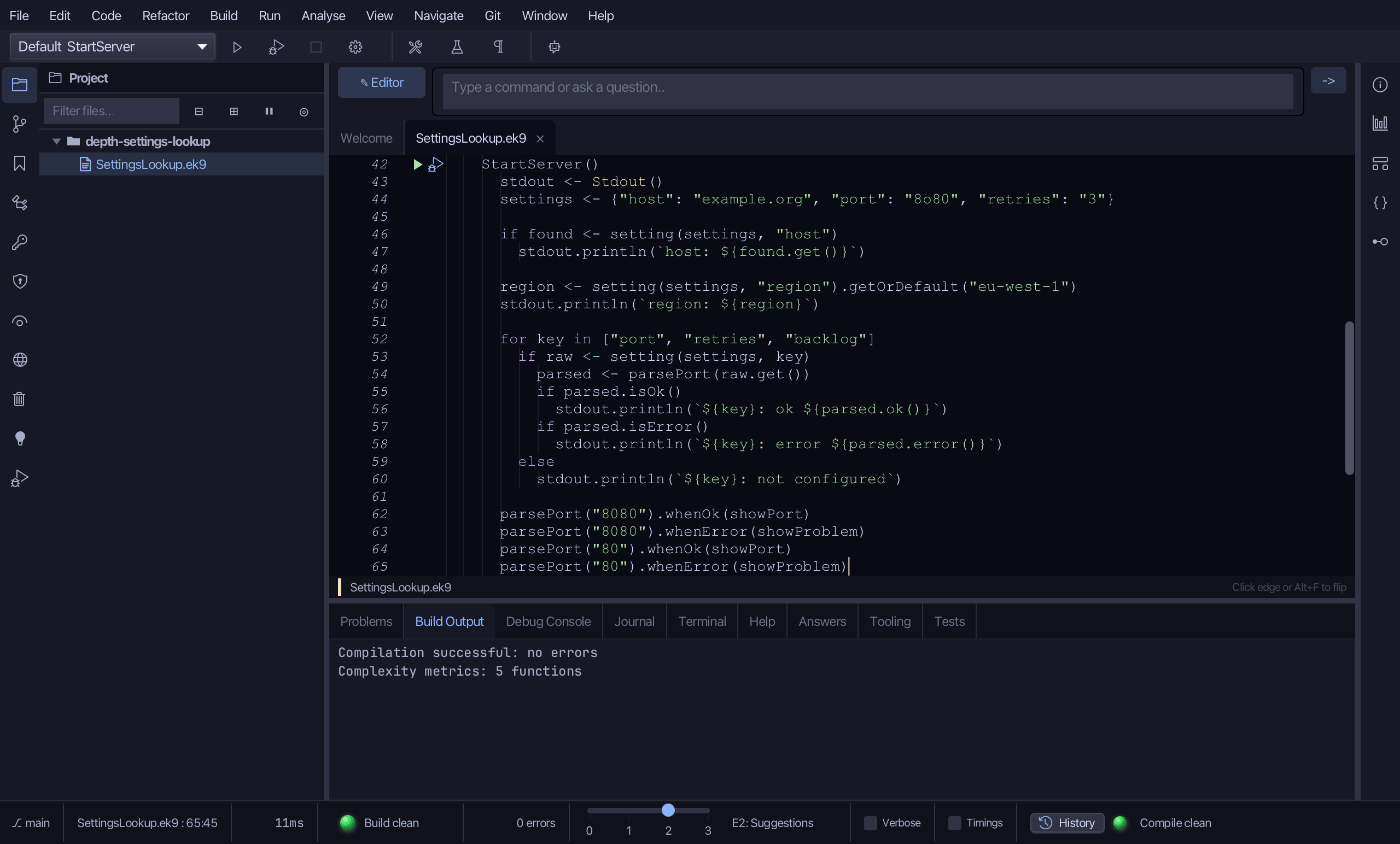
SettingsLookup.ek9 now reads exactly as chapter 24 of EK9 in Depth shows it. Every get(), ok() and error() sits inside the check that proves it - the guard, isOk() and isError() - and the two callbacks, whenOk and whenError, take a plain function and call it only on the side that is set.
Where this lesson comes from
- For AI assistants - the MCP tool
ek9_new_construct,ek9_add_program.