Chapter 14: a record, built
Chapter 14 gives a point on a grid, x and y, its own record: built complete in one step, or blank and filled in afterwards, then compared and printed. The IDE's own tools make the structure - the record, each field's declaration, both constructors' whole signatures, moveTo's whole signature - so what is left to type is the logic no tool can write. To play it in the IDE: Help > Lessons > Writing code…, or ek9 -ide -lesson book-records.
What you'll build
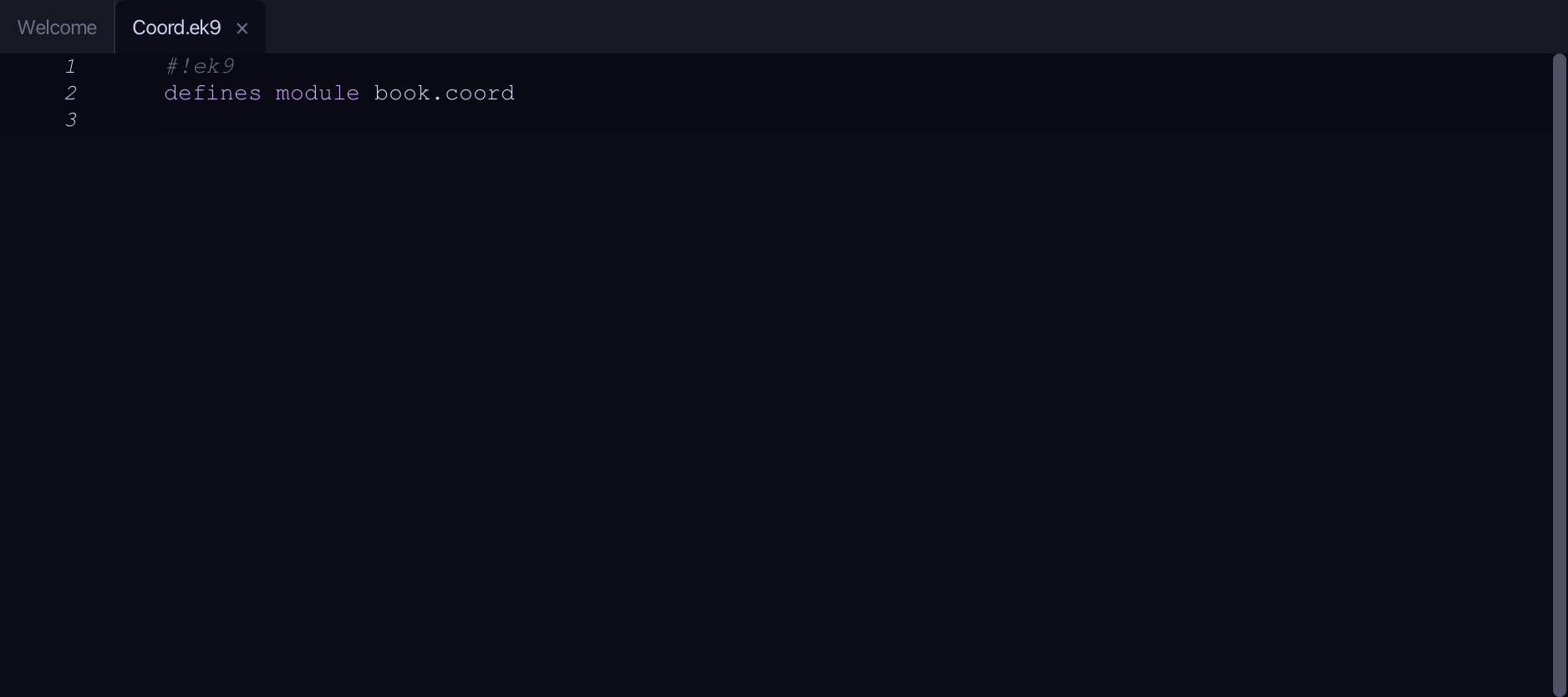
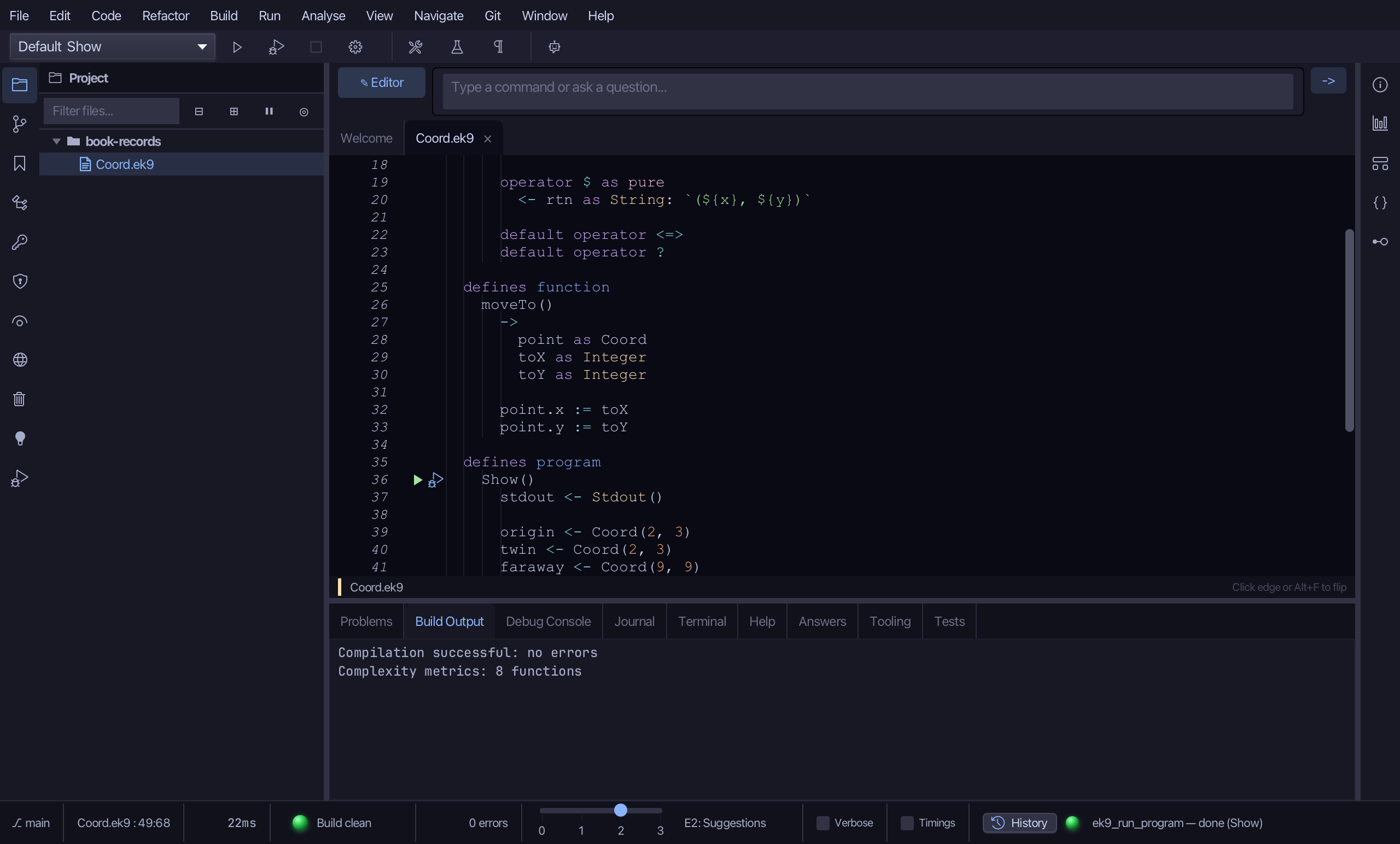
The lesson builds this program from a file holding only its module line - the finished file, as the book prints it.
#!ek9
defines module book.coord

  defines record
    Coord
      x as Integer: Integer()
      y as Integer: Integer()

      default Coord() as pure

      Coord() as pure
        ->
          initialX as Integer
          initialY as Integer

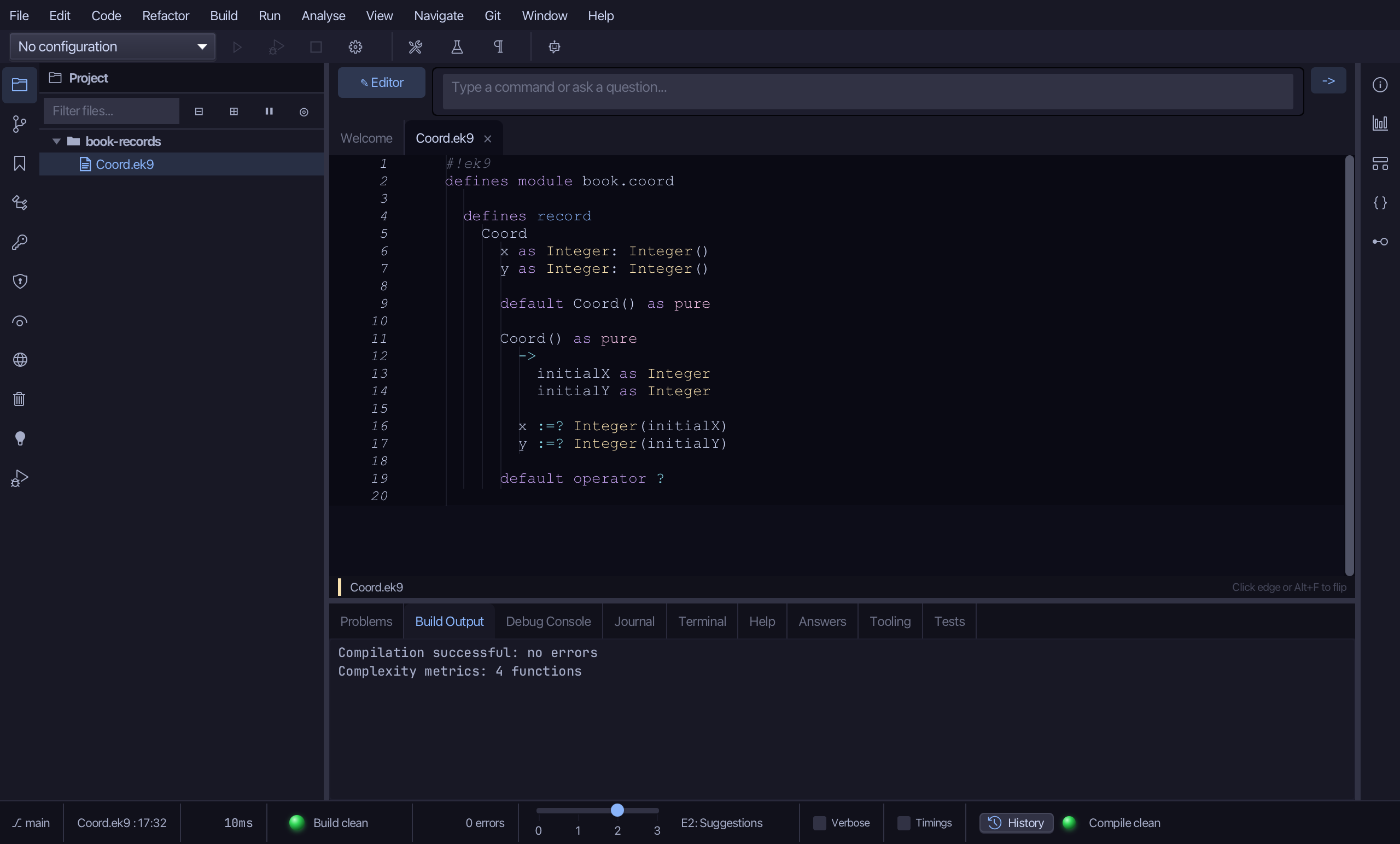
        x :=? Integer(initialX)
        y :=? Integer(initialY)

      operator $ as pure
        <- rtn as String: `(${x}, ${y})`

      default operator <=>
      default operator ?

  defines function
    moveTo()
      ->
        point as Coord
        toX as Integer
        toY as Integer

      point.x := toX
      point.y := toY

  defines program
    Show()
      stdout <- Stdout()

      origin <- Coord(2, 3)
      twin <- Coord(2, 3)
      faraway <- Coord(9, 9)
      stdout.println(`origin = ${origin}, its x is ${origin.x}`)
      stdout.println(`origin == twin?    ${origin == twin}`)
      stdout.println(`origin == faraway? ${origin == faraway}`)

      blank <- Coord()
      stdout.println(`a blank Coord is made   (set? ${blank?})`)
      moveTo(blank, 5, 6)
      stdout.println(`after moveTo: ${blank}     (set? ${blank?})`)
Step 1: A record, with its fields
Choose Code > New Construct > Record…
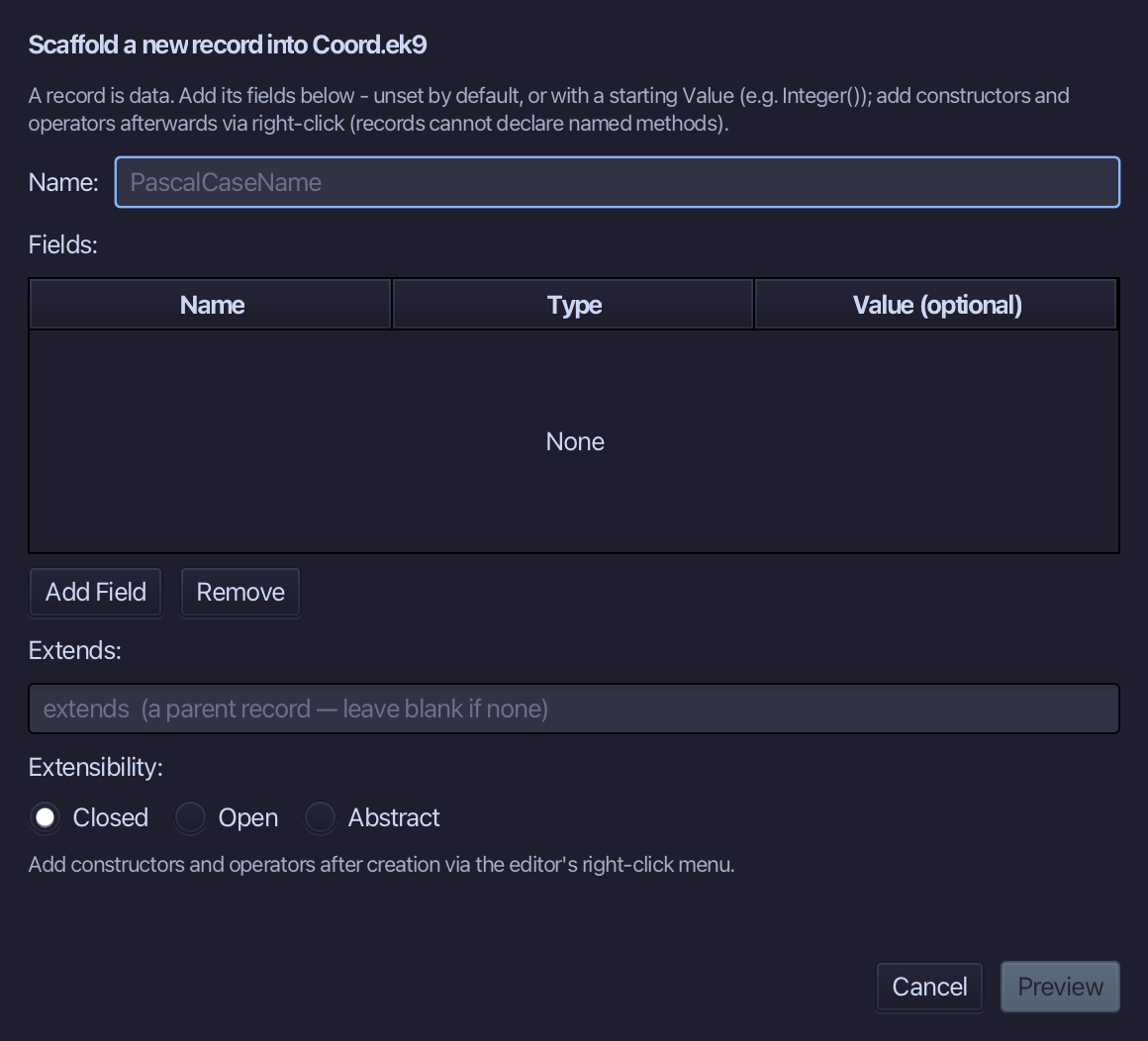
Coord is the record's name. Add x and y, both Integer, each given a starting Value of Integer() - a freshly made but unset Integer - so the record needs no constructor of its own yet. Choose Preview.
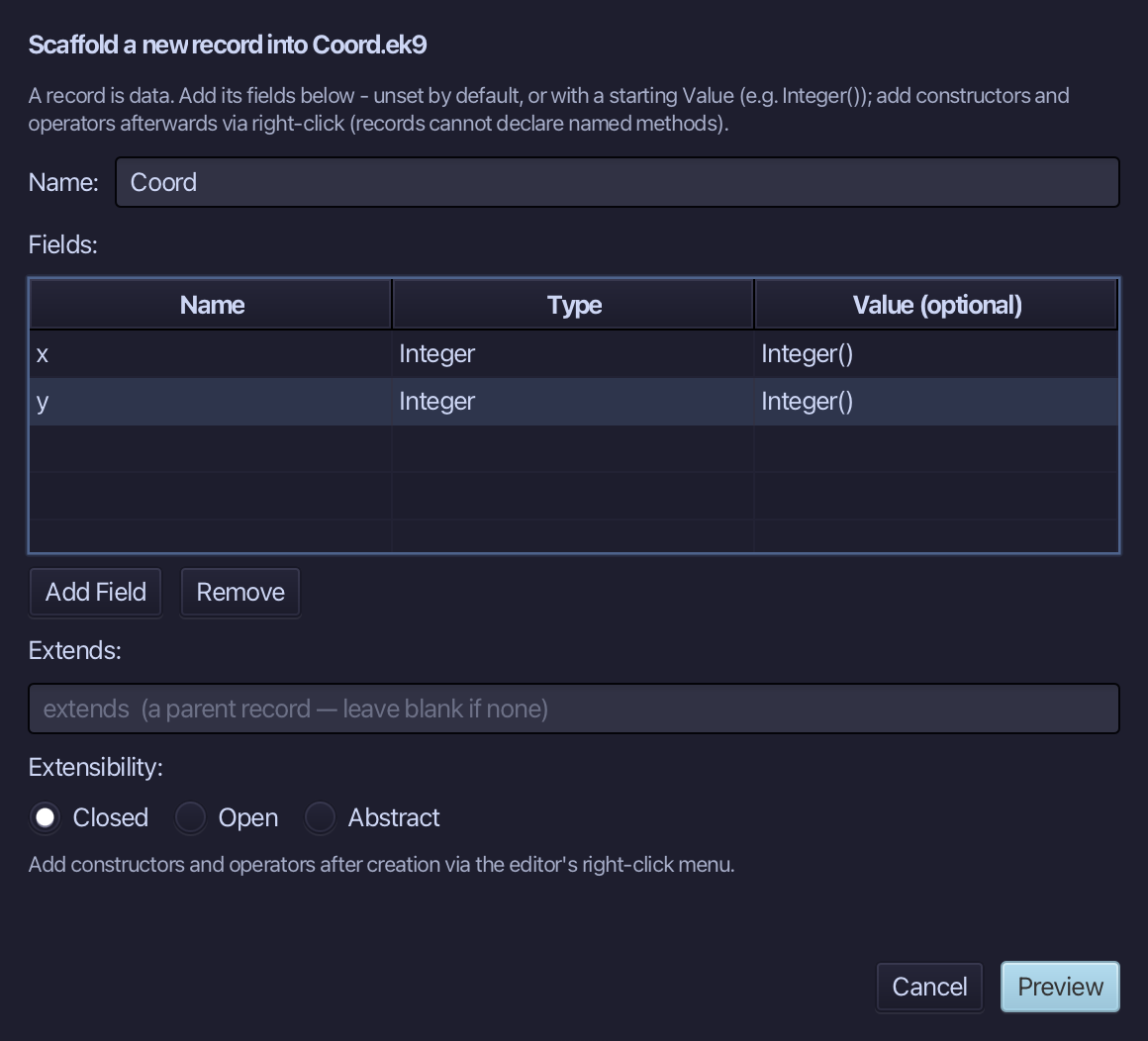
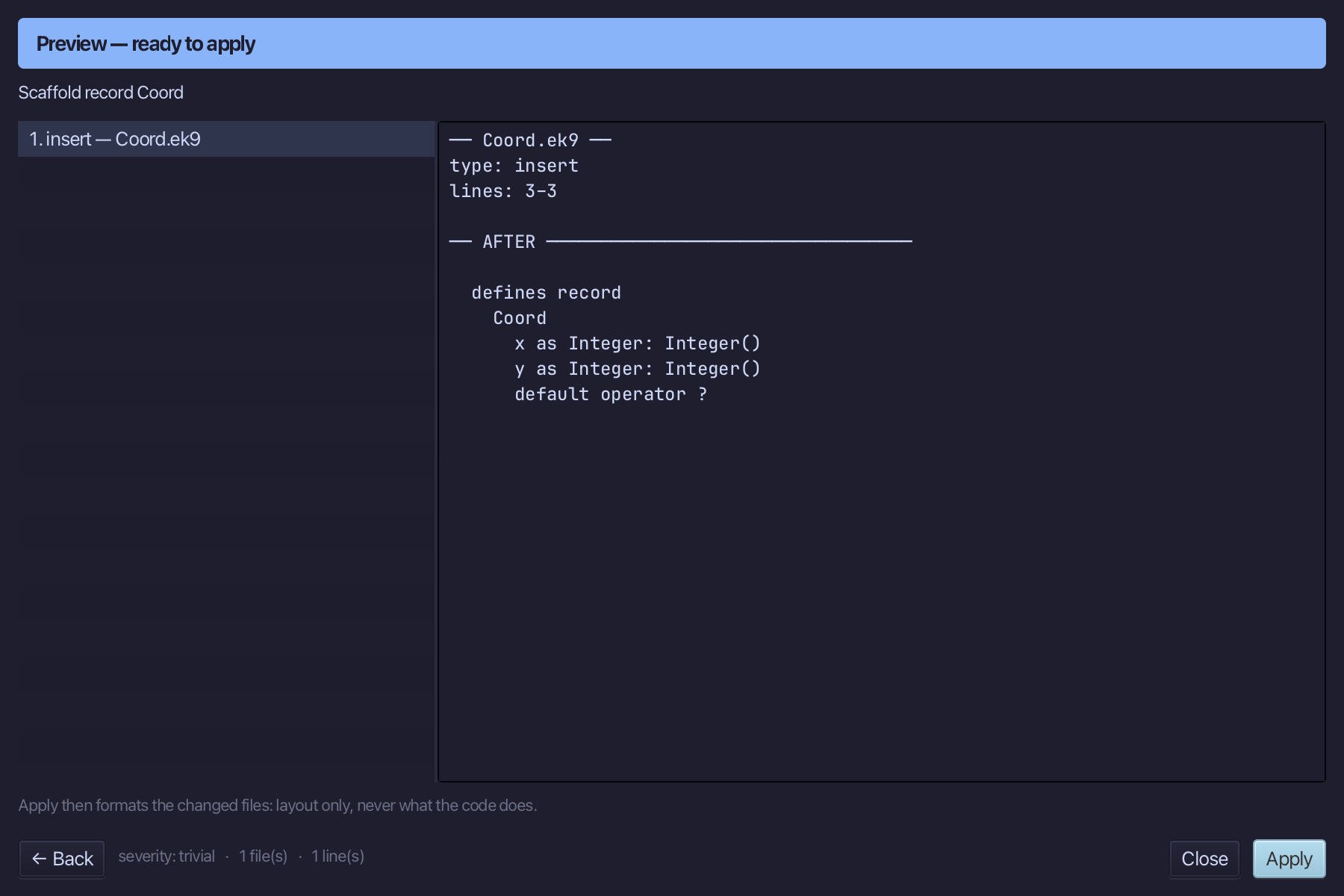
The preview shows Coord about to be written, both fields together - and default operator ? with them: a record that holds fields must say when it counts as set. Choose Apply.
Step 2: Building it blank, then complete — and its logic
Right-click the Coord line and choose Add Constructor > No-Arg (default, pure) - the compiler's own standard version, which leaves every field unset.
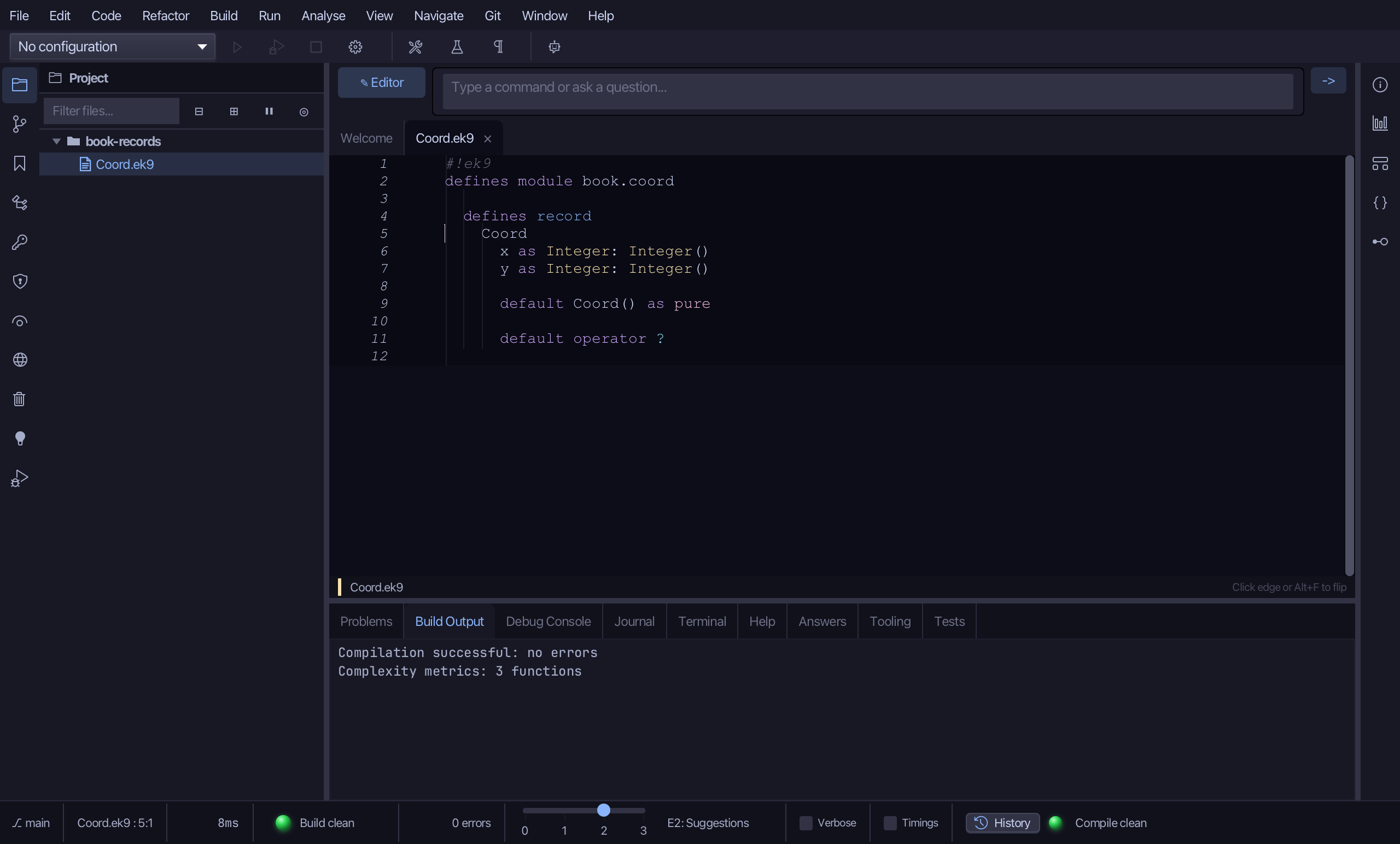
Right-click the Coord line again and choose Add Constructor > From All Fields (pure) - a value built complete, in one step, added straight after the one just made.
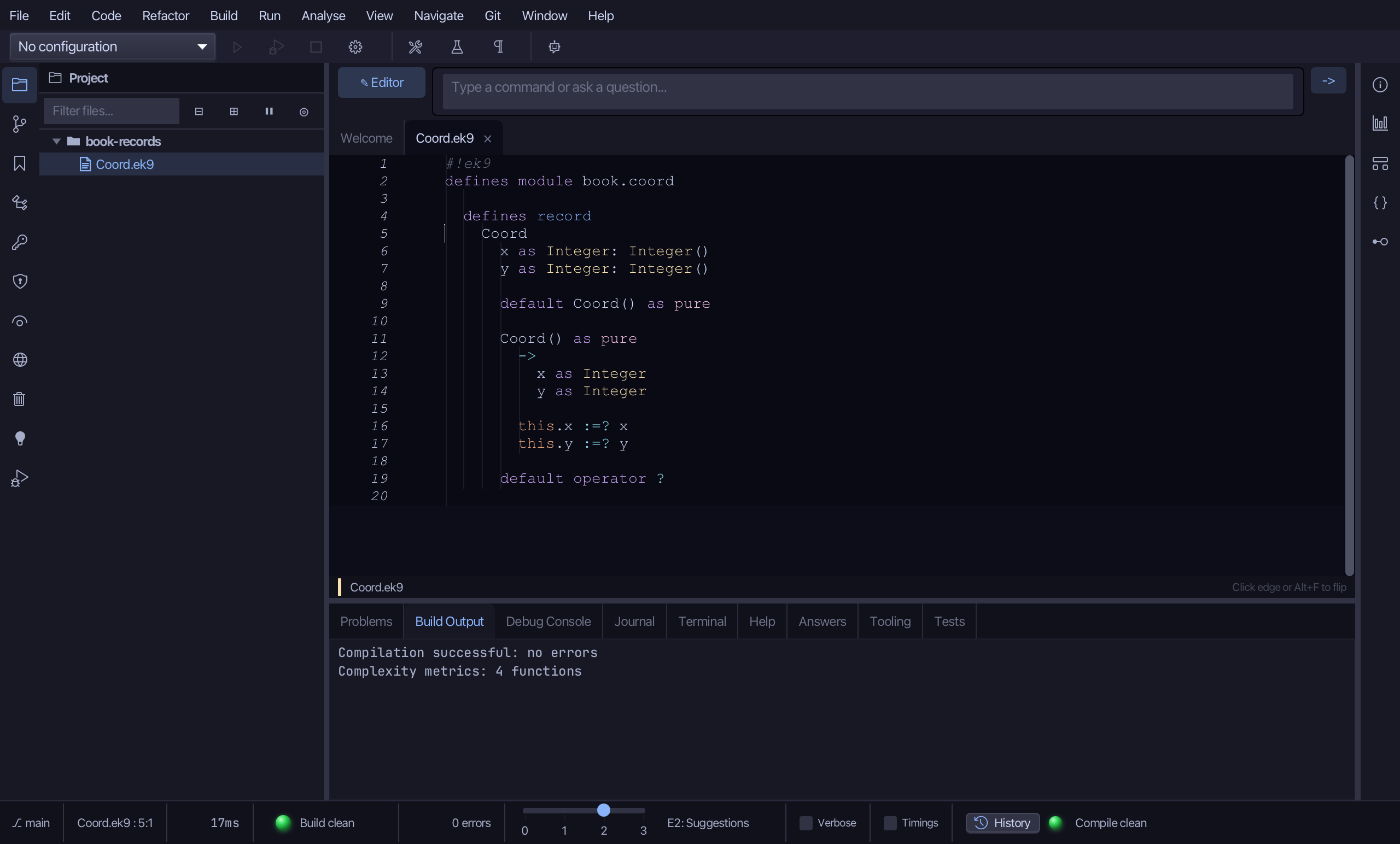
Select the stub, from Coord() as pure down to its last assignment, and type the constructor's whole job: initialX/initialY in, x and y set with :=? over Integer(...). Saves when typed.
Step 3: moveTo — and its logic
Choose Code > New Construct > Function…
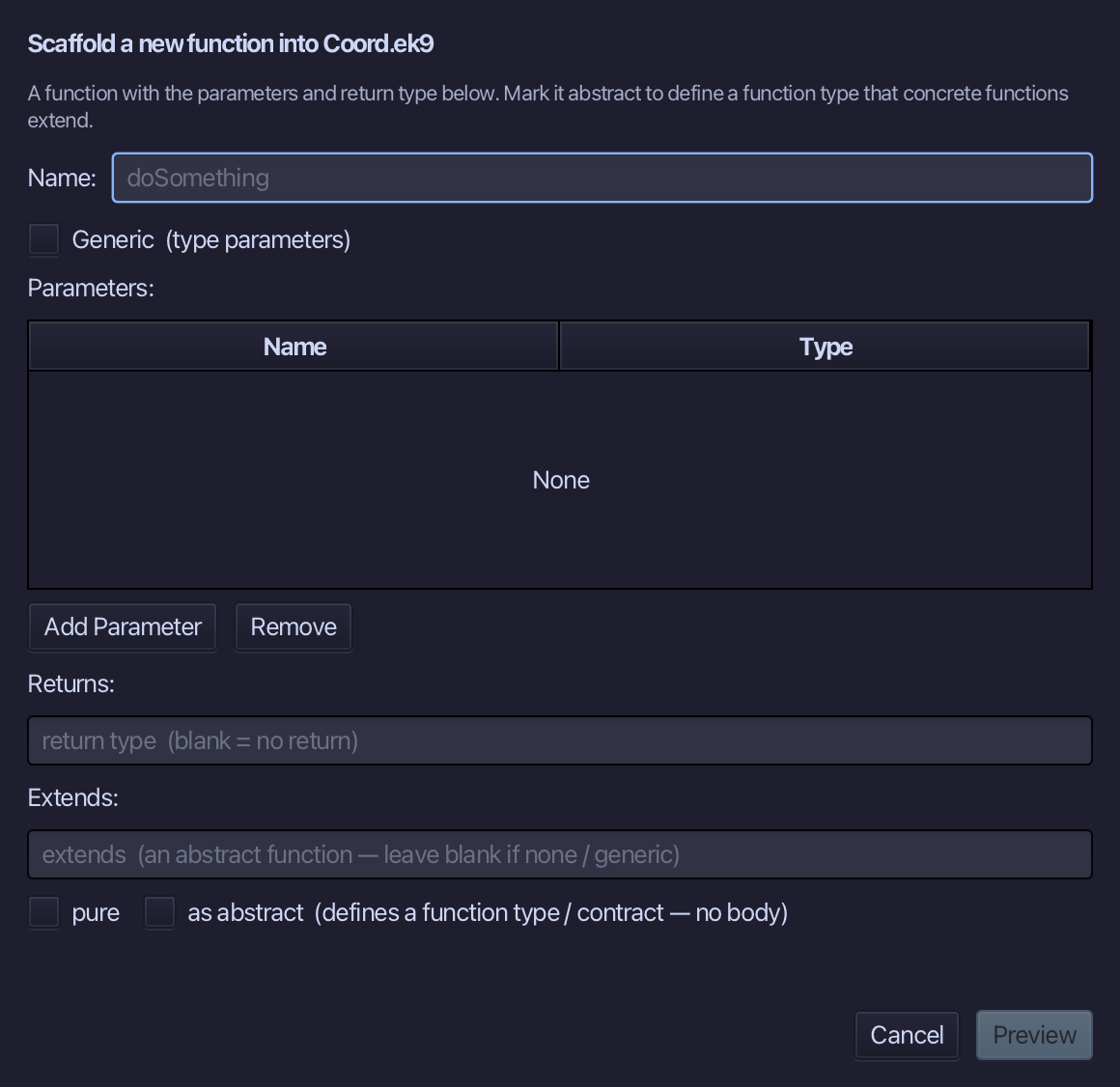
moveTo is the function's name - it fills in a blank Coord afterwards. Add three parameters: point of type Coord, toX as Integer, toY as Integer. No return - moveTo changes the Coord it is given, it does not hand one back. Choose Preview.
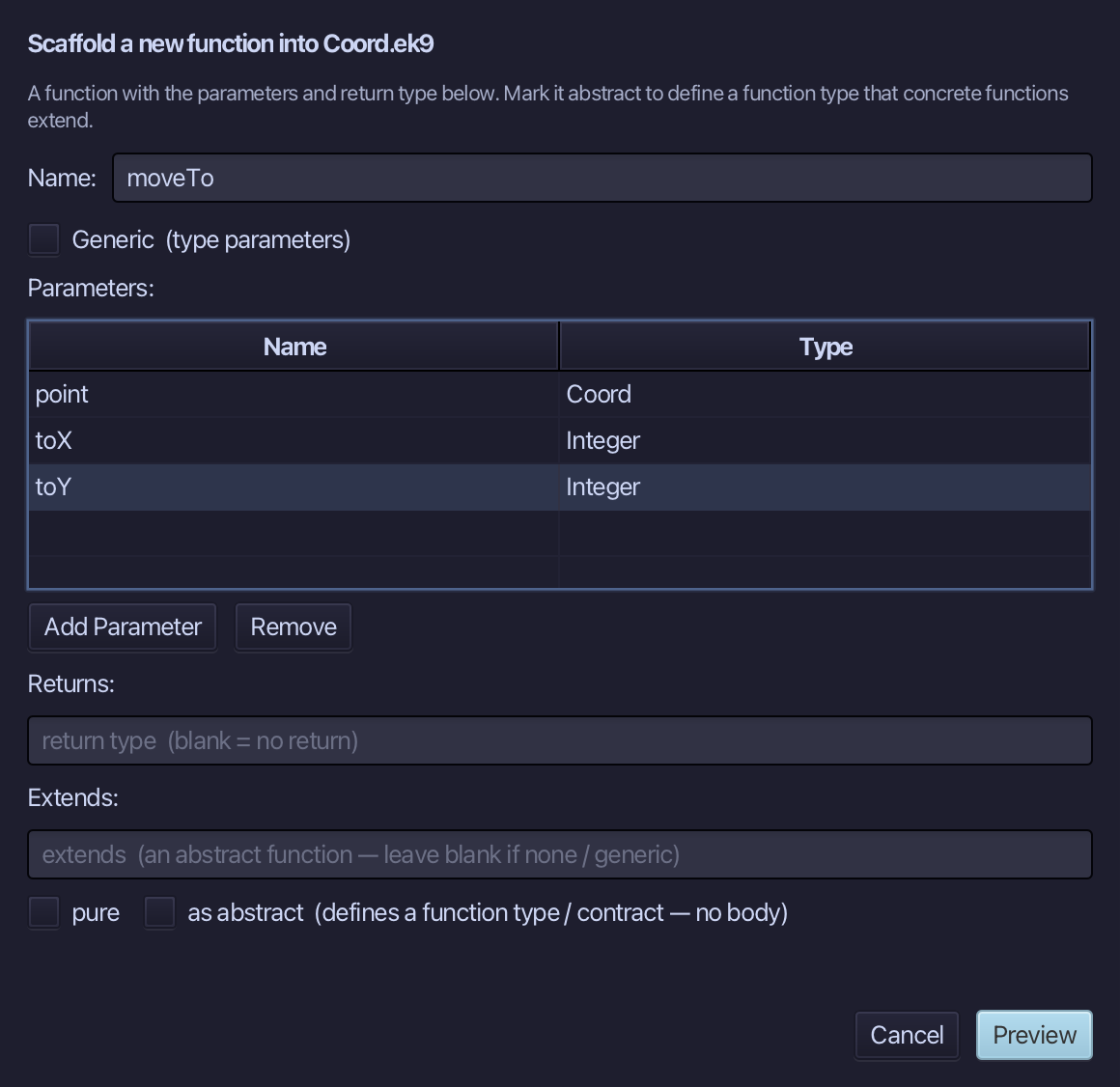
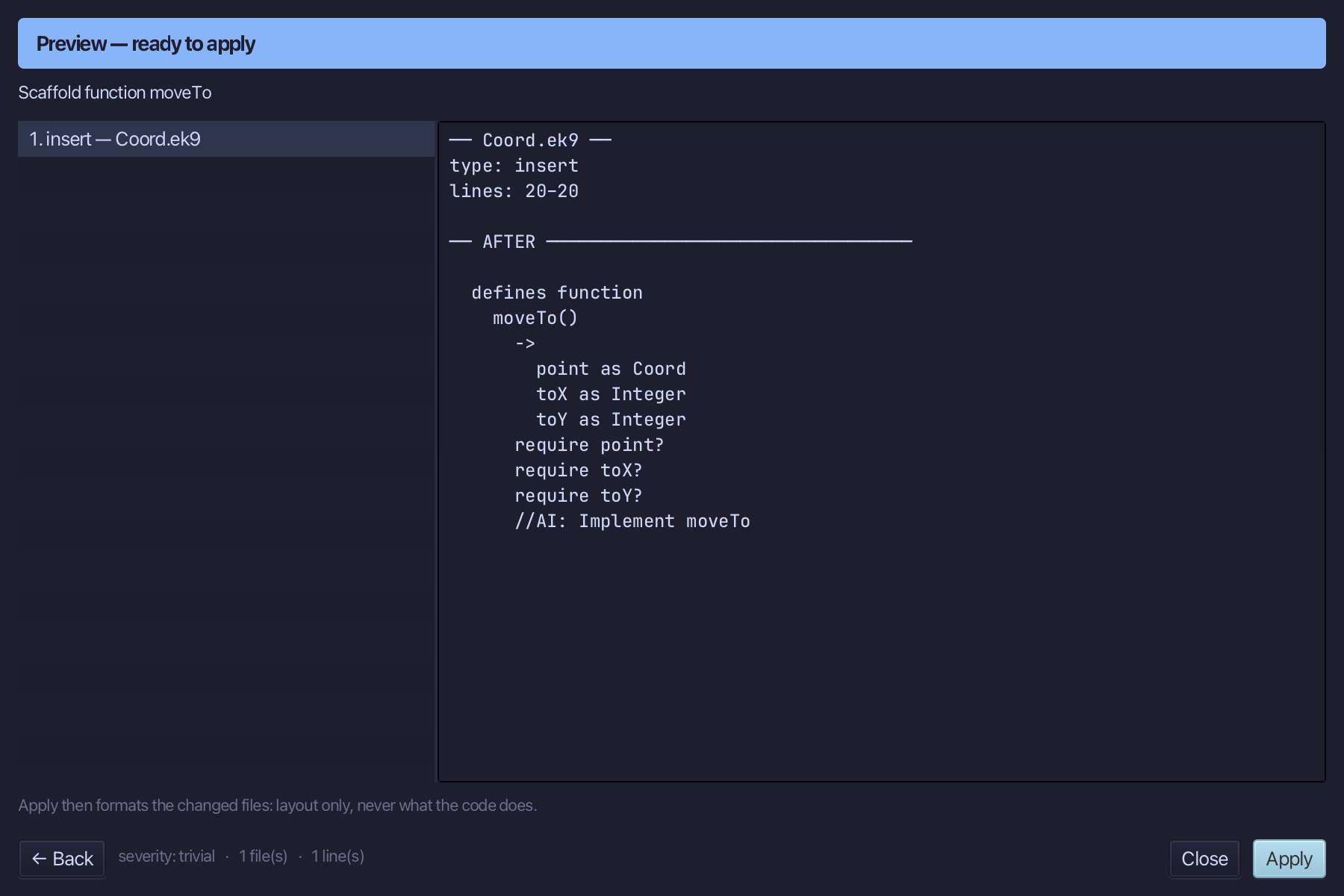
The preview shows moveTo about to be written, its three parameters and no return line at all. Choose Apply.
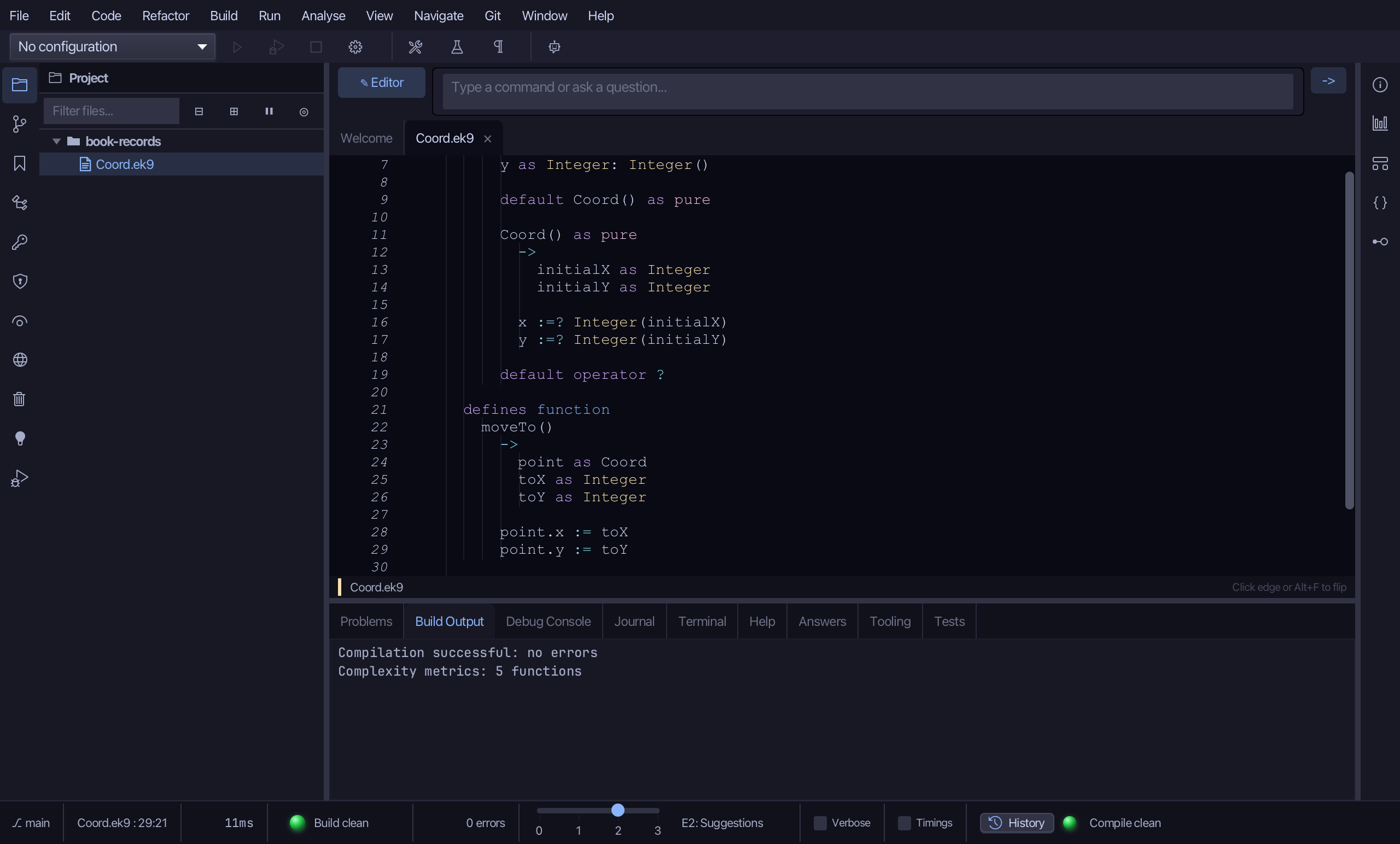
Select the stub, from require point? down to its //AI line, and type moveTo's whole job: the two fields set with := - a reassignment, which is why moveTo is not pure. Saves when typed.
Step 4: operator $ — and its logic, then default <=>
Right-click the Coord line and choose Add Operator > $ (string) > skeleton.
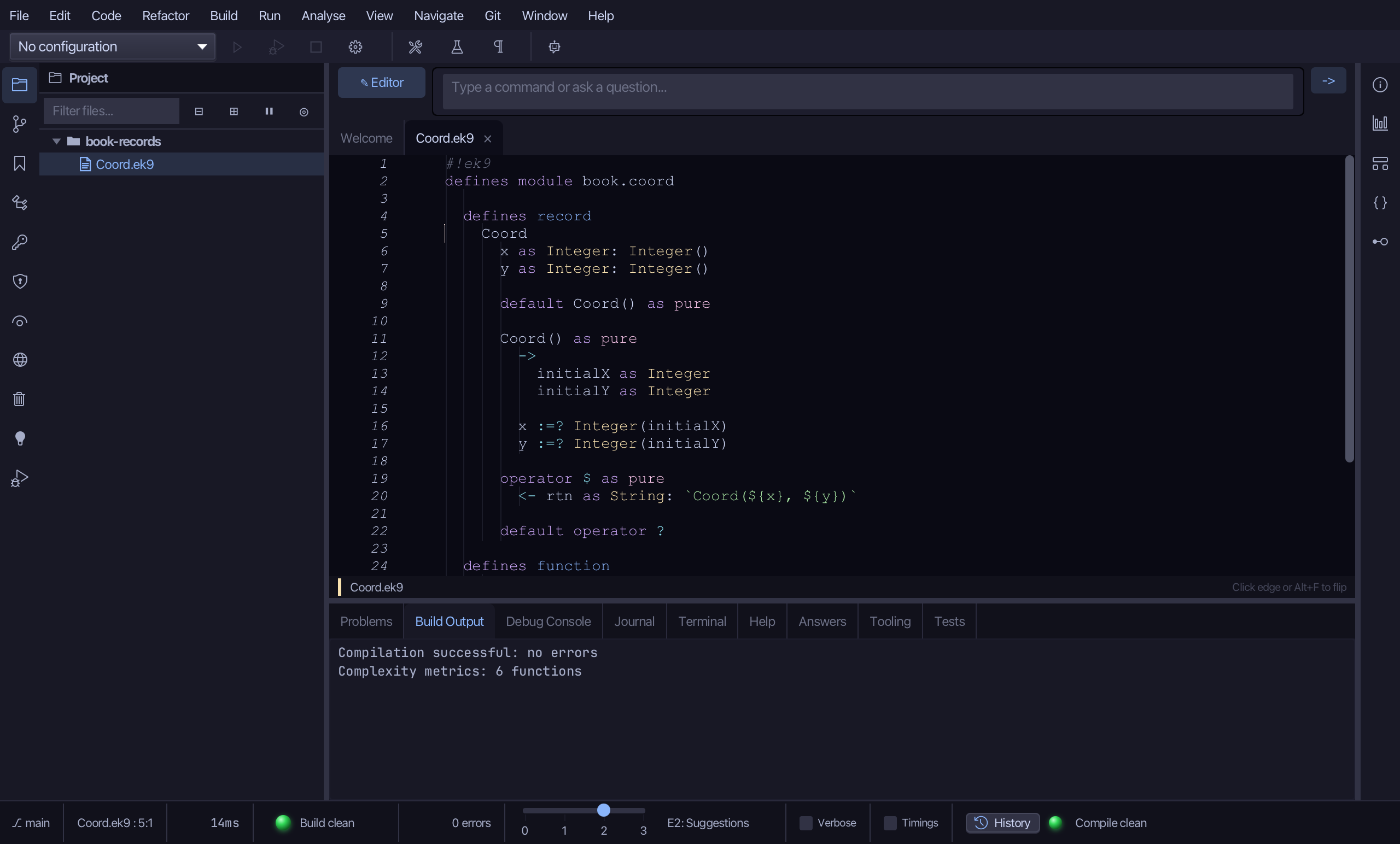
Select the stub line and type $'s own text form - just the two numbers in parentheses, no type name. Saves when typed.
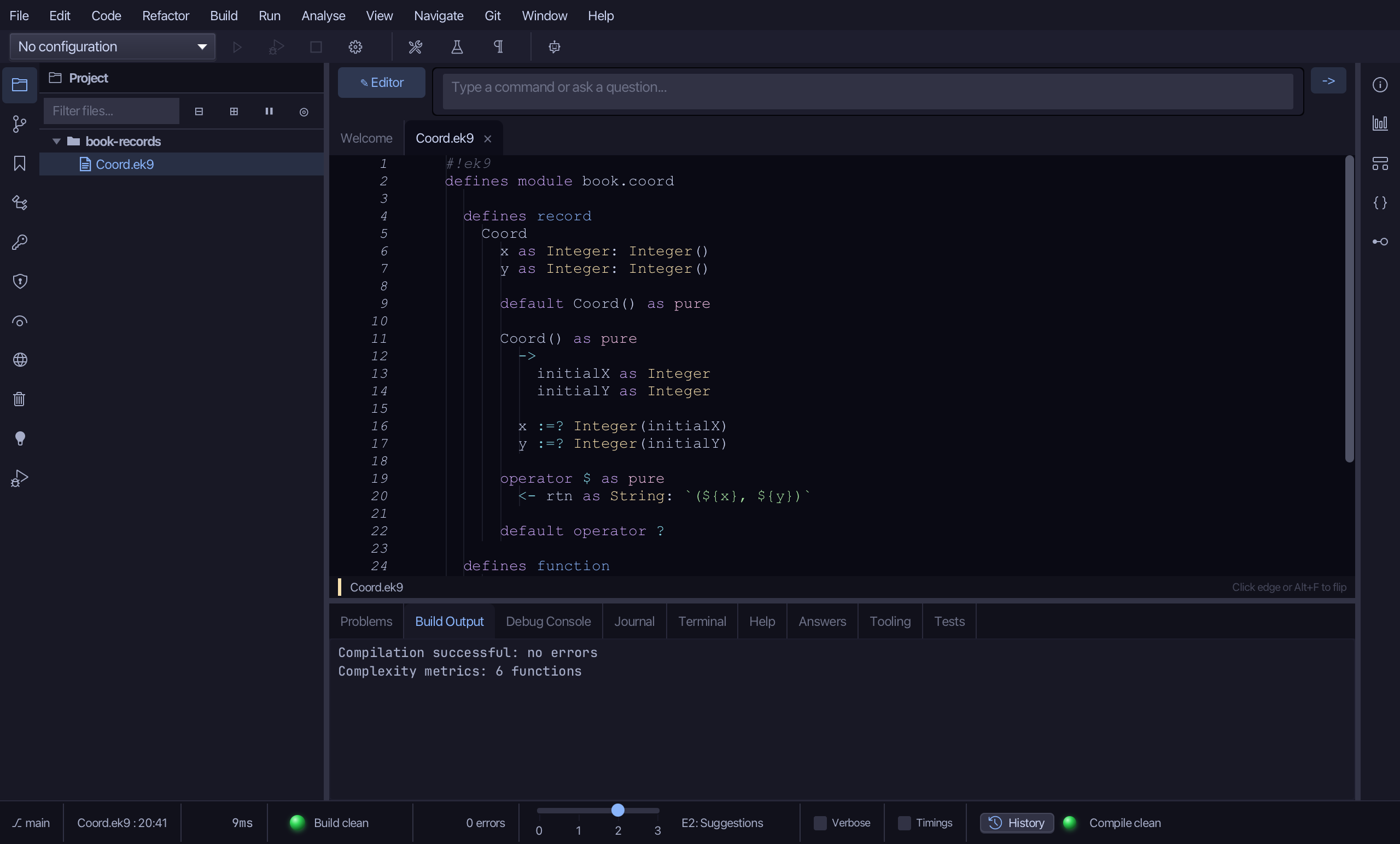
Right-click the Coord line and choose Add Operator > <=> (compare) > default - from which the compiler also generates ==, <>, <, <=, > and >=.
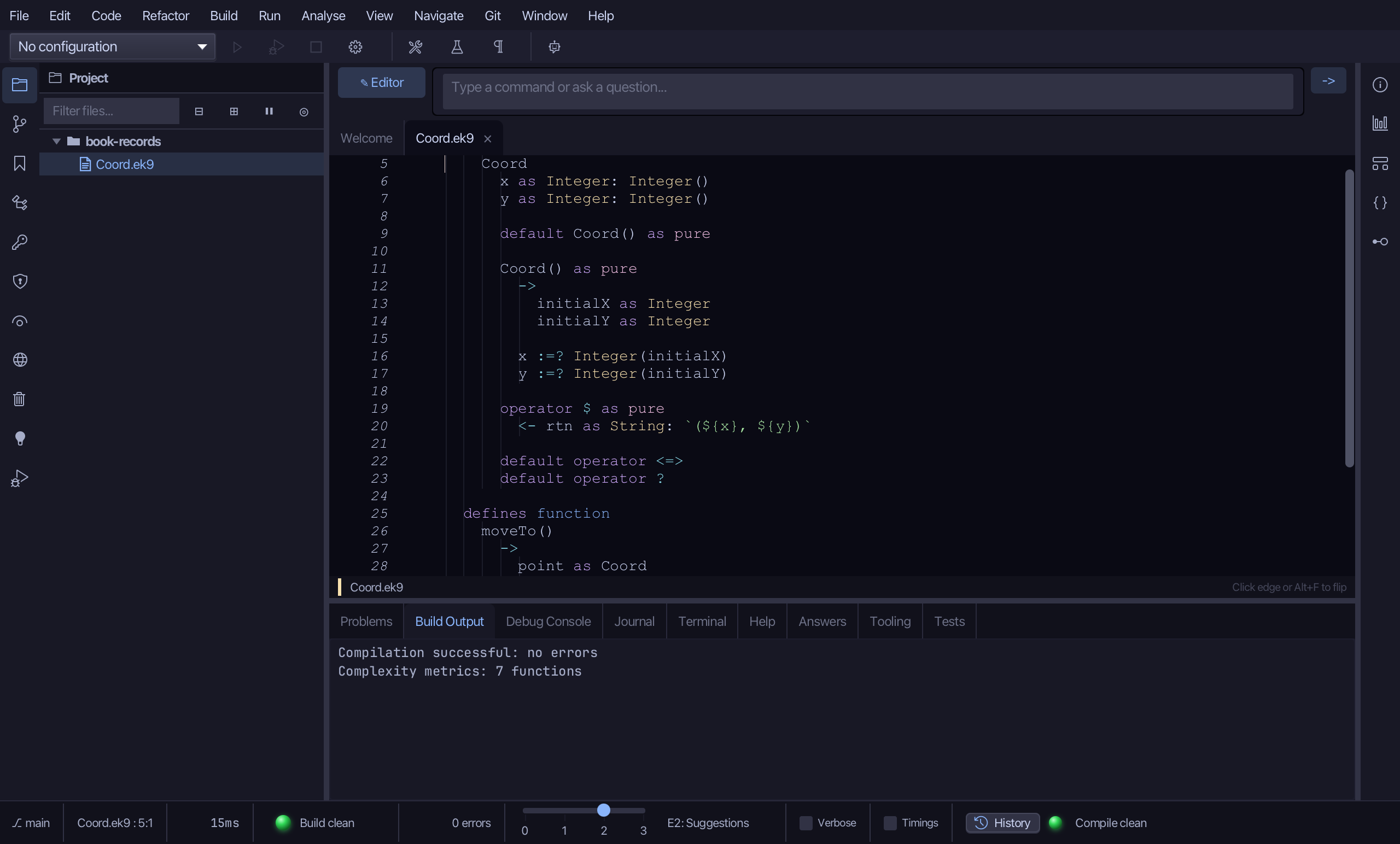
Step 5: The program — and its logic
Choose Code > New Construct > Program…
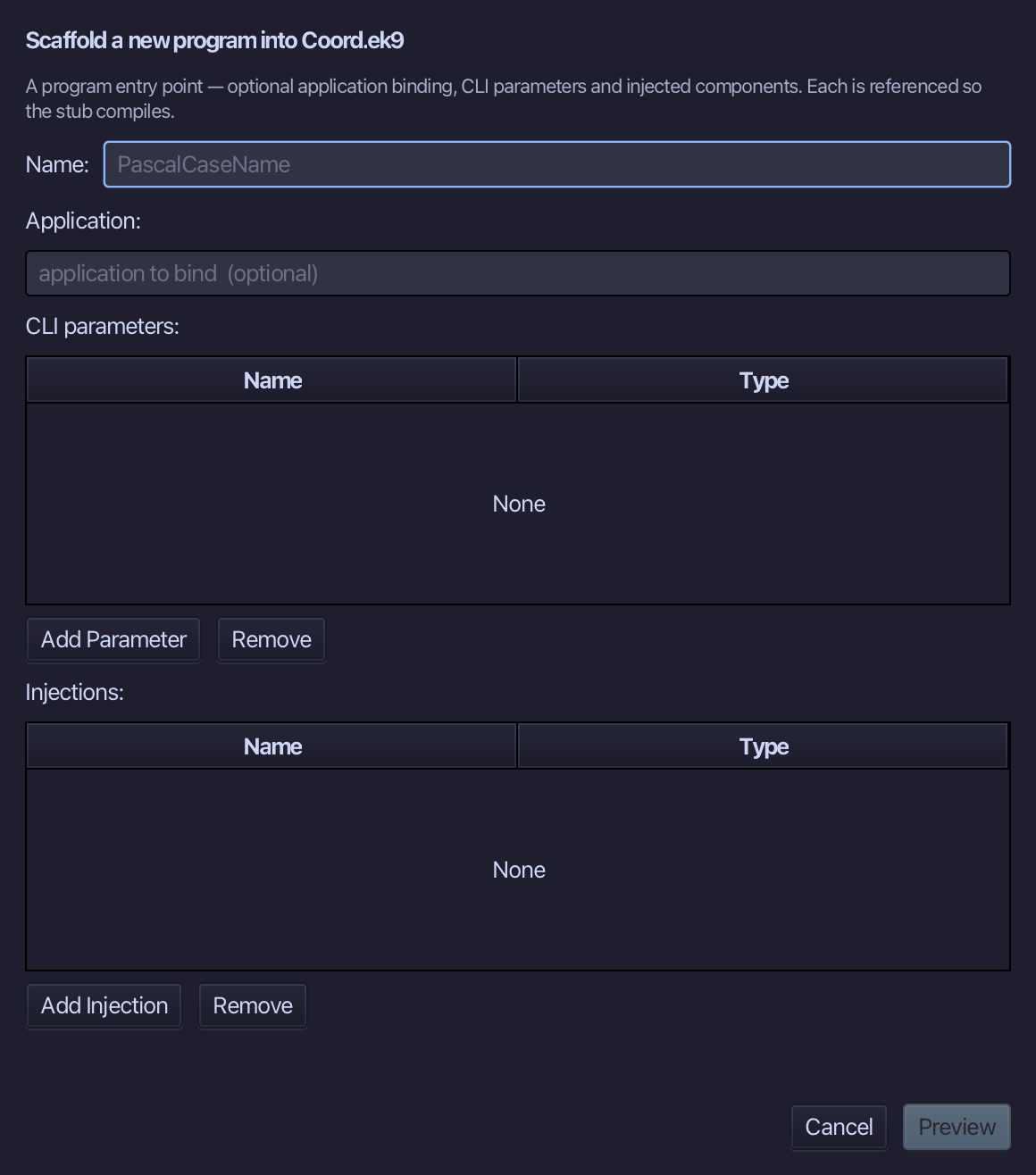
Show is the program's name - no application to bind, no parameters, nothing injected. Type Show and choose Preview.
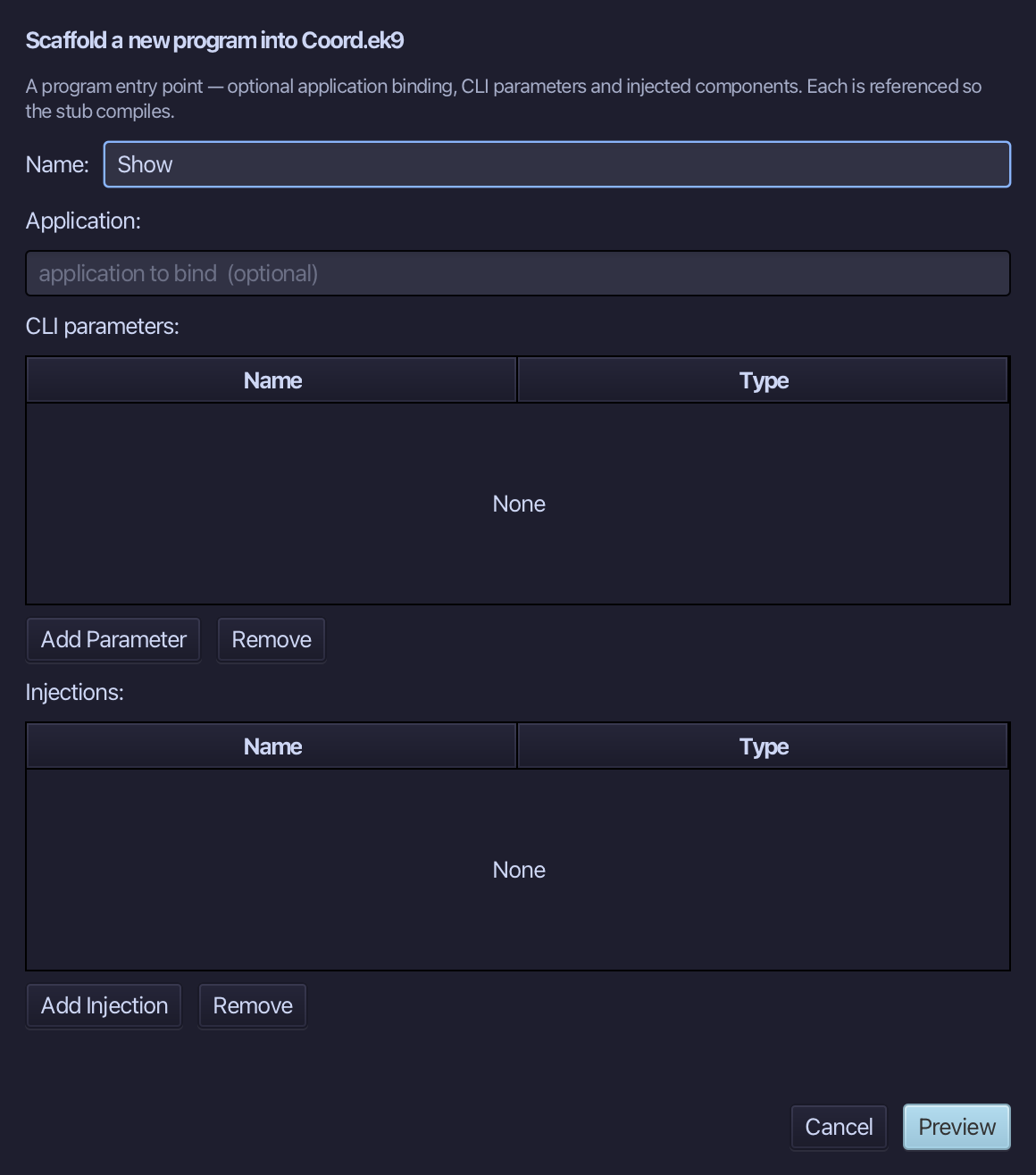
The preview shows Show about to be written. Choose Apply.
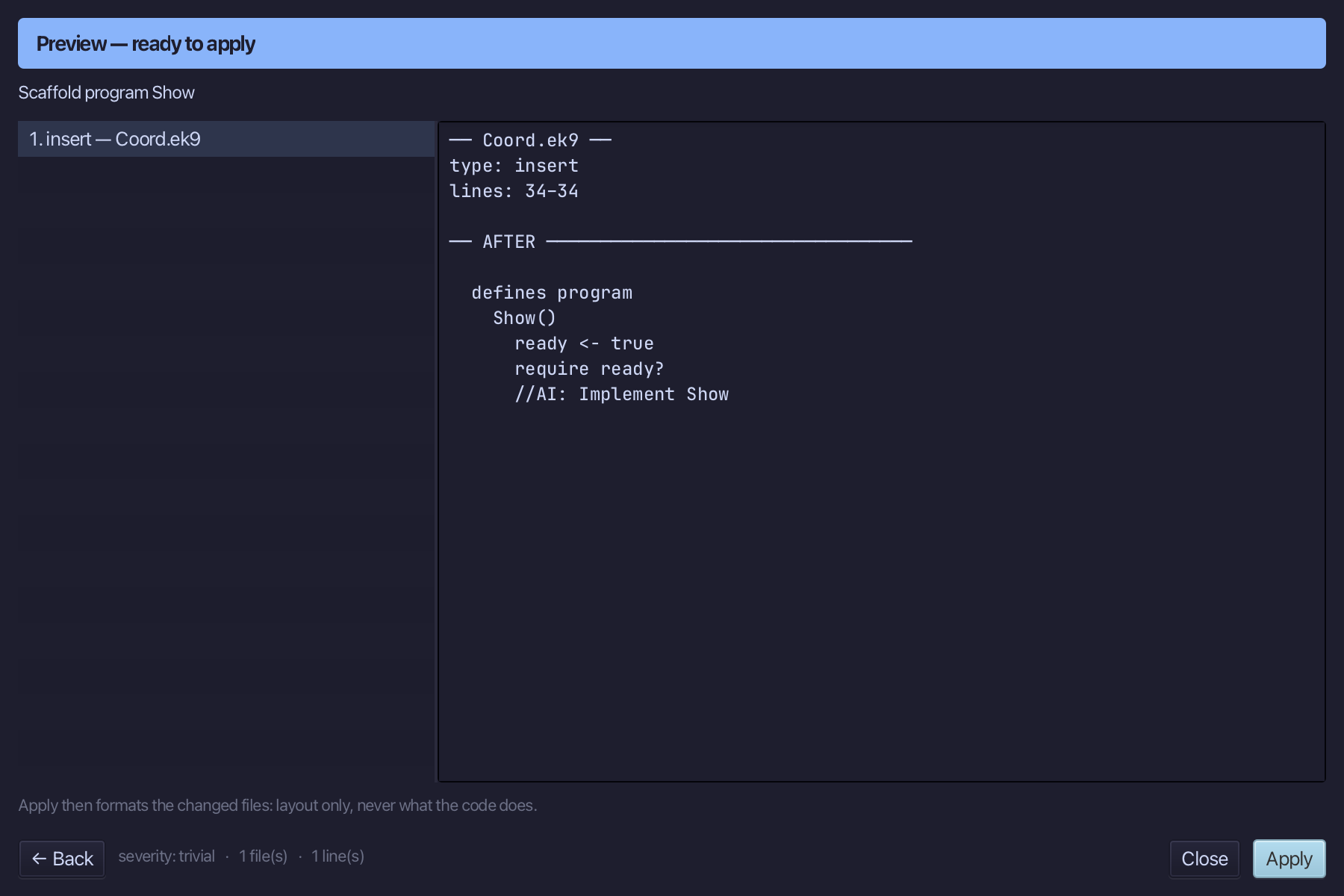
Select the stub, from ready <- true down to its //AI line, and type Show's body: three points made complete, compared and printed; a blank one made, filled in by moveTo, and printed again. Saves when typed.
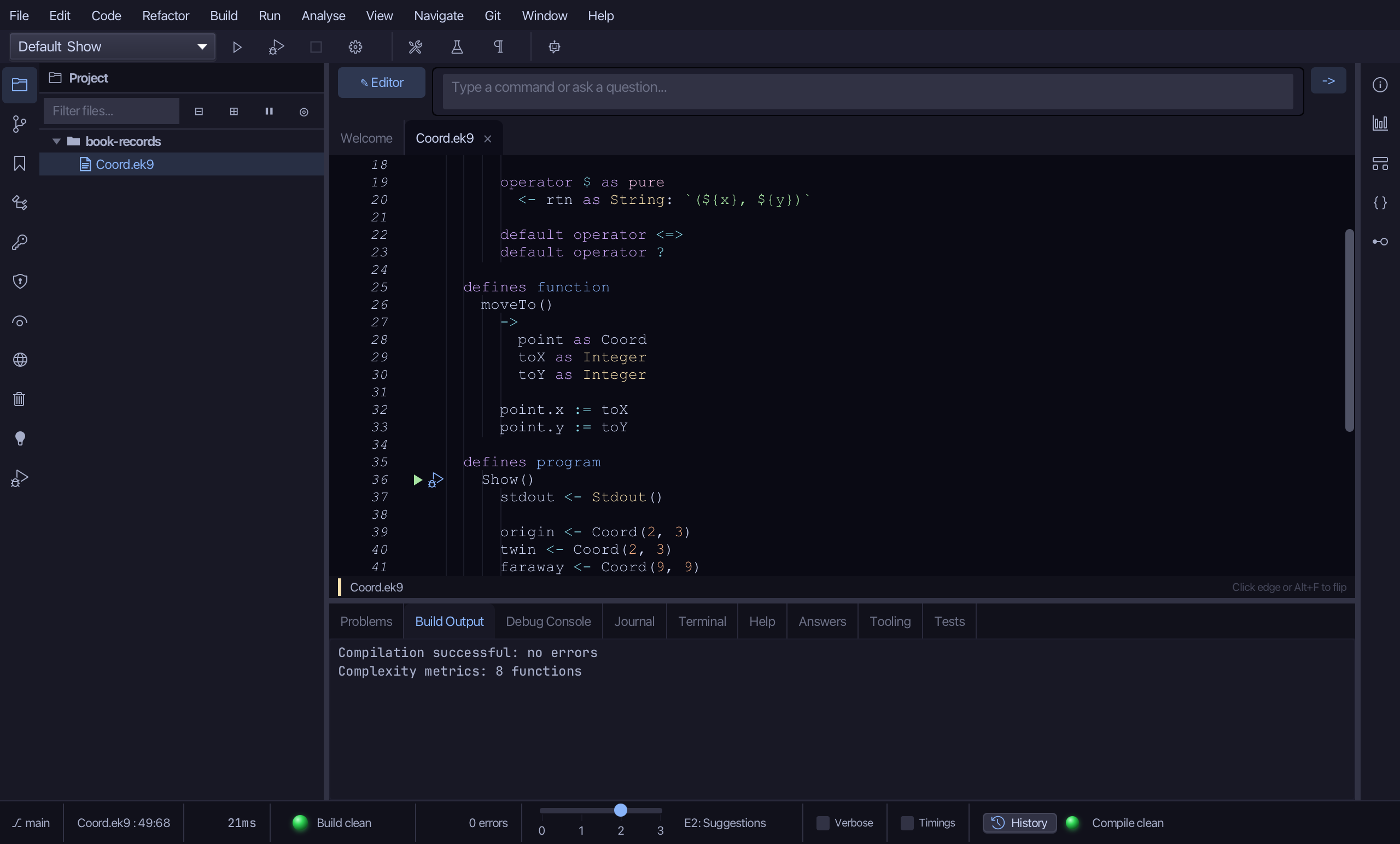
Step 6: Run it
Choose Run > Run Program…
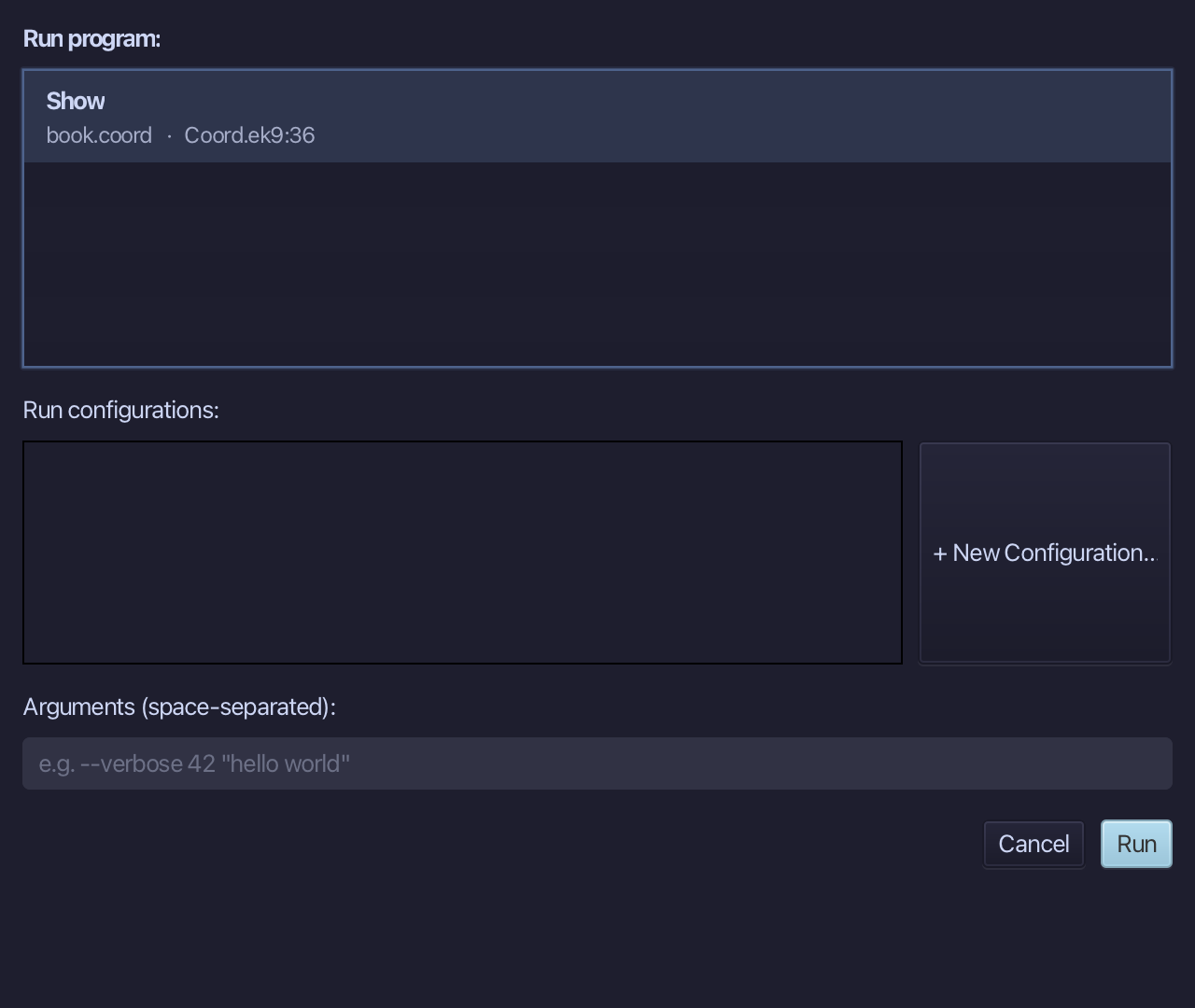
The project's only program is already chosen. Choose Run.
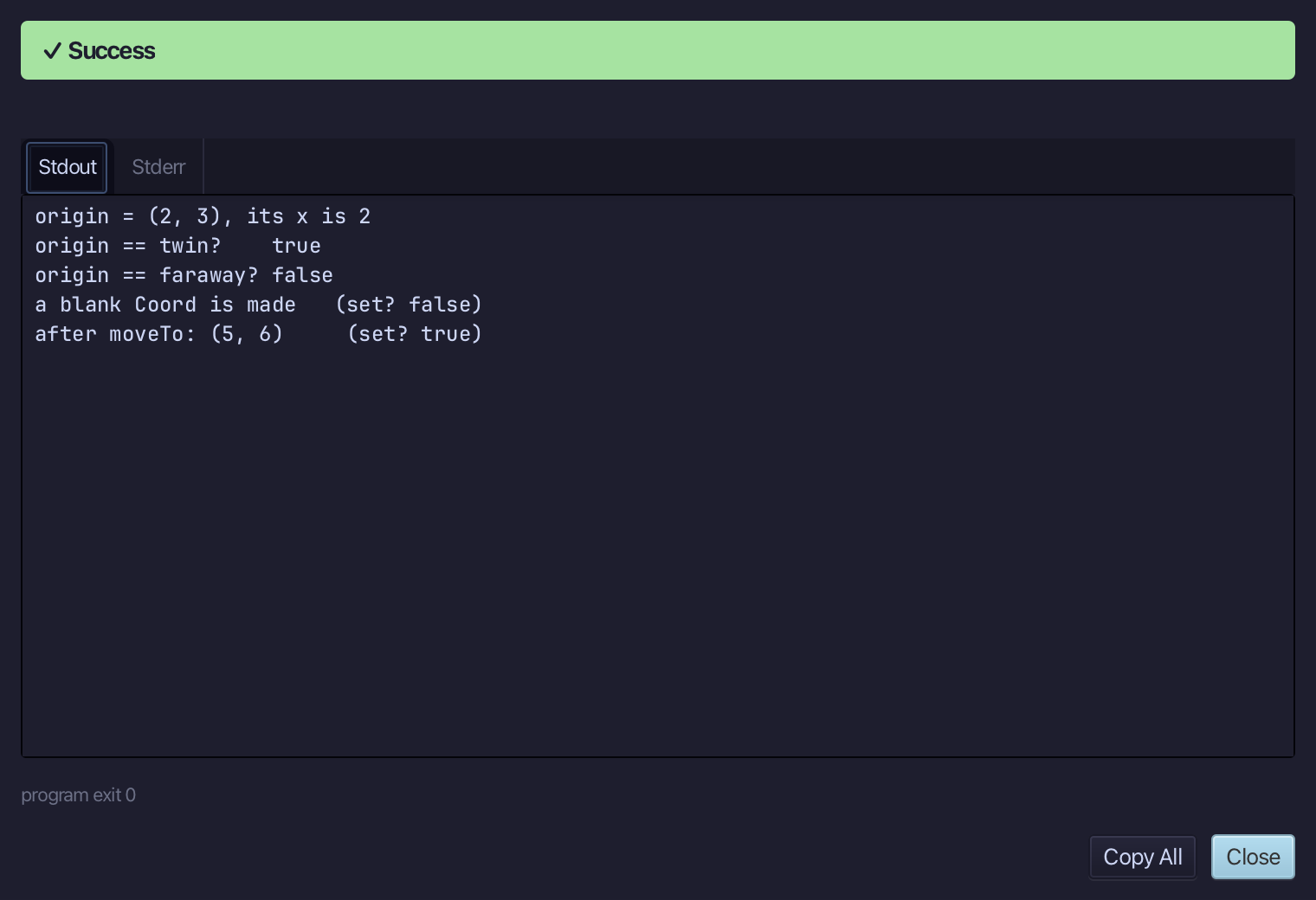
origin = (2, 3), its x is 2 - origin == twin? true, origin == faraway? false - a blank Coord is made (set? false), then after moveTo: (5, 6) (set? true). Choose Close.
The result
Coord.ek9 now reads exactly as chapter 14 of Getting Started with EK9 shows it: a record built either complete (Coord(2, 3)) or blank and filled in later (Coord(), then moveTo) - built by the tools, logic you typed. ek9_new_construct, ek9_add_field, ek9_add_constructor and ek9_add_operator - called here through the editor's right-click menu, the same doors an AI assistant reaches directly - are what scaffold a record's data, its ways to build one, and the small set of operators data can have.
Where this lesson comes from
- For AI assistants - the MCP tool
ek9_new_construct,ek9_add_constructor,ek9_add_operator,ek9_add_program.