Chapter 37: JSON in and out, built
Chapter 37 reads JSON from a request and writes JSON in a response. This lesson builds the small program behind that: a parsed document read field by field - a missing field is simply unset - a malformed body that comes back as an error and not an exception, and a record written back out with $$. To play it in the IDE: Help > Lessons > EK9 in Depth…, or ek9 -ide -lesson depth-json-documents.
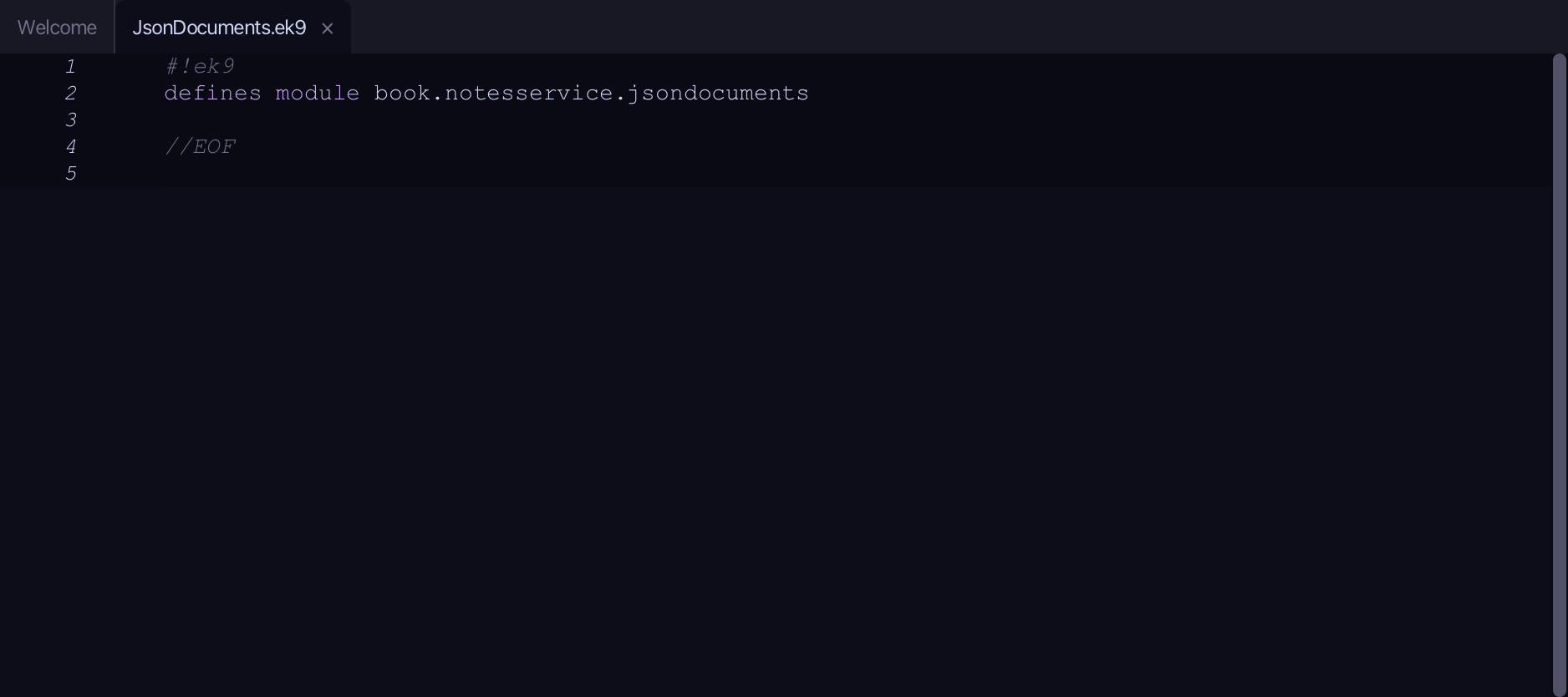
What you'll build
The lesson builds this program from a file holding only its module line - the finished file, as the book prints it.
#!ek9
defines module book.notesservice.jsondocuments

  defines constant
    TEXT_FIELD <- "text"

    TAGS_FIELD <- "tags"

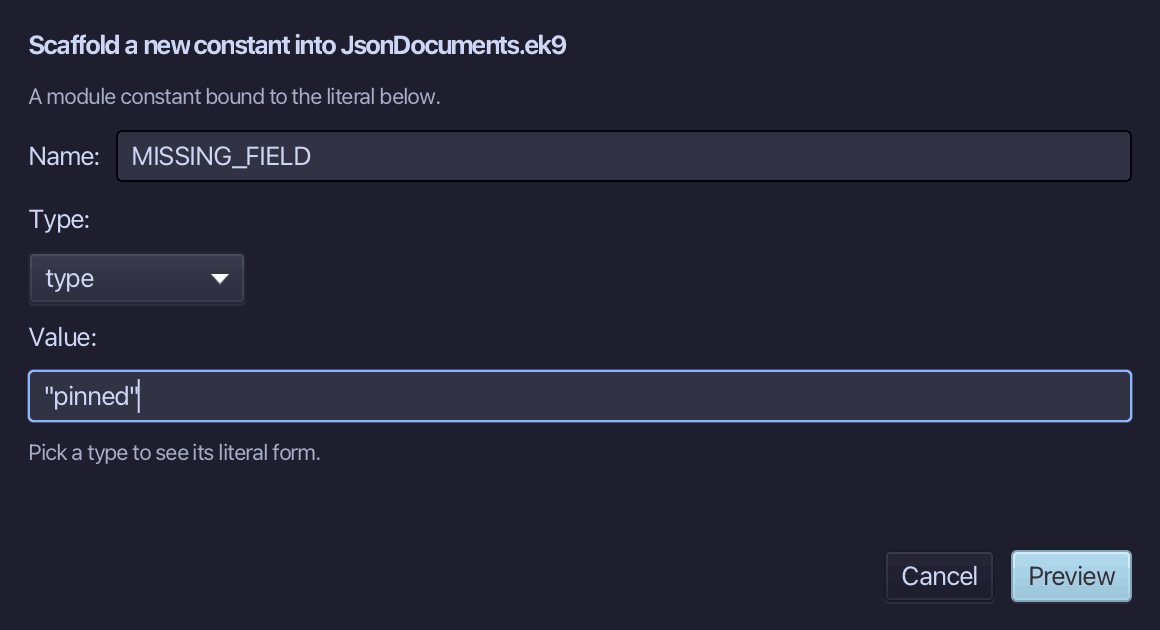
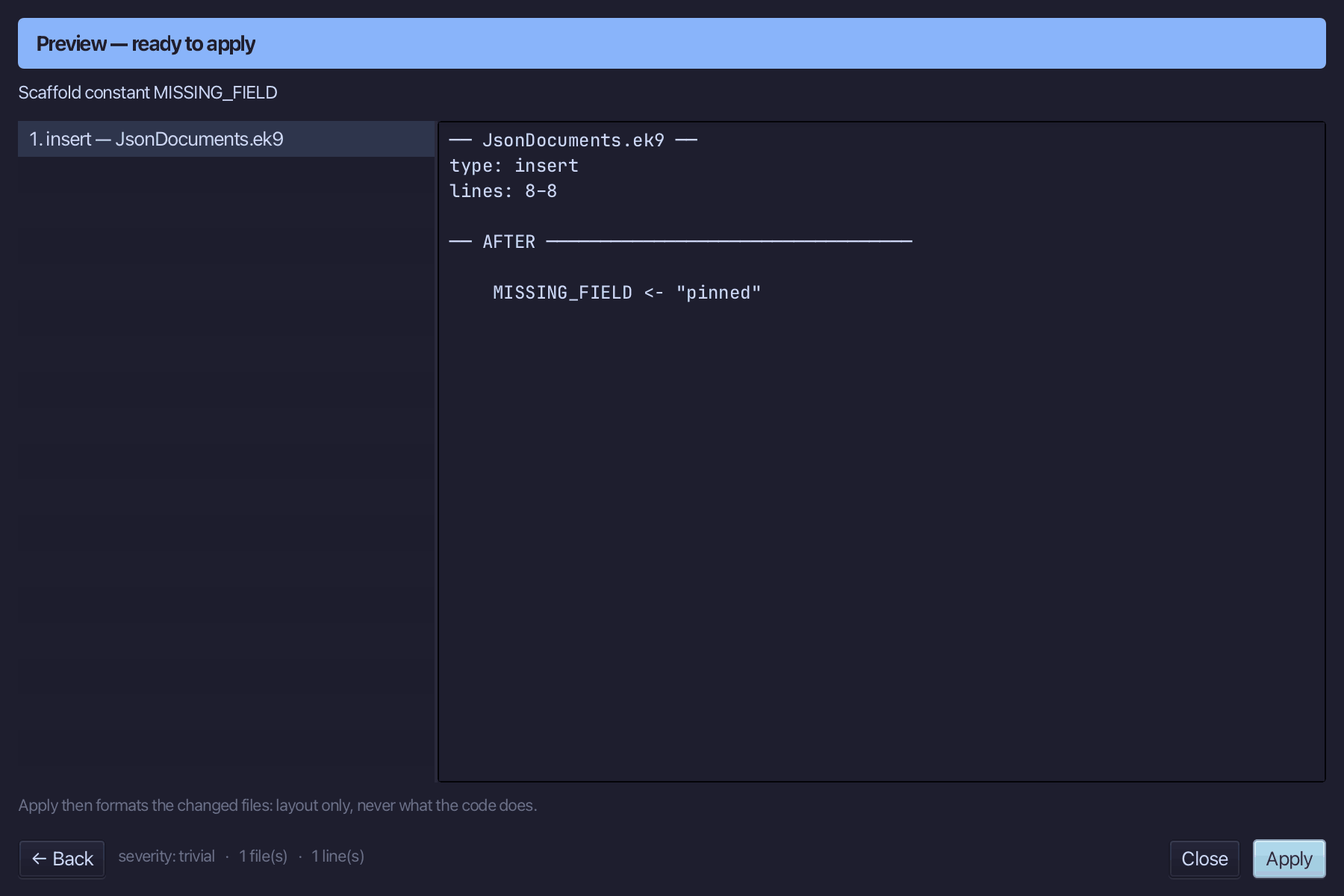
    MISSING_FIELD <- "pinned"

  defines record
    Note
      id <- Integer()
      text <- String()

      default Note() as pure

      Note() as pure
        ->
          noteId as Integer
          noteText as String

        id :=? Integer(noteId)
        text :=? String(noteText)

      default operator $$
      default operator ?

  defines function

    textOf() as pure
      ->
        document as JSON
        field as String
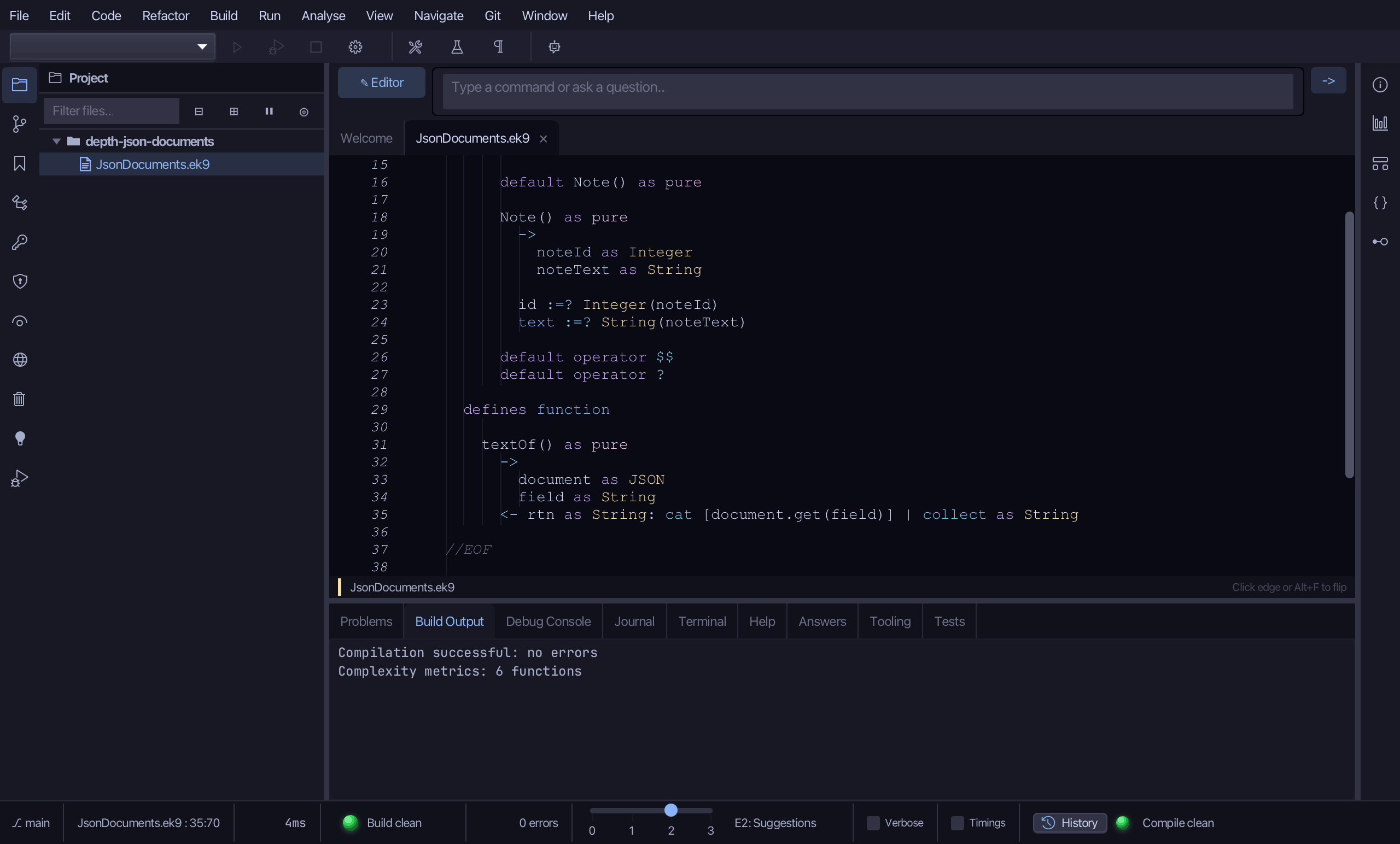
      <- rtn as String: cat [document.get(field)] | collect as String

    describe()
      -> document as JSON
      stdout <- Stdout()

      noteText <- document.get(TEXT_FIELD)
      stdout.println(`as JSON: ${noteText}`)
      stdout.println(`as text: ${textOf(document, TEXT_FIELD)}`)

      tags <- document.get(TAGS_FIELD)
      stdout.println(`tags: ${tags.arrayLength()} of them`)
      for tag in tags
        stdout.println(`tag: ${textOf(tag, TEXT_FIELD)}`)

      stdout.println(`pinned set: ${document.get(MISSING_FIELD)?}`)

  defines program

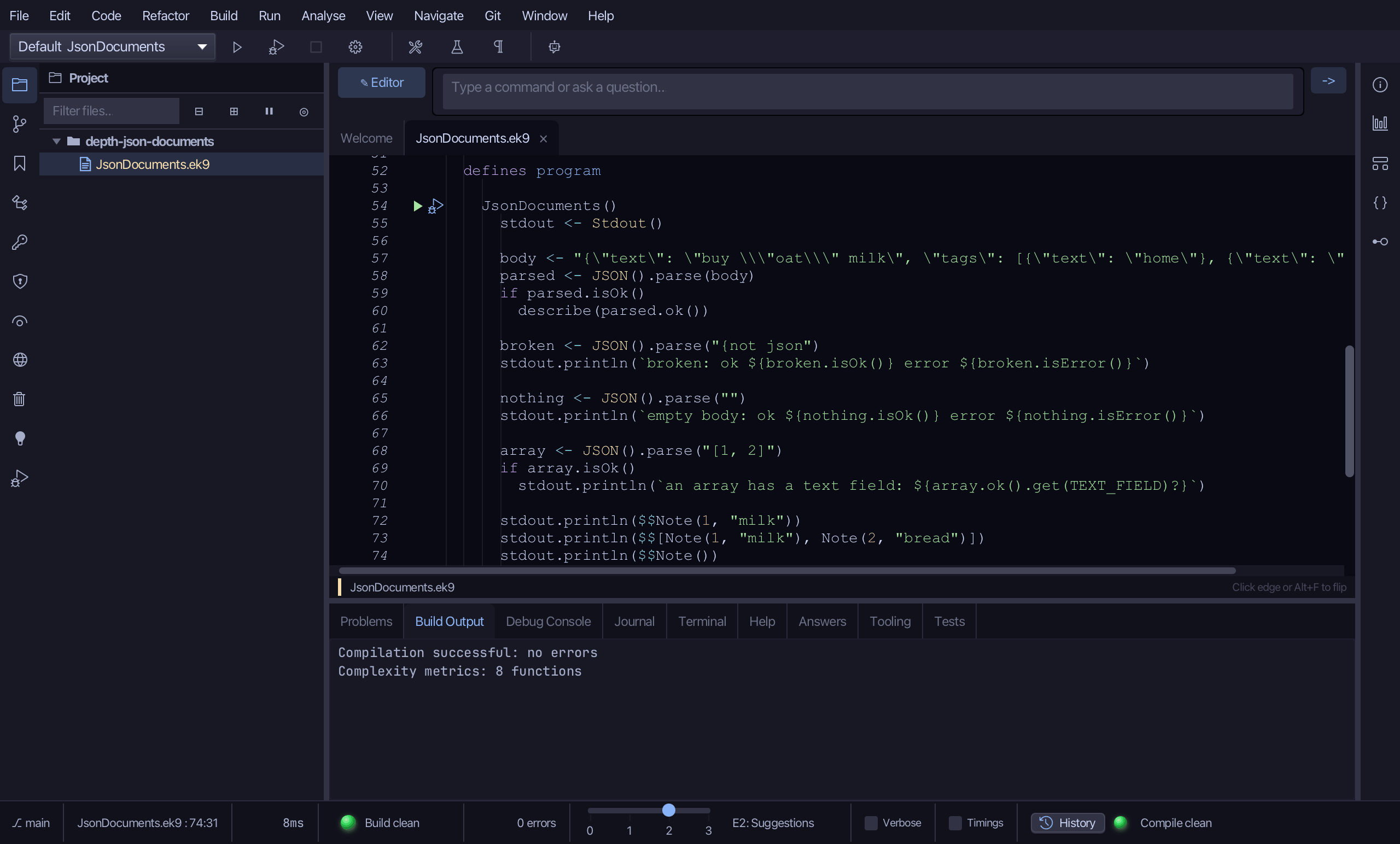
    JsonDocuments()
      stdout <- Stdout()

      body <- "{\"text\": \"buy \\\"oat\\\" milk\", \"tags\": [{\"text\": \"home\"}, {\"text\": \"urgent\"}]}"
      parsed <- JSON().parse(body)
      if parsed.isOk()
        describe(parsed.ok())

      broken <- JSON().parse("{not json")
      stdout.println(`broken: ok ${broken.isOk()} error ${broken.isError()}`)

      nothing <- JSON().parse("")
      stdout.println(`empty body: ok ${nothing.isOk()} error ${nothing.isError()}`)

      array <- JSON().parse("[1, 2]")
      if array.isOk()
        stdout.println(`an array has a text field: ${array.ok().get(TEXT_FIELD)?}`)

      stdout.println($$Note(1, "milk"))
      stdout.println($$[Note(1, "milk"), Note(2, "bread")])
      stdout.println($$Note())

//EOF
Step 1: Constants
Choose Code > New Construct > Constant…
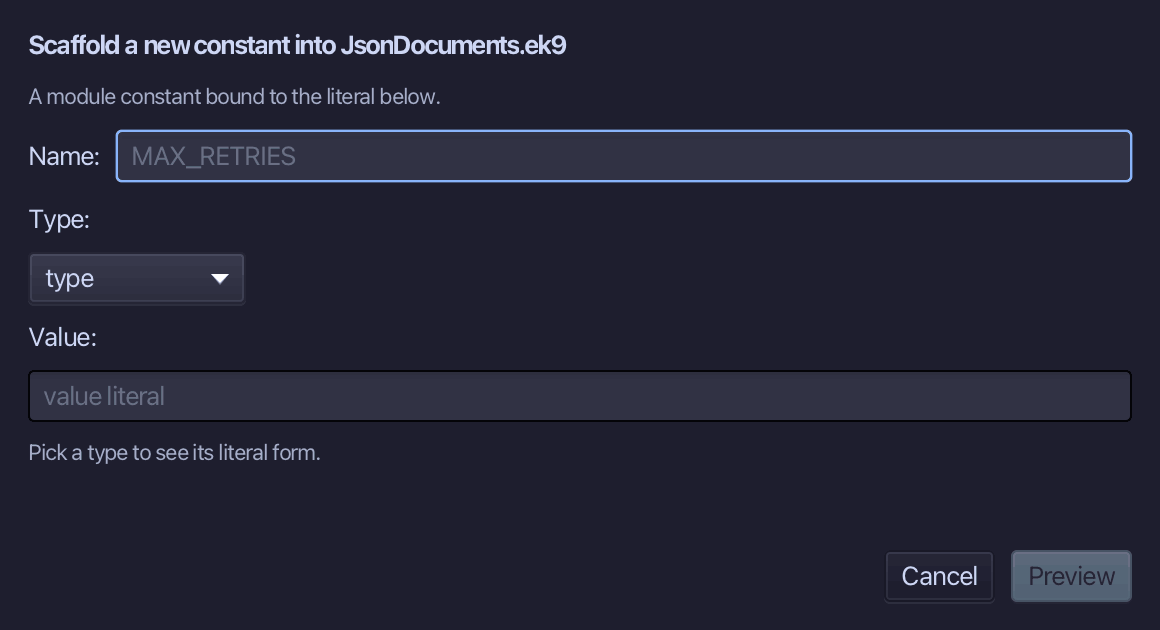
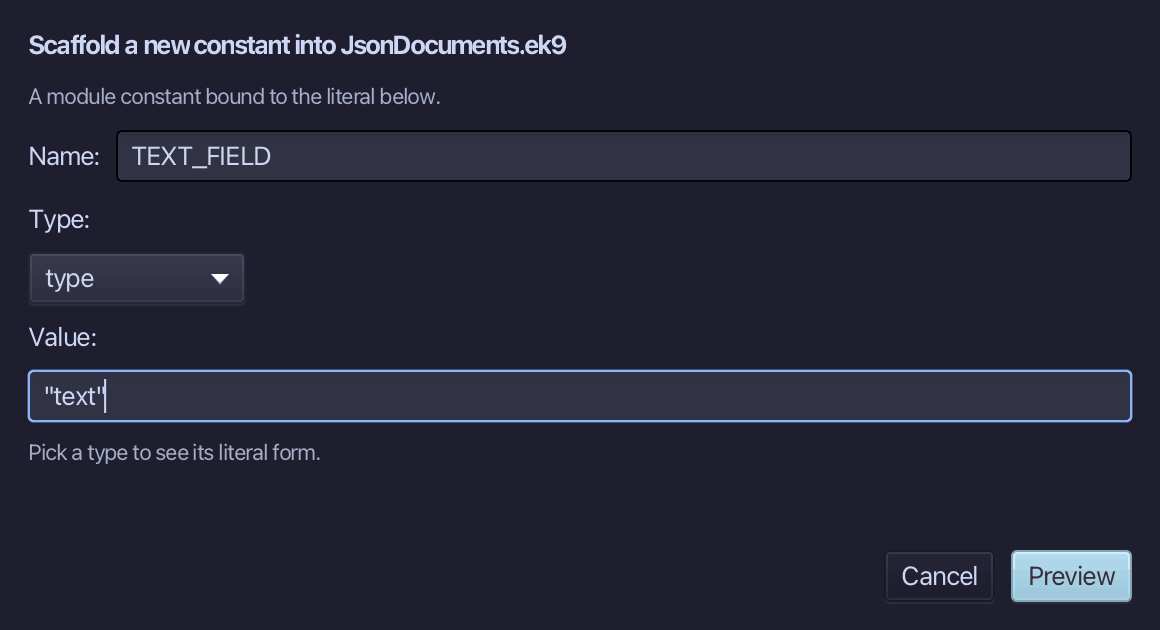
TEXT_FIELD is the constant's name and "text" its value - a literal in the Value field, from which the type is inferred. Type both and choose Preview.
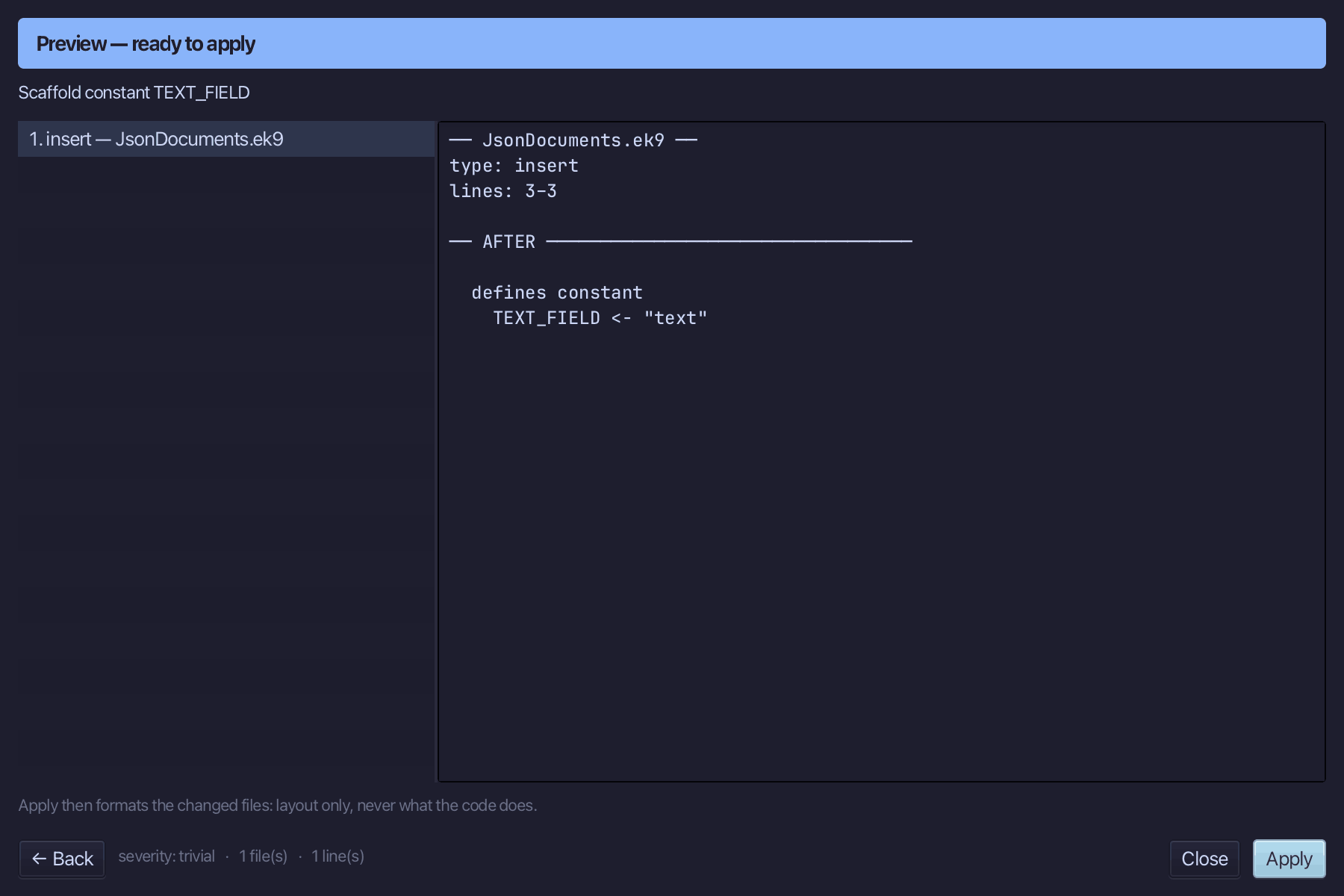
The preview shows TEXT_FIELD about to be written. Choose Apply.
Choose Code > New Construct > Constant…
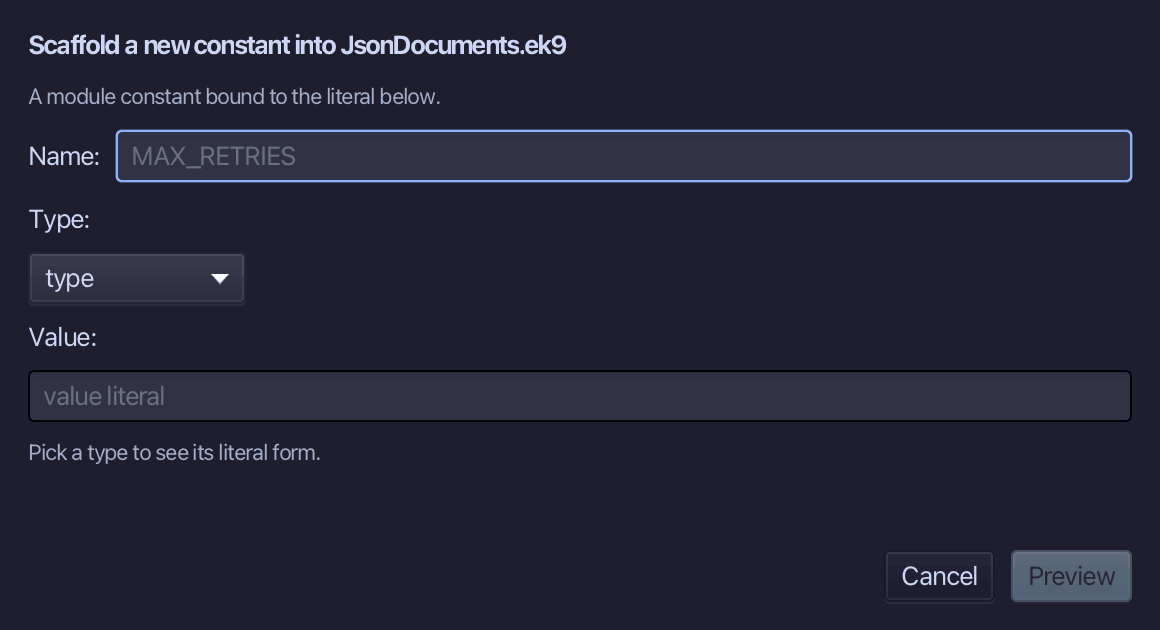
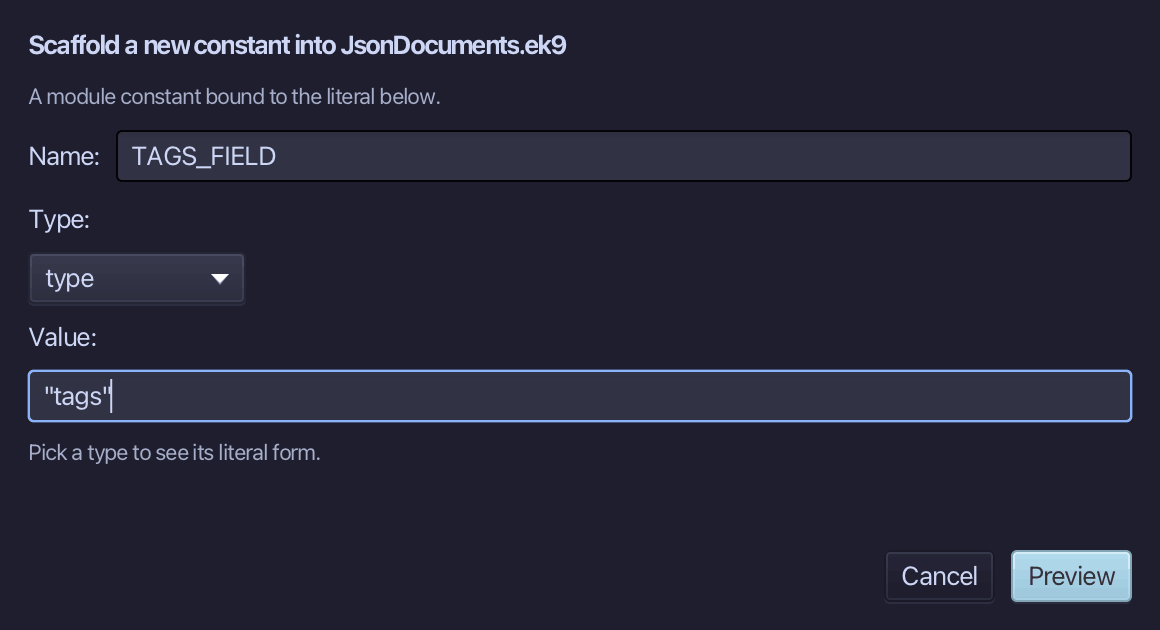
TAGS_FIELD is the constant's name and "tags" its value - a literal in the Value field, from which the type is inferred. Type both and choose Preview.
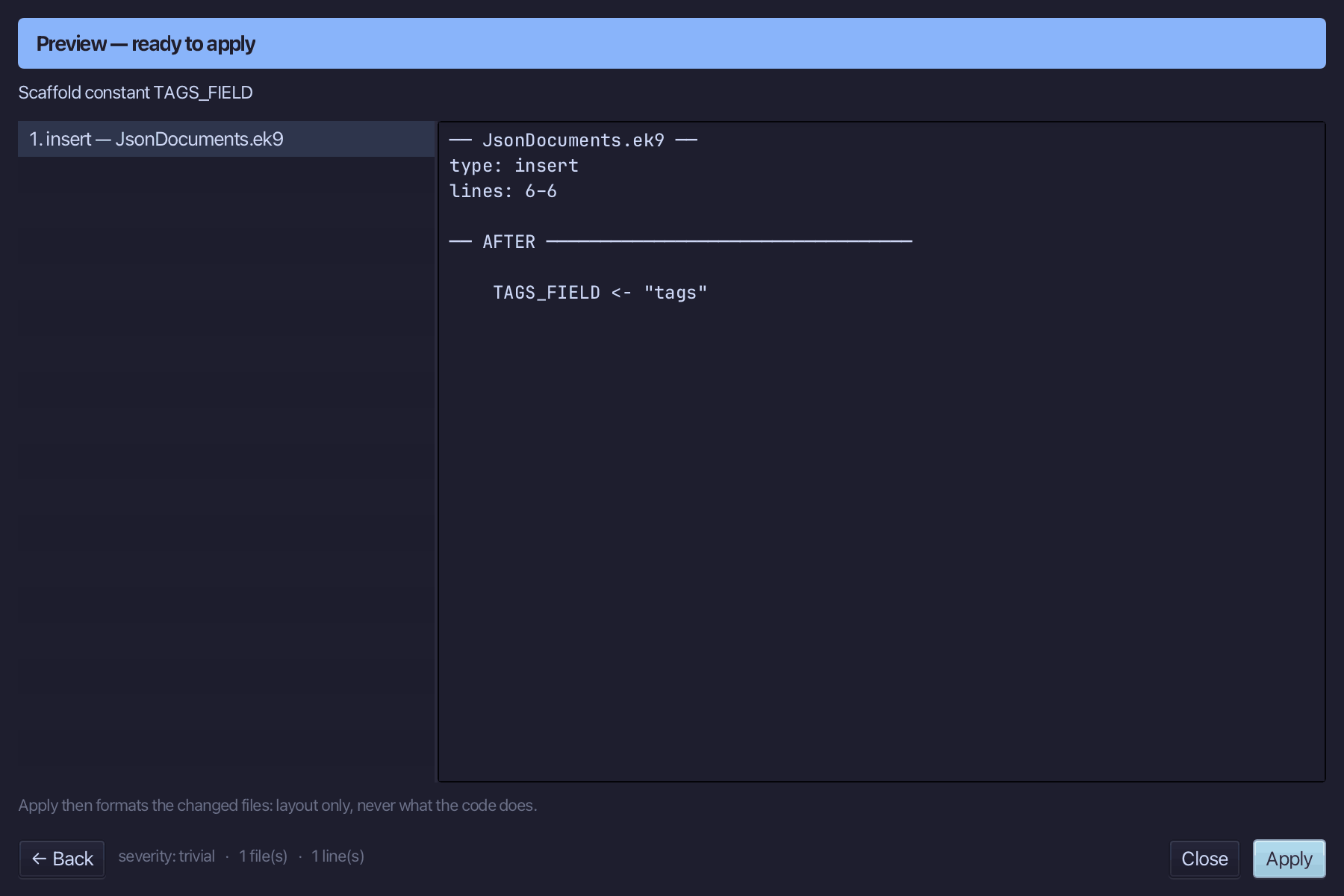
The preview shows TAGS_FIELD about to be written. Choose Apply.
Choose Code > New Construct > Constant…
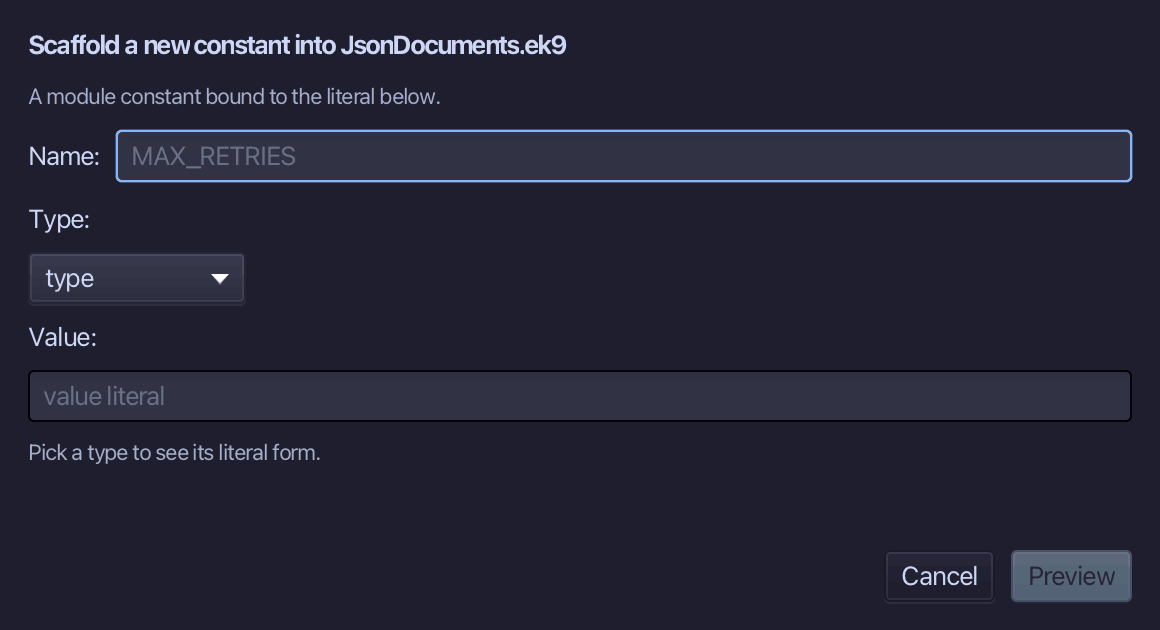
MISSING_FIELD is the constant's name and "pinned" its value - a literal in the Value field, from which the type is inferred. Type both and choose Preview.
The preview shows MISSING_FIELD about to be written. Choose Apply.
Step 2: Note — a record
Choose Code > New Construct > Record…
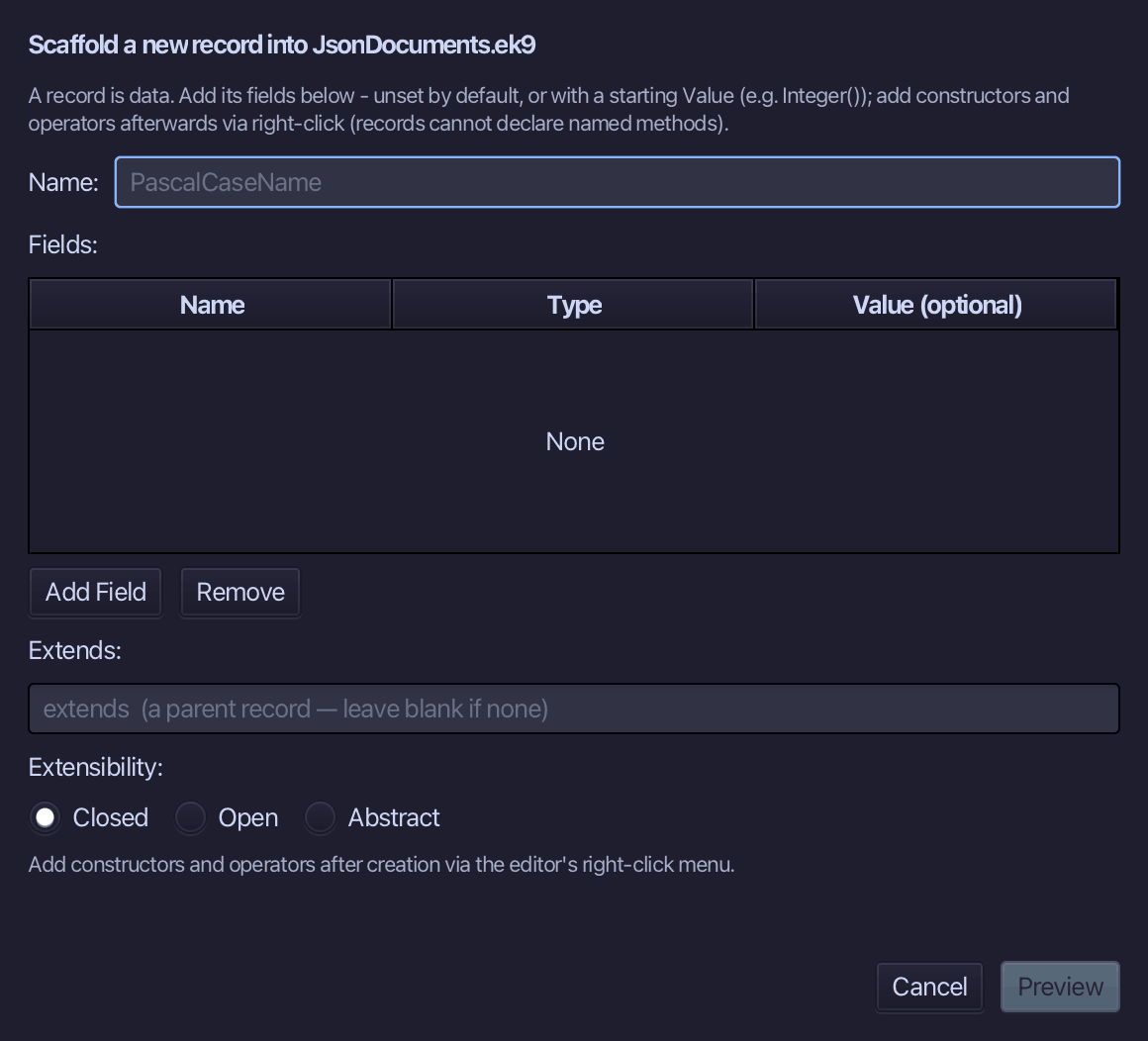
Note is the record's name. A note is a value: an id and its text. The Fields table holds id of type Integer, starting at Integer(); text of type String, starting at String(). Choose Preview.
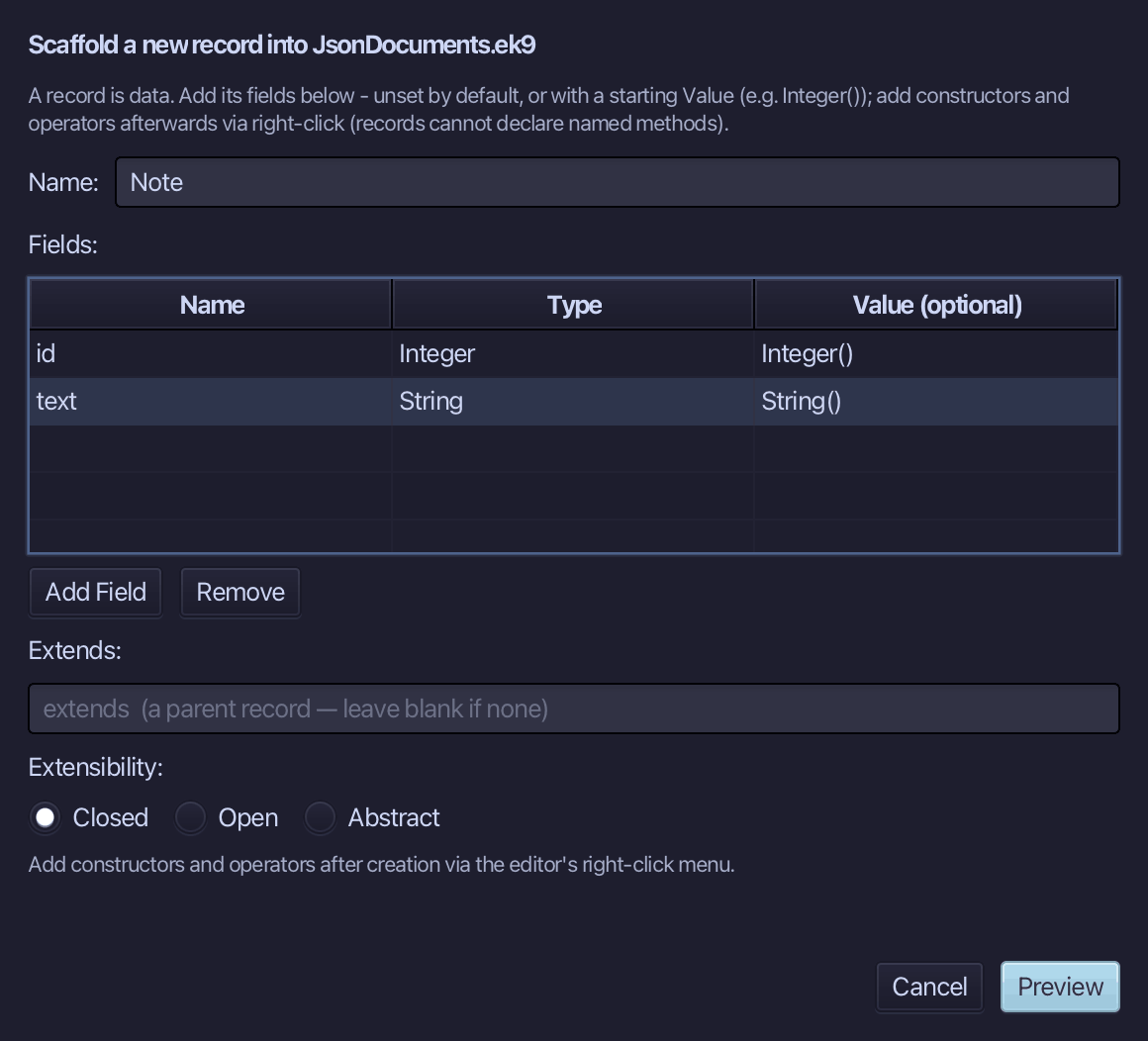
The preview shows Note about to be written - and default operator ? with them: a record that holds fields must say when it counts as set. Choose Apply.
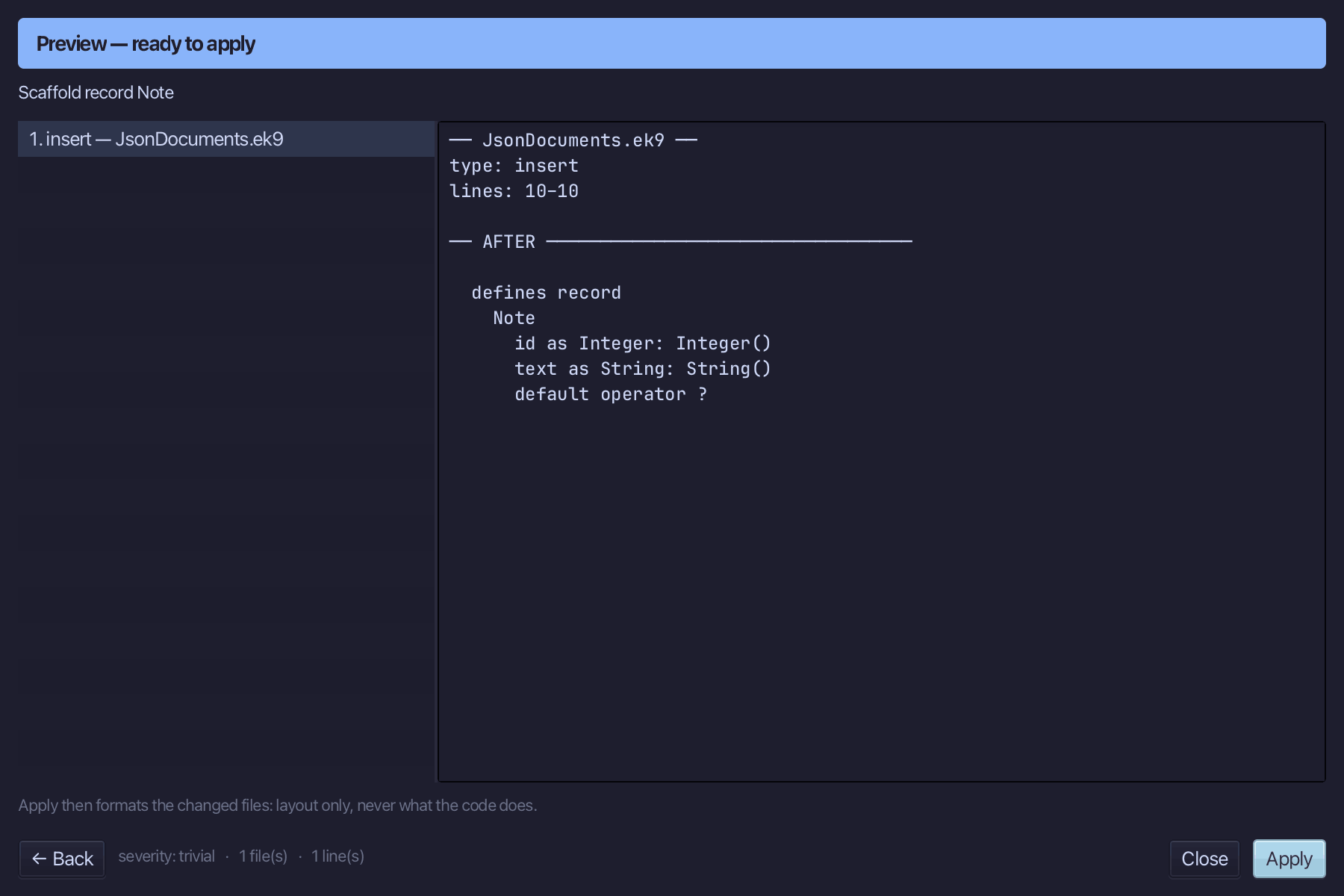
The dialog writes a field with its type spelled out; the book lets the value say it. Select the id line and retype it. Saves when typed.
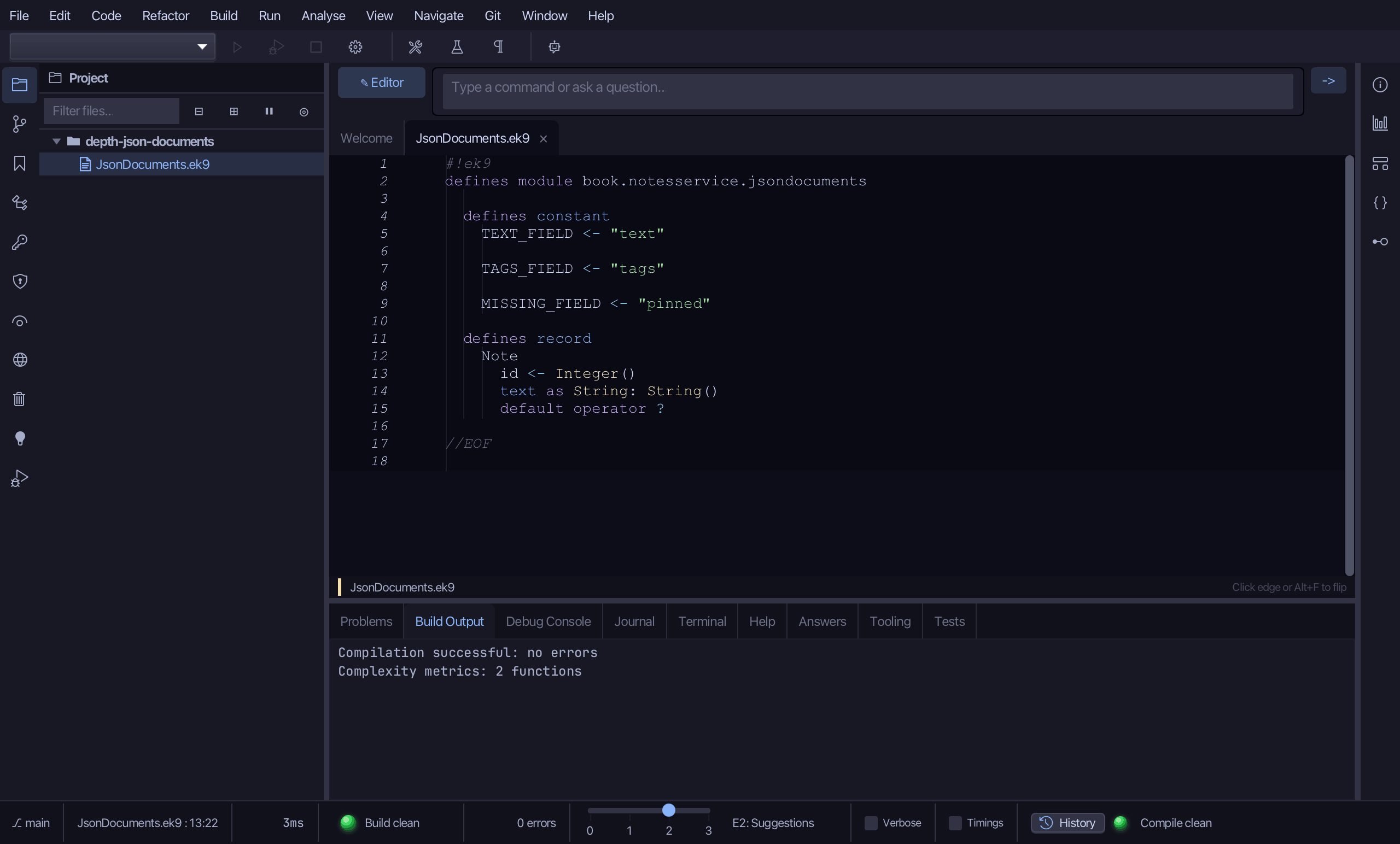
The same for text. Saves when typed.
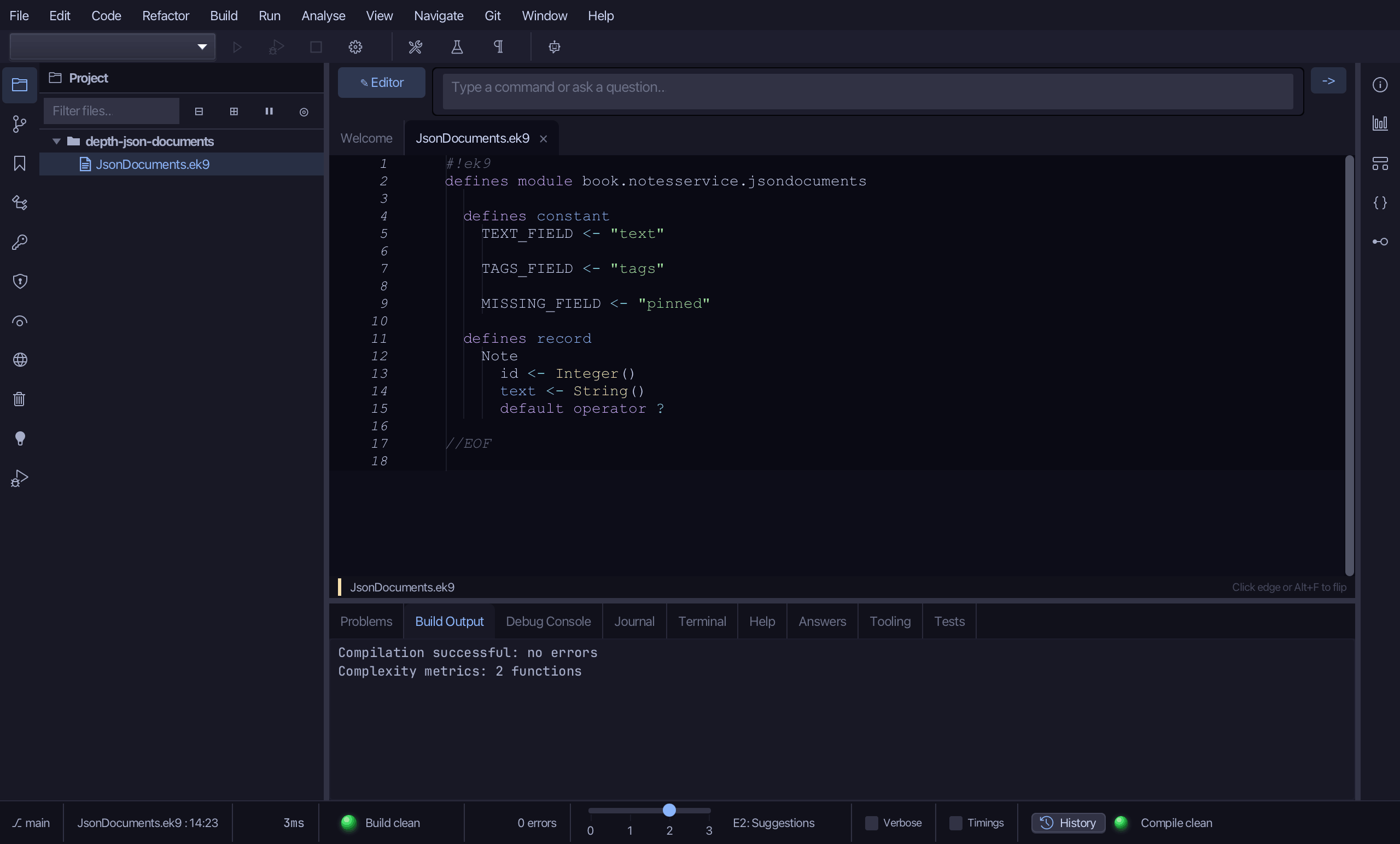
Right-click the Note line and choose Add Constructor > No-Arg (default, pure). The record can be made empty.
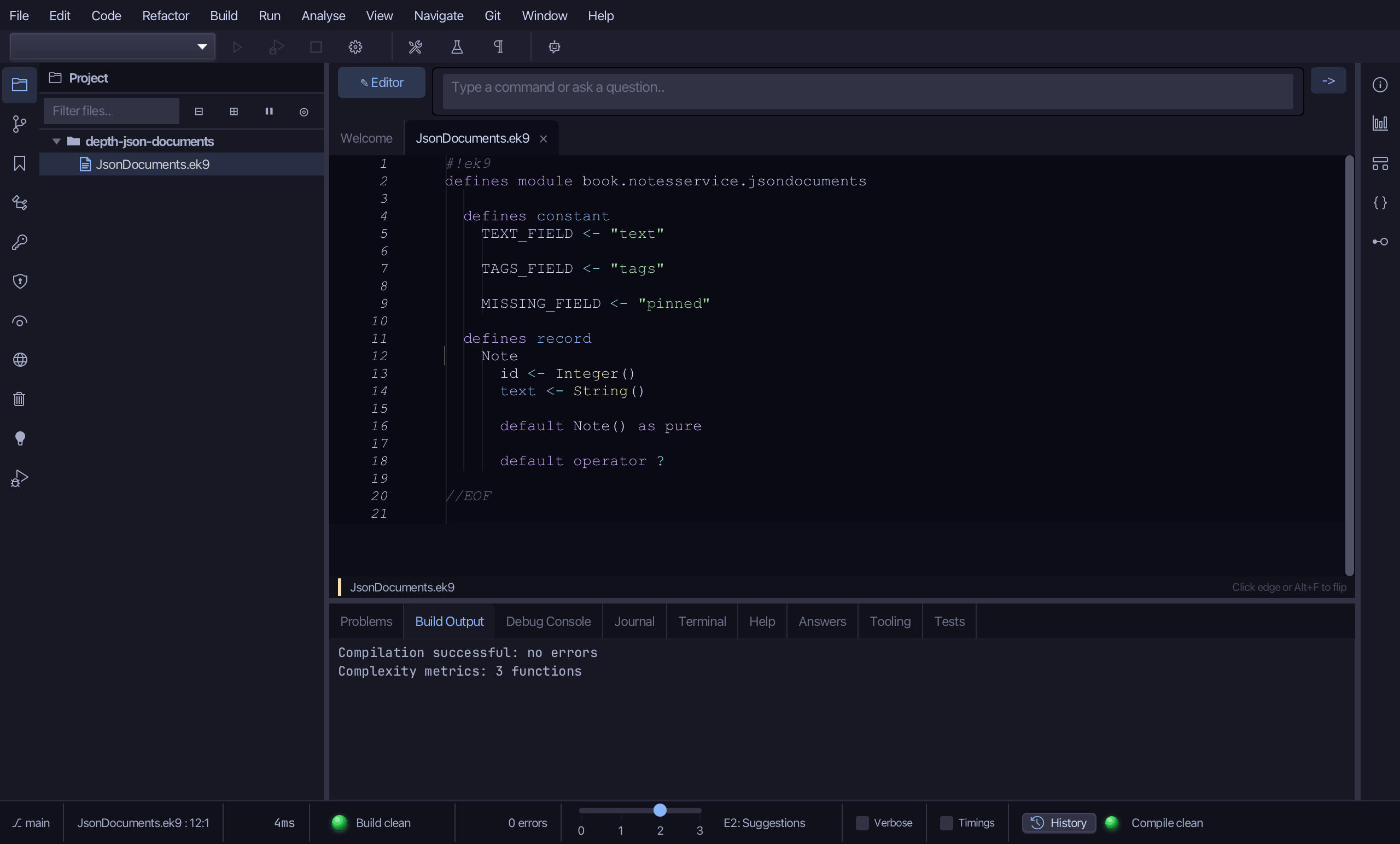
No tool writes a constructor whose parameters are named differently from the fields, so type it under the default one. Saves when typed.
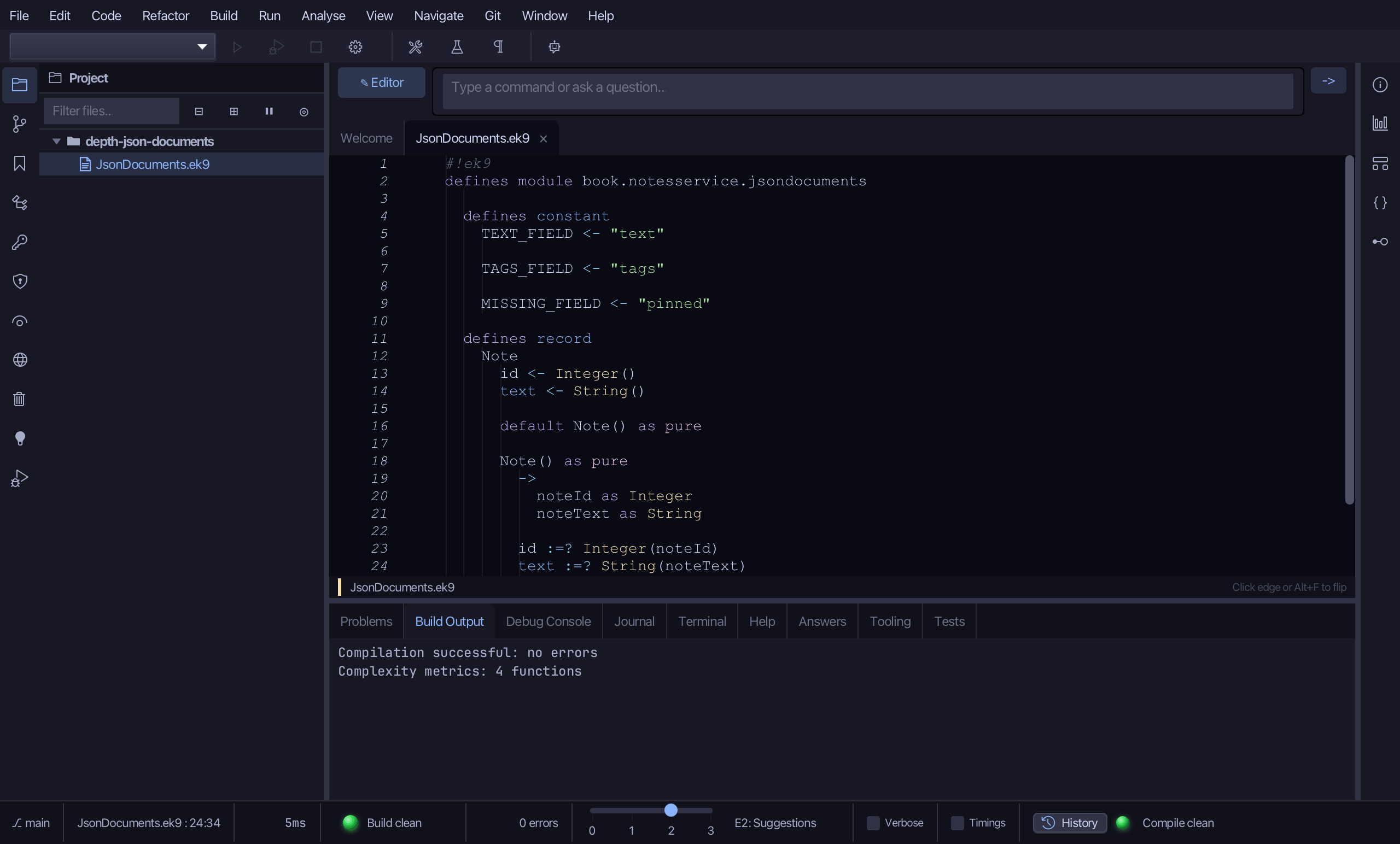
Right-click the Note line and choose Add Operator > $$ (json) > default - the compiler writes the operator from the fields. $$ is the JSON form of a value.
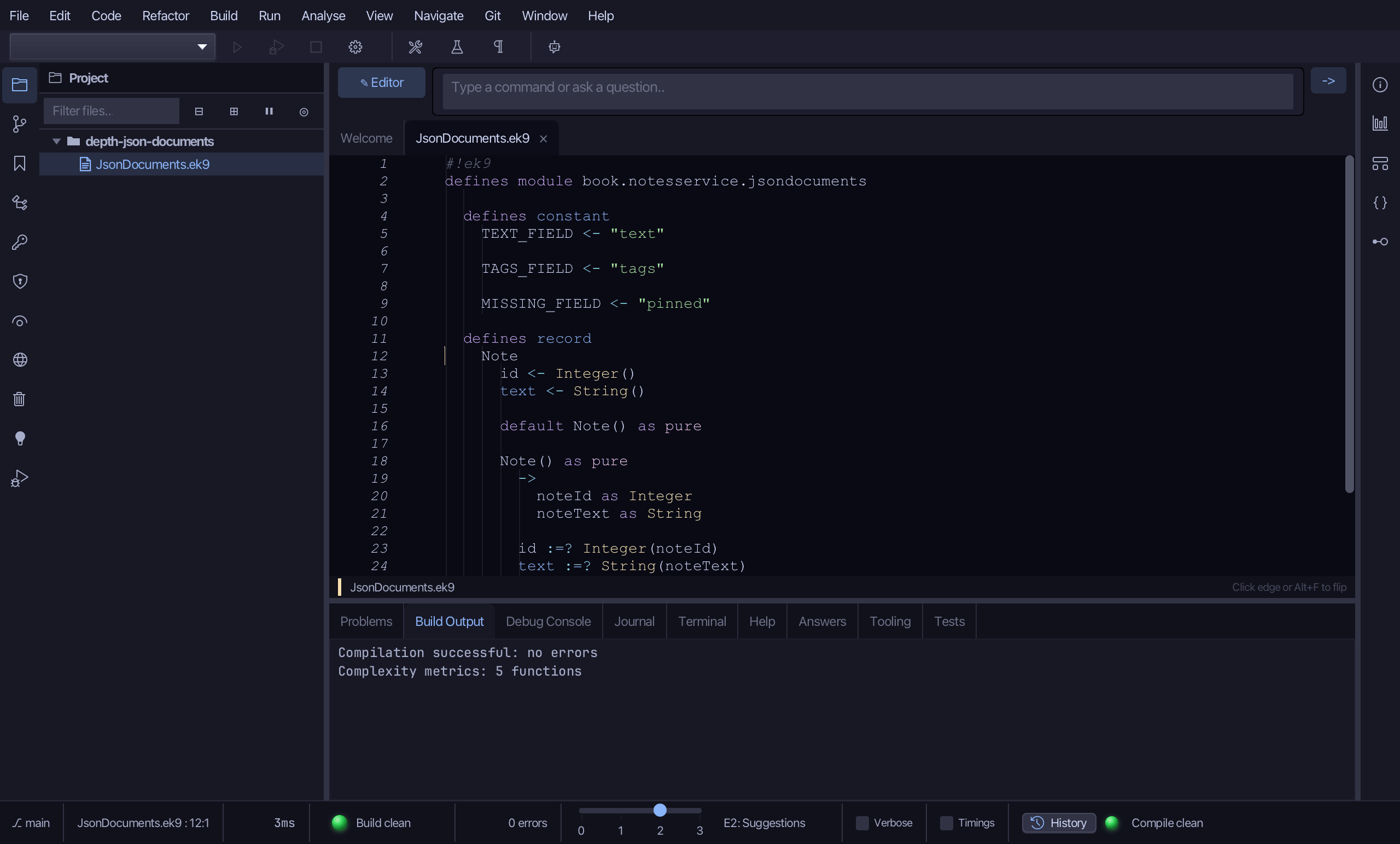
Step 3: textOf — a pure function
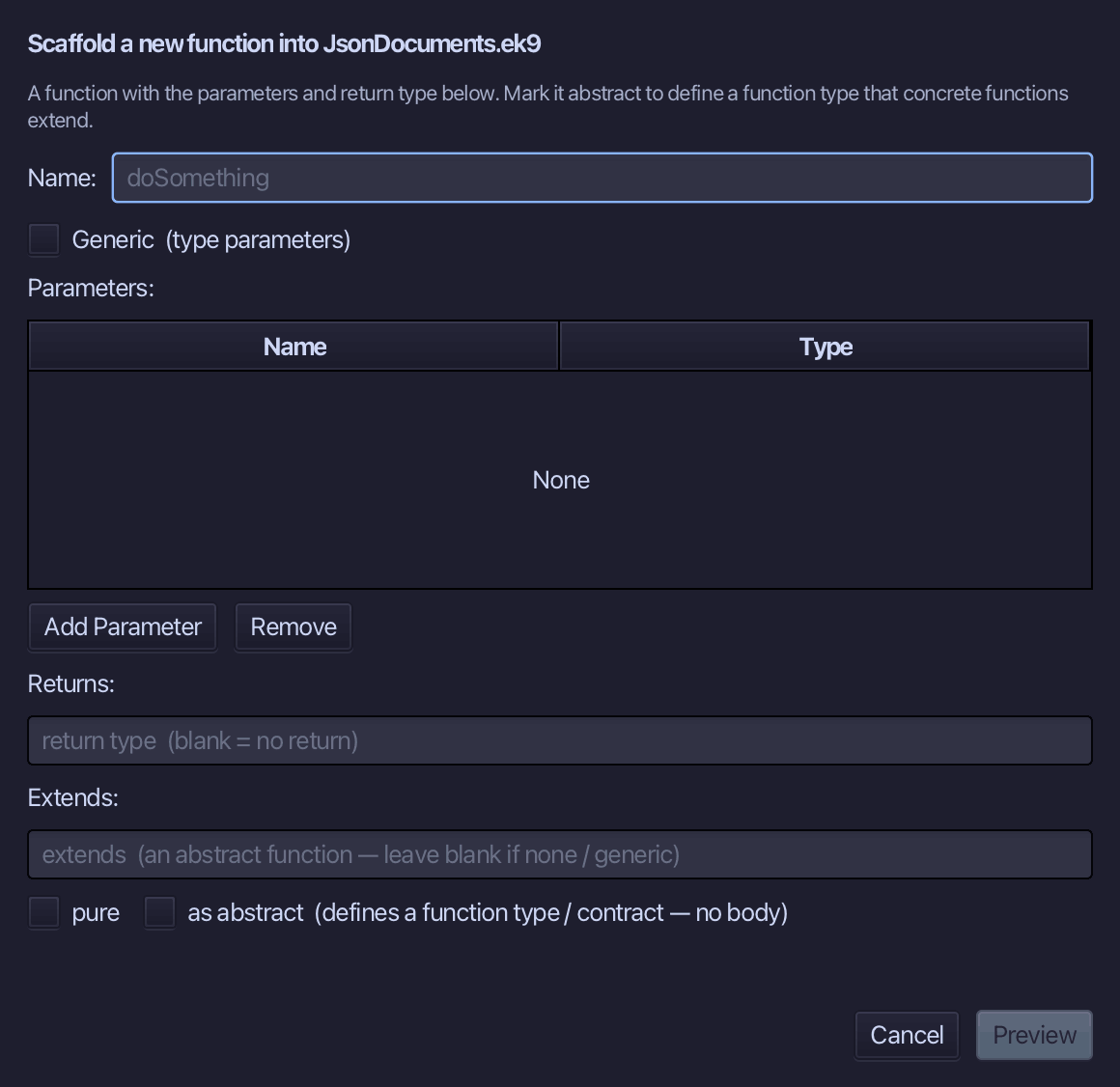
Choose Code > New Construct > Function…
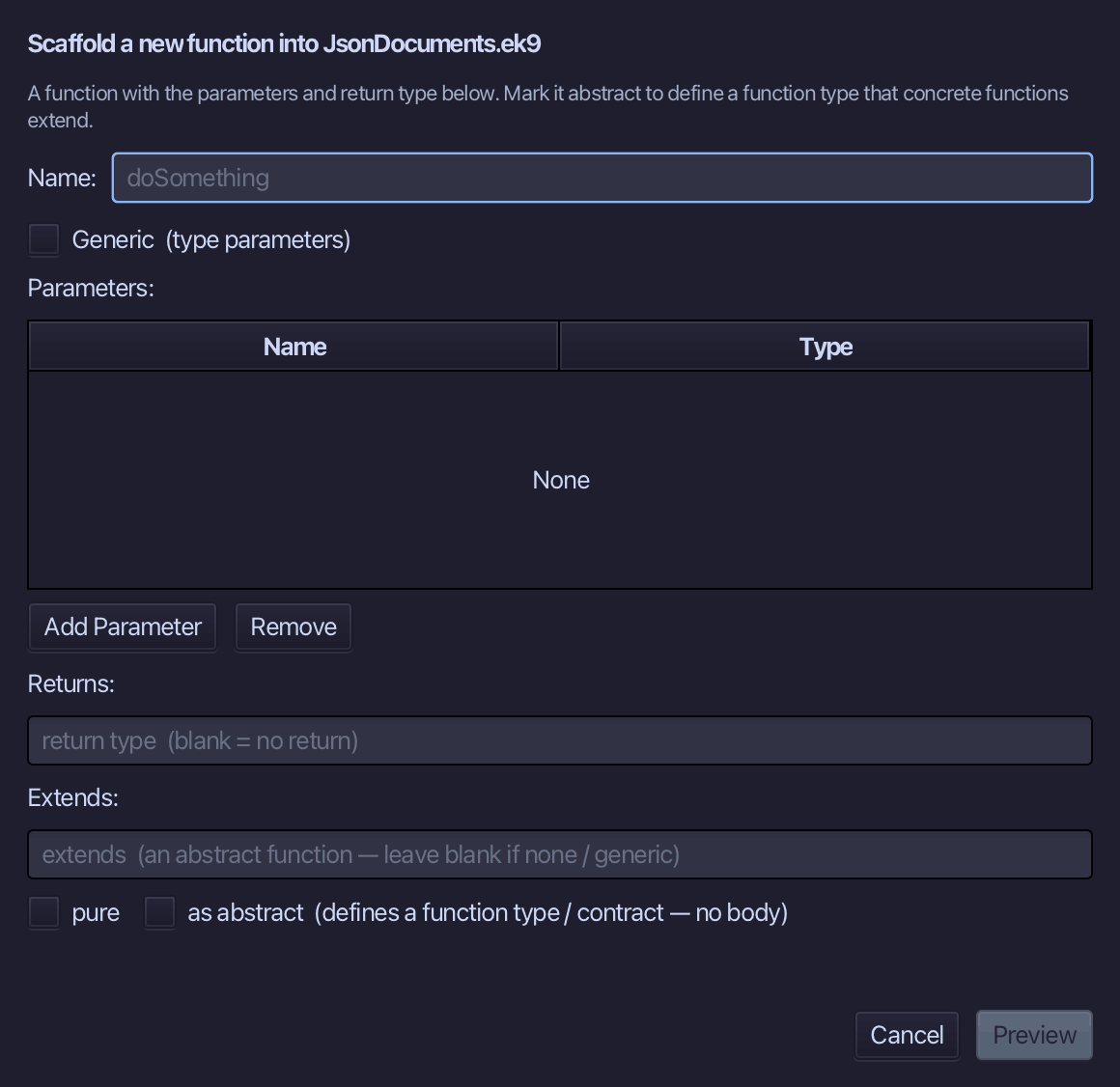
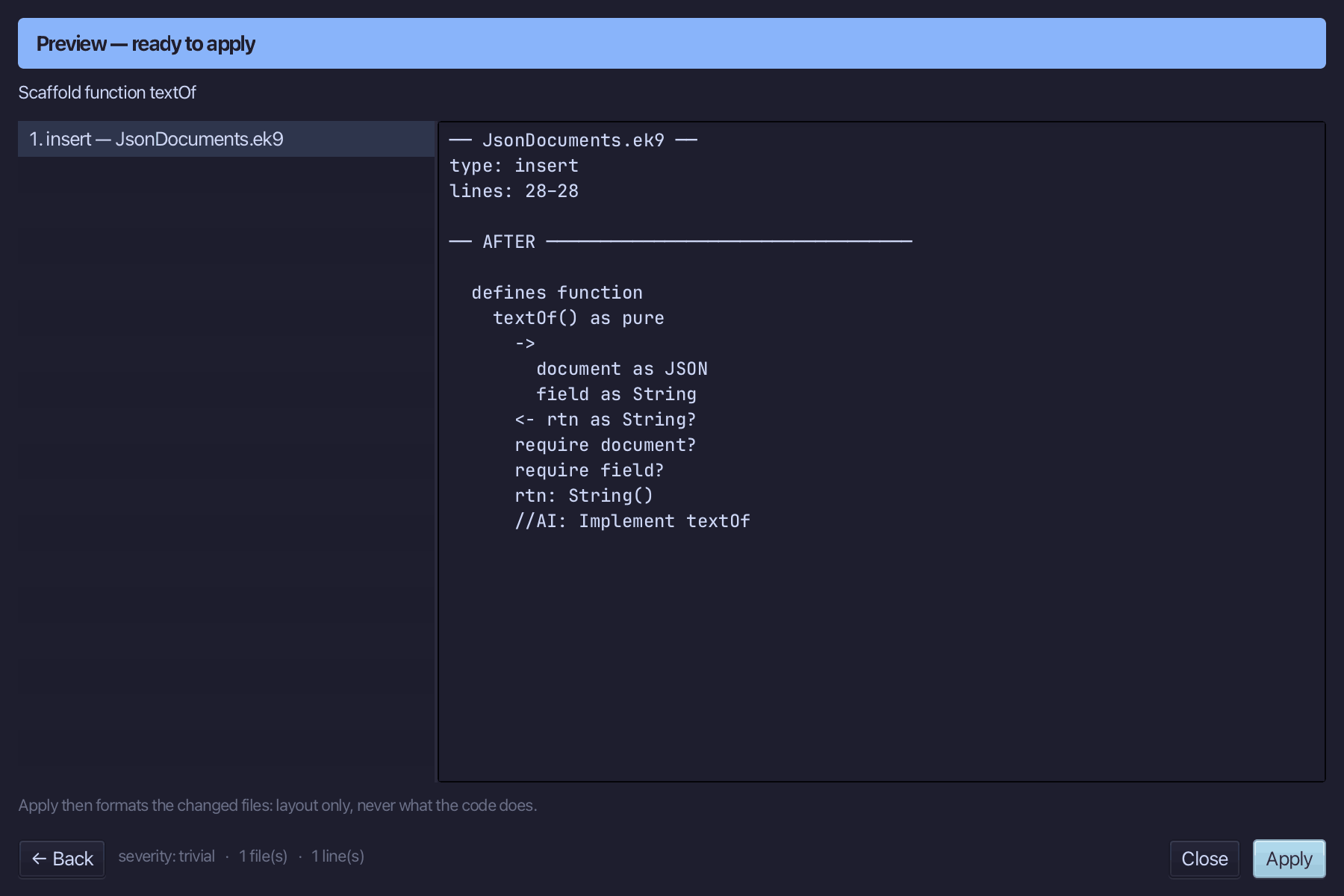
textOf is the function's name. Add the parameters document of type JSON and field of type String, set Returns to String and tick pure. Choose Preview.
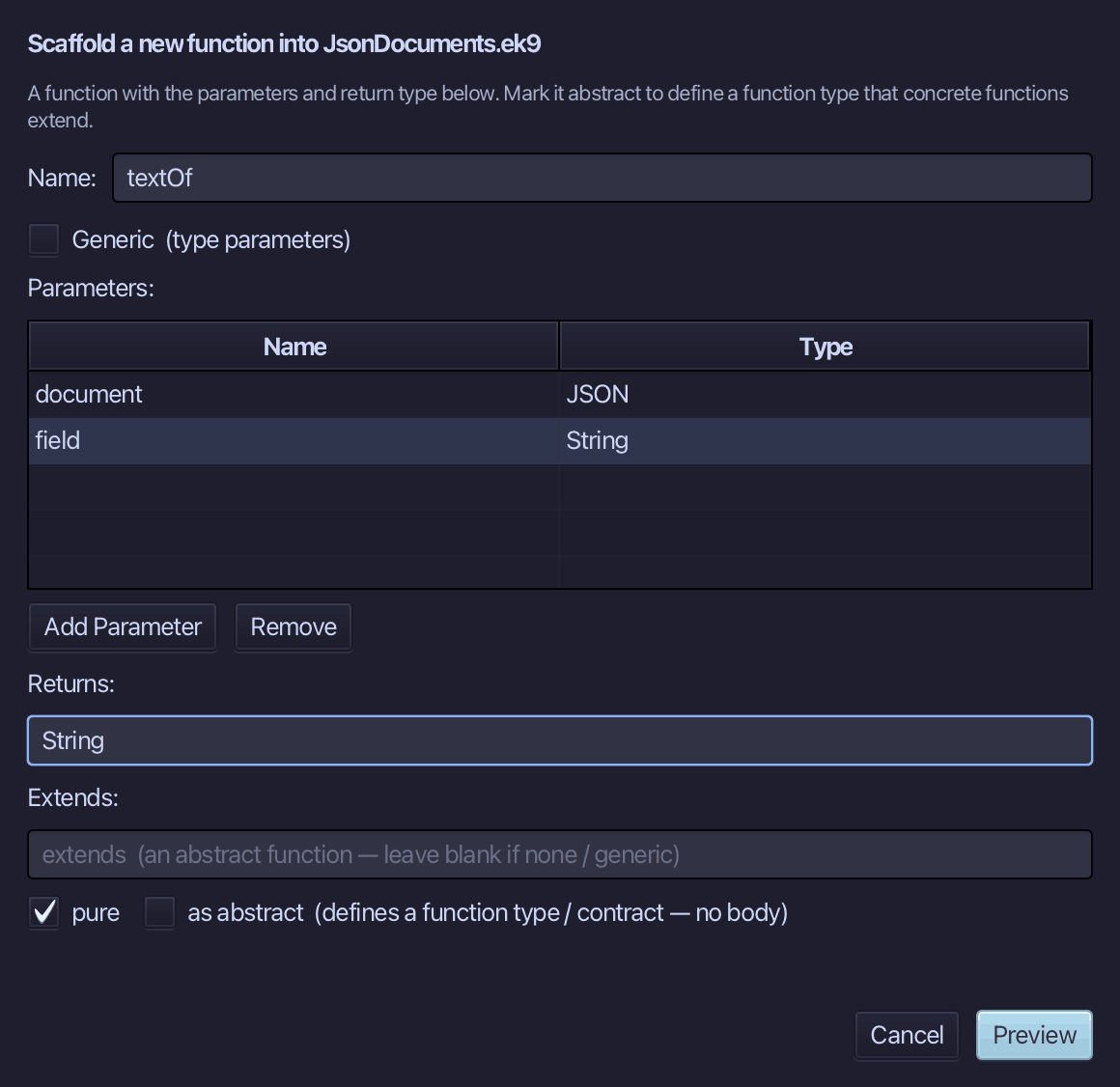
The preview shows textOf about to be written. Choose Apply.
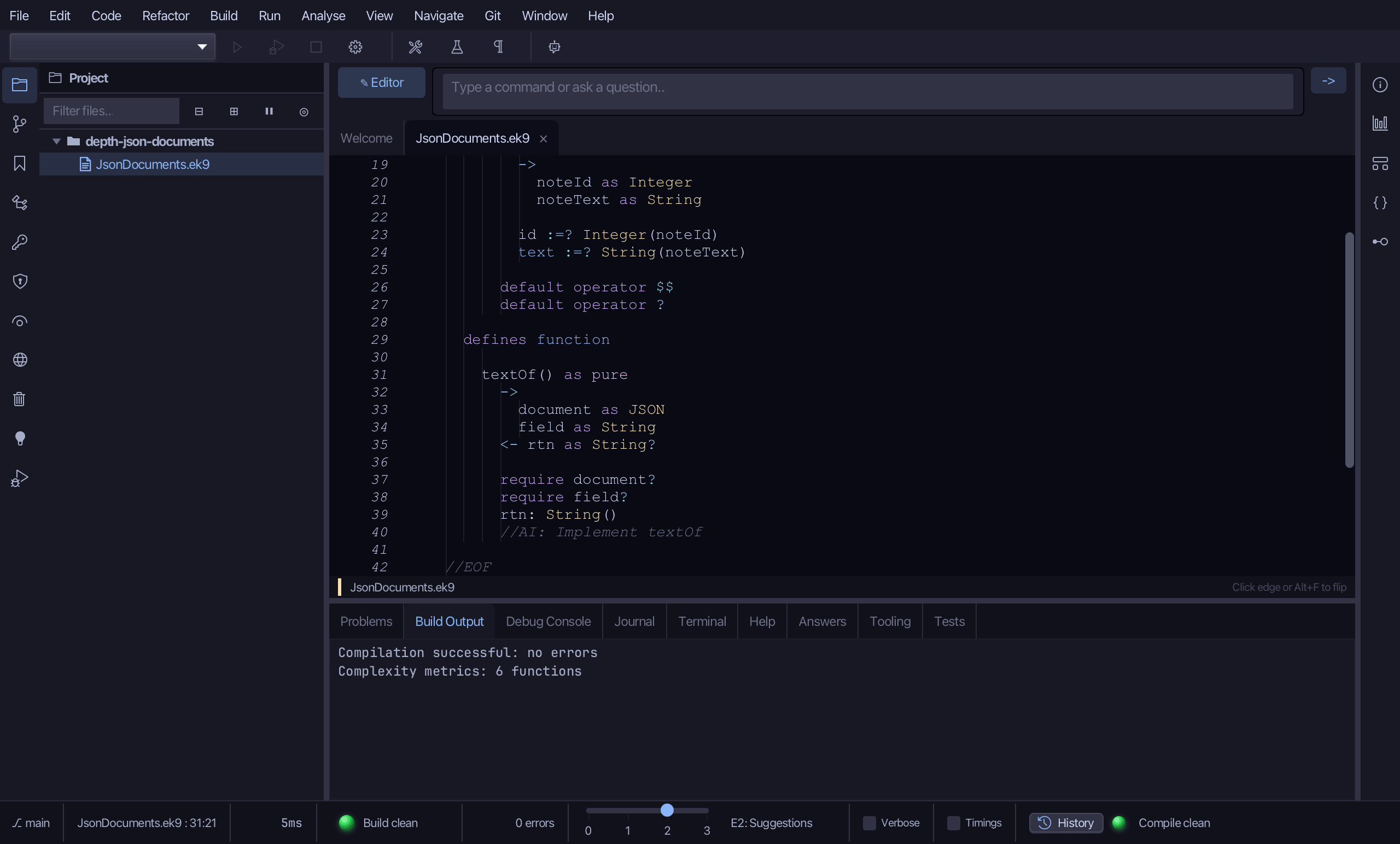
Select the textOf() as pure line and, above it, type the blank line the book opens its first function with. Saves when typed.
Select the stub, from <- rtn as String? down to its //AI line, and type textOf's own return and work, as the book writes them. Saves when typed.
Step 4: describe — a function
Choose Code > New Construct > Function…
describe is the function's name. Add one parameter, document of type JSON. Choose Preview.
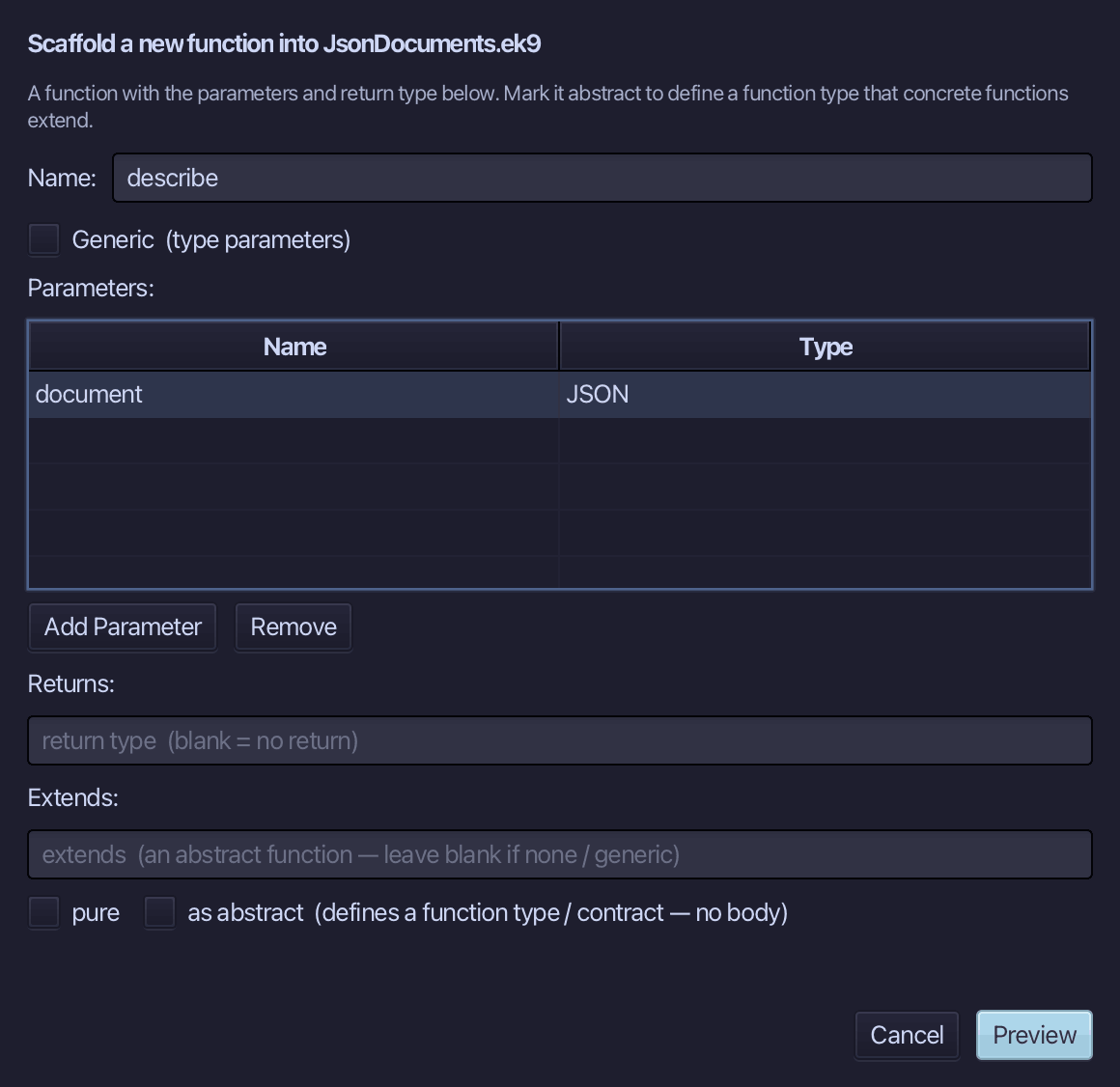
The preview shows describe about to be written. Choose Apply.
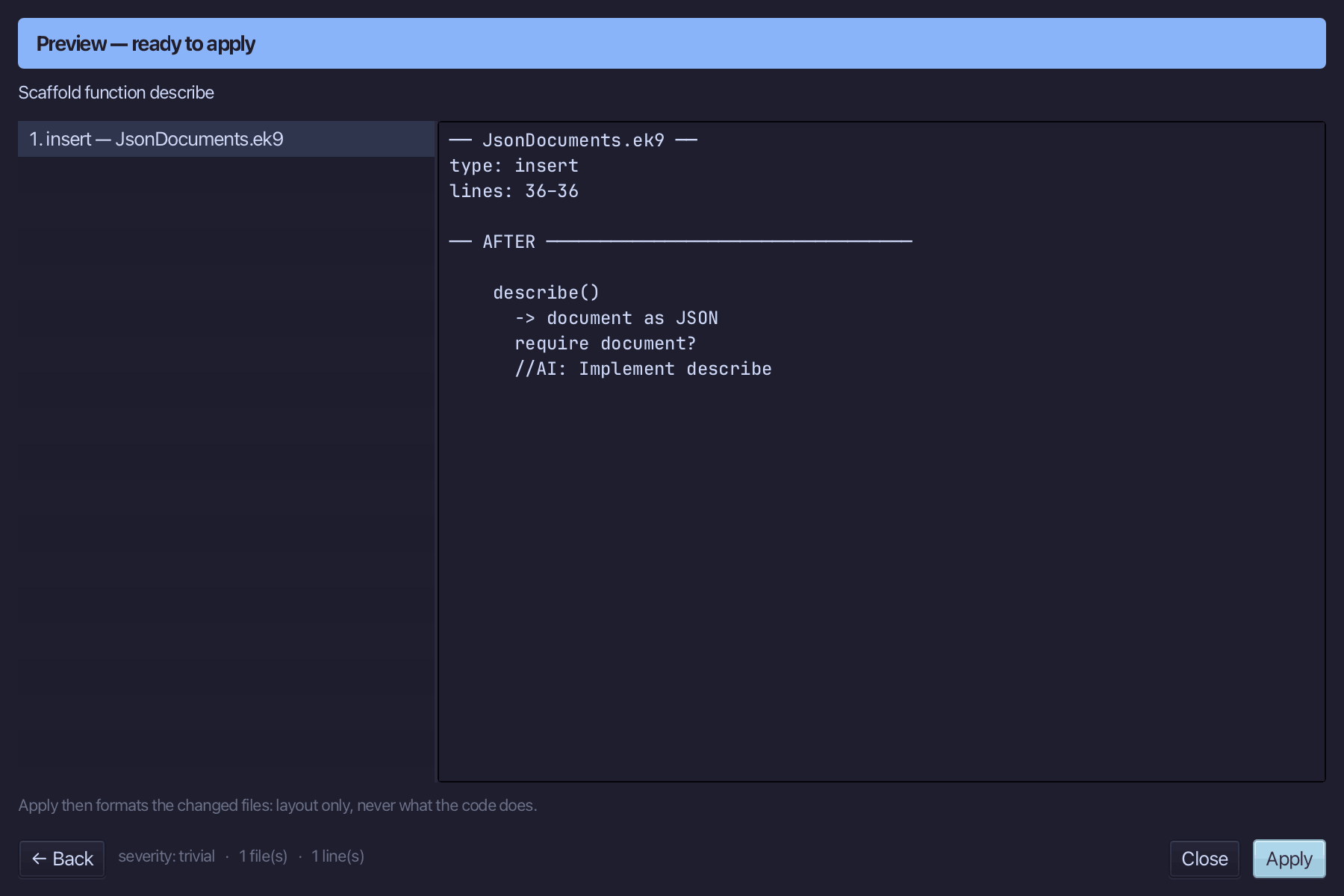
Select the stub, from require document? down to its //AI line, and type describe's own return and work, as the book writes them. Saves when typed.
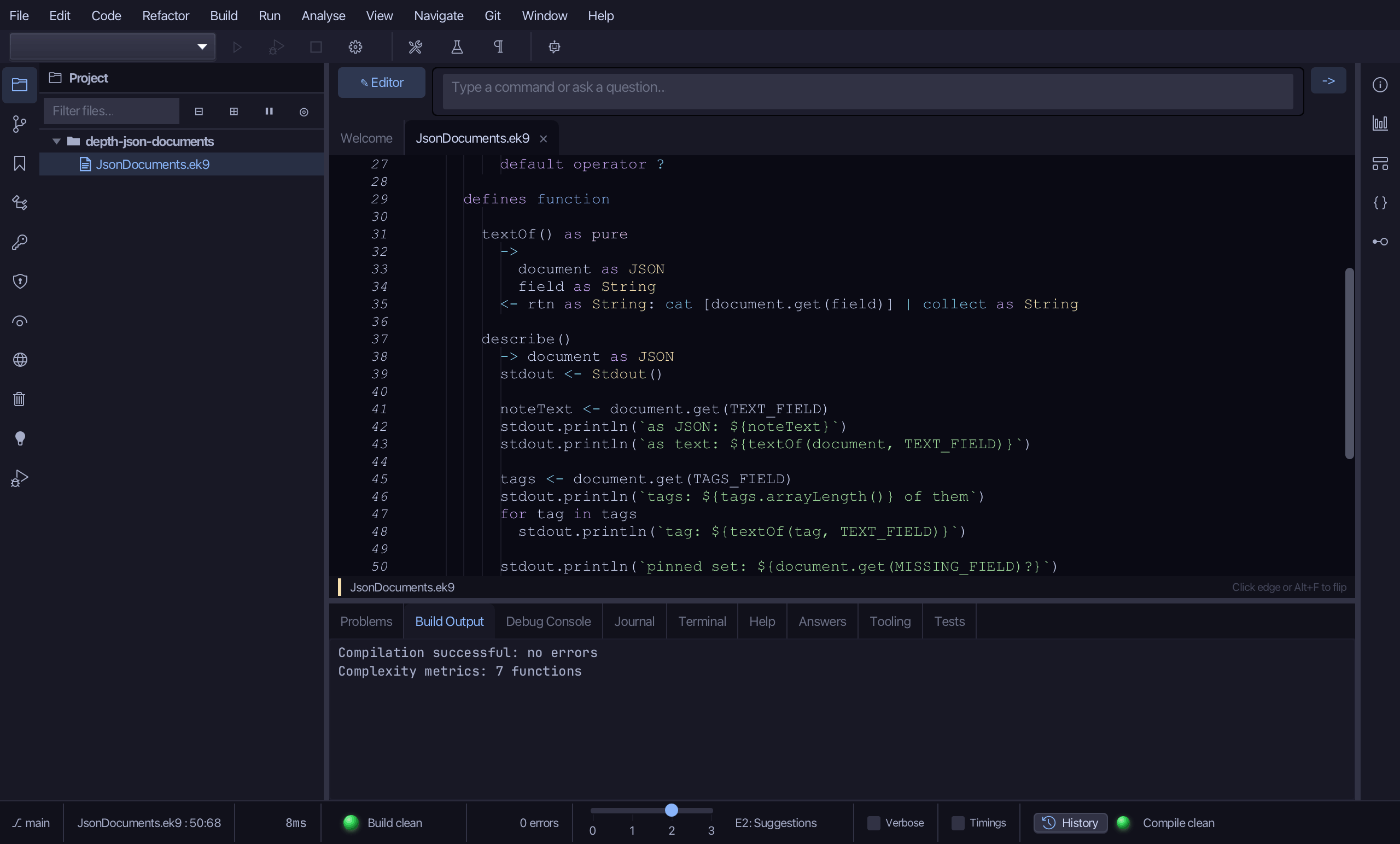
Step 5: JsonDocuments — a program
Choose Code > New Construct > Program…
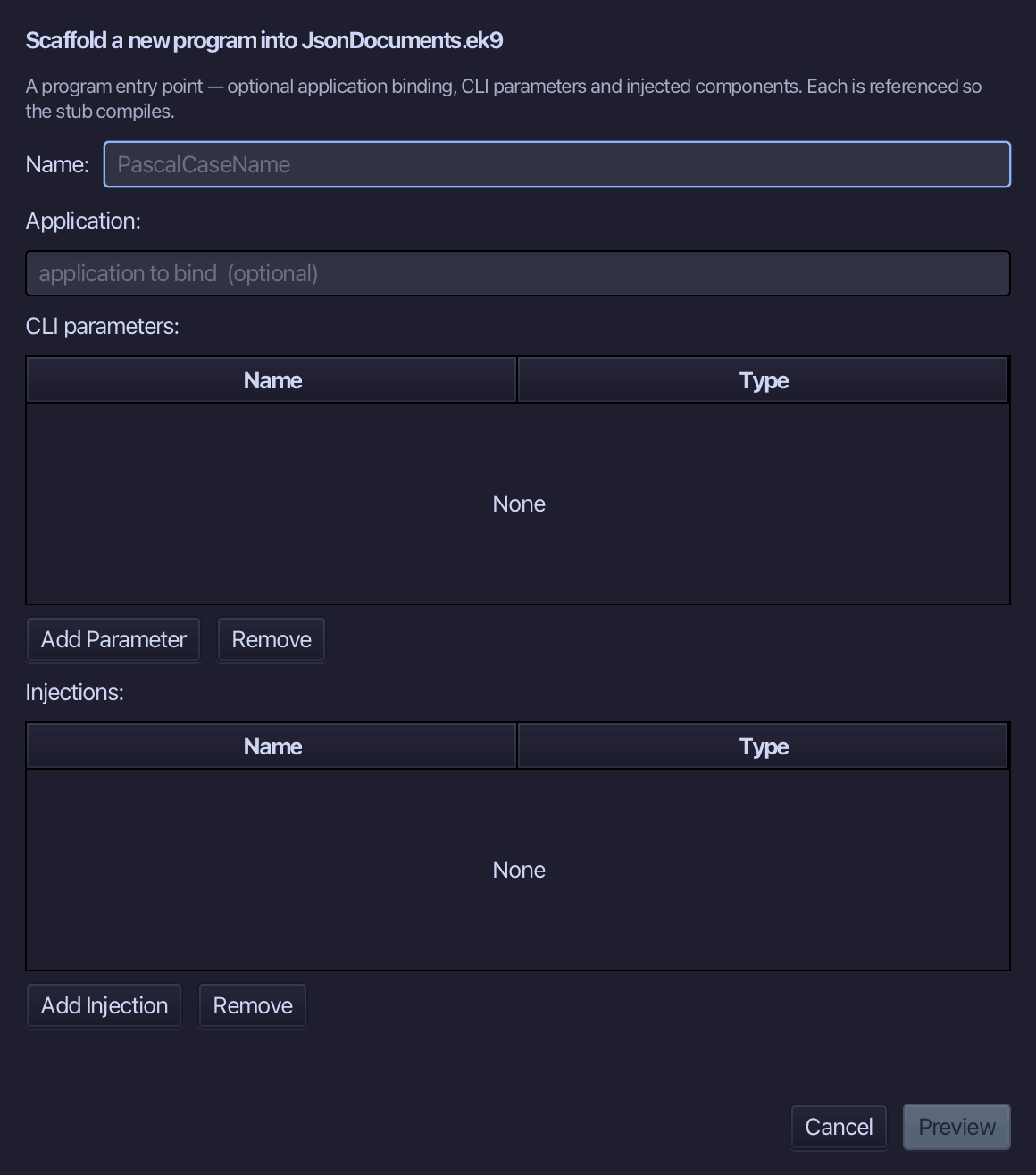
JsonDocuments is the program's name. Choose Preview.
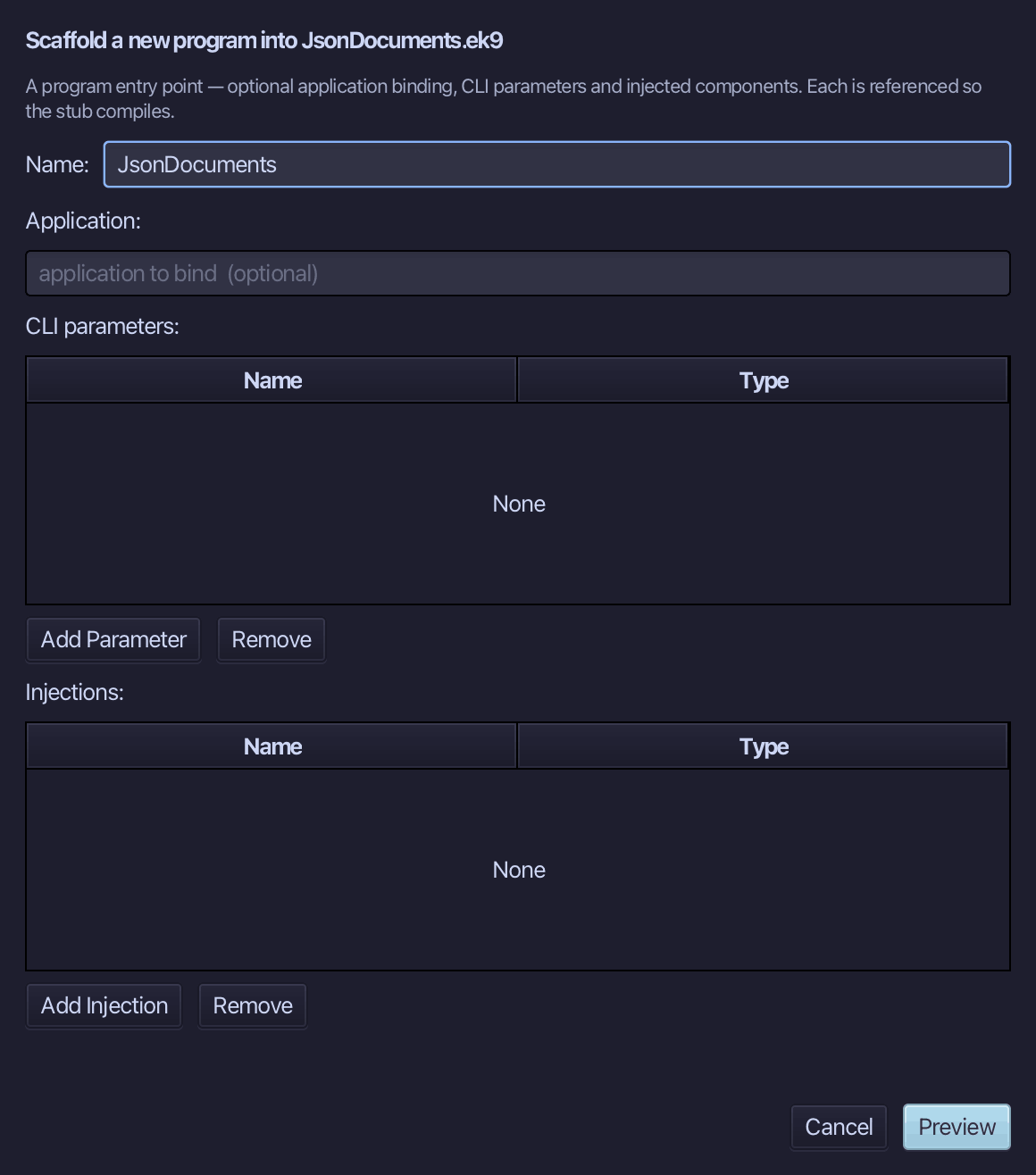
The preview shows JsonDocuments about to be written. Choose Apply.
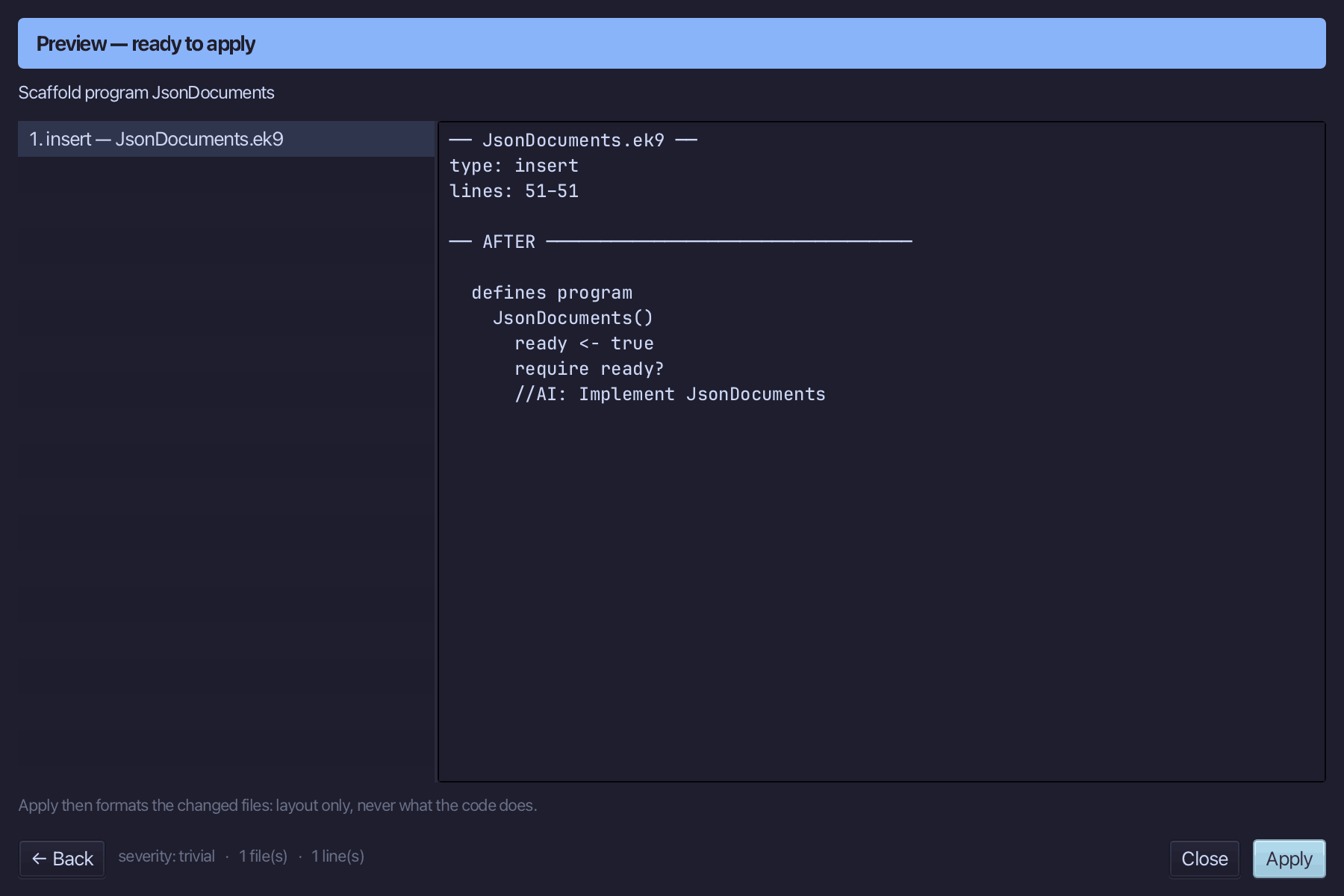
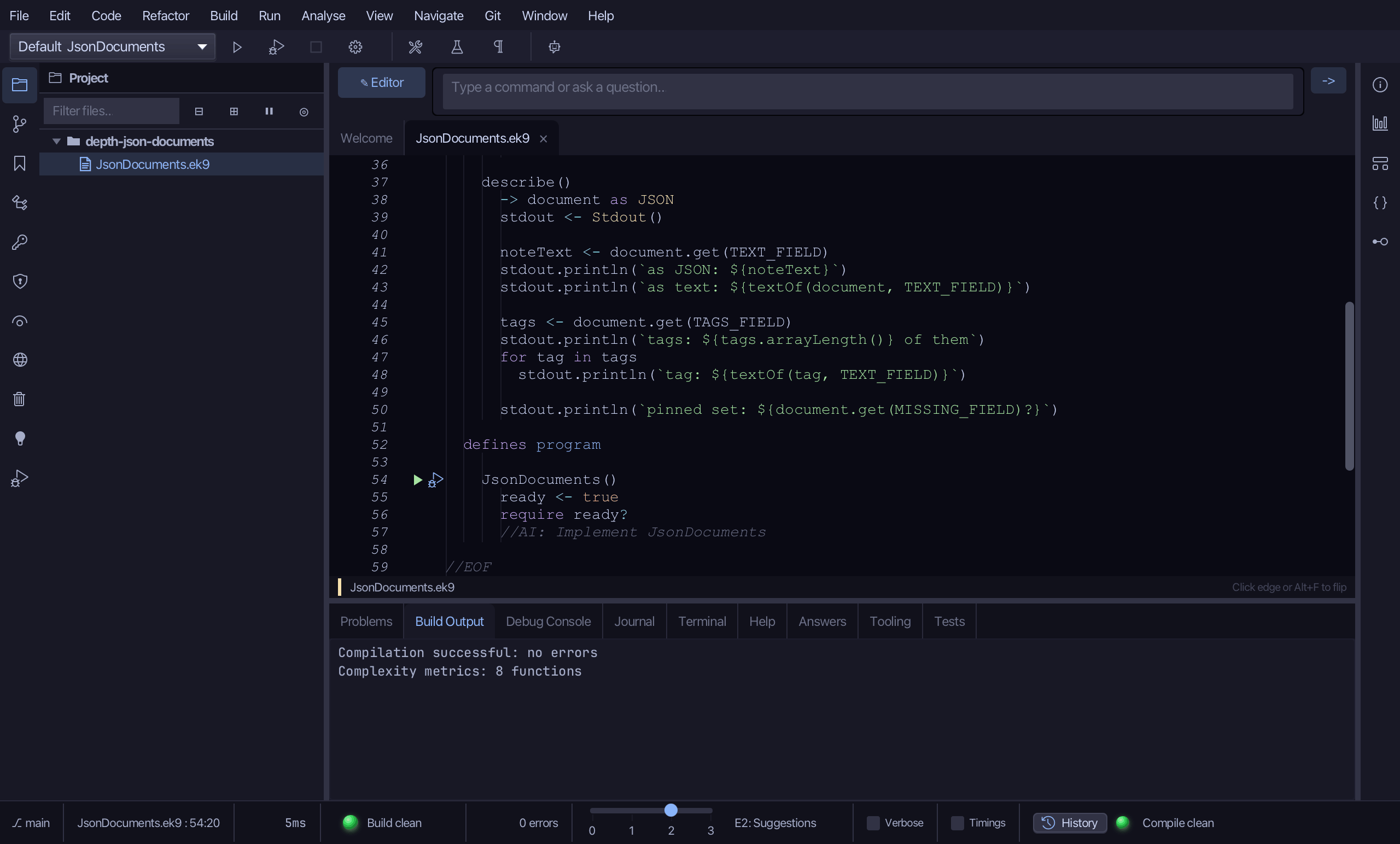
Select the JsonDocuments line and, above it, type the blank line the book opens the block with. Saves when typed.
Select the stub, from ready <- true down to its //AI line, and type the program exactly as the chapter shows it. Saves when typed.
Step 6: Run it
Choose Run > Run Program…
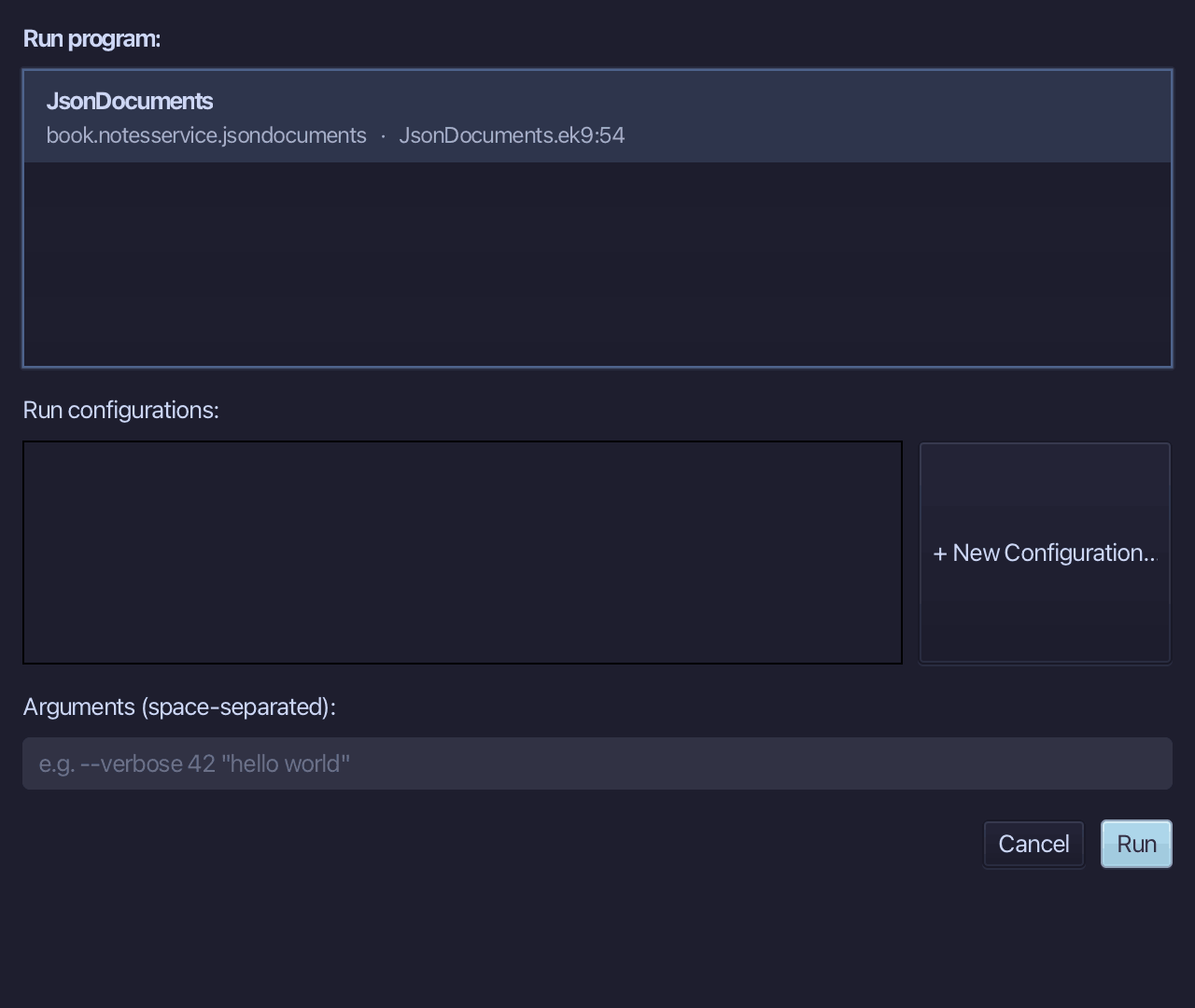
The project's only program is already chosen. Choose Run.
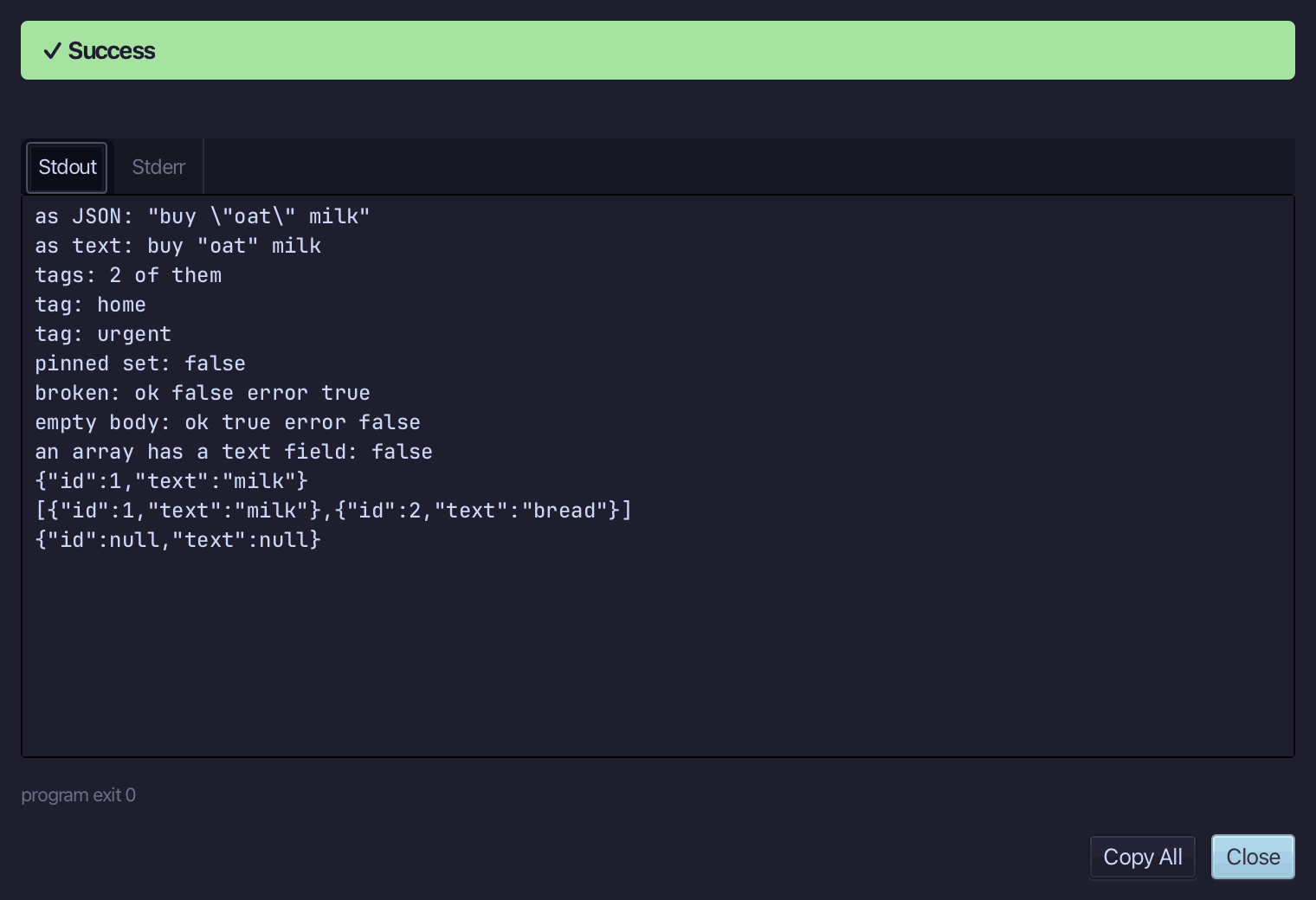
The note's text as JSON and as plain text, its two tags, that pinned is not set; then the broken and the empty bodies each reported as an error, and finally the three records as JSON. Choose Close.
The result
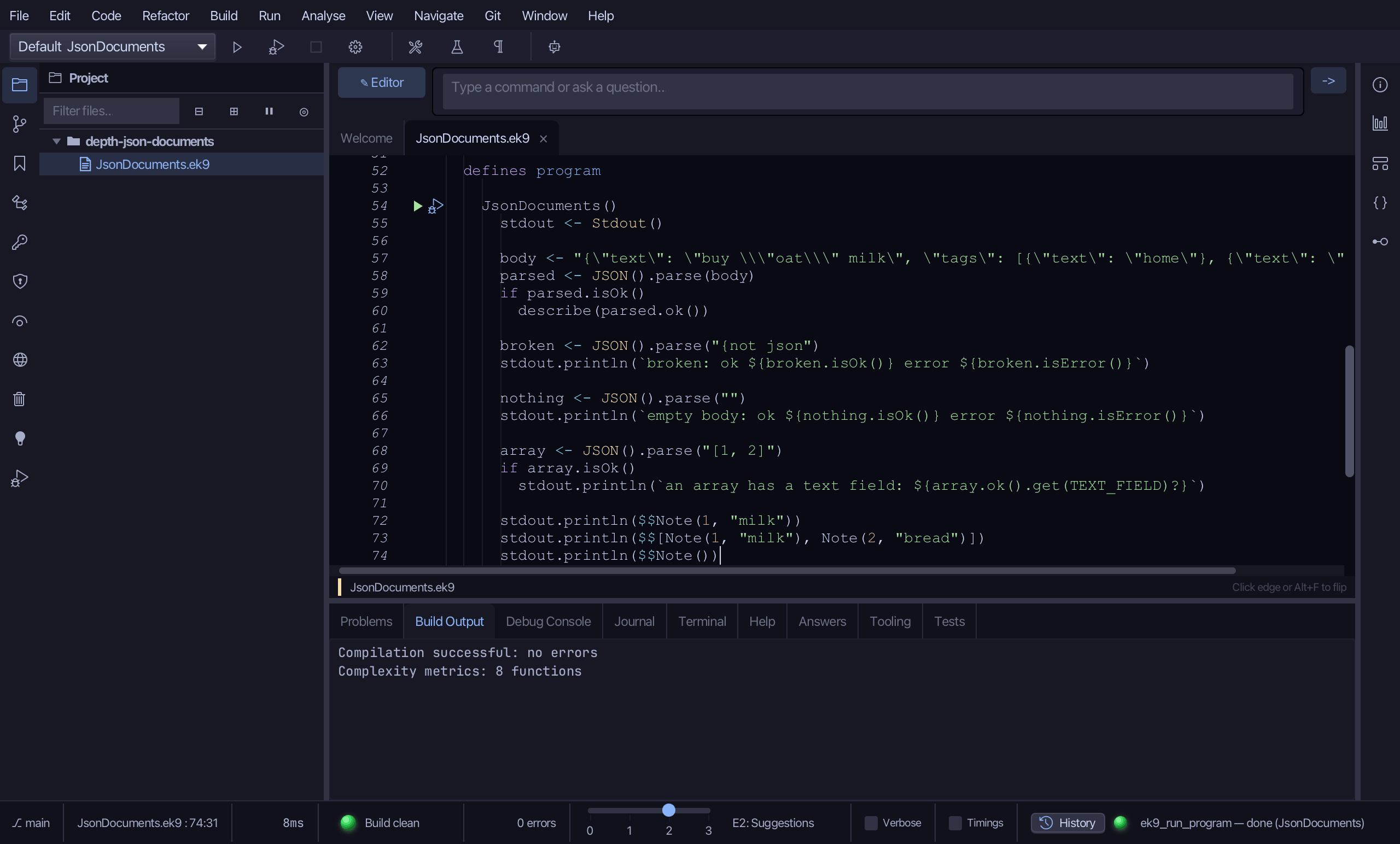
JsonDocuments.ek9 now reads exactly as chapter 37 of EK9 in Depth shows it. parse gives a Result, so bad input never throws; get on a missing field gives an unset JSON, and $$ is the one operator that writes a value as JSON.
Where this lesson comes from
- For AI assistants - the MCP tool
ek9_new_construct,ek9_add_constructor,ek9_add_operator,ek9_add_program,ek9_run_program.