Chapter 30: a constrained type over a record, built
Volume 1's constrained types narrowed an Integer or a String. A constrained type may have a record as its base - here a Point, constrained by the record's own >, so a Point is in the quadrant when both coordinates exceed 0 - and an alias, Coord, is another name for the unconstrained Point. The IDE writes the record with its fields and defaults, the no-argument constructor, > 's signature and the alias; you type the copy constructor, the constraint and the program. To play it in the IDE: Help > Lessons > EK9 in Depth…, or ek9 -ide -lesson depth-constrained-record.
What you'll build
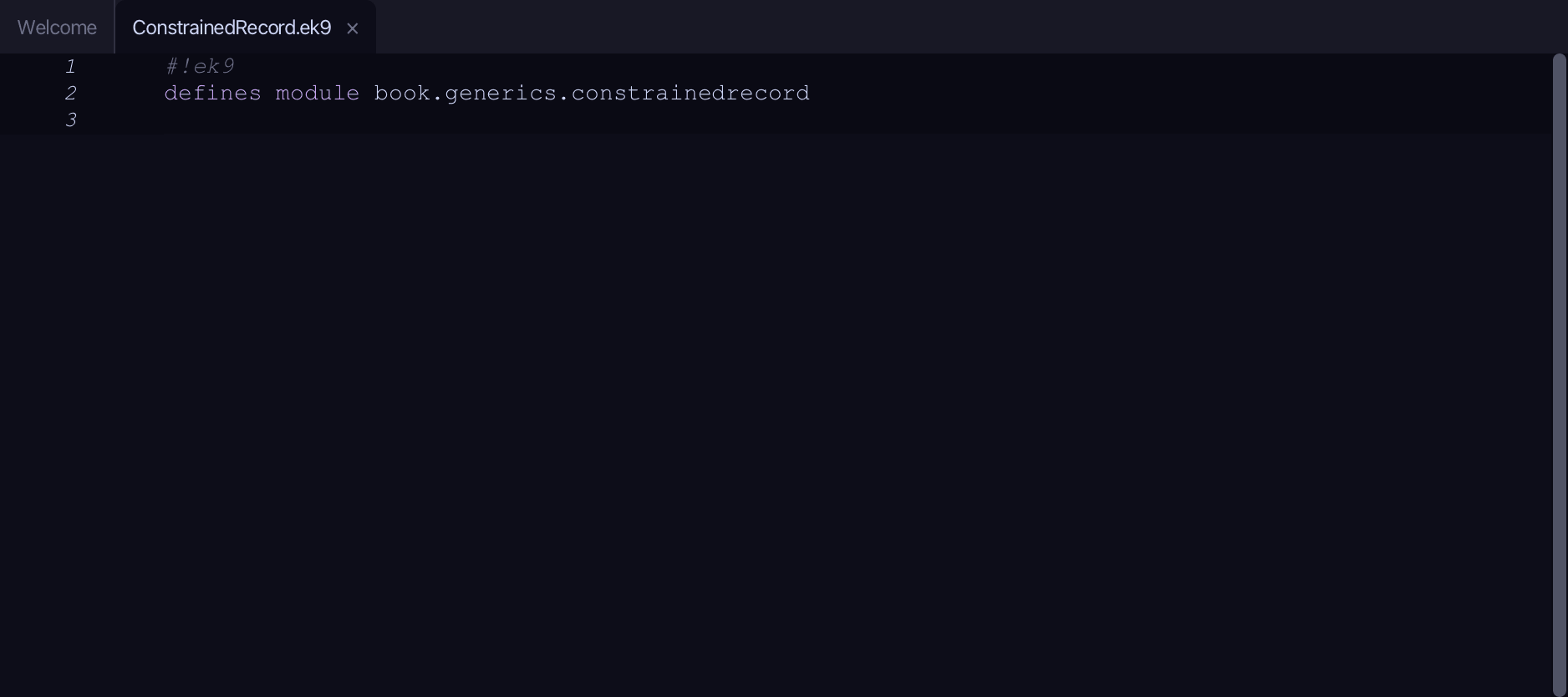
The lesson builds this program from a file holding only its module line - the finished file, as the book prints it.
#!ek9
defines module book.generics.constrainedrecord

  defines type

    PositiveQuadrant as Point constrain as
      > 0

    Coord as Point

  defines record

    Point
      x as Integer: Integer()
      y as Integer: Integer()

      default Point()

      Point()
        -> other as Point
        x: Integer(other.x)
        y: Integer(other.y)

      operator > as pure
        -> limit as Integer
        <- rtn as Boolean: x > limit and y > limit

      default operator

  defines program

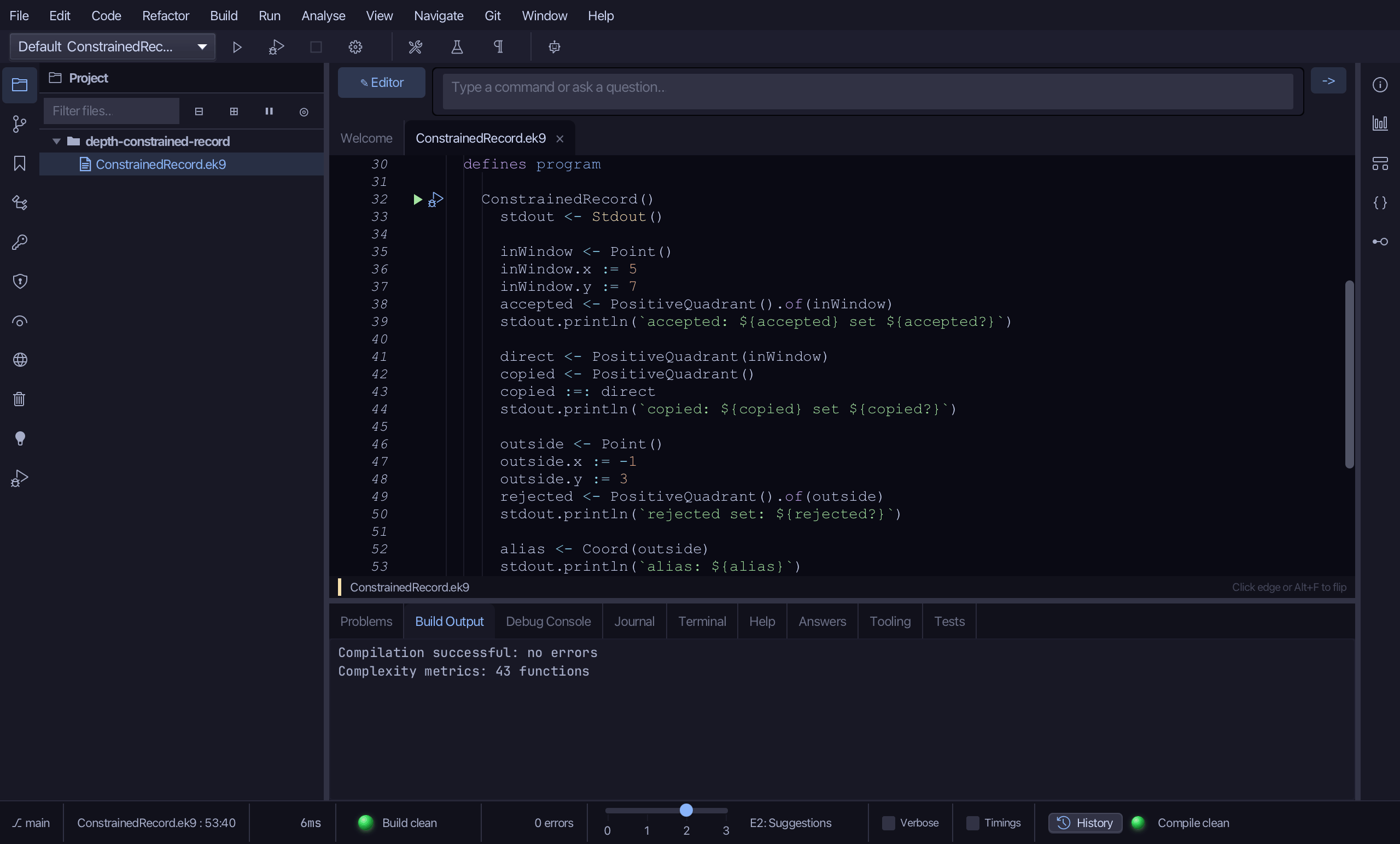
    ConstrainedRecord()
      stdout <- Stdout()

      inWindow <- Point()
      inWindow.x := 5
      inWindow.y := 7
      accepted <- PositiveQuadrant().of(inWindow)
      stdout.println(`accepted: ${accepted} set ${accepted?}`)

      direct <- PositiveQuadrant(inWindow)
      copied <- PositiveQuadrant()
      copied :=: direct
      stdout.println(`copied: ${copied} set ${copied?}`)

      outside <- Point()
      outside.x := -1
      outside.y := 3
      rejected <- PositiveQuadrant().of(outside)
      stdout.println(`rejected set: ${rejected?}`)

      alias <- Coord(outside)
      stdout.println(`alias: ${alias}`)
Step 1: Point — the record the constraint is over
Choose Code > New Construct > Record…
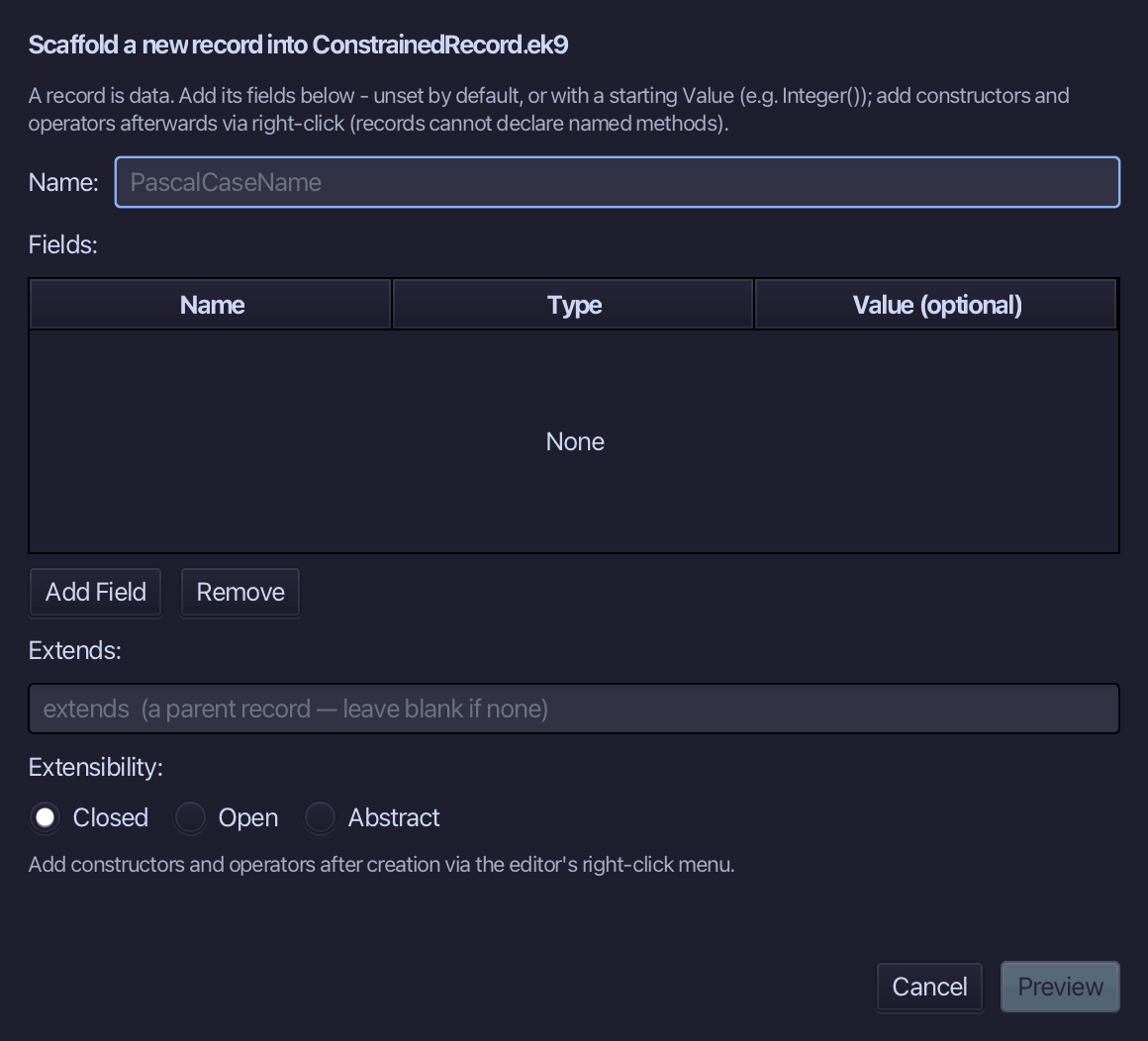
Point is the record's name. The Fields table holds x of type Integer, starting at Integer(); y of type Integer, starting at Integer(). Choose Preview.
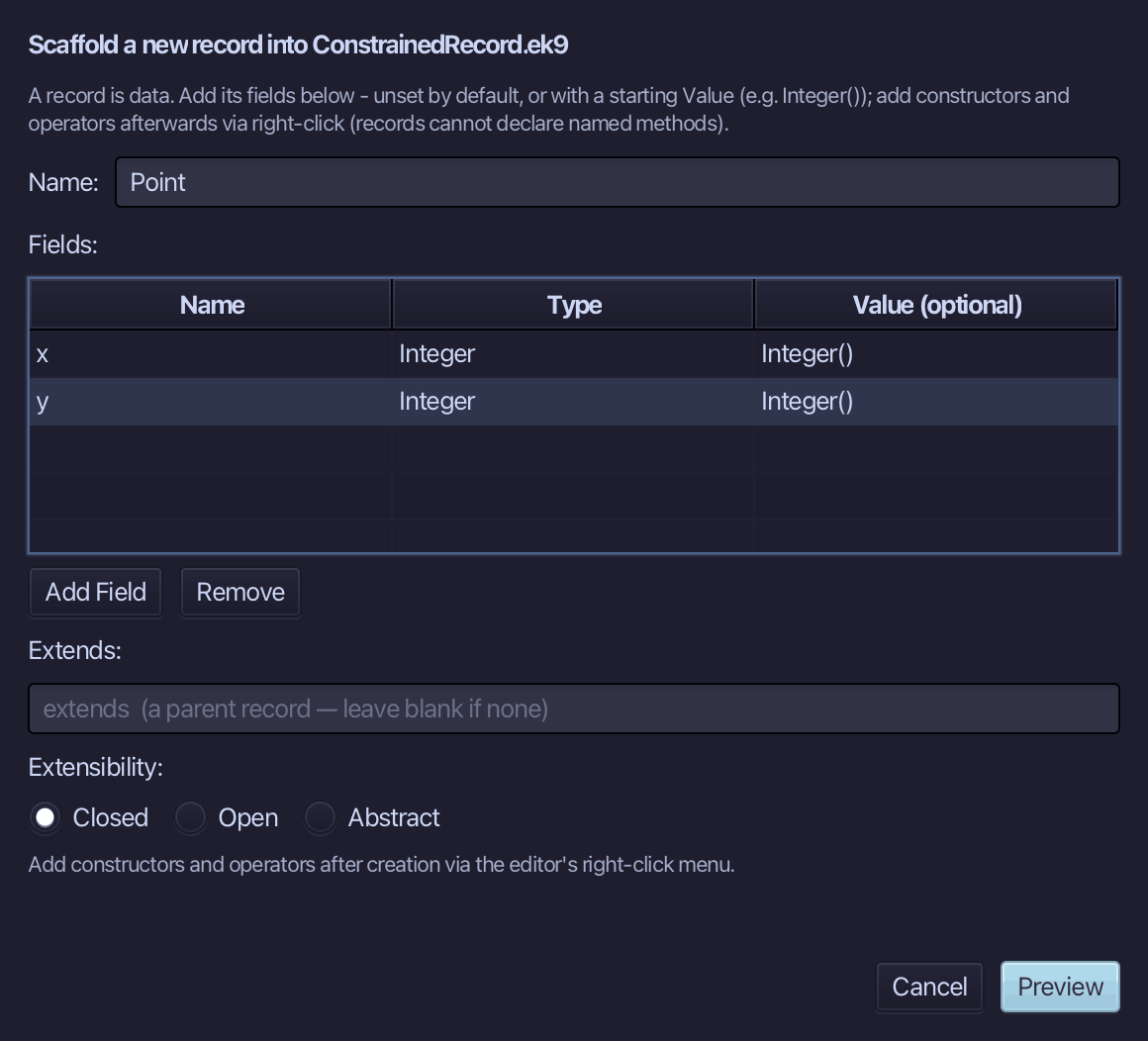
The preview shows Point about to be written - and default operator ? with them: a record that holds fields must say when it counts as set. Choose Apply.
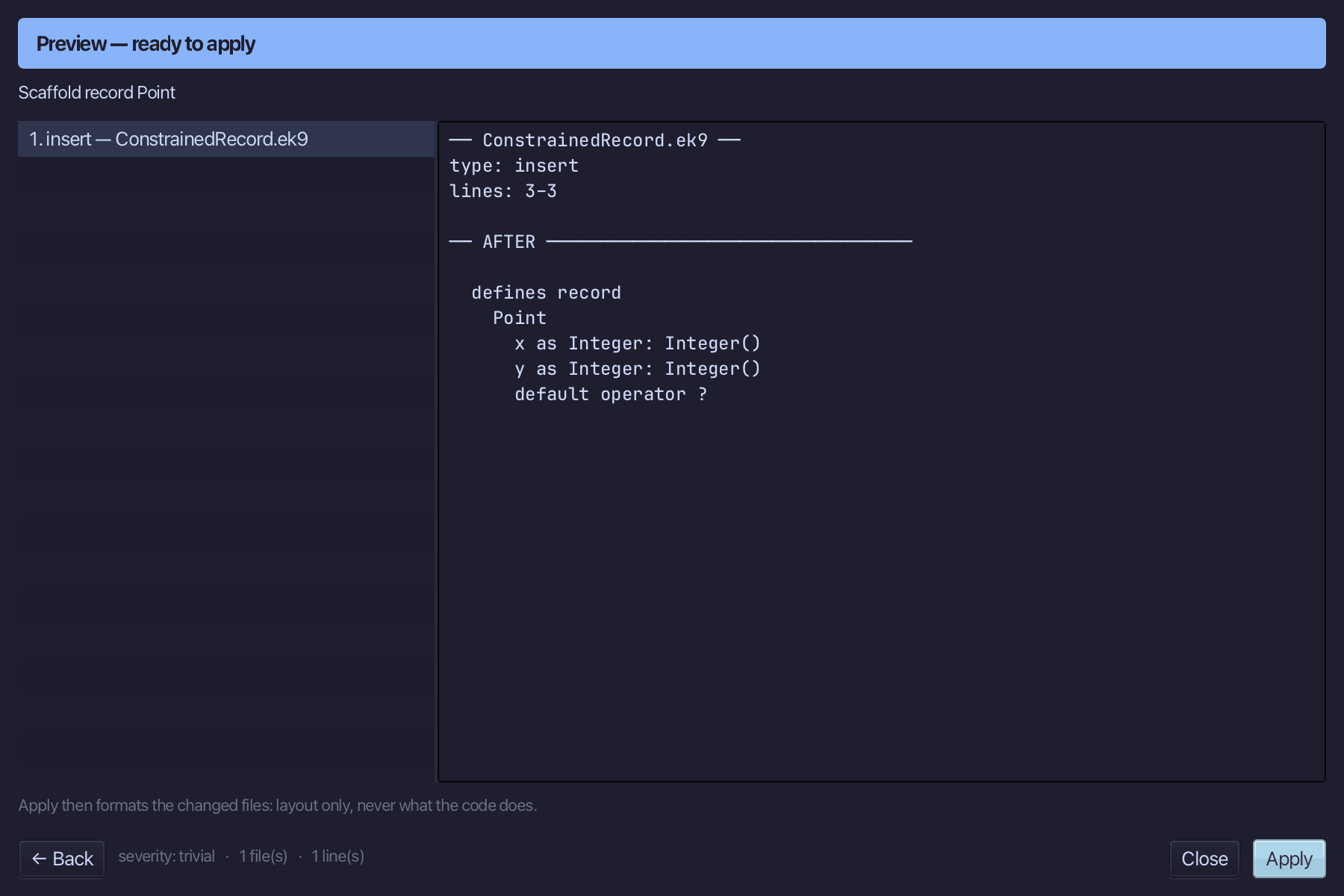
Select the Point line and, above it, type the blank line the book opens its first record with. Saves when typed.
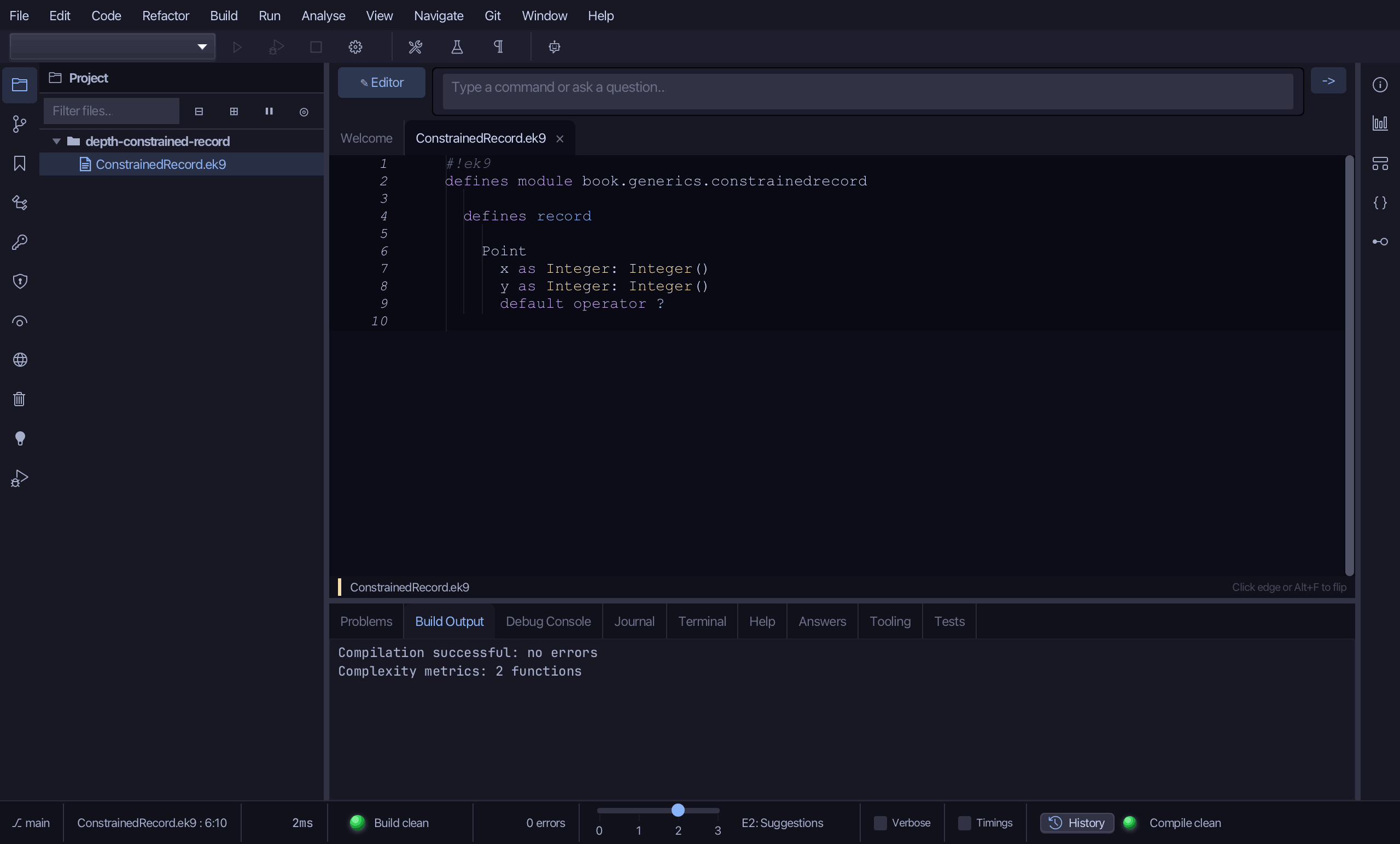
Right-click the Point line and choose Add Constructor > No-Arg (default).
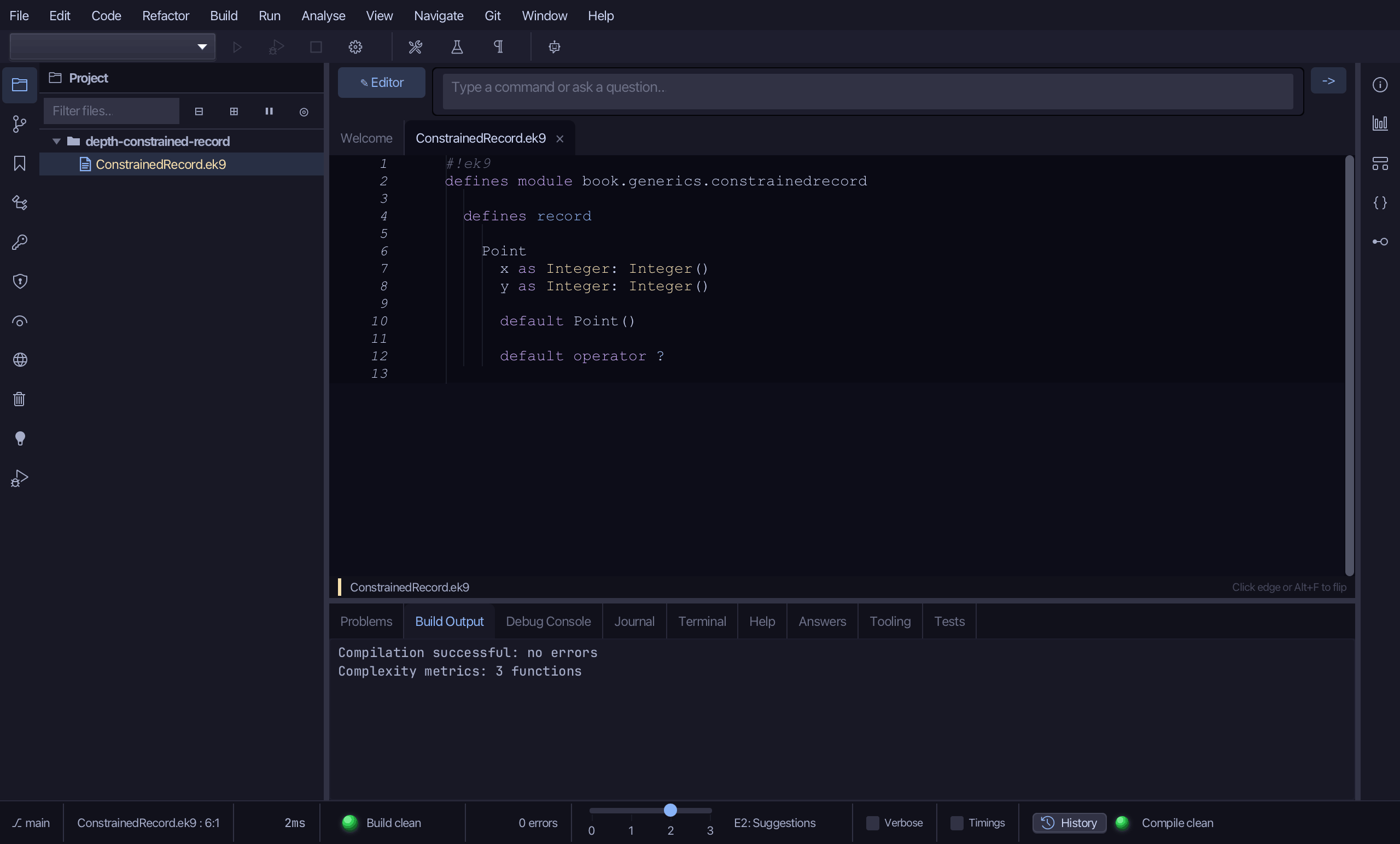
Below default Point(), type the copy constructor: a Point in, its two values copied. A constrained type over Point needs one, and so does any generic over it. Saves when typed.
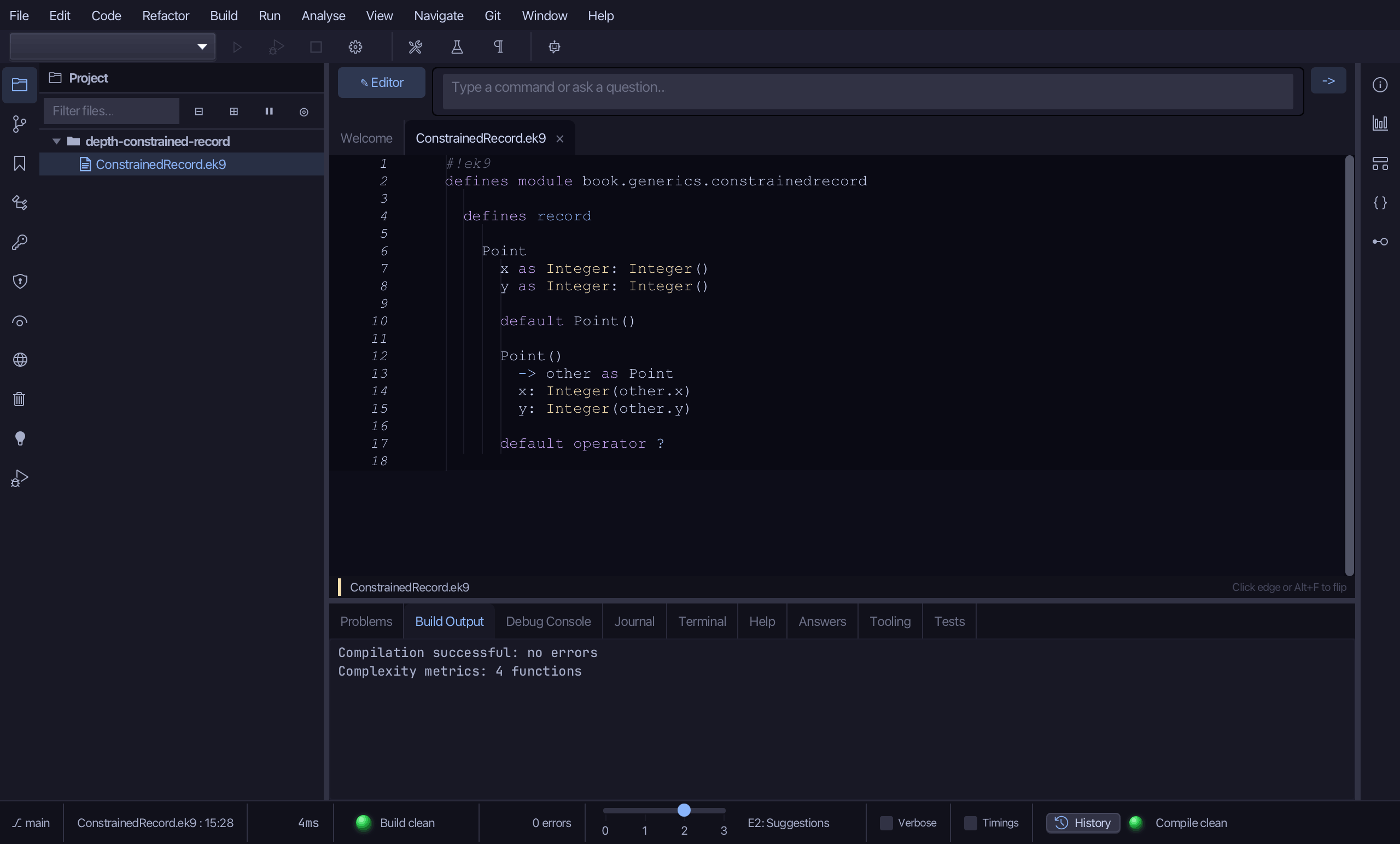
Below the constructor, type the operator the constraint will use. The tools never write '>' - a Point's own > is generated from its sameness - but this one takes an Integer limit: a Point is greater than a limit when BOTH its coordinates are. Saves when typed.
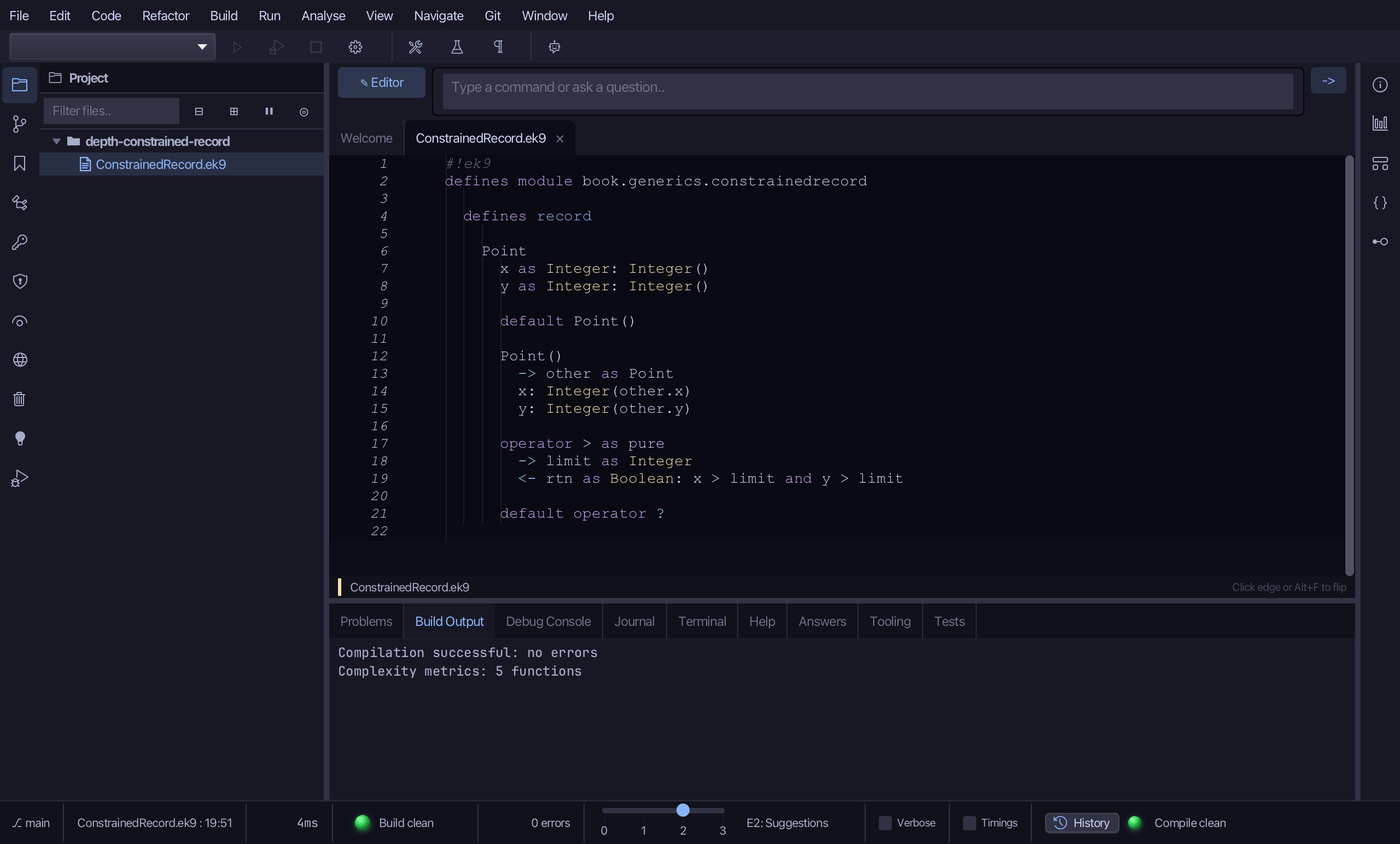
Right-click the Point line and choose Add Operator > default operator (all missing).
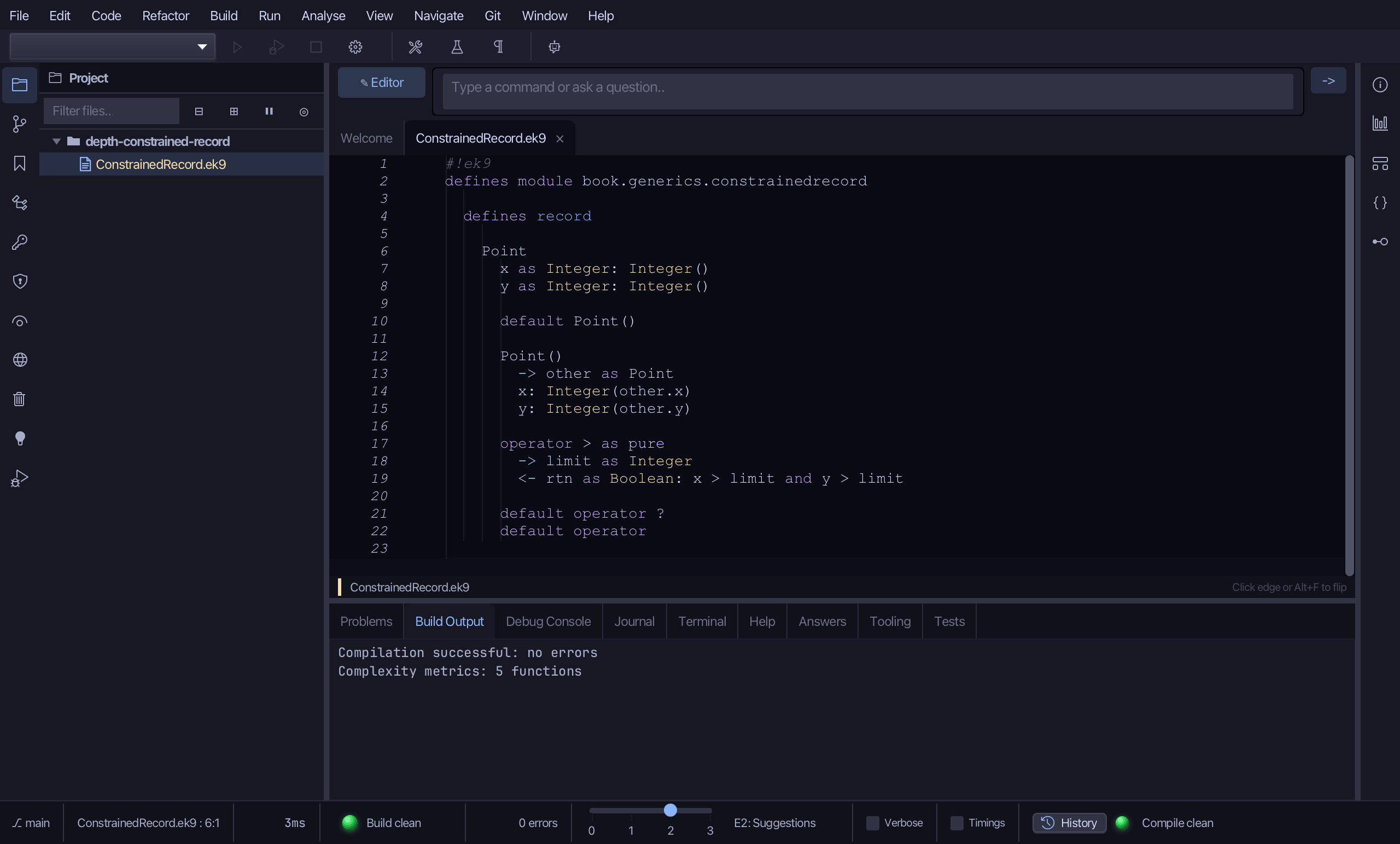
Select the line the first field brought, default operator ?: the bare default operator below it covers every operator, ? included, so it goes. Saves when typed.
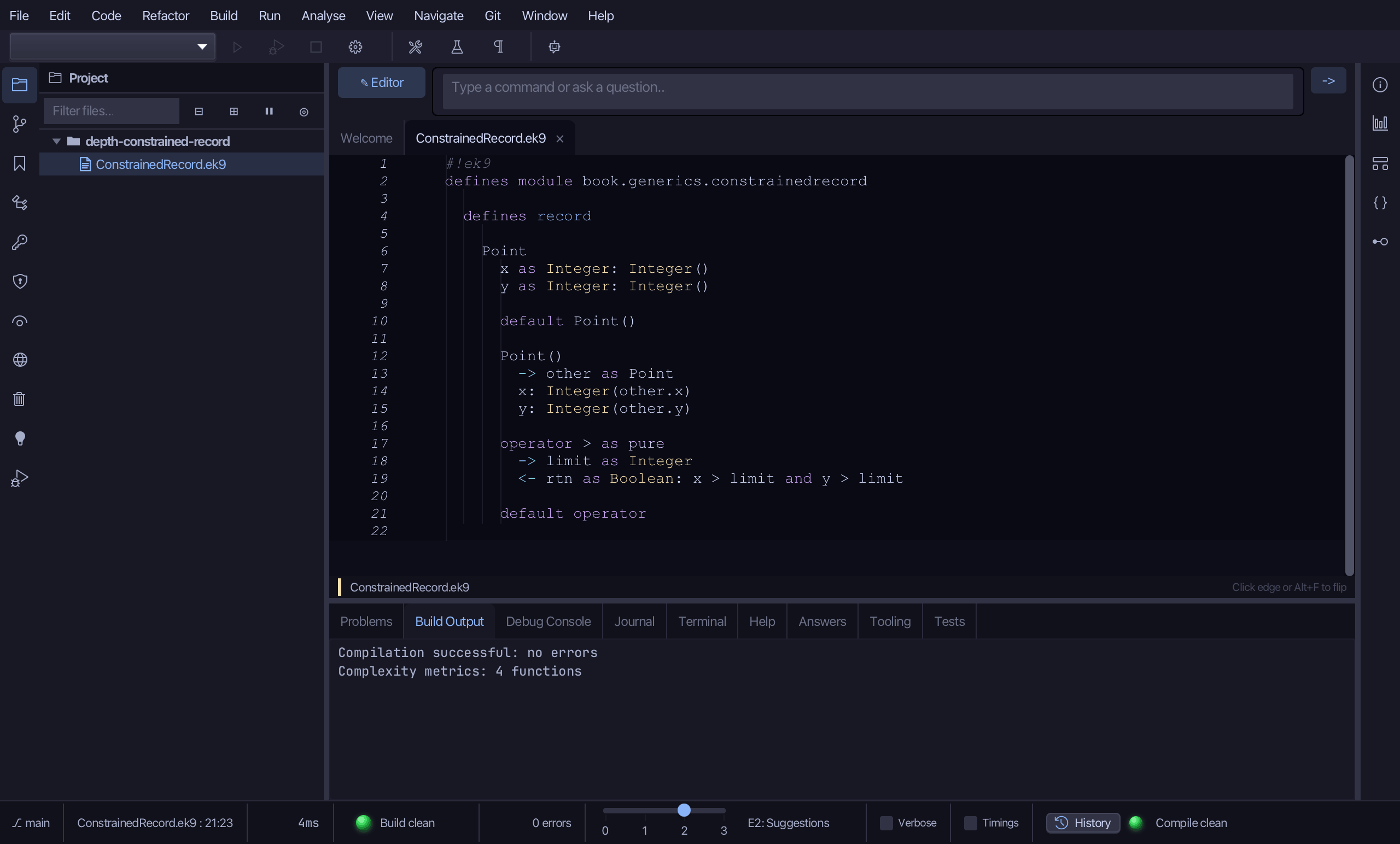
Above the record, type the constrained type. The Constrained… dialog offers only the built-in bases - Integer, String and the like - so a constraint over a record is typed: PositiveQuadrant is a Point whose > 0 holds. Saves when typed.
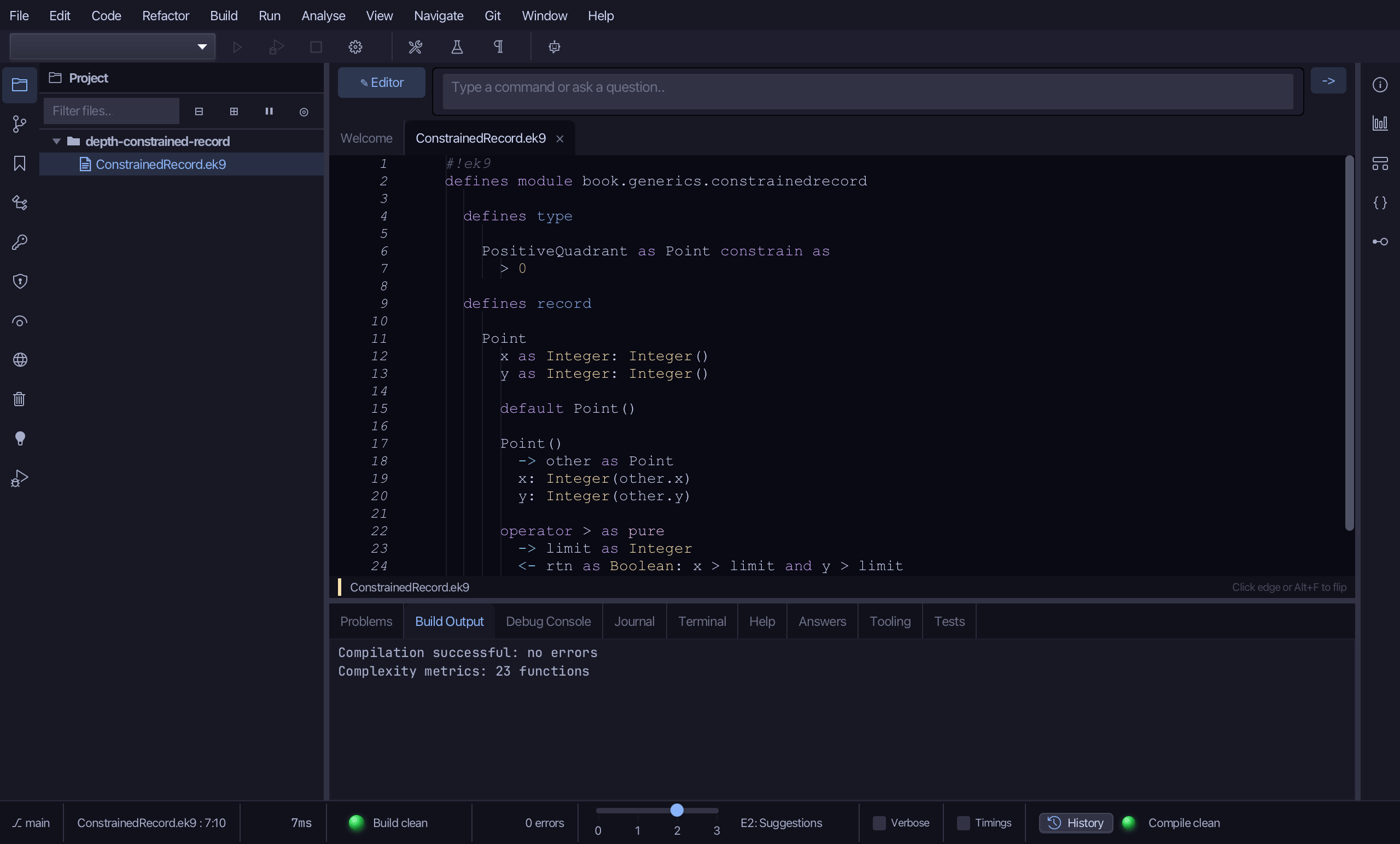
Choose Code > New Construct > Type > Alias…
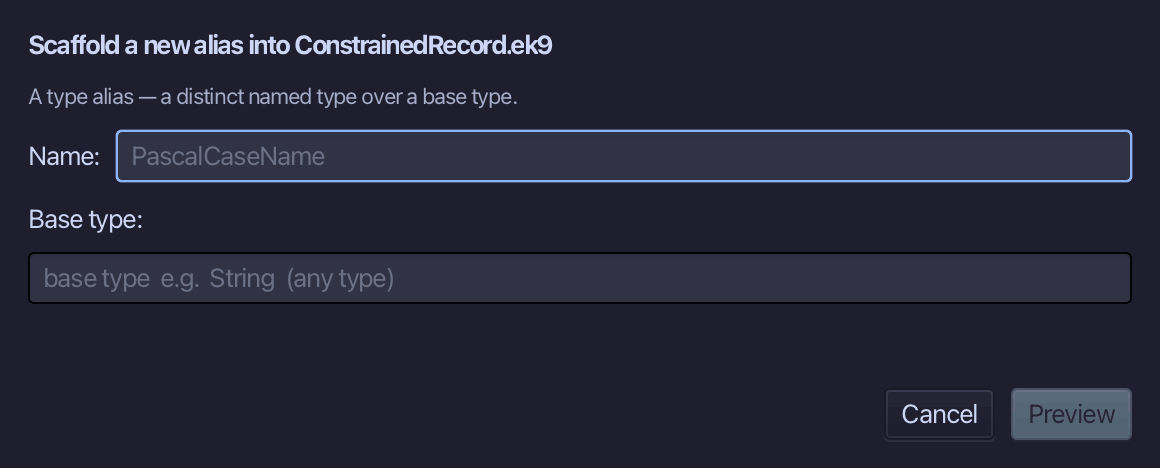
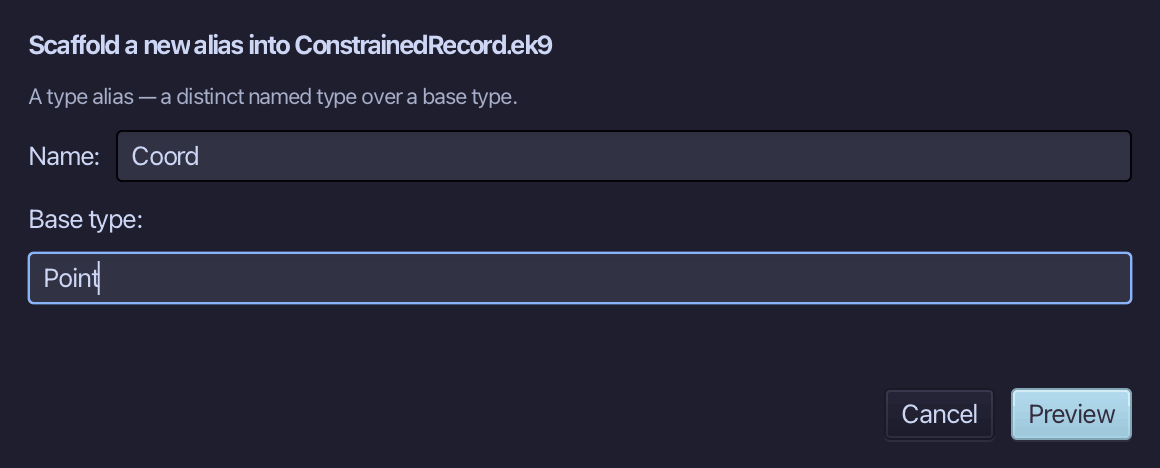
Coord is the alias's name and Point the type it is another name for. Choose Preview.
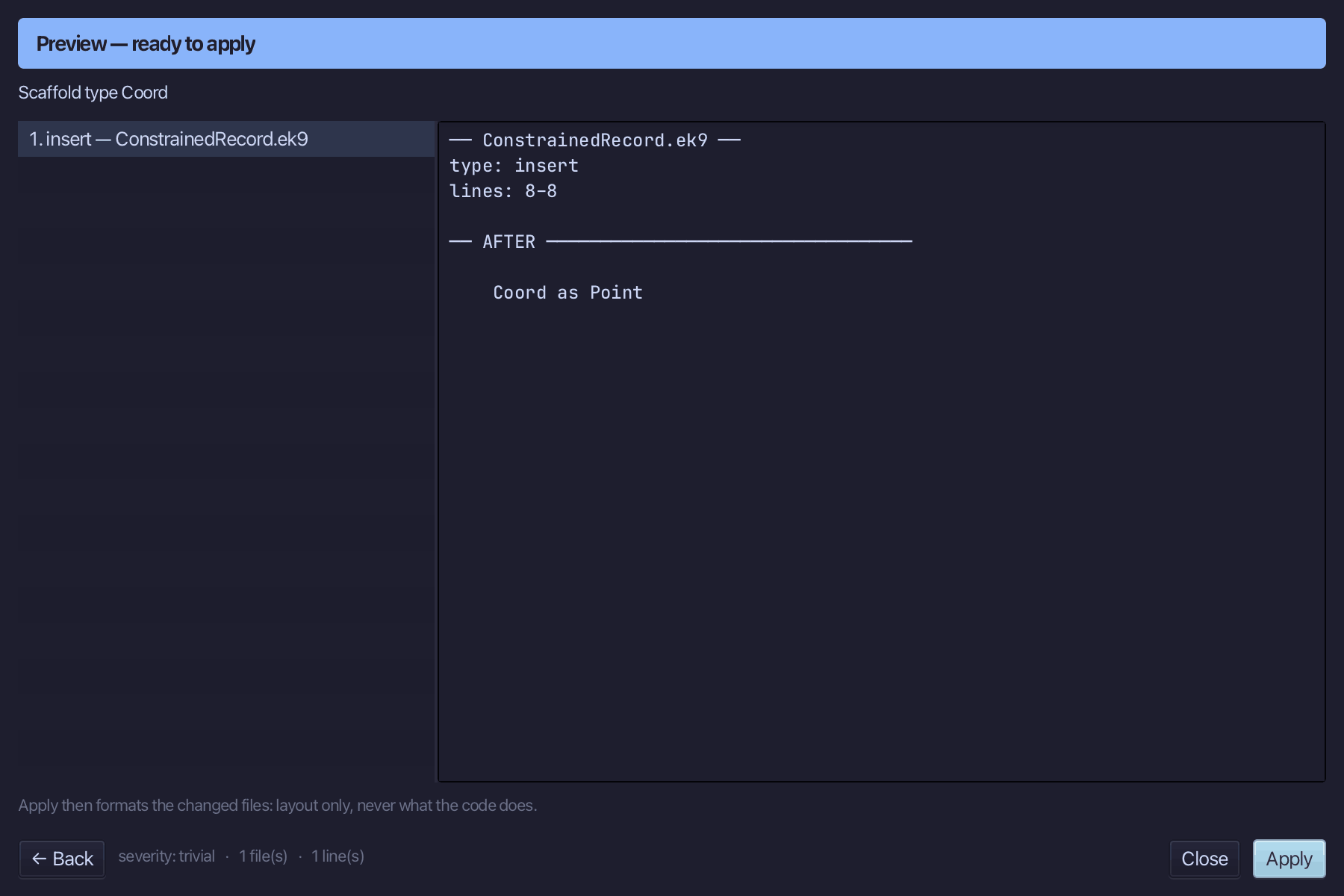
The preview shows Coord as Point. Choose Apply.
Step 2: The program
Choose Code > New Construct > Program…
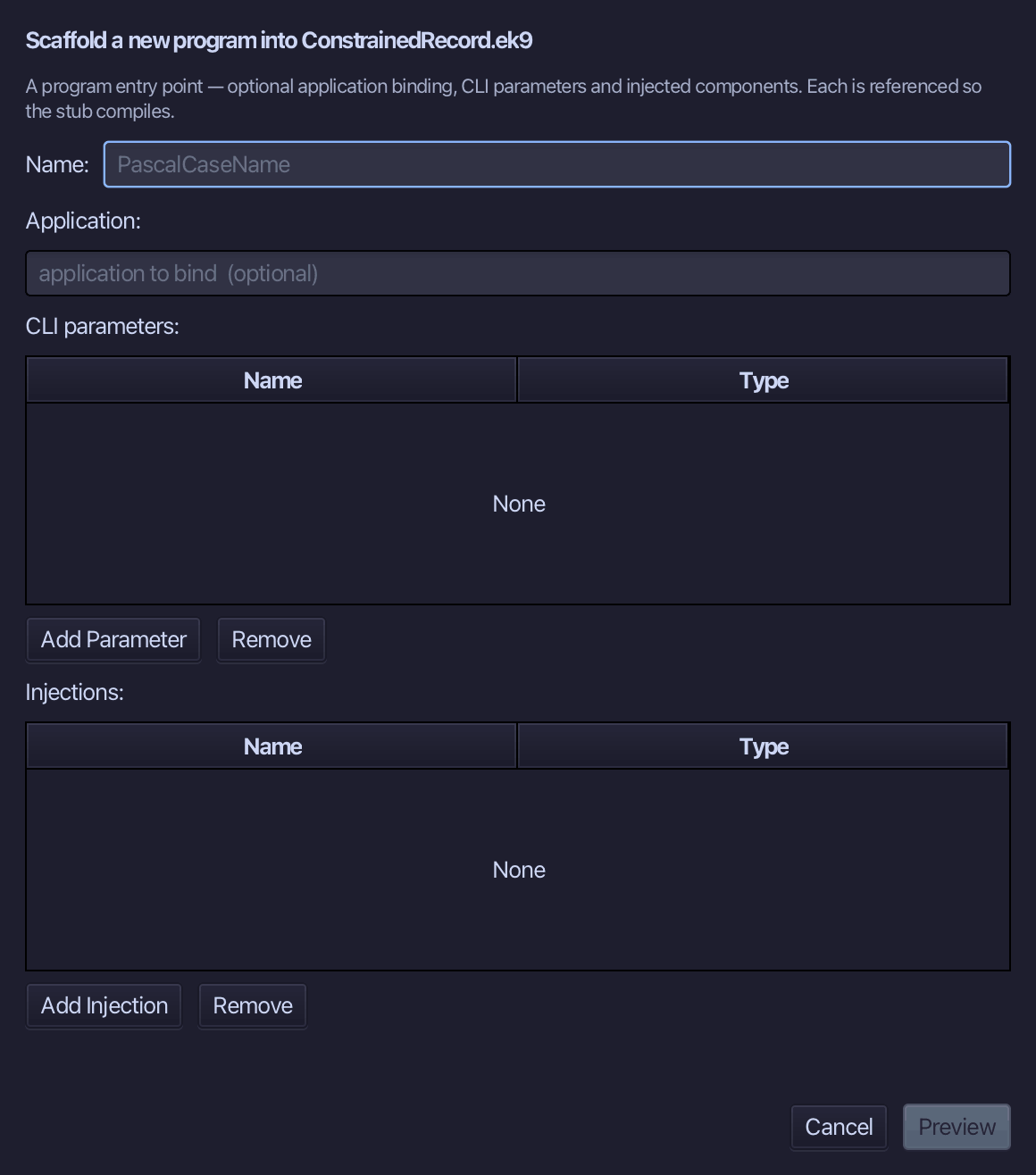
ConstrainedRecord is the program's name. Choose Preview.
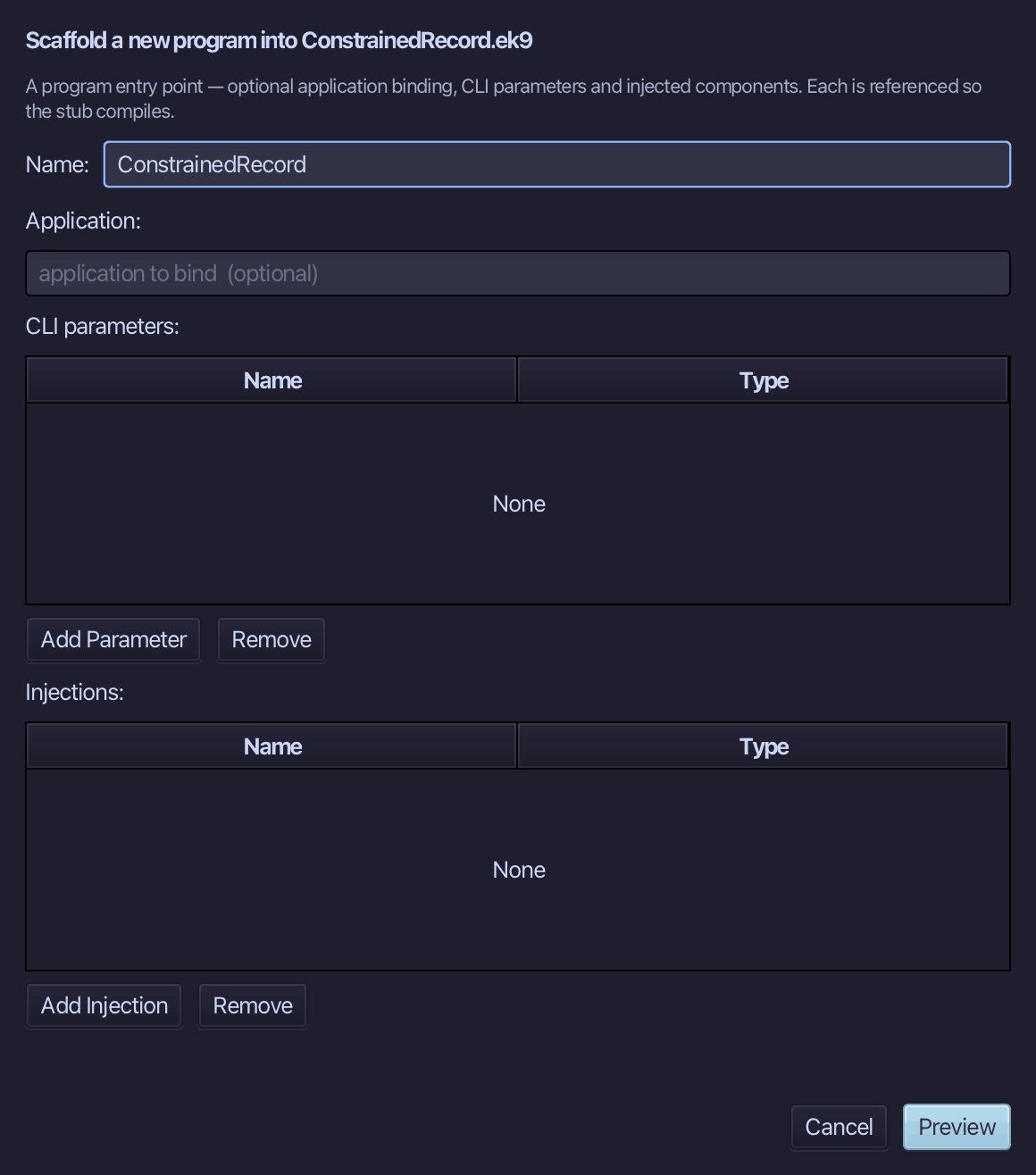
The preview shows ConstrainedRecord about to be written. Choose Apply.
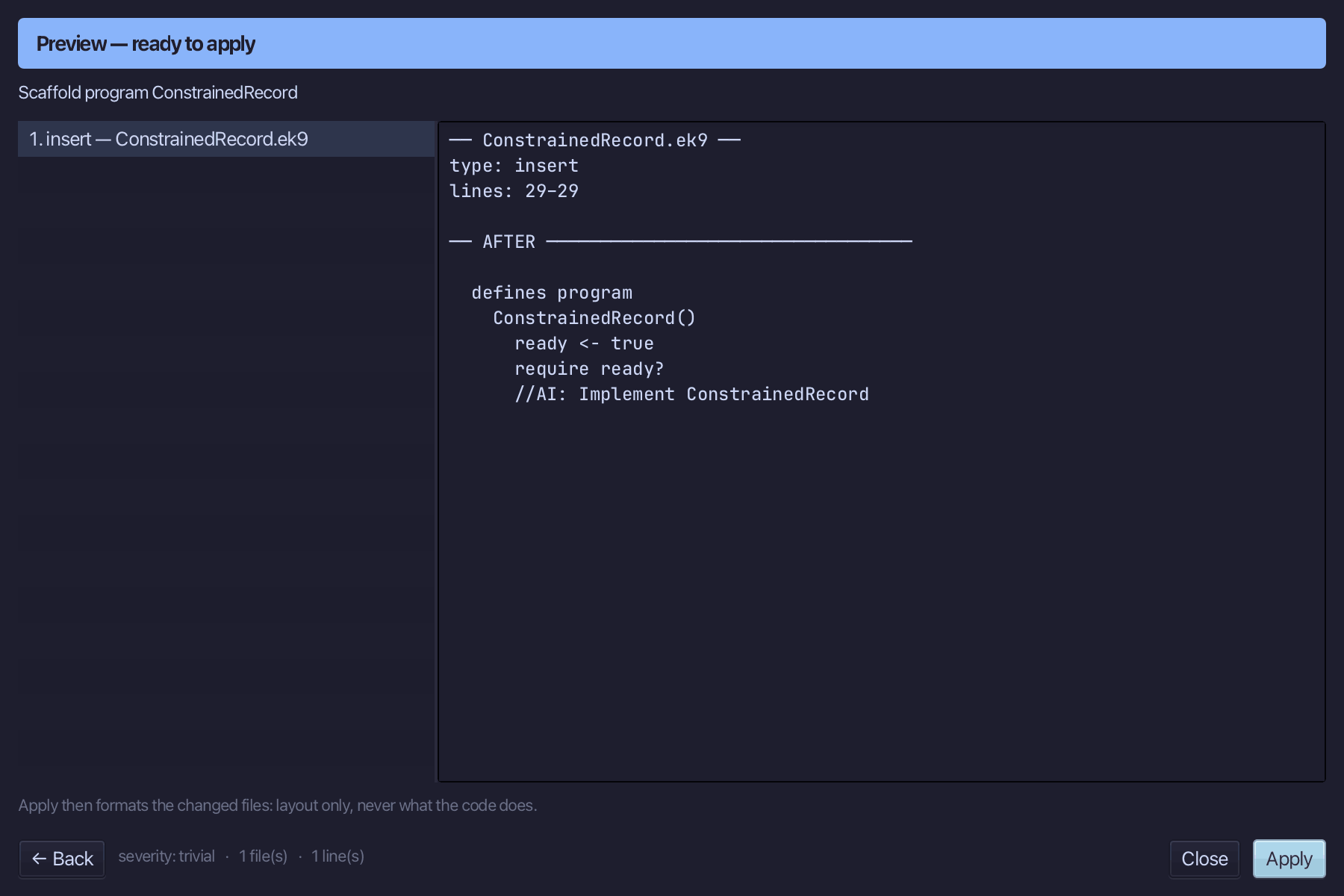
Select the ConstrainedRecord() line and, above it, type the blank line the book opens the program with. Saves when typed.
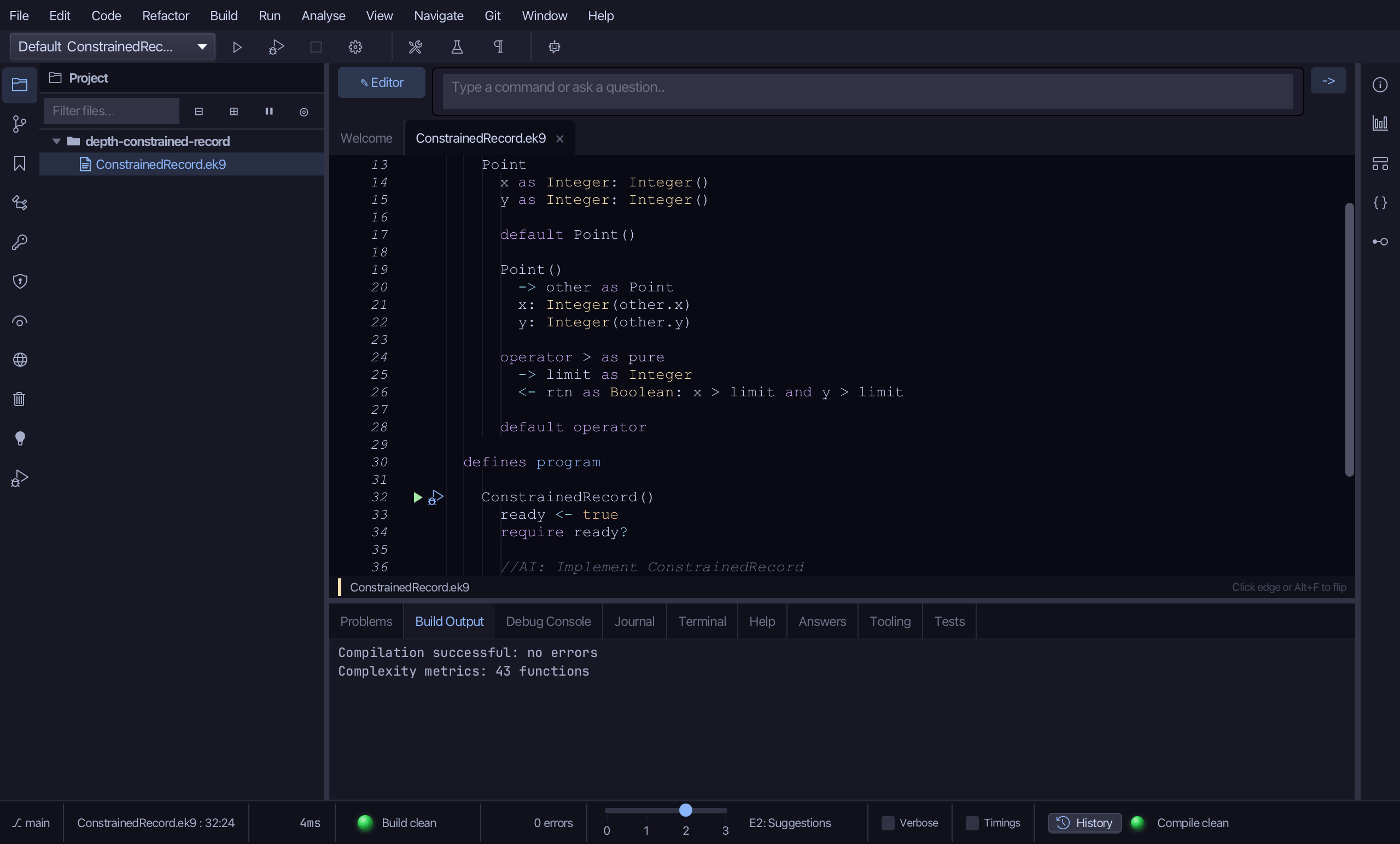
Select the stub, from ready <- true down to its //AI line, and type ConstrainedRecord's body exactly as the chapter shows it. Saves when typed.
Step 3: Run it
Choose Run > Run Program…
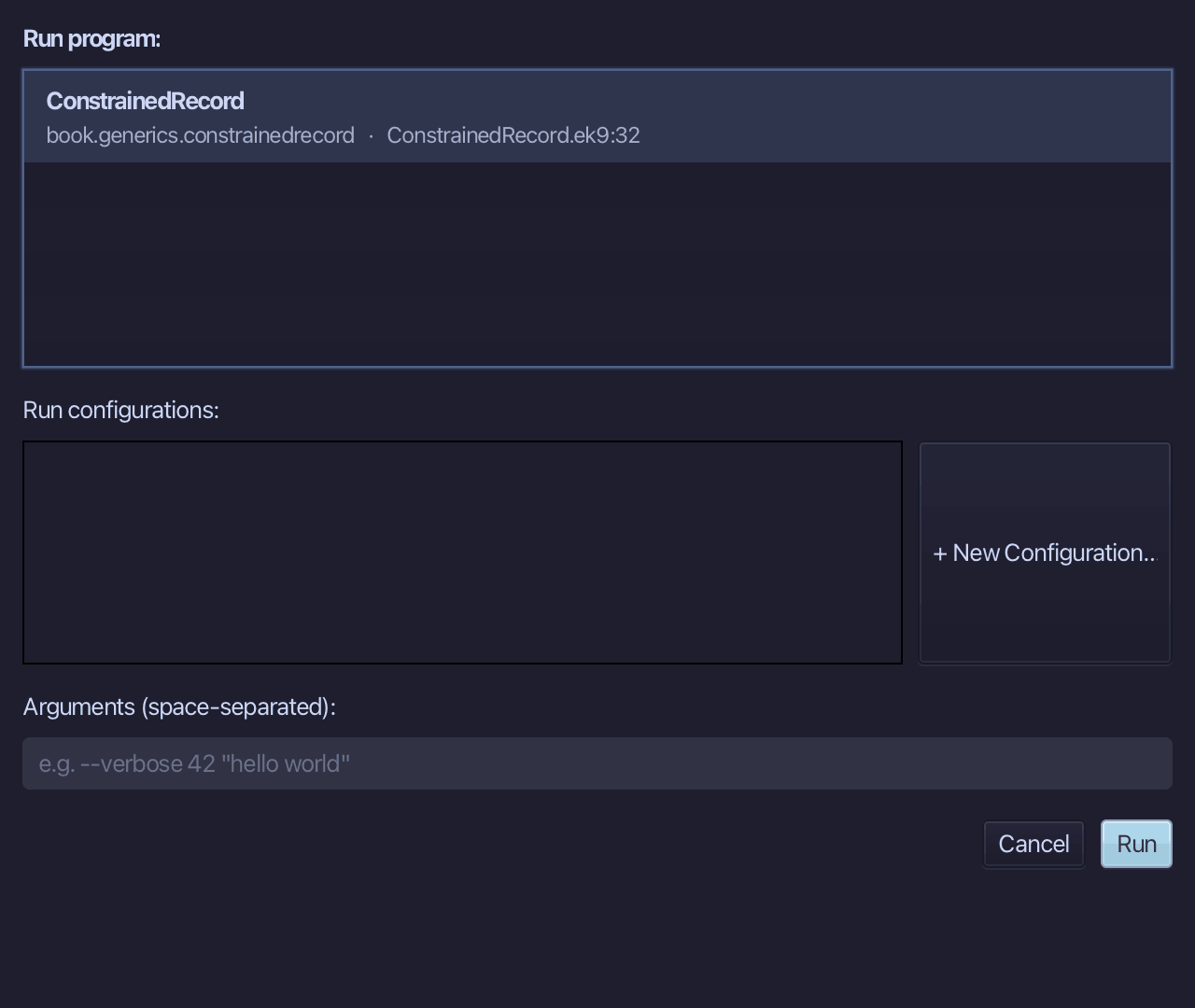
The project's only program is already chosen. Choose Run.
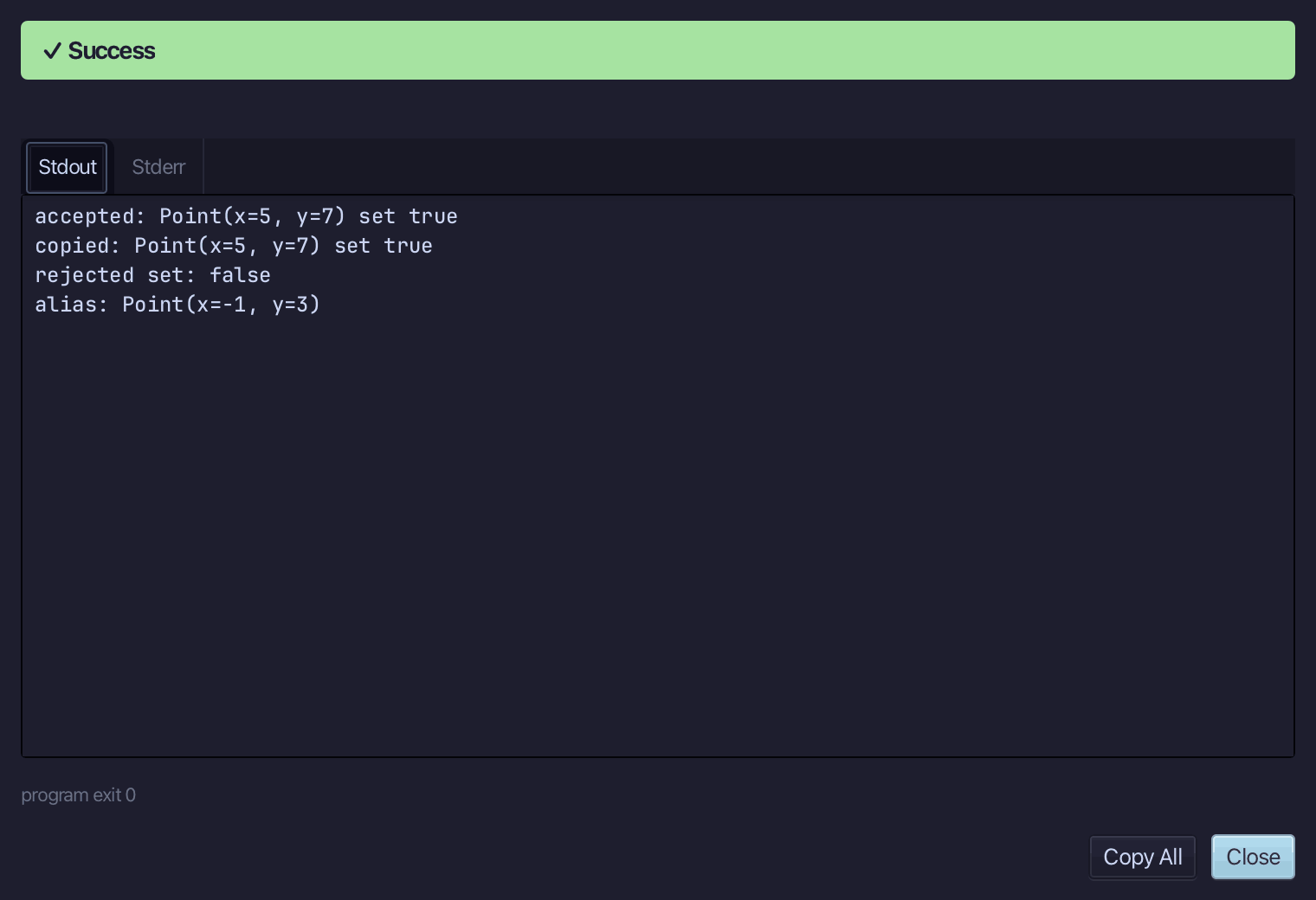
Four lines: the accepted Point set true, the copy of it set true, the outside Point rejected (set false), and the alias holding it unconstrained. Choose Close.
The result
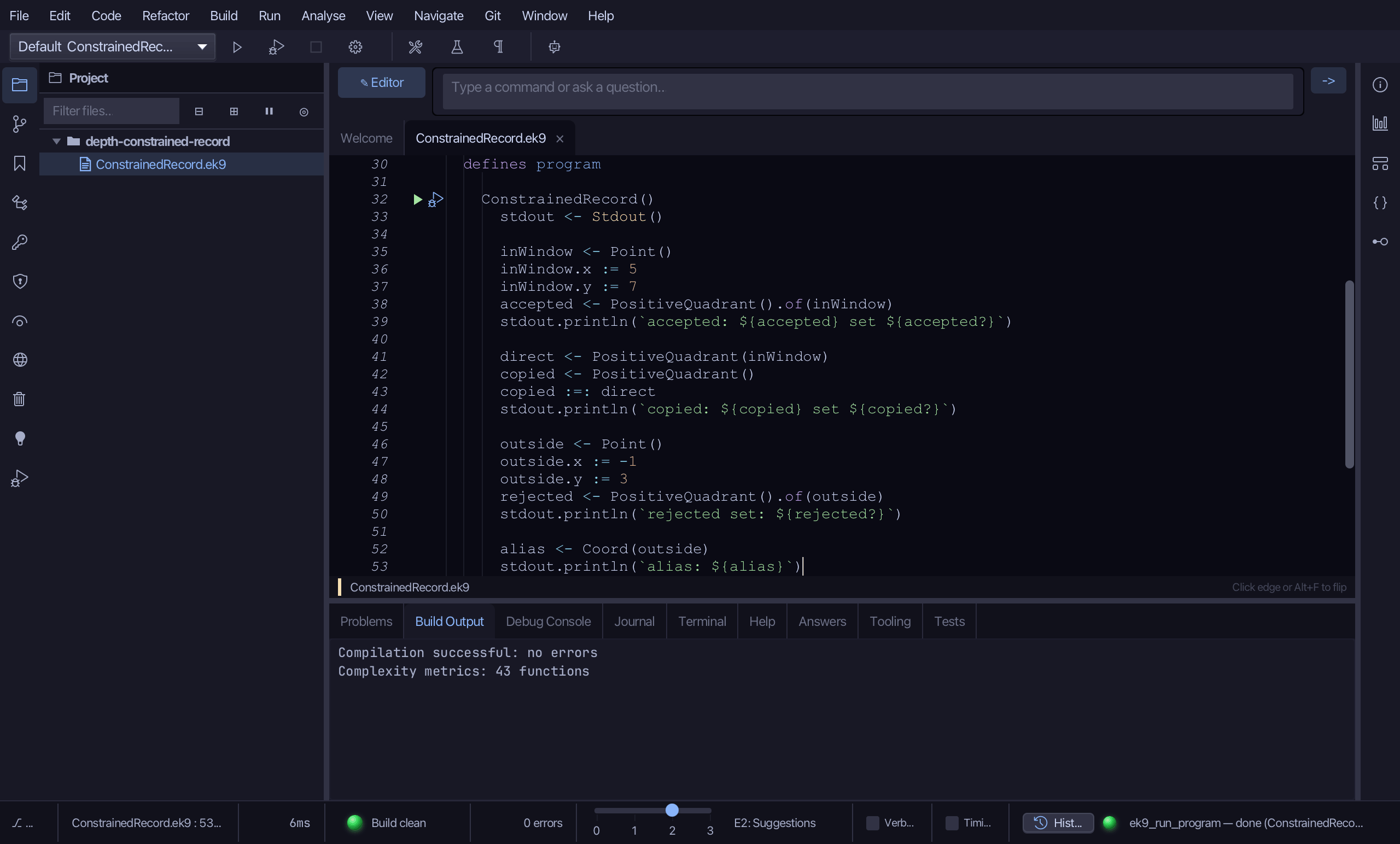
ConstrainedRecord.ek9 now reads exactly as chapter 30 of EK9 in Depth shows it. Something built through PositiveQuadrant either satisfies > 0 or is unset - a Point outside the quadrant is rejected - while Coord, an alias, accepts any Point.
Where this lesson comes from
- Answers -
ek9 -qand the IDE's Answers tab: 1074. - For AI assistants - the MCP tool
ek9_new_construct,ek9_add_constructor,ek9_add_operator,ek9_add_program.