Chapter 15: promoting a constrained type, built
A DrivingAge is an Integer inside a rule. Sometimes other code just wants the plain Integer, and #^ promotes the one to the other - a fresh copy that leaves the rule behind, so changing it never changes the DrivingAge. The IDE's tools make the type and the function that wants an Integer; you type the program that promotes. To play it in the IDE: Help > Lessons > Getting Started with EK9…, or ek9 -ide -lesson book-promote.
What you'll build
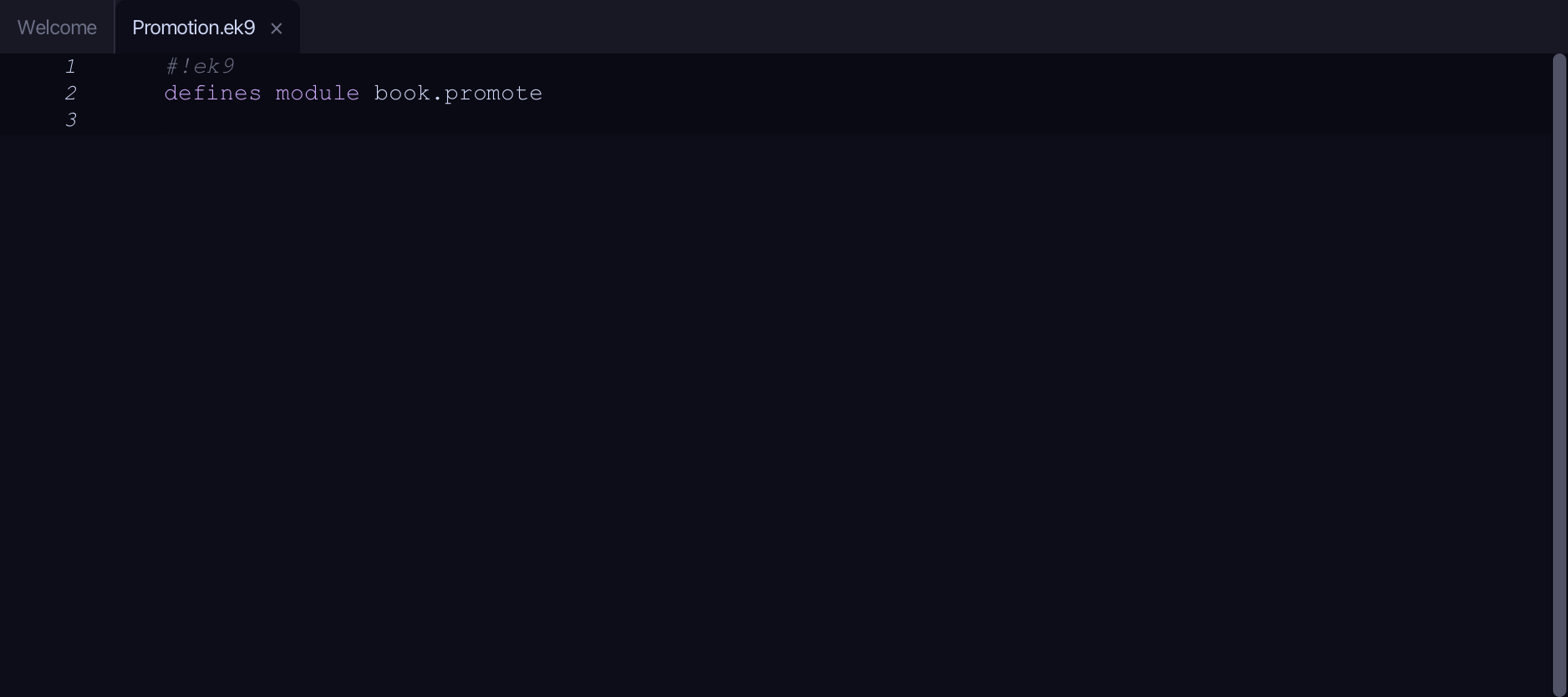
The lesson builds this program from a file holding only its module line - the finished file, as the book prints it.
#!ek9
defines module book.promote

  defines type
    DrivingAge as Integer constrain as
      >= 16 and <= 100

  defines function
    takesInteger()
      -> n as Integer
      <- rtn as Integer: n + 1

  defines program
    Show()
      stdout <- Stdout()
      age <- DrivingAge(17)

      // Deliberately take the plain Integer value with #^ — a fresh, independent copy
      plain as Integer: #^age
      plain += 5
      stdout.println(`age stays ${age}, plain is now ${plain}`)

      // Hand the promotion to code that wants a plain Integer
      stdout.println(`takesInteger(#^ age) = ${takesInteger(#^age)}`)
Step 1: A constrained type
Choose Code > New Construct > Type > Constrained…
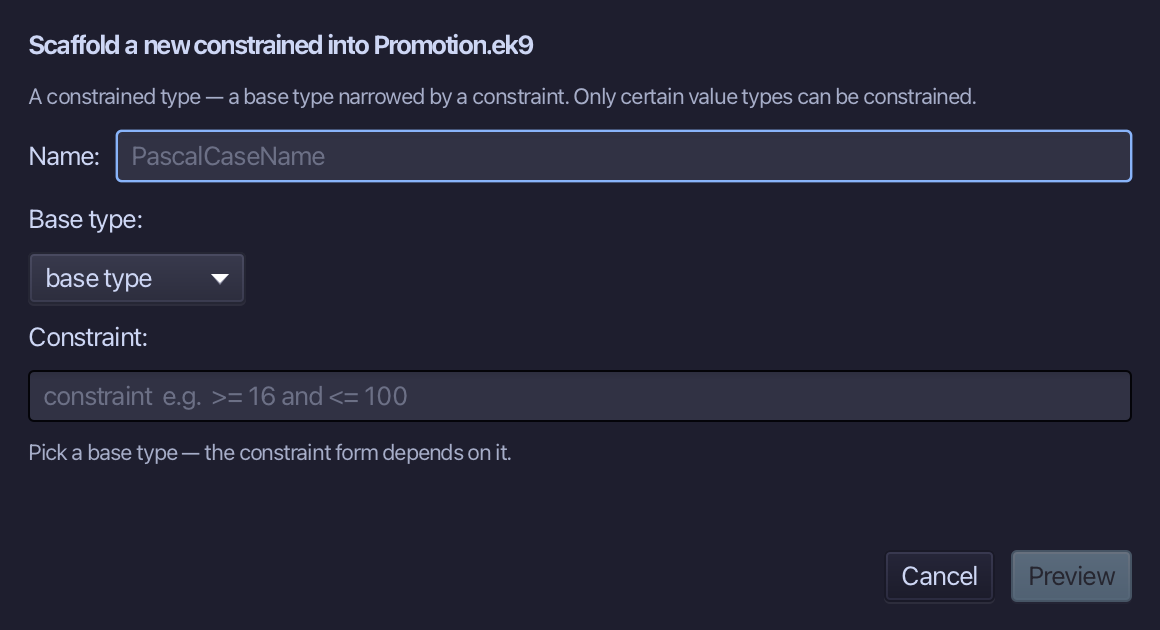
DrivingAge is the constrained type's name. Choose Integer as its base type, then type its rule, >= 16 and <= 100, into the Constraint field. Choose Preview.
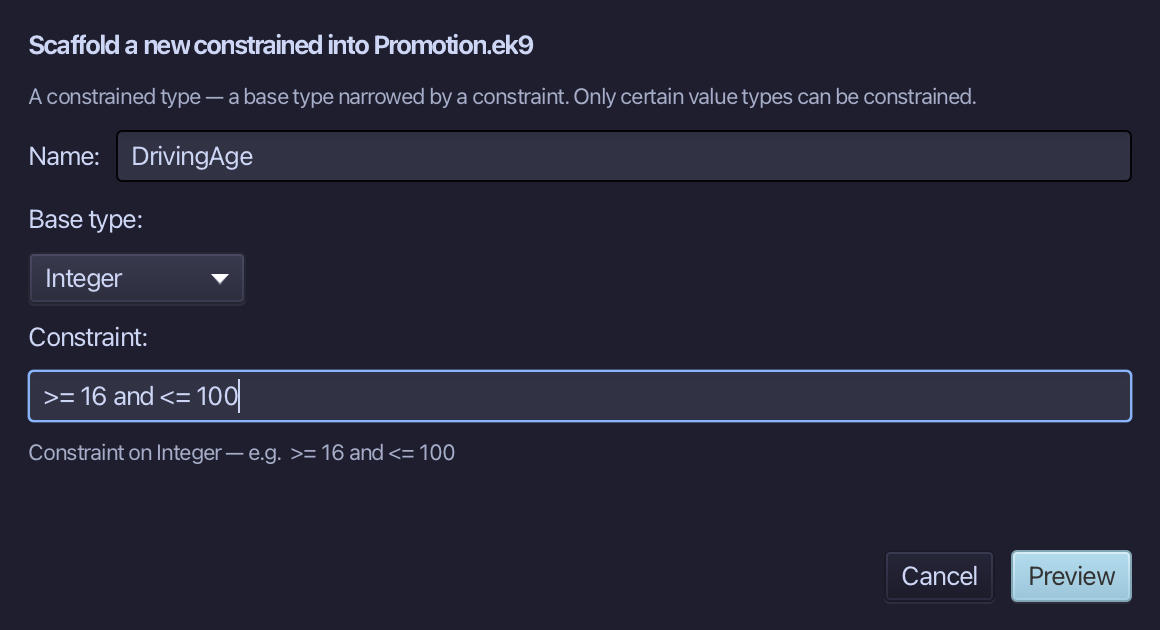
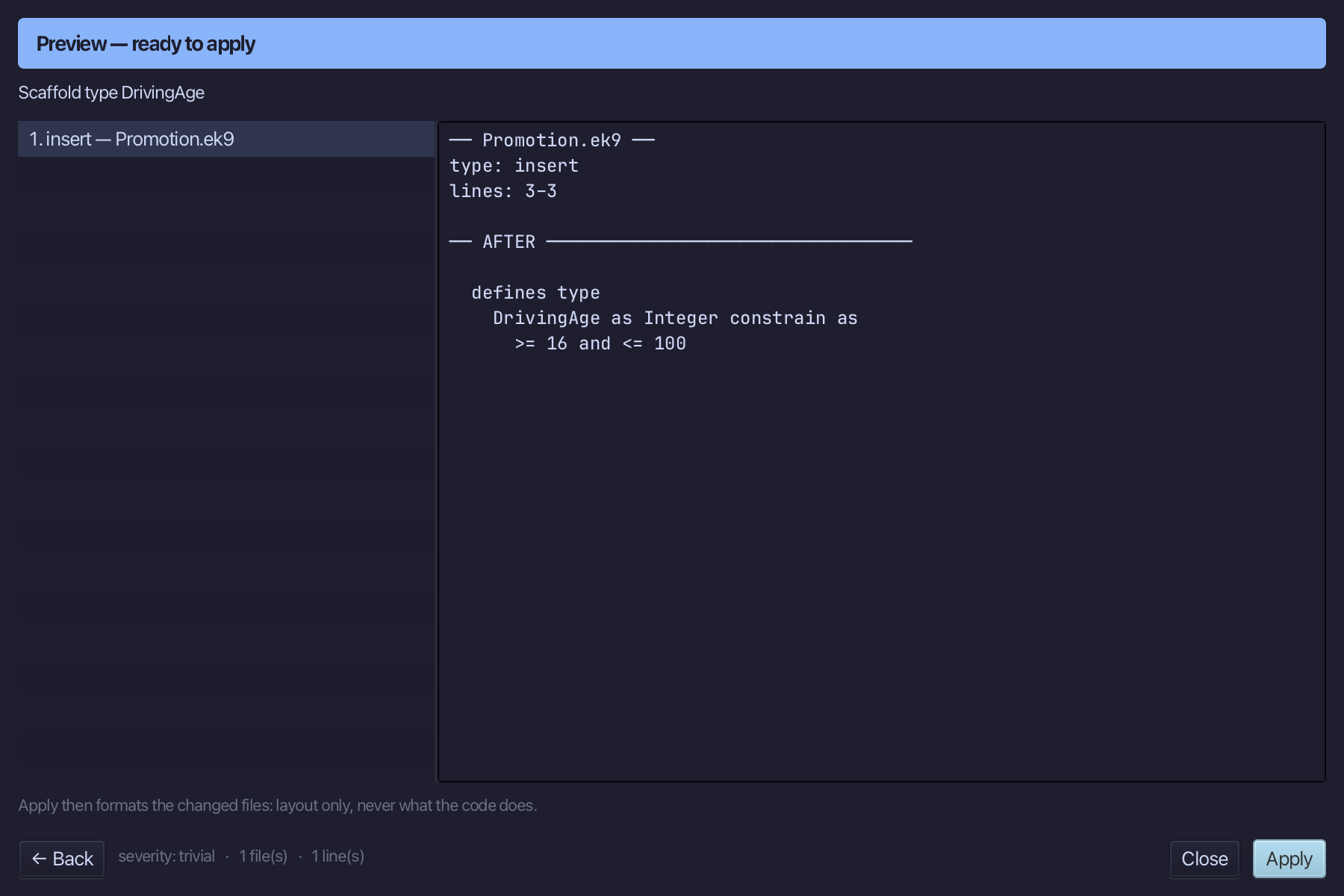
The preview shows DrivingAge about to be written, Integer narrowed by its rule. Choose Apply.
Step 2: takesInteger — wants a plain Integer
Choose Code > New Construct > Function…
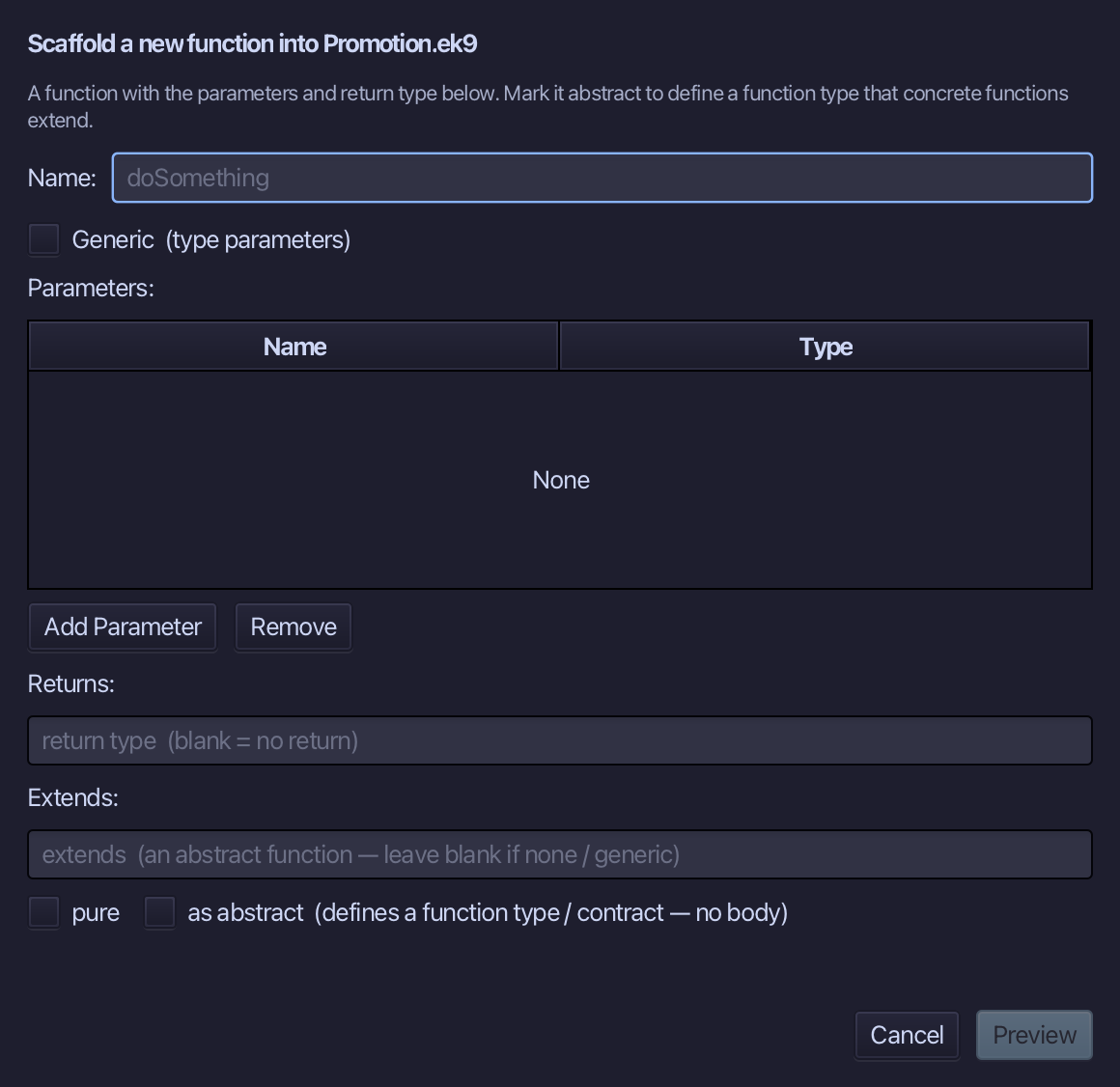
takesInteger is the function's name. Add one parameter, n of type Integer, and set Returns to Integer. Choose Preview.
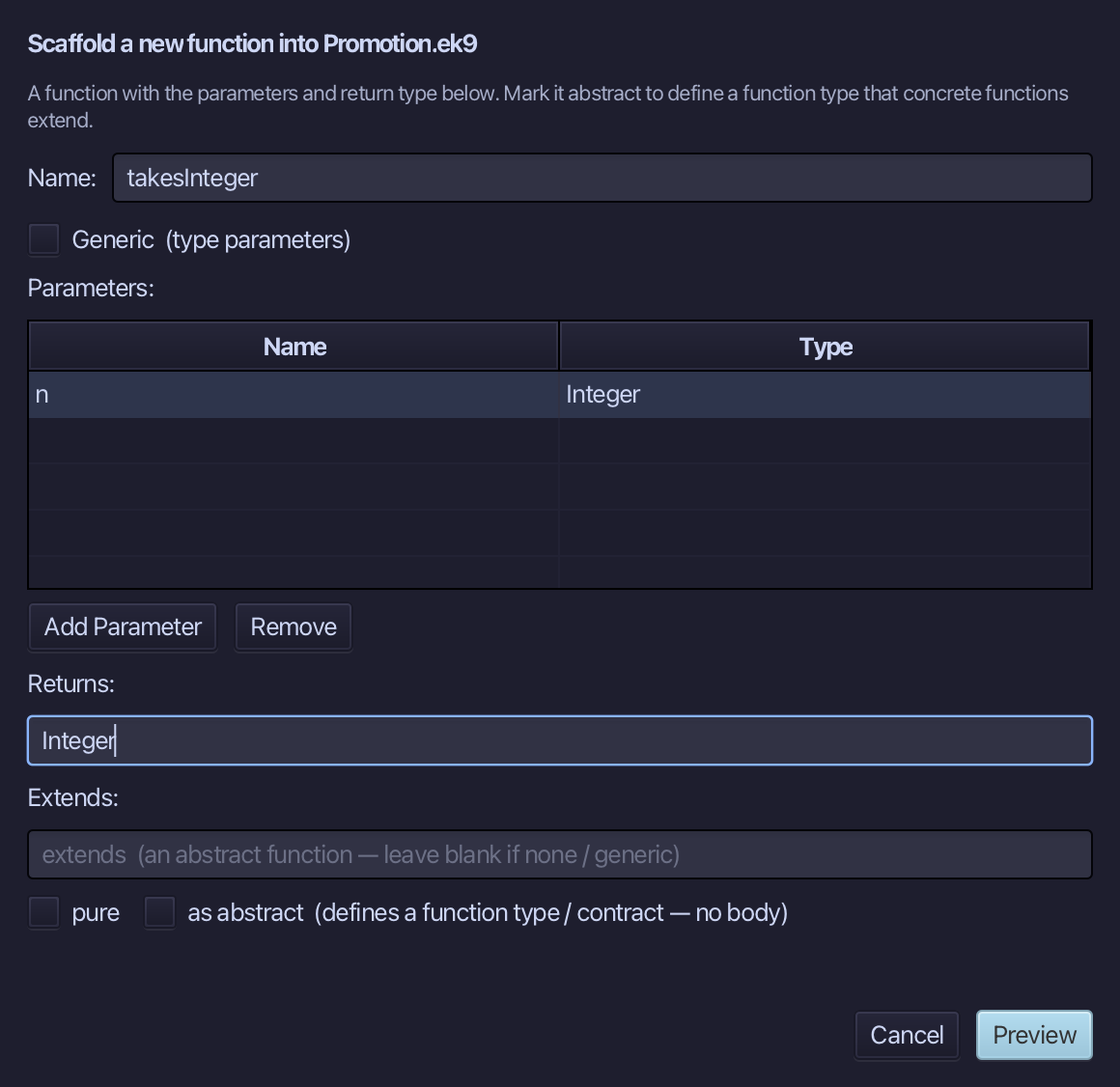
The preview shows takesInteger about to be written, n in and Integer out. Choose Apply.
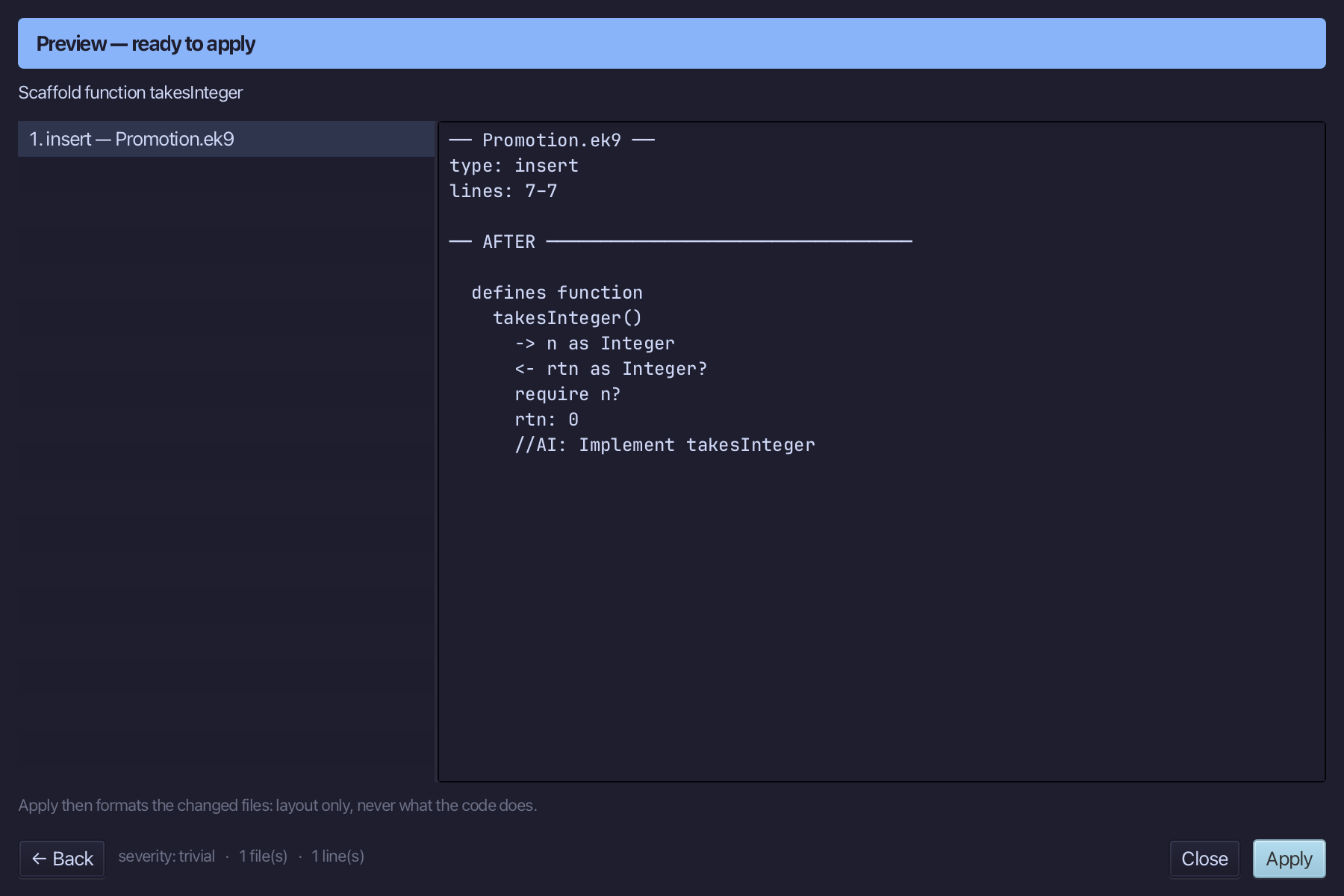
Select the stub, from <- rtn as Integer? down to its //AI line, and type the answer: one more than n. Saves when typed.
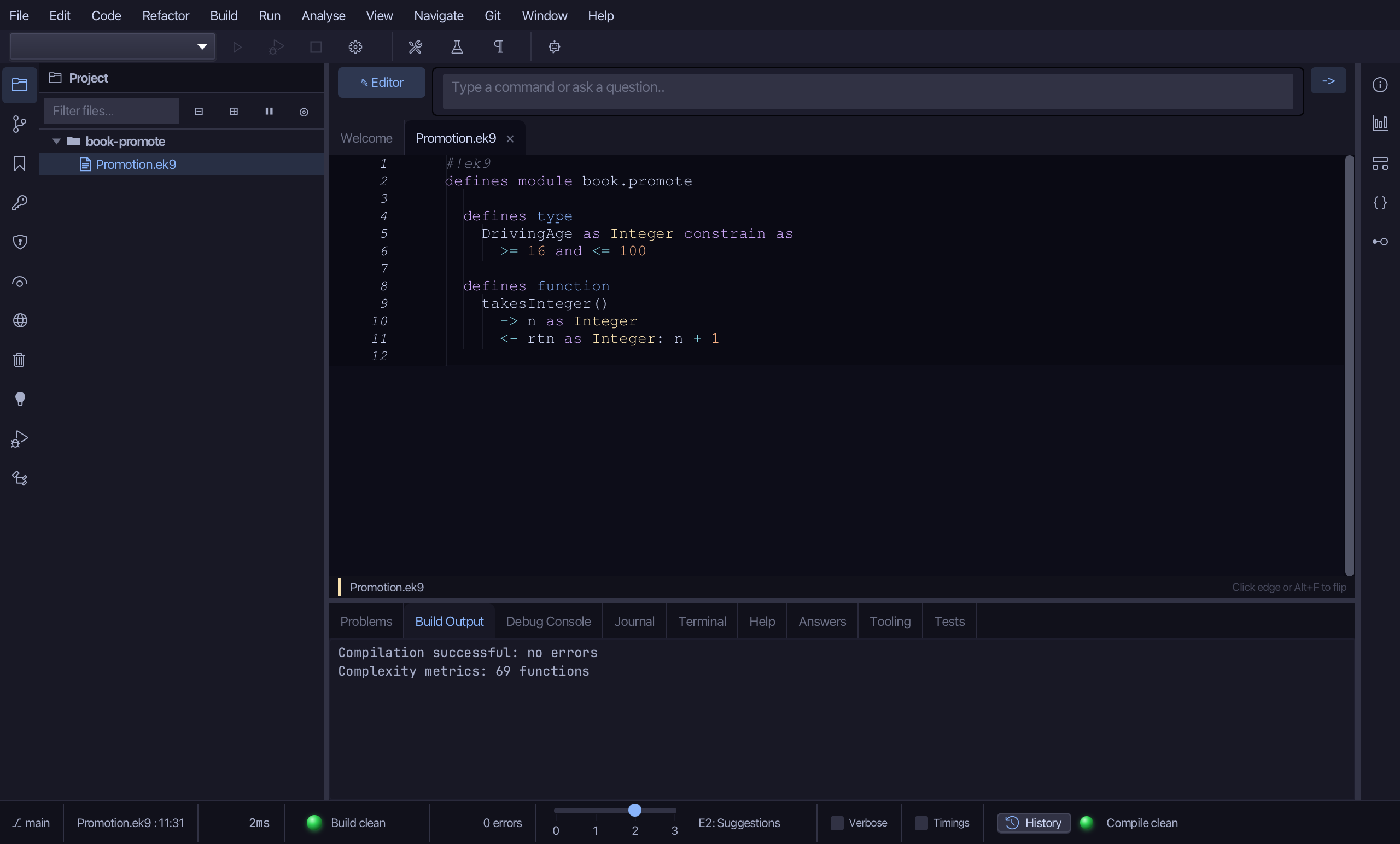
Step 3: The program — promoting with #^
Choose Code > New Construct > Program…
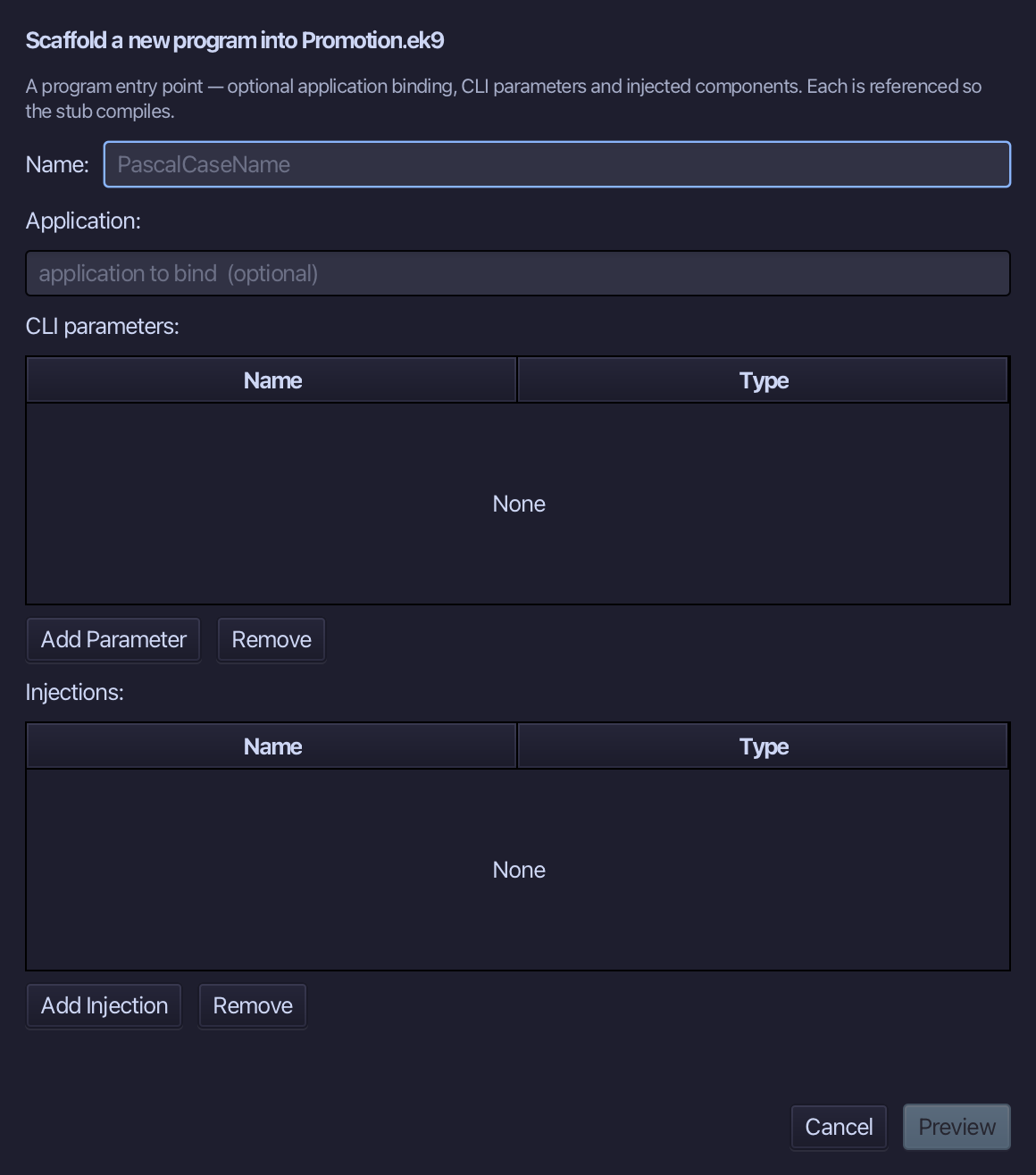
Show is the program's name - nothing to bind, no parameters. Type Show and choose Preview.
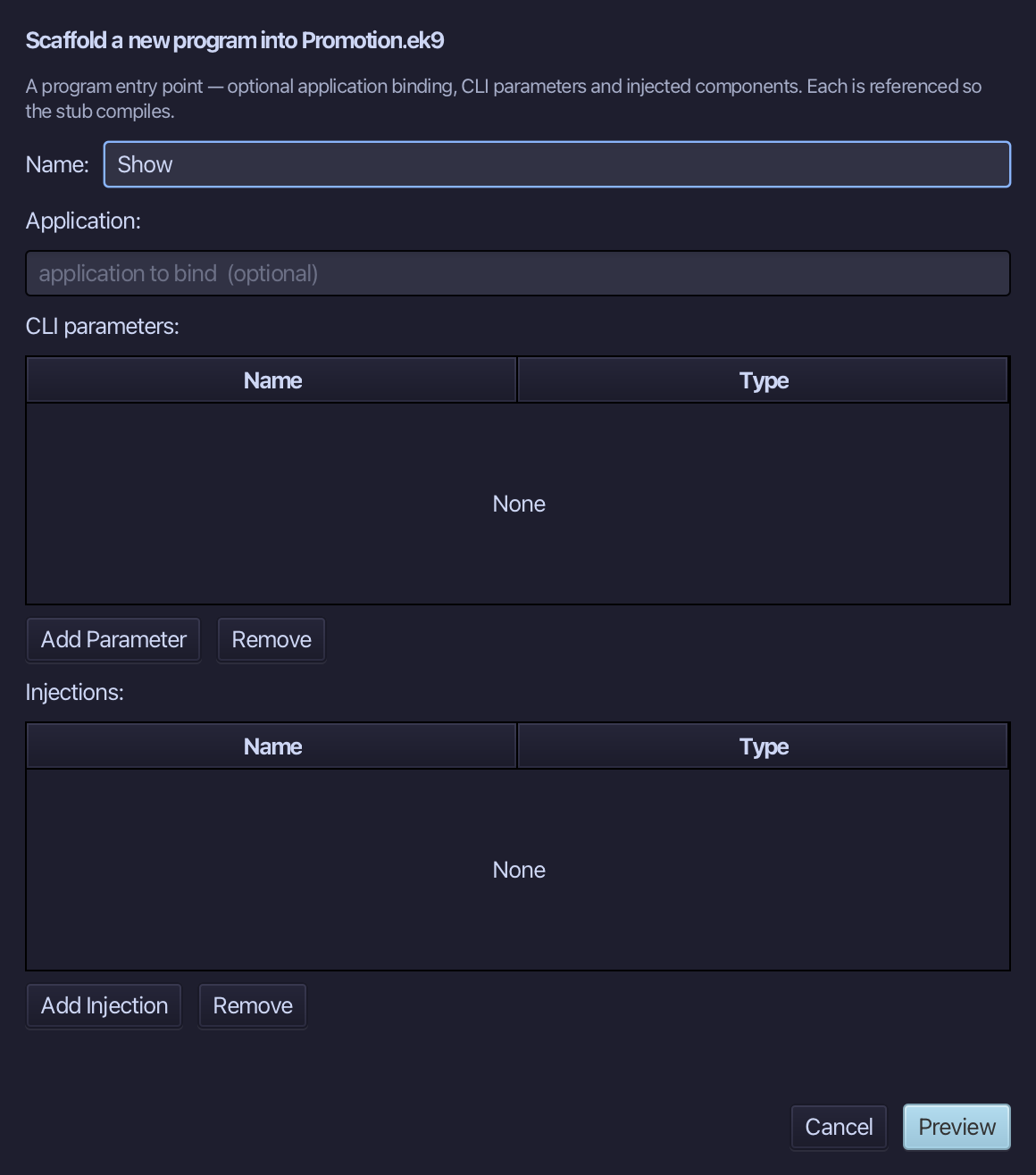
The preview shows Show about to be written. Choose Apply.
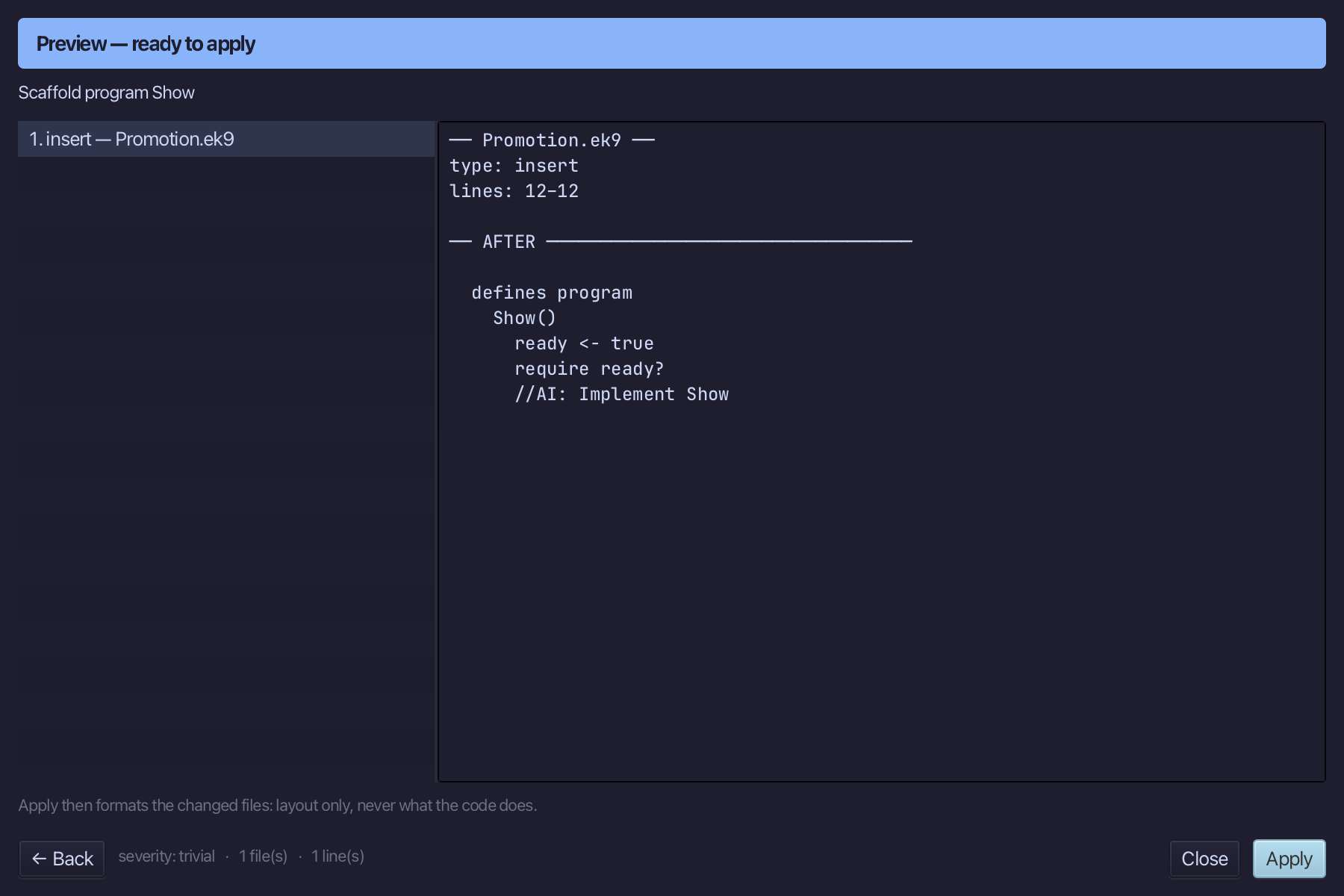
Select the stub, from ready <- true down to its //AI line, and type the program: promote a DrivingAge with #^, change the copy, and hand a promotion straight to takesInteger. Saves when typed.
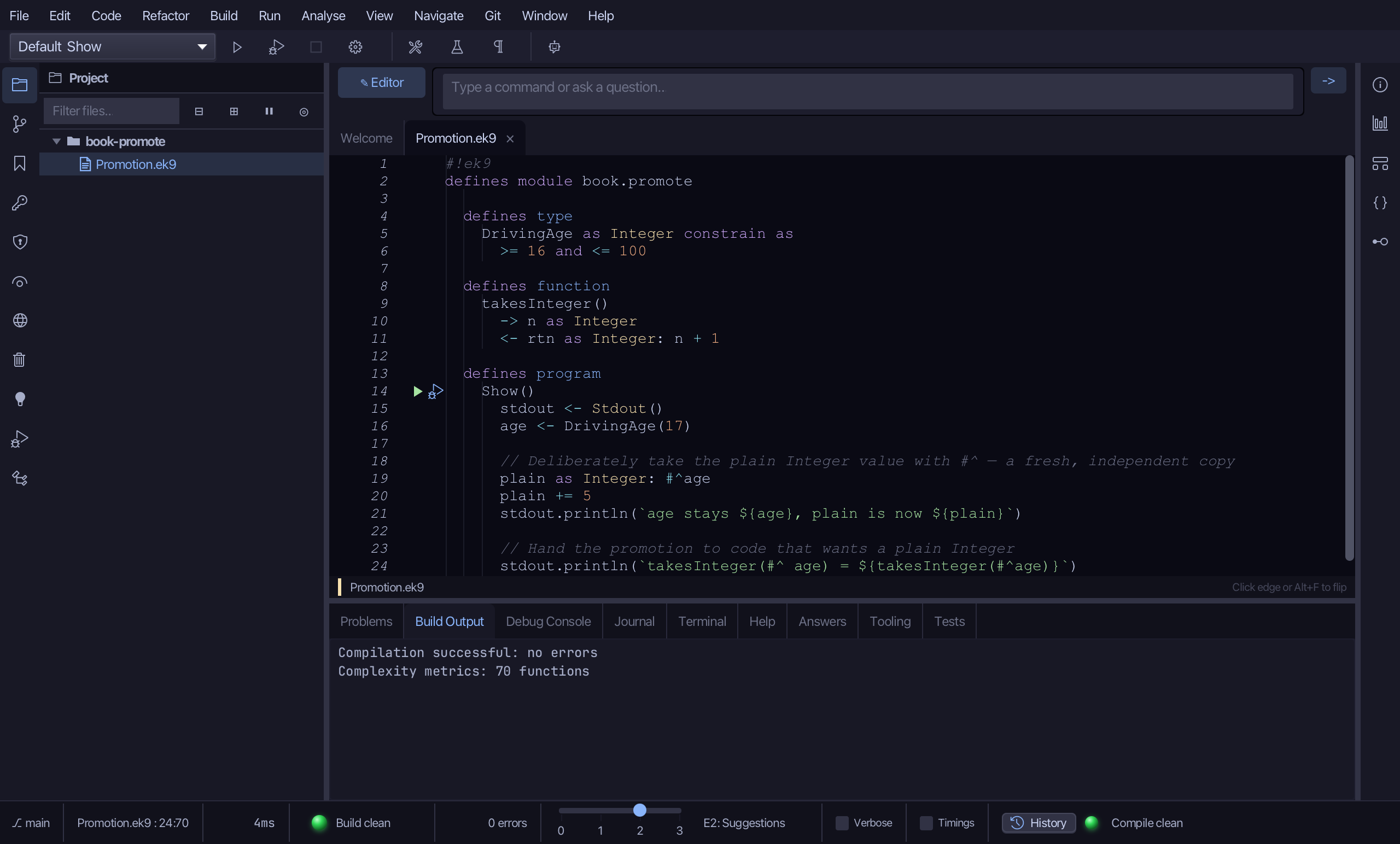
Step 4: Run it
Choose Run > Run Program…
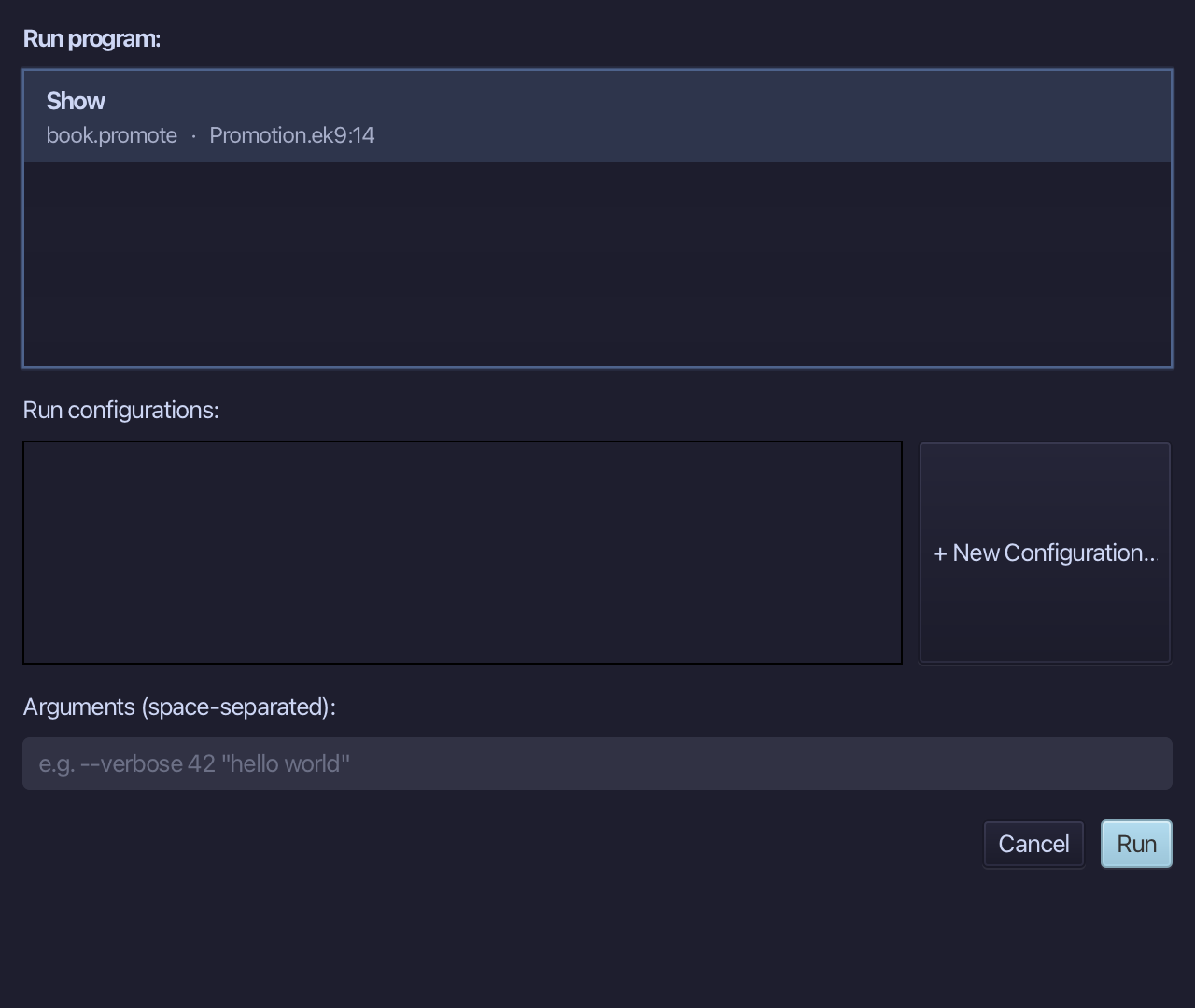
The project's only program is already chosen. Choose Run.
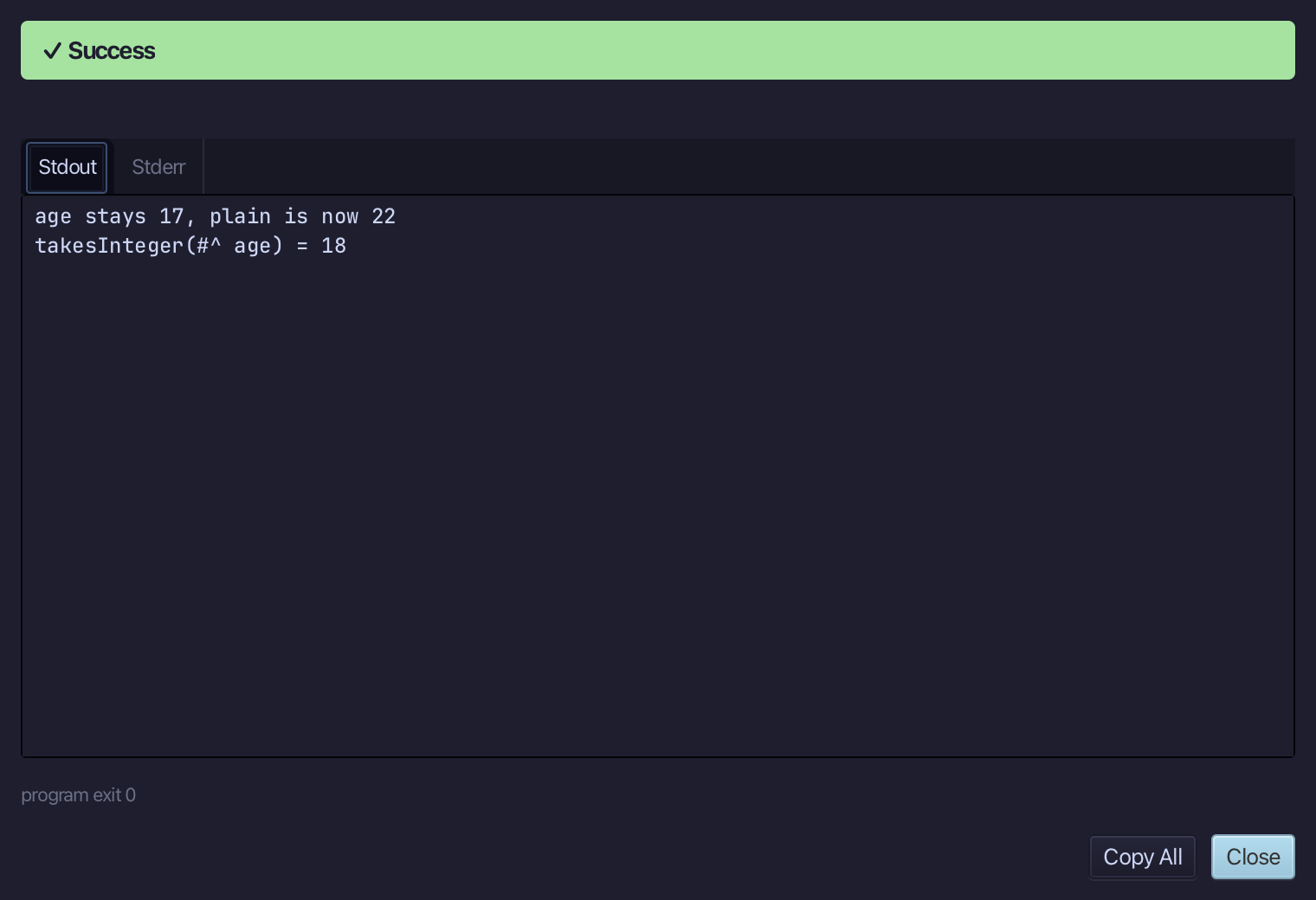
age stays 17 while plain is now 22 - the copy changed, the DrivingAge did not - and takesInteger(#^ age) gives 18. Choose Close.
The result
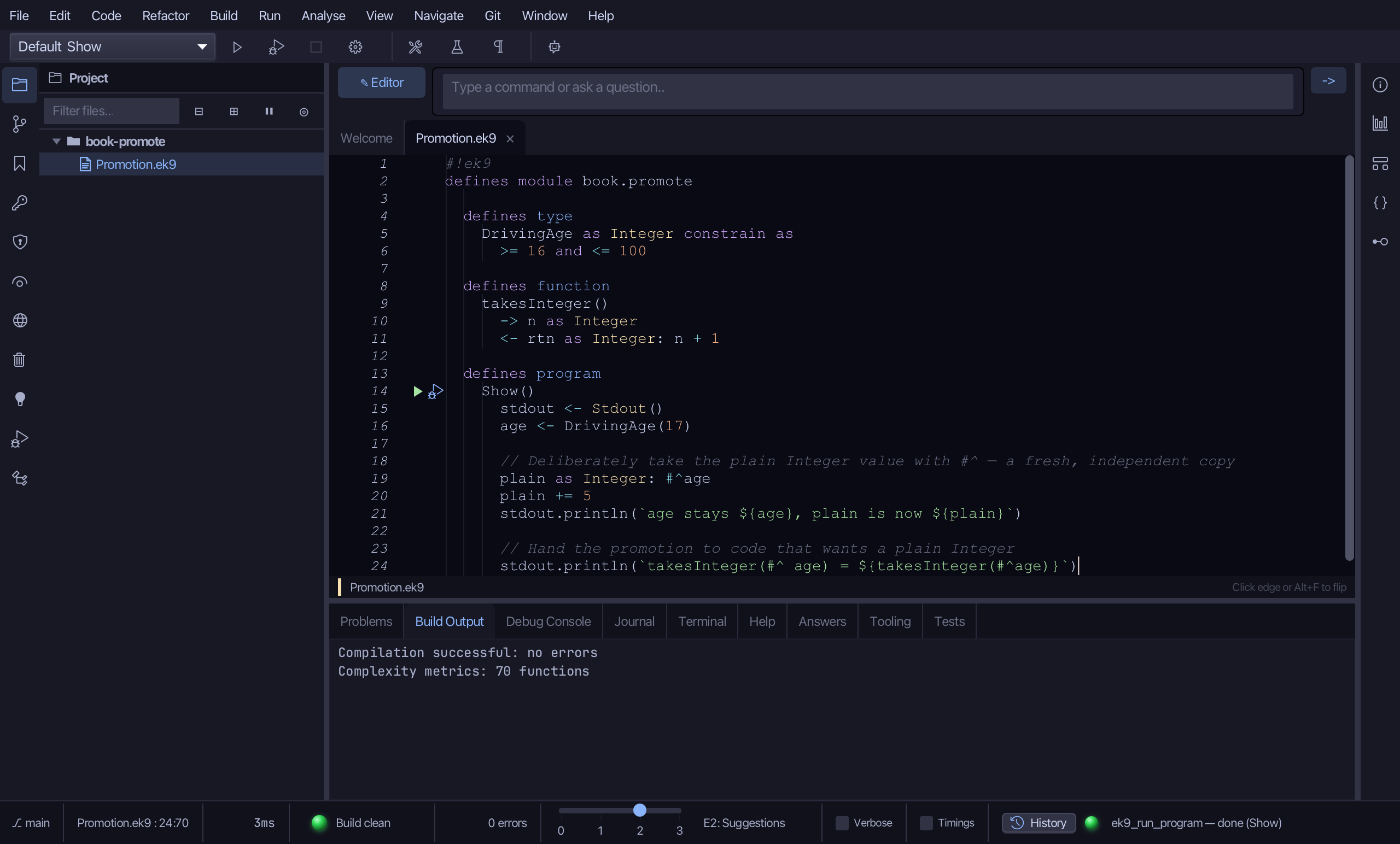
Promotion.ek9 now reads exactly as chapter 15 of Getting Started with EK9 shows it: a constrained type and a function that takes a plain Integer, both made by the tools, and a program that promotes a DrivingAge with #^ - a separate copy that can change freely while the DrivingAge stays as it was.
Where this lesson comes from
- For AI assistants - the MCP tool
ek9_new_construct,ek9_add_program.
In the EK9 reference: EK9 Basics