Organize Constants
Organize Constants gathers every constant of a module into one file, so its fixed values are found in one place. Here three files of one module each define constants of their own, so EK9 refuses it - E11066, explained in the Hovers panel; ten or more constants across two files are refused the same way (E11067). To play it in the IDE: Help > Lessons > Refactoring…, or ek9 -ide -lesson organize-constants.
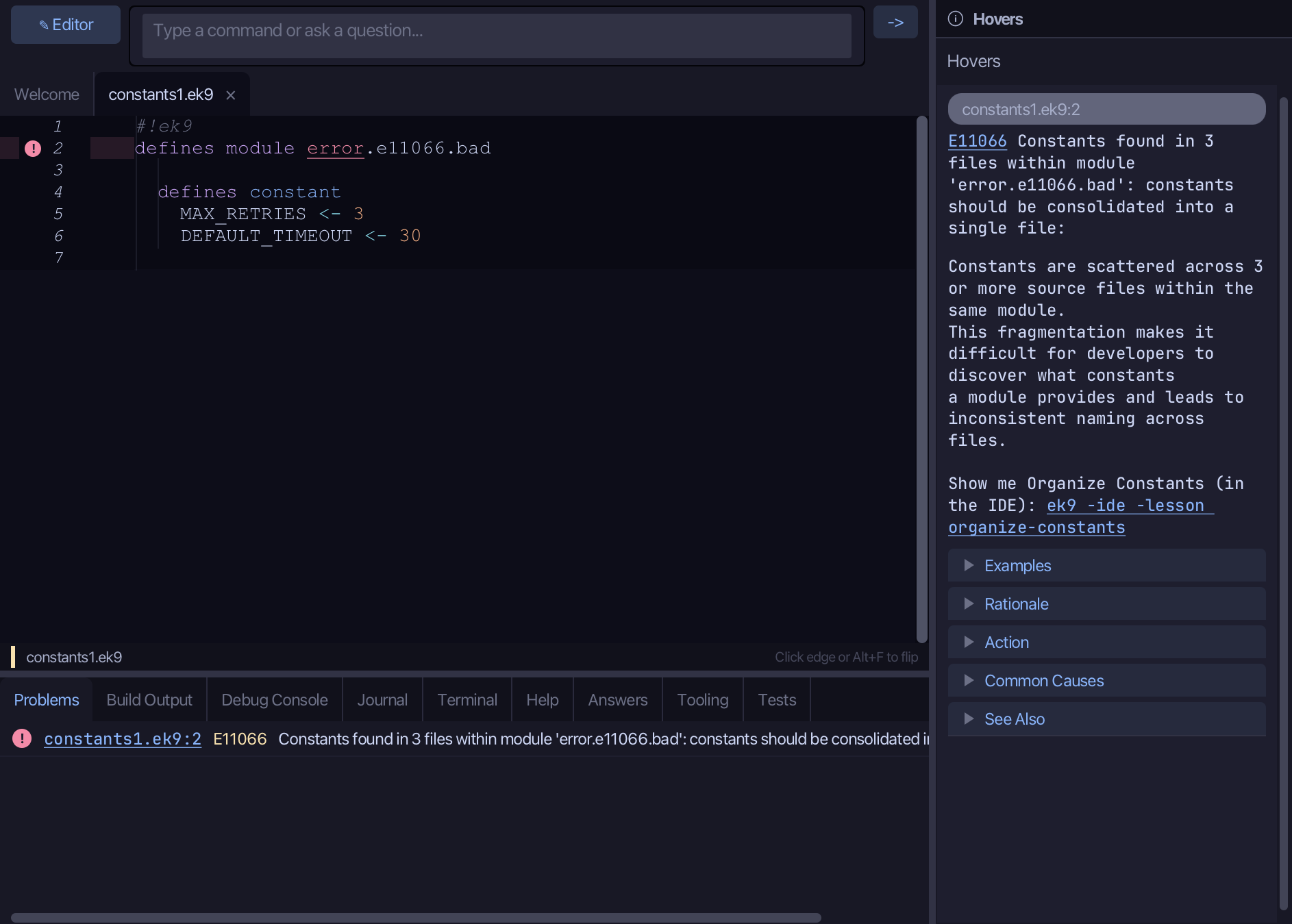
Start from
The code the lesson starts from: copy it into a file of your own and follow the steps.
Fails with E11066: constants should be consolidated into a single file
constants1.ek9
#!ek9
defines module error.e11066.bad

  defines constant
    MAX_RETRIES <- 3
    DEFAULT_TIMEOUT <- 30
constants2.ek9
#!ek9
defines module error.e11066.bad

  defines constant
    BASE_URL <- "https://example.com"
    API_VERSION <- 2
constants3.ek9
#!ek9
defines module error.e11066.bad

  defines constant
    LOG_LEVEL <- "DEBUG"
    MAX_CONNECTIONS <- 100
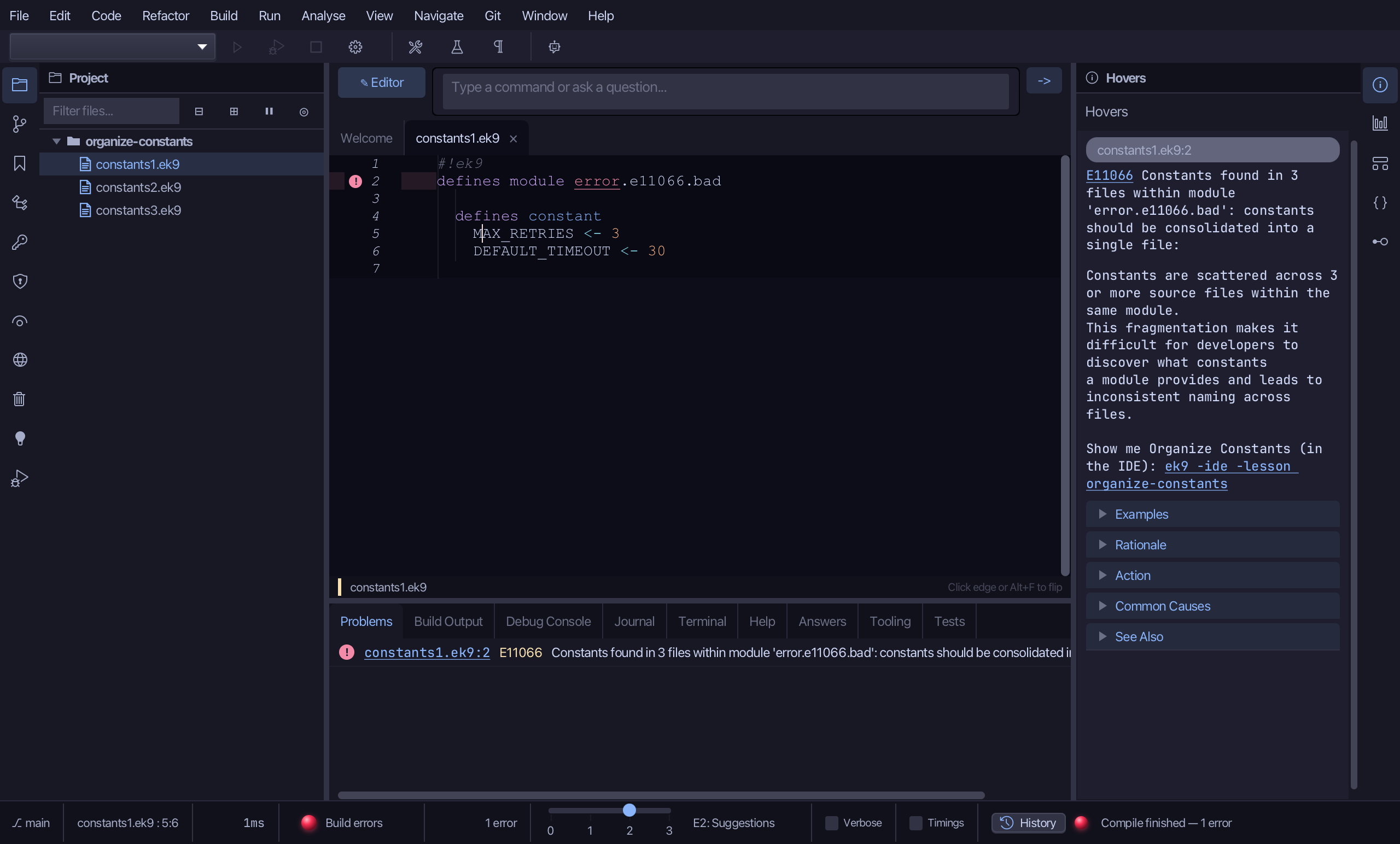
Step 1: Where it is
Put the caret on MAX_RETRIES, on line 5.
Step 2: Organize Constants
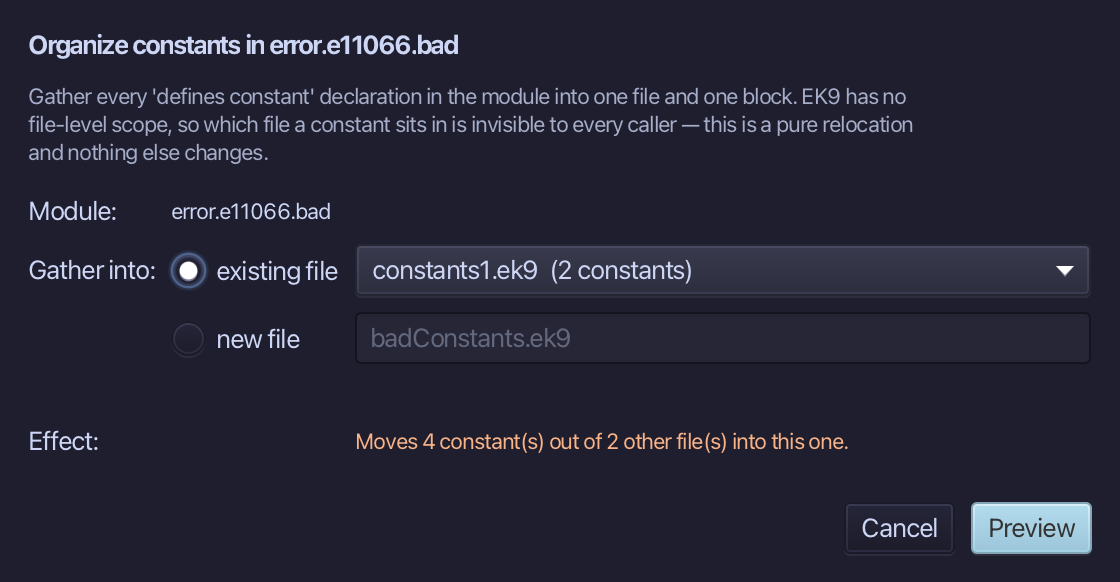
Choose Refactor > Organize Constants…
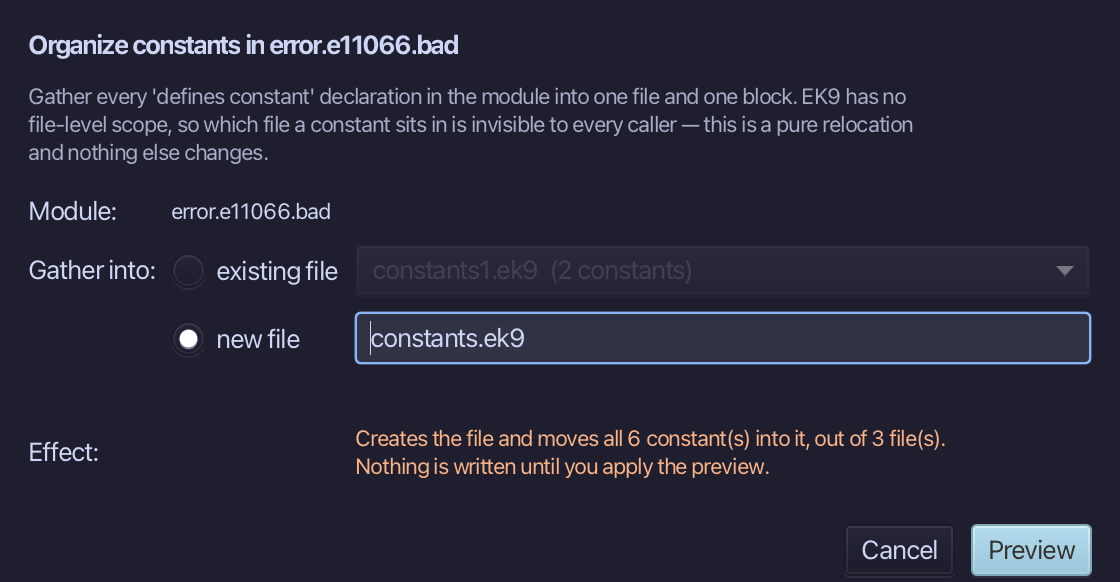
Choose new file, name it constants.ek9 - a file of the module's own for its constants - and choose Preview.
Step 3: Preview and apply
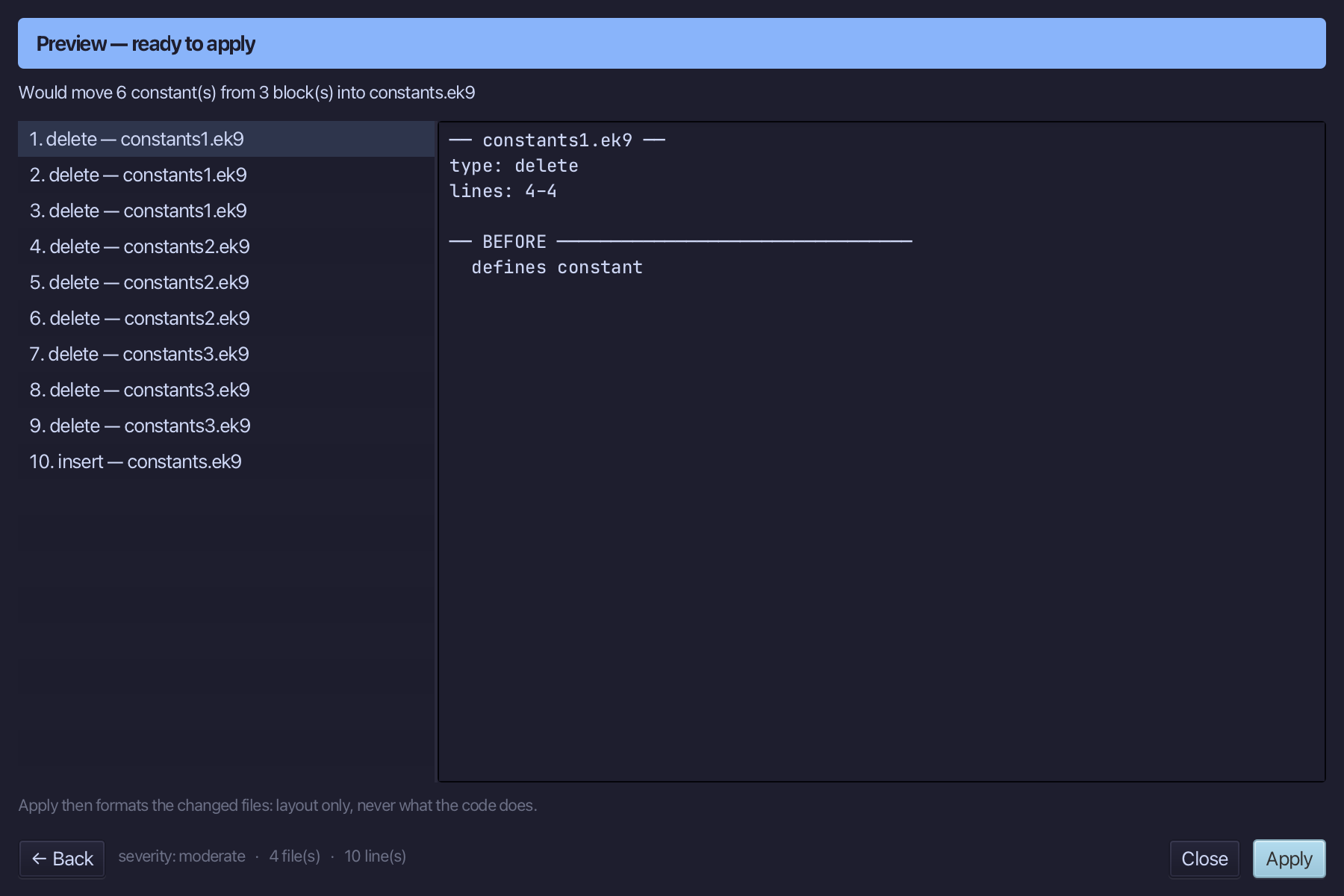
The preview shows every change the refactoring makes; then the IDE formats each file it changed. Choose Apply.
The result
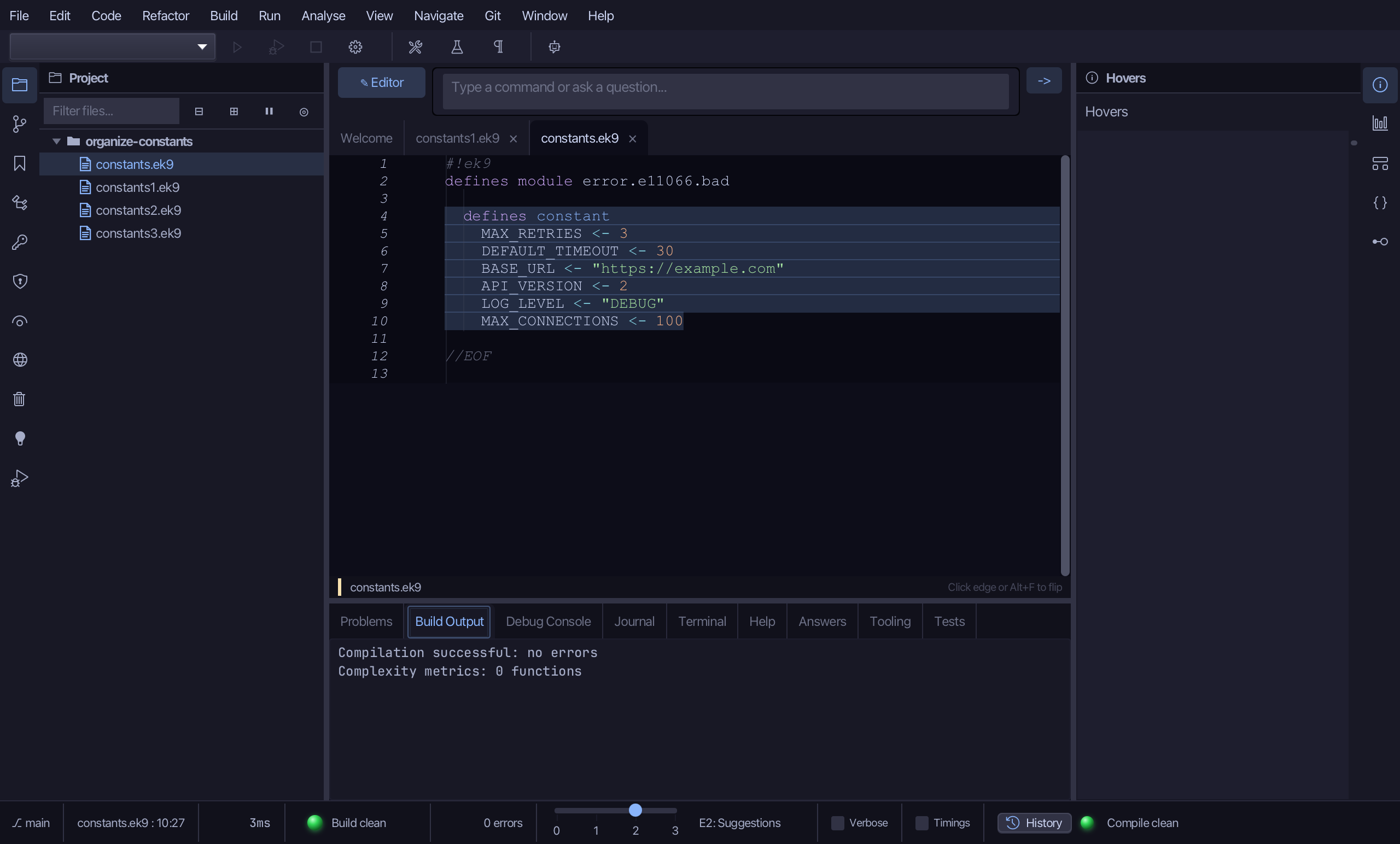
That is Organize Constants: the six constants are one block in constants.ek9, and the three files they came from hold only their module line - delete them, or keep them for what comes next. Which file a constant is in makes no difference to the code that uses it. AI assistants use the ek9_organize_constants tool.
Where this lesson comes from
- The errors it fixes - each one's explanation offers this lesson: E11066, E11067.
- Answers -
ek9 -qand the IDE's Answers tab: 863, 1341. - For AI assistants - the MCP tool
ek9_organize_constants.